Codename One Developer Guide
version DEV-SNAPSHOT, 2026-10-30
- Preface
- Getting started
- 1. Introduction
- 2. Maven Project Workflow
- 2.1. Introduction
- 2.2. Getting started
- 2.3. Updating Codename One
- 2.4. Creating project templates
- 2.5. Codename One libraries
- 3. Gradle project workflow
- Core concepts
- 4. The EDT - Event Dispatch Thread
- 5. Events
- 6. Device Input and Form Factors
- User interface
- 7. Basics: Themes, styles, components, and layouts
- 8. The components of Codename One
- 8.1. Container
- 8.2. Form
- 8.3. Dialog
- 8.4. InteractionDialog
- 8.5. Label
- 8.6. TextField and TextArea
- 8.7. TextComponent
- 8.8. Button
- 8.9. CheckBox/RadioButton
- 8.10. ComponentGroup
- 8.11. MultiButton
- 8.12. SpanButton
- 8.13. SpanLabel
- 8.14. OnOffSwitch
- 8.15. InfiniteProgress
- 8.16. InfiniteScrollAdapter and InfiniteContainer
- 8.17. List, MultiList, renderers & models
- 8.17.1. InfiniteContainer/InfiniteScrollAdapter vs. List/ContainerList
- 8.17.2. Why isn’t list deprecated
- 8.17.3. MVC in lists
- 8.17.4. Understanding MVC
- 8.17.5. Important - lists and Layout managers
- 8.17.6. MultiList & DefaultListModel
- 8.17.7. List cell renderer
- 8.17.8. Generic list cell renderer
- 8.17.9. ComboBox
- 8.18. Slider
- 8.19. Table
- 8.20. Tree
- 8.21. ShareButton
- 8.22. iOS Share Extension Authoring Helper
- 8.23. Tabs
- 8.24. MediaManager & MediaPlayer
- 8.25. ImageViewer
- 8.26. ScaleImageLabel & ScaleImageButton
- 8.27. Toolbar
- 8.28. BrowserComponent & WebBrowser
- 8.29. Text editors
- 8.30. AutoCompleteTextField
- 8.31. Picker
- 8.32. SwipeableContainer
- 8.33. EmbeddedContainer
- 8.34. MapComponent
- 8.35. Chart Component
- 8.36. Calendar
- 8.37. ToastBar
- 8.38. SignatureComponent
- 8.39. Accordion
- 8.40. Floating hint
- 8.41. Floating Button
- 8.42. SplitPane
- 9. Component selector
- 10. Rich Text and Code Editing
- 10.1. Editor architecture and backend selection
- 10.2. Focus, change events, and editability
- 10.3. Platform text input and input methods
- 10.4. Lightweight fields with EditField
- 10.5. Selection, bidirectional text, and scrolling
- 10.6. RichTextArea
- 10.7. Read-only rich text with RichTextComponent
- 10.8. CodeEditor
- 10.9. Port integration checklist
- 11. Accessibility Semantics
- 11.1. Built-in semantics
- 11.2. Roles, names, values, and state
- 11.3. Ranges and editable values
- 11.4. Custom accessibility actions
- 11.5. Grouping and virtual descendants
- 11.6. Traversal order
- 11.7. Live regions and screen changes
- 11.8. User accessibility preferences
- 11.9. Collections
- 11.10. Inspecting and testing semantics
- 11.11. Diagnosing and correcting an inaccessible screen
- 11.12. Platform mappings
- 12. Animations
- Theming and styling
- 13. Advanced theming
- 13.1. Working with UIIDs
- 13.2. Theme layering
- 13.3. Override resources in platform
- 13.4. Theme constants
- 13.5. Native theming
- 13.6. Under the hood of the theme engine
- 13.7. Understanding images and Multi-Images
- 13.8. Use millimeters for Padding/Margin and font sizes
- 13.9. Creating a great looking side menu
- 13.10. From a design to a theme
- 14. Native modern themes
- 14.1. Inheriting OS colors and fonts
- 14.2. Selecting a theme
- 14.3. Desktop themes
- 14.4. Light and dark mode
- 14.5. Material 3 color palette (Android)
- 14.6. iOS modern color palette
- 14.7. Accent palette override
- 14.8. Platform-specific UIIDs
- 14.9. Switching CheckBox / RadioButton glyphs
- 14.10. Component-specific tuning constants
- 14.11. iOS 26 Liquid Glass tab selection morph
- 14.12. Customizing in your own theme
- 14.13. Inheriting from a native UIID
- 14.14. Translucency, glass effects, and the test harness
- 15. CSS
- 15.1. Activating CSS
- 15.2. Splitting a stylesheet with
@import - 15.3. Layering one theme over another
- 15.4. Supported CSS selectors
- 15.5. Special selectors
- 15.6. Standard CSS properties
- 15.7. Custom properties
- 15.8. CSS variables
- 15.9. CSS properties
- 15.10. Images
- 15.11. Image recipes
- 15.12. Image compression
- 15.13. Fonts
- 15.14. Media queries
- 13. Advanced theming
- Graphics and games
- 16. Graphics, drawing, images, and fonts
- 17. Build-Time Vector & Animation Images
- 18. 3D Graphics and Shaders
- 19. Augmented Reality
- 20. Virtual Reality and 360 Media
- 21. Game Development
- 21.1. Sample games
- 21.2. The game loop:
GameView - 21.3. Input:
GameInput - 21.4. On-screen touch controls
- 21.5. Sprites
- 21.6. Case study: The card game (flat 2D)
- 21.7. Case study: Faux-3D checkers (isometric projection)
- 21.8. 3D and perspective
- 21.9. Low latency audio:
SoundPool - 21.10. Physics
- 21.11. Putting it together: Anatomy of a game
- 21.12. Performance notes
- 22. The Game Builder
- 23. Game Assets
- 24. Running Flutter applications
- Data, media and networking
- 25. File system, storage, network, and parsing
- 25.1. JAR resources
- 25.2. Storage
- 25.3. File system
- 25.4. SQL
- 25.5. Network manager & connection request
- 25.6. Debugging network connections
- 25.7. Rest API
- 25.8. Webservice wizard
- 25.9. Connection request caching
- 25.10. Cached data service
- 25.11. Externalizable objects
- 25.12. UI bindings & utilities
- 25.13. Logging & crash protection
- 25.14. Sockets
- 25.15. Properties
- 26. Desktop and Backend Processes
- 27. Deeper Network Connectivity
- 28. JSON / XML Object Mapping
- 29. Component Binding
- 30. SQLite ORM
- 31. Media and Audio
- 32. Video encoding & decoding (VideoIO)
- 33. Video capture constraints API
- 25. File system, storage, network, and parsing
- Server side
- 34. Server-side backend
- 35. Backend controllers, contracts and WebSockets
- 35.1. Mapping requests
- 35.1.1. Binding the parts of a request
- 35.1.2. What a method returns
- 35.1.3. Your own classes as JSON
- 35.1.4. Shaping the JSON contract
- 35.1.5. Coming from Jackson
- 35.1.6. Taking the request itself
- 35.1.7. Forms and file uploads
- 35.1.8. Large uploads and downloads
- 35.1.9. Compression
- 35.1.10. Cross-origin requests
- 35.1.11. Serving static files
- 35.1.12. When a method throws
- 35.1.13. Validating input
- 35.1.14. Around every request
- 35.1.15. Coming from Servlets and Spring MVC
- 35.1.16. Hosting the app in the browser
- 35.2. Sharing the contract with the app
- 35.3. Real-time with WebSockets
- 35.4. Calling other services
- 35.5. Sending push notifications
- 35.1. Mapping requests
- 36. Compiled HTML views
- 37. Backend beans and dependency injection
- 38. Backend testing
- 38.1. Setting up a module for tests
- 38.2. Testing a controller with MockMvc
- 38.3. Testing over a real port
- 38.4. Settings and profiles
- 38.5. Replacing a bean
- 38.6. Mocking a bean with Mockito
- 38.7. Testing one slice of the application
- 38.8. Turning production features on
- 38.9. Running the tests compiled
- 38.10. Differences from Spring Boot
- 39. Backend data access and transactions
- 39.1. Talking to a database
- 39.2. Storing objects
- 39.3. Schema migrations
- 39.4. Transactions
- 39.4.1. How a method joins a transaction
- 39.4.2. Propagation
- 39.4.3. Rollback rules
- 39.4.4. Read-only transactions and timeouts
- 39.4.5. Transaction isolation
- 39.4.6. Completion hooks and transaction resources
- 39.4.7. Savepoints
- 39.4.8. The transaction’s session
- 39.4.9. Why a call through this works
- 39.4.10. Pitfalls
- 40. Backend sessions
- 41. Backend security
- 41.1. The filter chain
- 41.2. Users and passwords
- 41.3. Authorization rules
- 41.4. Form login, HTTP Basic and sign-out
- 41.5. CSRF, sessions and headers
- 41.6. Method security
- 41.7. A JWT resource server
- 41.8. API keys
- 41.9. Rate limiting
- 41.10. Signing in through another provider
- 41.11. Calling other services
- 41.12. The authorization server
- 41.13. A second factor
- 41.14. Passkeys
- 41.15. Remembering a user
- 41.16. Keeping it in the database
- 41.17. Migrating an existing identity store
- 41.18. Certificates, key stores and key agreement
- 41.19. Testing
- 41.20. A server links only the security it declares
- 41.21. Configuration keys
- 41.22. How this differs from Spring Security
- 42. Backend scheduling and background work
- 43. Backend tracing, metrics and management
- 44. Backend MCP and the agent loop
- 45. Backend performance, deployment and limits
- 46. Wayline: A ride-hailing app from three sides
- 47. Wayline: Building on the sample
- 47.1. Running it
- 47.2. The modules
- 47.3. The contract both sides share
- 47.4. How the server is put together
- 47.5. Who may do what
- 47.6. A ride from request to receipt
- 47.7. Live updates
- 47.8. The app
- 47.9. Tests
- 47.10. Your project’s names
- 47.11. Making it yours: A ride-sharing service
- 47.12. Making it yours: A dispatch service for a taxi station
- 47.13. Billing
- 47.14. Text messages
- 47.15. Push notifications
- 47.16. The ride on the lock screen
- 47.17. Driving in the background
- 47.18. Signing in through another identity provider
- 47.19. Analytics
- 47.20. Maps, search and routes
- 47.21. Demo data
- 47.22. Native maps
- 47.23. The database
- 48. Savor: A food-delivery app from four sides
- 49. Savor: Building on the sample
- 50. Skirmish: Making the game your own
- 50.1. Running it
- 50.2. What the sample does
- 50.3. The modules
- 50.4. The rules run everywhere
- 50.5. The server is the referee
- 50.6. The finishing camera
- 50.7. Progression
- 50.8. Re-skinning
- 50.9. Purchases
- 50.10. Ads
- 50.11. Push notifications and analytics
- 50.12. Moderation
- 50.13. Inviting friends and promoting the game
- 50.14. Reports, queries and engagement pipelines
- 50.15. Tutorial: Growing your game
- 50.16. The training battle
- 50.17. Content packs and the Forge
- 50.18. Tests
- 51. Parley: A private messenger from three sides
- 52. Parley: Building on the sample
- 53. Reel: A streaming service from four sides
- 54. Reel: Building on the sample
- 55. Bastion: A bank that shows its locks
- 56. Bastion: Building on the sample
- 56.1. Running it
- 56.2. The modules
- 56.3. Signing in
- 56.4. A signed payment
- 56.5. The ledger
- 56.6. The accounting model
- 56.7. Charts, tables and the console
- 56.8. The audit chain
- 56.9. Security features and where they live
- 56.10. What only a cloud build turns on
- 56.11. Settings
- 56.12. The API
- 56.13. Threat model
- 56.14. Tests
- 56.15. Making it yours
- 56.16. On a real chain
- 56.17. Security checklist
- 56.18. Before it’s a product
- Device and platform services
- 57. Push notifications
- 57.1. Create and configure an application
- 57.2. Bind the client
- 57.3. Build a message
- 57.4. Send from a server
- 57.5. Migrate an existing push server
- 57.6. Learn which sends failed
- 57.7. Build audiences in the Console
- 57.8. Send a message from the Console
- 57.9. Event automations
- 57.10. Widgets and live surfaces
- 57.11. Use an application-owned push server
- 57.12. Testing delivery behavior
- 58. Notifications and Background Execution
- 59. Calendar integration
- 60. External Surfaces: Widgets and Live Activities
- 61. Maps
- 62. In-Car Experiences (CarPlay & Android Auto)
- 63. Motion Sensors
- 64. Near-Field Communication (NFC)
- 65. Bluetooth
- 66. Nearby Devices
- 67. Call Management
- 67.1. Five Things Worth Knowing Before You Design Around This
- 67.2. Owning A Call
- 67.3. The Values These APIs Hand You
- 67.4. Actions, And Why They Have To Be Answered
- 67.5. Ringing When The App isn’t Running
- 67.6. Naming And Blocking Other People’s Callers
- 67.7. Developing Without Hardware
- 67.8. Build Hints
- 68. Real-Time Audio and Video
- 69. VPN
- 70. Health
- 70.1. Quick start
- 70.2. Permissions, and the one thing that will surprise you
- 70.3. Reading samples
- 70.4. Aggregates and time buckets
- 70.5. Writing samples
- 70.6. Background delivery
- 70.7. Workouts
- 70.8. Bluetooth health sensors
- 70.9. Nutrition
- 70.10. Build configuration
- 70.11. Privacy and store policy
- 70.12. Simulating health
- 70.13. Troubleshooting
- 71. Smart Home
- 71.1. The model
- 71.2. Quick start
- 71.3. Android’s default answer isn’t "available"
- 71.4. Reading and writing
- 71.5. Values and units
- 71.6. Watching for change
- 71.7. Scenes
- 71.8. Adding an accessory
- 71.9. Build hints
- 71.10. Previewing in the simulator
- 71.11. Not claimed in this release
- 71.12. Commissioning onto your own fabric
- 72. Printing
- 73. Deep-Link Routing
- 74. State Restoration and Continuity
- 75. App Intents: Siri, Spotlight and Shortcuts
- 75.1. Three nouns
- 75.2. Declaring an intent
- 75.3. Intents and routes are different questions
- 75.4. Entities: The part that makes intents feel intelligent
- 75.5. Publishing content to device search
- 75.6. The headless contract
- 75.7. What each platform actually does
- 75.8. The floor everything else sits on
- 75.9. Testing without a device
- 75.10. What this costs your iOS deployment target
- 75.11. Zero cost when unused
- 76. Document Provider
- 77. Apple Wallet Extension
- 78. Miscellaneous features
- 78.1. Phone functions
- 78.2. Larger text accessibility
- 78.3. Contacts API
- 78.4. Localization & internationalization (L10N & I18N)
- 78.5. Location - GPS
- 78.6. Background music playback
- 78.7. Capture - photos, video, audio
- 78.8. Gallery
- 78.9. Analytics integration
- 78.10. Social sign-in (Facebook, Google, …)
- 78.11. Lead Component
- 78.12. Pull to refresh
- 78.13. Running 3rd party apps using display’s execute
- 78.14. Automatic build hint configuration
- 78.15. Easy thread
- 78.16. Mouse cursor
- 78.17. Working with git
- 57. Push notifications
- AI and agents
- 79. AI, Chat UI, and Speech
- 79.1. The
com.codename1.aipackage- 79.1.1. A first chat
- 79.1.2. Streaming tokens
- 79.1.3. Tool calling
- 79.1.4. Structured output
- 79.1.5. Multi-modal messages
- 79.1.6. Embeddings
- 79.1.7. Image generation
- 79.1.8. Conversation persistence
- 79.1.9. Prompt templates
- 79.1.10. Retry policy
- 79.1.11. Simulator redirect for offline development
- 79.1.12. Storing the API key
- 79.2. The
ChatViewcomponent - 79.3. Speech recognition and TextToSpeech
- 79.4. On-device vision
- 79.5. Portable LiteRT inference
- 79.6. On-device language services
- 79.7. Platform availability
- 79.8. Migrating from the AI cn1libs
- 79.1. The
- 80. MCP Headless API
- 80.1. The MCP menu
- 80.2. Starting the server
- 80.3. Attaching to an application on a device
- 80.4. Development builds only
- 80.5. Built-in user interface tools
- 80.6. Publishing application tools
- 80.7. Screenshots and the simulator
- 80.8. Simulator keyboard, touches and recording
- 80.9. Debug logging
- 80.10. Registering with installed hosts
- 79. AI, Chat UI, and Speech
- Security and identity
- 81. Security
- 81.1. Constant obfuscation
- 81.2. Storage encryption
- 81.3. Secure storage and secrets
- 81.4. Vaults: One password, every device
- 81.4.1. Setting one up
- 81.4.2. Storing things
- 81.4.3. Unlock policies
- 81.4.4. Measured browser support
- 81.4.5. Asking what actually protects it
- 81.4.6. What a vault protects against
- 81.4.7. Keys you can use and can’t read
- 81.4.8. Encrypted databases
- 81.4.9. Cross-platform interoperability
- 81.4.10. Deploying the browser build
- 81.5. Disabling screenshots
- 81.6. Blocking copy & paste
- 81.7. Blocking jailbreak
- 81.8. Device integrity, RASP & attestation
- 81.9. Strong Android certificates
- 81.10. Certificate pinning
- 81.11. Cryptographic primitives
- 81.11.1. Hashing
- 81.11.2. Message authentication (HMAC)
- 81.11.3. Secure random numbers
- 81.11.4. Symmetric encryption (AES)
- 81.11.5. Asymmetric encryption and digital signatures (RSA, ECDSA)
- 81.11.6. Key agreement and key derivation (ECDH, HKDF)
- 81.11.7. JSON Web Tokens
- 81.11.8. HOTP / TOTP one-time passwords
- 81.11.9. Walkthrough: Adding two-factor authentication to a sign-in flow
- 81.11.10. OTP input widget
- 81.11.11. Algorithm identifier reference
- 81.11.12. Key sizes and recommended defaults
- 82. Crypto wallets
- 83. App Shield
- 83.1. How it fits together
- 83.2. Turning it on
- 83.3. Protecting hosts
- 83.4. What happens to a request
- 83.5. Status, and what to do about it
- 83.6. Getting a token yourself
- 83.7. Certificate pinning
- 83.8. Runtime signals
- 83.9. Transports the guard doesn’t cover
- 83.10. Composing with your own network guard
- 83.11. Verifying the token in your backend
- 83.12. iOS App Attest specifics
- 83.13. Testing it in the simulator
- 83.14. When there is no engine
- 84. App Hardening
- 85. Biometric Authentication
- 86. Authentication and Identity
- 86.1. Why the change
- 86.2. Quick start — any OpenID Connect provider
- 86.3. Sign in with Apple
- 86.4. Google Sign-In
- 86.5. Facebook Login
- 86.6. Microsoft / Entra ID
- 86.7. Auth0
- 86.8. Firebase Authentication
- 86.9. Passkeys / WebAuthn
- 86.10. Signing in against a Codename One backend
- 86.11. Migrating from
Oauth2 - 86.12. Verifying a phone number
- 86.13. A universal sign-in demo
- 87. Phone Number Verification
- 81. Security
- Monetization and analytics
- 88. Commerce
- 89. Monetization
- 89.1. In-app purchase
- 89.1.1. The SKU
- 89.1.2. Types of products
- 89.1.3. The "hello world" of in-app purchase
- 89.1.4. Making it consumable
- 89.1.5. Non-Renewable subscriptions
- 89.1.6. Promotional offers (iOS)
- 89.1.7. Restoring purchases and managing subscriptions
- 89.1.8. The Server-Side
- 89.1.9. The "hello world" of Non-Renewable subscriptions
- 89.1.10. Subscribe() vs purchase()
- 89.1.11. Screenshots
- 89.1.12. Summary
- 89.1.13. Auto-Renewable subscriptions
- 89.1.14. Auto-Renewable vs Non-Renewable: Choosing between them
- 89.1.15. Learning by example
- 89.1.16. Building the IAP demo project
- 89.1.17. Looking at the source of the app
- 89.1.18. The CN1-IAP-Validator library
- 89.1.19. The
validateAndSaveReceipt()method - 89.1.20. Setting up the stores
- 89.1. In-app purchase
- 90. Advertising
- 91. Analytics
- 92. Distributed tracing with OpenTelemetry
- 93. App Review & Feedback
- 94. Crash Protection
- Testing, performance and debugging
- 95. Testing with JUnit 5
- 95.1. When to use JUnit versus AbstractTest
- 95.2. Dependencies
- 95.3. A minimal JUnit test
- 95.4.
@CodenameOneTest - 95.5.
@RunOnEdt - 95.6.
@SimulatorProperty/@SimulatorProperties - 95.7.
@Theme - 95.8.
@DarkMode - 95.9.
@LargerText - 95.10.
@Orientation - 95.11.
@RTL - 95.12. Annotation resolution
- 95.13. EDT semantics
- 95.14. Headless behavior
- 95.15. Coexistence with
cn1:test - 95.16. Side-by-side example
- 95.17. Cross-reference
- 96. Performance, size & debugging
- 96.1. Reducing resource file size
- 96.2. Improving performance
- 96.3. Profile-guided optimization
- 96.4. SIMD: Data-Parallel primitives
- 96.4.1. When to use SIMD
- 96.4.2. Getting an instance
- 96.4.3. Allocation: Alignment and provenance
- 96.4.4. A minimal End-to-End example
- 96.4.5. Scratch allocations:
alloca* - 96.4.6. Rules for
alloca*scratch arrays - 96.4.7. Build-Time verification
- 96.4.8. Simulator tracking of aligned arrays
- 96.4.9. Built-In SIMD paths
- 96.5. Performance monitor
- 96.6. Network speed
- 96.7. Debugging Codename One sources
- 96.8. Device testing Framework/Unit testing
- 96.9. EDT error handler and sendlog
- 96.10. Kitchen sink case study
- 97. On-Device Debugging (iOS)
- 97.1. When to use it
- 97.2. Quick start (IntelliJ IDEA)
- 97.3. Quick start (NetBeans)
- 97.4. Quick start (Maven from the command line)
- 97.5. What works today
- 97.6. Pointing the IDE at the Codename One sources
- 97.7. Known limitations
- 97.8. Performance
- 97.9. Debugging the generated Xcode project natively
- 97.10. Troubleshooting
- 97.10.1. The proxy reports "device disconnected" before the breakpoint fires
- 97.10.2. "Connection refused" when the device tries to reach the proxy
- 97.10.3. jdb reports "Internal exception: Unexpected JDWP Error: 100"
- 97.10.4. The app launches but the breakpoint never fires
- 97.10.5. Make the app wait while the proxy and IDE attach
- 98. On-Device Debugging (Android)
- 98.1. When to use it
- 98.2. Quick start (IntelliJ IDEA)
- 98.3. Wireless debugging
- 98.4. Quick start (Maven from the command line)
- 98.5. Useful command-line flags
- 98.6. What you can step through
- 98.7. Pointing the IDE at the Codename One sources
- 98.8. Debugging the generated Gradle project from Android Studio
- 98.9. Troubleshooting
- 99. Android without Google Play Services
- 95. Testing with JUnit 5
- Build, sign and ship
- 100. Build hints reference
- 101. Signing, certificates & provisioning
- 101.1. Common terms in signing & distribution
- 101.2. Certificate Wizard
- 101.2.1. Creating the App Store Connect API key
- 101.2.2. Recommended fast path: Auto Setup
- 101.2.3. Mac signing and notarization
- 101.2.4. Android signing
- 101.2.5. Windows signing
- 101.2.6. Clearing cached signing data
- 101.2.7. Manual asset management
- 101.2.8. Selecting devices
- 101.2.9. Decisions & edge cases
- 101.2.10. App IDs and provisioning profiles
- 101.2.11. Installing files locally
- 101.2.12. Building your app
- 101.3. Advanced iOS signing
- 101.4. Android
- 102. App Store Submission and Deployment
- Platform guides
- 103. Working with iOS
- 103.1. Troubleshooting iOS debug build installs
- 103.2. Launch screen best practices
- 103.3. Local notifications on iOS and Android
- 103.4. iOS beta testing (testflight)
- 103.5. Metal renderer
- 103.6. Choosing a color space for the Metal renderer
- 103.7. Accessing insecure URLs
- 103.8. Using Cocoapods
- 103.9. Using Swift package manager
- 103.10. Including dynamic frameworks
- 104. Working with JavaScript
- 104.1. Choosing the JavaScript compiler
- 104.2. Troubleshooting build errors
- 104.3. ZIP, WAR, or preview: What’s the difference
- 104.4. Setting up a proxy for network requests
- 104.5. Using the CORS proxy for same origin requests
- 104.6. Customizing the splash screen
- 104.7. Debugging
- 104.8. Including Third-Party JavaScript libraries
- 104.9. Browser environment variables
- 104.10. Changing the native theme
- 104.11. Page settings
- 104.12. Selecting and copying text
- 104.13. Disabling the 'OnBeforeUnload' handler
- 104.14. Deploying as a progressive web app
- 104.15. Playing media and opening links
- 104.16. BrowserComponent lifecycle
- 105. Running Android applications
- 106. Running Unity 2D games
- 106.1. Requirements
- 106.2. Quick start
- 106.3. Porting a project, step by step
- 106.4. Using Codename One from your game
- 106.5. How the build works
- 106.6. Gradle projects
- 106.7. What a project can use
- 106.8. The same game on every target
- 106.9. Games that run
- 106.10. Measurements
- 106.11. Scope and porting notes
- 106.12. Troubleshooting
- 106.13. Independent implementation
- 107. Running Swing and JavaFX applications
- 107.1. Motivation
- 107.2. Quick start
- 107.3. The entry point
- 107.4. How the build works
- 107.5. Unsupported API is a build error
- 107.6. Porting a large application
- 107.7. Styling and theming
- 107.8. On a phone and on the desktop
- 107.9. FXML
- 107.10. Supported API
- 107.11. Calling Codename One from desktop code
- 107.12. Mixing with Codename One code
- 107.13. Testing a ported application
- 107.14. Native desktop builds
- 107.15. Troubleshooting
- 108. Running Kotlin Multiplatform and Compose applications
- 109. Working with macOS
- 110. Working with Mac Catalyst
- 111. Working with the native Windows port
- 112. Working with the native Linux port
- 113. Embedded Linux devices
- 113.1. Why use Codename One on a device
- 113.2. Displays and the software fallback
- 113.3. GPU rendering
- 113.4. Building for a board
- 113.5. Deploying to a device
- 113.6. Hardware access
- 113.7. Headless devices with the backend
- 113.8. Finding each other on the network
- 113.9. Working through a flaky link
- 113.10. Device identity and mutual TLS
- 113.11. One project from the phone to the cloud
- 113.12. Compared with the alternatives
- 113.13. Without a display
- 114. Desktop Integration
- 115. Desktop Windows
- 115.1. Where windows exist
- 115.2. Window and Form
- 115.3. Window lifecycle
- 115.4. Window chrome and geometry
- 115.5. Styling
- 115.6. Modal windows
- 115.7. Monitors and per-monitor DPI
- 115.8. Window events
- 115.9. Peer components and native text editing
- 115.10. Overlays inside a window
- 115.11. Dialogs in a window of their own
- 115.12. Transitions in a window
- 115.13. Unsupported inside a window
- 115.14. Capturing a window
- 115.15. macOS
- 115.16. Mac Catalyst (legacy)
- 115.17. Threading
- 116. Wearables (Apple Watch and Wear OS)
- 116.1. One Project, Two Apps
- 116.2. Companion or Standalone
- 116.3. Running the Pair While You Develop
- 116.4. Detecting the Watch Form Factor
- 116.5. Designing for the Watch
- 116.6. Sharing Data Between the Phone and the Watch
- 116.7. Complications and Tiles
- 116.8. Apple Watch (watchOS)
- 116.9. Android (Wear OS)
- 116.10. Feeding a Complication from the Phone
- 116.11. Summary
- 117. Television (Apple TV and Android TV)
- 103. Working with iOS
- Under the hood
- 118. Advanced topics/under the hood
- 118.1. Versioned builds
- 118.2. Android permissions
- 118.3. On device debugging
- 118.4. Native interfaces
- 118.4.1. Introduction
- 118.4.2. Objective-C and Swift (iOS)
- 118.4.3. C (native Windows and native Linux)
- 118.4.4. JavaScript
- 118.4.5. Native GUI components
- 118.4.6. Type mapping & rules
- 118.4.7. Android native permissions
- 118.4.8. Native AndroidNativeUtil
- 118.4.9. Broadcast receiver
- 118.4.10. Native code callbacks
- 118.5. Libraries - cn1lib
- 118.6. Integrating Android 3rd party libraries & JNI
- 118.7. Integrating iOS 3rd party libraries
- 118.8. Drag & drop
- 118.9. Coloring the native Android chrome
- 118.10. Intercepting URLs on iOS & Android
- 118.11. Native peer components
- 118.12. Building your own Layout manager
- 118.13. Update framework
- 119. Java in the browser: The Playground compiler and the self-hosted translator
- 120. Working with Codename One sources
- 121. Skin Designer
- 118. Advanced topics/under the hood
- Appendices
- 122. Promises
- 123. Plugins
- Appendix A: Project archetypes
- Appendix B: Maven goals
- B.1. Codename One build (
build) - B.2. Generate legacy cn1lib (
cn1lib) - B.3. Compliance check (
compliance-check) - B.4. Compile CSS (
css) - B.5. Generate app project (
generate-app-project) - B.6. Clone project (
clone) - B.7. Create GUI Form (
create-gui-form) - B.8. Generate cn1lib project (
generate-cn1lib-project) - B.9. Generate desktop app wrapper (
generate-desktop-app-wrapper) - B.10. Generate GUI sources (
generate-gui-sources) - B.11. Generate native interfaces (
generate-native-interfaces) - B.12. Generate OpenAPI client (
generate-openapi) - B.13. Generate gRPC client (
generate-grpc) - B.14. Generate GraphQL client (
generate-graphql) - B.15. GUIBuilder goal (
guibuilder) - B.16. Generate archetype (
generate-archetype) - B.17. Install Codename One (
install-codenameone) - B.18. Install legacy Cn1lib (
install-cn1lib) - B.19. Open Designer (
designer) - B.20. Prepare simulator classpath (
prepare-simulator-classpath) - B.21. Open settings (
settings) - B.22. Run tests (
test) - B.23. Update Codename One (
update)
- B.1. Codename One build (
- Appendix C: API
- Appendix D: Codename One Settings
- Appendix E: Rich properties file (rpf) format
- Historical reference
Preface
This developer guide comes directly from the docs directory of the Codename One Git repository. The documentation is written in AsciiDoc and published from the main branch to several targets.
Where else to look
This guide is the conceptual and tutorial reference. These resources cover the rest:
Codename One Javadoc — the complete API reference.
“How Do I?” video tutorials — short screencasts for common tasks.
The Codename One blog — release notes and deep dives.
The community discussion forum — questions and answers.
The Codename One repository — source and issue tracker.
Authors
This document includes content from the following contributors and from earlier community wiki edits:
Rights & Licensing
You may copy, redistribute, or print this document without prior permission from Codename One. You may not charge for the document itself, but charging for printing costs remains permitted.
If you print or reproduce sections and make changes, state that the result is a modified copy. Also link to the original source at https://www.codenameone.com/developer-guide/.
Conventions
This guide uses several notations for tips and further guidance.
When additional information breaks from the current tutorial flow, use a sidebar like this:
Here are common conventions for highlighting notes:
| This is an important note |
| This is a helpful tip |
| This is a general informational note. It may be interesting, but it isn’t crucial. |
| This is a warning. Pay attention to it. |
This convention is used when referring to a button or widget to press in the UI. For example, press the button labeled Press Here.
Quotes appear as follows:
This is a quote
Bold provides light emphasis for a specific word or two within a sentence.
Getting started
1. Introduction
Codename One is a Write Once Run Anywhere mobile development platform for Java/Kotlin developers. It fits into modern Maven-capable IDEs such as IntelliJ IDEA, NetBeans, VS Code, and Eclipse, and you can also drive it entirely from the command line.
Codename One’s mission statement is:
Unify the complex and fragmented task of mobile device programming into a single set of tools, APIs and services. As a result create a more manageable approach to mobile application development without sacrificing the power/control given to developers.
This brings that old "Write Once Run Anywhere" (WORA) Java mantra to mobile devices without dumbing it down to the lowest common denominator.
The things that make Codename One stand out from other tools in this field are:
Write Once Run Anywhere support with no special hardware requirements and 100% code reuse
Compiles Java/Kotlin into native code for iOS, Android and even JavaScript/PWA
Open Source and Free with commercial backing/support
Easy to use with 100% portable Drag GUI builder
Full access to underlying native OS capabilities using the native OS programming language (for example: Objective-C) without compromising portability
Provides full control over every pixel on the screen
Lets you use native widgets (views) and mix them with Codename One components within the same hierarchy (heavyweight/lightweight mixing)
Supports seamless Continuous Integration out of the box
Codename One can trace its roots to the open source LWUIT project started at Sun Microsystem in 2007 by Chen Fishbein (co-founder of Codename One). It has been under constant development for over a decade.
1.1. Build cloud
The build cloud approach to mobile development is one of the things that makes Codename One stand out. iOS native development requires a Mac with Xcode. Windows native development requires a Windows machine. To make matters worse, Apple, Google, and Microsoft change their tools.
That makes it hard to keep up.
When you develop an app in Codename One, use the built-in simulator for running and debugging. When you want to build a native app, use the build cloud, where Macs build the native iOS apps and Windows machines build the native Windows apps. This works seamlessly and makes Codename One apps native because the native platform compiles them. For example, iOS builds use Macs running Xcode, the native Apple tool, to build the app.
| Codename One doesn’t send source code to the build cloud, compiled bytecode! |
1.1.1. Why build servers
The build servers can build native iOS apps without a Mac and native Windows apps without a Windows machine. They remove the need to install and update complex toolchains and simplify the process of building a native app to a right click.
Even though the build servers streamline delivery, Codename One also supports fully local builds. You can install the toolchain on your own hardware and follow the workflows in Chapter 2, Maven Project Workflow and Chapter 120, Working with Codename One sources to compile, package, and test apps without leaving your desktop environment.
For example, because native iOS applications require a Mac with a recent version of Xcode, Codename One maintains such machines in the cloud. When developers send an iOS build, that Mac generates C source code using ParparVM, then compiles the C source code using Xcode and signs the resulting binary using Xcode. You can install the binary on your device or build a distribution binary for the App Store. Since C code is generated, your app is also future-proof against changes from Apple. You can also inject Objective-C native code into the app while keeping it 100% portable thanks to Codename One’s native interfaces capability.
Subscribers can receive the C source code back using the include-sources feature of Codename One and use those sources for benchmarking and debugging on devices.
The same is true for most other platforms. On Android and Java SE, Codename One runs the standard Java code, unchanged.
1.1.2. How does Codename One work
Codename One uses a SaaS-based approach so the information in this appendix might (and probably will) change in the future to accommodate improved architectures. This appendix includes this information for reference, you don’t need to understand this to follow the content of the book…
Since Android is already based on Java, Codename One is already native to Android and works with the Android VM (ART/Dalvik).
On iOS, Codename One built and open-sourced ParparVM, which is a conservative VM. ParparVM features a concurrent, non-blocking GC and is written entirely in Java/C. ParparVM is a transpiler that generates C source code matching the given Java bytecode. This means that an Xcode project is generated and compiled on the build servers. It’s as if you hand-coded a native app and is thus future-proof against changes that Apple introduces. For example, Apple migrated to 64-bit, then introduced bitcode, then withdrew bitcode again. ParparVM needed no modifications for any of those changes.
| Codename One translates the bytecode to C, which is faster than Swift/Objective-C. The port code that invokes iOS APIs is hand coded in Objective-C |
Codename One earlier offered a UWP (Universal Windows Platform) target based on iKVM. That target was discontinued in release 7.0.229 and is preserved as historical context in older documentation and blog posts.
JavaScript build targets translate the bytecode statically with ParparVM, the same translator that generates the C sources for iOS. Cloud builds keep the original TeaVM-based compiler as a compatibility fallback, which you select with the javascript.port build hint. To support the complex UI Codename One uses the HTML5 Canvas API which allows absolute flexibility for building applications.
Desktop builds are packaged on the same cloud machines, a Mac for the macOS installer and a Windows machine for the Windows one. The build originally used javapackager, which was abandoned because it couldn’t package a ZuluFX runtime reliably; installers are now produced directly with third-party packaging tools.

Lightweight architecture
What makes Codename One stand out is the approach it takes to UI: “lightweight architecture.”
Lightweight architecture is the “not so secrete sauce” to Codename One’s portability. Essentially it means all the components/widgets in Codename One are written in Java. Thus their behavior is consistent across all platforms and they’re fully customizable from the developer code as they don’t rely on OS internal semantics. This allows developers to preview the application accurately in the simulators and GUI builders.
One of the big accomplishments in Codename One is its unique ability to embed “heavyweight” widgets into place among the “lightweights.” This is crucial for apps such as Uber where the cars and widgets on top are implemented as Codename One components yet below them, you have the native map component.
Codename One achieves fast performance by drawing using the native gaming APIs of most platforms for example: Metal on iOS. The core technologies behind Codename One are all open source including most of the stuff developed by Codename One itself, for example: ParparVM but also the full library, platform ports, designer tool, device skins etc.
Why ParparVM
On iOS, Codename One uses ParparVM which translates Java bytecode to C code and boasts a non-blocking GC. This VM is fully open source in the Codename One git repository. In the past Codename One used XMLVM to generate native code similarly, but the XMLVM solution was too generic for the needs of Codename One. ParparVM boasts a unique architecture of translating code to C (similarly to XMLVM), because of that Codename One is the only solution of its kind that can guarantee future iOS compatibility since the officially supported iOS toolchain is always used instead of undocumented behaviors.
| XMLVM could guarantee that as well, but it’s no longer maintained and lacked the API layer support |
The key advantages of ParparVM over other approaches are:
Truly Native: since code is translated to C rather than directly to ARM or LLVM code, the app is "more native." It uses the official tools and approaches from Apple and can gain from their advancements. For example: bitcode changes or profiling toolchain.
Smaller Class Library: ParparVM includes a small segment of the full JavaAPI’s resulting in final binaries that are smaller than the alternatives by orders of size. This maps directly to performance and memory overhead.
Simple and Extensible: to work with ParparVM you need a basic understanding of C. Unlike other tools that require deep understanding of ARM assembly and LLVM bitcode. This is crucial for the fast-moving world of mobile development, as Apple changes things left and right, you need a more agile VM.
Historical windows ports
Codename One experimented with many Windows ports over the years, including the legacy Windows Phone target and a later UWP (Universal Windows Platform) target based on iKVM.
| The UWP target was discontinued in release 7.0.229 and is no longer part of the supported build targets. Older references to it in historical material are retained for archival context. |
JavaScript port
The JavaScript port of Codename One uses ParparVM to translate Java bytecode into JavaScript. Cloud builds retain the original TeaVM-based builder as a compatibility fallback, selected with the public javascript.port=teavm build hint.
The JavaScript port allows unmodified Codename One applications to run within a desktop or mobile browser. The port itself is based on the HTML5 Canvas API, which provides a pixel-perfect implementation of the Codename One API.
| The JavaScript port is available to all Codename One users. |
Desktop and Android
The other ports of Codename One use the VMs available on the host machines and environments to execute the runtime. Historically, Retrolambda was used to provide Java 8 language features portably.
The Android port uses the native Android tools, including the Gradle build environment, in the latest versions.
The desktop port creates a standard Java SE application, which is packaged with the JRE and an installer.
| The Desktop port is available to pro grade subscribers of Codename One |
1.2. History
Codename One was started by Chen Fishbein and Shai Almog who authored the Open Source LWUIT project at Sun Microsystems (circa 2007). The LWUIT project aimed to solve the fragmentation within J2ME/Blackberry devices by creating a higher standard of user interface than the common baseline at the time. LWUIT received critical acclaim and traction within many industries but was limited by the declining feature phone market. It was forked by many companies including Nokia. It was used as the base standard for DTV in Brazil. Another fork has brought a LWUIT into high-end cars from Toyota and other companies. This fork later adapted Codename One as well.
In 2012 Shai and Chen formed Codename One as they left Oracle. The project has taken many of the basic concepts developed within the LWUIT project and adapted them to the smartphone world which is still experiencing similar issues to the device fragmentation of the old J2ME phones.
1.3. Core concepts of mobile programming
Before you proceed, this section explains some universal core concepts of mobile programming that might not be intuitive. These are universal concepts that apply to mobile programming regardless of the tools you’re using.
You can skip this section if you feel you’re familiar enough with the core problems/issues in mobile app development.
1.3.1. Density
Density is also known as DPI (Dots Per Inch) or PPI (pixels or points per inch). Density is confusing, unintuitive and might collide with common sense. For example, an iPhone 7 plus has a resolution of 1080x1920 pixels and a PPI of 401 for a 5-inch screen. But, an iPad 4 has 1536x2048 pixels with a PPI of 264 on a 9.7 inch screen… Smaller devices can have higher resolutions!
As the following figure shows, if a Pixel 2 XL had pixels the size of an iPad, it would have been twice the size of that iPad. While in reality, it’s half the height of the iPad!
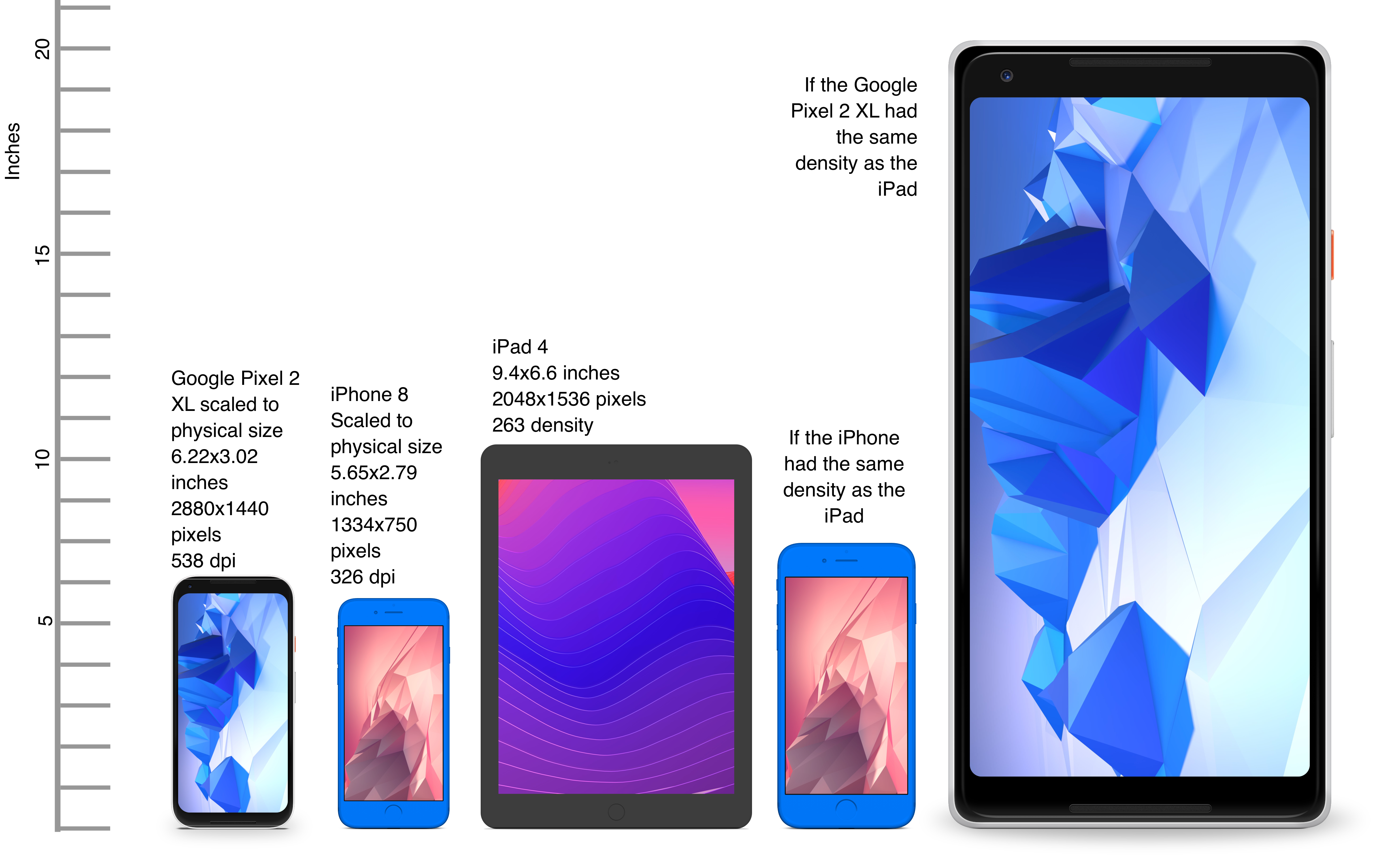
Differences in density can be extreme. A second generation iPad has 132 PPI, where modern phones have PPI that’s over 600 dpi.
Low resolution images on high PPI devices will look either small or pixelated. High resolution images on low PPI devices will look huge, overscaled (artifacts) and will consume too much memory.
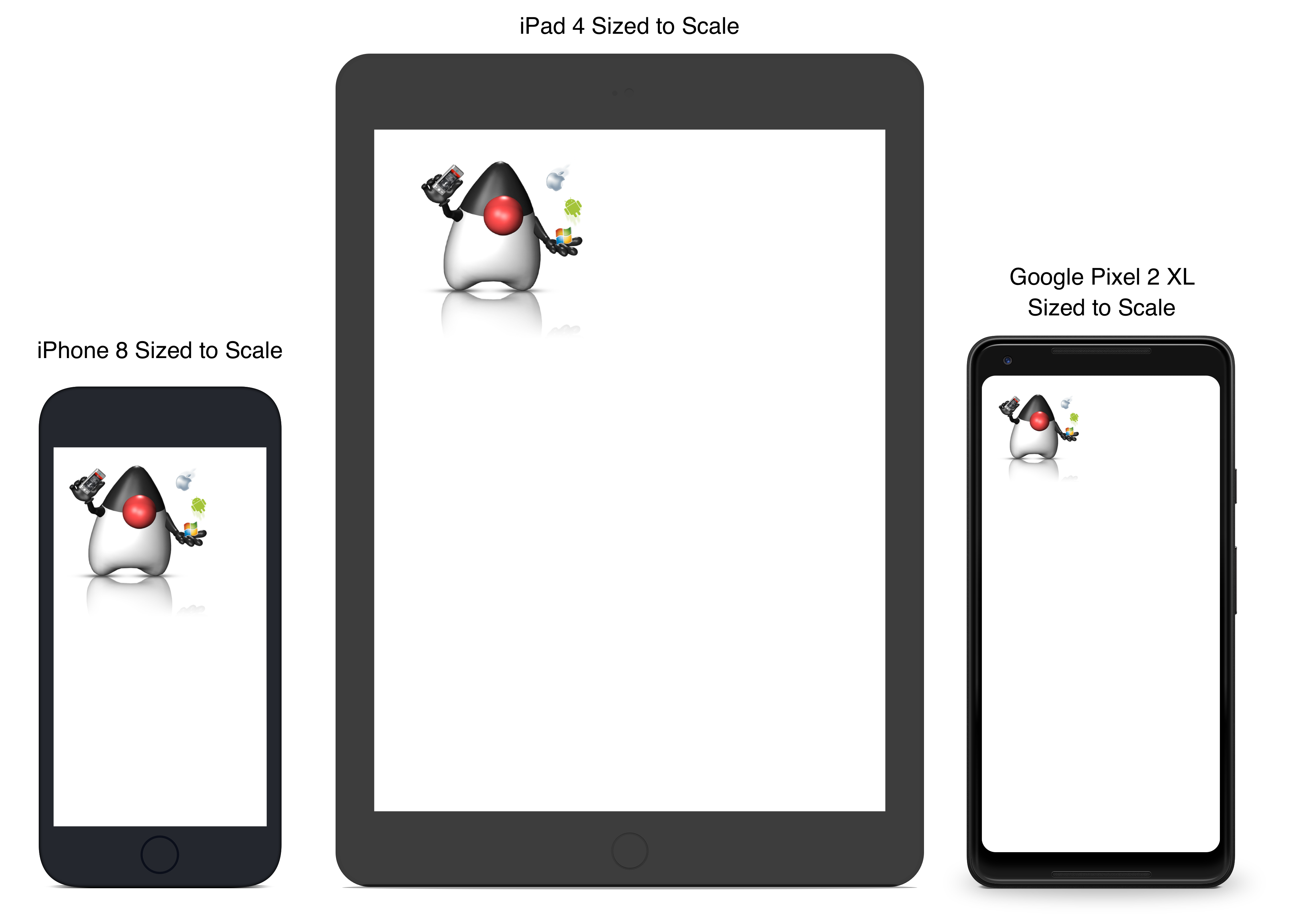
The exact same image will look different on each device, sometimes to a comical effect. One of the solutions for this problem is multi-images. All OS’s support the ability to define different images for various densities. Chapter 2 discusses multi-images later in detail.
This also highlights the need for working with measurements other than pixels. Codename One supports millimeters (or dips) as a unit of measurement. This is highly convenient and is a better representation of size when dealing with mobile devices.
However, there is a bigger conceptual issue involved. You need to build a UI that adapts to the wide differences in form factors. You might have fewer pixels on an iPad, but because of its physical size, you would expect the app to cram more information into that space so the app won’t feel like a blown-up phone application. Many strategies to address that, but one of the first steps is in the layout managers.
Chapter 2 discusses the layout managers in depth, but the core concept is that they decide where a UI element is placed based on generic logic. That way, the user interface can adapt automatically to the huge variance in display size and density.
1.3.2. Touch interface
The fact that mobile devices use a touch interface today isn’t news… However, the implications of that aren’t obvious to some developers.
UI elements need to be finger sized and spaced. Otherwise, you risk the “fat finger” effect. That means spacing should be in millimeters and not in pixels due to device density.
Scrolling poses another challenge in touch-based interfaces. In desktop applications, it’s common to nest scrollable items. For example, in touch interfaces, the scrolling gesture doesn’t allow such a nuance. Furthermore, scrolling on both the horizontal and vertical axis (side scrolling) can be inconvenient in touch-based interfaces.
1.3.3. Device fragmentation
Some developers single out this wide range of resolutions and densities as “device fragmentation.” While it does contribute to development complexity, it isn’t a challenging problem to overcome.
Densities aren’t the cause of device fragmentation. Device fragmentation is caused by many OS versions with different behaviors. This is clear on Android and relates to the slow rollout of Android vendor versions compared to Google rollout. A new release reaches only a small fraction of devices in its first year, and handsets several major versions behind stay in circulation long after their vendor stops shipping updates for them.
This makes QA difficult as the disparity between these versions is pretty big. It’s hard to get all device manufacturers aligned, so this problem will probably remain in the foreseeable future despite everything.
1.3.4. Performance
Besides the obvious need for performance and smooth animation within a mobile app, there are a couple of performance related issues that might not be intuitive to new developers: size and power.
App size
Apps are installed and managed through stores. This poses some restrictions about what an app can do. However, it also creates a huge opportunity. Stores manage automatic update and to some degree the marketing/monetization of the app.
A good mobile app is updated once a month and sometimes even once a week. Since the app downloads automatically from the store, this can be a huge benefit:
Existing users are reminded of the app and get new features instantly
New users notice the app featured on a “what’s new” list
If an app is big, it might not update over a cellular network connection. Google and Apple have restrictions on automatic updates over cellular networks to preserve battery life and data plans. A large app might negatively impact users perception of the app and trigger uninstalls for example, when a phone is low on available space.
Power drain
Desktop developers think about power usage within their apps. In mobile development, this is a crucial concept. Modern device OSes have tools that highlight misbehaving applications, and this can lead to bad reviews.
Code that loops forever while waiting for input will block the CPU from sleeping and drain the battery.
Worse. Mobile OSes kill applications that drain the battery. If the app is draining the battery and is minimized, (for example, during an incoming call) the app could be killed. This will impact app performance and usability.
1.3.5. Sandbox and permissions
Apps installed on the device are "sandboxed" to a specific area so they won’t harm the device or its functionality. The filesystem of mobile applications is restricted so one application can’t access the files of another application. Things that most developers take for granted on the desktop such as a "file picker" or accessing the image folder don’t work on devices!
This means that when your application works on a file, it belongs to your application. To share the file with a different application, you need to ask the operating system to do that for you.
Furthermore, some features require a "permission" prompt and sometimes require special flags in system files. Apps need to request permission to use sensitive capabilities, for example, Camera, Contacts etc.
Historically, Android developers declared required permissions for an app and the user was prompted with permissions during installation. Android 6 adopted the approach used by iOS of prompting the user for permission when accessing a feature.
This means that in runtime a user might revoke a permission. A good example for an Uber app is the location permission. If a user revokes that permission, the app might lose its location.
1.4. Installing Codename One
| Codename One supports JDK 11 through 25 for running the simulator and the desktop ("Run as desktop app") target. Eclipse Temurin (https://adoptium.net) is the easiest way to install a supported JDK. |
Codename One projects are built with Maven. Typical Maven targets such as package, clean and install work out of the box, but the Codename One integrations that ship with each IDE provide dedicated Run and Build actions for a smoother workflow.
To create a new Codename One project visit https://www.codenameone.com/initializr/ and generate a starter project, or run the Codename One Application Project Archetype (cn1app-archetype) directly on the command line:
mvn archetype:generate \
-DarchetypeGroupId=com.codenameone \
-DarchetypeArtifactId=cn1app-archetype \
-DarchetypeVersion=LATEST \
-DgroupId=YOUR_GROUP_ID \
-DartifactId=YOUR_ARTIFACT_ID \
-Dversion=1.0-SNAPSHOT \
-DmainName=YOUR_MAIN_NAME \
-DinteractiveMode=falseThis command generates a project in the current directory. The folder name matches the artifactId value. For example, specifying -DartifactId=myapp produces a project inside a new myapp directory.
Import the generated Maven project into your preferred IDE and use the Codename One Run in Simulator task from the IDE toolbar or Run/Debug buttons:
IntelliJ IDEA: use File > Open on the project directory, then choose the Codename One Run in Simulator action from the toolbar or standard Run/Debug controls.
NetBeans: use File > Open Project, select the generated Maven project, and rely on the Codename One toolbar actions to run and debug the simulator.
VS Code: install the Java and Codename One extensions, open the folder, and trigger the Run in Simulator task from the command palette or the Run/Debug buttons.
Eclipse: use File > Import > Existing Maven Projects, then use the Codename One launch shortcuts provided by the plugin for simulator and build tasks.
Command line: invoke Maven goals directly whenever you need to integrate with CI/CD pipelines or scripting.
For deeper coverage of the Maven goals, project structure, and automation tasks, continue with Chapter 2, Maven Project Workflow.
| Arbitrary Maven dependencies probably won’t work for Codename One. Many dependencies assume a full JDK which Codename One can’t provide and they often assume functionality that might not be available for example: reflection, Spring, etc. |
1.4.1. Important notes for new projects
Before you get to the code there are few important things you need to understand about Codename One applications.
App Name - This is the name of the app and the main class, it’s important to get this right as it’s hard to change this value later
Package Name - it’s crucial you get this value right. Besides the difficulty of changing this after the fact, once an app is submitted to iTunes/Google Play with a specific package name this can’t be changed! See the sidebar
Picking a Package Name.Theme - Codename One ships with various built-in themes; for simplicity recommend
Nativeas it’s a minimal starting point
1.4.2. Runtime
Once Maven is set up you can run the HelloWorld application by selecting the Codename One Run in Simulator task from the IDE run menu. The Codename One simulator launches and you can use its menus to control and inspect details related to the device. You can rotate it, determine its location in the world, monitor networking calls etc.
With the Skins menu you can download device skins to see how your app will look on different devices.
Some skins are bigger than the screen size, uncheck the Scrollable flag in the Simulator menu to handle them more effectively |
Use your IDEs Debug button with the Run in Simulator task to launch the simulator under the debugger.
1.4.3. The source code of the hello world app
After clicking finish in the new project wizard you have a HelloWorld project with a few default settings. The following sections break the class down to small pieces and explain each piece starting with the enclosing class:
public class HelloWorld extends Lifecycle { (1)
@Override
public void runApp() { (2)
Form hi = new Form("Hi World", BoxLayout.y()); (3)
Button helloButton = new Button("Hello World");
hi.add(helloButton);
helloButton.addActionListener(e -> hello());
hi.getToolbar().addMaterialCommandToSideMenu("Hello Command",
FontImage.MATERIAL_CHECK, 4, e -> hello()); (4)
hi.show();
}
private void hello() {
Dialog.show("Hello Codename One", "Welcome to Codename One", "OK", null);
}
}| 1 | This is the main class and the entry point to the app. It has no main
method: the platform calls into Lifecycle, which calls you back. |
| 2 | runApp() is where the app builds its first screen. Lifecycle calls it
from start(), so this is the one method a new project overrides. |
| 3 | Form is the “top level” UI element in Codename One. Only one is shown at
a time and everything on the screen is a child of it. BoxLayout.y() stacks the
children from the top down, and a theme decides how they look. |
| 4 | The Toolbar carries the title bar and the side menu. The generated project
puts the same action in both places so there is an example of each. |
The four platform callbacks the Application Lifecycle
Sidebar describes are already implemented for you by Lifecycle, which is why
the generated class carries none of them:
init(Object)sets the network thread count, installs the theme, turns on the globalToolbar, binds crash protection throughLog.bindCrashProtectionand registers a network error listener, in that order.start()callsrunApp()on a cold start. On a warm start it re-shows theFormthe user was looking at when the app was suspended, so returning to an app lands the user back where they were.stop()remembers thatForm, disposing aDialogfirst so the app doesn’t come back to a modal.destroy()does nothing by default.
Some complex ideas appear within this short snippet that this chapter addresses
later when talking about layout. The gist of it’s that you create and show a
Form, the top level UI element that takes over the whole screen. You add UI
elements to it, here a Button that opens a Dialog when tapped, and the
BoxLayout arranges them from top to bottom. The same action is attached to the
side menu through the Toolbar, so the starter shows both ways of triggering
one piece of code.
A few years ago Romain Guy (a senior Google Android engineer) was on stage at the Google IO conference. He asked for a show of hands of people who understand the Activity lifecycle (Activity is like a Codename One main class). He then proceeded to jokingly call the audience members who lifted their hands “liars” claiming that after all his years in Google he still doesn’t understand it…
Lifecycle seems simple on the surface but hides a lot of nuance. Android’s lifecycle is ridiculously complex. Codename One tries to simplify this and also make it portable. Sometimes complexity leaks out and the nuances can be difficult to deal with.
Explained an application has three states:
Foreground - it’s running and in the foreground which means the user can physically interact with the app
Suspended - the app isn’t in the foreground, it’s either paused or has a background process running
Not Running - the app was never launched, was killed or crashed
The lifecycle is the process of transitioning between these 3 states and the callbacks invoked when such a transition occurs. The first time you launch the app you start from a “Cold Start” (Not Running State) but on later launches the app is started from the "Warm Start" (Suspended State).
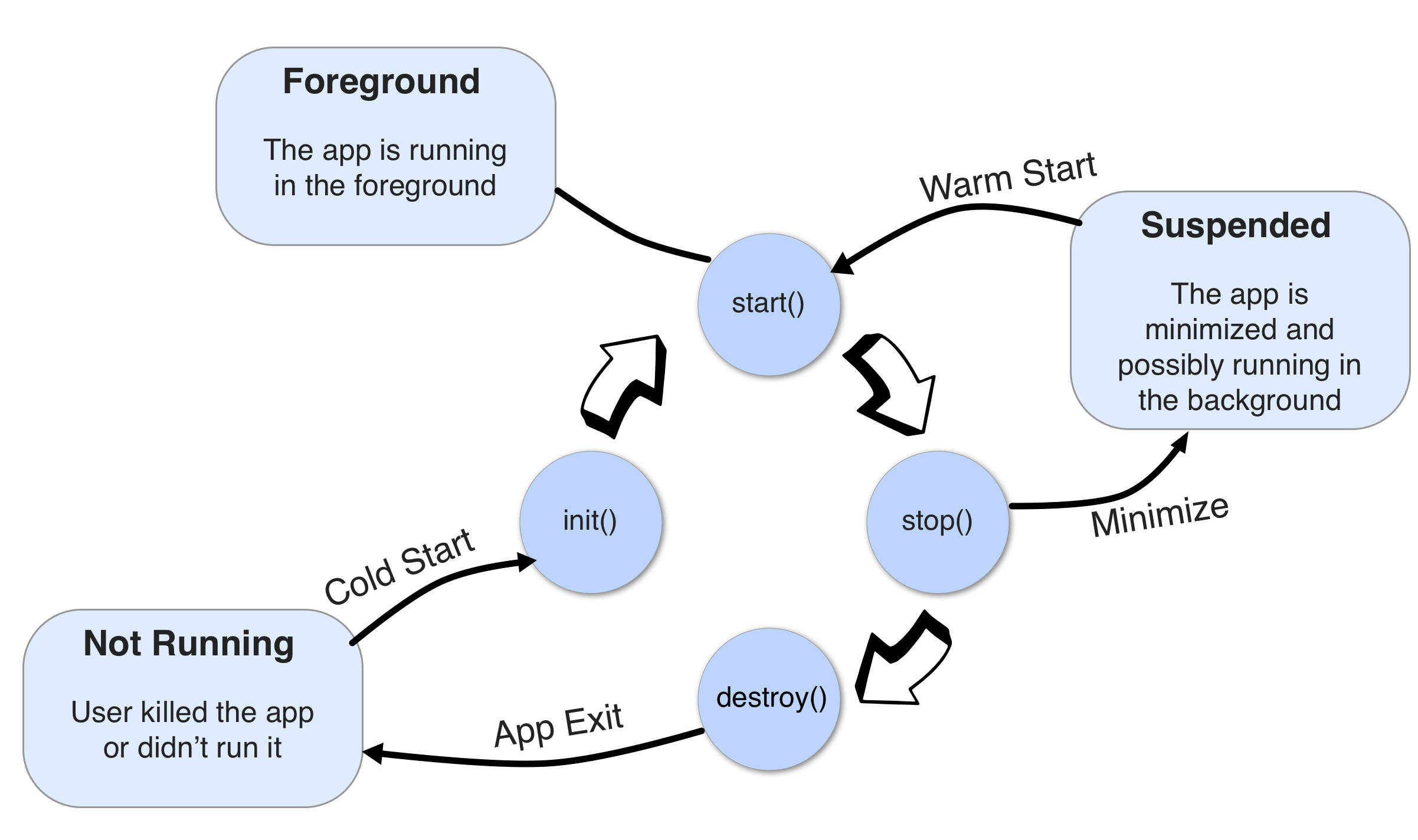
Codename One has four standard callback methods in the lifecycle API:
init(Object)- is invoked when the app is first launched from a Not Running state.start()- is invoked for two separate cases. Afterstart()is finished the app transitions to the Foreground state.Following
init(Object)in case of a cold start. Cold start refers to starting the app from a Not Running state.When the app is restored from Suspended state. In this case
init(Object)isn’t invoked
stop()- is invoked when the app is minimized for example, when switching to a different app. Afterstop()is finished the app transitions to the Suspended state.destroy()- is invoked when the app is destroyed for example, killed by a user in the task manager. Afterdestroy()is finished the app is no longer running hence it’s in the Not Running state.
destroy() is optional there is no guarantee that it will be invoked. It should be used only as a last resort |
Override one when you need to run code at that point. What the super call
protects differs by callback: in init it’s the whole list above, in start
it’s the only thing that puts a Form on screen, and in stop it’s the record
of which Form to come back to. destroy is empty, so super there is
optional:
public class HelloWorld extends Lifecycle {
private TextArea editor;
@Override
public void init(Object context) {
super.init(context); (1)
Log.p("app starting");
}
@Override
public void stop() {
saveDraft(); (2)
super.stop();
}
@Override
public void runApp() {
editor = new TextArea(Preferences.get("draft", "")); (3)
Form hi = new Form("Hi World", BoxLayout.y());
hi.add(editor);
hi.show();
}
private void saveDraft() {
Preferences.set("draft", editor.getText());
}
}| 1 | Without this none of the five things init does happen, most visibly the
theme, so the app comes up unstyled. |
| 2 | Called as the app is suspended, which is the moment to persist anything the user would hate to lose. |
| 3 | The other half of that: runApp puts the saved draft back, so the pair
survives the app being killed while suspended. |
That’s it. You should now have a general sense of the code. It’s time to run on the device.
1.4.4. Building and deploying on devices
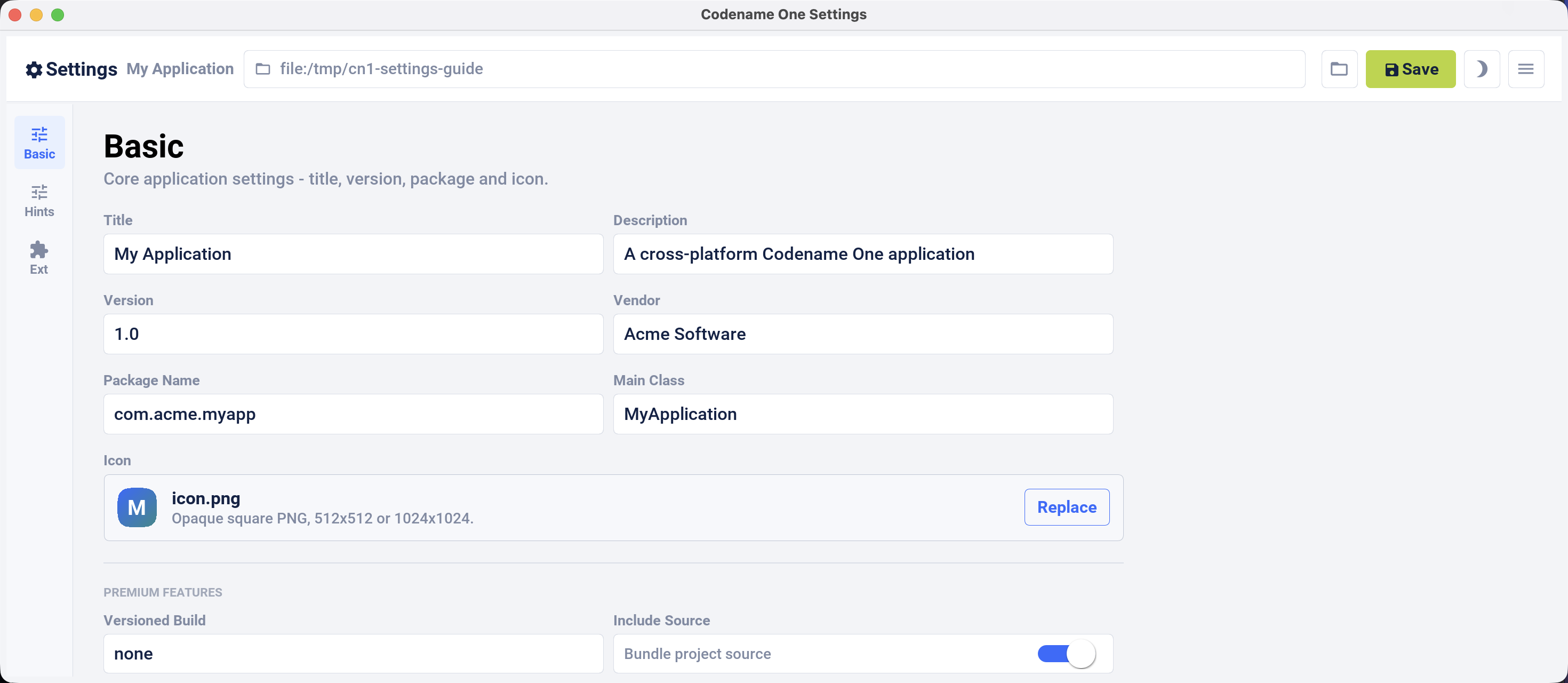
Use the standalone Codename One Settings editor to configure the application title, version, package, icon, build hints, and extensions. Launch it from the Maven project root:
mvn cn1:settingsUse the standalone Certificate Wizard for signing assets. Monitor Codename One Cloud builds and subscription information on the Codename One website.
Signing/Certificates
All the modern mobile platforms require signed applications but they all take radically different approaches when implementing it.
Signing is a process that marks your final application for the device with a special value. This value (signature) is a value that you can generate based on the content of the application and your certificate. Effectively it guarantees the app came from you. This blocks a 3rd party from signing their apps and posing as you to the App Store or to the user. It’s a crucial security layer.
A certificate is the tool you use for signing. Think of it as a mathematical rubber stamp that generates a different value each time. Unlike a rubber stamp a signature can’t be forged!
Signing on Android
Backup your Android certificate and save its password! If you lose your Android certificate you won’t be able to update your app |
Android uses a self-signed certificate approach. You can generate a certificate by describing who you’re and picking a password!
Anyone can do that. For example, once a certificate is published it can’t be replaced…
If this wasn’t the case someone else could push an “upgrade” to your app. Once an app is submitted with a certificate to Google Play this app can’t be updated with any other certificate.
With that in mind generating an Android certificate is trivial.
| The following chart illustrates a process that’s identical on all IDEs |
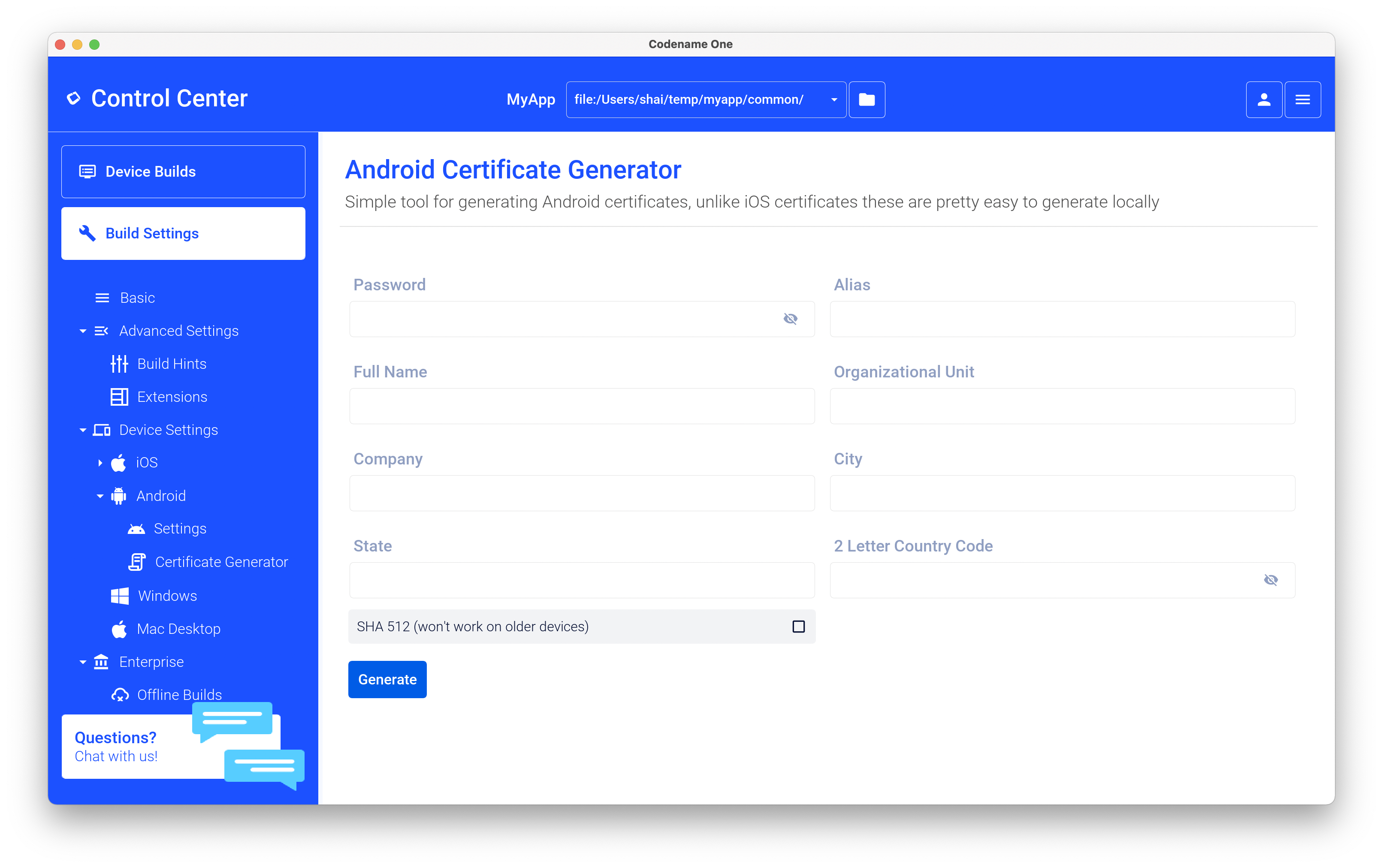
Your certificate will generate into the file Make sure to back that up and the password as losing these can have dire consequencesKeychain.ks in your home directory |
Signing and provisioning iOS
Code signing for iOS relies on Apple as the certificate authority. This is something that doesn’t exist on Android. iOS also requires provisioning as part of the certificate process and separates the process for development/release.
First, the good news:
Losing an iOS certificate is no big deal - in fact you revoke them often with no impact on shipping apps
Codename One has a wizard that hides most of the pain related to iOS signing
In iOS Apple issues the certificates for your applications. That way the certificate is trusted by Apple and is assigned to your Apple iOS developer account. One important caveat applies: You need an iOS Developer Account and Apple charges a 99USD Annual fee for that.
| The fee and the requirement have been part of the iOS developer program since it was introduced. Check Apple’s developer site for the current price. |
Apple also requires a “provisioning profile” which is a special file bound to your certificate and app. This file describes some details about the app to the iOS installation process. One of the details it includes during development is the list of permitted devices.
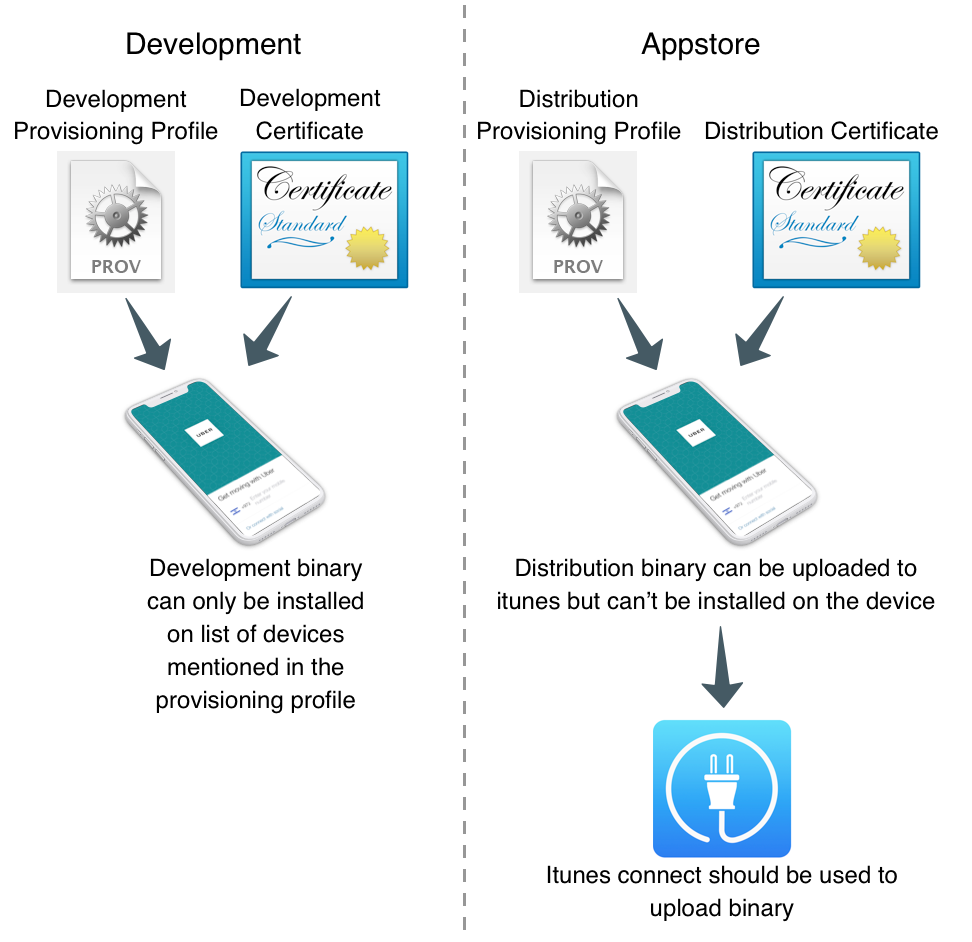
You need 4 files for signing. Two certificates and two provisioning profiles:
Production: The production certificate/provisioning pair is used for builds that are uploaded to iTunes
Development: The development certificate/provisioning is used to install on your development devices
The standalone Certificate Wizard can automatically create these files and configure the current Maven project.
Run the wizard from the project directory:
mvn cn1:certificatewizardAfter storing an App Store Connect API key, click Auto Setup in the toolbar. The wizard reads the project package and display name, creates or reuses the Bundle ID with push enabled, creates/reuses development and App Store signing assets, and writes the debug/release signing settings back into codenameone_settings.properties.
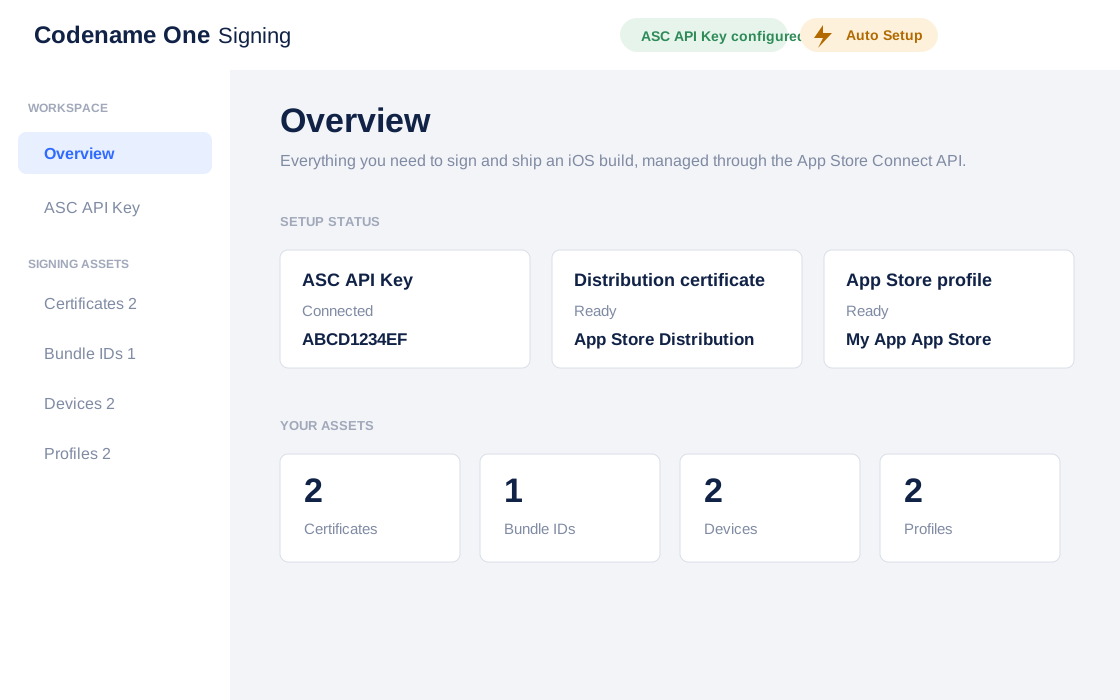
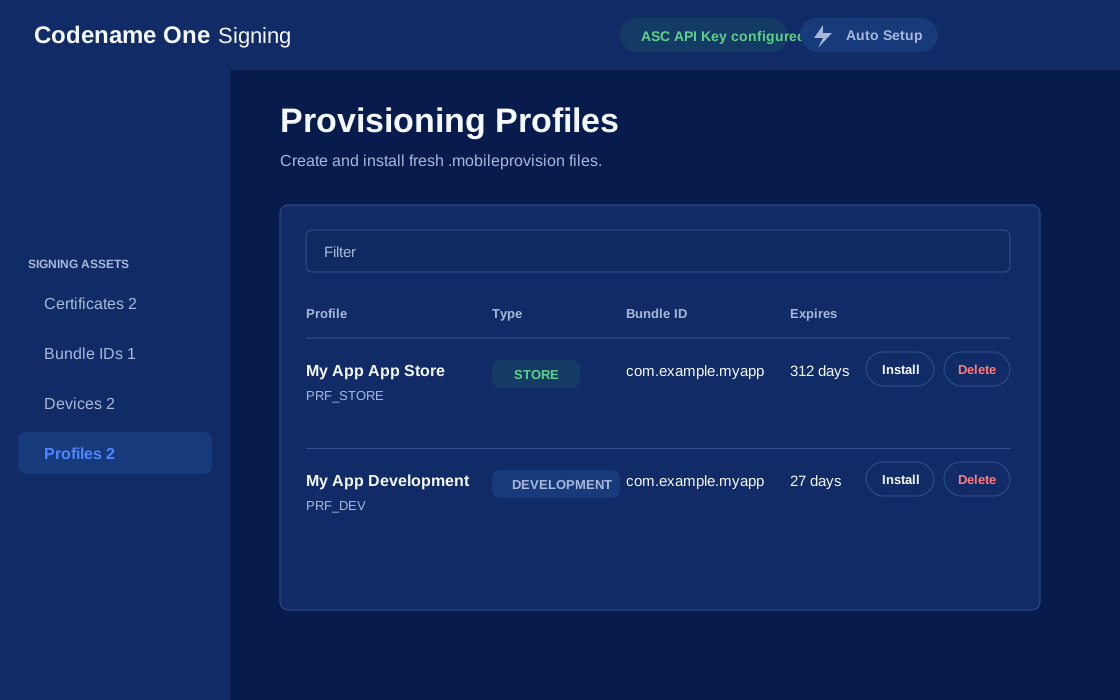
If you have more than one project you should use the same iOS P12 certificate files in all the projects and regenerate the provisioning. In this situation the Certificate Wizard asks you if you want to revoke the existing certificate which you shouldn’t revoke in such a case. You can update the provisioning profile in Apple’s iOS developer website. |
One important aspect of provisioning on iOS is the device list in the provisioning step. Apple allows you to install the app on 100 devices during development. This blocks developers from skipping the App Store altogether. It’s important you list the correct UDID for the device in the list otherwise install will fail.
| Many apps and tools offer the UDID of the device, but they aren’t necessarily reliable and might give a fake number! |
The UDID section of the signing chapter covers the reliable ways to read that value.
| Ad hoc provisioning allows 1000 beta testers for your application but it’s a more complex process that you won’t discuss here although it’s supported by Codename One |
Build and install
Before you continue with the build you should sign up at https://www.codenameone.com/build-server.html where you can soon follow the progress of your builds. You need a Codename One account to build for the device.
Now that you have certificates, a device build is a single Maven goal. From the project’s root directory run mvn cn1:buildAndroid for Android, or mvn cn1:buildIos for an iOS debug build. Each one packages the app, sends it to the Codename One build servers and reports where the result lands.
Run these from the root, not from a module. The build goals skip any project that isn’t the execution root, so mvn -pl common cn1:buildAndroid prints “Skipping execution for non-root project” and then reports success without building anything. |
| The first time you send a build you will be prompted for the email and password you provided when signing up for Codename One |
Once you send a build you should see the results in the build server page:
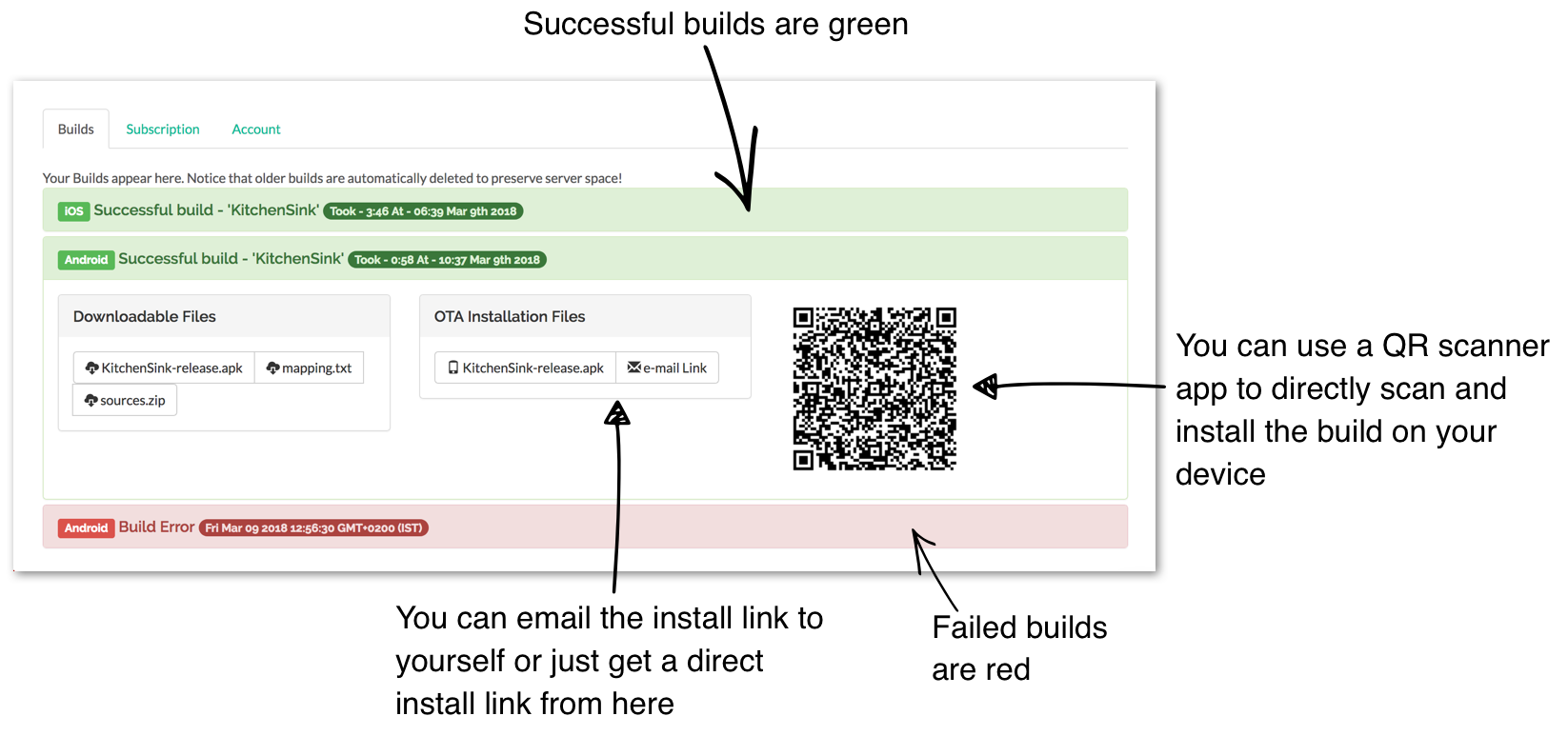
| On iOS make sure you use Safari when installing, as 3rd party browsers might have issues |
Once you go through those steps you should have the HelloWorld app running on your device. This process is non-trivial when starting so if you run into difficulties don’t despair and seek help at the discussion forum (https://www.codenameone.com/discussion-forum/) or stack overflow (https://stackoverflow.com/questions/tagged/codenameone). Once you go through signing and installation, it becomes easier.
| You can also install the application either by emailing the installation link to your account (using the e-mail Link button) |
You can also download the binaries to upload them to the appstores.
1.5. Kotlin
Codename One started before Kotlin became public. Kotlin has since shown itself as an interesting option for developers within the Android community. With that in mind, Codename One added support for Kotlin.
To use Kotlin with Codename One you can create a kotlin directory next to the java directory under the common/src/main directory. Kotlin code that resides there can work as usual and interact with the Java code.
Please notice the following:
Don’t use the project conversion tools or accept the warning that the project isn’t a Kotlin project. You do your own build process
Warnings and errors aren’t listed and builds that claim to have errors might pass
1.5.1. Hello Kotlin
Due to the way Kotlin works you can create a regular Java project and convert sources to Kotlin. You can mix Java and Kotlin code without a problem and Codename One would "work."
The Java source it converts from is the class shown in
the walkthrough above: a Lifecycle
subclass overriding runApp().
When you select that file and select the menu option Code → Convert Java file to Kotlin File you should get a familiar structure. The problem is that there are two bugs in the automatic conversion… That’s the code for Kotlin behaves differently from standard Java.
The first problem is that Kotlin classes are final unless declared otherwise so you need to add the open keyword before the class declaration.
This is essential as the build server will fail with weird errors related to instanceof.
This applies to the main class of the project, other classes in Codename One can remain final |
The second problem only bites if you override init(Object), which the
generated class doesn’t. Kotlin treats arguments as non-null by default, and the
context passed to init can be null, so an override has to accept it as
fun init(context: Any?) or it fails with an exception.
Once all that’s in place Kotlin should work. This should be possible for more JVM languages in the future.
2. Maven Project Workflow
Codename One uses Maven as the standard way to create, run, and maintain applications. This chapter consolidates the workflow guidance that used to live in the standalone Maven manual so the developer guide provides a single source of truth for building apps, updating projects, and managing add-ons.
2.1. Introduction
Codename One uses Maven as its primary build tool. This guide aims to be the definitive source of information for this project structure.
2.1.1. Conventions
The instructions throughout this chapter provide parallel guidance for the supported development environments. Each subsection heading identifies the target tooling so you can follow the directions that match your workflow:
Command Line (CLI): Focused on running Maven from a terminal. The commands use a Unix-style shell syntax; adapt the examples for Windows when necessary.
IntelliJ IDEA: Step-by-step directions for working inside IntelliJ.
NetBeans: Equivalent instructions tailored to NetBeans.
Eclipse: Maven-based guidance for Eclipse users.
When you reach environment-specific sections later in the guide, follow the subsection corresponding to your preferred tools.
2.2. Getting started
2.2.1. Prerequisites
Codename One supports JDK 11 through 25 for running the simulator and the "Run as desktop app" target. Eclipse Temurin is the easiest source of a supported JDK on macOS, Windows, and Linux.
After installing the JDK, point JAVA_HOME at it and confirm with:
java -version
mvn -vBoth should report Java 11 or newer. The Codename One Maven plugin checks the
runtime JDK version when you invoke mvn cn1:run or mvn cn1:debug and fails
fast with a friendly message if it’s older than 11. Build-only goals (such as
-Pexecutable-jar) still work on older JDKs.
2.2.2. Creating a new project
Codename One initializr
The easiest way to create a new project is to use the Codename One initializr.
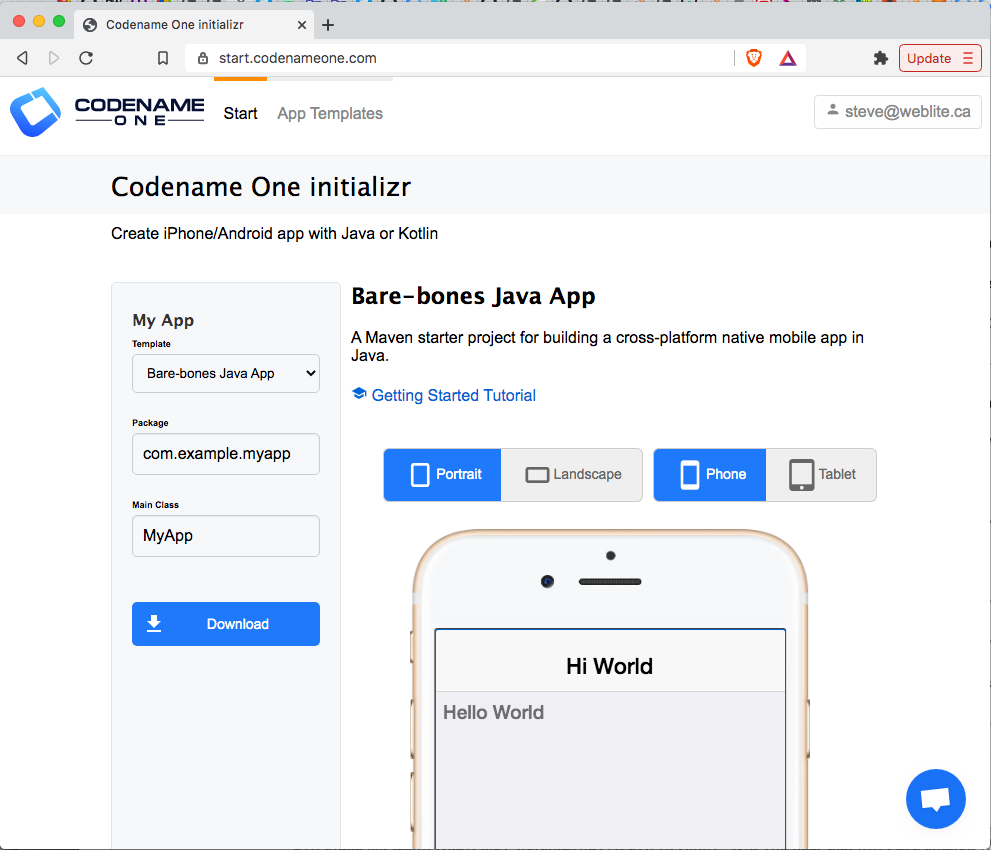
This tool will allow you to choose from a growing selection of project templates, and download a starter project that you can open in your preferred IDE (IntelliJ IDEA, NetBeans, etc.), or build directly on the command-line using Maven.
The starter projects are based on the Section A.1, “Codename One application project archetype (cn1app-archetype)”.
The initializr also offers Gradle as the build tool. A Gradle project is a single directory with a one-line settings file, and it gets native or backend directories only once it needs them. See Chapter 3, Gradle project workflow for when to choose it and how it maps to the Maven workflow in this chapter.
The following tutorials provide step-by-step instructions for getting started with bare-bones app templates. Those tutorials are a better starting place for Codename One development than this manual, as they’re written in tutorial form. Java Getting Started Tutorial: Kotlin Getting Started Tutorial: |
Generating a new project from the command-line
Configuring the Codename One repository
Codename One releases are published to the Codename One Maven repository at
https://repo.codenameone.com/maven2, not to Maven Central. A generated project declares
that repository in its own pom.xml, so once you have a project nothing further is needed.
The commands in this section run before there is a project, so Maven has no pom.xml to
read the repository from and searches only Maven Central. Central still serves every
version published before the move, so these commands keep working, but they can’t see a
release published after it. Add the repository to your Maven settings once, in
~/.m2/settings.xml (%USERPROFILE%\.m2\settings.xml on Windows), and they can:
<settings>
<profiles>
<profile>
<id>codenameone</id>
<repositories>
<repository>
<id>codenameone</id>
<url>https://repo.codenameone.com/maven2</url>
<releases><enabled>true</enabled></releases>
<snapshots><enabled>false</enabled></snapshots>
</repository>
</repositories>
<pluginRepositories>
<pluginRepository>
<id>codenameone-plugins</id>
<url>https://repo.codenameone.com/maven2</url>
<releases><enabled>true</enabled></releases>
<snapshots><enabled>false</enabled></snapshots>
</pluginRepository>
</pluginRepositories>
</profile>
</profiles>
<activeProfiles>
<activeProfile>codenameone</activeProfile>
</activeProfiles>
</settings>Both lists are needed. Maven resolves ordinary dependencies through <repositories> and
build plugins through <pluginRepositories>, and the commands below invoke the Codename
One plugin directly, which is the second list.
| Codename One Initializr needs none of this. It builds the project on the server and hands you one that already declares the repository. |
Bare-bones Java project
If you prefer to generate your projects directly on the command-line, you can use the Section A.1, “Codename One application project archetype (cn1app-archetype)” to generate the project directly on the command-line:
mvn archetype:generate \
-DarchetypeGroupId=com.codenameone \
-DarchetypeArtifactId=cn1app-archetype \
-DarchetypeVersion=LATEST \
-DgroupId=YOUR_GROUP_ID \
-DartifactId=YOUR_ARTIFACT_ID \
-Dversion=1.0-SNAPSHOT \
-DmainName=YOUR_MAIN_NAME \
-DinteractiveMode=falseThis will generate a project in the current directory. The project’s directory will have the same name as the artifact ID you specified here. For example, If your command had -DartifactId=myapp, then the project will be located in a newly created directory named "myapp."
| If you haven’t used Maven archetypes before, this snippet may be confusing. See Introduction to Maven Archetypes to get up to speed. |
-DarchetypeVersion=LATEST resolves against whichever repositories Maven knows about. Without the settings from Section 2.2.2.2.1, “Configuring the Codename One repository”, Maven Central is the only one, so the newest archetype it can offer is the last one published before the move. The generated project is still correct — it declares the Codename One repository, so mvn cn1:update moves it to a current release — but configuring the repository first gets you there directly. |
This command uses the Section A.1, “Codename One application project archetype (cn1app-archetype)” which has the following Maven coordinates:
<dependency>
<groupId>com.codenameone</groupId>
<artifactId>cn1app-archetype</artifactId>
<version>LATEST</version>
<type>maven-archetype</type>
</dependency>This archetype generates a bare-bones Java project (the same one described in Getting Started with the Bare-bones Java App Template).
| View the source of the cn1app-archetype project here. |
You can learn more about using the archetype in the appendix.
Project templates
The bare-bones Kotlin App project template is an alternative starter project that uses Kotlin as the primary language instead of Java. It’s built on the cn1app-archetype at its core, but it includes some more configuration settings and sources to change the template. You can use such templates as starter projects by using the generate-app-project goal of the Codename One Maven plugin.
Here is an example which generates a project based on the bare-bones Kotlin template:
mvn com.codenameone:codenameone-maven-plugin:{cn1-plugin-release-version}:generate-app-project \
-DarchetypeGroupId=$archetypeGroupId \
-DarchetypeArtifactId=$archetypeArtifactId \
-DarchetypeVersion=$archetypeVersion \
-DartifactId=$artifactId \
-DgroupId=$groupId \
-Dversion=$version \
-DmainName=$mainName \
-DinteractiveMode=false \
-DsourceProject=/path/to/kotlin-example-app| This command is formatted for the bash prompt (for example, Linux or Mac). It will work on Windows also if you use bash. If you’re on Windows and are using PowerShell or the regular command prompt, then you’ll need to modify the command slightly. In particular, the entire command would need to be on a single line. (Remove the '\' at the end of each line, and merge lines together, with space between the command-line flags) |
Like the archetype:generate goal, this will create the project in a directory named after your specified artifact ID. For example, If your command included -DartifactId=myapp, then the project would be in a newly created directory named "myapp."
Some notes here:
The
com.codenameone:codenameone-maven-plugin:7.0.210:generate-app-projectargument is the fully qualified goal name for thegenerate-app-project. This is necessary since you aren’t running this goal in the context of any existing project. You should adjust the version number (7.0.210) to reflect the latest available Codename One version, listed as<release>in the repository metadata. Because there is no project here, Maven finds that version only if you have configured the Codename One repository in your Maven settings.The
archetypeGroupId,archetypeArtifactId, andarchetypeVersionparameters are the same as when using thearchetype:generategoal, and they will (almost) always refer to the Section A.1, “Codename One application project archetype (cn1app-archetype)”.The
groupId,artifactId, andversionwork the same as for thearchetype:generategoal. That’s, that they specify the coordinates for your newly created project.The
mainNamespecifies the Main class name for your app. This is the class name, and shouldn’t include the full package. For example,MyApp, not "com.example.MyApp"The
sourceProjectproperty is the path to the "template" project. In this case, you will assume that you’ve cloned the bare-bones Kotlin project template repository at /path/to/kotlin-example-app.
A project template isn’t much different than a regular project. The template can be either a legacy Ant project, or a new Maven project. In fact, this goal is the same one you would use to migrate a legacy Ant project to use the new Maven project structure. See Section 2.4, “Creating project templates” for instructions on building your own project templates. |
2.2.3. Migrating an existing project
If you have an existing Codename One application project that uses the old Ant project structure, you can use the generate-app-project goal to migrate the project over to maven. This goal doesn’t make any changes to the Ant project. It creates a new Maven project and copies over all the project sources and libraries, reorganized to fit the new project structure.
A minimal invocation of this goal would look like:
# Specify your the version of the codenameone-maven-plugin.
# Find the latest version at
# https://search.maven.org/search?q=a:codenameone-maven-plugin
CN1VERSION={cn1-plugin-release-version}
mvn com.codenameone:codenameone-maven-plugin:$CN1VERSION:generate-app-project \
-DgroupId=YOUR_GROUP_ID \
-DartifactId=YOUR_ARTIFACT_ID \
-DsourceProject=/path/to/your/project \
-Dcn1Version=$CN1VERSION| This command is formatted for the bash prompt (for example, Linux or Mac). It will work on Windows also if you use bash. If you’re on Windows and are using PowerShell or the regular command prompt, then you’ll need to modify the command slightly. In particular, the entire command would need to be on a single line. (Remove the '\' at the end of each line, and merge lines together, with space between the command-line flags) |
This will generate the new project in the current directory inside a folder named after the artifactId parameter.
After building the project, try running it to make sure that the migration worked. For example, Assuming that your artifactId was myapp:
Command line
cd myapp
./run.shOn Windows it would be run.bat instead of run.sh. |
If All goes well, your app should open in the Codename One simulator.
IntelliJ IDEA
Open the myapp folder in IntelliJ. Then press the "Run"  button in the upper right of the toolbar.
If All goes well, your app should open in the Codename One simulator.
NetBeans
| Before opening the project in NetBeans, be sure to copy the files in the tools/netbeans directory into the root directory. These are necessary for NetBeans to run, build, and debug the project. |
Open the myapp folder as a project in NetBeans. Then press the "Run"  button on the toolbar.
If all goes well it should open in the Codename One simulator.
Eclipse IDE
Open Eclipse, and select "File" > "Import…"
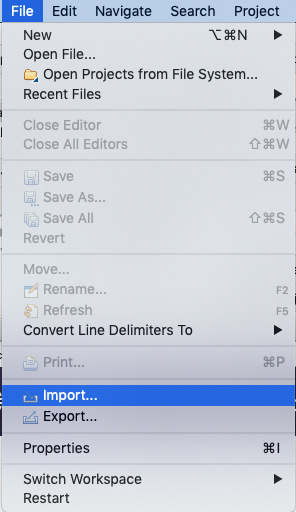
In the Import dialog, expand Maven, select Existing Maven Projects, and press Next.
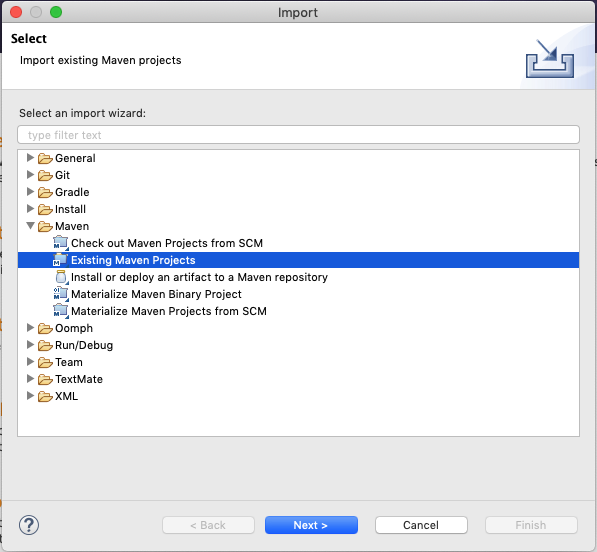
In the next panel, press the Browse button, and, in the file dialog, select the "myapp" directory, and press Next.
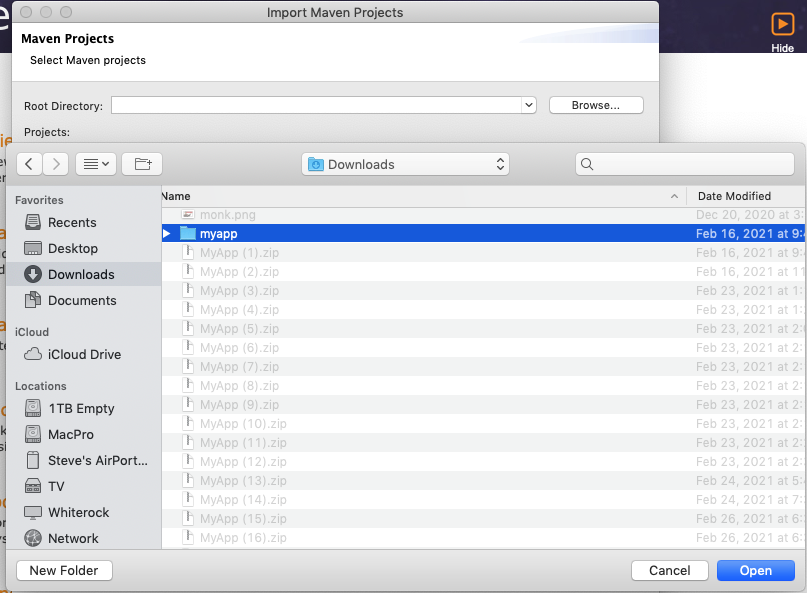
The next panel should look like the one below. Make sure all the projects are "checked," and press Finish.
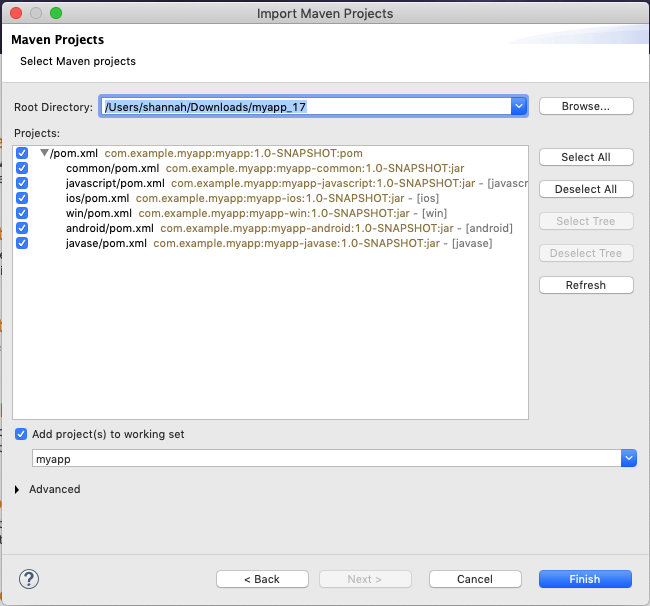
Almost there, but not quite…
Next you need to import the Eclipse launch configurations located inside the tools/eclipse directory.
Select File > Import… again, but this time, in the Import dialog, select Run/Debug > Launch Configurations and click Next.
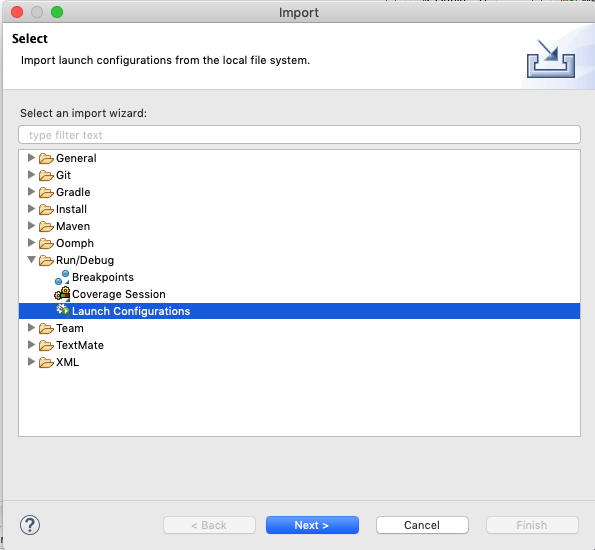
In the next panel, press Browse… then select the tools/eclipse directory.
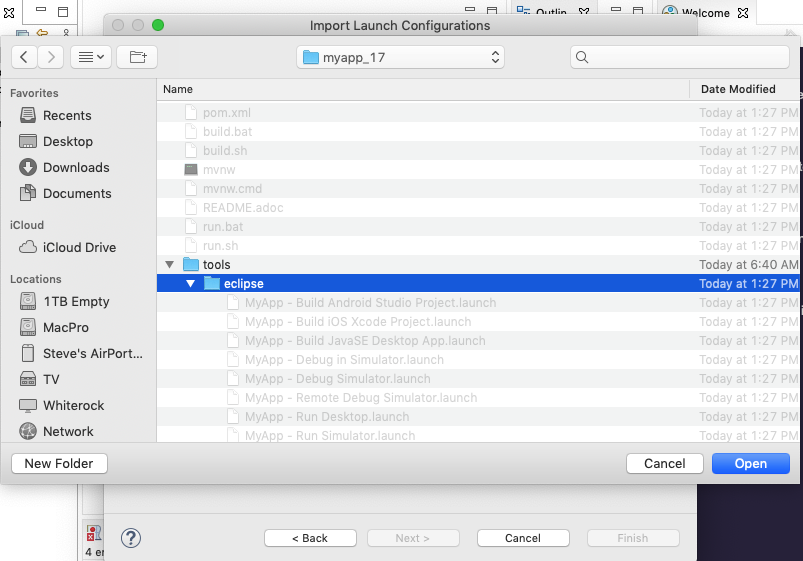
Then check the eclipse option, and press Finish
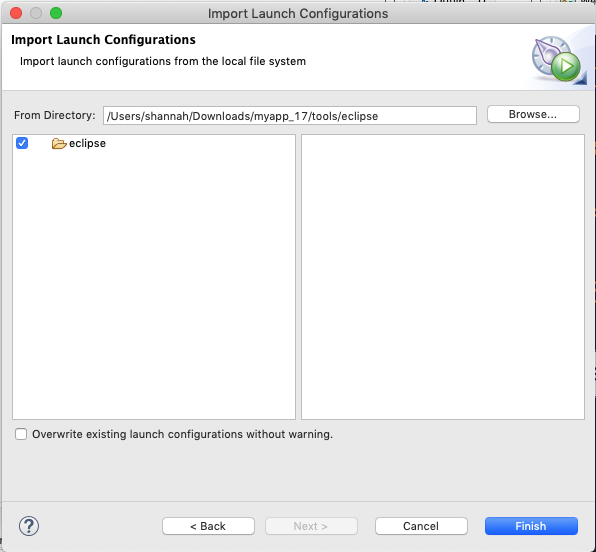
The "Run" button menu should now include options for all the major build targets. You can see them by pressing on the Run button in the toolbar:
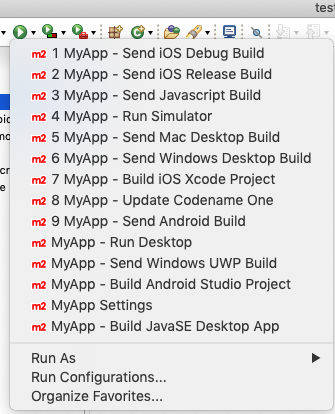
Select the MyApp - Run Simulator option from this menu.
If all goes well it should open in the Codename One simulator.
Example: Migrating kitchen sink app
Consider a concrete example, now. Download the KitchenSink Ant project from here and extract it.
The following is a bash script that uses curl to download this project as a zip file, and then converts it to a fully functional Maven project:
CN1_VERSION={cn1-plugin-release-version}
curl -L https://github.com/codenameone/KitchenSink/archive/v1.0-cn7.0.11.zip > master.zip
unzip master.zip
rm master.zip
mvn com.codenameone:codenameone-maven-plugin:${CN1_VERSION}:generate-app-project \
-DarchetypeGroupId=com.codename1 \
-DarchetypeArtifactId=cn1app-archetype \
-DarchetypeVersion=${CN1_VERSION} \
-DartifactId=kitchensink \
-DgroupId=com.example \
-Dversion=1.0-SNAPSHOT \
-DinteractiveMode=false \
-DsourceProject=KitchenSink-1.0-cn7.0.11| This command is formatted for the bash prompt (for example, Linux or Mac). It will work on Windows also if you use bash. If you’re on Windows and are using PowerShell or the regular command prompt, then you’ll need to modify the command slightly. In particular, the entire command would need to be on a single line. (Remove the '\' at the end of each line, and merge lines together, with space between the command-line flags) |
This will generate the maven project in a directory named "kitchensink" in the current working directory because of the -DartifactId=kitchensink directory.
2.2.4. Adding project dependencies
| For the easiest and recommended approach to adding dependencies to your project, skip to Section 2.2.4.5, “Managing add-ons in Codename One Settings”. |
One of the reasons to use Maven as the build tool is because it makes the management of project dependencies almost trivial. If the library you want to add is on Maven central, then you can copy and paste its <dependency> snippet into your pom.xml file and you’re good to go. Maven does the rest.
| See Introduction to the Dependency Mechanism on the Maven website for a gentle, but comprehensive introduction to Maven dependencies. |
With Codename One projects, there are a few caveats (see Section 2.2.4.4, “The compliance check”), and a few added niceties that make it easier to find and install add-on libraries in your project (see Section 2.2.4.5, “Managing add-ons in Codename One Settings”).
Which pom.xml to add the <dependency> snippet to
Suppose you have a Maven <dependency> snippet that you’ve copied from Maven central, and it’s burning a hole in your clipboard while you’re trying to figure out where to paste it into your project.
Codename One application projects are multi-module projects, so they have more than one pom.xml file: the root one, the common module’s, and one per platform module the project has. A project generated with the defaults has no platform modules (see Section A.1.1, “Projects without platform modules”).
Question: Which pom.xml file should you paste the snippet into?
Answer: common/pom.xml (almost always).
The "common" module is where all your Codename One application resides. It houses your Java and Kotlin files, your CSS files, your GUI builder files, your Codename One configuration files (that is, codenameone_settings.properties). Pretty much everything. The things you’d place in the other modules (for example, Java SE, ios, etc.) are your platform-specific native interface implementations; And in many applications you won’t need any of that.
When adding dependencies into your app, you’ll therefore almost always place them inside the pom.xml file for the "common" module.
You can add dependencies without editing XML by launching Codename One Settings with mvn cn1:settings. See Section 2.2.4.5, “Managing add-ons in Codename One Settings”. |
Example: Adding Google Maps dependency via Maven central
Add the GoogleMaps library to your app as a maven dependency.
As described in the GoogleMaps cn1lib README, the dependency snippet is:
<dependency>
<groupId>com.codenameone</groupId>
<artifactId>googlemaps-lib</artifactId>
<version>1.0.1</version>
<type>pom</type>
</dependency>You should, but, look on Maven central to see what the latest version number is, and substitute that version into the <version> tag of the snippet.
Copy and paste this snippet into the <dependencies> section of your common/pom.xml file. And save it.
The common/pom.xml file has a lot of existing configuration in it, and it may not be clear, on first glance, where the The correct This is a special marker that’s used by some Codename One tooling to help it locate the optimal place to inject dependencies. Don’t REMOVE THIS COMMENT. Just add your dependency snippet somewhere before or after it. |
Compatibility with Codename One
You can paste any Maven dependency snippet you like into your project, but libraries that haven’t been specifically developed for Codename One might not be compatible. See Appendix C, API. If you’re unsure whether a library is compatible, you could add the dependency and try to use it in your app. If it isn’t compatible, it will fail when you try to build the app, during the compliance check.
The easiest way to find Codename One libraries is to use the Extensions view in Codename One Settings. These libraries were built specifically for Codename One. Settings warns before installing catalog entries known to target older Codename One releases.
The compliance check
All application code in the common module of your Codename One project must be compatible with Codename One. This includes all dependencies. When you build your project, it will perform a compliance check to ensure that no code uses unsupported APIs. (See Appendix C, API).
If the compliance check fails (that is, the app uses unsupported APIs), the build will fail. The error log should provide some clues about where the offending code resides.
Managing add-ons in Codename One Settings
Launch Codename One Settings from the project root, then select Extensions in the left navigation rail:
mvn cn1:settings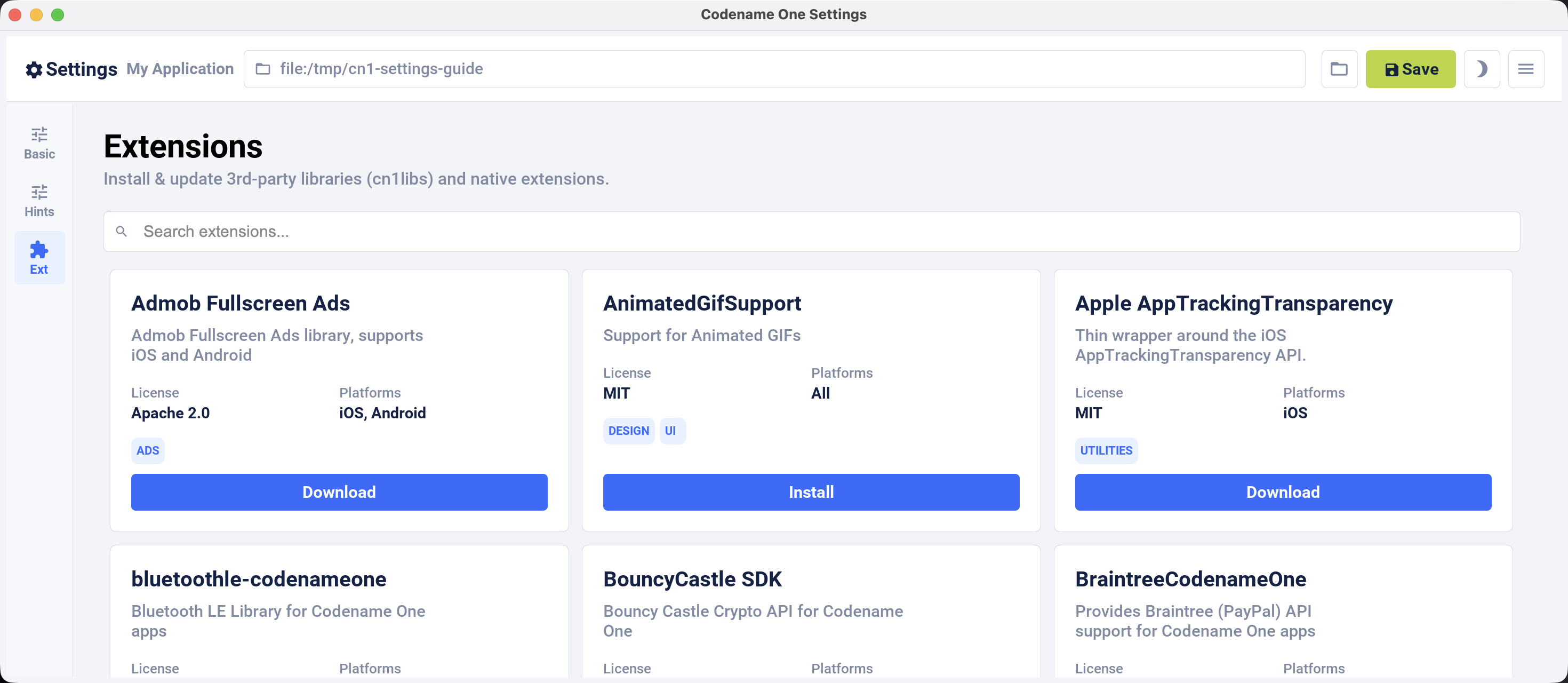
As an example, install the "Google Maps" library.
Type Maps in the search field and locate Codename One Google Native, the Google Maps library.
Click Install or Download, depending on how the catalog entry is distributed.
Settings shows progress while it installs the extension. For an installed extension, click the same action area and confirm Uninstall to remove it.
If the Settings window opens blank
Settings is a Codename One app hosted in a native window, so a window that opens but shows nothing can come from the window layer, the display scale, the theme, or font loading. Capture the render state and attach it to a bug report rather than guessing:
mvn cn1:settings -Dsettings.diagnostics=cn1-settings-diagnostics.txtThe file records the OS and JDK, the HiDPI scale the JVM reports, the window and canvas geometry, the size Codename One laid the form out at, and the colours and font metrics resolved for the theme. Add -Dsettings.screenshot=shot.png to also write the window contents; a second shot.onscreen.png captures the pixels actually on screen, which can differ from the offscreen paint. The launch log is at ~/.codenameoneSettings/settings.log.
Installing legacy cn1libs
The recommended approach for installing add-ons is to use Codename One Settings or add the Maven dependency to common/pom.xml. In some situations neither method is available. For example, you might have a legacy cn1lib file that isn’t listed in the extension catalog or deployed to Maven Central.
In cases like this you can use the install-cn1lib Maven goal to install it as follows:
mvn cn1:install-cn1lib -Dfile=/path/to/yourlibrary.cn1lib2.3. Updating Codename One
Codename One releases new versions weekly to the Codename One Maven repository. It’s recommended that you stay up to date with the latest version as much as possible to ensure compatibility with the Codename One build server, which is always running the latest version.
You can use the update goal to update both the Codename One libraries, and the Codename One dependencies in your project.
For example:
mvn cn:updateCLI
Or you can use the run.sh/run.bat script to run this goal as follows:
./run.sh updateUse run.bat update instead on Windows |
IntelliJ
Or you can click on the "Configuration" menu, and select "Tools" > "Update Codename One" as shown here:
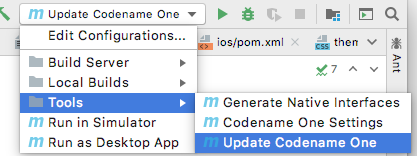
Then press the button.
NetBeans
Or you can right-click on the project in the project inspector, and select "Run Maven" > "Update Codename One" as shown here:
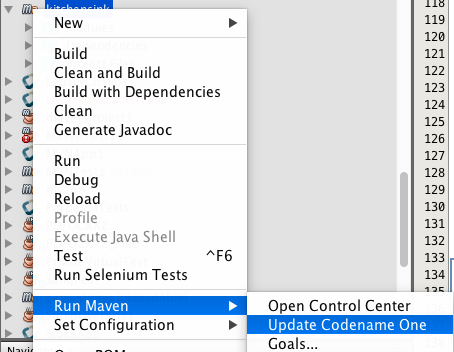
Then press the button.
Manually updating the pom.xml file
You can also update your Codename One dependencies manually by modifying the cn1.version and cn1.plugin.version properties defined in your project’s pom.xml file.
For example, Open the pom.xml file, and look for the following:
<cn1.plugin.version>7.0.210</cn1.plugin.version>
<cn1.version>7.0.210</cn1.version>Change these values to reflect the latest version of the codenameone-maven-plugin, listed as <release> in the repository metadata. The update goal reads the same metadata and edits both properties for you.
Updating the cn1.plugin.version and cn1.version properties manually will update the Maven dependencies for your project but it won’t update the other Codename One tools such as the GUI builder, and the Build Server Client, which are managed outside of Maven. You should use the Section B.23, “Update Codename One (update)” as described at the beginning of this section to perform a "full" update. |
2.4. Creating project templates
A project template is a Codename One application project that can be used as a starting point for building a Codename One application. Codename One initializr uses project templates to generate starter projects for Codename One applications. You can also use the Section B.5, “Generate app project (generate-app-project)” goal to generate starter projects from templates directly in Maven.
Any Codename One project can be converted into a project template.
2.4.1. Converting a Codename One application project into a project template
If you have an existing maven Codename One application project, you can convert it into a project template by adding a file named generate-app-project.rpf in the root directory of the project.
The contents of this file should look like:
template.mainName=$YOUR_PROJECT_MAIN_NAME
template.packageName=$YOUR_PROJECT_PACKAGE_NAME
[dependencies]
====
... YOUR PROJECT MAVEN DEPENDENCIES ...
====
[parentDependencies]
====
... YOUR PARENT PROJECT MAVEN DEPENDENCIES ...
====Where you make the following substitutions:
- $YOUR_PROJECT_MAIN_NAME
This should be the value of the
codename1.mainNameproperty in the project’scodenameone_settings.propertiesfile.- $YOUR_PROJECT_PACKAGE_NAME
This should be the value of the
codename1.packageNameproperty in the project’scodenameone_settings.propertiesfile.- … YOUR PROJECT MAVEN DEPENDENCIES…
Paste any maven dependencies that the project requires into this section. These will be injected into the
<dependencies>section of the common/pom.xml file.- … YOUR PARENT PROJECT MAVEN DEPENDENCIES…
Paste any maven dependencies that the parent project requires into this section. These will be injected into the
<dependencies>section of the pom.xml file.
See Section B.5.4.2, “Sample generate-app-project.rpf file” for a more concrete example of the generate-app-project.rpf.
2.4.2. Test your project template
You can test your project template by using it as the sourceProject parameter for the generate-app-project goal. See Section B.5, “Generate app project (generate-app-project)”.
2.5. Codename One libraries
A Codename One Library (cn1lib) is a module that can be distributed and added to Codename One applications to add functionality. It can be distributed as a self-contained bundle (a file with the.cn1lib extension), or deployed on Maven central to be included in application projects as a pom dependency.
A cn1lib may contain any of the following:
Cross-platform Java classes.
Native code that targets specific platforms.
Build hints, which will affect how projects will be built that include this library. These can contain things like Gradle dependencies on Android, Cocoapods dependencies on iOS, and other hints to affect the build-server process.
CSS files.
2.5.1. Creating a library project
Use the cn1lib-archetype for generating a new Codename One library project as follows:
Command line
mvn archetype:generate \
-DarchetypeArtifactId=cn1lib-archetype \
-DarchetypeGroupId=com.codenameone \
-DarchetypeVersion=LATEST \
-DgroupId=com.example.mylib \
-DartifactId=mylib \
-Dversion=1.0-SNAPSHOT \
-DinteractiveMode=false| This command is formatted for the bash prompt (for example, Linux or Mac). It will work on Windows also if you use bash. If you’re on Windows and are using PowerShell or the regular command prompt, then you’ll need to modify the command slightly. In particular, the entire command would need to be on a single line. (Remove the '\' at the end of each line, and merge lines together, with space between the command-line flags) |
In the above snippet you would change the groupId, artifactId, and version properties to reflect your project settings.
You can run the And then follow the prompts. Or you could enter:
And follow the prompts. This will, result in fewer prompts because you’ve already specified the archetype to use. |
This will create a new project for you in the current directory, in a newly created directory named after the artifactId that you entered.
IntelliJ IDEA
Select "File" > "New Project"…

Select "Maven" in the left menu.
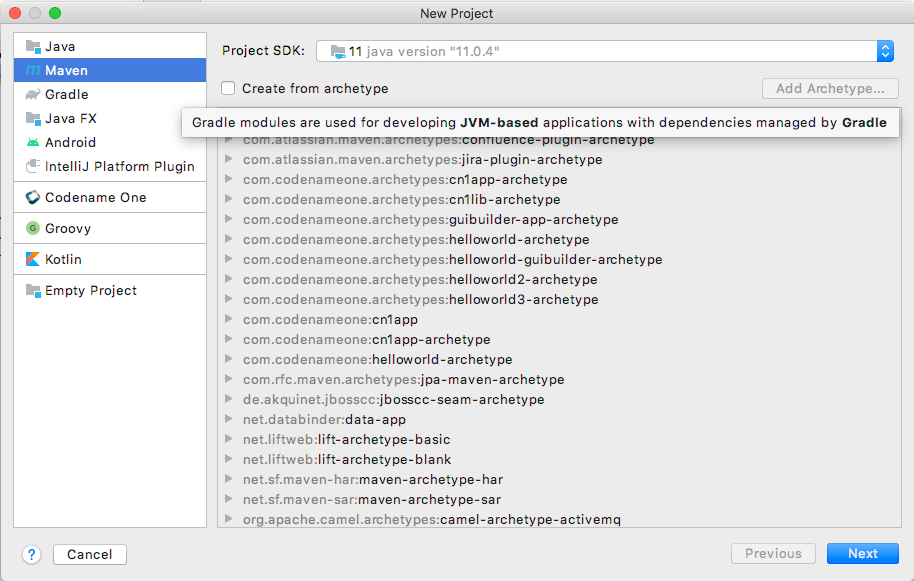
Check the "Create from Archetype" checkbox
 . This should allow you to choose from the archetypes that are already known to IntelliJ.
If you don’t see an option for
com.codenameone:cn1lib-archetype, then IntelliJ doesn’t know about it yet. If, but you do see this option, you can skip to the next step. Press the "Add Archetype…" button. This will display a dialog for you to enter the details of the archetype.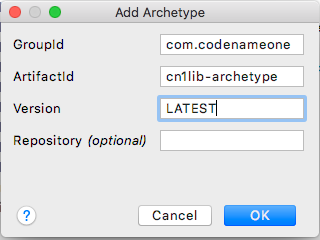
Fill in this dialog as shown in the above image. Specifically
groupId=com.codenameone,artifactId="cn1lib-archetype," andversion="LATEST"Then press
OK.Select the option that says "com.codenameone:cn1lib-archetype"

Then press "Next"
This will display a form where you can enter the details of your project such as its location (where you want to create the project folder), the name, the artifact ID, and the groupID. Fill in this form as you see fit.
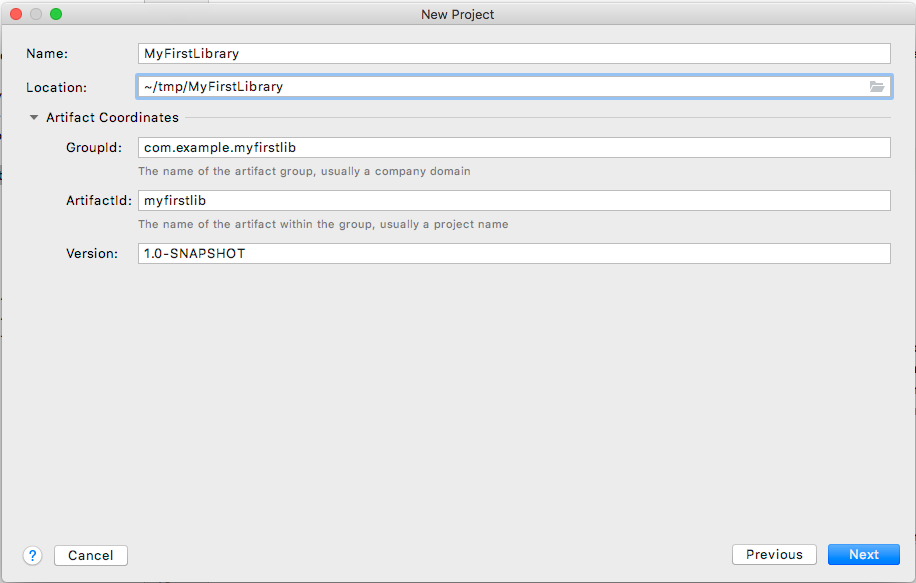
Then click "Next"
The final form in this wizard summarizes the project details and gives you an opportunity to add more properties to pass to the
archetype:generategoal. In your case you don’t need to add any more properties. If the information looks correct, you can pressNext.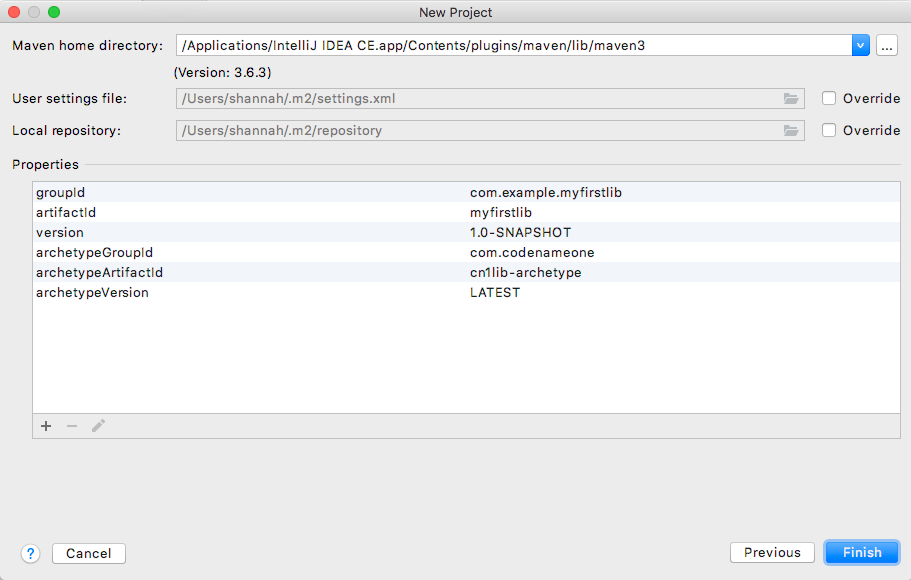
At this point you will be prompted to open the project.
NetBeans
Select "File" > "New Project…"

In the "New Project" dialog, select "Java with Maven" in the left panel, and "Project from Archetype" in the right panel, as shown below.
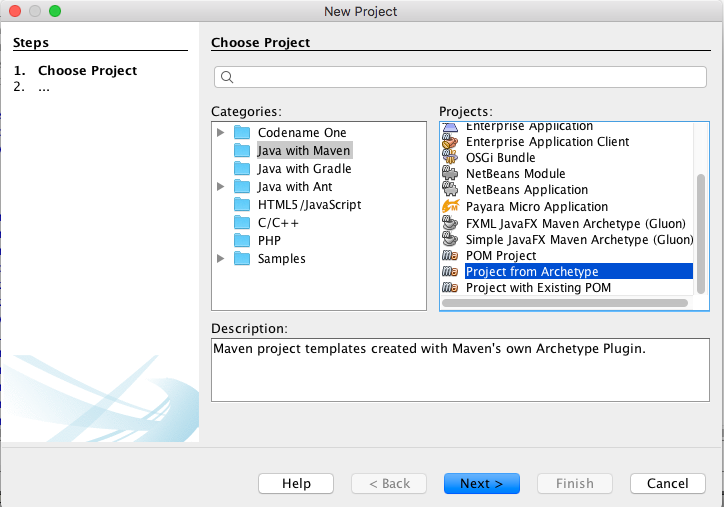
Then press "Next"
This will bring you to the "Maven Archetype" dialog as shown below:
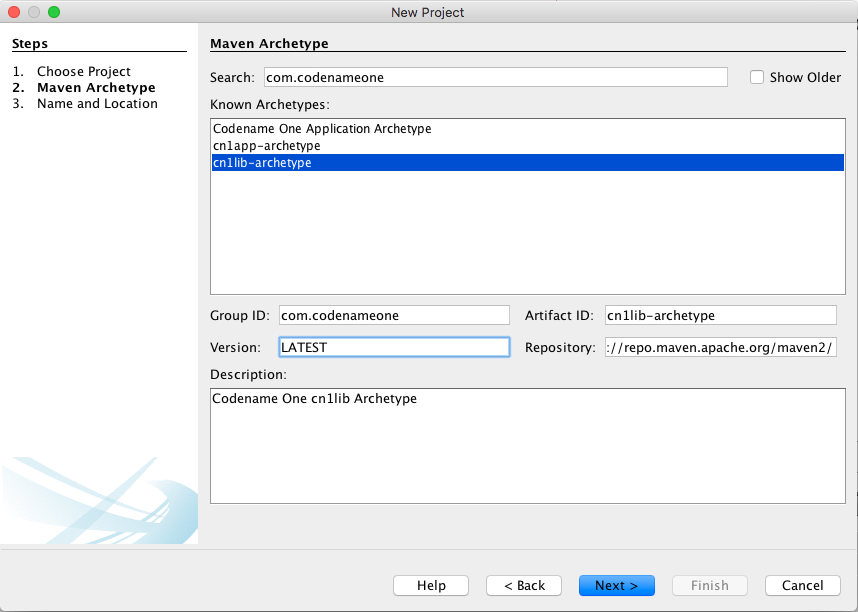
Enter "com.codenameone" or "cn1lib-archetype" into the search field. Then select "cn1lib-archetype" in the "Known archetypes:" panel. This will prefill the Group ID, Artifact ID and Version fields for you. You may want to change Version to LATEST to ensure that it tries to use the latest available version of the archetype.
Then click "Next"
This will bring you to the "Name and Location" panel of the wizard.
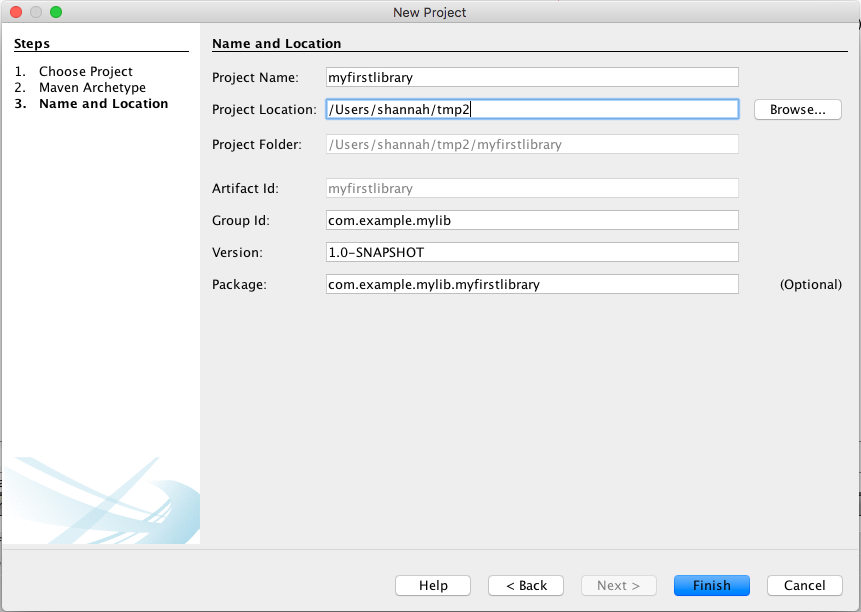
Enter in the project name (which you’ll be forced to use as the artifact ID also), project location, groupId, version, and package. The "Package" is unimportant here as it isn’t used anywhere in the project.
Once you’ve entered the information to your liking press the "Finish" button.
This will create a new library project for you at the location you specified.
Eclipse IDE
Select "File" > "New Project…"
In the New Project dialog, expand the Maven item, and select Maven Project
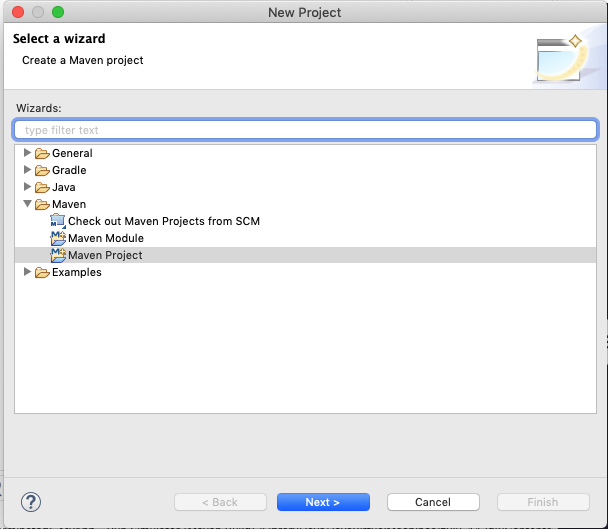
Then press "Next"
The next panel will look like the below image. The default settings on this panel should be fine. Press Next
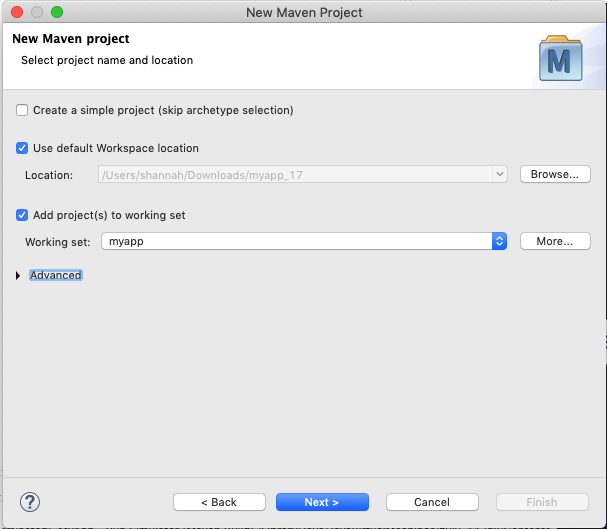
In the next panel, enter "cn1lib" in the Filter field. After a moment the cn1lib-archetype should appear in the area below as shown here:
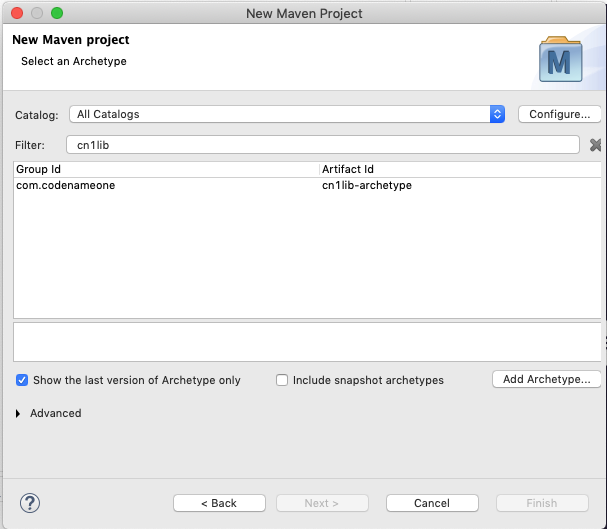
Select that option, and press Next
The next panel, allows you to enter your project details, such as group ID, and artifact ID. Your project information here and then press Finish.
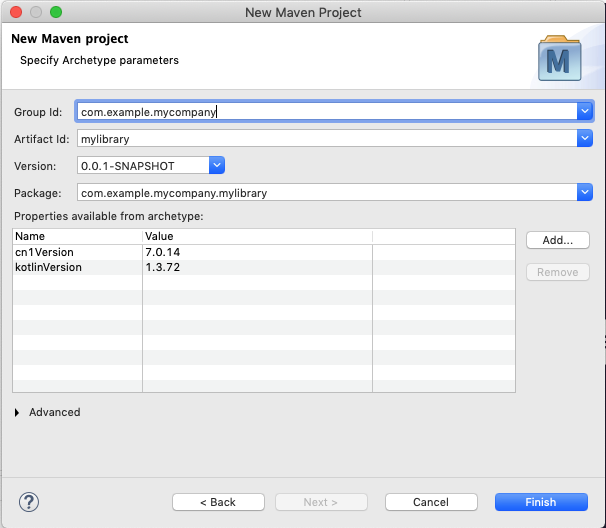
This will create a new library project for you at the location you specified.
Project structure
Take a look at the project that was created. It’s a multi-module Maven project with the following modules:
- common
The module where you’ll add all your cross-platform code and CSS, and build hint configuration. This module is in the "common" directory of the main project.
- Java SE
The module where you can implement native interfaces for the Java SE platform. This module is in the "Java SE" directory of the main project.
- ios
The module where you can implement native interfaces for the iOS platform. This module is in the "ios" directory of the main project.
- android
The module where you can implement native interfaces for the Android platform. This module is in the "android" directory of the main project.
- JavaScript
The module where you can implement native interfaces for the JavaScript platform. This module is in the "JavaScript" directory of the main project.
- lib
The library module which includes all the other modules as dependencies, and can be used as a pom dependency in Codename One application projects that wish to use this library. This module is in the "lib" directory of the main project.
- tests
An application project for writing unit tests against your library. This module is in the "tests" directory of the main project.
IntelliJ IDEA
The project inspector will look like:
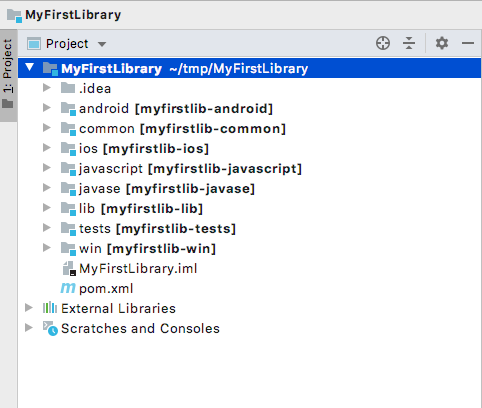
This top-level view of the module structure may seem daunting. Most of your development will occur inside the "common" module. If you expand that module it will look more familiar to developers who have used the old Ant project structure:
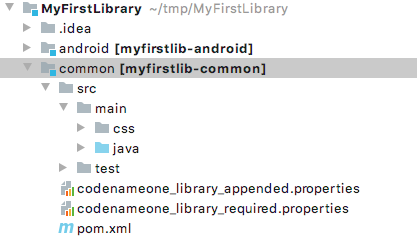
Your cross-platform Java source would go in the common/src/main/java directory. Your CSS files go in the common/src/main/css directory.
NetBeans
The project inspector will look like:
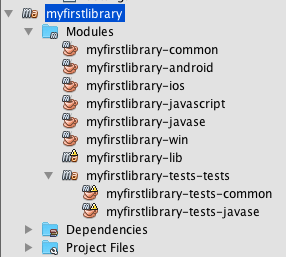
This top-level view of the modules doesn’t provide a clear view of the project landscape, but, since 99% of your development will occur inside the common submodule. Open that "common" sub-module project as well and take a peek.
Right-click on the "Common" sub-module, and select "Open Project" as shown below:
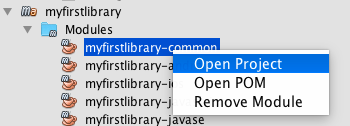
With the common subproject open, the project inspector will look like:
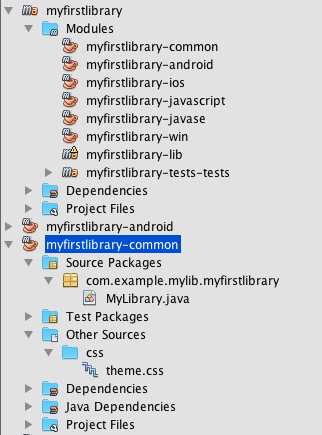
In this screenshot, "Source Packages" and "Other Sources/css" are expanded to highlight where your Java source files and CSS source files will be located.
The project inspector hides a few important files, but, so here is a screenshot of the File inspector for the common project:
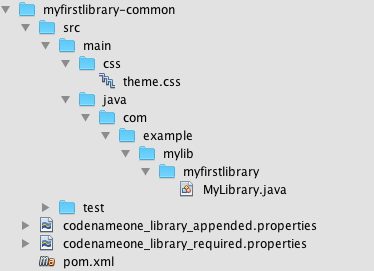
Eclipse IDE
The package explorer will look like:
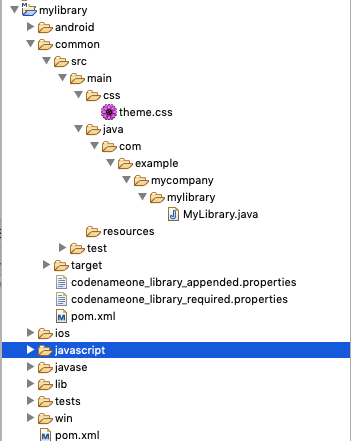
In this screenshot, the common/src/main/css and common/src/main/java directories are expanded since this is where most of your module source will go.
Command line
If you do a file listing on the project directory, it shows the following:
Steves-Mac-Pro:MyFirstLibrary shannah$ find .
.
./tests
./tests/pom.xml
./tests/javase
./tests/javase/pom.xml
./tests/common
./tests/common/codenameone_settings.properties
./tests/common/pom.xml
./tests/common/nbactions.xml
./tests/common/src
./tests/common/src/test
./tests/common/src/test/java
./tests/common/src/test/java/com
./tests/common/src/test/java/com/example
./tests/common/src/test/java/com/example/myfirstlib
./tests/common/src/test/java/com/example/myfirstlib/MyFirstTest.java
./tests/common/src/main
./tests/common/src/main/css
./tests/common/src/main/css/theme.css
./tests/common/src/main/java
./tests/common/src/main/java/com
./tests/common/src/main/java/com/example
./tests/common/src/main/java/com/example/myfirstlib
./tests/common/src/main/java/com/example/myfirstlib/LibraryTests.java
./tests/cn1libs
./tests/.mvn
./tests/.mvn/jvm.config
./pom.xml
./javase
./javase/pom.xml
./javase/src
./javase/src/main
./javase/src/main/java
./javase/src/main/java/com
./javase/src/main/java/com/example
./javase/src/main/java/com/example/myfirstlib
./ios
./ios/pom.xml
./ios/src
./ios/src/main
./ios/src/main/objectivec
./common
./common/codenameone_library_required.properties
./common/pom.xml
./common/codenameone_library_appended.properties
./common/src
./common/src/test
./common/src/test/java
./common/src/test/java/com
./common/src/test/java/com/example
./common/src/test/java/com/example/myfirstlib
./common/src/test/java/com/example/myfirstlib/MyLibraryTest.java
./common/src/main
./common/src/main/css
./common/src/main/css/theme.css
./common/src/main/java
./common/src/main/java/com
./common/src/main/java/com/example
./common/src/main/java/com/example/myfirstlib
./common/src/main/java/com/example/myfirstlib/MyLibrary.java
./android
./android/pom.xml
./android/src
./android/src/main
./android/src/main/java
./android/src/main/java/com
./android/src/main/java/com/example
./android/src/main/java/com/example/myfirstlib
./lib
./lib/pom.xml
./MyFirstLibrary.iml
./javascript
./javascript/pom.xml
./javascript/src
./javascript/src/main
./javascript/src/main/javascript
./.idea
./.idea/encodings.xml
./.idea/jarRepositories.xml
./.idea/.gitignore
./.idea/workspace.xml
./.idea/misc.xml
./.idea/compiler.xmlThis may seem daunting at first, but it’s important to realize that 99% of the time, you’ll be working in the "common" module - most of the other stuff is boilerplate.
Important files
A few key files in this project that you’ll be using more than the others.
- pom.xml
The maven configuration file of the root module is where you will set project-wide properties such as the
cn1.versionproperty, which specifies the version of the Codename One libraries that the module should be compiled against. Periodically, you’ll want to update thecn1.versionproperty to point to the latest version.When/if you decide to deploy your module to Maven central, you’ll need to add more deployment-related settings in this file.
- common/pom.xml
The maven configuration file for the "common" module, which will contain most of your cn1lib’s source code, CSS files, and properties files. If your library depends on other libraries or jar files, you’ll be adding them as dependencies in this file, and not the root pom.xml file.
- common/codenameone_library_appended.properties
This file is where you can specify properties that should be merged with the codenameone_settings.properties of application projects that include this library as a dependency. This is where you would add, for example, Gradle dependencies required for the Android builds, or CocoaPods dependencies that are required for iOS builds.
- common/codenameone_library_required.properties
This file allows you to specific build hints that must be present in application projects that include this library. If this library requires a particular android build tools version, or a specific Java version, then those requirements should be specified in this file.
Important directories
As mentioned earlier, 99% of all your development will likely occur inside the "common" module. The other modules are for native implementations of Native interfaces.
- common/src/main/java
This is where your cross-platform Java source files will be placed.
- common/src/main/css
If your library uses CSS, this is where all CSS-related files will be placed.
- common/src/main/resources
Other non-java resources that you want to have included in the classpath.
Building the library
Command line
To build the library, run the "install" goal on the root module as follows:
mvn installIntelliJ IDEA
Press the "build"  button on the toolbar.
NetBeans
Right-click on the "root" module in the project explorer and select Build.
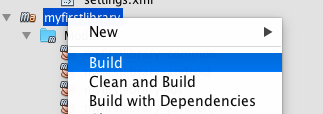
| You must build the root module and not one of the submodules. |
Or you could have selected the "root" module in the project explorer and pressed the "build"  button on the toolbar.
Eclipse IDE
Right-click on the "root" module in the project explorer and select Run as > Maven Install
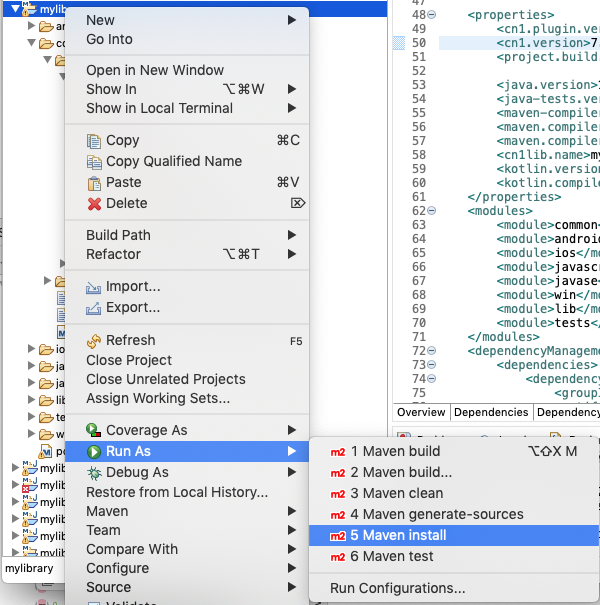
If the build fails for any reason, check to make sure that your project is using the latest version of the Codename One plugin. You can do this by opening the pom.xml file, and changing the cn1.version and cn1.plugin.version properties to reference the latest version. Check for the latest version, listed as <release> in the repository metadata. |
Building the Legacy.cnlib file
When using the Maven build tool, you no longer require the.cn1lib file at all. Your library projects can be handled entirely via Maven’s dependency mechanism. The preferred way to distribute your libraries is on Maven central, and the preferred way to add a library to an application is via a Maven "pom" dependency.
That being said, you may still want to distribute your library as a.cn1lib file for the sake of users who are still using Ant as their build tool. For that reason, when you build a library project, the cn1lib is automatically built as well. After running a build, you can look in the common/target directory and find your.cn1lib file ready to be distributed.
Editing Java Code
To get acquainted with your project, add a "Hello World" Java class that you want to make available as part of your cn1lib.
Add a new class inside the "common/src/main/java" directory with package com.example, and name HelloWorld. Enter the following contents into the class:
public class HelloWorld {
public static void helloWorld() {
System.out.println("Hello world");
}
}Now build the library again. (See Section 2.5.1.6, “Building the library”).
Using the library in an application project
Now that you’ve built your library and added a Java class, try adding it as a dependency in an application project. If you haven’t yet created an application project, do that now. See Section 2.2.2, “Creating a new project” for instructions on creating a new application project.
Open the common/pom.xml file of your application project.
| Make sure you’re editing the common/pom.xml file of the application project and not the library project. |
This file may look a little hairy as there is a lot of configuration in there. You will be looking for the <dependencies> section.
The common/pom.xml file will have more than one <dependencies> tag, as it includes some profiles handling things like Kotlin support. There will be one particular <dependencies> tag that includes a comment like
<!-- INJECT DEPENDENCIES -->You should add your dependencies before this comment.
For the sake of this example, suppose your library was set up with the following coordinates:
groupId: |
|
artifactId: |
|
version: |
|
In this case you would add the following XML snippet to the <dependencies> section of your application’s common/pom.xml file:
<dependency>
<groupId>com.example</groupId>
<artifactId>mylib-lib</artifactId>
<version>1.0-SNAPSHOT</version>
<type>pom</type>
</dependency>Notice that you appended "-lib" to the artifactId. This is because you’re including the "lib" module of your library project as the dependency, and not the root module. Also the <type>pom</type> is important as it indicates that this is a pom dependency - not a regular jar dependency. |
Now try it out. Try adding the following code to your application project’s main class (or anywhere in the application project, for that matter):
This calls into the library you just built, so it isn’t one of the compiled examples:
import com.example.HelloWorld; // ... inside start() HelloWorld.helloWorld();
And build the project. The project should build OK, and if you run it, you should see that the helloWorld() method works as designed.
2.5.2. Adding menus to the simulator
A cn1lib can contribute menu items to the Codename One simulator’s menu bar. This is the same affordance the framework itself uses for the Skins / Native Theme / Simulate menus — opened up so library authors can expose backend-specific actions (for example, "Add a simulated peripheral," "Inject a push notification," or "Switch backend") without users having to write any Swing code or instrument their app.
Every menu item is also reachable from CN1 UnitTests (or any app code) through CN.execute("namespace:itemN") — the JavaSE port’s URL execute is overloaded to recognize a registered hook url and dispatch it on the EDT instead of opening it as a browser URL. On Android, iOS, JavaScript and other production targets no hooks are registered, so a hook-style URL falls through to the normal native execute and (almost always) becomes a no-op; tests should pair CN.execute with CN.canExecute for that reason. Hooks can also be declared with no menu label, which makes them callable from tests but invisible in the menu — useful for state-priming actions a human wouldn’t click.
The contract
Each cn1lib ships a properties file at a well-known classpath location. The simulator scans every jar on its classpath for this resource and merges the results, so multiple cn1libs coexist cleanly:
# META-INF/codenameone/simulator-hooks.properties
name=Bluetooth
namespace=bluetooth # optional; defaults to slugified `name`
# Each itemN is the action; the matching labelN is the menu text.
# Items are positional — the loader reads item1, item2, item3, ... and
# stops at the first missing index. Don't skip numbers.
item1=com.example.bt.simulator.Hooks#toggleAdapter
label1=Toggle adapter on/off
item2=com.example.bt.simulator.Hooks#addDemoPeripheral
label2=Add demo peripheral
# Label omitted → API-only hook. Callable from tests, invisible in menu.
item3=com.example.bt.simulator.Hooks#primeReadFailureRequired keys:
nameMenu title shown in the simulator’s menu bar. One menu per properties file.
itemNA
fully.qualified.ClassName#staticMethodNamereference for the Nth menu item. The method must bepublic static voidand take no arguments. Items are numbered from 1 upward; the loader stops at the first missingitemN, so don’t leave gaps.
Optional keys:
namespaceIdentifier used for the
CN.executelookup (for example,bluetoothfor a URL likebluetooth:item1). Defaults to lowercased, ASCII-slugifiedname(Push Notifications!→push-notifications). Set this explicitly when you want a different identifier from the display name.labelNDisplay text for the matching
itemN. Omit entirely to make the hook API-only — registered withCN.executebut hidden from the menu.
No groups, no submenus, no priority — flat by design. If you need ordering relative to another cn1lib, you can’t have it: discovery order wins, and that’s intentional so the contract stays small and the future simulator UX can re-render this metadata however it likes.
The action method
The simulator dispatches every action on the Codename One EDT through Display.callSerially, so your method can call Display.getInstance(), Form.show(), Dialog.show(), ToastBar.showInfoMessage() and any other CN1 API. Reflection uses the same classloader that loaded Display, so cn1lib internals (including package-private classes) resolve normally:
This is a method in your own cn1lib, so it isn’t one of the compiled examples:
public static void resetPairing() {
PairingState.clear(); // package-private, same cn1lib
if (Display.isInitialized()) {
ToastBar.showInfoMessage("Pairing state cleared");
}
}The Display.isInitialized() guard is a useful pattern when the same static methods are also called from JUnit tests that don’t run inside a live CN1 simulator — the state mutation runs in both contexts, only the UI feedback is skipped.
Worked example using cn1-bluetooth
The cn1-bluetooth cn1lib ships a JavaSE port with two backends: a scriptable in-memory simulator and a real-hardware backend that talks to a native helper (CoreBluetooth on macOS, BlueZ on Linux, WinRT on Windows). Both are useful in different stages of development, and the menu lets the user choose between them and exercise the simulator without writing any test scaffolding.
Its simulator-hooks.properties looks like this:
name=Bluetooth
namespace=bluetooth
item1=com.codename1.bluetoothle.BluetoothSimulatorHooks#toggleAdapter
label1=Toggle adapter on/off
item2=com.codename1.bluetoothle.BluetoothSimulatorHooks#addDemoPeripheral
label2=Add demo peripheral
item3=com.codename1.bluetoothle.BluetoothSimulatorHooks#switchToNativeBle
label3=Switch backend → native BLE (real hardware)
# API-only: used by the test suite but never displayed in the menu
item4=com.codename1.bluetoothle.BluetoothSimulatorHooks#primeReadFailureWhen the user runs an app that depends on cn1-bluetooth, the simulator’s menu bar gets a Bluetooth menu with the three labeled items. Clicking Add demo peripheral drops a peripheral into the in-memory simulator that the running app can then scan for, connect to, and exchange data with — without any real hardware. item4 is callable from tests via CN.execute("bluetooth:item4") but never shows up in the menu.
Calling hooks from CN1 unit tests
CN1 unit tests (AbstractTest subclasses run via mvn cn1:test) compile under the same restrictions as the rest of the app — no reflection, no JavaSE-only imports. Drive a hook the same way you’d execute any URL — CN.execute recognizes registered hook urls and dispatches them on the EDT:
public class BluetoothDemoTest extends AbstractTest {
@Override
public boolean runTest() throws Exception {
// Skip cleanly off-simulator: a real device has no hook registered
// and CN.canExecute will not return TRUE.
if (!Boolean.TRUE.equals(CN.canExecute("bluetooth:item2"))) {
return true;
}
// Seed the simulator — same effect as clicking "Add demo peripheral".
CN.execute("bluetooth:item2");
// nullnow drive the public Bluetooth API as usual.
return true;
}
}A common pattern: ship label-bearing hooks for actions a developer might want to fire manually (toggle adapter, inject notification), and ship label-less hooks for test-only state setup (primeReadFailure, seedFixture) that would just clutter the menu.
What’s intentionally not exposed
Swing types.
JMenu,JMenuItem,KeyStrokeand friends don’t appear in the contract. The simulator UX may change shape (toolbar, command palette, sidebar) and cn1libs shouldn’t have to follow.Submenus, separators, priority. The metadata is a flat list with no hierarchy. If you want grouping, ship multiple
simulator-hooks.propertiesfiles in separate jars — each becomes its own menu.Long-running work on the EDT. Hook methods run on the CN1 EDT; if you need to do I/O, fire-and-forget a
new Thread(…)from the method or useCN.invokeAndBlockso you don’t block the UI.
2.5.3. Distributing your library
The recommended way to distribute your library is on Maven central. That way users will be able to install your library by copying and pasting a familiar <dependency> snippet into their pom.xml file.
3. Gradle project workflow
Maven is the standard way to build a Codename One application, and everything in the Maven project workflow chapter remains the reference. Gradle is an optional alternative for applications that want a smaller project: one directory instead of a root pom.xml and eight modules, and no native or backend directories until the application has native code or a server.
The Gradle build isn’t a second implementation. The com.codenameone Gradle plugin calls the same build engine the Maven plugin uses, so a Gradle project stages the same upload for the build server, runs the same local builders, compiles CSS with the same compiler and checks the same bytecode rules. An application built both ways uploads identical content for every target.
3.1. Choosing between Maven and Gradle
Choose Gradle when:
You want the smallest project that works: a settings file, your sources and nothing else.
Your team already uses Gradle, or your IDE and CI work better with it.
The application doesn’t need any of the Maven-only goals listed in Section 3.10, “Limits”.
Stay with Maven when:
The application targets Java 8. Gradle projects compile for Java 17 only, the bytecode level Codename One builds for every platform.
It still uses legacy
.cn1libfiles rather than libraries published to a Maven repository.It depends on a goal that has no Gradle task yet.
Gradle projects leave out what the Maven build carries for older projects: legacy .cn1lib files (consumed or produced), the legacy Designer (resource editor) task, the Java 8 target, and the Maven-only files and profiles such as codenameone_maven.properties and the install-codenameone profile. Running Gradle needs JDK 17 or newer and Gradle 8.5 or newer; every project ships a Gradle wrapper, so you never install Gradle yourself.
3.2. Getting started
3.2.1. The initializr
In the Codename One initializr, set Build tool to Gradle. A Gradle project then offers three project types:
- App
A client application.
- App + backend
A client application with a
backend/subproject, as described in Section 3.8, “The backend”.- Backend only
A server with no client at all: no settings file, theme, simulator or native directories.
The download opens in IntelliJ IDEA, NetBeans, Eclipse or Visual Studio Code, and builds from the command line with the ./gradlew wrapper it contains.
3.2.2. Converting an existing project
The Maven plugin converts a Maven or Ant application to the Gradle layout, writing a new project beside the old one and leaving the old one untouched. In the commands in this chapter, VERSION stands for the Codename One release you use:
cd MyApp # the Maven or Ant project
mvn com.codenameone:codenameone-maven-plugin:VERSION:convert-to-gradle
cd ../MyApp-gradle
./gradlew runThe conversion runs anywhere, with or without a project in the working directory. These properties control it:
mvn com.codenameone:codenameone-maven-plugin:VERSION:convert-to-gradle \
-Dcn1.sourceProject=/path/to/MyApp \
-Dcn1.outputDir=/path/to/MyApp-gradle \
-Dcn1.includeBackend=truecn1.sourceProjectThe project to convert. Defaults to the project Maven runs in, else the working directory.
cn1.outputDirWhere the Gradle project goes. Defaults to
<project>-gradlebeside the source project. It must not exist or must be empty.cn1.includeBackendCarries over a backend module that’s still the untouched archetype skeleton. Off by default, because every Maven project has that module; a backend with code of its own is always converted.
cn1.gradleVersionThe plugin version the new
settings.gradle.ktsdeclares. Defaults to the version of the Maven plugin doing the conversion.
The conversion moves sources, CSS, localization and resources to src/main/…, each platform’s native implementations to src/<platform>/<lang>, and the dependencies of common/pom.xml into build.gradle.kts. It raises codename1.arg.java.version to 17 and says so. Ant projects that mix Java and Kotlin in src/ get their Kotlin sources in src/main/kotlin and the Kotlin Gradle plugin in build.gradle.kts.
A project that uses legacy .cn1lib files is refused, and the message names every one of them. Depend on each library’s Maven coordinates instead, or republish it as a Gradle cn1lib (see Section 3.6, “Libraries”), then convert again.
The generate-app-project goal, which migrates an Ant project or a project template, produces a Gradle project directly with -Dcn1.buildTool=gradle:
mvn com.codenameone:codenameone-maven-plugin:VERSION:generate-app-project \
-DgroupId=com.example.myapp \
-DartifactId=myapp \
-Dversion=1.0-SNAPSHOT \
-DmainName=MyApp \
-DsourceProject=/path/to/AntProject \
-Dcn1.buildTool=gradle \
-DinteractiveMode=false3.3. The project layout
MyApp/ settings.gradle.kts build.gradle.kts (optional: the application's own dependencies) gradle.properties gradlew, gradlew.bat, gradle/wrapper/ codenameone_settings.properties icon.png src/main/java/ (and src/main/kotlin/ for Kotlin sources) src/main/css/theme.css src/main/resources/ src/main/l10n/ src/test/java/ src/android/java/ created by generateNativeInterfaces, when needed src/ios/objectivec/ src/javase/java/ src/javascript/javascript/ src/win/c/ src/linux/c/ backend/ created by addBackend, when needed
The native and backend directories don’t exist until the application needs them. The plugin declares them anyway, so creating one later needs no build-file edit.
The settings file is the only Codename One line a project needs, with VERSION replaced by the release:
pluginManagement {
repositories {
maven("https://repo.codenameone.com/maven2")
gradlePluginPortal()
}
}
plugins {
id("com.codenameone") version "VERSION"
}
rootProject.name = "MyApp"The plugin, applied from the settings file, adds the repository the framework is published to (and Maven Central for other libraries), applies itself to the project and to backend/ when there is one, and builds against its own version. There’s one version number to bump.
A project’s kind comes from the files the other build tools already use: codenameone_settings.properties makes it an application, codenameone_library_appended.properties a cn1lib, and application.properties without a settings file a backend. The codename1.kind Gradle property (APP, LIB or BACKEND) overrides the detection for the root project. Subprojects, such as an application’s backend, are always detected from their own files, because a Gradle property set on the command line or in gradle.properties reaches every project of the build.
The generated gradle.properties turns on the configuration cache and the build cache, which is what makes a second ./gradlew run start in about a second:
# Gradle caches the configuration of this build, which is what makes the second
# ./gradlew run start in about a second.
org.gradle.configuration-cache=true
org.gradle.caching=trueTo resolve the framework from a mirror, or from a directory holding a locally built Codename One, set codename1.repository there:
# Resolve the plugin's framework artifacts from a mirror, or from a local
# directory holding a locally built Codename One, instead of repo.codenameone.com.
codename1.repository=/path/to/maven/repository3.4. Running and building
./gradlew run # the simulator
./gradlew debug # the simulator, waiting for a debugger on port 5005
./gradlew cn1Test # the unit tests, in the simulator's test runnerThe simulator reloads CSS as you edit it, and its hot reload recompiles through Gradle. Cloud builds and local builds are tasks too:
./gradlew buildAndroid # send an Android build to the build server
./gradlew buildIos # send an iOS debug build
./gradlew buildIosXcodeProject # generate an Xcode project locally
./gradlew buildJavascriptLocal # build the JavaScript port locallycn1Build runs any target by name, and codename1.stageOnly stops once the upload jar is staged and checked, which is useful for inspecting exactly what a build would send:
./gradlew cn1Build -Pcodename1.platform=ios -Pcodename1.buildTarget=ios-source
./gradlew buildAndroid -Pcodename1.stageOnly=trueGradle runs one Codename One build at a time, even when a command line names several, because each one uses the build client and the local toolchains.
3.4.1. Task reference
| Gradle task | Maven goal | What it does |
|---|---|---|
|
| Runs the application in the simulator. |
|
| Runs the simulator suspended, waiting for a debugger on port 5005. |
|
| Compiles |
|
| Turns SVG and Lottie assets into Java sources. |
|
| Generates sources from GUI builder XML and CodeRAD view templates. |
|
| Compiles the application and its simulator native code; the simulator’s hot reload runs it. |
|
| Writes the files the simulator reads at startup. |
|
| Runs the unit tests in the simulator’s test runner. |
|
| Writes implementation stubs for every native interface; see Section 3.5, “Native interfaces”. |
| (none) | Runs before each build task and fails when a native interface has no implementation for that platform. |
|
| An Android cloud build; an Android Studio project generated locally. |
|
| An iOS debug or App Store cloud build; an Xcode project generated locally. |
|
| A native macOS build; a macOS desktop (JVM) build. |
|
| A Windows desktop (JVM) build; a native Windows build. |
|
| A native Linux build. |
|
| A JavaScript cloud build; the JavaScript port built locally. |
|
| The build given by |
|
| Opens Codename One Settings, the GUI Builder, the Game Builder or the iOS Certificate Wizard for this project. |
| (none) | Adds a |
|
| Runs a backend on this JVM. |
|
| Builds a backend as a single native binary. |
|
| Builds the app for the browser and stages it for the backend to serve at |
|
| Runs a backend’s tests as a native binary. The standard |
|
| Updates the plugin version in |
A build task accepts -Pautomated=true to wait for a cloud build and download its result, and -Popen=false (or -Pcodename1.open=false) to keep a generated Xcode or Android Studio project from opening.
3.4.2. Build hints
Build hints come from codenameone_settings.properties, as in every Codename One project. The codenameone {} block in build.gradle.kts adds hints for every build of the project, without the codename1.arg. prefix:
codenameone {
buildHints.put("ios.newStorageLocation", "true")
buildHints.put("android.targetSDKVersion", "35")
}A hint on the command line applies to that build only, and wins over both. -Pcodename1.arg.<hint> and -Dcodename1.arg.<hint> are equivalent:
./gradlew buildIos -Pcodename1.arg.ios.newStorageLocation=trueThe same block also sets version, the framework version the project builds against (it defaults to the plugin’s), and mainClass, which defaults to the package and main name in the settings file.
3.5. Native interfaces
A Gradle project starts without native directories, and adding a native interface later needs no change to any build file.
Declare the interface in
src/main/java, as described in native interfaces:public interface MyNative extends NativeInterface { String helloWorld(String hi); }Generate the stubs:
./gradlew generateNativeInterfacesThe task compiles the application, finds every interface that extends
NativeInterface, and writes a stub for each platform intosrc/<platform>/<lang>, creating only the directories it writes to. An existing implementation is never overwritten unless you pass-Pcn1.overwrite=true.Implement the stubs. The Java SE implementation in
src/javase/javacompiles against the application and joins the simulator’s classpath on the next./gradlew run. The other platforms' sources travel in that platform’s upload.
-Pcn1.nativeInterface limits the task to one interface, and -Pcn1.swift=true and -Pcn1.kotlin=true add Swift and Kotlin stubs beside the Objective-C and Java ones:
./gradlew generateNativeInterfaces -Pcn1.nativeInterface=com.example.myapp.MyNative \
-Pcn1.swift=true -Pcn1.kotlin=trueBefore every build, the plugin checks that each native interface has an implementation for the target platform. A missing one fails the build before anything is sent, naming the file to create, rather than failing later on the build server.
To remove a native interface, delete the interface and its implementation files; nothing else refers to them.
3.6. Libraries
3.6.1. Using a cn1lib
Declare a cn1lib by its -lib coordinates in build.gradle.kts, next to any plain Java library:
dependencies {
// A Codename One library published to a Maven repository:
cn1lib("com.codenameone:googlemaps-lib:1.0")
// A plain Java library that only uses APIs Codename One supports:
implementation("org.example:library:1.0")
}These are the coordinates a Maven project uses with <type>pom</type>. The library’s classes and CSS reach every build, and its platform-specific code reaches only that platform’s: Maven chooses those jars with profiles, and the plugin reads the same profiles from the library’s published pom.xml. The library’s build hints merge into the application’s, as they do under Maven.
A project that declares repositories of its own in build.gradle.kts keeps the Codename One repository too: the plugin adds it beside them.
3.6.2. Building a cn1lib
A Gradle project with a codenameone_library_appended.properties file (and no codenameone_settings.properties) is a cn1lib. It uses the same settings file, src/main/java for the library, src/main/css for its CSS and src/<platform>/<lang> for native code, and generateNativeInterfaces works as it does for an application. The build script sets the coordinates and, to publish somewhere other than the local repository, a repository:
group = "com.example"
version = "1.0"
publishing {
repositories {
maven {
name = "company"
url = uri("https://maven.example.com/releases")
}
}
}./gradlew publishToMavenLocal # install into ~/.m2 for local testing
./gradlew publish # publish to the repositories the build declaresThe library is published in the same shape the Maven cn1lib-archetype produces, so Maven and Gradle applications both consume it. For a project named N:
N-commonThe compiled library, with
codenameone_library_appended.propertiesandcodenameone_library_required.propertiesunderMETA-INF/codenameone/.N-common, classifiercn1cssThe library’s CSS, as a zip.
N-<platform>One jar per platform: compiled classes for
javase, sources for the others, which the native builders compile.N-libA
pomthat applications depend on, with onecodename1.platformprofile per platform.
Gradle cn1libs don’t produce .cn1lib files.
3.7. Kotlin
Kotlin sources go in src/main/kotlin, and the project applies the Kotlin Gradle plugin in build.gradle.kts. plugins {} must be the first statement of the script:
plugins {
kotlin("jvm") version "2.2.10"
}
dependencies {
// the application's own dependencies, as before
}Java and Kotlin classes in one project can call each other. Both are checked by the same bytecode compliance rules as a Java-only project.
3.8. The backend
addBackend adds a backend/ subproject to an existing application. The settings plugin includes it automatically, so settings.gradle.kts doesn’t change. Its tasks run with the project path in front:
./gradlew addBackend # create backend/ once
CN1_PROFILE=dev ./gradlew :backend:runBackend # run it on this JVM
./gradlew :backend:backendPackage # build the native binary
./gradlew :backend:test # run its tests on this JVM
./gradlew :backend:backendTest # and as a native binarybackendWebApp builds the app for the browser and stages it in backend/build/webapp. runBackend then serves the app at /, and backendPackage leaves it beside the binary, so one address is both the API and the app:
./gradlew :backend:backendWebApp # build the app for the browser and stage it
CN1_PROFILE=dev ./gradlew :backend:runBackend # the server now answers / with the appThe browser build takes about a minute, so neither task runs it for you: run backendWebApp when the app changed. Hosting the app in the browser covers how the server serves it.
A backend-only project has the same bootstrap with the server at the root: application.properties, application-dev.properties and src/main/java. Its tasks are runBackend, backendPackage, backendTest, cn1Update and the standard test, which runs the backend’s tests on this JVM; Chapter 38, Backend testing covers writing them. backendPackage writes the binary to build/<project name>:
CN1_PROFILE=dev ./gradlew runBackend
./gradlew backendPackage
CN1_PROFILE=dev PORT=9000 ./build/MyServiceCN1_PROFILE=dev selects the development profile that application-dev.properties configures, with an in-memory SQLite database; without it the server reads the production settings and expects DATABASE_URL. PORT overrides the configured port. runBackend takes -Pcn1.backend.mainClass, -Pcn1.backend.args and -Pcn1.backend.jvmArgs. The server-side backend chapter covers the runtime itself.
3.9. Tools and updates
The desktop tools open on the Gradle project as they do on a Maven one:
./gradlew settings # Codename One Settings
./gradlew guibuilder # the GUI Builder
./gradlew gameBuilder # the Game Builder
./gradlew certificateWizard # the iOS Certificate Wizardcn1Update moves the project to the latest release by rewriting the plugin version in settings.gradle.kts, and updates the build client. -Pcodename1.updateTo picks a version instead:
./gradlew cn1Update
./gradlew cn1Update -Pcodename1.updateTo=VERSION3.10. Limits
These features remain Maven goals, with no Gradle task yet:
The OpenAPI, gRPC and GraphQL client generators (
cn1:generate-openapi,cn1:generate-grpc,cn1:generate-graphql).cn1:create-game-scene.The on-device debugging helpers for Android and iOS.
An application that needs one of these stays on Maven for now.
Core concepts
4. The EDT - Event Dispatch Thread
4.1. What’s The EDT
Codename One allows developers to create as many threads as they want; however to interact with the Codename One user interface components a developer must use the EDT. The EDT stands for "Event Dispatch Thread" but it handles a lot more than "events."
The EDT is the main thread of Codename One, by using one thread Codename One can avoid complex synchronization code and focus on simple functionality that assumes one thread.
| This has huge advantages for your code. You can normally assume that all code will occur on a single thread and avoid complex synchronization logic. |
You can visualize the EDT as a loop such as this:
while(codenameOneRunning) {
performEventCallbacks();
performCallSeriallyCalls();
drawGraphicsAndAnimations();
sleepUntilNextEDTCycle();
}Normally, every call you receive from Codename One will occur on the EDT. For example, every event, calls to paint(), and lifecycle calls (start etc.) should all occur on the EDT.
This is pretty powerful, however it means that as long as your code is processing nothing else can happen in Codename One!
If your code takes too long to execute then no painting or event processing will occur during that time, so a call to Thread.sleep() will actually stop everything! |
The solution is pretty simple, if you need to perform something that requires intensive CPU you can spawn a thread.
Codename One’s networking code automatically spawns its own network thread (see the NetworkManager). However, this also poses a problem…
Codename One assumes all modifications to the UI are performed on the EDT. If you spawn a separate thread, how do you force its modifications back into the EDT?
Codename One includes helper methods in the Display class to help in these situations: isEDT(), callSerially(Runnable), callSeriallyOnIdle(Runnable), and callSeriallyAndWait(Runnable) (with an optional timeout overload).
isEDT() is useful for generic code that needs to test whether the current code is executing on the EDT.
The two methods that coordinate work with the EDT pull in opposite directions,
and the difference is easiest to see against the cycle itself. callSerially
moves a Runnable onto the EDT. invokeAndBlock moves one the other way:
called on the EDT it hands the Runnable to a pooled thread, and called off
the EDT it simply runs it on the calling thread. Either way that Runnable
isn’t on the EDT, so don’t touch the UI from inside it:

4.2. Call Serially (And Wait)
callSerially(Runnable) should normally be called off the EDT (in a separate thread), the run method within the submitted runnable will be invoked on the EDT.
The Runnable passed to the callSerially and callSeriallyAndWait methods isn’t a Thread. Use the Runnable interface as a convenient callback interface: |
// this code is executing in a separate thread
final String res = methodThatTakesALongTime();
Display.getInstance().callSerially(new Runnable() {
public void run() {
// this occurs on the EDT so I can make changes to UI components
resultLabel.setText(res);
}
});| You can write this code more concisely using Java 8 lambda code as such: |
// this code is executing in a separate thread
String res = methodThatTakesALongTime();
Display.getInstance().callSerially(() -> resultLabel.setText(res));This allows code to leave the EDT and then later on return to it to perform things within the EDT.
The callSeriallyAndWait(Runnable) method blocks the current thread until the method completes, this is useful for cases such as user notification e.g.:
// this code is executing in a separate thread
methodThatTakesALongTime();
Display.getInstance().callSeriallyAndWait(() -> {
// this occurs on the EDT so I can make changes to UI components
globalFlag = Dialog.show("Are You Sure?", "Do you want to continue?", "Continue", "Stop");
});
// this code is executing the separate thread
// global flag was already set by the call above
if(!globalFlag) {
return;
}
otherMethod();If you’re unsure use callSerially. The use cases for callSeriallyAndWait are rare. When you do need to wait, the overload that accepts a timeout lets background threads marshal results back to the EDT without risking an indefinite stall if the EDT is busy. |
If the work you’re posting back to the EDT is expensive and can wait until the UI finishes its current pass, use callSeriallyOnIdle(). This queues the runnable for execution after the EDT completes painting, animations, and any other queued tasks. Deferring longer tasks to the idle queue helps avoid starving animations and transitions when bursts of background callbacks arrive together.
4.2.1. callSerially On The EDT
One of the misunderstood topics is why you’d ever want to invoke callSerially when you’re still on the EDT. This is best explained by example. Say you have a button that has quite a bit of functionality tied to its events e.g.:
A user added an action listener to show a Dialog.
A framework the user installed added some logging to the button.
The button repaints a release animation as its being released.
However, this might cause a problem if the first event being handled (the dialog) causes an issue with the
following events. For example, a dialog will block the EDT (using invokeAndBlock), events will keep happening but since
the event you’re in "already happened" the button repaint and the framework logging won’t occur. The same problem
also occurs if you show a form which might trigger logic that relies on the current form still being present.
One of the solutions to this problem is to wrap the action listeners body with a callSerially. In this case the callSerially
will postpone the event to the next cycle (loop) of the EDT and let the other events in the chain complete. Notice
that you shouldn’t use this normally since it includes an overhead and complicates application flow, however when
you run into issues in event processing this is worth trying to see if its the cause.
| You should never invoke callSeriallyAndWait on the EDT since this would effectively mean sleeping on the EDT. That method throws an exception if its invoked from the EDT. |
If you need to run logic on the EDT but must ensure nothing inside it blocks, the Display class also provides invokeWithoutBlocking() and invokeWithoutBlockingWithResultSync(). These helpers temporarily disable invokeAndBlock() during the runnable. Any nested call to invokeAndBlock() while blocking is disabled results in a BlockingDisallowedException. Framework code that wraps user callbacks can use these methods to guard against accidental nested blocking that would otherwise deadlock or stall the UI, yet still obtain a return value when needed via invokeWithoutBlockingWithResultSync().
4.3. Debugging EDT Violations
Two types of EDT violations exist:
Blocking the EDT thread so the UI performance is considerably slower.
Invoking UI code on a separate thread
Codename One provides a tool to help you detect some of these violations some caveats may apply though…
It’s an imperfect tool. It might fire "false positives" meaning it might detect a violation for legal code and it might miss some illegal calls. However, it’s a valuable tool in the process of detecting hard to track bugs that are sometimes reproducible on the devices (due to race condition behavior).
To activate this tool select the Debug EDT menu option in the simulator and pick the level of output you wish to receive:
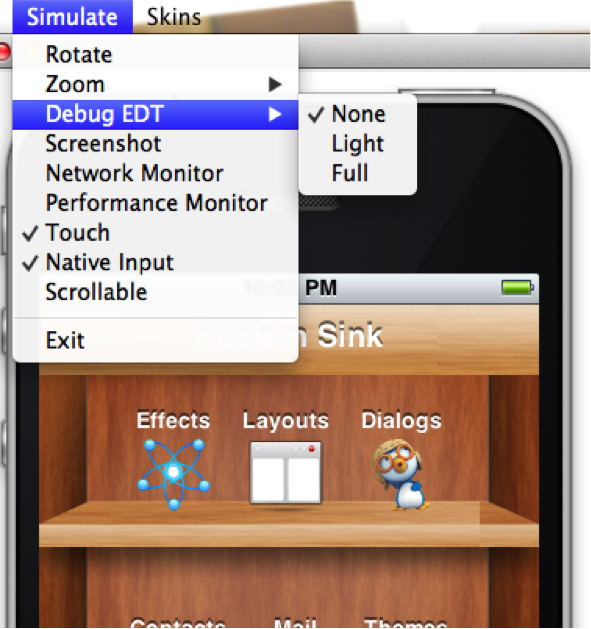
Full output will include stack traces to the area in the code that’s suspected in the violation.
4.4. Invoke And Block
Invoke and block is the exact opposite of callSeriallyAndWait(), it blocks the EDT and opens a separate thread for the runnable call. This functionality is inspired by the Foxtrot API, which is
a remarkably powerful tool most Swing developers don’t know about.
This is best explained by an example. Typical Java code reads as a single sequence as such:
doOperationA();
doOperationB();
doOperationC();This works well normally but on the EDT it might be a problem, if one of the operations is slow it might slow the whole EDT (painting, event processing etc.). Normally you can move operations into a separate thread e.g.:
This means that operation C will happen in parallel to operation B which might be a problem…
For example, instead of using operation names lets use a more "real world" example:
updateUIToLoadingStatus();
readAndParseFile();
updateUIWithContentOfFile();Notice that the first and last operations must be conducted on the EDT but the middle operation might be slow!
Since updateUIWithContentOfFile needs readAndParseFile to occur before it starts doing the new thread won’t be enough.
A simplistic approach is to do something like this:
updateUIToLoadingStatus();
new Thread() {
public void run() {
readAndParseFile();
updateUIWithContentOfFile();
}
}.start();However, updateUIWithContentOfFile should be executed on the EDT and not on a random thread. The right way to do this would therefore be something like this:
updateUIToLoadingStatus();
new Thread() {
public void run() {
readAndParseFile();
Display.getInstance().callSerially(new Runnable() {
public void run() {
updateUIWithContentOfFile();
}
});
}
}.start();This is legal and would work reasonably well, however it gets complicated as you add more and more features that need to be chained serially after all these are 3 methods!
Invoke and block solves this in a unique way you can get almost the exact same behavior by using this:
updateUIToLoadingStatus();
Display.getInstance().invokeAndBlock(new Runnable() {
public void run() {
readAndParseFile();
}
});
updateUIWithContentOfFile();Or this with Java 8 syntax:
updateUIToLoadingStatus();
Display.getInstance().invokeAndBlock(() -> readAndParseFile());
updateUIWithContentOfFile();Invoke and block effectively blocks the current EDT in a legal way. It spawns a separate thread that runs the run() method and when that run method completes it goes back to the EDT.
All events and EDT behavior still work while invokeAndBlock is running, this is because invokeAndBlock() keeps calling the main thread loop internally.
Notice that invokeAndBlock comes at a slight performance penalty. Also notice that nesting invokeAndBlock calls (or over using them) isn’t recommended.However, they’re convenient when working with multiple threads/UI. |
Even if you never call invokeAndBlock directly you’re probably using it indirectly in APIs such as Dialog that show a dialog while blocking the current thread e.g.:
public void actionPerformed(ActionEvent ev) {
// will return true if the user clicks "OK"
if(!Dialog.show("Question", "How Are You", "OK", "Not OK")) {
// ask what went wrongnull
}
}Notice that the dialog show method will block the calling thread until the user clicks OK or Not OK…
Other APIs such as NetworkManager.addToQueueAndWait() also make use of this feature. Pretty much every "AndWait" method or blocking method uses this API internally! |
To explain how invokeAndBlock works you can return to the sample above of how the EDT works:
while(codenameOneRunning) {
performEventCallbacks();
performCallSeriallyCalls();
drawGraphicsAndAnimations();
sleepUntilNextEDTCycle();
}invokeAndBlock() works in a similar way to this pseudo-code:
void invokeAndBlock(Runnable r) {
openThreadForR(r);
while(r is still running) {
performEventCallbacks();
performCallSeriallyCalls();
drawGraphicsAndAnimations();
sleepUntilNextEDTCycle();
}
}The EDT is effectively "blocked" but invokeAndBlock "redoes" it from within…
As you can see this is a simple approach for thread programming in UI, you don’t need to block your flow and track the UI thread. You can program in a way that seems sequential (top to bottom) but uses multi-threading correctly without blocking the EDT.
5. Events
Most events in Codename One are routed via the high-level events (for example, action listener) but sometimes you need access to low-level events (for example, when drawing via Graphics) that provide more fine grained access. Typically working with the higher level events is far more potable since it might map to different functionality on different devices.
5.1. High-level events
High-level events are broadcast using an addListener/setListener - publish/subscribe system. Most of them are channeled via the EventDispatcher class which further simplifies that and makes sending events far easier.
All events are fired on the Event Dispatch Thread, the EventDispatcher makes sure of that. |
5.1.1. Chain of events
Since all events fire on the EDT some complexities occur. E.g.:
You have two listeners monitoring the same event (or related events for example, pointer event and button click event both of which will fire when the button is touched).
When the event occurs you can run into a scenario like this:
First event fires
It shows a blocking dialog or invokes an "AndWait" API
Second event fires after the dialog was dismissed!
This happens because events are processed in-order per cycle. Since the old EDT cycle is stuck (because of the Dialog) the rest of the events within the cycle can’t complete. New events are in a new EDT cycle so they can finish fine!
A workaround to this issue is to wrap the code in a callSerially, you shouldn’t do this universally as this can create a case of shifting the problem to the next EDT cycle. But, using callSerially will allow the current cycle to flush which should help.
Another workaround for the issue is avoiding blocking calls within an event chain.

5.1.2. Action events
The most common high-level event is the ActionListener which allows binding a generic action event to pretty much anything. This is so ubiquitous in Codename One that it’s even used for networking (as a base class) and for some low-level event options.
For example, you can bind an event callback for a Button by using:
Button b = new Button("Click Me");
b.addActionListener(new ActionListener() {
public void actionPerformed(ActionEvent ev) {
// button was clicked, you can do anything you want herenull
}
});Or thanks to the Java 8 lambdas you can write it as:
Button b = new Button("Click Me");
b.addActionListener((ev) -> {
// button was clicked, you can do anything you want here.
});Notice that the click will work whether the button was touched using a mouse, finger or keypad shortcut seamlessly with an action listener. Many components work with action events for example, buttons, text components, slider etc.
Quite a few high-level event types exist that are more specific to requirements.
Types of action events
When an action event is fired it’s given a type, but this type might change as the event evolves for example, a command triggered by a pointer event won’t include details of the original pointer event.
You can get the event type from getEventType(), this also gives you a rather exhaustive list of the possible event types for the action event.
Modern gesture components also publish custom action types. For example, SwipeableContainer dispatches ActionEvent.Type.Swipe when the top component is fully opened, allowing code to react to swipe gestures without monitoring low-level drags. Listening for these higher level events keeps gesture handling portable across touch and desktop targets.
Source of event
ActionEvent has a source object, what that source is depends on the event type. For most component based events this is the component but there are some nuances.
The getComponent() method might not get the actual component.
In case of a lead component such as MultiButton the underlying Button will be returned and not the MultiButton itself.
To get the component that you would logically think of as the source component use the getActualComponent() method.
Event consumption
An ActionEvent can be consumed, once consumed it will no longer proceed down the chain of event processing. This is useful for some cases where you would like to block behavior from proceeding down the path.
For example, the event dispatch thread allows you to listen to errors on the EDT using:
Display.getInstance().addEdtErrorHandler((e) -> {
Exception err = (Exception)e.getSource();
// null
});This will work great but you will still get the default error message from the EDT over that exception. To prevent the event from proceeding to the default error handling you can do this:
Display.getInstance().addEdtErrorHandler((e) -> {
e.consume();
Exception err = (Exception)e.getSource();
// null
});Notice that you can check if an event was already consumed using the isConsumed() method but it’s pretty unlikely that you will receive a consumed event as the system will stop sending it.
NetworkEvent
NetworkEvent is a subclass of ActionEvent that’s passed to actionPerformed callbacks made in relation to generic network code. For example:
NetworkManager.getInstance().addErrorListener(new ActionListener<NetworkEvent>() {
public void actionPerformed(NetworkEvent ev) {
// now we have access to the methods on NetworkEvent that provide more information about the network specific flags
}
});Or with Java 8 lambdas:
NetworkManager.getInstance().addErrorListener((ev) -> {
// now we have access to the methods on NetworkEvent that provide more information about the network specific flags
});The NetworkEvent allows the networking code to reuse the EventDispatcher infrastructure and to simplify event firing through the EDT. But you should notice that some code might not be equivalent for example, you could do this to read the input stream:
ConnectionRequest r = new ConnectionRequest() {
@Override
protected void readResponse(InputStream input) throws IOException {
// read the input stream
}
};Or you can do something similar using this code:
ConnectionRequest r = new ConnectionRequest();
r.addResponseListener((e) -> {
byte[] data = (byte[])e.getMetaData();
// work with the byte data
});These seem similar but they have one important distinction. The latter code is invoked on the EDT, so if data is big it might slow down processing. The ConnectionRequest is invoked on the network thread and so can process any amount of data without slowing down the UI.
MessageEvent and the Cross-Platform message bus
Bridging to native code often means passing messages between Codename One Java and platform specific code. The cross-platform message bus provides a high-level abstraction for that by letting you post messages to the native layer and subscribe for messages that originate there. Use Display.postMessage() to send an MessageEvent to the platform, and Display.addMessageListener() to receive events that arrive from native code, JavaScript bridges, or background services. Message events include helpers like isPromptForAudioRecorder(), isPromptForAudioPlayer(), and getPromptPromise() that allow you to hook into permission prompts emitted by the JavaScript port so custom UI can respond to platform requests while keeping the event dispatch on the EDT. This API complements NetworkEvent by covering native-to-Java messaging without requiring direct low-level callbacks.
5.1.3. DataChangedListener
The DataChangedListener is used in several places to show that the underlying model data has changed:
TextField - the text field provides an action listener but that "fires" when the data input is complete.
DataChangedListenerfires with every key entered and thus allows functionality such as "auto complete" and is indeed used internally in the Codename One AutoCompleteTextField.TableModel & ListModel - the model for the Table class notifies the view that its content has changed via this event, thus allowing the UI to refresh.
There is an exhaustive example of search that’s implemented using the DataChangedListener in the Toolbar section.
5.1.4. FocusListener
The focus listener allows you to track the "selected" or focused component. It isn’t as useful as it used to be in feature phones.
You can bind a focus listener to the Component itself and receive an event when it gained focus, or you can bind the listener to the Form and receive events for every focus change event within the hierarchy.
5.1.5. ScrollListener
ScrollListener allows tracking scroll events so UI elements can be adapted if necessary.
Scrolling is seamless and this event isn’t necessary, but if developers wish to "shrink" or "fade" an element on scrolling this interface can be used to achieve that. Notice that you should bind the scroll listener to the actual scrollable component and not to an arbitrary component.
For example, in this code from the Flickr demo the Toolbar is faded based on scroll position:
public class CustomToolbar extends Toolbar implements ScrollListener {
private int alpha;
public CustomToolbar() {
}
public void paintComponentBackground(Graphics g) {
int a = g.getAlpha();
g.setAlpha(alpha);
super.paintComponentBackground(g);
g.setAlpha(a);
}
public void scrollChanged(int scrollX, int scrollY, int oldscrollX, int oldscrollY) {
alpha = scrollY;
alpha = Math.max(alpha, 0);
alpha = Math.min(alpha, 255);
}
}| There is a better way of implementing this exact effect using title animations illustrated here. |
5.1.6. SelectionListener
The SelectionListener event is used to broadcast list model selection changes to the list view. Since list supports the ActionListener event callback its the better option since it’s more coarse grained.
SelectionListener gets fired too often for events and that might result in a performance penalty. When running on non-touch devices list selection could be changed with the keypad and a specific fire button click would fire the action event, for those cases SelectionListener made a lot of sense. But, in touch devices this API isn’t as useful.
5.1.7. StyleListener
StyleListener allows components to track changes to the style objects. For example, if the developer does something like:
cmp.getUnselectedStyle().setFgColor(0xffffff);This will trigger a style event that will eventually lead to the component being repainted. This is quite important for the component class but not an important event for general user code. It’s recommended that developers don’t bind a style listener.
5.1.8. Component state change events
Component instances now publish lifecycle hooks that fire when they become initialized on a form and when they’re removed. You can subscribe with Component.addStateChangeListener() to receive ComponentStateChangeEvent instances that show whether the component is transitioning to the initialized state. This is useful for running setup or teardown logic alongside focus, scroll, and selection listeners.
5.1.9. Event dispatcher
When creating your own components and objects you sometimes want to broadcast your own events, for that purpose Codename One has the EventDispatcher class which saves a lot of coding effort in this regard. For example, if you wish to provide an ActionListener event for components you can add this to your class:
private final EventDispatcher listeners = new EventDispatcher();
public void addActionListener(ActionListener a) {
listeners.addListener(a);
}
public void removeActionListener(ActionListener a) {
listeners.removeListener(a);
}Then when you need to broadcast the event use:
private void fireEvent(ActionEvent ev) {
listeners.fireActionEvent(ev);
}5.2. Low-level events
Low-level events map to "system" events directly. Touch events are considered low-level since they might expose platform specific nuances to your code.
For example, one platform might send many events during drag while another might send a few. The high-level event handling hides those complexities but some of them trickle down into the low-level event handling.
| Codename One tries to hide some complexities from the low-level events as well. But, due to the nature of the event types it’s a more challenging task. |
Low-level events can be bound in one of 3 ways:
That last one depends on the event. A key callback on an ordinary Component only fires while that
component holds focus, because Form routes key events to the focused one - the exception is a key the
menu bar claims, which Form.keyPressed hands to MenuBar first. That exception has its own exception:
focusedHandlesInput gives a printable key back to the focused component when it consumes raw text input,
which is how a focused text editor keeps typing out of the menu bar. |
A pointer callback has no focus prerequisite at all, and three things about its target are worth knowing.
Form.pointerPressed resolves the lead parent of whatever sits under the touch, so isEnabled() and
isFocusable() are asked of that parent rather than of the component you pressed. The callback itself goes
to the lead component, which is the class to override or attach a listener to. And focus is assigned only
when the lead parent is focusable and enabled and the press isn’t a scroll wheel - in the content pane both
before the callback and again after it, so moving focus from inside a pointer callback there can be undone
the moment it returns.

Each of those has advantages and disadvantages, specifically:
'Form' based events and callbacks deliver pointer events in the 'Form' coordinate space.
'Component' based key events require focus, pointer events don’t
'Form' based events can block existing functionality from proceeding through the event chain for example, you can avoid calling super in a form event and thus block other events from happening (for example, block a listener or component event from triggering).
Listener | Override Form | Override Component | |
Coordinate System | Form | Form | Component |
Block current functionality | Yes, just avoid super | Partially (event consume) | No |
5.2.1. Low-level event types
There are two basic types of low-level events: Key and Pointer.
Key events are relevant to physical keys and won’t trigger on virtual keyboard keys, to track those use a TextField with a DataChangedListener as mentioned above. |
The pointer events (touch events) can be intercepted by overriding one or more of these methods in Component or Form. Notice that unless you want to block functionality you should probably invoke super when overriding:
public void pointerDragged(int[] x, int[] y)
public void pointerDragged(final int x, final int y)
public void pointerPressed(int[] x, int[] y)
public void pointerPressed(int x, int y)
public void pointerReleased(int[] x, int[] y)
public void pointerReleased(int x, int y)
public void pointerHover(int[] x, int[] y)
public void pointerHoverPressed(int[] x, int[] y)
public void pointerHoverReleased(int[] x, int[] y)
public void longPointerPress(int x, int y)
public void keyPressed(int keyCode)
public void keyReleased(int keyCode)
public void keyRepeated(int keyCode)Notice that most pointer events have a version that accepts an array as an argument, this allows for multi-touch event handling by sending all the touched coordinates. Desktop and pen-enabled devices can also trigger hover events without a press. To respond to those you can override the pointerHover* callbacks on Form or Component, which are invoked before a button receives focus or a drag begins on those platforms.
While you can override longPointerPress, there is no need. The dedicated Component.addLongPressListener() helper wires long press detection into an action listener so you can keep gesture logic in the high-level API.
Drag lifecycles also expose a completion hook. When Component.addDragFinishedListener() is registered it receives ActionEvent.Type.DragFinished once the framework has completed its cleanup, allowing you to reset state or trigger follow-up actions that should occur after the drag image is hidden.
5.2.2. Drag event sanitation
Drag events are quite difficult to handle across devices. Some devices send a ridiculous number of events for even the lightest touch while others send too little. It seems like too many drag events wouldn’t be a problem, but if you drag over a button then it might disable the buttons action event (since this might be the user trying to scroll).
Drag sensitivity is about the component being dragged which is why you have the method getDragRegionStatus that allows you to "hint" to the drag API whether you’re interested in drag events or not and if so in which directional bias.
For example, if your component is a painting app where you’re trying to draw using drag gestures you would use code such as:
public class MyComponent extends Component {
protected int getDragRegionStatus(int x, int y) {
return DRAG_REGION_LIKELY_DRAG_XY;
}
}This indicates that you want all drag events on both AXIS to be sent as soon as possible. Notice that this doesn’t disable event sanitation.
5.3. BrowserNavigationCallback
The BrowserNavigationCallback isn’t quite an "event" but there is no real "proper" classification for it.
| The callback method of this interface is invoked off the EDT! You must NEVER block this method and must not access UI or Codename One sensitive elements in this method! |
The browser navigation callback is invoked directly from the native web component as it navigates to a new page. Because of that it’s invoked on the native OS thread and gives you a unique opportunity to handle the navigation ourselves as you see fit. That’s why it MUST be invoked on the native thread, since the native browser is pending on your response to that method, spanning an invokeAndBlock/callSerially would be to slow and would bog down the browser.
6. Device Input and Form Factors
Codename One runs on a wide range of hardware, from phones and tablets to desktops, foldables, and devices driven by a mouse or a stylus. This chapter covers the cross-platform APIs that expose that hardware: rich pointer detail (mouse buttons, pen pressure and tilt, the pointing device type), the mouse wheel, foldable device posture, and multi-display / desktop-window awareness.
These APIs are additive: on a device or platform that doesn’t report a given capability the value falls back to a sensible default, so a single code base keeps working everywhere.
6.1. Rich pointer events
The classic pointerPressed, pointerReleased and pointerDragged callbacks carry only the x/y
coordinates of the touch. Modern devices provide far more detail: which mouse button was used, the
kind of pointing device (finger, mouse, stylus or eraser), the pressure applied, the stylus tilt,
the contact area and the keyboard modifiers held at the time.
That detail is exposed through the immutable
PointerEvent
snapshot. There are two ways to read it.
6.1.1. From an ActionEvent
Any pointer listener receives an ActionEvent; call getPointerEvent() on it:
myComponent.addPointerPressedListener(e -> {
PointerEvent pe = e.getPointerEvent();
if (pe.isSecondaryButton()) {
showContextMenu(pe.getX(), pe.getY());
}
System.out.println("pressure=" + pe.getPressure() + " type=" + pe.getPointerType());
});6.1.2. By polling
When you’re inside a pointer callback you can also poll the current values directly from CN
(or Display), mirroring the existing CN.isShiftKeyDown() family:
int button = CN.getPointerButton(); // PointerEvent.BUTTON_PRIMARY, BUTTON_SECONDARY, ...
float pressure = CN.getPointerPressure(); // 0.0 - 1.0, defaults to 1.0
boolean pen = CN.isStylusPointer();
PointerEvent current = CN.getCurrentPointerEvent();Values have safe defaults. On a plain touch screen the button is BUTTON_PRIMARY, the pressure
is 1.0 and the type is TYPE_TOUCH (or TYPE_UNKNOWN on ports that don’t classify the device). |
6.2. Two and three button mice
PointerEvent.getButton() returns one of BUTTON_PRIMARY, BUTTON_SECONDARY, BUTTON_MIDDLE,
BUTTON_BACK or BUTTON_FORWARD. CN.getPressedButtonMask() returns a bitmask of every button
currently held (MASK_PRIMARY, MASK_SECONDARY, …), which is useful during a drag.
The real button is reported on every desktop port - macOS, Windows and Linux - and in the browser, so the right, middle and (where the mouse has them) back and forward buttons are all distinguished. On a plain touch screen there is only the primary button.
For the common case of a context menu, use the unified addContextMenuListener. It fires for a
secondary (right) mouse click, a stylus barrel button click and a long press, so the same code
handles desktop and touch:
label.addContextMenuListener(e -> {
e.consume(); // suppress the normal click/long-press handling
showMyContextMenu(e.getX(), e.getY());
});6.3. Mouse wheel and trackpad scrolling
By default the mouse wheel and trackpad scroll a scrollable container automatically. To react to
the wheel yourself - for example control plus wheel to zoom, or horizontal scrolling - add a
addMouseWheelListener. The listener receives a
WheelEvent;
consuming it prevents the default scroll.
A positive getDeltaY() reveals content above (the user scrolled down); a positive getDeltaX()
reveals content to the left. isPrecise() is true for high resolution devices such as trackpads.
On the desktop simulator, hold shift while turning the wheel to produce horizontal scrolling.
WheelEvent is a single universal scroll-gesture API: it’s fed by the mouse wheel and trackpad on
the desktop, by the wheel / external trackpad on Android, and by the trackpad, Magic Mouse and
mouse wheel on iOS and iPadOS (captured natively and routed through the same pipeline). Continuous
trackpad scrolling reports isPrecise() == true, while a notched wheel reports false. On the
Apple Watch the Digital Crown also feeds this same pipeline, so a list scrolls under the crown and a
mouse wheel listener receives the crown as a WheelEvent.
6.4. Trackpad gestures (magnify and rotate)
Beyond scrolling, the trackpad reports magnify (pinch) and rotate gestures. Override
pinch(float scale) to zoom and rotation(float radians) to rotate; both return true to mark the
gesture as handled. pinch is also driven by a two finger pinch on touch screens, so the same code
works on mobile and the desktop.
The trackpad gestures are wired on every desktop port: the macOS trackpad, the Windows touch screen
and gesture-capable touchpads (through the system WM_GESTURE messages), and the Linux touchpad
(through the GTK touchpad gesture events). scale is an incremental zoom factor (just above or below
1.0) and radians is the incremental rotation since the previous callback, so accumulate them to
track the total.
A Windows precision touchpad usually reports a pinch as control plus wheel rather than a system
gesture, so it also arrives through the universal wheel API. Handle that case with a
addMouseWheelListener that checks isControlDown() (shown above) if you target those devices. |
6.5. Stylus and pen support
When a stylus is used (Apple Pencil, S-Pen, Surface Pen) the pointer type is TYPE_STYLUS, or
TYPE_ERASER for the eraser end. The PointerEvent then also carries:
getPressure()- normalized pressure between0.0and1.0.getTiltX()/getTiltY()- tilt in degrees (altitude and azimuth on iOS).getContactSize()- normalized size of the contact area.
For drawing surfaces a dedicated addStylusListener fires on press, drag and release only when the
pointer is a stylus or eraser:
drawingArea.addStylusListener(e -> {
PointerEvent pe = e.getPointerEvent();
float width = 1f + pe.getPressure() * 9f; // pressure controls stroke width
if (pe.isEraser()) {
erase(pe.getX(), pe.getY());
} else {
drawPoint(pe.getX(), pe.getY(), width);
}
});Pen hover (the pen moving above the screen without touching, available on devices such as the S-Pen
and the M2 iPad with Apple Pencil) flows through the existing pointerHover callbacks; the snapshot
reports isHovering() as true.
Touch-enabled desktops are handled too: on a Windows or Linux PC with a touch screen the finger
reports TYPE_TOUCH, and a Windows pen reports TYPE_STYLUS, so the same drawing and gesture code
runs on a touch laptop as on a phone. Display.getInstance().isTouchScreenDevice() is true on those
machines.
6.6. Foldable devices and posture
Foldable and dual screen devices (Galaxy Fold, Galaxy Flip, Pixel Fold, Surface Duo) change shape
at runtime. Query the live posture through
DevicePosture:
DevicePosture p = CN.getDevicePosture();
// isTableTop() is true for book posture too, so check the hinge is
// horizontal before laying out top-and-bottom
if (p.isFoldable() && p.isTableTop()
&& p.getFoldOrientation() == DevicePosture.FOLD_ORIENTATION_HORIZONTAL) {
layoutForTableTop(p.getFoldBounds(null));
}getPosture()-POSTURE_FLAT,POSTURE_HALF_OPENED,POSTURE_CLOSEDorPOSTURE_UNKNOWN.getHingeAngle()- hinge angle in degrees (-1when unknown).getFoldOrientation()-FOLD_ORIENTATION_VERTICAL,FOLD_ORIENTATION_HORIZONTALorFOLD_ORIENTATION_NONE.getFoldBounds(Rectangle)- the region the hinge occludes, in display coordinates, or null when there is no separating fold. Treat it likeForm.getSafeArea(): keep interactive content out of it, or split a master and detail layout across the two halves.
React to fold changes with a posture listener:
class FoldAwareForm extends Form {
private ActionListener postureListener;
protected void initComponent() {
super.initComponent();
postureListener = e -> relayoutForPosture(CN.getDevicePosture());
CN.addPostureListener(postureListener);
}
protected void deinitialize() {
// CN registers on the singleton Display, so a screen that never
// unregisters stays reachable and keeps receiving posture changes
CN.removePostureListener(postureListener);
super.deinitialize();
}
}To exercise this in the desktop simulator, use the Simulate → Foldable menu: enable foldable mode, then pick a posture (flat, half-opened or closed), the fold orientation (vertical or horizontal) and the hinge angle. The running app receives the same posture changes and listener callbacks it would on a real foldable device.
Foldable support on Android is opt-in so it never adds weight to apps that don’t use it. Enable it
with the android.foldableSupport=true build hint (the version can be overridden with
android.windowVersion). Note that the hinge angle isn’t available on Android, so
getHingeAngle() returns -1 there.
6.7. Desktop windowing and external displays
Some mobile devices run in a desktop windowing mode where the app shares the screen with other
windows: Samsung DeX, Android desktop windowing and iPad Stage Manager. CN.isDesktopMode()
reports this. It’s distinct from CN.isDesktop(), which reports a genuine desktop platform
(Windows, macOS or Linux).
CN.getDisplayCount() returns the number of attached displays and CN.isExternalDisplayConnected()
is a convenience for getDisplayCount() > 1. On the desktop port these reflect the real monitors
attached to the machine.
6.8. Apple TV remote
On Apple TV the Siri Remote is delivered through the standard key handling, so the same
keyPressed/keyReleased and game-key code you write for other platforms works on the TV. The
directional buttons map to the arrow / game keys, the click maps to enter (fire), the menu button
maps to the back key, and play/pause maps to the media play/pause key. No TV specific API is
required.
User interface
7. Basics: Themes, styles, components, and layouts
Start with a brief overview of the core ideas in Codename One. This chapter revisits them in more detail as it goes on.
7.1. Components
Every button, label, or other element on the screen in a Codename One application is a Component. This is a simplified version of the class hierarchy:
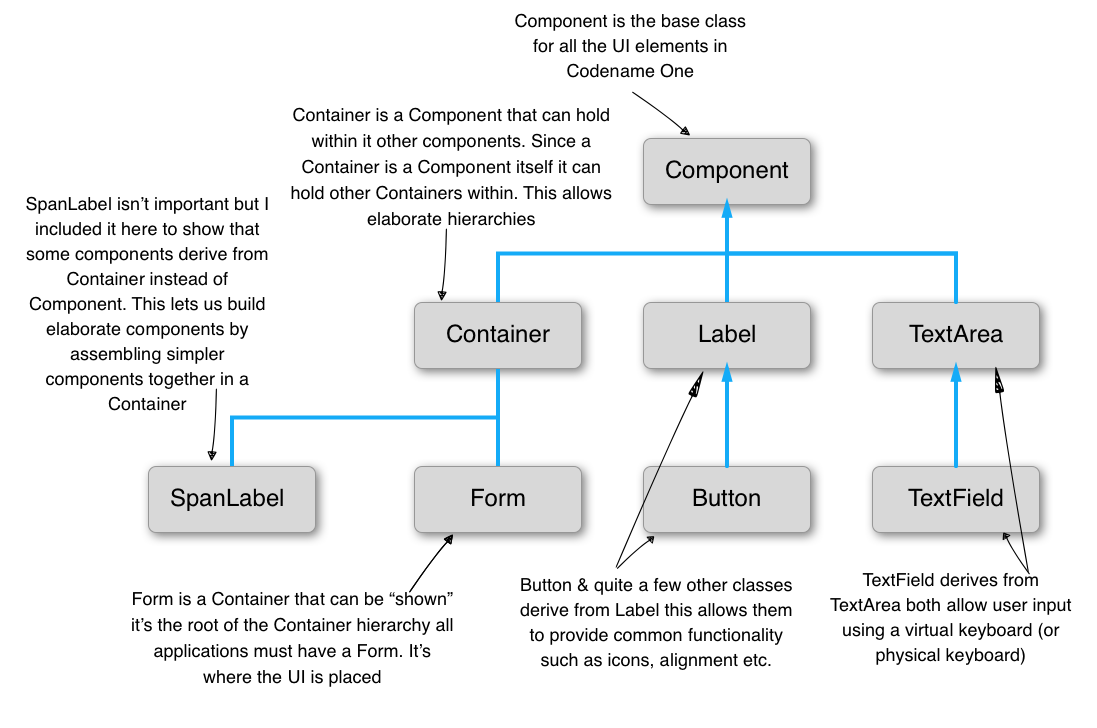
The Form is a special Component. It’s the root component shown to the user. Container is a Component type that can hold other components. That lets you create elaborate hierarchies by nesting Container instances.
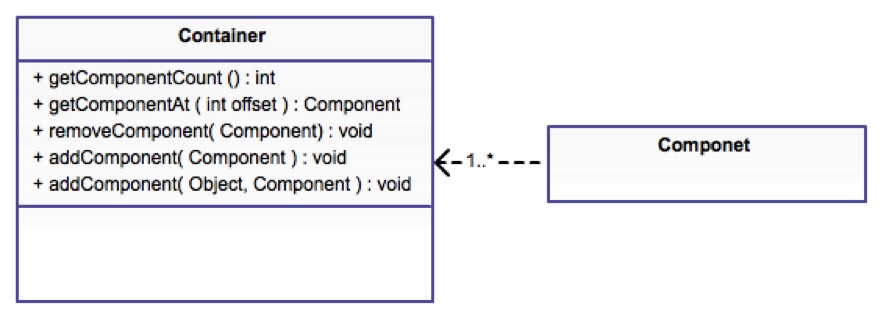
A Codename One application is effectively a series of forms, but one Form can be visible at a time. The form contains everything on the screen. Under the hood, the Form has a few separate parts:
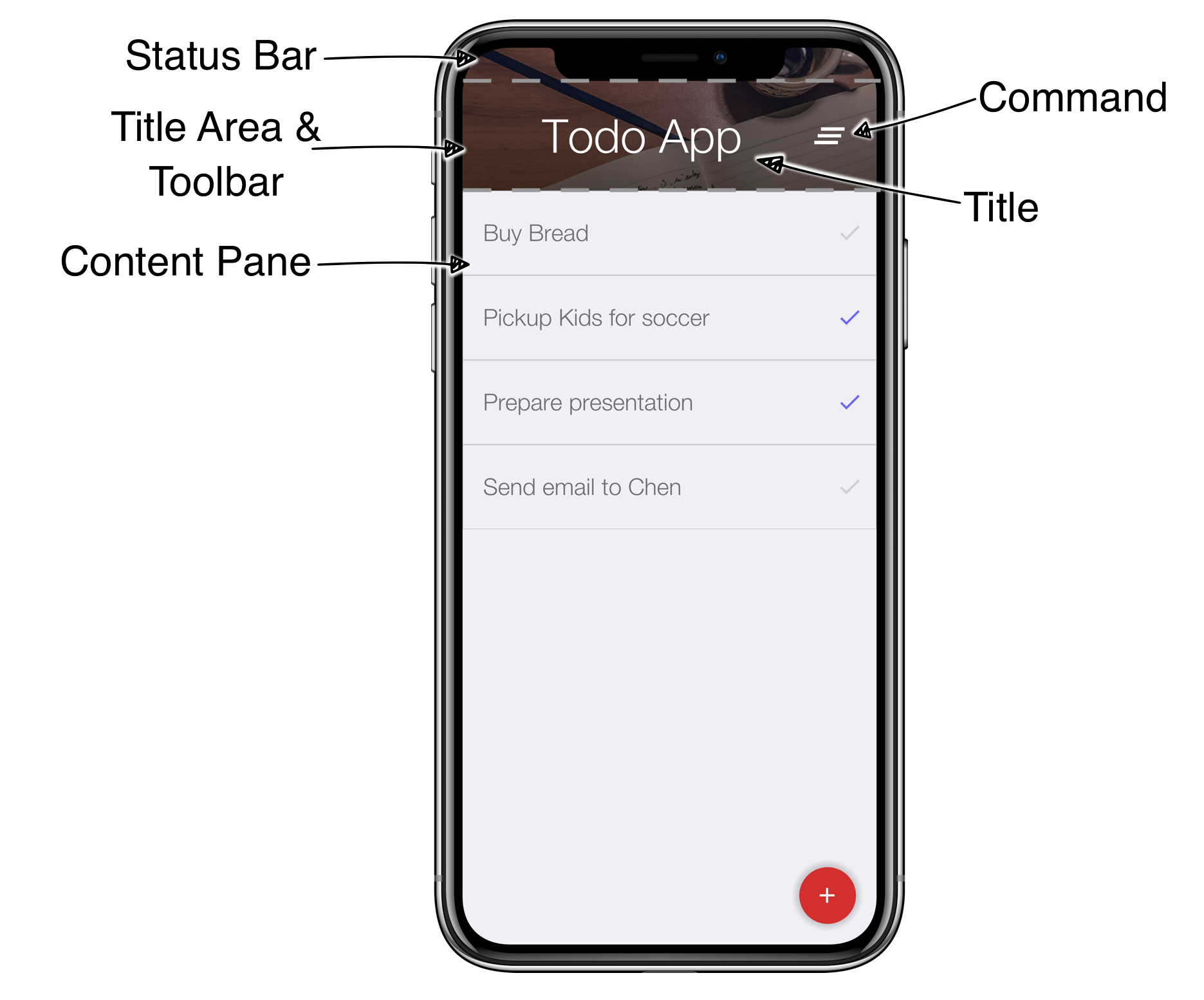
Content Pane - this is the body of the
Form. When you add aComponentto theForm, it goes into the content pane. The content pane scrolls vertically by default.Title Area - you can’t add directly to this area. The title area is managed by the
Toolbarclass.Toolbarsits at the top of the form and handles the title design. The title area has two parts:Title of the
Formand its commands (the buttons on the right and left of the title)Status Bar - on iOS, the top area leaves room for the notch, battery, clock, and similar indicators. Without that space, those elements would overlap the title.
Now that the structure is clear, open the Java file TodoApp.java in the project you created. You should see the lines that set up the UI in the start() method:
7.1.1. Layout managers
A layout manager decides the size and location of components within a Container. Every Container has a layout manager. The default layout manager is FlowLayout.

To understand layouts, first understand a basic concept about Component: each component has a “preferred size.” That’s the size a component wants to occupy. For example, a Label uses the exact size needed to fit the label text, icon, and padding.
A layout manager places a component based on its own logic and the preferred size, sometimes called the “natural size.” A FlowLayout walks the components in the order they were added and sizes them one after another. When it reaches the end of the row, it moves to the next row.
Use FlowLayout for simple thingsFlowLayout is great for simple cases, but it has issues when components change size dynamically, such as a text field. In those cases, it can choose bad line breaks and take up too much space. |
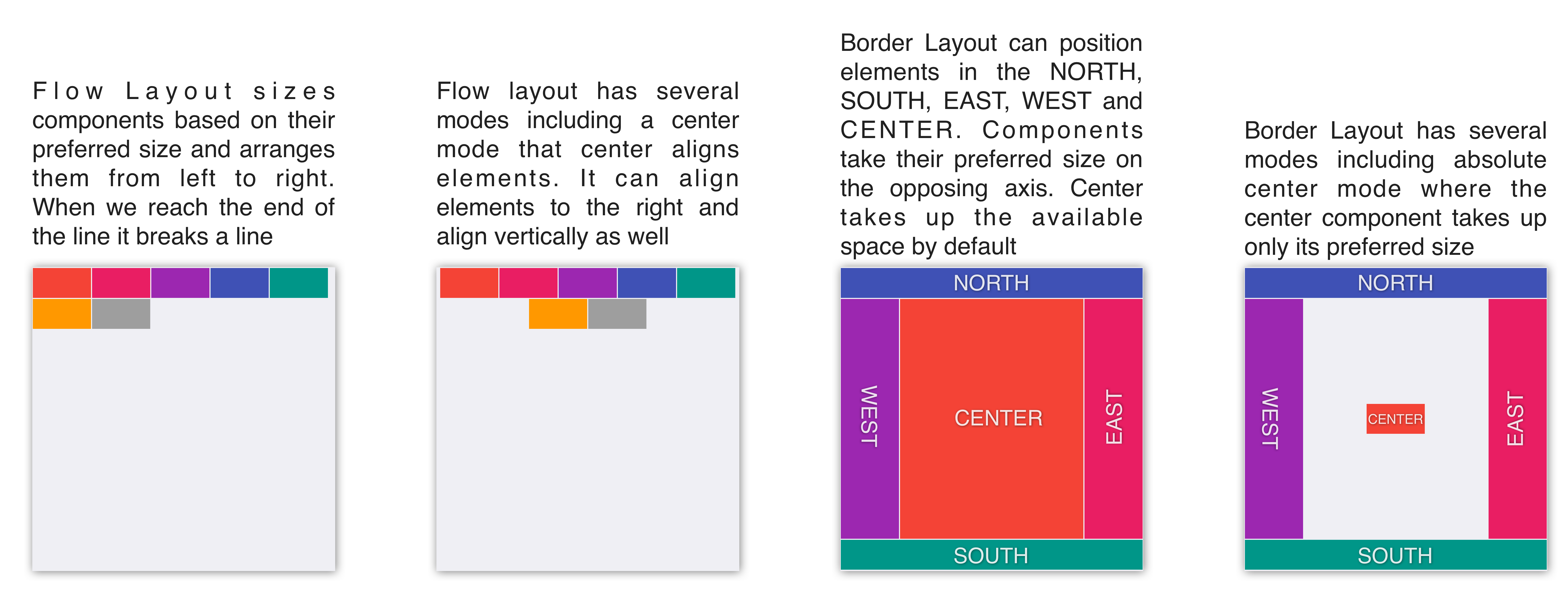
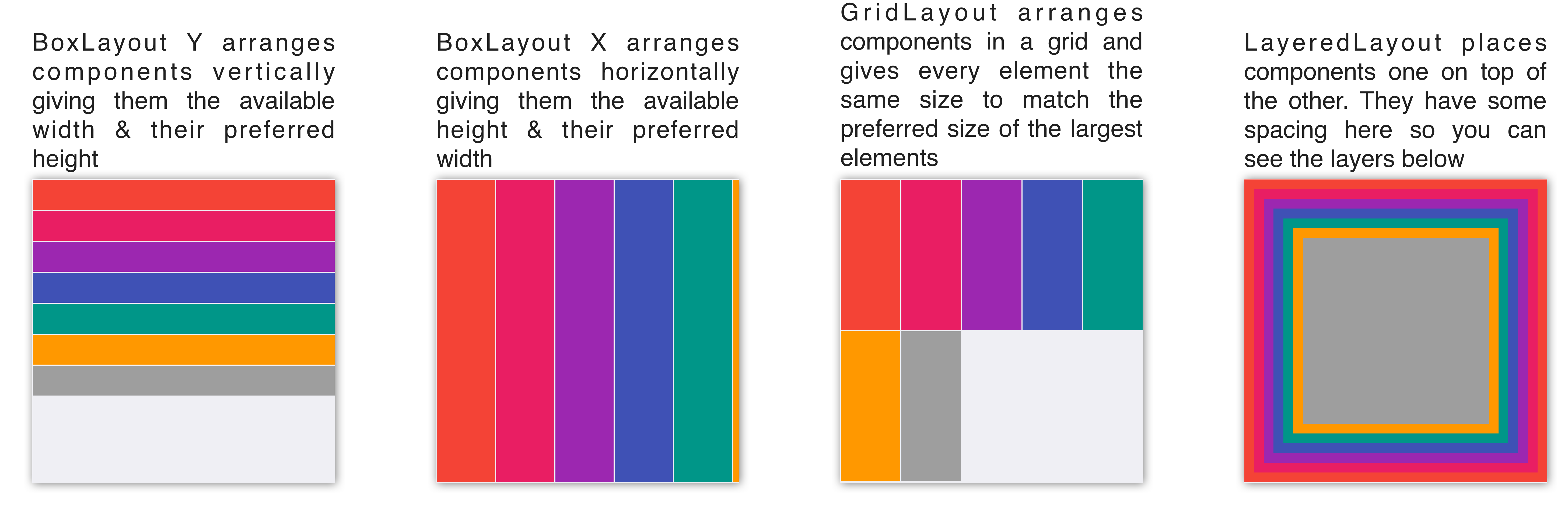
Scrolling doesn’t work well for all layout types because the positioning algorithm within a layout can break. Scrolling on the Y axis works well for BoxLayout Y, which is why it was picked for the TodoForm:
| Layout | Scrollable |
|---|---|
Flow Layout | Possible on Y axis only |
Border Layout | Scrolling is blocked |
Box Layout Y | Scrollable only on the Y axis |
Box Layout X | Scrollable only on the X axis |
Grid Layout | Scrollable |
LayeredLayout | Not scrollable (usually) |
Layouts can be divided into two distinct groups:
Constraint Based -
BorderLayout(and a few others such asGridBagLayout,MigLayout, andTableLayout)Regular - All the other layout managers
When you add a Component to a Container with a regular layout you do so with a simple add method:
Container cnt = new Container(BoxLayout.y());
cnt.add(new Label("Just Added"));This works great for regular layouts but might not for constraint based layouts. A constraint based layout accepts another argument. For example: BorderLayout needs a location for the Component:
cnt.add(NORTH, new Label("Just Added"));This line assumes you have an import static com.codename1.ui.CN.*; in the top of the file. In BorderLayout (which is a constraint based layout) placing an item in the NORTH places it in the top of the Container.
The CN class is a class that contains many static helper methods and functions. It’s specifically designed for static import in this way to help keep your code terse |
Terse syntax
Almost every layout allows you to add a component using many variants of the add method:
Container cnt = new Container(BoxLayout.y());
cnt.add(new Label("Just Added")); (1)
cnt.addAll(new Label("Adding Multiple"), (2)
new Label("Second One"));
cnt.add(new Label("Chaining")). (3)
add(new Label("Value"));| 1 | Regular add |
| 2 | addAll accepts many components and adds them in a batch |
| 3 | add returns the parent Container instance so you can chain calls like that |
In the race to make code “tighter” you can make this even shorter. Most layout managers have their own custom terse syntax style for example:
Container boxY = BoxLayout.encloseY(cmp1, cmp2); (1)
Container boxX = BoxLayout.encloseX(cmp3, cmp4);
Container flowCenter = FlowLayout. (2)
encloseCenter(cmp5, cmp6);| 1 | Most layouts have a version of enclose to encapsulate components within |
| 2 | FlowLayout has variants that support aligning the components on various axes |
To sum this up, you can use layout managers and nesting to create elaborate UI’s that implicitly adapt to different screen sizes and device orientation.
Flow Layout

Flow layout lets the components "flow" horizontally and break a line when reaching the edge of the container. It’s the default layout manager for containers. Because it’s so flexible it’s also problematic as it can result in wrong preferred size values for the parent Container. This can create a reflow issue, as a result recommend using flow layout for trivial cases. Avoid it for things such as text input etc. As the size of the text input can vary in runtime:
Form hi = new Form("Flow Layout", new FlowLayout());
hi.add(new Label("First")).
add(new Label("Second")).
add(new Label("Third")).
add(new Label("Fourth")).
add(new Label("Fifth"));
hi.show();Flow layout also supports terse syntax shorthand such as:
Container flowLayout = FlowLayout.encloseIn(
new Label("First"),
new Label("Second"),
new Label("Third"),
new Label("Fourth"),
new Label("Fifth"));Flow layout can be aligned to the left (the default), to the center, or to the right. It can also be vertically aligned to the top (the default), middle (center), or bottom.


Components within the flow layout get their natural preferred size by default and aren’t stretched in any axis.
The natural sizing behavior is often used to prevent other layout managers from stretching components. For example: if you have a border layout element in the south and you want it to keep its natural size instead of adding the element to the south directly you can wrap it using parent.add(BorderLayout.SOUTH, FlowLayout.encloseCenter(dontGrowThisComponent)). |
Box Layout
BoxLayout places elements in a row (X_AXIS) or column (Y_AXIS) according to box orientation. Box is a simple and predictable layout that serves as the "workhorse" of component lists in Codename One.
You can create a box layout Y using something like this:
Form hi = new Form("Box Y Layout", new BoxLayout(BoxLayout.Y_AXIS));
hi.add(new Label("First")).
add(new Label("Second")).
add(new Label("Third")).
add(new Label("Fourth")).
add(new Label("Fifth"));Which results in this

Box layout also supports a shorter terse notation which you use here to show the X axis box:
Container box = BoxLayout.encloseX(new Label("First"),
new Label("Second"),
new Label("Third"),
new Label("Fourth"),
new Label("Fifth"));
The box layout keeps the preferred size of its destination orientation and scales elements on the other axis. Specifically X_AXIS will keep the preferred width of the component while growing all the components vertically to match in size. Its Y_AXIS counterpart keeps the preferred height
while growing the components horizontally.
This behavior is useful since it allows elements to align as they would all have the same size.
Sometimes the growing behavior in the X axis is undesired, for these cases you can use the X_AXIS_NO_GROW variant.

FlowLayout vs. BoxLayout.X_AXISBoxLayout over FlowLayout as it acts more consistently in all situations. Another advantage of BoxLayout is the fact that it grows and thus aligns the components in a consistent column or row |
Border Layout

Border layout is unique. BorderLayout is a constraint-based layout that can place up to five components in one of the five positions: NORTH, SOUTH,
EAST, WEST or CENTER:
Form hi = new Form("Border Layout", new BorderLayout());
hi.add(BorderLayout.CENTER, new Label("Center")).
add(BorderLayout.SOUTH, new Label("South")).
add(BorderLayout.NORTH, new Label("North")).
add(BorderLayout.EAST, new Label("East")).
add(BorderLayout.WEST, new Label("West"));
hi.show();The Constraints are Included in the You can use the static import of the CN classCN class and then the syntax can be add(SOUTH, new Label("South")) |
The layout always stretches the NORTH/SOUTH components on the X-axis to fill the container and the EAST/WEST components on the Y-axis. The center component is stretched to fill the remaining area by default. For example, the setCenterBehavior allows you to manipulate the behavior of the center component so it’s placed in the center without stretching.
For example:
Form hi = new Form("Border Layout", new BorderLayout());
((BorderLayout)hi.getLayout()).setCenterBehavior(BorderLayout.CENTER_BEHAVIOR_CENTER);
hi.add(BorderLayout.CENTER, new Label("Center")).
add(BorderLayout.SOUTH, new Label("South")).
add(BorderLayout.NORTH, new Label("North")).
add(BorderLayout.EAST, new Label("East")).
add(BorderLayout.WEST, new Label("West"));
hi.show();Results in:

Scrolling is Disabled in Border Layout Because of its scaling behavior scrolling a border
layout makes no sense. Container implicitly blocks scrolling on a border layout, but it can scroll its parents/children |
For RTL the EAST and WEST values are implicitly reversed as shown in this image:

Preferred Size Still Matters The preferred size of the center component doesn’t matter in border layout but the preferred size of the sides is. For example: If you place a large component in the SOUTH it will take up the entire screen and won’t leave room for anything |
Grid Layout
GridLayout accepts a predefined grid (rows/columns) and grants all components within it equal size based on the dimensions of the largest components.
| The main use case for this layout is a grid of icons for example: like one would see in the iPhone home screen |
If the number of rows * columns is smaller than the number of components added a new row is implicitly added to the grid.
For example, if the number of components is smaller than available cells (won’t fill the last row) blank spaces will
be left in place.
In this example you can see that a 2×2 grid is used to add 5 elements, this results in an additional row that’s implicitly added turning the grid to a 3×2 grid implicitly and leaving one blank cell:
Form hi = new Form("Grid Layout 2×2", new GridLayout(2, 2));
hi.add(new Label("First")).
add(new Label("Second")).
add(new Label("Third")).
add(new Label("Fourth")).
add(new Label("Fifth"));
When you use a 2×4 size ratio you would see elements getting cropped as you do here. The grid layout uses the grid size first and doesn’t pay too much attention to the preferred size of the components it holds.

Grid also has an autoFit attribute that can be used to automatically calculate the column count based on available space and preferred width. This is useful for working with UI’s where the device orientation might change.
A terse syntax for working with a grid also exists in two versions, one that uses the "auto-fit" option and another that accepts the number of columns. Here’s a sample of the terse syntax coupled with auto-fit followed by screenshots of the same code in two orientations:
GridLayout.encloseIn(new Label("First"),
new Label("Second"),
new Label("Third"),
new Label("Fourth"),
new Label("Fifth"));

7.1.2. Table Layout
The TableLayout is an elaborate constraint based layout manager that can arrange elements in rows/columns while defining constraints to control complex behavior such as spanning, alignment/weight etc.
Note the Different Package for The TableLayoutTableLayout is in the com.codename1.ui.table package and not in the layouts package.This is because TableLayout was originally designed for the Table class. |
Despite being constraint based the TableLayout isn’t strict about constraints and will implicitly add a constraint when one is missing. This is unlike the BorderLayout which will throw an exception in this case.
Unlike GridLayout TableLayout won’t implicitly add a row if the row/column count is wrong |
Form hi = new Form("TableLayout", new TableLayout(2, 2));
hi.add(new Label("First"));
hi.add(new Label("Second"));
hi.add(new Label("Third"));
hi.add(new Label("Fourth"));
hi.add(new Label("Fifth"));
hi.show();
TableLayout supports the ability to grow the last column which can be enabled using the setGrowHorizontally method. You can also use a shortened terse syntax to construct a TableLayout but since the TableLayout is a constraint based layout you won’t be able to use its full power with this syntax.
The default usage of the encloseIn method below uses the setGrowHorizontally flag:
Container table = TableLayout.encloseIn(2,
new Label("First"),
new Label("Second"),
new Label("Third"),
new Label("Fourth"),
new Label("Fifth"));
Form hi = new Form("TableLayout Enclose 2", new BorderLayout());
hi.add(BorderLayout.CENTER, table);
hi.show();
TableLayout.encloseIn() with default behavior of growing the last columnThe full potential
TableLayout is a beast, to truly appreciate it you need to use the constraint syntax which allows you to span, align and set width/height for the rows and columns.
TableLayout works with a Constraint instance that can communicate your intentions into the layout manager. Such constraints can include more than one attribute for example: span and height.
TableLayout constraints can’t be reused for more than one component |
The constraint class supports the following attributes
| The column for the table cell. This defaults to -1 which will place the component in the next available cell |
| Like column, defaults to -1 as well |
| The column width in percentages, -1 will use the preferred size. -2 for width will take up the rest of the available space |
| Like width but doesn’t support the -2 value |
| The cells that should be occupied horizontally defaults to 1 and can’t exceed the column count - current offset. |
| Like spanHorizontal with the same limitations |
| The horizontal alignment of the content within the cell, defaults to the special case -1 value to take up all the cell space can be either |
| Like horizontalAlign can be one of |
You need to set width/height to one cell in a column/row |
The table layout constraint sample tries to show some unique things you can do with constraints.
The constraint sample below spans the title across all three columns and spans the notes row across two columns:
TableLayout layout = new TableLayout(4, 3);
layout.setGrowHorizontally(true);
Form hi = new Form("Table Layout", layout);
TableLayout.Constraint title = layout.createConstraint();
title.setHorizontalSpan(3);
title.setHorizontalAlign(Component.CENTER);
hi.add(title, new Label("Invoice"));
hi.add(new Label("Item"));
hi.add(new Label("Qty"));
hi.add(new Label("Total"));
hi.add(new Label("Design"));
hi.add(new Label("2"));
hi.add(new Label("$120"));
TableLayout.Constraint notes = layout.createConstraint();
notes.setHorizontalSpan(2);
notes.setHeightPercentage(40);
hi.add(notes, new SpanLabel("Notes span two columns"));
hi.add(new Button("Pay"));
hi.show();That sample creates its constraints with a shorthand. Written out in full, a constraint is a separate object you configure and then pass in place of the usual layout argument:
TableLayout.Constraint cn = tl.createConstraint();
cn.setWidthPercentage(20);
hi.add(cn, new Label("AAA"));
TextMode Layout
TextModeLayout is a unique layout manager. It acts like TableLayout on Android and like BoxLayout.Y_AXIS in other platforms. Internally it delegates to one of these two layout managers so in a sense it doesn’t have as much functionality of its own.
For example: this is a sample usage of TextModeLayout:
TextModeLayout tl = new TextModeLayout(3, 2);
Form f = new Form("Pixel Perfect", tl);
TextComponent title = new TextComponent().label("Title");
TextComponent price = new TextComponent().label("Price");
TextComponent location = new TextComponent().label("Location");
TextComponent description = new TextComponent().label("Description").multiline(true);
f.add(tl.createConstraint().horizontalSpan(2), title);
f.add(tl.createConstraint().widthPercentage(30), price);
f.add(tl.createConstraint().widthPercentage(70), location);
f.add(tl.createConstraint().horizontalSpan(2), description);
f.setEditOnShow(title.getField());
f.show();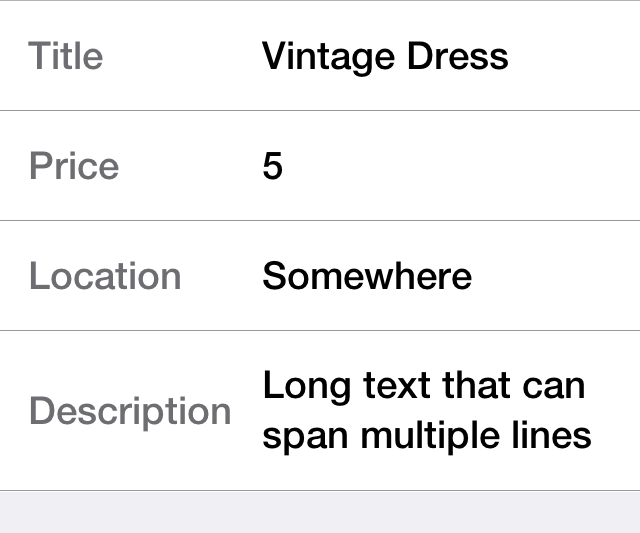
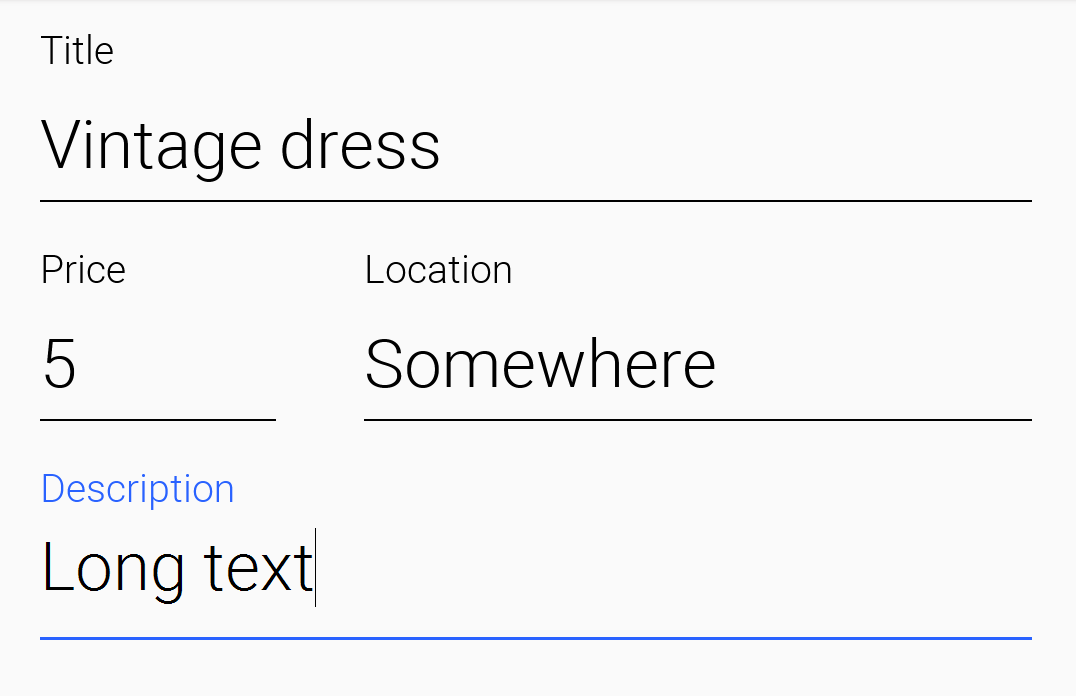
As you can see from the code and samples above there is a lot going on under the hood. On Android you want a layout that’s like TableLayout so you can “pack” the entries. On iOS you want a box layout Y kind of layout but you also want the labels/text to align…
The TextModeLayout isn’t a layout as much as it’s a delegate. When running in the Android mode (which you refer to as the “on top” mode) the layout is almost an exact synonym of TableLayout and in fact delegates to an underlying TableLayout. In fact there is a public final table instance within the layout that you can refer to directly…
One small difference exists between the TextModeLayout and the underlying TableLayout: your choice to default to align entries to TOP with this mode.
Aligning to TOP is important for error handling for TextComponent in Android otherwise the entries “jump” |
When working in the non-android environment you use a BoxLayout on the Y axis as the delegate. One thing you do here differs from a default box layout: grouping. Grouping allows the labels to align by setting them to the same width, internally it invokes Component.setSameWidth(). Since text components hide the labels there is a special group method there that can be used. For example, this is implicit with the TextModeLayout which is pretty cool.
TextModeLayout was created specifically for the TextComponent and InputComponent so check out the section about them in the components chapter.
7.1.3. Layered Layout
When used without constraints, the LayeredLayout places the components in order one on top of the other and sizes them all to the size of the largest component. This is useful when trying to create an overlay on top of an existing component. For example: an "x" button to allow removing the component.

The code to generate this UI is slightly complex and contains few relevant pieces. The truly relevant piece is this block:
hi.add(LayeredLayout.encloseIn(settingsLabel,
FlowLayout.encloseRight(close)));You’re doing three distinct things here:
You’re adding a layered layout to the form
You’re creating a layered layout and placing two components within. This would be the equivalent of creating a
LayeredLayoutContainerand invokingaddtwiceYou use
FlowLayoutto position theXclose button in the right position
| When used without constraints, the layered layout sizes all components to the exact same size one on top of the other. It requires that you use another container within; to position the components correctly |
This is the full source of the example for completeness:
Form hi = new Form("Layered Layout");
int w = Math.min(Display.getInstance().getDisplayWidth(), Display.getInstance().getDisplayHeight());
Button settingsLabel = new Button("");
Style settingsStyle = settingsLabel.getAllStyles();
settingsStyle.setFgColor(0xff);
settingsStyle.setBorder(null);
settingsStyle.setBgColor(0xff00);
settingsStyle.setBgTransparency(255);
settingsStyle.setFont(settingsLabel.getUnselectedStyle().getFont().derive(w / 3, Font.STYLE_PLAIN));
FontImage.setMaterialIcon(settingsLabel, FontImage.MATERIAL_SETTINGS);
Button close = new Button("");
close.setUIID("Container");
close.getAllStyles().setFgColor(0xff0000);
FontImage.setMaterialIcon(close, FontImage.MATERIAL_CLOSE);
hi.add(LayeredLayout.encloseIn(settingsLabel,
FlowLayout.encloseRight(close)));Forms have a built in layered layout that you can access through getLayeredPane(), this allows you to overlay elements on top of the content pane.
The layered pane is used internally by components such as InteractionDialog, AutoComplete etc.
| Codename One also includes a GlassPane that resides on top of the layered pane. Its useful if you want to "draw" on top of elements but is harder to use than layered pane |
Insets and reference components
LayeredLayout supports insets for its children. This effectively allows you to position child components precisely where you want them, relative to their container or siblings. This functionality forms the under-pinnings of the GUI Builder’s Auto layout mode.
As an example, suppose you wanted to position a button in the lower right corner of its container. This can be achieved with LayeredLayout as follows:
Container cnt = new Container(new LayeredLayout());
Button btn = new Button("Submit");
LayeredLayout ll = (LayeredLayout)cnt.getLayout();
cnt.add(btn);
ll.setInsets(btn, "auto 0 0 auto");The result is:

The thing new here is this line:
ll.setInsets(btn, "auto 0 0 auto");This is called after btn has already been added to the container. It says that you want its insets to be "auto" on the top and left, and 0 on the right and bottom. This insets string follows the CSS notation of top right bottom left (that’s: start on top and go clockwise), and the values of each inset may be provided in pixels (px), millimetres (mm), percent (%), or the special "auto" value. Like CSS, you can also specify the insets using a 1, 2, or 3 values. For example:
"1mm"- Sets 1mm insets on all sides."1mm 2mm"- Sets 1mm insets on top and bottom; 2mm on left and right."1mm 10% 2mm"- Sets 1mm on top, 10% on left and right, and 2mm on bottom."1mm 2mm 1px 50%"- Sets 1mm on top, 2mm on right, 1px on bottom, and 50% on left.
auto insets
The special "auto" inset indicates that it’s a flexible inset. If all insets are set to "auto," then the component will be centered both horizontally and vertically inside its "bounding box."
| The "inset bounding box" is the containing box from which a component’s insets are measured. If the component’s insets aren’t linked to any other components, then its inset bounding box will be the inner bounds (that’s: taking padding into account) of the component’s parent container. |
If one inset is fixed (that’s: defined in px, mm, or %), and the opposite inset is "auto," then the "auto" inset will allow the component to be its preferred size. If you want to position a component to be centered vertically, and 5mm from the left edge, you could do:
ll.setInsets(btn, "auto auto auto 5mm");Resulting in:

Move it to the right edge with:
ll.setInsets(btn, "auto 5mm auto auto");% insets
Percent (%) insets are calculated about the inset bounding box. A 50% inset is measured as 50% of the length of the bounding box on the inset’s axis. For example: A 50% inset on top would be 50% of the height of the inset bounding box. A 50% inset on the right would be 50% of the width of the inset bounding box.
Insets, margin, and padding
A component’s position in a layered layout is determined as follows: (Assume that cmp is the component that you’re positioning, and cnt is the container (In pseudo-code):
x = cnt.paddingLeft + cmp.calculatedInsetLeft + cmp.marginLeft
y = cnt.paddingTop + cmp.calculatedInsetTop + cmp.marginTop
w = cnt.width - cnt.verticalScroll.width - cnt.paddingRight - cmp.calculatedInsetRight - cmp.marginRight - x
h = cnt.height - cnt.horizontalScroll.height - cnt.paddingBottom - cmp.calculatedInsetBottom - cmp.marginBottom - yThe calculatedInsetXXX values here will be the same as the corresponding provided inset if the inset has no reference component. If it does have a reference component, then the calculated inset will depend on the position of the reference component. |
If no inset is specified, then it’s assumed to be 0. This ensures compatibility with designs that were created before layered layout supported insets.
Component references: Linking components together
If all you need to do is position a component relative to its parent container’s bounds, then mere insets provide you with enough vocabulary to achieve this. But most UIs are more complex than this and require another concept: reference components. Often you will want to position a component relative to another child of the same container. This is also supported.
For example, suppose you want to place a text field in the center of the form (both horizontally and vertically), and have a button placed beside it to the right. Positioning the text field is trivial (setInset(textField, "auto")), but there is no inset that you can provide that would position the button to the right of the text field. To do your goal, you need to set the text field as a reference component of the button’s left inset, which "links" the button’s left inset to the text field. Here is the syntax:
Container cnt = new Container(new LayeredLayout());
LayeredLayout ll = (LayeredLayout)cnt.getLayout();
Button btn = new Button("Submit");
TextField tf = new TextField();
cnt.add(tf).add(btn);
ll.setInsets(tf, "auto")
.setInsets(btn, "auto auto auto 0")
.setReferenceComponentLeft(btn, tf, 1f);This would result in:

The two active lines here are the last two:
ll.setInsets(tf, "auto")
.setInsets(btn, "auto auto auto 0")
.setReferenceComponentLeft(btn, tf, 1f);| The reference position is defined as the distance, expressed as a fraction of the reference component’s length on the inset’s axis, between the reference component’s leading (outer) edge and the point from which the inset is measured. A reference position of 0 means that the inset is measured from the leading edge of the reference component. A value of 1.0 means that the inset is measured from the trailing edge of the reference component. A value of 0.5 means that the inset is measured from the center of the reference component. Etc. Any floating point value can be used, though the most common values are 0 and 1. |
The definition above may make reference components and reference position seem more complex than they are. Some examples:
For a top inset:
referencePosition == 0 ⇒ the inset is measured from the top edge of the reference component.
referencePosition == 1 ⇒ the inset is measured from the bottom edge of the reference component.
For a bottom inset:
referencePosition == 0 ⇒ the inset is measured from the bottom edge of the reference component.
referencePosition == 1 ⇒ the inset is measured from the top edge of the reference component.
For a left inset:
referencePosition == 0 ⇒ the inset is measured from the left edge of the reference component.
referencePosition == 1 ⇒ the inset is measured from the right edge of the reference component.
For a right inset:
referencePosition == 0 ⇒ the inset is measured from the right edge of the reference component.
referencePosition == 1 ⇒ the inset is measured from the left edge of the reference component.
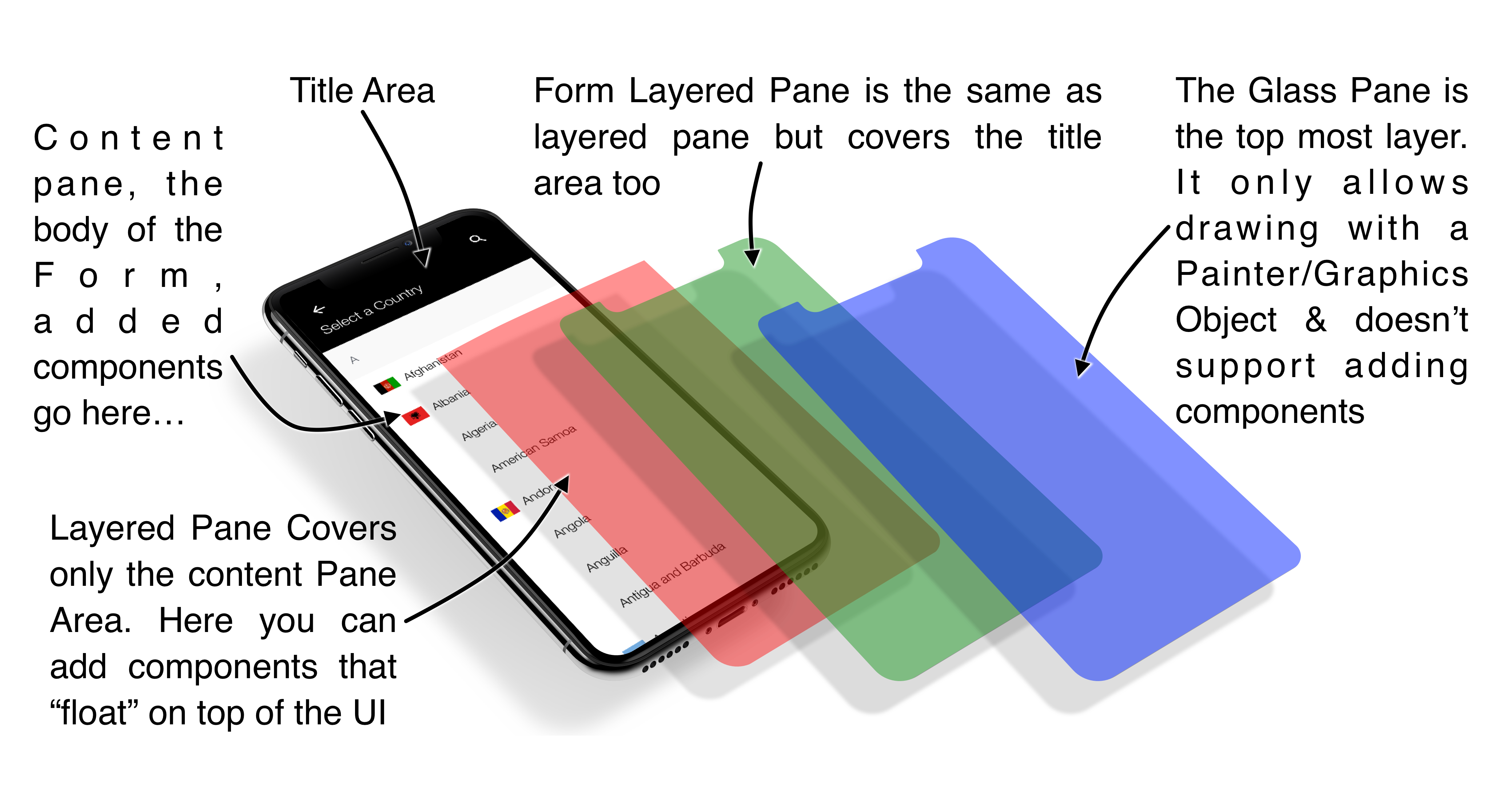
7.1.4. GridBag Layout
GridBagLayout was introduced to simplify the process of porting existing Swing/AWT code with a more familiar API. The API for this layout is problematic as it was designed for AWT/Swing where styles were unavailable. As a result it has its own insets API instead of using elements such as padding/margin.
Prefer TableLayout, which is just as capable and integrates better with Codename One.
The sample below is the Java tutorial’s GridBag example, ported to Codename One:
private static Button gridButton(String text) {
Button button = new Button(text);
button.setCapsText(false);
Style style = button.getAllStyles();
style.setBgColor(0xf4f8ff);
style.setBgTransparency(255);
style.setFgColor(0x0d47a1);
style.setBorder(Border.createLineBorder(1, 0x2b5c9e));
style.setPaddingUnit(Style.UNIT_TYPE_DIPS);
style.setPadding(2, 2, 2, 2);
return button;
}
public static Form createForm() {
Form hi = new Form("GridBagLayout", new BorderLayout());
Container grid = new Container(new GridBagLayout());
Style gridStyle = grid.getAllStyles();
gridStyle.setPaddingUnit(Style.UNIT_TYPE_DIPS);
gridStyle.setPadding(4, 4, 4, 4);
Button button;
GridBagConstraints c = new GridBagConstraints();
//natural height, maximum width
c.fill = GridBagConstraints.HORIZONTAL;
button = gridButton("One");
c.weightx = 0.5;
c.fill = GridBagConstraints.HORIZONTAL;
c.gridx = 0;
c.gridy = 0;
grid.addComponent(c, button);
button = gridButton("Two");
c.fill = GridBagConstraints.HORIZONTAL;
c.weightx = 0.5;
c.gridx = 1;
c.gridy = 0;
grid.addComponent(c, button);
button = gridButton("Three");
c.fill = GridBagConstraints.HORIZONTAL;
c.weightx = 0.5;
c.gridx = 2;
c.gridy = 0;
grid.addComponent(c, button);
button = gridButton("Long-Named Button 4");
c.fill = GridBagConstraints.HORIZONTAL;
c.ipady = 40; //make this component tall
c.weightx = 0.0;
c.gridwidth = 3;
c.gridx = 0;
c.gridy = 1;
grid.addComponent(c, button);
button = gridButton("5");
c.fill = GridBagConstraints.HORIZONTAL;
c.ipady = 0; //reset to default
c.weighty = 1.0; //request any extra vertical space
c.anchor = GridBagConstraints.PAGE_END; //bottom of space
c.insets = new Insets(10,0,0,0); //top padding
c.gridx = 1; //aligned with button 2
c.gridwidth = 2; //2 columns wide
c.gridy = 2; //third row
grid.addComponent(c, button);
hi.add(BorderLayout.NORTH, grid);
return hi;
}Because of the way GridBag works there’s no terse syntax for it, although one should be possible.

7.1.5. Group Layout
GroupLayout is a layout that would be familiar to the users of the NetBeans GUI builder (Matisse). Its a layout manager that’s hard to use for manual coding but is powerful for some elaborate use cases. Although MigLayout and LayeredLayout might be superior options.
It was originally added during the LWUIT days as part of an internal try to port Matisse to LWUIT. It’s still useful to this day as developers copy and paste Matisse code into Codename One and produce elaborate layouts with drag.
Since the layout is based on an older version of GroupLayout some things need to be adapted in the code or you should use the special "compatibility" library for Matisse to get better interaction. You also recommend tweaking Matisse to use import statements instead of full package names, that way if you use Label changing the awt import to a Codename One import will make it use work for Codename One’s Label.
Unlike any other layout manager GroupLayout adds the components into the container instead of the standard API. This works for GUI builder code but as you can see from this sample it doesn’t make the code readable:
public static Form createForm() {
Form hi = new Form("GroupLayout");
Label label1 = new Label();
Label label2 = new Label();
Label label3 = new Label();
Label label4 = new Label();
Label label5 = new Label();
Label label6 = new Label();
Label label7 = new Label();
label1.setText("label1");
label2.setText("label2");
label3.setText("label3");
label4.setText("label4");
label5.setText("label5");
label6.setText("label6");
label7.setText("label7");
GroupLayout layout = new GroupLayout(hi.getContentPane());
hi.setLayout(layout);
layout.setHorizontalGroup(
layout.createParallelGroup(GroupLayout.LEADING)
.add(layout.createSequentialGroup()
.addContainerGap()
.add(layout.createParallelGroup(GroupLayout.LEADING)
.add(layout.createSequentialGroup()
.add(label1, GroupLayout.PREFERRED_SIZE, GroupLayout.DEFAULT_SIZE, GroupLayout.PREFERRED_SIZE)
.addPreferredGap(LayoutStyle.RELATED)
.add(layout.createParallelGroup(GroupLayout.LEADING)
.add(label4, GroupLayout.PREFERRED_SIZE, GroupLayout.DEFAULT_SIZE, GroupLayout.PREFERRED_SIZE)
.add(label3, GroupLayout.PREFERRED_SIZE, GroupLayout.DEFAULT_SIZE, GroupLayout.PREFERRED_SIZE)
.add(label2, GroupLayout.PREFERRED_SIZE, GroupLayout.DEFAULT_SIZE, GroupLayout.PREFERRED_SIZE)))
.add(label5, GroupLayout.PREFERRED_SIZE, GroupLayout.DEFAULT_SIZE, GroupLayout.PREFERRED_SIZE)
.add(layout.createSequentialGroup()
.add(label6, GroupLayout.PREFERRED_SIZE, GroupLayout.DEFAULT_SIZE, GroupLayout.PREFERRED_SIZE)
.addPreferredGap(LayoutStyle.RELATED)
.add(label7, GroupLayout.PREFERRED_SIZE, GroupLayout.DEFAULT_SIZE, GroupLayout.PREFERRED_SIZE)))
.addContainerGap(296, Short.MAX_VALUE))
);
layout.setVerticalGroup(
layout.createParallelGroup(GroupLayout.LEADING)
.add(layout.createSequentialGroup()
.addContainerGap()
.add(layout.createParallelGroup(GroupLayout.TRAILING)
.add(label2, GroupLayout.PREFERRED_SIZE, GroupLayout.DEFAULT_SIZE, GroupLayout.PREFERRED_SIZE)
.add(label1, GroupLayout.PREFERRED_SIZE, GroupLayout.DEFAULT_SIZE, GroupLayout.PREFERRED_SIZE))
.addPreferredGap(LayoutStyle.RELATED)
.add(label3, GroupLayout.PREFERRED_SIZE, GroupLayout.DEFAULT_SIZE, GroupLayout.PREFERRED_SIZE)
.addPreferredGap(LayoutStyle.RELATED)
.add(label4, GroupLayout.PREFERRED_SIZE, GroupLayout.DEFAULT_SIZE, GroupLayout.PREFERRED_SIZE)
.addPreferredGap(LayoutStyle.RELATED)
.add(label5, GroupLayout.PREFERRED_SIZE, GroupLayout.DEFAULT_SIZE, GroupLayout.PREFERRED_SIZE)
.addPreferredGap(LayoutStyle.RELATED)
.add(layout.createParallelGroup(GroupLayout.LEADING)
.add(label6, GroupLayout.PREFERRED_SIZE, GroupLayout.DEFAULT_SIZE, GroupLayout.PREFERRED_SIZE)
.add(label7, GroupLayout.PREFERRED_SIZE, GroupLayout.DEFAULT_SIZE, GroupLayout.PREFERRED_SIZE))
.addContainerGap(150, Short.MAX_VALUE))
);
return hi;
}
If you’re porting newer Matisse code there are simple changes you can do:
Change
addComponenttoaddChange
addGrouptoaddRemove references to
ComponentPlacementand referenceLayoutStyledirectly
7.1.6. Mig Layout
MigLayout is a popular cross-platform layout manager that was ported to Codename One from Swing.
| MiG is still considered experimental so proceed with caution! The API was deprecated to serve as a warning of its experimental status. |
The best reference for MiG would probably be its quick start guide (PDF link). The sample below is one of that guide’s examples, ported to Codename One:
public static Form createForm() {
Form hi = new Form("MigLayout",
new MigLayout("wrap 2, insets 4mm", "[right]3mm[32mm]", "[]12[]12[]12[]"));
hi.add(new Label("First name"));
hi.add("growx, w 32mm", new TextField("", "First name"));
hi.add(new Label("Last name"));
hi.add("growx, w 32mm", new TextField("", "Last name"));
hi.add(new Label("Phone"));
hi.add("growx, w 32mm", new TextField("", "Phone"));
Button ok = new Button("OK");
ok.setCapsText(false);
Style okStyle = ok.getAllStyles();
okStyle.setBgColor(0xf4f8ff);
okStyle.setBgTransparency(255);
okStyle.setFgColor(0x0d47a1);
okStyle.setBorder(Border.createLineBorder(1, 0x2b5c9e));
okStyle.setPaddingUnit(Style.UNIT_TYPE_DIPS);
okStyle.setPadding(2, 2, 2, 2);
hi.add("span 2, growx", FlowLayout.encloseCenter(ok));
return hi;
}
It should be reasonably easy to port MiG code but you should notice the following:
MiG handles a lot of the spacing/padding/margin issues that are missing in Swing/AWT. With Codename One styles you have the padding and margin which are probably a better way to do a lot of the things that MiG does
The
addmethod in Codename One can be changed as shown in the sample above.The constraint argument for Codename One
addcalls appears before theComponentinstance.
7.2. Themes and styles
Next you need to introduce you to 3 important terms in Codename One: Theme, Style, and UIID.
Themes are similar conceptually to CSS, in fact they can be created with CSS syntax as this guide covers soon. The various Codename One ports ship with a native theme representing the appearance of the native OS UI elements. Every Codename One application has its own theme that derives the native theme and overrides behavior within it.
If the native theme has a button defined, you can override properties of that button in your theme. This allows you to customize the look while retaining some native appearances. This works by merging the themes to one big theme where your application theme overrides the definitions of the native theme. This is pretty like the cascading aspect of CSS if you’re familiar with that.
Themes consist of a set of UIID definitions. Every component in Codename One has a UIID associated with it. UIID stands for User Interface Identifier. This UIID connects the theme to a specific component. A UIID maps to CSS classes if you’re familiar with that concept. For example, Codename One doesn’t support the complex CSS selector syntax options as those can impact runtime performance.
For example: see this code where:
nameText.setUIID("Label");This is a text field component (user input field) but it will look like a Label.
Effectively you told the text field that it should use the UIID of Label when it’s drawing itself. It’s common to do tricks like that in Codename One. For example: button.setUIID("Label") would make a button appear like a label and allow you to track clicks on a Label.
The UIID’s translate the theme elements into a set of Style objects. These Style objects get their initial values from the theme but can be further manipulated after the fact. To make the text field’s foreground color red you could use this code:
nameText.getAllStyles().setFgColor(0xff0000);The color is in hexadecimal RRGGBB format so 0xff00 would be green and 0xff0000 would be red.
getAllStyles() returns a Style object but why do you need “all” styles?
Each component can have one of 4 states and each state has a Style object. This means you can have 4 style objects per Component:
Unselected: used when a component isn’t touched and doesn’t have focus. You can get that object with
getUnselectedStyle().Selected: used when a component is touched or if focus is drawn for non-touch devices. You can get that object with
getSelectedStyle().Pressed: used when a component is pressed. Notice it’s applicable to buttons and button subclasses. You can get that object with
getPressedStyle().Disabled: used when a component is disabled. You can get that object with
getDisabledStyle().
The getAllStyles() method returns a special case Style object that lets you set the values of all 4 styles from one class so the code before would be equivalent to invoking all 4 setFgColor methods. For example, getAllStyles() works for setting properties not for getting them!
don’t use getStyle() for manipulationgetStyle() returns the current Style object which means it will behave inconsistently. The paint method uses getStyle() as it draws the current state of the Component but other code should avoid that method. Use the specific methods instead: getUnselectedStyle(), getSelectedStyle(), getPressedStyle(), getDisabledStyle() and getAllStyles() |
As you can see, it’s a bit of a hassle to change styles from code which is why the theme is so appealing.
7.2.1. Theme
A theme allows you to define the styles externally through a set of UIID’s (User Interface ID’s). Themes can be authored directly in CSS and then compiled into the Codename One resource file, which keeps styling concerns separate from application logic.
The theme is stored in the theme.res file in the project.
You load the theme file using this line of code in the init(Object) method in the main class of the application:
theme = UIManager.initFirstTheme("/theme");In a CSS project this file is generated automatically from the stylesheet. Legacy applications that still edit the resource file by hand can continue to do so, but new projects should prefer the CSS workflow described below.
This code is shorthand for resource file loading and for the installation of theme. You could technically have more than one theme in a resource file at which point you could use initNamedTheme() instead. The resource file is a special file format that includes inside it many features:
Themes
Images
Localization Bundles
Data files
7.2.2. Working with CSS themes
Modern Codename One projects ship with a src/main/css/theme.css file (or an equivalent stylesheet). Editing this file allows you to define UIIDs using standard CSS syntax together with Codename One–specific extensions such as cn1-derive for inheritance and the #Constants block for theme constants. Each time you build or run the project, the build tool compiles the CSS into the theme.res resource file automatically. Saving the CSS while the simulator is running will also trigger a refresh so you can iterate on styling.
Because the CSS compiler produces the final resource file, you should treat the generated theme.res as an output artifact and keep your changes in the CSS source. Images referenced from CSS rules (for example: background images or multi-images) should be placed alongside the stylesheet so that they’re picked up by the compiler. More details about the supported selectors and properties are covered in the dedicated CSS chapter later in this guide.
7.3. GUI builder
The GUI builder arranges components visually: you drag them onto a canvas, position them, and edit their properties in an inspector, without writing the layout code by hand. It’s a desktop application that the Codename One Maven plugin launches, so it works the same way whichever IDE you use for the surrounding Java code. Forms designed in the builder use auto layout mode by default, which positions and resizes components on the canvas using LayeredLayout behind the scenes.
7.3.1. Hello world
Two goals do the work:
cn1:create-gui-formgenerates a new GUI form: the.guiXML file plus the matching Java source.cn1:guibuilderopens the GUI builder on the project.
Both goals accept a className parameter that points at the fully qualified class name of the form. From the root of a multi-module Codename One project, create a new form like this:
mvn cn1:create-gui-form -DclassName=com.example.MyFormThis generates two files inside the common module:
common/src/main/guibuilder/com/example/MyForm.guicommon/src/main/java/com/example/MyForm.java
If you run the goal from inside the common submodule the files are written directly under that module’s src/main/… directory. By default the goal creates a Form; pass -DguiType=Dialog or -DguiType=Container to generate one of the other types, and pass -DautoLayout=false to opt out of auto layout mode. |
To open the form in the GUI builder:
mvn cn1:guibuilder -DclassName=com.example.MyFormProjects generated from the archetype also carry a ready-made shortcut for this: a CN1 GUI Builder run configuration in IntelliJ IDEA, an Open in GUI Builder action in NetBeans, a GUI Builder launch configuration in Eclipse, and a Tools > GUI Builder entry in the Visual Studio Code Maven favorites. They all run the same goal.
The full goal reference, including every parameter, lives in the cn1:create-gui-form goal and
the cn1:guibuilder goal in the Maven goals appendix.
| The GUI builder is a Java 8 artifact, so it runs on whichever JDK already builds your project. |
7.3.2. The workspace
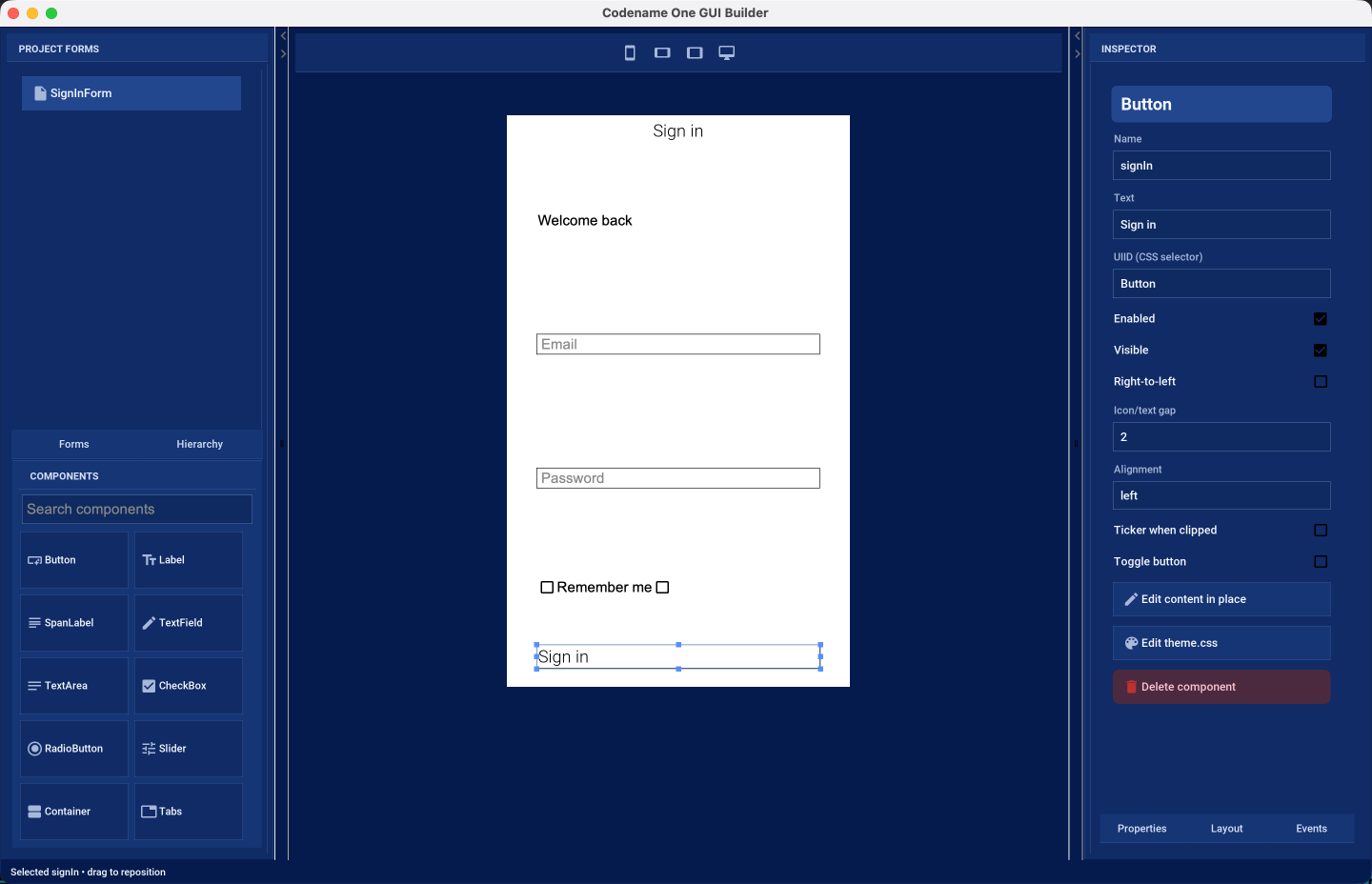
cn1:create-gui-formThe window has three columns:
Project forms and palette — on the left. The upper half lists every
.guifile in the project under the Forms tab, and the component tree of the form you are editing under the Hierarchy tab. Picking a component from the tree is often easier than hitting it on the canvas, particularly when it’s behind something else. The lower half is the component palette, with a search field for finding a component by name.Design canvas — in the middle. This is a live Codename One rendering of your form, styled by the project’s own
theme.css, so what you see is what the application draws. The buttons above the canvas switch it between phone portrait, phone landscape, tablet, and a full-width desktop canvas.Inspector — on the right. It shows the selected component under three tabs: Properties, Layout, and Events.
The toolbar carries Save, Undo, Redo and Refresh on the left, and CSS and Code on the right. Changes are written to the .gui file when you press Save.
The two dividers between the columns can be dragged, so you can give the canvas more room while positioning components and give the inspector more room while filling in properties.
7.3.3. Designing a form
Drag a component from the palette onto the canvas to add it. As you drag, the builder highlights where the component would land: the container that would receive it, and, in auto layout mode, guides showing the edges it would line up with. Dropping outside a valid target leaves the form unchanged.
Select a component by clicking it on the canvas or by picking it in the Hierarchy tab. A selected component shows resize handles; drag its body to move it, or a handle to resize it. Hold Shift while clicking to select several components at once, which is what the alignment actions in the top-left corner of the canvas operate on: they align edges, centers or baselines, match widths or heights, or disconnect a component from the relationships it has picked up.
Double-click a component that displays text — or long-press it — to edit that text in place, without going to the inspector.
The Properties tab holds what the component is: its name, its text, the UIID that connects it to a CSS selector, and the settings that belong to its type, such as the input constraint of a text field or the range of a slider. The Layout tab holds where it sits: its position in its parent, the layout manager of a container, and, for auto layout, its alignment reference and its horizontal and vertical size policies. The Events tab binds an event, such as a button press, to a method in the companion Java source.
7.3.4. Auto layout mode
New forms use auto layout mode. In this mode you place components where you want them rather than accepting the positions a layout manager dictates.
All forms designed in auto layout mode use Auto layout mode is built on the inset support in LayeredLayoutLayeredLayout. Component positioning uses insets and reference components, not absolute coordinates. |
An inset can be fixed (stated in millimetres, pixels or a percentage) or flexible, and it can be measured from the parent or from a sibling component. That’s what makes a form designed on one canvas size still work on another: a component pinned to the bottom of the form stays there on a taller screen, and a component pinned below its neighbor follows that neighbor when it moves.
The builder chooses insets for you as you drag, and it prefers a relationship with a nearby component over a distance from the edge of the form. The Layout tab shows the choice it made and lets you change it:
Alignment reference — the component this one is positioned against, or the nearest component if you haven’t chosen one.
Horizontal size policy and Vertical size policy — whether the component keeps its preferred size, keeps a fixed size, fills its parent, or matches the size of its reference component.
Resize the canvas with the device buttons above it after every few changes. A form that looks right on one canvas can fall apart on another, and switching between phone portrait and desktop is the quickest way to find out before a device does.
7.3.5. Nested containers and other layouts
A form doesn’t have to be one flat surface. Drag a Container from the palette to group components together, then use the Container layout picker in the Layout tab to give it whichever layout manager suits that part of the form: box, border, flow, grid, table, or layered again. Components dragged into that container are then arranged by it, and the drop guides change to match — a box layout shows where in the sequence the component would go, a border layout shows which region would receive it, and a table layout shows the cell.
Containers can be nested as far as you need, and a component can be dragged out of one container and into another; the builder rewrites its constraints for the layout it lands in.
7.3.6. The theme and the companion source
The CSS button opens the project stylesheet inside the builder.
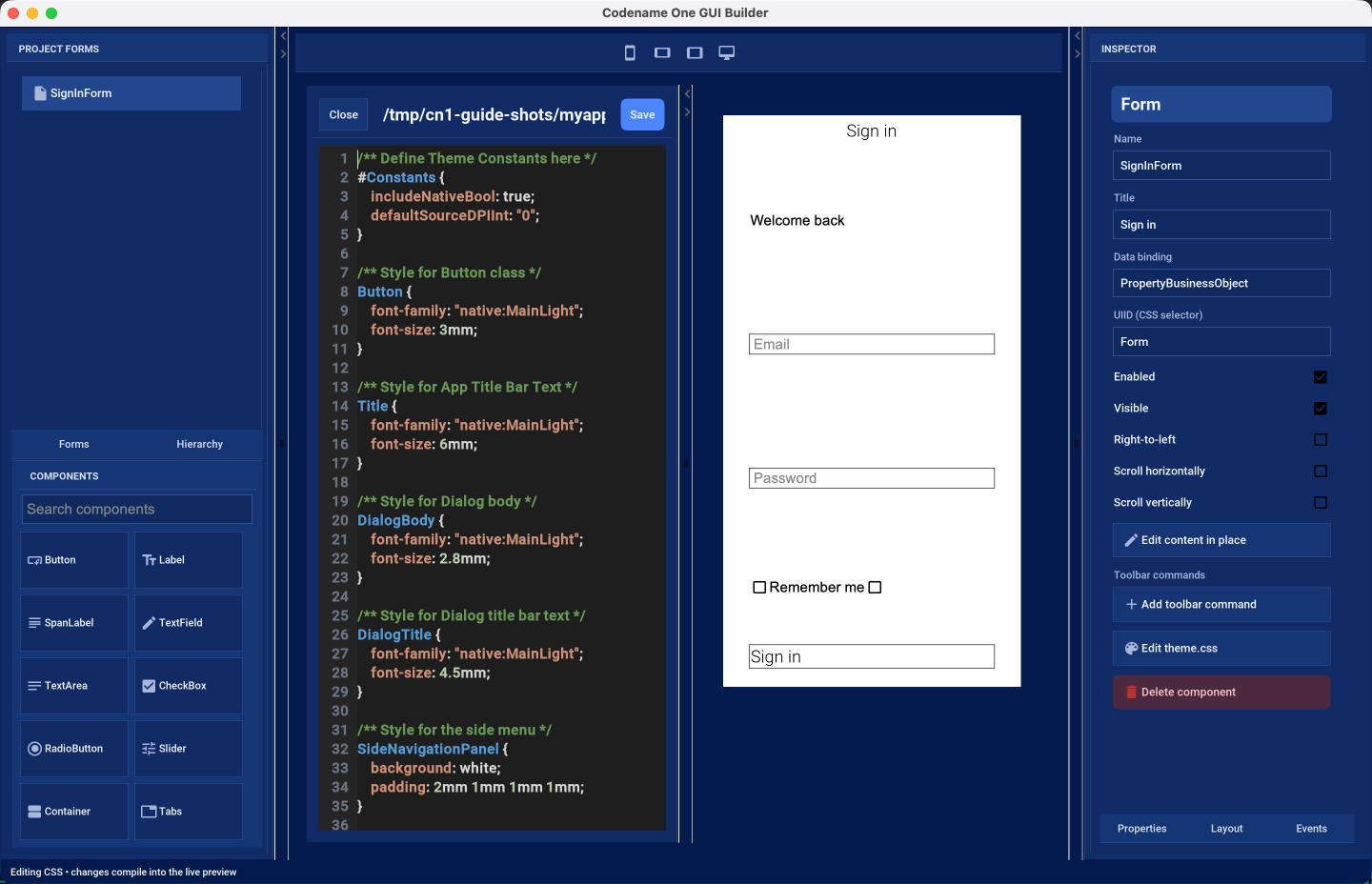
The stylesheet is compiled and applied to the canvas as you edit it, so a color or a font change is visible immediately on the form you are designing. This is the same src/main/css/theme.css the application builds with, described in Working with CSS themes.
The Code button opens the companion Java source.
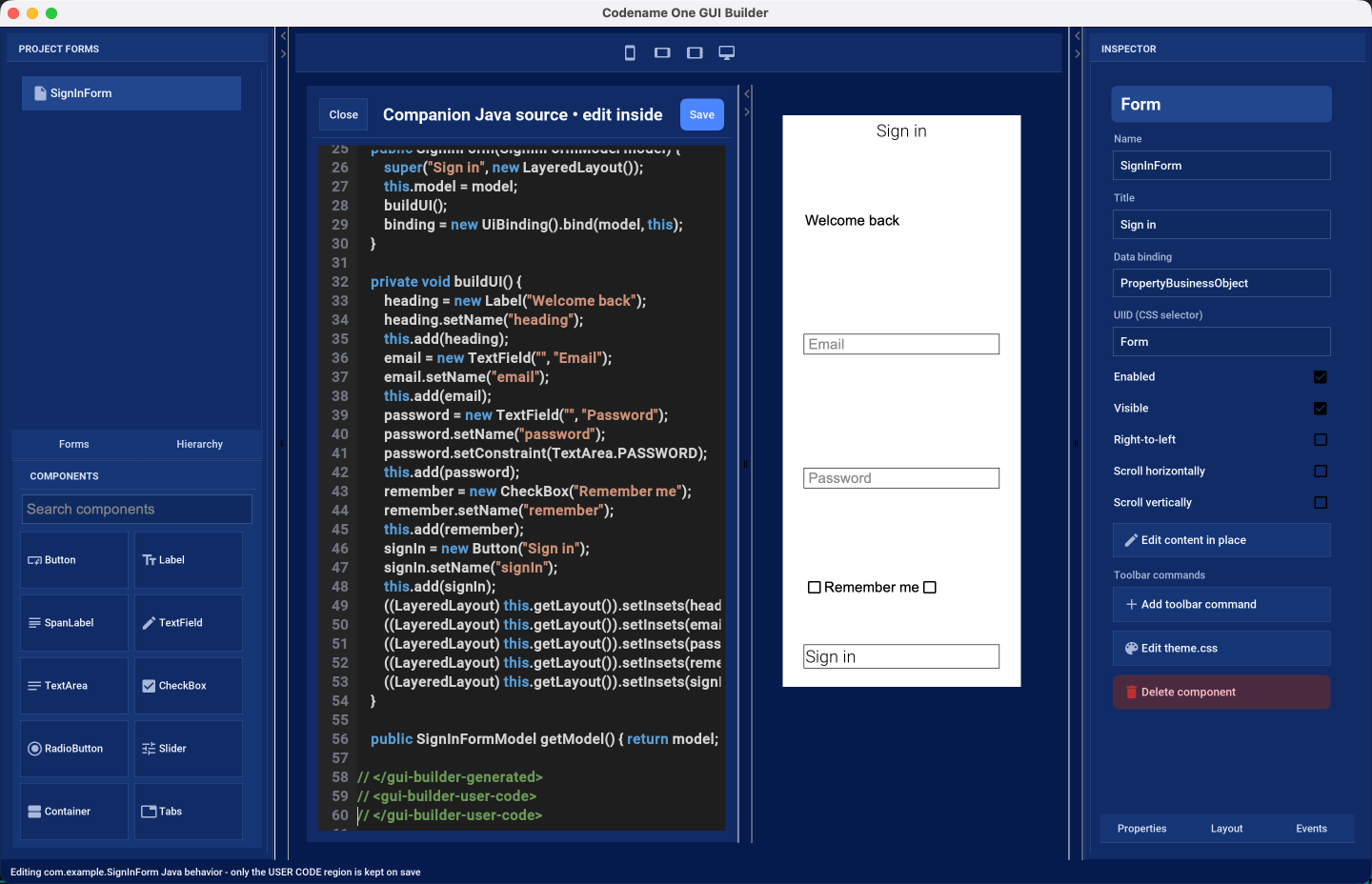
Everything between the // <gui-builder-generated> and // </gui-builder-generated> markers is written by the builder from the .gui file and is replaced whenever the form is saved. The region between the // <gui-builder-user-code> markers is yours: event handlers and anything else you add there is preserved across saves. The editor makes the distinction visible, and the status line reminds you which region takes your changes.
Forms scaffolded by older versions of cn1:create-gui-form used a different marker style. Opening such a form in the builder converts the file to the format above and keeps the methods you had written.
7.3.7. What’s stored on disk
A form is two files that belong together:
common/src/main/guibuilder/<package>/<Name>.gui— the XML description of the component tree. This is the file the builder reads and writes, and the one to keep under version control.common/src/main/java/<package>/<Name>.java— the companion Java source.
| The two files are connected by name. If you rename or move one, rename or move the other to match, or the builder can no longer pair them. |
The .gui file is plain XML and readable enough to review in a diff:
<?xml version="1.0" encoding="UTF-8"?>
<component type="Form" name="SignInForm" title="Sign in" layout="LayeredLayout" autoLayout="true">
<component type="Label" name="heading" text="Welcome back" layeredInsets="12% auto auto 8%" />
<component type="TextField" name="email" hint="Email" layeredInsets="26% 8% auto 8%"
guidedReferences="heading|-|-|-" />
<component type="Button" name="signIn" text="Sign in" actionEvent="onSignIn"
layeredInsets="62% 8% auto 8%" guidedReferences="email|-|-|-" />
</component>You can edit it by hand, but reopen the form afterward: the builder doesn’t watch the file while it’s running.
8. The components of Codename One
This chapter covers the components of Codename One. It doesn’t cover every component, but it goes deeper than the Javadocs.
8.1. Container
The Codename One container is a base class for many high-level components. A container can hold other components.
Every component has a parent container. That parent can be null when the component isn’t inside another container or when it’s a top-level container. A container can have many children.
Components are arranged in containers with layout managers. A layout manager decides how to arrange components inside the container.
You can read more about layout managers in the basics section.
8.1.1. Composite components
Codename One components share a generic inheritance hierarchy. For example, Button derives from Label and thus receives all its abilities.
Some components are composites and derive from the Container class. For example, the MultiButton is a composite button that derives from Container but behaves like a Button. Most of the time this feels seamless, but a few details matter.
Don’t use the
Container-derived methods on such a composite component (for example,addandremove).You can’t cast it to the type it relates to. For example, you can’t cast
MultiButtontoButton.Events can be more nuanced. For example, if you rely on ActionEvent.getSource() or ActionEvent.getComponent(), they may not behave as expected. For a
MultiButton, they return the underlyingButton. To work around that, use ActionEvent.getActualComponent().
8.2. Form
A Form isn’t one surface. It’s a title area, a content pane, any number of
layered panes, and on ports that place commands in a soft-key or button bar, a
menu bar as well. Knowing which of them receives a component explains most of
what happens next:

Form is the top-level container in Codename One. Form derives from Container and is the element the app shows. Only one form can be visible at any given time. You can get the visible Form with the code:
Form currentForm = Display.getInstance().getCurrent();A form is a container with a title, a content area, and an optional menu or menu-bar area. When you call methods such as add or remove on a form, you’re invoking something that maps to this:
myForm.getContentPane().add(cmp);Form is effectively a Container with a border layout. The north section holds the title area, the south section holds the optional menu bar, and the center stretches as the content pane. Place all components in the content pane.
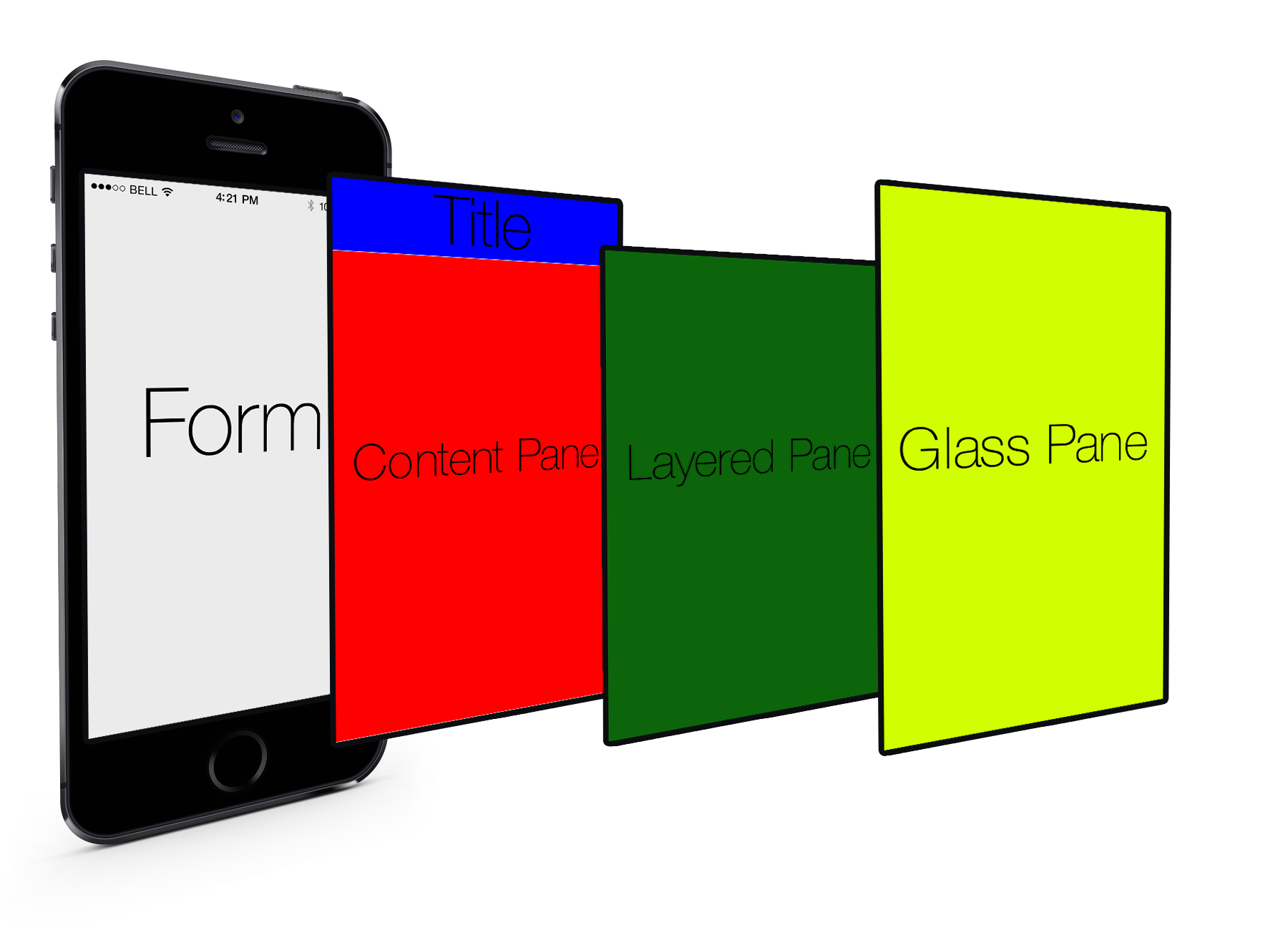
You can see that every Form has space allocated for the title area. If you don’t set the title, it won’t show up, but it will still be there. The same isn’t always true for the menu bar, which can vary. Effectively, the section that matters is the content pane, so the form tries to do the right thing by pretending to be the content pane. For example, this isn’t always seamless, and sometimes code needs to invoke getContentPane() to work directly with the container.
A good example for such a case is layout animations. Animating the form might not produce the right results. When in doubt, it’s easier to use getContentPane() instead of working with the Form directly. |
As you can see from the graphic, Form has two layers that live on top of the content pane/title. The first is the layered pane, which allows you to place "always on top" components. The layered pane is added implicitly when you invoke getLayeredPane().
| You still need to place components using layout managers to get them to appear in the right place when using the layered pane. |
8.2.1. Safe areas
Modern phones often include display cut-outs, rounded corners, or persistent gesture/navigation indicators that overlap the physical screen edges. These intrusions are no longer limited to iOS—many recent Android devices behave the same way—so Codename One provides a "safe area" API to ensure your UI remains visible regardless of the device. The safe area is the portion of the display that’s guaranteed to be unobstructed.
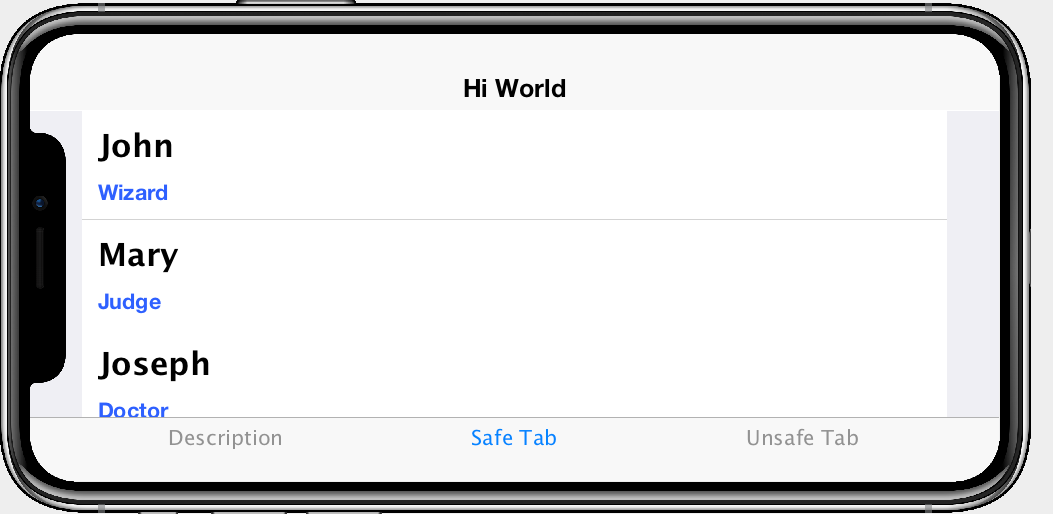
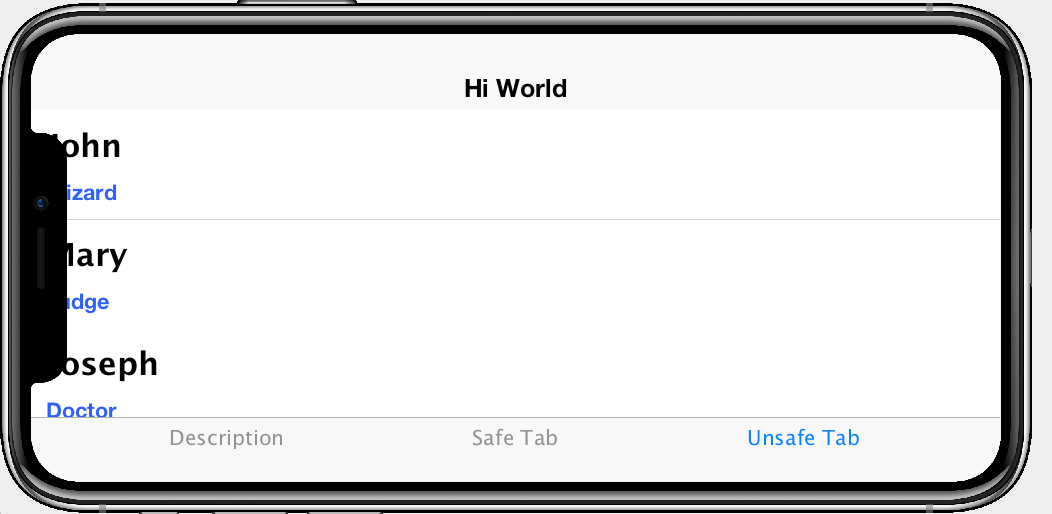
Automatic Safe-Area handling
Form calculates the safe region automatically, and core UI components that anchor themselves to the screen edges apply that information without more work:
Toolbarand the status bar placeholder respect the top safe margins so that titles and action buttons remain legible around notches.Tabs,Sheet, andFloatingActionButtoninstances mark their internal containers as safe areas so navigation controls are padded above gesture/navigation bars.UI fragment templates can opt-in to safe areas declaratively using the
safeAreaflag, ensuring generated components stay within the padded region.
This means that many applications will work on devices such as the iPhone X/14 family or Android devices with edge-to-edge displays. You need to intervene when you use custom containers that you position flush against a screen edge or when you perform your own painting.
Marking your own containers as safe
If you create a container that should always stay clear of the unsafe portions of the screen (for example, a bottom navigation bar, an on-screen joystick, or a floating tool palette), enable safe-area padding explicitly:
Form form = new Form(new BorderLayout());
Container bottomBar = new Container(BoxLayout.x());
bottomBar.setSafeArea(true);
bottomBar.addAll(new Button("Home"), new Button("Search"), new Button("Profile"));
form.add(BorderLayout.SOUTH, bottomBar);
form.show();Safe-area padding is applied when the container doesn’t have a scrollable parent. For scrollable content, you can assume the user can scroll the component into view instead.
Most layouts never need to know where the safe area begins, but if you draw manually (for example, inside paint() or on the glass pane) you can query it directly:
Form form = Display.getInstance().getCurrent();
Rectangle safe = form.getSafeArea();
Graphics g = null; // e.g. inside paint()
g.setClip(safe.getX(), safe.getY(), safe.getWidth(), safe.getHeight());
// Custom drawing code that should avoid the notch/gesture areasThe rectangle returned by Form#getSafeArea() is updated automatically whenever the OS reports a change (rotation, multitasking gestures, showing or hiding the system navigation area, etc.). In unusual situations where you adjust the safe-area root yourself (for example, when animating a container in from off-screen) you can force a recalculation by calling Form#setSafeAreaChanged().
Safe-Area roots and advanced layouts
Safe-area padding is calculated relative to a "safe-area root." Forms are roots by default, but you can mark any container as a root using Container#setSafeAreaRoot(true) when you need precise control, for example, when preparing a side menu that starts off-screen and slides in:
Container drawer = new Container(BoxLayout.y());
drawer.setSafeAreaRoot(true); // Ensure safe margins apply before the drawer is visible
drawer.setSafeArea(true);Marking the drawer as both a root and a safe area prevents a jump the moment it becomes visible, because the safe padding is already applied while it’s off-screen.
Remember that safe areas apply across platforms. Always verify your screens on actual devices (or in the Codename One simulator with a device skin that exposes cut-outs) to make sure critical UI elements remain inside the padded region.
The second layer is the glass pane which allows you to draw arbitrary things on top of everything. The order in the image is indeed right:
ContentPaneis lowestLayeredPaneis secondGlassPaneis painted last
It’s important to notice that a layered pane is on top of the ContentPane and doesn’t stretch to the title. A GlassPane stretches all the way but with a "lightweight" title area, for example, the Toolbar API. |
The GlassPane allows developers to overlay UI on top of existing UI and paint as they see fit. This is useful for things that provide notification but don’t want to intrude with application functionality.
8.3. Dialog
A Dialog is a special kind of Form that can occupy a portion of the screen. It also has the more functionality of the modal show method.
When showing a dialog you have two basic options: modeless and modal:
Modal dialogs (the default) block the current EDT thread until the dialog is dismissed. To understand how they do it, read about
invokeAndBlock.
Modal dialogs are a useful way to prompt the user since the code can assume the user responded in the next line of execution. This promotes a linear and intuitive way of writing code.Modeless dialogs return, so a call to show such a dialog can’t assume anything in the next line of execution. This is useful for features such as progress indicators where you aren’t waiting for user input.
For example: a modal dialog can be expressed as such:
if(Dialog.show("Click Yes Or No", "Select one", "Yes", "No")) {
// user clicked yes
} else {
// user clicked no
}Notice that during the show call above the execution of the next line was "paused" until you got a response from the user and once the response was returned you could proceed directly.
All usage of Dialog must be within the Event Dispatch Thread (the default thread of Codename One). This is true for modal dialogs. The Dialog class knows how to "block the EDT" without blocking it. |
To learn more about invokeAndBlock which is the workhorse behind the modal dialog functionality check out the EDT section.
The Dialog class contains many static helper methods to show user notifications, but also allows a
developer to create a Dialog instance, add information to its content pane and show the dialog.
Dialogs contain a ContentPane like Form. |
When showing a dialog in this way, you can either ask Codename One to position the dialog in a specific location based on the BorderLayout concept of locations, or position it by spacing it in pixels from the four edges of the screen.
For example: you could do something like this to show a simple modal Dialog:
Dialog d = new Dialog("Title");
d.setLayout(new BorderLayout());
d.add(BorderLayout.CENTER, new SpanLabel("Dialog Body", "DialogBody"));
d.showPacked(BorderLayout.SOUTH, true);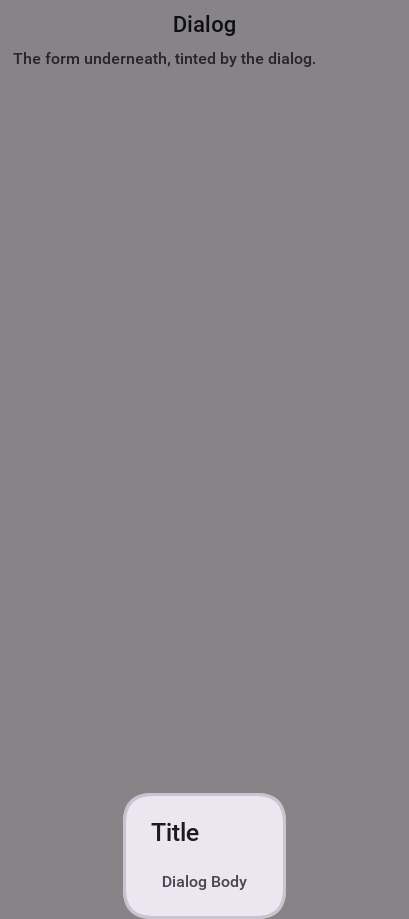
You can turn the code above to a modless Dialog by flipping the boolean true argument to false. |
You can position a Dialog by determining the space from the edges for example: with this code you can occupy the bottom portion of the screen:
Dialog d = new Dialog("Title");
d.setLayout(new BorderLayout());
d.add(BorderLayout.CENTER, new SpanLabel("Dialog Body", "DialogBody"));
d.show(hi.getHeight() / 2, 0, 0, 0);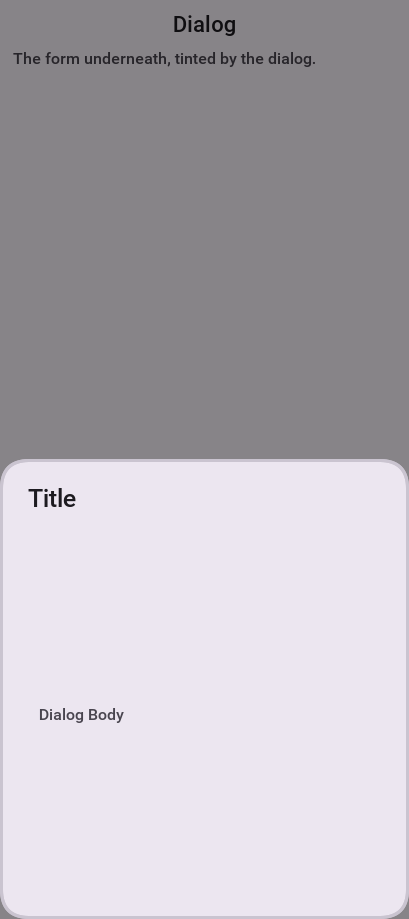
hi is the name of the parent Form in the sample above. |
8.3.1. Styling dialogs
It’s important to style a Dialog using getDialogStyle() or
setDialogUIID methods rather than styling the dialog object directly.
The reason for this is that the Dialog is a Form that takes up the whole screen. The Form that’s visible behind the Dialog is rendered as a screenshot. Customizing the actual UIID of the Dialog won’t produce the desired results.
8.3.2. Tint and blurring
By default a Dialog uses a platform specific tint color when it’s showing for example: notice the background in the image below is tinted:
Form hi = new Form("Tint Dialog", new BoxLayout(BoxLayout.Y_AXIS));
Button showDialog = new Button("Tint");
showDialog.addActionListener((e) -> Dialog.show("Tint", "Is On/* omitted */", "OK", null));
hi.add(showDialog);
hi.show();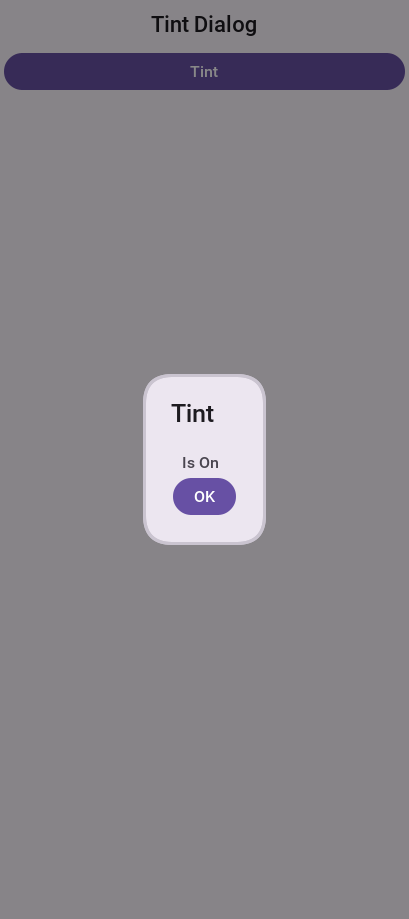
The tint color can be manipulated on the parent form, you can set it to any AARRGGBB value to set any color using the setTintColor method. Notice that this is invoked on the parent form and not on the Dialog!
| This is an AARRGGBB value and not an RRGGBB value! This means that 0 will be transparent. |
You can also manipulate this default value globally using the theme constant tintColor. The sample below tints the background in green:
Form hi = new Form("Tint Dialog", new BoxLayout(BoxLayout.Y_AXIS));
hi.setTintColor(0x7700ff00);
Button showDialog = new Button("Tint");
showDialog.addActionListener((e) -> Dialog.show("Tint", "Is On/* omitted */", "OK", null));
hi.add(showDialog);
hi.show();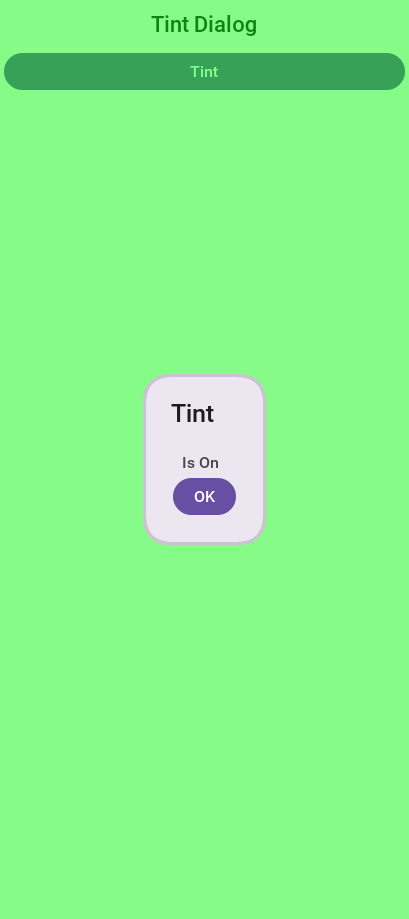
You can apply Gaussian blur to the background of a dialog to highlight the foreground further and produce an attractive effect. You can use the setDefaultBlurBackgroundRadius to apply this globally, you can use the theme constant dialogBlurRadiusInt to do the same or you can do this on a per Dialog basis using setBlurBackgroundRadius.
Not all device types support blur you can test if your device supports it using Display.getInstnace().isGaussianBlurSupported(). If blur isn’t supported the blur setting will be ignored: |
Form hi = new Form("Blur Dialog", new BoxLayout(BoxLayout.Y_AXIS));
Dialog.setDefaultBlurBackgroundRadius(8);
Button showDialog = new Button("Blur");
showDialog.addActionListener((e) -> Dialog.show("Blur", "Is On/* omitted */", "OK", null));
hi.add(showDialog);
hi.show();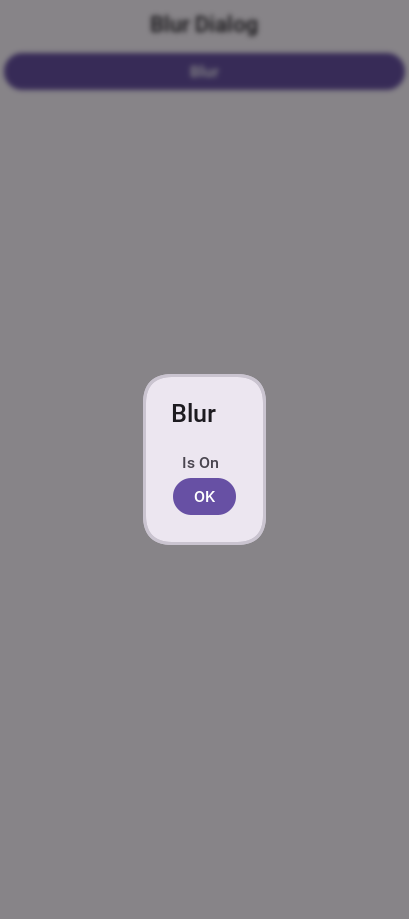
It might be a bit hard to notice the blur effect with the tinting so here is the same code with tinting disabled:
hi.setTintColor(0);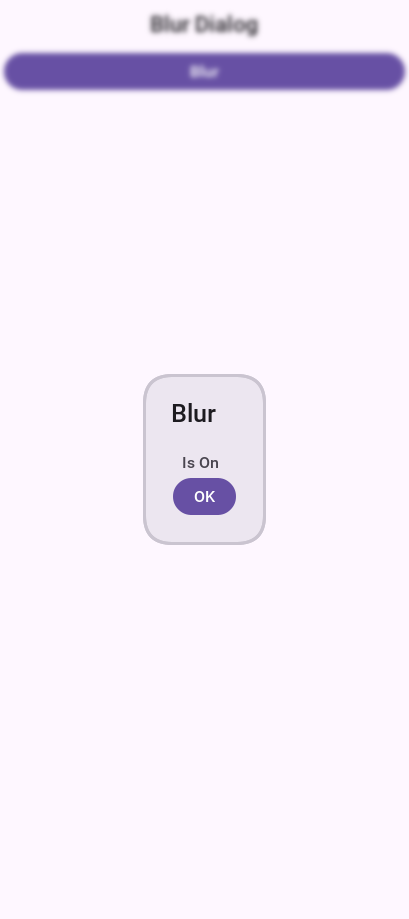
8.3.3. Popup dialog
A popup dialog is a common mobile paradigm showing a Dialog that points at a specific component. It’s a standard Dialog that’s shown in a unique way:
Form hi = new Form("Popup Dialog", new BoxLayout(BoxLayout.Y_AXIS));
Button showDialog = new Button("Show");
showDialog.addActionListener(e -> {
Dialog d = new Dialog("Title");
d.setLayout(new BorderLayout());
d.add(BorderLayout.CENTER, new SpanLabel("Dialog Body", "DialogBody"));
// the popup points at the button, which must be on screen to have a position
d.showPopupDialog(showDialog);
});
hi.add(showDialog);
hi.show();
Styling the arrow of the popup dialog
When Codename One was young you needed a popup arrow implementation but your low-level graphics API was pretty basic. As a workaround you created a version of the 9-piece image border that supported pointing arrows at a component.
Today Codename One supports pointing an arrow from the RoundRectBorder class. This is implicit for the PopupDialog UI. This allows for better customization of the border (color etc.) and it looks better on newer displays. It also works on all OSs. Right now the iOS theme has the old image border approach.
| This will change with a future update where all OSes will align and iOS will use the lightweight popup too |
You can make all OSes act the same way by overriding the PopupDialog UIID and defining its style to RoundRectBorder |
The new RoundRectBorder support works by setting the track component property on border. When that’s done the border implicitly points to the right location.
If you still need deeper customization of the arrow you can still use the old 9-piece border functionality illustrated below.
Legacy 9-Piece Border arrow
One of the harder aspects of a popup dialog is the construction of the theme elements required for arrow styling. To get that sort of behavior you will need a custom image border and 4 arrows pointing in each direction that will be overlaid with the border.
The sizes of the arrow images should be similarly proportioned and fit within the image borders whitespace.
The block image of the dialog should have empty pixels in the sides to reserve space for the arrow. For example: if the arrows are all 32×32 pixels then the PopupDialog image should have 32 pixels of transparent pixels around it. |
You will need to define the following theme constants for the arrow to work:
PopupDialogArrowBool=true
PopupDialogArrowTopImage=arrow-up.png
PopupDialogArrowBottomImage=arrow-down.png
PopupDialogArrowLeftImage=arrow-left.png
PopupDialogArrowRightImage=arrow-right.pngEach of the four image constants names an image in your theme resource, so add your own arrows under those names — the values here are placeholders and there are no arrows built in. A constant naming an image the theme doesn’t hold leaves the border with nothing to paint.
Then style the PopupDialog UIID with the image for the Dialog itself.
8.4. InteractionDialog
Dialogs in Codename One can be modal or modeless, the former blocks the calling thread and the latter doesn’t. For example, there is another definition to those terms: A modal dialog blocks access to the rest of the UI while a modeless dialog "floats" on top of the UI.
In that sense, all dialogs in Codename One are modal; they block the parent form since they’re effectively forms that show the "parent" in their background. InteractionDialog has an API that’s like the Dialog API but, unlike dialog, it never blocks anything. Neither the calling thread nor the UI.
InteractionDialog isn’t a Dialog since it doesn’t share the same inheritance hierarchy. For example, it acts and "feels" like a Dialog although it’s a Container in the LayeredPane. |
InteractionDialog is a container that’s positioned within the layered pane. Notice that because of that
design, you can have one such dialog at the moment and, if you add something else to the layered pane, you
might run into trouble.
Using the interaction dialog is pretty trivial and like dialog:
InteractionDialog dlg = new InteractionDialog("Hello");
dlg.setLayout(new BorderLayout());
dlg.add(BorderLayout.CENTER, new Label("Hello Dialog"));
Button close = new Button("Close");
close.addActionListener((ee) -> dlg.dispose());
dlg.addComponent(BorderLayout.SOUTH, close);
Dimension pre = dlg.getContentPane().getPreferredSize();
int displayWidth = Display.getInstance().getDisplayWidth();
int dialogWidth = Math.max(pre.getWidth() + pre.getWidth() / 6, displayWidth * 2 / 3);
dlg.show(0, 0, displayWidth - dialogWidth, 0);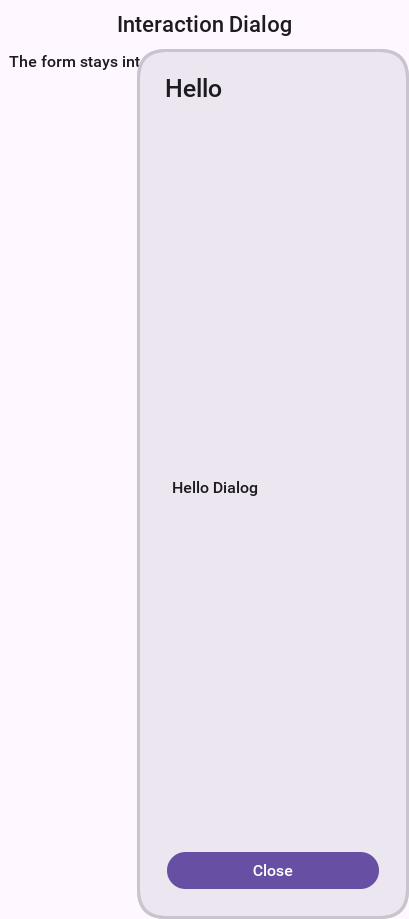
This will show the dialog on the right-hand side of the screen, which is pretty useful for a floating in place dialog.
The InteractionDialog can be shown at absolute or popup locations. This is inherent to its use case which is "non-blocking." When using this component you need to be aware of its location. |
To make popup behavior feel natural on touch devices you can call setDisposeWhenPointerOutOfBounds(true) so the dialog automatically dismisses as soon as the user taps outside the title or content area. Internally the dialog listens for pointer pressed/released events and will call dispose() for you when the interaction happens beyond its bounds, so you no longer need to wire that logic manually.
By default the dialog is placed on the form’s layered pane, but you can switch between the global layered pane and form-specific layered pane using setFormMode(boolean). Setting form mode to true keeps the dialog coupled with the showing form even when the global layered pane is used elsewhere in your app.
Finally, recent updates added animation toggles so you can fine-tune presentation. setAnimateShow(boolean) turns the show/dispose animations on or off, while setRepositionAnimation(boolean) enables a "grow/shrink" reposition effect during those animations when you want a more dynamic transition.
8.5. Label
Label represents a text, icon, or both. Label is also the base class of Button which in turn is the base class for RadioButton & CheckBox. Thus the functionality of the Label class extends to all these components.
Label text can be positioned in one of 4 locations as such:
Form hi = new Form("Label Position", new BoxLayout(BoxLayout.Y_AXIS));
Image icon = FontImage.createMaterial(FontImage.MATERIAL_INFO, "Label", 3.0f);
Label left = new Label("Left", icon);
left.setTextPosition(Component.LEFT);
Label right = new Label("Right", icon);
right.setTextPosition(Component.RIGHT);
Label bottom = new Label("Bottom", icon);
bottom.setTextPosition(Component.BOTTOM);
Label top = new Label("Top", icon);
top.setTextPosition(Component.TOP);
hi.add(left).add(right).add(bottom).add(top);
hi.show();
Label allows a single line of text, line breaking is an expensive operation on mobile devices [1] and so the Label class doesn’t support it.
| SpanLabel supports many lines with a single label, notice that it does carry a performance penalty for this functionality. |
Labels support tickering and the ability to end with "…" if there isn’t enough space to render the label. Developers can determine the placement of the label to its icon in a few powerful ways.
8.5.1. Label gap
The gap between the label text & the icon defaults to 2 pixels due to legacy settings. The setGap method of Label accepts a gap size in pixels.
Two pixels is low for most cases & it’s hard to customize for each Label.
You can use the theme constant labelGap which is a floating point value you can specify in millimeters that will allow you to determine the default gap for a label. You can also customize this manually using the method Label.setDefaultGap(int) which determines the default gap in pixels.
8.5.2. Autosizing labels
One of the common requests you received over the years is a way to let text "fit" into the allocated space so the font will match almost the width available. In some designs this is important but it’s also tricky. Measuring the width of a String is an expensive operation on some OSes., there is no other way other than trial & error to find the "best size."
Still although something is "slow" you might still want to use it for some cases, this isn’t something you should use in a renderer, infinite scroll etc. and recommend minimizing the usage of this feature as much as possible.
This feature is applicable to Label and its subclasses (for example: Button), with components such as TextArea (for example: SpanButton) the choice between shrinking and line break would require some complex logic.
To activate this feature use setAutoSizeMode(true) for example:
Form hi = new Form("AutoSize", BoxLayout.y());
Label a = new Label("Short Text");
a.setAutoSizeMode(true);
Label b = new Label("Much Longer Text than the previous line...");
b.setAutoSizeMode(true);
Label c = new Label("MUCH MUCH MUCH Much Longer Text than the previous line by a pretty big margin...");
c.setAutoSizeMode(true);
Label a1 = new Button("Short Text");
a1.setAutoSizeMode(true);
Label b1 = new Button("Much Longer Text than the previous line...");
b1.setAutoSizeMode(true);
Label c1 = new Button("MUCH MUCH MUCH Much Longer Text than the previous line by a pretty big margin...");
c1.setAutoSizeMode(true);
hi.addAll(a, b, c, a1, b1, c1);
hi.show();
8.6. TextField and TextArea
The TextField class derives from the TextArea class, and both are used for text input in Codename One.
TextArea defaults to multi-line input and TextField defaults to single line input but both can be used in both cases. The main differences between TextField and TextArea are:
Blinking cursor is rendered on
TextFieldDataChangedListener is available in
TextField. This is crucial for character by character input event trackingDone listener is available in the
TextFieldDifferent
UIID
The semantic difference between TextField & TextArea dates back to the ancestor of Codename One: LWUIT. Feature phones don’t have "proper" in-place editing capabilities & thus TextField was introduced to allow such input. |
Because it lacks the blinking cursor capability TextArea is often used as a multi-line label and is used internally in SpanLabel, SpanButton etc.
A common use case is to have an important text component in edit mode as you enter a Form. Codename One forms support this exact use case through the Form.setEditOnShow(TextArea) method. |
TextField & TextArea support constraints for various types of input such as NUMERIC, EMAIL, URL, etc. Those usually
affect the virtual keyboard used, but might not limit input in some platforms. For example: on iOS even with NUMERIC
constraint you would still be able to input characters.
| If you need to prevent specific types of input check out the validation section. |
The following sample shows off simple text field usage:
Form hi = new Form("Text", BoxLayout.y());
TextField plain = new TextField("", "Any text");
TextField email = new TextField("", "E-Mail", 20, TextField.EMAILADDR);
TextField url = new TextField("", "URL", 20, TextField.URL);
TextField phone = new TextField("", "Phone", 20, TextField.PHONENUMBER);
TextField number = new TextField("", "Number", 20, TextField.NUMERIC);
TextArea notes = new TextArea(4, 20);
notes.setHint("Notes");
hi.addAll(plain, email, url, phone, number, notes);
hi.show();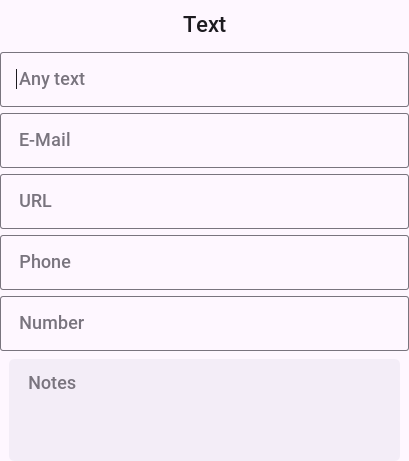
The Toolbar section contains an elaborate TextField search sample with DataChangedListener and rather unique styling. |
8.6.1. Masking
A common use case when working with text components is the ability to "mask" input for example: in the credit card number above you would want 4 digits for each text field and don’t want the user to tap Next 3 times.
Masking allows you to accept partial input in one field and implicitly move to the next, this can be used to all types of complex input thanks to the text component API. E.g with the code above you can mask the credit card input so the cursor jumps to the next field implicitly using this code:
TextField num1 = new TextField("", "", 5, TextField.NUMERIC);
TextField num2 = new TextField("", "", 5, TextField.NUMERIC);
TextField num3 = new TextField("", "", 5, TextField.NUMERIC);
TextField num4 = new TextField("", "", 5, TextField.NUMERIC);
// the first three are trimmed to four by automoveToNext when the fifth
// digit arrives; the last one has no successor, so it needs a limit
num4.setMaxSize(4);
automoveToNext(num1, num2);
automoveToNext(num2, num3);
automoveToNext(num3, num4);Then implement the method automoveToNext as:
private void automoveToNext(final TextField current, final TextField next) {
current.addDataChangedListener((type, index) -> {
String val = current.getText();
// more than one digit can arrive at once from a paste or autofill, so
// keep four and hand the whole remainder on -- the next field's own
// listener splits it again if it is still too long
if(val.length() > 4) {
current.stopEditing();
current.setText(val.substring(0, 4));
String rest = val.substring(4);
next.setText(rest);
if(rest.length() <= 4) {
// a longer remainder means the next field's listener is still
// splitting; let the last one in the chain take the focus
next.startEditingAsync();
}
}
});
}Notice you can invoke stopEditing(Runnable) where you receive a callback as editing is stopped.
8.6.2. The virtual keyboard
A common misconception for developers is assuming the virtual keyboard represents "keys." For example: developers often override the "keyEvent" callbacks which are invoked for physical keyboard typing and expect those to occur with a virtual keyboard.
This isn’t the case since a virtual keyboard is a different beast. With a virtual keyboard characters typed might produce a different output due to autocorrect. Some keyboards don’t even have "keys" in the traditional sense or don’t type them in the traditional sense (for example: swiping).
The constraint property for the TextField/TextArea is crucial for a virtual keyboard. |
When working with a virtual keyboard it’s important that the parent Container for the TextField/TextArea is scrollable. Otherwise the component won’t be reachable or the UI might be distorted when the keyboard appears. |
Action Button client property
By default, the virtual keyboard on Android has a "Done" button, you can customize it to be a search icon, a send icon, or a go icon using a hint such as this:
searchTextField.putClientProperty("searchField", Boolean.TRUE);
sendTextField.putClientProperty("sendButton", Boolean.TRUE);
goTextField.putClientProperty("goButton", Boolean.TRUE);This will adapt the icon for the action on the keys.
Next and done on iOS
You try to hide a lot of the platform differences in Codename One, input is ** different between OSes. A common reliance is the ability to send the "Done" event when the user presses the Done button. This button doesn’t always exist for example: if there is an Enter button (due to multiline input) or if there is a Next button in that place.
To unify the behavior you slightly customized the iOS keyboard as such:
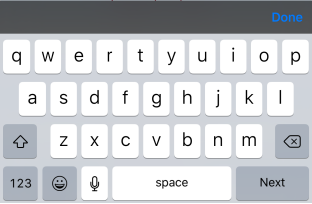
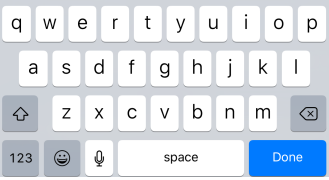
| This works with 3rd party keyboards too… |
For example, this behavior might not be desired so to block that you can do:
tf.putClientProperty("iosHideToolbar", Boolean.TRUE);This will hide the toolbar for that given field.
You can customize the color of the Done button in the toolbar by setting the ios.doneButtonColor display property. For example: To change the color to red, you could do Display.getInstance().setProperty("ios.doneButtonColor", String.valueOf(0xff0000)). |
8.6.3. Clearable text field
iOS has a convention where an X can be placed after the text field to clear it. Some Android apps have it but there is no native support for that as of this writing.
You can wrap a TextField with a clearable wrapper to get this effect on all platforms. For example: replace this:
cnt.add(myTextField);With this:
cnt.add(ClearableTextField.wrap(myTextField));You can also specify the size of the clear icon if you wish. This is technically a Container with the text field style and a button to clear the text at the edge.
8.7. TextComponent
When building input forms you sometimes want to adapt to the native OS behavior and create a UI that’s a bit more distinct to the native OS. TextField and TextArea are low-level, you can create an Android style UI with such components but it might look out of place in iOS.
For example: this is how most of you would expect the UI to look on iOS and Android respectively:
Doing this with text fields is possible but would require code that looks a bit different and jumps through hoops. TextComponent allows this exact UI without forcing developers to write OS specific code:
TextModeLayout tl = new TextModeLayout(3, 2);
Form f = new Form("Pixel Perfect", tl);
TextComponent title = new TextComponent().label("Title");
TextComponent price = new TextComponent().label("Price");
TextComponent location = new TextComponent().label("Location");
TextComponent description = new TextComponent().label("Description").multiline(true);
f.add(tl.createConstraint().horizontalSpan(2), title);
f.add(tl.createConstraint().widthPercentage(30), price);
f.add(tl.createConstraint().widthPercentage(70), location);
f.add(tl.createConstraint().horizontalSpan(2), description);
f.setEditOnShow(title.getField());
f.show();This code uses the TextModeLayout which is discussed in the layouts section |
The text component uses a builder approach to set various values for example:
TextComponent t = new TextComponent().
text("This appears in the text field").
hint("This is the hint").
label("This is the label").
multiline(true);The code is pretty self-explanatory and more convenient than typical setters/getters. It automatically handles the floating hint style of animation when running on Android.
8.7.1. Error handling
The validator class supports text component and it should "work." But the cool thing is that it uses the material design convention for error handling!
If you add to the sample above a Validator:
Validator val = new Validator();
val.addConstraint(title, new LengthConstraint(2));
val.addConstraint(price, new NumericConstraint(true));You would see something that looks like this on Android:
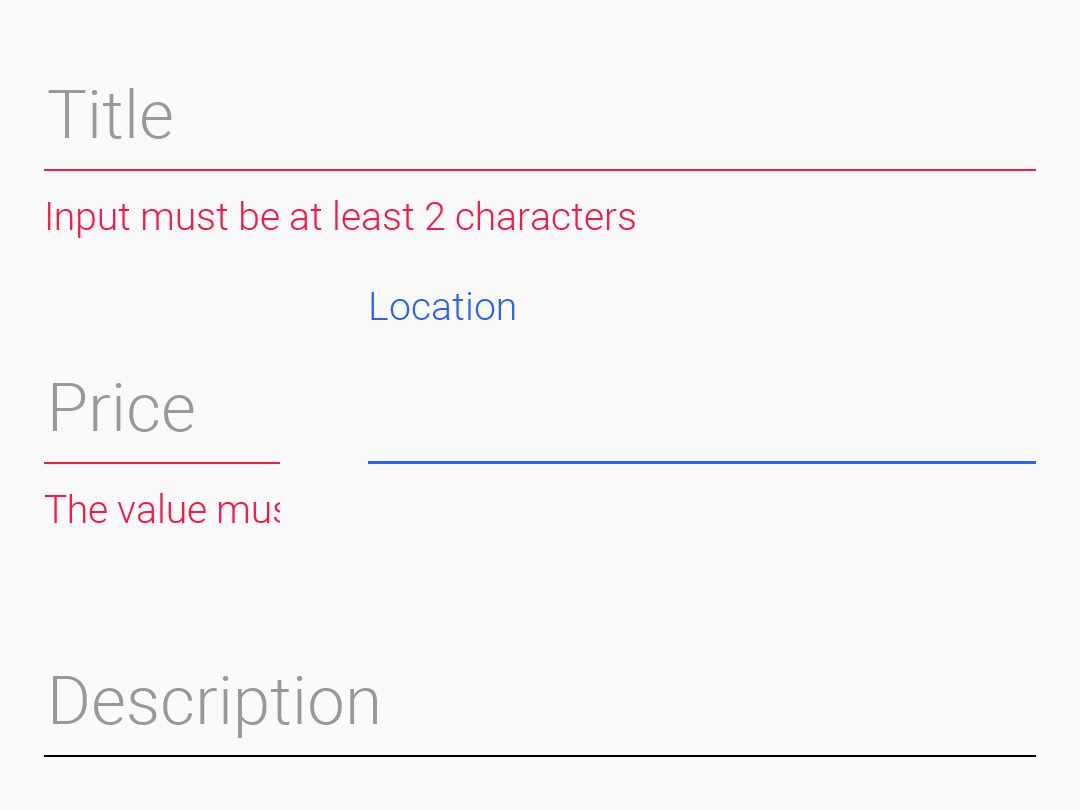
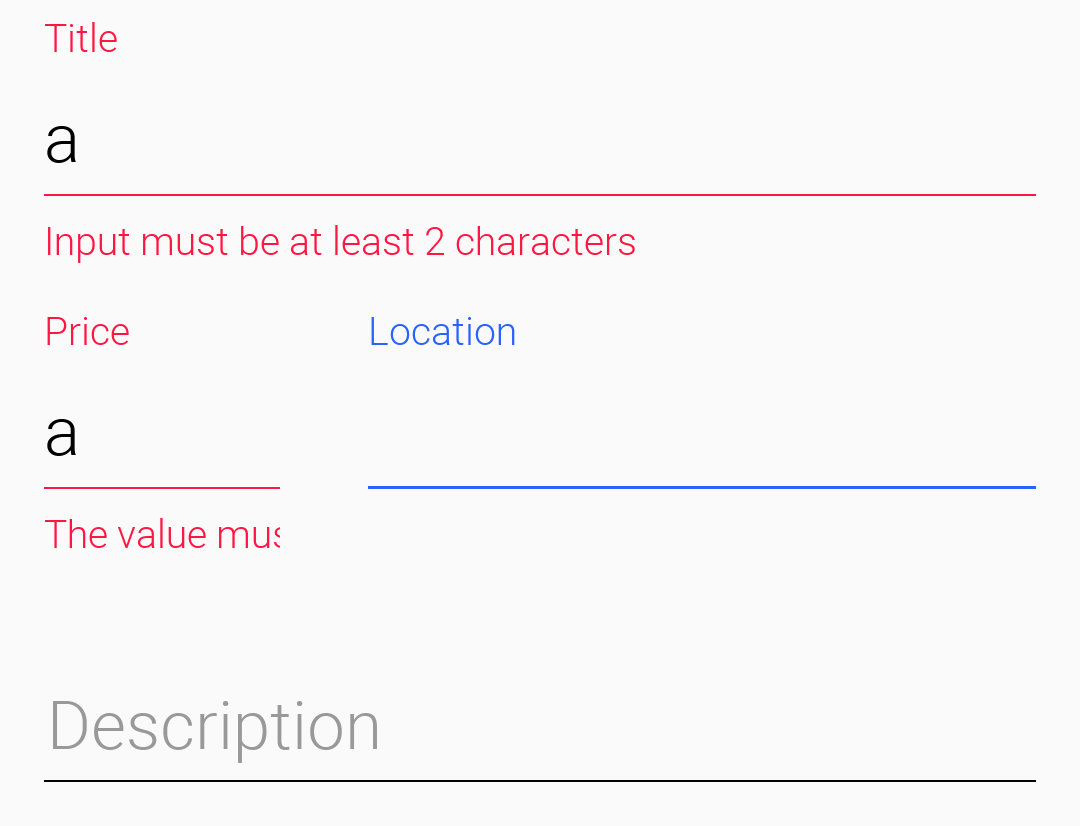
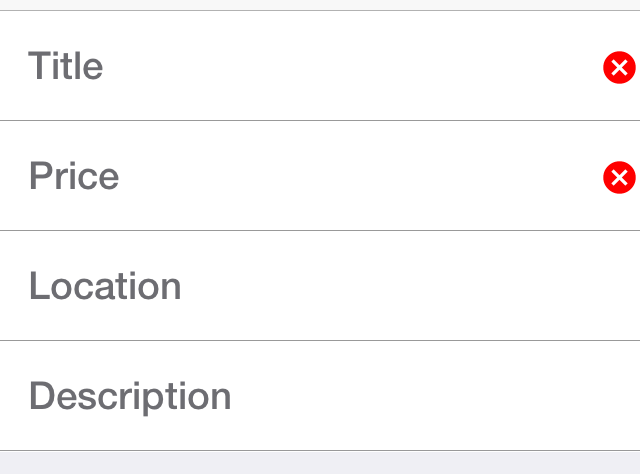
The underlying system is the errorMessage method which you can chain like the other methods on TextComponent as such:
TextComponent tc = new TextComponent().
label("Input Required").
errorMessage("Input is essential in this field");8.7.2. InputComponent and PickerComponent
To keep the code common and generic you use the InputComponent abstract base class and derive the other classes from that. PickerComponent is the other option.
A picker can work with your existing sample using code like this:
TextModeLayout tl = new TextModeLayout(3, 2);
Form f = new Form("Pixel Perfect", tl);
TextComponent title = new TextComponent().label("Title");
TextComponent price = new TextComponent().label("Price");
TextComponent location = new TextComponent().label("Location");
PickerComponent date = PickerComponent.createDate(new Date()).label("Date");
TextComponent description = new TextComponent().label("Description").multiline(true);
Validator val = new Validator();
val.addConstraint(title, new LengthConstraint(2));
val.addConstraint(price, new NumericConstraint(true));
f.add(tl.createConstraint().widthPercentage(60), title);
f.add(tl.createConstraint().widthPercentage(40), date);
f.add(location);
f.add(price);
f.add(tl.createConstraint().horizontalSpan(2), description);
f.setEditOnShow(title.getField());
f.show();This produces the following which looks pretty standard:
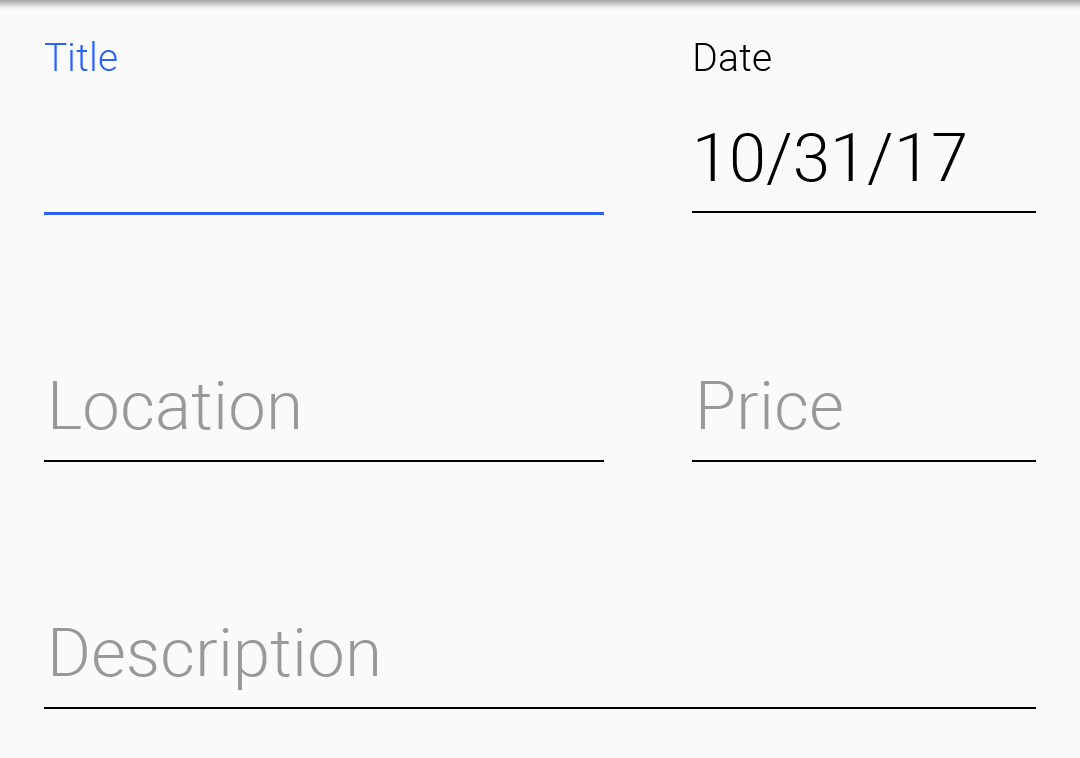
The one tiny thing you should notice with the PickerComponent is that you don’t construct the picker component using new PickerComponent(). Instead you use create methods such as PickerComponent.createDate(new Date()). The reason for that’s that you have many types of pickers and it wouldn’t make sense to have one constructor.
8.7.3. Underlying theme constants and UIID’s
These varying looks are implemented through a combination of layouts, theme constants and UIID’s. The most important UIID’s are: TextComponent, FloatingHint & TextHint.
There are many related theme constants that can manipulate some pieces of this functionality:
textComponentErrorColora hex RGB color which defaults to null in which case this has no effect. When defined this will change the color of the border and label to the given color to match the material design styling. This implements the red border underline in cases of error and the label text color changetextComponentErrorLineBorderBooltoggles the material-style underline that appears on validation errors. Set it tofalseif you prefer to supply a different border when errors are showntextComponentOnTopBooltoggles the on top mode which makes things look like they do on Android. This defaults to true on Android and false on other OSes. This can also be manipulated through theonTopMode(boolean)method inInputComponent, but the layout will use the theme constanttextComponentAnimBooltoggles the animation mode which again can be manipulated by a method inInputComponent. If you want to keep the UI static without the floating hint effect set this to false. Notice this defaults to true on AndroidtextComponentFieldUIIDsets the UIID of the text field to something other thanTextFieldthis is useful for platforms such as iOS where the look of the text field is different within the text component. This allows you to make the background of the text field transparent when it’s within theTextComponentand make it different from the regular text fieldinputComponentErrorMultilineBoolmakes error labels multi-line by default so longer validation messages can wrap instead of being clipped
8.8. Button
Button is a subclass of Label and as a result it inherits all its functionality, specifically icon placement, tickering, etc.
Button adds to the mix some more states such as a pressed UIID state and pressed icon.
Button supports more icon states such as rollover and disabled icon. |
Button also exposes some functionality for subclasses specifically the setToggle method call which has no meaning when invoked on a Button but has a lot of implications for CheckBox & RadioButton.
Button event handling can be performed through an ActionListener or through a Command.
Changes in a Command won’t be reflected into the Button after the command was set to the Button. |
Here is a trivial hello world style Button:
Form hi = new Form("Button");
Button b = new Button("My Button");
hi.add(b);
b.addActionListener((e) -> Log.p("Clicked"));The same three buttons under the two modern native themes. A button takes its shape, fill and font from the theme, so the platform difference costs no code:


Such a button can be styled to look like a link using code like this or by making these settings in the theme and using code such as btn.setUIID("Hyperlink"):
Form hi = new Form("Button");
Button b = new Button("Link Button");
b.getAllStyles().setBorder(Border.createEmpty());
b.getAllStyles().setTextDecoration(Style.TEXT_DECORATION_UNDERLINE);
hi.add(b);
b.addActionListener((e) -> Log.p("Clicked"));
8.8.1. Uppercase buttons
Buttons on Android’s material design UI use upper case styling which isn’t the case for iOS. To solve this you have the method setCapsText(boolean) in Button which has the corresponding isCapsText, isCapsTextDefault & setCapsTextDefault(boolean). This is pretty core to Codename One so to prevent this from impacting everything unless you explicitly invoke setCapsText(boolean) the default value of true will apply when the UIID is Button, RaisedButton or for the built-in Dialog buttons.
You also have a theme constant: capsButtonTextBool. This constant controls caps text behavior from the theme and is set to true in the Android native theme.
8.8.2. Raised Button
Raised button is a style of button that’s available on Android and used to highlight an important action within a form. To confirm with the material design UI guidelines you might want to leverage a raised button UI element on Android but use a regular button everywhere else.
First you need to know whether a raised button exists in the theme. On Android this will return true but on other OSes it will return false. A potential future update might make another platform true based on UI guidelines in other OSes.
For this purpose you have got the theme constant hasRaisedButtonBool which will return true on Android but will be false elsewhere. You can use it like this:
if(UIManager.getInstance().isThemeConstant("hasRaisedButtonBool", false)) {
// that means we can use a raised button
}To enable this you have the RaisedButton UIID that derives from Button and will act like it except for the places where hasRaisedButtonBool is true in which case it will look like this:
Notice that you can customize the colors of these buttons now since the border respects user colors…
In this case set the background color to purple and the foreground to white:

Form f = new Form("Pixel Perfect", BoxLayout.y());
Button b = new Button("Raised Button", "RaisedButton");
Button r = new Button("Flat Button");
f.add(b);
f.add(r);
f.show();8.8.3. Ripple effect
The ripple effect in material design highlights the location of the finger and grows as a circle to occupy the full area of the component as the user presses the button.
You can perform a ripple effect by darkening the touched area and growing that in a quick animation.
Ripple effect can be applied to any component but you have it turned on for buttons on Android which also applies to things like title commands, side menu elements etc. This might not apply at this moment to lead components like multi-buttons but that might change in the future.
Component has a property to enable the ripple effect setRippleEffect(boolean) and the corresponding isRippleEffect(). You can turn it on or off individually in the component level. For example, Button has static setButtonRippleEffectDefault(boolean) and isButtonRippleEffectDefault(). These allow you to define the default behavior for all the buttons and that can be configured through the theme constant buttonRippleBool which is on by default on the native Android theme.
8.9. CheckBox/RadioButton
CheckBox & RadioButton are subclasses of button that allow for either a toggle state or exclusive selection state.
Both CheckBox & RadioButton have a selected state that allows you to determine their selection.
RadioButton doesn’t allow you to "deselect" it, the way to "deselect" a RadioButton is by selecting another RadioButton. |
The CheckBox can be added to a Container like any other Component but the RadioButton must be associated with a ButtonGroup otherwise if you have more than one set of RadioButton’s in the form you might have an issue.
Notice in the sample below that you associate all the radio buttons with a group but don’t do anything with the group as the radio buttons keep the reference internally. You also show the opposite side functionality and icon behavior:
Form hi = new Form("CheckBox", new BoxLayout(BoxLayout.Y_AXIS));
Image icon = FontImage.createMaterial(FontImage.MATERIAL_INFO, "Label", 3.0f);
CheckBox cb1 = new CheckBox("CheckBox No Icon");
cb1.setSelected(true);
CheckBox cb2 = new CheckBox("CheckBox With Icon", icon);
CheckBox cb3 = new CheckBox("CheckBox Opposite True", icon);
CheckBox cb4 = new CheckBox("CheckBox Opposite False", icon);
cb3.setOppositeSide(true);
cb4.setOppositeSide(false);
RadioButton rb1 = new RadioButton("Radio 1");
RadioButton rb2 = new RadioButton("Radio 2");
RadioButton rb3 = new RadioButton("Radio 3", icon);
new ButtonGroup(rb1, rb2, rb3);
rb2.setSelected(true);
hi.add(cb1).add(cb2).add(cb3).add(cb4).add(rb1).add(rb2).add(rb3);
hi.show();
Both of these components can be displayed as toggle buttons (see the toggle button section below), or use the default check mark/filled circle appearance based on the type/OS.
8.9.1. Toggle Button
A toggle button is a button that’s pressed and stays pressed. When a toggle button is pressed again it’s released from the pressed state. Hence the button has a selected state to show if it’s pressed or not like the CheckBox/RadioButton components in Codename One.
To turn any CheckBox or RadioButton to a toggle button use the setToggle(true) method. Or you can use the static createToggle method on both CheckBox and RadioButton to create a toggle button directly.
Invoking setToggle(true) implicitly converts the UIID to ToggleButton unless it was changed by the user from its original default value. |
You can convert the sample above to use toggle buttons as such:
Form hi = new Form("RadioButton", new BoxLayout(BoxLayout.Y_AXIS));
Image icon = FontImage.createMaterial(FontImage.MATERIAL_INFO, "Label", 3.0f);
CheckBox cb1 = CheckBox.createToggle("CheckBox No Icon");
cb1.setSelected(true);
CheckBox cb2 = CheckBox.createToggle("CheckBox With Icon", icon);
CheckBox cb3 = CheckBox.createToggle("CheckBox Opposite True", icon);
CheckBox cb4 = CheckBox.createToggle("CheckBox Opposite False", icon);
cb3.setOppositeSide(true);
cb4.setOppositeSide(false);
ButtonGroup bg = new ButtonGroup();
RadioButton rb1 = RadioButton.createToggle("Radio 1", bg);
RadioButton rb2 = RadioButton.createToggle("Radio 2", bg);
RadioButton rb3 = RadioButton.createToggle("Radio 3", icon, bg);
rb2.setSelected(true);
hi.add(cb1).add(cb2).add(cb3).add(cb4).add(rb1).add(rb2).add(rb3);
hi.show();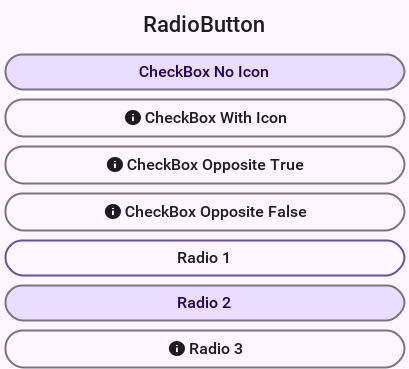
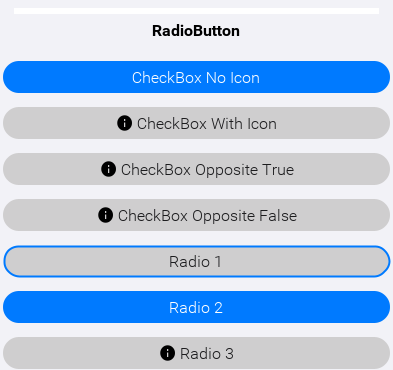
Both themes draw the selection as a change of fill rather than of label color alone, so a selected toggle stays readable for someone who can’t separate the two hues. The outlined row in each figure is the one holding focus: focus is drawn as a ring precisely so it can’t be mistaken for a value, since the framework resolves a focused toggle through the same style whether it’s checked or not.
That’s half the story though: to get the full effect of some cool toggle button UI’s you can use a ComponentGroup. This allows you to create a button bar effect with the toggle buttons.
For example, to enclose the CheckBox components in a vertical ComponentGroup and the RadioButton’s in a horizontal group, change the last line of the code above as such:
Form hi = new Form("ComponentGroup", new BoxLayout(BoxLayout.Y_AXIS));
CheckBox cb1 = CheckBox.createToggle("CheckBox 1");
CheckBox cb2 = CheckBox.createToggle("CheckBox 2");
CheckBox cb3 = CheckBox.createToggle("CheckBox 3");
CheckBox cb4 = CheckBox.createToggle("CheckBox 4");
ButtonGroup bg = new ButtonGroup();
RadioButton rb1 = RadioButton.createToggle("Radio 1", bg);
RadioButton rb2 = RadioButton.createToggle("Radio 2", bg);
RadioButton rb3 = RadioButton.createToggle("Radio 3", bg);
hi.add(ComponentGroup.enclose(cb1, cb2, cb3, cb4)).
add(ComponentGroup.encloseHorizontal(rb1, rb2, rb3));
hi.show();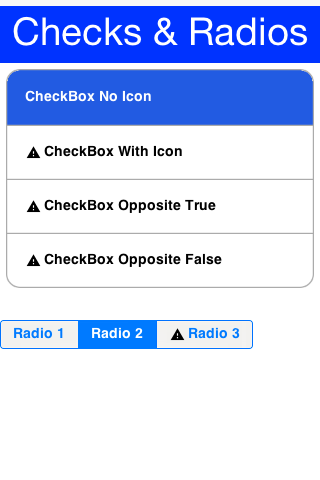
8.10. ComponentGroup
ComponentGroup is a special container that can be either horizontal or vertical (BoxLayout X_AXIS or Y_AXIS respectively).
ComponentGroup "restyles" the elements within the group to have a UIID that allows you to create a "round border" effect that groups elements together.
The following code adds 4 component groups to a Container to show the various UIID changes:
hi.add("Three Labels").
add(ComponentGroup.enclose(new Label("GroupElementFirst UIID"), new Label("GroupElement UIID"), new Label("GroupElementLast UIID"))).
add("One Label").
add(ComponentGroup.enclose(new Label("GroupElementOnly UIID"))).
add("Three Buttons").
add(ComponentGroup.enclose(new Button("ButtonGroupFirst UIID"), new Button("ButtonGroup UIID"), new Button("ButtonGroupLast UIID"))).
add("One Button").
add(ComponentGroup.enclose(new Button("ButtonGroupOnly UIID")));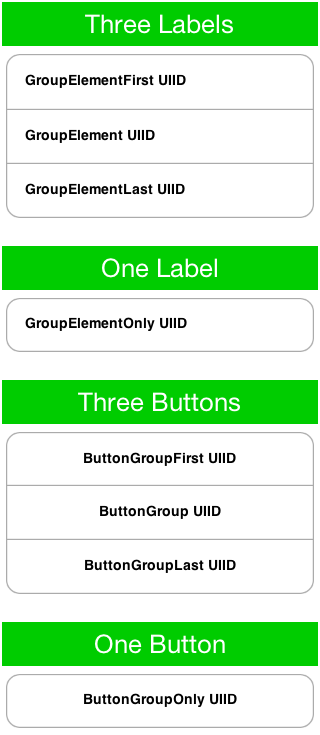
Notice the following about the code above and the resulting image:
Buttons have a different UIID than other element types. Their styling is slightly different in such UI’s so you need to pay attention to that.
When an element is placed alone within a
ComponentGroupits a special caseUIID.
A vertical ComponentGroup does nothing unless the theme sets the ComponentGroupBool constant to true; without it the group is just a box layout container. The legacy iOS themes set that flag, the current native themes don’t, and neither of them styles the GroupElement UIIDs a vertical group applies. A horizontal group is the exception, as long as it keeps the UIID setHorizontal gives it: it’s a segmented control, it renames its members to ToggleButton, and both native themes style that UIID and its First / Last / Only variants in full, so it needs no constant. Name your own element UIID with setElementUIID and it’s theme-gated again, exactly like a vertical one. |
When ComponentGroupBool is set to true, the component group will change the styles of all components placed within it to match the element UIID given to it (GroupElement by default) with special caveats to the first/last/ elements. For example:
With one element in a component group it will have the UIID:
GroupElementOnlyWith two elements in a component group they will have the UIID’s
GroupElementFirst,GroupElementLastWith three elements in a component group they will have the UIID’s
GroupElementFirst,GroupElement,GroupElementLastWith four elements in a component group they will have the UIID’s
GroupElementFirst,GroupElement,GroupElement,GroupElementLast
This allows you to define special styles for the edges.
You can customize the UIID set by the component group by calling setElementUIID in the component group for example: setElementUIID("ToggleButton") for three elements result in the following UIID’s:
ToggleButtonFirst, ToggleButton, ToggleButtonLast
8.11. MultiButton
MultiButton is a composite component (lead component) that acts like a versatile Button. It supports up to 4 lines of text (it doesn’t automatically wrap the text), an emblem (usually navigational arrow, or check box) and an icon.
MultiButton can be used as a button, a CheckBox or a RadioButton for creating rich UI’s.
The MultiButton was inspired by the aesthetics of the UITableView iOS component. |
A common source of confusion in the MultiButton is the difference between the icon and the emblem, since both may have an icon image associated with them. The icon is an image representing the entry while the emblem is an optional visual representation of the action that will be undertaken when the element is pressed. Both may be used simultaneously or individually of one another:
Form hi = new Form("MultiButton", new BoxLayout(BoxLayout.Y_AXIS));
Image icon = FontImage.createMaterial(FontImage.MATERIAL_INFO, "Label", 3.0f);
Image emblem = FontImage.createMaterial(FontImage.MATERIAL_STAR, "Label", 2.0f);
MultiButton twoLinesNoIcon = new MultiButton("MultiButton");
twoLinesNoIcon.setTextLine2("Line 2");
MultiButton oneLineIconEmblem = new MultiButton("Icon + Emblem");
oneLineIconEmblem.setIcon(icon);
oneLineIconEmblem.setEmblem(emblem);
MultiButton twoLinesIconEmblem = new MultiButton("Icon + Emblem");
twoLinesIconEmblem.setIcon(icon);
twoLinesIconEmblem.setEmblem(emblem);
twoLinesIconEmblem.setTextLine2("Line 2");
MultiButton twoLinesIconEmblemHorizontal = new MultiButton("Icon + Emblem");
twoLinesIconEmblemHorizontal.setIcon(icon);
twoLinesIconEmblemHorizontal.setEmblem(emblem);
twoLinesIconEmblemHorizontal.setTextLine2("Line 2 Horizontal");
twoLinesIconEmblemHorizontal.setHorizontalLayout(true);
MultiButton twoLinesIconCheckBox = new MultiButton("CheckBox");
twoLinesIconCheckBox.setIcon(icon);
twoLinesIconCheckBox.setCheckBox(true);
twoLinesIconCheckBox.setTextLine2("Line 2");
MultiButton fourLinesIcon = new MultiButton("With Icon");
fourLinesIcon.setIcon(icon);
fourLinesIcon.setTextLine2("Line 2");
fourLinesIcon.setTextLine3("Line 3");
fourLinesIcon.setTextLine4("Line 4");
hi.add(oneLineIconEmblem).
add(twoLinesNoIcon).
add(twoLinesIconEmblem).
add(twoLinesIconEmblemHorizontal).
add(twoLinesIconCheckBox).
add(fourLinesIcon);
hi.show();
8.11.1. Styling the MultiButton
Since the MultiButton is a composite component setting its UIID will impact the top level UI.
To customize everything you need to customize the UIID’s for MultiLine1, MultiLine2, MultiLine3, MultiLine4 & Emblem.
You can customize the individual UIID’s through the API directly using the setIconUIID, setUIIDLine1, setUIIDLine2, setUIIDLine3, setUIIDLine4 & setEmblemUIID.
Recent versions also include a badge overlay that can be rendered in the corner of the main icon. Use setBadgeText() to display a value (for example a notification count) and setBadgeUIID() if you need a custom UIID instead of the default Badge styling. When you need to inspect or adjust the badge style programmatically, getBadgeStyleComponent() returns the component whose styles are applied to the badge so you can tweak padding, colors or borders before showing the MultiButton.
8.12. SpanButton
SpanButton is a composite component (lead component) that looks/acts like a Button but can break lines rather than crop them when the text is long.
Unlike the MultiButton it uses the TextArea internally to break lines seamlessly. The SpanButton is far simpler than the MultiButton and as a result isn’t as configurable:
Form hi = new Form("SpanButton", new BoxLayout(BoxLayout.Y_AXIS));
Image icon = FontImage.createMaterial(FontImage.MATERIAL_INFO, "Label", 3.0f);
SpanButton sb = new SpanButton("SpanButton is a composite component (lead component) that looks/acts like a Button but can break lines rather than crop them when the text is very long.");
sb.setIcon(icon);
hi.add(sb);
hi.show();
SpanButton is slower than both Button and MultiButton. Recommend using it when there is a genuine need for its functionality. |
8.13. SpanLabel
SpanLabel is a composite component (lead component) that looks/acts like a Label but can break lines rather than crop them when the text is long.
SpanLabel uses the TextArea internally to break lines seamlessly and so doesn’t provide all the elaborate configuration options of Label.
One of the features of label that moved into SpanLabel to some extent is the ability to position the icon. For example, unlike a Label the icon position is determined by the layout manager of the composite so setIconPosition accepts a BorderLayout constraint:
Form hi = new Form("SpanLabel", new BoxLayout(BoxLayout.Y_AXIS));
Image icon = FontImage.createMaterial(FontImage.MATERIAL_INFO, "Label", 3.0f);
SpanLabel d = new SpanLabel("Default SpanLabel that can seamlessly line break when the text is really long.");
d.setIcon(icon);
SpanLabel l = new SpanLabel("NORTH Positioned Icon SpanLabel that can seamlessly line break when the text is really long.");
l.setIcon(icon);
l.setIconPosition(BorderLayout.NORTH);
SpanLabel r = new SpanLabel("SOUTH Positioned Icon SpanLabel that can seamlessly line break when the text is really long.");
r.setIcon(icon);
r.setIconPosition(BorderLayout.SOUTH);
SpanLabel c = new SpanLabel("EAST Positioned Icon SpanLabel that can seamlessly line break when the text is really long.");
c.setIcon(icon);
c.setIconPosition(BorderLayout.EAST);
hi.add(d).add(l).add(r).add(c);
hi.show();
SpanLabel is slower than Label. Recommend using it when there is a genuine need for its functionality. |
8.14. OnOffSwitch
The OnOffSwitch allows you to write an application where the user can swipe a switch between two states (on/off). This is a common UI paradigm in Android and iOS, although it’s implemented in a radically different way in both platforms.
This is a rather elaborate component because of its unique design on iOS, but you’re able to accommodate most of the small behaviors of the component into your version, and it seamlessly adapts between the Android style and the iOS style.
The image below was generated based on the default use of the OnOffSwitch:
OnOffSwitch onOff = new OnOffSwitch();
hi.add(onOff);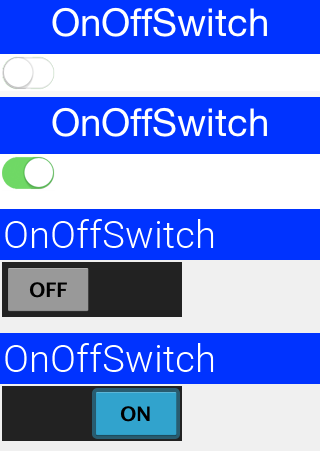
As you can understand the difference between the way iOS and Android render this component has triggered two different implementations within a single component. The Android implementation uses standard buttons and is the default for non-iOS platforms.
You can force the Android or iOS mode by using the theme constant onOffIOSModeBool. |
8.14.1. Validation
Validation is an inherent part of text input, and the Validator class allows that. You can enable validation
through the Validator class to add constraints for a specific component.
It’s also possible to define components that would be enabled/disabled based on validation state and the way in which validation errors are rendered (change the components UIID, paint an emblem on top, etc.). A Constraint is an interface
that represents validation requirements. You can define a constraint in Java or use some built-in
constraints such as LengthConstraint, RegexConstraint, etc.
This sample below continues from the place where the TextField sample above stopped by adding validation to that code:
TextField firstName = new TextField("", "First Name");
TextField surname = new TextField("", "Surname");
TextField url = new TextField("", "URL", 20, TextField.URL);
TextField email = new TextField("", "E-Mail", 20, TextField.EMAILADDR);
TextField phone = new TextField("", "Phone", 20, TextField.PHONENUMBER);
String phoneRegex = "[0-9\\-\\+ ]+";
TextField num1 = new TextField("", "", 5, TextField.NUMERIC);
TextField num2 = new TextField("", "", 5, TextField.NUMERIC);
TextField num3 = new TextField("", "", 5, TextField.NUMERIC);
TextField num4 = new TextField("", "", 5, TextField.NUMERIC);
Button submit = new Button("Submit");
// the masking from the previous sample still applies to these fields
automoveToNext(num1, num2);
automoveToNext(num2, num3);
automoveToNext(num3, num4);
num4.setMaxSize(4);
Validator v = new Validator();
v.addConstraint(firstName, new LengthConstraint(2)).
addConstraint(surname, new LengthConstraint(2)).
addConstraint(url, RegexConstraint.validURL()).
addConstraint(email, RegexConstraint.validEmail()).
addConstraint(phone, new RegexConstraint(phoneRegex, "Must be valid phone number")).
addConstraint(num1, new LengthConstraint(4)).
addConstraint(num2, new LengthConstraint(4)).
addConstraint(num3, new LengthConstraint(4)).
addConstraint(num4, new LengthConstraint(4));
v.addSubmitButtons(submit);
Form hi = new Form("Validation", new BoxLayout(BoxLayout.Y_AXIS));
hi.add(firstName).add(surname).add(url).add(email).add(phone).
add(num1).add(num2).add(num3).add(num4).add(submit);
hi.show();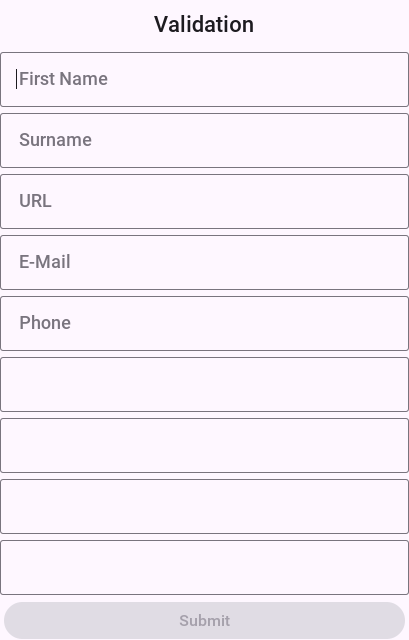
When the form components are bound to a model with @Bindable, the
same constraints can be expressed as field annotations — @Required,
@Length, @Regex, @Email, @Url, @Numeric, @ExistIn,
@Validate — and the generated binder wires them into a Validator
exposed through Binding#getValidator(). See the
Validation annotations section in the
component binding chapter for the full reference.
8.15. InfiniteProgress
The InfiniteProgress indicator spins an image infinitely to show that a background process is still working.
| This style of animation is often nicknamed "washing machine" as it spins endlessly. |
InfiniteProgress can be used in one of two ways either by embedding the component into the UI through something like this:
myContainer.add(new InfiniteProgress());InfiniteProgress can also appear over the entire screen, thus blocking all input. This tints the background while the infinite progress rotates:
Dialog ip = new InfiniteProgress().showInifiniteBlocking();
// do some long operation here using invokeAndBlock or do something in a separate thread and callback later
// when you are done just call
ip.dispose();
The image used in the InfiniteProgress animation is defined by the native theme. You can override that definition either by defining the theme constant infiniteImage or by invoking the setAnimation method.
Despite the name of the method setAnimation expects a static image that will be rotated internally. Don’t use an animated image. |
8.16. InfiniteScrollAdapter and InfiniteContainer
InfiniteScrollAdapter & InfiniteContainer allow you to create a scrolling effect that "never" ends with the typical Container/Component paradigm.
The motivation behind these classes is simple, say you have a lot of data to fetch from storage or from the internet. You can fetch the data in batches and show progress sign while you do this.
Infinite scroll fetches the next batch of data dynamically as you reach the end of the Container. InfiniteScrollAdapter & InfiniteContainer represent two similar ways to do that task.
Let start by exploring how you can achieve this UI that fetches data from a webservice:
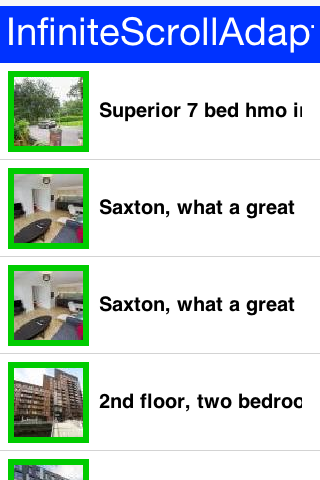
The first step is creating the webservice call, you won’t go into too much detail here as webservices & IO are discussed later in the guide:
int pageNumber = 1;
java.util.List<Map<String, Object>> fetchPropertyData(String text) {
try {
ConnectionRequest r = new ConnectionRequest();
r.setPost(false);
r.setUrl("https://api.nestoria.co.uk/api");
r.addArgument("pretty", "0");
r.addArgument("action", "search_listings");
r.addArgument("encoding", "json");
r.addArgument("listing_type", "buy");
r.addArgument("page", "" + pageNumber);
pageNumber++;
r.addArgument("country", "uk");
r.addArgument("place_name", text);
NetworkManager.getInstance().addToQueueAndWait(r);
Map<String,Object> result = new JSONParser().parseJSON(new InputStreamReader(new ByteArrayInputStream(r.getResponseData()), "UTF-8"));
Map<String, Object> response = (Map<String, Object>)result.get("response");
return (java.util.List<Map<String, Object>>)response.get("listings");
} catch(Exception err) {
Log.e(err);
return null;
}
}| The demo code here doesn’t do any error handling! This is a bad practice and it’s taken here to keep the code short and readable. Proper error handling is used in the Property Cross demo. |
The fetchPropertyData is a simplistic tool that fetches the next page of listings for the nestoria webservice. Notice that this method is synchronous and will block the calling thread (legally) until the network operation completes.
Now that you have a webservice lets proceed to create the UI. Check out the code annotations below:
Form hi = new Form("InfiniteScrollAdapter", new BoxLayout(BoxLayout.Y_AXIS));
Style s = UIManager.getInstance().getComponentStyle("MultiLine1");
FontImage p = FontImage.createMaterial(FontImage.MATERIAL_PORTRAIT, s);
EncodedImage placeholder = EncodedImage.createFromImage(p.scaled(p.getWidth() * 3, p.getHeight() * 3), false); (1)
InfiniteScrollAdapter.createInfiniteScroll(hi.getContentPane(), () -> { (2)
java.util.List<Map<String, Object>> data = fetchPropertyData("Leeds"); (3)
if(data == null) { // the fetch failed, so there is nothing more to add
InfiniteScrollAdapter.addMoreComponents(hi.getContentPane(), new Component[0], false);
return;
}
MultiButton[] cmps = new MultiButton[data.size()];
for(int iter = 0 ; iter < cmps.length ; iter++) {
Map<String, Object> currentListing = data.get(iter);
if(currentListing == null) { (4)
InfiniteScrollAdapter.addMoreComponents(hi.getContentPane(), new Component[0], false);
return;
}
String thumb_url = (String)currentListing.get("thumb_url");
String guid = (String)currentListing.get("guid");
String summary = (String)currentListing.get("summary");
cmps[iter] = new MultiButton(summary);
cmps[iter].setIcon(URLImage.createToStorage(placeholder, guid, thumb_url));
}
InfiniteScrollAdapter.addMoreComponents(hi.getContentPane(), cmps, !data.isEmpty()); (5)
}, true); (6)
hi.show();| 1 | Placeholder is essential for the URLImage class which this guide covers at a different place. |
| 2 | The InfiniteScrollAdapter accepts a runnable which is invoked every time you reach the edge of the scrolling. You used a closure instead of the typical run() method override. |
| 3 | This is a blocking call, after the method completes you will have all the data you need. Notice that this method doesn’t block the EDT illegally. |
| 4 | If there is no more data you call the addMoreComponents method with a false argument. This indicates that there is no more data to fetch. |
| 5 | Here you add the actual components to the end of the form. Notice that you must not invoke the add/remove method of Container. Those might conflict with the work of the InfiniteScrollAdapter. |
| 6 | You pass true to show that the data isn’t "prefilled" so the method should be invoked when the Form is first shown |
| Don’t violate the EDT in the callback. It’s invoked on the event dispatch thread and it’s crucial |
8.16.1. The InfiniteContainer
InfiniteContainer was introduced to simplify and remove some boilerplate of the InfiniteScrollAdapter. It takes a more traditional approach of inheriting the Container class to provide its functionality.
Unlike the InfiniteScrollAdapter the InfiniteContainer accepts an index and amount to fetch. This is useful for tracking your position but also important since the InfiniteContainer also implements Pull To Refresh as part of its functionality.
Converting the code above to an InfiniteContainer is pretty simple you moved all the code into the callback fetchComponents method and returned the array of Component’s as a response.
Unlike the InfiniteScrollAdapter you can’t use the ContentPane directly so you’ve to use a BorderLayout and place the InfiniteContainer there:
Form hi = new Form("InfiniteContainer", new BorderLayout());
Style s = UIManager.getInstance().getComponentStyle("MultiLine1");
FontImage p = FontImage.createMaterial(FontImage.MATERIAL_PORTRAIT, s);
EncodedImage placeholder = EncodedImage.createFromImage(p.scaled(p.getWidth() * 3, p.getHeight() * 3), false);
InfiniteContainer ic = new InfiniteContainer() {
@Override
public Component[] fetchComponents(int index, int amount) {
if(index == 0) {
// a pull to refresh asks for the start of the list again
pageNumber = 1;
}
java.util.List<Map<String, Object>> data = fetchPropertyData("Leeds");
if(data == null) { // the fetch failed, so there is nothing more to add
return null;
}
MultiButton[] cmps = new MultiButton[data.size()];
for(int iter = 0 ; iter < cmps.length ; iter++) {
Map<String, Object> currentListing = data.get(iter);
if(currentListing == null) {
return null;
}
String thumb_url = (String)currentListing.get("thumb_url");
String guid = (String)currentListing.get("guid");
String summary = (String)currentListing.get("summary");
cmps[iter] = new MultiButton(summary);
cmps[iter].setIcon(URLImage.createToStorage(placeholder, guid, thumb_url));
}
return cmps;
}
};
hi.add(BorderLayout.CENTER, ic);
hi.show();8.17. List, MultiList, renderers & models
8.17.1. InfiniteContainer/InfiniteScrollAdapter vs. List/ContainerList
The recommendation is to always go with Container, InfiniteContainer or InfiniteScrollAdapter.
Recommend avoiding List or its subclasses/related classes specifically ContainerList & MultiList.
Recommend replacing ComboBox with Picker but that’s a different discussion. |
A Container with ~5000 nested containers within it can perform on par with a List and probably exceed its performance when used.
Larger sets of data are manageable on phones or tablets so the benefits for lists are dubious.
In API you found that even experienced developers experienced a great deal of pain when wrangling the Swing styled lists and their stateless approach.
Since animation, swiping and other capabilities that are so common in mobile are so hard to do with lists you see no actual reason to use them.
8.17.2. Why isn’t list deprecated
ContainerList is deprecated because it performs badly and has some inherent complexity issues. List has some unique use cases and is still used all over Codename One.
MultiList is a reasonable version of List that’s far easier to use without most of the pains related to renderer configuration.
Some cases justify using List or MultiList, but they’re rarer than usual, hence the recommendation.
8.17.3. MVC in lists
A Codename One List doesn’t contain components, but rather arbitrary data; this seems odd at first but makes sense. If you want a list to contain components, use a Container.
The advantage of using a List in this way is that you can display it in many ways (for example: fixed focus positions, horizontally, etc.), and that you can have more than a million entries without performance overhead. You can also do some pretty nifty things, like filtering the list on the fly or fetching it dynamically from the Internet as the user scrolls down the list.
To achieve these things the list uses two interfaces: ListModel and ListCellRenderer.
List model represents the data; its responsibility is to return the arbitrary object within the list at a given offset. Its second responsibility is to tell the list when the data changes, so the list can refresh.
| Think of the model as an array of objects that can tell you when it changes. |
The list renderer is like a rubber stamp that knows how to draw an object from the model, it’s called many times per entry in an animated list and must be fast. Unlike standard Codename One components, it’s used to draw the entry in the model and is discarded, hence it has no memory overhead, but if it takes too long to process a model value it can be a big bottleneck!
| Think of the render as a translation layer that takes the "data" from the model and translates it to a visual representation. |
This is all generic, but a bit too much for most, doing a list correctly requires some understanding. The main source of confusion for developers is the stateless nature of the list and the transfer of state to the model (for example: a checkbox list needs to listen to action events on the list and update the model, in order for the renderer to display that state). Once you understand that it’s easy.
8.17.4. Understanding MVC
A quick recap of what MVC is:
Model - Represents the data for the component (list), the model can tell you how many items are in it and which item resides at a given offset within the model. This differs from a simple
Vector(or array), since all access to the model is controlled (the interface is simpler), and unlike aVector/Array, the model can tell you of changes that occur within it.View - The view draws the content of the model. It’s a "dumb" layer that has no notion of what’s displayed and knows how to draw. It tracks changes in the model (the model sends events) and redraws itself when it changes.
Controller - The controller accepts user input and performs changes to the model, which in turn cause the view to refresh.
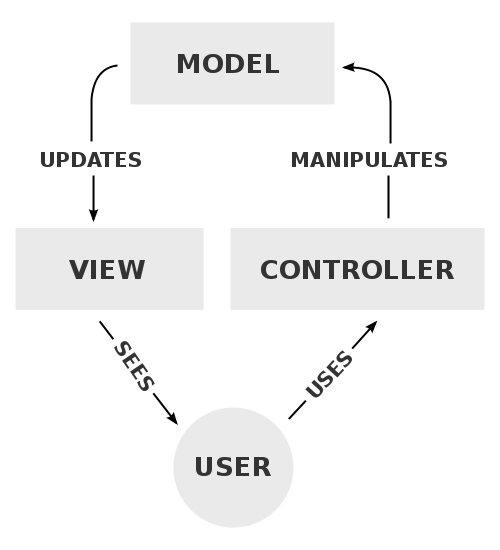
Codename One’s List component uses the MVC paradigm in its implementation. List itself is the Controller (with a bit of the View mixed in). The ListCellRenderer interface is the rest of the View and the ListModel is (you guessed it by now) the Model.
When the list is painted, it iterates over the visible elements in the model and asks the model for the data, it then draws them using the renderer. Notice that because of this both the model and the renderer must be fast and that’s hard.
Why is this useful
Since the model is a lightweight interface, it can be implemented by you and replaced in runtime if so desired, this allows many use cases:
A list can contain thousands of entries but load the portion visible to the user. Since the model will be queried for the elements that are visible to the user, it won’t need to load the large data set into memory until the user starts scrolling down (at which point other elements may be offloaded from memory).
A list can cache efficiently. For example: a list can mirror data from the server into local RAM without actually downloading all the data. Data can also be mirrored from storage for better performance and discarded for better memory use.
The is no need for state copying. Since renderers allow you to display any object type, the list model interface can be implemented by the application’s data structures (for example: persistence/network engine), which would return internal application data structures saving you the need of copying application state into a list specific data structure. Note that this advantage applies with a custom renderer which is pretty difficult to get right.
Using the proxy pattern you can layer logic such as filtering, sorting, caching, etc. On top of existing models without changing the model source code.
You can reuse generic models for many views, for example: a model that fetches data from the server can be initialized with different arguments, to fetch different data for different views. View objects in different Forms can display the same model instance in different view instances, thus they would update automatically when you change one global model.
Most of these use cases work best for lists that grow to a larger size, or represent complex data, which is what the list object is designed to do.
8.17.5. Important - lists and Layout managers
When working with lists, you want the list to handle the scrolling (otherwise it will perform badly). This means you should place the list in a non-scrollable container (no parent can be scrollable), notice that the content pane is scrollable by default, so you should disable that.
It’s also recommended to place the list in the CENTER location of a BorderLayout to produce the most effective results. For example:
form.setScrollable(false);
form.setLayout(new BorderLayout());
form.add(BorderLayout.CENTER, myList);8.17.6. MultiList & DefaultListModel
After this long start, here is the first sample of creating a list using the MultiList.
The MultiList is a preconfigured list that contains a ready made renderer with defaults that make sense for the most common use cases. It still retains most of the power available to the List component but reduces the complexity of one of the hardest things to grasp for most developers: rendering.
The full power of the ListModel is still available and allows you to create a million entry list with a few lines of code. For example the objects that the model returns should always be in the form of Map objects and not an arbitrary object like the standard List allows.
Here is a simple example of a MultiList containing a highly popular subject matter:
Form hi = new Form("MultiList", new BorderLayout());
ArrayList<Map<String, Object>> data = new ArrayList<>();
data.add(createListEntry("A Game of Thrones", "1996"));
data.add(createListEntry("A Clash Of Kings", "1998"));
data.add(createListEntry("A Storm Of Swords", "2000"));
data.add(createListEntry("A Feast For Crows", "2005"));
data.add(createListEntry("A Dance With Dragons", "2011"));
data.add(createListEntry("The Winds of Winter", "2016 (please, please, please)"));
data.add(createListEntry("A Dream of Spring", "Ugh"));
DefaultListModel<Map<String, Object>> model = new DefaultListModel<>(data);
MultiList ml = new MultiList(model);
hi.add(BorderLayout.CENTER, ml);
hi.show();
createListEntry is trivial:
private Map<String, Object> createListEntry(String name, String date) {
Map<String, Object> entry = new HashMap<>();
entry.put("Line1", name);
entry.put("Line2", date);
return entry;
}One major piece is missing here: the cover images for the books. A simple approach would be to place the image objects into the entries using the "icon" property as such:
private Map<String, Object> createListEntry(String name, String date, Image cover) {
Map<String, Object> entry = new HashMap<>();
entry.put("Line1", name);
entry.put("Line2", date);
entry.put("icon", cover);
return entry;
}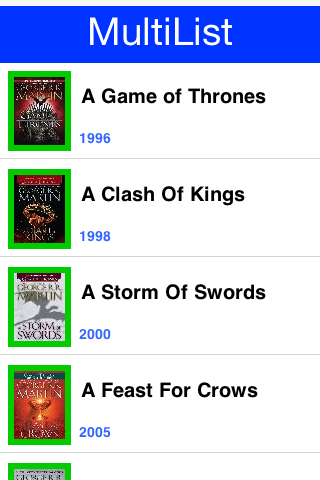
Since the MultiList uses the GenericListCellRenderer internally you can use URLImage to dynamically fetch the data. This is discussed in the graphics section of this guide. |
Going further with the ListModel
Suppose that GRRM was prolific and wrote 1 million books. The default list model won’t make much sense in that case but you would still be able to render everything in a list model.
You will fake it a bit but notice that 1M components won’t be created even if you somehow scroll all the way down…
The ListModel interface can be implemented by anyone in this case you did a stupid simple implementation:
static class GRMMModel implements ListModel<Map<String, Object>> {
private int selection;
private final java.util.List<SelectionListener> selectionListeners = new ArrayList<>();
@Override
public Map<String, Object> getItemAt(int index) {
int idx = index % 7;
switch (idx) {
case 0:
return createListEntry("A Game of Thrones " + index, "1996");
case 1:
return createListEntry("A Clash Of Kings " + index, "1998");
case 2:
return createListEntry("A Storm Of Swords " + index, "2000");
case 3:
return createListEntry("A Feast For Crows " + index, "2005");
case 4:
return createListEntry("A Dance With Dragons " + index, "2011");
case 5:
return createListEntry("The Winds of Winter " + index, "2016 (please, please, please)");
default:
return createListEntry("A Dream of Spring " + index, "Ugh");
}
}
@Override
public int getSize() {
return 1000000;
}
@Override
public int getSelectedIndex() {
return selection;
}
@Override
public void setSelectedIndex(int index) {
int old = selection;
selection = index;
for (SelectionListener l : selectionListeners) {
l.selectionChanged(old, index);
}
}
@Override
public void addDataChangedListener(DataChangedListener l) {
}
@Override
public void removeDataChangedListener(DataChangedListener l) {
}
@Override
public void addSelectionListener(SelectionListener l) {
selectionListeners.add(l);
}
@Override
public void removeSelectionListener(SelectionListener l) {
selectionListeners.remove(l);
}
@Override
public void addItem(Map<String, Object> item) {
}
@Override
public void removeItem(int index) {
}
}You can now replace the existing model by removing all the model related logic and changing the constructor call as such:
MultiList ml = new MultiList(new GRMMModel());
Form hi = new Form("Million Entries", new BorderLayout());
hi.add(BorderLayout.CENTER, ml);
hi.show();
8.17.7. List cell renderer
The Renderer is a simple interface with 2 methods:
public interface ListCellRenderer {
//This method is called by the List for each item, when the List paints itself.
public Component getListCellRendererComponent(List list, Object value, int index, boolean isSelected);
//This method returns the List animated focus which is animated when list selection changes
public Component getListFocusComponent(List list);
}The most simple/naive implementation may choose to implement the renderer as follows:
public Component getListCellRendererComponent(List list, Object value, int index, boolean isSelected){
return new Label(value.toString());
}
public Component getListFocusComponent(List list){
return null;
}This will compile and work, but won’t give you much, notice that you won’t see the List selection move on the List, this is because the renderer returns a Label with the same style regardless if it’s selected or not.
Now make it a bit more useful:
public Component getListCellRendererComponent(List list, Object value, int index, boolean isSelected){
Label l = new Label(value.toString());
if (isSelected) {
l.setFocus(true);
l.getAllStyles().setBgTransparency(100);
} else {
l.setFocus(false);
l.getAllStyles().setBgTransparency(0);
}
return l;
} public Component getListFocusComponent(List list){
return null;
}In this renderer you set the Label.setFocus(true) if it’s selected, calling to this method doesn’t give the focus to the Label, it renders the label as selected.
Then you invoke Label.getAllStyles().setBgTransparency(100) to give the selection semi transparency, and 0 for full transparency if not selected.
That’s still not efficient because you create a new Label each time the method is invoked.
To make the code tighter, keep a reference to the Component or extend it as DefaultListCellRenderer does:
class MyRenderer extends Label implements ListCellRenderer {
public Component getListCellRendererComponent(List list, Object value, int index, boolean isSelected){
setText(value.toString());
if (isSelected) {
setFocus(true);
getAllStyles().setBgTransparency(100);
} else {
setFocus(false);
getAllStyles().setBgTransparency(0);
}
return this;
}
public Component getListFocusComponent(List list) {
// this renderer highlights the selected row itself, and returning the
// rubber stamp would draw the focus overlay with the last row's text
return null;
}
}Now look at a more advanced Renderer:
class ContactsRenderer extends Container implements ListCellRenderer {
private Label name = new Label("");
private Label email = new Label("");
private Label pic = new Label("");
private Label focus = new Label("");
public ContactsRenderer() {
setLayout(new BorderLayout());
addComponent(BorderLayout.WEST, pic);
Container cnt = new Container(new BoxLayout(BoxLayout.Y_AXIS));
name.getAllStyles().setBgTransparency(0);
name.getAllStyles().setFont(Font.createTrueTypeFont("native:MainBold"));
email.getAllStyles().setBgTransparency(0);
cnt.addComponent(name);
cnt.addComponent(email);
addComponent(BorderLayout.CENTER, cnt);
focus.getStyle().setBgTransparency(100);
}
public Component getListCellRendererComponent(List list, Object value, int index, boolean isSelected) {
Contact person = (Contact) value;
name.setText(person.getDisplayName());
email.setText(person.getPrimaryEmail());
pic.setIcon(person.getPhoto());
return this;
}
public Component getListFocusComponent(List list) {
return focus;
}
}In this renderer you want to render a Contact object to the Screen, you build the Component in the constructor and in the getListCellRendererComponent you update the Labels' texts according to the Contact object.
Notice that in this renderer you return a focus Label with semi transparency, as mentioned before, the focus component can be modified within this method.
For example, you can change the focus Component to have an icon:
focus.getAllStyles().setBgTransparency(100);
focus.setIcon(FontImage.createMaterial(FontImage.MATERIAL_STAR, "Label", 3.0f));
focus.setAlignment(Component.RIGHT);8.17.8. Generic list cell renderer
As part of the GUI builder work, you needed a way to customize rendering for a List, but the renderer/model approach seemed impossible to adapt to a GUI builder (it seems the Swing GUI builders had a similar issue). Your solution was to introduce the GenericListCellRenderer, which while introducing limitations and implementation requirements still manages to make life easier, both in the GUI builder and outside of it.
GenericListCellRenderer is a renderer designed to be as simple to use as a Component-Container hierarchy, you effectively crammed most of the common renderer use cases into one class. To enable that, you need to know the content of the objects within the model, so the GenericListCellRenderer assumes the model contains Map objects. Since Maps can contain arbitrary data the list model is still generic and allows storing application specific data. Furthermore a Map can still be derived and extended to provide domain specific business logic.
The GenericListCellRenderer accepts two container instances (more later on why at least two, and not one), which it maps to individual Map entries within the model, by finding the appropriate components within the given container hierarchy. Components are mapped to the Map entries based on the name property of the component (getName/setName) and the key/value within the Map, for example:
For a model that contains a Map entry like this:
"Foo": "Bar" "X": "Y" "Not": "Applicable" "Number": Integer(1)
A renderer will loop over the component hierarchy in the container, searching for components whose name matches Foo, X, Not, and Number, and assigning the appropriate value to them.
| You can also use image objects as values, and they will be assigned to labels as expected. For example, you can’t assign both an image and a text to a single label, since the key will be taken. That isn’t a big problem, since two labels can be used in such a renderer. |
To make matters even more attractive the renderer seamlessly supports list tickering when appropriate, and if a CheckBox appears within the renderer, it will toggle a boolean flag within the Map seamlessly.
One issue that crops up with this approach is that, if a value is missing from the Map, it’s treated as empty and the component is reset.
This can pose an issue if you hardcode an image or text within the renderer and you don’t want them replaced (for example: an arrow graphic on a Label within the renderer). The solution for this is to name the component with Fixed in the end of the name, for example: HardcodedIconFixed.
Naming a component within the renderer with $number will automatically set it as a counter component for the offset of the component within the list.
Styling the GenericListCellRenderer is slightly different, the renderer uses the UIID of the Container passed to the generic list cell renderer, and the background focus uses that same UIID with the word "Focus" appended to it.
Note that the generic list cell renderer will grant focus to the child components of the selected entry if they’re focusable, thus changing the style of said entries. For example: a Container might have a child Label that has one style when the parent container is unselected and another when it’s selected (focused), this can be achieved by defining the label as focusable. Notice that the component will never receive direct focus, since it’s still part of a renderer.
Finally, the generic list cell renderer accepts two or four instances of a Container, rather than the obvious choice of accepting one instance. This allows the renderer to treat the selected entry differently, which is important to tickering, although it’s also useful for the fisheye effect [3]. Since it might not be practical to seamlessly clone the Container for the renderer’s needs, Codename One expects the developer to provide two separate instances, they can be identical in all respects, but they must be separate instances for tickering to work. The renderer also allows for a fisheye effect, where the selected entry is actually different from the unselected entry in its structure, it also allows for a pinstripe effect, where odd/even rows have different styles (this is accomplished by providing 4 instances of the containers selected/unselected for odd/even).
The best way to learn about the generic list cell renderer and the Map model is by playing with them in the old GUI builder. Notice they can be used in code without any dependency on the GUI builder and can be useful at that.
Here is a simple example of a list with checkboxes that gets updated automatically:
list.setRenderer(new GenericListCellRenderer(createGenericRendererContainer(), createGenericRendererContainer()));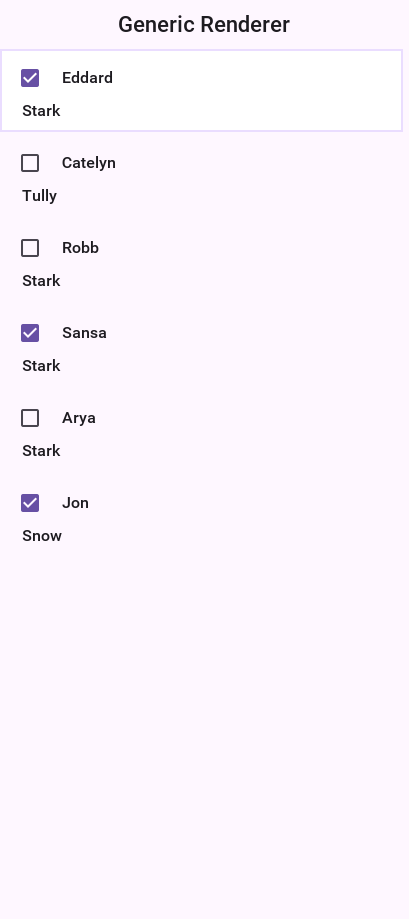
Custom UIID of entry in GenericListCellRenderer/MultiList
With MultiList/GenericListCellRenderer one of the common issues is making a UI where a specific component
within the list renderer has a different UIID style based on data. For example: this can be helpful to mark a label within the
list as red, for instance, for a list of monetary transactions.
This can be achieved with a custom renderer, but that’s a pretty difficult task.GenericListCellRenderer (MultiList uses GenericListCellRenderer internally) has another option.
Normally, to build the model for a renderer of this type, you use something like:
map.put("componentName", "Component Value");What if you want componentName to be red? Just use:
map.put("componentName_uiid", "red");This will apply the UIID "red" to the component, which you can then style in the theme. Notice that once you start doing this, you need to define this entry for all entries, for example:
map.put("componentName_uiid", "blue");Otherwise the component will stay red for the next entry (since the renderer acts like a rubber stamp).
Rendering prototype
Because of the rendering architecture of a List its pretty hard to calculate the right preferred size for such a component. The default behavior includes querying a few entries from the model then constructing their renderers to get a "sample" of the preferred size value.
As you might guess this triggers a performance penalty that’s paid with every reflow of the UI. The solution is to use setRenderingPrototype.
setRenderingPrototype accepts a "fake" value that represents a reasonably large amount of data and it will be used to calculate the preferred size. For example: for a multiList that should render 2 lines of text with 20 characters and a 5mm square icon you can do something like this:
Map<String, Object> proto = new HashMap<>();
proto.put("Line1", "WWWWWWWWWWWWWWWWWWWW");
proto.put("Line2", "WWWWWWWWWWWWWWWWWWWW");
int mm5 = Display.getInstance().convertToPixels(5, true);
proto.put("icon", Image.createImage(mm5, mm5));
myMultiList.setRenderingPrototype(proto);8.17.9. ComboBox
The ComboBox is a specialization of List that displays a single selected entry. When clicking that entry a popup is presented allowing the user to pick an entry from the full list of entries.
The ComboBox UI paradigm isn’t as common on OSes such as iOS where there is no native equivalent to it. Recommend using either the Picker class or the AutoCompleteTextField. |
ComboBox is notoriously hard to style as it relies on a complex dynamic of popup renderer and instantly visible renderer. The UIID for the ComboBox is ComboBox
but if you set it to something else all the other UIID’s will also change their prefix. For example: the ComboBoxPopup
UIID will become MyNewUIIDPopup.
The combo box defines the following UIID’s by default:
ComboBoxComboBoxItemComboBoxFocusPopupContentPanePopupItemPopupFocus
The ComboBox also defines theme constants that allow some native themes to manipulate its behavior for example:
popupTitleBool- shows the "label for" value as the title of the popup dialogpopupCancelBodyBool- Adds a cancel button into the popup dialogcenteredPopupBool- shows the popup dialog in the center of the screen instead of under the popupotherPopupRendererBool- Uses a different list cell render for the popup than the one used for theComboBoxitself. When this isfalsePopupItem&PopupFocusbecome irrelevant. Notice that the Android native theme defines this totrue.
Since a ComboBox is a List you can use everything you learned about a List to build a ComboBox including models, GenericListCellRenderer etc.
For example: the demo below uses the GRRM demo data from above to build a ComboBox:
Form hi = new Form("ComboBox", new BoxLayout(BoxLayout.Y_AXIS));
ComboBox<Map<String, Object>> combo = new ComboBox<> (
createListEntry("A Game of Thrones", "1996"),
createListEntry("A Clash Of Kings", "1998"),
createListEntry("A Storm Of Swords", "2000"),
createListEntry("A Feast For Crows", "2005"),
createListEntry("A Dance With Dragons", "2011"),
createListEntry("The Winds of Winter", "2016 (please, please, please)"),
createListEntry("A Dream of Spring", "Ugh"));
combo.setRenderer(new GenericListCellRenderer<>(new MultiButton(), new MultiButton()));
hi.add(combo);
hi.show();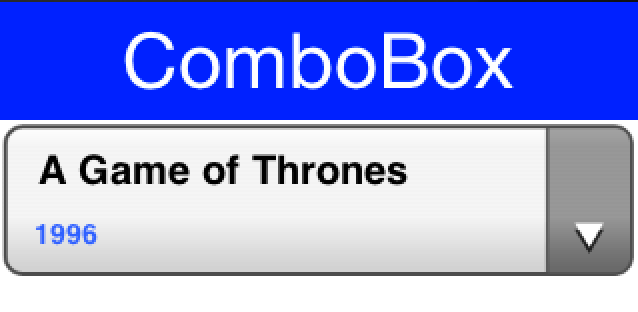
8.18. Slider
A Slider is an empty component that can be filled horizontally or vertically to allow indicating progress, setting volume etc. It can be editable to allow the user to determine its value or none editable to relay that information to the user. It can have a thumb on top to show its current position.

The interesting part about the slider is that it has two separate style UIID’s, Slider & SliderFull. The Slider UIID is always painted and SliderFull is rendered on top based on the amount the Slider should be filled.
Slider is highly customizable for example: a slider can be used to replicate a 5-star rating widget as such. Notice that this slider will work when its given its preferred size otherwise more stars will appear. That’s why you place it within a FlowLayout:
Form hi = new Form("Star Slider", new BoxLayout(BoxLayout.Y_AXIS));
hi.add(FlowLayout.encloseCenter(createStarRankSlider()));
hi.show();The slider itself is initialized in the code below. Notice that you can achieve almost the same result using a theme by setting the Slider & SliderFull UIID’s (both in selected & unselected states).
In fact doing this in the theme might be superior as you could use one image that contains 5 stars already and that way you won’t need the preferred size hack below:
private void initStarRankStyle(Style s, Image star) {
s.setBackgroundType(Style.BACKGROUND_IMAGE_TILE_BOTH);
s.setBorder(Border.createEmpty());
s.setBgImage(star);
s.setBgTransparency(0);
}
private Slider createStarRankSlider() {
Slider starRank = new Slider();
starRank.setEditable(true);
starRank.setMinValue(0);
starRank.setMaxValue(10);
Font fnt = Font.createTrueTypeFont("native:MainLight", "native:MainLight").
derive(Display.getInstance().convertToPixels(5, true), Font.STYLE_PLAIN);
Style s = new Style(0xffff33, 0, fnt, (byte)0);
Image fullStar = FontImage.createMaterial(FontImage.MATERIAL_STAR, s).toImage();
s.setOpacity(100);
s.setFgColor(0);
Image emptyStar = FontImage.createMaterial(FontImage.MATERIAL_STAR, s).toImage();
initStarRankStyle(starRank.getSliderEmptySelectedStyle(), emptyStar);
initStarRankStyle(starRank.getSliderEmptyUnselectedStyle(), emptyStar);
initStarRankStyle(starRank.getSliderFullSelectedStyle(), fullStar);
initStarRankStyle(starRank.getSliderFullUnselectedStyle(), fullStar);
starRank.setPreferredSize(new Dimension(fullStar.getWidth() * 5, fullStar.getHeight()));
return starRank;
}
private void showStarPickingForm() {
Form hi = new Form("Star Slider", new BoxLayout(BoxLayout.Y_AXIS));
hi.add(FlowLayout.encloseCenter(createStarRankSlider()));
hi.show();
}
This slider goes all the way to 0 stars which is less common. You can use a Label to represent the first star and have the slider work between 0 - 8 values to provide 4 more stars. |
8.19. Table
Table is a composite component (but it isn’t a lead component), this means it’s a subclass of Container. It’s effectively built from many components.
Table is based on the TableLayout class. It’s important to be familiar with that layout manager when working with Table. |
Here is a trivial sample of using the standard table component:
Form hi = new Form("Table", new BorderLayout());
TableModel model = new DefaultTableModel(
new String[] {"Col 1", "Col 2", "Col 3"},
new Object[][] {
{"Row 1", "Row A", "Row X"},
{"Row 2", "Row B", "Row Y"},
{"Row 3", "Row C", "Row Z"},
{"Row 4", "Row D", "Row K"},
}) {
public boolean isCellEditable(int row, int col) {
return col != 0;
}
};
Table table = new Table(model);
hi.add(BorderLayout.CENTER, table);
hi.show();
| In the sample above the title area and first column aren’t editable. The other two columns are editable. |
The more "interesting" capabilities of the Table class can be utilized through the TableLayout. You can use the layout constraints (also exposed in the table class) to create spanning and elaborate UI’s.
For example:
Form hi = new Form("Table", new BorderLayout());
TableModel model = new DefaultTableModel(
new String[] {"Col 1", "Col 2", "Col 3"},
new Object[][] {
{"Row 1", "Row A", "Row X"},
{"Row 2", "Row B can now stretch", null},
{"Row 3", "Row C", "Row Z"},
{"Row 4", "Row D", "Row K"},
}) {
public boolean isCellEditable(int row, int col) {
return col != 0;
}
};
Table table = new Table(model) {
@Override
protected TableLayout.Constraint createCellConstraint(Object value, int row, int column) {
TableLayout.Constraint con = super.createCellConstraint(value, row, column);
if (row == 1 && column == 1) {
con.setHorizontalSpan(2);
}
con.setWidthPercentage(33);
return con;
}
};
hi.add(BorderLayout.CENTER, table);
hi.show();
To customize the table cell behavior you can derive the Table to create a "renderer like" widget, but unlike the list this component is "kept" and used as is. This means you can bind listeners to this component and work with it as you would with any other component in Codename One.
The example above can be extended to include far more capabilities:
Form hi = new Form("Table", new BorderLayout());
TableModel model = new DefaultTableModel(
new String[] {"Col 1", "Col 2", "Col 3"},
new Object[][] {
{"Row 1", "Row A", "Row X"},
{"Row 2", "Row B can now stretch", null},
{"Row 3", "Row C", "Row Z"},
{"Row 4", "Row D", "Row K"},
}) {
public boolean isCellEditable(int row, int col) {
return col != 0;
}
};
Table table = new Table(model) {
@Override
protected Component createCell(Object value, int row, int column, boolean editable) {
Component cell;
if (row == 1 && column == 1) {
Picker p = new Picker();
p.setType(Display.PICKER_TYPE_STRINGS);
p.setStrings("Row B can now stretch", "This is a good value",
"So Is This", "Better than text field");
p.setSelectedString((String)value);
p.setUIID("TableCell");
p.addActionListener(e -> getModel().setValueAt(row, column, p.getSelectedString()));
cell = p;
} else {
cell = super.createCell(value, row, column, editable);
}
if (row > -1 && row % 2 == 0) {
cell.getAllStyles().setBgColor(0xeeeeee);
cell.getAllStyles().setBgTransparency(255);
}
return cell;
}
@Override
protected TableLayout.Constraint createCellConstraint(Object value, int row, int column) {
TableLayout.Constraint con = super.createCellConstraint(value, row, column);
if (row == 1 && column == 1) {
con.setHorizontalSpan(2);
}
con.setWidthPercentage(33);
return con;
}
};
hi.add(BorderLayout.CENTER, table);
hi.show();
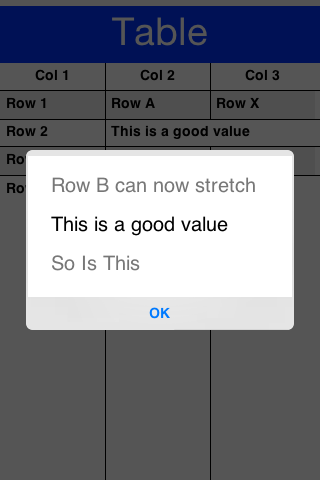
To line wrap table cells you can override the createCell method and return a TextArea instead of a TextField since the TextArea defaults to the multi-line behavior this should work seamlessly. For example:
Form hi = new Form("Table", new BorderLayout());
TableModel model = new DefaultTableModel(
new String[] {"Name", "Description", "Status"},
new Object[][] {
{"Row 1", "A short value", "OK"},
{"Row 2", "A much longer value that wraps to multiple lines", "OK"},
{"Row 3", "Another long table cell that needs wrapping", "Pending"},
});
Table table = new Table(model) {
@Override
protected Component createCell(Object value, int row, int column, boolean editable) {
if (row > -1 && column == 1) {
TextArea cell = new TextArea(String.valueOf(value));
cell.setUIID("TableCell");
cell.setEditable(false);
cell.setGrowByContent(true);
return cell;
}
return super.createCell(value, row, column, editable);
}
@Override
protected TableLayout.Constraint createCellConstraint(Object value, int row, int column) {
TableLayout.Constraint con = super.createCellConstraint(value, row, column);
con.setWidthPercentage(column == 1 ? 50 : 25);
return con;
}
};
hi.add(BorderLayout.CENTER, table);
hi.show();Notice that you don’t need to do anything else as binding to the TextArea is built-in to the Table. |
| You must set the column width constraint when you want multi-line to work. Otherwise the preferred size of the column might be too wide and the remaining columns might not have space left. |
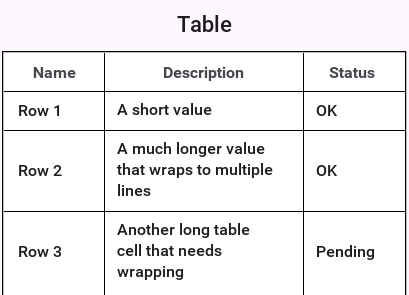
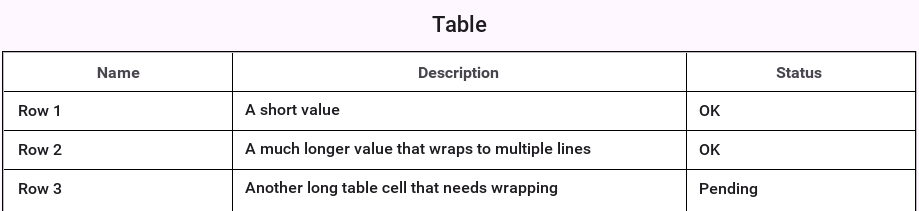
8.19.1. Sorting tables
Sorting tables by clicking the titles is something that should work out of the box by using an API like setSortSupported(true):
Form hi = new Form("Table", new BorderLayout());
TableModel model = new DefaultTableModel(
new String[] {"Col 1", "Col 2", "Col 3"},
new Object[][] {
{"Row 1", "Row A", 1},
{"Row 2", "Row B", 4},
{"Row 3", "Row C", 7.5},
{"Row 4", "Row D", 2.24},
});
Table table = new Table(model);
table.setSortSupported(true);
hi.add(BorderLayout.CENTER, table);
hi.add(BorderLayout.NORTH, new Button("Button"));
hi.show();Notice this works with numbers, Strings and might work with dates but you can support any object type by overriding the method protected Comparator createColumnSortComparator(int column) which should return a comparator for your custom object type in the column.
8.20. Tree
Tree allows displaying hierarchical data such as folders and files in a collapsible/expandable UI. Like the Table it’s a composite component (but it isn’t a lead component).
Like the Table it works in consort with a model to construct its user interface on the fly but doesn’t use a stateless renderer (as List does).
The data of the Tree arrives from a model for example: this:
class StringArrayTreeModel implements TreeModel {
String[][] arr = new String[][] {
{"Colors", "Letters", "Numbers"},
{"Red", "Green", "Blue"},
{"A", "B", "C"},
{"1", "2", "3"}
};
@Override
public Vector getChildren(Object parent) {
Vector v = new Vector();
if (parent == null) {
for (int iter = 0; iter < arr[0].length; iter++) {
v.addElement(arr[0][iter]);
}
return v;
}
for (int iter = 0; iter < arr[0].length; iter++) {
if (parent.equals(arr[0][iter]) && arr.length > iter + 1 && arr[iter + 1] != null) {
for (int i = 0; i < arr[iter + 1].length; i++) {
v.addElement(arr[iter + 1][i]);
}
}
}
return v;
}
@Override
public boolean isLeaf(Object node) {
Vector v = getChildren(node);
return v == null || v.size() == 0;
}
}
Tree dt = new Tree(new StringArrayTreeModel());
Form hi = new Form("Tree", new BorderLayout());
hi.add(BorderLayout.CENTER, dt);
hi.show();Will result in this:
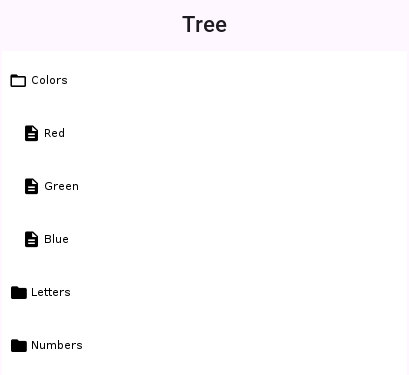
Since Tree is hierarchy based you can’t have a simple model like you’ve for the Table as deep hierarchy is harder to represent with arrays. |
A more practical "real world" example would be working with XML data. You can use something like this to show an XML Tree:
Form hi = new Form("XML Tree", new BorderLayout());
// Parsed inline so the sample runs as it stands; in an application this
// would come from the network or from a packaged resource.
String xml = "<project name=\"demo\">"
+ "<target name=\"compile\"><javac srcdir=\"src\"/></target>"
+ "<target name=\"jar\"><zip destfile=\"demo.jar\"/></target>"
+ "</project>";
try (Reader r = new CharArrayReader(xml.toCharArray())) {
Element e = new XMLParser().parse(r);
Tree tree = new Tree(new XMLTreeModel(e)) {
@Override
protected String childToDisplayLabel(Object child) {
if (child instanceof Element) {
Element el = (Element) child;
// getTagName() throws for the elements that carry text
if (el.isTextElement()) {
return el.getText();
}
return el.getTagName();
}
return child.toString();
}
};
hi.add(BorderLayout.CENTER, tree);
xmlTree = tree;
} catch (IOException err) {
Log.e(err);
}
hi.show();The try with resources syntax closes the Reader for you however the block ends. |
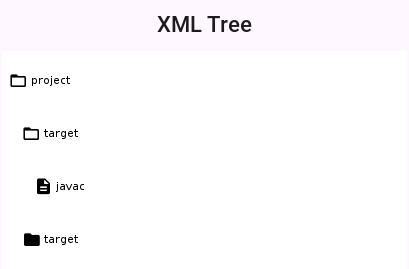
The model for the XML hierarchy is implemented as such:
/// Walks a parsed XML document as a tree: the document element is the single
/// root, and a node's children are the element's children.
static class XMLTreeModel implements TreeModel {
private Element root;
XMLTreeModel(Element e) {
root = e;
}
@Override
public Vector getChildren(Object parent) {
if (parent == null) {
Vector c = new Vector();
c.addElement(root);
return c;
}
Vector result = new Vector();
Element e = (Element) parent;
for (int iter = 0; iter < e.getNumChildren(); iter++) {
result.addElement(e.getChildAt(iter));
}
return result;
}
@Override
public boolean isLeaf(Object node) {
Element e = (Element) node;
return e.getNumChildren() == 0;
}
}8.21. ShareButton
ShareButton is a button you can add into the UI to let a user share an image or block of text.
The ShareButton uses a set of predefined share options on the simulator. On Android & iOS the ShareButton is mapped to the OS native sharing functionality and can share the image/text with the services configured on the device (for example: Twitter, Facebook etc.).
| Sharing text is trivial but to share an image you need to save it to the FileSystemStorage. Notice that saving to Storage won’t work! |
In the sample code below you take a screenshot which is saved to FileSystemStorage for sharing:
Form hi = new Form("ShareButton");
ShareButton sb = new ShareButton();
sb.setText("Share Screenshot");
hi.add(sb);
Image screenshot = Image.createImage(hi.getWidth(), hi.getHeight());
hi.revalidate();
hi.setVisible(true);
hi.paintComponent(screenshot.getGraphics(), true);
String imageFile = FileSystemStorage.getInstance().getAppHomePath() + "screenshot.png";
try(OutputStream os = FileSystemStorage.getInstance().openOutputStream(imageFile);) {
ImageIO.getImageIO().save(screenshot, os, ImageIO.FORMAT_PNG, 1);
} catch(IOException err) {
Log.e(err);
}
sb.setImageToShare(imageFile, "image/png");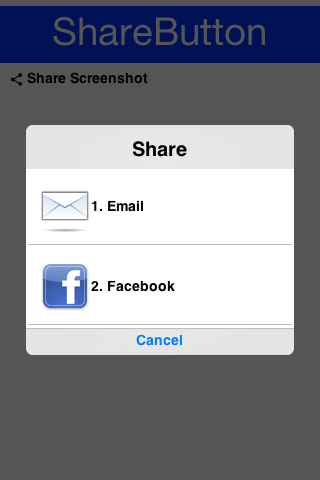
ShareButton behaves differently on the device… |
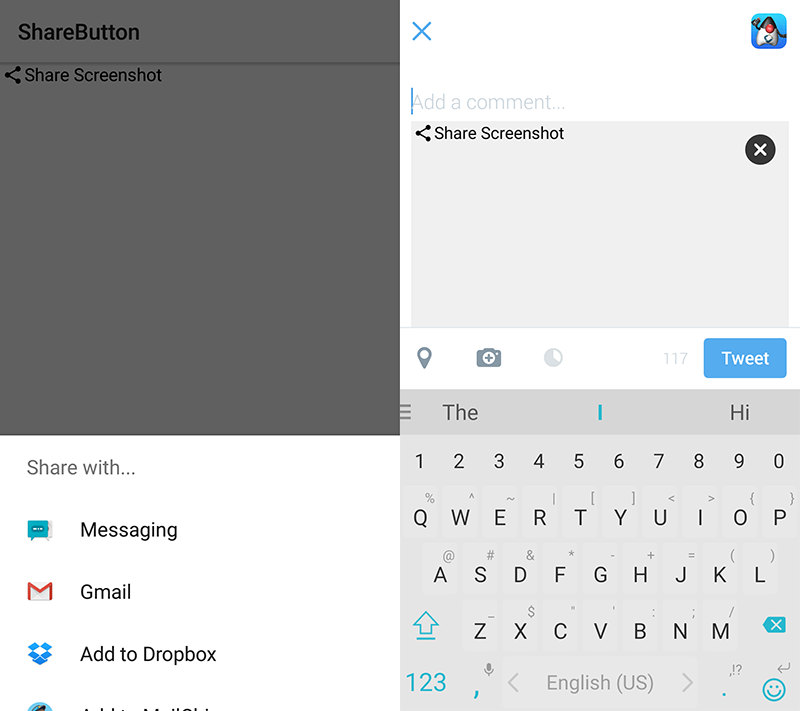
The ShareButton features some share service classes to allow plugging in more share services. For example, this functionality is relevant to devices where native sharing isn’t supported. This code isn’t used on iOS/Android… |
8.21.1. Share Result Callback
The share API can report what the user did with the share sheet. Register a ShareResultListener on either ShareButton or directly with Display.share(…) and you receive a single ShareResult describing the outcome:
SHARED_TO(packageName)— the user picked a destination.packageNameis the chosen target’s identifier: an Android package name (for example,com.whatsapp) or, on iOS, aUIActivityTypesuch ascom.apple.UIKit.activity.PostToTwitter. It may benullwhen the platform doesn’t expose the selection (for example, older Android, Web Share API).DISMISSED— the user cancelled without picking a target. iOS reports this reliably; Android’s chooser has no public dismissal signal, so on Android the listener simply doesn’t fire on cancel.FAILED— the share couldn’t be completed.getError()may carry a short platform-supplied message.
The listener is always invoked on the EDT, exactly once per share request.
ShareButton sb = new ShareButton();
sb.setTextToShare("Check this out!");
sb.setShareResultListener(result -> {
if (result.isSharedTo()) {
Log.p("Shared to " + result.getPackageName());
} else if (result.isDismissed()) {
Log.p("User dismissed the share sheet");
} else if (result.isFailed()) {
Log.p("Share failed: " + result.getError());
}
});
form.add(sb);If you call Display directly instead of using ShareButton, pass the listener as the final argument to the new overload:
Display.getInstance().share(
"Check this out!", imagePath, "image/png", sourceRect,
result -> handleResult(result));When the share is dispatched through the non-native fallback dialog (platforms without isNativeShareSupported), the listener still fires: it reports DISMISSED when the user picks the Cancel button, and the underlying ShareService implementations report SHARED_TO once they call ShareService.finish(). Custom ShareService subclasses can call deliverResult(ShareResult.failed("…")) from inside share(…) to publish a failure explicitly; otherwise finish() falls back to a default SHARED_TO(commandName).
8.22. iOS Share Extension Authoring Helper
An iOS share extension is a separate app target that the system shows inside UIActivityViewController when the user shares from another app (Safari, Photos, etc.). It runs in a sandboxed process and persists payloads to the host app via an App Group shared NSUserDefaults suite.
Codename One’s build pipeline already wires .ios.appext zip archives under src/main/resources into the generated Xcode project. The IOSShareExtensionBuilder helper generates that archive for you so you don’t have to create the extension target in Xcode first.
8.22.1. What the helper produces
For a single call the helper writes four files at the root of the extension bundle:
Info.plist— declares theNSExtensiondictionary, activation rules (SupportsText/SupportsWebURL/SupportsImage), and the principal class (ShareViewController).<ExtensionName>.entitlements— declarescom.apple.security.application-groupswith the configured App Group identifier.ShareViewController.swift— aSLComposeServiceViewControllersubclass that extracts text / URL / image attachments fromextensionContext, packs them into a dictionary, and writes that dictionary toUserDefaults(suiteName: appGroupId)under the keycn1.shareExtension.payload.buildSettings.properties— Xcode build setting overrides (deployment target, Swift version, entitlements path, plist path) picked up by the iOS build pipeline.
8.22.2. Generating the bundle
Call the builder from a Maven plugin, an Ant task or a one-shot main:
IOSShareExtensionBuilder lives in the Codename One Maven plugin rather than
in the framework, so this runs at build time and isn’t one of the compiled
examples:
new IOSShareExtensionBuilder()
.setExtensionName("MyShareExtension")
.setDisplayName("Share to MyApp")
.setHostBundleId("com.example.myapp")
.setAppGroupId("group.com.example.myapp")
.acceptText(true)
.acceptURLs(true)
.acceptImages(true)
.writeAppext(new File("src/main/resources/MyShareExtension.ios.appext"));The next iOS build picks up the .ios.appext archive automatically; no Xcode steps are required.
If you prefer a directory layout (for example, to commit the generated sources or to feed a future ios/app_extensions/ pipeline) use writeTo(File) instead of writeAppext(File) — the file contents are identical.
8.22.3. Reading the payload from the host app
The host app has to be in that App Group too. setAppGroupId writes the
entitlement for the extension only, so add the same identifier to the
application with the ios.app_groups build hint — the two sides are reading
and writing one container, and a mismatch produces an empty
dictionary rather than an error:
codename1.arg.ios.app_groups=group.com.example.myapp
It then reads the most recent payload at startup or when it resumes:
// Inside an iOS native interface
NSUserDefaults* shared =
[[NSUserDefaults alloc] initWithSuiteName:@"group.com.example.myapp"];
NSDictionary* payload = [shared dictionaryForKey:@"cn1.shareExtension.payload"];The payload dictionary contains:
text— the user-composed text (String).items— an array of{ kind, value }dictionaries wherekindis"text","url"or"image". For images,valueis a file URL inside the App Group container.timestamp— aDoubleUNIX time.
Expose this to your CN1 code via a small native interface and clear the key once handled so the next share is unambiguous.
8.22.4. Activation rules and validation
The builder validates its inputs before writing anything:
extensionNamemust be a non-empty identifier (letters, digits,_,-). It becomes the Xcode target name and the.appexbundle name. The extension’s bundle id is set to<hostBundleId>.<extensionName>by the iOS build pipeline.appGroupIdmust start withgroup.(an Apple requirement). Create the matching App Group in your Apple Developer account and add it to both the host app’s and the extension’s provisioning profile.At least one of
acceptText,acceptURLs,acceptImagesmust be enabled, otherwise iOS will never present your extension.
The default deployment target is iOS 12.0; override with setDeploymentTarget("13.0") if you need newer APIs in your customized controller.
8.22.5. Customising the generated controller
The generated Swift controller covers the common case (read attachments, persist to App Group, finish the request). If you need bespoke logic — custom UI, server upload, image transcoding — treat the helper’s output as a starting point: run it once, copy the directory under ios/app_extensions/MyShareExtension/, edit ShareViewController.swift, and zip it back into .ios.appext (or wait for the directory-based pipeline tracked by issue #3427).
Provisioning profiles for the extension target aren’t generated by the helper. You still need to provision the extension’s bundle id (<hostBundleId>.<extensionName>) and add the App Group capability to it on the Apple Developer portal, alongside the host app. |
8.23. Tabs
The Tabs Container arranges components into groups within "tabbed" containers. Tabs is a container type that allows leafing through its children using labeled toggle buttons. The tabs can be placed in many different ways (top, bottom, left or right) with the default being determined by the platform. This class also allows swiping between components to leaf between said tabs (for this purpose the tabs themselves can also be hidden).
Since Tabs are a Container its a common mistake to try and add a Tab using the add method. That method won’t work since a Tab can have both an Image and text String associated with it:
Form hi = new Form("Tabs", new BorderLayout());
Tabs t = new Tabs();
Style s = UIManager.getInstance().getComponentStyle("Tab");
FontImage icon1 = FontImage.createMaterial(FontImage.MATERIAL_QUESTION_ANSWER, s);
Container container1 = BoxLayout.encloseY(new Label("Label1"), new Label("Label2"));
t.addTab("Tab1", icon1, container1);
t.addTab("Tab2", new SpanLabel("Some text directly in the tab"));
hi.add(BorderLayout.CENTER, t);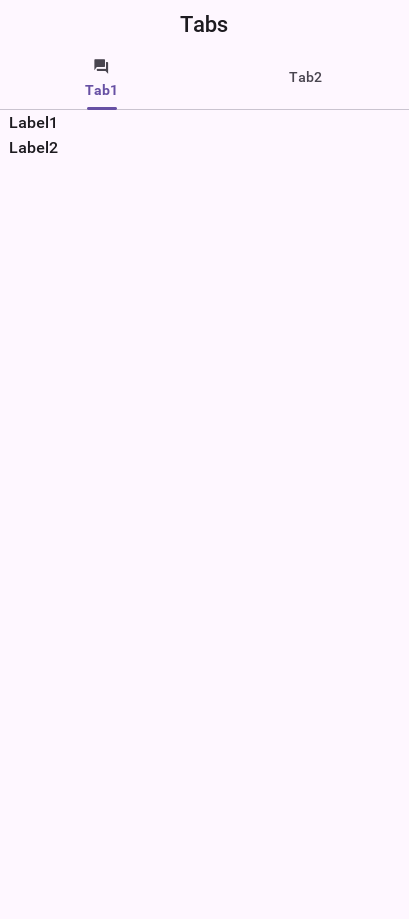
A common usage for Tabs is the swipe to proceed effect which is common in iOS applications. In the code below you use RadioButton and LayeredLayout with hidden tabs to produce that effect:
Form hi = new Form("Swipe Tabs", new LayeredLayout());
Tabs t = new Tabs();
t.hideTabs();
Style s = UIManager.getInstance().getComponentStyle("Button");
FontImage radioEmptyImage = FontImage.createMaterial(FontImage.MATERIAL_RADIO_BUTTON_UNCHECKED, s);
FontImage radioFullImage = FontImage.createMaterial(FontImage.MATERIAL_RADIO_BUTTON_CHECKED, s);
((DefaultLookAndFeel) UIManager.getInstance().getLookAndFeel())
.setRadioButtonImages(radioFullImage, radioEmptyImage, radioFullImage, radioEmptyImage);
Container container1 = BoxLayout.encloseY(new Label("Swipe the tab to see more"),
new Label("You can put anything here"));
t.addTab("Tab1", container1);
t.addTab("Tab2", new SpanLabel("Some text directly in the tab"));
RadioButton firstTab = new RadioButton("");
RadioButton secondTab = new RadioButton("");
firstTab.setUIID("Container");
secondTab.setUIID("Container");
new ButtonGroup(firstTab, secondTab);
firstTab.setSelected(true);
Container tabsFlow = FlowLayout.encloseCenter(firstTab, secondTab);
hi.add(t);
hi.add(BorderLayout.south(tabsFlow));
t.addSelectionListener((i1, i2) -> {
switch (i2) {
case 0:
if (!firstTab.isSelected()) {
firstTab.setSelected(true);
}
break;
case 1:
if (!secondTab.isSelected()) {
secondTab.setSelected(true);
}
break;
default:
break;
}
});

Notice that you used setRadioButtonImages to explicitly set the radio button images to the look you want for the carousel. |
8.23.1. Animated tab indicator
Modern Material 3 (NavigationBar) and iOS 26 tab bars animate a small
underline between tabs when the user changes selection. Tabs ships
this as an opt-in feature gated by the tabsAnimatedIndicatorBool
theme constant; the iOS Modern and Android Material themes turn it on
by default, so apps shipping against those themes get the effect for
free.
To enable in a custom theme:
#Constants {
tabsAnimatedIndicatorBool: true;
tabsAnimatedIndicatorDurationInt: 200; /* tween duration in ms */
tabsAnimatedIndicatorThicknessMm: 1; /* underline thickness */
}
TabIndicator {
/* The indicator picks up its color from this UIID's fg. If the
UIID isn't defined or has fgColor == 0, the indicator falls
back to the currently-selected tab's fgColor. */
color: #007aff;
background-color: transparent;
padding: 0;
margin: 0;
}To toggle programmatically (for example, add it to a Tabs instance whose theme hasn’t enabled it):
Tabs tabs = new Tabs();
tabs.setAnimatedIndicator(true);The indicator animates its x / width from the previously selected
tab’s bounds to the new selection’s bounds using a Motion.createEaseInOutMotion
over the configured duration (200ms default, matching Material 3’s
spec). Rapid double-taps start the animation from the current
interpolated position rather than from a stale baseline, so the
indicator chains cleanly.
8.24. MediaManager & MediaPlayer
MediaPlayer is a peer component, understanding this is crucial if your application depends on such a component. You can learn about peer components and their issues here. |
The MediaPlayer allows you to control video playback. To use the MediaPlayer you need to first load the Media object from the MediaManager.
The MediaManager is the core class responsible for media interaction in Codename One.
You should also check out the Capture class for things that aren’t covered by the MediaManager. |
In the demo code below you use the gallery functionality to pick a video from the device’s video gallery:
final Form hi = new Form("MediaPlayer", new BorderLayout());
hi.setToolbar(new Toolbar());
Style s = UIManager.getInstance().getComponentStyle("Title");
FontImage icon = FontImage.createMaterial(FontImage.MATERIAL_VIDEO_LIBRARY, s);
hi.getToolbar().addCommandToRightBar("", icon, (evt) -> {
Display.getInstance().openGallery((e) -> {
if(e != null && e.getSource() != null) {
String file = (String)e.getSource();
try {
Media video = MediaManager.createMedia(file, true);
hi.removeAll();
hi.add(BorderLayout.CENTER, new MediaPlayer(video));
hi.revalidate();
} catch(IOException err) {
Log.e(err);
}
}
}, Display.GALLERY_VIDEO);
});
hi.show();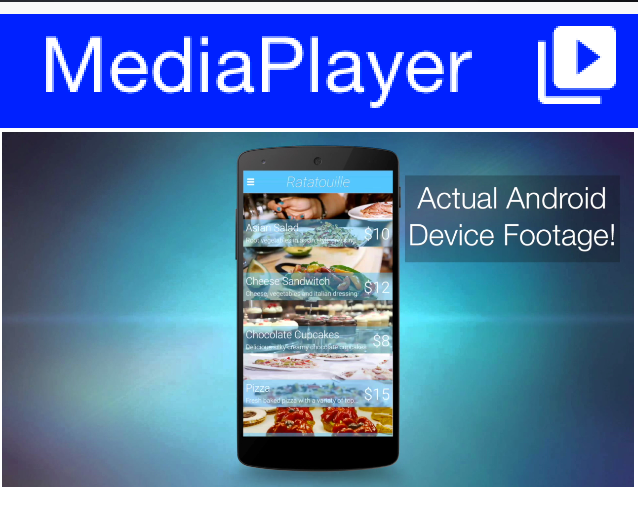

| Video playback in the simulator will work with JavaFX enabled. This is the default for Java 8 or newer so recommend using that. |
8.25. ImageViewer
The ImageViewer allows you to inspect, zoom and pan into an image. It also allows swiping between images if you have a set of images (using an image list model).
The ImageViewer is a complex rich component designed for user interaction. If you want to display an image use Label if you want the image to scale seamlessly use ScaleImageLabel. |
You can use the ImageViewer as a tool to view a single image which allows you to zoom in/out to that image as such:
Image duke = FontImage.createMaterial(FontImage.MATERIAL_INFO, "Label", 3.0f);
Form hi = new Form("ImageViewer", new BorderLayout());
ImageViewer iv = new ImageViewer(duke);
hi.add(BorderLayout.CENTER, iv);
hi.show();| You can simulate pinch to zoom on the simulator by dragging the right button away from the top left corner to zoom in and towards the top left corner to zoom out. On Mac touchpads you can drag two fingers to achieve that. |


You can work with a list of images to produce a swiping effect for the image viewer where you can swipe from one image to the next and also zoom in/out on a specific image:
Form hi = new Form("ImageViewer", new BorderLayout());
Image red = Image.createImage(100, 100, 0xffff0000);
Image green = Image.createImage(100, 100, 0xff00ff00);
Image blue = Image.createImage(100, 100, 0xff0000ff);
Image gray = Image.createImage(100, 100, 0xffcccccc);
ImageViewer iv = new ImageViewer(red);
iv.setImageList(new DefaultListModel<>(red, green, blue, gray));
hi.add(BorderLayout.CENTER, iv);
Notice that you use a ListModel to allow swiping between images.
ImageViewer also supports optional side arrows (material font icons) and an optional thumbnail strip for direct image navigation:
Image red = FontImage.createMaterial(FontImage.MATERIAL_LOOKS_ONE, "Label", 6.0f);
Image green = FontImage.createMaterial(FontImage.MATERIAL_LOOKS_TWO, "Label", 6.0f);
Image blue = FontImage.createMaterial(FontImage.MATERIAL_LOOKS_3, "Label", 6.0f);
Image gray = FontImage.createMaterial(FontImage.MATERIAL_LOOKS_4, "Label", 6.0f);
ImageViewer iv = new ImageViewer(red);
iv.setImageList(new DefaultListModel<>(red, green, blue, gray));
iv.setNavigationArrowsVisible(true);
iv.setThumbnailsVisible(true);
iv.setThumbnailBarHeight(6f); // Optional, defaults to 6mm
Form hi = new Form("ImageViewer", new BorderLayout());
hi.add(BorderLayout.CENTER, iv);
hi.show();When arrows are enabled, tapping near the left/right edge will move to the previous/next image. When thumbnails are enabled, tapping a thumbnail jumps directly to that image.
All three options can be configured with theme constants (using the ImageViewer UIID prefix):
imageviewerNavigationArrowsBool=true|falseimageviewerThumbnailsBool=true|falseimageviewerThumbnailBarHeightMM=<floating point millimeters>
EncodedImage’s aren’t always fully loaded and so when you swipe if the images are large you might see delays! |
You can dynamically download images directly into the ImageViewer with a custom list model like this:
Style s = UIManager.getInstance().getComponentStyle("Label");
Form hi = new Form("ImageViewer", new BorderLayout());
final EncodedImage placeholder = EncodedImage.createFromImage(
FontImage.createMaterial(FontImage.MATERIAL_SYNC, s).
scaled(300, 300), false);
class ImageList implements ListModel<Image> {
private int selection;
private final java.util.List<SelectionListener> selectionListeners = new ArrayList<>();
private String[] imageURLs = {
"https://awoiaf.westeros.org/images/thumb/9/93/AGameOfThrones.jpg/300px-AGameOfThrones.jpg",
"https://awoiaf.westeros.org/images/thumb/3/39/AClashOfKings.jpg/300px-AClashOfKings.jpg",
"https://awoiaf.westeros.org/images/thumb/2/24/AStormOfSwords.jpg/300px-AStormOfSwords.jpg",
"https://awoiaf.westeros.org/images/thumb/a/a3/AFeastForCrows.jpg/300px-AFeastForCrows.jpg",
"https://awoiaf.westeros.org/images/7/79/ADanceWithDragons.jpg"
};
private Image[] images;
private EventDispatcher listeners = new EventDispatcher();
public ImageList() {
this.images = new EncodedImage[imageURLs.length];
}
public Image getItemAt(final int index) {
if(images[index] == null) {
images[index] = placeholder;
Util.downloadUrlToStorageInBackground(imageURLs[index], "list" + index, (e) -> {
try {
try(InputStream is = Storage.getInstance().createInputStream("list" + index)) {
// EncodedImage.create reads the stream but does not close it
images[index] = EncodedImage.create(is);
}
listeners.fireDataChangeEvent(index, DataChangedListener.CHANGED);
} catch(IOException err) {
err.printStackTrace();
}
});
}
return images[index];
}
public int getSize() {
return imageURLs.length;
}
public int getSelectedIndex() {
return selection;
}
public void setSelectedIndex(int index) {
int old = selection;
selection = index;
// ImageViewer swaps the displayed image from this event
for(SelectionListener l : selectionListeners) {
l.selectionChanged(old, index);
}
}
public void addDataChangedListener(DataChangedListener l) {
listeners.addListener(l);
}
public void removeDataChangedListener(DataChangedListener l) {
listeners.removeListener(l);
}
public void addSelectionListener(SelectionListener l) {
selectionListeners.add(l);
}
public void removeSelectionListener(SelectionListener l) {
selectionListeners.remove(l);
}
public void addItem(Image item) {
}
public void removeItem(int index) {
}
};
ImageList imodel = new ImageList();
ImageViewer iv = new ImageViewer(imodel.getItemAt(0));
iv.setImageList(imodel);
hi.add(BorderLayout.CENTER, iv);
hi.show();
This fetches the images in the URL asynchronously and fires a data change event when the data arrives to automatically refresh the ImageViewer when that happens.
8.26. ScaleImageLabel & ScaleImageButton
ScaleImageLabel & ScaleImageButton allow you to position an image that will grow/shrink to fit available space. In that sense they differ from Label & Button which keeps the image at the same size.
The default UIID of ScaleImageLabel is Label, but the default UIID of ScaleImageButton is ScaleImageButton. The reasoning for the difference is that the Button UIID includes a border and a lot of legacy. |
You can use ScaleImageLabel/ScaleImageButton interchangeably. The major difference between these components is the buttons ability to handle click events/focus.
Here is a simple example that also shows the difference between the scale to fill and scale to fit modes:
TableLayout tl = new TableLayout(2, 2);
Form hi = new Form("ScaleImageButton/Label", tl);
Style s = UIManager.getInstance().getComponentStyle("Button");
Image icon = FontImage.createMaterial(FontImage.MATERIAL_WARNING, s);
ScaleImageLabel fillLabel = new ScaleImageLabel(icon);
fillLabel.setBackgroundType(Style.BACKGROUND_IMAGE_SCALED_FILL);
ScaleImageButton fillButton = new ScaleImageButton(icon);
fillButton.setBackgroundType(Style.BACKGROUND_IMAGE_SCALED_FILL);
hi.add(tl.createConstraint().widthPercentage(20), new ScaleImageButton(icon)).
add(tl.createConstraint().widthPercentage(80), new ScaleImageLabel(icon)).
add(fillLabel).
add(fillButton);
hi.show();
| When styling these components keep in mind that changing attributes such as background behavior might cause an issue with their functionality or might not work. |
8.27. Toolbar
The Toolbar API provides deep customization of the title bar area with more flexibility for example: placing a TextField
for search or buttons in arbitrary title area positions. The Toolbar API replicates some native functionality
available on Android/iOS and integrates with features such as the side menu to provide fine grained control over the title area behavior.
The Toolbar needs to be installed into the Form in order for it to work. You can setup the Toolbar in one of these three ways:
form.setToolbar(new Toolbar());- allows you to activate theToolbarto a specificFormand not for the entire applicationToolbar.setGlobalToolbar(true);- enables theToolbarfor all the forms in the appTheme constant
globalToobarBool- this is equivalent toToolbar.setGlobalToolbar(true);
The basic functionality of the Toolbar includes the ability to add a command to the following 4 places:
Left side of the title -
addCommandToLeftBarRight side of the title -
addCommandToRightBarSide menu bar (the drawer that opens when you click the icon on the top left or swipe the screen from left to right) -
addCommandToSideMenuOverflow menu (the menu that opens when you tap the 3 vertical dots in the top right corner) -
addCommandToOverflowMenu
The code below provides a brief overview of these options:
Style s = UIManager.getInstance().getComponentStyle("TitleCommand");
Image icon = FontImage.createMaterial(FontImage.MATERIAL_INFO, s);
Toolbar.setGlobalToolbar(true);
Form hi = new Form("Toolbar", new BoxLayout(BoxLayout.Y_AXIS));
hi.getToolbar().addCommandToLeftBar("Left", icon, (e) -> Log.p("Clicked"));
hi.getToolbar().addCommandToRightBar("Right", icon, (e) -> Log.p("Clicked"));
hi.getToolbar().addCommandToOverflowMenu("Overflow", icon, (e) -> Log.p("Clicked"));
hi.getToolbar().addCommandToSideMenu("Sidemenu", icon, (e) -> Log.p("Clicked"));
hi.show();

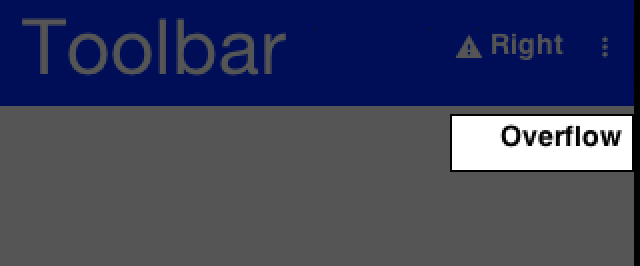
You can set a title with a String but if you would want the component to be a text field or a multi
line label you can use setTitleComponent(Component) which allows you to install any component into the
title area.
| The code below demonstrates searching using custom code but the Toolbar also has built-in support for search covered in the next section |
The customization of the title area allows for some pretty powerful UI effects for example: the code below allows searching dynamically within a set of entries and uses some neat tricks:
Toolbar.setGlobalToolbar(true);
Style s = UIManager.getInstance().getComponentStyle("Title");
Form hi = new Form("Toolbar", new BoxLayout(BoxLayout.Y_AXIS));
TextField searchField = new TextField("", "Toolbar Search"); (1)
searchField.getHintLabel().setUIID("Title");
searchField.setUIID("Title");
searchField.getAllStyles().setAlignment(Component.LEFT);
hi.getToolbar().setTitleComponent(searchField);
FontImage searchIcon = FontImage.createMaterial(FontImage.MATERIAL_SEARCH, s);
searchField.addDataChangeListener((i1, i2) -> { (2)
String t = searchField.getText();
if (t.length() < 1) {
for (Component cmp : hi.getContentPane()) {
cmp.setHidden(false);
cmp.setVisible(true);
}
} else {
String needle = t.toLowerCase();
for (Component cmp : hi.getContentPane()) {
String val;
if (cmp instanceof Label) {
val = ((Label) cmp).getText();
} else {
if (cmp instanceof TextArea) {
val = ((TextArea) cmp).getText();
} else {
val = (String) cmp.getPropertyValue("text");
}
}
boolean show = val != null && val.toLowerCase().indexOf(needle) > -1;
cmp.setHidden(!show);
cmp.setVisible(show); (3)
}
}
hi.getContentPane().animateLayout(250);
});
hi.getToolbar().addCommandToRightBar("", searchIcon, (e) -> { (4)
searchField.startEditingAsync();
});
hi.add("A Game of Thrones").
add("A Clash Of Kings").
add("A Storm Of Swords").
add("A Feast For Crows").
add("A Dance With Dragons").
add("The Winds of Winter").
add("A Dream of Spring");
hi.show();| 1 | You use a TextField the whole time and style it to make it (and its hint) look like a regular title. An alternative way is to replace the title component dynamically. |
| 2 | You use the DataChangedListener to update the search results as you type them. |
| 3 | Hidden & Visible use the opposite flag values to say similar things (for example: when hidden is set to false you would want to set visible to true). Visible indicates whether a component can be seen. It will still occupy the physical space on the screen even when it isn’t visible. Hidden will remove the space occupied by the component from the screen, but some code might still try to paint it., visible is redundant but you use it with hidden for good measure. |
| 4 | The search button is totally unnecessary here. You can click the TextField!For example, that isn’t intuitive to most users so a button is added to start editing. |
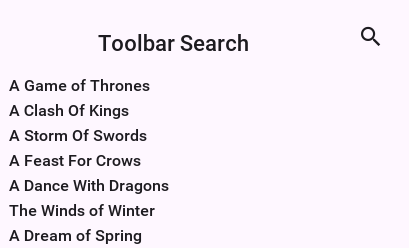
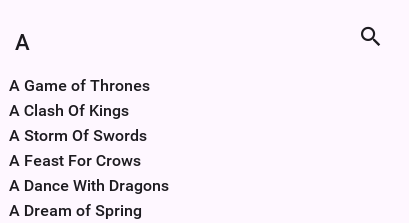
8.27.1. Search mode
While you can implement search manually, using the built-in search offers a simpler and uniform UI.
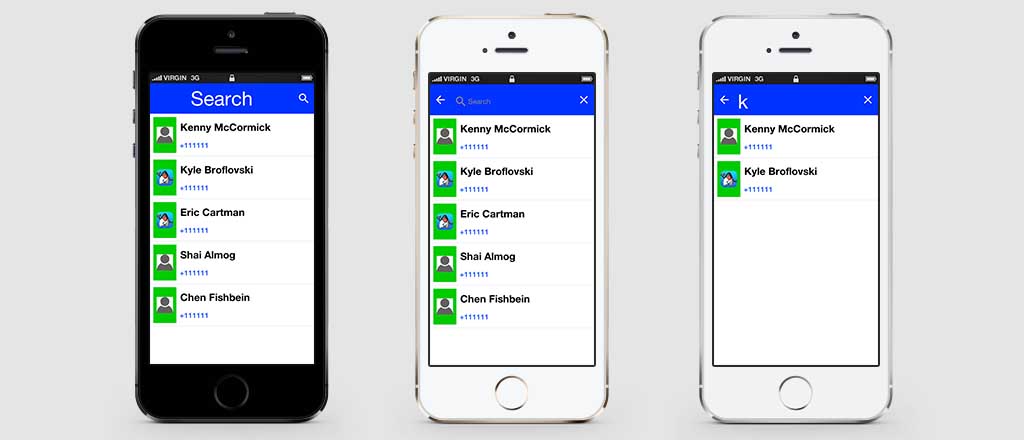
You can customize the appearance of the search bar by using the UIID’s: ToolbarSearch, TextFieldSearch & TextHintSearch.
In the sample below you fetch all the contacts from the device and enable search through them, notice it expects and image called duke.png which is the default Codename One icon renamed and placed in the src folder:
int fiveMM = Display.getInstance().convertToPixels(5);
// a material icon, so the sample needs no bundled asset
final Image finalDuke = FontImage.createMaterial(FontImage.MATERIAL_PORTRAIT, "Label", 3.0f)
.scaledWidth(fiveMM);
Toolbar.setGlobalToolbar(true);
Form hi = new Form("Search", BoxLayout.y());
hi.add(new InfiniteProgress());
Display.getInstance().scheduleBackgroundTask(()-> {
// this will take a while...
Contact[] cnts = Display.getInstance().getAllContacts(true, true, true, true, false, false);
Display.getInstance().callSerially(() -> {
hi.removeAll();
if(cnts == null) {
// the platform has no contacts API, or access was refused
hi.add(new Label("Contacts are unavailable"));
hi.revalidate();
return;
}
for(Contact c : cnts) {
MultiButton m = new MultiButton();
m.setTextLine1(c.getDisplayName());
m.setTextLine2(c.getPrimaryPhoneNumber());
Image pic = c.getPhoto();
if(pic != null) {
m.setIcon(pic.fill(finalDuke.getWidth(), finalDuke.getHeight()));
} else {
m.setIcon(finalDuke);
}
hi.add(m);
}
// the query may have been typed while the contacts were loading
filterContacts(hi, currentSearch);
hi.revalidate();
});
});
hi.getToolbar().addSearchCommand(e -> {
currentSearch = (String)e.getSource();
filterContacts(hi, currentSearch);
}, 4);
hi.show();The filter itself, shared by the search command and the load callback so a query typed while the contacts are still arriving is reapplied once they do:
String currentSearch;
void filterContacts(Form hi, String text) {
if(text == null || text.length() == 0) {
// clear search
for(Component cmp : hi.getContentPane()) {
cmp.setHidden(false);
cmp.setVisible(true);
}
hi.getContentPane().animateLayout(150);
return;
}
text = text.toLowerCase();
for(Component cmp : hi.getContentPane()) {
if(!(cmp instanceof MultiButton)) {
// the loading indicator is still there until the contacts arrive
continue;
}
MultiButton mb = (MultiButton)cmp;
String line1 = mb.getTextLine1();
String line2 = mb.getTextLine2();
boolean show = line1 != null && line1.toLowerCase().indexOf(text) > -1 ||
line2 != null && line2.toLowerCase().indexOf(text) > -1;
mb.setHidden(!show);
mb.setVisible(show);
}
hi.getContentPane().animateLayout(150);
}8.27.2. South Component
A common feature in side menu bar is the ability to add a component to the "south" part of the side menu.
Notice that this feature works with the on-top and permanent versions of the side menu and not with the legacy versions:
toolbar.setComponentToSideMenuSouth(myComponent);This places the component below the side menu bar. Notice that this component controls its entire UIID & is separate from the SideNavigationPanel UIID so if you set that component you might want to place it within a container that has the SideNavigationPanel UIID so it will blend with the rest of the UI.
8.27.3. Title animations
Modern UI’s often animate the title upon scrolling to balance the highly functional smaller title advantage with the gorgeous large image based title. This is pretty easy to do with the Toolbar API through the Title animation API.
The code below shows off an attractive title based on a book by GRRM on top of text [5] that’s scrollable. As the text is scrolled the title fades out:
Toolbar.setGlobalToolbar(true);
Form hi = new Form("Toolbar", new BoxLayout(BoxLayout.Y_AXIS));
EncodedImage placeholder = EncodedImage.createFromImage(Image.createImage(hi.getWidth(), hi.getWidth() / 5, 0xffff0000), true);
URLImage background = URLImage.createToStorage(placeholder, "400px-AGameOfThrones.jpg",
"http://awoiaf.westeros.org/images/thumb/9/93/AGameOfThrones.jpg/400px-AGameOfThrones.jpg");
background.fetch();
Style stitle = hi.getToolbar().getTitleComponent().getUnselectedStyle();
stitle.setBgImage(background);
stitle.setBackgroundType(Style.BACKGROUND_IMAGE_SCALED_FILL);
stitle.setPaddingUnit(Style.UNIT_TYPE_DIPS, Style.UNIT_TYPE_DIPS, Style.UNIT_TYPE_DIPS, Style.UNIT_TYPE_DIPS);
stitle.setPaddingTop(15);
SpanButton credit = new SpanButton("This excerpt is from A Wiki Of Ice And Fire. Please check it out by clicking here!");
credit.addActionListener((e) -> Display.getInstance().execute("http://awoiaf.westeros.org/index.php/A_Game_of_Thrones"));
hi.add(new SpanLabel("A Game of Thrones is the first of seven planned novels in A Song of Ice and Fire, an epic fantasy series by American author George R. R. Martin. It was first published on 6 August 1996. The novel was nominated for the 1998 Nebula Award and the 1997 World Fantasy Award,[1] and won the 1997 Locus Award.[2] The novella Blood of the Dragon, comprising the Daenerys Targaryen chapters from the novel, won the 1997 Hugo Award for Best Novella. ")).
add(new Label("Plot introduction", "Heading")).
add(new SpanLabel("A Game of Thrones is set in the Seven Kingdoms of Westeros, a land reminiscent of Medieval Europe. In Westeros the seasons last for years, sometimes decades, at a time.\n\n" +
"Fifteen years prior to the novel, the Seven Kingdoms were torn apart by a civil war, known alternately as \"Robert's Rebellion\" and the \"War of the Usurper.\" Prince Rhaegar Targaryen kidnapped Lyanna Stark, arousing the ire of her family and of her betrothed, Lord Robert Baratheon (the war's titular rebel). The Mad King, Aerys II Targaryen, had Lyanna's father and eldest brother executed when they demanded her safe return. Her second brother, Eddard, joined his boyhood friend Robert Baratheon and Jon Arryn, with whom they had been fostered as children, in declaring war against the ruling Targaryen dynasty, securing the allegiances of House Tully and House Arryn through a network of dynastic marriages (Lord Eddard to Catelyn Tully and Lord Arryn to Lysa Tully). The powerful House Tyrell continued to support the King, but House Lannister and House Martell both stalled due to insults against their houses by the Targaryens. The civil war climaxed with the Battle of the Trident, when Prince Rhaegar was killed in battle by Robert Baratheon. The Lannisters finally agreed to support King Aerys, but then brutally... ")).
add(credit);
ComponentAnimation title = hi.getToolbar().getTitleComponent().createStyleAnimation("Title", 200);
hi.getAnimationManager().onTitleScrollAnimation(title);
hi.show();


Most the code above creates the "look" of the application. The key piece of code above is this:
ComponentAnimation title = hi.getToolbar().getTitleComponent().createStyleAnimation("Title", 200);
hi.getAnimationManager().onTitleScrollAnimation(title);In the first line you create a style animation that will translate the style from the current settings to the destination UIID (the first argument) within 200 pixels of scrolling. You then bind this animation to the title scrolling animation event.
8.28. BrowserComponent & WebBrowser
BrowserComponent is a peer component, understanding this is crucial if your application depends on such a component. You can learn about peer components and their issues here. |
The WebBrowser component shows the native device web browser when supported by the device and the
HTMLComponent when the web browser isn’t supported on the given device. If you intend to target smartphones
you should use the BrowserComponent directly instead of the WebBrowser.
The BrowserComponent can point at an arbitrary URL to load it:
Form hi = new Form("Browser", new BorderLayout());
BrowserComponent browser = new BrowserComponent();
browser.setURL("https://www.codenameone.com/");
hi.add(BorderLayout.CENTER, browser);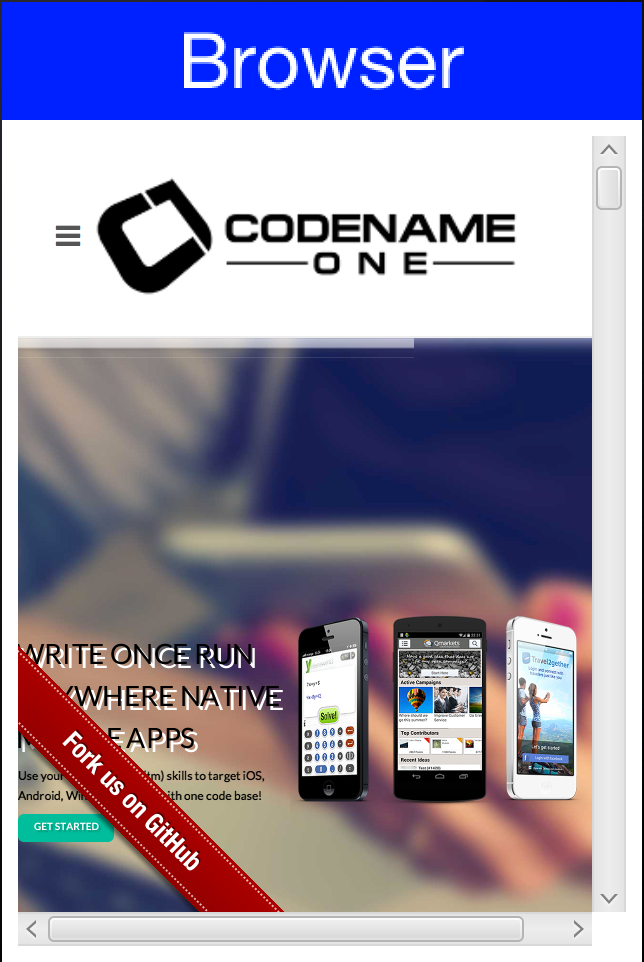
| The scrollbars appear in the simulator, device versions of the browser component act differently and support touch scrolling. |
A BrowserComponent should be in the center of a BorderLayout. Otherwise its preferred size might be zero before the HTML finishes loading/layout in the native layer and layout might be wrong as a result. |
You can use WebBrowser and BrowserComponent interchangeably for most basic usage. For example, if you need access to JavaScript or native browser functionality then there is no use in going through the WebBrowser abstraction.
The BrowserComponent has full support for executing local web pages from within the jar. The basic support uses the jar:/// URL as such:
BrowserComponent wb = new BrowserComponent();
wb.setURL("jar:///Page.html");On Android a native indicator might show up when the web page is loading. This can be disabled using the Display.getInstance().setProperty("WebLoadingHidden", "true"); call. You need to invoke this once. |
8.28.1. Troubleshooting "Failed to create CEF browser" on Linux
In the Simulator, BrowserComponent is rendered by the bundled CEF (Chromium Embedded Framework) port. On Linux, BrowserComponent.isNativeBrowserSupported() may return true and yet creating the component throws RuntimeException: Failed to create CEF browser, with a root cause similar to:
java.lang.UnsatisfiedLinkError: .../codenameone-cef-*-linux64.zip-extracted/lib/linux64/libjcef.so:
.../lib/linux64/libjawt.so: version `SUNWprivate_1.1' not found
(required by .../lib/linux64/libjcef.so)The native CEF library (libjcef.so) is loaded with a sibling libjawt.so shipped inside the CEF archive. That copy of libjawt.so expects symbols (SUNWprivate_1.1) provided by the JDK’s own libjawt.so and the matching libjvm.so. When the JVM running the Simulator doesn’t expose those symbols at load time — typically because the dynamic linker doesn’t have the JDK’s native library directories on its search path — the load fails before any browser is created. This is purely a Simulator/desktop concern; the same code runs unchanged on Android and iOS.
The fix is to launch the IDE (and therefore the Simulator JVM) with JAVA_HOME and LD_LIBRARY_PATH pointing at a supported JDK. For example, on Linux Mint / Ubuntu wrap the IDE startup script:
#!/bin/bash
export JAVA_HOME=/usr/lib/jvm/java-17-openjdk-amd64
export LD_LIBRARY_PATH=$JAVA_HOME/lib:$JAVA_HOME/lib/server${LD_LIBRARY_PATH:+:$LD_LIBRARY_PATH}
exec /path/to/your/ide "$@"After relaunching the IDE through this wrapper, BrowserComponent instantiation succeeds in the Simulator. Any JDK from 11 through 25 that’s supported for running the Simulator works — the important part is that LD_LIBRARY_PATH resolves to that JDK’s lib and lib/server directories so the bundled libjcef.so finds a compatible libjawt/libjvm pair.
If BrowserComponent instantiation fails on Linux, log the environment with CN.getProperty("java.home", "<unset>"), CN.getProperty("JAVA_HOME", "<unset>") and CN.getProperty("LD_LIBRARY_PATH", "<unset>"). An <unset> value for LD_LIBRARY_PATH while the IDE was launched from a desktop shortcut is the typical fingerprint of this problem — desktop launchers don’t source your shell profile. |
| This issue doesn’t affect packaged native applications, only the desktop Simulator running on Linux. |
8.28.2. BrowserComponent hierarchy
When Codename One packages applications into native apps it hides a lot of details to make the process simpler. One of the things hidden is the fact that you aren’t dealing with a JAR anymore, so
getResource/getResourceAsStream are problematic… Both of these APIs support hierarchies and a concept of package
relativity both of which might not be supported on all OSes.
Codename One has its own getResourceAsSteam in the Display class and that works fine, but it requires that all files be in the src root directory.
| That’s why recommend that you place files inside res files. A resource file allows you to add arbitrary data files and you can have as many resource files as you need. |
For web developers this isn’t enough since hierarchies are used often to represent the various dependencies, this means that many links & references are relative. To work with such hierarchies place all your resources in a hierarchy under the HTML package in the project source directory (src/html). The build server will tar the entire content of that package and add an html.tar file into the native package. This tar is seamlessly extracted on the device when you actually need the resources and with new application versions (not on every launch). Assuming the resources are under the HTML root package they can be displayed with code like this:
try {
browserComponent.setURLHierarchy("/htmlFile.html");
} catch(IOException err) {
/* omitted */
}Notice that the path is relative to the HTML directory and starts with / but inside the HTML files you should use
relative (not absolute) paths.
Also notice that an IOException can be thrown due to the process of untarring. Its unlikely to happen but is entirely possible.
8.28.3. NavigationCallback
At the core of the BrowserComponent you have the BrowserNavigationCallback. It might not seem like the most important interface within the browser but it’s the "glue" that allows the JavaScript code to communicate back into the Java layer.
You can bind a BrowserNavigationCallback by invoking setBrowserNavigationCallback on the BrowserComponent. At that point with every navigation within the browser the callback will get invoked.
The shouldNavigate method from the BrowserNavigationCallback is invoked in a native thread and NOT ON THE EDT!it’s crucial that this method returns and that it won’t do any changes on the UI. |
The shouldNavigate indicates to the native code whether navigation should proceed or not. For example: if a user clicks a specific link you might choose to do something in the Java code so you can return false and block the navigation. You can invoke callSerially to do the actual task in the Java side:
Form hi = new Form("BrowserComponent", new BorderLayout());
BrowserComponent bc = new BrowserComponent();
bc.setPage( "<html lang=\"en\">\n" +
" <head>\n" +
" <meta charset=\"utf-8\">\n" +
" <script>\n" +
" function fnc(message) {\n" +
" document.write(message);\n" +
" };\n" +
" </script>\n" +
" </head>\n" +
" <body >\n" +
" <p><a href=\"http://click\">Demo</a></p>\n" +
" </body>\n" +
"</html>", null);
hi.add(BorderLayout.CENTER, bc);
bc.setBrowserNavigationCallback((url) -> {
if(url.startsWith("http://click")) {
Display.getInstance().callSerially(() -> bc.execute("fnc('<p>You clicked!</p>')"));
return false;
}
return true;
});

The JavaScript Bridge is implemented on top of the BrowserNavigationCallback. |
8.28.4. JavaScript
| The JavaScript bridge is sometimes confused with the JavaScript Port. The JavaScript bridge allows you to communicate with JavaScript from Java (and vice versa). The JavaScript port allows you to compile the Codename One application into a JavaScript application that runs in a standard web browser without code changes (think GWT without source changes and with thread support).+ You discuss the JavaScript port further later in the guide. |
Use the BrowserComponent API to interact with JavaScript. It replaces the deprecated com.codename1.javascript package.
What was wrong with the old API
The old API provided a synchronous wrapper around an inherently asynchronous process, and made extensive use of invokeAndBlock() underneath the covers. This resulted in a nice API with high-level abstractions that played with a synchronous programming model, but it came with a price-tag in performance, complexity, and predictability. Let’s take a simple example, getting a reference to the "window" object:
JSObject window = (JSObject)ctx.get("window");This code looks harmless enough, but this is actually expensive. It issues a command to the BrowserComponent, and uses invokeAndBlock() to wait for the command to go through and send back a response. invokeAndBlock() is a magical tool that allows you to "block" without blocking the EDT, but it has its costs, and shouldn’t be overused. Most of the Codename One APIs that use invokeAndBlock() show this in their name. For example: Component.animateLayoutAndWait(). This provides you the expectation that this call could take some time, and helps to alert you to the underlying cost.
The problem with the ctx.get("window") call is that it looks the same as a call to Map.get(key). There’s no sign that this call is expensive and could take time. One call like this probably isn’t a big deal, but it doesn’t take long before you have dozens or even hundreds of calls like this littered throughout your codebase, and they can be hard to pick out.
The new API
The new API fully embraces the asynchronous nature of JavaScript. It uses callbacks instead of return values, and provides convenience wrappers with the appropriate "AndWait()" naming convention to allow for synchronous usage. Let’s look at a simple example:
In all the sample code below, you can assume that variables named bc represent an instance of BrowserComponent: |
bc.execute(
"callback.onSuccess(3+4)",
res -> Log.p("The result was "+res.getInt())
);This code should output "The result was 7" to the console. It’s fully asynchronous, so you can include this code anywhere without worrying about it "bogging down" your code. The full signature of this form of the execute() method is:
public void execute(String js, SuccessCallback<JSRef> callback)
The first parameter is a JavaScript expression. This JavaScript MUST call either callback.onSuccess(result) or callback.onError(message, errCode) at some point in order for your callback to be called.
The second parameter is your callback that’s executed from the JavaScript side, when callback.onSuccess(res) is called. The callback takes a single parameter of type JSRef which is a generic wrapper around a JavaScript variable. JSRef has accessors to retrieve the value as some primitive types. For example: getBoolean(), getDouble(), getInt(), toString(), and it provides some introspection through the getType() method.
| It’s worth noting that the callback method can take a single parameter. If you need to pass many parameters, you may consider including them in a single string which you parse in your callback. |
Synchronous wrappers
As mentioned before, the new API also provides an executeAndWait() wrapper for execute() that will work synchronously. It, as its name suggests, uses invokeAndBlock under the hood so as not to block the EDT while it’s waiting.
For example:
JSRef res = bc.executeAndWait("callback.onSuccess(3+4)");
Log.p("The result was "+res.getInt());Prints The result was 7.
When using the andWait() variant, it’s critical that your JavaScript calls your callback method at some point - otherwise it will block indefinitely. Codename One provides variants of executeAndWait() that include a timeout in case you want to hedge against this possibility. |
Multi-use callbacks
The callbacks you pass to execute() and executeAndWait() are single-use callbacks. You can’t, for example, store the callback variable on the JavaScript side for later use (for example: to respond to a button click event). If you need a "multi-use" callback, you should use the addJSCallback() method instead. Its usage looks identical to execute(), the difference is that the callback will live on after its first use. For example: Consider the following code:
bc.execute(
"$('#somebutton').click(function(){callback.onSuccess('Button was clicked')})",
res -> Log.p(res.toString())
);The above example, assumes that jQuery is loaded in the webpage that you’re interacting with, and you’re adding a click handler to a button with ID "somebutton." The click handler calls your callback.
If you run this example, the first time the button is clicked, you’ll see "Button was clicked" printed to the console as expected. For example, the 2nd time, you’ll get an exception. This is because the callback passed to execute() is single-use.
You need to change this code to use the addJSCallback() method as follows:
bc.addJSCallback(
"$('#somebutton').click(function(){callback.onSuccess('Button was clicked')})",
res -> Log.p(res.toString())
);Now it will work no matter how many times the button is clicked.
Passing parameters to JavaScript
Often, the JavaScript expressions that you execute will include parameters from your Java code. Escaping these parameters is tricky at worst, and annoying at best. For example: If you’re passing a string, you need to make sure that it escapes quotes and new lines or it will cause the JavaScript to have a syntax error. Codename One provides variants of execute() and addJSCallback() that allow you to pass your parameters and have them automatically escaped.
For example, suppose you want to pass a string with text to set in a textarea within the webpage. You can do something like:
bc.execute(
"jQuery('#bio').text(${0}); jQuery('#age').text(${1})",
new Object[]{
"A multi-line\n string with \"quotes\"",
27
}
);The gist is that you embed placeholders in the JavaScript expression that are replaced by the corresponding entry in an array of parameters. The ${0} placeholder is replaced by the first item in the parameters array, the ${1} placeholder is replaced by the 2nd, etc.
Proxy objects
The new API also includes a JSProxy class that encapsulates a JavaScript object simplify the getting and setting of properties on JavaScript objects - and the calling of their methods. It provides essentially three core methods, along with many variants of each to allow for async or synchronous usages, parameters, and timeouts.
For example: You might want to create a proxy for the window.location object so that you can access its properties more from Java:
JSProxy location = bc.createJSProxy("window.location");Then you can retrieve its properties using the get() method:
location.get("href", res -> Log.p("location.href="+res));Or synchronously:
JSRef href = location.getAndWait("href");
Log.p("location.href="+href);You can also set its properties:
location.set("href", "https://www.google.com");And call its methods:
location.call("replace", new Object[]{"https://www.google.com"},
res -> Log.p("Return value was "+res)
);Legacy JSObject support
This section describes the now deprecated JSObject approach. It’s here for reference by developers working with older code. Use the new API when starting a new project.
BrowserComponent can communicate with the HTML code using JavaScript calls. For example: you can create HTML like this:
Form hi = new Form("BrowserComponent", new BorderLayout());
BrowserComponent bc = new BrowserComponent();
bc.setPage( "<html lang=\"en\">\n" +
" <head>\n" +
" <meta charset=\"utf-8\">\n" +
" <script>\n" +
" function fnc(message) {\n" +
" document.write(message);\n" +
" };\n" +
" </script>\n" +
" </head>\n" +
" <body >\n" +
" <p>Demo</p>\n" +
" </body>\n" +
"</html>", null);
TextField tf = new TextField();
hi.add(BorderLayout.CENTER, bc).
add(BorderLayout.SOUTH, tf);
bc.addWebEventListener("onLoad", (e) -> bc.execute("fnc('<p>Hello World</p>')"));
tf.addActionListener((e) -> bc.execute("fnc('<p>" + tf.getText() +"</p>')"));
hi.show();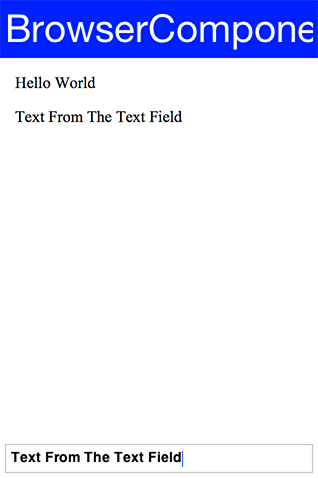
| Notice that opening an alert in an embedded native browser might not work |
You use the execute method above to execute custom JavaScript code. You also have an executeAndReturnString method that allows you to receive a response value from the JavaScript side.
Coupled with shouldNavigate you can effectively do everything which is what the JavaScript Bridge tries to do.
The JavaScript bridge
While it’s possible to build everything on top of execute and shouldNavigate, both of these methods have their limits. That’s why Codename One introduced the JavaScript package, it allows you to communicate with JavaScript using intuitive code/syntax.
The JavascriptContext class lays the foundation by enabling you to call JavaScript code directly from Java. It provides automatic type conversion between Java and JavaScript types as follows:
| Java Type | JavaScript Type |
|---|---|
|
|
|
|
|
|
|
|
|
|
| Not Allowed |
| JavaScript Type | Java Type |
|---|---|
|
|
|
|
|
|
|
|
|
|
|
|
|
|
|
|
| This conversion table is more verbose than necessary, since JavaScript functions and arrays are, in fact Objects themselves, so those rows are redundant. All JavaScript objects are converted to JSObject. |
You can access JavaScript variables from the context by using code like this:
Form hi = new Form("BrowserComponent", new BorderLayout());
BrowserComponent bc = new BrowserComponent();
bc.setPage( "<html lang=\"en\">\n" +
" <head>\n" +
" <meta charset=\"utf-8\">\n" +
" </head>\n" +
" <body >\n" +
" <p>This will appear twice...</p>\n" +
" </body>\n" +
"</html>", null);
hi.add(BorderLayout.CENTER, bc);
bc.addWebEventListener("onLoad", (e) -> {
// Create a JavaScript context for this BrowserComponent
JavascriptContext ctx = new JavascriptContext(bc);
String pageContent = (String)ctx.get("document.body.innerHTML");
hi.add(BorderLayout.SOUTH, pageContent);
hi.revalidate();
});
hi.show();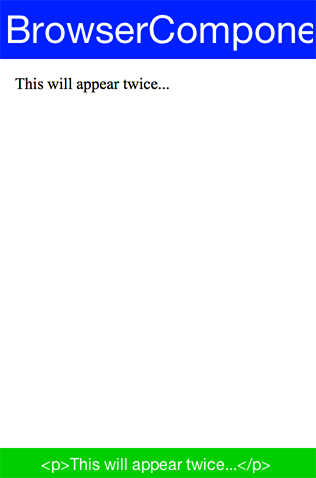
Notice that when you work with numeric values or anything related to the types mentioned above your code must be aware of the typing. For example: in this case the type is Double and not String:
Double outerWidth = (Double)ctx.get("window.outerWidth");You can also query the context for objects and change their value for example:
Form hi = new Form("BrowserComponent", new BorderLayout());
BrowserComponent bc = new BrowserComponent();
bc.setPage( "<html lang=\"en\">\n" +
" <head>\n" +
" <meta charset=\"utf-8\">\n" +
" </head>\n" +
" <body >\n" +
" <p>Please Wait...</p>\n" +
" </body>\n" +
"</html>", null);
hi.add(BorderLayout.CENTER, bc);
bc.addWebEventListener("onLoad", new ActionListener() {
public void actionPerformed(ActionEvent e) {
// the destination fires onLoad too, so stop listening before navigating
bc.removeWebEventListener("onLoad", this);
// Create a JavaScript context for this BrowserComponent
JavascriptContext ctx = new JavascriptContext(bc);
JSObject jo = (JSObject)ctx.get("window");
jo.set("location", "https://www.codenameone.com/");
}
});
hi.show();This code effectively navigates to the Codename One home page by fetching the DOM’s window object and setting its location property to https://www.codenameone.com/.
8.28.5. Cordova/PhoneGap integration
PhoneGap was one of the first web app packager tools in the market: a tool that’s effectively a browser component within a native wrapper coupled with native access APIs, and Cordova is the open source extension of this popular project.
Codename One supports embedding PhoneGap/Cordova applications directly into Codename One applications. This is easy to do with the BrowserComponent and JavaScript integration. The main aspect that this integration requires is support for Cordova plugins & its JavaScript APIs.
The effort to integrate Cordova/PhoneGap support into Codename One is handled within an open-source GitHub project here. The chief benefits of picking Codename One rather than using Cordova directly are:
Build Cloud
Better Native Code Support
Better Protection Of IP
IDE Integration Java - JavaScript - HTML
Easy, doesn’t Require A Mac, Automates Certificates/Signing
Migration To Java
This is discussed further in the original announcement.
8.29. Text editors
RichTextArea and CodeEditor are introduced here as components, but editing is broad enough to have
its own chapter. See Chapter 10, Rich Text and Code Editing for rich HTML, syntax highlighting, completion, diagnostics,
touch and desktop selection, scrolling, bidirectional text, input methods, backend selection, and the
port-level TextInputClient contract.
8.30. AutoCompleteTextField
The AutoCompleteTextField allows you to write text into a text field and select a completion entry from the list in a similar way to a search engine.
This is easy to incorporate into your code, replace your usage of TextField with AutoCompleteTextField and define the data that the autocomplete should work from. A default implementation accepts a String array or a ListModel for completion strings, this can work well for a "small" set of thousands (or tens of thousands) of entries.
For example: This is a trivial use case that can work well for smaller sample sizes:
Form hi = new Form("Auto Complete", new BoxLayout(BoxLayout.Y_AXIS));
AutoCompleteTextField ac = new AutoCompleteTextField("Short", "Shock", "Sholder", "Shrek");
ac.setMinimumElementsShownInPopup(5);
hi.add(ac);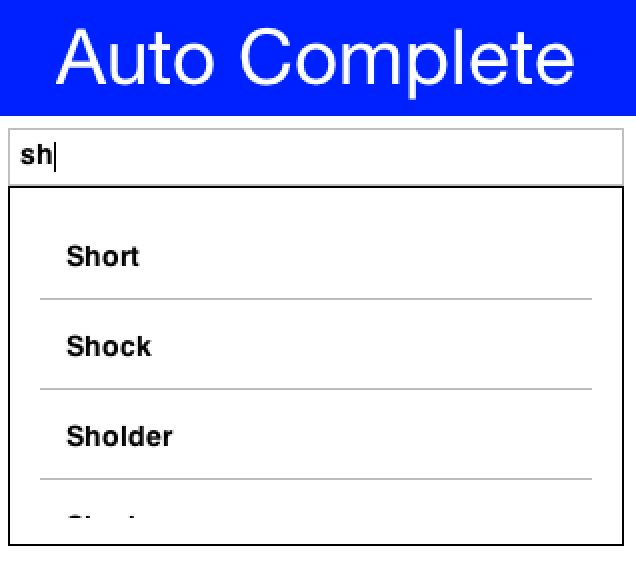
For example, if you wish to query a database or a web service you will need to derive the class and perform more advanced filtering by overriding the filter method:
Form hi = new Form("Autocomplete", new BoxLayout(BoxLayout.Y_AXIS));
public void showForm() {
final DefaultListModel<String> options = new DefaultListModel<>();
AutoCompleteTextField ac = new AutoCompleteTextField(options) {
@Override
protected boolean filter(String text) {
if(text.length() == 0) {
// an emptied field must not keep showing the last query's matches
options.removeAll();
return false;
}
String[] l = searchLocations(text);
if(!text.equals(getText())) {
// the wait above pumps the EDT, so the field may have moved on
// and a newer query may already have filled the model
return false;
}
if(l == null || l.length == 0) {
// otherwise the popup keeps showing the previous query's matches
options.removeAll();
return false;
}
options.removeAll();
for(String s : l) {
options.addItem(s);
}
return true;
}
};
ac.setMinimumElementsShownInPopup(5);
hi.add(ac);
hi.add(new SpanLabel("This demo requires a valid google API key to be set below "
+ "you can get this key for the webservice (not the native key) by following the instructions here: "
+ "https://developers.google.com/places/web-service/get-api-key"));
hi.add(apiKey);
hi.getToolbar().addCommandToRightBar("Get Key", null, e -> Display.getInstance().execute("https://developers.google.com/places/web-service/get-api-key"));
hi.show();
}
TextField apiKey = new TextField();
String[] searchLocations(String text) {
try {
if(text.length() > 0) {
ConnectionRequest r = new ConnectionRequest();
r.setPost(false);
r.setUrl("https://maps.googleapis.com/maps/api/place/autocomplete/json");
r.addArgument("key", apiKey.getText());
r.addArgument("input", text);
NetworkManager.getInstance().addToQueueAndWait(r);
Map<String,Object> result = new JSONParser().parseJSON(new InputStreamReader(new ByteArrayInputStream(r.getResponseData()), "UTF-8"));
String[] res = Result.fromContent(result).getAsStringArray("//description");
return res;
}
} catch(Exception err) {
Log.e(err);
}
return null;
}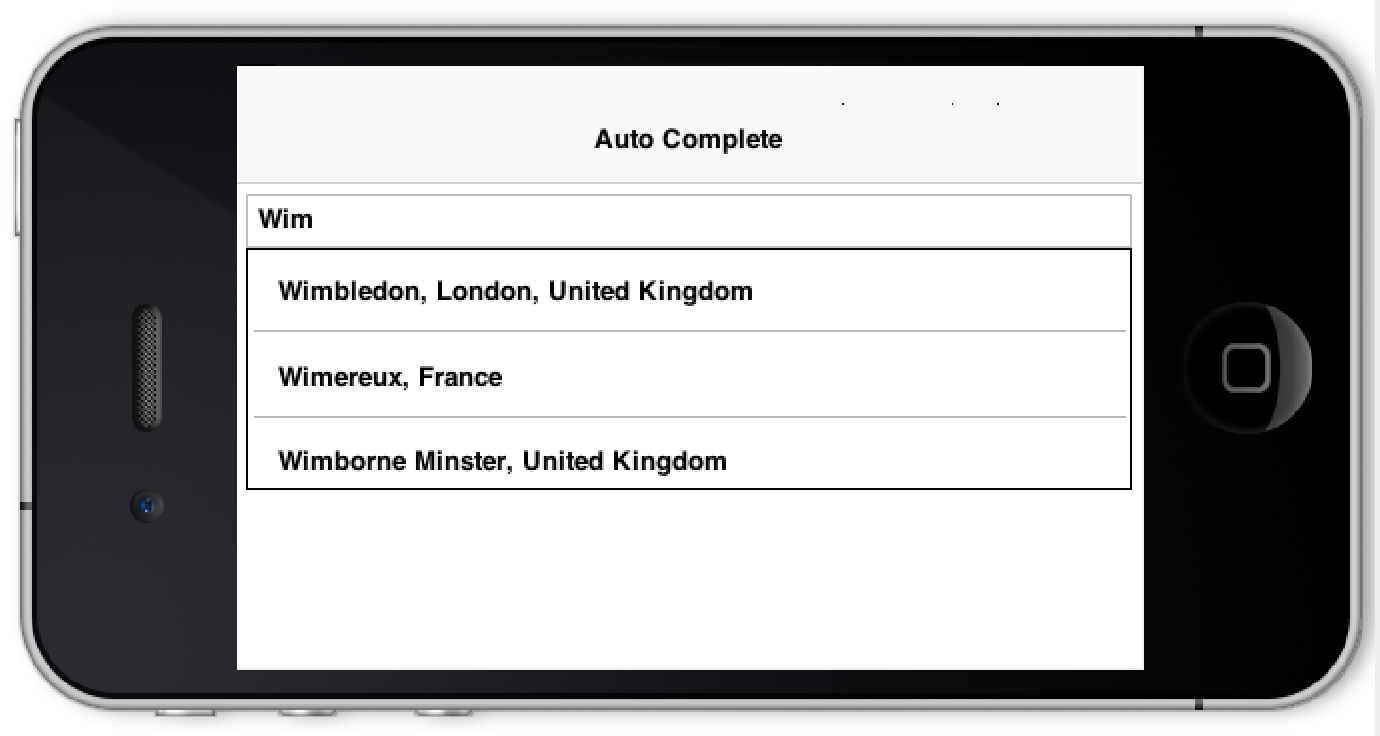
8.30.1. Using images in AutoCompleteTextField
One question that comes up frequently is "How do you customize the results of the auto complete field"?
This sounds difficult to most people as you can work with Strings so how do you represent more data or format the date correctly?
The answer is actually pretty simple, you still need to work with Strings because autocomplete is fundamentally a text field. For example, that doesn’t preclude your custom renderer from fetching data that might be placed in a different location and associated with the result.
The following source code presents an autocomplete text field with images in the completion popup and two lines for every entry:
final String[] characters = { "Tyrion Lannister", "Jaime Lannister", "Cersei Lannister", "Daenerys Targaryen",
"Jon Snow", "Petyr Baelish", "Jorah Mormont", "Sansa Stark", "Arya Stark", "Theon Greyjoy"
// snipped the rest for clarity
};
Form current = new Form("AutoComplete", BoxLayout.y());
AutoCompleteTextField ac = new AutoCompleteTextField(characters);
final int size = Display.getInstance().convertToPixels(7);
final EncodedImage placeholder = EncodedImage.createFromImage(Image.createImage(size, size, 0xffcccccc), true);
final String[] actors = { "Peter Dinklage", "Nikolaj Coster-Waldau", "Lena Headey"}; (1)
final Image[] pictures = {
URLImage.createToStorage(placeholder, "tyrion","http://i.lv3.hbo.com/assets/images/series/game-of-thrones/character/s5/tyrion-lannister-512x512.jpg"),
URLImage.createToStorage(placeholder, "jaime","http://i.lv3.hbo.com/assets/images/series/game-of-thrones/character/s5/jamie-lannister-512x512.jpg"),
URLImage.createToStorage(placeholder, "cersei","http://i.lv3.hbo.com/assets/images/series/game-of-thrones/character/s5/cersei-lannister-512x512.jpg")
};
ac.setCompletionRenderer(new ListCellRenderer() {
private final Label focus = new Label(); (2)
private final Label line1 = new Label(characters[0]);
private final Label line2 = new Label(actors[0]);
private final Label icon = new Label(pictures[0]);
private final Container selection = BorderLayout.center(
BoxLayout.encloseY(line1, line2)).add(BorderLayout.EAST, icon);
@Override
public Component getListCellRendererComponent(com.codename1.ui.List list, Object value, int index, boolean isSelected) {
for(int iter = 0 ; iter < characters.length ; iter++) {
if(characters[iter].equals(value)) {
line1.setText(characters[iter]);
if(actors.length > iter) {
line2.setText(actors[iter]);
icon.setIcon(pictures[iter]);
} else {
line2.setText(""); (3)
icon.setIcon(placeholder);
}
break;
}
}
return selection;
}
@Override
public Component getListFocusComponent(com.codename1.ui.List list) {
return focus;
}
});
current.add(ac);
current.show();| 1 | you have duplicate arrays that are partial for clarity. This is a separate list of data element but you can fetch the more data from anywhere |
| 2 | You create the renderer UI instantly in the fields with the helper methods for wrapping elements which is pretty cool & terse |
| 3 | In a renderer it’s important to always set the value if you don’t have a value in place |
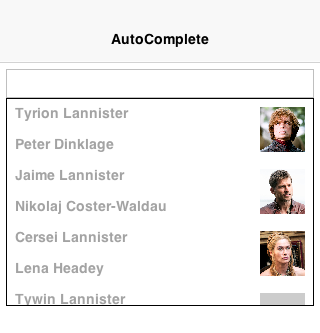
8.31. Picker
Picker occupies the limbo between native widget and lightweight widget. Picker is more like TextField/TextArea in the sense that it’s a Codename One widget that calls the native code during editing.
The reasoning for this is the highly native UX and functionality related to this widget type which should be obvious from the screenshots below.
At this time there are 4 types of pickers:
Time
Date & Time
Date
Strings
If a platform doesn’t support native pickers an internal fallback implementation is used. This is the implementation you always use in the simulator so assume different behavior when building for the device.
| While Android supports Date, Time native pickers it doesn’t support the Date & Time native picker UX and will fall back in that case. |
The sample below includes al picker types:
Form hi = new Form("Picker", new BoxLayout(BoxLayout.Y_AXIS));
Picker datePicker = new Picker();
datePicker.setType(Display.PICKER_TYPE_DATE);
Picker dateTimePicker = new Picker();
dateTimePicker.setType(Display.PICKER_TYPE_DATE_AND_TIME);
Picker timePicker = new Picker();
timePicker.setType(Display.PICKER_TYPE_TIME);
Picker stringPicker = new Picker();
stringPicker.setType(Display.PICKER_TYPE_STRINGS);
Picker durationPicker = new Picker();
durationPicker.setType(Display.PICKER_TYPE_DURATION);
Picker minuteDurationPicker = new Picker();
minuteDurationPicker.setType(Display.PICKER_TYPE_DURATION_MINUTES);
Picker hourDurationPicker = new Picker();
hourDurationPicker.setType(Display.PICKER_TYPE_DURATION_HOURS);
datePicker.setDate(new Date());
dateTimePicker.setDate(new Date());
timePicker.setTime(10 * 60); // 10:00AM = Minutes since midnight
stringPicker.setStrings("A Game of Thrones", "A Clash Of Kings", "A Storm Of Swords", "A Feast For Crows",
"A Dance With Dragons", "The Winds of Winter", "A Dream of Spring");
stringPicker.setSelectedString("A Game of Thrones");
hi.add(datePicker).add(dateTimePicker).add(timePicker)
.add(stringPicker).add(durationPicker)
.add(minuteDurationPicker).add(hourDurationPicker);
hi.show();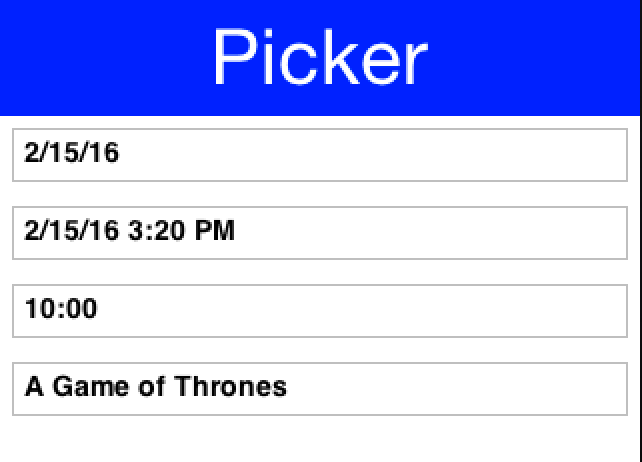
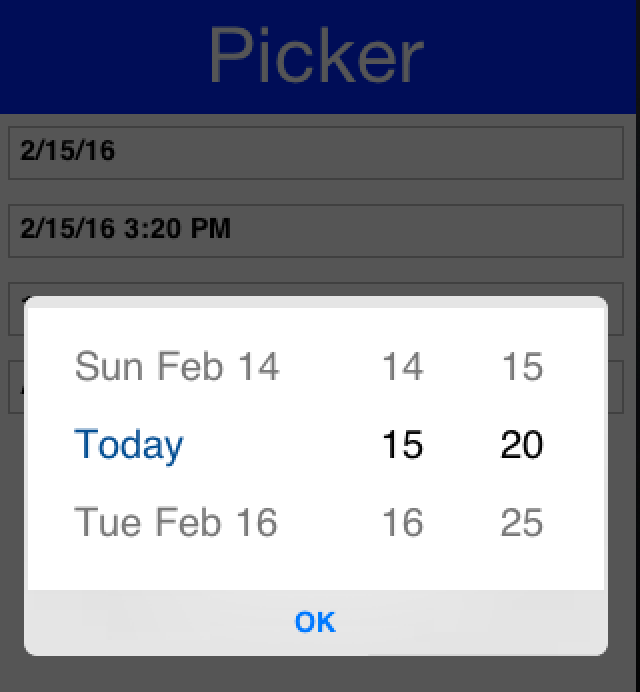
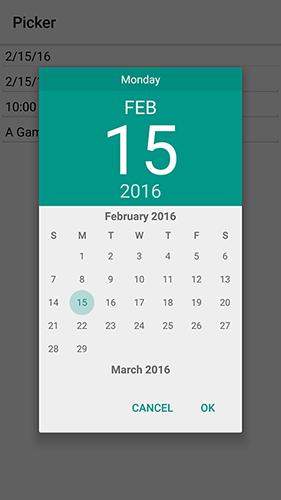
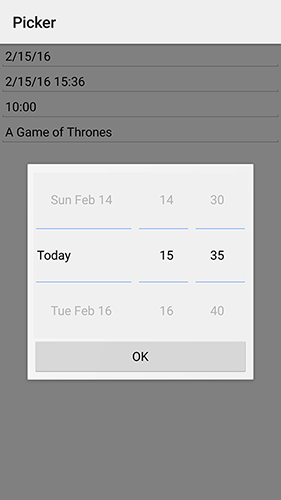
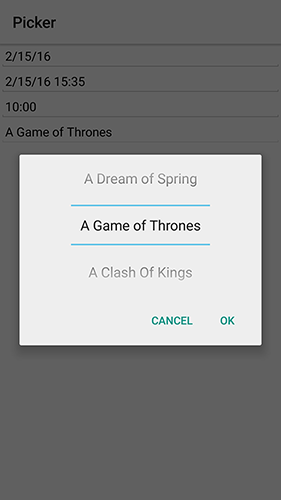
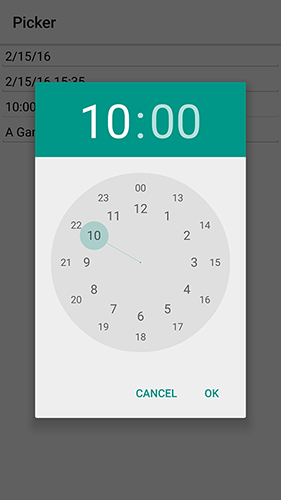
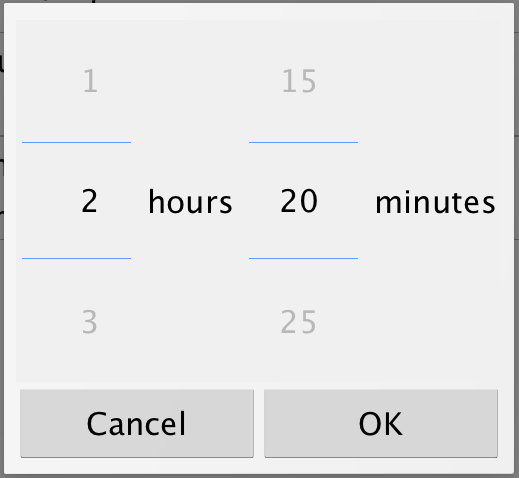
The text displayed by the picker on selection is generated automatically by the updateValue() method. You can override it to display a custom formatted value and call setText(String) with the correct display string.
A common use case is to format date values based on a specific appearance and Picker has built-in support for a custom display formatter. Just use the setFormatter(SimpleDateFormat) method and set the appearance for the field.
When using lightweight picker mode (setUseLightweightPopup(true)), you can add custom quick-action buttons to the popup. This is useful for actions like setting the date to "Today" or "+7 Days" without scrolling the wheels manually:
Picker picker = new Picker();
picker.setType(Display.PICKER_TYPE_DATE);
picker.setUseLightweightPopup(true);
picker.setDate(new Date());
picker.addLightweightPopupButton("Today", () -> picker.setDate(new Date()));
picker.addLightweightPopupButton("+7 Days", () -> {
Calendar cal = Calendar.getInstance();
cal.add(Calendar.DAY_OF_MONTH, 7);
picker.setDate(cal.getTime());
}, Picker.LightweightPopupButtonPlacement.BELOW_SPINNER);
Form hi = new Form("Picker", new BoxLayout(BoxLayout.Y_AXIS));
hi.add(picker);
hi.show();Button placement options are:
Picker.LightweightPopupButtonPlacement.BETWEEN_CANCEL_AND_DONE(default)Picker.LightweightPopupButtonPlacement.ABOVE_SPINNERPicker.LightweightPopupButtonPlacement.BELOW_SPINNER
8.32. SwipeableContainer
The SwipeableContainer allows you to place a component such as a MultiButton on top of more "options" that can be exposed by swiping the component to the side.
This swipe gesture is commonly used in touch interfaces to expose features such as delete, edit etc. It’s trivial to use this component by determining the components placed on top and bottom (the revealed component):
SwipeableContainer swip = new SwipeableContainer(bottom, top);You can combine some demos above including the Slider stars demo to rank GRRM’s books in an interactive way:
Form hi = new Form("Swipe", new BoxLayout(BoxLayout.Y_AXIS));
hi.add(createRankWidget("A Game of Thrones", "1996")).
add(createRankWidget("A Clash Of Kings", "1998")).
add(createRankWidget("A Storm Of Swords", "2000")).
add(createRankWidget("A Feast For Crows", "2005")).
add(createRankWidget("A Dance With Dragons", "2011")).
add(createRankWidget("The Winds of Winter", "TBD")).
add(createRankWidget("A Dream of Spring", "TBD"));
hi.show();public SwipeableContainer createRankWidget(String title, String year) {
MultiButton button = new MultiButton(title);
button.setTextLine2(year);
return new SwipeableContainer(FlowLayout.encloseCenterMiddle(createStarRankSlider()),
button);
}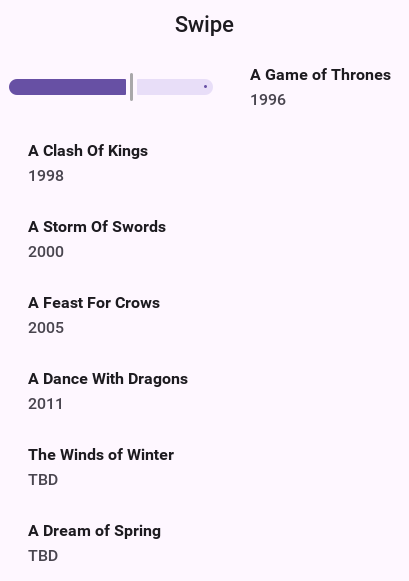
8.33. EmbeddedContainer
EmbeddedContainer solves a problem that exists within the GUI builder and the class makes no sense outside of the context of the GUI builder.
The necessity for EmbeddedContainer came about due to iPhone inspired designs that relied on tabs (iPhone style tabs at the bottom of the screen) where different features of the application are within a different tab.
This didn’t mesh well with the GUI builder navigation logic and so it needed a rethink. The aim was to reuse GUI as much as possible while still enjoying the advantage of navigation being managed for you.
Android does this with Activities and the iPhone itself has a view controller, both approaches are problematic for Codename One. The problem is that you have what’s effectively two incompatible hierarchies to mix and match.
The Component/Container hierarchy is powerful enough to represent such a UI but you needed a "marker" to show to the UIBuilder where a "root" component exists so navigation occurs within the given "root." Here EmbeddedContainer comes into play, its a simple container that can contain another GUI from the GUI builder. Nothing else. You can place it in any form of UI and effectively have the UI change appropriately and navigation would default to "sensible values."
Navigation replaces the content of the embedded container; it finds the embedded container based on the component that broadcast the event. If you want to navigate manually use the showContainer() method which accepts a component, you can give any component that’s under the EmbeddedContainer you want to replace and Codename One will be smart enough to replace that component.
The nice part about using the EmbeddedContainer is that the resulting UI can be refactored to provide a more traditional form based UI without duplicating effort and can be adapted to a more tablet oriented UI (with a sidebar) again without much effort.
8.34. MapComponent
| The MapComponent uses a somewhat outdated tiling API which isn’t as rich as modern native maps. Recommend using the GoogleMap’s Native cn1lib to integrate native mapping functionality into the Codename One app. |
The MapComponent uses the OpenStreetMap webservice by default to display a navigatable map.
The code was contributed by Roman Kamyk and was originally used for a LWUIT application.
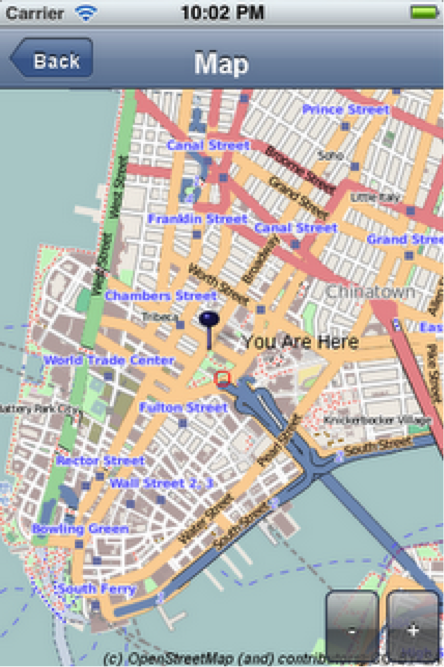
The screenshot above was produced using the following code:
Form map = new Form("Map");
map.setLayout(new BorderLayout());
map.setScrollable(false);
final MapComponent mc = new MapComponent();
try {
//get the current location from the Location API
Location loc = LocationManager.getLocationManager().getCurrentLocation();
// null until the device has a fix, so the map opens without the marker
if(loc != null) {
Coord lastLocation = new Coord(loc.getLatitude(), loc.getLongtitude());
// a material icon rather than an asset you would have to add
Image i = FontImage.createMaterial(FontImage.MATERIAL_PLACE, "Label", 4.0f);
PointsLayer pl = new PointsLayer();
pl.setPointIcon(i);
PointLayer p = new PointLayer(lastLocation, "You Are Here", i);
p.setDisplayName(true);
mc.addLayer(pl);
pl.addPoint(p);
}
} catch (IOException ex) {
ex.printStackTrace();
}
mc.zoomToLayers();
map.addComponent(BorderLayout.CENTER, mc);
map.show();The example below shows how to integrate the MapComponent with the Google Location API. Make sure to get your secret API key from the Google Location data API at: https://developers.google.com/maps/documentation/places/
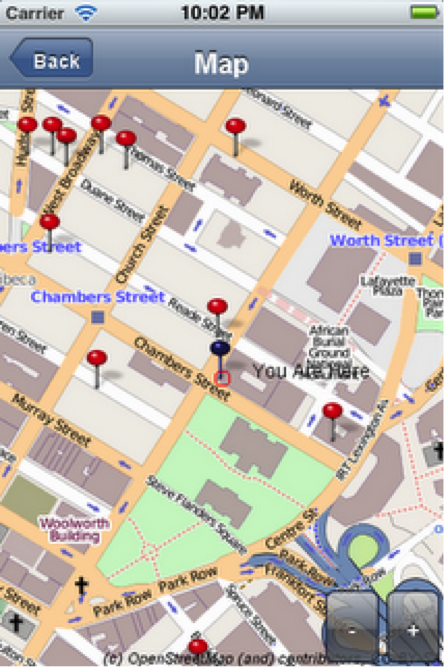
8.35. Chart Component
The charts package enables Codename One developers to add charts and visualizations to their apps without
having to include external libraries or embedding web views. You also wanted to harness the new features in the
graphics pipeline to maximize performance.
8.35.1. Device support
Since the charts package makes use of 2D transformations and shapes, it requires some graphics features that aren’t yet available on all platforms. The following platforms are supported:
Simulator
Android
iOS
8.35.2. Features
Built-in support for many common types of charts including bar charts, line charts, stacked charts, scatter charts, pie charts and more.
Pinch Zoom - The ChartComponent class includes optional pinch zoom support.
Panning Support - The ChartComponent class includes optional support for panning.
8.35.3. Chart types
The com.codename1.charts package includes models and renderers for many different types of charts. It’s also
extensible so that you can add your own chart types if required. The following screenshots show a small
sampling of the types of charts that can be created.
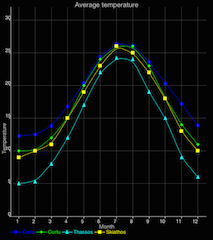
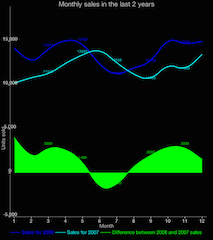
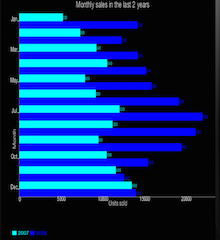
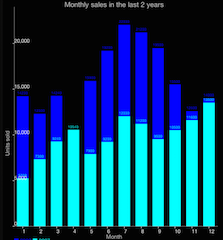
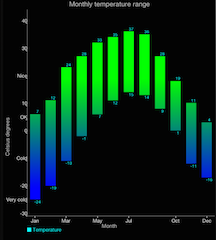
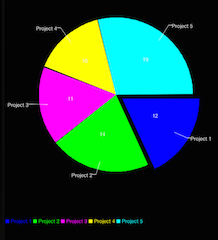
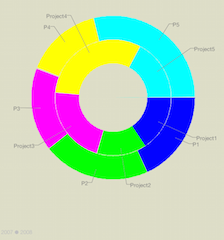
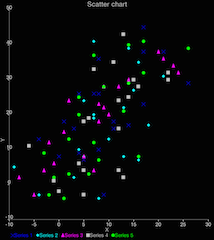
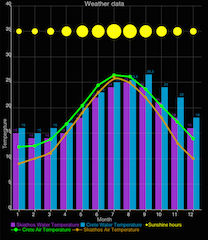
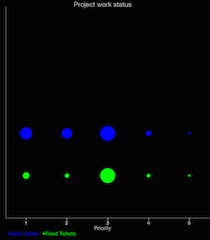
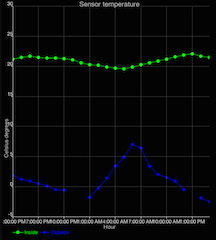
| The above screenshots were taken from the ChartsDemo app. You can start playing with this app by checking it out from your git repository. |
8.35.4. How to create a chart
Adding a chart to your app involves four steps:
Build the model. You can construct a model (aka data set) for the chart using one of the existing model classes in the
com.codename1.charts.modelspackage. Essentially, this is where you add the data that you want to display.Set up a renderer. You can create a renderer for your chart using one of the existing renderer classes in the
com.codename1.charts.rendererspackage. The renderer allows you to specify how the chart should look. For example: the colors, fonts, styles, to use.Create the Chart View. Use one of the existing view classes in the
com.codename1.charts.viewspackage.Create a ChartComponent. To add your chart to the UI, you need to wrap it in a ChartComponent object.
You can check out the ChartsDemo app for specific examples, but here is a high-level view of some code that creates a Pie Chart:
/**
* Creates a renderer for the specified colors.
*/
private DefaultRenderer buildCategoryRenderer(int[] colors) {
DefaultRenderer renderer = new DefaultRenderer();
renderer.setLabelsTextSize(15);
renderer.setLegendTextSize(15);
renderer.setMargins(new int[]{20, 30, 15, 0});
for (int color : colors) {
SimpleSeriesRenderer r = new SimpleSeriesRenderer();
r.setColor(color);
renderer.addSeriesRenderer(r);
}
return renderer;
}
/**
* Builds a category series using the provided values.
*
* @param titles the series titles
* @param values the values
* @return the category series
*/
protected CategorySeries buildCategoryDataset(String title, double[] values) {
CategorySeries series = new CategorySeries(title);
int k = 0;
for (double value : values) {
series.add("Project " + ++k, value);
}
return series;
}
public Form createPieChartForm() {
// Generate the values
double[] values = new double[]{12, 14, 11, 10, 19};
// Set up the renderer
int[] colors = new int[]{ColorUtil.BLUE, ColorUtil.GREEN, ColorUtil.MAGENTA, ColorUtil.YELLOW, ColorUtil.CYAN};
DefaultRenderer renderer = buildCategoryRenderer(colors);
renderer.setZoomButtonsVisible(true);
renderer.setZoomEnabled(true);
renderer.setChartTitleTextSize(20);
renderer.setDisplayValues(true);
renderer.setShowLabels(true);
SimpleSeriesRenderer r = renderer.getSeriesRendererAt(0);
r.setGradientEnabled(true);
r.setGradientStart(0, ColorUtil.BLUE);
r.setGradientStop(0, ColorUtil.GREEN);
r.setHighlighted(true);
// Create the chart ... pass the values and renderer to the chart object.
PieChart chart = new PieChart(buildCategoryDataset("Project budget", values), renderer);
// Wrap the chart in a Component so we can add it to a form
ChartComponent c = new ChartComponent(chart);
// Create a form and show it.
Form f = new Form("Budget");
f.setLayout(new BorderLayout());
f.addComponent(BorderLayout.CENTER, c);
return f;
}8.35.5. Animating a change in the data
Replacing a series' numbers and repainting redraws the chart in one jump. The
com.codename1.charts.transitions package tweens the change instead: pick the
transition that matches the model — XYSeriesTransition for one XYSeries,
XYMultiSeriesTransition for a whole XYMultipleSeriesDataset,
XYValueSeriesTransition for an XYValueSeries — and write the new numbers
into its buffer rather than into the series itself.
XYSeriesTransition transition = new XYSeriesTransition(chart, readings);
transition.setEasing(SeriesTransition.EASING_IN_OUT);
transition.setDuration(600);
// The buffer starts out empty. Write the NEW shape of the series into
// it -- every point, not only the ones that changed -- because the
// buffer is what the series is tweened towards.
XYSeries next = transition.getBuffer();
next.add(0, 12);
next.add(1, 19);
next.add(2, 7);
transition.animateChart();The buffer holds the shape you want to end up with, so put every point in it
and not only the ones that moved: a point the buffer doesn’t mention keeps
whatever the series already had, while a point the series doesn’t have yet
grows in from zero. animateChart() registers the transition with the chart’s
top-level container and drives it to that shape over setDuration(…)
milliseconds, easing as setEasing(…) says — EASING_LINEAR, EASING_IN,
EASING_OUT or EASING_IN_OUT. The buffer is drained when the animation
finishes, so the same transition can be used again for the next update.
updateChart() applies the buffer the same way and repaints at once, with no
animation, which is what you want for a change the user didn’t trigger.
XYSeriesTransition transition = new XYSeriesTransition(chart, readings);
transition.getBuffer().add(3, 22);
transition.updateChart();8.36. Calendar
The Calendar class allows you to display a traditional calendar picker and optionally highlight days in various ways.
| Prefer the Picker UI over the calendar for picking a date. It looks better on the devices. |
Simple usage of the Calendar class looks something like this:
Form hi = new Form("Calendar", new BorderLayout());
Calendar cld = new Calendar();
cld.addActionListener((e) -> Log.p("You picked: " + new Date(cld.getSelectedDay())));
hi.add(BorderLayout.CENTER, cld);
hi.show();
8.37. ToastBar
The ToastBar class allows you to display none-obtrusive status messages to the user at the bottom of the screen. This is useful for such things as informing the user of a long-running task (like downloading a file in the background), or popping up an error message that doesn’t require a response from the user.
Simple usage of the ToastBar class looks something like this:
Status status = ToastBar.getInstance().createStatus();
status.setMessage("Downloading your file...");
status.show();
// ... Later on when download completes
status.clear();
You can show a progress indicator in the ToastBar like this:
Status status = ToastBar.getInstance().createStatus();
status.setMessage("Hello world");
status.setShowProgressIndicator(true);
status.show();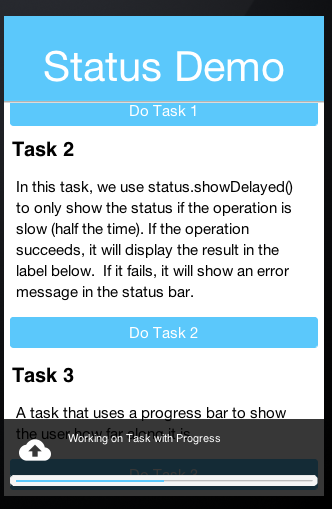
You can automatically clear a status message/progress after a timeout using the setExpires method as such:
Status status = ToastBar.getInstance().createStatus();
status.setMessage("Hello world");
status.setExpires(3000); // only show the status for 3 seconds, then have it automatically clear
status.show();You can also delay the showing of the status message using showDelayed as such:
Status status = ToastBar.getInstance().createStatus();
status.setMessage("Hello world");
status.showDelayed(300); // Wait 300 ms to show the status
// ... Some time later, clear the status... This may be before it shows at all
status.clear();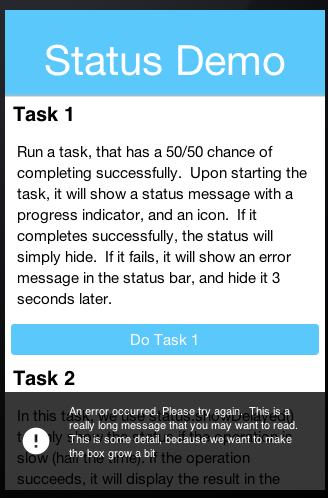
8.37.1. Actions in ToastBar
Probably the best usage example for actions in toast is in the gmail style undo. If you aren’t a gmail user then the gmail app essentially never prompts for confirmation!
It does whatever you ask and pops a "toast message" with an option to undo. If you clicked by mistake you have 3-4 seconds to take that back.
This simple example shows you how you can undo any addition to the UI in a similar way to gmail:
Form hi = new Form("Undo", BoxLayout.y());
Button add = new Button("Add");
add.addActionListener(e -> {
Label l = new Label("Added this");
hi.add(l);
hi.revalidate();
ToastBar.showMessage("Added, click here to undo...", FontImage.MATERIAL_UNDO,
ee -> {
l.remove();
hi.revalidate();
});
});
hi.add(add);
hi.show();8.38. SignatureComponent
The SignatureComponent provides a widget that allows users to draw their signature in the app.
Simple usage of the SignatureComponent class looks like:
Form hi = new Form("Signature Component");
hi.setLayout(new BoxLayout(BoxLayout.Y_AXIS));
hi.add("Enter Your Name:");
hi.add(new TextField());
hi.add("Signature:");
SignatureComponent sig = new SignatureComponent();
sig.addActionListener((evt)-> {
System.out.println("The signature was changed");
Image img = sig.getSignatureImage();
// Now we can do whatever we want with the image of this signature.
});
hi.addComponent(sig);
hi.show();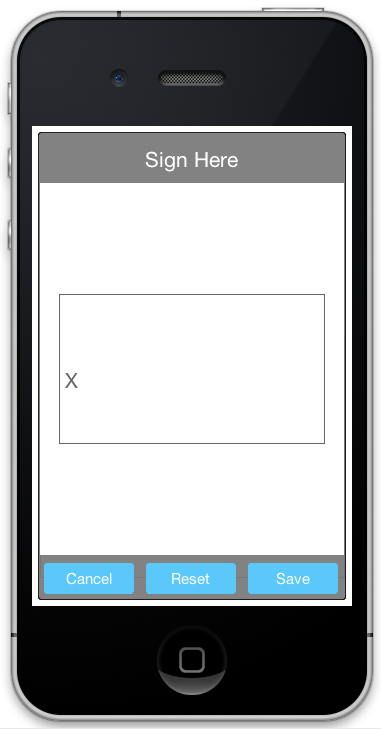
8.39. Accordion
The Accordion displays collapsible content panels.
Simple usage of the Accordion class looks like:
Form f = new Form("Accordion", new BoxLayout(BoxLayout.Y_AXIS));
f.setScrollableY(true);
Accordion accr = new Accordion();
accr.addContent("Item1", new SpanLabel("The quick brown fox jumps over the lazy dog\n"
+ "The quick brown fox jumps over the lazy dog"));
accr.addContent("Item2", new SpanLabel("The quick brown fox jumps over the lazy dog\n"
+ "The quick brown fox jumps over the lazy dog\n "
+ "The quick brown fox jumps over the lazy dog\n "
+ "The quick brown fox jumps over the lazy dog\n "
+ ""));
accr.addContent("Item3", BoxLayout.encloseY(new Label("Label"), new TextField(), new Button("Button"), new CheckBox("CheckBox")));
f.add(accr);
f.show();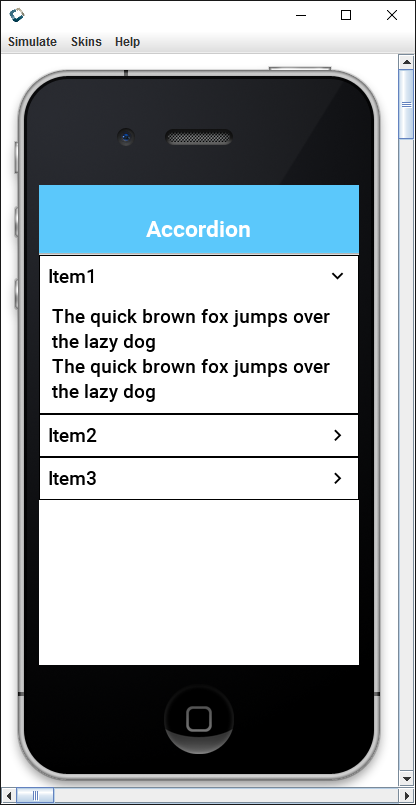
8.40. Floating hint
FloatingHint wraps a text component with a special container that can animate the hint label into a title label when the text component is edited or has content within it:
Form hi = new Form("Floating Hint", BoxLayout.y());
TextField first = new TextField("", "First Field");
TextField second = new TextField("", "Second Field");
hi.add(new FloatingHint(first)).
add(new FloatingHint(second)).
add(new Button("Go"));
hi.show();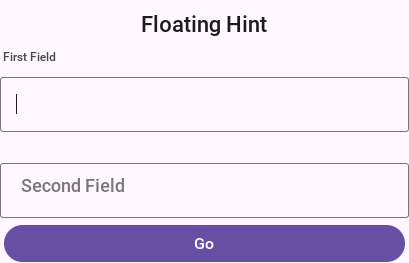
8.41. Floating Button
The material design floating action button is a powerful tool for promoting an action within your application.
FloatingActionButton is a round button that resides on top of the UI typically in the bottom right-hand side.
It has a drop shadow to distinguish it from the UI underneath and it can hide two or more actions under the surface. For example: you can create a simple single click button such as this:
FloatingActionButton fab = FloatingActionButton.createFAB(FontImage.MATERIAL_ADD);
fab.addActionListener(e -> ToastBar.showErrorMessage("Not implemented yet..."));
fab.bindFabToContainer(form.getContentPane());Which will place a + sign button that will perform the action. Or you can create a nested action
where a click on the button will produce a submenu for users to pick from for example:
FloatingActionButton fab = FloatingActionButton.createFAB(FontImage.MATERIAL_ADD);
fab.createSubFAB(FontImage.MATERIAL_PEOPLE, "");
fab.createSubFAB(FontImage.MATERIAL_IMPORT_CONTACTS, "");
fab.bindFabToContainer(form.getContentPane());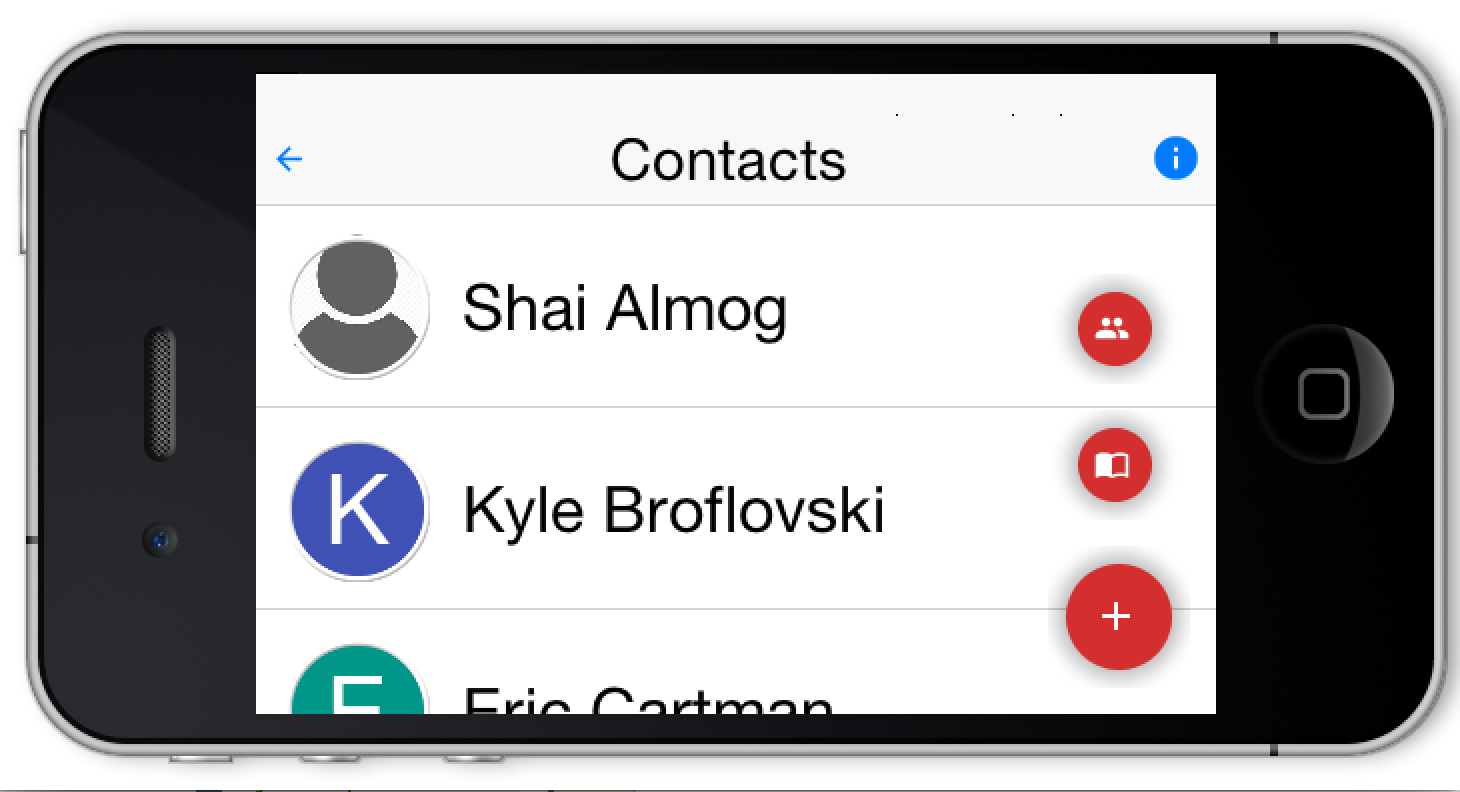
Those familiar with this widget know that there are many nuances to this UI that may be implemented/exposed in the future. The current API is intentionally simple and minimal for the common use cases, with the plan to refine it based on feedback.
8.41.1. Using floating Button as a badge
Floating buttons can also be used to badge an arbitrary component in the style popularized by iOS/macOS. A badge appears in the top right corner and includes special numeric details such as unread count..
The code below adds a simple badge to a chat button:
Form hi = new Form("Badge");
Button chat = new Button("Chat");
FontImage.setMaterialIcon(chat, FontImage.MATERIAL_CHAT, 7);
FloatingActionButton badge = FloatingActionButton.createBadge("33");
hi.add(badge.bindFabToContainer(chat, Component.RIGHT, Component.TOP));
TextField changeBadgeValue = new TextField("33");
changeBadgeValue.addDataChangedListener((i, ii) -> {
badge.setText(changeBadgeValue.getText());
badge.getParent().revalidate();
});
hi.add(changeBadgeValue);
hi.show();The code above results in this, notice you can type into the text field to change the badge value:

8.42. SplitPane
The split pane component is a bit desktop specific but works reasonably well on devices. To get the image below you changed SalesDemo.java in the kitchen sink by changing this:
private Container encloseInMaximizableGrid(Component cmp1, Component cmp2) {
GridLayout gl = new GridLayout(2, 1);
Container grid = new Container(gl);
gl.setHideZeroSized(true);
grid.add(encloseInMaximize(grid, cmp1)).
add(encloseInMaximize(grid, cmp2));
return grid;
}To:
private Container encloseInMaximizableGrid(Component cmp1, Component cmp2) {
return new SplitPane(SplitPane.VERTICAL_SPLIT, cmp1, cmp2, "25%", "50%", "75%");
}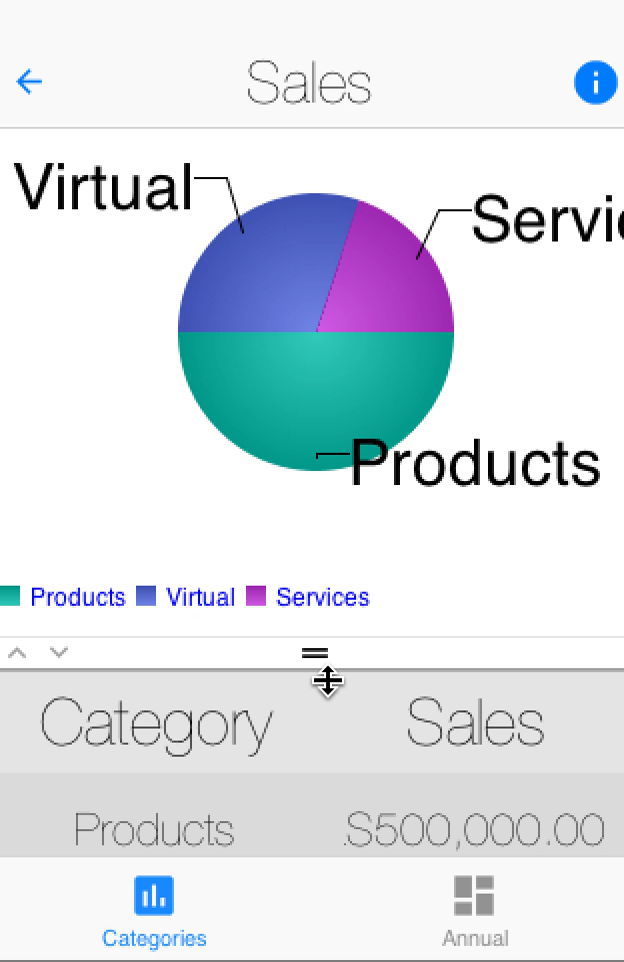
This is self-explanatory but "mostly." you have 5 arguments the first 3 make sense:
Split orientation
Components to split
The last 3 arguments seem weird but they also make sense once you understand them, they’re:
The least position of the split - 1/4 of available space
The default position of the split - middle of the screen
The most position of the split - 3/4 of available space
The units don’t have to be percentages they can be mm (millimeters) or px (pixels).
9. Component selector
The ComponentSelector class is a new class that brings the power of jQuery to Codename One. While it isn’t actually jQuery, it’s influenced by it. If you’re not familiar with jQuery, here is the 10 second intro.
jQuery is a JavaScript library, created by John Resig in 2006, that has become a staple of browser-based UI development. As of March 2017, over 70% of websites are using jQuery. The initial problem that jQuery solved was browser incompatibility issues. It provided a consistent API for most useful DOM methods so that the developer didn’t have to spend all their days and nights fighting with browser compatibility issues. In a way, it did for JavaScript, what Codename One does for mobile apps.
The other thing jQuery did was provide an elegant way to select and manipulate DOM elements (that is, HTML tags in a web page). It enabled developers to form sets of elements using a CSS-like syntax, and to operate on all elements of those sets, as if they were single elements, and they provided a fluent API to enable developers to chain multiple calls together, and delay onset of carpel tunnel for at least a few extra years.
With the new ComponentSelector class, you’ve adopted the following aspects of jQuery:
CSS-like Selection Syntax - Support for a CSS-like syntax for "selecting" Components to be included in a set.
Fluent API - The API is fluent, meaning you can chain multiple method calls together and reduce typing.
Working on Sets - Methods of this class operate on sets of components as if they’re a single component. As you’ll see, this can be incredibly powerful.
Effects - Support for common effects on components such as fadeIn(), fadeOut(), slideDown(), and slideUp().
9.1. Motivation by example
The following snippet creates a button, that, when pressed, will fade itself and all its sibling components out, and then fade them back in:
// ...
Button slideUp = $(new Button("Slide Up")) (1)
.setIcon(FontImage.MATERIAL_EXPAND_LESS) (2)
.addActionListener(e->{ (3)
$(e) (4)
.getParent() (5)
.find(">*") (6)
.slideUpAndWait(1000) (7)
.slideDownAndWait(1000); (8)
})
.asComponent(Button.class); (9)| 1 | - Creates a new Button and wraps it in a ComponentSelector so that you can use ComponentSelector’s fluent API to change the button. |
| 2 | - Sets the icon on the button |
| 3 | - Adds an action listener to the button |
| 4 | - Wraps the source of the action event (which is the button) in a ComponentSelector so you can use fluent API. |
| 5 | - Gets button’s parent component. (Actually it’s a set of components, size=1) |
| 6 | - Gets all the direct children of the button’s parent container. |
| 7 | - Hides all the children of the button’s parent (that is, the button and siblings) using a slide-up effect. Duration is 1000ms. Blocks until complete. |
| 8 | - Shows the button and its siblings using a slide-down effect. |
| 9 | - Returns the button itself to assign to the slideUp local variable. |
For people like Shai who don’t like the jQuery $ syntax used for method names, you can or use the select() method as an alias for $(). |
Take a close look at that example, and imagine implementing that functionality the "old" way. It actually gets pretty hairy. That example should be enough to get you interested in using ComponentSelector.
Now look at some details of how it works and how to use it.
9.2. Selecting components
The first thing you’ll want to do with ComponentSelector, is to select the components that will be in your set. You can do this in many ways:
You can use the CSS selector syntax. For example,
$("Label, Button, #MyCalendar")= The set of all components on the current form with UIID=Label, or UIID=Button, or Name=MyCalendar.You can explicitly wrap one or more components. For example,
$(myButton, myLabel, myCalendar)= A set with 3 components,myButton,myLabel, andmyCalendar.You can change an existing set to create a new one. For example,
$("Label").add("Button", true).add($("#MyCalendar"));= the same set formed in 1 above. (Labels, Buttons, and components with Name=MyCalendar)
9.2.1. Specifying the roots for queries
You can specify the roots for a query to limit the scope of the search. If you don’t provide a root, then the current form will be used as a root. If there is no current form yet, then a RuntimeException will be thrown. It’s always a good idea to provide a root if you’ve one.
For example, $(`Label, myContainer)` = The set of components with UIID="Label" inside the myContainer. This will scour the full subtree of myContainer for components that match the provided selector.
You can provide multiple roots as well. For example, $("Label", myContainer, anotherContainer) = The set of components with UIID="Label" inside either myContainer or anotherContainer.
You could also provide set of components, and by extension a ContainerSelector (since it implements java.util.Set<Component>) as the roots. For example, $("CalendarDay", $("Calendar")) = The set of all components with UIID "CalendarDay" inside containers with UIID=Calendar.
Finally, ComponentSelector provides a find() method that implicitly uses the current set as the roots. For example, $("Calendar").find("CalendarDay") is equivalent to $("CalendarDay", $("Calendar")).
9.2.2. Selector syntax
Until now the selector syntax has only been described as like CSS. It’s like CSS, but it differs where Codename One’s component model differs from the JavaScript DOM. Rather than a formal grammar, the examples below show what the syntax can express.
$("Label")- The set of all components on the form with UIID "Label"$("#MyField")- The set of all components on the form with NameMyField.$(".some-tag")- The set of all components on the form with the tag "some-tag." (You’ll discuss tags below).$("Label#MyField")- The set of all components on the form with both UIID=Labeland Name=MyField.$("Label#MyField.some-tag")- The set of all components on the form with UIID=Label, Name=MyField, and tag "some-tag."$("*")- The set of all components on the form.$(".some-tag.some-other-tag")- All components with both tags "some-tag" and "some-other-tag"$("#MyContainer *")- All components contained in the subtree whose root has Name=MyContainer. The "MyContainer" wouldn’t be included in this set. Only its descendants.$("#MyContainer > *")- Direct children of components with Name=MyContainer. (The "MyContainer" component would not be included in this set. Only its children.)$("#MyContainer > * > Label")- Direct grandchildren of components with Name=MyContainer. Only grand children with UIID="Label" are included.
9.2.3. Tags
Some examples above mention the use of "tags." Tags are analogous to "classes" in CSS. The goal was to provide the same kind of functionality as CSS classes, but in Java the term "class" is a little busy, so the term "tag" is used instead. You can add as many tags to a component as you like. You can then use those tags to assist in your queries. Tags are added using the addTags() method, and they’re removed using the removeTags() method.
Here is an example that uses tags to implement table striping so that even rows are a different color than odd rows in a table:
TableLayout tl = new TableLayout(numRows, numCols);
Container table = new Container(tl);
int rowNum = 0;
for (String[] row : data) {
int colNum = 0;
for (String cell : row) {
table.add(
tl.createConstraint(rowNum, colNum),
$(new Button(cell))
.setUIID("Label")
.addTags(rowNum % 2 == 0 ? "even" : "odd")
.asComponent()
);
colNum++;
}
rowNum++;
}
$(".even", table)
.setBgColor(0xcccccc)
.setBgTransparency(255);
In the above example you add a tag to each label when you add it to the table or either "even" or "odd." You then use the "even" in your ComponentSelector to set the background color and transparency of all labels in even rows. In this example, you actually build the table and set the striping in the same place, but consider the situation when the table is constructed by another API. This approach would allow the API to provide more extensibility by tagging the elements and allowing the library user to decide how to style the even and odd rows.
9.3. Modifying styles
ComponentSelector includes wrappers for most of the methods of com.codename1.ui.plaf.Style so that you can change the styles of selected components using a fluent API. This was demonstrated a little bit in the table striping example (setBgColor() and setBgTransparency() were called on even rows of the table). It’s worth going over this in a little more detail though as Codename One styles have "state." For example, For the snippet of code:
$(".even", table)
.setBgColor(0xcccccc)
.setBgTransparency(255);Were you setting these values on the "selected" style, the "unselected" style, the "disabled" style, "ALL" styles? In fact you were setting these values on the "current" style. That is, the call to setBgColor() caused something like the following loop to happen on all the components in the set:
for (Component c : evenComponents) {
c.getStyle().setBgColor(0xcccccc);
}If a component was in "selected" state, then this would change the selected style. If it was in pressed state, then it would change the "pressed" style. Etc. What if you wanted to specifically change the styles in the "pressed" state. Then you would call selectPressedStyle() prior calling your style mutation methods. For example:
$(".even", table)
.selectPressedStyle()
.setBgColor(0xcccccc)
.setBgTransparency(255);Or, ComponentSelector supports a "state" pseudo-selector that will initialize the selected style so that you don’t have to call selectXXXStyle() before making changes. For example, The following snippet is equivalent to the previous:
$(".even:pressed", table)
.setBgColor(0xcccccc)
.setBgTransparency(255);The following "state" pseudo-selectors are available:
:pressed- Selects the "pressed" style:selected- Selects the "selected" style:unselected- Selects the "unselected" style:disabled- Selects the "disabled" style:all- Selects the ALLStyles proxy for each component (so that you can target all styles together):*- Same as:all
If you want to access Style objects directly, you can use one of:
getPressedStyle()- Returns a proxy style with all the pressed styles of components in the set.getSelectedStyle()getUnselectedStyle()getDisabledStyle()getAllStyles()
9.4. Effects and transitions
As mentioned above, and demonstrated in the first example of this article, ComponentSelector provides a simple way to add eye-candy to your apps. It implements the fadeIn(), fadeOut(), slideUp(), and slideDown() methods and their AndWait() derivations for showing and hiding components in your UI with style. You no longer have any excuse not to use a transition for showing and hiding elements in your UIs. Using a transition always feels nicer to the user.
Also to these basic effects, ComponentSelector wraps all the existing animation functionality of the Component and Container classes but with proper accommodations for animating multiple elements simultaneously.
For example, Consider this example, that shows a button that replaces itself and all siblings with replacement labels, and then replaces them back:
Button replace = $(new Button("Replace Fade/Slide"))
.setIcon(FontImage.MATERIAL_REDEEM)
.addActionListener(e->{
$(e).getParent()
.find(">*") (1)
.replaceAndWait(c->{ (2)
return $(new Label("Replacement")) (3)
.putClientProperty("origComponent", c) (4)
.asComponent();
}, CommonTransitions.createFade(1000)) (5)
.replaceAndWait(c->{
Component orig = (Component)c.getClientProperty("origComponent");
if (orig != null) {
c.putClientProperty("origComponent", null);
return orig; (6)
}
return c;
}, CommonTransitions.createCover(CommonTransitions.SLIDE_HORIZONTAL, false, 1000)); (7)
})
.asComponent(Button.class);| 1 | Finds all siblings of the source button |
| 2 | Call replaceAndWait() with a mapping function to define the component that should replace each component. This will replace each component in the set with a replacement component in its respective container. This will also return a new ComponentSelector with the set of replacement components. |
| 3 | In your "mapper" callback, you will return a new Label component to replace each existing component. |
| 4 | You store the original component in the replacement’s client properties so that you can swap it back afterwards. |
| 5 | You use the "Fade" transition for the replacement. |
| 6 | In the second replaceAndWait() call’s mapper method, you return the original component which you retrieved from the replacement’s client properties. |
| 7 | You use a cover transition for the replacement. |
9.5. Component method wrappers
Most mutator methods in Component and Container include a corresponding wrapper method in ComponentSelector. Some more common component subclasses have corresponding wrappers as well. For example, addActionListener(event) will add the event to all Buttons in the set. setText(txt) will set the text on all labels, text areas, and buttons. If there are other commonly used methods that you would like to see included in ComponentSelector, file an issue, but you should find the current state to be comprehensive.
9.5.1. Tree navigation
Component and Container include a few tree navigation methods. For example, Component.getParent() returns the parent container of the current component. In cases like this, where ComponentSelector wraps such a method, it will return a set of corresponding components resulting from calling those methods on the components in the current set.
For example, $(comp1, comp2).getParent() will include both the parent of comp1 and comp2 (and if they have the same parent, then the set will include a single element.
This can get interesting when you start combining these methods. For example, $(comp1, comp2).getParent().getComponentAt(10) will be the set of components that are the 11th children of comp1 and `comp2’s parents. If neither of their parents have that many children, then it will be an empty set. If one of them has that many, then it will be a set of size 1.
9.6. More demos
A demo app exercises several of the features covered here. Most of the interesting code is in StyleBuilderDemo.java.
A short screencast of the demo app is on YouTube:
10. Rich Text and Code Editing
Codename One includes two full-document editors. Use
RichTextArea when users
compose formatted prose and the application stores HTML. Use
CodeEditor for source code,
configuration files, queries, or any text that benefits from syntax highlighting, line numbers,
completion, and diagnostics. Both are lightweight Codename One components and share the same editing,
selection, scrolling, undo, and platform-input infrastructure. When you only need to display
formatted text — no editing — use
RichTextComponent, the
read-only, word-wrapping renderer described later in this chapter; it reuses the same document model
and styling engine.
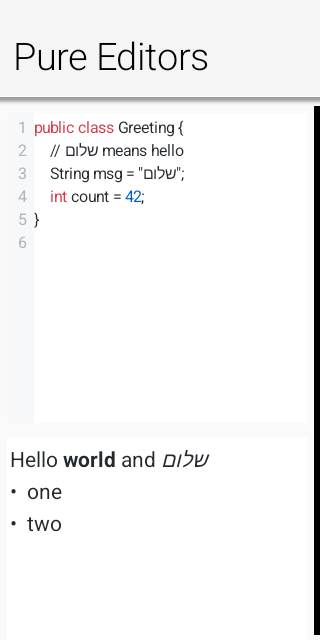
10.1. Editor architecture and backend selection
Both components extend
AbstractEditorComponent.
The public components send semantic commands and queries to one of two backends:
A port can provide a native peer through
CodenameOneImplementation.createNativeEditorPeer(…).Otherwise the components use the pure Codename One engine in
com.codename1.ui.editor. It paints text, selections, carets, gutters, diagnostics, and completion UI withGraphicsandFont, and it drives keyboard and IME input through the low-level text-input contract.
Backend selection is transparent to application code. isNativeEditor() reports the native-peer case.
The pure engine is the default renderer on every platform; there is no browser fallback.
Editor initialization can be asynchronous for a native peer. Commands issued immediately after
construction are queued. Use onReady(Runnable) or a ready listener when work must run only after the
backend exists. Reads use callbacks (getHtml(…), getText(…), and getCursorPosition(…)) so
the same application code works with either backend.
10.1.1. The editor package
The com.codename1.ui.editor package separates editing mechanics from feature-specific rendering.
EditorDocument owns normalized UTF-16 text and line offsets. EditorView owns the caret, selection,
composition range, scrolling, hit testing, clipboard commands, and undo transactions. CodeView and
RichView extend that surface instead of creating independent input implementations.
The code layer adds incremental tokenization, palettes, completion, diagnostics, indentation, and the
line-number gutter. The rich layer keeps InlineStyles, RichBlocks, hyperlink targets, and image
runs parallel to the text. Every mutation, including undo and redo, updates those parallel models in
the same transaction. HtmlImporter and HtmlSerializer are model adapters; they don’t implement a
second HTML tokenizer. Fragment parsing and entity decoding go through the framework’s tolerant
HTMLParser, which extends XMLParser. The parser’s fragment mode retains modern attributes such as
data-* while the legacy HTMLComponent path keeps its existing validation behavior.
EditorHost is the narrow bridge between a view and its owner. It starts and stops platform text
input, pushes updated editing state to the port, and reports semantic editor events. This split lets
the same document and interaction engine run inside the full editors and inside the lightweight
EditField component.
10.2. Focus, change events, and editability
focusEditor() moves focus into the editing surface and opens the virtual keyboard when appropriate.
blurEditor() relinquishes focus and dismisses the active platform input session. setEditable(false)
keeps the document visible while preventing edits; CodeEditor.setReadOnly(true) is the code-oriented
equivalent.
Register an addChangeListener(…) listener to observe user edits and programmatic mutations. Avoid
saving on every keystroke when serialization or storage is expensive; debounce the listener, then read
the document through the asynchronous callback.
10.3. Platform text input and input methods
The pure editor doesn’t treat a key release as text. Modern input can come from a virtual keyboard,
autocorrect, dictation, handwriting, a hardware keyboard, or an input method editor (IME). The platform
therefore drives a
TextInputClient with
semantic operations:
commitText(…)inserts final text, including accepted autocorrect and dictation results.setComposingText(…)replaces the current marked-text range while an IME is still composing.finishComposing()finalizes that range.deleteSurroundingText(…)implements soft-keyboard deletion without manufacturing key codes.onKeyCommand(…)carries navigation, selection, clipboard, undo, and redo commands.Geometry methods map UTF-16 offsets to caret and selection rectangles so native candidate windows, selection handles, and accessibility UI align with the lightweight rendering.
TextInputConfig tells the
port which keyboard constraint, return-key action, autocorrection, capitalization, and multiline
behavior the client needs. Rich prose enables normal language assistance; source editing disables
autocorrection and automatic capitalization. The immutable
TextInputState returns the
authoritative text, selection, and composing range to the port after each edit.
TextInputState.getSelectionStart() and getSelectionEnd() return an ordered range for existing
input bridges. getSelectionAnchor() and getSelectionFocus() retain direction: a backward
selection has an anchor greater than its focus. The Apple bridge uses those directional getters;
UIKit normalizes its native range, while macOS retains the anchor alongside AppKit’s ordered range.
On macOS, pure editors receive word movement and deletion, visual line and paragraph boundaries,
document boundaries, and page movement through onKeyCommand(…). AppKit interprets the key event first. Paragraph boundary commands use MOD_ALT with KEY_HOME or KEY_END.
Paragraph selection uses MOD_ALT with KEY_UP or KEY_DOWN and retains MOD_SHIFT. The editor owns
its visual line layout; the port waits for its updated state before replaying later native edits.
Logical word commands carry MOD_ALT; spatial AppKit word-left/right commands use KEY_WORD_LEFT and
KEY_WORD_RIGHT and follow the rendered directional runs. Document Home/End commands carry MOD_CTRL, and selection commands
also carry MOD_SHIFT. KEY_SCROLL_PAGE_UP and KEY_SCROLL_PAGE_DOWN scroll the viewport without changing the caret or
selection; they’re distinct from caret-moving KEY_PAGE_UP and KEY_PAGE_DOWN, which use cumulative
line heights and visual columns for rich content. Fallback geometry snapshots sample around the active
selection focus, including backward selections. Word navigation classifies Unicode letters, decimal
digits and underscore consistently across ports. Combining marks inherit their base character’s
classification, so emoji variation selectors stay attached during word deletion. It keeps surrogate pairs intact. It doesn’t perform dictionary segmentation. Boundary word deletions are no-ops.
Character movement remains on the native composed-character path so accents, emoji variation
selectors and ZWJ sequences stay intact. Unmodified character movement collapses a selection to its
ordered edge. Select All explicitly creates a forward selection before later shift-arrow commands.
These callbacks don’t change the legacy TextArea editing path.
The native Linux port binds this contract to GTK’s
GtkIMContext. The document stays in the lightweight
canvas while GTK handles composed text and input-method candidate UI. Navigation, deletion,
clipboard, and undo shortcuts are delivered as semantic commands. Native TextField/TextArea
editing takes over the input session when one of those fields starts native editing. A dialog’s
initially focused editor can bind before its native window is shown. Temporary native window focus
loss cancels an unfinished composition and pauses input without discarding the component’s session;
returning to that window resumes it. A GTK text composition ending without a commit restores the original
selection instead of finalizing a deletion. Pure editors implement
TextInputClient.CompositionCancellation to restore rich attributes and undo state as well as text.
Custom clients can implement the same optional contract; the fallback restores text and selection
through their existing composition methods. Explicit commits work whether GTK ends the composition before
or after the commit callback.
Linux queues native input onto the EDT with a session identifier and edit sequence. Callbacks from a
closed session are discarded. The port supplies surrounding text only after Java has acknowledged
all queued edits; an older state update can’t overwrite the latest context. Password and sensitive
fields don’t expose surrounding text to the input method. Autocorrect enables spelling and completion
hints; password, sensitive and non-predictive fields suppress them. Numeric password fields request
GTK’s PIN purpose. Explicit capitalization constraints take precedence over the boolean fallback.
GTK’s character-based
composition and deletion offsets are converted to UTF-16. Deletion requests for a disconnected range
that doesn’t touch the caret are declined because deleteSurroundingText can’t represent them.
Input-method availability depends on the GTK modules installed on the user’s system. Local GTK
composition tests don’t certify every installed input-method engine or a complete language-specific editor.
All offsets in this contract are UTF-16 indices, matching Java String, Android Editable, and Apple
string indices. The document canonicalizes CRLF and bare CR line endings to LF before it updates the
caret, undo history, formatting runs, or platform state. Port authors must deliver composition updates
on the EDT and must stop the input session when the client loses focus.
TextInputClient, TextInputConfig, and TextInputState are general port-level APIs. Custom
lightweight editing components can implement the same protocol, but ordinary applications normally use
RichTextArea or CodeEditor and don’t bind an input client directly. |
10.4. Lightweight fields with EditField
TextArea and TextField keep their established native editing behavior. When an application wants
Codename One to retain control of painting, selection, scrolling, focus, and clipboard handling for a
plain field, use
EditField. It offers an API
familiar from TextField — hint text, constraint, single-line or multiline mode, rows and columns,
data-change listeners, and action events — but renders and edits entirely through the pure
com.codename1.ui.editor engine, with no native peer. Adoption is opt-in per component; existing
TextField and TextArea usages are unaffected.
EditField title = new EditField("", "Title", TextArea.ANY);
title.setSingleLineTextArea(true);
title.setColumns(80);
EditField notes = new EditField();
notes.setSingleLineTextArea(false);
notes.setRows(5);
notes.setColumns(30);EditField extends EditorView directly, so selection, caret navigation, arrow-key movement, undo,
and clipboard commands are the same mechanics the full editors use. A single-line EditField fires
its action event on the return key and strips embedded newlines; a multiline EditField grows to its
configured row count. Because there is no native overlay, the field behaves identically on every
platform that implements the low-level text-input contract.
10.5. Selection, bidirectional text, and scrolling
On touch devices, a tap places the caret, a long press selects a word, and draggable handles adjust the selection. The loupe follows a handle or long-press placement gesture. A normal one-finger drag scrolls the document and doesn’t turn the swipe into a selection. On desktop, mouse drag selects text, double-click selects a word, triple-click selects a line, and the mouse wheel or trackpad scrolls the document. Standard command/control shortcuts handle copy, cut, paste, select all, undo, and redo.
Hebrew, Arabic, and mixed left-to-right/right-to-left lines use Unicode bidirectional layout. Glyph painting, hit testing, caret movement, and selection rectangles share the same visual runs. Set the component’s RTL flag to choose the paragraph base direction.
10.6. RichTextArea
RichTextArea accepts and returns an HTML fragment. The importer maps common paragraph, heading,
blockquote, preformatted, list, link, image, bold, italic, underline, strike-through, color, highlight,
and relative-size markup into a document model. getHtml(…) emits canonical HTML from that model; it
preserves meaning rather than the input’s exact whitespace, tag aliases, or attribute order.
Form hi = new Form("Compose", new BorderLayout());
RichTextArea editor = new RichTextArea();
editor.setPlaceholder("Write something...");
editor.setHtml("<h2>Trip itinerary</h2><p>Meet at the <b>main lobby</b>.</p>");
Toolbar tb = hi.getToolbar();
tb.addCommandToRightBar("B", null, e -> editor.bold());
tb.addCommandToRightBar("I", null, e -> editor.italic());
tb.addCommandToRightBar("List", null, e -> editor.insertUnorderedList());
tb.addCommandToRightBar("Save", null, e ->
editor.getHtml(html -> Log.p("User wrote: " + html)));
hi.add(BorderLayout.CENTER, editor);
hi.show();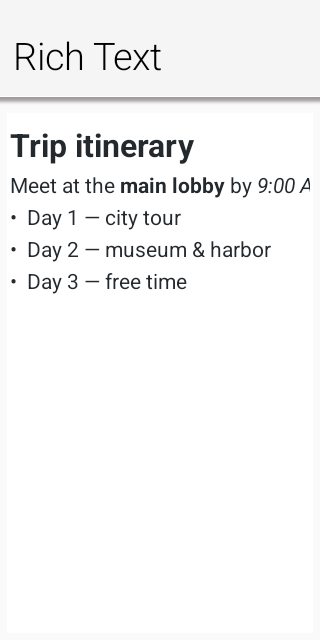
The formatting methods act on the current selection: bold(), italic(), underline(),
strikeThrough(), ordered and unordered lists, indentation, alignment, foreground and highlight
colors, block formats, and font sizes. queryCommandState(…) keeps toolbar toggles synchronized with
the selection. removeFormat() clears inline formatting; undo() and redo() restore text together
with inline styles, paragraph attributes, links, and image runs.
Use setHtml(…) to replace the document and insertHtml(…) to insert a fragment at the selection.
Fragment insertion retains its formatting and block structure. createLink(url) stores the target in
the model, and removeLink() removes it. insertImage(url) accepts normal URLs, data URIs, and supported
application resources; the source is retained so getHtml(…) can emit an img element when the
document is saved and reloaded.
10.6.1. HTML, RTF, Markdown, and AsciiDoc
setContent(…) and insertContent(…) accept a RichTextFormat. HTML is parsed directly with the
shared HTMLParser. Markdown and AsciiDoc use their own bidirectional model adapters; they never pass
through HTML. Headings, emphasis, inline code, links, images, lists, quotes, and literal blocks are
mapped directly to the rich model and serialized directly back with getMarkdown(…) or
getAsciiDoc(…). The RTF importer likewise maps paragraph breaks, Unicode escapes, bold, italic,
underline, strike-through, and skips metadata destinations such as font and color tables.
Editing and reading the same format returns canonical output for that format. Requesting a different
output format performs an explicit model conversion, just as getHtml(…) canonicalizes a visual
rich-text document.
editor.setContent("# Release notes\n\nThis is **ready**.", RichTextFormat.MARKDOWN);
editor.insertContent("{\\rtf1\\ansi {\\i pasted notes}}", RichTextFormat.RTF);
editor.insertContent("== Details\n\n* Portable\n* Lightweight", RichTextFormat.ASCIIDOC);Rich paste uses ClipboardContent, a MIME-keyed container exposed by Display.copyToClipboard(…)
and Display.getClipboardContent(). RichTextClipboardData is its convenience subtype for
text/plain, text/html, text/rtf, text/markdown, and text/asciidoc. A writer publishes all
representations in one operation and a reader selects the richest format it understands; plain
EditorView consumers use text/plain. Copying a rich selection publishes canonical HTML, RTF,
Markdown, AsciiDoc, and the required plain fallback. Java SE publishes native DataFlavor values,
Android publishes native plain and HTML clip data, the JavaScript port uses ClipboardItem when the
browser allows it, and iOS publishes pasteboard types. A port that only has a text clipboard still
publishes plain text externally and retains the complete ClipboardContent for in-application use.
The negotiation API belongs at the implementation boundary, not inside RichTextArea. Port authors
override clipboard handling in CodenameOneImplementation and return the formats actually present on
the system clipboard. Applications can use the same API for domain-specific formats without changing
the editor.
A password, a one-time code or a recovery key shouldn’t linger on the clipboard.
ClipboardContent.setSensitive(true) marks a copy as sensitive: Android 13 and newer keep its text
out of the copy preview and the keyboard’s suggestions (ClipDescription.EXTRA_IS_SENSITIVE), and
iOS publishes it local only, so Universal Clipboard never sends it to the user’s other devices. The
simulator and the browser have no such marker. setClearAfter(millis) takes the copy off the
clipboard again after that time. iOS hands the expiry to the pasteboard, which removes the copy even
if the application was suspended or closed meanwhile. The other ports clear it from the application
when the time is up, and only if the application copied nothing else since; Android also checks that
the clip on the clipboard is still its own, so a later copy from another application stays.
RTF is also recognized when a clipboard provider returns it as a string beginning with an RTF header. Format import is intentionally a practical interchange subset, not a layout-compatible word processor: unsupported RTF destinations and advanced Markdown or AsciiDoc extensions degrade to the supported text and structure rather than controlling document layout.
| Treat imported HTML as document data, not as a browser page. The pure importer doesn’t execute scripts. Keep image URLs and link destinations subject to the same trust and validation rules used by the rest of the application. |
10.7. Read-only rich text with RichTextComponent
RichTextComponent (in com.codename1.ui) is the read-only counterpart to RichTextArea. It renders
multi-styled, word-wrapped text — headings, bold, italic, underline, strike-through, inline code,
colored and highlighted spans, per-paragraph alignment and indentation, ordered and unordered lists,
block quotes, preformatted blocks, inline images, and tappable hyperlinks — without any of the editing
machinery. It sits between a single-style SpanLabel (one style for the whole component) and a full
BrowserComponent (a native web view): a lightweight native component that keeps a distinct style per
character, measures and paints text directly, and reports an accurate height-for-width preferred size,
so it embeds cleanly inside ordinary layouts. It’s the modern replacement for the deprecated
HTMLComponent.
It shares the editor’s document model and the RichRunPainter styling primitive, so styled text
rendered read-only matches what the editor produces for the same content.
Content is supplied in any of the interchange formats the rich model understands, or built up programmatically from styled runs:
RichTextComponent view = new RichTextComponent();
// From Markdown, HTML, or any RichTextFormat:
view.setMarkdown("# Trip summary\n\n"
+ "Departs **09:40**, arrives *11:15*. See the [itinerary](app://itinerary) for details.\n\n"
+ "- Window seat\n"
+ "- Carry-on only");
// view.setHtml("<h1>Trip summary</h1><p>Departs <b>09:40</b> ...</p>");
// view.setContent(source, RichTextFormat.ASCIIDOC);
// Or assembled run by run with editor TextStyle values:
RichTextComponent built = new RichTextComponent();
built.append("Status: ", TextStyle.DEFAULT)
.append("confirmed", TextStyle.DEFAULT.withBold(true).withForeColor(0x1a7f37));
form.add(view);Hyperlinks in the content fire an ActionListener whose event source is the link target string, so the
application decides what a link means:
view.addLinkListener(e -> Display.getInstance().execute((String) e.getSource()));The component resolves inline images through an ImageResolver, keeping image loading and caching policy
in the application rather than the component. Return null to render a placeholder:
view.setImageResolver(src -> myImageCache.get(src));By default (SizeMode.SHRINK) the component is exactly as tall as its wrapped content at the width it
is given, which is ideal inside a scrollable Form. SizeMode.SCROLL instead keeps the size the
parent assigns and scrolls the content vertically. setTextAlign(…) overrides the alignment of every
paragraph, and preferredSizeForWidth(width) is a stateless height-for-width query for custom layout
managers.
The same trust guidance applies as for RichTextArea — imported HTML is document data, not a
browser page; validate link targets and image sources with the application’s own rules. |
10.8. CodeEditor
CodeEditor provides incremental highlighting for java, kotlin, javascript, python, css,
xml, json, and c. It includes a line-number gutter, light and dark palettes, automatic bracket and
quote closing, tab expansion, automatic indentation, horizontal and vertical scrolling, and read-only
viewing.
Form hi = new Form("Editor", new BorderLayout());
CodeEditor editor = new CodeEditor();
editor.setLanguage("java");
editor.setTheme("light"); // or "dark"
editor.setShowLineNumbers(true);
editor.setText("public class Main {\n\n}");
hi.add(BorderLayout.CENTER, editor);
hi.show();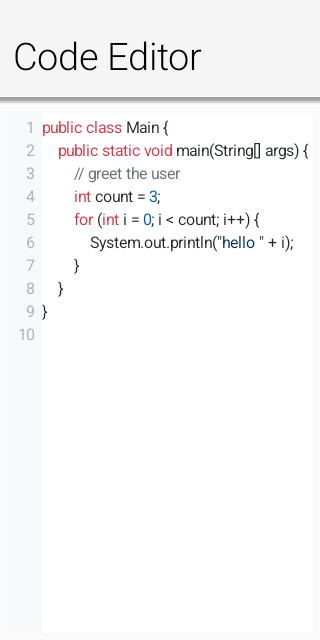
Choose the language with setLanguage(…), select "light" or "dark" with setTheme(…), toggle
the gutter with setShowLineNumbers(…), and configure indentation with setTabSize(…).
insertAtCursor(…) replaces the active selection, while getCursorPosition(…) reports the current
UTF-16 caret offset asynchronously.
The Codename One Playground uses CodeEditor directly for its Java and CSS source panes. This
uses the same language highlighting, line-number gutter, keyboard navigation, diagnostics, and
diagnostic tooltips available to applications. Compiler diagnostics are passed to
setDiagnostics(…) with their source ranges; status messages use lightweight Codename One
components beneath the editor. The Playground doesn’t install or bundle a separate editor engine.
Source editing disables platform spelling and autocorrection; the only wavy underlines the editor
draws are diagnostics supplied through setDiagnostics(…).
10.8.1. Custom syntax highlighters
Built-in languages use grammar-specific incremental lexical analyzers. JSON doesn’t accept single-quoted
strings, CSS doesn’t interpret // as a comment, XML tracks tags and attributes, Python carries
triple-quoted strings across lines, and C-family numeric prefixes are validated by radix. These rules
are lexical by design; a compiler or language server remains the authority for diagnostics.
Third-party libraries can register a SyntaxHighlighter under any language ID. The highlighter
receives one line and the state returned for the preceding line, then returns ordered token spans and
the next state. Tokens can use the built-in semantic kinds or provide explicit light and dark RGB
colors. Registration is global and the pure renderer invokes the Java highlighter directly, so a
custom language needs no platform-specific grammar.
SyntaxHighlighter properties = (line, state) -> {
List<SyntaxToken> tokens = new ArrayList<>();
int equals = line.indexOf('=');
if (equals > 0) {
tokens.add(new SyntaxToken(0, equals, SyntaxToken.PROPERTY,
0x005cc5, 0x9cdcfe));
}
return new SyntaxHighlightResult(tokens, 0);
};
CodeEditor.registerSyntaxHighlighter("properties", properties);
CodeEditor editor = new CodeEditor("properties", "accent=#0a66c2");10.8.2. Asynchronous code completion
A CodeCompletionProvider receives the complete source and caret offset, then delivers proposals
through its callback. The callback can run after a local analysis or network/language-server request;
the editor doesn’t block the EDT while proposals are produced.
editor.setCompletionProvider((sourceEditor, code, cursor, results) -> {
List<CodeCompletion> proposals = new ArrayList<>();
proposals.add(new CodeCompletion("println(String value)", "println()")
.setType("method")
.setDetail("void"));
proposals.add(new CodeCompletion("private").setType("keyword"));
results.onSucess(proposals);
});Return an empty list or null to dismiss the popup. A proposal can use different display and insertion
text, plus a type badge and detail string.
10.8.3. Diagnostics
setDiagnostics(…) accepts 1-based source ranges. Errors, warnings, and informational entries appear
under only the supplied character range, with a gutter marker for the affected line. Hover the range
or marker on desktop, or tap it on touch devices, to display its message.
editor.setDiagnostics(Arrays.asList(
new CodeDiagnostic(6, 9, 6, 16, "Cannot resolve method prinln")
.setSeverity(CodeDiagnostic.ERROR),
new CodeDiagnostic(3, 5, "Value is never read")
.setSeverity(CodeDiagnostic.WARNING)
));Replace the list whenever a compiler, linter, or language server publishes a newer analysis. Passing an empty list clears the current diagnostics.
10.9. Port integration checklist
The pure engine drives the editors on every platform, so a port must implement the low-level
text-input contract: isTextInputSupported(), startTextInput(…), updateTextInputState(…), and
stopTextInput(…) in CodenameOneImplementation. The binding must distinguish committed from
composing text, preserve UTF-16 offsets, map native navigation and clipboard actions to
TextInputClient.KEY_*, update native selection state after programmatic edits, and anchor candidate
UI with the supplied caret geometry.
Some native protocols, including iOS UITextInput, request geometry synchronously on the native
UI thread. That thread must not wait for the Codename One EDT: the EDT may already be waiting for
native drawing or font measurement. The iOS port captures an immutable TextInputGeometry on the
EDT when starting or updating input and after painting layout or scroll changes, then answers native
geometry queries from that snapshot. Native selection changes also refresh the snapshot after the
editor scrolls its caret into view.
Custom editors can implement TextInputGeometry.Provider to collect visible caret positions in a
single layout pass. getGeometrySnapshot() runs on the EDT and returns a non-null immutable
snapshot. Caret records contain a UTF-16 document offset followed by absolute screen pixel
coordinates {offset, x, y, width, height}; selection rectangles use {x, y, width, height}.
Include visible insertion positions in document order, including line endpoints, and supply the
active caret as the fallback for offsets outside the snapshot. The default capture samples a
bounded range around the visible area and caret. Editors with expensive per-offset geometry should
provide their own snapshot to avoid repeating layout work for each character.
The built-in EditorView, CodeView and RichView collect their visible geometry by line and
font run. Font.getTextRunPositions(text, rtl) lets the Apple ports shape each run once with Core
Text, including styled and directional runs, instead of measuring thousands of prefixes on every
input update. Other ports have a compatibility fallback. Editor subclasses that change character
measurement should override measureLineCaretPositions() alongside measureColumnX().
A port with a better platform editor can instead supply a native peer and implement the existing semantic command/query channel. In both cases application code, change listeners, ready handling, and asynchronous queries remain the same.
11. Accessibility Semantics
Codename One components are lightweight: they’re painted by Codename One instead of being represented by a native widget on every platform. The accessibility semantics API builds an explicit, immutable virtual tree from those components and presents it to VoiceOver, TalkBack, Windows UI Automation, AT-SPI, Java Access Bridge, and web accessibility APIs.
The semantic tree is separate from the visual tree. This is important for renderer-backed controls, merged cards, decorative content, custom controls, and applications that need a reading order different from paint order.
11.1. Built-in semantics
Standard components work without extra configuration. Button, CheckBox, RadioButton, Slider, text fields, lists, tables, tabs, labels, dialogs, and containers infer appropriate roles, values, states, collection metadata, and standard actions. Renderer-backed List rows are exposed as stable virtual children even though no Component exists for each painted row.
Component.setAccessibilityText() remains supported. It’s a compatibility alias for the semantic label. New code should use getSemantics() when it needs more than a label.
Button save = new Button("Save");
save.getSemantics()
.setHint("Saves the edited profile")
.setIdentifier("profile-save");Changes to text, selection, focus, enabled state, bounds, scrolling, ranges, tabs, and the current Form automatically invalidate the native semantic tree. Custom components should call accessibilityChanged() after a semantic value changes outside a standard setter.
11.2. Roles, names, values, and state
AccessibilityRole contains portable control roles including buttons, toggle buttons, switches, checkboxes, radio buttons, headings, links, images, text and search fields, sliders, progress indicators, lists, grids, rows, cells, headers, tabs, dialogs, alerts, menus, toolbars, combo boxes, trees, and separators. A port maps an unsupported role to the closest native role without discarding its label or state.
wifiSwitch.getSemantics()
.setRole(AccessibilityRole.SWITCH)
.setLabel("Wi-Fi")
.setChecked(AccessibilityCheckedState.CHECKED)
.setEnabled(Boolean.TRUE)
.setHint("Double tap to turn Wi-Fi off");title.getSemantics() .setHeadingLevel(2) .setIdentifier("network-heading");
Tri-state controls use UNCHECKED, CHECKED, or MIXED. Nullable Boolean properties distinguish an explicit state from an unspecified state. Available properties include selected, expanded, enabled, invalid, busy, read-only, required, multiline, obscured, pressed, and current. setValidationError() supplies both the error message and invalid state. setPaneTitle() describes a newly displayed pane or screen, and setModal(true) identifies a modal scope.
Use setRoleDescription() only when the platform role isn’t sufficiently specific. Localize labels, hints, descriptions, errors, pane titles, role descriptions, and custom action labels.
11.3. Ranges and editable values
AccessibilityRange describes minimum, maximum, current value, increment, and an optional spoken value. The spoken value is useful for ranges such as ratings and durations where a raw number is ambiguous.
rating.getSemantics()
.setRole(AccessibilityRole.SLIDER)
.setLabel("Rating")
.setRange(new AccessibilityRange(0, 5, 3, 1, "3 out of 5"));Editable controls can provide SET_VALUE or SET_TEXT actions. Sliders and other adjustable controls should expose INCREMENT and DECREMENT. Standard components infer these actions.
11.4. Custom accessibility actions
An AccessibilityAction has a stable ID, a localized label, an enabled state, and a handler. Handlers always execute on the Codename One EDT, including when the action originates on a native accessibility thread.
card.getSemantics().addAction(new AccessibilityAction(
"archive",
"Archive message",
new AccessibilityAction.Handler() {
public boolean perform(Component component, Object argument) {
archiveMessage();
return true;
}
}
));Use the standard IDs in AccessibilityAction for activation, long press, increment, decrement, set value, set text, selection, character or word cursor movement, focus, show-on-screen, dismiss, expand, collapse, scrolling, and clipboard operations. A custom ID must be stable and its label must not be null.
11.5. Grouping and virtual descendants
AccessibilityGrouping controls how a component participates in the semantic tree:
AUTOuses normal component inference.LEAFexposes the component but none of its descendants.GROUPexposes the component as a semantic container and retains its descendants.MERGE_DESCENDANTScombines descendant labels, descriptions, values, state, and actions into one node.EXCLUDEremoves the component but promotes its descendants to the semantic parent.EXCLUDE_SUBTREEremoves the component and all descendants.
summaryCard.getSemantics()
.setRole(AccessibilityRole.GENERIC)
.setGrouping(AccessibilityGrouping.MERGE_DESCENDANTS);For content that’s painted without child components, attach an AccessibilityChildProvider, or add standalone AccessibilityNode children. Every virtual node must use a stable virtualKey. Stable keys preserve native focus while rows are updated or recycled.
chart.getSemantics().setChildProvider(new AccessibilityChildProvider() {
public List<AccessibilityNode> getAccessibilityChildren(Component owner) {
List<AccessibilityNode> result = new ArrayList<AccessibilityNode>();
for (ChartPoint point : points) {
AccessibilityNode node = new AccessibilityNode("point-" + point.getId());
node.setRole(AccessibilityRole.IMAGE)
.setLabel(point.getLabel())
.setValue(point.getFormattedValue())
.setBounds(point.getBounds());
result.add(node);
}
return result;
}
});Virtual bounds are relative to the owning component. Component nodes use their clipped absolute bounds.
11.6. Traversal order
Visual order is the default reading order. setSortKey() assigns an ordered semantic key among siblings. setTraversalBefore() and setTraversalAfter() express a direct relationship when a numeric order would be fragile.
cancel.getSemantics().setSortKey(1);
continueButton.getSemantics().setSortKey(2);
help.getSemantics().setTraversalAfter(continueButton);Keep traversal relationships within the same semantic parent. The tree builder resolves these constraints deterministically and preserves stable node IDs.
11.7. Live regions and screen changes
Set AccessibilityLiveRegion.POLITE for non-urgent updates and ASSERTIVE for errors or urgent status. OFF is the default. Live changes produce the corresponding platform notification or ARIA live update.
status.getSemantics()
.setRole(AccessibilityRole.ALERT)
.setLiveRegion(AccessibilityLiveRegion.POLITE);
status.setText("Upload complete");Form changes and nodes with a pane title produce screen or pane transition notifications. Display.announceForAccessibility() remains available for an exceptional announcement that isn’t represented by persistent UI. Prefer a live region for state that’s visible on screen.
11.8. User accessibility preferences
Semantics describe what a control means. Accessibility preferences describe how the user wants the interface presented. Read these preferences through Display or the matching static shortcuts in CN:
| API | Meaning |
|---|---|
| The user requests stronger foreground and background contrast. |
| The user requests labels, shapes, or patterns in addition to color. |
| Returns |
| Nonessential motion should be removed or replaced with an instant or cross-fade change. |
| Blur and translucent surfaces should use an opaque alternative. |
| The system requests a heavier text weight. |
| The operating system is transforming the displayed colors. |
| Switches should include a visible on/off distinction. |
| A screen reader or touch-exploration service is active. |
An unavailable preference returns false; an unavailable color-vision mode returns UNKNOWN. Don’t hide accessibility support behind isScreenReaderEnabled(). A screen reader can start after the application launches, and other assistive technologies consume the same semantic tree.
if (CN.isHighContrastEnabled()) {
animatedChart.setUIID("HighContrastChart");
}
// Important state always uses text or an icon as well as color. The
// preference is an extra signal, not permission to use color alone.
if (CN.isDifferentiateWithoutColorEnabled()
|| CN.getColorVisionDeficiency() != AccessibilityColorVisionDeficiency.NONE) {
connectionStatus.setText("Disconnected: action required");
}
if (CN.isReduceMotionEnabled()) {
animatedChart.putClientProperty("animate", Boolean.FALSE);
}
if (CN.isReduceTransparencyEnabled()) {
animatedChart.setUIID("OpaqueChart");
}Never use getColorVisionDeficiency() == NONE as permission to convey information only through color. The setting can be unavailable, a person might not enable a system filter, and contrast can change with lighting and display hardware. Design the default interface with redundant cues, then use preferences for further adaptation. |
Preference detection uses each platform’s public signals. iOS and macOS expose contrast, differentiate-without-color, motion, transparency, bold text, inversion, grayscale, switch labels, and VoiceOver; Apple doesn’t expose the selected color-filter type, so the deficiency value is UNKNOWN. Android reads high-text contrast, display inversion and color-correction mode, animation scale, font-weight adjustment, and touch exploration. Windows reads High Contrast, client-area animation, and screen-reader settings. Linux detects the GTK HighContrast theme, disabled GTK animation, and ATK bridge activation. JavaScript uses forced-colors, prefers-contrast, prefers-reduced-motion, and prefers-reduced-transparency. The Java SE simulator provides deterministic controls for every portable signal.
11.9. Collections
AccessibilityCollectionInfo describes row and column counts, hierarchy, and selection mode. AccessibilityCollectionItemInfo describes row and column index, spans, position and size in a set, nesting level, and header status.
grid.getSemantics().setCollectionInfo(
new AccessibilityCollectionInfo(20, 3, false,
AccessibilityCollectionInfo.SELECTION_MULTIPLE));cell.getSemantics().setCollectionItemInfo( new AccessibilityCollectionItemInfo( 4, 1, 2, 1, 5, 20, 1, false));
Row and column indexes are zero-based. Position and set size are one-based; use -1 when unknown. Lists, tables, tabs, and their items infer this metadata where possible.
Renderer-backed lists keep the full model size in their collection metadata but materialize only the visible rows, a small navigation buffer, and the selected row as virtual children. Forward and backward semantic scroll actions move the window. This keeps accessibility-tree work proportional to the viewport instead of invoking a cell renderer for every row whenever a large list scrolls.
11.10. Inspecting and testing semantics
AccessibilityInspector returns an immutable snapshot. A snapshot is safe to inspect without racing native accessibility callbacks and includes stable IDs, hierarchy, bounds, resolved state, actions, range and collection data. toJson() is suitable for diagnostic reports and tooling.
Semantic setters always mark the cached tree dirty. Pull-based native ports rebuild it on the Codename One EDT only while assistive technology is active or when a tool explicitly requests a snapshot; the browser keeps its off-screen ARIA projection synchronized continuously. Applications should still publish complete semantics unconditionally—this runtime optimization is transparent to application code.
AccessibilityTreeSnapshot tree =
AccessibilityInspector.snapshot(myForm);AccessibilityAssertions.assertNoErrors(tree); AccessibilityAssertions.assertNoUnlabeledInteractiveNodes(tree);
String diagnosticJson = tree.toJson(); AccessibilityNodeSnapshot hit = tree.getNodeAt(screenX, screenY);
AccessibilityAssertions.audit() reports machine-readable AccessibilityIssue values for unlabeled controls, invalid ranges, duplicate identifiers or actions, invalid collection positions, missing parents, cycles, unnamed dialogs, and unlabeled custom actions. Warnings also identify suspicious role/state combinations and empty bounds.
The Java SE Component Inspector provides Copy Accessibility Tree JSON and Audit Accessibility Tree actions. Tests should assert resolved semantic properties instead of platform-specific spoken sentences. The scripts/hellocodenameone suite contains the cross-port conformance fixture used by native CI.
11.11. Diagnosing and correcting an inaccessible screen
Accessibility review works best as a repeatable loop instead of a final checklist:
Use the keyboard to reach every operation. Verify visible focus, logical order, escape from modal UI, and operation without pointer gestures.
Open Tools → Component Inspector. Select the form or a suspicious component, then choose Audit Accessibility Tree. Start with errors, such as an unlabeled interactive node, invalid range, or unnamed dialog.
Choose Copy Accessibility Tree JSON and inspect the resolved role, label, value, state, actions, bounds, and child order. This catches cases where the visual component hierarchy doesn’t match the virtual accessibility hierarchy.
Use Simulate → Accessibility Preferences to test high contrast, reduced motion, reduced transparency, inversion, grayscale, and each color-vision filter. Also test Simulate → Larger Text at Accessibility 5. Look for clipped text, color-only state, invisible focus, unreadable overlays, and motion that remains essential to understanding the result.
Correct the component API or theme. Run the audit again, add a focused assertion, and verify the native screen reader before considering the issue closed.
The simulator menu changes the values returned by Display and CN. Color-vision, inversion, and grayscale choices also filter the simulator canvas, so screenshots show approximately what remains distinguishable. These filters are diagnostic approximations; they don’t replace testing with platform display filters or users.
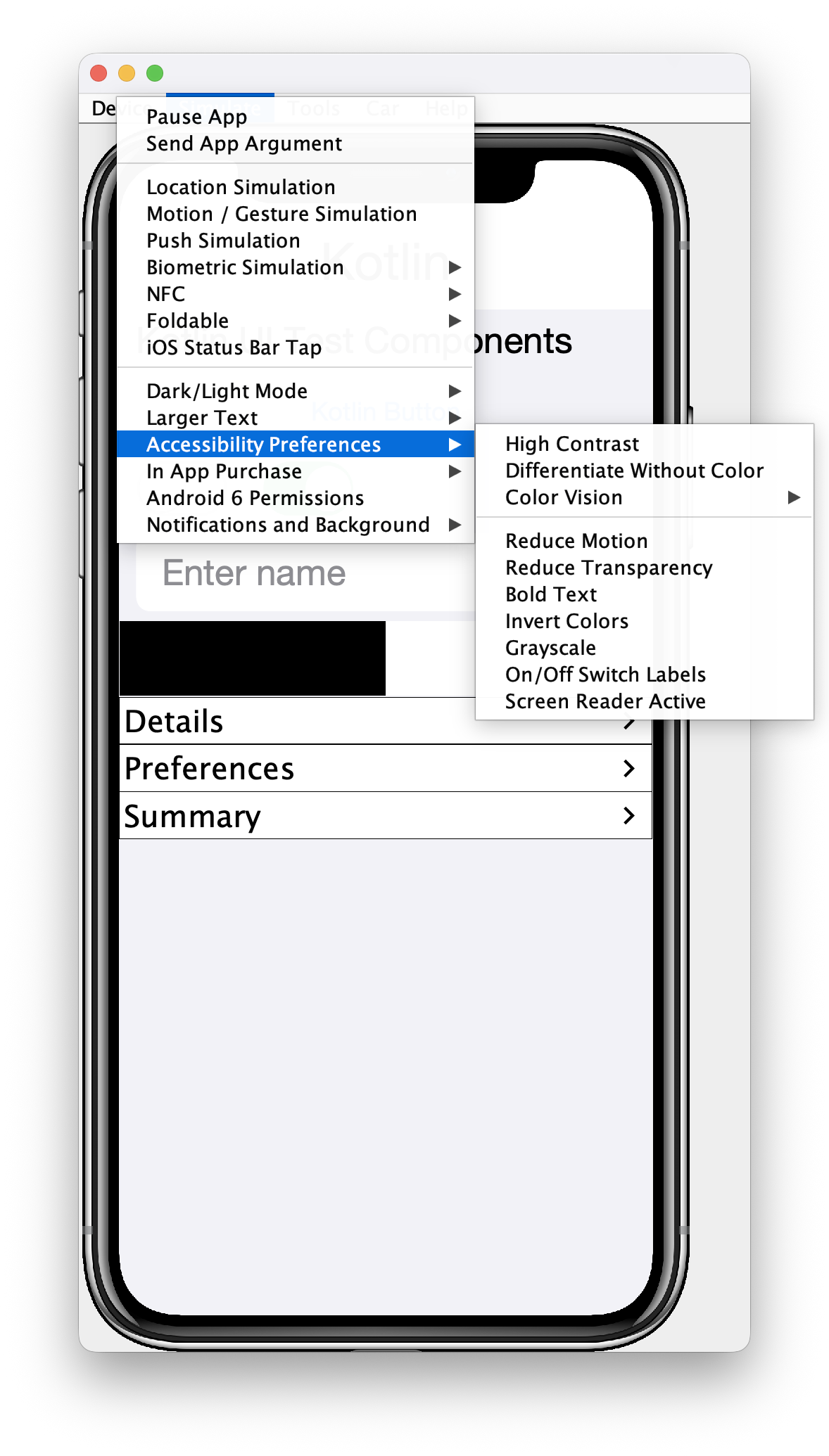
The following icon-only custom control is painted and responds to a pointer, but initially has no usable name, role, or keyboard-equivalent action. The audit reports it as an unlabeled interactive node. Repair the semantic contract at the custom-control boundary:
iconOnlyButton.getSemantics()
.setRole(AccessibilityRole.BUTTON)
.setLabel("Delete message")
.setHint("Removes this message from the conversation")
.setIdentifier("message-delete")
.addAction(new AccessibilityAction(
AccessibilityAction.ACTIVATE,
null,
new AccessibilityAction.Handler() {
public boolean perform(Component component, Object argument) {
deleteMessage();
return true;
}
}));Don’t fix the warning by adding a label alone if the role, current state, range, or available actions are still wrong. For example, a custom switch needs SWITCH, checked state, and activation; a chart needs virtual descendants for its meaningful data points; a renderer-backed grid needs collection and item metadata.
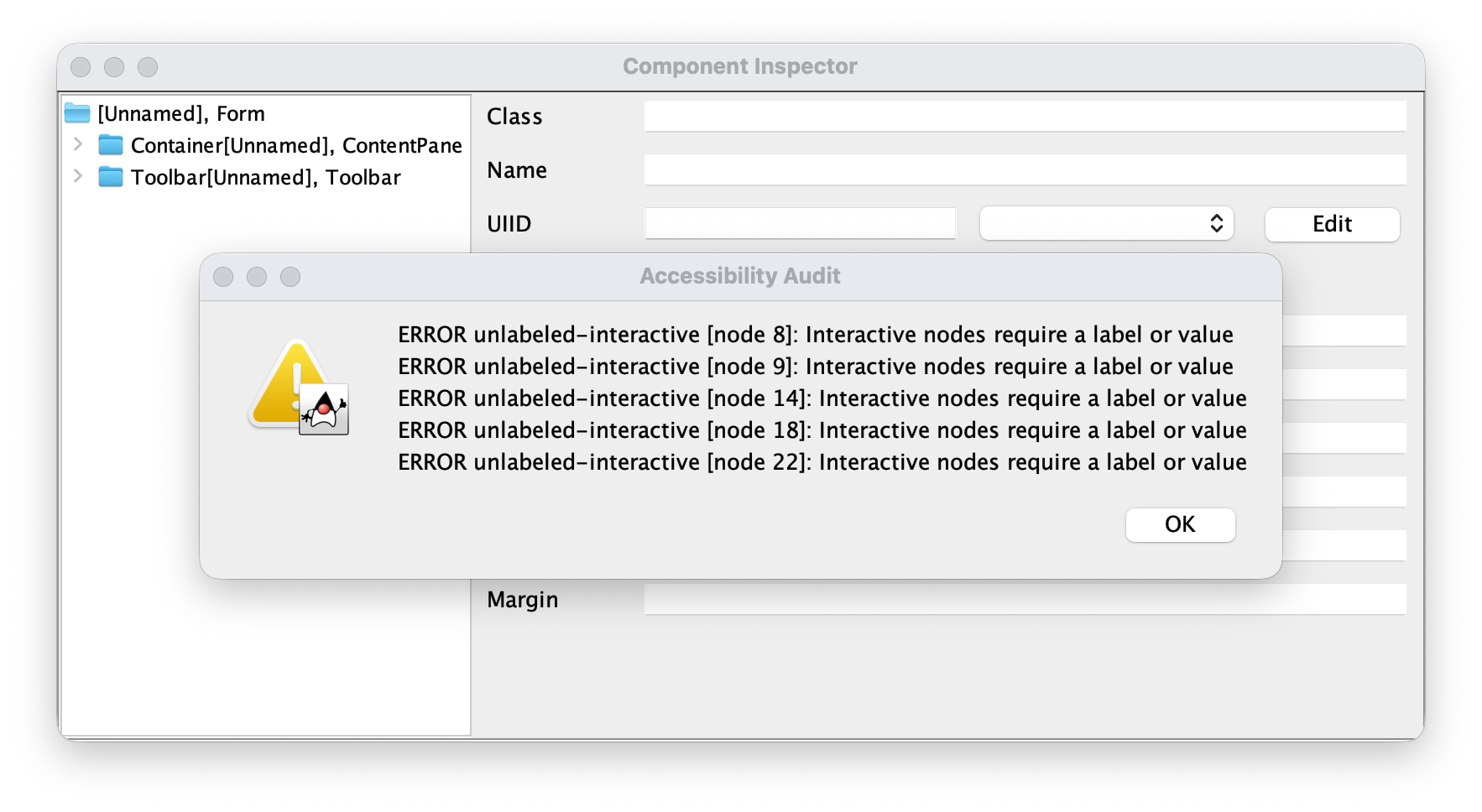
11.11.1. Assertions that prevent regressions
Snapshot the finished form and assert behavior that matters to a user. Prefer stable identifiers and resolved semantics over implementation class names or platform-specific speech:
AccessibilityTreeSnapshot tree = AccessibilityInspector.snapshot(form);
AccessibilityAssertions.assertNoErrors(tree);
AccessibilityAssertions.assertNoUnlabeledInteractiveNodes(tree);
AccessibilityNodeSnapshot save = tree.getNodeByIdentifier("profile-save");
assert save.getRole() == AccessibilityRole.BUTTON;
assert save.getAction(AccessibilityAction.ACTIVATE) != null;Keep targeted assertions for traversal order, validation errors, live-region behavior, ranges, and stable virtual keys. The scripts/hellocodenameone accessibility fixture invokes every portable preference API and exercises the resolved semantic tree on each native CI platform.
11.11.2. Native verification
The simulator finds portable problems, but the final pass must use VoiceOver, TalkBack, Narrator, Orca, or the browser accessibility tree. Navigate in both directions, activate every action, change adjustable values, enter and leave collections, trigger errors, and confirm that focus moves sensibly after a dialog, navigation, deletion, or live update. Record the platform, assistive-technology version, input method, and failed semantic node in the bug report; attach the inspector JSON when the native result differs from the portable snapshot.
11.12. Platform mappings
| Target | Native representation | Notable behavior |
|---|---|---|
iOS, iPadOS, and macOS |
| Traits, values, frames, custom actions, adjustable actions, live announcements, and screen/layout transitions |
Android |
| Class/role mapping, checked and mixed state, headings, pane titles, errors, ranges, collections, focus, hit testing, and custom actions |
Windows native | UI Automation fragment-root provider | Virtual fragments, control types, names, values, state, bounds, navigation, focus lookup, hit testing, and action dispatch |
Linux native | Transparent GTK semantic widgets exposed through ATK/AT-SPI | Roles, names, descriptions, state, hierarchy, bounds, and action dispatch |
Java SE simulator and desktop | Swing | Roles, states, values, geometry, accessible actions, and Component Inspector integration |
JavaScript | A synchronized off-screen DOM tree | ARIA roles, names, state, ranges, live regions, collection metadata, traversal order, and action routing; the painted canvas is hidden from the accessibility tree |
The API intentionally goes beyond a label-only model: it includes stable virtual children, explicit traversal constraints, collection spans and set metadata, pane transitions, machine-readable inspection, and built-in semantic audits. Platform accessibility tools remain the final verification step because screen readers can apply platform-specific presentation rules.
For underlying platform guidance, see the Apple UIAccessibility protocol, Android accessibility principles, Microsoft UI Automation provider overview, and W3C WAI-ARIA.
12. Animations
There are many ways to animate and liven the data within a Codename One application, layout animations are probably chief among them. But first you need to understand some basics such as layout reflows.
12.1. Layout reflow
Layout in tools such as HTML is implicit, when you add something into the UI it’s automatically placed. Other tools such as Codename One use explicit layout, that means you’ve to explicitly request the UI to layout itself after making changes!
| Like many such rules exceptions occur. For example, if the device is rotated or window size changes a layout will occur automatically. |
When adding a component to a UI that’s already visible, the component won’t show by default.
| When adding a component to a form which isn’t shown on the screen, there is no need to tell the UI to repaint or reflow. This happens implicitly. |
The chief advantage of explicit layout is performance.
For example, imagine adding 100 components to a form. If the form was laid out automatically, layout would have happened 100 times instead of once when adding was finished. In fact layout reflows are often considered the #1 performance issue for HTML/JavaScript applications.
| Smart layout reflow logic can alleviate some pains of the automatic layout reflows but since the process is implicit it’s almost impossible to optimize complex usages across browsers/devices. A major JavaScript performance tip is to use absolute positioning which is akin to not using layouts at all! |
That’s why, when you add components to a form that’s already showing, you should invoke revalidate() or animate the layout appropriately. This also enables the layout animation behavior explained below.
12.2. Layout animations
To understand animations you need to understand a couple of things about Codename One components. When you add a component to a container, it’s added but not positioned anywhere. A novice might notice the setX/setY/setWidth/setHeight methods on a component and try to position it.
This won’t work since these methods are meant for the layout manager, which is implicitly invoked when a form is shown (internally in Codename One). The layout manager uses these methods to position/size the components based on the hints given to it.
If you add components to a form that’s showing, it’s your responsibility to invoke revalidate/layoutContainer to arrange the newly added components (see Layout Reflows).
animateLayout() method is a fancy form of revalidate that animates the components into their laid out position. After changing the layout & invoking this method the components move to their new sizes/positions seamlessly. Form exposes convenience wrappers such as animateLayout*() that forward to the underlying content pane, so you can call the methods directly on the form unless you specifically need to animate a nested container.
This sort of behavior creates a special case where setting the size/position makes sense. When you set the size/position in the demo code here you’re positioning the components at the animation start position above the frame:
Form hi = new Form("Layout Animations", new BoxLayout(BoxLayout.Y_AXIS));
Button fall = new Button("Fall"); (1)
fall.addActionListener((e) -> {
for (int iter = 0; iter < 10; iter++) {
Label b = new Label("Label " + iter);
b.setWidth(fall.getWidth());
b.setHeight(fall.getHeight());
b.setY(-fall.getHeight());
hi.add(b);
}
hi.animateLayout(20000); (2)
});
hi.add(fall);Notice these things about this example:
| 1 | You used a button to do the animation rather than doing it on show. Since show() implicitly lays out the components it wouldn’t have worked. |
| 2 | You used hi.animateLayout(20000);, which delegates to the Form content pane. If you need to animate a specific container (for example, a nested layout), call animateLayout() on that container instead. |
This results in:

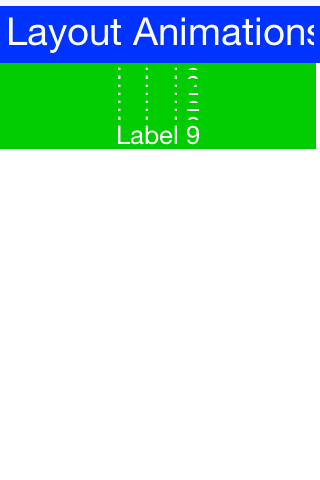
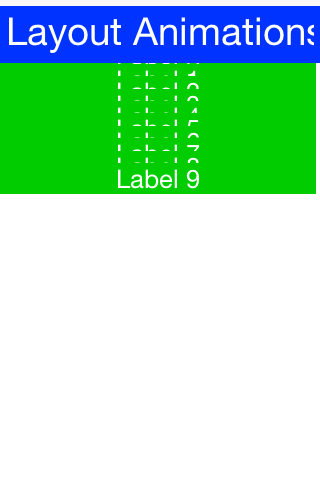
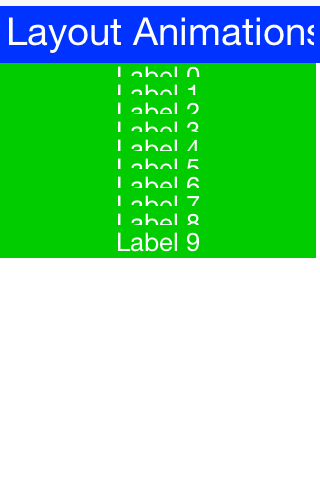
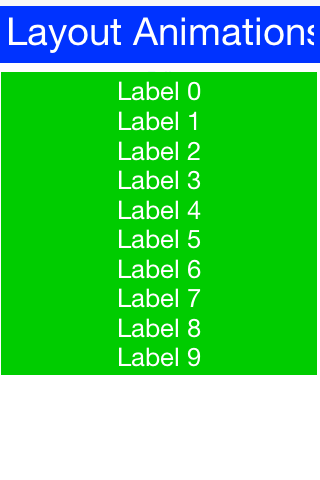
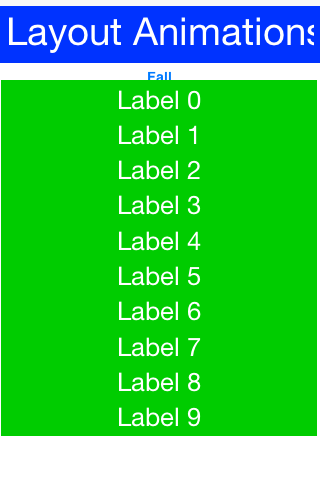
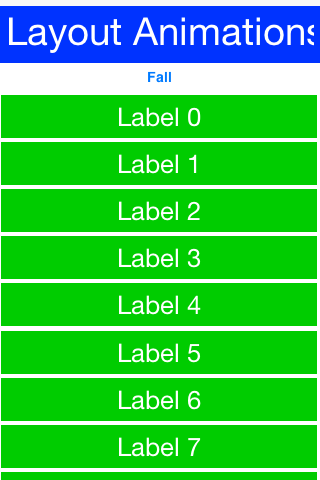
12.2.1. Unlayout animations
While layout animations are powerful effects for adding elements into the UI and drawing attention to them. The inverse of removing an element from the UI is often more important. For example, when you delete or remove an element you want to animate it out.
Layout animations don’t do that since they will try to bring the animated item into place. The exact opposite of a layout animation is the "unlayout animation." Container.animateUnlayout(int, int, Runnable) and the Form.animateUnlayout*() helpers trigger this transition either asynchronously (with a completion callback) or synchronously via the AndWait variants.
The "unlayout animation" takes a valid laid out state and shifts the components to an invalid state that you defined in advance. For example, you can fix the example above to flip the "fall" button into a "rise" button when the buttons come into place and this will allow the buttons to float back up to where they came from in the exact reverse order.
| An unlayout animation always leaves the container in an invalidated state. |
Form hi = new Form("Layout Animations", new BoxLayout(BoxLayout.Y_AXIS));
Button fall = new Button("Fall");
fall.addActionListener((e) -> {
if (hi.getContentPane().getComponentCount() == 1) {
fall.setText("Rise");
for (int iter = 0; iter < 10; iter++) {
Label b = new Label("Label " + iter);
b.setWidth(fall.getWidth());
b.setHeight(fall.getHeight());
b.setY(-fall.getHeight());
hi.add(b);
}
hi.animateLayout(20000);
} else {
fall.setText("Fall");
for (int iter = 1; iter < hi.getContentPane().getComponentCount(); iter++) { (1)
Component c = hi.getContentPane().getComponentAt(iter);
c.setY(-fall.getHeight()); (2)
}
hi.animateUnlayoutAndWait(20000, 255); (3)
hi.removeAll(); (4)
hi.add(fall);
hi.revalidate();
}
});
hi.add(fall);You will notice some similarities with the unlayout animation but the differences represent the exact opposite of the layout animation:
| 1 | You loop over existing components (not newly created ones) |
| 2 | You set the desired end position not the desired starting position |
| 3 | You used the animateUnlayoutAndWait(…) variant to block until completion; animateUnlayout(duration, opacity, callback) provides the non-blocking alternative when you want to continue and run code from a callback instead. |
| 4 | After the animation completes you need to actually remove the elements since the UI is now in an invalid position with elements outside of the screen but still physically there! |
12.2.2. Hiding & visibility
A common trick for animating Components in Codename One is to set their preferred size to 0 and then invoke animateLayout() thus triggering an animation to hide said Component. several issues with this trick but one of the biggest ones is the fact that setPreferredSize has been deprecated for quite a while.
Instead of using that trick you can use setHidden/isHidden who effectively encapsulate this functionality and a bit more.
One of the issues setHidden tries to solve is the fact that preferred size doesn’t include the margin in the total and thus a component might still occupy space despite being hidden. When you request the margin change the current margins are cached, the component is given zero margins while hidden, and those cached values are restored when it’s shown again—without resetting the UIID or other style state.
This functionality might be undesirable which is why there is a version of the setHidden method that accepts a boolean flag indicating whether the margin cache should be manipulated. You can effectively hide/show a component without deprecated code using something like this:
Button toHide = new Button("Will Be Hidden");
Button hide = new Button("Hide It");
hide.addActionListener((e) -> {
hide.setEnabled(false);
boolean t = !toHide.isHidden();
toHide.setHidden(t);
toHide.getParent().animateLayoutAndWait(200);
toHide.setVisible(!t);
hide.setEnabled(true);
});Notice that the code above uses setVisible(), which shouldn’t be confused with setHidden. setVisible() toggles the visibility of the component it would still occupy the same amount of space |
12.2.3. Synchronicity in animations
Most animations have two or three variants:
Standard animation for example,
animateLayout(int)or the non-blockinganimateUnlayout(int, int, Runnable)And wait variant for example,
animateLayoutAndWait(int)/animateUnlayoutAndWait(int, int)Callback variant for example,
animateLayoutFade(int, int, Runnable)
The standard animation is invoked when you don’t care about the completion of the animation. You can do this for a standard animation.
| Unlayout animations always leave the container in an invalid state, so even the standard helper expects you to tidy up either in the callback or after the animation finishes. |
The AndWait variant blocks the calling thread until the animation completes. This is useful for sequencing animations one after the other e.g this code from the kitchen sink demo:
arrangeForInterlace(effects);
effects.animateUnlayoutAndWait(800, 20);
effects.animateLayoutFade(800, 20);First the UI goes through an "unlayout" animation, once that completes the layout itself is performed.
The AndWait calls needs to be invoked on the Event Dispatch Thread despite being "blocking." This is a common convention in Codename One powered by a unique capability of Codename One: invokeAndBlock.You can learn more about invokeAndBlock in the
EDT section. |
The callback variant is like the invokeAndBlock variant but uses a more conventional callback semantic which is more familiar to some developers. It accepts a Runnable callback that will be invoked after the fact. For example, you can change the unlayout call from before to use the callback semantics as such:
hi.animateUnlayout(20000, 255, () -> {
hi.removeAll();
hi.add(fall);
hi.revalidate();
});Animation fade and hierarchy
There are several more variations on the standard animate methods. Several methods accept a numeric fade argument. This is useful to fade out an element in an "unlayout" operation or fade in a regular animation.
The value for the fade argument is a number between 0 and 255 where 0 represents full transparency and 255 represents full opacity.
Some animate layout methods are hierarchy based. They work like the regular animateLayout methods but recurse into the entire Container hierarchy. These methods work well when you have components in a nested hierarchy that need to animate into place. This is demonstrated in the opening sequence of the kitchen sink demo:
for(int iter = 0 ; iter < demoComponents.size() ; iter++) {
Component cmp = (Component)demoComponents.elementAt(iter);
if(iter < componentsPerRow) {
cmp.setX(-cmp.getWidth());
} else {
if(iter < componentsPerRow * 2) {
cmp.setX(dw);
} else {
cmp.setX(-cmp.getWidth());
}
}
}
boxContainer.setShouldCalcPreferredSize(true);
boxContainer.animateHierarchyFade(3000, 30);The demoComponents Vector contains components from separate containers and this code would not work with a simple animate layout.
Avoid the hierarchy version where possible. Its slower but more importantly, it’s flaky. Since the size/position of the Container might be affected by the layout the animation could get clipped and skip. These are hard issues to debug. |
12.2.4. Sequencing animations via AnimationManager
All the animations go through a per-form queue: the AnimationManager. This effectively prevents two animations from mutating the UI in parallel so you won’t have collisions between two conflicting sides. Things get more interesting when you try to do something like this:
cnt.add(myButton);
int componentCount = cnt.getComponentCount();
cnt.animateLayout(300);
cnt.removeComponent(myButton);
if(componentCount == cnt.getComponentCount()) {
// this will happen...
}The reason this happens is that the second remove gets postponed to the end of the animation so it won’t break the animation. This works for remove and add operations on a Container as well as other animations.
The simple yet problematic fix would be:
cnt.add(myButton);
int componentCount = cnt.getComponentCount();
cnt.animateLayoutAndWait(300);
cnt.removeComponent(myButton);
if(componentCount == cnt.getComponentCount()) {
// this probably won't happen...
}Why might that still fail?
Events come in constantly during the run of the EDT [6], so an event might come in that might trigger an animation in your code. Even if you’re on the EDT keep in mind that you don’t actually block it and an event might come in.
In those cases an animation might start and you might be unaware of that animation and it might still be in action when you expect remove to work.
Animation manager to the rescue
AnimationManager has built-in support to fix this exact issue.
You can flush the animation queue and run synchronously after all the animations finished and before new ones come in by using something like this:
cnt.add(myButton);
int componentCount = cnt.getComponentCount();
cnt.animateLayout(300);
cnt.getAnimationManager().flushAnimation(() -> {
cnt.removeComponent(myButton);
if(componentCount == cnt.getComponentCount()) {
// this shouldn't happen...
}
});12.3. Low-level animations
The Codename One event dispatch thread has a special animation "pulse" allowing an animation to update its state and draw itself. Code can make use of this pulse to implement repetitive polling tasks that have little to do with drawing.
This is helpful since the callback will always occur on the event dispatch thread.
Every component in Codename One contains an animate() method that returns a boolean value, you can also implement the Animation interface in an arbitrary component to implement your own animation. To receive animation events you need to register yourself within the parent form, it’s the responsibility of the parent for to call animate().
If the animate method returns true then the animation will be painted (the paint method of the Animation interface would be invoked).
| It’s important to deregister animations when they aren’t needed to conserve battery life. |
If you derive from a component, which has its own animation logic you might damage its animation behavior by deregistering it, so use care with the low-level API’s.
For example, you can add more animation logic using code like this:
myForm.registerAnimated(this);private int spinValue;
@Override
public boolean animate() {
if(userStatusPending) {
spinValue++;
super.animate();
return true;
}
return super.animate();
}12.3.1. Why not just write code in paint
Animations comprise two parts, the logic (deciding the position, etc.) and the painting. The paint method should be dedicated to painting, not to the actual moving of the components.
The separation of concerns allows you to avoid redundant painting for example, if animate didn’t trigger a change return false to avoid the overhead related to animations.
You discuss low-level animations in more details within the animation section of the clock demo.
12.4. Transitions
Transitions allow you to replace one component with another, most typically forms or dialogs are replaced with a transition but a transition can be applied to replace any arbitrary component.
Developers can implement their own custom transition and install it to components by deriving the Transition class, although most commonly the built in CommonTransitions class is used for almost everything.
You can define transitions for forms/dialogs/menus globally either via the theme constants or via the LookAndFeel class. Or you can install a transition on top-level components via setter methods.
| When working with high-level animations you can select Slow Motion option in the simulator to slow down animations and inspect their details |
Themes define the default transitions used when showing a form, these differ based on the OS. In most platforms the default is Slide whereas in iOS the default is SlideFade which slides the content pane and title while fading in/out the content of the title area.
SlideFade is problematic without a title area. If you have a Form that lacks a title area you would recommend to disable SlideFade at least for that Form. |
Check out the full set of theme constants in the Theme Constants Section.
12.4.1. Replace
To apply a transition to a component you can use the Container.replace() method as such:
Form hi = new Form("Replace", new BoxLayout(BoxLayout.Y_AXIS));
Button replace = new Button("Replace Pending");
Label replaceDestiny = new Label("Destination Replace");
hi.add(replace);
replace.addActionListener((e) -> {
replace.getParent().replaceAndWait(replace, replaceDestiny, CommonTransitions.createCover(CommonTransitions.SLIDE_VERTICAL, true, 800));
replaceDestiny.getParent().replaceAndWait(replaceDestiny, replace, CommonTransitions.createUncover(CommonTransitions.SLIDE_VERTICAL, true, 800));
});Replace even works when you have a layout constraint in place for example, replacing a component in a border layout will do the "right thing." But, some layouts such as TableLayout might be tricky in such cases so recommend wrapping a replaceable Component in a border layout and replacing the content. |
Container.replace() can also be used with a null transition at which point it replaces instantly with no transition.
12.4.2. Slide transitions
The slide transitions are used to move the Form/Component in a sliding motion to the side or up/down. Four basic types of slide transitions exist:
Slide - the most commonly used transition
Fast Slide - historically this provided better performance for old device types. It’s no longer recommended for newer devices
Slide Fade - the iOS default where the title area features a fade transition
Cover/Uncover - a kind of slide transition where the source or destination form slides while the other remains static in place
The code below demonstrates the usage of all the main transitions:
Toolbar.setGlobalToolbar(true);
Form hi = new Form("Transitions", new BoxLayout(BoxLayout.Y_AXIS));
Style bg = hi.getContentPane().getUnselectedStyle();
bg.setBgTransparency(255);
bg.setBgColor(0xff0000);
Button showTransition = new Button("Show");
Picker pick = new Picker();
pick.setStrings("Slide", "SlideFade", "Cover", "Uncover", "Fade", "Flip");
pick.setSelectedString("Slide");
TextField duration = new TextField("10000", "Duration", 6, TextArea.NUMERIC);
CheckBox horizontal = CheckBox.createToggle("Horizontal");
pick.addActionListener((e) -> {
String s = pick.getSelectedString().toLowerCase();
horizontal.setEnabled(s.equals("slide") || s.indexOf("cover") > -1);
});
horizontal.setSelected(true);
hi.add(showTransition).
add(pick).
add(duration).
add(horizontal);
Form dest = new Form("Destination");
bg = dest.getContentPane().getUnselectedStyle();
bg.setBgTransparency(255);
bg.setBgColor(0xff);
dest.setBackCommand(
dest.getToolbar().addCommandToLeftBar("Back", null, (e) -> hi.showBack()));
showTransition.addActionListener((e) -> {
int h = CommonTransitions.SLIDE_HORIZONTAL;
if(!horizontal.isSelected()) {
h = CommonTransitions.SLIDE_VERTICAL;
}
switch(pick.getSelectedString()) {
case "Slide":
hi.setTransitionOutAnimator(CommonTransitions.createSlide(h, true, duration.getAsInt(3000)));
dest.setTransitionOutAnimator(CommonTransitions.createSlide(h, true, duration.getAsInt(3000)));
break;
case "SlideFade":
hi.setTransitionOutAnimator(CommonTransitions.createSlideFadeTitle(true, duration.getAsInt(3000)));
dest.setTransitionOutAnimator(CommonTransitions.createSlideFadeTitle(true, duration.getAsInt(3000)));
break;
case "Cover":
hi.setTransitionOutAnimator(CommonTransitions.createCover(h, true, duration.getAsInt(3000)));
dest.setTransitionOutAnimator(CommonTransitions.createCover(h, true, duration.getAsInt(3000)));
break;
case "Uncover":
hi.setTransitionOutAnimator(CommonTransitions.createUncover(h, true, duration.getAsInt(3000)));
dest.setTransitionOutAnimator(CommonTransitions.createUncover(h, true, duration.getAsInt(3000)));
break;
case "Fade":
hi.setTransitionOutAnimator(CommonTransitions.createFade(duration.getAsInt(3000)));
dest.setTransitionOutAnimator(CommonTransitions.createFade(duration.getAsInt(3000)));
break;
case "Flip":
hi.setTransitionOutAnimator(new FlipTransition(-1, duration.getAsInt(3000)));
dest.setTransitionOutAnimator(new FlipTransition(-1, duration.getAsInt(3000)));
break;
}
dest.show();
});
hi.show();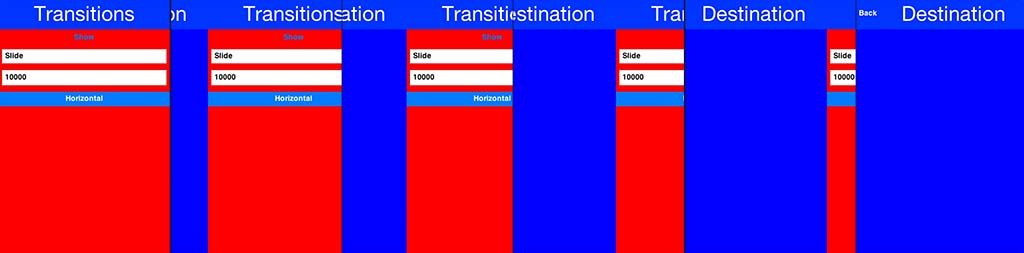
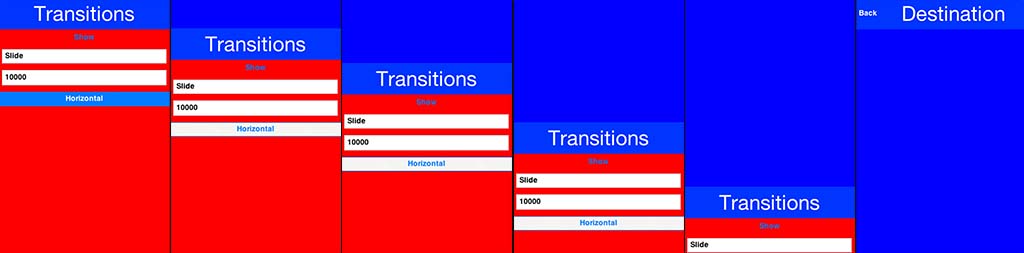
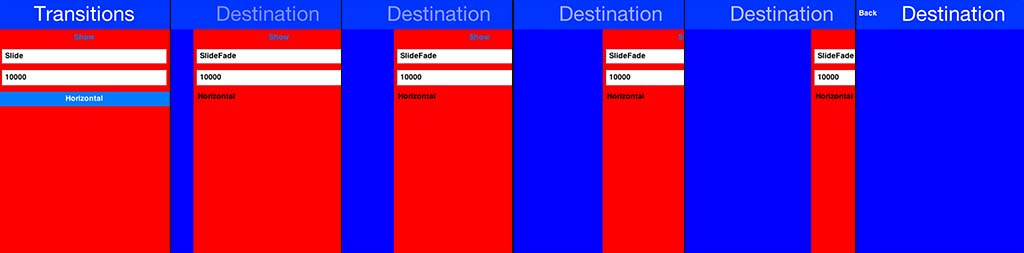
SlideFade is problematic without a title area. If you have a Form that lacks a title area you would recommend to disable SlideFade at least for that Form. |
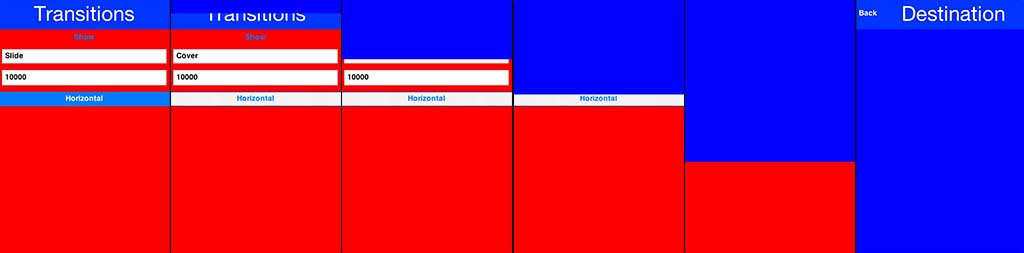
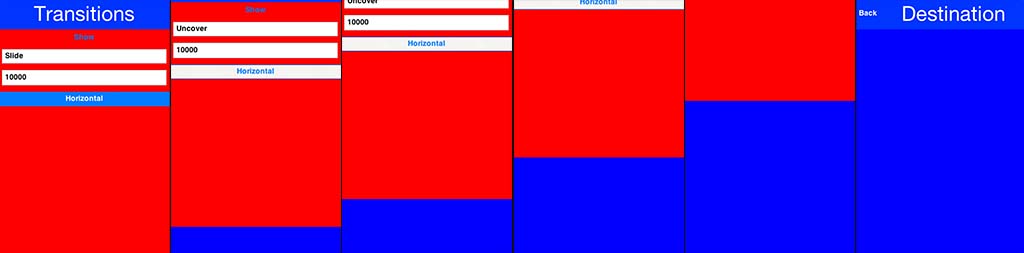
12.4.3. Fade and flip transitions
The fade transition is pretty trivial and accepts a time value since it has no directional context.
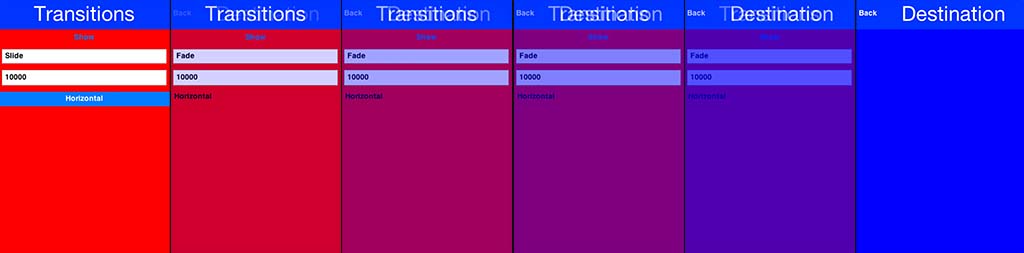
The FlipTransition is also pretty simple but unlike the others it isn’t a part of the CommonTransitions. It has its own FlipTransition class.
| This transition looks different on devices as it uses native perspective transforms available there |
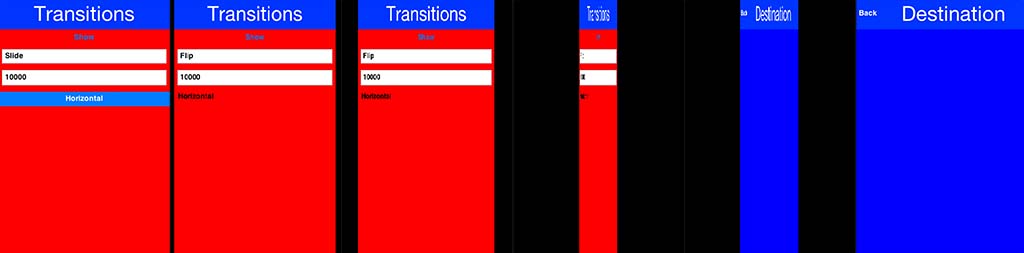
12.4.4. Bubble transition
BubbleTransition morphs a component into another component using a circular growth motion.
The BubbleTransition accepts the component that will grow into the bubble effect as one of its arguments. It’s primarily
designed for Dialog transitions although it could work for more creative use cases:
| The code below manipulates styles and look. This is done to make the code more "self contained." Real world code should probably use the theme |
Form hi = new Form("Bubble");
Button showBubble = new Button("+");
showBubble.setName("BubbleButton");
Style buttonStyle = showBubble.getAllStyles();
buttonStyle.setBorder(Border.createEmpty());
buttonStyle.setFgColor(0xffffff);
buttonStyle.setBgPainter((g, rect) -> {
g.setColor(0xff);
int actualWidth = rect.getWidth();
int actualHeight = rect.getHeight();
int xPos, yPos;
int size;
if(actualWidth > actualHeight) {
yPos = rect.getY();
xPos = rect.getX() + (actualWidth - actualHeight) / 2;
size = actualHeight;
} else {
yPos = rect.getY() + (actualHeight - actualWidth) / 2;
xPos = rect.getX();
size = actualWidth;
}
g.setAntiAliased(true);
g.fillArc(xPos, yPos, size, size, 0, 360);
});
hi.add(showBubble);
hi.setTintColor(0);
showBubble.addActionListener((e) -> {
Dialog dlg = new Dialog("Bubbled");
dlg.setLayout(new BorderLayout());
SpanLabel sl = new SpanLabel("This dialog should appear with a bubble transition from the button", "DialogBody");
sl.getTextUnselectedStyle().setFgColor(0xffffff);
dlg.add(BorderLayout.CENTER, sl);
dlg.setTransitionInAnimator(new BubbleTransition(500, "BubbleButton"));
dlg.setTransitionOutAnimator(new BubbleTransition(500, "BubbleButton"));
dlg.setDisposeWhenPointerOutOfBounds(true);
dlg.getTitleStyle().setFgColor(0xffffff);
Style dlgStyle = dlg.getDialogStyle();
dlgStyle.setBorder(Border.createEmpty());
dlgStyle.setBgColor(0xff);
dlgStyle.setBgTransparency(0xff);
dlg.showPacked(BorderLayout.NORTH, true);
});
hi.show();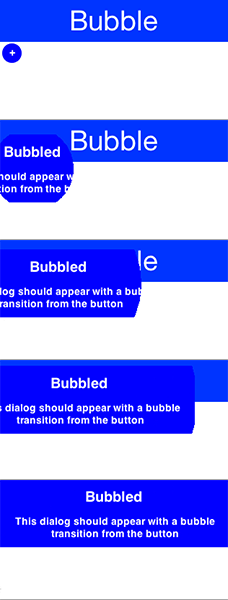
12.4.5. Morph transitions
Android’s material design has a morphing effect where an element from the previous form (activity) animates into a different component on a new activity. Codename One has a morph effect in the Container class but it doesn’t work as a transition between forms and doesn’t allow for multiple separate components to transition at once.
To support this behavior you have the MorphTransition class that provides this same effect coupled with a fade to the rest of the UI (see Figure 181, “Morph Transition”).
Since the transition is created before the form exists you can’t reference explicit components within the form
when creating the morph transition (to show which component becomes which) so you need to refer
to them by name. This means you need to use setName(String) on the components in the source/destination
forms so the transition will be able to find them:
Form demoForm = new Form(currentDemo.getDisplayName());
demoForm.setScrollable(false);
demoForm.setLayout(new BorderLayout());
Label demoLabel = new Label(currentDemo.getDisplayName());
demoLabel.setIcon(currentDemo.getDemoIcon());
demoLabel.setName("DemoLabel");
demoForm.addComponent(BorderLayout.NORTH, demoLabel);
demoForm.addComponent(BorderLayout.CENTER, wrapInShelves(n));
// ...
demoForm.setBackCommand(backCommand);
demoForm.setTransitionOutAnimator(
MorphTransition.create(3000).morph(
currentDemo.getDisplayName(),
"DemoLabel"));
f.setTransitionOutAnimator(
MorphTransition.create(3000).
morph(currentDemo.getDisplayName(),
"DemoLabel"));
demoForm.show();Snapshot mode
By default MorphTransition paints both endpoints by re-rendering the live
source / destination components every frame at the interpolated bounds.
That works well when the source is fully visible — a card in the body
of one form morphing to a card in the next.
It runs into edge cases when the source lives inside a scrolling
container that has children extending past the source’s bounds, or
when the source has dynamic content (a video frame, a BrowserComponent,
a custom-painted background) that should be visually frozen for the
duration of the animation. The legacy live-paint path can leak
off-viewport pixels into the morph because the layered pane that holds
the source during the animation doesn’t carry the original parent’s clip.
To opt into the image-snapshot path call snapshotMode(true) on the
builder:
MorphTransition morph = MorphTransition.create(300)
.snapshotMode(true)
.morph("card");
nextForm.setTransitionInAnimator(morph);
nextForm.show();snapshotMode(true) captures each (source, dest) pair as a clipped
Image at initTransition(), then the tween draws those images at the
interpolated bounds rather than re-painting the live components.
Off-viewport children of the source are clipped at capture time (the
image’s own bounds are the clip), so they can’t leak into the morph.
The default MorphTransition behavior (live paint, no snapshots) is
unchanged for back-compat. Use snapshot mode opportunistically when
the live-paint output exhibits the off-viewport leak, or when the
source’s children produce frame-by-frame visual change you want to
freeze.
12.4.6. SwipeBackSupport
iOS7+ allows swiping back one form to the previous form, Codename One has an API to enable back swipe transition:
SwipeBackSupport.bindBack(currentForm, destination);That one command will enable swiping back from currentForm. LazyValue allows you to pass a value lazily:
/**
* Useful when passing a value that might not exist to a function, e.g. When we
* pass a form that we might need to construct dynamically later on.
*/
public interface LazyValue<T> {
/**
* Returns the actual value.
*
* @param args optional arguments for the creation of the lazy value
* @return the value
*/
T get(Object... args);
}This effectively allows you to pass a form and create it as necessary (for example, for a GUI builder app you don’t have the actual previous form instance), notice that the arguments aren’t used for this case but will be used in other cases.
The code below should work for the transition sample above. Notice that this API was designed to work with "Slide Fade" transition and might have issues with other transition types:
SwipeBackSupport.bindBack(dest, (args) -> hi);Theming and styling
13. Advanced theming
Before getting into CSS, this section introduces a few advanced theme concepts. Those ideas also apply to CSS because CSS uses features such as theme constants.
13.1. Working with UIIDs
A UIID (User Interface Identifier) uniquely identifies a group of theme definitions for UI components. For example, a Button UIID can be linked to a component, and the theme can then define that component’s appearance.
A major advantage of UIIDs is the ability to change a component’s UIID. For example, to create a multiline label, use code like this:
TextArea t = new TextArea(); // ...
t.setUIID("Label");
t.setEditable(false);| Components such as SpanLabel use this approach internally. |
UIIDs can be customized in the GUI builder and support per-component styling.
| The component class name often matches the UIID, but the two remain separate entities. |
Looking a UIID up isn’t a single lookup. The state, the appearance and any
derive chain each get a turn before the default style is reached:

13.2. Theme layering
Theme layering helps in two common cases:
A platform needs a slightly different theme.
A specific use case needs theme customization. For example, a user might select larger fonts.
Theme layering is straightforward and doesn’t require rebuilding the entire theme. A theme can be applied on top of another theme, like CSS cascading. To create a layer, add a new theme with the Add Theme button.
Remove the includeNativeBool constant from the new theme. |
In the new theme, define the changes you need. For example, to use a larger default font, define that property for the relevant UIIDs and leave the other properties unchanged.
In a non-GUI-builder app, the theme loading code looks like this by default:
Resources theme = UIManager.initFirstTheme("/theme");Update it to look like this:
Resources theme = UIManager.initNamedTheme("/theme", "Theme");This example assumes that the main theme is named Theme, not the layer theme that was added. |
The original code relies on the theme being at position 0 in the theme name array. That might not always be true.
To add the theme layer, use:
UIManager.getInstance().addThemeProps(theme.getTheme("NameOfLayerTheme"));The addThemeProps call places the secondary theme on top of the primary "Theme" and keeps the original UIIDs in "Theme" intact.
To apply theme changes to a running application, call Form’s `refreshTheme(). This updates the UI and provides visual feedback for the theme changes.
13.3. Override resources in platform
When you adapt an application to different OS conventions, one common need is to use different icons. Sometimes you also need to change behavior based on device type, for example to use a different UI structure for a tablet.
Codename One lets you override a resource for a specific platform. You can redefine a resource for that platform and add platform-specific resources.
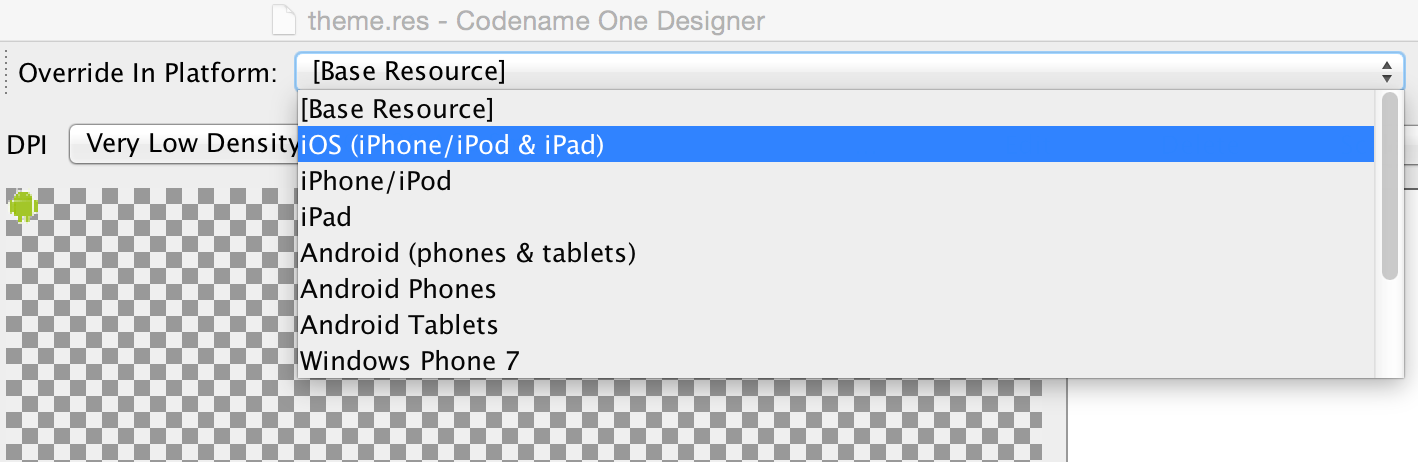
Overridden resources take precedence over embedded resources, which lets you change the look or even behavior for a specific platform or OS.
| Overriding the theme is dangerous because a theme has external dependencies, such as image borders. The solution is to use theme layering and override the layer. |
To override a resource, select the platform where the override applies.
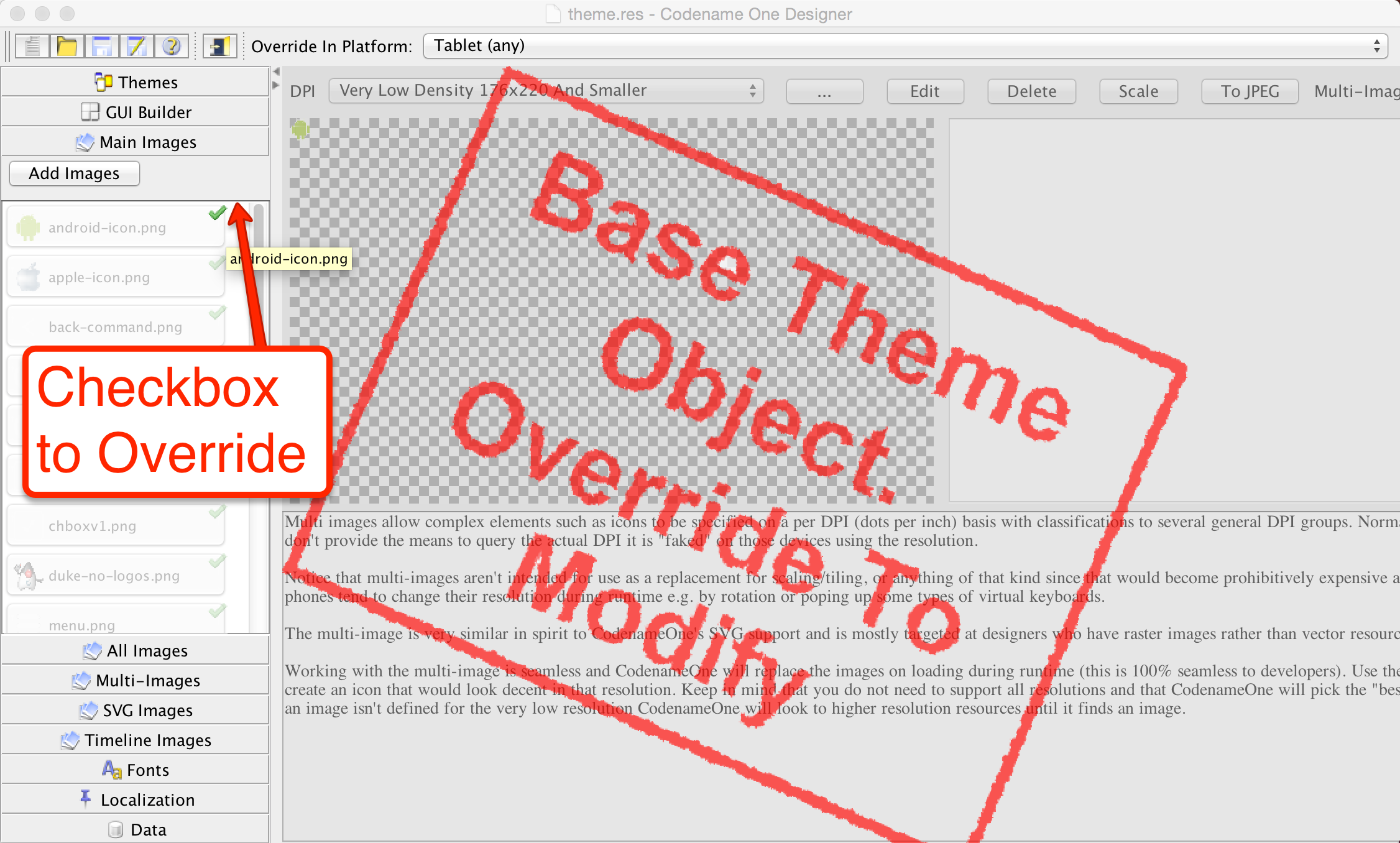
You can then click the green checkbox to mark that resource as specific to this platform. All resources added while that platform is selected apply to that platform. If you change your mind, delete the override in override mode and it will stop applying.
13.4. Theme constants
The Codename One Designer has a tab for creating constants. These constants can add global values and behavior hints to Codename One and its components. Constants are always strings. Some conventions let the UI adapt to input types. For example, a constant that ends with Bool is treated as a boolean value and displays as a checkbox. An Int suffix displays a numeric picker, and an Image suffix shows a combo box for picking an image.
| The combo box in the designer for adding a theme constant is editable, so you can type any value you want. |
To use a constant, call the appropriate UIManager methods:
getThemeConstantisThemeConstantgetThemeImageConstant
Internally, Codename One has many built-in constants, and the list keeps growing. As features are added, the list is updated, but theme constants are inherently ad hoc and some may not appear here.
| Constant | Description/Argument |
|---|---|
alwaysTensileBool | Enables tensile drag even when there is no scrolling in the container (only for scrollable containers) |
backGestureThresholdInt | The threshold for the back gesture in the SwipeBackSupport class, defaults to 5 |
backUsesTitleBool | Indicates to the GUI builder that the back command should use the title of the previous form and not just the word "Back" |
buttonRippleBool |
|
capsButtonTextBool |
|
capsButtonUiids | A list of the UIID’s that should be capitalized by default (in supported platforms) other than the |
defaultCommandImage | Image to give a command with no icon |
defaultNativeWindowModeBool |
|
dialogButtonCommandsBool | Place commands in the dialogs as buttons |
dialogBlurRadiusInt | Sets the default Gaussian blur radius for the background of the dialogs. The default value is -1 indicating no blur |
dialogPosition | Place the dialog in an arbitrary border layout position (for example, North, South, Center, etc.) |
centeredPopupBool | Popup of the combo box will appear in the center of the screen |
changeTabOnFocusBool | Useful for feature phones, allows changing the tab when the focus changes, without pressing a key |
checkBoxCheckDisImage | CheckBox image to use instead of Codename One drawing it on its own |
checkBoxCheckedImage | CheckBox image to use instead of Codename One drawing it on its own |
checkBoxOppositeSideBool | Indicates the check box should be drawn on the opposite side to the text and not next to the text |
checkBoxUncheckDisImage | CheckBox image to use instead of Codename One drawing it on its own |
checkBoxUncheckedImage | CheckBox image to use instead of Codename One drawing it on its own |
comboImage | Combo image to use instead of Codename One drawing it on its own |
comboPopupMaxRowsInt | The most rows the popup of the combo box shows before it scrolls. A popup with a limit opens below or above the combo box and doesn’t cover it. Defaults to 10 on a desktop and to 0, which means no limit, on other platforms |
commandBehavior | Deprecated: don’t use this constant as it conflicts with the |
ComponentGroupBool | Enables component group, which allows components to be logically grouped together, so the UIID’s of components would be modified based on their group placement. This allows for some unique styling effects where the first/last elements have different styles from the rest of the elements. It’s disabled by default, thus leaving its usage up to the designer |
dialogTransitionIn | Default transition for dialog |
dialogTransitionInImage | Default transition Image for dialog, causes a Timeline transition effect |
dialogTransitionOut | Default transition for dialog |
defaultCommandImage | An image to place on a command if none is defined, only applies to touch commands |
defaultEmblemImage | The emblem painted on the side of the multibutton, by default this is an arrow on some platforms |
emblemUiid | Overrides the UIID applied to emblem labels rendered by composite buttons such as |
iconUiid | Allows theming the icon component used by |
iosScrollMotionBool | Enables iOS-style scroll physics (nonlinear rubber-band during drag and critically damped tensile snap-back). When unset it defaults to |
imageviewerNavigationArrowsBool | Enables side navigation arrows by default for |
imageviewerThumbnailBarHeightMM | Sets the default thumbnail strip height (in millimeters) for |
imageviewerThumbnailsBool | Enables the bottom thumbnail strip by default for |
textUiid | Overrides the text component UIID for |
useLargerTextScaleBool | When |
dialogTransitionOutImage | Default transition Image for dialog, causes a Timeline transition effect |
DecayMotionScaleFactorInt | Velocity-to-distance multiplier for the exponential-decay scroll motion (see Section 13.4.1, “Scroll motion tuning”). Default is |
disabledColor | Color to use when disabling entries by default |
dlgButtonCommandUIID | The UIID used for dialog button commands |
dlgCommandButtonSizeInt | Minimum size to give to command buttons in the dialog |
dlgCommandGridBool | Places the dialog commands in a grid for uniform sizes |
dlgInvisibleButtons | Includes an RRGGBB color for the line separating dialog buttons, as is the case with Android 4 and iOS 7 buttons in dialogs |
dlgSlideDirection | Slide hints |
dlgSlideInDirBool | Slide hints |
dlgSlideOutDirBool | Slide hints |
drawMapPointerBool | Indicates whether a pointer should appear in the center of the map component |
fadeScrollBarBool | Boolean indicating if the scrollbar should fade when there is inactivity |
setFadeScrollBarSpeed(int) (API) | Sets the per-frame opacity decrement for scrollbar fading (not milliseconds). Approximate fade duration is |
fadeScrollEdgeBool | Places a fade effect at the edges of the screen to show that it’s possible to scroll until you reach the edge (common on Android) |
fadeScrollEdgeInt | Amount of pixels to fade out at the edge |
firstCharRTLBool | Indicates to the GenericListCellRenderer that it should determine RTL status based on the first character in the sentence |
noTextModeBool | Indicates that the on/off switch in iOS shouldn’t draw text on top of the switch, which is the case for iOS 7+ but not for prior versions |
fixedSelectionInt | Number corresponding to the fixed selection constants in List |
formTransitionIn | Default transition for form |
formTransitionInImage | Default transition Image for form, causes a Timeline transition effect |
formTransitionOut | Default transition for form |
formTransitionOutImage | Default transition Image for form, causes a Timeline transition effect |
globalToobarBool | Indicates that the Toolbar API should be on/off by default for all forms |
hasRaisedButtonBool | Is true in platforms where the theme has the |
hideBackCommandBool | Hides the back command from the side menu when possible |
hideEmptyTitleBool | Indicates that a title with no content should be hidden even if the border for the title occupies space |
hideLeftSideMenuBool | Hides the side menu icon that appears on the left side of the UI |
hideRightSideMenuBool | Hides the toolbar menu icon that appears on the right side of the title area |
ignorListFocusBool | Hide the focus component of the list when the list doesn’t have focus |
infiniteImage | The image used by the infinite progress component, the component will rotate it as needed |
infiniteMaterialDesignSize | Size (in millimeters) of the generated material design spinner when |
infiniteMaterialImageSize | Size (in millimeters) of the generated spinner image when no custom |
infiniteDefaultColor | Hex RGB color used for the autogenerated material spinner when |
interactionDialogSpeedInt | Controls the duration in milliseconds that |
includeNativeBool | True to derive from the platform native theme, false to create a blank theme that only uses the basic defaults |
labelGap | Positive floating point value representing the default gap value between the label text and the icon in millimeters |
listItemGapInt | Built-in item gap in the list, this defaults to 2, which predated padding/margin in Codename One |
listLongPressBool | Indicates whether a list should handle long press events, defaults to true |
mapTileLoadingImage | An image to preview while loading the MapComponent tile |
mapTileLoadingText | The text of the tiles in the MapComponent during loading, defaults to "Loading…" |
mapZoomButtonsBool | Indicates whether buttons should be drawn on the map component |
mediaBackImage | Media icon used by the media player class |
mediaFwdImage | Media icon used by the media player class |
mediaPauseImage | Media icon used by the media player class |
mediaPlayImage | Media icon used by the media player class |
menuButtonBottomBool | When set to true this flag aligns the menu button to the bottom portion of the title. Defaults to false |
menuButtonTopBool | When set to true this flag aligns the menu button to the top portion of the title. Defaults to false |
landscapeTitleUiidBool | When true the toolbar swaps to landscape-specific UIIDs (such as |
menuHeightPercent | Allows positioning and sizing the menu |
menuImage | The three dot menu image used in Android and the Toolbar to show more command entries |
menuImageSize | The size in millimeters (floating point value) of the generated side menu image, this is only used if you don’t supply a custom image. The default value is 4.5. |
menuPrefSizeBool | Allows positioning and sizing the menu |
menuSlideDirection | Defines menu entrance effect |
menuSlideInDirBool | Defines menu entrance effect |
menuSlideOutDirBool | Defines menu entrance effect |
menuTransitionIn | Defines menu entrance effect |
menuTransitionInImage | Defines menu entrance effect |
menuTransitionOut | Defines menu exit effect |
menuTransitionOutImage | Defines menu entrance effect |
menuWidthPercent | Allows positioning and sizing the menu |
iosStyleBackArrowBool | Renders the back command using the iOS-style chevron arrow (with a small icon gap) when the toolbar shows back text |
minimizeOnBackBool | Indicates whether the form should minimize the entire application when the physical back button is pressed (if available) and no command is defined as the back command. Defaults to true |
onOffIOSModeBool | Indicates whether the on/off switch should use the iOS or Android mode |
otherPopupRendererBool | Indicates that a separate renderer UIID/instance should be used to the list within the combo box popup |
PackTouchMenuBool | Enables preferred sized packing of the touch menu (true by default), when set to false this allows manually determining the touch menu size using percentages |
paintsTitleBarBool | Indicates that the StatusBar UIID should be added to the top of the form to space down the title area, as is the case on iOS 7+ where the status bar is painted on top of the UI |
rightSideMenuImage | Overrides the default icon used for the right-side toolbar menu button |
rightSideMenuPressImage | Optional pressed-state icon for the right-side toolbar menu button |
popupCancelBodyBool | Indicates that a cancel button should appear within the combo box popup |
PopupDialogArrowBool | Indicates whether the popup dialog has an arrow, notice that this constant will change if you change UIID of the popup dialog |
PopupDialogArrowBottomImage | Image of the popup dialog arrow, notice that this constant will change if you change UIID of the popup dialog |
PopupDialogArrowTopImage | Image of the popup dialog arrow, notice that this constant will change if you change UIID of the popup dialog |
PopupDialogArrowLeftImage | Image of the popup dialog arrow, notice that this constant will change if you change UIID of the popup dialog |
PopupDialogArrowRightImage | Image of the popup dialog arrow, notice that this constant will change if you change UIID of the popup dialog |
popupNoTitleAddPaddingInt | Adds padding to a popup when no title is present |
popupTitleBool | Indicates that a title should appear within the combo box popup |
pullToRefreshImage | The arrow image used to draw the |
pureTouchBool | Indicates the pure touch mode |
radioOppositeSideBool | Indicates the radio button should be drawn on the opposite side to the text and not next to the text |
radioSelectedDisImage | Radio button image |
radioSelectedImage | Radio button image |
radioUnselectedDisImage | Radio button image |
radioUnselectedImage | Radio button image |
radioSelectedDisFocusImage | Radio button image |
radioSelectedFocusImage | Radio button image |
radioUnselectedDisFocusImage | Radio button image |
radioUnselectedFocusImage | Radio button image |
releaseRadiusInt | Indicates the distance from the button with dragging, in which the button should be released, defaults to 0 |
rendererShowsNumbersBool | Indicates whether renderers should render the entry number |
reverseSoftButtonsBool | Swaps the softbutton positions |
rightSideMenuImage | Same as sideMenuImage only for the right side, optional and defaults to sideMenuImage |
rightSideMenuPressImage | Same as sideMenuPressImage only for the right side, optional and defaults to sideMenuPressImage |
rubberBandCoefficientInt | Resistance coefficient for the iOS-style rubber-band compression used while the finger drags past a scroll edge. Value is interpreted as hundredths, so |
ScrollMotion | Selects the post-release flick model. |
ScrollMotionTimeConstantInt | Time constant in milliseconds for the exponential-decay flick model (active when |
scrollVisibleBool |
|
showBackCommandOnTitleBool | Used by the Toolbar API to show whether the back button should appear on the title |
shrinkPopupTitleBool | Indicates the title of the popup should be set to 0 if it’s missing |
sideMenuAnimSpeedInt | The speed at which a sidemenu moves defaults to 300 milliseconds |
sideMenuFoldedSwipeBool | Indicates the side menu could be opened via swiping |
sideMenuImage | The image representing the side menu, three lines (Hamburger menu) |
sideMenuPressImage | Optional pressed version of the sideMenuImage |
sideMenuScrollVisibleBool | Indicates whether the scroll bar on the side menu should be visible or not, defaults to hidden |
sideMenuShadowBool | Indicates whether the shadow for the side menu should be drawn |
sideMenuShadowImage | The image used when drawing the shadow (a default is used if this isn’t supplied) |
sideMenuSizeTabPortraitInt | The size of the side menu when expanded in a tablet in portrait mode |
sideMenuSizePortraitInt | The size of the side menu when expanded in a phone in portrait mode |
sideMenuSizeTabLandscapeInt | The size of the side menu when expanded in a tablet in landscape mode |
sideMenuSizeLandscapeInt | The size of the side menu when expanded in a phone in landscape mode |
sideMenuTensileDragBool | Enables/disables the tensile drag behavior within the opened side menu |
sideSwipeActivationInt | Indicates the threshold in the side menu bar at which a swipe should trigger activation, defaults to 15 (percent) |
sideSwipeSensitiveInt | Indicates the region of the screen that’s sensitive to side swipe in the side menu bar, defaults to 10 (percent) |
sigButtonOKUIID | Defines the UIID applied to the confirmation button in the signature capture dialog (defaults to |
sigButtonResetUIID | Defines the UIID applied to the reset/clear button in the signature capture dialog (defaults to |
sigButtonCancelUIID | Defines the UIID applied to the cancel button in the signature capture dialog (defaults to |
slideDirection | Default slide transition settings |
slideInDirBool | Default slide transition settings |
slideOutDirBool | Default slide transition settings |
sliderThumbImage | The thumb image that can appear on the sliders |
snapGridBool | Snap to grid toggle |
statusBarScrollsUpBool | Indicates that a tap on the status bar should scroll up the UI, only relevant in OSes where paintsTitleBarBool is true |
switchButtonPadInt | Indicates the padding in the on/off switch, defaults to 16 |
switchMaskImage | Indicates the mask image used in iOS mode to draw on top of the switch |
switchOnImage | Indicates the on image used in iOS mode to draw the on/off switch |
switchOffImage | Indicates the off image used in iOS mode to draw the on/off switch |
TabEnableAutoImageBool | Indicates images should be filled by default for tabs |
TabSelectedImage | Default selected image for tabs (if TabEnableAutoImageBool=true) |
TabUnselectedImage | Default unselected image for tabs (if TabEnableAutoImageBool=true) |
tabPlacementInt | The placement of the tabs in the Tabs component: TOP = 0, LEFT = 1, BOTTOM = 2, RIGHT = 3 |
tabsSlideSpeedInt | The time of the animation that occurs (in milliseconds) between releasing a swiped tab and reaching the next tab. Defaults to 200 |
tabsFillRowsBool | Indicates if the tabs should fill the row using flow layout |
tabsGridBool | Indicates whether tabs should use a grid layout thus forcing all tabs to have identical sizes |
tabsOnTopBool | Indicates the tabs should be drawn on top of their content in a layered UI, this allows a tab to intrude into the content of the tabs |
textCmpVAlignInt | The vertical alignment of the text component: TOP = 0, CENTER = 4, BOTTOM = 2 |
textComponentErrorColor | A hex RGB color which defaults to null in which case this has no effect. When defined this will change the color of the border and label to the given color to match the material design styling. This implements the red border underline in cases of error and the label text color change |
textComponentOnTopBool | Toggles the on top mode which makes things look like they do on Android. This defaults to true on Android and false on other OSes. This can also be manipulated via the |
textComponentAnimBool | toggles the animation mode which again can be manipulated by a method in |
textComponentFieldUIID | sets the UIID of the text field to something other than |
textFieldCursorColorInt | The color of the cursor as an integer (not hex) |
tickerSpeedInt | The speed of label/button etc. (in milliseconds) |
tintColor | The aarrggbb hex color to tint the screen when a dialog is shown |
topMenuSizeTabPortraitInt | The size of the side menu when expanded and attached to the top in a tablet in portrait mode |
topMenuSizePortraitInt | The size of the side menu when expanded and attached to the top in a phone in portrait mode |
topMenuSizeTabLandscapeInt | The size of the side menu when expanded and attached to the top in a tablet in landscape mode |
topMenuSizeLandscapeInt | The size of the side menu when expanded and attached to the top in a phone in landscape mode |
touchCommandFillBool | Indicates how the touch menu should lay out the commands within |
touchCommandFlowBool | Indicates how the touch menu should lay out the commands within |
transitionSpeedInt | Indicates the default speed for transitions |
treeFolderImage | Picture of a folder for the Tree class |
treeFolderOpenImage | Picture of a folder expanded for the |
treeNodeImage | Picture of a file node for the |
tensileDragBool | Indicates that tensile drag should be enabled/disabled. This is set by platform themes |
tensileSnapMinDurationInt | Minimum duration in milliseconds for the tensile snap-back animation when the finger is released past a scroll edge. Defaults to |
tensileSnapMotion | Motion curve used for the tensile snap-back. |
13.4.1. Scroll motion tuning
Scroll feel is controlled by three stages, each tunable via theme constants:
While the finger is dragging past an edge--when
iosScrollMotionBoolistrue, the over-edge distance is compressed by the iOS UIScrollView rubber-band functionc * d * dim / (c * d + dim), wheredis the raw finger displacement past the edge,dimis the viewport dimension, andcisrubberBandCoefficientInt / 100(default0.55). The result is that the content feels heavier the farther you pull it, asymptotically approachingdim. WheniosScrollMotionBoolisfalse, the legacy behavior is used: a linear 1:1 follow clamped totensileLength.After the finger is lifted, while there is still velocity--the
ScrollMotionconstant selects the model.DECAY(default) uses exponential velocity decay with a time constant ofScrollMotionTimeConstantIntmilliseconds and a distance scale ofDecayMotionScaleFactorInt. Any other value (for example,FRICTION) falls back to linear friction.When the scroll comes to rest past an edge--a tensile snap-back animates the content back to the edge.
tensileSnapMotionpicks the curve:SPRINGis a critically damped envelope (iOS-like soft settle) andDECELERATIONis the legacy quadratic ease-out. The duration scales with distance but never falls belowtensileSnapMinDurationIntmilliseconds.iosScrollMotionBoolis the single switch that flips stage 1 and the default of stage 3 to the iOS-matching behavior. It defaults totrueon the iOS platform only. Every individual constant can still be overridden regardless of this switch, so you can, for example, enable the nonlinear rubber-band globally (iosScrollMotionBool=true) while keeping the legacy quadratic snap-back (tensileSnapMotion=DECELERATION).
To make scrolling feel stiffer on iOS (less pull), reduce
rubberBandCoefficientIntfrom55toward35.To make flicks stop sooner, reduce
ScrollMotionTimeConstantInt(default500) orDecayMotionScaleFactorInt(default950).To enable iOS-style physics on Android or desktop for consistency, set
iosScrollMotionBool=trueexplicitly.To disable iOS physics on the simulator while debugging, set
iosScrollMotionBool=falsein your development theme.
13.5. Native theming
Codename One uses a theme constant called includeNativeBool, when that constant is set to true Codename One starts by loading the native theme first and then applying all the theme settings. This means your theme "derives" the style of the native theme first, like the cascading effect of CSS. Internally this is what the theme layering section covered.
By avoiding this flag you can create themes that look EXACTLY the same on all platforms.
| If you avoid the native theming you might be on your own. A few small device oddities such as the iOS status bar are abstracted by native theming. Without it you will need to do everything from scratch |
You can simulate different OS platforms by using the native theme menu option
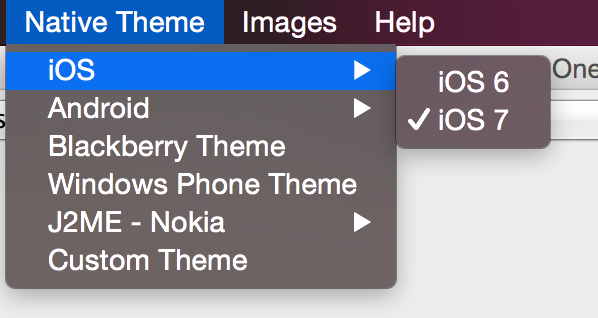
Developers can pick the platform of their liking and see how the theme will appear in that particular platform by selecting it and having the preview update on the fly.
13.6. Under the hood of the theme engine
To truly understand a theme you need to understand what it is. Internally a theme is a Hashtable key/value pair between UIID based keys and their respective values. For example: the key:
return "Button.fgColor=ffffff";Will set the foreground color of the Button UIID to white.
When a Codename One Component is instantiated it requests a Style object from the UIManager class. The Style object is based on the settings within the theme and can be modified through code or by using the theme.
You can replace the theme dynamically in runtime and refresh the styles assigned to the various components using the refreshTheme() method.
It’s a common mistake to invoke refreshTheme() without actually changing the theme. You see developers doing it when all they need is a repaint() or revalidate(). Since refreshTheme() is ** expensive recommend that you don’t use it unless you need to… |
A theme Hashtable key comprises:
[UIID.][type#]attribute
The UIID, corresponds to the component’s UIID for example: Button, CheckBox etc. It’s optional and may be omitted to address the global default style.
The type is omitted for the default unselected type, and may be one of sel (selected type), dis (disabled type) or press (pressed type). The attribute should be one of:
derive- the value for this attribute should be a string representing the base component.bgColor- represents the background color for the component, if applicable, in a web hex string format RRGGBB for example: ff0000 for red.fgColor- represents the foreground color, if applicable.border- an instance of the border class, used to display the border for the component.bgImage- an Image object used in the background of a component.transparency- aStringcontaining a number between 0-255 representing the alpha value for the background. This applies to the bgColor.margin- the margin of the component as aStringcontaining 4 comma separated numbers for top, bottom, left, right.padding- the padding of the component, it has an identical format to the margin attribute.font- A Font object instance.alignment- anIntegerobject containing the LEFT/RIGHT/CENTER constant values defined in Component.textDecoration- anIntegervalue containing one of the TEXT_DECORATION_* constant values defined in Style.backgroundType- aByteobject containing one of the constants for the background type defined in Style under BACKGROUND_*.backgroundGradient- contains anObjectarray containing 2 integers for the colors of the gradient. If the gradient is radial it contains 3 floating points defining the x, y & size of the gradient.
To set the foreground color of a selected button to red, a theme will define a property like:
Button.sel#fgColor=ff0000
This information is useful for understanding how things work within Codename One, but it can also be useful in runtime.
For example: to increase the size of all fonts in the application, you can do something like:
Hashtable h = new Hashtable();
h.put("font", largeFont);
UIManager.getInstance().addThemeProps(h);
Display.getInstance().getCurrent().refreshTheme();13.7. Understanding images and Multi-Images
| This section provides a high-level overview of images. You dive deeper into the various types of images in the graphics section. |
When working with a theme, you often use images for borders or backgrounds. You also use images within the GUI for various purposes and most such images will be extracted from the resource file.
Adding a standard JPEG/PNG image to the resource file is straight forward, and the resulting image can be viewed within the images section. For example, due to the wide difference between device types, an image that would be appropriate in size for an iPhone 3gs would not be appropriate in size for a Nexus device or an iPhone 4 (but perhaps, it will be right for iPad 1 and iPad 2).
The density of the devices varies and Codename One tries to simplify the process by unifying everything into one set of values to show density. For simplicity’s sake, density is sometimes expressed in pixels, but it’s mapped internally to actual screen measurements where possible.
A multi-image is an image that has many varieties for different densities, and thus looks sharp in all the densities. Since scaling on the device can’t interpolate the data (due to performance considerations), significant scaling on the device becomes impractical. For example, a multi-image will provide the "right" resolution image for the given device type.
From the programming perspective this is seamless, a developer accesses one image and has no ability to access the images in the different resolutions. Within the designer, but, you can explicitly define images for many resolutions and perform high quality scaling so the "right" image is available.
You can use two basic methods to add a multi-image: quick add and standard add.
Both methods rely on understanding the source resolution of the image, for example: if you have an icon that you expect to be 128×128 pixels on iPhone 4, 102×102 on nexus one and 64×64 on iPhone 3gs. You can provide the source image as the 128 pixel image and perform a quick add option while picking the # High# density option.
This will show to the algorithm that your source image is designed for the " high" density and it will scale for the rest of the densities accordingly.
| This relies on the common use case of asking your designer to design for one high end device (for example: iPhone X) then you can take the resources and add them as "HD" resources. They will automatically adapt to the lower resolutions |
Or, you can use the standard add multi-image dialog and set it like this:
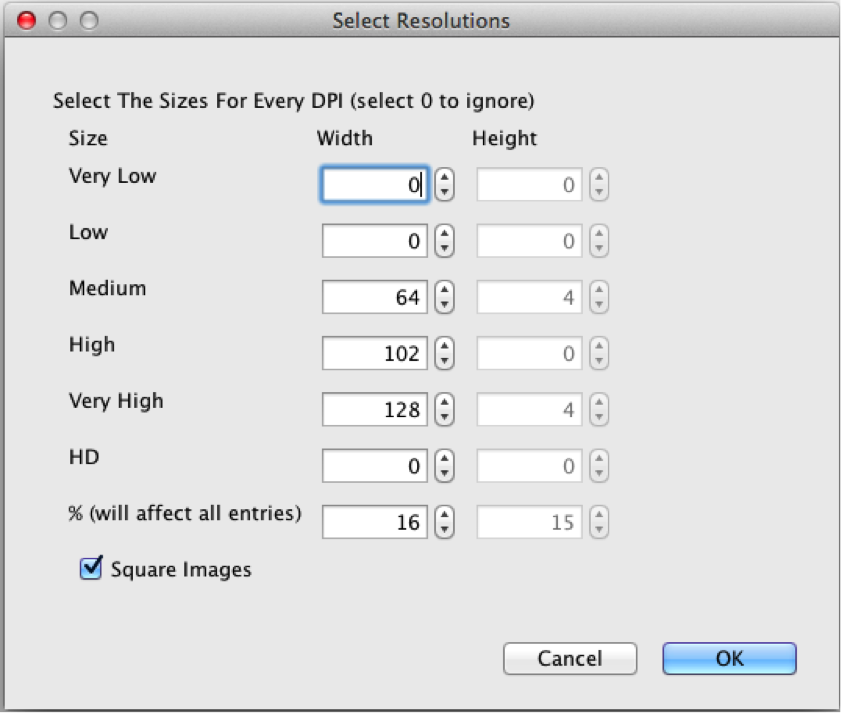
Notice that you selected the square image option, essentially eliminating the height option. Setting values to 0 prevents the system from generating a multi-image entry for that resolution, which will mean a device in that category will fall on the closest alternative.
The percentage value will change the entire column, and it means the percentage of the screen. For example: You know the icon is 128 for the high resolution, you can move the percentage until you reach something close to 128 in the " High" row and the other rows will represent a size that should be pretty close in physical size to the 128 figure.
At runtime, you can always find the host device’s approximate pixel density using the Display.getDeviceDensity()
method. This will return one of:
Constant | Density | Example Device |
| ~ 88 ppi | |
| ~ 120 ppi | Android ldpi devices |
| ~ 160 ppi | iPhone 3GS, iPad, Android mdpi devices |
| ~ 240 ppi | Android hdpi devices |
| ~ 320 ppi | iPhone 4, iPad Air 2, Android xhdpi devices |
| ~ 540 ppi | iPhone 6+, Android xxhdpi devices |
| ~ 750 ppi | Android xxxhdpi devices |
| ~ 1000 ppi | |
| ~ 1250ppi |
13.8. Use millimeters for Padding/Margin and font sizes
When configuring your styles, you should rarely use "Pixels" as the unit for padding, margins, font size, and border thickness because the results will be inconsistent on different densities. Instead, you should use millimeters for all non-zero units of measurement.
As you now understand the complexities of DPI it should be clear why this is important.
13.8.1. Fractions of millimeters
Sometimes millimeters don’t give you enough precision for what you want to do. The designer allows you to specify integer values for most units. For example, you can achieve more precise results when working directly in Java. The Display.convertToPixels() method will allow you to convert millimeters (or DIPS) to pixels. It also takes an integer input, but you can use it to get a multiplier that you can then use to convert any millimeter value you want into pixels.
For example:
double pixelsPerMM = ((double) Display.getInstance().convertToPixels(10, true)) / 10.0;And now you can set the padding on an element to 1.5mm. For example:
myButton.getAllStyles().setPaddingUnit(Style.UNIT_TYPE_PIXELS);
int pixels = (int) (1.5 * pixelsPerMM);
myButton.getAllStyles().setPadding(pixels, pixels, pixels, pixels);13.9. Creating a great looking side menu
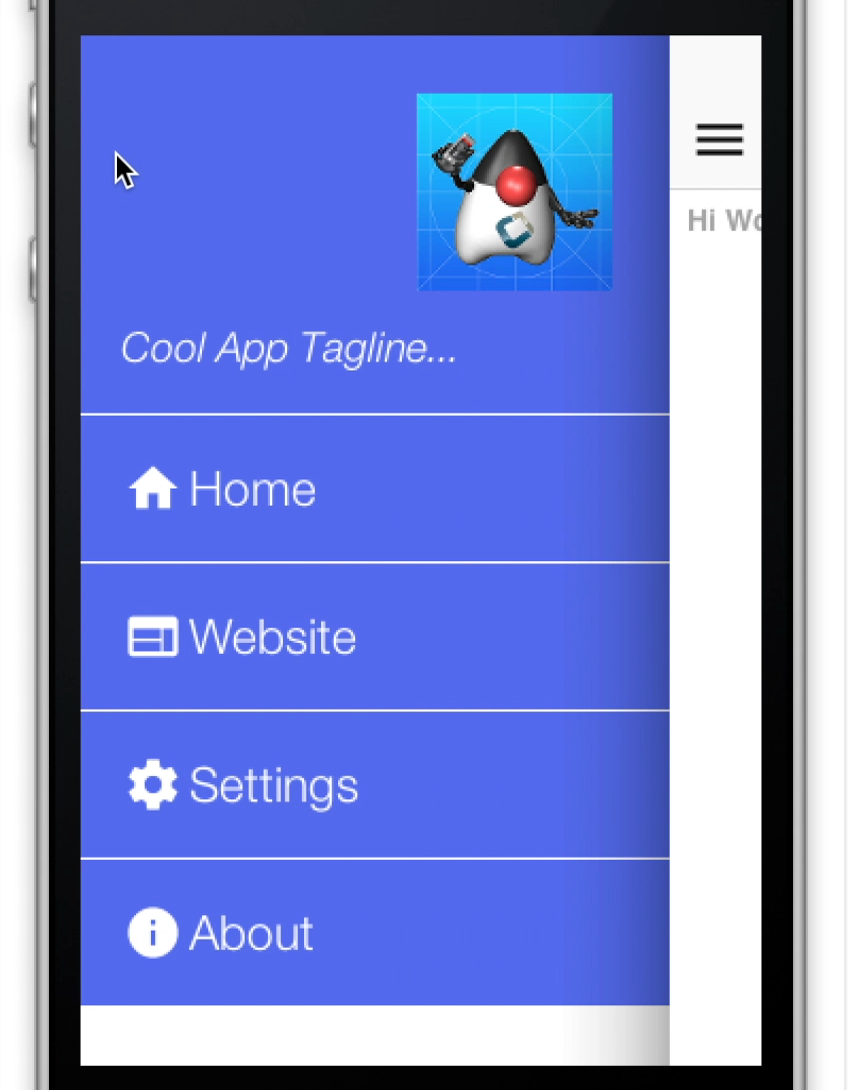
A side menu is a crucial piece of an elegant application. You will explain how one creates a simple side menu that’s elegant, portable and easy to build. This is a good "starting point" side menu from which you can build more elaborate designs.
To get this result you will start from a native theme and a bare-bones application to keep things simple.
The code for the side menu is this:
Form hi = new Form("Hi World");
Toolbar tb = hi.getToolbar();
Image icon = theme.getImage("icon.png"); (1)
Container topBar = BorderLayout.east(new Label(icon));
topBar.add(BorderLayout.SOUTH, new Label("Cool App Tagline...", "SidemenuTagline")); (2)
topBar.setUIID("SideCommand");
tb.addComponentToSideMenu(topBar);
tb.addMaterialCommandToSideMenu("Home", FontImage.MATERIAL_HOME, e -> {}); (3)
tb.addMaterialCommandToSideMenu("Website", FontImage.MATERIAL_WEB, e -> {});
tb.addMaterialCommandToSideMenu("Settings", FontImage.MATERIAL_SETTINGS, e -> {});
tb.addMaterialCommandToSideMenu("About", FontImage.MATERIAL_INFO, e -> {});
hi.addComponent(new Label("Hi World"));
hi.show();| 1 | This is the icon which was used instead of a logo it appears in the top right of the side menu |
| 2 | This is the top bar containing the tagline and the icon it’s styled as if it’s a command but you can put anything here for example: an image etc. |
| 3 | The commands are added as usual to the side menu with no styling or functionality, the entire look is determined by the theme |
Next you will open the designer tool to style the UI
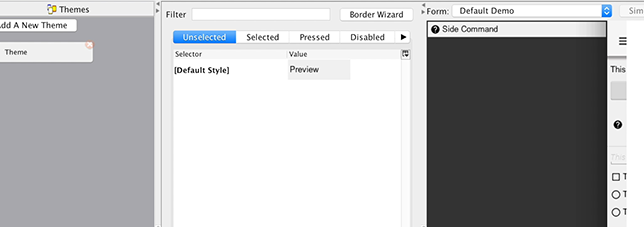
Now when you press Add the side menu entries will appear in the combo box (you can type them but this is more convenient). You will start with the SideNavigationPanel style:
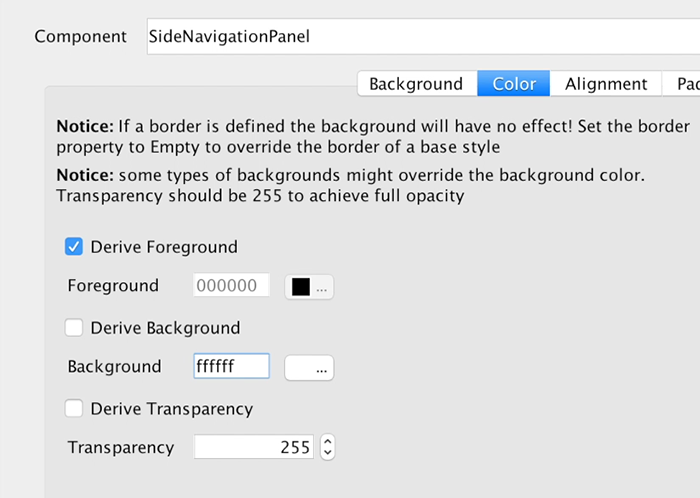
The SideCommand style is a bit more elaborate, you start with a white foreground and an opaque bluish/purple color:
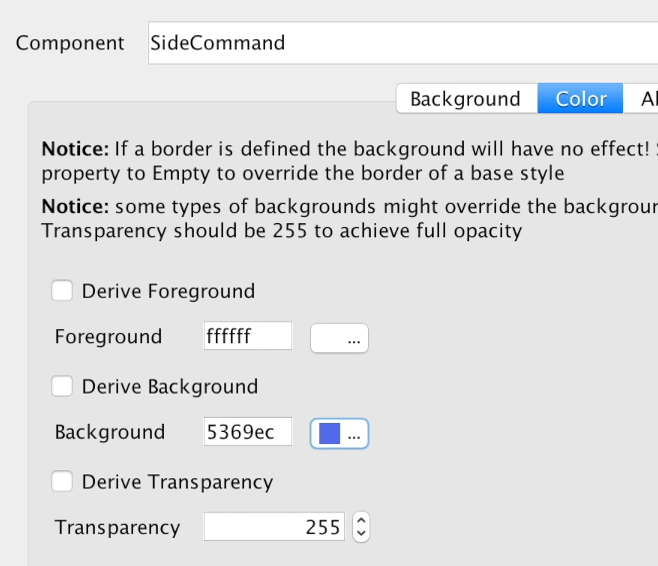
You will set padding to 3 millimeters which provides everything a good feel and spacing. This is important for finger touch sensitivity.
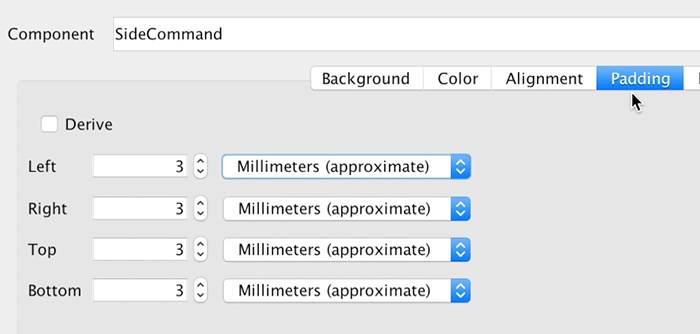
You will set margin to 0 except for the bottom one pixel which will leave a nice white line by showing off the background. This means the commands will have a space between them and the white style you gave to the SideNavigationPanel will appear through that space.
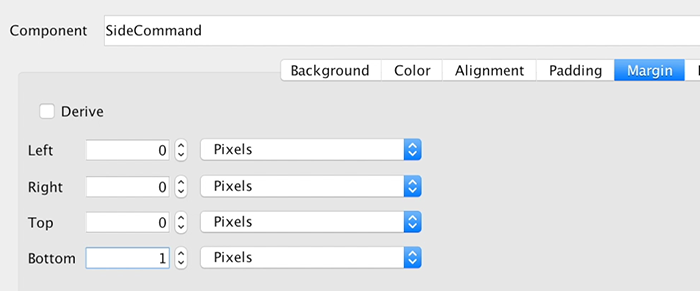
Setting the border to empty is crucial!
The iOS version of the side command inherits a border style so you must "remove" it by defining a different border in this case an empty border. Since borders take precedence over color this would have prevented the color changes you made from appearing.
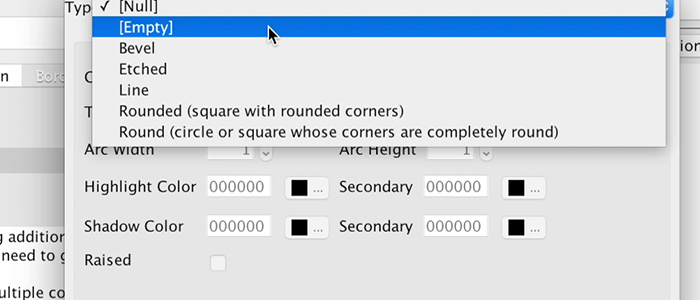
Next you need to pick a good looking font and make sure it’s large enough. You use millimeters size it for all OS’s and override the derived text decoration which has a value in the iOS native theme so it can impact the final look.
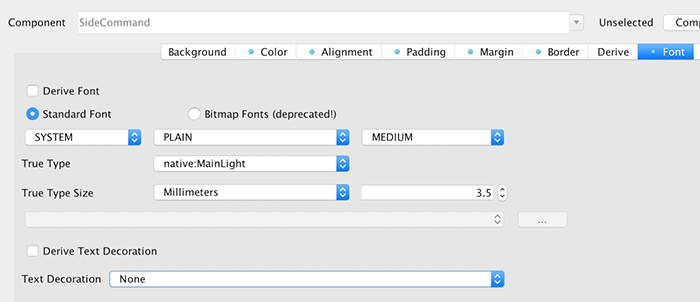
Next you need to move to the selected tab and add a new side command entry that derives from the unselected version. You will pick a new color that’s slightly deeper and will make the selected style appear selected. You will also copy and paste this selected style to the pressed style.

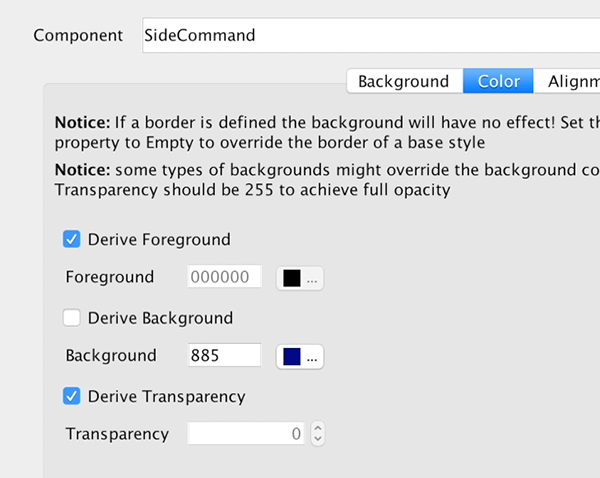
The SidemenuTagline is a SideCommand style that was slightly adapted. You will remove the padding and margin because the whole section is wrapped in a side command and you don’t want double padding. You will leave 1mm padding at the top for a bit of spacing from the logo.
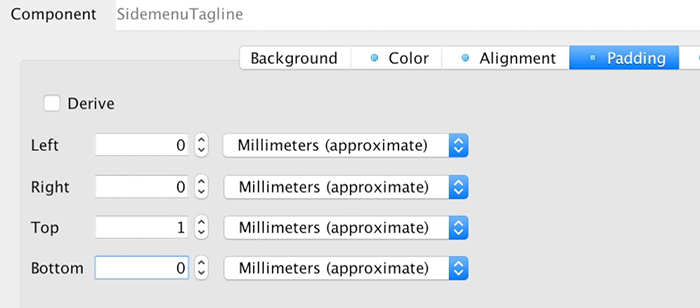
You will also update the font to a smaller size and italic styling so it will feel like a tagline.
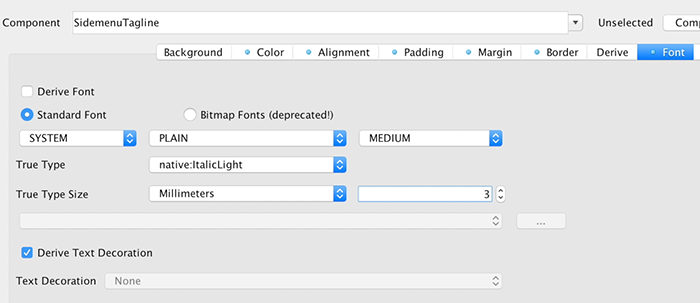
The last change for the theme is for the StatusBarSideMenu UIID which is a spacing on the top of the sidemenu. This spacing is there for iOS devices which render the clock/battery/reception symbols on top of the app. You will set the padding to 0.
Finally, you will add the icon image (or a logo if you have it) into the theme as a multi image so you can use it within the side menu as a good looking logo. A large icon image works as a 2HD multi-image but you can use many strategies to get a fitting image for this spot.
| Rounded images work well here, you can round images dynamically using masking |
These steps produce the UI above as a side menu, they might seem like a long set of steps but each step is pretty simple as you walk through each one. This does show off the versatility and power of Codename One as a change to one step can create a radically different UI design.
13.10. From a design to a theme
A design usually arrives as a mock-up from someone who doesn’t write apps, and the work is the same whichever tool it came out of: decide which components and layout managers reproduce the structure, export the images you need at the densities you need, and then style it.
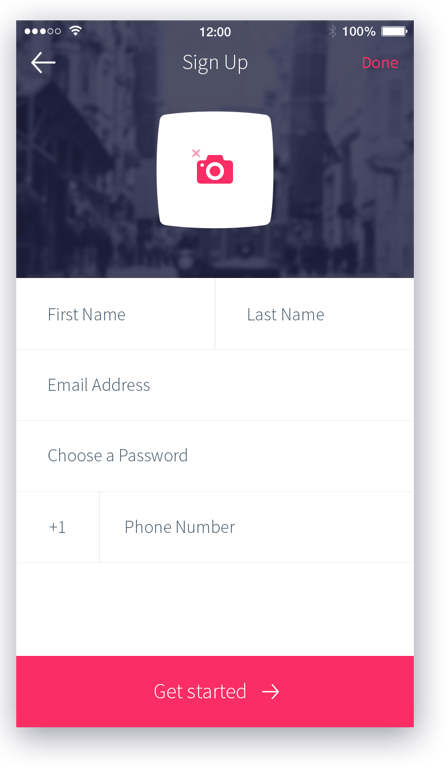
The structure is the part worth doing on paper first. Nesting containers to match the design, rather than positioning things absolutely, is what keeps it working across screen sizes and platforms:
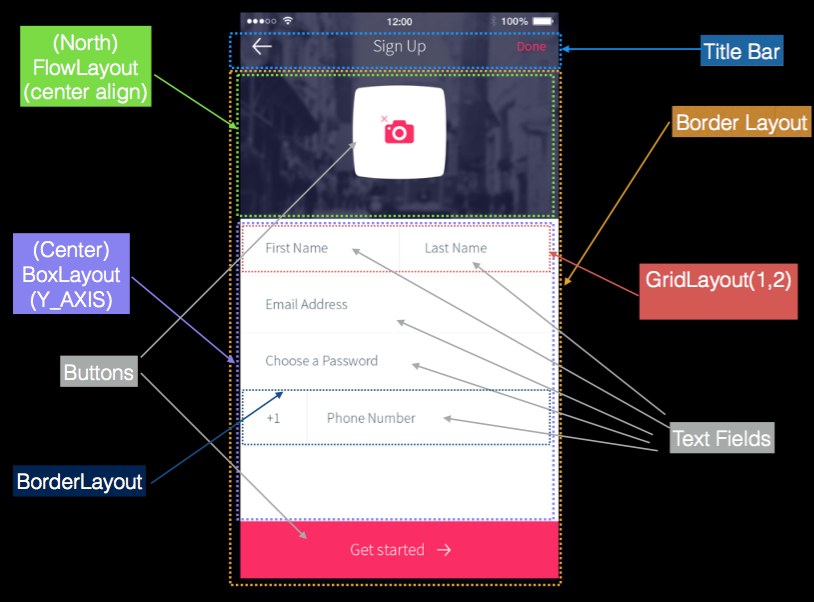
Export the artwork the design needs before writing the code. This one needs three pieces: the header background, and the camera icon with the round button it sits on.
 Figure 201. The header background |  Figure 202. The camera icon |  Figure 203. The button behind it |
Only images a stylesheet names reach the compiled theme, and the camera pieces
are fetched by name at runtime rather than used as a background, so the theme
below carries a selector that exists purely to import them. Each is declared at
its source density so the compiler produces a multi-image and every screen gets
an appropriately sized file, which is what theme.getImage then returns.
That hierarchy is ordinary component code. The code below builds the form, starting with a separator the design uses between fields:
private Label createSeparator() {
Label sep = new Label();
sep.setUIID("Separator");
// the separator line is implemented in the theme using padding and background color, by default labels
// are hidden when they have no content, this method disables that behavior
sep.setShowEvenIfBlank(true);
return sep;
}if (current != null) {
current.show();
return;
}
// The toolbar uses the layered mode so it resides on top of the background image, the theme makes
// it transparent so we will see the image below it, we use border layout to place the background image on
// top and the "Get started" button in the south
Form psdTutorial = new Form("Signup", new BorderLayout());
Toolbar tb = new Toolbar(true);
psdTutorial.setToolbar(tb);
// we create 4mm material arrow images for the back button and the Get started button
Style iconStyle = psdTutorial.getUIManager().getComponentStyle("Title");
FontImage leftArrow = FontImage.createMaterial(FontImage.MATERIAL_ARROW_BACK, iconStyle, 4);
FontImage rightArrow = FontImage.createMaterial(FontImage.MATERIAL_ARROW_FORWARD, iconStyle, 4);
// we place the back and done commands in the toolbar, we need to change UIID of the "Done" command
// so we can color it in Red
tb.addCommandToLeftBar("", leftArrow, (e) -> Log.p("Back pressed"));
Command doneCommand = tb.addCommandToRightBar("Done", null, (e) -> Log.p("Done pressed"));
tb.findCommandComponent(doneCommand).setUIID("RedCommand");
// The camera button is comprised of 3 pieces. A label containing the image and the transparent button
// with the camera icon on top. This is all wrapped in the title container where the title background image
// is placed using the theme. We chose to use a Label rather than a background using the cameraLayer so
// the label will preserve the original size of the image without scaling it and take up the space it needs
Button cameraButton = new Button(theme.getImage("camera.png"));
Container cameraLayer = LayeredLayout.encloseIn(
new Label(theme.getImage("camera-button.png")),
cameraButton);
cameraButton.setUIID("CameraButton");
Container titleContainer = Container.encloseIn(
new BorderLayout(BorderLayout.CENTER_BEHAVIOR_CENTER),
cameraLayer, BorderLayout.CENTER);
titleContainer.setUIID("TitleContainer");
TextField firstName = new TextField("", "First Name");
TextField lastName = new TextField("", "Last Name");
TextField email = new TextField("", "Email Address", 20, TextField.EMAILADDR);
TextField password = new TextField("", "Choose a Password", 20, TextField.PASSWORD);
TextField phone = new TextField("", "Phone Number", 20, TextField.PHONENUMBER);
Label phonePrefix = new Label("+1");
phonePrefix.setUIID("TextField");
// The phone and full name have vertical separators, we use two table layouts to arrange them correctly
// so the vertical separator will be in the right place
TableLayout fullNameLayout = new TableLayout(1, 3);
Container fullName = new Container(fullNameLayout);
fullName.add(fullNameLayout.createConstraint().widthPercentage(49), firstName).
add(fullNameLayout.createConstraint().widthPercentage(1), createSeparator()).
add(fullNameLayout.createConstraint().widthPercentage(50), lastName);
Container fullPhone = TableLayout.encloseIn(3, phonePrefix, createSeparator(), phone);
// The button in the south portion needs the arrow icon to be on the right side so we place the text on the left
Button southButton = new Button("Get started", rightArrow);
southButton.setTextPosition(Component.LEFT);
southButton.setUIID("SouthButton");
// we add the components and the separators the center portion contains all of the elements in a box
// Y container which we allow to scroll. BorderLayout Containers implicitly disable scrolling
Container by = BoxLayout.encloseY(
fullName,
createSeparator(),
email,
createSeparator(),
password,
createSeparator(),
fullPhone,
createSeparator()
);
by.setScrollableY(true);
psdTutorial.add(BorderLayout.NORTH, titleContainer).
add(BorderLayout.SOUTH, southButton).
add(BorderLayout.CENTER, by);
psdTutorial.show();Style it with Chapter 15, CSS. Ten UIIDs cover this design, and every value in it maps to an
ordinary CSS property: the scaled header image is cn1-background-type, a UIID
that only varies a color inherits the rest with cn1-derive, and the pressed
and selected states are the .pressed and .selected classes rather than
separate definitions. Sizes are in millimetres so they hold their physical size
across densities.
TitleContainer {
background-image: url(images/background.jpg);
cn1-background-type: cn1-image-scaled-fill;
cn1-source-dpi: 320;
padding: 8mm 3mm 2mm 3mm;
margin: 0;
}
/* The camera artwork is fetched by name at runtime rather than set as a
background, so it needs a selector to get it into the theme at all. This one
is never applied to anything; naming the images here is what bundles them. */
PsdImages {
background-image: url(images/camera.png),
url(images/camera-button.png);
cn1-source-dpi: 320;
}
Title {
background-color: transparent;
color: #ffffff;
font-family: "native:MainThin";
font-size: 3.5mm;
padding: 1mm;
margin: 0;
border: none;
}
TitleCommand {
cn1-derive: Title;
}
RedCommand, RedCommand.pressed, RedCommand.selected {
cn1-derive: Title;
color: #f73267;
font-family: "native:MainLight";
font-size: 3mm;
}
TitleArea {
background-color: transparent;
padding: 0;
margin: 0;
border: none;
}
TextField, TextField.selected {
background-color: #ffffff;
font-family: "native:MainLight";
font-size: 2mm;
padding: 2mm;
margin: 0;
border: none;
}
TextHint {
cn1-derive: TextField;
color: #4d606f;
}
SouthButton, SouthButton.pressed, SouthButton.selected {
background-color: #f73267;
color: #ffffff;
text-align: center;
font-family: "native:MainThin";
font-size: 3mm;
padding: 2mm 1mm 2mm 1mm;
margin: 0;
}
CameraButton, CameraButton.pressed, CameraButton.selected {
background-color: transparent;
text-align: center;
padding: 3mm 1mm 1mm 1mm;
margin: 1mm;
}
/* The separator is an empty Label, so the line is the style: a background
colour and just enough padding to give it height. */
Separator {
background-color: #f5f5f5;
padding: 0.2mm 0 0 0;
margin: 1mm 0 1mm 0;
border: none;
}That’s the whole theme. With it in place the same code produces the design:
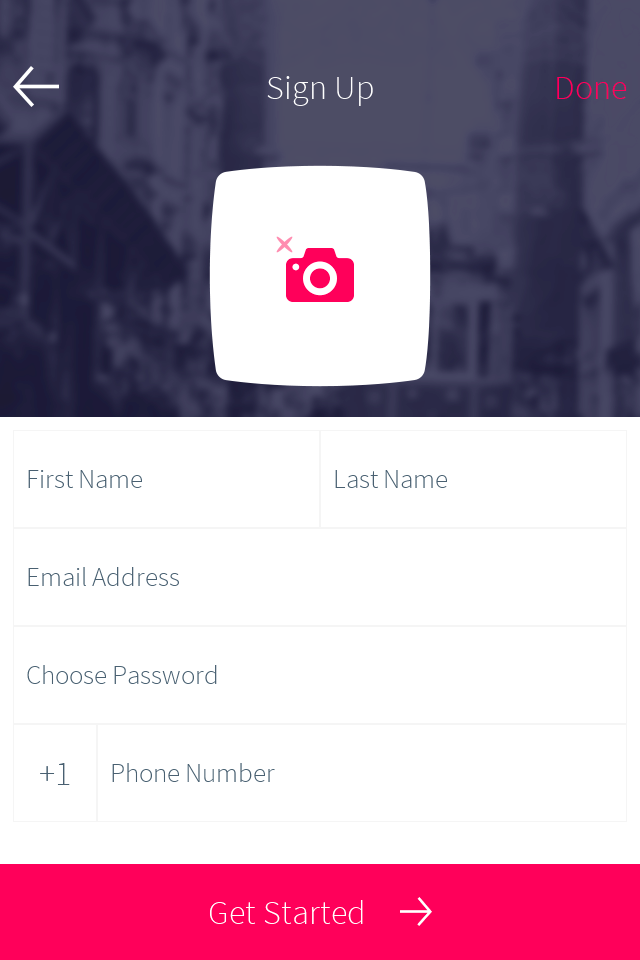
14. Native modern themes
Codename One ships an iOS Modern (liquid-glass) theme and an Android
Material 3 theme that you can opt your app into with a single build
hint. Both are fully overridable - their color palettes, type
ramps, and state-specific styles are all reachable from your own
theme.css and from runtime API.
The legacy iOS 7 (iOS) and Holo Light (Android) themes remain the default so existing apps see no behavior change.
14.1. Inheriting OS colors and fonts
Modern native themes can optionally follow the user’s operating-system settings. Colors and fonts are independent opt-ins; both are off by default. Enable them in an application theme that includes the native theme:
#Constants {
includeNativeBool: true;
useNativeColorsBool: true;
useNativeFontsBool: true;
useLargerTextScaleBool: true;
}Alternatively, configure the UIManager before loading the application theme:
UIManager ui = UIManager.getInstance();
ui.setUseNativeColors(true);
ui.setUseNativeFonts(true);
ui.setUseLargerTextScale(true);An explicit theme constant takes precedence over its Java setter when the theme
is built. After changing a setter on an already loaded theme, call
UIManager.refreshTheme() and refresh/revalidate the visible form. A theme
constant set to false must also be changed or removed before a setter can enable
that option.
Color inheritance feeds the theme’s semantic palette bindings. Font inheritance uses the normal OS UI font family and size while retaining the native theme’s relative heading sizes and styles. Explicit application style properties and palette constants override these inherited defaults. Bundled application fonts and icon fonts aren’t replaced. Legacy hand-authored native themes don’t carry the inheritance metadata and retain their existing appearance.
The existing larger-text accessibility option remains independent. It scales eligible fonts after OS font inheritance, so enabling both doesn’t apply the OS text-size multiplier twice. Existing dark-mode selection remains independent too.
Settings changes and application activation trigger a coalesced theme refresh. The framework preserves application overrides, refreshes visible styles and layout, and restores bundled defaults when settings become unavailable or an inheritance option is disabled. Unsupported settings fall back individually.
| Port | Settings source |
|---|---|
Windows native | Windows UISettings accent/selection palette, high-contrast system colors, and the nonclient message font. Normal Fluent surfaces retain their bundled colors where no corresponding OS value is exposed. |
macOS native | AppKit semantic colors and normal system UI typography. |
Linux native | The active GTK palette and GTK font setting. Only available named colors are inherited; the opposite appearance retains its bundled palette. |
Android | Platform normal text appearance and, on Android 12 or newer, public dynamic-color resources. Older versions retain the bundled palette. |
iOS | UIKit semantic colors on iOS 13 or newer and normal system UI typography. |
JavaSE | Available AWT desktop properties; the simulator uses explicit simulated settings rather than the host’s palette. |
In the simulator, use Simulate > OS Theme Settings to choose an accent and UI
font or reset the simulated settings. These controls exercise the app’s opt-ins;
they don’t enable inheritance for the app. Tests can supply a deterministic
snapshot with JavaSEPort.setSimulatorNativeThemeSettings(…).
14.2. Selecting a theme
Three build hints control the platform native theme. None of them are required; with all three unset every app continues to load the legacy theme it always did.
| Hint | Values | Description |
|---|---|---|
|
|
|
|
|
|
|
| Which iOS design generation the modern theme targets. Consulted
only when |
|
| Cross-platform shortcut that sets both |
The legacy and.hololight=true hint still works and maps to
and.themeMode=hololight.
14.3. Desktop themes
Windows, macOS and GNOME have their own native themes, selected with
desktop.themeMode on the JavaSE desktop build and with
macos.themeMode on the native macOS port.
| Hint | Values | Description |
|---|---|---|
|
| Unset is |
|
| The native macOS port. When neither this hint nor the shared |
The three desktop themes are generated from native-themes/windows-fluent,
native-themes/macos-aqua and native-themes/gnome-adwaita. They’re
separate files rather than one file with per-platform blocks, and they’re
held to the same surface by DesktopNativeThemeParityTest: the same UIIDs,
the same #Constants, and a $Dark counterpart for everything that paints
a color. That matters to you and not only to the themes — an application
retunes a parent theme by redeclaring #Constants, so one vocabulary means
the same CSS retunes all three platforms rather than only the one it was
written against.
14.3.1. One application on all three
The Codename One Settings tool is built this way. Its main class declares
@DesktopBuild(themeMode = "native"), so it opens in Fluent on Windows,
Aqua on macOS and Adwaita on Linux, and its own theme.css never names a
color the platform owns:
Each control derives from the native UIID it’s a variant of —
cn1-derive: TextFieldfor a field,RaisedButtonfor the primary action,GroupBoxfor a card — so borders, fills and focus rings are the platform’s.Surfaces and text use the palette variables every desktop theme declares, such as
var(--window-bg-color)andvar(--text-secondary-color). At runtime the installed theme’s values replace the ones the compiler baked in.Only the brand is fixed: the tool redeclares
--accent-colorin its#Constants, and the Save button keeps its own green.
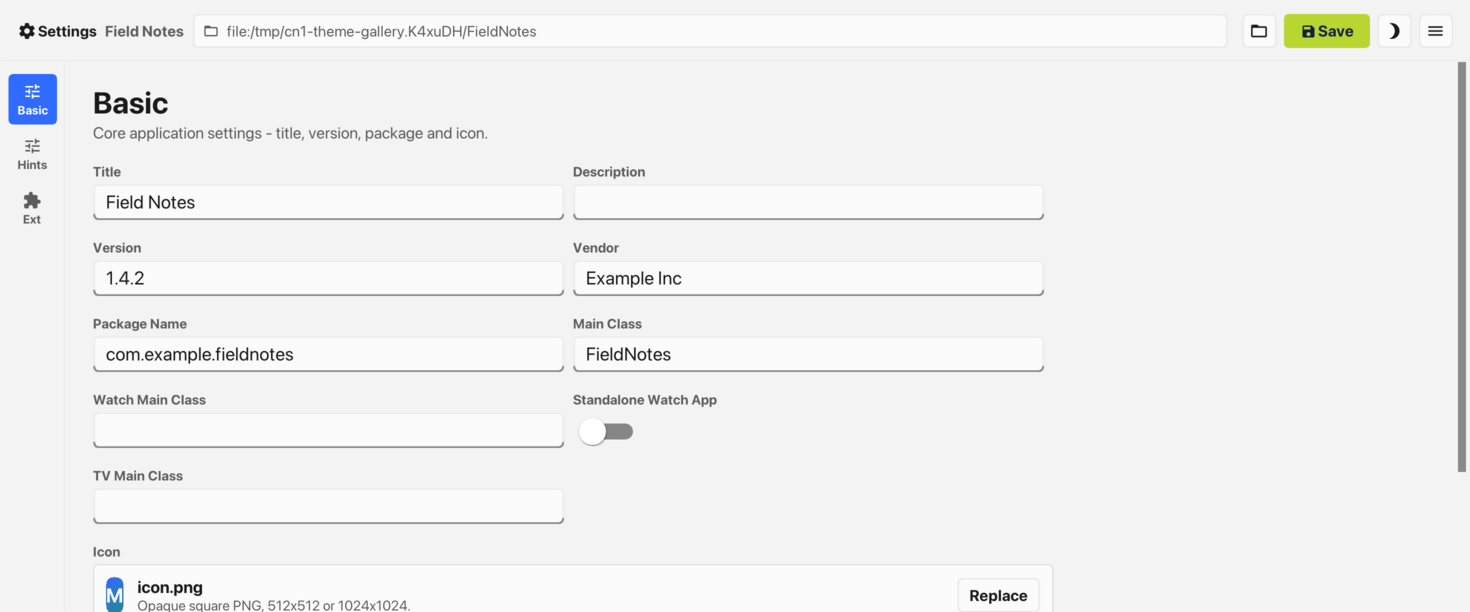
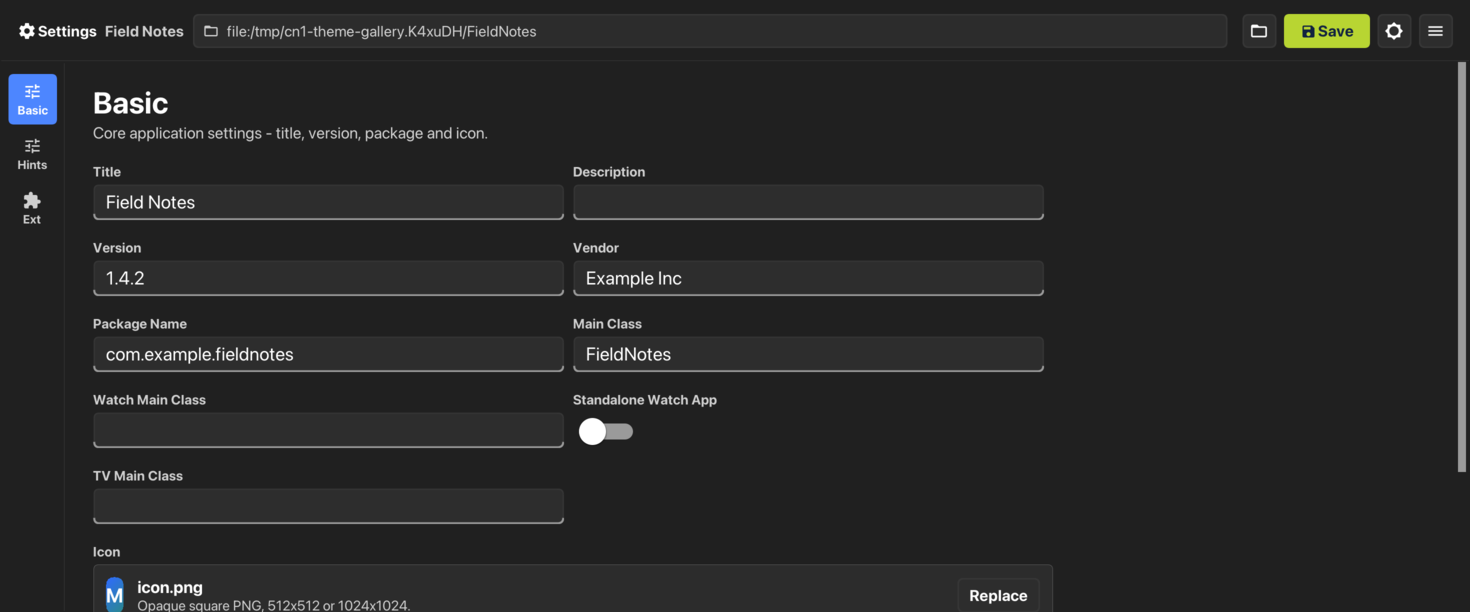
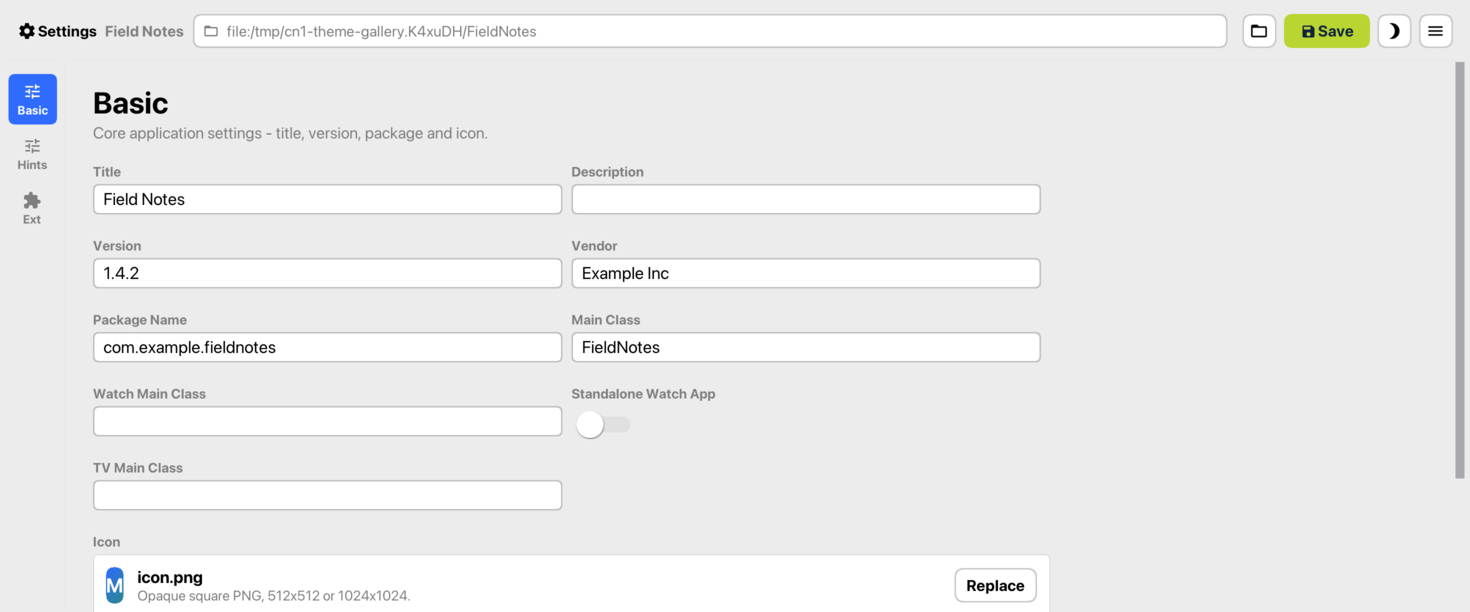
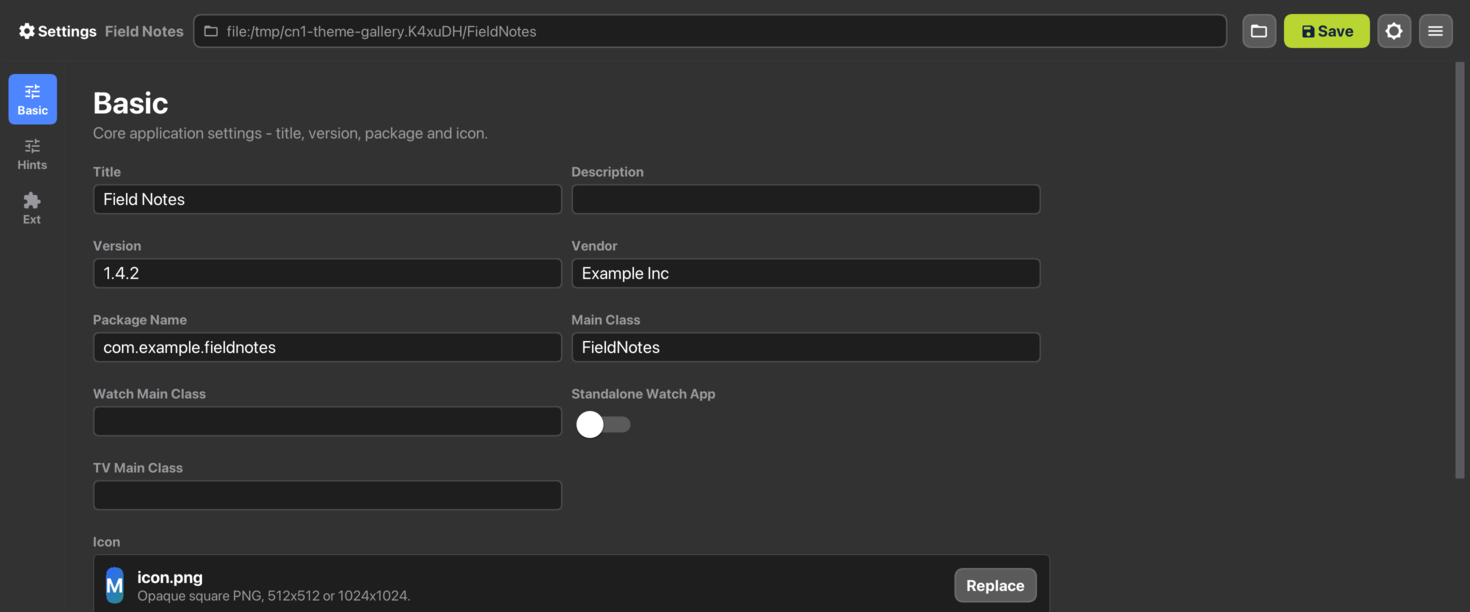
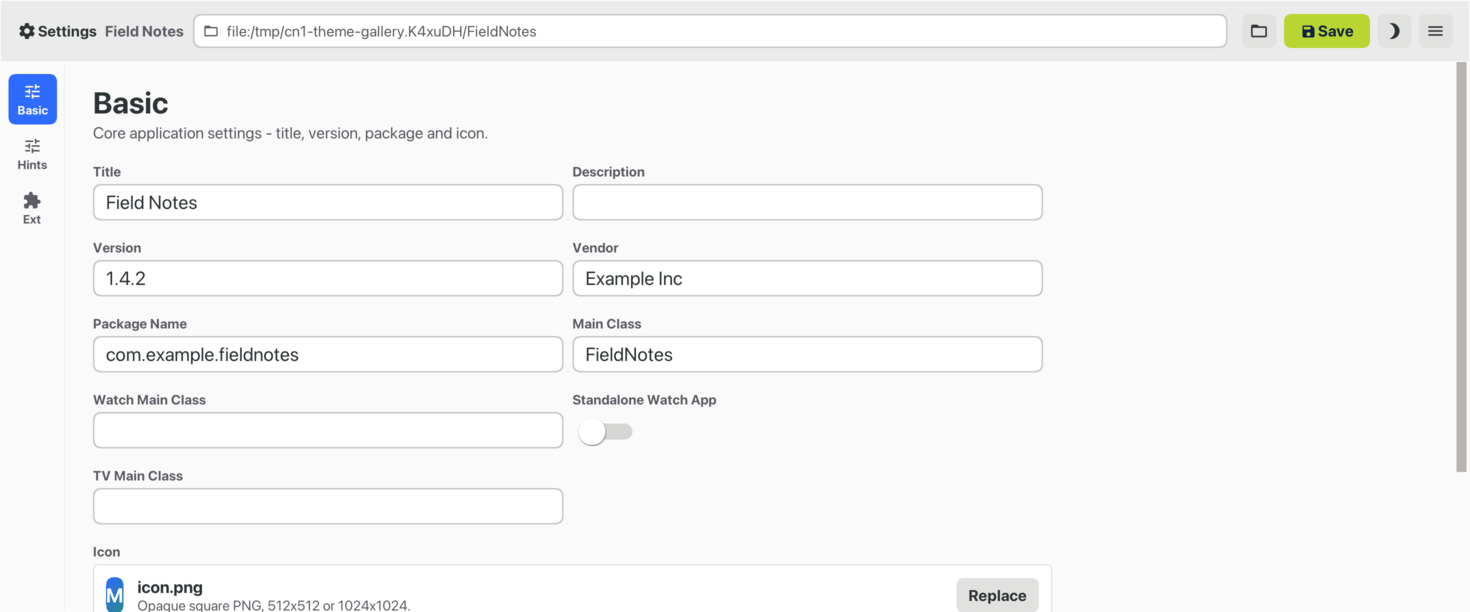
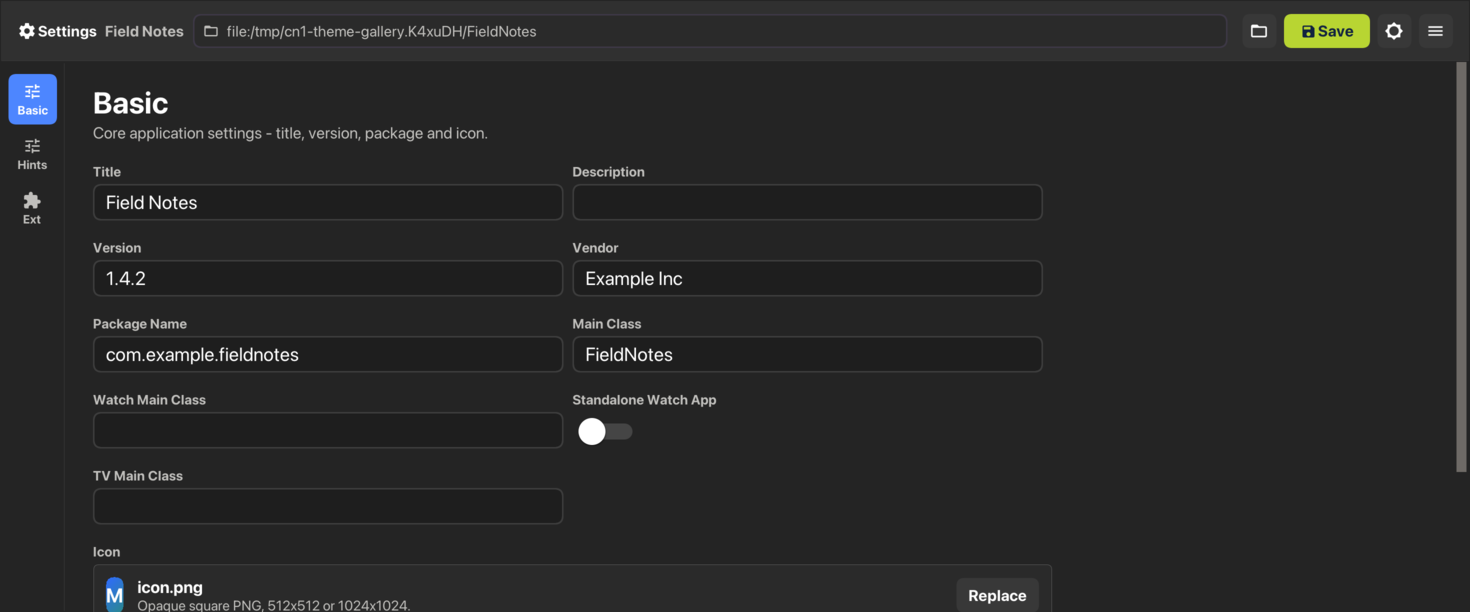
| All six images were captured on a Mac, not on Windows or Linux. Colors, borders and spacing come from the theme and are the same on every host, but each theme draws text in its platform’s own typeface — Segoe UI Variable, SF or Cantarell — and the Fluent and Adwaita images fall back to the Mac’s system font. On a real Windows or Linux desktop the text looks different. |
In a web browser, nativeTheme=native selects the desktop theme of the
browser’s operating system, and the javascript.titleBar build hint decides
whether the title and the commands stay in the Toolbar or move to an HTML title
bar and menu bar. See Changing the Native Theme.
To preview a desktop theme in the simulator, pick the Desktop skin and
choose the theme from the Native Theme menu. With Auto selected the
Desktop skin follows desktop.themeMode, which is what the packaged
application does.
14.3.2. Hover
Desktop themes carry a state mobile ones have no use for. A .hover rule
styles a component while the pointer is over it:
Button.hover {
background-color: #f6f6f6;
}It compiles to hover# entries the same way .pressed compiles to
press#, and Component.getHoverStyle() returns null when the theme
declares none — so a component with no hover rule keeps its normal style
rather than falling back to a blank one.
Hover has no meaning on a touch device and isn’t delivered there. On
desktop it’s driven by real pointer motion: the JavaSE, Windows and Linux
ports all report motion with no button held, which is what
Form.pointerHover resolves against.
| macOS is the exception, and the reason belongs to AppKit rather than to Codename One. AppKit draws no rollover state for buttons, fields, sliders, switches or popup buttons, so the Aqua theme leaves hover equal to normal. The captured native reference says the same, and the fidelity gate holds it there. |
14.4. Light and dark mode
Both modern themes ship a dark variant via a
@media (prefers-color-scheme: dark) block in their CSS. The CSS
compiler rewrites each rule inside that block into a $Dark<UIID>
style entry; UIManager picks them up whenever
CN.isDarkMode() == true.


Nothing in that form is styled by hand, so the difference between the two pictures is entirely what the theme’s dark entries supply.
Display.getInstance().setDarkMode(Boolean) controls the active
appearance:
null(the default) - follow the device. iOS readsUITraitCollection, Android readsConfiguration.uiMode. When the user toggles light / dark in system settings the app reflects the change. A JavaSE desktop application reads the system appearance once, at launch:AppsUseLightThemeon Windows,AppleInterfaceStyleon macOS and the GNOMEcolor-schemesetting on Linux. In the simulator the Dark/Light Mode menu decides instead.true/false- force the app into one mode regardless of system setting (useful for theme-preview screens or accessibility toggles).
14.5. Material 3 color palette (Android)
The Android Material 3 theme is built around the Material Design 3 "baseline" palette. Each color is referenced from one or more UIIDs; if you change a color the change ripples to every UIID that inherits from it.
| Role | Light | Dark | Used by |
|---|---|---|---|
primary |
|
| Default |
on-primary |
|
| Text printed on top of the primary fill. |
primary-container |
|
|
|
surface |
|
|
|
on-surface |
|
| Body text on surfaces ( |
surface-variant |
|
| Track of the off-state |
on-surface-variant |
|
| Secondary text ( |
surface-container |
|
|
|
surface-container-highest |
|
|
|
outline / outline-variant |
|
|
|
state-pressed |
|
| All |
state-disabled / on-disabled |
|
| All |
To rebrand the app, override the color at the role level rather
than touching every UIID. The example below layers a teal palette
on top from your app’s own theme.css; if you want the same
rebrand to apply at runtime (for in-app accent toggles, branded
flavours, A/B tests) without recompiling the theme, see
Runtime accent palette override further down - a single
addThemeProps({"@accent-color": …}) call retunes every
accent-bearing UIID at once:
#Constants {
includeNativeBool: true;
darkModeBool: true;
}
/* Touch the four UIIDs that paint with primary / primary-container.
The role-as-rule pattern keeps brand changes localised. */
Button { background-color: #00796b; }
Button.pressed { background-color: #4db6ac; color: #00251a; }
RaisedButton { background-color: #b2dfdb; color: #00251a; }
RaisedButton.pressed { background-color: #80cbc4; }
SelectedTab { color: #00796b; }
BackCommand { color: #00796b; }
TitleCommand { color: #00796b; }14.6. iOS modern color palette
The iOS modern theme follows Apple’s system palette.
| Role | Light | Dark | Used by |
|---|---|---|---|
accent |
|
|
|
accent-pressed |
|
| All |
accent-disabled |
|
| All |
surface |
|
| Pure surface used by |
surface-grouped |
|
| Form / ContentPane (the iOS "grouped" form bg). |
surface-tertiary |
|
|
|
text-primary |
|
|
|
text-secondary |
|
|
|
text-tertiary / text-disabled |
|
|
|
separator |
|
|
|
success |
|
|
|
To layer a brand color on top, override RaisedButton and
accent-driven UIIDs the same way as Android above. The color names
match Apple’s UIColor.systemBlue etc. So you can mirror the SF
Symbols semantics if you want.
14.7. Accent palette override
Both shipped native themes expose their accent palette as named
constants you can retune from your app’s own theme.css (or, for
dynamic theming, at runtime). The CSS source uses
var(--accent-color, fallback) references so the fallback ships as
the baked-in default (the .res file loads fine with no override)
and the compiler additionally emits a
@cn1-bind:<UIID>.<key>=accent-color constant alongside each
affected style key. When the resolved theme constants pick up a new
@accent-color value (whether from your CSS or via runtime
UIManager.addThemeProps), the framework fans the override out to
every bound UIID at once - no per-UIID rule duplication, no theme
recompile.
| Constant | Light default | Dark default | Drives |
|---|---|---|---|
|
| (see |
|
| n/a |
|
|
|
|
| All |
|
|
| All |
|
| (same) | Text color painted on top of the accent fill. |
| Constant | Light default | Dark default | Material 3 token |
|---|---|---|---|
|
|
|
|
|
|
|
|
|
|
|
|
|
|
|
|
|
|
|
|
14.7.1. Override from your app’s theme.css (recommended)
Redeclare the accent variable inside the #Constants block of your
app’s theme.css. The framework’s CSS compiler exports any
--name declaration in #Constants as a @name theme constant,
so the value flows through the same binding pass that handles
runtime overrides:
#Constants {
includeNativeBool: true;
darkModeBool: true;
/* Override the native theme's accent palette. The compiler picks
up these declarations from #Constants and exports them as
@accent-color / @accent-color-dark theme constants so every
UIID bound to var(--accent-color) in the parent native theme
picks them up at app launch - no per-UIID rule edit needed. */
--accent-color: #ff2d95;
--accent-color-dark: #ff2d95;
--accent-pressed-color: #c71a75;
--accent-pressed-color-dark: #c71a75;
--accent-on-color: #ffffff;
/* Material 3 RaisedButton uses a separate "container" tonal
pair; iOS ignores these (no bindings reference them) so it's
safe to set them unconditionally. */
--accent-container-color: #ff2d95;
--accent-container-color-dark: #ff2d95;
--accent-on-container-color: #ffffff;
--accent-on-container-color-dark: #ffffff;
}Bindings that reference a constant you didn’t override stay at
their baked-in default, so a partial override (for example, just
--accent-color) is fine.
14.7.2. Runtime override
For dynamic theming - in-app accent toggles, branded flavours,
A/B tests - push the same constants through
UIManager.addThemeProps after the theme has been installed:
Hashtable override = new Hashtable();
override.put("@accent-color", "ff2d95");
override.put("@accent-color-dark", "ff2d95");
override.put("@accent-pressed-color", "c71a75");
override.put("@accent-pressed-color-dark", "c71a75");
override.put("@accent-on-color", "ffffff");
// every colour that has a -dark twin needs both, or dark mode keeps the
// theme's original value for the half you left out
override.put("@accent-on-color-dark", "ffffff");
override.put("@accent-disabled-color", "f9a8d0");
override.put("@accent-disabled-color-dark", "7a1547");
override.put("@accent-container-color", "ff2d95");
override.put("@accent-container-color-dark", "ff2d95");
override.put("@accent-on-container-color", "ffffff");
override.put("@accent-on-container-color-dark", "ffffff");
UIManager.getInstance().addThemeProps(override);
// null before the first form is shown, which is exactly when a branded
// flavour applies its overrides; forms built afterwards pick the new
// props up on their own
Form current = CN.getCurrentForm();
if (current != null) {
current.refreshTheme();
}Values can be passed with or without the leading # and in any
case; the runtime accepts "ff2d95", "#FF2D95", and the 3-digit
shorthand "#f0a" interchangeably.
PaletteOverrideThemeScreenshotTest in the hellocodenameone test
suite exercises this path against both native themes, light + dark.
14.7.3. When the override path doesn’t apply
The binding mechanism handles every accent UIID the shipped themes
expose. For other widgets - or when you want to override a color
the native CSS hard-codes (for example, the iOS success green on
Switch.selected) - either:
Layer a per-UIID redeclaration in your app’s
theme.css(seeCustomizing in your own themebelow). Right when you want to tweak a UIID the binding vocabulary doesn’t already cover.Or pass the specific UIID/state key directly into
UIManager.addThemeProps(Switch.sel#bgColoretc.). Runtime, bypasses the binding system. Right when you need a one-off color tweak you can’t anchor in CSS.
14.8. Platform-specific UIIDs
A handful of UIIDs exist only because one platform draws them differently from the other. They’re still safe to override; you just want to know which platform’s screen the override is going to land on.
iOS-only behavior:
Toolbar,TitleArea,Titlepaint over the status-bar area. iOS reserves room above for the notch / status bar; in your capture this reads as a colored strip at the top of the Form. In production the device fills it with system content (signal, battery, time).MultiButtonis styled as an iOS Settings row (multi-line text ramp + chevron). Compare against Material 3’s denser list-item pattern.
Android-only behavior:
Toolbardoesn’t paint over the system status bar; the native Android status bar handles that.Tabsuse Material 3 top tabs (flat, underline-by-color). iOS modern renders Tabs as a bottom-anchored pill group via thetabPlacementIntconstant - that constant is intentionally only set in the iOS theme so behavior stays consistent on each platform.
14.9. Switching CheckBox / RadioButton glyphs
The default check / radio glyphs are Material icons drawn by
DefaultLookAndFeel. The theme can swap them via four optional
constants (Material codepoints):
| Constant | Default | Notes |
|---|---|---|
|
| Override to for example, |
|
| Match the empty version of whatever you chose above. |
|
| Filled circle with dot. |
|
| Empty circle. |
Set these in your #Constants { … } block; the icons rebuild on
the next style refresh.
14.10. Component-specific tuning constants
| Constant | Effect |
|---|---|
| Stretches the Switch track. Larger X = longer pill, larger Y = thicker. iOS uses 2.5 / 1.5; Material uses 3.0 / 0.9. |
| Scales the Switch thumb relative to the track. iOS 1.4, Material 1.5. |
| Pixels of breathing room between thumb and track. |
| iOS draws a faint ring around the off-state track; Material does not. |
|
|
| Distribute tabs evenly across the bar. |
|
|
| Duration of the indicator tween in milliseconds (default |
| Indicator underline thickness in millimetres (default |
|
|
| Outer diameter of the modern arc spinner in millimetres (default |
| Stroke thickness of the modern arc spinner in millimetres (default
|
|
|
14.11. iOS 26 Liquid Glass tab selection morph
When the iOS modern theme renders Tabs as a bottom bar
(tabPlacementInt: 2) the selected tab is marked by a Liquid Glass
drop — a frosted, magnifying glass capsule painted over the (dark)
icons rather than a flat highlight. On a selection change the drop springs
across to the new tab, elongating while it travels and settling with a
small overshoot. The selected blue is supplied by the drop itself (a
luminance-keyed dark→accent tint of the glyph beneath it), so the color
travels with the drop instead of snapping between tabs.

On iOS the drop is rendered live by a Metal fragment shader that samples
the bar beneath it on the GPU, so the morph runs at frame rate with no
screen read-back; other platforms and the simulator use the equivalent CPU
lens. The effect is opt-in: the iOS modern theme sets
tabsSelectionCapsuleBool: true and glassMaterialBool: true. Without the
glass flag the capsule degrades to a plain translucent pill.
The morph is developed against the real OS control: the frame-by-frame comparison below shows the native iOS 26 tab bar (left) and the Codename One render (right) at matching moments of the selection travel.
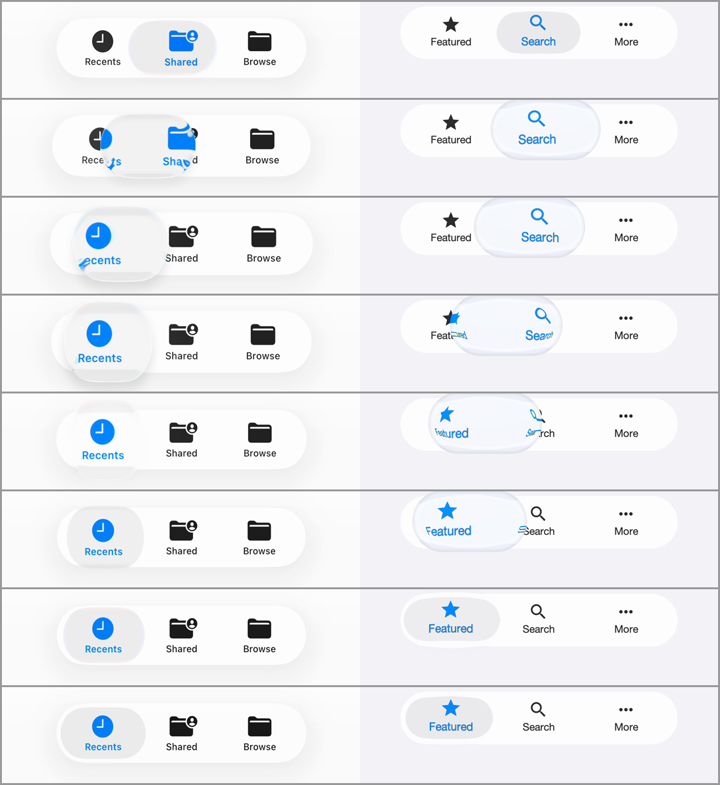
The animation is controlled by a named motion preset plus a handful of
high-level knobs. The detailed envelopes (stretch, squash, lift, lens
magnification, aberration, tint timing) live inside the preset in the
motion model (TabSelectionMorph), where they’re pinned by unit test and
validated frame-by-frame by the fidelity suite — a theme picks a preset
and scales it rather than tuning a dozen loose constants:
| Constant | iOS modern | Effect |
|---|---|---|
|
| Master switch for the selection drop. Off falls back to the legacy
colored underline indicator ( |
|
| The named motion preset: |
|
| Morph duration in milliseconds. Lower is snappier. |
|
| Scales the drop’s optics (magnification, chromatic aberration, accent
tint) around the preset: |
|
| Scales the settle overshoot: |
|
| The accent the dark glyph is tinted to inside the drop. |
The iOS 27 theme uses a third preset, ios27, which is time based rather
than a fixed-duration morph. Its curves are measured from a real
UITabBarController on the iOS 27 simulator, frame by frame, and played back
by TabGlassMotion:
on a tap the selection lens lifts: it grows, its platter fades so it becomes clear glass, and the tab content seen through it magnifies;
it travels on a spring, stretching while it accelerates and squashing on arrival in proportion to the distance, then settles with a second, smaller wobble;
the whole bar — glass, content and lens — pulses in scale, and a soft glow spreads from where the finger touched.
The motion follows the gesture, not just the tap, the way UIKit’s does:
holding a press keeps the lens lifted and the bar grown until the finger lifts;
pressing the selected tab lifts and pulses the lens in place;
dragging along the bar pulls the lens with the finger (a scrub), and letting go selects the tab under the finger, with the lens settling there;
every release ends in a small wobble about a second after the finger lifts.
The accent color lives in a second copy of the tab content, visible only
through the lens, so the color travels with the glass. Where the port
supports Graphics.colorMatrixRegion (iOS, macOS, the JavaScript port and the
simulator), the tab content is vibrant like UIKit’s: each glyph pixel is a
color matrix of the glass behind it rather than flat paint, so labels and the
accent pick up the colors under the bar. The selection platter is likewise the
bar’s own glass seen through a color matrix, not a translucent fill. With this
preset the tabs are painted with their normal style outside the lens and with
their pressed style inside it: the theme’s Tab/TabIcon colors are the
unselected ones and Tab.pressed/TabIcon.pressed the selected ones. Tab
backgrounds should stay transparent.
The motion reaches past the bar’s visible pill, so the bar reserves room for
it inside its own bounds: the theme widens the TabsContainer padding by the
slack, narrows its margin by the same amount so the pill stays where it was,
and names the slack in constants. Everything the motion paints then stays
inside the bar’s own bounds and repaint region.
| Constant | iOS 27 | Effect |
|---|---|---|
|
| Selects the measured time-based motion described above. |
|
| How much of the |
|
| Inset of the resting lens inside the pill. |
|
| Color and alpha of the resting selection platter on ports without
|
|
| The same platter in the dark appearance; defaults to the light values. |
|
| White wash of the lifted lens, which reads brighter than the bar. |
|
| Alpha of the lifted lens’s bright inner rim and dark edge ring, scaled by the lift. |
|
| Strength of the touch glow; |
|
| Peak alpha of the bright rim along the bar’s top and bottom edges; |
Similarly, the Liquid Glass backdrop materials themselves are typed,
named recipes (GlassRecipe): a theme assigns chrome (edge-anchored
bars), pill (the floating tab bar) or panel (buttons, dialogs, panels — the default) per UIID with <UIID>GlassRecipe constants, e.g.
ToolbarGlassRecipe: "chrome". Each recipe bundles the measured
saturation/scale/offset color transform and edge optics of one native
material, so similar glass surfaces can’t drift apart one constant at a
time.
The drop’s glass cues (rim shrink, refraction, glare, edge shadow)
fade out as it settles, so a resting selection reads as a calm frosted
pill rather than a distorting lens. Every motion preset is validated
deterministically: the fidelity suite freezes the morph at the fixed
progress points 0, 10, 25, 50, 75, 90 and 100 percent, regression-compares
each frame, and pins the same points numerically against the motion model
in unit tests. The Switch thumb uses the same discipline for its liquid
droplet morph (switchLiquidGlassBool, stretch/squash while sliding,
frame-validated): |

14.12. Customizing in your own theme
Your app’s theme.css inherits from the installed native theme:
#Constants {
includeNativeBool: true;
darkModeBool: true;
}
/* Tweak only what's different. Everything you do not redeclare
keeps coming from the native theme. */
RaisedButton { background-color: #d81b60; }
RaisedButton.pressed { background-color: #b71c5c; }
RaisedButton.disabled { background-color: #ffd6e2; color: #ffffff; }
@media (prefers-color-scheme: dark) {
RaisedButton { background-color: #ff80ab; color: #4a0026; }
RaisedButton.pressed { background-color: #f06292; }
}The user’s CSS is layered on top of the native theme at app launch, so refresh / restart picks the override up.
For a wholesale accent rebrand prefer redeclaring the
--accent-color (etc.) variables in your #Constants block - see
Override from your app’s theme.css above. That single declaration
fans out through every UIID bound to the variable in the native
theme, no per-UIID rules required. Per-UIID redeclaration here
remains the right choice for tweaking non-accent properties
(typography, spacing, surface fills) the binding vocabulary doesn’t
cover.
14.13. Inheriting from a native UIID
cn1-derive lets a custom UIID start from one of the native
theme’s UIIDs and refine it:
DangerButton {
cn1-derive: RaisedButton;
background-color: #d32f2f;
}
DangerButton.pressed {
cn1-derive: RaisedButton;
background-color: #b71c1c;
}cn1-derive works best when the relationship is child refines
parent. Avoid deriving across unrelated UIIDs (for example, a TitleArea
that derives from Toolbar) - inline the properties instead.
14.14. Translucency, glass effects, and the test harness
The iOS modern Dialog and Tabs use translucent surfaces (rgba with
alpha < 1) so any backdrop reads through the widget. To exercise
this in screenshot tests, the hellocodenameone fidelity tests
opt-in to a diagonal-stripe textured backdrop on the form
(useTexturedBackdrop() in DualAppearanceBaseTest). Translucent
widgets show their see-through tint against the stripes; opaque
widgets cover the stripes entirely.
CSS backdrop-filter: blur(<length>) and filter: blur(<length>) are
now recognized by the compiler and persisted in the theme as the
backdropFilterBlur and filterBlur Style properties (also reachable
programmatically via Style#getBackdropFilterBlurRadius() /
Style#getFilterBlurRadius()). Image-level blur is hardware-accelerated
(CIGaussianBlur on iOS, RenderScript / RenderEffect on Android,
JHLabs GaussianFilter in the simulator). Painting the blur into the
component framebuffer is still being wired up; until that lands, the
rgba approximation above remains useful for translucent surfaces.
15. CSS
In this chapter this guide covers theming with CSS in Codename One.
CSS Changes don’t Require a Recompile You can change the CSS values while the simulator is running and the changes will reflect in the simulator within a few seconds |
15.1. Activating CSS
Codename One applications always use the resource file. The CSS support compiles a file in CSS syntax to a Codename One resource file and adds it to the application. In runtime the CSS no longer exists and the file acts like a regular theme file.
The CSS compiler is part of the build. It runs without a window or a display, so the same build works on a desktop machine, over SSH, in a container, and on a continuous integration server.
New Maven projects enable CSS by default with codename1.cssTheme=true in common/codenameone_settings.properties. Add that property manually if you are migrating an older project where CSS support is disabled.
Once enabled your theme.res file will regenerate from a CSS file that resides under the css directory. Changes you make to the CSS file will instantly update the simulator as you save. But, there are some limits to this live update so sometimes a simulator restart would be necessary.
15.2. Splitting a stylesheet with @import
A stylesheet can pull in other local stylesheets with @import. Both spellings work: @import "buttons.css"; and @import url(buttons.css);. The path is relative to the file that contains the rule.
The compiler places the imported rules at the point where the @import appears, as if you had pasted the file there. An imported file can import other files in turn.
Every @import goes at the top of its file, before any rule. The build fails on an @import that follows a rule and names it.
A relative url() inside an imported file stays relative to that file, not to the file that imported it. An image that sits beside widgets/buttons.css is referenced the same way whether theme.css imports that file directly or through another stylesheet.
The build fails when an imported file doesn’t exist, and when files import each other in a circle. Only local files can be imported: the compiler refuses an @import that names a remote URL.
15.3. Layering one theme over another
Compiling CSS in a Maven project rewrites the build’s theme.res in place. The
compiler reads src/main/css, merges in whatever CSS the project’s dependencies
contribute, and writes the result as the theme the app loads. What it doesn’t do
is keep an older Designer resource underneath: there’s no second file and no
overlay involved.
Something does sit beneath the compiled styles, though. The theme.css a new
project starts with sets includeNativeBool: true, and UIManager installs the
platform’s native theme before it applies the compiled one, so a property you
leave out of CSS can still arrive from there.
Layering is a separate mechanism that you ask for explicitly. A theme constant
named OverlayThemes holds a comma-separated list of resource names, each
without the .res extension.
Write that name bare wherever you author it. The Designer’s constant editor and
a CSS #Constants block both add the @ that theme constants are stored with,
exactly as they do for includeNativeBool or commandBehavior, so typing
@OverlayThemes in either place produces @@OverlayThemes and nothing ever
reads it. The stored key is @OverlayThemes, which is what you see in the
resource and what code setting the property directly has to use.
In a CSS #Constants block, quote the value whenever you name more than one
overlay. The compiler keeps only the first value it parses out of the
declaration, so OverlayThemes: base,extra; loses extra without a word while
OverlayThemes: "base,extra"; keeps both.
When UIManager finishes building a theme it reads that constant, opens each
name in turn from the resource root and applies its properties over the ones
already loaded, so a later overlay beats an earlier one and every overlay beats
the theme that named them.
Reach for it when you want to override a theme you don’t own — one shipped inside a cn1lib, for instance — without editing the original.
| An overlay is loaded by name from the resource root. A name the build doesn’t produce is skipped with a message on the error stream and the app carries on with the theme it already has, so a typo shows up as styling that never applies rather than as a build failure. |
15.4. Supported CSS selectors
Since Codename One stylesheets are meant to be used with Codename One component hierarchies instead of XML/HTML documents, selectors work a little differently.
All selectors (with some specific exceptions discussed below) are interpreted as UIIDs.
Only 4 predefined CSS classes are supported:
.pressed: Targets the component when in "Pressed" state..selected: Targets the component when in "Selected" state..unselected: Targets the component when in "Unselected" state..disabled: Targets the component when in "Disabled" state.If no class is specified, then the selector targets "all" states of the given component.
The following are a few possible selectors you can include in your stylesheet.
Button: Defines styles for the "Button" UIID.Button.pressed: Defines styles for the "Button" UIID’s "pressed" state.Button, TextField, Form: Defines styles for theButton,TextField, and "Form" UIIDs.
The following example creates a simple button with a border, and text aligned center. By default the button will have a transparent background, but when it’s pressed, it will have a gray background:
Button {
text-align: center;
border: 1pt solid gray;
background-color: transparent;
}
Button.pressed {
background-color: gray;
}15.4.1. Inheriting properties using cn1-derive
The following example defines a custom Button style named "MyButton" that inherits all the styles of Button but changes the background color to blue:
MyButton {
cn1-derive: Button;
background-color: blue;
}15.5. Special selectors
15.5.1. #device
The #Device selector allows you to define which device resolutions this CSS file should target. Mutli-images generated from this style-sheet will be included variants for device resolutions in the range (min-resolution, max-resolution) as defined in this section. By default all resolutions are generated:
#Device {
min-resolution: 120dpi;
max-resolution: 480dpi;
resolution: 480dpi;
}15.5.2. #constants
The #Constants selector allows you to specify theme constants.
For example:
#Constants {
includeNativeBool: true;
commandBehavior: "Side";
defaultFontSizeInt: 18;
defaultDesktopFontSizeInt: 14;
defaultSourceDPIInt: "0";
menuImage: "menu.png";
}
MenuIcon {
background-image: url(images/menu.png);
}In the above example, the constants referring to an image name as a string requires that the image exists in one of the following locations:
res/<cssfilename>/<imageName>../res/<cssfilename>/<imageName>../../res/<cssfilename>/<imageName>
It must also have been defined as a background image in some selector in this CSS file.
15.5.3. Default
The Default selector is special in that it will set properties on the theme’s "default" element. The default element is a special UIID in Codename One from which all other UIIDs in the same theme are derived. This is a good place to set things like default fonts or background-colors.
A UIID takes a property from Default only when no rule sets that property for the UIID itself. That includes the rules of the native theme the app builds on, so Default doesn’t override a native Button or TextField. It fills in the UIIDs that nothing else styles, which are mostly the ones you create.
Backgrounds follow the same rule, and the native theme decides what an unstyled UIID looks like. Container is always transparent with no padding or margin, but a UIID of your own that sets no background can paint an opaque one under some themes. If such a UIID shows a band of color over its parent, give it background-color: transparent, or set that on Default to cover every UIID you leave unstyled.
The universal selector * isn’t supported. The compiler ignores its declarations and prints a warning. Use Default instead.
15.6. Standard CSS properties
padding(and variants)margin(and variants)border(and variants)border-radiusbackground(Usage below)background-colorbackground-repeatbackground-imageborder-imageborder-image-slicefont(Usage is covered in the following font section)font-family(Usage is covered in the following font section)font-style(Usage is covered in the following font section)font-size(Usage is covered in the following font section)@font-face(Usage is covered in the following font section)colortext-aligntext-decoration(Usage below)opacitybox-shadowwidth( used for generating background-images and borders)height( used for generating background-images and borders)
15.7. Custom properties
cn1-source-dpiUsed to specify source DPI for multi-image generation of background images. Accepted values:
0(Not multi-image),120(Low res),160(Medium Res),320(Very High Res),480(HD), Higher than480(2HD). If not specified, the default value will be the value of thedefaultSourceDPIInttheme constant, if specified, or480, if not specified.cn1-background-typeUsed to explicitly specify the background-type that should be used for the class.
cn1-9patchUsed to explicitly specify the slices used when generating 9-piece borders. Deprecated - Use
border-imageandborder-image-slicefor 9-piece borders.cn1-deriveUsed to specify that this UIID should derive from an existing UIID.
15.8. CSS variables
As of CodenameOne 7.0, you can use variables in your CSS file via the var() CSS function. For example:
#Constants {
--header-color: blue;
}
Header {
color: var(--header-color, blue);
}The var() function can be used inside property values. That is, You can’t use it in property names or selectors.
The var() grammar follows the browser CSS form:
#Constants {
--custom-property-name: #0066cc;
}
ExampleSelector {
color: var(--custom-property-name, #0066cc);
}The <custom-property-name> must begin with two dashes (--).
The <declaration-value> is the fallback value that will be used if the variable hasn’t been defined in the CSS file. The fallback value may include commas.
Examples
#Constants {
--main-bg-color: red;
}
MyContainer {
background-color: var(--main-bg-color);
}#Constants {
--main-bg-color: red;
}
MyContainer {
background-color: var(--main-bg-color, blue);
}See the MDN docs for more details about the CSS variable spec.
15.9. CSS properties
This section isn’t as comprehensive as it should be due to the breadth of CSS.
15.9.1. Text-decoration
underline | Underlines text. For example, |
overline | Overlines text. For example, |
line-through | Strikes through text. For example, |
none | No text decoration. For example, |
cn1-3d | 3D text. For example, |
cn1-3d-lowered | 3D lowered text. For example, |
cn1-3d-shadow-north | 3D text with north shadow. For example, |



For other CSS font settings see the Fonts section
15.9.2. Border
This library supports the border property and most of its variants (for example, border-width, border-style, and border-color. It will try to use native Codename One styles for generating borders if possible. If the border definition has no native equivalent, the CSS compiler paints the styled box itself at build time and stores the result in the theme as a 9-piece image border, or as a stretched background image. This has the effect of making the resulting resource file larger, but will produce good runtime performance, and a look that’s faithful to the provided CSS.
The algorithm used to determine whether to use a native border or to generate a 9-piece image, is complex, but the following guidelines may help you if you wish to design borders that can be rendered natively in CN1:
Non-pixel units
border-width. (Except with thecn1-round-borderandcn1-pill-borderstyles)Using the
border-radiusdirective.Using
box-shadow(Unless usingcn1-round-borderorcn1-pill-borderstyles)Using a background gradient in combination with a border or any kind
Using a different
border-width,border-style, orborder-colorfor different sides of the borderUsing a
filter
To see whether an image was generated for a style, open the compiled theme.res in the resource editor (mvn cn1:designer) and inspect that style’s border. The editor is only a way to look at the result. Compiling the CSS doesn’t use it. |
A generated image has a fixed resolution and is stretched to fit the component. The native forms — cn1-round-border, cn1-pill-border, a plain border-radius, and the cn1-box-shadow-* properties — are drawn by the platform at the device’s own density. Generating the image also makes CSS compilation slower and the binary larger, so tune the CSS so it avoids this fallback where the design allows.
Round borders
Rounded borders can be achieved in a few different ways. The easiest methods are:
The
cn1-round-borderstyle. This will render a circular round border in the background natively. That is, this doesn’t require generation of an image borderThe
cn1-pill-borderstyle. This will render a pill-shaped border in the background natively. This also doesn’t require generation of an image borderThe
border-radiusproperty. This will round the corners of the border. If the style can be achieved using theRoundRectBorderin CodenameOne, then it will use that border. If not, this will cause the style to be generated as an image border
A border generated from border-radius follows the CSS box model, so the radius rounds the component without changing its size. A radius larger than the component scales down to fit it. This differs from a RoundRectBorder you create in Java, which grows the component to twice the radius so the corners are always drawn in full. Use cn1-pill-border when a shape has to stay a pill at any height.
Examples using cn1-round-border
RoundBorder {
border: 1px #3399ff cn1-round-border;
text-align: center;
margin: 2mm;
padding: 3mm;
}
RoundBorderFilled {
background: cn1-round-border;
background-color: #cccccc;
text-align: center;
margin: 2mm;
padding: 3mm;
}Examples using cn1-pill-border
PillBorder {
border: 1pt #3399ff cn1-pill-border;
text-align: center;
}
PillBorderFilled {
background: cn1-pill-border;
background-color: #3399ff;
color: white;
text-align: center;
}Examples using border-radius
RoundRectLabel {
background-color: red;
border-radius: 2mm;
}cn1-pill-border and cn1-round-border don’t support the standard CSS box-shadow property. This is because the box-shadow property parameters don’t map onto the shadow parameters for the Codename One RoundBorder class. To get shadows on the cn1-pill-border, you should use one or more of the following CSS properties:
cn1-box-shadow-spread: Accepts values in any scalar unit (for example, px, mm, cm, etc.). This maps directly to the border’s shadowSpread property.cn1-box-shadow-h: Accepts values in real values or integers (not a scalar unit). This maps directly to the border’s shadowX property.cn1-box-shadow-v: Accepts values in real values or integers (not a scalar unit). This maps directly to the border’s shadowY property.cn1-box-shadow-blur: Scalar value. Maps to the border’s shadowBlur property.cn1-box-shadow-color: The shadow colorcn1-box-shadow-inset: Set toinsetto render an inner shadow instead of the default outer shadow spread.
Using the regular CSS box-shadow in conjunction with border-radius will cause a 9-piece border to be generated rather than mapping to the RoundRectBorder. If, but, you use the cn1-box-* properties for the shadow instead, it will use the RoundRectBorder—assuming that no other styles are specified that trigger an image border to be generated.
Codename One also exposes per-corner elliptical radius controls that map to the RoundBorder’s X/Y radii. You can set them directly with `cn1-border-top-left-radius-x / cn1-border-top-left-radius-y (and the equivalent top-right, bottom-left, and bottom-right pairs) to fine tune horizontal and vertical curvature independently. The CSS parser automatically populates these properties when you use standard border-radius syntax, including the longhand declarations and the border-radius: <x-radii> / <y-radii> shorthand:
EllipticalBorder {
border-radius: 2mm 4mm 6mm 1mm / 1mm 3mm 5mm 7mm;
cn1-box-shadow-spread: 1.5mm;
cn1-box-shadow-inset: inset;
}In the example above, the four horizontal radii (2mm 4mm 6mm 1mm) populate the cn1-border--radius-x properties clockwise from the top-left corner. The four values after the slash fill the matching cn1-border--radius-y entries. Setting cn1-box-shadow-inset: inset; converts the shadow into an inset glow that follows the same elliptical curvature.
15.9.3. Background
The background property supports most standard CSS values for setting the background color, or background image.
9-piece Image borders always take precedence over background settings in Codename One. If your background directive seems to have no effect, it’s likely because the theme has specified a 9-piece image border for the UIID. You can disable the image border using a directive like border: none |
Background images
See Images
Gradients
The full CSS gradient range is natively supported: linear-gradient, radial-gradient, conic-gradient, repeating-linear-gradient, and repeating-radial-gradient — all with arbitrary angles, unlimited multi-stop colors (with optional position hints), and full radial shape/extent control. The compiled theme resource file carries a compact descriptor and the gradient is rendered at runtime by the platform-native graphics API (Java2D on JavaSE, LinearGradient/RadialGradient/SweepGradient on Android, Core Graphics / Core Image on iOS).
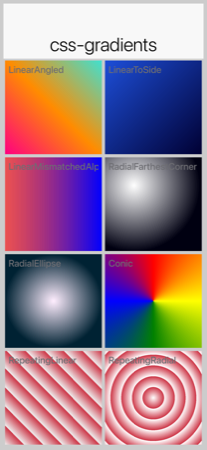
to <side>, linear with mismatched alphas, radial farthest-corner, radial ellipse, conic, repeating-linear, repeating-radial).linear-gradient
Any angle in degrees, radians, or turn, or the canonical to <side> / to <side1> <side2> directions. Two or more stops, each with optional position percentage; positions left blank between fixed anchors are autodistributed:
LinearGradientA { background: linear-gradient(0deg, #cccccc, #666666); }
LinearGradientB { background: linear-gradient(to top, #cccccc, #666666); }
LinearGradientC { background: linear-gradient(45deg, #eaeaea, #666666); }
LinearGradientD { background: linear-gradient(135deg, #ff0080 0%, #ff8c00 50%, #40e0d0 100%); }
LinearGradientE { background: linear-gradient(to bottom right, #ff0066, #000033); }
LinearGradientF { background: linear-gradient(90deg, rgba(255, 0, 0, 0.6), blue); }radial-gradient
Full CSS radial syntax: circle or ellipse, any of the four extent keywords (closest-side / closest-corner / farthest-side / farthest-corner, defaulting to farthest-corner), explicit radii as percentages, an optional at <position> clause with side keywords or percentages, and two or more multi-stop colors:
RadialGradientA { background: radial-gradient(circle, gray, white); }
RadialGradientB { background: radial-gradient(ellipse closest-side at 25% 75%, #ffffff, #000000); }
RadialGradientC { background: radial-gradient(circle farthest-corner at right, #ffffee, #006666 60%, #000011 100%); }conic-gradient
Sweep / pie-style gradient. Optional from <angle> (CSS convention: 0° points up, sweep is clockwise) and at <position> prefix, followed by the stop list:
ConicGradientA { background: conic-gradient(red, yellow, green, blue, red); }
ConicGradientB { background: conic-gradient(from 45deg at 50% 50%, #ff0066 0%, #ffcc00 25%, #00cc66 50%, #0066ff 75%, #ff0066 100%); }repeating-linear-gradient / repeating-radial-gradient
Identical syntax to their non-repeating counterparts. The stop pattern tiles outward to fill the bounding box, ideal for stripes and rings:
MyStripe { background: repeating-linear-gradient(45deg, #eeeeee 0%, #eeeeee 10%, #cccccc 10%, #cccccc 20%); }
MyTarget { background: repeating-radial-gradient(circle at center, #ffffff 0%, #ffffff 20%, #cc3333 20%, #cc3333 40%); }filter and backdrop-filter
CSS filter and backdrop-filter accept a chain of functions. Two storage forms land on the corresponding Style:
blur(<length>)→filterBlurRadius/backdropFilterBlurRadius(a single pixel value).brightness,contrast,grayscale,hue-rotate,invert,opacity,saturate,sepia→filterColorMatrix/backdropFilterColorMatrix(a 4×5 color matrix; a multi-function chain composes into a single matrix in CSS order):
MyOverlay {
background: rgba(0, 0, 0, 0.4);
backdrop-filter: blur(12px);
}
MyBlurredImage {
filter: blur(4px);
}
MyFaded {
filter: brightness(0.7) contrast(1.15);
}
MyGrayscale {
filter: grayscale(1);
}
MySepia {
filter: sepia(0.8) saturate(1.1);
}
filter: blur() applied at a graphics primitive level — the framework’s screenshot test renders RGB stripes and a gradient, then blurs both via Graphics.gaussianBlur(…). Component-level paint-time integration of filter: declarations is in progress; until it lands, set the radius / matrix on a Style and consume them via the corresponding Graphics primitives manually.filter applies to the component’s own painted content; backdrop-filter applies to whatever is painted behind. The radii / matrices are also exposed on Style (getFilterBlurRadius(), getFilterColorMatrix(), getBackdropFilterBlurRadius(), getBackdropFilterColorMatrix()) so they can be set programmatically. Hardware blur is used where available (Core Image on iOS, RenderScript/RenderEffect on Android, JHLabs GaussianFilter on JavaSE simulator); ports without a fast path fall back to a software Gaussian.
15.9.4. cn1-background-type
It also supports some special Codename One values, which are identifiers with a "cn1-" prefix. The following special values are available. They map to the standard Codename One values you discussed in the theming chapter:
cn1-image-scaledcn1-image-scaled-fillcn1-image-scaled-fitcn1-image-tile-bothcn1-image-tile-valign-leftcn1-image-tile-valign-centercn1-image-tile-valign-rightcn1-image-tile-halign-topcn1-image-tile-halign-centercn1-image-tile-halign-bottomcn1-image-align-bottomcn1-image-align-leftcn1-image-align-rightcn1-image-align-centercn1-image-align-top-leftcn1-image-align-top-rightcn1-image-align-bottom-leftcn1-image-align-bottom-rightcn1-image-bordercn1-nonecn1-round-bordercn1-pill-border
15.10. Images
Images are supported as both "inputs" of the stylesheet, and as outputs to the compiled resource file. "Input" images are specified via the background-image property in a selector. "Output" images are always saved as multi-images inside the resource file.
15.10.1. Image DPI and device densities
To appropriately size the image, the CSS compiler needs to know what the source density of the image is. For example, if an image is 160×160 pixels with a source density of 160dpi (that is, medium density - or the same as an iPhone 3G), then the resulting multi-image will be sized at 160×160 for medium density devices and 320×320 on high density devices (for example, iPhone 4S Retina) - which will result in the same perceived size to the user of 1×1 inch.
However, if the image has a source density of 320dpi, then the resulting multi-image would be 80×80 pixels on medium density devices and 160×160 pixels on high density devices.
Some images have this density information embedded in the image itself so that the CSS processor will know how to resize the image. But, it’s better to explicitly document your intentions by including the cn1-source-dpi property as follows:
SomeStyle {
background-image: url(images/my-image.png);
cn1-source-dpi: 160;
}cn1-source-dpi values are meant to fall into threshold ranges. Values less than or equal to 120, are interpreted as low density. 121 - 160 are medium density (iPhone 3GS). 161 - 320, high density (iPhone 4S). 321 - 480 == HD. 481 and higher == 2HD. In general, you should try to use images that are one of these DPIs exactly: 160, 320, or 480, then images will be scaled up or down to the other densities accordingly. |
15.10.2. Multi-Images vs regular images
By default all images are imported as multi-images (unless you define the defaultSourceDPIInt theme constant). If you want to import an image as a "regular" image, you can set cn1-source-dpi to 0. For example:
SomeStyle {
background-image: url(images/my-image.png);
cn1-source-dpi: 0;
}You can change the default source DPI for the whole stylesheet by adding Most application templates in Codename One Initializr include this constant by default. |
15.10.3. Multi-Images as inputs
If you’ve already generated images in all the appropriate sizes for all densities, you can provide them in the same file structure used by the Codename One XML resource files: The image path is a directory that contains images named after the density that they’re intended to be used for. The possible names include:
verylow.pnglow.pngmedium.pnghigh.pngveryhigh.png560.pnghd.png2hd.png4k.png
For example, Given the CSS directives:
MyStyle {
background-image: url(images/mymultiimage.png);
}The files would look like:
css/
+--- mycssfile.css
+--- images/
+--- mymultiimage.png/
+--- verylow.png
+--- low.png
+--- medium.png
... etc.Multi-image inputs are supported for local URLs. You can’t use remote (for example, http://) urls with multi-image inputs |
15.10.4. Image constants
Theme constants can be images. The convention is to suffix the constant name with "Image" so that it will be treated as an image. Also to the standard url() notation for specifying a constant image, you can provide a simple string name of the image, and the CSS processor will try to find an image by that name specified as a background image for one of the styles. If it can’t find one, it will look inside a special directory named "res" (located in the same directory as the CSS stylesheet), inside which it will look for a directory named the same as the stylesheet, inside which it will look for a directory with the specified multi-image. This directory structure is the same as used for Codename One’s XML resources directory.
For example, In the CSS file "mycssfile.css":
radioSelectedFocusImage: "Radio_btn_Press.png";
Will look for a directory located at res/mycssfile.css/Radio_btn_Press.png/ with the following images:
verylow.pnglow.pngmedium.pnghigh.pngveryhigh.png560.pnghd.png2hd.png4k.png
It will then create a multi-image from these images and include them in the resource file.
15.11. Image recipes
15.11.1. Import multiple images in single selector
It’s quite useful to be able to embed images inside the resource file that’s generated from the CSS stylesheet so that you can access the images using the Resources.getImage() method in your app and set it as an icon on a button or label. In this case, it’s easier to create a dummy style that you don’t intend to use and include multiple images in the background-image property like so:
Images {
background-image: url(images/NowLogo.png),
url(images/Username-icon.png),
url(images/Password-icon.png),
url(images/Name-icon.png),
url(images/Email-icon.png),
url(images/SeaIce.png),
url(images/Back-icon.png),
url(images/Source-icon.png),
url(images/Date-icon.png),
url(images/Arrow-right.png),
url(images/Share-icon.png),
url(images/Text-icon.png),
url(images/Comments-icon.png),
url(images/RedPlanet.png),
url(images/News-icon.png),
url(images/Channels-icon.png),
url(images/Bookmarks-icon.png),
url(images/Overview-icon.png),
url(images/Calendar-icon.png),
url(images/Timeline-icon.png),
url(images/Profile-icon.png),
url(images/Widgets-icon.png),
url(images/Settings-icon.png),
url(images/Bookmark-icon.png);
}Then in Java, you might do something like:
Resources theme = Resources.openLayered("/theme");
Label bookmark = new Label(theme.getImage("Bookmark-icon.png"));15.11.2. Loading images from URLs
You can also load images from remote URLs. The compiled guide fixture uses a local asset so the build is deterministic and doesn’t depend on network access; application CSS can use the same url(…) syntax with an HTTPS URL:
ImagesRemote {
background-image: url(images/remote-logo.png);
}15.11.3. Generating 9-Piece Image borders
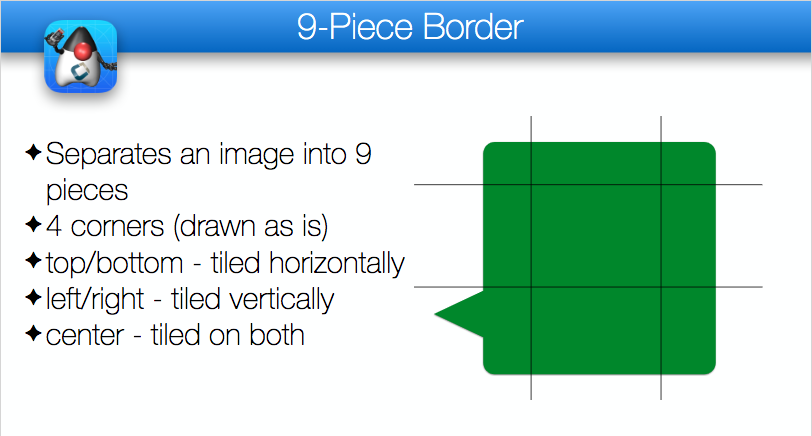
9-Piece image borders can be created using the image-border and image-border-slice properties.
For example:
NinePiece {
border-image: url(images/dashbg_landscape.png);
}In the above example you omitted the border-image-slice property, so it defaults to "40%," which means that the image is sliced 40% from the top, 40% from the bottom, 40% from the left, and 40% from the right.
If you want more specific "slice" points, you can add the border-image-slice property. For example:
NinePiece {
border-image: url(images/dashbg_landscape.png);
border-image-slice: 10% 49%;
}
NinePiece2 {
border-image: url(images/dashbg_landscape.png);
border-image-slice: 10% 49% 20%;
}
NinePiece3 {
border-image: url(images/dashbg_landscape.png);
border-image-slice: 10% 30% 40% 20%;
}
NinePiece4 {
border-image: url(images/dashbg_landscape.png);
border-image-slice: 10%;
}The compiler also produces 9-piece borders on its own, for styles that have no native equivalent. See Border for which styles those are. It paints these images itself during the build, so they need no image file from you and no extra tool. A background image is painted into the generated image, whether it’s a PNG, a JPEG, an SVG or a Lottie file. An animated SVG or Lottie file is painted as it looks before its animation starts.
15.11.4. Image backgrounds
Component backgrounds in Codename One are a common source of confusion for newcomers because there are 3 different properties that can be used to define what a component’s background looks like, and they have priorities:
Background Color - You can specify an RGB color to be used as the background for a component.
Background Image - You can specify an image to be used as the background for a component. Codename One includes settings to define how the image is treated, for example, scale/fill, tile, etc. If a background image is specified, it will override the background color setting - unless the image has transparent regions.
Image Border - You can define a 9-piece image border which will effectively cover the entire background of the component. If an image border is specified, it will override the background image of the component.
A common scenario you may run into is trying to set the background color of a component and seeing no change when you preview the form, because the style had an image background defined - which overrides the background color change.
The potential for confusion is mitigated somewhat, but still exists when using CSS. You can make your intentions explicit by adding the cn1-background-type property to your style. Possible values include:
cn1-image-scaledcn1-image-scaled-fillcn1-image-scaled-fitcn1-image-tile-bothcn1-image-tile-valign-leftcn1-image-tile-valign-centercn1-image-tile-valign-rightcn1-image-tile-halign-topcn1-image-tile-halign-centercn1-image-tile-halign-bottomcn1-image-align-bottomcn1-image-align-leftcn1-image-align-rightcn1-image-align-centercn1-image-align-top-leftcn1-image-align-top-rightcn1-image-align-bottom-leftcn1-image-align-bottom-rightcn1-image-bordercn1-nonenone
Example setting background Image to scale fill
MyContainer {
background-image: url(images/myimage.png);
cn1-background-type: cn1-image-scaled-fill;
}15.12. Image compression
CN1 resource files support both PNG and JPEG images, but PNG is the default. Multi-images that are generated by the CSS compiler will be PNG if they include alpha transparency, and JPEG otherwise. This is to try to reduce the file size as much as possible while not sacrificing quality.
15.13. Fonts
This library supports the font, font-size, font-family, font-style, font-weight, and text-decoration properties, as well as the @font-face CSS "at" rule for including TrueType and OpenType fonts.
15.13.1. font-family
By default, CN1’s native fonts are used. The appropriate native font is selected for the provided font-weight and font-style properties. You can also explicitly specify the native font you wish to use in the font-family property. For example:
SideCommand {
font-family: "native:MainThin";
}If you omit the font-family directive altogether, it will use native:MainRegular. The following native fonts are available:
native:MainThinnative:MainLightnative:MainRegularnative:MainBoldnative:MainBlacknative:ItalicThinnative:ItalicLightnative:ItalicRegularnative:ItalicBoldnative:ItalicBlack
Using bundled fonts
If you want to use a font other than the built-in fonts, you’ll need to define the font using the @font-face rule. For example:
@font-face {
font-family: "GuideDemoFont";
src: url(res/GuideDemoFont-Regular.ttf);
}Both TrueType (.ttf) and OpenType (.otf) files work, upper-case or lower-case. Every platform loads both formats through its own font API, so an OpenType font needs no conversion before you bundle it. Web-only formats such as .woff aren’t supported, and the CSS compiler fails the build on one rather than letting it reach the device.
| The compiler reads each font at build time, so a file it can’t parse, or one with no PostScript name, fails the build. That second case is worth knowing about: iOS resolves fonts by their PostScript name, so a font without one renders everywhere except on an iOS device. |
Then you’ll be able to reference the font using the specified font-family in any CSS element. For example:
MyLabel {
font-family: "GuideDemoFont";
}Where to put the font file
A relative src URL is resolved against the directory that holds the CSS file. You can keep font files directly beside theme.css, or in any subdirectory of it, whichever you prefer:
@font-face {
font-family: "GuideRootFont";
src: url(GuideRootFont.ttf);
}
@font-face {
font-family: "GuideDemoFont Bold";
src: url(res/GuideDemoFont-Bold.ttf);
}The font does have to live somewhere under that directory, because only that directory is copied into the build. A font reached through ../, or one that doesn’t exist, fails the build rather than producing an app whose text falls back to the system font. Two @font-face rules naming different files that share a file name also fail, since fonts are deployed by file name alone and one would overwrite the other. Pointing two families at the same file is fine.
Family names, weights and styles
A font-family name that contains spaces must be quoted, both in the @font-face rule and wherever you reference it. An unquoted name is parsed as a list of separate identifiers, so font-family: GuideDemoFont Bold registers the family as GuideDemoFont and collides with your regular weight.
font-weight and font-style select between the built-in native: fonts, but they have no effect once font-family resolves to a @font-face rule. Declare one @font-face per weight and style you need, each with its own family name, as in the example above, then reference the right family from each UIID.
To change the base font of an entire theme, set font-family on the special Default selector, then override the UIIDs that need a bold or italic face:
Default {
font-family: "GuideRootFont";
}
Title {
font-family: "GuideDemoFont Bold";
}Remote and GitHub-hosted fonts
The @font-face directive’s src property will accept both local and remote URLs. The guide fixture below uses a local font so the demo build remains offline and repeatable; application CSS can replace the URL with an HTTPS font URL:
@font-face {
font-family: "GuideDownloadedFont";
src: url(res/GuideDemoFont-Regular.ttf);
}In this case, it will download the myfont.ttf file into the build directory alongside the merged CSS file, and reuse that copy on later builds so that it doesn’t have to make a network request every time. A mvn clean discards the cache and the next build downloads the font again.
Fonts are automatically copied next to the compiled theme.res when the CSS file is compiled, so that they’re distributed with the app and available at runtime. The copy uses the font’s file name only, which means two @font-face rules that point at identically named files in different directories will collide. The copy is also skipped when a file of that name is already there, so run mvn clean after you replace a font file with a different one of the same name.
GitHub URLs
Fonts hosted on GitHub are accessible using a special github: protocol to make it easier to reference such fonts. The compiled guide fixture uses a bundled icon font for offline validation; application CSS can use the same rule shape with a github: URL.
@font-face {
font-family: "GuideIconFont";
src: url(res/GuideIconFont.ttf);
}| If a third-party font repository moves or changes licensing, vendor the font into your project and reference it locally so builds stay reproducible. |
15.13.2. font-size
It’s best practice to size your fonts using millimetres (rem) (or another "real-world" measurement unit such as inches (in), centimetres (cm), millimetres (mm). This will allow the font to be sized appropriate for all display densities. If you specify size in pixels (px), it will treat it the same as if you sized it in points (pt), where 1pt == 1/72 inches (one seventy-second of an inch).
If you size your font in percentage units (for example, 150%) it will set the font size relative to the medium font size of the platform. This is different than the standard behaviour of a web browser, which would size it relative to the parent element’s font size.
font-size: 150% is the same as font-size: 1.5rem. |
You can use system fonts, true type fonts, and native fonts in your CSS stylesheet. True Type fonts need to be defined in a @font-face directive before they can be referenced. True-type fonts and native fonts have the advantage that you can specify their sizes in generic terms (for example, small, medium, large) and in more specific units such as millimeters (mm) or pixels (px).
15.13.3. text-decoration
15.13.4. Some sample CSS directives
@font-face {
font-family: "GuideDemoFont";
src: url(res/GuideDemoFont-Regular.ttf);
}
@font-face {
font-family: "GuideDemoFont-Bold";
src: url(res/GuideDemoFont-Bold.ttf);
}
PlainText0p5mm { font-size: 0.5mm; }
PlainText1mm { font-size: 1mm; }
PlainText2mm { font-size: 2mm; }
PlainText5mm { font-size: 5mm; }
PlainText10mm { font-size: 10mm; }
PlainText50mm { font-size: 50mm; }
PlainTextSmall { font-size: small; }
PlainTextMedium { font-size: medium; }
PlainTextLarge { font-size: large; }
PlainText3pt { font-size: 3pt; }
PlainText6pt { font-size: 6pt; }
PlainText12pt { font-size: 12pt; }
PlainText20pt { font-size: 20pt; }
PlainText36pt { font-size: 36pt; }
BoldText { font-weight: bold; }
BoldText1mm { font-weight: bold; font-size: 1mm; }
BoldText2mm { font-weight: bold; font-size: 2mm; }
BoldText3mm { font-weight: bold; font-size: 3mm; }
BoldText5mm { font-weight: bold; font-size: 5mm; }
ItalicText { font-style: italic; }
ItalicText3mm { font-style: italic; font-size: 3mm; }
ItalicBoldText { font-style: italic; font-weight: bold; }
PlainTextUnderline { text-decoration: underline; }
BoldTextUnderline { text-decoration: underline; font-weight: bold; }
ItalicTextUnderline { text-decoration: underline; font-style: italic; }
PlainText3d {
text-decoration: cn1-3d;
color: white;
background-color: #3399ff;
}
BoldText3d {
text-decoration: cn1-3d;
font-weight: bold;
color: white;
background-color: #3399ff;
}
ItalicText3d {
text-decoration: cn1-3d;
font-style: italic;
color: white;
background-color: #3399ff;
}
PlainText3dLowered {
text-decoration: cn1-3d-lowered;
color: black;
background-color: #3399ff;
}
BoldText3dLowered {
text-decoration: cn1-3d-lowered;
font-weight: bold;
color: black;
background-color: #3399ff;
}
ItalicText3dLowered {
text-decoration: cn1-3d-lowered;
font-style: italic;
color: black;
background-color: #3399ff;
}
PlainText3dShadow {
text-decoration: cn1-3d-shadow-north;
color: white;
background-color: #3399ff;
}
BoldText3dShadow {
text-decoration: cn1-3d-shadow-north;
font-weight: bold;
color: white;
background-color: #3399ff;
}
ItalicText3dShadow {
text-decoration: cn1-3d-shadow-north;
font-style: italic;
color: white;
background-color: #3399ff;
}
MainThin {
font-size: 200%;
background: radial-gradient(circle at top left, yellow, blue 100%);
}
MainRegular0001 {
font-family: "native:MainRegular";
color: blue;
border: 1px cn1-pill-border blue;
padding: 2mm;
}
MainRegular0001.pressed {
font-family: "native:MainRegular";
background: cn1-pill-border blue;
color: white;
border: 1px solid white;
padding: 2mm;
}
Heading {
font-size: 4mm;
font-family: "GuideDemoFont-Bold";
color: black;
padding: 2mm;
text-align: center;
}15.14. Media queries
You can use media queries to target styles to specific platforms, devices, and device densities. The following media queries are supported:
platform-xxx- Target a specific platform. For example,platform-and,platform-ios,platform-mac,platform-win.density-xxx- Target a specific device density. For example,density—low,density-low,density-medium,density-high,density—high,density-hd,density-2hd, anddensity-560.device-xxx- Target a specific device type. For example,device-desktop,device-tablet,device-phone,device-tv(Apple TV / Android TV), anddevice-watch(Apple Watch / Wear OS). Thedevice-tvanddevice-watchvariants are selected at runtime whenDisplay.isTV()/Display.isWatch()returnstrue, letting you adapt styling for the 10-foot TV UI or the small wearable screen.
Also to the Codename One specific media tokens above, the CSS compilers also recognize standard dark-mode media queries using prefers-color-scheme: dark. Rules inside these blocks are compiled into $Dark UIIDs automatically (for example, Button becomes $DarkButton, Button.selected becomes $DarkButton.selected).
Button {
color: #222222;
}
@media (prefers-color-scheme: dark) {
Button {
color: #f0f0f0;
background-color: #000000;
}
Button.selected {
color: #ff0000;
}
}Label {
color: black;
}
@media platform-and {
Label {
color: green;
}
}
@media platform-ios {
Label {
color: red;
}
}Label {
color: black;
}
@media density-very-low, density-low, density-medium, density-high {
Label {
color: green;
}
}
@media density-very-high, density-h2, density-2hd, density-560 {
Label {
color: red;
}
}Label {
color: black;
}
@media device-desktop {
Label {
color: green;
}
}
@media device-tablet, device-phone {
Label {
color: red;
}
}When deploying your app using the JavaScript port, it will use a platform name derived from the "UserAgent" string in the browser, rather than the result of Display.getPlatformName(), which is used for other ports. When running on Android, then, the platform will be "and." When running on iOS, the platform will be "ios." Etc. |
15.14.1. Compound media queries
You can combine multiple media queries together, separated by a comma. Queries of the same type are "OR"ed together. Queries of different types are "AND"ed together. For example if you have a media query that specifies two different device densities (for example, density-low and density-high) the query will match both devices with low density and high density. But, if the query specifies a device density and a platform (for example, density-low and platform-and), then it will match a device if it matches the platform and the density.
@media platform-and, density-high {
Label {
color: green;
}
}@media platform-ios, density-high, density-low {
Label {
color: red;
}
}@media device-desktop, platform-mac {
Label {
color: blue;
}
}15.14.2. Order or precedence
The order of precedence when applying styles differs slightly from the way styles would be applied in standard CSS. The order of precedence is as follows:
Styles defined inside
@mediablocks will always take precedence over styles defined outside of@mediablocks.@mediablocks with more query matches will take precedence over blocks with fewer query matches. For example, A media block matching density, platform, and device will take precedence over a block that only matches the density and platform.If the same style is defined in two media blocks which contain the same number of query matches, then the order precedence is
platform,device,densityin decreasing order. That is, the block that matches on platform will take precedence over the block that matches on density.If the same style is defined in two media blocks with identical query matches, then the order of precedence is undefined.
15.14.3. Font scaling constants
Sometimes you may find that fonts are coming out too large or too small across the board on certain types of devices. You can use standard media queries to customize font sizes, but you can also use font-scaling constants to scale font sizes for the entire stylesheet based on platform, device, and/or density. Sometimes you may find this approach easier.
For example, consider the following simple stylesheet that defines a font size of 2mm on labels:
Label {
font-size: 3mm;
}During testing, perhaps you find that, on desktop, the fonts are a little bit too small. In this case, you can apply a font-scale constant that only applies to the desktop:
#Constants {
device-desktop-font-scale: "1.5";
}
Label {
font-size: 3mm;
}Now, on most devices the Label style will have 3mm fonts. However, on desktop, it will have 4.5mm fonts.
The above would be equivalent to:
Label {
font-size: 3mm;
}
@media device-desktop {
Label {
font-size: 4.5mm;
}
}#Constants {
device-phone-font-scale: "1.5";
device-tablet-font-scale: "1.2";
device-desktop-font-scale: "1.4";
platform-ios-font-scale: "0.9";
density-low-font-scale: "1.2";
platform-ios-density-low-font-scale: "1.3";
}All matching font-scale constants will be applied to the styles. If you define 3 font-scale constants that all match the current runtime environment, they will all be applied. For example, If there are 3 matching font-scale constants with 2.0, 3.0, and 4.0, then fonts will be scaled by 2*3*4=24! |
Graphics and games
16. Graphics, drawing, images, and fonts
| Drawing is considered a low-level API that might introduce some platform fragmentation. |
16.1. Basics - where and how to draw manually
The Graphics class handles drawing basics, shapes, images, and text. Developers never instantiate it directly; the Codename One API passes it in.
You can gain access to a Graphics object using one of the following methods:
Derive Component or a subclass of
Component-Componentincludes many methods that let developers change drawing behavior. Override them to change how the component is drawn:paint(Graphics)- invoked to draw the component, this can be overridden to draw the component from scratch.paintBackground(Graphics)/paintBackgrounds(Graphics)- these allow overriding the way the component background is painted although you would probably be better off implementing a painter (see below).paintBorder(Graphics)- allows overriding the process of drawing a border, notice that border drawing might differ based on the style of the component.paintComponent(Graphics)- allows painting the components contents while leaving the default paint behavior to the style.paintScrollbars(Graphics),paintScrollbarX(Graphics),paintScrollbarY(Graphics)allows overriding the behavior of scrollbar painting.
Implement the painter interface; this interface can be used as a
GlassPaneor a background painter.The painter interface is simple and includes one paint method. It lets developers perform custom painting without subclassing
Component. Painters can be chained together to create elaborate paint behavior with the PainterChain class.Glass pane - a glass pane allows developers to paint on top of the form painting. This allows an overlay effect on top of a form.
At first, a glass pane may seem like overriding the Form’s paint method and drawing after
super.paint(g)completes. It isn’t the same. When a component repaints by invokingrepaint(), that component is drawn, and Form’spaint()method isn’t invoked. The glass pane painter is invoked in those cases and behaves as expected.Background painter - the background painter is installed through the style. By default, Codename One installs its own custom background painter. Installing a custom painter lets a developer define how the component background is drawn.
Many background-style behaviors can also be achieved using styles alone.
A common mistake is overriding the paint(Graphics) method of Form. The problem is that a form has child components that may request a repaint. To avoid that, place a paintable component in the center of the Form, or override the glass pane or background painter. |
A paint method can be implemented as such:
// hide the title
Form hi = new Form("", new BorderLayout());
hi.add(BorderLayout.CENTER, new Component() {
@Override
public void paint(Graphics g) {
// red color
g.setColor(0xff0000);
// paint the screen in red
g.fillRect(getX(), getY(), getWidth(), getHeight());
// draw hi world in white text in the top left corner of the screen
g.setColor(0xffffff);
g.drawString("Hi World", getX(), getY());
}
});
hi.show();
16.1.1. Painting with gradients
Solid colors are the starting point. Graphics also understands "paint" objects
that describe gradients and other patterns. You can pass an instance of
Paint
to setColor(Paint) in place of an integer color value to activate a gradient for
later fill and draw operations. The
LinearGradientPaint
class is the most common option and accepts a list of color stops along a line:
LinearGradientPaint gradient = new LinearGradientPaint(
getX(), getY(), getX() + getWidth(), getY(), // horizontal gradient
new float[] {0f, 0.5f, 1f},
new int[] {0xff4285f4, 0xff34a853, 0xfffbbc05},
MultipleGradientPaint.CycleMethod.NO_CYCLE,
MultipleGradientPaint.ColorSpaceType.SRGB,
null
);
g.setColor(gradient);
// a Paint is consulted by fillShape; fillRect still uses the integer colour
g.fillShape(new Rectangle(getX(), getY(), getWidth(), getHeight()));The fillLinearGradient() convenience methods (with optional repeat flag)
provide a shorthand when you need a two-color gradient without constructing
your own Paint object.
Radial gradients are equally straightforward using
fillRadialGradient() or fillRectRadialGradient(), which can render circular
and rectangular radial transitions respectively. These APIs accept the
inner/outer colors, focal point, and spread so you can combine them with linear
gradients to build sophisticated backgrounds and lighting effects.
For the full CSS gradient range, Graphics exposes a single fillGradient
method that consumes a Gradient value object. Gradient is a Paint
subclass with three concrete forms - LinearGradient, RadialGradient,
ConicGradient - following the same pattern as the Shape hierarchy:
int[] colors = { 0xffff0080, 0xffff8c00, 0xff40e0d0 };
float[] stops = { 0f, 0.5f, 1f };
// one band each, so all three are visible at once
int band = getHeight() / 3;
g.fillGradient(new LinearGradient(45f, colors, stops),
getX(), getY(), getWidth(), band);
RadialGradient circle = new RadialGradient(colors, stops);
circle.setShape(RadialGradient.SHAPE_CIRCLE)
.setExtent(RadialGradient.EXTENT_FARTHEST_CORNER);
g.fillGradient(circle, getX(), getY() + band, getWidth(), band);
g.fillGradient(new ConicGradient(colors, stops),
getX(), getY() + band * 2, getWidth(), band);Gradient carries the cycle method (CYCLE_NONE / CYCLE_REPEAT /
CYCLE_REFLECT) for repeating / reflected fills. Each port implements
fillGradient via the fastest native shader available - Java2D
LinearGradientPaint / RadialGradientPaint on the simulator,
LinearGradient / RadialGradient / SweepGradient shaders on Android - and
falls back to a software rasterizer that calls Gradient#sampleArgb per
pixel where no native shader exists.
16.1.2. Image blur
Graphics.gaussianBlur(Image, float radius) returns a blurred copy of an image
using the platform’s fastest path (Core Image on iOS, RenderScript /
RenderEffect on Android, JHLabs GaussianFilter in the simulator). The same
blur is reachable from CSS via the filter: blur(<length>) and
backdrop-filter: blur(<length>) properties, which are stored on the
component’s Style as filterBlurRadius and backdropFilterBlurRadius.
16.2. Glass pane
The GlassPane `in Codename One is inspired by the Swing `GlassPane & LayeredPane with a few twists.
You tried to imagine how Swing developers would have implemented the glass pane knowing what they do now about painters and Swings learning curve. But first: what’s the glass pane?
A typical Codename One application is essentially composed of 3 layers (this is a gross simplification though), the background painters are responsible for drawing the background of all components including the main form. The component draws its own content (which might overrule the painter) and the glass pane paints last…
Essentially the glass pane is a painter that allows you to draw an overlay on top of the Codename One application.
Overriding the paint method of a form isn’t a substitute for glasspane as it would appear to work initially, when you enter a Form. For example, when modifying an element within the form that element gets repainted not the entire
Form!
If you have a form with a Button and text drawn on top using the Form’s paint method it would get erased whenever the button gets focus.
The glass pane is called whenever a component gets painted,
it paints within the clipping region of the component hence it won’t break the rest of the components on the Form which weren’t modified.
You can set a painter on a form using code like this:
hi.setGlassPane(new Painter() {
@Override
public void paint(Graphics g, Rectangle rect) {
}
});Or you can use Java 8 lambdas to tighten the code a bit:
hi.setGlassPane((g, rect) -> {
});PainterChain allows you to chain many painters together to perform different logical tasks such as a validation painter coupled with a fade out painter. The sample below shows a crude validation panel that allows you to draw error icons next to components while exceeding their physical bounds as is common in many user interfaces
Form hi = new Form("Glass Pane", new BoxLayout(BoxLayout.Y_AXIS));
Style s = UIManager.getInstance().getComponentStyle("Label");
s.setFgColor(0xff0000);
s.setBgTransparency(0);
Image warningImage = FontImage.createMaterial(FontImage.MATERIAL_WARNING, s).toImage();
TextField tf1 = new TextField("My Field");
tf1.getAllStyles().setMarginUnit(Style.UNIT_TYPE_DIPS);
tf1.getAllStyles().setMargin(5, 5, 5, 5);
hi.add(tf1);
hi.setGlassPane((g, rect) -> {
int x = tf1.getAbsoluteX() + tf1.getWidth();
int y = tf1.getAbsoluteY();
x -= warningImage.getWidth() / 2;
y += (tf1.getHeight() / 2 - warningImage.getHeight() / 2);
g.drawImage(warningImage, x, y);
});
hi.show();
16.3. Shapes & transforms
The graphics API provides a high performance shape API that allows drawing arbitrary shapes by defining paths and curves and caching the shape drawn in the GPU.
16.4. Device support
Shapes and transforms ship with all Codename One’s actively maintained ports (Android, iOS, JavaScript, and desktop/Simulator). Older platforms that have reached end of life may lack these APIs, so keep the guard code shown below if you still target them with legacy builds.
Notice that perspective transform is missing from the desktop/simulator port. No real equivalent to perspective transform in Java SE that you could use.
16.5. A 2D drawing app
You can show shape drawing with a simple example of a drawing app, that allows the user to tap the screen to draw a contour picture.
The app works by keeping a GeneralPath in memory, and adding points as Bézier curves. Whenever a point is added, the path is redrawn to the screen.
The center of the app is the DrawingCanvas class, which extends Component:
public class DrawingCanvas extends Component {
GeneralPath p = new GeneralPath();
int strokeColor = 0x0000ff;
int strokeWidth = 10;
public void addPoint(float x, float y){
// To be written
}
@Override
protected void paintBackground(Graphics g) {
super.paintBackground(g);
Stroke stroke = new Stroke(
strokeWidth,
Stroke.CAP_BUTT,
Stroke.JOIN_ROUND, 1f
);
g.setColor(strokeColor);
// Draw the shape
g.drawShape(p, stroke);
}
@Override
public void pointerPressed(int x, int y) {
addPoint(x-getParent().getAbsoluteX(), y-getParent().getAbsoluteY());
}
}Conceptually this is basic component. You will be overriding the
paintBackground()
method to draw the path. You keep a reference to a
GeneralPath
object (which is the concrete implementation of the Shape interface in Codename One) to store each successive
point in the drawing. You also parametrize the stroke width and color.
The implementation of the paintBackground() method (shown above) should be straight forward. It creates
a stroke of the appropriate width, and sets the color on the graphics context. Then it calls drawShape() to render the path of points.
16.5.1. Implementing addpoint()
The addPoint method is designed to allow you to add points to the drawing. A simple implementation that uses straight lines rather than curves might look like this:
private float lastX = -1;
private float lastY = -1;
public void addPoint(float x, float y) {
if (lastX == -1) {
// this is the first point... Don't draw a line yet
p.moveTo(x, y);
} else {
p.lineTo(x, y);
}
lastX = x;
lastY = y;
repaint();
}The sample introduces a couple of house-keeping member vars (lastX and lastY) to store the last point that was added
that you know whether this is the first tap or a later tap. The first tap triggers a moveTo() call, whereas
later taps trigger lineTo() calls, which draw lines from the last point to the current point.
A drawing might look like this:
16.5.2. Using Bézier curves
Your previous implementation of addPoint() used lines for each segment of the drawing. Now make a change to allow for smoother edges by using quadratic curves instead of lines.
Codename One’s GeneralPath class includes two methods for drawing curves:
See the General Path javadocs for the full API.
You will make use of the quadTo()
method to append curves to the drawing as follows:
private boolean odd=true;
public void addPoint(float x, float y){
if ( lastX == -1 ){
p.moveTo(x, y);
} else {
float controlX = odd ? lastX : x;
float controlY = odd ? y : lastY;
p.quadTo(controlX, controlY, x, y);
}
odd = !odd;
lastX = x;
lastY = y;
repaint();
}This change should be straight forward except, perhaps, the business with the odd variable. Since
quadratic curves require two points (also to the implied starting point), you can’t take the last tap
point and the current tap point. You need a point between them to act as a control point. This is where you get
the curve from. The control point works by exerting a sort of "gravity" on the line segment, to pull the line towards
it. This results in the line being curved. The example uses the odd marker to alternate the control point between positions
above the line and below the line.
A drawing from the resulting app looks like:
16.5.3. Detecting platform support
The DrawingCanvas example is a bit naive in that it assumes that the device supports the shape API. Running this code on a device that doesn’t support the Shape API would draw a blank canvas where the shape was
expected to be drawn. You can fall back gracefully if you make use of the
Graphics.isShapeSupported() method. For example:
@Override
protected void paintBackground(Graphics g) {
super.paintBackground(g);
if ( g.isShapeSupported() ){
// do my shape drawing code here
} else {
// draw an alternate representation for device
// that doesn't support shapes.
// E.g. You could defer to the Pisces
// library in this case
}
}16.6. Transforms
The Graphics class has included limited support for 2D transformations for some time now including scaling, rotation, and translation:
scale(x,y): Scales drawing operations by a factor in each direction.translate(x,y): Translates drawing operations by an offset in each direction.rotate(angle): Rotates about the origin.rotate(angle, px, py): Rotates about a pivot point.
scale() and rotate() methods are available on platforms that support Affine transforms. See table X for a compatibility list. |
16.6.1. Device support
All current Codename One ports expose affine transforms (that’s: scale() and
rotate()). Use the following table as a quick reference when deciding whether
you need a fallback path.
Platform | Affine Supported |
Simulator/Desktop | Yes |
iOS | Yes |
Android | Yes |
JavaScript | Yes |
You can check if a particular Graphics context supports rotation and scaling using the isAffineSupported() method.
For example:
public void paint(Graphics g){
if ( g.isAffineSupported() ){
// Do something that requires rotation and scaling
} else {
// Fallback behavior here
}
}16.7. Example: Drawing an analog clock
The following sections implement an analog clock component. This will show three key concepts in Codename One’s graphics:
Using the
GeneralPathclass for drawing arbitrary shapes.Using
Graphics.translate()to translate your drawing position by an offset.Using
Graphics.rotate()to rotate your drawing position.
There are three separate things that need to be drawn in a clock:
The tick marks. For example: most clocks will have a tick mark for each second, larger tick marks for each hour, and sometimes even larger tick marks for each quarter-hour.
The numbers. You will draw the clock numbers (1 through 12) in the appropriate positions.
The hands. You will draw the clock hands to point at the appropriate points to display the current time.
16.7.1. The AnalogClock Component
Your clock will extend the Component class, and override the paintBackground() method to draw the clock as follows:
public class AnalogClock extends Component {
Date currentTime = new Date();
@Override
public void paintBackground(Graphics g) {
// Draw the clock in this method
}
}16.7.2. Setting up the parameters
Before you actually draw anything, take a moment to figure out what values you need to know to draw an effective clock. Minimally, you need two values:
The center point of the clock.
The radius of the clock.
The clock also exposes the following parameters to help customize how it’s rendered:
The padding (that’s: the space between the edge of the component and the edge of the clock circle.
The tick lengths. The example uses 3 different lengths of tick marks on this clock. The longest ticks will be displayed at quarter points (that’s: 12, 3, 6, and 9). Slightly shorter ticks will be displayed at the five-minute marks (that’s: where the numbers appear), and the remaining marks (corresponding with seconds) will be short:
// Hard code the padding at 10 pixels for now
double padding = 10;
// Clock radius
double r = Math.min(getWidth(), getHeight())/2-padding;
// Center point.
double cX = getX()+getWidth()/2;
double cY = getY()+getHeight()/2;
//Tick Styles
int tickLen = 10; // short tick
int medTickLen = 30; // at 5-minute intervals
int longTickLen = 50; // at the quarters
int tickColor = 0xCCCCCC;
Stroke tickStroke = new Stroke(2f, Stroke.CAP_BUTT, Stroke.JOIN_ROUND, 1f);16.7.3. Drawing the tick marks
For the tick marks, you will use a single GeneralPath object, making use of the moveTo() and lineTo() methods
to draw each individual tick:
// a fresh path each repaint, otherwise the segments accumulate
GeneralPath ticksPath = new GeneralPath();
// Draw a tick for each "second" (1 through 60)
for ( int i=1; i<= 60; i++){
// default tick length is short
int len = tickLen;
if ( i % 15 == 0 ){
// Longest tick on quarters (every 15 ticks)
len = longTickLen;
} else if ( i % 5 == 0 ){
// Medium ticks on the '5's (every 5 ticks)
len = medTickLen;
}
double di = (double)i; // tick num as double for easier math
// Get the angle from 12 O'Clock to this tick (radians)
double angleFrom12 = di/60.0*2.0*Math.PI;
// Get the angle from 3 O'Clock to this tick
// Note: 3 O'Clock corresponds with zero angle in unit circle
// Makes it easier to do the math.
double angleFrom3 = Math.PI/2.0-angleFrom12;
// Move to the outer edge of the circle at correct position
// for this tick.
ticksPath.moveTo(
(float)(cX+Math.cos(angleFrom3)*r),
(float)(cY-Math.sin(angleFrom3)*r)
);
// Draw line inward along radius for length of tick mark
ticksPath.lineTo(
(float)(cX+Math.cos(angleFrom3)*(r-len)),
(float)(cY-Math.sin(angleFrom3)*(r-len))
);
}
// Draw the full shape onto the graphics context.
g.setColor(tickColor);
g.drawShape(ticksPath, tickStroke);This example uses a little bit of trigonometry to calculate the (x,y) coordinates of the tick marks based on
the angle and the radius. If math isn’t your thing, don’t worry. This example makes use of the identities: x=r*cosθ and y=r*sinθ. |
At this point your clock should include a series of tick marks orbiting a blank center as shown below:

16.7.4. Drawing the numbers
The Graphics.drawString(str, x, y) method allows you to draw text at any point of a component. The tricky part
here is calculating the correct x and y values for each string so that the number appears in the correct location.
For the purposes of this tutorial, you will use the following strategy. For each number (1 through 12):
Use the
Graphics.translate(x,y)method to apply a translation from the clock’s center point to the point where the number should appear.Draw number (using
drawString()) at the clock’s center. It should be rendered at the correct point due to your translation.Invert the translation performed in step 1:
for ( int i=1; i<=12; i++){
// Calculate the string width and height so we can center it properly
String numStr = ""+i;
int charWidth = g.getFont().stringWidth(numStr);
int charHeight = g.getFont().getHeight();
double di = (double)i; // number as double for easier math
// Calculate the position along the edge of the clock where the number should
// be drawn
// Get the angle from 12 O'Clock to this tick (radians)
double angleFrom12 = di/12.0*2.0*Math.PI;
// Get the angle from 3 O'Clock to this tick
// Note: 3 O'Clock corresponds with zero angle in unit circle
// Makes it easier to do the math.
double angleFrom3 = Math.PI/2.0-angleFrom12;
// Get diff between number position and clock center
int tx = (int)(Math.cos(angleFrom3)*(r-longTickLen));
int ty = (int)(-Math.sin(angleFrom3)*(r-longTickLen));
// For 6 and 12 we will shift number slightly so they're more even
if ( i == 6 ){
ty -= charHeight/2;
} else if ( i == 12 ){
ty += charHeight/2;
}
// Translate the graphics context by delta between clock center and
// number position
g.translate(
tx,
ty
);
// Draw number at clock center.
g.drawString(numStr, (int)cX-charWidth/2, (int)cY-charHeight/2);
// Undo translation
g.translate(-tx, -ty);
}This example is, admittedly, a little contrived to allow for a demonstration of the Graphics.translate() method.
You could have as passed the exact location of the number to drawString() rather than draw at the clock
center and translate to the correct location. |
Now, you should have a clock with tick marks and numbers as shown below:
16.7.5. Drawing the hands
The clock will include three hands: Hour, Minute, and Second. You will use a separate GeneralPath object for each hand. For the positioning/angle of each, use the following strategy:
Draw the hand at the clock center pointing toward
12(straight up).Translate the hand slightly down so that it overlaps the center.
Rotate the hand at the appropriate angle for the current time, using the clock center as a pivot point.
Drawing the Second Hand:
For the "second" hand, you will use a simple line from the clock center to the inside edge of the medium tick mark at the 12 o’clock position:
GeneralPath secondHand = new GeneralPath();
secondHand.moveTo((float)cX, (float)cY);
secondHand.lineTo((float)cX, (float)(cY-(r-medTickLen)));And you will translate it down slightly so that it overlaps the center. This translation will be performed on the GeneralPath object directly rather than through the Graphics context:
Shape translatedSecondHand = secondHand.createTransformedShape(
Transform.makeTranslation(0f, 5)
);Rotating the Second Hand::
The rotation of the second hand will be performed in the Graphics context through the rotate(angle, px, py) method.
This requires you to calculate the angle. The px and py arguments constitute the pivot point of the rotation,
which, in your case will be the clock center.
| The rotation pivot point is expected to be in absolute screen coordinates rather than relative coordinates of the component. You therefore need to get the absolute clock center position to perform the rotation: |
// Calculate the angle of the second hand
Calendar calendar = Calendar.getInstance(TimeZone.getDefault());
double second = (double)(calendar.get(Calendar.SECOND));
double secondAngle = second/60.0*2.0*Math.PI;
// Get absolute center position of the clock
double absCX = getAbsoluteX()+cX-getX();
double absCY = getAbsoluteY()+cY-getY();
// keep whatever transform the caller had, rather than resetting to none
Transform originalTransform = g.getTransform();
g.rotate((float)secondAngle, (int)absCX, (int)absCY);
g.setColor(0xff0000);
g.drawShape(
translatedSecondHand,
new Stroke(2f, Stroke.CAP_BUTT, Stroke.JOIN_BEVEL, 1f)
);
g.setTransform(originalTransform);Put the transform back when you’re done with the rotation, or the drawing
that follows uses your rotated coordinate system. Save it with getTransform()
first and restore it with setTransform(), as the sample above does.
resetAffine() looks like the way to do this and isn’t: it clears the transform
entirely, including one a parent set before your component was painted. |
Drawing the Minute And Hour Hands:
The mechanism for drawing the hour and minute hands is largely the same as for the minute hand, with a couple of added complexities though:
You will make these hands trapezoidal, and almost triangular rather than using a simple line, which means the
GeneralPathconstruction will be slightly more complex.Calculation of the angles will be slightly more complex because they need to consider many parameters. For example: The hour hand angle is informed by both the hour of the day and the minute of the hour.
The remaining drawing code is as follows:
// Draw the minute hand
GeneralPath minuteHand = new GeneralPath();
minuteHand.moveTo((float)cX, (float)cY);
minuteHand.lineTo((float)cX+6, (float)cY);
minuteHand.lineTo((float)cX+2, (float)(cY-(r-tickLen)));
minuteHand.lineTo((float)cX-2, (float)(cY-(r-tickLen)));
minuteHand.lineTo((float)cX-6, (float)cY);
minuteHand.closePath();
// Translate the minute hand slightly down so it overlaps the center
Shape translatedMinuteHand = minuteHand.createTransformedShape(
Transform.makeTranslation(0f, 5)
);
double minute = (double)(calendar.get(Calendar.MINUTE)) +
(double)(calendar.get(Calendar.SECOND))/60.0;
double minuteAngle = minute/60.0*2.0*Math.PI;
// Rotate and draw the minute hand, keeping the caller's transform
Transform beforeMinuteHand = g.getTransform();
g.rotate((float)minuteAngle, (int)absCX, (int)absCY);
g.setColor(0x000000);
g.fillShape(translatedMinuteHand);
g.setTransform(beforeMinuteHand);
// Draw the hour hand
GeneralPath hourHand = new GeneralPath();
hourHand.moveTo((float)cX, (float)cY);
hourHand.lineTo((float)cX+4, (float)cY);
hourHand.lineTo((float)cX+1, (float)(cY-(r-longTickLen)*0.75));
hourHand.lineTo((float)cX-1, (float)(cY-(r-longTickLen)*0.75));
hourHand.lineTo((float)cX-4, (float)cY);
hourHand.closePath();
Shape translatedHourHand = hourHand.createTransformedShape(
Transform.makeTranslation(0f, 5)
);
//Calendar cal = Calendar.getInstance().get
double hour = (double)(calendar.get(Calendar.HOUR_OF_DAY)%12) +
(double)(calendar.get(Calendar.MINUTE))/60.0;
double angle = hour/12.0*2.0*Math.PI;
Transform beforeHourHand = g.getTransform();
g.rotate((float)angle, (int)absCX, (int)absCY);
g.setColor(0x000000);
g.fillShape(translatedHourHand);
g.setTransform(beforeHourHand);16.7.6. The final result
At this point, you have a complete clock as shown below:
16.7.7. Animating the clock
The current clock component is cool, but it’s static. It displays the time at the point the clock was created. You discussed low-level animations in the animation section of the guide, here you will show a somewhat more elaborate example.
To animate your clock so that it updates once per second, you need to do two things:
Implement the
animate()method to show when the clock needs to be updated/re-drawn.Register the component with the form so that it will receive animation "pulses."
The animate() method in the AnalogClock class:
long lastRenderedTime = 0;
@Override
public boolean animate() {
long now = System.currentTimeMillis();
if ( now/1000 != lastRenderedTime/1000){
currentTime.setTime(now);
lastRenderedTime = now;
return true;
}
return false;
}This method will be invoked on each "pulse" of the EDT. It checks the last time the clock was rendered and returns
true if the clock hasn’t been rendered in the current "time second" interval. Otherwise it returns false. This
ensures that the clock will be redrawn when the time changes.
16.8. Starting and stopping the animation
Animations can be started and stopped through the Form.registerAnimated(component) and
Form.deregisterAnimated(component) methods. The sample encapsulates these calls in start() and stop()
methods in the component as follows:
public void start(){
getComponentForm().registerAnimated(this);
}
public void stop(){
getComponentForm().deregisterAnimated(this);
}The code to instantiate the clock, and start the animation would be something like:
AnalogClock clock = new AnalogClock();
// the clock draws to its own bounds and declares no preferred size, so it
// needs a region that stretches -- in a flow or box layout it would be 0x0
Form hi = new Form("Clock", new BorderLayout());
hi.add(BorderLayout.CENTER, clock);
hi.show();
clock.start();16.9. Shape clipping
Clipping is one of the core tenants of graphics programming, you define the boundaries for drawing and when you exceed said boundaries things aren’t drawn. Shape clipping allows you to clip based on any arbitrary Shape and not a rectangle, this allows some unique effects generated in runtime.
For example: this code allows you to draw a rather complex image of duke:
Image duke = null;
try {
// duke.png is just the default Codename One icon copied into place
duke = Image.createImage("/duke.png");
} catch(IOException err) {
Log.e(err);
}
final Image finalDuke = duke;
Form hi = new Form("Shape Clip");
// We create a 50 x 100 shape, this is arbitrary since we can scale it easily
GeneralPath path = new GeneralPath();
path.moveTo(20,0);
path.lineTo(30, 0);
path.lineTo(30, 100);
path.lineTo(20, 100);
path.lineTo(20, 15);
path.lineTo(5, 40);
path.lineTo(5, 25);
path.lineTo(20,0);
Stroke stroke = new Stroke(0.5f, Stroke.CAP_ROUND, Stroke.JOIN_ROUND, 4);
hi.getContentPane().getUnselectedStyle().setBgPainter((Graphics g, Rectangle rect) -> {
g.setColor(0xff);
float widthRatio = ((float)rect.getWidth()) / 50f;
float heightRatio = ((float)rect.getHeight()) / 100f;
g.scale(widthRatio, heightRatio);
g.translate((int)(((float)rect.getX()) / widthRatio), (int)(((float)rect.getY()) / heightRatio));
g.setClip(path);
g.setAntiAliased(true);
g.drawImage(finalDuke, 0, 0, 50, 100);
g.setClip(path.getBounds());
g.drawShape(path, stroke);
g.translate(-(int)(((float)rect.getX()) / widthRatio), -(int)(((float)rect.getY()) / heightRatio));
g.resetAffine();
});
hi.show();
| Notice that this functionality isn’t available on all platforms so you need to test if shaped clipping is supported using isShapeClipSupported(). |
16.10. The coordinate system
The Codename One coordinate system follows the example of Swing (and many other - but not all-graphics libraries) and places the origin in the upper left corner of the screen. X-values grow to the right, and Y-values grow downward as illustrated below:
The screen origin is in the top left corner of the screen. Given this information, consider the method
call on the Graphics context g:
g.drawRect(10,10, 100, 100);Where would this rectangle be drawn on the screen?
If you answered something like "10 pixels from the top, and 10 pixels from the left of the screen,"
you might be right. It depends on whether the graphics has a translation or transform applied to it. If there is
currently a translation of (20,20) (that’s: 20 pixels to the right, and 20 pixels down), then the rectangle would be
rendered at (30, 30).
You can always find out the current translation of the graphics context using the Graphics.getTranslateX()
and Graphics.getTranslateY() methods:
// Find out the current translation
int currX = g.getTranslateX();
int currY = g.getTranslateY();
// Reset the translation to zeroes
g.translate(-currX, -currY);
// Now we are working in absolute screen coordinates
g.drawRect(10, 10, 100, 100);
// This rectangle should now be drawn at the exact screen
// coordinates (10,10).
//Restore the translation
g.translate(currX, currY);This example glosses over issues such as clipping and transforms which may cause it to not work as you
expect. For example: When painting a component inside its paint() method, there is a clip applied to the context so that
the content you draw within the bounds of the component will be seen. |
If, also, there is a transform applied that rotates the context 45 degrees clockwise, then the rectangle will be drawn at a 45-degree angle with its top left corner somewhere on the left edge of the screen.
You don’t have to worry about the exact screen coordinates for the things you paint. Most of the time, you will be concerned with relative coordinates.
16.10.1. Relative coordinates
Usually, when you’re drawing onto a Graphics context, you’re doing so within the context of a Component’s
paint() method (or one of its variants). In this case, you don’t care what the exact screen coordinates
are of your drawing. You’re concerned with their relative location within the coordinate. You can leave
the positioning (and even sizing) of the coordinate up to Codename One. Thank you for reading.
To show this, create a simple component called Rectangle component, that draws a rectangle on the screen. You will use the component’s position and size to dictate the size of the rectangle to be drawn. And you will keep a 5 pixel padding between the edge of the component and the edge of your rectangle:
class RectangleComponent extends Component {
public void paint(Graphics g){
g.setColor(0x0000ff);
g.drawRect(getX()+5, getY()+5, getWidth()-10, getHeight()-10);
}
}The result is as follows:

The x and y coordinates that are passed to the drawRect(x,y,w,h) method are relative to the
component’s parent’s origin — not the component itself.. Its parent. This is why you the x position is getX()+5
and not 5. |
16.10.2. Transforms and rotations
Unlike the Graphics drawXXX primitives, methods for setting transformations, including scale(x,y) and
rotate(angle), are always applied in screen coordinates. This can be confusing at first, because you
may be unsure whether to provide a relative coordinate or an absolute coordinate for a given method.
The general rule is:
All coordinates passed to the drawXXX() and fillXXX() methods will be subject to the graphics context’s transform and translation settings.
All coordinates passed to the context’s transformation settings are considered to be screen coordinates, and aren’t subject to current transform and translation settings.
Take your RectangleComponent as an example. Suppose you want to rotate the rectangle by 45 degrees,
your first try might look something like:
class RectangleComponent extends Component {
@Override
protected Dimension calcPreferredSize() {
return new Dimension(250,250);
}
public void paint(Graphics g) {
g.setColor(0x0000ff);
g.rotate((float) (Math.PI / 4.0));
g.drawRect(getX() + 5, getY() + 5, getWidth() - 10, getHeight() - 10);
g.rotate(-(float) (Math.PI / 4.0));
}
}When performing rotations and transformations inside a paint() method, always remember to revert your
transformations at the end of the method so that it doesn’t pollute the rendering pipeline for later components. |
The behavior of this rotation will vary based on where the component is rendered on the screen. To show this, try to place five of these components on a form inside a BorderLayout and see how it looks:
class MyForm extends Form {
public MyForm() {
super("Rectangle Rotations", new BorderLayout());
// one per position, so the rotation can be compared across the screen
add(BorderLayout.NORTH, new RectangleComponent());
add(BorderLayout.SOUTH, new RectangleComponent());
add(BorderLayout.EAST, new RectangleComponent());
add(BorderLayout.WEST, new RectangleComponent());
add(BorderLayout.CENTER, new RectangleComponent());
}
}
new MyForm().show();The result is as follows:
This may not be an intuitive outcome since you drew five rectangle components, but you see a portion of one
rectangle. The reason is that the rotate(angle) method uses the screen origin as the pivot point for the rotation.
Components nearer to this pivot point will experience a less dramatic effect than components farther from it. In
your case, the rotation has caused all rectangles except the first one to be rotated outside the bounds of their
containing component, and are therefore being clipped. A more sensible solution for your component would be to place
the rotation pivot point somewhere inside the component. That way all the components would look the same.
Some possibilities would be:
Top Left Corner:
public void paint(Graphics g) {
g.setColor(0x0000ff);
g.rotate((float)(Math.PI/4.0), getAbsoluteX(), getAbsoluteY());
g.drawRect(getX() + 5, getY() + 5, getWidth() - 10, getHeight() - 10);
g.rotate(-(float) (Math.PI / 4.0), getAbsoluteX(), getAbsoluteY());
}
Center:
public void paint(Graphics g) {
g.setColor(0x0000ff);
g.rotate(
(float)(Math.PI/4.0),
getAbsoluteX()+getWidth()/2,
getAbsoluteY()+getHeight()/2
);
g.drawRect(getX() + 5, getY() + 5, getWidth() - 10, getHeight() - 10);
g.rotate(
-(float)(Math.PI/4.0),
getAbsoluteX()+getWidth()/2,
getAbsoluteY()+getHeight()/2
);
}
You could also use the Graphics.setTransform() class to apply rotations and other complex transformations
(including 3D perspective transforms), but that belongs to its own topic as it’s a little bit more complex.
16.10.3. Global alpha & Anti-Aliasing
Up to this point you’ve relied on the per-pixel alpha stored in images and gradients. Graphics
also lets you apply a global alpha multiplier to every draw call by using
setAlpha(int) or concatenateAlpha(int) after checking isAlphaSupported().
Both methods accept values from 0 (fully transparent) to 255 (fully opaque)
and remain active until you change them again. concatenateAlpha() is
especially handy when you need to temporarily fade a component because it
returns the previous alpha so you can restore it later.
Anti-aliasing can likewise be toggled at runtime. Call isAntiAliasingSupported()
and isAntiAliasedTextSupported() to discover which hints the current port
exposes, then use setAntiAliased(boolean) and setAntiAliasedText(boolean) to
opt into smoother edges for shapes and glyphs respectively. These switches make
it easy to balance rendering quality versus speed depending on the type of
content you draw.
16.10.4. Event coordinates
The coordinate system and event handling are tied. You can listen for touch events on a component by
overriding the pointerPressed(x,y) method. The coordinates received in this method will be absolute screen
coordinates, so you may need to do some conversions on these coordinates before using them in your drawXXX()
methods.
For example: a pointerPressed() callback method can look like this:
public void pointerPressed(int x, int y) {
addPoint(x-getParent().getAbsoluteX(), y-getParent().getAbsoluteY());
}In this case you translated these points so that they would be relative to the origin of the parent component.
This is because the drawXXX() methods for this component take coordinates relative to the parent component.
16.11. Images
Codename One has a few image types: loaded, RGB (built-in), RGB (Codename One), Mutable,
EncodedImage, SVG, MultiImage, FontImage & Timeline. URLImage, FileEncodedImage, FileEncodedImageAsync,
and StorageEncodedImage/Async also exist, and are covered in the IO section.
All image types are seamless to use and will work with drawImage and various image related image
APIs for the most part with caveats on performance etc.
For animation images the code must invoke the animate() method on the image (this is done automatically by Codename One when placing the image as a background or as an icon!You need to do it if you invoke drawImage in code rather than use a built-in component). |
Performance and memory wise you should read the section below and be aware of the image types you use.
The Codename One designer tries to conserve memory and be "clever" by using EncodedImage. While these are great for low memory you need to understand the complexities of image locking and be aware that you might pay a penalty if you don’t.
Here are the pros/cons and logic behind every image type. This covers the logic of how it’s created:
16.11.1. Loaded Image
This is the basic image you get when loading an image from the jar or network using
Image.createImage(String), Image.createImage(InputStream) & Image.createImage(byte array, int, int),…
| Some other APIs might return this image type but those APIs do so explicitly! |
In some platforms calling getGraphics() on an image like this will throw an exception as it’s immutable). This is true for most other images as well.
This restriction might not apply for all platforms.
The image is stored in RAM based on device logic and should be reasonably efficient in drawing speed. For example, it takes up a lot of RAM.
To calculate the amount of RAM taken by a loaded image you use the following formula:
Image Width * Image Height * 4 = Size In RAM in Bytes
For example: a 50×100 image will take up 20,000 bytes of RAM.
The logic behind this is simple, every pixel contains 3 color channels and an alpha component hence 3 bytes for color and one for alpha.
| This isn’t the case for all images but it’s common and you prefer calculating for the worst case scenario. Even with JPEGs that don’t include an alpha channel some OSes might require that more byte. |
16.11.2. The RGB image’s
There are two types of RGB constructed images that are different from one another but since they’re both technically "RGB image’s" you’re bundling them under the same subsection.
Internal
This is a close cousin of the loaded image. This image is created using the method Image.createImage(int array, int, int) and receives the AARRGGBB data to form the image. It’s more efficient than the Codename One RGB image but can’t be modified, at least not on the pixel level.
The goal of this image type is to provide an easy way to render RGB data that isn’t modified efficiently at platform native speeds. It’s technically a standard "Loaded Image" internally.
RGBImage class
RGBImage is effectively an AARRGGBB array that can be drawn by Codename One.
On most platforms this is inefficient but for some pixel level manipulations there is no other way.
An RGBImage is constructed with an int array (int[]) that includes width*height elements. You can then change the colors and alpha channel directly within the array and draw the image to any source using standard image drawing APIs.
| This is inefficient in rendering speed and memory overhead. Only use this technique if there is absolutely no other way! |
16.11.3. EncodedImage
EncodedImage is the workhorse of Codename One. Images returned from resource files are EncodedImage and many APIs expect it.
The EncodedImage is effectively a loaded image that’s "hidden" and extracted as needed to remove the memory overhead associated with loaded image. When creating an EncodedImage the PNG (or JPEG etc.) is loaded to an array in RAM. Such images are small (relatively) so they can be kept in memory without much overhead.
When image information is needed (pixels) the image is decoded into RAM and kept in a weak/sort reference. This allows the image to be cached for performance and allows the garbage collector to reclaim it when the memory becomes scarce.
Since the fully decoded image can be pretty big (width X height X 4) the ability to store the encoded image can be pretty stark. For example: taking your example above a 50×100 image will take up 20,000 bytes of RAM for a loaded image but an EncodedImage can reduce that to 1kb-2kb of RAM.
An EncodedImage might be more expensive than a loaded image as it will take up both the encoded size and the loaded size. The cost might be slightly bigger sometimes. It’s main value is its ability to shrink. |
When drawing an EncodedImage it checks the weak reference cache and if the image is cached then it’s shown otherwise the image is loaded the encoded image cache it then drawn.
EncodedImage isn’t final and can be derived to produce complex image fetching strategies for example: the URLImage class that can dynamically download its content from the web.
EncodedImage can be instantiated through the create methods in the EncodedImage class. Pretty much any image can be converted into an EncodedImage through the createFromImage(Image, boolean) method.
16.11.4. MultiImage
Multi images don’t physically exist as a concept within the Codename One API so there is no way to actually create them and they’re in no way distinguishable from EncodedImage.
The built-in support for multi images is in the resource file loading logic where a MultiImage is decoded and the version that matches the current DPI is physically loaded. From that point on user code can treat it like any other EncodedImage.
The 9-image borders use multi images by default to keep their appearance more refined on the different DPI’s.
16.11.5. FontImage & Material design icons
FontImage allows using an icon font as if it was an image. You can specify the character, color and size and then treat the FontImage as if its a regular image. The huge benefits are that the font image can adapt to platform conventions in color and scale to adapt to DPI.
You can generate icon fonts using free tools on the internet such as this. Icon fonts are a simple and powerful technique to create a small, modern applications.
Icon fonts can be created in 2 basic ways the first is explicitly by defining all the elements within the font:
Form hi = new Form("Icon Font");
Font materialFont = FontImage.getMaterialDesignFont();
int w = Display.getInstance().getDisplayWidth();
FontImage fntImage = FontImage.createFixed("\uE161", materialFont, 0xff0000, w, w);
hi.add(fntImage);
hi.show();
| The samples use the built-in material design icon font. This is for convenience so the sample will work out of the box, for everyone. For example you should be able to do this with any arbitrary icon font off the internet as long as its a valid TTF file. |
A more common and arguably "correct" way to construct such an icon would be through the Style object. The Style object can provide the color, size and background information needed by FontImage.
There are two versions of this method: the first one expects the Style object to have the correct icon font set to its font attribute. The second accepts a Font object as an argument. The latter is useful for a case where you want to reuse the same Style object that you defined for a general UI element for example: you can set an icon for a Button like this and it will take up the style of the Button:
Form hi = new Form("Icon Font");
Font materialFont = FontImage.getMaterialDesignFont();
int size = Display.getInstance().convertToPixels(6, true);
materialFont = materialFont.derive(size, Font.STYLE_PLAIN);
Button myButton = new Button("Save");
myButton.setIcon(FontImage.create("\uE161", myButton.getUnselectedStyle(), materialFont));
hi.add(myButton);
hi.show();
Notice that for this specific version of the method the size of the font is used to determine the icon size. In the other methods for FontImage creation the size of the font is ignored! |
Material design icons
There are many icon fonts on the web, but the field is rather volatile and constantly changing. For example, you wanted to have built-in icons that would allow you to create better looking demos and built-in components.
That’s why you picked the material design icon font for inclusion in the Codename One distribution. It features a stable core set of icons, that aren’t IP encumbered.
You can use the built-in font directly as demonstrated above but there are far better ways to create a material design icon. To find the icon you want you can check out the material design icon gallery. For example: you used the save icon in the samples above.
To recreate the save icon from above you can do something like:
Form hi = new Form("Icon Font");
Button myButton = new Button("Save");
myButton.setIcon(FontImage.createMaterial(FontImage.MATERIAL_SAVE, myButton.getUnselectedStyle()));
hi.add(myButton);
Notice that the icon is smaller now as it’s calculated based on the font size of the Button UIID. |
You can even write the code in a more terse style using:
Form hi = new Form("Icon Font");
Button myButton = new Button("Save");
FontImage.setMaterialIcon(myButton, FontImage.MATERIAL_SAVE);
hi.add(myButton);This will produce the same result for slightly shorter syntax.
FontImage can conflict with some complex APIs that expect a "real" image underneath. Some odd issues can often be resolved by using the toImage() or toEncodedImage() methods to convert the scaled FontImage to a loaded image. |
16.11.6. Timeline
Timelines allow rudimentary animation and enable GIF importing using the Codename One Designer. Effectively a timeline is a set of images that can be moved rotated, scaled & blended to provide interesting animation effects. It can be created manually using the Timeline class.
16.11.7. Image masking
Image masking allows you to manipulate images by changing the opacity of an image according to a mask image. The mask image can be hardcoded or generated dynamically, it’s then converted to a Mask object that can be applied to any image. Notice that the masking process is computationally intensive, it should be done once and cached/saved.
The code below can convert an image to a rounded image:
Toolbar.setGlobalToolbar(true);
Form hi = new Form("Rounder", new BorderLayout());
Label picture = new Label("", "Container");
hi.add(BorderLayout.CENTER, picture);
hi.getUnselectedStyle().setBgColor(0xff0000);
hi.getUnselectedStyle().setBgTransparency(255);
Style s = UIManager.getInstance().getComponentStyle("TitleCommand");
Image camera = FontImage.createMaterial(FontImage.MATERIAL_CAMERA, s);
hi.getToolbar().addCommandToRightBar("", camera, (ev) -> {
try {
int width = Display.getInstance().getDisplayWidth();
Image capturedImage = Image.createImage(Capture.capturePhoto(width, -1));
Image roundMask = Image.createImage(width, capturedImage.getHeight(), 0xff000000);
Graphics gr = roundMask.getGraphics();
gr.setColor(0xffffff);
gr.fillArc(0, 0, width, width, 0, 360);
Object mask = roundMask.createMask();
capturedImage = capturedImage.applyMask(mask);
picture.setIcon(capturedImage);
hi.revalidate();
} catch(IOException err) {
Log.e(err);
}
});
Notice that this example is simplistic to be self contained. You often recommend that developers ship "ready made" mask images with their application which can allow complex effects on the images.
16.11.8. URLImage
URLImage is an image created with a URL, it implicitly downloads and adapts the image in the given URL while
caching it locally. The typical adapt process scales the image or crops it to fit into the same size which is a
hard restriction because of the way URLImage is implemented.
The simple use case is pretty trivial:
Image i = URLImage.createToStorage(placeholder, "fileNameInStorage", "https://xxx/myurl.jpg", URLImage.RESIZE_SCALE);Or you can use the similar URLImage.createToFileSystem method instead of the Storage version.
This image can now be used anywhere a regular image will appear, it will initially show the placeholder image
and then seamlessly replace it with the file after it was downloaded and stored. Notice that if you make changes
to the image itself (for example: the scaled method) it will generate a new image which won’t be able to fetch the actual
image.
Since ImageIO is used to perform the operations of the adapter interface its required that ImageIO will work.
it’s working in Java SE, Android, iOS & Windows Phone. |
If the file in the URL contains an image that’s too big it will scale it to match the size of the placeholder precisely!
An option also exists to fail if the sizes don’t match. Notice that the image that will be saved is the scaled
image, this means you will have little overhead in downloading images that are the wrong size although you
will get some artifacts.
The last argument is powerful, its an interface called URLImage.ImageAdapter and you can implement it to adapt the downloaded image in any way you like. For example: you can use an image mask to automatically create a rounded version of the downloaded image.
To do this you can override:
public EncodedImage adaptImage(EncodedImage downloadedImage, EncodedImage placeholderImage);In the adapter interface and return the processed encoded image. If you do heavy processing (for example: rounded edge images) you would need to convert the processed image back to an encoded image so it can be saved. You would then also want to show that this operation should run asynchronously through the appropriate method in the class.
If you need to download the file instantly and not wait for the image to appear before download initiates you can explicitly invoke the fetch() method which will asynchronously fetch the image from the network. Notice that the downloading will still take time so the placeholder is still required.
Authenticated image URLs — RequestDecorator
The standard createToStorage path doesn’t expose the underlying
ConnectionRequest, so attaching an Authorization header (or any
other custom header / cookie / timeout) requires the RequestDecorator
hook. Two ways to install one:
// Global default for createToStorage images from this point on.
// createToFileSystem downloads do not consult it.
// The most common case is "all our images sit behind the same bearer
// token", which has its own shorthand:
URLImage.setDefaultBearerToken(Preferences.get("auth.token", null));
// Or the explicit form, which can attach any header / cookie / timeout:
URLImage.setDefaultRequestDecorator(req ->
req.addRequestHeader("Authorization", "Bearer " + token));For per-image overrides (for example one endpoint needs an extra API-version
header on top of the global bearer token), use the
createToStorage(placeholder, key, url, adapter, RequestDecorator)
overload. Per-instance decorators run after the global default so they
can override or augment whatever the default set:
URLImage profilePic = URLImage.createToStorage(
placeholder,
"profile-" + userId,
baseUrl + "/users/" + userId + "/picture",
URLImage.RESIZE_SCALE_TO_FILL,
req -> req.addRequestHeader("X-API-Version", "2"));Decorators reach the storage-backed images only. URLImage.fetch()
downloads a file-system-backed image through Util.downloadImageToFileSystem,
which takes neither the global default nor a per-image decorator, so an image
created with createToFileSystem is fetched without your Authorization
header. Use createToStorage when the endpoint needs one. |
When a decorator is installed (global or per-call), URLImage skips the
default Util.downloadImageToStorage path and builds a
ConnectionRequest inline so the decorator can inspect / mutate it
before it’s queued. The legacy path remains the default for back-compat
when no decorator is set.
Mask adapter
A URLImage can be created with a mask adapter to apply an effect to an image. This allows you to round downloaded images or apply any sort of masking for example: you can adapt the round mask code above as such:
Image roundMask = Image.createImage(placeholder.getWidth(), placeholder.getHeight(), 0xff000000);
Graphics gr = roundMask.getGraphics();
gr.setColor(0xffffff);
gr.fillArc(0, 0, placeholder.getWidth(), placeholder.getHeight(), 0, 360);
URLImage.ImageAdapter ada = URLImage.createMaskAdapter(roundMask);
Image i = URLImage.createToStorage(placeholder, "fileNameInStorage", "https://xxx/myurl.jpg", ada);| The adapter masks the image while resizing it to the placeholder, so a download that already matches the placeholder’s dimensions is stored unmasked. Give the placeholder a size the source images don’t already have when every image has to come out rounded. |
URLImage in lists
The biggest problem with image download service is with lists. Codename One attacks this issue at the core by
integrating URLImage support directly into GenericListCellRenderer which means it will work with MultiList,
List & ContainerList. To use this support define the name of the component (name not UIID) to end with
_URLImage and give it an icon to use as the placeholder. This is easy to do in the multilist by changing the
name of icon to icon_URLImage then using this in the data:
map.put("icon_URLImage", urlToActualImage);Make sure you also set a "real" icon to the entry in the GUI builder or in handcoded applications. This is important
since the icon will be implicitly extracted and used as the placeholder value. Everything else should be handled
automatically. You can use setDefaultAdapter & setAdapter on the generic list cell renderer to install adapters
for the images. The default is a scale adapter although you might change that to scale fill in the future:
Style s = UIManager.getInstance().getComponentStyle("Button");
FontImage p = FontImage.createMaterial(FontImage.MATERIAL_PORTRAIT, s);
EncodedImage placeholder = EncodedImage.createFromImage(p.scaled(p.getWidth() * 3, p.getHeight() * 4), false);
Form hi = new Form("MultiList", new BorderLayout());
ArrayList<Map<String, Object>> data = new ArrayList<>();
data.add(createListEntry("A Game of Thrones", "1996", "https://www.georgerrmartin.com/wp-content/uploads/2013/03/GOTMTI2.jpg"));
data.add(createListEntry("A Clash Of Kings", "1998", "https://www.georgerrmartin.com/wp-content/uploads/2012/08/clashofkings.jpg"));
data.add(createListEntry("A Storm Of Swords", "2000", "https://www.georgerrmartin.com/wp-content/uploads/2013/03/stormswordsMTI.jpg"));
data.add(createListEntry("A Feast For Crows", "2005", "https://www.georgerrmartin.com/wp-content/uploads/2012/08/feastforcrows.jpg"));
data.add(createListEntry("A Dance With Dragons", "2011", "https://georgerrmartin.com/gallery/art/dragons05.jpg"));
data.add(createListEntry("The Winds of Winter", "2016 (please, please, please)", "https://www.georgerrmartin.com/wp-content/uploads/2013/03/GOTMTI2.jpg"));
data.add(createListEntry("A Dream of Spring", "Ugh", "https://www.georgerrmartin.com/wp-content/uploads/2013/03/GOTMTI2.jpg"));
DefaultListModel<Map<String, Object>> model = new DefaultListModel<>(data);
MultiList ml = new MultiList(model);
ml.getUnselectedButton().setIconName("icon_URLImage");
ml.getSelectedButton().setIconName("icon_URLImage");
ml.getUnselectedButton().setIcon(placeholder);
ml.getSelectedButton().setIcon(placeholder);
hi.add(BorderLayout.CENTER, ml);
hi.show();The createListEntry method then looks like this:
private Map<String, Object> createListEntry(String name, String date, String coverURL) {
Map<String, Object> entry = new HashMap<>();
entry.put("Line1", name);
entry.put("Line2", date);
entry.put("icon_URLImage", coverURL);
entry.put("icon_URLImageName", name);
return entry;
}16.12. Charts
Codename One includes a charting toolkit in the com.codename1.charts package
that’s designed to integrate with regular UI layouts. Charts are drawn by
creating an appropriate dataset and renderer pair, instantiating the matching
chart view class, and wrapping it in a
ChartComponent
it can be added to a form:
XYSeriesRenderer seriesRenderer = new XYSeriesRenderer();
seriesRenderer.setColor(0xff0000);
XYMultipleSeriesRenderer renderer = new XYMultipleSeriesRenderer();
renderer.addSeriesRenderer(seriesRenderer);
XYSeries series = new XYSeries("Sales");
series.add(1, 42);
series.add(2, 57);
XYMultipleSeriesDataset dataset = new XYMultipleSeriesDataset();
dataset.addSeries(series);
BarChart chart = new BarChart(dataset, renderer, BarChart.Type.DEFAULT);
Form form = new Form(new BorderLayout());
form.add(BorderLayout.CENTER, new ChartComponent(chart));
form.show();The following classes are available for different kinds of visualisations:
| Chart class | Dataset & renderer | Notes |
|---|---|---|
| Draws categorical data as vertical bars. The | |
| Represents each data point as a circle whose size is proportional to a third value. | |
| Combines several XY chart types in a single plot using | |
| Smooths line series with cubic interpolation. Pass a smoothness factor to the constructor to control the curve. | |
| Renders one or more gauges on a dial, making it useful for KPI dashboards. | |
| Shows hierarchical proportions as concentric rings around a common center. | |
| Connects series of points using straight line segments. Supports optional fill areas and point markers. | |
| Splits a circle into slices that are proportional to each category value. | |
| Draws a spider/web chart that compares multiple categories across the same set of axes. | |
| Variation of | |
| Abstract base class for circular charts. Use subclasses such as | |
| Plots unconnected X/Y points with configurable marker shapes. | |
| Extends |
17. Build-Time Vector & Animation Images
The build-time vector transcoder lets you author UI icons and
illustrations as SVG or Lottie / Bodymovin JSON and have them rendered
as native Codename One Image instances on every platform (iOS,
Android, JavaSE simulator, JavaScript) without shipping a runtime SVG
or Lottie parser.
Both formats share the same pipeline: each source file is lowered into
the SVG transcoder’s model, the same JavaCodeGenerator emits a
com.codename1.ui.GeneratedSVGImage subclass, and the same
SVGRegistry makes the result available via
Resources.getImage("name.<ext>"). The rest of this guide therefore
covers SVG in detail; Lottie gets its own section at the end that only
calls out the parts that differ.
17.1. Motivation
Codename One’s older Image.createSVG() API depends on a per-platform
native SVG renderer that ships only on the JavaSE simulator; iOS and
Android applications fall back to PNG
multi-image buckets, giving up the resolution-independence that SVG was
designed for. The
legacy Flamingo
SVG transcoder was a precursor to this work — a build-time tool that
emitted Java drawing code from an SVG — but it pre-dated CN1’s affine
transform pipeline and was missing a Maven hook, CSS integration,
animations, and most of the SVG spec.
This transcoder is its successor and covers each of those gaps. Every
SVG you drop into src/main/css/ is parsed by codenameone-svg-transcoder,
emitted as a Java class that subclasses com.codename1.ui.GeneratedSVGImage,
and rendered through the standard Graphics shape API. The same vector
source produces pixel-perfect output at any size on every port.
17.2. Quick start
Drop your SVG next to
theme.cssinsrc/main/css/:src/main/css/ theme.css home.svgReference it from CSS and pin its rendered size in millimeters — the recommended sizing knob, since it carries unchanged across every device DPI:
HomeIcon { background: url(home.svg); cn1-svg-width: 6mm; cn1-svg-height: 6mm; cn1-background-type: cn1-image-scaled-fit; }Build the project:
mvn package
That’s it. App code doesn’t call into the registry. The transcoder
emits com.codename1.generated.svg.SVGRegistry only when SVGs are
present, and the per-port build wiring (IPhoneBuilder,
AndroidGradleBuilder, the JavaSE port) loads it automatically before
init(Object). Resources.getGlobalResources().getImage("home.svg")
returns the transcoded image; CSS rules that reference the SVG by URL
pick it up via the same registry.
17.3. Why millimeters
cn1-svg-width / cn1-svg-height are the sizing knob you should
reach for first.
A 6mm icon is 6mm tall on a 1x desktop, 6mm on a high-DPI handset, and 6mm on a 4K tablet. The transcoder routes both values through
Display.convertToPixels()at install time, the same wayfont-size: 3mmbehaves elsewhere in CN1 CSS.SVGs in the wild routinely declare odd
width/heightattributes (a 1024×1024 export of a 24×24 icon, no dimensions at all, etc.). Pinning the rendered size in millimeters sidesteps that guesswork — the SVG’s declared pixel size and the device DPI become irrelevant.It’s the only sizing mode that survives a re-export of the SVG from the asset pipeline.
cn1-source-dpiand the implicit medium-density default both depend on the SVG’s declared pixel size, so a tool that rescales the source on export will change the rendered size without any warning.
StarIcon { background: url(star.svg); cn1-svg-width: 4mm; cn1-svg-height: 4mm; }
PrimaryIcon { background: url(home.svg); cn1-svg-width: 6mm; cn1-svg-height: 6mm; }
LogoBanner { background: url(logo.svg); cn1-svg-width: 32mm; cn1-svg-height: 12mm; }Use cn1-source-dpi: <bucket> (accepted keywords: low, medium,
high, very-high, hd, 560, 2hd, 4k) only when an SVG has
sensible declared pixel dimensions for a known density target and you
want the rendered size to track Display.getDeviceDensity() instead
of millimeters. With no hint at all, the SVG’s declared dimensions are
treated as design pixels at DENSITY_MEDIUM.
If both keys appear on the same rule, cn1-svg-width /
cn1-svg-height wins.
17.4. How the build flow works
The cn1app archetype binds the transcode-svg goal to the
generate-sources phase:
<execution>
<id>transcode-svg</id>
<phase>generate-sources</phase>
<goals>
<goal>transcode-svg</goal>
</goals>
</execution>That execution was added to the archetype after the Maven project format
itself shipped, so a project generated before it has no transcoder bound.
Because nothing fails when the transcoder is missing — the CSS compiler
leaves a transparent placeholder in the theme and the app renders nothing
where the icon should be — the build repairs the gap rather than waiting
to be asked. A module that contains vector assets but binds no
transcode-svg execution is transcoded in place during the current build
and has the execution written into its POM, with the previous contents
kept as pom.xml.bak. A project that already binds the goal, or that has
no vector assets, is left untouched.
When Maven runs the mojo:
It scans
src/main/css/andsrc/main/svg/for*.svgfiles. If there are none, the goal is a no-op — no registry class is emitted, no per-port stub injection happens.For each SVG it emits
target/generated-sources/svg/com/codename1/generated/svg/<Name>.java— one class per file — plus a singleSVGRegistryclass whoseinstallGlobal()registers every transcoded image with the globalResourcestable.It scans
src/main/css/*/.cssforurl(*.svg)occurrences and the enclosing rule’scn1-svg-width/cn1-svg-height/cn1-source-dpihints. Those values are baked into the registry’sinstallGlobal()call per image.It drops a 1×1 transparent PNG placeholder into
target/css-resources/so the standalone CSS compiler can finish even though the file extension on the URL is.svg. The placeholder is overwritten in the theme by the runtime registry call.
The simulator / desktop ports load SVGRegistry reflectively, so a
project that adds its first SVG today rebuilds and runs without any
code change. The iOS and Android builders detect the generated class
in the user’s compile output and weave installGlobal() into the
generated Stub right before the first init(Object); a project with
no SVGs gets no weaving.
17.5. Calling the registry yourself
If you don’t use theme.css but still want a transcoded SVG, construct
the generated class directly. It lands in
com.codename1.generated.svg and is named after the file, so
src/main/svg/logo.svg becomes com.codename1.generated.svg.Logo.
The class exists only after a build has run the transcoder, which is why
this listing isn’t one of the compiled examples:
import com.codename1.generated.svg.Logo; import com.codename1.ui.Display; Logo logo = new Logo(); // declared size at DENSITY_MEDIUM Logo dense = new Logo(Display.DENSITY_HIGH); // read as a higher-density design Logo sized = new Logo(12f, 12f); // 12mm square, converted per device myButton.setIcon(sized);
Constructors come in three flavours, matching the three CSS sizing
mechanisms above. The two-float constructor takes millimeters; that’s
the one to prefer for the reasons in the previous section.
scaled(int, int) returns a lightweight view that reports the
requested dimensions from getWidth() / getHeight() and shares the
animation clock with its source.
17.6. SVG feature coverage
The transcoder targets the SVG 1.1 static-shape vocabulary plus the SMIL animation subset:
| Feature | Status |
|---|---|
| Full |
| Full |
| Full |
| Full |
| Full (animatable) |
| Full (shape-clipped fill on every port) |
| First-stop fallback |
| Full |
| Full |
| Full |
| Supported |
| Supported (rect/circle/path); nested clip refs ignored |
| Treated as clip — alpha masking falls back to opaque |
SVG | Not supported |
CSS-keyframe animations | Not supported (SMIL only) |
SMIL animations read the current time from
com.codename1.ui.animations.AnimationTime, so tests can pin the
clock with AnimationTime.setTime(t) to capture a deterministic
frame. Animated SVGs return true from Image.isAnimation() — as
with Timeline, you must register the image with a Form’s animation
manager (or set it as a `Component.setIcon with isAnimation() true)
for the repaint loop to tick the SMIL clock.
17.7. Lottie animations
Lottie / Bodymovin JSON files are picked up by the same transcode-svg
goal. Drop them next to your CSS (or under src/main/lottie/) and the
Lottie parser lowers each one into the SVG model — so everything in
the previous sections (sizing keys, registry, theme url(…) lookup,
Resources.getImage(…), the per-port wiring) applies unchanged:
src/main/css/
theme.css
spinner.json <-- Lottie/Bodymovin exportSpinnerStyle {
background: url(spinner.json);
cn1-svg-width: 12mm;
cn1-svg-height: 12mm;
cn1-background-type: cn1-image-scaled-fit;
}Image spin = Resources.getGlobalResources().getImage("spinner.json");
// or by stem, like a multi-image:
Image spin2 = Resources.getGlobalResources().getImage("spinner");.lottie (dotLottie ZIP) files are accepted alongside .json for
forward compatibility, but the archive container isn’t yet extracted — export your animation as a plain Bodymovin JSON for now.
17.7.1. Lottie feature coverage
The parser targets the subset of Bodymovin a "spinner" or "pulse" animation typically uses. Anything outside the subset is dropped without warning so a file with mixed coverage still produces a renderable class:
| Feature | Status |
|---|---|
Shape layers ( | Full |
Solid color layers ( | Rendered as a filled rect |
Shape fills ( | Full |
Layer transform (anchor, position, scale, rotation, opacity) — static | Full |
Animated rotation / position / scale — 2 keyframes | Full (loops indefinitely over the comp duration) |
Animated colors / opacity | Collapsed to the first keyframe |
Bezier easing on keyframes | Linear interpolation (easing curves ignored) |
Multi-keyframe properties (3+) | Collapsed to first vs. last (matches the SVG codegen’s |
Trim path ( | Ignored |
Gradient fills ( | Ignored |
Text layers, image layers, precomp, mattes, expressions | Ignored |
For animations that need higher fidelity than the subset above, export the relevant frame as an SVG and use the SVG transcoder path directly — the runtime classes are identical.
17.8. Troubleshooting
Resources.getImage("name.svg")returns null or a 1×1 transparent PNGThe transcoder ran with zero source files: the name in the CSS
url(…)doesn’t match any file undersrc/main/css/(orsrc/main/svg//src/main/lottie/for the dedicated directories). The build names each unmatched reference in a warning. A POM that doesn’t bind thetranscode-svggoal at all is repaired automatically, so it’s not the likely cause. The same goal handles.svg,.json, and.lottie— one goal, both formats. For arbitrary Resources bundles loaded outside the global slot, callcom.codename1.ui.util.Resources.registerGeneratedImage(name, image)yourself with a freshnew com.codename1.generated.svg.YourAsset(widthMm, heightMm).- Lottie animation looks frozen or starts halfway through
The Lottie parser collapses each animated property’s keyframe array to its first and last value, then loops indefinitely over the composition’s duration. Animations with three or more keyframes on the same property therefore play as a straight first-to-last interpolation. Re-export the comp split into two-keyframe segments or use an SVG/SMIL export for that animation if you need exact keyframe playback.
- SVG looks the wrong size
Switch the rule to
cn1-svg-width/cn1-svg-heightin millimeters. The other sizing modes depend on the SVG’s declared pixel size, which is what’s biting you here.- Spinner / pulse renders but doesn’t animate
Check that the image is mounted into a
Componentwhose animation manager ticks (Labelsadded to aFormdo this automatically). For a pure-Graphics-driven capture (screenshot tests) pinAnimationTime.setTime(…)and re-render.
18. 3D Graphics and Shaders
The com.codename1.gpu package provides a portable, hardware accelerated 3D
graphics API focused on games but useful anywhere you need GPU rendered content.
It runs from one code base on the JavaSE simulator (OpenGL via JOGL), Android
(OpenGL ES 2), iOS and macOS (Metal), the native Windows port (Direct3D
11), and the JavaScript port (WebGL). The API integrates with the normal Codename
One UI: a 3D scene lives inside a regular component that you add to a Form like
any other.
Your
|
3D is a low-level, GPU dependent feature. Always guard usage with
CN.isGpuSupported() (or RenderView.isSupported()); on a platform without a
backend the RenderView reports unsupported so you can fall back to 2D. |
18.1. Concepts
The API is intentionally "hybrid": a low level command layer (buffers, textures, render state, draw calls) for full control, plus high level helpers (meshes, materials, a camera) for common cases. Crucially, you never write shader source. Instead you describe a Material (a lighting model plus color and texture) and the engine generates the matching platform shader behind the scenes: GLSL ES on OpenGL ES and WebGL, GLSL on the desktop simulator, Metal Shading Language on iOS and Mac, and HLSL on the native Windows (Direct3D) port. This "engine-managed shader" approach is what keeps the same application code rendering identically across a range of different GPUs.
The main types are:
RenderView - the
Componentthat hosts the GPU surface. You give it aRenderer.Renderer - your callback:
onInit,onResize,onFrame,onDispose. These run on the platform render thread, never the EDT.GraphicsDevice - the command surface passed to your renderer. It creates buffers and textures, clears, sets the viewport, the camera and the light, and issues
drawcalls.Mesh, Material, Camera, Light - the high level scene building blocks.
18.2. A first scene: A spinning cube
The renderer below draws a Phong lit cube. Primitives.cube builds the geometry,
a Material describes the surface, and a Camera supplies the view. Notice there
is no shader code anywhere.
setContinuous(true) runs an animation loop. For a static scene leave it off and
call view.requestRender() whenever something changes; this conserves battery.

18.3. Materials
A Material is a declarative description of a surface. Its Type selects the
lighting model:
| Type | Description |
|---|---|
| Flat color/texture, no lighting. Ideal for UI, emissive surfaces. |
| Diffuse (Lambert) lighting from one directional light. |
| Diffuse + specular highlight (uses |
| Unlit, for screen aligned sprites and billboards. |
| Unlit background, rendered behind the scene. |
A material also carries a base color (setColor, packed 0xAARRGGBB), an
optional Texture (setTexture), and a RenderState controlling depth testing,
alpha blending and face culling. Textures come from a Codename One Image or raw
ARGB pixels:
Texture tex = device.createTexture(myImage); // or createTexture(w, h, argb)
// NEAREST keeps texel edges crisp, which is what the checkerboard in the
// figure below needs. LINEAR is the better default for photographic
// textures, where smoothing is wanted rather than avoided.
tex.setFilter(Texture.Filter.NEAREST).setWrap(Texture.Wrap.REPEAT);
Material m = new Material(Material.Type.UNLIT).setTexture(tex);
18.4. Meshes and buffers
Primitives builds common shapes (cube, quad). For custom geometry, allocate a
VertexBuffer
with a VertexFormat, fill the interleaved float data, and (optionally) an
IndexBuffer:
VertexBuffer vb = device.createVertexBuffer(VertexFormat.POSITION_NORMAL_TEXCOORD, 4);
vb.setData(new float[] { /* px,py,pz, nx,ny,nz, u,v per vertex null */ });
IndexBuffer ib = device.createIndexBuffer(6);
ib.setData(new int[] { 0, 1, 2, 0, 2, 3 });
Mesh mesh = new Mesh(vb, ib, PrimitiveType.TRIANGLES);Vertex buffers are allocated through the platform SIMD allocator, which on iOS
(ParparVM) places the data at a fixed, aligned native address so it can be handed
to Metal with no intermediate copy. You don’t need to do anything special to get
this; just write into getData() and call setDirty() when you mutate it.
18.5. Loading models
Real scenes use authored geometry. GltfLoader loads a glTF 2.0 model, both the
binary .glb container and the JSON .gltf form with embedded buffers.
loadModel returns the mesh together with the base-color texture from the model’s
own material, so a textured model renders with no extra setup:
InputStream in = Display.getInstance().getResourceAsStream(getClass(), "/boombox.glb");
GltfLoader.GltfModel loaded = GltfLoader.loadModel(device, in);
Material material = new Material(Material.Type.PHONG).setShininess(16f);
if (loaded.getBaseColorTexture() != null) {
material.setTexture(loaded.getBaseColorTexture());
}
Mesh model = loaded.getMesh(); // draw it like any other meshThe model below is the Khronos "BoomBox" glTF sample (a CC0 model carrying its own base-color texture), loaded this way and drawn Phong lit:

18.6. Animation
Drive a value (a rotation angle, a position) over time and redraw. A continuous
RenderView calls onFrame every frame; an on-demand view redraws when you call
requestRender(). The grid below captures six fixed rotation stages of a spinning
cube, each drawn into its own viewport in a single frame:

18.7. Camera and math
Camera builds
the view and projection matrices from an eye position, a look-at target and lens
settings (setPerspective or setOrthographic). All matrix helpers live in
Matrix4
(column-major float[16]): translation, scaling, rotation, multiply,
lookAt, perspective, ortho. Pass a model matrix as the third argument to
draw, or null for the identity.
18.8. Platform notes
JavaSE simulator - OpenGL through JOGL, loaded from an isolated class so a missing or failing GL driver degrades to a built in software rasterizer instead of breaking the simulator. Lets you develop and debug 3D without a device.
Android - OpenGL ES 2 via a
GLSurfaceViewhosted as a native peer.iOS and macOS - Metal. Shaders are generated as Metal Shading Language and compiled at runtime; vertex/index data is uploaded to `MTLBuffer`s, zero-copy where the SIMD allocation permits.
Native Windows - Direct3D 11. Shaders are generated as HLSL and compiled with
D3DCompile; the offscreen render target is read back and composited into the UI.JavaScript - WebGL on a
<canvas>peer; the generated GLSL ES runs unmodified.
Querying capabilities at runtime:
if (CN.isGpuSupported()) {
GpuCapabilities caps = device.getCapabilities();
Log.p("GPU " + caps.getRendererName()
+ ", max texture " + caps.getMaxTextureSize()
+ ", shader level 3: " + caps.isShaderLevel3());
// Size the atlas to what this device can actually hold rather than
// assuming a figure: the limit is as low as 2048 on older hardware.
int edge = Math.min(2048, caps.getMaxTextureSize());
Log.p("atlas edge " + edge);
if (caps.isIntIndicesSupported()) {
// 32-bit indices are available, so a mesh may exceed 65535 vertices
}
}18.9. Threading
Renderer callbacks run on the platform render thread, not the Codename One EDT.
Don’t touch UI components from inside them. To move data the other way (for
example to update a HUD label from a game loop), use CN.callSerially(…).
19. Augmented Reality
The com.codename1.ar package composites virtual 3D content into the live camera image: the session tracks the device’s position in the real world, detects surfaces, recognizes registered images and faces, and keeps virtual objects locked to real-world positions as the user moves. It’s backed by ARKit on iOS and by ARCore (Google Play Services for AR) on Android, behind one portable API.
Referencing any class in the package is enough to wire the build: the class scanner injects the camera permission, the NSCameraUsageDescription plist entry (override the text with the ios.NSCameraUsageDescription build hint), links ARKit and SceneKit on iOS and adds the ARCore dependency plus the com.google.ar.core manifest entry on Android. Apps that never touch the package pay no size, permission or store-visibility cost. By default the Android manifest marks AR optional so the app still installs on devices without ARCore; set the android.ar.required=true build hint to make the app AR-only.
Always guard AR functionality behind |
19.1. Concepts
| Type | Role |
|---|---|
| Static entry point: support and capability checks, permission request, session opening. |
| The running AR experience. One session may be open at a time; it owns the view, the anchors and the detected planes, and delivers all events. |
| The component that renders the camera image composited with the anchored content. Add it to a form like any other component. |
| An immutable position + rotation in world space: meters, right-handed, Y up, -Z forward from the initial camera direction. Converts to a |
| A detected real-world surface (floor, table, wall) that grows and refines as the session learns the environment. |
| The intersection of a screen-point ray with real-world geometry; the bridge from a tap to a world position. |
| A tracked fixed point in the real world. The attachment point for content; also delivered for recognized images ( |
| The content placed at an anchor: a small scene graph of nodes carrying glTF models or |
| The real-world lighting estimate, polled per frame to shade content so it blends in. |
19.2. Getting started: Place a model on the floor
The canonical AR loop is: open a session, show its view, wait for a plane, hit test a tap, anchor content at the hit.
if (!AR.isSupported()) {
ToastBar.showInfoMessage("AR is not supported on this device");
return;
}
final ARSession session = AR.open(new ARSessionOptions());
final ARView view = session.createView();
Form f = new Form("AR", new BorderLayout());
f.add(BorderLayout.CENTER, view);
f.show();
// modelBytes is a .glb asset, e.g. loaded from getResourceAsStream
view.addPointerReleasedListener(e -> {
float xn = (e.getX() - view.getAbsoluteX()) / (float) view.getWidth();
float yn = (e.getY() - view.getAbsoluteY()) / (float) view.getHeight();
session.hitTest(xn, yn).ready(hits -> {
if (hits.length > 0) {
ARAnchor anchor = hits[0].createAnchor();
anchor.setNode(new ARNode(ARModel.fromGltf(modelBytes)));
}
});
});ARSessionOptions configures the session before it opens: the tracking mode (WORLD or FACE), which plane orientations to detect, whether to estimate lighting, and the reference images to recognize. The defaults open a world tracking session with horizontal plane detection and light estimation, which suits the place-content-on-a-surface use case above.
19.3. Plane detection
Planes are delivered through ARPlaneListener as immutable snapshots: an ADDED event when a new surface is found, UPDATED snapshots (sharing the same getId()) as the surface grows, and REMOVED when a plane merges into another. ARSession.getPlanes() always reflects the latest snapshots.
session.addPlaneListener(ev -> {
ARPlane p = ev.getPlane();
System.out.println(ev.getKind() + " " + p.getType()
+ " " + p.getExtentX() + "x" + p.getExtentZ() + "m");
});The plane’s local frame has X/Z spanning the surface and Y along the normal; getCenterPose() positions that frame in the world. ARPlane.Type distinguishes upward-facing horizontal surfaces (floors, tables), downward-facing ones (ceilings) and vertical surfaces (walls) - request vertical detection with ARSessionOptions.planeDetection(ARPlaneDetection.HORIZONTAL_AND_VERTICAL).
19.4. Hit testing and anchors
hitTest(xNorm, yNorm) shoots a ray from a normalized view coordinate into the world and resolves - on the EDT - with the intersections ordered nearest first. Prefer ARHitResult.createAnchor() over session.createAnchor(pose) when placing on detected geometry: the platform can then anchor to the exact native raycast, which tracks better as the environment refines.
Anchors survive tracking refinements: the session updates getPose() over time and reports the change through ARAnchorListener. Remove an anchor (and its content) with detach(). Content attaches through setNode(ARNode):
ARNode root = new ARNode(ARModel.fromMesh(
Primitives.sphere(0.15f, 24, 32, false), 0xffdd4433));
root.setLocalPosition(0, 0.15f, 0); // rest on the surface, not in it
anchor.setNode(root);Node transforms are relative to the anchor, in meters. Nodes may nest (addChild), carry glTF assets (ARModel.fromGltf) or portable meshes (ARModel.fromMesh), and any mutation after attachment - position, rotation, scale, visibility, children - re-syncs the platform renderer automatically.
19.5. Light estimation
session.getLightEstimate() returns the latest estimate of the real-world lighting. It refreshes every frame without firing events, so poll it when rendering-relevant decisions are made. The ambient intensity is normalized so 1.0 means neutral indoor lighting; the color correction is a per-channel scale where {1, 1, 1} is neutral. Platform renderers already apply the estimate to anchored content; the API exposes it for custom logic such as prompting the user when the room is too dark.
19.6. Image tracking
Register printed images - posters, game boards, product labels - and the session anchors content to them when the camera sees them:
ARSessionOptions opts = new ARSessionOptions().referenceImages(new ARReferenceImage[]{
new ARReferenceImage("poster", posterPngBytes, 0.42f) // physical width in meters
});
ARSession session = AR.open(opts);
session.addAnchorListener(ev -> {
if (ev.getKind() == ARAnchorEvent.Kind.ADDED
&& ev.getAnchor() instanceof ARImageAnchor) {
ARImageAnchor img = (ARImageAnchor) ev.getAnchor();
System.out.println("Recognized " + img.getReferenceImageName());
img.setNode(new ARNode(ARModel.fromGltf(overlayModel)));
}
});The physical width matters: the platform uses it to estimate the image’s distance, so measure the real print. The anchor pose is centered on the physical image with local X/Z spanning its surface.
19.7. Face tracking
Face tracking is a distinct session configuration using the front camera; open it with ARSessionOptions.trackingMode(ARTrackingMode.FACE) after checking AR.getCapabilities().isFaceTrackingSupported(). Detected faces arrive as `ARFaceAnchor`s through the anchor listener, carrying the head pose plus optional finer geometry:
getRegionPose(ARFaceRegion)returns the pose of a named region. Availability differs per platform (ARCore supplies the nose tip and forehead regions, ARKit supplies the eyes), which is why code must always handle anullregion.getMeshVertices()/getMeshTriangles()expose the tracked face mesh where the platform provides one, ornullwhere it doesn’t.
19.8. Events and threading
Every listener fires on the EDT and every getter reflects the state as of the events delivered so far, so AR code follows normal Codename One threading rules with no extra synchronization. High-frequency refinements (anchor and plane updates, camera pose, light estimate) are coalesced: a slow EDT sees the latest values rather than a backlog. This contrasts with the com.codename1.gpu.Renderer callbacks used by the VR API, which run on the render thread.
19.9. The simulator and debugging
The Codename One simulator ships a simulated AR backend modeled on the Android emulator’s virtual scene, so the full AR loop is debuggable with breakpoints without a device. When a session opens, the simulator "detects" the floor (and, when requested, a wall) of a virtual room after a short startup delay, mimicking real AR initialization. The AR view renders the room and every anchored model; drive the virtual device camera with the mouse (drag to look around) and keyboard (W/A/S/D or the arrow keys to move, Q/E for up and down).
The Simulate menu’s AR Simulation window drives the paths that are hard to reproduce on demand with real hardware: force degraded tracking states and failure reasons, change the light estimate, re-run plane detection, trigger recognition of a registered reference image, and toggle a simulated face anchor for FACE sessions.
On devices, use the standard native tools: the generated Xcode project debugs the ARKit session and SceneKit scene directly (including Instruments), and Android Studio attaches to the Gradle project for ARCore logging. Note that Apple’s iOS Simulator has no ARKit support - real ARKit behavior needs a physical device - while the Android emulator can run ARCore against its own virtual scene.
19.10. Platform notes
Dependencies: injected automatically as described above. The ARCore dependency adds about 2 MB to Android binaries; iOS links the system ARKit/SceneKit frameworks at no size cost.
Capabilities: face tracking requires a capable front camera (a TrueDepth camera on iOS). Check
ARCapabilitiesper feature rather than assuming.Face regions: ARCore supplies
NOSE_TIP,FOREHEAD_LEFTandFOREHEAD_RIGHT; ARKit suppliesLEFT_EYEandRIGHT_EYE. Code that uses regions must handle anullregion.ARCore installation: on Android, Play Services for AR may need installing or updating; when
AR.opentriggers that flow it throws with a message saying to retry once installation completes.tvOS / watchOS: AR compiles out entirely;
AR.isSupported()reportsfalse.
20. Virtual Reality and 360 Media
The com.codename1.vr package renders application scenes in stereoscopic VR and displays 360-degree panoramas, built entirely on the portable com.codename1.gpu pipeline and the com.codename1.sensors motion sensors. There is no platform SDK dependency: everything here runs wherever Display.getInstance().isGpuSupported() is true, which includes the simulator, and adds nothing to the build for apps that don’t use it.
Like |
20.1. Concepts
| Type | Role |
|---|---|
| The stereo component: clears the frame, splits the viewport per eye, positions the cameras from head tracking and invokes your renderer once per eye. |
| Your scene callback: |
| Which eye a frame is for: |
| Interpupillary distance (default 0.064m), per-eye field of view, clip planes and the stereo default. |
| Wires the gyroscope, accelerometer and magnetometer into an orientation with thread-safe snapshots for the render thread. |
| The deterministic sensor-fusion math behind the tracker, usable on its own. |
| Per-eye camera math over the existing |
| A 360-degree panorama viewer: an equirectangular image on the inside of a sphere with drag or gyroscope look-around. |
| Extension point feeding dynamic textures (procedural animation, future video) to |
20.2. Getting started: A stereo scene
A VRRenderer draws the same scene for every eye; the camera differences produce the depth effect. The view configures the viewport and camera before each onEyeFrame, so the renderer only issues draw calls:
VRView vr = new VRView(new VRRenderer() {
Mesh cube;
Material material;
public void onInit(GraphicsDevice device) {
cube = Primitives.cube(device, 0.5f);
material = new Material(Material.Type.PHONG).setColor(0xff3366ff);
}
public void onEyeFrame(GraphicsDevice device, VREye eye, Camera camera) {
device.draw(cube, material, Matrix4.translation(0, 0, -2));
}
public void onDispose(GraphicsDevice device) { }
});
vr.setContinuous(true); // head tracked scenes want continuous rendering
Form f = new Form("VR", new BorderLayout());
f.add(BorderLayout.CENTER, vr);
f.show();setStereo(false) switches to a single centered viewpoint (VREye.CENTER) at runtime, useful for a non-headset preview of the same scene. setPosition(x, y, z) moves the viewer through the world; setClearColor(argb) sets the background.
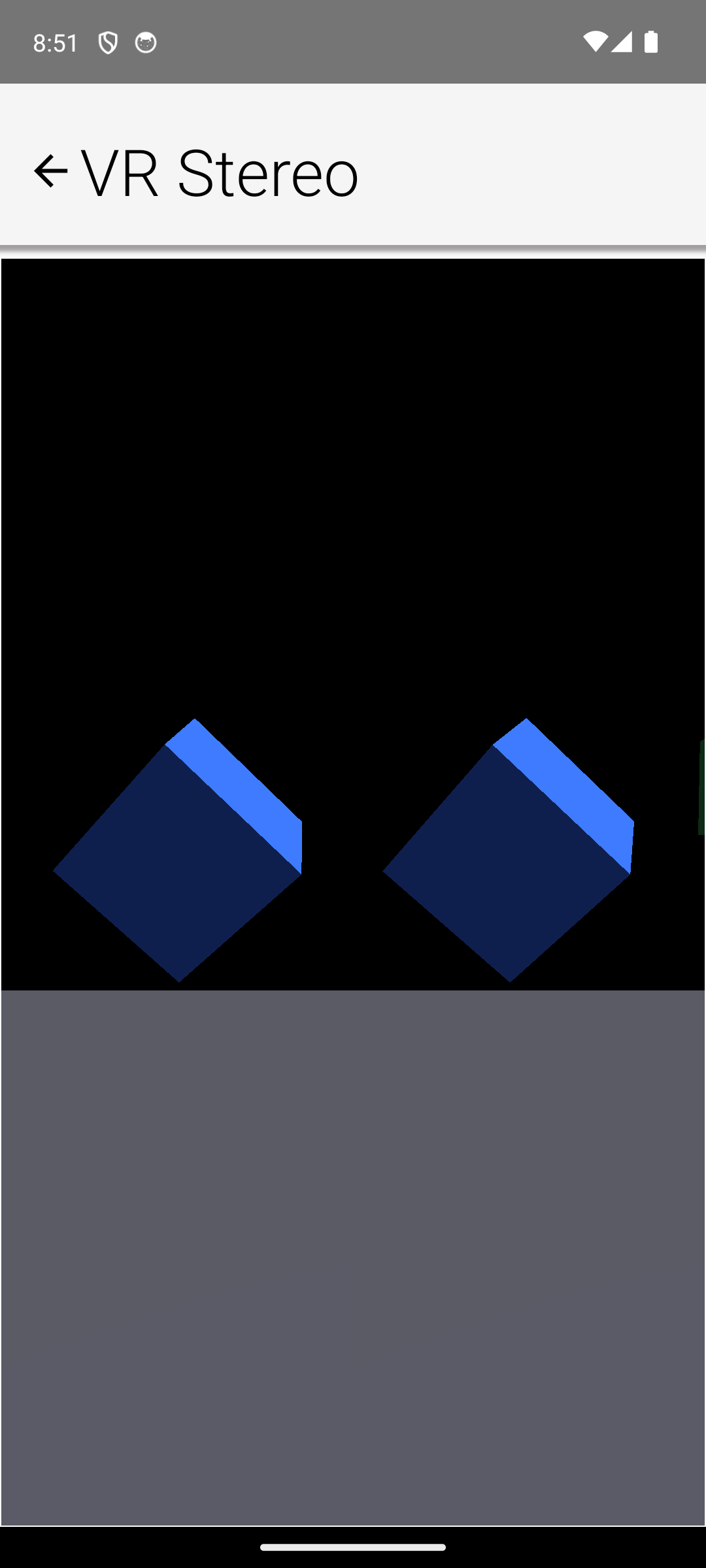
20.3. Head tracking
VRView starts its HeadTracker when the component appears and stops it when it leaves the screen; the sensors draw power only between the two. The tracker fuses the gyroscope with the accelerometer (tilt reference) and, when present, the magnetometer (yaw reference) through a complementary filter - tune the blend via getHeadTracker().getFilter().setGyroWeight(float).
Call recenter() to make the current view direction the new "straight ahead," keeping pitch and roll - the standard VR recentering gesture. On devices without a gyroscope the tracker falls back to accelerometer tilt: pitch and roll stay accurate but yaw has no stable reference. HeadTracker.isSupported() reports whether any usable motion hardware exists; without it the orientation simply stays put and the scene still renders.
20.4. The 360 photo viewer
Media360View displays equirectangular panoramas - the format produced by 360 cameras and phone panorama modes, where longitude maps to X and latitude to Y:
Media360View pano = new Media360View();
pano.setImage(EncodedImage.create("/panorama.jpg"));
f.add(BorderLayout.CENTER, pano);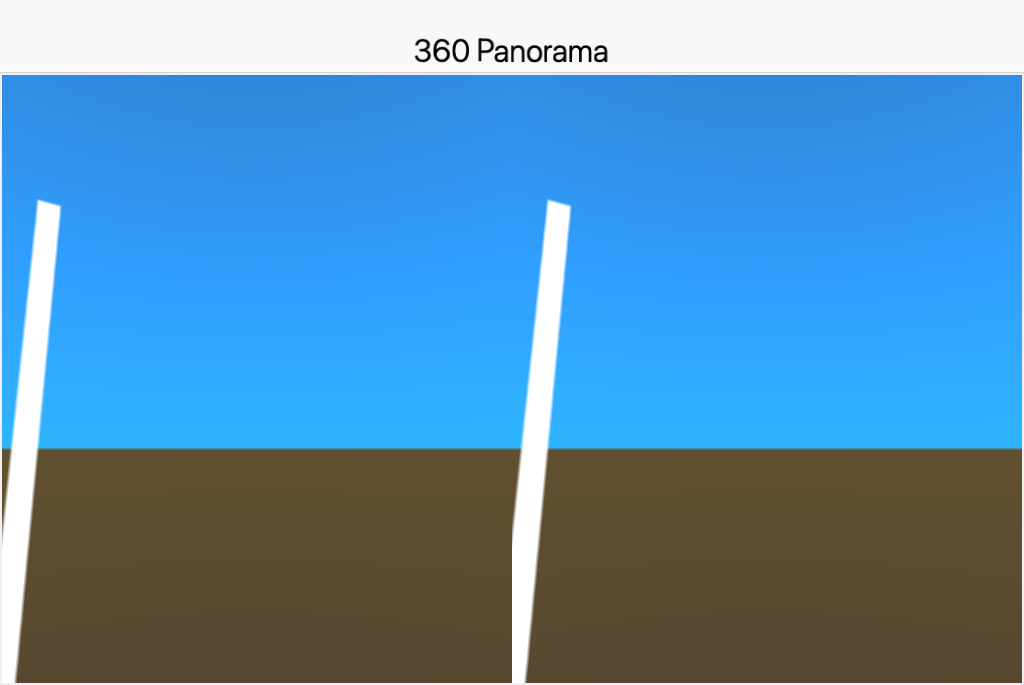
Dragging looks around with the grab-the-world gesture; setHeadTrackingEnabled(true) adds gyroscope look composed with the drag, and setStereo(true) renders side by side for cardboard-style viewers. Photo spheres are captured from a single point, so stereo intentionally uses zero eye separation - there is no parallax information in the image to reproduce. setYaw/setPitch position the view programmatically and reset() returns to straight ahead.
20.5. 360 video and dynamic content
There is no platform path from media frames to GPU textures yet, so 360 video isn’t supported directly. TextureSource is the extension point for dynamic content: the view calls createTexture once on the render thread and updateTexture before every frame, so procedurally animated panoramas work today and a future media-to-texture bridge can plug in without API changes.
pano.setTextureSource(new TextureSource() {
public Texture createTexture(GraphicsDevice device) {
return device.createTexture(1024, 512, initialPixels);
}
public boolean updateTexture(GraphicsDevice device, Texture texture) {
// mutate pixels and re-upload as needed; return true when changed
return false;
}
public void dispose(GraphicsDevice device) { }
});20.6. The simulator
Both VRView and Media360View run in the simulator through the desktop 3D backend, and the Simulate menu’s Motion / Gesture Simulation window feeds synthetic sensor data to the HeadTracker, so head-tracked scenes are drivable from the desktop. Drag-look in Media360View works with the mouse as it does with a finger.
20.7. Limitations and notes
Lens distortion: the stereo output is undistorted side-by-side rendering. Barrel distortion for lens-based viewers requires an offscreen render pass the portable GPU API doesn’t expose yet, so there is no distortion setting to configure.
Battery: continuous rendering plus live sensors is the most power-hungry mode a phone UI can run; stop or pause the view whenever it isn’t visible (the component does this automatically on hide).
Coordinates: the world frame matches the AR and 3D graphics APIs (meters, right-handed, Y up, -Z forward), letting content and math move between the three without conversion.
21. Game Development
Codename One is a general purpose UI toolkit, but it ships with a package built
specifically for games: com.codename1.gaming.
It gives you the things games need — a tight update loop, sprite primitives,
pollable input, low latency sound effects and rigid body physics — and renders on
the GPU through the com.codename1.gpu package.
Everything written here runs unchanged on every Codename One target, including iOS.
This chapter covers the real time game surface. For the "casual game"
approach — building game elements out of regular Component`s and letting the
layout system render them — the techniques in the Chapter 12, Animations chapter are
often a better fit. Reach for `com.codename1.gaming when you want a frame driven
loop and GPU sprite rendering. |
21.1. Sample games
The samples project ships several runnable starting points. Each is a single file built entirely from art generated at runtime — no asset files — so you can copy one and start changing it immediately. The rest of this chapter draws on them to show how the pieces fit together.
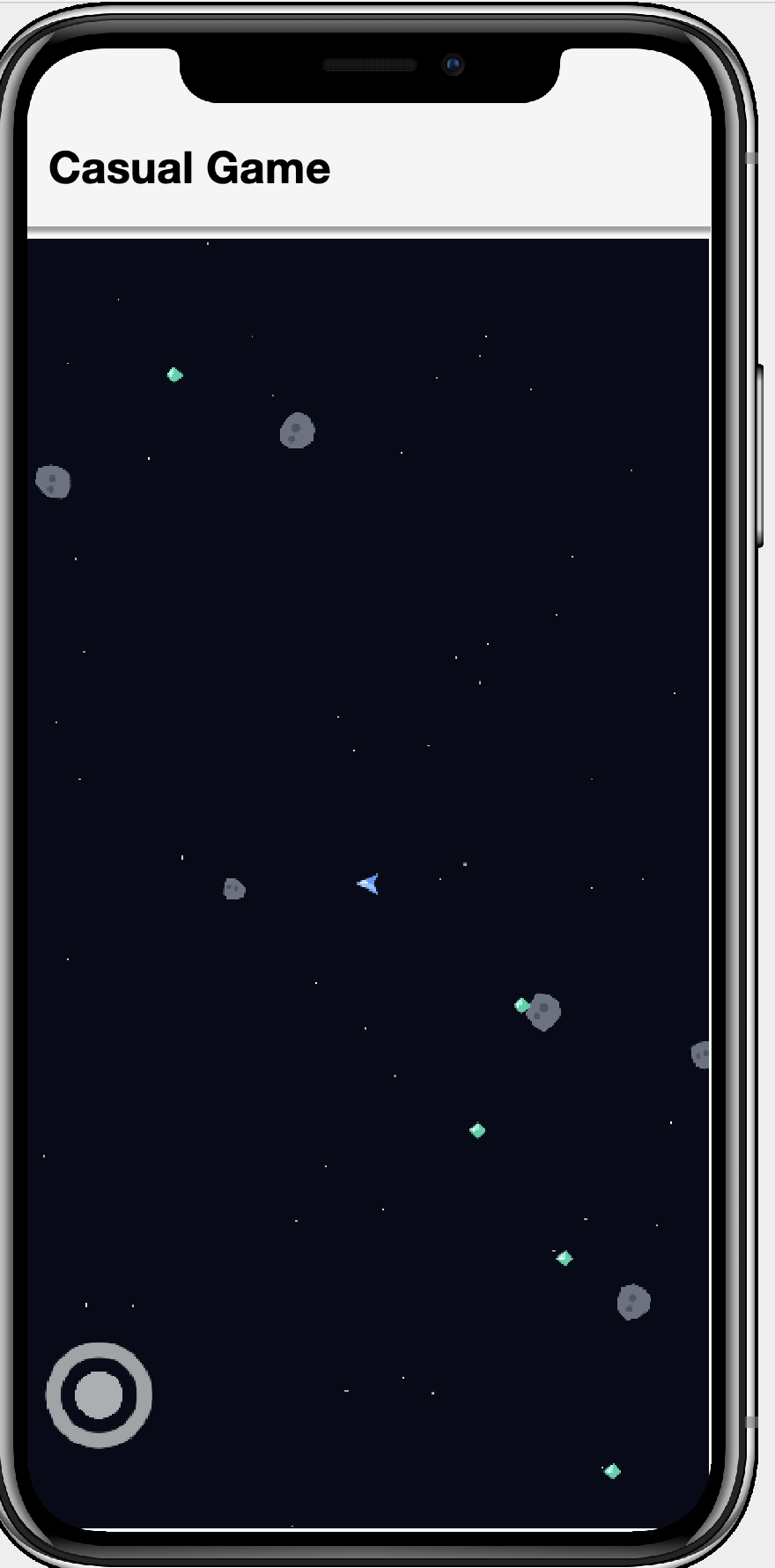 | 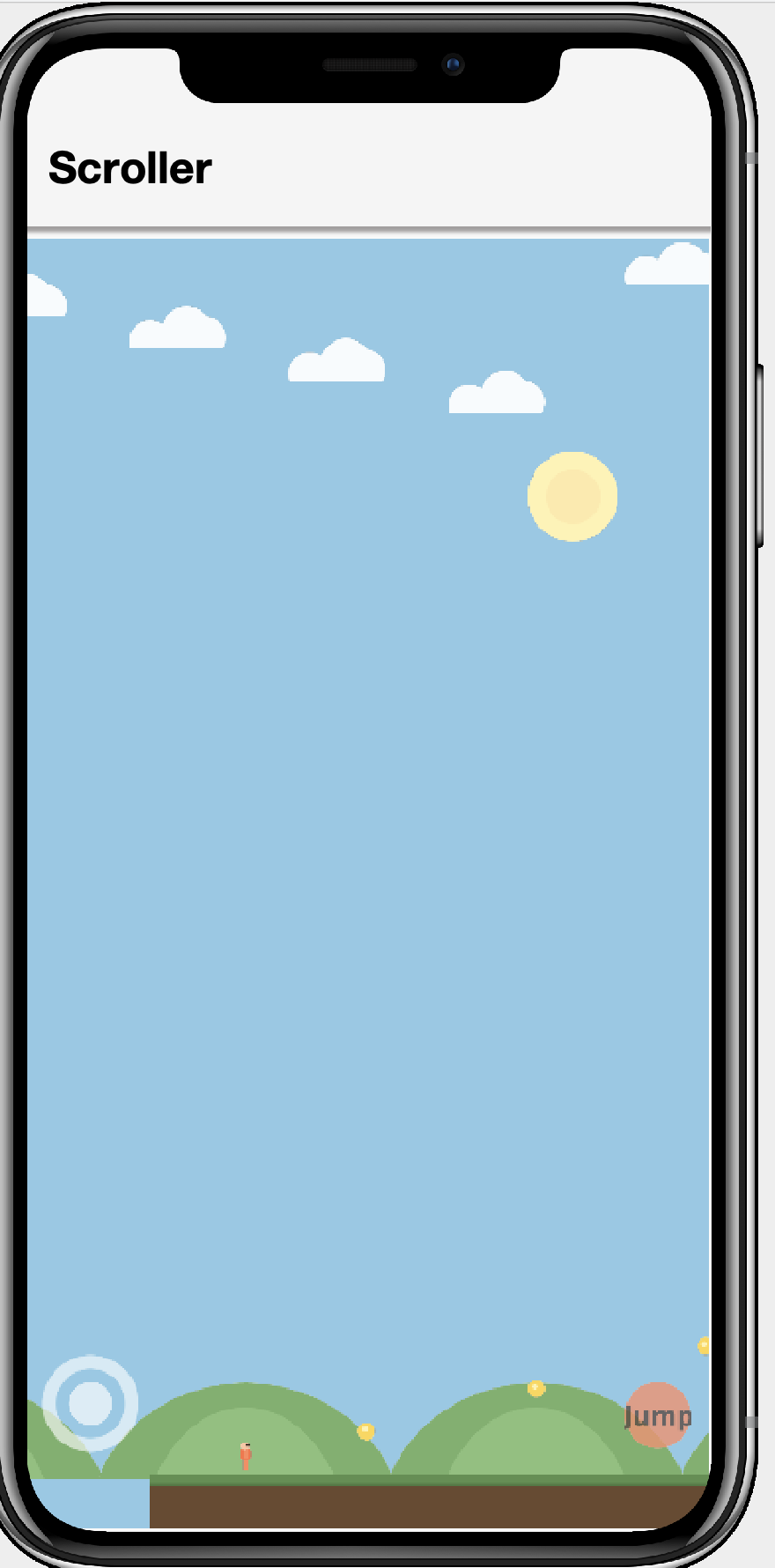 | 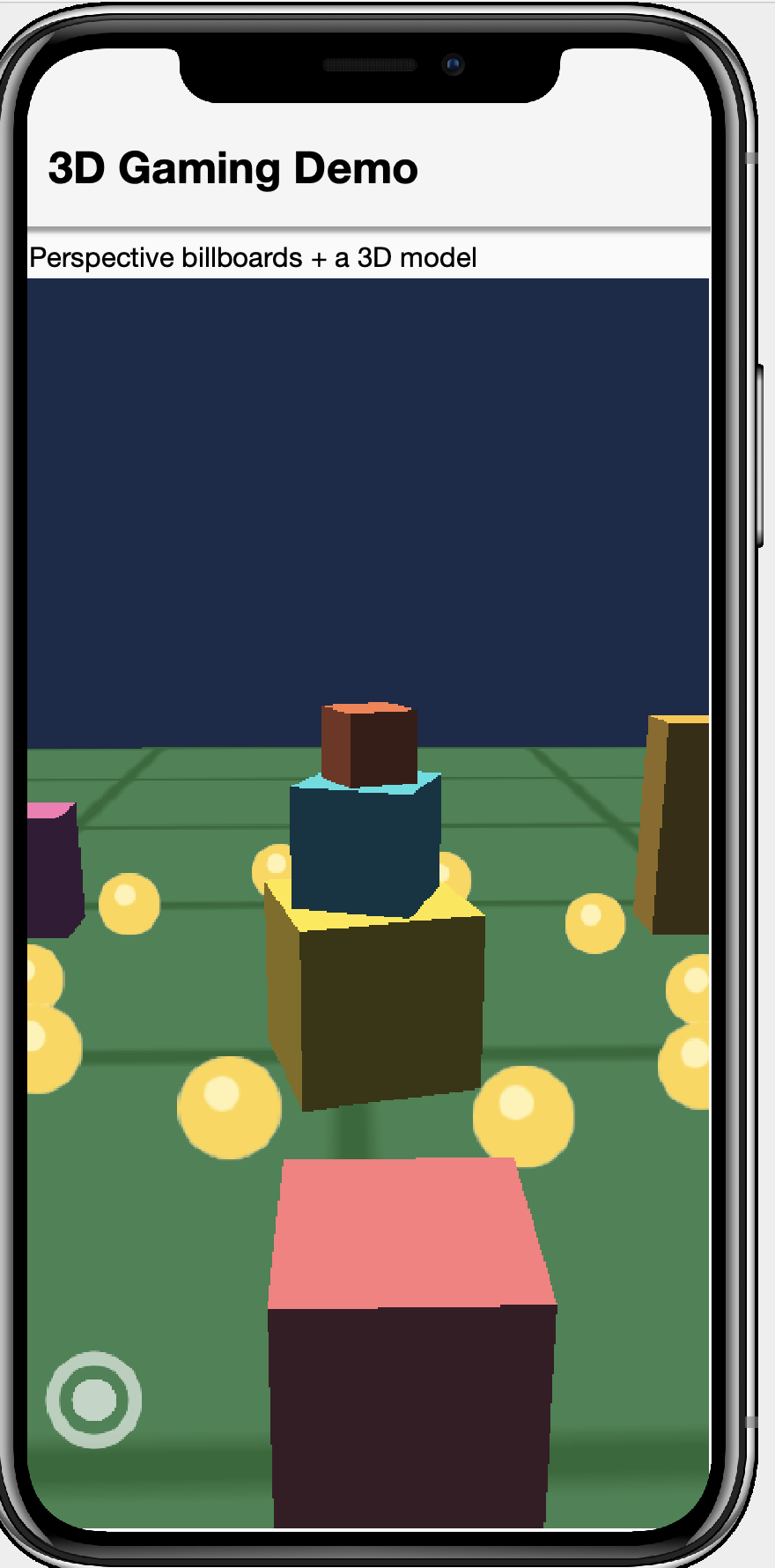 |
|
|
|
Two more samples show how far the same 2D primitives stretch — one flat, one faked into 3D:
CardGameSample— a 2D Memory (Concentration) match. Each card is aSpritein a grid; flipping one animates its horizontal scale through zero and swaps the image at the thin point, and taps are hit-tested against sprite bounds throughGameInput. A compact illustration of flat 2D play with no camera tricks at all. Dissected in Section 21.6, “Case study: The card game (flat 2D)”.BoardGameSample— faux-3D checkers on an isometric board. Every tile and piece is still a flatSprite, but laying them out in an isometric (2:1 diamond) projection and raising the pieces off their tiles with a drop shadow gives a convincing 3D look without any GPU 3D, perspective camera or models. The screen pixel-to-board-cell mapping (and its inverse, for picking) is the same math behind any isometric strategy or tycoon game; it also implements the full move/jump/chain /crown rules and a small AI so you can play it solo. Dissected in Section 21.7, “Case study: Faux-3D checkers (isometric projection)”.
The action samples are driven by the joystick and buttons in Section 21.4, “On-screen touch controls”, so they’re equally playable on a touch device and in the desktop simulator (where the arrow keys and mouse stand in for the stick); the card and board games are pure tap.
21.2. The game loop: GameView
GameView
is the heart of the package. It’s a GPU surface (a
RenderView)
that runs the frame loop for you — a display link on device, the dependency-free
software rasterizer in the simulator — so there’s no EDT busy loop and no frame
rate to manage. You build your world by adding Sprite`s to its `Scene, advance
the game in update(double), and the view draws the scene every frame.
The dt passed to update is the wall clock time since the previous frame.
Multiplying movement by it keeps the game running at the same speed regardless of
the actual frame rate ("delta timing"). Notice there’s no draw method — positioning
sprites is all you do; the GPU renderer handles the rest (see Section 21.5, “Sprites”).
21.2.1. Lifecycle
start() begins continuous rendering, stop() halts it, and pause()/resume()
suspend update while the view keeps drawing the last frame. start() is safe to
call before or after the form is shown.
setClearColor(int argb) sets the background the view is cleared to each frame.
21.2.2. Fixed timestep and interpolation
Variable time steps are simple but make physics nondeterministic. Call
setFixedTimestep(seconds) to have update invoked at a fixed interval instead;
the loop accumulates real time and may call update several times in one frame to
catch up (capped to avoid a "spiral of death" after a long pause). The leftover
fraction is available from getInterpolationAlpha() (0 to 1) so you can interpolate
rendered positions between physics states:
game.setFixedTimestep(1.0 / 120.0); // step physics at a steady 120Hz21.2.3. Threading
update(double) runs on the render thread, together with drawing. Keep it
non-blocking — offload asset loading, networking or other long work to a background
thread and hand the result back with
CN.callSerially.
21.3. Input: GameInput
Games usually want to ask "is the left key down right now?" rather than handle a
stream of events. GameInput,
obtained from GameView.getInput(), captures the view’s key and pointer events
and exposes them as state. There are two flavors:
Level state, true for as long as the input is held:
isKeyDown(int),isGameKeyDown(int gameAction),isPointerDown().Edge state, true only during the single frame the transition happened:
wasKeyPressed(int),wasKeyReleased(int),wasPointerPressed(),wasPointerReleased(). Edges are cleared at the end of each frame, afterupdatehas run.
isGameKeyDown works with the device independent game actions Display.GAME_UP,
GAME_DOWN, GAME_LEFT, GAME_RIGHT and GAME_FIRE, so directional input works
the same across keyboards and devices. Pointer coordinates are reported relative
to the `GameView’s top left.
21.4. On-screen touch controls
A keyboard is fine in the simulator, but a phone has no arrow keys. Every
GameView comes with a TouchControls
(from getControls()) that draws an on-screen virtual joystick and buttons and
feeds them into the same GameInput — so the input code you already wrote for
the keyboard works untouched on touch devices.
The joystick reports analog direction through
GameInput#getAxisX()/getAxisY()(each -1 to 1), and at the same time presses the digital game actionsGAME_LEFT/GAME_RIGHT/GAME_UP/GAME_DOWNonce it crosses its dead zone, soisGameKeyDown(…)keeps working.A button holds down a key code while it’s pressed, so
isKeyDown(int)andwasKeyPressed(int)report it exactly like a hardware key. Map it to a game action withDisplay.getInstance().getKeyCode(Display.GAME_FIRE), or to any key code of your own.
Anchor controls to a corner of the view’s safe area with the alignment constants
(TouchControls.LEFT / CENTER / RIGHT and TOP / CENTER / BOTTOM) and a
margin. The framework keeps them clear of notches and home indicators and
repositions them automatically when the view resizes or the device rotates — you
never recompute coordinates:
TouchControls c = getControls();
// analog stick, bottom-left, 80px radius, 24px in from the safe-area edges
c.addJoystick(80, TouchControls.LEFT, TouchControls.BOTTOM, 24);
// a JUMP button, bottom-right, mapped to GAME_FIRE
int jumpKey = Display.getInstance().getKeyCode(Display.GAME_FIRE);
c.addButton(jumpKey, 55, TouchControls.RIGHT, TouchControls.BOTTOM, 30)
.setLabel("Jump").setColor(0xc0ff7043);
// then read input exactly as you would for a keyboard:
float ax = getInput().getAxisX(); // analog steering
boolean jump = getInput().wasKeyPressed(jumpKey); // or GAME_UP, etc.The joystick (bottom-left) and JUMP button (bottom-right) are visible in the
sample screenshots above. There are also absolutely
positioned overloads (addJoystick(centerX, centerY, radius)), and
setVisible(false) hides the overlay — handy when a real keyboard is attached.
Multi-touch is supported, so the player can steer and press a button at once.
21.5. Sprites
A Sprite
is a lightweight data holder: an image plus position, rotation, scale, a normalized
anchor and an ARGB tint. It describes what and where; a
SpriteRenderer
turns it into a GPU textured quad each frame using the com.codename1.gpu package — an orthographic camera mapping one world unit to one pixel, a
com.codename1.gpu.Material.Type#SPRITE material and alpha blending. Because a
sprite never touches the GPU directly you create one with just an
com.codename1.ui.Image; the renderer uploads and caches the matching texture on
demand.
getX()/getY() is the location of the anchor point (the image center by
default), and rotation and scale pivot around that anchor.
getBounds() returns the axis aligned bounding box and intersects(Sprite) does a
quick box overlap test, handy for broad phase collision before you involve physics.
21.5.1. Scenes
A Scene is a
z-ordered collection of sprites with an optional camera offset, drawn for you by
the renderer. Sprites are drawn from lowest to highest zOrder, so higher z-order
sprites appear on top; the camera offset (setCamera(int, int)) scrolls the whole
scene. GameView.getScene() is the scene the view draws.
You don’t need a GameView to render sprites: a SpriteRenderer is itself a
com.codename1.gpu.Renderer, so you can host one in a plain RenderView.
21.5.2. Sprite sheets and animation
SpriteSheet
slices one atlas image into a grid of equally sized frames, cutting and caching
each frame on first use (cutting a sub image copies pixels, so caching matters).
AnimatedSprite
is a Sprite that cycles through a sequence of frames over time; the scene advances
it every frame, so adding it to the scene is all you need.

A sprite sheet is just a strip (or grid) of frames like the run cycle above: the
arms and legs swing a little further each frame, and playing them in sequence reads
as motion. AnimatedSprite also accepts a plain com.codename1.ui.Image[] when you
build the frames yourself, which is what `ScrollerGameSample’s runner does:
AnimatedSprite hero = new AnimatedSprite(runFrames, 0.09); // Image[6], 90ms each
hero.play();
getScene().add(hero);
// in update(double dt):
if (moving) {
hero.play();
hero.setScale(facing, 1); // facing is -1 (left) or 1 (right)
} else {
hero.pause();
hero.setCurrentFrame(0); // standing pose
}Setting a negative scale flips the sprite horizontally, so a single set of frames
faces both ways — no mirrored art needed (sprites are drawn double-sided for
exactly this reason). play(), pause(), stop(), setLooping(boolean) and
setCurrentFrame(int) control playback.
21.6. Case study: The card game (flat 2D)
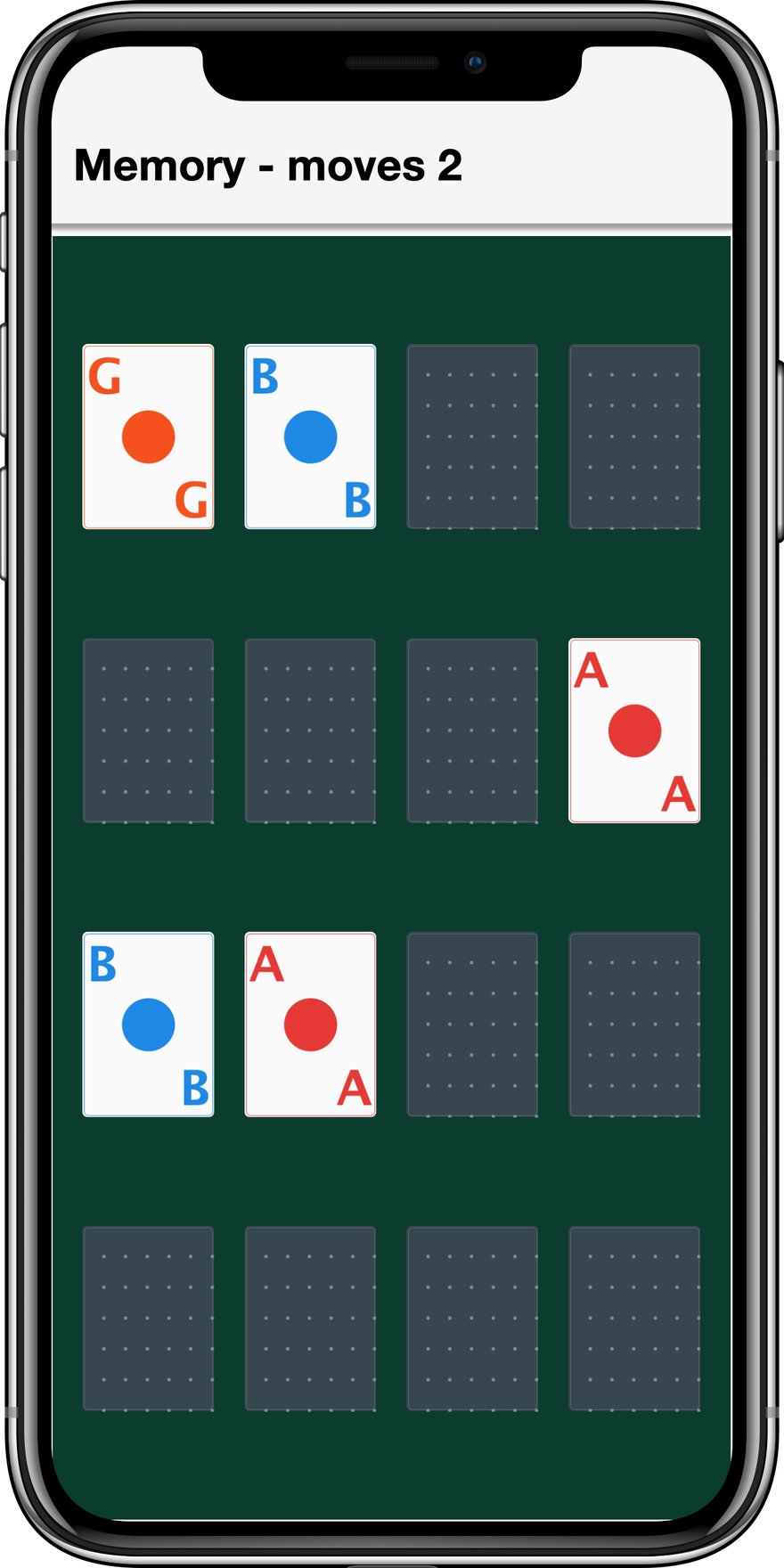
CardGameSample is Memory (Concentration): sixteen face-down cards in a four-by-four
grid, tap two and they stay up when they match, flip back when they don’t. It’s
the smallest complete example of turn-based 2D play with com.codename1.gaming — no joystick, no physics, no camera — which makes the three techniques it does
use easy to see in isolation.
One sprite per card. Each card is a Sprite positioned at its grid slot. There
are exactly two images at any moment: the shared card-back image and the card’s
own face (all generated at runtime with Image.createImage and Graphics calls,
so the sample needs no assets). Changing what a card shows is just
sprite.setImage(…).
A flip you can fake with scale. A real card flip is a 3D rotation, but squeezing the sprite’s horizontal scale through zero and swapping the image at the thin point reads exactly the same to the eye:
// in the card's per-frame animation; flip runs 0 -> 1 over ~0.4s
flip += dt * 5;
if (flip >= 1) {
// Finish the animation: snap back to full width and stop. Without
// this, abs(1 - 2 * flip) keeps climbing past 1 and the card grows
// wider on every later frame instead of settling.
sprite.setImage(face);
sprite.setScale(1f, 1f);
return;
}
float sx = Math.abs(1f - 2f * (float) flip); // 1 -> 0 -> 1
if (flip >= 0.5 && !showingFace) {
showingFace = true;
sprite.setImage(face); // swap sides while the card is edge-on
}
sprite.setScale(Math.max(0.05f, sx), 1f);This is the same negative/positive scale trick the scroller uses to flip its runner, driven over time to play as an animation.
Polled taps against sprite bounds. There are no buttons to wire up;
update(double) polls the GameInput edge state and hit-tests the tap against
each card’s bounding box:
protected void update(double dt) {
// ... advance flip animations, count down the mismatch timer ...
if (getInput().wasPointerPressed()) {
int px = getInput().getPointerX();
int py = getInput().getPointerY();
for (int i = 0; i < cards.length; i++) {
Rectangle b = cards[i].sprite.getBounds();
if (b.contains(px, py)) {
flipUp(cards[i]);
break;
}
}
}
}The rest of the sample is a small state machine living in plain fields: the
first and second face-up cards, a mismatchTimer that counts down in update
before flipping a failed pair back, and a moves counter surfaced through the
form title. Note the timer: in a game loop you don’t schedule callbacks, you
subtract dt from a countdown field each frame and act when it crosses zero.
21.7. Case study: Faux-3D checkers (isometric projection)
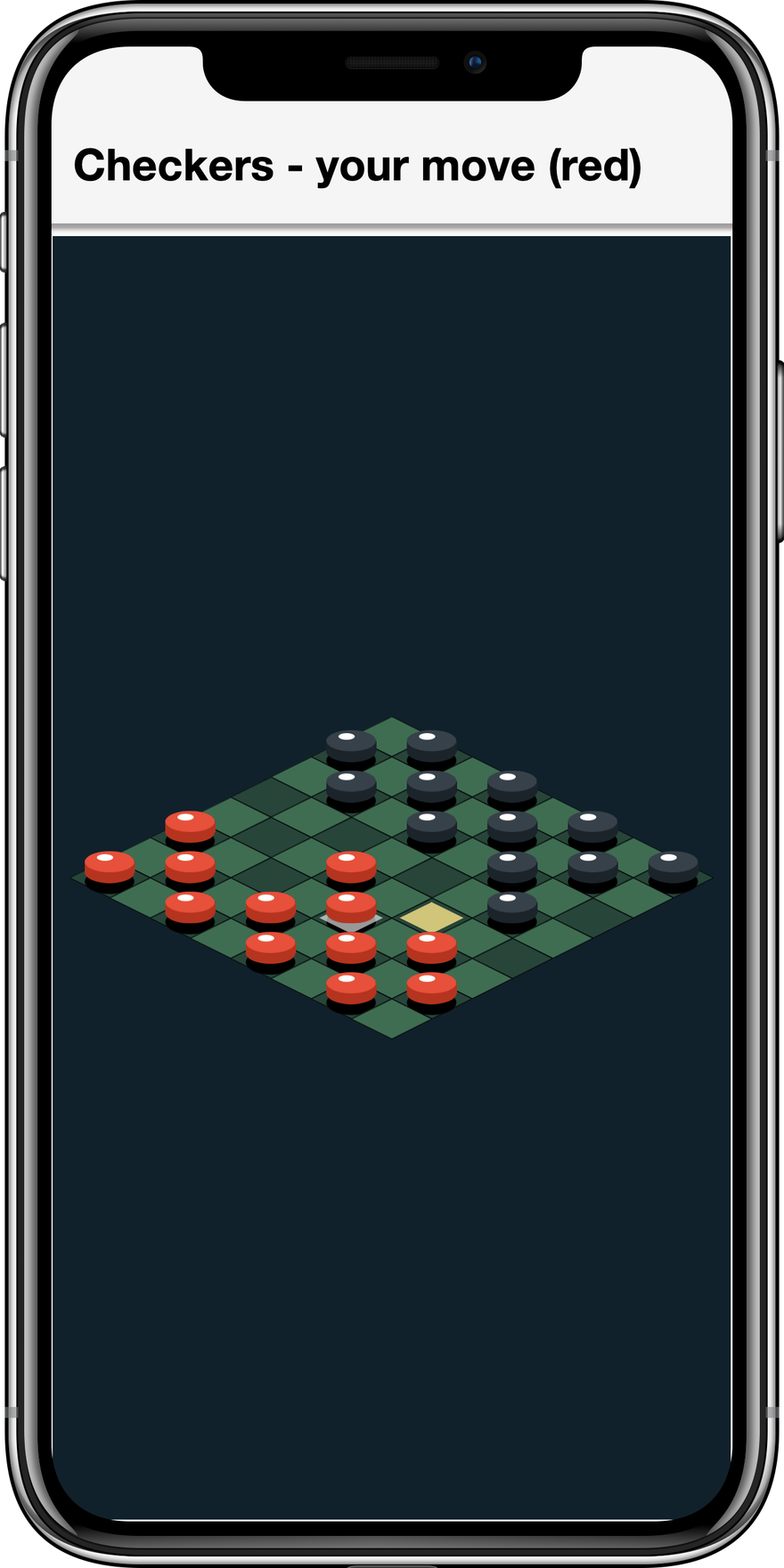
BoardGameSample plays a full game of checkers — moves, forced captures, chained
jumps, crowning, and a small AI opponent — on a board that looks convincingly 3D — yet there is no perspective camera and no Model anywhere: every tile and piece
is a flat Sprite. The 3D impression comes entirely from where the flat art is
placed, a technique (isometric or "2.5D" projection) that powered decades of
strategy and tycoon games and still works just as well on a GPU sprite pipeline.
The projection. Board cell (r, c) maps to screen pixels by laying the grid out
as 2:1 diamonds — columns step right-and-down, rows step left-and-down:
private float tileCenterX(int r, int c) {
return originX + (c - r) * (tileW / 2f);
}
private float tileCenterY(int r, int c) {
return originY + (c + r) * (tileH / 2f); // tileH = tileW / 2
}Picking is the inverse. Because the mapping is linear it inverts with two divisions, turning a tap back into a board cell — no per-tile hit testing required:
private int[] pick(int px, int py) {
float a = (px - originX) / (tileW / 2f); // = c - r
float b = (py - originY) / (tileH / 2f); // = c + r
int c = Math.round((a + b) / 2f);
int r = Math.round((b - a) / 2f);
if (r < 0 || r >= N || c < 0 || c >= N) {
return null; // tap missed the board
}
return new int[]{r, c};
}Depth from z-order. Cells further down the screen must draw over the cells
behind them, and within one cell the stacking is tile, then shadow, then
selection/move markers, then the piece. Both rules collapse into a single
number — (r + c) strides the cells from back to front, and a small offset
layers the sprites within a cell:
// shadow sits flat on the tile, the piece floats above it
addDynamic(shadow, cx, cy + tileH * 0.10f, (r + c) * 4 + 1, 0.5, 0.5);
addDynamic(piece, cx, cy - tileH * 0.30f, (r + c) * 4 + 3, 0.5, 0.62);That pair of lines is also the whole "3D height" illusion: the piece is drawn
raised off its tile while its shadow stays put, and the eye reads the gap as
elevation. The piece art helps — an elliptical top face over a darker side rim,
again just fillArc calls on a runtime-generated image.
Rebuild, don’t mutate. After every move the sample throws away all its dynamic
sprites (pieces, shadows, markers) and recreates them from the board[][] array
in one syncPieces() pass. With a few dozen sprites this costs nothing, and it
keeps the scene a pure function of the game state — there is no way for the
display to drift out of sync with the rules, which eliminates the whole class of
"the board shows X but the game thinks Y" bugs. The game logic itself
(destinations, forced captures, chaining, crowning) never touches a sprite; it
reads and writes the int[][] board only.
When fake 3D stops being enough — you want the camera to move through the world rather than look at it — the next section covers the real thing.
21.8. 3D and perspective
GameView renders on the GPU through the com.codename1.gpu
package, so the same scene can be shown in 3D. Every view has a
GameCamera
that starts in 2D mode; switching it to perspective turns flat sprites into
camera-facing billboards in a 3D world and lets you draw 3D meshes alongside them.
That’s the basis for deeper gameplay modes — an over-the-shoulder racer, an
isometric or top-down view with real depth, a 2.5D shooter.
Gaming3DDemoSample (above) is built entirely from the primitives this section
describes — a textured ground plane, lit cube Model meshes, and billboarded
Sprite coins and trees, all orbited by a perspective camera.
21.8.1. Perspective camera and billboard sprites
Call GameCamera#setPerspective(float, float, float) and position the camera with
setPosition / setTarget. Once in perspective mode a Sprite is placed in world
space with Sprite#setPosition(double, double, double) and is drawn as a billboard
that always faces the camera, so your existing 2D art keeps working in 3D:
getCamera()
.setPerspective(60, 0.1f, 500f) // vertical FOV, near, far
.setPosition(0, 6, 12) // eye
.setTarget(0, 0, 0); // look-at
Sprite tree = new Sprite(treeImage);
tree.setPosition(0, 1, 0); // world coordinates, y up
tree.setSize(2, 4); // size is now in world units, not pixels
getScene().add(tree);World coordinates are right-handed with y up (the com.codename1.gpu convention),
and a sprite’s size is world units rather than pixels — use Sprite#setSize(float,
float) or Sprite#setScale(float) to pick a world-space size. Move the camera each
frame in update(double) to follow the player.
21.8.2. 3D models
Model draws a
real 3D mesh — a com.codename1.gpu.Material plus a position, rotation, and scale.
Because GPU meshes need the com.codename1.gpu.GraphicsDevice, build them in
GameView#onSetup(com.codename1.gpu.GraphicsDevice), the render-thread hook that
runs once before the first frame:
protected void onSetup(GraphicsDevice device) {
Mesh cubeMesh = Primitives.cube(device, 1f);
Material gold = new Material(Material.Type.PHONG).setColor(0xffffcc33).setShininess(32);
crate = new Model(cubeMesh, gold).setPosition(0, 0.5f, 0);
addModel(crate);
getLight().setDirection(-1, -1, -0.5f); // shade the lit material
}
protected void update(double dt) {
crate.setRotation(0, crate.getRotationY() + (float) (60 * dt), 0); // spin
}onSetup is also where you load real assets with com.codename1.gpu.GltfLoader
(glTF .glb/.gltf models). Models are drawn opaque and depth-written before the
alpha-blended billboards, and the billboards depth-test against them, so closer
geometry correctly hides what’s behind it. GameView#getLight() controls the
directional light that shades lit material types.
21.8.3. Meshes and textures
The built-in meshes are com.codename1.gpu.Primitives#cube(GraphicsDevice, float)
and Primitives#quad(GraphicsDevice, float); a quad rotated flat makes a ground or
a wall. Model#setScale(float, float, float) reshapes one cube mesh into crates,
pillars or buildings of any proportion, so a whole skyline can share a single mesh.
Lit materials multiply their base color by a texture, so you can detail a surface — a grid on the ground for depth, say — by drawing an com.codename1.ui.Image and
uploading it with com.codename1.gpu.GraphicsDevice#createTexture(com.codename1.ui.Image):
Mesh ground = Primitives.quad(device, 64f);
Texture grid = device.createTexture(makeGridImage()); // any Image you draw
Material mat = new Material(Material.Type.LAMBERT)
.setColor(0xff3f7d4f).setTexture(grid);
Model floor = new Model(ground, mat).setRotation(-90, 0, 0); // lay the quad flat
addModel(floor);
// one cube mesh, scaled into buildings of varying height:
Model tower = new Model(cubeMesh, brick).setScale(1.5f, 4f, 1.5f).setPosition(9, 2, 0);
addModel(tower);For richer geometry, load glTF (.glb/.gltf) assets with
com.codename1.gpu.GltfLoader from onSetup.
21.9. Low latency audio: SoundPool
Music and video use the regular MediaManager, but rapid overlapping sound
effects — gunshots, coins, footsteps — need a different tool.
SoundPool
loads short clips once and triggers them with minimal latency, mixing several at
the same time.
play returns a voice id (or -1 if the pool is momentarily exhausted — it never
blocks on the hot path). The parameters are: volume 0 to 1, pan -1 (left) to 1
(right), rate playback speed/pitch (1.0 is normal), and loop (0 once, -1
forever, n extra repeats). stop, pause, resume, stopAll, autoPause and
autoResume manage playback; release() frees the pool.
On platforms with a purpose built low latency audio engine — Android’s SoundPool,
iOS AVAudioEngine, the desktop javax.sound.sampled mixer and WebAudio in the
browser — the pool uses it directly with full volume/pan/pitch support. Where none
exists it falls back to a MediaManager based pool that still works everywhere but
has higher latency and ignores pan and rate. isNativeAccelerated() tells you which
path is active.
To react as a sound finishes — chaining clips, recycling a game object when its
effect ends — register a
VoiceListener.
It’s called on the EDT with the voice id as each voice completes. Not every native
engine can report completion, so guard with isVoiceCompletionSupported():
if (sfx.isVoiceCompletionSupported()) {
sfx.setVoiceListener(new VoiceListener() {
public void onComplete(int voiceId) {
onEffectFinished(voiceId);
}
});
}Load your sounds once, up front — ideally on a background thread with
SoundPool.loadAsync(…) — and keep the SoundEffect references for the life of
the game. Decoding on the fly defeats the purpose. |
21.10. Physics
The com.codename1.gaming.physics
package adds 2D rigid body physics. It’s an idiomatic wrapper around a pure Java
port of the well known Box2D engine, so it runs on every platform — including
iOS, where it’s translated to C with no native code.
21.10.1. Units: Pixels, meters and the y-axis
Box2D is tuned for objects a few meters across, so the world works in meters
internally while exposing pixels to you. The conversion is governed by
setPixelsPerMeter(float) (default 30). The wrapper also flips the y-axis — Box2D
points y up, the screen points y down — so your code stays in screen coordinates.
The practical consequence: a positive gravity y pulls bodies down the screen.
21.10.2. Worlds and bodies
Create a PhysicsWorld,
populate it with PhysicsBody
objects, and step it once per frame from your update:
PhysicsWorld world = new PhysicsWorld(0, 900); // gravity 900 px/s^2 downward
// a STATIC floor that never moves
world.createBox(160, 460, 320, 40, BodyType.STATIC);
// a DYNAMIC crate affected by gravity and collisions
PhysicsBody crate = world.createBox(160, 0, 32, 32, BodyType.DYNAMIC);
crate.setRestitution(0.4f); // bounciness
crate.setFriction(0.5f);
// in update(double dt):
world.step((float) dt);Bodies come in three kinds, the
BodyType
values: STATIC (immovable — ground, walls), KINEMATIC (moved by you via
velocity, unaffected by forces) and DYNAMIC (fully simulated). Bodies can be
boxes, circles or polygons (createBox, createCircle, createPolygon) and
respond to setLinearVelocity, applyForce, applyLinearImpulse, applyTorque,
setBullet (continuous collision for fast objects), setFixedRotation and more.
For an arbitrary outline, createShape(x, y, shape, type) takes a Codename One
com.codename1.ui.geom.Shape — typically the same com.codename1.ui.geom.GeneralPath
you would draw with — and builds the collision fixtures from it, flattening any
Bezier curves. Each subpath becomes a fixture (so a figure with several outlines is a
compound body); a closed convex subpath of up to eight points becomes a solid polygon
usable by any body type, while a concave, larger, or open subpath becomes a one-sided
edge chain (ideal for static terrain). This lets the hit-shape and the drawn shape
come from one piece of geometry:
GeneralPath ramp = new GeneralPath();
ramp.moveTo(0, 0);
ramp.lineTo(240, 0);
ramp.lineTo(240, 80);
ramp.closePath();
world.createShape(40, 380, ramp, BodyType.STATIC); // collide with exactly what you draw21.10.3. Driving sprites from physics
A body can drive a sprite directly. Sprite implements
PhysicsLinkable,
so linking the two means world.step(…) updates the sprite’s position and
rotation automatically (in pixels, screen space) — and the scene draws it there:
Sprite crateSprite = new Sprite(crateImage);
crate.setLinkedSprite(crateSprite);
getScene().add(crateSprite);
// in update(double dt):
world.step((float) dt); // moves crate, which moves crateSprite, which the scene draws21.10.4. Collisions
Register a ContactListener
to be told when bodies start and stop touching. Callbacks fire from inside
step(…) — on the game loop thread — so you can read and update game state
directly, but you must not create or destroy bodies during the callback; defer
that until after step returns.
If you need a feature the wrapper doesn’t expose, PhysicsWorld.getNativeWorld()
and PhysicsBody.getNativeBody() give you the underlying engine objects (which
work in meters, y up).
21.10.5. Joints
Joints constrain how two bodies move relative to each other — hinges, ropes, axles,
welds. PhysicsWorld creates them in pixel coordinates and returns a
PhysicsJoint
handle:
// a hinge the two bodies pivot around (anchor in pixels)
world.createRevoluteJoint(bodyA, bodyB, pivotXpx, pivotYpx);
// a fixed-length link, like a rod between two crates
world.createDistanceJoint(bodyA, bodyB, ax, ay, bx, by, 0f, 0f);
// drag a body toward the finger -- great for "pick up and throw"
PhysicsJoint drag = world.createMouseJoint(ground, body, px, py, 1000f);
// ... while the finger moves:
drag.setTarget(getInput().getPointerX(), getInput().getPointerY());
// ... on release:
drag.destroy();createWeldJoint and createPrismaticJoint (a sliding axis) round out the set.
21.10.6. Debugging physics
When sprites and bodies drift apart it helps to see the raw simulation. Call
world.debugDraw(Graphics) to overlay every fixture, joint and contact straight onto
a Codename One Graphics — shapes, centers of mass and bounding boxes — in pixel
space, with the y-axis flip already applied. Choose what to show with
setDebugDrawFlags(shapes, joints, boundingBoxes), and soften the translucent shape
fill with setDebugFillAlpha(alpha). Because it draws to an ordinary Graphics you
can render it over a regular Codename One component, not only a GameView.
21.11. Putting it together: Anatomy of a game
Every sample follows the same shape, which is the recipe for your own game:
Subclass
GameViewand, in its constructor, create yourSpriteandAnimatedSpriteobjects and add them togetScene().Allocate GPU resources in
onSetup(GraphicsDevice)— meshes, textures and 3DModelobjects — because those need the device.Add controls (a joystick and buttons) once the view has a size.
Advance the world in
update(double dt): readgetInput(), move sprites or step aPhysicsWorld, scale all movement bydt, and triggerSoundPooleffects.Show it: add the view to a
Formand callstart().
The samples project has several runnable examples to copy from:
CasualGameSample— sprites, per-sprite animation, collision and particle bursts in a top-down arena (see Section 21.1, “Sample games”).ScrollerGameSample— anAnimatedSpritewalk cycle, a parallax backdrop and a scrollingScenecamera.Gaming3DDemoSample— lit cubeModelobjects, a textured ground and billboarded sprites under a perspective camera.GamingDemoSample— the physics tour, built on aPhysicsWorldwith a floor and walls, tap-to-drop balls that bounce (eachSpritelinked to its body) and aSoundPoolblip whose pitch varies per drop.CardGameSample— a flat 2D Memory match: a grid of cardSpriteobjects with a flip animation and tap hit-testing.BoardGameSample— faux-3D checkers: flat sprites placed in an isometric projection, with screen-to-cell picking, full rules and a small AI.
Each is a single self-contained file that generates its art at runtime, so it needs no assets — a compact starting point you can copy and reshape.
21.12. Performance notes
Keep
updatenon-blocking — it runs on the render thread. Load assets off the render thread and hand them back withCN.callSerially.Reuse images: the renderer caches one GPU texture per
Image, so sharing an image across many sprites uploads it once. Cache cut sprite frames (useSpriteSheet, which does it for you) rather than re-slicing every frame.Load every
SoundEffectup front and reuse it.Tune
setPixelsPerMeterso your moving bodies are on the order of a meter (tens of pixels) in size; bodies far larger or smaller than that make the simulation unstable.
The physics engine in com.codename1.gaming.physics.box2d is a derived work of
JBox2D (a Java port of the Box2D engine), used under the BSD 2-Clause license;
see the project NOTICE file for attribution.
22. The Game Builder
The Game Builder is a visual level / map editor for the
com.codename1.gaming API. You lay out a game world — tiles,
characters, items, the camera — set per-object behavior values, preview it live, and
Build it into your project as a data file plus a small Java companion that the runtime
plays. It’s to games what the GUI builder is to forms.
This chapter covers the whole feature: the underlying model, the editor UI, building a level, defining game rules, the supported game types, and the Maven workflow.
22.1. How it fits together
A game built with this tool has three layers:
| Layer | Role | Who authors it |
|---|---|---|
Level data ( | A JSON description of the scene: grid, layers, placed elements + their properties, camera, lights. | The Game Builder (visual) |
Companion class ( | A thin | Generated once, then you edit the |
Gaming engine ( | Renders and runs the scene on the GPU, with pollable input, sound and optional Box2D physics. | The framework |
The key idea: the editor produces data, your companion adds rules, the engine runs
it. Because the level is data you can re-edit it any time without touching your code,
and your onUpdate logic is preserved across regeneration.
22.1.1. The level model — com.codename1.gaming.level
| Class | Purpose |
|---|---|
| The saveable level: |
| A placed thing: |
| A named band: |
| Resolve an |
| A turnkey |
| Board isometric math, fast single-tileset grids, and 3D lighting / terrain data. |
Loading and playing a level at runtime is three lines:
GameLevel level = GameLevel.load(
// Flat resource namespace on the device -- "/Level1.game", not
// "/games/Level1.game", which resolves to null there. This is the
// path the editor's generated companion uses.
Display.getInstance().getResourceAsStream(MyScene.class, "/Level1.game"));
// load() only parses the pack definitions. resolveArt() is what loads the
// images, sheets and meshes they name, and the 2D constructor realizes
// sprites immediately -- so resolve before constructing, or the scene is
// built from placeholders and stays that way.
AssetCatalog catalog = AssetCatalog.load(packsJson);
catalog.resolveArt();
GameSceneView view = new GameSceneView(level, catalog);
form.add(BorderLayout.CENTER, view);
form.show();
view.start();22.2. Getting started
Create a scene from a Java 17 Codename One project:
mvn cn1:create-game-scene -DclassName=com.example.game.Level1 -Dmode=2d-Dmode is 2d (default), 3d or board. This writes
common/src/main/resources/games/Level1.game (an empty level of that type) and
common/src/main/java/com/example/game/Level1.java (the GameSceneView companion).
Open the editor bound to the project — the same way cn1:guibuilder launches the GUI
builder:
mvn cn1:gamebuilderThe editor itself is delivered through Maven: the goal resolves the
com.codenameone:codenameone-gamebuilder artifact from the Codename One Maven repository (the same mechanism
that delivers the Designer resource editor), so there is no separate
install step. The cn1:gamebuilder goal only applies to Java 17 Codename One projects.
22.3. The editor at a glance
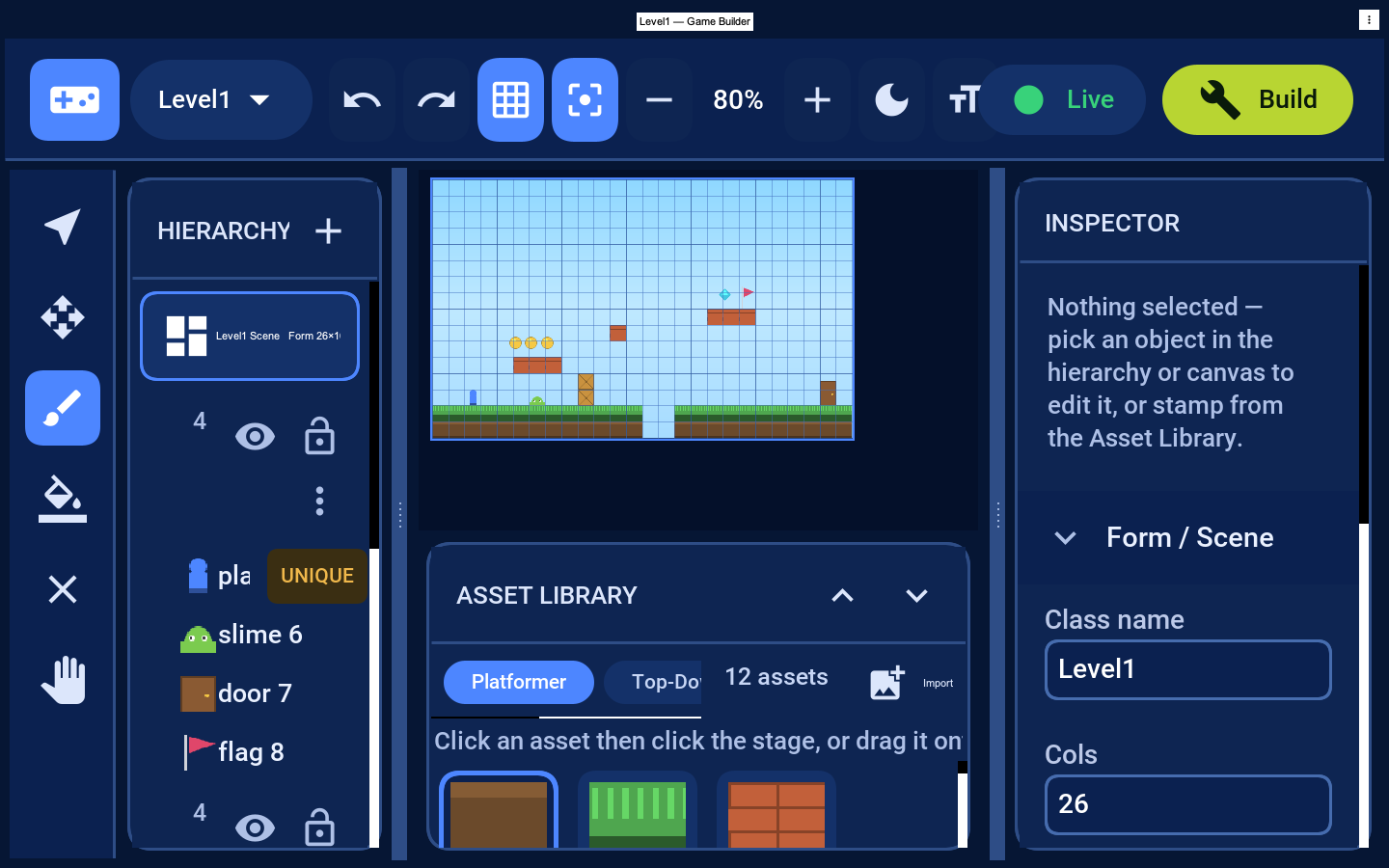
Top bar — the project / scene dropdown (switch scenes, rename, or start a new scene of any game type), undo / redo, the grid and snap toggles, zoom, a text-size toggle (Small / Medium / Large), the
</>button (opens the scene’s Java in your IDE), Live (play in place) and Build (save into the project).Tool rail (left) — Select, Move, Brush, Fill, Erase, Pan.
Resizable panels — drag the thin divider on the inner edge of the left panel or the inspector to resize it.
Hierarchy — the scene card plus the layers. Each layer shows its item count, a visibility eye (hides the layer), a lock (prevents edits) and a ⋮ menu to rename or delete it; drag a placed object onto another layer (or above/below a sibling) to move or reorder it. Placed objects nest under their layer, and unique objects (the player) carry a UNIQUE badge.
Canvas — the editable stage is the bright-bordered rectangle with the grid; painting only happens inside it.
Asset Library (center-bottom) — pick a pack tab, then click a thumbnail to select an asset. Selecting a tile asset switches to a tile layer; selecting an actor switches to an entity layer, so the brush always works on the next click. Import (top-right) brings in your own artwork as a new asset.
Inspector (right) — scene settings when nothing is selected, or the selected object’s properties.
Because it’s a desktop application, every command is also available from the native
menu bar (drawn by the OS), grouped by convention: File (New 2D / 3D / Board, Open
Scene, Save), Edit (Undo, Redo, Delete Selection), View (Toggle Grid / Snap, Zoom
In / Out, Show Generated Code), Tools (Select / Move / Brush / Fill / Erase / Pan),
Layer (Add Layer) and Game (Play / Stop). The standard accelerators work too — Cmd/Ctrl+Z undo, Cmd/Ctrl+S save, Cmd/Ctrl+R play, Cmd/Ctrl+= / Cmd/Ctrl+-
zoom. Every on-screen control also has a tooltip.
22.4. Building a level
Choose a game type — scene dropdown → New scene → 2D Platformer, 3D Map or Board (or scaffold with
-Dmode).Paint terrain — pick the Brush, click a tile in the Asset Library, then click/drag inside the stage. Fill flood-fills a region; Erase clears cells.
Place characters and items — click an actor asset and click on the stage to stamp it. With Snap on, actors land on grid cells. The Player is unique — stamping it again moves it.
Organize with layers — placed objects nest under their layer in the hierarchy, so you can always see which band each one is on. The eye hides a layer while you work (its name dims), the lock prevents edits to it, the chevron collapses its children, and + adds a layer. To move a selected object to a different layer (changing its draw order), use the Layer picker in the Inspector’s Transform section.
Undo / redo every change with the toolbar arrows.
Save with Build — it writes
Level1.gameand, the first time, the companionLevel1.java.
22.5. Defining game rules
Game rules live in two complementary places.
22.5.1. Data — set in the Inspector
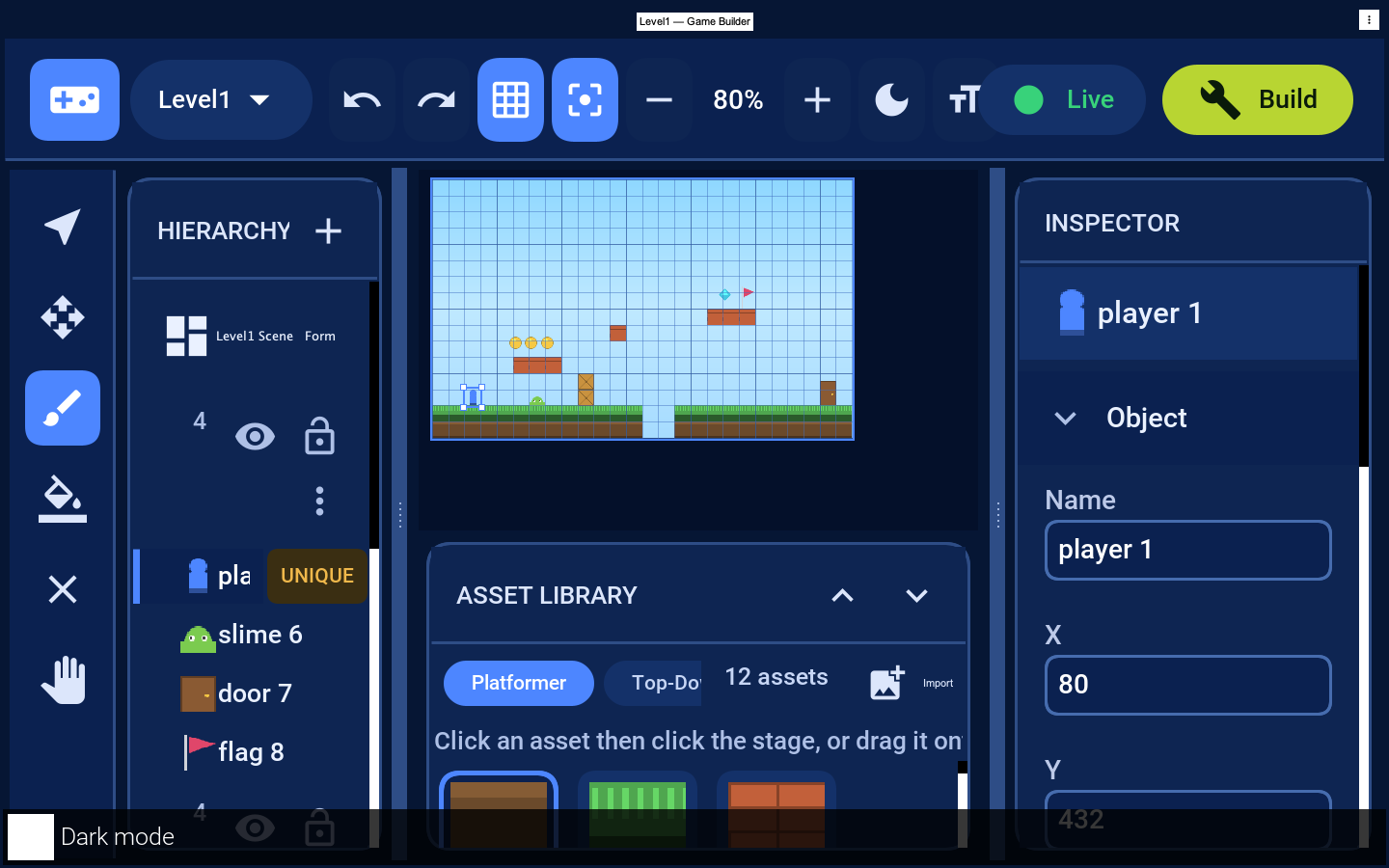
Select an object to edit its Transform (name, position, Layer dropdown) and its Behavior properties — the typed values that parameterize how it acts:
| Object | Behavior properties |
|---|---|
Player / Hero |
|
Coin / Gem |
|
Enemy (slime) |
|
Door / Goal |
|
Torch |
|
Card / Token / Dice |
|
These defaults come from the asset — the Inspector’s read-only Asset section shows
the id, kind, size and unique flag, and Edit asset defaults… lets you change an
asset’s default size and properties (for example, tune ground/coin). Use Add property… to
attach your own game metadata (hitPoints, value, …) to a single object, readable at
runtime via el.getInt(…) / el.getDouble(…). This is the player marks
which element the preview and arrow keys drive (otherwise a player/hero/spawn asset
is used).
Scene-wide rules are set in the Inspector when nothing is selected: gravity,
background theme, grid Cols / Rows / Tile size and the Mode. These are saved
into the .game file and are available at runtime on each GameElement.
22.5.2. Logic — written in the companion
The behavior values are data; the behavior itself is code you write in the generated
companion’s onUpdate(double dt). GameSceneView realizes every element into a sprite
whose getUserData() is the source GameElement, so you read the properties you set in
the editor:
@Override
protected void onUpdate(double dt) {
// The generated companion switches the built-in arcade behaviour on, and
// that already patrols enemies and collects pickups. A scene doing the
// work itself calls setArcadeBehavior(false) in its constructor -- with
// both running, the built-in patrol and the step below cancel out and
// the slime stalls.
GameInput in = getInput();
Scene scene = getScene();
// The editor names a stamped object after the asset's display name, so
// the generated companion has a field like duke1 rather than "player".
// Look the sprite up by asset id instead of assuming a field name.
Sprite player = findByAsset("player");
// Backwards, because collecting a coin removes it from the scene and a
// forward loop would step over the next sprite.
for (int i = scene.size() - 1; i >= 0; i--) {
Sprite s = scene.get(i);
// Tile sprites carry a Layer in their user data, not a GameElement, so
// a plain cast fails on the first frame of any scene with painted
// tiles. elementOf() answers null for those. It also matters that this
// is not a cast: ParparVM does not check them, so on iOS a bad cast
// reads the wrong object's fields instead of throwing.
GameElement el = elementOf(s);
if (el == null) continue;
switch (el.getAssetId()) {
case "player" -> {
if (in.isGameKeyDown(Display.GAME_RIGHT)) s.setX(s.getX() + 200 * dt);
// jump height, lives, gravity... all read from el.getInt(...)/getDouble(...)
}
// speed is pixels per second, so scale it by the frame delta --
// otherwise the patrol runs at whatever rate the device renders at
case "slime" -> s.setX(s.getX() + el.getDouble("speed", 60) * dt);
case "coin" -> {
if (s.intersects(player)) {
addScore(el.getInt("value", 10));
scene.remove(s); // consume it, or it scores again every frame
}
}
}
}
}Win/lose conditions, scoring, enemy AI and level transitions (using a door’s target)
are all decided here. For rigid-body games use
com.codename1.gaming.physics inside onUpdate. In short: the editor decides the layout and the numbers; your companion
decides the behavior; the engine runs it.
22.6. Game types
The mode (chosen per scene) plus the asset pack determine how the same level model is realized:
| Mode | Realized as | Packs | Use for |
|---|---|---|---|
| `Sprite`s in pixel space, tile grids | Platformer, Top-Down RPG | platformers, shooters, top-down adventures |
|
| Board & Card | board games, strategy, card games |
|
| 3D Kit | 3D maps, arena / tycoon layouts |
Switch type from the scene dropdown’s New scene buttons or scaffold with
-Dmode=2d|3d|board. In 3D mode the Inspector also exposes the camera rig, lighting and
terrain; placed elements become meshes (import your own glTF via GltfLoader from the
companion’s buildModels hook).
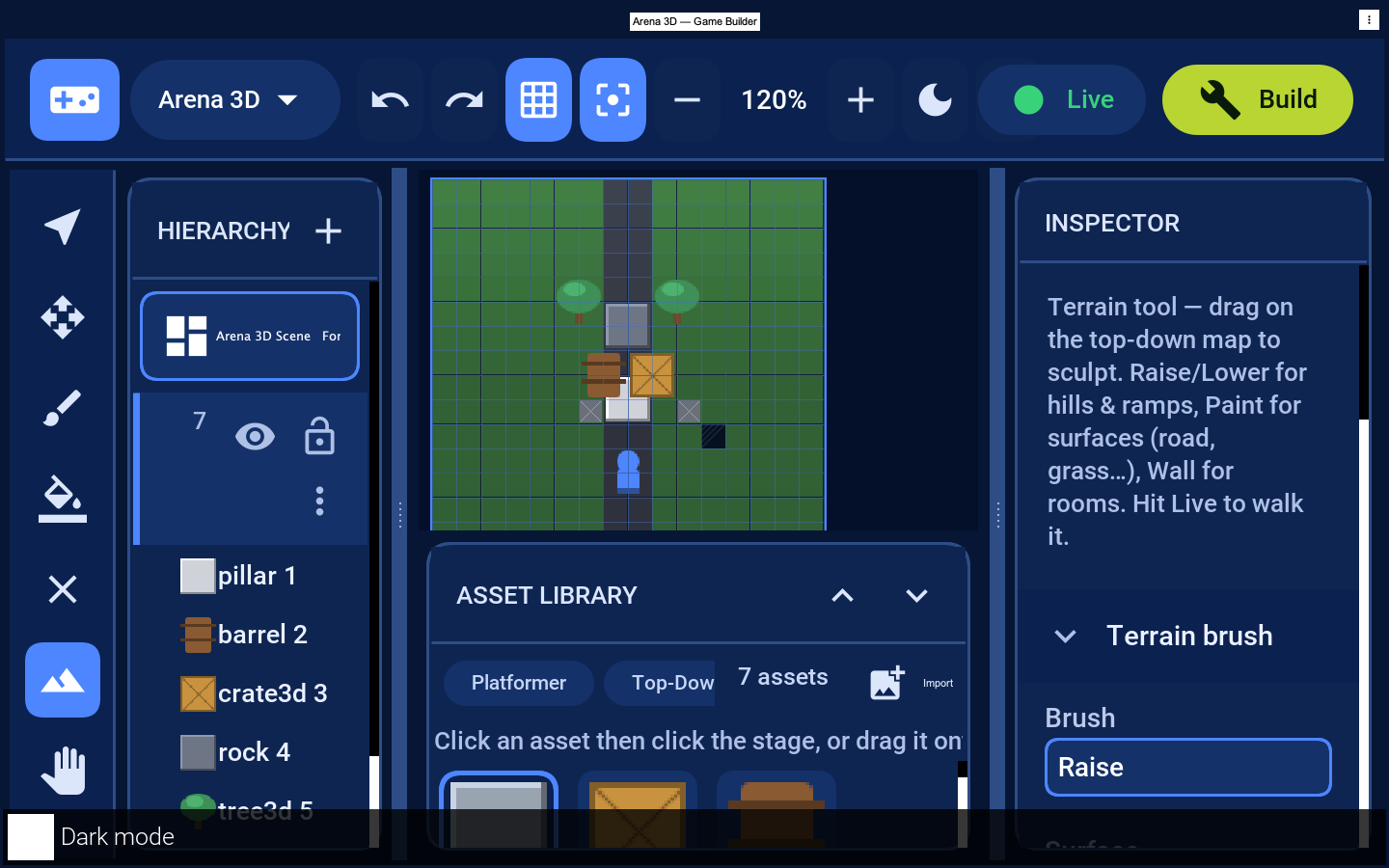
In 3D mode the board is edited top-down (placement, terrain and lighting), and the grid autofits the canvas so it stays usable at any size and zoom. Each placed element reads as a single object on the grid rather than a flat sprite filling the board.
22.7. Live preview
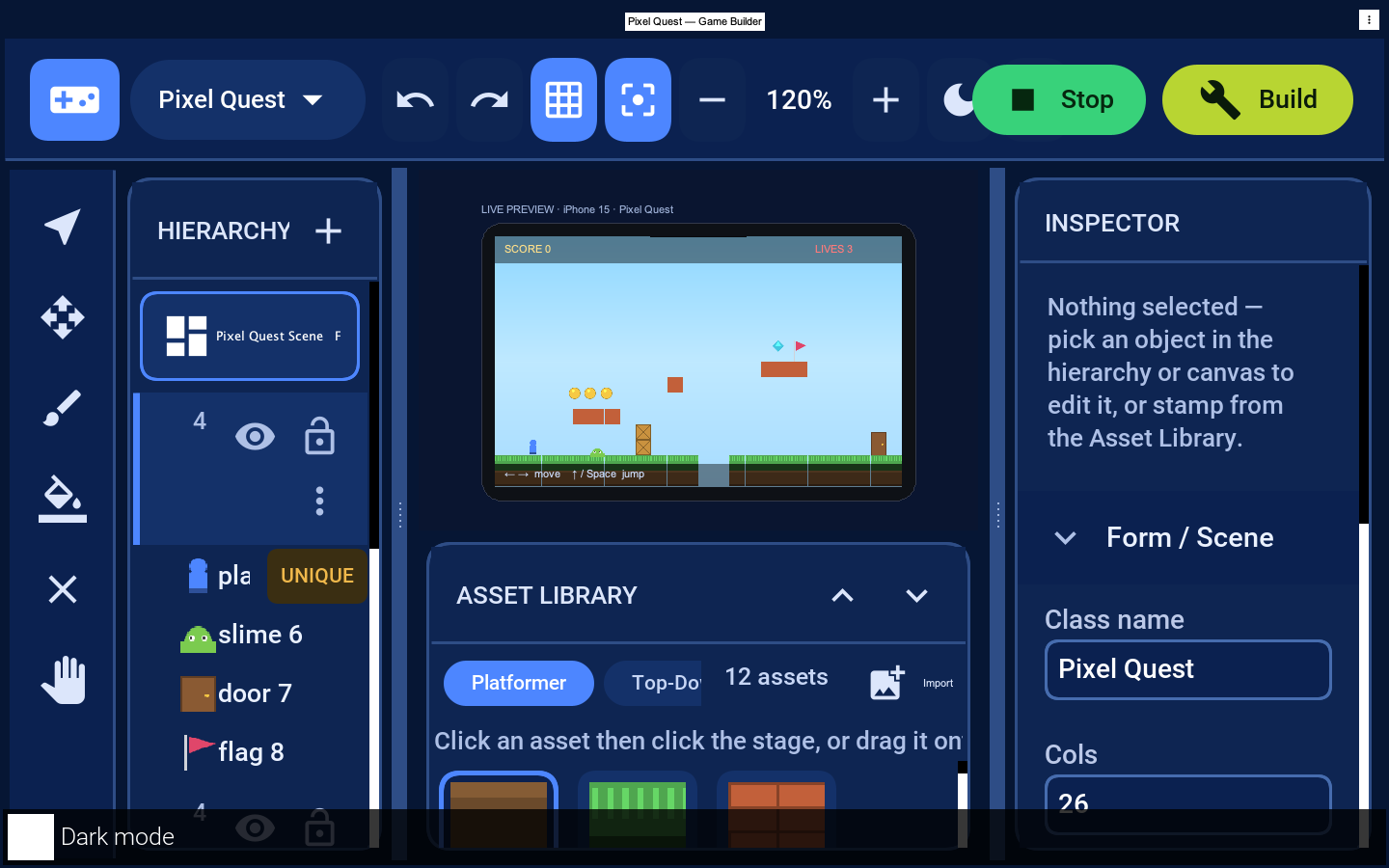
Press Live to play the level in place inside a device frame with a HUD. The preview ships default behaviors so common cases work without any code: in a 2D platformer the arrow keys move the player and Up / Space jumps (gravity and tile collision are simulated), coins/gems are collected for score, and enemies patrol and cost a life on contact. The on-screen hint shows the controls, and the SCORE / LIVES HUD is live. Press Stop to return to editing — playing never mutates the level.
For a 3D map the preview switches to a true perspective view — a receding ground grid with the placed meshes rendered as depth-sorted objects under an orbiting camera — so you see 3D gameplay rather than a flat top-down board:
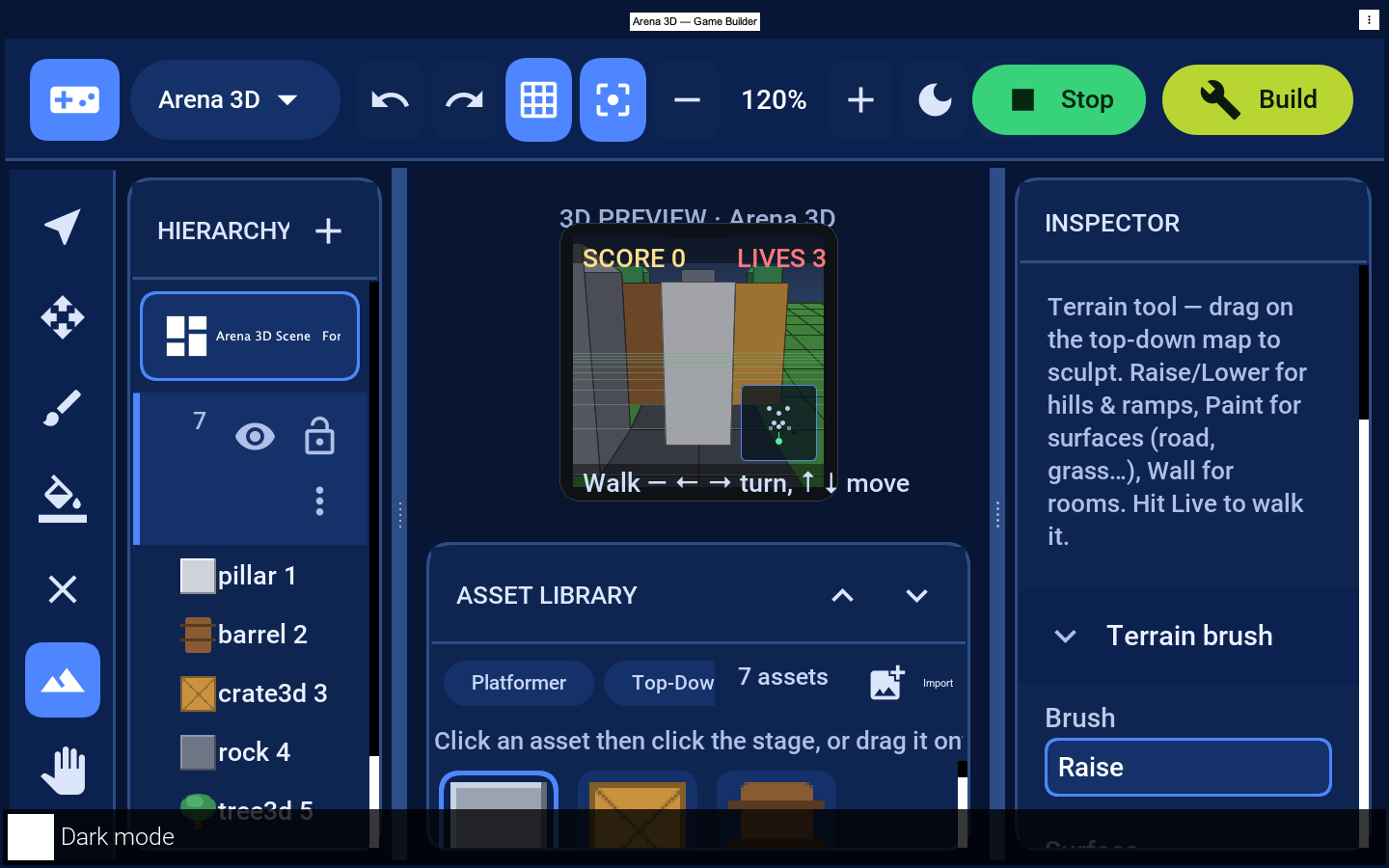
The in-editor preview is for quick iteration; for full-fidelity play on device, run the
companion in your app, where the scene is rendered by the GPU-accelerated
GameSceneView.
22.8. Build, save and run
Build writes the level to src/main/resources/games/<Scene>.game and (once) the
companion <Scene>.java. To show the scene in your app, instantiate the companion and
start() it:
Form game = new Form("Play", new BorderLayout());
// The generated scene takes the catalog as a constructor argument, and
// neither the scaffold nor the build produces one: it is yours to supply.
// Bundle the pack JSON your level references as an app resource and load
// it here. StarterPacks, which the editor uses, ships with the editor and
// is not on an application's classpath.
AssetCatalog catalog = AssetCatalog.load(
Display.getInstance().getResourceAsStream(Level1.class, "/my-packs.json"));
// load() only parses the definitions. Nothing else loads the images,
// sprite sheets and meshes they name, so without this the scene renders
// placeholders and the sheets never animate.
catalog.resolveArt();
Level1 scene = new Level1(catalog);
game.add(BorderLayout.CENTER, scene);
game.show();
scene.start();The level is plain data, so you can ship many .game files and load whichever level the
player selects.
22.9. Maven goals
| Goal | Purpose |
|---|---|
| Scaffold a |
| Launch the editor bound to the current project. |
22.10. Extending
Asset packs are JSON (
{"packs":[{"id","name","assets":[{"id","kind","w","h","color","unique","source","defaults"}]}]}) loaded byAssetCatalog.load. Add your own pack with real art.Asset art follows the SVG/Lottie approach: reference source art per asset and let the build translate it to code/raster; where no art is supplied the catalog draws a recognizable placeholder so a level always renders.
Behaviors can be factored into reusable helpers driven entirely from the property bag, keeping levels data-only.
22.10.1. Importing your own art
To bring in custom artwork, click Import in the Asset Library header and pick an image.
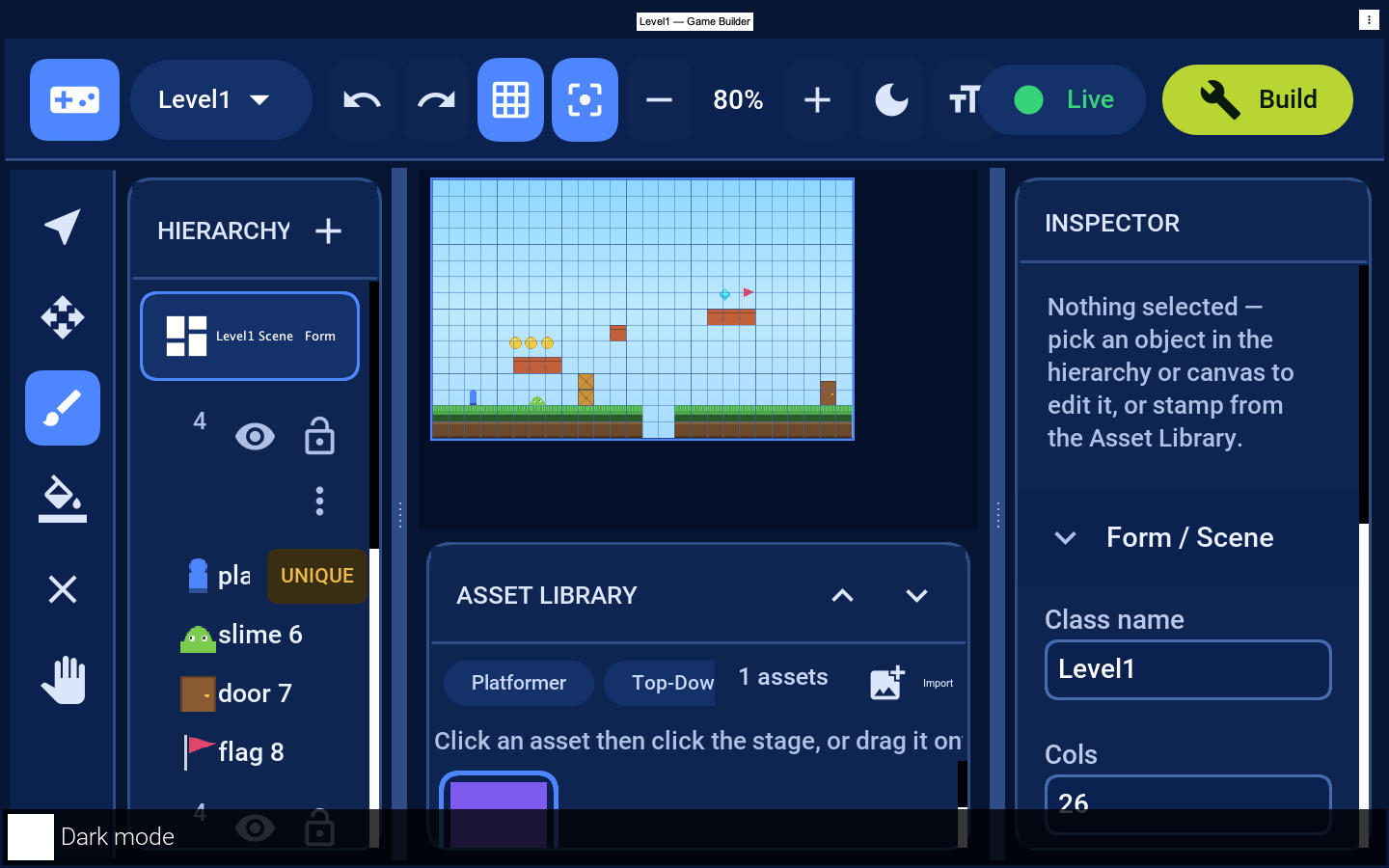
The image is added to a Custom pack as a new asset (a tile when a tile layer is
active, otherwise an actor), selected and ready to paint or stamp immediately. When the
editor is bound to a project, the picture is copied into
src/main/resources/games/assets/ and recorded in games/custompack.json, so it
survives reloading and ships with the project — the generated game resolves it through
the same AssetCatalog.
23. Game Assets
Every visible thing in a Game Builder level — the ground a player walks on, a coin to collect, an enemy, a 3D crate — is drawn from an asset. This chapter explains what an asset is, how assets are organized into packs and resolved by the catalog, where their artwork comes from, and how to create your own (either by authoring a pack JSON entry or by importing an image inside the editor). It closes with a note on terrain materials, a related-but-separate concept, and pointers for finding more art.
The classes live in com.codename1.gaming.level: AssetDef, AssetPack and
AssetCatalog.
23.1. What an asset is
An asset is a reusable template — an AssetDef — not a thing in your level. It says
"this is what a coin looks like and what default values a coin has," and any number of
coins in any number of levels reference that one definition by id.
An AssetDef carries:
| Field | Meaning |
|---|---|
| The stable string key (for example, |
| The human-readable display name shown in the editor palette (for example, |
|
|
| The natural pixel size of the art (default 32×32). |
| A base ARGB colour used to render a flat placeholder until real artwork is available
(default |
| Whether a level should hold at most one of these (for example, the player / spawn point). |
| An optional reference to the source art (a resource path, an SVG/Lottie key, or the
|
| The default authoring property values copied onto a freshly placed element — a coin’s
|
23.1.1. Asset (template) versus placed element (instance)
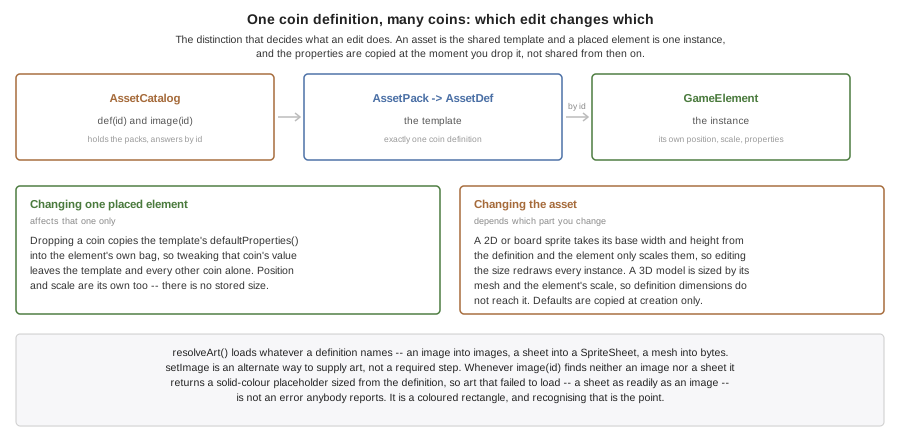
Keep this distinction clear:
An asset (
AssetDef) is the shared template. There is exactly onecoindefinition.A placed element (
GameElement) is one instance in a level. It stores its own position, size and property values, and references the template throughGameElement#getAssetId().
When you drop a coin into a level, the editor creates a GameElement whose assetId is
coin and copies the asset’s defaultProperties() into the element’s own property bag
(see StarterPacks.addActor, which does exactly this with el.properties().putAll(def.defaultProperties())).
You can then tweak that one coin’s value without affecting the template or any other
coin. Changing the asset’s size or art, conversely, affects how every instance that
references it’s drawn.
23.2. How assets are structured
Assets are grouped into packs, and packs are indexed by a catalog:
AssetPack— a named, ordered group ofAssetDef`s (`add(def),get(id),assets()). The order is the order they appear in the palette. AGameLevelnames the pack it draws from viaGameLevel#getAssetPack().AssetCatalog— holds one or more packs and answers two questions for any asset id:def(id)returns theAssetDef(used for kind, size and default props), andimage(id)returns the artwork. Real art is supplied viasetImage(id, image); until thenimage(id)returns a cached solid-colour placeholder sized from the def and tinted with itsgetColor(), so a level always realizes to something visible.
23.2.1. The built-in packs
The editor ships four starter packs in the classpath resource /gamebuilder-packs.json,
loaded by StarterPacks.loadCatalog() (which calls AssetCatalog.load(InputStream)).
The same catalog drives both the editor palette and a generated game’s runtime loader.
| Pack id | Name | Asset ids |
|---|---|---|
| Platformer |
|
| Top-Down RPG |
|
| Board & Card |
|
| 3D Kit |
|
StarterPacks.defaultPackFor(mode) picks kit3d for MODE_3D, board for MODE_BOARD
and platformer otherwise.
The JSON format is {"packs":[{"id":..,"name":..,"assets":[ … ]}]}. Here is one real
asset entry from the platformer pack — the player:
{ "id": "player", "name": "Player", "kind": "actor",
"w": 28, "h": 32, "color": "#4D86FF", "unique": true,
"defaults": { "lives": 3, "jumpHeight": 96 } }Each JSON key maps onto an AssetDef field (see AssetDef.fromMap): kind is
"tile" or "actor", w/h are the pixel size, color is #rrggbb, unique is a
boolean, source is the optional art reference, and defaults becomes
defaultProperties().
23.3. Where the art comes from
An AssetDef names an art format — TYPE_IMAGE, TYPE_SHEET or TYPE_MESH — and a
getSource() art file. AssetCatalog.resolveArt() loads each asset’s art from that file
into the catalog, so the same definition drives the editor palette and a shipped game.
23.3.1. Static images (TYPE_IMAGE)
A single .png/.jpg. resolveArt() decodes it; image(id) returns it and the level
realizer wraps it in a com.codename1.gaming.Sprite. The starter packs ship one image file
per asset (at the flat resource root, loaded as /<id>.png), so every starter sprite — ground, the player, the mountains — is a real file you can open in any editor and replace.
23.3.2. Sprite sheets (TYPE_SHEET)
One image laid out as a grid of equal frames, plus a frame size and rate (frameW,
frameH, fps). resolveArt() builds a com.codename1.gaming.SpriteSheet; the realizer
creates an animated com.codename1.gaming.AnimatedSprite that the scene advances each
frame. The starter coin is a six-frame sheet, so it spins at runtime with no code;
image(id) returns its first frame for the editor palette.
23.3.3. Meshes (TYPE_MESH)
A glTF/.glb model for a 3D level. resolveArt() keeps the file’s bytes and
GameSceneView.buildModels loads them with com.codename1.gpu.GltfLoader, realizing a
com.codename1.gaming.Model (and falling back to a primitive cube for an asset that has no
mesh). Sprite sheets and glTF loading are existing Codename One features; the asset model
just makes them first-class so the editor and runtime treat them as assets.
23.3.4. Imported art (the editor’s Import button)
The Import action opens the gallery (Display#openGallery) and hands the chosen image’s
bytes to GameBuilder.registerImportedAsset(…), which builds an image AssetDef (kind
from the active layer), adds it to a Custom pack and persists the PNG to
<gamesDir>/assets/ plus the pack definition to <gamesDir>/custompack.json. On the next
launch ProjectIO.loadCustomPack reads them back, so an imported image survives a reload.
Sprite sheets and glTF meshes are added the same way at the file level — drop the file into
<gamesDir>/assets/ and add a pack entry with the matching type (and frame size for a
sheet); resolveArt then loads it like any other asset. (A dedicated sheet/mesh import UI is
a natural follow-up.)
23.3.5. Generating the starter images
The bundled starter PNGs are produced once by a build-time generator
(StarterArtGenerator, which draws each sprite with Graphics through AssetArt) and
committed as resources — there’s no art-drawing code in the shipped runtime. Re-run the
generator after changing a starter sprite or pack.
In every case the catalog falls back to the flat-colour placeholder when an asset’s art is missing, so a level is never un-renderable.
23.4. Creating your own asset
There are two practical paths.
23.4.1. Path 1: Author a pack JSON entry
Add an entry to a pack’s assets array using the same format as the built-ins. For
example, a collectible key:
{
"id": "key",
"name": "Key",
"kind": "actor",
"w": 24,
"h": 24,
"color": "#E0C040",
"unique": false,
"defaults": { "opens": "door", "value": 1 }
}Field by field:
id— unique string key your placed elements and any art will reference. Required.name— display name in the palette. Optional; defaults to the id.kind—"tile"to paint into grid cells,"actor"for a free-form entity. Anything other than"tile"is treated as an actor.w/h— natural pixel size. Optional; default 32.color—#rrggbbplaceholder colour used until real art is supplied. Optional.unique—trueto limit the level to one instance. Optional; defaultfalse.defaults— a map of default property values copied onto each placed element.source— the art file the runtime loads: a.png/.jpg(image, sheet) or a.glb/.gltf(mesh). Optional; the starter packs default it to<id>.png.type—"image","sheet"or"mesh". Optional; inferred fromsource(a.glbis a mesh) orframeW(a sheet) when omitted.frameW/frameH/frames/fps— sprite-sheet frame size, frame count (0 = all) and playback rate, for a"sheet"asset.
You can add this to a copy of gamebuilder-packs.json, or build a pack in code with
new AssetPack(id, name).add(new AssetDef(…)) and register it with
catalog.addPack(pack). To give it real art, point source at a bundled art file and
call catalog.resolveArt(), or supply an image directly with
catalog.setImage("key", image).
23.4.2. Path 2: Import an image in the editor
The no-code path: open your level in the Game Builder, select the layer you want the
asset to belong to (a tile layer for tiles, an entity/actor layer otherwise), and use the
Import action ("Import your own image as a new asset"). Pick a PNG (or other supported
image), and the editor creates the AssetDef and files it under the Custom pack. Once bound to a project, the editor also saves the PNG and a pack-JSON entry
under the project’s games/assets/ directory as described above. The new asset appears in the palette and is immediately
placeable.
23.5. Terrain materials
3D terrain surfaces use a different, pluggable concept: materials, not sprite assets. A
Material (com.codename1.gaming.level.Material) describes a surface — a base colour,
whether it’s solid (blocks movement), a friction multiplier, and an optional
artId for textured rendering — and is referenced everywhere by its string id.
Materials are resolved through MaterialRegistry, a process-wide registry that ships six
built-ins (MaterialRegistry.GRASS, ROAD, STONE, SAND, WATER, DIRT). WATER
is registered as solid. Applications add their own without changing the level format:
MaterialRegistry.register(new Material("lava", "Lava", 0xc0392b).setSolid(true));
Material m = MaterialRegistry.get("lava"); // never null; unknown ids return grayUnknown ids resolve to a neutral gray placeholder, so a level that references a not-yet-registered material still loads. Materials cover terrain cells and `TerrainFeature`s; the sprite/model assets covered above are a separate system.
23.6. Where to get more
Reuse the built-in packs. The four starter packs cover platformer, top-down RPG, board/card and a small 3D kit out of the box — start there and only add what you need.
Import your own art. Any PNG (or supported sprite image) can be imported through the editor’s Import action and becomes a first-class asset in your project’s Custom pack. Authoring at the asset’s natural pixel size keeps it crisp.
Author packs as JSON. For larger sets, hand-author or generate
AssetPackJSON entries alongside the built-ins so the whole pack loads throughAssetCatalog.load.Use external game-art sources. Plenty of open game-art libraries and your own design tools (vector editors, pixel-art tools) can produce sprite sheets and tiles. Whichever source you use, you are responsible for honoring its license — check the terms for attribution and commercial-use requirements before shipping art you didn’t create.
24. Running Flutter applications
Codename One builds a Flutter application from its Dart source. The Dart is translated to Java at build time, and the result is an ordinary Codename One application: no Dart VM, no embedded rendering engine and no platform view ship with it. It builds for every platform Codename One targets, and it comes out smaller, quicker to start and lighter on memory than the same application built by Flutter.
| Dart support is experimental. Most widgets render, but some callbacks and parameters are accepted and then ignored, and the pipeline has so far been verified against one large sample application. Test every interaction your screens depend on before shipping. |
24.1. Smaller, faster and lighter than Flutter
The charts below come from one application, the Flutter Gallery, built both ways from the same Dart source: once by the Flutter toolchain’s own release build, and once by Codename One. Both builds are measured on the same machine, in interleaved rounds, on every change to the project. Lower is better throughout.
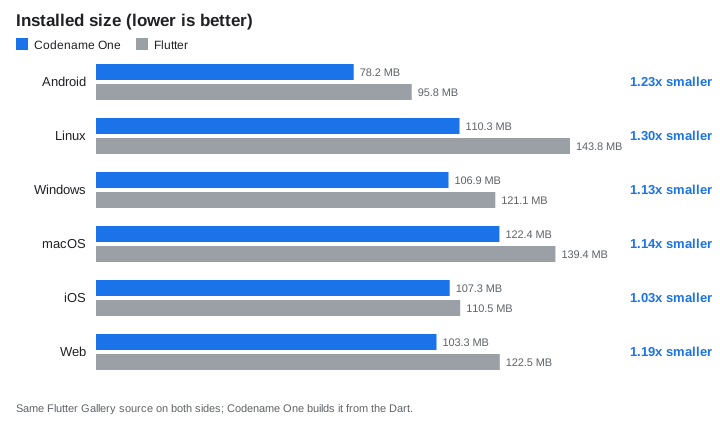
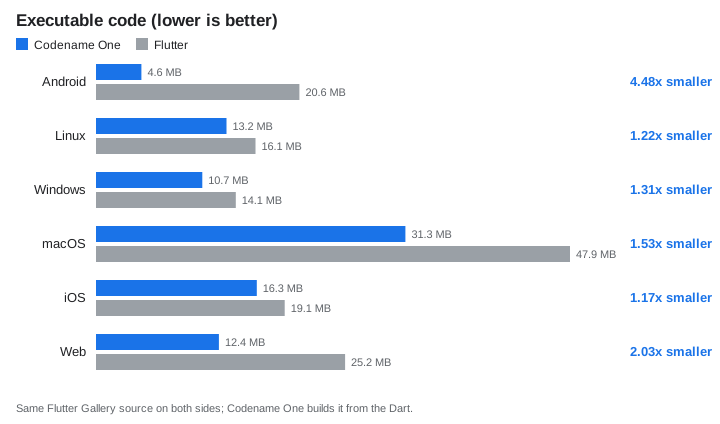
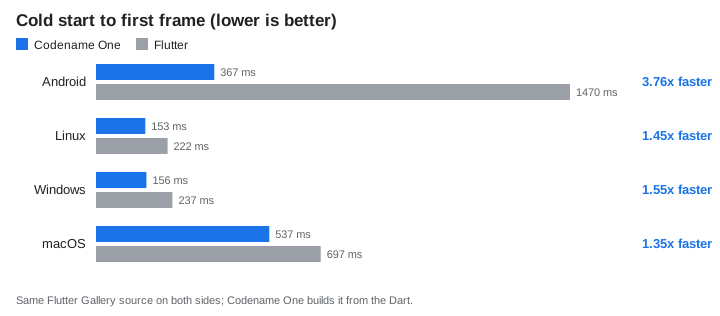
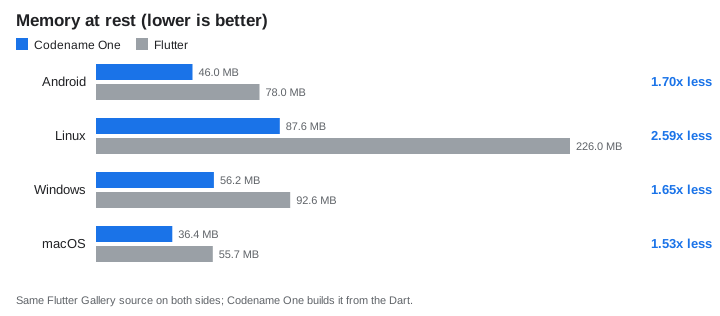
The comparison is tilted toward Flutter. The application is Flutter’s own showcase, written by the Flutter team in Flutter’s idioms, and Codename One runs it as it is. To do that the Codename One build carries a runtime that reimplements Flutter’s widget, element and layout model on top of Codename One components, which is work an application written for Codename One never pays for. The same screens written directly against Codename One’s own components would be smaller and faster again. The numbers above are what a team gets on the day it moves its Flutter code over, before changing a line of it.
Two platforms aren’t measured in full, and the charts leave them out rather than estimate them:
Start-up and memory on iOS. Flutter can’t compile Dart ahead of time for the simulator, so a simulator run would time Flutter’s debug engine against a Codename One release build. iOS sizes come from release device bundles.
Start-up and memory on the web. Timing a browser build needs a driver for the browser’s developer tools, which the benchmark doesn’t have, so it reports web sizes only.
Android start-up and memory come from an emulator rather than a phone. They compare the two builds on one machine; they aren’t phone timings. Section 24.8, “How the numbers are measured” explains how each metric is taken.
24.2. What it looks like
The Flutter Gallery’s demos, rendered by Flutter on the left and by Codename One on the right from the same Dart source:
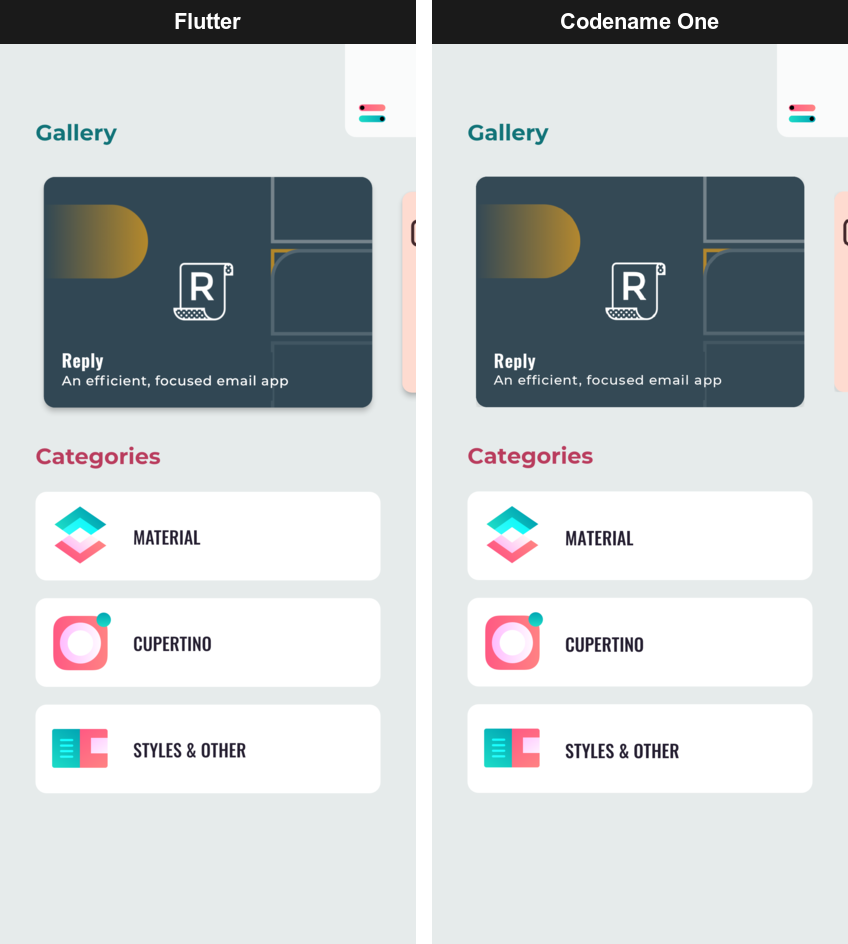
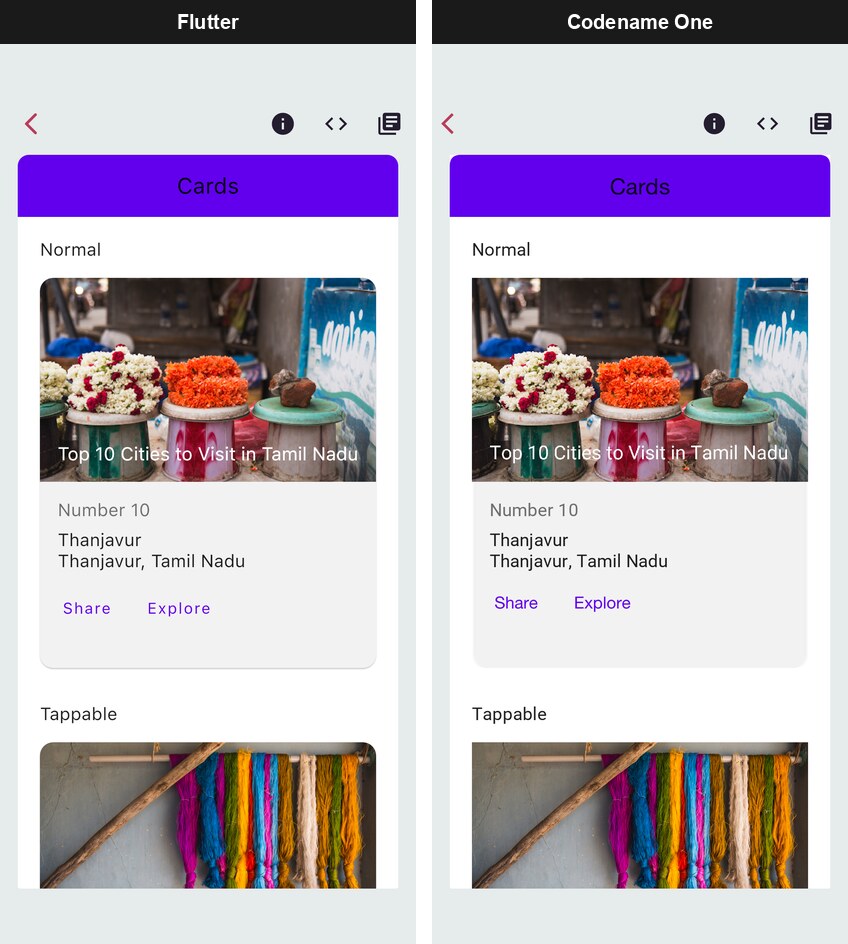
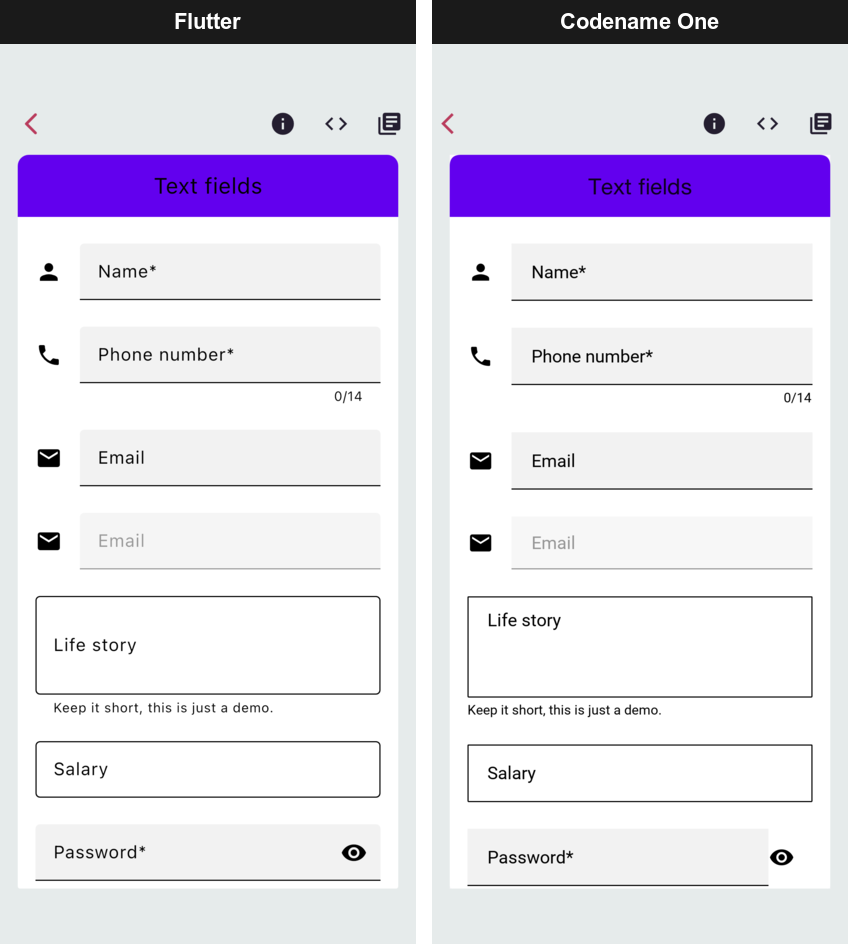
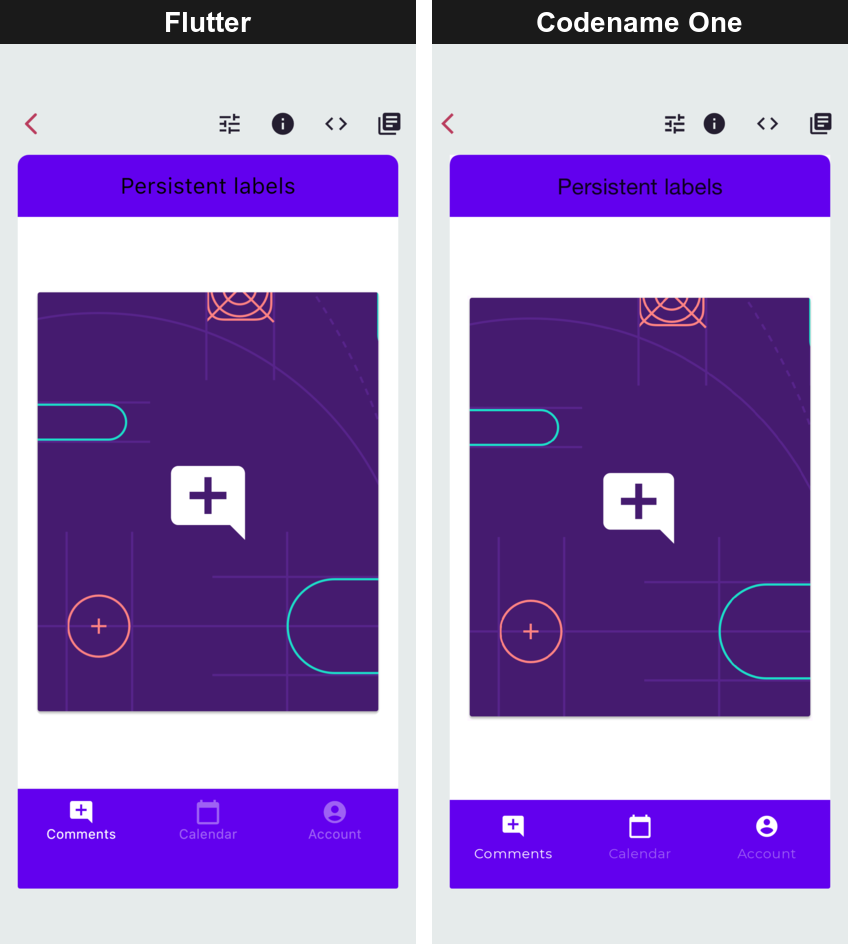
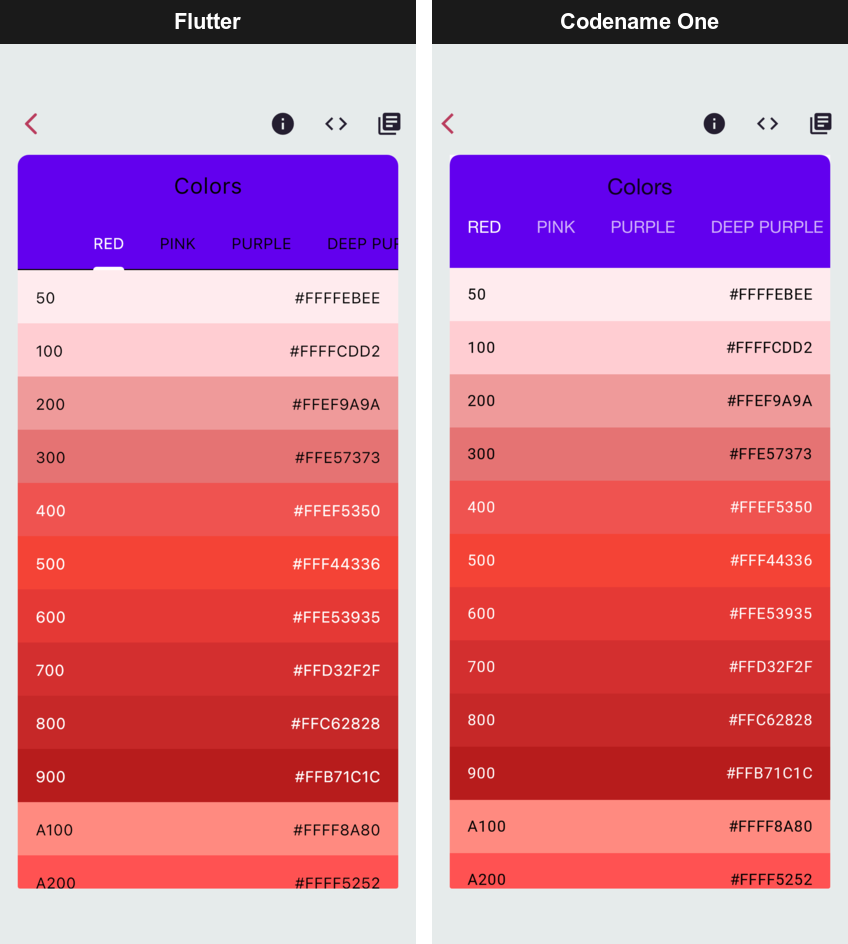
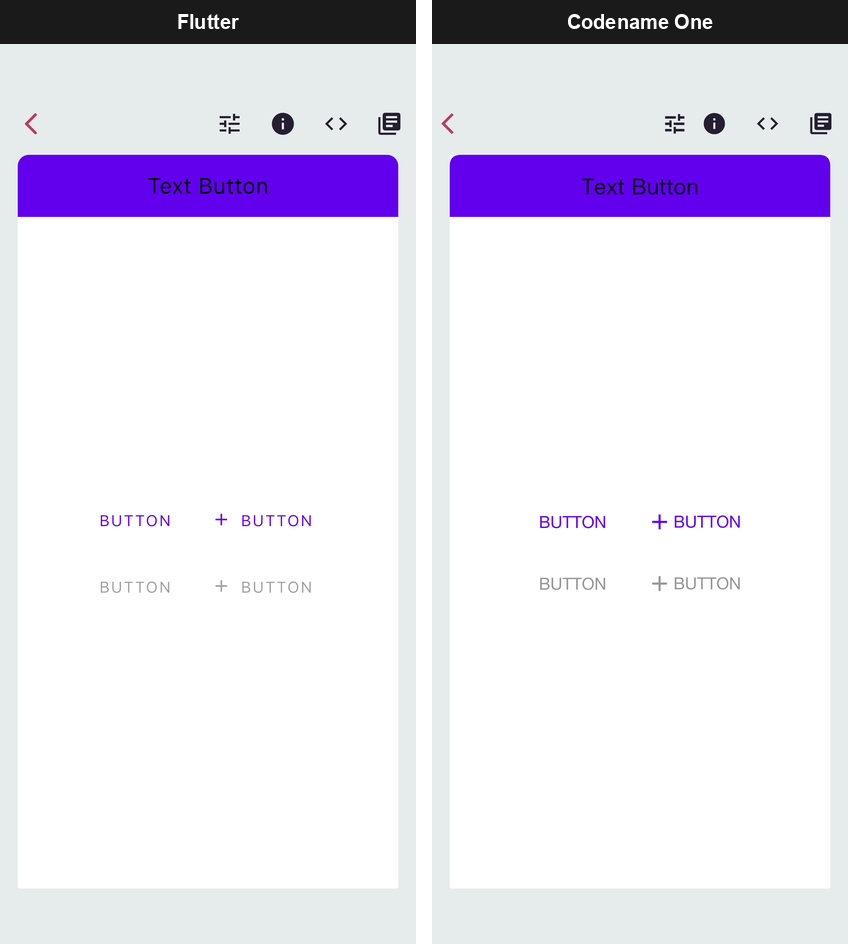
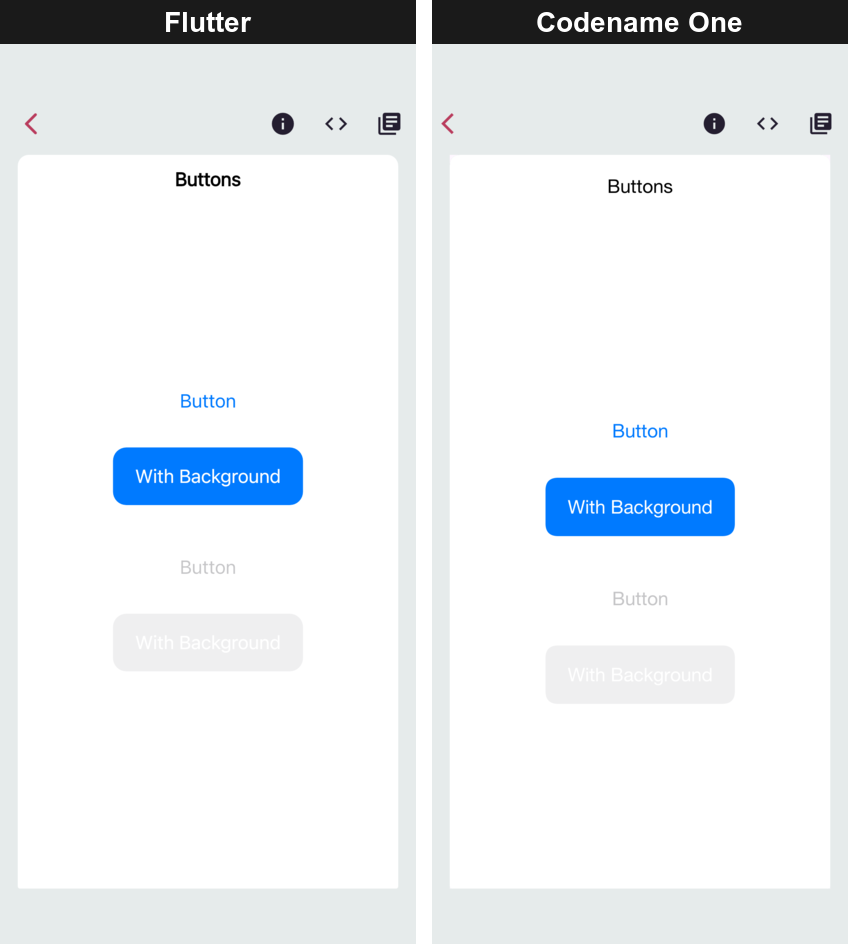
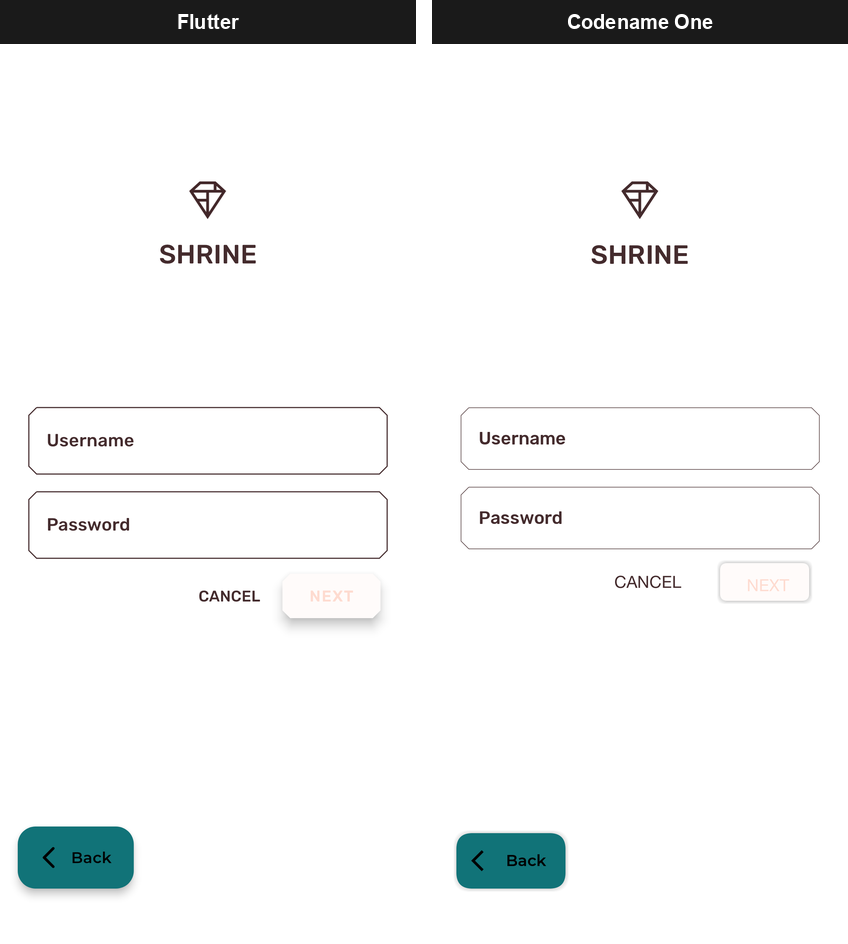
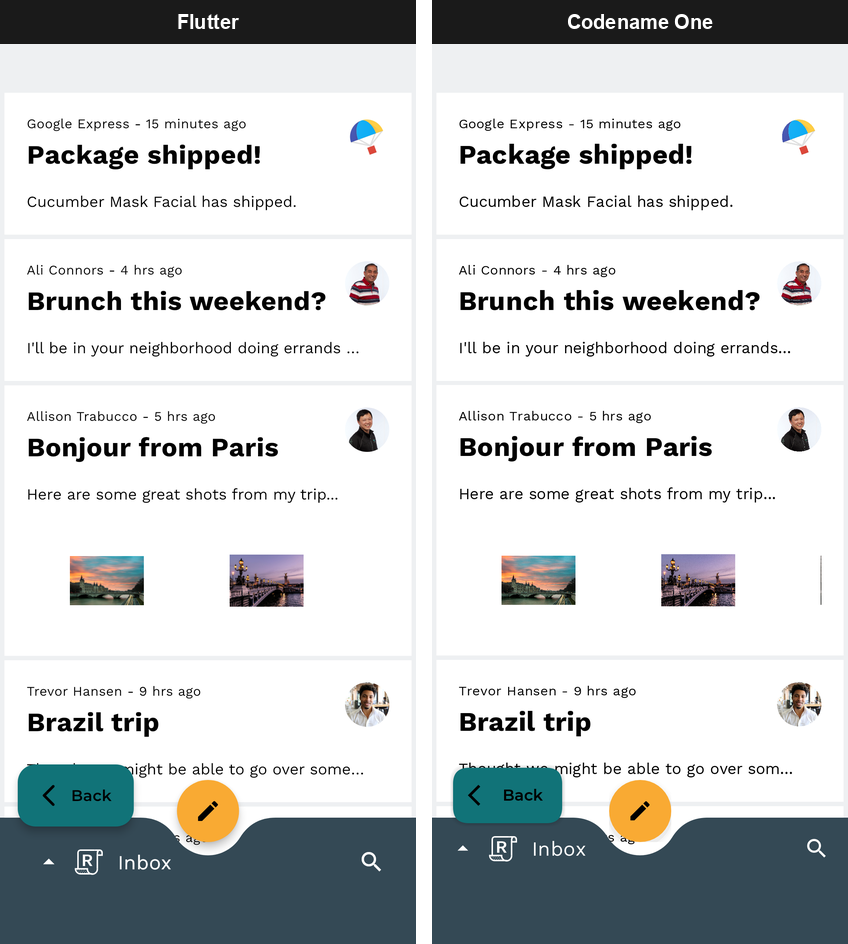
The Codename One side is a real Codename One component tree, not a picture of
one: it uses the theme, the event dispatch thread, the accessibility tree and
the native build like any other Codename One screen, and it can share a Form
with hand-written Codename One code.
24.3. Importing a Flutter application
One command brings a Flutter project into a Codename One project:
mvn cn1:import-flutter-project -Dcn1.flutter.import=/path/to/flutter_appRun it in a project generated from the Codename One archetype or the initializr. It does what wiring Flutter in by hand would take:
Copies the Dart source in
libintocommon/src/main/flutter.Copies every asset and font
pubspec.yamldeclares, including whole asset directories and the assets of the packages the application depends on, which it finds through the project’s.dart_tool/package_config.jsonor the pub cache.Adds the Flutter runtime to
common/pom.xmland makes sure the build translates the Dart.Writes the application’s entry class so that it runs the Dart
main(). A class that was already there is saved beside it with a.pre-flutter-importsuffix.Carries the application name and version over from
pubspec.yaml.
It then lists the application’s pub dependencies and says which of them
Codename One provides. The transpiler doesn’t compile a package’s Dart; a
package works when the Flutter runtime implements its API, as it does for
provider, intl, animations and other common ones. A dependency listed as
not covered is the first thing to look at if a screen misbehaves.
Re-running the command later picks up changes made on the Flutter side. A file you edited after the earlier import is left as you edited it, and a file the Flutter project no longer has is removed.
No Dart or Flutter SDK is needed to build the result. The transpiler is Java and
runs as part of the normal Maven build. The command reads the pub cache only to
find package assets, so run flutter pub get once in the Flutter project if it
reports a package it can’t find.
24.4. Migrating an entire application
After the import, the Dart is the application: the entry class calls the
Dart main(), whose runApp mounts the widget tree as the root of a Form.
Build and run it like any Codename One application, in the simulator or for a
device.
FlutterUI.runApp is the same call from Java, the analog of Flutter’s own
runApp. It installs the Material base theme, because the widget tree is
expected to be the whole UI and to look the way its author intended:
// runApp mounts the tree in a Form of its own and shows it. Unlike
// wrap(), this installs the Material base theme, because the widget
// tree is expected to be the whole UI.
FlutterUI.runApp(new Text("The entire application"));A port is mostly a question of how much of the Dart language and of the Flutter libraries the application uses. The transpiler reports what it can’t handle rather than guessing: a construct outside the supported subset fails the build with a code naming the feature, so the gaps are a list to work through rather than a runtime surprise. At runtime, a widget that isn’t implemented is recorded through the error inventory instead of drawing nothing.
24.5. Migrating a single form
The same build can carry Dart screens inside an application otherwise written in Codename One, so a migration can go one screen at a time in either direction.
Put the Dart files under common/src/main/flutter; the import command does
this, or copy them by hand. Each Dart widget class becomes a Java class of the
same name in com.codename1.generated.flutter, with its parameters as
constructor arguments in declaration order and the widget key first. A Dart
MyHomePage({super.key, required this.title}) is created from Java as
new MyHomePage(null, "Inbox").
FlutterUI.wrap inflates the widget into a plain Container, which goes
anywhere an ordinary component can:
Form dashboard = new Form("Dashboard", BoxLayout.y());
dashboard.add(new Label("Written in Codename One"));
// A Dart widget tree, compiled to Java at build time. wrap() returns
// an ordinary Container, so it is added like any other component.
dashboard.add(FlutterUI.wrap(new Text("Rendered from Dart")));
dashboard.add(new Button("Also Codename One"));
dashboard.show();The wrapped widget is a component like any other: it takes part in the parent’s layout, scrolls with it and is styled by the same theme. It doesn’t install the Material base theme, so a Dart screen dropped into an existing form won’t restyle the rest of it.
A wrapped widget isn’t inside a navigator, so it has no Overlay of its own.
Dart code that calls Overlay.of(context) from inside it gets the same error
it would get outside a Navigator on Flutter; show such a screen as a route
of its own instead.
24.6. Calling between Java and Dart
Java and Dart run in the same application, on the same thread, so calls between them are ordinary method calls. There are three ways to make them, and the first is the one a Flutter developer already knows.
24.6.1. Platform channels
A Flutter application talks to its platform code through MethodChannel and
EventChannel from package:flutter/services.dart. Those work unchanged: the
Dart side compiles unchanged, and the platform side, which is Kotlin or Swift in
a Flutter project, becomes Java in the Codename One project. The Java classes
in com.codename1.flutter.platform mirror Flutter’s Android
io.flutter.plugin.common API, so Android handler code ports by changing its
imports.
Dart calling Java. The Dart side invokes a method on a named channel:
// Calls the Java handler registered with MethodChannel.setMethodCallHandler
// on the platform side (FlutterInteropSnippets.answerDartWithAJavaHandler).
final batteryChannel = MethodChannel('com.example.app/battery');
Future<int> getBatteryLevel() async {
final level = await batteryChannel.invokeMethod('getBatteryLevel');
return level as int;
}A Java handler registered under the same channel name answers it:
MethodChannel channel = new MethodChannel("com.example.app/battery");
channel.setMethodCallHandler(new MethodChannel.MethodCallHandler() {
@Override
public void onMethodCall(MethodCall call, MethodChannel.Result result) {
if ("getBatteryLevel".equals(call.method())) {
result.success(87);
} else {
result.notImplemented();
}
}
});result.error(…) reaches Dart as a PlatformException, and
result.notImplemented(), or no handler at all, as a
MissingPluginException, as on Flutter. The handler doesn’t have to answer
before it returns: keep the Result and complete it when the answer arrives.
Java calling Dart. The direction reverses with the same two classes. Dart registers a handler on the channel:
// Answers calls the Java side makes with MethodChannel.invokeMethod
// (FlutterInteropSnippets.invokeADartRegisteredHandler).
void installBatteryRefreshHandler() {
batteryChannel.setMethodCallHandler((MethodCall call) async {
if (call.method == 'refreshBatteryLevel') {
return getBatteryLevel();
}
throw MissingPluginException();
});
}Java invokes it and gets the reply through a callback:
MethodChannel channel = new MethodChannel("com.example.app/battery");
channel.invokeMethod("refreshBatteryLevel", null, new MethodChannel.Result() {
@Override
public void success(Object result) {
System.out.println("Dart replied: " + result);
}
@Override
public void error(String errorCode, String errorMessage, Object errorDetails) {
System.out.println("Dart reported an error: " + errorCode);
}
@Override
public void notImplemented() {
System.out.println("no Dart handler is registered");
}
});Events from Java to Dart. An EventChannel carries a stream of events: a
sensor reading, a download’s progress, a message from a server. Java pushes
them through the EventSink it receives when Dart starts listening:
EventChannel channel = new EventChannel("com.example.app/sensor");
final EventChannel.EventSink[] activeSink = new EventChannel.EventSink[1];
channel.setStreamHandler(new EventChannel.StreamHandler() {
@Override
public void onListen(Object arguments, EventChannel.EventSink events) {
activeSink[0] = events;
}
@Override
public void onCancel(Object arguments) {
activeSink[0] = null;
}
});
// Called whenever a new reading arrives, from wherever that is.
EventChannel.EventSink sink = activeSink[0];
if (sink != null) {
sink.success(42.5);
}Dart listens to the stream as it would on Flutter:
// Listens to events the Java side pushes through an EventSink
// (FlutterInteropSnippets.pushEventsFromAJavaStreamHandler).
final sensorChannel = EventChannel('com.example.app/sensor');
StreamSubscription<dynamic> listenToSensorReadings(void Function(double value) onReading) {
return sensorChannel.receiveBroadcastStream().listen((event) {
onReading(event as double);
});
}onListen runs when the first listener subscribes and onCancel when the last
one cancels, so a sensor or a connection is only active while something is
listening.
Values cross the channel in the types each side expects, as Flutter’s message codec does:
| Dart | Java |
|---|---|
|
|
|
|
|
|
|
|
Every handler runs on the event dispatch thread, and a reply is always delivered asynchronously, never inside the call that asked for it, as on Flutter.
24.6.2. Calling Dart functions directly
Without a channel, Java can call transpiled Dart directly. Each Dart file
becomes a class named after it, with Lib appended: lib/greeting.dart
becomes LibGreetingLib, and its top-level functions are public static methods
of that class. Dart’s main is renamed main$.
String greeting = LibGreetingLib.greet("World");
System.out.println(greeting);This is the quickest way to reach Dart logic that has no UI, a parser or a pricing rule, from Java. Channels are the better boundary for code that a Flutter build must also keep running, because the Dart side doesn’t change.
24.6.3. Sharing state and callbacks
A ValueNotifier or ChangeNotifier is an ordinary Java object on the
Codename One side. Java code that holds one can set its value or call
notifyListeners(), and every Dart widget listening to it, through
ValueListenableBuilder or AnimatedBuilder, rebuilds.
Callback parameters work the other way: an onPressed or onChanged that a
Java caller passes into a Dart widget’s constructor is a Java lambda, and the
Dart code calls it.
24.7. How it fits together
The pipeline has three stages, and each is an ordinary build step you can run and inspect on its own.
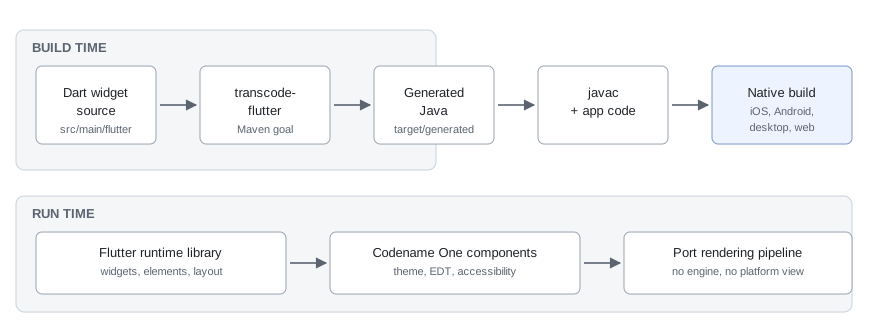
Dart widget source in src/main/flutter is read by the transcode-flutter
goal during generate-sources. It emits Java into
target/generated-sources/flutter, which the normal compile phase picks up.
At runtime those generated classes call into the Flutter runtime library,
which implements the widget, element and render-object model on top of
Codename One containers.
The key design point is where the boundary sits. The runtime reimplements Flutter’s layout and composition model — constraints down, sizes up, elements reconciled against widgets — but it doesn’t reimplement Flutter’s rasterizer. Painting is Codename One’s, which is what makes the output a real Codename One component tree rather than a texture.
The goal is bound in every project generated from the archetype and does
nothing while src/main/flutter doesn’t exist. To wire a project by hand
instead of importing, add the runtime dependency to the common module, where
generated projects already carry it commented out:
<dependency>
<groupId>com.codenameone</groupId>
<artifactId>codenameone-flutter-runtime</artifactId>
<version>${cn1.version}</version>
</dependency>The generated package and the paths are configurable:
| Property | Meaning |
|---|---|
| Where the Dart lives. Defaults to |
| Where the generated Java is written. Defaults to
|
| The package the generated classes are emitted into. Defaults to
|
24.8. How the numbers are measured
The benchmark lives in scripts/flutter-bench. It builds the Flutter Gallery
both ways on each platform and measures both builds on the same machine, and
continuous integration runs it on every change, publishing the numbers to the
pull request and to the port status page.
What it reports, per platform:
| Metric | What it means |
|---|---|
Installed size | The sum of the artifact’s file lengths, which is what the user’s device gives
up. Not |
Executable code | Every compiled binary in the artifact, added together. Counting only the main executable is wrong on iOS, where a Flutter application’s own code isn’t in the executable at all — it’s in the frameworks beside it. |
Download size | The artifact compressed, because that’s what a store ships. |
Cold start | Wall time from launching the process to the first frame being on the screen, measured from outside so neither runtime is trusted to time itself. |
Memory at rest | The platform’s own accounting for a settled, idle application. |
Three rules keep the numbers honest, and each exists because the obvious alternative produced a flattering result:
Interleaved rounds. One launch of each build, alternating, repeated. A machine that gets busier halfway through then penalizes both builds equally instead of whichever happened to run second, and start-up and memory are judged round by round: the ratio is the median of the per-round ratios.
Start-up is a bracket where the two runtimes report different events. On the web, Flutter’s earliest marker fires before its first frame is rasterized while Codename One’s fires once the frame is on the screen, so the benchmark takes Flutter’s figure as a range and computes the ratio from the end least favorable to Codename One.
A platform that can’t be measured says so. iOS start-up and memory are reported as not measured rather than taken from a simulator, for the reason given above.
To run it locally against builds you already have:
python3 scripts/flutter-bench/run_bench.py --list
python3 scripts/flutter-bench/run_bench.py --platform macos \
--cn1-app /path/to/Bench.app \
--flutter-app /path/to/gallery.app \
--json out/macos.json --markdown out/macos.md--list also reports which platform adapters have been exercised end to end,
which isn’t the same question as which ones exist. The charts in
Section 24.1, “Smaller, faster and lighter than Flutter” are rendered from the benchmark’s result files by
scripts/flutter-bench/render_doc_charts.py.
Data, media and networking
25. File system, storage, network, and parsing
25.1. JAR resources
Resources packaged within the "JAR" don’t belong in this section of the developer guide, but they’re often confused with Storage and FileSystemStorage, so this is a good place to clarify them.
You can place arbitrary files within the src directory of a Codename One project. The file is packaged into the final distribution. In standard Java SE you can do something like:
InputStream i = getClass().getResourceAsStream("/myFile");This isn’t guaranteed to work on all platforms and will probably fail on some. Instead, use something like:
InputStream i = Display.getInstance().getResourceAsStream(getClass(), "/myFile");This isn’t the limitation. You can’t use hierarchies, so something like this fails:
InputStream i = Display.getInstance().getResourceAsStream(getClass(), "/res/myFile");You can’t use relative paths either, so this also fails (notice the missing first slash):
InputStream i = Display.getInstance().getResourceAsStream(getClass(), "myFile");Those limitations exist for portability. iOS and Android handle resources differently, so supporting the full Java SE semantics is unrealistic.
This is even worse sometimes. Because of the way iOS works with resources, some file names can fail. For example, names with the @ character or more than one . can cause problems (for example, file.ext.act). |
Just like in Java SE, the entries within the "JAR" are read and can’t be modified. You can access the stream, but not the actual file.
25.2. Storage
Codename One gives you four places to keep data, and picking the wrong one is the usual source of trouble later:

Storage is accessed through the Storage class. It’s a flat, filesystem-like interface that can list, delete, and write named storage entries.
The Storage API also provides convenient methods to write objects to Storage and read them back with readObject and writeObject.
Objects in Storage are deleted when an app is uninstalled, but they’re retained between application updates. A notable exception is Android, which on some devices keeps objects in Storage after uninstalling an app. To force Android to remove them on uninstall, use the build hint android.allowBackup=false. |
The sample code below demonstrates listing storage content, adding and viewing entries, and deleting entries:
Toolbar.setGlobalToolbar(true);
Form hi = new Form("Storage", new BoxLayout(BoxLayout.Y_AXIS));
hi.getToolbar().addCommandToRightBar("+", null, e -> {
TextField tf = new TextField("", "File Name", 20, TextField.ANY);
TextArea body = new TextArea(5, 20);
body.setHint("File Body");
Command ok = new Command("OK");
Command cancel = new Command("Cancel");
Command result = Dialog.show("File Name", BorderLayout.north(tf).add(BorderLayout.CENTER, body), ok, cancel);
if(ok == result) {
String name = tf.getText();
boolean isNew = !Arrays.asList(Storage.getInstance().listEntries()).contains(name);
try(OutputStream os = Storage.getInstance().createOutputStream(name);) {
os.write(body.getText().getBytes("UTF-8"));
} catch(IOException err) {
Log.e(err);
return;
}
// entrySize() is only right once the stream is closed, and an
// overwrite already has a row whose size label is now stale
if(isNew) {
createFileEntry(hi, name);
} else {
hi.removeAll();
for(String file : Storage.getInstance().listEntries()) {
createFileEntry(hi, file);
}
}
hi.getContentPane().animateLayout(250);
}
});
for(String file : Storage.getInstance().listEntries()) {
createFileEntry(hi, file);
}
hi.show();private void createFileEntry(Form hi, String file) {
Label fileField = new Label(file);
Button delete = new Button();
Button view = new Button();
FontImage.setMaterialIcon(delete, FontImage.MATERIAL_DELETE);
FontImage.setMaterialIcon(view, FontImage.MATERIAL_OPEN_IN_NEW);
Container content = BorderLayout.center(fileField);
int size = Storage.getInstance().entrySize(file);
content.add(BorderLayout.EAST, BoxLayout.encloseX(new Label(size + "bytes"), delete, view));
delete.addActionListener(e -> {
Storage.getInstance().deleteStorageFile(file);
content.setY(hi.getWidth());
hi.getContentPane().animateUnlayoutAndWait(150, 255);
hi.removeComponent(content);
hi.getContentPane().animateLayout(150);
});
view.addActionListener(e -> {
try(InputStream is = Storage.getInstance().createInputStream(file);) {
String s = Util.readToString(is, "UTF-8");
Dialog.show(file, s, "OK", null);
} catch(IOException err) {
Log.e(err);
}
});
hi.add(content);
}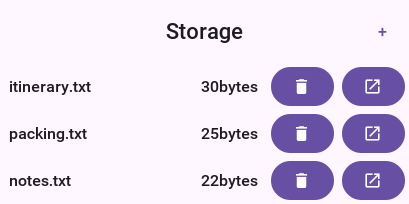
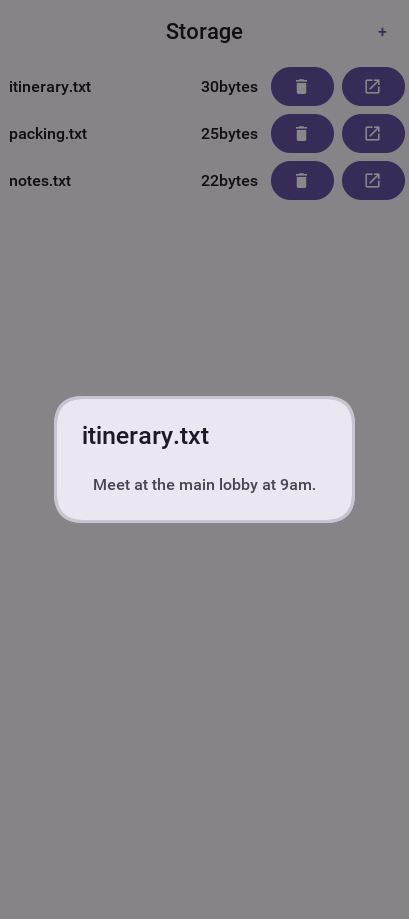
25.2.1. The preferences API
Storage also offers a simple API in the form of the Preferences class. The Preferences class lets developers store simple variables, strings, numbers, booleans, and similar values without writing storage code. This is a common use case in applications. For example, you might need to store a server token:
Preferences.set("token", myToken);You can then read the token like this:
String token = Preferences.get("token", null);The backing store filename defaults to "codenameone.properties", but you can override it by calling Preferences.setPreferencesLocation(String) before your app touches the API. This is useful when you need separate preference namespaces per user or when you want to plug in an encrypted storage layer.
When you have a batch of updates, prefer the Preferences.set(Map<String,Object>) overload so that all values are persisted with a single disk write.
Preferences can also tell interested code when a key changes. Register a PreferenceListener with addPreferenceListener() to react to updates made in other parts of your code or triggered remotely through Codename One Push.
Remember to remove listeners you no longer need to avoid leaks.
This gets somewhat confusing with primitive numbers for example: if you use Preferences.set("primitiveLongValue", myLongNumber) then invoke Preferences.get("primitiveLongValue", 0) you might get an exception!This would happen because the value is physically a Long object but you’re trying to get an Integer. The workaround is to remain consistent and use code like this Preferences.get("primitiveLongValue", (long)0). |
25.3. File system
FileSystemStorage provides file system access. It maps to the underlying OS’s file system API providing most of the common operations expected from a file API somewhat in the vain of java.io.File & java.io.FileInputStream for example: opening, renaming, deleting etc.
Notice that the file system API is somewhat platform specific in its behavior. All paths used the API should be absolute otherwise they aren’t guaranteed to work.
The main reason java.io.File & java.io.FileInputStream weren’t supported directly has a lot to do with the richness of those two APIs. They effectively allow saving a file anywhere, but mobile devices are far more restrictive and don’t allow apps to see/change files that are owned by other apps.
25.3.1. File paths & app home
All paths in FileSystemStorage are absolute, this simplifies the issue of portability since the concept of relativity and current working directory aren’t portable.
All URLs use the / as their path separator you try to enforce this behavior even on Windows.
Directories end with the / character and thus can be distinguished by their name.
The FileSystemStorage API provides a getRoots() call to list the root directories of the file system (you can then "dig in" through the listFiles API). For example, this is confusing and unintuitive for developers.
To simplify the process of creating/reading files Codename One provides the getAppHomePath() method. This method allows you to get the path to a directory where files can be stored/read.
You can use this directory to place an image to share as you did in the share sample.
| A common Android hack is to write files to the SDCard storage to share them among apps. Android 4.x disabled the ability to write to arbitrary directories on the SDCard even when the appropriate permission was requested. |
25.3.2. Native file chooser
Use Display.openFileChooser() or the shorter CN.openFileChooser() when the user needs to select a general document such as a PDF, text file, private key, or import file. This is different from Display.openGallery(), which is intended for photo and video library media.
The callback source is a String path that can be read with FileSystemStorage.openInputStream(). If the user cancels the picker the event source is null.
CN.openFileChooser(evt -> {
if(evt == null || evt.getSource() == null) {
return;
}
String path = (String)evt.getSource();
try(InputStream in = FileSystemStorage.getInstance().openInputStream(path)) {
String text = Util.readToString(in, "UTF-8");
// import the selected file
} catch(IOException err) {
Log.e(err);
}
}, "pdf,txt");The second argument is a comma-separated accept list. It can contain filename extensions such as pdf,txt,p8, MIME types such as application/pdf, or null// for any file. JavaSE uses the native AWT file dialog. Android uses the system document picker and copies content URIs into an app-readable file path when needed. Ports without a native document picker fall back to a Codename One file tree.
No photo-library or media permissions are added by this API. On Android the system document picker grants read access to the selected document. On iOS this API should be implemented with a document picker, not the photo library; ios.NSPhotoLibraryUsageDescription is only needed for openGallery().
25.3.3. Open and save dialogs
openFileChooser() picks one file. Desktop applications usually need more: a Save dialog with a suggested name and a choice of formats, several named filters, extra controls such as an Include charts checkbox, and a live preview while the user browses. Display.showOpenDialog() and Display.showSaveDialog() cover these cases. Each takes a request object from com.codename1.io.filechooser and a callback that runs on the EDT, including when the user cancels.
Display.getInstance().showOpenDialog(new OpenFileRequest()
.title("Import photos")
.multiSelect(true)
.addFilter(new FileTypeFilter("Images")
.extensions("png", "jpg").mimeTypes("image/*"))
.addOption(FileDialogOption.checkbox("strip", "Remove location data", true))
.preview(path -> {
try (InputStream in = FileSystemStorage.getInstance().openInputStream(path)) {
return new ScaleImageLabel(Image.createImage(in));
} catch (IOException err) {
return new Label("No preview");
}
}),
result -> {
if (result.isCancelled()) {
return;
}
boolean strip = "true".equals(result.getOptionValue("strip"));
for (String path : result.getPaths()) {
// import each file, honouring strip
}
});A save request supplies its content after the user has chosen a location. Pass either a SaveContent writer, which runs off the EDT and can see the chosen format and option values, or sourceFile() to save a copy of an existing file:
Container formatPanel = BoxLayout.encloseY(new Label("JPEG quality"), new Slider());
Display.getInstance().showSaveDialog(new SaveFileRequest()
.title("Export")
.suggestedName("Report.pdf")
.addFilter(new FileTypeFilter("PDF document")
.extensions("pdf").mimeTypes("application/pdf").utTypes("com.adobe.pdf"))
.addFilter(new FileTypeFilter("Plain text")
.extensions("txt").mimeTypes("text/plain"))
.addOption(FileDialogOption.choice("pages", "Pages", "All", "Current"))
.accessory(formatPanel)
.hint(FileDialogRequest.HINT_MAC_SHOWS_TAG_FIELD, true)
.hint(FileDialogRequest.HINT_WIN_CLIENT_GUID, "6f1c2c7e-9a1b-4c55-8f2a-3e5d1b0a7c11")
.content((result, out) -> {
boolean pdf = result.getSelectedFilterIndex() == 0;
boolean all = "All".equals(result.getOptionValue("pages"));
// write the report to out as PDF or text
}),
result -> {
if (result.getError() != null) {
ToastBar.showErrorMessage("Export failed");
}
});Every platform can open and save a single file. Some features apply only where the platform has them, and the other platforms ignore them, so one request works everywhere:
Filters (
FileTypeFilter) carry extensions, MIME types and Apple type identifiers, and each platform reads the form it understands. Extensions alone work everywhere.Options (
FileDialogOption) are declarative checkboxes, choice lists and text fields. Each desktop maps them to its own controls. Where a platform shows none,FileDialogResult.getOptionValue()returns the default value.Accessory components are Codename One components embedded in the dialog. Today only the Codename One fallback save form shows one, so prefer options.
Hints (
FileDialogRequest.hint()with aFileDialogRequest.HINT_constant) are platform specific settings, such as the macOS tag field, a Windows client GUID or the folder Android starts in. A platform that doesn’t recognize a hint ignores it.
Call Display.isFileDialogFeatureSupported() with a FileDialogFeatures constant to check a feature at runtime:
if (Display.getInstance().isFileDialogFeatureSupported(FileDialogFeatures.PREVIEW)) {
// offer the richer import flow
}| Platform | Open | Save | Filters, options, accessory and preview |
|---|---|---|---|
Android | System document picker, several files, folders | Storage Access Framework create document. The content streams straight into the document and needs no storage permission. | One MIME filter. The picker UI is fixed, so it shows no options, accessory or preview. |
iOS | Document picker, several files, folders, starting folder | The content goes to a temporary file, which the document picker then exports | Type filter. The picker shows its own preview, and options and accessories aren’t shown. |
macOS |
|
| Format list, options and tag field. No accessory or preview. |
Windows |
|
| Filter list, options as dialog controls and client GUID. No accessory or preview. |
Linux |
|
| Filter list. Options appear as chooser choices, with text fields in the extra area. No accessory or preview. |
Simulator and desktop | The native file dialog, or Swing | Same | Filter list, options and preview. No accessory. |
JavaScript | The browser file picker, several files | A download with the suggested name and extension | None |
Other ports | A Codename One file tree. With | A Codename One form with a name field, saved into the starting folder or the app home | Filter list, options and accessory on the save form only |
A more advanced usage of the FileSystemStorage API can be a FileSystemStorage Tree:
Form hi = new Form("FileSystemTree", new BorderLayout());
TreeModel tm = new TreeModel() {
@Override
public Vector getChildren(Object parent) {
String[] files;
if(parent == null) {
files = FileSystemStorage.getInstance().getRoots();
return new Vector<Object>(Arrays.asList(files));
} else {
try {
files = FileSystemStorage.getInstance().listFiles((String)parent);
} catch(IOException err) {
Log.e(err);
files = null;
}
if(files == null) {
// the directory went away or cannot be read
files = new String[0];
}
}
String p = (String)parent;
Vector result = new Vector();
for(String s : files) {
result.add(p + FileSystemStorage.getInstance().getFileSystemSeparator() + s);
}
return result;
}
@Override
public boolean isLeaf(Object node) {
return !FileSystemStorage.getInstance().isDirectory((String)node);
}
};
Tree t = new Tree(tm) {
@Override
protected String childToDisplayLabel(Object child) {
String n = (String)child;
// the paths above are built with the platform separator, which is
// a backslash on Windows
char sep = FileSystemStorage.getInstance().getFileSystemSeparator();
// roots arrive with a trailing separator
while(n.length() > 1 && n.charAt(n.length() - 1) == sep) {
n = n.substring(0, n.length() - 1);
}
int pos = n.lastIndexOf(sep);
if(pos < 0 || pos == n.length() - 1) {
return n; // a bare root has no basename to show
}
return n.substring(pos + 1);
}
};
hi.add(BorderLayout.CENTER, t);
hi.show();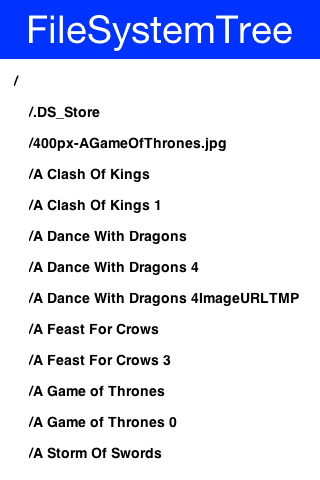
25.3.4. Storage vs. file system
The question of storage vs. file system is often confusing for novice mobile developers. This embeds two separate questions:
Why are there 2 APIs where one would have worked?
Which one should you pick?
The main reasons for the 2 APIs are technical. Many OSes provide 2 ways of accessing data specific to the app and this is reflected within the API. For example: on Android the FileSystemStorage maps to APIs such as java.io.FileInputStream whereas the Storage maps to Context.openFileInput().
The secondary reason for the two APIs is conceptual. FileSystemStorage is more powerful and in a sense provides more ways to fail, this is compounded by the complex on-device behavior of the API. Storage is designed to be friendlier to the uninitiated and more portable.
You should pick Storage unless you have a specific need that prevents it. Some APIs such as Capture expect a FileSystemStorage URI so in those cases this would also be a need.
Another case where FileSystemStorage is beneficial is the case of hierarchy or native API usage. If you need a directory structure or need to communicate with a native API the FileSystemStorage approach is easier.
In some OSes the FileSystemStorage API can find the content of the Storage API. As one is implemented on top of the other. This is undocumented behavior that can change at any moment! |
To summarize the differences between the 3 file storage options:
| Option | Storage | File System | JAR Resource |
|---|---|---|---|
Main Use Case | General application Data | low-level access | Ship data within the app |
Initial State | Blank | Blank | As defined by developer |
Modifiable | Yes | Yes | No |
Supports Hierarchies | No | Yes | No |
25.4. SQL
SQLite is a small SQL database designed for embedding into an application. Codename One exposes it
through com.codename1.db, an API similar in spirit to JDBC but much smaller, since the
abstractions JDBC needs for pluggable drivers make no sense for a local file.
Use it when you have tabular data, need to query it, or have enough of it that loading the lot into
memory is unreasonable. For a handful of values Storage is simpler.
The Database API opens a database by name:
void openDatabase() throws IOException {
// A plain identifier is the portable form: it creates the file on first
// use and every platform decides where it lands. Where
// Database.isCustomPathSupported() answers true a "file://" path works
// instead; where it does not, a name with a separator in it throws.
//
// Its own database, not the propertiesdemo.db the SQLMap walkthrough
// later in this chapter creates -- SQLMap.createTable will not migrate
// a Contact table this left behind with fewer columns.
Database db = Database.openOrCreate("opendemo.db");
try {
// A fresh database is empty, so create before reading or writing.
db.execute("CREATE TABLE IF NOT EXISTS Person ("
+ "id INTEGER PRIMARY KEY AUTOINCREMENT, name TEXT)");
db.execute("INSERT INTO Person (name) VALUES (?)", new String[] { "Ada" });
} finally {
Util.cleanup(db);
}
}Some SQLite apps ship with a "ready made" database. You allow you to replace the DB file by using the code:
String path = Display.getInstance().getDatabasePath("databaseName");You can then use the FileSystemStorage class to write the content of your DB file into the path. Notice that it must be a valid SQLite file!
In the JavaScript port databases live in a browser storage pool rather than a filesystem, so
getDatabasePath() returns the name within that pool and FileSystemStorage can’t open it. |
The browser engine changed. Earlier JavaScript builds kept databases in WebSQL, which
Chrome removed and Firefox never implemented; the current engine is SQLite compiled to WebAssembly,
and it can’t read a WebSQL store. If your application ran on a browser old enough to still have one,
openOrCreate refuses to create a database whose name it finds there rather than handing you an
empty one, because an application that writes as it goes would overwrite the user’s data with an
empty state. Export what the old store holds from a build that still reads it, or set the
cn1.db.ignoreLegacyWebSql property to true to continue with a new empty database — nothing
removes the old store, so an application that has finished with it needs that property to move on. |
This is useful for applications that need to synchronize with a central server or applications that ship with a large database as part of their core product.
Working with a database is pretty trivial, the application logic below can send arbitrary queries to the database and present the results in a Table. You can probably integrate this code into your app as a debugging tool:
Toolbar.setGlobalToolbar(true);
Style s = UIManager.getInstance().getComponentStyle("TitleCommand");
FontImage icon = FontImage.createMaterial(FontImage.MATERIAL_QUERY_BUILDER, s);
Form hi = new Form("SQL Explorer", new BorderLayout());
hi.getToolbar().addCommandToRightBar("", icon, (e) -> {
TextArea query = new TextArea(3, 80);
Command ok = new Command("Execute");
Command cancel = new Command("Cancel");
if(Dialog.show("Query", query, ok, cancel) == ok) {
Database db = null;
Cursor cur = null;
try {
db = Display.getInstance().openOrCreate("MyDB.db");
String sql = query.getText().trim().toLowerCase();
// Deciding this properly means parsing the statement, which is a
// long way outside a sample about Database and Cursor. These four
// prefixes always return rows; a CTE can do either, so it goes to
// execute() and a WITH that ends in a SELECT will report success
// without a table.
boolean returnsRows = sql.startsWith("select") ||
sql.startsWith("pragma") || sql.startsWith("explain") ||
sql.startsWith("values");
if(returnsRows) {
cur = db.executeQuery(query.getText());
int columns = cur.getColumnCount();
hi.removeAll();
if(columns > 0) {
boolean next = cur.next();
if(next) {
ArrayList<String[]> data = new ArrayList<>();
String[] columnNames = new String[columns];
for(int iter = 0 ; iter < columns ; iter++) {
columnNames[iter] = cur.getColumnName(iter);
}
while(next) {
Row currentRow = cur.getRow();
String[] currentRowArray = new String[columns];
for(int iter = 0 ; iter < columns ; iter++) {
currentRowArray[iter] = currentRow.getString(iter);
}
data.add(currentRowArray);
next = cur.next();
}
Object[][] arr = new Object[data.size()][];
data.toArray(arr);
hi.add(BorderLayout.CENTER, new Table(new DefaultTableModel(columnNames, arr)));
} else {
hi.add(BorderLayout.CENTER, "Query returned no results");
}
} else {
hi.add(BorderLayout.CENTER, "Query returned no results");
}
} else {
db.execute(query.getText());
hi.add(BorderLayout.CENTER, "Query completed successfully");
}
hi.revalidate();
} catch(IOException err) {
Log.e(err);
hi.removeAll();
hi.add(BorderLayout.CENTER, "Error: " + err);
hi.revalidate();
} finally {
Util.cleanup(db);
Util.cleanup(cur);
}
}
});
hi.show();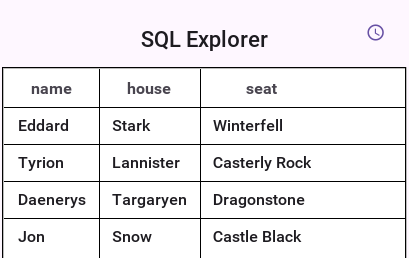
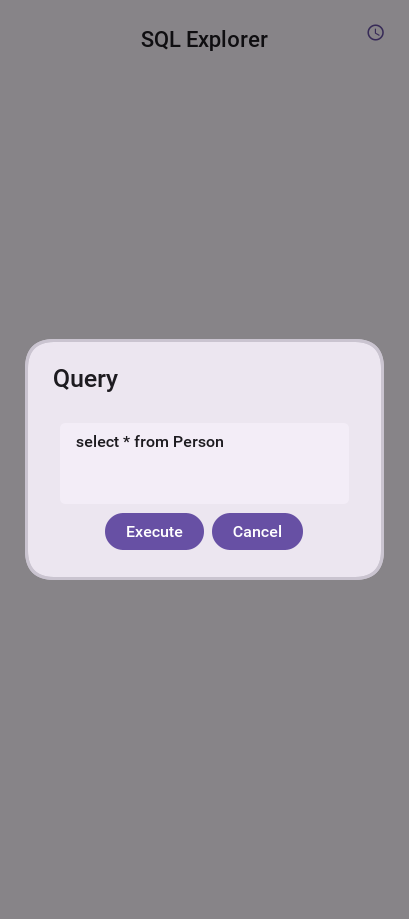
25.4.1. Encrypting a database
Pass a DatabaseConfig to encrypt a database at rest. Check that the platform can do it first:
if (Database.isEncryptionSupported()) {
DatabaseConfig config = DatabaseConfig.managed();
Database db = Database.openOrCreate("secure.db", config);
config.wipe();
}There are three ways to key a database.
DatabaseConfig.passphrase(String)The key is derived from a secret your application supplies, usually one the user typed. Nothing is stored on the device, so losing the passphrase loses the data.
DatabaseConfig.managed()A random key is generated on first use and kept in the platform key store, the Android Keystore or the iOS keychain. Your application never handles the key. This is the right default when there is nobody to prompt.
DatabaseConfig.rawKey(byte[])Thirty-two bytes of key material you already have, for instance issued by your server. No key derivation is applied, so the bytes must already be uniformly random.
A passphrase written into your source code isn’t a secret. String literals are recoverable
from a shipped .ipa or .apk in minutes, so a constant passphrase buys you nothing against anyone
holding the file. If your application can’t ask a human for one, use managed(): a random key in
the platform key store beats a constant compiled into the binary. |
Encryption protects data at rest, and nothing else. It’s no defense against a rooted or jailbroken device, a debugger attached to the running process, or a memory dump, because the key is in memory for as long as the database is open.
Managed keys aren’t recoverable. Losing the key store entry, through an application uninstall, a device wipe or, on Android, restoring a backup onto a different device, leaves the database permanently unreadable. Android keystore keys can’t be exported; iOS keychain entries do survive an encrypted backup and restore. If the data has to outlive the device, use a passphrase your user or your server holds.
The simulator has no hardware key store, so a managed key there is protected only by a
software derived key in your desktop user profile. It’s fine for development, and it’s no evidence
that real user data is protected. DatabaseConfig.isKeyHardwareBacked() reports the
difference, and the simulator logs a warning the first time you use a managed key. |
What encryption costs your build
Nothing is added to an application that doesn’t use it. The build scans your own classes — not the framework’s — and decides from what they reference:
| What your code references | What the build adds |
|---|---|
nothing in | Nothing at all. No SQLite engine on the platforms that bundle one, no browser payload. |
| The plain SQLite engine where the platform needs one: compiled into the native Windows and Linux binaries, and about 1.5MB of WebAssembly in a JavaScript build. Android and iOS use the engine already in the operating system. |
| The cipher as well. On Android that’s |
On Android, encryption raises android.min_sdk_version to 23 and requires
android.useAndroidX=true, because that’s SQLCipher’s floor. If your application targets an older
API level the build will raise it for you, and devices below API 23 will no longer see your app in
the store. This applies as soon as anything in your code mentions DatabaseConfig, so a build hint
alone won’t opt out of it — remove the reference if you need the lower floor. |
Converting an existing database
An application that already ships a plaintext database can convert it in place:
if (!Database.isEncrypted("myapp.db")) {
Database.encrypt("myapp.db", DatabaseConfig.managed());
}Database.decrypt is the reverse, and Database.changeKey re-keys a database that’s already open.
An interruption leaves the original file intact, and schema metadata such as PRAGMA user_version
survives.
How that’s achieved differs by platform, which matters only if you’re watching the filesystem. Most
platforms re-key the file in place. Android can’t: its SQLCipher engine re-keys only between two
encrypted states and refuses to convert to or from plaintext, so the port writes the converted
database alongside the original and swaps it in once it’s complete. A .cn1migrate file next to
your database means a conversion was interrupted partway; the original is still the live one, and
the leftover is cleaned up on the next attempt.
The on-disk format
Every platform reads and writes one format, so a database created on a phone can be pulled off the
device and opened in the simulator while you are debugging. The parameters are fixed: AES-256 in CBC
mode, PBKDF2-HMAC-SHA512 key derivation at 256000 iterations, a 4096 byte page size and per-page
HMAC-SHA512. This is the SQLCipher 4 format, so standard tools such as the sqlcipher command line
client can open these files too.
25.4.2. Transactions
Transactions are flat, because that’s the only model all the underlying engines can express. A
beginTransaction() while one is already open throws, and so does a commitTransaction() or
rollbackTransaction() with none open. Both end the transaction and return the connection to
autocommit, and closing a database with one open rolls it back.
A commit can fail. SQLite checks a deferred constraint when the transaction commits, not when the
offending row is inserted, so that’s where the failure surfaces. When it does, the transaction is
over: the port ends it for you and beginTransaction() works again straight away. Don’t roll back
afterward, because there’s nothing left to roll back and the call throws. The engines don’t agree
here on their own — Android ends the transaction before it reports the failure, while the SQLite C
API and JDBC leave it open — so the port reconciles them and your code sees one behaviour.
25.4.3. Schema migrations
The first release of an app creates its tables. Every later release has to cope with whichever of the earlier schemas a device still holds, and a user who skips three updates has to end up with the same tables as one who took each of them. A migration is one change to the schema, written once as a script. Each script runs exactly once per database, in order, so one call brings any database a device holds up to the schema this build expects.
Scripts go in the common module, in a directory of their own:
common/src/main/db/migration/
V1__create_note.sql
V2__add_note_created.sqlA file called V<version>__<description>.sql holds one change. Versions are
digits separated by dots or underscores and sort as numbers, and a change to the
schema is always a new file with a higher version: a script that has shipped is
never edited, because devices that ran the old text would no longer match the
ones that ran the new text.
-- V2__add_note_created.sql
ALTER TABLE note ADD COLUMN created BIGINT;
UPDATE note SET created = 0 WHERE created IS NULL;The build compiles the scripts into the app, so they aren’t resources and add no files to it. Run them when the database is opened, before anything else touches it:
Database db = Display.getInstance().openOrCreate("notes.db");
Migrations.migrate(db);EntityManager.open(name) does this by itself, since it opens the database and
nothing else has used it yet:
EntityManager manager = EntityManager.open("notes.db");Each script runs in a transaction, and is recorded with a checksum in a table
called flyway_schema_history. A script that fails is rolled back and the call
throws, so a database is never left halfway between two versions. Run the call
on the thread that owns the database, and off the event dispatch thread when the
scripts move a lot of data.
The naming and the history table are Flyway’s, and the same engine runs the server’s migrations.
When the data is newer than the app
A user can install an older build over data that a newer one already migrated, by restoring a backup or downgrading. The older build can’t know what the newer scripts did to its tables, so the call refuses before changing anything:
Database db = Display.getInstance().openOrCreate("notes.db");
try {
Migrations.migrate(db);
} catch (MigrationException refused) {
if (refused.getCode() == MigrationException.FUTURE_SCHEMA) {
db.close();
// the data was written by a newer version of the app: ask the user to update
return null;
}
throw refused;
}An app that already shipped
A database created by a release from before the app had migrations has tables
and no history, and is refused for the same reason a server refuses one: V1
would run against a schema it didn’t create. Write the scripts so they add up to
the schema the shipped releases created, and tell the first run which version
that schema corresponds to:
Migrations.of(db).baselineOnMigrate(true).baselineVersion("3").migrate();A fresh installation ignores the baseline and runs every script.
Scripts that rebuild a table
SQLite can’t drop a constraint or change a column’s type in place, so those
changes rebuild the table. Foreign key enforcement can only be switched inside
no transaction at all, so such a script manages its own. Put a file with the
same name plus .conf beside it, containing executeInTransaction=false:
-- V7__rebuild_note.sql, with V7__rebuild_note.sql.conf holding executeInTransaction=false
PRAGMA foreign_keys = OFF;
BEGIN;
CREATE TABLE note_new (id INTEGER PRIMARY KEY, body TEXT NOT NULL, created INTEGER NOT NULL DEFAULT 0);
INSERT INTO note_new (id, body, created) SELECT id, body, COALESCE(created, 0) FROM note;
DROP TABLE note;
ALTER TABLE note_new RENAME TO note;
COMMIT;
PRAGMA foreign_keys = ON;Keep migration SQL to what every device’s SQLite accepts. Use single quotes
for strings, and prefer the oldest form of ALTER TABLE that does the job,
since the engine on an older phone is older than the one in the simulator.
Without the build step
A project that isn’t built with Maven or Gradle has no step to compile the scripts in. Register them in code instead; everything else works the same way:
MigrationSet set = MigrationSet.builder("default")
.sql("1", "create note", "CREATE TABLE note (id INTEGER PRIMARY KEY, body TEXT)")
.sql("2", "add note created", "ALTER TABLE note ADD COLUMN created INTEGER")
.build();
Migrations.of(db, set).migrate();25.4.4. Attaching a second database
ATTACH makes another database part of the connection, and SQLite holds it until you detach it or
close the connection. Codename One counts an attached database as open, so deleting it, converting
it or changing its key is refused while it’s attached, the same as for the database you opened
directly. That’s the protection you want: unlinking a file SQLite still has open loses everything
written through it.
SQLite lets you attach one file under several schema names at once. The file stays protected until
the last of them is detached, so a DETACH of one name doesn’t release a database the connection
still holds under another.
Write the filename as a single quoted literal, or bind it as a parameter. SQLite also accepts an
expression there — ATTACH '/data/' || name AS aux — but nothing can tell which file that names
until the engine evaluates it, which is after the database is already attached and too late to
refuse. Those
are rejected, and the message says so; build the name in your own code and pass it as a parameter.
Run ATTACH and DETACH through execute(). executeQuery() refuses them, because a cursor runs
its statement when it’s stepped — so the attachment would happen after the bookkeeping, and the
file could then be deleted while SQLite still holds it.
A path that runs through a symbolic link identifies the same database as the resolved path does.
The engine resolves links when it reports what it opened, so Codename One resolves them too before
it decides two names are one file — on the platforms where the engine does. Windows is the
exception, because SQLite’s Windows layer collapses . and .. as text and steps over a junction
rather than through it, so the unresolved name is what identifies the file there.
Name the file with an absolute path from Database.getDatabasePath(). A relative name is resolved
by SQLite against the process working directory, which is a different place on every platform and
isn’t something a Codename One application controls, while Codename One would look for it in the
database directory — so the database protected wouldn’t be the database attached. Those are
rejected on every port whose engine has a working directory to resolve against; in the browser,
where a name is an entry in a storage pool and means the same thing either way, they’re accepted.
If an attachment turns out to name a database that something else is deleting or converting, it’s
detached again and the next call on that connection throws to tell you.
25.4.5. Threading
A Database and its cursors aren’t thread safe. Either give each thread its own connection, or
wrap one in ThreadSafeDatabase, which routes every call through a single worker thread:
Database threadSafeDb = new ThreadSafeDatabase(Database.openOrCreate("shared.db"));The wrapper costs a thread handoff per call, so a connection per thread is faster when the threads don’t genuinely need to share one.
25.4.6. Text and column indexes
Text is stored and read back exactly as written, for every character a Java String can hold:
accented characters, scripts outside ASCII, emoji, and even the character with code point zero,
which SQLite stores in a TEXT value like any other. A string written on one platform reads back
identical on every other.
Reading a column the result set doesn’t have — a negative index, or one past the last column — raises an IOException. It’s never reported as a null value, because SQLite’s own C interface
answers an out-of-range index with SQL NULL, and passing that on would make a mistyped index
impossible to tell apart from stored data.
25.4.7. Cursor performance
Iterating forward with next() costs the same everywhere. Seeking backwards or to an absolute row
is cheap on Android, which keeps a window of rows, and costs time proportional to the distance from
the start elsewhere, because a SQLite statement only steps forward and seeking back means rewinding
and stepping again. Prefer next() for large result sets.
One consequence is worth knowing: because a backward seek re-runs the statement, a cursor is a repeatable read only inside a transaction. Outside one, another thread can write between the two passes, changing what the second pass sees.
There’s a limit on Android that follows from the same mechanism. A statement that changes the
database and returns rows — INSERT … RETURNING and its relatives — runs once, and Android
reads its rows through a window it can only refill by running the statement again. The rows that
fit in the first window are therefore readable and the rest aren’t: reaching them would apply the
insert a second time. Codename One refuses that rather than doing it, and says so in the error,
including that the changes are already applied and the statement must not be retried. If the
result set may be large, run the statement with execute() and query for what you need
afterward. Every other port steps through such a statement once and has no such limit.
25.4.8. Compatibility with the previous behaviour
This API predates the portable contract, and its behaviour used to differ between platforms. If your
application depends on the old behaviour, set the db.legacy build hint, or call
Database.setLegacyBehavior(true) before opening any database. It restores each platform’s previous
behaviour exactly.
What your project gets by default
An Ant project that uses com.codename1.db is built in compatibility mode automatically. Ant
projects predate the portable contract, so a rebuild shouldn’t change how their queries behave
unless you ask for it. A Maven project gets the portable contract, which is the documented default everywhere else
in this section.
The build server decides this from the project itself, and says so in the build log when it turns
compatibility mode on. It only applies when your application actually references
com.codename1.db; an Ant project with no database is unaffected.
The build hint always wins, in either direction:
db.legacy | Ant project | Maven project |
|---|---|---|
unset | compatibility mode | portable contract |
| portable contract | portable contract |
| compatibility mode | compatibility mode |
An Ant project can therefore opt in to the portable contract by setting db.legacy=false, and a
Maven project can pin compatibility mode with db.legacy=true. Setting it explicitly is worth doing once
you’ve decided, because it makes the choice visible in the project rather than inferred from how
it’s built. If you migrate an Ant project to Maven without setting the hint, the default flips, so
set it before you migrate if you want the behaviour to stay put.
The hint works in the simulator too, so you can test either mode without a device.
| Restored behaviour | Platforms |
|---|---|
| iOS |
| Simulator |
| Android, iOS |
Parameters bind as text rather than by type | iOS |
| Android, Simulator |
The parameterized methods discard statements after the first, without saying so | all |
A nested | Android |
Malformed SQL surfaces from | Android |
| Simulator |
| Simulator |
| all |
| all |
| all |
| all but the browser |
The flag doesn’t cover defects, nor capabilities that used to throw and now work:
last(), prev() and position(int) on iOS and the simulator, reading blobs on iOS, blob query
parameters, binding null inside a String[], the existence of a database at all on the native
Windows and Linux ports, or seeking backwards through a statement that writes, which used to run
that statement a second time and repeat what it wrote. No application can depend on those.
25.4.9. Two settings the contract can’t reach
Everything above is behaviour Codename One implements, so it can be made the same everywhere. Two things are decided when the SQLite engine itself is compiled, and Codename One only compiles one of those engines — Android uses the platform’s, the simulator uses the JDBC driver’s, and iOS uses Apple’s unless the application encrypts:
Double-quoted string literals.
SELECT "value"isn’t valid SQL — the double quotes make it an identifier — but SQLite has a compatibility mode that turns an unknown identifier into a string, and that mode is fixed when the engine is compiled, with no pragma to change it. The Android and Apple engines accept it; the simulator’s driver rejects it with a message that tells you to use single quotes. Write string literals in single quotes and the question never arises. The engine Codename One bundles for Windows, Linux and encrypted iOS keeps SQLite’s default, so switching encryption on never changes what a statement means.Foreign keys. SQLite ignores declared foreign keys unless asked, and one driver enables them on its own. Codename One puts every port on SQLite’s default so a violation behaves the same in the simulator as on a device; run
PRAGMA foreign_keys = ONafter opening if you want them enforced, which works everywhere.
Both are easy to settle for yourself: SELECT "value" either returns the string or reports an
error, and PRAGMA foreign_keys reports whether they’re on. Codename One’s own port conformance
run reports both for every platform it covers.
25.5. Network manager & connection request
One of the more common problems in Network programming is spawning a new thread to handle the network operations. In Codename One this is done seamlessly and becomes unessential thanks to the NetworkManager.
NetworkManager effectively alleviates the need for managing network threads by managing the complexity of network threading. The connection request class can be used to ease web service requests when coupled with the JSON/XML parsing capabilities.
That convenience comes with one rule worth learning before the API: the
callbacks that read and write the request run on a network thread, while
postResponse, a response listener and an error listener all run on the EDT.

To open a connection one needs to use a ConnectionRequest object, which has some similarities to the networking mechanism in JavaScript but is obviously somewhat more elaborate.
You can send a get request to a URL using something like:
ConnectionRequest request = new ConnectionRequest(url, false);
request.addResponseListener((e) -> {
// process the response
});
// request will be handled asynchronously
NetworkManager.getInstance().addToQueue(request);Notice that you can also implement the same thing and much more by avoiding the response listener code and instead overriding the methods of the ConnectionRequest class which offers many points to override for example:
ConnectionRequest request = new ConnectionRequest(url, false) {
protected void readResponse(InputStream input) {
// just read from the response input stream
}
protected void postResponse() {
// invoked on the EDT after processing is complete to allow the networking code
// to update the UI
}
protected void buildRequestBody(OutputStream os) {
// writes post data, by default this "just works" but if you want to write this
// manually then override this
}
};
NetworkManager.getInstance().addToQueue(request);Notice that overriding buildRequestBody(OutputStream) will work for POST requests and will replace writing the arguments |
| You don’t need to close the output/input streams passed to the request methods. They’re implicitly cleaned up. |
NetworkManager also supports synchronous requests which work in a similar way to Dialog through the invokeAndBlock call and thus don’t block the EDT [8] illegally. For example: you can do something like this:
ConnectionRequest request = new ConnectionRequest(url, false);
// request will be handled synchronously
NetworkManager.getInstance().addToQueueAndWait(request);
byte[] resultOfRequest = request.getResponseData();Notice that in this case the addToQueueAndWait method returned after the connection completed. Also notice that this was totally legal to do on the EDT!
25.5.1. Timeouts & retries
Each request can override the global timeout using setTimeout(int), which
expects a duration in milliseconds. This is useful when you’re
talking to endpoints that occasionally need a longer window than the default
NetworkManager setting. You can also configure how many times Codename One
should retry a failing call by using setSilentRetryCount(int). When
the silent retry limit is reached the standard error handling kicks in (for example:
listeners fire, fail dialogs show, etc.).
25.5.2. Threading
By default the NetworkManager launches with a single network thread. This is enough for simple applications that don’t do too much networking but if you need to fetch many images concurrently and perform web services in parallel this might be an issue.
| Once you increase the thread count there is no guarantee of order for your requests. Requests might not execute in the order with which you added them to the queue! |
To update the number of threads use:
NetworkManager.getInstance().updateThreadCount(4);The callbacks you override on a ConnectionRequest occur on the network thread and not on the EDT!
The callbacks you register are the other way round. postResponse(), designed to update the UI after the networking code completes, is dispatched back to the EDT with callSerially, and so are the listeners added through addResponseListener and NetworkManager.addErrorListener.
Never change the UI from a ConnectionRequest callback. You can either use a listener on the ConnectionRequest, use postResponse() (which is the exception to this rule) or wrap your UI code with callSerially. |
25.5.3. VPN detection (best effort)
NetworkManager includes two APIs for querying VPN state:
NetworkManager nm = NetworkManager.getInstance();
if (nm.isVPNDetectionSupported()) {
boolean vpnActive = nm.isVPNActive();
}| This is a heuristic signal, not a security control. |
Both Android and iOS implementations rely on platform networking metadata and
interface-name patterns (for example: tun, ppp, utun, ipsec). This means the
result can be wrong in either direction:
False negatives: Some VPNs may hide or avoid these patterns.
False positives: Other virtual/tunnel interfaces may look like VPNs.
Use this API for UX or diagnostics (for example: warnings, telemetry, or logging), not for access control or fraud prevention by itself.
25.5.4. Arguments, headers & methods
HTTP/S is a complex protocol that expects complex encoded data for its requests. Codename One tries to simplify and abstract most of these complexities behind common sense APIs while still providing the full low-level access you would expect from such an API.
Arguments
HTTP supports many "request methods," most commonly GET & POST but also a few others such as HEAD, PUT, DELETE etc.
Arguments in HTTP are passed differently between GET and POST methods. That’s what the setPost method in Codename One determines, whether arguments added to the request should be placed using the GET semantics or the POST semantics.
If you continue your example from above you can do something like this:
ConnectionRequest request = new ConnectionRequest(url, false);
request.addArgument("MyArgName", value);This will implicitly add a get argument with the content of value. Notice that you don’t care what value is. It’s implicitly HTTP encoded based on the get/post semantics. In this case it will use the get encoding since you passed false to the constructor.
A simpler implementation could do something like this:
ConnectionRequest request = new ConnectionRequest(url +
"?MyArgName=" + Util.encodeUrl(value), false);This would be almost identical but doesn’t provide the convenience for switching back and forth between GET/POST and it isn’t as fluent.
You can skip the encoding in complex cases where server code expects illegal HTTP characters (this happens) using the addArgumentNoEncoding method. You can also add many arguments with the same key using addArgumentArray.
Methods
As you explained above, the setPost() method allows you to manipulate the get/post semantics of a request. This implicitly changes the POST or GET method submitted to the server.
For example, if you wish to have finer grained control over the submission process for example: for making a HEAD request you can do this with code like:
ConnectionRequest request = new ConnectionRequest(url, false);
request.setHttpMethod("HEAD");Headers
When communicating with HTTP servers you often pass data within headers for authentication/authorization but also to convey various properties.
Some headers are built-in as direct APIs for example: content type is directly exposed within the API since it’s a pretty common use case. You can set the content kind of post request using:
ConnectionRequest request = new ConnectionRequest(url, true);
request.setContentType("text/xml");You can also add any arbitrary header type you want, for example: a common use case is basic authorization where the authorization header includes the Base64 encoded user/password combination as such:
String authCode = user + ":" + password;
String authHeader = "Basic " + Base64.encodeNoNewline(authCode.getBytes());
request.addRequestHeader("Authorization", authHeader);This can be tedious to do if you want all requests from your app to use this header. For this use case you can use:
String authCode = user + ":" + password;
String authHeader = "Basic " + Base64.encodeNoNewline(authCode.getBytes());
NetworkManager.getInstance().addDefaultHeader("Authorization", authHeader);Server headers
Server returned headers are a bit trickier to read. You need to subclass the connection request and override the readHeaders method for example:
ConnectionRequest request = new ConnectionRequest(url, false) {
protected void readHeaders(Object connection) throws IOException {
String[] headerNames = getHeaderFieldNames(connection);
for(String headerName : headerNames) {
String headerValue = getHeader(connection, headerName);
//....
}
}
protected void readResponse(InputStream input) {
// just read from the response input stream
}
};
NetworkManager.getInstance().addToQueue(request);Here you can extract the headers one by one to handle complex headers such as cookies, authentication etc.
Error handling
As you noticed above practically all the methods in the ConnectionRequest throw IOException. This allows you to avoid the try/catch semantics and let the error propagate up the chain so it can be handled uniformly by the application.
There are two distinct places where you can handle a networking error:
The
ConnectionRequest- by overriding callback methodsThe
NetworkManagererror handler
Notice that the NetworkManager error handler takes precedence thus allowing you to define a global policy for network error handling by consuming errors.
For example: to block all network errors from showing anything to the user you could do something like this:
NetworkManager.getInstance().addErrorListener((e) -> e.consume());
NetworkManager.getInstance().addToQueue(request);The error listener is invoked first with the NetworkEvent matching the error. Consuming the event prevents it from propagating further down the chain into the ConnectionRequest callbacks.
You can also override the error callbacks of the various types in the request for example: for a server error code you can do:
ConnectionRequest request = new ConnectionRequest(url, false) {
protected void handleErrorResponseCode(int code, String message) {
if(code == 444) {
// do something
return;
}
super.handleErrorResponseCode(code, message);
}
protected void readResponse(InputStream input) {
// just read from the response input stream
}
};
NetworkManager.getInstance().addToQueue(request);| The error callback is triggered in the network thread! As a result it can’t access the UI to show a Dialog or anything like that. |
Another approach is to use the setFailSilently(true) method on the ConnectionRequest. This will prevent the ConnectionRequest from displaying any errors to the user. It’s a powerful strategy if you use the synchronous version of the APIs for example:
ConnectionRequest request = new ConnectionRequest(url, false);
request.setFailSilently(true);
NetworkManager.getInstance().addToQueueAndWait(request);
if(request.getResponseCode() < 200 || request.getResponseCode() > 299) {
// probably an error...
}| This code will work with the synchronous "AndWait" version of the method since the response code will take a while to return for the non-wait version. |
Error stream
When you get an error code that isn’t 200/300 you ignore the result. This is problematic as the result might contain information you need. For example: many webservices provide further XML/JSON based details describing the reason for the error code.
Calling setReadResponseForErrors(true) will trigger a mode where even errors will receive the readResponse callback with the error stream. This also means that APIs like getData and the listener APIs will also work in case of error.
25.5.5. GZIP
Gzip is a common compression format based on the lz algorithm, it’s used by web servers around the world to compress data.
Codename One supports GZIPInputStream and GZIPOutputStream, which allow you to compress data seamlessly into a stream and extract compressed data from a stream. This is useful and can be applied to every arbitrary stream.
Codename One also features a GZConnectionRequest, which will automatically unzip an HTTP response if it’s indeed gzipped. Notice that some devices (iOS) always request gzip’ed data and always decompress it for you, but for iOS it doesn’t remove the gziped header. The GZConnectionRequest is aware of such behaviors so it’s better to use that when connecting to the network (if applicable).
By default GZConnectionRequest doesn’t request gzipped data ( unzips it when its received) but its pretty easy to do so add the HTTP header Accept-Encoding: gzip for example:
GZConnectionRequest con = new GZConnectionRequest();
con.addRequestHeader("Accept-Encoding", "gzip");Do the rest as usual and you should have smaller responses from the servers.
25.5.6. File upload
MultipartRequest tries to simplify the process of uploading a file from the local device to a remote server.
You can always submit data in the buildRequestBody but this is flaky and has some limitations in devices/size allowed. HTTP standardized file upload capabilities through the multipart request protocol, this is implemented by countless servers and is well documented. Codename One supports this out of the box:
MultipartRequest request = new MultipartRequest();
request.setUrl(url);
request.addData("myFileName", fullPathToFile, "text/plain");
NetworkManager.getInstance().addToQueue(request);MultipartRequest is a ConnectionRequest most stuff you expect from there should work. Even addArgument etc. |
Since you assume most developers reading this will be familiar with Java here is the way to implement the multipart upload in the servlet API:
This is server-side Java rather than Codename One, so it isn’t one of the compiled examples:
@WebServlet(name = "UploadServlet", urlPatterns = {"/upload"})
@MultipartConfig(fileSizeThreshold = 1024 * 1024 * 100,
maxFileSize = 1024 * 1024 * 150,
maxRequestSize = 1024 * 1024 * 200)
public class UploadServlet extends HttpServlet {
@Override
public void doPost(HttpServletRequest req, HttpServletResponse res)
throws ServletException, IOException {
// By name, matching the addData(...) call above: getParts() also
// carries any addArgument values and comes off an unordered map,
// so the first part is not necessarily the file.
Part data = req.getPart("myFileName");
try (InputStream in = data.getInputStream()) {
// Persist the bytes wherever the upload belongs.
}
}
}25.5.7. Parsing
Codename One has many built in parsers for JSON, XML, CSV & Properties formats. You can use those parsers to read data from the Internet or data that’s shipping with your product. For example: use the CSV data to setup default values for your application.
All your parsers are designed with simplicity and small distribution size; they don’t check and will fail in odd ways when faced with broken data. The main logic behind this is that validation takes up CPU time on the device where CPU is a precious resource.
Parsing CSV
CSV is probably the easiest to use, the "Comma Separated Values" format is a list of values separated by commas (or some other character) with new lines to show another row in the table. These map well to an Excel spreadsheet or database table and are supported by default in all spreadsheets.
To parse a CSV use the CSVParser class as such:
Form hi = new Form("CSV Parsing", new BorderLayout());
CSVParser parser = new CSVParser();
try(Reader r = new CharArrayReader("1997,Ford,E350,\"Super, \"\"luxurious\"\" truck\"".toCharArray());) {
String[][] data = parser.parse(r);
String[] columnNames = new String[data[0].length];
for(int iter= 0 ; iter < columnNames.length ; iter++) {
columnNames[iter] = "Col " + (iter + 1);
}
TableModel tm = new DefaultTableModel(columnNames, data);
hi.add(BorderLayout.CENTER, new Table(tm));
} catch(IOException err) {
Log.e(err);
}
hi.show();
The data contains a two-dimensional array of the CSV content. You can change the delimiter character by using the CSVParser constructor that accepts a character.
Notice that you used CharArrayReader from the com.codename1.io package for this sample. You would want to use java.util.InputStreamReader for real world data. |
JSON
The JSON ("JavaScript Object Notation") format is popular on the web for passing values to/from webservices since it works so well with JavaScript. Parsing JSON is as easy but has two different variations. You can use the JSONParser class to build a tree of the JSON data as such:
JSONParser parser = new JSONParser();
Hashtable response = parser.parse(reader);The response is a Map containing a nested hierarchy of Collection (java.util.List), Strings and numbers to represent the content of the submitted JSON. To extract the data from a specific path iterate the Map keys and recurs into it.
The sample below uses results from an API of ice and fire that queries structured data about the "Song Of Ice & Fire" book series. Here is a sample result returned from the API for the query https://www.anapioficeandfire.com/api/characters?page=5&pageSize=3 :
[
{
"url": "http://www.anapioficeandfire.com/api/characters/13",
"name": "Chayle",
"culture": "",
"born": "",
"died": "In 299 AC, at Winterfell",
"titles": [
"Septon"
],
"aliases": [],
"father": "",
"mother": "",
"spouse": "",
"allegiances": [],
"books": [
"http://www.anapioficeandfire.com/api/books/1",
"http://www.anapioficeandfire.com/api/books/2",
"http://www.anapioficeandfire.com/api/books/3"
],
"povBooks": [],
"tvSeries": [],
"playedBy": []
},
{
"url": "http://www.anapioficeandfire.com/api/characters/14",
"name": "Gillam",
"culture": "",
"born": "",
"died": "",
"titles": [
"Brother"
],
"aliases": [],
"father": "",
"mother": "",
"spouse": "",
"allegiances": [],
"books": [
"http://www.anapioficeandfire.com/api/books/5"
],
"povBooks": [],
"tvSeries": [],
"playedBy": []
},
{
"url": "http://www.anapioficeandfire.com/api/characters/15",
"name": "High Septon",
"culture": "",
"born": "",
"died": "",
"titles": [
"High Septon",
"His High Holiness",
"Father of the Faithful",
"Voice of the Seven on Earth"
],
"aliases": [
"The High Sparrow"
],
"father": "",
"mother": "",
"spouse": "",
"allegiances": [],
"books": [
"http://www.anapioficeandfire.com/api/books/5",
"http://www.anapioficeandfire.com/api/books/8"
],
"povBooks": [],
"tvSeries": [
"Season 5"
],
"playedBy": [
"Jonathan Pryce"
]
}
]You will place that into a file named "anapioficeandfire.json" in the src directory to make the next sample simpler:
Form hi = new Form("JSON Parsing", new BoxLayout(BoxLayout.Y_AXIS));
JSONParser json = new JSONParser();
try (Reader r = new InputStreamReader(
Display.getInstance().getResourceAsStream(getClass(), "/anapioficeandfire.json"), "UTF-8")) {
Map<String, Object> data = json.parseJSON(r);
java.util.List<Map<String, Object>> content =
(java.util.List<Map<String, Object>>) data.get("root"); (1)
for (Map<String, Object> obj : content) { (2)
String url = (String) obj.get("url");
String name = (String) obj.get("name");
java.util.List<String> titles = (java.util.List<String>) obj.get("titles"); (3)
if (name == null || name.length() == 0) {
java.util.List<String> aliases = (java.util.List<String>) obj.get("aliases");
if (aliases != null && aliases.size() > 0) {
name = aliases.get(0);
}
}
MultiButton mb = new MultiButton(name);
if (titles != null && titles.size() > 0) {
mb.setTextLine2(titles.get(0));
}
mb.addActionListener((e) -> Display.getInstance().execute(url));
hi.add(mb);
}
} catch (IOException err) {
Log.e(err);
}
hi.show();| 1 | The JSONParser returns a Map which is great if the root object is a Map but sometimes its a list of elements (as is the case above). In this case a special case "root" element is created to contain the actual list of elements. |
| 2 | This relies on the entries all being maps, which might not be the case for every API type. |
| 3 | Notice that the "titles" and "aliases" entries are both lists of elements. You use java.util.List to avoid a clash with com.codename1.ui.List. |
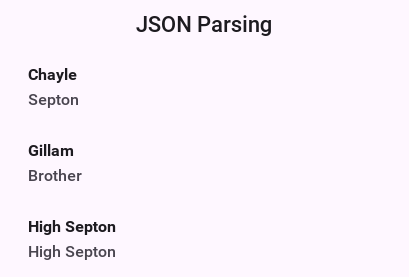
| The structure of the returned map is sometimes unintuitive when looking at the raw JSON. The easiest thing to do is set a breakpoint on the method and use the inspect variables capability of your IDE to inspect the returned element hierarchy while writing the code to extract that data |
An alternative approach is to use the static data parse() method of the JSONParser class and implement a callback parser for example:
JSONParser.parse(reader, callback);
Notice that a static version of the method is used! The callback object is an instance of the JSONParseCallback interface, which includes many methods. These methods are invoked by the parser to show internal parser states, this is like the way traditional XML SAX event parsers work.
Writing JSON — JSONWriter
For typed DTO serialization use the @Mapped annotation framework
(see JSON / XML Object Mapping) plus Mappers.toJson(…). For ad-hoc
maps / lists where a build-time Mapper would be overkill, the
com.codename1.io.JSONWriter class is the complement of JSONParser:
// One-shot encoding of any Map / List / String / Number / Boolean / null tree
Map<String, Object> tree = new HashMap<>();
tree.put("name", "ada");
tree.put("values", Arrays.asList(1, 2, 3));
String json = JSONWriter.toJson(tree);
// Streaming variants for large outputs (UTF-8)
JSONWriter.toJson(value, writer);
JSONWriter.toJson(value, outputStream);For tiny request bodies the fluent builders are usually faster to read
than a Map literal:
String body = JSONWriter.object()
.put("email", email)
.put("password", password)
.toJson();
String coords = JSONWriter.array()
.add(JSONWriter.object().put("lat", 37.7749).put("lng", -122.4194))
.add(JSONWriter.object().put("lat", 51.5074).put("lng", -0.1278))
.toJson();Strings are double-quoted with the standard backslash escapes for ",
\, \n, \r, \t, \b, \f, and control chars below 0x20 are
emitted as \u00xx. The writer doesn’t pretty-print; if you need
indented output, run the result through an external formatter at debug
time.
XML parsing
The XMLParser started its life as an HTML parser built for displaying mobile HTML. That usage has since been deprecated but the parser can still parse many HTML pages and is "loose" in verification. This is both good and bad as the parser will work with invalid data without complaining.
The simplest usage of XMLParser looks a bit like this:
XMLParser parser = new XMLParser();
Element elem = parser.parse(reader);The Element contains children and attributes. It represents a tag within the XML document and even the root document itself. You can iterate over the XML tree to extract the data from within the XML file.
You’ve had a great sample of working with XMLParser in the Tree Section of this guide.
XMLParser has the complimentary XMLWriter class which can generate XML from the Element hierarchy. This allows developers to mutate (change) the elements and save them to a writer stream.
XPath processing
The Result class provides a subset of
XPath, but it isn’t limited to XML documents, it can also work with JSON documents, and even with raw Map objects.
Start by demonstrating how to process a response from the Google Reverse Geocoder API. Start with this XML snippet:
<?xml version="1.0" encoding="UTF-8"?>
<GeocodeResponse>
<status>OK</status>
<result> <!-- (irrelevant content removed) -->
<address_component>
<long_name>London</long_name>
<short_name>London</short_name>
<type>locality</type>
<type>political</type>
</address_component>
<!-- (irrelevant content removed) -->
<address_component>
<long_name>Ontario</long_name>
<short_name>ON</short_name>
<type>administrative_area_level_1</type>
<type>political</type>
</address_component>
<address_component>
<long_name>Canada</long_name>
<short_name>CA</short_name>
<type>country</type>
<type>political</type>
</address_component>
</result>
</GeocodeResponse>You want to extract some data above into simpler string results. You can do this using:
Result result = Result.fromContent(input, Result.XML);
String country = result.getAsString("/result/address_component[type='country']/long_name");
String region = result.getAsString("/result/address_component[type='administrative_area_level_1']/long_name");
String city = result.getAsString("/result/address_component[type='locality']/long_name");If you’re at all familiar with processing responses from webservices, you will notice that what would require many lines of code of selecting and testing nodes in regular java can now be done in a single line using the new path expressions.
In the code above, input can be any of:
InputStreamdirectly fromConnectionRequest.readResponse(java.io.InputStream).XML or JSON document in the form of a
StringJSON DOM
Mapreturned from JSONParser
To use the expression processor when calling a webservice, you could use something like the following to parse JSON (notice this is interchangeable between JSON and XML):
Form hi = new Form("Location", new BoxLayout(BoxLayout.Y_AXIS));
hi.add("Pinpointing Location");
Display.getInstance().callSerially(() -> {
Location l = Display.getInstance().getLocationManager().getCurrentLocationSync();
if(l == null) {
hi.add("Location unavailable");
hi.revalidate();
return;
}
ConnectionRequest request = new ConnectionRequest("https://maps.googleapis.com/maps/api/geocode/json", false) {
private String country;
private String region;
private String city;
private String json;
@Override
protected void readResponse(InputStream input) throws IOException {
Result result = Result.fromContent(input, Result.JSON);
country = result.getAsString("/results/address_components[types='country']/long_name");
region = result.getAsString("/results/address_components[types='administrative_area_level_1']/long_name");
city = result.getAsString("/results/address_components[types='locality']/long_name");
json = result.toString();
}
@Override
protected void postResponse() {
hi.removeAll();
hi.add(country);
hi.add(region);
hi.add(city);
hi.add(new SpanLabel(json));
hi.revalidate();
}
};
request.setContentType("application/json");
request.addRequestHeader("Accept", "application/json");
request.addArgument("key", googleApiKey);
request.addArgument("latlng", l.getLatitude() + "," + l.getLongitude());
NetworkManager.getInstance().addToQueue(request);
});
hi.show();
/* omitted */The returned JSON looks something like this (notice it’s snipped because the data is too long):
{
"status": "OK",
"results": [
{
"place_id": "ChIJJ5T9-iFawokRTPGaOginEO4",
"formatted_address": "280 Broadway, New York, NY 10007, USA",
"address_components": [
{
"short_name": "280",
"types": ["street_number"],
"long_name": "280"
},
{
"short_name": "Broadway",
"types": ["route"],
"long_name": "Broadway"
},
{
"short_name": "Lower Manhattan",
"types": [
"neighborhood",
"political"
],
"long_name": "Lower Manhattan"
},
{
"short_name": "Manhattan",
"types": [
"sublocality_level_1",
"sublocality",
"political"
],
"long_name": "Manhattan"
},
{
"short_name": "New York",
"types": [
"locality",
"political"
],
"long_name": "New York"
},
{
"short_name": "New York County",
"types": [
"administrative_area_level_2",
"political"
],
"long_name": "New York County"
},
{
"short_name": "NY",
"types": [
"administrative_area_level_1",
"political"
],
"long_name": "New York"
},
{
"short_name": "US",
"types": [
"country",
"political"
],
"long_name": "United States"
},
{
"short_name": "10007",
"types": ["postal_code"],
"long_name": "10007"
},
{
"short_name": "1868",
"types": ["postal_code_suffix"],
"long_name": "1868"
}
],
"types": ["street_address"],
"geometry": {
"viewport": {
"northeast": {
"lng": -74.0044642197085,
"lat": 40.7156470802915
},
"southwest": {
"lng": -74.0071621802915,
"lat": 40.7129491197085
}
},
"location_type": "ROOFTOP",
"location": {
"lng": -74.00581319999999,
"lat": 40.7142981
}
}
}
/* SNIPED the rest */
]
}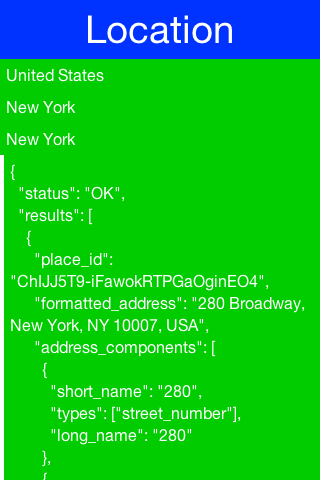
The XML processor handles global selections by using a double slash anywhere within the expression, for example:
// get all address_component names anywhere in the document with a type "political"
String array[] = result.getAsStringArray("//address_component[type='political']/long_name");
// get all types anywhere under the second result (dimension is 0-based)
String[] types = result.getAsStringArray("/result[1]//type");| Notice that Google’s JSON webservice uses plural form for each of the node names in that API (ie. results, address_components, and types) where they don’t in the XML services (that’s result, address_component etc.) |
Second example
It’s also possible to do some more complex expressions. You’ll use the following XML fragment for the next batch of examples:
<rankings type="aus" gender="male" date="2011-12-31">
<player id="1036" coretennisid="6752" rank="1"
delta="0" singlespoints="485000" doublespoints="675"
deductedpoints="0" totalpoints="485675">
<firstname>Bernard</firstname>
<lastname>Tomic</lastname>
<town>SOUTHPORT</town>
<state>QLD</state>
<dob>1992-10-21</dob>
</player>
<player id="2585" coretennisid="1500" rank="2"
delta="0" singlespoints="313500" doublespoints="12630"
deductedpoints="0" totalpoints="326130">
<firstname>Mathew</firstname>
<lastname>Ebden</lastname>
<town>CHURCHLANDS</town>
<state>WA</state>
<dob>1987-11-26</dob>
</player>
<player id="6457" coretennisid="287" rank="3"
delta="0" singlespoints="132500" doublespoints="1500"
deductedpoints="0" totalpoints="134000">
<firstname>Lleyton</firstname>
<lastname>Hewitt</lastname>
<town>EXETER</town>
<state>SA</state>
<dob>1981-02-24</dob>
</player>
<!-- ... etc ... -->
</rankings>Above, if you want to select the IDs of all players that are ranked in the top 2, you can use an expression like:
int top2[] = result.getAsIntegerArray("//player[@rank < 3]/@id");| Notice above that the expression is using an attribute for selecting both rank and id. In JSON documents, if you try to select an attribute, it will look for a child node under the attribute name you ask for. |
If a document is ordered, you might want to select nodes by their position, for example:
String first2[] = result.getAsStringArray("//player[position() < 2]/firstname");
String secondLast = result.getAsString("//player[last() - 1]/firstname");It’s also possible to select parent nodes, by using the .. expression. For example:
int id = result.getAsInteger("//lastname[text()='Hewitt']/../@id");Above, you globally find a lastname element with a value of ‘Hewitt’, then grab the parent node of lastname which happens to be the player node, then grab the ID attribute from the player node. Or, you could get the same result from the following simpler statement:
int id = result.getAsInteger("//player[lastname='Hewitt']/@id");A predicate can’t hold another predicate. An expression such as
//player[//address[country/isocode='CA']]/@id is rejected with
Syntax error: unclosed predicate, because the outer predicate is split at
its comparator before it’s tokenized and that cuts the inner one in half.
Select the inner nodes first and match on what comes back.
To select a node based on the existence of an attribute:
int id[] = result.getAsIntegerArray("//player[@rank]/@id");Above, you selected the IDs of all ranked players. Conversely, you can select the non-ranked players like this:
int id[] = result.getAsIntegerArray("//player[@rank=null]/@id");Logical not (!) operators aren’t implemented. |
There’s no matching test for a child node. A predicate that names one with no
comparison in it — //player[middlename] — is rejected with
Could not create a comparator, so test for a child by comparing it to
something, or select the child and work from what comes back.
Keep in mind that the Codename One path expression language isn’t a full implementation of XPath 1.0, but does already handle many of the most useful features of the specification.
Properties files
Properties files are standard key/value pairs encoded into a text file. This file format is familiar to Java developers and the Codename One specific version tries to be as close as possible to the original Java implementation.
Notice that properties file both in Java proper and in Codename One don’t support non-ascii characters. To encode Unicode values into the properties file format you should use the native2ascii tool that ships with the JDK.
One major difference between standard Java properties and the ones in Codename One is that Codename One sorts properties alphabetically when saving. Java uses random order based on the Hashtable natural ordering.
This was done to provide consistency for saved files.
25.6. Debugging network connections
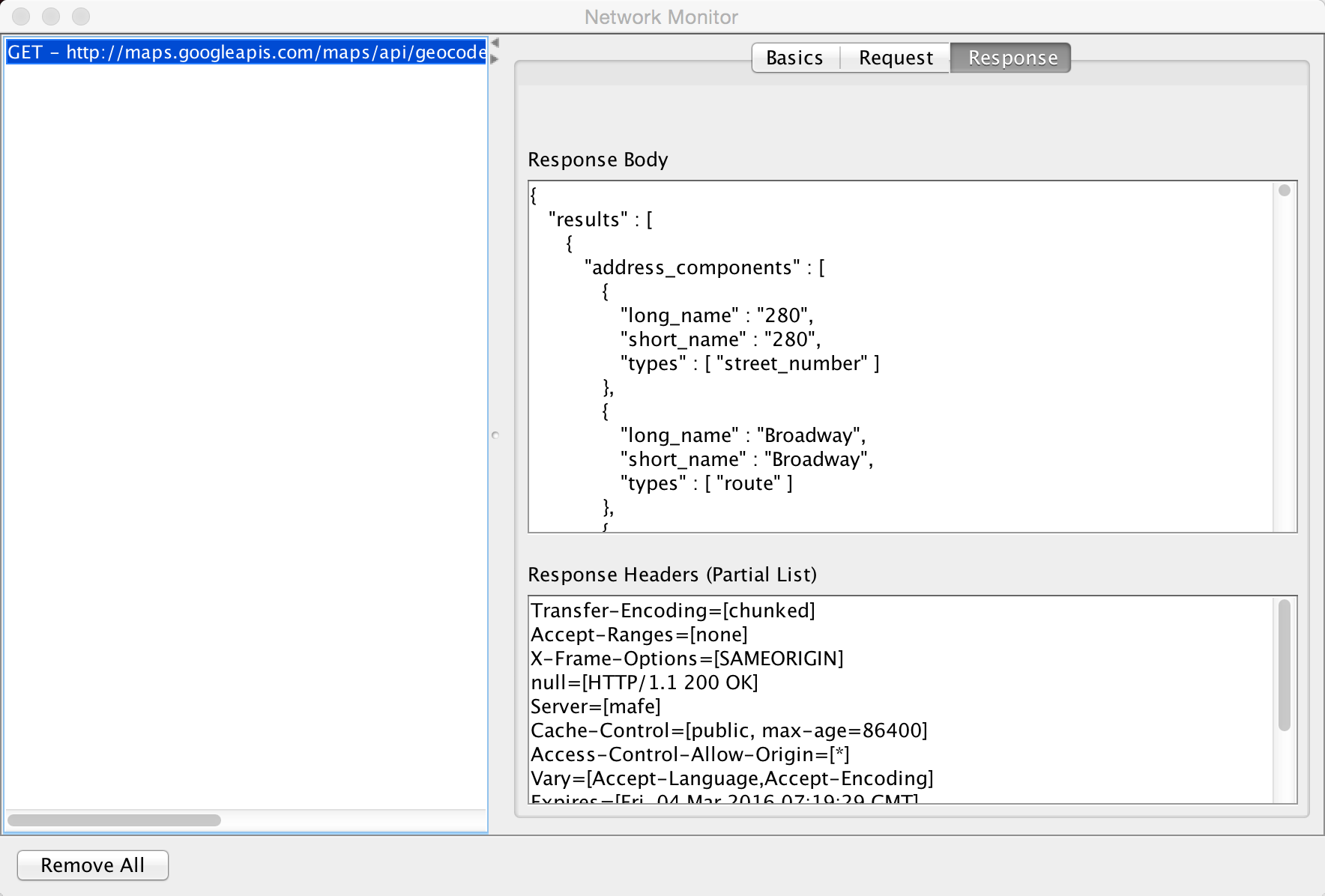
Codename One includes a Network Monitor tool which you can access through the simulator menu option. This tool reflects all the requests made through the connection requests and displays them in the left pane. This allows you to track issues in your code/web service and see everything the is "going through the wire."
This is a useful tool for optimizing and for figuring out what’s happening with your server connection logic.
25.6.1. Simpler downloads
A common task is file download to storage or filesystem.
The Util class has simple utility methods:
downloadUrlToFileSystemInBackground, downloadUrlToStorageInBackground, downloadUrlToFile & downloadUrlToStorage.
These all delegate to a feature in ConnectionRequest:
ConnectionRequest.setDestinationStorage(fileName) &
ConnectionRequest.setDestinationFile(fileName);
Both of which simplify the whole process of downloading a file.
Downloading images
Codename One has many ways to download an image and the general recommendation is the URLImage.
For example, the URLImage assumes that you know the size of the image in advance or that you’re willing to resize it. In that regard it works great for some use cases but not so much for others.
The download methods mentioned above are great alternatives but they’re a bit verbose when working with images and don’t provide fine grained control over the ConnectionRequest for example: making a POST request to get an image.
| Adding global headers is another use case but you can use addDefaultHeader to add those. |
To make this process simpler there is a set of helper methods in ConnectionRequest that downloads images directly.
These methods complement the Util methods but go a bit further and feature terse syntax for example: you can
download a ConnectionRequest to Storage using code like this:
request.setUrl(url);
request.downloadImageToStorage("cached-image", (img) -> theImageIsHereDoSomethingWithIt(img));This effectively maps the ConnectionRequest directly to a SuccessCallback for further processing.
URLImage caching
URLImage is great. It changed the way you do some things in Codename One.
For example, when it was introduced there was no support for the cache filesystem or for the JavaScript port. The cache filesystem is probably the best place for images of URLImage so supporting that as a target is an obvious choice, but JavaScript seems to work so why would it need a special case?
JavaScript already knows how to download and cache images from the web. URLImage is actually a step back from the things a good browser can do so why not use the native abilities of the browser when you’re running there and fallback to using the cache filesystem if it’s available and as a last resort go to storage…
That’s what the new method of URLImage does:
public static Image createCachedImage(String imageName, String url,
Image placeholder, int resizeRule);A few important things you need to notice about this method:
It returns Image and not URLImage. This is crucial. Down casting to `URLImage* will work on the simulator but might fail in some platforms (for example: JavaScript) so don’t do that!
Since this is implemented natively in JavaScript you need a different abstraction for that platform.It doesn’t support image adapters and instead uses a simplified resize rule. Image adapters work on
URLImagesince you have a lot of control in that class. For example, in the browser your control is limited and so an adapter won’t work.
If you do use this approach it would be far more efficient when running in the JavaScript port and will make better use of caching in most OSes.
25.7. Rest API
The Rest API makes it easy to invoke a RESTful webservice without many of the nuances of ConnectionRequest. You can use it to define the HTTP method and start building based on that. To get a parsed JSON result from a URL you could do:
Map<String, Object> jsonData = Rest.get(myUrl).getAsJsonMap().getResponseData();For a lot of REST requests this will fail because you need to add an HTTP header indicating that you accept JSON results. You have a special case support for that:
Map<String, Object> jsonData = Rest.get(myUrl).acceptJson().getAsJsonMap().getResponseData();POST requests use the same builder pattern:
Map<String, Object> jsonData = Rest.post(myUrl).body(bodyValueAsString).getAsJsonMap().getResponseData();Notice the usage of post and the body builder method. MANY methods exist in the builder class that cover pretty much everything you would expect and then some when it comes to the needs of rest services.
Some highlights that are easy to miss:
.priority(byte)lets you change the underlyingConnectionRequestpriority when you need certain calls to jump the queue..cookiesEnabled(boolean)controls whether cookies are persisted for the request when you need stateless behavior..useBoolean(boolean)and.useLongs(boolean)toggle how the JSON parser materializes number and boolean types inside the resultingMap, which is handy when your back end is strict about data types..cacheMode(…)and.postParameters(…)expose the same knobs asConnectionRequest, keeping you in the fluent API even for advanced tweaks.
25.7.1. Top-level JSON arrays — fetchAsJsonList
When the endpoint returns a top-level JSON array (for example [{...}, {...}]),
use fetchAsJsonList rather than fetchAsJsonMap. The underlying
JSONParser wraps top-level arrays under a synthetic "root" key;
fetchAsJsonList unwraps that envelope for you so the callback receives
the array directly:
Rest.get("https://api.example.com/items")
.header("Authorization", "Bearer " + token)
.acceptJson()
.fetchAsJsonList(response -> {
List items = response.getResponseData();
renderItems(items);
});There is no separate builder for the ambiguous "object or array" case:
when the response shape isn’t known up-front, use fetchAsJsonMap and
branch on data.get("root") instanceof List.
25.7.2. Typed responses — fetchAsMapped and fetchAsMappedList
Rest.fetchAsJsonMap returns a generic Map<String, Object> that the caller
casts and inspects key by key. Once your DTOs are @Mapped-annotated
(see JSON / XML Object Mapping), fetchAsMapped returns the typed object
directly:
// Model
@Mapped
public class Pet {
@JsonProperty("id") public long id;
@JsonProperty("name") public String name;
@JsonProperty("photoUrls") public List<String> photoUrls;
}// Call site
Rest.get(baseUrl + "/pet/" + petId)
.header("Authorization", "Bearer " + token)
.acceptJson()
.fetchAsMapped(Pet.class, response -> {
Pet pet = response.getResponseData(); // already typed -- no Map casts
renderPet(pet);
});For endpoints that return a list of DTOs, use fetchAsMappedList:
Rest.get(baseUrl + "/albums")
.header("Authorization", "Bearer " + token)
.acceptJson()
.fetchAsMappedList(Album.class, response -> {
List<Album> albums = response.getResponseData();
renderAlbums(albums);
});Both builders fall back to the untyped fetchAsJsonMap / fetchAsJsonList
path internally and then route every map element through the build-time
mapper that the @Mapped annotation processor generated. If a mapper isn’t
registered for the requested class (typical cause: the
process-annotations Mojo didn’t run on the class, or the class isn’t
@Mapped-annotated), the callback completes with null data — so always
inspect response.getResponseCode() rather than response.getResponseData()
to differentiate a server error response from the missing-mapper case.
The code in the kitchen sink webservice sample was updated to use this API. The result is shorter and more readable without sacrificing anything.
25.7.3. Rest in practice - twilio
The best way to explain the usage of this API is through a concrete "real world" example. Twilio provides many great telephony-oriented webservices to developers. One of those is an SMS sending webservice which can be useful for things such as "device activation."
To get started you would need to sign up to Twilio and have the following 3 variable values:
String accountSID = "----------------";
String authToken = "---------------";
String fromPhone = "your Twilio phone number here";| You can open a trial Twilio account and it tags all your SMS’s. Notice you would need to use a You based number if you don’t want to pay |
You can now send hello world as an SMS to the end user. Once this is in place sending an SMS through REST is a matter of using the Rest API:
Response<Map> result = Rest.post("https://api.twilio.com/2010-04-01/Accounts/" + accountSID + "/Messages.json").
queryParam("To", destinationPhone).
queryParam("From", fromPhone).
queryParam("Body", "Hello World").
basicAuth(accountSID, authToken).
getAsJsonMap();Notice that this is equivalent of this "curl" command:
curl 'https://api.twilio.com/2010-04-01/Accounts/[accountSID]/Messages.json' -X POST \ --data-urlencode 'To=[destinationPhone]' \ --data-urlencode 'From=[fromPhone]' \ --data-urlencode 'Body=Hello World' \ -u [accountSID]:[AuthToken]
That’s pretty cool as the curl command maps almost directly to the Rest API call!
What you do here is actually pretty trivial, you open a connection the api messages URL. You add arguments to the body of the post request and define the basic authentication data.
The result is in JSON form you ignore it since it isn’t that important but it might be useful for error handling. This is a sample response (redacted keys):
{
"sid": "[sid value]",
"date_created": "Sat, 09 Sep 2017 19:47:30 +0000",
"date_updated": "Sat, 09 Sep 2017 19:47:30 +0000",
"date_sent": null,
"account_sid": "[sid value]",
"to": "[to phone number]",
"from": "[from phone number]",
"messaging_service_sid": null,
"body": "Sent from your Twilio trial account - Hello World",
"status": "queued",
"num_segments": "1",
"num_media": "0",
"direction": "outbound-api",
"api_version": "2010-04-01",
"price": null,
"price_unit": "USD",
"error_code": null,
"error_message": null,
"uri": "/2010-04-01/Accounts/[sid value]/Messages/SMe802d86b9f2246989c7c66e74b2d84ef.json",
"subresource_uris": {
"media": "/2010-04-01/Accounts/[sid value]/Messages/[message value]/Media.json"
}
}Notice the error message entry which is null meaning there was no error, if there was an error you’d have a message there or an error code that isn’t in the 200-210 range.
This should display an error message to the user if there was a problem sending the SMS:
if(result.getResponseCode() < 200 || result.getResponseCode() > 299) {
String error = null;
if(result.getResponseData() != null) {
error = (String)result.getResponseData().get("error_message");
}
if(error == null) {
error = "Error sending SMS: " + result.getResponseCode();
}
ToastBar.showErrorMessage(error);
}25.8. Webservice wizard
The right-click option this was driven from belonged to the IDE plugin and
is gone. The generator itself survives in one place: Ant projects created from
the old template still have a webservice-wizard target, which runs
com.codename1.ws.wizard.WSWizard out of CodeNameOneBuildClient.jar. A Maven
project has no equivalent. com.codename1.io.WebServiceProxyCall is still in the
framework either way, so an app with generated proxies keeps working. For new
work use Section 25.7, “Rest API”, which needs no code generation and speaks a format every
server already talks. |
The protocol it implements is a compact binary one. Method arguments were
restricted to a small set of types, extended through object externalization, and
every generated method came in two forms: one that blocks and throws
IOException, and one that takes a callback and reports through it.
25.9. Connection request caching
Caching server data locally is a huge part of the advantage a native app has over a web app. This is non-trivial as it requires a delicate balance if you want to test the server resource for changes.
HTTP provides two ways to do that the ETag and Last-Modified. While both are great they’re non-trivial to use and by no definition seamless.
Connection request has an experimental feature that allows you to set the caching mode to one of 4 states either globally or per connection request:
OFF is the default meaning no caching.
SMART means all get requests are cached intelligently and caching is "mostly" seamless
MANUAL means that the developer handles the actual caching but the system won’t do a request on a resource that’s already "fresh"
OFFLINE will fetch data from the cache and won’t try to go to the server. It will generate a 404 error if data isn’t available
You can toggle these in the specific request by using setCacheMode(CachingMode) and set the global
default using setDefaultCacheMode(CachingMode).
Caching applies to GET operations, it won’t work for POST or other methods |
There are many methods of interest to keep an eye for:
protected InputStream getCachedData() throws IOException; protected void cacheUnmodified() throws IOException; public void purgeCache(); public static void purgeCacheDirectory() throws IOException;
25.9.1. getCachedData()
This returns the cached data. This is invoked to implement readResponse(InputStream) when running offline
or when you detect that the local cache isn’t stale.
The smart mode implements this and will fetch the right data. For example, the manual mode doesn’t store the data and relies on you to do so. In that case you need to return the data you stored at this point and must implement this method for manual mode.
25.9.2. Cacheunmodified()
This is a callback that’s invoked to show a cache hit, meaning that you already have the data.
The default implementation still tries to call all the pieces for compatibility (for example: readResponse).
For example, if this is unnecessary you can override that method with a custom implementation or even a blank
implementation to block such a case.
25.9.3. Purgecache & purgeCacheDirectory
These methods are pretty self-explanatory. Notice one caveat though…
When you download a file or a storage element you don’t cache them and rely on the file/storage element to be present and serve as "cache." When purging you won’t delete a file or storage element you downloaded and thus these might remain.
For example, you do remove the ETag and Last-Modified data so the files might get refreshed the next time around.
25.10. Cached data service
The CachedDataService allows caching data and updating it if the data changed on the server. The download APIs won’t check for update if there is a local cache of the data (for example: URLImage always uses the local copy). This isn’t a bad thing, it’s pretty efficient.
For example, it might be important to update the image if it changed but you still want caching.
The CachedDataService will fetch data if it isn’t cached locally and cache it. When you "refresh" it will send a special HTTP request that will send back the data if it has been updated since the last refresh:
CachedDataService.register();
CachedData d = (CachedData)Storage.getInstance().readObject("LocallyCachedData");
if(d == null) {
d = new CachedData();
d.setUrl("https://....");
}
final CachedData data = d;
// check if there is a new version of this on the server
CachedDataService.updateData(data, new ActionListener() {
public void actionPerformed(ActionEvent ev) {
// the fresh copy arrives on the event, updateData leaves ours alone
CachedData fresh = (CachedData)((NetworkEvent)ev).getMetaData();
// the service fills in the bytes and validators but not the URL
fresh.setUrl(data.getUrl());
Storage.getInstance().writeObject("LocallyCachedData", fresh);
}
});25.11. Externalizable objects
Codename One provides the Externalizable interface, which is like the Java SE Externalizable interface.
This interface allows an object to declare itself as Externalizable for serialization (so an object can be stored in a
file/storage or sent over the network). For example, due to the lack of reflection and use of obfuscation these objects
must be registered with the Util class.
Codename One doesn’t support the Java SE Serialization API due to the size issues and complexities related to obfuscation.
The major objects that are supported by default in the Codename One Externalizable are:
String, Collection, Map, ArrayList, HashMap, Vector, Hashtable, Integer, Double, Float, Byte, Short, Long, Character, Boolean, Object[],
byte[], int[], float[], long[], double[].
Externalizing an object such as h below should work fine:
Map<String, Object> h = new HashMap<>();
h.put("Hi","World");
h.put("data", new byte[] {(byte)1});
Storage.getInstance().writeObject("Test", h);For example, notice that some things aren’t polymorphic for example: if you will externalize a String[] you will get back an Object[]
since String arrays aren’t detected by the implementation.
| The externalization process caches objects so the app will seem to work and fail on restart! |
Implementing the Externalizable interface is important when you want to store a proprietary object. In this case you must register the object with the com.codename1.io.Util class so the externalization algorithm will be able to recognize it by name by invoking:
Util.register("MyClass", MyClass.class);You should do this early on in the app for example: in the init(Object) but you shouldn’t do it in a static initializer within the object as that might never be invoked! |
An Externalizable object must have a default public constructor and must implement the following 4 methods:
public int getVersion();
public void externalize(DataOutputStream out) throws IOException;
public void internalize(int version, DataInputStream in) throws IOException;
public String getObjectId();The getVersion() method returns the current version of the object allowing the stored data to change its structure in the future (the version is then passed when internalizing the object). The object ID is a String uniquely representing the object;
it corresponds to the class name (in the example above the Unique Name should be MyClass).
It’s a common mistake to use getClass().getName() to implement getObjectId() and it would seem to work in the simulator. This isn’t the case though!Since devices obfuscate the class names this becomes a problem as data is stored in a random name that changes with every release. |
Developers need to write the data of the object in the externalize method using the methods in the data output stream and read the data of the object in the internalize method for example:
public void externalize(DataOutputStream out) throws IOException {
out.writeUTF(name);
if(value != null) {
out.writeBoolean(true);
out.writeUTF(value);
} else {
out.writeBoolean(false);
}
if(domain != null) {
out.writeBoolean(true);
out.writeUTF(domain);
} else {
out.writeBoolean(false);
}
out.writeLong(expires);
}
public void internalize(int version, DataInputStream in) throws IOException {
name = in.readUTF();
if(in.readBoolean()) {
value = in.readUTF();
}
if(in.readBoolean()) {
domain = in.readUTF();
}
expires = in.readLong();
}Since strings might be null sometimes you also included convenience methods to implement such externalization. This effectively writes a boolean before writing the UTF to show whether the string is null:
public void externalize(DataOutputStream out) throws IOException {
Util.writeUTF(name, out);
Util.writeUTF(value, out);
Util.writeUTF(domain, out);
out.writeLong(expires);
}
public void internalize(int version, DataInputStream in) throws IOException {
name = Util.readUTF(in);
value = Util.readUTF(in);
domain = Util.readUTF(in);
expires = in.readLong();
}Assuming you added a new date field to the object you can do the following. Notice that a Date is a long value in Java that can be null. For completeness the full class is presented below:
public class MyClass implements Externalizable {
private static final int VERSION = 2;
private String name;
private String value;
private String domain;
private Date date;
private long expires;
public MyClass() {}
public int getVersion() {
return VERSION;
}
public String getObjectId() {
return "MyClass";
}
public void externalize(DataOutputStream out) throws IOException {
Util.writeUTF(name, out);
Util.writeUTF(value, out);
Util.writeUTF(domain, out);
if(date != null) {
out.writeBoolean(true);
out.writeLong(date.getTime());
} else {
out.writeBoolean(false);
}
out.writeLong(expires);
}
public void internalize(int version, DataInputStream in) throws IOException {
name = Util.readUTF(in);
value = Util.readUTF(in);
domain = Util.readUTF(in);
if(version > 1) {
boolean hasDate = in.readBoolean();
if(hasDate) {
date = new Date(in.readLong());
}
}
expires = in.readLong();
}
}Notice that you need to check for compatibility during the reading process as the writing process always writes the latest version of the data.
25.12. UI bindings & utilities
Codename One provides many tools to simplify the path between networking/IO & GUI. A common task of showing a wait dialog or progress sign while fetching network data can be simplified by using the InfiniteProgress class for example:
InfiniteProgress ip = new InfiniteProgress();
Dialog dlg = ip.showInifiniteBlocking();
request.setDisposeOnCompletion(dlg);The process of showing a progress bar for a long IO operation such as downloading is automatically mapped to the IO stream in Codename One using the SliderBridge class.
| You can simulate network delays and disconnected network in the Simulator menu |
The SliderBridge class can bind a ConnectionRequest to a Slider and effectively show the progress of the download. For example:
Form hi = new Form("Download Progress", new BorderLayout());
Slider progress = new Slider();
Button download = new Button("Download");
download.addActionListener((e) -> {
ConnectionRequest cr = new ConnectionRequest("https://www.codenameone.com/img/blog/new_icon.png", false);
SliderBridge.bindProgress(cr, progress);
NetworkManager.getInstance().addToQueueAndWait(cr);
if(cr.getResponseCode() == 200) {
hi.add(BorderLayout.CENTER, new ScaleImageLabel(EncodedImage.create(cr.getResponseData())));
hi.revalidate();
}
});
hi.add(BorderLayout.SOUTH, progress).add(BorderLayout.NORTH, download);
hi.show();
25.13. Logging & crash protection
Codename One includes a Log API that allows developers to invoke Log.p(String) or Log.e(Throwable) to log information to storage.
As part of the premium cloud features it’s possible to invoke Log.sendLog() to email a log directly to the developer account. Codename One can do that seamlessly based on changes printed into the log or based on exceptions that are uncaught or logged for example:
Log.setReportingLevel(Log.REPORTING_DEBUG);
DefaultCrashReporter.init(true, 2);This code will send a log every 2 minutes to your email if anything was changed. You can place it within the init(Object) method of your application.
For a production application you can use Log.REPORTING_PRODUCTION which will email the log on exception.
25.14. Sockets
At this moment Codename One supports TCP sockets. Server socket (listen/accept) is available on Android and the simulator but not on iOS.
You can check if Sockets are supported using the Socket.isSupported(). You can test for server socket support using Socket.isServerSocketSupported().
To use sockets you can use the Socket.connect(String host, int port, SocketConnection eventCallback) method.
To listen on sockets you can use the Socket.listen(int port, Class scClass) method which will instantiate a
SocketConnection instance (scClass is expected to be a subclass of SocketConnection) for every incoming
connection.
This simple example allows you to create a server and a client assuming the device supports both:
public class MyApplication {
private Form current;
public void init(Object context) {
try {
Resources theme = Resources.openLayered("/theme");
UIManager.getInstance().setThemeProps(theme.getTheme(theme.getThemeResourceNames()[0]));
} catch(IOException e){
e.printStackTrace();
}
}
public void start() {
if(current != null){
current.show();
return;
}
final Form soc = new Form("Socket Test");
Button btn = new Button("Create Server");
Button connect = new Button("Connect");
final TextField host = new TextField("127.0.0.1");
// the handle is the only way to close the listening socket, so a second
// tap would otherwise leave the first accept thread running for good
Socket.StopListening[] listening = new Socket.StopListening[1];
btn.addActionListener((evt) -> {
if(listening[0] != null) {
listening[0].stop();
}
soc.addComponent(new Label("Listening: " + Socket.getHostOrIP()));
soc.revalidate();
listening[0] = Socket.listen(5557, SocketListenerCallback.class);
});
connect.addActionListener((evt) -> {
Socket.connect(host.getText(), 5557, new SocketConnection() {
@Override
public void connectionError(int errorCode, String message) {
System.out.println("Error");
}
@Override
public void connectionEstablished(InputStream is, OutputStream os) {
try {
int counter = 1;
while(isConnected()) {
os.write(("Hi: " + counter).getBytes());
counter++;
Thread.sleep(2000);
}
} catch(Exception err) {
err.printStackTrace();
}
}
});
});
soc.setLayout(new BoxLayout(BoxLayout.Y_AXIS));
soc.addComponent(btn);
soc.addComponent(connect);
soc.addComponent(host);
soc.show();
}
public static class SocketListenerCallback extends SocketConnection {
private Label connectionLabel;
@Override
public void connectionError(int errorCode, String message) {
System.out.println("Error");
}
private void updateLabel(final String t) {
Display.getInstance().callSerially(new Runnable() {
public void run() {
if(connectionLabel == null) {
connectionLabel = new Label(t);
Display.getInstance().getCurrent().addComponent(connectionLabel);
} else {
connectionLabel.setText(t);
}
Display.getInstance().getCurrent().revalidate();
}
});
}
@Override
public void connectionEstablished(InputStream is, OutputStream os) {
try {
byte[] buffer = new byte[8192];
while(isConnected()) {
int size = is.read(buffer, 0, 8192);
if(size == -1) {
return;
}
if(size > 0) {
updateLabel(new String(buffer, 0, size));
}
}
} catch(Exception err) {
err.printStackTrace();
}
}
}
public void stop() {
current = Display.getInstance().getCurrent();
}
public void destroy() {
}
}25.15. Properties
In standard Java you have a POJO (Plain Old Java Object) which has getters/setters for example: you can have a
simple Meeting class like this:
public class Meeting {
private Date when;
private String subject;
private int attendance;
public Date getWhen() {
return when;
}
public String getSubject() {
return subject;
}
public int getAttendance() {
return attendance;
}
public void setWhen(Date when) {
this.when = when;
}
public void setSubject(String subject) {
this.subject = subject;
}
public void setAttendance(int attendance) {
this.attendance = attendance;
}
}That’s a classic POJO and it’s the force that underlies JavaBeans and a few tools in Java.
The properties are effectively the getters/setters for example: subject, when etc. But properties have many features
that are crucial:
They can be manipulated in runtime by a tool that had no knowledge of them during compile time
They’re observable - a tool can monitor changes to a value of a property
They can have meta-data associated with them
These features are crucial since properties allow you all kinds of magic for example: hibernate/ORM uses properties to bind Java objects to a database representation, jaxb does it to parse XML directly into Java objects and GUI builders use them to customize UI’s visually.
POJO’s don’t support most of that so pretty much all Java based tools use a lot of reflection & bytecode manipulation. This works but has a lot of downsides for example: say you want to map an object both to the Database and to XML/JSON.
Would the bytecode manipulation collide?
Would it result in duplicate efforts?
And how do you write custom generic code that uses such abilities? Do you need to manipulate the VM?
25.15.1. Properties in Java
These are all abstract ideas, lets look at how you think properties should look in Java and how you can gain from this moving forward.
This is the same class as the one above written with properties:
public class Meeting implements PropertyBusinessObject {
public final Property<Date,Meeting> when = new Property<>("when");
public final Property<String,Meeting> subject = new Property<>("subject");
public final Property<Integer,Meeting> attendance = new Property<>("attendance");
private final PropertyIndex idx = new PropertyIndex(this, "Meeting", when, subject, attendance);
@Override
public PropertyIndex getPropertyIndex() {
return idx;
}
}This looks a bit like a handful, so start with usage which might clarify a few things, then dig into the class itself.
With a plain object you would have written this:
Meeting meet = new Meeting();
meet.setSubject("My Subject");
Log.p(meet.getSubject());With properties you do this:
Meeting meet = new Meeting();
meet.subject.set("My Subject");
Log.p(meet.subject.get());Encapsulation
At first glance it looks like you created public fields (which you did) but if you will look at the declaration
you will notice the final keyword:
public final Property<String,Meeting> subject = new Property<>("subject");That final is what makes the field safe to expose: meet.subject = otherValue
doesn’t compile, because there’s nothing to assign to.
All setting/getting must happen through the set/get methods and they can be replaced. For example: this is valid syntax that prevents setting the property to null and defaults it to an empty string:
public final Property<String,Meeting> subject = new Property<String, Meeting>("subject", "") {
public Meeting set(String value) {
if(value == null) {
return Meeting.this;
}
return super.set(value);
}
};You will discuss the reason for returning the Meeting instance below |
Introspection & observability
Since Property is a common class it’s pretty easy for introspective code to manipulate properties. For example,
it can’t detect properties in an object without reflection.
That’s why you have the index object and the PropertyBusinessObject interface (which defines getPropertyIndex).
The PropertyIndex class provides metadata for the surrounding class including the list of the properties within.
It allows enumerating the properties and iterating over them making them accessible to all tools.
Furthermore all properties are observable with the property change listener. You can write this to instantly print out any change made to the property:
meet.subject.addChangeListener((p) -> Log.p("New property value is: " + meet.subject.get()));25.15.2. The cool stuff
That’s the simple stuff that can be done with properties, but they can do much more!
For starters all the common methods of Object can be implemented with almost no code:
public class Meeting implements PropertyBusinessObject {
public final Property<Date,Meeting> when = new Property<>("when");
public final Property<String,Meeting> subject = new Property<>("subject");
public final Property<Integer,Meeting> attendance = new Property<>("attendance");
private final PropertyIndex idx = new PropertyIndex(this, "Meeting", when, subject, attendance);
@Override
public PropertyIndex getPropertyIndex() {
return idx;
}
public String toString() {
return idx.toString();
}
@Override
public boolean equals(Object obj) {
return obj != null && obj.getClass() == getClass() &&
idx.equals(((Meeting)obj).getPropertyIndex());
}
@Override
public int hashCode() {
return idx.hashCode();
}
}This is easy thanks to introspection…
You already have some simple code that can convert an object to/from JSON Maps for example: this can fill the property values from parsed JSON:
meet.getPropertyIndex().populateFromMap(jsonParsedData);And vice versa:
String jsonString = meet.getPropertyIndex().toJSON();You also have a simple ORM solution that maps values to table columns and can create tables. It’s no hibernate but sqlite isn’t big iron so it might be good enough.
Constructors
One of the problematic issues with constructors is that any change starts propagating everywhere. If you have fields in the constructor and you add a new field later you need to keep the old constructor for compatibility.
Codename One added a new syntax:
Meeting meet = new Meeting().
subject.set("My Subject").
when.set(new Date());That’s why every property in the definition needed the Meeting generic and the set method returns the Meeting
instance…
You’re pretty conflicted on this feature and are thinking about removing it.
Without this feature the code would look like this:
Meeting meet = new Meeting();
meet.subject.set("My Subject");
meet.when.set(new Date());Seamless serialization
Suppose you have an object called Contacts which includes contact information for example:
public class Contact implements PropertyBusinessObject {
public final IntProperty<Contact> id = new IntProperty<>("id");
public final Property<String, Contact> name = new Property<>("name");
public final Property<String, Contact> email = new Property<>("email");
public final Property<String, Contact> phone = new Property<>("phone");
public final Property<Date, Contact> dateOfBirth = new Property<>("dateOfBirth", Date.class);
public final Property<String, Contact> gender = new Property<>("gender");
public final IntProperty<Contact> rank = new IntProperty<>("rank");
public final PropertyIndex idx = new PropertyIndex(this, "Contact", id, name, email, phone, dateOfBirth, gender, rank);
@Override
public PropertyIndex getPropertyIndex() {
return idx;
}
public Contact() {
name.setLabel("Name");
email.setLabel("E-Mail");
phone.setLabel("Phone");
dateOfBirth.setLabel("Date Of Birth");
gender.setLabel("Gender");
rank.setLabel("Rank");
}
}Standard Java Objects can be serialized in Codename One by implementing the Codename One Externalizable interface. You also need to register the Externalizable object so the implementation will be aware of it. Codename One business objects are seamlessly Externalizable and you need to register them.
For example: you can do something like this in your init(Object) method:
new Contact().getPropertyIndex().registerExternalizable();After you do that once you can write/read contacts from storage if you so want:
Storage.getInstance().writeObject("MyContact", contact);
Contact readContact = (Contact)Storage.getInstance().readObject("MyContact");This will obviously also work for things like List<Contact> etc.
Seamless SQL storage
Writing SQL code can be tedious. Which is why SQLMap is such an important API for some of you. SQLMap allows CRUD (Create, Read, Update, Delete) operations on the built-in SQLite database using property objects.
If you continue the example from above to show persistence to the SQL database you can do something like this:
private Database db;
private SQLMap sm;
public void init(Object context) {
theme = UIManager.initFirstTheme("/theme");
Toolbar.setGlobalToolbar(true);
Log.bindCrashProtection(true);
try {
Contact c = new Contact();
db = Display.getInstance().openOrCreate("propertiesdemo.db"); (1)
sm = SQLMap.create(db); (2)
sm.setPrimaryKeyAutoIncrement(c, c.id); (3)
sm.createTable(c); (4)
} catch(IOException err) {
Log.e(err);
}
}In the above code you do the following:
| 1 | Open or create the SQLite database. The name is an identifier rather than a path. |
| 2 | Wrap it in a SQLMap, which is what maps properties to columns. |
| 3 | Declare id the primary key and let the database assign it. |
| 4 | Create the table if it isn’t there yet. |
Notice that now altering a created table isn’t possible so if you add a new property you might need to detect that and do an alter call manually |
You can then add entries to the contact table using:
sm.insert(myContact);You can update an entry using:
sm.update(myContact);And delete an entry using:
sm.delete(myContact);Listing the entries is more interesting:
List<PropertyBusinessObject> contacts = sm.select(c, c.name, true, 1000, 0);
for(PropertyBusinessObject cc : contacts) {
Contact currentContact = (Contact)cc;
// ...
}The arguments for the select method are:
The object type
The attribute by which you want to sort the result (can be null)
Whether sort is ascending
Number of elements to fetch
Page to start with - in this case if you have more than 1000 elements you can fetch the next page using
sm.select(c, c.name, true, 1000, 1)
There are many more configurations where you can fine tune how a specific property maps to a column etc.
What’s still missing
The SQLMap API is simplistic and doesn’t try to be Hibernate/JPA for mobile. Basic things aren’t available now and won’t work. This isn’t necessarily a problem as mobile databases don’t need to be as powerful as server databases.
Relational Mappings/JOIN
There’s no way to map an object to another object in the database with the
one-many or one-one relationships JPA offers. The SQLMap API isn’t suited to
that level of mapping.
Threading
SQLite is sensitive to threading issues on iOS, so SQLMap issues its calls in
process rather than moving them off the caller’s thread. That can be a problem
for larger data sets, because the calls then run on the EDT.
Alter
Altering a table to match a schema that changed after the table was created isn’t supported. Migrating such a schema means issuing that SQL directly.
Complex SQL/Transactions
Functions, joins, transactions and a good deal of other SQL sit outside the mapping.
SQL can be used directly for any of that. A transaction begun before an insert, update or delete works as advertised, but the mapping is unaware of a rollback, so the data has to be re-fetched afterward.
The mapping covers autoincrement and the cases that map cleanly onto a table; a use case that needs more than that subset is better served by dropping to SQL directly.
Caching/Collision
Nothing is cached, so selecting the same row twice produces two separate instances. Update both and one of them wins, with no indication that the other was discarded.
That means the application has to keep track of the objects it holds, so a modified version isn’t left sitting beside an older one.
Preferences binding
Some objects make sense as global objects, you can use the Preferences API to store that data directly but then you don’t have the type safety that property objects bring to the table. That’s where the binding of property objects to preferences makes sense. For example: say you have a global Settings property object you can bind it to preferences using:
PreferencesObject.create(settingsInstance).bind();If settings has a property called companyName it would bind into Preferences under the Settings.companyName entry.
You can do some more elaborate bindings such as:
PreferencesObject.create(settingsInstance).
setPrefix("MySettings-").
setName(settingsInstance.companyName, "company").
bind();This would customize all entry keys to start with MySettings- instead of Settings.. This would also set the company name entry to company so in this case instead of Settings.companyName you’d have MySettings-company.
UI binding
One of the bigger features of properties are their ability to bind UI to a property. For example: if you continue the sample above with the Contact class, say you have a text field on the form and you want the property (which you mapped to the database) to have the value of the text field. You could do something like this:
myNameTextField.setText(myContact.name.get());
myNameTextField.addActionListener(e -> myContact.name.set(myNameTextField.getText()));That would work but what if you changed the property value, that wouldn’t be reflected in the text field?
Also that works for text field but what about other types for example: numbers, check boxes, pickers etc. This becomes a bit more tedious with those.
Binding makes this all seamless. For example: the code above can be written as:
UiBinding uib = new UiBinding();
uib.bind(myContact.name, myNameTextField);The cool thing is that this works with many component types and property types almost magically. Binding works by using an adapter class to convert the data to/from the component. The adapter itself works with a generic converter for example: this code:
uib.bind(myContact.rank, myRankTextField);Seems like the one above but it takes a String that’s returned by the text field and seamlessly converts it to the integer needed by rank. This also works in the other direction…
You can build a UI that would allow you to edit the Contact property in memory:
Container resp = new Container(BoxLayout.y());
UiBinding uib = new UiBinding();
TextField nameTf = new TextField();
uib.bind(c.name, nameTf);
resp.add(c.name.getLabel()). (1)
add(nameTf);
TextField emailTf = new TextField();
emailTf.setConstraint(TextField.EMAILADDR);
uib.bind(c.email, emailTf);
resp.add(c.email.getLabel()).
add(emailTf);
TextField phoneTf = new TextField();
phoneTf.setConstraint(TextField.PHONENUMBER);
uib.bind(c.phone, phoneTf);
resp.add(c.phone.getLabel()).
add(phoneTf);
Picker dateOfBirth = new Picker();
dateOfBirth.setType(Display.PICKER_TYPE_DATE); (2)
uib.bind(c.dateOfBirth, dateOfBirth);
resp.add(c.dateOfBirth.getLabel()).
add(dateOfBirth);
ButtonGroup genderGroup = new ButtonGroup();
RadioButton male = RadioButton.createToggle("Male", genderGroup);
RadioButton female = RadioButton.createToggle("Female", genderGroup);
RadioButton undefined = RadioButton.createToggle("Undefined", genderGroup);
uib.bindGroup(c.gender, new String[] {"M", "F", "U"}, male, female, undefined); (3)
resp.add(c.gender.getLabel()).
add(GridLayout.encloseIn(3, male, female, undefined));
TextField rankTf = new TextField();
rankTf.setConstraint(TextField.NUMERIC);
uib.bind(c.rank, rankTf); (4)
resp.add(c.rank.getLabel()).
add(rankTf);| 1 | Notice the use of the property’s label, which allows better encapsulation |
| 2 | You can bind picker seamlessly |
| 3 | You can bind many radio buttons to a single property to allow the user to select the gender, notice that labels and values can be different for example: "Male" selection will translate to "M" as the value |
| 4 | Numeric bindings "work" |
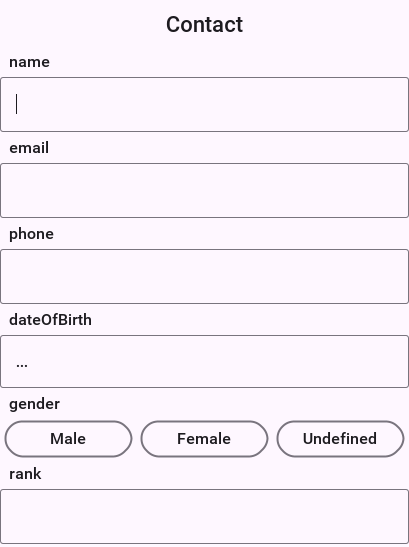
Binding object & auto commit
You skipped a couple of fact about the bind() method. It has an additional version that accepts a ComponentAdapter which allows you to adapt the binding to any custom 3rd party component. That’s a bit advanced for now but I might discuss this later.
For example, the big thing "skipped" earlier was the return value… bind returns a UiBinding.Binding object when performing the bind. This object allows you to manipulate aspects of the binding specifically unbind a component and also manipulate auto commit for a specific binding.
Auto commit determines if a property is changed instantly or on commit. This is useful for a case where you have an "OK" button and want the changes to the UI to update the properties when "OK" is pressed (this might not matter if you keep different instances of the object). When autocommit is on (the default which you can change through setAutoCommit in the UiBinding) changes reflect instantly, when it’s off you need to explicitly call commit() or rollback() on the Binding class.
commit() applies the changes in the UI to the properties, rollback() restores the UI to the values from the properties object (useful for a "reset changes" button).
Binding also includes the ability to "unbind" this is important if you have a global object that’s bound to a UI that’s discarded. Binding might hold a hard reference to the UI and the property object might create a memory leak.
By using the disconnect() method in Binding you can separate the UI from the object and allow the GC to clean up.
UI generation
Up until now this was pretty cool but if you looked at the UI construction code above you would see that it’s pretty full of boilerplate code. The thing about boilerplate is that it shows where automation can be applied, that’s the exact idea behind the magical "InstantUI" class. This means that the UI above can be generated using this code:
InstantUI iui = new InstantUI();
iui.excludeProperty(myContact.id); (1)
iui.setMultiChoiceLabels(myContact.gender, "Male", "Female", "Undefined"); (2)
iui.setMultiChoiceValues(myContact.gender, "M", "F", "U");
Container cnt = iui.createEditUI(myContact, true); (3)| 1 | The id property is useful for database storage but you want to exclude it from the UI |
| 2 | This implements the gender toggle button selection, you provide a hint to the UI so labels and values differ |
| 3 | You create the UI from the screenshot above with one line and it’s seamlessly bound to the properties of myContact. The second argument indicates the "auto commit" status. |
This still carries most of the flexibilities of the regular binding for example: you can still get a binding object using:
UiBinding.Binding b = iui.getBindings(cnt);You might not have noticed this but in the previous verbose code you had lines like:
emailTf.setConstraint(TextField.EMAILADDR);You might be surprised to know that this will still work seamlessly without doing anything, as would the picker component used to pick a date…
The picker component implicitly works for date type properties, numeric constraints and numbers are implicitly used for number properties and check boxes are used for booleans.
However, how do you know to use an email constraint for the email property?
You’ve some special case defaults for some common property names, so if your property is named email it will use an email constraint by default. If it’s named url or password etc. It will do the "right thing" unless you explicitly state otherwise. You can customize the constraint for a specific property using something like:
iui.setTextFieldConstraint(myContact.email, TextArea.ANY);This will override the defaults you’ve in place. The goal of this tool is to have sensible "magical" defaults that "work."
26. Desktop and Backend Processes
com.codename1.io.ProcessBuilder launches operating-system programs from shared
application code. It returns com.codename1.io.Process, with stdin, stdout,
stderr, exit status, timed waits, and termination. Neither class needs a running
Display or backend server. Import Process explicitly: java.lang.Process has
the same simple name.
| Target | Implementation |
|---|---|
JavaSE desktop and simulator on Windows, macOS, Linux | Host JDK process API |
Native Windows desktop | Win32 |
Native macOS and Linux desktop | POSIX child processes and nonblocking pipes |
JVM backend | The same adapter as JavaSE desktop |
Packaged ParparVM backend on Linux | The same native adapter as desktop |
Android, iOS, browser and ports without an adapter | Unsupported; shared code still compiles |
Call ProcessBuilder.isSupported() before offering process-dependent features.
On unsupported ports, start() and environment() throw
UnsupportedOperationException. A supported port can still deny a launch due
to permissions, sandbox rules, or a missing executable. Those failures surface
as IOException (or a host-JDK SecurityException), not a dummy process. Mobile
ports don’t promise execution even where an OS exposes limited
process facilities.
26.1. Compatibility with JavaSE
| Operation | Codename One behavior |
|---|---|
Command |
|
Working directory |
|
Environment |
|
Pipes |
|
Redirection | File redirection, |
Waiting |
|
Termination |
|
Exit codes | Nonzero exit is a normal result. |
Cleanup |
|
Concurrency | Use one reader per output stream and one writer for stdin. The native adapter rejects overlapping reads or writes on the same stream. Closing a stream from another thread cancels native pipe I/O. Native interrupted pipe I/O throws |
Executable lookup follows the host OS. Prefer an absolute executable path for
consistent behavior across operating systems. POSIX uses the child environment’s
PATH (or /usr/bin:/bin if absent); Windows uses CreateProcessW lookup rules,
which don’t use a replacement child PATH. Windows argument quoting targets
the standard C runtime argument parser; programs with custom command-line parsers
can interpret their command line differently. Use the existing capitalization
of Windows environment names when editing the map, and avoid duplicate names
that differ only in case.
26.2. A Desktop Example
Run process I/O and waits off the EDT. This example invokes a small version
command, drains merged output concurrently, and enforces a wait timeout. Replace
my-tool with an installed executable or its absolute path. Import
java.io.ByteArrayOutputStream and java.io.IOException.
public void readToolVersion() {
// Check isSupported() before enabling this action in your UI.
new Thread(() -> {
try (com.codename1.io.Process child = new com.codename1.io.ProcessBuilder("my-tool", "--version")
.redirectErrorStream(true).start()) {
ByteArrayOutputStream output = new ByteArrayOutputStream();
Thread reader = new Thread(() -> {
try {
byte[] buffer = new byte[4096];
int count;
while ((count = child.getInputStream().read(buffer)) != -1) {
output.write(buffer, 0, count);
}
} catch (IOException error) {
// Closing the process also cancels an outstanding native read.
com.codename1.io.Log.e(error);
}
});
reader.start();
child.getOutputStream().close(); // No input; send EOF to the tool.
if (!child.waitFor(30, java.util.concurrent.TimeUnit.SECONDS)) {
child.destroyForcibly();
}
child.waitFor();
reader.join();
String version = new String(output.toByteArray(), "UTF-8");
// Use Display.callSerially(...) for any UI update using version.
} catch (Exception error) {
com.codename1.io.Log.e(error);
}
}).start();
}For commands with substantial output, stream to a consumer or file rather than retaining everything in memory. Without stderr merging, start independent stdout and stderr readers. Waiting before draining can deadlock when a pipe fills. A child can also spawn descendants that keep pipes open after it exits; manage such tools explicitly rather than assuming child exit implies pipe EOF.
26.3. Backend Ownership and Blocking
A request owns the children it starts. Close them in finally or a
try-with-resources block, including on cancellation and timeout. Server-wide
children should belong to a managed bean whose @PreDestroy method closes them.
The process API doesn’t attach arbitrary children to a request or server, and
server shutdown doesn’t implicitly kill unrelated processes. Abrupt termination
of the parent can leave children running, as with JavaSE.
Native pipe reads/writes and exit checks are nonblocking OS operations. Between polls, unpinned backend virtual threads park through the backend scheduler; platform threads sleep. Don’t hold application monitors around these operations: a virtual thread holding a monitor is pinned to its host. Launch itself crosses the OS process-creation boundary synchronously and can occupy the calling host; use a platform task if executable lookup or launch can be slow.
26.4. Local Validation
scripts/process/check-process.sh jvm runs real-child tests against the shared
JavaSE adapter and OS layer. scripts/process/check-process.sh native builds and
executes the same Java conformance program with ParparVM. Set JDK_8_HOME to a
Java 8 installation. Native tests are local-only; the script rejects native
execution when CI is set.
The portable scripts/process/process_os_test.c also builds on Windows alongside
process_child.c. Pass the child executable and an existing absolute working
directory to the test. With MinGW, compile both fixtures with -municode to
use their Unicode entry points. Tests cover literal/Unicode arguments, environment,
working directory, large simultaneous stdout/stderr, binary stdin round trips,
merged stderr, launch errors, termination, and repeated launches. The Java
suite additionally covers waits, interrupts, and close(). Native mode also
runs a backend with one virtual-thread host and verifies that a pending process
read or wait permits another task to run. The OS test checks descriptor/handle
counts across repeated launches, child reaping, and closed-stdin failure.
To test Windows environment decoding independently of the active code page, run
python3 scripts/process/build-windows-environment-test.py OUTPUT.exe with CC set to
a Windows C compiler. Run the executable on Windows or Wine with a non-UTF-8
active code page. It exercises the native environment binding and string decoder
with Unicode names and values, including a supplementary character.
27. Deeper Network Connectivity
Codename One ships a set of APIs under com.codename1.io.wifi, com.codename1.io.bonjour, com.codename1.io.usb and an extension of com.codename1.io.NetworkManager that lets apps inspect and manage the device’s local network beyond plain HTTP.
A quick connectivity check is NetworkManager.getInstance().isConnected() — it reads the cached platform network state and returns immediately without an HTTP probe, so it’s safe to call from the EDT before deciding whether to fire a ConnectionRequest.
These APIs share three guarantees:
Every callback runs on the EDT so you can update UI directly from the result.
The build pipeline injects the matching Android permissions, iOS entitlements, and
NSXxxUsageDescription/NSBonjourServicesInfo.plist entries automatically by scanning the classpath. Apps that never reference these classes see no manifest or entitlement changes.The simulator implements best-effort versions of each API so you can wire and test your UI without a device. The simulator also prints the list of permissions/entitlements each API will need in a real build the first time you call it.
The simulator’s "API usage report" prints to stdout on JVM shutdown so you can spot anything you pulled in via a transitive cn1lib.
27.1. WiFi information
The fastest way to know whether the user is on WiFi, what SSID they joined, and what their local IP is:
if (WiFi.isInfoSupported()) {
String ssid = WiFi.getCurrentSSID(); // e.g. "Codename One"
String bssid = WiFi.getBSSID(); // "aa:bb:cc:11:22:33"
String gw = WiFi.getGateway(); // "192.168.1.1"
String ip = WiFi.getIp(); // "192.168.1.42"
}Any of these calls may return null if the device isn’t on WiFi, if the user denied a runtime permission, or if the platform never exposed the value to apps. The framework normalizes the wrapping that Android adds to the SSID and treats <unknown ssid> and the obfuscated BSSID 02:00:00:00:00:00 as null.
27.1.1. Required permissions and entitlements
The build pipeline injects the following automatically the first time it sees com.codename1.io.wifi.WiFi on the classpath:
| Platform | Injected | Notes |
|---|---|---|
Android |
| "normal" permissions; no runtime prompt |
Android API 26+ |
| Required by the OS to return a real SSID |
Android API 33+ |
| Replaces fine-location for scan flows |
iOS |
| Required since iOS 13 |
iOS |
| iOS still checks CoreLocation behind the scenes |
You can override any injected automatically value via the standard build hints:
ios.locationUsageDescription=Allow access to read your Wi-Fi network name to discover printers on your network.
android.xpermissions=<uses-permission android:name="android.permission.ACCESS_FINE_LOCATION" />27.2. WiFi scan
Scanning returns an array of `WiFiNetwork`s sorted by signal strength. The callback fires once.
iOS doesn’t expose a public WiFi scan API. On iOS |
Android throttles scans to 4 per 2 minutes per foreground app on API 28+; throttled scans return cached results, not an error.
27.3. WiFi connect
To associate the device with a specific SSID:
WiFi.connect("MyAccessPoint", "s3cret!", WiFiSecurity.WPA_PSK,
new WiFiConnectCallback() {
@Override
public void onConnectResult(boolean connected, Throwable error) {
if (!connected) {
Log.e(error);
return;
}
// ssid is now joined
}
});On Android 10+ the OS shows a system confirmation dialog with the SSID before joining; this dialog can’t be bypassed.
On Android 9 and below the framework falls back to the legacy
WifiConfigurationAPI and joins without an in-app prompt.On iOS 11+ this uses
NEHotspotConfiguration. The user is shown a system prompt the first time the app tries to join the SSID; subsequent attempts reuse the cached configuration.WiFiSecuritymust match the AP’s actual security mode (OPEN,WEP,WPA_PSK,WPA3_SAE). Passing the wrong mode causes the join to fail.
WiFi.disconnect(ssid) releases the request on Android 10+ and removes the hotspot configuration on iOS.
On iOS the build pipeline also enables the |
27.4. Bonjour / mDNS discovery
BonjourBrowser watches the local network for services of a given mDNS type. BonjourPublisher advertises a service.
BonjourBrowser browser = BonjourBrowser.browse("_http._tcp.",
new BonjourServiceListener() {
@Override
public void onServiceResolved(BonjourService s) {
Log.p("Found " + s.getName() + " at " + s.getHost() + ":" + s.getPort());
}
@Override
public void onServiceLost(BonjourService s) { /* null */ }
@Override
public void onBrowseError(Throwable t) { Log.e(t); }
});
// when done:
browser.stop();To advertise an HTTP server you wrote on port 8080:
BonjourPublisher pub = BonjourPublisher.publish(
"My Server", "_http._tcp.", 8080, null);
// later:
pub.unpublish();27.4.1. iOS requirements
Bonjour on iOS 14+ returns no results unless:
The Info.plist
NSLocalNetworkUsageDescriptionkey explains why the app needs local-network access.The Info.plist
NSBonjourServicesarray lists each service type the app expects to find.
The build pipeline injects both keys automatically when com.codename1.io.bonjour is on the classpath, with _http._tcp. as the seed type. To publish or browse a custom type, set the build hint:
ios.NSBonjourServices=_myapp._tcp.,_http._tcp.
ios.NSLocalNetworkUsageDescription=Discover other instances of MyApp on this Wi-Fi network.The comma-separated values are expanded into the Info.plist array at build time.
27.4.2. Linux and embedded devices
The Linux desktop and embedded targets answer and browse on their own UDP socket
and need no Avahi or other system service. A headless device running the backend
uses com.codename1.backend.Discovery, which speaks the same protocol, so a phone
application finds it with BonjourBrowser.
27.4.3. Android requirements
The pipeline adds CHANGE_WIFI_MULTICAST_STATE automatically. NsdManager does the rest; there is no runtime permission prompt.
27.4.4. Simulator behaviour
If javax.jmdns.JmDNS is on the simulator classpath, browse calls dispatch through it. Otherwise the listener receives a single UnsupportedOperationException and the simulator prints a hint. Add JmDNS to your application’s executable-jar / simulator profile (typically the <profile id="executable-jar"> block in your cn1app’s common/pom.xml or your javase/pom.xml) to exercise real discovery in the simulator:
<!-- in YOUR app's pom, NOT in the framework / common pom that gets shipped
to the device. The cn1app archetype's executable-jar profile is the
right place because it only applies when launching the simulator. -->
<dependency>
<groupId>org.jmdns</groupId>
<artifactId>jmdns</artifactId>
<version>3.5.9</version>
<scope>runtime</scope>
</dependency>Don’t add JmDNS to the cn1app |
27.5. Network type change events
Subscribe to network type transitions (WiFi <→ Cellular <→ Ethernet <→ None):
NetworkManager.getInstance().addNetworkTypeListener(new NetworkTypeListener() {
@Override
public void onNetworkTypeChanged(int oldType, int newType, boolean vpnActive) {
if (newType == NetworkManager.NETWORK_TYPE_NONE) {
// offline -- queue uploads for later
}
if (vpnActive) {
// refuse to roam to corporate-only resources
}
}
});The current snapshot is available without subscribing:
int type = NetworkManager.getInstance().getCurrentNetworkType();
boolean vpn = NetworkManager.getInstance().isVPNActive();The platform implementations are:
Android:
ConnectivityManager.registerNetworkCallbackon API 21+, falling back to the legacyCONNECTIVITY_ACTIONbroadcast on older devices.iOS:
SCNetworkReachabilitywith a kernel callback scheduled on the main run loop.Simulator: derives the type from
NetworkInterface.getDisplayName; transitions aren’t synthesized.
VPN detection is best-effort and intentionally heuristic. On Android it uses NetworkCapabilities.TRANSPORT_VPN plus an interface-name probe; on iOS it inspects utun*, tun*, ppp* and ipsec* interfaces. Use it as a hint, not as a security boundary.
27.6. WiFi Direct (Wi-Fi P2P)
WiFi Direct lets two devices form a peer-to-peer link without an access point. The API is Android-only — iOS uses MultipeerConnectivity for similar scenarios and is intentionally out of scope.
The build pipeline injects CHANGE_WIFI_STATE, ACCESS_WIFI_STATE, ACCESS_NETWORK_STATE, ACCESS_FINE_LOCATION and NEARBY_WIFI_DEVICES automatically when WiFiDirect is on the classpath, plus a <uses-feature android:name="android.hardware.wifi.direct"/> declaration so devices without the radio can still install the app via Play Store filtering.
27.7. USB host
The USB API in com.codename1.io.usb lets the device act as a USB host and talk to attached peripherals — a barcode scanner, a serial converter, a microcontroller. It’s Android-only; iOS has no third-party USB host access and the simulator stubs everything out.
if (!Usb.isSupported()) { return; }
Usb.addDeviceListener(new UsbDeviceListener() {
@Override
public void onDeviceAttached(UsbDevice d) {
if (d.getVendorId() == 0x0403 && d.getProductId() == 0x6001) {
Usb.requestPermission(d);
}
}
@Override
public void onDeviceDetached(UsbDevice d) { }
@Override
public void onPermissionResult(UsbDevice d, boolean granted) {
if (granted) {
try (InputStream in = Usb.openInputStream(d, 0x81);
OutputStream out = Usb.openOutputStream(d, 0x02)) {
out.write("AT\r\n".getBytes());
byte[] buf = new byte[64];
int n = in.read(buf);
// null
} catch (IOException e) { Log.e(e); }
}
}
});The build pipeline injects:
<uses-feature android:name="android.hardware.usb.host" android:required="false"/>.
If you want the OS to launch your app when a matching device is plugged in, ship a device_filter.xml resource and declare an <intent-filter> via the android.xintent_filter build hint:
<!-- native/android/res/xml/device_filter.xml -->
<resources>
<usb-device vendor-id="1027" product-id="24577" />
</resources>android.xintent_filter=<intent-filter><action android:name="android.hardware.usb.action.USB_DEVICE_ATTACHED" /></intent-filter><meta-data android:name="android.hardware.usb.action.USB_DEVICE_ATTACHED" android:resource="@xml/device_filter" />27.8. Releasing platform resources
Most of these APIs hold background resources (broadcast receivers, network callbacks, NSNetService delegates) that you must release explicitly:
BonjourBrowser— call.stop().BonjourPublisher— call.unpublish().WiFiDirect— call.stopDiscovery()and.disconnect().WiFi.connect(…)— callWiFi.disconnect(ssid)when the user navigates away.Usb.addDeviceListener(…)— callremoveDeviceListener(…).NetworkManager.addNetworkTypeListener(…)— callremoveNetworkTypeListener(…).
Each of these keeps a radio or system service awake. Bonjour browsers and WiFi scans in particular drain battery noticeably — they’re fine during a few user-facing screens but shouldn’t stay armed for the lifetime of the app. Release them as soon as the screen that needs them is no longer visible.
28. JSON / XML Object Mapping
Codename One includes a build-time POJO mapping framework that turns a
plain Java class — or a PropertyBusinessObject — into JSON or XML
without any runtime reflection. The Maven plugin scans the project’s
compiled bytecode at build time, generates a typed Mapper next to each
@Mapped class, and ships it alongside the source. The runtime entry
point is two methods on com.codename1.mapping.Mappers.
The framework sits next to the existing JSONParser, XMLParser and
PropertyIndex.toJSON / fromJSON helpers — it doesn’t replace them.
Use the imperative APIs when you want to read a foreign JSON shape
without modelling it; use the annotation framework when you have a model
class and want a one-liner round-trip.
28.1. Annotate the model
Apply @Mapped to the class. The processor accepts POJOs with public
fields, PropertyBusinessObject-style classes with Property fields,
or any mix:
@Mapped
@XmlRoot("user")
public class User {
@JsonProperty("first_name")
@XmlElement("first")
public String firstName;
public int age;
// Renders as <user role="admin"/> in XML; omitted from JSON.
@XmlAttribute
@JsonIgnore
public String role;
public User() { } (1)
}| 1 | Every @Mapped class must declare a public no-arg constructor — the generated mapper calls it from fromJson / fromXml. |
For PropertyBusinessObject-style classes the same annotations work on
Property<T> fields. The processor reads through Property#get /
Property#set so subscribers (addChangeListener) still see the
mutation:
@Mapped
public class Item implements PropertyBusinessObject {
public final Property<String, Item> name = new Property<>("name");
public final Property<Integer, Item> qty = new Property<>("qty");
private final PropertyIndex idx =
new PropertyIndex(this, "Item", name, qty);
public PropertyIndex getPropertyIndex() { return idx; }
public Item() { }
}28.1.1. Field-level annotations
| Annotation | Purpose |
|---|---|
| Rename the JSON key. Default: the field name.
|
| Omit the field from JSON. |
| Leave the field out of JSON while it’s |
| Write a number in quotes, or a |
| Convert the value with your own
|
| On the class: refuse JSON with a member it doesn’t declare. |
| On a constructor or static factory: build an
immutable class from JSON through it, each
parameter named with |
| Rename the XML element. Default: the field name. |
| Lift the field into an XML attribute rather
than a nested child element. Only valid for
scalar or |
| Omit the field from XML. |
28.1.2. Supported field types
| Kind | Detail |
|---|---|
Scalars |
|
|
|
| Same rules as |
| Read from the field’s generic signature. |
Arrays | One dimension, of any type above; a JSON array. XML leaves them out. |
Generic classes | A field |
Nested | Recursive serialization through the registered nested mapper. |
The server’s generated JSON codecs read the same annotations, so a class shared
by the app and its backend has one JSON contract on both sides. JSON that breaks
it, such as a missing required member or a value of the wrong type, is refused
with an IllegalArgumentException that names where it was:
$.items[2].id: required member is missing. A member that’s absent leaves the
field as the constructor set it. An explicit null sets the field to null in
a @JsonStrict class, on a required member and through an adapter, which is
handed the null, as the server does in every class. Elsewhere the app keeps
reading an explicit null as it always has, like an absent member, so a class
that uses none of these options maps exactly as before.
28.2. Round-trip
Mappers.fromJson and Mappers.fromXml both accept either a String
or a java.io.Reader, so streamed responses (network, file, resource)
don’t need to be fully buffered first.
28.3. How the plumbing works
At build time:
cn1:process-annotations(PROCESS_CLASSES phase) scanstarget/classesfor every class carrying@Mapped.The processor validates each one (concrete, public no-arg constructor, supported field types) and fails the build on the first offender — every offending class shows up in the same error report.
A
<SimpleName>Cn1Mapperclass is generated for every@Mappedtype in the same package as the source class (e.g.com.example.UserCn1Mappernext tocom.example.User). Each generated mapper exposes a publicstatic register()hook.A single
cn1app.MapperBootstrapis generated whose constructor callsUserCn1Mapper.register(),ItemCn1Mapper.register(), … for every accepted@Mappedclass.
At app start:
On iOS / Android, the build server probes the project zip for
cn1app/MapperBootstrap.class. When found it splicesnew cn1app.MapperBootstrap();into the per-build application stub right beforeDisplay.init. ParparVM rename and R8 obfuscation rewrite the call site and the generated class together, so the direct symbol reference stays valid after the pass.On the JavaSE simulator and desktop run,
JavaSEPort#postInitloads the bootstrap viaClass.forName("cn1app.MapperBootstrap"). The classloader is the legitimate path here — JavaSE runs unobfuscated and the sameClass.forNamepattern is used by the @Route dispatcher.
Projects that ship no @Mapped classes produce no bootstrap, the build
server probe falls through, and JavaSEPort catches the
ClassNotFoundException — the registry stays empty and Mappers.toJson
throws a clear "no mapper registered" error.
The runtime registry is keyed on Class#getName(). The map keys survive
obfuscation because both the registration site and the lookup site see
the same renamed name within a single execution — the keys are never
persisted across builds.
28.4. Custom mappers
Sometimes a class lives in a third-party JAR the build can’t annotate.
Hand-write a Mapper<T> and register it at startup:
// A type from a third-party jar the build cannot annotate.
static class LatLon {
double lat;
double lon;
}
static class LatLonMapper implements Mapper<LatLon> {
@Override
public Class<LatLon> type() {
return LatLon.class;
}
@Override
public Map<String, Object> toMap(LatLon instance) {
Map<String, Object> m = new LinkedHashMap<String, Object>();
m.put("lat", Double.valueOf(instance.lat));
m.put("lon", Double.valueOf(instance.lon));
return m;
}
@Override
public LatLon fromMap(Map<String, Object> map) {
LatLon out = new LatLon();
out.lat = readDouble(map.get("lat"));
out.lon = readDouble(map.get("lon"));
return out;
}
@Override
public String xmlRootName() {
return "latLon";
}
@Override
public void writeXml(LatLon instance, Element root) {
root.setAttribute("lat", String.valueOf(instance.lat));
root.setAttribute("lon", String.valueOf(instance.lon));
}
@Override
public LatLon readXml(Element root) {
LatLon out = new LatLon();
out.lat = Double.parseDouble(root.getAttribute("lat"));
out.lon = Double.parseDouble(root.getAttribute("lon"));
return out;
}
// JSONParser hands back a Double for every number, but a map that came
// from somewhere else may hold any Number. Read through the interface
// rather than casting to Double: a failed cast does not throw on iOS,
// so the catch you would write for it never runs.
private double readDouble(Object value) {
return value instanceof Number ? ((Number) value).doubleValue() : 0;
}
}
void registerMappers() {
Mappers.register(new LatLonMapper());
}Hand-written mappers take precedence over generated ones for the same class.
29. Component Binding
The component binding framework wires a model field to the matching
component in a Form or Container by name. The Maven plugin generates
a <SimpleName>Cn1Binder per @Bindable class at build time, so the
wiring happens through direct symbol references — no reflection, no
listener bookkeeping in application code.
It’s a thin alternative to the imperative UiBinding API
(com.codename1.properties.UiBinding). Both can be used together.
29.1. Annotate the model
@Bindable
public class LoginModel {
@Bind(name = "userField", attr = BindAttr.TEXT)
@Required
private String user;
public String getUser() { return user; }
public void setUser(String u) { this.user = u; } (1)
@Bind(name = "rememberMe", attr = BindAttr.SELECTED)
public boolean remember; (2)
@Bind(name = "banner", attr = BindAttr.UIID, twoWay = false)
public String bannerStyle;
@Bind(name = "fullName",
attr = BindAttr.TEXT,
getter = "computeFullName",
setter = "applyFullName") (3)
private String fullName;
// both run during the initial bind, against a model that may still be
// empty, so neither can assume a value is present
public String computeFullName() { return fullName == null ? "" : fullName.toUpperCase(); }
public void applyFullName(String f){ this.fullName = f == null ? null : f.trim(); }
}| 1 | JavaBeans getUser / setUser are detected automatically when the
field is private. The processor instruments setUser to fire a
change notification for two-way bindings. |
| 2 | Public field still works — direct field access falls back when no accessor matches the JavaBeans convention. |
| 3 | Explicit getter / setter override the JavaBeans search. Use
when the convention doesn’t apply (renamed accessors, transforms,
fluent setters). |
Every @Bind(name=…) is looked up against Component#getName(),
walking the container’s children recursively until a match is found.
The default lookup matches GUI-builder names exactly.
29.1.1. Attribute kinds
BindAttr | Mirrors |
|---|---|
|
|
|
|
|
|
|
|
|
|
|
|
| Calls |
|
|
29.2. Bind at runtime
Binding is the handle the binder returns:
| Method | Purpose |
|---|---|
| Push the current model values into every bound
component. Use after mutating the model outside the
form, or to re-sync after |
| Pull current component values back into the model. Useful before validating / submitting when none of the bindings is two-way. |
| Remove every listener the binder installed and unregister the binding from the change-notification fan-out. |
29.3. Two-way bindings and the change-notification contract
A binding declared twoWay = true flows in both directions:
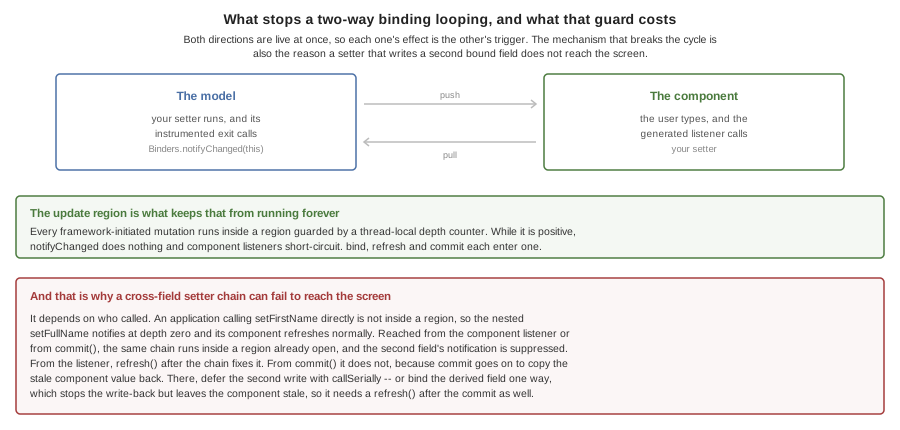
Component → model. The generated binder installs a listener on the editable component (
TextField,CheckBox, etc.). When the user mutates the component, the binder calls the model’s setter (or assigns the public field). The setter’s instrumented exit callsBinders.notifyChanged(this).Model → component. Application code that mutates the model through a setter causes
Binders.notifyChanged(this)to fire, which walks every live binding for that model and pushes the new value into the matching component.
The two paths together would loop forever if left alone — the model
setter fires a change event, which refreshes the component, which
fires its own change event, which calls the model setter again, …
To break the loop, every framework-initiated mutation runs inside an
update region guarded by a thread-local depth counter. While the
counter is positive, notifyChanged is a no-op and component
listeners short-circuit.
Concretely:
Binders.bind(model, container)enters an update region for the initial model → component push.Binding#refresh()enters an update region for every subsequent model → component push.Binding#commit()enters an update region for the component → model pull.The generated component listener enters an update region before calling the setter.
29.3.1. Setter instrumentation
For every two-way @Bind field whose write accessor is a method
(whether you wrote @Bind(setter="setName") or the processor detected
setName(String) via the JavaBeans convention), the
cn1:process-annotations Mojo reads the original .class file with
ASM and inserts the equivalent of:
public void setName(String name) {
this.name = name;
com.codename1.binding.Binders.notifyChanged(this); // injected
}The injection lands before every return point of the setter. The
instrumented setter is written back to target/classes, replacing the
original. Application code that calls model.setName(…) — from any
thread, any code path — now triggers the binding fan-out
automatically.
29.3.2. Limitation — cross-field setter chains
When a setter synchronously mutates a second bound field
(setFirstName also calls setFullName, for example), whether the
second field’s notifyChanged is suppressed depends on who called the
first. An application calling setFirstName directly isn’t inside an
update region, so the nested setFullName notifies at depth zero and
its component refreshes normally. Reached from the generated component
listener or from commit(), the chain runs inside a region that’s
already open, the second field’s notifyChanged lands in it and is
suppressed, and the bound component for fullName won’t catch up
until something exits the region and a separate event drives the
refresh. If you need the cross-field update to propagate, call
binding.refresh() explicitly after the setter chain completes, or
restructure the model so the cross-field mutation happens outside the
setter’s call frame — for example via a Display.callSerially.
commit() is worse than suppression, and only one of the two remedies survives
it. When both fields are bound two-way and fullName is emitted after
firstName, the generated _commit carries on to the fullName component,
reads the value still sitting in it, and calls setFullName — overwriting what
setFirstName just derived. An immediate binding.refresh() afterward
publishes the overwritten value rather than the derived one, so that remedy
doesn’t help here.
The deferred write still does. Display.callSerially() queues the write and
returns, so _commit finishes and leaves its update region before the deferred
setFullName runs and notifies at depth zero.
Binding the derived field one way stops that write but doesn’t finish the
job: one-way fields aren’t instrumented, and the setFirstName notification is
still suppressed by the commit’s region, so the model holds the derived value
while the screen keeps the old one. If you go that way, call
binding.refresh() after the commit to publish it.
29.4. POJOs versus Property objects
A String, int, or boolean field is read and written through the
resolved accessors. A Property<T, ?> field is read through get()
and written through set() — so existing PropertyChangeListener
subscribers fire as expected. Both styles can sit on the same class.
29.5. Validation annotations
The same @Bind field can carry validation annotations that are wired
into a com.codename1.ui.validation.Validator. The validator is built
by the generated binder at the moment you call Binders.bind(…) and
is reachable via Binding#getValidator() — so the same generated
plumbing that pushes model values into components also installs the
constraints that gate them.
| Annotation | Maps to | Notes |
|---|---|---|
|
| "Field must be non-empty." |
|
| Minimum string length. |
|
| Same dialect as |
|
| The standard email regex (also accepts empty — stack with |
|
|
|
|
| Bounds are inclusive; default range is unbounded. |
|
| Whitelist of allowed string values. |
|
| Escape hatch — the class must have a public no-arg constructor and implement |
Multiple annotations on the same field are combined into a
GroupConstraint (first failure wins), matching the behaviour of
Validator.addConstraint(Component, Constraint…).
After binding, drive validation through the returned handle:
// set this first: bind() attaches the constraints, and each one picks a
// data-change or an action listener from this flag as it attaches
Validator.setValidateOnEveryKey(true);
LoginModel model = new LoginModel();
Binding b = Binders.bind(model, form);
// Auto-disable a submit button until everything is valid. Pass the
// button you built the form with: Container has no lookup by name.
b.getValidator().addSubmitButtons(submitButton);
// Programmatic gate before saving:
if (b.getValidator().isValid()) {
repository.save(model);
}Binding#getValidator() never returns null — when the model has no
validation annotations the validator is empty and isValid() returns
true. The validator owns the listener and emblem plumbing on the
matching components; calling addSubmitButtons after bind is the
typical pattern.
29.6. Build-time validation
In addition to the runtime constraints above, the annotation processor itself fails the build when:
@Bindis applied to a field with no accessible read path — the field must be public, declare a JavaBeansgetX/isXgetter, or the annotation must name an explicitgetter.A two-way
@Bindfield on aTEXTorSELECTEDattr has no writable accessor. SettwoWay=falseto keep the binding one-way, or add a setter / explicitsetter=.@Bind(name=…)is empty.The field’s static type isn’t supported (raw collections, opaque references that aren’t
@Bindablethemselves, …).@Regexis missing a pattern, or@ExistInis missing values.
Errors are accumulated so a single build run reports every offending field at once.
29.7. How the plumbing works
cn1:process-annotations writes one
<SimpleName>Cn1Binder per @Bindable class in the source class’s
package, plus a single cn1app.BinderBootstrap whose constructor calls
UserCn1Binder.register(), LoginModelCn1Binder.register(), … for
every accepted @Bindable class. At app start:
On iOS / Android the build server probes the project zip for
cn1app/BinderBootstrap.classand splicesnew cn1app.BinderBootstrap();into the per-build application stub beforeDisplay.init. ParparVM rename and R8 obfuscation rewrite the direct symbol reference together with the generated class so the binding still resolves after the pass.On JavaSE
JavaSEPort#postInitloads the bootstrap viaClass.forName("cn1app.BinderBootstrap")— the unobfuscated classloader path.
Projects with no @Bindable classes produce no bootstrap; the build
server probe falls through and the registry stays empty.
The runtime registry is keyed on Class#getName(); obfuscation renames
the call sites and the registered keys together within a single
execution.
30. SQLite ORM
The SQLite ORM framework turns a plain Java class into a typed data
access object at build time. The Maven plugin reads @Entity /
@Id / @Column annotations from the project’s compiled bytecode,
generates one <SimpleName>Cn1Dao per entity in the source class’s
package, and hands the dao to com.codename1.orm.EntityManager for
typed retrieval. The dao issues prepared statements through
com.codename1.db.Database, the same surface every cn1 SQLite port
exposes.
The framework is a JPA-inspired, simplified alternative to the existing
imperative SQLMap. It doesn’t replace SQLMap; both can be used side
by side.
30.1. Annotate the entity
@Entity(table = "users")
public class User {
@Id(autoIncrement = true)
public long id;
@Column(name = "full_name", nullable = false)
public String name;
public int age;
public java.util.Date createdAt;
@DbTransient
public String cacheKey; (1)
public User() { }
}| 1 | Excluded from the generated table. |
Property fields work the same way; the dao calls Property#get and
Property#set for read and write.
Every field that isn’t static or transient is stored, whatever its access:
a private field with a getter and a setter is mapped the same way a public
one is. The build weaves a static accessor into the class that declares each
non-public field and the generated code calls it, so no reflection is involved
on any platform. A field is left out of the table when it’s static, marked
with the Java transient modifier, annotated @DbTransient, or is a non-public
final field without a mapping annotation, such as a PropertyIndex. A final
field that does carry a mapping annotation fails the build, since nothing could
write a loaded value into it.
30.1.1. Field-level annotations
| Annotation | Purpose |
|---|---|
| Marks a primary-key field. The legacy DAO uses one key;
managed sessions also support composite assigned keys.
|
| Rename the column. Default: the field name in the app;
on the backend the field name in snake case
( |
| Override the SQL type. Default: inferred from the
Java type ( |
| Stores a date or time field in a native date or time column instead of epoch milliseconds. See Section 30.3.7, “Native date and time columns”. |
| Adds |
| Excludes the field from the table. |
30.2. Use the dao
EntityManager is a thin façade over Database. The underlying
connection is reachable through em.database() for raw SQL when the
dao surface isn’t enough. Transactions:
em.beginTransaction();
try {
users.insert(u1);
users.insert(u2);
} catch (IOException e) {
em.rollbackTransaction();
throw e;
}
// outside the catch on purpose: a commit that fails has already ended
// the transaction, so rolling back here would throw "No transaction is
// in progress" over the top of the real failure
em.commitTransaction();30.3. Managed sessions and relationships
The managed ORM layer uses the same entity annotations on the client and the
backend. New mappings, including relationships, @Version, and @GeneratedValue,
live in com.codename1.annotations.db. The existing @Entity, @Id, @Column,
and @DbTransient annotations remain in com.codename1.annotations. Open a com.codename1.orm.session.Session with
EntityManager.openSession(). Keep one session per unit of work. A session is
not thread-safe; a backend pooled entity manager can still be shared between
requests, with a separate session for each request.
The existing scalar Dao API keeps its immediate-write behavior. Entities
using relationships, @Version, composite IDs, generated strategies,
inheritance, converters, indexes, or embedded values use sessions; asking for a
legacy DAO for these mappings throws an error rather than dropping
managed behavior.
A managed session maintains one instance per entity identity, detects changes
at flush time, and flushes before commit and before queries in a transaction.
persist, merge, and remove require an active transaction. merge returns
the managed copy; it doesn’t attach the supplied detached instance. Merging an
entity already scheduled for removal is rejected.
Session session = em.openSession();
try {
session.beginTransaction();
Customer customer = session.find(Customer.class, customerId);
customer.name = "Updated name";
session.commitTransaction();
} finally {
session.close();
}The public Session, Query, and JpqlQuery interfaces describe application
operations. Generated metadata, field-access hooks, and SQL adapters live under
com.codename1.impl.orm; application code shouldn’t depend on those classes.
Closing a session rolls back any active transaction. It never commits. A
rollback clears the persistence context. An optimistic-lock or database failure
requires rollback before the session can continue writing if the database still
has an active transaction. When a failed client commit has already ended the
underlying transaction, the session detaches its entities and becomes inactive.
Check isTransactionActive() before rolling back; an inactive session can start
a new transaction. Closing the session
doesn’t close its entity manager’s database or pool. Backend Database.beginTransaction()
reserves the connection to the initiating thread until commit, rollback, or close.
Other threads wait; the initiating thread must finish the transaction.
30.3.1. Association mappings
Use @ManyToOne, @OneToOne, @OneToMany, and @ManyToMany on public entity
fields. To-many fields use List<T>, Set<T>, or Map<K,T>. @JoinColumn names an owning
foreign-key column. mappedBy identifies the owning field on the other entity.
An owning to-many relationship uses a join table; @JoinTable customizes its
name and key columns.
To-one relationships default to FetchType.EAGER; to-many relationships default
to FetchType.LAZY. Override these defaults with the annotation’s fetch
member. CascadeType selects the persistence operations to propagate.
orphanRemoval=true removes children dropped from an initialized relationship.
Application code maintains both sides of bidirectional object relationships.
Removal cascades on inverse to-one and to-many relationships account for pending
owning-side moves, including join-table changes, before choosing which children to remove.
The build enhances entity classes and field-access callers so a normal public
field read can initialize a lazy relationship. No runtime proxy generator or
reflection is needed. session.isLoaded(entity, "relationship") inspects load
state without fetching; session.initialize(entity, "relationship") fetches
explicitly. An unloaded relationship can’t be read after detaching its entity
or closing its session: this throws LazyInitializationException. Generated
@Mapped serialization code rejects unloaded associations rather than fetching them
during serialization; initialize the relationships needed for the output first.
Fetching is synchronous. On the client, perform database work off the EDT and initialize the data needed by the UI before closing the session. Already-loaded data remains readable after the session closes.
30.3.2. Queries and counters
The session query builder uses Java field paths, including relationship paths:
List<Order> orders = session.query(Order.class)
.eq("customer.name", "Alice")
.orderBy("id", true)
.limit(20)
.fetch("customer")
.list();fetch overrides laziness for a direct relationship. To-one and inverse
foreign-key collection fetches with single-column keys are batched. Ordered,
map, composite-key, and join-table collections currently use individual loaders. Root pagination happens before
loading fetched collections. query.count() counts matching entities without
loading them and ignores pagination, ordering, and joins needed only by ordering. session.count(entity, "relationship")
counts a relationship without materializing it.
createQuery accepts an explicit JPQL subset: entity or scalar selects,
relationship joins, named parameters, comparisons and boolean predicates,
aggregates, grouping/having, ordering, nested queries in scalar predicates, and bulk
update/delete. String and numeric literals and named values become bound SQL
parameters. IN :values and IN (:values) accept an Iterable or object array,
including an empty collection. Unsupported syntax is rejected. Multiple scalar
projections return Object[]. Entity names, field names, aliases, and named
parameters accept Java identifier characters, including supplementary Unicode letters.
Comparisons require at least one operand with a known storage type; two untyped
parameters can’t be compared directly. IS NULL and IS NOT NULL also require a
known operand type; a standalone untyped parameter is rejected. A scalar nested query requires an
aggregate without GROUP BY, so it returns at most one row. IN and EXISTS
may use queries that return multiple rows.
Searched CASE WHEN predicate THEN value … ELSE value END and simple
CASE expression WHEN value THEN value … ELSE value END work in scalar
expressions, including SUM(CASE WHEN … THEN … ELSE … END). The first
matching branch wins. An omitted ELSE yields SQL NULL; a NULL condition is
not true, and simple CASE uses SQL equality (NULL doesn’t match NULL). Aggregates
ignore NULL inputs; SUM over no non-null inputs yields NULL, while COUNT yields
zero. Use a boxed scalar return type when NULL is possible.
Result branches must have compatible scalar storage types. Integral branches promote to Long when combined with Long literals; any real branch promotes the result to Double. At least one branch must have a known type; CASE with only untyped parameters or NULL branches is rejected. Entity and predicate result branches are unsupported; Boolean values and literals are supported. Converter mappings must agree across mapped result branches. Parameters in WHEN conditions and result branches remain bound parameters.
A DISTINCT query can order only by selected expressions. Text range comparisons
and LIKE patterns are case-sensitive across supported databases. An explicit
LIKE … ESCAPE uses a literal or named parameter for both the pattern and the
escape character.
List<Order> orders = session.createQuery(
"select o from Order o where o.customer.name = :name order by o.id",
Order.class).setParameter("name", "Alice").list();Bulk mutations use executeUpdate() inside a transaction. Repeated assignment
targets are rejected during query creation. Aggregate functions
are allowed inside scalar nested queries, but not directly in assignments or bulk
predicates. On MySQL and MariaDB, nested queries that read the bulk mutation target
table are rejected during query creation. They flush pending
managed changes and bypass per-entity callbacks and cascades. As in JPA, they
don’t clear the session: an entity it already manages stays managed and keeps
the values it had before the statement, and a change made to it afterward is
still written. Call refresh(entity) to read what the statement wrote, or
clear() and read again. An entity whose row a bulk DELETE removed fails with an
OptimisticLockException if it’s changed or removed afterward. Bulk assignments to required subtype
fields need a non-null literal or named parameter. Other assignment expressions
are rejected for those fields. Literal and bound null assignments to primitive
Java fields are rejected on both runtimes. Primitive assignments also reject
expressions that may return null. Use COALESCE(expression, 0) to supply a non-null
fallback for nullable numeric fields, division by a variable or zero, and nullable
aggregate results. A scalar aggregate without GROUP BY or HAVING can be assigned
directly when its result is non-null, such as COUNT or COALESCE(SUM(…), 0).
Parameters needed to keep an expression non-null are checked before execution. Field-to-field assignments require
matching enum types and converter mappings, including fields inside expressions.
Integral attributes reject real-valued assignment expressions and floating-point
parameter values. Assignments also check the mapped integer range, including
computed results and the narrower ranges of byte, short, and char fields.
Builder predicates and JPQL parameters also check the mapped integer range.
Assignments to float and Float reject finite overflow and nonzero results
that would round to zero, including arithmetic expressions and nested query results.
Floating-point literals that overflow or underflow double precision are rejected
when the query is created.
An int or long field annotated @Version is maintained by the session.
Updates and deletes compare its previous value and throw
OptimisticLockException when another writer changed or deleted the row.
session.increment(Entity.class, id, "counter", delta) performs database
arithmetic, advances the version when present, and refreshes an already-managed
instance. It returns false for a missing row or an increment outside the
counter/version range. It requires a transaction and an int, Integer, long,
or Long attribute without a converter, including properties holding those
numeric types. Other values stored as integers, such as
booleans and dates, aren’t counters. Invalid entity types, fields, or identifiers
are rejected before pending changes are flushed.
Scalar field projections return the mapped Java values, including enums, dates,
booleans, property values, and converter-backed objects. Integral SUM results
use Long on every database, and AVG returns Double. Joined paths may end in embedded fields.
LOWER, UPPER, TRIM, and ABS transform stored values. Their results and
comparison operands use SQL storage values. These results can’t be assigned
directly to a field with a converter. MIN, MAX, COALESCE, and NULLIF
preserve compatible converter mappings.
COALESCE field operands must share an enum type or converter mapping so the
result can be decoded consistently. Field-to-field comparisons also require
matching enum types and converter mappings. Scalar projections need a known storage type when the query is created. Bare
parameters and expressions such as coalesce(:a,:b) are rejected. Association
projections are also rejected; select an explicit field such as order.customer.id
or select the relationship target as a root entity.
Queries accept at most 999 bound parameters in total, including expanded IN
lists. Larger lists are rejected before query execution.
Generated key columns also have a combined limit of 3,072 bytes per key, counting
up to four bytes per text character. This applies to primary keys, indexes, and
collection keys, and is checked before schema creation. Explicit column type
declarations remain the application’s schema contract. MySQL and MariaDB reject
default binary primary keys and secondary indexes before schema creation; these keys need an explicit
bounded column type declaration.
JPQL arithmetic requires numeric operands. Parameters in integral expressions
must be integer values; use a real operand such as 1.0 for fractional arithmetic.
Division of integral operands truncates toward zero on every database. Division
and remainder by zero return null. Remainder accepts integral operands only.
Integral addition, subtraction, multiplication, division, and negation fail if the
result exceeds the signed 64-bit range, including in bulk assignments.
Aggregate queries require each non-aggregate field to be covered by GROUP BY,
including fields in HAVING and ORDER BY and outer fields referenced inside
correlated nested queries. LENGTH counts characters on every backend.
30.3.3. Values and callbacks
@MappedSuperclass contributes its inherited fields to a concrete entity.
@Embedded flattens an @Embeddable value into columns prefixed with the
embedding field name. An all-null embedded value reads as null. Embedded fields
can be used in query paths. Enums are stored by name. Mapped query parameters and
literals accept the declared enum type, a valid constant name, or null. Invalid
names and constants from other enum types are rejected before execution.
Fluent and JPQL predicates require Boolean inputs for ordinary Boolean fields;
fields with converters accept their declared domain values. Boolean values use numeric
storage; native BOOL and BOOLEAN column declarations are rejected.
No-argument void instance methods can receive @PrePersist, @PostPersist,
@PreUpdate, @PostUpdate, @PreRemove, @PostRemove, and @PostLoad callbacks,
whatever their access: a private, protected, or package-private callback
works, including one inherited from a mapped superclass in another package. The
build weaves a static accessor for a non-public callback into the class that
declares it, as it does for fields, so no reflection is involved. Static and
abstract callback methods fail the build.
Entities with lifecycle callbacks require openSession(), even without relationships or version fields.
Relationships added by @PrePersist, @PostPersist, or @PreUpdate follow PERSIST cascades in the current
flush, including newly created collections.
Flush rechecks entries changed by later callbacks, including newly inserted rows,
until the managed state matches the database. If callbacks keep changing state
for 1,000 passes, flush fails and the transaction requires rollback.
Inherited callbacks run before subclass callbacks; overriding a callback method
replaces the inherited declaration. Client scalar Property fields participate
in dirty checking and counters. Backend entities use plain fields because the
backend runtime doesn’t contain the client properties package.
@Convert(converter=CodeConverter.class, storageType=String.class) maps a
custom basic value to a SQL scalar. The converter implements
com.codename1.orm.session.AttributeConverter<Code,String> and has a public
no-argument constructor. It receives null values too, including mapped JPQL
NULL literals. Query-builder predicates
and JPQL comparison parameters and literals apply the field’s converter.
The builder converts values before choosing equality or SQL null predicates.
JPQL and builder IS NULL tests also apply the mapped null conversion. A converter
that stores null as a non-null sentinel uses a comparison with that sentinel.
Values
must match the converter’s input type; use a named parameter for custom objects. Identifiers and
versions can’t use converters. This includes every component of an embedded identifier.
30.3.4. Identity and inheritance
Keep @Id for identity-column generation. Managed mappings require int, long,
Integer, or Long identity fields; client IntProperty and LongProperty fields
are supported too. Use @Id(autoIncrement=false) for assigned keys.
@GeneratedValue selects UUID
(for String IDs), SEQUENCE, or TABLE (for int/long IDs). PostgreSQL uses
native sequences; other engines use a transactional generator table. UUIDs are
version 4. Identity IDs become available on flush; the other strategies allocate
on persist. Production migrations must provision the selected generators.
Mappings with a cycle of required owning to-one links and identity-generated
keys are rejected during processing: the first insert can’t supply every
required key. SQLite and PostgreSQL support required cycles with keys assigned
before insertion because their foreign keys are deferred until commit.
MySQL and MariaDB enforce foreign keys immediately, so sessions reject required
cycles before creating tables or writing data, even when the keys are known.
Identifier components are normalized and checked against their storage types
before a cache lookup or SQL query, including the mapped integer range.
Incompatible values raise IllegalArgumentException.
For composite IDs, use several @Id(autoIncrement=false) fields or one
@EmbeddedId whose type is @Embeddable. Lookup accepts
Identifier.of(component1, component2) in declared-field order; an embedded-ID
mapping also accepts its key object. Relationships and join tables include all
key components. Generated composite IDs are rejected.
@Inheritance on an entity root enables single-table inheritance, including
abstract roots and polymorphic queries. @DiscriminatorValue("customer")
assigns a stable discriminator to a concrete subtype. A base-class lookup and a
subclass lookup return the same managed instance for the same row. A subtype
query can’t address fields or relationships declared only by a sibling subtype.
The physical table still includes the complete hierarchy for row loading. Use explicit
discriminator values when class names may change. Every hierarchy member uses
the root’s identifier generator, including its default generator name.
30.3.5. Lists, maps, and owned values
Owning Lists store positions in a list_position join-table column by default,
so repeated many-to-many links and reordering survive reload. @OrderColumn
can name that column explicitly. @OrderBy("name ASC, id DESC") orders an
entity collection by target fields at load time; the position column still
keeps repeated links distinct. An inverse mappedBy collection can use @OrderBy.
For an entity map, @MapKey(name="code") derives keys from a basic field on the
target entity. The map key type must match that field’s Java type before
conversion, using the boxed type for a primitive field. Keys must be non-null
and unique in that collection. When changing
the target key field, update the Java map keys as well.
@ElementCollection stores owned scalar values in a separate table. It supports
List, Set, and Map with String keys. Values may be String, boxed primitive types,
or java.util.Date. Lists preserve order and duplicate values. Map columns can
be named with @MapKeyColumn; @JoinTable names the collection table and its
owner column, and @ElementCollection(column=…) names the value column.
A List or Set table has an element_position column by default.
@ElementCollection(positionColumn="") maps a Set to a table with no position
column, keyed by owner and value, which is the usual shape of an existing tag
table. Such a Set rejects null values, and its text values accept at most 255
Unicode code points. A Set of Double or Float keeps its position column:
SQL treats 0.0 and -0.0 as one key, while a Java Set holds both.
Element-map keys accept at most 255 Unicode code points on every database.
query.containsElement("tags", "important") tests membership without loading
the collection. Changing a mutable Date value is detected during flush.
30.3.6. Schema and locking
Run session.createTables() outside application transactions for development
schemas. It creates missing entity/collection tables, primary and foreign keys,
one-to-one uniqueness, and relationship indexes. @Column(unique=true) and
@Entity(indexes=@Index(name="by_name", fields={"name"})) declare additional
indexes. Generated text keys, indexed fields, and foreign keys accept at most
255 Unicode code points during managed inserts, updates, and bulk assignments on every database. Specify
@Column(type=…) to control the SQL type and its value limits yourself.
session.schemaReport() compares the mappings with the tables that exist and
returns a SchemaReport. It reads the database and never changes it. Each
issue has one of three kinds:
| Kind | Meaning |
|---|---|
| A table or column the mapping needs is missing. A migration that adds it fixes the issue. |
| The column exists, but the mapping can’t use it as it
is: a storage type that would need a conversion, such
as a plain |
| The column’s |
session.validateSchema() runs the same checks and throws a
PersistenceException whose message is the report. These calls don’t migrate
schemas or check every database-specific constraint. Existing tables are
left to migrations, which EntityManager.open(name)
applies before it returns. In particular, a legacy client DAO’s text char
columns need migration to the managed layer’s numeric UTF-16 storage when moving
to a managed schema.
A backend server validates the schema at startup, after migrations and
cn1.orm.createTables, and refuses to start on a MIGRATION_REQUIRED or
UNSUPPORTED issue, so a mapping the database can’t serve fails before the
first request rather than on the requests that touch it. It also refuses a
CONSTRAINT_MISMATCH that would fail at runtime: a missing NOT NULL, or a
required column the mapping doesn’t fill. A column stricter than its mapping
is only logged. Set cn1.orm.validateSchema=false to start
anyway.
30.3.7. Native date and time columns
A java.util.Date field is stored as epoch milliseconds in an integer column by
default, and that mapping doesn’t change. @Temporal opts a field into a native
column instead:
| Annotation | PostgreSQL | MySQL/MariaDB | SQLite |
|---|---|---|---|
|
|
|
|
|
|
|
|
A Date is an instant, and a temporal column holds it in UTC: the backend
connects with its session time zone set to UTC on both PostgreSQL and MySQL, so
the server’s own time zone never shifts a value. Precision is milliseconds,
which is all a Date carries; digits beyond that read from an existing column
are dropped toward the earlier instant. A DATE column holds the UTC day, and
reads back as midnight UTC. SQLite has no date type, so it stores
2024-02-29 13:45:06.789 and 2024-02-29 as text, which sorts in time order.
Writes outside the years 1000 to 9999 (MySQL’s range), zero dates, and other values the column can’t
represent exactly are rejected rather than converted. A value whose text carries
a time-zone offset, such as one read from a PostgreSQL timestamptz column,
reads as the instant it names.
java.time.Instant, LocalDate, and LocalDateTime fields map without an
annotation, to the same portable integer columns:
| Field type | Default column | With @Temporal |
|---|---|---|
| epoch milliseconds, the same value a |
|
| milliseconds since |
|
| days since |
|
Because an Instant stores the same number, changing a long or Date field of
epoch milliseconds to an Instant reads the rows already in the table. Pass an
Instant, LocalDate, or LocalDateTime as the query parameter for one of
these fields, not a number. Precision is milliseconds, as for a Date; finer
digits are dropped on write. A LocalDate takes only @Temporal(TemporalType.DATE)
and the other two only TIMESTAMP. LocalTime, OffsetDateTime, and
ZonedDateTime aren’t mapped; store an Instant and keep the zone in its own
field when it matters.
@Temporal applies to entity fields of type java.util.Date, Instant,
LocalDate, and LocalDateTime. It can’t be
combined with @Convert, used on an identifier or version, or applied to
element-collection values. A field with @Temporal requires openSession().
An explicit @Column(type) on one must name a matching date type, such as
TIMESTAMP(3) or DATE, or TEXT. Queries order and compare the field as a
date, so LIKE and the text functions don’t apply to it. The schema report
marks a DATE column under a TIMESTAMP mapping, or the reverse, as
UNSUPPORTED, because one of them drops the time of day.
30.3.8. Adopting an existing schema
Explicit names map an entity onto tables that existed before the application. This entity uses a key the database generates, native timestamp and date columns, a legacy epoch-milliseconds column, and a tag table:
@Entity(table = "legacy_customer")
public class LegacyCustomer {
@Id @Column(name = "customer_no")
private long id; (1)
@Column(name = "full_name", nullable = false)
private String name;
@Temporal(TemporalType.TIMESTAMP) @Column(name = "signed_up")
private Date signedUp; (2)
@Temporal(TemporalType.DATE)
private Date birthday;
@Column(name = "last_seen")
private Date lastSeen; (3)
@ElementCollection(column = "tag", positionColumn = "")
@JoinTable(name = "legacy_customer_tag", joinColumn = "customer_no")
private Set<String> tags = new HashSet<String>(); (4)
@PrePersist
private void defaults() { (5)
if (signedUp == null) {
signedUp = new Date();
}
}
public long getId() {
return id;
}
public String getName() {
return name;
}
public void setName(String name) {
this.name = name;
}
public Date getSignedUp() {
return signedUp;
}
public Date getBirthday() {
return birthday;
}
public void setBirthday(Date birthday) {
this.birthday = birthday;
}
public Date getLastSeen() {
return lastSeen;
}
public void setLastSeen(Date lastSeen) {
this.lastSeen = lastSeen;
}
public Set<String> getTags() {
return tags;
}
}| 1 | @Id defaults to autoIncrement=true, so the existing BIGSERIAL,
AUTO_INCREMENT, or INTEGER PRIMARY KEY column assigns the key, and
@Column keeps its name. |
| 2 | A native TIMESTAMP(3) or DATETIME(3) column. |
| 3 | An existing BIGINT column of epoch milliseconds keeps the default mapping. |
| 4 | A legacy_customer_tag (customer_no, tag) table keyed by both columns. |
| 5 | Callbacks and fields can stay private. |
Leave cn1.orm.createTables off for adopted tables, and check
session.schemaReport() against the real database before the first deployment.
Backend sessions support find(type, id, LockMode.PESSIMISTIC_READ) and
PESSIMISTIC_WRITE, or lock(entity, mode), inside a transaction. PostgreSQL and
MySQL/MariaDB use their row-lock clauses. SQLite rejects these modes explicitly;
it can’t provide row-level pessimistic locks. Invalid or unsupported lock modes
are rejected before pending changes are flushed.
30.3.9. Supported boundary
This API provides managed persistence through CN1 annotations; it’s not a JPA
provider or a Hibernate binary replacement. Entity access is by field, whether the field is public or private.
Getter/setter access mappings aren’t supported: a private field already keeps the
entity encapsulated, and reading a field directly is what lets the build generate
the access code without reflection. Property-backed associations, joined/table-per-class
inheritance, embeddable element collections, and independently stored entity-map
keys aren’t supported. Nested fetch graphs and mixed entity/scalar JPQL
projections are also outside the current query subset. Use the builder’s
count() for distinct composite identities. Native device execution and each
backend database version still require application integration testing.
30.4. Validation
The annotation processor fails the build when:
@Entitylands on an interface, or an abstract entity has no@Inheritanceroot.A concrete entity has no public no-arg constructor.
No identifier is mapped, or a composite identifier requests generated values.
Persistent column/table/index names conflict, or
mappedBydoesn’t resolve.A field’s static type or relationship mapping is unsupported.
Errors are accumulated so the first build run reports every offending entity at once.
30.5. How the plumbing works
cn1:process-annotations writes one
<SimpleName>Cn1Dao per @Entity in the source class’s package
(com.example.UserCn1Dao next to com.example.User), plus a single
cn1app.DaoBootstrap whose constructor calls
UserCn1Dao.register(), OrderCn1Dao.register(), … for every
accepted @Entity class. At app start:
On iOS / Android the build server probes the project zip for
cn1app/DaoBootstrap.classand splicesnew cn1app.DaoBootstrap();into the per-build application stub beforeDisplay.init. ParparVM rename and R8 obfuscation rewrite the call site and the generated dao together, so the direct symbol reference stays valid after the pass.On the JavaSE simulator and desktop run
JavaSEPort#postInitloads the bootstrap viaClass.forName("cn1app.DaoBootstrap"). Class-loading is the legitimate path here — JavaSE runs unobfuscated.
Projects with no @Entity classes produce no bootstrap; the build
server probe falls through and the registry stays empty.
The runtime registry is keyed on Class#getName(); obfuscation renames
the call sites and the registered keys together within a single
execution. The keys are never persisted across builds, so the renaming
has no observable effect on behavior.
30.6. Generated repositories
A public top-level interface annotated with
com.codename1.orm.repository.Repository and extending
CrudRepository<Entity, Key> directly gets an InterfaceNameCn1Repository
implementation during cn1:process-annotations. Both class literals are explicit;
the key must match the mapped identifier’s boxed type (the embedded key class or
Identifier for composite keys). Use Repositories.create(Records.class, session) to obtain an implementation.
This factory references the interface, so application sources compile on a clean
build before process-classes generates the implementation. The generated DAO
bootstrap registers direct factories alongside the entity mappings.
The implementation makes direct session calls. There is no runtime classpath scan,
proxy generation, or Hibernate dependency.
@Repository(entity=RepositoryRecord.class, key=Long.class)
public interface Records extends CrudRepository<RepositoryRecord, Long> {
List<RepositoryRecord> findByNameAndScoreGreaterThanOrderByScoreDescIdAsc(String name, long score, PageRequest page);
boolean existsByName(String name);
long countByName(String name);
int deleteByName(String name);
@Lock(LockMode.PESSIMISTIC_WRITE)
RepositoryRecord findById(Long id);
@Query("select sum(case when r.score>=:floor then 1 else 0 end) from com.codenameone.developerguide.snippets.repository.RepositoryRecord r")
Long qualified(@Param("floor") long floor);
@Query(value="SELECT COUNT(*) FROM repository_records WHERE name=:name OR name=:name", nativeSql=true)
Long nativeCount(@Param("name") String name);
@Modifying
@Query("update com.codenameone.developerguide.snippets.repository.RepositoryRecord r set r.score=:score where r.name=:name")
int revise(@Param("name") String name, @Param("score") long score);
}The example’s RepositoryRecord entity has @Id public long id,
public String name, and public long score. This operation opens a session,
creates its repository, commits the insert, and closes the session:
public void insertRecord(EntityManager entityManager) {
Session session = entityManager.openSession();
Records records = Repositories.create(Records.class, session);
session.beginTransaction();
try {
RepositoryRecord record = new RepositoryRecord();
record.name = "open";
records.insert(record);
session.commitTransaction();
} catch (RuntimeException error) {
session.rollbackTransaction();
throw error;
} finally {
session.close();
}
}The inherited CRUD methods are insert, save, findById, findAll, count,
existsById, and deleteById. insert calls persist; save calls merge and
returns the managed instance, which may differ from the argument. findById
returns null for a missing row. deleteById removes a managed entity and observes
its cascades and callbacks; deleting a missing key is a no-op in an active
transaction.
Derived methods support the following bounded grammar:
findBy,findFirstBy,findTopBy,findFirstNBy, andfindTopNByreturn the entity,Optional<Entity>orList<Entity>. A single result means the first row, not a uniqueness assertion; an entity return answers null when there is no row, and anOptionalanswersOptional.empty(). A declared@Queryselect can returnOptionalof its scalar the same way.Optionalis part of the backend’s class library, not the client’s, so it’s for repositories the server uses.countByreturnslong;existsByreturnsboolean;deleteByreturnsint(affected rows) orvoid.Direct scalar property names combine with
AndandOr; AND has higher precedence than OR. Comparison suffixes areNot,GreaterThan,GreaterThanEqual,LessThan,LessThanEqual,Like, andIn. No suffix means equality.IsNull,IsNotNull,True, andFalseconsume no parameter.Intakes an Iterable or object array whose concrete element type matches the property. Raw and wildcard collections are rejected at build time.Likerequires String properties with text storage.TrueandFalserequire Boolean properties with Boolean storage. UseIsNullto match NULL; equality retains SQL NULL semantics.Find methods can end with
OrderByScoreDescIdAsc; every field needs an explicitAscorDesc. Relationship paths and ambiguous property names containing grammar keywords should use@Queryinstead.A list select can take one final
PageRequest(offset, size). Offset must be nonnegative and size positive. It returns the requested list without a separate total-count query. Use explicit ordering with a unique tie-breaker for stable pages. Top/First and PageRequest aren’t combined.
@Query declares the existing JPQL subset. Every value argument requires a unique
@Param("name") matching the query exactly. SQL values are bound, never
interpolated. @Modifying is required for declared UPDATE/DELETE and forbidden
for SELECT. Such methods return int or void. They behave like
executeUpdate(): pending changes are flushed first, and the session is left
unchanged, so an entity the caller read before the call is still managed and a
change made to it afterward is written. @Modifying(clearAutomatically = true)
empties the session after the statement instead, so what’s read next comes from
the database; an entity read before the call is then detached, and nothing
written to it later reaches the database. flushAutomatically is accepted for
compatibility with Spring Data and changes nothing, because the flush always
happens. A derived deleteBy method is a bulk DELETE too and leaves the session
the same way. Native SQL uses
@Query(value="…", nativeSql=true) with the same named parameters, including
repeated occurrences. Native parameters accept primitive and boxed scalar types,
String, Date, BigInteger, BigDecimal, and byte[] BLOBs. Date values bind as epoch
milliseconds and Character values as numeric code units on both client and backend.
Collections and other array types are rejected during generation. Native repository
selects return one scalar column of
String, Long, Integer, Double, or Boolean, or a List of that type. They don’t hydrate
entities. Scalar conversion rejects fractional values requested as integers and
integer values requested as String; it preserves SQL NULL. Native SQL is
database-specific: use portable SQL or validate each engine. Only SELECT, UPDATE, and DELETE are accepted; comments, multiple
statements, positional parameters, dollar quoting, and backtick quoting are
unsupported. Use standard quotes and bind values containing backslashes.
Unsupported signatures, unmapped derived fields, and missing or surplus declared parameter names produce build errors naming the repository and method. JPQL syntax and mapped names are validated when the method creates its query, before SQL execution. Native SQL syntax beyond the supported envelope is checked by the database. Generic methods, additional parent interfaces, default methods, dynamic sort arguments, and arbitrary DTO projections aren’t supported.
Repositories never open, commit, roll back, or close transactions or sessions.
The caller owns those boundaries, including when the supplied Session is injected
into a backend @Transactional service. Writes require an active usable
transaction. Reads follow Session’s automatic flush rules. Redeclare only
findById(Key) with @Lock to request a lock; pessimistic locks need an active
transaction and an engine supporting row locks. SQLite rejects them explicitly.
Derived deletes and declared JPQL/native modifications flush pending changes,
execute bulk SQL, then clear the entire persistence context. They bypass entity
callbacks, cascades, and automatic optimistic-version updates. Previously held
objects are detached and retain their old Java values; reload them before further
work. There is no option to disable flush or clear. Validation failures remain
IllegalArgumentException; database failures remain PersistenceException, and
optimistic conflicts remain OptimisticLockException. Repository code neither
swallows nor retries them. Roll back after a failed database write; Session marks
the transaction rollback-only. Rollback detaches entities without reverting Java
field values.
31. Media and Audio
31.1. MediaManager and MediaPlayer
MediaPlayer is a peer component, understanding this is crucial if your application depends on such a component. You can learn about peer components and their issues here. |
The MediaPlayer allows you to control video playback. To use the MediaPlayer you need to first load the Media object from the MediaManager.
The MediaManager is the core class responsible for media interaction in Codename One.
You should also check out the Capture class for things that aren’t covered by the MediaManager. |
In the demo code below you use the gallery functionality to pick a video from the device’s video gallery:
final Form hi = new Form("MediaPlayer", new BorderLayout());
hi.setToolbar(new Toolbar());
Style s = UIManager.getInstance().getComponentStyle("Title");
FontImage icon = FontImage.createMaterial(FontImage.MATERIAL_VIDEO_LIBRARY, s);
hi.getToolbar().addCommandToRightBar("", icon, (evt) -> {
Display.getInstance().openGallery((e) -> {
if(e != null && e.getSource() != null) {
String file = (String)e.getSource();
try {
Media video = MediaManager.createMedia(file, true);
hi.removeAll();
hi.add(BorderLayout.CENTER, new MediaPlayer(video));
hi.revalidate();
} catch(IOException err) {
Log.e(err);
}
}
}, Display.GALLERY_VIDEO);
});
hi.show();| Video playback in the simulator will work with JavaFX enabled. This is the default for Java 8 or newer so recommend using that. |
31.2. PCM Audio Buffers, Mixing, and Effects
AudioBuffer stores raw interleaved float PCM samples in the [-1, 1] range, and WAVWriter writes those samples to a WAV file.
The portable live PCM source in Codename One is microphone capture: create an AudioBuffer with MediaManager.getAudioBuffer(…), then create a recorder with MediaRecorderBuilder.redirectToAudioBuffer(true). The builder’s path value is the buffer key in this mode; it isn’t a file path.
String bufferKey = "voice-buffer";
AudioBuffer livePcm = MediaManager.getAudioBuffer(bufferKey, true, 8192);
livePcm.addCallback(buffer -> {
float[] frame = new float[buffer.getSize()];
buffer.copyTo(frame);
// Process or copy this frame before the next callback arrives.
});
Media recorder = MediaManager.createMediaRecorder(
new MediaRecorderBuilder()
.path(bufferKey)
.samplingRate(44100)
.audioChannels(1)
.redirectToAudioBuffer(true));
recorder.play();
// Later:
recorder.cleanup();
MediaManager.releaseAudioBuffer(bufferKey);When the VideoIO API is available, it can also produce PCM from a prerecorded video file. VideoIO.getVideoIO().openReader(path).readAudio() returns the decoded audio track as an AudioBuffer, so video audio can be mixed or processed with the same APIs shown below. VideoIO support is platform-gated with VideoIO.isSupported(), and JavaScript currently reports no decoded audio track even though frame decoding and encoding are supported.
Codename One still doesn’t expose a standalone portable decoder that converts an arbitrary prerecorded audio-only file, such as MP3 or AAC, into an AudioBuffer without going through a video container API. Use the normal Media APIs to play those files. If you need offline PCM editing for audio-only formats, decode them before passing samples to Codename One, or add a platform decoder API for that format.
When you need to combine PCM clips before writing or playing them, use AudioMixer. It creates a sample-accurate timeline on one sample clock. Each track must use the same sample rate and channel count as the mixer. Track offsets are supplied in milliseconds and are rounded to the nearest sample frame on the mixer clock; if you already know the exact frame position, use addTrackAtFrame(…).
The mixed buffer is clipped to the normalized PCM range [-1, 1], so it can be passed directly to WAVWriter. The mixer doesn’t resample or convert channel layouts; downsample or otherwise convert source buffers before adding them if they’re not already on the target clock.
AudioEffects provides small platform-neutral PCM transforms that compose with the mixer:
AudioBuffer voice = AudioEffects.normalize(livePcm, 0.9f);
AudioBuffer brighter = AudioEffects.equalize(voice,
0.8f, // low band gain
1.0f, // mid band gain
1.25f // high band gain
);
AudioBuffer karaoke = AudioEffects.removeCenter(stereoMusic);
AudioBuffer centeredSpeech = AudioEffects.isolateCenter(stereoInterview);
AudioBuffer voiceEnhanced = AudioEffects.midSide(stereoInterview, 1.4f, 0.6f);equalize(…) is a simple three-band tone shaper for lightweight cleanup and demos. removeCenter(…), isolateCenter(…), and midSide(…) use classic stereo mid/side processing. They can reduce, isolate, or enhance centered dialog only when the source is stereo and the voice is actually centered. These methods aren’t source-separation, speech-isolation, or noise-reduction APIs.
AudioMixer and the simple buffer-wide AudioEffects operations use the com.codename1.util.Simd float-array API internally when the current platform supports it. Stateful filters, such as the equalizer, stay scalar because each sample depends on the previous filter state. You can force scalar behavior for diagnostics with AudioMixer.setSimdOptimizationsEnabled(false) or AudioEffects.setSimdOptimizationsEnabled(false).
32. Video encoding & decoding (VideoIO)
The VideoIO API is to video what the ImageIO API is to still images, but it goes deeper. It uses the platform’s native codecs to:
Encode application rendered frames and audio into a standard video file, with deep control over dimensions, frame rate, codec, bitrate, key frame interval and the audio track.
Decode an existing clip into frame accurate RGBA frames and PCM audio.
The decode side is something the
Media player API
doesn’t provide. Media is a player: its setTime() snaps to key frames
and gives no exact frame guarantee. VideoReader, by contrast, decodes the precise frame
at a requested time, which is what you need when you want to read an imported clip (for
example a screen recording) frame by frame. |
VideoIO is supported on iOS, macOS, Android, Windows, Linux, JavaScript and the desktop
simulator. It’s not available on the TV, Watch or Car targets.
32.1. Checking for support
As with other optional platform features, always gate usage with isSupported():
if (!VideoIO.isSupported()) {
// Video encoding / decoding is not available on this platform
// (for example TV, Watch or Car), so fall back gracefully.
return;
}
VideoIO io = VideoIO.getVideoIO();On the desktop simulator VideoIO is backed by an ffmpeg/ffprobe binary. The
simulator bundles one automatically; if isSupported() returns false on the desktop,
make sure ffmpeg is on your PATH or set the ffmpeg.dir system property. |
32.2. Encoding a video
Build a VideoWriter with a
VideoWriterBuilder,
then push frames and (optionally) audio. Because every frame is an ordinary
Image that you draw into,
you have complete control over the pixels - render charts, overlays, transformed camera
frames, generated animation, anything.
String out = FileSystemStorage.getInstance().getAppHomePath() + "/generated.mp4";
int w = 640, h = 480;
float fps = 30;
VideoWriter writer = new VideoWriterBuilder()
.path(out)
.width(w).height(h).frameRate(fps)
.videoCodec(VideoIO.CODEC_H264).videoBitRate(4_000_000)
.build();
// Each frame is just an Image you fully control: draw whatever you like.
for (int i = 0; i < 90; i++) { // 3 seconds at 30fps
Image frame = Image.createImage(w, h, 0xff000000);
Graphics g = frame.getGraphics();
g.setColor(0xffffff);
g.fillRect((i * 8) % w, h / 2 - 20, 60, 40);
writer.writeFrame(frame, Math.round(i * 1000f / fps));
}
writer.close();To add an audio track, enable it on the builder (.hasAudio(true)) and push interleaved
16 bit PCM with VideoWriter.writeAudio(…), or hand it an
AudioBuffer.
32.3. Decoding a video frame by frame
VideoReader exposes the clip’s duration, dimensions and frame rate, a frame accurate
frameAt(long) and a variable-to-constant frame rate resampler readFrames(fps, callback)
that walks the whole clip emitting evenly spaced frames:
VideoReader reader = VideoIO.getVideoIO().openReader(videoPath);
System.out.println(reader.getWidth() + "x" + reader.getHeight()
+ " " + reader.getFrameRate() + "fps, "
+ reader.getDurationMillis() + "ms");
List<Image> thumbnails = new ArrayList<>();
// Frame accurate single frame (unlike Media.setTime which snaps to key frames):
VideoFrame oneSecond = reader.frameAt(1000);
if (oneSecond != null) {
thumbnails.add(oneSecond.toImage());
}
// Resample the (possibly variable frame rate) clip to a constant 10fps stream:
reader.readFrames(10, f -> {
// f.getARGB() / f.toImage() give you the decoded RGBA pixels
thumbnails.add(f.toImage());
return thumbnails.size() < 50; // stop after 50 frames
});
reader.close();The audio track, when present, is decoded to interleaved PCM:
VideoReader reader = VideoIO.getVideoIO().openReader(videoPath);
if (reader.hasAudio()) {
AudioBuffer pcm = reader.readAudio();
System.out.println("Decoded " + pcm.getSize() + " PCM samples at "
+ reader.getAudioSampleRate() + "Hz, "
+ reader.getAudioChannels() + " channels");
}
reader.close();32.4. Discovering available codecs
The set of codecs is device dependent. Enumerate it to pick the best one (and to detect hardware accelerated encoders):
VideoIO io = VideoIO.getVideoIO();
for (VideoCodec codec : io.getAvailableEncoders()) {
System.out.println(codec.getId()
+ " (" + codec.getName() + ")"
+ (codec.isHardwareAccelerated() ? " [hardware]" : ""));
}
boolean canEncodeH264 = io.isEncoderSupported(VideoIO.CODEC_H264);32.5. Platform support
| Platform | Backend |
|---|---|
iOS / macOS | AVFoundation ( |
Android |
|
JavaScript | HTML5 |
Windows | Media Foundation ( |
Linux | GStreamer ( |
Simulator |
|
TV / Watch / Car | Not supported ( |
33. Video capture constraints API
The new video capture constraints API allows you to specify "constraints" when capturing videos. Constraints include:
Video Quality (High or Low)
Maximum duration
Most file size
Video Resolution (that is, width and height).
Support for these constraints vary by platform and device, but the API allows you to check if your constraints are supported at runtime. Essentially, you set your "preferred" constraints, and the API will give you its best try at meeting those constraints. This is like setting a visual Component’s preferred width and height. The layout manager takes these preferred dimensions under advisement, but sets the size on its own.
33.1. Example 1: Capturing a Low-Quality 5-Second clip
Suppose you want to allow the user to capture a short (5 second) clip, in a low resolution, appropriate for sharing on a social media platform. You create your VideoCaptureConstraints object as follows:
// The original wrote "new VideoCaptureConstraint()" -- a class that does
// not exist. Corrected while restoring it: a snippet that cannot compile is
// worse than no snippet.
VideoCaptureConstraints cnst = new VideoCaptureConstraints()
.preferredQuality(VideoCaptureConstraints.QUALITY_LOW)
.preferredMaxLength(5);This constraint can then be passed to Capture.captureVideo() to get the captured file:
String videoPath = Capture.captureVideo(cnst);33.2. Not all platforms support all constraints
How do you know whether your constraints will be honored? When the platform doesn’t support the maximum length, you may want to take a different path. Ask the constraint object whether it’s supported.
For example:
if (cnst.isMaxLengthSupported()) {
// The max length constraint we specified is supported on this platform.
} else {
// It is not. Check the effective value to see whether it is partially
// supported.
int effectiveMaxLength = cnst.getMaxLength();
if (effectiveMaxLength == 0) {
// Not supported at all: the user can capture without a duration limit.
} else {
// Set to a different value than preferredMaxLength asked for, so the
// platform is at least trying to accommodate us.
}
}You can probe a constraint to see whether the entire constraint is supported (that is, whether it will be obeyed), or whether any particular aspect of it will be supported using the following methods:
isSupported()- True if all preferred constraints are supported.isQualitySupported()- True if the preferred quality setting is supported.isMaxLengthSupported()- True if the max length setting is supported.isMaxFileSizeSupported()- True if the max file size setting is supported.isSizeSupported()- True if the specified preferred width and height constraints are supported.
33.3. Example 2: Specifying explicit width and height
Suppose you want to capture a video with resolution 320×240. You would begin with this constraint:
VideoCaptureConstraints cnst = new VideoCaptureConstraints()
.preferredWidth(320)
.preferredHeight(240);Explicit width and height constraints aren’t well-supported across platforms. Android doesn’t support them at all. iOS supports 3 specific sizes. JavaScript supports it when running on a desktop browser or on Android - but not on iOS. Etc.
Find out if this constraint will be obeyed:
if (cnst.isSizeSupported()) {
// This platform supports the constraint, so the captured video will be
// exactly 320x240.
} else {
// Not supported -- see whether the platform will get close.
int effectiveWidth = cnst.getWidth();
int effectiveHeight = cnst.getHeight();
int quality = cnst.getQuality();
if (effectiveWidth == 0 && effectiveHeight == 0) {
// No control over width and height. In many cases the platform will
// approximate with the quality setting instead.
if (quality != 0) {
// Quality was set for us. Since 320x240 is small, it would
// probably be QUALITY_LOW.
}
} else {
// Could not capture at 320x240, but supplied the closest size it can.
}
}33.4. Constraint support by platform
| Platform | Size | Quality | Max Length | Max File Size |
|---|---|---|---|---|
iOS | Limited | Yes | Yes | No |
Android | No* | Yes | Yes | Yes |
Simulator/Java SE | No | No | No | No |
JavaScript (Desktop) | Yes | Yes | Yes | No |
JavaScript (Android) | Yes | Yes | Yes | No |
JavaScript (iOS) | No | No | No | No |
* If size is specified, the platform will try to translate to the appropriate quality constraint.
Server side
34. Server-side backend
The backend compiles a Java HTTP handler into a native executable. It uses the same ParparVM pipeline as the iOS, Windows and Linux ports: javac produces bytecode, ParparVM turns that into C, and clang compiles the C together with the runtime into one binary. Nothing interprets anything at run time, and there is no JVM underneath.
The measurements in this chapter come from vm/backend/benchmarks on two pinned
cores against 64 connections, and the harness is in the repository so you can
disagree with them.
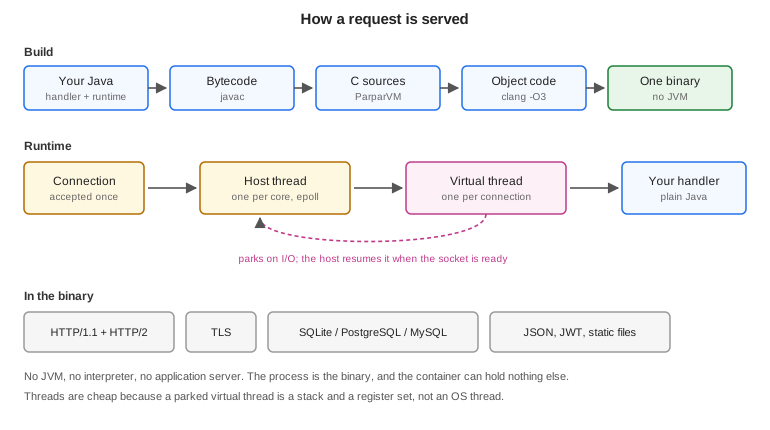
34.1. What this doesn’t replace
Spring Boot, Quarkus, Micronaut and Jakarta EE aren’t the competition here. They carry a security stack, a starter for every service a company runs, a container that discovers beans in any jar on the class path, and two decades of operational knowledge. If you are running a Spring service today and it works, these chapters aren’t asking you to move it.
What this runtime borrows from them is the programming model. Controllers, services, dependency injection, declarative transactions, scheduled jobs and managed beans use Spring’s annotation names and mean what they mean there, so a Spring developer can read a Codename One backend without learning it first. What it doesn’t borrow is the container: every one of those annotations is resolved while the project builds, into ordinary code, and there is nothing left to interpret when the server runs.
What those frameworks assume is a JVM, and that paying for one is reasonable. For most server work that assumption holds. This exists for the work where it fails.
34.2. Why it exists
A JVM charges you twice. It charges start-up on every cold process, and it charges a baseline heap for as long as the process lives. Both are fine when a service runs for weeks and handles millions of requests. Neither is fine when the process exits after 200 milliseconds, when you are billed per invocation, or when the instance is capped at 128 MB.
That describes a specific and growing slice of server work: serverless functions, sidecars, edge workers, webhook receivers, small always-on services. Java is thin on the ground there, and the reason is arithmetic rather than taste. Teams therefore reach for Go or Node, and a Java shop that does this ends up with two languages, two toolchains, and two definitions of every object that crosses the wire.
The point of the backend is to remove the reason to leave Java for that slice. It doesn’t try to take work the JVM already does well.
34.3. How the backend chapters fit together
This chapter covers what every server needs: the module, the build, the concurrency model and configuration. The chapters after it each take one part of a server and go into depth:
Chapter 35, Backend controllers, contracts and WebSockets: mapping HTTP requests to methods, sharing a typed contract with the app, holding WebSocket connections open, and sending push notifications.
Chapter 36, Compiled HTML views: compiled HTML pages, typed templates, forms and htmx fragments.
Chapter 37, Backend beans and dependency injection: splitting a server into services the build wires together, with scopes, conditions and configuration binding.
Chapter 39, Backend data access and transactions: the connection pool, the object mapping, and
@Transactionalin full, with propagation, rollback rules and savepoints.Chapter 40, Backend sessions: keeping state for a client across requests.
Chapter 42, Backend scheduling and background work: running work later, on a schedule, or on another thread.
Chapter 43, Backend tracing, metrics and management: traces, metrics, managed beans and the management endpoints.
Chapter 44, Backend MCP and the agent loop: letting an AI agent call the server’s tools, and giving an agent that builds the server a way to inspect and exercise it.
Chapter 45, Backend performance, deployment and limits: the measurements, deployment, and the limits worth knowing before choosing this.
34.4. A first server
The archetype (with -DprojectType=app-with-backend) and the initializr (with the
App with backend project type) both generate a backend module beside the app:
myapp/
common/ shared app code
backend/ the server
pom.xml
src/main/java/com/example/myapp/Notes.javaA server-only project, generated with -DprojectType=backend-only or the
initializr’s Backend only type, has no common module: the server is the whole
project, at the root (see Section A.1.2, “Backend-only projects”).
A server is a class with routes on it. The annotations are Spring’s, under Codename One’s package names, so this reads the same way to anyone who has written a Spring controller:
@RestController
@RequestMapping("/notes")
public class Notes {
private final Map<Long, Map> store =
Collections.synchronizedMap(new LinkedHashMap<Long, Map>());
private final AtomicLong nextId = new AtomicLong(1);
@GetMapping("/healthz")
public String health() {
return "ok";
}
@GetMapping("/{id}")
public Map read(@PathVariable("id") long id) {
return store.get(Long.valueOf(id)); // null becomes a 404
}
@GetMapping
public List list(@RequestParam(value = "limit", defaultValue = "20") int limit) {
List page = new ArrayList();
synchronized (store) { // iterating needs the map's own lock
for (Map note : store.values()) {
if (page.size() >= limit) {
break;
}
page.add(note);
}
}
return page;
}
@PostMapping
@ResponseStatus(201)
public Map create(@RequestBody Map note) {
long id = nextId.getAndIncrement();
Map stored = new LinkedHashMap(note);
stored.put("id", Long.valueOf(id));
store.put(Long.valueOf(id), stored);
return stored;
}
@DeleteMapping("/{id}")
@ResponseStatus(204)
public void delete(@PathVariable("id") long id) {
store.remove(Long.valueOf(id));
}
}There is no main here, and that’s the point. Every server opens with the same
twenty lines — start a listener, install a shutdown handler, wait on it — and
getting any of them wrong produces one that leaks connections on SIGTERM, or one
that ends the moment main returns and says nothing about why. The build writes
those lines, from the controllers it finds.
It also writes the router. The obvious hand-written form,
if ("/healthz".equals(request.getTarget())), builds a String for the target,
hashes it and compares it — for every route it tries before the one that matches,
on every request — and breaks as soon as a client appends ?probe=1. The
generated router holds each route as a byte[] and asks the request whether its
path bytes are those bytes, so a route with no path variables allocates nothing at
all and a query string can’t break it.
The return value decides the response. A String is sent as text, anything else as
JSON, null is a 404, and @ResponseStatus sets the code for the cases where 200
isn’t it. A handler that needs something this doesn’t model takes the
HttpServer.Request itself and answers exactly as it would have before.
Two commands matter:
# the property is not optional: the backend module lives in a profile, and # without it Maven cannot see it in the reactor at all mvn -pl backend -Dcodename1.platform=backend cn1:backend # run it on this JVM mvn -pl backend -Dcodename1.platform=backend cn1:backend-package # build the native binary
In a backend-only Maven project, run ./mvnw cn1:backend and
./mvnw cn1:backend-package from the root, with no module or property.
In a Gradle project the backend is the backend subproject (or the whole project,
for a backend-only application), and the same two steps are tasks:
./gradlew :backend:runBackend # run it on this JVM ./gradlew :backend:backendPackage # build the native binary
Drop the :backend: prefix in a backend-only project. Section 3.8, “The backend” covers
adding a backend to an existing Gradle application.
The first is the development loop. Both run the same protocol code — there is one
copy of HttpServer, and only the layer underneath it differs — so behaviour
can’t drift between the loop you develop in and the binary you ship. The local
run doesn’t terminate TLS, by design, and therefore doesn’t serve HTTP/2:
both refuse with a message that says so, because a second TLS implementation
would have its own bugs rather than production’s.
34.5. What the build writes
Every annotation in these chapters is read from the compiled classes, after javac
and before the translator, during the process-classes phase. The build works out
everything the annotations ask for and writes it down as plain Java, so the
translator and the dead-code pass see an ordinary program:
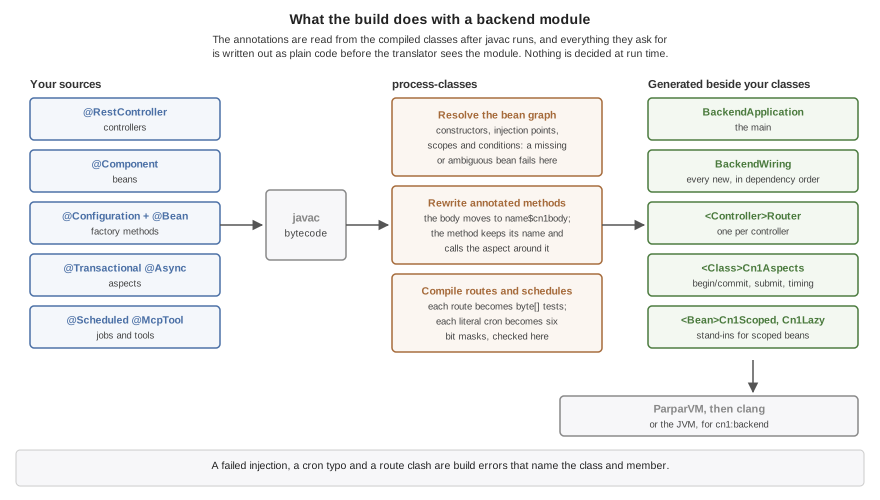
BackendApplicationis themain. It builds the configuration, opens the database, starts the server and installs the shutdown handler.BackendWiringis the whole of dependency injection: anewfor each bean in dependency order, the calls that set its injected fields, and its@PostConstructmethod. Chapter 37, Backend beans and dependency injection describes what goes into it.A
Routerper controller holds each route as abyte[]and binds each parameter with code written for its type.A
Cn1Aspectsclass per annotated class carries what@Transactional,@Async,@Timedand@Countedadd around a method. The method keeps its name and signature, its body moves to a method of its own, and the method calls the aspect around that body.
That has three consequences worth knowing from the start. A dependency that can’t be satisfied, a route claimed twice and a cron expression with a typo are build errors, each naming the class and member at fault, rather than failures the first request finds. Starting a server with fifty beans costs what the fifty constructors cost, because there is no scan and no lookup. And a feature the application skips isn’t in the binary at all: the translator drops every class nothing references, and the generated code references only what the annotations asked for.
The generated classes land in target/classes beside the module’s own. To see
what the build decided about the beans without reading bytecode, ask a running
development server: the backend_beans tool described in Chapter 44, Backend MCP and the agent loop lists
every bean, its scope and what was injected into it.
A process runs one backend. Starting a second while the first is running fails with an error; starting again after it has stopped is fine. To scale out, run more processes: keep sessions in the database store and give scheduled jobs a lock, so the instances share them.
34.6. Virtual threads and the request loop
The concurrency model is the part most worth understanding, because it’s what makes a handler that blocks acceptable.
Every connection gets a virtual thread. Not a pooled worker that a connection borrows for one request — a stack that belongs to that connection until it closes. The handler can block on a socket read, a database round trip or a file, and it costs a parked stack rather than an OS thread.
Host threads run those virtual threads, and there is one host per core. A descriptor is registered in exactly one host’s epoll set, so it can only ever be reported to that host, and only that host ever touches its virtual thread. That affinity is why the scheduler needs no locks on the hot path.
The loop is: the host polls, a descriptor becomes readable, the host resumes that connection’s virtual thread, the handler runs until it needs bytes that haven’t arrived, and it parks. Parking returns control to the host, which polls again. When the handler finishes a response the descriptor stays armed, so the next request on that connection costs no system call to set up.
These are ParparVM’s own virtual threads, a feature of the translated runtime, and
they aren’t the virtual threads of Java 21 and later. The two share a name and
little else. A Java virtual thread unmounts whenever the JDK blocks on its behalf.
One of these switches stacks in the translated C code and parks only where the
runtime has made parking possible: waiting on a socket. That covers the connection
it serves and every outbound one — a PostgreSQL or MySQL query, a Web call, a
TLS handshake — so a handler waiting on another service costs a parked stack, and
the host serves other connections meanwhile. Anything else that blocks holds the
host thread under it and every virtual thread that host runs: SQLite and file
access, which are local calls rather than sockets, resolving a host name, and
Object.wait(). They’re also pinned: a virtual thread stays on one host for its
whole life.
That’s why the development run on the JVM doesn’t use Java’s virtual threads to
stand in for them, even for debugging. It serves connections on a pool of platform
threads and runs VIRTUAL work on platform threads too. Code that’s correct
there can still stall a host on the native build, so test anything that depends on
how threads interleave — a handler that waits, a task that blocks — on the
native server.
Host count follows cores rather than the workers argument. On two pinned cores,
16 hosts served 117 requests where 2 hosts served 257,297: past one host per core
they compete for the cores the server needs. In this mode workers stops meaning
"requests in flight," because the virtual threads supply that.
34.7. The life of a request
A server’s handlers are arranged in a chain, and each one either answers a request or
passes it on by answering null. The order is fixed, so which handler wins
never depends on registration order or on what happens to be in a directory:
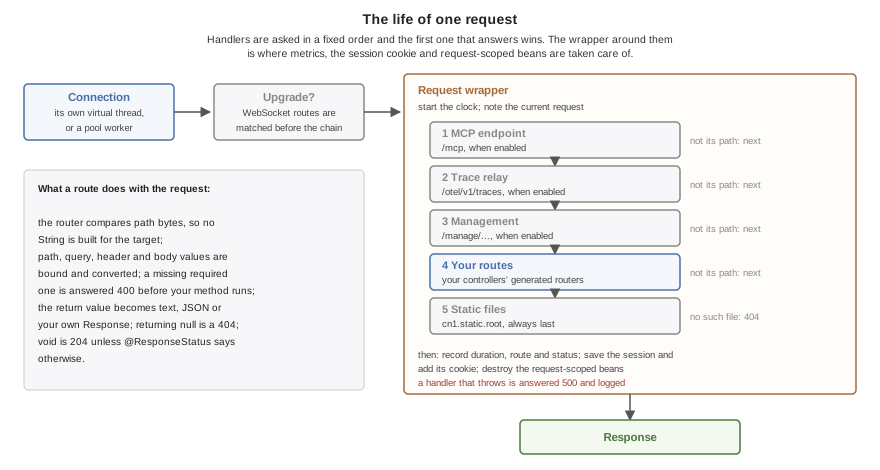
A WebSocket upgrade is matched first, against the
@WebSocketMappingroutes, and never reaches the chain.The server’s own endpoints come next, each only when it’s turned on: MCP at
/mcp, the trace relay at/otel/v1/traces, and the management endpoints under/manage. They come before the application’s routes so a catch-all route can’t answer a health check.Then the application’s routes.
Static files from
cn1.static.rootare always last, so a file can’t shadow a route by being named like one. The app’s browser build comes after those, when the server hosts one; see Section 35.1.16, “Hosting the app in the browser”.A request nothing answered is a 404.
Around the chain sits one wrapper, and it’s where the per-request features
live. It starts the clock for the request duration metric, makes the request
available to request-scoped beans, and records the request for the development
tools. After the chain answers it saves the session and adds its cookie, destroys
the request’s request-scoped beans, and records the duration under the route that
matched. A handler that throws is answered with a 500 whose body says only
internal error, and the exception goes to the log rather than to the client.
34.8. Configuration and profiles
A server runs against a file on a laptop and a managed database in production, and the difference between those two can’t live in the source. It lives in properties files beside the binary and in the environment:
application.properties, committed:
cn1.datasource.url=${DATABASE_URL}
cn1.server.port=8080application-dev.properties, also committed:
cn1.datasource.url=:memory:CN1_PROFILE=dev ./server # SQLite, nothing installed DATABASE_URL=postgres://app:secret@db/app ./server # production
A key is resolved in one order, and the first layer that has it wins: a system
property of that exact name, then the environment variable it maps to
(cn1.datasource.url becomes CN1_DATASOURCE_URL), then the environment
variable a platform already sets for it, then
application-<profile>.properties, then application.properties.
The third layer is worth spelling out. PORT and DATABASE_URL are set for you
by every platform-as-a-service worth the name, and a server that ignored them
would need a wrapper script to start at all, so they’re read where those two
keys are read.
A value may name an environment variable as ${NAME} or ${NAME:fallback}, and
that reference resolves when the value is READ rather than when the file loads.
That’s what lets the committed application.properties above name a variable
only production sets: the development profile overrides the key, so the unset
variable is never read. A reference that’s read and can’t be resolved fails
with a message naming it, because the alternative is a server that opens a SQLite file
called ${DATABASE_URL} and finds it empty.
Nothing here is required. A binary with no properties file beside it reads its
whole configuration from the environment, which is the normal shape for a
container built FROM scratch: there is no file next to the binary because
there is nothing next to the binary.
| Key | What it sets |
|---|---|
| The active profile. |
| A SQLite path, or a |
| How many connections to hold. The default is eight for a server engine, four for a SQLite file and one for an in-memory database. |
| The port. Also read from |
| The address to listen on. Every interface by default; |
| The size of the request thread pool, 16 by default. Under virtual threads it no longer bounds the requests in flight; see Section 34.6, “Virtual threads and the request loop”. |
| A PEM certificate and key to terminate TLS with. One without the other is refused rather than serving plaintext under a name that promises otherwise. |
| A directory to serve files from, after every route. |
| The directory holding the app’s browser build, served at |
| Whether the generated daos create their tables at start-up. True on a development profile, false everywhere else. |
| Whether start-up compares the entity mappings with the existing tables, after
migrations and table creation, and refuses to serve when a table or column is
missing or a column can’t hold what its field stores. A nullable column
under a field the mapping requires is fatal too, because the database would
accept rows the mapping can’t read; only an extra |
| Whether pending schema migrations run at start-up. True whenever the project
has migrations; the rest of the |
| The directory the properties files are read from; the working directory by default. Read only from a system property or the environment, since it decides where the files are. |
| The listen backlog, 512 by default. |
| How long a stop waits for the requests in flight, 10 seconds by default. Zero means don’t wait. |
| Whether a TLS server offers HTTP/2 through ALPN. True by default. |
| Whether |
| Where static files are served ( |
| Where the app’s browser build is served ( |
| How long a request waits for a free connection before it fails, 10 seconds by default. |
| How long SQLite waits on a locked database file, 5 seconds by default. |
| Build-time. |
| Build-time. |
| Build-time. |
| Build-time. |
One limit is read only from the environment, because it’s fixed when the server
class loads: CN1_HTTP_MAX_UPLOAD_MB, 64 by default, bounds the request bodies
being received at once across all HTTP/1.1 connections. A request that would pass
the limit gets a 503 rather than being buffered.
The chapters that follow add their own keys — cn1.session., cn1.security.,
cn1.task.executor., cn1.management., cn1.mcp. and cn1.otel. — and
list each one where it’s described.
34.8.1. Settings compiled in
A server that ships as one executable often has no properties file beside it, so
the build compiles the module’s application.properties into the server as the
bottom layer of its configuration. The binary starts with the committed settings
and nothing next to it, and a properties file or the environment present at run
time still changes any key without a rebuild.
Only the base file is compiled in. A profile’s file describes a different
deployment, so application-dev.properties stays a file the dev profile reads
rather than becoming a production binary’s defaults.
Secrets — a token, a password inside a database URL — don’t belong in a
committed file. Name them as ${NAME}, which is resolved from the environment
when the value is read, or leave the key to the environment entirely.
34.8.2. Build-time settings
Four keys are read by the build, because each decides whether a part of the runtime is linked into the server at all. A server that doesn’t ask for a part has none of its code.
| Key | What true links |
|---|---|
| The tables of the security layer’s database stores. |
| The management endpoints. |
| The MCP endpoint. A class with an |
| The OpenTelemetry exporters. The |
The build reads these from the module’s application.properties and the
application-<profile>.properties files beside it. It doesn’t read the
environment, a system property or a properties file beside the finished server.
The same two rules hold for all four:
trueat run time in a server built without the part stops the start. The error names the key, says that it’s a build-time setting, and says to put it in the module’sapplication.propertiesand build again. The part isn’t in the server, so the setting can’t be honored.falseat run time in a server built with the part leaves the part out. The endpoints aren’t served, nothing is exported, and the tables aren’t created.
Every other key is read when the server starts, from wherever its configuration comes from.
Handlers that need any of this get it from the entry point the build writes.
35. Backend controllers, contracts and WebSockets
A controller turns HTTP into method calls. This chapter covers how requests are mapped to methods and how their parts are bound to parameters, how a return value becomes a response, how the app and the server share one declaration of their API, how a server holds WebSocket connections open, and how it sends push notifications. Section 34.4, “A first server” introduced the shape; this is the detail.
35.1. Mapping requests
A @RestController is a class whose methods answer requests. It’s also a bean,
so its constructor receives whatever it depends on, as Chapter 37, Backend beans and dependency injection
describes. Each mapped method names a verb and a path:
@RestController
@RequestMapping("/api/products")
public class Products {
private final Map<Long, Map<String, Object>> products =
new LinkedHashMap<Long, Map<String, Object>>();
@GetMapping("/{id}") // GET /api/products/42
public synchronized Map<String, Object> get(@PathVariable("id") long id) {
return products.get(Long.valueOf(id)); // null answers 404
}
@GetMapping("/search") // GET /api/products/search?q=mug
public synchronized List<Map<String, Object>> search(
@RequestParam(value = "q", required = false) String query,
@RequestParam(value = "limit", defaultValue = "20") int limit) {
List<Map<String, Object>> out = new ArrayList<Map<String, Object>>();
for (Map<String, Object> p : products.values()) {
if (out.size() < limit
&& (query == null || String.valueOf(p.get("name")).contains(query))) {
out.add(p);
}
}
return out;
}
@PostMapping // POST /api/products
@ResponseStatus(201)
public synchronized Map<String, Object> create(
@RequestBody Map<String, Object> body,
@RequestHeader(value = "Idempotency-Key", required = false) String key) {
Long id = Long.valueOf(products.size() + 1);
Map<String, Object> product = new LinkedHashMap<String, Object>(body);
product.put("id", id);
products.put(id, product);
return product;
}
@DeleteMapping("/{id}") // void answers 204
public synchronized void delete(@PathVariable("id") long id) {
products.remove(Long.valueOf(id));
}
@GetMapping("/{id}/label")
public HttpServer.Response label(HttpServer.Request request, @PathVariable("id") long id) {
byte[] text = ("product " + id).getBytes();
return request.respond(200, "text/plain; charset=utf-8", text);
}
}@GetMapping, @PostMapping, @PutMapping, @PatchMapping and @DeleteMapping
cover the usual verbs, and @RequestMapping(value = "/x", method = "OPTIONS")
covers the rest. On the class, @RequestMapping is a prefix for every mapping
inside it, and a mapping with no path answers on the prefix itself, as create
does above. A mapping may list several paths, which is how a route keeps an old
URL working.
A {name} segment matches one path segment and is bound with @PathVariable.
Within one controller a literal route is tried before a route with variables that
would also match it, so /api/products/search above reaches search rather than
get with an id of search.
What the build refuses is a route nothing could ever reach. Two methods answering the same verb and path shape are an error, even when their variables are named differently, because a variable’s name isn’t part of what a request carries. The same is true across controllers: a variable route in one controller that would answer a literal route of another is reported, since the routers are tried in turn and the literal one would never run.
35.1.1. Binding the parts of a request
Every parameter of a mapped method says where its value comes from, with exactly one annotation:
| Annotation | Reads | Binds to |
|---|---|---|
| a |
|
| a query parameter, or a field of a form body |
|
| one part of a |
|
| a request header |
|
| the body |
|
none, typed | the request itself | anything the request exposes |
The name is required. Java drops parameter names when it compiles unless it’s
told to keep them, and a router that guessed would bind the wrong value in
silence, so @RequestParam("q") names the parameter the client sends rather than
the variable in the method. A parameter with no annotation, or with two, is a
build error: one parameter reads from one place, which matters most for an input
like a credential that could otherwise arrive from a query string when the code
meant a header.
@RequestParam, @RequestHeader and @RequestBody are required unless they say
otherwise. A request that leaves out a required value is answered 400, with the
value’s name in the body, before the method runs. defaultValue supplies a value
for one that’s missing. Two combinations are refused at build time, because each
would hand the method a value nobody sent: required = false on a primitive with
no defaultValue, since an int can’t hold "absent" and would arrive as 0;
and a defaultValue that isn’t a value of the parameter’s type.
A body is parsed as JSON. A String, Map or List parameter gets it as parsed;
a class of your own — an entity, a DTO — or a List<Order> of them is filled in
by a codec the build writes for that class, as Jackson fills one in for a Spring
controller. Section 35.1.3, “Your own classes as JSON” describes the form.
A request target with a malformed escape sequence, or one that isn’t valid UTF-8, is answered 400 before any route is tried, rather than as a 404 the client couldn’t explain.
35.1.2. What a method returns
| Return type | Response |
|---|---|
| 204 with no body, or the |
| The text, as |
A | JSON, with 200 or the |
| Exactly what the method built. |
| 404. |
Any other return type is a build error: a JDK class with no JSON form, such as
java.io.File, would otherwise come out as the JSON string of its toString(),
with the build and the request both reporting success. @ResponseStatus takes a
final status between 200 and 599.
A method that returns its own type can’t return a refusal, because its return type is the body of a success. It throws one:
if (taken(email)) {
throw new ResponseStatusException(409, "That e-mail already has an account");
}The reason is sent as the body, in plain text, so keep out of it anything the
caller shouldn’t learn. A status below 500 is an answer: it isn’t logged and
isn’t counted as a failed request. A status of 500 or above is reported the way
any other failure of the handler is, and answered with the status given. The
exception is unchecked, so inside a @Transactional method it rolls the
transaction back.
35.1.3. Your own classes as JSON
A method can return an entity or any class of your own, or take one as its body, and the build writes the JSON codec for that class and for every class its fields reach. There is no reflection at run time: the codec is ordinary code that reads and writes each field by name, so it costs what the hand-written version would.
public class Order {
public long id;
public String customer;
@JsonProperty("placed_at")
public Date placedAt;
public List<OrderLine> lines = new ArrayList<OrderLine>();
}public class OrderLine {
public String sku;
public int quantity;
}@RestController
@RequestMapping("/orders")
public class OrdersApi {
private final Map<Long, Order> orders =
Collections.synchronizedMap(new LinkedHashMap<Long, Order>());
private final AtomicLong ids = new AtomicLong();
@PostMapping
public Order place(@RequestBody Order order) {
order.id = ids.incrementAndGet();
order.placedAt = new Date();
orders.put(Long.valueOf(order.id), order);
return order;
}
@GetMapping("/{id}")
public Order find(@PathVariable("id") long id) {
return orders.get(Long.valueOf(id)); // null is a 404
}
}A POST /orders with {"customer":"Ada","lines":[{"sku":"A-1","quantity":2}]}
answers with the stored order:
{"id":1,"customer":"Ada","placed_at":1740821400000,"lines":[{"sku":"A-1","quantity":2}]}The JSON form is the one the app’s @Mapped mapper uses, so a class shared by the
app and the server reads the same on both sides:
The fields are the class’s own and its superclasses', except static and
transientones. A public field is used directly; any other through itsgetX(orisX) andsetXmethods, and is left out when it has neither.@JsonProperty("due_at")renames a field and@JsonIgnoreleaves one out, both fromcom.codename1.annotations. The options in Section 35.1.4, “Shaping the JSON contract” shape the rest.A
recordis written from its accessors and read through its canonical constructor, so it needs no constructor without arguments. A component the body leaves out, or one marked@JsonIgnore, is passed its default:null,0orfalse.A
Dateis written as milliseconds since the epoch, which is Jackson’s default and what the app’s mapper reads, and is read from that or from an ISO-8601 date such as2025-03-01T09:30:00Z. Abyte[]is base64, an enum is its name.A subclass is written with its own fields, even where a method declares the superclass.
A field declared
Object, or a rawMaporList, is written by what it holds when the server runs. A value of a class the build writes a codec for goes through that codec; a value of any other class of yours is answered 500 rather than written as itstoString(), so declare the field with its type.A body’s unknown members are ignored and absent ones leave the field as the constructor set it, as a Spring Boot application does. An explicit
nullsets a field tonull, and leaves a primitive at its default.A generic class is written and read through the type arguments it’s used with: a method returning
Page<Order>gets a codec that knowsPage’s `List<T>holds orders.An array is a JSON array, of any element type a field may have.
A body the codec can’t read — a string where a number belongs, an enum name that doesn’t exist — is answered 400 with where it was and what was expected:
$.items[2].due: expected a number or an ISO-8601 date, got true
Two objects that refer to each other, such as an order whose lines point back at
it, would be written forever, so a response that nests more than 64 objects deep
is answered 500 with a message naming the class; mark the field that points back
@JsonIgnore. The same limit refuses a body nested deeper than that with 400.
cn1.json.maxDepth in application.properties moves it. The build refuses what
it can’t write a codec for, and says why: a generic class used without its type
arguments, such as a raw Page; a body class other than a record with neither a
constructor without arguments nor a @JsonCreator; an interface; and an array
of more than one dimension, which a List of arrays replaces.
35.1.4. Shaping the JSON contract
An API that outlives one release needs more say over its JSON than a field name.
These annotations, from com.codename1.annotations, are read at build time by the
server’s codecs and by the app’s @Mapped mappers alike, so a class shared by
both keeps one contract:
| Annotation | Effect |
|---|---|
| Writes the field as |
| A body that leaves the member out is answered 400:
|
| A member the class doesn’t declare is answered 400 with its path,
|
| A |
| A number is written in quotes, which a JavaScript client needs for a |
| Hands the value to your own |
| Reads an immutable class through it. Each parameter names its member with
|
An immutable class keeps its fields final and is read through its creator:
@JsonStrict
public final class Point {
private final int x;
private final int y;
@JsonCreator
public Point(@JsonProperty(value = "x", required = true) int x,
@JsonProperty("y") int y) {
this.x = x;
this.y = y;
}
public int getX() { return x; }
public int getY() { return y; }
}An adapter converts between a type and the parsed form of JSON: null, a
String, a Boolean, a Number, a Map for an object and a List for an
array. It’s for the types the codecs don’t map themselves, such as an amount kept
in cents and sent as a decimal string:
public final class MoneyAdapter implements JsonTypeAdapter<Money> {
public Object toJson(Money m) {
return m == null ? null : m.toDecimalString();
}
public Money fromJson(Object json) {
if (json == null) {
return null;
}
if (!(json instanceof String)) {
throw new IllegalArgumentException("expected an amount");
}
return Money.parse((String) json);
}
}The adapter needs a public constructor without arguments. The build creates one
instance of it and calls it directly, so nothing is looked up by name at run time
and a native build keeps the class. An IllegalArgumentException it throws is
answered 400, with the member’s path in front of its message.
35.1.5. Coming from Jackson
A Spring controller maps JSON through Jackson’s ObjectMapper at run time. The
backend does the same work at build time, so most of what an ObjectMapper call
did becomes a declaration:
| Jackson | Codename One backend |
|---|---|
| Declare the parameter |
| Return the |
| The annotations of the same names in |
|
|
|
|
|
|
|
|
|
|
|
|
| A |
| No equivalent. A subclass is written with its own fields, but a body is read
as the declared class. Read a polymorphic body as a |
A field whose type has no codec, such as a JDK class the server doesn’t map,
fails the build and names the field. Give it a @JsonAdapter, or declare it as
the value it travels as.
A method that throws is answered 500 with the body internal error, and the
exception is logged. The message isn’t sent to the client, because an exception
message is the most common way a server leaks its internals. To answer a failure
with a status and a body of your choosing, return an HttpServer.Response, built
with request.respond(status, contentType, bytes) or
request.respondJson(status, value).
35.1.6. Taking the request itself
A parameter typed HttpServer.Request receives the request, which is the way to
anything the binding annotations don’t model: every header, the raw body, the
session, or a response with headers of its own. The label method in the example
above takes it for that reason.
A request’s byte arrays belong to the connection and are reused by the next request on it, so a handler that keeps the body beyond its own call copies what it needs. That’s the price of a router that allocates nothing for a route without path variables.
35.1.7. Forms and file uploads
A browser form posts its fields as application/x-www-form-urlencoded, or as
multipart/form-data when it carries a file. @RequestParam reads a field of
either kind of form the way it reads a query parameter, so a handler doesn’t
care how the client encoded it. The query string wins when both have the name,
as it does in a servlet container. @RequestPart binds one part of a multipart
body, which is the way to a file:
@PostMapping("/avatars")
public Map<String, Object> upload(@RequestPart("image") HttpServer.Part image,
@RequestParam("caption") String caption) {
Map<String, Object> out = new LinkedHashMap<>();
out.put("file", image.getFilename());
out.put("type", image.getContentType());
out.put("bytes", image.getSize());
out.put("caption", caption);
return out;
}An HttpServer.Part has the part’s name, its file name when it’s a file, its
content type, its own headers and its bytes. A body that isn’t well-formed
multipart is answered 400 before the method runs, and so is a request without a
required part. A handler that takes the request itself reads the same parts with
getParts() and getPart(name), and reads a field with param(name).
The body limit applies to the whole multipart request, files included: 8 MB, as
for any other body. A body that isn’t text — an upload, an image,
application/octet-stream — reaches the handler as bytes through
getBodyBytes(). getBody() returns text only for a text type, JSON, XML or a
form, after checking that it’s valid UTF-8, and refuses a binary body rather
than hand the handler garbled characters.
35.1.8. Large uploads and downloads
A binary body can be larger than 8 MB when CN1_HTTP_MAX_SPOOLED_BODY_MB raises
its limit. Such a body is never held in memory whole. Up to
CN1_HTTP_SPOOL_THRESHOLD_KB (1024 by default) it stays on the heap, and past
that the server writes it to a temporary file as it arrives. The file is deleted
from the directory as soon as it’s created, so a crash leaves nothing behind.
CN1_HTTP_SPOOL_DIR chooses the directory, the system temporary directory
otherwise. A body over the limit is answered 413, over HTTP/1.1 and HTTP/2
alike. JSON, forms, XML and compressed bodies keep the 8 MB limit, because a
handler reads those whole anyway.
Read such a body with getBodyStream(), which reads the file or the memory
without the handler knowing which. getBodyLength() gives its size without
reading it. A multipart upload is spooled the same way, and each
HttpServer.Part has getInputStream() and getLength() for it:
@PostMapping("/archive")
public Map<String, Long> archive(HttpServer.Request request) throws IOException {
long total = 0;
byte[] buffer = new byte[64 * 1024];
InputStream in = request.getBodyStream();
try {
for (int n = in.read(buffer); n > 0; n = in.read(buffer)) {
total += n; // store, hash or forward each block
}
} finally {
in.close();
}
return Collections.singletonMap("bytes", total);
}The body is valid until the request ends. A handler that needs it later copies it somewhere of its own.
A response is streamed with HttpServer.Response.stream. The writer runs after
the headers are sent and writes as much as it likes: chunked on HTTP/1.1, DATA
frames on HTTP/2. A write blocks while the client is slow, so a slow client
slows the writer rather than filling memory, and a client that goes away makes
the next write throw.
@GetMapping("/report.csv")
public HttpServer.Response report() {
return HttpServer.Response.stream(200, "text/csv", new HttpServer.BodyWriter() {
public void writeTo(OutputStream out) throws IOException {
for (int row = 0; row < 1000000; row++) {
out.write((row + "," + row * row + "\n").getBytes("UTF-8"));
}
}
});
}The server doesn’t run the writer for a HEAD request, a status without a
body, or a client that left before the headers went out. A writer that holds
something open until it runs, such as a connection or a file, should also
implement java.io.Closeable. In those cases the server calls close()
instead.
35.1.9. Compression
cn1.server.compression.enabled=true turns on gzip for responses, with the two
other settings Spring Boot has for it. A response is compressed when the client
sends Accept-Encoding: gzip, its type is in cn1.server.compression.mimeTypes
(text, JSON, JavaScript and XML by default), and its body is at least
cn1.server.compression.minResponseSize bytes (2048 by default). A static file
is left unchanged, because it’s sent straight from the page cache, and so is a
response whose handler set a Content-Encoding of its own. A range answer (206 or any
response with Content-Range) is never compressed either, because its offsets
describe the uncompressed bytes, and neither is a response with a strong ETag,
which names its exact bytes, as Tomcat leaves one by default. Compression is off
by default because it trades processor time for bytes, and a server behind a
proxy that already compresses would pay for it twice.
A request body sent with Content-Encoding: gzip is decompressed before the
handler sees it, whether responses are compressed or not. It’s held to the same
8 MB limit after decompression, so a small compressed body can’t expand past it.
A request in any other encoding is answered 415.
35.1.10. Cross-origin requests
A browser refuses to let a page read a response from another origin — another
scheme, host or port — unless the server says it may. A web app served from one
host that calls an API on another needs the API to say so, and the cn1.cors
settings do:
cn1.cors.allowedOrigins=https://app.example.com
cn1.cors.allowCredentials=true
cn1.cors.exposedHeaders=X-Request-Id| Key | What it sets |
|---|---|
| The origins that may call the server, separated by commas, or |
| The methods a cross-origin request may use, preflighted or not. All the common ones by default. |
| The request headers a preflight allows, |
| Response headers beyond the basic ones that the page may read. |
| Whether the browser sends cookies and the page may read the answer. A browser
refuses this with a |
| How long a browser may cache a preflight answer, 1800 seconds by default. |
The server answers a preflight OPTIONS request itself, and adds the headers to
every response to an allowed origin. A cross-origin request from an origin not on
the list, or with a method not on it, is refused with a 403 before any handler
runs, as Spring refuses it; a request whose Origin is the server itself isn’t a
cross-origin request. A
handler that maps OPTIONS or sets Access-Control-Allow-Origin itself keeps its
own policy, which is how the MCP endpoint keeps the stricter one it has.
35.1.11. Serving static files
cn1.static.root names a directory, and the server answers requests under
cn1.static.prefix (/static by default) with its files, after every route has
had its chance. A directory is answered with its cn1.static.index file, and every
file carries cn1.static.cacheControl. The resolved path must be inside the root,
checked by resolving it on disk rather than by inspecting the request, so ../,
an encoded escape sequence and a symbolic link out of the tree are all refused.
Conditional requests and ranges are honoured, and where the platform supports it
the file is sent from the page cache to the socket without passing through the
process.
35.1.12. When a method throws
A method that throws answers 500 with a body that reveals nothing about the
failure, unless something handles the exception first. A
ResponseStatusException chooses its own status. For anything else, write a
handler:
@RestController
public class NotesWithHandler {
private final Map<Long, NoteView> notes = new HashMap<Long, NoteView>();
@GetMapping("/notes/{id}")
public NoteView note(@PathVariable("id") long id) {
NoteView note = notes.get(id);
if (note == null) {
throw new NoteMissing(id);
}
return note;
}
@ExceptionHandler(NoteMissing.class)
@ResponseStatus(404)
public Map<String, String> missing(NoteMissing e) {
return Collections.singletonMap("error", e.getMessage());
}
}A handler on a controller answers for that controller’s routes. A
@ControllerAdvice (or @RestControllerAdvice) bean holds handlers for every
controller, and basePackages narrows it to some:
@RestControllerAdvice
public class ApiErrors {
@ExceptionHandler(IllegalArgumentException.class)
public HttpServer.Response badInput(IllegalArgumentException e, HttpServer.Request request) {
return HttpServer.Response.text(400, e.getMessage()).header("X-Error", "input");
}
}A handler takes, in any order, the exception, the HttpServer.Request and the
HandlerMethod that failed. It returns an HttpServer.Response for full
control of status, headers and body; or a String, a Map, a List, a
Json.Writable or nothing, sent with its @ResponseStatus, or 200 without
one, as Spring does. A handler returning a null Response declines, and the
next one is asked.
The build decides which handler answers, in this order:
The controller’s own handlers. Among those that apply, the one naming the closest superclass of the thrown exception.
Each advice, in
@Orderorder and then by bean name, choosing its own closest match the same way.A
ValidationExceptionthat nothing handled answers 400 with its field errors, as the next section shows.Anything else answers as before: the status of a
ResponseStatusException, otherwise a plain 500.
Two kinds of failure skip every handler. An Error is never handled. A
failure that belongs to security, AccessDeniedException or
AuthenticationException and their subclasses (CSRF failures among them),
goes straight back to the security chain, so a handler for Exception can’t
turn a 403 into a 200 by accident.
Two handlers in one class for the same exception, a handler that takes an argument it can’t be given, or one returning a type it can’t send all fail the build, naming the method.
35.1.13. Validating input
Constraints from com.codename1.backend.validation declare what valid input
looks like. Put @Valid on a @RequestBody or @ModelAttribute parameter to
check the object’s fields, and put a constraint directly on a @RequestParam,
@PathVariable or @RequestHeader:
public class NewNote {
@NotBlank @Size(max = 200) public String title;
@Min(1) @Max(5) public int priority;
@Valid public Address address;
@Valid public List<Tag> tags;
}The controller asks for the checks on its parameters:
@PostMapping("/notes")
public NoteView create(@Valid @RequestBody NewNote note) {
NoteView saved = new NoteView();
saved.id = notes.size() + 1;
saved.title = note.title;
notes.add(saved);
return saved;
}
@GetMapping("/notes")
public List<NoteView> page(@RequestParam("page") @Min(1) int page) {
int from = Math.min((page - 1) * 20, notes.size());
return new ArrayList<NoteView>(notes.subList(from, Math.min(from + 20, notes.size())));
}The constraints are @NotNull, @NotBlank, @NotEmpty, @Size, @Min and
@Max. @Valid on a field descends into its value, or into each element of a
collection or array. The build writes every check as code, so a constraint on a
type that can’t carry it, such as @Min on a String, fails the build.
The checks run after binding and before the method, so invalid input never
reaches it. They throw a ValidationException, which a handler from the
previous section may answer. Unhandled, it answers 400:
{"status":400,"error":"Bad Request","errors":[
{"field":"title","code":"NotBlank","message":"must not be blank"},
{"field":"tags[1].name","code":"Size","message":"size must be between 1 and 20"}]}Field paths are stable: they use the JSON property names, [n] for an
element, and the annotation’s name for a parameter. A @Valid @ModelAttribute
form followed by a BindingResult parameter records the errors there instead,
and the method decides what to render.
There is no @Pattern: the backend’s class library has no regular
expressions. Check such a value in the method and throw a ValidationException
of your own; it’s answered the same way.
35.1.14. Around every request
A bean implementing HandlerInterceptor runs around every controller method,
for work that’s not security: auditing, metrics, cleaning up after a request.
@Component
@Order(1)
public class Audit implements HandlerInterceptor {
private final AuditTrail audit = new AuditTrail();
public HttpServer.Response preHandle(HttpServer.Request request, HandlerMethod handler) {
return null; // null proceeds; a Response answers instead
}
public void afterCompletion(HttpServer.Request request, HandlerMethod handler,
HttpServer.Response response, Throwable failure) {
audit.record(handler.getPattern(), failure == null ? "ok" : failure.toString());
}
}A request passes through these stages in order:
The security filter chain: authentication, CSRF and the URL rules. A request it refuses never reaches an interceptor.
Route selection. A request that matches no route isn’t intercepted.
Each interceptor’s
preHandle, in@Orderorder. One that returns a response answers with it, and the controller method doesn’t run.Binding, validation, and the method with its method security.
The exception handlers, when the stage before threw.
Each
postHandle, in reverse order, when the method returned normally.Each
afterCompletion, in reverse order, for every interceptor whosepreHandlelet the request through. It runs on success, after a later interceptor refused, after a binding or validation failure, and after a failure nothing handled, which it receives asfailure.
Because interceptors run inside the security chain and never see the failures security owns, an interceptor can’t let through a request security refused.
35.1.15. Coming from Servlets and Spring MVC
The backend has no Servlet container. The usual extension points map as follows:
| Servlet or Spring MVC | Backend |
|---|---|
| A |
| A |
| The same annotations, resolved at build time |
| An |
|
|
| Return an |
35.1.16. Hosting the app in the browser
A project with an app and a server can have the server host the app’s browser build. One address is then both the API and the app: somebody opens it and is using the app, with nothing to install.
mvn -pl backend -Dcodename1.platform=backend cn1:backend-webapp (1)
mvn -pl backend -am -Dcodename1.platform=backend cn1:backend (2)| 1 | Builds the app for the browser and stages it in backend/target/webapp. |
| 2 | Runs the server, which now answers / with the app. |
cn1:backend-webapp runs the project’s own JavaScript build on this machine,
the one mvn package -Dcodename1.platform=javascript
-Dcodename1.buildTarget=local-javascript runs, then unpacks the bundle into the
server module’s target/webapp. It’s a goal of its own because that build takes
about a minute. Run it when the app changed, not every time the server restarts;
what it staged stays until mvn clean.
The server looks for the app in a directory named webapp in its working
directory, beside application.properties, and serves it when the directory holds
an index.html. There’s no setting to turn on. cn1:backend points the server at
target/webapp for you, and cn1:backend-package leaves the directory beside the
binary, so a deployment is the binary with webapp next to it:
/srv/myapp/
myapp-server the binary
application.properties
webapp/
index.html
...The files aren’t linked into the binary. They’re sent from the page cache, which needs them to be files.
Routes still come first. A request reaches the app’s files only when no route
answered it, so /api/notes is the API and / is the app, and a file can’t
shadow a route by being named like one.
The files of a build keep their names from one build to the next, so each is
served with Cache-Control: no-cache and an entity tag: a browser asks every
time and is told 304 Not Modified for a file that didn’t change. A deployment
that puts a version in the path can set a longer policy. The build also writes a
gzip copy beside each text file that shrinks, and a browser that accepts gzip is
sent that copy; a range request, and a browser that doesn’t accept it, get the
file itself.
| Setting | What it does |
|---|---|
| The directory holding the app. |
| Where the app is served. |
| The |
| Set to |
The goal has a few parameters of its own:
| Parameter | What it does |
|---|---|
| A bundle to stage instead of building one: the archive a JavaScript build produced, or a directory unpacked from it. Use it for a bundle built by an earlier job or by the build server. |
| Where to stage it. |
| The app’s root project. The directory above the server module by default. |
A Gradle project has the same step as a task of its backend
project:
./gradlew :backend:backendWebApp (1)
./gradlew :backend:runBackend (2)| 1 | Builds the app for the browser and stages it in backend/build/webapp. |
| 2 | Runs the server, which now answers / with the app. |
backendWebApp runs the root project’s local JavaScript build, the one
buildJavascriptLocal runs, and unpacks the bundle into the backend’s
build/webapp. runBackend points the server at that directory, and
backendPackage writes the binary into build, where webapp is beside it
already. What it staged stays until ./gradlew clean.
-Pcn1.backend.webapp.bundle and -Pcn1.backend.webapp.output do what the Maven
parameters of the same names do. There’s no appRoot: the app is the root
project of the build. A backend-only project has no app to build, so its
backendWebApp stages a bundle named with -Pcn1.backend.webapp.bundle.
A test that needs the app served names the directory, since a test runs in the
module directory and not in target:
@BackendTest(properties = "cn1.webapp.root=target/webapp")
class HostedAppTest {
}Talking to the server from the hosted app
The hosted app and its API share an origin, so the app needs no server address compiled in. In the browser the address of the page is the address of the server:
String origin = CN.getProperty("browser.window.location.origin", null);
String server = origin != null ? origin : "https://api.example.com";A same-origin request needs no CORS configuration and goes straight to the
server. The JavaScript build can route requests to other origins through a
proxy servlet; a backend isn’t a servlet container, so the hosted build is made
without one unless the project sets javascript.inject_proxy or
javascript.proxy.url itself. A hosted app that calls a third-party service
directly needs that service to allow the app’s origin.
A WebSocket follows the same rule. Replace http with ws in the origin and
the socket goes to the server the page came from, over TLS when the page did.
Signing in from the hosted app
An installed app that signs in against the server’s own authorization server
usually asks for the code to be sent to a loopback address and reads it off the
redirect. A page in a browser can’t do that. The browser follows a redirect
itself, shows the page only what was at the end of it, and refuses to show it
anything from another origin. It also keeps the session cookie to itself: the
page can neither read Set-Cookie nor set Cookie.
Three things make the same flow work there:
Register a redirect address on the server’s own origin for the app’s client, such as
https://app.example.com/signin/code, beside the loopback one. A redirect address is matched exactly, scheme, host and port included, so it has to be the address people open the app at.Answer that path with the code it was given, as JSON. The redirect then ends on a same-origin response the app can read. The path needs no sign-in: it repeats what was in its own address, and a code is worth nothing without the PKCE verifier that only the app that started the sign-in holds.
Answer the sign-in form with a status and not a redirect, using
formLogin(form → form.successHandler(…).failureHandler(…)). The app can’t see which page a redirect led to, so200and401are how it learns whether the password was accepted.
The browser then carries the session cookie from the form to /oauth2/authorize
on its own, because both are the same origin, and the token request is the same
one the installed app makes. Tokens are kept by the app’s token store, which in
a browser is the browser’s storage for that origin.
That cookie changes what the sign-in chain has to defend against. An installed app holds its session itself, so no other site can ride on it. A browser sends the cookie on its own. If the chain runs without CSRF tokens, because the app posts the form itself, two things have to do their work:
The session cookie is
HttpOnlyandSameSite=Laxunlesscn1.session.same-sitesays otherwise, andSecureunder TLS. Leave it that way:Nonesends the session along with another site’s requests.Refuse a request that changes something and names another site in
Origin. A browser sets that header on every such request and a page can’t alter it. The installed app sends none, so a request without one passes. A filter added withaddFilterBefore(filter, LogoutFilter.class)covers the form, the token endpoint and sign-out. Compare against the configured issuer.
With CSRF off, sign-out answers a GET as well as a POST. Narrow it with
logout(logout → logout.logoutRequestMatcher(…)), and have the app send
POST /logout once it has its tokens. The session has done its work by then.
One that’s never ended lasts until cn1.session.timeout seconds pass without a
request, which is 1800 unless set.
35.2. Sharing the contract with the app
This is where having the same language on both ends stops being a slogan. An interface annotated for the REST client generates the app’s client:
@RestClient
public interface NotesApi {
@GET("/notes/{id}")
void note(@Path("id") String id, OnComplete<Response<Note>> callback);
@POST("/notes")
void create(@Body Note note, OnComplete<Response<Note>> callback);
}Building the backend module with -Dcn1.restServer=true generates two more types
from that same interface: NotesApiServer, a synchronous interface the backend
implements, and NotesApiDispatcher, which routes a method, path and body to it
and binds the path and query parameters.
public class NotesEndpoint implements NotesApiServer {
private final Map<String, Note> notes =
Collections.synchronizedMap(new HashMap<String, Note>());
public Note note(String id) { // no callback: this IS the server
return notes.get(id);
}
public Note create(Note note) {
notes.put(String.valueOf(note.id), note);
return note;
}
}The client’s methods are asynchronous because a UI can’t block; the server’s methods are synchronous because a handler has nothing to call back into. One declaration produces both shapes, which is what gRPC does and for the same reason.
The payoff is that changing the contract breaks the build on whichever side did not follow it, instead of producing a response the app fails to parse in the field. The data transfer objects are shared rather than transcribed, and their codecs are generated on both sides, so there is no handwritten mapping layer to drift.
The server half is off by default. Every existing project carries these interfaces for its client alone, and generating server classes into those builds would grow them for nothing.
35.2.1. A module both sides depend on
A project with an app and a server keeps the contract in a module of its own,
which common and backend both depend on. Nothing needs switching on there:
The app’s build finds the contract in the dependency and generates its client, exactly as it does for an interface in
commonitself.The backend’s
generate-annotation-stubsgoal writes, for each contract,NotesApiServerand aNotesApiControllerintotarget/generated-sources/cn1-annotations. The controller is an ordinary@RestControllerthat takes the@ComponentimplementingNotesApiServerand maps each operation to it, so routing, binding, security rules and filters treat it like one written by hand.
The module holds the data classes and the interfaces and nothing else. It
compiles against codenameone-core for the callback types the interfaces name,
with provided scope, so the server doesn’t inherit the client library. A
contract method can’t answer with a status of its own, so the implementation
throws ResponseStatusException to refuse a request.
The Initializr’s ride-hailing template is built this way and generates a starting point under your own name and package. Chapter 47, Wayline: Building on the sample describes it.
35.3. Real-time with WebSockets
The server speaks RFC 6455, so a Codename One app can hold a live connection to a
Codename One server with the same language on both ends. The client half is
com.codename1.io.WebSocket, which every port has shipped for years; this is the
other half of it.
An endpoint implements com.codename1.backend.WebSocket:
public static final class Echo implements WebSocket {
public void onOpen(WebSocketSession session) throws IOException {
session.sendText("welcome");
}
public void onText(WebSocketSession session, String message) throws IOException {
session.sendText(message);
}
public void onBinary(WebSocketSession session, byte[] message, int offset, int length)
throws IOException {
session.sendBinary(message, offset, length);
}
}The build finds it, the way it finds a @RestController:
@WebSocketMapping("/chat")
public static final class ChatEndpoint implements WebSocket {
public void onOpen(WebSocketSession session) { }
public void onText(WebSocketSession session, String message) { }
public void onBinary(WebSocketSession session, byte[] message, int offset, int length) { }
}The annotation goes on the type rather than on a method, because a @GetMapping
marks a call and a WebSocket is a connection: its contract is seven callbacks that
share per-connection state, which is an object. What it keeps from @GetMapping is
what a reader cares about — the path is relative to a class-level
@RequestMapping, a constructor taking a DataSource or an EntityManager is
injected the same way, and two endpoints claiming one path is a build error rather
than something registration order decides. Write the path’s characters out: an
escaped character such as %61 in the mapping is a build error too, since an
upgrade is matched against the decoded path, which an escaped mapping never equals.
An endpoint that injects a request- or session-scoped bean, directly or
through a singleton, builds with a warning: its callbacks run outside any HTTP
request, so there’s no request or session to find the bean in, and using it there
throws IllegalStateException, as in Spring. Keep per-connection state in the
session’s attachment instead.
Only onOpen, onText and onBinary have to be written. onPing, onPong,
onClose and onError have empty defaults, and a PING is answered with its PONG
before the endpoint is told, so an endpoint that ignores them still keeps its
connections alive.
35.3.1. One endpoint, many connections
An endpoint is created once for the route, not once per client, which is the same
shape a @RestController has. Everything belonging to one client lives on the
WebSocketSession the callbacks are handed, and setAttachment is where an
endpoint puts its own per-connection state.
Messages arrive whole. A client that splits a two megabyte upload into thirty-two
frames produces one onBinary, and a text message is validated as UTF-8 before it
is decoded, so a handler never sees a replacement character standing in for bytes
the client didn’t send. The array passed to onBinary is the session’s own
reassembly buffer and is valid only until that call returns — the same contract
HttpServer.Request carries, and for the same reason. An endpoint that keeps the
bytes copies the range it wants.
35.3.2. Sending from somewhere else
A callback runs on the thread that owns its connection, and the server reads nothing more from that connection until it returns. An endpoint may therefore block, and a slow one slows down its own client and nobody else’s.
Sending is the other way round: a session may be written to from any thread, which is what makes a broadcast possible.
public static final class Room implements WebSocket {
// Every open session in this room. A websocket endpoint is one object shared
// by every connection, so anything per-room lives here and anything per-client
// lives on the session.
private final List sessions = Collections.synchronizedList(new ArrayList());
public void onOpen(WebSocketSession session) {
sessions.add(session);
}
public void onText(WebSocketSession session, String message) {
// Sending from a thread other than the one that owns a connection is
// supported, and this is why: a broadcast reaches every session but one
// from the thread that received the message.
Object[] open = sessions.toArray();
for(int iter = 0 ; iter < open.length ; iter++) {
WebSocketSession other = (WebSocketSession)open[iter];
if(other == session) {
continue;
}
try {
other.sendText(message);
} catch (IOException err) {
// A send fails when that peer has gone. It is already being torn
// down; onClose will take it out of the list.
other.abort();
}
}
}
public void onBinary(WebSocketSession session, byte[] message, int offset, int length) {
}
public void onClose(WebSocketSession session, int code, String reason) {
sessions.remove(session);
}
}Each session serializes its own writers, so two threads can’t interleave halves of
two messages on one connection. What the server doesn’t do is queue: sendText
writes to the socket and blocks if the peer has stopped reading. That’s honest
back pressure rather than a buffer that grows until the machine runs out, but it
means one unresponsive client can hold up a loop that broadcasts to every other
one. A server with many clients and large messages should broadcast from a small
pool rather than from the receiving thread.
35.3.3. Subprotocols
An endpoint that speaks more than one protocol lists them best first:
public static final class Graph implements WebSocket {
public String[] getSubprotocols() {
// The server's order decides, not the client's.
return new String[]{"graphql-transport-ws", "graphql-ws"};
}
public void onOpen(WebSocketSession session) {
if("graphql-ws".equals(session.getSubprotocol())) {
// The legacy protocol; answer in its shape.
}
}
public void onText(WebSocketSession session, String message) {
}
public void onBinary(WebSocketSession session, byte[] message, int offset, int length) {
}
}The server’s order decides, not the client’s, so a client can’t select a
deprecated protocol over a current one by listing it first. When nothing matches,
the handshake still succeeds and names no protocol, which is what the standard
describes; getSubprotocol then answers null.
35.3.4. A connection, not a request
A WebSocket is a connection that stopped being HTTP, and the difference is something an author can feel.
Under virtual threads — the default on the packaged runtime — each connection owns one, and a parked virtual thread costs a stack rather than an operating system thread. Ten thousand mostly silent connections is the workload that model was built for.
On the thread pool it’s a worker per connection for as long as the connection
lasts. That’s the mode the local development loop always runs in, because the JVM
has no virtual threads here, and it’s also the mode any TLS server runs in. A
pooled deployment serving many WebSockets has to size workers for them, because
unlike a request they don’t give the worker back.
That makes workers the ceiling on concurrent connections in pool mode, and going
past it fails in a way worth knowing about: the process stays healthy, the listener
stays bound, and new connections are simply refused, because no worker ever comes
back to accept them. An eight-worker server driven by the conformance suite
reached case 9.4.4 and refused everything after it. The server says so now — it logs once when WebSockets hold half the pool — and the two ways out are more
workers or a shorter CN1_WS_IDLE_TIMEOUT_MS, so abandoned connections give their
worker back sooner. On virtual threads none of this applies.
The idle timeout is separate for the same reason. CN1_HTTP_TIMEOUT_MS sheds a
client that began a request and stopped; a WebSocket is idle by design and would
be shed within seconds by that rule. CN1_WS_IDLE_TIMEOUT_MS governs these
instead, defaults to five minutes, and accepts 0 for connections that may stay
silent indefinitely. CN1_WS_MAX_MESSAGE_MB bounds reassembly, because a message
is as large as the peer chooses to make it.
getMetrics() reports webSocketConnections, and an open session doesn’t count
towards activeRequests — it’s a connection, and counting it would make an idle
server read as permanently saturated.
stop() sends every open connection a 1001 "going away" close before the drain
window, so a shutdown reads as one to the client rather than as a network failure.
35.3.5. How the frame layer is checked
Most of RFC 6455 is about frames a conformant client never sends, which is how a
server ends up wrong in ways nothing it talks to will reveal. The
Autobahn|Testsuite is what finds
those, and vm/backend/ws-conformance.sh runs it:
vm/backend/ws-conformance.sh --arm javase # or --arm native
It needs Docker or Podman, starts an echo server, and drives ~300 cases through
it. The gate has no per-case tolerance: every case must pass, and NON-STRICT
counts as a failure, because a lenient frame parser is the thing this is looking
for. The set of cases that ran also has to match a committed manifest, so the
suite can’t shrink unnoticed to the ones that happen to pass.
Sections 12 and 13 are excluded while permessage-deflate is unimplemented. They’re excluded rather than tolerated: accepting their result as a pass would also accept it for a case that used to work.
35.4. Calling other services
Web makes an outbound HTTP or HTTPS request: Web.get, Web.getJson,
Web.postJson and Web.request. The server’s certificate and its host name are
always verified, and there is no option to turn that off. A WebClient is the
same request with settings of its own:
a client certificate, for a service that authenticates its callers with mutual TLS.
ClientCertificate.pemtakes a PEM certificate and key, andClientCertificate.pkcs12takes a.p12archive and its password.setRequireHttp2(true), which makes the request over HTTP/2 or fails it. A server that only speaks HTTP/1.1 never receives the request.a connect timeout, a read timeout (how long the transfer may stall) and a request timeout (the whole request).
a pool of connections, so the next request to the same server skips the TCP and TLS handshakes.
setReuseConnections(false)opens a new connection for each request.
private final WebClient partner;
/** The PKCS#12 archive and its password, from configuration. */
public PartnerApi(@Value("${partner.p12}") String p12Base64,
@Value("${partner.p12Password}") String password) {
byte[] archive = Base64.decode(p12Base64);
this.partner = new WebClient()
.setClientCertificate(ClientCertificate.pkcs12(archive, password))
.setRequireHttp2(true)
.setRequestTimeoutMillis(10000);
}
public String balance(String account) throws IOException {
Web.Result result = partner.getJson(
"https://api.partner.example/v1/accounts/" + account, null);
if (!result.isSuccess()) {
throw new IOException("The partner API answered " + result.getStatus());
}
return result.getBodyAsString();
}Create a client once and share it between requests. Its settings are fixed by its
first request, and two clients never share a connection, so a connection
authenticated with one certificate is never used for a request made with another.
close() releases the pool.
Web.Result.getProtocol() names the protocol the response used. Without the
requirement, the packaged server offers HTTP/2 and uses HTTP/1.1 when the other
side declines.
The local Java SE runtime speaks HTTP/1.1 only, so there a client that requires HTTP/2 fails every request with an exception that says so. It reads PKCS#12 archives, and PEM keys in unencrypted PKCS#8 or RSA form. The packaged server also reads encrypted PEM keys. A PKCS#12 archive works the same in both.
35.4.1. Streaming a request
Web.request holds the whole response in memory. Web.open (or
WebClient.open) returns a Web.Exchange instead, which sends the request body
as it’s written and reads the response as it arrives. The length is the body’s
size, Web.UNKNOWN_LENGTH for a body of unknown size, or Web.NO_BODY:
static long upload(InputStream file, long length) throws IOException {
Web.Exchange exchange = Web.open("PUT", "https://storage.internal/blobs/1",
Collections.singletonList("Content-Type: application/octet-stream"), length);
try {
OutputStream up = exchange.getRequestBody();
byte[] buffer = new byte[64 * 1024];
for (int n = file.read(buffer); n > 0; n = file.read(buffer)) {
up.write(buffer, 0, n);
}
up.close();
if (exchange.getStatus() >= 300) {
throw new IOException("storage answered " + exchange.getStatus());
}
InputStream down = exchange.getResponseBody();
long answered = 0;
while (down.read() >= 0) {
answered++;
}
return answered;
} finally {
exchange.close(); // before the end, this cancels it
}
}Write and close the request body first, then read the status, the headers and
the response body, all from one thread. Each direction buffers a fixed window,
so a slow peer slows its producer. close() ends the exchange in any state.
Before the response has been read to its end it cancels the exchange, closing
the connection instead of draining it, so always close it in a finally. An
exchange never follows a redirect, because a streamed body can’t be sent twice.
35.4.2. Forwarding to another service
HttpProxy forwards a request to another server and streams the answer back,
the way a gateway in front of an internal service would:
images = new HttpProxy("https://images.internal:8443")
.allowHost("cdn.internal");@RequestMapping("/images/{name}")
public HttpServer.Response image(HttpServer.Request request) {
return images.forward(request); // the same path and query, upstream
}The response body is streamed back as it arrives, and a binary upload is
streamed up from wherever it lives, a spooled one included. A text or compressed
request body is read whole on arrival, under the 8 MB limit, and forwarded
decompressed. Every end-to-end header goes
through, a repeated one such as Set-Cookie line by line. The hop-by-hop
headers (Connection, Keep-Alive, Proxy-*, TE, Trailer,
Transfer-Encoding, Upgrade) and any header a Connection field names are
removed in both directions. X-Forwarded-For, X-Forwarded-Proto and
X-Forwarded-Host are added unless setForwardedHeaders(false) turns them off.
Only the target’s host is reached, plus the hosts named with allowHost, over
http and https. Redirects are passed back to the client.
setFollowRedirects(n) follows up to n hops itself, for a request without a
body and only to allowed hosts. A hop to another host doesn’t carry the
client’s Authorization and Cookie headers.
Failures go both ways. A client that disconnects cancels the upstream exchange.
An upstream that fails before answering is a 502. Once the status has been
sent, a later upstream failure aborts the client’s response, closing the
HTTP/1.1 connection or resetting the HTTP/2 stream, so the client sees a
truncated response and never one that looks complete. setClient gives the
proxy a WebClient for its timeouts and client certificate.
A static binary in a scratch image has no certificate store. Copy a
ca-certificates.crt into the image and name it in CURL_CA_BUNDLE or
SSL_CERT_FILE.
35.5. Sending push notifications
A WebSocket reaches an app that’s running. A push notification reaches a phone
whose app isn’t: a server tells a rider their driver has arrived, or moves the
countdown on the lock screen. The server hands the message to the Codename One
push service, which delivers it through Firebase, APNs, Huawei, WNS, or Web Push,
and the app receives it with PushClient. Codename One Push Notifications covers the
app’s half and the Console.
A server needs two values from the Console, both described in
Push notifications: the application UUID of the push
application, and a server API key created with the push scope. The key is a
credential; keep it in configuration or the environment, never in source and never
in the app.
CloudPush sends, PushNotification builds the message, and PushTarget names a
device:
private final CloudPush push;
/**
* The application UUID and a push-scoped server API key, read from
* cn1.push.appId and cn1.push.serverKey -- or from the environment
* variables CN1_PUSH_APPID and CN1_PUSH_SERVERKEY, which override them.
*/
public RideNotifications(@Value("${cn1.push.appId}") String appId,
@Value("${cn1.push.serverKey}") String serverKey) {
this.push = new CloudPush(appId, serverKey);
}
/** deviceKey is what the app registered, such as "cn1-fcm-..." */
public boolean driverArrived(String deviceKey, String tripId) throws IOException {
PushNotification message = PushNotification.builder()
.title("Your driver is here")
.body("Look for the blue sedan")
.deepLink("ride://trip/" + tripId)
.collapseKey("trip-" + tripId)
.data("tripId", tripId)
.build();
PushResult result = push.send(message, PushTarget.fromDeviceKey(deviceKey));
if (result.getStatus() == 429) {
// Not admitted; try again after result.getRetryAfterSeconds()
return false;
}
return result.isAccepted();
}A device is a provider and that provider’s token. PushTarget.of("fcm", token)
takes the two values and accepts the older spellings the app can report (gcm,
ios, hms). PushTarget.fromDeviceKey reads the cn1-fcm-… form that
Push.getPushKey() returns. One send can address many devices at once.
PushNotification writes the same envelope the app’s PushMessage reads: title,
body, image, deep link, collapse key, time to live, silent delivery, application
data, and options for one provider. A message needs a body, data, or a surface
command.
35.5.1. Live Activities and widgets
A message can carry a command the app applies before its listener runs, which keeps a Live Activity or a widget current while the app is in the background. Three helpers build the command:
PushNotification.liveUpdate(id, state)gives a running activity new state.PushNotification.liveEnd(id, finalState, dismissImmediately)ends it, optionally with a last state.PushNotification.widget(kind, timelineJson)publishes new widget content.
public PushResult updateEta(PushTarget device, String tripId, int minutes)
throws IOException {
Map<String, Object> state = new LinkedHashMap<String, Object>();
state.put("minutes", Integer.valueOf(minutes));
state.put("status", minutes == 0 ? "arrived" : "on the way");
PushNotification message = PushNotification.builder()
.silent(true)
.surface(PushNotification.liveUpdate("trip-" + tripId, state))
.build();
return push.send(message, device);
}
public PushResult tripEnded(PushTarget device, String tripId) throws IOException {
PushNotification message = PushNotification.builder()
.silent(true)
.surface(PushNotification.liveEnd("trip-" + tripId, null, true))
.build();
return push.send(message, device);
}The id is the one the app started the activity under, and the state map uses the
names the activity’s layout binds. The helpers turn the map into the JSON string
the envelope carries, with its keys sorted the way the app writes state itself.
Codename One Push Notifications describes how each platform applies a command.
35.5.2. What the answer means
send returns a PushResult for every answer the service gives, a refusal
included. isAccepted() is true for a 202, and that means admitted: the
service has queued the message durably, but no provider or device has seen it yet.
Whether it arrived is reported later, through delivery feedback. getDeliveryIds()
lists one id per admitted target, to match against that feedback.
A refusal carries its status and the service’s explanation in getError():
400: the request is malformed, such as an unknown provider or an
appIdthat isn’t the application UUID.401: the key is missing, wrong, or lacks the
pushscope.402: the account doesn’t include what the message asked for.
429: slow down.
getRetryAfterSeconds()says how long to wait, or answers-1when the service didn’t say.
Only a request that got no answer at all, because the service was unreachable or
the connection failed, throws an IOException. Each notification is one HTTPS request on the
calling thread, so a server that notifies as part of handling a request can hand it
to an @Async method rather than make its own caller wait. withEndpoint points a
sender at another URL, such as a stub server in a test.
36. Compiled HTML views
The backend can serve HTML applications without a Codename One client. Write HTML with a supported subset of Thymeleaf attributes, return view names from Java controllers, and use htmx when an interaction should update part of the page. The build parses the templates and produces Java renderers. Native packaging translates those renderers through ParparVM to C along with the rest of the server. There is no template engine, expression interpreter or compiler in the request path.
The runnable example is scripts/backend-mvc. It includes an in-memory product
catalog, form errors, CSRF protection, shared page fragments, and a pinned local
htmx script. Its forms work with JavaScript disabled too.
36.1. Controllers and models
Use com.codename1.backend.annotations.Controller for HTML controllers and
com.codename1.backend.mvc.Model for their model. Existing REST controllers retain
their response semantics. An HTML controller uses the same mapping annotations,
constructor injection, sessions and security chains as a REST controller.
@GetMapping("/products")
public synchronized String list(Model model) {
model.addAttribute("products", new ArrayList<HtmlProduct>(products));
return "products";
}A string return value selects a compiled view. products selects
src/main/resources/templates/products.html; products :: rows selects that
file’s named fragment. redirect:/products redirects to a local absolute path:
303 for normal requests, or 200 with HX-Redirect for requests from htmx. A null
return is 404. Unknown view names fail the request; they never resolve file paths.
ModelAndView carries a view name and attributes added with addObject.
@ResponseBody, on the method or controller, retains the REST response rules.
An explicit HttpServer.Response is returned unchanged. A view’s default status
is 200; @ResponseStatus can change it.
36.2. Typed HTML
Declare model types with comments. Names are explicit and types are fully qualified:
<!-- cn1:model products java.util.List<com.codenameone.developerguide.backend.HtmlProduct> -->
<ul th:fragment="rows">
<li th:each="product : ${products}">
<a th:href="@{/products/{id}(id=${product.id})}"
th:text="${product.name}">Example product</a>
</li>
</ul>The build resolves public JavaBean getters or public fields and emits direct access. Generic type arguments are preserved through getters, fields, and inherited classes or interfaces. A missing property or undeclared model name fails the build with the file and source position. At runtime, a referenced model must be present and have the declared type. A present null renders as empty text; property navigation propagates null. Numeric comparisons require non-null operands. Fragments only require model names they read. Loops accept collections and object or primitive arrays, and check element types before access. Null collections and arrays produce no rows.
Supported directives:
th:text,th:if,th:unless, andth:each="item, status : ${items}". The optional status exposesindex,count,size,first,last,even, andodd.th:href,src,action,value,id,name,class,title,alt,placeholder,method, andfor, plusth:classappend.Boolean attributes
checked,selected,disabled,readonly,multiple,required,autofocus, andhidden.th:attr="attribute=expression, other=expression", including htmx URLs.th:fragment="name",th:insert="~{layout :: name}", and- `th:replace="~{layout
name}"`. References are static, fragments have no parameters, and recursive inclusion is a build error.
th:blockadds no wrapper.
th:object,th:field, andth:errorsfor forms.
Expressions support ${model.property}, typed list/array/map indexing, string,
number, boolean and null literals, boolean operators, equality, numeric comparisons,
addition/subtraction, and condition ? yes : no. Selection expressions *{field}
use the enclosing th:object. URL expressions use local paths with encoded path
and query arguments, such as @{/search(q=${query})}.
Dynamic text and attributes are HTML-escaped. URL arguments use URL encoding
before attribute escaping. Dynamic URL attributes reject executable URL schemes.
Dynamic htmx attributes that evaluate expressions (hx-on*, hx-vars, hx-vals,
hx-headers, hx-request, and hx-trigger) are rejected, including data-hx-*
aliases. Define those attributes as static template content.
Script sources, link-resource URLs (including stylesheets), and base URLs must be
static template attributes. Meta http-equiv directives, including refresh content,
must also be static. Named metadata such as a description can use dynamic content.
Dynamic attributes are evaluated once per rendered
element, including each iteration of a loop.
Raw HTML, dynamic script/style content, arbitrary method calls, expression
preprocessing, message expressions, inline expressions, custom dialects, and
Spring EL are outside this subset. Unsupported th: attributes fail the build.
This is a syntax-compatible subset, not the Thymeleaf library.
36.3. Forms and validation
A mapped method can receive a dedicated form DTO:
@PostMapping("/products")
public synchronized String save(@ModelAttribute("form") ProductForm form,
BindingResult errors, Model model) {
if (form.name == null || form.name.trim().isEmpty()) {
errors.rejectValue("name", "Enter a name.");
}
if (errors.hasErrors()) {
return "edit";
}
products.add(new HtmlProduct(products.size() + 1, form.name));
return "redirect:/products";
}Form DTOs need a public no-argument constructor and writable scalar fields or setters. Supported values are strings, numeric primitives/boxes, booleans and characters. Nested objects, collections, file uploads through the form DTO, and ORM entities are refused. Bind identifiers through route parameters. Unknown submitted fields are ignored; no property path from a request is executed.
BindingResult must immediately follow its form parameter. Conversion errors are
recorded before the controller runs. Without a BindingResult, conversion failure
returns 400. reject(message) adds a global error; rejectValue(field, message)
adds a field error. Validation is application code; Bean Validation annotations
aren’t implemented.
<!-- cn1:model form com.codenameone.developerguide.backend.ProductForm -->
<form method="post" action="/products" th:object="${form}">
<label for="name">Name</label>
<input th:field="*{name}">
<span th:errors="*{name}"></span>
<button type="submit">Save</button>
</form>th:field renders the name, a default id, and the submitted value if binding failed.
It supports inputs, textareas, scalar selects, checkboxes and radio buttons.
Boolean checkboxes use field presence, including with custom values. They emit a
hidden marker so an unchecked field binds to false. The marker shares the
checkbox’s disabled state and form association. Without a marker, Boolean fields
use strict value conversion.
th:errors="{}" renders all errors for the selected form. Use distinct explicit
ids for radio buttons in a group. Multiple-selection collection binding is deferred.
Each @ModelAttribute parameter on a route must have a distinct name; duplicate
names fail the build instead of overwriting form objects and validation results.
36.4. htmx, CSRF and assets
Ordinary hx-* attributes pass through. Put hx-post on a form and target a
named fragment’s wrapper. Htmx.isRequest(request) distinguishes fragment requests
from normal navigation and history restoration. A controller chooses the view;
request headers never select a template themselves. Return form-error fragments
with status 200 so htmx swaps them normally. Htmx.redirect, refresh, and trigger
provide response-header helpers.
The existing security chain remains responsible for CSRF enforcement. The model
contains _csrf, whose type is declared automatically. Unsafe forms include a
hidden CSRF token when one is available for native POST submissions. Mutating
htmx controls also send the configured CSRF header, including standalone controls
outside forms. Authored hx-headers must be a JSON object on these controls;
other headers are preserved, and the configured token header takes precedence.
Form action, submit-control formaction, htmx URLs (hx-get, hx-post,
hx-put, hx-patch, hx-delete), and static base URLs must be local
absolute paths such as /products/save, or empty to use the current document.
This applies to static and dynamic form destinations, including controls in fragments,
to prevent submissions from disclosing the generated token to another origin.
This includes read requests because htmx inherits headers from ancestor elements.
For hx-get and hx-delete, generated hx-params filtering excludes the CSRF parameter while
preserving the token for a native POST fallback. Explicit parameter allow lists
and exclusion lists are retained; included fragments receive their parent’s
original parameter filter, so nested POST requests don’t inherit the URL parameter
CSRF exclusion. The configured CSRF parameter name is used.
When a CSRF token is available, submit controls can’t override the native method
with GET or an invalid value that defaults to GET. This restriction also applies
to controls in fragments or controls linked to a form by its ID. Use a separate
GET form for searches and previews. POST and dialog overrides remain supported.
Form enctype and submit-control formenctype support
application/x-www-form-urlencoded and multipart/form-data. Unsupported static
encodings fail the build; unsupported dynamic values fail rendering. In particular,
text/plain isn’t supported by form binding.
For requests outside forms, supply the existing token header explicitly. Defining
HTML controllers doesn’t enable a security chain automatically.
Files in src/main/resources/static are embedded at build time and served under
/static/ after controller routes. Only enumerated assets are accessible; templates
are private. Embedded assets use Cache-Control: no-cache and nosniff. Use URL-safe
ASCII filenames. Each embedded asset is limited to 2 MiB; use the existing
cn1.static.root facility for larger files.
36.5. Building and porting
Maven compiles views during process-annotations in process-classes; native
packaging also runs this compiler. Gradle uses the same engine and tracks templates
and static assets as compilation inputs. Rebuild after editing HTML. Generated
view and asset registries are replaced on each build, including after file deletion.
The first request only executes generated code.
To port a small Spring MVC application, change the controller/model imports, add
template model declarations, use dedicated scalar form DTOs, and replace unsupported
expressions or dialect features. Keep existing HTML and htmx attributes within the
supported subset. Controller advice, method-level @ModelAttribute, flash attributes,
forward: views, custom converters, dynamic fragment selectors, and internationalized
message bundles aren’t part of this first version.
37. Backend beans and dependency injection
A server that does everything in its controllers turns into classes nobody can test. This chapter covers the alternative Spring made standard: split the work into beans, let each one declare what it depends on, and have something else build them and hand them over. Here that something is the build, which is the difference worth keeping in mind throughout: every decision below is made while the project compiles, and a decision the build can’t make is an error before the server ever starts.
37.1. Services and dependency injection
A controller that does everything itself turns into a class nobody can test.
The usual split is Spring’s: controllers translate HTTP, services hold the logic,
repositories hold the SQL, and each one receives what it depends on instead of
building it. The annotations are Spring’s too, under
com.codename1.backend.annotations:
@Component
public class Signups {
private final DataSource db;
@Autowired
private Mailer mailer;
public Signups(DataSource db) {
this.db = db;
}
@PostConstruct
void createTable() throws IOException {
db.execute("CREATE TABLE IF NOT EXISTS signup (email VARCHAR(200))", null);
}@RestController
public class SignupApi {
private final Signups signups;
public SignupApi(Signups signups) {
this.signups = signups;
}
@PostMapping("/signups")
public String signUp(@RequestParam("email") String email) throws Exception {
signups.register(email);
return "ok";
}
@GetMapping("/signups/count")
public String count() throws Exception {
return String.valueOf(signups.count());
}
}@Component marks a bean; a @RestController, @WebSocketMapping or
@Configuration class is one too. A class with one constructor gets that
constructor; with several, the one marked @Autowired. Fields and setters are
injected only when marked @Autowired, and a private field is fine.
What makes this different from Spring is when it happens. The build finds every
bean, decides which constructor each gets and which bean fills each injection
point, and writes that down as a class called BackendWiring — a list of new
calls, setter calls and @PostConstruct calls in dependency order. At run time
there is no container, no classpath scan and no reflection, so a server with
twenty beans starts as fast as one with none, and the translator can still drop
every class nothing reaches. A dependency that can’t be satisfied is a build
error that names the injection point, rather than a server that fails its first
request:
constructor parameter 1 of com.example.SignupApi needs a com.example.Signups, and no bean has that type. Annotate the implementing class @Component, or declare a @Bean method returning one.
Two beans of one type are an error too, until one is marked @Primary or the
injection point names one with @Qualifier. Constructors that depend on each
other in a circle are refused; the same circle through @Autowired fields is
fine, because fields are set after every bean exists.
37.2. Declaring beans
A bean is a class the build constructs once per server and hands to everything that needs it. These annotations make a class one:
| Annotation | Use it for |
|---|---|
| Anything the application wires together. |
| A class whose |
| A controller or a WebSocket endpoint. Both are beans, and both are always singletons. |
A bean’s name is the simple class name with its first letter lowercased — smtpMailer for SmtpMailer — unless the annotation gives one, as
@Component("invoice") does. Names matter only to @Qualifier, and two beans
with the same name are a build error.
A bean has to be a class the build can construct: concrete, and static if it’s nested. It also has to be public unless it’s in the package the generated entry point lives in, since the generated code has to name it.
37.3. Injection points
A bean receives its dependencies in three places, all resolved by type:
The constructor. A class with one constructor gets that one. With several, the build takes the one marked
@Autowired, or failing that the one with no arguments; with neither it can’t choose and says so. Constructor injection is the one to prefer, because the object is complete the moment it exists and a test builds it withnew.A field marked
@Autowired. A private field is fine: the build adds a setter to the compiled class and the generated code calls it, so there is no reflection. Afinalfield can only be set by the constructor, and marking one@Autowiredis a build error that says so.A method marked
@Autowired, called once with its parameters resolved like a constructor’s.
Injection points and lifecycle methods declared in a superclass count too, and are
handled before the subclass’s own, and the same goes for @Scheduled, @McpTool and managed
methods: a job a base class declares runs for every bean that inherits it. A method the subclass overrides follows the
subclass’s annotations, not the superclass’s. The build can only do this for a
superclass compiled from the project’s sources: a base class from a jar that has
injected fields, or lifecycle methods that aren’t public, is a build error telling
you to take those dependencies in the subclass instead.
@Autowired(required = false) leaves the point null when no bean has its type,
where a required point is a build error. A List<T> or Collection<T> receives
every bean of type T:
@Component
public class Checkout {
private final PaymentProvider preferred; // the @Primary one: CardPayments
@Autowired
@Qualifier("invoice")
private PaymentProvider invoice; // the one named "invoice"
@Autowired
private List<PaymentProvider> all; // every PaymentProvider bean
@Autowired(required = false)
private Audit audit; // null when no bean provides one
public Checkout(PaymentProvider preferred) {
this.preferred = preferred;
}When several beans have the injected type and the point names none, the build
takes the one marked @Primary:
@Component
@Primary
public class CardPayments implements PaymentProvider {
public String name() {
return "card";
}
}Without one it’s an error listing the candidates, and two @Primary beans of one
type are an error too. @Qualifier("invoice") names the bean a point wants and
overrides @Primary. The single exception is a set of candidates that are all
conditional — a @Profile("dev") bean and a @Profile("!dev") one — where at
most one exists at run time and the generated code picks whichever does.
Some types aren’t beans the application declares, but the server provides them and they’re injected the same way:
| Type | What it receives |
|---|---|
| The server’s configuration, for keys read at run time. |
| The connection pool. A bean that takes one makes a database required, and a server with none configured refuses to start with a message naming the bean. |
| The entity manager over that pool, when the module has entities. |
| The current transaction’s persistence session, described under Chapter 39, Backend data access and transactions. |
A | The generated repository, over that same session. One instance serves every
injection point, and like the session it works inside a |
| The current request. Only a |
| The current session. Only a |
37.4. Configuration values
@Value reads a setting, with a fallback after the colon, and converts it to the
field’s type:
@Component
@Profile("!dev")
public class SmtpMailer implements Mailer {
@Value("${mail.host:localhost}")
private String host;
@Value("${mail.port:25}")
private int port;
public void send(String to, String subject, String body) {
// ... talk to host:port ...
}
}The value comes from the layers described under Section 34.8, “Configuration and profiles”,
so MAIL_HOST in the environment overrides the file. A
key with no fallback that nothing sets stops the server at startup with the key’s
name. @ConfigurationProperties("mail") on a bean does the same for every one of
its setters at once: setHost reads mail.host, and setMaxSize reads
mail.maxSize or mail.max-size.
@Value converts to a String, a primitive or its box, or an enum; a field
of any other type is a build error. A key that has no fallback and isn’t set in
application.properties gets a build warning, since it can still come from the
environment at run time.
@ConfigurationProperties suits a group of related settings better than a
@Value per field, and a bean that holds them is an ordinary bean that others
inject:
@Component
@ConfigurationProperties("mail")
public class MailSettings {
private String host = "localhost"; // kept when mail.host is not set
private int port = 25;
private boolean startTls;
public void setHost(String host) { // mail.host
this.host = host;
}
public void setPort(int port) { // mail.port
this.port = port;
}
public void setStartTls(boolean startTls) { // mail.startTls or mail.start-tls
this.startTls = startTls;
}Each setter taking a String, a number, a boolean or an enum is bound from the
prefix plus the property name, in camel case or kebab case. A setter whose key
isn’t set is never called, so the field keeps its initial value — which is where
a default belongs. A prefix that binds no setter at all is a build error, since it
means the class and the prefix disagree.
37.5. Profiles and factory methods
@Profile and @ConditionalOnProperty make a bean depend on the deployment:
@Component
@Profile("dev")
public class ConsoleMailer implements Mailer {
public void send(String to, String subject, String body) {
System.out.println("mail to " + to + ": " + subject);
}
}The profile is the one choice the build can’t make for you, so it becomes a
single if in the generated startup code. @ConditionalOnMissingBean is decided
entirely at build time: the bean steps aside when the application declares
another of its type.
A class from a library can’t carry annotations. A @Bean method in a
@Configuration class makes one:
@Configuration
public class Limits {
@Bean
public RateLimiter signupLimiter(@Value("${signups.perMinute:30}") int perMinute) {
return new RateLimiter(perMinute);
}
}The build calls the method once, directly. There is no proxy around the
configuration class, so one @Bean method calling another gets a second object;
take the other bean as a parameter instead, which the build fills like a
constructor’s.
37.5.1. Conditions in detail
@Profile takes one or more profile names, and the bean exists when any of them
is active. A name starting with ! is negated, so @Profile("!prod") covers
every profile but prod.
@ConditionalOnProperty makes a bean depend on a key:
@Component
@ConditionalOnProperty(value = "search.enabled", havingValue = "true")
public class SearchIndexer {
public void index(String document) {
// ...
}
}With havingValue, the key must equal that value, compared ignoring case.
Without it, any value but false counts. matchIfMissing = true makes an unset
key count as a match, and several keys in value must all match. prefix is put
in front of each key with a dot.
Both are evaluated once, at start-up, as one if around the bean’s construction.
Which beans are on depends on the deployment’s configuration, so it’s the start that
checks it, as Spring’s does: a bean that requires one whose conditions are all off
under the running configuration stops the server from starting, with an error
naming the injection point. Cover the other case with a bean of the same type under
the opposite condition, make the dependency optional, or give the dependent bean
the same condition.
@ConditionalOnMissingBean is the one condition decided entirely at build time.
It marks a default that steps aside when the application declares another bean it
would compete with, which is how a module offers a fallback:
@Configuration
public class Defaults {
@Bean
@ConditionalOnMissingBean
public Audit audit() {
return new LogAudit(); // used only when the application declares no Audit
}
}With no arguments, "another bean it would compete with" means one that has any of
the types the default can be injected as, apart from the JDK’s own: its class, its
superclasses and its interfaces. On a class, DefaultMailer implements Mailer
steps aside for any other Mailer. On a @Bean method they’re the declared
return type and the types above it, which is why the method above returns Audit
rather than LogAudit. @ConditionalOnMissingBean(Audit.class) names the types
to compete on explicitly, for a class whose default set is too wide or too narrow.
A @Bean method inherits the conditions of the @Configuration class it’s
declared in, static methods included. A @Profile("prod") configuration class
therefore contributes nothing on any other profile, which is what the annotation on
the class says. The same holds for @ConditionalOnMissingBean on the class: a
configuration class that steps aside takes its @Bean methods with it.
37.5.2. Beans with a lifecycle of their own
A library class often has methods to start and stop it, and no annotations to say
so. @Bean names them:
@Configuration
public class SearchConfig {
@Bean(initMethod = "connect", destroyMethod = "close")
public SearchClient searchClient(@Value("${search.url:http://localhost:9200}") String url) {
return new SearchClient(url);
}
}initMethod runs after the factory method returns, where a class’s
@PostConstruct would. destroyMethod runs where its @PreDestroy would: at
shutdown for a singleton, at the end of the request for a request-scoped bean, and
when the session ends for a session-scoped one.
37.6. Scopes
A bean is a singleton unless it says otherwise. @Scope("prototype") gives each
injection point its own instance. @Scope("request") and @Scope("session")
give one per HTTP request or session; injected into a singleton, such a bean is reached
through a small generated subclass that finds the current request’s instance on
each call, so the class can’t be final and needs a constructor that takes no
arguments. @Lazy builds a bean the first time it’s used, through the same kind
of subclass. That subclass has to run the bean’s constructor once at startup to
exist at all, so the expensive part of setting a bean up belongs in its
@PostConstruct method, which runs only on the real instance.
| Scope | Instances |
|---|---|
singleton, the default | One per server, built at start-up in dependency order. |
| A new instance for each injection point. Two fields of type |
| One per HTTP request, built the first time the request uses it and destroyed when the request ends. |
| One per HTTP session, kept by the server for as long as the session lives and destroyed when it ends. See Chapter 40, Backend sessions. |
| One per server, built the first time something calls it. |
A request-scoped bean looks like any other to the code that uses it:
@Component
@Scope("request")
public class RequestClock {
private final long started = System.currentTimeMillis();
public long elapsed() {
return System.currentTimeMillis() - started; // since THIS request's instance
}
}A controller that injects RequestClock gets the generated stand-in, and each
call on it reaches the instance belonging to the request being served. Two
requests served at once see two instances.
The stand-in extends the bean’s class and overrides its methods, which is where the rules for a scoped or lazy bean come from. The class can’t be final, a method it declares or inherits can’t be final either — a call to it would run on the stand-in instead of the bean — and it needs a constructor with no arguments, which may be protected. Methods inherited from a library class are forwarded too, so the library has to be on the build’s classpath. Inject anything else through fields. Each rule is checked by the build.
@Lazy suits a bean that’s expensive to prepare and not always needed:
@Component
@Lazy
public class ExpensiveIndex {
private Map<String, String> index;
public ExpensiveIndex() {
// Runs at start-up for the generated stand-in too: keep it cheap.
}
@PostConstruct
void load() {
// Runs once, on the real instance, the first time something calls it.
index = new HashMap<String, String>();
}
public String lookup(String key) {
return index.get(key);
}
}A WebSocket endpoint must be a singleton, since it serves the whole life of the
server rather than one request. A bean with @Scheduled methods can’t be
request- or session-scoped, because a job runs outside any request. A
prototype-scoped one only draws a warning, as in Spring: one instance is built to
run its jobs and is never destroyed, so make it a singleton if it needs
@PreDestroy.
37.7. Lifecycle
Beans are built in dependency order, and a bean’s @PostConstruct method runs
once it and everything it depends on has been built and injected. At shutdown,
@PreDestroy methods run in the reverse order, so a bean’s dependencies are still
there when its own method runs. Within one bean the same rule holds for its class
hierarchy: a superclass’s @PostConstruct runs before the subclass’s, and a
subclass’s @PreDestroy runs before the superclass’s:
@Component
public class Outbox {
private final DataSource db;
private final List<String> pending = new ArrayList<String>();
public Outbox(DataSource db) {
this.db = db;
}
@PostConstruct
void createTable() throws IOException {
// Every dependency is built, injected and initialized by now.
db.execute("CREATE TABLE IF NOT EXISTS outbox (message VARCHAR(500))", null);
}
public synchronized void add(String message) {
pending.add(message);
}
@PreDestroy
synchronized void flush() throws IOException {
// After the last request has finished, before the pool closes.
for (String message : pending) {
db.execute("INSERT INTO outbox (message) VALUES (?)", new Object[] {message});
}
pending.clear();
}
}Both methods take no arguments and may have any visibility; the build adds a
public bridge to reach a private one. Stopping a server goes in this order, which
is what makes the flush above safe:
Scheduled jobs stop starting, so none begins while the server drains.
The server stops accepting and waits, up to
cn1.server.shutdownTimeoutMillis, for the requests in flight.@Asynccalls and scheduled runs that haven’t finished get the same grace. A task still waiting in a queue when that time is up is dropped rather than started against beans about to be destroyed, and the threads of the ones still running are interrupted.@PreDestroyanddestroyMethodrun, in reverse dependency order.The connection pool closes.
The last metrics and spans are exported.
A start-up that fails partway runs the destroy methods of the beans already built, so a server a supervisor restarts doesn’t leak what their constructors opened.
37.8. What the build refuses
Everything a container would discover at start-up is checked while the module compiles, and each refusal names the class and member at fault:
| Message fragment | What to do |
|---|---|
| Annotate the implementation |
| Mark one |
| Inject one side through an |
| Take the dependency as a constructor parameter. |
| Mark the constructor the build should call. |
| A scoped or lazy bean: make the class and its methods non-final and give it a constructor with no arguments. |
| Only a |
| Give one a name of its own in its annotation. |
37.9. How this differs from Spring
The annotations mean what they mean in Spring, and most code reads the same. The differences all follow from doing the work at build time:
No scanning. A bean is a class in the module, or the result of a
@Beanmethod. A jar on the class path contributes nothing unless a@Beanmethod builds something from it.No proxies for aspects.
@Transactional,@Async,@Timedand@Countedrewrite the method itself, so they apply to a call throughthis, to a private method, and to an object built withnew. In Spring each of those skips the aspect, and nothing says so.No proxy around
@Configuration. One@Beanmethod calling another gets a second object. Take the other bean as a parameter instead.Errors at build time. A missing or ambiguous dependency, a constructor cycle, a scoped bean that can’t be subclassed and a malformed cron expression all fail the build.
No
ApplicationContext. Nothing looks a bean up by name or type at run time. A class that needs a bean declares it as a dependency.
37.10. Testing beans and the wired server
Constructor injection is a constructor, so a unit test builds the object with
fakes and needs nothing else. For the wired server — what @SpringBootTest
does in Spring — annotate a test class with @BackendTest. It starts the
application with the build’s wiring, lets the test replace beans, and sends
requests through MockMvc or over a real port. Chapter 38, Backend testing covers it.
38. Backend testing
A backend module’s tests are JUnit 5 classes in src/test/java, written against
the API a Spring Boot test uses. @BackendTest starts the module’s server, wired
the way it ships, and injects what the test asks for. MockMvc sends a request
to that server inside the test process, and TestRestTemplate sends one over a
real port. A test can add beans of its own and replace the application’s. This
chapter covers each of those, and then the same tests compiled into a native
binary.
Because the names follow Spring’s, a test ported from Spring Boot mostly needs its imports changed. The differences are listed at the end of the chapter.
38.1. Setting up a module for tests
A backend module created from the project template is already set up. In
another module, add the test library and JUnit 5 to the pom.xml:
<dependency>
<groupId>com.codenameone</groupId>
<artifactId>codenameone-backend-test</artifactId>
<version>${cn1.version}</version>
<scope>test</scope>
</dependency>
<dependency>
<groupId>org.junit.jupiter</groupId>
<artifactId>junit-jupiter</artifactId>
<version>5.9.3</version>
<scope>test</scope>
</dependency>Then bind two more goals of the Codename One plugin beside process-annotations,
and give each test class a fresh JVM:
<execution>
<id>cn1-process-test-annotations</id>
<phase>process-test-classes</phase>
<goals>
<goal>process-test-annotations</goal>
</goals>
</execution>
<execution>
<id>cn1-compiled-tests</id>
<phase>test</phase>
<goals>
<goal>backend-test</goal>
</goals>
</execution><plugin>
<groupId>org.apache.maven.plugins</groupId>
<artifactId>maven-surefire-plugin</artifactId>
<version>3.0.0-M5</version>
<configuration>
<reuseForks>false</reuseForks>
</configuration>
</plugin>process-test-annotations generates the code each test class runs against.
backend-test runs the compiled tests, and does nothing unless they’re asked
for. A server process runs one backend at a time, so reuseForks set to
false keeps the state of one test class’s server away from the next class.
Run the tests with:
mvn -pl backend -Dcodename1.platform=backend testA Gradle backend gets the same setup from the Codename One plugin: the test
library, JUnit 5, a fresh JVM per test class and the test pass all come with
it. The standard test task runs the tests, and backendTest runs them as a
native binary, as described below:
./gradlew test # on this JVM
./gradlew backendTest # as a native binary38.2. Testing a controller with MockMvc
This controller answers a greeting as JSON, using a Greetings bean:
@RestController
public class GreetingApi {
private final Greetings greetings;
public GreetingApi(Greetings greetings) {
this.greetings = greetings;
}
/** A JSON object holding the greeting. */
@GetMapping("/greet/{name}")
public Map<String, Object> greet(@PathVariable("name") String name) {
Map<String, Object> out = new LinkedHashMap<>();
out.put("greeting", greetings.greet(name));
return out;
}
}A test of it reads the way a Spring MVC test does:
import com.codename1.backend.annotations.Autowired;
import com.codename1.backend.test.BackendTest;
import com.codename1.backend.test.MediaType;
import com.codename1.backend.test.MockMvc;
import org.junit.jupiter.api.Test;
import static com.codename1.backend.test.MockMvcRequestBuilders.get;
import static com.codename1.backend.test.MockMvcResultMatchers.content;
import static com.codename1.backend.test.MockMvcResultMatchers.jsonPath;
import static com.codename1.backend.test.MockMvcResultMatchers.status;
@BackendTest
class GreetingApiTest {
@Autowired
private MockMvc mvc;
@Test
void greetsByName() throws Exception {
mvc.perform(get("/greet/{name}", "Ada"))
.andExpect(status().isOk())
.andExpect(content().contentTypeCompatibleWith(MediaType.APPLICATION_JSON))
.andExpect(jsonPath("$.greeting").value("Hello, Ada"));
}
@Test
void unknownRoutesAreNotFound() throws Exception {
mvc.perform(get("/nowhere")).andExpect(status().isNotFound());
}
}@BackendTest starts the application with the same beans and the same wiring as
the server the build produces. @Autowired fields of the test class are filled
from its beans, and MockMvc is one of them. perform runs a request through
the server’s dispatch — the router, the sessions, the scoped beans and the error
handling — without opening a socket. Each andExpect checks one thing about the
response and fails the test with a message saying what it saw.
The request builders are static methods of MockMvcRequestBuilders:
| Method | Builds |
|---|---|
| A request with that method. A URI template’s |
| A request with any method. |
| A |
Each builder takes .header, .param (a query parameter), .content (the
body, as a string or bytes), .contentType, .accept, .characterEncoding and
.cookie.
The matchers are static methods of MockMvcResultMatchers:
| Matcher | Checks |
|---|---|
| The status: |
| The body with |
| A value in a JSON body: |
| A response header: |
| A cookie the response sets: |
| The |
andExpectAll checks several matchers and reports every one that failed rather
than stopping at the first. andDo(print()) writes the request and response to
standard output. andReturn() gives the result, for assertions no matcher
covers:
String body = mvc.perform(get("/greet/{name}", "Ada"))
.andReturn().getResponse().getContentAsString();A server with a security layer needs its requests to come from somebody.
@WithMockUser and the request post-processors user(), jwt(), apiKey(),
httpBasic() and csrf() do that, and Section 41.19, “Testing” describes
them.
38.3. Testing over a real port
MockMvc skips the socket, the HTTP parser and the response writer. It also
skips the checks the parser makes on a request target, so a malformed one such as
/users/%FF reaches the routes instead of getting a 400. To test through them,
serve the application on a free port:
import com.codename1.backend.annotations.Autowired;
import com.codename1.backend.test.BackendTest;
import com.codename1.backend.test.LocalServerPort;
import com.codename1.backend.test.ResponseEntity;
import com.codename1.backend.test.TestRestTemplate;
import org.junit.jupiter.api.Test;
import java.util.Map;
import static org.junit.jupiter.api.Assertions.assertEquals;
import static org.junit.jupiter.api.Assertions.assertTrue;
@BackendTest(webEnvironment = BackendTest.WebEnvironment.RANDOM_PORT)
class ServedGreetingTest {
@Autowired
private TestRestTemplate rest;
@LocalServerPort
private int port;
@Test
void answersOverARealSocket() throws Exception {
assertTrue(port > 0);
ResponseEntity<Map> answer = rest.getForEntity("/greet/{name}", Map.class, "Ada");
assertEquals(200, answer.getStatusCodeValue());
assertEquals("Hello, Ada", answer.getBody().get("greeting"));
}
}With RANDOM_PORT, the test injects TestRestTemplate, an HTTP client for the
running server, and @LocalServerPort holds the port it chose. The client
resolves paths against the server, so a test never builds a URL. It encodes a
body as JSON and decodes an answer into a String, a byte[], a Map or a
List. getForObject returns the body, and getForEntity returns a
ResponseEntity with the status and headers too. postForEntity, put,
delete and exchange cover the other methods, and withBasicAuth returns a
client that signs every request in. A status of 4xx or 5xx is an answer, not an
exception, so a test can assert on it.
The client is the backend’s own, so a compiled test run sends its requests from the native binary’s HTTP stack.
webEnvironment | The application is |
|---|---|
| Reached through |
| Served on a free port of the loopback interface. |
| Served on the configured |
| Started for its beans only; the test calls them directly. |
Every environment but DEFINED_PORT listens on a free loopback port, so test
runs never collide with each other or with a server running on the machine.
38.4. Settings and profiles
A test runs with the module’s application.properties, then the profile’s file,
then the settings the annotation names:
@BackendTest(properties = {"app.greeting=Hi", "cn1.session.timeout=5"})The settings a test names win over everything, the environment included, unlike
a deployed server, where the environment has the last word. A shell that exports
PORT or DATABASE_URL therefore doesn’t move a test off its free port or its
test database.
The profile is test unless profile names another, and test is a
development profile: unless the test or the profile’s file names a database, the
application gets an in-memory SQLite one, and the generated daos create their
tables. A test therefore starts from an empty database with no setup.
Starting an application costs time, so test classes share one. Classes with the same test beans, settings, profile and web environment use the same running application, much as Spring caches a context. A class whose configuration differs stops it and starts its own. State that a test leaves in a bean or the database is visible to the next test that shares the application, so a test must not depend on the order tests run in.
38.5. Replacing a bean
A static nested class marked @TestConfiguration adds its @Bean methods to the
test’s application. Marked @Primary, a test bean wins every injection of its
type, which replaces the application’s bean without a mocking library:
@TestConfiguration
static class Fakes {
@Bean
@Primary
public Greetings formalGreetings() {
return new Greetings() {
@Override
public String greet(String name) {
return "Good evening, " + name;
}
};
}
}
@Test
void theControllerGetsTheTestBean() throws Exception {
mvc.perform(get("/greet/{name}", "Ada"))
.andExpect(jsonPath("$.greeting").value("Good evening, Ada"));
}A top-level @TestConfiguration class is added by listing it in
@BackendTest(classes = …). A test bean is an ordinary singleton: it receives
its own injections, and the test can @Autowired it. It can’t be request-scoped,
session-scoped or lazy, and it can’t carry @Transactional, @Async or the
other annotations the build weaves; the build says so when one does.
38.6. Mocking a bean with Mockito
With org.mockito:mockito-core on the test classpath, @MockitoBean replaces
every bean of the field’s type with a Mockito mock and injects it:
@MockitoBean
private Greetings greetings;
@Test
void theControllerCallsTheMock() throws Exception {
when(greetings.greet("Ada")).thenReturn("Hi, Ada");
mvc.perform(get("/greet/{name}", "Ada"))
.andExpect(jsonPath("$.greeting").value("Hi, Ada"));
verify(greetings).greet("Ada");
}The mock is reset after every test. A controller can’t be mocked, because it’s
what the test is exercising. Mockito builds classes while it runs, which a native
binary can’t do, so @MockitoBean tests run only on the JVM. A @Primary test
bean works in both.
38.7. Testing one slice of the application
@BackendTest starts the whole application. A slice starts only the part a test
is about, so the test starts faster and a failure points at that part.
@WebMvcTest wires the controllers it names, and the beans its includes lists,
behind MockMvc. Nothing else is created: no other controller, repository,
scheduled job or bean is constructed, so a bean whose constructor needs a database
or a remote service can’t slow the test down or break it.
import com.codename1.backend.annotations.Autowired;
import com.codename1.backend.test.MockMvc;
import com.codename1.backend.test.WebMvcTest;
import org.junit.jupiter.api.Test;
import static com.codename1.backend.test.MockMvcRequestBuilders.get;
import static com.codename1.backend.test.MockMvcResultMatchers.jsonPath;
import static com.codename1.backend.test.MockMvcResultMatchers.status;
@WebMvcTest(value = GreetingApi.class, includes = Greetings.class)
class GreetingSliceTest {
@Autowired
private MockMvc mvc;
@Test
void greetsWithOnlyTheControllerWired() throws Exception {
mvc.perform(get("/greet/{name}", "Ada"))
.andExpect(status().isOk())
.andExpect(jsonPath("$.greeting").value("Hello, Ada"));
}
}A dependency the slice leaves out is a build error, not a failure when the test
runs. The error names the bean and the field or parameter that needs it, and the
three ways out: list it in includes, replace it with a @MockitoBean, or declare
it in a @TestConfiguration. A class named as a controller that isn’t one is a
build error too.
@DataJpaTest wires the entities, the generated repositories and the beans its
includes lists, with no web layer (its environment is NONE). It runs against
its own database, an in-memory SQLite one unless its database attribute names a
file or a URL, and the test’s own settings can’t point it at a shared one by
accident. Each test method runs in a transaction that rolls back when it
returns, whether it passed or failed, so tests can’t see each other’s rows;
rollback = false keeps what a test wrote. A test can inject a repository
interface the application never implements and gets the generated one.
Both slices take properties, profile and classes as @BackendTest does, and
both run compiled, as the next sections describe.
38.8. Turning production features on
A test’s application starts without the management endpoints, the MCP endpoint
and the OpenTelemetry exporters, whatever the module’s settings say, so a test
that doesn’t exercise them doesn’t pay for them. features turns them on for one
test class: MANAGEMENT, TELEMETRY, MCP, or AS_PACKAGED for the set the
packaged server is built with.
The test library has two fixtures for such tests, and both run on the JVM and compiled:
ManagementContractis an interface of@Testdefault methods that checks the management contract: the probes need no token, every other endpoint answers 401 without the right one, the schema describes its metrics, and the Prometheus scrape is typed. A test class implements it and supplies a client and the token.OtlpTestCollectoris an OTLP receiver on a loopback port. Pointcn1.otel.endpointat itsgetEndpoint(), turnTELEMETRYon, andawaitthe export requests the server sends to/v1/tracesor/v1/metrics.
import com.codename1.backend.annotations.Autowired;
import com.codename1.backend.test.BackendTest;
import com.codename1.backend.test.ManagementContract;
import com.codename1.backend.test.TestRestTemplate;
@BackendTest(webEnvironment = BackendTest.WebEnvironment.RANDOM_PORT,
features = BackendTest.Feature.MANAGEMENT,
properties = "cn1.management.token=test-token")
class ManagedServerTest implements ManagementContract {
@Autowired
private TestRestTemplate rest;
@Override
public TestRestTemplate managementClient() {
return rest;
}
@Override
public String managementToken() {
return "test-token";
}
}38.9. Running the tests compiled
The server ships as a native binary, and the tests can run that way too:
mvn -pl backend -Dcodename1.platform=backend test -Dcn1.backend.compiledTests=trueAfter Surefire runs the tests on the JVM, the backend-test goal compiles the
same test classes with the application into one native binary, the way
cn1:backend-package builds the server, then runs it. The test binary has the
generated wiring, the woven methods and the natives of the shipped server, so a
difference between the two runtimes fails a test rather than a deployment.
The binary has no JUnit and no reflection. The build finds the tests in the
compiled classes and generates the calls JUnit would make: @BeforeAll,
@BeforeEach, @Test, @AfterEach and @AfterAll, with @Disabled and
assumptions honored. The tests compile against a subset of JUnit 5 that the test
library provides for the purpose. It covers those annotations, @DisplayName
(reports keep the method name, as Surefire’s do by default) and @Tag, Assumptions, and the Assertions methods: assertEquals,
assertNotEquals, assertTrue, assertFalse, assertNull, assertNotNull,
assertSame, assertNotSame, assertArrayEquals, assertIterableEquals,
assertInstanceOf, assertThrows, assertThrowsExactly, assertDoesNotThrow,
assertAll and fail.
The compiled run picks the same test classes as the JVM run: under Maven, the
ones Surefire’s includes and excludes select (its defaults, unless the pom names
others), or the ones -Dtest names, down to the methods a Class#method entry
selects; under Gradle, every test class. Tag selection isn’t applied to it.
@BackendTest is inherited, so an abstract base class can carry it with the
shared fields and tests. Each concrete subclass gets its own context, and tests
declared as default methods of an interface the class implements run too.
The results go to target/surefire-reports as TEST-<class>-compiled.xml,
beside the JVM run’s reports, and a failed test fails the build.
A compiled run has these limits:
Mockito. A test class whose code uses Mockito is left out of the binary, and a class with a
@MockitoBeanfield is reported as skipped. Pass-Dcn1.backend.compiledTests.strict=trueto make either one fail the build.JUnit and Surefire subsets. The compiled run reads the common JUnit 5 annotations and Surefire selections, not every one. Repeating
@Tagon a class or method stops the compiled run from compiling, so use one per element. A-Dtestregex selector with a method part, such as%regex[.Api.#one.*], selects nothing in the compiled run. The JVM run handles both. The compiled run reads the inline<includes>and<excludes>lists one pattern per entry: it ignoresincludesFileandexcludesFile, and doesn’t split comma-separated or!-negated patterns inside one entry.Nested classes. The compiled run doesn’t run the tests of a
@Nestedclass. A@Nestedclass inside a@BackendTestclass isn’t supported on either run; give it a top-level@BackendTestclass of its own.Java tests only. The binary is compiled from Java test sources. A module with Kotlin tests runs them on the JVM, and the compiled run reports them by name and stops rather than running without them. Gradle builds look for Kotlin tests in
src/test/kotlinonly.Toolchain. The binary needs what
cn1:backend-packageneeds: clang, and the OpenSSL, libcurl and nghttp2 headers. It builds on Linux and macOS. On Windows, which has no native backend, the goal reports that and does nothing.Time. Building the binary takes about as long as packaging the server, so it suits CI better than an edit-and-run loop.
38.10. Differences from Spring Boot
Packages. The annotations and classes live in
com.codename1.backend.test, and@Autowirediscom.codename1.backend.annotations.Autowired.@BackendTestinstead of@SpringBootTest. Its options are the web environment,properties,profile,classesandfeatures.@WebMvcTestand@DataJpaTestare the two slices; there are no others, such as@JsonTestor@RestClientTest.Wiring at build time. The test’s application is generated by the build rather than assembled when the test starts. An injection that can’t be satisfied fails the build.
No management, MCP or tracing unless asked. The test’s application is built without the management endpoints, the MCP endpoint and the OpenTelemetry exporters, whatever the module’s
application.propertiesasks for, unless the test’sfeaturesnames them. Spring starts Actuator in every@SpringBootTest.One application at a time. Spring can keep several contexts cached. Here a class with a different configuration stops the running application before it starts its own.
A listener in every environment.
MOCKandNONEalso start the application listening on a free loopback port, because its server hosts the threads its tasks run on.The JSON path subset.
jsonPathsupports the expressions listed above, without filters or functions other thanlength().
38.10.1. Migrating Spring Boot tests
Most of a Spring Boot test carries over with its imports changed:
@SpringBootTestbecomes@BackendTest, with the samewebEnvironment,propertiesandclasses.@ActiveProfiles("x")becomesprofile = "x".@WebMvcTest(controllers = X.class)stays@WebMvcTest(X.class). Spring’s slice scans for@ControllerAdvice, converters and filters and leaves services out; this one leaves out everything not named, so list the services the controller uses inincludesor mock them with@MockitoBean. The build error says which.@DataJpaTeststays@DataJpaTest.@AutoConfigureTestDatabasehas no equivalent, because the slice always has its own database; name it withdatabase.TestEntityManagerhas no equivalent either; use the repositories.@MockBeanand@MockitoBeanbecome@MockitoBean, and@TestConfigurationclasses carry over. Mockito tests run on the JVM only.MockMvc,TestRestTemplate,@LocalServerPortand the JUnit 5 assertions keep their names and the common methods.A test of
/actuator/healthbecomes one of/manage/health/livenessand/manage/health/readinesswithfeatures = Feature.MANAGEMENT, and a test of/actuator/prometheusone of/manage/prometheuswith the management token.
39. Backend data access and transactions
A server’s data lives in a database, and this chapter is about reaching it: the connection pool, which speaks to SQLite, PostgreSQL and MySQL with one dialect of SQL, the object mapping the build generates daos from, and the transactions that make several statements one unit of work. The last of those gets the most room, because declarative transactions are where a Spring developer’s intuitions are most likely to be almost right.
For generated CRUD interfaces, derived finders, paging, declared queries, and conditional aggregates over managed sessions, see Generated repositories.
39.1. Talking to a database
The server opens a connection pool from cn1.datasource.url — a SQLite path or
a PostgreSQL or MySQL URL — and injects it as a DataSource into any bean that
asks for one. It returns rows as the same Java types whichever engine answered:
// db is the pool the server opened from cn1.datasource.url and injected
List rows = db.query("SELECT id, body FROM note WHERE id > ?",
new Object[] { Integer.valueOf(10) });There is no JDBC driver involved. SQLite is linked into the binary, and the
PostgreSQL and MySQL clients speak their wire protocols directly, and a
mariadb:// URL is served by the same client. MySQL 8.0 and MariaDB 10.4 and
newer are supported: a string key needs a case-sensitive NO PAD collation, so
"A" and "a" are two keys and "token " keeps its space, and the two server
families spell that collation differently. Which one is used comes from the
server rather than from the URL scheme, so a mysql:// URL pointed at MariaDB
is still correct.
Statements are written once, in one portable form: ? for every parameter, and
plain unquoted names. PostgreSQL binds $1 rather than ?, and that difference
stops inside execute and query rather than at every call site. SQL already
written for one engine keeps working, because a statement carrying no ? at all
is passed through untouched — so hand-written $1 is left alone. A literal
question mark that isn’t a parameter is written ??, which matters on
PostgreSQL, whose jsonb operators are spelled ?, ?| and ?&.
A parameter count that doesn’t match the statement is refused before the statement is sent. The three engines answer a mismatch three different ways, and SQLite’s answer is to bind the missing parameters to NULL and commit the row.
The other thing the engines disagree about is the key an insert generated.
insert asks whichever way this engine answers — last_insert_rowid() on
SQLite, LAST_INSERT_ID() on MySQL, and INSERT … RETURNING on PostgreSQL,
which has no last-insert-id concept at all:
long id = db.insert("INSERT INTO note (body) VALUES (?)",
new Object[] { "first" }, "id");Several statements that have to be one go through inTransaction, which holds a
single connection for the whole body and rolls back if it throws:
db.inTransaction(new DataSource.Work() {
public Object run(Database connection) throws Exception {
connection.execute("UPDATE account SET balance = balance - ? WHERE id = ?",
new Object[] { Integer.valueOf(100), Integer.valueOf(1) });
connection.execute("UPDATE account SET balance = balance + ? WHERE id = ?",
new Object[] { Integer.valueOf(100), Integer.valueOf(2) });
return null;
}
});Everything each engine spells differently is reachable through db.dialect(),
which is what code that generates schema needs:
Dialect dialect = db.dialect();
String create = "CREATE TABLE IF NOT EXISTS " + dialect.quote("note") + " ("
+ dialect.quote("id") + " " + dialect.generatedKeyColumn(Dialect.BIGINT) + ", "
+ dialect.quote("body") + " " + dialect.columnType(Dialect.TEXT) + ")";Quoting every identifier isn’t caution. PostgreSQL folds an unquoted name to
lower case while SQLite and MySQL preserve it, so a column called createdAt
becomes createdat on one engine of the three, and code that reads rows by name
stops finding it there.
A Database — one connection rather than a pool — is still available through
Database.open for code that wants exactly one, and every one of its operations
is synchronized, so sharing one across handlers is safe and serialized. That’s the
right shape for a single-file SQLite server and the wrong one for a database
that’s a machine across a network: there the single connection isn’t a safety
property, it’s the bottleneck. The pool is the default for that reason.
39.2. Storing objects
A class with @Entity on it gets a data access object written for it at build
time. The annotations are the ones the SQLite ORM chapter documents, and they
are the same annotations in the same package, because an entity is the one class
both halves of an application own:
@Entity(table = "reminders")
public class Reminder {
@Id public long id;
@Column(nullable = false) public String title;
public java.util.Date due;
public boolean done;
@DbTransient public String cachedLabel; // never stored
public Reminder() {
}
}What differs between the app’s copy and the server’s is what the build generates from it: a module compiled against the Codename One core gets a dao over the local SQLite database, and a module compiled against this runtime gets one whose statements are built for whichever engine the connection turns out to be. The class says what the data is; the module says where its rows live.
The names differ too. A table or column the entity doesn’t name is called
after the class or field in the app’s database, and after the same name in
snake case on the server, the way Spring Boot names it: RideEvent is stored in
ride_event and fareCents in fare_cents. An underscore goes before an upper
case letter that sits between two lower case letters or digits, so userID
becomes userid rather than user_i_d. A name given with @Entity(table) or
@Column(name) is used as written on both. Queries keep naming the Java fields;
only SQL written by hand sees the column names.
Dao<Reminder> reminders = em.dao(Reminder.class);
Reminder reminder = new Reminder();
reminder.title = "renew the certificate";
reminder.due = new Date();
reminders.insert(reminder); // reminder.id is now the generated key
Reminder stored = reminders.findById(Long.valueOf(reminder.id));
stored.done = true;
reminders.update(stored);The entity manager comes from the entry point, which opens one when the build generated at least one entity. A controller asks for it by declaring a constructor that takes one, and the generated entry point calls that constructor:
@RestController
@RequestMapping("/reminders")
public class ReminderApi {
private final Dao<Reminder> reminders;
/** The entry point calls this one because it is the one declared. */
public ReminderApi(EntityManager entities) {
this.reminders = entities.dao(Reminder.class);
}
@GetMapping
public List<Reminder> outstanding() throws IOException {
return reminders.query().eq("done", Boolean.FALSE).orderBy("due", true).list();
}
}A controller is a bean, so its constructor can take the entity manager, the pool,
or any service built on them, as Chapter 37, Backend beans and dependency injection describes. The generated entry
point holds a new with the argument written into it, and a controller that needs
a database nothing configured is refused at start-up rather than handed a null to
fail on later.
The build writes the entry point, and the daos are registered there: this
runtime has no reflection and the translator drops a class nothing references,
so the generated code’s direct reference to every dao is what keeps them in the
binary. Put start-up work in a bean’s @PostConstruct method.
Outside the server — in a unit test, say — an entity manager is a single call over a pool:
EntityManager em = EntityManager.open(pool);Queries name JAVA FIELDS rather than columns, and the builder quotes the column each one maps to:
List<Reminder> overdue = em.dao(Reminder.class).query()
.eq("done", Boolean.FALSE)
.lt("due", new Date())
.orderBy("due", true)
.limit(20)
.list();A name that isn’t a field of the entity is refused at once, listing the
ones that are, rather than reaching the server as a column it doesn’t have.
eq, ne, gt, gte, lt, lte, like, in, isNull and isNotNull are
joined with AND in the order they were added, and list, first, count and
delete end the chain. A query the builder can’t express takes SQL instead,
through dao.find(where, params), which is the point at which portability
becomes yours to keep.
Transactions take the same shape as everywhere else: the entity manager the body
is handed is pinned to one connection, so every dao reached through it runs inside
the transaction. Called inside a @Transactional method, it joins that
transaction instead of starting another.
em.transaction(new EntityManager.Work() {
public Object run(EntityManager tx) throws Exception {
Dao<Reminder> reminders = tx.dao(Reminder.class);
Reminder first = reminders.findById(Long.valueOf(1));
first.done = true;
reminders.update(first);
reminders.insert(follower(first));
return null;
}
});Three things this doesn’t do, on purpose. A Dao maps one row to one object and
nothing more: an entity with a relationship, such as @OneToMany, is refused by
it, and belongs to a managed session instead — see Annotation ORM Section
and Section 39.4.8, “The transaction’s session”.
createTable creates a table that isn’t there and does nothing at all to one
that is, so it’s a convenience for development and for tests rather than a
migration tool; see Section 39.3, “Schema migrations” for that. And a boolean, a date and a char are stored as integers on every
engine — 0 or 1, epoch milliseconds, and the UTF-16 code unit — because a
native timestamp comes back as text whose format follows the server’s own time
zone and would not round-trip the same way on three engines, and because a char
that was never assigned holds NUL, which PostgreSQL refuses inside a text value.
A field declared as a primitive gets a NOT NULL column, because a primitive has
no null to read: a nullable column would load as 0, false or \0, which is
indistinguishable from a row that holds those. Declare the field as its boxed
type — Integer rather than int — when the column can be empty.
39.3. Schema migrations
A schema changes for as long as the application does, and every database the server has ever run against has to change with it: the production one, the staging one, the file on a colleague’s laptop. A migration is one such change, written once as a script and applied exactly once to each database, in order. The server keeps a table recording which ones a database has had, so starting it is all it takes to bring any database up to the schema the code expects.
The file naming, the commands and the history table are Flyway’s, so a schema that Flyway already manages carries straight over, and the scripts work with either.
39.3.1. Writing migrations
Scripts go in src/main/resources/db/migration:
src/main/resources/db/migration/
V1__create_note.sql
V2__add_note_created.sql
R__note_summary_view.sql
postgresql/V3__note_search_index.sql
mysql/V3__note_search_index.sql
sqlite/V3__note_search_index.sqlA file called V<version>__<description>.sql is a versioned migration. The
version is digits separated by dots or underscores, so V2, V2_1 and
V2026_05_21_1 are all valid, and they sort as numbers: 2.10 comes after 2.9.
Two underscores separate it from the description, where a single underscore
reads as a space.
-- V1__create_note.sql
CREATE TABLE note (
id INTEGER PRIMARY KEY,
body VARCHAR(2000) NOT NULL
);
CREATE INDEX note_body ON note (body);A change to the schema is always a new file with a higher version. A script that has already run is never edited, because databases that ran the old text would no longer match the ones that ran the new text. The server records a checksum of every script it applies and refuses to start when an applied script has changed.
-- V2__add_note_created.sql
ALTER TABLE note ADD COLUMN created BIGINT;
UPDATE note SET created = 0 WHERE created IS NULL;A file called R__<description>.sql is a repeatable migration. It runs after
the versioned ones, and again whenever its text changes, which suits a view or a
set of reference rows that you want to edit in place.
The build compiles the scripts into the server. A packaged server can’t read files from the classpath, so there’s nothing to deploy beside the binary and nothing that can go missing from it. The build also refuses what could only fail later: a file whose name doesn’t parse, two files with the same version, an empty script.
39.3.2. One schema, several engines
A script directly in db/migration runs on every engine, so it has to be SQL
that SQLite, PostgreSQL and MySQL all accept. Where they differ, put one script
per engine in the sqlite, postgresql and mysql directories instead, under
the same file name. MariaDB reads the mysql directory. A version needs either
the one common script or a script for each engine the server runs on, never
both.
On MySQL and MariaDB, text key columns need a case-sensitive NO PAD collation.
The server refuses to start when one uses the default, utf8mb4_0900_ai_ci,
because that collation treats "A" and "a", or "token" and "token ", as
the same key. The two server families name the collation differently, and
executable comments let one script in the mysql directory serve both:
ALTER DATABASE CHARACTER SET utf8mb4
COLLATE /*!80000 utf8mb4_0900_bin */ /*M!100400 utf8mb4_nopad_bin */;
ALTER TABLE account CONVERT TO CHARACTER SET utf8mb4
COLLATE /*!80000 utf8mb4_0900_bin */ /*M!100400 utf8mb4_nopad_bin */;MySQL runs the first comment of each pair and skips the second, which only
MariaDB reads. MariaDB runs the second and skips the first. The first statement
sets the default that tables created later inherit. Tables that already exist
keep their collation, so convert each of them too. Give the script a new, higher
version than any applied one. A database that has already applied later
versions refuses a script that sorts before them. The same version then needs a
script in the sqlite and postgresql directories too. Their text is already
case-sensitive and NO PAD, so a SELECT 1; is all those scripts have to hold.
39.3.3. What happens at start-up
Before the server opens its entity manager or accepts a request, it applies every script the database hasn’t had. Each one runs in a transaction together with the row that records it, so a script that fails leaves no trace and the server doesn’t start.
MySQL and MariaDB are the exception, because they commit every schema change as
it runs and can’t take it back. A script that fails there may have left part of
itself behind, so the server records it as failed and refuses to migrate again
until someone has looked. Remove what the script left, fix it, and call
repair:
Migrations.of(pool).repair();
Migrations.of(pool).migrate();Several server processes starting at once against one database take a lock in the database, so each migration still runs exactly once and the others wait for it.
A script must not open or end a transaction, since the server already runs it
in one. The rare script that has to manage its own, such as a SQLite table
rebuild that switches foreign keys off, says so in a file beside it with the
same name plus .conf, containing executeInTransaction=false. On SQLite,
nothing keeps two server processes that start together from both running such a
script, because SQLite has no lock that lasts beyond a transaction. Apply it
from one process: cn1:migrate before the servers start, or one server ahead
of the rest.
39.3.4. Adopting an existing database
A database that already has tables and no history is refused, because applying
V1 to a schema of unknown shape is how a migration runs against the wrong
database. To adopt one, tell the server which version it’s already at:
cn1.flyway.baselineOnMigrate=true
cn1.flyway.baselineVersion=12The server records a baseline at that version and applies only the scripts
above it. Tables whose names start with cn1_ belong to the framework and
don’t count as an existing schema.
39.3.5. Settings
The settings mirror Spring Boot’s spring.flyway properties.
| Key | What it sets |
|---|---|
| Whether pending migrations run at start-up. True unless set. |
| The history table, |
| Whether to adopt a database that has tables and no history, at which version, and the description recorded for it. Off, and version 1, unless set. |
| Whether applied scripts are checked against the ones in this build before migrating. True unless set. |
| Whether a script older than the newest applied one is applied instead of refused. A branch merged late is the usual reason to want it. |
| The highest version to migrate to. Every version unless set. |
| Whether a database migrated by a newer build is tolerated. True unless set, because a rolling deployment runs the old build against the new schema for a while. |
| Whether dropping the whole schema through |
| The name recorded against each migration; the database user unless set. |
| How many one-second attempts to wait for another process that’s migrating. 50 unless set. |
39.3.6. Looking at the schema from the build
The Maven goals run against the database named by cn1.datasource.url, with the
project’s scripts:
mvn cn1:migrate-info
mvn cn1:migrate
mvn cn1:migrate-validate
mvn cn1:migrate-repair
mvn cn1:migrate-baseline -Dcn1.flyway.baselineVersion=12migrate-info lists every migration with its state and changes nothing.
migrate-validate fails when the database isn’t exactly at this build’s
scripts, which makes it a useful check before a deployment. A repeatable
migration that changed since it last ran, or never ran, fails it too. Point any
of them at another database on the command line:
mvn cn1:migrate -Dcn1.datasource.url=postgres://app:[email protected]/appThe same information is available to code:
for (MigrationInfo migration : Migrations.of(pool).info()) {
System.out.println(migration.getVersion() + " " + migration.getDescription()
+ " " + migration.getState());
}39.3.7. Migrations in Java
A change that SQL can’t express, such as recomputing a column, is a class instead of a script. It runs once, in version order with the scripts, inside the same transaction a script would get.
@Migration(version = "4", description = "normalize note bodies")
public class NormalizeNotes implements JavaMigration {
@Override
public void migrate(MigrationContext context) throws IOException {
List<String[]> rows = context.query("SELECT id, body FROM note", null);
for (String[] row : rows) {
context.execute("UPDATE note SET body = ? WHERE id = ?",
new Object[] { row[1].trim(), Long.valueOf(row[0]) });
}
}
}A Java migration has no checksum, so editing one after it has run goes unnoticed. Treat it like a script and leave it alone.
39.3.8. Migrations a library brings
A library that keeps tables of its own registers a migration set under its own name. The set gets its own history table, so its versions never collide with the application’s, and it runs before the application’s scripts so they can refer to its tables.
Migrations.register(MigrationSet.builder("audit")
.sql("1", "create audit log",
"CREATE TABLE cn1_audit_log (id BIGINT PRIMARY KEY, entry VARCHAR(2000))")
.sql("2", "index audit log", "postgresql",
"CREATE INDEX cn1_audit_entry ON cn1_audit_log USING hash (entry)")
.sql("2", "index audit log", "mysql",
"CREATE INDEX cn1_audit_entry ON cn1_audit_log (entry(191))")
.sql("2", "index audit log", "sqlite",
"CREATE INDEX cn1_audit_entry ON cn1_audit_log (entry)")
.build());39.3.9. What isn’t supported
Undo scripts aren’t supported: write a forward migration that reverses the
change. Flyway’s placeholders, callbacks and schema management aren’t read, and
neither is MySQL’s DELIMITER, which is a directive of the mysql command-line
client and not SQL. Scripts are found when the project is built, so a directory
of scripts added beside a deployed server isn’t picked up.
39.4. Transactions
A transaction makes several statements succeed or fail together. @Transactional
declares one around a method, and the build writes the code that begins, commits
and rolls back the transaction around the method’s body:
@Transactional(rollbackFor = IOException.class)
public void register(String email) throws IOException {
db.execute("INSERT INTO signup (email) VALUES (?)", new Object[] {email});
// Throws when the mail server refuses: the insert above is rolled back,
// because both run in the one transaction this method began. A failed
// statement would roll back on its own -- it is a DataAccessException --
// but the mailer's IOException is checked, so it takes rollbackFor.
mailer.send(email, "Welcome", "Thanks for signing up.");
}Everything the method does through the server’s DataSource joins the
transaction without being handed anything, and so does every method it calls on
the same thread. On a class, @Transactional applies to each public method the
class declares. As in Spring, a method it inherits from a superclass isn’t
covered until the class overrides it, and the build warns about each one. The
same holds for @Async on a class.
39.4.1. How a method joins a transaction
The transaction belongs to the thread that began it. When a thread inside one
asks the pool for a connection — directly, through an entity manager’s daos, or
through a DataSource method — it gets the transaction’s connection back instead
of a pooled one. That’s why a service three calls deep takes part without a
parameter for it, and why the programmatic forms, DataSource.inTransaction and
EntityManager.transaction, run as part of an open transaction rather than
starting a second one.
The connection is borrowed, and BEGIN sent, only when the method first touches
the database. A @Transactional method that returns early, or that turns out to
have nothing to write, never takes a connection at all. The same laziness settles
which database a transaction is on: the first pool it touches. Statements through
any other pool run outside it, each committing on its own.
A transaction doesn’t follow work to another thread. An @Async method, a task
given to Tasks, or a scheduled job runs outside the caller’s transaction, and
begins its own if it’s @Transactional itself.
39.4.2. Propagation
propagation says what a method does when it’s called with a transaction already
open. The default, REQUIRED, is right for most methods: join the open
transaction, or begin one if there is none.
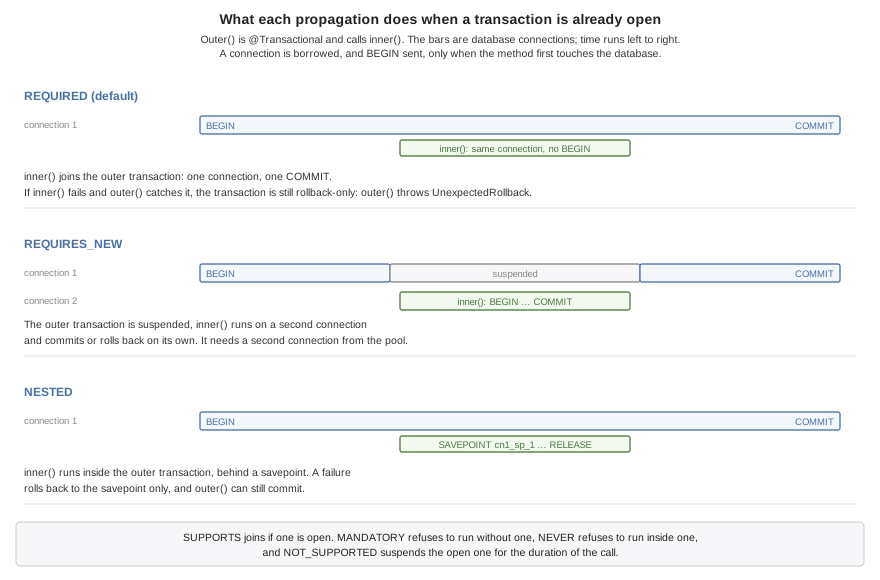
| Propagation | With a transaction open | With none open |
|---|---|---|
| Joins it. | Begins one. |
| Suspends it and begins another, on a second connection. | Begins one. |
| Sets a savepoint in it. | Begins one. |
| Joins it. | Runs without one. |
| Joins it. | Throws |
| Suspends it and runs without one. | Runs without one. |
| Throws | Runs without one. |
REQUIRES_NEW suits work that must be kept whatever happens to the caller, an
audit record being the usual case:
@Component
public class AuditLog {
private final DataSource db;
public AuditLog(DataSource db) {
this.db = db;
}
@Transactional(propagation = Propagation.REQUIRES_NEW)
public void record(String event) throws IOException {
// Commits on its own connection, whatever the caller's transaction does.
db.execute("INSERT INTO audit (event) VALUES (?)", new Object[] {event});
}
}It costs a second connection for as long as it runs, taken from the same pool while the first one is still held. See the pitfalls at the end of this chapter before using it on SQLite.
39.4.3. Rollback rules
The rules are Spring’s. An unchecked exception or an Error leaving the method
rolls the transaction back, and a checked exception commits it — with the one
addition that keeps the outcome Spring’s, described in the note below. rollbackFor
adds exception types that roll back, noRollbackFor adds types that commit, and
when several listed types match the thrown one the most specific wins. The
decision is written into the method as a chain of instanceof tests, so nothing
reads the annotation when the method runs:
@Component
public class Orders {
private final DataSource db;
private final AuditLog audit;
public Orders(DataSource db, AuditLog audit) {
this.db = db;
this.audit = audit;
}
@Transactional(rollbackFor = PaymentDeclined.class, timeout = 10)
public long place(String sku, int quantity) throws IOException, PaymentDeclined {
long id = db.insert("INSERT INTO orders (sku, quantity) VALUES (?, ?)",
new Object[] {sku, Integer.valueOf(quantity)}, "id");
audit.record("order " + id + " attempted"); // kept even if this rolls back
charge(id); // may throw PaymentDeclined
return id;
}In Spring, a statement that fails throws the unchecked |
One kind of failure isn’t a fault in the statement or the data. When two
transactions change the same rows, the database may end one of them: as the loser
of a deadlock, after a lock wait that timed out, or because a row changed after the
transaction first read it. PostgreSQL, MySQL and MariaDB each report that their own
way, and every one arrives as ConcurrencyFailureException, a
DataAccessException. The transaction rolls back like any other, and the code
that called the @Transactional method can run it again or answer that someone
else made the change first. A session reports a database failure as an unchecked
PersistenceException, so ConcurrencyFailureException.isCauseOf(err) looks for
it among the causes. Catch it outside the @Transactional method, not inside: the
database has usually ended the whole transaction by then, so nothing in it can
continue.
A method that joined a transaction can’t roll back what the method that began it
did before it, so when it fails with an exception that rolls back, it marks the
whole transaction rollback-only instead. The method that began the transaction
then rolls back when it ends. If it ends normally — because it caught the
exception — the rollback is reported by throwing
TransactionException.UnexpectedRollback, so the caller doesn’t take a
rolled-back transaction for a committed one.
Transactions.setRollbackOnly() undoes a transaction without an exception. Called
in the method that began the transaction, it lets that method return normally,
and the transaction rolls back without an error when the method ends. Called in a method
that joined the transaction, it counts as that method failing: the transaction
becomes rollback-only, and the method that began it throws
TransactionException.UnexpectedRollback when it ends normally. Called in a
NESTED method, it undoes only that method’s work: its savepoint is rolled back
when it returns, and the surrounding transaction carries on.
Transactions.isActive() and Transactions.isRollbackOnly() answer the obvious
questions about the calling thread.
39.4.4. Read-only transactions and timeouts
readOnly = true begins a transaction the engine is told only reads. PostgreSQL
and MySQL then refuse any write inside it, which turns a read path that writes by
mistake into an error. SQLite accepts the flag and enforces nothing.
timeout is in seconds, counted from the start of the method. It’s checked when
the transaction first touches the database, where a transaction already past its
limit fails with an IOException, and again at commit, where it’s rolled back and
reported with TransactionException.TimedOut. It doesn’t interrupt a statement
that’s running, so it bounds how long a transaction can take to commit rather than
how long any one query may run.
39.4.5. Transaction isolation
@Transactional(isolation = Isolation.SERIALIZABLE) selects isolation for the
physical transaction. Import com.codename1.backend.annotations.Isolation.
DEFAULT preserves the database’s configured default. An explicit isolation
request in a joined REQUIRED, SUPPORTS, MANDATORY, or NESTED call must match
the outer transaction’s explicit level. Joining a DEFAULT transaction with an
explicit level fails, even if that database happens to use the requested default.
Choose the level on the outer method, or use REQUIRES_NEW for an independent one.
Isolation on a scope that runs without a transaction is rejected.
| Engine | Explicit levels |
|---|---|
SQLite |
|
PostgreSQL |
|
MySQL/MariaDB |
|
Support is checked when the lazy transaction first borrows a connection, before
application SQL executes. A failure to acquire a connection or start a transaction
marks the scope rollback-only.
PostgreSQL uses transaction-local BEGIN characteristics; MySQL uses a
next-transaction setting. Neither changes the session default. SQLite’s supported
level requires no setting change. Commit and rollback therefore leave pooled
connections with their original defaults; connections with uncertain state are
discarded. This also applies to read-only transactions.
These choices follow the engines' transaction controls: PostgreSQL, MySQL, and SQLite.
For programmatic work, Transactions.execute(Propagation.REQUIRED, false, -1,
Isolation.SERIALIZABLE, work) provides the same thread-bound scope. Its
Transactions.Work.run() body returns a value and may throw an exception; every
body exception or Error rolls back. Transactions.execute(work) uses REQUIRED
and default isolation. DataSource.inTransaction(Isolation, Work) also creates or
joins this scope, and pool operations within its body join it.
For a connection-local transaction, Database.beginTransaction(boolean, Isolation)
and Database.transaction(Isolation, Work) select isolation without creating a
thread-bound scope. The existing DataSource.inTransaction(Work) retains its
connection-local behavior when called outside a declarative transaction. Use
Transactions.execute or the isolation overload when callbacks/resources are needed.
39.4.6. Completion hooks and transaction resources
Register a Transactions.Synchronization within a thread-bound transaction:
Transactions.registerSynchronization(new Transactions.Synchronization() {
public void beforeCommit(boolean readOnly) {
// Validate application state before the ORM flush and database commit.
}
public void afterCommit() {
// Invalidate a cache or schedule an event only after a successful commit.
}
public void afterCompletion(Transactions.Outcome outcome) {
// Dispose resources on COMMITTED, ROLLED_BACK, or UNKNOWN.
}
});Hooks run synchronously in registration order within each phase. beforeCommit
runs before the session flush; it may use the transaction’s database connection.
It receives the physical transaction’s read-only flag, including for read-only
transactions. Read-only scopes still run all phases. Registration closes when
completion starts, so a callback can’t register further hooks on that scope.
A before-commit exception or Error aborts the remaining before hooks and rolls
back. Rollback-only and timeout checks run again after before hooks.
afterCommit runs only after the database acknowledges commit. A failure in one
hook doesn’t stop later after-commit hooks or completion hooks; the caller gets
TransactionException reporting that the transaction committed but its callback
failed. Don’t retry the whole transaction based on that exception alone.
afterCompletion runs once per registration at the end of each physical scope,
including one that never needed a connection. Its failures are logged, and later
cleanup still runs. Exception-driven rollback preserves the body’s original
exception. A commit failure or failed rollback reports UNKNOWN because database
durability can’t be established; no after-commit hooks run in that case.
The session closes and the connection returns to the pool before after-commit
and completion hooks. During those hooks Transactions.isActive() is false;
database work must use REQUIRES_NEW or an explicitly suspended scope.
Transactions.bindResource(key, value) binds a non-null value under a non-null
key. Duplicate bindings fail. getResource(key) returns the binding or null;
unbindResource(key) removes it. Bindings remain available to all completion
hooks and are cleared afterward, even if a hook fails. Values aren’t implicitly
closed: use a completion hook for disposal.
REQUIRED participants share the physical scope’s hooks and bindings.
REQUIRES_NEW suspends both and restores them when its independent scope ends,
even after failure. NESTED shares the physical bindings: savepoint rollback does
not undo arbitrary Java objects. Hooks registered inside a rolled-back nested
scope skip their before/after-commit phases, but still receive the physical
transaction’s final outcome in afterCompletion. Successful nested hooks wait
for the outer commit; releasing a savepoint never triggers a commit hook.
39.4.7. Savepoints
NESTED runs a method inside the open transaction, behind a savepoint. A failure
rolls back to the savepoint and nothing more, and the outer method can go on and
commit. That suits a batch in which one bad item shouldn’t cost the rest:
@Component
public class Imports {
private final DataSource db;
public Imports(DataSource db) {
this.db = db;
}
@Transactional
public int importAll(List<String> lines) {
int imported = 0;
for (String line : lines) {
try {
importLine(line); // a call through this: still transactional
imported++;
} catch (Exception bad) {
// Only this line's rows were rolled back, to its savepoint.
}
}
return imported; // the good lines commit together
}
@Transactional(propagation = Propagation.NESTED)
void importLine(String line) throws IOException {
String[] fields = line.split(",");
db.execute("INSERT INTO contact (name) VALUES (?)", new Object[] {fields[0]});
db.execute("INSERT INTO phone (number) VALUES (?)", new Object[] {fields[1]});
}
}The loop calls importLine through this, which in Spring would bypass the
annotation entirely and run every line in the outer transaction without a
savepoint. Here the annotation is part of the method, so the call gets its
savepoint however it’s made.
The savepoints are named by the runtime and released when the method returns normally. All three engines support them.
39.4.8. The transaction’s session
A bean can inject com.codename1.orm.session.Session, the persistence session of
the ORM, and use it inside a transaction:
@Component
public class ReminderService {
private final Session session; // the current transaction's session
public ReminderService(Session session) {
this.session = session;
}
@Transactional
public long remind(String title) {
Reminder reminder = new Reminder();
reminder.title = title;
reminder.due = new Date();
session.persist(reminder); // written by the time the transaction commits
return reminder.id;
}
@Transactional(readOnly = true)
public Reminder find(long id) {
return session.find(Reminder.class, Long.valueOf(id));
}
}The injected object stands in for the session of whichever transaction is open on
the calling thread. The session is opened on the transaction’s connection the
first time it’s used, its pending changes are flushed into the transaction before
it commits, and it’s closed when the transaction ends. A savepoint that rolls back
also clears the session, since the rows it had loaded since the savepoint no longer
exist. Used outside a transaction, it throws with a message saying to annotate the
method, or to open a session with EntityManager.openSession().
A @Repository interface, described in the SQLite ORM chapter, is injected the
same way, as Spring Data injects one: the generated implementation is built once,
over this session, and handed to every bean that asks for the interface. Its
methods therefore run in the calling @Transactional method’s transaction, and
refuse outside one exactly as the session does.
39.4.9. Why a call through this works
Spring applies @Transactional with a proxy: a wrapper object stands between a
caller and the bean, and the transaction happens in the wrapper. A call that
doesn’t go through the wrapper — one from the bean to itself, to a private method,
or on an object the application built with new — gets no transaction, and
nothing warns about it.
Here the build rewrites the compiled method. Its body moves to a method of its own
and the method keeps its name, now starting the transaction, calling that body,
and committing, with the rollback decision written in. The transaction is
therefore a property of the method, and every call gets it. The same rewriting
gives @Async, @Timed and @Counted the same property.
A private method may take and return private nested classes of its bean; the
method needs no change for that. Two things must stay nameable from the bean’s
package, and the build reports each with the class and method concerned: the class
that declares the annotated method can’t itself be private, local or anonymous,
and an exception listed in rollbackFor or noRollbackFor can’t be a private
class.
39.4.10. Pitfalls
Checked exceptions other than database failures commit. A failed statement rolls back, but an
IOExceptionfrom anything else — a file, a mail server, an outbound HTTP call — commits unless it’s listed inrollbackFor.REQUIRES_NEWneeds a second connection. The outer transaction keeps its connection while the inner one borrows another, so on a pool of one — the default for an in-memory SQLite database — the inner borrow waits forcn1.datasource.pool.borrowTimeoutMillisand fails.SQLite has one writer. A transaction that has written holds the database’s write lock until it ends, so a
REQUIRES_NEWmethod that writes while its caller holds the lock waitscn1.datasource.busyTimeoutMillisand fails. Reading works. On SQLite, record the audit row after the outer transaction, or in it.Transactions don’t cross threads. Work handed to
@AsyncorTasksisn’t part of the caller’s transaction and can’t see its uncommitted rows.A transaction holds a connection. From its first statement until it ends, the connection is out of the pool. An outbound HTTP call inside a transaction keeps it there for the length of the call, and enough of those at once starve the pool. Make the call before the transaction begins, or after it ends.
40. Backend sessions
HTTP is stateless: every request arrives on its own, and nothing in it says the client has been here before. A session is how a server remembers a client between requests. The server gives the client an unguessable id in a cookie, the client sends it back with every request, and the server finds the state it kept under that id. This chapter covers the session API, the cookie, where sessions are stored, and session-scoped beans.
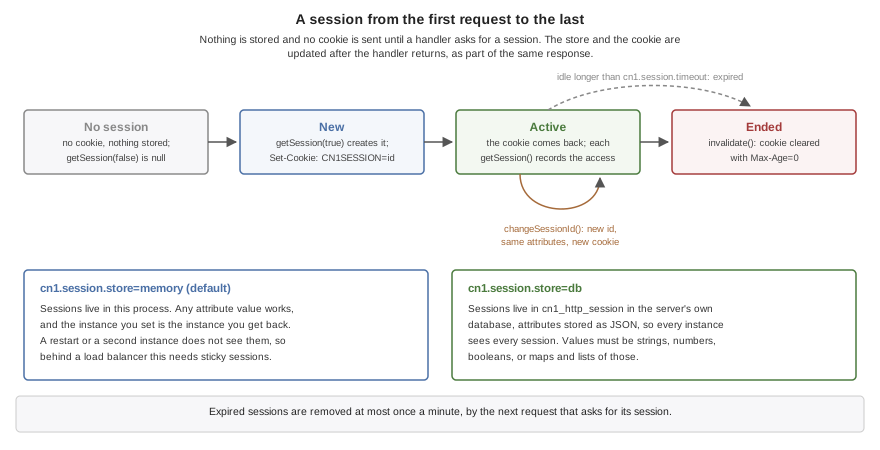
40.1. Starting a session at sign-in
A handler reaches the session through the request:
@RestController
public class Login {
@PostMapping("/login")
public String login(HttpServer.Request request, @RequestParam("user") String user) {
// ... check the credentials ...
HttpSession session = request.getSession(true);
session.changeSessionId(); // never keep an id from before the login
session.setAttribute("user", user);
return "ok";
}
}getSession(true) returns the client’s session, creating one if the request
carried no valid cookie. Nothing is stored and no cookie is sent until something
calls it, so a server that never uses sessions — an API authenticated with
bearer tokens, say — pays nothing for them and sets no cookie. The server the
build generates stores each session and sends its cookie when the request ends.
The call to changeSessionId() isn’t optional at sign-in. It gives the session a
new id, keeps its attributes, and sends the client the new cookie. Without it a
session id the client held before signing in stays valid after, and an attacker
who planted that id in the victim’s browser beforehand — a session fixation
attack — is signed in along with the victim.
A handler that checks credentials itself is one way to sign a user in. The security layer in Chapter 41, Backend security does it for you: its form login, its sign-in through another provider and its passkeys end in this same session, change its id, and protect it against CSRF.
40.2. Reading and ending a session
Most requests want the session only if there is one:
@GetMapping("/me")
public String me(HttpServer.Request request) {
HttpSession session = request.getSession(false); // never creates one
Object user = session == null ? null : session.getAttribute("user");
return user == null ? "nobody" : String.valueOf(user);
}getSession(false) never creates a session, and answers null for a client
without a valid one, so a read-only request doesn’t create a session as a side
effect. invalidate() ends one, and the response clears the client’s cookie:
@PostMapping("/logout")
public String logout(HttpServer.Request request) {
HttpSession session = request.getSession(false);
if (session != null) {
session.invalidate(); // the response clears the cookie
}
return "bye";
}After invalidate(), the request no longer has that session: getSession(false)
returns null, and getSession(true) starts a new one, whose cookie the response
sends after clearing the old one.
HttpSession method | What it does |
|---|---|
| Read, set and remove the session’s state. Setting |
| A copy of the attribute names. |
| A new id for the same session, with a new cookie. Call it at sign-in. |
| End the session, and ask whether it has been ended. Reading or writing an
attribute of an ended session throws |
| Whether the current request created the session. |
| How long the session may go unused before it expires, for this session alone. |
| When it was created and last used, in milliseconds since the epoch. |
| The id the cookie carries. It’s a credential, so never log it. |
A session is saved after the handler returns, and only when the request changed it. A request that only reads its session writes nothing, apart from the last access time the database store keeps. That store updates it when it’s older than a minute, or a quarter of the session’s timeout when that’s shorter, and allows the same interval on top of the timeout before it calls a session expired, so a session in use is never expired early.
With the database store, two requests of one client load separate copies of the session. If one of them invalidates it, the other can’t write it back: a copy of a session whose row is gone is dropped rather than saved again, so a request still running with an old cookie can’t undo a sign-out.
40.3. The cookie
The session id is 192 bits from a cryptographically secure random source,
encoded for a cookie. The cookie is sent with Path=/ and HttpOnly, so
scripts in a page can’t read it. SameSite=Lax keeps a browser from sending it
with a form another site posts. On a TLS server it’s also Secure, so a browser
never sends it over plain HTTP. It carries no Max-Age, so it lasts until the
browser closes; how long the session lasts is the server’s decision.
| Key | What it sets |
|---|---|
| The cookie’s name, |
| Seconds a session may go unused before it expires, 1800 by default. Zero means sessions never expire, and a negative value stops the server at start-up. |
|
|
|
|
|
|
40.4. Where sessions are kept
cn1.session.store=memory keeps sessions in the server’s own memory. It needs
nothing, any object can be an attribute, and the object a request sets is the
object the next one gets. It also means sessions end with the process, and that a
second instance of the server doesn’t know about them, so behind a load balancer
it needs the balancer to send each client to the same instance.
cn1.session.store=db keeps sessions in the server’s own database, in a table
called cn1_http_session that the server creates on first use. Every instance of
the server then sees every session, a restart loses nothing, and a deployment can
add or replace instances at will. The price is in what an attribute can be: the
attributes are stored as JSON, so a value must be a string, a number, a boolean, or
a map or list of those. Anything else is written as JSON can write it and read back
as whatever JSON reads, which isn’t the object that was stored.
Each row belongs to a namespace, and a server only reads the rows of its own.
By default the namespace is empty, so every server that uses the database shares
its sessions, as Spring Session’s JDBC store does. Browsers don’t keep cookies
apart by port, so two different servers on one host that share a database would
each accept the session cookie the browser sends to both, including a signed-in
user’s. Give each project its own cn1.session.namespace to keep them apart;
every instance of one project keeps the same one, so they still share sessions.
Either way, an expired session is removed at most once a minute, by the next request that asks for a session, and a request that presents an expired session’s cookie is treated as having no session at all.
40.5. Session-scoped beans
A bean marked @Scope("session") exists once per session, which suits state that
belongs to a client and has behaviour of its own:
@Component
@Scope("session")
public class Cart {
private final List<String> items = new ArrayList<String>();
public synchronized int add(String sku) {
items.add(sku);
return items.size();
}
public synchronized List<String> items() {
return new ArrayList<String>(items);
}
}A singleton that injects it receives a generated stand-in, and each call on the stand-in reaches the calling client’s own instance:
@RestController
public class CartApi {
private final Cart cart; // a stand-in: each call reaches the caller's own cart
public CartApi(Cart cart) {
this.cart = cart;
}
@PostMapping("/cart")
public String add(@RequestParam("sku") String sku) {
return String.valueOf(cart.add(sku));
}
@GetMapping("/cart")
public List<String> list() {
return cart.items();
}
}Using the stand-in starts a session if the client has none, as getSession(true)
would. The instance is built on the session’s first use and kept by the server in
memory for as long as the session lives. It’s never written to the session store,
whichever store is configured, so with cn1.session.store=db each instance of
the server builds its own copy for a client it serves. State that has to follow the
client from one instance to another belongs in the session’s attributes instead.
The bean’s @PreDestroy method, or its destroyMethod for a @Bean method, runs
when the session ends. That’s at the end of the request that invalidated it, when
the periodic purge finds it expired, or when the server stops.
Two requests from the same client can run at once — two browser tabs, or an app
that doesn’t wait for one answer before sending the next — and they reach the same
instance. The methods of a session-scoped bean therefore need to be safe to call
concurrently, which is why the Cart above synchronizes them.
A session-scoped bean can’t inject the request or the HttpSession: it outlives
the request that built it, and with the database store each request loads its own
copy of the session, so a copy held by the bean would go stale. The build refuses
both. A method that needs the session reads the current one when it runs, with
Backend.currentRequest().getSession(true).
40.6. Pitfalls
Skipping
changeSessionId()at sign-in leaves the server open to session fixation. Call it whenever a session gains a privilege.Storing objects the database store can’t write. A service, a stream or a domain object in an attribute works on the memory store and comes back as something else from the database store. Store ids and plain values, and load the rest per request.
Relying on memory sessions behind a load balancer without sticky routing makes a client appear signed out whenever a request lands on another instance.
Holding a lock across the whole session. Concurrent requests from one client share its attributes and its session-scoped beans, so a long
synchronizedmethod serializes that client’s requests. Keep critical sections short.
41. Backend security
The backend’s security layer decides who a request is from and whether that
caller may have what it asked for. It has the shape of Spring Security: you
declare a filter chain as a bean, describe it with HttpSecurity, and the
names and defaults are the ones you already know. This chapter covers the
chain, the ways of signing in, the tokens a server verifies and issues, the
tables it keeps, and how to test it. The differences from Spring
Security are collected in Section 41.22, “How this differs from Spring Security”.
The client side is covered in Chapter 86, Authentication and Identity: signing a
Codename One app in against this server with OidcClient, storing its tokens,
authorizing its requests, the device grant and passkeys.
41.1. The filter chain
A filter chain is an ordered list of filters that every request it guards
passes through before it reaches a controller. One filter reads the session,
another checks a password or a token, another applies the authorization rules.
You don’t write the filters. You declare a SecurityFilterChain bean, and the
HttpSecurity its method is handed builds the chain from what you ask for:
@Configuration
public class SecurityConfig {
@Bean
@Order(1)
SecurityFilterChain api(HttpSecurity http) {
http.securityMatcher("/api/**")
.authorizeHttpRequests(auth -> auth
.requestMatchers("/api/orders/**").hasAuthority("SCOPE_orders:read")
.anyRequest().authenticated())
.sessionManagement(session ->
session.sessionCreationPolicy(SessionCreationPolicy.STATELESS))
.oauth2ResourceServer(oauth2 -> oauth2.jwt(Customizer.withDefaults()));
return http.build();
}
@Bean
SecurityFilterChain pages(HttpSecurity http) {
http.authorizeHttpRequests(auth -> auth
.requestMatchers("/", "/css/**").permitAll()
.requestMatchers("/admin/**").hasRole("ADMIN")
.anyRequest().authenticated())
.formLogin(Customizer.withDefaults());
return http.build();
}This server has two chains. Requests under /api carry a bearer token and
keep no session. Everything else belongs to a browser that signs in through a
form.
A request is put to the chains in @Order, lowest first. Only the first chain
whose securityMatcher matches the request sees it. A chain without
a securityMatcher guards every request, so it has to come last, and a server
whose catch-all chain isn’t last refuses to start. A bean without @Order
comes after those that have one. A request that no chain matches isn’t guarded
at all.
The server’s own endpoints, which are management, MCP and the telemetry relay, aren’t put to any chain. They keep their own tokens. A WebSocket handshake is a request like any other, and its chain can refuse it.
A chain is an ordinary singleton. The server takes its chains when it starts,
so the build refuses one that’s @Lazy or scoped.
Out of the box a chain guards every request it matches, writes the security headers, keeps the signed-in user in the HTTP session, protects that session against CSRF, and gives a request nobody signed in for an anonymous authentication. It has no way of signing in and no authorization rules until you give it some.
41.1.1. A server without a chain has no security layer
Nothing here is switched on by a dependency. The build links the security
layer only when it finds a SecurityFilterChain bean, so a server without one
has no filters, no login page and no generated password. Its routes are open,
exactly as they were before. That’s the opposite of Spring Boot, where the
starter on the classpath locks every route. See
Section 41.20, “A server links only the security it declares” for what else follows from this.
41.1.2. Who is calling
A handler receives the caller by declaring a parameter:
@RestController
public class AccountApi {
@GetMapping("/api/whoami")
public String whoAmI(Authentication who) {
return who.getName() + " " + who.getAuthorities();
}
@GetMapping("/account/name")
public String name(@AuthenticationPrincipal UserDetails user) {
return user == null ? "nobody" : user.getUsername();
}
}An Authentication parameter is the authentication of the request. An
@AuthenticationPrincipal parameter is its principal, and it’s null when the
principal isn’t of the declared type. That includes a request nobody signed in
for, whose principal is the text anonymousUser. A handler can also declare a
CsrfToken parameter. The build refuses all three in a module with no chain,
where they would always be null.
Anywhere else, ask the holder:
Authentication who = SecurityContextHolder.getContext().getAuthentication();
String name = who == null ? null : who.getName();The context belongs to the thread that serves the request, for the length of
that request. It doesn’t follow work handed to another thread: an @Async
method or a @Scheduled job starts with none.
41.2. Users and passwords
A chain that takes a password needs to know its users. It finds them in the
application’s UserDetailsService bean. For a demonstration or a test, keep
them in memory:
@Bean
UserDetailsService users() {
return new InMemoryUserDetailsManager(
User.withUsername("ada").password("{noop}secret").roles("ADMIN").build(),
User.withUsername("grace").password("{noop}secret").roles("USER").build());
}For a real application, keep them in the database. JdbcUserDetailsManager
uses the cn1_users and cn1_authorities tables described in
Section 41.16, “Keeping it in the database”:
@Bean
UserDetailsService users(DataSource dataSource) {
return new JdbcUserDetailsManager(dataSource);
}
@Bean
PasswordEncoder passwordEncoder() {
return PasswordEncoderFactories.createDelegatingPasswordEncoder();
}Both stores compare names without regard to the case of A to Z, and keep
the spelling a user was created with. A store keeps a password as it’s given,
so encode it first:
users.createUser(User.withUsername(name)
.password(encoder.encode(password))
.roles("USER")
.build());You can also implement UserDetailsService yourself over your own tables, or
hand a chain its users directly with http.userDetailsService(…). A chain
uses the application’s AuthenticationProvider beans or its
AuthenticationManager bean when it has them.
A server with no user store at all can describe one user in its configuration, which suits a first run:
cn1.security.user.name=ada
cn1.security.user.password={noop}secret
cn1.security.user.roles=ADMIN,USER41.2.1. Password encoders
A stored password starts with the scheme that made it, in braces:
{pbkdf2-sha256}pbkdf2$210000$<salt>$<hash>
{bcrypt}$2a$10$<22 characters of salt><31 characters of hash>
{noop}secretPasswordEncoderFactories.createDelegatingPasswordEncoder() returns the
encoder that reads that prefix, and a chain uses it when the application
declares no PasswordEncoder bean. It encodes new passwords with
{pbkdf2-sha256}, which is PBKDF2 over HMAC-SHA256 with a random salt and the
round count written into the result.
It also verifies what a Spring application wrote: {bcrypt}, {pbkdf2} and
{pbkdf2@SpringSecurity_v5_8}. A user table brought over from Spring
therefore signs its users in as it is. A password in an older scheme is
re-encoded in the current one the next time its owner signs in, as long as the
user store implements UserDetailsPasswordService. Both stores above do.
A password whose prefix names a scheme the encoder doesn’t know is refused. A
password with no prefix is refused too, unless you call
setDefaultPasswordEncoderForMatches for a store that predates the prefixes.
{noop} stores a password as clear text. It verifies only on a development
profile, which is dev, development, test or local. Anywhere else a
{noop} password matches nothing, and the server says why once on standard
error.
Checking a password takes tens of milliseconds of processor time that can’t be
interrupted. Set cn1.security.password.maxConcurrent to bound how many are
checked at once. A sign-in beyond the bound is answered 503 with Retry-After
immediately, instead of taking a thread from the rest of the server. A value
near the number of processors, less one or two, is reasonable. There’s no bound
unless you set one.
An unknown username still costs one password comparison, so the time an answer takes doesn’t say whether the account exists.
41.3. Authorization rules
authorizeHttpRequests says which requests need what:
http.authorizeHttpRequests(auth -> auth
.requestMatchers("/", "/css/**").permitAll()
.requestMatchers("/admin/**").hasRole("ADMIN")
.requestMatchers(AntPathRequestMatcher.antMatcher("DELETE", "/api/**"))
.hasAuthority("orders:delete")
.requestMatchers("/account/password").fullyAuthenticated()
.anyRequest().authenticated());The rules are asked in the order they’re written, and the first that matches
decides. A request that no rule matches is denied, so most chains end with
anyRequest().
A pattern is an Ant pattern. ? is one character, and * is any run of
characters within one path segment. is any number of whole segments,
including none, so /api/ matches /api, /api/ and /api/users/7.
{name} binds one segment. Matching is case-sensitive, as routing is, and a
trailing slash is part of the path. AntPathRequestMatcher.antMatcher adds an
HTTP method, and RequestMatchers combines matchers with allOf, anyOf and
not.
| Rule | Who passes |
|---|---|
| Everyone, and nobody. |
| Anyone who signed in. |
| Someone who signed in during this session, and wasn’t only recognized by a
|
| Someone recognized by a |
| A caller with the authority |
| A caller with the authority exactly as it’s written. |
| Whoever your own |
A role is an authority with the ROLE_ prefix, and nothing more. roles("ADMIN")
on a user grants ROLE_ADMIN, and hasRole("ADMIN") asks for it. A token’s
scopes become authorities with the SCOPE_ prefix, which is why the first
chain in this chapter asks for SCOPE_orders:read.
41.3.1. Paths the layer refuses
Before any rule of a chain sees a request, the chain checks that its path can’t
mean one thing to a rule and another to the router. A path with a ;
parameter, a backslash, an empty segment, a . or .. segment or a control
character is answered 400 Bad Request. The same goes for a path with an
encoded slash, backslash, percent, dot, semicolon, or NUL.
The check belongs to the chain that claims the request. A request no chain matches is answered exactly as a server with no chain answers it, however its path is written.
A request can’t leave its chain by being misspelled. A path of that kind is
also compared as a proxy or a handler might read it, with its escapes resolved,
its ; parameters dropped and its empty and dot segments removed. If a chain
matches any of those readings, the request is refused. With a chain on
/api/**, both //api/orders and /public/..%2Fapi/orders get a 400.
Matching is case-sensitive, as routing is. /API/orders is a different route
from /api/orders, so it reaches nothing the chain guards.
41.3.2. The answers to a refused request
A request that must sign in is answered by the chain’s entry point. With form
login that’s a redirect to the login page. With HTTP Basic it’s a 401 with a
challenge, when Basic is the only way in or a script made the request. A bearer
token or an API key gets a 401 with the reason in WWW-Authenticate. A chain
with no way of signing in answers 403. A signed-in caller that’s denied gets a
403. Change either one with exceptionHandling:
http.exceptionHandling(handling -> handling
.authenticationEntryPoint(new HttpStatusEntryPoint(401))
.accessDeniedHandler((request, denied) ->
HttpServer.Response.json(403, "{\"error\":\"forbidden\"}")));41.4. Form login, HTTP Basic and sign-out
41.4.1. Form login
With nothing set, formLogin serves a plain login page at GET /login. It
takes the form at POST /login with the fields username and password. It
sends a signed-in user back to the page that asked for the sign-in, or to /,
and a refused one to /login?error.
Name a loginPage to serve your own:
http.formLogin(form -> form
.loginPage("/signin")
.defaultSuccessUrl("/home")
.permitAll())
.logout(logout -> logout
.logoutUrl("/signout")
.logoutSuccessUrl("/")
.permitAll());The chain then serves no page and takes the form at that same path. Call
permitAll() with a page of your own. Without it, a rule such as
anyRequest().authenticated() redirects the login page to itself.
Only the address of the page that asked for the sign-in is remembered, and
only for a GET that a browser made. A request with a body isn’t replayed
after the user signs in.
41.4.2. HTTP Basic
httpBasic checks the Authorization: Basic header on every request that
carries one. It keeps nothing and starts no session:
http.securityMatcher("/internal/**")
.authorizeHttpRequests(auth -> auth.anyRequest().hasRole("SERVICE"))
.sessionManagement(session ->
session.sessionCreationPolicy(SessionCreationPolicy.STATELESS))
.httpBasic(basic -> basic.realmName("Internal API"));41.4.3. Sign-out
POST /logout ends the session, forgets who was signed in and redirects to
/login?logout. logout changes the path, the destination and the cookies to
delete, as the form example above shows. The request must be a POST while
CSRF protection is on, so that a link on another site can’t sign a user out.
A chain has sign-out when it has a way of signing in to a session, which is
formLogin, oauth2Login, rememberMe, mfa or webAuthn. Any other chain
has no POST /logout until it calls http.logout(…).
41.5. CSRF, sessions and headers
41.5.1. CSRF
A chain that keeps a session requires a CSRF token on every request that isn’t
a GET, HEAD, TRACE or OPTIONS, and answers 403 without it. The token
travels in the _csrf form field or the X-CSRF-TOKEN header. The generated
login page carries it already. Your own pages get it from a CsrfToken handler
parameter or from CsrfFilter.getToken(request).
The token a page is given is masked with random bytes, so every response carries a different string for the same token. The token is replaced when a user signs in.
A single-page application usually wants the token in a cookie that its script
reads and sends back in the X-XSRF-TOKEN header:
http.csrf(csrf -> csrf
.csrfTokenRepository(CookieCsrfTokenRepository.withHttpOnlyFalse())
.ignoringRequestMatchers("/webhooks/**"));The cookie repository also stores the token in the HTTP session. It accepts the cookie only when it matches that session’s token. A sibling subdomain can’t gain access by injecting a known cookie or copying one from another session.
ignoringRequestMatchers leaves out an endpoint that another server calls and
that authenticates some other way. A request authenticated by a bearer token
or an API key is never asked for the token, because a browser doesn’t attach
those to a request another site made it send. csrf.disable() turns the
protection off for a chain whose clients aren’t browsers.
A STATELESS chain has no CSRF filter unless it calls http.csrf(…). It
keeps nothing a forged request could ride on. A stateless chain that takes
HTTP Basic credentials from browsers should ask for it.
41.5.2. Sessions
sessionManagement says whether a chain may use the HTTP session that
Chapter 40, Backend sessions describes:
http.sessionManagement(session -> session
.sessionCreationPolicy(SessionCreationPolicy.IF_REQUIRED)
.sessionFixation(fixation -> fixation.newSession()));| Policy | What the chain does |
|---|---|
| Starts a session when it needs one: at sign-in, or to remember where an anonymous request was going. The default. |
| Gives every request under the chain a session. |
| Never starts a session, and uses one that’s already there. |
| Neither starts nor reads a session. Each request carries its own credentials. |
At sign-in the chain changes the session id and keeps the attributes, which is
the changeSessionId() call that the sessions chapter asks you to make by
hand. sessionFixation chooses otherwise: newSession() starts an empty
session, and none() leaves the session as it is.
41.5.3. Security headers
Every chain puts these on its responses:
X-Content-Type-Options: nosniff
X-XSS-Protection: 0
Cache-Control: no-cache, no-store, max-age=0, must-revalidate
Pragma: no-cache
Expires: 0
X-Frame-Options: DENY
Strict-Transport-Security: max-age=31536000 ; includeSubDomainsThe cache headers are left out when the handler set any of the three itself.
Strict-Transport-Security is sent only for a request that arrived over TLS.
A header the handler set is never replaced. headers changes the defaults and
adds a Content-Security-Policy, which isn’t sent unless you configure it:
http.headers(headers -> headers
.frameOptions(frame -> frame.sameOrigin())
.contentSecurityPolicy(csp -> csp.policyDirectives("default-src 'self'")));41.6. Method security
Rules about paths guard the door. Method security guards the service behind it, whoever calls it:
@Component
@RolesAllowed("ADMIN")
public class Reports {
public String revenue() {
return "..."; // the class's rule: ROLE_ADMIN
}
@PreAuthorize("hasRole('ADMIN') or #owner == authentication.name")
public String activity(String owner) {
return "...";
}
@PreAuthorize("@documentPermissions.canEdit(authentication, #id)")
public void rename(@P("id") long documentId, String title) {
// ...
}
@PermitAll
public String status() {
return "ok";
}
}| Annotation | Who may call |
|---|---|
| A caller for whom the expression holds. |
| A caller with one of the authorities, each written in full. |
| A caller with one of the roles. |
| Anyone, and nobody. |
On a class, an annotation covers every public method. On a method, it replaces
the one on the class. A caller who hasn’t signed in gets an
InsufficientAuthenticationException, which a chain answers with its sign-in
challenge. A signed-in caller who’s refused gets an AccessDeniedException,
which is a 403.
41.6.1. The expression subset
The backend has no expression language at run time. The build compiles each
@PreAuthorize expression into plain Java, so an expression costs what an
if costs, and a mistake in one is a build error. An expression may contain:
hasRole('X'),hasAnyRole('X', 'Y'),hasAuthority('X')andhasAnyAuthority('X', 'Y').isAuthenticated(),isAnonymous(),isFullyAuthenticated(),isRememberMe(),permitAllanddenyAll.and,orandnot, also written&&,||and!, and parentheses.authentication.nameandprincipal.username, compared with==or!=to a string literal or to aStringparameter written#name.A call on a bean, written
@beanName.method(…).
A parameter is named as the source names it when the class is compiled with
debug information or -parameters. Otherwise name it with @P, as rename
does above.
41.6.2. Calling a bean
Anything the subset can’t say goes in a bean method:
@Component
public class DocumentPermissions {
public boolean canEdit(Authentication who, long documentId) {
return who != null && ownerOf(documentId).equals(who.getName());
}The arguments of the call can be authentication, principal, a parameter
written #name, or a string, whole number or boolean literal. The build
checks the call against the bean’s class: the method has to exist, be public
in a public class, and return boolean. The bean has to be a singleton. Its
name is the class’s simple name with the first letter in lower case, unless
@Component names it.
41.6.3. Where the build draws the line
What the build can’t compile, it refuses with the reason and the fix:
@PreAuthorize("hasPermission(#id, 'read')") on Reports.read: hasPermission(...) is not
supported: there is no PermissionEvaluator. Write the decision as a bean method and call
it: @permissions.canRead(authentication, #id).
@PreAuthorize("#order.owner.id == authentication.name") on Reports.open: #order.owner is a
property chain, which is not supported: the build compiles expressions and does not read
properties by name. Pass the parameter to a bean method and read it there:
@bean.method(authentication, #order).
Reports uses method security, and this module has no SecurityFilterChain bean: without a
chain nobody ever signs in, so every guarded method would refuse every caller. Declare
one -- a @Bean method that takes an HttpSecurity and returns http.build() -- or remove
the annotations.The build also refuses returnObject, T(…), @PostAuthorize, @PreFilter
and @PostFilter, two security annotations on one element, and an annotation
on an interface method or an abstract method.
Because the build rewrites the method itself instead of wrapping the object in
a proxy, the check runs however the method is called: from another bean, from
this, on a private method, or on an object made with new. In Spring a call
through this skips the check. For an @Async method the check runs on the
caller’s thread, before the work is handed off.
41.7. A JWT resource server
A resource server takes a bearer token on each request and verifies it as a
JWT. oauth2ResourceServer turns it on, as the api chain at the top of this
chapter does, and two properties tell it whose tokens to accept:
cn1.security.oauth2.resourceserver.jwt.issuer-uri=https://id.example.com
cn1.security.oauth2.resourceserver.jwt.audiences=orders-apiWith an issuer-uri, the server reads the issuer’s metadata from its
.well-known address when it starts, and refuses metadata that names another
issuer. It fetches the keys from the metadata’s jwks_uri when the first
token arrives, and requires every token’s iss to be that issuer.
Set audiences too. Without it, a token the issuer made for another
application is accepted here.
A token with a bad signature, an expired token, or one from another issuer is
answered 401 with the reason in WWW-Authenticate. A good token that doesn’t
grant enough is answered 403 with insufficient_scope. No session is started
for a request that carries a token.
A request with no token is answered 401 with a challenge and no error, because nothing was wrong with a token it didn’t send. When the rule that refused the request asks for a scope, the challenge names it, and so does the 403:
HTTP/1.1 401 Unauthorized
WWW-Authenticate: Bearer scope="orders:read"
HTTP/1.1 403 Forbidden
WWW-Authenticate: Bearer error="insufficient_scope",
error_description="The request requires higher privileges than provided by the access token.",
error_uri="https://tools.ietf.org/html/rfc6750#section-3.1", scope="orders:read"realmName on oauth2ResourceServer adds a realm to every challenge.
41.7.1. Keys
For an issuer that publishes no metadata, set jwk-set-uri instead, or
public-key-location for a PEM file holding the one public key. For anything
the properties can’t say, declare a JwtDecoder bean:
@Bean
JwtDecoder jwtDecoder() {
DefaultJwtDecoder decoder = DefaultJwtDecoder
.withJwkSetUri("https://id.example.com/oauth2/jwks")
.jwsAlgorithms(SignatureAlgorithm.RS256, SignatureAlgorithm.ES256)
.build();
decoder.setJwtValidator(JwtValidators.createDefaultWithValidators(
new JwtIssuerValidator("https://id.example.com"),
new JwtAudienceValidator("orders-api")));
return decoder;
}A fetched key set is kept for five minutes. A token that names a key the set doesn’t have makes the server fetch early, which is how a rotated key is picked up, but never more than once in 30 seconds. When a fetch fails, the server goes on using the keys it has.
Use an https address for the keys. They’re what every token is trusted by.
41.7.2. What’s verified
The token’s alg header never chooses the algorithm. A decoder is built with
the algorithms it accepts, RS256 unless told otherwise, and holds keys of a
matching kind. A token whose header disagrees with either is refused, so
alg: none fails, and so does a token signed with HMAC using an RSA public
key as the secret. The supported algorithms are RS256, RS384, RS512,
PS256, ES256 and ES384, and HS256, HS384 and HS512 for a shared
secret.
The default validators check exp and nbf with a minute’s allowance for
clocks that disagree. A decoder checks iss and aud only when it’s told
what they should be. JwtClaimValidator tests any other claim.
41.7.3. From scopes to authorities
A token’s authorities come from its scope claim, or else scp, each with
the SCOPE_ prefix. A token with "scope": "orders:read orders:write" is
granted SCOPE_orders:read and SCOPE_orders:write. Its name is the sub
claim. A converter changes either one:
JwtGrantedAuthoritiesConverter roles = new JwtGrantedAuthoritiesConverter();
roles.setAuthoritiesClaimName("roles"); // ["ADMIN", "USER"]
roles.setAuthorityPrefix("ROLE_"); // so hasRole("ADMIN") matches
JwtAuthenticationConverter converter = new JwtAuthenticationConverter();
converter.setJwtGrantedAuthoritiesConverter(roles);
converter.setPrincipalClaimName("preferred_username");
http.oauth2ResourceServer(oauth2 -> oauth2.jwt(jwt ->
jwt.jwtAuthenticationConverter(converter)));41.7.4. Several issuers
A server that trusts more than one issuer routes each token by its iss:
http.oauth2ResourceServer(oauth2 -> oauth2.authenticationManagerResolver(
JwtIssuerAuthenticationManagerResolver.fromTrustedIssuers(
"https://login.example.com", "https://partners.example.com")));A token that names an issuer not on the list is refused without a request being made anywhere.
41.8. API keys
An API key is a long-lived secret that a program presents instead of signing
in. apiKey turns it on:
http.securityMatcher("/api/**")
.authorizeHttpRequests(auth -> auth
.requestMatchers("/api/deploy/**").hasAuthority("SCOPE_deploy")
.anyRequest().authenticated())
.sessionManagement(session ->
session.sessionCreationPolicy(SessionCreationPolicy.STATELESS))
.apiKey(Customizer.withDefaults());A client sends its key in either of two headers:
curl -H "X-API-Key: cn1_your-key" https://api.example.com/api/deploy/status
curl -H "Authorization: Bearer cn1_your-key" https://api.example.com/api/deploy/statusThe chain looks keys up in the application’s ApiKeyRepository bean. That’s a
JdbcApiKeyRepository over the cn1_api_key table, an
InMemoryApiKeyRepository, or your own. Make a key with ApiKeyGenerator:
GeneratedApiKey made = new ApiKeyGenerator().generate("ci-bot", "deploy", "read");
repository.save(made.getApiKey()); // the hash, the owner and the scopes
String shownOnce = made.getPlaintext(); // cn1_...; it can't be read back laterA key is a prefix followed by 256 random bits. Only its SHA-256 is stored, so a
copy of the table isn’t a set of working keys, and the key’s text exists only
at the moment it’s made. The stored record keeps the prefix and the last four
characters, which is enough to show someone which key a row is. revoke
withdraws a key.
A request authenticated by a key is named after the key’s owner, and each scope
is the authority SCOPE_ and its name. Those are the authorities a token with
the same scopes gets, so one set of rules covers both. On a chain that also has
oauth2ResourceServer, a bearer value that starts with the key prefix is an
API key and any other is a token. The prefix is cn1_ unless you change it,
and the chain’s prefix has to be the one the keys were generated with.
41.9. Rate limiting
rateLimit bounds how often the requests a matcher matches may be made under
one key. A request over the limit is answered 429 with Retry-After:
http.rateLimit(AntPathRequestMatcher.antMatcher("POST", "/login"),
RateLimitKeys.clientAddress(), new JdbcRateLimiter(dataSource, "login", 5, 60));
http.rateLimit("/api/**",
RateLimitKeys.firstOf(RateLimitKeys.apiKeyId(), RateLimitKeys.principal()),
new InMemoryRateLimiter(600, 60));RateLimitKeys has the usual keys: the client’s address, the name of who is
signed in, the session id and the API key’s id. firstOf takes the first one
a request has. A limit whose key the request has from the start runs before
anything else in the chain, so a refused request costs no password hash and no
query. A limit keyed by who signed in runs once that’s known. A request with
no key for a rule isn’t limited by it.
Give each rule its own limiter. Two rules that share one share its counts.
InMemoryRateLimiter is a token bucket, and its counts are per process. A
server that runs as several instances has one count in each, so a client is
allowed up to the limit times the number of instances. The counts are also
gone when the process restarts. That’s usually fine for a limit that keeps
load down. A limit that’s a security bound, such as attempts at a password,
needs JdbcRateLimiter, which counts in the cn1_rate_limit table so that
every process shares one limit. It costs a statement or two per request. When
the database can’t be reached it refuses nobody.
41.9.1. The limits the layer keeps itself
Two parts of the layer count something without being asked. mfa counts the
wrong codes entered for each user, and the authorization server counts the
device codes each user tries at the verification page.
| What’s counted | Keys | Limit | Window |
|---|---|---|---|
Wrong one-time codes for a user, from everywhere |
| 5 | 300 seconds |
Wrong codes for a user from one client address |
| Half of | The same window |
Device codes tried |
| 10 | 300 seconds |
With no RateLimiter bean, both are counted in the process. Declare one
RateLimiter bean and they’re counted wherever that bean counts. A
JdbcRateLimiter bean makes each a single count for every instance:
@Bean
RateLimiter limits(DataSource dataSource) {
return new JdbcRateLimiter(dataSource, "api", 600, 60);
}The bean’s own limit doesn’t apply to them. The layer asks the bean for a separate limiter for each purpose, with the numbers in the table, so a bean that throttles an API at 600 requests a minute doesn’t allow 600 guesses at a code.
attemptLimiter on mfa and deviceVerificationRateLimiter on the
authorization server take a limiter directly, and it counts by its own limit.
A bean of your own RateLimiter class that doesn’t implement derive does
the same. Setting the keys as well is then refused when the server starts,
because they’d decide nothing.
An application with several RateLimiter beans has to say which one these two
use. The bean marked @Primary is used, as it would be for an injection. With
no bean marked, or more than one, the server doesn’t start, and the error names
the beans. It never falls back to counting in the process, because that would
look the same as the shared count you asked for. There are two ways to choose:
mark one bean @Primary, or inject the one you mean into the chain’s method,
with @Qualifier and its name, and pass it to attemptLimiter or
deviceVerificationRateLimiter. A rateLimit rule that names no limiter
follows the same rule.
What the second factor’s limits promise
A wrong code is counted twice: once for the user, whatever address and session it came from, and once for the user at the client’s address. An IPv6 address counts by its first 64 bits, because one subscriber has all the addresses behind them. A right code isn’t counted. A sign-in that completes clears what was counted against that user, whether it was completed with a one-time code, a recovery code or a passkey that verified the user.
Recovery codes are counted apart from one-time codes, and only at the client’s address. That keeps a recovery code usable when the one-time codes aren’t.
With the default numbers, this is what somebody who has a user’s password and not their second factor can and can’t do:
They get five wrong one-time codes in five minutes in total. Signing in again with the password, starting another session or using another address doesn’t buy more. At most three of the five can come from one address.
They get three wrong recovery codes in five minutes from each address, with no total for the user. A recovery code is ten characters from an alphabet of 31 and a user has ten of them, so one guess is right about once in 80 trillion tries.
They can’t keep the user out from one address. When that address has used its three, it’s refused there and takes nothing more from the user’s five. Two are left for everyone else, and a right code needs one.
From two addresses or more they can use up all five. One-time codes are then refused for that user from everywhere until the window has passed. The user can still sign in with a recovery code from an address the attacker isn’t using, or with a passkey, which isn’t counted at all. Either one clears the count. The attacker can run the count up again, so this lasts until the password is changed. A run of
429answers for one user is the sign that it needs changing.At the user’s own address they can use up both counts, the one-time codes' and the recovery codes'. A passkey is then the way in.
The last point matters behind a proxy. A server that isn’t told to believe the
forwarding headers sees the proxy’s address for every client, so every client
is at the user’s own address. Set cn1.server.forwardHeaders; see
Section 41.9.2, “Client addresses behind a proxy”.
Setting cn1.security.mfa.attemptsPerAddress to the same number as
cn1.security.mfa.attempts gives up the third point: one address that knows
the password can then keep the user out. A larger number is refused when the
server starts.
The window depends on the limiter. The count kept in the process hands attempts
back evenly, so after five at once it allows one more each minute. A
JdbcRateLimiter counts five from the first of each window.
A limiter you pass to attemptLimiter counts both by its own single limit, so
one address may use every attempt a user has. Pass two limiters,
attemptLimiter(perUser, perAddress), to keep the promises in the list.
Clearing a count uses RateLimiter.reset. A limiter of your own that doesn’t
implement it clears nothing, and a right code then costs an attempt.
41.9.2. Client addresses behind a proxy
Behind a load balancer every connection comes from the load balancer, so
RateLimitKeys.clientAddress() would be one key for every client. The real
address arrives in X-Forwarded-For, and anybody can send that header. The
server therefore believes it only when you say so, and only from a proxy it
trusts:
cn1.server.forwardHeaders=true
cn1.server.trustedProxies=10.0.0.0/8,192.0.2.10cn1.server.forwardHeaders is false unless set. cn1.server.trustedProxies
is a list of addresses and CIDR ranges. An omitted or empty list trusts no
peers, including loopback and private addresses. List only the deployment’s
actual reverse proxies. X-Forwarded-For is read from the right,
past every trusted proxy, so what a client wrote at the left end is never
reached.
The same setting decides whether X-Forwarded-Proto is believed. That’s what
request.isSecure() answers with behind a proxy that terminates TLS, and it
decides whether Strict-Transport-Security is sent. request.getRemoteAddress()
is the client’s address under these rules, and request.getPeerAddress() is
always the other end of the connection.
41.10. Signing in through another provider
oauth2Login signs users in through Google, GitHub, Microsoft, Apple or any
OAuth2 or OpenID Connect provider:
http.authorizeHttpRequests(auth -> auth.anyRequest().authenticated())
.oauth2Login(Customizer.withDefaults());The providers come from the configuration:
cn1.security.oauth2.client.registration.google.client-id=your-google-client-id
cn1.security.oauth2.client.registration.google.client-secret=your-google-client-secret
cn1.security.oauth2.client.registration.github.client-id=your-github-client-id
cn1.security.oauth2.client.registration.github.client-secret=your-github-client-secret
cn1.security.oauth2.client.registration.acme.client-id=web
cn1.security.oauth2.client.registration.acme.client-secret=your-acme-client-secret
cn1.security.oauth2.client.registration.acme.scope=openid,profile,email
cn1.security.oauth2.client.registration.acme.provider=acme-id
cn1.security.oauth2.client.provider.acme-id.issuer-uri=https://id.example.comA registration called google, github or microsoft needs only the client
id and secret the provider issued. Any other provider is described by a
cn1.security.oauth2.client.provider.<id> block. Give it an issuer-uri and
the endpoints are read from the issuer’s metadata. Otherwise name them with
authorization-uri, token-uri, user-info-uri, jwk-set-uri and
user-name-attribute. Under a registration, the keys are client-id,
client-secret, client-authentication-method, scope, redirect-uri,
client-name, response-mode and provider.
A sign-in starts at GET /oauth2/authorization/{registrationId}, which sends
the browser to the provider. It ends at /login/oauth2/code/{registrationId},
which is the redirect address to register with the provider. A chain with no
login page of its own serves one at GET /login with a link for each
provider. When there’s only one provider, a request that must sign in goes
straight to it.
Every request to a provider carries a state, a PKCE challenge and, with
OpenID Connect, a nonce. An ID token is accepted only when its signature
verifies under the provider’s published keys and its iss, aud, exp and
nonce are right. After the sign-in, the user goes back to the page that
asked for it or to defaultSuccessUrl. Nothing the provider or the request
says chooses the address.
The Microsoft registration uses the multi-tenant common endpoints, which
accept accounts of any organization. An application that admits one tenant
should also check the tid claim.
41.10.1. Sign in with Apple
Apple’s client secret isn’t a text Apple issues. It’s a token the server signs
with the .p8 key from the developer account, so Sign in with Apple is
declared in code, beside the registrations the configuration holds:
@Bean
ClientRegistrationRepository providers(Config config) throws IOException {
List<ClientRegistration> all =
new ArrayList<ClientRegistration>(ClientRegistrations.fromConfig(config));
all.add(CommonOAuth2Provider.APPLE.getBuilder("apple")
.clientId("com.example.web") // the Services ID
.clientSecretSupplier(AppleClientSecret.fromFile(
config.get("apple.team-id"), config.get("apple.key-id"),
config.get("apple.key-file")))
.build());
return new InMemoryClientRegistrationRepository(all);
}A ClientRegistrationRepository bean replaces the registrations read from the
configuration, which is why this one adds them itself.
A registration for Apple in the configuration is refused when the server
starts, whether it names the apple provider or spells out Apple’s endpoints.
A client-secret setting could never be right for it, and the error shows the
bean to declare instead.
Apple answers with a form that the browser posts from Apple’s page, and a
browser doesn’t send the session cookie with such a request. The pending
sign-in is therefore kept in a signed cookie of its own. Its __Host- name,
Path=/, Secure flag, and absence of a Domain attribute prevent a sibling
subdomain from injecting a parent-domain cookie. The old unprefixed cookie
isn’t accepted; a sign-in started with that cookie must be started again.
Set cn1.security.oauth2.client.cookie-secret, at least 32 characters, to the
same value on every instance. Without it each process makes its own key when
it starts.
41.10.2. Account linking
By default, a user who signs in through a provider is that provider’s user and
nothing more. LinkingOAuth2UserService ties them to one of the application’s
own users, so the same person has the same account and the same roles however
they sign in:
@Bean
FederatedIdentityRepository identities(DataSource dataSource) {
return new JdbcFederatedIdentityRepository(dataSource);
}
@Bean
SecurityFilterChain web(HttpSecurity http, FederatedIdentityRepository identities,
UserDetailsService users) {
LinkingOAuth2UserService linking = new LinkingOAuth2UserService(identities, users);
linking.setCreateUsers(true);
http.authorizeHttpRequests(auth -> auth.anyRequest().authenticated())
.oauth2Login(oauth2 -> oauth2
.userService(linking)
.oidcUserService(linking.oidc()));
return http.build();
}It decides who the provider’s user is in this order:
An identity that’s already tied to a local user signs in as that user. An identity is the provider and the provider’s subject, never the email address, which can change hands.
Otherwise the provider must say that it has verified the user’s email address. An address it doesn’t vouch for is refused with
email_not_verified. GitHub’s user carries no such flag, so GitHub is asked for its list of addresses, and the one marked both primary and verified is used.A verified address that’s the name of a local user ties the identity to that user.
A verified address that nobody here has makes a new local user when
setCreateUsers(true)allows it and the user store is aUserDetailsManager. Otherwise the sign-in is refused withaccount_not_found.
A user made this way has a password nobody knows, and signs in through the
provider until they set one. The identities are kept in a
FederatedIdentityRepository, in memory or in the cn1_federated_identity
table.
41.11. Calling other services
A server that calls another API as itself, not on behalf of a user, needs an
access token of its own. AccessTokenProvider gets one, keeps it until a
minute before it expires, and gets the next one. Two grants are supported:
Client credentials (RFC 6749), with the client secret in an HTTP Basic header, in the form, or replaced by a signed
private_key_jwtassertion.JWT bearer (RFC 7523), where the server signs an assertion with its own key and trades it for a token. A Google service account works this way.
A Google service account is read from the JSON file Google gives you. Its
private_key_id becomes the assertion’s kid:
@Bean
AccessTokenProvider firestore() throws IOException {
GoogleServiceAccountCredentials account =
GoogleServiceAccountCredentials.fromFile("/run/secrets/service-account.json");
return new AccessTokenProvider(
account.grant("https://www.googleapis.com/auth/datastore"));
}Any other provider’s client credentials grant:
@Bean
AccessTokenProvider billing(Config config) throws IOException {
return new AccessTokenProvider(ClientCredentialsGrant
.builder("https://auth.example.com/oauth/token", "orders-service")
.clientSecret(config.get("billing.client-secret"))
.scopes("invoices:write")
.build());
}Or the whole definition can come from configuration, under
cn1.security.oauth2.client.credentials.NAME. (see
Section 41.21, “Configuration keys”):
@Bean
AccessTokenProvider payments(Config config) throws IOException {
// Reads cn1.security.oauth2.client.credentials.payments.*
return AccessTokenProviders.fromConfig(config, "payments");
}Each call then asks the provider for the header:
static String authorization(AccessTokenProvider tokens) {
// Cached until a minute before it expires; one refresh for every caller.
return tokens.getToken().toAuthorizationHeader();
}What the provider promises:
One refresh at a time. Callers that arrive while a refresh is running get the current token if it’s still valid, and otherwise wait for that refresh instead of starting their own.
Never an expired token. If a refresh fails after the token expired,
getToken()throwsTokenAcquisitionException.A cooldown, not retries in place. A failure the endpoint may recover from (a 5xx, a 429, an unreachable host) puts the provider in a cooldown that doubles with each failure, up to a minute, with jitter. Calls during it fail at once rather than holding a request thread. A refused grant (
invalid_client,invalid_grant) is never retried, and the exception says so.No secrets in errors. An exception names the endpoint, the HTTP status and the OAuth error code. It never includes the client secret, the assertion, the token or the response body.
Call invalidate() when the other service rejects a token before its
expiry, for example after the provider revoked it.
41.12. The authorization server
authorizationServer makes the server an OAuth2 authorization server and
OpenID Connect provider: the one that signs users in for clients and issues
them tokens. A Codename One app signs in against it with a system browser and
PKCE, and then calls your API with the access token.
@Bean
SecurityFilterChain web(HttpSecurity http) {
http.authorizeHttpRequests(auth -> auth.anyRequest().authenticated())
.formLogin(Customizer.withDefaults())
.authorizationServer(Customizer.withDefaults());
return http.build();
}How a user signs in is whatever else the chain declares: a form, another
provider, a second factor, a passkey. A browser that arrives signed out is
sent to sign in and comes back to the request it made. A client that isn’t a
browser is answered 401 with login_required.
| Endpoint | What it does |
|---|---|
| The authorization endpoint, for the signed-in user. |
| The token endpoint. |
| The public halves of the signing keys. |
| Revokes a token. |
| Starts a device grant. |
| The page where the signed-in user types the device’s code. |
| The user’s claims, for an access token granted |
| The metadata a client discovers the endpoints from. |
The server needs to know its issuer, which is the address clients reach it at, with no trailing slash:
cn1.security.authorizationserver.issuer=https://id.example.com
cn1.security.authorizationserver.jwk.keys=/etc/acme/signing-new.pem,/etc/acme/signing-old.pemThe issuer is the iss of every token and the base of every address in the
metadata. Outside a development profile the server doesn’t start without it.
On a development profile it’s taken from the request. settings sets the
issuer in code and moves the endpoints, and tokenCustomizer changes the
claims of a token before it’s signed:
http.authorizationServer(server -> server
.settings(AuthorizationServerSettings.builder()
.issuer("https://id.example.com")
.build())
.tokenCustomizer(context -> {
if (OAuth2TokenContext.ACCESS_TOKEN.equals(context.getTokenType())) {
context.getClaims().claim("tenant", "acme");
}
}));41.12.1. Registered clients
The clients are the application’s RegisteredClientRepository bean, and the
server doesn’t start without one:
@Bean
RegisteredClientRepository clients(PasswordEncoder encoder, Config config)
throws IOException {
RegisteredClient app = RegisteredClient.withId("mobile")
.clientId("acme-app")
.clientAuthenticationMethod(ClientAuthenticationMethod.NONE) // public: PKCE
.authorizationGrantType(AuthorizationGrantType.AUTHORIZATION_CODE)
.authorizationGrantType(AuthorizationGrantType.REFRESH_TOKEN)
.authorizationGrantType(AuthorizationGrantType.DEVICE_CODE)
.redirectUri("com.acme.app:/oauth2redirect")
.scope("openid").scope("profile").scope("orders:read")
.tokenSettings(TokenSettings.builder()
.accessTokenTimeToLive(300)
.refreshTokenTimeToLive(30L * 24 * 3600)
.build())
.build();
RegisteredClient reports = RegisteredClient.withId("reports")
.clientId("nightly-reports")
.clientSecret(encoder.encode(config.get("reports.client-secret")))
.clientAuthenticationMethod(ClientAuthenticationMethod.CLIENT_SECRET_BASIC)
.authorizationGrantType(AuthorizationGrantType.CLIENT_CREDENTIALS)
.scope("orders:read")
.build();
return new InMemoryRegisteredClientRepository(app, reports);
}The first client is public. A mobile app can’t keep a secret, so it
authenticates with nothing and proves with PKCE that the code it redeems is
the one it asked for. PKCE is required of a public client, and only S256 is
accepted.
The second client is confidential. It has a secret, which is stored as a
PasswordEncoder wrote it and compared through the application’s
PasswordEncoder bean, or the one given to clientSecretEncoder(…). With
neither, a server whose clients are declared in memory doesn’t start if one of
them has a secret, and the error names the client. A server that keeps its
clients in a table can’t know them all when it starts. It warns once at
start-up, and answers a client that presents a secret with invalid_client.
A redirect address is matched whole, character for character. There are no
wildcards. The one exception is an http address on 127.0.0.1 or [::1],
which may be asked for with any port, because a desktop application can’t know
which port it will get. A request whose client or redirect address is wrong is
answered 400 and never a redirect.
A client is never granted a scope it wasn’t registered with. There’s no consent page: registering a client with a scope is the consent.
JdbcRegisteredClientRepository keeps the clients in the
cn1_oauth2_registered_client table instead.
41.12.2. Grants
Authorization code. A code works once, for five minutes. Presenting it again later revokes what its use issued.
Refresh token. Opaque, stored as a hash, and issued to public clients too.
Client credentials. For a client with a secret, acting as itself:
curl -u nightly-reports:your-client-secret \ -d grant_type=client_credentials -d scope=orders:read \ https://id.example.com/oauth2/tokenDevice code. For a device with no browser or keyboard, described below.
41.12.3. Refresh tokens
A refresh token is replaced every time it’s used. Using one that was already replaced means two parties hold it, so the server revokes the whole grant. That rotation is what protects a public client, which has no secret to present with the token. A client that refreshes twice at the same moment is allowed ten seconds in which the second request is refused and nothing is revoked.
TokenSettings sets the lifetimes for each client. Unless set, an
authorization code, an access token and a device code last 5 minutes, an ID
token 30 minutes, and a refresh token 60 minutes from its last use.
reuseRefreshTokens(true) turns rotation off.
Token issuance and grant revocation are coordinated by the store. Once a
grant is removed, a refresh request can’t recreate it. Custom stores must
implement OAuth2AuthorizationService.issueTokens: check the active grant,
record or extend the refresh token, and extend the grant in one operation
that’s atomic with remove. The default implementation refuses issuance.
Client-credentials access tokens also have independent stored grants. Their
owner can remove a grant through /oauth2/revoke; revoking one token doesn’t
revoke tokens issued by other client-credentials requests. They never include
refresh tokens, even when the client also supports the refresh grant.
A resource server that must reject revoked JWTs immediately needs access to
the same authorization store. Add OAuth2AuthorizationValidator(store, issuer)
to its decoder’s JwtValidators.createDefaultWithValidators(…), alongside
its audience validator. This checks the grant on each request after signature
verification. A resource server that verifies JWTs offline continues accepting
them until expiry; fetching public keys alone doesn’t convey revocation state.
Device polling uses OAuth2AuthorizationService.pollToken to check the last
accepted poll and claim the next interval atomically. Custom stores must
implement this operation before enabling the device grant; concurrent polls
must not each claim the same interval.
The grants are kept by the application’s OAuth2AuthorizationService bean:
@Bean
OAuth2AuthorizationService authorizations(DataSource dataSource) {
return new JdbcOAuth2AuthorizationService(dataSource);
}Without one, the grants are kept in the process, and a line at start-up says so. Refresh tokens then don’t survive a restart and aren’t shared between instances.
41.12.4. Keys and rotation
Tokens are signed with the keys in cn1.security.authorizationserver.jwk.keys,
a list of PEM files that each hold an RSA or a P-256 private key. Make one
with:
openssl genpkey -algorithm RSA -pkeyopt rsa_keygen_bits:2048 -out signing.pemThe first key signs every new token, with RS256 for an RSA key and ES256
for a P-256 key. Every key is published at /oauth2/jwks. To rotate,
put the new key first and keep the old one in the list for as long as its
tokens live. A resource server picks the new key up on its own, as
Section 41.7, “A JWT resource server” describes.
A key file protected by a passphrase is refused. On a development profile with no key set, the server makes a key when it starts and warns you, and every restart then invalidates every token. Anywhere else, a missing key stops the server from starting.
An application that signs tokens of its own declares the keys and an encoder as beans, and the authorization server uses the same ones:
@Bean
JwkSource signingKeys(Config config) throws IOException {
return AuthorizationServerKeys.load(config);
}
@Bean
JwtEncoder jwtEncoder(JwkSource keys) {
return new DefaultJwtEncoder(keys);
}41.12.5. The device grant
A television or a command-line tool can’t show a login page. It asks the server for a code, and then polls the token endpoint while the user approves it somewhere else:
curl -d client_id=acme-app -d "scope=openid orders:read" \
https://id.example.com/oauth2/device_authorization
curl -d grant_type=urn:ietf:params:oauth:grant-type:device_code \
-d client_id=acme-app -d device_code=the-device-code \
https://id.example.com/oauth2/tokenThe first answer carries a device_code, a user_code of eight letters, a
verification_uri and the interval to poll at. The user opens the
verification page on a phone or a computer, signs in, types the code, and is
asked by name whether to let that client in. Until they answer, the device’s
polling is answered authorization_pending, slow_down, access_denied or
expired_token.
The verification endpoint also answers in JSON, for an application that
signed the user in itself and wants its own approval screen. A request gets
the JSON form when its Accept header names application/json and not
text/html, or when its body is application/json:
curl -b cookies.txt -H "Accept: application/json" \
https://id.example.com/oauth2/device_verification
curl -b cookies.txt -H "Content-Type: application/json" -H "X-CSRF-TOKEN: the-token" \
-d '{"user_code":"BCDF-GHJK"}' \
https://id.example.com/oauth2/device_verification
curl -b cookies.txt -H "Content-Type: application/json" -H "X-CSRF-TOKEN: the-token" \
-d '{"user_code":"BCDF-GHJK","ticket":"the-ticket","decision":"approve"}' \
https://id.example.com/oauth2/device_verificationThe first request answers with the CSRF token to send back, when the chain has
CSRF protection. The second looks the code up and answers with client_id,
client_name, scope, principal and a ticket. The third carries that
ticket with "decision": "approve" or "deny", and is answered
{"status":"approved"} or {"status":"denied"}.
Nothing is relaxed for the JSON form. It needs a session, as the page does: the
ticket is kept in the session between the lookup and the answer, so a client
that doesn’t send the session cookie back can’t approve a device. The user has
to be signed in, and a
request that isn’t is answered 401 with login_required instead of a
redirect. The chain’s CSRF protection covers both posts. An answer counts only
with the ticket from the lookup in the same session, and a ticket works once.
A code that isn’t valid is invalid_grant, an answer without its ticket is
invalid_request, and too many tries is 429 with slow_down.
One user may try ten codes in five minutes at the verification page. Change
the numbers with
cn1.security.authorizationserver.device.verificationAttempts and
cn1.security.authorizationserver.device.verificationWindowSeconds. See
Section 41.9.1, “The limits the layer keeps itself” for where the tries are counted.
41.12.6. What a resource server sees
An access token is a JWT of type at+jwt. Its payload looks like this:
{
"iss": "https://id.example.com",
"sub": "ada",
"aud": "https://api.example.com",
"client_id": "acme-app",
"scope": "openid profile orders:read",
"iat": 1767225600,
"nbf": 1767225600,
"exp": 1767225900,
"jti": "..."
}sub is the user’s name, or the client’s id for the client credentials grant.
client_id is the client the token was issued to. scope becomes the
SCOPE_ authorities that Section 41.7, “A JWT resource server” describes.
aud is the resource server the token is for, and it’s the value that
resource server lists in its audiences. A client names the resource server
with the resource parameter of its request, at the authorization endpoint,
the device authorization endpoint, or the token endpoint. A request can carry
the parameter more than once, and aud is then a list. At the token endpoint
the parameter can only narrow what the grant was made for.
A request that names no resource gets the default audience. That’s the issuer,
unless defaultAudience on the settings or
cn1.security.authorizationserver.audience names another:
http.authorizationServer(as -> as.settings(AuthorizationServerSettings.builder()
.issuer("https://id.example.com")
.defaultAudience("https://api.example.com")
.build()));A client registered with resource(…) can ask for those resources and no
others. Anything else is answered invalid_target. A client registered with
none can name any resource, so give a client a list when it shouldn’t choose.
/userinfo answers a token that’s for this server: one with the default
audience, or one whose request named the address of /userinfo as a resource.
A token made only for other resource servers gets a 401 there, so a service
that’s handed such a token can’t use it to read the user’s profile. A client
that wants one token for a resource server and for /userinfo names both.
An ID token is for the client, so its aud is the client’s id.
It also carries nonce, auth_time, azp and at_hash. Without a
userInfoMapper, the profile scope yields preferred_username and the
email scope yields nothing, because the server doesn’t know that a username
is an address.
Authorizing a client or approving a device requires a sign-in stored in the current HTTP session. API keys, bearer tokens, HTTP Basic credentials and authentication restored from a remembered sign-in don’t satisfy this check. Sign in through the chain’s form, OAuth2 login or passkey flow first.
The authorization endpoint returns login_required for prompt=login,
max_age=0, or a session whose last credential check is older than max_age.
It also refuses a bounded-age request when the session has no recorded sign-in
time. The client must arrange a fresh sign-in before retrying. The
server issues no code when fresh authentication is required. A completed sign-in
updates auth_time, including a sign-in completed with a second factor.
An access token is verified by its signature alone. Revoking a grant stops its
refresh token and its answers at /userinfo, but an access token that’s
already issued stays good until it expires. Keep access tokens short.
41.13. A second factor
mfa asks a user who has enrolled an authenticator app for a one-time code
after their password:
@Bean
TotpService totp(DataSource dataSource, Config config) {
return new TotpService(JdbcTotpRepository.fromConfig(dataSource, config), "Acme");
}
@Bean
RecoveryCodeService recoveryCodes(DataSource dataSource) {
return new RecoveryCodeService(new JdbcRecoveryCodeRepository(dataSource));
}
@Bean
SecurityFilterChain web(HttpSecurity http) {
http.authorizeHttpRequests(auth -> auth.anyRequest().authenticated())
.formLogin(Customizer.withDefaults())
.mfa(Customizer.withDefaults());
return http.build();
}The password of an enrolled user no longer signs them in. It’s accepted, the
request stays anonymous, and the user is sent to /login/mfa, which asks for
the code. Posting a right one there signs them in. A user who hasn’t enrolled
signs in as before. The chain serves a plain page at GET /login/mfa unless
secondFactorPage names your own. The user has five minutes to enter the
code. Five wrong codes are allowed for the user in five minutes, and three of
them from one address. See Section 41.9.1.1, “What the second factor’s limits promise” for what that
does and doesn’t stop, and Section 41.9.1, “The limits the layer keeps itself” to change the
numbers or to count across instances.
41.13.1. What counts as a sign-in
A declared second factor holds for every way a user of that chain can present a first one. None of it affects a user who hasn’t enrolled.
| Mechanism | For a user who has a second factor |
|---|---|
| The password is accepted and the sign-in waits for the code. |
| The other provider’s sign-in is accepted and waits for the code here. |
| A passkey whose authenticator verified the user is two factors already, and signs in. One that didn’t waits for the code. |
| Refused with a 401. Credentials sent with every request have no step to present a code in. |
| The cookie signs the user in only if the sign-in that issued it passed the
second factor. A cookie issued for a password alone, before the user
enrolled, is withdrawn. A |
| Accepted. A token or a key isn’t a user signing in. It was issued by a sign-in that already went through the chain’s factors, or by an administrator, and is revoked on its own terms. |
The 401 for HTTP Basic says why, in the body and as
error="second_factor_required" in the challenge. A wrong password gets the
ordinary challenge, so the answer tells nothing to a caller who doesn’t know
the password. A chain whose Basic callers are scripts on a trusted network
can opt out with httpBasic(basic → basic.secondFactorExempt()).
41.13.2. Enrolling
Enrollment takes two steps, so that nobody is locked out by an app that was never set up. First make a secret and show it to the user:
TotpEnrollment enrollment = totp.beginEnrollment(username);
String forQrCode = enrollment.getOtpauthUri(); // otpauth://totp/...
String forTyping = enrollment.getSecret(); // the same secret, in Base32Then take a code from their app. Only then does the user have a second factor:
if (!totp.confirmEnrollment(username, code)) {
return null; // a wrong code: nothing changed
}
List<String> shownOnce = recoveryCodes.generate(username);Codes are six digits that change every 30 seconds, which is what authenticator apps expect. One step either side of the current one is accepted, to allow for a clock that’s off. A code is good once.
41.13.3. Recovery codes
RecoveryCodeService.generate makes ten codes that stand in for a lost phone.
Show them to the user once. The server keeps a hash of each and can’t show
them again. Each code works once, in place of a one-time code at sign-in, and
generating again replaces whatever was left.
41.13.4. The encryption key
JdbcTotpRepository seals each authenticator secret with AES-GCM before it
stores it, under a key the database doesn’t hold:
cn1.security.mfa.encryptionKey=replace-with-the-output-of-openssl-rand-base64-32The key is 32 bytes in base64:
openssl rand -base64 32Outside a development profile the server doesn’t start without the key. Losing the key loses every enrollment, and so does changing it.
41.14. Passkeys
webAuthn lets a signed-in user register a passkey and, from then on, sign in
with it:
http.formLogin(Customizer.withDefaults())
.webAuthn(passkeys -> passkeys
.rpId("example.com")
.rpName("Example")
.allowedOrigins("https://example.com",
"android:apk-key-hash:Zm9vYmFyZm9vYmFyZm9vYmFyZm9vYmFyZm9vYmFyZm9"));The rpId is the domain the passkeys belong to. The allowed origins
are where a ceremony may run, and each is compared whole with what the client
reports. A web origin is a scheme, a host and a port when it isn’t the default,
with no path and no trailing slash.
An Android application reports android:apk-key-hash: followed by the
base64url SHA-256 of its signing certificate. List that origin beside the web
one for the application to use the same passkeys. This command prints the hash
for a key in a keystore:
keytool -exportcert -alias upload -keystore release.keystore \
| openssl sha256 -binary | openssl base64 | tr '+/' '-_' | tr -d '='41.14.1. The two ceremonies
Registration makes a passkey for a user who’s already signed in. Sign-in
proves that the caller holds one. Each ceremony is two requests: the client
asks for options, which carry a challenge, and then sends back what the
authenticator answered. The endpoints take and answer the JSON forms the
WebAuthn specification defines, so a browser’s parseCreationOptionsFromJSON
and toJSON() and the Codename One client’s WebAuthnClient work with them
as they are. The chain serves no page.
| Request | Who | What it does |
|---|---|---|
| Signed in | Answers the options to make a passkey with. |
| Signed in | Takes the authenticator’s answer and stores the passkey. A refused answer gets a 400. |
| The owner | Removes a passkey. |
| Anybody | Answers the options to sign in with. |
| Anybody | Takes the authenticator’s answer and signs the user in. A refused answer gets a 401 that doesn’t say why. |
"Signed in" means in this session. Somebody a remember-me cookie brought back
is asked to sign in before they may add or remove a passkey. A ceremony’s
options wait in the session for five minutes, and a challenge is answered
once. The memory and database session stores consume those options atomically,
including across server instances sharing the database. A custom SessionStore
must implement consumeAttribute with the same guarantee; the default refuses
the ceremony instead of using a separate read and delete.
A passkey whose authenticator verified the user, with a fingerprint, a face or
a PIN, is two factors in one step. It signs the user in without mfa asking
for a code. One that didn’t verify the user is one factor, and the second
factor is asked for, the way it’s asked for after a password. Call
userVerification("required") to make every passkey sign-in the first kind.
A registration whose attestation isn’t none or self-signed packed is
refused unless you call allowUnverifiedAttestation(true).
41.14.2. Apps and the CSRF token
On a chain that keeps a session, the ceremony’s requests are checked for the
CSRF token like any other POST. A page sends it as it does for its other
requests. An app has no page to read it from, so leave the ceremony out of the
check:
http.csrf(csrf -> csrf.ignoringRequestMatchers(
AntPathRequestMatcher.antMatcher("POST", "/webauthn/**"),
AntPathRequestMatcher.antMatcher("POST", "/login/webauthn")));The four POST requests lose little by it, because each one answers a random
challenge kept in the caller’s own session. The DELETE has no such
protection, which is why the example leaves it under the check.
41.14.3. Where passkeys are kept
Passkeys are kept in the application’s UserCredentialRepository and
PublicKeyCredentialUserEntityRepository beans:
@Bean
UserCredentialRepository passkeys(DataSource dataSource) {
return new JdbcUserCredentialRepository(dataSource);
}
@Bean
PublicKeyCredentialUserEntityRepository passkeyUsers(DataSource dataSource) {
return new JdbcPublicKeyCredentialUserEntityRepository(dataSource);
}With neither, they’re kept in memory and are gone when the server stops, which
a server outside a development profile says once when it starts. Neither table
holds a secret: a public key verifies and can’t sign. A user who signs in with
a passkey is looked up in the application’s UserDetailsService for their
authorities.
41.15. Remembering a user
rememberMe gives a user who ticks the box on the login form a cookie that
signs them in on a later visit:
http.formLogin(Customizer.withDefaults())
.rememberMe(remember -> remember
.tokenRepository(new JdbcTokenRepository(dataSource))
.tokenValiditySeconds(30 * 24 * 3600));The cookie holds a series and a token, and the server keeps token hashes.
Using the cookie replaces the token. For ten seconds after that replacement,
parallel requests may use either the current token or its immediate predecessor
without replacing it again. The database keeps the preceding hash, so this grace
also works across servers. An older or unrelated token is treated as a possible
copy, and every remembered sign-in of that user is deleted. The cookie lasts two
weeks unless you set tokenValiditySeconds.
A remembered user is authenticated, but not fully. fullyAuthenticated() in
the rules and isFullyAuthenticated() in a @PreAuthorize refuse them until
they sign in again. Signing out deletes the cookie and forgets the user in
every browser.
On a chain with mfa, the cookie of a user who has a second factor works only
if the sign-in that issued it passed that factor. The server records which
kind each cookie is.
Without a tokenRepository or a PersistentTokenRepository bean, the tokens
are kept in memory. They’re then forgotten when the server restarts, and
they’re no use to a deployment of several instances.
41.16. Keeping it in the database
Each store in this chapter has an implementation that keeps its rows in the
server’s own database. The tables come from a migration set that ships with
the security layer. Ask for it in application.properties:
cn1.security.schema.enabled=trueThe build reads the key and registers the set in the server it generates, so
this is a build-time setting. It has to be in the module’s
application.properties. A server that finds it true only at run time, in
the environment, a system property or a properties file beside it, doesn’t
start, and the error says where the key belongs. Set to false at run time in
a server built with it, the set isn’t applied, and the tables are whatever the
database already has. The other build-time keys follow the same two rules; see
Section 34.8.2, “Build-time settings”.
The cn1:migrate goals of a module that asks for the tables apply them too,
before the module’s own scripts, and cn1:migrate-info lists both histories.
A module with no scripts of its own gets the goals as well, for the security
tables alone.
Each version is recorded in cn1_security_schema_history under a
script name of its own, such as
com.codename1.backend.security.SecuritySchema.V4__second_factors, and
cn1:migrate prints that name when it applies the version. A history written
before the versions had names holds one class name in every row. That history
still validates and migrates, because the script name isn’t compared with
anything, and its rows are left as they were written.
The goals run for a module that has scripts of its own.
A test, or a server you assemble by hand, registers the set before the server starts:
Migrations.register(SecuritySchema.migrations());The tables are migrations, and Section 39.3, “Schema migrations” describes how
those run. The set is called security. It keeps its history in
cn1_security_schema_history, apart from your own, and runs before the
application’s migrations, so your scripts may refer to its tables. The tables
are the same on SQLite, PostgreSQL, and MySQL.
| Version | Tables | Used by |
|---|---|---|
1 |
|
|
2 |
|
|
3 |
|
|
4 |
|
|
5 |
|
|
6 |
|
|
7 |
|
|
8 |
|
|
9 |
|
|
10 |
| Cleanup retains active windows even when limiters use different periods. |
11 |
| A brief grace period for parallel uses of a remembered sign-in after token rotation. |
The key creates the tables. It doesn’t choose the stores. Each store is still a bean you declare, or an object you hand to a chain, as the examples in this chapter do. A feature whose store you don’t declare keeps its state in memory where it has an in-memory default, and the sections above say which do.
Secrets aren’t stored as they are. Passwords are stored as their encoder wrote
them. Recovery codes use salted PBKDF2 password hashes; checking one still ends
with an atomic removal, so concurrent requests can’t use it twice. Recovery
codes from earlier builds that stored plain SHA-256 digests must be regenerated.
Verification allows at most four concurrent requests per process and one per
username across service instances. Excess attempts fail immediately without
queuing hash work or consuming a code; a completed or failed check releases
its slot.
API keys, remembered sign-in tokens, authorization codes, refresh tokens and
device codes are stored as SHA-256 hashes. Authenticator secrets are sealed under
cn1.security.mfa.encryptionKey.
Anything that must happen once is one conditional statement and the count of rows it changed. Two instances that present the same code at the same moment can’t both be told yes. That covers a revoked key, a replaced token, a used recovery code and a rate limit’s last permit.
JdbcRateLimiter.deleteExpired, JdbcTokenRepository.deleteExpired and
OAuth2AuthorizationService.purgeExpired remove rows nobody will present
again. The first two are yours to call from a scheduled job.
41.17. Migrating an existing identity store
Users move to a new server without resetting anything they sign in with, as
long as the new server can verify what the old one stored. Part of the work
is configuration the server already reads, and the rest is
IdentityMigration, which imports the records.
41.17.1. Password hashes
DelegatingPasswordEncoder picks an encoder by the {id} in front of a
stored hash, so the old store’s hashes can stay as they are:
{bcrypt}reads$2a$,$2b$and$2y$hashes.{pbkdf2-sha256}reads Spring Security’s PBKDF2 format.ModularPbkdf2PasswordEncoderreads Django (pbkdf2_sha256$…), passlib ($pbkdf2-sha256$…) and Werkzeug (pbkdf2:sha256:…) hashes, with the digest and the round count taken from each stored value. Register it under an id of your choosing.Any other algorithm is a
PasswordEncoderyou write and register under its own id.
static PasswordEncoder passwords() {
Map<String, PasswordEncoder> encoders = new LinkedHashMap<>();
encoders.put("pbkdf2-sha256", new Pbkdf2Sha256PasswordEncoder());
encoders.put("bcrypt", new BCryptPasswordEncoder());
encoders.put("django", new ModularPbkdf2PasswordEncoder(
ModularPbkdf2PasswordEncoder.Format.DJANGO));
return new DelegatingPasswordEncoder("pbkdf2-sha256", encoders);
}An imported hash is re-encoded with the default encoder the first time its owner signs in, as Section 41.2, “Users and passwords” describes, so the old formats fade out without a reset.
41.17.2. Importing the records
The application reads its old store and passes each row to
IdentityMigration, which writes it through the server’s own stores:
static MigrationReport migrate(List<OldUser> rows, UserDetailsManager users,
DelegatingPasswordEncoder passwords, FederatedIdentityRepository links,
PublicKeyCredentialUserEntityRepository handles,
UserCredentialRepository credentials, boolean dryRun) {
IdentityMigration migration = new IdentityMigration(users, passwords);
migration.setDryRun(dryRun);
migration.setPasswordPrefix("django"); // the old rows carry no {id}
migration.setFederatedIdentities(links);
migration.setPasskeys(handles, credentials);
for (OldUser row : rows) {
migration.user(row.email, row.passwordHash,
Arrays.asList(row.roles.split(",")), row.active);
if (row.googleSubject != null) {
migration.federatedIdentity("google", row.googleSubject, row.email);
}
if (row.passkeyId != null) {
migration.passkey(new LegacyPasskey(row.email, row.passkeyHandle,
row.passkeyId, row.passkeyCoseKey).signatureCount(row.passkeyCount));
}
}
MigrationReport report = migration.finish();
System.out.println(report); // every row that needed more than a copy
return report;
}Usernames, authorities, federated subjects, credential ids and user handles
are written exactly as given, so a token’s sub and every link other systems
hold stay the same. Nothing that already exists is overwritten, so a run can
be repeated after fixing the rows it skipped. A dry run writes nothing and
returns the same report.
The MigrationReport lists every record with one outcome:
MIGRATED: carried over, and its owner signs in as before.NEEDS_ACTION: carried over, but its owner has to act. A hash in a format the encoder can’t verify isn’t imported; the user is created with a random password and has to reset it. A passkey whose public key can’t be read has to be registered again.SKIPPED: not carried over, with the reason. Examples are a user that already exists, a credential id that’s taken, or a user handle that belongs to someone else.NOT_CARRIED: state no migration moves, listed in the table below.
A passkey works on the new server only if it has the same relying-party ID (the domain) as the old one. That’s a rule of WebAuthn, not of this migration.
41.17.3. Signing keys
Tokens the old server issued keep verifying if the new server publishes the
same keys under the same kid:
cn1.security.authorizationserver.jwk.key-idsgives each key incn1.security.authorizationserver.jwk.keysthekidit had, in the same order. An empty entry keeps the derived ID.cn1.security.authorizationserver.jwk.verification-keyslists keys that only verify: a public key PEM, or a.jsonJWK Set, which keeps each key’skid. Use it for an old key whose private half stays with the old provider, and remove it when the last token it signed has expired. A private key there is refused.
41.17.4. What’s kept and what isn’t
| State | Kept | Why |
|---|---|---|
Password hashes | Yes | Verified as stored, re-encoded on the next sign-in. A format no encoder reads needs a reset. |
Usernames, subjects, authorities | Yes | Written verbatim. |
Federated identities | Yes | Linked by provider and subject. |
Passkeys | Yes | Credential ID, public key, counter and user handle. Same relying-party ID only. |
TOTP secrets | Yes | Imported confirmed, so authenticator apps keep working. |
Signing keys | Yes | Through |
Sessions | No | Bound to the old server. Every user signs in once. |
Remembered sign-ins | No | Hashed or signed with the old server’s secret. |
Authorization codes | No | Single use and short lived. A sign-in in progress starts again. |
Refresh tokens from the old server | No | The old server issued them. Its clients sign the user in again. |
Recovery codes | No | Stored as hashes of the old server’s choosing. Users generate new ones. |
41.18. Certificates, key stores and key agreement
com.codename1.backend.security.pki reads and writes the files a server
exchanges with certificate authorities and partners. It’s plain Java over the
same primitives as the rest of the layer, so a local run and the native build
give the same answers.
// A PEM chain, validated against the partner's CA and nothing else
List<Certificate> anchors = Certificate.listFromPem(KeyFiles.read("/etc/app/partner-ca.pem"));
List<Certificate> path = new CertificateValidator(anchors)
.forHost("partner.example.com")
.validate(Certificate.listFromPem(presentedPem));
// A key and a certification request to send to a CA
byte[] key = Crypto.generateEcKey(Crypto.P256);
String csr = CertificationRequest.create(DistinguishedName.parse("CN=api.example.com"),
key, Arrays.asList("api.example.com")).toPem();
// A .p12 in, and one out
Pkcs12 store = Pkcs12.decode(p12Bytes, password);
byte[] p12 = Pkcs12.encode(store.getPrivateKey(), store.getCertificates(), "api", password);Keys are bytes in two forms: PKCS#8 DER for a private key and
SubjectPublicKeyInfo DER for a public one. Crypto.sign, Crypto.verify and
Crypto.ecdh take those forms, KeyFiles reads them from PEM, and
Der.publicKeyOf derives the public half of a private key.
Crypto.ecdh returns the shared secret of two P-256 or P-384 keys, as SEC 1
defines it. That secret is key material, not a key: derive the key from it
with a KDF such as HKDF.
A CertificateValidator trusts only the anchors it’s given. There is no
default trust store, so a server that accepts certificates from a partner
trusts that partner’s CA and no other. The validator builds a path from the
leaf through the other certificates, which may come in any order, and checks:
every signature;
the validity periods, at the current time or the one
atgives;basic constraints, key usage and path length on every issuer;
that no critical extension is one it doesn’t understand;
the host name and extended key usage, when
forHostorforPurposeasks for them.
Host names match the subject alternative names only. The common name is never used, as RFC 9525 requires. The validator doesn’t check revocation.
The algorithm profile is the same on every runtime:
| Use | Supported | Refused |
|---|---|---|
Signatures on certificates and requests | RSA with SHA-256, SHA-384 or SHA-512; RSASSA-PSS with SHA-256; ECDSA with P-256 and SHA-256, or P-384 and SHA-384 | SHA-1, MD5, ECDSA with a digest that doesn’t match its curve |
Keys | RSA from 2048 to 8192 bits; EC on P-256 and P-384 | Other curves, DSA, Ed25519 |
PKCS#12 | PBES2 with PBKDF2 and AES-CBC, with an HMAC integrity check. This is what OpenSSL 3 and current JDKs write | The legacy RC2 and 3DES schemes ( |
Encoding | DER and PEM | BER indefinite lengths |
A file outside the profile is refused with a message that names what it uses.
For a legacy PKCS#12 file, the message also gives the openssl command that
re-exports it.
41.19. Testing
The test library that Chapter 38, Backend testing describes has Spring Security’s test support under the same names:
import com.codename1.backend.annotations.Autowired;
import com.codename1.backend.test.BackendTest;
import com.codename1.backend.test.MockMvc;
import com.codename1.backend.test.WithMockUser;
import org.junit.jupiter.api.Test;
import static com.codename1.backend.test.MockMvcRequestBuilders.get;
import static com.codename1.backend.test.MockMvcRequestBuilders.post;
import static com.codename1.backend.test.MockMvcResultMatchers.status;
import static com.codename1.backend.test.SecurityMockMvcRequestPostProcessors.apiKey;
import static com.codename1.backend.test.SecurityMockMvcRequestPostProcessors.csrf;
import static com.codename1.backend.test.SecurityMockMvcRequestPostProcessors.httpBasic;
import static com.codename1.backend.test.SecurityMockMvcRequestPostProcessors.jwt;
import static com.codename1.backend.test.SecurityMockMvcRequestPostProcessors.user;
@BackendTest
class SecuredApiTest {
@Autowired
private MockMvc mvc;
@Test
@WithMockUser(username = "ada", roles = "ADMIN")
void anAdminSeesTheReport() throws Exception {
mvc.perform(get("/admin/report")).andExpect(status().isOk());
}
@Test
void aStrangerIsSentToSignIn() throws Exception {
mvc.perform(get("/admin/report")).andExpect(status().isFound());
}
@Test
void aTokenNeedsTheScope() throws Exception {
mvc.perform(get("/api/orders/7").with(jwt().subject("svc").scopes("orders:read")))
.andExpect(status().isOk());
mvc.perform(get("/api/orders/7").with(jwt().scopes("profile")))
.andExpect(status().isForbidden());
mvc.perform(get("/api/orders/7").with(apiKey("billing").scopes("orders:read")))
.andExpect(status().isOk());
}
@Test
void aPostNeedsTheCsrfToken() throws Exception {
mvc.perform(post("/notes").with(user("ada").roles("EDITOR")).content("{}"))
.andExpect(status().isForbidden());
mvc.perform(post("/notes").with(user("ada").roles("EDITOR")).with(csrf())
.content("{}"))
.andExpect(status().is2xxSuccessful());
}
@Test
void realCredentialsAreChecked() throws Exception {
mvc.perform(get("/internal/health").with(httpBasic("svc", "wrong")))
.andExpect(status().isUnauthorized());
}
}@WithMockUser runs a test, or every test of a class, as a signed-in user who
exists nowhere but in the test. No user store is asked and no password is
checked. Every request the test sends through MockMvc comes from that user,
and SecurityContextHolder on the test’s thread names them too.
@WithAnonymousUser runs one test of such a class as nobody.
The request post-processors say something about one request:
| Post-processor | What the request carries |
|---|---|
| A signed-in user, with the role |
| A bearer token that was accepted. No token is sent and none is verified. A
request it’s refused for gets the 403 a real token gets, |
| An API key of that owner that was accepted. No repository is asked. A refusal is the one a real key gets. |
| Real credentials in an |
| A valid CSRF token in the |
| Nobody, and an authentication you built yourself. |
TestSecurityContextHolder changes who a test runs as part-way through.
Requests sent over a socket with TestRestTemplate aren’t affected by any of
this. They’re served on the server’s threads and authenticate as a real client
does.
A test’s @PreAuthorize expressions call the beans of the test’s application,
so a bean replaced with @MockitoBean is the one an expression reaches.
41.20. A server links only the security it declares
A packaged server is one native binary, and the build leaves out every class
that nothing refers to. The security layer is written so that each feature is
reached only from the HttpSecurity method that turns it on. A server
therefore carries the code of what its chains ask for and nothing else. A
server that only verifies tokens has no login page, no password hashing and no
user store in it. One that only has a login form has no JWT or key-handling
code.
That keeps the binary small, and it has consequences you can see:
No chain, no security. A server without a
SecurityFilterChainbean links none of the layer. Method security and theAuthenticationhandler parameter are build errors there.Sign-out comes with a session.
formLogin,oauth2Login,rememberMe,mfaandwebAuthnbringPOST /logoutand the memory of where a request was going. A chain without one of them lacks both until it callslogoutorrequestCache.A stateless chain has no CSRF filter unless it calls
csrf.Database stores are declared. Setting
cn1.security.schema.enabledcreates the tables, but nothing picks aJdbcstore for you. A server that declares none of them carries no SQL for them.Client secrets need an encoder you declare. The authorization server compares secrets through the
PasswordEncoderbean orclientSecretEncoder. It doesn’t bring the password encoders with it.Sign in with Apple is declared in code. A registration read from the configuration never signs a client secret, so a server that doesn’t declare
AppleClientSecretcarries nothing that signs one. Declaring Apple in the configuration stops the start.The configured user belongs to the password mechanisms. The
cn1.security.user.*keys are read byformLogin,httpBasicandrememberMeonly.
41.21. Configuration keys
Every key here is read when the server starts, from wherever the server’s
configuration comes from, except cn1.security.schema.enabled. That one is
read by the build, because it decides what’s linked into the server.
| Key | What it sets |
|---|---|
| The one user of a server with no user store. The user exists when the
password is set. The name is |
| The most passwords checked at one time. No bound unless set. |
|
|
| The issuer whose tokens a resource server accepts. |
| Where the keys are, for an issuer that publishes no metadata. |
| A PEM file holding the one public key. |
| The signature algorithms accepted, separated by commas. |
| What this server is called in a token’s |
| One provider to sign in through. See Section 41.10, “Signing in through another provider”. |
| The endpoints of a provider that isn’t built in. |
| The key that signs the pending sign-in of a provider that answers with a posted form. A key made at start-up unless set. |
| The address clients reach the authorization server at. Required outside a development profile. |
| The |
| The PEM files of the signing keys, the signing one first. Required outside a development profile. |
| The |
| Public keys that verify tokens and never sign: PEM files, or |
|
|
| How many device codes one user may try, and in how many seconds. 10 and 300 unless set. |
| How many of a user’s wrong one-time codes one client address may use up, and
how many wrong recovery codes it may try for that user. Half of
|
| How many wrong one-time codes a user has from everywhere, and in how many seconds. 5 and 300 unless set. |
| The key that seals authenticator secrets in the database, 32 bytes in base64. Required outside a development profile. |
|
|
| The proxies, as addresses and CIDR ranges separated by commas. No trusted peers unless explicitly listed. |
41.22. How this differs from Spring Security
Packages. The classes live under
com.codename1.backend.security, and the annotations incom.codename1.backend.annotations.No security without a chain. Spring Boot secures every route once the starter is on the classpath, and generates a password. Here a server with no
SecurityFilterChainbean has no security layer.Sign-out isn’t on every chain. A chain without a way of signing in to a session has no
POST /logoutuntil it callslogout.A stateless chain skips CSRF. It has the filter only when it calls
csrf.Method security is compiled. The build turns each expression into Java and weaves the check into the method. It applies to self-calls, private methods and objects made with
new. Only the subset in Section 41.6, “Method security” is accepted.New passwords use
{pbkdf2-sha256}, not{bcrypt}.bcryptis written in Java here and costs more of a thread, so it’s kept for verifying.{noop}works on a development profile only.The authorization server has no consent page. A client is authorized for the scopes it was registered with, and
requireAuthorizationConsentacceptsfalseonly.OAuth2AuthorizationServiceisn’t Spring’s interface. It has nosaveandfindByTokenpair. A store uses a secret up in one atomic call.The security context stays on the request’s thread. It isn’t propagated to an
@Asyncmethod or a@Scheduledjob.Passkey endpoints are JSON only. The chain serves no page for them.
41.22.1. What isn’t supported
In expressions:
hasPermissionand ACLs,returnObject,T(…), property chains such as#order.owner.id, and@PostAuthorize,@PreFilterand@PostFilter. Put the decision in a bean method and call it.Method security on an interface method or an abstract method, and two security annotations on one element.
Replaying a request after sign-in. Only the address of a
GETis remembered.Concurrent-session control.
sessionManagementsets the creation policy and the fixation strategy, and nothing else.SAML and LDAP. The ways of signing in are the ones in this chapter. Anything else is a filter or an
AuthenticationProviderof your own.Other password schemes. The delegating encoder knows
{pbkdf2-sha256},{bcrypt}, the two Spring PBKDF2 schemes and{noop}. A password stored under another id, such as{argon2}or{scrypt}, is refused unless you register an encoder for it.Opaque access tokens and token introspection. A resource server verifies JWTs, and the authorization server issues them.
In the authorization server: dynamic client registration,
private_key_jwtand mutual TLS client authentication, pushed authorization requests, DPoP, encrypted tokens, the implicit and password grants, and back-channel or RP-initiated logout.Passkey attestation beyond
noneand self-signedpacked. Other formats are refused, or accepted unverified when you allow it.Shared in-memory state.
InMemoryRateLimiterand the in-memory stores are per process. Use the database stores for a server that runs as several instances, and declare aJdbcRateLimiterbean so the second factor’s attempts and the device page’s tries are counted once for every instance.
42. Backend scheduling and background work
Not everything a server does fits inside a request. A report takes a minute to
build, webhooks go out after the response, a cleanup runs every night. This chapter
covers the three ways to run work outside a request: @Async methods, which
return before their work is done; @Scheduled methods, which run on a timetable;
and Tasks, for a one-off piece of work. All three run on named executors, and
each chooses between platform and virtual threads.
42.1. Background work
The annotations are Spring’s, on ordinary bean methods:
@Component
public class Reports {
@Async
public Future<String> monthly(String month) {
return AsyncResult.of(render(month));
}
@Async(thread = ThreadKind.VIRTUAL)
public void notifyWebhooks(String event) {
// outbound calls that mostly wait
}
@Scheduled(cron = "0 0 3 * * *", zone = "Europe/Berlin")
public void nightly() {
// every day at 03:00 Berlin time
}
@Scheduled(fixedDelay = 60000, lock = "purge")
public void purge() {
// once a minute, on one instance at a time
}The build rewrites each @Async method so that it packages its arguments into a
task, hands the task to an executor and returns. Each @Scheduled method is
registered with the server’s scheduler, with a literal cron expression already
compiled into bit masks. Neither involves a proxy, so both work however the
method is called.
42.2. Asynchronous methods
An @Async method returns void or a java.util.concurrent.Future; any other
return type is a build error, because the caller returns before there is anything
to return. Future, the ExecutionException, TimeoutException and
CancellationException its get() throws, and TimeUnit aren’t part of the
client’s Java subset: they’re backend API, documented in the backend API reference
and tested on the translated runtime. The body returns AsyncResult.of(value),
and the caller receives, immediately, a Future that completes with that value
when the body has run:
get()waits for the body and returns its value. On a virtual thread it yields its host while it waits rather than blocking it, so a request handler can wait for an@Async(thread = VIRTUAL)task without stalling the other connections that host serves.An exception the body throws comes out of
get()wrapped in anExecutionException.cancel()succeeds only before the body starts. A running body is never interrupted.
A void method has no Future to deliver a failure through, so an exception it
throws is logged, counted against its executor, and recorded on the task’s span.
The task runs in a span of its own whose parent is the caller’s, so background work
shows up in a trace under the request that started it.
A synchronized @Async method holds its monitor while the body runs on the
executor’s thread, not merely while it hands the task over, so two calls still
never run the body at once.
@Async on a @Scheduled method is a build error: it would end the run as soon
as the work was queued, so runs could overlap and a lock be released early;
@Scheduled already runs off the request thread, on the thread its thread
attribute picks. @Async on a request- or session-scoped bean builds with
a warning, as it runs in Spring: the task calls the bean itself, which is destroyed
when its request or session ends, possibly before the task runs.
Arguments are captured when the method is called, and the body runs later on another thread. Pass values rather than objects the caller goes on changing, and remember that the task runs outside the caller’s transaction and outside its request: a request-scoped bean isn’t available to it.
42.3. Executors
Background work runs on named executors, created on first use:
| Executor | Used by |
|---|---|
|
|
|
|
|
|
any other name |
|
Each is configured under its own name:
cn1.task.executor.reports.threads=4 # pool size; 8 by default, 2 for scheduling cn1.task.executor.reports.kind=platform # platform or virtual; overrides the code
A pool’s threads start with its first task, so an unused executor costs
nothing. A task submitted while every thread is busy waits in the executor’s
queue, and cn1.task.queue_depth reports how many are waiting, by executor.
42.4. Platform or virtual threads
thread on @Async and @Scheduled chooses the kind of thread, from
ThreadKind:
| Value | Runs on |
|---|---|
| A thread of the executor’s pool. |
| A virtual thread of its own on the server’s hosts. Where there are none — the development run on the JVM, a TLS server, Windows — on the executor’s pool instead. |
| A virtual thread where the server runs them, a platform thread otherwise. The choice is logged once at start-up. |
VIRTUAL means ParparVM’s own virtual threads, which the native build has, and
not the virtual threads of Java 21: the two behave differently, and the JVM
development run has neither, so it runs VIRTUAL work on platform threads. The
choice matters because of how virtual threads work on this runtime, explained
under Section 34.6, “Virtual threads and the request loop”. A virtual thread parks while it
waits on a socket, so work that queries PostgreSQL or MySQL or calls another
service suits VIRTUAL well: thousands of such waits cost thousands of parked
stacks rather than thousands of threads. What it must not do is block outside a
socket. SQLite and file access are local calls that hold the host thread running
them, and with it every connection that host serves, so work that uses them
belongs on PLATFORM. PLATFORM stays the default, as a pool is in Spring.
Tasks runs a single piece of work without a bean method:
public void rebuildLater() {
Tasks.platform(new Runnable() {
public void run() {
// runs once, on the default pool of platform threads
}
});
}Tasks.virtual does the same on a virtual thread.
42.5. Scheduled jobs
A @Scheduled method takes no arguments and gives exactly one of cron,
fixedRate or fixedDelay. Any of them can come from configuration:
@Component
public class Digest {
@Scheduled(cron = "${digest.cron:0 0 7 * * MON-FRI}", zone = "America/New_York")
public void weekdayMorning() {
// 07:00 New York time on weekdays, unless digest.cron says otherwise
}
@Scheduled(fixedRateString = "${digest.pollMillis:30000}", initialDelay = 5000,
executor = "polling", thread = ThreadKind.VIRTUAL)
public void poll() {
// every 30 seconds after a 5 second start-up delay, on a virtual thread
}42.5.1. Cron expressions
A cron expression has Spring’s six fields, seconds first, separated by spaces:
| Field | Values | Examples |
|---|---|---|
second | 0-59 |
|
minute | 0-59 |
|
hour | 0-23 |
|
day of month | 1-31, or |
|
month | 1-12, or |
|
day of week | 0-7, or |
|
Each field is (or ? for the two day fields), a value, a range a-b, a step
/n, a-b/n or a/n, or a comma-separated list of those. The macros
@yearly (or @annually), @monthly, @weekly, @daily (or @midnight) and
@hourly stand for the usual expressions.
When both day fields are restricted, a day has to match both. That’s Spring’s
rule, and it differs from Unix cron, where matching either is enough:
0 0 12 13 * FRI fires on Friday the 13th and not on every Friday.
A literal expression is parsed by the build, so a mistake — 0 0 25 * * * names
an hour that doesn’t exist — fails the build with the field at fault, rather than
producing a job that never runs, or runs every second. An expression that reads
configuration, ${digest.cron:…} above, is parsed at start-up instead, and a
bad one stops the server.
zone is the time zone the expression is read in: a zone ID such as
Europe/Berlin, a fixed offset such as +02:00, or UTC. Without one it’s UTC,
which is what a server’s clock should be set to regardless. The build checks the name,
and a zone on a job that isn’t a cron job is an error. A zone that comes from
configuration is checked when the schedule is made — against the host’s time-zone
database where it has one — so a misspelled name stops the server instead of
running the job on UTC without a word.
In a zone with daylight saving time, a time the clocks skip doesn’t exist, and a
job due then doesn’t run that day: 0 30 2 * * * in America/New_York skips the
spring-forward night instead of running at 03:30. A time the clocks pass twice, on
the night they go back, runs once, at the first of the two. Once that has passed
the day’s run is spent, so a server started inside the repeated hour doesn’t run it
that night.
42.5.2. Fixed rate and fixed delay
fixedRate starts runs a fixed number of milliseconds apart, measured from start
to start. fixedDelay waits that long after each run ends. initialDelay sets
how long after start-up the first run begins; without it the first run starts as
soon as the server does. The String forms, fixedRateString,
fixedDelayString and initialDelayString, accept a placeholder, so a period can
be configured per deployment.
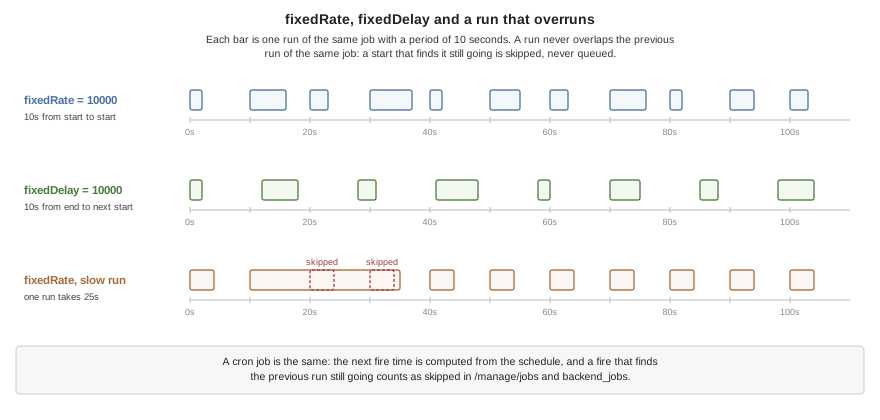
42.5.3. Runs never overlap
A run never overlaps the previous run of the same job. A start that finds the previous run still going is skipped, and the job is next due at its following time; it doesn’t queue up and run twice to catch up. A fixed-rate job that falls behind resumes on its own grid, without a burst. Each skipped start is counted, so a job that routinely overruns its period shows up in the job listing rather than running less often than it says with nobody noticing.
The scheduler itself is one platform thread that keeps the timetable. The runs happen on the executors, so a slow job delays nothing but its own next run.
42.5.4. One instance at a time
With several instances of a server behind a load balancer, each runs every job.
For a job that should happen once — sending the daily digest, purging old rows — lock names a row it claims first:
@Scheduled(fixedDelay = 60000, lock = "purge")
Before each run the instance tries to claim the named row in a table called
cn1_scheduler_lock, in the server’s own database, and skips the run when another
instance holds it. The claim expires after lockAtMostFor milliseconds — ten
minutes when it isn’t set — so an instance that dies mid-run doesn’t hold the job
forever. Set it longer than the job’s longest run, or two instances can end up
running it at once. The claim’s times come from the database server’s clock, which
every instance shares, so an instance whose own clock runs ahead can’t take a claim
another still holds. With SQLite, which runs in the server’s process, it’s that
host’s clock. A job with a lock needs a database, which the build checks.
A skipped run isn’t a failure. A lock that can’t be claimed for any other reason — the database refusing the statement — is recorded as one, so a broken lock table doesn’t look like a job that’s always somebody else’s turn.
42.5.5. Watching the jobs
A job is named after its class’s simple name and its method, Cleanup.run. When
two classes in different packages share a simple name, both jobs take the
qualified name, com.example.billing.Cleanup.run, so each can be listed and
started on its own.
GET /manage/jobs lists every job with its schedule, its runs, failures and
skipped starts, when it last started, how long that took, the last error, and when
it’s next due. The development MCP server has the same as backend_jobs, and
backend_run_job starts one immediately. The duration of each run is recorded in
the cn1.scheduler.run.duration histogram, by job and outcome.
When the server stops, the scheduler stops first so that no run begins during the
drain, and runs that haven’t finished get the same grace period as the requests in flight.
A task on a virtual thread keeps running on its host thread through that window.
One still running when it ends is abandoned and reported, and its Future never
completes.
42.6. Pitfalls
SQLite or file work on a virtual thread blocks the host thread under it, because neither waits on a socket. Leave such work on
PLATFORM. A PostgreSQL or MySQL query parks instead, and is fine onVIRTUAL.Relying on the caller’s context. An
@Asyncbody runs outside the caller’s transaction and request. A transaction it needs, it declares itself.A cron expression read in local time. Without
zoneit’s UTC, so0 0 9 * * *fires at 09:00 UTC, which is the middle of the night somewhere.lockAtMostForshorter than a run. Once the claim expires another instance may start the job while the first is still running it.Several instances without
lock. Every instance runs every job.
43. Backend tracing, metrics and management
A server in production has to answer three questions for whoever runs it: what did this request do, how’s the server doing, and what can be changed without redeploying. Traces answer the first, metrics the second, and managed beans the third. All three follow the OpenTelemetry conventions, so they reach whatever observability stack a deployment already runs, and all three are linked into the binary only when the build is asked for them.
43.1. Tracing with OpenTelemetry
A server can report every request it serves to any OpenTelemetry collector, and the reporting needs no code in the handlers. Turn it on at build time with the annotation, on any class in the backend module:
@OpenTelemetry(serviceName = "notes")
@RestController
public static class NotesController {
@GetMapping("/notes/{id}")
public String note(@PathVariable("id") String id) {
return id;
}
}Without touching the source, set it in application.properties instead:
cn1.otel.enabled=true
Either one makes the generated entry point install a tracer. From then on:
every request is a server span, named after the route that matched (
GET /notes/{id}), with its status, method and path;every outbound
Webcall is a client span, and sends the W3Ctraceparentandtracestateheaders so the service it reaches joins the same trace;every
Databasestatement is a client span carrying the SQL as the code wrote it, placeholders and all — the bound values are never recorded;an incoming
traceparentmakes the request part of the caller’s trace, which is how a Codename One app’s spans connect to the backend’s own (see Chapter 92, Distributed tracing with OpenTelemetry).
A WebSocket connection isn’t a span. It can stay open for hours and carry any number of messages, so it has no single start and end to time, and its upgrade request is answered before tracing begins.
Without the annotation or the property, nothing refers to the tracer and the translator leaves it out of the binary.
cn1.otel.enabled is a build-time setting: the build reads it from the module’s
properties files. A server built without the exporters that finds it true at
run time, in the environment or a properties file beside it, doesn’t start, and
the error says where the key belongs. A server built with them that finds it
false at run time exports nothing. See Section 34.8.2, “Build-time settings”.
Spans go out over OTLP/HTTP, as binary protobuf by default, batched on a
thread of their own so a slow collector never holds up a request. A queue that
fills because the collector is down drops spans and counts them, and
HttpServer.getMetrics() reports those counts. The settings are the standard
OpenTelemetry environment variables, so a deployment configures this server the
same way it configures everything else it runs:
| Variable | Property | Meaning |
|---|---|---|
|
| The collector’s base URL; |
|
| The full URL, used as it is. |
|
|
|
|
| Headers for traces only, in place of the shared ones. |
|
|
|
|
| The protocol for traces only. |
|
| Overrides the annotation’s |
|
| Extra resource attributes, |
|
|
|
|
| The ratio for the ratio samplers. |
|
|
|
|
| Spans held for export before new ones are dropped. Defaults to 2048. |
|
| Spans sent in one export. Defaults to 512. |
|
| Milliseconds between exports. Defaults to 5000. |
cn1.otel.attributes.exclude names attributes never to record, for example
db.query.text in a code base that builds SQL by concatenating values.
Sending spans to Dynatrace, which accepts OTLP over HTTP as protobuf, is a matter of pointing the endpoint at the environment’s OTLP API and passing an ingest token:
OTEL_EXPORTER_OTLP_TRACES_ENDPOINT=https://abc12345.live.dynatrace.com/api/v2/otlp/v1/traces OTEL_EXPORTER_OTLP_HEADERS=Authorization=Api-Token%20dt0c01.XXXX
Under Lambda, the invocation continues the trace the host passes in its X-Ray header, and the loop waits for the export before it polls again, because the host freezes the process between invocations.
Tracing.current() returns the request’s span, for adding an attribute of the
application’s own, and Tracing.inSpan times a block of work as a child span.
43.1.1. Relaying the app’s spans
A mobile app shouldn’t carry the collector’s credentials: anything inside an app
package can be read by whoever installs it. With cn1.otel.relay=true the backend
accepts the app’s spans at /otel/v1/traces (cn1.otel.relay.path moves it), adds its own credentials and
forwards them to the same collector:
cn1.otel.relay=true
# Optional: a shared secret the app sends in X-CN1-Telemetry-Token.
cn1.otel.relay.token=${RELAY_TOKEN}
# Only for a web app served from another origin.
cn1.otel.relay.corsOrigin=https://app.example.comThe relay takes OTLP/JSON, rebuilds it against the OTLP schema — a field the
schema doesn’t name is dropped and a malformed id is refused — and queues it for
export in whatever protocol the server exports with. It answers as soon as the
spans are queued, and answers 503 when the queue is full so the app backs off.
cn1.otel.relay.maxBytes and cn1.otel.relay.maxSpans bound a single export.
43.2. Metrics and management
Traces say what one request did; metrics say how the server is doing. With
OpenTelemetry turned on, the server exports metrics over OTLP on the same endpoint
and with the same settings as its traces, every minute by default, with cumulative
temporality. cn1.otel.metrics.enabled=false turns metrics off while leaving
traces on. The management endpoints described below record and serve the same
metrics whether anything exports them or not.
43.2.1. The metric schema
The metrics the server records about itself have a published schema. Their names, units and attributes are stable, so a dashboard or an alert written against them keeps working when the server is upgraded, and it works the same against a server running on the JVM and a packaged native one. Each metric has one of three availabilities: always, database (when the server has a database pool), or JVM (the packaged server has no equivalent).
| Instrument | Kind | Attributes | Measured | Micrometer equivalent |
|---|---|---|---|---|
| histogram, ms |
| always |
|
| gauge | always |
| |
| gauge | always |
| |
| gauge | always | none | |
| gauge, cumulative | always | none | |
| gauge, cumulative | always | none | |
| gauge | database |
| |
| gauge | database |
| |
| gauge | database |
| |
| gauge | database |
| |
| gauge, cumulative | database |
| |
| gauge |
| always |
|
| gauge |
| always |
|
| gauge, cumulative |
| always |
|
| gauge |
| always |
|
| histogram, ms |
| always |
|
| gauge, bytes | always |
| |
| gauge, bytes | always |
| |
| gauge, bytes | JVM |
| |
| gauge, seconds | always |
| |
| gauge | JVM |
| |
| gauge | JVM |
| |
| gauge | JVM |
| |
| gauge, cumulative | JVM |
| |
| gauge, cumulative, ms | JVM |
|
The route attribute is the template — GET /notes/{id} is recorded as
/notes/{id} — so a server’s metric count doesn’t grow with the ids its clients
ask for. A request that fails, whether in a handler or in the session store, is
recorded with status 500.
GET /manage/schema returns this table for the running server as JSON: its
runtime (jvm or native) and, for each metric, its kind, unit, attributes,
temporality, Micrometer name and whether this server measures it.
43.2.2. An unmeasured metric is absent, not zero
A metric a server can’t measure isn’t reported as 0. Its instrument isn’t registered, or reads
no value, so it’s absent from the JSON view, the Prometheus scrape and the OTLP
export, and /manage/schema lists it with "available": false and the reason.
On a packaged server that means the JVM-only rows above; on a server with no
database it means the pool rows. A gauge whose source can’t be read at collection
time is likewise left out rather than written as zero. An alert on "thread count is
0" therefore never fires on a native server by accident: query the series' absence
instead, or read the schema.
The schema also lists, under unmeasured, the Micrometer meters a Spring Boot
dashboard commonly reads that neither runtime reports, each with its reason:
jvm.gc.pause as a per-pause histogram, jvm.gc.memory.allocated and
jvm.gc.memory.promoted, per-pool jvm.memory.used, jvm.buffer.memory.used,
jvm.threads.states, process.cpu.usage, system.cpu.usage,
system.load.average.1m, process.files.open, hikaricp.connections.usage,
hikaricp.connections.acquire and logback.events.
43.2.3. Moving a Spring Boot dashboard
The Micrometer column says which series to switch to. In Prometheus form a name’s
dots become underscores, so a panel on hikaricp_connections_active reads
db_client_connection_count - db_client_connection_idle, one on
http_server_requests_seconds_count reads http_server_request_duration_count,
and tomcat_connections_current_connections becomes
http_server_open_connections. Two differences to adjust for:
Units. Durations are milliseconds, not seconds, so a latency threshold of
0.5becomes500, and histogram buckets are in milliseconds.Attribute names. Requests carry the OpenTelemetry attributes
http.route,http.request.methodandhttp.response.status_coderather than Micrometer’suri,methodandstatus.
vm/backend/dashboards/backend-overview.json in the Codename One repository is a
Grafana dashboard written against the schema: request rate, latency percentiles,
errors, connections, the database pool, executors, scheduled jobs, memory and
uptime. Import it and pick the Prometheus data source that scrapes
/manage/prometheus. It uses only metrics every runtime measures, so its panels
are filled on the JVM and on a packaged server alike.
43.2.4. Managed beans
The application’s own metrics follow the JMX model — attributes to watch and operations to call — with Spring’s annotations for it:
@Component
@ManagedResource(objectName = "prices")
public class PriceCache {
private final Map<String, Double> prices = new LinkedHashMap<String, Double>();
@ManagedAttribute(description = "Cached prices", unit = "{entry}")
public synchronized int getSize() {
return prices.size();
}
@ManagedOperation(description = "Drops every cached price")
public synchronized void clear() {
prices.clear();
}
@Timed
@Counted
public synchronized Double price(String sku) {
return prices.get(sku);
}
}@ManagedResource marks the bean, and objectName names it; without one it’s
the simple class name. The name is a segment of the management URL, so it’s made
of letters, digits, _, - and . only. Each @ManagedAttribute is an instance getter with no
parameters, and a numeric one becomes a gauge named after the resource and the
attribute — prices.size here — read each time metrics are collected. Every
attribute, numeric or not, appears in the management listing. A
@ManagedOperation is a method an operator can call, whose parameters may be
strings, numbers, booleans, and enums. An operation’s parameters are named by
@McpParam when they carry one, and otherwise arg0, arg1, in order. The build
checks each of these rules and refuses a managed method on a class with no
@ManagedResource. It also refuses a managed resource that isn’t a singleton,
because metrics are read outside any request or session. An operation is invoked
by name, so it refuses an overloaded one too.
@Timed records each call’s duration as a histogram, and @Counted counts calls,
with a second counter for the failures. Their instruments are named after the class and method
unless the annotation’s value names them:
| Annotation | Instruments |
|---|---|
|
|
|
|
<class> is the fully qualified class name. Like @Transactional, they’re woven
into the method at build time, so a call through this is measured too.
43.2.5. Instruments of your own
Metrics.counter, Metrics.histogram and Metrics.gauge create an instrument
for anything the annotations don’t cover:
public final class OrderMetrics {
private static final Counter PLACED =
Metrics.counter("orders.placed", "Orders placed", "{order}");
private static final Histogram TOTALS =
Metrics.histogram("orders.total", "Order totals", "USD");
private static final List<String> QUEUE = new ArrayList<String>();
static {
Metrics.gauge("orders.queued", "Orders waiting to ship", "{order}",
new Gauge.Source() {
public double read() { // read when metrics are collected
synchronized (QUEUE) {
return QUEUE.size();
}
}
});
}
public static void placed(String id, double total) {
PLACED.increment();
TOTALS.record(total);
synchronized (QUEUE) {
QUEUE.add(id);
}
}Asking for the same name twice returns the same instrument, so two classes may
declare it, and asking for an existing name as a different kind is refused. Keep
instruments in static fields, so recording a value looks nothing up. A gauge is a
callback read when metrics are collected, which suits a value that already exists
somewhere, such as a queue’s length. A histogram’s second form takes bucket
boundaries and up to three attribute keys, recorded with
record(value, first, second, third).
43.2.6. Exporting
Metrics use the tracing settings from Section 43.1, “Tracing with OpenTelemetry” unless a metrics-specific one is set, which is the precedence the OpenTelemetry specification gives:
| Variable | Property | Meaning |
|---|---|---|
|
| How often to export, in milliseconds. A minute by default. |
|
| The full URL. By default the tracing endpoint’s base with |
|
| Headers for the metrics requests; by default the tracing ones. |
|
|
|
|
|
When the server stops, it exports once more so the last interval isn’t lost, bounded by the shutdown timeout.
43.2.7. Management endpoints
The management endpoints make the same information available over HTTP, for a load balancer and for an operator:
GET /manage/health public; 503 while starting or draining
GET /manage/health/liveness public; 200 while the process serves at all
GET /manage/health/readiness public; 503 while starting or draining
GET /manage/schema the metric schema, as JSON
GET /manage/metrics every metric, as JSON
GET /manage/prometheus every metric, in the Prometheus text format
GET /manage/jobs the scheduled jobs and their last runs
GET /manage/managed the managed beans and their attributes
POST /manage/managed/{bean}/{operation}An operation’s body is a JSON object of its arguments by parameter name. A body
that isn’t one, or an argument the operation refuses, is answered with 400; 404
means only that no managed bean or operation has that name. Two managed resources
with the same objectName, or two @McpTool methods with the same name, are a
build error, since each is found by that name.
Health reports STARTING until the server has finished starting, including the
application’s scheduled jobs and exporters, UP while it serves, and DRAINING
once it’s stopping. The listener accepts connections before start-up finishes, so
a load balancer that checks health doesn’t send traffic to a server that may
still fail to start.
| Key | What it sets |
|---|---|
| Whether the endpoints are served. On by default on a development profile, off
everywhere else. Build-time: |
| The bearer token every endpoint but health and the probes requires, sent as
|
| Where the endpoints live, |
A packaged server has no management code at all unless its build asks
for it. The generated entry point is the only code that names the endpoints, and
it names them only when the build sees cn1.management.enabled=true in
application.properties or a profile’s file. Without it, the translator leaves the endpoints out of the binary, so there’s
no /manage to find or to misconfigure, whatever profile the server later runs
under. The development run through cn1:backend always builds them in. |
cn1.management.enabled=true
cn1.management.path=/opsA server built with them can still turn them off at start-up with
cn1.management.enabled=false. A server built without them that finds
cn1.management.enabled=true at run time doesn’t start, because there’s nothing
to turn on, and the error says that the key belongs in the module’s
application.properties. See Section 34.8.2, “Build-time settings”.
On a development profile without a token, the read-only views are open to anyone who can reach the port, which is a laptop. An operation needs the token on every profile, because it changes the running server.
43.2.8. Probes and draining
The two probes follow the split Kubernetes and Spring Boot’s
/actuator/health/liveness and /actuator/health/readiness make. Liveness says
the process is running and answering, and stays 200 while it starts and drains;
point a liveness probe at it, so a slow start or a drain never gets the container
restarted. Readiness is 503 until start-up finishes and again from the moment the
server begins to stop; point a readiness probe or a load balancer health check at
it. /manage/health answers as readiness does, with the state in the body.
When the server is told to stop (SIGTERM, or the platform’s equivalent), it turns
readiness to 503, stops accepting new connections, lets the requests in flight
finish within cn1.server.shutdownTimeoutMillis, runs the exporters' last export,
and exits. Give the platform’s termination grace period a few seconds more than
that timeout. The probes need no token on any profile, since a load balancer has
none to send.
Health answers 503 while the server drains, so a load balancer stops sending it
new requests before it stops accepting them. The Prometheus view turns each name
into a Prometheus one, replacing the dots with underscores and adding _total to a
counter, so http.server.request.duration is scraped as
http_server_request_duration.
The management endpoints are served before the application’s routes, so a catch-all route can’t answer them.
43.3. Application caches
Cache keeps values a server would otherwise fetch or compute again, with a bound
on how many it holds and how long each one lives. It’s plain Java, so the same cache
runs on the JVM and in the packaged native server:
private static final Cache<String, Price> PRICES = Cache.<String, Price>builder("prices")
.maximumSize(10000) // or maximumWeight(bytes, weigher)
.expireAfterWriteMillis(60000)
.removalListener((sku, price, cause) -> {
if (cause == Cache.SIZE) {
System.out.println("evicted " + sku);
}
})
.build();
public static Price price(String sku) {
// One load per SKU, however many requests ask at once.
return PRICES.get(sku, CacheSnippets::fetchPrice);
}
public static void priceChanged(String sku) {
PRICES.invalidate(sku);
}A builder sets the bounds, and nothing is bounded unless it’s asked for:
| Setting | Meaning |
|---|---|
| At most |
| At most |
| An entry lives this long after it’s stored. |
| An entry lives this long after it was last read or stored. |
| Each entry’s lifetime, chosen when it’s stored. It replaces the write lifetime for that entry; the access lifetime still applies. A lifetime of zero or less isn’t stored and removes the key’s old value, so a |
| Called for every entry that leaves, with the cause: |
| Where the cache reads the time. Tests replace it to move time without waiting. |
43.3.1. Loading
get(key, loader) returns the entry, or runs the loader on the calling thread when
there’s none. Requests asking for a key while its load runs don’t load it again:
they wait for that load and get its result. A waiting request on a virtual thread
yields, so a slow load holds back only the requests that want its key.
A loader that throws stores nothing. Every request waiting for it gets the same
failure: an unchecked exception as it was thrown, a checked one wrapped in
Cache.LoadException. The next request loads again. A loader that returns null
stores nothing either. When the key is invalidated or put while its load runs,
the loaded value goes to the requests waiting for it and isn’t stored over the newer
state. A loader can use the cache, but asking for its own key is refused rather than
waiting forever for itself.
The loader runs as part of the request that started the load, with that request’s transaction, security context and trace. The others only receive its value, so a loader shouldn’t return anything specific to one user.
43.3.2. Expiry and removal
An expired entry is never returned. It’s removed when a read finds it, by a
periodic sweep during writes, or by cleanUp(). size() cleans up first, so it
counts live entries only.
The removal listener runs on the thread whose call removed the entry, after the cache has released its lock, so it may use the cache. A listener that throws is reported on standard error and changes nothing else.
43.3.3. Metrics
Every cache publishes its figures to Metrics under its name:
| Name | Kind | Meaning |
|---|---|---|
| counter | Lookups answered from the cache. |
| counter | Lookups that weren’t. |
| counter | Loads that finished, including those that returned null. |
| counter | Loads that threw. |
| counter | Entries removed for the size or weight bound. |
| histogram | Time spent in the loader, in milliseconds. |
| gauge | Entries held, and their total weight. |
The same figures are on the cache itself, from hitCount() to evictionCount().
Give each cache its own name; two caches with one name share the counters.
43.3.4. Scope and memory
A cache belongs to one process. Two instances of a server each hold their own, and invalidating a key in one doesn’t reach the other. Values are held by reference, so treat them as read only.
Each entry costs about a hundred bytes beyond its key and value: a map entry with its links in access order, and a node holding the value, its weight and its timestamps.
44. Backend MCP and the agent loop
The Model Context Protocol lets an AI agent call tools on a server. A Codename One
backend serves it at /mcp, for two different readers. In production the agent
is a user of the application, and the tools are the ones the application chooses
to publish. In development the agent is the one writing the server, and the tools
let it look inside the running server and exercise it, the way a developer uses a
debugger and a database console.
44.1. Serving MCP
The first reason is the application’s own tools. An @McpTool method becomes a
tool an agent can call, with its JSON Schema written by the build from the
parameter types:
@Component
public class SupportTools {
private final Signups signups;
public SupportTools(Signups signups) {
this.signups = signups;
}
@McpTool(description = "Counts the people who signed up. Use it before "
+ "answering a question about growth.")
public int signupCount() throws Exception {
return signups.count();
}
@McpTool(description = "Signs someone up, as the form on the site would.")
public String signUp(@McpParam(value = "email", description = "Their email address")
String email) throws Exception {
signups.register(email);
return "signed up";
}
}The description is what an agent chooses tools by, so it says when to use the
tool as well as what it does. A parameter needs @McpParam to name it, since a
Java parameter name doesn’t survive compilation. Outside a development profile
the endpoint refuses to start without cn1.mcp.token. On a development profile
the token is optional, but a server without one listens on 127.0.0.1 only, since
its tools reach the database and every handler; set a token to serve other
machines, and a server bound to another address refuses to start without one.
It also refuses a browser
request unless its origin is a loopback address or is listed in
cn1.mcp.allowedOrigins, which keeps a web page from driving it. A page the
server serves itself has to be listed too. An allowed origin gets the CORS
answers a browser needs, the preflight included.
44.1.1. Writing a tool
A tool is an instance method of a bean. Its name is the method’s name unless
@McpTool(name = …) gives one, and a name is letters, digits, _, - and .
only. Each parameter carries @McpParam with the argument’s name, which has to
be unique within the tool, an optional description that goes into the schema,
and required, true by default. A tool can’t also be @Async: the agent gets
what the method returns, so the method has to run to the end. A
parameter may be a String, a number, a boolean, an enum, a Map or a List;
the build writes the matching JSON Schema type, and refuses any other type. A
number that doesn’t fit the parameter — too large for an int, or for a
float — is refused rather than narrowed.
When an agent calls the tool, the arguments are converted to the parameter types
and the method is called directly, with no reflection. A value that doesn’t fit — text where a number belongs, or a number outside the range of a short — is
answered as a tool error rather than converted into something the agent didn’t
send. The return value is sent as the call’s text: a String unchanged, anything
else as JSON.
A method that throws is answered with a result marked as an error, which an agent
reads and can correct, rather than with a protocol failure. An
IllegalArgumentException sends its message, so that’s the exception to throw for
arguments the tool can’t use, with a message saying what would work.
44.1.2. The endpoint
The endpoint speaks JSON-RPC 2.0 over MCP’s Streamable HTTP transport, and
negotiates protocol versions 2025-06-18, 2025-03-26 and 2024-11-05. It answers
initialize, ping, tools/list and tools/call, and answers the resource
and prompt listings with empty lists. It keeps no session and opens no event stream, which
the transport allows, so each call is one POST with one JSON answer and a GET is
answered 405.
| Key | What it sets |
|---|---|
| Whether the endpoint is served. On by default when the application has tools,
or when the development tools are available; set |
| A bearer token every call must carry. Required outside a development profile;
without it a development server listens on |
| Comma-separated browser origins allowed besides loopback ones, or |
| Where the endpoint lives, |
| Whether a development build serves the development tools. On by default on a development profile. |
A server restarted in a test serves the tools its own beans provide and nothing a previous one registered.
A packaged server has no MCP code at all unless its build asks for it:
a class with an @McpTool method, or cn1.mcp.enabled, cn1.mcp.path or
cn1.mcp.allowedOrigins in a properties file. Without any of those, the generated
entry point never names the endpoint and the translator leaves it out of the
binary, development tools included; cn1:backend builds the development tools in
for the development run only. A server built with the endpoint turns it off at
start-up with cn1.mcp.enabled=false. A server built without it that finds
cn1.mcp.enabled=true at run time doesn’t start, and the error says that the key
belongs in the module’s application.properties; see
Section 34.8.2, “Build-time settings”. cn1.mcp.path and cn1.mcp.allowedOrigins set
only at run time configure an endpoint that’s there and don’t ask for one. |
44.2. Tools for developing the server
The second reason is development. When the server runs through cn1:backend on a
development profile, the same endpoint also serves tools for inspecting and
exercising it, and the server prints the endpoint’s address when it starts:
| Tool | Use it to |
|---|---|
| List every route: method, path and the controller method behind it. |
| List every bean, its scope and what was injected into it, and which conditional beans are active. |
| See the active profile and every configured key, with values that look secret masked. |
| Send the server a request — |
| See the last requests served, newest first, with status and time;
|
| Read the last lines the server printed. |
| Run SQL against the server’s database. Unless |
| List the entities and their tables and columns. |
| List the scheduled jobs; start one now. |
| Read every metric’s current value, optionally only those with a prefix. |
| List the managed beans; call an operation. |
Claude Code connects to the endpoint with one command:
claude mcp add --transport http cn1-backend http://127.0.0.1:8080/mcp
A host that only speaks stdio runs com.codename1.backend.mcp.StdioBridge from
the backend jar with that address instead, and the bridge relays each message. None
of these tools are compiled into a server built with cn1:backend-package, unless
-Dcn1.backend.devTools=true asks for them. A Gradle project’s backendPackage
task takes the same switch as -Pcn1.backend.devTools=true.
44.3. The loop an agent works in
The development tools are meant to be used in a loop that checks each change against the running server rather than against the code alone:
Start the server on the development profile. It gets an in-memory SQLite database with the entity tables created, so it needs nothing installed:
CN1_PROFILE=dev mvn -pl backend -Dcodename1.platform=backend cn1:backend
Learn the server with
backend_routes,backend_beansandbackend_schema.Change the code, restart the server, and exercise the endpoint with
backend_callbefore touching any UI. A failing endpoint is much cheaper to diagnose here than through a screen.Check what the server saw with
backend_requests, and what it stored withbackend_sql.For a change that spans the app as well, run the app in the simulator and drive it through the simulator’s own MCP server, described in Chapter 80, MCP Headless API, then check the requests and rows the same way.
There is no hot reload: after a change to backend code, stop the server and start it again. That takes seconds, and the build regenerates the wiring on the way.
45. Backend performance, deployment and limits
This chapter is for deciding whether the backend fits a service, and for putting it into production once it does: what it costs in time and memory compared with the alternatives, how the binary ships, and the limits worth knowing first.
45.1. What it costs
Same handler, three ways, plus Go for an outside reference. Two pinned cores, 64 connections, medians of three interleaved runs on the plaintext route:
| Runtime | Requests/sec | p50 | p99 | Cold start |
|---|---|---|---|---|
Codename One native, musl | 595,610 | 0.090 ms | 0.249 ms | 0.77 ms |
Codename One native, glibc | 547,761 | 0.065 ms | 4.06 ms | 2.88 ms |
Go, fasthttp | 496,293 | 0.104 ms | 2.63 ms | 2.39 ms |
The same handler on the JVM | 187,745 | 0.260 ms | 1.60 ms | 82.5 ms |
Cold start is the interesting column. It’s measured from process spawn to the first accepted connection, and the static binary reaches it in under a millisecond — about a hundred times faster than the same code on a JVM, and three times faster than Go. That number is the whole serverless argument.
Throughput is the least interesting one. Beating a tuned Go server by a fifth on a microbenchmark isn’t a reason to move a service; it’s only evidence that the translation doesn’t cost you anything.
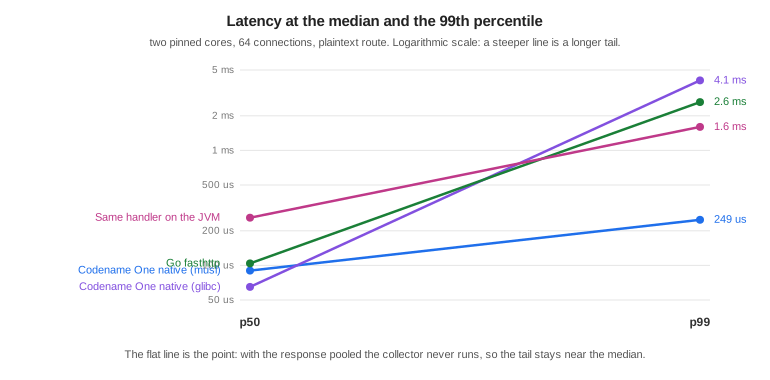
The slope chart is the one that matters. Every runtime here has a similar median. What differs is the distance to the 99th percentile, and that distance is garbage collection. With the response pooled the plaintext route allocates about 0.1 bytes per request, the collector never runs, and the tail stays at 2.8 times the median. Give the same server a handler that allocates a map per request and its tail goes to 80 ms, because the collector shares the cores with the server.
The honest rule is that the tail follows your allocation rate, not the runtime badge. The runtime gives you the tools to allocate nothing on the hot path; it doesn’t do it for you.
45.1.1. Memory and size
| Runtime | Binary or artifact | Resident under load |
|---|---|---|
Codename One native, musl | 7.95 MB static | 10-40 MB |
Codename One native, glibc | 3.19 MB dynamic | 14 MB |
Go, fasthttp | 5.63 MB static | 6.3 MB |
The same handler on the JVM | 0.13 MB jar, plus a JRE | 190 MB |
The JVM row is the same handler and the same protocol code. Everything it costs above the native rows is the runtime underneath it.
The resident figures move around more than the latency ones, because the collector keeps a pool of pages sized to the busiest moment the process has seen and gives them back gradually. At rest the native builds sit near 3 MB.
45.1.2. musl or glibc
Both are supported, and they aren’t equivalent. The static musl build starts faster and has a far shorter tail. The glibc build has a better median, because its allocator is better under contention, and a smaller binary, because it links the system libraries instead of carrying them.
The reason to pick musl isn’t the median. It’s that the artifact is one file with nothing underneath it, which is what makes the container the binary and the cold start a process exec.
45.1.3. What isn’t measured here
GraalVM is missing from these tables on purpose. A fair comparison would have to run the same handler, and this handler can’t run on GraalVM: the runtime’s native methods are ParparVM’s, so comparing would mean benchmarking a different server written against a different framework and reporting it as though the toolchains had been compared. That’s a benchmark worth building, and it isn’t this one.
45.2. Deploying it
The musl build is a single static file, so the container that carries it can be empty:
FROM scratch COPY bench-linux-musl-arm64 /server ENTRYPOINT ["/server"]
There is no base image to patch, because there is no base image. cn1:backend-package
builds for the machine it runs on; the cross-compiled targets
(musl-x86_64, musl-arm64, glibc-x86_64, glibc-arm64) are produced by
vm/backend/package.sh in the Codename One repository, which drives one builder
image per target.
For AWS Lambda, LambdaRuntime implements the custom runtime loop. The Lambda
Runtime API is a plaintext poll over loopback, so it needs no listening socket and
no TLS, and what it does need is exactly what a translated binary is good at.
45.3. Limits worth knowing
The class library is the Codename One runtime, not Java SE. A server dependency that assumes the full JDK won’t translate, and Maven Central isn’t the ecosystem this draws on.
Beans, injection, transactions, scheduling and metrics are resolved at build time, so what a runtime container discovers on its own — beans in a jar found by scanning, a proxy created for a class decided at run time — isn’t available. There is no starter ecosystem, and validation and error mapping are written by hand or generated from the REST contract.
Native packaging compiles Java sources and checks them against the backend’s class library. Kotlin sources aren’t wired into this packaging path yet. Application sources use Maven’s compiler
releaseorsource/target, or Gradle’scompileJava.options.releaseorsourceCompatibility/targetCompatibility. For example, setmaven.compiler.releaseto17or25, or setcompileJava.options.releaseto the corresponding value in Gradle. Use a JDK that supports the selected level. Maven defaults to its own JDK; Gradle usescompileJava’s Java toolchain. `cn1.backend.jdkcan select a different JDK (-Dfor Maven,-Pfor Gradle). The legacyJDK_8_HOMEoverride applies only when application and test sources both target Java 8. The backend libraries and generated wiring remain at Java 8 independently of the application’s language level. Records, pattern matching forinstanceof, and switch expressions can be used by application code. A newer language level doesn’t add Java SE APIs to the native runtime: unsupported API references fail packaging before translation. Pattern matching inswitchneeds a bootstrap the native translator doesn’t implement and fails packaging; useinstanceofbranches for native code instead. Compiled tests likewise honor Maven’stestSource/testTarget/testReleaseand Gradle’scompileTestJavasettings. Compiler arguments, including--enable-preview, are passed to application and test recompilation. Annotation processors on the class path run during those compilations unless disabled with the compiler’sprocsetting.A virtual thread parks on sockets and on nothing else. A PostgreSQL or MySQL query, a
Webcall and a TLS handshake all park it, and its host serves other connections meanwhile. SQLite, file access, resolving a host name andObject.wait()block the host thread that’s running them, and with one host per core, that many concurrent slow calls of that kind occupy every host while other connections wait. A server whose handlers spend their time in SQLite should size for that, or run the thread pool withCN1_HTTP_POLL_MODE=0.TLS runs on the thread pool, whatever the poll mode says. The TLS layer can’t park a read yet, and a blocking read on a virtual thread holds its host for the duration, so one idle TLS client per core would occupy every one of them. The server says so at startup when it makes that choice.
Native builds target Linux. Development happens anywhere a JVM runs.
WebSockets are RFC 6455 over HTTP/1.1. There is no permessage-deflate, so messages go out uncompressed no matter how compressible, and no RFC 8441, so a browser that reaches this server over HTTP/2 opens a second connection for its WebSocket rather than carrying it on the first. Both are what every client already falls back to.
wssworks on the packaged runtime through the same TLS the rest of the server uses, and not in the local loop, which terminates no TLS.
The reasons to choose this are cold start, footprint, deployment shape, and one language across the app and its server. If none of those matter for the service in front of you, use a JVM framework.
45.4. External Programs
Backend applications use the shared com.codename1.io.ProcessBuilder and
com.codename1.io.Process API described in Chapter 26, Desktop and Backend Processes. The same API serves
JavaSE and native desktop applications. Request-scoped children must be closed
on completion or cancellation; long-lived children belong to a managed bean
with a @PreDestroy cleanup method. A timed wait doesn’t itself terminate a
child. See that chapter for pipe draining, virtual-thread behavior, platform
restrictions, and the differences from JavaSE.
45.5. Streaming ZIP archives
ParparVM provides the streaming subset of java.util.zip in its Java runtime.
The same API is declared in the mobile compile-time library. It includes
ZipEntry, ZipInputStream, ZipOutputStream, Deflater, Inflater,
DeflaterOutputStream, InflaterInputStream, GZIPInputStream,
GZIPOutputStream, Checksum, CRC32, Adler32, CheckedInputStream,
CheckedOutputStream, ZipException, and DataFormatException.
Compression uses the existing pure-Java JZlib engine. JVM and Android targets
use their platform implementation of the standard classes.
This is a streaming API, not the entire Java SE ZIP package. Random-access
ZipFile, reverse compression filters, and the FileTime methods on
ZipEntry aren’t provided. Reading a ZIP entry verifies its CRC
and sizes when its end is reached; call closeEntry() to consume and verify
an entry you have only partly read. Closing the input stream doesn’t drain
or verify unread entries. ZIP input doesn’t extract files or interpret Unix
permissions.
45.5.1. Executable files in a project download
Java SE’s ZipEntry has no setter for Unix external attributes. Use
com.codename1.io.zip.ZipArchiveOutputStream when an extracted launcher must
remain executable. It accepts standard ZipEntry objects and adds
putNextEntry(entry, permissions). This helper runs with both JVM and ParparVM
compression and writes the Unix creator platform and external attributes in
the central directory.
public static HttpServer.Response projectDownload() {
return HttpServer.Response.stream(200, "application/zip", new HttpServer.BodyWriter() {
public void writeTo(OutputStream destination) throws IOException {
try (ZipArchiveOutputStream zip = new ZipArchiveOutputStream(destination)) {
ZipEntry directory = new ZipEntry("project/");
directory.setTime(0);
zip.putNextEntry(directory, 0755);
zip.closeEntry();
ZipEntry launcher = new ZipEntry("project/run.sh");
launcher.setTime(0);
zip.putNextEntry(launcher, 0755);
try (InputStream source = openLauncher()) {
byte[] buffer = new byte[8192];
int count;
while ((count = source.read(buffer)) != -1) {
zip.write(buffer, 0, count);
}
}
zip.closeEntry();
}
}
}).header("Content-Disposition", "attachment; filename=project.zip");
}The permission argument accepts 0000 through 0777. The writer infers a
regular file or directory from the trailing slash; it doesn’t create symlinks
or special files. Use 0644 for ordinary files. Names are archive paths with
/ separators. The writer doesn’t sanitize names for extraction, so choose
relative names without .. components.
The runnable example is vm/backend/demo/zipdownload/com/demo/ZipDownload.java.
It serves a small, fixed project at http://127.0.0.1:8099/project.zip:
export CN1_BACKEND_DEMO=demo/zipdownload
export CN1_BACKEND_STANDALONE_DEMO=1
export JDK_8_HOME=/path/to/jdk8
export JAVA_HOME="$JDK_8_HOME"
export PATH="$JAVA_HOME/bin:$PATH"
cd vm/backend
./build.sh ZipDownload com.demo /tmp/zipdownload
/tmp/zipdownloadThe same binary can generate a file without starting HTTP:
/tmp/zipdownload --write /tmp/project.zip. Extract it with unzip, then run
project/run.sh. The JVM version can be run with
CN1_BACKEND_DEMO=demo/zipdownload ./run-javase.sh com.demo.ZipDownload.
HttpServer.Response.stream invokes the writer when it sends the response. Open
sources inside this callback and close them with try-with-resources. HEAD and
statuses without a body don’t invoke it, so they don’t open sources. Closing
the supplied output flushes it without closing the connection. The server ends
the response only after the callback returns successfully.
Generation uses the serving worker and fixed transport buffers: 16 KiB for HTTP/1, plus a 16 KiB receive buffer and a 16 KiB native chunk for HTTP/2. It creates no archive-sized byte array, temporary file, or producer thread. HTTP/1.1 uses chunked framing, HTTP/1.0 closes the connection after the body, and native HTTP/2 respects the client’s flow-control window. A slow client holds the serving worker until it grants credit or the socket deadline expires; other streams on that HTTP/2 connection wait while the callback runs.
A disconnected client, HTTP/2 reset, or socket timeout makes output writes throw
IOException. Let that exception propagate so source cleanup runs and archive
generation stops. Cancellation is detected on output I/O; a callback doing
lengthy computation or waiting on its own source must bound that work itself.
A callback failure aborts the response rather than emitting a success terminator.
The local JVM transport supports HTTP/1; test HTTP/2 with the packaged backend.
45.5.2. Format limits and ownership
The default name/comment encoding is UTF-8, with the ZIP UTF-8 flag set.
Charsetconstructors also accept encodings available in the runtime. Names and comments that can’t be encoded without replacement are rejected.Files may be empty. Directories are explicit entries ending in
/. Duplicate entry names and empty entry names are rejected.DEFLATEDentries stream with data descriptors.STOREDentries require a size and CRC beforeputNextEntry; actual size and CRC are checked at close.ParparVM’s writer and
ZipArchiveOutputStreamrefuse ZIP64. Each entry size, compressed size, and the complete archive must remain below0xffffffffbytes. There may be at most 65,534 entries. Caller-supplied ZIP64 extra fields are rejected. A limit discovered while streaming raisesZipExceptionand leaves an incomplete archive; discard that output.Payload memory doesn’t grow with file size. Compression uses a fixed window and output buffer. Central-directory records grow with entry count and encoded names, extras, and comments; the writer caps their serialized total at 16 MiB. Java objects and strings add overhead beyond that serialized limit.
ZIP field lengths are limited to 65,535 encoded bytes. The writer reserves nine extra-field bytes for an extended timestamp where representable. It records UTC modification times at one-second precision for signed 32-bit Unix seconds; dates outside that range use the DOS timestamp, with two-second precision and a 1980—2107 range. Explicit
setTime(0)gives stable metadata.For repeatable archives, fix entry order, names, comments, permissions, timestamps, and compression level. JVM and ParparVM archives have equivalent contents and metadata, but compressed bytes need not match between engines.
finish()writes the directory and leaves the destination open.close()releases compressor state and closes the destination, including after a write failure. A write failure makes the writer unusable. Source streams belong to the caller; use a separate try-with-resources block for each source. No temporary files are created by the ZIP API.Reading supports STORED and DEFLATED ZIP entries, with or without descriptors for DEFLATED entries. ZIP64, encryption, other compression methods, and STORED descriptors are explicitly rejected. GZIP supports concatenated members and validates header and trailer checksums. By default it probes for another GZIP member only when its entire header can be read from buffered or available bytes, avoiding a blocking header read on an idle open connection. For concatenated members on sources whose
available()method doesn’t report readable bytes, callSystem.setProperty("jdk.util.gzip.tryReadAheadAfterTrailer", "true")before constructing the stream. This follows OpenJDK’s read-ahead option: it reads until the source ends and can block on a persistent connection. ParparVM captures the setting when each GZIP stream is constructed.
These explicit ZIP limits belong to the ParparVM implementation and the CN1
helper. The platform’s own java.util.zip.ZipOutputStream may have broader
limits, including ZIP64 support.
46. Wayline: A ride-hailing app from three sides
Wayline is a sample app with a server behind it. A rider asks for a ride, the nearest suitable driver is offered it, both follow the trip on a map, the ride is paid for when it ends, and an administrator runs the service. The app and the server are one Maven project, written in Java on both sides, and the Initializr’s ride-hailing template generates it under your own name.
This chapter is the user’s guide: what each of the three kinds of user sees and can do. Chapter 47, Wayline: Building on the sample is the other half. It explains how the project is built and what to change to make it yours.
One app serves all three. The server gives every account a set of roles, and the app opens on the screen that fits them: a rider on the map, a driver on the driving screen, an administrator on the operations console. Someone who holds more than one role switches between them from the menu.
| Role | What it adds |
|---|---|
Rider | Every account is a rider. Search for a destination, compare three kinds of car, choose how to pay, follow the driver, rate the ride, tip and keep the receipt. |
Driver | Granted when an administrator approves a driving application. Go online, accept or decline the rides offered, drive them, and see and cash out what they earned. |
Admin | Granted by another administrator. See the service in numbers and charts, review driving applications, flag or block accounts, cancel and refund rides, read the payments and set the prices. |
46.1. Trying it
Start the server on its development profile and it creates a set of accounts,
all with the password wayline-demo, and two weeks of rides so that the charts
have something to draw. Section 47.1, “Running it” has the commands.
| Account | Role |
|---|---|
Riders, each with a saved test card. | |
A rider an administrator has flagged. | |
Approved drivers of the standard kind of car. | |
Approved drivers of the two larger kinds. The last one takes a wheelchair. | |
Has applied to drive and is waiting for a decision. | |
Runs the service. |
Sign in as the rider in one simulator and as a driver in another to follow a ride from both ends.
No money moves on a development server, which simulates cards unless it’s told to use a payment provider. Four numbers behave in four ways:
| Card number | What happens |
|---|---|
| Accepted, and every charge succeeds. |
| Declined when you try to add it. |
| Accepted when added, then declined when a ride is charged. |
| Accepted when added, then every charge fails without an answer, so the ride’s payment stays pending. |
| Accepted, and every charge succeeds. A refund is pending at first, and shows as refunded about a minute later. |
Any expiry date in the future and any security code work with them.
46.2. Getting in
The welcome screen offers to sign in or to create an account. Server address
is there for a phone on the same network as a development server: localhost
on a phone is the phone, so the app has to be told where the server is. The
app in a browser has no such entry: it always talks to the server that hosts it.
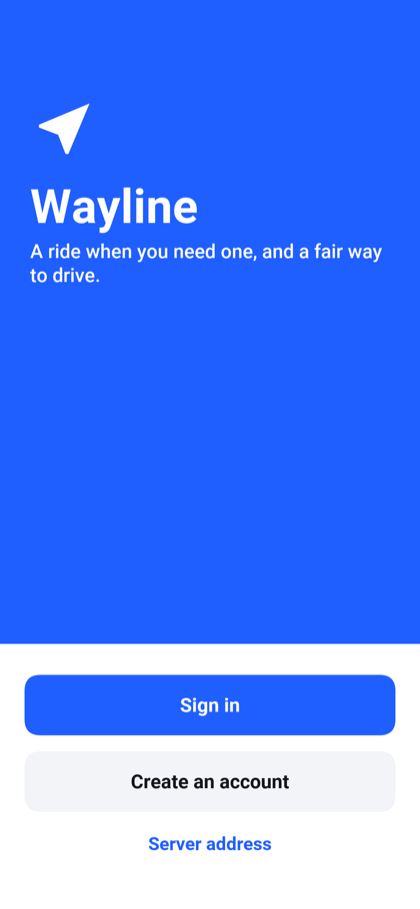
Creating an account takes a name, an e-mail address, a mobile number and a password. The e-mail address is what you sign in with. Under I want to, you say whether you plan to ride or to drive. Choosing Drive doesn’t make you a driver; it takes you to the driving application once the account exists.
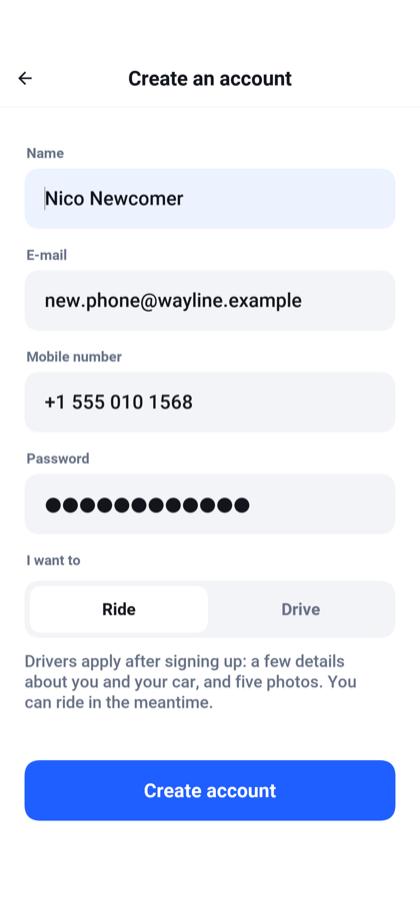
The app then asks for the six-digit code sent to the mobile number. A code is good for five minutes and five attempts, and a new one can be requested after half a minute. A development server prints the text on its console instead of sending it, so it shows the code on the screen as well. You can skip this step with Not now, but the server refuses a ride request from an account whose number isn’t verified.
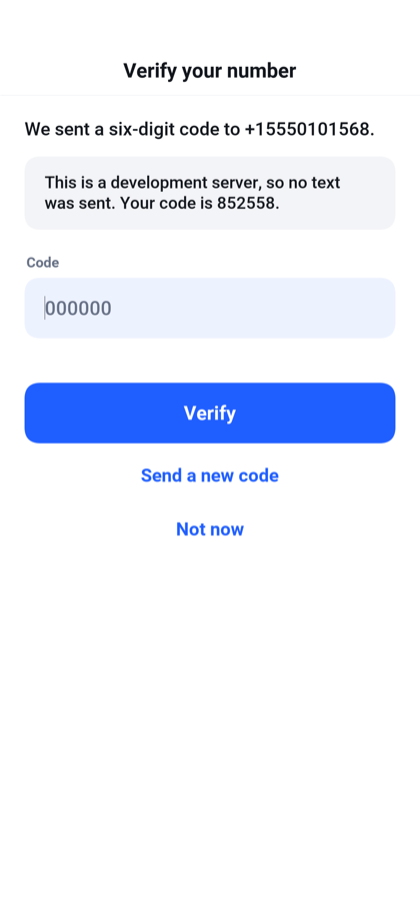
Signing in is the app’s own form. Behind it, the app runs an OAuth 2.0 authorization-code flow against the server without opening a browser, and keeps the tokens it gets in the device’s secure storage. Signing out revokes the refresh token at the server.
After the first sign-in the app asks once whether it may share usage statistics: which screens are opened and which features are used, and never a name, an e-mail address, a phone number, a place or a card. Share usage statistics agrees and Not now declines, and the app works the same either way. The answer can be changed at any time in the settings.
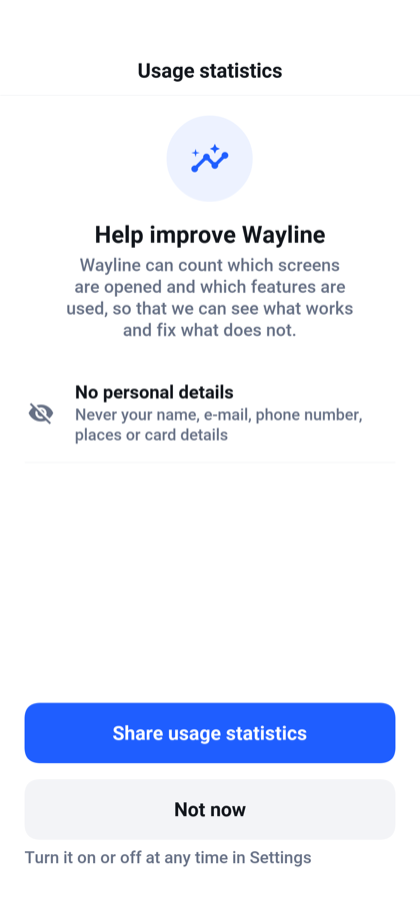
46.3. The rider
A rider can:
Search for a destination by name or address, or pick the saved Home or Work.
See the route, its length and how long it takes before asking.
Compare three kinds of ride with a price each: the standard car, a more comfortable one, and a larger one for up to six people.
See how far the nearest car of each kind is, and the free cars on the map.
Pay with a saved card or with cash.
Ask for a quiet ride, an accessible vehicle, a car that takes pets, or a woman driver.
Follow the driver to the pickup and along the trip.
Call or message the driver, share the trip, or cancel before the trip starts.
Rate the ride from one to five stars and add a tip.
Read the list of past rides and the receipt of each.
The home screen is a map with a search card over it and a sheet at the bottom. The round button at the top opens the menu, and the one at the side puts the map back on where you are.
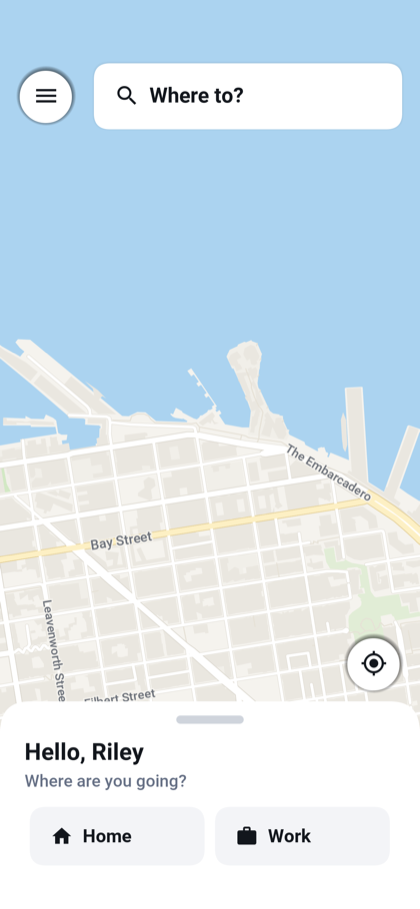
The map starts on where you are. While the device is still finding that, a notice at the top of the map says Looking for your location. If it has no answer after eight seconds, the notice becomes Still looking for your location. Try again. When the device can’t work out its position, the notice is Can’t find your location. Try again, and when the app has no permission to ask, it’s Location is turned off. Try again. Tapping the notice asks again. Until a position arrives the map shows the service’s default city, and you can still search for a pickup and a destination.
Pick a destination and the app draws the route and asks the server for a quote. The sheet lists the three kinds of ride with what each costs, how many it seats and how many minutes away the nearest one is. Under them is the way to pay, which you can change by tapping it. The price shown is the fare with the service fee included.
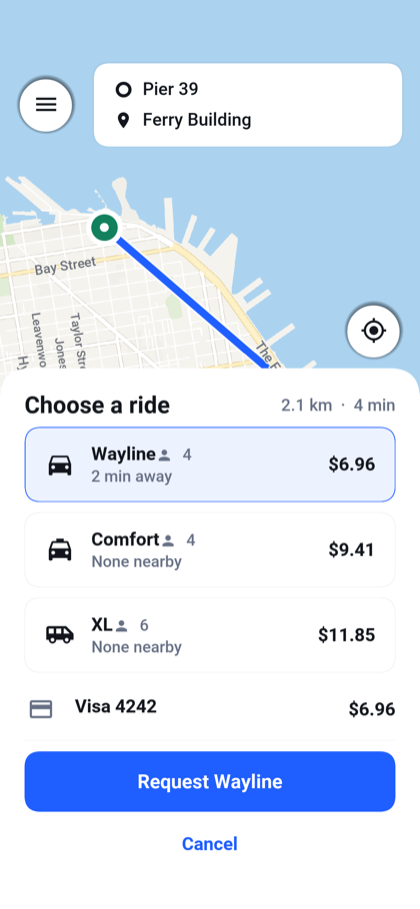
The quote is for information. When you ask for the ride, the server works the fare out again from its own prices and fixes it for that ride. A price change an administrator makes a minute later applies to the next ride, not to this one.
The server offers the ride to the nearest free driver who fits what you asked for. That driver has fifteen seconds to accept. If they decline or let the time pass, the next nearest is offered it, and after a short while the search widens from three kilometers to eight. If nobody takes the ride within a minute and a half the app says so, and nothing is charged.
Once a driver accepts, the sheet shows their name, rating, car and license plate, and the car moves on the map as the driver reports in.
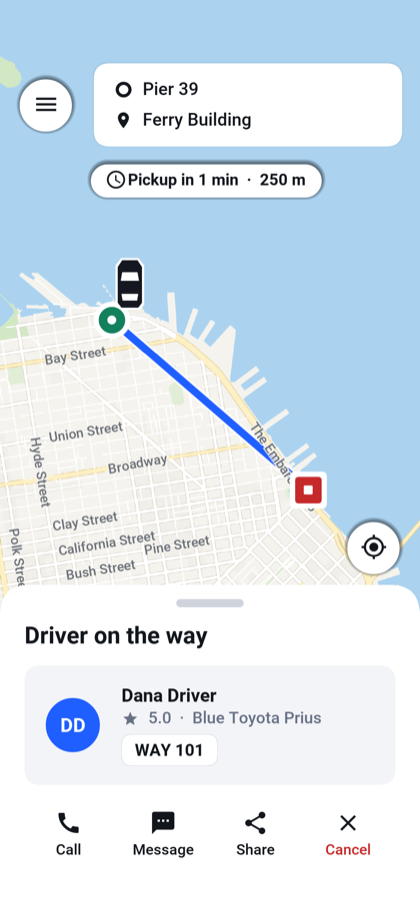
On a phone the app doesn’t have to stay open for any of this. A notification says when a driver accepts, when they arrive, when the trip starts and when it ends, and tapping one opens the ride. While a driver is on the way, the ride also shows outside the app: on the lock screen and on the Dynamic Island of an iPhone, and as an ongoing notification on Android. It names the driver, the car and its plate, counts down the minutes to the pickup and fills a bar as the ride goes from on the way to arrived, the trip and its end. It moves on with every step of the ride and, every minute or so, with the minutes left. It goes when the ride is canceled, and stays a short while to say you’ve arrived when the trip is complete.
Notifications reach a phone only from a server connected to the push service, which Section 47.15, “Push notifications” sets up. A server started for development prints each notification in its output instead.
| Where | What shows |
|---|---|
iPhone | A Live Activity on the lock screen and on the Dynamic Island. |
Android | An ongoing notification. The first ride asks for permission to show notifications. |
Desktop and the simulator | A small window beside the app, while the app runs. |
A browser | Nothing. The page shows the ride while it’s open. |
Call and Message open the phone’s dialer and its messaging app, so they’re offered only on a device that can dial. Share opens the device’s share sheet with a sentence naming the destination, the driver and the car. Cancel ends the ride at any point before the trip starts. The sample charges nothing for a cancelled ride.
When the driver completes the trip the server charges the card, and the sheet asks how the ride was.
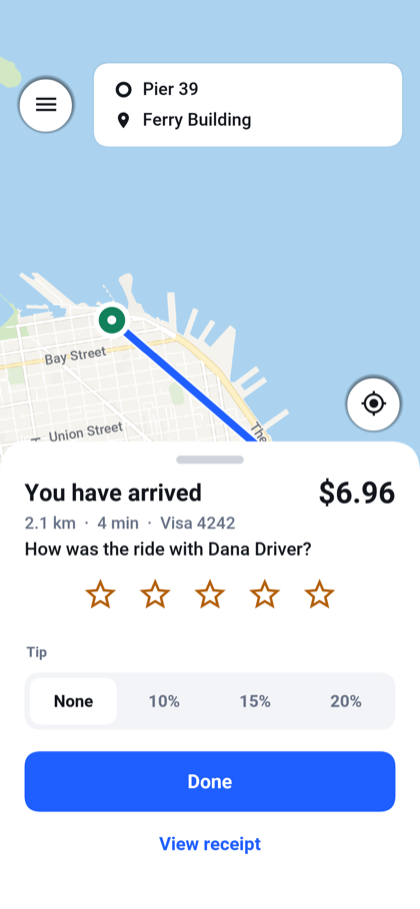
The tip is a percentage of the fare or, from the receipt, any amount. It’s a second charge to the same card, made once, and the whole of it goes to the driver. On a ride paid in cash the tip is recorded on the receipt and in the driver’s earnings, and no card is charged for it.
46.3.1. Wallet and receipts
Wallet in the menu lists the saved cards and cash, which is always there. Tapping a card makes it the one that pays unless you choose otherwise when you ask for a ride. An account holds up to eight cards.

How a card is added depends on the server. With simulated payments the card is typed into the app. With a real provider the app opens the provider’s own page in the browser, so the card number never reaches the app or the server, and the app picks the result up when you come back to it.
Past rides are listed under Your rides. Pull the list down to load it again. Each ride opens a receipt with the trip, the driver and the fare broken into its parts.
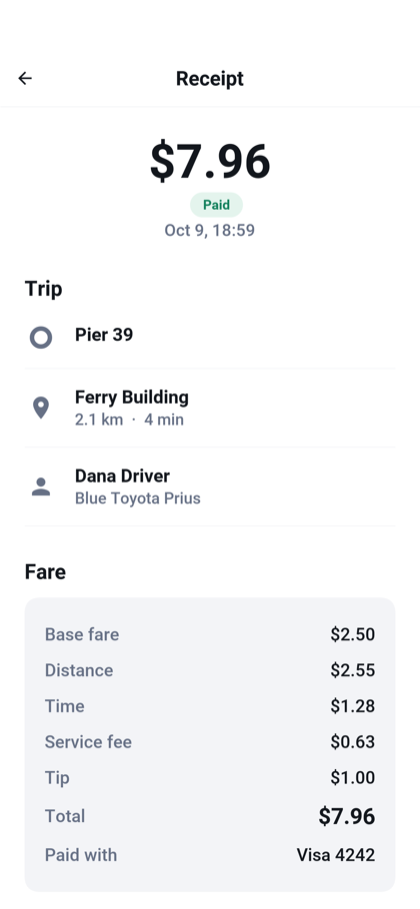
46.4. The driver
A driver can:
Apply to drive, and correct and resend an application that was sent back.
Go online and offline.
See each ride offered with its pickup, destination, distance and fare, and accept or decline it within the time allowed.
See what the rider asked for: a quiet ride, an accessible vehicle, a pet.
Mark the arrival at the pickup, the start of the trip and its end.
Call or message the rider, or cancel before the trip starts.
See today’s and this week’s earnings, the last two weeks day by day, and the list of past trips.
Register a bank account and cash out the balance.
46.4.1. Applying to drive
Anyone with an account can apply, from Drive with Wayline in the rider’s menu. The application has five steps, and each is saved as you leave it, so an application can be finished later:
Your legal name, date of birth and gender.
The driving license: its number and when it expires.
The car: make, model, year, color, plate, how many it seats, the kind of ride it suits, and whether it takes a wheelchair or pets.
Five photographs: an identity document, the license, a picture of you, the vehicle registration and the insurance.
A review of the whole application before it’s sent.
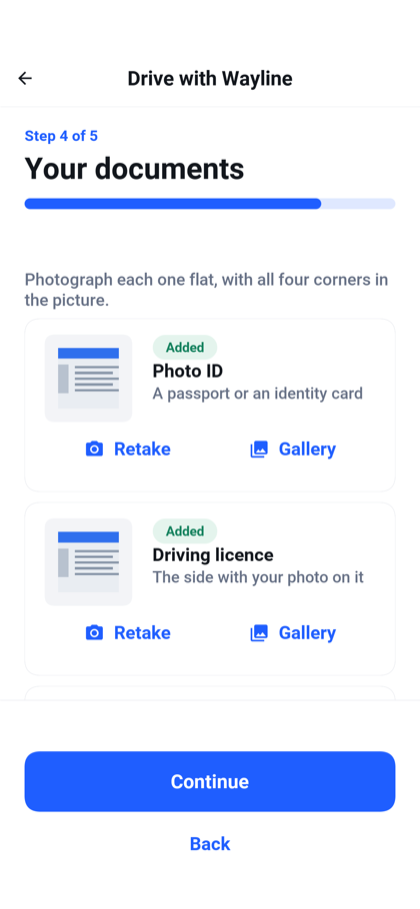
Each photograph comes from the camera or the gallery. The app shrinks it before sending, and the server accepts JPEG and PNG files of up to 1.5 MB.
Once sent, an application waits for an administrator. Until one decides, the applicant sees where it stands and goes on riding.
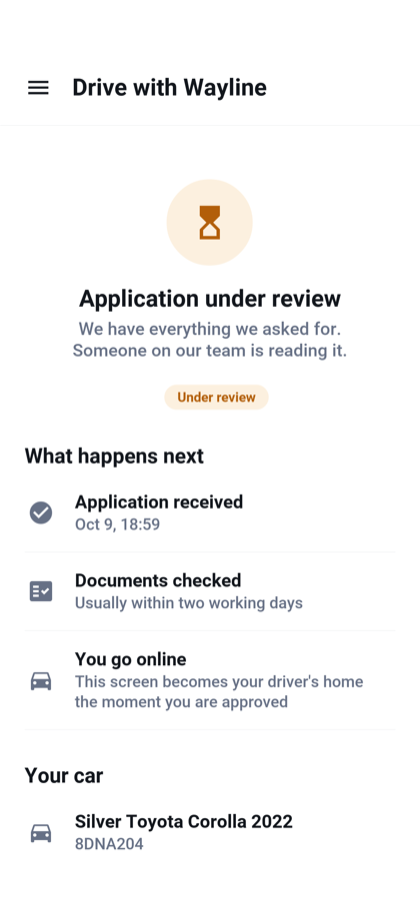
Approval gives the account the driver role, and the app opens on the driving screen from then on. A rejection comes with the administrator’s reason. The applicant can change what was wrong and send the application again.
46.4.2. Driving
The driving screen is a map with the day’s earnings at the top and a badge that reads Offline or Online. A driver starts offline. The sheet says You are offline and, under it, Go online to start taking rides.
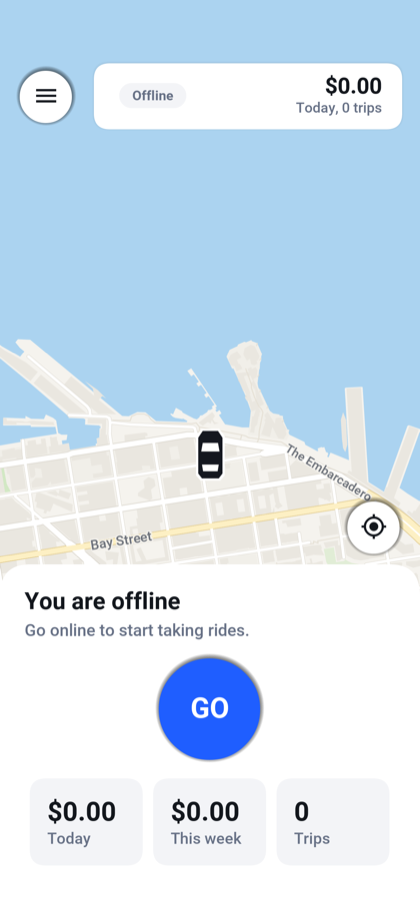
GO puts the driver online. The badge changes to Online, the sheet says Looking for rides, and the app reports the car’s position to the server every few seconds. Go offline stops the offers. A driver who is online and stops reporting for a minute is no longer offered rides either.
A driver doesn’t have to keep the app on the screen. While they’re online the phone goes on reporting where the car is with the app in the background, when the driver switches to a navigation app or locks the phone. It reports when the car has moved about 25 meters, and every twenty seconds when it hasn’t, which spares the battery and keeps the driver well inside the minute. On Android a notification that reads You’re online stays while it does. An iPhone asks the driver whether Wayline may use the location while the app isn’t in use, and the reports from the background need that answer to be yes. Going offline, signing out or switching to the rider’s side of the app stops the reports. The simulator and a browser don’t report from the background.
A new ride request arrives as a notification too, and tapping it opens the driving screen with the offer. The offer is open for fifteen seconds, so the notification is too: one that can’t be delivered within that time may never arrive. A rider who cancels is also announced in a notification.
An offer shows the fare, how far the pickup is and how long the trip is, with a ring counting down the time left to answer.
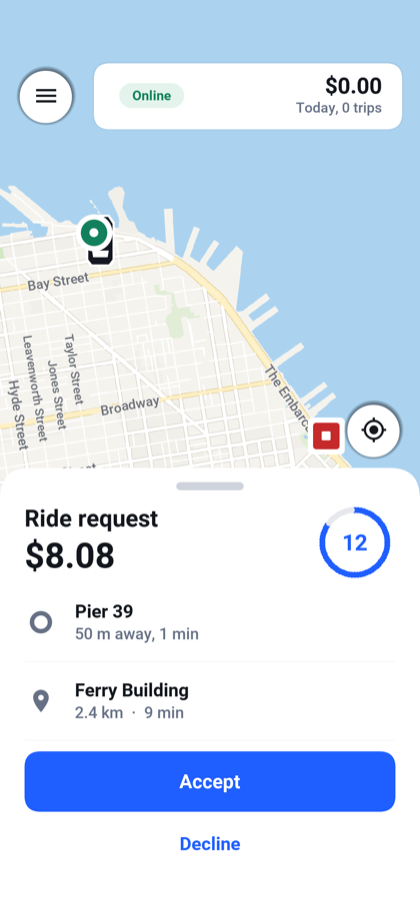
After accepting, the driver follows the route to the pickup, taps I have arrived, then Start trip when the rider is in the car and Complete trip at the destination. For a ride paid in cash the sheet says how much to collect.
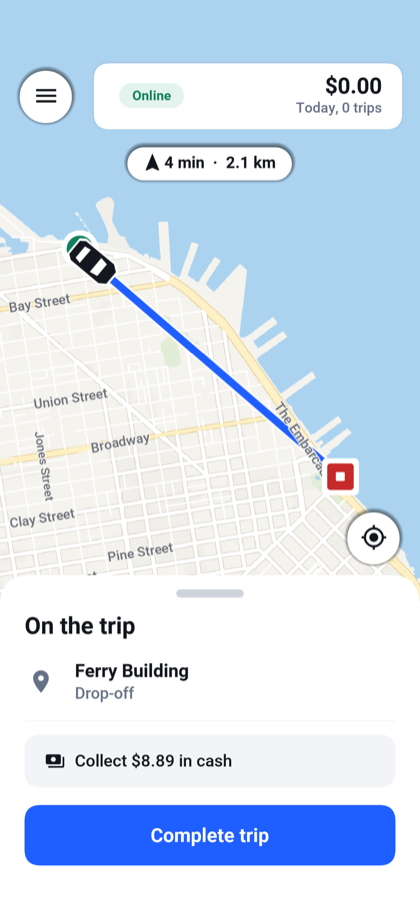
A driver can cancel after accepting and before the trip starts. A trip that has started can only be completed, or cancelled by an administrator.
46.4.3. Earnings
Earnings in the driver’s menu shows the balance ready to cash out, the totals for today, this week and this month, a chart of the last two weeks, the number of trips, the tips, the rating and the share of offers accepted. Under them are the payouts already made.
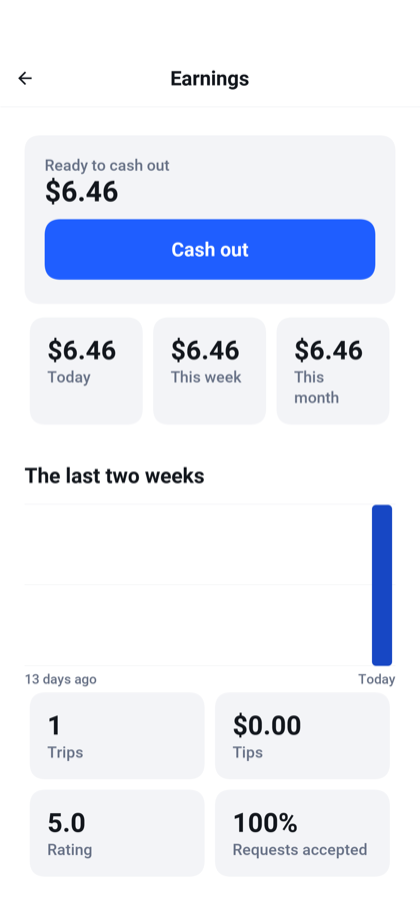
A driver earns the fare less the service’s commission, and every tip in full. Cash out asks for a bank account the first time: the holder’s name, the bank and the last four digits of the account number.
| Cashing out records a payout and sets the balance to zero. The sample moves no money to a bank. Section 47.13, “Billing” says what that takes. |
46.5. The administrator
An administrator can:
See what’s happening now: rides today, rides under way, drivers online and fares collected.
See trends over 7, 14 or 30 days: rides and fares by day, the share completed, the average fare and wait, requests by hour of the day, rides by outcome and by kind, and the drivers with the most rides.
Review driving applications with their documents, and approve them or send them back with a reason.
Search the accounts, see each one’s rides, spending, earnings and rating, and give or take away the driver and admin roles.
Flag an account, which marks it for the other administrators, or block it, which signs it out and refuses it until the block is lifted. Both take a reason, and both are kept in the account’s history with who did it and when.
See every ride, cancel one under way, and refund one that was paid by card.
See every payment.
Set the prices.
Watch the cars that are online move on a map.
The same screens are laid out in two ways. On a phone the console is one screen at a time with a menu. In a window at least 165 mm wide, which is a tablet, a desktop or a browser, it’s a console with its sections down the side and a list beside the item picked from it.
46.5.1. On a phone
The dashboard opens with what needs attention, as buttons that lead to it, then the four numbers and the charts.
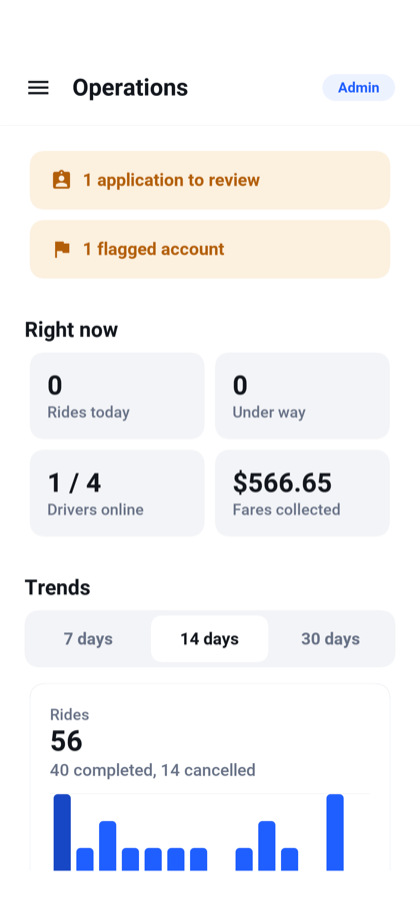
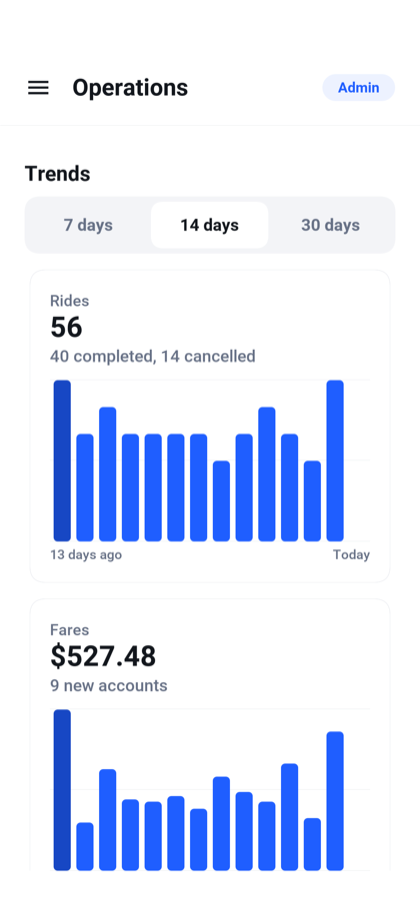
The lists of applications and of rides are loaded again by pulling them down. A desktop window has no such gesture, and its lists load when the section opens.
An application opens with everything the applicant entered and the five documents, each of which opens full size. Approve and Send back are at the end of it.
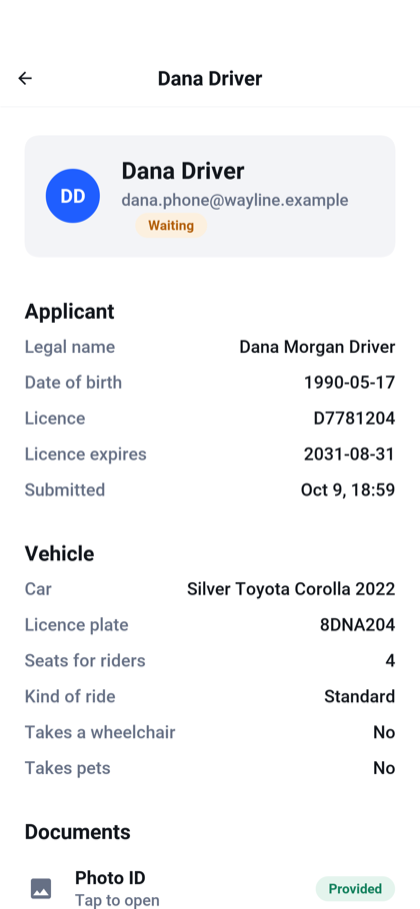
An account opens with its standing, its numbers, its contact details, the two role switches, the moderation buttons and its history.
46.5.2. On a wide screen
The desktop build takes the look of the operating system it runs on, in its colors, fonts, and controls.
Applications lists them by status, and the one picked opens beside the list.
People has a search field and filters for riders, drivers, admins, flagged and blocked accounts.
Rides lists the most recent rides with their state: every ride, or only those under way, completed, or cancelled. A ride opens with the trip, the fare and how it was paid. From there an administrator can cancel a ride that hasn’t finished and refund one that was paid by card. A refund returns the fare, the service fee and the tip. A ride paid in cash has nothing to refund. A refund the payment provider hasn’t finished shows as Refund pending until it does. One the provider then fails shows as Refund failed and needs looking up with the provider.
Payments lists what was charged for each ride, by which method and with what result.
Pricing holds the numbers every fare is worked out from: a base fare, a price for each kilometer and each minute, a minimum, the service fee added on top for the rider, the commission kept from the driver, and a multiplier for each of the two larger kinds of ride and for times of high demand. The currency is a setting of the server and isn’t changed here.
Live map fills the window with a map of the cars that are online, which move as their drivers report in.
The screens the console doesn’t own, such as the settings, keep their phone layout in a column in the middle of the window. An administrator is a rider too, and Riding under Switch to opens the rider’s map.
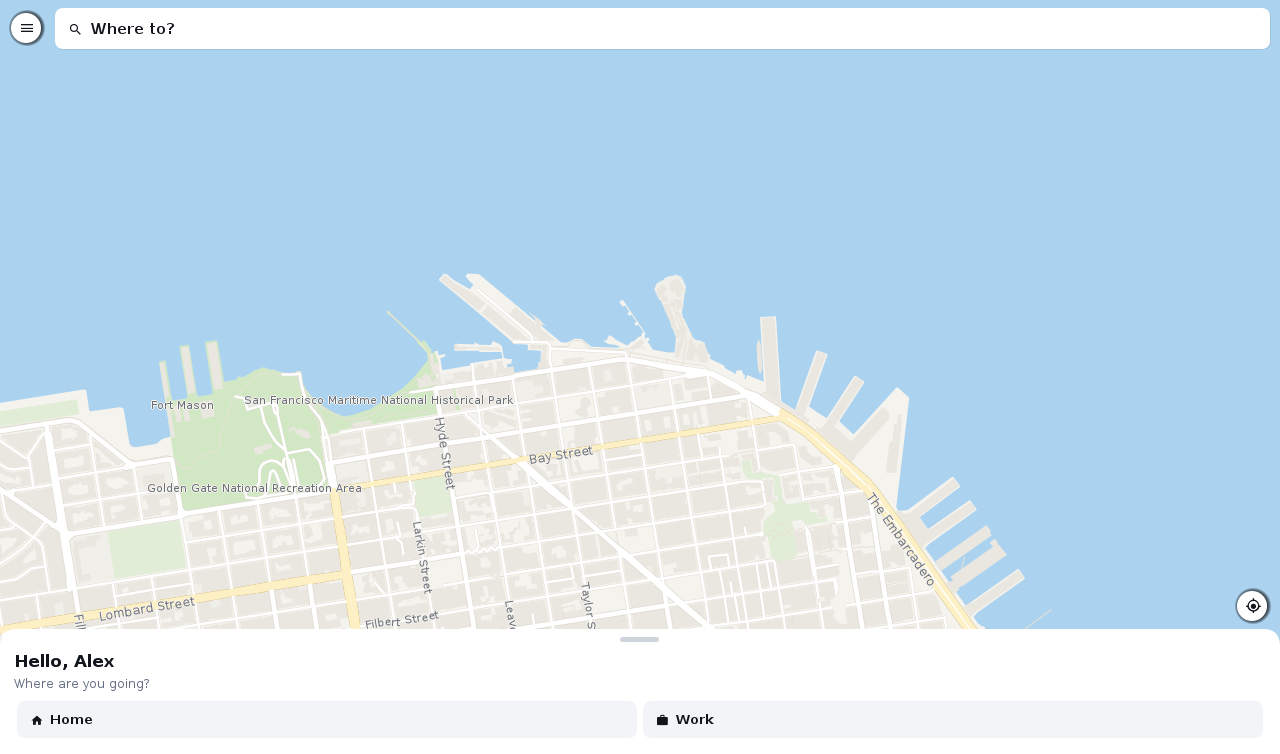
46.6. Settings
The Settings screen is in every role’s menu and is the same in each. What’s chosen there is stored on the server with the account, so it follows the user to another device.
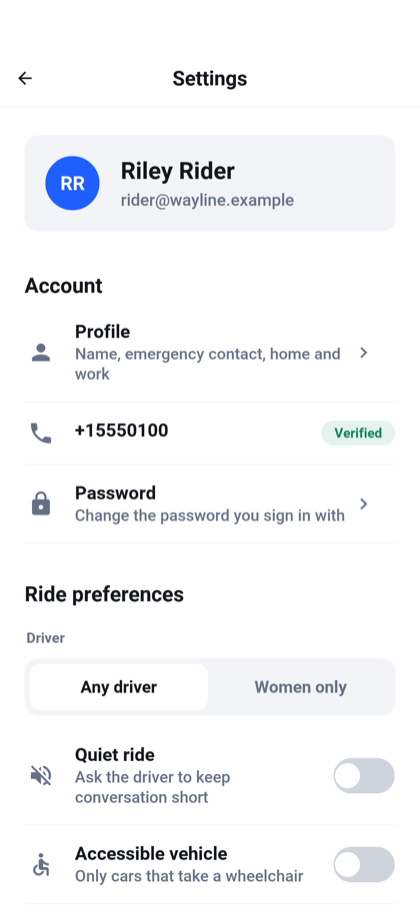
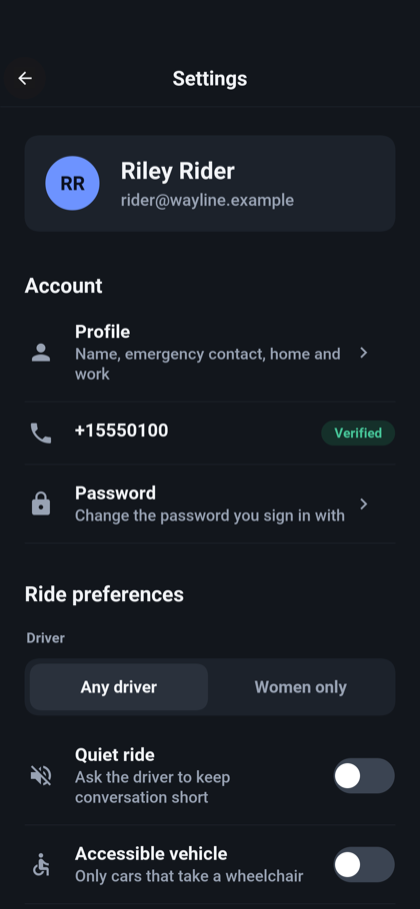
| Section | What it holds |
|---|---|
Account | The profile, which is the name, gender, an emergency contact and the saved home and work addresses. The mobile number and whether it’s verified. Changing the password, which asks for the current one. Every other device signed in to the account has to sign in again with the new password; the device you changed it on stays signed in. |
Ride preferences | Any driver or women only, a quiet ride, an accessible vehicle, and a pet-friendly car. They’re sent with every ride request. |
Payment | The wallet, the method that pays by default, and the tip offered first. |
Notifications | Switches for ride updates, receipts and offers. With Ride updates off the phone gets no notification of a ride’s steps, and with Receipts off none when a trip ends. The ride on the lock screen goes on either way. |
Appearance | The language, the theme, and whether distances are in kilometers or miles. |
Privacy and safety | Whether to share trips, the emergency contact, and Usage statistics. |
About | The terms of service, the privacy policy, the server address, and deleting the account. |
The app is translated into English, Spanish, French, German, and Hebrew. Hebrew is laid out right to left. The theme follows the device, or is fixed to light or dark, and the map changes with it.
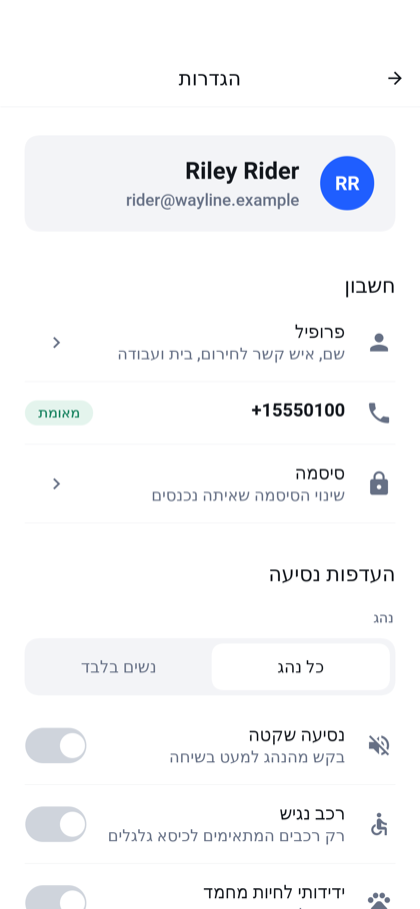
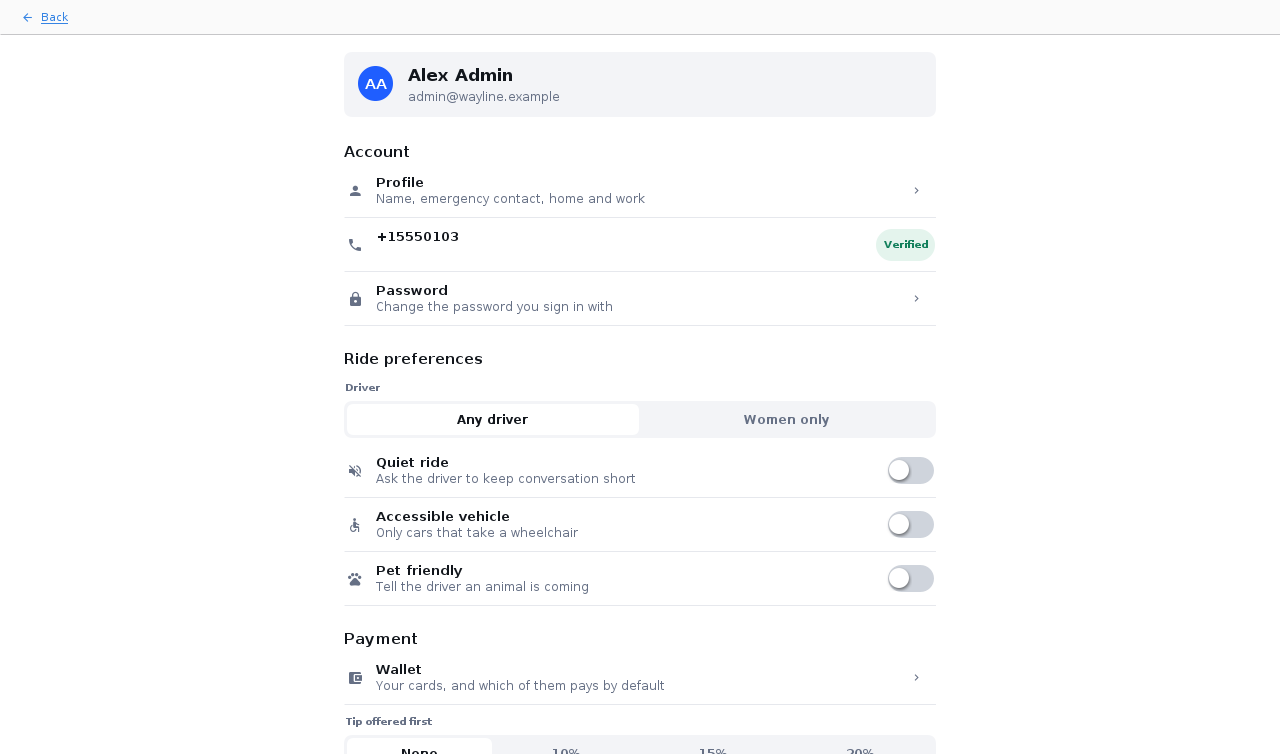
Usage statistics is the answer to the question asked after the first sign-in. Unlike the rest of the screen it’s kept on the device and not with the account, so each device has its own answer. While it’s off the app reports nothing. Deleting the account also resets the anonymous id the statistics carry.
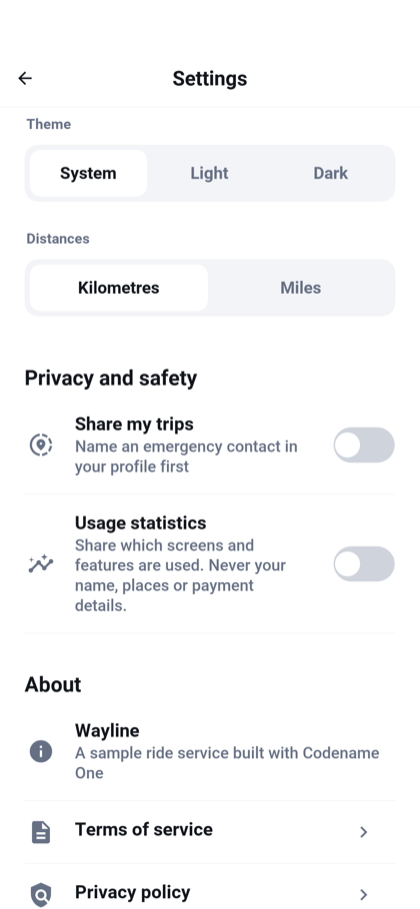
Three of these settings are stored and do little or nothing more in the sample:
The Offers switch is saved with the account, but the server sends no offers or promotions to switch off.
Share my trips and the emergency contact are saved with the account, and the screen says that no message is sent. Sharing a trip is the Share button during a ride.
Women only limits the offer to drivers whose profile says they’re women. The server doesn’t check the gender of the rider who asks.
Deleting the account removes the sign-in, the profile, the saved cards and any driving application, and the record the payment provider keeps of the rider. The app asks for the password again first, and the server refuses while a ride is under way or a card payment for one is still pending. The e-mail address of a deleted account can’t be registered again, because the rides that account took stay in the service’s records under it.
The recent destinations are kept on the device and belong to the account that chose them. When a different account signs in on the same device, the list starts empty, and so do home, work, the emergency contact and the ride options until that account’s own arrive from the server. The language, the theme and the units stay as the device had them.
A past ride shows who drove it and in which car. It doesn’t show where that driver is now.
46.7. In a browser
The server can host the app itself, so that opening the server’s address in a browser is using the app with nothing installed. It’s the same app compiled to JavaScript, with the same screens.
A browser gives a page less than a phone gives an app, and the app says so where it matters. Calling and messaging are offered only where the device can dial. The map opens on a default position when the browser won’t say where it is.
Section 47.1, “Running it” has the commands, and Section 35.1.16, “Hosting the app in the browser” explains how a server hosts an app.
47. Wayline: Building on the sample
Chapter 46, Wayline: A ride-hailing app from three sides shows Wayline from the outside. This chapter is for the developer who wants to build on it. It covers how to run the project, how it’s put together, what to change for two common kinds of service, and the parts a sample leaves for you to finish: taking real money, map data at production volume, native maps, sign-in through another identity provider, real text messages, push notifications, analytics, and the database it’s deployed on.
The Initializr’s ride-hailing template generates the project under your own name and package. Paths in this chapter are relative to the project’s root.
47.1. Running it
The project needs JDK 17 or newer and Maven, and nothing else installed. Start the server on the development profile:
CN1_PROFILE=dev backend/server.sh runOn that profile the database is in memory, verification codes are written to the log and shown in the app in place of a text message, cards are simulated, and the server creates the demo accounts listed in Chapter 46, Wayline: A ride-hailing app from three sides. It listens on port 8080.
Then run the app in the simulator, from another terminal in the same directory:
mvn verify -Psimulator -DskipTests -Dcodename1.platform=javaseSign in as [email protected] with the password wayline-demo. Start a
second simulator and sign in as [email protected] to follow a ride from
both ends. A phone on the same network reaches the server through Server
address on the welcome screen.
To use the app in a browser, have the server host it. The first command builds the browser version, which takes about a minute and is needed again only when the app changes:
backend/server.sh web
CN1_PROFILE=dev backend/server.sh runThen open http://localhost:8080/. Section 35.1.16, “Hosting the app in the browser” describes what
the server does with the staged files and how to deploy them.
backend/server.sh runs the server on the JVM for development. For a
deployment it builds a native binary with one command:
backend/server.sh build --native
backend/server.sh run --native --prebuilt --port 808047.2. The modules
| Module | What it holds |
|---|---|
| The contract: the records both sides exchange and the |
| The app: sign-in, the rider, driver and admin screens, the map, the wallet,
the settings and the live channel. The styling is in
|
| The server: accounts and roles, phone verification, driving applications,
moderation, fares, matching, the ride state machine, payments, statistics,
push notifications and the WebSocket. The entity classes are in the |
There are no platform modules: common builds the app for the simulator, the
desktop, Android, iOS and the browser.
47.3. The contract both sides share
Every call the app makes is a method of an interface in shared. This is part
of RiderApi:
/// Asking for a ride and following it.
@RestClient
public interface RiderApi {
@POST("/api/rides/quote")
void quote(@Body RideRequestDto request, OnComplete<Response<FareQuoteDto>> callback);
@POST("/api/rides")
void request(@Body RideRequestDto request, OnComplete<Response<RideDto>> callback);
/// The ride this rider has under way, or one whose state is NONE.
@GET("/api/rides/active")
void active(OnComplete<Response<RideDto>> callback);
@GET("/api/rides/history")
void history(OnComplete<Response<List<RideDto>>> callback);
@GET("/api/rides/{id}")
void ride(@Path("id") String id, OnComplete<Response<RideDto>> callback);
@POST("/api/rides/{id}/cancel")
void cancel(@Path("id") String id, OnComplete<Response<RideDto>> callback);
@POST("/api/rides/{id}/rate")
void rate(@Path("id") String id, @Body RatingDto rating, OnComplete<Response<RideDto>> callback);
/// The free drivers around a point, for the cars on the map.
@GET("/api/rides/nearby")
void nearby(@Query("lat") double lat, @Query("lng") double lng,
OnComplete<Response<List<NearbyDriverDto>>> callback);
/// Tells the server which Live Activity this phone shows the ride in, so
/// that it can keep it up to date while the app is in the background.
@POST("/api/rides/{id}/activity")
void activity(@Path("id") String id, @Body RideActivityDto activity,
OnComplete<Response<RideActivityDto>> callback);
}The data that travels is a record marked @Mapped. This is RideRequestDto:
/// Where a ride starts and ends, and how the rider wants it, for a quote and for
/// the request itself.
///
/// @param distanceMeters The length of the route the app drew, when it has one. The server prices
/// from this and [#durationSeconds()] only while they are plausible for the two points;
/// otherwise it prices from its own estimate.
/// @param durationSeconds How long the app's route takes, when it has one.
/// @param paymentMethodId A saved method's id, or `cash`. Empty means the rider's default method,
/// and cash when there is none.
/// @param product `standard`, `comfort` or `xl`; empty reads as standard.
/// @param driverGender `any` or `women`; empty reads as any.
/// @param quietRide Whether the rider would rather not talk.
/// @param accessibleVehicle Whether the car has to take a wheelchair.
/// @param petFriendly Whether a pet is coming: only drivers who take pets are offered the ride.
/// @param note A few words for the driver: which door, what to look for.
@Mapped
public record RideRequestDto(
double pickupLat,
double pickupLng,
String pickupAddress,
double dropoffLat,
double dropoffLng,
String dropoffAddress,
double distanceMeters,
double durationSeconds,
String paymentMethodId,
String product,
String driverGender,
boolean quietRide,
boolean accessibleVehicle,
boolean petFriendly,
String note) {
}Two builds read these files. The app’s build writes a client, RiderApiImpl,
which the app reaches through Api.rider() in common. The server’s build
writes an interface, RiderApiServer, whose methods take the same parameters
without the callback and return the value, and a controller that routes each
path to it. The server then implements that interface. This is the start of
the class that does:
/// The server's half of `RiderApi`. Every method acts as the signed-in user and
/// on that user's rides only: the rider is never a parameter.
@Component
public class RiderEndpoint implements RiderApiServer {
private final Rides rides;
private final RidePushes pushes;
public RiderEndpoint(Rides rides, RidePushes pushes) {
this.rides = rides;
this.pushes = pushes;
}
@Override
public FareQuoteDto quote(RideRequestDto request) throws Exception {
return rides.quote(request);
}
@Override
public RideDto request(RideRequestDto request) throws Exception {
return rides.request(Caller.name(), request);
}A method added to the contract and not implemented on the server is a compile error, and so is a component the app reads that the record no longer has. Chapter 35, Backend controllers, contracts and WebSockets covers the mechanism.
The caller is never a parameter. Caller.name() reads the signed-in user from
the request’s security context, so an endpoint acts on the rides of whoever
holds the token and can’t be asked to act on someone else’s.
The interfaces are AccountApi, RiderApi, DrivingApi for the application
to drive, DriverApi, PaymentApi, GeoApi and AdminApi. Each has one
endpoint class on the server that does nothing but call a service: Rides,
Payments, Applications, Accounts and the rest. The services hold the rules.
47.4. How the server is put together
Under the endpoints the server has three layers, and a change usually touches one class in each.
| Layer | Where | What it does |
|---|---|---|
Entities | The | One class for each table, with private fields behind getters and setters:
|
Repositories | The | The queries, and nothing else. Each is an interface, and the build writes its implementation. |
Services |
| The rules. Each is a |
An entity gets no generated key: every id is text the server makes in Ids.
It names neither its table nor its columns. They’re the names of the class and
its fields in snake case, so Ride is stored in ride and pickupLat in
pickup_lat, and a field whose type is an enum, such as state, holds the
constant’s name. This is the start of Ride:
/// A ride, from the request to its end.
///
/// `rider` and `driver` are account names and not references: a ride outlives the
/// accounts that took it, and `driver` is empty until one is offered it.
@Entity
public class Ride {
@Id(autoIncrement = false)
@Column(nullable = false, type = "VARCHAR(32)")
private String id = "";
@Column(nullable = false, type = "VARCHAR(24)")
private RideState state = RideState.REQUESTED;
@Column(nullable = false, type = "VARCHAR(190)")
private String rider = "";
@Column(nullable = false, type = "VARCHAR(190)")
private String driver = "";The annotations are the ones Chapter 39, Backend data access and transactions describes. The entities don’t create the tables. The migrations do, as Section 47.23.2, “The schema” explains, so a field and its column are two edits that go together.
A repository is an interface marked @Repository that extends
CrudRepository, which brings findById, insert and the other operations
on one entity:
@Repository(entity = Ride.class, key = String.class)
public interface RideRepository extends CrudRepository<Ride, String> {
/// The ride a rider has in one of `states`, or null.
Ride findFirstByRiderAndStateIn(String rider, RideState[] states);
/// The ride a driver has in one of `states`, or null.
Ride findFirstByDriverAndStateIn(String driver, RideState[] states);A query that its method’s name can say is derived from the name, as these two
are. The rest carry a @Query over the entities, which names Java fields and
not columns, as DriverStateRepository.freeInBox does to find the free
drivers inside a bounding box. A query that changes rows is also marked
@Modifying and answers how many it changed. Section 30.6, “Generated repositories”
covers both kinds.
A service method that’s marked @Transactional runs in one transaction, and
every repository it calls works inside it, as Section 39.4.8, “The transaction’s session”
describes. A change made to an entity the transaction read is written when the
method returns, with no call to save it: PhoneVerification.store sets the
fields of the PhoneCode it read and returns. Methods that only read are
marked @Transactional(readOnly = true), which PostgreSQL and MySQL enforce:
@Transactional(readOnly = true)
public RideDto activeForRider(String rider) throws IOException {
Ride ride = rides.findFirstByRiderAndStateIn(rider, ACTIVE);
return ride == null ? none() : toDto(ride, rider, new HashMap<String, Profile>());
}Two rules shape the services, and both are about what a transaction must not contain:
A call that leaves the server isn’t made inside a transaction.
Rides.completeis three steps:finishmoves the ride toCOMPLETEDand commits,Payments.settlecharges the card with no transaction open, andsettledrecords the result in a second transaction.PhoneVerification.startstores the code, commits, and only then sends the text message. A charge can take seconds, and a transaction held across it would hold a database connection for as long.The app is told of a change only once it’s committed. The public methods of
Ridescome in pairs for that reason: a private@Transactionalmethod makes the change and returns aChange, and the public method that called it passes that totell, which publishes it on the live channel. An app that’s told a ride changed asks for the ride at once, on another connection, and must find it changed.
A rider cancelling a ride is one such pair:
public RideDto cancelByRider(String rider, String id) throws IOException {
Change change = attempt(() -> cancelAsRider(rider, id));
// The driver it was offered to or who had taken it is told as well.
return tell(change);
}
@Transactional
private Change cancelAsRider(String rider, String id) throws IOException {
Ride before = owned(id, RIDER, rider);
move(id, RideState.CANCELLED_BY_RIDER, rider, RIDER, null, null);
return new Change(id, RideState.CANCELLED_BY_RIDER, rider, before.getDriver(), "",
view(id, rider));
}A private method can carry @Transactional here and be called through this.
The build writes the transaction into the method itself, so there’s no proxy
for the call to bypass. Chapter 39, Backend data access and transactions covers the rules.
The public method runs the transaction through attempt. Two transactions
that change the same ride are meant to be settled by the update itself, as
Section 47.6.1, “Two answers at the same moment” describes: the one that comes second changes no rows.
MariaDB, as it’s configured out of the box, refuses that second update
instead, because the ride it read has changed since, and ends its
transaction. attempt runs the transaction again in that case, up to three
times. The second run reads the ride as the first one left it, and its update
changes no rows, which is the answer the other databases give.
47.5. Who may do what
The server is its own OAuth 2.0 authorization server. SecurityConfig registers
one public client for the app, which signs in with the authorization-code flow
and PKCE and holds no secret. Accounts, the registered client, tokens and
signing keys are kept in the database by the tables the security layer creates.
Section 41.12, “The authorization server” documents the pieces.
SecurityConfig declares two filter chains. The first covers the sign-in
paths: /login, /oauth2/, /.well-known/, /userinfo and /logout. It keeps a session for
the few requests a sign-in takes, answers the sign-in form with a status and
JSON, and limits attempts for each client address.
The second chain covers /api/**, has no session, and requires a bearer token
on every request. After the rate limits it declares, its rules are the whole of
the access policy:
.authorizeHttpRequests(auth -> auth
.requestMatchers(AntPathRequestMatcher.antMatcher("POST",
"/api/account/register")).permitAll()
.requestMatchers("/api/driver/**").hasRole(Roles.DRIVER)
.requestMatchers("/api/admin/**").hasRole(Roles.ADMIN)
.anyRequest().authenticated())Three things about that chain are worth knowing before changing it:
The roles are
RIDER,DRIVERandADMIN, inRoles. A token says who the caller is and not what they may do. The chain reads the account’s roles from the database on every request, so a role an admin withdraws and a block an admin places take effect on the next request, not when the token expires. For that reasonAccounts.setRolesanswers 409 when asked to withdraw the driver role from a driver who is on a ride: without the role they couldn’t finish or cancel it. The admin cancels the ride first, or waits.The application to drive is under
/api/driving, not/api/driver, on purpose: someone who isn’t a driver yet has to reach it.The app hides the screens a role can’t use. That’s a courtesy. The chain is what refuses the request.
The same sign-in works from a browser with one difference. An installed app
receives the authorization code on a loopback address. A page can’t, so the
server registers a second redirect address on its own origin,
/signin/code, which SignInCodePage answers with the code as JSON. Because a
browser sends a session cookie on its own, the sign-in chain refuses a request
that changes something and names another site in its Origin header.
Section 35.1.16, “Hosting the app in the browser” explains the reasoning.
47.6. A ride from request to receipt
A ride is a Ride entity, a row in ride, with a state. The states are the
RideState enum in shared, so the app and the server name them the same
way, and RideStateMachine on the server lists the moves that are allowed:
| State | How a ride gets there |
|---|---|
| A rider asked for it, or the driver it was offered to declined or didn’t answer. |
| The server offered it to a driver. |
| The driver accepted, reached the pickup, started the trip and finished it. |
| The rider cancelled before the trip started. |
| The driver cancelled after accepting and before the trip started. |
| An admin cancelled a ride that hadn’t finished. |
| Nobody took the ride within the time allowed. |
47.6.1. Two answers at the same moment
Two drivers can’t both accept a ride, a rider can’t cancel a ride in the instant
a driver accepts it, and an offer can’t be accepted while the server is taking
it back. None of it takes a lock. Every change of state is one
conditional update in RideRepository, and the number of rows it changed is
the whole answer.
Rides.tryMove asks RideStateMachine.sources which states the new one may be
reached from, and passes them to the statement for that kind of move: the
rider’s, the driver’s, a driver taking an offer, a driver giving one back, an
offer being made, or a move the server makes itself:
private boolean tryMove(String id, RideState to, String actor, String ownerField,
String newDriver, Long newOfferExpiresAt) throws IOException {
RideState[] sources = RideStateMachine.sources(to);
if (sources.length == 0) {
return false;
}
long now = System.currentTimeMillis();
int moved;
if (newOfferExpiresAt != null) {
moved = rides.offer(id, sources, to, now, newDriver, newOfferExpiresAt.longValue());
} else if (RIDER.equals(ownerField)) {
moved = rides.moveAsRider(id, sources, to, now, actor);
} else if (!DRIVER.equals(ownerField)) {
moved = rides.moveByServer(id, sources, to, now);
} else if (newDriver != null) {
moved = rides.giveBack(id, sources, to, now, actor, newDriver);
} else if (RideState.ACCEPTED == to) {
// An offer that has lapsed cannot be taken, even in the moment
// before the sweep takes it back.
moved = rides.takeOffer(id, sources, to, now, actor);
} else {
moved = rides.moveAsDriver(id, sources, to, now, actor);
}
if (moved != 1) {
return false;
}
event(id, to, actor);
return true;
}Each kind is a fixed statement of its own in the repository. This is the one for a driver accepting an offer:
/// Takes an offer made to `driver`: refused once the offer has lapsed, as
/// of `now`, even in the moment before the sweep takes it back.
@Modifying(clearAutomatically = true)
@Query("update Ride r set r.state = :to, r.updatedAt = :now "
+ "where r.id = :id and r.state in :from and r.driver = :driver "
+ "and r.offerExpiresAt >= :now")
int takeOffer(@Param("id") String id, @Param("from") RideState[] from,
@Param("to") RideState to, @Param("now") long now, @Param("driver") String driver);It names the states the move may start from, the driver the ride was offered
to, and the time the offer lapses. It answers 1 for the request that made the
move and 0 for every other, because by the time the database runs the second
statement the row is no longer in a state the statement names. tryMove
records a RideEvent only for the 1, in the same transaction, and
Rides.move turns a 0 into a 409 that says where the ride is now.
The service never reads the state and then writes it. Reading first and
writing second would let two transactions both read OFFERED and both write
ACCEPTED. One statement can’t be interleaved that way on any of the three
engines, and nothing is held in the server’s memory, so the rule holds with
several server processes on one database.
RideRaceTest is the test that would notice the difference. It calls
Rides.accept for one offer from eight threads released together, and
requires that exactly one call returns the ride as ACCEPTED, that the other
seven are answered 409, and that the ride’s history holds one ACCEPTED
event. Two more tests run the acceptances against Rides.tick while it takes
back an offer that has lapsed, and require that nobody gets the ride.
Three other places use the same pattern. RideRepository.rate gives a ride
its stars only where it has none, so a ride rated twice is rated once.
PhoneCodeRepository.takeGuess has the database add one to the count of
wrong codes only while the count is under the limit, so of any number of
guesses sent together only as many as are left are looked at.
RideRepository.claimTip and claimRefund claim a tip and a refund the same
way before the payment provider is asked for anything, so of two
requests only one charges or refunds. Both claims update the ride’s row, so a
refund that arrives while a tip is still being charged sees the tip and answers
409 until the charge has been recorded or given up. A server that stops after
claiming a refund leaves the ride marked refunded with no refund recorded.
The next request for that ride finds the payment row unchanged and asks the
provider again. That’s safe because a refund carries a key made from the
charge it returns, so the provider answers a repeat with the refund it made.
The same rule lets a second refund through while the first is still at the
provider. Whichever of the two fails gives its claim back only while the
payment row is still unrefunded, and whichever succeeds writes the ride’s
status along with the payment’s. Both write the ride’s row first, so they take
turns, and the ride ends up agreeing with its payment in either order. A
refunded fare can’t come back as earnings for the driver to cash out.
Accounts.setRoles and Accounts.suspend hold two rows: the profile of the
admin who asks and the profile of the account being changed, in the order of
their names. The admin’s own role is then read again inside the transaction.
Without that, two admins could remove or block each other in the same moment
and leave the service with nobody to administer it.
Neither blocks an account in the middle of a ride, nor withdraws the driver
role from one: every request a blocked account sends is refused, so nobody
could end that ride. The admin cancels the ride first, or waits for it to end.
A driver taking an offer holds the driver’s profile too and then checks that
the account is still allowed, so a block and an accepted offer can’t both
land.
A live connection that was opening while the change committed reads the
account again once it’s registered, so it can’t keep what it read before.
A conditional update settles a race over one row. Two races here are over a
row that doesn’t exist yet: a rider asking for two rides at once, and two rides
choosing the same free driver. Each transaction reads, finds nothing in its
way, and inserts or updates a row of its own. Rides.open and Rides.offer
therefore start by writing the rider’s profile row, or the driver’s state row,
to the value it already has (ProfileRepository.hold, DriverStateRepository.hold).
The database keeps a written row for its writer until the transaction commits,
so the second transaction waits there and then reads what the first one left.
That write must come first in the transaction: a transaction that reads
first may go on seeing the database as it was at that read. That’s why choosing
a driver and offering them the ride are two transactions.
The same hold serializes everything else that reads an account and then writes for it. Closing an account, removing a card and choosing the default card hold the profile, so each takes turns with a ride being asked for. Sending a phone code holds it too, so two requests can’t both pass the wait between codes. Changing a password holds it before the old password is checked, so of two changes made together the second is checked against the password the first one set. Approving a driving application holds the applicant’s profile, the row blocking the account holds as well: granting the role rewrites the whole sign-in row, and an approval that read the account before a block would otherwise write it back unblocked. A driver’s position report holds the driver’s state row, so two reports sent together don’t count the same online minutes twice. Cashing out holds the driver’s payout account, so two requests sent together pay the balance once and the second is told there’s nothing left. Saving the payout details holds the driver’s profile, because the first save has no payout row to hold yet. Saving a driving application or uploading one of its documents holds the application, so neither can land on one that was handed in a moment earlier.
Changing a password ends the account’s other sign-ins. A refresh token asks
for no password, so account.Grants removes every grant in the authorization
server’s table except the one the request came with, and closing an account
removes them all. An access token already issued isn’t recalled: it’s checked
by its signature and runs out on its own.
A ride’s two parties see each other’s display name, and each other’s phone
number while they’re meeting. The e-mail address an account signs in with is
its username, and Rides.toDto gives it only to its owner and to an admin. A
fare counts toward a driver’s balance once the ride is paid for, in cash or by
a card whose charge came back, and a tip paid by card once its charge is
recorded. A charge that failed, was refunded or is still pending isn’t money
the driver can cash out, and a refund takes the tip back with the fare. The
earnings screen’s totals for the day, week and month count the same money as
the balance, so a refunded or unpaid ride counts as a trip and earns nothing.
A statement that changes rows in bulk leaves the session unchanged, so an
entity read before it keeps the values it had. Every move of a ride is marked
@Modifying(clearAutomatically = true), which empties the session after the
statement, so a Ride read before a move is read again after it. The services
do that wherever they go on to describe the ride.
47.6.2. Fares, matching and the sweep
Rides.request fixes the fare when the ride is created, from the server’s own
prices in Fares. The distance the app sends is believed only while it’s
plausible for the two points. The driver’s share is fixed at the same moment.
Matcher picks the driver. It selects drivers who are online, reported a
position in the last minute, are approved, aren’t blocked, have no ride in hand,
drive the kind of car asked for and meet the ride’s options. It takes the
nearest one who hasn’t already passed on this ride. The search covers 3 km for
the first twenty seconds and 8 km after that.
Rides.tick runs every two seconds as a scheduled job. It takes back offers
whose time ran out and searches again for every ride still waiting. Each ride
is dealt with in a transaction of its own, so one ride that fails doesn’t cost
the others their turn. The job carries a lock name, so with several server
processes only one runs it at a time. Chapter 42, Backend scheduling and background work covers scheduled
jobs.
When a driver completes a ride, Payments.settle charges it.
47.7. Live updates
LiveEndpoint is a WebSocket at /ws/live. The server pushes a short JSON
frame when a ride changes state, when the driver of a ride moves, and, to
admins, when any car online moves. LiveChannel in the app receives them.
A WebSocket request from a browser can’t carry a bearer token in a header. The
app therefore first asks POST /api/live/ticket, which is a normal call that
carries the bearer token, for a ticket: a random value that works once, for thirty seconds. It then
opens the socket with the ticket in the address. The server stores only a hash
of each ticket.
A phone whose app isn’t open hears of the same changes through push notifications, which Section 47.15, “Push notifications” covers.
The screens don’t depend on the socket. Each also asks the server for the current state every few seconds, so a dropped connection delays an update and doesn’t lose it.
LiveHub keeps the open connections in the memory of one process. With
several server processes, a change made on one isn’t pushed to the sockets held
by another, and those clients catch up on their next poll. Pushing across
processes needs a channel between them, such as PostgreSQL’s LISTEN and
NOTIFY or a message broker. The sample has none. |
47.8. The app
Wayline is the app’s main class. It applies the look and the language, starts
the session and hands over to Nav.
| Class | What it does |
|---|---|
| Chooses the first screen from the roles |
| Signs in and out and keeps the tokens in secure storage. |
| The server’s address. It’s the page’s own origin in a browser, the address
saved from the welcome screen otherwise, and |
| A map filling the screen with the app’s controls floating over it: a bar at the top, a chip for one short fact, round buttons and a bottom sheet. The rider’s, the driver’s and the live-map screens are all built on it. |
| Creates the map and draws what goes on it: the pins, the car and the route. |
| Registers for push notifications and tells the server which phone the signed-in user is on. See Section 47.15, “Push notifications”. |
| The ride on the lock screen while a driver is on the way. See Section 47.16, “The ride on the lock screen”. |
| Keeps an online driver’s position going to the server with the app in the background. See Section 47.17, “Driving in the background”. |
| The theme, the language and the layout for the width of the window. |
| The admin screens side by side, for a wide window. |
The colors and the corner radius are CSS variables in the first block of
theme.css, each with a dark twin, and every style in the file is written in
terms of them. The style names all start with Wl.
The text on every screen is English in the source, and the English text is the
key of the translation. src/main/l10n holds one Bundle_<code>.properties
for each language.
Layouts.wide() is true in a window at least 165 mm wide. AdminForm shows
the phone console below that width and Console above it, and switches when a
window is resized across it. Screens that have no wide layout are kept to a
column 150 mm wide. On the desktop the nativeTheme=native build hint gives
the app the operating system’s own look.
47.9. Tests
mvn -pl shared,backend -Dcodename1.platform=backend test (1)
mvn -pl shared,backend -Dcodename1.platform=backend test -Dcn1.backend.compiledTests=true (2)| 1 | The server’s tests on the JVM. They cover access by role, accounts, driving applications, matching, the ride state machine, a whole ride, payments against the simulated provider and against stand-in answers for Stripe, pricing, statistics, moderation, the live socket, the push notifications each step of a ride sends and the browser sign-in. |
| 2 | The same tests again with the server compiled to a native binary, which is how it ships. |
Chapter 38, Backend testing covers the server test support.
47.10. Your project’s names
The Initializr generates the project under the name and package you choose:
The Java package becomes yours.
waylinein artifact ids and configuration keys becomes your project’s name in lower case.wayline.fare.baseCentsismyapp.fare.baseCentsin a project calledMyApp.WAYLINEin environment variable names becomes the name in upper case.The main class takes the project’s name.
This chapter uses the name Wayline. In your project read wayline as your
own.
47.11. Making it yours: A ride-sharing service
Most of a ride-sharing product is already here. What changes is the identity, the prices and the rules.
47.11.1. Name, icon and colors
The name and the package are chosen in the Initializr. After that they’re in
common/codenameone_settings.properties, as codename1.displayName and
codename1.packageName, and the icon is common/icon.png. Text that names the
service on screen, such as the title of the welcome screen, is ordinary
translated text: search the bundles in src/main/l10n for it.
The colors are the variables at the top of theme.css. Changing the brand
color and its dark twin recolors every button, link and selection:
#Constants {
--brand: #0f766e;
--brand-pressed: #115e59;
--brand-contrast: #ffffff;
--brand-dark: #5eead4;
--brand-pressed-dark: #2dd4bf;
--brand-contrast-dark: #042f2e;
--radius: 1.5mm;
}The map’s pins, car and route take their colors from the WlMarkerPickup,
WlMarkerDropoff, WlMarkerCar and WlRoute styles in the same file.
47.11.2. Products and prices
The prices start as settings and are the ones in force until an admin saves
the pricing screen, which writes them to the database. To start a deployment with your own, set them
in backend/application.properties. The amounts are in the currency’s smallest
unit:
wayline.currency=EUR
wayline.fare.baseCents=350
wayline.fare.perKmCents=180
wayline.fare.perMinuteCents=40
wayline.fare.minimumCents=700
wayline.fare.serviceFeePercent=0
wayline.fare.commissionPercent=0The currency is a setting only. Rides already taken are recorded in it, and changing it doesn’t convert them.
A fare is the base fare plus the distance and time charges, multiplied for the
kind of ride and for surge, and never less than the minimum. The service fee is
a percentage added on top for the rider. The commission is a percentage of the
fare kept from the driver. Fares.price is the arithmetic, and it’s the place
for a different pricing model, such as fixed prices between zones or a price
for each stop.
Surge is one multiplier an admin sets by hand. Nothing raises it when demand is high.
The three kinds of ride are named in several places, and adding or removing one touches each:
Fares.PRODUCTS, and the multiplier for each inFares.price.Rides.PRODUCT_TEXT, the name, description and seats the rider is shown.The
comfortandxlfields of thePricingentity and their columns inpricing,PricingDtoandPricingForm, if the new kind has a multiplier an admin can set.The picker in
ApplicationForm, where a driver says which kind their car is, andUi.product.The icon chosen in
RiderForm.
47.11.3. Matching rules
How long a driver has to answer and how long the search goes on are settings:
wayline.offer.seconds=30
wayline.search.seconds=300The search distances and the minute after which a silent driver counts as gone
are constants at the top of Matcher. The rule itself is in three places: the
query in DriverStateRepository.freeInBox, which finds the free, approved
drivers inside a box, Matcher.nearby, which keeps those within the radius
who fit the ride and orders them by distance, and Matcher.pick, which takes
the nearest who hasn’t passed on the ride. A different rule, such as the
driver who has waited longest or the best rated within reach, replaces the
ordering there. Nothing else in the server knows how a driver was chosen.
DriverStateRepository.freeInBox compares latitudes and longitudes in a bounding
box. That’s right for one city on any of the three databases. A service with
tens of thousands of drivers online would move that query to a spatial index.
47.11.4. What a driver has to provide
The five documents are the KINDS array in Applications on the server and
the list of cards in ApplicationForm in the app. Add a kind to both, such as a
vehicle inspection or a background check, and the review screen shows it. The
fields of the form are fields of the DriverApplication entity, columns of
driver_application and components of DriverApplicationDto.
Section 47.23.3, “Changing the schema later” walks through adding one.
The server checks that an uploaded file is a JPEG or a PNG and under 1.5 MB.
It doesn’t read the documents. Whether a license is real is the admin’s
judgment, or a verification service you call from Applications.submit.
47.11.5. Text messages
A development server prints verification codes on its console. Any other server sends them through Twilio, Vonage or MessageBird, and needs an account with one of them. The settings, the limits and how to add another provider are in Section 47.14, “Text messages”.
47.11.6. Languages
To add a language, add Bundle_<code>.properties to src/main/l10n, add the
code to Lang.CODES in the app, and add it to the LANGUAGES array in
Preferences on the server, which refuses a language it doesn’t know. A
language written right to left sets the @rtl key in its bundle, as the Hebrew
one does.
47.11.7. Before it’s a product
These are things the sample doesn’t have, and a ride-sharing product needs:
Real payments, payouts to drivers, and tax. See Section 47.13, “Billing”.
An account with a text-message provider. See Section 47.14, “Text messages”.
A keyed digest for phone codes.
PhoneVerificationstores a plain SHA-256 of the account and the code. Somebody who can read thephone_codetable can try all million codes within the five minutes a code lasts. Use an HMAC under a server secret that isn’t kept in the database.Sturdier push cleanup. A sign-out that can’t reach the server leaves the phone registered to that account until somebody signs in on it again. A rider who signs out during a ride keeps its Live Activity until the system removes it. One Live Activity is kept per ride, so a rider following a ride on two devices sees the second one updated, and the first one not.
Position reports while the driver’s app is in the background.
A cancellation fee, scheduled rides, shared rides and promotions.
A check that the rider asking for a woman driver is one.
Matcherfilters the drivers by the gender in their profile and doesn’t look at the rider’s.Statistics by local time. The dashboard’s day and its busy hours are in UTC.
TLS. The Android build allows clear-text traffic so that a phone can reach a development server. Remove
android.xapplication_attrfromcodenameone_settings.propertiesonce the server has a certificate.
47.12. Making it yours: A dispatch service for a taxi station
A station with twelve cars and a dispatcher is a smaller service with different rules. The drivers are known, bookings arrive by phone as well as from the app, a person decides who takes which ride, and most rides are paid in cash or put on a company’s account. The sample covers the riders' app, the drivers' app, the fares, the receipts and the console. The rest is described here, with the class each change belongs in.
47.12.1. A fixed fleet
Nobody applies to drive. An admin makes an account a driver directly: the
Driver switch on an account in People calls Accounts.setRoles, which
gives the role and records an approved application for it. A driver made this
way is of the standard kind and has no car details. To record each car, fill in
the application’s vehicle fields from an admin screen of your own.
To close the open door:
Remove Drive with Wayline from the rider’s menu in
RiderForm, the Drive choice fromRegisterForm, andApplyFormfromNav.Decide whether the public may register. If only staff create accounts, take Create an account off
WelcomeFormand require the admin role for the registration path, as A dispatcher shows.
47.12.2. A dispatcher
A dispatcher needs more than a driver and less than an admin, which is a fourth
role. Add it to Roles, to the role switches in Accounts.setRoles and
UsersForm, and give its paths a rule of their own in the API chain that
Section 47.5, “Who may do what” shows. Above the rule for /api/driver/, add one that
admits the dispatcher and the admin to the dispatcher’s paths:
.requestMatchers("/api/dispatch/").hasAnyRole(Roles.DISPATCHER, Roles.ADMIN).
If only staff create accounts, the rule for registration changes too, from
permitAll() to hasRole(Roles.ADMIN).
Then declare the dispatcher’s calls in a new @RestClient interface in
shared, such as DispatchApi, and implement the interface the server’s build
generates from it.
47.12.3. Assigning a ride by hand
Automatic matching is two calls to Rides.search: one at the end of
Rides.request and one for each waiting ride in Rides.tick. Remove both and a
requested ride waits in REQUESTED until somebody assigns it. Keep the part of
tick that takes back unanswered offers.
Assigning is the same move the matcher makes, with the driver chosen by a
person. This is the transaction in Rides that makes it for the matcher:
/// Offers a ride to the driver chosen for it, unless they were given
/// another in the meantime. Returns what it changed, or null for nothing,
/// in which case [#tick] looks again.
///
/// The driver is held before anything is read, so two rides that chose
/// the same driver come through here one after the other, and the second
/// reads the offer the first one committed. The update of the ride cannot
/// do this on its own: it is conditional on its own ride's row, and each
/// of the two has a row of its own.
///
/// Everything that made the driver the choice is asked again once they
/// are held: a driver who went off line, drove out of reach, lost their
/// approval or was blocked since [#choose] read them would otherwise get
/// the offer and keep the rider waiting for it to lapse. Not private, so
/// that a test can make the offer to a driver who changed in between.
@Transactional
Change offer(String id, String driver) throws IOException {
if (drivers.hold(driver) == 0
|| rides.findFirstByDriverAndStateIn(driver, WITH_DRIVER) != null) {
return null;
}
Ride ride = find(id);
if (ride == null || RideState.REQUESTED != ride.getState()) {
return null;
}
long now = System.currentTimeMillis();
if (!matcher.fits(ride, driver, now - ride.getRequestedAt())) {
return null;
}
return tryMove(id, RideState.OFFERED, "", null, driver, Long.valueOf(now + offerMillis))
? new Change(id, RideState.OFFERED, ride.getRider(), driver, "", null) : null;
}An assign method for the dispatcher is a pair, the way the other moves are.
Its private @Transactional half does what offer does with the driver the
dispatcher picked, holding the driver first and calling tryMove with
RideState.OFFERED, the driver and the time the offer lapses. Where offer
answers null, assign answers 409, so a dispatcher who picked a busy driver,
or a ride that somebody else assigned first or that the rider cancelled, is
told. The public half runs it through attempt and passes the Change it
returns to tell, as cancelByRider does. tryMove records the event in the
ride’s history, and tell has the driver’s screen show the offer at once. The
driver’s app needs no change: an offer is an offer whoever made it.
Two settings matter once a person does the matching. wayline.search.seconds
is how long a ride may wait before it becomes NO_DRIVERS, and ninety seconds
is too short for a dispatcher on the phone. wayline.offer.seconds is how long
the driver has to answer.
The dispatcher’s screen is a list of waiting rides beside the live map. Both
exist: AdminRidesForm lists rides, FleetForm shows the cars, and Console
shows how a list and a detail sit side by side in a wide window.
47.12.4. Bookings taken by phone
Rides.request takes the rider’s account name as its first parameter, and the
rider’s endpoint passes the caller. A dispatcher’s endpoint passes the customer
instead, so a booking entered by staff is the same ride with the same fare
rules. Two checks in that method are written for riders booking for themselves
and need a decision:
The rider’s phone number must be verified. A customer the dispatcher is speaking to has shown they hold the number, so staff-created accounts can be marked verified.
A rider may have one ride under way. That’s right for a customer account and wrong for one shared account that stands for everyone who phones in. Give each caller an account keyed by their phone number, or lift the check for bookings made by staff.
The pickup and the destination come from the same place search the rider’s app
uses, GeoApi, so the booking form can reuse PlaceSearchForm.
47.12.5. Cash and accounts
Cash is already a payment method. It’s the default for an account with no saved
card, the driver’s screen says how much to collect, and the ride is recorded as
paid. A station that takes no cards removes Add a card from WalletForm and
never configures a payment provider.
Riding on account, where a company is invoiced at the end of the month, is a
method the sample doesn’t have. Cash shows the pattern: Payments.CASH is a
method id that Payments.settle records as paid without asking the provider.
An account method does the same and records which customer to invoice, which
needs a table for the customers and a column on the ride. They go in a new
migration, numbered after the last one the project has, with an entity for the
table and a field on Ride for the column, as Section 47.23.3, “Changing the schema later”
describes:
-- Companies that ride on account and are invoiced at the end of the month.
CREATE TABLE account_customer (
id VARCHAR(40) NOT NULL PRIMARY KEY,
name VARCHAR(120) NOT NULL,
billing_email VARCHAR(190) NOT NULL,
active SMALLINT NOT NULL,
created_at BIGINT NOT NULL
);
ALTER TABLE ride ADD COLUMN account_customer VARCHAR(40) NOT NULL DEFAULT '';Producing the invoice from those rows is yours to write.
Earnings needs a decision too. It credits a driver with the fare less
commission for every completed ride, cash rides included, as if the service had
collected the money. For drivers who keep the cash they collect, subtract cash
fares from the balance, or the ledger says the station owes money it never
held. For drivers on a wage, remove EarningsForm from the driver’s menu.
47.12.6. What to switch off
| Feature | Where |
|---|---|
The service fee and commission | Set both percentages to zero, in the settings or on the pricing screen. |
The larger kinds of ride | Leave one entry in |
Surge | Leave the multiplier at 1, and remove its field from |
Tips through the app | Remove the tip row from the end-of-ride sheet in |
Driving applications | Remove |
Ratings | Remove the stars from the end-of-ride sheet in |
47.13. Billing
47.13.1. What the sample does
Every payment goes through one interface on the server, PaymentProvider:
public interface PaymentProvider {
/// `simulated` or `stripe`: what the app is told, so it knows how to add a
/// card.
String name();
/// Opens the processor's record of a rider and returns its reference.
String createCustomer(String username, String displayName) throws IOException;
/// Deletes the processor's record of a rider, and the cards saved to it
/// with it. A record that is already gone is deleted: this is asked again
/// when the first answer was lost.
void forgetCustomer(String customer) throws IOException;
/// Begins saving a card to `customer`. `setupId` is the server's own id
/// for the attempt, for the processor to hand back.
Setup startCardSetup(String customer, String setupId) throws IOException;
/// Finishes a setup and returns the card it saved.
///
/// @param reference what [#startCardSetup] returned as the setup's reference
/// @param typed the card as typed into the app, for a processor whose setup
/// is not hosted; ignored by one whose setup is
/// - `PaymentDeclinedException`: when the card was refused or the setup was
/// not finished
Card finishCardSetup(String customer, String reference, CardDto typed) throws IOException;
/// Takes a saved card off `customer`, so that it can't be charged again.
/// A card that is already off, or gone, is detached: this is asked again
/// when the first answer was lost.
///
/// @param token what [#finishCardSetup] returned as the card's token
void detachCard(String customer, String token) throws IOException;
/// Charges a saved card with its owner absent.
///
/// @param key names this charge and no other. A processor asked twice with
/// the same key charges once, so a request repeated after a timeout
/// cannot take the money twice.
/// @return the processor's reference for the charge
/// - `PaymentDeclinedException`: when the card was refused
/// - `IOException`: when the processor could not be asked
String charge(String key, String customer, String token, long amountCents, String currency,
String description) throws IOException;
/// Returns `amountCents` of a charge to the card it came from.
///
/// A processor may take the refund and only later say whether the bank
/// returned the money: such a refund comes back [Refund#pending], and is
/// asked about with [#refundStatus] until it has an answer.
///
/// @return the refund as the processor took it
/// - `IOException`: when the processor could not be asked, or refused the
/// refund outright
Refund refund(String chargeReference, long amountCents) throws IOException;
/// What became of a refund that was [Refund#pending]: [#REFUND_SUCCEEDED],
/// [#REFUND_PENDING] while the processor still does not know, or
/// [#REFUND_FAILED] when the money did not go back.
String refundStatus(String refundReference) throws IOException;The shape is the one card processors share. A rider is a customer of the processor. A card is saved to that customer once and comes back as a token. From then on the server charges the token with nobody present, which is what lets a ride be paid for as it ends. The server stores the token, the brand and the last four digits.
Payments is the service that uses the interface. It keeps the saved methods,
charges the fare and the service fee when a ride completes, charges a tip once,
refunds, and builds receipts. Every charge carries a key made from the ride’s
id, so a request repeated after a timeout can’t charge twice.
A ride completes in one transaction and its payment is written in another,
with the charge between them. A server that stops between the two leaves a completed
ride whose payment is still pending. Rides.settleLeftBehind runs every minute,
finds such rides once they’re two minutes old, and settles them. Because the
charge is keyed by the ride, a card that was already charged isn’t charged
again.
A charge can also fail without saying whether the card was charged: the
provider wasn’t reached, or its answer was lost. Only a PaymentDeclinedException
is recorded as a failed payment. Any other failure leaves the ride pending, and
the same pass asks again every minute for 23 hours, which is inside the day a
provider keeps a charge’s key. After that the ride stays pending for a person
to look up. A tip works the same way: a declined card takes the tip off the
ride, and any other failure leaves it there with no charge recorded, so the
rider can send the same tip again under the same key. The ride can’t be
refunded until then.
A refund can also be taken without being finished. Stripe answers some
refunds pending and only later says whether the bank returned the money, and
a pending refund can still end failed or canceled. PaymentProvider.refund
reports such a refund as pending, and the payment and its ride are then
REFUND_PENDING, not REFUNDED: the receipt says the refund is pending, and the
ride can’t be refunded again. Payments.settleRefunds runs every minute and asks
the provider about each one through PaymentProvider.refundStatus. Once the
fare’s refund and the tip’s have both succeeded the ride is REFUNDED. If either
fails, the ride is REFUND_FAILED and isn’t tried again: part of the money may
have gone back, so it takes a person with the provider’s records to settle it.
A ride in either state earns its driver nothing.
While a ride’s charge is being asked about, the card it was sent to can’t be
removed and the account can’t be closed: Payments.remove and
Payments.forget answer 409. The retry looks the card up by its token, so
with the card gone it couldn’t ask.
Closing an account also deletes the rider’s record at the provider, through
PaymentProvider.forgetCustomer, in the same transaction that deletes the
rest. A provider that can’t be reached fails the closure and leaves the
account as it was. A record that’s already gone counts as deleted, so closing
again finishes a closure that was interrupted.
Removing a card works the same way for that one card. Payments.remove asks
PaymentProvider.detachCard to take the card off the rider’s record before it
deletes the row, in the same transaction. A provider that can’t be reached
leaves the card saved, and a card that’s already detached counts as detached.
Each card setup is a session made at the provider. An account can have five
open at once, and a sixth is refused with 429 until one is finished or an hour
has passed. Payments.sweepSetups runs every ten minutes and deletes the
finished setups and the ones abandoned more than two hours ago.
The limit of eight cards is checked again when a setup finishes, because
several setups can start while there’s room for one. By then the provider has
already attached the card, so when the limit refuses it, Payments detaches
it with PaymentProvider.detachCard after the refused transaction has rolled
back. If that detach fails, the server logs the card’s token and still answers
409.
Two implementations come with the sample, and the setting
wayline.payments.provider chooses between them:
simulatedisSimulatedPayments. It accepts any card number that passes the usual checksum, and treats the test numbers listed in Chapter 46, Wayline: A ride-hailing app from three sides specially. The card is typed into the app. No money moves.stripeisStripePayments, a starting point over Stripe’s REST API that hasn’t been run against a Stripe account. Turning on Stripe says what it does and what to check.
Without the setting, a development profile (dev, test or local) gets
simulated and any other profile gets stripe. A provider that can’t be set
up isn’t replaced with anything. With stripe chosen and its key missing, or
with a name that’s neither, the server starts, logs a configuration error that
names what to set, and logs it again on every payment call, each of which
fails. The rider is told payments are unavailable, and no ride is charged to a
card nobody can reach. A production server never falls back to simulated
cards.
47.13.2. Turning on Stripe
Choose Stripe, set the key in the server’s environment, not in a file in the repository, and tell the server the address it’s reached at:
wayline.payments.provider=stripe
wayline.payments.stripe.secret=${WAYLINE_PAYMENTS_STRIPE_SECRET}
wayline.public.url=https://rides.example.comThe first line is what a production profile chooses anyway, and a development
profile needs it to use Stripe at all. The second reads the key from the
environment variable WAYLINE_PAYMENTS_STRIPE_SECRET. The server reads that
variable for this setting without the line as well, since every setting is
read from the environment under its name in upper case with an underscore for
each dot. The third line is the address Stripe sends the browser back to. It’s
needed only when that address differs from the issuer, which the server uses
otherwise. With the key or both addresses missing, every payment call fails
with the configuration error described above.
StripePayments calls Stripe’s REST API directly and uses no SDK:
Adding a card creates a Checkout Session in setup mode. The app opens the session’s page in the device’s browser, so the card number is typed into Stripe’s page and never reaches the app or your server.
Stripe sends the browser back to
/pay/returnon your server, a plain page fromPayReturnPagethat tells the user to return to the app. When the app comes back to the foreground, it asks the server to finish the setup, and the server reads the saved card from the session.A ride is charged with a PaymentIntent that’s confirmed at once and marked off-session, with the ride’s key as the idempotency key.
A refund is a Stripe refund of that PaymentIntent. One that Stripe answers
pendingorrequires_actionis read again withGET /v1/refunds/{id}until it succeeds, fails or is canceled.Removing a card detaches its PaymentMethod with
POST /v1/payment_methods/{id}/detach. If Stripe refuses, the server reads the PaymentMethod, and one that’s no longer attached to the rider counts as detached.
| The tests cover this path with stand-in answers in place of Stripe’s. Nothing in the project has run against a Stripe account. Use a test-mode key and Stripe’s test cards, and follow one card from adding it to a charge, a tip and a refund, before a live key goes near it. |
47.13.3. What’s left to do
The sample stops well short of a billing system. In rough order of need:
- Webhooks
The server learns the result of a charge from the response to its own request and listens for nothing. A dispute, a refund made in Stripe’s dashboard, or a payment that settles later is never seen. Add a controller for Stripe’s events, verify each event’s signature, and update
paymentfrom it.- Cards that need the owner’s approval
A bank may require authentication for an off-session charge.
StripePaymentstreats that answer as a decline. A product brings the rider back into the app to approve the payment, and tries again.- Failed payments
When the charge at the end of a ride fails, the ride is marked as failed to pay and the failure is logged. Nothing retries it, asks for another card, or stops that rider from asking for the next ride. Decide the policy and put it in
Payments.settleandRides.request.- Holding the fare first
The sample charges once, at the end. Placing a hold on the card when the ride is requested, and capturing it at the end, catches a card with no funds before the driver has driven.
- Paying drivers
Earnings and payouts are a ledger. Cash out writes a row that says the balance was paid, and no money leaves. Paying drivers needs a product built for it, such as Stripe Connect, where each driver is a connected account that passes the processor’s identity checks and receives transfers. The alternative is a payment file for your bank produced from
payout. The bank details the sample stores are a holder’s name, a bank’s name and four digits, which is enough to show on a screen and not enough to pay anyone.- Tax and invoices
A receipt lists the fare’s parts and the total. There’s no tax line, no invoice number and no document to download. What a receipt must show depends on where you operate.
47.13.4. Another payment provider
A second processor is a second class that implements PaymentProvider.
StripePayments shows what a provider with a page of its own does where the
simulated one takes a typed card. Its setup creates a session on the
provider’s side and hands back the address of the provider’s page:
@Override
public Setup startCardSetup(String customer, String setupId) throws IOException {
Map session = ask("POST", "/v1/checkout/sessions", form("mode", "setup",
"customer", customer, "payment_method_types[0]", "card",
"client_reference_id", setupId,
"success_url", returnUrl + "?result=done",
"cancel_url", returnUrl + "?result=cancelled"), "");
Setup setup = new Setup();
setup.hosted = true;
setup.reference = id(session);
setup.url = text(session, "url");
if (setup.url.length() == 0) {
throw new IOException("The payment processor returned no page to open");
}
return setup;
}The app opens the provider’s page for any setup that says it’s hosted, so it
needs no change. Services is where the server picks an implementation from
wayline.payments.provider, and a new provider is one more name there:
/// `wayline.payments.provider` is one of:
///
/// - `stripe`: [StripePayments], an untested stub over Stripe's REST API.
/// It needs `wayline.payments.stripe.secret`.
/// - `simulated`: test card numbers, and no money moves.
///
/// Unset, it is `simulated` on a development profile and `stripe` otherwise.
///
/// With Stripe a card is typed into Stripe's own page, which then sends the
/// browser back to `/pay/return` on this server. That address has to be the
/// one a phone can reach, so it is `wayline.public.url` when that is set
/// and the issuer -- the public address of this server, which a deployment
/// sets anyway -- when it is not.
@Bean
public PaymentProvider paymentProvider(Config config,
@Value("${wayline.payments.provider:}") String chosen,
@Value("${wayline.payments.stripe.secret:}") String secret,
@Value("${wayline.public.url:}") String publicUrl,
@Value("${" + SecurityConfig.ISSUER_KEY + ":}") String issuer) {
String kind = chosen.trim().length() > 0 ? chosen.trim()
: config.isDevelopmentProfile() ? "simulated" : "stripe";
if ("simulated".equalsIgnoreCase(kind)) {
return new SimulatedPayments();
}
if (!"stripe".equalsIgnoreCase(kind)) {
return new MisconfiguredPayments(kind, "wayline.payments.provider is '" + kind
+ "', which is neither stripe nor simulated");
}
String address = publicUrl.length() > 0 ? publicUrl : issuer;
String missing = missing("", new String[] {"wayline.payments.stripe.secret", secret,
"wayline.public.url (or " + SecurityConfig.ISSUER_KEY + ")", address});
if (missing.length() > 0) {
return new MisconfiguredPayments("stripe", unset("payments", "stripe", missing));
}
while (address.endsWith("/")) {
address = address.substring(0, address.length() - 1);
}
return new StripePayments(secret, address + "/pay/return");
}The name a provider returns from name() is what the app is told, and is how
it knows whether to show a card form or open a page.
A provider that takes the card inside the app through its own mobile SDK is a bigger change. The setup then happens in native code in the app, and the server is sent a token, not a typed card.
47.14. Text messages
A phone number is verified with a six-digit code sent by text message.
PhoneVerification makes the code and checks it, and hands the sending to an
SmsSender, an interface of two methods: send(phone, text) and delivers().
The setting wayline.sms.provider chooses the implementation, and
Services.smsSender builds it:
| Value | Class | Settings it needs |
|---|---|---|
|
| None. It writes |
|
|
|
|
|
|
|
|
|
Without the setting, a development profile gets console and any other
profile gets twilio. The development settings say so outright:
wayline.sms.provider=console
wayline.payments.provider=simulated
wayline.push.provider=console47.14.1. Turning on a provider
Name the provider and give it its settings, with the secrets read from the environment:
wayline.sms.provider=vonage
wayline.sms.vonage.key=${WAYLINE_SMS_VONAGE_KEY}
wayline.sms.vonage.secret=${WAYLINE_SMS_VONAGE_SECRET}
wayline.sms.vonage.from=WaylineThe server reads every setting from the environment as well, under its name in
upper case with an underscore for each dot, so wayline.sms.vonage.secret is
also WAYLINE_SMS_VONAGE_SECRET. Keep keys, tokens and secrets there and not
in a committed file. Nothing in the app changes when the provider does.
A provider that can’t be set up isn’t replaced with the console. With a
setting missing, with console asked for on a production profile, or with a
name that’s none of the four, the server uses MisconfiguredSmsSender. It
logs a [config] line naming what to set when the server starts and again on
every message, and every message fails, which the verification answers with
503. A server whose provider was forgotten verifies nobody, rather than
everybody.
On a development profile with the console sender, the server also returns the code to the app, which shows it on the verification screen so a demo needs no phone. With any other sender, or on any other profile, the code is never returned.
47.14.2. What limits a code
These are in PhoneVerification and SecurityConfig:
A code is good for five minutes,
CODE_SECONDS.Five wrong entries,
MAX_ATTEMPTS, spend the code, and the user asks for another. The count is one statement in the database,PhoneCodeRepository.takeGuess, which also applies the limit, so guesses sent together can’t get past it.Another code for the same account within 30 seconds,
RESEND_SECONDS, is answered 429.SecurityConfigallows/api/account/phone/**ten requests in ten minutes for each signed-in user.Only a hash of the code is stored, in
phone_code. A new code doesn’t void the one before it, which stays good until it would have expired: people ask again when a message is slow, and text messages aren’t delivered in the order they were sent, so the first code can arrive last. At most two codes are good at once, and entering either one uses up both. The earlier code keeps the guesses it had left rather than getting five more.The code is stored and committed before the message is sent. When the provider refuses the message, the code is discarded and the request is answered 503. The code sent before it, while still good, remains the one to enter.
The ten-in-ten-minutes limit uses an InMemoryRateLimiter, so it’s counted in
each server process. The other limits are in the database and hold across
instances.
47.14.3. Another provider
The interface is all a provider has to implement:
/// Sends a text message. The one place the server touches an SMS provider, so
/// changing provider is one class.
public interface SmsSender {
/// - `IOException`: when the message could not be handed to the provider
void send(String phone, String text) throws IOException;
/// Whether a message really reaches a phone. False for the console sender used in
/// development, which is what lets a development server hand the code back to the
/// app in place of the text message nobody is going to receive.
boolean delivers();
}Another provider is another class, with delivers() answering true. The
three that come with the sample have one shape: a form posted to the
provider’s API. VonageSmsSender is the shortest:
/// Sends through Vonage's (formerly Nexmo's) SMS API: a form POST to
/// `https://rest.nexmo.com/sms/json` carrying `api_key`, `api_secret`, `to`,
/// `from` and `text`.
///
/// Vonage answers 200 even for a message it refused; the outcome is the
/// `status` of each entry of `messages`, where `"0"` is success and anything
/// else is an error code. A long text is split into parts and each part has an
/// entry, so every one of them has to be `"0"`.
///
/// Settings: `wayline.sms.vonage.key`, `wayline.sms.vonage.secret` and
/// `wayline.sms.vonage.from` (a virtual number or an alphanumeric sender id).
/// The number is sent without its leading `+`, as Vonage asks.
public class VonageSmsSender implements SmsSender {
private static final String URL = "https://rest.nexmo.com/sms/json";
private final String apiKey;
private final String apiSecret;
private final String from;
public VonageSmsSender(String apiKey, String apiSecret, String from) {
this.apiKey = apiKey;
this.apiSecret = apiSecret;
this.from = from;
}
@Override
public void send(String phone, String text) throws IOException {
String to = phone.startsWith("+") ? phone.substring(1) : phone;
List headers = new ArrayList();
headers.add("Content-Type: application/x-www-form-urlencoded");
Web.Result sent = Web.request("POST", URL, headers, SmsForm.of("api_key", apiKey,
"api_secret", apiSecret, "to", to, "from", from, "text", text));
if (sent.getStatus() != 200) {
throw new IOException("Vonage answered " + sent.getStatus());
}
Object messages = Json.parseObject(sent.getBodyAsString()).get("messages");
if (!(messages instanceof List) || ((List) messages).isEmpty()) {
throw new IOException("Vonage's answer lists no message");
}
for (Object entry : (List) messages) {
Object status = entry instanceof Map ? ((Map) entry).get("status") : null;
if (!"0".equals(status)) {
// The code only; `error-text` can echo the number back.
throw new IOException("Vonage refused the message with status " + status);
}
}
}
@Override
public boolean delivers() {
return true;
}
}send throws an IOException when the provider refuses the message, and
PhoneVerification turns that into the 503. Services.smsSender then needs
one more name for wayline.sms.provider, built the way the Vonage one is:
if ("vonage".equalsIgnoreCase(kind)) {
String missing = missing("wayline.sms.vonage.", new String[] {"key", vonageKey,
"secret", vonageSecret, "from", vonageFrom});
return missing.length() > 0 ? new MisconfiguredSmsSender(unset("SMS", "vonage",
missing)) : new VonageSmsSender(vonageKey, vonageSecret, vonageFrom);
}A message costs money and a number can be anyone’s, so before going live
decide which countries you send to and add that check to Accounts.phone,
which accepts any number of seven to fifteen digits.
47.15. Push notifications
The live channel tells an app that’s open. A push notification is for the phone
in a pocket: the rider whose driver has arrived, the driver who has been
offered a ride. The server sends them through the Codename One push service,
which delivers to Firebase, APNs and Huawei, and the app receives them with
PushClient. Codename One Push Notifications covers the push service and the
Console, and Section 35.5, “Sending push notifications” the server’s side of the API.
47.15.1. The app registers
Each phone registers with its platform’s push service when the app comes to the
foreground, and hands the token it gets to the server for whoever is signed in.
Signing out takes it back first, so the next person to use the phone isn’t told
about the last one’s rides. That’s Notifications in the notify package:
/// Asks the platform for a push token. Called every time the app comes to
/// the foreground; registering is idempotent, and the platform answers
/// with the token it already gave when nothing has changed.
public static void start() {
if (!available()) {
return;
}
if (client == null) {
client = PushClient.builder(AppConfig.PUSH_APP_KEY)
.listener(new Listener())
.build();
}
client.register();
}
/// Someone has signed in: the server learns where to reach them.
public static void signedIn() {
PushDeviceDto device = device();
if (device != null && Session.user() != null) {
Api.account().registerPush(device, Net.to(saved -> { }, QUIET));
}
}
/// Someone is signing out: the server forgets this phone for them, and
/// then `then` runs. It runs whether or not the server could be reached;
/// signing out never waits on a notification.
public static void signingOut(Runnable then) {
PushDeviceDto device = device();
if (device == null || Session.user() == null) {
then.run();
return;
}
// A failure is not kept for retrying. The row it would remove names
// this phone's token, and the next sign-in on the phone takes that row
// over for whoever signs in, as the server keeps a phone on the
// account that signed in on it last. What is lost to an outage is
// the window until then, on the phone of the account that signed out
// -- noted in the implementor's guide among the hardening a
// production deployment adds, not worth a durable queue in a sample.
Api.account().unregisterPush(device, Net.to(gone -> then.run(),
(status, message) -> then.run()));
}The two calls are part of AccountApi:
/// Records a device the signed-in account is to be sent notifications on.
/// Registering the same token again moves it to this account: a phone
/// belongs to whoever signed in on it last.
@POST("/api/account/push")
void registerPush(@Body PushDeviceDto device, OnComplete<Response<PushDeviceDto>> callback);
/// Forgets a device, on signing out: the next person to use the phone is
/// not to be told about this account's rides.
@POST("/api/account/push/remove")
void unregisterPush(@Body PushDeviceDto device, OnComplete<Response<PushDeviceDto>> callback);A token is the provider’s own, so the server stores it with the provider’s name.
PushDevices keeps one row per phone: a phone that changes hands moves to the
account that signed in on it last, and an account keeps its eight most recent
phones. Closing an account removes them all.
/// The devices each account is sent notifications on.
///
/// The app registers its token when somebody signs in and removes it when they
/// sign out. A token registered by a second account moves to it: the phone
/// belongs to whoever signed in on it last, and the one before is not to be
/// told about the new owner's rides.
@Component
public class PushDevices {
/// How many devices one account keeps. A new one past this replaces the
/// one heard from longest ago: a token the platform has replaced is never
/// removed by its app, and would otherwise be sent to for good.
static final int MAX_PER_ACCOUNT = 8;
private final PushDeviceRepository devices;
private final ProfileRepository profiles;
public PushDevices(PushDeviceRepository devices, ProfileRepository profiles) {
this.devices = devices;
this.profiles = profiles;
}
@Transactional
public PushDeviceDto register(String username, PushDeviceDto device) throws IOException {
PushTarget target = target(device);
String id = key(target);
long now = System.currentTimeMillis();
// Before anything is read, the account's profile row is held: a no-op
// update that answers 0 when the profile is gone and otherwise keeps
// the row locked until this commits. It settles two races.
//
// Against closing the account: Accounts.erase holds the same row
// first and deletes it before it commits, so a registration either
// runs first (and erase's cleanup then deletes the device with the
// rest) or waits, finds no profile and is refused. Without it, a
// registration authorized just before the closure could insert its
// device after erase removed the account's, leaving a device of an
// account that no longer exists and that nobody can unregister.
//
// Against itself: two devices registering at once for an account one
// short of the cap would both count the same rows in makeRoom(), both
// skip the eviction and both insert, one past the cap. Behind the hold
// the second counts after the first committed, and evicts.
if (profiles.hold(username) == 0) {
throw new ResponseStatusException(404, "No such account");
}
// The device row itself is not locked. Two accounts registering one
// token at the same moment -- a registration of the account that
// signed out still in flight as the next one signs in -- can leave it
// with the earlier account, but not for long: the app registers again
// each time it comes to the foreground, for whoever is signed in then.
PushDevice row = devices.findById(id);
if (row == null || !username.equals(row.getUsername())) {
// A device new to this account, whether its token is new or moves
// here from another account, takes a place under the cap.
makeRoom(username);
}
if (row == null) {
row = new PushDevice();
row.setId(id);
row.setProvider(target.getProvider());
row.setToken(target.getToken());
fill(row, username, device, now);
devices.insert(row);
} else {
fill(row, username, device, now);
}
return new PushDeviceDto(target.getProvider(), target.getToken(), row.getPlatform());
}
/// Removes `username`'s devices heard from longest ago until one more fits
/// under [#MAX_PER_ACCOUNT].
private void makeRoom(String username) {
List<PushDevice> held = new ArrayList<PushDevice>(devices.findByUsername(username));
while (held.size() >= MAX_PER_ACCOUNT) {
PushDevice oldest = held.get(0);
for (PushDevice each : held) {
if (each.getUpdatedAt() < oldest.getUpdatedAt()) {
oldest = each;
}
}
devices.deleteById(oldest.getId());
held.remove(oldest);
}
}
/// Forgets a device, if it is this account's. Somebody else's is left alone.
@Transactional
public PushDeviceDto unregister(String username, PushDeviceDto device) throws IOException {
PushTarget target = target(device);
devices.deleteByIdAndUsername(key(target), username);
return new PushDeviceDto(target.getProvider(), target.getToken(), "");
}
/// Where to reach `username`: every device they registered.
@Transactional(readOnly = true)
public List<PushTarget> targets(String username) {
return targetsOf(username);
}
/// [#targets] for a caller already inside a transaction.
List<PushTarget> targetsOf(String username) {
List<PushTarget> out = new ArrayList<PushTarget>();
if (username == null || username.length() == 0) {
return out;
}
for (PushDevice each : devices.findByUsername(username)) {
out.add(PushTarget.of(each.getProvider(), each.getToken()));
}
return out;
}A tapped notification opens the app on the screen that shows the ride, which then reads the ride from the server as it does when it’s opened any other way:
/// Called on the event thread. A message is about a ride: the app opens
/// the screen that shows it, which reads the ride from the server. The
/// message's own words are for the notification shade, not for the app.
private static final class Listener implements PushListener {
@Override
public void onRegistration(PushSubscription registered) {
subscription = registered;
signedIn();
}
@Override
public void onMessage(PushMessage message) {
Object ride = message.getData().get("rideId");
Object role = message.getData().get("role");
// A message with no title is a silent one: the Live Activity
// moving on, which the push client has already applied.
String title = message.getTitle();
if (ride != null && title != null && title.length() > 0
&& Session.user() != null) {
Nav.showRide(role == null ? Nav.RIDER : String.valueOf(role));
}
}
@Override
public void onError(PushError error) {
// Nothing to tell the user: the app works without notifications,
// and asks again the next time it comes to the foreground.
System.out.println("Push registration failed: " + error.getCode() + " "
+ error.getMessage());
}
}The app registers only on Android and iOS devices, and only with its push key set. The simulator has no push service to register with, and a page in a browser hears everything over the live channel while it’s open.
/// The app's push key, from the Push section of the Codename One console.
/// Empty, the app registers for no notifications: everything still works,
/// and a phone in a pocket simply hears nothing until it is opened.
public static final String PUSH_APP_KEY = "";47.15.2. What the server sends
Rides tells RidePushes of every change to a ride once the change is
committed, at the same moment it tells the live channel:
/// Tells the people concerned about a change to a ride that has been
/// committed. Called after the transaction, so what it reads is the ride as
/// it now is, and a phone that opens the app at once finds it so.
public void rideChanged(String id, RideState state, String rider, String driver) {
try {
send(compose(id, state, rider, driver));
} catch (IOException | RuntimeException err) {
System.err.println("[push] nothing was sent for ride " + id + " (" + state + "): "
+ err);
}
}A notification is a courtesy on top of what the app reads from the server, so
nothing that goes wrong sending one fails the change it’s about. RidePushes
decides who hears what:
switch (state) {
case OFFERED:
toDriver = message(id, state, DRIVER, "New ride request",
"Pickup at " + ride.getPickupAddress() + ". Open Wayline to accept.")
.ttlSeconds(offerSeconds);
break;
case ACCEPTED:
toRider = message(id, state, RIDER, "Your driver is on the way",
name + " is coming" + (car.length() > 0 ? " in a " + car : "") + ". About "
+ eta(ride, driver, false) + " min.");
break;
case ARRIVED:
toRider = message(id, state, RIDER, "Your driver is here",
car.length() > 0 ? "Look for " + car + "." : name + " is waiting for you.");
surface = update(activityId, state(state, name, who, 0));
break;
case IN_PROGRESS:
toRider = message(id, state, RIDER, "Your trip has started",
"Arriving at " + ride.getDropoffAddress() + " in about "
+ eta(ride, driver, true) + " min.");
surface = update(activityId, state(state, name, who, eta(ride, driver, true)));
break;
case COMPLETED:
toRider = message(id, state, RIDER, "You've arrived",
"Thanks for riding with Wayline. Your receipt is in the app.");
surface = endOf(activityId, state, name, who);
break;
case CANCELLED_BY_DRIVER:
toRider = message(id, state, RIDER, "Your driver canceled",
"Sorry about that. Request again to find another driver.");
surface = endOf(activityId, state, name, who);
break;
case CANCELLED_BY_ADMIN:
toRider = message(id, state, RIDER, "Your ride was canceled",
"Wayline support canceled this ride.");
toDriver = driver == null || driver.length() == 0 ? null
: message(id, state, DRIVER, "Ride canceled",
"Wayline support canceled this ride.");
surface = endOf(activityId, state, name, who);
break;
case CANCELLED_BY_RIDER:
toDriver = driver == null || driver.length() == 0 ? null
: message(id, state, DRIVER, "Ride canceled",
"The rider canceled. You're available for new requests.");
surface = endOf(activityId, state, name, who);
break;
case NO_DRIVERS:
toRider = message(id, state, RIDER, "No drivers available",
"Nobody could take your ride right now. Try again in a few minutes.");
break;
default:
break;
}Every message carries the ride’s id, its state and whether it’s for the rider or the driver, so the app knows which screen to open. Each ride and role has its own collapse key, so a phone that was out of reach shows the latest step and not every one. An offer to a driver lives only as long as the offer, fifteen seconds by default: one delivered later would offer a ride that’s gone.
The switches under Notifications in the app’s settings decide what’s said. A switch that’s off silences the notification and nothing else, so the lock screen still follows the ride:
/// Whether `username` asked to be told: of receipts when `receipt`, of
/// ride updates otherwise. An account that never saved its settings gets
/// both, as the settings screen shows it.
private boolean wants(String username, boolean receipt) throws IOException {
Preference row = preferences.findById(username);
if (row == null) {
return true;
}
return receipt ? row.isNotifyReceipts() : row.isNotifyRides();
}47.15.3. Turning on the push service
wayline.push.provider chooses how notifications leave the server, and
Services.pushSender builds the sender:
| Value | Class | What it does |
|---|---|---|
|
| Sends through the Codename One push service. It needs |
|
| Writes |
|
| Keeps every message for the tests to read. Only a development profile may use it, and the test profile does. |
Without the setting, the test profile gets recording, the other development
profiles get console and any other profile gets cloud:
/// `wayline.push.provider` is one of:
///
/// - `cloud`: the Codename One push service. It needs `wayline.push.app`,
/// the app's push id, and `wayline.push.key`, a server key with the push
/// scope; both are in the Push section of the Codename One console.
/// - `console`: prints each notification, on a development profile only.
/// - `recording`: keeps each notification for the tests to read, on a
/// development profile only.
///
/// Unset, it is `recording` on the `test` profile, `console` on the other
/// development profiles and `cloud` otherwise. A server whose push settings
/// are missing still starts and still serves rides: it logs a configuration
/// error at start-up and again for every notification it could not send.
@Bean
public PushSender pushSender(Config config,
@Value("${wayline.push.provider:}") String chosen,
@Value("${wayline.push.app:}") String app,
@Value("${wayline.push.key:}") String key,
@Value("${wayline.push.url:}") String url) {
String kind = chosen.trim().length() > 0 ? chosen.trim()
: "test".equals(config.getProfile()) ? "recording"
: config.isDevelopmentProfile() ? "console" : "cloud";
if ("console".equalsIgnoreCase(kind) || "recording".equalsIgnoreCase(kind)) {
if (!config.isDevelopmentProfile()) {
return new MisconfiguredPushSender("wayline.push.provider=" + kind
+ " sends nothing and is refused on the '" + config.getProfile()
+ "' profile; set it to cloud");
}
return "console".equalsIgnoreCase(kind) ? new ConsolePushSender()
: new RecordingPushSender();
}
if (!"cloud".equalsIgnoreCase(kind)) {
return new MisconfiguredPushSender("wayline.push.provider is '" + kind
+ "', which is none of cloud, console or recording");
}
String missing = missing("wayline.push.", new String[] {"app", app, "key", key});
if (missing.length() > 0) {
return new MisconfiguredPushSender(unset("push", "cloud", missing));
}
try {
CloudPush push = new CloudPush(app.trim(), key.trim());
return new CloudPushSender(url.trim().length() > 0 ? push.withEndpoint(url.trim())
: push);
} catch (IllegalArgumentException err) {
return new MisconfiguredPushSender("push provider 'cloud' is misconfigured: "
+ err.getMessage());
}
}To turn it on, give the server the two values, with the key read from the environment:
wayline.push.app=3f0c2a4e-8b1d-4c7a-9e55-2d6b1f0a7c19
wayline.push.key=${WAYLINE_PUSH_KEY}Then put the push key the Console shows for the app in AppConfig.PUSH_APP_KEY,
and configure each platform’s credentials in the Console as
Codename One Push Notifications describes.
Push on Android starts switched off, so the generated project
builds for Android before you have a Firebase project. An app that uses
PushClient needs google-services.json from Firebase,
agconnect-services.json from Huawei, or both, in the Android native files
as Codename One Push Notifications describes, and the build stops with an
error without them. Until then codenameone_settings.properties carries
codename1.arg.android.messagingService=none, which builds the app without
push. Add the file and delete that line, and Android gets notifications too. |
A server that’s missing a setting
still starts and serves rides; the sender it gets instead, MisconfiguredPushSender,
logs a [config] line naming the setting when the server starts and again for
every notification it can’t send. CloudPushSender sends on a thread of its own,
so a ride’s request never waits on the push service, and it logs a refusal
rather than throwing it:
/// Sends through the Codename One push service, which delivers to Firebase,
/// Apple, Huawei and the browsers on the app's behalf.
///
/// The call to the service is made on a thread of its own, so the request that
/// changed a ride answers without waiting for it, and a refusal is logged and
/// not thrown: the rider is still told over the live channel and on their next
/// look at the ride.
public class CloudPushSender implements PushSender {
private final CloudPush push;
/// @param push the client for the service, holding the app's id and the
/// server key
public CloudPushSender(CloudPush push) {
this.push = push;
}
@Override
public void send(List<PushTarget> targets, final PushNotification message,
final Runnable delivered) {
if (targets == null || targets.isEmpty()) {
return;
}
final List<PushTarget> to = new ArrayList<PushTarget>(targets);
Tasks.platform(() -> deliver(to, message, delivered));
}
private void deliver(List<PushTarget> to, PushNotification message, Runnable delivered) {
boolean accepted = false;
try {
PushResult result = push.send(message, to);
accepted = result.isAccepted();
if (!accepted) {
System.err.println("[push] the push service refused a notification: "
+ result.getStatus() + " " + result.getError());
}
} catch (IOException | RuntimeException err) {
System.err.println("[push] a notification was not sent: " + err);
}
if (accepted && delivered != null) {
try {
delivered.run();
} catch (RuntimeException err) {
System.err.println("[push] a notification was sent, and what follows it failed: "
+ err);
}
}
}
}To send through another service, implement PushSender, one method, and return
it from Services.pushSender:
/// Sends push notifications to devices.
///
/// [com.codenameone.examples.wayline.Services] chooses the implementation from
/// `wayline.push.provider`. A notification is a courtesy on top of what the
/// app reads from the server, so sending one never fails the ride it is about:
/// an implementation logs what went wrong and returns.
public interface PushSender {
/// Sends `message` to every one of `targets`. Returns at once; the sending
/// itself may happen later, on another thread.
///
/// @param delivered run once the push service has taken the message, on
/// whatever thread learnt it; never when it was refused or could not be
/// sent. Null when nobody needs to know.
void send(List<PushTarget> targets, PushNotification message, Runnable delivered);
}47.16. The ride on the lock screen
While a driver is on the way, the rider’s ride shows outside the app: a Live Activity on the lock screen and on the Dynamic Island of an iPhone, an ongoing notification on Android, and a small window on the desktop and in the simulator. A browser shows none. Chapter 60, External Surfaces: Widgets and Live Activities covers the API.
RideCard in the rider package starts it when a driver accepts, moves it on
with every change the rider screen sees and ends it with the ride. A finished
ride stays on the lock screen for a while with its last state; a canceled one
goes at once. Starting one is a round trip to the system, so it runs off the
event thread, and the activity’s id goes to the server:
/// The rider screen has `ride` as it now is. Called on the event thread.
static void follow(final RideDto ride) {
if (ride == null || busy) {
return;
}
boolean meeting = RideState.ACCEPTED == ride.state() || RideState.ARRIVED == ride.state()
|| RideState.IN_PROGRESS == ride.state();
if (activity != null && !ride.id().equals(rideId)) {
// A ride this screen no longer shows: its activity goes.
final LiveActivity stale = activity;
activity = null;
rideId = null;
shown = "";
CN.scheduleBackgroundTask(() -> stale.end(null, true));
}
final boolean ours = activity != null;
if (!meeting) {
if (ours) {
final LiveActivity ending = activity;
final boolean done = RideState.COMPLETED == ride.state();
activity = null;
rideId = null;
shown = "";
// A finished ride stays on the lock screen a little while, as
// the platform decides; a cancelled one goes at once.
CN.scheduleBackgroundTask(() -> ending.end(done ? state(ride) : null, !done));
}
return;
}
final Map<String, Object> now = state(ride);
String key = ride.id() + ":" + now;
if (ours ? key.equals(shown) : ride.id().equals(tried)) {
return;
}
if (!ours) {
tried = ride.id();
}
shown = key;
busy = true;
final LiveActivity current = ours ? activity : null;
// Off the event thread: on a phone starting and updating an activity
// is a round trip to the system.
CN.scheduleBackgroundTask(() -> {
if (current != null) {
current.update(now);
CN.callSerially(() -> busy = false);
return;
}
final LiveActivity started = LiveActivity.start(descriptor(), now);
CN.callSerially(() -> {
busy = false;
if (!started.isActive()) {
return;
}
activity = started;
rideId = ride.id();
Api.rider().activity(ride.id(), new RideActivityDto(started.getId()),
Net.to(saved -> { }, QUIET));
});
});
}The layout is data. The app sends it once when the activity starts, with
${key} placeholders the platform fills from the state, so an update is a few
short strings and a number. The keys are constants in RideActivityKeys in
shared, because the server writes the same state:
/// The layout, filled in from the state on the device: an update sends the
/// state alone.
private static LiveActivityDescriptor descriptor() {
return new LiveActivityDescriptor(RideActivityKeys.KIND)
.setContent(content())
.setCompactLeading(new SurfaceText("${driver}").setFontSize(13)
.setMaxLines(1))
.setCompactTrailing(new SurfaceText("${eta}").setFontSize(13)
.setColor(SurfaceColor.ACCENT))
.setMinimal(new SurfaceText("${eta}").setFontSize(11))
.setExpandedCenter(new SurfaceText("${status}").setFontSize(16)
.setFontWeight(SurfaceFontWeight.SEMIBOLD))
.setExpandedBottom(content())
.setTint(SurfaceColor.rgb(ACCENT));
}
private static SurfaceNode content() {
return new SurfaceColumn().setSpacing(6).setPadding(12)
.add(new SurfaceRow().setSpacing(10)
.add(new SurfaceColumn().setSpacing(2).setWeight(1)
.add(new SurfaceText("${status}").setFontSize(15)
.setFontWeight(SurfaceFontWeight.SEMIBOLD)
.setMaxLines(1))
.add(new SurfaceText("${driver} - ${car}").setFontSize(13)
.setColor(SurfaceColor.SECONDARY_LABEL)
.setMaxLines(1))
.add(new SurfaceText("${plate}").setFontSize(13)
.setFontWeight(SurfaceFontWeight.BOLD)
.setMaxLines(1)))
.add(new SurfaceText("${eta}").setFontSize(22)
.setFontWeight(SurfaceFontWeight.BOLD)
.setColor(SurfaceColor.ACCENT)))
.add(new SurfaceProgress(SurfaceProgress.STYLE_LINEAR)
.setValueState(RideActivityKeys.PROGRESS)
.setColor(SurfaceColor.rgb(ACCENT)));
}Once the app is in the background the server keeps the activity current. It records the activity’s id against the ride, but only the rider’s own ride and only while a driver is bringing or carrying them:
/// Records the Live Activity the rider's phone shows `rideId` in. Only for
/// the ride's rider, and only while a driver is bringing or carrying them:
/// that is when the activity is on screen.
@Transactional
public RideActivityDto attach(String rider, String rideId, RideActivityDto activity)
throws IOException {
String activityId = Text.required(activity == null ? null : activity.activityId(), 190,
"the activity");
Ride ride = rides.findById(rideId);
if (ride == null || !ride.getRider().equals(rider)) {
throw new ResponseStatusException(404, "No such ride");
}
// The state check and the insert have to be one step against the ride
// ending: checked from the ride read above, a driver completing it or
// an admin cancelling it could commit in between, its compose() would
// find no activity to end, and this one would be inserted after it and
// stay on the lock screen. holdWhile checks the state in the database
// and keeps the ride's row locked until this commits, so an ending
// either happened first (409 here) or waits and then finds the row.
if (rides.holdWhile(rideId, rider, MEETING) == 0) {
throw new ResponseStatusException(409, "That ride has no driver on the way");
}
// One activity per ride, the last one attached. A rider following
// their own ride on two phones at once is not a case the sample
// serves: the earlier phone's activity stops moving and the system
// removes it. A row per device is listed in the implementor's guide
// among what a product adds.
RideActivity row = activities.findById(rideId);
if (row == null) {
row = new RideActivity();
row.setRideId(rideId);
row.setUsername(rider);
row.setActivityId(activityId);
row.setSentAt(System.currentTimeMillis());
activities.insert(row);
} else {
row.setActivityId(activityId);
row.setSentAt(System.currentTimeMillis());
}
return new RideActivityDto(activityId);
}Each change of state then carries the activity’s new state in the same
notification that announces it, and the end of the ride ends the activity. In
between, the driver’s position reports move the minutes on in a silent message,
no more often than wayline.push.activity.seconds, 45 by default. A conditional
update of the ride’s row decides whether one is due, so two servers receiving
reports at once send one update between them.
The app’s push client applies such a message when the Codename One runtime receives it, before the listener runs. Where the platform doesn’t start the app for a push in the background, the message waits and is applied when the app next starts or resumes. Apple’s own route for a server to update a Live Activity, the ActivityKit push token, isn’t used, so on an iPhone the activity of an app iOS has suspended is only as current as the last message the app received. While the app is open, the rider screen keeps it exact itself.
The app declares the Live Activity in surfaces.json, in src/main/resources
of common:
{
"liveActivities": true
}ios.surfaces.frequentUpdates among the build hints below asks iOS for the
frequent updates a moving car needs.
47.17. Driving in the background
A driver who switches to a navigation app or locks the phone is still driving,
and the server stops offering rides to a driver it hasn’t heard from for a
minute. While a driver is online, Shift in the driver package keeps the
position going to the server with the app in the background:
/// A driver's time on line, as far as the phone is concerned: the position
/// keeps going to the server while the app is in the background.
///
/// In the foreground the driver screen reports every few seconds itself. Put
/// away -- the driver switched to a navigation app, or locked the phone -- that
/// screen stops, and this takes over: it follows the position in the
/// background and reports it when the car has moved [#MIN_METERS], and at
/// least every [#KEEP_ALIVE_MILLIS] even when it has not, because a driver who
/// goes quiet for a minute stops being offered rides.
///
/// - On iOS the `location` background mode keeps the app running while it
/// tracks, and each new position is the moment to report.
/// - On Android a foreground service keeps it running, with the notification
/// the system requires, and wakes it for the reports a parked car would not
/// send.
/// - The simulator and the browser stand still and report nothing here.
public final class Shift {
/// How far the car moves before the server hears of it again.
static final double MIN_METERS = 25d;
/// The longest the server goes without hearing, well inside the minute
/// after which it stops offering this driver rides.
static final long KEEP_ALIVE_MILLIS = 20000L;
private static final String CHANNEL = "wayline-driving";
private static final Net.Failed QUIET = (status, message) -> { };
private static boolean on;
private static boolean background;
private static long sentAt;
private static LatLng sentFrom;
private static ForegroundService service;
/// Read by the service's own thread, so not a plain field.
private static final AtomicBoolean RUNNING = new AtomicBoolean();
private static final Locator.Watcher WATCHER = (state, where) -> {
if (state == Locator.FOUND && background) {
report(where);
}
};
private Shift() {
}
/// The driver went on line.
public static void begin() {
if (on) {
return;
}
on = true;
sentFrom = null;
Locator.track(true);
Locator.watch(WATCHER);
if (ForegroundService.isSupported() && "and".equals(CN.getPlatformName())
&& !CN.isSimulator()) {
RUNNING.set(true);
service = ForegroundService.start(CHANNEL, "You're online",
"Wayline shares your location with riders while you drive.", null,
Shift::keepAlive);
}
}
/// The driver went off line, signed out or left the driver's side of the
/// app. Nothing goes on following where the phone is.
public static void end() {
if (!on) {
return;
}
on = false;
Locator.unwatch(WATCHER);
Locator.track(false);
RUNNING.set(false);
if (service != null) {
service.stop();
service = null;
}
}
/// Leaving the driver's side of the app, with the session still there:
/// the server is told this driver is off line before the phone stops
/// reporting. Otherwise it would go on offering rides to a phone that is
/// no longer listening until the reports went stale, a minute, and each
/// rider would wait out an offer nobody sees. One request, not waited
/// for; if it is lost the minute is the fallback.
public static void leave() {
if (on) {
LatLng where = Locator.here();
Api.driver().status(new DriverStatusDto(false, where.getLatitude(),
where.getLongitude(), Locator.heading()), Net.to(me -> { }, QUIET));
}
end();
}
public static boolean isOn() {
return on;
}
/// The app went to the background, and the reports are this class's.
public static void paused() {
background = true;
}
/// The app is back, and the driver screen reports again.
public static void resumed() {
background = false;
}DriverForm begins the shift when the server says the driver is online and ends
it when they go offline; signing out and switching to the rider’s side end it
too. Reports go through the same call the driver screen makes in the foreground,
so the server needs nothing new. They’re spaced by distance and time, 25 meters
or twenty seconds, which is what keeps the battery cost down: the car’s position
changes far more often than the server needs to hear of it.
Locator asks the platform for the precise, frequent fixes a driver needs only
while a shift is on, and lets go of location altogether when the app is in the
background without one:
/// Asks for the position precisely, often, and on in the background, or
/// goes back to the ordinary search. A driver on line tracks: riders follow
/// the car on a map, and the server offers rides by distance.
///
/// The platform decides what "in the background" allows. With the
/// `location` background mode an iPhone goes on reporting after the app is
/// put away; Android does while the app runs a foreground service, which is
/// what [com.codenameone.examples.wayline.driver.Shift] starts.
public static void track(boolean on) {
if (tracking == on) {
return;
}
tracking = on;
if (started && !simulated()) {
LocationManager.getLocationManager().setLocationListener(null);
start(true);
}
}
/// The app went to the background. Unless a driver is tracking, the
/// platform is told to stop looking: an app with a background location
/// mode is otherwise kept running, and draining the battery, for a map
/// nobody is looking at.
public static void paused() {
if (!started || tracking || simulated()) {
return;
}
paused = true;
search++;
LocationManager.getLocationManager().setLocationListener(null);
}
/// The app is back: whatever [#paused] put down is taken up again.
public static void resumed() {
if (!paused) {
return;
}
paused = false;
if (started && !simulated()) {
start(true);
}
}| Platform | How it keeps running |
|---|---|
iOS | The |
Android | A foreground service of the |
The simulator, the desktop and a browser | None. Reports stop while the app isn’t in front. |
These are the build hints the three features need. The project already has
them in common/codenameone_settings.properties:
codename1.arg.ios.background_modes=location
codename1.arg.ios.locationUsageDescription=Your location is where a ride picks you up, and where riders find you while you drive.
codename1.arg.ios.NSLocationAlwaysAndWhenInUseUsageDescription=While you are online as a driver, Wayline keeps sharing your location with riders and dispatch, even with the app in the background.
codename1.arg.android.foregroundServiceType=location
codename1.arg.ios.includePush=true
codename1.arg.ios.surfaces.frequentUpdates=trueBoth app stores review background location. Apple asks what the location is used for while the app is in the background, and Google Play asks for a declaration and a video of the feature in use. A driver app has a good answer, and the usage description should give it in the driver’s terms.
47.18. Signing in through another identity provider
Out of the box the server is its own authorization server: accounts and passwords are in its database, and the tokens the API accepts are the ones it signs. A product often wants people to sign in with an account they already have, at Google, Microsoft Entra ID, Auth0 or a Keycloak of its own. There are two ways to do it, and they differ in who issues the token the API sees.
| Beside the built-in server | Instead of it | |
|---|---|---|
Who signs the user in | The provider, or Wayline’s own password form | The provider only |
Whose token the API accepts | Wayline’s, as now | The provider’s |
Where the roles are | Wayline’s database, as now | Wayline’s database, or a claim in the token |
What changes | The sign-in chain, and how the app starts a sign-in | The API chain, the app’s sign-in, registration and the password screens |
The first is the smaller change and keeps password accounts working. Choose the second when the organization already manages its people, and their roles, in the provider.
47.18.1. Beside the built-in server
The server keeps issuing its own tokens and leaves it to the provider to
identify the user. On the server that’s oauth2Login on the sign-in chain, with the
provider’s client id and secret in the configuration:
cn1.security.oauth2.client.registration.google.client-id=your-google-client-id
cn1.security.oauth2.client.registration.google.client-secret=your-google-client-secret
cn1.security.oauth2.client.registration.github.client-id=your-github-client-id
cn1.security.oauth2.client.registration.github.client-secret=your-github-client-secret
cn1.security.oauth2.client.registration.acme.client-id=web
cn1.security.oauth2.client.registration.acme.client-secret=your-acme-client-secret
cn1.security.oauth2.client.registration.acme.scope=openid,profile,email
cn1.security.oauth2.client.registration.acme.provider=acme-id
cn1.security.oauth2.client.provider.acme-id.issuer-uri=https://id.example.comA registration called google or microsoft needs only the id and the
secret. Auth0 and Keycloak are described by a provider block with their
issuer-uri, as the acme registration is. The secret belongs in the
environment.
Wayline’s accounts are named by e-mail address, which is what
LinkingOAuth2UserService matches on: a person whose provider vouches for
the address of an existing account signs in as that account, with its roles.
@Bean
FederatedIdentityRepository identities(DataSource dataSource) {
return new JdbcFederatedIdentityRepository(dataSource);
}
@Bean
SecurityFilterChain web(HttpSecurity http, FederatedIdentityRepository identities,
UserDetailsService users) {
LinkingOAuth2UserService linking = new LinkingOAuth2UserService(identities, users);
linking.setCreateUsers(true);
http.authorizeHttpRequests(auth -> auth.anyRequest().authenticated())
.oauth2Login(oauth2 -> oauth2
.userService(linking)
.oidcUserService(linking.oidc()));
return http.build();
}In Wayline the oauth2Login call goes on the signIn chain in
SecurityConfig, beside formLogin. Section 41.10, “Signing in through another provider” covers
the registration keys and the linking rules. Two things are particular to
Wayline:
An account has a row in
profileas well as a sign-in, andAccounts.registerwrites both. WithsetCreateUsers(true)the linking service creates the sign-in alone. Either leave itfalseand send new people through the app’s registration first, or create the profile for a user who arrives without one.The redirect address to register with the provider is the server’s:
/login/oauth2/code/and the registration’s name, on the issuer’shttpsaddress. It’s one address for every platform, because the provider only ever redirects to the server.
In the app, Session.authenticate posts the e-mail address and password to
/login and then asks for the code itself, with no browser. A provider’s
sign-in page has to be shown, so that path changes to the browser flow of
OidcClient. Session already builds the client with OidcClient.create.
The sign-in becomes a call to authorize():
OidcClient.discover("https://api.example.com").ready(discovered -> {
client = discovered
.setClientId("notes-app")
.setRedirectUri("com.example.notes:/oauth2redirect")
.setScopes("openid", "profile", "notes.read")
.setTokenStore(new SecureStorageTokenStore());
client.authorize()
.ready(tokens -> showNotes())
.except(err -> showSignInFailed(err));
});The redirect address of that flow is the app’s, and it differs by platform:
| Where the app runs | Redirect address |
|---|---|
iOS and Android | An address in a scheme of the app’s own, such as
|
The hosted browser app |
|
The simulator and the desktop app | An |
Each address the app uses has to be on the registered client. Add the scheme
address with another redirectUri call where SecurityConfig.clients builds
the RegisteredClient, and return it from AppConfig.redirectUri() on a
device. The client is saved only when the database has none with that id, so a
database that already holds the registration keeps the old list until the
stored client is updated.
47.18.2. Instead of the built-in server
With this approach the provider issues the tokens and the server only validates them.
The app. Build the client from the provider’s metadata instead of from Wayline’s endpoints, with the client id the provider issued:
OidcClient.discover("https://accounts.google.com").ready(new SuccessCallback<OidcClient>() {
public void onSucess(OidcClient client) {
client.setClientId("YOUR_CLIENT_ID")
.setRedirectUri("com.example.app:/oauth2redirect")
.setScopes("openid", "email", "profile");
client.authorize().ready(new SuccessCallback<OidcTokens>() {
public void onSucess(OidcTokens tokens) {
// tokens.getAccessToken() -- bearer for API calls
// tokens.getIdToken() -- JWT with user identity claims
// tokens.getEmail() -- convenience accessor
}
}).except(new SuccessCallback<Throwable>() {
public void onSucess(Throwable err) {
System.out.println("Sign-in failed: " + err.getMessage());
}
});
}
});OidcClient.discover works with any provider that publishes OpenID Connect
metadata. Keep the OidcRequestAuthorizer that Session installs on the
API’s address. It attaches the token and refreshes it whatever the issuer is.
The redirect addresses are the ones in the table above, registered with the
provider this time: the scheme address for the installed apps and the https
address of the hosted app. Register the app as a public client, with no
secret.
The server. The API chain stops building a decoder from its own keys and validates the provider’s tokens:
cn1.security.oauth2.resourceserver.jwt.issuer-uri=https://id.example.com
cn1.security.oauth2.resourceserver.jwt.audiences=orders-apiSet audiences to the identifier the provider puts in the access token’s
aud for your API. In SecurityConfig.api, drop the DefaultJwtDecoder
built from the signing keys and the decoder call, and the chain uses the
one these properties describe. The signIn chain, the clients bean and
SignInCodePage are no longer used. Section 41.7, “A JWT resource server”
covers the keys, what’s verified and a server that trusts several issuers.
The API needs an access token that’s a JWT the server can verify with the provider’s published keys. Check what your provider issues for an API of your own before choosing this approach. A provider whose access tokens are opaque, or meant only for its own APIs, fits the first approach.
What goes with it. Registration, the password change and the password check before deleting an account all work on Wayline’s own user store. With a provider in charge of the accounts, a person’s first request has to create their profile, and the password screens go.
47.18.3. From claims to roles
The API rules ask for RIDER, DRIVER and ADMIN. Where those come from is
the JwtAuthenticationConverter on the API chain, and there are two choices.
Keep the roles in Wayline’s database. The converter in SecurityConfig
ignores the token’s claims and loads the account named by the token’s subject
on every request. A provider’s subject is an opaque id and not an e-mail
address, so tell the converter which claim names the account with
setPrincipalClaimName, and use a claim the provider has verified. Driver
approval, an admin’s grant and a block all keep working as they do now, and
they take effect on the next request.
Read the roles from the token. Have the provider put the roles in a claim and map the claim:
JwtGrantedAuthoritiesConverter roles = new JwtGrantedAuthoritiesConverter();
roles.setAuthoritiesClaimName("roles"); // ["ADMIN", "USER"]
roles.setAuthorityPrefix("ROLE_"); // so hasRole("ADMIN") matches
JwtAuthenticationConverter converter = new JwtAuthenticationConverter();
converter.setJwtGrantedAuthoritiesConverter(roles);
converter.setPrincipalClaimName("preferred_username");
http.oauth2ResourceServer(oauth2 -> oauth2.jwt(jwt ->
jwt.jwtAuthenticationConverter(converter)));With the ROLE_ prefix, a claim holding RIDER, DRIVER or ADMIN matches
the rules unchanged. JwtGrantedAuthoritiesConverter reads a claim holding a
flat list of names. Each provider has its own way to add such a claim to a
token and its own name for it, so configure the provider to send one and
check a token from your own tenant.
The cost of this choice is timing. A role withdrawn at the provider is still
in every token already issued and holds until the token expires, and the same
is true of a blocked account. Wayline’s flows also grant roles themselves:
approving a driving application makes a driver, and the admin screens grant
and withdraw admin. With roles in the provider, those two steps have to change
the roles there, or the driver role has to stay in the database. A reasonable
split is ADMIN from the provider and RIDER and DRIVER from the database,
which a converter of your own can combine.
47.19. Analytics
The app reports how it’s used through the framework’s analytics API, which
Chapter 91, Analytics documents. Everything it does is in one class, Telemetry, so
that’s the file to read and the file to change.
47.19.1. Consent
Nothing is reported until the user agrees. After the first sign-in,
ConsentForm asks once, with Share usage statistics and Not now.
The answer is kept on the device, not with the account, and the Usage
statistics switch under Privacy and safety in the settings changes it
at any time. Telemetry passes the answer to Analytics.setConsent with
analytics and crash reporting set to the answer and personalization and
advertising storage always off. Section 91.2, “Consent and privacy” describes what each of
those gates.
Deleting the account calls Telemetry.forget, which resets the anonymous id
the reports carry.
47.19.2. What’s reported
Every screen reports a screen view. Beyond that the app reports these events:
| Area | Event | Parameters |
|---|---|---|
Account |
| The method, whether the person meant to ride or drive, and why a session ended: the user, expiry or deletion |
Rides |
| The product, the payment kind, a distance bracket, a fare bracket, who cancelled and in which state, the number of stars |
Payments |
| Where the tip was added and its share of the fare |
Driving |
| Whether an application is a resubmission, and an amount bracket |
Administration |
| Which screen a refund was made from |
Settings |
| The language and the theme |
Two user properties go with them, the role and the language. An uncaught
error is reported with Analytics.crash and carries the exception’s class
name alone.
No event carries a name, an e-mail address, a phone number, a street address,
a position, a card number or a ride’s id. Money and distance are reported as
brackets and never as amounts. Keep to that when you add an event: add a
method to Telemetry and call it from the screen, so the list of what leaves
the device stays in one file.
47.19.3. Where the reports go
Telemetry.start registers LoggingAnalyticsProvider in the simulator and
CodenameOneAnalyticsProvider everywhere else. A run in the simulator
writes its events to the console and sends nothing. The Codename One provider
identifies the app from properties the build puts into it, which a local run
doesn’t have. A built app reports to Codename One, and the reports are shown
in the developer console.
To send the events somewhere else, register another provider in
Telemetry.start. Chapter 91, Analytics lists the ones the framework has and how to
write one.
47.20. Maps, search and routes
47.20.1. What the sample uses
| What | Where it comes from | Called by |
|---|---|---|
The map | Vector tiles of OpenStreetMap data from OpenFreeMap, drawn by | The app, directly. |
Routes | The OSRM project’s public demo server, through the | The app, directly. |
Place search | A public Photon server, which searches OpenStreetMap data. | The server, at |
Place search goes through your server so that the app never sends what a user types to a third party directly, and so that you can change the service without shipping a new app.
When a route can’t be fetched, the app draws a straight line between the two points and estimates the time from the distance. The server prices from its own estimate whenever the app’s figures aren’t plausible, so a failed route changes what the rider sees and not what they pay.
47.20.2. What these services are good for
All three are run by other people at no charge. They’re the right choice for development, a demo and a pilot, and they need a decision before a launch:
The OSRM demo server has no service guarantee and limits how often it can be asked. It exists for trying OSRM out.
The public Photon server is shared by everyone who uses it and is meant for light use.
OpenFreeMap asks for no key. Read its terms of use, and plan for what your app does when a service you don’t control is slow or gone.
None of them knows about traffic. The time the app shows and the time part of the fare come from distances and typical speeds.
47.20.3. Pointing at your own
Tiles and routes are chosen in the app. Maps.create builds the map, and
Routing.setService replaces the route service for the whole app:
/// Tiles from a server of your own, in place of the keyless default.
public static MapView create(LatLng center, int zoom) {
MapView map = new MapView(
new MvtTileSource("https://tiles.example.com/planet/{z}/{x}/{y}.pbf", 0, 14),
dark ? MapStyle.dark() : MapStyle.light());
map.setName("map");
map.moveCamera(center, zoom);
return map;
}
/// Routes from your own OSRM instance. Call it once, as the app starts.
public static void useOwnRouting() {
Routing.setService(new OsrmRouteService("https://osrm.example.com"));
}A keyed tile provider takes its key with setApiKey, and a provider that isn’t
OSRM-compatible is an implementation of RouteService.
The Maps chapter covers both.
Place search is chosen on the server:
wayline.geocoder=photon
wayline.geocoder.url=https://photon.rides.example.comThat points PhotonGeocoder at a Photon server you run. A different search
service is another implementation of the Geocoder interface, chosen in
Services.
47.20.4. Where the app starts
A device that reports its position opens the map there. Until it does, and in a
browser that won’t say, the map opens on AppConfig.DEFAULT_LAT and
DEFAULT_LNG, which is San Francisco’s northern waterfront. Change them to
your city.
47.21. Demo data
Everything a development server shows on first start is made by two classes.
DemoAccounts creates the accounts when the server starts. On a development
profile, which is dev, test or local, it creates the riders, the drivers,
the applicant and the admin, gives the drivers approved applications with cars
and placeholder documents, and saves a simulated card for some riders. On any
other profile it creates one account and no more: the first admin, from
wayline.admin.email and wayline.admin.password.
DemoRides stores two weeks of rides as entities, already finished: three to six a
day between ten places in San Francisco, about three quarters of them
completed, with their events, payments and ratings, and a payout of the first
week’s earnings. The
sequence is fixed, so every start produces the same fortnight ending today.
That’s what the dashboard’s charts draw on a fresh server.
The cars a rider sees are real drivers who are online. Nothing on the server invents traffic. To see a car move, sign in as a driver in a second simulator and go online. In the simulator the app has no position, so it stands at the default one, and the driver’s screen drives the car along the route itself at 25 meters a second.
To use your own data:
For your own city, change the ten places in
DemoRidesand inStubGeocoder, and the default position inAppConfig.For a demo with your own cast, edit the list in
DemoAccounts.For a production database, do nothing. Neither class writes demo data outside a development profile.
To load real history, such as rides from a system you’re replacing, write a one-off job that stores
Ride,RideEventandPaymententities through their repositories the wayDemoRidesdoes, or a migration that inserts intoride,ride_eventandpayment. The statistics read those tables and don’t care who wrote the rows.
The app’s tests use 24 vector tiles of the same waterfront, stored in
common/src/test/resources. They aren’t part of the app. Maps.useTiles is the
hook that swaps them in.
47.22. Native maps
The sample draws its map with MapView, the vector map that Codename One
renders itself. It looks the same on every platform, the app’s bottom sheet and
buttons float over it, and its light and dark styles follow the app.
NativeMap shows the platform’s own map instead: Apple MapKit on iOS, and
Google Maps or Huawei Map Kit on Android. It has the same MapSurface
operations as MapView, and it falls back to a MapView where no provider is
available, which includes the simulator, the desktop and the browser.
Native maps and providers documents it.
Three changes move Wayline to it.
First, select a provider for each platform with build hints in
common/codenameone_settings.properties:
codename1.arg.ios.maps.provider=apple
codename1.arg.android.maps.provider=googleApple MapKit needs no key. Google Maps needs an API key for each platform, supplied through the build hints the Maps chapter lists.
Second, create the map as a NativeMap in Maps.create. The tile source and
style passed to it are what the fallback uses:
/// The platform's own map where the build selected a provider, and the
/// vector map everywhere else.
public static NativeMap createNative(LatLng center, int zoom) {
NativeMap map = new NativeMap(center, zoom, MvtTileSource.openFreeMap(),
dark ? MapStyle.dark() : MapStyle.light());
map.setName("map");
return map;
}MapStage.map, the CarMarker constructor and the helper methods of Maps
are declared with the type MapView. Change them to MapSurface, which has
the camera, marker and line methods they call. The few calls that treat the map
as a component, such as repaint and getHeight, go through asComponent().
Third, change how the car moves. CarMarker glides a marker by setting its
position twenty times a second. A native provider is told about a marker when
it’s added and isn’t told when its position changes, so on a native map the
marker has to be taken off and put back:
/// Moves a marker on a map that may be native. A native provider is told
/// about a marker when it is added and not again, so a marker that moved
/// is taken off and put back.
static Marker move(MapSurface map, Marker marker, EncodedImage icon, LatLng position) {
if (!(map instanceof NativeMap) || !((NativeMap) map).isNativeMap()) {
marker.setPosition(position);
return marker;
}
map.removeMarker(marker);
return map.addMarker(new MarkerOptions(position).icon(icon).anchor(0.5f, 0.5f));
}Do that a few times a second, not twenty: every move is a call into the platform’s map.
The sample hasn’t been built with a native provider, so treat this as the route to take and test it on devices. What you gain and give up:
MapView, as shipped | NativeMap with a provider | |
|---|---|---|
Keys and accounts | None. | None for Apple MapKit. A key and a billing account for Google Maps, and Huawei’s onboarding for Map Kit. |
Look | One style on every platform, in the app’s light and dark colors, with the
pins and car drawn from | The platform’s map, which users know. Its colors are the provider’s, and a dark app doesn’t make the map dark. |
Data | OpenStreetMap, as good as its coverage of your city. | The provider’s data, which often includes more businesses and addresses. |
Layering | An ordinary component. The bottom sheet, the chip and the buttons are drawn over it. | A native view embedded in the screen. Test every screen that floats controls over the map, on both platforms. |
Offline and tests | Tiles can be bundled with the app, which is how the tests run. | The provider decides what’s cached. In the simulator and in tests you see the fallback, not the native map. |
47.23. The database
47.23.1. Engines and where the address comes from
The server runs on SQLite, PostgreSQL, MySQL and MariaDB with the same code. It
reads one setting, cn1.datasource.url:
| Value | What it opens |
|---|---|
| A SQLite database that lives as long as the process. It’s what
|
A file path, such as | A SQLite database in that file. |
| PostgreSQL. |
| MySQL, or MariaDB. Which of the two answered is read from the server and not from the URL. |
The setting is also read from the environment, as CN1_DATASOURCE_URL and as
DATABASE_URL, which is the name a hosting platform usually sets for a
database it attaches. backend/application.properties sets the key to
${DATABASE_URL}, so a deployment supplies the address in its environment and
no address is committed.
To keep data between restarts while developing, give the dev profile a file:
cn1.datasource.url=./target/app.dbTo run against PostgreSQL or MySQL, give the server a URL. Nothing else changes, and there’s no driver to add:
DATABASE_URL=postgres://wayline:[email protected]/wayline backend/server.sh runThe server holds a pool of connections. cn1.datasource.pool.size sets how
many: eight for PostgreSQL and MySQL unless set, four for a SQLite file and one
for an in-memory database. A request that finds no free connection waits
cn1.datasource.pool.borrowTimeoutMillis, ten seconds unless set, and then
fails. Every server process has a pool of its own, so the processes times the
pool size has to stay under the number of connections the database allows.
Chapter 39, Backend data access and transactions covers the pool, and the table of settings in
Configuration and profiles lists these keys with the rest.
The sample’s own tests run on the test profile, which is an in-memory SQLite
database. Run the server tests against the engine you deploy on before you
rely on it there.
47.23.2. The schema
The tables are created by the migration scripts in
backend/src/main/resources/db/migration, which run in order when the server
starts. Section 39.3, “Schema migrations” describes the rules.
| Script | What it creates |
|---|---|
| The profile, the preferences, the pending phone codes, the live-channel tickets, the moderation history and the hashed addresses of closed accounts. |
| A driver’s state and position, the driving applications and the hours driven. |
| The photographs behind a driving application. |
| The rides, their events, and the drivers who passed on each. |
| Payments, the provider’s customers, saved methods and setups, payout accounts, payouts and the prices. |
| The one row of prices, marked as not yet set, so that saving prices always updates it and two admins saving at once can’t both try to create it. |
The sign-in tables are separate. The security layer creates them because
cn1.security.schema.enabled is set, as Section 41.16, “Keeping it in the database” describes.
Five of the six scripts are written once, in SQL that all three engines
accept. They use no generated keys and no boolean or timestamp types: an id is
text the server makes, a yes or no is a SMALLINT of 0 or 1, and a time is
milliseconds in a BIGINT. That’s also how the ORM stores a boolean and a
long field, so the entities and the columns agree on every engine.
V3__driver_documents.sql is the exception, and it shows what the per-engine
directories are for. A document is stored as text, and it outgrows the 64 KB of
MySQL’s TEXT. MySQL needs LONGTEXT, a type the other two don’t have. For that reason
the script isn’t in db/migration itself. It exists three times under the same
name, in db/migration/sqlite, db/migration/postgresql and
db/migration/mysql, and the server runs the one for the engine it’s connected
to. MariaDB reads the mysql directory. A version is either one common script
or one script for each engine, never both.
47.23.3. Changing the schema later
A change to the schema is a new script with the next version number. The next
one is V6, and the two underscores before the description are part of the
name. A child seat a rider can ask for is V6__child_seat.sql:
-- V6__child_seat.sql
-- A rider may ask for a child seat. No ride has one until someone asks.
ALTER TABLE ride ADD COLUMN child_seat SMALLINT NOT NULL DEFAULT 0;A column added to a table that already has rows needs a default, as
child_seat has here. ADD COLUMN with a NOT NULL default is accepted by
all three engines, so a script that sticks to it stays a common script. When the SQL has to differ, put the script in the
three engine directories under one name, as V3 does, and leave it out of
db/migration itself.
Add the field to the entity in the same change. The migrations create the
columns and the entities read them, and neither is derived from the other. The
option to bring a pet is the column of ride the child seat would sit beside,
and in Ride it’s one private field:
@Column(nullable = false)
private boolean pets;The child seat is a childSeat field written the same way, with an
isChildSeat and a setChildSeat beside the getter and setter pets has.
The field’s name in snake case is the column’s, so childSeat reads
child_seat with nothing more said.
A new table gets an entity class of its own in domain as well, as the
customers of Cash and accounts do. The server tests start from
an empty database and run every migration, so RideFlowTest and the others
fail on an entity and a script that disagree.
What happens when the new build starts:
Before it accepts a request, the server compares the scripts in the build with the history the database keeps and applies the ones the database hasn’t had, in order.
On SQLite and PostgreSQL each script runs in a transaction with the row that records it, so a script that fails leaves nothing behind and the server doesn’t start. MySQL and MariaDB commit each schema change as it runs. A script that fails there is recorded as failed, and the server refuses to migrate until what it left has been removed and
repairhas been called.Several server processes starting together take a lock in the database, so the script runs once.
A database that’s already at the newest version isn’t touched.
Never edit a script that has been applied. The server checks the applied
scripts against the ones in the build before it migrates, and refuses to start
on a difference. A mistake in V6 that has reached a database is corrected in
V7. Before a script has left your own machine, delete the development
database and start again. An in-memory database starts from nothing every
time.
A script that removes a column should ship one release after the build that stopped reading it. While a deployment replaces its instances one at a time, the old build runs against the new schema.
47.23.4. A column, end to end
The script and the entity field above are the first two of the places a piece of data touches. The option to bring a pet is already in the sample and shows every one, so follow it for the child seat, a flight number or a cost center.
The schema. pets is a SMALLINT column of ride, in V4rides.sql,
and of driver_application, in V2drivers.sql. For new data it’s a new
script, as V6__child_seat.sql is.
The entities. Ride.pets and DriverApplication.pets are private
boolean fields with a @Column, as childSeat is.
The services. Rides.open, the transaction of Rides.request, copies
petFriendly from the request to Ride.pets, and Rides.toDto copies it into
the ride the app is sent. Because the pet option also decides who is offered
the ride, Matcher.pick passes Ride.isPets to Matcher.nearby, which drops
every driver whose application doesn’t take pets.
The contract. The value is a component of the record in shared that
carries it, petFriendly in RideRequestDto, and of RideDto so the driver
sees it. A child seat is a boolean childSeat component beside it in each,
with a line for it in the record’s comment. Every place that builds one of
those records then passes the new value, and the compiler lists each place
that doesn’t.
A component needs nothing else. Both builds regenerate the JSON code for the record.
The endpoint. A new field on an existing call changes no endpoint. A new call
is a method on the @RestClient interface and its implementation on the
server, and the server’s build fails until the two match.
The app. SettingsForm has the switch, Prefs keeps its value, RiderForm
copies it into the request, and DriverForm shows it on the offer. The label is
a key in each of the five bundles in src/main/l10n.
The tests. MatchingTest on the server checks that a ride with a pet is
offered only to a driver who takes pets.
More data about a person follows the same path through Profile, profile
and ProfileDto, about a driver’s car through DriverApplication,
driver_application and DriverApplicationDto, and about the service’s
prices through Pricing, pricing and PricingDto. A new kind of record
gets a table, an entity, a repository, a class in shared, and a service.
47.23.5. Hosting it: A managed database and one binary
A deployment that suits a new service is a managed PostgreSQL and the server’s native binary in a small container or virtual machine, behind the platform’s HTTPS proxy. The steps are the same on any platform that runs a container or a process and attaches a database to it.
Build. backend/server.sh build --native --web runs cn1:backend-package,
which writes the binary to backend/target/wayline-server, and
cn1:backend-webapp, which stages the browser app in backend/target/webapp.
The binary is built for the machine the build runs on, so build on the
architecture you deploy to, or use the cross-compiled targets
Chapter 45, Backend performance, deployment and limits describes.
Lay it out. The server reads its settings and looks for the browser app in
its working directory. Put the binary, application.properties and the
webapp directory side by side, as Section 35.1.16, “Hosting the app in the browser” shows, and
start the binary from that directory. Leave webapp out and the server is the
API alone.
Create the database. Create an empty PostgreSQL database and a user that owns it. The server creates every table at its first start, which takes a user that may create tables. Don’t create anything by hand: a database that has tables and no migration history is refused.
Set the environment. Nothing secret belongs in application.properties,
which is committed. A setting is read from the environment under its name in
upper case with an underscore for each dot.
| Variable | What it holds |
|---|---|
| The |
| The port to listen on. A platform that sets it wins over |
| The public |
| The files holding the key that signs the tokens. Mount them as secret files. They’re required outside a development profile. Section 41.12, “The authorization server” covers the keys and their rotation. |
| The first administrator, created at the first start. That account grants the admin role to the rest. |
| The text-message provider. |
| The payment provider. |
The same settings as properties, for a platform that mounts a file instead:
cn1.datasource.url=${DATABASE_URL}
cn1.security.authorizationserver.issuer=https://rides.example.com
wayline.admin.email=[email protected]
wayline.admin.password=${WAYLINE_ADMIN_PASSWORD}
wayline.sms.provider=twilio
wayline.sms.twilio.sid=${WAYLINE_SMS_TWILIO_SID}
wayline.sms.twilio.token=${WAYLINE_SMS_TWILIO_TOKEN}
wayline.sms.twilio.from=+15555550100
wayline.payments.provider=stripe
wayline.payments.stripe.secret=${WAYLINE_PAYMENTS_STRIPE_SECRET}Leave TLS to the proxy. The platform’s proxy holds the certificate and
forwards plain HTTP to the port. Two things follow. The issuer is the address
users reach, which is the proxy’s https address and not the container’s. And
the server sees every connection coming from the proxy, so the limit on
sign-in attempts for each client address would count all users as one. Set
cn1.server.forwardHeaders to true and list the proxy’s addresses in
cn1.server.trustedProxies, as Section 41.9.2, “Client addresses behind a proxy” describes. A
server with no proxy in front terminates TLS itself with
cn1.server.tls.certificate and cn1.server.tls.key.
Give the platform a health check. GET /manage/health answers without a
token, with 503 while the server is starting or draining. The management
endpoints are linked into a packaged server only when cn1.management.enabled
is true in backend/application.properties at build time, and outside a
development profile they also need cn1.management.token set.
Chapter 43, Backend tracing, metrics and management covers both.
Start it. The first start applies the five migrations, creates the sign-in tables, registers the app as a client and creates the first administrator. No demo accounts and no demo rides are written outside a development profile.
Point the apps at it. The hosted browser app uses the page’s own origin and
needs nothing. An installed app takes the address from Server address on
the welcome screen. To build an app that needs no such step, change the
address AppConfig falls back to, and remove the Android clear-text
attribute listed in Before it’s a product.
What’s rate limited. SecurityConfig limits registration, the phone codes,
the password change, the document uploads, the card setups and the address
search under /api/geo. Each search is a request the server makes of the geocoder you
configured, so the limit protects that service’s allowance and not only this
server.
Before a second instance. A change of ride state, the matching job and the
migrations are each safe with several processes on one database.
Two things are held in one process’s memory: the open sockets in LiveHub,
and the counters of the InMemoryRateLimiter that SecurityConfig gives each
rate limit, so every instance allows the full number of attempts.
48. Savor: A food-delivery app from four sides
Savor is a sample app with a server behind it. A customer browses the restaurants that deliver to them, fills a cart and pays. The restaurant accepts the order and cooks it, the nearest courier is offered the delivery, collects it and brings it to the door while the customer follows it on a map, and an administrator runs the service. The app and the server are one Maven project, written in Java on both sides, and the Initializr’s food-delivery template generates it under your own name.
This chapter is the user’s guide: what each of the four kinds of user sees and can do. Chapter 49, Savor: Building on the sample is the other half. It explains how the project is built and what it does differently from Wayline, the ride-hailing sample it grew from.
One app serves all four. The server gives every account a set of roles, and the app opens on the screen that fits them: a customer on the restaurants, a merchant on the restaurant’s order queue, a courier on the delivery screen, an administrator on the operations console. Someone who holds more than one role switches between them from the menu.
| Role | What it adds |
|---|---|
Customer | Every account is a customer. Choose where to deliver to, browse and search the restaurants, build an order, pay, follow it to the door, rate it, tip and keep the receipt. |
Merchant | Granted when an administrator approves a restaurant. Accept or reject the orders that arrive, say how long the kitchen needs, mark them ready, pause the restaurant, edit the menu and read the sales. |
Courier | Granted when an administrator approves an application to deliver. Go online, accept or decline the deliveries offered, collect and deliver them, and see and cash out what they earned. |
Admin | Granted by another administrator. See the service in numbers and charts, approve restaurants and couriers, flag or block accounts, cancel and refund orders, read the payments, and set the prices and the promo codes. |
48.1. Trying it
Start the server on its development profile and it creates a set of accounts, all
with the password savor-demo, twelve restaurants with their menus, and two weeks
of orders so that the charts have something to draw. Section 49.1, “Running it” has the
commands.
| Account | Role |
|---|---|
Customers. | |
A customer an administrator has flagged. | |
Runs the kitchen of Ember & Crust, one of the twelve restaurants. | |
Approved couriers. | |
Approved couriers who carry the two weeks of past orders. | |
Has applied to deliver and is waiting for a decision. | |
Runs the service. |
A customer alone can watch an order come all the way. On the development profile a simulated kitchen accepts and cooks the orders of every restaurant that has no merchant, and a simulated courier takes the delivery while no real courier is online. Sign in as the merchant and as a courier in other simulators to play those parts yourself.
No money moves on a development server, which simulates cards unless it’s told to use a payment provider. An order’s total is held on the card when it’s placed and taken when the food arrives. Five numbers behave in five ways:
| Card number | What happens |
|---|---|
| Accepted, and every hold and charge succeeds. |
| Declined when you try to add it. |
| Accepted and held, then declined when the order arrives. |
| Accepted and held, then taking the money fails without an answer, so the order’s payment stays pending. |
| Accepted, and every charge succeeds. A refund is pending at first, and shows as refunded about a minute later. |
Any expiry date in the future and any security code work with them. The codes
WELCOME10 (10% off an order of $15 or more) and SAVOR5 ($5 off an
order of $25 or more) work once per account.
48.2. Getting in
The welcome screen offers to sign in or to create an account. Server address
is there for a phone on the same network as a development server: localhost on a
phone is the phone, so the app has to be told where the server is. The app in a
browser has no such entry: it always talks to the server that hosts it.
A new account asks for a name, an e-mail address, a mobile number and a password, and whether the person also wants to deliver. The mobile number is verified with a code sent as a text message before the first order, because the courier calls it from the door. A development server prints the code on its console and the app shows it.
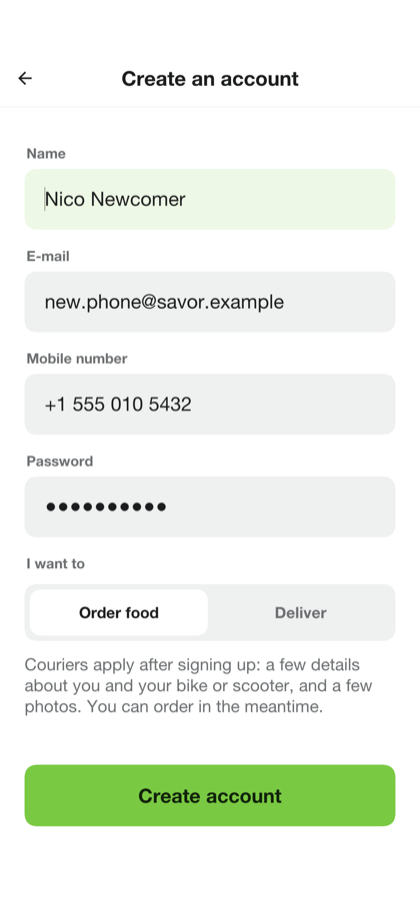
The first sign-in on a device asks whether the app may share usage statistics. The answer can be changed in the settings at any time.
48.3. The customer
The home screen starts with where the food goes. The address under Deliver to is the device’s position until another is chosen, and tapping it searches for a street, a place or a saved address. Under a greeting that follows the time of day are the cuisines, the order to list the restaurants in (nearest, top-rated, lowest fee or fastest) and the restaurants themselves: the ones that deliver to the address, each with its rating, its time to the door and its delivery fee. A restaurant that’s closed or paused says so and still shows its menu.
Search finds restaurants by their name, their cuisine or a dish on their menu. Orders lists what’s on its way and what came before, with a button to order a past one again, and Favorites keeps the restaurants marked with a heart.
A restaurant’s page shows its menu by section. A dish with choices — a size, a sauce, extra toppings — opens on a page of its own, which says which choices are required and how many of each may be picked, and adds the dish with a quantity. The cart button at the bottom follows the order’s total. A cart holds the dishes of one restaurant: adding a dish from another asks first and starts again.
The checkout lists the dishes, takes a note for the kitchen, the card or cash that pays, a promo code and a tip for the courier, and shows the total as the server prices it: the food, the delivery fee, the service fee, a small-order fee for a small order, the tax, the discount and the tip. The tip chosen is remembered for the next order.
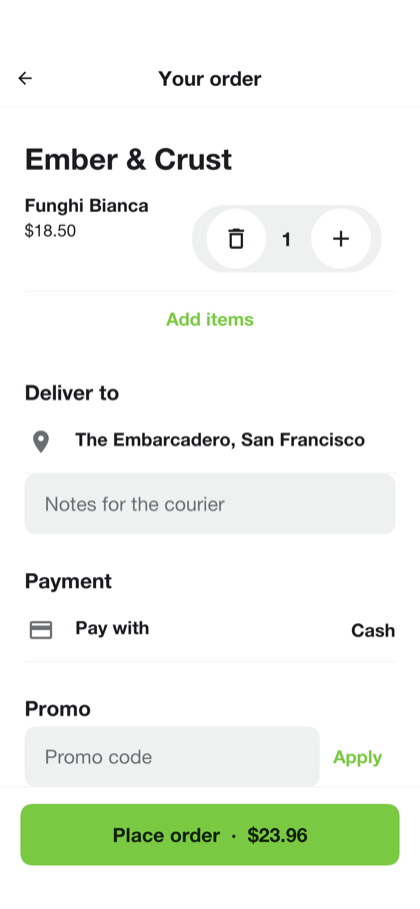
Place order holds the total on the card and opens the order on a map. The steps across the bottom follow it: waiting for the restaurant, being prepared, ready, on its way and delivered. Until the restaurant accepts it the order can be cancelled, and the hold on the card is let go. Once a courier has it the map shows the courier’s position and the time to the door, and the courier can be called or texted.
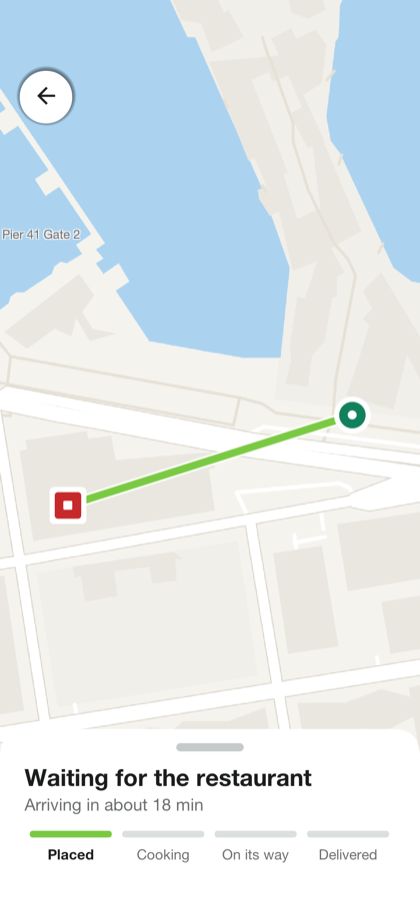
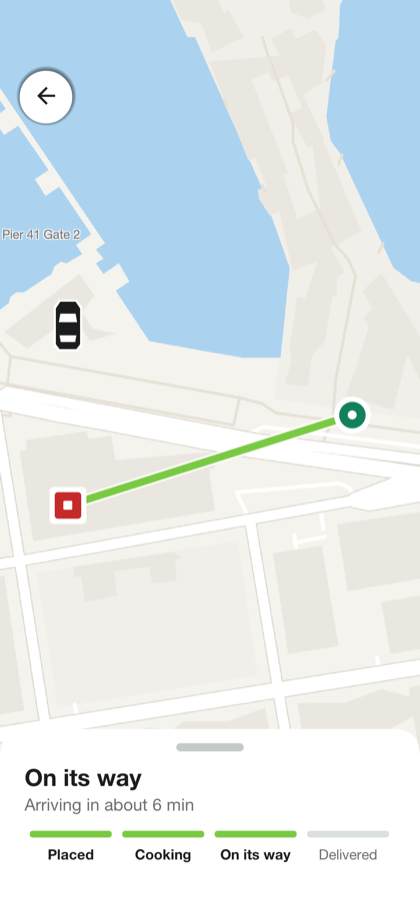
When the food arrives the order asks for a rating and offers the receipt. The card is charged then, for the total that was held.
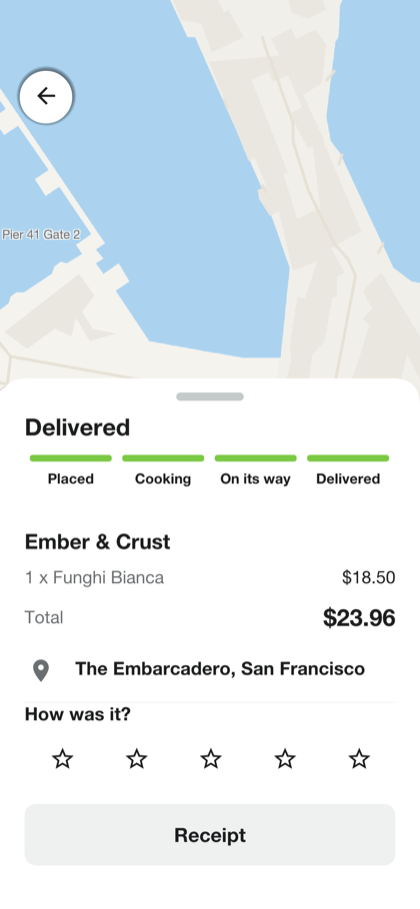
48.3.1. Wallet and receipts
The wallet holds the account’s cards and cash. Tapping one makes it the default, which the checkout starts from. A card is added on a form of its own, or on the payment provider’s page when the server uses one, so its number never reaches the app or the server.
A receipt shows what was paid, part by part, and takes a tip for the courier afterward, once.
48.4. The merchant
A merchant opens on their restaurant’s queue. A new order arrives with a sound and a vibration, without the screen being reloaded, and the queue keeps the orders that still need the kitchen at the top. On a tablet or a desktop the order opens beside the queue; on a phone it opens on a screen of its own.
An order shows its dishes with their choices, the customer’s note and the total of the food. Accept takes it with the time the kitchen needs, which the customer sees, and sends for a courier at once, so that one is on the way while the food cooks. Reject asks for a reason, which the customer reads, and lets the hold on the card go. Mark ready tells the courier to collect it: a courier can’t take an order the kitchen hasn’t finished.
The switch at the top pauses the restaurant: customers still see it, and can’t order. The menu editor adds and renames sections, adds dishes with a photograph, a price and choices, and marks a dish sold out for the day. Sales totals what the restaurant earned, after the service’s commission.
Anyone can ask for a restaurant to be listed, from the menu of the customer’s home screen. It waits, unseen by customers, until an administrator approves it, and the account that asked then becomes its merchant.
48.5. The courier
Anyone can apply to deliver, from the menu of the customer’s home screen.
48.5.1. Applying to deliver
The application asks for the courier’s details, the vehicle, and five photographs: an identity document, the driving license, a selfie, the vehicle registration and the insurance. Each can be taken with the camera or picked from the gallery, and the application can be left and finished later.
Once sent, it waits for an administrator. A rejection carries a reason, and the applicant can correct the application and send it again.
48.5.2. Delivering
An approved courier opens on the delivery screen. Go online makes them one of the couriers the server offers deliveries to: those near the restaurant, as soon as its kitchen accepts an order.
An offer shows what the courier is paid — the delivery fee and the tip — the restaurant, the distance and a countdown. Declined or left to run out, it goes to the next courier.
An accepted delivery is two legs. The first leads to the restaurant, where a button tells the kitchen the courier is waiting. Collecting the food works once the kitchen has marked the order ready, and the second leg leads to the door, with the customer’s name, the address, the note and, for an order paid in cash, the amount to collect. Delivered ends it.
48.5.3. Earnings
The earnings screen shows the balance that can be cashed out, the totals for today, this week and this month, and a chart of the last two weeks.
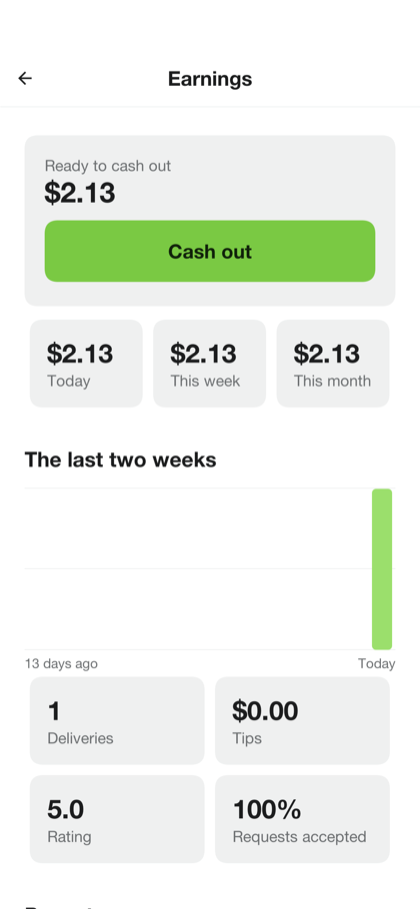
48.6. The administrator
The operations console starts on a dashboard: what needs an answer — restaurants and couriers waiting for approval, flagged accounts — above the service as it’s now, and charts of orders and their value over the last two weeks.
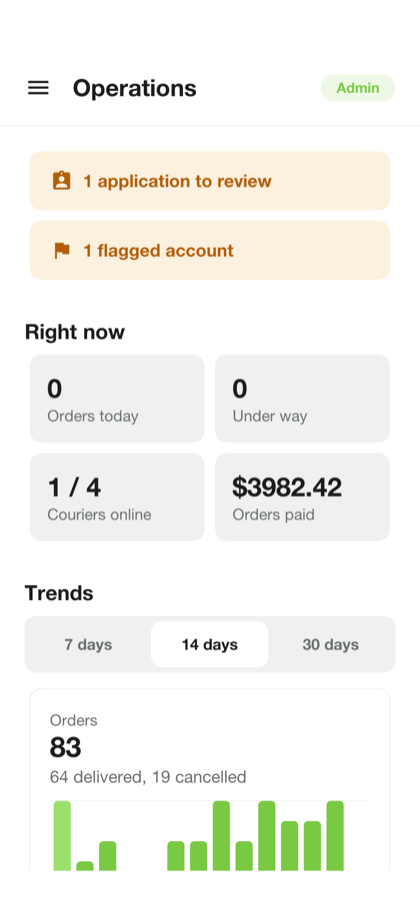
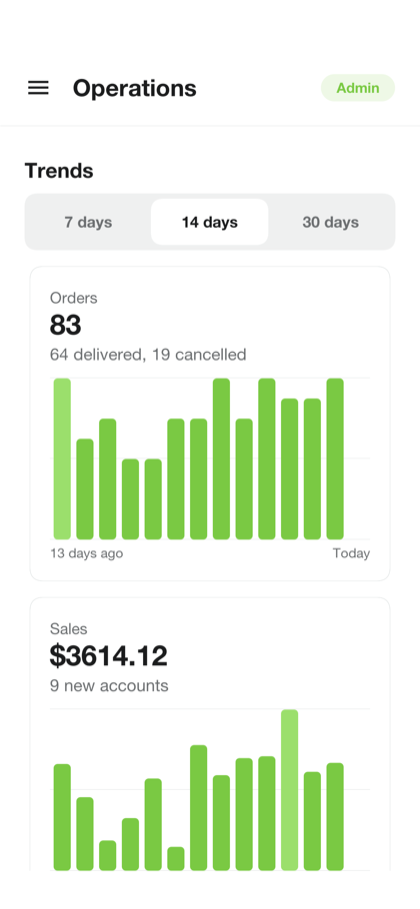
Restaurants lists them by status: waiting, approved, suspended, or rejected. A waiting one is approved or rejected with a reason; an approved one can be suspended, which takes it off the customers' lists, and let back later. Couriers holds the applications to deliver, each with its documents.
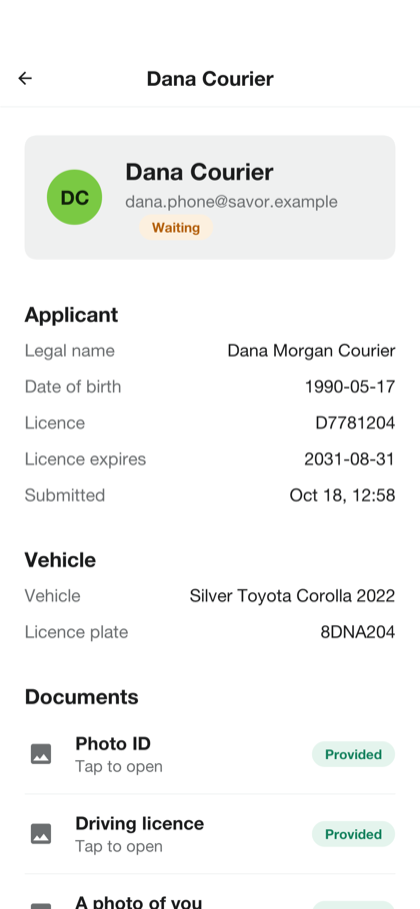
People finds any account. An account can be flagged or blocked with a reason that’s kept in its history, and a blocked account can neither sign in nor be offered a delivery.
Orders lists every order with its state. One that hasn’t arrived can be cancelled, which lets the hold go; one that has can be refunded in full or in part. Payments lists each charge, Pricing sets the delivery fee and its price by distance, the small-order fee, the service fee, the commission and the tax, and Promos creates and ends promo codes. The live map shows the couriers who are online.
On a tablet or a desktop the console lays its sections down the left side and opens what’s picked beside its list.
48.7. Settings
The settings hold the account — its name, phone number and password — the cards, the language, the theme, notifications and the usage statistics. The app is in English, Spanish, French, German and Hebrew, and in Hebrew it’s laid out from right to left.
| The translations are machine-generated samples, and no native speaker has reviewed them. Have them checked before you ship the app in those languages. |
48.8. In a browser
The server can host the app itself: open the server’s address in a browser and the same app loads there, signs in against that server and opens its live channel to it. A browser gives a page less than a phone gives an app, and the app says so where it matters. Calling and texting a courier are offered only where the device can dial, and the restaurants listed are those near a default address when the browser won’t say where it is.
49. Savor: Building on the sample
Savor began as a copy of Wayline and kept most of what isn’t about rides: the module layout, the accounts and sign-in, the cards and the payment provider, text messages, push notifications, the live channel, the map, the operations console and hosting the app in a browser. This chapter covers what a food-delivery service changes. For the parts the two share, it points at the Wayline chapter, which is true of Savor with the names swapped.
49.1. Running it
The project is in scripts/savor, and the Initializr generates it under your own
package and name. Start the server on the development profile, which seeds the demo
accounts and restaurants and simulates the cards, the kitchens and a courier:
CN1_PROFILE=dev backend/server.sh runThen run the app in the simulator, from the project’s directory:
mvn verify -Psimulator -DskipTests -Dcodename1.platform=javasebackend/server.sh run --web builds the app for a browser as well and serves it at
http://localhost:8080/. Running on a device, and the compiled server, work as
Section 47.1, “Running it” describes.
49.2. The modules
The three modules are Wayline’s: shared holds the contract, the data transfer
objects and the @RestClient interfaces both sides compile against; common is
the app; backend is the server. The backend’s packages follow the domain:
| Package | What it holds |
|---|---|
| Restaurants, their menus and photographs, the search that lists the restaurants that deliver to a point, and applications to list a restaurant. |
| Carts priced into quotes, orders and their state machine, promo codes, saved addresses, the order history and the simulated kitchen. |
| Deliveries and their state machine, offers to couriers and the simulated courier. |
| Couriers' shifts and earnings, and applications to deliver with their documents. Wayline’s driver code under new names. |
| Taken from Wayline and adapted where an order differs from a ride. |
49.3. An order and its delivery
A ride is one thing that moves from requested to finished. An order is two. The order is what the customer bought and the kitchen cooks, the delivery is what a courier carries, and each has its own states:
| Order | Delivery |
|---|---|
|
|
The delivery is Wayline’s ride, almost unchanged: it picks up at the restaurant and drops off at the door. Keeping it that way let the whole courier side — offers, shifts, the moving marker, earnings, the guards on two answers at once — come across without being rewritten.
What couples the two is when a delivery starts. A customer places an order, and the card is held:
/// Places an order: prices it from the menu, holds the total on the card,
/// and writes it. A hold whose order could not be written is let go.
public OrderDto place(String customer, CartDto cart) throws IOException {
String id = attemptOf(cart);
CustomerOrder already = find(id);
if (already != null) {
return placedBefore(customer, already);
}
Quotes.Priced priced = quotes.quote(customer, cart);
Restaurant restaurant = priced.restaurant;
if (!Quotes.open(restaurant, quotes.minuteOfDay(System.currentTimeMillis()))) {
throw new ResponseStatusException(409, restaurant.getName()
+ " is not taking orders right now");
}
if (priced.quote.subtotalCents() < restaurant.getMinimumCents()) {
throw new ResponseStatusException(400, restaurant.getName()
+ " needs a bigger order");
}
if (cart.promoCode() != null && cart.promoCode().trim().length() > 0
&& priced.promo == null) {
throw new ResponseStatusException(400, priced.quote.promoMessage());
}
// The same refusals store() makes under its locks, asked first without
// them so an order that could never be accepted puts no hold on the
// card and costs no call to the payment processor. store() still asks
// again: two orders placed at once both pass here.
eligible(customer);
String[] method = payments.choose(customer, cart.paymentMethodId());
String hold = payments.authorize(id, customer, method[0], priced.quote.totalCents(),
priced.quote.currency());
try {
attempt(() -> store(id, customer, cart, priced, method, hold));
} catch (IOException | RuntimeException failed) {
CustomerOrder raced = find(id);
if (raced != null && customer.equals(raced.getCustomer())) {
// The same checkout sent twice at once: the other one wrote the
// order. Its hold was asked for under the same key and may be
// this very one, so it is not let go.
return view(customer, false, id);
}
// Nothing was written, so the hold is let go by its reference.
payments.releaseHold(id, hold);
throw failed;
}
CustomerOrder order = find(id);
tell(order);
return view(customer, false, id);
}
/// The order's id: the checkout's own attempt id when the app sent one, so
/// a placement sent again after its answer was lost finds the order it
/// wrote instead of writing and charging another. Anything not shaped like
/// a server id gets a fresh one.
private static String attemptOf(CartDto cart) throws IOException {
String attempt = cart.attemptId();
if (attempt == null || attempt.length() != 32) {
return Ids.next();
}
for (int iter = 0; iter < attempt.length(); iter++) {
char c = attempt.charAt(iter);
if (!(c >= '0' && c <= '9' || c >= 'a' && c <= 'f')) {
return Ids.next();
}
}
return attempt;
}
/// The answer to a checkout placed again: the order it already wrote. An
/// id another customer's order holds is refused without saying whose.
private OrderDto placedBefore(String customer, CustomerOrder order) throws IOException {
if (!customer.equals(order.getCustomer())) {
throw new ResponseStatusException(409, "Start the checkout again");
}
return view(customer, false, order.getId());
}
/// The refusals [#store] makes, without its locks. See [#place].
@Transactional(readOnly = true)
private Void eligible(String customer) {
if (!enabled(customer)) {
throw new ResponseStatusException(403, "This account is blocked");
}
if (orders.countByCustomerAndStateIn(customer, ACTIVE) >= MAX_ACTIVE) {
throw new ResponseStatusException(409, "You already have " + MAX_ACTIVE
+ " orders on the way");
}
Profile profile = profiles.findById(customer);
if (profile == null || !profile.isPhoneVerified()) {
throw new ResponseStatusException(403, "Verify your phone number before you order");
}
return null;
}
@Transactional
private Void store(String id, String customer, CartDto cart, Quotes.Priced charged,
String[] method, String hold) throws IOException {
Quotes.Priced priced = charged;
// Held first, so two orders placed at once count each other and not
// just what had committed before either began.
profiles.hold(customer);
// The card was held with no transaction open, and that can take a
// while: the account may have been blocked, or the restaurant paused
// or suspended, since the checks before it. Asked again under the
// locks those changes take, a refusal here lets the hold go.
if (!enabled(customer)) {
throw new ResponseStatusException(403, "This account is blocked");
}
Restaurant restaurant = restaurants.hold(priced.restaurant.getId()) == 0 ? null
: restaurants.findById(priced.restaurant.getId());
if (restaurant == null
|| !Quotes.open(restaurant, quotes.minuteOfDay(System.currentTimeMillis()))) {
throw new ResponseStatusException(409, priced.restaurant.getName()
+ " is not taking orders right now");
}
if (orders.countByCustomerAndStateIn(customer, ACTIVE) >= MAX_ACTIVE) {
throw new ResponseStatusException(409, "You already have " + MAX_ACTIVE
+ " orders on the way");
}
Profile profile = profiles.findById(customer);
if (profile == null || !profile.isPhoneVerified()) {
// The courier calls this number from the door.
throw new ResponseStatusException(403, "Verify your phone number before you order");
}
// The menu was read before the card was held. Priced again under the
// restaurant's lock, which every dish edit takes too (Restaurants.editing):
// a dish now sold out or gone throws, a price that moved refuses, and either
// way the hold is let go rather than charging for a menu that has changed.
Quotes.Priced again = quotes.quote(customer, cart);
if (again.quote.totalCents() != charged.quote.totalCents()) {
throw new ResponseStatusException(409, "The menu changed while you were paying."
+ " Check your cart and try again");
}
// The minimum may have been raised while the card was held, and it
// leaves the total alone, so the comparison above does not see it.
if (again.quote.subtotalCents() < restaurant.getMinimumCents()) {
throw new ResponseStatusException(400, restaurant.getName()
+ " needs a bigger order");
}
// The card may have been removed while it was held: Payments.remove
// takes the profile lock held here and found no active order then.
// Asked again, a card that is gone refuses with 400.
payments.choose(customer, method[0]);
priced = again;
QuoteDto quote = priced.quote;
long now = System.currentTimeMillis();
CustomerOrder order = new CustomerOrder();
order.setId(id);
order.setCustomer(customer);
order.setRestaurantId(priced.restaurant.getId());
order.setRestaurantName(priced.restaurant.getName());
order.setState(OrderState.PLACED);
order.setSubtotalCents(quote.subtotalCents());
order.setDeliveryFeeCents(quote.deliveryFeeCents());
order.setServiceFeeCents(quote.serviceFeeCents());
order.setSmallOrderCents(quote.smallOrderCents());
order.setTaxCents(quote.taxCents());
order.setDiscountCents(quote.discountCents());
order.setTipCents(quote.tipCents());
order.setTotalCents(quote.totalCents());
order.setCommissionCents(priced.commissionCents);
order.setCurrency(quote.currency());
order.setPromoCode(priced.promo == null ? "" : priced.promo.getCode());
order.setDropoffLat(cart.dropoffLat());
order.setDropoffLng(cart.dropoffLng());
order.setDropoffAddress(Text.required(cart.dropoffAddress(), 255, "the address"));
order.setNote(Text.optional(cart.note(), 255, "the note"));
order.setMethodId(method[0]);
order.setMethodLabel(method[1]);
order.setAuthorizationRef(hold);
order.setPaymentStatus(Payments.CASH.equals(hold) ? Payments.PENDING : Payments.AUTHORIZED);
order.setPrepMinutes(priced.restaurant.getPrepMinutes());
order.setPlacedAt(now);
order.setUpdatedAt(now);
order.setReason("");
orders.insert(order);
for (int iter = 0; iter < priced.lines.size(); iter++) {
OrderLineDto dto = priced.lines.get(iter);
OrderLine line = new OrderLine();
line.setId(Ids.next());
line.setOrderId(id);
line.setDishId(dto.dishId());
line.setName(dto.name());
line.setOptions(dto.options());
line.setQuantity(dto.quantity());
line.setUnitCents(dto.unitCents());
line.setLineCents(dto.lineCents());
line.setPosition(iter);
lines.insert(line);
}
if (priced.promo != null) {
// Keyed by code and account, so a second order racing this one
// with the same code fails its insert and is rolled back.
if (promoUses.existsById(Identifier.of(priced.promo.getCode(), customer))) {
throw new ResponseStatusException(409, "You have already used that code");
}
PromoUse use = new PromoUse();
use.setCode(priced.promo.getCode());
use.setUsername(customer);
use.setOrderId(id);
promoUses.insert(use);
}
events.record(id, OrderState.PLACED, customer);
return null;
}No courier is looked for yet. A courier sent to a restaurant that then turns the order down has wasted a trip, so the delivery is created when the kitchen accepts, in the same transaction:
/// The kitchen takes an order: it says how long it needs, and the order's
/// delivery starts looking for a courier in the same transaction.
public OrderDto accept(String actor, String restaurantId, String id, int prepMinutes)
throws IOException {
if (prepMinutes < 1 || prepMinutes > 180) {
throw new ResponseStatusException(400, "Say how many minutes it needs");
}
attempt(() -> accepted(actor, restaurantId, id, prepMinutes));
tell(find(id));
// Once committed, as an offer is always made: a courier asked from
// inside the transaction could be shown an order that then rolled back.
deliveries.search(id);
return view(actor, false, id);
}
@Transactional
private Void accepted(String actor, String restaurantId, String id, int prepMinutes)
throws IOException {
CustomerOrder order = kitchens(restaurantId, id);
if (orders.accept(id, OrderStateMachine.sources(OrderState.ACCEPTED),
OrderState.ACCEPTED, prepMinutes, System.currentTimeMillis()) != 1) {
throw new ResponseStatusException(409, "That order is "
+ describe(order.getState()));
}
events.record(id, OrderState.ACCEPTED, actor);
deliveries.dispatch(find(id), restaurants.findById(restaurantId));
return null;
}/// Creates the delivery for an order the kitchen has just accepted, with the
/// order's id, from the restaurant to the order's door. Runs inside the
/// transaction that accepts the order, so the two commit together; [#tick]
/// finds the delivery a courier from then on, while the kitchen cooks.
///
/// The courier is paid the delivery fee and the tip, so that is the fare a
/// courier is offered.
public void dispatch(CustomerOrder order, Restaurant restaurant) throws IOException {
long now = System.currentTimeMillis();
Delivery delivery = new Delivery();
delivery.setId(order.getId());
delivery.setState(DeliveryState.REQUESTED);
delivery.setCustomer(order.getCustomer());
delivery.setCourier("");
delivery.setPickupLat(restaurant.getLat());
delivery.setPickupLng(restaurant.getLng());
delivery.setPickupAddress(address(restaurant.getName() + ", " + restaurant.getAddress()));
delivery.setDropoffLat(order.getDropoffLat());
delivery.setDropoffLng(order.getDropoffLng());
delivery.setDropoffAddress(address(order.getDropoffAddress()));
double meters = Quotes.roadMeters(restaurant.getLat(), restaurant.getLng(),
order.getDropoffLat(), order.getDropoffLng());
delivery.setDistanceMeters(meters);
delivery.setDurationSeconds(meters / Quotes.METERS_PER_SECOND);
delivery.setFareCents(order.getDeliveryFeeCents());
delivery.setFeeCents(order.getDeliveryFeeCents());
// A tip given at checkout is part of the order's total, taken with it,
// so it is in the courier's share. The delivery's own tip is the one
// given after it arrives, charged on its own: counting the checkout
// tip there too would pay it to the courier twice.
delivery.setTipCents(0L);
delivery.setCourierCents(order.getDeliveryFeeCents() + order.getTipCents());
delivery.setCurrency(order.getCurrency());
delivery.setMethodId(order.getMethodId());
delivery.setMethodLabel(order.getMethodLabel());
delivery.setPaymentStatus(order.getPaymentStatus());
delivery.setNote(order.getNote());
delivery.setRequestedAt(now);
delivery.setUpdatedAt(now);
delivery.setSearchUntil(now + searchMillis);
deliveries.insert(delivery);
event(order.getId(), DeliveryState.REQUESTED, "");
}The delivery shares the order’s id, so either side can find the other without a
join table. From then on the couriers are asked while the kitchen cooks, and the
order follows its delivery: the courier collecting the food moves the order to
PICKED_UP, and only from READY, so nobody leaves with an order the kitchen has
not finished; the delivery completing moves the order to DELIVERED. A delivery
that finds no courier ends the order with NO_COURIERS and lets the hold go.
Every move of either state is a conditional update that names the states it may come from, so two answers at the same moment can’t both win — a customer cancelling while the kitchen accepts, or two couriers taking one offer. It’s the pattern Section 47.6.1, “Two answers at the same moment” explains:
private boolean tryMove(String id, DeliveryState to, String actor, String ownerField,
String newCourier, Long newOfferExpiresAt) throws IOException {
DeliveryState[] sources = DeliveryStateMachine.sources(to);
if (sources.length == 0) {
return false;
}
long now = System.currentTimeMillis();
int moved;
if (newOfferExpiresAt != null) {
moved = deliveries.offer(id, sources, to, now, newCourier, newOfferExpiresAt.longValue());
} else if (CUSTOMER.equals(ownerField)) {
moved = deliveries.moveAsCustomer(id, sources, to, now, actor);
} else if (!COURIER.equals(ownerField)) {
moved = deliveries.moveByServer(id, sources, to, now);
} else if (newCourier != null) {
moved = deliveries.giveBack(id, sources, to, now, actor, newCourier);
} else if (DeliveryState.ACCEPTED == to) {
// An offer that has lapsed cannot be taken, even in the moment
// before the sweep takes it back.
moved = deliveries.takeOffer(id, sources, to, now, actor);
} else {
moved = deliveries.moveAsCourier(id, sources, to, now, actor);
}
if (moved != 1) {
return false;
}
event(id, to, actor);
return true;
}49.4. Hold now, charge on arrival
A rider pays at the end of a ride, for a fare known by then. A customer pays for food before anyone cooks it, but shouldn’t be charged for an order that never arrives. The card is therefore authorized for the total when the order is placed and captured when it’s delivered:
/// Holds an order's total on the customer's card as the order is placed,
/// with no transaction open. Nothing is taken until the order arrives
/// ([#settle]); an order that never does lets the hold go ([#release]).
///
/// @return the hold's reference, or [#CASH] for an order paid in cash
/// - `ResponseStatusException` 402: when the card was refused
public String authorize(String orderId, String username, String methodId, long amountCents,
String currency) throws IOException {
if (CASH.equals(methodId)) {
return CASH;
}
String[] references = chargeable(username, methodId);
if (references == null) {
throw new ResponseStatusException(402, "The card is no longer on the account");
}
try {
return cut(provider.authorize("order-" + orderId, references[0], references[1],
amountCents, currency, "Savor order"), 64);
} catch (PaymentDeclinedException declined) {
throw new ResponseStatusException(402, declined.getMessage());
} catch (IOException unknown) {
throw unavailable("card check", unknown);
}
}The provider interface Wayline’s billing chapter describes gained the two calls
that make it possible, authorize and capture, and a release for a hold that
is let go:
public interface PaymentProvider {
/// `simulated` or `stripe`: what the app is told, so it knows how to add a
/// card.
String name();
/// Opens the processor's record of a customer and returns its reference.
String createCustomer(String username, String displayName) throws IOException;
/// Deletes the processor's record of a customer, and the cards saved to it
/// with it. A record that is already gone is deleted: this is asked again
/// when the first answer was lost.
void forgetCustomer(String customer) throws IOException;
/// Begins saving a card to `customer`. `setupId` is the server's own id
/// for the attempt, for the processor to hand back.
Setup startCardSetup(String customer, String setupId) throws IOException;
/// Finishes a setup and returns the card it saved.
///
/// @param reference what [#startCardSetup] returned as the setup's reference
/// @param typed the card as typed into the app, for a processor whose setup
/// is not hosted; ignored by one whose setup is
/// - `PaymentDeclinedException`: when the card was refused or the setup was
/// not finished
Card finishCardSetup(String customer, String reference, CardDto typed) throws IOException;
/// Takes a saved card off `customer`, so that it can't be charged again.
/// A card that is already off, or gone, is detached: this is asked again
/// when the first answer was lost.
///
/// @param token what [#finishCardSetup] returned as the card's token
void detachCard(String customer, String token) throws IOException;
/// Charges a saved card with its owner absent.
///
/// @param key names this charge and no other. A processor asked twice with
/// the same key charges once, so a request repeated after a timeout
/// cannot take the money twice.
/// @return the processor's reference for the charge
/// - `PaymentDeclinedException`: when the card was refused
/// - `IOException`: when the processor could not be asked
String charge(String key, String customer, String token, long amountCents, String currency,
String description) throws IOException;
/// Returns `amountCents` of a charge to the card it came from.
///
/// A processor may take the refund and only later say whether the bank
/// returned the money: such a refund comes back [Refund#pending], and is
/// asked about with [#refundStatus] until it has an answer.
///
/// @return the refund as the processor took it
/// - `IOException`: when the processor could not be asked, or refused the
/// refund outright
Refund refund(String chargeReference, long amountCents) throws IOException;
/// What became of a refund that was [Refund#pending]: [#REFUND_SUCCEEDED],
/// [#REFUND_PENDING] while the processor still does not know, or
/// [#REFUND_FAILED] when the money did not go back.
String refundStatus(String refundReference) throws IOException;
/// Holds `amountCents` on a saved card without taking it, for an order
/// that is paid for only once it arrives. Keyed as [#charge] is.
///
/// @return the processor's reference for the hold, for [#capture] or [#release]
/// - `PaymentDeclinedException`: when the card was refused
String authorize(String key, String customer, String token, long amountCents,
String currency, String description) throws IOException;
/// Takes `amountCents`, at most what was held, from a hold. A hold that was
/// already captured is captured: this is asked again when the first answer
/// was lost.
void capture(String reference, long amountCents) throws IOException;
/// Lets a hold go, so the money is the cardholder's again. A hold that is
/// already let go is released.
void release(String reference) throws IOException;Placed:
Payments.authorizeholds the total. A refused card answers 402 and nothing is written. An order that couldn’t be written lets its hold go at once.Rejected or cancelled:
Payments.releaselets the hold go. Nothing was taken, so there is nothing to refund.Delivered:
Payments.settlecaptures the hold. A capture can still fail — a hold expires, or a bank declines then — and the receipt then says so, for an administrator to follow up.After delivery: a tip is a charge of its own; a refund, full or partial, is made against the captured payment.
The receipt is kept with the delivery. Before a delivery exists, a customer’s receipt is built from the order itself and shows the hold.
With Stripe, a hold is a PaymentIntent created with manual capture. Card holds expire after about seven days, far longer than any meal takes. Turning Stripe on, and the hosted page that keeps a card number away from the server, are exactly as Section 47.13, “Billing” describes.
49.5. Restaurants near the door
A rider is matched to the nearest driver. A customer chooses a restaurant, from the ones that deliver to their door. The search takes a box around the point from the database and then measures each restaurant in it, as Wayline does to find the drivers near a pickup:
/// The approved restaurants that deliver to a point, filtered by cuisine and
/// by a word in the name, the cuisine or a dish, and sorted.
@Transactional(readOnly = true)
public List<RestaurantSummaryDto> nearby(String viewer, double lat, double lng,
String cuisine, String text, String sort) throws IOException {
if (!Geo.isPoint(lat, lng)) {
throw new ResponseStatusException(400, "Choose where to deliver to");
}
double straight = Quotes.MAX_METERS / Quotes.ROAD_FACTOR;
double dLat = straight / Geo.METERS_PER_DEGREE;
double dLng = dLat / Math.max(0.01d, Math.cos(Math.toRadians(lat)));
List<Restaurant> box = restaurants.inBox(APPROVED, lat - dLat, lat + dLat, lng - dLng,
lng + dLng);
String word = text == null ? "" : text.trim();
Set<String> dishMatches = word.length() == 0 ? Collections.<String>emptySet()
: dishMatches(box, word);
Set<String> kept = favoriteIds(viewer);
PricingDto pricing = quotes.pricing();
int minute = quotes.minuteOfDay(System.currentTimeMillis());
List<RestaurantSummaryDto> out = new ArrayList<RestaurantSummaryDto>();
for (int iter = 0; iter < box.size(); iter++) {
Restaurant restaurant = box.get(iter);
if (cuisine != null && cuisine.length() > 0
&& !cuisine.equalsIgnoreCase(restaurant.getCuisine())) {
continue;
}
if (word.length() > 0 && !contains(restaurant.getName(), word)
&& !contains(restaurant.getCuisine(), word)
&& !dishMatches.contains(restaurant.getId())) {
continue;
}
double meters = Quotes.roadMeters(restaurant.getLat(), restaurant.getLng(), lat, lng);
if (meters > Quotes.MAX_METERS) {
continue;
}
out.add(summary(restaurant, meters, pricing, minute,
kept.contains(restaurant.getId())));
}
sort(out, sort);
return out;
}Couriers are found the same way, near the restaurant rather than the customer, because the restaurant is where they go first.
49.6. Prices
order/Quotes prices a cart, and does so on the server alone: the app shows the
quote it’s given and sends only the dishes, their choices, the promo code and the
tip. The total is:
The food, from the menu as it’s when the order is placed, with each dish’s choices checked against its groups' minimum and maximum.
The delivery fee, a base plus a price per kilometer by road from the restaurant, times a surge an administrator can raise.
A service fee, a percentage of the food.
A flat small-order fee for food under a threshold.
Tax, a percentage of the food after the discount.
A promo code’s discount, once per account.
The tip.
An administrator sets the fees, the commission and the tax under Pricing. The commission is what the service keeps of the food; the merchant’s sales show the rest.
49.7. Merchants
Applying to list a restaurant creates it waiting for approval, owned by the account that asked:
/// Asks for a restaurant to be listed. It waits, unseen by customers, for
/// an admin to approve it; the applicant then joins its staff and gets the
/// merchant role. One application at a time per account.
@Transactional
public RestaurantDto apply(String username, RestaurantEditDto form) throws IOException {
// Two submissions at once would both find no application below and
// both insert one; holding the profile first makes the second wait
// and then see the first.
profiles.hold(username);
Restaurant last = restaurants.findFirstByApplicantOrderByCreatedAtDesc(username);
if (last != null && !Catalog.REJECTED.equals(last.getStatus())) {
throw new ResponseStatusException(409, Catalog.PENDING.equals(last.getStatus())
? "Your application is waiting for review" : "You already have a restaurant");
}
Restaurant restaurant = new Restaurant();
restaurant.setId(Ids.next());
restaurant.setStatus(Catalog.PENDING);
restaurant.setApplicant(username);
restaurant.setReason("");
restaurant.setPhotoId("");
long now = System.currentTimeMillis();
restaurant.setCreatedAt(now);
restaurant.setUpdatedAt(now);
fill(restaurant, form);
restaurants.insert(restaurant);
return catalog.detail(restaurant, username, 0d, 0d, true);
}Approving it grants the account the merchant role. Everything a merchant does is
under /api/merchant/restaurants/{id}/…, and each request checks that the account
is a merchant of that restaurant, so one restaurant’s staff can’t read another’s
orders. The rules are in the same table as the rest of the server’s:
.authorizeHttpRequests(auth -> auth
.requestMatchers(AntPathRequestMatcher.antMatcher("POST",
"/api/account/register")).permitAll()
.requestMatchers("/api/courier/**").hasRole(Roles.COURIER)
.requestMatchers("/api/admin/**").hasRole(Roles.ADMIN)
.requestMatchers("/api/merchant/**").hasRole(Roles.MERCHANT)
.anyRequest().authenticated())The merchant’s screen is built on the operations console’s Console, so it’s a
list beside a detail on a wide screen and a list that opens a screen per order on a
phone. A new order reaches it as a frame on the live channel, which makes it read
the queue again: the frames say what changed, never the data, as in Wayline.
Menu photographs are uploaded the way couriers' documents are, stored by the server and served from it, so the seed data carries its own photographs rather than pointing at someone else’s site.
49.8. Simulated kitchens and couriers
A development server simulates the two people a customer would otherwise wait for.
order/DemoKitchen accepts, cooks and readies the orders of each restaurant that has
no merchant, and delivery/DemoFleet takes deliveries while no real courier
is online. Both are on only for the development profile, the way the simulated cards
are: the test profile turns them off, because the tests play the kitchen and the
courier themselves. A restaurant with a merchant is left to its staff, and the
simulated courier stands aside while a real one is online.
49.9. Tests
mvn -pl shared,backend -Dcodename1.platform=backend test
mvn -pl shared,backend -Dcodename1.platform=backend test -Dcn1.backend.compiledTests=true
./run-e2e.sh
./run-web-e2e.shThe backend tests run the server on the JVM and then compiled, against the order
and delivery state machines, the holds and captures, the quotes and promo codes and
who may call what. run-e2e.sh starts a server on the test profile and drives the
app in the simulator through every role — an order placed, accepted, collected and
delivered, a card held and charged, a tip and a refund — taking the screenshots in
the user’s guide. run-web-e2e.sh does the same for the app in a browser.
49.10. Making it yours
The ways to make Wayline your own apply here too: the name, icon and colors, the languages, the text-message and push providers, the database, hosting. A few apply to food in particular:
One restaurant or a small chain. Ordering and delivery under the restaurant’s own name, which Section 49.11, “Making it yours: A restaurant’s own delivery service” describes.
Pickup. An order with no delivery is one the kitchen hands over itself. Mark the order as collected, skip
dispatchwhen the kitchen accepts it, and let the merchant move it fromREADYtoDELIVERED, which captures the hold.Scheduled orders. Store the time the customer wants the food, and accept the order for the kitchen only when its preparation time before that’s reached.
Before it’s a product. A real service needs restaurant payouts, tax rules for the places it sells in, menus that change by the hour, allergens and age checks. None of them are in the sample.
49.11. Making it yours: A restaurant’s own delivery service
A marketplace takes a share of every order and keeps the customer. A restaurant, or a chain of a few, that runs its own ordering and delivery keeps both: the app carries its name, the customers' accounts and order history are its own, and the couriers are its staff or a courier company it contracts. Savor is most of that service already. What changes is that there is one brand instead of many, and nobody applies to sell. This section says what to change, and the class each change belongs in.
49.11.1. One brand, one or a few kitchens
A chain is a restaurant row per branch, each with its own address, hours,
preparation time and menu. Seed them in place of catalog/DemoRestaurants, or
create them through the admin console. Nothing else in the catalog changes:
Catalog.nearby already answers the branches that deliver to the customer’s
door, nearest first, and the order goes to the branch the customer picked.
The customer’s first screen changes. With one kitchen, open its menu instead of
the list: where Nav.build makes the customer’s home, call
RestaurantForm.show with the restaurant’s id. With a few, keep the list, which
is now a list of branches, and drop the row of cuisines and the sort above it
in CustomerForm, which only make sense for many restaurants.
The name, the icon and the colors are the ones Section 49.1, “Running it” and Wayline’s
chapter describe. Use the restaurant’s own photographs: replace the files in
backend/photos, which the development server reads into the database the first
time it starts, and name them in the seed. In production, upload them from the
merchant’s menu editor.
49.11.2. Nobody applies to sell
Restaurants no longer join, so close that door:
Remove the restaurant applications from the server’s rules and from
Restaurants:apply,applicationandapplicationPhoto. The admin’s Applications pane then lists couriers only.Set the commission to zero under Pricing, or with
savor.fee.commissionPercent=0. The commission is what a marketplace keeps of the food; a restaurant selling its own food keeps it all, and the merchant’s sales should say so.Make each branch’s staff merchants of their branch from the admin console. A merchant account works on one restaurant, the one
Restaurants.minefinds. An owner who watches several branches needs a branch picker onMerchantFormand the restaurant’s id in the merchant’s calls in place ofmine.
49.11.3. Couriers of its own
A restaurant’s couriers are known people, so the courier side works unchanged,
with the application step done by an admin. Approve couriers from
Applications, or give the role straight from People, and remove
Deliver with Savor from the customer’s menu in CustomerForm, and the
courier choice from RegisterForm, if the public shouldn’t apply.
Offers go to the nearest courier online, as before. With two or three couriers,
lengthen savor.offer.seconds and savor.search.seconds, because the one
courier nearby may be at a door.
Many restaurants deliver only part of the time, or hand deliveries to a courier
company at busy hours. Deliveries.dispatch is the one place a delivery
starts: send it to the company’s API there instead of offering it to couriers,
and move the delivery with the updates the company sends back.
49.11.4. Pickup
A customer who collects the order needs no courier. Mark the order as collected
at checkout, skip dispatch when the kitchen accepts it in Orders.accept,
and let the merchant move it from READY to DELIVERED, which captures the
hold the way a delivery does.
49.11.5. Booking a table
A restaurant that delivers usually takes bookings too, and the parts are all in the sample. A booking isn’t in it, so this is the outline:
The record. A
Reservationentity — restaurant, account, time, party size, a note and a state of requested, confirmed, declined, seated or cancelled — in a new migration, with a state machine of conditional moves like the order’s, so a guest cancelling while the restaurant confirms can’t both win.The contract. A
@RestClientinterface insharedfor the guest’s calls (the free times, book, cancel, their own bookings) and calls under/api/merchant/restaurants/{id}/…for the staff, behind the same rules as the merchant’s other calls.Free times. Slots inside the restaurant’s opening hours, each with the number of covers the room takes, less the bookings already confirmed.
The staff’s screen. A tab beside the order queue in
MerchantForm, refreshed by a frame on the live channel when a booking arrives, as a new order is.Telling the guest. A text message through
SmsSenderand a push through thepushpackage when a booking is confirmed, and a reminder before it.
A deposit for a large party is a card hold, as an order is: authorize when the booking is made, capture it for a no-show, and release it when the guest arrives.
50. Skirmish: Making the game your own
Skirmish shares the module layout, the accounts and sign-in, push notifications and the operations console with Savor and Wayline. What it adds is a game: a deterministic simulation that the app, the server, the replay viewer and the tests all run, a 3D battle drawn over it, and the progression, store and moderation a live game needs. This chapter shows where each of those lives and what to change to make the game yours.
50.1. Running it
The project is in scripts/skirmish, and the Initializr generates it under your own
package and name. Start the server on the development profile, which keeps its
database in memory, seeds the demo accounts and simulates purchases and push
notifications:
CN1_PROFILE=dev backend/server.sh runThen run the app in the simulator, from the project’s directory:
mvn verify -Psimulator -DskipTests -Dcodename1.platform=javaseThe app looks for the server at http://localhost:8080/; Settings changes the
address, which is how a phone reaches a server on your computer. To build the native
iOS app on a Mac, generate the Xcode project, which lands under ios/target,
then open it and run it on a simulator or a device from Xcode:
mvn package -DskipTests -Dcodename1.platform=ios -Dcodename1.buildTarget=ios-source -Dopen=falseThe development profile needs nothing installed, and four demo accounts exist, each
with the password skirmish-demo:
| Account | What it’s for |
|---|---|
A player with some history: level 3, two chests waiting and a daily quest ready to claim. | |
A second player, to battle the first from another simulator or device. | |
A player the server has already flagged, so the console has something to review. | |
The operator. Signs in to the same app and gets the admin console as well. |
50.2. What the sample does
This tour follows a player through the app, with a pointer to the section that explains how each part is built.
50.2.1. Signing in
The first screen offers to sign in, to create an account, or to practice against the bot without one. A new account picks a battle name, which is what opponents and the leaderboard see.
A new player goes straight into the training battle, described in Section 50.16, “The training battle”.
50.2.2. The home screen
The home screen shows the player’s progress at a glance: level and how close the next one is, coins, gems and trophies, the hero of the deck, the BATTLE button, chests, today’s quests and the deck.
Chests are earned by winning and by levelling up. A tap opens one.
Daily quests change every day. Three are picked for each player, and a finished one is claimed with Claim.
Achievements are long-term goals with gem rewards, listed in the Trophies room.
Every reward is shown in a popup with the player’s hero cheering. The server decides every part of it, as Section 50.7, “Progression” shows.
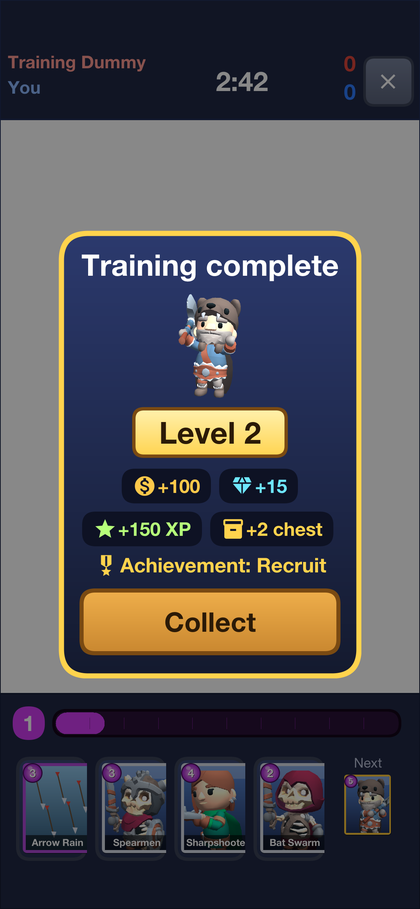
50.2.3. The deck
A deck is eight cards, and the battle hand is four of them at a time, with the next card waiting. Deck shows every card with its elixir cost, and the eight in use are framed in gold. A tap swaps a card in or out.
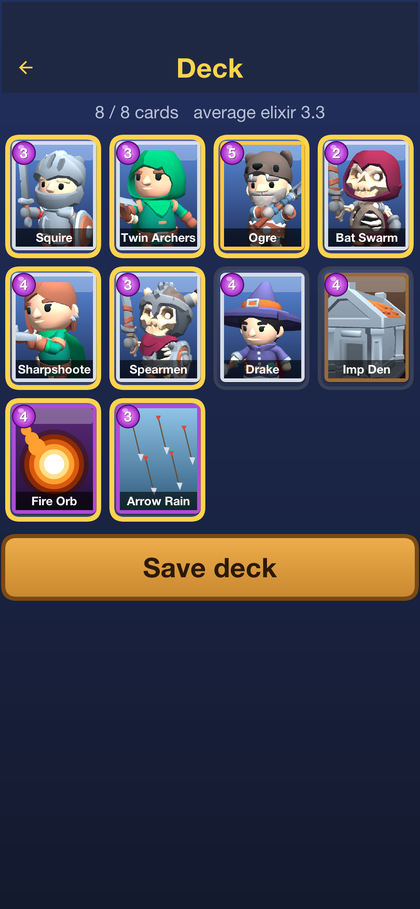
50.2.4. Battle
A battle lasts three minutes. Each side has a king’s castle and two archer towers. Toppling a tower wins a crown, and toppling the castle wins outright. When the clock runs out, the side with more crowns wins. A tie goes to a minute of overtime where the next crown wins, and is a draw if nobody scores. Elixir comes twice as fast in the last minute of regular time.
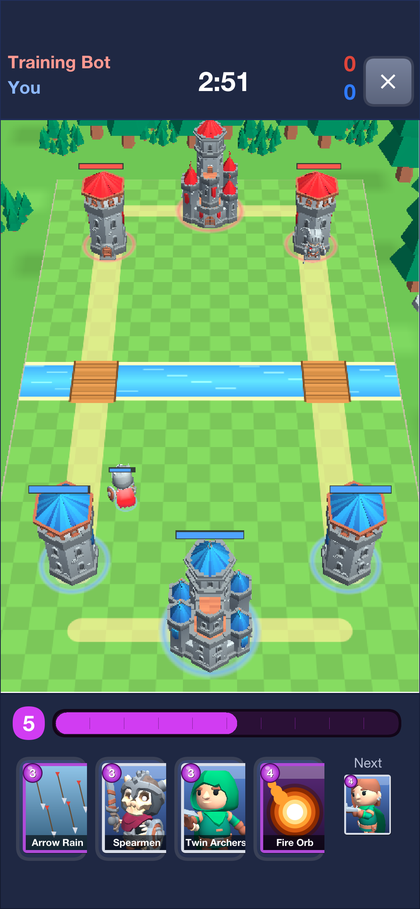
Elixir fills the bar at the bottom, one drop at a time up to ten. A card is played by tapping it and then the field, or by dragging it there. Troops and buildings go on the player’s own side of the river, and spells go anywhere. Troops walk to the nearest bridge and attack the first thing in their way.
The result screen follows, with the crowns, trophies and coins won. From there a player can watch the replay, report the opponent, or watch a sponsored video for extra coins.
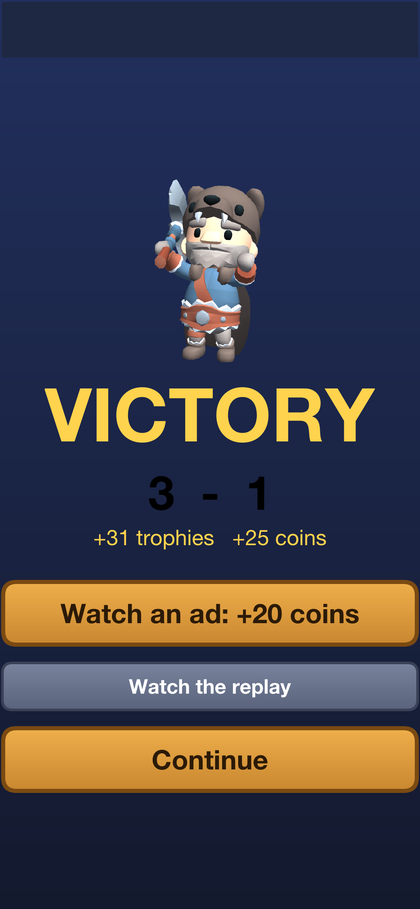
50.2.5. Finding an opponent
BATTLE puts the player in a queue that pairs players with similar trophy counts and falls back to the bot if nobody is found. During an online battle, the buttons under the hand send a quick emote to the opponent. Section 50.5, “The server is the referee” explains how the two phones stay in step.
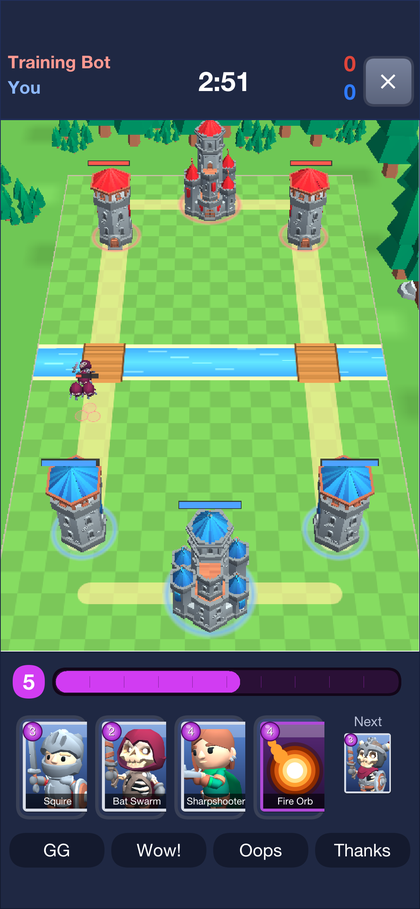
Practice plays the bot straight away and earns nothing. Challenge makes a code and a link to send a friend, and opening the link starts the friend’s app straight into the battle.
50.2.6. Replays
Every online battle is kept, and Replays lists them. Any signed-in player can watch any battle, with both players' names. A replay isn’t a recording. It’s the starting state and every card played, run again through the same rules. The viewer pauses, plays at two or four times speed, and a slider jumps to any moment.
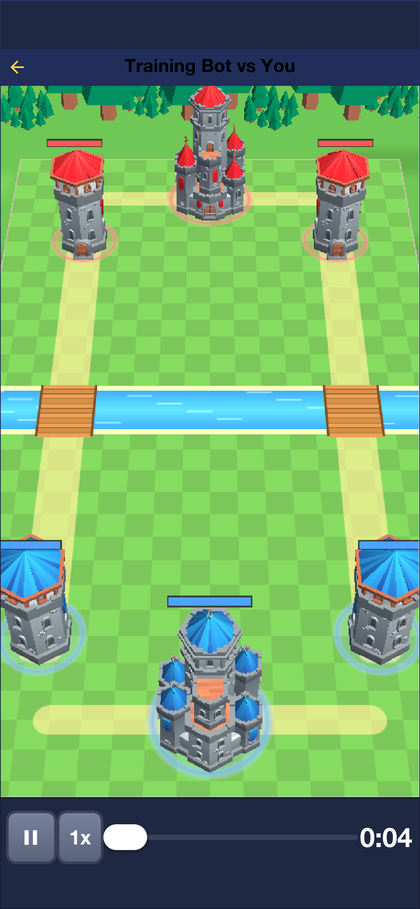
50.2.7. The shop and settings
The shop sells gems for real money, and cosmetic items for gems: arenas, emote sets and a season pass. Purchases go through the platform’s store, and the server checks every receipt before granting anything, as Section 50.9, “Purchases” shows. On the development profile the store is simulated, so a purchase completes immediately.
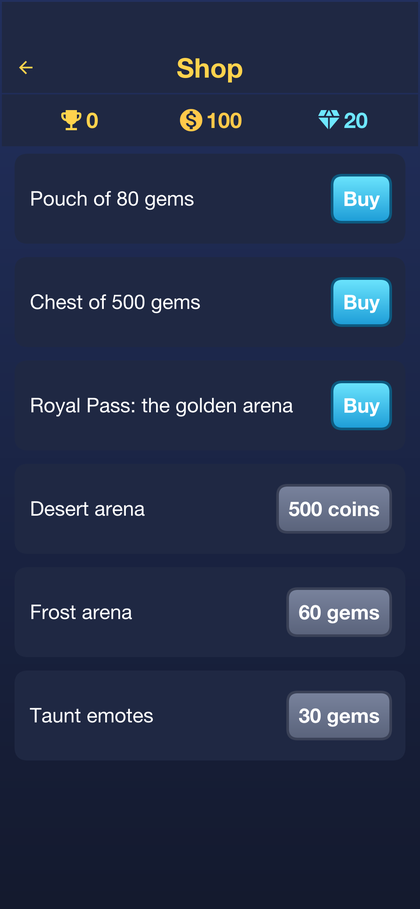
Settings renames the player, and switches the sound, push notifications and sharing anonymous usage statistics on or off. The server address can be changed here too, which is how the app reaches a server on another machine.
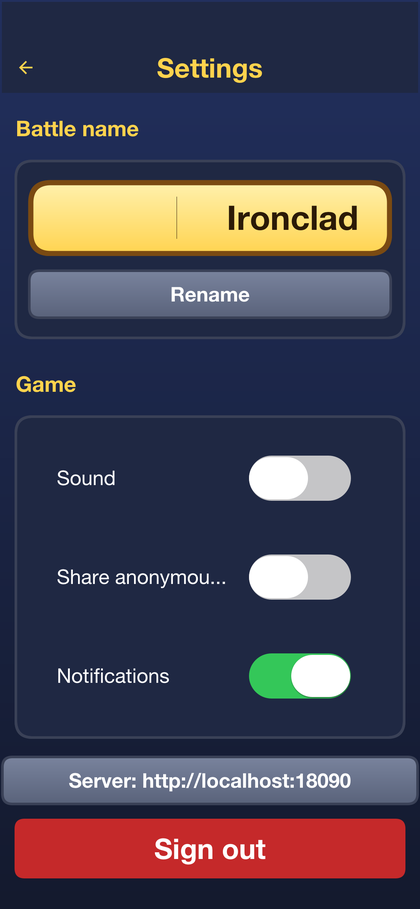
50.3. The modules
| Module | What it holds |
|---|---|
| The game itself: the cards, the arena, the units, the bot and replays. It uses
nothing but a handful of |
| The contract: the data transfer objects and the |
| The app: the 3D battle, the menus, the store, ads, analytics, push and the admin console. |
| The server: accounts, decks, matchmaking, the authoritative match rooms, replays, progression, receipts, push and moderation. |
| The iOS build, for generating the Xcode project. |
50.4. The rules run everywhere
Everything that decides a battle is in Match.step, and nothing else changes a
match. It advances the game by one tick, a twentieth of a second, applying the
cards played on that tick:
/// Advances one tick. `commands` may hold anything; only those stamped with
/// the current tick are applied, in the order given (the server's order).
public void step(List<Command> commands) {
if (isOver()) {
return;
}
events.clear();
if (commands != null) {
for (int i = 0; i < commands.size(); i++) {
Command c = commands.get(i);
if (c.tick == tick) {
apply(c);
}
}
}
runWaves();
regenElixir();
int count = units.size();
for (int i = 0; i < count; i++) {
Unit u = units.get(i);
if (u.hp > 0) {
update(u);
}
}
separate();
removeDead();
tick++;
checkEnd();
}Three rules keep every copy of a match identical:
No floating point. Positions are thousandths of a tile, held in
int, andFixedMathsupplies the integer square root and distance checks. Floating point rounds differently on different processors and compilers, so a battle that used it would drift apart between a phone and the server.No clock and no
java.util.Random. Time is the tick count, and chance comes fromRng, seeded by the server when the match starts.The order is fixed. Units act in the order they were created, and cards played on the same tick apply in the order the server received them, which the server’s log fixes for every copy of the match.
Because of that, a replay is only the seed, the two decks and the list of cards
played. Replay re-runs them through Match and arrives at the same battle, and
the server and both players compare a hash of the state to detect a client that has
gone its own way.
50.4.1. Adding a card
A card is a row in Cards:
add(new CardDef("squire", "Squire", CardDef.TROOP, 3)
.hp(1450).damage(160).hitTicks(24).range(700).speed(45).radius(500));Hit points and damage are whole numbers, ranges and radii are in thousandths of a
tile, speed is thousandths of a tile per tick, and hitTicks is the time between
attacks. CardDef also describes what a card targets, whether it splashes, how many
units it spawns and how long a building lasts.
The look of a card on the field is a row in Models, the glTF character it uses,
its height in tiles and its attack animation:
public final class Models {
/// How one card looks on the field.
public static final class Look {
public final String model;
/// Height in tiles for a character; footprint width in tiles for a
/// building.
public final float size;
public final String attack;
public final float hover;
public final int tint;
public final String idle;
public final String run;
public final String death;
Look(String model, float size, String attack, float hover, int tint) {
this(model, size, attack, hover, tint, "Idle", "Running_A", "Death_A");
}
Look(String model, float size, String attack, float hover, int tint, String idle, String run,
String death) {
this.model = model;
this.size = size;
this.attack = attack;
this.hover = hover;
this.tint = tint;
this.idle = idle;
this.run = run;
this.death = death;
}
}
private static final Map<String, Look> LOOKS = new HashMap<String, Look>();
private static final Map<String, GltfScene> SCENES = new HashMap<String, GltfScene>();
static {
look("squire", "knight", 1.96f, "1H_Melee_Attack_Chop", 0f, 0xffffffff);
look("twin-archers", "rogue_hooded", 1.67f, "1H_Ranged_Shoot", 0f, 0xffffffff);
look("ogre", "barbarian", 3.04f, "2H_Melee_Attack_Chop", 0f, 0xffffffff);
look("bat-swarm", "skeleton_rogue", 1.16f, "1H_Melee_Attack_Chop", 1.6f, 0xffb8c8ff);
look("sharpshooter", "rogue", 1.89f, "2H_Ranged_Shoot", 0f, 0xffffffff);
look("spearmen", "skeleton_warrior", 1.74f, "1H_Melee_Attack_Chop", 0f, 0xffffffff);
look("drake", "mage", 2.03f, "Spellcast_Shoot", 1.8f, 0xffffffff);
look("imp", "skeleton_minion", 1.38f, "Unarmed_Melee_Attack_Punch_A", 0f, 0xffffffff);
look("imp-den", "crypt", 3.77f, null, 0f, 0xffffffff);
}
private Models() {
}
private static void look(String card, String model, float size, String attack, float hover, int tint) {
LOOKS.put(card, new Look(model, size, attack, hover, tint));
}
/// The look of `card`, or null for a spell or a tower (drawn by the view).
public static Look of(String card) {
return LOOKS.get(card);
}
/// The look of a card from a Forge pack: its own model, bundled or
/// uploaded, its size and tint, and the clips its author mapped. A card
/// with no model of its own falls back to a bundled one by kind.
public static Look of(CardDef card) {
Look builtin = LOOKS.get(card.id);
if (builtin != null || card.kind == CardDef.SPELL || card.kind == CardDef.TOWER) {
return builtin;
}
String model = card.model();
if (model == null || model.length() == 0) {
model = card.kind == CardDef.BUILDING ? "crypt" : card.isFlying() ? "skeleton_rogue" : "knight";
}
float size = (card.kind == CardDef.BUILDING ? 3.5f : 1.9f) * Math.max(25, card.scalePercent()) / 100f;
int tint = card.tint() < 0 ? 0xffffffff : 0xff000000 | card.tint();
String clips = card.clips();
String attack = GlbInspector.clip(clips, "attack");
if (attack == null && card.kind != CardDef.BUILDING) {
attack = card.range() > 1500 ? "1H_Ranged_Shoot" : "1H_Melee_Attack_Chop";
}
return new Look(model, size, attack, card.isFlying() ? 1.6f : 0f, tint,
orElse(GlbInspector.clip(clips, "idle"), "Idle"), orElse(GlbInspector.clip(clips, "run"), "Running_A"),
orElse(GlbInspector.clip(clips, "death"), "Death_A"));
}
private static String orElse(String v, String fallback) {
return v == null ? fallback : v;
}
/// Whether `name` is one of the models that ship with the game.
public static boolean isBundled(String name) {
return CN.getResourceAsStream("/model_" + name + ".glb") != null;
}
/// The parsed model `name`, loaded once: `/model_<name>.glb` for a bundled
/// one, or an uploaded file, `asset:<sha256>`, from [ForgeFiles].
public static synchronized GltfScene scene(String name) {
GltfScene s = SCENES.get(name);
if (s == null) {
InputStream in = name.startsWith("asset:") ? ForgeFiles.open(name.substring(6))
: CN.getResourceAsStream("/model_" + name + ".glb");
if (in == null) {
throw new IllegalStateException("missing model " + name);
}
try {
s = GltfLoader.loadScene(in);
} catch (java.io.IOException err) {
Log.e(err);
throw new IllegalStateException("unreadable model " + name);
}
SCENES.put(name, s);
}
return s;
}
}The card’s portrait in the hand and the deck is a PNG in
common/src/main/resources, card_<id>.png. PortraitStudio renders a portrait
from the card’s model, so a new card gets art that matches the others:
mvn -pl common test-compile surefire:test -Dtest=PortraitStudio \
-Dskirmish.portraits="$PWD/common/src/main/resources"Changing what any card does changes the outcome of recorded battles. Bump
RulesVersion.ID with it: each replay records the version it was played under, and
GoldenReplayTest fails until the golden replays are recorded again.
50.5. The server is the referee
An online battle is played in lockstep. Neither phone decides anything: each sends
the card it wants to play, and the server’s MatchRoom runs the match, stamps the
play with the tick it takes effect on and sends it to both players:
final class MatchRoom {
/// Plays a seat may make in [#FLOOD_WINDOW] ticks before the rest are dropped.
static final int FLOOD_LIMIT = 6;
static final int FLOOD_WINDOW = 20;
final String id;
final Match match;
final Seat[] seats;
final Bot bot;
final List<Command> log = new ArrayList<Command>();
final List<WebSocketSession> spectators = new ArrayList<WebSocketSession>();
final long startedAt;
/// Index into [#log] of the first command not yet sent.
int sent;
int lastSentTick = -1;
int forfeit = -1;
final java.util.Map<Integer, Long> hashes = new java.util.HashMap<Integer, Long>();
MatchRoom(String id, long seed, Seat a, Seat b, long now) {
this.id = id;
this.seats = new Seat[] {a, b};
this.match = new Match(seed, a.deck, b.deck);
this.bot = b.isBot() ? new Bot(1, seed ^ 0x1234L) : null;
this.startedAt = now;
}
int seatOf(String username) {
for (int i = 0; i < 2; i++) {
if (seats[i].username.equals(username)) {
return i;
}
}
return -1;
}
/// Accepts a play intent from `player`. Answers false when it was dropped.
boolean intent(int player, String card, int x, int y) {
if (match.isOver()) {
return false;
}
Seat seat = seats[player];
int now = match.tick();
int inWindow = 0;
for (int i = 0; i < seat.recentCount; i++) {
if (now - seat.recent[i] < FLOOD_WINDOW) {
inWindow++;
}
}
if (inWindow >= FLOOD_LIMIT) {
seat.floods++;
return false;
}
seat.recent[seat.recentCount % seat.recent.length] = now;
seat.recentCount = Math.min(seat.recentCount + 1, seat.recent.length);
// A cheap early answer; the rules check again when the command executes.
if (!match.canPlay(player, card, x, y)) {
seat.rejected++;
return false;
}
log.add(new Command(now + GameProtocol.INPUT_DELAY, player, card, x, y));
return true;
}
/// Advances one tick, letting the bot decide first.
void step() {
if (bot != null) {
Command c = bot.decide(match, GameProtocol.INPUT_DELAY);
if (c != null) {
log.add(c);
}
}
match.step(log);
if (match.tick() % GameProtocol.HASH_EVERY == 0) {
hashes.put(Integer.valueOf(match.tick()), Long.valueOf(match.stateHash()));
hashes.remove(Integer.valueOf(match.tick() - 10 * GameProtocol.HASH_EVERY));
}
}
/// The result: [Match#result], or the side that did not leave.
int result() {
return forfeit >= 0 ? 1 - forfeit : match.result();
}
boolean isOver() {
return forfeit >= 0 || match.isOver();
}
Replay replay() {
return new Replay(match.seed(), seats[0].deck, seats[1].deck, log);
}
}The play is scheduled a few ticks ahead, so it reaches both phones before it’s
due, and each phone advances its own copy of the match only as far as the server
has said. OnlineDriver is the client’s half:
public final class OnlineDriver extends Driver {
/// What the battle screen wants to hear besides the ticks.
public interface Listener {
void emote(int seat, String id);
void ended(int result, int crowns0, int crowns1, int trophies, int coins, String matchId);
void lost();
}
private final GameLink link;
private final boolean spectator;
private Listener listener;
private String matchId;
private String[] names = {"", ""};
private int allowed;
public OnlineDriver(GameLink link, Map<String, Object> start, boolean spectator) {
this.link = link;
this.spectator = spectator;
restart(start);
}
public void setListener(Listener listener) {
this.listener = listener;
}
public String matchId() {
return matchId;
}
/// A `start` message: the first one, or the server's answer to a hash
/// that did not match. Either way the match is rebuilt from its log.
private void restart(Map<String, Object> m) {
matchId = GameLink.text(m, "match");
me = spectator ? 0 : GameLink.number(m, "you");
names = new String[] {GameLink.text(m, "name0"), GameLink.text(m, "name1")};
match = new Match(Long.parseLong(GameLink.text(m, "seed")),
split(GameLink.text(m, "deck0"), ','), split(GameLink.text(m, "deck1"), ','));
log.clear();
append(GameLink.text(m, "log"));
allowed = GameLink.number(m, "tick");
// Catch up at once to where the server already is.
while (match.tick() < allowed && !match.isOver()) {
match.step(log);
}
}
/// Everything the server sends during a match comes through here.
public void message(Map<String, Object> m) {
String type = GameLink.text(m, "type");
if (GameProtocol.TICKS.equals(type)) {
append(GameLink.text(m, "c"));
allowed = Math.max(allowed, GameLink.number(m, "t"));
} else if (GameProtocol.START.equals(type)) {
restart(m);
} else if (GameProtocol.EMOTE.equals(type) && listener != null) {
listener.emote(GameLink.number(m, "player"), GameLink.text(m, "id"));
} else if (GameProtocol.END.equals(type) && listener != null) {
listener.ended(GameLink.number(m, "result"), GameLink.number(m, "crowns0"),
GameLink.number(m, "crowns1"), GameLink.number(m, "trophies"),
GameLink.number(m, "coins"), GameLink.text(m, "match"));
} else if (GameProtocol.KICKED.equals(type) && listener != null) {
listener.lost();
}
}
@Override
public boolean canStep() {
return match.tick() < allowed && !match.isOver();
}
@Override
public void step() {
super.step();
if (!spectator && match.tick() % GameProtocol.HASH_EVERY == 0) {
link.send("{\"type\":\"sync\",\"t\":" + match.tick() + ",\"h\":\""
+ Match.hex(match.stateHash()) + "\"}");
}
}
/// Only asks. The play appears when the server stamps it and sends it
/// back -- to both players at once.
@Override
public void play(String card, int x, int y) {
if (!spectator && match.canPlay(me, card, x, y)) {
link.send("{\"type\":\"play\",\"card\":\"" + card + "\",\"x\":" + x + ",\"y\":" + y + "}");
}
}
@Override
public boolean interactive() {
return !spectator;
}
public void emote(String id) {
link.send("{\"type\":\"emote\",\"id\":\"" + id + "\"}");
}
public void leave() {
link.send("{\"type\":\"leave\"}");
}
@Override
public String name(int seat) {
if (!spectator && seat == me) {
return "You";
}
return names[seat];
}
@Override
public void dispose() {
link.close();
}
private void append(String encoded) {
for (String c : split(encoded, ';')) {
if (c.length() > 0) {
log.add(Command.decode(c));
}
}
}
/// `String.split` takes a regular expression and is missing on some
/// targets; this takes one character.
static String[] split(String s, char sep) {
if (s == null || s.length() == 0) {
return new String[0];
}
int n = 1;
for (int i = 0; i < s.length(); i++) {
if (s.charAt(i) == sep) {
n++;
}
}
String[] out = new String[n];
int from = 0;
int k = 0;
for (int i = 0; i <= s.length(); i++) {
if (i == s.length() || s.charAt(i) == sep) {
out[k++] = s.substring(from, i);
from = i + 1;
}
}
return out;
}
}A play that isn’t legal is dropped by the rules, and a player who floods the room
is flagged for the console. Practice against the bot and the replay viewer use the
same screen with another Driver, which is why all three look and behave the same.
50.6. The finishing camera
The battle is a com.codename1.gaming 3D scene, and only the renderer knows about
it. When the match is over, BattleView swings the camera around the field and
down beside the fallen castle before the result screen appears:
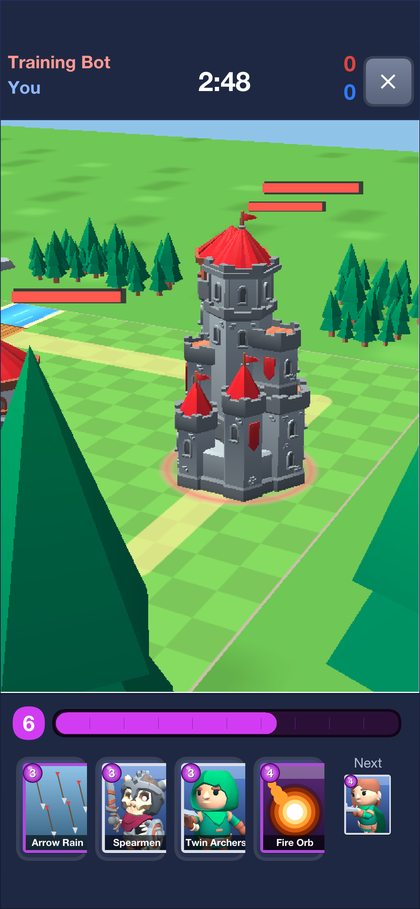
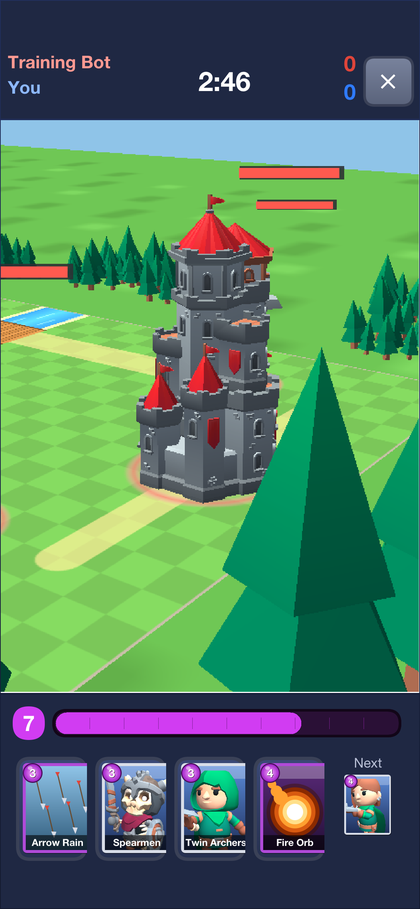
/// The finishing move: once the match is decided the camera leaves its
/// fixed battle view, swings around the field and comes down low beside
/// the fallen king tower, so the last blow is seen from the ground. The
/// rules are already over, so this is purely the renderer's -- a replay
/// or a spectator sees the same sweep.
private void startFinale(Match m) {
previewFinale(m.result());
}
/// Runs the sweep toward `winner`'s victory (or a draw) without the match
/// being over: the screenshot tests use it to photograph the finale.
public void previewFinale(int winner) {
int loser = winner < 0 ? -1 : 1 - winner;
if (loser < 0) {
// A draw: look at the bridge between the two sides.
finaleX = 0f;
finaleZ = 0f;
} else {
Arena.Tower king = arena().king(loser);
finaleX = wx(king.x, king.y);
finaleZ = wz(king.x, king.y);
}
finale = 0f;
}
private void finale(float dt) {
finale = Math.min(FINALE_SECONDS, finale + dt);
float t = finale / FINALE_SECONDS;
// Ease in and out, so the sweep starts and settles without a jolt.
float e = t * t * (3f - 2f * t);
// Orbit from straight behind the player's side to a three-quarter view
// beside the tower, dropping from the battle height to eye level.
double angle = Math.toRadians(e * 125f);
float radius = 42f - e * 22f;
float height = 33f - e * 24f;
float cx = finaleX * e;
float cz = 1.6f + (finaleZ - 1.6f) * e;
float ex = cx + (float) Math.sin(angle) * radius;
float ez = cz + (float) Math.cos(angle) * radius * (30f / 42f + e * (1f - 30f / 42f))
- 1.6f * (1f - e);
GameCamera cam = getCamera();
cam.setPosition(ex, height, ez);
cam.setTarget(cx, 1.6f * e, cz);
}
/// True while the finishing sweep still has frames to show.
public boolean finaleRunning() {
return finale >= 0f && finale < FINALE_SECONDS;
}Particle effects and the camera are cosmetic: they read the match and never change it, so they can be changed without touching a replay.
50.7. Progression
Levels, experience, chests, daily quests and achievements are all decided on the server, after it has recorded a result. The app only shows what the server says was earned:
@Component
public class Progression {
/// Chests wait in slots; a win with every slot full earns none.
public static final int CHEST_SLOTS = 4;
public static final int WIN_XP = 40;
public static final int DRAW_XP = 20;
public static final int LOSS_XP = 15;
public static final int CROWN_XP = 5;
public static final int TUTORIAL_XP = 100;
public static final int TUTORIAL_COINS = 100;
public static final int LEVEL_UP_COINS = 60;
public static final int LEVEL_UP_GEMS = 5;
private final ProgressRepository progress;
private final ProfileRepository profiles;
public Progression(ProgressRepository progress, ProfileRepository profiles) {
this.progress = progress;
this.profiles = profiles;
}
/// Counts a finished battle for one side. Called from inside the
/// transaction that records the match, with the profile it is about to
/// save, so the coins and gems this grants are saved with it.
public RewardDto afterMatch(Profile p, boolean won, boolean draw, int crowns, int cards, int spells)
throws IOException {
Progress g = load(p.getUsername());
int[] before = stats(g);
g.setMatches(g.getMatches() + 1);
g.setCards(g.getCards() + cards);
g.setSpells(g.getSpells() + spells);
g.setTowers(g.getTowers() + crowns);
int chests = 0;
if (won) {
g.setWins(g.getWins() + 1);
g.setStreak(g.getStreak() + 1);
g.setBestStreak(Math.max(g.getBestStreak(), g.getStreak()));
if (g.getChests() < CHEST_SLOTS) {
g.setChests(g.getChests() + 1);
chests = 1;
}
} else if (!draw) {
g.setStreak(0);
}
int[] after = stats(g);
Goals.Goal[] quests = Goals.questsFor(p.getUsername(), g.getQuestDay());
for (int i = 0; i < 3; i++) {
int gained = after[quests[i].stat] - before[quests[i].stat];
setQuest(g, i, Math.min(quests[i].goal, quest(g, i) + gained));
}
int xp = (won ? WIN_XP : draw ? DRAW_XP : LOSS_XP) + CROWN_XP * crowns;
Reward r = new Reward(won ? "Victory!" : draw ? "Draw" : "Defeat");
r.chests = chests;
r.xp(g, p, xp);
unlock(g, p, r);
progress.save(g);
return r.dto(g);
}
@Transactional(rollbackFor = IOException.class)
public ProgressDto view(String username) throws IOException {
Profile p = profile(username);
// Reading never creates the row: the first battle's result, recorded
// on the match ticker's thread, may be inserting it at this moment,
// and a second insert of the same key fails (MySQL waits on the
// uncommitted row, then reports a duplicate).
boolean stored = progress.findById(username) != null;
Progress g = stored ? load(username) : fresh(username);
if (stored) {
progress.save(g);
}
return dto(g, p);
}
@Transactional(rollbackFor = IOException.class)
public RewardDto claim(String username, String questId) throws IOException {
Profile p = profile(username);
Progress g = load(username);
Goals.Goal[] quests = Goals.questsFor(username, g.getQuestDay());
int index = -1;
for (int i = 0; i < 3; i++) {
if (quests[i].id.equals(questId)) {
index = i;
}
}
if (index < 0) {
throw new ResponseStatusException(404, "That is not one of today's quests");
}
if ((g.getClaimed() & (1 << index)) != 0) {
throw new ResponseStatusException(409, "Already claimed");
}
Goals.Goal q = quests[index];
if (quest(g, index) < q.goal) {
throw new ResponseStatusException(409, "Not finished yet");
}
g.setClaimed(g.getClaimed() | (1 << index));
Reward r = new Reward(q.title);
r.coins(p, q.coins);
r.xp(g, p, q.xp);
unlock(g, p, r);
progress.save(g);
profiles.save(p);
return r.dto(g);
}
/// Opens the oldest chest. What is inside grows with the level; every
/// third chest also holds gems.
@Transactional(rollbackFor = IOException.class)
public RewardDto openChest(String username) throws IOException {
Profile p = profile(username);
Progress g = load(username);
if (g.getChests() <= 0) {
throw new ResponseStatusException(409, "No chest to open");
}
int level = Goals.levelOf(g.getXp());
g.setChests(g.getChests() - 1);
g.setChestsOpened(g.getChestsOpened() + 1);
boolean rare = g.getChestsOpened() % 3 == 0;
Reward r = new Reward(rare ? "Gold Chest" : "Wooden Chest");
r.coins(p, 40 + 15 * level + (rare ? 40 : 0));
if (rare) {
r.gems(p, 4 + level);
}
r.xp(g, p, 20);
unlock(g, p, r);
progress.save(g);
profiles.save(p);
return r.dto(g);
}
/// The training battle pays once.
@Transactional(rollbackFor = IOException.class)
public RewardDto tutorialDone(String username) throws IOException {
Profile p = profile(username);
Progress g = load(username);
Reward r = new Reward("Training complete");
if (!g.isTutorialDone()) {
g.setTutorialDone(true);
r.coins(p, TUTORIAL_COINS);
if (g.getChests() < CHEST_SLOTS) {
g.setChests(g.getChests() + 1);
r.chests = 1;
}
r.xp(g, p, TUTORIAL_XP);
unlock(g, p, r);
progress.save(g);
profiles.save(p);
}
return r.dto(g);
}
/// Pays for stars won in a Forge mission. The caller has already verified
/// the result and decided the amounts; this only books them, so experience
/// still levels the player up and reaches achievements as it does anywhere.
@Transactional(rollbackFor = IOException.class)
public RewardDto missionReward(String username, String title, int coins, int xp) throws IOException {
Profile p = profile(username);
Progress g = load(username);
Reward r = new Reward(title);
if (coins > 0 || xp > 0) {
r.coins(p, coins);
r.xp(g, p, xp);
unlock(g, p, r);
progress.save(g);
profiles.save(p);
}
return r.dto(g);
}
/// Gives a demo account some history -- a few levels, two chests, a
/// finished quest waiting to be claimed -- so the development server's
/// home screen shows what a regular player sees, and the tutorial does not
/// start on every sign-in.
@Transactional(rollbackFor = IOException.class)
public void seedDemo(String username) throws IOException {
Progress g = load(username);
if (g.getMatches() > 0) {
return;
}
g.setTutorialDone(true);
g.setXp(420);
g.setChests(2);
g.setChestsOpened(1);
g.setMatches(7);
g.setWins(4);
g.setCards(62);
g.setSpells(9);
g.setTowers(6);
g.setStreak(2);
g.setBestStreak(2);
Goals.Goal[] today = Goals.questsFor(username, g.getQuestDay());
g.setQuest0(today[0].goal);
g.setQuest1(today[1].goal / 2);
// Unlocked for what the counters say, without paying for it: the
// profile here is a throwaway, never saved.
Profile scratch = new Profile();
unlock(g, scratch, new Reward(""));
g.setXp(420);
progress.save(g);
}
private Profile profile(String username) throws IOException {
Profile p = profiles.findById(username);
if (p == null) {
throw new ResponseStatusException(404, "No such player");
}
return p;
}
/// The player's row, created on first use, with today's quests reset when
/// the day has turned.
private Progress load(String username) throws IOException {
Progress g = progress.findById(username);
long today = Clock.dayOf(Clock.now());
if (g == null) {
g = fresh(username);
progress.insert(g);
}
if (g.getQuestDay() != today) {
g.setQuestDay(today);
g.setQuest0(0);
g.setQuest1(0);
g.setQuest2(0);
g.setClaimed(0);
}
return g;
}
private static Progress fresh(String username) {
Progress g = new Progress();
g.setUsername(username);
g.setQuestDay(Clock.dayOf(Clock.now()));
return g;
}
private static int[] stats(Progress g) {
return new int[] {g.getWins(), g.getMatches(), g.getCards(), g.getSpells(), g.getTowers(),
g.getBestStreak(), g.isTutorialDone() ? 1 : 0, Goals.levelOf(g.getXp())};
}
private static int quest(Progress g, int i) {
return i == 0 ? g.getQuest0() : i == 1 ? g.getQuest1() : g.getQuest2();
}
private static void setQuest(Progress g, int i, int value) {
if (i == 0) {
g.setQuest0(value);
} else if (i == 1) {
g.setQuest1(value);
} else {
g.setQuest2(value);
}
}
private static boolean unlocked(Progress g, String id) {
return ("," + g.getAchievements() + ",").indexOf("," + id + ",") >= 0;
}
/// Unlocks every achievement now reached. Unlocking pays experience, which
/// can level up, which can reach the level achievement: hence the loop.
private static void unlock(Progress g, Profile p, Reward r) {
boolean more = true;
while (more) {
more = false;
int[] s = stats(g);
for (Goals.Goal a : Goals.ACHIEVEMENTS) {
if (!unlocked(g, a.id) && s[a.stat] >= a.goal) {
g.setAchievements(g.getAchievements().isEmpty() ? a.id : g.getAchievements() + "," + a.id);
r.unlocked.add(a.title);
r.gems(p, a.gems);
r.xp(g, p, a.xp);
more = true;
}
}
}
}
private static ProgressDto dto(Progress g, Profile p) {
int level = Goals.levelOf(g.getXp());
Goals.Goal[] today = Goals.questsFor(g.getUsername(), g.getQuestDay());
List<QuestDto> quests = new ArrayList<>();
for (int i = 0; i < 3; i++) {
Goals.Goal q = today[i];
quests.add(new QuestDto(q.id, q.title, quest(g, i), q.goal, q.coins, q.xp,
(g.getClaimed() & (1 << i)) != 0));
}
int[] s = stats(g);
List<AchievementDto> achievements = new ArrayList<>();
for (Goals.Goal a : Goals.ACHIEVEMENTS) {
achievements.add(new AchievementDto(a.id, a.title, a.detail, Math.min(a.goal, s[a.stat]), a.goal,
unlocked(g, a.id)));
}
return new ProgressDto(level, g.getXp(), Goals.levelStart(level), Goals.levelStart(level + 1),
g.isTutorialDone(), g.getChests(), p.getCoins(), p.getGems(), g.getStreak(), g.getWins(),
quests, achievements);
}
/// A reward being put together; granting through it keeps the popup and
/// the balances in step.
private static final class Reward {
final String title;
final List<String> unlocked = new ArrayList<>();
int coins;
int gems;
int xp;
int chests;
boolean levelUp;
Reward(String title) {
this.title = title;
}
void coins(Profile p, int n) {
p.setCoins(p.getCoins() + n);
coins += n;
}
void gems(Profile p, int n) {
p.setGems(p.getGems() + n);
gems += n;
}
/// Adds experience; each level gained pays coins, gems and a chest.
void xp(Progress g, Profile p, int n) {
int from = Goals.levelOf(g.getXp());
g.setXp(g.getXp() + n);
xp += n;
int to = Goals.levelOf(g.getXp());
for (int l = from; l < to; l++) {
levelUp = true;
coins(p, LEVEL_UP_COINS);
gems(p, LEVEL_UP_GEMS);
if (g.getChests() < CHEST_SLOTS) {
g.setChests(g.getChests() + 1);
chests++;
}
}
}
RewardDto dto(Progress g) {
return new RewardDto(title, coins, gems, xp, chests, Goals.levelOf(g.getXp()), levelUp, unlocked);
}
}
}The amounts and the quests are tables in that class, so balancing the economy is a change to one file.
50.8. Re-skinning
The menus are ordinary Codename One components, and the game’s look is
common/src/main/css/theme.css. Its palette is a set of variables at the top:
--night: #141a2e;
--night-alt: #1f2843;
--stone: #59627a;
--stone-light: #7a849e;
--stone-dark: #3a4157;
--wood: #c8862f;
--wood-light: #f0b04c;
--wood-dark: #7a4a12;
--gold: #ffd34d;
--parchment: #f6e7c1;
--ink: #2b1a07;
--blue: #2f7bff;
--red: #e0453a;
--elixir: #d13cf2;
--elixir-glow: #f7a8ff;
--text: #ffffff;
--text-muted: #b9c0d6;
--danger: #c5292a;The wooden buttons are a style like any other, a gradient with a border and a shadow, so they need no images and stay sharp at any density:
/* The big carved button: a wooden plank with a darker rim and a lighter top
edge, pressed in when touched. */
WoodButton {
background: linear-gradient(to bottom, var(--wood-light), var(--wood));
border: 0.6mm solid var(--wood-dark);
border-radius: 2mm;
color: var(--ink);
font-family: "native:MainBold";
font-size: 4mm;
text-align: center;
padding: 2.5mm;
/* The same 2mm inset as the section titles and panels above it. */
margin: 1.2mm 2mm;
}
WoodButton.pressed {
background: linear-gradient(to bottom, var(--wood), var(--wood-dark));
color: var(--parchment);
}
WoodButton.disabled {
background-color: var(--stone-dark);
color: var(--stone-light);
}The characters and buildings are glTF files in common/src/main/resources. They’re
KayKit models, packed from the original downloads by tools/pack-models.py; any
rigged glTF character with the same animation names can replace one.
50.9. Purchases
The shop sells gems through the platform’s store. The app’s Store starts the
purchase, and the server grants nothing until it has checked the receipt with Apple
or Google:
public interface ReceiptValidator {
/// The store's transaction id when `receipt` proves a purchase of `sku`, or
/// null when it does not.
String verify(String store, String sku, String transactionId, String receipt) throws IOException;
}The server picks the validator from its configuration:
/// `skirmish.iap.provider` is one of:
///
/// - `store`: receipts are checked with Apple (`skirmish.iap.apple.secret`)
/// and Google Play (`skirmish.iap.google.package` and
/// `skirmish.iap.google.token`). A store with no settings refuses its
/// receipts; the other keeps working.
/// - `simulated`: every receipt is accepted, on a development profile only.
///
/// Unset, it is `simulated` on a development profile and `store` otherwise.
@Bean
public ReceiptValidator receipts(Config config,
@Value("${skirmish.iap.provider:}") String chosen,
@Value("${skirmish.iap.apple.secret:}") String appleSecret,
@Value("${skirmish.iap.google.package:}") String googlePackage,
@Value("${skirmish.iap.google.token:}") String googleToken) {
String kind = chosen.trim().length() > 0 ? chosen.trim()
: config.isDevelopmentProfile() ? "simulated" : "store";
if ("simulated".equalsIgnoreCase(kind)) {
if (!config.isDevelopmentProfile()) {
return new MisconfiguredReceipts("skirmish.iap.provider=simulated grants every "
+ "purchase for free and is refused on the '" + config.getProfile()
+ "' profile; set it to store");
}
return new SimulatedReceipts();
}
if (!"store".equalsIgnoreCase(kind)) {
return new MisconfiguredReceipts("skirmish.iap.provider is '" + kind
+ "', which is neither store nor simulated");
}
if (appleSecret.trim().length() == 0 && (googlePackage.trim().length() == 0
|| googleToken.trim().length() == 0)) {
return new MisconfiguredReceipts("in-app purchases are not configured; set "
+ "skirmish.iap.apple.secret, or skirmish.iap.google.package and "
+ "skirmish.iap.google.token");
}
return new StoreReceipts(appleSecret.trim(), googlePackage.trim(), googleToken.trim());
}The product identifiers and the ad units are in AppConfig, and the server’s
Catalog names the same products. Replace both with your own before release:
/// Google's published test ad units. They always fill, never pay, and are
/// safe to click; replace them with your own AdMob units before release.
public static final String REWARDED_AD_UNIT = "ca-app-pub-3940256099942544/5224354917";
public static final String INTERSTITIAL_AD_UNIT = "ca-app-pub-3940256099942544/1033173712";
public static final String BANNER_AD_UNIT = "ca-app-pub-3940256099942544/6300978111";
/// The store products, as configured in App Store Connect and the Play
/// Console. The server's `Catalog` names the same ones.
public static final String SKU_GEMS_80 = "skirmish.gems_80";
public static final String SKU_GEMS_500 = "skirmish.gems_500";
public static final String SKU_ROYAL_PASS = "skirmish.royal_pass";50.10. Ads
Ads shows an interstitial between battles and a rewarded video for extra coins
after one. The units in AppConfig are Google’s test units, which always fill and
never pay:
public final class Ads {
private static final int INTERSTITIAL_EVERY = 3;
private static int battlesSinceAd;
private Ads() {
}
public static void start() {
if (AdManager.getProvider() != null) {
AdManager.initialize(new AdConfig().testMode(true), ready -> { });
}
}
/// Plays a rewarded ad and runs `granted` once the network says it was
/// watched to the end.
public static void rewarded(final Runnable granted, final Runnable unavailable) {
Telemetry.adWatched("rewarded_offer");
if (!AdManager.isInitialized() || !AdManager.isSupported(AdFormat.REWARDED)) {
standIn(granted);
return;
}
final RewardedAd ad = new RewardedAd(AppConfig.REWARDED_AD_UNIT);
// Server-side verification: the network calls the game's server with
// this user id, so a reward could be granted there and nowhere else.
String who = Session.user() == null ? "" : Session.user().username();
ad.setServerSideVerificationOptions(new ServerSideVerificationOptions(who, "coins"));
ad.setAdListener(new AdListener() {
@Override
public void onLoaded() {
ad.show(reward -> CN.callSerially(granted));
}
@Override
public void onFailedToLoad(AdError error) {
CN.callSerially(unavailable);
}
});
ad.load();
}
/// Called after every battle; shows an interstitial every few.
public static void betweenBattles(boolean adFree) {
battlesSinceAd++;
if (adFree || battlesSinceAd < INTERSTITIAL_EVERY || !AdManager.isInitialized()
|| !AdManager.isSupported(AdFormat.INTERSTITIAL)) {
return;
}
battlesSinceAd = 0;
final InterstitialAd ad = new InterstitialAd(AppConfig.INTERSTITIAL_AD_UNIT);
ad.setAdListener(new AdListener() {
@Override
public void onLoaded() {
ad.show();
}
});
ad.load();
}
/// A banner for the home screen, or null where there is no network.
public static Component banner(boolean adFree) {
if (adFree || !AdManager.isInitialized() || !AdManager.isSupported(AdFormat.BANNER)) {
return null;
}
BannerAd banner = new BannerAd(AppConfig.BANNER_AD_UNIT);
banner.load();
return banner;
}
private static void standIn(final Runnable granted) {
Dialog d = new Dialog("Sponsored", new com.codename1.ui.layouts.BorderLayout());
d.setUIID("AdDialog");
d.add(com.codename1.ui.layouts.BorderLayout.CENTER,
new com.codename1.components.SpanLabel("An ad would play here. Install an ad network cn1lib "
+ "to show real ones."));
d.setTimeout(1500);
d.show();
granted.run();
}
}A rewarded video is only a request: the server pays the coins, up to three times a day.
50.11. Push notifications and analytics
The server tells a player when a chest is ready or a friend has challenged them. It sends through the Codename One push service once the app’s push key is set:
/// The app's push key, from the Push section of the Codename One console.
/// Empty, the app registers for no notifications: everything still works,
/// and a phone in a pocket simply hears nothing until it is opened.
public static final String PUSH_APP_KEY = "";/// `skirmish.push.provider` is one of:
///
/// - `cloud`: the Codename One push service. It needs `skirmish.push.app`,
/// the app's push id, and `skirmish.push.key`, a server key with the push
/// scope; both are in the Push section of the Codename One console.
/// - `console`: prints each notification, on a development profile only.
/// - `recording`: keeps each notification for the tests to read, on a
/// development profile only.
///
/// Unset, it is `recording` on the `test` profile, `console` on the other
/// development profiles and `cloud` otherwise. A server whose push settings
/// are missing still starts and still serves deliveries: it logs a configuration
/// error at start-up and again for every notification it could not send.
@Bean
public PushSender pushSender(Config config,
@Value("${skirmish.push.provider:}") String chosen,
@Value("${skirmish.push.app:}") String app,
@Value("${skirmish.push.key:}") String key,
@Value("${skirmish.push.url:}") String url) {
String kind = chosen.trim().length() > 0 ? chosen.trim()
: "test".equals(config.getProfile()) ? "recording"
: config.isDevelopmentProfile() ? "console" : "cloud";
if ("console".equalsIgnoreCase(kind) || "recording".equalsIgnoreCase(kind)) {
if (!config.isDevelopmentProfile()) {
return new MisconfiguredPushSender("skirmish.push.provider=" + kind
+ " sends nothing and is refused on the '" + config.getProfile()
+ "' profile; set it to cloud");
}
return "console".equalsIgnoreCase(kind) ? new ConsolePushSender()
: new RecordingPushSender();
}
if (!"cloud".equalsIgnoreCase(kind)) {
return new MisconfiguredPushSender("skirmish.push.provider is '" + kind
+ "', which is none of cloud, console or recording");
}
String missing = missing("skirmish.push.", new String[] {"app", app, "key", key});
if (missing.length() > 0) {
return new MisconfiguredPushSender(unset("push", "cloud", missing));
}
try {
CloudPush push = new CloudPush(app.trim(), key.trim());
return new CloudPushSender(url.trim().length() > 0 ? push.withEndpoint(url.trim())
: push);
} catch (IllegalArgumentException err) {
return new MisconfiguredPushSender("push provider 'cloud' is misconfigured: "
+ err.getMessage());
}
}Telemetry records what a game is measured by: sign-ups and sign-ins, every
battle and its result, the cards played, deck changes, spending, purchases, ad
rewards and shares. It sends nothing unless the player
allows it in Settings.
50.12. Moderation
The console is part of the same app, shown only to an account with the admin role. The server flags players on its own, as well as on reports:
@Component
public class Flags {
public static final String REPORT = "REPORT";
public static final String AUTO = "AUTO";
private final FlagRepository flags;
private final ProfileRepository profiles;
private final MatchRecordRepository matches;
private final GamePushes pushes;
private final AdminChannel channel;
private final List<String> adminNames;
public Flags(FlagRepository flags, ProfileRepository profiles, MatchRecordRepository matches,
GamePushes pushes, AdminChannel channel, @Value("${skirmish.admin.notify:}") String adminNames) {
this.flags = flags;
this.profiles = profiles;
this.matches = matches;
this.pushes = pushes;
this.channel = channel;
this.adminNames = com.codenameone.examples.skirmish.account.Lists.split(adminNames);
}
/// A player reporting the opponent of a match they played.
@Transactional(rollbackFor = IOException.class)
public FlagDto report(String reporter, String matchId, String reason) throws IOException {
MatchRecord m = matchId == null ? null : matches.findById(matchId);
if (m == null || !(reporter.equals(m.getPlayer0()) || reporter.equals(m.getPlayer1()))) {
throw new ResponseStatusException(404, "No such match");
}
String accused = reporter.equals(m.getPlayer0()) ? m.getPlayer1() : m.getPlayer0();
if (accused.length() == 0) {
throw new ResponseStatusException(400, "The training bot cannot be reported");
}
if (flags.countByReporterAndMatchId(reporter, matchId) > 0) {
throw new ResponseStatusException(409, "You already reported this match");
}
String why = Text.required(reason, 255, "what happened");
return raise(accused, REPORT, why, matchId, reporter);
}
/// Something the server noticed itself. Transactional on its own because
/// the demo seeding calls it with no transaction open; inside one (a match
/// being recorded) it joins that one.
@Transactional(rollbackFor = IOException.class)
public void auto(String username, String reason, String matchId) {
try {
raise(username, AUTO, reason, matchId == null ? "" : matchId, "");
} catch (IOException | RuntimeException failed) {
System.err.println("[flags] could not flag " + username + ": " + failed);
}
}
FlagDto raise(String username, String kind, String reason, String matchId, String reporter)
throws IOException {
Flag f = store(username, kind, reason, matchId, reporter);
channel.flagged(username, reason);
pushes.flagRaised(adminNames, username, reason);
return toDto(f, profiles.findById(username));
}
@Transactional(rollbackFor = IOException.class)
Flag store(String username, String kind, String reason, String matchId, String reporter)
throws IOException {
Flag f = new Flag();
f.setId(Ids.next());
f.setUsername(username);
f.setKind(kind);
f.setReason(reason);
f.setMatchId(matchId);
f.setReporter(reporter);
f.setCreatedAt(Clock.now());
f.setPending(true);
flags.insert(f);
Profile p = profiles.findById(username);
if (p != null && !p.isFlagged()) {
p.setFlagged(true);
profiles.save(p);
}
return f;
}
@Transactional(rollbackFor = IOException.class)
public FlagDto resolve(String admin, String id) {
Flag f = flags.findById(id);
if (f == null) {
throw new ResponseStatusException(404, "No such flag");
}
f.setPending(false);
f.setResolvedBy(admin);
flags.save(f);
Profile p = profiles.findById(f.getUsername());
if (p != null && flags.countByUsernameAndPendingTrue(f.getUsername()) == 0) {
p.setFlagged(false);
profiles.save(p);
}
return toDto(f, p);
}
@Transactional(readOnly = true)
public List<FlagDto> list(boolean pending) {
List<FlagDto> out = new ArrayList<FlagDto>();
for (Flag f : flags.inState(pending, new PageRequest(0, 200))) {
out.add(toDto(f, profiles.findById(f.getUsername())));
}
return out;
}
@Transactional(readOnly = true)
public List<FlagDto> of(String username) {
List<FlagDto> out = new ArrayList<FlagDto>();
Profile p = profiles.findById(username);
for (Flag f : flags.of(username, new PageRequest(0, 50))) {
out.add(toDto(f, p));
}
return out;
}
public long pendingCount() {
return flags.countByPendingTrue();
}
static FlagDto toDto(Flag f, Profile p) {
return new FlagDto(f.getId(), f.getUsername(), p == null ? f.getUsername() : p.getDisplayName(),
f.getKind(), f.getReason(), f.getMatchId(), f.getReporter(), f.getCreatedAt(), f.isPending());
}
}Every action an operator takes goes through Moderation, which records it with its
reason and removes a suspended or banned player from any battle they’re in.
The admin account sees Admin console on the home screen. Its tabs are:
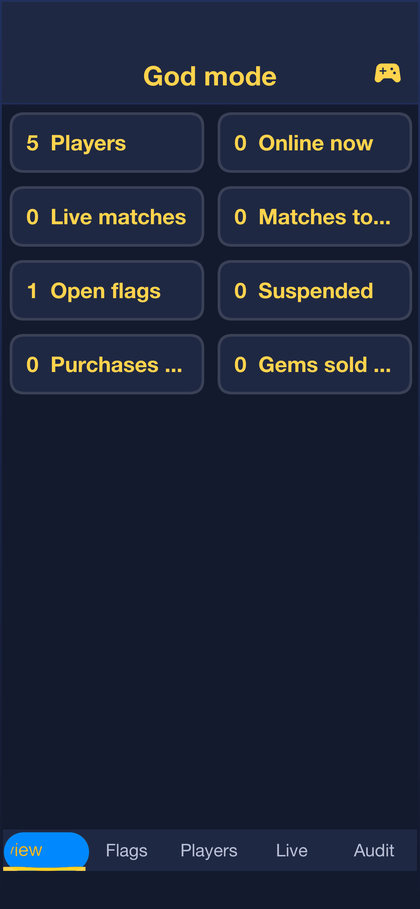
Overview counts players online, matches and purchases.
The Live matches tab lists the battles being played, and any of them can be watched as it happens.
The Flags tab lists reports from players and signals the server raises on its own: a player who keeps leaving matches, whose game state keeps diverging from the server’s, or who floods it with invalid plays.
Players finds an account by name or e-mail and shows its matches, purchases and moderation history.
Promote is where the game is marketed, as described in the next section.
Forge lists reported and hidden packs, and the models and images players uploaded.
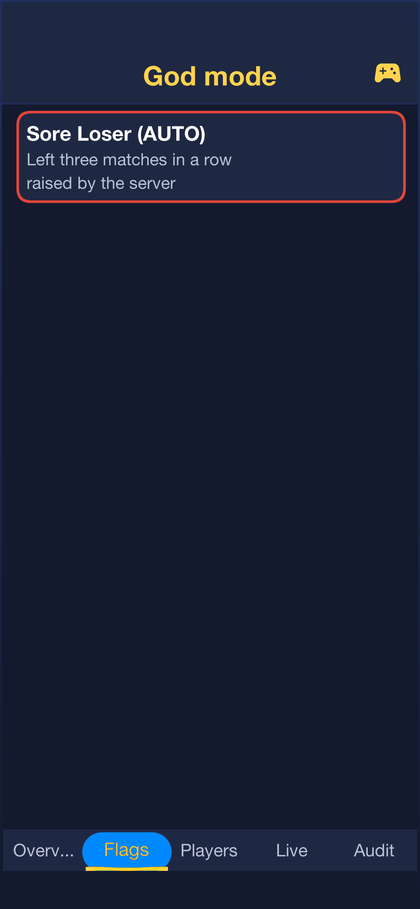
An operator can warn, mute, suspend or ban a player, reset their trophies or revoke purchased items, and the history of actions sits beside the player’s numbers.
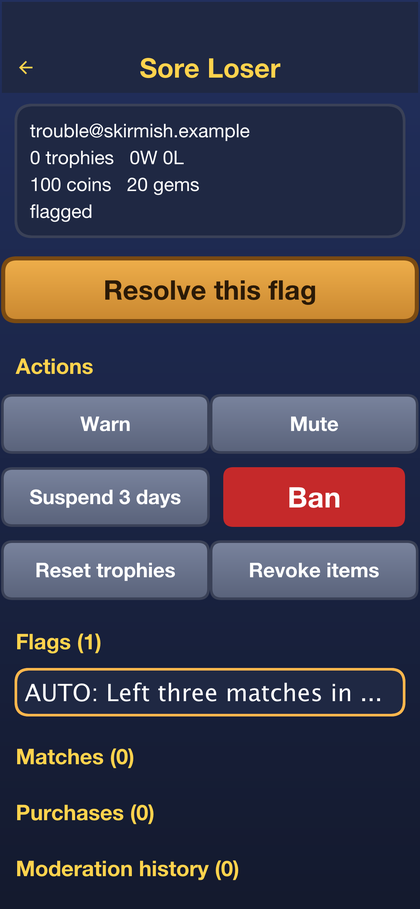
50.13. Inviting friends and promoting the game
Growth uses what Codename One already has, and the game counts nothing of its
own. An invitation link comes from com.codename1.analytics.invite. The app makes
it, with a campaign, a channel and the player’s code as its payload:
/// Opens the share sheet with the player's invite link.
public static void share(InviteDto mine) {
Invite invite = Invites.create(InviteRequest.create()
.campaign(CAMPAIGN)
.channel("share_sheet")
.payload(mine.code())
.title("Join me in Skirmish")
.description("A real-time card battle. Build a deck and fight me.")
.build());
Invites.share(invite, "Battle me in Skirmish! You get " + mine.friendCoins()
+ " coins to start with: " + invite.getUrl());
Telemetry.inviteSent(CAMPAIGN);
}The friend’s app reads it back on its first start, whether the link opened the installed app or went through the store first:
/// From the app's start(): pick up an invite this launch carries.
public static void start() {
Invites.setInviteListener(new InviteListener() {
@Override
public void inviteReceived(InviteAttribution a) {
if (a.getPayload() == null || a.getPayload().length() == 0) {
// A campaign link from the console: attributed in
// analytics, nobody to reward.
return;
}
Preferences.set(PENDING + "code", a.getPayload());
Preferences.set(PENDING + "campaign", a.getCampaign() == null ? "" : a.getCampaign());
Preferences.set(PENDING + "channel", a.getChannel() == null ? "" : a.getChannel());
Preferences.set(PENDING + "match", a.getMatchType() == null ? "" : a.getMatchType());
if (Session.user() != null) {
Ui.later(Friends::claimPending);
}
}
@Override
public void attributionUnavailable(String reason) {
// The ordinary case: most installs were not invited.
}
});
Invites.checkForInvite();
}The Friends screen shows the player’s invite code and what an invitation pays, and its Invite friends button opens the share sheet. A friend who opens the link starts with extra coins, and the screen lists everyone who joined through the player’s link and whether they have played yet.
From then on, everything the friend’s app reports through Codename One
analytics carries the campaign and the referrer, so the invite funnel,
retention and revenue per campaign are read in the Codename One console.
Telemetry adds the player’s level and trophy band as user properties, which
the console slices every report by.
The server keeps only what’s part of the game: the codes, who joined through whom, and the rewards. A claim is refused for an account older than a week, for a player’s own code and for a second code, and the inviter is paid once the friend has played a battle, for at most ten friends:
/// The friend's side: the app found an invite and the player is signed in.
@Transactional(rollbackFor = IOException.class)
public RewardDto claim(String username, InviteClaimDto claim) throws IOException {
String code = claim == null || claim.code() == null ? "" : claim.code().trim();
ReferralCode owner = code.length() == 0 ? null : codes.findById(code);
if (owner == null) {
throw new ResponseStatusException(404, "That invite is not known");
}
String inviter = owner.getUsername();
if (inviter.equals(username)) {
throw new ResponseStatusException(400, "That is your own invite");
}
if (referrals.findById(username) != null) {
throw new ResponseStatusException(409, "An invite was already counted for you");
}
Referral back = referrals.findById(inviter);
if (back != null && back.getInviter().equals(username)) {
throw new ResponseStatusException(400, "You invited that player");
}
Profile p = profiles.findById(username);
if (p == null || p.getCreatedAt() < Clock.now() - CLAIM_DAYS * Clock.DAY) {
throw new ResponseStatusException(400, "Invites count for new players only");
}
Referral r = new Referral();
r.setInvitee(username);
r.setInviter(inviter);
r.setCode(code);
r.setCampaign(clip(claim.campaign(), 40));
r.setChannel(clip(claim.channel(), 40));
r.setMatchType(clip(claim.match(), 20));
r.setState(JOINED);
r.setJoinedAt(Clock.now());
referrals.insert(r);
Profile from = profiles.findById(inviter);
pushes.friendJoined(inviter, p.getDisplayName());
return progression.missionReward(username,
"A gift from " + (from == null ? "your friend" : from.getDisplayName()), FRIEND_COINS, 0);
}The Promote tab in the console is where the operator works. It opens the analytics console, and it sends Codename One push notifications to a segment of players: everyone, players away for some days, new players, or those who came through an invitation. A broadcast is counted before it’s confirmed, the server sends at most five a day, and each one carries a campaign name in its data, which the app reports when the notification is tapped:
@Transactional(rollbackFor = IOException.class)
public BroadcastDto broadcast(String admin, BroadcastDto b) throws IOException {
check(b, true);
long now = Clock.now();
if (broadcasts.countBySentAtGreaterThan(now - Clock.DAY) >= MAX_BROADCASTS_PER_DAY) {
throw new ResponseStatusException(429, "At most " + MAX_BROADCASTS_PER_DAY
+ " broadcasts a day: players who are pushed too often switch notifications off");
}
String id = Ids.next();
String campaign = b.campaign() == null || b.campaign().trim().length() == 0
? "broadcast-" + id.substring(0, 8) : b.campaign().trim();
int reached = pushes.broadcast(audienceOf(b), id, b.title().trim(), b.body().trim(), screen(b.screen()),
campaign);
Broadcast row = new Broadcast();
row.setId(id);
row.setSegment(b.segment());
row.setDays(b.days());
row.setTitle(b.title().trim());
row.setBody(b.body().trim());
row.setScreen(screen(b.screen()));
row.setCampaign(campaign.length() > 40 ? campaign.substring(0, 40) : campaign);
row.setTargets(reached);
row.setSentBy(admin);
row.setSentAt(now);
broadcasts.insert(row);
record(admin, "BROADCAST", b.segment() + ": " + b.title().trim());
return dto(row);
}The same tab sets the spotlight, a banner at the top of every player’s home screen, and makes campaign links for adverts and posts: invite links without a player’s code, which reward nobody and attribute everyone they bring in.
The store’s rating prompt is Codename One’s AppReview, asked after a win and
only of a player who keeps coming back:
// The store's own rating prompt, asked only of a player who has come
// back: five launches over three days, and never twice in a month.
// ResultForm asks after a win, the moment a player is happiest.
AppReview.getInstance().setMinimumLaunches(5).setMinimumDaysInstalled(3)
.setDaysBetweenPrompts(30).registerSession();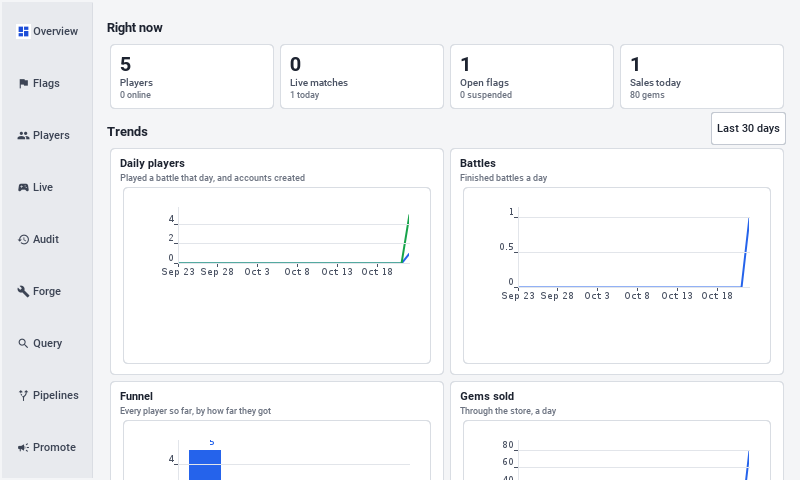
On a desktop or a tablet, the console puts its tabs in a sidebar:
// On a desktop or a tablet the console is a side bar and a page, the
// way an operator's tools usually are; on a phone, tabs along the top.
if (wide()) {
tabs.setTabPlacement(Component.LEFT);
tabs.setTabTextPosition(Component.RIGHT);
} else {
// Nine tabs do not fit across a phone: they scroll sideways.
tabs.getTabsContainer().setScrollableX(true);
tabs.setTabTextPosition(Component.BOTTOM);
}run-e2e.sh runs its tests a second time on Linux with the simulator as a
desktop window, and that pass captures the console’s tabs.
50.14. Reports, queries and engagement pipelines
The console is an operator’s tool, so it doesn’t wear the game’s theme. Its
styles are a separate set of Desk UIIDs in the same theme.css: a light
page, cards with thin borders, and one accent colour. Every form puts its labels
in a right-aligned column of one width, so the fields start at the same place:
/// A label and its field on one line, the label in a column of its own,
/// right aligned, so every field of a form starts at the same place.
static Container field(String label, Component input) {
Label l = new Label(label, "DeskLabel");
l.setPreferredW(CN.convertToPixels(AdminConsole.wide() ? WIDE_LABEL_MM : LABEL_MM));
Container c = new Container(new BorderLayout());
c.setUIID("DeskFieldRow");
c.add(BorderLayout.WEST, l).add(BorderLayout.CENTER, input);
return c;
}The Overview tab draws its trends with Codename One’s charts package: daily
players and new accounts, battles, gems sold, the funnel from joining to
paying, retention, and the trophy ladder. The server’s Insights builds them
from the game’s own records, accounts, battles and purchases, so they need no
extra tracking. What players do inside the app, the screens they open and the
pushes they read, is in Codename One analytics, one button away.
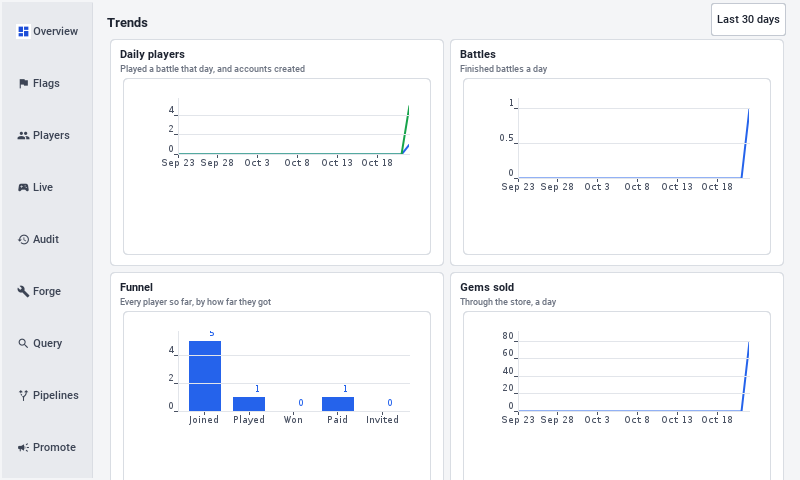
The Query tab finds players by conditions on what the server knows about them: days since they last played or joined, trophies, battles, wins, gems, coins, purchases and friends invited. Make a pipeline turns the same conditions into an automated pipeline.
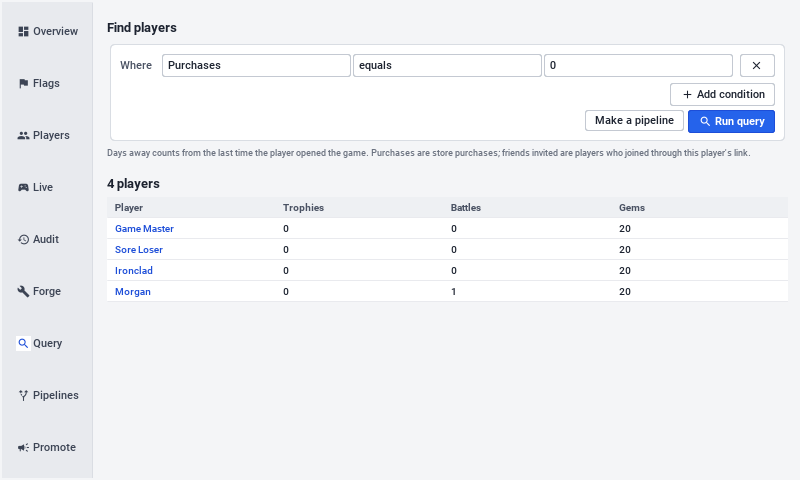
A pipeline is a rule of the form "players who match these conditions get this": a push that opens a chosen screen, or gems. Each player is reached at most once per cool-down, and the server runs every enabled pipeline once an hour, on one server at a time:
/// Every enabled pipeline, once an hour, on one server at a time.
/// Transactional itself: a call to [#run] from here is a call on `this`,
/// which does not go through the transaction wrapper.
@Scheduled(fixedDelay = EVERY, initialDelay = 5L * 60 * 1000, lock = "skirmish-pipelines")
@Transactional(rollbackFor = IOException.class)
public void runAll() throws IOException {
for (Pipeline p : pipelines.byName()) {
if (p.isEnabled()) {
run(p.getId());
}
}
}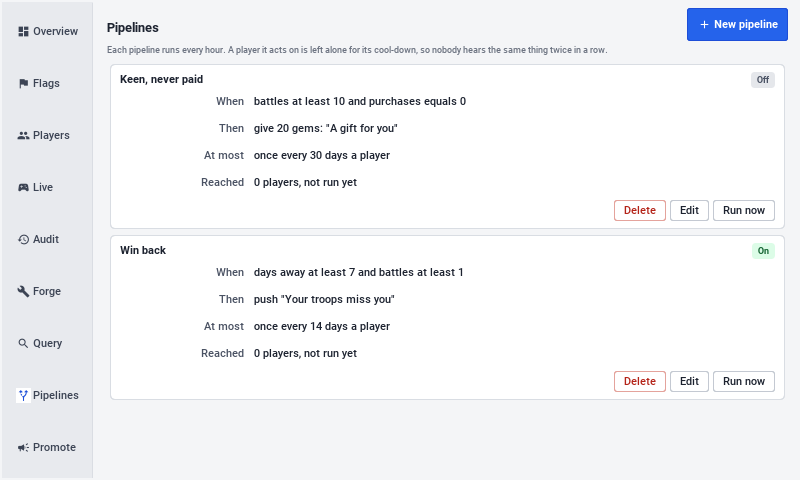
The demo seeds two. Win back pushes "Your troops miss you" to a player away for a week who has played before, and Keen, never paid gives 20 gems to a player with ten battles and no purchases. The Count players button shows how many players match today before a pipeline is saved.
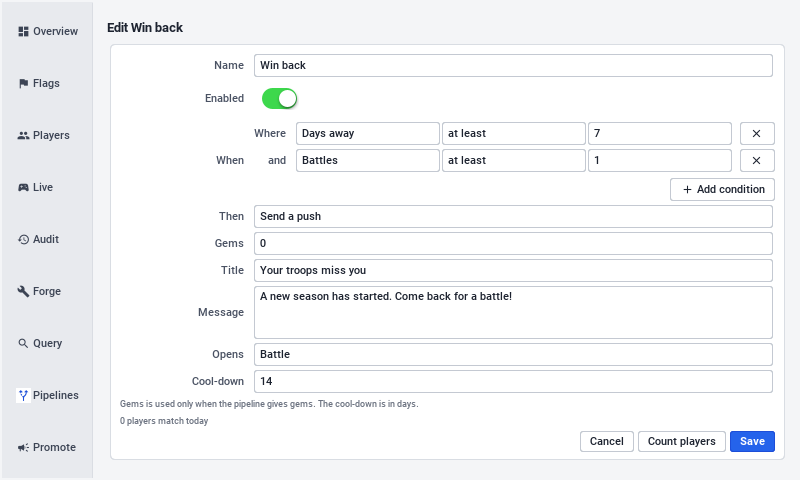
50.15. Tutorial: Growing your game
A game that’s finished still needs players, and players who come back. This tutorial walks through the levers Skirmish already has, in the order a new game usually needs them, and what to read in the analytics console to know whether each one is working. Everything here is measured by Codename One analytics, so nothing needs a dashboard of its own.
50.15.1. Step 1: Switch the measurements on
Turn on analytics for the app in the Codename One console.
Telemetrysends throughCodenameOneAnalyticsProvideronce the player agrees on the consent screen; without that agreement nothing leaves the device.Set
AppConfig.PUSH_APP_KEYto the app’s push key from the console’s Push section. Without it the game works, but sends no notifications.Run a few battles in the simulator. The events,
battle_start,battle_end,shareand the rest, appear in the console’s event list, and every report can be sliced by thelevel_bandandtrophy_banduser properties.
50.15.2. Step 2: Read the funnel
The first report to open is the funnel a new player walks: sign_up, the
training battle’s reward, the first battle_end with a win, deck_saved,
purchase. The step where most players stop is the one to work on first:
Players who sign up and never battle need a shorter way in. The training battle is in
Tutorial; its lines are in aMissionDef, and a shorter one is a smaller list.Players who battle once and leave need a reason to return. That’s what the next steps are for.
Players who play but never spend may need a cheaper first offer. The prices are in the server’s
Catalog.
50.15.3. Step 3: Bring players back with push
Retention, the share of players who return a day and a week after they installed, is the number most games live or die by. Push brings players back, but only when it’s rare and worth reading.
Sign in as the administrator, open the console, and choose Promote.
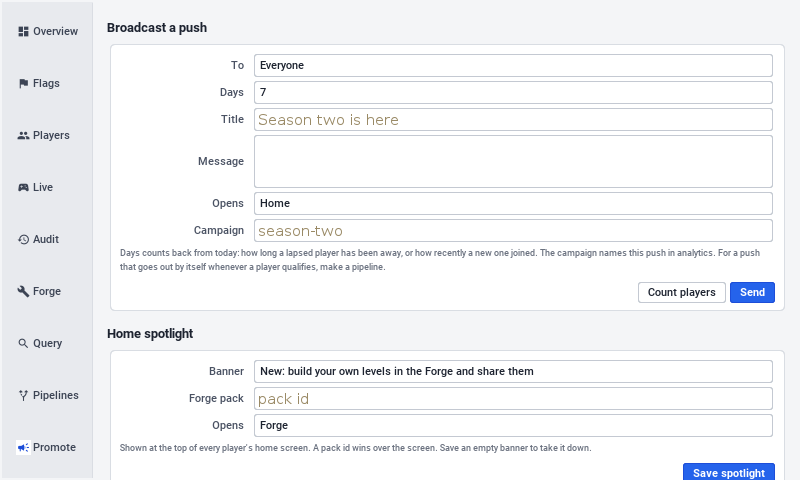
Under Broadcast a push, choose who it’s for. Away for a while with 3 days reaches players who stopped recently and still remember the game.
Write a title and a message about something new, and choose the screen a tap opens: the shop for a sale, the Forge for new content.
Give it a campaign name, such as
comeback-march. The app reports apush_openevent with that name when the notification is tapped, and the campaign is how the console tells broadcasts apart.Choose Count players, then Send, and confirm.
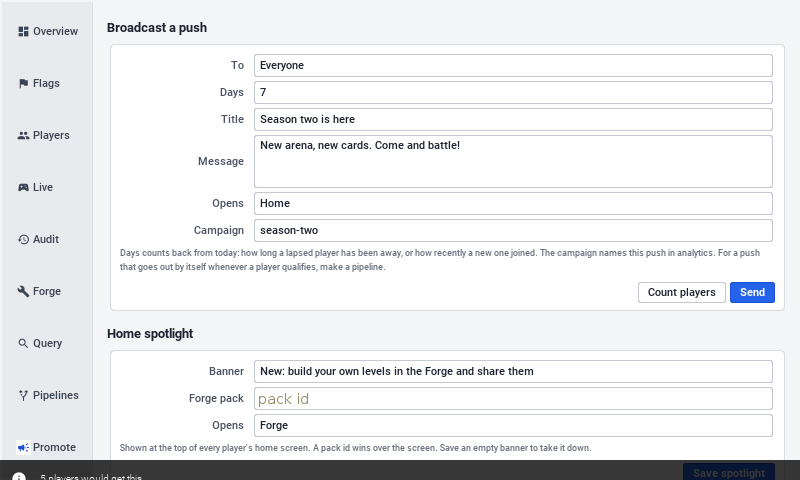
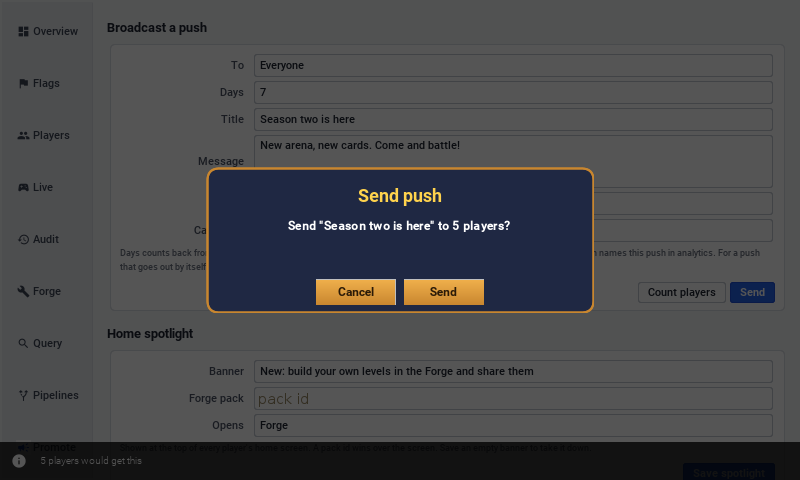
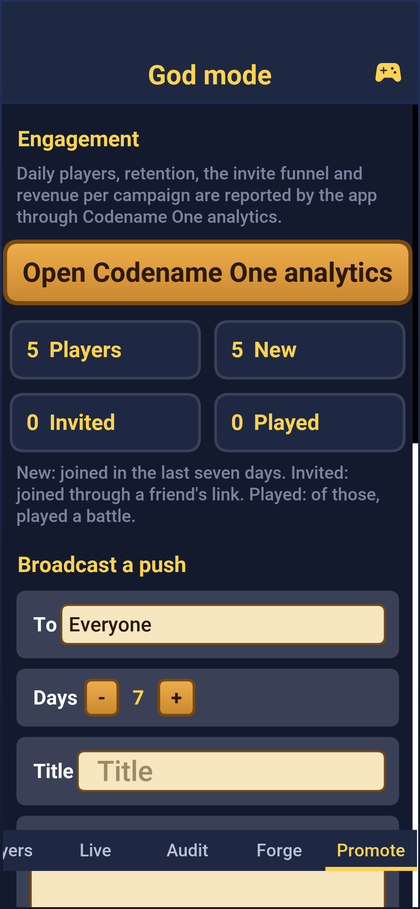
A day later, compare that campaign’s push_open count with the number of
players it was sent to, and the cohort’s return rate with the week before. A
broadcast that nobody opens is worse than none: it teaches players to ignore
the next one. The server allows five a day for that reason, and
MAX_BROADCASTS_PER_DAY in Promotion is the place to lower it.
50.15.4. Step 4: Grow through invitations
An invitation is the cheapest player a game gets, because a friend is already playing. The rewards decide how often players send one:
The amounts are constants at the top of the server’s
Referrals:FRIEND_COINSfor the friend,INVITER_COINSandINVITER_XPfor the player who invited them, andMAX_REWARDEDfor how many friends pay.The inviter is paid only once the friend has played a battle, so a reward can’t be farmed with empty accounts, and the friend must claim within a week of joining.
In the console, compare the
shareevents withcontentset toinviteagainst the installs attributed to thefriendscampaign and theirfirst_battleandfirst_winconversions. When many links are shared and few bring anyone in, raise the friend’s reward; when few are shared at all, make the Friends screen easier to reach.

Set the invite.domain build hint to a domain of your own before release, so
the links carry the game’s name rather than the default service.
50.15.5. Step 5: Campaign links for the world outside
An advert, a post or a newsletter gets a link from Campaign link on the same
tab. It’s an invitation without a player’s code: it opens the store for anyone
without the game, rewards nobody, and every player it brings in is reported
under its campaign. Use one name per channel, such as newsletter-may and
video-launch, and the console compares what each one brought in, down to
revenue.
50.15.6. Step 6: The home screen spotlight
The banner at the top of every player’s home screen is the quickest message there is: no notification permission, no store review. Set it under Home spotlight with a line of text and either a Forge pack, which opens that pack, or a screen. Use it for what’s new this week; take it down by saving an empty banner.
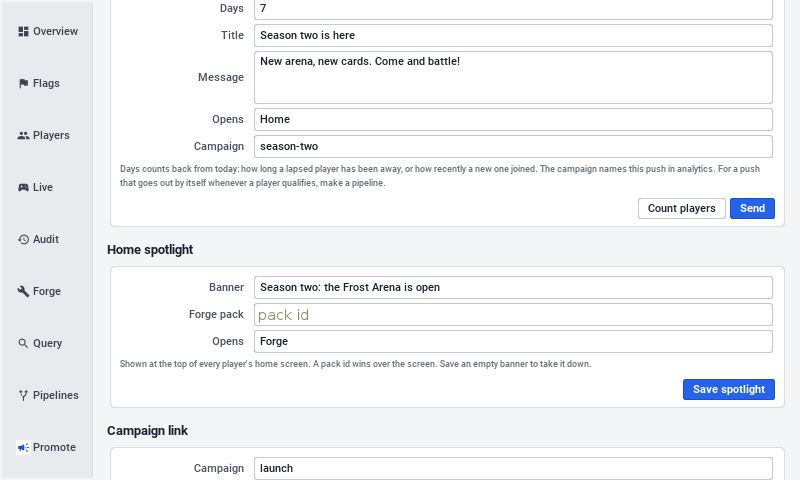
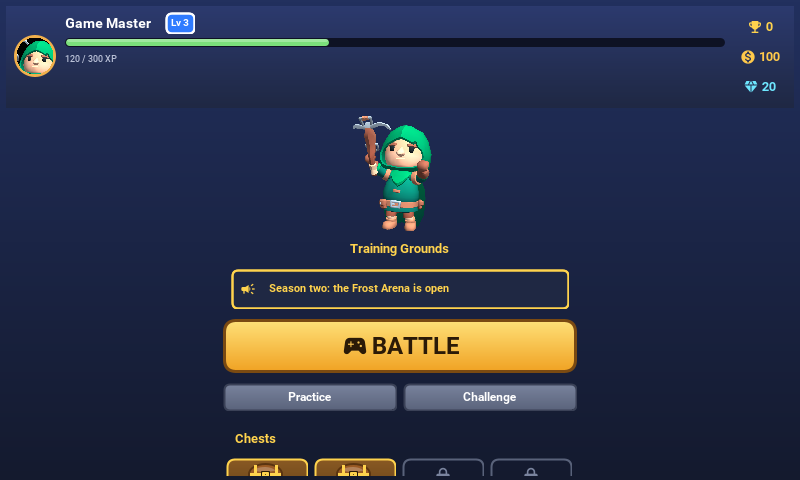
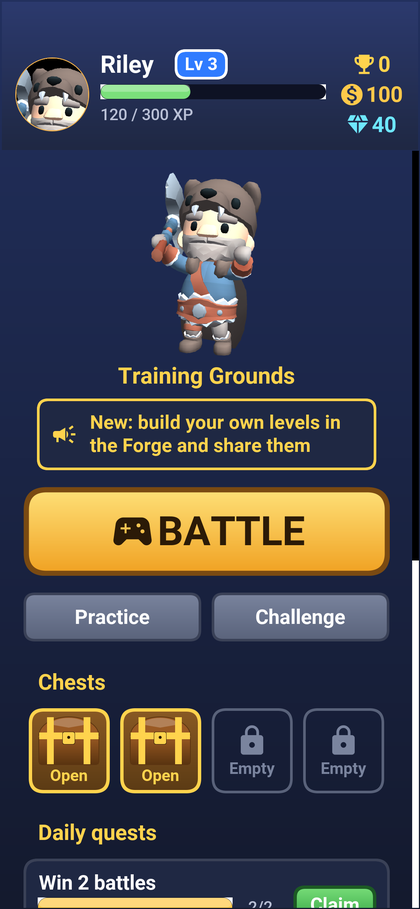
50.15.7. Step 7: Ratings
A store’s rating is what a stranger sees first. AppReview asks only players
who’ve launched the game five times over three days, never more than once a
month, and only after a win. A low score goes to feedback rather than the
store. Tune those numbers in Skirmish.runApp.
50.16. The training battle
Tutorial is a script of steps run over an ordinary practice battle. Each step
freezes the clock, shows Elda’s line and, if it asks for something, the finger and
the one card that can be played. Changing the lesson means changing the list of
steps.
The mentor, Elda, explains one idea at a time while the clock is frozen: the red towers are the targets, cards cost elixir, and elixir refills by itself. Then she asks for something and a finger shows how. It points at the card to pick, then slides from the card to the spot to drop it, and only that card can be picked while she’s teaching it.
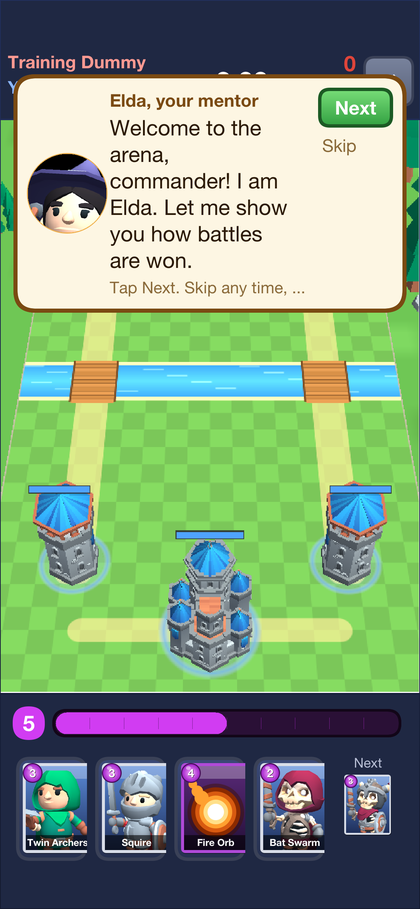
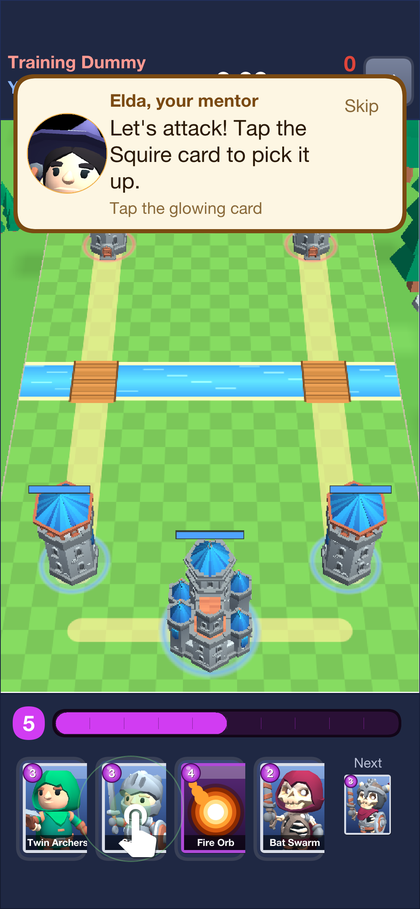
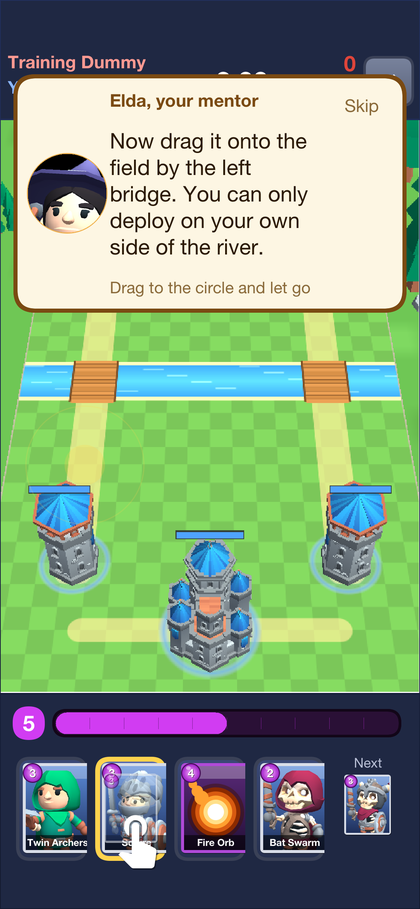
The lesson covers attacking, defending when the enemy sends troops, and throwing a spell at a tower. Finishing the battle against a slow opponent pays once: coins, experience, a chest and the first achievement. A player can replay the lesson from How to play on the home screen.
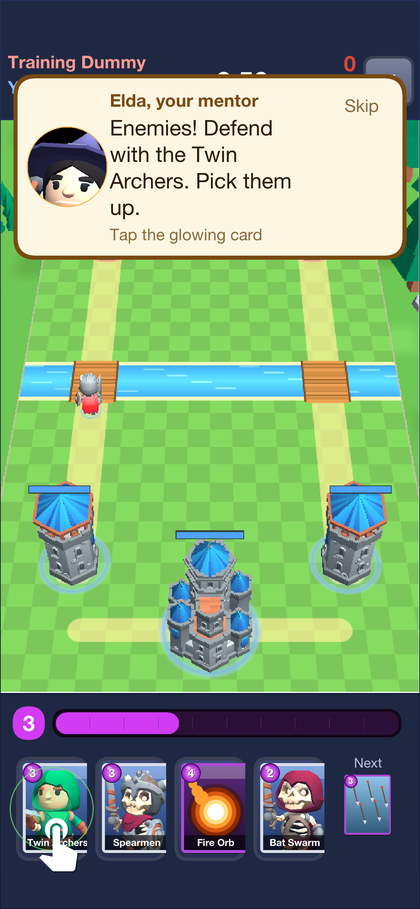
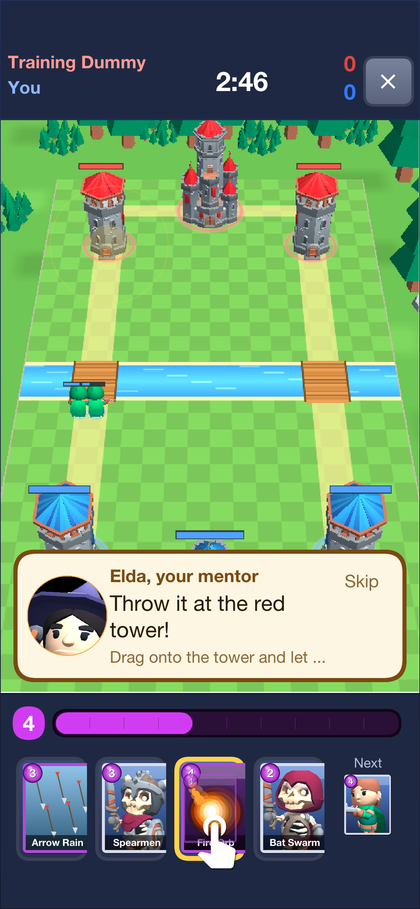
The app can also drive itself through its own screens: Tour signs in, collects
rewards, visits the deck and plays a battle, which is how the promotional video is
recorded. Any Codename One app can be driven the same way without code of its own,
through its built-in MCP server; see the MCP headless API.
50.17. Content packs and the Forge
Everything the Forge edits is data in rules: a ContentPack holds cards
(CardDef), arenas (Arena), missions (MissionDef) and campaigns
(CampaignDef), and PackCodec reads and writes it as JSON. The classic game is
the same model: Arena.CLASSIC and the built-in cards describe the field and
the cards the battle always had, so the golden replays still pass. A mission is
played by MissionRun, which builds a Match from the pack’s arena and cards,
plays the scripted waves and the bot, and decides the stars.
The Forge is the game’s own level editor, in the same app on every platform. Players build packs of new cards, arenas, missions and campaigns, share them with a link, and play what others made. The game’s designers use the same editor: a pack an operator marks official appears first, for everyone. Forge on the home screen lists the packs. Official comes with the game, Popular and New are what players published, and Yours holds a player’s own drafts and packs.

50.17.1. Playing a pack
A pack shows its campaigns, each a list of missions that open one after another, and the stars won in each. A mission can be anything the author wrote: hold the castle for two minutes, win three crowns against waves of enemies, or beat a bot with a fixed deck. Its story is told during the battle, and a line that stops the clock waits for Next, the way the training battle does.
A mission pays up to three stars. The first is for winning, and the second and third are for what the author asked, such as keeping towers standing or winning before a set second. Rewards come once per star, and the server plays every mission again before it believes the stars, as Section 50.17.4, “Results are played again” shows.
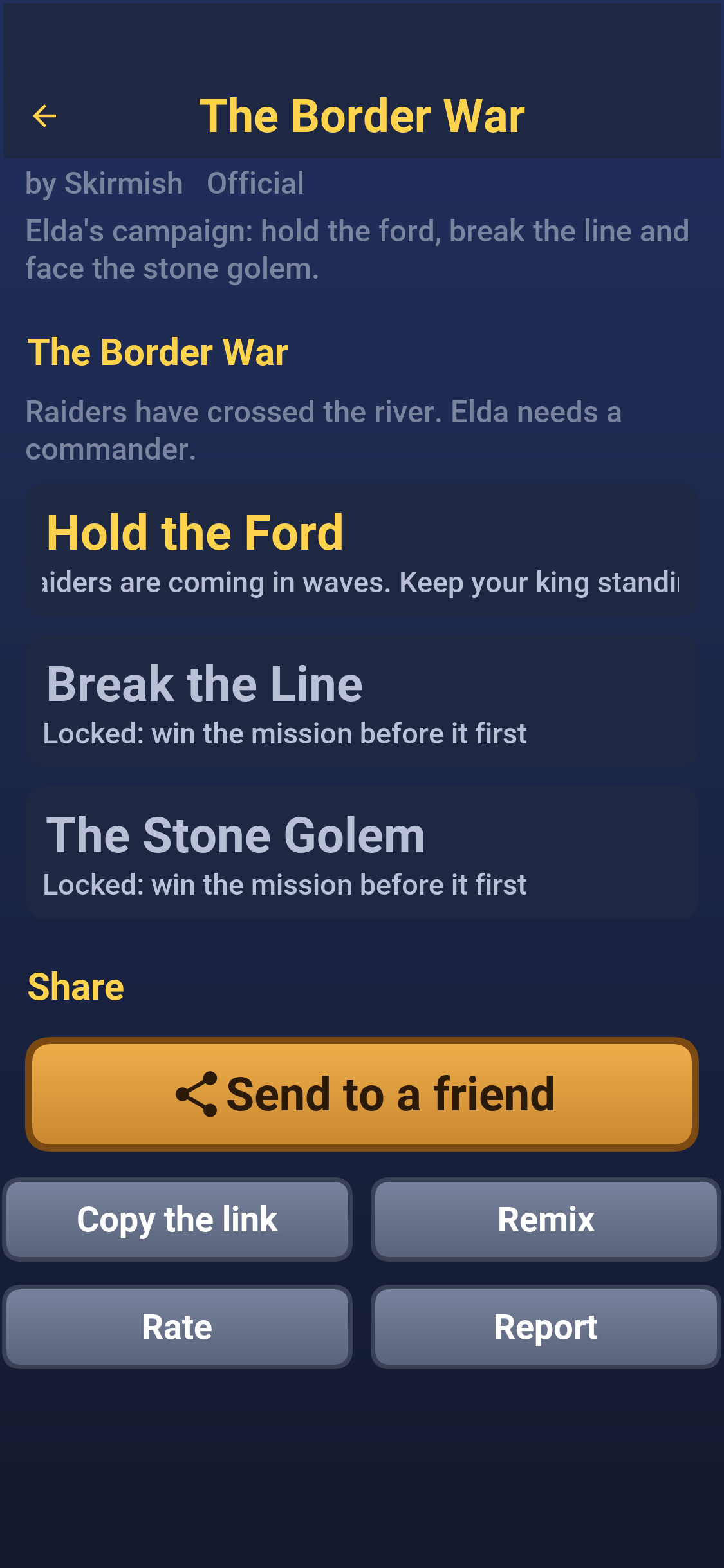
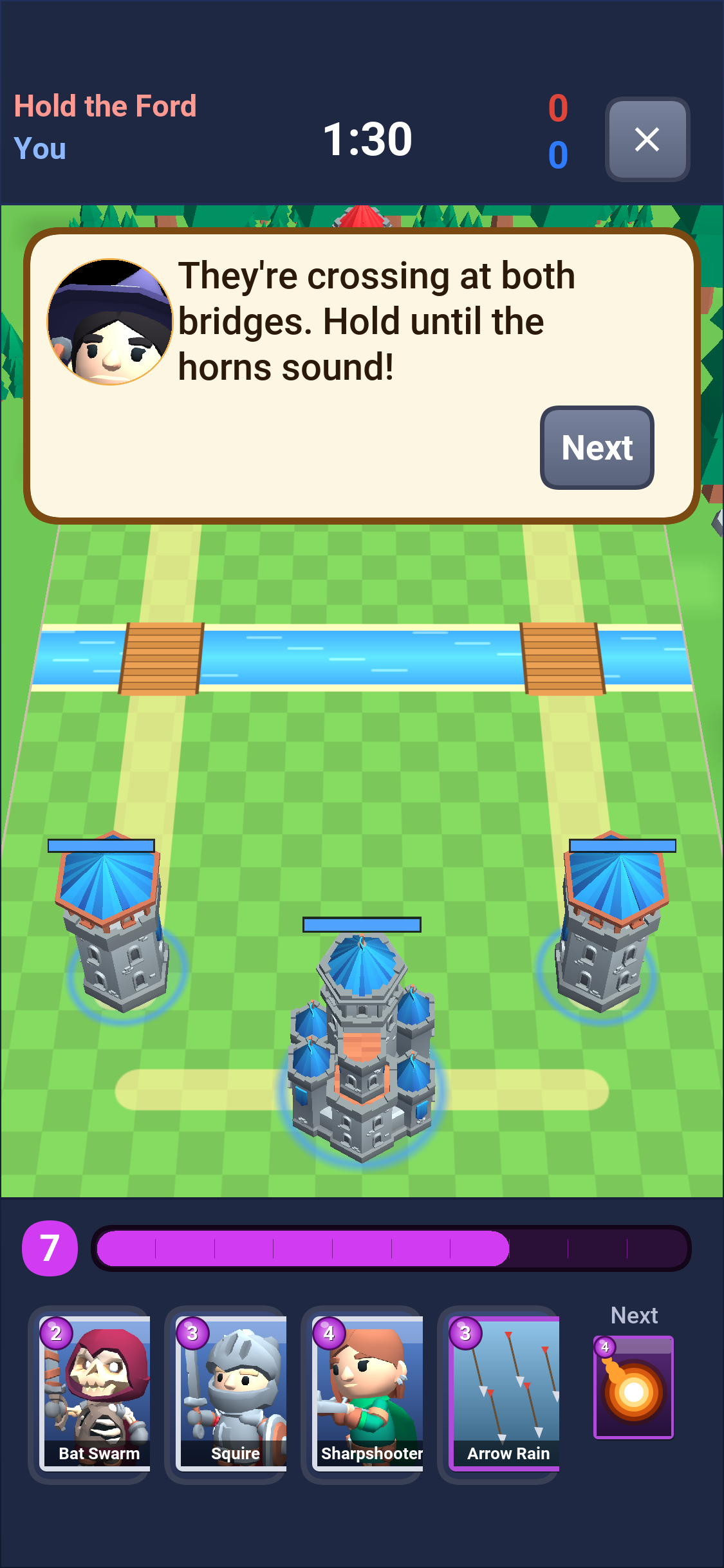
Share sends a link that opens the pack in the app, and Remix copies a pack into a new one of the player’s own to change.
50.17.2. Making a pack
Create a pack starts one with a single mission against the bot, ready to play. The pack editor lists its cards, arenas, missions and campaigns, shows any problem that would stop it from being published, and saves a draft that only its author sees until Publish.
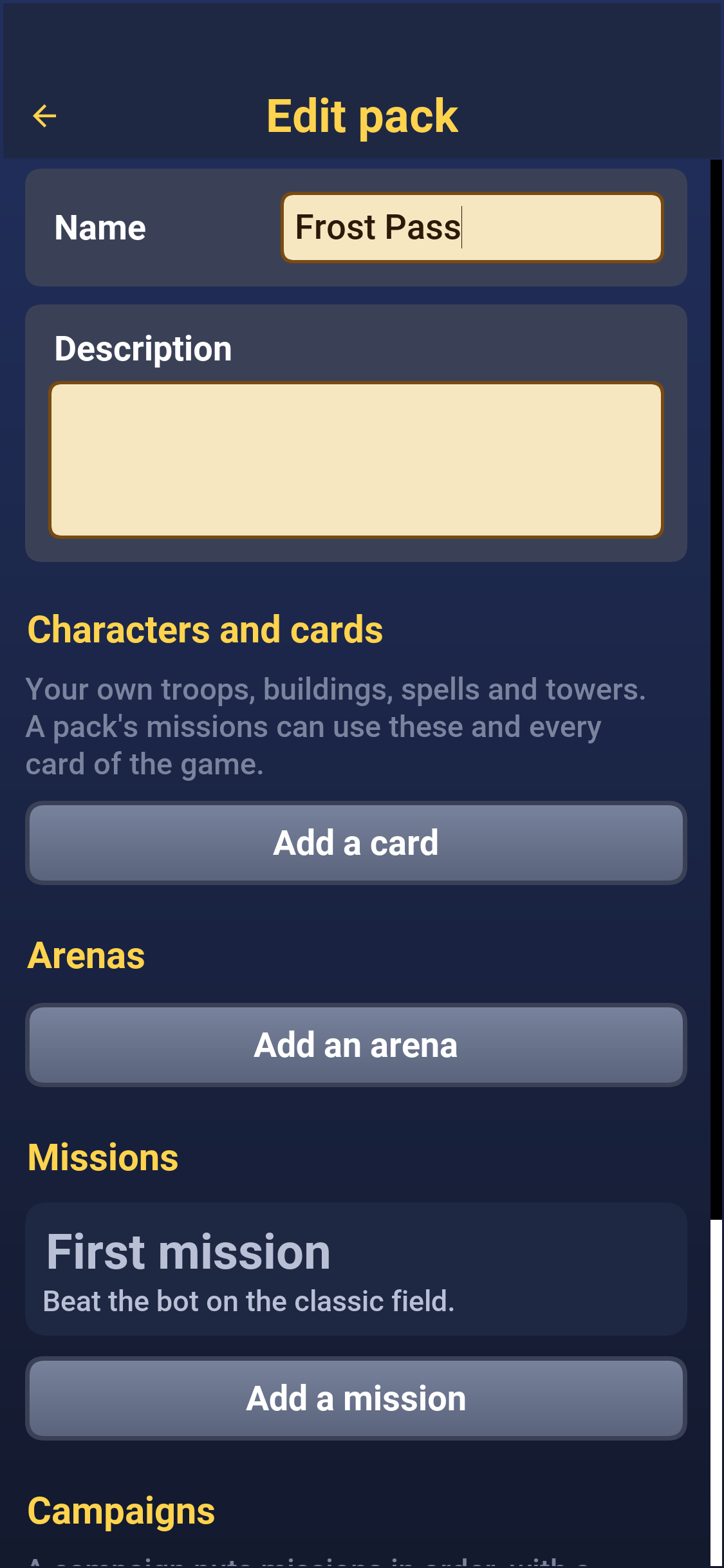
Cards start from any card in the game and change its cost, hit points, damage, speed, range, targets and what it spawns. A card can look like any of the game’s characters, or like a rigged glTF model imported from a
.glbfile, with its animations matched to walking, attacking and dying on a turntable preview. An imported model is visible to the author and to anyone they share the pack with straight away, and to everyone once a moderator has approved it.Arenas are drawn on a grid: castles, towers, rocks and trees placed with a tap, mirrored to the enemy’s half as they’re placed, on a field of any size with one to three lanes and a frost or desert theme.
Missions pick an arena, the goal, the length of the battle, each side’s elixir and deck, the waves of enemies that arrive at set seconds, the lines of the story, the stars and the reward. Test play plays the mission at once.
Campaigns put missions in order, with a story before the first and after the last.
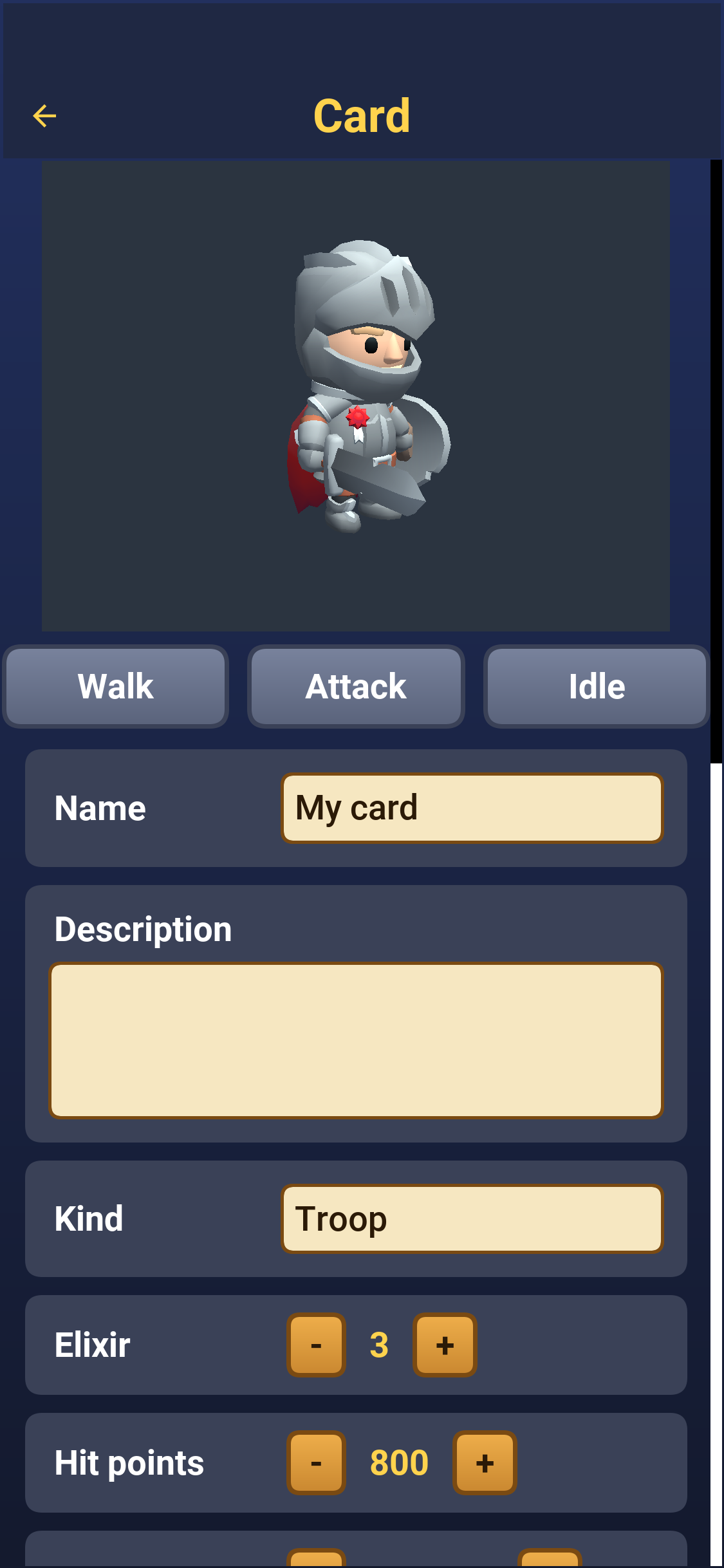
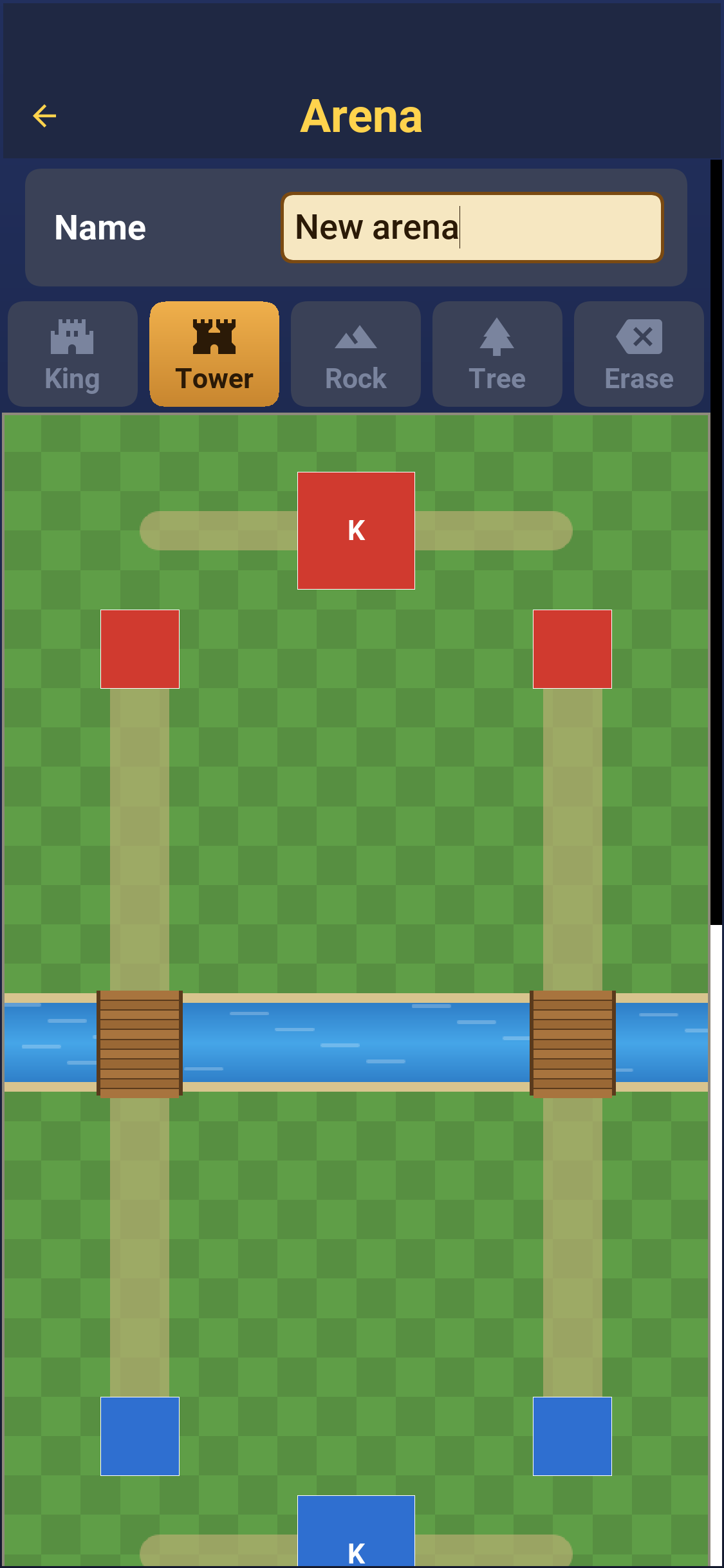
50.17.3. Limits
A pack comes from a stranger, so Validator checks every number in it before
the server publishes it and before the app loads it. The limits keep a pack from
stalling a phone, a server or the economy, not from being odd:
public static final int MAX_CARDS = 40;
public static final int MAX_ARENAS = 10;
public static final int MAX_MISSIONS = 60;
public static final int MAX_CAMPAIGNS = 10;
public static final int MAX_CAMPAIGN_MISSIONS = 30;
public static final int MAX_ASSETS = 40;
public static final int MAX_DIALOG = 60;
public static final int MAX_TEXT = 280;
public static final int MAX_LONG_TEXT = 1200;
/// A model travels base64 encoded in one request, under the server's 8 MB body limit.
public static final int MAX_MODEL_BYTES = 5 * 1024 * 1024;
public static final int MAX_IMAGE_BYTES = 1024 * 1024;
/// What any one mission may pay, on top of the server's caps for packs that
/// are not official.
public static final int MAX_REWARD_COINS = 500;
public static final int MAX_REWARD_XP = 200;An uploaded model is checked by GlbInspector on the server: the size, the
.glb header, and caps on its nodes, meshes, joints, and animations. It’s stored
by its SHA-256 and waits in the console’s Forge tab until a moderator approves
it.
50.17.4. Results are played again
The app plays a mission locally and sends its replay. The replay names the pack,
its content hash and the mission, so the server finds the exact version that was
played, plays the player’s commands again with MissionRun.verify and pays only
for stars it saw won, and only once:
Match played;
try {
played = MissionRun.verify(pack, ref.mission, replay);
} catch (IllegalArgumentException e) {
throw new ResponseStatusException(400, e.getMessage());
}
int won = mission.stars(played);
String key = Ids.sha256(username + "|" + p.getId() + "|" + ref.mission);
MissionStars row = stars.findById(key);
if (row == null) {
row = new MissionStars();
row.setId(key);
row.setUsername(username);
row.setPackId(p.getId());
row.setMissionId(ref.mission);
stars.insert(row);
}
row.setPlays(row.getPlays() + 1);
row.setStars(Math.max(row.getStars(), won));
int newStars = Math.max(0, won - row.getPaidStars());
row.setPaidStars(row.getPaidStars() + newStars);
row.setUpdatedAt(Clock.now());
stars.save(row);
p.setPlays(p.getPlays() + 1);
packs.save(p);
int coins = mission.rewardCoins * newStars / 3;
int xp = mission.rewardXp * newStars / 3;
if (username.equals(p.getOwner())) {
// Testing your own mission is free, and pays nothing.
coins = 0;
xp = 0;
} else if (!p.isOfficial()) {
coins = Math.min(coins, COMMUNITY_MISSION_COINS * newStars / 3);
xp = Math.min(xp, COMMUNITY_MISSION_XP * newStars / 3);
coins = spendDailyAllowance(username, coins);
}The app’s side starts the battle, fetches the pack’s files first, and posts the result when it ends; a test play from the editor posts nothing:
public final class MissionPlay {
private MissionPlay() {
}
public static void start(final ContentPack pack, final String missionId, final boolean test,
final Runnable back) {
List<String> files = new ArrayList<String>();
for (CardDef c : pack.cards) {
if (c.model() != null && c.model().startsWith("asset:")) {
files.add(c.model().substring(6));
}
}
ForgeFiles.fetch(files, () -> Ui.later(() -> battle(pack, missionId, test, back)), Ui::failed);
}
private static void battle(final ContentPack pack, String missionId, final boolean test, final Runnable back) {
MissionDef m = pack.mission(missionId);
CardSet cards = pack.cardSet();
CardArt.use(cards);
MissionDriver driver = new MissionDriver(pack, missionId, System.currentTimeMillis(),
m.playerDeck == null ? ownDeck(cards) : null);
BattleForm.mission(driver, new BattleForm.MissionEnd() {
@Override
public void finished(MissionDriver d) {
CardArt.use(null);
int stars = d.run().stars();
if (test) {
Dialog.show(stars > 0 ? "Won" : "Lost", stars > 0 ? PackScreen.starText(stars)
+ " -- a test battle counts for nothing." : "The enemy won this one.", "OK", null);
back.run();
return;
}
Api.forge().result(new MissionResultDto(d.run().replay().encode()), Net.to(
outcome -> Ui.later(() -> Rewards.show(outcome.reward(), back)), (status, message) -> {
Ui.failed(status, message);
back.run();
}));
}
@Override
public void left(MissionDriver d) {
CardArt.use(null);
back.run();
}
});
}
/// The player's saved deck when the pack's cards allow it, else the
/// starter deck: a mission that leaves the deck to the player may still
/// run on a pack that changed which cards there are.
private static String[] ownDeck(CardSet cards) {
if (Session.user() != null && Session.user().deck() != null) {
List<String> d = Session.user().deck();
String[] deck = d.toArray(new String[d.size()]);
if (cards.isValidDeck(deck)) {
return deck;
}
}
return Deck.starter();
}
}50.17.5. Shipping official content
The official pack is seeded from Samples.official() when the server starts.
A designer can instead build a campaign in the Forge, publish it, and mark it
official in the console; an official pack is listed first and pays the rewards
its missions set, while a community pack’s rewards are capped per star and per
day. The amounts are constants at the top of the server’s Forge class.
50.18. Tests
rules has the determinism tests and the golden replays; backend plays whole
online matches over its sockets and checks receipts, progression, moderation and
the Forge’s publishing and mission results, the invite rewards and their
refusals, and the broadcast limits;
run-e2e.sh drives the app through its screens in the simulator against a running
server and takes the screenshots in this guide:
mvn -pl rules test
mvn -pl rules,shared,backend -Dcodename1.platform=backend test
./run-e2e.sh51. Parley: A private messenger from three sides
Parley is a sample app with a server behind it. People chat one to one and in groups, send photos, video and voice notes, and call each other with voice or video. Everything they write, and every call, is end-to-end encrypted: the server relays what it can’t read. An administrator looks after the service without ever seeing a message. The app and the server are one Maven project, written in Java on both sides.
This chapter is the user’s guide: what a person sees and can do, and what an administrator sees. Chapter 52, Parley: Building on the sample is the other half. It explains how the project is built, how the encryption works and what to change to make the app yours. Parley shares its accounts, sign-in, text messages, push notifications, live channel and operations console with Wayline and Savor, the two sibling samples.
One app serves everyone. The server gives every account a set of roles, and the app opens on the screen that fits them: a person on their chats, an administrator on the admin console.
| Role | What it adds |
|---|---|
User | Every account is a user. Chat one to one, in groups and in channels, send photos, video and voice notes, call, link more devices, and decide what others can see about you. |
Admin | Granted by another administrator. See the service in numbers and charts, read and resolve the reports people make, find and moderate accounts, and link conversations to Telegram and WhatsApp. |
51.1. Trying it
Start the server on its development profile and it creates a set of accounts, all
with the password parley-demo, a few conversations between them and a bot that
answers. Section 52.1, “Running it” has the commands.
| Account | Role |
|---|---|
| Users who share a group, Weekend hike, a family group and a channel, Parley news. |
A user an administrator has flagged, with a report about them still open. | |
Runs the service. | |
The Parley bot | Answers whoever writes to it, so that one person trying the app alone has someone to talk to. It’s the server, so its chats are marked as not end-to-end encrypted. |
To see a conversation from both ends, sign in as one account in the simulator and as another in a second simulator, or in a browser.
51.2. Getting in
The welcome screen offers to sign in or to create an account. Server address
is there for a phone on the same network as a development server: localhost on a
phone is the phone, so the app has to be told where the server is. The app in a
browser has no such entry: it always talks to the server that hosts it.
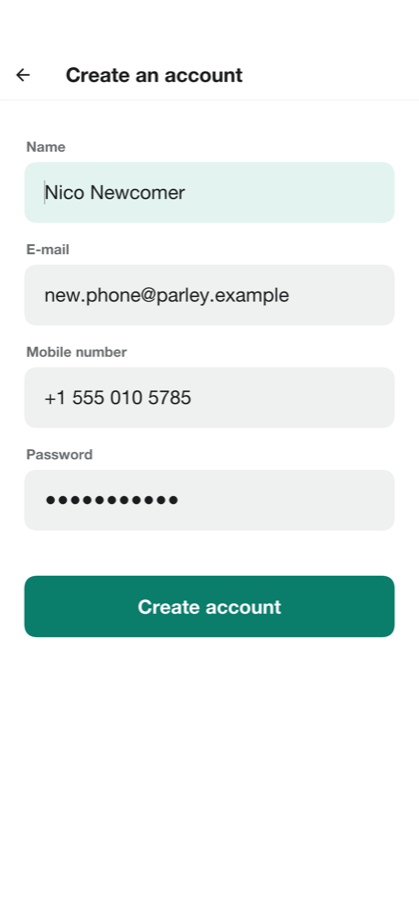
A new account asks for a name, an e-mail address, a mobile number and a password. The mobile number is verified with a code sent as a text message, and a development server prints the code on its console and the app shows it. The number is used to find people you know, and only if you leave that on.
The first sign-in on a device asks whether the app may share usage statistics. The answer can be changed in the settings at any time. What’s shared never includes a name, a contact, a number or anything that was written.
On first sign-in the app also makes this device’s encryption keys. They’re made on the device and never leave it, which is why a message sent before the account existed on this device can’t be read here.
51.3. Chats
The chat list starts with every conversation, the newest first, with an unread count and the start of the last message. Pressing and holding a conversation pins it to the top, mutes it or archives it. A notification only says that something arrived: what it says is fetched and decrypted on the device.
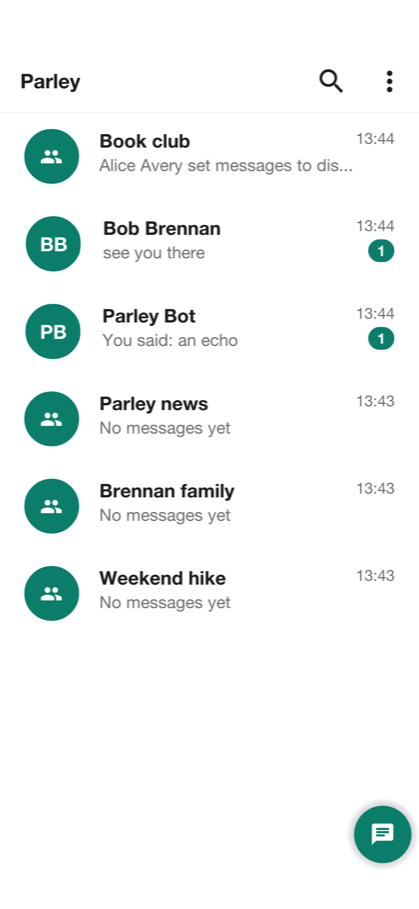
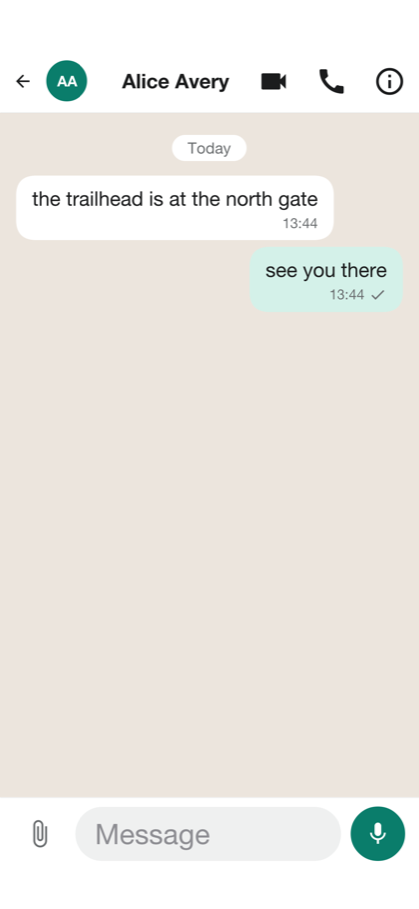
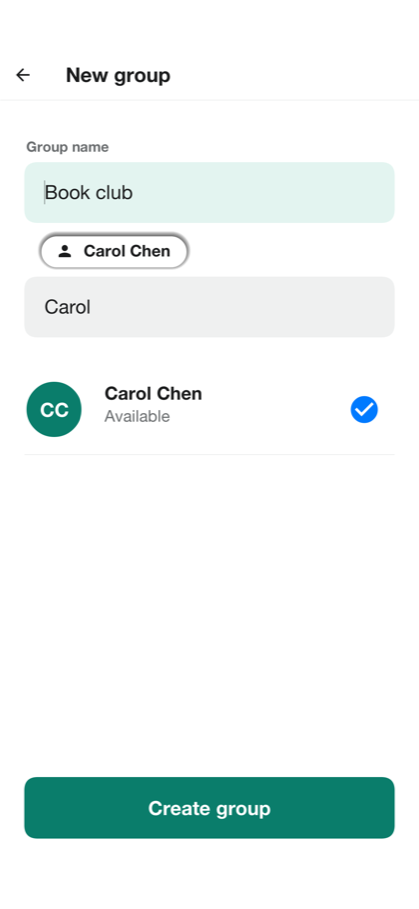
There are three kinds of conversation:
| Kind | Description |
|---|---|
Chat | Two people. |
Group | Up to 256 people. The person who made it owns it and can name administrators, who add and remove members and change the name, the description and the photo. A group can be joined with a link or a code. |
Channel | A group in which only the administrators can send. Everyone else reads. |
The button on the chat list starts a conversation: find a person by name, username or phone number, make a group, or join one with an invitation link.
A conversation shows its messages as they arrive, a typing indicator, and the state of each message you sent: sent, delivered, and read. A message can be replied to, copied, forwarded, edited, and deleted. Delete for everyone removes it from every phone in the conversation. Photos, video and voice notes are sent from the attachment button: a photo or a video from the gallery or the camera, and a voice note recorded with the microphone. Each is encrypted on your phone before it leaves, and an attachment is limited to 16 MB.
Pressing the name at the top opens the conversation’s info: who is in it, a mute switch, the timer for disappearing messages, the safety numbers, and for a person, the choice to block or to report them.
51.4. Is anyone listening
Messages, photos, voice notes and calls are encrypted on your phone with keys that only the phones in the conversation hold. The server stores and relays what it can’t read, which is the point: nobody outside the conversation, the server’s administrators included, can read it.
A message is only as private as the person you think you’re talking to, so the info screen offers Safety numbers: sixty digits that both phones compute from their keys. Compare them with the other person’s screen, in person or over a call. If they match, nobody is in the middle. They change when either person’s keys do — a new phone, a reinstall — so a number that changed for a person who hasn’t changed phones is worth a question.
A chat with the demo bot, and a conversation an administrator has linked to Telegram or WhatsApp, aren’t end-to-end encrypted, because a bot or another network has to read what’s written. The app marks those conversations, and anyone in a bridged conversation is told when it’s linked. Section 52.6, “Bridges to Telegram and WhatsApp” explains the trade-off.
51.5. Privacy
Privacy and security in the settings holds what others can learn about you and what the phone shows:
| Setting | What it does |
|---|---|
Last seen and online | Who sees when you were last online: everyone, your contacts or nobody. The server enforces it, because the server is what hands the information out. |
Profile photo | Who sees your photo, in the same three choices. |
Read receipts | Whether others see when you’ve read their message. Off, you don’t see theirs either, so it isn’t a way to watch without being watched. |
Typing indicator | Whether others see when you’re typing. |
Disappearing messages | A default timer for new chats: off, 5 minutes, 1 hour, 1 day or 1 week. New messages in a chat with a timer vanish from every phone in it that long after they’re read. Anyone in the chat can still copy what was said, so it limits what’s kept, not what was seen. |
Screen security | Keeps chats out of screenshots and the app switcher. |
App lock | Asks for a fingerprint, face or passcode to open Parley, after the app has been away. |
Blocked | People who can’t message or call you. A person is blocked from their chat’s info screen. |
Report on a person or a conversation sends the administrators a reason and the last few messages as the reporter’s phone shows them, and nothing else: they can’t read anything the reporter didn’t choose to send.
51.6. Calls
A call is one to one, voice or video, from the buttons at the top of a chat. The other person’s phone rings, with a notification and the phone’s own call screen — the lock screen on iOS, the system call UI on Android — even when Parley isn’t running. Answering opens the call screen, which has a mute switch, a speaker switch, for video a camera switch and a button to turn the camera off, and End. A call you don’t answer shows in Calls as missed, and a call to someone who’s already in one is told they’re busy.
The audio and video go straight between the two phones, or through a relay when a direct path doesn’t exist, which on mobile networks is often. Either way they’re encrypted between the two phones. Calls need the camera and the microphone, which the app asks for the first time.
51.7. Linked devices
The same account can be signed in on up to six phones, tablets, and browsers. Linked devices in the settings lists them. Each is its own end of every conversation, with its own keys, and a message to you is encrypted for each. Unlinking one is final: the server stops sending it anything, and what it held opens nothing sent afterward.
51.8. The administrator
The admin console starts on a dashboard: how many people are active, how many messages were sent and how many accounts are new, with charts of the last two weeks, of the busiest hours and of the kinds of chat. Message counts are all the server knows: what was said is encrypted on the devices and never reached it.
Reports lists what people reported, with the reason, the messages the reporter attached and a button to resolve it with a note of what was done. People finds any account. An account can be flagged, which marks it for the admins and changes nothing for its owner, or blocked with a reason that’s kept in its history: a blocked account is signed out everywhere and can’t sign in. Another administrator can be named from the same screen.
Bridges lists the conversations linked to Telegram or WhatsApp, and says when a network isn’t set up on this server.
On a tablet or a desktop the console lays its sections down the left side and opens what’s picked beside its list.
51.9. Settings
The settings hold the account — its name, about line, photo, phone number and password — the privacy choices, the linked devices, the language, the theme, notifications and the usage statistics. Deleting the account removes the sign-in, the profile and the settings for good. The app is in English, Spanish, French, German and Hebrew, and in Hebrew it’s laid out from right to left.
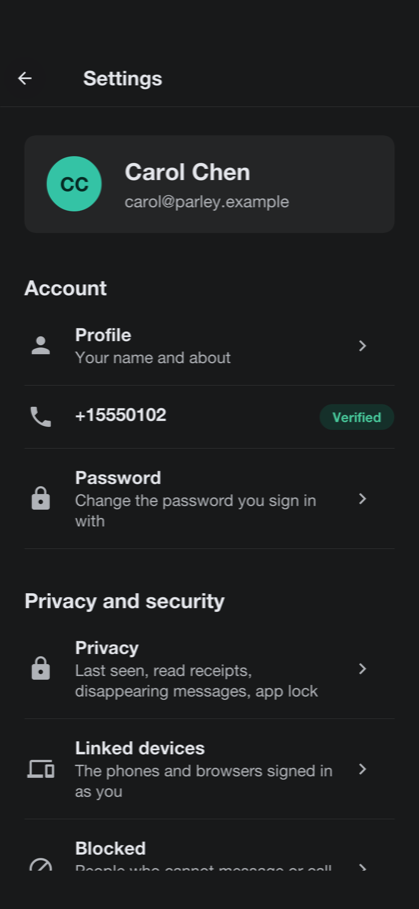
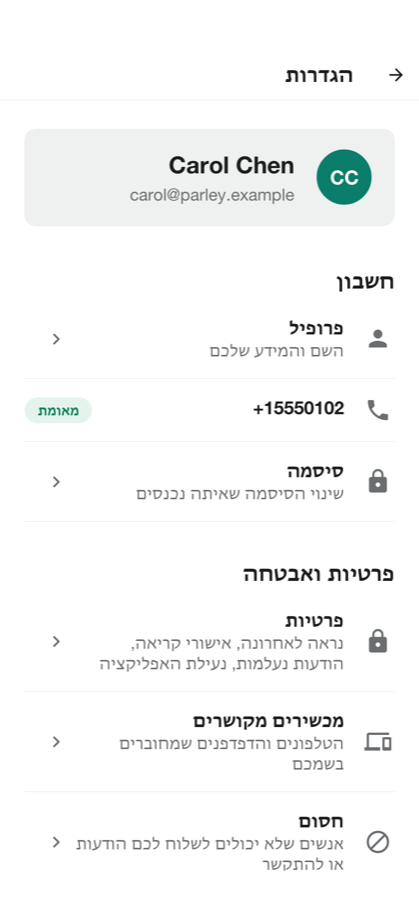
| The translations are machine-generated samples, and no native speaker has reviewed them. Have them checked before you ship the app in those languages. |
51.10. In a browser
The server can host the app itself: open the server’s address in a browser and the same app loads there, signs in against that server, links itself as a device and opens its live channel. A browser gives a page less than a phone gives an app, and the app says so where it matters: the system call screen and the call push are for phones.
52. Parley: Building on the sample
Parley is a messenger, and most of what makes one isn’t in the server. The server stores and relays ciphertext it can’t open; the keys, the sessions, the encryption and the history are in the app. Parley kept what it shares with Wayline and Savor: the module layout, the accounts and sign-in, text messages, push notifications, the live channel, the operations console and hosting the app in a browser. This chapter covers what a messenger changes. For the parts the samples share, it points at the Wayline chapter, which is true of Parley with the names swapped.
52.1. Running it
The project is in scripts/parley, and the Initializr generates it under your own
package and name. Start the server on the development profile, which seeds the demo
accounts and conversations and prints text messages on the console:
CN1_PROFILE=dev backend/server.sh runThen run the app in the simulator, from the project’s directory:
mvn verify -Psimulator -DskipTests -Dcodename1.platform=javasebackend/server.sh run --web builds the app for a browser as well and serves it at
http://localhost:8080/. Running on a device, and the compiled server, work as
Section 47.1, “Running it” describes.
52.2. The modules
The three modules are Wayline’s: shared holds the contract, the data transfer
objects and the @RestClient interfaces both sides compile against; common is
the app; backend is the server. The app’s packages are crypto (keys, sessions
and the encrypted vault on the device), chat (sending, receiving and calls),
store (the history), live, net, notify, admin and ui. The backend’s
follow the domain:
| Package | What it holds |
|---|---|
| The devices of each account and the public keys they publish: identity keys, signed prekeys and one-time prekeys. |
| Conversations and their members, the envelopes that carry messages, their fan-out to devices, encrypted attachments and the demo bot. |
| Calls: who is calling whom, the signalling relay and the TURN credentials. |
| Finding people, blocks and reports. |
| The links to Telegram and WhatsApp. |
| Taken from Wayline and adapted: roles, moderation and the privacy preferences, the statistics, text messages, push, and the live channel. |
The server’s rules are in one table, with the admin console behind the admin
role and everything else behind a signed-in account:
.authorizeHttpRequests(auth -> auth
.requestMatchers(AntPathRequestMatcher.antMatcher("POST",
"/api/account/register")).permitAll()
.requestMatchers("/api/admin/**").hasRole(Roles.ADMIN)
.anyRequest().authenticated())52.3. The protocol
Parley follows Signal’s two published specifications, X3DH to start a session and
the Double Ratchet to carry it, over the primitives Codename One has on every
port. Where Signal uses X25519 for the Diffie-Hellman steps, Parley uses P-256,
which the platforms provide natively; it derives keys with HKDF-SHA-256 and
encrypts messages with AES-256-GCM. The pieces are in
the crypto API: KeyGenerator.ec(256), KeyAgreement.ecdh,
Hkdf.derive, Cipher and Hmac, and Signature for the prekey’s signature.
Each device is its own identity. It makes three kinds of key, once, and keeps the
private halves in the Vault:
An identity key, long term.
A signed prekey, which the identity key signs and which is rotated.
A supply of one-time prekeys, each of which opens one session and is then gone.
The device publishes the public halves to device/Devices, which checks the
signature. That check doesn’t make the server trusted: a server that wanted to lie
would swap the identity key too, which is what the safety numbers catch.
To write to a device it hasn’t talked to, the sender fetches that device’s prekey bundle. The server hands out, and so deletes, one of the one-time prekeys. The sender combines its identity key and a fresh ephemeral key with the bundle’s identity key, signed prekey and one-time prekey — three or four ECDH results, joined and run through HKDF — into a root key, and the first message carries what the receiver needs to repeat the computation. The receiver can be offline, and the first message is still forward secret. After that the Double Ratchet takes over: every message moves a symmetric chain forward, every reply a Diffie-Hellman step, so a key that leaks opens neither the past nor, once a reply has been exchanged, the future. Messages that arrive out of order open from skipped keys the ratchet keeps, and a header that claims an absurd number of lost messages is refused.
crypto/Sessions keeps one session per remote device, plus the one before it.
Two devices that start a session with each other at the same moment each end up
with two; the earlier one opens whatever the other side sent on it. The same
happens when a contact reinstalls: the new device’s first message starts a new
session, and messages still in flight on the old one still open.
A message is a JSON payload — kind, text and a media reference — that’s encrypted for each recipient device. The server sees an envelope: who sent it, which device it’s for, a header, a ciphertext and a time. It never sees a payload. The ciphertext is limited to 64 KB, which is why attachments travel apart from it.
52.3.1. Groups, devices and delivery
There is no group key. A message to a group is encrypted once for every device of every member, and once for each of the sender’s other devices, so that they show what was sent. The client sends all the copies in one request, and the server checks that they cover exactly the devices it knows, so that a message can’t skip a device. A group of 256 people on up to six devices each is a lot of copies, which is the price of having no state to keep in step: adding a member needs no rekey, and a removed member simply stops being addressed.
chat/Fanout stores each envelope and sends it over the live channel to the device
it’s for. An account with no device connected gets a push that carries nothing:
it only wakes the app, which fetches what’s waiting over its own connection. An
envelope is deleted when its device acknowledges it, and one nobody fetches is
kept for 30 days. Delivery is at least once: an envelope is stored before it’s
sent live, so a device can see it twice, and the app remembers the ids it has
seen. Typing indicators and call signals go live only and are never stored.
Linking a device is signing in on it. The server lists the account’s devices, up to six, and the app on every one of them encrypts for the others. Unlinking one deletes its keys and the envelopes waiting for it, which nobody else could read. A safety number is computed from the two identity keys and usernames, hashed a thousand times, and is shown as sixty digits. It follows the shape of Signal’s but its iteration count and version byte are the app’s own, so the numbers don’t match Signal’s.
52.3.2. Media
A photo, a video or a voice note is encrypted on the device with a fresh AES key,
and the ciphertext is uploaded to chat/Media. The upload answers an id of 128
random bits. The id, the key and a digest of the ciphertext go inside the message,
so only the message’s recipients have the key. The server stores bytes it can’t
read for anyone who presents the id, up to 16 MB, and the receiver checks the
digest before it opens anything: an attachment changed on the way isn’t opened.
Profile and conversation photos are the one exception, because the server has to
hand them to people who haven’t been sent a message.
52.3.3. At rest on the device
Keys, sessions and message history are JSON documents in Storage, each sealed
with AES-GCM under a vault key that lives in the platform keystore (SecureStorage:
the Keychain, the Android Keystore). A copy of the app’s files holds nothing
readable without that key, and signing out deletes it, which turns the files into
noise. Each account on a device has a vault of its own, named by a hash so that the
file names don’t say whose they are. App lock, screen security and the privacy
settings that the app enforces itself — read receipts, typing — are in
ui/Privacy and Prefs; last seen and the profile photo are enforced by the
server, which is what hands them out.
52.4. Disappearing messages
The timer is a setting of the conversation, in seconds, that the server keeps and
every member’s phone reads. A message in a conversation with a timer is stamped
with the time it vanishes, counted from when it was sent: the server stamps the
envelopes it stores, and each phone stamps its own copy and deletes it then. An
envelope that’s still waiting when its time comes is deleted on the server
too (EnvelopeRepository.expire), so a phone that was offline for longer than
the timer never receives it. A timer can’t take back what a recipient already copied, and
the user’s guide says so.
52.5. Calls
A call is two apps and a relay. The server never touches the media: it rings the callee, relays the signalling, and hands out the addresses of the servers through which the apps reach each other. The media itself is WebRTC’s, encrypted with DTLS-SRTP between the two devices.
The app owns the signalling, which is how com.codename1.webrtc is meant to be used
(the WebRTC chapter). call/Calls starts and ends a call and
passes along six signals as call frames on the live channel: OFFER, ANSWER and
ICE carry WebRTC’s own text, and ACCEPT, DECLINE and END move the call
through its states:
| State | How it gets there |
|---|---|
| The caller started it. It rings the callee for 45 seconds. |
| The callee answered. |
| Either side hung up. |
| The callee refused. |
| The caller gave up, or nobody answered in time. |
| The callee was already in a call. |
The caller opens its camera and microphone and sends the offer at once, so the callee’s phone already holds it when the person answers. A candidate that arrives before the description it belongs to waits for it. A call nobody ended is closed by a sweep after it has been ringing too long, or running for hours.
Where the platform has a system call screen the call is reported to it as well:
CallKit on iOS and the ConnectionService on Android, through com.codename1.call.
The call rings on the lock screen, shows in the phone’s call log, and the system’s
answer and hang-up buttons drive the same steps as the app’s. A VoIP push rings a
phone the app isn’t running on. The pieces are in chat/Calls in the app and
push/MessagePushes on the server.
52.5.1. Reaching each other: STUN and TURN
Most calls find a direct path with only STUN. A call between two phones on mobile networks often doesn’t, and needs a TURN server to relay the encrypted packets. The server doesn’t run one. It hands each caller the addresses of yours, with a credential that expires, so nothing about the TURN server is kept in the app:
parley.ice.stun=stun:stun.example.org:3478
parley.ice.turn=turn:turn.example.org:3478,turns:turn.example.org:5349
parley.ice.secret=${PARLEY_ICE_SECRET}
parley.ice.ttl=86400parley.ice.secret is the secret shared with the TURN server — coturn’s
static-auth-secret, with use-auth-secret on. Calls.ice builds the credential
the way coturn checks it: the username is the expiry time and the account, and the
password is the HMAC-SHA1 of the username under the secret. Nothing is stored, and
a leaked credential stops working on its own after parley.ice.ttl seconds. With
no TURN server set, only STUN is handed out, and calls between networks that block
a direct path fail. The default STUN server is a public one; run your own for a
service of your own.
52.6. Bridges to Telegram and WhatsApp
A group or a channel can be linked to a Telegram group or a WhatsApp number. What a Parley member writes goes out to the linked chat, and what’s written there comes in and is posted into the conversation. Each bridge is off until the server has its credentials:
parley.telegram.token=${PARLEY_TELEGRAM_TOKEN}
parley.telegram.secret=${PARLEY_TELEGRAM_SECRET}
parley.telegram.bot=example_parley_bot
parley.whatsapp.token=${PARLEY_WHATSAPP_TOKEN}
parley.whatsapp.phone=${PARLEY_WHATSAPP_PHONE}
parley.whatsapp.secret=${PARLEY_WHATSAPP_SECRET}
parley.whatsapp.verify=${PARLEY_WHATSAPP_VERIFY}Telegram: a bot from BotFather. Its webhook is
/bridge/telegram/<secret>, where the secret is a random string of 16 or more characters, and is also given tosetWebhookas thesecret_token. A group is linked by adding the bot to the Telegram group, sending it/idand typing the number it answers with.WhatsApp: a Cloud API access token and phone number. Meta calls
/bridge/whatsapp, answers the verify token when subscribing, and signs every delivery with the app secret, which the server checks.
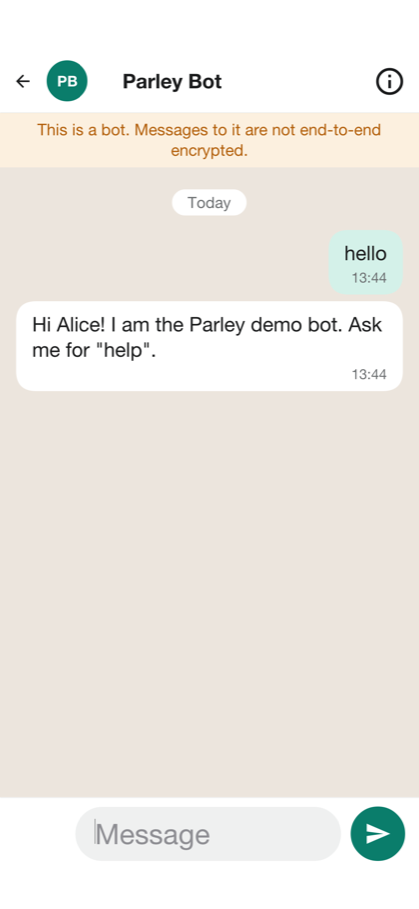
52.6.1. The privacy trade-off
To carry a message across, a bridge has to read it. A bridged conversation is therefore not end-to-end encrypted: its members' apps send it to the server in plain text, so that the server can pass it on. The sample doesn’t hide this. Only a group’s owner or one of its admins can link it, the link is announced in the group so that everyone learns, in a notice they can’t miss, that from now on what they write there leaves Parley in plain text, and every member’s app marks the conversation as not end-to-end encrypted. The chat with the demo bot is marked the same way, for the same reason. The administrator’s Bridges screen lists every link.
Plain text on the server is also plain text in the other network, under that network’s own rules about what it keeps. Decide whether your service wants bridges at all; leave them unconfigured and the feature isn’t offered.
52.7. The admin console and what the server knows
The console is built on the operations console’s Console, so it’s a list beside a
detail on a wide screen and a list that opens a screen per item on a phone. The
statistics count what the server can see — accounts, messages, kinds of
conversation, the busy hours — and nothing it can’t. A report is the only way
content reaches an administrator, and it carries only what the reporter’s own phone
chose to attach.
52.8. Hosting, accounts, text messages and push
These are Wayline’s, with the names swapped: the accounts and the sign-in
(Section 47.5, “Who may do what”), text messages (Section 47.14, “Text messages”) with the providers
parley.sms.provider names, push (Section 47.15, “Push notifications”) with parley.push.provider,
the database (Section 47.23, “The database”) and hosting (Section 47.23.5, “Hosting it: A managed database and one binary”). One
difference matters here: a Parley push never carries a message, it only wakes the
app, which fetches and decrypts on the device, so the push provider never learns
what anyone said.
52.9. Tests
mvn -pl shared,backend -Dcodename1.platform=backend test
mvn -pl shared,backend -Dcodename1.platform=backend test -Dcn1.backend.compiledTests=true
./run-e2e.sh
./run-web-e2e.shThe backend tests run the server on the JVM and then compiled, against the
envelope and device rules, the calls' states, the bridges and who may call what.
run-e2e.sh starts a server on the test profile and drives the app in the
simulator against it. run-web-e2e.sh does the same for the app in a browser, linked as a
device.
52.10. Making it yours
The ways to make Wayline your own apply here too: the name, icon and colors, the languages, the text-message and push providers, the database, hosting. A few apply to a messenger in particular:
Your own relay. Point
parley.ice.turnat a TURN server you run.No bridges. Leave the Telegram and WhatsApp settings out.
A different curve or cipher. The primitives are in
crypto/Ratchet, and the server never sees them, so changing them is an app-side change with a migration for existing sessions.Before it’s a product. A real service needs an independent review of the protocol code, a way to back up and restore history, key transparency or another answer to a server that lies about keys, abuse handling at scale, calls with more than two people and retention rules for the places it operates in. None of them are in the sample.
53. Reel: A streaming service from four sides
Reel is a sample app with a server behind it. Viewers watch films, series and courses on a phone, a tablet, a desktop or in a browser, and pick up on one screen where they left off on another. Creators upload video and publish it. Moderators decide what gets published. An administrator runs the service. The app and the server are one Maven project, written in Java on both sides.
This chapter is the user’s guide: what each of them sees and can do. Chapter 54, Reel: Building on the sample is the other half. It explains how the project is built, how playback is protected and what to change to make the service yours.
One app serves everyone. The server gives every account a set of roles, and the app opens on the screen that fits them.
| Role | What it adds |
|---|---|
Viewer | Every account is a viewer. Browse and search the catalog, watch with ads or without, keep a list, download for offline viewing, take courses, and manage the household’s profiles and the plan. |
Creator | Upload video, describe it, add chapters, quizzes and polls, submit a title for review and follow how it’s watched. |
Moderator | Approve or reject what creators submit, take down what was published, and keep the blocklists that check every upload. |
Admin | See the service in numbers and charts, manage accounts, plans, coupons and ad campaigns, switch features on and off, and deal with account sharing. |
53.1. Trying it
Start the server on its development profile and it creates a set of accounts,
all with the password reel-demo, the plans, two ad campaigns and a catalog of
the Blender open movies and a short course:
viewers | |
a viewer with an open account-sharing alert | |
owns the uploaded titles | |
reviews what creators submit | |
runs the service |
scripts/reel/README.adoc has the two commands that start the server and the
app, and the one that fetches the films. Without the films every screen works;
the artwork and the picture are missing.
53.2. Watching
A viewer with more than one profile in the household is asked who is watching. A kids profile sees only titles rated for children, and a profile can be locked with a PIN.
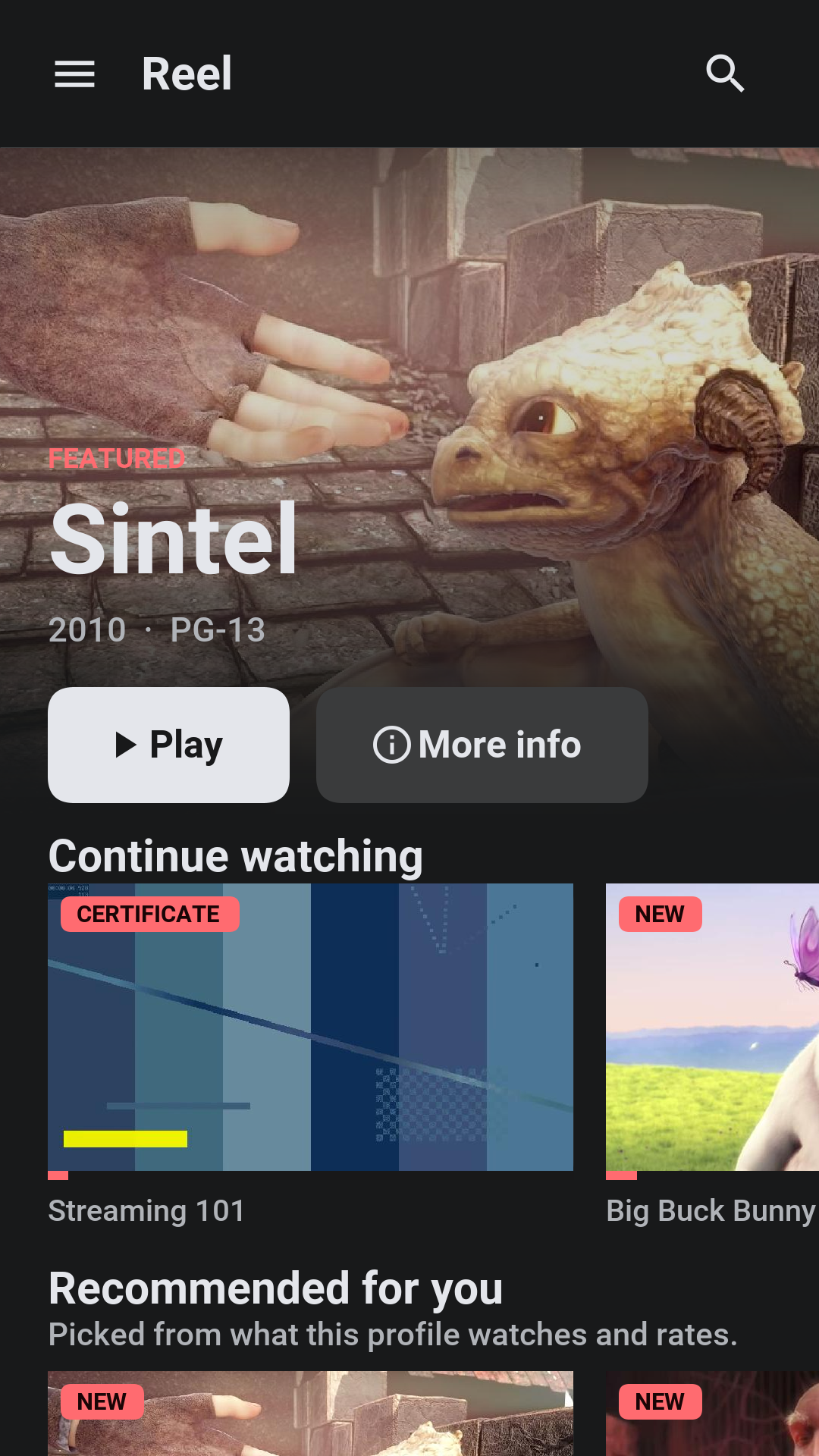
The home screen leads with one title and then rows: continue watching, recommendations based on what the profile watched, the list, and the catalog by genre. Search finds titles by name, synopsis, genre, and creator.

On a desktop or a tablet the sections of the app sit along the top bar, the featured title’s text moves to the left of its artwork, and the rows show as many titles as the window has room for.
A title’s page shows its episodes or lessons, plays it from where the profile stopped, adds it to the list, rates it, downloads it, shares it and reports it. Under the name are the year, the age rating in its box, the length, the best quality the title was packaged in and a CC mark when it has subtitles. The content advisories say what the rating is for: violence, frightening scenes, strong language, sexual content, drugs or alcohol, flashing lights. Further down the page lists the audio and subtitle languages. A title that’s not in the plan offers the plan that has it, or a rental.
Share shows how the link will look where it’s pasted and offers the device’s share sheet or a copy of the link. The link opens a public page on the server with the poster, the rating, the advisories and the synopsis, which is what a chat app or a social network shows in its preview. Its Watch button opens the app on that title, after signing in where needed. A draft or a removed title has no public page.
53.2.1. The player
The player draws its own controls over the picture: back and forward ten seconds, play and pause, a scrub bar with the time played and the time left, chapters, Audio & subtitles and, in a series or a course, the next episode. The controls fade after a few seconds of playback and come back on a tap. When an episode ends and autoplay is on, the next one starts.
Audio & subtitles picks the subtitles (or none), the audio track and the quality: Auto, or one of the heights the title was packaged in, up to what the plan allows. Subtitles change at once. A different audio track or quality reopens the stream where it was.
Subtitles are WebVTT files kept beside the video and drawn by the app, so they look the same on every device and work with every kind of protection. The audio track is chosen by the server, which marks it as the default in the playlist the player reads.
On a plan with ads, short ad breaks play before and during the title, and some can be skipped after a few seconds. A course pauses for a quiz or a poll and, where the course branches, moves on to the lesson the answer leads to. While a protected title plays, screenshots and screen recording are blocked where the device allows it, and a faint mark naming the account sits over the picture.
A plan allows a number of screens at once. Starting one more ends with a message saying so, and an administrator, a suspension or a sign-out on another device can end a stream that’s playing.
53.2.2. Your library, settings and account
The library holds the profile’s list, its downloads and what it watched. A title can be taken out of the history, which also takes it out of what the recommendations learn from.
Settings hold the playback preferences (autoplay, data saver, the streaming quality), the subtitle language and size used whenever a title has a track in that language, notifications, the language and the theme of the app, and privacy. The account screen shows the devices signed in and what’s playing on each, and signs any of them out.
53.3. Downloads
On a plan with downloads, a title can be kept on the device. The file stays encrypted, and playing it asks the server for the key, so a download stops playing when its license runs out, when the device is signed out or when the account is suspended. The library lists downloads without a connection. Signing out removes them from the device.
53.4. Plans, rentals and the wallet
The development profile offers three plans: Basic with ads (one screen, HD), Standard (two screens in Full HD, downloads) and Premium (four screens, the best quality there is, downloads). A plan starts with a trial where the administrator gives one, a coupon takes money off, and the plan can be changed or cancelled at any time; a cancelled plan runs to the end of what was paid. Invoices are listed in the account.
Cards are added in the wallet. On the development profile 4242 4242 4242 4242
is accepted, 4000 0000 0000 0002 is declined and nothing is charged. On a phone
the plan can also be bought through the app store.
53.5. Learning
On a service with courses, a course is a title whose episodes are short lessons. The Courses row on the home screen says so, and a course’s page explains how it works: the lessons are watched in order, the video pauses on a quiz and carries on when it’s answered, and finishing every lesson and passing the quizzes earns a certificate. The page shows how far the profile got. Progress is kept per lesson, and a certificate opens from the learning screen, where anyone can verify it by its code.
The demo course has subtitles in English, Spanish, French, and German.
53.6. Creating
The studio lists the creator’s titles with their status: draft, in review,
published, changes needed or removed. A title has a name, a synopsis, genres,
a rating and its videos. A video is uploaded in pieces, so a dropped connection
costs one piece and not the file, and the server packages it into the protected
formats the players need. Its chapters are lines of m:ss Title, and its
quizzes, polls and branches are added at a time in the video.
A video’s subtitles are added one language at a time, as WebVTT: a language
such as en or pt-BR, the name viewers see, and the text. A title’s age
rating comes with its content advisories, which the creator ticks when making
or editing the title.
A finished title is submitted for review. A rejected one comes back with the moderator’s note, and the creator can correct it and submit it again, or appeal. The analytics show views, minutes watched and where viewers stop, over the last thirty days.
53.7. Moderating
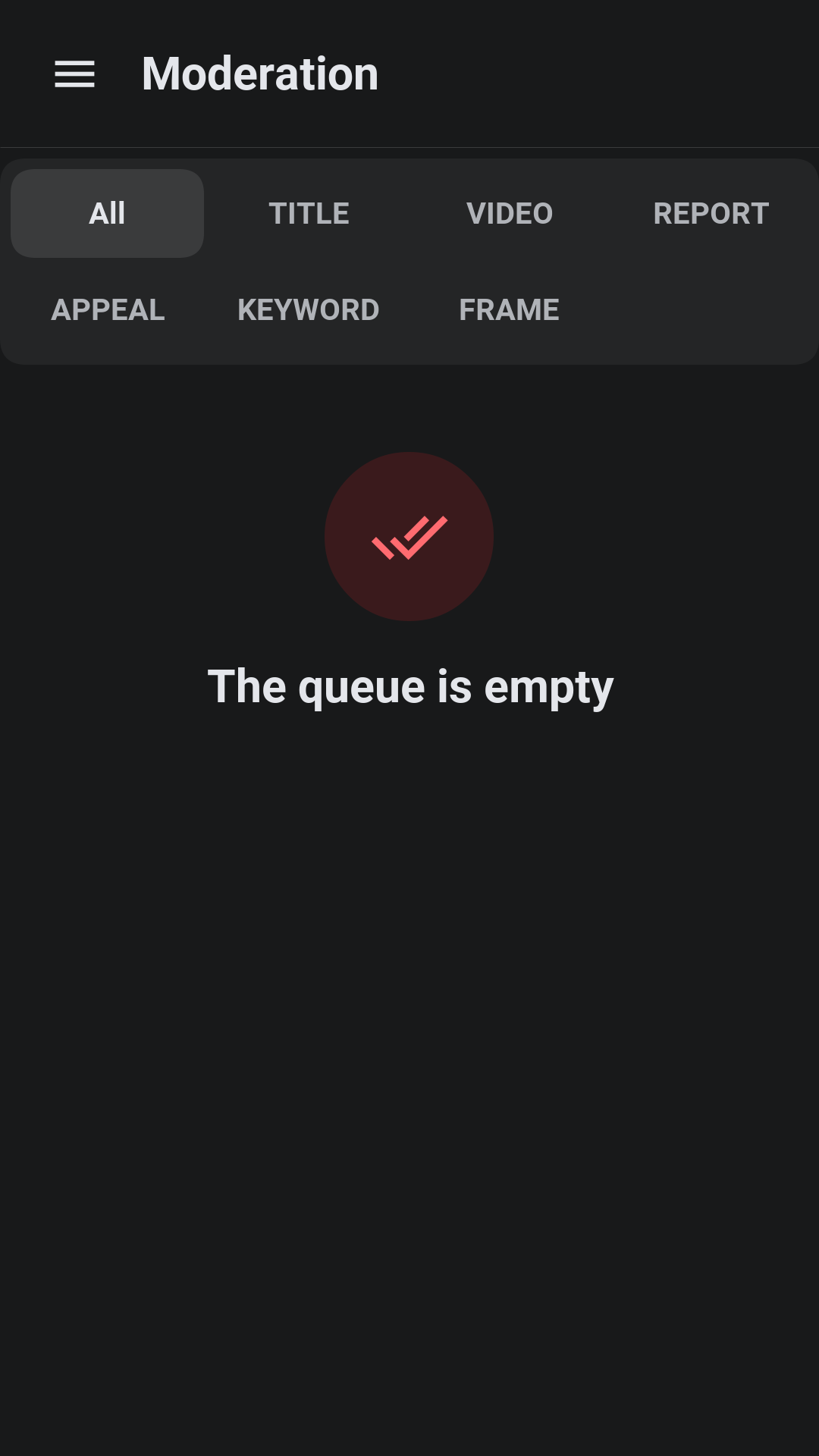
The queue holds submitted titles, reports from viewers and appeals. Every upload is checked on arrival against the keyword blocklist and against the frames of video that were taken down before, and what matches is marked in the queue. A moderator approves a title, which publishes it and tells whoever follows the series, or rejects or removes it with a note the creator sees. Every decision is kept on the account’s record.
53.8. Administering
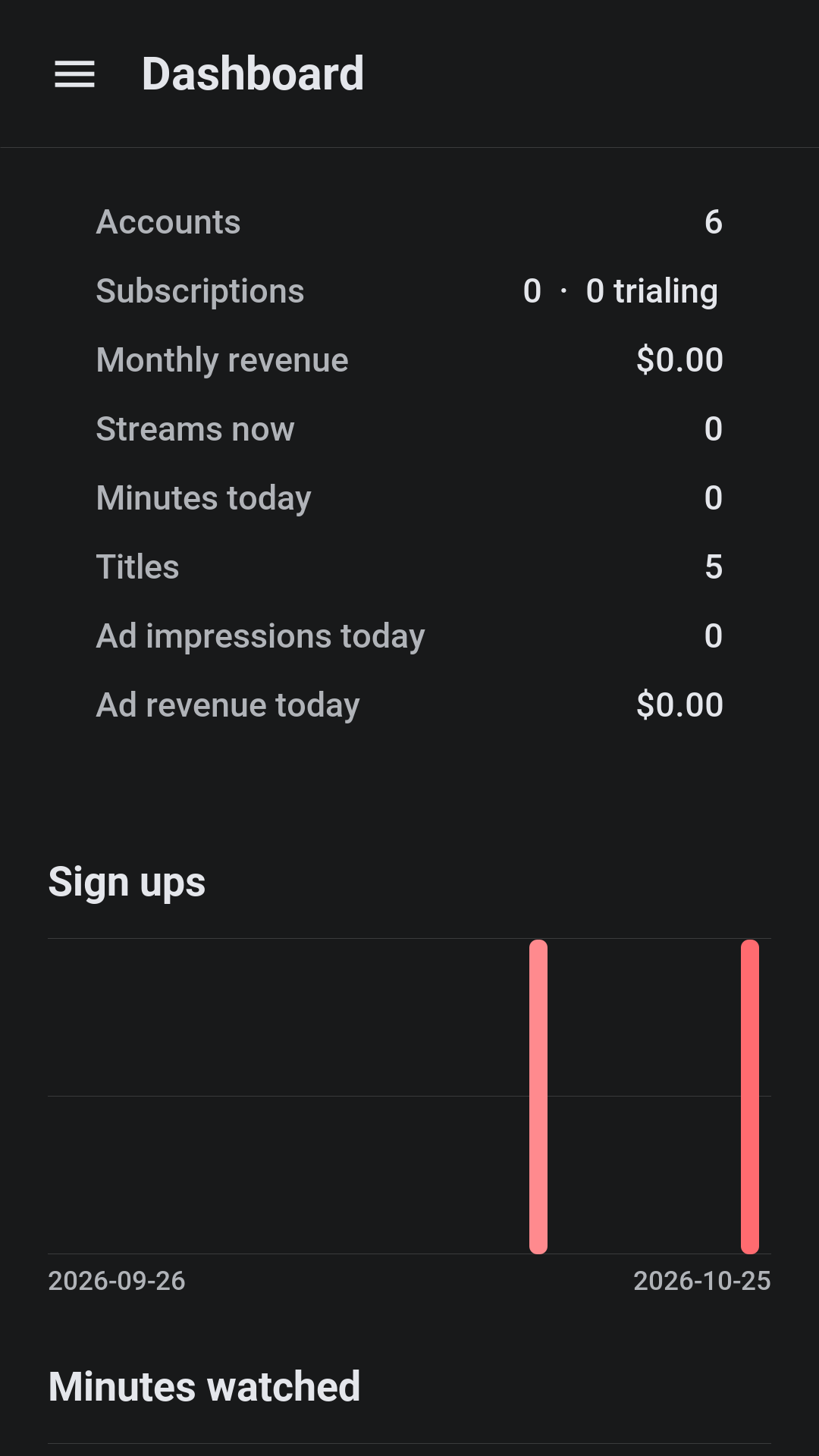
The dashboard shows the service at a glance: accounts, subscriptions and trials, monthly revenue, streams now, minutes watched today, titles, ad impressions and ad revenue, with thirty days of sign-ups, minutes, revenue and cancellations drawn as charts.
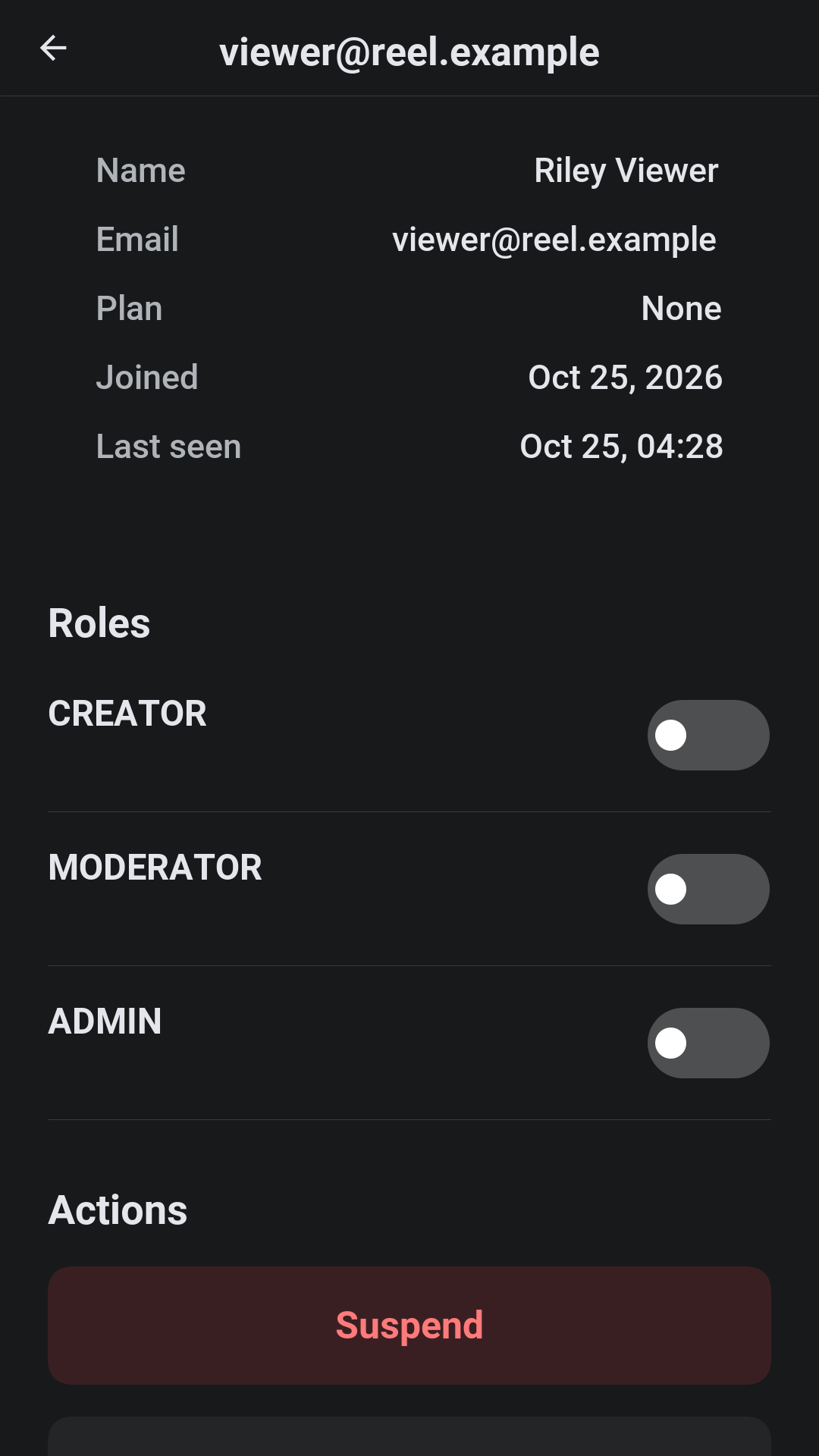
An account’s page grants and removes roles, suspends and reinstates the account with a reason, flags it, and lists its devices, its sessions, its sharing alerts and its invoices. Watching now lists every stream that’s playing and ends one. Account sharing raises an alert when an account streams from more places than a household plausibly does; the administrator dismisses it or signs the account out everywhere.
Features switches the service between three presets, a streaming service, a video platform and a training academy, and then turns single features on and off: subscriptions, rentals, ads, open uploads, interactive video, certificates, profiles, downloads, sharing detection, hardware DRM, the watermark and reports. The app follows on its next start, with no new build. Branding sets the name, the tagline, the logo and the colors.
53.9. In a browser
The server can host the app itself, so a browser opening the server’s address gets Reel with nothing installed. A browser plays the protected video through its own media player, and offers neither downloads nor app-store purchases.
54. Reel: Building on the sample
Reel is a streaming service, and most of what makes one is deciding who may play what, on which device, for how long, and then making it hard to play anywhere else. Reel keeps what it shares with Wayline, Savor and Parley: the module layout, the accounts and sign-in, push notifications, the admin console and hosting the app in a browser. This chapter covers what streaming changes. For the parts the samples share, the Wayline chapter is true of Reel with the names swapped.
54.1. Running it
cd scripts/reel
tools/fetch-demo-media.sh --small # once: download and package the films
CN1_PROFILE=dev backend/server.sh run
mvn verify -Psimulator -DskipTests -Dcodename1.platform=javasefetch-demo-media.sh needs ffmpeg. It downloads the Blender open movies into
scripts/reel/sources, packages each with fresh random keys into
scripts/reel/media and writes media/seed.json, which a development server
reads at start-up for every video’s keys, length, and renditions. Neither
directory is committed. Without them the server writes the catalog anyway, with
keys of its own, so every screen works and only the picture is missing.
54.2. The modules
| The transfer objects and the |
| The app. |
| The server. Each area is a package with its service, its controller and the
repositories beside it; the schema is the migrations in
|
| A command line tool with no dependencies beyond |
54.3. Playback
The app asks for a playback session with the title, the profile, the device and the DRM schemes the device supports, strongest first:
List<String> out = new ArrayList<String>();
DrmScheme[] order = {DrmScheme.WIDEVINE, DrmScheme.FAIRPLAY, DrmScheme.CLEARKEY, DrmScheme.AES_128};
for (int iter = 0; iter < order.length; iter++) {
if (MediaManager.isDrmSupported(order[iter])) {
out.add(order[iter].name());
}
}The server (Playbacks.start) checks everything that decides whether the title
may play: the profile’s rating, the plan or a rental, the device, and how many
streams the plan allows at once. It then answers a manifest URL and a license
URL, each carrying a token signed for this session alone, the scheme it chose,
the ad breaks, the chapters and the interactions. The app hands that to the
framework’s streaming API, with a DrmConfig that sends the license token in
an X-Reel-License header (PlayerForm.startMain in the sample):
String manifestUrl = "https://reel.example.com/media/42/master.m3u8";
String licenseUrl = "https://reel.example.com/api/license/clearkey";
String licenseToken = "token-from-playback-start";
int resumeSeconds = 90;
Form player = new Form("Player", new BorderLayout());
StreamRequest req = new StreamRequest(manifestUrl)
.setStartPosition(resumeSeconds * 1000)
.setDrm(new DrmConfig(DrmScheme.CLEARKEY, licenseUrl)
.addLicenseHeader("X-Reel-License", licenseToken));
req.createAsync().ready(media -> {
player.add(BorderLayout.CENTER, media.getVideoComponent());
player.revalidate();
});
player.show();While the title plays, the app reports a heartbeat. A session whose heartbeats
stop is swept, so a crashed app doesn’t hold one of the plan’s streams, and a
session ended elsewhere (an admin, a suspension, a device signed out) is
answered ok=false at the next heartbeat and the player closes. Each heartbeat
also checks again that the title is published and that the plan or a rental
still covers it, so a rental that runs out or a title that’s taken down stops
within one heartbeat. A download’s license is held to the same checks. The heartbeat runs on its own timer rather than the form’s, because the
chapters list and the quiz dialogs are other forms and a form’s timer stops
while it’s hidden.
54.4. What protects the video, and from what
Every video is packaged twice with one content key: an HLS AES-128 ladder and a
CENC MP4 for ClearKey. The origin (MediaOrigin) checks the media token on
every playlist, segment and key: a token names the session, the video and the
tallest rendition the plan allows, and expires, so a URL copied out of the
player is good for one video for a few hours. The license endpoints answer
ClearKey and AES-128 from the key table, only for a valid license token.
That stops casual copying of links and files. It doesn’t stop a determined person with a debugger: AES-128 and ClearKey keys reach the device in the clear over TLS. That’s what Widevine and FairPlay are for. Reel offers them when a license vendor is configured and the hardware DRM feature is on; the server forwards the device’s challenge to the vendor and passes the answer back:
reel.drm.widevine.url=https://license.example.com/widevine
reel.drm.widevine.header=Authorization: Bearer ...
reel.drm.fairplay.url=https://license.example.com/fairplay
reel.drm.fairplay.certificate=https://license.example.com/fairplay.cerThe FairPlay certificate is a URL the device downloads, not a file on the server. A device then gets the strongest scheme it supports that the server can license, and a device that can play none is told so before playback starts. The app also blocks screenshots while protected video is on the screen, and draws the account’s name over the picture when the watermark feature is on.
54.5. Uploads and packaging
An upload starts with POST /api/studio/uploads, which answers the piece size,
and continues with PUT /api/studio/uploads/{id}?offset=N, one piece at a time.
A piece sent at the wrong offset is refused with 409 and the app asks where the
server is; a dropped connection is retried. When the last byte arrives the
server queues a packaging job.
Packaging is a separate process so that the server never runs ffmpeg:
java -jar tools/packager/target/reel-packager-1.0-SNAPSHOT.jar \
worker --server https://reel.example.com --token "$REEL_WORKER_TOKEN"The worker claims a job and is handed the source and the content key, which the
server generated and keeps; it encodes the ladder and the CENC file with that
key, uploads the outputs and reports. Run as many
workers as there is video to package; each needs reel.worker.token.
54.6. Moderation
Every upload is checked as it’s packaged. The keyword blocklist is matched
against the title’s words, and the frames of the new video, a perceptual hash
every ten seconds, are compared with the frames of video that was taken down
before, so a re-upload of removed content is marked in the queue even under a
new name. ContentClassifier is the place to call an outside classifier.
Nothing a creator submits is published until a moderator approves it; an
administrator’s own titles publish directly.
54.7. Billing and ads
Plans, trials, coupons, rentals and invoices are in billing. Payments go
through reel.payments.provider: simulated on a development profile, or
stripe with REEL_PAYMENTS_STRIPE_SECRET in the environment, where cards are
added on Stripe’s own page so a card number never reaches the app or the
server. App-store purchases are refused unless
reel.billing.trust-store-receipts=true, which grants the plan on the
product the app reports without asking the store; a real service verifies the
receipt with Apple or Google in Billing.storePurchase before granting. A renewal that fails puts the subscription past due and tells the
viewer by push.
ads decides where the breaks go and which campaign fills each when the break
comes, so a campaign whose budget ran out meanwhile isn’t shown. A campaign
pays per thousand impressions, prefers titles in its genres and stops at its
budget or its end date. The player reports impressions, skips, clicks and
completions.
54.8. Features and presets
settings.Settings holds the feature switches the app reads at start-up, so an
administrator reshapes the service without a release. The presets set them all
at once:
Streaming service | Subscriptions, rentals, ads, profiles, downloads, courses, hardware DRM, sharing detection and reports; no uploads from strangers. |
Video platform | Open uploads, ads, rentals, reports and interactive video. |
Training academy | Subscriptions, interactive video, certificates, downloads, sharing detection and the watermark. |
A feature that’s off is hidden in the app and refused by the server, so switching one off is safe while apps are running.
54.9. Tests
mvn -pl shared,backend -Dcodename1.platform=backend test
mvn -pl shared,backend -Dcodename1.platform=backend test -Dcn1.backend.compiledTests=true
./run-e2e.sh
./run-web-e2e.sh
./check-template.shThe server’s tests run on the JVM and again compiled to a native binary, which
is how the server ships. run-e2e.sh starts a server and drives the app through
its screens in the simulator as each role; run-web-e2e.sh does the same for the
browser build in a headless browser. .github/workflows/reel.yml runs them all,
the server tests on each database, and the Android and iOS builds.
54.10. Making it yours
Your catalog. Replace
DemoDatawith an import from your own library, and run the packaging worker over your masters.Real DRM. Contract a Widevine and FairPlay license service and set the
reel.drm.*settings; keep AES-128 for browsers and older devices.A CDN. The media origin checks a token on every request. Put a CDN in front of it with the token in the cache key, or move the check to the CDN’s edge with the same secret (
reel.media.secret).Store receipts. Verify App Store and Google Play receipts on the server before turning on
reel.billing.trust-store-receipts.Billing. Point
reel.payments.providerat Stripe, or implement the payment provider interface for another processor.The look.
common/src/main/css/theme.cssstarts with the colors and the corner radius; the admin console’s Branding sets the name, the tagline and the logo at run time.
55. Bastion: A bank that shows its locks
Bastion is a virtual bank written in Codename One from end to end: a phone and desktop app, and the server it talks to. It holds money in several currencies and coins, moves it between accounts and people, issues cards, and runs a small exchange where customers trade bitcoin and ether against dollars. It’s built to show the security a financial app needs, and every protection it has is listed, with its real state, on one screen of the app.
The sample lives in scripts/bastion. This chapter is about using it: what a customer and an administrator see and do. The next chapter, Chapter 56, Bastion: Building on the sample, is about how it’s built and what a real bank would still have to add.
Out of the box nothing in Bastion is real money. Deposits are a counter, cards spend nowhere, and the exchange trades against a simulated market. Ether can be made real: connected to an Ethereum node, the app shows a deposit address under Receive crypto, and deposits and withdrawals settle on the chain. The security mechanisms are the ones a production bank would use: the passwords, codes, passkeys and signatures work as they would there. The audit chain is hashed the same way, but its head isn’t anchored anywhere outside the server’s own database, so someone who controls that database could rewrite it and the chain along with it.
55.1. Trying it
The server runs on the JVM with an in-memory database and demo accounts, with nothing to install but a JDK 17:
cd scripts/bastion
CN1_PROFILE=dev backend/server.sh runThe app then runs in the simulator from another terminal:
cd scripts/bastion
mvn verify -Psimulator -DskipTests -Dcodename1.platform=javaseCN1_PROFILE=dev backend/server.sh run --web also builds the app for the browser and serves it at the server’s own address, http://localhost:8080/. The screenshots in this chapter come from that browser build, at a phone’s width.
The development profile creates three demo accounts, all with the password bastion-demo-password:
| Account | What it’s for |
|---|---|
A customer with $2,500.00 in a checking account | |
A second customer with $1,200.00, to pay and to trade with | |
The administrator |
On the development profile a small market maker also keeps the exchange’s books moving, so that there is something to trade against.
55.2. Opening an account
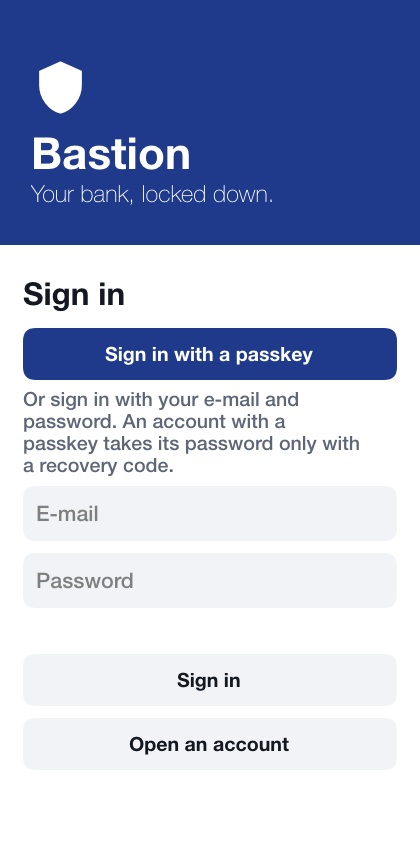
Open an account on the sign-in screen walks through the steps a new customer takes:
Name, e-mail and password. The password has to be at least twelve characters and can’t be the e-mail address; the server checks it too, not only the app.
Authenticator app. The app shows a QR code and the same secret as text. Scanning the code with any authenticator app and typing the six digits it shows turns on the second factor. Adding the app asks for the password again after a sign-in made with the password alone, so a stolen session can’t put somebody else’s app on the account. The secret can be copied instead; the copy is marked sensitive, which keeps it out of the keyboard’s suggestions on Android and off the user’s other devices on iOS, and it’s wiped from the clipboard after a minute, or at the next start if the app was closed before then. Bastion then shows ten recovery codes, once, to write down or copy into a password manager the same way. Each opens the account once if the phone is lost; keep them somewhere other than the phone.
Passkey. Where the device or browser supports passkeys, one can be added now, so that later sign-ins need no password at all.
Unlock with biometrics. An option on a phone with a fingerprint or face enrolled: the key that opens the stored sign-in and the payment key is released only by the biometric.
Unlock PIN. An option: six to twelve digits that open the lock when a biometric isn’t available or isn’t wanted. Five wrong PINs in a row erase the keys on the device, and the way back is signing in again.
This device. The app makes a signing key that never leaves the device and registers it with the bank. Payments to other people are signed with this key, so the device itself is a second proof of who is paying. The bank adds a device only after a sign-in made with an authenticator code or a passkey; after a sign-in with the password alone, the app asks for one of those to be set up first.
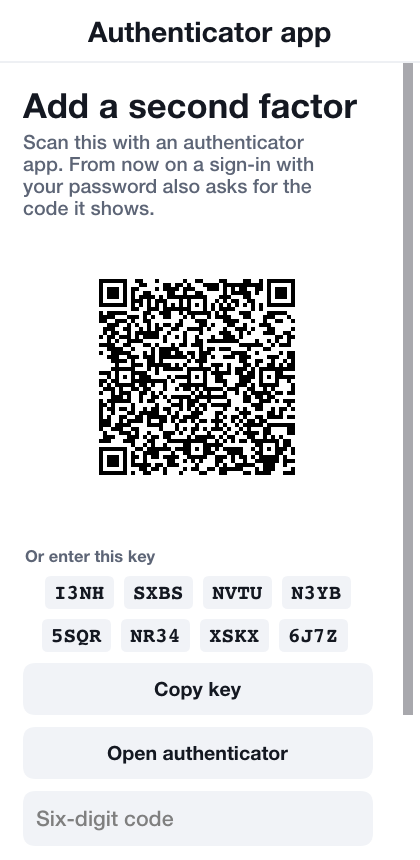
A new account starts with a dollar checking account. Others, in euros or as coin wallets, are opened from the dashboard.
55.3. Signing in
The sign-in screen offers the strongest way in the device has first. Where the device or browser supports passkeys, Sign in with a passkey is the main button: the passkey sheet asks for a fingerprint, a face or the device PIN, and that one step is both factors. On a phone that keeps a sign-in behind biometric unlock, Unlock with fingerprint or face comes next. The e-mail and password, then a code from the authenticator app when the account has one, are the last way in.
Once an account has a passkey, the server holds it to the passkey. The password is refused, and the code step after it takes a recovery code and nothing else; a six-digit code from the authenticator app no longer signs in. That’s the way back for a customer whose passkey is gone: the password and one of their recovery codes, each of which works once. An account with a passkey and no authenticator app has no recovery codes, so its way back is the bank. Five wrong passwords in a row lock the account for fifteen minutes; the lock is per account, so guessing from many places at once doesn’t help.
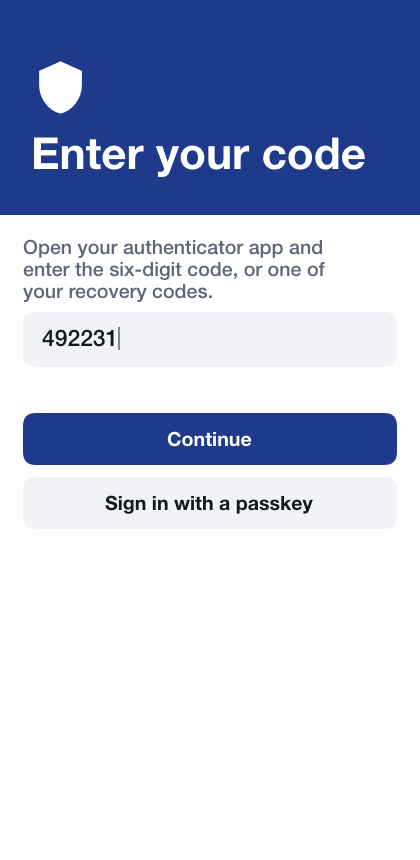
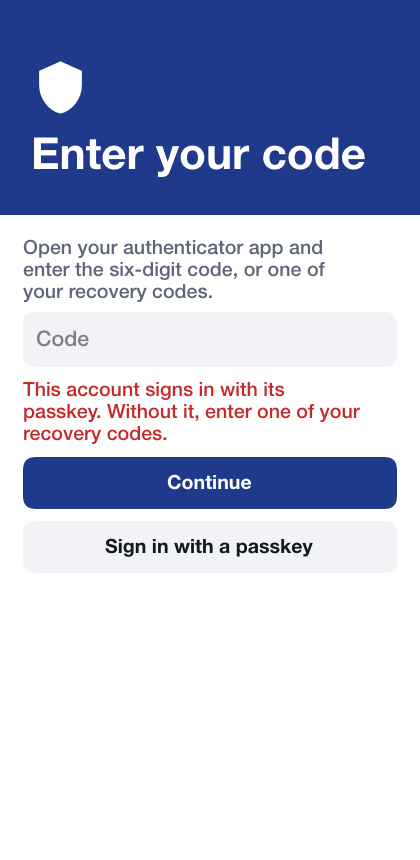
55.4. The lock
The app locks itself after half a minute in the background and after two minutes without a touch. Locked, it shows nothing of the account and can’t sign a payment or read its stored sign-in until it’s unlocked again: with biometrics when they’re turned on, then with the unlock PIN when one is set, and otherwise by signing in again. Signing in again from the lock sets the device up from the start when a biometric or PIN was set up, so its payment key is registered again the next time a payment needs it. Signing out from the menu does the same, so whoever signs in next on the device starts with none of the previous account’s keys.
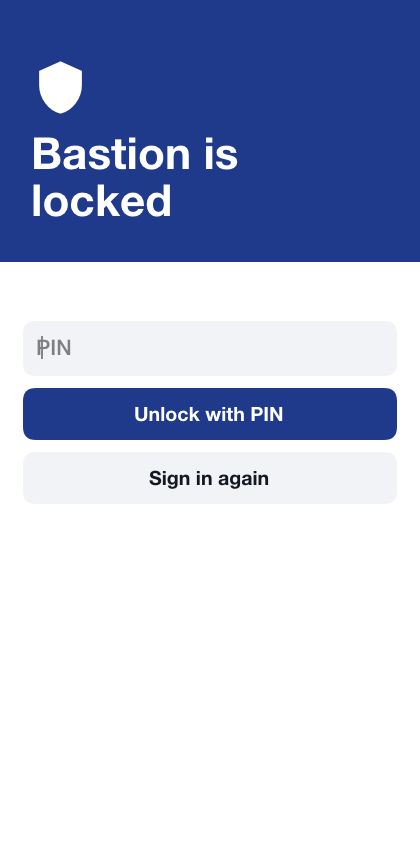
55.5. The dashboard
The dashboard shows the total of every account in dollars, at the exchange’s current prices, the cash in dollar accounts over the last 30 days, how the money is spread across currencies and coins, and each account with its balance. Until the device has a payment key, a banner above says so and offers to register it; registering asks for the password again, because only a recent sign-in may add a key.
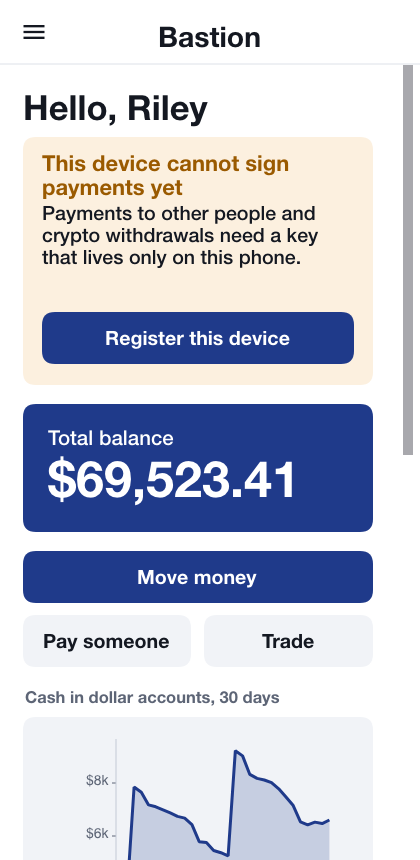
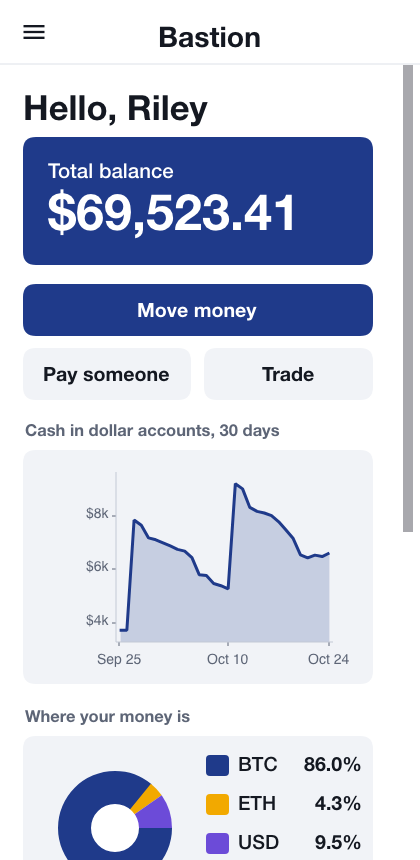
Screens reached from the menu are top-level and have the menu button; a screen opened from another one has a back arrow instead. No screen has both.
Tapping an account opens it: its balance, what can be done with it, a chart of the balance over 30 days, the money in and out each day, and its history, every posting newest first.
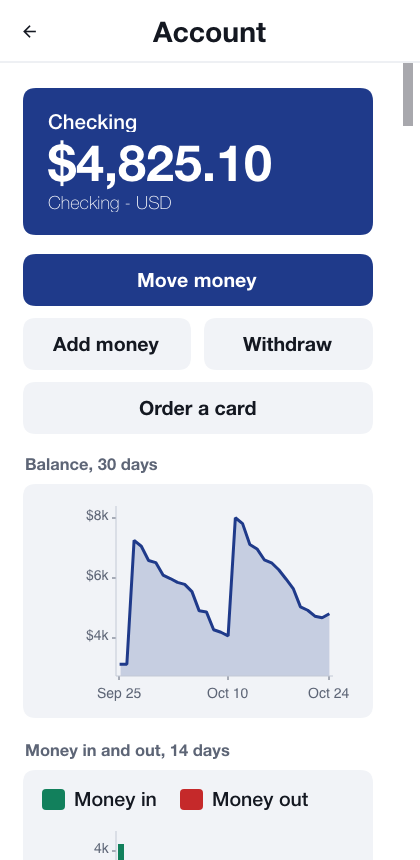
Tapping a line of the history shows that posting in full: the side of the entry it’s (a credit to the account or a debit from it), the balance it left and the ledger entry it belongs to. Statement lists every posting oldest first with the running balance between an opening and a closing balance, the way a bank statement does.
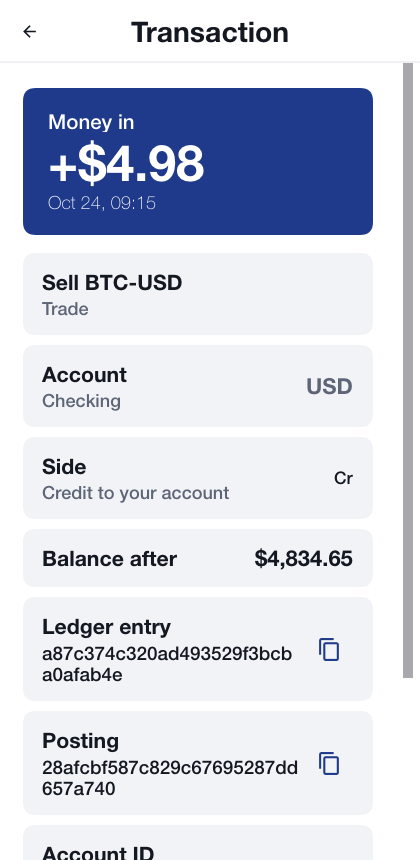
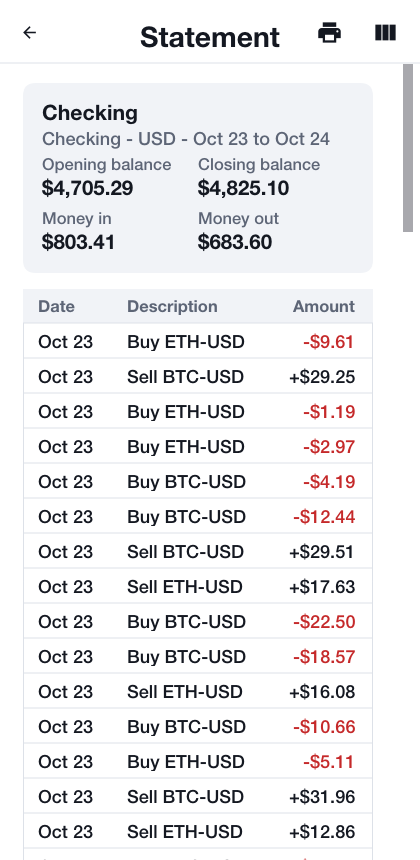
The app follows the device’s dark mode, charts included:
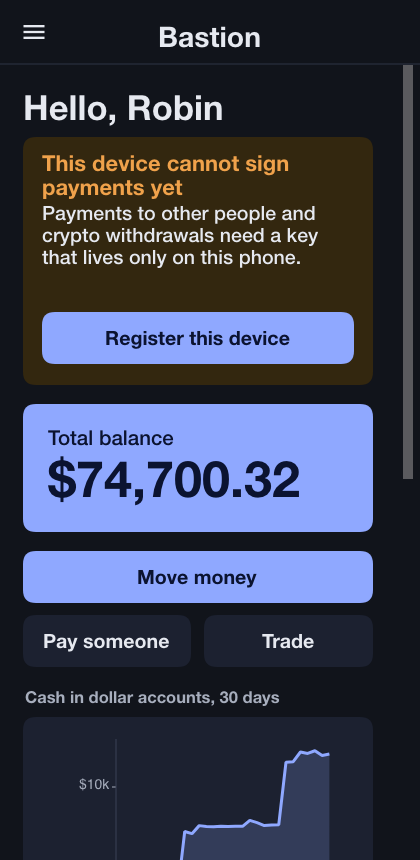
Balances, card numbers and codes are on sensitive screens. On Android those screens can’t be captured or recorded, and the recent-apps list shows them blank; on iOS the app switcher shows a cover instead of the screen.
55.6. Moving money
Move money moves money between your own accounts in the same currency. Pay someone sends it to a payee: another Bastion customer, added by e-mail on the Payees screen.
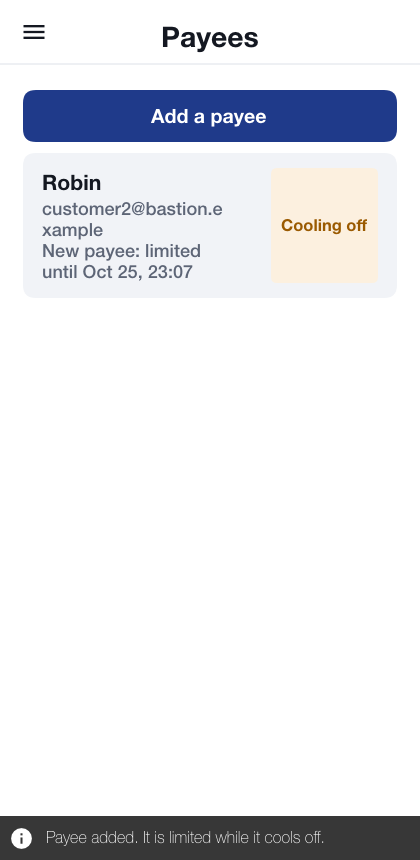
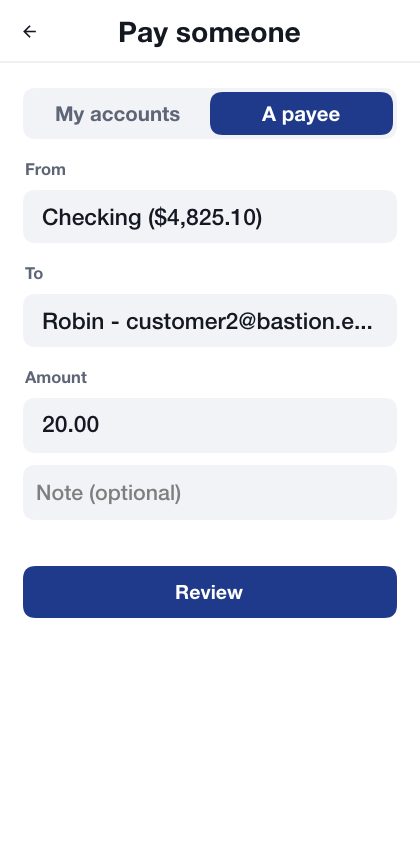
Review shows what’s about to happen, and Send sends it. The receipt shows the reference of the entry it made in the ledger.
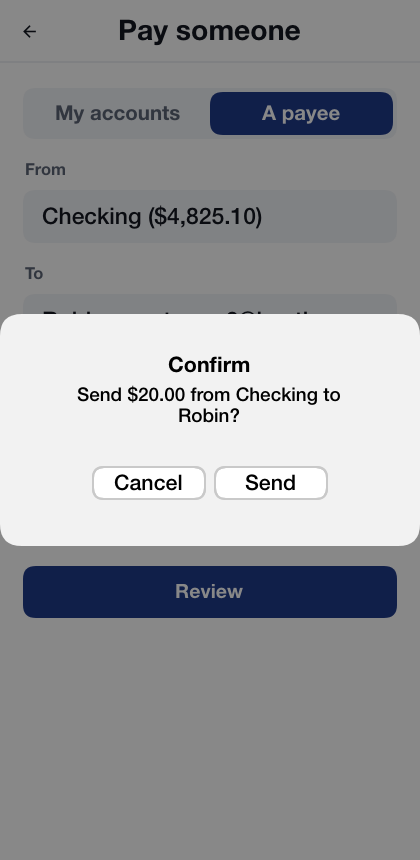
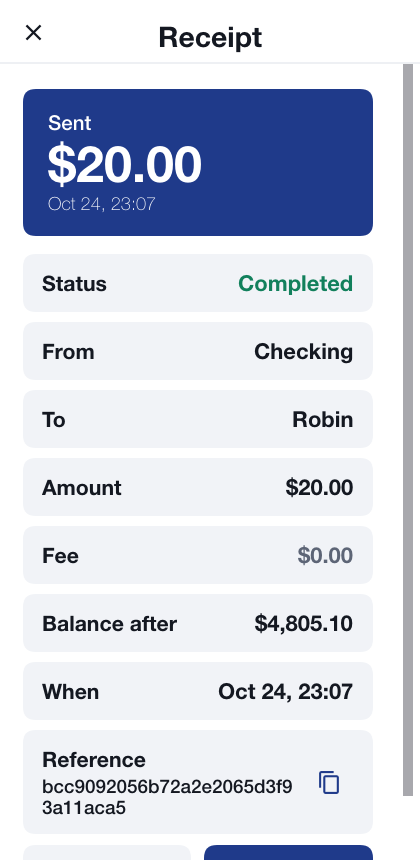
Every transfer carries a key that makes it happen once: a payment retried after a dropped connection isn’t paid twice. Some transfers ask for more:
A payment to someone else is signed with this device’s key. On a device that has no key yet, the app offers to register one first, then sends the same payment.
By default, money leaves your accounts only from a device the bank trusts: a phone that passed the platform’s integrity check and doesn’t look rooted or jailbroken. A browser or the simulator can’t prove that, so there the server refuses the payment, explaining that the device can move money only between your own accounts. The screenshots above were taken with that policy turned off on the development server (Chapter 56, Bastion: Building on the sample has the setting).
A new payee is in a cooling-off period for its first day, in which it can receive only $100.00. Someone who has taken over a session can’t add an account of their own and empty yours into it.
A move between your own accounts above $1,000.00 is signed with the device key too.
Every transfer is held to a limit per transfer ($5,000.00) and per day ($10,000.00); one past either is refused.
55.7. Cards
Order a card on a checking account issues a card on it. Cards lists them, freezes and unfreezes each, and sets its daily spending limit. A frozen card is refused at once. Freezing works from any signed-in session; unfreezing a card or raising its limit needs this device’s approval, so somebody holding only your session can’t undo a freeze. The card number is on a sensitive screen.
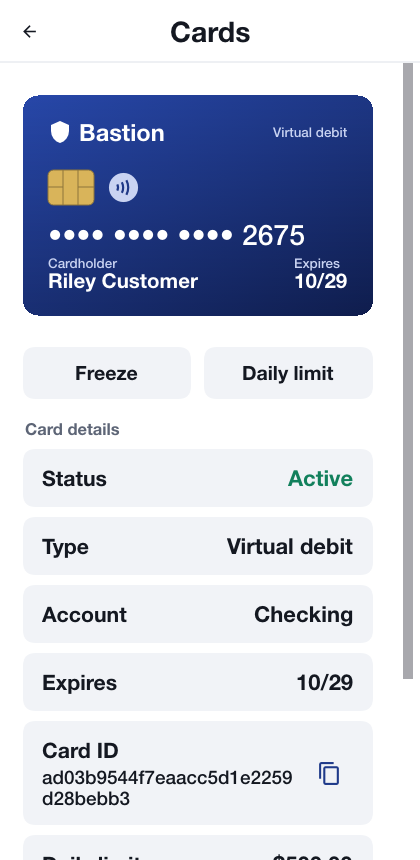
55.8. The exchange
Exchange lists the markets, BTC-USD and ETH-USD, with their last price and the index price the bank values coins at, and the customer’s recent trades.

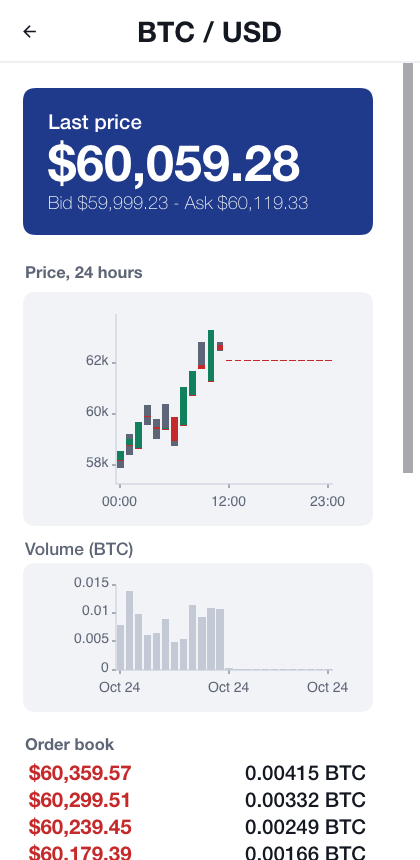
A market opens the last day in hourly candles, a rising hour in green and a falling one in red over its high-low range, the volume traded each hour, its order book and a ticket:
A limit order names a price and a quantity, and rests on the book until another order meets it, or until it’s cancelled.
A market order takes what the book offers now, up to a budget for a buy or a quantity for a sell.
Placing an order sets aside what it could spend; the rest of the balance stays free. Fills move both sides and the fee in one ledger entry, so a trade is never half done. The Open orders list shows what’s still resting, each with a cancel button, and a bought coin lands in a wallet account of its own.
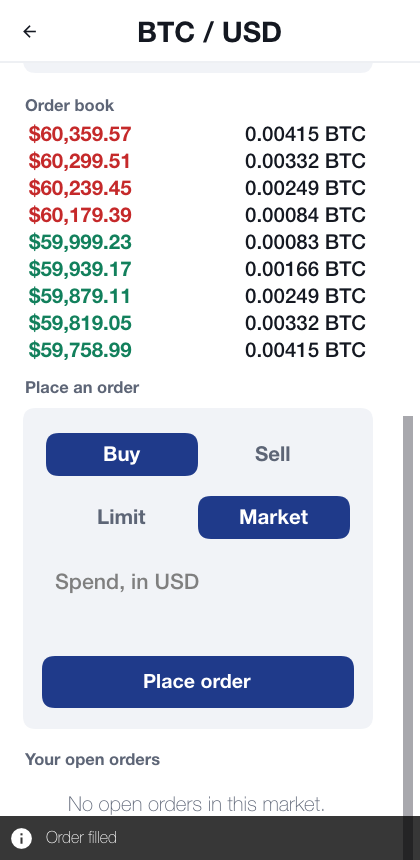
55.9. Sending coins
Coins leave the bank only to an address on the account’s allow-list, and the list is guarded:
Adding an address is signed by this device.
A new address waits a day before anything can be sent to it.
Every withdrawal is signed by this device, and is held to a limit per withdrawal and per day, counted in dollars.
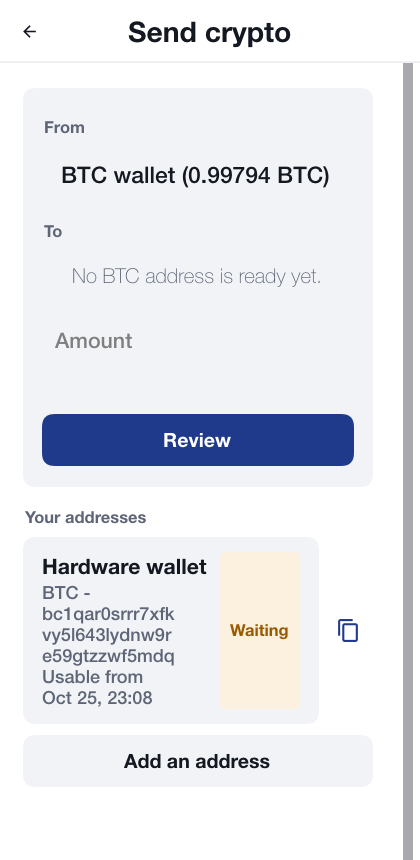
55.10. Security Center
Security Center lists every protection the app has and whether it’s in force on this device, in this build, now: the connection rules and certificate pins, where the keys and the sign-in are kept, the app lock, the screen protections, whether the device looks rooted or jailbroken, whether it passed the platform’s integrity check, and the hardening the build applied.
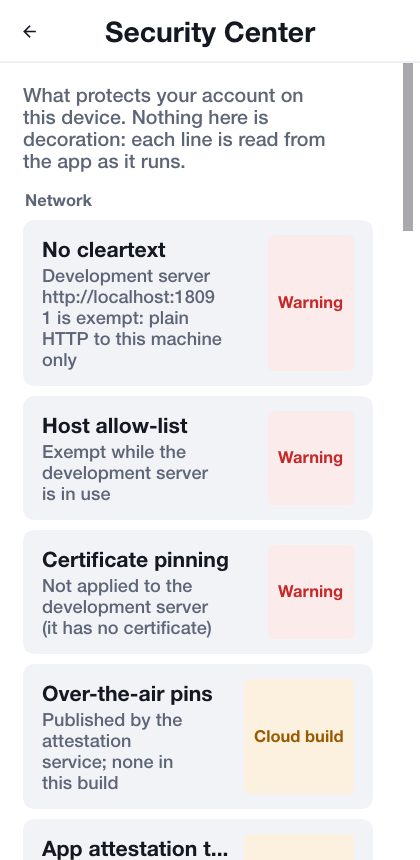
It’s honest by design. A protection the simulator or a browser can’t provide, such as a hardware keystore, says so. One that only a build from the Codename One build server applies, such as code hardening or Play Integrity, is marked Cloud build instead of claiming to be on. A development exemption in use, such as the unpinned connection to a server on this machine, is a Warning.
55.11. Settings
Every value a customer may need somewhere else has a copy button beside it, and the value itself can be selected: a receipt’s reference, a transaction’s ledger entry and posting, an account and a card identifier, a coin address, a passkey’s ID, this device’s key ID, the authenticator key, and on the console an entry’s ID and the audit and evidence hashes. Keys and account and card identifiers are copied as sensitive clips that clear themselves after a minute, the same as the authenticator key; a short message confirms each copy.
Statements, receipts and transactions have a Print button, as do the console’s reports: the general ledger, the trial balance, the balance sheet, the income statement, the audit chain, the audit trail, the access log and an evidence export. The printout has the bank’s name, the report, the account and period it covers and when it was made, then the table, then the totals, and goes to the platform’s print dialog. Where the platform can’t print, there is no button.
Settings turns biometric unlock on and off, sets, changes or removes the unlock PIN, turns on the authenticator app and makes new recovery codes, lists and removes passkeys and adds new ones, shows this device’s payment key, and chooses the language: English, Spanish, French, German or Hebrew, which lays the app out right to left. Tables mirror, so the debit side of a T-account is on the right as a Hebrew ledger writes it; charts keep time running left to right.
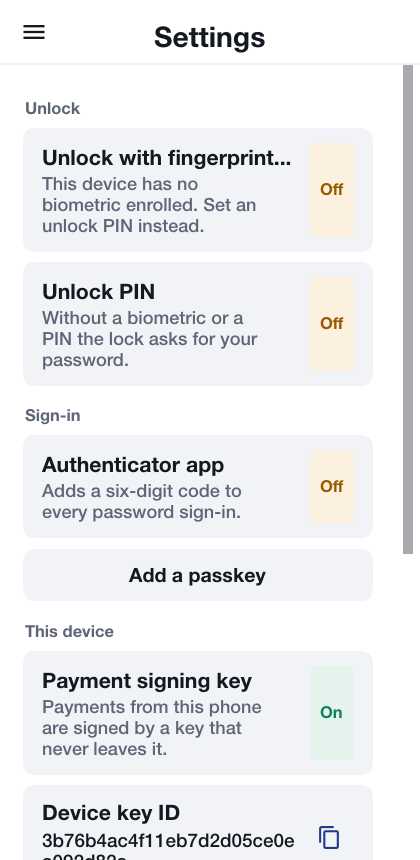
55.12. The back office
Staff sign in like customers and land on the console: Administration for an administrator, Audit for an auditor. On a wide window, a desktop or a tablet on its side, the sections are a sidebar beside the page and the tables use the width; on a phone the sections are a picker over one column, and a wide table scrolls sideways. A customer’s statement on a phone keeps three columns instead: the date, the amount signed in or out, and the running balance.
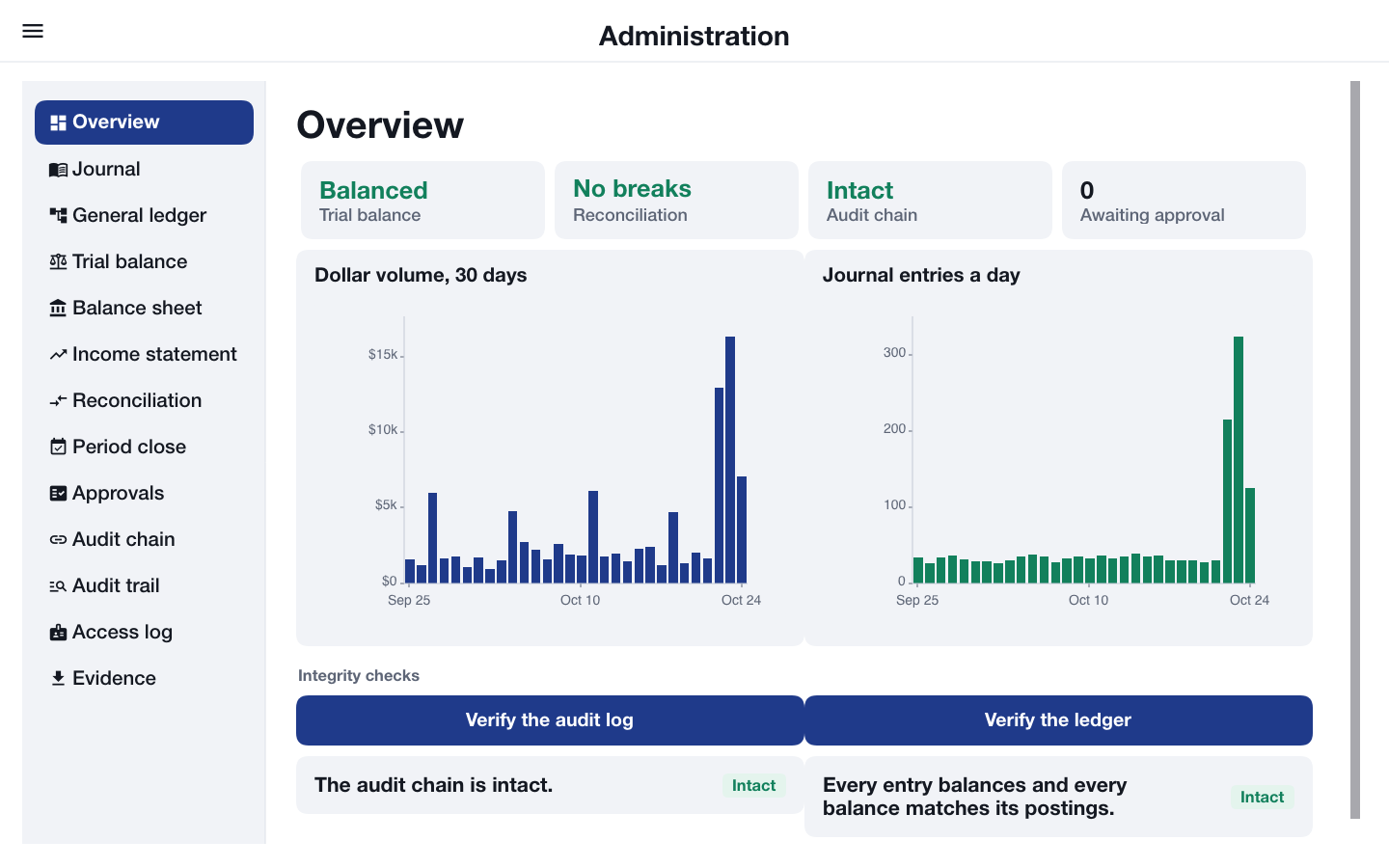
The Overview shows whether the trial balance balances, whether reconciliation found breaks, whether the audit chain is intact and how many requests wait for approval, with the dollar volume and the number of journal entries a day. Order holds and their releases are left out of both: they move a customer’s own money into escrow and back, and no value changes hands. An administrator also runs the two checks, recomputed from the stored rows each time:
Verify the audit log: every security and money event is a link in a hash chain, and the check reports any row that was changed, removed or inserted out of order.
Verify the ledger: every entry sums to zero in each currency, and every balance equals the sum of its postings.
The Journal lists every entry with its debit (Dr) and credit (Cr) legs, credits indented under the debits. Tapping an entry shows it in full, with a total per currency that proves its debits equal its credits, the entry it reverses or the one that reversed it, and its audit trail.
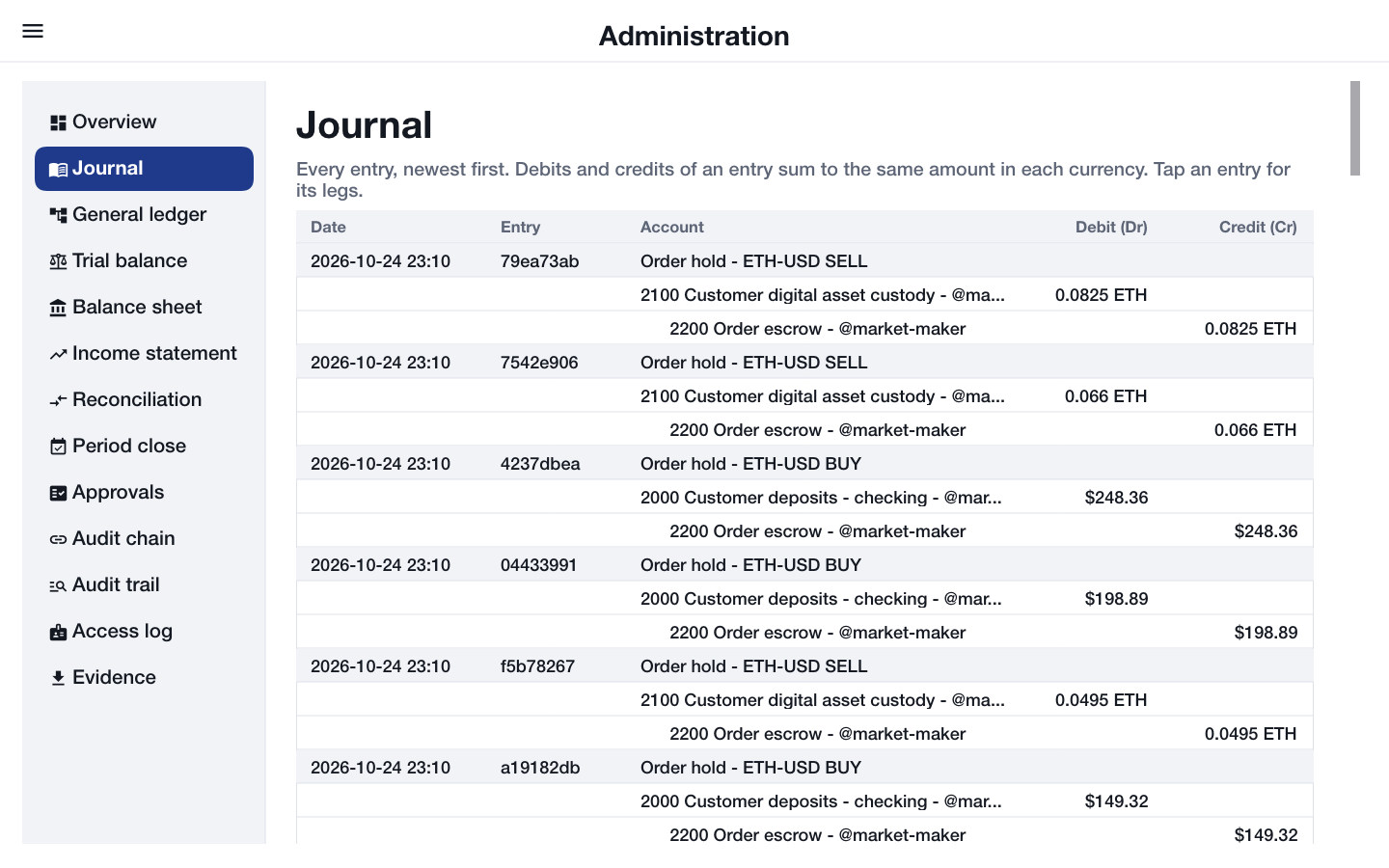
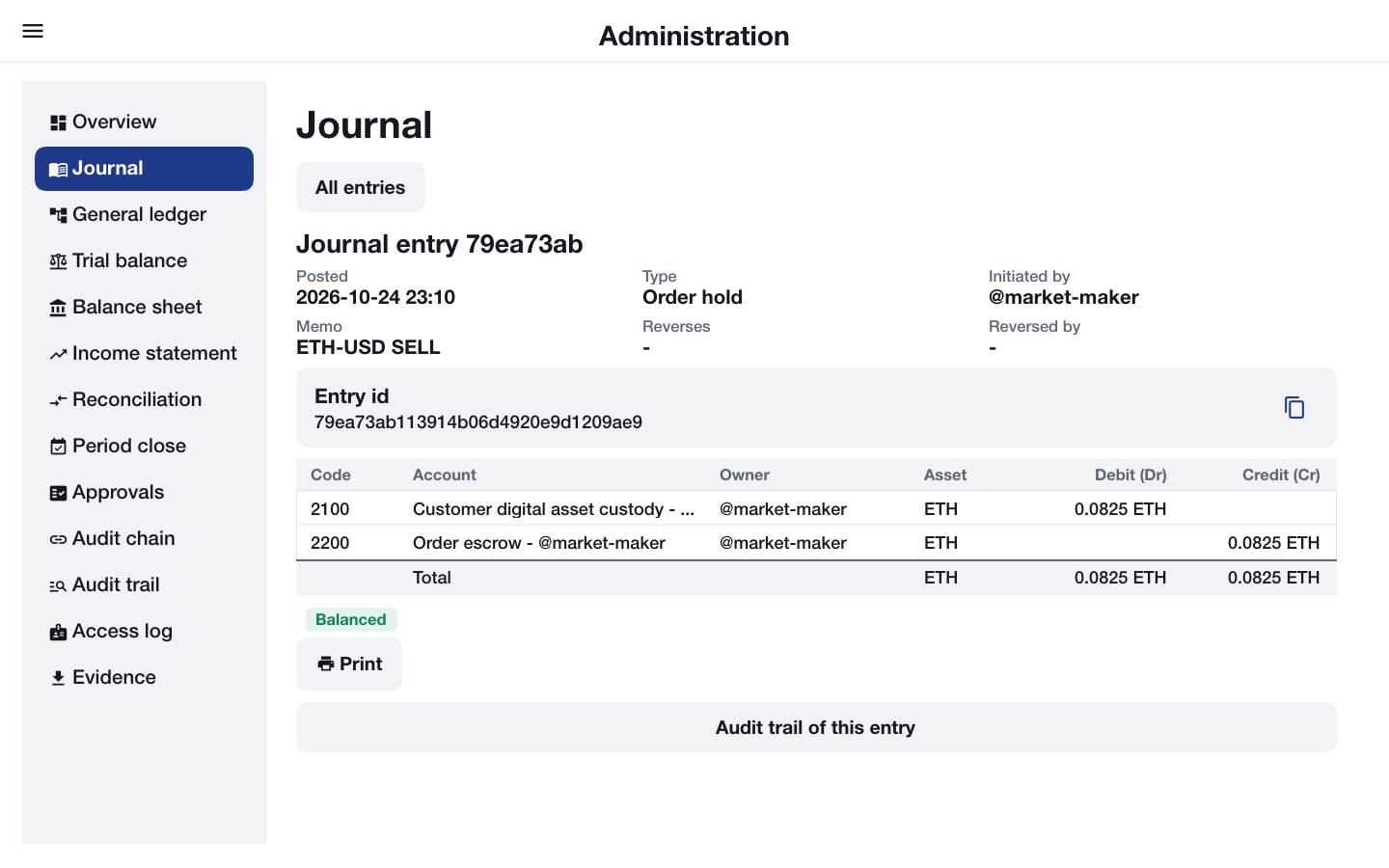
The General ledger lists the lines of one account code in one currency with a running balance, and shows the account as a T-account, debits on one side and credits on the other, between its opening and closing balances.
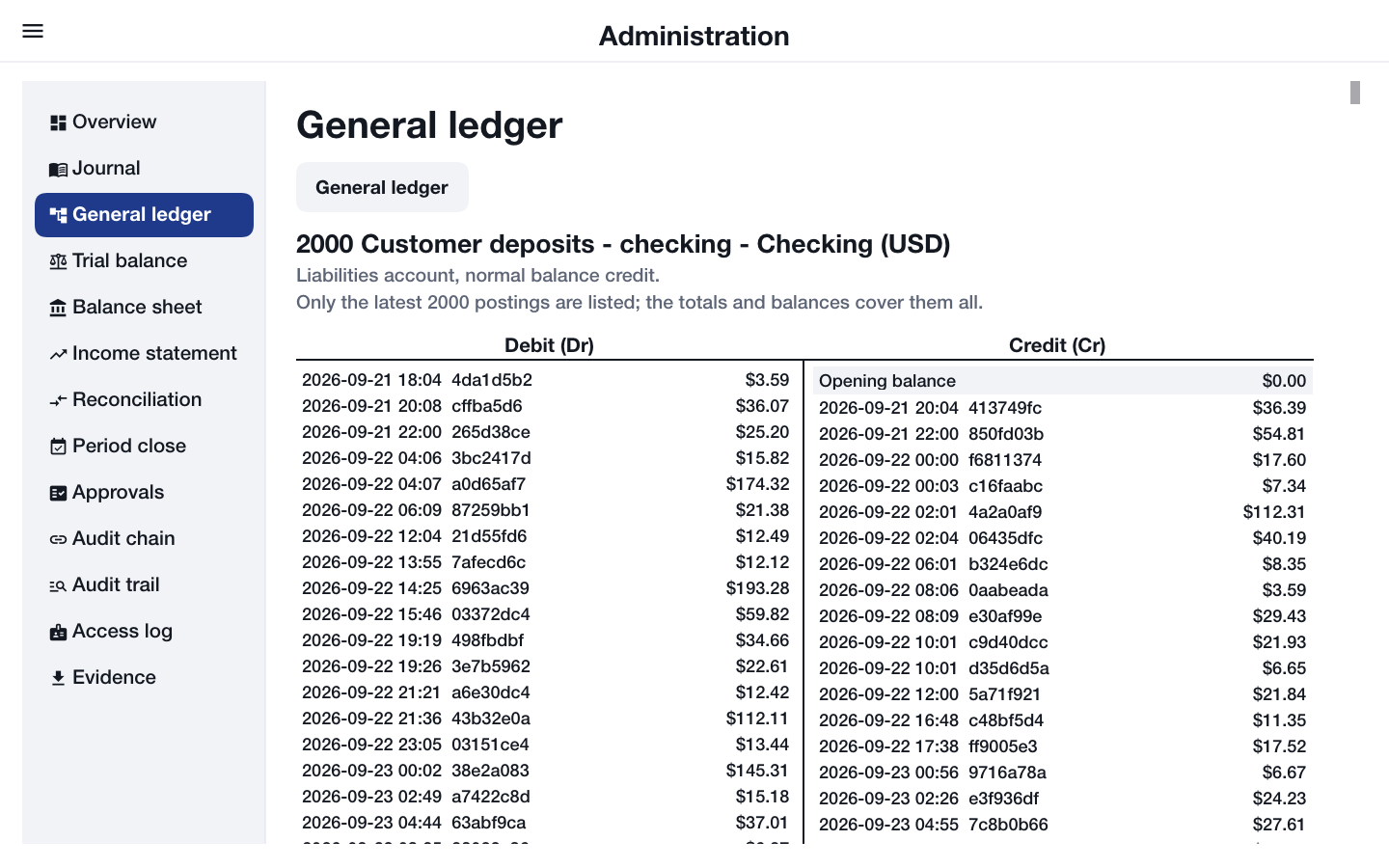
The statements follow from the same postings. The Trial balance lists the debit or credit balance of every account code and currency, with totals that must agree. The Balance sheet shows assets, liabilities and equity, and that the first equals the sum of the other two. The Income statement shows revenue and expenses for the period and the net income, all valued in dollars as well as in their own currency.
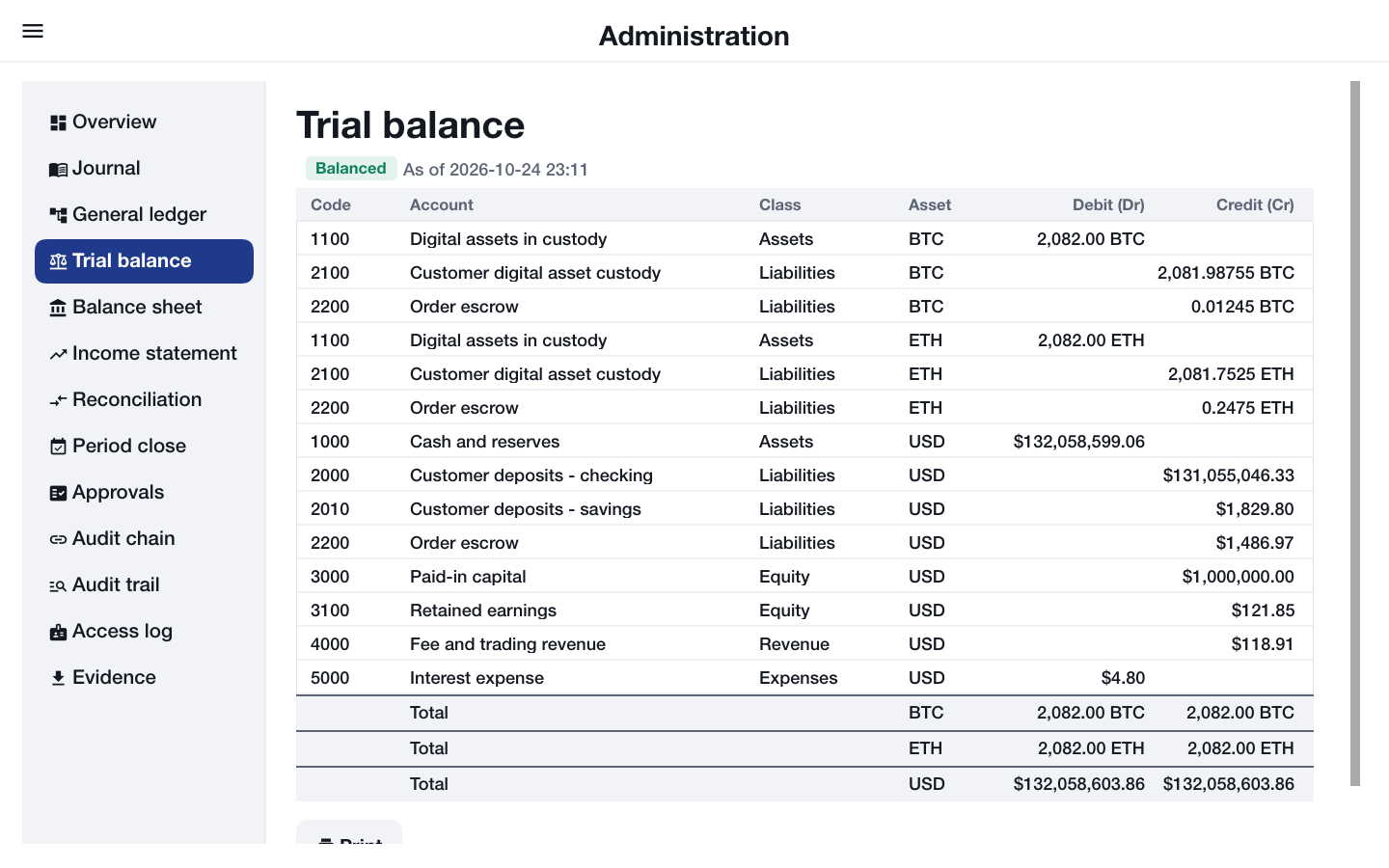
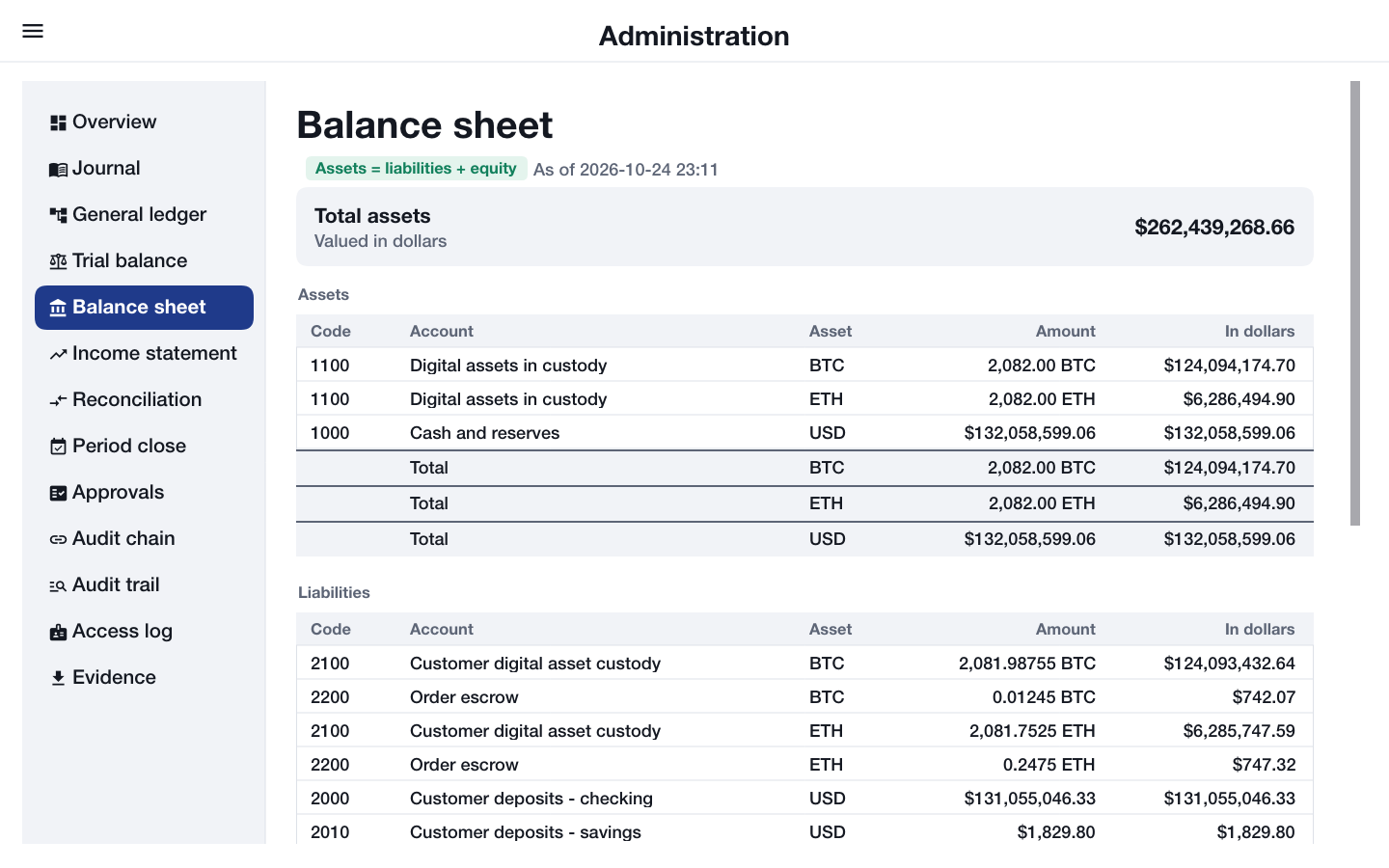
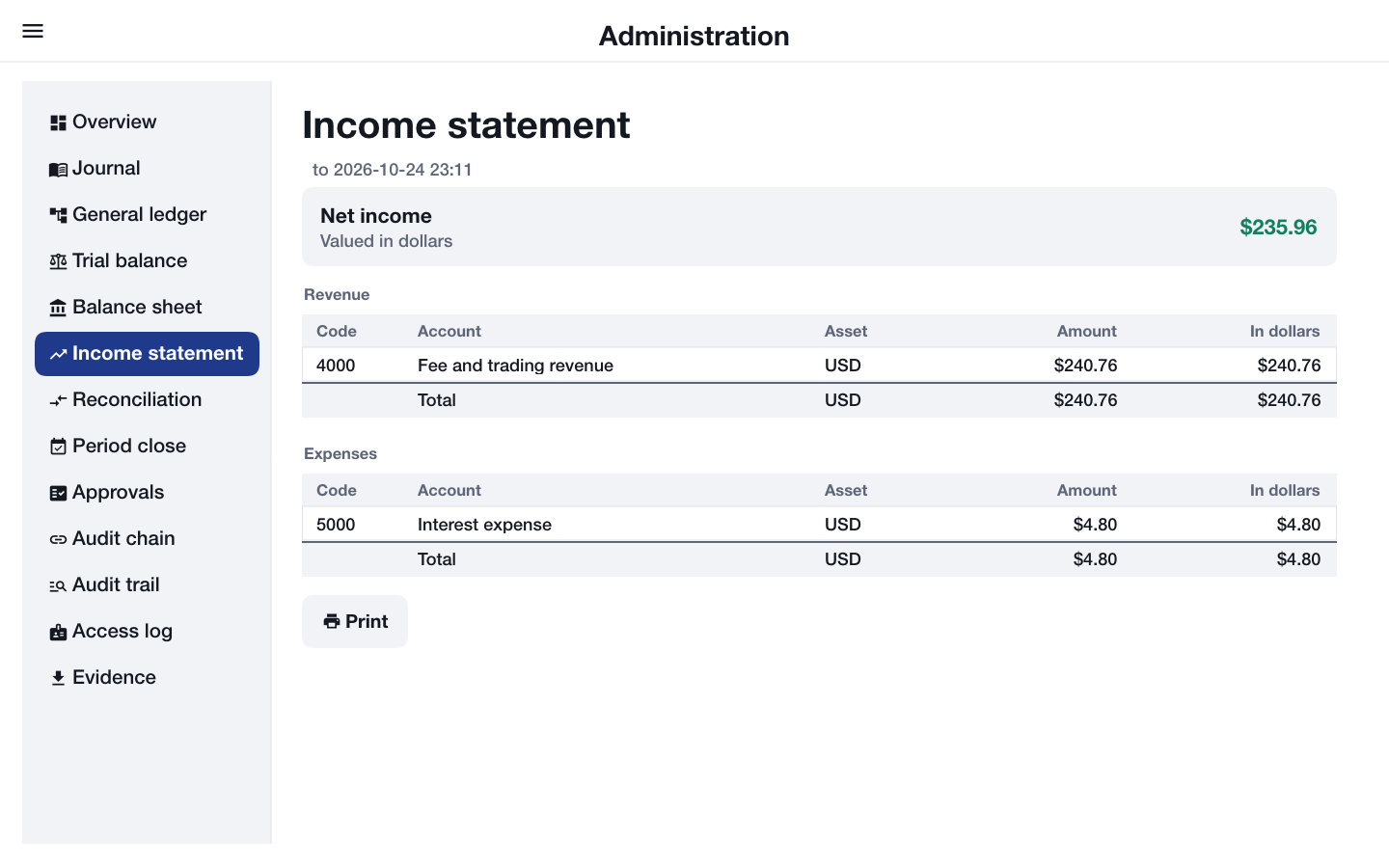
Reconciliation compares each control account with the sum of the customer accounts under it. A difference is a break, and its row is red.
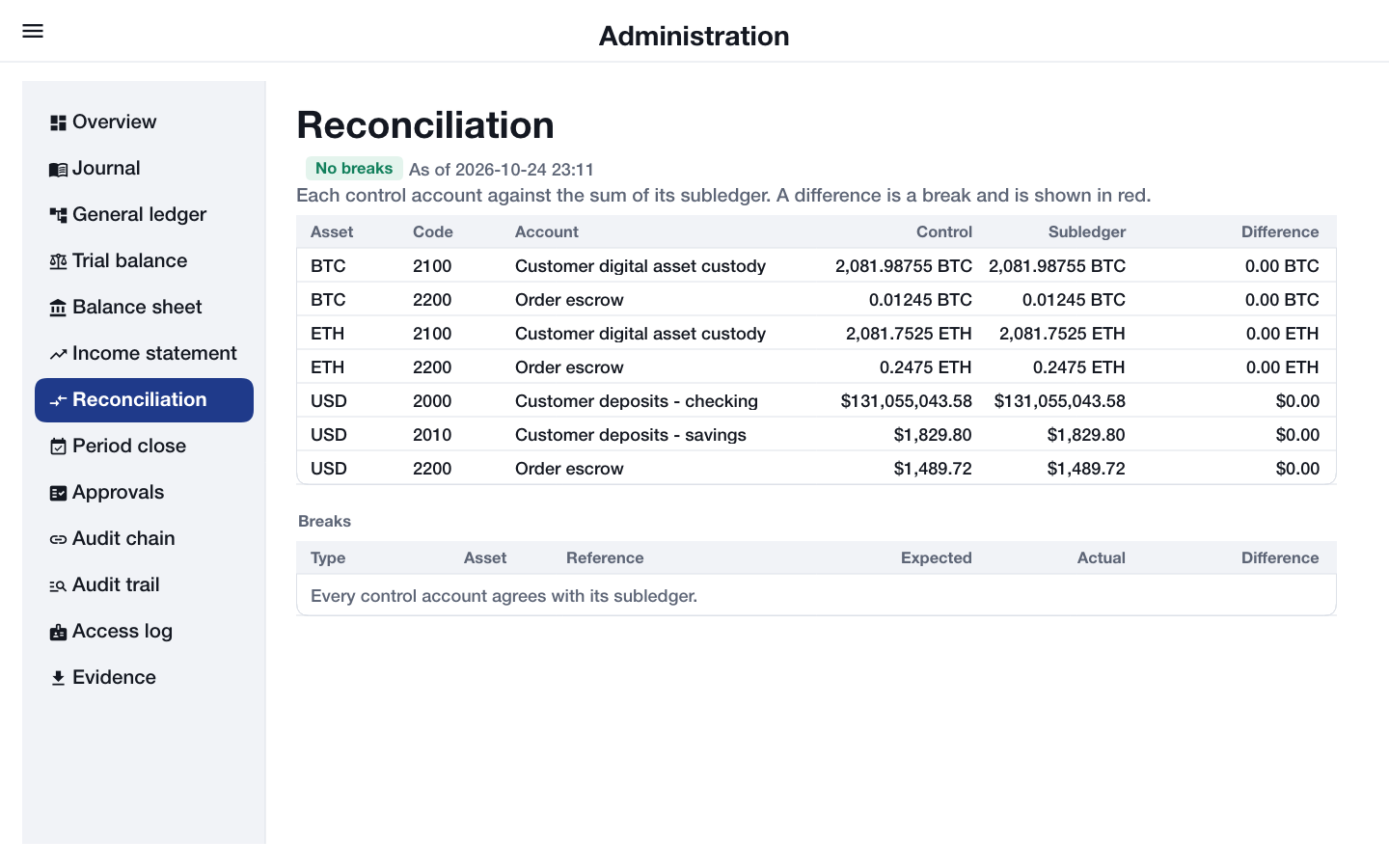
Period close lists the closed periods. Closing one moves revenue and expense into retained earnings and locks every entry up to its date, so its statements never change again.
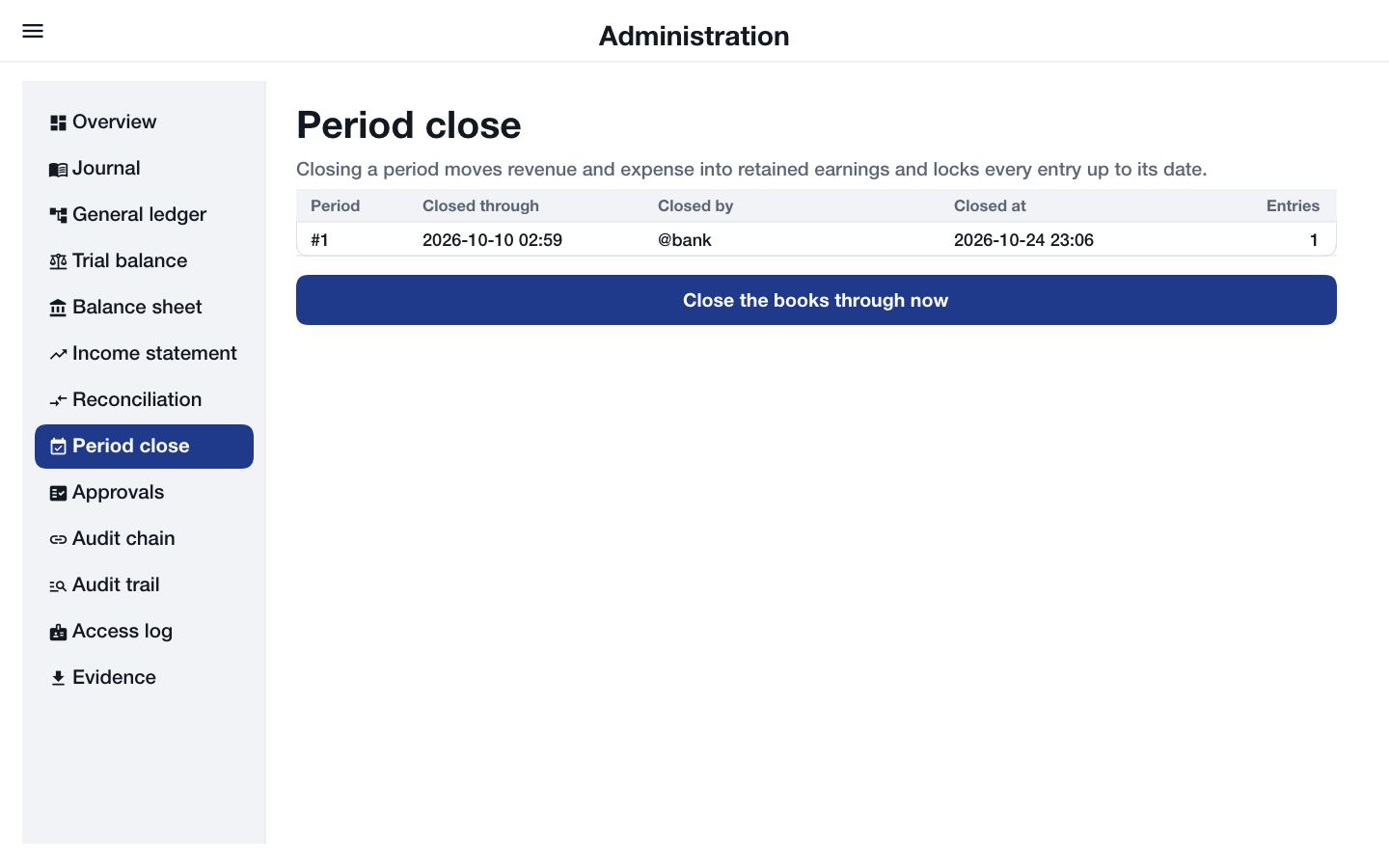
Changes need two administrators. An administrator can ask for an adjustment to a customer account or for an entry to be reversed; above the approval threshold it waits in Approvals until a second administrator approves or rejects it. Every change asks for the administrator’s password again.
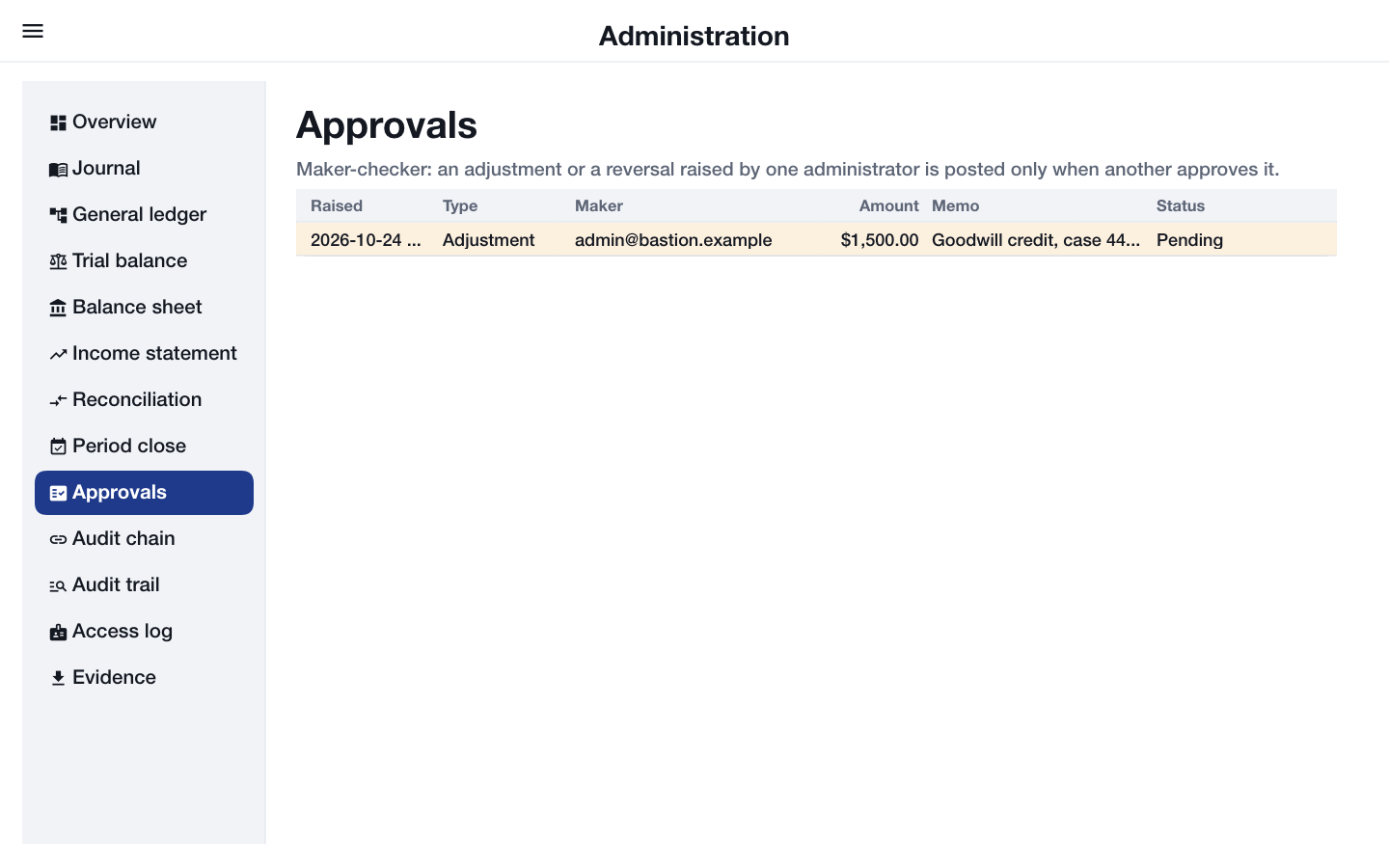
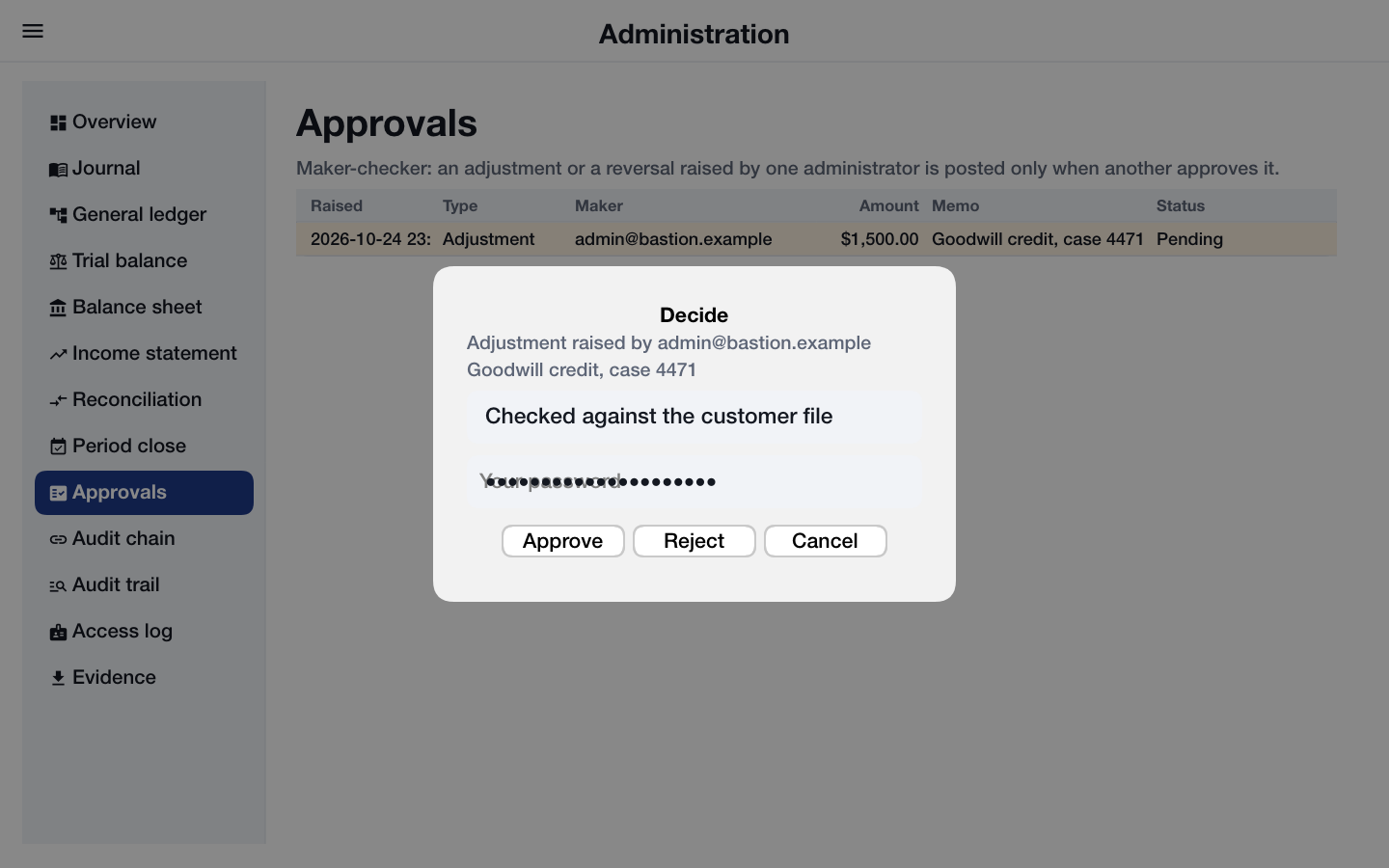
Audit chain reports how many links were checked and the head of the chain, and lists the latest events with their hashes; if a link is broken, the first broken row is red. Audit trail lists every event that names one entry, account or person, and Access log lists every time staff read the books.
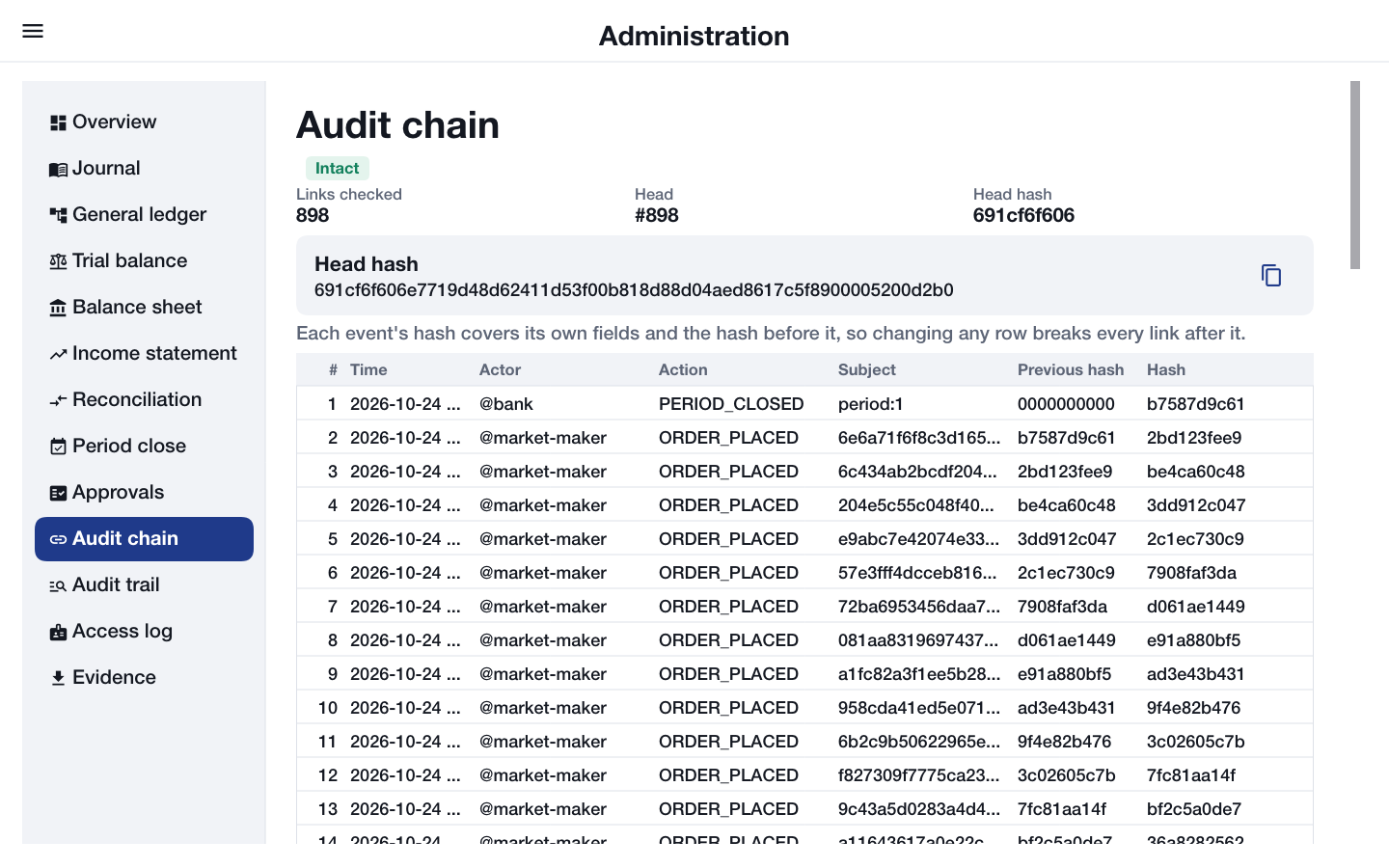
Evidence exports the journal, the trial balance or the audit chain as CSV or JSON for an external auditor. The file is saved, a browser downloads it, and the screen shows who made it, when, and its SHA-256 digest so the copy can be checked later.
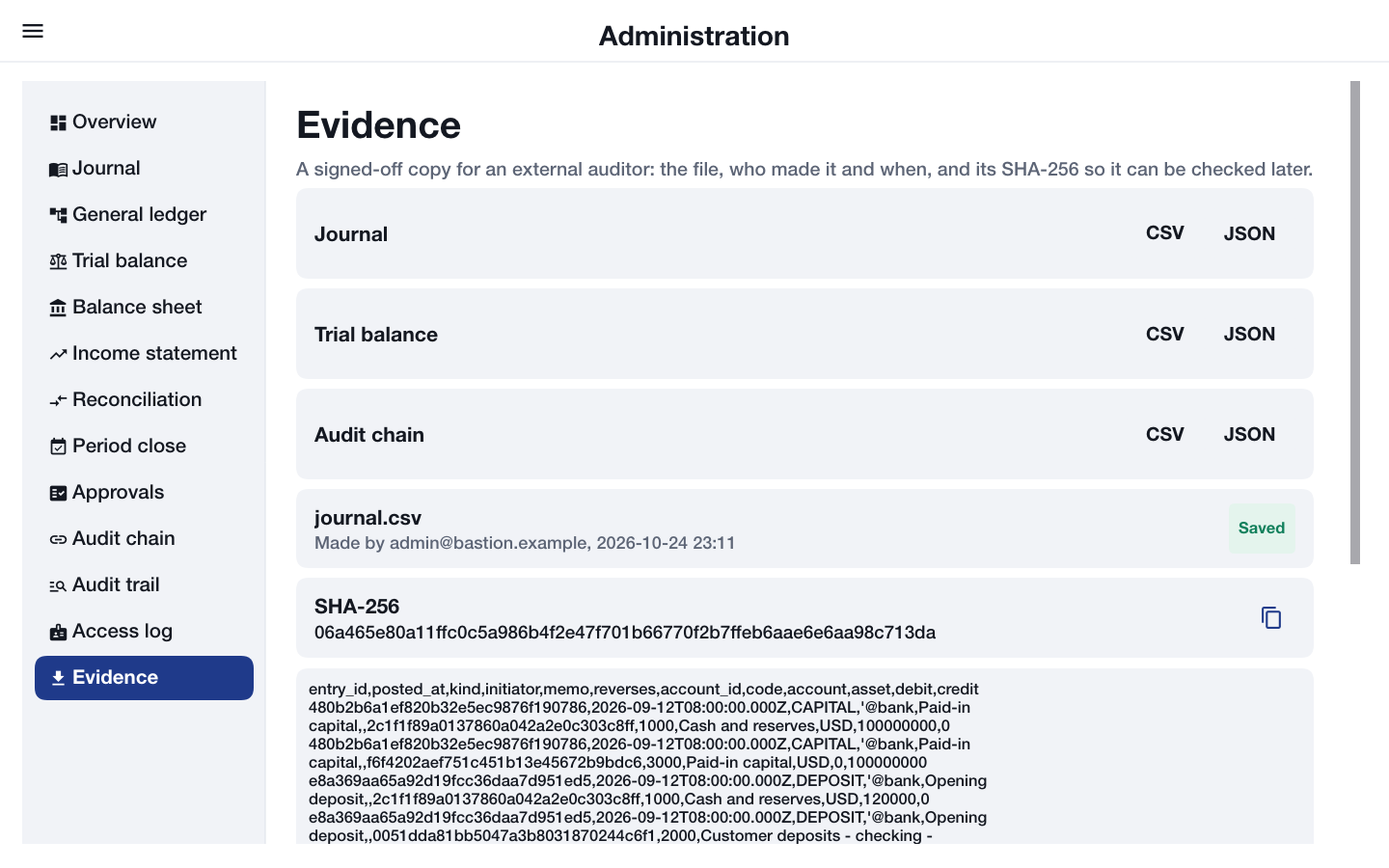
An auditor sees the same console marked Read-only, without the approvals queue and without any button that changes something. The server refuses those changes to an auditor whatever the app shows.
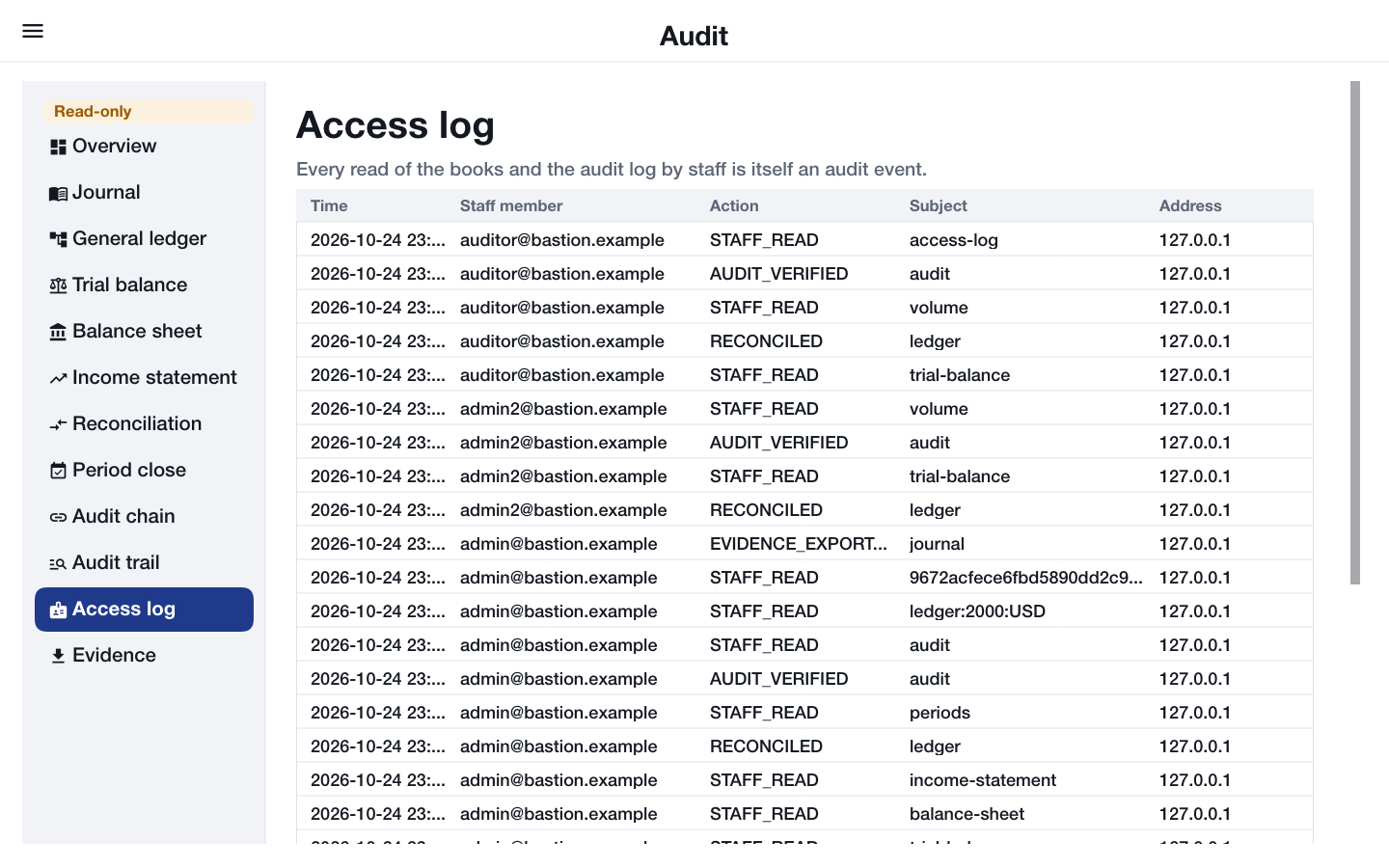
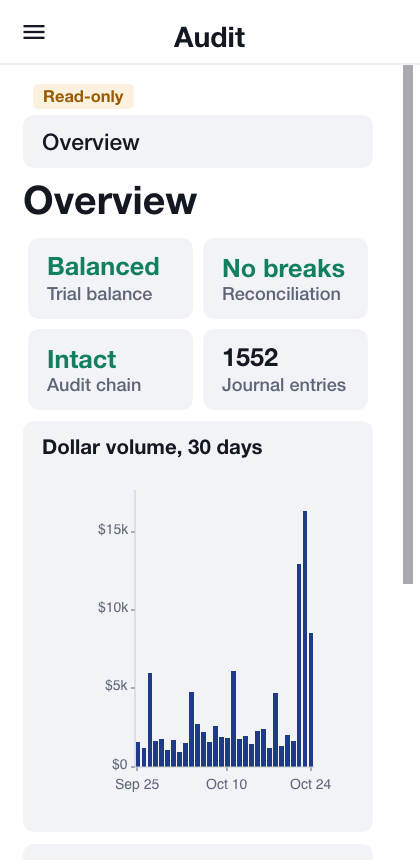
No request can make an administrator. Outside the development profile, the one administrator account comes from the server’s environment when it starts.
56. Bastion: Building on the sample
This chapter is for the developer who takes scripts/bastion as the start of a real banking or exchange app. It covers how the sample is put together, how sign-in, a signed payment, a trade and the audit chain work, every security feature with the file it lives in, the settings and the endpoints, the threats it’s built against, what only a cloud build turns on, and the work that stands between the sample and a product.
56.1. Running it
The server runs on the development profile with an in-memory database:
cd scripts/bastion
CN1_PROFILE=dev backend/server.sh runThe app runs in the simulator from another terminal:
mvn verify -Psimulator -DskipTests -Dcodename1.platform=javasebackend/server.sh run --native runs the same server compiled to a native binary, and --web also builds the app for the browser and serves it from the server at /.
56.2. The modules
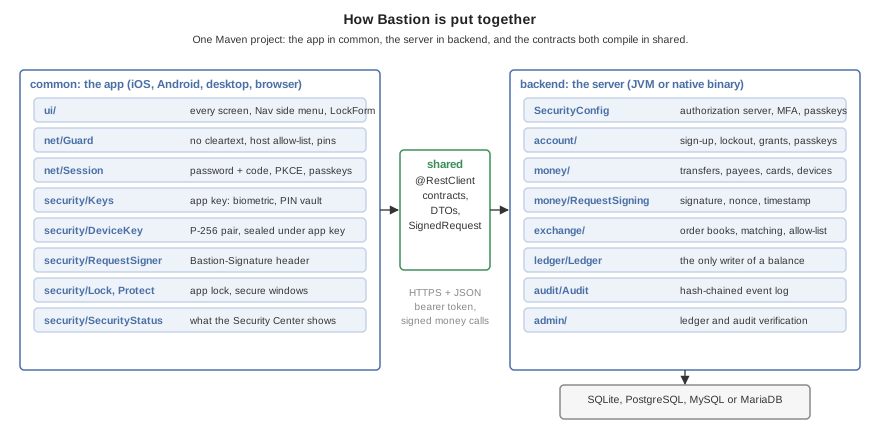
| Module | What it holds |
|---|---|
| The transfer objects and the |
| The Codename One Backend server: the ledger, accounts and sign-in, money movement, the exchange, the audit chain, and the administrator’s checks. |
| The app: every screen, the network guard, the app key, the device key and request signer, the app lock, the screen protections and the Security Center. |
The project has the minimal layout, with no platform modules: common builds the simulator, the desktop app, Android, iOS and the browser. The server’s classes live under backend/src/main/java/com/codenameone/examples/bastion and the app’s under common/src/main/java/com/codenameone/examples/bastion; the paths in this chapter are relative to those.
56.3. Signing in
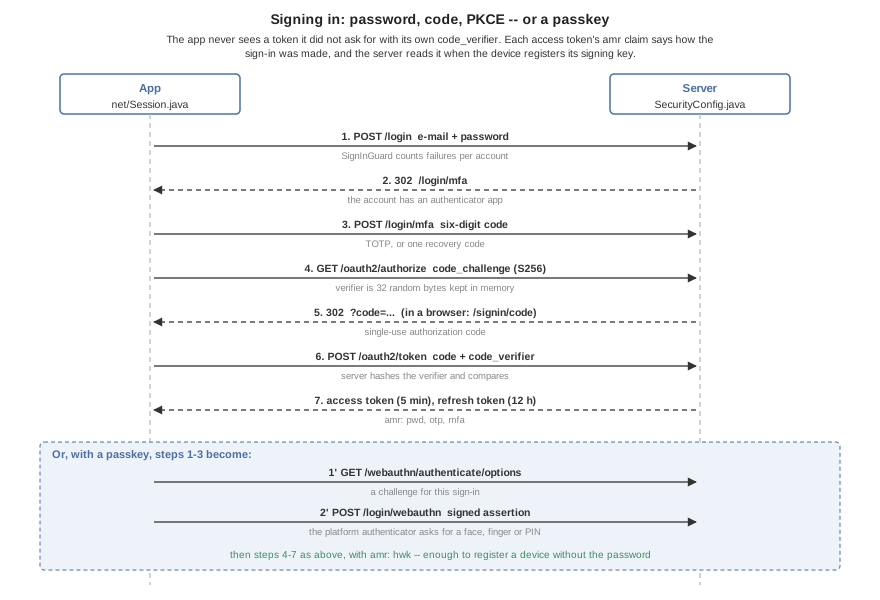
The server is its own OAuth 2 authorization server (SecurityConfig.java). The app (net/Session.java) posts the password, answers the /login/mfa step when the account has an authenticator app, and then runs the authorization-code flow with PKCE. A passkey replaces the first three steps with a WebAuthn assertion, and the server asks for user verification on every one (userVerification("required")), so a passkey sign-in is always a fingerprint, a face or the device PIN as well as the key.
The sign-in screen (ui/SignInForm.java) offers the strongest factor the device has first: a passkey, then the stored sign-in a biometric opens (the app key the lock screen releases, which also seals the device’s payment key), then the password and code. The server doesn’t leave that to the app. account/SignInGuard.java holds an account to the strongest factor it has enrolled: for an account with a passkey, POST /login is answered 403 with "stronger":"passkey" before the password is checked, unless the account has an authenticator app, and then the /login/mfa step accepts a recovery code and refuses a six-digit code with the same answer. The password and a recovery code are the recovery path for a lost passkey; each code works once, and the sign-in is in the audit log. An account with a passkey and no authenticator app is recovered by the bank removing the passkey after checking who is asking. Every refusal is audited as SIGNIN_REFUSED. The answer tells whoever knows the e-mail that the account has a passkey, the same trade the lockout makes. In a browser the app runs the same steps from the page, with the browser’s own session cookie, and reads its code from /signin/code on the server it came from.
Access tokens last five minutes and refresh tokens twelve hours, rotating on every use. Each access token carries an amr claim saying how the sign-in was made: pwd, otp and mfa, or hwk for a passkey. money/Devices.java reads it: a device key is registered only within ten minutes of a sign-in, and also needs the password unless the sign-in used a second factor or a passkey the authenticator verified the user for (hwk together with user); hwk alone proves only that the key was present. account/SecondFactor.java holds adding an authenticator app to the same rule, stricter: after a password-only sign-in both the start and the confirmation carry the password as well as being within those ten minutes, so a stolen token can’t enroll the thief’s app however fresh it is.
56.4. A signed payment
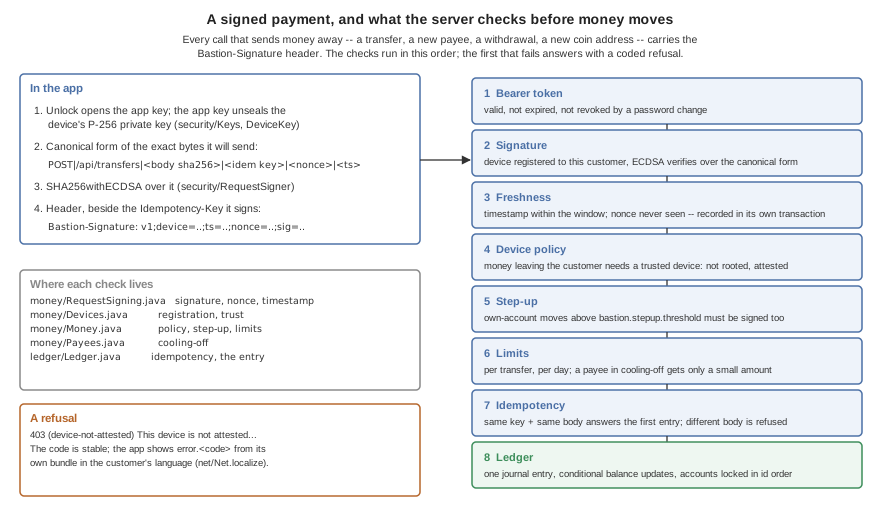
Every call that sends value away carries a Bastion-Signature header made by security/RequestSigner.java:
Bastion-Signature: v1;device=<id>;ts=<millis>;nonce=<random>;sig=<base64url r||s>
The signature is ECDSA P-256 with SHA-256 over METHOD|target|hex(sha256(body))|idempotency-key|nonce|ts, built by SignedRequest in shared so that both sides compute the same bytes. The app signs the exact JSON it sends. The Idempotency-Key is signed too (an empty field for a call without one): otherwise a captured request could be sent again under a fresh key and its fresh nonce, and the server would take it for a new payment. The server (money/RequestSigning.java) refuses an unknown device, a bad signature, a timestamp outside the window or a nonce it has seen, and commits the nonce in its own transaction before the money transaction starts, so a replay that races the original still loses.
A refusal is answered as (code|value|value) English text. The code is one of the Refusal constants; the app looks it up as error.<code> in its own bundle (net/Net.java), so the customer reads it in their language and a reworded English sentence never breaks a translation. ui/DeviceSetup.java reacts to the device codes: it offers to register a key and then sends the same request again, with a fresh nonce and the same idempotency key.
56.5. The ledger
Every amount is a long in the asset’s smallest unit: cents for dollars and euros, satoshi for bitcoin. Ether is kept in units of 10-9 (gwei) rather than wei, so that a balance fits a long; a real ether product that needs wei precision has to widen the column and the arithmetic.
ledger/Ledger.java is the only code that changes a balance. It posts a double-entry journal entry, whose postings sum to zero in every asset, in one transaction:
Conditional updates. A balance moves with one
UPDATE … WHERE balance + :delta >= 0, so two payments racing for the last dollar can’t both succeed, and no balance is ever read, changed in Java, and written back.Lock order. The accounts an entry touches are updated in the order of their ids, so two entries over the same accounts can’t deadlock each other.
Idempotency. Every money request carries an
Idempotency-Key. The key and a hash of the request are stored with the entry; a retry answers the first entry, and the same key with a different request is refused.Rollback on any failure. Every transaction is
@Transactional(rollbackFor = Exception.class). A checked exception would otherwise commit what was done before it.
A trade is the richest entry the ledger makes:
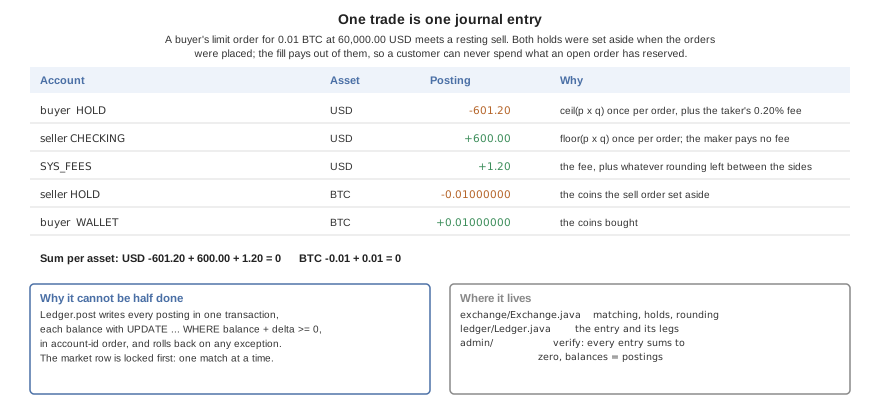
exchange/Exchange.java sets aside what an order could spend in a HOLD account when it’s placed, and pays fills out of the holds. Each order keeps the exact running sum of price times quantity over its fills and rounds it once: up for what a buyer pays, down for what a seller gets, with the difference and the taker fee going to SYS_FEES. The market’s row is locked before matching, so one market matches one order at a time.
ledger/IsolationCheck.java refuses to start the server on MySQL at its default REPEATABLE READ isolation. The ledger, the audit chain and the order book each serialize their writers on one row and then read what the previous writer committed, and REPEATABLE READ answers those reads from an older snapshot. Run MySQL at READ COMMITTED (transaction-isolation = READ-COMMITTED in its configuration). PostgreSQL runs at READ COMMITTED by default, and SQLite serializes every writer.
56.6. The accounting model
The ledger stores one signed number per posting. Read as accounting, a positive amount is a credit and a negative one a debit, so an entry that sums to zero is an entry whose debits equal its credits. A customer’s deposit is money the bank owes, so customer accounts are liabilities; the cash that came in is an asset. books/Chart.java maps every account kind to its place in the chart of accounts, in code, so no row can put a customer’s deposit among the bank’s assets:
| Code | Account | Class | Normal balance | Kind |
|---|---|---|---|---|
1000 | Cash and reserves | Asset | Debit |
|
1100 | Digital assets in custody | Asset | Debit |
|
2000 | Customer deposits, checking | Liability | Credit |
|
2010 | Customer deposits, savings | Liability | Credit |
|
2100 | Customer digital asset custody | Liability | Credit |
|
2200 | Order escrow | Liability | Credit |
|
3000 | Paid-in capital | Equity | Credit |
|
3100 | Retained earnings | Equity | Credit |
|
4000 | Fee and trading revenue | Revenue | Credit |
|
5000 | Interest expense | Expense | Debit |
|
5100 | Operational adjustments | Expense | Debit |
|
9999 | Suspense | Asset | Debit | any kind the chart doesn’t know, shown rather than hidden |
books/Books.java derives every report from the postings: the journal, the general ledger of one code, an account’s T-account, the trial balance, the balance sheet (with the period’s earnings as line 3900 until closing the period moves them to retained earnings) and the income statement. Each total is per asset and also valued in dollars at the index price.
Period close. Closing a period posts one closing entry per asset that moves revenue and expense into retained earnings, and records the close. From then on the ledger refuses any entry dated inside a closed period, so a closed period’s statements never change.
Reversals. A posted entry is never edited. A reversal posts the opposite entry, and an entry can be reversed once; closing entries and reversals themselves can’t be.
Reconciliation. Each control account (customer deposits, escrow, custody) is compared with the sum of the accounts beneath it, every journal entry with zero, and every stored balance with the sum of its postings. Each difference is reported as a break naming the account and the amounts.
Roles. An
AUDITORreads the books and the audit trail and can change nothing; anADMINoperates. Every staff read is appended to the audit chain asSTAFF_READbefore it’s answered, and/api/audit/access-loglists them.Four eyes. A manual adjustment or a reversal worth more than
bastion.approval.threshold-usd-centswaits as a pending approval until a second administrator approves it; the maker can’t approve their own request, and the refused attempt stays on the audit chain. The threshold counts what the same administrator posted without a checker in the last 24 hours, so a large change split into small ones still waits. A request in an asset with no dollar price can’t be shown to be small, so it waits too. Every change also asks for the administrator’s password again.Evidence.
/api/audit/evidence/{name}exports the whole journal, the trial balance or the audit chain as CSV or JSON, with its SHA-256 digest, which is itself recorded on the chain. A CSV cell that a spreadsheet would run as a formula is quoted. The chain report names the first row whose link is broken.Long ledgers. The general ledger and a T-account list the latest 2000 postings and say when there are more; their totals and balances are summed over every posting in the period.
56.7. Charts, tables and the console
The app’s screens are in common/src/main/java/…/ui. Three classes carry the data views:
Charts.javadraws every chart withcom.codename1.charts: a filled line for a balance, paired bars for money in and out, a doughnut for the allocation, and candles for a market, made of a range bar from the low to the high under a body from the open to the close. Colors come from the foreground of theBnChartLine,BnChartInandBnChartOutstyles intheme.css, so dark mode and a re-skin reach the charts too.Table.javais a table of weighted columns overTableLayout, with numbers aligned to the end of their column. It mirrors in Hebrew, and on a phone a table wider than the screen scrolls sideways inside itself.ConsoleForm.javais the staff console. A window at least 165 mm wide gets a sidebar; anything narrower gets a section picker. Its buttons follow the roles: an auditor gets no action at all and an administrator’s changes send the password with each request and a freshIdempotency-Keywith each adjustment or reversal. The server enforces both; the console only stops offering what would be refused.
Nav.form keeps one way out of every screen: a screen reached from the menu has the menu button, a screen pushed from another has a back arrow, never both. The sign-in, code and lock screens have no title bar; Ui.landing gives them the brand band as a header instead.
56.8. The audit chain
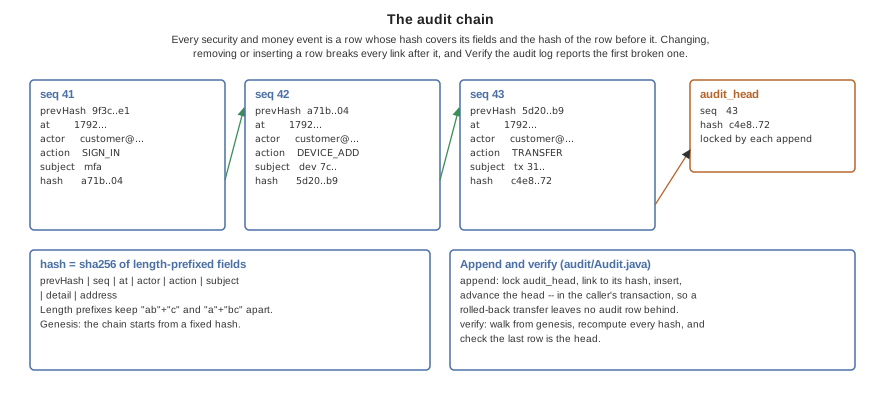
audit/Audit.java appends every security and money event as a row whose SHA-256 hash covers its own fields, length-prefixed, and the hash of the row before it. Appending a row locks audit_head, links to its hash and advances it, inside the caller’s transaction, so a transfer that rolls back leaves no audit row behind. Verify the audit log (/api/admin/audit/verify) walks the chain from its fixed starting hash and reports the first row whose hash isn’t its own, that doesn’t link to the row before, or a head that doesn’t match the last row.
56.9. Security features and where they live
The last column says whether the feature needs a build from the Codename One build server to be in force. Everything marked No works in the simulator, a local build and the browser too.
56.9.1. On the server
| Feature | What it does | Where | Cloud build? |
|---|---|---|---|
Sign-in | The authorization server with the authorization-code flow and PKCE, five-minute access tokens, rotating twelve-hour refresh tokens and the |
| No |
Second factor | TOTP enrolment and confirmation, ten single-use recovery codes, and the |
| No |
Passkeys | WebAuthn registration and sign-in with user verification required; listing and removing them. |
| No |
Strongest factor enforced | An account with a passkey can’t sign in with the password, or with the password and an authenticator code; only the password and a recovery code stand in for the passkey. |
| No |
Lockout | Failed passwords counted per account in |
| No |
Rate limits | Per-address limits on sign-in, registration and transfers. |
| No |
Headers |
|
| No |
Ending sessions | A password change ends every other sign-in by removing its grants, so a refresh token on a lost phone stops working. |
| No |
Device registration | A device’s P-256 public key is registered only within minutes of a sign-in, and with the password again unless the sign-in had a second factor or a passkey. A registration without a platform attestation token is recorded as untrusted, and an untrusted device’s signature is refused for any money leaving the customer’s accounts. If the app locks while a registration is on its way, the app revokes the server’s record of that device after the next unlock. |
| No |
Request signing | Signature, timestamp window and single-use nonce on every call that sends value away, and on the calls that would let a stolen token do so later: changing a payee or an address, issuing or unfreezing a card, raising its limit, revoking a device or removing a passkey. Placing an order is signed too: selling into a resting order moves value to its owner. |
| No |
Device policy | Money leaving the customer needs a signature from a trusted device: registered, not reported rooted, and passing the integrity check. |
| No |
Integrity | The check of the platform’s attestation token. With |
| Token: yes |
Limits and step-up | Per transfer, per day, per new payee during its cooling-off; own-account moves above a threshold signed too; crypto counted in dollars at the index price. Orders count against the same per-payment and daily limits, valued in dollars at their worst case, and trade only within a price collar around the index ( |
| No |
Allow-list | Coins leave only to a signed, cooled-off address. |
| No |
Audit chain | Hash-chained event rows appended under a lock on the head. |
| No |
Ledger check | Every entry balances and every balance equals its postings. |
| No |
Administrators | No request makes one. Outside development, the only administrator comes from the environment. |
| No |
56.9.2. In the app
| Feature | What it does | Where | Cloud build? |
|---|---|---|---|
Network guard | Installed before the first request: no cleartext, a host allow-list, and certificate pins, through |
| No |
Over-the-air pins and attestation tokens | `AppShield’s attestation engine fetches pins and stamps requests with a token. |
| Yes |
Sign-in | The strongest way in first: a passkey, then the biometric unlock of a stored sign-in, then the password and second-factor step; then the authorization-code flow with PKCE, in a browser too. |
| No |
Copying values | One component for every value a user copies: selectable text and a copy button. Keys and account and card identifiers go through |
| No |
Printing | Statements, receipts, transactions and the console’s reports laid out as a page of monospaced lines, drawn on an image and handed to |
| No |
App key | 32 random bytes that seal the device key and the stored tokens, held in memory only while unlocked. Copies: one in the biometric tier of |
| No (biometric binding: a device) |
Token storage | Tokens sealed under the app key in |
| No |
Device key | A P-256 pair from |
| No |
Request signer | Signs the exact bytes the request sends, in the canonical form the server checks. |
| No |
App lock | Locks on start with a stored session, after 30 seconds in the background and after two minutes idle; biometric, then PIN, then a fresh sign-in. Locking also drops the session’s tokens from memory and ignores every answer still on its way; the unlock reads the tokens back from the sealed store. Signing out erases every key on the device, and a sign-in by another account starts the device over. |
| No |
Screen protection | Secure windows on sensitive screens, tapjacking protection, and a clipboard that clears itself after a minute, or as soon as the app can confirm the copy is still there, without reading the clipboard when the app goes to the background. Each copy is a |
| No (a device) |
App switcher cover | A blank card in the iOS app switcher. |
| Yes |
Root and jailbreak | Root signals reported to the server; a jailbroken iPhone refuses to start. |
| Jailbreak exit: yes |
Code hardening | Class renaming, string encryption, control-flow flattening and tamper checks. |
| Yes |
Security Center | Every protection above with its real state on this device and build. |
| No |
The app can’t read its own build hints when it runs, so SecurityStatus.DECLARED_HINTS mirrors the hardening hints in common/codenameone_settings.properties, and SecurityStatusTest fails when the two disagree.
56.10. What only a cloud build turns on
Some protections are applied when the app is built, by the Codename One build server, and do nothing in the simulator, a local build or the browser. The Security Center marks each Cloud build there rather than claiming it’s on.
| Build hint | What it turns on |
|---|---|
| Code hardening: class renaming, string encryption, control-flow flattening and tamper checks in the built app. |
| Play Integrity: the app obtains an attestation token for the server to check. |
| The iOS jailbreak checks; the app exits on a jailbroken iPhone. |
| A cover over the app in the iOS app switcher. |
A hardware-backed keystore, secure windows and biometrics need a real device; the simulator reports them as unavailable.
56.11. Settings
The server reads these at start-up. A system property of the same name wins, then the environment variable the key maps to (bastion.payee.cooloff-hours is read from BASTION_PAYEE_COOLOFF_HOURS), then application-<profile>.properties, then application.properties. Amounts are in cents.
| Key | Default | What it controls |
|---|---|---|
| none | The database: SQLite, PostgreSQL, MySQL or MariaDB. |
| none | The server’s public |
| a key made at start-up | The key tokens are signed with. Without it, every token stops verifying when the process ends. |
| a fixed development key | The key authenticator secrets are sealed under. |
| none | The one administrator outside the development profile. |
|
| The domain passkeys belong to. |
| The origins passkeys are accepted from, comma separated. | |
| 5, 900, 900 | Failed passwords before the account locks, the window they’re counted in, and how long it stays locked. |
| 10, 20, 20 | Rate limits per address. |
| 10 | How recent a sign-in must be to register a device key. |
|
| Whether money leaving a customer needs a trusted device. Turn it off only for development and screenshots. |
| 100000 | Own-account moves above this are signed by the device too. |
| 1000 | How far from the index price, in basis points, an order may trade: the server refuses a limit price outside it and a market order stops at its edge. |
| 500000, 1000000 | Transfer limits. |
| 24, 10000 | How long a new payee cools off and what it can receive meanwhile. |
| 24 | How long a new coin address waits. |
| 1000000, 2000000 | Coin withdrawal limits, in dollar cents at the index price. |
| 20 | The taker fee in basis points. |
| BTC-USD and ETH-USD | The markets, as |
| 100000 | Adjustments and reversals worth more than this, in dollar cents, need a second administrator. |
| 42 | Days of demo history the development profile posts; above 35 the first four weeks are closed. |
|
| The random-walk market maker. |
In the app, AppConfig.java holds the address a release talks to, RELEASE_SERVER, the development server the simulator talks to, ALLOWED_HOSTS and the certificate PINS. The pins in the sample are placeholders, and the Security Center warns about them until they’re the SHA-256 digests of the real server’s public keys.
56.12. The API
Every endpoint but registration and sign-in needs a bearer token. Signed marks the calls that also need the Bastion-Signature header; Idempotent marks those that take an Idempotency-Key.
| Endpoint | What it does | Needs |
|---|---|---|
| Opens an account. | Rate limited |
| The signed-in customer. | |
| Changes the password and ends every other sign-in. | The current password, held to the lockout |
| Starts and confirms the authenticator app. | |
| New recovery codes. | |
| Lists and removes passkeys. | Removing: signed by a device, or the password in the body |
| The currencies and coins and their decimals. | |
| Lists and opens accounts. | |
| An account’s history. | |
| Moves money. | Signed, idempotent |
| The demo deposit. | Idempotent |
| A withdrawal to the outside. | Signed, idempotent |
| Lists, adds, renames and removes payees. | Adding, renaming, removing: signed |
| Lists and issues cards. | Issuing: signed by a trusted device |
| Freezes, unfreezes and limits a card. | Unfreezing and raising the limit: signed by a trusted device |
| The demo card spend. | Idempotent |
| Lists and registers device keys. | Registering: recent sign-in |
| Removes a device key. | Signed by a device, or the password in the body |
| Markets, order book and ticker. | |
| Places, lists and cancels orders. | Placing: signed by a trusted device, idempotent |
| The customer’s trades. | |
| The coin address allow-list. | Adding and removing: signed |
| Sends coins to an allowed address. | Signed, idempotent |
| Chart data over the customer’s own accounts. | |
| Price candles from the trade tape. | |
| The chart of accounts, the journal, the general ledger and a T-account. | Administrator or auditor, audited |
| The statements, per asset and in dollars. | Administrator or auditor, audited |
| Reconciliation breaks, closed periods, trading volume. | Administrator or auditor |
| The chain report, the events, one entity’s trail, and the staff reads. | Administrator or auditor |
| Exports | Administrator or auditor, audited |
| Closes the books through a time. | Administrator, password |
| A manual adjustment or a reversal. | Administrator, password, idempotent; a second administrator above the threshold |
| The pending approvals and the second administrator’s decision. | Administrator, password, not the maker |
| The administrator’s checks. | Administrator |
The contracts are the interfaces in shared/…/api; the app calls them through the generated @RestClient implementations, so a changed path is a compile error on both sides.
56.13. Threat model
Bastion is built against these, the likeliest first:
| Threat | What stops it | Where |
|---|---|---|
Stolen or guessed passwords | A second factor or a passkey, a password that stops being a way in once a passkey is enrolled, a lockout per account, rate limits per address, and a password minimum checked on the server. |
|
A stolen session | Five-minute access tokens; a password change ends every other sign-in; money leaving the account, and every order, also needs a device signature, so a token alone moves nothing out; the step-ups that ask for the password again are held to the sign-in lockout. |
|
Account takeover that adds a mule | A new payee or address cools off for a day with a small limit, and adding one is signed by the device. |
|
A tampered or replayed request | The signature covers the body and the path; each nonce is accepted once within a short time window. |
|
An attacker in the network path | No cleartext, a host allow-list and certificate pins in the app; HSTS on the server. |
|
A lost or stolen phone | The app lock, keys sealed under an app key that only a biometric or PIN opens (five wrong PINs erase the keys, and the count is kept in the OS secure store beside the PIN’s pepper rather than in a preferences file a copy of the phone’s storage could reset), removal of the device from another sign-in, and secure windows that keep balances out of screenshots and the app switcher. |
|
A rooted device or a repackaged app | Root and jailbreak signals, platform attestation, and code hardening in a cloud build. None is proof; the server treats them as signals that decide whether a device is trusted. |
|
A careless or malicious insider | The audit chain makes changing history detectable, the ledger check makes a wrong balance detectable, and no request creates an administrator. |
|
Races and retries | Conditional balance updates, ordered locks and idempotency keys keep money exact under concurrent and repeated requests. |
|
Out of scope for the sample: a compromised server or database host, an attacker who can read the device’s memory while it’s unlocked, and denial of service beyond the rate limits.
56.14. Tests
cd scripts/bastion
# The server's tests on the JVM, then compiled to a native binary
mvn -Dcodename1.platform=backend -pl shared,backend test -Dcn1.backend.compiledTests=true
# The same tests on PostgreSQL or MySQL
CN1_TEST_DATABASE_URL="postgres://user:password@localhost:5432/db?sslmode=disable" \
../ci/sample-server-tests-on-database.sh .
# The app's own tests, which run headless as part of the build
mvn -Dcodename1.platform=javase -Djava.awt.headless=true package
# A running server, driven over HTTP the way the app drives it
./run-e2e.sh
./run-e2e.sh --native
# The app in a headless browser, served by the server
./run-web-e2e.sh
# The same, then every screen in the user's guide, into docs/developer-guide/img
./run-web-e2e.sh --guideThe server’s tests cover the ledger’s invariants under concurrent transfers and trades, idempotency, sign-in with each factor, the access rules of every endpoint, signing and replay, the device policy, limits and cooling-off, the matching engine and its rounding, and the audit chain’s detection of a changed row. run-e2e.sh registers two customers, enrols an authenticator and signs in with it, registers device keys, makes a signed payment and checks that the unsigned and replayed copies are refused, fills an order between the two, and checks that a withdrawal is refused until its address is allowed and cooled off. run-web-e2e.sh does it in a headless browser, through the app’s own screens: it opens an account, turns on the authenticator app, creates a passkey, signs in again with the password and a code and checks that the server refuses the code because the account has a passkey, signs in with the passkey instead, moves money between two accounts, then signs in with the passkey alone and registers the browser as a device without the password. With --guide it runs the server on the development profile with the device policy off, then signs in as the demo customer and the administrator and photographs each screen; run it after changing a screen so the user’s guide stays true.
56.15. Making it yours
Name, icon and colors. The name and package come from the Initializr, the icon is
common/icon.png, and the colors are the variables at the top ofcommon/src/main/css/theme.css, with a dark set below them.Server address and pins. Set
AppConfig.RELEASE_SERVERto your API’shttpsaddress,AppConfig.ALLOWED_HOSTSto its host andAppConfig.PINSto its key digests before the first release build.Languages. The bundles are in
common/src/main/l10n;BundleTestchecks that every bundle has every key and every server refusal code.Markets and assets.
bastion.marketslists the markets; the assets are rows in the ledger’s migrations (V2__ledger.sql), served to the app by/api/assets.Limits. Every limit and cooling-off period is a setting in the table above.
56.16. On a real chain
With bastion.chain.rpc-url set, ether is real: deposits arrive at an address of the customer’s own, withdrawals are signed and broadcast, and the ledger follows the chain. Left empty, ether is a ledger balance like the other coins. The code is in backend/…/chain, and each piece follows a published standard, checked against known answers in ChainVectorTest:
| Piece | What it does |
|---|---|
| Encodes and signs type-2 transactions (EIP-1559), with a chain id so a signature can’t be replayed on another network (EIP-155). It’s part of the framework’s |
| secp256k1 signatures with deterministic nonces (RFC 6979) and low-S values, from the Codename One security API. |
| Derives every key from one seed the way wallets do (BIP-32, BIP-44): deposit address number n is |
| Checksummed addresses (EIP-55). A withdrawal address with a wrong checksum is refused when it’s added. |
| The framework’s |
| Scans blocks, credits deposits, signs, broadcasts and settles transfers, sweeps deposits into the hot wallet, and checks reserves. |
How the money stays right:
Confirmations and reorganizations. A block is read only once it’s
bastion.chain.confirmationsdeep, and each block’s parent must be the block read before it. If it isn’t, the chain reorganized deeper than the setting allows: scanning stops, an audit event is written, and nothing more is credited until someone looks. Only transactions whose receipt reports success are credited.Exactly once. A deposit is posted under the key
chain:in:<transaction>, so reading a block twice credits it once. Every transfer moves between states by a conditional update, and one instance at a time holds a lease on the chain, so two servers or two overlapping ticks can’t sign the same withdrawal twice.Nonces. A withdrawal takes the larger of the node’s pending nonce and the highest nonce the database has used, plus one. A transaction that’s dropped is broadcast again after
bastion.chain.rebroadcast-seconds, unchanged, so it can only ever land once.Withdrawals in transit. A withdrawal moves the coins to the liability account 2300 when it’s requested. A confirmed one moves them out to the chain; a failed one returns them to the customer. The network fee is posted to the expense account 5200 at what the receipt says was spent.
Rounding toward the bank. The ledger counts ether in gwei. Deposits round down and fees round up, so the ledger never claims coins the chain doesn’t hold.
Reserves. Before signing a withdrawal, the server adds up what it owes (every customer’s ether plus what’s in transit) and what it holds on the chain. If it holds less, or the hot wallet can’t pay the amount and the worst-case fee, the withdrawal waits, says why, and an audit event
CHAIN_RESERVES_SHORTis written. Coins the demo data would mint aren’t minted for a coin on a real chain.A float for fees. Sweeps and withdrawals pay the network out of the bank’s own coins, while the customer is still owed the full deposit. Until the hot wallet holds a float of the bank’s own, the first sweep leaves custody short by its fee and the reserves check holds every withdrawal. Fund the hot wallet before opening deposits, and alert when the float runs low.
The wrong network. At startup the node’s chain id must match
bastion.chain.id, or the server refuses to start rather than sign for another network.
The console’s custody report (/api/books/custody) shows the hot wallet, what’s on the chain, what’s owed and what’s in transit.
| Setting | Default | Meaning |
|---|---|---|
| empty | The node. Empty turns the chain off. |
| 11155111 (Sepolia) | The network the node must be on. |
| 12 | How deep a block must be before it’s read. |
| none | 64 hex digits of seed. Keep it in a secret store, and in production replace |
| 300 | When a transaction that hasn’t landed is sent again. |
| 1000000 | The smallest deposit balance worth a sweep’s fee. |
| 15000 | How often the chain is read. |
run-chain-test.sh checks the whole path against a local development node in a container: a deposit is credited after its confirmations and swept, a withdrawal arrives on the chain to the wei, the ledger and custody agree, and the reserves check holds a withdrawal the chain can’t back. To try it on a public test network, point bastion.chain.rpc-url at a Sepolia node, set the seed, and fund the deposit address the app shows from a faucet.
What the chain code doesn’t do yet: tokens (ERC-20 transfers are calls into a contract and need their own scan of the transfer logs), deposits sent by a contract rather than in a plain transaction, more than one withdrawal in flight per nonce at a time, and a fee policy beyond twice the base fee plus the node’s suggested tip.
56.17. Security checklist
Work through this before a release. The first list is what the sample already does; keep each item true as you change it. The second is what a product has to add.
Already in place, keep it so:
Passwords hashed with an adaptive hash, a minimum checked on the server, and a lockout per account with rate limits per address and per user.
A second factor or passkey for every sign-in that registers a device, and for every staff session that reaches the console.
Short-lived access tokens; a password change ends every other session.
Money leaving an account, every order and every new payee or address signed by a registered device key, over the body, the path and a single-use nonce.
New payees and addresses cool off, with a daily cap on how many are added; removing one and adding it again doesn’t restart the clock.
Every balance change is a balanced ledger entry under an idempotency key, with conditional updates and ordered locks.
The audit log is hash-chained, and the ledger and audit checks run and alert.
The server refuses to start outside development with default token keys, encryption keys or passkey origins.
No cleartext, a host allow-list and certificate pins in the app; HSTS on the server; forwarded addresses trusted only from configured proxies.
Keys on the device sealed by the OS and opened by a biometric or PIN; the app locks in the background and keeps balances out of screenshots.
Withdrawal addresses validated by their checksum; chain transfers only after confirmations, with the reserves check on.
A product adds:
Server keys, the authenticator-sealing key and chain keys in an HSM or key service; cold storage for most reserves, with signing that needs more than one person.
bastion.appattest.app-idset so iPhones are attested by Apple, a Play Integrity verifier for Android, and a policy for what an unattested device may do.The audit head published at intervals to storage the database’s administrators can’t write.
Identity verification, sanctions screening and transaction monitoring, and the reports the law asks for.
A web application firewall and a proxy in front of the server, with
cn1.server.trustedProxiesset to it.Monitoring and alerting on sign-in failures, refused signatures, reserve shortfalls, reorganizations and the ledger check, with an incident response plan that’s been rehearsed.
Encrypted backups that have been restored in a test, and a plan for the loss of a region.
A support console with its own second factor, least privilege and audit.
Dependencies and build tools kept current; release builds from a clean machine with code hardening on, and their signing keys off developer machines.
A penetration test and a code review by someone outside the team, before launch and after major changes.
The certifications your market expects, such as PCI DSS for cards, SOC 2, strong customer authentication rules, and data protection law for personal data and its deletion.
56.18. Before it’s a product
The sample is complete as a demonstration and stops where a real bank’s own systems begin. A product needs at least:
Identity verification. Opening an account takes an e-mail and a password. A bank verifies who the customer is (know your customer) through a vendor, screens them against sanctions lists, and keeps the evidence.
Payment rails and core banking. Deposits are a counter and transfers stay inside the sample’s ledger. Real money arrives and leaves through card networks, bank transfers and instant payment schemes, and a bank’s core banking system is usually the ledger of record, which this ledger would then mirror or replace.
Keys in a hardware security module. The server’s token-signing key, the key that seals authenticator secrets, and any card or custody keys belong in an HSM or a cloud key service, never in the server’s configuration.
Keys out of the server for ether. The chain code in Section 56.16, “On a real chain” works on a real network, but
SeedSignerderives its keys from a seed in the server’s settings. A product bindsChainSignerto a key service or an HSM, and moves most reserves to cold storage that needs people to sign.Bitcoin. Only ether settles on a chain. Bitcoin stays a ledger balance until it gets an adapter of its own.
A real integrity check on Android.
AppAttestVerifierchecks an iPhone’s attestation against Apple’s root, butSimulatedIntegrityVerifierstill believes an Android device. Production sends the Play Integrity token to Google’sdecodeIntegrityTokenwith the project’s service account. A product also sends App Attest receipts to Apple’s fraud metric service, and checks the signed assertions a device sends after it’s registered.A real market. The market maker is a development-only random walk. A product takes its prices from a market data provider and its liquidity from real counterparties, and runs the exchange’s own surveillance.
Regulatory reporting. Suspicious activity reports, transaction reporting, statements and tax documents, and records kept for as long as the law asks.
Audit anchoring off the database. The audit chain shows that history was changed, but whoever controls the database can rewrite the whole chain. Publishing the chain’s head at intervals to a store the database’s administrators can’t write, such as write-once storage or a timestamping service, closes that.
Reviewed translations. The non-English bundles are machine translations; have them reviewed before release.
A PIN checked off the device. The attempt counter is in the OS secure store beside the pepper, so restoring the app’s files doesn’t reset it, and the pepper keeps a copy of those files from being tried offline. Both still sit on the device: someone who controls the OS store controls the counter too. A product that must hold against that checks the PIN on the server or in a secure element.
Biometric-bound keys on the web and desktop. Only iOS and Android bind a key to a biometric in the OS. In a browser and on the desktop the lock offers the PIN, and the Security Center says so.
Your own origin for passkeys. A deployment sets
bastion.webauthn.rp-idandbastion.webauthn.originsto its own domain, and adds the Android app’sandroid:apk-key-hash:origin and the iOS app’s associated domain.Operations. Monitoring and alerting on the audit and ledger checks, fraud scoring on transfers, a support console with its own access controls and audit, backups and disaster recovery, and penetration testing.
Device and platform services
57. Push notifications
For new integrations, Codename One push uses a typed message envelope and an explicit client binding. Your main application class doesn’t implement a push interface. Existing applications using PushCallback can keep that integration; see Migrate an existing push server before changing their payload format. The same application code receives messages from Android, iOS, Huawei devices, and supported web browsers.
You can use the managed BuildCloud service or install an adapter for custom native push. A custom-provider adapter is a low-level escape hatch: it bypasses BuildCloud registration and delivery completely, so your server owns tokens, credentials, targeting, retries, and provider errors.
That choice reroutes both halves of the journey, registration and delivery, and leaves the application code alone. The rest of this chapter fills in each box.

57.1. Create and configure an application
Open the Codename One Console in the organization that owns the application. Create one Push application for each logical application and environment. Keep production and staging separate so credentials, audiences, and analytics remain isolated.
Open Push > Settings. Enter a name under Applications and select Create application.
Use the Selected application picker at the top of the Push page to select that application. Settings can also list applications registered by the classic API. If the application isn’t among those loaded, use Load more in Settings, then return to the picker.
Open the Android or iOS provider tab under Native push providers, paste the credential JSON described below, and save it.
Check Configured in Settings or Ready under Push > Overview > Channel readiness for the same selected application. These labels mean a credential is stored; a real test send is still needed to verify provider authentication and device delivery.
Use the following identifiers for their separate purposes:
| Value | Where to find it | Where to use it |
|---|---|---|
Application UUID | Push > Overview > Server API > Copy ID | The |
Client binding key | Push > Overview > Client binding |
|
Server API key | Account > Server API keys |
|
Select any readiness card, including a green Ready card, to open Settings on that provider’s tab.
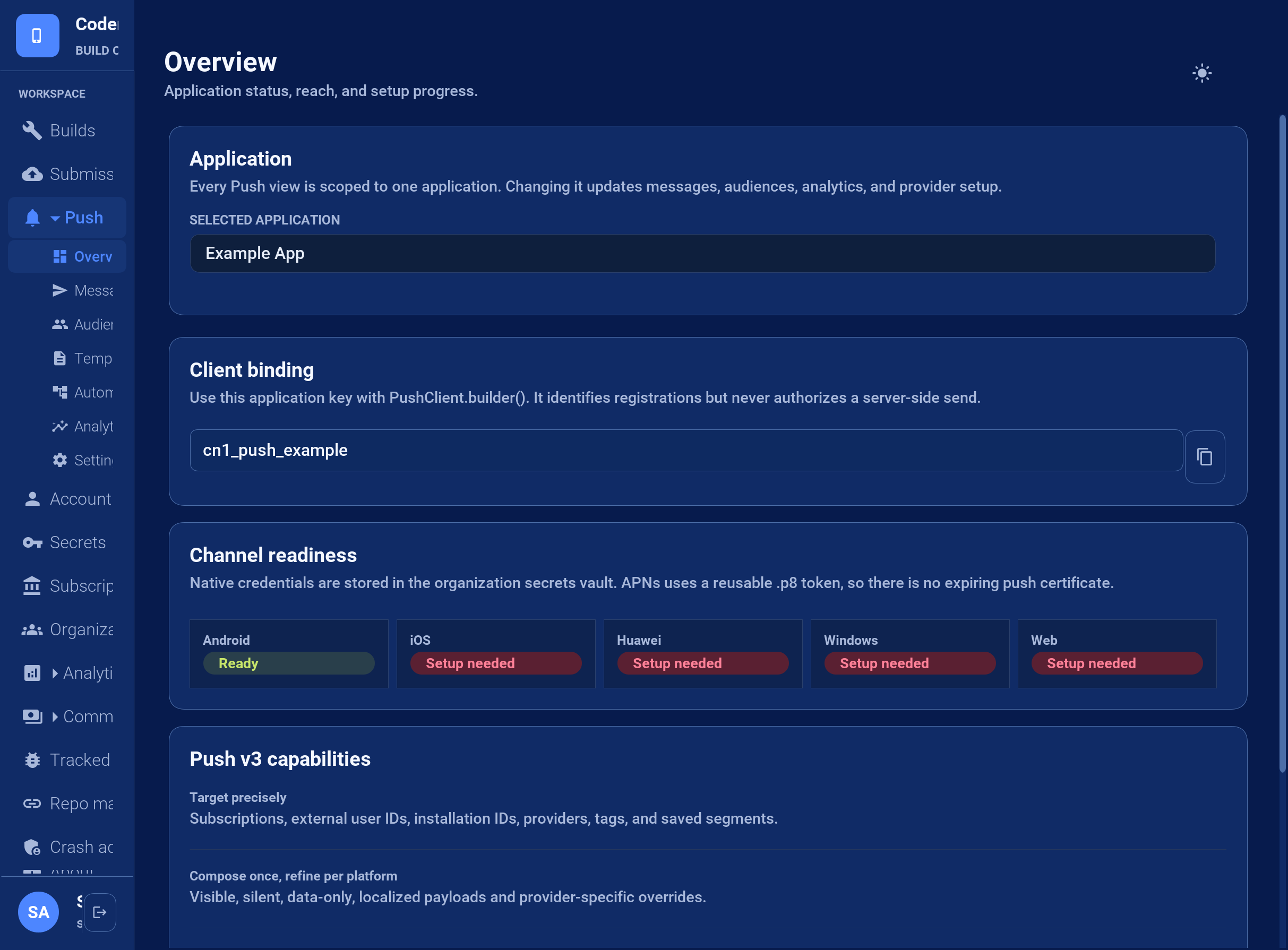
57.1.1. Android: Firebase service-account JSON
In the Firebase project used by the installed Android app, open Project settings > Service accounts and select Generate new private key.
Open the downloaded service-account JSON file locally and copy the complete JSON object.
In Push > Settings > Native push providers > Android, paste it into Credential JSON and select Save Firebase Cloud Messaging credential.
The server credential contains project_id, client_email, and private_key. Android’s google-services.json configures the mobile app and can’t authenticate server sends. Keep the service-account private key on the server; don’t bundle it into the app or paste it into a support thread.
57.1.2. iOS: APNs key and credential JSON
Create an APNs authentication key in Apple Developer Certificates, Identifiers & Profiles. Download its .p8 file and note the key ID and your Apple team ID. Use the bundle ID of the installed app as topic.
The Console’s Credential JSON field expects a JSON object containing those values. It doesn’t accept the raw .p8 file by itself. Replace the placeholders in this example:
{
"teamId": "YOUR_APPLE_TEAM_ID",
"keyId": "YOUR_APNS_KEY_ID",
"topic": "com.example.app",
"environment": "production",
"privateKey": "-----BEGIN PRIVATE KEY-----\nYOUR_COMPLETE_P8_KEY_CONTENTS\n-----END PRIVATE KEY-----\n"
}privateKey contains the entire .p8 text, including the BEGIN/END lines. Within the JSON string, encode each line break as \n; literal line breaks inside a quoted JSON value are invalid. Use environment: "production" for App Store and TestFlight installations, and "sandbox" for development-signed installations. The bundle ID, Apple team, environment, and device token must belong to the same app installation.
In Push > Settings > Native push providers > iOS, paste the completed object and select Save Apple Push Notification service credential. Token authentication uses the APNs signing key instead of an expiring push certificate.
57.1.3. Other providers and saved status
Huawei: save the AppGallery Connect application ID and client secret. Add
agconnect-services.jsonto the project.Windows / WNS: save the Package SID and client secret associated with the Store identity.
Web Push: save the VAPID public and private keys and subject.
The managed backend includes WNS delivery for explicit Windows targets. It doesn’t revive or generate bindings for the unsupported UWP port.
Credentials are encrypted in the BuildCloud secrets vault and are write-only. The input is cleared after saving and stays blank when you return to the page. Check the saved-status label for the same selected application instead of expecting the secret to reappear. If the status says Not configured or Status unavailable, check the selected application and organization and report any error. Rotate a credential by saving its replacement.
57.1.4. Prepare a new client build
Cloud builds detect PushClient usage and generate the typed native bootstrap automatically. On Android, include google-services.json, agconnect-services.json, or both. A build with both configurations uses FCM when Google Play Services are available on the device and falls back to Huawei Push Kit otherwise. No provider-selection build hint is required. Devices without Google Play Services or HMS Core, such as GrapheneOS and LineageOS, can receive through UnifiedPush with the Web Push credential; see Android without Google Play Services. The android.messagingService=fcm and android.messagingService=huawei hints remain available only when an application intentionally needs to force one provider.
iOS enables push support automatically when PushClient is referenced; set ios.includePush=false only when an installed custom-provider adapter intentionally owns registration.
The Console displays an application key. This key identifies an application during device registration; it isn’t a server API key and doesn’t authorize sending messages. Keep send API keys on your server.
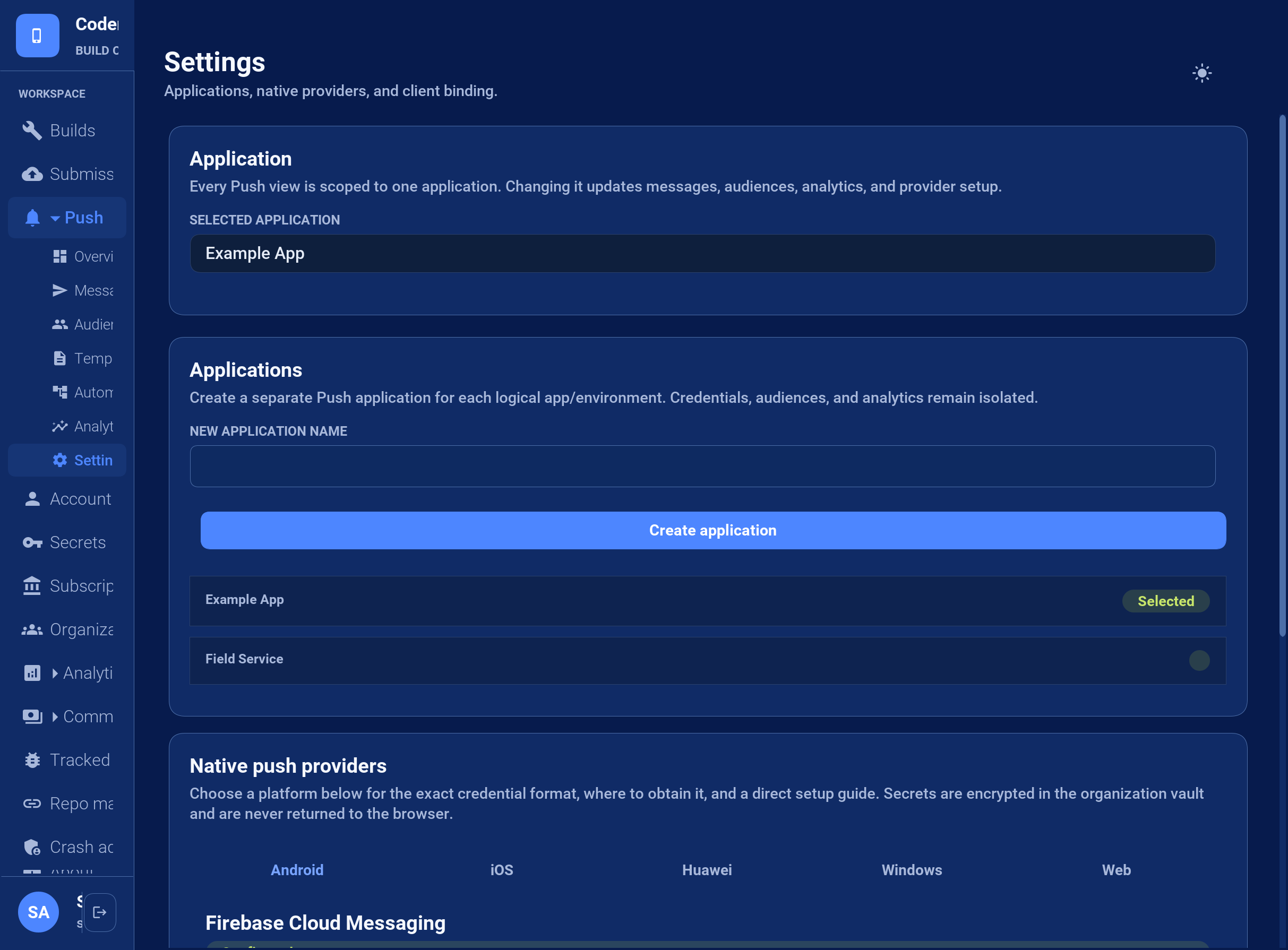
57.2. Bind the client
Create one PushClient in init(), retain it in a field on the main application class, and call register() from start() after showing any permission rationale required by your UX:
private PushClient push;
public void init(Object context) {
push = PushClient.builder("cn1_push_application_key")
.listener(new PushListener() {
@Override
public void onRegistration(PushSubscription subscription) {
Log.p("Push ready on " + subscription.getTransportId());
}
@Override
public void onMessage(PushMessage message) {
if (message.getDeepLink() != null) {
Log.p("Route to " + message.getDeepLink());
}
}
@Override
public void onError(PushError error) {
Log.p(error.getCode() + ": " + error.getMessage());
}
})
.build();
}
public void start() {
push.register();
}
public void stop() {
// Keep the subscription and listener active while the app is paused.
}
public void disableNotifications() {
// Use only for an explicit user opt-out.
push.unregister();
}start() can run more than once during one process lifetime. register() is idempotent, so the example can call it on every start without creating duplicate native registrations. Don’t call unregister() from stop(): it removes the device subscription. Call it only for an explicit user opt-out or account-removal workflow.
Registration is asynchronous. With managed delivery, the framework registers the native token with BuildCloud automatically. PushSubscription exposes the transport identifier, opaque native token, platform, installation ID, expiry, and capability list for diagnostics. Application code shouldn’t parse the token or use it as a user identity.
On Android, the native bootstrap can obtain and persist an FCM or Huawei token before start() installs the PushClient callback. register() replays that persisted token after activating the listener and then asks the provider to refresh it, so the documented init()/start() lifecycle doesn’t lose early registration.
57.2.1. Listener lifecycle and early messages
PushClient.Builder.listener() is mandatory, and build() fails immediately if it’s missing. The client retains that listener until deregistration completes. Codename One doesn’t locate listeners with reflection or Class.forName(): the application must build, retain, and register the client explicitly. Only one PushClient can be active in a process; a second client reports an active_client error instead of replacing the first listener.
Every PushListener and PushRegistrationSink callback runs on the Codename One EDT:
onRegistration()runs after initial native registration and can run again when a provider rotates its token. Replace the previous server-side token for that installation.onMessage()receives one parsed schema-3 envelope. A foreground notification can arrive immediately. A visible background notification normally arrives after the user opens it.onError()reports registration and envelope errors. UsePushError.getCode()for decisions; diagnostic text isn’t a stable contract.
Native ports preserve a cold-start notification until the runtime can deliver it. If the runtime starts before the application calls register(), PushClient keeps a bounded process-local queue and replays it after activation. If the application never registers its client, it has provided no listener and can’t expect application callbacks. Silent/background execution remains subject to each OS’s power and scheduling rules, so refresh authoritative state whenever the application resumes.
57.3. Build a message
PushMessage is the canonical message model on both sides of the wire:
PushMessage message = PushMessage.builder()
.title("Order shipped")
.body("Order 4815 is on its way")
.deepLink("myapp://orders/4815")
.imageUrl("https://example.com/orders/4815.png")
.collapseKey("order-4815")
.ttlSeconds(3600)
.data("orderId", "4815")
.build();Common fields have consistent meanings on every provider. Add provider-specific settings under the platform object only when the common model isn’t sufficient. Unknown settings are ignored by unrelated providers.
{
"schema": 3,
"title": "Order shipped",
"body": "Order 4815 is on its way",
"deepLink": "myapp://orders/4815",
"collapseKey": "order-4815",
"ttl": 3600,
"data": { "orderId": "4815" },
"platform": {
"apns": { "badge": 3, "sound": "default", "interruptionLevel": "time-sensitive" },
"fcm": { "channelId": "orders", "priority": "high" },
"huawei": { "channelId": "orders", "importance": "HIGH" },
"wns": { "type": "toast" },
"web": { "urgency": "high" }
}
}Don’t place secrets or irreplaceable data in a notification. Providers, operating systems, and lock-screen UI may retain or expose payloads.
57.4. Send from a server
Open Account > Server API keys, enter a key name, select the push scope, and select Create server key. Copy the key when it’s shown; it won’t be displayed again. Keep it on your server. Authenticate with Authorization: Bearer YOUR_SERVER_API_KEY or X-API-Key: YOUR_SERVER_API_KEY; the existing classic push token won’t authenticate V3 requests.
Copy the selected application’s UUID from Push > Overview > Server API > Copy ID. Put that UUID in appId, then submit a typed message and one or more provider targets to POST /api/v3/push/messages:
curl -X POST https://cloud.codenameone.com/api/v3/push/messages \
-H 'Authorization: Bearer YOUR_SERVER_API_KEY' \
-H 'Content-Type: application/json' \
-d '{
"appId": "APPLICATION_ID",
"targets": [
{"provider":"fcm", "token":"OPAQUE_DEVICE_TOKEN"},
{"provider":"apns", "token":"OPAQUE_DEVICE_TOKEN"}
],
"message": {
"schema":3,
"title":"Order shipped",
"body":"Order 4815 is on its way",
"data":{"orderId":"4815"}
}
}'A successful admission returns HTTP 202 with durable delivery IDs. Invalid targets are deactivated when the provider identifies them as permanent failures.
The complete request, response, authentication, error, target, and message schemas are in the Push sending OpenAPI 3.0 specification. Import that file into Swagger UI, an OpenAPI code generator, or an API client instead of reproducing DTOs from this chapter.
A Chapter 34, Server-side backend doesn’t need to build this request: CloudPush sends a typed message, Live Activity commands included, as Section 35.5, “Sending push notifications” describes.
Use the Console for operator-driven messages, stored audiences, campaigns, analytics, and automations.
57.5. Migrate an existing push server
There are two migration paths. Choose one wire format for each request:
| Path | Endpoint and request | Authentication and installed apps |
|---|---|---|
Keep the classic API |
| Keep the classic |
Move the server to V3 |
| Use a server API key with |
For the classic path, change only the host of the existing /push/push URL. Keep fields such as token, device, type, body, auth, cert, certPassword, and production. Don’t post these form fields to /api/v3/push/messages. A Java URL string must contain the plain URL, without Markdown brackets or parentheses.
For a server-only V3 migration, configure credentials for the same Firebase project and Apple bundle ID/environment as the installed apps. Keep existing device keys and select the explicit classic payload:
{
"appId": "YOUR_APPLICATION_UUID",
"targets": [
{"provider": "fcm", "token": "cn1-fcm-YOUR_ANDROID_DEVICE_TOKEN"},
{"provider": "apns", "token": "cn1-ios-YOUR_IOS_DEVICE_TOKEN"}
],
"message": {
"schema": 3,
"classic": {"type": 1, "body": "Hello"}
}
}Send this JSON with the same headers as the V3 curl example above. Replace each target with a real device key for that provider. Existing cn1-fcm-, cn1-gcm-, and cn1-ios- prefixes are accepted. Keep the numeric push type and body encoding used by your existing sender; the example uses type 1 for a simple message.
message.classic produces the fields consumed by installed PushCallback clients. It doesn’t require platform.fcm/platform.apns overrides, a PushClient integration, or a new mobile release. Don’t combine classic with the ordinary V3 message fields. Use ordinary V3 messages for clients that have adopted PushClient.
Before changing production traffic, send to installed Android and iOS test apps. Verify foreground delivery, background delivery, notification taps, and any other push types your application uses.
57.5.1. Interpret the response
HTTP 202 means the request was admitted to the durable queue. Its JSON response contains deliveryIds and quota; it doesn’t mean the provider or device has accepted the message yet. Use delivery feedback and analytics for later outcomes.
401: check the server API key, its
pushscope, and the authentication header. A classic push token or client binding key isn’t a V3 server key.400: read the JSON error, check that
appIdis the selected application UUID, and check the request or credential format. For the classic endpoint,credential URL returned HTTP 404means a URL supplied inauthorcertcouldn’t be fetched. Firebaseauthcan also contain the complete service-account JSON directly.406 after a notification arrives: this isn’t a successful API response, and changing the message format or resending can duplicate the notification. Report the UTC request time, endpoint, response body, and
CF-RAYheader when present, without including credentials or device tokens. The expected successful V3 response remains202with delivery IDs.
57.6. Learn which sends failed
A notification is acknowledged when it’s admitted, not when it arrives. Both
wire APIs
answer before any provider has been asked — the classic endpoint replies
queued — so the verdict lands seconds later, after your request has already
returned. Nothing in the response can tell you that a device key is dead, and
a dead key stays in your database being sent to.
Delivery feedback closes that. Configure an HTTPS endpoint and BuildCloud posts a signed digest of the outcomes since the last one, once a day. It’s available on Pro and above, and it’s configured per organization rather than per application: callers on the classic API register an application per send, so there is nothing stable there to attach a setting to.
Open Push > Settings > Delivery feedback, enter the endpoint, enable the daily digest, and select Send test event. The test posts one synthetic event through the same signing and sending path as a real digest and reports what your endpoint answered, so a broken receiver is visible immediately rather than a day later. The signing secret is on the same card.
57.6.1. What arrives
Failures are itemized and successes are counted. A busy application produces thousands of accepted deliveries a day and nothing can be done about any of them, so listing them would bury the handful of events that matter.
{
"version": 1,
"organization": "9f1c2f7a-2f6e-4a5b-9d71-3f0a7c1d5e22",
"generatedAt": 1790179200000,
"window": {"from": 1790092800000, "to": 1790179200000},
"summary": {
"fcm": {"ACCEPTED": 7412, "FAILED": 1},
"apns": {"ACCEPTED": 3310},
"web": {"DEAD": 1}
},
"events": [
{
"deliveryId": "6f0f6f1e-9a1e-4f2a-9a7a-6d5f5f6a1b02",
"device": "cn1-fcm-fH9c...Qk",
"token": "fH9c...Qk",
"provider": "fcm",
"status": "FAILED",
"reason": "INVALID_TARGET",
"attempts": 1,
"at": 1790178322418,
"detail": "{\"error\":{\"code\":404,\"status\":\"NOT_FOUND\"}}"
},
{
"deliveryId": "d2b1a0c4-1f77-4a4d-9d0e-2c5b7a91f3aa",
"device": "cn1-web-https://push.example.com/sub/9?p256dh=KEY&auth=AUTH",
"endpoint": "https://push.example.com/sub/9",
"provider": "web",
"status": "DEAD",
"reason": "TRANSIENT_FAILURE",
"attempts": 6,
"at": 1790178901004,
"detail": "gave up after repeated 503 responses"
}
],
"truncated": false,
"eventsOmitted": 10722
}reason is the provider-independent verdict, and it decides what you do:
| The provider rejected the key. Delete it from your database; it will never work again. |
| The provider refused the message or the credential. Fix the send, keep the key. |
| Retried until the attempt budget ran out. |
Store the canonical provider and bare token (or web-push endpoint) in
separate columns alongside the original key returned by Push.getPushKey().
The full key has a cn1-<provider>- prefix, so comparing it directly with the
digest’s bare token matches no row. Normalize gcm to fcm and ios to
apns during registration and backfill existing rows before enabling cleanup.
For web push, store the subscription endpoint in its own column.
Match feedback on the provider and this normalized target, scoped to the
organization. Keep the full original key for sending.
57.6.2. Semantics to build against
A digest is at-least-once. Deduplicate on
deliveryIdwhen present. For classic events without it, use a key built from the provider, token or endpoint, and event timestampat. A refused digest is resent, and a network failure can deliver one whose response never arrived.Only 2xx acknowledges the window. It advances the watermark and that window is never sent again, so answer 2xx after your writes are durable, not before. Anything else, including a timeout, keeps the window for the next attempt.
truncatedmeans more is waiting. A digest is capped, and the next page follows in the same run rather than a day later. Expect several digests in quick succession after a bad day.A failing endpoint is retried, then disabled. Failures are retried on a shorter cadence than the daily digest; after several consecutive failures the endpoint is disabled and the reason appears on the Settings card. Re-enabling it clears the count.
eventsOmittedcounts accepted deliveries, which appear only insummary.One digest can span applications. The endpoint belongs to the organization, so a receiver that keeps a device store per application correlates on
deliveryId— the id the v3 send returned — or on the device key itself, which providers issue per application. A classic send returns no delivery id, so for those the key is the correlation.
57.6.3. Verify the signature
Every request carries X-CN1-Signature: t=<unix-millis>,v1=<hex>, where the hex
is HMAC-SHA256 over <t>.<raw body> keyed with your signing secret. The
timestamp is inside the signed material, so a captured digest can be rejected
by age as well as shown to come from BuildCloud.
Three things are easy to get wrong, and each one fails without a symptom or fails open:
Sign the bytes you received. Any middleware that parses JSON and re-serializes it produces a different byte string that never verifies.
Compare in constant time. A comparison that returns on the first differing byte leaks enough timing to recover a valid signature.
Reject old timestamps. Without an age bound the signature alone permits replay forever.
57.6.4. A Codename One backend receiver
The Chapter 34, Server-side backend takes the raw request when a handler needs the exact body, which is what signature verification requires:
@RestController
@RequestMapping("/push")
public class PushFeedback {
/**
* Your organization-scoped durable store. Store provider and bare token (or
* web endpoint) alongside the original push key; backfill existing rows before
* enabling cleanup. Both operations belong in ONE transaction: a marker
* written before the deletion commits turns a retry into a silent skip,
* and a deletion without a marker is applied twice.
*/
public interface DeviceStore {
boolean alreadyApplied(String eventKey);
// provider + target match normalized registration columns, NOT Push.getPushKey().
// Enforce a unique eventKey and delete in the same transaction.
void removeTargetAndMarkApplied(String eventKey, String provider, String target)
throws Exception;
}
private final DeviceStore store;
/** The signing secret shown in Push > Settings. */
private final String secret;
/**
* Both are injected: the store is your bean implementing DeviceStore, and
* the secret is read from cn1.push.callbackSecret, which the environment
* variable CN1_PUSH_CALLBACKSECRET overrides.
*/
public PushFeedback(DeviceStore store,
@Value("${cn1.push.callbackSecret}") String secret) {
this.store = store;
this.secret = secret;
}
/** Reject a digest whose timestamp is older than this, to bound replay. */
private static final long MAX_AGE_MS = 5 * 60 * 1000L;
@PostMapping("/feedback")
public HttpServer.Response feedback(HttpServer.Request request) throws Exception {
String body = request.getBody();
if (!verified(request.getHeader("X-CN1-Signature"), body, secret)) {
// Anything but 2xx keeps the window at the sender and resends it,
// which is what you want while a secret rotation is half-applied.
return new HttpServer.Response(401, "text/plain",
"bad signature".getBytes(StandardCharsets.UTF_8));
}
Map digest = Json.parseObject(body);
List events = (List) digest.get("events");
if (events != null) {
for (Object entry : events) {
Map event = (Map) entry;
if (!"INVALID_TARGET".equals(event.get("reason"))) {
continue;
}
String provider = (String) event.get("provider");
String target = (String) event.get("token");
if (target == null || target.length() == 0) {
target = (String) event.get("endpoint");
}
if (provider == null || provider.length() == 0
|| target == null || target.length() == 0) {
throw new IllegalArgumentException("Missing push target");
}
String deliveryId = (String) event.get("deliveryId");
String eventKey;
if (deliveryId != null && deliveryId.length() > 0) {
eventKey = "delivery:" + deliveryId;
} else {
Object at = event.get("at");
if (at == null) {
throw new IllegalArgumentException("Missing classic event timestamp");
}
eventKey = "classic:" + provider + ":" + target.length()
+ ":" + target + ":" + at;
}
if (!store.alreadyApplied(eventKey)) {
store.removeTargetAndMarkApplied(eventKey, provider, target);
}
}
}
// 2xx acknowledges that this window is durably applied: it advances the
// sender's watermark and the window is never sent again. Answer it
// after the writes above have committed, not alongside them.
return new HttpServer.Response(200, "text/plain",
"ok".getBytes(StandardCharsets.UTF_8));
}
// throws, because String.getBytes(Charset) is a CHECKED throw in the
// ParparVM class library even though it is not one on a JVM.
private static boolean verified(String header, String body, String secret)
throws Exception {
if (header == null || secret == null || secret.length() == 0) {
return false;
}
long timestamp = 0;
String provided = null;
// Parsed by hand: java.lang.String has no split() in the ParparVM class
// library, so the obvious version of this compiles for the development
// run and fails the native package step.
int cursor = 0;
while (cursor < header.length()) {
int comma = header.indexOf(',', cursor);
if (comma < 0) {
comma = header.length();
}
String part = header.substring(cursor, comma);
cursor = comma + 1;
int equals = part.indexOf('=');
if (equals < 1) {
continue;
}
String name = part.substring(0, equals).trim();
String value = part.substring(equals + 1).trim();
if ("t".equals(name)) {
timestamp = Long.parseLong(value);
} else if ("v1".equals(name)) {
provided = value;
}
}
if (provided == null
|| Math.abs(System.currentTimeMillis() - timestamp) > MAX_AGE_MS) {
return false;
}
// Crypto, not javax.crypto: this class is recompiled against the
// ParparVM class library by cn1:backend-package, and that library has
// no JCE. equalsConstantTime is here for the same reason a hand-written
// loop would be -- an early exit on the first differing byte lets a MAC
// be forged one byte at a time.
byte[] expected = Crypto.hmacSha256(secret.getBytes(StandardCharsets.UTF_8),
(timestamp + "." + body).getBytes(StandardCharsets.UTF_8));
return Crypto.equalsConstantTime(expected, decodeHex(provided));
}
private static byte[] decodeHex(String value) {
if (value.length() % 2 != 0) {
return new byte[0];
}
byte[] out = new byte[value.length() / 2];
for (int i = 0; i < out.length; i++) {
int high = Character.digit(value.charAt(i * 2), 16);
int low = Character.digit(value.charAt(i * 2 + 1), 16);
if (high < 0 || low < 0) {
return new byte[0];
}
out[i] = (byte) ((high << 4) | low);
}
return out;
}
}57.6.5. A long-running Node server
The same three rules, with the raw-body trap in the form it usually takes:
// Express. Verify before any JSON middleware touches the body: the signature
// covers the bytes we sent, and express.json() hands you an object whose
// re-serialisation is not byte-identical, so it never verifies.
const express = require('express');
const crypto = require('crypto');
const app = express();
const SECRET = process.env.CN1_PUSH_CALLBACK_SECRET;
const MAX_AGE_MS = 5 * 60 * 1000;
function verifySignature(header, body) {
const parts = Object.fromEntries((header || '').split(',')
.map(p => [p.slice(0, p.indexOf('=')).trim(), p.slice(p.indexOf('=') + 1).trim()]));
const expected = Buffer.from(
crypto.createHmac('sha256', SECRET).update(`${parts.t}.${body}`).digest('hex'), 'utf8');
const provided = Buffer.from(parts.v1 || '', 'utf8');
return expected.length === provided.length
&& crypto.timingSafeEqual(expected, provided)
&& Math.abs(Date.now() - Number(parts.t)) <= MAX_AGE_MS;
}
// Store provider + bare token/web endpoint alongside the original push key.
// Backfill existing registrations before enabling cleanup. The durable store
// is scoped to this endpoint's organization.
function cleanupTarget(event) {
const provider = event.provider;
const target = event.token || event.endpoint;
if (typeof provider !== 'string' || !provider
|| typeof target !== 'string' || !target) {
throw new Error('Missing push target');
}
let eventKey;
if (typeof event.deliveryId === 'string' && event.deliveryId) {
eventKey = `delivery:${event.deliveryId}`;
} else {
if (!Number.isSafeInteger(event.at)) {
throw new Error('Missing classic event timestamp');
}
eventKey = `classic:${provider}:${target.length}:${target}:${event.at}`;
}
return {eventKey, provider, target};
}
app.post('/push/feedback', express.raw({type: 'application/json'}), async (req, res) => {
const body = req.body.toString('utf8');
if (!verifySignature(req.get('X-CN1-Signature'), body)) {
return res.sendStatus(401); // not 2xx, so the same window is resent
}
try {
for (const event of JSON.parse(body).events || []) {
// Digests are at-least-once, so the deduplication marker and the
// deletion have to commit together: a marker stored first turns a retry
// into a silent skip, and a deletion without one is applied twice.
if (event.reason === 'INVALID_TARGET') {
const {eventKey, provider, target} = cleanupTarget(event);
// Enforce eventKey uniqueness and commit marker + removal together.
await removeTargetIfNotApplied(eventKey, provider, target);
}
}
} catch (failure) {
// Let it be resent rather than acknowledging work that did not land.
return res.sendStatus(500);
}
// 2xx only now: it advances our watermark and this window is never sent again.
res.sendStatus(200);
});57.6.6. A serverless function
A function behind an HTTP gateway differs in two ways that are silent when they are wrong: the gateway may hand you the body base64-encoded, and there is no process to keep deduplication state in.
// A serverless function behind an HTTP gateway. Two things differ from a
// long-lived server, and both are silent when they are wrong.
const crypto = require('crypto');
const SECRET = process.env.CN1_PUSH_CALLBACK_SECRET;
const MAX_AGE_MS = 5 * 60 * 1000;
function verifySignature(header, body) {
const parts = Object.fromEntries((header || '').split(',')
.map(p => [p.slice(0, p.indexOf('=')).trim(), p.slice(p.indexOf('=') + 1).trim()]));
const expected = Buffer.from(
crypto.createHmac('sha256', SECRET).update(`${parts.t}.${body}`).digest('hex'), 'utf8');
const provided = Buffer.from(parts.v1 || '', 'utf8');
return expected.length === provided.length
&& crypto.timingSafeEqual(expected, provided)
&& Math.abs(Date.now() - Number(parts.t)) <= MAX_AGE_MS;
}
exports.handler = async (event) => {
// 1. The gateway may hand you the body base64-encoded, and it decides that
// by sniffing content rather than by anything you control. Hashing the
// encoded form verifies nothing and fails closed on every digest.
const body = event.isBase64Encoded
? Buffer.from(event.body, 'base64').toString('utf8')
: event.body;
// Header names arrive lower-cased from some gateways and not from others.
const headers = event.headers || {};
const signature = headers['x-cn1-signature'] || headers['X-CN1-Signature'];
if (!verifySignature(signature, body)) {
return {statusCode: 401, body: 'bad signature'};
}
// 2. There is no process to keep state in, so deduplication and the device
// table both have to be the database. A warm container that remembers
// delivery ids is an optimisation, never the correctness mechanism.
// applyDurably must use the same provider + target normalization and
// deliveryId/classic-event fallback as the long-running receiver above.
await applyDurably(JSON.parse(body).events || []);
// Return after the writes, not alongside them: a function that answers 200
// and is frozen before its writes flush has told us to advance the watermark
// over a window nobody stored.
return {statusCode: 200, body: 'ok'};
};57.6.7. A Spring server
byte[] rather than a mapped type, for the reason above: what Jackson parses
and re-serializes is a different byte string.
@RestController
public class PushFeedbackSpring {
private static final long MAX_AGE_MS = 5 * 60 * 1000L;
// An injected collaborator, NOT a method on this class. Spring's
// transaction management is proxy-based, so a call from one method of this
// bean to another of its own never passes through the interceptor, and a
// @Transactional there would do nothing at all -- without saying so.
private final PushFeedbackApplier applier;
private final byte[] secret;
public PushFeedbackSpring(PushFeedbackApplier applier,
@Value("${cn1.push.callback.secret}") String secret) {
this.applier = applier;
this.secret = secret.getBytes(StandardCharsets.UTF_8);
}
// byte[], not a mapped type: the signature covers the bytes as sent, and
// anything Jackson parses and re-serialises is a different byte string that
// never verifies.
@PostMapping(path = "/push/feedback", consumes = MediaType.APPLICATION_JSON_VALUE)
public ResponseEntity<String> feedback(
@RequestHeader(name = "X-CN1-Signature", required = false) String signature,
@RequestBody byte[] raw) throws Exception {
String body = new String(raw, StandardCharsets.UTF_8);
if (!verified(signature, body, secret)) {
// Anything but 2xx keeps the window at the sender and resends it.
return ResponseEntity.status(HttpStatus.UNAUTHORIZED).body("bad signature");
}
JsonNode digest = new ObjectMapper().readTree(body);
for (JsonNode event : digest.path("events")) {
applier.apply(event);
}
// 2xx advances the sender's watermark, so it is returned only after
// every event above has committed.
return ResponseEntity.ok("ok");
}
static boolean verified(String header, String body, byte[] secret) throws Exception {
if (header == null) {
return false;
}
long timestamp = 0;
String provided = null;
for (String part : header.split(",")) {
int equals = part.indexOf('=');
if (equals < 1) {
continue;
}
String name = part.substring(0, equals).trim();
String value = part.substring(equals + 1).trim();
if ("t".equals(name)) {
timestamp = Long.parseLong(value);
} else if ("v1".equals(name)) {
provided = value;
}
}
if (provided == null
|| Math.abs(System.currentTimeMillis() - timestamp) > MAX_AGE_MS) {
return false; // bound replay by age
}
Mac mac = Mac.getInstance("HmacSHA256");
mac.init(new SecretKeySpec(secret, "HmacSHA256"));
byte[] expected = mac.doFinal(
(timestamp + "." + body).getBytes(StandardCharsets.UTF_8));
// MessageDigest.isEqual is the JDK's constant-time comparison. Never
// Arrays.equals or String.equals here: both return at the first
// differing byte, and that timing is enough to forge a signature.
return MessageDigest.isEqual(expected, HexFormat.of().parseHex(provided));
}
}
@Component
class PushFeedbackApplier {
private final DeviceStore store;
PushFeedbackApplier(DeviceStore store) {
this.store = store;
}
/**
* One transaction per event: the deduplication marker and the deletion have
* to commit together. A marker written first turns a retry into a silent
* skip; a deletion without one is applied twice.
*/
@Transactional
public void apply(JsonNode event) {
if (!"INVALID_TARGET".equals(event.path("reason").asText(null))) {
return;
}
String provider = event.path("provider").asText(null);
String target = event.path("token").asText(null);
if (target == null || target.isEmpty()) {
target = event.path("endpoint").asText(null);
}
if (provider == null || provider.isEmpty() || target == null || target.isEmpty()) {
throw new IllegalArgumentException("Missing push target");
}
String deliveryId = event.path("deliveryId").asText(null);
String eventKey;
if (deliveryId != null && !deliveryId.isEmpty()) {
eventKey = "delivery:" + deliveryId;
} else {
String at = event.path("at").asText(null);
if (at == null) {
throw new IllegalArgumentException("Missing classic event timestamp");
}
eventKey = "classic:" + provider + ":" + target.length() + ":" + target + ":" + at;
}
if (store.alreadyApplied(eventKey)) {
return;
}
store.removeTarget(provider, target);
store.markApplied(eventKey);
}
}57.6.8. A MicroProfile or Jakarta REST server
The same shape with @HeaderParam and a byte[] entity, taking the secret from
MicroProfile Config:
@Path("/push")
@ApplicationScoped
public class PushFeedbackMicroProfile {
// Injected, not a method on this bean: CDI interceptors are proxy-based
// exactly like Spring's, so this.apply(...) would never reach the
// @Transactional interceptor and the guarantee would be silently absent.
@Inject
PushFeedbackCdiApplier applier;
// MicroProfile Config, so the secret arrives the same way as every other
// deployment value rather than as a constant in the source.
@Inject
@ConfigProperty(name = "cn1.push.callback.secret")
String secret;
// byte[] entity, for the reason it is byte[] everywhere else: a provider
// that binds this to a POJO reads the bytes, and the re-serialised form no
// longer matches the signature.
@POST
@Path("/feedback")
@Consumes(MediaType.APPLICATION_JSON)
public Response feedback(@HeaderParam("X-CN1-Signature") String signature, byte[] raw)
throws Exception {
String body = new String(raw, StandardCharsets.UTF_8);
// The verification is protocol, not framework: HMAC-SHA256 over
// "<t>.<raw body>", constant-time compare, timestamp inside the window.
if (!PushFeedbackSpring.verified(signature, body,
secret.getBytes(StandardCharsets.UTF_8))) {
return Response.status(Response.Status.UNAUTHORIZED).entity("bad signature").build();
}
try (JsonReader reader = Json.createReader(new StringReader(body))) {
JsonObject digest = reader.readObject();
JsonValue events = digest.get("events");
if (events != null) {
for (JsonValue value : events.asJsonArray()) {
applier.apply(value.asJsonObject());
}
}
}
return Response.ok("ok").build();
}
}
@ApplicationScoped
class PushFeedbackCdiApplier {
@Inject
DeviceStore store;
/** Marker and deletion in one transaction, as in the Spring receiver. */
@Transactional
public void apply(JsonObject event) {
if (!"INVALID_TARGET".equals(event.getString("reason", null))) {
return;
}
String provider = event.getString("provider", null);
String target = event.getString("token", null);
if (target == null || target.isEmpty()) {
target = event.getString("endpoint", null);
}
if (provider == null || provider.isEmpty() || target == null || target.isEmpty()) {
throw new IllegalArgumentException("Missing push target");
}
String deliveryId = event.getString("deliveryId", null);
String eventKey;
if (deliveryId != null && !deliveryId.isEmpty()) {
eventKey = "delivery:" + deliveryId;
} else {
String at = (event.get("at") == null ? null : event.get("at").toString());
if (at == null) {
throw new IllegalArgumentException("Missing classic event timestamp");
}
eventKey = "classic:" + provider + ":" + target.length() + ":" + target + ":" + at;
}
if (store.alreadyApplied(eventKey)) {
return;
}
store.removeTarget(provider, target);
store.markApplied(eventKey);
}
}57.6.9. Any other stack
The contract is a signed JSON POST, so a receiver in Go, Python, PHP, Ruby or a
JVM framework is the same three steps: HMAC-SHA256 over <t>.<raw body>,
constant-time compare against v1, reject a t outside your age window. Then
apply each event no more than once, and answer 2xx after it’s stored.
57.7. Build audiences in the Console
Managed audiences are application-scoped. They don’t contain copied device tokens. A saved segment stores a dynamic filter, and BuildCloud resolves that filter against active subscriptions when a campaign launches.
Your authenticated server assigns an external user ID and tags to an installation with PUT /api/v3/push/apps/{appId}/installations/{installationId}. Tags should be stable application facts such as subscription=active, region=emea, role=technician, or testUser=true. Don’t let an untrusted client grant itself a privileged tag.
{
"externalUserId": "customer-4815",
"tags": {
"subscription": "active",
"region": "emea",
"testUser": "false"
}
}Open Push > Audience. The tag and value pickers contain values discovered from current active subscriptions for the selected application. Choose an optional platform, choose one tag rule, enter a segment name, and select Save segment. The new segment appears immediately under Saved segments with its current recipient estimate. It also becomes available in the Messages recipient picker.
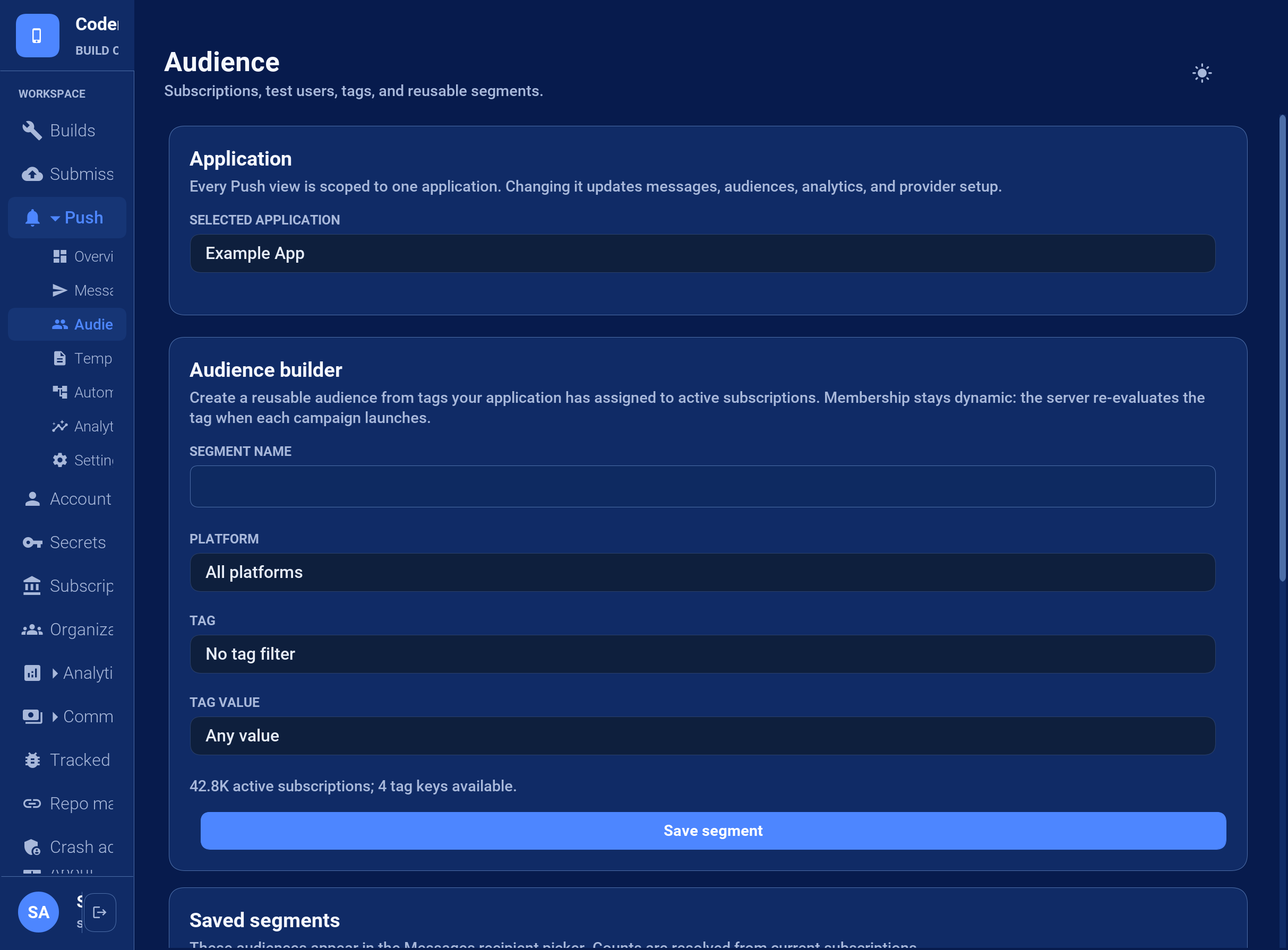
Segments are evaluated at send time. Changing a subscription’s tags changes future membership without editing the segment. A count is an estimate of the current state; registrations, subscription removals, and tag updates can change it before admission.
For a safe rollout, tag internal devices with testUser=true, create a test-user segment, and send the message there first. Create the production segment only from server-controlled tags.
57.8. Send a message from the Console
Open Push > Messages and complete the three numbered sections:
Audience: choose All subscribed devices or a saved segment. The Console displays the current recipient estimate. Individual provider tokens aren’t entered in this workflow.
Message: enter a notification title and message. A visible notification requires message text. For a silent notification, enable Silent / data-only notification and provide an additional-data key and value. The Console builds valid JSON; operators don’t paste JSON into the primary composer.
Delivery: choose how long providers may retain an undelivered message. Console messages use safe cross-platform defaults and enter the durable queue immediately.
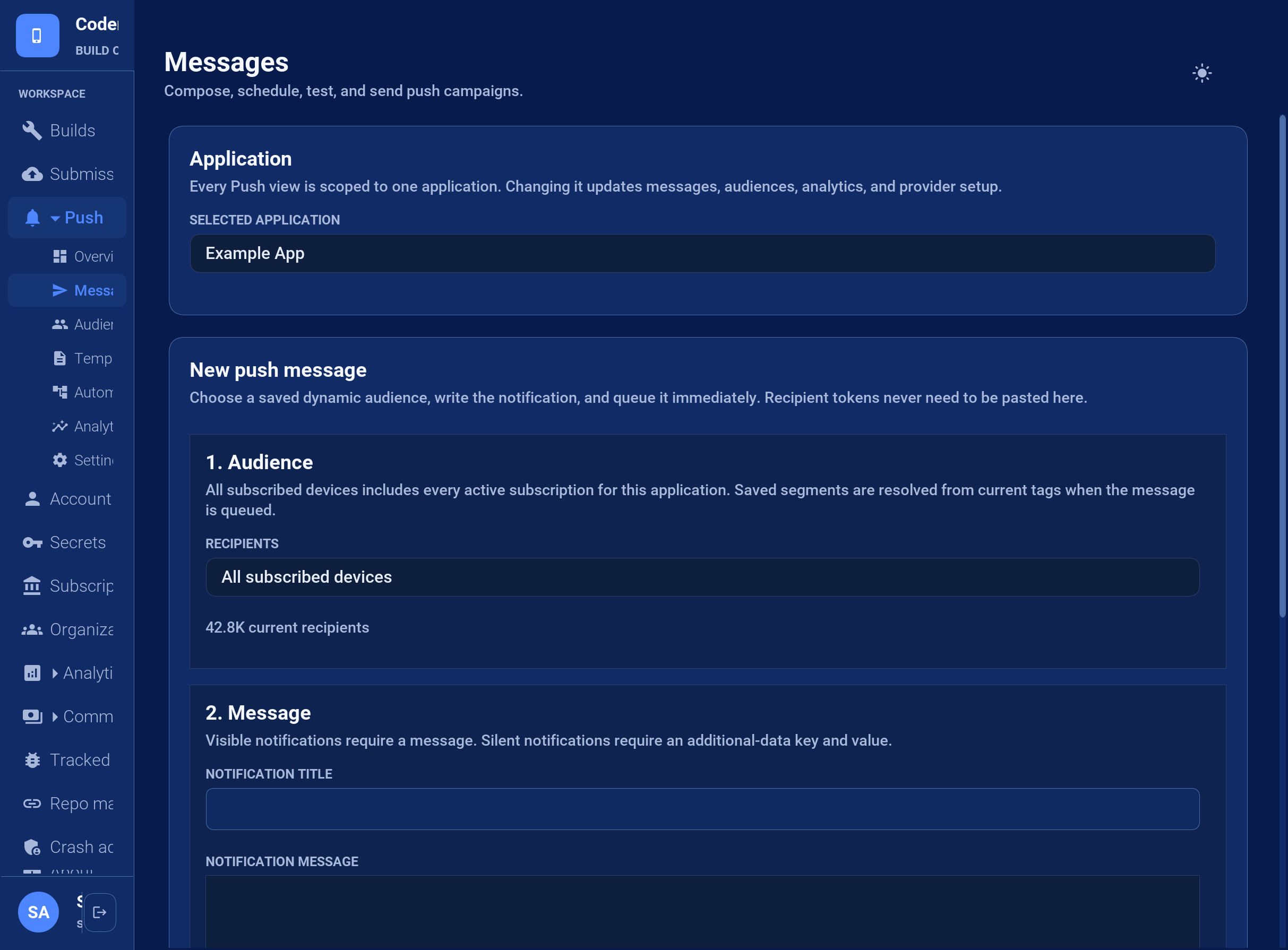
Select Queue message only after checking the audience name and estimate. BuildCloud creates the campaign, resolves the segment, and admits the recipients to the durable delivery queue. The provider may accept a notification that the device never displays, so inspect Push > Analytics for provider acceptance and failures without treating acceptance as device delivery.
57.9. Event automations
An automation is an enabled rule containing trigger.event, a schema-3 message, an optional audience, and an optional delaySeconds. If no audience is stored in the rule, the event must identify an externalUserId or installationId. Text fields in the message can insert event properties with ${event.propertyName}.
{
"enabled": true,
"trigger": {"event": "order.ready"},
"delaySeconds": 0,
"message": {
"schema": 3,
"title": "Order update",
"body": "Order ${event.orderId} is ready"
}
}Your server triggers enabled rules with POST /api/v3/push/apps/{appId}/events using a push-scoped API key:
{
"name": "order.ready",
"externalUserId": "customer-4815",
"properties": {"orderId": "4815"}
}Immediate matches enter the durable delivery queue. Delayed matches become scheduled campaigns, so restarts don’t lose them. Automations are intentionally push rules, not a general-purpose customer journey or analytics product.
57.10. Widgets and live surfaces
A push can publish widget content or update a live activity before the regular listener receives the message. The surface object uses one of these operations:
{
"schema": 3,
"silent": true,
"surface": {
"operation": "widget",
"kind": "order-status",
"timeline": "{...serialized widget timeline...}"
}
}For a live activity use live-update or live-end with id, serialized state, and optional dismissImmediately. Unsupported surfaces are ignored. A surface command runs when the Codename One runtime receives the envelope. On platforms that don’t start application code for a background push, the native queue preserves the command and applies it on the next start or resume. Applications must therefore refresh stale surface state during foreground activation too.
57.11. Use an application-owned push server
A custom server is a low-level alternative to managed push; it doesn’t reuse the BuildCloud protocol at a different endpoint. A CN1Lib implements PushTransport around the private provider’s native SDK. It obtains native registration material, reports token rotation, and forwards incoming data as the canonical schema-3 JSON envelope. A matching PushRegistrationSink stores and removes the subscription on your server:
// companyTransport is supplied by the native CN1Lib.
// listener is the application's normal, non-null PushListener.
PushClient client = PushClient.builder("private-app-id")
.transport(companyTransport)
.registrationSink(new PushRegistrationSink() {
@Override
public void registered(PushSubscription value) {
Log.p("Send the subscription to the company server");
}
@Override
public void unregistered(PushSubscription value) {
Log.p("Remove the subscription from the company server");
}
})
.listener(listener)
.build();When a PushTransport implementation is present, PushClient never contacts BuildCloud. Your implementation owns these responsibilities:
getId()returns a stable provider ID that your server understands.isSupported()checks whether the SDK can operate on this device.register()invokesCallback.registered()with aPushSubscription, then reports later token rotations through the same callback.unregister()removes the provider subscription and invokesCallback.unregistered()when complete.Incoming native messages call
Callback.message()with one complete schema-3 envelope. Don’t call the application listener directly and don’t invent a second payload format.Registration or transport failures call
Callback.failed(). The callback is thread-safe;PushClientmoves application-facing callbacks to the EDT.
The registration sink should asynchronously insert or update the subscription by installationId on your server and replace its token when it rotates. The server then sends through your provider’s native API. It must preserve the schema-3 envelope so the same PushListener, deep-link handling, and surface commands work in managed and custom-server modes.
The application still follows the normal lifecycle: retain one client, call register() from start(), and reserve unregister() for an actual opt-out. This custom integration doesn’t introduce reflection or automatic listener discovery.
57.12. Testing delivery behavior
Hosted CI has no installed application, OS push daemon, permission state, or physical device, so it can’t prove provider-to-device delivery. Codename One tests at the lowest controllable boundary instead. PushClientTransportTest injects a fake native transport and covers:
foreground, background, force-stopped, and cold-start delivery;
notification tap, action, dismissal, and deep-link routing;
permission granted, denied, and later changed in system settings;
token rotation, reinstall, expiry, logout, and multiple installations per user;
silent delivery and simulated constrained-state replay;
collapse keys, TTL expiry, Unicode, maximum payloads, images, and provider errors;
queued widget and live-activity updates replayed at the native/runtime seam;
retry idempotency and dead-letter behavior.
The JavaScript contract executes the real service-worker source with mocked browser clients and notification APIs. BuildCloud has a separate local suite using mocked provider HTTP responses for compatibility translation, credentials, durable queue behavior, retries, and automations. Physical-device sends are optional release diagnostics rather than a CI or nightly requirement. Provider acceptance isn’t proof of device delivery.
58. Notifications and Background Execution
Codename One exposes a cross-platform API for rich local notifications, runtime notification permission, notification channels, constraint-aware background work, foreground services, deferrable background processing, receiving content shared from other apps, and push topic subscriptions. Each capability degrades on platforms that can’t support it — calls become documented no-ops rather than errors — and the JavaSE simulator implements them so you can exercise the flows without a device.
Because these features build on platform-specific behavior, every section below lists the support per platform. In the matrices: Yes = fully supported, Partial = supported with documented limitations, No-op = the call is accepted but does nothing, Sim = exercised in the simulator.
58.1. Notification permission
On iOS, and on Android 13+ (POST_NOTIFICATIONS), an app must obtain permission before
its notifications are shown. Request it through Display:
NotificationPermissionRequest req = new NotificationPermissionRequest()
.provisional(true) // iOS: deliver quietly without an explicit prompt
.timeSensitive(true); // iOS: allow the time-sensitive interruption level
Display.getInstance().requestNotificationPermission(req, result -> {
if (result.isGranted()) {
// schedule notifications
}
AuthorizationLevel level = result.getAuthorizationLevel();
});NotificationPermissionResult.getAuthorizationLevel() returns an AuthorizationLevel
enum (NOT_DETERMINED, DENIED, AUTHORIZED, PROVISIONAL, EPHEMERAL). The values
are ordered from least to most permissive, so isGranted() is "more permissive than
DENIED." The callback is delivered on the EDT.
| Request option | iOS | Android | Simulator |
|---|---|---|---|
alert / sound / badge | Yes | Implied by POST_NOTIFICATIONS | Granted |
provisional | Yes (iOS 12+) | No-op | Granted |
timeSensitive | Yes (iOS 15+, needs entitlement) | No-op | Granted |
critical | Yes (needs Apple entitlement) | No-op | Granted |
carPlay / announcement | Yes | No-op | Granted |
The timeSensitive and critical options require an Apple capability on the App ID.
Enable injection of the matching entitlement with the ios.timeSensitiveNotifications=true
and ios.criticalAlerts=true build hints (they’re opt-in because an entitlement the
provisioning profile doesn’t carry breaks code signing).
58.2. Local notifications
LocalNotification is scheduled through Display.scheduleLocalNotification(…) as
before; the bean has been extended with fluent, backward-compatible setters:
LocalNotification n = new LocalNotification()
.setChannelId("messages") // Android channel (see below)
.setGroup("chat-42") // bundle related notifications
.setProgress(100, 40) // determinate progress bar (Android)
.setTimeSensitive(true); // break through Focus / elevated importance
n.setId("msg-42");
n.setAlertTitle("New message");
n.setAlertBody("Tap to reply");
n.addAction("open", "Open");
n.addInputAction("reply", "Reply", "Type a message", "Send"); // inline quick reply
Display.getInstance().scheduleLocalNotification(n, System.currentTimeMillis() + 1000,
LocalNotification.REPEAT_NONE);When the user taps an action, the selected action id (and any quick-reply text) are
delivered through com.codename1.push.PushContent — getActionId(), getActionTitle()
and getTextResponse() — before your LocalNotificationCallback.localNotificationReceived(id)
runs, so push and local notification actions are handled identically.
| Capability | iOS | Android | Simulator |
|---|---|---|---|
title / body / badge / sound | Yes | Yes | Sim (panel) |
image attachment | Yes (UNNotificationAttachment) | Yes (BigPicture) | Sim (thumbnail) |
action buttons | Yes (UNNotificationAction) | Yes | Sim (buttons) |
quick-reply input action | Yes (UNTextInputNotificationAction) | Yes (RemoteInput) | Sim (text field) |
grouping | Yes (thread identifier) | Yes (group + summary) | Partial |
progress (ongoing) | No-op | Yes | Sim (progress bar) |
full-screen intent | No-op | Yes (needs permission, see hints) | No-op |
time-sensitive | Yes (iOS 15+) | Approximated (category + priority) | Sim |
messaging / conversation style | Partial | Yes (MessagingStyle) | Sim |
custom view | Notification content extension | RemoteViews | Sim (render) |
58.2.1. Resource names for sound, image and action icons
These string parameters are platform resource names, not numeric ids (Codename One has
no R.drawable constants). They’re resolved at runtime per platform:
| Parameter | What to provide | Android resolution | iOS resolution |
|---|---|---|---|
| a file whose name starts with |
|
|
| image path placed in the app root | loaded from |
|
| a drawable name bundled in |
| not displayed |
The file extension is optional for the action icon and is ignored. iOS notification action buttons don’t render icons, so the icon value is ignored there.
58.3. Notification channels (Android O+)
Channels let the user control importance, sound, vibration, lights, lock screen
visibility and badge display for a group of notifications. Build and register one at startup,
then reference it from a notification with setChannelId(…):
new NotificationChannelBuilder("messages", "Messages")
.description("Incoming chat messages")
.importance(NotificationChannelBuilder.IMPORTANCE_HIGH)
.sound("/notification_sound_ping.mp3")
.enableVibration(true)
.lightColor(0xff0000)
.register();Channels are an Android concept. On iOS and the simulator register() is a no-op (the
simulator stores the channel so its name can be shown in the notification panel); the
channel id you assign is still carried so the notification behaves consistently.
58.4. Constraint-aware background work
BackgroundWork schedules deferrable work that the OS runs when its constraints are met.
Implement BackgroundWorker in a class with a public no-argument constructor. You
schedule the class, never an instance: the request records its name, and the scheduler
constructs a fresh worker for every run, even when the process was never killed. Its
fields are always at their defaults, so pass state through the input data:
/// The platform may rebuild this after the app process was killed, so it
/// needs a public no-argument constructor and can rely on nothing from the
/// foreground app -- state arrives through the input data.
public static class SyncWorker implements BackgroundWorker {
public void performWork(String id, java.util.Map<String, String> inputData,
long deadline, com.codename1.util.Callback<Boolean> onComplete) {
// the real work goes here; inputData carries whatever the request
// was scheduled with, because no foreground state survives
String account = inputData.get("account");
boolean ok = account != null;
// TRUE for done. FALSE asks for a retry on Android; the iOS port
// ignores the value, so do not rely on it to recover from failure
onComplete.onSucess(Boolean.valueOf(ok));
}
}
void scheduleSync() {
// on iOS the id must appear in BGTaskSchedulerPermittedIdentifiers, and
// it gets there only if you ask: ios.usesBackgroundProcessing=true
// declares <packageName>.processing, which is what this derives
String taskId = Display.getInstance().getProperty("package_name", "") + ".processing";
WorkRequest req = WorkRequest.builder(taskId, SyncWorker.class)
.setRequiresNetwork(true)
.setRequiresCharging(true)
.setPeriodic(6 * 60 * 60 * 1000L)
.putInputData("account", "primary")
.build();
BackgroundWork.schedule(req);
}iOS needs the identifier declared at build time before BGTaskScheduler will
accept the request, and nothing detects BackgroundWork on the classpath for
you. Set ios.usesBackgroundProcessing=true, which declares
<packageName>.processing — the id the sample derives — or list your own ids
with ios.backgroundProcessingIds. Without one of those the scheduling call is
rejected on the device.
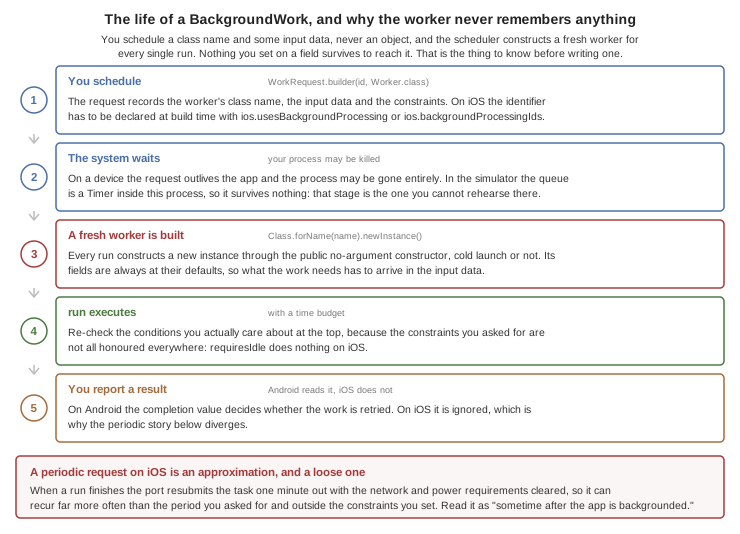
| iOS | Android | Simulator | |
|---|---|---|---|
backend | BGTaskScheduler (iOS 13+) | JobScheduler | Timer |
requiresNetwork / unmetered | Yes | Yes | Toggle in Simulate menu |
requiresCharging | Yes (requiresExternalPower) | Yes | Toggle |
requiresIdle / batteryNotLow | No-op | Yes | Toggle |
periodic | Approximated (resubmit) | Yes (>= 15 min) | Yes |
The iOS approximation of a periodic request doesn’t carry the request
forward. After a run completes, the port resubmits the task with an earliest
date one minute out and with both the network and power requirements cleared, so
the work can recur far more often than the period you asked for and outside the
constraints you set. Treat a periodic request on iOS as "sometime after the app
is next backgrounded," and re-check the conditions you care about at the top of
the worker. The completion value is Android-only for the same reason: the iOS
port resubmits periodic work whichever value you report, and never resubmits
one-shot work, so a FALSE there doesn’t buy you a retry. |
BackgroundTask.scheduleProcessing(id, earliestBeginDate, requiresNetwork, requiresPower,
runnable) is a one-shot variant for occasional maintenance work. On iOS the identifiers
must be declared via the ios.backgroundProcessingIds build hint (comma separated,
default <packageName>.processing); the build also adds the processing UIBackgroundMode
and links BackgroundTasks.framework automatically.
58.5. Foreground service (Android)
ForegroundService runs a long task while a persistent notification is shown.
The first argument names a channel, but the Android service currently routes
its notification through the app-wide channel — android.NotificationChannel.id,
defaulting to cn1-channel — so the id here doesn’t place the notification
in a channel of its own today:
ForegroundService svc = ForegroundService.start("downloads", "Downloading", "Please wait",
null, service -> {
for (int i = 0; i <= 100; i++) {
service.updateNotification("Downloading", i + "%");
// ... do a chunk of work ...
}
});
// auto-stops when the task returns, or call svc.stop()| Android | iOS | Simulator | |
|---|---|---|---|
persistent-notification service | Yes | No (best-effort background window + notification) | Sim (status indicator) |
When the app references ForegroundService the build registers the service and injects
FOREGROUND_SERVICE plus the per-type FOREGROUND_SERVICE_<TYPE> permission (Android 14).
Override the type with the android.foregroundServiceType build hint (default dataSync).
58.6. Receiving shared content
Override onReceivedSharedContent(SharedContent) on your Lifecycle subclass to receive
text, URLs, files or images shared into your app from other apps:
public class MyApp extends Lifecycle {
public void onReceivedSharedContent(SharedContent content) {
for (SharedContent.Item item : content.getItems()) {
if (item.getType() == SharedContent.TYPE_IMAGE) {
// your own import; the path is a FileSystemStorage path
importImage(item.getFilePath());
}
}
}
}| Android | iOS | Simulator | |
|---|---|---|---|
receive shared content | Yes (SEND / SEND_MULTIPLE) | Yes (share extension + App Group) | Sim ("Send shared content") |
On Android, declare the accepted MIME types with the android.shareFilter build hint
(comma separated, for example text/plain,image/*); the build registers the share-receiver
activity. On iOS this reuses the share-extension authoring pipeline; set the
ios.shareAppGroup build hint to the App Group the extension writes to. File and image
items are copied into Codename One FileSystemStorage so your code is platform neutral.
58.7. Push topics
Push.subscribeToTopic("news") / unsubscribeFromTopic("news") subscribe the device to a
fan-out topic.
| Android | iOS | |
|---|---|---|
topic subscribe / unsubscribe | Yes (Firebase Cloud Messaging) | No-op (raw APNs has no topics; fan out server-side) |
Server-side topic delivery is handled by the Codename One push server.
58.8. Simulator
The JavaSE simulator implements all the above so you can develop without a device. Use the Simulate → Notifications and Background menu to toggle the background constraints (network / charging / idle / battery), run scheduled work immediately, inspect registered channels, and inject shared content. Posted notifications appear in a panel at the top right; tapping an action (or submitting a quick-reply) routes back through your callback exactly as on device.
59. Calendar integration
The com.codename1.calendar package provides scheduling rather than just an
"add event" shortcut. It represents calendars, events, task/reminders,
recurrence, attendees, alarms, free/busy intervals, attachments, conference
links, paging, incremental synchronization, and explicit edit conflicts.
The API is capability based. Don’t branch on the platform name. Ask the source what it can do:
LocalCalendarSource local = LocalCalendarSource.getInstance();
CalendarCapabilities capabilities = local.getCapabilities();
if (capabilities.supports(CalendarCapability.READ_EVENTS)) {
local.requestAuthorization(CalendarAccess.EVENTS_READ_ONLY).ready(status -> {
if (status == CalendarAuthorizationStatus.FULL) {
local.queryEvents(new CalendarQuery()
.setCalendarId("primary")
.setStartTime(Instant.now()))
.ready(page -> page.getItems().forEach(System.out::println));
}
});
}LocalCalendarSource is implemented with Android’s Calendar Provider and
Apple EventKit on iOS and macOS. The simulator supplies an isolated,
in-memory source so tests never modify the developer’s real calendar. A port
that has no local calendar service returns an empty capability set. Online
sources and .ics import/export remain available on every port, including
JavaScript and Linux.
| Target | Built-in local source | Portable alternatives |
|---|---|---|
Android | Calendar Provider events | Google, Microsoft, CalDAV, and |
iOS and macOS | EventKit events and reminders | Google, Microsoft, CalDAV, and |
Codename One simulator | Isolated in-memory source | Google, Microsoft, CalDAV, and |
Win32, native macOS desktop, Linux, and JavaScript | No built-in local source; the capability set is empty | Google, Microsoft, CalDAV, and |
This API is a clean replacement for the old CN1Calendar integration. New
code shouldn’t mix objects or identifiers from the two APIs.
59.1. Creating an event
All-day values use CalendarDateTime.allDay(LocalDate). Timed values use
ZonedDateTime (or the Instant and ZoneId convenience factory). Alarms use
Duration, and query ranges and absolute timestamps use Instant. The API
uses java.time instead of defining parallel date, time-zone, or duration
types. Keeping all-day and timed values separate avoids shifting an
all-day event when it crosses a time-zone boundary.
CalendarEvent event = new CalendarEvent()
.setCalendarId(calendarId)
.setTitle("Architecture review")
.setStart(CalendarDateTime.instant(start, ZoneId.of("Europe/Paris")))
.setEnd(CalendarDateTime.instant(end, ZoneId.of("Europe/Paris")))
.setRecurrence(new CalendarRecurrenceRule()
.setFrequency(CalendarRecurrenceRule.Frequency.WEEKLY)
.addDayOfWeek(2))
.addAttendee(new CalendarAttendee()
.setName("Ari")
.setEmail("[email protected]"))
.addAlarm(new CalendarAlarm().setTimeBefore(Duration.ofMinutes(15)));
local.saveEvent(event, CalendarMutationScope.ALL).ready(saved -> {
Log.p("Created " + saved.getId());
});The version returned by a source is an optimistic-concurrency token. Pass
the returned object to saveEvent() or its version to a delete method.
A stale token produces CalendarError.CONFLICT instead of overwriting a
newer server edit.
59.2. Online sources
Online sources work on all ports and use the application’s OAuth client. They never embed a client secret and never persist credentials implicitly.
OidcClient.discover("https://accounts.google.com").ready(oidc -> {
oidc.setClientId(clientId)
.setRedirectUri(redirectUri)
.setScopes(GoogleCalendarSource.SCOPE_CALENDAR,
GoogleCalendarSource.SCOPE_TASKS)
.authorize().ready(tokens -> {
CalendarSource google = new GoogleCalendarSource(
new OidcCalendarTokenProvider(oidc, tokens));
CalendarManager.getInstance().registerSource(google);
});
});GoogleCalendarSource covers Google Calendar and Google Tasks.
MicrosoftCalendarSource covers Microsoft Graph calendars and Microsoft To
Do. Both expose provider paging and delta tokens through CalendarPage and
retry once with a refreshed token after HTTP 401.
For CalDAV, pass the account’s calendar-home URL and an authentication strategy:
CalendarSource caldav = new CalDavCalendarSource(
"work", "Work CalDAV", calendarHomeUrl,
CalDavAuthentication.digest(username, password));CalDavAuthentication.basic(), bearer(), and digest() are supported.
Prefer Bearer or Digest over Basic unless Basic is protected by HTTPS. Calendar
discovery filters collections by their advertised VEVENT and VTODO
component support. Check the result of each asynchronous operation as servers
can restrict individual collections further.
59.3. Import and export
ICalendarCodec reads and writes RFC 5545 VEVENT, VTODO, VALARM,
attendees, recurrence rules, URI attachments, conference URIs, all-day values,
and time zones. Unknown X- properties are retained in provider data.
String ics = ICalendarCodec.writeEvent(event);
CalendarEvent imported = ICalendarCodec.readEvent(ics);59.4. Change notifications and offline synchronization
The cross-platform guarantee is intentionally pull based:
Local sources can emit
CalendarChangethroughaddChangeListener()when the operating system reports a local store change.Online providers return a sync/delta token. Store it and pass it in the next
CalendarQuery. The API doesn’t register provider webhooks.
Listeners run on the Codename One EDT. Treat a RESET change as an instruction
to query again; it doesn’t promise one callback per underlying OS edit.
Offline mutation storage is opt-in. Supply a CalendarCache to
CalendarSyncEngine, queue edits, and call sync() yourself or from the
platform’s background-work callback. StorageCalendarCache stores calendar
data and pending mutations, never credentials. Conflicts remain paused until
the application chooses KEEP_LOCAL, KEEP_REMOTE, or MERGED.
CalendarSyncEngine sync = new CalendarSyncEngine(
google, new StorageCalendarCache("google-account-1"));
sync.queueEventSave(event, CalendarMutationScope.ALL);
sync.sync().ready(result -> {
for (CalendarConflict conflict : result.getConflicts()) {
// Present both versions, then call resolveConflict(...).
}
});59.5. Permissions and build hints
Calling LocalCalendarSource.getInstance(),
CalendarManager.getLocalSource(), CalendarManager.getSources(), or
Display.getLocalCalendarSource() is the builder signal for local calendar
integration. Android builds add
READ_CALENDAR and WRITE_CALENDAR; iOS and macOS builds add EventKit
and calendar/reminder privacy strings. You can replace the default user-facing
strings with:
ios.NSCalendarsFullAccessUsageDescription=Explain why events are needed ios.NSCalendarsWriteOnlyAccessUsageDescription=Explain why creating events is needed ios.NSRemindersFullAccessUsageDescription=Explain why reminders are needed
The built-in Win32 source currently reports unavailable. An
application-supplied native integration can explicitly opt into the standard
MSIX uap:appointments capability with:
windows.msix=true windows.calendar.restrictedCapability=true
Always check getCapabilities() and getAuthorizationStatus() at runtime.
Manifest declarations make a request possible; they don’t mean the user or
provider granted it.
60. External Surfaces: Widgets and Live Activities
Home-screen widgets and live activities answer the same developer question: how to keep a live piece of information outside the app. Codename One models both as one concept — an external surface — under the com.codename1.surfaces package. A widget is persistent, user-placed and content-driven: the weather, the next meeting, the delivery status on the home screen. A live activity is transient, app-started and progress-driven: the delivery that’s out right now, a running timer, a live score on the iOS lock screen and Dynamic Island, an ongoing Android notification, a floating desktop pill. Both share the same layout model, serialization, state mechanism, and action model.
The simulator renders every surface you publish in a dedicated preview window, so the full loop runs on your desktop with no device:
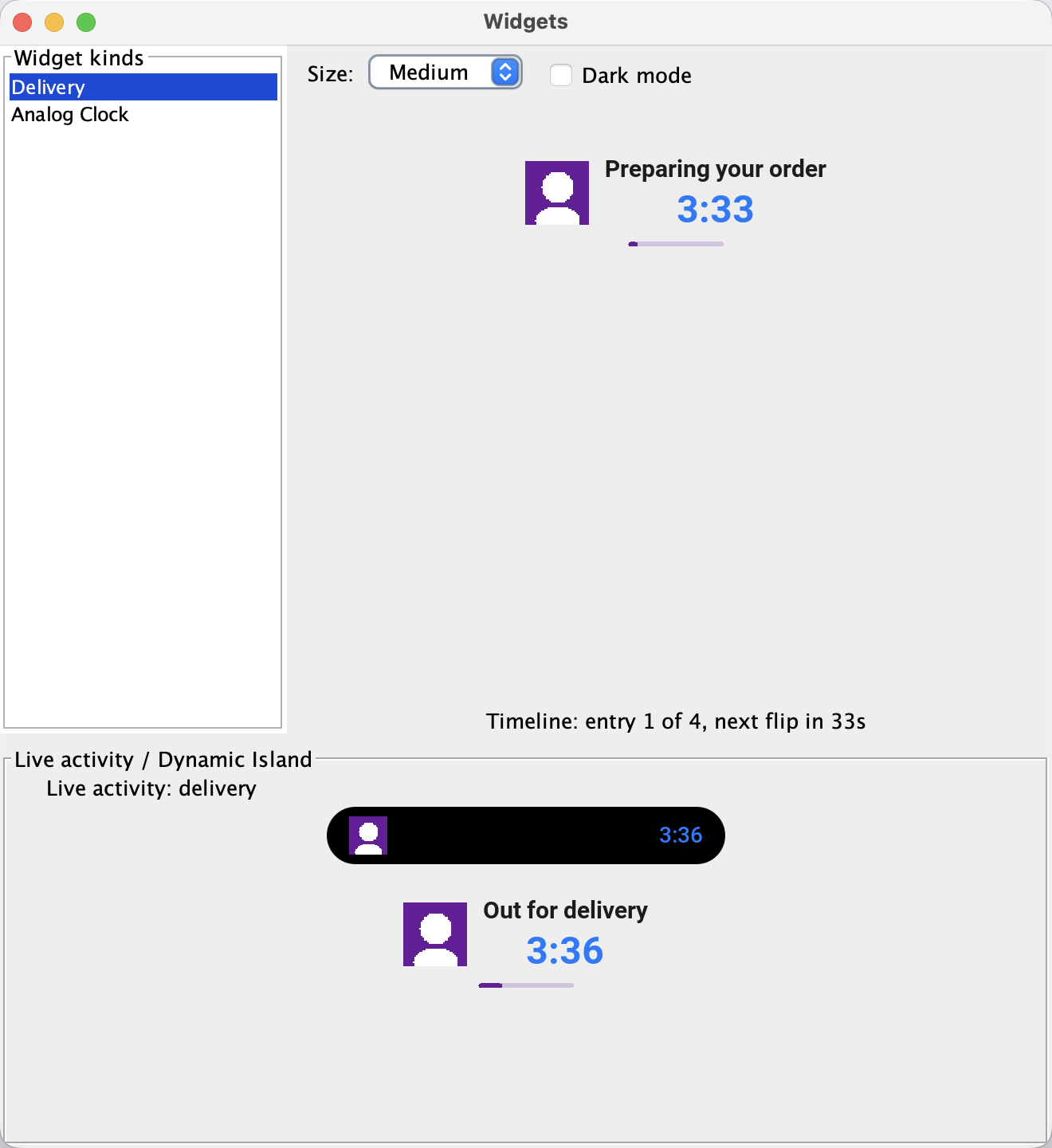
60.1. The dead-process rule
Surfaces render while your app process may not be running. Everything you hand this API is therefore turned into plain data at publish time: layouts serialize to a compact JSON descriptor, images are encoded to named PNG blobs, and "callbacks" are string action ids that open the app and reach your handler on the EDT. Layout text embeds ${key} placeholders resolved from a per-entry state map, so a content change is a cheap re-publish of data, not a new layout.
This rule explains everything unusual about the API. You can’t attach a listener to a widget — the process that renders it may have nothing to call back into. You can’t hand it a Component — there is no Codename One renderer on the other side. What you can do is describe the surface declaratively and let each platform’s native renderer (SwiftUI on iOS, RemoteViews on Android, a rasterizer on desktop) draw it.
60.2. Getting started
The build injects the native plumbing (a WidgetKit extension and App Group on iOS, widget receivers on Android) when your bytecode references com.codename1.surfaces. Apps that never touch the package get none of it, and on ports without surface support every entry point is an inert no-op.
Platform widget galleries are compiled into the native app, so widget kinds must be known at build time. Declare them in a surfaces.json resource (in src/main/resources of a Maven project, next to your icons):
{
"liveActivities": true,
"kinds": [
{
"id": "delivery_status",
"name": "Delivery",
"description": "Track your order",
"iosFamilies": ["systemSmall", "systemMedium"],
"androidMinWidthDp": 180,
"androidMinHeightDp": 60
},
{
"id": "analog_clock",
"name": "Analog Clock",
"description": "A vector clock face",
"iosFamilies": ["systemSmall"],
"androidMinWidthDp": 110,
"androidMinHeightDp": 110
}
]
}The id values must match [a-z]. The families list accepts the portable names (small, medium, large, lockscreen, and the four watch complication families) as well as the WidgetKit spellings (systemSmall, systemMedium, systemLarge, accessoryRectangular); when omitted, all three home-screen sizes are offered. iosFamilies is the older spelling of the same key and still works — it predates there being a second platform that cared — and is read only when families is absent. The androidMinWidthDp / androidMinHeightDp / androidResizeMode fields fill the Android provider metadata. An optional top-level appGroup pins the iOS App Group id, and "liveActivities": true enables the live activity plumbing.
At runtime, mirror the manifest by registering each kind in your app’s init():
Surfaces.registerWidgetKind(new WidgetKind("delivery_status")
.setDisplayName("Delivery")
.setDescription("Track your order")
.addSupportedSize(WidgetSize.SMALL)
.addSupportedSize(WidgetSize.MEDIUM));A widget renders a timeline: a shared layout plus dated entries whose state maps fill the layout’s ${key} placeholders. The OS flips entries on schedule without waking your app. This publishes a delivery tracker that advances through four states:
long now = System.currentTimeMillis();
long eta = now + 4 * 60000L;
WidgetTimeline timeline = new WidgetTimeline()
.setContent(buildDeliveryLayout())
.addEntry(new Date(now), deliveryState("Preparing your order", eta, 0.1f))
.addEntry(new Date(now + 60000L), deliveryState("Out for delivery", eta, 0.4f))
.addEntry(new Date(now + 3 * 60000L), deliveryState("Arriving now", eta, 0.9f))
.addEntry(new Date(eta), deliveryState("Delivered", eta, 1f))
.setReloadPolicy(WidgetTimeline.RELOAD_AT_END);
Surfaces.publish("delivery_status", timeline);The layout itself is a small tree of nodes with shared styling (padding, background, corner radius, alignment, weight, size, action):
private SurfaceNode buildDeliveryLayout() {
Map<String, Object> params = new HashMap<>();
params.put("orderId", "CN1-12345");
return new SurfaceColumn().setSpacing(6).setPadding(12)
.add(new SurfaceRow().setSpacing(10)
.add(new SurfaceImage(courierAvatar)
.setSize(40, 40).setCornerRadius(20))
.add(new SurfaceColumn().setSpacing(2).setWeight(1)
.add(new SurfaceText("${status}")
.setFontSize(15)
.setFontWeight(SurfaceFontWeight.SEMIBOLD)
.setMaxLines(1))
.add(new SurfaceDynamicText(
SurfaceDynamicText.STYLE_TIMER_DOWN, "eta")
.setFontSize(24)
.setFontWeight(SurfaceFontWeight.BOLD)
.setColor(SurfaceColor.ACCENT))))
.add(new SurfaceProgress(SurfaceProgress.STYLE_LINEAR)
.setValueState("progress")
.setColor(SurfaceColor.rgb(ACCENT_COLOR)))
.setAction("open_order", params);
}
private Map<String, Object> deliveryState(String status, long eta, float progress) {
Map<String, Object> state = new HashMap<>();
state.put("status", status);
state.put("eta", eta);
state.put("progress", progress);
return state;
}Three things in this layout carry the model’s weight. SurfaceText renders ${status} from the entry state, so updates ship a tiny state map instead of a layout. SurfaceDynamicText with STYLE_TIMER_DOWN is a countdown the OS animates on its own clock — the ETA ticks every second with zero app wake-ups. SurfaceProgress reads its value from the progress state key. The setAction call at the root makes a tap anywhere on the widget open the app and deliver the open_order action.
Surfaces.publish(…) is callable from any thread and never blocks on the EDT, which matters for background refresh later in this chapter.
A complete runnable example lives in Samples/samples/SurfacesSample together with its surfaces.json:
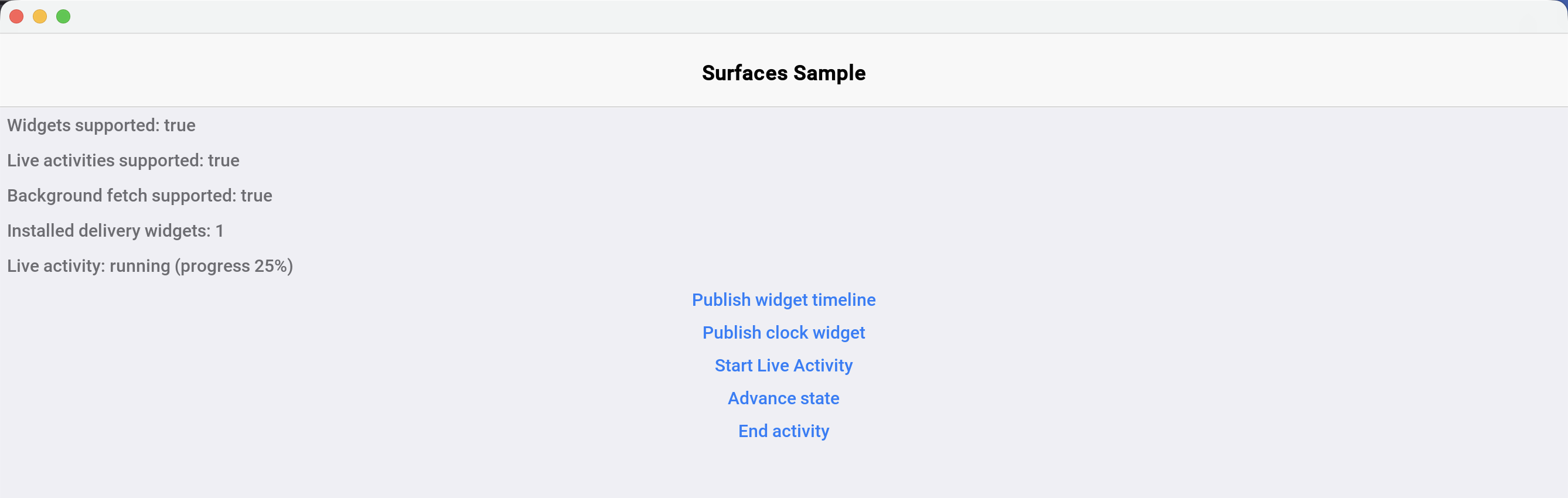
60.2.1. Previewing in the simulator
Open Widgets > Widgets Preview in the simulator. The window lists your registered kinds, renders the published timeline of the selected kind at any size in light or dark mode, flips timeline entries on schedule, and ticks countdowns exactly as a home-screen widget would. The four watch complication families are listed too, at the accessory families' own sizes and clipped round where a watch face clips them — worth seeing, because a face shows nothing a circular complication draws into its corners. What it previews is the node tree, not the per-platform lowering, so a complication that looks right there can still arrive on a Wear OS face as one number. The mock Dynamic Island at the bottom renders running live activities. Clicks map through to your action handler, and a desktop (non-simulator) build renders the same publishes as floating widget windows pinned from a tray icon.
60.3. The node catalog
The catalog is kept small: a set of nodes every platform can render natively. Android app widgets (RemoteViews) are the constrained platform, so the catalog is designed to that floor and degrades as follows:
| Node | iOS (SwiftUI) | Android (RemoteViews) | Notes |
|---|---|---|---|
|
|
| Weight maps to |
|
|
| Child alignment via a 9-way enum |
|
|
| Android maps light/regular/medium weights to regular, semibold/bold to bold |
|
|
| Ticks natively on both |
|
|
| Native on both |
| Native | Static text | Android refreshes it on the next update only |
|
|
| Named PNG blobs, content-hash dedup |
|
|
| Value 0..1 or a state key |
|
| Falls back to linear | Android widgets lack determinate circular progress |
| Native animation | Frozen at each refresh | iOS-only nicety |
| SwiftUI | Bitmap rendered in-process | Large vector nodes cost bitmap budget on Android |
|
| Weighted | Flexible gap |
Corner radius |
| Background drawable | May render square below Android 12 |
Node action |
|
| Small iOS widgets honor only the root action |
Descriptors are limited to 8 nesting levels. Keep payloads (JSON plus images) comfortably under 200kb — the iOS widget extension runs in about 30mb of memory, and Android parcels rendered widgets over a 1mb binder transaction.
60.4. Vector widgets
SurfaceVector covers the widgets the template catalog can’t express — clocks, gauges, dials — with a retained list of vector drawing operations (fills, strokes, lines, arcs, text, rotation groups) replayed natively by every renderer. Rotation groups can read their angle from a state key, which turns a static drawing into a data-driven one.
The classic example is an analog clock. The face is resolution independent — the 200x200 view box scales to whatever size the widget gets:
private SurfaceNode buildClockFace() {
SurfaceVector face = new SurfaceVector(200, 200)
.fillEllipse(100, 100, 96, 96, SurfaceColor.rgb(0xfffafafa, 0xff1c1c1e))
.strokeEllipse(100, 100, 96, 96, 4, SurfaceColor.rgb(ACCENT_COLOR));
for (int hour = 0; hour < 12; hour++) {
boolean quarter = hour % 3 == 0;
face.beginRotation(hour * 30f, 100, 100)
.line(100, 10, 100, quarter ? 24 : 18, quarter ? 5 : 3, SurfaceColor.LABEL)
.endRotation();
}
face.beginRotation("hourAngle", 100, 100)
.line(100, 100, 100, 52, 8, SurfaceColor.LABEL)
.endRotation()
.beginRotation("minuteAngle", 100, 100)
.line(100, 100, 100, 26, 5, SurfaceColor.rgb(ACCENT_COLOR))
.endRotation()
.fillEllipse(100, 100, 6, 6, SurfaceColor.rgb(ACCENT_COLOR));
return face;
}Angles use the clock convention: degrees, 0 at 12 o’clock, clockwise positive. The face publishes once; 60 per-minute timeline entries carry only the two angle values, and the OS flips them on schedule. The clock stays correct for an hour with zero app wake-ups:
WidgetTimeline timeline = new WidgetTimeline()
.setContent(buildClockFace())
.setReloadPolicy(WidgetTimeline.RELOAD_AT_END);
Calendar c = Calendar.getInstance();
c.set(Calendar.SECOND, 0);
c.set(Calendar.MILLISECOND, 0);
long minuteStart = c.getTimeInMillis();
int baseMinutes = c.get(Calendar.HOUR_OF_DAY) * 60 + c.get(Calendar.MINUTE);
for (int m = 0; m < 60; m++) {
int totalMinutes = baseMinutes + m;
Map<String, Object> state = new HashMap<>();
// clock convention: degrees, 0 = 12 o'clock, clockwise positive
state.put("minuteAngle", totalMinutes % 60 * 6f);
state.put("hourAngle", totalMinutes % 720 * 0.5f);
timeline.addEntry(new Date(minuteStart + m * 60000L), state);
}
Surfaces.publish("analog_clock", timeline);
60.5. Live activities
A live activity is started explicitly from the app and updated by pushing fresh state. The descriptor carries the main content (the lock screen presentation on iOS, the notification layout on Android) plus the Dynamic Island regions: setCompactLeading / setCompactTrailing for the pill shown around the camera cutout, setMinimal for the detached circle when several activities run, and setExpandedLeading / setExpandedTrailing / setExpandedCenter / setExpandedBottom for the long-press expanded card.
long eta = System.currentTimeMillis() + 4 * 60000L;
LiveActivityDescriptor descriptor = new LiveActivityDescriptor("delivery")
.setContent(buildDeliveryLayout())
.setCompactLeading(new SurfaceImage(courierAvatar)
.setSize(24, 24).setCornerRadius(12))
.setCompactTrailing(new SurfaceDynamicText(
SurfaceDynamicText.STYLE_TIMER_DOWN, "eta")
.setFontSize(14).setColor(SurfaceColor.ACCENT))
.setExpandedCenter(new SurfaceText("${status}")
.setFontSize(16).setFontWeight(SurfaceFontWeight.SEMIBOLD))
.setExpandedBottom(new SurfaceProgress(SurfaceProgress.STYLE_LINEAR)
.setValueState("progress")
.setColor(SurfaceColor.rgb(ACCENT_COLOR)))
.setTint(SurfaceColor.rgb(ACCENT_COLOR));
activity = LiveActivity.start(descriptor,
deliveryState("Out for delivery", eta, 0.25f));The returned handle is inert (isActive() returns false) on platforms without live activity support, so no platform checks are needed. Updates and the final state are plain state maps interpolated into the descriptor persisted at start time:
activity.update(deliveryState("Arriving now", eta, 0.9f));
// ... and when the delivery completes:
activity.end(deliveryState("Delivered", System.currentTimeMillis(), 1f));The simulator preview renders the running activity as a mock Dynamic Island pill plus the expanded card:
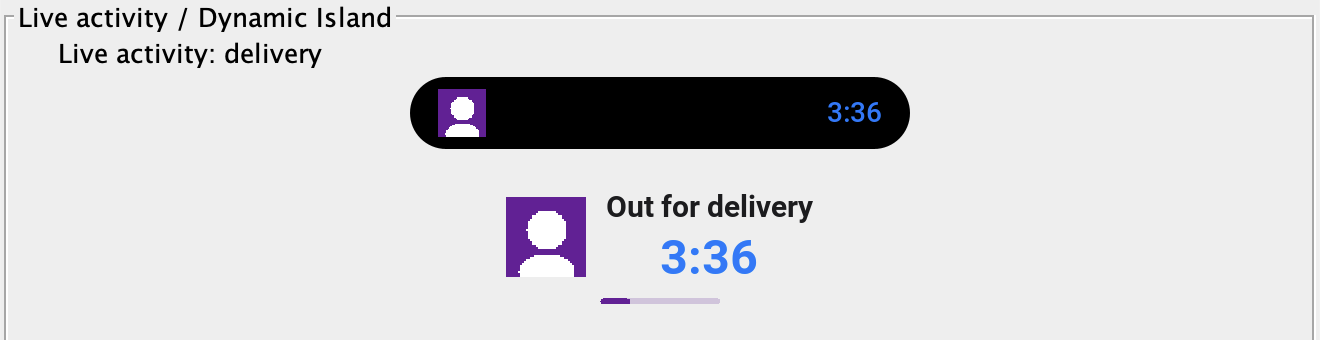
On iOS the activity appears on the lock screen and, on supported devices, inside the Dynamic Island (ActivityKit requires iOS 16.1 or newer). On Android it lowers to an ongoing notification that renders the same content; on Android 13 and newer the first start(…) prompts for the notification permission, which the build declares for you, and isSupported() reports false once the user has turned that prompt down twice or has switched notifications off for the app. On desktop it appears in the simulator preview or as a floating window.
60.6. Actions and cold start
Every interactive node carries a string action id plus an optional parameter map, set with setAction(id, params). Tapping the surface opens the app and delivers a SurfaceActionEvent to the single handler registered with Surfaces.setActionHandler(…):
Surfaces.setActionHandler(evt -> {
if ("open_order".equals(evt.getActionId())) {
String orderId = (String) evt.getParams().get("orderId");
showOrderForm(orderId);
} else {
Dialog.show("Surface Action", "Action " + evt.getActionId()
+ " from " + evt.getSource()
+ ", cold start: " + evt.isColdStart(), "OK", null);
}
});Actions are delivered on the EDT. When the tap launches a dead app, the event is queued across the cold start and delivered once your handler registers — which is why the registration belongs in init(). SurfaceActionEvent.isColdStart() tells you which path you are on, getSource() identifies the surface (widget kind or activity type), and getParams() returns the parameter map serialized with the action.
60.7. Updating from the background
Surfaces are updated from the running app in this release; push-driven updates are planned. Three mechanisms keep content fresh without keeping the app open:
Timelines carry the future with them. Publish entries covering the hours ahead and the OS flips them on schedule — the clock above stays correct for an hour without a single wake-up. WidgetTimeline.RELOAD_AT_END (the default) asks the platform to request fresh content when the entries run out.
Background fetch re-publishes data. Implement com.codename1.background.BackgroundFetch, register with Display.setPreferredBackgroundFetchInterval(int), and re-publish inside the callback — publishing is data-only file IO, safe from any thread and from a UI-less process:
public void performBackgroundFetch(long deadline, Callback<Boolean> onComplete) {
// fetch fresh data, then re-publish the timeline
publishDeliveryTimeline();
onComplete.onSucess(Boolean.TRUE);
}The completion callback must be invoked, or iOS stops granting fetch time. On iOS, background fetch also needs the fetch background mode:
codename1.arg.ios.background_modes=fetchOn Android, the widget pulls the app. When a provider renders an exhausted RELOAD_AT_END timeline (or no timeline at all) it starts the background fetch service directly — throttled to once per 15 minutes per kind, and only when the app declares background fetch. The iOS widget extension can’t wake the app arbitrarily: an exhausted timeline makes WidgetKit re-read the persisted document, so publish timelines with enough future entries to bridge the gap between fetches. The simulator simulates background fetch with a timer that fires while the app is paused (Simulate > Pause App).
60.8. Per-platform notes
60.8.1. iOS
The build generates a CN1Widgets WidgetKit extension target into the Xcode project and shares published timelines with it through an App Group container. The App Group id defaults to group.<your package name>; override it with the appGroup field in surfaces.json or the ios.surfaces.appGroup build hint. The extension’s deployment target defaults to 16.1 (ActivityKit’s floor) without raising your app’s own deployment target — on older iOS versions the extension never runs and Surfaces.areWidgetsSupported() returns false.
Signing follows the generic app extension rules: the extension needs its own App ID (<your package>.CN1Widgets) with the App Groups capability and, for cloud device builds with manual signing, its own provisioning profile. Either place the .mobileprovision under common/src/main/resources or supply a URL with the ios.appext.CN1Widgets.provisioningURL build hint. With automatic (managed) signing and in local ios-source builds no extra configuration is needed — Xcode provisions the extension target as usual.
Like the app itself (codename1.ios.debug.provision / codename1.ios.release.provision), the extension needs a development profile for debug device builds and a distribution profile for release builds. Qualify any extension provisioning key with debug or release after the ios. segment and the build picks the variant matching the build target, falling back to the unqualified key when no matching variant is set:
Build hints:
codename1.arg.ios.debug.appext.CN1Widgets.provisioningURLandcodename1.arg.ios.release.appext.CN1Widgets.provisioningURLLocal profile paths in
codenameone_settings.properties:codename1.ios.debug.appext.CN1Widgets.provisionandcodename1.ios.release.appext.CN1Widgets.provision
The Certificate Wizard populates both provision variants automatically when it sets up widget extension signing (the development profile requires at least one registered device). An unqualified key alone still works and is used for both build types.
Widget taps deep link back into the app through the cn1surface:// URL scheme, which the build registers automatically.
60.8.2. Android
Widgets are rendered through RemoteViews by generated per-kind providers; no Android-specific build hints are needed, and the per-kind sizing metadata comes from surfaces.json. Timeline entry flips are scheduled with inexact alarms (a 30-second window) to avoid the exact-alarm permission by default; apps that need to-the-second flips can opt in with the android.surfaces.exactAlarms build hint. Second-precision countdowns still tick natively through Chronometer. Live activities lower to ongoing notifications, which on Android 13 and newer require the POST_NOTIFICATIONS runtime permission: the build declares it for you when surfaces.json sets "liveActivities": true, and the first LiveActivity.start(…) raises the system prompt, blocking the calling thread until the user answers. Codename One raises it at most twice across an install — Android stops showing the dialog after two refusals anyway — and spends an attempt only on a request it managed to issue. Android reports a dismissed dialog exactly as it reports a refusal, so dismissing one does cost an attempt, but one rather than the whole budget. Start the first activity while your app is in the foreground: there is no UI to prompt from in a background service or push handler, so a start from one before the permission is granted is refused without spending an attempt. LiveActivity.isSupported() is the programmatic signal once the answer has settled — a spent budget or, for an app that never declared the permission, a missing manifest entry — and adb logcat -s CN1Surfaces explains every refusal, reporting each settled reason once. A grant from anywhere counts — these prompts, push registration, Display.requestNotificationPermission(…) or the system settings — because the live permission state is always checked first. The approximations listed in the node catalog table apply: font weights collapse to regular/bold, circular progress falls back to linear, relative dates refresh only on entry flips, and vector nodes render as bitmaps.
60.8.3. Apple Watch
A kind declaring a WATCH_* family gets a second WidgetKit extension,
CN1WatchWidgets, embedded in the watch app rather than the phone app. It needs
watchOS 10 (watchNative.surfaces.deploymentTarget overrides the floor), and it
shares the App Group identifier with the phone — though the container behind it
is watch-local, which is why the watch publishes its own timelines. Under manual
signing the extension’s bundle id, <your.package>.watchkitapp.CN1WatchWidgets,
needs its own provisioning profile; the generic
ios.appext.CN1WatchWidgets.provisioningURL hint supplies it.
60.8.4. Wear OS
A watch-bearing kind gets a ComplicationDataSourceService, and the
WATCH_RECTANGULAR family additionally gets a TileService. Both are generated
into the Wear module — the single APK in a standalone build, the wear module
in a companion one — and pull in the androidx.wear complication and Tile
libraries, which are AndroidX-only and raise that module’s minSdkVersion to 26.
The phone module’s floor is untouched.
The node catalog maps as follows. A complication is the lossy one: the face asks for a typed value and composes it itself.
| Node | Complication | Tile |
|---|---|---|
| First two nodes only, as text and title | Rendered, but a countdown is frozen and refreshed on timeline flips |
| First node only, as a monochrome glyph the face tints | Rendered as an inline image resource |
| Becomes the ranged value | Renders natively as an arc — better than the phone widget, which degrades a circular bar to linear |
| Traversal order only; there is no layout to honour | Rendered |
Padding, background, alignment, weight, colour | Dropped — the face owns its design | Rendered |
Actions | Root action only, as the complication tap | Per-node actions work — better than a small iOS widget |
Everything a complication drops is logged once per render; adb logcat -s
CN1Surfaces shows what a face is actually displaying.
60.8.5. Desktop, Windows, and Linux
In a desktop build the app shows a tray icon whose menu pins a floating widget per kind: a frameless, always-on-top window rendering the published timeline, with clicks dispatched to your action handler. Window positions and the pinned set persist across runs, and a running live activity docks a pill window at the top of the primary screen. Desktop widgets are process-bound in this release — they exist while the app process runs. On Windows the plain signed executable ships these layered floating widgets with zero packaging; setting windows.msix=true additionally wraps the build in an MSIX package that declares a Windows 11 Widgets Board provider, so your kinds appear in the Win+W board rendered as Adaptive Cards. The MSIX channel is opt-in because it has real distribution prerequisites: a certificate the target machine trusts, the Windows App Runtime redistributable on the target machine, and Windows 11 for the board itself. On Linux the widgets are frameless GTK applet windows; on Wayland compositors that support the layer-shell protocol (KDE Plasma, Sway and the rest of the wlroots family) a runtime-loaded gtk-layer-shell places widgets above the wallpaper as real desktop applets with persistent positions and drag-to-move, and on GNOME Wayland they degrade to plain floating windows because the compositor controls global positioning and keep-above.
60.9. Build hints
| Hint | Default | Purpose |
|---|---|---|
|
| Set to |
|
| The shared App Group id; the |
|
| Deployment target of the widget extension (the host app is unaffected) |
|
| Adds |
| URL of the extension’s provisioning profile for cloud manual-signing builds; used for both debug and release builds unless a qualified variant is set | |
| Build-type-specific variants: the URL of the development profile used by debug device builds and the URL of the distribution profile used by release builds. The variant matching the build target overrides the unqualified hint | |
| Add | |
|
| Schedule widget timeline entry flips with exact alarms; declares |
|
| Deployment target of the watchOS complication extension. Can’t go below 10.0: the container background every generated widget applies is watchOS 10, so a lower floor fails the build rather than losing the background |
| URL of the watch complication extension’s provisioning profile, for cloud manual-signing builds. The | |
|
| How often the system polls a Wear complication data source. Zero means never: the timeline model is push-driven, so a poll spends watch battery asking a question the app has already answered |
| pinned | Override the |
|
| Set to |
|
| The Wear artifact’s version code, which must outrank the phone’s for Play to pick it on a watch. The offset is wide so the phone’s next release can’t catch up to a watch code already published |
|
| Wrap the Windows build in an MSIX package with a Widgets Board provider |
| package name | MSIX package identity name |
|
| MSIX identity publisher; must match the signing certificate subject |
|
| MSIX package version |
| executable signing configuration | Certificate used to sign the MSIX package |
60.10. Current limitations
Updates originate from the app (timelines, background fetch, live activity updates). Server-pushed widget content and ActivityKit push tokens are planned; the wire format already accommodates them.
The node catalog is intentionally the lowest common denominator — there is no arbitrary per-pixel drawing beyond
SurfaceVector, and no embedding of regular Codename One components.WidgetSize.LOCKSCREENmaps to the iOSaccessoryRectangularfamily and is ignored on Android in this release.A kind declaring only
WATCH_*families produces no phone surface on either platform — those kinds are hosted by the watch. Declare a phone family alongside them if you want both.What a watch face shows is narrower than what you laid out, and on Wear OS much narrower. See the wearables chapter for the per-family mapping and what gets dropped.
The Widgets Board provider requires the
windows.msixopt-in and its distribution prerequisites; without it, Windows desktop widgets are floating windows.
61. Maps
Codename One ships a modern mapping API in the com.codename1.maps package built around two components:
MapView— a pure-vector map drawn entirely through the Codename OneGraphicspipeline. It never embeds a native peer, so it composes cleanly with the rest of your UI (dialogs, lists and overlays draw over it) and behaves identically on every platform, including the simulator and the web.NativeMap— a map backed by a native provider (Apple MapKit, Google Maps, …) when one is wired into the build, and which transparently falls back to aMapViewwhen no provider is available (the simulator, devices without the selected provider, or builds that didn’t opt in).
Both components implement the same MapSurface interface, so application code is identical regardless of which one — or which provider — is backing the map.
The legacy tile-based MapComponent and the external codenameone-google-maps cn1lib are deprecated in favor of this API. |
61.1. A first map
The pure-vector MapView renders real maps with zero configuration and no API key — by default it shows the free, keyless OpenFreeMap vector basemap (real OpenStreetMap data):
MapView map = new MapView();
map.moveCamera(new LatLng(37.7749, -122.4194), 12);
form.add(BorderLayout.CENTER, map);LatLng is the immutable WGS84 coordinate value type used throughout the API. The camera is described by a center LatLng and a fractional zoom level (the standard slippy-map scale where each whole increment doubles the scale).
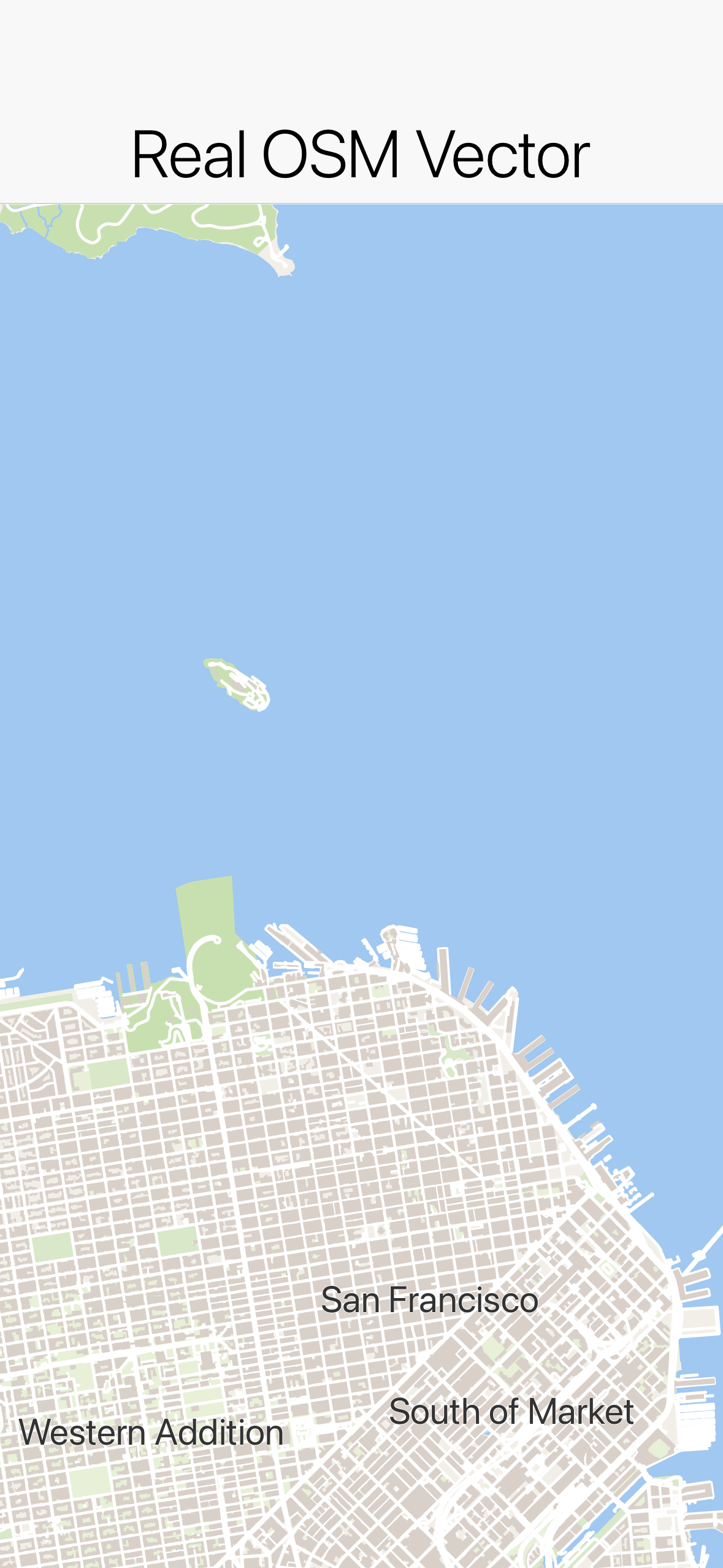
61.2. The MapSurface API
Every map — vector or native — exposes the same operations through MapSurface:
// Camera
map.setCameraPosition(new CameraPosition(new LatLng(48.8566, 2.3522), 11));
map.moveCamera(new LatLng(48.8566, 2.3522), 11);
map.setZoom(13);
map.fitBounds(new MapBounds(new LatLng(48.8, 2.2), new LatLng(48.9, 2.4)), 24);
// Markers
Marker m = map.addMarker(new MarkerOptions(new LatLng(48.8584, 2.2945))
.icon(pinImage)
.title("Eiffel Tower")
.anchor(0.5f, 1.0f)
.onClick(e -> showDetails()));
map.removeMarker(m);
// Shapes
map.addPolyline(new Polyline(routePoints).setStrokeColor(0xff5722).setStrokeWidth(6));
map.addPolygon(new Polygon(areaPoints).setFillColor(0x803f51b5).setStrokeColor(0x3f51b5));
map.addCircle(new Circle(new LatLng(48.85, 2.35), 500).setFillColor(0x804caf50));
map.clearMapObjects();
// Coordinate conversion and bounds
Point pixel = map.latLngToScreen(new LatLng(48.85, 2.35));
LatLng coord = map.screenToLatLng(120, 240);
MapBounds visible = map.getVisibleRegion();
// Events
map.addTapListener((surface, location, x, y) -> placeMarker(location));
map.addLongPressListener((surface, location, x, y) -> contextMenu(location));
map.addCameraChangeListener((surface, camera) -> persist(camera));Marker icons are supplied as EncodedImage and anchored in normalized (u, v) image space (0.5, 1.0 puts the pin tip on the location). When no icon is given, a marker draws the standard Material Design map pin. Polygon and circle fills accept an 0xAARRGGBB color so you can make them translucent.
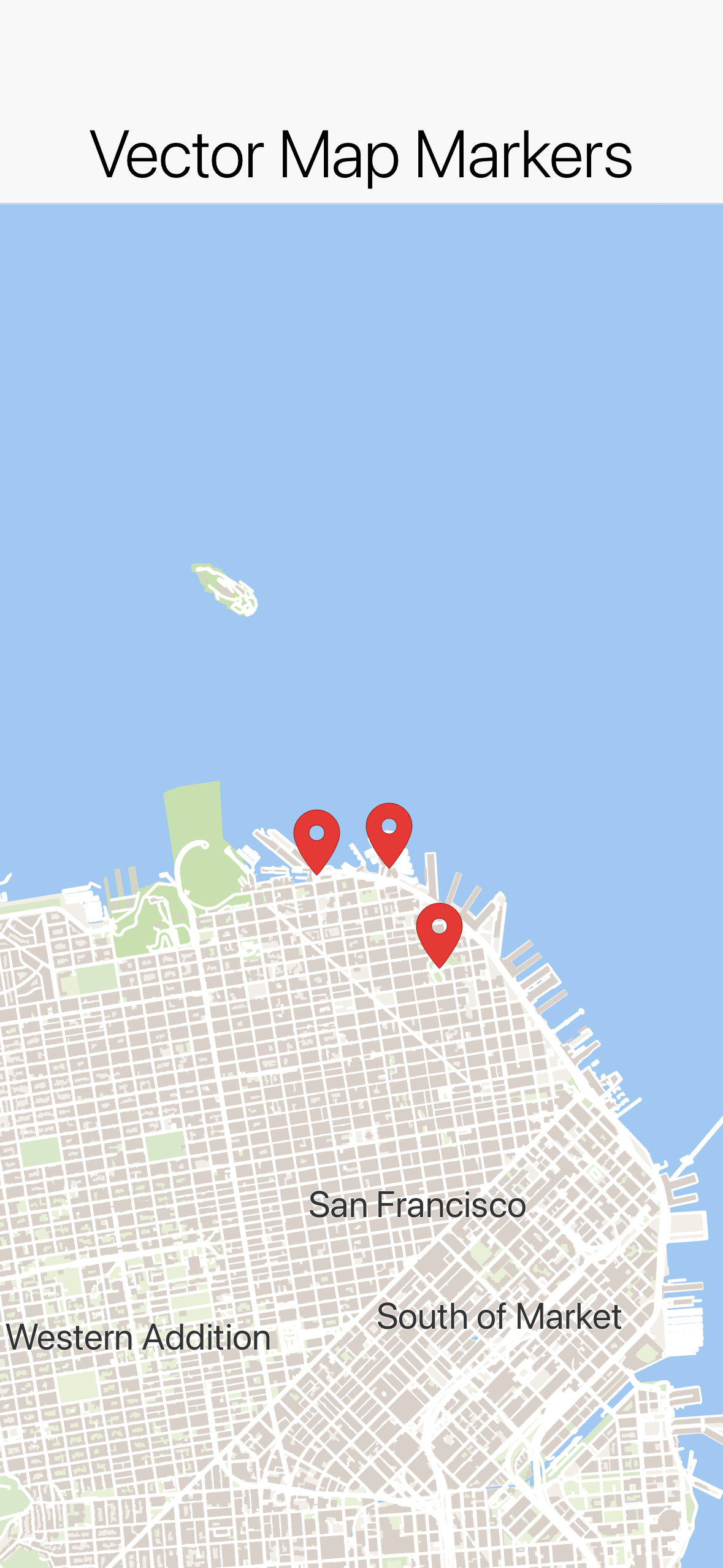
61.3. Routes that follow the road
A polyline joins the coordinates you hand it with straight lines — it knows nothing about roads. Passing two endpoints to addPolyline therefore draws a single straight segment across the map, which is seldom what a navigation screen wants. Working out the road geometry between two points is a separate job, done by a routing service, and that’s what the com.codename1.maps.routing package is for:
MapView map = new MapView();
form.add(BorderLayout.CENTER, map);
// Draws the driving route along the actual roads and frames it.
Routing.showRoute(map, origin, destination);Routing.showRoute(…) fetches the route, draws it and moves the camera to frame it. Like the keyless OpenFreeMap basemap, it works with no API key and no signup: routing runs over OpenStreetMap data through the built-in OsrmRouteService.
Routing is asynchronous — the call returns immediately and the line appears when the service answers. Use Routing.findRoute(…) when you want the result itself, for example to style the line or show the distance and the estimated time:
RouteRequest request = new RouteRequest(origin, destination)
.addWaypoint(new LatLng(38.8899, -77.0091))
.setTravelMode(TravelMode.DRIVING);
Routing.findRoute(request, new RouteCallback() {
@Override
public void routesFound(java.util.List routes) {
Route best = (Route)routes.get(0);
map.addPolyline(best.toPolyline().setStrokeColor(0xff5722).setStrokeWidth(6));
map.fitBounds(best.getBounds(), CN.convertToPixels(4));
label.setText((int)(best.getDistanceMeters() / 1000) + " km, "
+ (int)(best.getDurationSeconds() / 60) + " min");
}
@Override
public void routeFailed(String message, Throwable error) {
label.setText(message);
}
});A Route carries the drawable geometry (toPolyline()), the bounds to frame it with, the total distance and duration, and the RouteLeg/RouteStep breakdown behind a turn-by-turn list. A RouteRequest adds waypoints and a TravelMode (DRIVING, WALKING, CYCLING).
| The default endpoint is OSRM’s public demo server. It exists for development and demos: no SLA, rate limited, and it hosts the car profile, so walking and cycling requests are routed over driving data there. Before shipping, point the service at your own OSRM instance (or any OSRM-compatible endpoint) — nothing else in your code changes: |
// Your own OSRM instance, or any OSRM-compatible endpoint.
Routing.setService(new OsrmRouteService("https://osrm.example.com"));To route through a different provider entirely — Google Directions, Mapbox Directions, GraphHopper, your own server — implement RouteService and install it the same way. Every provider of that kind returns the route as an encoded polyline, which Polyline.fromEncoded(geometry) turns straight into something drawable (PolylineCodec also handles the polyline6 variant used by Valhalla).
61.4. Tile sources and styles (MapView)
MapView pulls its tiles from a pluggable com.codename1.maps.vector.TileSource:
MvtTileSource— networked Mapbox Vector Tiles (.pbf/.mvt).MvtTileSource.openFreeMap()is the free, keyless OpenStreetMap-based default (its tile URLs are versioned, so it resolves them from OpenFreeMap’s TileJSON automatically). Most other hosted vector basemaps require an API key supplied viasetApiKey(…)and referenced as{key}in the URL template; a TileJSON endpoint (a URL with no{z}token) is resolved automatically.RasterTileSource— networked XYZ image tiles.RasterTileSource.openStreetMap()is a keyless raster alternative.BundledTileSource— tiles bundled into the app as resources, for fully offline maps. The screenshot tests in this repo use this against a small fixture set so the renders are deterministic and network-free; it’s not how you ship a real map.DemoTileSource— a self-contained synthetic tile set (no network), handy for demos and deterministic tests.
61.4.1. Connecting to real map data
For a real app you point MapView at a hosted tile service. The simplest keyless option is OpenFreeMap (OpenStreetMap-based vector tiles); for branded styles or higher quotas use a keyed provider such as MapTiler or your own self-hosted Protomaps/TileServer GL endpoint:
// Keyless, zero-config vector basemap (OpenStreetMap data via OpenFreeMap):
MapView vector = new MapView(MvtTileSource.openFreeMap(), MapStyle.light());
// A keyed hosted provider (e.g. MapTiler). {z}/{x}/{y} are the XYZ tile
// coordinates and {key} is substituted from setApiKey(...):
MapView branded = new MapView(
new MvtTileSource("https://api.maptiler.com/tiles/v3/{z}/{x}/{y}.pbf?key={key}", 0, 14)
.setApiKey(apiKey),
MapStyle.dark());
// A keyless raster (image-tile) basemap, if you don't need vector styling:
MapView raster = new MapView(RasterTileSource.openStreetMap());If the URL has no {z} token it’s treated as a TileJSON document and the real tile-URL template (and min/max zoom) are resolved from it automatically, so you can paste a provider’s TileJSON URL directly.
To bundle your own offline tiles instead, drop .mvt/.pbf files into the app’s resources under a {z}/{x}/{y} layout and point BundledTileSource at them — that’s exactly what the test fixtures do.
Vector tiles are painted according to a MapStyle. The built-in MapStyle.light() and MapStyle.dark() cover a usable basemap; MapStyle.fromJson(json) parses a subset of the MapLibre GL style specification (background/fill/line/symbol layers, zoom-stop interpolation, simple ["==", key, value] filters).

61.4.2. Street names and street-level zoom
Street names are written along the streets themselves, the way a printed street map shows them. A name follows the line of its road, bends with it on a gentle curve and always reads left to right. A long road repeats its name at intervals so a name is in view wherever you look along it. A name is left out rather than scrambled where a corner falls under it, where the road is shorter than the name, or where it would overlap another label. Place names and points of interest stay horizontal.
Labels are drawn above the lines and shapes you add and below the markers. A route drawn with addPolyline therefore never hides the names of the streets it follows, while pins stay on top of everything:
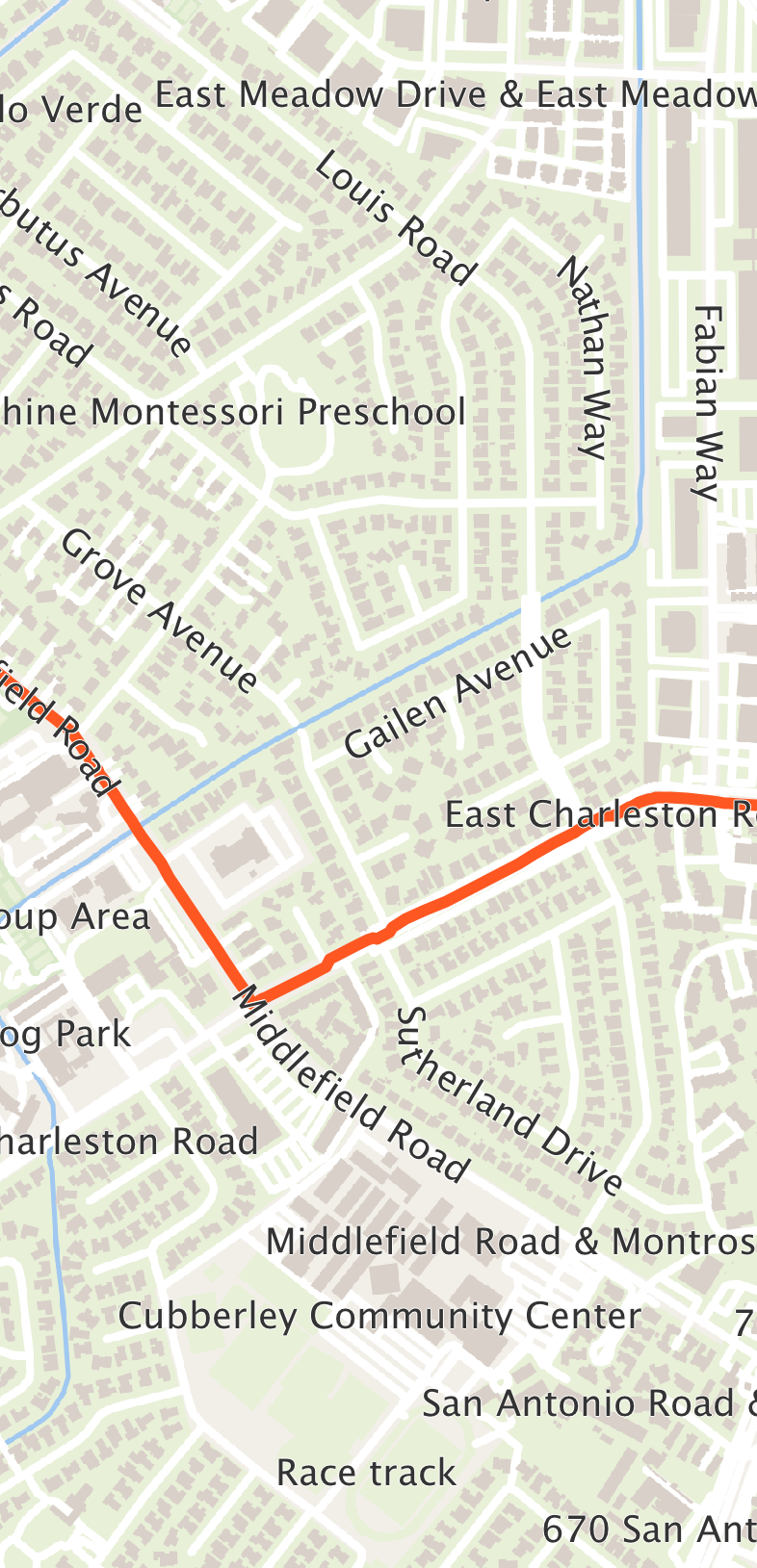
When you draw on the basemap yourself through getEngine(), the engine’s paint method draws the tiles and their labels together. To put your own drawing between the two, call paintTiles, draw, then call paintLabels.
A vector map zooms further than the deepest level its tile source serves. OpenFreeMap’s data stops at zoom 14, yet the map reaches zoom 20: past zoom 14 the map redraws the zoom 14 geometry at the larger scale, so roads and buildings stay sharp instead of turning into a stretched image. getMaxZoom() reports the deepest level the camera can reach: six levels past the source’s own, up to zoom 22. A source that serves deeper tiles than that keeps its own deepest level. A raster source stops at its own deepest level, since enlarging an image only blurs it.
Line widths, like text sizes, are in logical pixels and scale with the screen density, so a road is as thick on a high-density phone as on a desktop. The built-in styles keep widening roads as you zoom in to street level. At the deepest zooms a street name can sit a little to the side of its road: the name comes from a simplified copy of the road’s line in the tile data, and the difference grows as the map enlarges it.
61.5. Native maps and providers
NativeMap renders through a native map SDK when the build wires one in:
NativeMap map = new NativeMap(new LatLng(37.7749, -122.4194), 12);
map.addMarker(new MarkerOptions(new LatLng(37.7749, -122.4194)).title("San Francisco"));
form.add(BorderLayout.CENTER, map);
if (!map.isNativeMap()) {
// Running on the simulator (or a build without a provider) -> vector fallback.
}
Which provider (if any) backs the map is decided entirely by build hints — the public API never names a provider, so unused providers add nothing to your app’s size. Select one with the maps.provider build hint (or the per-platform ios.maps.provider / android.maps.provider):
# iOS uses Apple MapKit (a free system framework, no API key, no pod):
codename1.arg.ios.maps.provider=apple
# Android uses Google Maps (pulls Google Play Services Maps):
codename1.arg.android.maps.provider=google
# ...or Huawei Map Kit, for devices without Google Play Services (HMS Core).
# The build pulls com.huawei.hms:maps from Huawei's Maven repo automatically;
# your app still needs the usual HMS onboarding (agconnect-services.json / key):
codename1.arg.android.maps.provider=huaweiThe built-in providers are Apple MapKit (iOS), Google Maps (Android) and Huawei Map Kit (Android). Huawei Map Kit runs on any Android device with HMS Core installed — not only Huawei hardware — so it’s the natural choice for the Android market without Google Play Services. Each reports isAvailable() at runtime (Google checks Play Services, Huawei checks HMS Core), and when the selected provider is unavailable NativeMap falls back to the pure-vector MapView.
When a provider is selected the build server injects that provider’s implementation into your app and wires it in; with no provider selected (or when the provider is unavailable at runtime, for example when Google Play Services is missing) NativeMap simply renders the vector MapView fallback. You can configure the fallback basemap explicitly:
NativeMap map = new NativeMap(new LatLng(0, 0), 4, fallbackTileSource, MapStyle.light());61.5.1. Provider API keys
Apple MapKit needs no key. Google Maps requires the usual keys, supplied as build hints:
codename1.arg.android.xapplication=<meta-data android:name="com.google.android.maps.v2.API_KEY" android:value="YOUR_ANDROID_API_KEY"/>
codename1.arg.ios.afterFinishLaunching=[GMSServices provideAPIKey:@"YOUR_IOS_API_KEY"];61.5.2. Cross-platform web maps
A native provider only renders on the platforms that ship its SDK. To show a provider’s map everywhere — including platforms with no native SDK for it — register a WebMapProvider, which hosts the provider’s JavaScript SDK inside a BrowserComponent. It draws the basemap and not much else, though: the camera getters report zero and markers, shapes, coordinate conversion and gestures are no-ops, so prefer it only where a static map is what you want:
// Render Google Maps through its JavaScript SDK on any platform with a browser:
MapProviderRegistry.register(WebMapProvider.google("YOUR_MAPS_JS_API_KEY"));
// Registering only appends to the registry, and a build-injected native
// provider already there wins -- Apple Maps on iOS, for one. Asking for
// the web provider by name is what makes this one render everywhere.
//
// Ask for it only when a basemap is all you need. WebMapProvider draws
// the tiles and little else: the camera getters answer zero, and
// markers, shapes, coordinate conversion and the gesture callbacks are
// no-ops. setZoom() through it reads that zero position and recenters on
// (0, 0). For the operations the MapSurface section shows, leave the
// native provider in front.
MapProviderRegistry.setPreferredProvider("web");
NativeMap map = new NativeMap(new LatLng(41.0, 13.0), 5);Because it needs only a web view, the web provider (id web) is the natural last step before the pure-vector fallback in a provider chain. The order is fully customizable from code, so you can express per-platform preferences — for example "try the native Google SDK, then the web map, then the vector `MapView`":
MapProviderRegistry.setProviderOrder(new String[]{"google", "web", "vector"});
61.6. Choosing between MapView and NativeMap
Use MapView when you want a lightweight, dependency-free map that looks the same everywhere and composes with CN1 components. Use NativeMap when you want the platform’s native map look, gestures and performance, and are willing to opt a provider in through build hints — with the guarantee that it still works (as a vector map) where the provider is unavailable.
62. In-Car Experiences (CarPlay & Android Auto)
Codename One can project a driver-safe UI onto Apple CarPlay and Google Android Auto from a single portable API under the com.codename1.car package. You describe the screens once with a small set of cross-platform templates; Codename One renders them as native CPTemplate`s on CarPlay and `androidx.car.app templates on Android Auto.
CarPlay and Android Auto are template-based UI systems. Unlike the phone, tablet, or even Apple TV/Android TV (which reuse the normal Codename One renderer), the car platforms don’t let an app draw arbitrary pixels or show a regular Codename One |
This API is zero cost when unused: simply referencing com.codename1.car is what tells the build to wire the native plumbing (the CarPlay scene + entitlement on iOS, the androidx.car.app dependency + CarAppService on Android). Apps that never touch the package get none of it.
62.1. Quick start
Register a single CarApplication from your app’s init() — before a head unit connects — and return a root CarScreen that builds a template:
public class MyApp {
public void init(Object context) {
// ... normal app init ...
Car.setApplication(new MyCarApplication());
}
}
class MyCarApplication extends CarApplication {
public CarScreen onCreateRootScreen(CarContext context) {
return new LibraryScreen();
}
}
class LibraryScreen extends CarScreen {
protected CarTemplate onCreateTemplate() {
return new CarListTemplate().setTitle("Library")
.addRow(new CarRow("Now Playing").setText("Daft Punk - Discovery")
.setOnAction(ctx -> play()))
.addRow(new CarRow("Albums").setBrowsable(true)
.setOnAction(ctx -> ctx.pushScreen(new AlbumsScreen())))
.addRow(new CarRow("Playlists").setBrowsable(true)
.setOnAction(ctx -> ctx.pushScreen(new PlaylistsScreen())));
}
}That single description renders natively on both platforms:
On the simulator and on any port without in-car projection there is no head unit, so the whole API is an inert no-op and CN.isCarConnected() returns false — your code never needs platform if statements.
62.2. Templates
A CarScreen returns exactly one CarTemplate. The catalogue mirrors what the head units allow:
| Template | Use for | CarPlay | Android Auto |
|---|---|---|---|
| Sectioned scrolling list of rows (browse, settings) |
|
|
| Image-forward grid (categories, presets, artwork) |
|
|
| Detail pane: label/value rows + up to two actions |
|
|
| Short message + actions (errors, prompts, messaging) |
|
|
| Turn-by-turn surface with a drawable map |
|
|
| System now-playing surface for audio apps |
| media now-playing |
Rows (CarRow), grid items (CarGridItem) and actions (CarAction) carry a title, optional secondary text, an optional com.codename1.ui.Image icon and a CarActionListener invoked on the EDT when the element is selected. Mark a row setBrowsable(true) when selecting it drills into a deeper screen.
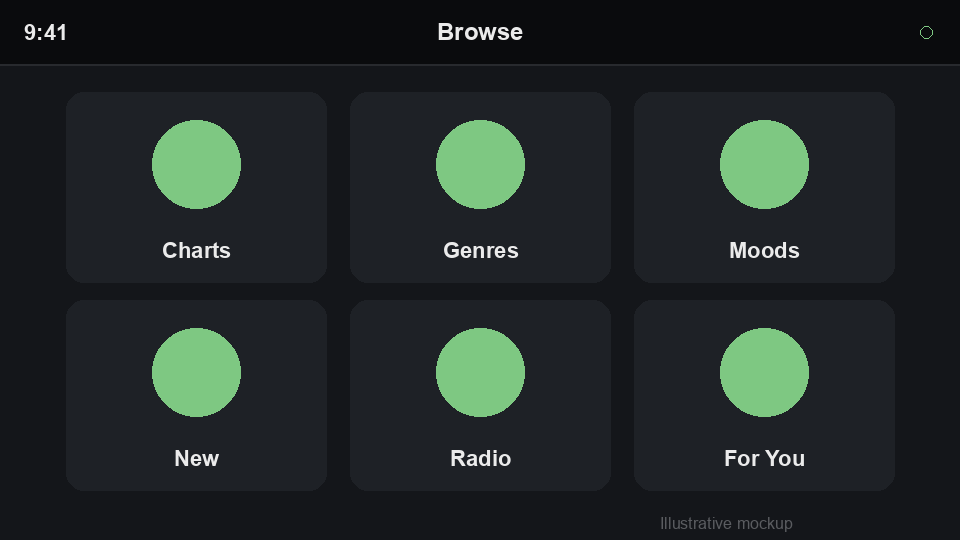
Head units enforce a hard cap on the number of rows/items they display (driver-distraction rules). Query it and trim accordingly:
int max = context.getListRowLimit(); // 0 when the head unit doesn't say
int count = (max > 0) ? Math.min(items.size(), max) : items.size();
CarListTemplate t = new CarListTemplate().setTitle("Library");
for (int i = 0; i < count; i++) {
t.addRow(new CarRow(items.get(i)));
}62.3. Screen stack & lifecycle
CarContext manages a back stack, mirroring androidx.car.app’s `ScreenManager and CarPlay’s CPInterfaceController:
context.pushScreen(new DetailScreen()); // drill in
context.popScreen(); // back
screen.invalidate(); // rebuild this screen's template after a model change
context.showToast("Added to queue");CarScreen exposes optional lifecycle hooks — onCreate(), onResume(), onPause(), onDestroy() — and CarApplication is notified of connection changes via onCarConnected(CarContext) / onCarDisconnected(). You can also observe connection globally:
class CarAwareForm extends Form {
// Car keeps the listener in a static list, so a screen-scoped observer
// has to hand back this exact instance or every recreated screen stays
// reachable and keeps receiving connection callbacks
private CarConnectionListener connectionListener;
protected void initComponent() {
super.initComponent();
connectionListener = new CarConnectionListener() {
public void carConnected(CarContext ctx) { startLocationStream(); }
public void carDisconnected() { stopLocationStream(); }
};
Car.addConnectionListener(connectionListener);
}
protected void deinitialize() {
Car.removeConnectionListener(connectionListener);
super.deinitialize();
}
}62.4. Now-playing (audio apps)
For audio apps the track metadata, artwork, scrubber and transport controls are driven by the platform media session (the Android background audio service / MPNowPlayingInfoCenter on iOS), so CarNowPlayingTemplate carries no metadata of its own — it routes the head unit to the now-playing surface and lets you add a couple of app-specific buttons (shuffle, like).
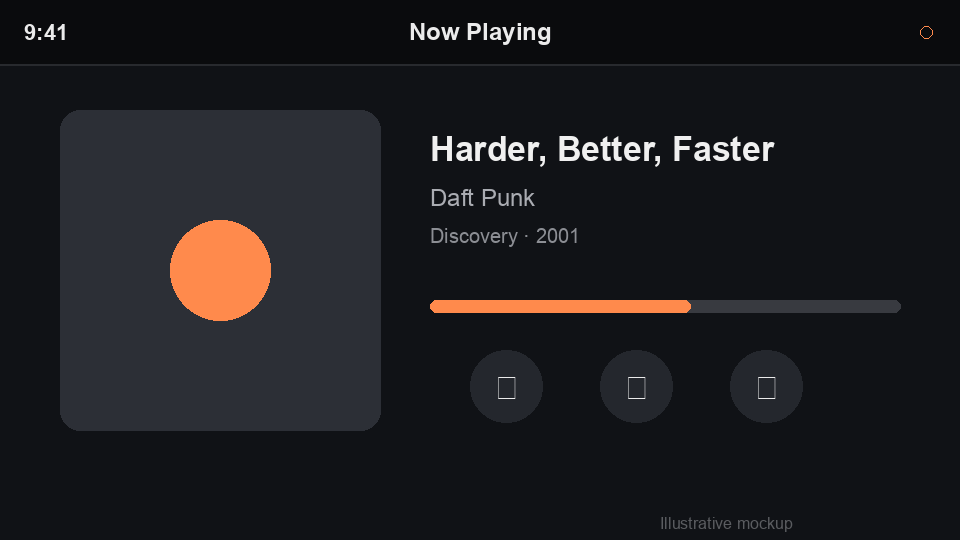
62.5. Build configuration
Native wiring is added automatically when your bytecode references com.codename1.car. Apple grants CarPlay entitlements — and Android Auto surfaces categories — per app category, so declare the categories you ship with these build hints:
| Category | iOS hint | Android hint | Notes |
|---|---|---|---|
Audio |
| (media browser service) | Default CarPlay entitlement when none specified |
Communication |
|
| Read-aloud / voice reply |
Navigation |
|
| Adds the drawable map surface + |
Point of interest |
|
| Browse/POI list apps |
Optional: android.carAppVersion pins the androidx.car.app version; android.androidAuto.minCarApiLevel sets the minimum car API level.
CarPlay and the restricted Android Auto categories require approval from Apple/Google before they will run outside the simulator/Desktop Head Unit. The build wiring is automatic, but shipping to real cars still needs the relevant CarPlay entitlement on your Apple App ID (request it at developer.apple.com) and acceptance into the Android Auto programme. |
62.6. Debugging in the simulator
The fastest way to build and debug an in-car experience is the Codename One simulator. Run your app as usual, then use the Car menu:
Car > Connect CarPlay or Car > Connect Android Auto opens a simulated head-unit window that renders your registered
CarApplicationin the matching style. Click rows, grid items and actions to drive navigation (pushScreen/popScreen) exactly as a real head unit would; the Back button pops the stack.Car > Disconnect (or closing the window) ends the session and fires
onCarDisconnected().
This needs no iOS/Android toolchain, no entitlement and no head unit — it exercises the same portable template tree and the same CarActionListener callbacks (on the EDT) that ship to the device, so you can iterate on your screens in seconds. If you haven’t called Car.setApplication(…) the menu tells you so. The simulated head unit approximates the two platform styles and the driver-distraction row caps; it’s a debugging aid, not a pixel-accurate emulation.
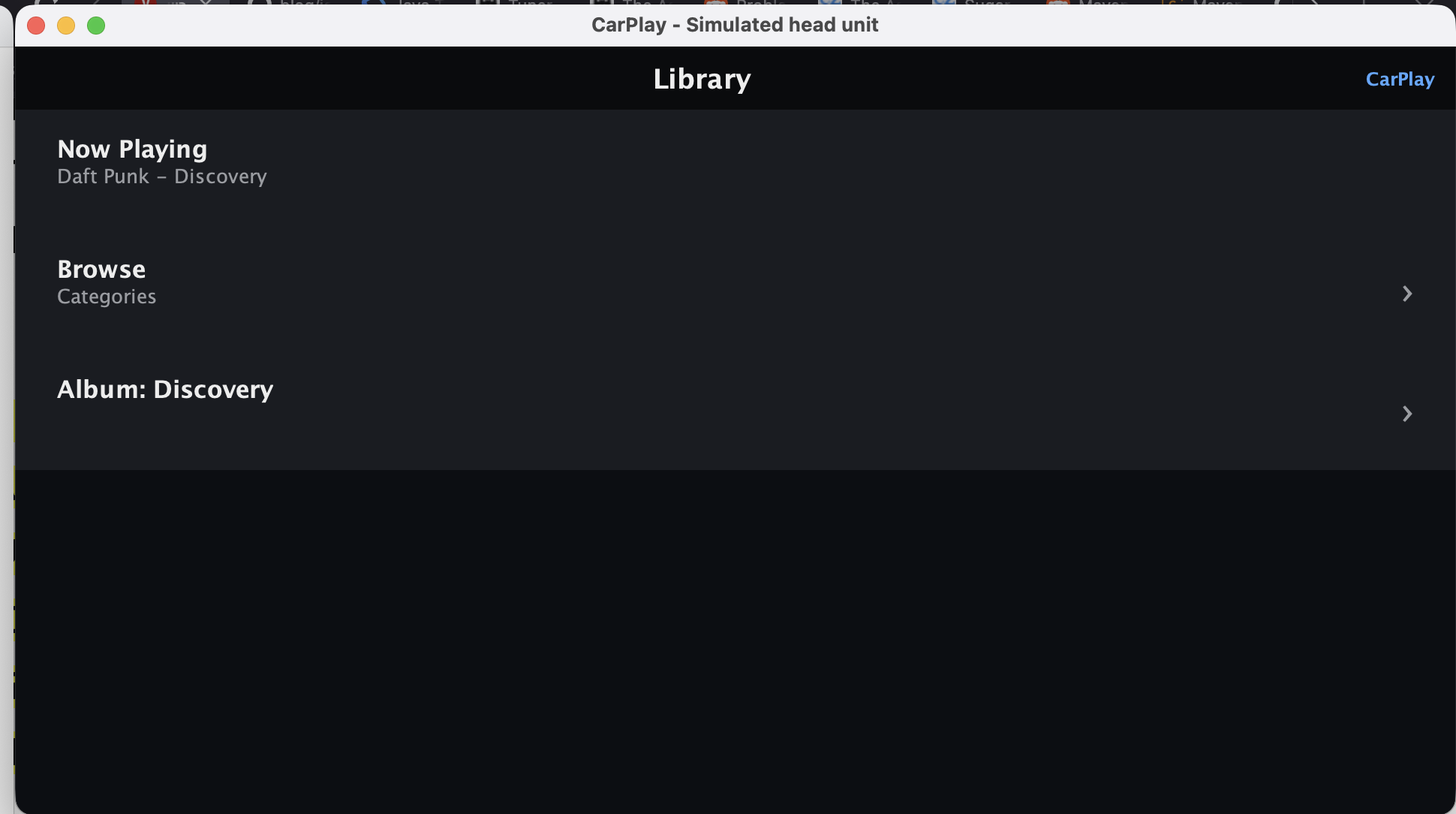
Selecting a browsable row pushes the next screen, just as it would in the car — here a CarGridTemplate, reachable via the Back button:
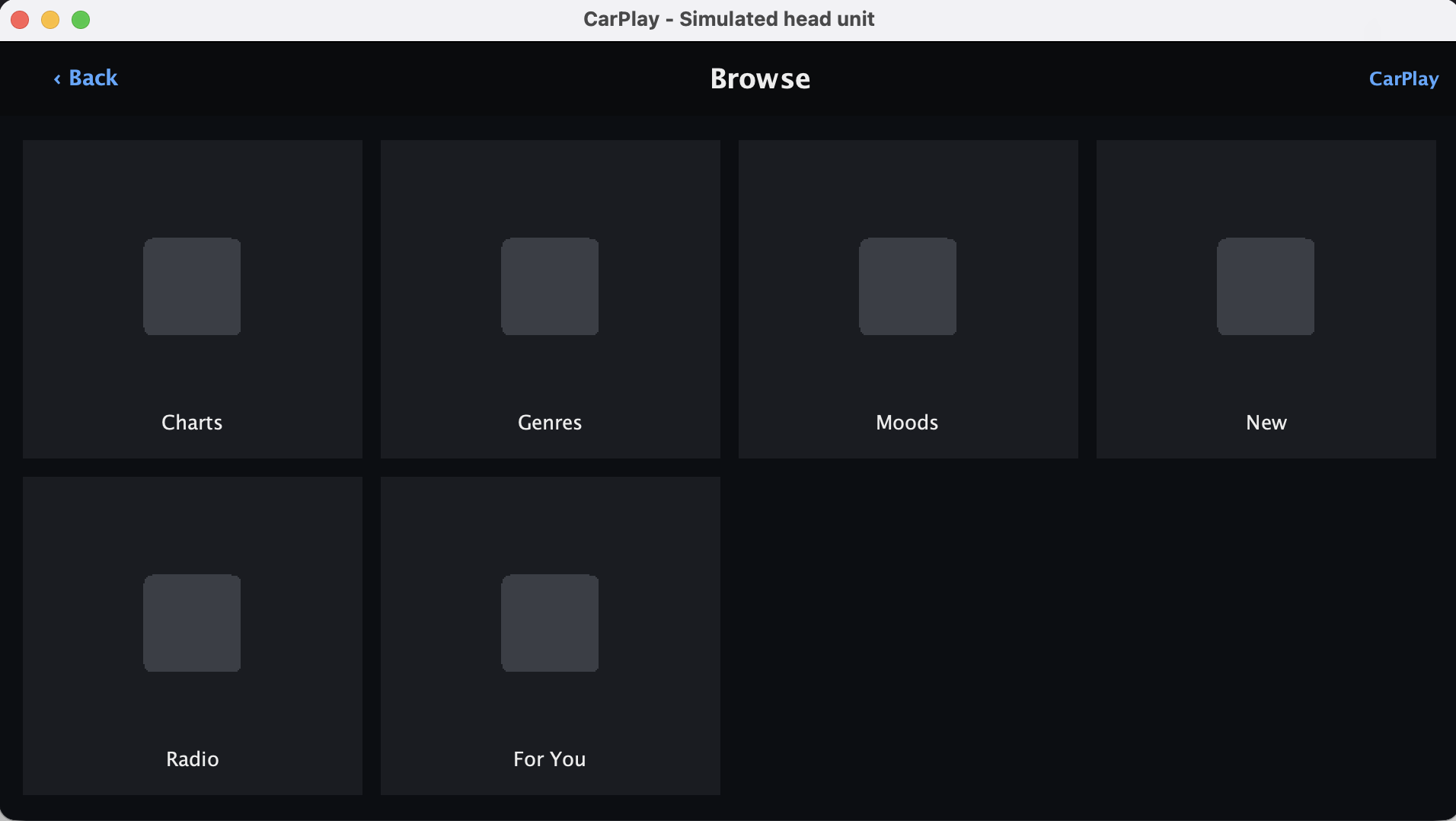
62.7. Testing on the real platforms
iOS: run the app in the iOS Simulator, then I/O > External Displays > CarPlay to open the CarPlay window.
Android: install the Desktop Head Unit (DHU) from the Android SDK and connect a device/emulator running Android Auto.
A complete runnable example lives in Samples/samples/CarSample.
62.8. Limitations
The navigation map surface (
CarSurfaceCallback) is scaffolded; live map drawing onto the head-unit surface is a work in progress — the navigation template’s controls, header and ETA strip are wired.Android Auto media browsing is driven by the standard media session;
CarNowPlayingTemplateroutes to it.You can’t show arbitrary Codename One forms on the head unit — use the template catalogue above.
63. Motion Sensors
The com.codename1.sensors package exposes the device motion hardware through a single entry point, MotionSensorManager, and layers high-level gesture detection on top of the raw sensor stream. The raw sensors are the accelerometer, the gyroscope and the magnetometer. From those readings the framework derives the gravity vector, the linear acceleration and the device orientation, and it recognizes a set of common gestures: shake, flip, tilt, pick up and free fall.
Gesture detection lives in the core rather than in each platform port. Any platform that reports an accelerometer therefore gets the full gesture set, with no per-device work.
63.1. Reading a sensor
MotionSensorManager.getInstance() always returns a manager. On a device without motion hardware every sensor reports as unsupported, so application code can call the API without a null check on the manager itself. getSensor(int) returns null when the requested sensor isn’t available on the current device:
class SensorForm extends Form {
private MotionSensor accelerometer;
private MotionSensorListener listener;
protected void initComponent() {
super.initComponent();
MotionSensorManager m = MotionSensorManager.getInstance();
accelerometer = m.getSensor(MotionSensorManager.TYPE_ACCELEROMETER);
if (accelerometer != null) {
listener = new MotionSensorListener() {
public void motionReceived(MotionEvent evt) {
// x, y and z are in meters per second squared
label.setText(evt.getX() + ", " + evt.getY() + ", " + evt.getZ());
label.getParent().revalidate();
}
};
accelerometer.addListener(listener);
}
}
}Callbacks arrive on the EDT, so the listener can update the UI directly. Sampling is reference counted: the hardware sensor draws power only while at least one listener is registered. Remove the listener once the screen is no longer visible, from the form’s deinitialize(), so the sensor powers down:
// in the same form's deinitialize(), before super.deinitialize()
// getSensor returns null on a device without the hardware
if (accelerometer != null) {
accelerometer.removeListener(listener);
}63.2. Sensor types
Each sensor is identified by a TYPE_* constant on MotionSensorManager. The three hardware sensors map directly to the device. The gravity, linear acceleration and orientation values are derived in the core from the accelerometer (and the magnetometer, for the compass azimuth) when the platform doesn’t report them on its own.
| Constant | Reading |
|---|---|
| Acceleration including gravity, in meters per second squared. |
| Acceleration with gravity removed, in meters per second squared. |
| The gravity vector on its own, in meters per second squared. |
| Rate of rotation around each axis, in radians per second. |
| The ambient magnetic field, in microtesla. |
| Azimuth, pitch and roll, in radians. |
Readings use a single convention across every port: the x-axis points to the right, the y-axis points up, and the z-axis points out of the screen toward the user, with the device held upright in portrait. At rest, face up, the accelerometer reports about +9.81 on the z-axis.
63.3. Detecting gestures
Register a GestureListener for one of the GestureEvent.TYPE_* gestures. The accelerometer powers on for the duration that a gesture listener stays registered:
private GestureListener shakeListener;
void listenForShake() {
shakeListener = new GestureListener() {
public void gestureDetected(GestureEvent evt) {
Dialog.show("Shaken", "You shook the device", "OK", null);
}
};
MotionSensorManager.getInstance()
.addGestureListener(GestureEvent.TYPE_SHAKE, shakeListener);
}
void stopListeningForShake() {
// the accelerometer stays powered while any gesture listener is registered
MotionSensorManager.getInstance()
.removeGestureListener(GestureEvent.TYPE_SHAKE, shakeListener);
}The recognized gestures are:
TYPE_SHAKE— the device was shaken back and forth.TYPE_FLIP_FACE_DOWNandTYPE_FLIP_FACE_UP— the device was turned screen down or screen up.TYPE_TILT_LEFT,TYPE_TILT_RIGHT,TYPE_TILT_FORWARDandTYPE_TILT_BACKWARD— the device crossed a tilt angle on the roll or pitch axis.TYPE_PICK_UP— the device was lifted from a resting position.TYPE_FREE_FALL— the device is falling (near weightlessness was detected).
The detection thresholds suit most apps as shipped, and you can tune them when a gesture needs to be more or less sensitive:
MotionSensorManager m = MotionSensorManager.getInstance();
m.setShakeThreshold(15.0); // require a more vigorous shake
m.setTiltThreshold(0.5); // tilt angle in radians
m.setSamplingInterval(33); // sample at about 30Hz for snappier gesturesA smaller sampling interval makes gestures more responsive at a higher battery cost. The value is clamped to the range 10ms through 1000ms.
63.4. Device orientation
TYPE_ORIENTATION is a derived sensor. Its event carries the azimuth, pitch and roll in radians, available through getAzimuth(), getPitch() and getRoll() on MotionEvent. Pitch and roll come from the gravity vector and need only the accelerometer. The azimuth is a compass heading and needs the magnetometer; on a device without one the azimuth stays at zero.
63.5. Platform notes
Android — backed by
android.hardware.SensorManager. Android already reports its readings in the units and axis convention this API documents, so no conversion takes place.iOS — backed by CoreMotion (
CMMotionManager). Add the build hintios.NSMotionUsageDescriptionwith a short sentence describing why the app reads motion data; iOS denies access to the motion hardware without it. The iOS Simulator doesn’t expose an accelerometer, so the sensors report as unsupported there. Test motion features on a real device.Other ports — a port that doesn’t implement the sensors returns an unsupported manager, so the API stays safe to call everywhere.
63.6. Testing in the simulator
The simulator can stand in for real hardware. Open Simulate > Motion / Gesture Simulation to show a small control window. The two sliders set the simulated device orientation, which the accelerometer reflects, and the buttons inject the motion needed to fire the shake, flip, pick up and free fall gestures. This lets you wire up and debug a gesture handler on the desktop before deploying to a device.
64. Near-Field Communication (NFC)
Codename One ships an NFC API under com.codename1.nfc that covers the three things most apps need: read and write NDEF tags, exchange APDUs with ISO 7816 / MIFARE / FeliCa smart cards, and act as a host-emulated card for a nearby reader/terminal.
A single entry point exposes the platform NFC controller, a typed enum reports the technologies the discovered tag supports, and a typed error enum lets callers react to failures without string matching.
64.1. Quick start: Read an NDEF URI
Nfc nfc = Nfc.getInstance();
if (!nfc.canRead()) {
// no NFC hardware, or it is disabled in system settings
return;
}
nfc.readNdef(new NfcReadOptions()
.setNdefOnly(true)
.setAlertMessage("Hold near the poster"))
.onResult((NdefMessage msg, Throwable err) -> {
if (err != null) {
return;
}
String url = msg.getFirstRecord().getUriPayload();
Display.getInstance().execute(url);
});setNdefOnly(true) picks the fastest iOS Core NFC session (NFCNDEFReaderSession) and matches the most common tag layout. For mixed payloads use readTag(…) and inspect tag.getTypes().
64.2. Quick start: Write an NDEF URI
NDEF records carry one of the well-known types (T, U, Sp), a MIME media type, an absolute URI, or an external domain:type. Use the factory methods on NdefRecord rather than constructing raw byte arrays:
| Factory | Use for |
|---|---|
| URI records — launches the associated app on tap |
| Human-readable text |
| Binary payloads (vCard, JSON, …) |
| Custom vendor types |
| Android Application Record (AAR) |
64.3. Tag-technology APIs
Beyond NDEF, the discovered Tag exposes accessors for the underlying technologies:
nfc.readTag(new NfcReadOptions()
.setTechFilter(TagType.ISO_DEP)
.setIsoSelectAids(myAid))
.onResult((Tag tag, Throwable err) -> {
if (err != null) return;
IsoDep iso = tag.getIsoDep();
if (iso == null) return;
iso.transceive(myCommandApdu).onResult((byte[] resp, Throwable e) -> {
if (ApduResponse.isSuccess(resp)) {
byte[] body = ApduResponse.body(resp);
// application-specific parsing
}
});
});Each accessor returns null when the tag doesn’t advertise the corresponding technology, so always null-check before calling.
On iOS the AIDs handed to setIsoSelectAids must also be listed in
Info.plist under
com.apple.developer.nfc.readersession.iso7816.select-identifiers. Core NFC only
discovers an application the app declared up front, and the builders can’t read a
runtime argument, so inject that key with ios.plistInject too. The
nfc.hce.iso7816.select-identifiers entitlement the builders do set is the
host-card-emulation key, which is a different thing. |
| Accessor | Android | iOS | Notes |
|---|---|---|---|
| yes | yes | ISO 7816 — EMV, ePassport, smart cards |
| yes | — | Apple doesn’t expose MIFARE Classic on iOS |
| yes | yes | NTAG21x, Ultralight C |
| yes | yes (limited) | Raw ISO 14443-3A |
| yes | — | Raw ISO 14443-3B (Android-only) |
| yes | yes | FeliCa (Suica / PASMO / ICOCA) |
| yes | — | ISO 15693 (Android-only) |
For FeliCa on iOS, set the system codes in NfcReadOptions:
NfcReadOptions options = new NfcReadOptions()
.setTechFilter(TagType.NFC_F)
.setFelicaSystemCodes("0003", "8008");
nfc.readTag(options);The builders can’t derive that from the call — the codes are a runtime argument
they never see. iOS wants them in Info.plist, so inject the key at build time:
codename1.arg.ios.plistInject=<key>com.apple.developer.nfc.readersession.felica.systemcodes</key><array><string>0003</string><string>8008</string></array>
Seeing com.codename1.nfc on the classpath gets you CoreNFC, a default
NFCReaderUsageDescription and the
com.apple.developer.nfc.readersession.formats entitlement automatically. These
system codes are the one part you supply.
64.4. Quick start: Host card emulation
Host Card Emulation (HCE) lets the device pretend to be a contactless smart card. A nearby reader (Android phone, payment terminal, access control gate) sends ISO 7816 APDUs and your app responds. Subclass HostCardEmulationService and register the instance:
class MyService extends HostCardEmulationService {
@Override
public String[] getAids() {
return new String[] { "F0010203040506" };
}
@Override
public byte[] processCommand(byte[] apdu) {
if (apdu.length > 1 && apdu[1] == (byte) 0xA4) {
// SELECT -- terminal has just routed an APDU to our AID
return ApduResponse.withStatus(
new byte[] { 'O', 'K' },
ApduResponse.swSuccess());
}
return ApduResponse.swInsNotSupported();
}
}
Nfc.getInstance().registerHostCardEmulationService(new MyService());Set the AIDs as a build hint so they appear in the platform routing tables:
android.hceAids=F0010203040506
android.hceCategory=otherThe Maven plugin and BuildDaemon generate apduservice.xml on Android, register the CodenameOneHostApduService in the manifest, and inject the iOS HCE entitlement so the same code path works on both platforms.
iOS HCE (CardSession) requires iOS 17.4+ and, as of 2026, is EU-only. The Codename One plugin still injects the entitlement when you reference the class, but canHostEmulate() will report false on non-EU devices.
64.5. Permissions and build hints
The Codename One build pipeline automatically detects NFC usage. Apps that never touch com.codename1.nfc see no manifest / plist change.
| Reference | Android injected | iOS injected |
|---|---|---|
|
|
|
|
|
|
Override any of the defaults with the matching build hint:
| Build hint | Default | Notes |
|---|---|---|
| "Hold near an NFC tag to continue" | Localise this — Apple rejects builds that ship the default copy |
|
| Multi-line entitlement value |
| (none) | Comma-separated; required for HCE on Android |
|
|
|
|
| Force lock screen unlock before APDU routing |
| falls back to | iOS HCE AID list |
64.6. Simulator support
The JavaSE simulator implements Nfc via a virtual tag you can edit and tap from the Simulate → NFC submenu:
| Menu item | Effect |
|---|---|
Hardware Available / NFC Enabled / HCE Available | Toggle what |
Next read outcome | Pick |
Tap virtual tag | Fire the configured outcome on any pending read or registered listener |
Set virtual tag URI… | Replace the virtual tag’s NDEF payload with a URI record |
Set virtual tag text… | Replace the virtual tag’s NDEF payload with a text record |
Tag is read-only | Lock the virtual tag so the next write fails with |
Send APDU to HCE service… | Hex-entry dialog that dispatches the bytes to your registered |
Deactivate HCE field | Fires |
All toggles persist between simulator runs (under NfcSim.* user preferences) so you can drive tests deterministically.
64.7. Platform behaviour
| Platform | NDEF read | NDEF write | Tag tech | HCE | Notes |
|---|---|---|---|---|---|
Android | yes | yes | full set | yes |
|
iOS | yes (iOS 11+) | yes (iOS 13+) | ISO 7816, FeliCa, MIFARE Ultralight | iOS 17.4+ EU-only | MIFARE Classic and NFC-B/V not exposed by Apple |
JavaSE simulator | yes (virtual tag) | yes (virtual tag) | configurable | yes (synthetic APDUs) | Drive everything from the Simulate → NFC menu |
Desktop deploy / JavaScript | no | no | no | no | Fallback base class — every method completes with |
Always gate user-facing affordances on canRead() (for tag operations) or canHostEmulate() (for HCE). isSupported() only reports whether the hardware is present.
65. Bluetooth
Codename One ships a first-class Bluetooth API under com.codename1.bluetooth that covers both Bluetooth Low Energy roles and classic Bluetooth: scan for and connect to BLE peripherals (the GATT client), act as a BLE peripheral (a local GATT server plus advertising), stream bytes over L2CAP connection-oriented channels, and exchange RFCOMM streams with classic serial devices.
Bluetooth.getInstance() is the single entry point and never returns null — ports without Bluetooth return a fallback whose operations fail fast with BluetoothError.NOT_SUPPORTED, so calling code needs no platform-specific if. Every callback of the API — AsyncResource results, scan sightings, connection events, notifications, adapter state changes — is delivered on the EDT; the only exceptions are the blocking RFCOMM/L2CAP streams, which must be consumed off the EDT.
| Capability | Android | iOS / macOS | Simulator (mock) | Simulator (native backend) | JavaScript |
|---|---|---|---|---|---|
BLE central (scan, GATT client) | yes | yes | yes | yes | browser chooser only |
BLE peripheral (GATT server + advertising) | yes | yes (not tvOS/watchOS) | yes | — | — |
L2CAP channels | yes (Android 10+) | yes (iOS 11+) | yes | — | — |
Classic RFCOMM | yes | — | yes | — | — |
Bonding | yes | OS-managed | yes | — | — |
On the JavaScript port, Web Bluetooth limits the central role to the browser’s device chooser (Chrome-family browsers over HTTPS): startScan(…) surfaces the chooser built from the scan filters and delivers the single user-picked device as one ScanResult. No further sightings ever arrive, the RSSI is unknown, the MTU is fixed at 512 and peripheral mode, classic Bluetooth and L2CAP are unavailable.
Always branch through the capability queries — isLeSupported(), isPeripheralModeSupported(), isL2capSupported(), isClassicSupported() — rather than through platform detection.
65.1. Quick start: Scan and connect
Bluetooth bt = Bluetooth.getInstance();
if (!bt.isLeSupported()) {
// hide the feature on ports without BLE
return;
}
bt.requestPermissions(BluetoothPermission.SCAN, BluetoothPermission.CONNECT)
.onResult((granted, permissionErr) -> {
if (permissionErr != null || !granted) {
return;
}
ScanSettings settings = new ScanSettings()
.addFilter(new ScanFilter()
.setServiceUuid(BluetoothUuid.fromShort(0x180D))
.setNamePrefix("Polar"));
BleScan[] scan = new BleScan[1];
scan[0] = bt.getLE().startScan(settings, sighting -> {
scan[0].stop();
sighting.getPeripheral().connect()
.onResult((peripheral, connectErr) -> {
if (connectErr != null) {
return;
}
peripheral.discoverServices()
.onResult((services, discoverErr) -> {
// the GATT database is ready -- see the
// following sections
});
});
});
});ScanFilter criteria on one filter are AND-combined; multiple filters added to the same ScanSettings are OR-combined, and a scan without filters reports every advertising device. Any number of scans may run concurrently — each BleScan handle only sees advertisements matching its own filters, and the platform scan stops when the last handle stops. On iOS a service-UUID filter is also what keeps scans alive in the background, so prefer filtered scans.
Peripheral addresses returned by BluetoothDevice.getAddress() are stable per app install — the MAC address on Android and desktop, the per-app CoreBluetooth identifier on iOS — and safe to persist for later reconnection through BluetoothLE.getPeripheral(String). They’re not portable across devices or platforms, so never treat them as the peripheral’s real hardware address.
getAdapterState() reports where the local radio stands (POWERED_ON, POWERED_OFF, UNAUTHORIZED, …) and addAdapterStateListener(…) fires on the EDT whenever it changes — the natural place to pause scans and gray out UI. requestEnable() shows the Android system dialog asking the user to turn the adapter on; on iOS there is no programmatic enable flow, so it resolves false and the app should direct the user to the Settings app instead.
Connection lifecycle is equally explicit. connect(ConnectionOptions) accepts a timeout (iOS connect requests never time out on their own, so set one) and an autoConnect flag that asks the platform to re-establish the link whenever the peripheral comes back into range. addConnectionListener(…) reports every transition including link loss, and every failure across the API surfaces as a BluetoothException whose getError() returns a typed BluetoothError constant — no string matching required.
65.2. Reading and writing characteristics
discoverServices() caches the peripheral’s GATT database; from there getService(…), getCharacteristic(…) and the convenience accessors on GattCharacteristic cover the day-to-day operations:
GattCharacteristic measurement = peripheral.getCharacteristic(
BluetoothUuid.fromShort(0x180D),
BluetoothUuid.fromShort(0x2A37));
if (measurement != null && measurement.canRead()) {
measurement.read().onResult((data, err) -> {
if (err == null) {
// raw bytes, delivered on the EDT
updateHeartRateLabel(data[1] & 0xFF);
}
});
}
GattCharacteristic controlPoint = peripheral.getCharacteristic(
BluetoothUuid.fromShort(0x180D),
BluetoothUuid.fromShort(0x2A39));
if (controlPoint != null && controlPoint.canWrite()) {
controlPoint.write(new byte[] {1})
.onResult((acknowledged, err) -> {
// resolves once the peripheral acknowledged the write
});
}All GATT operations return independent AsyncResource handles and may be issued concurrently: an internal per-peripheral queue serializes them toward the platform stack (which allows only one in-flight request per connection) and applies a safety timeout, so a lost platform callback can never wedge the queue. Operations on different peripherals run fully concurrently. writeWithoutResponse(…) resolves once the value is queued to the controller — there is no remote acknowledgement.
A default BLE connection carries 23 bytes per attribute operation; requestMtu(…) negotiates a larger value and resolves with what was granted (on iOS the OS negotiates by itself, so the request resolves immediately with the current value — check getMtu() before chunking data). requestConnectionPriority(…) trades latency against battery on Android and is a successful no-op on iOS. createBond() initiates pairing where the peripheral requires an encrypted link; on iOS bonding is OS-managed and triggered automatically by encrypted characteristics, so the call resolves true without user interaction.
65.3. Notifications
GattCharacteristic measurement = peripheral.getCharacteristic(
BluetoothUuid.fromShort(0x180D),
BluetoothUuid.fromShort(0x2A37));
GattNotificationListener listener = (characteristic, data) -> {
// fires on the EDT for every notification while subscribed
updateHeartRateLabel(data[1] & 0xFF);
};
measurement.subscribe(listener).onResult((armed, err) -> {
if (err != null) {
// the CCCD write was rejected or the link dropped
}
});
// later, e.g. when leaving the form:
measurement.unsubscribe(listener);The Client Characteristic Configuration descriptor (CCCD) is handled automatically: the first listener triggers the descriptor write that arms notifications (indications are used when the characteristic only supports those) and removing the last listener disarms it again. Values stream to the listeners on the EDT until unsubscribed or disconnected.
65.4. Peripheral mode
When isPeripheralModeSupported() returns true the device can serve data itself — open a local GATT server, add service definitions and advertise them:
Bluetooth bt = Bluetooth.getInstance();
if (!bt.isPeripheralModeSupported()) {
return;
}
GattLocalCharacteristic status = new GattLocalCharacteristic(
BluetoothUuid.fromShort(0x2A37),
GattCharacteristic.PROPERTY_READ
| GattCharacteristic.PROPERTY_NOTIFY,
GattLocalCharacteristic.PERMISSION_READ)
.setValue(new byte[] {0, 72});
GattLocalService service = new GattLocalService(
BluetoothUuid.fromShort(0x180D))
.addCharacteristic(status);
bt.getLE().openGattServer(new GattServerAdapter() {
@Override
public void centralConnected(BleCentral central) {
// a central connected to this device
}
@Override
public void characteristicWriteRequest(GattWriteRequest request) {
// handle the written bytes, then acknowledge
if (request.isResponseRequired()) {
request.respond();
}
}
}).onResult((server, err) -> {
if (err != null) {
return;
}
server.addService(service).onResult((added, addErr) -> {
if (addErr != null) {
return;
}
bt.getLE().startAdvertising(
new AdvertiseSettings(),
new AdvertiseData()
.addServiceUuid(BluetoothUuid.fromShort(0x180D))
.setIncludeDeviceName(true),
null).onResult((advertisement, advErr) -> {
// broadcasting; keep the handle and stop() it when done
});
// push a new value to every subscribed central
server.notifyValue(status, new byte[] {0, 80});
});
});Characteristics with a static value (setValue(…)) are served without involving the listener; characteristics without one route every read to characteristicReadRequest(…), which must answer via respond(…) or reject(…) — centrals time out unanswered requests.
Two iOS platform notes: CoreBluetooth only broadcasts the local name and service UUIDs, dropping manufacturer data, service data and TX power from advertisements (Android broadcasts everything). And iOS serves descriptors from their static values only — descriptor read/write requests never reach the listener there, so always give local descriptors a static value for cross-platform behavior.
65.5. L2CAP channels
L2CAP connection-oriented channels provide a raw bidirectional byte stream — much higher throughput than chunking data through GATT characteristics. The peripheral side opens a listener and publishes its Protocol/Service Multiplexer (PSM), typically through a GATT characteristic; the central side connects to that PSM:
if (!Bluetooth.getInstance().isL2capSupported()) {
return;
}
peripheral.openL2capChannel(psm, true).onResult((channel, err) -> {
if (err != null) {
return;
}
// the streams block -- always consume them off the EDT
CN.startThread(() -> {
try {
OutputStream out = channel.getOutputStream();
out.write(new byte[] {1, 2, 3});
out.flush();
InputStream in = channel.getInputStream();
byte[] buffer = new byte[4096];
int size = in.read(buffer);
// process the response...
} catch (IOException ioErr) {
// transport failure
} finally {
try {
channel.close();
} catch (IOException ignored) {
}
}
}, "L2CAP IO").start();
});
// the peripheral side listens and publishes its PSM to centrals
Bluetooth.getInstance().getLE().openL2capServer(true)
.onResult((server, serverErr) -> {
if (serverErr == null) {
int assignedPsm = server.getPsm();
// advertise assignedPsm through a GATT characteristic,
// then server.accept() incoming channels
}
});On Android an L2CAP channel establishes its own link and doesn’t require connect() first; on iOS the peripheral must be connected. The streams throw plain java.io.IOException on transport failure and, like all Bluetooth streams, block — never touch them on the EDT.
65.6. Classic Bluetooth
Classic (BR/EDR) Bluetooth covers inquiry discovery, bonding and RFCOMM stream connections — the Serial Port Profile (SPP) world of printers, scanners and industrial equipment. iOS doesn’t expose classic Bluetooth to applications, so this role is Android, desktop and simulator only; isClassicSupported() is the gate:
Bluetooth bt = Bluetooth.getInstance();
if (!bt.isClassicSupported()) {
// classic Bluetooth is unavailable -- iOS among others
return;
}
BluetoothClassic classic = bt.getClassic();
classic.startDiscovery(sighting -> {
if ("SerialPrinter".equals(sighting.getDevice().getName())) {
classic.connect(sighting.getDevice(), BluetoothUuid.SPP, true)
.onResult((connection, err) -> {
if (err != null) {
return;
}
// consume the blocking streams off the EDT, exactly
// like the L2CAP example
});
}
});
// accepting incoming SPP clients
classic.listen("Codename One SPP", BluetoothUuid.SPP, true)
.onResult((server, err) -> {
if (err == null) {
server.accept().onResult((connection, acceptErr) -> {
// one client accepted; call accept() again for the next
});
}
});startDiscovery(…) runs an inquiry scan (about 12 seconds) and returns a live ClassicDiscovery handle that resolves when the inquiry ends. getBondedDevices() lists already-paired devices without a discovery, and connect(String, BluetoothUuid, boolean) reconnects to a persisted address directly.
65.7. Permissions and build hints
The build pipeline scans the application’s bytecode and injects only what the referenced packages need — apps that never touch com.codename1.bluetooth see no manifest or plist change, and a central-only app never carries advertise permissions.
| Detected usage | Android injected (target SDK 31+) | iOS injected |
|---|---|---|
Any |
|
|
Scanning ( |
| — |
Connections (GATT, |
| — |
Peripheral mode ( |
| — |
Classic ( |
| not supported |
Builds targeting an SDK below 31 receive the legacy permissions uncapped and none of the Android 12 ones. Permissions you declare yourself (via android.xpermissions) are never duplicated.
Override the defaults with the matching build hints:
| Build hint | Default | Notes |
|---|---|---|
|
| Declares that scan results never derive the user’s location, which caps |
|
| Marks the BLE hardware feature required so stores hide the app on devices without it |
| (none) |
|
| "Communicates with nearby Bluetooth accessories." | Localise this — Apple rejects builds that ship generic privacy copy |
Beacon and indoor-positioning apps are the one case where the neverForLocation default is wrong: an app that derives location from BLE sightings must set android.bluetooth.neverForLocation=false, otherwise Android 12+ filters beacon advertisements out of its scan results. With the hint set to false the location permission stays uncapped and the app keeps prompting for it on Android 12+.
65.8. Simulator support
The JavaSE simulator implements the whole API against a scriptable virtual Bluetooth stack. Simulate → Bluetooth Simulation opens a window with a tree of the simulated adapter, the virtual peripherals and the app’s own peripheral role; selecting a node opens its detail editor (hex value editors on characteristics), a toolbar stages demo devices, failure injection arms the next operation of a chosen kind (connect, read, write, discover, subscribe, scan and the rest) to fail with a chosen BluetoothError, a latency spinner delays every asynchronous completion and a live event log shows what the stack does. All settings persist between simulator runs.
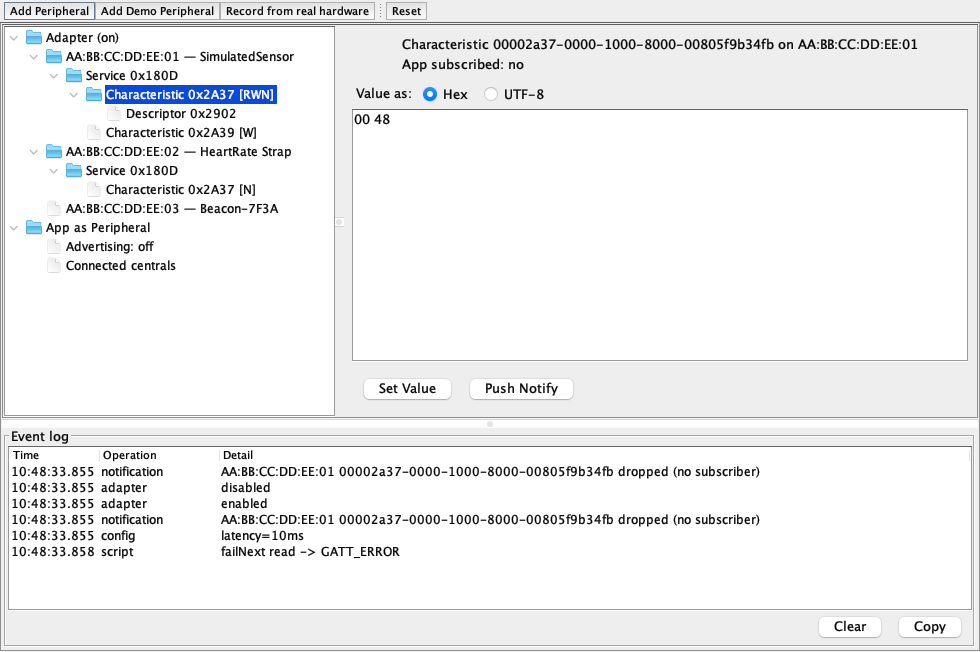
The window’s backend selector switches the simulator between the virtual stack and a native backend that drives the host machine’s real Bluetooth radio through a bundled btleplug library (libcn1ble) loaded in-process (CoreBluetooth on macOS, BlueZ on Linux, WinRT on Windows). The native backend is central-only — real scanning, connections and GATT operations against physical devices, without leaving the simulator. The initial backend comes from the cn1.bluetooth.backend system property (default simulator); point cn1.bluetooth.libraryPath at a locally built libcn1ble to override the bundled one.
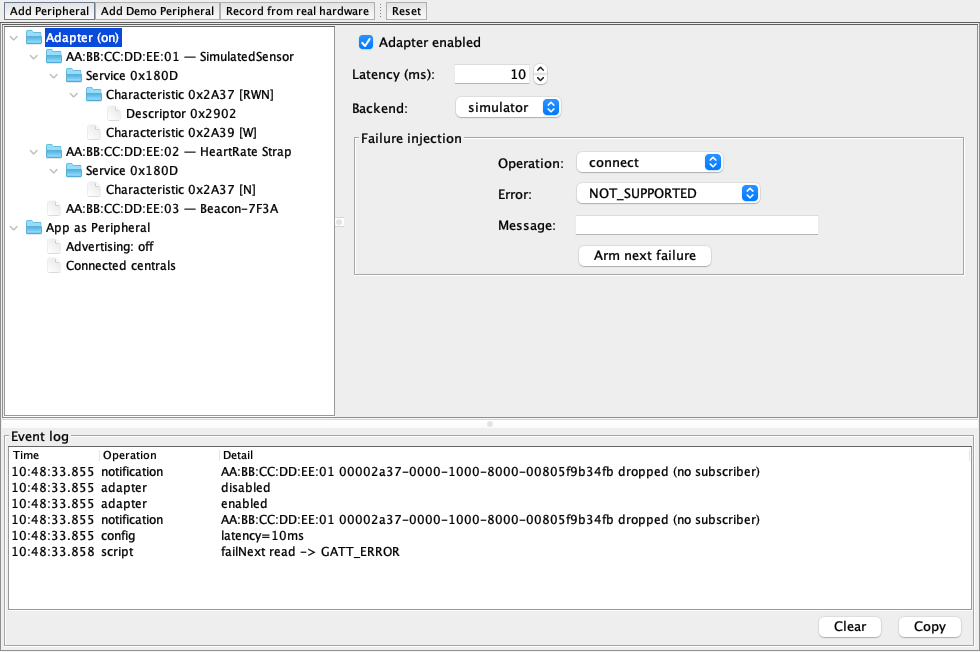
The Simulate → Bluetooth menu exposes the same operations as one-click hooks; every item is also callable from cross-platform code via CN.execute("bluetooth:itemN"):
| Hook | Menu label | Effect |
|---|---|---|
| Toggle Adapter | Flips the simulated adapter between |
| Add Demo Peripheral | Registers the canonical demo device: |
| Push Demo Notification | Pushes a rolling one-byte notification from the demo peripheral’s |
| Disconnect All | Drops every live connection from the remote side |
| Clear Peripherals | Removes every registered virtual peripheral |
| Use Simulator Backend | Switches back to the virtual stack |
| Use Native Backend | Switches to the host machine’s real radio |
| (API only) | Arms the next GATT read to fail with |
Everything the window does goes through the scriptable BluetoothSimulator API in com.codename1.impl.javase.bluetooth, so tests and sample apps can stage the same devices programmatically. This code runs against the JavaSE port only — it isn’t part of the cross-platform API and won’t compile in a portable code base, so keep it in your test or debug scaffolding:
BluetoothSimulator.addPeripheral(
new VirtualPeripheral("AA:BB:CC:DD:EE:10")
.setName("Thermometer")
.addAdvertisedServiceUuid(BluetoothUuid.fromShort(0x1809))
.withService(new VirtualService(BluetoothUuid.fromShort(0x1809))
.withCharacteristic(new VirtualCharacteristic(
BluetoothUuid.fromShort(0x2A1C),
GattCharacteristic.PROPERTY_READ
| GattCharacteristic.PROPERTY_INDICATE,
new byte[] {0, 0, 0, 98})
.withDescriptor(new VirtualDescriptor(
BluetoothUuid.CCCD, new byte[] {0, 0})))));
BluetoothSimulator.setLatencyMillis(50);
BluetoothSimulator.failNext("connect",
BluetoothError.CONNECTION_FAILED, "Injected for testing");65.8.1. Record and replay
Fixtures bridge the two backends: the window’s "Record from real hardware" button (or scripts/bluetooth/capture-fixture.sh) scans the host machine’s real radio through the native backend for a chosen duration, captures device identities, RSSI timelines, advertisement payloads and GATT databases, scrambles the trace deterministically so committed fixtures never carry real device identities, and writes it as JSON. BluetoothSimulator.loadFixture(InputStream) replays the trace into the virtual stack — devices appear at their recorded first-sighting times and their RSSI timelines replay on the stack’s scheduler, so a scan against messy real-world radio traffic becomes a reproducible test input.
65.9. Testing
Cross-platform test code drives the simulation through the hooks: CN.execute("bluetooth:item2") stages the demo peripheral, the test scans for SimulatedSensor, connects and subscribes to 0x2A37, and CN.execute("bluetooth:item3") pushes a notification to assert on — no simulator-only imports needed, so the same test class compiles for device targets and runs unchanged in the simulator’s test runner. Failure paths test the same way: CN.execute("bluetooth:item8") arms the next GATT read to fail with GATT_ERROR, letting a portable test verify the app’s error handling.
For fully deterministic unit tests the JavaSE port also allows constructing a private SimulatedBluetoothStack on a ManualScheduler, where time only advances when the test pumps it — no sleeps, no flakiness from real timers; see the Bluetooth tests under the javase Maven module for the pattern.
65.10. Platform behaviour
| Platform | Address semantics | MTU | Bonding | Notes |
|---|---|---|---|---|
Android | Real MAC address |
|
| Background scanning is throttled by the OS; use filtered scans and expect slower sightings |
iOS / macOS | Per-app CoreBluetooth identifier UUID | Negotiated by the OS; | OS-managed, triggered by encrypted characteristics; | Background operation needs |
Simulator (mock) | Synthetic ( | Simulated negotiation | Simulated | Timestamps come from a monotonic counter — treat them as ordered, not as wall-clock times |
Simulator (native backend) | Host-OS device identifier | Real negotiation | Not supported | Central role only; requires the bundled |
JavaScript | Per-origin Web Bluetooth identifier | Fixed at 512 | Browser-managed | One user-picked device per chooser; |
Persist addresses only for same-install reconnection, branch on the capability queries rather than on Display.getPlatformName(), and keep every byte-stream consumer off the EDT — those three rules keep one code base working across every column of the capability matrix.
66. Nearby Devices
Codename One answers three questions about the surrounding devices, under
com.codename1.nearby: how far away one is and in which direction
(com.codename1.nearby.ranging), which one is yours
(com.codename1.nearby.companion), and how to send it something
(com.codename1.nearby.transport).
They’re three packages rather than one because referencing a package is the
whole opt-in. The build server decides what native machinery an app gets by
scanning bytecode for these prefixes, so an app that only wants to know how far
away its keyring tag is pays for ranging alone — no Play Services dependency,
no local network prompt, no companion permissions. Referencing
com.codename1.nearby itself costs nothing; it holds only the shared value
types.
| Capability | iOS | Android | Simulator and desktop | JavaScript |
|---|---|---|---|---|
Precision ranging, peer to peer | yes (U1 chip, iPhone 11 and later) | yes (UWB hardware) | simulated | simulated |
Ranging an accessory | yes (Nearby Interaction Accessory Protocol) | yes (join the session it names) | simulated | simulated |
Direction as well as distance | where the hardware provides it | where the hardware provides it | simulated | simulated |
Companion association | yes (iOS 18 and later) | yes (Android 8 and later) | simulated | simulated |
Presence notifications | — | yes (Android 12 and later) | simulated | simulated |
Device-to-device transport | Apple devices only | Android devices only | simulated loopback | simulated loopback |
Connection authentication token | — | yes | — | — |
Branch on the capability queries — Ranging.isSupported(),
Ranging.getCapabilities(), CompanionDevices.isSupported(),
NearbyTransport.isSupported() — rather than on platform detection. Ranging in
particular is absent on plenty of current phones, so treat it as an enhancement
to a feature that also works without it rather than as the feature itself.
Every callback in this family arrives on the EDT.
66.1. Three Things Worth Knowing Before You Design Around This
The transport doesn’t cross ecosystems. Underneath are Google’s Nearby
Connections on Android and Apple’s MultipeerConnectivity on iOS, which share no
wire protocol. An iPhone and an Android phone will never discover each other
here, however the app is written. Nothing in the API hides that, because an API
that looked portable and never found the peer would be worse than an honest
limitation. When both ends aren’t the same platform, two things that do
work across the divide are already in the framework:
com.codename1.bluetooth.le.L2capChannel for a raw byte stream over BLE, and
com.codename1.io.bonjour plus ordinary sockets when both devices share a
Wi-Fi network.
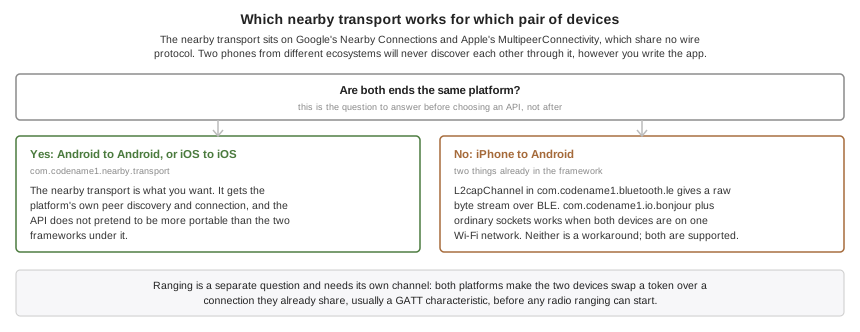
Ranging needs com.codename1.bluetooth, or something like it. Both platforms
require the two devices to swap a token over a channel they already share
before any radio ranging can begin. A GATT characteristic is the usual channel.
The two APIs are designed to be used together.
Background ranging is opt-in and needs Apple’s permission. On iOS it requires
the com.apple.developer.nearby-interaction entitlement, which has to be
enabled on the App ID before it will sign. Codename One never injects it on its
own, because an entitlement the App ID doesn’t carry fails codesigning with an
error naming the entitlement and not the reason it appeared. Set
ios.nearby.background=true once the capability is enabled, and note that
RangingCapabilities.isBackgroundRangingSupported() reports false until then.
66.2. Ranging: How Far, And Which Way
Ultra-wideband measures distance by timing a radio round trip, which is worth about ten centimeters. That’s a different kind of answer from a Bluetooth signal-strength estimate, which is worth a few meters on a good day and swings when someone puts a hand over the phone.
A session is prepared, then started. There’s no honest one-call form, because the token exchange has to happen between the two:
if (!Ranging.isSupported()) {
return; // no ultra-wideband radio on this device
}
Ranging.prepareSession(RangingRole.CONTROLLER).onResult((session, err) -> {
if (err != null) {
return;
}
// 1. publish our token however the two apps already talk
characteristic.write(session.getLocalToken().toByteArray());
// 2. when theirs arrives, start measuring
session.addRangingListener(new RangingAdapter() {
public void updated(RangingUpdate u) {
if (u.hasDistance()) {
label.setText(Math.round(u.getDistance(RangingUnit.CENTIMETERS)) + " cm");
}
if (u.hasDirection()) {
arrow.setAngle(u.getAzimuth());
}
}
});
session.start(RangingToken.fromByteArray(theirToken));
});One session ranges one peer. That’s a hard limit of Apple’s
NINearbyPeerConfiguration rather than a simplification, so an app tracking
several peers prepares several sessions.
Pick a role even though iOS ignores it: Android needs exactly one controller, and choosing costs nothing on the other side.
Every field of a RangingUpdate except the timestamp is optional, and they drop
out independently. A peer directly behind the phone commonly reports a distance
with no direction, and a peer at the edge of range reports neither — so guard
each read with its has method rather than assuming a sentinel. There’s no
zero-argument getDistance(): meters read as feet is the accident that
convention exists to prevent.
Azimuth is degrees in the range -180 to 180, zero straight ahead and positive to
the right; elevation is -90 to 90, positive above the device. Android reports
both angles natively. iOS reports a unit direction vector instead and the port
derives the angles from it, so the same code reads the same on both;
getDirectionVector() still hands back the untouched vector where there is one.
A peer that walks away produces peerRemoved and the session stays alive, ready
to resume if it comes back — gray the UI out rather than tearing it down. A
session that dies for good produces invalidated and can’t be restarted.
66.3. Ranging An Accessory
A third-party ultra-wideband tag isn’t a phone, and the two platforms disagree about what talking to one means.
On iOS there is a defined handshake. The accessory publishes a blob of configuration data over its own channel, and the session answers with bytes that have to travel back before the accessory begins ranging:
Ranging.prepareSession(RangingRole.CONTROLLER).onResult((session, err) -> {
if (err != null) {
return;
}
session.addRangingListener(listener);
session.startAccessory(configurationFromTheAccessory)
.onResult((shareable, failure) -> {
if (failure == null) {
characteristic.write(shareable); // forward it back
}
});
});Android has no equivalent protocol. There, an accessory simply names the channel
and session to join, so build a token from what it published and call start:
RangingToken tag = RangingToken.forUwbAddress(address, channel, preambleIndex,
sessionId, sessionKey);
session.start(tag);startAccessory fails with NearbyError.NOT_SUPPORTED on Android, and a token
built by forUwbAddress is rejected on iOS. A token is opaque and never
portable between the two platforms; RangingToken.fromByteArray says so rather
than handing garbage to a native call.
66.4. Companion Devices: Which One Is Yours
Associating isn’t pairing. It’s the app telling the operating system that a particular accessory belongs to it, through a chooser the OS draws and the user picks from, and getting privileges back that an ordinary Bluetooth scan doesn’t carry: the OS watches for the device instead of the app, scanning stops needing location permission on Android, and the user sees one honest prompt naming one device.
AssociationRequest request = new AssociationRequest.Builder()
.addFilter(DeviceFilter.bleService("180D"))
.build();
CompanionDevices.associate(request).onResult((device, err) -> {
if (err == null) {
Preferences.set("sensor", device.getId());
CompanionDevices.startObservingPresence(device.getId());
}
});An association outlives the app: it survives restarts and reboots, and ends only
when the app drops it, the user revokes it in system settings, or the app is
uninstalled. Persist CompanionDevice.getId() and look the device up again on
the next launch instead of asking the user to pick it twice.
CompanionDevice.getAddress() is the same handle
BluetoothLE.getPeripheral(String) takes, which is what makes an association
useful rather than decorative.
Ask for CompanionProfile.GENERIC unless the device is a watch, a
head-mounted display or a computer. A profile is a request for elevated
privileges as much as a description, and the specific ones cost the user a
stronger prompt. The build scanner can’t see which profile a request asks for,
because it arrives as an enum constant, so name it yourself: set
android.nearby.watchProfile, android.nearby.computerProfile or
android.nearby.glassesProfile to true for whichever of
CompanionProfile.WATCH, COMPUTER and GLASSES you use. Each declares that
profile’s own permission, and without it Android rejects the association
before the chooser opens — which looks to the user like nothing happened.
Profiles arrived at different Android versions: WATCH at 12, COMPUTER at
13, GLASSES at 14. Asking for one the running device doesn’t have fails with
NearbyError.NOT_SUPPORTED rather than associating without it. A profile is a
request for elevated privileges, and an association that lacks them without
saying so is worse than one that didn’t happen. Fall back to
CompanionProfile.GENERIC yourself if that’s what you want.
Two platform differences to design around. Presence notifications are Android
only: AccessorySetupKit reports an accessory being added to or removed from the
app’s set, which isn’t the same event as it coming into range, so
startObservingPresence answers false on iOS and an app that needs live
proximity there should scan with com.codename1.bluetooth. And AccessorySetupKit
only ever discovers Bluetooth services an app declared up front, so set
ios.nearby.accessoryServices to a comma-separated list of the service UUIDs
your accessories advertise — without it the picker finds nothing on iOS, and
the build log says so.
Register the presence listener from your app’s init() rather than from a form.
Android may start the process to deliver a sighting and nothing else, with no
form on screen, and a listener that a form registers doesn’t exist yet at that
point. An event that arrives before any listener is registered is held and
replayed to the first one that registers, so a wake-up isn’t lost, but only the
64 most recent are kept.
Presence doesn’t run your code the moment a device comes into range. Android
can start the process for the companion service alone, and Codename One
doesn’t run an application’s init() there — a form has nowhere to live in a
service. Your listener hears about the sighting, in order, when the app next
initializes. Treat presence as a record of what happened while the app was away rather than
as a background execution mechanism; for work that must happen without the
app, use the background features in the notifications chapter.
66.5. Transport: Sending Something
NearbyTransport.addTransportListener(new TransportAdapter() {
public void endpointFound(Endpoint e) {
NearbyTransport.requestConnection(e, "Shai's phone");
}
public void connectionRequested(IncomingConnection r) {
// show r.getAuthenticationToken() on both screens first
r.accept();
}
public void connected(Endpoint e) {
NearbyTransport.send(e, Payload.fromBytes(data));
}
public void payloadReceived(Endpoint e, Payload p) {
process(p.getBytes());
}
});
NearbyTransport.startAdvertising("chat", "Shai's phone", TransportStrategy.CLUSTER);
NearbyTransport.startDiscovery("chat", TransportStrategy.CLUSTER);getAuthenticationToken() is a short string both devices derive from the
connection’s own key exchange, so a device relaying between them can’t make both
ends show the same value. Showing it on both screens and asking whether they
match is what makes the pairing trustworthy; skipping that step is a choice to
trust whoever answered first.
It’s empty on iOS. MultipeerConnectivity exposes nothing to derive one from, and a token computed from the service name and the display names would be one a relay can reproduce at both ends — a check that looks like a defense and isn’t. An iOS app that needs to know who it’s talking to has to establish that itself, over a channel the relay doesn’t control.
Answer every connectionRequested. You don’t have to answer inside the callback — showing the token and waiting for the user is the whole point, and the
request stays live until you call accept() or reject() — but a request
that’s never answered at all holds radio resources open on both sides until the
far end times out. If nothing is listening when a request arrives, it’s
rejected for you, so the far end learns immediately instead of waiting.
The strategy you pass to startAdvertising and startDiscovery is a limit, not
a hint. Under POINT_TO_POINT a second connection is refused with
NearbyError.BUSY on either side, and under STAR the discovering side holds
one connection while the advertising side accepts many. CLUSTER is the only
one with no limit. Disconnect before connecting elsewhere.
On iOS, list your service ids at build time. The service id becomes a Bonjour
service type there, and iOS browses only the types an app declared in its
Info.plist — a type that isn’t declared produces no peers and no error. The
build can’t see the strings you pass to startAdvertising, so name them in
ios.nearby.serviceType as a comma-separated list. Miss one and the call fails
with a message telling you which id to add, which beats an app that finds
nothing and says nothing.
The platform restricts the type to fifteen characters of lowercase letters,
digits and hyphens, so a reverse-DNS string that’s legal on Android is folded
to fit: com.example.chat becomes something like com-exampl-jd3q. The last
four characters are derived from the whole id, because the fold alone is lossy — com.example.chat and com.example.charts both reduce to
com-example-cha, and without the suffix two unrelated apps would discover
each other’s peers. Case doesn’t split a service: Chat and chat are the
same id and get the same type. The build log names every type it declared.
Byte payloads are capped at NearbyTransport.getMaxPayloadSize(), a few
kilobytes on both platforms; anything larger goes as a file payload, which
streams and reports progress. Call NearbyTransport.stop() when the feature’s
UI closes — both platforms keep the radios busy until something says stop.
A terminal PayloadStatus.SUCCESS means the bytes reached the peer, not that
they were handed to the radio. Watch for it rather than treating a resolved
send() as delivery: the resource resolves when the platform accepts the
payload, which is earlier. If the peer disappears between the two you get
FAILURE, so every send reaches one terminal status or the other.
66.6. Developing Without Hardware
The simulator, the desktop ports and the JavaScript port carry a working
implementation rather than a stub, and report
NearbyAvailability.LOCAL_ONLY so an app can tell the developer its peers are
not real. Almost none of a ranging feature is about radios — laying out the
screen, animating an arrow, deciding what to show while the direction drops out,
handling the peer walking away — and a port that answered NOT_SUPPORTED would
make every line of it testable only on a pair of phones.
Two things it does that a mock wouldn’t. It never completes inline, because code written against an implementation that answers instantly races the moment it meets one that doesn’t. And its peers move, along a bounded random walk, because a constant 1.5 m would let an app ship with a distance label that flickers unreadably against real hardware.
What it won’t do behind your back is drop a peer or suspend a session at random. Those are real events an app must handle, but a simulation that fired them unpredictably would make every test using it flaky, so they’re controls the simulator drives instead.
66.7. Build Hints
| Hint | Default | What it does |
|---|---|---|
| derived from the package name | Comma-separated list of the service ids the app passes to |
| unset | Comma-separated Bluetooth service UUIDs the association picker may discover. Required for the picker to find anything on iOS. |
|
| Requests the |
|
| Declares the watch companion profile permission, for an app that associates with |
|
| The same for |
|
| The same for |
Everything else is automatic. Referencing a package links its frameworks, injects its privacy strings and adds its permissions; referencing none of them changes nothing about the app.
67. Call Management
Codename One can make a call your app carries look, to the operating system and to the user, like a call the phone itself placed. That means the lock-screen call UI, the ringtone that plays while your app isn’t running, the entry in the system call log, the audio session the OS hands over and takes back, and the caller’s name shown for an incoming number the address book has never seen.
The APIs live under com.codename1.call, in three sub-packages, and they’re
separate packages rather than one because referencing a package is the whole
opt-in. The build server decides what native machinery an app gets by scanning
bytecode for these prefixes, so an app that only labels spam numbers pays for
none of the calling machinery — no telephony permissions, no VoIP background
mode. Referencing com.codename1.call itself costs nothing; it holds only the
shared value types.
| Capability | iOS | Android | Simulator and desktop | JavaScript |
|---|---|---|---|---|
System call UI | yes (CallKit) | yes (Android 8 and later, see below) | simulated | — |
Ring while the app isn’t running | yes ( | yes, from your own push handler | simulated | — |
Answer, hold, mute, keypad from the system | yes | yes | simulated | — |
Set the system mute state from your app | yes | — | simulated | — |
Audio session handoff | yes | synthesized | simulated | — |
Conference grouping | — | — | — | — |
Caller identification | yes (Call Directory) | — | simulated | — |
Call blocking | yes | yes (Android 10 and later) | simulated | — |
Branch on the capability queries — Calls.isSupported(),
Calls.getCapabilities(), VoipPush.isSupported(),
CallDirectory.isSupported() — rather than on platform detection. There is
no way to make a desktop show a lock-screen call, so an app that offers calling
needs an in-app fallback screen whatever else it does.
Every callback in this family arrives on the EDT.
67.1. Five Things Worth Knowing Before You Design Around This
These APIs don’t carry the voice. There is no codec and no signalling
here: carrying audio and video is com.codename1.webrtc
(Real-Time Audio and Video), and the signalling is your
app’s. What was missing was everything around the
media, and without it an app couldn’t ring at all while backgrounded — which
is why a Codename One app couldn’t previously be a calling app no matter how
good its audio was.
Start media when the audio session activates, not when the user answers.
This is the single most common way to get a calling app wrong. On iOS the
system owns the audio session: your app configures a category but must not
activate it, and CallKit activates it and tells you. Code that starts its audio
engine in answerRequested works in every simulator and produces a silent call
on a device, with no error anywhere. Use audioSessionActivated. The Android
port synthesizes the same callback when the connection goes active, so the one
piece of advice is correct everywhere.
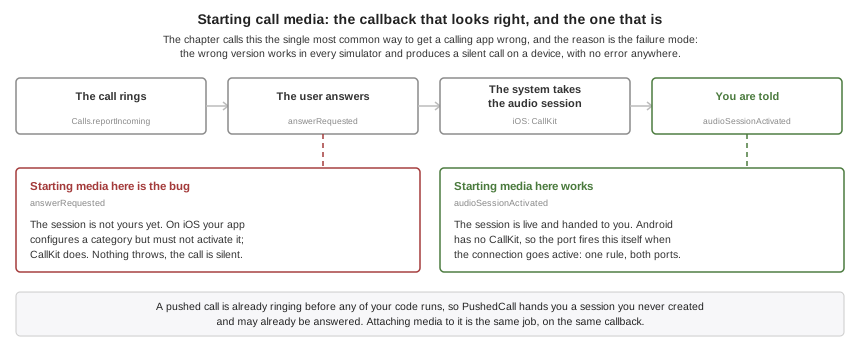
A pushed call is already ringing. When a call arrives as a VoIP push, iOS
requires it to be reported to the system before any of your code runs and
kills the app when it isn’t — so native code does the reporting from a fixed
payload, and your listener is told afterward. PushedCall therefore hands you
a CallSession you never created, possibly one the user has already answered.
Your job is to attach media to a call that exists, not to decide whether to
ring.
The two platforms draw the ringing screen differently. On iOS CallKit
presents the call and there is nothing to build. On Android a self-managed
calling app gets no system call screen at all: Telecom arbitrates with other
calls, routes the audio and writes the call log, but presenting the call is
the application’s job. The port does that for you — a call-category
notification carrying a full-screen intent, and the ringing screen that intent
launches. On an unlocked device you get the notification as a heads-up banner;
on a locked one the platform shows the ringing screen over the keyguard.
Answer and Decline appear on both and are wired to the same listeners as
everywhere else. The screen is a plain one, because it ships inside the
port and has no resources of its own: if you want your own, present it from
your incomingCall listener and it draws on top.
Two consequences are yours: the labels come from the
android.call.incomingTitle, android.call.answerLabel and
android.call.declineLabel build hints and are English until you set them,
and the user can turn the Incoming calls notification channel down in
Settings. Anything below high importance files the notification in the shade
instead of ringing, so the port treats it as it treats a revoked
POST_NOTIFICATIONS: Calls.getAvailability() answers NOT_PERMITTED and
Calls.reportIncoming is refused, rather than reporting a call that rings
nowhere.
Implement providerReset. It means every call your app had is gone,
because the user switched calling off or the platform recovered from an error.
Drop your media and forget your sessions, but don’t call end() on them — they no longer exist as far as the system is concerned. An app that leaves this
method empty leaks its media engine and shows calls that aren’t there.
67.2. Owning A Call
Configure once, then listen. Calls.configure must run before anything is
reported: on Android an unregistered account makes TelecomManager ignore
every reported call — no exception, no log line, no call.
if (!Calls.isSupported()) {
return; // fall back to an in-app call screen
}
Calls.configure(new CallConfiguration().displayName("Acme Talk"));
Calls.addActionListener(new CallActionAdapter() {
public void answerRequested(String callId, CallAction action) {
signalling.accept(callId);
}
public void endRequested(String callId, CallAction action) {
signalling.hangUp(callId);
media.stop();
}
public void audioSessionActivated(CallAudioSession session) {
media.start(session.getCallId()); // here, NOT in answerRequested
}
public void audioSessionDeactivated(String callId) {
media.stop();
}
public void providerReset() {
media.stopEverything(); // every call is gone
}
});An incoming call your app learned about over its own connection is reported with an identifier you allocate. Both ends must use the same one for the life of the call.
String callId = CallId.random(); // the id both ends will use
Calls.reportIncoming(callId, CallHandle.phone(theirNumber), "Ada Lovelace", false)
.onResult((session, err) -> {
if (err != null) {
// The system refused to ring: an emergency call, another
// app's call, or Do Not Disturb. Tell the caller.
return;
}
signalling.invite(callId, theirNumber);
});Note the failure path isn’t decoration. The system genuinely refuses to ring a
call during an emergency call, when another app holds one, or when the user has
switched your app’s calling off, and Calls.getAvailability() will tell you
before you try. An app that assumes reporting always succeeds shows a caller
"ringing" over a phone that’s silent.
One difference between the platforms is worth designing around rather than
discovering. On iOS the provider is configured for a single call, so while your
app holds one, CallKit refuses the next report and getAvailability() answers
THIS_APP_IN_CALL. Android Telecom accepts a second self-managed call from the
same account, so it keeps answering AVAILABLE. If your app offers call
waiting, branch on the availability rather than assuming a second call can
always ring.
Outgoing calls are the same shape, with two extra reports that drive what the
user sees: reportStartedConnecting while the far end is being rung, and
reportConnected when media is actually flowing, which is what starts the call
duration.
String callId = CallId.random();
Calls.reportOutgoing(callId, CallHandle.phone("+14155551212"), "Ada", false)
.onResult((session, err) -> {
if (err != null) {
return;
}
session.reportStartedConnecting(); // we are ringing them
signalling.place(callId, "+14155551212");
// ... and once the far end picks up:
session.reportConnected(); // starts the duration
});CallSession carries the rest: end, setHeld, setMuted, sendDigits,
update and groupWith. Three are worth reading twice. setMuted tells the
operating system what the mute button should look like and does not stop your
app sending audio — nothing in this package touches media. It’s the one
CallSession method the two platforms don’t agree on: check
CallBridge.CAPABILITY_MUTE, which Android doesn’t offer, because a
self-managed call there can’t tell Telecom its mute state and the call answers
NOT_SUPPORTED. Hearing what the user does with the system’s mute button is a
different thing and arrives on both through muteRequested.
reportEndedRemotely rather than end is what you call when the hang-up came
down your own signalling, so the system call log says the far end hung up
instead of blaming the user.
And groupWith answers NOT_SUPPORTED everywhere, which is why the matrix
above shows conference grouping as absent on both platforms. Neither lets an
app conference two of its own calls: CallKit’s group action travels from the
system to your app with no counterpart in the other direction, and Telecom
conferences self-managed calls only through a ConnectionService conference
Codename One doesn’t build. Nothing stops you mixing several streams into one
call yourself and reporting that as a single call — that needs no permission
from either platform, and it’s what apps that offer conferencing actually
do.
67.3. The Values These APIs Hand You
Everything above takes or returns a handful of small types from
com.codename1.call. Six are enumerations — CallState, CallDirection,
CallEndReason, CallAvailability, CallHandleType and CallError — so a
value that isn’t one of their constants won’t compile, though a switch over
one isn’t required to cover every constant and an unhandled state falls through
rather than failing the build. CallHandle and CallException are ordinary
classes and CallId is a holder for static helpers whose identifiers are
plain strings, so none of those three offer values() or anything else
enum-shaped.
CallStateRINGING,DIALING,ACTIVE,HELD,ENDED. Incoming calls start atRINGINGand outgoing ones atDIALING, butACTIVEandHELDcycle in both directions —CallSession.setHeld(false)and a fulfilled resume both put a held call back toACTIVE, so code that treatsHELDas one-way rejects a legitimate resume or leaves media paused.ENDEDis the only terminal state, and it’s where you release whatever the call was holding. The session’s asynchronous operations —end,setHeld,setMuted,sendDigits,groupWith— fail withCallError.INVALID_IDonce a call has ended, which is how a bookkeeping bug in the app surfaces; the reporting methods that returnvoid, such asreportConnectedandupdate, return without a word instead, so don’t wait on them for that signal.CallDirectionINCOMINGorOUTGOING, fixed when the session is created and never changing after that. Read it when you hold a session you didn’t report yourself — a session passed to a listener, or fetched fromCalls.getSessions()— rather than keeping your own note of the direction beside the call id.CallEndReasonREMOTE_ENDED,LOCAL_ENDED,UNANSWERED,BUSY,FAILED,FILTERED.FILTEREDcovers more ground than its name suggests. It’s documented as the system declining the call rather than the user — Do Not Disturb, or a blocked number — and it differs fromUNANSWEREDin that the call never rang. The Android port also reports it for a fulfilled reject, though, so a Decline from the lock screen arrives asFILTEREDthere while a hang-up after answering arrives asLOCAL_ENDED. Read it as "this call ended without being taken, and not because the far end gave up," and don’t try to tell an explicit decline from a silent block out of this value alone.CallAvailabilitywhat
Calls.getAvailability()answers before you report a call, andAVAILABLEis the only value that lets one ring. Check it before an incoming report; an outgoing call is a different question. On Android the notification gate that makes this answerNOT_PERMITTEDapplies to incoming calls alone — an outgoing call never rings, soreportOutgoinggoes through and refusing it would take away a call the user started. The values need three different responses, not two.EMERGENCY_CALL_IN_PROGRESSandOTHER_APP_IN_CALLpass on their own, so a retry is the right move —THIS_APP_IN_CALLis in the same family, though Android’s bridge never reports it by design, because Telecom accepts a second call from the same account.NOT_CONFIGUREDmeansCalls.configurehasn’t completed successfully, which is yours to fix in code and not something a user can clear; prompting for it strands them in front of a dialog that changes nothing. Read it as "not configured," not as "never called," because on Android aconfigurethat threw answeredUNAUTHORIZEDand left the port without a registered account, so calling it again without fixing what it reported changes nothing.NOT_PERMITTEDis Android only — iOS never answers it — and it covers three conditions with three different fixes, none of which is the calling switch.MANAGE_OWN_CALLSmissing: that one is a normal permission granted at install, so there’s no prompt behind it andCalls.requestPermissionsdoesn’t ask. The builder declares it for you whenever the app uses the call packages, so its absence means something rewrote the manifest, and the fix is in the build rather than on the device.POST_NOTIFICATIONSnot yet granted on Android 13 and later: that one is a runtime permission, asking forPERMISSION_NOTIFICATIONSis exactly right, and it’s the usual answer the first time an app rings. Notifications switched off for the app, or the incoming-call channel dropped below high importance: no permission is missing, so only the system’s own notification settings can clear it. OnlyUNSUPPORTEDis permanent.CallHandleandCallHandleTypewho the call is with, and one of
GENERIC,PHONE_NUMBERorEMAIL_ADDRESS. Build a handle withCallHandle.phone(…),CallHandle.email(…)orCallHandle.generic(…)rather than by hand; the type travels with the value and decides how the system displays and dials it.CallIdstatic helpers for the identifier both ends of a call have to agree on, which is a
Stringrather than a type of its own.CallId.random()mints one,CallId.isValid(…)checks one that arrived over your own connection, andCallId.normalize(…)puts it in the form the platform expects.CallErrorandCallExceptionwhy an action failed, as an enum and the exception that carries it. Don’t sort these into "this call" and "this app" — the codes cut across that line, and what to do about one depends on the condition behind it rather than on the code alone.
CALL_REFUSED is the system declining to place or ring the call right now, and
it spans both kinds of cause: an emergency call or another app’s self-managed
call passes on its own, while the user having switched your app’s calling off,
or Calls.configure not having run, refuses every report until something
changes. Nothing in the code tells you which you got: Android’s refusal
carries one message naming all three causes. Calls.getAvailability() is worth
asking first, and won’t always separate them either — it never checks whether
the registered PhoneAccount was disabled, and its foreign-call test needs
READ_PHONE_STATE, which the port doesn’t declare by design and treats as "no"
when absent. It can answer AVAILABLE and the report still come back
CALL_REFUSED. Retry on a timer that slows down rather than reading anything
into a repeat: the emergency or foreign call that caused the first refusal is often
still up for the second, and a persistent refusal looks identical.
CALL_FILTERED means the system suppressed the call before it rang — Do Not
Disturb on iOS, or a blocked number — so no action will arrive for it.
DUPLICATE_CALL means that identifier is already live. Calls.report checks
its own session map first, so a second report of an id your app already has
fails here and never reaches a port — retrying it fails identically every
time. Fetch the existing session and update that instead. The reconciliation
the ports do, folding a repeat into an update, is for reports arriving from the
native side, not for this call.
NOT_SUPPORTED is either the whole integration or the one operation you asked
for. Calls.isSupported() covers the first — Android self-managed calls need
API 26, CallKit is absent from tvOS and watchOS — so branch on it rather than
waiting for the error. It doesn’t cover the second: setMuted answers
NOT_SUPPORTED on Android because Telecom won’t let a self-managed call set its
own mute state, and groupWith answers it on every port today. Disable the
capability that came back unsupported, not calling as a whole.
UNAUTHORIZED comes from two places on Android and nowhere else: a
SecurityException out of configure or a report, which means MANAGE_OWN_CALLS
is missing, and an incoming report refused because notifications are off or the
incoming-call channel sits below high importance. That second one is two
conditions wearing one code, and they part exactly as they do under
NOT_PERMITTED above: a POST_NOTIFICATIONS the user hasn’t granted is cleared by asking,
while notifications switched off or a lowered channel is a setting no prompt
reaches. Ask once, and if the code comes back with the permission already
granted, stop asking — the recovery is in settings. A denied microphone grant or a declined
call-screening role doesn’t arrive here — Calls.requestPermissions resolves
with the bitmask it got and CallDirectory.requestScreeningRole resolves
false, so read those results rather than waiting for an error.
BUSY is about neither a call nor the app: a conflicting operation is already
running, which can be another call but can equally be an unrelated request
holding a shared channel — CallDirectory.requestScreeningRole() answers it
when another dialog owns the activity result — so retry the operation rather
than blaming a session. And PROVIDER_RESET says the call provider was reset
while that one operation was in flight, so it could never be answered; the
provider works again afterward and the next report may well succeed.
67.4. Actions, And Why They Have To Be Answered
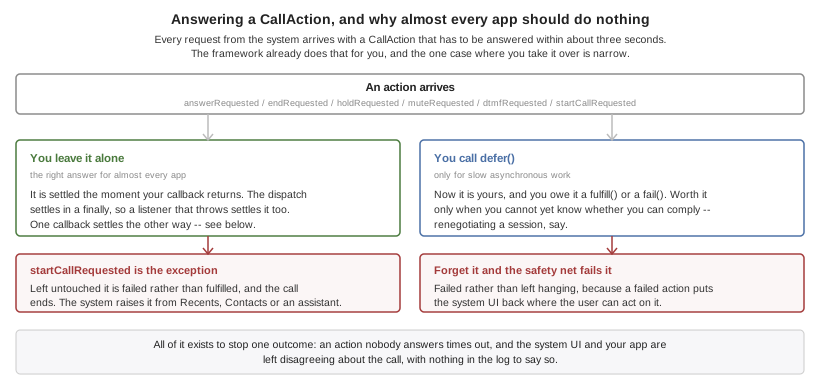
When the user answers on the lock screen, hangs up from the car, or taps the
keypad, the request arrives with a CallAction. Both platforms require an
answer within a few seconds, and an unanswered one times out and leaves the
system UI and your app disagreeing about the call, with nothing in the
log to say so.
Almost every app should ignore this entirely: an action the listener doesn’t
touch is fulfilled automatically, which is the correct behaviour. Only an app
that must do slow asynchronous work before it knows whether it can comply — renegotiating a session, say — calls action.defer() and then fulfill() or
fail() itself. A deferred action that’s forgotten is failed by a safety
timer, because a failed action puts the UI back in a state the user can act on
and a timed-out one doesn’t.
67.5. Ringing When The App isn’t Running
A VoIP push is delivered straight to the calling machinery, launching the app if it has to. It’s the only way an app that isn’t running can make the phone ring.
VoipPush.setListener(new VoipPushListener() {
public void callReceived(PushedCall call) {
if (call.isStale()) {
history.addMissed(call.getHandle()); // it is already over
return;
}
// The phone is ALREADY ringing. Attach media and wait for the
// ordinary answerRequested; do not report the call again.
signalling.attach(call.getSession().getCallId(), call.getData());
}
public void tokenChanged(String token) {
signalling.registerVoip(token);
}
});
VoipPush.register();com.codename1.call.voip is iOS-only, and that isn’t a gap. It exists
because iOS reports a pushed call to the system before any of your code runs
and kills the app when it doesn’t — a constraint Android doesn’t have. On
Android a high-priority FCM message reaches your ordinary push callback like
any other, and you call Calls.reportIncoming from there.
VoipPush.isSupported() answers false on Android so you can branch on it.
Because the call is reported to the system before any Java runs, the native code parses the push itself and your server has to honour a fixed shape:
{ "cn1call": { "uuid": "6B29FC40-CA47-1067-B31D-00DD010662DA",
"handle": "+14155551212", "handleType": "phoneNumber",
"displayName": "Jane Doe", "video": false,
"ttl": 30, "data": "opaque, handed back untouched" } }uuid and handle are required; everything else falls back to the build
hints. data is never parsed by the framework and is how you carry a room id
or a session token through to code that runs later. To retract a call that was
cancelled before it was answered, send the same uuid with "cancel": true.
Sending a payload without cn1call wakes the app and rings nothing, which on
iOS is the case that gets the app killed.
Set the listener before or after registering, as you like — calls that arrived first are held and drained when a listener appears. An app that never sets one will find its calls timed out and ended by the platform.
UIBackgroundModes: voip is added only for apps that reference
com.codename1.call.voip, and Apple rejects an app that carries it without a
working call implementation. That’s the entire reason this is a separate
package from com.codename1.call.session. |
67.6. Naming And Blocking Other People’s Callers
This is caller ID and spam blocking: an ordinary cellular call arrives, and the system asks the installed directories whether any of them recognizes the number. It has nothing to do with calls your app carries, which is why it’s a package of its own and carries no telephony permissions.
DirectoryEntry[] entries = {
new DirectoryEntry(14155551212L, "Acme Support"),
new DirectoryEntry(14155559999L, null, true) // blocked outright
};
CallDirectory.setEntries(entries).onResult((ok, err) -> {
if (err == null) {
CallDirectory.reload();
}
});Numbers are long rather than String on purpose. Both platforms require the
list in ascending numerical order and reject the whole list — not the offending
row — when it isn’t, and a string list sorts lexicographically, which puts
+1999… before +12…. CallDirectory sorts and de-duplicates what you
give it, so you need not.
Three platform facts to design around. On iOS the numbers are read by a
separate app extension the system starts on its own schedule, so installing the
data and asking the system to read it are two steps. Caller identification is
off until the user enables your app in Settings, which nothing you write can
do for them — check DirectoryStatus.isEnabled() before concluding that a
load failed.
And Android blocks but doesn’t label. A CallScreeningService may allow,
reject or silence a call; Android gives a third-party app no way to put a name
on one. blocked entries work there and labels are ignored, which is why
Calls.getCapabilities() reports CAPABILITY_SCREENING and not
CAPABILITY_DIRECTORY on Android.
67.7. Developing Without Hardware
The simulator and the desktop builds run a real simulated call stack rather than reporting the feature unsupported, so a ringing screen, an in-call screen and a media lifecycle can all be built and tested without a phone.
It’s a simulation and not a stub, and the difference is deliberate: nothing completes inside the calling stack frame, and the audio session arrives well after the answer rather than with it, because that gap is where media bugs live.
The Simulate → Calls menu scripts the awkward cases rather than the happy one, which is what makes it worth opening:
Ring A Second Call While Busy — where a single-call state machine breaks.
Refuse The Next Call — the emergency-call refusal an app that assumes reporting always succeeds never handles.
Never Activate The Audio Session — makes the silent-call mistake above reproduce on your desk instead of on a device.
Queue A Call That Already Ended — the cold-start call that must be logged as missed, never answered.
Every item is also callable from a test with CN.execute("call:itemN").
67.8. Build Hints
| Hint | Default | What it does |
|---|---|---|
| the app’s display name | The name shown above a call in the system UI. |
| the system ringtone | A sound file in the bundle to ring with. |
| none | A template image shown beside the call. |
| none | The name shown when a push carries no |
|
| Seconds a pushed call waits for your code before the system ends it as unanswered. |
|
| Whether the provider offers video calls. |
|
| Whether calls appear in the system call log. |
|
| The text on the Android ringing notification. |
|
| The Android answer button. |
|
| The Android decline button. |
|
| The notification channel the user sees in Settings. |
|
| Whether video calls are offered, on both platforms. Overridden per platform by |
|
| Whether the Android manifest declares |
videoSupported(true) on CallConfiguration isn’t enough on its own for a
video call. The camera permission has to be in the manifest, and a manifest is
written at build time, so the build has to be told: set call.video (or
android.call.video) as well. Without it Android refuses to grant CAMERA — a permission the manifest never asked for can’t be granted, and the request
resolves denied every time. Calls.getCapabilities() won’t report
CAPABILITY_VIDEO on such a build, so branch on that rather than assuming the
configuration was enough.
The ios.call. hints are baked into Info.plist rather than set from code
because native code needs them during launch, before any of your code has run.
The android.call. labels are read when the call rings, and exist because a
ringing screen is the last place to show an untranslated English string. Setting only
CallConfiguration and expecting a pushed call to ring with the right name is
the mistake to avoid; CallConfiguration refines them once the app is up.
Everything else is automatic. Referencing com.codename1.call.session links
CallKit, registers the Android service, and declares the two Android
permissions the ringing notification needs — POST_NOTIFICATIONS and
USE_FULL_SCREEN_INTENT, the second of which Google restricts to calling and
alarm apps and which is injected here on the strength of the package you
referenced; referencing
com.codename1.call.voip adds PushKit and the voip background mode;
referencing com.codename1.call.directory generates the iOS Call Directory
extension and the Android screening service.
| CallKit can’t be used in apps distributed in mainland China, and an app that ships it to that storefront is rejected or removed. Codename One can’t detect where you intend to publish, so if that applies to you, keep the calling packages out of that build. |
68. Real-Time Audio and Video
com.codename1.webrtc carries live audio and video between two devices: a voice
call, a video call, or a camera stream. It’s WebRTC, so the media goes directly
between the devices when a path exists and is encrypted on the way, with a relay
between them when it doesn’t.
The package does one thing. It opens the camera and the microphone, sets up the connection and draws the pictures. It doesn’t ring, place the call in the system call log or wake a sleeping phone — that’s Call Management, which a calling app uses beside this package — and it doesn’t signal.
68.1. Signalling is yours
Before two devices can talk they have to exchange a few messages: a description of what each can send and receive, and the network addresses each found for itself. WebRTC defines what those messages say, not how they travel. Codename One creates them and hands them to you, and you carry them to the other side over whatever you already have: your own server, a WebSocket, a push. Nothing in the package sends one for you. That keeps the package free of any particular backend, and means the same call code works whether your server is a Codename One Backend or anything else.
The exchange is the standard one:
The caller adds its tracks, creates an offer, sets it as its local description and sends it.
The callee sets the offer as its remote description, adds its own tracks, creates an answer, sets it as its local description and sends it back.
The caller sets the answer as its remote description.
Meanwhile each side sends the other every
IceCandidateits listener is given, and adds each one it receives.
68.2. A call
WebRtc.openUserMedia(audio, video, frontCamera) opens the camera and the
microphone, asking for permission where the platform asks, and answers a
LocalMedia with a MediaTrack for each. WebRtc.createPeerConnection makes the
connection, and a PeerConnectionConfig names the STUN and TURN servers it uses to
find a path. The listener hears about the candidates to send, the connection’s
state and the other side’s tracks, all on the EDT:
if (!WebRtc.isSupported()) {
return;
}
WebRtc.openUserMedia(true, true, true).ready(media -> {
PeerConnectionConfig config = new PeerConnectionConfig()
.addIceServer(IceServer.stun("stun:stun.example.com:3478"))
.addIceServer(new IceServer(new String[] {"turn:turn.example.com:3478"},
"username", "credential"));
pc = WebRtc.createPeerConnection(config, new PeerConnection.Listener() {
public void iceCandidate(PeerConnection connection, IceCandidate candidate) {
signalling.send(candidate);
}
public void stateChanged(PeerConnection connection, String state) {
if (PeerConnection.FAILED.equals(state)) {
Log.p("No path to the other side");
}
}
public void remoteTrack(PeerConnection connection, MediaTrack track) {
if (track.isVideo()) {
remoteView = new VideoView(track, false);
form.add(BorderLayout.CENTER, remoteView);
form.revalidate();
}
}
});
pc.addTrack(media.getAudio());
pc.addTrack(media.getVideo());
form.add(BorderLayout.SOUTH, new VideoView(media.getVideo(), true));
pc.createOffer().ready(offer -> pc.setLocalDescription(offer)
.ready(done -> signalling.send(offer)));
});The callee answers with the offer that arrived over your signalling:
pc.setRemoteDescription(offer).ready(done -> {
pc.addTrack(media.getAudio());
pc.addTrack(media.getVideo());
pc.createAnswer().ready(answer -> pc.setLocalDescription(answer)
.ready(sent -> signalling.send(answer)));
});Each candidate that arrives afterward goes into the connection:
pc.addIceCandidate(new IceCandidate(sdpMid, sdpMLineIndex, sdp));A candidate can arrive before the description it belongs to, because your channel doesn’t promise an order; hold it until the description is set. When the call is over, close the connection and release the media so the camera light goes off:
pc.close();
media.release();
if (remoteView != null) {
remoteView.release();
}68.3. Tracks and views
A MediaTrack is one stream of audio or video, local, or remote. setEnabled(false)
mutes it: it keeps flowing as silence or black frames, so unmuting is instant and
the other side’s connection never notices. switchCamera() flips a local video
track between the front and back cameras. WebRtc.setSpeakerphone(true) routes
the call’s audio to the loudspeaker and false returns it to the earpiece or
headset.
A VideoView draws a video track and is laid out like any other component. Pass
true as its second argument for your own front camera, which people expect
mirrored. Call release() when you discard it.
68.4. STUN and TURN
Most connections find a direct path with only a STUN server, which tells a device
how the internet sees it. Between two phones on mobile networks that often fails,
and the media has to go through a TURN server that relays it. Add both to the
configuration with IceServer.stun(url) and new IceServer(urls, username,
credential). TURN credentials should be short-lived and handed out by your own
server per call, rather than built into the app. setRelayOnly(true) uses only
relayed paths, so the other side never learns the device’s own addresses, at the
cost of every call going through the relay.
68.5. Platforms
On Android the package is Google’s WebRTC library and on iOS the Apple-platform
build of the same library. In a browser it’s the browser’s own WebRTC. Referencing
the package is what adds the native library to an Android or iOS build, along with
the camera and microphone permissions, so an app that doesn’t use it pays for none
of that. WebRtc.isSupported() says whether the platform can carry media.
The simulator connects calls without carrying any media. Tracks open, descriptions
are exchanged and the connection reaches PeerConnection.CONNECTED, and each video
view shows a test pattern. The whole call flow — signalling, states, screens — can be developed and run on the desktop, but what you hear and see needs two
devices.
The Parley sample uses this package, with com.codename1.call for the system
call screen and a VoIP push, for its voice and video calls: see
Section 52.5, “Calls”.
69. VPN
Two quite separate things are called VPN support, and conflating them wastes a great deal of time.
The first is asking the operating system to run a standard tunnel — an
IKEv2 configuration the platform implements itself, which your app installs,
starts, stops, and watches. That’s portable, needs a capability any paid
developer account can switch on, and is what almost every app that says
"connect to VPN" actually wants. It’s com.codename1.vpn.profile, and it’s
what this chapter is mostly about.
The second is shipping a tunnel of your own that receives raw IP packets and
decides what to do with them. That’s com.codename1.vpn.tunnel. It runs on
Android with no configuration at all, and on iOS behind a build hint and an
entitlement Apple grants case by case; the section below covers both, and what
to write so the loop you wrote is the loop that runs on either.
| Capability | iOS | Android | Simulator and desktop | JavaScript |
|---|---|---|---|---|
Install a managed IKEv2 profile | yes | yes (Android 11 and later) | simulated | — |
IPsec with a pre-shared key | yes | — | simulated | — |
Connect, disconnect, observe status | yes | yes (Android 11 and later) | simulated | — |
Always-on / on-demand | yes | yes | simulated | — |
A tunnel your app implements | yes (see below) | yes | simulated | — |
Detect that some VPN is active | yes | yes | yes | — |
Branch on Vpn.isSupported() and Vpn.getCapabilities() for the managed
profile, and on Tunnels.isSupported() for a tunnel of your own, rather than
on the platform. Every callback arrives on the EDT.
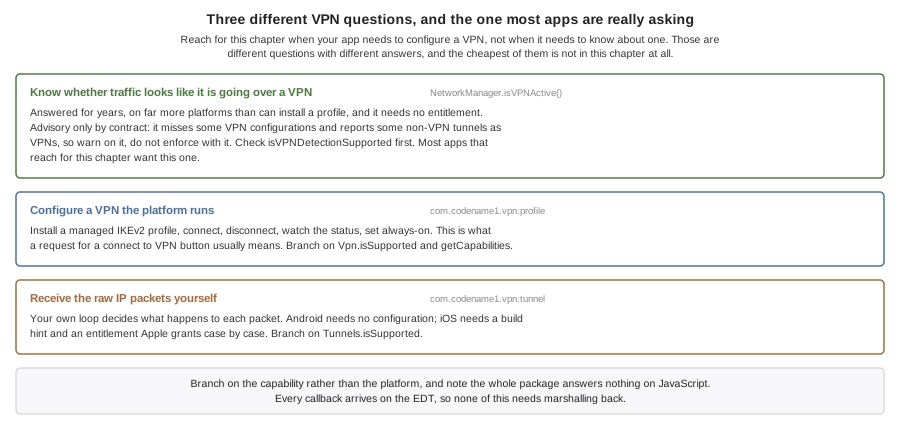
69.1. Detecting A VPN Is A Different Question, And Already Answered
If all you want to know is whether this device’s traffic looks like it’s going
over a VPN, NetworkManager.isVPNActive() has answered that for years, works on
far more platforms than can install a profile, and needs no entitlement at all.
Check isVPNDetectionSupported() first, because not every platform implements
it.
Its own contract calls the answer advisory: the platform APIs and interface-name heuristics behind it miss some VPN configurations and report some non-VPN tunnels as VPNs. Warn on it, log it, degrade on it — but don’t build enforcement on it, because both kinds of mistake are available to it and neither is rare enough to design around.
if (NetworkManager.getInstance().isVPNActive()) {
// traffic is being tunnelled by something
}Reach for this chapter only when your app needs to configure a VPN, not when it needs to know about one.
69.2. Installing And Running A Managed Profile
if (!Vpn.isSupported()) {
return; // no managed VPN on this platform
}
VpnProfile profile = new VpnProfile("vpn.example.com")
.protocol(VpnProtocol.IKEV2)
.remoteIdentifier("vpn.example.com")
.localIdentifier("alice")
.usernamePassword("alice", secret)
.displayName("Acme Corporate");
Vpn.install(profile).onResult((ok, err) -> {
if (err instanceof VpnException
&& ((VpnException) err).getError() == VpnError.USER_DECLINED) {
return; // ordinary outcome, not a failure
}
if (err == null) {
Vpn.start();
}
});Three things about that code are worth spelling out.
The user may be asked, and you can’t skip the asking. The platform shows a
system prompt when it wants consent, and neither lets an app avoid it. A
declined prompt fails with VpnError.USER_DECLINED, which is an ordinary
outcome and not something to report as an error — the snippet treats it as a
normal return.
It isn’t a prompt on every install, though. Android asks once and remembers, so replacing a profile in an app the user has already approved goes through with nothing shown. Be ready for the prompt; don’t build a flow that depends on it appearing, and don’t tell the user a dialog is coming.
One configuration per app. Both platforms give an app a single managed
configuration, so install replaces whatever was there rather than adding to
it.
The platform keeps the secret. A profile read back with Vpn.load()
describes the configuration but its getPassword() is always null, because the
password lives in the platform keychain and is never handed back. Use
isPasswordKnown() to tell a profile built without a password from one that
was loaded, where the
platform kept it".
Watching the tunnel is a listener, and worth having: it can go down without your app asking.
Vpn.addStatusListener(status -> {
switch (status) {
case CONNECTING:
ui.showConnecting();
break;
case CONNECTED:
ui.showConnected();
break;
default:
ui.showOffline(); // it can drop without being asked
break;
}
});Note the states aren’t decoration either. CONNECTING can last as long as a
real negotiation takes, and an app that only watches for CONNECTED looks
frozen for the duration.
69.3. Where The Platforms Disagree
Android needs version 11. VpnManager and Ikev2VpnProfile arrive in API
30. Codename One doesn’t raise your app’s minSdkVersion for this — a
feature that can report itself absent isn’t worth cutting off older devices
for — so Vpn.isSupported() answers false below that and your app needs a
path for it.
Android offers IKEv2 only. There is no pre-shared-key IPsec equivalent in
the managed profile API. A profile asking for VpnProtocol.IPSEC is refused
with INVALID_CONFIGURATION rather than installed as something else without
comment.
Starting isn’t the same as connected. On Android the platform accepts the
start request and reports nothing further, so a successful start() means the
request was accepted, not that the tunnel is up. Watch the status.
69.4. A Tunnel Your App Implements
If your VPN speaks a protocol the platforms don’t implement — anything that
isn’t IKEv2 or IPsec — you write the packet loop yourself, in Java, once.
Extend VpnTunnel and hand it to Tunnels.start.
Tunnels.isSupported() answers true on Android, true on an iOS build that
generated the extension, and false everywhere else — including an iOS build
that didn’t ask for one, which is every iOS build by default. Ask it, and
keep a path for the answer being no: Tunnels.start refuses with
NOT_SUPPORTED rather than pretending.
The addresses in a TunnelSetup are read before the platform is asked. An
address, a route or a DNS server that isn’t an IP literal fails the start
with INVALID_CONFIGURATION, and the message names the field. A setup with
no address at all fails the same way, because a link with no address isn’t
one a platform can establish. That check runs in Tunnels.start on every
platform, so a setup the simulator accepts is a setup a device accepts.
On Android the tunnel runs inside a VpnService in your app’s own process.
The instance you passed to Tunnels.start is the instance that runs, and
everything it closed over is still there.
On iOS it runs inside a Network Extension: a separate process with its own
bundle identifier, its own provisioning profile and a hard memory limit. The
build generates that extension for you — a target of its own, carrying a
virtual machine, running the class you name in ios.vpn.tunnel.class.
The extension is its own translation, rooted at your tunnel rather than at
your app. That’s what makes it possible at all: an app extension compiles
with APPLICATION_EXTENSION_API_ONLY, and the iOS port’s own natives call
UIApplicationMain and [UIApplication sharedApplication], which an
extension may not touch — so a target carrying the application’s translation
couldn’t be built. Rooted at the tunnel it carries what the tunnel reaches,
and the application shell is simply not in it.
The extension has no networking stack. It carries the translated program
and the virtual machine, and nothing else — so What an iOS tunnel can do, then, is everything that happens on the device:
see every packet, inspect it, rewrite it, drop it, answer it with What it can’t do is relay to a remote VPN server, because it has no way to open the connection. On Android it can — the tunnel runs in your app’s own process, where the implementation is installed — so the same tunnel class is not equally useful on both. Write the relay behind an interface if you need one platform to do it and the other to fall back. A Mac Catalyst slice reports the tunnel unsupported, and that’s deliberate:
the extension target is built for the iOS destination only, so the Mac app
has no provider to start. |
Which turns the advice below into a build error rather than a disappointment.
Write the tunnel as though it ran in a process of its own, because it does:
no statics you set, no Display, no open connections, and the tunnel
constructed fresh with none of them — iOS constructs it, so it needs an
accessible no-argument constructor. A tunnel that reaches for your app’s
other classes drags them into this translation, and the ones backed by
native code fail the extension’s link, naming the symbol they wanted. That
includes a NativeInterface from a cn1lib: the extension carries the
translated program and the virtual machine, and nothing the port or a
library hand-wrote.
Two things are yours to arrange, and neither is something a build can do for
you. Apple grants com.apple.developer.networking.networkextension case by
case rather than from the developer portal, so setting ios.vpn.tunnel=true
is you saying you hold it — an App ID without it fails codesigning with an
error naming the entitlement and not the reason it appeared.
Both App IDs need it, which surprises people. The extension carries the
entitlement because it is the provider; the app carries it because
NETunnelProviderManager — what Tunnels.start uses to save the
configuration and start the tunnel — is Network Extension API too. Signing
only the .appex leaves the app unable to start its own tunnel: every
attempt fails with a permission error. The build writes the entitlement into both, and refuses before the
archive if either profile doesn’t grant it.
And the extension signs under its own App ID, <packageName>.vpntunnel, so a
device archive needs a provisioning profile for that identifier passed as
ios.appext.CN1VpnTunnel.provisioningData or .provisioningURL, exactly as
the Call Directory extension does. Override the identifier with
ios.vpn.tunnel.buildSettings.PRODUCT_BUNDLE_IDENTIFIER if you must; it has
to stay inside the app’s own namespace, because Apple rejects an embedded
extension that isn’t.
TunnelSetup.data exists for that reason, and the rule worth taking away
follows from it:
Everything the tunnel needs arrives through
VpnTunnel.onStart.Anything it reaches for outside that becomes a static, which works while the tunnel shares the app’s process and goes missing the moment it doesn’t.
When the iOS half lands it will also need the
com.apple.developer.networking.networkextension entitlement, which Apple
grants case by case rather than self-serve.
69.5. Developing Without Hardware
The simulator and the desktop builds run a simulated configuration store that tunnels nothing, so an install flow, a status screen and a reconnect button can all be built without a device or a server.
A packet tunnel runs there too, over a loopback: Tunnels.start calls your
onStart, packets you feed in reach onPacket, and what you forward comes
back out where a test can read it. The transport is fake and the packet loop
is the real one, which is what makes a tunnel testable at all — neither
platform lets you run one on a desktop.
Like the call simulation it keeps the awkward orderings: connecting passes
through CONNECTING, and a profile read back has no password, because a
simulation that handed the secret back would let code depend on something no
device does.
The Simulate → VPN menu scripts the failures:
Decline The Next Install Prompt — the outcome apps routinely treat as impossible.
Refuse The Credentials On Connect — the install and the connection fail in different places for different reasons, and apps commonly handle only the first.
Drop The Tunnel — a tunnel going down without being asked.
Every item is also callable from a test with CN.execute("vpn:itemN").
69.6. Build Hints
| Hint | Default | What it does |
|---|---|---|
| injected as | The Personal VPN capability. Enable it on the App ID or the app won’t sign. |
|
| Generates the packet tunnel extension. Also your assertion that the App ID holds the Network Extension grant; see above. |
| none | Which |
| none | The extension’s own provisioning profile, base64, for a device archive. |
| none | Overrides a build setting on the generated target, as the other extensions' equivalents do. |
Referencing com.codename1.vpn.profile links NetworkExtension.framework and
injects the Personal VPN entitlement with no hint at all.
Codename One never injects com.apple.developer.networking.networkextension
from a class reference. Apple grants it case by case rather than self-serve,
and an entitlement an App ID doesn’t carry fails codesigning with an error
naming the entitlement and not the reason it appeared. That’s why the hint
exists at all rather than the package alone turning the extension on: the
hint is the assertion that both App IDs hold the grant, and it’s on that
assertion — and only then — that the build writes the entitlement into the
app and into the extension.
Android needs no hints. Referencing the package adds the VpnService, its
BIND_VPN_SERVICE declaration and the foreground-service permissions the
platform requires to keep a tunnel running.
70. Health
Codename One ships a cross-platform health API under com.codename1.health that reads and writes the platform health store — HealthKit on iOS and watchOS, Health Connect on Android — summarizes data over time, watches it for changes, records workouts, and streams live measurements from standard Bluetooth health sensors.
Health.getInstance() is the single entry point and never returns null: ports without health support return a fallback whose operations fail fast with HealthError.NOT_SUPPORTED, so calling code needs no platform-specific if.
Every callback — AsyncResource results, sensor samples, workout events, change batches — is delivered on the EDT, on every platform. That includes the local-backed ports: the simulator, desktop and JavaScript stores hand results back on the EDT rather than on whichever thread called, so a read started from a worker thread can update the UI from its callback directly, with no callSerially of your own. A background change delivery may arrive with no visible UI, after the OS relaunched your app, but it’s still on the EDT.
| Capability | iOS 26+ | iOS < 26 | watchOS | Android | Simulator | Desktop / JavaScript |
|---|---|---|---|---|---|---|
Read samples and aggregates | yes | yes | yes | yes | yes (scripted) | local only |
Write samples | yes | yes | yes | yes | yes | local only |
Read-authorization introspection | no | no | no | yes | yes | n/a |
Background push delivery | no | no | no | no | no | no |
Change delivery while running | yes | yes | yes | yes | no | no |
Live workout session | recorded | recorded | recorded | recorded | recorded | recorded |
Automatic sensor collection in a workout | no | no | no | no | no | no |
Bluetooth health sensors | yes | yes | limited | yes | yes | yes |
Subscriptions are the one place the local-backed ports aren’t a
substitute for a device. subscribe() registers, persists its cursor and
restores across launches everywhere, but nothing on the local store records
a mutation as a change, so drainChanges() there resolves with zero and no
listener ever fires. Subscription code can be written and its registration
exercised on the desktop; whether it actually delivers has to be tested on
a phone.
Branch through the capability queries — Health.getAvailability(), HealthStore.isTypeSupported(…), WorkoutManager.isLiveSessionSupported(), HealthSubscription.isPushDelivery() — rather than through platform detection.
70.1. Quick start
Health health = Health.getInstance();
HealthAvailability availability = health.getAvailability();
if (availability == HealthAvailability.PROVIDER_NOT_INSTALLED
|| availability == HealthAvailability.PROVIDER_UPDATE_REQUIRED) {
health.openProviderSetup();
return;
}
if (availability == HealthAvailability.NOT_SUPPORTED) {
return;
}
HealthStore store = health.getStore();
store.requestAuthorization(
HealthAccess.read(HealthDataType.STEPS),
HealthAccess.read(HealthDataType.HEART_RATE))
.onResult((asked, err) -> {
if (err != null) {
Log.e(err);
return;
}
// asked == true means the user has now been ASKED, not that
// anything was granted. On iOS the sheet completes identically
// whether they enabled every switch or none.
});Check getAvailability() before anything else. On Android it distinguishes a working provider from one that’s missing or out of date, and both of those are recoverable by the user through openProviderSetup(). On the desktop and JavaScript ports it returns LOCAL_ONLY, meaning reads and writes work and are durable but the data is only ever your own app’s.
70.2. Permissions, and the one thing that will surprise you
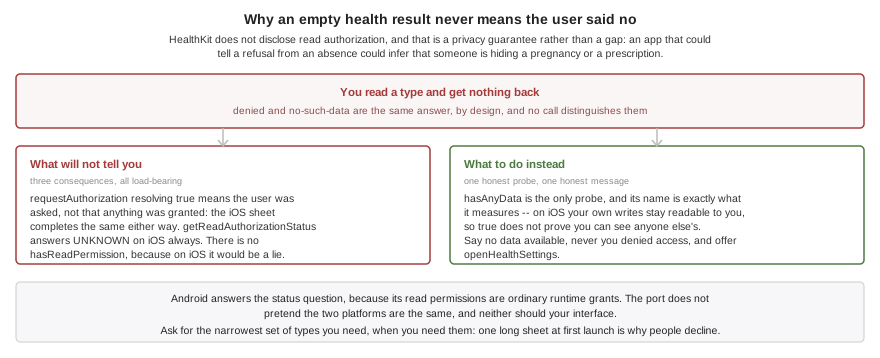
You can’t ask whether you are allowed to read.
HealthKit doesn’t disclose read authorization. A read the user denied returns an empty result, indistinguishable from having no data at all, because an app that could tell the two apart could infer that a user is hiding a pregnancy or a prescription. That’s a privacy guarantee, not a gap in this API.
Three consequences follow, and all three are load-bearing:
requestAuthorization(…)resolvingtruemeans the user has been asked, not that anything was granted. On iOS the sheet completes identically whether they enabled every switch or none of them.getReadAuthorizationStatus(…)returnsUNKNOWNon iOS in every case. Android answers, because its read permissions are ordinary runtime grants; the Android port doesn’t pretend otherwise, and neither should your UI.There is no
hasReadPermission()anywhere in this API, because on iOS it would be a lie.
HealthStore store = Health.getInstance().getStore();
// Write authorization is answerable on both platforms.
HealthAuthorizationStatus write =
store.getWriteAuthorizationStatus(HealthDataType.BODY_MASS);
// Read authorization is NOT. On iOS this is always UNKNOWN, by design.
HealthAuthorizationStatus read =
store.getReadAuthorizationStatus(HealthDataType.STEPS);
if (read == HealthAuthorizationStatus.UNKNOWN) {
// The only honest probe: ask whether any data actually came back.
store.hasAnyData(HealthDataType.STEPS, HealthTimeRange.lastDays(7))
.onResult((hasData, err) -> {
if (err == null && !hasData.booleanValue()) {
// Denied OR genuinely empty -- indistinguishable.
// Say "no data available", never "you denied access".
Health.getInstance().openHealthSettings();
}
});
}hasAnyData(…) is the only honest probe, and its name says exactly what it measures. Note also that on iOS your own writes stay readable to you even when read access was denied, so a true here doesn’t prove you can see other apps' data.
Never tell a user "you denied access" on the strength of an empty result. Say "no data available," and offer openHealthSettings(). Getting this wrong produces an app that accuses users of something they didn’t do.
Request the narrowest set of types you actually need, at the moment you need them. Both stores present every requested type on one sheet, and a long list at first launch is the most common reason people decline.
70.3. Reading samples
SampleQuery query = new SampleQuery()
.addType(HealthDataType.HEART_RATE)
.setTimeRange(HealthTimeRange.lastHours(24))
.setSortDescending(true)
.setLimit(500);
Health.getInstance().getStore().readSamples(query)
.onResult((samples, err) -> {
if (err != null) {
Log.e(err);
return;
}
for (HealthSample s : samples) {
QuantitySample hr = (QuantitySample) s;
// Reading a value forces you to name the unit, which is
// what removes the whole wrong-unit class of bug.
double bpm = hr.getValue(HealthUnit.COUNT_PER_MINUTE);
Log.p(hr.getStartMillis() + ": " + bpm + " bpm");
}
});Values always come back in the type’s canonical unit unless the query asks for another, so the two ports return identical objects. Reading a number out of a HealthQuantity requires naming the unit at the call site — there is no zero-argument getValue() — which removes the entire class of bug where pounds are read as kilograms and every downstream chart is wrong by a factor of 2.2.
On Android a limit applies per data type when a query names several: Health Connect pages per record type, so a limit of ten over two types can return twenty. Query one type per call when the cap has to be exact, which is what iOS does anyway — HKSampleQuery reads one type per query.
Always set a limit for high-frequency types. A year of continuous heart rate is on the order of half a million samples; the default cap of 10,000 exists so a naive query can’t exhaust the heap, and readSamplePage(…) is there for walking more than that.
Health Connect stores a heart-rate series as one record containing many samples, while HealthKit returns many independent samples. SampleQuery.setFlattenSeries(boolean) defaults to true so both platforms hand back plain QuantitySample objects. Turn it off to keep a Health Connect record whole, which is what you want when you intend to delete it: you get one SeriesSample carrying the record identifier and every measurement in it. HealthKit has no series records at all, so iOS answers with plain samples whichever way the flag is set. Every flattened measurement still carries its record identifier, so record-level deletion works either way — and isDeletable(…) is a separate question from isWritable(…), so the series-shaped types Health Connect won’t let you write can still be deleted.
Writing a SeriesSample to a phone stores its measurements individually — neither platform accepts a series through this API — so the write result carries one identifier per measurement rather than one for the record. A series is unit-checked and converted exactly like a scalar write, and one longer than the platform’s batch limit is split across several calls. Sleep and workout samples can’t be written to HealthKit or Health Connect at all; writing one is refused with TYPE_NOT_SUPPORTED rather than reported as a success that stored nothing.
Sleep isn’t readable on either phone in this release. The iOS type map carries quantity types only, so HealthDataType.SLEEP is refused before a query runs, and SampleQuery.setSleepSessionGapMillis(long) — which configures the session reassembly that port will eventually need — changes nothing today. Android refuses it too: sleep is absent from the readable type set and the bridge has no record class for it, so a query fails with TYPE_NOT_SUPPORTED rather than returning nothing. Sleep works fully against the local and simulator stores, which is where to develop against it for now.
Heart-rate variability is two different statistics with one name. HealthKit stores SDNN, and stored only SDNN until iOS 27 added RMSSD; Health Connect has only ever stored RMSSD. HealthDataType.HEART_RATE_VARIABILITY_RMSSD is therefore the cross-platform one and the one to reach for, and it’s the first HRV type Android can answer at all — HEART_RATE_VARIABILITY_SDNN has no Health Connect record behind it and is refused there with TYPE_NOT_SUPPORTED. RMSSD on iOS needs both an iOS 27 device and an application built with the iOS 27 SDK, because the identifier doesn’t exist in older SDKs; anything else reports TYPE_NOT_SUPPORTED rather than substituting SDNN.
70.4. Aggregates and time buckets
AggregateQuery query = new AggregateQuery()
.addType(HealthDataType.STEPS)
.addMetric(AggregateMetric.TOTAL)
.setTimeRange(HealthTimeRange.calendarDays(7, ZoneId.systemDefault()))
// Calendar days, not a fixed 24 hours: a day is 23 or 25 hours
// across a daylight-saving transition.
.setBucket(HealthInterval.calendarDays(1, ZoneId.systemDefault()));
Health.getInstance().getStore().aggregate(query)
.onResult((buckets, err) -> {
if (err != null) {
Log.e(err);
return;
}
for (AggregateResult bucket : buckets) {
HealthQuantity total = bucket.get(HealthDataType.STEPS,
AggregateMetric.TOTAL);
if (total == null) {
// No data for that day. NOT the same as zero steps --
// render a gap rather than a bar at zero.
continue;
}
Log.p(bucket.getBucketStartMillis() + ": "
+ (long) total.getValue(HealthUnit.COUNT));
}
});Two rules here are easy to get wrong and hard to notice.
A bucket with no data returns null, never zero. A day on which no data was recorded and a day on which the user genuinely took no steps are different facts. Substituting zero turns an absence of data into a claim that nothing happened and draws a flat line through every day the phone stayed in a drawer.
Use calendar buckets when your UI labels them with dates. HealthInterval.calendarDays(1, tz) follows the calendar; a fixed 86_400_000 doesn’t, and drifts against the dates the user sees twice a year at each daylight-saving transition. Calendar intervals require an explicit TimeZone — nothing in this API reads the JVM default, because a server-side default of UTC would file a user’s evening walk under the wrong day.
Overlapping sources are counted twice, on every platform including iOS. When a phone and a watch both record steps for one walk, a total over them counts the walk twice. HealthKit’s statistics engine does de-duplicate overlapping sources, but no port uses it in this release — every metric is computed by shared code from raw samples, so the bucket arithmetic has one implementation rather than one per platform that can drift, and iOS double-counts exactly as Android does. This API leaves that visible rather than papering over it with a heuristic, because guessing which of two overlapping sources is authoritative is exactly the kind of quiet wrongness health data can’t afford. Use addSource(…) to pin a query to the source you trust, and tell the user which device a figure came from. |
70.5. Writing samples
QuantitySample weight = QuantitySample.create(
HealthDataType.BODY_MASS,
new HealthQuantity(178.4, HealthUnit.POUND),
System.currentTimeMillis());
weight.setRecordingMethod(RecordingMethod.MANUAL_ENTRY);
Health.getInstance().getStore().write(weight)
.onResult((result, err) -> {
if (err instanceof HealthException
&& ((HealthException) err).getError()
== HealthError.UNAUTHORIZED) {
Health.getInstance().openHealthSettings();
return;
}
if (result != null && result.hasRejections()) {
// A batch can partially succeed; surface what was dropped
// rather than discarding it silently.
for (String reason : result.getRejections()) {
Log.p("rejected: " + reason);
}
}
});Writes are validated before the platform is touched: a type this app can’t write, an instantaneous sample of a cumulative type such as STEPS, or a quantity whose unit measures the wrong dimension all fail immediately with a message naming the offending sample, rather than as an opaque platform error later. Large batches are chunked automatically to the platform’s limit.
Set RecordingMethod on what you write. Other apps use it to decide how much to trust a value, and a manually typed weight is a different kind of evidence from one a scale reported.
HealthSample.getId() is assigned by the platform, is scoped to this install, and won’t survive a reinstall, so don’t use it as a primary key on your server. Keep your own identifier in your own storage and correlate on that. getMetadata() looks like the natural home for it and isn’t: metadata round-trips through the local and simulator stores but isn’t written to HealthKit or Health Connect in this release, so on a phone the identifier is gone the moment you read the sample back.
70.6. Background delivery
SubscriptionRequest request = new SubscriptionRequest("steps-v1")
.addType(HealthDataType.STEPS)
.setIncludeDeletions(true);
HealthSubscription sub = Health.getInstance().getStore()
.subscribe(request, StepWatcher.class);
if (!sub.isPushDelivery()) {
// Android: Health Connect never wakes the app. Drain from your
// background-fetch handler instead of assuming push.
Display.getInstance().setPreferredBackgroundFetchInterval(900);
}The subscription id keys the persisted cursor that records how far you have read. Reuse it across launches and app updates and you resume exactly where you left off; change it and the framework treats it as new and resynchronizes from scratch. Hard-code it, and version it explicitly ("steps-v1") if you ever want a clean start.
No platform wakes your app for health data today. isPushDelivery() answers false everywhere, and that’s the honest answer rather than a placeholder: nothing arrives while your app is closed, so your app has to ask.
On Android this is permanent. Health Connect has no push mechanism at all and Google’s own guidance is to poll. On iOS, HealthKit does offer HKObserverQuery with background relaunch, but this release doesn’t register one, so iOS behaves the same way as Android for now. isPushDelivery() is the query to branch on; it will start answering true on iOS when observers land, and code that already polls will simply poll less often.
Draining is what delivers changes, and your app has to ask for it. Nothing here hooks the application lifecycle: call drainChanges() when you come to the foreground, and from your background-fetch handler. Omit it and a subscription delivers nothing at all, however much data arrives. This is the one place where forgetting a call looks exactly like having no new data.
The two backends drain differently, and the difference is visible to you. Android uses Health Connect change tokens, so a drain reports deletions as well as additions and never re-reports a sample you have already seen. iOS re-reads each subscribed type over the window since the last drain: additions arrive, deletions don’t, and a sample edited in place looks like a new one. Both advance their cursor only after your listener returns, so a crash re-reads rather than skips.
On iOS a subscription can miss backdated data, and there is no way around it in this release. The cursor is a timestamp, so it finds samples by when they were measured, not by when they arrived in the store. A watch that syncs an hour late, or a reading the user types in for yesterday, lands entirely behind the cursor and no later drain will ever see it. HealthKit’s own HKAnchoredObjectQuery is what solves this — it’s ordered by insertion and would fix deletions and edit-detection at the same time — and this release doesn’t use it. If your app has to be complete rather than merely current on iOS, do a full readSamples over the range you care about on a schedule of your own, and treat the subscription as a prompt to refresh rather than as the source of truth. Android is unaffected: change tokens are insertion-ordered already.
A busy window on iOS can hold more samples than one HealthKit query returns, and HealthKit offers no continuation token. When that happens the cursor advances only as far as the samples actually delivered and the batch reports hasMore(), so the next drain picks up the remainder rather than skipping it. Draining more often keeps each window small; a subscription left undrained for weeks will take several drains to catch up.
Handle isResyncRequired(). A Health Connect change token expires after 30 days and an iOS anchor can be rejected after a restore from backup; when that happens the batch carries no data and you must do a full time-range read to catch up.
A HealthBackgroundListener must be a public top-level class with a public no-argument constructor. Unlike some older callback APIs in this framework there is no need to do anything to keep it from being stripped: the build server scans for implementations and generates a factory that constructs each one with a direct new, so shrinking and obfuscation both follow the reference correctly.
70.7. Workouts
WorkoutManager workouts = Health.getInstance().getWorkouts();
workouts.startSession(new WorkoutConfiguration()
.setActivityType(WorkoutActivityType.RUNNING)
.setLocationType(WorkoutLocationType.OUTDOOR))
.onResult((session, err) -> {
if (err != null) {
Log.e(err);
return;
}
if (!session.isLive()) {
// Android phones and iOS before 26: the clock and the saved
// record are real, but nothing is collected unless you feed
// it -- from a sensor, from location, or by hand.
Log.p("Recording; connect a strap for heart rate");
}
session.start();
});Two capabilities that are easy to conflate and that this API keeps separate:
isLiveSessionSupported()— the OS runs a real session and keeps the app alive. False everywhere in this release.HKWorkoutSessionexists on watchOS and on iOS 26 and later, andandroidx.health.servicesexists on Wear OS, but neither is wired up yet, so every platform currently uses the recorded session described below. Branch on this query rather than on the OS version and your code will pick up native sessions when they land.isSensorCollectionSupported()— the OS also gathers heart rate and energy into that session by itself. False everywhere in this release, for the same reason: the live session is what collects, and there isn’t one yet.
The second being false everywhere today, a workout records only what you feed it. On an Android phone that isn’t a degraded fallback: Health Connect has no live-session concept, and inserting a session, batching your own data and updating it at the end is precisely the flow Google documents. Feed it with addSamples(…), or by attaching a Bluetooth sensor.
getStatistic(…) returns null rather than a fabricated zero when nothing has been collected. Sessions aren’t restored after the process dies — a killed workout is over, end() was never called, and nothing is written.
Ending a workout tells you what the platform would not keep. WorkoutSample.WORKOUT_NOT_PERSISTED is set when the session record itself has no write form — neither mobile platform accepts one through this API — and WorkoutSample.SAMPLES_NOT_PERSISTED names the data types whose samples were refused, comma separated. Power, speed and both cadences are the ones that bite: they’re exactly what a bike or foot pod feeds in, and Health Connect has no single-value write form for any of them. Check both and upload what matters to you; the workout object itself is complete either way.
70.8. Bluetooth health sensors
HealthSensors sensors = Health.getInstance().getSensors();
if (!sensors.isSupported()) {
return;
}
SensorScanSettings settings = new SensorScanSettings()
.addProfile(HealthSensorProfile.HEART_RATE)
.setTimeoutMillis(15000);
sensors.startScan(settings, new SensorDiscoveryListener() {
public void sensorDiscovered(HealthSensor sensor) {
sensors.connect(sensor, HealthSensorProfile.HEART_RATE,
new SensorSessionOptions().setAutoReconnect(true))
.onResult((session, err) -> {
if (err != null) {
return;
}
session.addListener(new SensorSampleListener() {
public void sensorSample(SensorSession s,
HealthSample sample) {
Log.p("bpm: " + ((QuantitySample) sample)
.getValue(HealthUnit.COUNT_PER_MINUTE));
}
public void sensorStateChanged(SensorSession s,
SensorSessionState state) { }
public void sensorError(SensorSession s,
HealthException e) { }
});
});
}
public void scanFailed(HealthException e) {
Log.e(e);
}
});com.codename1.health.sensors covers the adopted Bluetooth SIG profiles — Heart Rate, Cycling Power, Cycling and Running Speed & Cadence, Health Thermometer, Weight Scale, Blood Pressure and Glucose — so any conforming device works without per-vendor code.
This layer is built entirely on com.codename1.bluetooth.le and needs no platform health store, so it works identically everywhere Bluetooth LE does, including the desktop and JavaScript ports where no health store exists at all. It needs Bluetooth permissions, not health ones, and the build server makes the same distinction: an app that uses only this package isn’t treated as a health-data app and gets neither a HealthKit entitlement nor a Google Play health-permissions review.
Speed and cadence sensors transmit cumulative counters rather than rates, with counters and event timers that wrap every 32 or 64 seconds. The framework differences them for you; hand-rolling that arithmetic is the most commonly botched part of these profiles.
SensorSessionOptions.setWriteToStore(…) defaults to false on purpose. When the OS is recording heart rate into HealthKit during a workout, a strap that also writes its own samples double-counts in every downstream average. Attach the session to the workout with setWorkoutSession(…) instead; turn write-through on for standalone measurements the OS knows nothing about, such as a weight from a scale.
A heart-rate session reports the rate. RR intervals are decoded by HeartRateMeasurement but aren’t delivered as samples — they’re the input to an HRV calculation, not a measurement of it, and no platform has a data type that would store them. If you need HRV, subscribe to characteristic 0x2A37 through com.codename1.bluetooth.le and call HeartRateMeasurement.parse(…) on the raw value yourself; both are public API.
Blood pressure is the exception: it’s two values in one reading, which HealthKit models as a correlation and Health Connect as its own record type, and neither is implemented in this release. A cuff reading routed to the store fails with TYPE_NOT_SUPPORTED on both phones rather than being dropped without a word; the local and simulator stores keep it fine. Read it off the session and persist it yourself for now.
70.9. Nutrition
com.codename1.health.nutrition logs food and drink as a sparse set of nutrient amounts. A logged apple sets four fields and a scanned packaged food might set thirty; both platforms model this as a record with several dozen optional fields, and NutritionSample keeps that sparseness explicit rather than exposing forty nullable getters. A nutrient that was never measured reads back as null, not zero — the same distinction aggregate buckets make, and one that matters to someone managing their sodium.
HealthDataType.NUTRITION is local and simulator only in this release. Neither the wire format nor either port’s type map knows the multi-nutrient record shape, so a read or write of it on a phone is refused with TYPE_NOT_SUPPORTED before it reaches the platform rather than being dropped without a word. Individual dietary quantities do reach the phones as ordinary quantity samples — HYDRATION on both, DIETARY_ENERGY on iOS — so use those when the number has to land in the user’s real health store.
70.10. Build configuration
Health data is the most regulated data these APIs touch, and the build is strict about it.
| Hint | Effect |
|---|---|
| Why your app reads health data. Required if you touch the store; the build fails without it. |
| Why your app writes health data. Required if you write. |
| Adds the background-delivery entitlement. Inferred from observer usage. |
| Adds the estimate-recalibration entitlement. |
| Adds |
| Hint | Effect |
|---|---|
| Comma-separated data types to read. Required. |
| Comma-separated data types to write. |
| Adds |
| Adds |
| Your privacy policy. Required. |
| Overrides the Health Connect client version. |
Codename One doesn’t inject a placeholder privacy string for health, unlike camera or Bluetooth. Apple reviews health purpose strings against what the app actually does, so a generic placeholder is precisely what gets an app rejected — it would not even achieve the "keeps the build working" goal. The build fails with a message naming the hint instead.
The Android data types can’t be inferred. A data type is referenced as a constant, which compiles to a field read, and the build server’s class scanner records only type and method references — so the permission set genuinely can’t be derived from your bytecode. Declaring it explicitly also matches Google Play policy, which requires you to request exactly what you use. Health Connect additionally raises minSdkVersion to 26 and requires targetSdkVersion 30 or higher.
HealthKit is entitlement-gated, unlike CoreBluetooth. The com.apple.developer.healthkit capability must be enabled for your App ID and present in the provisioning profile you build with, or the build fails at code-signing. |
An app that only uses Health.getSensors() needs none of this. The sensor
layer is built on com.codename1.bluetooth.le and touches no HealthKit, so
the build injects neither the framework nor the entitlement nor the usage
strings, and none of the hints above apply — it needs
ios.NSBluetoothAlwaysUsageDescription instead. Reaching for the store is
what pulls HealthKit in, and it’s getStore() rather than
Health.getInstance() that reports a missing usage string, so the
sensor-only path stays clear of the whole apparatus.
70.11. Privacy and store policy
Read this section before shipping. Both stores enforce policies that go well beyond the technical permissions.
Apple. HealthKit data may not be used for advertising or use-based data mining beyond health, fitness and medical research, and may not be shared with third parties without explicit consent for that specific sharing. A privacy policy URL in App Store Connect is mandatory — HealthKit apps are rejected without one. HealthKit data may not be stored in iCloud. Purpose strings must be specific: "Reads your step count to show weekly activity trends," not "Needs health access."
Google. Health Connect access is gated by the Play Console health apps declaration form, and each permission is approved individually. Your app must implement a privacy-policy activity that’s shown before the permission dialog — Codename One declares it for you, and this isn’t optional: Health Connect declines to show its consent dialog to an app that lacks one. Play’s Health Apps policy prohibits using the data for ads, for credit, insurance or employment decisions, or transferring it to a data broker.
What Codename One itself does. The framework never uploads health data anywhere. The simulator’s event log records data types and counts but never sample values. And the build fails rather than inventing a purpose string on your behalf.
Practical rules. Request the narrowest type set, at the moment of use rather than at launch. Never persist samples to unencrypted Storage. Treat the on-device store as the source of truth and avoid server round-trips. Delete health data on account deletion.
Finally, the read-authorization asymmetry is a privacy feature, not an obstacle. iOS hides read denial so that an app can’t infer what a user is concealing. Design your UI to respect that.
70.12. Simulating health
The simulator ships a scriptable health store under Simulate → Health, and every action is also callable from a test with CN.execute("health:itemN").
| Action | Effect |
|---|---|
Grant / Deny All Permissions | The permissive and fully denied cases |
Grant Write, Deny Read Without Error | Reproduces the iOS trap exactly |
Load Demo Dataset (7 days) | Synthetic steps, heart rate, sleep and weight |
Emulate HealthKit / Health Connect Permissions | Switches read-denial behaviour |
Make Health Unavailable | Emulates a missing provider |
| Arm a one-shot query or save failure |
Click "Grant Write, Deny Read Without Error" before you ship. It’s the default-adjacent case real users will produce and the one a permissive store never shows you: authorization appears to succeed, the status reads UNKNOWN, and every query comes back empty with no error. If your UI shows an error or accuses the user of denying access, it’s wrong.
The simulator’s data is synthetic and seeded, not recorded from anyone. That’s intentional: unlike Bluetooth traces, where the sensitive parts are identifiers that can be scrubbed, the sensitive part of a health sample is the value being asserted on, and a resting heart rate together with sleep timing and step cadence is quasi-identifying.
70.13. Troubleshooting
A query returns empty even though permission was granted. On iOS you can’t distinguish a denied read from an empty store — this is by design. Use hasAnyData(…), show "no data available," rather than an error, and offer openHealthSettings(). Reproduce it in the simulator with "Grant Write, Deny Read Without Error."
The chart shows zero for days the user was active. You are substituting zero for a null aggregate. An empty bucket means no data, not no steps.
Totals are double. A phone and a watch are both writing the same type, on iOS as much as on Android — aggregation runs on raw samples in shared code, so HealthKit’s de-duplicating statistics engine never sees the query. Pin it with addSource(…).
Background delivery never fires. No platform pushes health data to a closed app in this release — see the subscriptions section. Call drainChanges() from your background-fetch handler and branch on isPushDelivery() rather than assuming.
Replaying stored glucose records isn’t implemented. SensorSession.requestStoredRecords(…) always fails with NOT_SUPPORTED in this release. Replay runs over the Record Access Control Point — a stateful protocol on a second characteristic — and shipping it untested against real meters would be worse than saying so. Live glucose notifications work normally.
Sample metadata doesn’t reach the phone’s health store. HealthSample.getMetadata() round-trips locally — the simulator, desktop and JavaScript store — but isn’t persisted to HealthKit or Health Connect in this release, so a sample written and read back on a device returns without it. Health Connect has no arbitrary metadata at all, only a single client record id. Keep your correlation identifier in your own storage.
Recorded workouts aren’t kept alive on Android. The manifest declares no foreground service, so a recorded workout lives exactly as long as your process does. If you need one to survive backgrounding, keep the app alive yourself.
BODY_MASS_INDEX is rejected on Android. Health Connect has no BMI permission or record — BMI is derived, not stored — so the build fails rather than requesting an unrelated body-composition permission on your behalf. Read BODY_MASS and HEIGHT and compute it. HealthKit does store BMI, so iOS is unaffected.
Deleting a sample by id does nothing. Health Connect deletes by record class plus id, so HealthDeleteRequest.byId(…) takes the data type alongside the identifier. Naming the wrong type deletes nothing and still reports success.
The weekly chart is off by a day twice a year. You are bucketing by a fixed 24 hours across a daylight-saving transition. Use HealthInterval.calendarDays(1, tz).
The iOS build fails complaining about a usage description. That’s intentional — add ios.NSHealthShareUsageDescription with text describing what your app actually does with the data.
The Health Connect permission dialog never appears. Health Connect requires the permissions-rationale activity, which Codename One declares only when it detects health usage. Check that the build log mentions the health manifest fragments.
71. Smart Home
Codename One ships a cross-platform smart-home API under com.codename1.home that reads the accessories in a user’s home, reads and writes what they can do, watches them for change, runs scenes, and adds new Matter accessories.
SmartHome.getInstance() is the single entry point and never returns null: ports without smart-home support return a fallback whose operations fail fast with HomeError.NOT_SUPPORTED and whose graph accessors return empty lists, so calling code needs no platform-specific if.
Every callback — AsyncResource results, change batches, structure events — is delivered on the EDT, on every platform. That includes the desktop, the simulator and the JavaScript port, which marshal rather than answering on whichever thread called, so a read started from a worker thread can update the UI from its callback directly.
71.1. The model
A HomeStructure holds rooms (HomeRoom) and accessories (Accessory). An accessory has one or more services (AccessoryService) — a two-gang wall switch is one accessory with two services — and a service exposes traits (Trait).
A trait is a canonical capability, not a platform identifier. Trait.BRIGHTNESS is the same constant whether the accessory is behind HomeKit or Matter, and the port maps it to HMCharacteristicTypeBrightness or to Level Control’s CurrentLevel for you. No HomeKit characteristic string and no Matter cluster id ever reaches your code.
Graph objects are immutable snapshots. Nothing on an Accessory calls into the platform when you read a getter; when the topology moves, a HomeStructureListener tells you to call refresh() and read the graph again once it completes.
| Capability | iOS / iPadOS | watchOS / tvOS | Android (default) | Android (Home APIs) | Simulator / desktop |
|---|---|---|---|---|---|
Read the accessory graph | yes | yes | no | yes | yes (synthetic) |
Read and write traits | yes | yes | no | yes | yes |
Run scenes | yes | yes | no | yes | yes |
Create scenes | yes | yes | no | varies | yes |
Live change delivery | yes (foreground) | yes (foreground) | no | no | no |
Add a Matter accessory | yes | no | yes | yes | yes (synthetic) |
Zones | yes | yes | no | no | no |
Automations and triggers | no | no | no | no | no |
Branch through the capability queries — SmartHome.getAvailability(), AccessoryService.supports(…), TraitSubscription.isPushDelivery(), Commissioner.isSupported() — rather than through platform detection.
71.2. Quick start
SmartHome home = SmartHome.getInstance();
HomeAvailability availability = home.getAvailability();
if (availability == HomeAvailability.PROVIDER_NOT_INSTALLED
|| availability == HomeAvailability.PROVIDER_UPDATE_REQUIRED) {
home.openProviderSetup();
return;
}
if (availability == HomeAvailability.NOT_CONFIGURED) {
// Authorized, and the user has never set up a home. Sending them
// to the ecosystem app is the only way forward.
home.openEcosystemApp();
return;
}
if (availability == HomeAvailability.COMMISSIONING_ONLY) {
// The ordinary Android answer: accessories can be ADDED and not
// read. Say so rather than rendering an empty house.
Log.p("smart home is add-only on this build");
}
home.refresh().onResult((structures, err) -> {
if (err != null) {
Log.e(err);
return;
}
HomeStructure h = home.getPrimaryStructure();
if (h == null) {
return;
}
for (Accessory a : h.getAccessoriesSupporting(Trait.ON_OFF)) {
cnt.add(new Label(a.getName()));
}
});Check getAvailability() before anything else. Several of its states are recoverable by the user, and the recovery differs: sending someone to Google Play for a provider update when what they need is to open the Home app helps nobody.
71.3. Android’s default answer isn’t "available"
This is the one thing worth understanding before you design a screen.
With no extra setup, an Android app can commission a Matter accessory into the user’s Google Home and can do nothing else. The graph is empty and no trait can be read or written. getAvailability() reports COMMISSIONING_ONLY, and that state exists so the word AVAILABLE doesn’t mean something different on Android than it does on iOS.
Reading and controlling accessories on Android needs the Google Home APIs, which need a Google Cloud project and a Google Home Developer Console registration carrying the SHA-1 of your own signing key. Codename One can’t create those on your behalf. That integration isn’t in this release; commissioning is.
SmartHome.getConfigurationProblems() explains the gap in text aimed at you rather than at your user — log it or show it in a debug screen, and don’t put it in front of somebody holding a phone.
71.4. Reading and writing
A read returns one TraitReading per requested trait, and a partial success is the normal case: three values and one unreachable accessory is a successful read with one failed row, not a failed operation.
TraitReadRequest request = new TraitReadRequest()
.add(thermostat, thermostatService, Trait.CURRENT_TEMPERATURE)
.add(thermostat, thermostatService, Trait.CURRENT_HUMIDITY);
SmartHome.getInstance().read(request).onResult((readings, err) -> {
if (err != null) {
Log.e(err);
return;
}
for (TraitReading reading : readings) {
if (reading.isFailed()) {
label.setText("unavailable");
} else if (!reading.hasValue()) {
// Not an error, and not zero: the accessory has nothing to
// report yet. Rendering this as 0 degrees is the bug this
// check exists to prevent.
label.setText("no reading yet");
} else if (reading.getTrait() == Trait.CURRENT_TEMPERATURE) {
label.setText(reading.getValue()
.getDouble(TraitUnit.CELSIUS) + " C");
}
}
});Note the three-way branch. A reading can carry a value, carry an error, or carry neither — and the third is the one that catches people. An accessory can legitimately have nothing to report: a sensor that hasn’t measured yet, a light in white mode that has no meaningful hue. Nothing in this API substitutes a zero for a measurement that was never taken, so hasValue() has to be asked.
Writing is the mirror image, and a batch write partly succeeding is equally normal — "turn off every light" against a home with one dead bulb mostly worked.
AccessoryService svc = lamp.getPrimaryService();
TraitConstraint dimming = svc.getConstraint(Trait.BRIGHTNESS);
// The accessory's own range, not the trait's nominal 0..100. A slider
// built from the wrong one offers values the lamp refuses -- and a
// refused write is an error rather than a silent clamp.
Slider slider = new Slider();
slider.setMinValue((int) dimming.getMinimum());
slider.setMaxValue((int) dimming.getMaximum());
SmartHome.getInstance()
.write(new TraitWrite(lamp, svc, Trait.BRIGHTNESS,
TraitValue.of(slider.getProgress(), TraitUnit.PERCENT)))
.onResult((result, err) -> {
if (err != null) {
Log.e(err);
} else if (!result.isApplied()) {
Log.p("the lamp refused: " + result.getError());
}
});Build controls from the accessory’s own TraitConstraint rather than from the trait’s nominal range. A dimmer whose floor is 10 percent says so there, and writing below the floor is refused rather than clamped: an app that asked for 5 percent and got 10 percent without being told never learns it was wrong.
71.5. Values and units
TraitValue is one type with kind-checked getters rather than a class per trait. There’s no zero-argument getDouble() on purpose: getDouble(TraitUnit) makes you name the unit you expect and refuses a cross-dimension request, which is what stops a Celsius setpoint being rendered as Fahrenheit.
Everything proportional is normalized to a percentage, so Matter’s 0-254 level control and 0-10000 covering position never reach your code. Color temperature is in mireds, because that’s what both platforms use natively — and remember that a higher mired value is a warmer light. TraitValue.getColorTemperatureKelvin() converts if you would rather think in Kelvin.
Where a mapping is lossy, TraitValue.getRawPlatformValue() carries the platform’s own ordinal alongside the canonical one. Air quality has six levels on HomeKit and seven on Matter; the canonical enum follows Matter and the raw value is there for an app that needs to be exact.
71.6. Watching for change
Nothing wakes your app for an accessory change. HomeKit delivers changes only while your app is running in the foreground, and the Google Home APIs need a live signed-in client — the home hub, not your app, is what reacts to a sensor while the phone is asleep.
TraitReadRequest resync = new TraitReadRequest()
.add(lamp, lamp.getPrimaryService(), Trait.ON_OFF)
.add(lamp, lamp.getPrimaryService(), Trait.BRIGHTNESS);
SubscriptionRequest request = new SubscriptionRequest()
.add(lamp, lamp.getPrimaryService(), Trait.ON_OFF)
.add(lamp, lamp.getPrimaryService(), Trait.BRIGHTNESS)
.setDeliverInitialValues(true);
TraitSubscription subscription = SmartHome.getInstance()
.subscribe(request, batch -> {
if (batch.isResyncRequired()) {
// Changes were missed, so everything not in this batch
// is stale. Ignoring this leaves a screen showing
// values from before the gap, indefinitely.
SmartHome.getInstance().read(resync);
}
for (TraitReading reading : batch.getReadings()) {
label.setText(String.valueOf(reading.getValue()));
}
});
if (!subscription.isPushDelivery()) {
// Everywhere except HomeKit in the foreground. Without a drain the
// listener never fires, which looks exactly like a sensor that
// never triggers.
SmartHome.getInstance().drainChanges();
}Ask isPushDelivery() rather than assuming. Where it answers false, which is everywhere except HomeKit in the foreground, the listener fires only when you call drainChanges(). Wire that into the point where your app comes to the foreground.
Within a subscription’s window, changes are coalesced per accessory, service and trait, keeping only the newest value — so dragging a dimmer produces one reading showing where it ended up rather than forty showing the journey. A batch is a state update, not an event log.
Hold on to the TraitSubscription and stop it. A dropped one keeps its listener reachable and keeps the platform delivering.
71.7. Scenes
A scene is a named set of accessory states that can be applied in one go: HomeKit’s action set, a Google Home scene. TraitWrite.toSceneAction() turns the changes a user just made into one.
Automations — a scene plus a trigger — aren’t supported. HomeKit, Google Home and Matter model triggers in three incompatible ways and Matter has none, so there’s no honest common shape. SmartHome.isAutomationSupported() answers false everywhere, so an app can say why the feature it wanted isn’t offered.
71.8. Adding an accessory
Commissioner commissioner = SmartHome.getInstance().getCommissioner();
if (!commissioner.isSupported()) {
commissioner.openEcosystemApp();
return;
}
// Validated here, in your own words, rather than failing inside the
// operating system's sheet with wording about the app.
SetupPayload payload;
try {
payload = SetupPayload.parse(scannedCode);
} catch (IllegalArgumentException badCode) {
label.setText(badCode.getMessage());
return;
}
commissioner.commission(new CommissioningRequest()
.setSetupPayload(payload)
.setSuggestedName("Kettle"))
.onResult((result, err) -> {
if (err != null) {
Log.e(err);
return;
}
if (result.wasCommissionedToThisApp()) {
SmartHome.getInstance().refresh();
} else {
// Added to the user's home, and this app cannot
// address it. Say that, rather than showing an empty
// device screen.
label.setText("Added " + result.getAccessoryName()
+ " to your home");
}
});Two things about this flow.
The interaction isn’t yours. Both mobile backends hand it to an operating-system sheet, and the user may be several minutes — they have to power the accessory on, hold a button, sometimes join it to Wi-Fi. There’s no progress reporting. Don’t put a short timeout or a determinate progress bar behind it.
Success doesn’t always mean you got a device. wasCommissionedToThisApp() is the difference between "the accessory was added to the user’s home" and "your app can address it." On Android with Play services alone the answer is the former: you’re told the name and nothing more. On iOS it’s the former too — Apple’s sheet reports that the flow finished without saying what was added or which home it went to — so refresh the graph and look at what’s new. An app that assumes otherwise shows a "your new device" screen with nothing on it.
SetupPayload.parse() validates a scanned QR or typed manual code in pure Java before any of that starts, so a mis-scanned sticker gets a message in your wording rather than an opaque failure inside the OS sheet.
71.9. Build hints
# iOS: required as soon as your app touches accessories. The build FAILS
# without it, deliberately -- iOS terminates an app that reaches HomeKit with
# no usage description, and Codename One will not invent privacy copy in your
# name.
codename1.arg.ios.NSHomeKitUsageDescription=Controls the lights and locks in your home
# Optional. Opt out of the generated Matter add-device extension target.
codename1.arg.ios.home.commissioning=false
# Optional. The app group the extension and the app share; defaults to
# group.<your.package.name>.
codename1.arg.ios.home.appGroup=group.com.example.myapp
# Optional. Refuse to install on a device without HomeKit.
codename1.arg.ios.home.required=trueEverything else is automatic, and automatic in both directions: an app that never references com.codename1.home gets no HomeKit framework, no entitlement, no Play services dependency and no extra Xcode target. The build server decides by scanning your bytecode.
Two consequences worth knowing:
The
com.apple.developer.homekitentitlement is added only when your app actually touches accessories. An app that only callsgetAvailability()links HomeKit and gets no entitlement — which matters, because that entitlement has to be enabled on your App ID and signing without it fails. If your app does touch accessories, enable HomeKit for your App ID in the Apple developer console and regenerate your provisioning profile; the build checks and tells you if you haven’t.Commissioning is separated because on iOS it costs an entire generated app-extension target. That’s why
com.codename1.home.commissioningis its own package: referencing the package is what asks for the extension.
71.10. Previewing in the simulator
The simulator, the desktop ports and the JavaScript port run a local simulated house rather than reporting themselves unsupported. It’s awkward rather than tidy on purpose — a two-gang switch, a bridged pair of lights behind a hub, an unreachable socket, a thermostat in auto mode where TARGET_TEMPERATURE genuinely has no value, and a dimmer with a real floor — because those are the shapes that break naive code.
It also doesn’t push changes and never completes an operation inline, matching what a real backend does. Code written against a store that answers instantly races the moment it meets one that doesn’t.
71.11. Not claimed in this release
Stated plainly, because each of these has a query that answers rather than a silence:
Automations, triggers and conditions. Scenes only.
Background accessory events. Nothing wakes your app; see
isPushDelivery().Topology writes. Creating homes, renaming rooms, moving accessories between rooms, inviting users. The graph is read-only.
Cameras and video. A camera is visible in the graph and there’s no stream, snapshot or recording API.
Security systems and alarm panels. Matter has none in shipping releases, and a half-working alarm API is a safety problem rather than a feature gap.
Matter events. Only attributes, which is why
LockState.JAMMEDis unreachable outside HomeKit — a jam is an event on Matter and an attribute on HomeKit.Energy, appliance and diagnostic clusters.
The Google Home APIs accessory graph on Android. See above.
And one structural point: by default Codename One isn’t a Matter controller. There’s no fabric of its own, no direct on-network commissioning and no Thread border-router interaction. Everything Matter goes through the operating system’s ecosystem, so the Apple Home or Google Home app has to be installed and set up.
71.12. Commissioning onto your own fabric
CommissioningRequest.setCommissionToThisApp(true) asks for one thing more: that the accessory also join a Matter fabric your app owns, as a second administrator beside the user’s home. On iOS the generated commissioning extension then carries Apple’s own Matter stack, a fabric key it keeps in the keychain and the controller storage that fabric persists through — so the build sees the call and switches that machinery on. Set codename1.arg.ios.home.commissioning.fabric=true if your call is somewhere the class scanner can’t see, such as behind reflection, and codename1.arg.ios.home.commissioning.vendorId to your own Matter vendor id — the default is the test vendor 0xFFF1, which some accessories refuse.
Apple’s Matter framework starts at iOS 16.4, so an own-fabric extension is built for 16.4 while your app keeps the 16.1 floor MatterSupport asks for. On 16.1 through 16.3 the extension can’t load, and Commissioner.getStyle() answers ECOSYSTEM_APP_HANDOFF there rather than OS_OWNED_UI — the accessory is added in the Home app, exactly as in a build with no extension. Ask for the style before you offer the button and that difference is invisible to your user.
Read the generated CN1MatterSetup/RequestHandler.swift before you turn it on. The implementation ships in every commissioning build, commented out, precisely so that what you enable is code you have read.
What it doesn’t buy you is a way to talk to the accessory over that fabric: Codename One has no API for that yet, and reads and writes still go through the ecosystem. What it buys is that the accessory is already commissioned when such an API arrives, and that CommissioningResult.wasCommissionedToThisApp() can be true. Android’s Play Services commissioning can’t do it at all, and ignores the request.
72. Printing
Codename One can hand a document to the platform printing system through the com.codename1.printing package. The API shows the native print dialog where the user picks a printer, adjusts options and confirms the job. It works on iOS (AirPrint), Android, desktop builds, the simulator, Windows and the JavaScript port.
The document is a file in FileSystemStorage identified by its path and mime type. Every printing platform accepts PDF (application/pdf) and common image types (image/png, image/jpeg).
72.1. Quick start: Print a PDF
Printer.printPDF(path, listener) is shorthand for Printer.print(path, "application/pdf", listener). Use the general print variant for other document types, for example Printer.print(photoPath, "image/jpeg", listener).
Gate the call on isPrintingSupported(). When it returns false the listener receives a FAILED result without any UI appearing, so an unguarded call does no harm, but a well-behaved app hides or disables its print button instead.
72.2. Printing images
Printer.printImage(image, listener) prints a com.codename1.ui.Image directly. The image is encoded to a temporary PNG file behind the scenes and the file is deleted once the print flow finishes:
Image chart = renderChart(); // your own drawing code
Printer.printImage(chart, result -> {
if (result.isFailed()) {
ToastBar.showErrorMessage("Print failed: " + result.getError());
}
});This pairs well with drawing on a mutable image, so you can compose a printable page (a receipt, a ticket, a chart) with the standard Graphics API and send it to paper without generating a PDF.
72.3. Handling the result
The listener receives a PrintResult on the EDT, exactly once per request. The listener may be null for fire-and-forget printing. There are three statuses:
COMPLETED– the job was handed to the platform printing system. Most platforms can’t observe the physical printer, so this means "queued/sent," not "paper came out."CANCELLED– the user dismissed the print dialog without printing, on platforms that can observe the dialog outcome.FAILED– the job couldn’t start or the printing system reported an error.getError()may carry a short platform message.
Cancel detection is best-effort. iOS, Windows, PDF printing on Android and image printing in the simulator report CANCELLED reliably. Image printing on Android, PDF hand-off on the desktop and the browsers report COMPLETED once the job is posed, since their printing pipelines don’t expose the user’s choice.
72.4. Permissions and the user gate
Printing requires no permission, entitlement, manifest entry or build hint on any platform. This is safe because printing is always user-confirmed: the API can only pose the native print dialog, and nothing reaches a printer until the user approves the job there. In that sense it follows the same trust model as the share API.
Silent printing - sending a job to a preselected printer without showing a dialog - isn’t supported by design.
Device policy can disable printing entirely, for example a managed Android work profile with the printing restriction or an iOS MDM profile that blocks AirPrint. Those cases surface as isPrintingSupported() returning false or as a FAILED result, so the result-handling code above covers them.
72.5. Platform notes
iOS –
UIPrintInteractionControllerpresents the AirPrint sheet; on the iPad it appears as a popover. The completion handler reports completed, cancelled or failed.Android – the
android.printframework. PDFs stream through aPrintDocumentAdapter; images go through the support libraryPrintHelper, which reports completion but can’t observe cancellation. Printing requires a foreground activity, so calls from background mode fail.Desktop / simulator – images print through
java.awt.print.PrinterJobwith the native dialog; PDFs are handed to the operating system’s default PDF print flow.Windows (native port) – the Win32 print dialog with GDI rendering; PDF pages render through the
Windows.Data.PdfAPI at the printer’s resolution.JavaScript – the document loads into a hidden frame and prints through the browser’s print dialog. Browsers don’t report whether the user printed or cancelled, and PDF behavior varies with the browser’s built-in viewer.
72.6. Trying it in the simulator
The PrinterSample in the samples project demonstrates both flows: it prints a generated image and downloads a small PDF to print. On the desktop the native print dialog of your operating system appears, which makes it a convenient way to test result handling - print to a file or preview instead of paper.
73. Deep-Link Routing
Codename One can dispatch a deep link — an iOS Universal Link, an Android
App Link, a custom-scheme URL, a push-notification payload, or anything
else the platform delivers as a URL — to a specific Form by class or by
static factory method. The same route table powers in-app navigation
through Navigation.navigate("/path"), so the application chooses
declarative or imperative per call site without maintaining two parallel
maps.
The application surface is two annotations plus a tiny Navigation
class — five static methods and one value type.
73.1. Declare a route
Annotate the target Form class:
@Route("/users/:id")
public class ProfileForm extends Form {
public ProfileForm(@RouteParam("id") String id) {
setTitle("Profile " + id);
// null
}
}Or annotate a static factory method:
public class Routes {
@Route("/home")
public static Form home() {
return new HomeForm();
}
@Route("/users/:id")
public static Form profile(@RouteParam("id") String id) {
return new ProfileForm(id);
}
}Both forms are supported and a project can mix them. Path variables in
the pattern (:id, , *) are matched by name against parameters
annotated with @RouteParam. Missing @RouteParam on a path-variable
parameter fails the build.
73.2. Path syntax
| Pattern | Matches | Bound |
|---|---|---|
|
| — |
|
|
|
|
|
|
|
|
|
Query string parameters are bound the same way as path variables. The build prefers a path-variable match for a given name and falls back to the query string when the pattern doesn’t include that name.
73.3. Navigate from app code
The Navigation class is the imperative counterpart to @Route.
Calling Navigation.navigate("/users/42") from anywhere in the app
resolves the URL through the same generated route table that handles
incoming deep links, builds the matching Form, pushes it onto the
navigation stack, and shows it.
The five-method surface (navigate, back, getCurrent, getStack,
popTo) is everything the application sees — the rest of the URL-to-
form machinery is generated. Applications that prefer raw
new MyForm().show() keep working unchanged; only URL-driven calls
update the Navigation stack.
73.4. How it works
Codename One scans the project’s compiled bytecode at build time and
generates an internal dispatcher class from every @Route declaration.
The dispatcher is bound into the per-platform application stub before
Display.init(…), so deep links delivered during launch see the route
table immediately. The validation gate catches every problem in a single
build run:
@Routedeclared on a class that doesn’t extendFormPattern with no leading
/or empty valuePath variable with no matching
@RouteParamon the constructor / factoryDuplicate pattern declared on two different targets
@Routeon an abstract class or non-public staticmethod
73.5. iOS Universal Links
Host an apple-app-site-association JSON file at
https://your.domain/.well-known/apple-app-site-association over HTTPS
without redirects. The plugin’s AasaBuilder produces the payload:
{
"applinks": {
"details": [
{
"appIDs": ["ABCDE12345.com.example.app"],
"components": [
{ "/": "/users/*" },
{ "/": "/promo/*" }
]
}
]
}
}Tell iOS which domains your app claims by setting the
ios.associatedDomains build hint — a comma-separated list of
applinks: entries. The iOS builder writes the Associated Domains
entitlement so the resulting .ipa is signed for those domains
automatically.
codename1.arg.ios.associatedDomains=applinks:example.com,applinks:www.example.com73.6. Android App Links
Host an assetlinks.json file at
https://your.domain/.well-known/assetlinks.json. The plugin’s
AssetLinksBuilder produces the payload:
[
{
"relation": ["delegate_permission/common.handle_all_urls"],
"target": {
"namespace": "android_app",
"package_name": "com.example.app",
"sha256_cert_fingerprints": ["14:6D:E9:83:C5:73:06:50:D8:EE:B9:95:2F:34:FC:64:16:A0:83:42:E6:1D:BE:A8:8A:04:96:B2:3F:CF:44:E5", "7B:5A:1F:C9:0E:52:44:7C:82:19:6E:38:0A:B7:D4:11:5C:63:9F:28:E1:47:8B:30:A6:C2:5D:94:F0:6B:38:19"]
}
}
]Tell Android which URLs to intercept by setting the
android.xintent_filter build hint. The Android builder injects the
value into the manifest verbatim, so it’s the whole <intent-filter>
element, with \n for the line breaks:
codename1.arg.android.xintent_filter=<intent-filter android:autoVerify="true">\n <action android:name="android.intent.action.VIEW"/>\n <category android:name="android.intent.category.DEFAULT"/>\n <category android:name="android.intent.category.BROWSABLE"/>\n <data android:scheme="https" android:host="your.domain" android:pathPrefix="/users"/>\n</intent-filter>Three parts of that carry weight. android:autoVerify="true" is what makes
Android fetch the assetlinks.json above at install time and route the link
straight into your app. Leaving it out doesn’t fall back to an app chooser:
from Android 12 onward an unverified web link goes to the default browser, and
your filter never sees it until the user turns the association on by hand under
Settings > Apps > Open by default. The <data> element needs
android:scheme="https" and the host, and narrowing it with
android:pathPrefix keeps the app from claiming every URL on the domain. And
the hint holds one value, so an app that also registers a custom scheme puts
both <intent-filter> elements in the same string rather than setting the hint
twice.
The SHA-256 fingerprint comes from keytool -list -v -keystore …, or
from the Play Console under Setup > App integrity when using Play
App Signing.
73.7. Testing
73.7.1. iOS Simulator
xcrun simctl openurl booted "https://example.com/users/42"73.7.2. Android Emulator
adb shell am start -a android.intent.action.VIEW \
-d "https://example.com/users/42" com.example.app73.7.3. Desktop Simulator
Pass --cn1-arg=https://example.com/users/42 on the run command, or use
the simulator’s URL-injection helper.
73.8. Back-press guard
Independent of deep linking, individual forms can intercept back / pop attempts so they can confirm before discarding unsaved work:
editForm.setPopGuard(new PopGuard() {
public boolean canPop(Form form, PopReason reason) {
if (!isDirty()) {
return true;
}
// Discard is the ok command, so it returns true and the pop
// proceeds. The back key fires the cancel command, which means
// dismissing this dialog keeps the user on the form.
return Dialog.show("Discard changes?", "You have unsaved edits.",
"Discard", "Stay");
}
});The guard fires for the toolbar back button, the Android hardware back
key, the iOS edge-swipe gesture, and any programmatic back navigation.
PopReason distinguishes the trigger so a guard can be selective.
74. State Restoration and Continuity
An app that’s put in the background isn’t paused. Android reclaims the process routinely, iOS terminates a suspended app whenever it needs the memory, and in both cases what comes back isn’t the app the user left — it’s a fresh launch that happens to be wearing the same icon. The user sees their work replaced by the home screen and has no idea why.
com.codename1.continuity saves what the user was doing and brings it back. On
Apple platforms it does one thing more: it offers that same work to the other
devices the person is signed in to, so a draft begun on the phone can be
finished on the iPad they pick up.
The two halves cost different things, so they’re two packages.
com.codename1.continuity holds the framework and everything that carries work
to a device the user is holding. com.codename1.continuity.sync holds a small
key/value store the platform keeps in step across their devices, and referencing
it earns an iOS build an entitlement. An app that wants the first shouldn’t have
to arrange the second.
| Capability | iOS and macOS | Android | Simulator and desktop | JavaScript |
|---|---|---|---|---|
Restore after the process is killed | yes | yes | yes | yes |
Restore the | yes | yes | yes | yes |
Carry on where they left off, on a device they’re holding | yes | — | simulated | — |
A key/value store synced across devices | yes ( | — | simulated | — |
Carry state to any other device | your | your | your | your |
Branch on the capability queries — Continuity.isSupported(),
Continuity.isContinuationSupported(), SyncedStore.isSupported() — rather
than on platform detection. The first row is the one that matters most and it’s
supported everywhere, because it’s pure storage with no platform behind it.
Every callback in this family arrives on the EDT.
74.1. Six Things Worth Knowing Before You Design Around This
Nothing happens until you ask for it. An app that never references this package
behaves exactly as it always did, and so does one that references it and never
calls Continuity.setStateProvider or Continuity.enable. Continuity.restore()
is never called for you either. Where restoration belongs in a launch is a
decision only the app can make, and a framework that guessed would be wrong for
the apps that care most.
The route stack is free; everything else is yours. If your screens are declared
with @Route, the framework already knows the navigation stack and restores it
with no code from you. If your app navigates with new MyForm().show(), those
moves aren’t addressable and there’s nothing to write down — so restore()
hands your payload to the StateProvider and answers false, leaving you to
show a screen. Both are supported; only the first is automatic.
Saving happens continuously, not at shutdown. Every navigation marks the state
dirty and a checkpoint is written once per pass of the event loop, so by the time
the operating system suspends the app the work is already done. Don’t look for a
place to save on exit; there isn’t one worth using. Android blocks its own main
thread until your stop() returns, so an app that did its saving there would pay
for it on every suspend. Call Continuity.checkpoint() after changing something
your provider reports that no navigation touched.
A payload has to survive leaving the device. It’s written to disk, handed to an
operating system, and possibly delivered to a different device running a
different build of your app — so it admits only String, Integer, Long,
Double, Boolean, and List and Map of those. Anything else is refused
where you produced it, with a message naming the key, rather than becoming a
value that stops arriving on the other end with nothing to say so.
Codename One runs no relay server. Continuation between Apple devices is the
platform’s; anything else — iPhone to Android, two devices that are never in the
same room — goes through a StateRelay, which is your endpoint. That isn’t a
gap to be filled later. Deciding which saved states belong to the same person
is your account system’s question, and a framework that answered it would be
guessing about your users.
A continuation isn’t secure storage. What you put in the payload crosses to
another device and is held by the operating system on the way. Tokens, keys and
anything you would not want restored on a device that merely shares an account
belong in com.codename1.security.SecureStorage, with the payload carrying at
most an identifier that means nothing on its own.
74.2. Saving and restoring
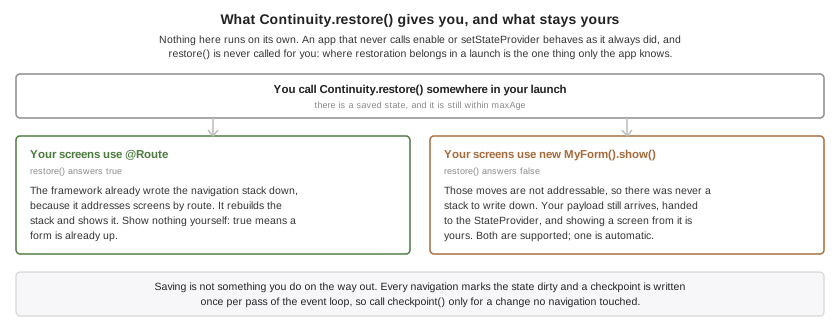
Two pieces. A StateProvider supplies the half the framework can’t work out — the scroll position, the half-typed message, the record being edited — and
installing one turns the framework on:
public void init(Object context) {
Continuity.setStateProvider(new StateProvider() {
public Map<String, Object> saveState() {
Map<String, Object> state = new HashMap<String, Object>();
state.put("draft", draftField.getText());
return state;
}
public void restoreState(Map<String, Object> state) {
draftField.setText((String) state.get("draft"));
}
});
}Then start() reads as "restore, or else begin":
public void start() {
if (!Continuity.restore()) {
Navigation.navigate("/home");
}
}restore() returns true when it put a screen up, so the caller knows not to
show its own. It returns false when there was nothing to restore and when the
state carried no routes — the payload-only case above — which is why the
fallback branch belongs there rather than behind a null check.
restoreState runs before the restored screens are built, so a form the route
table is about to construct can read what the provider stashed while that form
is being built.
Take a checkpoint by hand after a change no navigation followed:
public void onDraftSaved() {
Continuity.setTitle("Draft to Dana");
Continuity.checkpoint();
}The title is what a receiving device may show the user before they accept, so it
should name the work rather than the screen — Draft to Dana, not Compose.
By default a saved state never expires, because an app the user opens after a month should still come back where they left it. Where coming back is only meaningful for a while — a checkout, a booking hold, a queue position — say so:
public void expireACheckout() {
Continuity.setMaxAge(15 * 60 * 1000);
}74.3. Continuing on another device
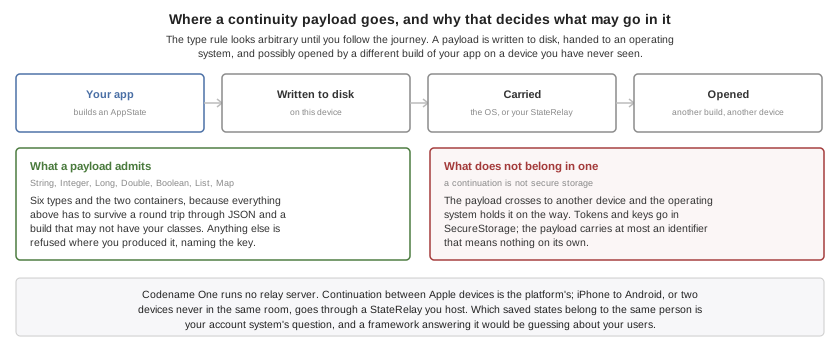
Nothing extra is required for the Apple case. Every checkpoint advertises the current state, and a device the user is holding is offered it by the system. What you may want is to say so in the interface, which is what the capability query is for:
public void describeWhatThisDeviceCanDo() {
if (Continuity.isContinuationSupported()) {
showBanner("Open this app on your other device to carry on there.");
}
}An arriving state is restored automatically. When moving the user is a decision
your app should make — they’re midway through a payment, or the state belongs
to a different account than the one signed in here — take it yourself. A
listener that returns false has consumed the state: nothing is restored and no
other listener is asked, which is what makes holding it and asking work:
public void askBeforeMovingTheUser() {
Continuity.setAutoRestore(false);
Continuity.addContinuationListener(new ContinuityListener() {
public boolean stateReceived(AppState state) {
held = state;
if (Dialog.show("Continue?", "Pick up \"" + state.getTitle()
+ "\" from your other device?", "Continue", "Stay here")) {
Continuity.restore(held);
} else {
// Declining is a decision, and it has to be recorded. Returning false alone
// only suppresses the state for THIS run -- false also means "keep it, I will
// prompt again later" -- so without this the relay's unchanged document asks
// the same question after every relaunch.
Continuity.acknowledge(state);
}
// Consumed either way: the decision has been made here, and recorded either way.
return false;
}
});
}A state this device published is never offered back to its own listener, and a state already acted on is never acted on twice — a continuation and a relay routinely carry the same one.
74.4. Reaching every other device
A StateRelay is your endpoint, and RestStateRelay covers the common case:
public void useMyOwnEndpoint() {
Continuity.setRelay(new RestStateRelay("https://api.example.com/continuity") {
@Override
protected String getToken() {
return session.getAccessToken();
}
});
}Two requests against the one URL. A POST carries the state as a JSON body,
which you store against the signed-in user, replacing whatever you held for them.
A GET answers with the newest state you hold for that user, or an empty body
when you hold none. The JSON is a closed shape: your endpoint stores and returns
the document and never needs to look inside it.
The token comes from getToken() rather than from the constructor because it’s
read at every request, so a session that refreshes its token is followed with no
further code.
A relay is written to when the app checkpoints and read only when something asks, so ask when the app comes back to the foreground:
public void onAppResumed() {
Continuity.pollRelay();
}On Android that call is already made for you when the activity resumes. Making it yourself as well is harmless — a state already seen is ignored.
Put Continuity.clear() and Continuity.disable() on your logout path, and
Continuity.enable() on your login path. The advertised activity outlives your
app’s own screen, so an account’s work would otherwise stay on offer to the
devices around it after the user signed out — and anything still queued for the
relay would have gone out later under the next account’s credentials, because a
relay reads its token when the request runs:
public void onLogout() {
// Both, and in this order. clear() forgets the account's data; disable() closes the
// door behind it. clear() on its own leaves continuity ON, so a continuation that
// arrives while your login screen is up is a valid arrival to a framework that is
// still listening -- and the signed-out account's routes and payload get restored
// over it.
Continuity.clear();
Continuity.disable();
}
public void onLogin() {
// And open it again. Continuity stays off until you say otherwise, which is what
// makes the gap above safe.
Continuity.enable();
}clear() alone isn’t a logout. It forgets the account’s data — the
stored checkpoint, the advertised activity, anything queued for the relay — and
it leaves continuity switched on by design, because forgetting state and turning
the feature off are two different things and an app is entitled to do the first
without the second. That means a continuation arriving while your login screen is
up reaches a framework that’s still listening, and the signed-out account’s routes
and payload are restored over it. disable() is what closes that gap, and
enable() at login is what reopens it. |
74.5. The synced store
com.codename1.continuity.sync.SyncedStore is the slow, patient half: a handful
of durable choices — which theme, which sort order, which tutorial they already
dismissed — kept in step across the devices one person is signed in to, without
those devices ever being near each other.
public String readSortOrder() {
return SyncedStore.get("sortOrder", "byName");
}
public void writeSortOrder(String order) {
if (!SyncedStore.put("sortOrder", order)) {
// No synced store here, or it is full. The value still has to live somewhere, so
// fall back to this device's own preferences rather than losing the choice.
com.codename1.io.Preferences.set("sortOrder", order);
}
}Note the shape: a read always has a default, and a write reports whether the store actually took the value — checked by reading it back, not assumed. That isn’t defensive style, it’s the API being honest. The store is empty on a device that has never synced, the user can switch the whole mechanism off, and it exists on Apple platforms only — so a synced value with a local default behind it makes the design work on every platform.
Changes made elsewhere arrive without values, on every platform that has such a store at all, so re-read what your screen shows rather than assuming you know which key moved:
public void followTheStore() {
SyncedStore.addChangeListener(new SyncedStoreListener() {
public void storeChanged() {
// No values are carried, on any platform. Re-read what this screen shows.
applySortOrder(SyncedStore.get("sortOrder", "byName"));
}
});
}This isn’t storage. It’s small, the platform decides when to sync it, and nothing in it should be anything your app can’t do without.
74.6. Developing Without Hardware
The simulator carries a simulated continuity platform, so all this works on
the desktop — and the Simulate → Continuity menu scripts the cases that are
otherwise reachable only with two devices in your hands. Every item is also
callable from a test with CN.execute("continuity:itemN").
Continue Here (As Another Device) hands whatever the app is currently advertising straight back to it. That’s the whole feature in one click. If it does nothing, the app hasn’t taken a checkpoint yet — which is itself the answer to the question of why nothing is being offered.
The rest reproduce traps rather than the happy path:
Continue A Route This Build Dropped. A screen goes away in a rebuild and the states already sitting on the user’s other devices still name it. The restore survives on the frames it can still build.
Continue With No Routes (Payload Only). What an app that doesn’t use
@Routeproduces. An app that assumedrestore()always shows something finds out here.Continue Something From Yesterday. Exercises
setMaxAge, and the listener that has to decide whether moving the user somewhere they were yesterday is a courtesy or an ambush.Change The Synced Store Elsewhere. The notification carries no values, so an app that re-reads only the key it assumed changed reads a stale one.
Make The Synced Store Unsupported and Make Continuation Unsupported. What every non-Apple platform reports. An app that put a required setting in the synced store and never checked
isSupported()loses it here, with no error, exactly as it would on Android.
74.7. Build Hints
| Hint | Default | What it does |
|---|---|---|
| unset | Whether this project wants the iCloud key-value store. Left unset the build decides from the bytecode. Set |
Everything is automatic by default. Referencing com.codename1.continuity compiles the
NSUserActivity handling into the iOS build and declares this app’s activity
type in NSUserActivityTypes, which is what lets another device be offered the
work — iOS continues an activity only when the app declared its type, so an app
that skipped this would publish states nobody is ever shown. Referencing
com.codename1.continuity.sync additionally asks for the
com.apple.developer.ubiquity-kvstore-identifier entitlement. Apps that touch
neither package get none of it, on any platform. Android needs nothing injected
at all: no permission, no manifest entry, no dependency.
The activity type is your package name followed by .continuity, derived the
same way in the build and at runtime, so there’s nothing to configure and
nothing to get out of step. Continuity.getActivityType() returns it, which is
the first thing to check when a continuation never arrives.
That entitlement is the one part of this that can stop a build. Apple grants it only through an App ID with the iCloud capability enabled, so a profile issued before that was switched on matches your bundle id and authorizes none of it — and the build fails at codesigning, talking about an entitlement rather than about the capability. Codename One checks the profile before sending the build and warns, naming both ways out: enable iCloud on the App ID and regenerate the profile, or drop the entitlement.
codename1.arg.ios.continuity.sync=falseWith that set, SyncedStore.isSupported() reports false at runtime and the
rest of the app is unaffected. Handing work to a nearby device needs no
entitlement and keeps working either way.
A restored state is restored on a device that has the app, not
necessarily on the device that saved it and not necessarily by the person who
did. Treat the payload as a description of what screen to show, never as proof
of who is looking at it: re-check the signed-in account after restoring, and put
nothing in a payload that would be a disclosure if it appeared on a family
member’s iPad. This is also what makes Continuity.clear() on logout more than
housekeeping. |
75. App Intents: Siri, Spotlight and Shortcuts
Siri, Spotlight, the Shortcuts app, an Android launcher shortcut, a button on a home-screen widget and a large language model are all asking your application the same question: what can you do, and will you do it now? Codename One models them as one concept — an app intent — under the com.codename1.intents package. You declare a capability once and the framework projects it to each of them.
75.1. Three nouns
An intent is a named, titled, invokable capability. It takes parameters, which are either primitives or entities — your application’s own nouns, which the platform can list, search and ask the user to choose between before your code runs. It produces an IntentResult: a value, a line to speak, a snippet to show, a route to open, or any combination of those.
75.2. Declaring an intent
A handler is a public static method carrying @AppIntent:
@AppIntent(value = "log_workout", title = "Log a workout",
description = "Records a completed workout",
phrases = {"Log a workout in ${applicationName}"},
headless = true, timeoutSeconds = 5)
public static IntentResult logWorkout(
@IntentParam(value = "kind", title = "What kind of workout?",
options = {"run", "ride", "swim"}) String kind,
@IntentParam(value = "minutes", title = "How many minutes?") int minutes) {
WorkoutStore.append(kind, minutes);
return IntentResult.spoken("Logged a " + minutes + " minute " + kind + ".");
}The method is static for a reason that matters on a device rather than as a style preference: the build generates a direct static call to it, and a direct call is the only form that survives the iOS translator’s dead-code elimination and Android’s obfuscation. It also makes the contract visible — a handler can be asked to run in a process that exists only to answer it, where no instance of your class has been constructed and there is no user interface.
At build time the Codename One Maven plugin scans your compiled bytecode, validates every declaration, and generates both the reflection-free dispatch table and the native declarations each platform compiles into the app. A malformed declaration fails the build rather than going quiet on a device.
Spoken phrases carry three rules, which Apple treats as halting errors that produce no App Intents metadata at all. The build checks them for you, so the message names your declaration instead of arriving as an opaque failure from the metadata processor:
Every phrase must contain
${applicationName}.A phrase may reference at most one parameter. Write one phrase per parameter rather than combining them.
A phrase parameter must be an entity. A primitive can’t appear in a phrase — which costs little, because leaving it out still has the platform ask for it, using the title you gave its
@IntentParam.
75.3. Intents and routes are different questions
A @Route answers "given this URL, which screen?" and hands back a Form. An intent answers "given this verb and these arguments, what happens and what comes back?" and hands back a value. They can’t be merged: a deep link has no return channel, always foregrounds, is stringly typed, and has no way to express "ask the user which playlist first."
They meet at exactly one point — an intent that opens the app is a deep link — so that’s the one place they’re joined. Declare opensRoute and the framework builds the URL from the bound parameters and navigates through your existing route table:
@AppIntent(value = "show_order", title = "Show order", opensRoute = "/orders/{orderId}")
public static IntentResult showOrder(@IntentParam("orderId") String orderId) {
return IntentResult.opens("/orders/" + orderId);
}One screen, one route pattern, two ways in. The build checks that opensRoute matches a @Route you actually declared.
75.4. Entities: The part that makes intents feel intelligent
An entity-typed parameter is what lets the platform run its own picker before your code is ever called. "Play a playlist" with nothing specified makes the system ask "Which one?" then fill the list from your suggested query, and hand your handler the chosen object. A plain String parameter can never do that — it can only be typed or spoken verbatim.
@IntentEntity(value = "playlist", title = "Playlist")
public static class Playlist {
private String id;
private String name;
@EntityId
public String getId() {
return id;
}
@EntityTitle
public String getName() {
return name;
}
@EntityQuery(EntityQuery.Kind.BY_ID)
public static Playlist byId(String id) {
return Library.playlist(id);
}
@EntityQuery(EntityQuery.Kind.SUGGESTED)
public static java.util.List<Playlist> recent() {
return Library.recentPlaylists();
}
@EntityQuery(EntityQuery.Kind.SEARCH)
public static java.util.List<Playlist> matching(String query) {
return Library.search(query);
}
}Your class stays your class: there is no interface to implement and no base class to extend, because a domain model outlives the framework it’s used with. The build reads the annotated members and generates the adapter.
A BY_ID query is mandatory. An entity crosses the platform boundary as its id and nothing else, so resolving that id back to an object is the one lookup the framework can’t do without.
Write a query the way you’d write a headless handler: static, reading persisted state, depending on nothing your init() set up. The system can ask for a picker while it’s still launching your application, and it blocks on the answer, so a query is called at a moment when your own startup may not have run yet — and a query that returns nothing then produces a picker with nothing in it. The framework and its storage are fully up by that point; your application’s own singletons aren’t.
Entity ids outlive your process and often your release. The device search index and the system’s donated shortcuts both persist your id and hand it back later, so an id derived from a list position or a content hash starts resolving to the wrong object after your data changes, with no error reported anywhere. |
75.5. Publishing content to device search
Indexing is the half of this feature most applications will get the most from, and it costs the least:
// After a sync, off the EDT
Intents.index(recentOrders);
// In init(), so a tap that cold-started the app is delivered as soon as possible
Intents.setSelectionHandler(entity -> Navigation.navigate("/orders/" + entity.getId()));Remove entries when the content behind them goes away. An index entry outlives the data it describes, so deleted content keeps appearing in device search and taps resolve to nothing until the application removes it:
Intents.removeFromIndex("order", orderId);75.6. The headless contract
A headless intent can run in a process the system started only to answer it, with nothing on screen. That’s what lets an assistant answer without your app appearing, and it’s a real constraint rather than a flag.
The default is false, and that costs something worth knowing: an intent that doesn’t declare headless brings the app to the foreground when it runs, so there’s a window for it to act on. That isn’t permission to touch one directly. No handler runs on the event dispatch thread, foreground or not — see below — so a foreground handler reaches the user interface the way every other background thread in Codename One does, through Display.callSerially. What foregrounding buys is that there’s something on screen for that call to land on, and somewhere for a route to open. Declaring headless = true is what buys the answer-in-place behaviour — and what obliges you to earn it.
A headless handler may use Storage, Preferences, Database, NetworkManager, Log, surfaces publishing and Intents.index. It must not touch Form, Dialog, Component, Display.getCurrent(), the camera, capture, or anything else that needs a window: there is no window. It must also not call Display.callSeriallyAndWait, which can deadlock against a foregrounded event dispatch thread.
A platform-dispatched invocation never runs its handler on the event dispatch thread, whatever the platform and whatever the source. One can arrive while your app is visible — a widget button, a search result tapped on a running app — and a handler blocking the event thread there is a visible freeze.
Intents.invoke is the exception, by construction: it’s synchronous, so it runs the handler on whatever thread called it and hands the result back to that caller. Call it from the event dispatch thread and you block the UI for as long as the handler runs, exactly as any other synchronous call from there would — pass it to Display.startThread if the work isn’t instant.
Every invocation carries a deadline, and IntentContext.isCancelled() flips when it passes. Cancellation is cooperative: nothing interrupts a running handler, and anything a platform invocation returns afterward is discarded, so commit durable work to storage as you go rather than only at the end. Intents.invoke is the one exception, by design: you are blocked in that call waiting for the result and nothing else will report it, so a late one is still returned to you rather than thrown away.
The platform will usually allow around twenty seconds. Don’t use them. A spoken interaction that takes ten seconds has already failed as an interaction. Aim under two, and for anything genuinely slower return |
75.7. What each platform actually does
| Capability | iOS | Android | Simulator |
|---|---|---|---|
Declared intent | App Intent and App Shortcut | launcher shortcut | Intents window row |
Voice invocation | Siri, from your phrases | none | typed into the window |
Headless execution | background launch of the app | service, no Activity | in process |
Open a route | native, then your route table | trampoline, then your route table | shows the form |
Entity parameters | system picker and search | passed by id | picker from your real queries |
System disambiguation | yes | no — the app foregrounds its own picker | in-app picker |
Content indexing | Core Spotlight | long-lived launcher shortcuts | searchable list |
Donation | learned suggestions | dynamic shortcuts | logged |
Spoken result | spoken aloud | toast, headless runs only | shown as text |
Snippet | rendered natively | not shown | rasterized preview |
Returned value | piped to the next action | caller only, not the launcher | shown |
The last three rows are where Android differs most, so they’re worth stating outright.
A launcher shortcut is a launch: it starts something, and nothing waits for an answer, so
there is no channel to hand a result back through. A spoken line is shown as a toast, and
only when the run was headless — that being the one case with no UI of its own to say it
in. A snippet isn’t rendered at all; no Android surface displays one for a shortcut, so a
handler that returns one isn’t failing, its snippet simply has no consumer there. A
returned value goes to whoever called Intents.invoke, which is how an app uses its own
intents as a command layer and works on every port, but it doesn’t travel back to the
launcher, because nothing there asked a question.
A handler whose entire result is a snippet therefore does nothing observable when it’s
started from an Android launcher shortcut. Write handlers that also change state, or that
name a route with opensRoute, and the outcome is visible everywhere.
An intent marked destructive is absent from parts of that table by design: it’s not published as a launcher shortcut and not donated, because both run on a single tap with nothing between the tap and the action, and confirmation is the whole point of the flag. It stays available through the assistant and the Shortcuts app, which confirm first.
Android isn’t Siri parity, and this framework doesn’t pretend otherwise. Android has no contract by which an assistant invokes an application capability and receives a typed result back, so phrases and system disambiguation are iOS-only. Branch on Intents.isVoiceInvocationSupported(), not on areIntentsSupported(), when deciding whether to tell a user they can talk to your app.
What Android does deliver is real: launcher shortcuts, dynamic shortcuts the system learns to suggest from donation, and genuinely headless execution — the last of which is actually easier there than on iOS, because the Android port already boots without an Activity for background fetch.
75.8. The floor everything else sits on
An intent is guaranteed only to be invokable with its parameters supplied, and to produce a value. Everything else — phrases, pickers, speech, snippets, indexing, donation — is an enhancement some platform may not offer. Write each handler so it’s still correct when nothing arrives but its parameters and nothing is consumed but its return value, and it will behave the same everywhere.
Because dispatch is generated code rather than a platform service, Intents.invoke(…) works on every port, including those with no intent support at all. An application can use its own intents as an internal command layer and get the platform integration as a bonus where it exists.
75.9. Testing without a device
The simulator’s Simulate → App Intents window lists every intent your application declares, generates a parameter form from the declaration, fills entity pickers from your real query methods, and runs the intent through the same entry point the iOS and Android ports call. Nothing in it shortcuts the framework, so a bug in marshalling, coercion or the deadline shows up on your desktop rather than on a device.
75.10. What this costs your iOS deployment target
Nothing, unless you declare an intent — and possibly nothing even then.
Indexing and donation run on Core Spotlight and NSUserActivity, which are Objective-C and have been available since long before the framework’s current minimum, so an application that only publishes content to device search never changes its deployment target.
Declaring an @AppIntent brings in Apple’s App Intents framework, which needs a newer minimum. Every generated type is availability-guarded, so the intended outcome is that your target is untouched and the intents simply don’t appear on older devices. Where a toolchain refuses that, the build raises the floor only for applications that declare an intent. Two build hints keep the decision yours:
| Hint | Effect |
|---|---|
| A floor a declared intent contributes. Empty by default, so declaring an intent raises nothing: Xcode emits App Intents metadata below the deployment target, and the generated declarations are availability-fenced, so they’re simply not offered on devices too old to run them. Set it to |
|
|
If you’ve pinned a deployment target below what a declared intent needs, the build says so and stops rather than moving your pin or dropping your intents behind your back.
75.11. Zero cost when unused
Referencing this package is what makes the build inject the native plumbing. An application that never touches com.codename1.intents gets none of it — no frameworks, no shortcut resources, no manifest entries, no deployment-target change — and builds exactly as it did before.
76. Document Provider
An app’s documents normally live inside it. The user opens your app to reach them, and no other app can. A document provider changes that: the content you publish appears as a location in the system file browser - the Files app on iOS, the storage picker on Android. It can be browsed, previewed and opened by other apps without your app being launched at all.
Codename One generates the platform plumbing for you from build hints. There is no native code in your project on any platform.
76.1. When you need this
If all you want is for the files your app already writes to be visible in the Files app under the device’s own heading, you need no extension and none of this chapter. Two plist keys do it:
codename1.arg.ios.plistInject=<key>UIFileSharingEnabled</key><true/>\
<key>LSSupportsOpeningDocumentsInPlace</key><true/>That exposes your app’s own documents directory as-is. Use the document provider when you want something the directory listing can’t give you: a tree that doesn’t match your storage layout, content fetched from a server on demand, names and types that differ from the file names, or a location that appears even when the device holds none of the content yet.
76.2. How it works
On iOS the file browser doesn’t talk to your app. It talks to an app extension - a separate process the system starts on demand, which runs while your app is dead and can’t call your Java code. That single fact shapes the whole API.
You don’t answer questions from the browser; you publish: a tree of DocumentNode objects is serialized into a container both processes can read, and the generated extension serves the browser from it. Publish whenever your data changes - after a sync, after a login - not in response to being browsed, because you won’t be asked.
Android has no such split; the provider runs inside your app. The API is the same there anyway, so one publishing discipline works everywhere.
76.3. Publishing a tree
Build a tree and publish it. Each file node names its content in one of two ways.
From the shared directory. Write the bytes under getSharedDirectory() and give the node a relative path. Nothing else is involved - no server, no network code - and the content opens instantly because it’s already on the device.
String shared = DocumentProvider.getSharedDirectory();
DocumentNode root = DocumentNode.folder("root", "My Invoices");
for (Invoice invoice : invoices) {
String name = invoice.title + ".pdf";
writeInto(shared + "/" + name, invoice.pdf);
root.add(DocumentNode.file(invoice.id, name)
.setContentType("application/pdf")
.setPath(name)
.setSize(invoice.pdf.length)
.setLastModified(invoice.modified));
}
DocumentProvider.publish(root);On iOS the shared directory is inside the App Group container, not your app’s own sandbox. A file written to |
Update published content by writing a new file and republishing the tree against it, never by rewriting a file already in the published tree. Another app can be reading a published file at any moment, and rewriting one in place refills the same file underneath that reader, which sees the two versions spliced together. Publish the replacement under a new name and call |
From your server. Give the node a remoteId and tell the extension where to fetch it. The index can then list far more than the device holds, which is what a cloud drive wants.
DocumentProvider.setRemoteEndpoint("https://api.example.com/drive", sessionToken());
DocumentNode root = DocumentNode.folder("root", "Example Drive");
for (Invoice invoice : invoices) {
root.add(DocumentNode.file(invoice.id, invoice.title + ".pdf")
.setContentType("application/pdf")
.setRemoteId(invoice.serverKey)
.setSize(invoice.pdf.length)
// The date, not the size, is what tells the browser the content changed: a
// correction that keeps the length would move nothing otherwise.
.setLastModified(invoice.modified));
}
DocumentProvider.publish(root);A node may carry both. The local copy always wins, which is how a cached document opens without a round trip.
The location is read-only. Your app is the only writer, so the browser offers no editing, renaming or deleting and never presents a save that would fail. To change what people see, publish again.
Folders nest as you would expect:
DocumentNode root = DocumentNode.folder("root", "My Invoices");
DocumentNode year = DocumentNode.folder("y2031", "2031");
year.add(DocumentNode.file("inv-1", "January.pdf")
.setContentType("application/pdf")
.setPath("2031/january.pdf"));
root.add(year);
DocumentProvider.publish(root);Node ids must be stable for the lifetime of the item. The platform remembers them (a favourite in the Files app, a recent document, a running download), so reusing an id for different content, or renumbering ids on every publish, makes the browser point at the wrong thing. Derive the id from your own record key, never from list order. |
Call clear() on logout. The published content outlives your process, so documents left behind stay browsable by whoever holds the device:
DocumentProvider.clear();isSupported() tells you whether this platform can show the location, which is worth checking before offering a setting for it. Everything else is a safe no-op where the feature is unavailable, so no other platform guards are needed:
if (DocumentProvider.isSupported()) {
showSetting("Show my documents in Files");
}76.4. Build hints
Referencing com.codename1.documents is enough to generate the extension. These hints configure it:
codename1.arg.ios.documentProvider.enabled=true
codename1.arg.ios.documentProvider.appGroup=group.com.example.myappios.documentProvider.enabled is redundant for the build itself - the build detects the reference - but the Certificate Wizard and the signing preflight can’t read your bytecode, so setting the hint tells them to create and check the extension’s signing assets. The wizard sets it for you.
The App Group defaults to group.<your package>. It must start with group., which Apple requires, and it’s the entire transport between your app and the extension: without it the location appears empty.
Optional:
codename1.arg.ios.documentProvider.displayName=Example Drive
codename1.arg.ios.documentProvider.deploymentTarget=16.0displayName names the location in the browser and defaults to your app’s display name. deploymentTarget defaults to 16.0. Below 16.0 Codename One generates the older NSFileProviderExtension instead, which Apple has deprecated; the two claim the same extension point, so a build gets one or the other and never both. Your app’s own deployment target is unaffected either way - the extension simply never runs on older systems.
Set ios.documentProvider.extension=false to skip the whole iOS lowering and leave the API an inert no-op. Xcode build settings for the extension target can be overridden with ios.documentProvider.buildSettings.SETTING=value.
Android needs no configuration. The provider is declared in the manifest with the authority <your package>.documents when the app references the API.
76.5. The remote endpoint
When a node with a remoteId is opened and no local copy exists, the reader issues:
GET <endpoint>/fetch?id=<remoteId> Authorization: Bearer <token>
The reader expects the file’s bytes with status 200. Anything else is reported to the user as a failure to open the document. The token is the one you passed to setRemoteEndpoint.
The request is made by the extension, not by your app, so it must succeed without any state your app holds in memory - the token is all it carries. Publish a fresh token whenever you renew one; the reader picks up the latest value each time it runs.
This is what the published index looks like on disk, which is worth knowing when you are working out why a location looks wrong:
{
"id": "root",
"name": "Example Drive",
"folder": true,
"children": [
{
"id": "inv-2031-01",
"name": "January.pdf",
"folder": false,
"contentType": "application/pdf",
"remoteId": "invoices/2031/01",
"size": 48213,
"lastModified": 1735689600000
}
]
}76.6. Signing
Apple signs an app extension against its own App ID. Your app’s profile covers your app’s bundle id and nothing beneath it, so the generated CN1Documents target needs an App ID of its own - <your package>.CN1Documents - with the same App Group, and its own provisioning profile.
The Certificate Wizard does every step: it creates the App Group, enables it on both App IDs, creates the extension’s App ID, generates an App Store profile and a development profile for it, downloads them and writes them into your project settings. That’s the recommended route.
To do it by hand, create the App ID and profiles in the Apple Developer portal and name them:
codename1.ios.appext.CN1Documents.provision=${user.home}/certs/CN1Documents_dist.mobileprovision
codename1.ios.debug.appext.CN1Documents.provision=${user.home}/certs/CN1Documents_dev.mobileprovisionThe unqualified codename1.ios.appext.CN1Documents.provision is the fallback for both build types. You can also host the profile and name the URL in ios.appext.CN1Documents.provisioningURL.
Supply nothing and Xcode fails minutes into a cloud build with:
Provisioning profile "MyApp_Distribution" has app ID "com.example.myapp", which doesn't match the bundle ID "com.example.myapp.CN1Documents"
Codename One refuses that build before sending it, naming the extension and the bundle id its App ID has to match.
A wildcard App ID (com.example.*) isn’t a way around this, unlike for other extensions. It covers the bundle id, and it still can’t sign this extension: the extension declares the App Group it shares with the app, and Apple doesn’t offer the App Groups capability on a wildcard App ID at all. Signing fails on the entitlement rather than on the name, so the build is refused here too. The app’s own profile has the same problem, because it carries the same group. Both need explicit App IDs - which is what the Certificate Wizard creates.
A Mac build embeds no extension and needs no signing assets for one: Apple’s FileProvider framework is unavailable to Mac Catalyst apps, so the Mac slice of an iOS project can’t host a provider however it’s entitled. isSupported() answers false there and every publish call is a no-op, so the same code runs unchanged.
A local "ios-source" build needs none of this either: you sign the generated Xcode project in Xcode as usual.
76.7. Testing
isSupported() answers false in the simulator, and every publish call is a safe no-op there, so your code needs no guards beyond the one shown above. The simulator still writes everything a device would, under cn1documents in the app’s home directory, so you can read back exactly what a device would have been handed.
On a device, publish a tree and open the Files app: the location appears under "Browse" alongside iCloud Drive. On Android it appears in the storage picker. A local "ios-source" build produces the CN1Documents target in the generated Xcode project, so you can confirm the extension compiles and is embedded before signing anything.
77. Apple Wallet Extension
Card issuers (banks, fintechs) can let users add a payment card to Apple Wallet from inside the Wallet app itself. The user opens Wallet, taps the add button and sees the issuer’s cards listed under "From apps on your iPhone" - without ever launching the issuer’s app. Apple implements this through a pair of app extensions called issuer provisioning extensions, and Codename One can generate them for you from build hints with no native code in your project.
This is distinct from the in-app flow where your app shows an "Add to Apple Wallet" button. The extension flow starts inside the Wallet app, runs in a separate process and usually runs while your app isn’t running at all.
77.1. How the extension works
Apple defines two extension points:
A non-UI extension that Wallet queries for status and the list of available cards, and that produces the encrypted provisioning payload when the user adds a card. Wallet gives it 100ms to answer the status query, so it can’t perform network calls or heavy work there.
An optional authorization UI extension that presents a login screen inside Wallet when the non-UI extension reports that authentication is required.
Because the extensions run in a separate process, they can’t call into your Java code. The Codename One integration bridges this in two ways:
Your app pre-publishes the card list, card art and an auth token through
com.codename1.payment.WalletExtension. The data lands in a shared App Group container where the generated extension reads it instantly.The one step that genuinely needs the issuer’s backend - producing
encryptedPassDatafrom the certificates and nonce that Apple hands the extension - is performed by an HTTPS endpoint you host. The generated extension POSTs the request there and relays the response to Wallet.
77.2. Prerequisites from Apple
Before any of this works you need approvals that only Apple and your card network can grant:
The
com.apple.developer.payment-pass-provisioningentitlement is restricted. Apple grants it per app on request (see the In-App Provisioning documentation on the Apple developer site). After approval, enable it under the App ID’s Additional Capabilities tab for the app and for each extension App ID.Each extension needs its own App ID (for example
com.mybank.app.WalletNonUIExtension) and its own provisioning profile carrying the entitlement.The card network/PNO pass metadata must list the extension App IDs in
associatedApplicationIdentifiers, otherwise Wallet never invokes the extensions.The extensions require iOS 14. The generated extension targets set their own deployment target, so your app can still target an older iOS version.
77.3. Mode 1: Generate the extensions from build hints
Add these build hints to the iOS build:
codename1.arg.ios.wallet.extension=true
codename1.arg.ios.wallet.appGroup=group.com.mybank.app
codename1.arg.ios.wallet.issuerEndpoint=https://api.mybank.com/wallet/provisionThat generates the non-UI extension, wires it into the Xcode project as an embedded extension target and injects the App Group into the app and extension entitlements. To also generate the login UI extension add:
codename1.arg.ios.wallet.includeUI=true
codename1.arg.ios.wallet.authEndpoint=https://api.mybank.com/wallet/loginIn Java, publish the user’s cards whenever they change (typically after login) and keep a fresh token published so Wallet can skip the login screen:
if (WalletExtension.isSupported()) {
WalletExtension.setPassEntries(new WalletPassEntry[] {
new WalletPassEntry()
.identifier(card.getPrimaryAccountIdentifier())
.title("My Bank Debit Card")
.cardholderName(user.getFullName())
.primaryAccountSuffix(card.getLast4())
.paymentNetwork("Visa")
.localizedDescription("My Bank Debit Card")
.artPng(cardArt.getImageData())
});
WalletExtension.setRemotePassEntries(sameEntries); // Apple Watch list
WalletExtension.setAuthToken(session.getToken());
WalletExtension.setRequiresAuthentication(false);
}Call WalletExtension.clear() on logout. The card art must be a PNG without personally identifiable information (Apple requires square corners and no full card number). The extension automatically filters out cards that are already provisioned on the device or the paired watch.
77.3.1. The issuer endpoint
When the user adds a card, the generated extension POSTs JSON to the ios.wallet.issuerEndpoint URL:
{
"certificates": ["base64...", "base64..."],
"nonce": "base64...",
"nonceSignature": "base64...",
"cardIdentifier": "the WalletPassEntry identifier",
"authToken": "the token published via setAuthToken"
}The token is also sent as an Authorization: Bearer header. Your backend performs the network-specific encryption (this always happens server side - the keys never live on the device) and responds with:
{
"activationData": "base64...",
"encryptedPassData": "base64...",
"ephemeralPublicKey": "base64..."
}For the RSA_V2 scheme return wrappedKey instead of ephemeralPublicKey.
77.3.2. The login UI extension
When you can’t guarantee a fresh token, report setRequiresAuthentication(true) and enable the UI extension. It shows a minimal username/password form inside Wallet, POSTs {"username", "password"} to the ios.wallet.authEndpoint URL, expects {"token"} back and stores it where the non-UI extension picks it up. If the generated form doesn’t fit your brand or login model, use the injection hints below or bring your own extension (Mode 2).
77.3.3. Customizing the generated code
The generated Objective-C contains marker comments at every interesting point, and each marker has a matching build hint that injects your snippet there: ios.wallet.nonuiImportsInject, ios.wallet.statusInject, ios.wallet.passEntriesInject, ios.wallet.remotePassEntriesInject, ios.wallet.generateRequestInject (runs before the POST - the mutable payload dictionary is in scope, so you can add fields your backend expects), ios.wallet.generateResponseInject, ios.wallet.uiImportsInject, ios.wallet.uiViewDidLoadInject, ios.wallet.uiAuthRequestInject and ios.wallet.uiAuthResponseInject.
Xcode build settings of the extension targets can be overridden with ios.wallet.nonui.buildSettings.SETTING=value and ios.wallet.ui.buildSettings.SETTING=value - useful in local builds for DEVELOPMENT_TEAM or CODE_SIGN_STYLE.
77.3.4. Provisioning profiles for cloud builds
Cloud device builds sign each extension with its own profile. Either place the .mobileprovision files under common/src/main/resources and name them in build hints:
codename1.arg.ios.wallet.nonuiProvisioningProfile=WalletNonUI.mobileprovision
codename1.arg.ios.wallet.uiProvisioningProfile=WalletUI.mobileprovisionAlternatively, host them at URLs the build server can reach and supply ios.wallet.nonuiProvisioningURL / ios.wallet.uiProvisioningURL instead. Profiles contain no private keys, so bundling them in resources is safe; the build keeps them out of the final app bundle. The build validates that each profile matches your distribution certificate and actually carries the payment-pass-provisioning entitlement, and fails with an actionable message when it doesn’t.
In local builds ("ios-source" target) no profile hints are needed - you sign the generated Xcode project in Xcode as usual.
77.4. Mode 2: Bring your own extension
If you already have Xcode extension targets - from an issuer SDK vendor or an existing native app - skip the ios.wallet.* hints and drop each extension into the generic app extension mechanism instead. Create ios/app_extensions/MyWalletExtension/ in your project containing:
The extension’s source files (
.m,.h,.swift)Info.plistwith theNSExtensiondictionaryMyWalletExtension.entitlementsOptional
buildSettings.propertieswith Xcode build settings, one per line (setIPHONEOS_DEPLOYMENT_TARGET=14.0for Wallet extensions)The extension’s own
.mobileprovisionfor cloud device builds - see below
Each folder becomes an embedded extension target with bundle id <your package>.<folder name>. This mechanism isn’t Wallet-specific - it embeds any iOS app extension type.
77.4.1. Signing a brought-in extension
Apple signs an app extension against its own App ID. The app’s provisioning profile covers the app’s bundle id and nothing beneath it, so every extension needs its own App ID and its own profile - two extra of each for a Wallet pair. Supply none and the extension target inherits the app’s profile, and Xcode fails the build with:
Provisioning profile "MyApp_Distribution" has app ID "com.mybank.app", which does not match the bundle ID "com.mybank.app.WalletNonUIExtension"
Codename One refuses that build before it’s sent, naming the extension and the bundle id its App ID has to match. To fix it, create an App ID for <your package>.<folder name> in the Apple Developer portal - for a Wallet extension with the com.apple.developer.payment-pass-provisioning entitlement Apple grants on request, and with the same App Group as the app - generate a provisioning profile for it against the same certificate as the app, and supply it in one of three ways:
Place the
.mobileprovisionfile insideios/app_extensions/MyWalletExtension/. It’s picked up automatically and kept out of the app bundle. Profiles carry no private keys, so committing one is safe.Point at it from
codenameone_settings.properties, which suits a profile that lives outside the repository:codename1.ios.debug.appext.MyWalletExtension.provision=${user.home}/certs/MyWalletExtension_dev.mobileprovision codename1.ios.release.appext.MyWalletExtension.provision=${user.home}/certs/MyWalletExtension_dist.mobileprovisionThe unqualified
codename1.ios.appext.MyWalletExtension.provisionis the fallback for both build types.Host it and name the URL in
ios.appext.MyWalletExtension.provisioningURL(or theios.debug.appext…/ios.release.appext…variants).
The build validates the profile it’s given: it must match the app’s signing certificate, cover the extension’s bundle id, be current, and grant the App Groups and the payment-pass-provisioning entitlement the extension’s .entitlements asks for. Each of those fails with a message naming the extension, rather than as an Xcode code signing error minutes into the build.
A wildcard App ID (com.mybank.*) is the one case that needs no extra profile - it’s already covering the extension bundle ids, and the build lets it through. Wallet extensions can’t use one: the payment-pass-provisioning entitlement is granted per explicit App ID.
Local "ios-source" builds need none of this - you sign the generated Xcode project in Xcode as usual.
77.5. Testing
Wallet extensions can’t be exercised in the iOS simulator’s Wallet app; testing the full flow requires a device, a provisioning profile with the entitlement and a card network sandbox. What you can verify earlier:
A local "ios-source" build with the hints produces the
WalletNonUIExtension/WalletUIExtensiontargets - open the generated Xcode project and build.WalletExtension.isSupported()returnsfalsein the simulator and on other platforms, and all publish calls are safe no-ops there, so the Java code needs no platform guards beyond the one shown above.
78. Miscellaneous features
78.1. Phone functions
Most of the low-level phone functionality is accessible in the Display class. Think of it as a global class that covers access to the "system."
78.1.1. SMS
Codename One supports sending SMS messages but not receiving them as this functionality isn’t portable. You can send an SMS using either the Display singleton or the static helper methods on CN. Both APIs throw IOException, which you should handle in case the native layer reports a failure:
try {
// true opens the platform composer, which is what both Android and
// iOS offer. iOS opens it either way, but Android takes the flag
// literally and its background path is not implemented
Display.getInstance().sendSMS("+999999999", "My SMS Message", true);
// Or: CN.sendSMS("+999999999", "My SMS Message", true);
} catch(IOException err) {
Log.e(err);
Dialog.show("SMS Failed", "Unable to send the SMS", "OK", null);
}Both Android and iOS launch the native SMS application with your message
composed, for the user to send. Neither sends in the background, so check
getSMSSupport rather than assuming — the constant is the contract, and the
base implementation defaults to SMS_SEAMLESS.
That’s why the samples pass true for the interactive argument. On Android
the two-argument overload does nothing at all — it asks for the seamless
send, and that branch isn’t implemented. The iOS port ignores the flag and
opens the composer either way, so passing true is what works on both.
The getSMSSupport API returns one of the following options:
SMS_NOT_SUPPORTED - for desktop, tablet etc.
SMS_SEAMLESS -
sendSMSwon’t show a UI and will send in the backgroundSMS_INTERACTIVE -
sendSMSwill show an SMS sending UISMS_BOTH -
sendSMScan support both seamless and interactive mode
The sendSMS can accept an interactive argument: sendSMS(String phoneNumber, String message, boolean interactive)
Pass true for it whenever getSMSSupport reports SMS_INTERACTIVE. The
two-argument overload asks for a seamless send, and a port that only offers the
system composer does nothing with that request — on Android nothing happens at
all, because the background-send path isn’t implemented there. Both the Android and
the iOS port report SMS_INTERACTIVE. A platform reporting SMS_SEAMLESS
sends without a composer, and one reporting SMS_BOTH does whichever the
interactive argument asks for, which is why the switch above branches on the
constant instead of hard coding one call.
A typical use of this API would be something like this:
try {
switch(Display.getInstance().getSMSSupport()) {
case Display.SMS_NOT_SUPPORTED:
return;
case Display.SMS_SEAMLESS:
showUIDialogToEditMessageData();
Display.getInstance().sendSMS(phone, data);
return;
default:
// interactive ports hand off to the platform composer. On
// Android the two-argument overload asks for a seamless
// send it does not implement, and nothing happens at all
Display.getInstance().sendSMS(phone, data, true);
return;
}
} catch(IOException err) {
Log.e(err);
Dialog.show("SMS Failed", "Unable to send the SMS", "OK", null);
}78.1.2. Dialing
Dialing the phone is pretty trivial. This should open the dialer UI without physically dialing the phone, as that’s discouraged by device vendors.
You can dial the phone by using:
Display.getInstance().dial("+999999999");78.1.3. Call detection
Codename One includes a generic call detection API through Display.isCallDetectionSupported() and Display.isInCall().
This API is intentionally best effort and should be used as a UX hint (for example, to defer a non-critical animation while the app is interrupted).
On iOS, isInCall() is inferred from app interruption lifecycle events, which means it can report true for non-call interruptions (for example: Control Center, app switching, permission sheets), and some call flows may still be missed.
Because iOS toggles this flag during app lifecycle transitions, polling it with a UITimer can miss the interruption window entirely (timers are paused while the app is inactive, and the flag is reset when the app becomes active again). If you need to react, check it from lifecycle callbacks such as your app’s stop()/start() flow instead of periodic polling.
On Android, call detection is unsupported because robust detection would require invasive telephony permissions that are intentionally avoided:
Display display = Display.getInstance();
if (display.isCallDetectionSupported() && display.isInCall()) {
Log.p("Call interruption is currently active (heuristic)");
}78.1.4. E-Mail
You can send an email through the platforms native email client with code such as this:
Message m = new Message("Body of message");
Display.getInstance().sendMessage(new String[] {"[email protected]"}, "Subject of message", m);You can add one attachment by using setAttachment and setAttachmentMimeType.
You need to use files from FileSystemStorage and NOT Storage files! |
You can add more than one attachment by putting them directly into the attachment map for example:
Message m = new Message("Body of message");
m.getAttachments().put(textAttachmentUri, "text/plain");
m.getAttachments().put(imageAttachmentUri, "image/png");
Display.getInstance().sendMessage(new String[] {"[email protected]"}, "Subject of message", m);| Some features such as attachments etc. Don’t work in the simulator but should work on iOS/Android |
78.2. Larger text accessibility
Codename One can adapt to the operating system’s larger text accessibility setting. The Display APIs expose two signals: isLargerTextEnabled() indicates whether the user has enabled larger text, and getLargerTextScale() returns the scale factor that should be applied to fonts.
If you want the theme system to automatically scale its fonts when larger text is enabled, enable the UIManager setting:
UIManager.getInstance().setUseLargerTextScale(true);You can also enable this behavior in the theme by setting the useLargerTextScaleBool theme constant to true.
Component fonts are the theme’s job — don’t scale them by hand. For anything the theme can’t reach, a custom-painted row or an icon measured in code, read the values directly:
void snippet() throws Exception {
Display display = Display.getInstance();
// 1.0 when the user has not asked for larger text, so the same
// arithmetic works either way
float scale = display.isLargerTextEnabled() ? display.getLargerTextScale() : 1f;
// a custom-painted row has no Style for the theme to scale, so give it
// the same preference the theme fonts get
int rowHeight = Math.round(baseRowHeight * scale);
int iconSize = Math.round(baseIconSize * scale);
drawingArea.setPreferredH(rowHeight);
g.drawRect(0, 0, iconSize, iconSize);
}78.2.1. How the scale is computed per platform
iOS: the scale is the ratio between the body text size at the user’s current Dynamic Type setting and the iOS standard 17pt body size, that is,
[UIFont preferredFontForTextStyle:UIFontTextStyleBody].pointSize / [UIFont systemFontSize]. Scales for the standard slider stops range from0.82×(Extra Small) through1.00×(Large, default) up to1.35×(Extra Extra Large). When the user enables Larger Accessibility Sizes in Settings → Accessibility → Display & Text Size → Larger Text, the slider extends with five more stops whose scales reach as high as3.12×. These values match what every native iOS app sees fromUIFontMetrics.Android: the scale is
Configuration.fontScale, which is bucketed by Android (typically0.85,1.0,1.15,1.30).
Because the scale is multiplicative, a base font size that’s already larger than the platform default will compound. For example, a defaultFontSizeInt: 18 in your CSS is 6% larger than iOS’s 17pt body, so at iOS Dynamic Type Extra Extra Large (1.35×) your text will render at 24.3pt versus a native iOS app’s 23pt. If you intentionally use a base size larger than the platform default and you also enable useLargerTextScaleBool, expect the absolute size at high accessibility settings to be visibly larger than typical native apps. Many native iOS apps cap Dynamic Type via UIFontMetrics maximumPointSize: for non-text-heavy UIs to avoid layout breakage. |
78.2.2. Previewing in the simulator
The JavaSE simulator includes a Simulate → Larger Text menu that lets you preview every iOS Dynamic Type stop (Extra Small through Accessibility 5) without leaving your desktop. The simulator returns the same scale factor that the corresponding iOS device would report, so this is the recommended way to verify how your UI behaves at each setting before testing on hardware. The selected stop is persisted across simulator restarts.
If your app looks correct in the simulator at Large (default) but fonts appear oversized on your iPhone with the Display & Brightness slider near the middle, check whether Settings → Accessibility → Display & Text Size → Larger Text → Larger Accessibility Sizes is enabled on the device. When that toggle is on, the system reports the larger Accessibility size categories whose scales begin at 1.65× and exceed what the standard slider can reach. |
78.3. Contacts API
The contacts API provides you with the means to query the phone’s address book, delete elements from it and create new entries into it. To get the platform specific list of contacts you can use
String[] contacts = ContactsManager.getAllContacts();
Notice that on some platforms this will prompt the user for permissions and the user might choose not to grant that permission. To detect whether this is the case you can invoke isContactsPermissionGranted() after invoking getAllContacts(). This can help you adapt your error message to the user.
Once you have a Contact you can use the getContactById method, but the default method is a bit slow if you want to pull a large batch of contacts. The solution for this is to extract the data that you need through
Here you can specify true for the attributes that actually matter to you.
Another capability of the contacts API is the ability to extract all the contacts. This isn’t supported on all platforms but platforms such as Android can get a boost from this API as extracting the contacts one by one is slow on Android.
You can check if a platform supports the extraction of all the contacts through ContactsManager.isAllContactsFast().
| When retrieving all the contacts, notice that you should probably not retrieve all the data and should set some fields to false to perform a more efficient query |
You can then extract all the contacts using code that looks a bit like this, notice that you use a thread so the UI won’t be blocked!
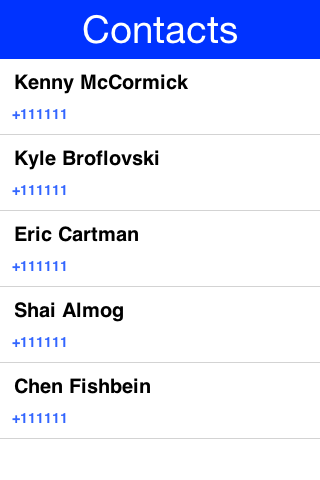
Notice that you didn’t fetch the image of the contact as the performance of loading these images might be prohibitive. You can enhance the code above to include images by using slightly more complex code such as this:
The scheduleBackgroundTask method is like new Thread() in some regards. It places elements in a queue instead of opening too many threads so it can be good for non-urgent tasks |
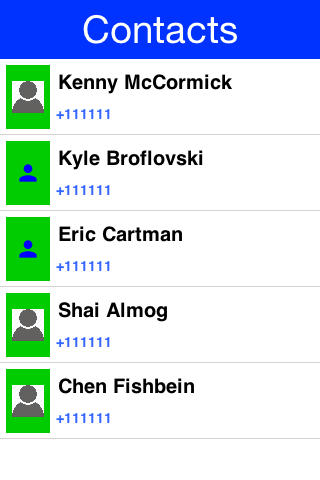
Notice that the code above uses callSerially & scheduleBackgroundTask in a liberal nested way. This is important to avoid an EDT violation |
You can use createContact(String firstName, String familyName, String officePhone, String homePhone, String cellPhone, String email) to add a new contact and deleteContact(String id) to delete a contact.
78.3.1. Contact picker
The API above reads the whole address book, so it needs the broad contacts permission. If all you need is a contact the user chose, use ContactPicker instead. It shows the platform’s own picker, and the app only ever sees the contacts the user tapped and only the fields it asked for.
ContactPicker picker = new ContactPicker();
picker.setRequestedFields(ContactPicker.NAME | ContactPicker.PHONE);
picker.pick(ev -> {
Contact[] picked = ContactPicker.getPickedContacts(ev);
if(picked.length > 0) {
numberField.setText(picked[0].getPrimaryPhoneNumber());
}
});From 2027-01-27 Google Play requires an app that targets Android 17 (API level 37) or later and requests READ_CONTACTS to pass a Play Console declaration explaining why the picker isn’t enough. An app that only picks never requests that permission, so it never files that declaration. The build only adds READ_CONTACTS for the broad API, so mixing the two in one app puts the permission back. |
Ask for as little as you can. On Android the requested fields also decide which contacts the picker offers, and the platform returns nothing you didn’t ask for. setMultiSelect(boolean) lets the user pick several contacts, setSelectionLimit(int) caps how many, and setRequireAllRequestedFields(boolean) hides contacts that are missing one of them.
The contacts you get back are snapshots. There’s no continuing access behind them, so anything you need later has to be copied out of the Contact and stored by your app.
ContactPicker.isSupported() tells you whether the platform has a picker at all. Android, iOS and the simulator do; where a platform doesn’t, pick reports an empty selection rather than falling back to reading the address book, because that fallback would need the permission you were avoiding. A cancelled pick reports the same empty selection, so getPickedContacts is the only thing your listener has to check.
Android 17 and newer show the system picker, and serve every field. Older releases fall back to the contacts app’s own single-row picker, which needs no permission either but returns one contact carrying one kind of data: the name plus whichever of phone, email and postal address was requested first. A photo, a birthday or a web site is best-effort there, a multiple selection comes back as a single contact, and setRequireAllRequestedFields has no effect. Nothing about that escalates into a permission prompt - the fields you can’t have simply come back null, so read every one you asked for defensively. |
78.4. Localization & internationalization (L10N & I18N)
Localization (l10n) means adapting to a locale which is more than translating to a specific language but also to a specific language within environment for example: en_US!= en_UK.
Internationalization (i18n) is the process of creating one application that adapts to all locales and regional requirements.
Codename One supports automatic localization and seamless internationalization of an application using Java properties bundles.
Place locale-specific properties files inside an l10n directory directly under your module’s main directory (for example: common/src/main/l10n).
Each file inside this directory is treated as a resource bundle and will be packaged automatically with your app, allowing you to version translations alongside the rest of your source code.
When you’re iterating on translations you can also use the simulator to capture bundles automatically.
Open the Simulator menu and enable Auto Update Default Bundle so that running your app in the Codename One simulator will create any missing resource bundles on the fly as you interact with the UI, which makes it simple to populate keys without manually editing files during development.
The resource is keyed by the properties file’s base name rather than by the
directory holding it, so the archetype’s common/src/main/l10n/Bundle.properties
becomes Bundle. The locale comes from the _xx suffix, and a file without one
is filed under the empty locale, so ask for that when the device’s language has
no bundle of its own:
// the bundle id is the .properties base name, not the directory: the
// archetype ships common/src/main/l10n/Bundle.properties
Hashtable<String, String> bundle = res.getL10N("Bundle", local);
if (bundle == null) {
// a file with no _locale suffix is filed under the empty locale,
// and getL10N is an exact lookup that will not fall back for you
bundle = res.getL10N("Bundle", "");
}
UIManager.getInstance().setBundle(bundle);The device language (as an ISO 639 two-letter code) could be retrieved with this:
String local = L10NManager.getInstance().getLanguage();Once installed a resource bundle takes over the UI and every string set to a label (and label like components) will be automatically localized based on the bundle. You can also use the localize method of UIManager to perform localization on your own:
UIManager.getInstance().localize( "KeyInBundle", "DefaultValue");The list of available languages in the resource bundle could be retrieved like this. Notice that this a list that was set by you and doesn’t need to confirm to the ISO language code standards:
Resources res = fetchResourceFile();
Enumeration locales = res.listL10NLocales("Bundle");An exception for localization is the TextField/TextArea components both of which contain user data, in those cases the text won’t be localized to avoid accidental localization of user input.
| You can export and import resource bundles as standard Java properties files, CSV and XML. The formats are pretty standard for most localization shops, the XML format Codename One supports is the one used by Android’s string bundles which means most localization specialists should localize it |
The resource bundle is a map between keys and values for example: the code below displays "This Label is localized" on the Label with the hardcoded resource bundle. It would work the same with a resource bundle loaded from a resource file:
Form hi = new Form("L10N", new BoxLayout(BoxLayout.Y_AXIS));
HashMap<String, String> resourceBudle = new HashMap<String, String>();
resourceBudle.put("Localize", "This Label is localized");
UIManager.getInstance().setBundle(resourceBudle);
hi.add(new Label("Localize"));
hi.show();
78.4.1. Localization manager
The L10NManager class includes a multitude of features useful for common localization tasks.
It allows formatting numbers/dates & time based on platform locale. It also provides a great deal of the information you need such as the language/locale information you need to pick the proper resource bundle:
Form hi = new Form("L10N", new TableLayout(16, 2));
L10NManager l10n = L10NManager.getInstance();
// the parsers take locale-formatted input -- a hard coded "34.35" is
// read as 3435 anywhere "." groups digits -- so round-trip the
// formatters' own output
String localeDouble = l10n.format(34.35);
String localeCurrency = l10n.formatCurrency(33.77);
hi.add("format(double)").add(l10n.format(11.11)).
add("format(int)").add(l10n.format(33)).
add("formatCurrency").add(l10n.formatCurrency(53.267)).
add("formatDateLongStyle").add(l10n.formatDateLongStyle(new Date())).
add("formatDateShortStyle").add(l10n.formatDateShortStyle(new Date())).
add("formatDateTime").add(l10n.formatDateTime(new Date())).
add("formatDateTimeMedium").add(l10n.formatDateTimeMedium(new Date())).
add("formatDateTimeShort").add(l10n.formatDateTimeShort(new Date())).
add("getCurrencySymbol").add(l10n.getCurrencySymbol()).
add("getLanguage").add(l10n.getLanguage()).
add("getLocale").add(l10n.getLocale()).
add("isRTLLocale").add("" + l10n.isRTLLocale()).
add("parseCurrency").add(l10n.formatCurrency(l10n.parseCurrency(localeCurrency))).
add("parseDouble").add(l10n.format(l10n.parseDouble(localeDouble))).
add("parseInt").add(l10n.format(l10n.parseInt("56"))).
add("parseLong").add("" + l10n.parseLong("4444444"));
hi.show();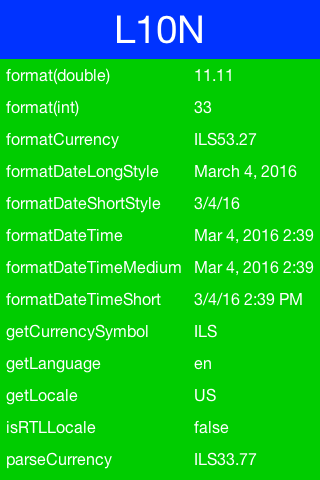
78.4.2. RTL/Bidi
RTL stands for right to left, in the world of internationalization it refers to languages that are written from right to left (Arabic, Hebrew, Syriac, Thaana).
Most western languages are written from left to right (LTR), but some languages are written from right to left (RTL) speakers of these languages expect the UI to flow in the opposite direction otherwise it seems weird like reading this word would be to most English speakers: "drieW."
The problem posed by RTL languages is known as BiDi (Bi-directional) and not as RTL since the "true" problem isn’t the reversal of the writing/UI but rather the mixing of RTL and LTR together. For example: numbers are always written from left to right ( like in English) so in an RTL language the direction is from right to left and once you reach a number or English text embedded in the middle of the sentence (such as a name) the direction switches for a duration and is later restored.
The main issue in the Codename One world is in the layouts, which need to reverse on the fly. Codename One supports this through an RTL flag on all components that’s derived from the global RTL flag in UIManager.
Resource bundles can also include special case constant @rtl, which indicates if a language is written from right to left. This allows everything to automatically reverse.
When in RTL mode the UI will be the exact mirror so WEST will become EAST, RIGHT will become LEFT and this would be true for paddings/margins as well.
If you have a special case where you don’t want this behavior you will need to wrap it with an isRTL check. You can also use setRTL on a per Component basis to disable RTL behavior for a specific Component.
Most UI APIs have special cases for BiDi instead of applying it globally for example: AWT introduced constants such as LEADING instead of making WEST mean the opposite direction. You think that was a mistake since the cases where you wouldn’t want the behavior of automatic reversal are rare. |
Codename One’s support for bidi includes the following components:
Bidi algorithm - allows converting between logical to visual representation for rendering
Global RTL flag - default flag for the entire application indicating the UI should flow from right to left
Individual RTL flag - flag indicating that the specific component/container should be presented as an RTL/LTR component (for example: for displaying English elements within an RTL UI).
RTL text field input
Most of Codename One’s RTL support is under the hood, the LookAndFeel global RTL flag can be enabled using:
UIManager.getInstance().getLookAndFeel().setRTL(true);
Once RTL is activated all positions in Codename One become reversed and the UI becomes a mirror of itself. For example: Adding a Toolbar command to the left will actually make it appear on the right. Padding on the left becomes padding on the right. The scroll moves to the left etc.
This applies to the layout managers (except for group layout) and most components. Bidi is seamless in Codename One but a developer still needs to be aware that his UI might be mirrored for these cases.
78.4.3. Localizing native iOS strings
Some strings in iOS need to be localized using iOS’s native mechanisms - namely providing *.lproj directories with .strings files. For example, if you want the app to have a different bundle display name for each language, or you want to translate the "UsageDescription" strings of your Info.plist into many languages, you would need to use iOS' native localization facilities.
Example: Localizing the app name
The app name, as it’s displayed to the user, is defined in using the CFBundleDisplayName key of the app’s Info.plist file., this will be automatically set to your app’s display name, as defined in your codenameone_settings.properties file. This works fine if your app will have the same name in every locale, but suppose you want your app to take on a different name in French than in English. For example: You want your app to be called "Hello App" for English-speaking users, and "Bonjour App" for French-speaking users.
In this case, you need to add iOS localization bundles "en.lproj" and fr.lproj, each with a file named InfoPlist.strings. If you’re using Maven, then you can add these directly inside the ios/src/main/strings directory of your project.
| You will need to create the strings directory manually, if it doesn’t exist yet. |
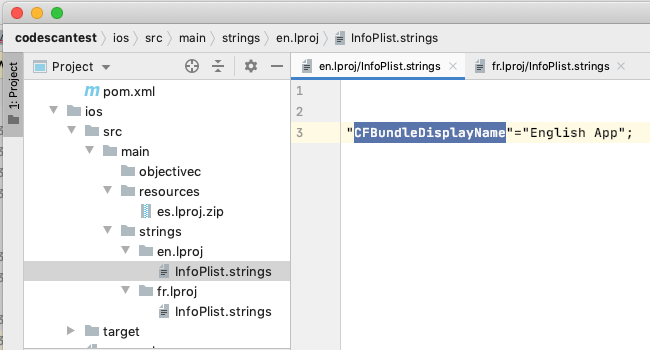
"CFBundleDisplayName"="Hello App";"CFBundleDisplayName"="Bonjour App";The strings format is like the properties file format, except that both the "key" and the "value" must be wrapped in quotes. And if there are many strings, then they must be delimited by a semi-colon |
Example: Localization app usage description strings
iOS requires you to supply usage descriptions for many features that will be displayed to the user when the app requests permission to use the feature. For example, the NSCameraUsageDescription string must be provided if your app needs to use the camera. You can specify these values as build hints using the pattern ios.NSXXXUsageDescription=This feature is needed blah blah. In the NSCameraUsageDescription case, you might include the build hint:
ios.NSCameraUsageDescription=This app needs to use your camera to scan bar codesThese descriptions are embedded in your app’s Info.plist file, so they can be localized the same way you localize other Info.plist values - in the localized InfoPlist.strings file.
See the above example for instructions on localizing values in the Info.plist file. Then add translations to the InfoPlist.strings file for your usage descriptions.
"CFBundleDisplayName"="Hello App";
"NSCameraUsageDescription"="This app needs to use your camera to scan bar codes";"CFBundleDisplayName"="Bonjour App";
"NSCameraUsageDescription"="Cette application doit utiliser votre appareil photo pour scanner les codes à barres";78.4.4. Localizing the app icon
Codename One can ship a different launcher icon per locale on iOS and Android by detecting specially named PNG files during the build. Drop your per-locale artwork into common/src/main/resources using the convention:
cn1_icon_<lang>[_<country>].png<lang> is a two-letter ISO 639-1 language code and the optional <country> is a two-letter ISO 3166-1 country code. Language is treated as case-insensitive; the country component is normalized to uppercase. A few valid examples:
cn1_icon_fr.png: French (any region)cn1_icon_en_GB.png: British Englishcn1_icon_es_MX.png: Mexican Spanish
Supply a square source image at least 432×432 pixels (the largest size emitted for Android adaptive icons; 1024×1024 is recommended, matching the main app icon); the build resizes it to every target density. A smaller source would be upscaled and look blurry, so the build now fails with a clear error when it detects an undersized localized icon rather than shipping a soft one. The default app icon continues to be controlled by your codenameone_settings.properties file and is used whenever the device locale doesn’t match any of the localized variants.
These icons live under src/main/resources and Maven copies them into target/classes incrementally — it doesn’t delete the copy when you remove or rename the source file. If you replace a localized icon and still see the old (often blurry) one, run mvn clean to clear the stale resource from target/classes before rebuilding. The build also fails when it finds an undersized cn1_icon_*.png in the compiled output that’s about to be bundled and sent to the build server. |
At runtime the builders look for a <lang>_<COUNTRY> match first, then fall back to a bare <lang> match. Providing both (for example cn1_icon_en.png plus cn1_icon_en_GB.png) lets you give British users a country-specific icon while every other English locale still receives the generic English icon.
Android behavior
On Android the build generates locale-qualified drawable resources at every density so the platform picks the right icon automatically based on the device’s current locale:
drawable-<lang>[-r<COUNTRY>][-<dpi>]/icon.pngat 36, 48, 72, 96, 128, 144 and 192 pixels for legacy launchers.When
android.enableAdaptiveIcons=truethe same variants are also written asmipmap-<lang>[-r<COUNTRY>]-<dpi>/ic_launcher.pngandic_launcher_foreground.png. The default adaptive background and themipmap-anydpi-v26/ic_launcher.xmldefinition are reused as-is.
No code changes are required—Android’s resource framework switches icons when the locale changes.
When you supply a region-qualified icon (such as cn1_icon_ar_AE.png) without a matching language-only variant, the build also emits the default (non-localized) icon into drawable-<lang>/ and the matching mipmap-*-<lang>/ directories. This barrier is required because Android’s resource resolver (API 24+) walks every child of the parent locale when it can’t find an exact or parent-language match, and would otherwise pick ar-rAE for, say, an ar-PK device. The barrier short-circuits that lookup so only devices whose region matches the supplied variant receive the localized icon. If you also ship a language-only file (for example cn1_icon_ar.png) it’s used as the barrier instead, so you keep full control of the fallback icon for Arabic speakers outside AE.
iOS behavior
iOS doesn’t localize launcher icons natively, so Codename One wires up alternate app icons for you:
For each detected locale the build generates an
AppIcon_<lang>_<COUNTRY>.appiconsetinsideImages.xcassetscontaining the 120×120, 180×180, 152×152 and 167×167 (iPad Pro) PNGs along with a matchingContents.json.The build adds the matching
ASSETCATALOG_COMPILER_ALTERNATE_APPICON_NAMESXcode build setting soactoolemits a coherent partialInfo.plistcovering bothCFBundlePrimaryIconandCFBundleAlternateIcons. The user’sInfo.plistis left untouched; injectingCFBundleIconsmanually would be dropped during the actool merge and is therefore avoided.The
CodenameOne_GLAppDelegateis patched to call-[UIApplication setAlternateIconName:completionHandler:]at launch. The delegate reads[NSLocale preferredLanguages], tries the full<lang>_<COUNTRY>key first, then falls back to the language-only key, and clears the alternate icon (reverting to the default) if no variant matches.The injection is idempotent and runs before the
ios.afterFinishLaunchinghook, so any custom code you supply via that build hint is unaffected.
| IOS displays a system alert the first time an app switches to an alternate icon. This is platform-standard behavior—Codename One can’t suppress it. |
Tips and troubleshooting
File names are matched case-insensitively.
cn1_icon_EN_uk.pngis treated the same ascn1_icon_en_UK.png.Names that don’t fit the
<2-letter lang>[_<2-letter country>]pattern are logged and skipped; the rest of the build continues.The original
cn1_icon_*.pngfiles are removed after processing so they aren’t shipped as stray bundle resources.To override the default (non-localized) icon, keep using the
Iconsetting incodenameone_settings.propertiesor theiconimage inCN1Resource.res. This feature only adds alternate icons for specific locales.
78.5. Location - GPS
The Location API allows you to track changes in device location or the current user position.
| The Simulator includes a Location Simulation tool that you can launch to determine the current position of the simulator and debug location events |
The most basic usage for the API allows you to fetch a device Location, notice that this API is blocking and can take a while to return:
Location position = LocationManager.getLocationManager().getCurrentLocationSync();In order for location to work on iOS you MUST define the build hint ios.locationUsageDescription and describe why your application needs access to location. Otherwise you won’t get location updates! |
The getCurrentLocationSync() method is good for cases where you need to fetch a current location once and not repeatedly query location. It activates the GPS then turns it off to avoid excessive battery usage. For example, if an application needs to track motion or position over time it should use the location listener API to track location as such:
Notice that there is a method called getCurrentLocation() which will return the current state and might not be right for some cases: |
class MyListener implements LocationListener {
public void locationUpdated(Location location) {
// update UI etc.
}
public void providerStateChanged(int newState) {
// handle status changes/errors appropriately
}
}
LocationManager.getLocationManager().setLocationListener(new MyListener());| On Android location maps to low-level APIs if you disable the usage of Google Play Services. By default location should perform well if you leave the Google Play Services on |
78.5.1. Location in the background - geofencing
Polling location is expensive and requires a special permission on iOS. Its also implemented rather differently both in iOS and Android. Both platforms place restrictions on the location API usage in the background.
Because of the nature of background location the API is non-trivial. It starts with the venerable LocationManager but instead of using the standard API you need to use setBackgroundLocationListener.
Instead of passing a LocationListener instance you need to pass a Class object instance. This is important because background location might be invoked when the app isn’t running and an object would need to be allocated.
Notice that you shouldn’t perform long operations in the background listener callback. IOS wake-up time is limited to about 10 seconds and the app could get killed if it exceeds that time slice.
Notice that the listener can also send events when the app is in the foreground, so it’s recommended to check the app state before deciding how to process this event. You can use Display.isMinimized() to determine if the app is running or in the background.
When implementing this make sure that:
The class passed to the API is a public class in the global scope. Not an inner class or anything like that!
The class has a public no-argument constructor
You need to pass it as a class literal for example:
MyClassName.class. Don’t useClass.forName("my.package.MyClassName")!
Class names are problematic since device builds are obfuscated, you should use literals which the obfuscator detects and handles.
The following code demonstrates usage of the Geofence API:
Geofence gf = new Geofence("test", loc, 100, 100000);
LocationManager.getLocationManager()
.addGeoFencing(GeofenceListenerImpl.class, gf);The listener it registers looks like this:
public class GeofenceListenerImpl implements GeofenceListener {
@Override
public void onExit(String id) {
}
@Override
public void onEntered(String id) {
if(Display.getInstance().isMinimized()) {
// backgrounded, so there is no form to show a dialog on
LocalNotification ln = new LocalNotification();
ln.setId("geofence-welcome");
ln.setAlertTitle("Welcome");
ln.setAlertBody("Thanks for arriving!");
Display.getInstance().scheduleLocalNotification(ln,
System.currentTimeMillis() + 10, LocalNotification.REPEAT_NONE);
} else {
Display.getInstance().callSerially(() -> {
Dialog.show("Welcome", "Thanks for arriving", "OK", null);
});
}
}
}Android background location permissions (API 30+)
On Android 11 (API level 30) and higher, requesting background location permission requires a two-step process. First, foreground location permissions must be granted. Then, the app must request background location access, which will direct the user to the system settings to select Allow all the time. Codename One handles this flow automatically when you use LocationManager.
For Android 11+ (API 30+), Codename One detects if background location is needed and presents a dialog explaining the need before redirecting the user to the app settings. You can customize both dialogs through localization keys under
android.permission.ACCESS_BACKGROUND_LOCATION. The first one, offering to open
the settings screen, takes its body from the bare key and its title and buttons
from .title, .settings and .cancel. The second, shown after the user comes
back, uses .explanation_title, .explanation_body and .ok:
// the port reads these through UIManager.localize(). There is only one
// bundle, so add to the installed one rather than replacing it -- a
// fresh map here would drop every other localized string in the app.
// setBundle keeps whatever map it was handed, so the installed one may
// be immutable -- copy before adding
java.util.Map<String, String> installed = UIManager.getInstance().getBundle();
java.util.Map<String, String> bundle = installed == null
? new java.util.HashMap<String, String>()
: new java.util.HashMap<String, String>(installed);
// the bare key is the body of the first prompt; the suffixed ones
// dress the follow-up dialog that sends the user to settings
bundle.put("android.permission.ACCESS_BACKGROUND_LOCATION",
"Reminders need your location while the app is closed.");
bundle.put("android.permission.ACCESS_BACKGROUND_LOCATION.title",
"Location needed");
bundle.put("android.permission.ACCESS_BACKGROUND_LOCATION.explanation_body",
"Choose \"Allow all the time\" so reminders still arrive when the app is closed.");
bundle.put("android.permission.ACCESS_BACKGROUND_LOCATION.explanation_title",
"One more step");
bundle.put("android.permission.ACCESS_BACKGROUND_LOCATION.settings", "Open settings");
bundle.put("android.permission.ACCESS_BACKGROUND_LOCATION.ok", "Done");
bundle.put("android.permission.ACCESS_BACKGROUND_LOCATION.cancel", "Not now");
UIManager.getInstance().setBundle(bundle);78.5.2. One-time location - the location button
Google Play draws a line between two ways an application uses precise location. Tracking, navigation and geofencing are ongoing, and an application that does them holds ACCESS_FINE_LOCATION and declares why. A transactional use is different: finding restaurants nearby, filling in an address, tagging a photo. For those, applications that target Android 17 (API level 37) must let the user share their location through a button that the system draws, and the deadline is January 27, 2027.
LocationButton is that control:
LocationButton locationButton =
new LocationButton(LocationButton.TEXT_USE_PRECISE_LOCATION);
locationButton.addLocationSharedListener(loc -> {
if (loc == null) {
status.setText("Location not shared");
} else {
status.setText(loc.getLatitude() + ", " + loc.getLongitude());
}
status.getParent().revalidate();
});
root.add(locationButton);The listener is called once the user has answered, with a Location or with null. null means the user declined, or that no fix arrived before the button’s timeout. A platform control that fails to open isn’t reported this way: the component replaces it with the ordinary button, so the user is asked again there rather than told no. isSystemRendered() is how to see that happened.
Where the system draws it, and where it doesn’t
On Android 17 and later this component is the system’s control. Another process renders it, and the application can neither change its wording nor intercept its taps. That’s the point: a tap on a button the system drew is what earns the session-scoped grant, so the application never has to hold precise location permanently.
Everywhere else — on Android below API level 37, on iOS, on the desktop and in the simulator — the component is an ordinary Codename One button that asks for the location permission the usual way, styled through the LocationButton UIID like any other component. Your code is the same either way. isSystemRendered() on the button tells you which of the two it ended up with, for an application that wants to word something differently around it. It answers for that button rather than for the platform, so it’s also false on an Android 17 device where the system control failed to open and the component fell back. To ask the platform question before you build anything, use Display.getInstance().isLocationButtonSupported().
The label comes from the text type you pass to the constructor, one of TEXT_NONE, TEXT_PRECISE_LOCATION, TEXT_USE_PRECISE_LOCATION, TEXT_SHARE_PRECISE_LOCATION, TEXT_NEAR_MY_PRECISE_LOCATION or TEXT_NEAR_YOUR_PRECISE_LOCATION. setButtonBackgroundColor() and setButtonTextColor() reach the system control; the fallback button follows the theme.
Permissions
Nothing to configure. Referencing LocationButton makes the Android build add USE_LOCATION_BUTTON to the manifest, which the platform requires before it will render the control.
The build also decides how to declare ACCESS_FINE_LOCATION. An application that uses the button and nothing else from the location or maps packages gets it declared onlyForLocationButton, which means the system grants precise location through the button and never any other way: no "allow precise location" question, nothing held between taps, and nothing to justify to Google Play. An application that also tracks, navigates or geofences needs the ordinary grant and gets the ordinary declaration. The class scan the build already runs answers this, so neither case needs a build hint.
The one thing it can’t see is native Android code reaching the platform’s location APIs directly, because Gradle compiles that after the decision is made. An application like that declares itself:
codename1.arg.android.locationButton.exclusive=falsetrue forces the restriction on and false forces it off; the default, auto, infers it. Force it off when native code needs the ordinary grant — the failure is otherwise silent, with location requests coming back approximate rather than refusing.
One consequence is worth knowing. The restriction is what it says: precise location comes through the button and no other way. On an application that carries it, the fallback described above can’t recover precise location — if the system control fails to open, the ordinary button that replaces it asks a question the system won’t answer with precise access, and the listener receives an approximate location or none. That’s the bargain the restriction makes, and it’s the right one for an application whose only use of precise location is the button; it’s another reason not to force it on for an application that reaches precise location some other way.
78.6. Background music playback
Codename One supports playing music in the background (for example: when the app is minimized) which is useful for developers building a music player style application.
This support isn’t totally portable since the Android and iOS approaches for background music playback differ a great deal. To get this to work on Android you need to use the API: MediaManager.createBackgroundMedia().
You should use that API when you want to create a media stream that will work even when your app is minimized.
For iOS you will need to use a special build hint: ios.background_modes=music.
Which should allow background playback of music on iOS and would work with the createBackgroundMedia() method.
78.7. Capture - photos, video, audio
The capture API allows you to use the camera to capture photographs or the microphone to capture audio. It even includes an API for video capture.
The API itself couldn’t be simpler:
String filePath = Capture.capturePhoto();Just captures and returns a path to a photo you can either open it using the Image class or save it somewhere.
The returned file is a temporary file, you shouldn’t store a reference to it and instead copy it locally or work with the Image object |
For example: you can copy the Image to Storage using:
String filePath = Capture.capturePhoto();
if(filePath != null) {
Util.copy(FileSystemStorage.getInstance().openInputStream(filePath), Storage.getInstance().createOutputStream(myImageFileName));
}When running on the simulator the Capture API opens a file chooser API instead of physically capturing the data. This makes debugging device or situation specific issues simpler |
You can capture an image from the camera using an API like this:
Form hi = new Form("Capture", new BorderLayout());
hi.setToolbar(new Toolbar());
Style s = UIManager.getInstance().getComponentStyle("Title");
FontImage icon = FontImage.createMaterial(FontImage.MATERIAL_CAMERA, s);
ImageViewer iv = new ImageViewer(icon);
hi.getToolbar().addCommandToRightBar("", icon, (ev) -> {
String filePath = Capture.capturePhoto();
if(filePath != null) {
try {
DefaultListModel<Image> m = (DefaultListModel<Image>)iv.getImageList();
Image img = Image.createImage(filePath);
if(m == null) {
m = new DefaultListModel<>(img);
iv.setImageList(m);
iv.setImage(img);
} else {
m.addItem(img);
}
m.setSelectedIndex(m.getSize() - 1);
} catch(IOException err) {
Log.e(err);
}
}
});
hi.add(BorderLayout.CENTER, iv);
hi.show();
You show video capture in the MediaManager section.
The sample below captures audio recordings (using the 'Capture' API) and copies them locally under unique names. It also demonstrates the storage and organization of captured audio:
Form hi = new Form("Capture", BoxLayout.y());
hi.setToolbar(new Toolbar());
Style s = UIManager.getInstance().getComponentStyle("Title");
FontImage icon = FontImage.createMaterial(FontImage.MATERIAL_MIC, s);
FileSystemStorage fs = FileSystemStorage.getInstance();
String recordingsDir = fs.getAppHomePath() + "recordings/";
fs.mkdir(recordingsDir);
try {
for(String file : fs.listFiles(recordingsDir)) {
MultiButton mb = new MultiButton(file.substring(file.lastIndexOf("/") + 1));
mb.addActionListener((e) -> {
try {
Media m = MediaManager.createMedia(recordingsDir + file, false);
m.play();
} catch(IOException err) {
Log.e(err);
}
});
hi.add(mb);
}
hi.getToolbar().addCommandToRightBar("", icon, (ev) -> {
try {
String file = Capture.captureAudio();
if(file != null) {
SimpleDateFormat sd = new SimpleDateFormat("yyyy-MMM-dd-kk-mm");
String fileName =sd.format(new Date());
String filePath = recordingsDir + fileName;
Util.copy(fs.openInputStream(file), fs.openOutputStream(filePath));
MultiButton mb = new MultiButton(fileName);
mb.addActionListener((e) -> {
try {
Media m = MediaManager.createMedia(filePath, false);
m.play();
} catch(IOException err) {
Log.e(err);
}
});
hi.add(mb);
hi.revalidate();
}
} catch(IOException err) {
Log.e(err);
}
});
} catch(IOException err) {
Log.e(err);
}
hi.show();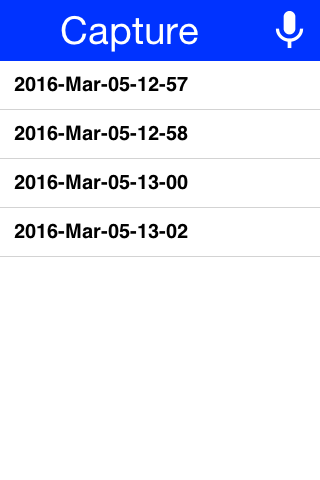
You can also record audio through MediaRecorderBuilder, which describes a
recording by path, MIME type, sample rate, bit rate and channel count instead of
handing the job to the platform’s own capture UI.
Build it with MediaRecorderBuilder.build(), which passes the whole builder to
the platform implementation.
MediaManager.createMediaRecorder(MediaRecorderBuilder) accepts the same object,
and what it does with it depends on the destination. A builder with
redirectToAudioBuffer(true) is delegated straight to build(), so every setting
survives. A builder recording to a file is reduced to its path and MIME type,
which drops the sample rate, bit rate and channel count set on it and leaves the
platform’s defaults in place. A stereo request isn’t refused so much as ignored,
and what you get is whatever that platform would have recorded anyway.
Call build() yourself when those settings matter, bearing in mind how far each
port carries them. Android, iOS, the JavaScript port and the simulator implement
the builder overload in full. The native Linux and Windows ports implement it
too but read only the sampling rate and channel count, their WAV recorders
fixing the MIME type and ignoring the bit rate; they also take no notice of
redirectToAudioBuffer(true), so asking those two for live PCM writes a file at
the builder’s path instead. Anywhere else the framework’s own fallback reduces
the builder to a path and a MIME type again.
How far the settings then travel depends on the port, and on the format. The
JavaScript port takes only the path when recording to a file, so a web file
recording uses the browser’s defaults; recording into an audio buffer it does ask
for the sampling rate — though not always. It skips the request on iOS whatever
the browser, and on any browser that doesn’t advertise the sampleRate
constraint, so those recordings arrive at the platform’s own rate. Elsewhere the whole builder reaches the port, which applies
what its codec supports: Android sets the sampling rate and
bit rate when encoding AAC and leaves both to the encoder for AMR, and the
simulator never reads the bit rate at all.
Treat the builder’s numbers as preferences rather than guarantees. An
AudioBuffer reports getSampleRate() for the data it holds — the recorder
fills that in from the rate the audio actually arrived at, or from the rate it
resampled the audio to, so the figure describes the samples in your hands.
getNumChannels() reports the layout the recorder built, and on the JavaScript
port that much is exact: it emits channel 0 alone for a mono request and
interleaves left and right for a stereo one, so the count always matches the PCM
you hold and you can split the channels by it. It says nothing about the capture,
though — the port never submits a channel count to the browser, so a stereo
request depends on the input device already providing two channels.
78.7.1. Capture asynchronous API
The Capture API also includes a callback based API that uses the ActionListener interface to implement capture. For example: you can adapt the previous sample to use this API as such:
hi.getToolbar().addCommandToRightBar("", icon, (ev) -> {
Capture.capturePhoto((e) -> {
if(e != null && e.getSource() != null) {
try {
DefaultListModel<Image> m = (DefaultListModel<Image>)iv.getImageList();
Image img = Image.createImage((String)e.getSource());
if(m == null) {
m = new DefaultListModel<>(img);
iv.setImageList(m);
iv.setImage(img);
} else {
m.addItem(img);
}
m.setSelectedIndex(m.getSize() - 1);
} catch(IOException err) {
Log.e(err);
}
}
});
});78.8. Gallery
The gallery API allows picking an image and/or video from the cameras gallery (camera roll).
Like the Capture API the image returned is a temporary image that should be copied locally, this is due to device restrictions that don’t allow direct modifications of the gallery |
You can adapt the Capture sample above to use the gallery as such:
Form hi = new Form("Capture", new BorderLayout());
hi.setToolbar(new Toolbar());
Style s = UIManager.getInstance().getComponentStyle("Title");
FontImage icon = FontImage.createMaterial(FontImage.MATERIAL_CAMERA, s);
ImageViewer iv = new ImageViewer(icon);
hi.getToolbar().addCommandToRightBar("", icon, (ev) -> {
Display.getInstance().openGallery((e) -> {
if(e != null && e.getSource() != null) {
try {
DefaultListModel<Image> m = (DefaultListModel<Image>)iv.getImageList();
Image img = Image.createImage((String)e.getSource());
if(m == null) {
m = new DefaultListModel<>(img);
iv.setImageList(m);
iv.setImage(img);
} else {
m.addItem(img);
}
m.setSelectedIndex(m.getSize() - 1);
} catch(IOException err) {
Log.e(err);
}
}
}, Display.GALLERY_IMAGE);
});
hi.add(BorderLayout.CENTER, iv);| No need for a screenshot as it will look identical to the capture image screenshot above |
The last value is the type of content picked which can be one of:
Display.GALLERY_ALL, Display.GALLERY_VIDEO or Display.GALLERY_IMAGE.
78.9. Analytics integration
Analytics now has its own chapter. It covers the provider SPI, consent and privacy handling, the built-in providers (the Codename One first-party service, Google Analytics 4, Matomo, Firebase and a logging provider), and how to write your own. See the Analytics chapter.
The AnalyticsService class documented here previously is deprecated but still works — it delegates to the new API. The migration table at the end of the Analytics chapter maps each old call to its replacement.
78.10. Social sign-in (Facebook, Google, …)
The legacy Facebook and Google OAuth2 sign-in flows that used to live here drove an embedded WebBrowser, which the providers no longer permit. The full sign-in stack — system-browser-based OpenID Connect for any provider, plus Facebook / Google / Microsoft / Apple / Auth0 / Firebase helpers — now lives in the Authentication and Identity chapter.
78.11. Lead Component
Codename One has two basic ways to create new components:
Subclass a
Componentoverridepaint, implement event callbacks etc.Compose many components into a new component, by subclassing a
Container.
Components such as Tabs subclass Container which make a lot of sense for that component since it’s physically a Container.
For example,
components like MultiButton, SpanButton & SpanLabel don’t necessarily seem like the right candidate for compositing but they’re all Container subclasses.
Using a Container provides you a lot of flexibility in layout & functionality for a specific component. MultiButton
is a great example of that. It’s a Container internally that’s composed of 5 labels and a Button.
Codename One makes the MultiButton "feel" like a single button through the use of setLeadComponent(Component) which
turns the button into the "leader" of the component.
When a Container hierarchy is placed under a leader all events within the hierarchy are sent to the leader, so if a label within the lead component receives a pointer pressed event this event will be sent to the leader.
For example: for the MultiButton the internal button will receive that event and send the action performed event, change the state etc.
This creates some potential issues for instance in MultiButton:
myMultiButton.addActionListener((e) -> {
if(e.getComponent() == myMultiButton) {
// this won't occur since the source component is really a button!
}
if(e.getActualComponent() == myMultiButton) {
// this will happennull
}
});The leader also determines the style state, so all the elements being lead are in the same state. For example: if the button is pressed all elements will display their pressed states, notice that they will do so with their own styles but
they will each pick the pressed version of that style so a Label UIID within a lead component in the pressed state
would return the Pressed state for a Label not for the Button.
This is convenient when you need to construct more elaborate UI’s and the cool thing about it’s that you can do this entirely in the designer which allows assembling containers and defining the lead component inside the hierarchy.
For example: the SpanButton class is like this code:
public class SpanButton extends Container {
private Button actualButton;
private TextArea text;
public SpanButton(String txt) {
setUIID("Button");
setLayout(new BorderLayout());
text = new TextArea(getUIManager().localize(txt, txt));
text.setUIID("Button");
text.setEditable(false);
text.setFocusable(false);
actualButton = new Button();
addComponent(BorderLayout.WEST, actualButton);
addComponent(BorderLayout.CENTER, text);
setLeadComponent(actualButton);
}
public void setText(String t) {
text.setText(getUIManager().localize(t, t));
}
public void setIcon(Image i) {
actualButton.setIcon(i);
}
public String getText() {
return text.getText();
}
public Image getIcon() {
return actualButton.getIcon();
}
public void addActionListener(ActionListener l) {
actualButton.addActionListener(l);
}
public void removeActionListener(ActionListener l) {
actualButton.removeActionListener(l);
}
}78.11.1. Blocking lead behavior
The Component class has two methods that allow you to exclude a component from lead behavior: setBlockLead(boolean) & isBlockLead().
Effectively when you have a Component within the lead hierarchy that you would like to treat differently from the rest you can use this method to exclude it from the lead component behavior while keeping the rest in line…
This should have no effect if the component isn’t a part of a lead component.
The sample below is based on the Accordion component which uses a lead component internally:
f.getToolbar().addMaterialCommandToRightBar("", FontImage.MATERIAL_ADD, e -> addEntry(accr));
addEntry(accr);
f.add(BorderLayout.CENTER, accr);
f.show();This allows you to add/edit entries but it also allows the delete button above to actually work. Without a call to setBlockLead(true) the delete button would cat as the rest of the accordion title.
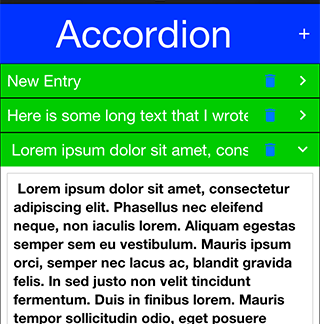
78.12. Pull to refresh
Pull to refresh is the common UI paradigm that Twitter popularized where the user can pull down the form/container to receive an update. Adding this to Codename One couldn’t be simpler!
Just invoke addPullToRefresh(Runnable) on a scrollable container (or form) and the runnable method will be invoked when the refresh operation occurs.
Pull to refresh is implicitly implements in the InfiniteContainer |
Form hi = new Form("Pull To Refresh", BoxLayout.y());
hi.getContentPane().addPullToRefresh(() -> {
hi.add("Pulled at " + L10NManager.getInstance().formatDateTimeShort(new Date()));
});
hi.show();setPullToRefresh(Runnable) is provided as a more discoverable alias for the
same single-task slot — both names route to the same field, and a second
call replaces whatever runnable was previously registered.
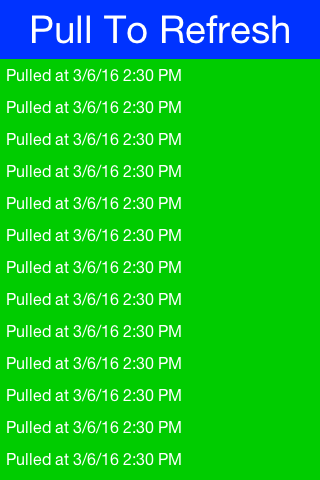
78.12.1. Modern arc-spinner pull-to-refresh
The legacy pull-to-refresh visual is the classic "rotating arrow + text"
stack. Modern Material 3 / iOS apps instead show a thin circular arc
that grows as the user pulls and spins once the task fires. This is
shipped as an opt-in path via the pullToRefreshModernBool theme
constant; the iOS Modern and Android Material themes enable it by
default so apps shipping against those themes get the spec-accurate
look without any extra wiring.
To enable in a custom theme:
#Constants {
pullToRefreshModernBool: true;
pullToRefreshIndicatorDiameterMm: 8; /* 8mm circle */
pullToRefreshIndicatorStrokeMm: "0.6"; /* 0.6mm stroke thickness */
}
TabIndicator {
/* The pull-to-refresh arc shares its color with the animated tab
indicator -- both follow the brand's accent. */
color: #007aff;
background-color: transparent;
padding: 0;
margin: 0;
}Behavior:
During the pull gesture the arc sweep grows from 0° to ~330° proportional to how far the user has pulled past the threshold.
When the refresh task fires the arc rotates continuously at ~360°/sec until the task completes.
All sizing is in millimetres so the indicator stays physical-size-accurate across device densities; no rasterized images involved.
The legacy addPullToRefresh API is unchanged — the same Runnable is
invoked at the same moment; only the visual rendering differs.
78.13. Running 3rd party apps using display’s execute
The Display class’s execute method allows you to invoke a URL which is bound to a particular application.
This works rather well assuming the application is installed. Apple’s URL scheme reference lists the schemes iOS handles itself, for common applications and built-in functionality.
Some URLs might not be supported if an app isn’t installed, on Android there isn’t much that can be done but iOS has a canOpenURL method for Objective-C.
On iOS you can use the Display.canExecute() method which returns a Boolean instead of a boolean which
allows you to support 3 result states:
Boolean.TRUE- the URL can be executedBoolean.FALSE- the URL isn’t supported or the app is missingnull- you’ve no idea whether the URL will work on this platform.
The sample below launches a "godfather" search on IMDB when this is sure to work ( on iOS currently). You can actually try to search for null as well but this sample plays it safe by using the http link which is sure to work:
Boolean can = Display.getInstance().canExecute("imdb:///find?q=godfather");
if(can != null && can) {
Display.getInstance().execute("imdb:///find?q=godfather");
} else {
Display.getInstance().execute("http://www.imdb.com");
}78.14. Automatic build hint configuration
You try to make Codename One "seamless," this expresses itself in small details such as the automatic detection of permissions on Android etc. The build servers go a long way in setting up the environment as intuitive. However, it isn’t enough, build hints are often confusing and obscure. It’s hard to abstract the mess that’s native mobile OSes and the odd policies from Apple/Google…
A good example for a common problem developers face is location code that doesn’t work in iOS. This is due to the ios.locationUsageDescription build hint that’s required. The reason that build hint was added is a need by Apple to provide a description for every app that uses the location service.
To solve this sort of used case you have two APIs in Display:
void ensureLocationUsageDescription() {
// Both calls only work in the simulator, and setProjectBuildHint throws
// anywhere else -- so this belongs behind an isSimulator() check, run
// once during development rather than on every launch.
if (!Display.getInstance().isSimulator()) {
return;
}
Map<String, String> hints = Display.getInstance().getProjectBuildHints();
if (hints == null) {
// No codename1_settings.properties beside the running project, or
// it could not be read. Nothing to check against, and nothing to
// write into.
return;
}
String description = hints.get("ios.locationUsageDescription");
if (description == null || description.length() == 0) {
Display.getInstance().setProjectBuildHint("ios.locationUsageDescription",
"Used to show nearby results on the map");
}
}Both of these allow you to detect if a build hint is set and if not (or if it’s set incorrectly) set its value…
If you use the location API from the simulator and you didn’t define ios.locationUsageDescription Codename One will implicitly define a string there. The cool thing is that you will now see that string in your settings and you would be able to customize it.
For example, this gets way better than that trivial example!
The real value is for 3rd party cn1lib authors. For example: Google Maps or Parse. They can inspect the build hints in the simulator and show an error in case of a misconfiguration. They can even show a setup UI. Demos that need special keys in place can force the developer to set them up before continuing.
78.15. Easy thread
Working with threads is ranked as one of the least intuitive and painful tasks in programming. This is such an error prone task that some platforms/languages took the route of avoiding threads entirely. A typical scenario: you need to convert some code to work on a separate thread but you still want the ability to communicate and transfer data from that thread.
This is possible in Java but non-trivial, the thing is that this is easy to do in Codename One with tools such as callSerially that let arbitrary code run on the EDT. Why not offer that to any random thread?
That’s why EasyThread exists: it takes some concepts of Codename One’s threading and makes them more accessible to an arbitrary thread. This way you can move things like resource loading into a separate thread and synchronize the data back into the EDT as needed…
Easy thread can be created like this:
EasyThread e = EasyThread.start("ThreadName");You can send a task to the thread using:
e.run(() -> doThisOnTheThread());However, it gets better, say you want to return a value:
// the result callback runs on the EasyThread, not the EDT, so anything
// that touches the UI has to be marshalled back explicitly
e.run((success) -> success.onSucess(doThisOnTheThread()),
(myResult) -> Display.getInstance().callSerially(() -> onEDTGotResult(myResult)));Lets break that down. (success) → success.onSucess(doThisOnTheThread()) runs on the EasyThread, off the EDT, and the result callback runs there too: EasyThread hands your SuccessCallback straight to the worker and never marshals it. Anything that touches the UI has to be sent back with callSerially, which is what the second lambda does.
These asynchronous calls make things a bit painful to wade through, so the API wraps them in a simplified synchronous version:
EasyThread e = EasyThread.start("Hi");
int result = e.run(() -> {
System.out.println("This is a thread");
return 3;
});
// the worker stays alive waiting for more work, so release it when the
// thread has nothing left to do
e.killWhenIdle();There are a few other variants like runAndWait and there is a kill() method which stops a thread and releases its resources.
78.16. Mouse cursor
Codename one can change the mouse cursor when hovering over specific areas to show resizability, movability etc. For obvious reasons this feature is available in the desktop and JavaScript ports as the other ports rely on touch interaction. The feature is off by default and needs to be enabled on a Form by using Form.setEnableCursors(true);. If you’re writing a custom component that can use cursors such as SplitPane you can use:
@Override
protected void initComponent() {
super.initComponent();
getComponentForm().setEnableCursors(true);
}Once this is enabled you can set the cursor over a specific region using cmp.setCursor() which accepts one of the cursor constants defined in Component.
78.17. Working with git
A generated Maven project ships a .gitignore for its build output — target,
build, and the RAD schema generated under common/src/main/rad. It says
nothing about your editor, and that’s deliberate, because most of what sits in
those directories belongs to the project rather than to you. The archetype
generates .idea and .vscode itself, including run configurations for the
debug proxy, on-device debugging and the certificate wizard, and a CodeRAD
project needs common/.settings/org.eclipse.m2e.apt.prefs before Eclipse will
run the annotation processor. Commit those.
The part worth ignoring is the narrow set that records what you personally had
open, chiefly .idea/workspace.xml, .idea/shelf/ and *.iml. That set is the
same in every project you work on, which makes it a good fit for a global ignore
file rather than a per-project one — git config --global core.excludesFile
~/.gitignore_global, with the patterns in the file it names.
The theme used to be the hard part here, because a .res is a binary that git
can’t diff, and two people editing one produce a conflict no merge tool can
resolve. A Maven project doesn’t have that problem. The theme’s source is
common/src/main/css/theme.css, and the .res is compiled out of it into
target/classes on each build, so what’s under version control is text and the
binary is an artifact the .gitignore above already excludes.
That leaves the resource editor’s File → XML Team Mode, which writes a
matching res/theme.xml tree beside a resource file so its contents diff and
merge like source. It’s on by default, but it only fires for the older Ant
layout, because saveXML wants the resource’s own directory to be named src
with codenameone_settings.properties beside it, and no Maven source path looks
like that. Expect to meet it in an inherited project rather than to adopt it in
a new one.
AI and agents
79. AI, Chat UI, and Speech
Codename One ships a portable LLM client, a streaming chat component, speech-to-text and text-to-speech APIs, built-in vision and language services, and a portable LiteRT inference API. The builders add native frameworks and dependencies when application bytecode references the corresponding entry point.
This chapter introduces every piece in turn:
com.codename1.ai— provider-agnostic chat, embeddings, tool calls, and image generation.com.codename1.components.ChatView— a theme-aware chat surface that streams tokens in place.com.codename1.media.SpeechRecognizerandcom.codename1.media.TextToSpeech— on-device speech-to-text and speech synthesis.com.codename1.security.SecureStoragenon-prompting overloads — silent reads for secrets the network layer needs on every call, such as LLM API keys.com.codename1.ai.vision— OCR, barcode, face, labeling, pose, segmentation, document correction, and camera-frame pipelines.com.codename1.ai.inference— reusable LiteRT sessions for.tflitemodels.com.codename1.ai.language— language identification, translation, and smart reply.
Each async call in this chapter returns an
com.codename1.util.AsyncResource. Use .ready(…) for the success
path, .except(…) for errors, and .cancel() to abort an in-flight
request. The streaming chat call also dispatches deltas through a
StreamingListener; both listener callbacks and ready callbacks fire
on the EDT. |
79.1. The com.codename1.ai package
The LlmClient class is the single entry point. Static factories return
a configured client for each supported provider. Every client speaks the
same ChatRequest and ChatResponse value types, so the call site does
not change when you swap providers:
// OpenAI (also drives Ollama, vLLM, llama.cpp, and other
// OpenAI-compatible endpoints).
LlmClient openai = LlmClient.openai(apiKey);
// Local Ollama on the default port (http://localhost:11434).
LlmClient ollama = LlmClient.ollama("llama3.2");
// Any OpenAI-compatible endpoint (Together, Groq, Fireworks, vLLM, null).
LlmClient together = LlmClient.localOpenAiCompatible(
"https://api.together.xyz/v1",
apiKey,
"meta-llama/Llama-3.3-70B-Instruct-Turbo");
// Anthropic and Google Gemini, both via their OpenAI-compatible
// endpoints. The wire format is identical; only the base URL,
// default model, and auth differ.
LlmClient anthropic = LlmClient.anthropic(apiKey);
LlmClient gemini = LlmClient.gemini(apiKey);All five factories return the same LlmClient API. OpenAI, Ollama,
vLLM, and llama.cpp share the canonical wire format. Anthropic’s
https://api.anthropic.com/v1/chat/completions and Google’s
https://generativelanguage.googleapis.com/v1beta/openai/chat/completions
implement the same shape, so the framework speaks to all three through
one network layer. Default models pick a sensible production-grade
target per provider (gpt-4o-mini, claude-sonnet-4-5,
gemini-2.0-flash, llama3.2); override per request with
ChatRequest.builder().model(…).
79.1.1. A first chat
ChatRequest is a builder. The bare minimum is a model identifier and
one user message:
ChatRequest req = ChatRequest.builder()
// No model named: the request uses the client's default, which
// LlmClient#setDefaultModel sets and the simulator's Ollama
// redirect sets for you. Naming a cloud model here would ask a
// local server for one it has never heard of.
.addMessage(ChatMessage.system("Reply in haiku."))
.addMessage(ChatMessage.user("Describe a Codename One app."))
.temperature(0.7f)
.maxTokens(200)
.build();
openai.chat(req).ready(resp -> {
Dialog.show("Reply", resp.getText(), "OK", null);
}).except(err -> {
Log.e(err);
});ChatResponse.getText() concatenates every text part of the assistant
message. getFinishReason() returns one of "stop", "length",
"tool_calls", "content_filter", or "error". getUsage() returns
prompt, completion, and total token counts when the provider reports
them; the fields return -1 when the provider omits them.
79.1.2. Streaming tokens
chatStream(…) opens an SSE connection and dispatches deltas through
a StreamingListener on the EDT. The returned AsyncResource resolves
to the final aggregated ChatResponse when the stream completes;
calling cancel() on the resource closes the underlying socket:
StringBuilder buffer = new StringBuilder();
// Open the assistant bubble first. appendToLastMessage() writes to
// whichever bubble is newest, which is nothing at all on a fresh view
// and the user's own message once one has been added.
ChatBubble streaming = chatView.beginAssistantStream();
openai.chatStream(req, new StreamingListener.Adapter() {
@Override
public void onContentDelta(String delta) {
buffer.append(delta);
streaming.appendText(delta);
}
@Override
public void onError(Throwable t) {
Log.e(t);
}
}).ready(resp -> {
// getUsage() is null when the provider omits token accounting, which
// OpenAI-compatible endpoints commonly do.
if (resp.getUsage() != null) {
Log.p("Total tokens: " + resp.getUsage().getTotalTokens());
}
});The decoder reassembles fragmented SSE deltas before invoking the
listener, so onContentDelta always receives a complete token chunk.
Tool-call fragments are reassembled the same way and surfaced through
onToolCallDelta(index, id, name, argumentsFragment); name is non-null
on the first fragment and id is present on the first call.
79.1.3. Tool calling
Tool describes a callable function with a JSON schema. Pass a
ToolHandler to make it executable; the model can then call the tool
and the handler returns the JSON result that gets fed back into the
conversation:
Tool weather = new Tool(
"get_weather",
"Return the current weather for a city.",
"{\"type\":\"object\",\"properties\":{" +
"\"city\":{\"type\":\"string\"}}," +
"\"required\":[\"city\"]}",
argumentsJson -> {
Map<String, Object> args = JSONParser.parseJSON(argumentsJson);
// Serialize rather than concatenate: the city is a value the
// model produced, and a quote or backslash in it would emit
// malformed JSON that cannot be sent back as a tool result.
Map<String, Object> result = new HashMap<String, Object>();
result.put("tempC", Integer.valueOf(22));
result.put("city", args.get("city"));
return JSONParser.toJson(result);
});
ChatRequest req = ChatRequest.builder()
// No model named: the client's default applies, which the
// simulator's Ollama redirect sets for you. Naming a cloud model
// asks a local server for one it does not have.
.addMessage(ChatMessage.user("What is the weather in Tel Aviv?"))
.tools(Collections.singletonList(weather))
.toolChoice(ToolChoice.AUTO)
.build();
openai.chat(req).ready(resp -> {
if (resp.getToolCalls().isEmpty()) {
// ToolChoice.AUTO lets the model answer without reaching for a
// tool, and that answer is this response. There is nothing to
// send back.
Log.p(resp.getText());
return;
}
// Otherwise the response is the model asking for the tools, not the
// answer. Run every call it asked for, then send the conversation
// back once with a result for each: the assistant message names all
// of them, and a follow-up carrying only some is rejected as an
// incomplete tool-call sequence.
ChatRequest.Builder followUp = ChatRequest.builder()
.addMessage(ChatMessage.user("What is the weather in Tel Aviv?"))
.addMessage(resp.getAssistantMessage());
for (ToolCall call : resp.getToolCalls()) {
try {
String result = call.execute(Collections.singletonList(weather));
followUp.addMessage(ChatMessage.toolResult(call.getId(), result));
} catch (Exception err) {
// execute() runs your own handler, so it can fail for any
// reason, and this callback has nowhere to propagate to.
// The turn still needs a result for this id.
Log.e(err);
followUp.addMessage(ChatMessage.toolResult(call.getId(),
"{\"error\": \"the tool failed\"}"));
}
}
openai.chat(followUp.build()).ready(answer -> Log.p(answer.getText()));
});ToolChoice covers the four standard modes:
ToolChoice.AUTO— the model picks at will (default).ToolChoice.NONE— the model must not call any tool.ToolChoice.REQUIRED— the model must call exactly one tool.ToolChoice.named("get_weather")— force a specific tool.
79.1.4. Structured output
Constrain a response to JSON with ResponseFormat.JSON_OBJECT. The
client adds the provider-specific flag, and ChatResponse.getText()
returns a string the runtime can hand to JSONParser:
ChatRequest req = ChatRequest.builder()
// No model named: the client's default applies, and the
// simulator's Ollama redirect sets that for you. Naming a
// cloud model asks a local server for one it lacks.
.responseFormat(ResponseFormat.JSON_OBJECT)
.addMessage(ChatMessage.system(
"Return a JSON object with keys city and population."))
.addMessage(ChatMessage.user("Tel Aviv"))
.build();79.1.5. Multi-modal messages
Attach an image to a user message by adding an ImagePart. The part
accepts either inline bytes plus a MIME type or a remote HTTPS URL:
ImagePart photo = new ImagePart(receiptBytes, "image/jpeg");
ChatMessage msg = ChatMessage.userWithImage(
"Extract the line items from this receipt.", photo);
ChatRequest req = ChatRequest.builder()
// No model named: the client's default applies, and the
// simulator's Ollama redirect sets that for you. This request
// carries an image, so whichever default is in play has to
// accept one -- the redirect's own default is text-only, so
// point cn1.ai.ollamaModel at a vision-capable model to run
// this locally.
.addMessage(msg)
.build();79.1.6. Embeddings
embed(EmbeddingRequest) returns one Embedding vector per input. Use
the vectors for semantic search, deduplication, or downstream
clustering:
EmbeddingRequest req = EmbeddingRequest.builder()
// Embeddings need an embedding model, and the client carries a
// single default that is normally a chat one -- so name it here.
// Against a local Ollama, name an embedding model you pulled.
.model("text-embedding-3-small")
.addInput("a cat sat on the mat")
.addInput("a feline rested on the rug")
.build();
openai.embed(req).ready(resp -> {
float[] v0 = resp.getData().get(0).getVector();
float[] v1 = resp.getData().get(1).getVector();
// Compute cosine similarity, persist to Storage, etc.
});79.1.7. Image generation
ImageGenerator mirrors the LLM client shape. The OpenAI factory drives
DALL-E 3 today; the on-device factory routes through the optional
cn1-ai-stablediffusion cn1lib (when present in the consumer project):
// Through your own endpoint, as the credentials section requires:
// ImageGenerator.openai(apiKey) would put the billable provider key on
// the device. ImageGenerator.onDevice() is the other option, and needs
// the cn1-ai-stablediffusion cn1lib.
ImageGenerator gen = ImageGenerator.openAiCompatible(
"https://api.example.com/ai/v1", sessionToken);
GenerateImageRequest req = new GenerateImageRequest(
"A pastel watercolor of a Tel Aviv beach at sunset");
req.setSize("1024x1024");
req.setQuality("hd");
gen.generate(req).ready(image -> {
Label preview = new Label(image);
Display.getInstance().getCurrent().add(preview).revalidate();
});DALL-E 3 supports count = 1 only. Larger batches require a different
underlying model; pass it via setModel(…).
79.1.8. Conversation persistence
ConversationStore wraps Storage to serialize a list of
ChatMessage values to JSON under a named key:
ConversationStore store = new ConversationStore("chat-history");
List<ChatMessage> history = store.load(); // empty list on first call
history.add(ChatMessage.user("Hello"));
ChatResponse resp = openai.chat(
ChatRequest.builder().messages(history).build())
.get(); // blocking helper, EDT-safe
history.add(resp.getAssistantMessage());
store.save(history);Tokenizer.estimateMessages(history) returns a rough token count so you
can trim the oldest turns before the conversation outgrows the model’s
context window.
79.1.9. Prompt templates
PromptTemplate does simple {placeholder} substitution. Unknown
placeholders pass through unchanged so partially-filled templates are
safe to log:
PromptTemplate t = PromptTemplate.of(
"Translate the following from {source} to {target}: {text}");
t.put("source", "English");
t.put("target", "French");
t.put("text", "good morning");
ChatMessage user = t.asUser(); // wraps the rendered string79.1.10. Retry policy
RetryPolicy.exponentialBackoff() returns a sensible default (four
attempts, 500ms initial delay, 30s cap, jitter). Wrap any chat call in a
retry loop yourself, or attach the policy to a higher-level wrapper.
LlmException.getRetryAfterSeconds() returns the provider’s
Retry-After header value when present, or -1, so the policy can honor
rate-limit hints.
79.1.11. Simulator redirect for offline development
The JavaSE simulator pings localhost:11434 at startup. When Ollama is
running, the simulator exports the flag cn1.ai.ollamaDetected=true. A
second system property, cn1.ai.simulatorRedirect, controls whether the
simulator transparently routes LlmClient.openai(…) calls to the
local Ollama endpoint instead:
| Value | Behavior |
|---|---|
| The default on a device. Calls go to the configured provider, even in the simulator. |
| The default in the simulator. If Ollama is reachable, route
OpenAI calls through it. Otherwise behave like |
| Force redirect to Ollama. Use this in offline-only development environments. |
The redirect target is also configurable: cn1.ai.ollamaUrl defaults to
http://localhost:11434/v1, and cn1.ai.ollamaModel defaults to
llama3.2. Unchanged production code therefore runs offline against a
local model without any conditional wiring at the call site.
79.1.12. Storing the API key
Never put a provider API key on the device at all — not
hard-coded, not in a bundled resource, and not fetched at runtime and
cached. Mobile binaries are trivially reverse-engineered, and a key the
running app can read is a key its user can extract; SecureStorage
protects data at rest and can’t change that. A leaked provider key is
billable by whoever holds it, against your account, with no way to scope
the damage to one user. |
Keep the key on your server and proxy the provider calls through it. The
device then authenticates to your endpoint with a short-lived,
user-scoped token, which expires on its own and can be revoked for one
user without touching anyone else. That token is worth caching with the
non-prompting SecureStorage overloads:
// Your server keeps the provider key and proxies the calls. The device
// holds only a short-lived, user-scoped token for your own endpoint, so
// a stolen one expires and can be revoked for that user alone.
SecureStorage store = SecureStorage.getInstance();
boolean saved = store.set("ai.session.token", sessionTokenFromServer);
// Treat the store as a cache, not as the source of truth. When the write
// fails -- no secure storage on this port, or the keychain refused it --
// reading back gives either nothing or the previous, now expired, token.
// The one just issued is the good one, so use it and let persistence be
// best effort.
String token = saved ? store.get("ai.session.token") : sessionTokenFromServer;
if (token == null) {
token = sessionTokenFromServer;
}
LlmClient client = LlmClient.localOpenAiCompatible(
"https://api.example.com/ai/v1", token, "gpt-4o-mini");79.2. The ChatView component
ChatView is a scrollable, theme-aware chat surface that handles the
list of bubbles, the streaming append, the typing indicator, and the
input strip in one component. Drop it into a Form with a single
BorderLayout.CENTER:
ChatView rendered in the JavaSE simulator under the iOS Modern themeThe component exposes thread-safe addMessage, appendToLastMessage,
and setTypingIndicatorVisible methods, so background callbacks from
chatStream(…) can mutate the view directly:
Form chat = new Form("Assistant", new BorderLayout());
ChatView view = new ChatView();
chat.add(BorderLayout.CENTER, view);
view.addMessage(ChatMessage.assistant("How can I help?"));
// One request at a time. A second send while the first is still
// streaming builds its request without the first reply, and the two
// completions then append to the history in whatever order they finish,
// producing turns like user A, user B, assistant B, assistant A.
boolean[] sending = {false};
view.setOnSend(e -> {
if (sending[0]) {
return;
}
sending[0] = true;
String text = view.getInput().getText();
view.getInput().clear();
view.addMessage(ChatMessage.user(text));
view.setTypingIndicatorVisible(true);
// Snapshot the history before opening the assistant bubble. The view
// records streamed text as it arrives, so completed replies are
// already in there; the one thing to leave out is the empty
// placeholder that beginAssistantStream() is about to append.
//
// No model named: the client's default applies, and the simulator's
// Ollama redirect sets that for you.
ChatRequest req = ChatRequest.builder()
.messages(new ArrayList<ChatMessage>(view.getHistory()))
.build();
ChatBubble streaming = view.beginAssistantStream();
// The proxy client from the credentials section: on a device
// LlmClient.openai(apiKey) would need the billable provider key to
// be present there, which that section says not to do.
client.chatStream(req, new StreamingListener.Adapter() {
@Override public void onContentDelta(String d) {
// Append to the bubble this send opened, not to whichever is
// newest: a second send while this one is still streaming
// would otherwise divert this response into that bubble.
streaming.appendText(d);
}
}).ready(resp -> {
sending[0] = false;
view.setTypingIndicatorVisible(false);
}).except(err -> {
// Without this the indicator stays up for good on a failure, and
// the guard above would block every later send.
sending[0] = false;
view.setTypingIndicatorVisible(false);
Log.e(err);
});
});
chat.show();ChatBubble and ChatInput are public, so subclass them for custom
rendering. Override ChatView.createBubble(message) to swap in a
custom subclass when the view builds the message list.
79.2.1. Theming
ChatView exposes the following UIIDs out of the box:
| UIID | Applies to |
|---|---|
| The outer container. |
| The scrollable message column. |
| The container for a user message. |
| The container for an assistant message. |
| The container for a system message. |
| The inner |
| The animated typing dots. |
| The input strip. |
| The text field inside the strip. |
| The send button. |
| The attach button. |
| The voice button. |
Style them from theme.css to align with the rest of the app. Hide the
voice or attach button by leaving its listener unset; the corresponding
Button instance is hidden when no ActionListener is registered.
79.2.2. One-call binding to an LLM
LlmChatBinding.bind(view, client, baseRequest) wires the input bar
directly to chatStream(…). Every send replays the conversation
history, dispatches the response into the view, and updates the typing
indicator. Use it for prototypes, or as a reference implementation when
you need a custom send pipeline:
LlmChatBinding.bind(view,
// The proxy client from the credentials section, not
// LlmClient.openai(apiKey): a shipped build must not carry the
// provider key on the device.
client,
// The template's messages are sent ahead of the conversation on
// every request, so this is where a system prompt belongs.
// build() also rejects an empty message list.
ChatRequest.builder()
.addMessage(ChatMessage.system("You are a helpful assistant."))
.build());79.3. Speech recognition and TextToSpeech
The new media APIs route through Display and into the implementation
hooks on CodenameOneImplementation, so the call surface is identical
on every platform. The default implementation returns false from
isSupported() and is a no-op for recognize/speak.
79.3.1. SpeechRecognizer
iOS uses SFSpeechRecognizer, Android uses android.speech.SpeechRecognizer,
and the JavaSE simulator stays unsupported unless the optional
cn1-ai-whisper cn1lib is on the classpath. Call stop() to end an
active session early; partial results stop firing immediately.
79.3.2. TextToSpeech
if (TextToSpeech.isSupported()) {
TtsOptions opts = new TtsOptions()
.setLanguageTag("fr-FR")
.setRate(1.0f);
TextToSpeech.speak("Bonjour", opts);
}iOS uses AVSpeechSynthesizer, Android uses
android.speech.tts.TextToSpeech, and the JavaSE simulator falls back
to say on macOS, espeak on Linux, and the platform SAPI bridge on
Windows.
getAvailableVoices() returns the platform-specific voice identifiers
when the OS exposes them; setVoiceId(…) accepts any of those
strings, or null to use the default voice for the configured
language.
79.4. On-device vision
The vision API is three layers deep, and most applications only need the first one. Start with the finished screen, drop to a component when the screen has to look like your own, and drop to a single analyzer when you are working on one image at a time.
79.4.1. Scanning a barcode or QR code
CodeScanner is an entire scanner screen in one call. It opens the
camera, decodes, restores the form you came from, and hands back the
code. This is the replacement for the cn1-codescan cn1lib:
if (!CodeScanner.isSupported()) {
ToastBar.showErrorMessage("This device cannot scan codes");
return;
}
CodeScanner.scan().ready(code -> {
if (code == null) {
return; // the user backed out
}
resultLabel.setText(code.getValue());
}).except(error -> Log.e(error));The result completes with null when the user backs out — the cn1lib’s
scanCanceled() — and fails through except when the camera can’t be
opened, which is its scanError(). There is no third callback to
implement.
CodeScannerOptions rewords the screen and restricts which symbologies
end the scan, so a stray product barcode in the frame doesn’t complete a
QR scan:
CodeScanner.scan(new CodeScannerOptions()
.title("Boarding pass")
.hint("Hold the pass flat inside the frame")
.formats(BarcodeFormat.PDF417, BarcodeFormat.AZTEC))
.ready(code -> {
if (code != null) {
checkIn(code.getValue());
}
})
.except(error -> Log.e(error));The BarcodeFormat constants are the portable symbology names every
backend maps onto, so no format literals are needed.
Three classes share the name CodeScanner. Import
com.codename1.ai.vision.CodeScanner. The other two are the
cn1-codescan cn1lib’s com.codename1.ext.codescan.CodeScanner and the
long-deprecated com.codename1.codescan.CodeScanner in core, whose
getInstance() returns null on current targets. |
79.4.2. Analyzing the live camera
VisionCameraView is a component that owns the camera and runs an
analyzer over its frames. It handles the session, the frame conversion,
the dropping of frames that inference has fallen behind, and the hop
back to the EDT; the
application implements one listener. It works with every analyzer, not
just barcodes:
FaceDetector detector = new FaceDetector();
VisionCameraView<Face[]> view = new VisionCameraView<>(detector);
view.setFacing(CameraFacing.FRONT);
view.setListener(new VisionPipelineListener<Face[]>() {
@Override
public void result(Face[] faces, VisionImage source) {
shutter.setEnabled(faces.length == 1);
statusLabel.setText(faces.length == 1
? "Looking good"
: "Fit exactly one face in the frame");
}
@Override
public void error(Throwable error) {
Log.e(error);
}
});
Form form = new Form("Selfie", new BorderLayout());
form.add(BorderLayout.CENTER, view);
form.add(BorderLayout.SOUTH, BoxLayout.encloseY(statusLabel, shutter));
form.show();
// The camera is opened when the form is shown and released when the
// user navigates away. Call view.close() when the screen is finished
// with for good, which also releases the detector.The analyzer is constructed by the application rather than named by a feature constant. That’s deliberate: the builders decide which native vision dependency to package from the analyzer classes an application references, so building the analyzer in your own code is what keeps a face-detection app from also carrying the barcode and pose models.
The camera opens when the view is shown and is released when the user
navigates away, so a form transition can’t leave the hardware held.
close() additionally releases the analyzer, for a screen that’s
finished with for good.
setScaleType(…), and the mirroring a front camera asks for, are
honored in the simulator. The iOS and Android previews render fixed at
fill-and-crop and unmirrored, because neither port implements the
preview-scaling hook on CameraImpl yet. Treat both as requests rather
than guarantees on a device. |
| The preview is a native view, and Codename One components can’t be painted over it on every platform — iOS renders native peers behind the Codename One layer, Android renders them in front. Put a reticle, hints, and buttons around the preview rather than on top of it. Result geometry can still be drawn over a still image, as below. |
79.4.3. The analyzers
Each analyzer takes a VisionImage and returns a typed result. Create
one, reuse it across a sequence of images, and close it when finished.
Check isSupported() before offering the feature: availability depends
on the target, the linked backend, and the OS version.
VisionImage accepts JPEG, PNG, NV21, or RGBA8888 data.
VisionImage.fromFile(path) reads a gallery or captured photo,
VisionImage.fromImage(image) takes one already in memory — passing an
EncodedImage’s original bytes straight through rather than re-encoding — and `VisionImage.fromCameraFrame(frame) copies a live frame’s
callback-owned buffers and preserves its rotation.
BarcodeScanner decodes codes from a still image:
BarcodeScanner scanner = new BarcodeScanner();
scanner.process(VisionImage.fromFile(photoPath)).ready(codes -> {
for (Barcode code : codes) {
if (BarcodeFormat.matches(code, BarcodeFormat.EAN_13,
BarcodeFormat.UPC_A)) {
lookUpProduct(code.getValue());
}
}
scanner.close();
}).except(error -> {
Log.e(error);
scanner.close();
});TextRecognizer reads text. Over a file:
TextRecognizer recognizer = new TextRecognizer();
recognizer.process(VisionImage.fromFile(photoPath)).ready(result -> {
textArea.setText(result.getText());
recognizer.close();
}).except(error -> {
Log.e(error);
recognizer.close();
});Or from the live camera, stopping at the first block that looks like the value being hunted for:
VisionCameraView<TextRecognitionResult> view =
new VisionCameraView<>(new TextRecognizer());
view.setListener(new VisionPipelineListener<TextRecognitionResult>() {
@Override
public void result(TextRecognitionResult text, VisionImage source) {
for (TextRecognitionResult.TextBlock block : text.getBlocks()) {
// Every frame is analyzed until one block looks like the
// value being hunted for.
if (block.getText().startsWith("SN-")) {
accept(block.getText());
return;
}
}
}
@Override
public void error(Throwable error) {
Log.e(error);
}
});FaceDetector returns bounds, head angles, and named landmarks. Cropping
a photo to the face it contains:
Image photo = EncodedImage.create(jpegBytes);
FaceDetector detector = new FaceDetector();
detector.process(VisionImage.fromImage(photo)).ready(faces -> {
if (faces.length > 0) {
Rectangle box = faces[0].getBounds()
.toBounds(0, 0, photo.getWidth(), photo.getHeight());
preview.setIcon(photo.subImage(box.getX(), box.getY(),
box.getWidth(), box.getHeight(), true));
}
detector.close();
}).except(error -> {
Log.e(error);
detector.close();
});Read individual landmarks with face.getLandmark(…) and the
FaceLandmarks constants. Not every backend fills in every field:
getSmilingProbability() and getTrackingId() are negative when
unavailable, and Apple Vision reports neither.
ImageLabeler classifies what an image contains:
ImageLabeler labeler = new ImageLabeler(new VisionOptions()
.minimumConfidence(0.6f)
.maximumResults(5));
labeler.process(VisionImage.fromFile(photoPath)).ready(labels -> {
StringBuilder summary = new StringBuilder();
for (ImageLabel label : labels) {
summary.append(label.getText())
.append(" (")
.append(Math.round(label.getConfidence() * 100))
.append("%)\n");
}
resultLabel.setText(summary.toString());
labeler.close();
}).except(error -> {
Log.e(error);
labeler.close();
});The label text is the portable part. ImageLabel.getIndex() is a model
class index that differs between backends and is -1 on Apple Vision, so
branch on getText().
PoseDetector locates body joints. Backends detect different subsets of
the skeleton, so look joints up by name and handle a missing one:
VisionCameraView<Pose> view = new VisionCameraView<>(new PoseDetector());
view.setListener(new VisionPipelineListener<Pose>() {
private boolean wasUp;
@Override
public void result(Pose pose, VisionImage source) {
Pose.Landmark wrist = pose.getLandmark(PoseLandmarks.RIGHT_WRIST);
Pose.Landmark shoulder =
pose.getLandmark(PoseLandmarks.RIGHT_SHOULDER);
if (wrist == null || shoulder == null
|| wrist.getConfidence() < 0.6f) {
return; // this frame did not see the arm
}
// Y grows downwards, so "above" is the smaller value.
boolean up = wrist.getPosition().getY()
< shoulder.getPosition().getY();
if (up && !wasUp) {
reps++;
statusLabel.setText(String.valueOf(reps));
}
wasUp = up;
}
@Override
public void error(Throwable error) {
Log.e(error);
}
});SelfieSegmenter separates a person from the background.
SegmentationMask.cutOut(…) applies the mask to the source image and
rescales it, since the mask has the model’s resolution rather than the
frame’s:
EncodedImage photo = EncodedImage.create(jpegBytes);
SelfieSegmenter segmenter = new SelfieSegmenter();
segmenter.process(VisionImage.encoded(jpegBytes)).ready(mask -> {
// Below 60% foreground confidence becomes transparent, so whatever
// is painted behind this image shows through.
Image person = mask.cutOut(photo, 0.6f);
preview.setIcon(person);
segmenter.close();
}).except(error -> {
Log.e(error);
segmenter.close();
});SegmentationMask.toMaskImage(rgb) renders the mask itself as a
translucent tint, for highlighting the subject rather than cutting it out.
DocumentScanner flattens a photographed page:
DocumentScanner scanner = new DocumentScanner();
if (!scanner.isSupported()) {
// Google's Android document scanner is an interactive flow rather
// than an analyzer, so Android reports this unsupported.
scanner.close();
return;
}
scanner.process(VisionImage.fromFile(photoPath)).ready(result -> {
List<Image> pages = new ArrayList<>();
for (int i = 0; i < result.getPageCount(); i++) {
pages.add(EncodedImage.create(result.getPage(i)));
}
show(pages);
scanner.close();
}).except(error -> {
Log.e(error);
scanner.close();
});79.4.4. Drawing the results
Bounds and points are normalized to the range 0 through 1 rather than
pixels, so one observation maps onto an image of any size.
VisionRect.toBounds(component) and VisionPoint.toPoint(component)
convert them into the absolute coordinates a paint method draws in:
class FaceOverlay extends Label {
private Face[] faces = new Face[0];
FaceOverlay(Image photo) {
super(photo);
}
void setFaces(Face[] value) {
faces = value;
repaint();
}
@Override
public void paint(Graphics g) {
super.paint(g);
g.setColor(0x34c759);
for (Face face : faces) {
// Results are normalized to 0..1, so the same observation maps
// onto whatever size this component happens to be.
Rectangle r = face.getBounds().toBounds(this);
g.drawRect(r.getX(), r.getY(), r.getWidth(), r.getHeight(), 3);
}
}
}The mapping stretches the whole normalized range across the destination,
which is right when the destination has the same aspect ratio as the analyzed
image. A live preview scaled with ScaleType.CROP doesn’t, which is the
other half of why overlays belong on still images.
79.4.5. Scripting results in the simulator
The desktop has no on-device vision models. Rather than report every analyzer as unsupported — which would leave a scanner screen impossible to build without a device — the simulator returns whatever you script under Simulate > Vision:
Vision Supported turns the whole API off, so the
isSupported()branch can be exercised.Analysis outcome switches between the scripted result, an empty result,
VisionException.UNSUPPORTED, and a backend error. Every screen needs the "nothing found" and "it failed" paths, and this is how to reach them.The remaining items set the scripted values: the decoded code and its format, the recognized text, the image labels, how many faces are found and whether they’re smiling, and whether a body pose is detected.
The scripted results carry plausible geometry, so overlay and debounce code can be written and debugged before the app ever reaches a device. Nothing in this section applies to a device build.
79.4.6. Backends and options
An image whose stored pixels aren’t already upright needs its rotation
declared: VisionImage.encoded(bytes, rotationDegrees). The one-argument
overload, and fromFile(…), assume the pixels are upright and don’t
inspect EXIF metadata; fromCameraFrame(…) takes the rotation from the
frame. VisionOptions.minimumConfidence(…) clamps finite and infinite
values to the range 0 through 1 and rejects NaN.
Android uses ML Kit. iOS and Mac native builds default to Apple Vision and Core Image. iOS can select ML Kit explicitly:
VisionOptions options = new VisionOptions()
.backend(VisionBackends.mlKitTextRecognition())
.minimumConfidence(0.5f);
new TextRecognizer(options)
.process(VisionImage.encoded(jpegBytes))
.ready(result -> Log.p(result.getText()))
.except(error -> Log.e(error));79.4.7. Reading non-Latin text
TextRecognizer reads the Latin script by default. Select a writing
system with VisionOptions.textScript(…) to read Chinese, Devanagari,
Japanese, or Korean:
TextRecognizer recognizer = new TextRecognizer(new VisionOptions()
.textScript(TextScript.japanese()));
recognizer.process(VisionImage.encoded(jpegBytes))
.ready(result -> Log.p(result.getText()))
.except(error -> Log.e(error));The selector names a script rather than a language, because that’s what the underlying recognizers are organized by. One script covers every language written in it, and each script model also reads the Latin characters mixed into the same page. Recognize one script per analyzer; create a second analyzer when a screen needs both.
Android maps each script to the matching ML Kit recognizer. Apple
platforms map it to the Vision recognition languages for that script,
asking the OS which languages it supports rather than assuming a list.
When the OS recognizes none of them, the analysis fails with
VisionException.UNSUPPORTED rather than returning Latin OCR of the
page. Select VisionBackends.mlKitTextRecognition() to use ML Kit’s
model for that script on iOS instead.
Each script is a separate model, and referencing TextScript.japanese()
is what adds it: the ML Kit script bundle on Android, and on iOS the
matching pod when the ML Kit backend was also selected. An application
that never names a script carries only the Latin model, and one that
names Japanese doesn’t carry the Korean or Devanagari models.
On an iOS simulator, the Apple barcode backend uses Vision barcode request revision 1. Newer simulator runtimes can otherwise complete a barcode request without reporting valid QR codes. Physical devices use the latest revision supplied by the OS. Test newer symbologies such as Micro QR on a device, or select the matching ML Kit backend.
Create and reuse an analyzer when processing a sequence. Call close()
when the analyzer is no longer needed. Before showing a feature, call
its isSupported() method: availability can depend on the target,
linked backend, and OS version.
VisionPipeline attaches an analyzer to a CameraSession frame stream
and keeps only the newest pending frame. Live OCR and pose detection
therefore can’t build an unbounded queue when inference is slower than
the camera. While an analysis is busy, the pipeline reuses the pending
buffer when newer same-sized frames replace it. Results and errors are
delivered on the Codename One EDT.
CameraFrame.getRawBytes() can be null even after requesting NV21 or
RGBA8888 when a port can’t expose that format. JPEG bytes remain available;
VisionImage.fromCameraFrame(…) automatically selects that fallback.
DocumentScanner currently performs still-image rectangle correction on
Apple platforms. Google’s Android document scanner is an interactive
camera flow rather than an analyzer for an existing VisionImage, so the
Android backend reports it as unsupported rather than launching a UI flow.
79.4.8. Vision feature and dependency selection
The Java package is always part of core. The builders scan the concrete analyzer classes and retain only the native adapter and dependency for each class the application actually uses:
| API | Android | Apple default / optional backend |
|---|---|---|
| ML Kit text recognition | Vision / |
| ML Kit bundle for that script | Vision recognition languages / |
| ML Kit barcode scanning | Vision / |
| ML Kit face detection | Vision / |
| ML Kit image labeling | Vision / |
| ML Kit pose detection | Vision / |
| ML Kit selfie segmentation | Vision / |
| Unsupported for still images | Core Image perspective correction |
CodeScanner selects the same barcode dependency BarcodeScanner does,
because it builds one internally; an application that references only the
ready-made screen still gets the decoder. CodeScanner and
VisionCameraView additionally select the camera natives, so neither has
to be paired with a com.codename1.camera reference to work.
The optional iOS ML Kit pod is added only when both the analyzer and its
feature-specific selector are referenced. For example,
VisionBackends.mlKitBarcodeScanning() adds only the barcode pod.
Current Google ML Kit iOS pods require iOS 15.5. Selecting one of these
optional backends automatically raises the effective application and
CocoaPods deployment target to 15.5 when the configured target is lower.
Referencing one Android analyzer doesn’t compile or package the other
five adapters.
79.5. Portable LiteRT inference
InferenceSession loads .tflite data from bytes, a bundled resource,
or a private file. Android uses LiteRT and can request NNAPI. iOS uses
TensorFlow Lite Objective-C and may request the Core ML delegate. Both
mobile implementations fall back to CPU unless
allowFallback(false) is set. Android and iOS reject strict
Accelerator.NPU sessions: NNAPI can mix delegated and CPU operations,
and the Core ML delegate can schedule work across the Neural Engine, GPU,
and CPU. Neither reports that the entire graph ran on the requested NPU.
With fallback enabled, NPU selection is a best-effort accelerator
preference.
On iOS, strict Accelerator.CORE_ML sessions are also rejected because
the delegate doesn’t report whether unsupported model operations remained
on LiteRT’s CPU path.
The JavaSE simulator and targets without
a native LiteRT runtime, including Mac native, return false from
InferenceSession.isSupported().
InferenceSession.open(
ModelSource.resource("/models/classifier.tflite"),
new InferenceOptions().accelerator(
InferenceOptions.Accelerator.AUTO))
.ready(session -> {
Tensor input = Tensor.floats("serving_default_input",
new int[] {1, 224, 224, 3}, pixels);
session.run(new Tensor[] {input})
.ready(outputs -> {
try {
consume(outputs[0]);
} finally {
session.close();
}
})
.except(error -> {
try {
Log.e(error);
} finally {
session.close();
}
});
})
.except(error -> Log.e(error));Open is asynchronous because model initialization can allocate native
resources. A session is reusable and supports multiple named inputs,
multiple outputs, and resizeInput(…). A session serializes its mutable
native interpreter: while run(…) is pending, another run, input resize,
or input/output metadata query throws IllegalStateException. Tensor data is
copied across the port boundary. Always close the session.
Bundle small models as resources. For larger models use
ModelCache.fetch(url, cacheKey, sha256), which downloads over HTTPS,
verifies the supplied SHA-256 digest, and reuses the app-private cached
file. The initial URL must use HTTPS. Ports that expose redirect responses
reject a redirect to HTTP and discard the temporary download. iOS follows
redirects below the portable network layer, so iOS requires the SHA-256
argument and rejects the unpinned two-argument overload. Supply the digest
on every platform for every third-party or remotely mutable model.
Interrupted downloads restart through a temporary .download file and are
never promoted to the cache until verification succeeds. Concurrent calls for
the same cache key and content identity share one download but receive
independent asynchronous resources. Canceling one caller suppresses only that
caller’s notification; it doesn’t cancel the shared download or the other
callers. When a cache key already has an active download, a request with a
conflicting URL or digest fails instead of sharing the temporary file.
79.6. On-device language services
LanguageIdentifier, Translator, and SmartReply share
LanguageOptions. Its minimum-confidence threshold clamps to 0 through 1 and
rejects NaN. Translation models are downloaded and cached by ML Kit when a
language pair is first used. Android and iOS builders
select language-id, translate, and smart-reply independently, so
using language identification alone doesn’t package the other two
SDKs.
LanguageOptions options = new LanguageOptions()
.backend(LanguageBackends.mlKitTranslation());
if (Translator.isSupported(options)) {
Translator.translate("Where is the station?", "en", "fr",
options)
.ready(value -> Log.p(value))
.except(error -> Log.e(error));
}LanguageBackends.auto() selects ML Kit on Android and Apple’s Natural
Language framework for language identification on iOS. The Apple default
keeps arm64 simulator builds native and adds no third-party dependency.
LanguageBackends.mlKitLanguageIdentification() opts identification into
the ML Kit iOS pod. iOS translation and Smart Reply are explicit opt-ins:
use LanguageBackends.mlKitTranslation() or
LanguageBackends.mlKitSmartReply() respectively. Merely referencing
Translator or SmartReply doesn’t add a pod or exclude the arm64
simulator. Selecting one of those ML Kit backends requires the x86_64
simulator slice and raises an iOS deployment target below 15.5.
The static language methods are convenient for one operation and close their
temporary backend after either success or failure. For repeated work, call
LanguageIdentifier.open(…), Translator.open(…), or
SmartReply.open(…), reuse the returned feature session, and close it when
the last pending operation completes. Reusable sessions retain backend state
and, on Android, cache ML Kit clients and translation clients per language
pair.
Mac native and the other unsupported targets return false from the
language service isSupported() checks. Completion and failure callbacks
arrive on the EDT.
79.7. Platform availability
The public API and the unsupported fallback are present on every Codename One target. Vision has native implementations on Android, iOS, and macOS; Apple Vision is the default on Apple targets and Android uses ML Kit. Language services and LiteRT inference have native implementations on Android and iOS. JavaSE, JavaScript, native Windows, native Linux, watchOS, and tvOS report unsupported for these new APIs; Mac native reports unsupported for language and LiteRT. No target sends data to a cloud inference service. Large portable runtimes or model payloads for the remaining targets remain appropriate opt-in libraries.
No build hints or cn1lib coordinates are required for the built-in
mobile implementations. The local Maven plugin and BuildDaemon use the
same PlatformFeatureCatalog, so local and cloud builds make the same
dependency decisions.
79.8. Migrating from the AI cn1libs
The old com.codename1.ai.mlkit.* and com.codename1.ai.tflite
packages aren’t compatibility aliases. Remove those dependencies and
move directly to com.codename1.ai.vision,
com.codename1.ai.language, or com.codename1.ai.inference. Result
coordinates are normalized floats rather than packed
platform-specific integer arrays. cn1-ai-whisper and
cn1-ai-stablediffusion remain cn1libs because their native payloads
and models are intentionally large.
Remove the retired cn1lib dependency before adding the built-in class. During migration, the builders deduplicate identical CocoaPods names and preserve an explicitly declared user version constraint. Removing the old library is still required because compatibility aliases would keep its old native-interface and packaging contracts alive.
79.8.1. Putting it all together
The pieces compose well. The following loop captures a photo,
extracts text with the multi-modal gpt-4o model, speaks the result,
and streams the same text into a ChatView:
Capture.capturePhoto(evt -> {
// A cancelled capture arrives as a null event or a null source
// depending on the port, and reading either would fail rather than
// simply returning the user to the app.
if (evt == null || !(evt.getSource() instanceof String)) {
return;
}
String path = (String) evt.getSource();
byte[] bytes = readAllBytes(path);
if (bytes == null || bytes.length == 0) {
// Nothing to describe. Sending an empty ImagePart produces a
// data URL with no payload, which the provider rejects.
return;
}
ImagePart img = new ImagePart(bytes, "image/jpeg");
ChatRequest req = ChatRequest.builder()
// No model named here: the request uses whatever default the
// client carries. Whichever it is, it has to accept images.
.addMessage(ChatMessage.userWithImage(
"Describe the photo in one sentence.", img))
.build();
chatView.addMessage(req.getMessages().get(0));
ChatBubble streaming = chatView.beginAssistantStream();
StringBuilder full = new StringBuilder();
// The same proxy client as the credentials sample above: on a device
// LlmClient.openai(apiKey) would need the billable provider key to be
// present here, which is exactly what that section says not to do.
client.chatStream(req, new StreamingListener.Adapter() {
@Override public void onContentDelta(String d) {
full.append(d);
// Append to the bubble this capture opened: a second photo
// started mid-stream would otherwise take this text.
streaming.appendText(d);
}
}).ready(resp -> {
TextToSpeech.speak(full.toString());
});
});This sample sends an image, so whichever model the client reaches has to accept one — for a shipped app, whatever your proxy is configured with.
Note that the simulator’s Ollama redirect doesn’t apply here. It wraps the
public-provider factories, and localOpenAiCompatible returns its client
directly, which is the point: a proxy is a real endpoint and isn’t something to
swap out behind your back. To try this against a local model, build the client with
LlmClient.ollama(…) and name a vision-capable model you’ve pulled.
The photo leaves the device either way. Nothing here runs a model on the phone,
so cover that in your privacy policy — and note that the client is the proxy
client from the previous section, not LlmClient.openai(apiKey), because that
one needs the billable provider key to be present on the device.
80. MCP Headless API
The Model Context Protocol (MCP) headless API lets an application expose itself to a large language model agent. An agent such as Claude Desktop, Claude Code, Codex, or opencode can read the current screen, drive the user interface, and call tools the application publishes.
The API reuses the accessibility semantics tree. The same immutable tree that describes the screen to VoiceOver and TalkBack also describes it to the agent, so any application is drivable without extra code. Application specific data and actions are exposed through the existing com.codename1.ai.Tool contract.
The socket transport runs anywhere the port can bind the loopback interface, which includes an application running on a device, so an agent can attach to a build on a phone as well as to the simulator. It’s blocked on a release build; see Development builds only. The stdio transport needs process standard input and so is supported by the JavaSE port, which powers the simulator and the desktop tooling.
80.1. The MCP menu
Every desktop Codename One tool, including the simulator and Codename One Settings, gets a native MCP pull-down menu. The menu is added by the JavaSE port, so a tool gets it without any code of its own. It’s the main way a user turns a tool into something an agent can drive.
The menu has these items:
Expose This Tool To Agents starts and stops the loopback MCP server for the running tool.
Install in MCP Hosts registers this tool with the MCP hosts detected on the machine: Claude Desktop, Claude Code, and Codex. After a host restarts, the tool appears as an MCP server the agent can use. A detected host whose configuration format isn’t supported yet is reported rather than written to.
Remove From MCP Hosts removes that registration.
Detect MCP Hosts lists the hosts found on the machine and where their configuration lives.
Debug Logging controls how much of the MCP conversation is echoed to the log.
Install writes a command that launches MCPStdioLauncher, a small bridge that relays the host’s standard input and output to the running tool’s socket. Hosts speak stdio and the tool serves a socket, so the bridge lets a stdio host such as Claude Desktop drive the already-running, human-visible tool.
80.2. Starting the server
Invoking the API is the switch. There is no build hint or property to set. The socket server lets an agent attach to a session a person is watching, which is the usual choice in the simulator:
MCP.startSocketServer(8765);A tool that a host launches as a subprocess can serve over standard input and output instead:
MCP.startStdioServer();The stdio transport is the standard MCP local transport, exchanging newline delimited JSON-RPC messages. While it runs, application logging is redirected away from standard output so it can’t corrupt the protocol stream. The stdio transport lives in the JavaSE port because it needs process standard input, which isn’t available on every target.
80.3. Attaching to an application on a device
The socket transport binds the loopback interface, and it binds the loopback interface of whatever machine the application is running on. In the simulator that’s your own, so an agent connects to 127.0.0.1 and there’s nothing else to arrange. On a phone the port belongs to the phone, and reaching it needs a forward.
The native Linux port supports the portable socket transport through an IPv4 listener bound to 127.0.0.1. Stopping the listener wakes a waiting listener, and closing a connection wakes its blocked input/output operations. This capability doesn’t enable wildcard-bound server sockets or change the release-build guard. Native Linux builds still require the explicit, controlled-development opt-in described below.
For a Linux application running in a container, run the MCP client in that same container or network namespace. Publishing a container port doesn’t make a listener bound to its internal loopback address reachable from the host. A local headless test can use Xvfb; when its launcher runs in Docker, use --init so the launcher’s readiness signals are delivered normally. Native window-manager behavior still needs a desktop session.
On Android, adb forward tcp:8765 tcp:8765 maps a port on the development machine onto the same port inside the device, so an agent connects to 127.0.0.1:8765 as before. Remove it with adb forward --remove tcp:8765 when the session ends. The cn1:android-on-device-debugging goal already installs and launches a debuggable build, and its waitForAttach=false option is the one to use when the point of the session is the agent rather than a breakpoint, since the application then boots straight into a drivable state instead of blocking for a debugger. On iOS the same setting isn’t a convenience but a requirement, because ios.onDeviceDebug.waitForAttach defers the callback that boots the application until a debugger attaches — so a starter in the application’s own code never runs, and there is nothing listening on the port to reach.
The native iOS simulator shares the host’s network stack, so the application’s loopback port is the host’s loopback port and no forwarding applies. A physical iPhone doesn’t: the port sits on the device’s own loopback, reachable only over the USB multiplexing channel, and iproxy from libimobiledevice is the usual relay. Codename One ships no goal for it, so an agent-driven session against a real iPhone depends on external tooling in a way the Android one doesn’t.
None of this is a second security boundary. A forward is something you asked for, and the reason the server refuses a release build is that the loopback interface on a device is shared with every other application installed on it — see Development builds only.
80.4. Development builds only
The socket server refuses to bind on a release build and throws an IllegalStateException instead.
The reason is what an attached agent can do. It reads the screen and drives the user interface, and the loopback interface is shared by everything on the device rather than being private to one application. On a phone that means any other installed application can connect to the port and drive yours. That’s a reasonable trade while you’re developing, because it’s how an agent attaches to a running build, and a poor one in an application a user installs.
A development build is a debuggable Android package or a development provisioned iOS build. Any other target counts as a release build, so a port that can’t tell the difference withholds the server rather than exposing it.
The JavaSE port is the exception, and it’s worth understanding before you rely on this. That port runs the simulator, the designer and the desktop tooling, and it can’t distinguish those from a desktop application packaged for distribution: there’s no debuggable flag and no provisioning profile to read. It reports a development build in every case, because reporting otherwise would take the MCP menu away from every desktop tool. A packaged desktop application is therefore not gated by this, and one that needs to withhold the server from its own release build has to supply that signal itself.
Nothing binds a port unless the application calls a starter, and an application that never calls one has no server at all. The gate matters for the case where a starter is left in the code by accident, which is the way a debugging facility usually reaches production.
The same distinction is available to application code, so a starter can be left in place and simply not fire in a shipped build:
if (Display.getInstance().isDebuggableBuild()) {
MCP.startSocketServer(8765);
}A build that ships to devices you control, such as a kiosk fleet, a test lab, or a managed enterprise deployment, can lift the block:
MCP.setAllowOnReleaseBuilds(true);
MCP.startSocketServer(8765);Treat that call the way you’d treat any other decision to expose a control surface, because the device itself becomes the boundary.
80.5. Built-in user interface tools
Every server registers a small set of tools that read and drive the screen through the accessibility tree. An agent calls ui_snapshot to get the semantics tree of the focused top-level container as JSON, including the identifier, role, label, value, and state of each node, and the identifiers of the actions each node supports.
The agent drives the screen with ui_perform_action, which performs an action such as activate or setText on a node from the snapshot. The convenience tools ui_activate and ui_set_text wrap the common cases, and ui_find locates nodes by identifier, by label, or by screen coordinate.
Call ui_windows to list the main form and desktop windows, with their windowId, title,
visible, focused and blocked fields. The snapshot, find and action tools accept an optional
windowId: omit it to use the focused top-level container, use 0 for the current main form, or
use a positive ID from ui_windows for a visible desktop window. This allows an agent to inspect
and operate a native Codename One dialog explicitly. Actions against a window blocked by a modal
dialog are rejected. Operating-system file pickers are outside the Codename One semantics tree.
Actions run on the Codename One EDT, so an agent never touches the live component tree directly.
A completed action returns success and a fresh snapshot, with pending:false. If an action opens
a blocking modal dialog, its nested event loop can return a snapshot with pending:true and
success:null while the original handler is still running. This keeps the MCP connection available:
use subsequent calls to inspect and dismiss the dialog, then verify the resulting state. A pending
response isn’t confirmation that the original action completed successfully.
80.6. Publishing application tools
An application publishes its own data and actions as MCP tools. A Tool has a name, a description, a JSON schema for its parameters, and a handler:
MCP.addTool(new Tool(
"current_user",
"Returns the signed in user",
"{\"type\":\"object\",\"properties\":{}}",
new ToolHandler() {
@Override
public String invoke(String argumentsJson) {
return "{\"name\":\"" + signedInUser + "\"}";
}
}));The server merges these tools with the built-in tools when a host lists the available tools, and routes each call to the matching handler. The same Tool type is used by the Codename One AI client, so a tool defined once serves both a hosted agent and an in-application model.
80.7. Screenshots and the simulator
The server exposes a screenshot of the focused top-level container as an MCP image resource, so a vision capable model can see the screen alongside the semantic tree. The resource is enabled by default and can be disabled per server.
The JavaSE simulator drives the same MCP menu described above, so an application can be exposed and driven from the running simulator during development.
80.8. Simulator keyboard, touches and recording
The simulator adds tools of its own, prefixed sim_, that exist only on the desktop. Together with the user interface tools they let an agent script a video of a feature from start to finish.
The on-screen keyboard. With Simulate > Virtual Keyboard (or sim_keyboard_set) turned on, editing a text field slides up a keyboard drawn in the style of the skin’s platform, or of the platform you force. The layout follows the field’s constraint: letters, an email layout with @, or a number pad. The return key reads Next while another field follows and Done on the last one, and Next moves editing to the following field without hiding the keyboard. What the application sees follows each port:
iOS: the screen keeps its size,
Display.getInvisibleAreaUnderVKB()returns the keyboard height, a form in bottom padding editing mode is padded by it, and the field scrolls into view.Android in resize mode: the application gets
sizeChangedwith the height above the keyboard.Android in pan mode: the size stays the same and the whole screen shifts up until the field clears the keyboard.
By default Android chooses between resize and pan for each field, the same way the Android port does. The Android: Resize and Android: Pan items, or androidSoftInput, force one mode. Virtual keyboard listeners fire on show and hide in both cases.
Touches. sim_tap and sim_drag press the screen through the same path as a mouse click, so they reach the simulated keyboard and appear as touch indicators, which ui_activate doesn’t. sim_touch_indicators sets the style (none, dot or ripple), color, size and drag trails. Simulate > Show Touches also draws them in the simulator window.
Recording. sim_record_start records the screen to MP4, MOV, WebM or an animated GIF, either the screen alone or inside the device skin. Frames are taken on a fixed clock, so the video plays back in real time even while the screen is still. The options cover the frame rate and scale, the touch indicator style, a click sound mixed into the audio track at every tap, and the audio source. By default the recording carries what the application plays: sound effects, game sounds, music and video soundtracks, taken from the simulator’s own audio output so nothing else playing on the computer gets in. audio can also be microphone, app_and_microphone for narration over the application’s sound, or none. sim_record_caption overlays a caption on the video for a few seconds, and sim_record_stop finishes the file and returns its path and length. Simulate > Start Recording offers the same options in a dialog. Recording needs ffmpeg. Without it, the recorder writes numbered PNG frames and says so in its result.
A typical script calls these tools in order:
sim_keyboard_setwith{"mode": "auto"}to use the skin’s keyboard.sim_record_startwith{"path": "/tmp/signup.mp4", "tapSound": true}.sim_record_captionwith{"text": "Sign up in one step"}.sim_tapwith thenodeIdof the email field, found withui_find.sim_keyboard_typewith{"text": "[email protected]"}, thensim_keyboard_keywith{"key": "next"}.sim_keyboard_typewith{"text": "42"}, thensim_keyboard_keywith{"key": "done"}.sim_waitwith{"ms": 800}to let the last frame settle.sim_record_stop, which returns the file’s path and length.
sim_rotate switches between portrait and landscape, and sim_keyboard_state reports whether the keyboard is showing, its height, the layout, and the screen size the application currently sees.
80.9. Debug logging
Because an agent drives the tool on its own, it helps to watch what it does. The server echoes the MCP conversation to the Codename One log at a level chosen through the menu’s Debug Logging item or in code:
MCP.setVerbosity(MCPVerbosity.FULL);The levels of MCPVerbosity are, from quietest to loudest: OFF, ERRORS (only failed calls), SUMMARY (one line per call), and FULL (every request and response). Each level includes the one below it.
80.10. Registering with installed hosts
The Install and Remove items in the MCP menu call MCPClientRegistrar, which detects the MCP hosts installed on the machine and writes a server entry into each host configuration, so an end user doesn’t edit configuration by hand. Detection and registration are available to any Codename One tool, and they run inside the runtime because they use the portable FileSystemStorage.
A caller describes the server with an MCPClientDescriptor (a name and the command that launches it) and registers it with the detected hosts. Hosts whose configuration format isn’t yet supported are reported so the user can add the entry manually. opencode is the one that’s left: it nests its servers in an mcp block whose entries have a shape of their own.
Claude Desktop and Claude Code keep their servers in a JSON mcpServers object. Codex keeps its own in ~/.codex/config.toml, as one [mcp_servers.<name>] table per server, and that file is shared by the ChatGPT desktop app, the Codex CLI, and the Codex IDE extension, so registering once reaches all three.
The default path is the one that’s used. If you’ve moved your Codex configuration with CODEX_HOME, add the entry there by hand: the registrar runs inside the Codename One runtime, which has no System.getenv, so it can’t follow the variable.
The TOML file is edited as text rather than parsed and written back. Only the lines belonging to the one server are replaced, so every other server, setting, comment, and choice of formatting in the file survives the edit exactly as the user left it, and the file keeps its own line endings. Registering again replaces the entry instead of adding a second one, and removing takes the server’s env sub-table with it.
A configuration the editor can’t make sense of is left untouched, and the reason is logged. That covers a file that isn’t valid TOML, and the shapes it won’t rewrite: the server declared through a dotted key or an inline table, mcp_servers declared as an array of tables, or the same server declared twice. Losing a Codex configuration is a worse outcome than not registering.
The host reads its configuration at startup, so a host that’s already running needs a restart before the new server appears.
Security and identity
81. Security
Security is a "big word." It implies many things and that’s also true for the mobile app development so before you get started lets try to define the scope of security.
You will deal with application security and its communication mechanisms while ignoring everything beyond that scope. Start with a simple fact:
Codename One applications are secure on the devices by the nature of the mobile OS security.
For most intents and purposes this will be enough, unless you’re specifically concerned about security this section isn’t for you. Mobile OSes isolate applications from one another so it’s hard for an application to damage the OS or even damage/spy on a different app.
The restrictions laid on apps are here to make them extra secure and on top of that Codename One lays a few big advantages in security:
Codename One code is compiled (unlike for example, PhoneGap/Cordova)
Android release builds are obfuscated by default with R8, which makes the binaries harder to reverse engineer. On the other ports the shipped code is compiled or translated (the iOS/native ports go through ParparVM to C) rather than renamed. Enterprise accounts can turn on cross-platform hardening — name obfuscation, string encryption and more — for every port; see the App Hardening chapter
Codename One compiles the UI to native code too which means typical reverse engineering code will have a harder time following
Codename One disables debug flags so a hacker won’t be able to debug your production app on the device
Despite that you still need to keep in mind that the binary could still be reverse engineered and so it’s important to avoid storing keys in the client side code. For example, if you have an API key to access a service (for example, Google Cloud key) it needs to be stored in your server and not as a constant in your app!
Each section below discusses some attack vectors against applications and how they can be stopped. Pretty much all these attacks require a sophisticated attacker which will exist for high value targets (for example, bank apps, government etc.).
The sections that follow work through the places a value can be kept. They aren’t interchangeable and they aren’t a single ranking: each one answers a different attacker, the first two barely answer any, and the last two compose rather than compete — Secrets caches what it fetches in SecureStorage. A per-user token belongs in the keychain; an app-wide key you want to rotate without a release belongs in the vault.
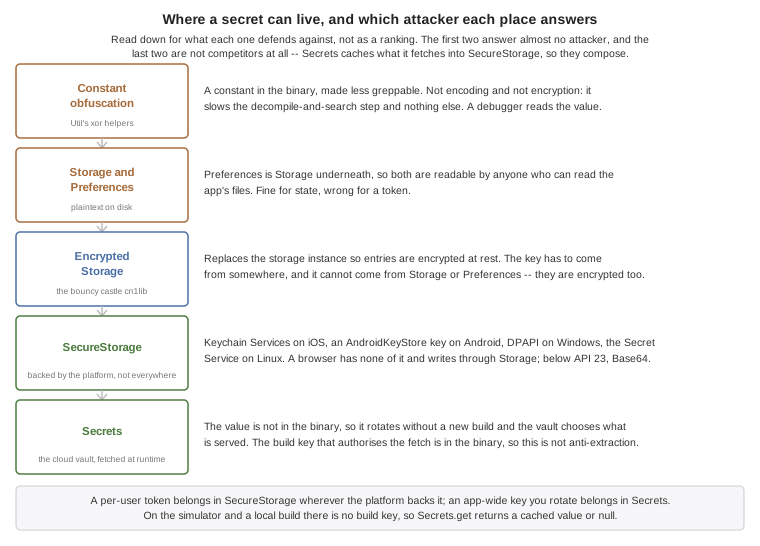
81.1. Constant obfuscation
One of the first things a hacker will do when compromising an app is look at it. For example, an attacker wanting to exploit a bank’s login UI would look at the label next to the login and then search for it in the decompiled code. If the UI has the String "enter username and password" they can search for that.
It won’t lead directly to a hack or exploit, but it will narrow down the area of the code where you should look and it makes the first step that much easier. Obfuscation helps as it removes descriptive method names but it can’t hide the Strings you use in constants. If an app has a secret key within obfuscating it can make a difference (albeit a slight difference).
Notice that this is a temporary roadblock as any savvy hacker would compile the app and connect a debugger eventually (although this is blocked in release builds) and would be able to inspect values of variables/flow. But the road to reverse engineering the app would be harder even with a simple xor obfuscation.
| This isn’t encoding or encryption — it’s a simple obfuscation of the data. |
The Util class has two static methods for it: xorEncode(String) turns a string into the obfuscated form, and xorDecode(String) turns it back.
They use a simple xor based obfuscation to make a String less readable. For example, if you’ve code like this:
private static final String SECRET = "Don't let anyone see this/* omitted */";You might be concerned about the secret, then this would make it slightly harder to find out:
// Don't let anyone see this/* omitted */Notice that this isn’t secure, if you have a crucial value that must not be found you need to store it in the server. No alternative exists because everything that’s sent to the client can be compromised by a determined hacker.
| Use the comment to help you find the string in the code |
Codename One’s built-in user-specific constants are obfuscated with this method. For example, an app built with Codename One carries some internal data such as the user who built the app, which is now obfuscated. The following small app encodes strings so you can copy and paste them into your app:
Form hi = new Form("Encoder", BoxLayout.y());
TextField bla = new TextField("", "Type Text Here", 20, TextArea.ANY);
TextArea encoded = new TextArea();
SpanLabel decoded = new SpanLabel();
hi.addAll(bla, encoded, decoded);
bla.addDataChangedListener((a, b) -> {
String s = bla.getText();
String e = Util.xorEncode(s);
encoded.setText(e);
decoded.setText(Util.xorDecode(e));
hi.getContentPane().animateLayout(100);
});
hi.show();This allows you to type in the first text field and the second text area shows the encoded result. A text area is used so copy/paste is easy.
81.2. Storage encryption
Codename One had support for bouncy castle encryption for quite a while but it isn’t as intuitive as you’d like it to be. This makes securing/encrypting your app more painful than it should.
Codename One supports full encryption of the Storage (notice the distinction, Storage isn’t FileSystemStorage).
This is available by installing the bouncy castle cn1lib from the extensions menu then using one line of code
You would want that code within your init(Object) method |
Notice that you can’t use storage or preferences to store this data as it would be encrypted (Preferences uses
Storage internally). You can use a password for this key and it would make it way more secure but if a user
changes his password you might have a problem. In that case you might need the old password to migrate to
a new password.
This works through a new mechanism in storage where you can replace the storage instance with another instance using:
Storage.setStorageInstance(new MyCustomStorageSubclass());You can leverage that knowledge to change the encryption password on the encryption storage. The key is installed for the whole of Storage, so every entry has to move together: read them all under the old key, install the new one, write them all back. EncryptedStorage comes from the bouncy castle cn1lib, so this listing isn’t part of the compiled examples:
EncryptedStorage.install(oldKey);
Map<String, byte[]> all = new LinkedHashMap<>();
for (String name : Storage.getInstance().listEntries()) {
try (InputStream is = Storage.getInstance().createInputStream(name)) {
all.put(name, Util.readInputStream(is));
}
}
EncryptedStorage.install(newKey);
for (Map.Entry<String, byte[]> e : all.entrySet()) {
try (OutputStream o = Storage.getInstance().createOutputStream(e.getKey())) {
o.write(e.getValue());
}
}The try-with-resources is deliberate: Util.cleanup swallows a close failure, and on the write side a swallowed close means an entry was never finalized under the new key. Let it throw.
This isn’t crash-safe, and it can’t be made crash-safe from the outside. If the process dies part way through the second loop, some entries are under each key and neither opens the whole store. Storage has no rename, so there is no way to stage the converted copies and swap them in atomically, and the recovery data lives only in that in-memory map. |
Which is the real argument for not rotating the storage key at all. Encrypt Storage with a random key your app generates once, keep that key wrapped under the password-derived one in a single record outside Storage, and a password change re-wraps that one small record instead of rewriting every entry. Nothing else moves, so there is no half-converted state to recover from. If you do rewrite the store in place, do it once at startup with nothing else touching Storage, and treat the possibility of an interrupted run as something your app has to survive rather than something this loop prevents.
| It isn’t a good idea to replace storage objects when an app is running so this is purely for this special case… |
If you use preferences it might be a good idea to set their built-in location to a different path using something like Preferences.setPreferencesLocation("EncryptedPreferences");.
This is useful as it prevents the encrypted preferences from colliding with the regular preferences.
81.3. Secure storage and secrets
Some values are too sensitive for Storage or Preferences, which are plaintext on disk: auth tokens, refresh tokens, and API keys. Codename One gives you two complementary tools for them.
81.3.1. SecureStorage (the platform keychain)
com.codename1.security.SecureStorage keeps small string values in the operating system’s secure keychain (iOS Keychain Services and the Android Keystore) so they’re protected by the platform’s secure enclave instead of being written to app storage. The quiet, no-prompt API is three calls:
SecureStorage ss = SecureStorage.getInstance();
ss.set("auth.token", token);
String token = ss.get("auth.token"); // null if absent
ss.remove("auth.token");What backs it differs by port, and a null read isn’t the only thing to watch for. The native ports mostly put the value behind something real: Keychain Services on iOS, an AndroidKeyStore key on Android from API 23, DPAPI on Windows and the Secret Service on Linux. Below API 23 the Android path falls back to Base64 in SharedPreferences and warns about itself, so it’s a store and not a protection. The base implementation returns false / null where there’s nothing to use, so treat that as "not available" and fall back accordingly. The browser port now encrypts what it writes: the value goes into origin-private storage as AES-GCM ciphertext under a CryptoKey created with extractable: false and held in IndexedDB, which is a key the page can use and can’t read out. That protects a copied storage file, a profile backup and a stolen database, and it doesn’t protect the value from script running on the origin, which calls get exactly as your code does. Outside a secure context there is no Web Crypto at all, so writing over plain http: is refused rather than stored in the clear. The simulator’s non-prompting tier still describes itself as obfuscation rather than security. Don’t let a successful read in either of those stand in for a test on a device.
81.3.2. Secrets (fetched from the cloud, never shipped in the binary)
Baking an API key (for example a Google Maps key) into your app means it’s in the binary forever, and rotating it means shipping a new build. com.codename1.security.Secrets keeps the value out of the binary and lets you rotate it server-side. Be clear about what that does and doesn’t buy you: the fetch is authenticated with the build key, which is in the binary, so a determined attacker who extracts it can call the vault the same way your app does. What you gain is rotation without a release, and a vault that decides what a client may ever read — not secrecy against someone reverse engineering the binary. You define the secret once in the Codename One Cloud vault, and the app fetches it at runtime and caches it in SecureStorage:
// off the EDT -- the first call may hit the network:
String mapsKey = Secrets.get("googlemaps.key");get returns the keychain-cached value when present, otherwise it fetches from the vault over TLS, caches it, and returns it. refresh(name) forces a fresh fetch (after you rotate the value server-side) and clear(name) drops the cached copy.
To publish a secret, open the Secrets page of the build console and add it under the app-readable namespace (the app. prefix; you reference it by its bare name from Secrets.get). Only secrets in that namespace are ever served to a device, so your server-only credentials (such as the store API keys used by commerce validation) stay in the vault and can’t be fetched from a client. Authentication uses the build key every cloud build already carries, so there’s nothing to wire up; on the simulator or a local build there’s no build key, so get returns the cached value if any and otherwise null.
| Build hint | Default | Description |
|---|---|---|
| (Codename One cloud) | Base URL of the secrets service. Override only if you self-host. |
81.4. Vaults: One password, every device
SecureStorage answers one question — where does this device keep a small secret — and it answers it per device. com.codename1.security.vault.Vault answers the harder one: how does the same user read the same encrypted data on their phone and in a browser, without a server ever being able to read it, and without typing a password on every page load.
One random 32-byte data key protects everything a vault holds. The data key is never stored. What’s stored are wrapped copies of it: one sealed under a key derived from the user’s password, optionally one sealed under a recovery code, and, if the user asked to be remembered, one sealed by this device’s key store — the keychain on iOS, the keystore on Android, a non-extractable CryptoKey in a browser. Unlocking means unwrapping one of those copies. Changing the password rewrites one wrap and re-encrypts no data at all.
That shape is what makes synchronization work. The record describing a vault is ciphertext, and so is every record the vault seals, so a sync server can store both and read neither.
81.4.1. Setting one up
Vault vault = Vault.named("notes");
VaultOptions options = new VaultOptions()
.policy(rememberThisDevice ? UnlockPolicy.REMEMBER_DEVICE
: UnlockPolicy.SESSION_ONLY)
.autoLockAfter(5 * 60 * 1000);
vault.configure(options);
vault.enroll(password, options).ready(ready -> Log.p("vault ready"));On every later run, try the remembered key first and fall back to asking:
Vault vault = Vault.named("notes");
vault.unlockRemembered()
.except(notRemembered -> vault.unlockWithPassword(password)
.except(wrong -> Log.p("that password did not open the vault")));KEY_MISSING from unlockRemembered is the ordinary case, not an error to show anyone: it’s how you learn this device was never remembered, or has been forgotten.
81.4.2. Storing things
Small secrets go in by name. Values are char[] rather than String so you can clear them — a String is immutable and lives in the heap until it’s collected, which is an unbounded window in a heap dump.
vault.putSecret("api.token", token);
vault.getSecret("api.token").ready(value -> {
useToken(value);
// The caller owns the characters and can clear them; a String could not be.
java.util.Arrays.fill(value, '\0');
});Larger data is sealed rather than stored, so you decide where it lives:
vault.seal("note-7", note).ready(sealed -> upload("note-7", sealed));
// The vault record itself is safe to upload too: it carries the data key only in
// wrapped form, so a server holding it can neither read the notes nor help anyone else.
upload("vault", vault.exportSyncState());A second device enrolls from the first device’s exported state and the same password:
Vault vault = Vault.named("notes");
vault.importSyncState(syncState, password)
.ready(ok -> vault.open("note-7", sealedNote).ready(this::showNote))
.except(failure -> Log.p("could not enroll this device: " + failure.getMessage()));Keep the credentials the user signs into your sync server with separate from the vault password. A server that can verify the login must not be able to derive the vault key, and it can if they’re the same string.
81.4.3. Unlock policies
Three, and the choice belongs to the user rather than to you.
| Policy | What it means |
|---|---|
| The password is required every launch, and every page load in a browser. Nothing that can reopen the vault is written to the device. |
| The data key is additionally wrapped under this device’s key store, so the vault reopens with no prompt. That’s unattended access: anyone who can run the app on this device reopens the vault without the password. |
| Reaching the key needs the user to verify themselves. Choosing this deletes the unattended wrap, because a policy that promises a prompt while a wrap that skips it sits alongside promises nothing. |
In a browser the third one isn’t the second with a flag on it — it’s a different mechanism. REMEMBER_DEVICE wraps the data key under a non-extractable CryptoKey in IndexedDB; REQUIRE_USER_VERIFICATION wraps it under key material a passkey derives, through the WebAuthn PRF extension.
That distinction is the one thing a browser can offer that the stored key can’t: the key material doesn’t exist until the user verifies. A copied browser profile carries the credential id, which isn’t a secret, and can’t derive anything without the authenticator and a person in front of it. The stored CryptoKey, by contrast, travels with the profile and works in the copy.
A passkey may be synced, and that’s your choice to make. By default the browser offers whatever authenticators it has, so on a Mac the credential can land in iCloud Keychain and reach every device on that Apple account; a Google-account passkey on Android behaves the same way. Where that happens, "remember this device" amounts to "remember this account" — still a genuine protection, because it needs the account and a biometric, but not device-binding.
For a note-taking app that’s usually what the user wants: a new laptop unlocks with a face scan and no password. For something holding a second factor it’s the opposite, which is why this is a choice:
VaultOptions options = new VaultOptions()
.policy(UnlockPolicy.REQUIRE_USER_VERIFICATION);
if (mustNotLeaveThisDevice) {
// Excludes security keys and every synced passkey. Enrolment fails with
// POLICY_NOT_MET where no authenticator can meet it, so have a fallback.
options.requireDeviceBoundPasskey();
}
Vault vault = Vault.named("payments").configure(options);
vault.enroll(password, options).except(failure -> offerPasswordOnly());requireDeviceBoundPasskey() checks the credential’s backup-eligibility flag, which is the part that actually decides. Asking for platform attachment alone isn’t enough — an iCloud Keychain passkey is platform-attached and syncs anyway. A browser that won’t report the flag counts as may leave this device, so an unknown answer is never rounded up into a guarantee.
What it costs: hardware security keys are excluded, and a user whose only authenticator syncs can’t enroll at all — enrollment fails with POLICY_NOT_MET rather than keeping a credential that doesn’t meet the requirement. Offer the weaker policy as a fallback, or don’t require it.
Checked on real hardware and not only against a virtual authenticator: macOS Touch ID in Chrome derives 32 bytes, and derives the same 32 bytes again after the browser has been quit and reopened — which is the property the whole scheme rests on, since a passkey that derived fresh bytes each time would make the wrapped data key unrecoverable.
A passkey signature isn’t an encryption key, and it’s worth being clear why, because the obvious shortcut is wrong: signatures are randomized, so signing a fixed challenge gives different bytes every time. PRF is the part of WebAuthn that actually derives a key — the authenticator evaluates its own HMAC secret over a salt, so the same credential and salt give the same 32 bytes forever.
Not every authenticator implements it. Enrollment checks prf.enabled from the creation ceremony and refuses to keep a credential that can’t derive, so capabilities().supports(…) tells you the truth rather than offering a prompt with nothing behind it. And note that WebAuthn doesn’t work on an IP-address origin at all — a relying-party id has to be a domain. For local development that means serving from localhost, not 127.0.0.1.
81.4.4. Measured browser support
Run by hand against the shipped bridge on macOS, with Touch ID as the platform authenticator:
| Browser | Device key | Passkey PRF | storage.persisted() |
|---|---|---|---|
Chrome 152 | yes | yes | false |
Safari 26.6 | yes | yes | false |
Firefox 155 | yes | yes | false |
"Device key" is the whole REMEMBER_DEVICE path: a non-extractable CryptoKey structured-cloned into IndexedDB, a wrap round trip, and a wrong binding correctly failing its tag. That’s the one that mattered — it’s the default, and had Safari refused the clone, remembered vaults would have been broken on every iPhone and Mac.
PRF derived 32 stable bytes in all three, and in Chrome the same bytes after the browser was quit and reopened.
What this doesn’t cover: mobile Safari, Chrome on Android, Windows Hello, hardware security keys, and older versions of all three. The runtime detection above is what protects those — the table says what was seen, not what’s guaranteed. Every one of these browsers reported storage.persisted() as false on a fresh profile, which is why PERSISTENT is reported from storage working rather than from that call.
Reproduce any row with node scripts/verify-javascript-vault-passkey.mjs, which serves a page running the same bridge an application does.
REQUIRE_USER_VERIFICATION isn’t available everywhere. Ask vault.capabilities().supports(policy) before you offer the switch, because a "remember this device" toggle on a platform that can’t remember is worse than no toggle.
81.4.5. Asking what actually protects it
Protections are independent flags with three answers each — yes, no, and can’t say — rather than a security level. The third is a real answer: no browser will tell you whether a key ended up in a secure element, and a report that guessed would be inventing a guarantee.
ProtectionReport report = vault.protection();
if (report.answer(Protection.HARDWARE_BACKED) == ProtectionReport.UNKNOWN) {
// Not "no". This platform will not say, and a screen that rendered that as "no"
// would understate an authenticator that does use a secure element.
return "Encrypted on this device; hardware backing could not be confirmed.";
}
return report.provides(Protection.HARDWARE_BACKED)
? "Encrypted with a hardware-backed key."
: "Encrypted with a software key.";When you need a protection rather than a description of one, require it. The vault then refuses instead of storing with less:
VaultOptions options = new VaultOptions()
.policy(UnlockPolicy.REMEMBER_DEVICE)
.require(Protection.OS_PROTECTED);
Vault vault = Vault.named("payments").configure(options);
vault.enroll(password, options).except(failure -> {
if (failure instanceof VaultException
&& ((VaultException) failure).getError() == VaultError.POLICY_NOT_MET) {
// The browser reaches this: there is no OS key store in a page. Offer the
// session-only policy instead of pretending the requirement was met.
Log.p("this device cannot hold the key in the OS key store");
}
});UNKNOWN never satisfies a requirement.
81.4.6. What a vault protects against
| Threat | Protected |
|---|---|
A stolen database file, a stolen backup, a copied storage pool | Yes. Everything at rest is authenticated ciphertext under a key that isn’t stored beside it. |
A copied browser profile, vault locked | Yes under |
A copied profile, vault unlocked | No. The data key is in memory. |
Script running on your own origin, vault unlocked | No. It calls the same decrypt your code calls. Non-extractable keys and Web Workers don’t change this. |
Script on your origin, vault locked | It can’t read the data. It can wait, and read the password when the user next types it. |
A browser extension, or malware on the device | No. |
A compromised server that serves new application code | No. New code runs in your origin and inherits everything your application has. |
Data already copied elsewhere | No. |
The second row is the one that gets misread. "The database file alone is useless" and "a copy of the whole profile is useless" are different claims, and only the first holds for a browser with a remembered device. Say that to users in those words.
81.4.7. Keys you can use and can’t read
operationalKey hands back a KeyHandle — a key with no byte accessor at all. There’s no getEncoded() on it and no method that adds one, and it stops working the moment the vault locks.
vault.operationalKey("cache").ready(key -> {
// There is no getEncoded() on a KeyHandle, and no method that adds one.
key.seal(payload, null).ready(sealed -> storeInCache(sealed));
});81.4.8. Encrypted databases
SQLCipher keys from bytes, on the device and in the browser’s WebAssembly build alike, so a database can’t be keyed by a handle. DatabaseConfig.vault(…) therefore produces real key bytes, and says so rather than exporting a handle behind your back:
// The vault must be unlocked here: the key does not exist until it is. Locking the
// vault afterwards does not close the connection -- the engine already has the key.
return Database.openOrCreate("notes", DatabaseConfig.vault(vault, "notes"));While the database is open the key is in the process and stays there; locking the vault doesn’t close the connection. What the vault adds over DatabaseConfig.managed() is that the key doesn’t exist at all until the user unlocks — which in a browser is the difference between a page that holds a database key from the moment it loads and one that doesn’t. If you can’t accept the exposure, call VaultOptions.requireOpaqueKeysOnly(), which makes that call fail with POLICY_NOT_MET and means this vault can’t key a database.
rotateDataKey and importing a rotation both change the current database key. Record vault.getDataKeyVersion() alongside the database when creating it, and use DatabaseConfig.vault(vault, alias, recordedVersion) to open that file even after a later rotation arrives. The vault retains the retired keys across restarts; vault.databaseKey(alias, version) also exposes them for database engines you manage directly.
To change the database key, open the file at its recorded version, call database.changeKey(DatabaseConfig.vault(vault, alias, newVersion)), and update the recorded version only after that succeeds. Keep both version numbers in a local migration journal until reopening succeeds, so a crash between changing the key and updating that record is recoverable. There is no automatic key change.
If import policy setup fails, an untouched import is rolled back. VaultError.IMPORT_COMMITTED means the import reached committed state and rollback would risk existing data or couldn’t be confirmed. The session is locked; reread the persisted sync state before retrying policy setup.
81.4.9. Cross-platform interoperability
Everything about the format is pinned so the same password opens the same data everywhere:
AES-256-GCM with a 12-byte nonce and a 128-bit tag, in a versioned envelope whose header — version, cipher suite, KDF parameters, key id — is authenticated rather than merely present. Rewriting the iteration count fails the tag instead of steering the decryption.
PBKDF2-HMAC-SHA256, 600,000 iterations by default, with the count carried in the envelope so it can be raised without breaking what’s already written. It’s the one password KDF a browser has, and a KDF one of the three platforms has to emulate in application code isn’t a portable one.
UTF-8 encoded by Codename One rather than by the platform, because runtimes disagree about unpaired surrogates. No normalization is applied: if you want to accept two spellings of the same accented password, normalize before you call.
Every envelope is bound to its application, vault, record and purpose. Ciphertext moved from one record to another fails to authenticate rather than decrypting into the wrong slot.
81.4.10. Deploying the browser build
The vault needs a secure context. Served over plain http: on anything but localhost there’s no Web Crypto, and writes are refused rather than stored in the clear.
The SQLite engine — about 1.5 MB of WebAssembly and its loader — is copied into the build only when the application can actually reach it. It’s fetched on first use rather than at page load, so it never cost startup time for anyone; it cost deployment size in an artifact you upload to static hosting. The decision is made from the translated output, and it fails toward shipping: if the build can’t tell, the engine goes in, because a database that won’t open is a worse outcome than a download nobody makes.
The JavaScript build writes its own deployment configuration into a cn1-security directory: a _headers file for Netlify and Cloudflare Pages, configuration for nginx and for Apache, and a README explaining them. It’s written beside the bundle directory and named after it — MyApp-js-cn1-security next to MyApp-js — because the bundle directory is the web root you upload. Host configuration doesn’t belong there, and a directory that sits outside the bundle can’t be published by accident. A Maven build copies it, and the suspension report beside it, into target/. Nothing here is active until you copy the file your host reads to where it reads it. That’s on purpose: Netlify and Cloudflare read _headers automatically, and an application that never asked for a policy shouldn’t acquire one on its next deploy. Read the README first: the policy restricts connect-src to this origin, so an app that calls a backend elsewhere has to add it. The Content-Security-Policy in them is generated from the page that was actually emitted — each inline block is hashed — so it doesn’t go stale against a template.
Three of those protections exist only as response headers and are ignored in a <meta> tag: frame-ancestors, X-Frame-Options and Strict-Transport-Security. A deployment that puts the policy in the page and skips the host configuration has no clickjacking protection and no HSTS, whatever the rest of it says.
Give the application its own origin where you can. Storage, IndexedDB, the vault’s key and cookies are all keyed by origin and not by path, so a second application on the same host under a different path shares every one of them.
81.5. Disabling screenshots
One of the common security features some apps expect is the ability to block a screenshot. In the past apps like snapchat required that you touch the screen to view a photo to block the ability to grab a screenshot (on iOS). This no longer works…
Blocking screenshots is implemented by classifying the app window as secure on Android. You can enable this via the build hint android.disableScreenshots=true. Once that’s added screenshots should no longer work for the app, this might impact other things as well such as the task view which will no longer show the screenshot either.
On iOS, you can’t prevent a user from taking a static screenshot, but you can block screen capture/recording while it’s active. This uses UIScreen.isCaptured and its change notification to hide the app contents while a capture session is active. Enable this behavior with the build hint ios.disableScreenshots=true.
81.6. Blocking copy & paste
Blocking copy & paste is useful for cases where a device might have spyware installed that monitors the clipboard. This also prevents a user from using a password manager (which rely on the clipboard), those managers could be compromised and thus if you’re building a secure app this might be necessary.
You can block copy & paste on Android & iOS. Blocking of copy & paste can be implemented globally or on a specific field.
To block copy & paste globally use:
Display.getInstance().setProperty("blockCopyPaste", "true");To block copy & paste on a specific field do:
textCmp.putClientProperty("blockCopyPaste", Boolean.TRUE);Notice that the inverse of using false might not work as expected |
81.7. Blocking jailbreak
iOS & Android are walled gardens which is both a blessing and a curse. Looking at the bright side the walled garden aspect of locked down devices means the devices are more secure by nature. For example, on a PC that was compromised you can detect the banking details of a user logging into a bank. But on a phone it would be much harder due to the deep process isolation.
This isn’t true for jailbroken or rooted devices. In these devices security has often been compromised with good intentions (opening up the ecosystem) but it can also be used as a step in a serious attack on an application!
For obvious reasons it’s hard to accurately detect a jailbroken or rooted device but when possible if you have a high security app you might want to block the functionality or even raise a "silent alarm" in such a case. To detect this you can use the isJailbrokenDevice method as such:
if(Display.getInstance().isJailbrokenDevice()) {
// probably jailbroken or rooted
} else {
// probably not
}Notice that this isn’t right, you can’t be 100% sure as there are no official ways to detect jailbreak. That’s why it’s crucial to encrypt everything and assume the device was compromised to begin with when dealing with sensitive data. Still it’s worthwhile to use these APIs to make the life of an attacker a little bit harder.
81.8. Device integrity, RASP & attestation
The isJailbrokenDevice check above is a single, coarse signal. For high-security apps (banking, payments, healthcare) Codename One exposes a richer, cross-platform device-integrity API in com.codename1.security.DeviceIntegrity. It groups three families of runtime self-protection (RASP) primitives, each available both as a zero-code build hint (an automatic launch-time guard) and as a runtime API (so your app can make granular, per-transaction decisions). The build hints are wired into the build server, so enabling a feature is just a settings entry away.
| Every on-device check is bypassable on a sufficiently compromised device — that’s an industry truth, not a Codename One limitation. Use the on-device checks for defense-in-depth and UX (warn, degrade, require step-up auth), but gate genuinely sensitive server actions on the server-verified attestation token described below, never on a boolean computed on the device itself. |
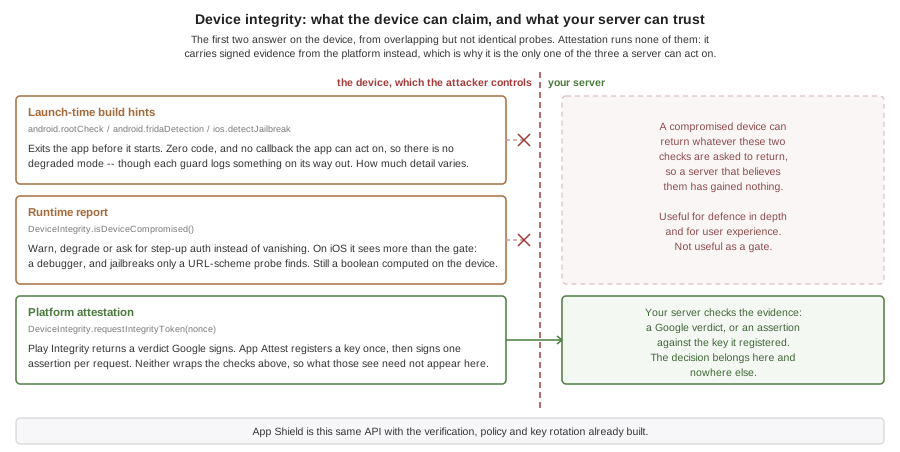
81.8.1. Detecting rooted / jailbroken / tampered devices (RASP)
Codename One ships several launch-time hard gates that terminate the app on a compromised device. They’re enabled through build hints and need no code:
android.rootCheck=true— bundles the RootBeer library and exits at launch on a rooted device (subinaries, test-keys / custom ROM signals, Magisk indicators, dangerous system properties).android.fridaDetection=true— detects the Frida dynamic-instrumentation toolkit (the core RASP threat) and exits.ios.detectJailbreak=true— exits at launch on a jailbroken iOS device (MobileSubstrate / Liberty / FridaGadget dylibs, Cydia/apt paths, sandbox-escape probes).
When you’d rather respond in-app than be hard-killed — for example to block only a single risky operation, raise a silent alarm, or require additional authentication — use the non-exiting runtime report instead:
if (DeviceIntegrity.isDeviceCompromised()) {
// root / jailbreak / Frida / emulator detected -- do not hard-exit,
// instead degrade: disable the transfer button, require step-up auth, etc.
for (String reason : DeviceIntegrity.getCompromiseReasons()) {
// reason is a machine-readable code: "root", "frida", "emulator", "jailbreak"
Log.p("Device compromise signal: " + reason);
}
}isDeviceCompromised() covers the root, jailbreak and Frida ground the launch gates do, plus emulator heuristics, but it isn’t the same set and never terminates the app. On iOS it reports more than the gate enforces: the launch guard exits only on the file, path, mount and hooking signals, leaving out the one that fires when a debugger is attached, by design, so a device launched from Xcode still runs, while the runtime report includes it and also probes for the package managers a jailbreak leaves behind. Don’t read a passed launch as covering whatever your runtime policy checks. On unsupported ports it returns false. The simulator returns false too until you set a signal under Simulate > App Shield, which is how you exercise your warning, degradation and step-up branches without a compromised device.
If your security policy mandates a specific commercial Mobile Threat Defense (MTD) / RASP vendor (Zimperium, Promon SHIELD, etc.), you integrate that vendor’s SDK through the standard android.gradleDep / ios.pods build hints — Codename One’s built-in checks complement, but don’t claim to replace, a dedicated MTD product. |
81.8.2. Platform attestation: Google Play Integrity & Apple App Attest
The trustworthy way to verify device and app integrity is hardware-backed attestation: Google Play Integrity on Android and Apple App Attest on iOS. Both produce a signed token that your backend verifies with Google / Apple. This is the mechanism to use when you must, for example, block an outward transfer to a newly added beneficiary on a device that fails integrity.
Enable it with a build hint, which bundles the SDK (Android) or links the entitlement (iOS):
android.playIntegrity=true— bundles the Play Integrity SDK and enables the runtime token API. Optionally addandroid.playIntegrity.verifyUrl=https://backend.example.com/integrityto also attest at launch on a background thread and exit if your backend rejects the token.android.playIntegrityVersionoverrides the bundled SDK version.ios.appAttest=true— enables App Attest (DeviceCheck.framework) and the runtime token API.ios.appAttest.environmentisdevelopment(debug builds) orproduction(release) by default.
The runtime API is identical on both platforms — request a token bound to a fresh server nonce, then POST it to your backend for verification:
// serverNonce is generated by, and round-tripped from, your backend so it can
// detect replay. The returned token is opaque and MUST be verified server-side.
DeviceIntegrity.requestIntegrityToken(serverNonce).onResult((token, err) -> {
if (err != null) {
// Attestation unavailable -- treat the device as untrusted /
// require an additional verification step before allowing the transfer.
return;
}
// POST `token` to your backend. The backend decrypts/validates the verdict
// with Google / Apple and decides whether to authorize the transfer.
authorizeTransferAfterServerVerification(token);
});DeviceIntegrity.isAttestationSupported() reports whether attestation is available and was bundled into this build. On the simulator, on unsupported ports, or when the build hint is off, requestIntegrityToken() completes with an error rather than throwing.
| The block-the-transfer decision lives in your backend, gated on the verified verdict. Codename One’s job is to reliably deliver the attested token; the policy enforcement — for example blocking new-beneficiary transfers when integrity fails and biometric controls aren’t enabled — is application + server logic that consumes this API. |
DeviceIntegrity hands you the raw platform blob and leaves verification, policy, replay protection, key management and rotation to you. If you’d rather not build that, Chapter 83, App Shield is the managed layer on top of exactly this API: the attestation is verified server-side against Apple and Google, evaluated against a policy you control, and turned into a short-lived signed token your backend checks with a few lines of middleware. Both remain available and this API keeps working unchanged.
81.8.3. Defending against accessibility-service abuse (Android)
A common Android malware technique is to abuse the accessibility services API for overlays, remote control, and on-screen text extraction (including reading text destined for text-to-speech). Codename One lets you detect untrusted accessibility services and lock down sensitive screens.
The android.accessibilityGuard=true build hint checks the enabled accessibility services at launch and, by default, exits when an untrusted one is active. Tune it with:
android.accessibilityGuard.allow=com.google.android.marvin.talkback,com.example.trusted— a comma-separated allow-list of accessibility-service packages the user legitimately relies on (such as a screen reader). Any enabled service outside this list trips the guard.android.accessibilityGuard.mode=exit|warn—exit(default) terminates the app;warnonly logs, leaving the decision to your runtime code.
At runtime you get the same information for granular control:
// Enumerate the enabled accessibility services (component ids "pkg/.Service").
String[] services = DeviceIntegrity.getEnabledAccessibilityServices();
// True if any enabled service is outside your trusted allow-list.
if (DeviceIntegrity.hasUntrustedAccessibilityService("com.google.android.marvin.talkback")) {
// Likely accessibility-abusing malware -- block the sensitive action.
}For the screens that actually matter (PIN entry, transfer confirmation), mark them secure so the OS blocks screenshots, screen recording, and accessibility screen scraping while they’re displayed:
// Entering a sensitive screen (Android FLAG_SECURE; no-op on iOS):
DeviceIntegrity.setSecureScreen(true);
// null leaving it:
DeviceIntegrity.setSecureScreen(false);Accessibility-service enumeration and setSecureScreen() are Android concepts; on iOS they’re no-ops (iOS has no equivalent third-party accessibility-service threat model). Use ios.disableScreenshots=true to block screen capture on iOS as described in Section 81.5, “Disabling screenshots”. |
81.8.4. Defending against tapjacking and screen overlays (Android)
Tapjacking is the other half of the same attack. Instead of driving your app through an accessibility service, a malicious app draws its own window on top of yours — a fake PIN pad, a fake confirmation button, or an invisible layer — so the user believes they’re tapping your UI while the tap is being framed, or harvested, by someone else. It’s the classic way a banking transfer gets confirmed by a user who thought they were dismissing a notice.
Android exposes this as flags on each touch event, and Codename One turns that into a policy you set once:
android.tapjackingGuard=true— switches on protection at launch with no code. By default it blocks obscured touches and asks Android 12+ to hide overlay windows.android.tapjackingGuard.mode=block|strict|report—block(default) drops any gesture that starts while another window covers the touched point.reportobserves without changing behavior, which is the safe way to measure how often this happens in your user base first.strictalso drops touches where only part of the window is covered; read the warning below before choosing it.android.tapjackingGuard.hideOverlays=true|false— whether to also callsetHideOverlayWindows(). Defaults totrue.
The runtime API gives you the same control plus a notification:
// Switch on tapjacking protection once, during startup. BLOCK drops any gesture
// that begins while another app's window covers the touched point.
DeviceIntegrity.setTapjackingProtection(TapjackingPolicy.BLOCK);
// A blocked gesture never reaches your components, so this listener is how the
// app learns the tap happened. It fires when the state changes, not per touch.
//
// Read the state off the event, not from isScreenObscured(). The callback is
// delivered on the EDT while the state is updated on the platform's input thread,
// so a busy EDT can let a later clean touch land first -- and re-reading the
// global state would then skip the warning for the event that caused it.
DeviceIntegrity.addTapjackingListener(e -> {
if (Boolean.TRUE.equals(e.getSource())) {
Dialog.show("Security warning",
"Another app is drawing over this screen. Close it before continuing.",
"OK", null);
}
});
// On a sensitive screen, remove the overlay instead of merely filtering its taps.
// This is Android 12+ only, and unlike the touch filter it also protects native
// peer components such as BrowserComponent.
if (DeviceIntegrity.isHideOverlayWindowsSupported()) {
DeviceIntegrity.setHideOverlayWindows(true);
}
DeviceIntegrity.setSecureScreen(true);Two properties of this API are worth being precise about, because getting them wrong leads to a false sense of coverage.
Detection is touch-driven, not a live window query. Android reports obscuring as a flag on a delivered MotionEvent, so isScreenObscured() means "the most recently observed touch arrived obscured." If an overlay appears and the user never touches the screen, nothing is observed. That’s a platform limitation, not an implementation gap.
A blocked gesture is dropped in full. Swallowing only the press and delivering the release would leave the framework holding half a gesture, so once a gesture starts obscured, everything through to the matching release is discarded. Your components see nothing at all — which is exactly why the listener exists, and why an app that blocks should register one rather than rely on polling.
setHideOverlayWindows(true) is the strongest of the three defenses and the only one that also covers native peer components such as BrowserComponent and native text fields, because it removes the offending window instead of filtering the touches it enables. Pair it with setSecureScreen(true) when you enter a sensitive screen and clear both on the way out.
It has two requirements, and isHideOverlayWindowsSupported() reports on both — it returns false rather than claiming a protection you aren’t getting:
Android 12 (API 31) or newer.
The
android.permission.HIDE_OVERLAY_WINDOWSmanifest permission. Without it the OS throws, so the call is skipped and logged instead.android.tapjackingGuard=truedeclares it for you; if you drive the runtime API without that hint, addandroid.hideOverlayWindows=true. It’s a normal install-time permission — no runtime prompt and no special-access screen for the user.
strict mode blocks touches where only part of the window is covered, and ordinary system UI causes that as a matter of course. On some devices this will discard taps the user intended and the app will simply feel broken, with nothing in the logs to explain it. Use it only where a missed tap is clearly preferable to a hijacked one, and test it on real hardware. |
This family is Android-only. iOS gives no application a way to draw over another app, so there is nothing to detect: isScreenObscured() is always false and the policy has no effect. Screen recording and mirroring are a different threat, covered by ios.disableScreenshots=true. In the simulator, Simulate > App Shield > Screen Overlay (Tapjacking) fakes an overlay so you can exercise your listener on the desktop. |
81.9. Strong Android certificates
When Android launched RSA1024 with SHA1 was considered strong enough for the foreseeable future, this hasn’t changed completely but the recommendation today is to use stronger ciphers for signing & encrypting as those can be compromised.
APKs are signed as part of the build process when you upload an app to the Google Play Store. This process seems redundant as you generate the signature/certificate ourselves (unlike Apple which generates it for you). But, this is a crucial step as it allows the device to verify upgrades and make sure a new update is from the same original author!
This means that if a hacker takes over your account on Google Play, he still won’t be able to ship fake updates to your apps without your certificate. That’s important since if a hacker would have access to your certificate he could create an app update that would send him all the users private information for example, if you’re a bank this could be a disaster.
Android launched with RSA1024/SHA1 as the signing certificates. This was good enough at the time and is still pretty secure. But, these algorithms are eroding and it’s conceivable that within the 10-15 year lifetime of an app they might be compromised using powerful hardware. That’s why Google introduced support for stronger cryptographic signing in newer versions of Android and you can use that.
81.9.1. The bad news
A downside exists…
Google introduced that capability in Android 4.3 so using these new keys will break compatibility with older devices. If you’re building a highly secure app this is probably a tradeoff you should accept. If not this might not be worth it for some theoretical benefit.
Furthermore, if your app is already shipping you’re out of luck. Due to the obvious security implications once you shipped an app the certificate is final. Google doesn’t provide a way to update the certificate of a shipping app. Thus this feature applies to apps that aren’t yet in the play store.
81.9.2. The good
If you’re building a new app this is pretty easy to integrate and requires no changes on your part. Just a new certificate. You can generate the new secure key using instructions in articles like this one.
If you’re using Codename One Setting you can check the box to generate an SHA512 key which will harden the security for the APK.
81.10. Certificate pinning
When you connect to HTTPS servers your networking code checks the certificate on the server. If the certificate was issued by a trusted certificate authority then the connection goes through, otherwise it fails. Imagine you’re sitting in a coffee shop connected to the local Wi-Fi, and you try to connect to Gmail to check your email. Since you use HTTPS to Google you trust the connection is secure.
| What if the coffee shop was hacked and the router is listening in on everything? |
HTTPS is encrypted and the way encryption works is through the certificate. The server sends you a certificate and you can use that to send encrypted data to it.
| What if the router grabs the server’s certificate and communicates with Google on your behalf? |
This won’t work since the data you send to the server is encrypted with the certificate from the server.
| What if the router sends its own "fake certificate"? |
That won’t work either. All certificates are signed by a "certificate authority" indicating that a google.com certificate is valid.
| What if an attacker could get a fake certificate authorized by a real certificate authority? |
That’s a problem!
It’s obviously hard to do but if someone was able to do this he could execute a "man in the middle" attack as described above. People were able to fool certificate authorities in the past and gain fake certificates using various methods so this is possible and probably doable for any government level attacker.
81.10.1. Certificate pinning
This is the attack certificate pinning (or SSL pinning) aims to prevent. You code into your app the "fingerprint" of the certificate that’s "good" and thus prevent the app from working when the certificate is changed. This might break the app if you replace the certificate at some point but that might be reasonable in such a case.
To do this you have a cn1lib. It fetches the certificate fingerprint from the server so you can check the fingerprint against a list of authorized keys. Run mvn cn1:settings, open Extensions, and install SSLCertificateFingerprint. Then use something like this to verify your server:
| Fingerprints coded into the app are the part that hurts: the certificate has to be replaced eventually, and a hardcoded pin turns that into an app store release with every un-updated install broken until it lands. Chapter 83, App Shield pins the public key rather than the whole certificate, delivers the pin set over the air with the attestation token, and refuses to publish a set that would brick the app — which is the same protection without the release cycle. |
Notice that once connection is established you don’t need to verify again for the current application run.
81.11. Cryptographic primitives
The com.codename1.security package gives you the cryptographic building blocks you need for typical mobile-app concerns — hashing, message authentication, symmetric and asymmetric encryption, digital signatures, JSON Web Tokens, and time/counter-based one-time passwords. The supporting com.codename1.components.OtpField component covers the UI side of OTP entry.
The hash and HMAC primitives are implemented in portable Java so they produce identical output on every platform without depending on any external library. Symmetric and asymmetric encryption, signing, and the secure RNG go through each platform’s native crypto provider via Codename One’s implementation layer:
The simulator (JavaSE) and Android route through the JRE’s
java.securityandjavax.crypto.iOS routes through Apple’s CommonCrypto and the Security framework (via
Ports/iOSPort/nativeSources/CN1Crypto.{h,m}and the correspondingIOSImplementationoverrides).
Application code never sees these differences — you call the same com.codename1.security classes regardless of the platform you are running on.
Cryptographic operations only throw com.codename1.security.CryptoException, an unchecked exception. You can let it bubble up or catch it; you don’t have to declare it. |
81.11.1. Hashing
com.codename1.security.Hash implements MD5, SHA-1, SHA-224, SHA-256, SHA-384, and SHA-512. SHA-256 is the recommended default for new code; MD5 and SHA-1 are exposed only for compatibility with older protocols since both are broken for collision resistance:
// One-shot
byte[] digest = Hash.sha256("hello".getBytes("UTF-8"));
String hex = Hash.toHex(digest); // 64-character lowercase hex
byte[] back = Hash.fromHex(hex); // round-trip helper
// Streaming
Hash h = Hash.create(Hash.SHA256);
h.update(part1);
h.update(part2);
byte[] full = h.digest(); // hash is reset after digest()The algorithm identifier strings (Hash.MD5, Hash.SHA256, etc.) are also accepted with or without dashes and in any case ("sha256" and "SHA-256" are equivalent).
81.11.2. Message authentication (HMAC)
com.codename1.security.Hmac implements HMAC (RFC 2104) on top of any of the hash algorithms above. Use HMAC whenever a message authentication code is needed — API request signing, session cookie tamper detection, JWT signing with the HS family, or TOTP token generation:
byte[] tag = Hmac.sha256(secret, message);
// Streaming
Hmac h = Hmac.create(Hash.SHA256, secret);
h.update(part1);
h.update(part2);
byte[] tag2 = h.doFinal();When comparing authentication tags, use Hmac.constantTimeEquals(a, b) instead of Arrays.equals(a, b) — the latter short-circuits on the first mismatch and is vulnerable to timing attacks.
81.11.3. Secure random numbers
com.codename1.security.SecureRandom exposes the platform’s cryptographically secure RNG (SecRandomCopyBytes on iOS, /dev/urandom on Linux/Android, etc.). Use it for keys, nonces, salts, password reset tokens, and any other security-sensitive value. Never use java.util.Random or Math.random() for these purposes:
byte[] iv = SecureRandom.bytes(12); // 12-byte AES-GCM nonce
int pin = SecureRandom.intBelow(1_000_000); // bias-free 6-digit code
long id = SecureRandom.longBelow(1L << 53);81.11.4. Symmetric encryption (AES)
com.codename1.security.Cipher exposes AES through the platform’s native AES implementation. AES-GCM is the recommended default because it’s authenticated — a single tag-mismatch failure detects any tampering of the ciphertext or the associated data:
SecretKey key = KeyGenerator.aes(256);
byte[] nonce = SecureRandom.bytes(12);
byte[] aad = "v1".getBytes("UTF-8");
byte[] ciphertext = Cipher.aesEncrypt(Cipher.AES_GCM, key, nonce, aad, plaintext);
byte[] decrypted = Cipher.aesDecrypt(Cipher.AES_GCM, key, nonce, aad, ciphertext);The Cipher class exposes the standard JCE-style transformation strings as constants: Cipher.AES_GCM, Cipher.AES_CBC_PKCS5, Cipher.AES_CBC, and Cipher.AES_ECB_PKCS5. For GCM, the 16-byte authentication tag is appended to the ciphertext (matching the JCE convention). ECB is exposed only for interop with legacy systems — it leaks structure and should never be used for new designs.
81.11.5. Asymmetric encryption and digital signatures (RSA, ECDSA)
com.codename1.security.Cipher also covers RSA encryption, and com.codename1.security.Signature covers digital signatures (RSA and ECDSA). Keys are represented by com.codename1.security.PublicKey and com.codename1.security.PrivateKey, which wrap X.509 SubjectPublicKeyInfo and PKCS#8 DER blobs respectively — the same encodings used by OpenSSL:
// Generate a fresh RSA-2048 key pair (run on a background thread; key
// generation can take a noticeable amount of time)
KeyPair kp = KeyGenerator.rsa(2048);
// Encrypt a small payload (e.g. wrap an AES key)
byte[] sealed = Cipher.rsaEncrypt(Cipher.RSA_OAEP_SHA256, kp.getPublicKey(), payload);
byte[] opened = Cipher.rsaDecrypt(Cipher.RSA_OAEP_SHA256, kp.getPrivateKey(), sealed);
// Sign / verify
byte[] sig = Signature.sign(Signature.SHA256_WITH_RSA, kp.getPrivateKey(), data);
boolean ok = Signature.verify(Signature.SHA256_WITH_RSA, kp.getPublicKey(), data, sig);To use a key that was generated outside the app, feed the DER bytes to the static factory methods:
PublicKey pub = PublicKey.rsa(x509SpkiBytes); // openssl rsa -pubout -outform DER
PrivateKey priv = PrivateKey.rsa(pkcs8DerBytes); // openssl pkcs8 -topk8 -nocrypt -outform DERA key that arrives as a file is usually PEM rather than raw DER — base64 between -----BEGIN----- lines — so PublicKey.fromPem and PrivateKey.fromPem take that text, or the bytes of the file straight from Util.readInputStream, and work out the algorithm from the key itself.
fromPem also reads the containers that aren’t the one the platform wants: the older PKCS#1 RSA PRIVATE KEY and SEC1 EC PRIVATE KEY blocks, and the -----BEGIN CERTIFICATE----- file a server or payment gateway is more likely to hand out than a bare key, whose subject public key it uses. It doesn’t verify the certificate — neither its signature nor its dates — it only reads the key out of it, so a certificate you didn’t already trust is no more trustworthy for having been parsed here.
The Signature class exposes the JCE algorithm strings as constants: SHA256_WITH_RSA, SHA384_WITH_RSA, SHA512_WITH_RSA, SHA256_WITH_ECDSA, SHA384_WITH_ECDSA, and SHA512_WITH_ECDSA.
81.11.6. Key agreement and key derivation (ECDH, HKDF)
Two parties that have never met can agree on a secret over a channel anyone can read. KeyGenerator.ec(256) makes a P-256 key pair, each side sends the other its public key, and KeyAgreement.ecdh combines one side’s private key with the other’s public key. Both arrive at the same 32 bytes, and nobody who watched the exchange can compute them:
KeyPair alice = KeyGenerator.ec(256);
KeyPair bob = KeyGenerator.ec(256);
// Each side combines its own private key with the other's public key.
byte[] atAlice = KeyAgreement.ecdh(alice.getPrivateKey(), bob.getPublicKey());
byte[] atBob = KeyAgreement.ecdh(bob.getPrivateKey(), alice.getPublicKey());
// atAlice and atBob hold the same 32 bytesThe result is a shared secret, not yet a key. Hkdf (RFC 5869) turns it into keys of any length, bound to an info label so that keys derived for different purposes never coincide. Hkdf.derive runs both steps at once:
byte[] shared = KeyAgreement.ecdh(mine.getPrivateKey(), theirs.getPublicKey());
// The shared secret is not a key yet. HKDF turns it into one, and the info
// label keeps keys derived for different purposes apart.
byte[] info = "chat message key v1".getBytes();
byte[] key = Hkdf.derive("SHA-256", null, shared, info, 32);
byte[] nonce = SecureRandom.bytes(12);
byte[] sealed = Cipher.aesEncrypt(Cipher.AES_GCM, new SecretKey("AES", key),
nonce, null, message);Protocols that keep the intermediate key, a ratchet for example, call the two steps one at a time:
byte[] prk = Hkdf.extract("SHA-256", salt, shared);
byte[] sendKey = Hkdf.expand("SHA-256", prk, "send".getBytes(), 32);
byte[] receiveKey = Hkdf.expand("SHA-256", prk, "receive".getBytes(), 32);Hkdf is portable Java over Hmac, so it behaves identically on every port and on a Codename One backend. The key agreement itself runs in the platform’s native crypto provider. Use a fresh key pair for each exchange you want to be forward secret, and never use the raw ECDH output as a key.
81.11.7. JSON Web Tokens
com.codename1.security.Jwt provides JWT (RFC 7519) signing and verification. The HS family (HMAC-SHA-2) is pure Java so it works on every platform; the RS family (RSA-PKCS#1 v1.5 with SHA-2) and the ES family (ECDSA with SHA-2) route through the platform’s native crypto:
Map<String, Object> claims = new LinkedHashMap<String, Object>();
claims.put("sub", "user-123");
claims.put("exp", System.currentTimeMillis() / 1000 + 3600);
// Sign with a shared secret (HS256)
String token = Jwt.signHs256(claims, "secret".getBytes("UTF-8"));
// Parse + verify
Jwt parsed = Jwt.parse(token);
if (!parsed.verifyHs256("secret".getBytes("UTF-8"))) {
throw new SecurityException("bad signature");
}
String subject = (String) parsed.getClaim("sub");For RSA-signed tokens (RS256/384/512) and ECDSA-signed tokens (ES256/384/512), pass the key to the dynamic overloads:
KeyPair kp = KeyGenerator.rsa(2048);
String rs = Jwt.sign(claims, kp.getPrivateKey(), Jwt.RS256);
Jwt read = Jwt.parse(rs);
boolean ok = read.verify(kp.getPublicKey());Jwt.parse(token) doesn’t verify the signature — you must call one of the verify* methods afterwards. Tokens with an alg header of none are rejected by verify unless you explicitly call setVerifyAllowNoneAlgorithm(true) on the parsed JWT. Accepting unsigned tokens is a critical security bug in almost every deployment, so leave it off unless you have decided that the transport is trusted. |
81.11.8. HOTP / TOTP one-time passwords
com.codename1.security.Otp implements counter-based HOTP (RFC 4226) and time-based TOTP (RFC 6238). The output is identical to standard authenticator apps (Google Authenticator, Microsoft Authenticator, 1Password, Authy, etc.) — you can use this class to generate codes inside your app, to validate codes sent by an authenticator on a sign-in flow, or for SMS-based two-factor flows.
Shared secrets are commonly distributed as Base32 strings (the format embedded in QR codes by authenticator apps). com.codename1.security.Base32 handles the encoding:
byte[] secret = Base32.decode("JBSWY3DPEHPK3PXP");
// Generate the current 6-digit TOTP code (30-second step, SHA-1)
String code = Otp.totp(secret);
// Verify the code the user typed in, allowing one step of clock skew on
// either side (so the previous, current, and next codes are all accepted)
boolean ok = Otp.verifyTotp(secret, userInput, 1);For HOTP, supply the counter explicitly and increment it after every successful authentication:
String code = Otp.hotp(secret, counter, 6);
// advance only once the verifier has accepted it, or a lost code
// desynchronizes this client from a verifier with no look-ahead window
if (serverAccepted(code)) {
counter++;
}81.11.9. Walkthrough: Adding two-factor authentication to a sign-in flow
The typical TOTP-based two-factor authentication flow has two distinct phases. The first is enrolment, where the server provisions a shared secret to the user’s authenticator app; the second is verification, which happens on every subsequent sign-in.
The TOTP secret should be generated and stored on your server, not on the Codename One client. The client only ever sees the secret long enough to display the enrolment QR code, then forgets it. Verification on every subsequent sign-in is also a server-side concern (the client just sends the code the user types in). The code samples below put the cryptography on the client only to keep the example self-contained — in production, the server does the actual generation and verification. |
Phase 1 — Enrollment. When the user opts into 2FA, generate a 20-byte random secret and show it to their authenticator app as a QR code that encodes a standard otpauth://totp/… URI:
// 1. Generate (or fetch from your server) a 20-byte secret -- 160 bits is the
// de-facto standard for authenticator compatibility.
byte[] secret = SecureRandom.bytes(20);
// 2. Build the otpauth URI. The authenticator app stores the secret against
// the "Acme Bank: [email protected]" label and tags it with the issuer
// so it can show "Acme Bank" next to the rotating code.
String uri = Otp.otpauthUri("Acme Bank", "[email protected]", secret);
// 3. Render `uri` as a QR code and show it on screen for the user to scan.
// See "Rendering the QR code" below.The maximum-compatibility settings — 6 digits, 30 second step, SHA-1 — are the defaults of |
Rendering the QR code. Codename One core doesn’t currently ship a QR-code generator. Pick whichever option fits your deployment:
Server-side render (simplest). Send
urito your backend over HTTPS and have it return a PNG. The Google Charts API endpointhttps://chart.googleapis.com/chart?cht=qr&chs=300x300&chl={url-encoded-uri}and the open-sourcehttps://api.qrserver.com/v1/create-qr-code/?data={url-encoded-uri}both work; the latter doesn’t require Google API setup. Render the resulting PNG withURLImageorEncodedImage.create(bytes).Use a QR cn1lib. Community cn1libs such as
QRMakerprovide native generation. Add as a normal cn1lib dependency.Display the secret as a typed value. If you can’t render a QR code, show the user the Base32-encoded secret (the value after
secret=inuri) and ask them to type it manually into their authenticator’s "set up by hand" flow. Less convenient but works on every platform.
Phase 2 — Verification. On every sign-in after enrolment, ask the user for the current six-digit code and verify it against the stored secret. Use [com.codename1.components.OtpField] for the input:
OtpField field = new OtpField(6);
field.addCompleteListener(new ActionListener() {
public void actionPerformed(ActionEvent evt) {
String userInput = field.getText();
// tolerance=1 allows the previous, current, and next 30-second
// windows to compensate for clock skew between the device and the
// server. tolerance=0 is strict but unforgiving; tolerance=2 or 3
// is more permissive but increases the brute-force attack surface.
if (Otp.verifyTotp(secret, userInput, 1)) {
// Where this check runs on your server, record the time
// step this code belongs to and reject a second code from
// the same step: verifyTotp is stateless, so a captured
// code stays valid for the rest of the tolerance window.
grantAccess();
} else {
field.clear();
Dialog.show("Invalid code", "Try again", "OK", null);
}
}
});
form.add(field);Server-side verification. When your backend does the verification, the corresponding Java looks the same — Otp.verifyTotp(storedSecret, codeFromClient, 1). Make sure you rate-limit verification attempts (for example, lock the account after 5 wrong codes within a minute) and log failures, since the 6-digit search space is small enough to be brute-forced without that. Record the time step that each accepted code belongs to and refuse a second code from the same step for that user. verifyTotp is stateless, so a code stays valid for the rest of the tolerance window once it’s been used, and rate limiting doesn’t help because a replayed code isn’t a wrong one. RFC 6238 requires this single-use check.
81.11.10. OTP input widget
com.codename1.components.OtpField is a segmented input — one box per character, that advances to the next box as the user types and steps back on backspace. This is the standard pattern for SMS confirmation and authenticator-app entry screens:
OtpField otp = new OtpField(6); // 6 digits, numeric
otp.addCompleteListener(new ActionListener() {
public void actionPerformed(ActionEvent evt) {
if (Otp.verifyTotp(secret, otp.getText(), 1)) {
// accepted
} else {
otp.clear();
}
}
});
form.add(otp);Style the boxes through the UIIDs OtpField (the container) and OtpDigit (each box). The component supports alphanumeric input via the two-argument constructor (new OtpField(8, false)), and pasting a full code into any one box distributes the characters across the remaining boxes automatically.
81.11.11. Algorithm identifier reference
The string constants exposed by these classes are listed below so you can pick them out at a glance.
| Class | Constant | Algorithm string |
|---|---|---|
|
|
|
|
|
|
|
|
|
|
|
|
|
|
|
|
|
|
|
|
|
|
|
|
|
|
|
|
| Same as the JWT |
RSA_OAEP_SHA256 uses SHA-256 for the label hash and for MGF1 alike. The JCE reading of that same transformation name leaves MGF1 on SHA-1, so a JVM backend that names the string and nothing else produces a BadPaddingException against ciphertext from a Codename One app, and the other way round. Codename One can’t follow the JCE here: Web Crypto and Apple’s SecKey both take one hash and apply it to both, so the split pairing can’t be expressed on the JavaScript or iOS ports at all. Have the other side name SHA-256 for the mask as well, which on a JVM means passing an OAEPParameterSpec of ("SHA-256", "MGF1", MGF1ParameterSpec.SHA256, PSource.PSpecified.DEFAULT) to Cipher.init rather than relying on the provider default. Dropping to RSA_PKCS1 also makes the two sides agree, and is the wrong fix: PKCS#1 v1.5 encryption padding is what OAEP exists to replace. |
81.11.12. Key sizes and recommended defaults
AES: 256 bits (
KeyGenerator.aes(256)) for new code. 128 bits is also acceptable and faster; pick 192 only if you have a specific reason.RSA: 2048 bits minimum (
KeyGenerator.rsa(2048)). Use 3072 or 4096 if you need a longer security margin — key generation gets slow above 2048 so run it on a background thread.Elliptic curve:
KeyGenerator.ec(256), which is P-256, for both signatures and key agreement.HMAC: a key at least as long as the hash output (32 bytes for HMAC-SHA-256).
KeyGenerator.hmac(256)returns a key of the requested bit length.TOTP / HOTP: 160 bits (20 bytes) is the de-facto standard for authenticator-app compatibility.
82. Crypto wallets
The com.codename1.crypto packages hold everything a wallet, an exchange or a payment backend needs to work with Ethereum and the other EVM chains, Bitcoin, and Solana. That covers recovery phrases and key derivation, addresses, transactions, signing, the node APIs that broadcast transactions and read balances, and price feeds. There are no third-party libraries to add, and the same classes run in the app and in a Codename One backend.
The heavy parts run as native code wherever the platform allows it: secp256k1, Schnorr, Ed25519, the hashes and the PBKDF2 behind a recovery phrase. Elsewhere they fall back to an optimized pure-Java engine. A benchmark in CI compares every kernel against libsecp256k1, libsodium, OpenSSL and BouncyCastle on the same machine, and fails a pull request whose crypto changes fall behind.
The packages, from the bottom up:
| Package | What it holds |
|---|---|
| Hex, Base58 and Base58Check, Bech32 and Bech32m, RLP, Base64 |
| BIP-39 recovery phrases ( |
|
|
| P2PKH, P2SH, P2WPKH, P2WSH and Taproot addresses, scripts, transactions, PSBT, WIF |
| Addresses and program-derived addresses, legacy and v0 messages, transactions, System, Token and Compute Budget instructions |
| The |
| JSON-RPC for EVM nodes, Esplora for Bitcoin, Solana JSON-RPC |
|
|
82.1. The building blocks
A handful of algorithms do all the work underneath, and the names come up throughout this chapter and in every chain’s documentation. You never call most of them directly, but knowing what each one is for makes the rest easier to follow, and it explains why their speed matters.
Elliptic curves and signatures. A private key is a large random number. The public key is a point on an elliptic curve, computed from it in a way that’s easy forward and infeasible to reverse. A signature proves that the holder of the private key approved a message, and anyone with the public key can check it.
secp256k1 is the curve Bitcoin and Ethereum use. ECDSA is the signature scheme they sign transactions with. Ethereum also recovers the sender’s public key from a signature, which is why an Ethereum transaction carries no sender address.
Schnorr signatures (BIP-340) are the newer scheme on the same curve, used by Bitcoin’s Taproot addresses. They’re simpler than ECDSA and can be combined, which is what makes multi-party Taproot spends compact.
Ed25519 is a signature scheme on a different curve, Curve25519. Solana uses it, as do many protocols outside cryptocurrency. It was designed to be fast and hard to implement wrongly.
Verifying is the expensive direction. A wallet signs a handful of transactions, but a node, an exchange or an indexer verifies every signature it receives, which is where batches and the GPU come in.
Hash functions. A hash turns any input into a short fixed-size fingerprint. Changing one bit of the input changes the whole fingerprint, and nobody can find two inputs with the same one.
SHA-256 is Bitcoin’s hash: transaction IDs, block headers and the Merkle trees that commit to a block’s transactions. Bitcoin addresses take RIPEMD-160 of the SHA-256 of the public key, which gives a shorter 20-byte fingerprint.
Keccak-256 is Ethereum’s hash: addresses, transaction hashes, the selectors of contract functions and the keys of contract storage. It’s the algorithm that became SHA-3, but with the original padding, so SHA-3 libraries give different answers.
SHA-512 and HMAC-SHA512 (a keyed hash) are what key derivation is built on.
A Merkle tree hashes a list of items in pairs, then hashes the pairs, until one root remains. Changing any item changes the root, so a block header commits to all its transactions in 32 bytes. Building a level of one is a batch of independent hashes, which is what the Merkle rows in the benchmarks measure.
From a recovery phrase to keys. BIP-39 turns random bytes into a phrase of 12 or 24 words and back. It stretches the phrase into a 64-byte seed with PBKDF2, which runs HMAC-SHA512 2,048 times on purpose, so that guessing phrases is slow for an attacker. It’s also the one step a user waits for when they restore a wallet. BIP-32 derives a tree of keys from that seed, so one phrase yields every account on every chain, and SLIP-10 does the same for Ed25519. A derivation path such as m/44'/60'/0'/0/0 names one key in the tree.
Engines, kernels, and batches. The public classes are plain Java and the same everywhere. Underneath, a crypto engine supplies the compute-heavy kernels, which are the signature and hash operations above. On iOS, macOS, Android, Windows, Linux and a production backend the engine is native C, which uses the processor’s vector and hash instructions where it has them. On the JVM and in the browser it’s an optimized pure-Java engine. A batch hands many independent operations to the engine at once, so it can spread them across every CPU core and, for large batches, the GPU.
82.2. From a recovery phrase to a wallet
A wallet starts as a recovery phrase. Every key on every chain is derived from it, so the phrase is the only thing a user ever needs to back up.
// 24 words; 128 gives 12.
String words = Mnemonic.generate(256);
// Words typed back in by the user are checked before anything is derived from them.
if (!Mnemonic.isValid(words)) {
throw new IllegalArgumentException("not a valid recovery phrase");
}
// The passphrase is the optional "25th word"; "" when the user set none.
Wallet wallet = Wallet.fromMnemonic(words, "");Mnemonic.isValid checks the words against the English list and verifies the checksum the last word carries, so a typo is caught before it turns into an empty wallet with a different address.
Wallet answers addresses on the paths other wallets use. A phrase restored here shows the same accounts it shows in MetaMask, Electrum, Sparrow or Phantom:
Wallet wallet = Wallet.fromMnemonic(Mnemonic.generate(128), "");
EvmAddress eth = wallet.getEvmAddress(0, 0); // m/44'/60'/0'/0/0
BitcoinAddress btc = wallet.getBitcoinAddress(BitcoinNetwork.MAINNET,
Wallet.BIP84, 0, 0, 0); // m/84'/0'/0'/0/0, bc1q...
SolanaAddress sol = wallet.getSolanaAddress(0); // m/44'/501'/0'/0'
String shown = eth.toChecksumString(); // EIP-55 mixed caseFor Bitcoin, the purpose picks the address type: Wallet.BIP44 for legacy 1… addresses, BIP49 for P2SH-wrapped SegWit, BIP84 for native SegWit bc1q… and BIP86 for Taproot bc1p…. The same network object also selects testnet, signet, or regtest.
82.3. Sending a transaction
The pattern is the same on every chain. You read what the transaction needs from a node, build it, sign it on the device, and hand the signed bytes back to the node. Private keys never leave the Signer.
The node clients are blocking calls over an RpcTransport. In the app that’s NetworkTransport, which goes through the NetworkManager queue and keeps the UI responsive when called from the EDT. In a backend, com.codename1.backend.WebRpcTransport does the same over the backend’s HTTP client. A provider’s API key goes in a header: new NetworkTransport().header("Authorization", "Bearer …").
82.3.1. Ethereum and EVM chains
Wallet wallet = Wallet.fromMnemonic(Mnemonic.generate(128), "");
String recipient = "0x5aAeb6053F3E94C9b9A09f33669435E7Ef1BeAed";
EvmRpc rpc = new EvmRpc(new NetworkTransport(), "https://ethereum-sepolia-rpc.publicnode.com");
DerivationPath path = Wallet.evmPath(0, 0);
EvmAddress from = wallet.getEvmAddress(path);
EvmAddress to = EvmAddress.parse(recipient);
UInt256 value = UInt256.parseUnits("0.01", 18);
long nonce = rpc.getTransactionCount(from, "pending");
UInt256[] fees = rpc.suggestFees(); // {tip, fee cap}
long gas = rpc.estimateGas(from, to, value, null);
EvmTransaction tx = EvmTransaction.eip1559(rpc.chainId(), nonce, fees[0], fees[1],
gas, to, value, null);
String hash = rpc.sendRawTransaction(wallet.signEvmTransaction(tx, path));Amounts are UInt256, an exact unsigned 256-bit integer, so wei never passes through a double. parseUnits("0.01", 18) and formatUnits(18) convert to and from the decimal amount a person reads. suggestFees sets the fee cap at twice the next base fee plus the tip, which stays valid through several full blocks. The chain ID comes from the node and goes into the signature, so a transaction signed for one chain can’t be replayed on another.
Token transfers, contract calls and EIP-712 typed data use the same flow. Look at Erc20, Abi and TypedData in crypto.evm, and at Wallet.signTypedData and Wallet.personalSign for sign-in messages.
82.3.2. Bitcoin
A Bitcoin transaction spends earlier outputs ("coins") rather than debiting a balance, and a signer has to know the value of each coin it signs for. A PSBT (BIP-174) carries that information, and it’s also the format hardware wallets and multisig co-signers exchange:
Wallet wallet = Wallet.fromMnemonic(Mnemonic.generate(128), "");
String recipient = "tb1qw508d6qejxtdg4y5r3zarvary0c5xw7kxpjzsx";
long feeSats = 1500;
BitcoinNetwork net = BitcoinNetwork.TESTNET;
EsploraClient esplora = new EsploraClient(new NetworkTransport(), EsploraClient.MEMPOOL_TESTNET);
DerivationPath path = Wallet.bitcoinPath(net, Wallet.BIP84, 0, 0, 0);
BitcoinAddress from = wallet.getBitcoinAddress(net, Wallet.BIP84, 0, 0, 0);
EsploraClient.Utxo coin = esplora.getUtxos(from).get(0);
BitcoinTransaction tx = new BitcoinTransaction();
tx.addInput(coin.getTxid(), coin.getVout());
tx.addOutput(coin.getValue() - feeSats, BitcoinAddress.parse(recipient, net));
// The PSBT carries what a signer needs to know about the coin being spent.
Psbt psbt = Psbt.fromTransaction(tx);
psbt.setWitnessUtxo(0, coin.toOutput());
psbt.signAll(wallet.getBitcoinKey(path));
psbt.finalizeAll();
String txid = esplora.broadcast(psbt.extract());EsploraClient speaks the REST API of mempool.space and blockstream.info, or of your own Esplora server. getFeeEstimates returns sats per virtual byte by confirmation target. Multiply that by the size of the transaction to get feeSats. Every output the snippet doesn’t spend is paid as a fee, so a real wallet adds a change output back to one of its own addresses.
Wallet.signPsbt(psbt) signs any input whose BIP-32 origin matches the wallet’s own fingerprint. That lets a PSBT built elsewhere, by a coordinator or a watch-only wallet, be signed without being told which keys to use. Taproot inputs are signed with BIP-340 Schnorr signatures automatically.
82.3.3. Solana
Wallet wallet = Wallet.fromMnemonic(Mnemonic.generate(128), "");
String recipient = "9WzDXwBbmkg8ZTbNMqUxvQRAyrZzDsGYdLVL9zYtAWWM";
SolanaRpc rpc = new SolanaRpc(new NetworkTransport(), SolanaRpc.DEVNET);
SolanaAddress from = wallet.getSolanaAddress(0);
List<Instruction> instructions = new ArrayList<Instruction>();
instructions.add(SystemProgram.transfer(from, SolanaAddress.parse(recipient), 10000000L));
SolanaMessage message = SolanaMessage.compile(from, instructions, rpc.getLatestBlockhash());
SolanaTransaction tx = new SolanaTransaction(message);
wallet.signSolanaTransaction(tx, 0);
String signature = rpc.sendTransaction(tx);Amounts are in lamports (a billionth of a SOL). A blockhash expires after about a minute, so fetch it right before signing. TokenProgram builds SPL token transfers, and SolanaAddress.associatedTokenAddress finds the account a token is held in. ComputeBudget.setComputeUnitPrice adds a priority fee when the network is busy.
82.4. Prices
PriceFeed answers one question: the price of one asset in another. CoinGeckoFeed works without a key at the public rate limit, and takes a demo or pro key for more. JsonPriceFeed turns any JSON price API into a feed from a URL template and the path to the price. Wrap either in CachingPriceFeed, so a screen that prices twenty balances makes one request:
UInt256 weiBalance = UInt256.parseUnits("1.5", 18);
PriceFeed prices = new CachingPriceFeed(new CoinGeckoFeed(new NetworkTransport()),
60000, 600000); // fresh 1 min, usable 10 min
Quote q = prices.getQuote("ETH", "USD");
double usd = q.valueOf(weiBalance, 18);A cached quote stays fresh for the first window. After that it’s still returned when a refresh fails, until the second window ends. That keeps a balance screen useful through a brief outage without showing a price that’s hours old.
82.5. Verifying many signatures at once
A backend that scans a block for deposits, or an indexer that checks every transaction it stores, verifies thousands of signatures at a time. CryptoBatch takes them as arrays and answers one boolean per entry:
// A block's deposits; filled from the transactions being scanned.
byte[][] hashes = new byte[0][];
Secp256k1.EcdsaSignature[] signatures = new Secp256k1.EcdsaSignature[0];
byte[][] publicKeys = new byte[0][];
boolean[] valid = CryptoBatch.verifySecp256k1(hashes, signatures, publicKeys);
int good = 0;
for (boolean v : valid) {
if (v) {
good++;
}
}With native kernels the whole batch crosses into native code once and runs on every CPU core, which makes it several times faster than the same calls in a loop. verifySchnorr, verifyEd25519, sha256 and keccak256 work the same way. Every entry gets exactly the answer a single call would give, and a malformed entry, such as a key that doesn’t parse, is invalid rather than an exception, so one bad entry never stops the rest.
For the largest batches, every method also has a packed form that takes flat arrays at a fixed stride: 32-byte hashes one after another, 64-byte signatures one after another, and the public keys likewise, with one result byte per entry. On a native target the kernels read those arrays in place, so nothing is copied and no object is created per entry. Allocate them with Simd.get().allocByte(int) and they’re also aligned for the vector units:
int count = 1024;
Simd simd = Simd.get();
byte[] hashes = simd.allocByte(32 * count);
byte[] signatures = simd.allocByte(64 * count);
byte[] publicKeys = simd.allocByte(33 * count);
byte[] results = simd.allocByte(count);
// ... fill entry i at 32 * i, 64 * i and 33 * i ...
CryptoBatch.verifySecp256k1(hashes, signatures, publicKeys, 33, results, count);
// results[i] is 1 for a valid entry and 0 for any otherOn iOS, macOS, Android, Windows and Linux, a large enough batch is shared between the CPU cores and the GPU, through Metal on Apple platforms and Vulkan elsewhere. The split follows the measured speed of each: the CPU and the GPU work on their parts at the same time, and a device whose GPU is slower than its CPU keeps the whole batch on the CPU. In a browser the GPU is reached through WebGPU, with the same kernels. The GPU only ever sees public data, meaning signatures, public keys and messages, and never a private key. Your code doesn’t change, and the results are the same either way.
82.5.1. Asynchronous batches
Every CryptoBatch method has an asynchronous form with Async added to its name. It takes the same arguments plus a CryptoBatch.Callback, returns at once, and runs the batch on a background thread:
byte[][] hashes = new byte[0][];
Secp256k1.EcdsaSignature[] signatures = new Secp256k1.EcdsaSignature[0];
byte[][] publicKeys = new byte[0][];
final Label status = new Label("Scanning...");
CryptoBatch.verifySecp256k1Async(hashes, signatures, publicKeys, new CryptoBatch.Callback<boolean[]>() {
public void done(boolean[] valid, Throwable error) {
// on the EDT: safe to update the UI
if (error != null) {
status.setText("Scan failed: " + error.getMessage());
return;
}
int good = 0;
for (boolean v : valid) {
if (v) {
good++;
}
}
status.setText(good + " of " + valid.length + " deposits verified");
}
});In the app the callback runs on the EDT and can update the UI directly. In a backend it runs on the thread that did the work. The arguments are checked before the call returns, so a malformed batch, such as arrays of different lengths, throws right away instead of reaching the callback. The callback gets exactly what the synchronous form would have returned, or the exception it would have thrown. A packed form hands back the results array you passed in. The batch reads your arrays directly rather than copying them, so until the callback runs they belong to the batch: change one before then and you change what’s being verified.
In a browser, use the asynchronous forms. A large batch there goes to the GPU through WebGPU, which answers only asynchronously. The synchronous form still works, but it holds the calling thread until the GPU is done, and on the EDT that means the UI waits too. When the browser has no WebGPU adapter, both forms run on the CPU. The GPU kernels are about 460 KB of JavaScript, and they’re included only in apps that call CryptoBatch, loaded the first time a batch is large enough to use them.
82.6. Performance
Every operation is benchmarked against the library a project would otherwise use for it, in the same process run, on the same machine. The figures below are ratios: 2.00x means Codename One did twice the work of the reference library in the same time, and anything above 1.00x is faster. Ratios stay steady from one machine to the next where absolute speeds don’t, so they’re also what CI checks. A run fails when any ratio drops below the floor recorded for it in scripts/crypto-bench/floors.json.
These numbers come from an Apple M4 Max (12 performance cores, 40-core GPU), and the Android ones from an arm64 API 36 emulator on the same machine.
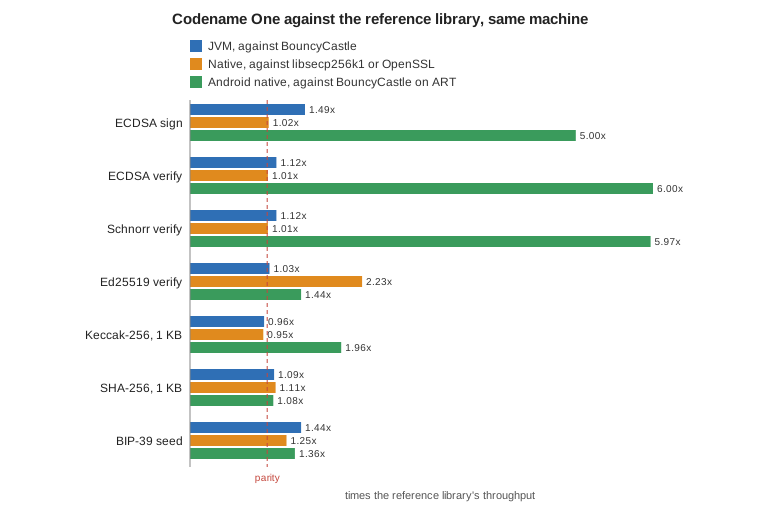
82.6.1. On the JVM
The simulator, JavaSE desktop apps and the backend in development run the portable Java implementation. It’s compared with BouncyCastle 1.84 and, for Ed25519, with the JDK’s own provider, on JDK 25. CI runs the same benchmark on JDK 17.
| Operation | Codename One (ops/s) | Reference (ops/s) | Ratio |
|---|---|---|---|
secp256k1 public key | 30,583 | 17,391 | 1.76x |
ECDSA sign | 24,109 | 16,220 | 1.49x |
ECDSA verify | 14,252 | 12,748 | 1.12x |
Schnorr sign, with a | 15,297 | 16,051 | 0.95x |
Schnorr verify | 14,299 | 12,816 | 1.12x |
Ed25519 sign | 49,360 | 45,707 | 1.08x |
Ed25519 verify | 17,293 | 16,865 | 1.03x |
Ed25519 sign, against the JDK | 49,946 | 2,484 | 20.10x |
Ed25519 verify, against the JDK | 7,599 | 2,469 | 3.08x |
Keccak-256, 1 KB | 484,694 | 503,524 | 0.96x |
SHA-256, 1 KB | 238,253 | 218,499 | 1.09x |
SHA-512, 1 KB | 339,664 | 297,983 | 1.14x |
RIPEMD-160, 1 KB | 139,370 | 96,919 | 1.44x |
HMAC-SHA512 (a BIP-32 step) | 679,117 | 473,458 | 1.43x |
BIP-39 seed (PBKDF2, 2048 rounds) | 802 | 558 | 1.44x |
Ed25519 verification rewrites its check with two scalars of half the length, found by a lattice reduction, so the multiplication needs half the doublings. The rewrite gives exactly the answer of the direct check for every input, including keys with a small-order component. On x86-64 the field multiplication also takes a Karatsuba split, which needs 75 products instead of 100. arm64 has the registers to keep the direct form faster, so each architecture gets the form that’s faster on it. The CI runners are x86-64, and they’re held to the same floors.
82.6.2. Native targets
On iOS, macOS, Windows, Linux and the production backend the same operations run as C, compared with Bitcoin Core’s libsecp256k1 for the secp256k1 curve and OpenSSL 3.6 for everything else, both built with the same compiler and flags.
| Operation | Codename One (ops/s) | Reference (ops/s) | Ratio |
|---|---|---|---|
secp256k1 public key | 95,819 | 93,050 | 1.03x |
ECDSA sign | 60,770 | 59,453 | 1.02x |
ECDSA verify | 50,857 | 50,302 | 1.01x |
Schnorr sign, one call against | 46,180 | 44,659 | 1.03x |
Schnorr verify | 48,394 | 47,835 | 1.01x |
Ed25519 sign | 105,161 | 43,155 | 2.44x |
Ed25519 verify | 39,129 | 17,521 | 2.23x |
Keccak-256, 1 KB | 614,062 | 647,427 | 0.95x |
SHA-256, 1 KB | 1,675,236 | 1,507,576 | 1.11x |
SHA-512, 1 KB | 1,055,920 | 834,025 | 1.27x |
RIPEMD-160, 1 KB | 429,239 | 318,439 | 1.35x |
HMAC-SHA512 (a BIP-32 step) | 2,174,970 | 889,725 | 2.44x |
BIP-39 seed (PBKDF2, 2048 rounds) | 2,105 | 1,679 | 1.25x |
A batch runs on every core, so it’s measured against the reference library verifying the same entries one at a time, which is what an application without CryptoBatch would do. The figures are batches of 1,024 signatures, or Merkle levels of 4,096 nodes, per second:
| Batch | Codename One | Reference, one at a time | Ratio |
|---|---|---|---|
ECDSA verify | 333 | 45 | 7.46x |
ECDSA verify, packed | 374 | 45 | 8.28x |
Ed25519 verify | 261 | 17 | 15.62x |
SHA-256 Merkle level | 7,164 | 1,053 | 6.80x |
Keccak-256 Merkle level | 5,613 | 796 | 7.06x |
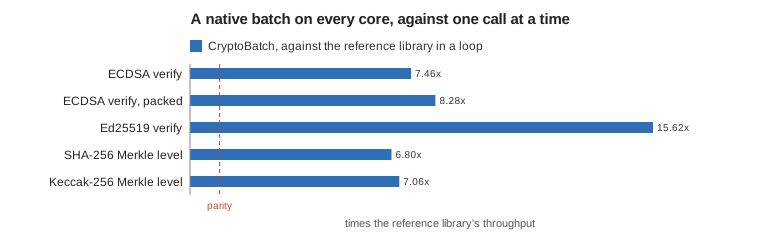
82.6.3. Android
Android has no curve secp256k1 in its platform, so apps there would otherwise ship BouncyCastle. The table shows both the native kernels and the portable Java implementation, each against BouncyCastle on the same device. The two engines ran in turn, each beside its own BouncyCastle run, so each ratio is against the BouncyCastle figure from its own run; the column shows the one from the native run, and the two agree to within 4%.
| Operation | Native kernels | Portable Java | BouncyCastle on ART |
|---|---|---|---|
secp256k1 public key | 116,210 (8.44x) | 45,203 (3.40x) | 13,770 |
ECDSA sign | 71,125 (5.00x) | 31,338 (2.12x) | 14,232 |
ECDSA verify | 59,615 (6.00x) | 16,757 (1.67x) | 9,940 |
Schnorr verify | 60,243 (5.97x) | 17,163 (1.69x) | 10,094 |
Ed25519 sign | 117,185 (1.70x) | 53,194 (0.77x) | 69,038 |
Ed25519 verify | 39,721 (1.44x) | 19,633 (0.72x) | 27,571 |
Keccak-256, 1 KB | 762,149 (1.96x) | 384,908 (0.98x) | 388,709 |
SHA-256, 1 KB | 292,535 (1.08x) | 287,546 (1.08x) | 270,445 |
RIPEMD-160, 1 KB | 214,766 (0.71x) | 205,703 (0.69x) | 304,410 |
BIP-39 seed | 1,037 (1.36x) | 1,033 (1.36x) | 761 |
SHA-256 and the BIP-39 seed go through the platform’s own native implementation in both columns, which is why they match. With the native kernels, RIPEMD-160 is the one row where BouncyCastle stays ahead; it’s hashed once per Bitcoin address, so it’s never the bottleneck. The portable Java column trails BouncyCastle on Ed25519 and RIPEMD-160 and matches it on Keccak-256.
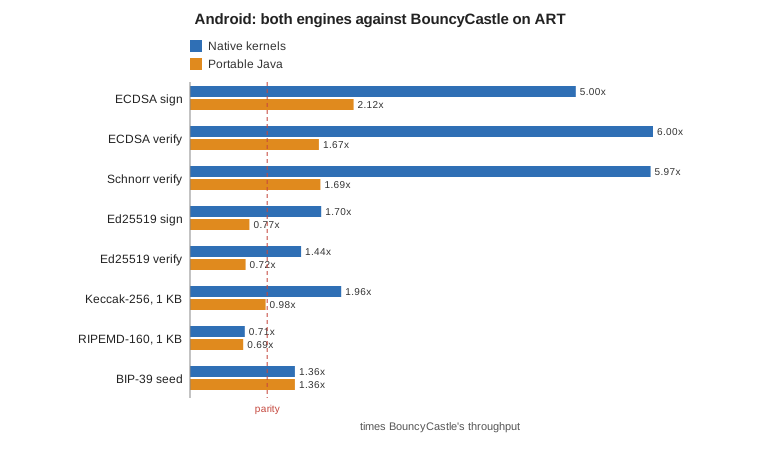
82.6.4. The GPU
A GPU verifies signatures in parallel by the thousand, but each entry first needs some preparation on the CPU, and the GPU’s work has to be dispatched and collected. A batch is therefore split, with the CPU cores and the GPU each taking a share in proportion to their measured speed, and a batch smaller than the crossover stays on the CPU. With Metal on the M4 Max:
| Kernel | CPU, every core | GPU alone | Both together | Crossover |
|---|---|---|---|---|
ECDSA verify | 373,000/s | 181,000/s | 1.02x the CPU alone | 784 entries |
Schnorr verify | 258,000/s | 233,000/s | 1.13x | 539 entries |
Ed25519 verify | 250,000/s | 216,000/s | 1.63x | 552 entries |
Keccak-256 | 7.1 GB/s | 3.6 GB/s | 1.01x | 3 MB |
The chart shows the signature rows; Keccak-256 is measured in bytes rather than signatures, so it appears only in the table.
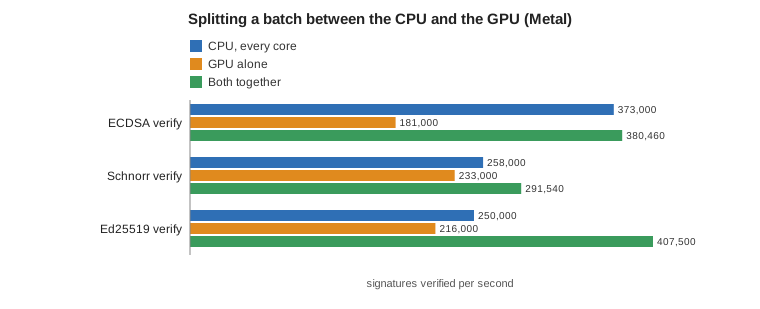
On this machine the gain is modest, because sixteen CPU cores with vector units are already fast. The split is worked out from the speeds measured on each device, so a GPU that’s strong relative to its CPU takes a larger share, and one that’s slower takes none. SHA-256 has no GPU row: in this run no SHA-256 batch reached the GPU’s minimum size, so they all ran on the CPU.
82.6.5. In the browser
The JavaScript port runs the portable Java implementation, translated to JavaScript. Large batches go to the GPU through WebGPU and arrive through the asynchronous forms. In headless Chromium on the same machine, with batches of 4,096 signatures:
| Batch | WebGPU | Portable Java | Ratio |
|---|---|---|---|
ECDSA verify | 2,174/s | 255/s | 8.5x |
Schnorr verify | 2,698/s | 258/s | 10.5x |
Ed25519 verify | 2,070/s | 240/s | 8.6x |
SHA-256 | 28.3 MB/s | 8.1 MB/s | 3.5x |
Keccak-256 | 174.8 MB/s | 1.9 MB/s | 92x |
In the browser most of the time a WebGPU batch takes is the preparation in JavaScript, not the GPU work, and the browser’s figures move more from run to run than the native ones: across three runs SHA-256 on WebGPU ranged from 4 to 34 MB/s, and in the slowest it trailed the CPU. The answers never differed: the first run compared a sample of the signatures, and the runs after it compared every entry and every hash. Given records prepared in advance, the kernels alone verified about 164,000 ECDSA, 119,000 Schnorr and 146,000 Ed25519 signatures a second there.
The chart puts the ways a signature can be verified side by side, on a logarithmic scale. They don’t measure the same thing: the browser bars are batches on one JavaScript thread, the JVM and native bars are one signature at a time on one core, and the last bar is a native batch across every core and the GPU. Read it as what each setup delivers, not as one benchmark run across platforms.
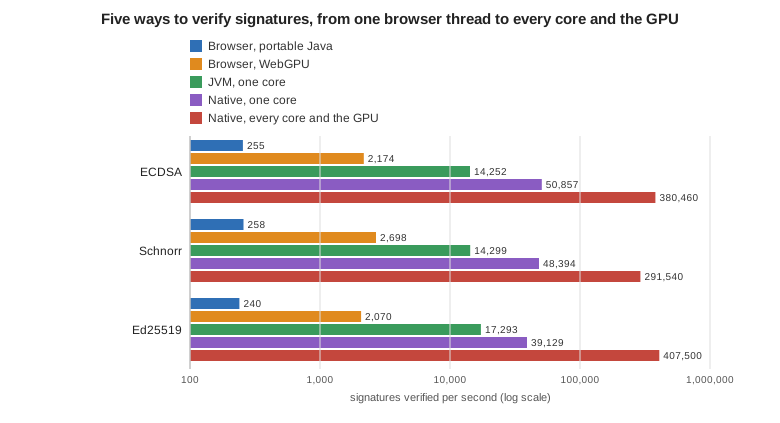
82.6.6. Running the benchmarks
The harnesses are in scripts/crypto-bench and scripts/crypto-gpu of the Codename One repository:
scripts/crypto-bench/jvm-run.sh # JVM, against BouncyCastle and the JDK
scripts/crypto-bench/native/run.sh # C, against libsecp256k1 and OpenSSL
scripts/crypto-bench/android-run.sh # an attached device or emulator
scripts/crypto-gpu/batch-check.sh # the GPU split, with its crossover
scripts/crypto-gpu/js-batch-check.sh # WebGPU in headless Chromium
python3 scripts/crypto-bench/gate.py jvm <output> # hold a run to its floorsEach prints the compiler, JDK and reference library versions above its numbers. scripts/crypto-bench/charts.py draws the two charts above from the saved results.
82.7. Where the keys live
Whoever holds the recovery phrase holds the funds. Decide where it lives before you write the first screen.
On the device, in a vault. VaultSigner keeps the phrase sealed in a vault (see "Vaults: One password, every device" in the security chapter) and opens it only while the vault is unlocked, by biometrics or the vault password. It works anywhere Wallet expects a signer:
Vault vault = Vault.named("wallet");
String words = Mnemonic.generate(256);
// Once, when the wallet is created or restored:
VaultSigner.store(vault, "main", words, "");
// Every later launch: the phrase is opened only while the vault is unlocked.
Wallet wallet = new Wallet(new VaultSigner(vault, "main"));This is the model for a self-custody wallet. A lost device loses nothing as long as the user kept the phrase, and revealMnemonic shows it again for a backup. A signer whose vault is locked throws rather than signing, so a stolen, locked phone can’t move funds.
On a server, behind your own controls. An exchange or a custodial app derives its deposit addresses and signs its withdrawals in the backend, where the same classes run. Keep the phrase out of the database and the source tree: load it from a secret store or an HSM at startup, and keep withdrawals behind an approval step. The Bastion sample does exactly this. Its implementor’s guide walks through hot and deposit wallets, confirmation depth and reorg handling.
SeedSigner holds the derived master key in memory. Call destroy() when you’re done with it, and the key bytes are overwritten. Strings can’t be wiped, which is why VaultSigner.revealMnemonic answers a char[].
83. App Shield
The security chapter covers a lot of ground that ends at the same place: every check runs on the device, and a device the attacker fully controls is a device where every check can be patched out. Root detection returns false. The pinning code is skipped. The jailbreak probe is stubbed. None of it reaches your server, which is where the money is.
App Shield closes that loop. The app obtains a short-lived, Codename One-signed attestation token backed by a server-side verification of Apple’s App Attest and Google’s Play Integrity statements, and your own API refuses to serve a request that doesn’t carry a valid one. The statement that matters is made by a party the attacker doesn’t control, and your backend can check it in about twenty lines of middleware.
| App Shield doesn’t make an app unhackable, and no product does. What it changes is the cost: scripted abuse of your API goes from "curl in an afternoon" to "reverse-engineer a native binary, and start again after every rotation," and your backend gets a cryptographically verifiable statement it can act on. Be careful not to promise more than that, internally or in marketing. |
This is an Enterprise feature. The public API in com.codename1.security.shield ships in the open-source core and is safe to call in any build — in a build without the attestation engine it degrades to a documented no-op rather than failing — but tokens are only ever minted for entitled accounts.
83.1. How it fits together
Three parties are involved: the app, the Codename One attestation service, and your own API. A protected request goes through five steps.
The app asks the attestation service for a challenge, and the service answers with a nonce it generated. The nonce is what stops a token captured once from being replayed later.
The app asks the platform to attest itself against that nonce. Apple’s App Attest or Google’s Play Integrity produces a statement signed by hardware the app can’t forge.
The app sends that statement to the attestation service, together with any runtime signals it has collected.
The service verifies the statement with Apple or Google, applies the policy you configured, and answers with a short-lived ES256 JWT and the current certificate pin set.
The app sends that token to your API in the
X-CN1-Attestheader, and your middleware verifies its signature against the public keys the service publishes.
Steps 1 to 4 are the framework’s job and happen on the network thread. Step 5 is automatic for every ConnectionRequest to a host you registered. The decision — what to do about a device the service declined — is yours, and it belongs in step 5, on your server.
83.2. Turning it on
Two things have to be true: the account has to be entitled, and the build has to ask for it.
| Build hint | Default | Description |
|---|---|---|
|
| Master switch. The build server injects the hardening engine and wires it into the app’s startup. A build that asks for it without an Enterprise subscription, or on a server where the engine is unavailable, fails with an explanation rather than producing an unprotected app and saying nothing. |
| (service default) | The policy generation this build was compiled against. |
| (none) | The initial pin set, so the first launch on a new install is pinned before it has ever reached the service. Comma-separated base64 SHA-256 SPKI digests. |
| (none) | Pins the key that signs the tokens, so a compromised DNS answer can’t introduce a signing key the app will trust. |
| (Codename One cloud) | Override for a private deployment of the verification service. |
|
| The hardening engine’s own failure policy: |
|
| The App Attest environment written into the entitlement. |
| The engine is injected at build time and isn’t present in a source checkout, in the simulator, or in an unentitled build. That’s deliberate: the detection logic is the part an attacker most wants to read. Everything in this chapter that’s API is open source; only the engine behind it isn’t. |
83.3. Protecting hosts
Registration is the whole configuration. A host you don’t register is never touched — no header, no certificate check, no behaviour change of any kind.
AppShield.init(new ShieldConfig()
// Money moves here, so refuse the request when no token can be obtained.
.protect("api.mybank.example", HostPolicy.ENFORCED)
// Everything else under the domain gets a token when one is available.
.protect("*.mybank.example", HostPolicy.PROTECTED));
// From here on nothing changes at the call sites. A request to a protected
// host is given its token and its certificate check on the network thread.
ConnectionRequest r = new ConnectionRequest("https://api.mybank.example/transfer", true);
NetworkManager.getInstance().addToQueueAndWait(r);HostPolicy is two independent decisions plus what to do when the shield can’t deliver:
| Policy | Token | Pins | When no token can be obtained |
|---|---|---|---|
| no | no | Not applicable. This is what an unregistered host gets. |
| yes | yes | Fail open. The request goes out without a token and your backend decides. Right for most hosts. |
| yes | yes | Fail closed. |
Fail-closed is a promise that a request without a valid token never leaves the device, so it applies to the awkward cases too: a protected host reached over plain http is refused rather than handed the bearer token in clear text, and a shield that was interrupted before it finished starting refuses rather than guessing.
If most of your hosts want the same failure mode, set it once and register them the short way:
AppShield.init(new ShieldConfig()
.defaultFailureMode(FailureMode.CLOSED)
// Registered the short way, so it picks up the default above.
.protect("api.mybank.example")
// And this one opts back out, because an outage here should degrade
// rather than block the app.
.protect("images.mybank.example", HostPolicy.PROTECTED));The default failure mode is read when a host’s policy is resolved, not when it’s registered, so .protect(h).defaultFailureMode(CLOSED) and the same two calls in the other order mean the same thing. |
83.3.1. Wildcards and hosts discovered at runtime
A pattern may be an exact host or a leading . wildcard covering its subdomains — .example.com matches api.example.com and a.b.example.com, but not the apex example.com and not example.com.somewhere-else.test. The most specific rule wins, so an exact registration is never relaxed by a wildcard.
Backends the app only learns about after it starts — a regional endpoint chosen at login, a tenant-specific host — are registered the same way, with the same matching:
// Exact host or a "*." wildcard, resolved the way the configured ones are:
// the most specific rule wins, and a runtime registration beats a configured
// one for the same pattern.
AppShield.addProtectedHost(region + ".api.mybank.example", HostPolicy.ENFORCED);
AppShield.addProtectedHost("*.cdn.mybank.example", HostPolicy.PROTECTED);83.4. What happens to a request
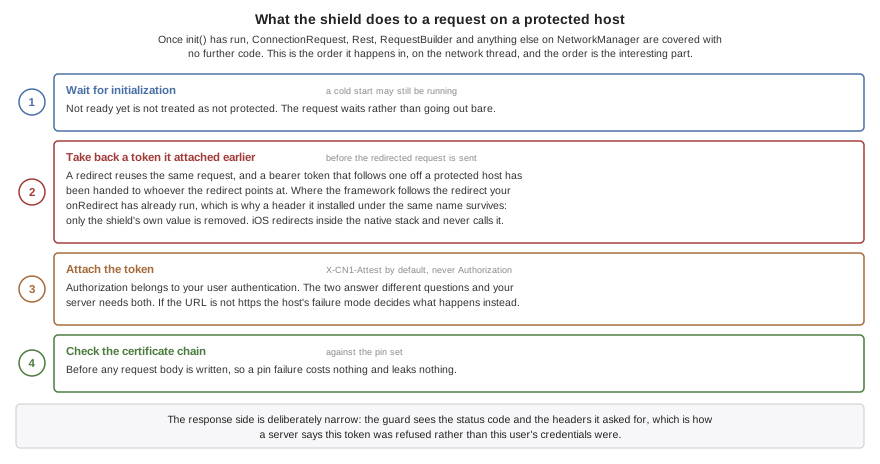
Once init() has run, ConnectionRequest, Rest, RequestBuilder and anything else built on NetworkManager are covered without further code. For a request to a protected host, on the network thread:
It waits for initialization to finish if a cold start is still in progress, rather than treating "not ready yet" as "not protected."
Any token the shield attached earlier is taken back off before the redirected request is sent — a redirect reuses the same request object, and a bearer token that follows a redirect off a protected host has been handed to whoever the redirect points at. A header your own
onRedirect()installed under the same name is left alone: the shield removes its token only while the value is still the token it attached. NoteonRedirect()runs only where the framework follows the redirect — iOS redirects inside the native stack and never calls it, so there is no opportunity to substitute a header there.The token is added under the token header, unless the URL isn’t
https, in which case the host’s failure mode decides.The certificate chain is collected and checked against the pin set, before any request body is written.
The response side is just as narrow: the guard sees the status code and the headers it asked for, which is how a backend tells the app its token was refused as opposed to the user’s credentials.
83.4.1. The token header
The default is X-CN1-Attest. It isn’t Authorization, by design: that slot belongs to your own user authentication, and the two answer different questions — who the user is, versus whether this is a genuine unmodified app on an uncompromised device. Your backend needs both, so they have to compose.
ShieldConfig.tokenHeader(String) changes it, and refuses names that can’t carry a token rather than accepting them and failing out of sight later:
Anything that isn’t a legal HTTP field name. A name with a space or a separator in it isn’t the header you asked for by the time it reaches the server — and it also slips past every check below, because
Cookie ` isn’t `Cookie.Content-Type, whichConnectionRequestroutes to the request’s media type rather than the header map, so the token would replace the content type and survive the redirect cleanup.Your app’s cookie header, whatever it has been renamed to, because the cookie string is written after the request’s own headers and would overwrite the token after
attach()reported success.Headers the transport owns — framing, routing, and the hop-by-hop names a correctly behaving proxy consumes and doesn’t forward.
83.5. Status, and what to do about it
The most important distinction in the API is between "the shield couldn’t be reached" and "the shield looked at this device and said no." Reacting to the first the way you react to the second is how an app locks a paying customer out on a train.
| Status | Transient | Meaning |
|---|---|---|
| - | A valid token is in hand. |
| no | This build has no attestation engine. Nothing is enforced. |
| no |
|
| yes | The service couldn’t be reached. |
| yes | The service answered with an error. |
| yes | This device is being throttled. Retry after a backoff. |
| no | The service evaluated this device and declined to mint a token. |
| no | A pinned host presented a chain matching none of its pins. Nothing was sent. |
ShieldStatus is a constant object rather than an enum on purpose: the vocabulary is visible on the wire and the service must be able to add a status without breaking apps built against an older release. Compare with equals, branch on isSuccess() and isTransient(), and treat an id you don’t recognize as a non-success.
Listeners are delivered on the EDT, so they may touch the UI directly. The framework never shows a dialog and never terminates the app over a shield event — what the user sees is entirely your decision:
AppShield.addListener(new ShieldListener() {
public void statusChanged(ShieldStatus status) {
if (status.isSuccess()) {
return;
}
if (status.isTransient()) {
// The service could not be reached. This is a bad connection, not a
// bad device -- treating it like a rejection is how an app locks out
// users on a train.
Log.p("AppShield: attestation unavailable (" + status.getId() + ")");
return;
}
// REJECTED or PIN_MISMATCH: the service evaluated this device and
// declined, so degrade rather than retry.
disableTransfers();
}
public void signalRaised(ShieldSignal signal) {
// Informational. The server decides what a signal means -- an emulator
// signal is normal on a developer's machine.
Log.p("AppShield signal " + signal.getId() + " severity "
+ signal.getSeverity());
}
public void tokenRefreshed(ShieldToken token) {
}
});83.6. Getting a token yourself
For anything the guard doesn’t cover — a third-party HTTP client, a payload you sign yourself, a handshake — ask for the token directly. fetchToken() is asynchronous and returns immediately, including during a cold start:
AsyncResource<ShieldToken> pending = AppShield.fetchToken();
pending.ready(new SuccessCallback<ShieldToken>() {
public void onSucess(ShieldToken token) {
sendToMyBackend(token.getValue());
}
});
pending.except(new SuccessCallback<Throwable>() {
public void onSucess(Throwable error) {
ShieldStatus status = ((ShieldException) error).getStatus();
Log.p("AppShield: no token (" + status.getId() + ")");
}
});Pass a binding value to tie the token to one specific request, so a token lifted from it can’t be replayed onto another:
// The digest travels in the token, so a token lifted off this request and
// replayed on another one does not verify against the other one's body.
AppShield.fetchToken(sha256(payload)).ready(new SuccessCallback<ShieldToken>() {
public void onSucess(ShieldToken token) {
sendToMyBackend(token.getValue());
}
});AppShield.attach(ConnectionRequest) does the same work synchronously for a request you are about to send. It blocks on a network round trip, so it must not be called on the EDT:
ConnectionRequest r = new ConnectionRequest("https://api.mybank.example/transfer", true);
try {
// Blocks on the attestation round trip, so never on the EDT. In normal use
// the guard does this for you on the network thread.
AppShield.attach(r);
} catch (ShieldException err) {
if (ShieldStatus.PIN_MISMATCH.equals(err.getStatus())) {
// The chain presented for a pinned host matched no pin. Nothing was
// sent, and this is the one status worth surfacing to the user: it
// usually means the connection is being intercepted.
warnAboutInterception();
return;
}
// A fail-closed host with no token. Retry later if the status is transient.
Log.e(err);
return;
}
NetworkManager.getInstance().addToQueueAndWait(r);Token lifetime is measured from a monotonic clock, never from exp against the device clock, because on a rooted device the wall clock is whatever the attacker wants it to be. getCachedToken() returns the current token without any network access, and invalidateToken() discards it so the next request re-attests — which is what to call when your backend tells you the token itself was refused:
ConnectionRequest r = new ConnectionRequest("https://api.mybank.example/transfer", true) {
@Override
protected void readHeaders(Object connection) throws IOException {
// Your middleware sets this header when the ATTESTATION was the problem,
// as opposed to the user's own credentials. Without it a 401 or 403 is
// ambiguous, and an app re-attests its way through a wrong password.
if (getHeader(connection, AppShield.REJECT_HEADER) != null) {
AppShield.invalidateToken();
}
}
};
NetworkManager.getInstance().addToQueueAndWait(r);AppShield.REJECT_HEADER is X-CN1-Attest-Reject. Have your middleware set it only when the token was the problem: a protected API normally carries your own user authentication too, and an app that reads every 401 as an attestation failure re-attests its way through a wrong password. |
83.7. Certificate pinning
Pins are published by the service and refreshed with the token, so rotating a certificate is a console action rather than an app store release. They’re pinned over the subject public key info, so renewing a certificate on the same key pair doesn’t invalidate the pin, and a chain matches if any certificate in it matches any pin for the host — which is what makes it safe to pin an issuing CA as the backup.
Pinning is the one part of the shield that can take an app offline for a reason the developer can’t fix remotely, so the failure behaviour is asymmetric by design:
| Condition | Behaviour |
|---|---|
Host has no pins | Never enforced. Covers first run, a cold start with no network, and any host the service hasn’t published pins for. |
Pin fetch failed | Never fails a request. The last known set is kept. |
Set past its soft expiry | Still enforced; a refresh is attempted. |
Set past its hard expiry | Dropped, and enforcement stops. A device offline for weeks loses pinning, not the app. |
Chain matches a pin | Request proceeds. |
Host has pins, chain matches none | Fail closed. |
PinSet pins = AppShield.getPinSet();
if (!pins.isEnforcedFor("api.mybank.example")) {
// No published pins for this host yet, or the set has hard-expired on a
// long-offline device. Pinning is not enforced, and the app still works.
Log.p("AppShield: no pins in force (version " + pins.getVersion() + ")");
}A pin mismatch surfaces as an exception on the request, not as a silent empty response. If you swallow IOException at your call sites you won’t see it, and an intercepted connection is the one failure worth telling the user about. |
83.8. Runtime signals
The framework’s own detections — root, jailbreak, hooking frameworks, emulators, debuggers, repackaging, untrusted accessibility services — are reported to ShieldSignals rather than acted on locally, and ride along with the next token fetch. There is no separate beacon to block and no extra battery cost.
This is a deliberate inversion of the older exit(0) style checks. Terminating the app is trivially patched out, destroys the telemetry that makes the feature useful, and turns a detection into a crash report. The client reports; the service decides. An emulator signal is normal on a developer’s machine; ten high-severity signals from one device in an hour is a device the service can keep flagging on its next clean-looking attestation.
Your own code can report what only it can notice — a server-side consistency check that failed, a sequence of actions no human performs:
// Severity is 0-100. The service applies the policy; the client only reports.
ShieldSignals.add("serverStateMismatch", 60,
"balance disagreed with the ledger after a retry");
// The framework's own detections arrive the same way.
for (ShieldSignal s : AppShield.getSignals()) {
if (ShieldSignal.HOOK.equals(s.getId())) {
requireStepUpAuth();
}
}The bus is bounded and repeat reports of an id collapse onto the existing entry, so a detector that trips on every frame can’t exhaust memory. An identical repeat refreshes the entry without notifying listeners again; a changed severity or detail is a new observation and is announced.
83.9. Transports the guard doesn’t cover
Coverage matters more here than anywhere else in this chapter, because a gap is invisible at the call site: the code compiles, the request succeeds, and no token was ever attached.
| Transport | Coverage |
|---|---|
| Token and pinning, automatically. |
| Token via |
| The initial navigation only, through |
A native or third-party HTTP client | Nothing automatic. Use |
// BrowserComponent: the INITIAL navigation only. Requests the loaded page makes
// itself are invisible to the framework and cannot be given a token or pinned.
Hashtable headers = AppShield.headersFor("https://api.mybank.example/statement");
browser.setURL("https://api.mybank.example/statement", headers);
// WebSocket: the handshake carries the token. Emitted on Android, desktop,
// Windows and Linux; silently dropped on iOS and in the browser, whose platform
// sockets expose no way to add a header.
WebSocket.build("wss://api.mybank.example/stream")
.header("X-CN1-Attest", token)
.connect();83.10. Composing with your own network guard
NetworkManager holds exactly one guard and seals the slot after the first one is installed, so an app that needs its own interception has to delegate to the shield’s rather than displace it:
// NetworkManager holds exactly one guard and seals the slot, so an app with its
// own has to delegate rather than replace -- calling attach() by hand instead
// would restore the token and silently drop the certificate callbacks that
// enforce pinning.
final NetworkGuard shield = AppShield.getNetworkGuard();
NetworkManager.setNetworkGuard(new NetworkGuard() {
public void beforeRequest(ConnectionRequest r) throws IOException {
r.addRequestHeader("X-My-Trace", newTraceId());
shield.beforeRequest(r);
}
public boolean isCertificateCheckRequired(String url) {
return shield.isCertificateCheckRequired(url);
}
public void checkCertificates(ConnectionRequest r, SSLCertificate[] chain)
throws IOException {
shield.checkCertificates(r, chain);
}
public String[] interestingResponseHeaders() {
return shield.interestingResponseHeaders();
}
public void afterResponse(ConnectionRequest r, int code, String[] headers) {
shield.afterResponse(r, code, headers);
}
});Don’t "work around" the single slot by dropping the shield’s guard and calling attach() by hand. That restores the token and drops the certificate callbacks with no error, so pinning stops being enforced while everything still looks like it’s working — the half of the shield whose absence looks exactly like success. |
83.11. Verifying the token in your backend
The token is a compact ES256 JWT with typ of cn1-attest+jwt, signed by a key published at /.well-known/cn1-attest-jwks.json and named by the header’s kid. Verification is ordinary JWT verification against a JWKS URL — NimbusJwtDecoder.withJwkSetUri in Spring, jose in Node, PyJWT[crypto] in Python — and the console renders a copy-paste quickstart for each, including a Cloudflare Worker for the zero-code-change case.
Beyond the standard iss, aud, sub, iat, exp and jti, the claims your middleware acts on are:
pkgandplat— the package name and platform the token was minted for. Check them against the app you expect.vrd— the verdict:attested,monitoredorunverified.dec— the decision under the current policy:allow, orwould_denywhile the app is still in monitor mode.sig— the signals the device reported.pol— the policy version the decision was made under.ph— the payload binding, when the request asked for one.
Roll it out in two stages, and keep the two sides independent. While the service is in monitor mode it mints a token for everyone and marks the ones it would have refused, so you can watch the would-deny rate against real traffic before anything breaks. Your middleware has its own switch: log and pass through, or reject. Move one at a time.
Reject with an opaque 403, not a 401. A 401 invites the client to retry with fresh credentials, which is exactly the loop you don’t want, and a detailed reason is an oracle for whoever is probing you. |
83.12. iOS App Attest specifics
Apple’s model is one attestation, then many assertions: the first token carries a hardware-backed public key and its attestation, and every later token is a small assertion naming the key. The framework manages the key, the state and the retry policy in the keychain, including recovery when iOS invalidates the key — a restore to a new device, or a reinstall — and Apple’s rate limits, which are strict enough that attesting per request gets an app throttled.
The one thing your code has to do is close the loop when the backend has stored the key, because a registration call that was lost leaves the device asserting against a key the server has never seen:
// iOS App Attest is attest-once, assert-many: the FIRST token carries the public
// key, every later one is an assertion naming it. Call this once your backend
// has stored that key, or a device whose registration call was lost keeps
// sending assertions for a key the server never saw.
DeviceIntegrity.confirmAttestation(keyId);DeviceIntegrity.resetAttestation() throws the key away and starts again, which is the recovery path for a backend that no longer knows the key.
| App Attest doesn’t work in Apple’s iOS simulator — it needs the Secure Enclave. Test the iOS path on a real device, and use the simulator menu below for everything else. |
83.13. Testing it in the simulator
None of this is testable against a real service on a developer’s desktop, so the simulator ships a simulation engine behind Simulate > App Shield. Switching on any item installs it; leaving the menu alone leaves the shield inert.
| Menu item | What it makes reachable |
|---|---|
Attestation Supported | Unchecking it simulates a platform with no attestation at all. |
Attestation Result |
|
Device signal toggles | Rooted / jailbroken, hooking framework, emulator, debugger, repackaged, untrusted accessibility service — each raising the signal your code reacts to. |
Screen Overlay (Tapjacking) | Fakes another app drawing over yours. It drives the real reporting path rather than setting a flag, so your tapjacking listener fires and the |
Serve Expired Token | The refresh path, without waiting out a real token’s lifetime. |
Force Pin Mismatch On Next Request | The most valuable item here: a fail-closed pinning branch is otherwise only reachable by mis-pinning a live host on purpose. It’s a one-shot that disarms itself once spent. |
Fail Pin Fetch | Confirms that a failed pin refresh doesn’t fail requests. |
Show Shield Status… | What the simulation is currently set to, and whether the simulated engine is registered. |
The simulated token is stamped so it can’t be mistaken for a real one, and the simulator’s engine never contacts the service. A backend that accepts a simulated token is a backend that isn’t verifying signatures.
83.14. When there is no engine
Every method in this chapter is safe to call in a build without the engine — an open-source build, an unentitled account, the simulator with the menu untouched. The degradation contract is explicit, and it’s the reason you don’t need to guard your call sites:
init()succeeds and logs one line.isProtected()returnsfalse.fetchToken()always completes, withUNPROTECTED, and never hangs.attach()does nothing. No header, no exception.No request is ever blocked, including one to a host registered as
ENFORCED. Fail-closed enforcement requires an engine to fail; with no engine there is nothing to enforce and the app must keep working.getSignals()still returns realDeviceIntegritydata, so the free-tier detections described in the security chapter keep working.
84. App Hardening
Every Codename One app is already obfuscated by default. On Android the release build runs through R8, which renames the Java names. On iOS and the other native ports your code is compiled to native machine code through ParparVM, which is hard to reverse engineer on its own — but the class names, method names and string literals still travel into the binary as readable text, so a reader who can’t follow the machine code can still read the labels and the constants.
App Hardening is the Enterprise layer that closes that remaining gap across all the ports from one place. It renames classes, methods and fields; encrypts string constants so they’re not present as plaintext in the binary; and obfuscates control flow — and it does this to the merged application before each platform build, so Android, iOS, JavaScript and the native desktop targets are all covered by one transform and one mapping.
This is a tool for apps that face serious security scrutiny — banking, payments, government and other high-risk targets. It raises the cost of static analysis and tampering; it’s one layer, so pair it with Chapter 83, App Shield so the statement your backend trusts is made by hardware the attacker doesn’t control.
App Hardening is an Enterprise feature. A build that asks for it without an Enterprise subscription fails with an explanation rather than producing an unhardened binary that would look protected without being so.
84.1. What it changes, per port
The transform runs on the merged application jar, at the bytecode level, before any platform-specific build step. That’s why one implementation reaches every port: iOS/ParparVM translates the already-hardened bytecode to C (so the C constant pool never sees the plaintext), R8 consumes already-hardened classes on Android, and the JavaScript backend minifies already-hardened classes.
| Transform | Ports | Notes |
|---|---|---|
Class / method / field renaming | iOS, JavaScript, Windows, Linux, desktop | Android keeps R8 as its sole renamer — renaming twice would only force a pointless mapping composition. The renamer uses a distinctive name dictionary on purpose: short names such as |
String constant encryption | iOS, Android, Windows, Linux, desktop | Both channels are handled: the One caveat: an encrypted app literal is a different object from an equal un-encrypted literal elsewhere — for example a literal of the same value returned by the framework, which isn’t hardened. Reference ( One exclusion: a string used as an annotation value (or an annotation-method default) is stored by javac in the annotation metadata, not as an Another exclusion: string concatenation such as |
Control-flow obfuscation | Android, desktop | An opaque predicate guarded by a value the decompiler can’t fold. Left off the ParparVM native ports, where it fights the translator’s optimizer and the arithmetic reducer, and off JavaScript, where it inflates the bundle. Never applied to constructors. |
84.2. Turning it on
Add the level to your codenameone_settings.properties:
codename1.arg.harden.level=standard| Build hint | Default | Description |
|---|---|---|
|
| Master switch: |
| (level) | Override renaming on/off independently of the level. |
| (level) |
|
| (level) | Override control-flow obfuscation on/off. |
| (none) | Keep rules in ProGuard syntax, one rule per line, for classes resolved by name at runtime that the automatic analysis can’t see. Same syntax as |
|
| Per-port opt-out ( |
|
| Fail the build if the symbol/mapping upload fails. Losing a hardened build’s mapping makes its crash reports permanently unreadable, so this defaults to strict. |
|
| Escape hatch: allow a local or source-project target to build unhardened instead of failing the pre-flight. |
| (build id) | Fixes the renaming seed for a reproducible mapping across rebuilds; leave unset for a fresh mapping per build. |
84.3. Levels
The level is the one decision most projects need to make. The individual switches are overrides on top of it.
off | standard | aggressive | paranoid | |
|---|---|---|---|---|
Class/method/field renaming | — | yes | yes | yes |
String encryption | — | constants | all | all |
Control-flow obfuscation | — | — | yes | yes + opaque predicates |
Local-variable debug stripping | — | yes | yes | yes |
Symbol/mapping upload | — | required | required | required |
On a renamed build the source file name (SourceFile) is stripped, matching DexGuard: the engine-renamed ports drop it, and on a minified Android release R8 drops it too. LineNumberTable is kept so a hardened crash still retraces to a line number against the mapping; the retrace reconstructs the file name from the (retraced) class name. Renaming also removes the local-variable and parameter names.
An explicitly unminified Android build (android.enableProguard=false, which android.onDeviceDebug also forces) doesn’t rename at all — only string encryption and control-flow obfuscation apply — so its class names, and SourceFile along with them, remain. That’s a debug configuration, not the release artifact hardening targets.
84.4. Keeping what must not be renamed
Renaming is safe for code the compiler and runtime resolve by symbol. Codename One has no runtime reflection — Class.forName never resolved an obfuscated application class — so there is no reflective seam to protect, and there is no serialization to keep members for. What must survive is the small set the build resolves by name: the main class and its generated stub, the generated router and annotation bootstraps, and each native interface with its generated Impl/Stub peer. The engine finds the native interfaces in the input and keeps exactly those peers, and keeps the rest of that set automatically.
PropertyBusinessObject properties are safe without any special handling: a property’s JSON key and database column come from the string passed to its Property, not from the field name, so renaming the field doesn’t change the on-disk schema or the wire format. String encryption decodes those strings back to the same value at runtime.
If you have a class the build resolves by a name the automatic analysis can’t see, add a harden.keep rule for it.
Package names are obfuscated along with class names. Codename One’s own resource loading uses absolute paths (Display.getResourceAsStream("/name"), the theme .res), which are unaffected. The one thing renaming can break is a package-relative resource lookup — getClass().getResourceAsStream("config.properties"), without a leading slash — because the runtime resolves it under the class’s now-obfuscated package while the resource stays at its original path. This is uncommon in application code, but a bundled third-party dependency might do it; if one loads a resource relative to its own package, add a harden.keep rule for that class (or its package) so its package path stays put.
84.5. Crash reports from a hardened build
Hardening and Crash Protection are designed together. The build server retains the obfuscation mapping and symbolicates incoming reports against it, so a crash from a hardened build still lands as a readable, correctly lined GitHub issue — see Chapter 94, Crash Protection. Two consequences follow: a report whose mapping has aged out of retention can no longer be retraced, and a locally hardened build (whose mapping never reached the server) can’t be symbolicated at all, which is why the pre-flight refuses to harden a local target by default.
84.6. Local and source builds aren’t hardened
Hardening runs on the Codename One build server, and only there. The engine itself is open source — it lives in this repository and ships inside the Maven plugin — so its protection isn’t the secrecy of the algorithm. What the server boundary provides is enforcement and custody: the Enterprise entitlement is checked where the account lives (a client can’t grant itself the feature), the renaming dictionary and decoder keys are seeded per build so the exact obfuscation differs each time and can’t be predicted without the build key, and the obfuscation mapping is retained server-side for symbolication rather than handed to the client.
A local or source-project target (-source, local-) never reaches the server, so its output isn’t hardened; the build fails the pre-flight rather than mislead you, unless you set harden.allowUnhardenedLocalBuild=true. The simulator is never obfuscated either — it runs your target/classes directly. App code can read com.codename1.security.hardening.Hardening.isHardened() to tell a hardened build apart from one of these.
84.7. Hardening and App Shield
These are two different Enterprise features and you can use either or both. App Hardening protects the binary — it raises the cost of reading and modifying the app on the device. App Shield protects the app-to-server relationship — it gives your backend a cryptographically verifiable statement that a request came from a genuine, unmodified app on an uncompromised device. Hardening makes an attacker work harder to patch out App Shield’s checks; App Shield makes patching them out insufficient, because the statement your backend trusts is made by a party the attacker doesn’t control.
84.8. What this doesn’t protect against
Hardening raises the cost of static analysis and casual tampering. It doesn’t stop a determined attacker with time, it doesn’t protect a secret you embed in the client (put it on your server — see the security chapter), and it’s not a substitute for server-side authorization. Treat it as one layer of defense in depth, not a guarantee.
85. Biometric Authentication
Codename One ships first-class biometric authentication (Touch ID, Face ID, Android BiometricPrompt) under the com.codename1.security package. A single entry point exposes the platform prompt, a typed enum reports the modalities currently enrolled, and a typed error enum lets callers react to failures without string matching.
A sibling SecureStorage API stores secret strings (auth tokens, refresh tokens, encryption keys) behind biometric authentication using the iOS keychain or the Android Keystore.
85.1. Quick start: Authenticate
Biometrics b = Biometrics.getInstance();
if (!b.canAuthenticate()) {
// Fall back to password
return;
}
b.authenticate("Unlock your account").onResult((success, err) -> {
if (err != null) {
BiometricError code = ((BiometricException) err).getError();
switch (code) {
case USER_CANCELED: /* user dismissed the prompt */ break;
case LOCKED_OUT: /* too many bad attempts */ break;
case NOT_ENROLLED: /* prompt the user to enrol in Settings */ break;
default: /* generic failure */ break;
}
} else {
// Authenticated. Continue with the gated action.
}
});Always gate the call on canAuthenticate() and never on isSupported() alone. isSupported() only checks for hardware, while canAuthenticate() also requires at least one enrolled credential and that the device isn’t in a locked-out state.
85.2. Quick start: Secure storage
Entries are bound to the current set of enrolled biometrics. If the user enrols a new fingerprint or face after writing, the next get fails with BiometricError.KEY_REVOKED and the application must re-prompt for the original value and write it again.
85.3. Platform behaviour
| Platform | Implementation | Notes |
|---|---|---|
iOS |
| Add the |
Android API 29+ |
| Face / iris / fingerprint per |
Android API 23-28 |
| Fingerprint only. Goes through the support library rather than |
JavaSE simulator |
| Toggle hardware availability, per-modality enrolment, and the next-call outcome. |
All other ports | Non-supporting fallback |
|
Application code never needs a platform if. The API itself returns the right thing on each port. On platforms without biometric hardware, the fallback reports NOT_AVAILABLE immediately.
85.4. Build hints
The Codename One Maven plugin and the build daemon both automatically inject the platform configuration when the app’s bytecode references com.codename1.security:
iOS:
LocalAuthentication.frameworkis linked into the generated Xcode project.Android:
<uses-permission android:name="android.permission.USE_BIOMETRIC" />(andUSE_FINGERPRINTwithmaxSdkVersion=28for the legacy path) is injected intoAndroidManifest.xml.
Apps that never touch the API pay nothing: no extra framework, no extra permission.
One thing the plugin won’t inject: the iOS Face ID usage description. Apple rejects placeholder text, so you must supply the build hint yourself:
ios.NSFaceIDUsageDescription=Authenticate to securely access your accountThe JavaSE simulator automatically sets this hint to a default the first time biometrics is invoked, so projects developed in the simulator have a working default; you should overwrite the text before shipping.
To share keychain entries with iOS App Extensions, set both the build hint and the runtime access group:
ios.keychainAccessGroup=TEAMID123.group.com.example.appSecureStorage.getInstance().setKeychainAccessGroup("TEAMID123.group.com.example.app");The Team ID prefix is required; omitting it produces errSecMissingEntitlement.
85.5. Configuring the prompt
Use AuthenticationOptions to control prompt copy and security policy:
Biometrics.getInstance().authenticate(new AuthenticationOptions()
.setReason("Authorize transfer") // iOS localizedReason; Android title fallback
.setTitle("Confirm payment") // Android only
.setSubtitle("Stripe charge $25.00") // Android only
.setNegativeButtonText("Cancel") // Android only
.setBiometricOnly(true) // reject PIN / passcode fallback
.setSensitiveTransaction(true) // request class-3 ("strong") biometric (Android 30+)
);Unrecognized options are ignored, so callers can set the union without platform-checking.
85.6. Typed error handling
BiometricException.getError() returns a BiometricError:
| Code | Meaning |
|---|---|
| No biometric hardware or the platform doesn’t support it |
| Hardware present but the user hasn’t enrolled |
| Too many failed attempts; temporary |
| User must unlock with passcode before biometrics can be used again |
| Device has no PIN / pattern configured (can’t use biometrics) |
| User dismissed the prompt |
| OS dismissed the prompt (app backgrounded, system pre-empted) |
| Prompt completed but the user wasn’t recognized |
|
|
| Anything not covered above |
85.7. Cancelling an in-flight prompt
Call Biometrics.getInstance().stopAuthentication() to dismiss an active prompt; the pending AsyncResource then completes with BiometricError.USER_CANCELED. The method returns true if a prompt was cancelled, false if nothing was pending.
85.8. Listing enrolled biometrics
getAvailableBiometrics() returns a List<BiometricType> to drive UI affordances (icon, prompt copy):
FINGERPRINT: iOS Touch ID; Android fingerprint sensor.FACE: iOS Face ID; Android face recognition (API 29+).IRIS: a handful of Samsung devices; never on iOS.STRONG: Android class-3 authenticator tier (false-acceptance < 1/100,000); only Android API 30+.WEAK: Android class-2 authenticator tier; only Android API 30+. Can’t unlock Keystore-bound keys, so weak-only devices can’t useSecureStorage.
Never use this list to decide whether to call authenticate(); always use canAuthenticate() for that decision.
85.9. Simulator workflow
The JavaSE simulator’s Simulate → Biometric Simulation submenu lets you exercise every code path without a device:
Hardware Available: toggles
isSupported()andcanAuthenticate().Face ID Enrolled / Touch ID Enrolled / Iris Enrolled: populate
getAvailableBiometrics().Next authenticate() Outcome: radio button that picks the outcome of the next prompt:
SUCCEED,FAIL,CANCEL,LOCKED_OUT,PERMANENTLY_LOCKED_OUT,NOT_ENROLLED,PASSCODE_NOT_SET. The selection is sticky; change it any time.
When authenticate() is invoked, a small modal Swing dialog mirrors the platform prompt so the developer can see the trigger fire and click through. State persists across simulator restarts via java.util.prefs.
SecureStorage round-trips against java.util.prefs in the simulator, so you can test the full set → get → KEY_REVOKED flow end-to-end.
85.10. Security notes
The Android backing for authenticate() doesn’t simply forward the OS success callback; it binds the prompt to a single-use AES probe cipher in the Android Keystore (with setUserAuthenticationRequired(true) and, on API 24+, setInvalidatedByBiometricEnrollment(true)). On success the cipher performs a real doFinal operation. A hooked or spoofed success callback fails because the Keystore refuses the operation. This guards against the bypass class documented by CodeQL’s java/android/insecure-local-authentication rule.
86. Authentication and Identity
This chapter covers Codename One’s modern sign-in stack: OpenID Connect, Sign in with Apple, Google, Facebook, Microsoft Entra ID, Auth0 and Firebase Authentication.
The stack is rebuilt around two new primitives:
com.codename1.io.oidc.OidcClient— a full OpenID Connect / OAuth 2.0 client with PKCE, discovery, refresh and token persistence.com.codename1.io.oidc.SystemBrowser— routes the sign-in step through the platform’s hardened sign-in surface where one exists:ASWebAuthenticationSessionon iOS and Android Custom Tabs. Elsewhere it falls back toBrowserWindow, and what that means differs: the Web port opens a real top-level browser window, while JavaSE renders a JavaFXWebViewinside the app. The desktop one is an embedded view, so a provider that blocks those can refuse a simulator sign-in that works on a device. The Web one has a constraint of its own — it’s awindow.open()call, and it happens after the discovery request comes back rather than inside the click that started the sign-in, so a browser that has already expired the transient activation blocks it. Tell your users to allow popups for the site, or start the flow from anOidcClientyou configured ahead of time instead ofdiscover(). And point the redirect URI at a page on the app’s own origin: the port watches the popup by reading its location, the same-origin policy blocks that read once the popup navigates elsewhere, and the fallback reports the authorization URL again — so a callback hosted anywhere else never gets recognized andauthorize()simply never completes. That applies to Apple’sform_postbridge too, which has to live on that origin rather than beside the Services ID.
Every provider-specific class is a thin layer on top of these primitives, so once you learn the underlying client you understand the whole stack.
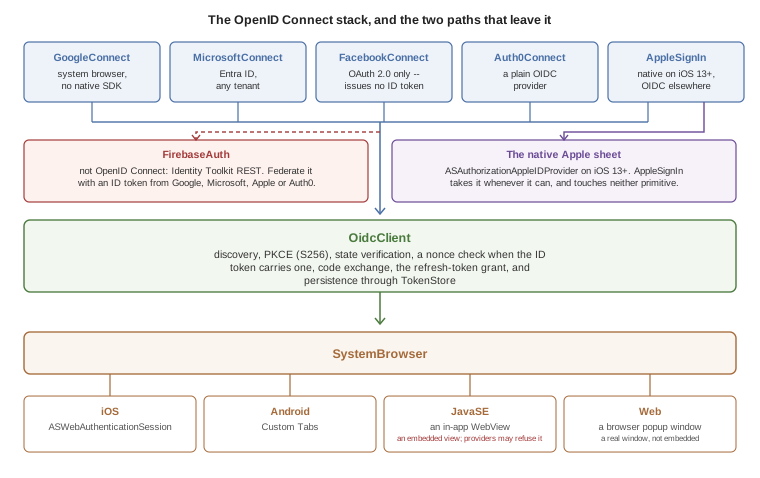
Two places step outside it, and both are deliberate. AppleSignIn calls the native Apple sheet whenever the platform offers one, which on iOS 13+ means neither primitive is involved; the OpenID Connect path is what it falls back to everywhere else. And FirebaseAuth isn’t an OpenID Connect provider at all — you reach it by handing it an ID token you already obtained, which FacebookConnect can’t give you because Facebook’s flow issues an access token and nothing else.
The legacy com.codename1.io.Oauth2 class is deprecated. It opens an in-app WebBrowser, which modern identity providers (Google, Apple, Microsoft, Facebook) now refuse to render — they detect the embedded view and block the page. The new OidcClient works the same on every supported platform without that limitation. See Section 86.11, “Migrating from Oauth2” for a migration recipe. |
86.1. Why the change
Identity providers tightened their rules in 2023 and 2024:
Google — the legacy
GoogleSignInSDK has been replaced by Google Identity Services (GIS). GIS expects PKCE and discourages embedded WebViews.Apple — Sign in with Apple, mandatory for App Store apps that offer any other social login, requires a native ASAuthorizationAppleIDProvider call on iOS 13+ or a web flow with
form_postresponse_mode.Microsoft — Entra ID (formerly Azure AD) requires PKCE for public clients and forwards all browser flows through Microsoft Authenticator when installed.
Facebook — Facebook Login still supports OAuth 2.0 but its embedded-WebView detection now blocks unknown user agents.
The old Oauth2 class drove the entire flow through com.codename1.components.WebBrowser, which is an embedded view. That model no longer works on a Codename One device build for these providers.
86.2. Quick start — any OpenID Connect provider
If your identity provider publishes a standard .well-known/openid-configuration document (Google, Microsoft, Apple, Auth0, Okta, Keycloak, AWS Cognito, Authentik, and most others do) you can sign users in with about ten lines of code.
OidcClient.discover("https://accounts.google.com").ready(new SuccessCallback<OidcClient>() {
public void onSucess(OidcClient client) {
client.setClientId("YOUR_CLIENT_ID")
.setRedirectUri("com.example.app:/oauth2redirect")
.setScopes("openid", "email", "profile");
client.authorize().ready(new SuccessCallback<OidcTokens>() {
public void onSucess(OidcTokens tokens) {
// tokens.getAccessToken() -- bearer for API calls
// tokens.getIdToken() -- JWT with user identity claims
// tokens.getEmail() -- convenience accessor
}
}).except(new SuccessCallback<Throwable>() {
public void onSucess(Throwable err) {
System.out.println("Sign-in failed: " + err.getMessage());
}
});
}
});That call:
Fetches
accounts.google.com/.well-known/openid-configuration.Generates a PKCE pair (S256), a
state, and anonce.Opens the OS system-browser sheet at the discovered authorization endpoint.
Exchanges the code for tokens on the discovered token endpoint.
Verifies
state, the issuer the response names, and the ID token, and persists the tokens via the defaultTokenStore.
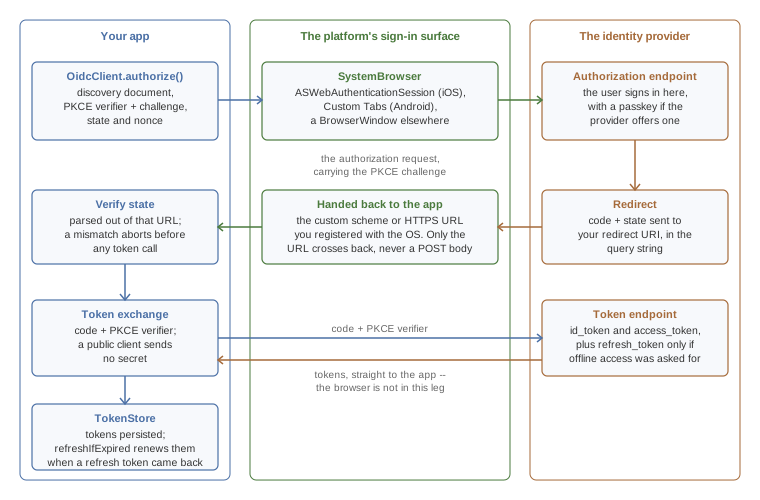
The token exchange is the leg worth noticing: it goes straight from your app to the provider’s token endpoint, carrying the PKCE verifier, and the browser has already done its job by then. A provider that treats your app as a public client wants no secret on that request, which is the arrangement PKCE exists to make safe. Apple is the exception on its non-native path and wants a client_secret JWT your server mints, which is what Section 86.3.3, “One-time Apple setup” is about.
Only the redirect URL crosses back from the browser, which is why Apple’s non-iOS path needs a server in front of it: AppleSignIn asks for response_mode=form_post, so Apple POSTs code and state to your redirect URI rather than putting them in the query string, and OidcClient parses the URL alone. The page at that URI has to turn the POST into a redirect carrying the same parameters, or the sign-in fails with STATE_MISMATCH.
Whether the token endpoint hands back a refresh token is up to the request: the quick start above asks for openid, email and profile and nothing more, so Google returns none and there is nothing for refreshIfExpired to renew. GoogleConnect.signIn adds access_type=offline and prompt=consent for exactly that reason.
86.2.1. What’s verified before you get the tokens
OidcClient doesn’t hand over tokens it hasn’t checked. A sign-in that fails one of these checks fails with an OidcException, and nothing is stored.
The authorization response. Its
statehas to be the one the request carried. If the response names an issuer with theissparameter, that issuer has to be the provider you configured. A provider whose discovery document setsauthorization_response_iss_parameter_supportedalways names itself, so a response withoutissis refused for that provider. The error isissuer_mismatch. This stops an answer from one provider being taken for another’s when an app signs in with several.The ID token’s claims.
issis the provider,audis your client ID,exphasn’t passed, andnonceis the one the request carried. When the token has anat_hash, it has to match the access token that came with it. The device’s clock may be five minutes off, andsetIdTokenClockSkewchanges that.The ID token’s signature. The provider’s keys are fetched from its
jwks_urionce and kept. They’re fetched again when a token names a key that isn’t among them, but not more than once in 60 seconds. A token that names an unknown key within 60 seconds of the last fetch is refused without another request to the provider.RS256,RS384,RS512,ES256andES384are accepted. An unsigned token is refused. A token signed withHS256or another shared-secret algorithm is refused too, because an app can’t keep the secret that would verify it.
A configuration you build by hand needs a jwksUri for the last check. discover fills it in.
The signature check has no silent fallback. If the platform the app runs on can’t verify a signature of the token’s algorithm, the token is refused and the error says so. For a provider whose ID tokens can’t be verified on a platform you ship to, or one that signs them with HS256, turn the check off explicitly. There is no other way to have such a token accepted:
// Only for a provider whose ID tokens this platform can't verify.
client.setVerifyIdTokenSignature(false);The claims are still checked then, but they’re only as trustworthy as the TLS connection to the token endpoint. Don’t make a decision on your server from an ID token the app forwards. Verify it there.
86.2.2. Picking a redirect URI
For mobile apps, use a custom scheme unique to your app, for example com.example.app:/oauth2redirect. Register the scheme with the OS via the build hints below so the system browser can hand the redirect back to your app.
For web / simulator runs, use a normal HTTPS URL pointing at a page you control. The Codename One fallback BrowserWindow closes as soon as the URL matches.
iOS
Add the URL scheme to your Info.plist via the standard build hint:
ios.urlScheme=<key>CFBundleURLTypes</key>\n<array>\n <dict>\n <key>CFBundleURLSchemes</key>\n <array>\n <string>com.example.app</string>\n </array>\n </dict>\n</array>
AuthenticationServices.framework is added to the linker automatically whenever your app references anything in com.codename1.io.oidc or com.codename1.social.AppleSignIn — you don’t need to add ios.add_libs=AuthenticationServices.framework manually.
Android
Add an intent filter for the redirect scheme to the application manifest via the android.xintent_filter build hint:
android.xintent_filter=<intent-filter>\n <action android:name="android.intent.action.VIEW"/>\n <category android:name="android.intent.category.DEFAULT"/>\n <category android:name="android.intent.category.BROWSABLE"/>\n <data android:scheme="com.example.app"/>\n</intent-filter>
The androidx.browser:browser:1.8.0 Gradle dependency (for Custom Tabs) is added to your app’s Gradle build automatically whenever it references anything in com.codename1.io.oidc. Override the version with build hint android.customTabsVersion=1.x.y if needed.
86.2.3. Saving and restoring tokens
OidcClient saves the response under a per-issuer + per-client-ID key using com.codename1.io.oidc.TokenStore.DefaultStorageTokenStore (which serializes to com.codename1.io.Storage). To restore on next launch:
client.refreshIfExpired(60).ready(new SuccessCallback<OidcTokens>() {
public void onSucess(OidcTokens tokens) {
if (tokens == null) {
// No saved tokens, or they expired and we have no refresh token.
client.authorize();
} else {
// Reuse `tokens.getAccessToken()` -- still valid (refreshed if needed).
}
}
});If the saved access token is within 60 seconds of expiring and a refresh token is available, refreshIfExpired performs a refresh-token grant in the background and persists the new tokens.
86.2.4. Encrypting tokens at rest
The default token store uses com.codename1.io.Storage, which is sandboxed but not encrypted. SecureStorageTokenStore keeps the tokens in the platform keychain or keystore instead, through com.codename1.security.SecureStorage:
// Encrypted by the platform, read without a prompt.
client.setTokenStore(new SecureStorageTokenStore());
// Behind Face ID or a fingerprint. Reading the tokens prompts the user.
client.setTokenStore(new SecureStorageTokenStore()
.requireBiometrics("Unlock your notes"));
// Ordinary storage on a platform that has no secure storage.
client.setTokenStore(new SecureStorageTokenStore()
.allowPlainStorageFallback(true));The first form encrypts the tokens and reads them without asking the user. That’s the one to use when a token goes out with every request. The second form puts them behind a biometric prompt. Load the tokens once when the app starts if you choose it, because every read prompts.
A platform without secure storage isn’t given a weaker store behind your back. Every operation fails there with an OidcException whose code is storage_unavailable. The third form is the opt-in: on such a platform, and only there, the tokens go to ordinary storage.
86.3. Sign in with Apple
com.codename1.social.AppleSignIn consolidates the previous cn1-applesignin cn1lib into core. On iOS 13+ it uses native ASAuthorizationAppleIDProvider; on Android, JavaSE and the Web port it uses the public Apple OIDC issuer through OidcClient.
86.3.1. iOS
The iOS port implements the com.codename1.social.AppleSignInNative interface. No build hints are required beyond enabling the Sign in with Apple capability:
ios.signinwithapple=true
AppleSignIn.getInstance().signIn("name email", new AppleSignInCallback() {
public void onSuccess(AppleSignInResult result) {
// result.getIdentityToken() -- JWT to verify on your server
// result.getUserId() -- stable opaque user id, use as PK
// result.getEmail() -- may be a real or relay address
}
public void onError(String err) { }
public void onCancel() { }
});Apple only returns the user’s name and email on the first authorization. AppleSignIn persists those values in Preferences so the result is consistent on subsequent sign-ins. |
86.3.2. Android, JavaSE, Web
Apple requires a separate Services ID (a "web client") for non-iOS environments and a client_secret JWT generated by your server. The recipe lives at Section 86.3.3, “One-time Apple setup”.
On Android there is a second thing to arrange. The Services ID callback is an HTTPS URL, and the Android sign-in surface hands control back by matching the scheme of the redirect it’s waiting for, so the com.example.app custom scheme registered earlier in this chapter does nothing for it. The callback host and path need their own verified App Link: an android.xintent_filter carrying an android:autoVerify="true" filter for android:scheme="https" on that host, and an assetlinks.json served from it. Deep-Link Routing Section has both, and says how to put that filter and the custom-scheme one in a single hint value — the hint holds one string, so an app doing both needs them together.
86.3.3. One-time Apple setup
In the Apple Developer portal, create a Services ID alongside your App ID. Enable "Sign in with Apple" for both.
Configure the Services ID’s Web Authentication Configuration with the primary App ID and your redirect URI.
Generate an AuthKey private key in the Apple developer portal (
.p8file). Apple doesn’t allow public mobile clients to mint theclient_secretJWT themselves; your backend must do it. See Apple’s docs for the JWT recipe.
86.4. Google Sign-In
com.codename1.social.GoogleConnect now offers a modern signIn(…) method that runs entirely through OidcClient:
GoogleConnect.getInstance().signIn(
// the iOS or Android client for a native build; the Web client
// belongs with an https redirect, in the simulator or web port
"YOUR_IOS_OR_ANDROID_CLIENT_ID.apps.googleusercontent.com",
"com.example.app:/oauth2redirect",
"openid", "email", "profile"
).ready(new SuccessCallback<OidcTokens>() {
public void onSucess(OidcTokens t) {
String email = t.getEmail();
String idToken = t.getIdToken();
}
});signIn works on iOS, Android, JavaSE and Web with the same code, against the Web Application OAuth 2.0 client ID from Google Cloud Console. The redirect URI you supply must match one of the Authorized redirect URIs configured for that client.
The legacy doLogin() / setClientSecret(…) path is still available for source compatibility but is no longer recommended.
86.4.1. Migrating from the legacy Google integration
If you currently rely on GoogleConnect.doLogin() with the Google Sign-In SDK on Android or GIDSignIn on iOS, you can switch to the modern flow without touching your build:
On Android, the legacy code uses
com.google.android.gms.auth.api.Auth.GoogleSignInApi— this is the part Google deprecated. New code viasignIn(…)doesn’t require the native SDK at all.On iOS, the legacy code uses
GIDSignIn(Google Sign-In SDK). The new code usesASWebAuthenticationSessionviaSystemBrowser, which is what Google now recommends for non-broker apps.
86.5. Facebook Login
com.codename1.social.FacebookConnect exposes both the old SDK-based doLogin() and a new SDK-free signIn(…) that uses the system browser via OidcClient. Use the new method for the simulator, the web port, and for apps that don’t want to bundle the Facebook SDK at all:
FacebookConnect.getInstance().signIn(
"FB_APP_ID",
// This flow is for the simulator and the web port, where the
// response comes back through the browser, so the redirect is an
// https URL registered with Facebook. A native Android or iOS build
// registers a custom scheme instead, as the OidcClient samples above
// do -- match the redirect to the target you are building.
"https://example.com/oauth2redirect",
"public_profile", "email"
).ready(new SuccessCallback<OidcTokens>() {
public void onSucess(OidcTokens t) {
String accessToken = t.getAccessToken(); // ID token will be null
// call https://graph.facebook.com/me with the access token for user data
}
});Facebook doesn’t issue OpenID-Connect ID tokens for classic OAuth flows, so getIdToken() returns null. Read user profile fields via the Graph API.
86.6. Microsoft / Entra ID
com.codename1.social.MicrosoftConnect wraps the same OIDC client against https://login.microsoftonline.com/{tenant}/v2.0. The default tenant common accepts personal and work / school accounts; pass a tenant GUID, organizations, or consumers to restrict.
Apps that need broker (Microsoft Authenticator) support for Conditional Access can bundle the MSAL SDK manually and bypass MicrosoftConnect. For the vast majority of apps the system-browser flow is sufficient and lets the simulator and web port share the same code path. |
86.7. Auth0
Auth0Connect is the simplest of the providers because Auth0 is a clean OIDC provider; everything beyond withDomain is optional.
86.8. Firebase Authentication
Firebase Auth isn’t an OIDC provider — it issues Google-Identity-Toolkit-style tokens via REST endpoints. com.codename1.social.FirebaseAuth wraps those endpoints:
void firebaseEmailSignIn(String email, String password) {
// withApiKey is not optional: without it every call completes its
// AsyncResource with IllegalStateException instead of reaching
// Firebase. Do it once, wherever your app initializes.
FirebaseAuth auth = FirebaseAuth.getInstance().withApiKey("YOUR_WEB_API_KEY");
auth.signInWithEmailAndPassword(email, password)
.ready(user -> {
// user.getIdToken() is a Firebase token rather than an OIDC
// one, and it is a bearer credential: send it to your service,
// never to the log. Anything written with Log or println ends
// up in logcat and in device diagnostics.
callMyBackend(user.getIdToken());
})
.except(err -> ToastBar.showErrorMessage(err.getMessage()));
}For federated sign-in (Google / Apple / Microsoft as Firebase providers), first obtain an ID token via the matching *Connect class, then swap it for a Firebase session:
String clientId = "YOUR_IOS_OR_ANDROID_CLIENT_ID.apps.googleusercontent.com";
String redirectUri = "com.example.app:/oauth2redirect";
// without the api key every FirebaseAuth call fails before it is sent
FirebaseAuth.getInstance().withApiKey("YOUR_FIREBASE_WEB_API_KEY");
GoogleConnect.getInstance().signIn(clientId, redirectUri, "openid", "email")
.ready(new SuccessCallback<OidcTokens>() {
public void onSucess(OidcTokens g) {
FirebaseAuth.getInstance().signInWithIdpIdToken(g.getIdToken(), "google.com")
.ready(new SuccessCallback<FirebaseAuth.FirebaseUser>() {
public void onSucess(FirebaseAuth.FirebaseUser u) {
// Firebase user is now signed in.
}
});
}
});Refresh the Firebase session at app launch:
FirebaseAuth fa = FirebaseAuth.getInstance().withApiKey(KEY);
if (!fa.isSignedIn()) {
fa.refresh().ready(new SuccessCallback<FirebaseAuth.FirebaseUser>() {
public void onSucess(FirebaseAuth.FirebaseUser u) {
// u is null if no refresh token was stored
}
});
}86.9. Passkeys / WebAuthn
Codename One ships a portable WebAuthn client at com.codename1.io.webauthn.WebAuthnClient. It wraps the OS public-key credential APIs (ASAuthorizationPlatformPublicKeyCredentialProvider on iOS 16+, androidx.credentials.CredentialManager on Android API 28+) behind a JSON-friendly Java surface so you can talk to any relying-party server with the same code on every supported platform.
86.9.1. When you actually need this class
If you sign users in via OidcClient against Google, Apple, Microsoft Entra ID, Auth0 or Firebase, the identity provider already supports passkeys. The user’s web browser at the IdP shows the passkey sheet, and OIDC just hands you the resulting ID / access tokens. You don’t have to call WebAuthnClient at all — everything in the rest of this chapter that signs users in via OidcClient already gets passkey-backed sign-in transparently, with no additional code on your side.
Reach for WebAuthnClient when:
Your app talks to your own relying-party server and you want passwordless sign-in / step-up auth backed by a passkey.
You wire up a direct Auth0 or Firebase passkey ceremony (see Section 86.9.5, “Auth0 passkeys” and Section 86.9.6, “Firebase passkeys”).
You drive a third-party SDK that emits a WebAuthn challenge.
86.9.2. Quick start — own backend
Pseudo-code (the actual HTTP calls depend on your server library):
// Registration -- enroll a new passkey
String challengeJson = myServer.startPasskeyRegistration(currentUserId); // PublicKeyCredentialCreationOptionsJSON
PublicKeyCredentialCreationOptions opts =
PublicKeyCredentialCreationOptions.fromJson(challengeJson);
WebAuthnClient.getInstance().create(opts)
.ready(new SuccessCallback<PublicKeyCredential>() {
public void onSucess(PublicKeyCredential cred) {
myServer.finishPasskeyRegistration(cred.toJson()); // server verifies + persists
}
})
.except(new SuccessCallback<Throwable>() {
public void onSucess(Throwable err) {
if (err instanceof WebAuthnException) {
String code = ((WebAuthnException) err).getError();
// "NotAllowedError" -- user dismissed the sheet
// "not_supported" -- platform lacks a passkey impl
// ... etc.
}
}
});
// Sign-in -- assert with an existing passkey
String requestJson = myServer.startPasskeySignIn(); // PublicKeyCredentialRequestOptionsJSON
WebAuthnClient.getInstance()
.get(PublicKeyCredentialRequestOptions.fromJson(requestJson))
.ready(new SuccessCallback<PublicKeyCredential>() {
public void onSucess(PublicKeyCredential cred) {
myServer.finishPasskeySignIn(cred.toJson()); // server verifies signature
}
});PublicKeyCredential#toJson() is in the W3C RegistrationResponseJSON / AuthenticationResponseJSON format, which every WebAuthn server library accepts as-is. On the server, verify the response with one of:
Java — webauthn4j
Node — @simplewebauthn/server
Rust — webauthn-rs
Python — py_webauthn
Do not try to verify the attestation or assertion on the device. The relying-party server holds the credential record and the signature counter; only it can detect cloned authenticators.
86.9.3. Platform requirements
| Platform | Notes |
|---|---|
iOS | iOS 16+. The |
Android | API 28+ via |
JavaSE / desktop, Web port |
|
86.9.4. Build hints
iOS:
ios.entitlements.com.apple.developer.associated-domains=<array>\n <string>webcredentials:example.com</string>\n</array>
Android: nothing beyond the dependency that gets injected automatically. The asset-links file lives on your server; the build doesn’t touch it.
86.9.5. Auth0 passkeys
Auth0Connect exposes two passkey helpers driven by Auth0’s WebAuthn grant (urn:okta:params:oauth:grant-type:webauthn). They drive WebAuthnClient under the hood, so the same iOS / Android platform requirements apply.
Enable Passkeys in the Auth0 dashboard (Authentication → Database → your connection → Authentication Methods → Passkey), and add WebAuthn to the application’s Grant Types.
86.9.6. Firebase passkeys
FirebaseAuth exposes registerPasskey (enroll a passkey for the signed-in user) and signInWithPasskey (sign in with an existing passkey). Both use Firebase Identity Platform’s v2 passkey REST endpoints (accounts/passkeyEnrollment:start|finalize, accounts/passkeySignIn:start|finalize).
Passkey support requires the Identity Platform tier of Firebase Auth (the upgraded plan). The free Firebase Auth tier doesn’t expose the passkey endpoints; the calls will fail with an HTTP 403. Check your project plan in the Firebase console under Build → Authentication → Settings → User account linking.
86.9.7. Mapping WebAuthn errors
WebAuthnException.getError() returns one of the W3C-defined error names:
| Code | Meaning |
|---|---|
| User dismissed the OS sheet, no matching credential, or the authenticator denied the request. |
| The credential being created already exists on the authenticator. |
| Platform doesn’t support the requested algorithm / transport combo. |
| Origin / RP-ID validation failed. Most often an Associated Domain (iOS) or asset-links (Android) misconfiguration. |
| Caller cancelled the ceremony. |
| A constraint (resident key, user verification) couldn’t be satisfied. |
| The platform has no native WebAuthn implementation at all. Caller should fall back to password sign-in. |
| Network failure while POSTing to your relying-party server. |
| The options JSON received from the relying party couldn’t be parsed. |
| The response returned by the authenticator couldn’t be parsed. |
86.10. Signing in against a Codename One backend
A Codename One backend can be its own identity provider. Its authorization server speaks OpenID Connect, so the app signs in with the same OidcClient it would use for any other provider. Section 41.12, “The authorization server” covers the server side. This section is the app’s half.
86.10.1. Signing in
Register the app on the server as a public client: no secret, the authorization code and refresh token grants, and the exact redirect URI the app uses. Then discover the server and authorize:
OidcClient.discover("https://api.example.com").ready(discovered -> {
client = discovered
.setClientId("notes-app")
.setRedirectUri("com.example.notes:/oauth2redirect")
.setScopes("openid", "profile", "notes.read")
.setTokenStore(new SecureStorageTokenStore());
client.authorize()
.ready(tokens -> showNotes())
.except(err -> showSignInFailed(err));
});The issuer you pass to discover is the server’s cn1.security.authorizationserver.issuer, without a trailing slash. The redirect URI has to match the registered one exactly. The server doesn’t accept wildcards.
The answer holds an access token, a refresh token and an ID token. The access token is a signed JWT that the server’s resource chain verifies. Its scope claim becomes the caller’s SCOPE_ authorities there.
86.10.2. Sending the token with every request
OidcRequestAuthorizer adds the access token to the app’s requests and renews it when it expires. Create one for the client, give it the base URL of your API, and load the session a previous run saved:
authorizer = new OidcRequestAuthorizer(client).install("https://api.example.com");
authorizer.addSignInRequiredListener((source, reason) -> showSignIn());
authorizer.load().ready(saved -> {
if (saved == null) {
showSignIn();
} else {
showNotes();
}
});From then on every request under that base URL carries Authorization: Bearer …. That includes requests made with Rest, with ConnectionRequest, and by a generated @RestClient client created for that base URL. Tokens the client obtains later reach the authorizer by themselves.
// No header to add: the authorizer covers every request under its base URL.
Rest.get(SERVER + "/api/notes").acceptJson().fetchAsJsonMap(response -> {
if (response.getResponseCode() == 200) {
show(response.getResponseData());
}
});
// A blocking call waits through the renewal too.
Response<String> profile = Rest.get(SERVER + "/api/me").getAsString();The base URL is matched by origin and by whole path segments. The origin is the scheme, the host and the port. Scheme and host are compared without regard to case, and a port that’s left out is the scheme’s own, so https://api.example.com and https://API.example.com:443 are the same base URL. The path is compared exactly and ends where a segment ends, so /v1 covers /v1/pets and doesn’t cover /v10. When two registrations cover a request, the one with the longer path wins.
A token is never sent to another origin. That holds for a redirect too: a request the server redirects to another host, another port or plain http is sent there without the header. A request redirected to a path outside the base URL goes without it too. This is the behavior where Codename One follows the redirect itself. On iOS the system follows redirects before the app sees them, so don’t have a token-protected API redirect to a host you don’t control.
The authorizer works on the event dispatch thread only. It puts the header on a request when you queue it, and the network thread sends what the request carries. A request you queue from another thread is passed to the event dispatch thread first and queued from there, without making your thread wait. Call the authorizer’s own methods, such as setTokens and signOut, on the event dispatch thread. Called from another thread they wait for it, so don’t call them from a thread the event dispatch thread is itself waiting for.
86.10.3. Renewing before the token expires
The authorizer renews a token before the server has a chance to refuse it. When you queue a request and the access token is within a minute of its expiry, the refresh token is exchanged first. The request is kept out of the queue until the exchange is done, and is then sent once with the new token. Requests queued in the meantime wait for the same exchange.
Nothing blocks while this happens, because the request hasn’t reached a network thread yet. Code that waits for the request gets the one final answer.
Change the minute with setRefreshLeeway. A larger value suits a server whose clock runs ahead of the device’s. A negative value turns renewing ahead of time off:
// Renew a token that has less than two minutes left.
authorizer.setRefreshLeeway(120);If the server refuses that exchange, the session is over, as the next section describes, and the request is sent without a token so that it’s answered 401. If the exchange can’t reach the server, the request is sent with the token it has, which might still be good.
A token whose response carried no expires_in has no known expiry. It’s renewed only when the server refuses it.
86.10.4. What happens on a 401
A token can still be refused: the server revoked it, restarted with new keys, or the device’s clock is wrong. When the server answers 401 to a request that carried the authorizer’s token, the app doesn’t see that answer. The request is held, and the refresh token is exchanged for a new set of tokens. The request is then sent again with the new access token, and its answer is delivered as usual.
A few rules keep this predictable:
A request is renewed once. If the second attempt is also refused, that
401is delivered.Requests refused at the same moment share one exchange. The server replaces the refresh token every time it’s used, so a second exchange with the old one would fail.
Code that waits for a request waits until the end.
getAsString()and the other blocking methods return the final answer, and so doesaddToQueueAndWait.If the server refuses the refresh token, the session is over. The tokens are removed from memory and from the token store, the held requests deliver their
401, and your sign-in listener runs so you can show the sign-in screen.If the exchange fails because the server can’t be reached, the tokens are kept. The held request delivers its
401, and the next request tries again.
When a renewal fails, the refused request is sent one more time as it was first sent. The 401 you receive is that second answer, handled by your error handlers like any other response.
You can also choose the authorizer for one request:
// Another authorizer for one request.
Rest.get("https://partner.example.org/feed").authorizer(other).fetchAsString(r -> show(r));
// No authorizer for one request, not even the default.
Rest.get(SERVER + "/api/public/status")
.authorizer(RequestAuthorizer.NONE)
.fetchAsString(r -> show(r));
// A header you set yourself always wins.
Rest.get(SERVER + "/api/notes").bearer("a-token-from-elsewhere").fetchAsString(r -> show(r));An Authorization header that’s already on a request always wins. That’s true for a header you set on the request and for a default header set with NetworkManager.addDefaultHeader. The authorizer isn’t asked about such a request, and a 401 to it isn’t renewed.
To sign out, revoke the refresh token and clear the stored session:
OidcTokens current = authorizer.getTokens();
if (current != null && current.getRefreshToken() != null) {
client.revoke(current.getRefreshToken());
}
authorizer.signOut();86.10.5. The device grant
A television, a watch or a kiosk has no browser to sign in with and no comfortable keyboard. The device grant lets the user approve such a device from a phone or a computer. The app asks for a code, shows it, and waits:
client.requestDeviceAuthorization().ready(device -> {
showCode(device.getUserCode(), device.getVerificationUri());
AsyncResource<OidcTokens> waiting = client.pollDeviceToken(device);
waiting.ready(tokens -> showNotes());
waiting.except(err -> {
if (err instanceof OidcException
&& OidcException.EXPIRED_TOKEN.equals(((OidcException) err).getError())) {
showCodeExpired();
} else {
showSignInFailed(err);
}
});
});The user opens the verification address on another device, signs in and types the code. getVerificationUriComplete() returns the same address with the code in it, which suits a QR code.
pollDeviceToken asks the server at the interval the server chose. It waits five seconds longer each time the server answers slow_down. It stops with an OidcException when the user refuses (access_denied) or the code runs out (expired_token), and it stops when you cancel the resource it returned. The tokens are stored the same way authorize() stores them, so the authorizer picks them up.
The client needs the urn:ietf:params:oauth:grant-type:device_code grant on the server. It needs no redirect URI for this flow.
86.10.6. Passkeys
A backend that declares http.webAuthn(…) serves the two WebAuthn ceremonies, and WebAuthnClient runs the device’s side of each. Section 41.14, “Passkeys” lists the endpoints.
A signed-in user adds a passkey like this:
// The user is signed in, so the authorizer's token goes with both requests.
String options = Rest.post(SERVER + "/webauthn/register/options").getAsString().getResponseData();
WebAuthnClient.getInstance()
.create(PublicKeyCredentialCreationOptions.fromJson(options))
.ready(credential -> Rest.post(SERVER + "/webauthn/register")
.queryParam("label", "My phone")
.jsonContent()
.body(credential.toJson())
.fetchAsString(r -> show(r)));A user who has one signs in with it:
String options = Rest.post(SERVER + "/webauthn/authenticate/options").getAsString().getResponseData();
WebAuthnClient.getInstance()
.get(PublicKeyCredentialRequestOptions.fromJson(options))
.ready(credential -> Rest.post(SERVER + "/login/webauthn")
.jsonContent()
.useBoolean(true)
.body(credential.toJson())
.fetchAsJsonMap(r -> {
if (Boolean.TRUE.equals(r.getResponseData().get("authenticated"))) {
// The answer set the session cookie, and later requests send it.
showNotes();
}
}));Both requests of a ceremony have to reach the server with the same cookies, because the server keeps the challenge in the session. ConnectionRequest keeps cookies for you unless you turned them off.
Two server settings matter to an app. The chain has to leave the passkey endpoints out of CSRF protection with csrf.ignoringRequestMatchers("/webauthn/**", "/login/webauthn"), because an app has no page to read a CSRF token from. An Android app’s origin isn’t a web address but android:apk-key-hash: followed by a hash of its signing certificate, and it has to be in the server’s allowed origins.
86.10.7. One-time codes
A backend with a second factor expects a six-digit code after the password. The server uses the same com.codename1.security.Otp class your app has, so an authenticator screen in your app produces codes the server accepts:
String code = Otp.totp(Base32.decode(base32Secret));A code is good once. The server refuses a code it has already accepted, even inside the same 30 seconds.
86.11. Migrating from Oauth2
A typical legacy snippet:
Oauth2 oauth = new Oauth2(
"https://provider.example.com/oauth2/authorize",
"CLIENT_ID",
"https://example.com/callback",
"openid email",
"https://provider.example.com/oauth2/token",
"CLIENT_SECRET");
oauth.showAuthentication(new ActionListener() {
public void actionPerformed(ActionEvent e) {
if (e.getSource() instanceof AccessToken) {
AccessToken t = (AccessToken) e.getSource();
// null
}
}
});becomes:
OidcConfiguration cfg = OidcConfiguration.newBuilder()
.authorizationEndpoint("https://provider.example.com/oauth2/authorize")
.tokenEndpoint("https://provider.example.com/oauth2/token")
.build();
// An installed app cannot keep a secret, so it is a public client: no
// client secret, and PKCE -- which OidcClient applies to every flow --
// is what protects the code exchange. The redirect has to come back to
// the app, so it is a custom scheme rather than an https URL.
OidcClient client = OidcClient.create(cfg)
.setClientId("CLIENT_ID")
.setRedirectUri("com.example.app:/oauth2redirect")
.setScopes("openid", "email");
client.authorize().ready(new SuccessCallback<OidcTokens>() {
public void onSucess(OidcTokens t) {
AccessToken legacy = t.toAccessToken(); // for code that still expects AccessToken
}
});Or, if the provider exposes a discovery document:
OidcClient.discover("https://provider.example.com").ready(new SuccessCallback<OidcClient>() {
public void onSucess(OidcClient client) {
client.setClientId("CLIENT_ID")
// Same public-client rules as the sample above: the
// redirect has to be the custom scheme the app
// registers, or the browser never hands control back.
.setRedirectUri("com.example.app:/oauth2redirect")
.setScopes("openid", "email");
client.authorize().ready(tokens -> Log.p("signed in"));
}
});OidcTokens#toAccessToken() returns a com.codename1.io.AccessToken, so callers that already deal in AccessToken (most subclasses of com.codename1.social.Login) can adopt OidcClient without changing their token type.
86.12. Verifying a phone number
Signing a user in by phone number is a flow of its own rather than an OpenID Connect one: your server sends a code to the number and checks the code the user types back, and the device’s part is entering the number, entering the code, and letting the platform offer the code out of the arriving message so the user never types it.
com.codename1.components.PhoneVerification is that screen, and com.codename1.ui.TextArea#ONE_TIME_CODE is the hint that makes the platform offer the code without any messaging permission. See Chapter 87, Phone Number Verification.
86.13. A universal sign-in demo
A complete sample is included under samples/UniversalSignInDemo in the repository. It renders one button per provider (Apple, Google, Microsoft, Facebook, Auth0, Firebase, generic OIDC) and dumps the resulting tokens to a TextArea so you can inspect them. See its README.md for the credentials wiring.
87. Phone Number Verification
Signing a user in by phone number, or proving that a number they typed is theirs, is the same two steps everywhere: send a code to the number, then check the code they type back. This chapter covers the device half of that — entering the number, entering the code, and letting the platform hand the code over so the user never types it.
87.1. Who does what
Codename One doesn’t send the message. The service that does is yours, and which one you use (Twilio, Vonage, AWS SNS, Firebase Phone Auth, your own SMPP gateway) is a decision the framework has no part in. It also doesn’t judge a code: the code exists on your server, and a client that could check it could also be persuaded to lie.
| Your server | Codename One |
|---|---|
Generates the code, sends the message, expires it, rate limits it | Collects the number in E.164 form |
Decides whether a submitted code is correct | Collects the code, and accepts the one the platform offers |
Issues whatever session or token follows | Owns the screen: the two stages, the resend wait, the way back to a mistyped number, and the errors your server reports |
87.2. Quick start
com.codename1.components.PhoneVerification is the whole screen. You supply the two server calls:
PhoneVerification verify = new PhoneVerification();
verify.setCodeSender((number, response) -> myServerSendsCode(number, response));
verify.setCodeVerifier((number, code, response) -> myServerChecksCode(number, code, response));
verify.addVerifiedListener(e -> onVerified(verify.getPhoneNumber()));
form.add(verify);That’s a working verification screen. It starts on the number, moves to the code once your server accepts the number, submits the code as soon as the last box is filled, and reports the result.
87.3. The code arrives by itself
The field the code goes into carries com.codename1.ui.TextArea#ONE_TIME_CODE. The constraint has no behaviour of its own — it’s a statement about what the field holds, and it’s what makes the platform offer the arriving code:
| Platform | What the hint buys |
|---|---|
iOS | The keyboard’s suggestion bar offers the code from Messages, above the number pad. |
Android | The autofill service offers the code from the SMS on the field. |
Web | The input is marked |
Desktop and everywhere else | Nothing changes. The user types the code. |
None of these routes reads messages, and none asks for a messaging permission. Your application says what the field is for; the platform decides what to offer, and the user decides whether to accept it.
A field without the hint is offered nothing, on every platform. The only alternative left is reading the SMS yourself, which on Android means holding READ_SMS — a permission Google Play restricts to applications whose core function is messaging, and one that has sunk more than one app review. |
The constraint is worth setting on any field of your own that holds a code, even outside this flow:
TextField code = new TextField("", "Code", 6, TextArea.NUMERIC | TextArea.ONE_TIME_CODE);87.4. The code field
com.codename1.components.OtpField draws the code one box per digit and tells you when it’s complete:
OtpField otp = new OtpField(6);
otp.addCompleteListener(e -> checkCode(otp.getText()));
form.add(otp);
otp.startEditing();getText() returns what has been entered so far, isComplete() says whether every box is filled, clear() empties the field and puts the caret back at the start, and startEditing() opens the keyboard, which saves the user a tap on a screen that exists for one purpose.
The boxes are drawn, and one field behind them holds the whole code. That’s what lets an offered code land in a single step, and it’s not an implementation detail you can ignore if you build your own: a code is one value, both mobile ports enforce a field’s maximum length as a hard native filter, and a six-character code offered to a row of one-character fields is truncated to its first digit. getBox(int) returns the box that displays a character, for theming; the value is read and written through the field.
87.5. Entering the number
com.codename1.components.PhoneNumberField pairs a country selector with a number field and produces one E.164 string — a leading +, the calling code, then the national number, digits only:
PhoneNumberField phone = new PhoneNumberField();
form.add(phone);
// the user picks Israel and types 50-123-4567; separators are dropped
String number = phone.getE164(); // "+972501234567"
boolean plausible = phone.isValid();
// typing the trunk prefix they say out loud, 050-123-4567, keeps it:
// "+9720501234567". Your sending service normalizes that -- see below.It starts on the country the device reports and offers every calling code in a searchable list. An application that serves three countries has no reason to show two hundred, and one that already knows the number can set it:
PhoneNumberField phone = new PhoneNumberField();
phone.setCountries(new PhoneNumberField.Country[]{
PhoneNumberField.findCountry("IL"),
PhoneNumberField.findCountry("US"),
PhoneNumberField.findCountry("GB")
});
phone.setE164(lastNumberWeSawForThisUser());Country names are English, and each is looked up in the theme’s resource bundle first under Country. plus the ISO 3166 code, so an application that ships translations gets them without replacing the list.
Two things the field doesn’t do, by design:
It doesn’t strip a national trunk prefix. A leading
0is a trunk prefix in Israel and part of the number in Italy, and telling them apart is a per-country rule this field doesn’t carry. Users type their number the way they know it; your sending service normalizes.It doesn’t decide a number exists.
isValid()checks the shape — a national part that’s present and short enough to keep the whole number inside E.164’s fifteen digits — and that’s all a client can check. The service that sends the message is the authority, and its refusal reaches the user like any other failure.
Several countries share a calling code: +1 covers the United States, Canada and much of the Caribbean, which the North American area code tells apart and this field doesn’t. setE164 keeps the country already selected when its code matches, and otherwise takes the first country listed for that code.
87.6. The flow in detail
Each server call is handed a PhoneVerification.Response and calls exactly one of succeeded() or failed(String) when the server answers. Either may be called from any thread, so a callback on a networking thread needs no hop of its own.
Three behaviours are worth knowing, because they’re the ones that get rewritten by hand on every verification screen:
A request in flight disables the button that started it, so a second tap can’t send a second message. It’s re-enabled when the response arrives.
A second answer to the same request is ignored rather than rejected. A server wrapper that answers twice on a retry is a nuisance, not a reason to leave a screen stuck.
An answer to a request the user has moved past is dropped. If they gave up waiting, went back, corrected the number and sent again, the first server’s answer no longer describes the screen they’re looking at, and applying it would move them somewhere they didn’t ask to go.
A failure message you pass to failed(String) is shown to the user as-is, so it should be something a user can act on; passing null shows a generic message instead. addFailedListener reports the same failures to your code, for counting attempts or logging them.
Resend is held back for setResendDelay(int) seconds — 60 by default — with the remaining time shown on the button. Zero offers it at once.
You don’t have to use the built-in buttons. requestCode(String), submitCode(), showCodeStage(String) and showNumberStage() are public, so a screen with its own layout can drive the same flow, and an application that sent the message itself can start at the second stage:
PhoneVerification verify = new PhoneVerification();
verify.setCodeVerifier((number, code, response) -> myServerChecksCode(number, code, response));
// we sent the message ourselves, so start at the code
verify.showCodeStage("+972501234567");
// ... and drive the rest from our own controls
myOwnVerifyButton.addActionListener(e -> verify.submitCode());
myOwnEditNumberButton.addActionListener(e -> verify.showNumberStage());87.7. Talking to your server
The two callbacks are where your API lives. A typical pair over REST:
PhoneVerification verify = new PhoneVerification();
verify.setCodeSender((number, response) ->
Rest.post(myApi + "/verify/start")
.jsonContent()
.body("{\"phone\":\"" + number + "\"}")
.fetchAsJsonMap(result -> {
if (result.getResponseCode() == 200) {
response.succeeded();
} else {
response.failed(null);
}
}));
verify.setCodeVerifier((number, code, response) ->
Rest.post(myApi + "/verify/check")
.jsonContent()
.body("{\"phone\":\"" + number + "\",\"code\":\"" + code + "\"}")
.fetchAsJsonMap(result -> {
if (result.getResponseCode() == 200) {
// the session the server issued lives in the response body
storeSession(result.getResponseData());
response.succeeded();
} else {
response.failed(null);
}
}));A few things belong on the server side of that boundary rather than in the app:
Rate limit by number and by device. An unthrottled send endpoint is a way to bill you for somebody else’s messages.
Expire codes, and cap attempts per code. A six-digit code is a million guesses, which isn’t many.
Never return the code to the client, in any field, for any reason.
Treat the number as unverified until your own check passes. The client says what the user typed, and a client can be modified.
87.8. Trying it without a device
In the simulator and on the desktop ports the hint changes nothing — no message is arriving, so nothing is offered and the code is typed. Everything else works there: the stages, the countdown, the errors, and the field itself.
Samples/samples/PhoneVerificationSample runs the whole flow against a fake server that accepts any number and one code, so the screen can be driven without a backend. On a device it’s also how to exercise the platform’s offer: send yourself a message with a code in it while the second stage is showing.
87.9. Styling
| UIID | Applies to |
|---|---|
| The code field as a whole. |
| One box of the code. |
| The number entry, its country selector and its number field. |
| The flow, its explanatory line and its error line. |
| The send and verify buttons, and the resend and change-number buttons. |
The shipped native themes style these. A theme of your own that doesn’t define OtpDigit gets the theme’s default component style for the boxes, which is seldom what you want — derive it from TextField.
Monetization and analytics
88. Commerce
Commerce is an optional service that validates your in-app purchases and subscriptions server-side and gives your app a single, store-agnostic question to ask: does this user have this entitlement right now? It wraps the existing Purchase API (see the Monetization chapter) — purchases still go through the platform store — and adds cloud receipt validation, a normalized subscription state machine across Apple and Google, lifecycle webhooks to your backend, and a revenue console.
Codename One doesn’t process payments and never touches your money — the stores (and, for physical goods, your own payment processor) do. Commerce is infrastructure that sits beside the money flow, exactly like the third-party services it replaces.
88.1. Entitlements, not SKUs
The core idea is the entitlement: an abstract access right such as pro or remove_ads. You map one or more store products to an entitlement, and your code only ever checks the entitlement:
if (CommerceManager.getInstance().isEntitled("pro")) {
// unlock pro features
}isEntitled reads the answer the cloud last cached, so it’s only as fresh as your last refresh(): before one completes the cache is empty and a paying subscriber reads as unentitled. It falls back to asking the store for a subscription named after the entitlement, and since the entitlement-to-SKU mapping lives in the cloud rather than on the device, that only matches when a product happens to share the id. Where the cloud can’t answer — commerce not enabled in the build, an offline start, a degraded account — check the granting SKU yourself, as the post-purchase example below does. Don’t do it when the cloud answered no: a refunded or revoked receipt still looks active on the device, and treating that as a grant unlocks the app after the server denied it.
An entitlement is active when any of its granting products is active. This matters: a promotional grant and a paid subscription, or a sandbox and a production purchase, can both map to pro without one hiding the other. Access is decided by a single authoritative rule — the latest expiry over the active grants, evaluated against a server timestamp — so a tampered device clock can’t extend it. Everything else (will-renew, billing stage, period type, family sharing) is advisory and never removes access on its own.
88.2. Client usage
In your Lifecycle.init (or wherever you set up purchases). Installing a receipt store is part of the setup, not an optional extra: Purchase submits pending purchases and reloads its receipt list only when one is installed, so without it refresh() finds no receipts and no entitlement is ever granted. On iOS isSubscriptionSupported() returns false until one is installed, so subscriptions don’t start at all. The monetization chapter builds a store you can use here.
CommerceManager cm = CommerceManager.getInstance();
cm.setAppUserId(myAccountId); // optional; a stable id for the signed-in user
// A receipt store is a prerequisite rather than an extra. Purchase only
// submits pending purchases and reloads its receipt list when one is
// installed, so without it refresh() finds nothing and no entitlement is
// ever granted. On iOS isSubscriptionSupported() is false outright,
// because it is defined as "a receipt store is installed". The
// Monetization chapter builds one.
Purchase.getInAppPurchase().setReceiptStore(myReceiptStore);Drive purchases through the manager (these delegate to the Purchase API):
cm.subscribe("pro_monthly");
// or cm.purchase("remove_ads");After a purchase, or on app start, validate the device’s receipts with the cloud and refresh the entitlement cache. refresh() validates the receipts already stored rather than waiting for one in flight, so chain it off receipt synchronization after a purchase — otherwise it runs before the new receipt has been submitted and nothing retries it. It’s a blocking network call, so keep it off the EDT:
// Purchase submits a new receipt to the receipt store asynchronously,
// and refresh() only validates the receipts already stored. Called
// straight after a purchase it would not see the new one, and nothing
// retries it later, so chain it off the synchronization instead.
Purchase.getInAppPurchase().synchronizeReceipts(0, synced -> {
if (!Boolean.TRUE.equals(synced)) {
// The receipt was not submitted or fetched, so it is still
// pending and the stored list is the old one. Refreshing from
// it would read a stale entitlement and leave a paying user
// locked out with no sign anything went wrong.
showPurchasePendingRetry();
return;
}
// This callback arrives on the EDT and refresh() blocks on the
// network, so it needs a thread of its own.
new Thread(() -> {
cm.refresh();
// Back to the EDT to read the entitlement and touch the UI:
// Codename One UI calls are only legal there.
CN.callSerially(() -> {
// Same rule as the entitlement sample earlier in the chapter:
// the store-direct check is for when the cloud had no answer,
// not an override of one it gave.
boolean pro = cm.isEntitled("pro");
if (!pro && (!cm.isCloudEnabled() || cm.isDegraded())) {
pro = Purchase.getInAppPurchase().isSubscribed("pro_monthly");
}
if (pro) {
// unlock the paid features here
}
});
}).start();
});isEntitled returns the last cloud-validated answer when one is available, and otherwise falls back to the platform’s own receipt (treating the entitlement id as a subscription SKU) so a paying user is never locked out while the network is down.
88.3. How the app finds the service
Commerce reuses the standard build_key that every Codename One cloud build already carries, the same token the analytics provider sends — so there is nothing to wire into the build. CommerceManager.isCloudEnabled() is true on any cloud build and false in the simulator or a local build (where every call defers to Purchase). Two optional build hints tune it:
| Build hint | Default | Description |
|---|---|---|
|
| Set to |
| (Codename One cloud) | Base URL of the commerce service. Override only if you self-host. |
88.4. Server notifications
For the entitlement state to stay correct after the initial purchase — renewals, cancellations, refunds, billing retries, grace periods, holds — point the stores' server notifications at the service:
Apple — in App Store Connect, set the App Store Server Notifications V2 URL to
https://cloud.codenameone.com/api/v2/commerce/notifications/apple.Google — in the Play Console, set Real-time developer notifications and route the Pub/Sub topic to
https://cloud.codenameone.com/api/v2/commerce/notifications/google.
Notifications are idempotent (deduplicated on Apple’s notificationUUID / Google’s Pub/Sub messageId), so a redelivery never double-counts.
88.5. Server-side validation (connect your store credentials)
By default the service validates the store-signed receipt the device presents — enough to gate features, and it works with no setup. For server-authoritative validation — where the service calls Apple’s and Google’s own server APIs to confirm the real subscription state — provide your store credentials in the console Secrets page:
Apple — an App Store Connect API key, as three secrets:
commerce.apple.keyId,commerce.apple.issuerId, andcommerce.apple.privateKey(the contents of the.p8file).Google — a service account with Android Publisher access, as
commerce.google.serviceAccountJson(the full JSON key).
Secrets are stored AES-256-GCM encrypted in the BuildCloud vault; they’re decrypted only server-side at call time and are never shown in the console again. Once set:
Entitlements are confirmed against Apple’s
Get All Subscription Statusesand Google’ssubscriptionsv2.get, so a grant is server-verified rather than device-trusted, andSubscription renewals signalled by store notifications are recorded at their real amount (the renewal price lives only in the store’s server response).
Without credentials the service stays in device-trusted mode — everything still works, you just don’t get the server cross-check or accurate renewal revenue.
88.6. Lifecycle webhooks to your backend
Commerce can forward every normalized state change to your own backend. Configure a URL and a signing secret on the Commerce page of the console. Each event is HMAC-SHA256 signed (header CN1-Commerce-Signature) and carries:
A per-customer monotonic
sequence— so your consumer can reject stale events and never has to reorder defensively,The grant’s
state_version— reconcile against this,An always-present
effective_expiration_at, andThe event
idfor idempotent dedup.
Delivery is at-least-once, in sequence order per customer, with retries that back off exponentially. Event types mirror the familiar set: INITIAL_PURCHASE, RENEWAL, CANCELLATION, UNCANCELLATION, EXPIRATION, BILLING_ISSUE, PRODUCT_CHANGE, SUBSCRIPTION_PAUSED, REFUND_REVERSED, TRANSFER.
88.7. The console
The Commerce section in the console at https://cloud.codenameone.com/console/index.html is account-level by default, with an app filter to narrow to one app:
Overview — the subscription dashboard: headline KPIs (MRR, ARR, ARPU, active subscriptions, active trials, churn, trial conversion, customers) and trend charts for MRR, active subscriptions and revenue.
Insights — MRR movement (new vs churned), MRR forecast, realized-LTV curve, active subscriptions by store and by product, cohort-retention, and period-over-period MRR.
Customers — each app user and their active entitlements.
Transactions — the recent validated-event ledger.
Webhook — your delivery endpoint and signing secret.
88.8. Analytics
Commerce normalizes every active subscription to a monthly figure (MRR) and reconstructs the trends from the subscription history, so the dashboard matches what dedicated subscription-analytics tools provide:
MRR / ARR / ARPU — normalized recurring revenue, annualized, and per active subscription.
Churn and trial conversion rates, refund rate.
Cohort retention — monthly acquisition cohorts and the percentage still active each subsequent month.
Realized LTV — average cumulative revenue per paying customer by months since acquisition.
Forecast — projected MRR for the coming months from the current run-rate and recent growth.
Breakdowns by store and by product, and period-over-period comparison.
Every chart pairs a graph with its underlying data table (one tab-flip away) for export-friendly inspection. All money is shown in your reporting currency; transactions in other currencies are normalized to USD via daily exchange rates.
88.9. Privacy
Commerce stores entitlement state and transaction metadata (store, product id, event type, amount, validation state) keyed by your app-user id. It never stores card numbers or payment credentials — those stay with Apple, Google, or your processor. Family shared purchases grant access but are excluded from revenue. The minimum lookup state needed to resolve the next notification is kept; grants are retained as the durable record, while the high-churn ledger and delivered webhook rows are purged on a rolling window.
88.10. Setup checklist
Map your store products to entitlements in the console.
In the app, call
CommerceManager.getInstance().subscribe(…)/.purchase(…), then.refresh()off the EDT, and gate features with.isEntitled(…).Point Apple App Store Server Notifications V2 and Google RTDN at the service notification URLs.
(Optional) Set a webhook URL + secret on the Commerce console page to receive lifecycle events on your backend.
89. Monetization
Codename One integrates many built-in monetization options such as in-app purchases and subscriptions. Advertising is covered in its own chapter; see Advertising.
Many monetization options are available as third-party cn1libs that you can install through the Codename One website.
89.1. In-app purchase
In-app purchase is a helpful way to make app development profitable. Codename One supports in-app purchases of consumable and non-consumable products on Android and iOS. It also supports subscriptions. Even though the concept is simple, in-app purchase involves many moving parts, for subscriptions.
89.1.1. The SKU
In-app purchase support centers around the set of SKUs you want to sell. Each product, whether it’s a one-month subscription, an upgrade to the "Pro" version, or "10 disco credits," has a SKU (stock-keeping unit). Ideally, you can use the same SKU across every store that sells your app.
89.1.2. Types of products
Four classifications for products exist:
Non-consumable Product - This is a product that the user purchases once to "own." They can’t re-buy it. One example is a product that upgrades your app to a "Pro" version.
Consumable Product - This is a product that the user can buy more than once. For example, you might have a product for "10 Credits" that lets the user buy items in a game.
Non-Renewable Subscription - A subscription that you buy once, and won’t be "auto-renewed" by the app store. These are almost identical to consumable products, except that subscriptions need to be transferable across all the user’s devices. This means that non-renewable subscriptions require that you have a server that keeps track of the subscriptions.
Renewable Subscriptions - A subscription that the app store manages. The user will be automatically billed when the subscription period ends, and the subscription will renew.
| These subscription categories may not be explicitly supported by a given store, or they may use different names. You can integrate each product type in a cross-platform way using Codename One. For example, Google Play doesn’t distinguish between consumable products and non-renewable subscriptions, but iTunes does. |
89.1.3. The "hello world" of in-app purchase
Start with a simple example of an app that sells Worlds. First, pick the SKU for the product. Here you use com.codename1.world:
public static final String SKU_WORLD = "com.codename1.world";Although this example uses the package-name convention for a SKU, you can use any name you want, for example UA8879. |
Next, the app’s main class needs to implement the PurchaseCallback interface
Using these callbacks, the app receives notifications whenever a purchase changes. For this simple app, only itemPurchased() and itemPurchaseError() matter. The legacy itemRefunded(), subscriptionStarted(), and subscriptionCanceled() hooks are deprecated in the core API and are no longer dispatched by the stores. Instead of relying on callbacks for long-term entitlement state, query the current receipts at runtime with helpers such as Purchase.wasPurchased(…), Purchase.isSubscribed(…), or Purchase.getReceipts(). That keeps the UI aligned with the latest data from the underlying store.
Now in the start() method, add a button that lets the user buy the world:
public void start() {
if(current!= null){
current.show();
return;
}
Form hi = new Form("Hi World");
Button buyWorld = new Button("Buy World");
buyWorld.addActionListener(e->{
if (Purchase.getInAppPurchase().wasPurchased(SKU_WORLD)) {
Dialog.show("can't Buy It", "You already Own It", "OK", null);
} else {
Purchase.getInAppPurchase().purchase(SKU_WORLD);
}
});
hi.addComponent(buyWorld);
hi.show();
}At this point, the app can track the sale of the world. To make it more useful, add ToastBar feedback for purchase completion:
@Override
public void itemPurchased(String sku) {
ToastBar.showMessage("Thanks. You now own the world", FontImage.MATERIAL_THUMB_UP);
}
@Override
public void itemPurchaseError(String sku, String errorMessage) {
ToastBar.showErrorMessage("Failure occurred: "+errorMessage);
}| You can test out this code in the simulator without doing any more setup and it will work. If you want the code to work on Android and iOS, you’ll need to set up the app and in-app purchase settings in the Google Play and iTunes stores respectively as explained below |
When the app first opens you see your button:
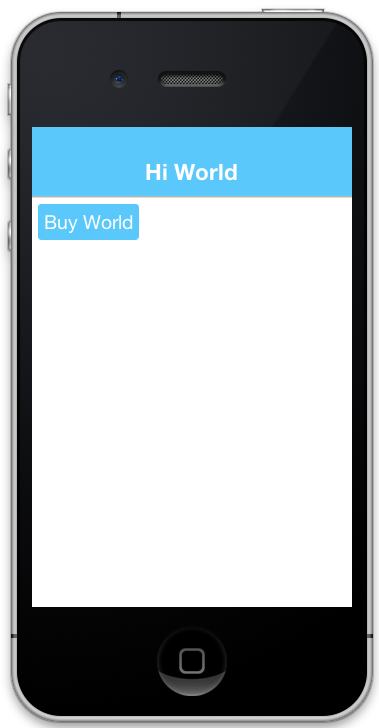
In the simulator, clicking on the "Buy World" button will bring up a prompt to ask you if you want to approve the purchase.
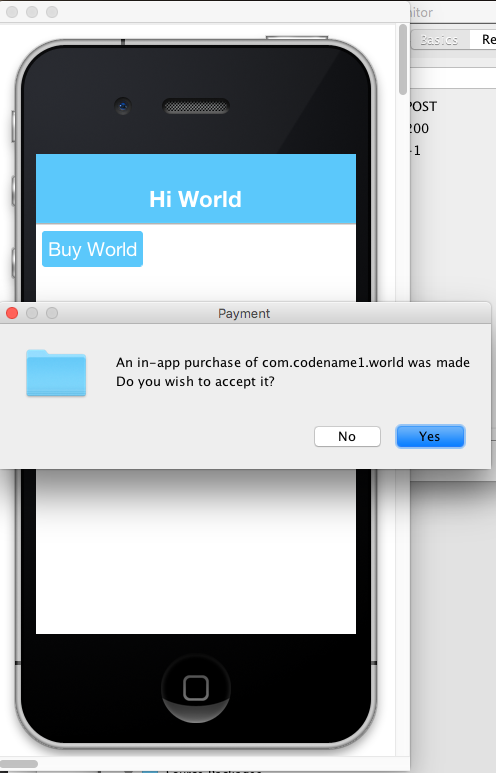
Now if you try to buy the product again, it pops up the dialog to let you know that you already own it.
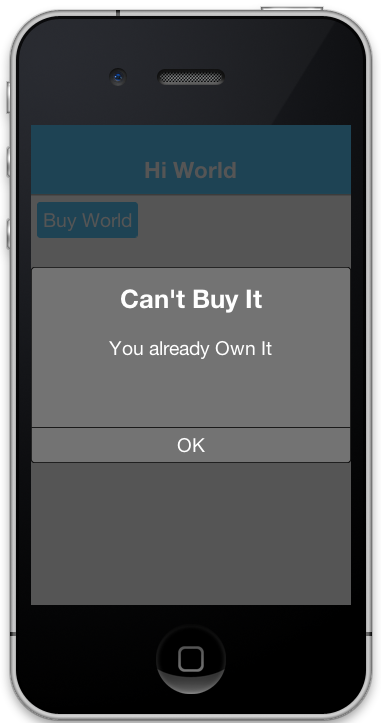
89.1.4. Making it consumable
In the "Buy World" example above, the "world" product was non-consumable, since you could only buy the world once. You could change it to a consumable product by disregarding whether it was purchased before & keeping track of how many times it had been purchased.
You’ll use storage to keep track of the number of worlds that the user purchased. You need two methods to manage this count. One method gets the number of worlds that you own, and another adds a world to this count:
private static final String NUM_WORLDS_KEY = "NUM_WORLDS.dat";
public int getNumWorlds() {
synchronized (NUM_WORLDS_KEY) {
Storage s = Storage.getInstance();
if (s.exists(NUM_WORLDS_KEY)) {
return (Integer)s.readObject(NUM_WORLDS_KEY);
} else {
return 0;
}
}
}
public void addWorld() {
synchronized (NUM_WORLDS_KEY) {
Storage s = Storage.getInstance();
int count = 0;
if (s.exists(NUM_WORLDS_KEY)) {
count = (Integer)s.readObject(NUM_WORLDS_KEY);
}
count++;
s.writeObject(NUM_WORLDS_KEY, new Integer(count));
}
}Now you’ll change your buy code as follows:
buyWorld.addActionListener(e->{
if (Dialog.show("Confirm", "You own "+getNumWorlds()+
" worlds. Do you want to buy another one?", "Yes", "No")) {
Purchase.getInAppPurchase().purchase(SKU_WORLD);
}
});And your itemPurchased() callback will need to add a world:
@Override
public void itemPurchased(String sku) {
addWorld();
ToastBar.showMessage("Thanks. You now own "+getNumWorlds()+" worlds", FontImage.MATERIAL_THUMB_UP);
}| When you set up the products in the iTunes store you will need to mark the product as a consumable product or iTunes will prevent you from purchasing it more than once |
89.1.5. Non-Renewable subscriptions
As you discussed before, there are two types of subscriptions:
Non-renewable
Auto-renewable
Non-renewable subscriptions are the same as consumable products, except that they’re shareable across devices. Auto-renewable subscriptions will continue as long as the user doesn’t cancel the subscription. They will be re-billed automatically by the appropriate app-store when the chosen period expires, and the app-store handles the management details itself.
| The concept of an "Non-renewable" subscription is unique to iTunes. Google Play has no formal similar option. To create a non-renewable subscription SKU that behaves the same in your iOS and Android apps you would create it as a regular product in Google play, and a Non-renewable subscription in the iTunes store. You’ll learn more about that in a later post when you go into the specifics of app store setup. |
The Purchase class includes both a purchase() method and a subscribe() method. On some platforms it makes no difference which one you use, but on Android it matters. If the product is set up as a subscription in Google Play, then you must use subscribe() to buy the product. If it’s set up as a regular product, then you must use purchase(). Since you enter "Non-renewable" subscriptions as regular products in the play store, you would use the purchase() method. |
89.1.6. Promotional offers (iOS)
Apple allows you to present discounted introductory pricing to existing subscribers via promotional offers. Codename One surfaces this capability through overloads of both Purchase.purchase(String, PromotionalOffer) and Purchase.subscribe(String, PromotionalOffer), which forward the promotional context to StoreKit when you start the transaction. Promotional offers are only honoured by iOS, so the overloads fall back to the regular buy flow on other platforms.
To build the signed discount payload required by Apple you can use the ApplePromotionalOffer helper:
ApplePromotionalOffer offer = new ApplePromotionalOffer();
offer.setOfferIdentifier("my-intro-offer");
offer.setKeyIdentifier("A1B2C3D4");
// The nonce is one of the values your server signs, so it has to be
// the very one that produced the signature below. A fresh value
// generated here would never validate.
offer.setNonce(nonceFromYourServer);
offer.setSignature(signatureFromYourServer);
offer.setTimestamp(timestampFromYourServer);
Purchase purchase = Purchase.getInAppPurchase();
purchase.subscribe(SKU_WORLD_MONTHLY, offer);Apple generates the signature and timestamp from your App Store Connect server notifications endpoint; Codename One passes them to the native StoreKit APIs. For one-time products you can call purchase(sku, offer) instead of subscribe(…).
89.1.7. Restoring purchases and managing subscriptions
Both Apple and Google provide built-in user interfaces for restoring past purchases and managing subscription billing preferences. Codename One exposes these entry points so you can surface the native flows without reimplementing them yourself.
Restores: Call
Purchase.isRestoreSupported()before presenting a "Restore purchases" button. When supported (iOS implements this natively), invokePurchase.restore()to prompt the operating system to re-deliver past transactions. Your app should implementRestoreCallback(like how you implementPurchaseCallback) so you can respond to individualitemRestored(…)events and to the completion or failure of the restore request.Subscription management: Use
Purchase.isManageSubscriptionsSupported()to detect whether the platform can show the subscription management UI. When it returnstrue, callingPurchase.manageSubscriptions(null)opens the store-specific settings screen (Apple’s subscription center on iOS and Google Play’s subscription management activity on Android). On Android you can optionally pass a SKU to deep-link directly to the plan the user should manage.
Because these flows are handled by the underlying store your UI doesn’t need to rebuild any billing screens. Gate the buttons on the capability checks above so that iOS and Android users get the familiar restore/manage dialogs while other platforms can fall back to your own help copy.
89.1.8. The Server-Side
Since a subscription purchased on one user device needs to be available across the user’s devices (Apple’s rules for non-renewable subscriptions), your app will need to have a server-component. In this section, you’ll gloss over that & "mock" the server interface. You’ll go into the specifics of the server-side below.
The receipts API
Subscriptions, in Codename One use the "Receipts" API. It’s up to you to register a receipt store with the in-app purchase instance, which allows Codename one to load receipts (from your server), and submit new receipts to your server. A Receipt includes information such as:
Store code (since you may be dealing with receipts from itunes, google play & Microsoft)
SKU
Transaction ID (store specific)
Expiry Date
Cancellation date
Buy date
Order Data (that you can use on the server-side to verify the receipt and load receipt details directly from the store it originated from).
The Purchase provides a set of methods for interacting with the receipt store, such as:
isSubscribed([skus])- Checks to see if the user is subscribed to any of the provided skus.getExpiryDate([skus])- Checks the expiry date for a set of skus.synchronizeReceipts()- Synchronizes the receipts with the receipt store. This will try to submit any pending purchase receipts to the receipt store, and the reload receipts from the receipt store.
In order for any of this to work, you must implement the ReceiptStore interface, and register it with the Buy instance. Your receipt store must implement two methods:
fetchReceipts(SuccessCallback<Receipt[]> callback)- Loads all the receipts from your receipt store for the current user.submitReceipt(Receipt receipt, SuccessCallback<Boolean> callback)- Submits a receipt to your receipt store. This gives you an opportunity to add details to the receipt such as an expiry date.
89.1.9. The "hello world" of Non-Renewable subscriptions
You’ll expand on the theme of "Buying" the world for this app, except, this time you will "Rent" the world for a period of time. You’ll have two products:
A 1-month subscription
A 1-year subscription
Every listing in the rest of this chapter uses these declarations:
static final String SKU_WORLD_1_MONTH = "com.codename1.world.month";
static final String SKU_WORLD_1_YEAR = "com.codename1.world.year";
// Both periods of the same subscription group. Every Purchase method that
// asks about status or expiry takes the whole group, so keeping them in
// one array is what makes the later listings read the way they do.
static final String[] PRODUCTS = { SKU_WORLD_1_MONTH, SKU_WORLD_1_YEAR };
// There is deliberately no Purchase field here. Receipts are cached on the
// instance and loaded from storage the first time one is asked for, while
// the synchronization that refreshes them is static and may be running on
// an instance the port created. A held instance therefore keeps answering
// from the snapshot it loaded; a fresh getInAppPurchase() reads what the
// last completed synchronization persisted. It is a storage read, not a
// network call.Notice that you create two separate SKUs for the 1 month and 1-year subscription. Each subscription period must have its own SKU. The example uses an array (PRODUCTS) that contains both of the SKUs. This is handy, as you’ll see in the examples ahead, because the APIs for checking status and expiry date of a subscription take the SKUs in a "subscription group" as input.
| Different SKUs that sell the same service/product but for different periods form a "subscription group." Conceptually, customers aren’t subscribing to a particular SKU, they’re subscribing to the subscription group of which that SKU is a member. As an example, if a user purchases 1-month subscription to "the world," they’re actually subscribing to "the world" subscription group. |
It’s up to you to know the grouping of your SKUs. Any methods in the Purchase class that check subscription status or expiry date of a SKU should be passed all SKUs of that subscription group. For example, If you want to know if the user is subscribed to the SKU_WORLD_1_MONTH subscription, it would not be enough to call iap.isSubscribed(SKU_WORLD_1_MONTH), because that wouldn’t consider if the user had purchased 1-year subscription. The correct way is to always call iap.isSubscribed(SKU_WORLD_1_MONTH, SKU_WORLD_1_YEAR), or iap.isSubscribed(PRODUCTS) since you have placed both SKUs into your PRODUCTS array.
Implementing the receipt store
| The receipt store is intended to interface with a server so that the subscriptions can be synced with multiple devices, as required by Apple’s guidelines. For this post you’ll just store your receipts on device using internal storage. Moving the logic to a server is a simple matter that this guide covers in a future post when you cover the server-side. |

A basic receipt store needs to implement just two methods:
fetchReceiptssubmitReceipt
You’ll register it in your app’s init() method so that it’s always available:
public void init(Object context) {
// ...
Purchase.getInAppPurchase().setReceiptStore(new ReceiptStore() {
@Override
public void fetchReceipts(SuccessCallback<Receipt[]> callback) {
// Fetch receipts from storage and pass them to the callback
}
@Override
public void submitReceipt(Receipt receipt, SuccessCallback<Boolean> callback) {
// Save a receipt to storage. Make sure to call callback when done.
}
});
}These methods are designed to be asynchronous since real-world apps will always be connecting to some sort of network service. Instead of returning a value, both of these methods are passed instances of the SuccessCallback class. It’s important to make sure to call callback.onSuccess() ALWAYS when the methods have completed, even if there is an error, or the Buy class will just assume that you’re taking a long time to complete the task, and will continue to wait for you to finish.
Once implemented, your fetchReceipts() method will look like:
// static declarations used by receipt store
// Storage key where list of receipts are stored
private static final String RECEIPTS_KEY = "RECEIPTS.dat";
@Override
public void fetchReceipts(SuccessCallback<Receipt[]> callback) {
Storage s = Storage.getInstance();
Receipt[] found;
synchronized(RECEIPTS_KEY) {
// readObject() answers null when the entry cannot be read or
// deserialized, and Purchase calls this from inside loadReceipts(), so
// throwing would leave synchronization marked in progress for the rest of
// the session. Answering with an empty array is worse still: loadReceipts
// persists a non-null result, so it would overwrite the receipts already
// known and revoke a live subscription. null fails the fetch and leaves
// them untouched, and only a genuinely absent entry is empty.
boolean entryExists = s.exists(RECEIPTS_KEY);
Object raw = entryExists ? s.readObject(RECEIPTS_KEY) : null;
if (raw instanceof List) {
// Checking the container is not checking its contents: a list holding
// anything else -- a key collision, an older schema, a partial write --
// makes toArray throw ArrayStoreException, which never reaches the
// callback and leaves synchronization stuck for the session. Copy
// element by element and fail the fetch if one does not belong.
List<?> stored = (List<?>) raw;
Receipt[] copy = new Receipt[stored.size()];
int i = 0;
for (Object o : stored) {
if (!(o instanceof Receipt)) {
copy = null;
break;
}
copy[i++] = (Receipt) o;
}
found = copy;
} else if (entryExists) {
found = null;
} else {
found = new Receipt[0];
}
}
// Make sure this is outside the synchronized block
callback.onSucess(found);
}This is straight forward. You’re checking to see if you already have a list of receipts stored. If so you return that list to the callback. If not you return an empty array of receipts.
Receipt implements Externalizable so you are able to write instances directly to Storage. |
The submitReceipt() method is a little more complex, as it needs to calculate the new expiry date for your subscription:
@Override
public void submitReceipt(Receipt receipt, SuccessCallback<Boolean> callback) {
Storage s = Storage.getInstance();
boolean stored;
synchronized(RECEIPTS_KEY) {
// readObject() answers null when the entry cannot be read or
// deserialized, and this runs inside synchronizeReceipts(), so throwing
// would leave synchronization marked in progress for the rest of the
// session. An unreadable entry is not an empty one, though: carrying on
// as if it were would write this single receipt over every receipt the
// user has already paid for. Report failure and write nothing, and
// Purchase keeps the receipt pending and retries later.
boolean entryExists = s.exists(RECEIPTS_KEY);
Object raw = entryExists ? s.readObject(RECEIPTS_KEY) : null;
if (entryExists && !(raw instanceof List)) {
callback.onSucess(Boolean.FALSE);
return;
}
// The container's type says nothing about its elements, and iterating a
// list holding something else throws before the callback runs, which
// leaves synchronization stuck for the session. Copy with a check, the
// same way fetchReceipts() does.
List<Receipt> receipts = new ArrayList<Receipt>();
if (raw instanceof List) {
for (Object o : (List<?>) raw) {
if (!(o instanceof Receipt)) {
callback.onSucess(Boolean.FALSE);
return;
}
receipts.add((Receipt) o);
}
}
// Check to see if this receipt already exists. That should not happen,
// but a store can resend one.
for (Receipt r : receipts) {
if (sameReceipt(r, receipt)) {
// Already stored. Report success, or synchronizeReceipts() never finishes.
callback.onSucess(Boolean.TRUE);
return;
}
}
// Now try to find the current expiry date
Date currExpiry = new Date();
List<String> lProducts = Arrays.asList(PRODUCTS);
for (Receipt r : receipts) {
if (!lProducts.contains(r.getSku())) {
continue;
}
if (r.getCancellationDate()!= null) {
continue;
}
if (r.getExpiryDate() == null) {
continue;
}
if (r.getExpiryDate().getTime() > currExpiry.getTime()) {
currExpiry = r.getExpiryDate();
}
}
// Now set the appropriate expiry date by adding time onto
// the end of the current expiry date
Calendar cal = Calendar.getInstance();
cal.setTime(currExpiry);
Date newExpiry = null;
if (SKU_WORLD_1_MONTH.equals(receipt.getSku())) {
cal.add(Calendar.MONTH, 1);
newExpiry = cal.getTime();
} else if (SKU_WORLD_1_YEAR.equals(receipt.getSku())) {
cal.add(Calendar.YEAR, 1);
newExpiry = cal.getTime();
}
// Purchase submits every receipt to the store, including products outside
// this subscription group. Only the subscription SKUs get an expiry date:
// stamping a consumable or a one-off purchase with the subscription's
// expiry would make isSubscribed() report it as an active subscription.
if (newExpiry != null) {
receipt.setExpiryDate(newExpiry);
}
receipts.add(receipt);
stored = s.writeObject(RECEIPTS_KEY, receipts);
}
// Make sure this is outside the synchronized block. Report what the
// write actually did: on a failure Purchase would otherwise record the
// transaction as processed and drop it from the pending queue, losing a
// receipt the user paid for.
callback.onSucess(stored);
}
// Two receipts are the same purchase when they come from the same store
// and carry the same transaction id. The store code is part of that
// identity because a transaction id is only unique within its own store,
// as Receipt#getTransactionId() says. A null transaction id is not an
// identity either: two distinct receipts can both carry one, so fall back
// to the fields that together identify a purchase.
//
// Purchase.receiptsMatch() compares one device's pending queue, where
// every receipt comes from the same store, so it can lean on the
// transaction id alone. A ReceiptStore holds receipts from every store
// and cannot.
private static boolean sameReceipt(Receipt a, Receipt b) {
if (!Objects.equals(a.getStoreCode(), b.getStoreCode())) {
return false;
}
String aTx = a.getTransactionId();
String bTx = b.getTransactionId();
if (aTx != null && bTx != null) {
return aTx.equals(bTx);
}
if (aTx != null || bTx != null) {
return false;
}
return Objects.equals(a.getSku(), b.getSku())
&& Objects.equals(a.getPurchaseDate(), b.getPurchaseDate())
&& Objects.equals(a.getOrderData(), b.getOrderData());
}The main logic of this method involves iterating through all the existing receipts to find the latest current expiry date, so that when the user purchases a subscription, it’s added onto the end of the current subscription (if one exists) rather than going from today’s date. This enables users to renew their subscription before the subscription has expired.
In the real-world, you would implement this logic on the server-side.
The iTunes store and Play store have no knowledge of your subscription durations. This is why it’s up to you to set the expiry date in the submitReceipt method. Non-renewable subscriptions are essentially no different than regular consumable products. It’s up to you to manage the subscription logic - and Apple, in particular, requires you to do so using a server. |
Synchronizing receipts
In order for your app to provide you with current data about the user’s subscriptions and expiry dates, you need to synchronize the receipts with your receipt store. Purchase provides a set of methods for doing this. You’ll call one of them inside the start() method, and you may resynchronize at other strategic times if you suspect that the information may have changed.
The following methods can be used for synchronization:
synchronizeReceipts()- Asynchronously synchronizes receipts in the background. You won’t be notified when it’s complete.synchronizeReceipts(final long ifOlderThanMs, final SuccessCallback<Boolean> callback)- Asynchronously synchronizes receipts, but only if they haven’t been synchronized in the specified time. For example, In your start() method you might decide that you only want to synchronize receipts once per day. This also includes a callback that will be called when synchronization is complete.synchronizeReceiptsSync(long ifOlderThanMs)- Synchronously synchronizes receipts, blocking until it’s complete, and will only refetch if data is older than the given time (pass0to always refetch). This is safe to use on the EDT as it employsinvokeAndBlockunder the covers.
In your hello world app you synchronize the subscriptions in a few places.
In the start() method, after the form is built:
public void start() {
if (current != null) {
// A resume. The form and everything on it survived, so rebuilding it
// would hand a second form components the first one still owns, which
// Container rejects.
current.show();
} else {
Form hi = new Form("Hello World", BoxLayout.y());
// ... the rest of the form
// The expiry label and the button that refreshes it, both of which
// the next two listings build.
addExpiryLabel(hi);
addSyncButton(hi);
current = hi;
hi.show();
}
// Outside the branch on purpose: a subscription can be bought, renewed
// or cancelled on another device while this one is suspended, so the
// resume needs this as much as the launch does.
Purchase.getInAppPurchase().synchronizeReceipts(0, success -> {
// Whatever this brought back, the expiry label is now out of date.
// Repaint it from the same method the manual button uses.
if (success) {
showRentalStatus();
current.revalidate();
}
});
}And you also provide a button to allow the user to manually synchronize the receipts:
void addSyncButton(Form hi) {
Button syncReceipts = new Button("Synchronize Receipts");
syncReceipts.addActionListener(e -> {
Purchase.getInAppPurchase().synchronizeReceipts(0, success -> {
// synchronizeReceipts reports true only when every pending
// purchase reached the receipt store AND the receipts came
// back. On false nothing was reloaded, so there is nothing
// new to show and the status on screen stays as it was.
if (success) {
showRentalStatus();
hi.revalidate();
} else {
ToastBar.showErrorMessage("Could not reach the receipt store");
}
});
});
hi.add(syncReceipts);
}Expiry dates and subscription status
Now that you have a receipt store registered, and you have synchronized your receipts, you can query the Purchase instance to see if a SKU or set of SKUs is subscribed. Three useful methods in this realm:
boolean isSubscribed(String… skus)- Checks to see if the user is subscribed to any of the provided SKUs.Date getExpiryDate(String… skus)- Gets the latest expiry date of a set of SKUs.Receipt getFirstReceiptExpiringAfter(Date dt, String… skus)- This method will return the earliest receipt with an expiry date after the given date. This is needed in cases where you need to decide if the user should have access to some content based on its publication date. For example, If you published an issue of your e-zine on March 1, and the user purchased a subscription on March 15th, then they should get access to the March 1st issue even though it doesn’t necessarily fall in the subscription period. Being able to fetch the first receipt after a given date makes it easier to determine if a particular issue should be covered by a subscription.
If you need to know more information about subscriptions, you can always just call getReceipts() to get a list of all the current receipts and determine for yourself what the user should have access to.
In the hello world app you’ll use this information in a few different places. On your main form you’ll include a label showing the current expiry date, painted from the receipts already on the device and repainted by whichever of the two synchronizations above comes back first:
// A field, not a local: the synchronization at the end of start() and the
// button above both have to reach this label.
SpanLabel rentalStatus = new SpanLabel();
void addExpiryLabel(Form hi) {
// The receipts already on the device answer this with no round trip,
// so the label is right the moment the form appears rather than after
// the first synchronization comes back.
showRentalStatus();
hi.add(rentalStatus);
}
void showRentalStatus() {
Purchase iap = Purchase.getInAppPurchase();
if (iap.isSubscribed(PRODUCTS)) {
rentalStatus.setText("World rental expires " + iap.getExpiryDate(PRODUCTS));
} else {
rentalStatus.setText("You do not currently have a subscription to the world");
}
}Allowing the user to purchase the subscription
You should now have all the background required to implement the Hello World Subscription app. You’ll return to the code and see how the user purchases a subscription.
In the main form, you want two buttons to subscribe to the World, for one month and one year respectively. They look like:
// A fresh Purchase on every click, never one captured by the
// listener: receipts are cached per instance, so a captured one keeps
// answering from before the purchase the user just made.
//...
Button rentWorld1M = new Button("Rent World 1 Month");
rentWorld1M.addActionListener(e->{
String msg = null;
Purchase iap = Purchase.getInAppPurchase();
if (iap.isSubscribed(PRODUCTS)) { (1)
msg = "you're already renting the world until "
+iap.getExpiryDate(PRODUCTS) (2)
+". Extend it for one more month?";
} else {
msg = "Rent the world for 1 month?";
}
if (Dialog.show("Confirm", msg, "Yes", "No")) {
iap.purchase(SKU_WORLD_1_MONTH); (3)
// Note: since this is a non-renewable subscription it's a regular
// product in the play store - therefore you use the purchase() method.
// If it were a "subscription" product in the play store, then you
// would use subscribe() instead.
}
});
Button rentWorld1Y = new Button("Rent World 1 Year");
rentWorld1Y.addActionListener(e->{
String msg = null;
Purchase iap = Purchase.getInAppPurchase();
if (iap.isSubscribed(PRODUCTS)) {
msg = "you're already renting the world until "+
iap.getExpiryDate(PRODUCTS)+
". Extend it for one more year?";
} else {
msg = "Rent the world for 1 year?";
}
if (Dialog.show("Confirm", msg, "Yes", "No")) {
iap.purchase(SKU_WORLD_1_YEAR);
// Note: since this is a non-renewable subscription it's a regular
// product in the play store - therefore you use the purchase() method.
// If it were a "subscription" product in the play store, then you
// would use subscribe() instead.
}
});| 1 | In the event handler you check if the user is subscribed by calling isSubscribed(PRODUCTS). Notice that you check it against the array of both the one month and one year subscription SKUs. |
| 2 | You are able to tell the user when the current expiry date is so that they can gauge whether to proceed. |
| 3 | Since this is a non-renewable subscription, you use the Purchase.purchase() method. See following note about subscribe() vs purchase() |
89.1.10. Subscribe() vs purchase()
The Purchase class includes two methods for initiating a purchase:
purchase(sku)subscribe(sku)
Which one you use depends on the type of product that’s being purchased. If your product is set up as a subscription in the Google Play Store, then you should use subscribe(sku). Otherwise, you should use purchase(sku).
Handling purchase callbacks
The buy callbacks are like the ones implemented in the regular in-app purchase examples:
@Override
public void itemPurchased(String sku) {
// Nothing reads receipts off this instance until after the call below,
// so its cache loads from storage once the synchronization has written
// there -- which is the point of not holding a Purchase around.
Purchase iap = Purchase.getInAppPurchase();
// Reload the receipts from the store. This answers false when the receipt
// could not be submitted or fetched, and the receipt then stays pending --
// so the expiry date below would be stale, or the epoch. Do not announce a
// success that did not happen.
if (!iap.synchronizeReceiptsSync(0)) {
ToastBar.showErrorMessage("Could not confirm the purchase yet -- it will retry.");
return;
}
ToastBar.showMessage("Your subscription has been extended to "+iap.getExpiryDate(PRODUCTS), FontImage.MATERIAL_THUMB_UP);
// The form the user is looking at still shows the status from before the
// purchase. The toast is not a substitute for repainting it.
//
// iOS registers its StoreKit observer during initialization, so an
// unfinished transaction can be re-delivered here before start() has
// built the form. The label is a field and is safe to set; the form may
// not exist yet, and start() paints it from the same method anyway.
showRentalStatus();
if (current != null) {
current.revalidate();
}
}
@Override
public void itemPurchaseError(String sku, String errorMessage) {
ToastBar.showErrorMessage("Failure occurred: "+errorMessage);
}Notice that, in itemPurchased() you don’t need to explicitly create any receipts or submit anything to the receipt store. This is handled for you automatically. You do make a call to synchronizeReceiptsSync(0) but this is just to ensure that your toast message has the new expiry date loaded already.
89.1.11. Screenshots
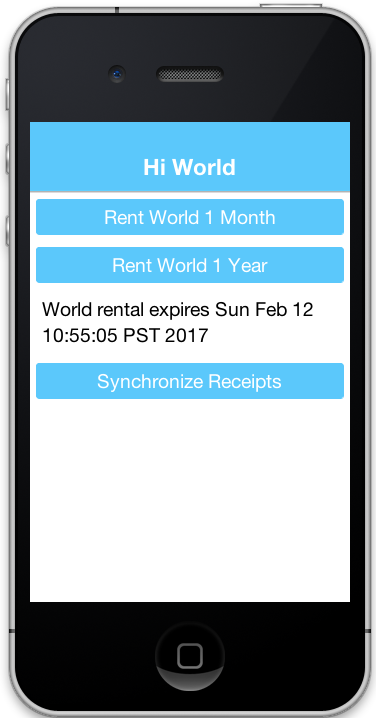
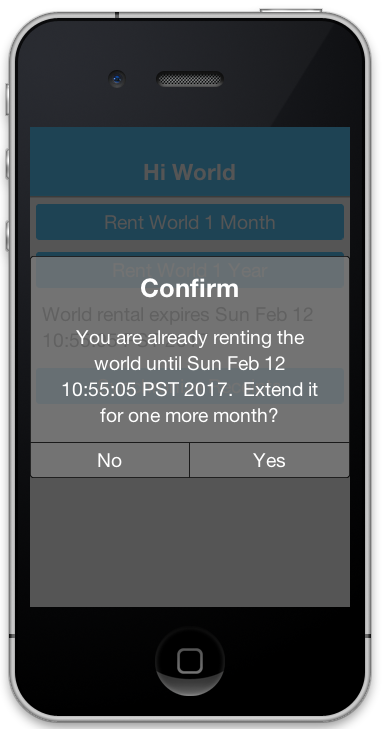
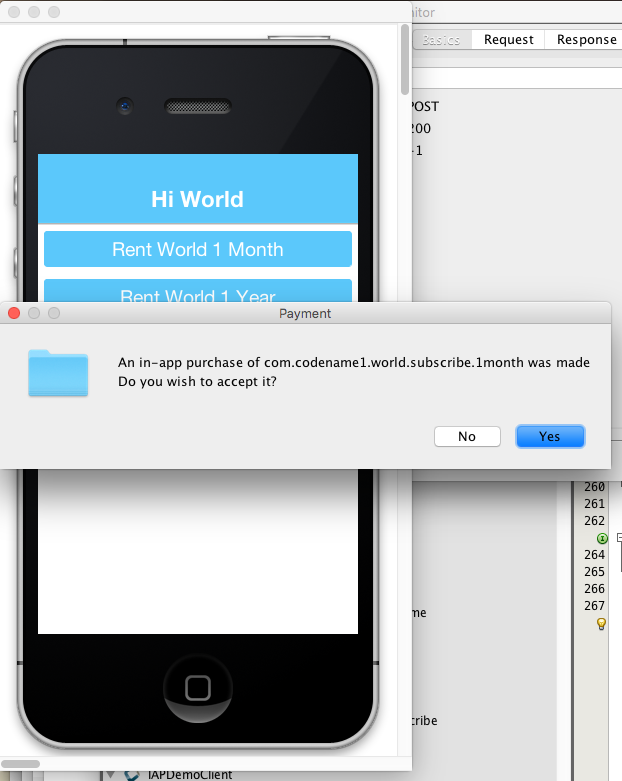
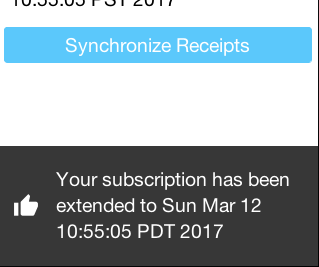
89.1.12. Summary
This section demonstrated how to set up an app to use non-renewable subscriptions using in-app purchase. Non-renewable subscriptions are the same as regular consumable products except for the fact that they’re shared by all the user’s devices, and thus, require a server component. The app store has no knowledge of the duration of your non-renewable subscriptions. It’s up to you to specify the expiry date of purchased subscriptions on their receipts when they’re submitted. Google play doesn’t formally have a "non-renewable" subscription product type. To implement them in Google play, you would just set up a regular product. It’s how you handle it internally that makes it a subscription, and not just a regular product.
Codename One uses the Receipt class as the foundation for its subscriptions infrastructure. You, as the developer, are responsible for implementing the ReceiptStore interface to provide the receipts. The Purchase instance will load receipts from your ReceiptStore, and use them to determine whether the user is subscribed to a subscription, and when the subscription expires.
89.1.13. Auto-Renewable subscriptions
Auto-renewable subscriptions provide, arguably, an easier path to recurring revenue than non-renewable subscriptions because all the subscription stuff is handled by the app store. You defer almost entirely to the app store (iTunes for iOS, and Play for Android) for billing and management.
If there is a down-side, it would be that you are also subject to the rules of each app store - and they take their cut of the revenue.
For more information about Apple’s auto-renewable subscription features and rules see this document.
For more information about subscriptions in Google play, see this document.
89.1.14. Auto-Renewable vs Non-Renewable: Choosing between them
When deciding between auto-renewable and non-renewable subscriptions, as always, the answer will depend on your needs and preferences. Auto-renewables are nice because it takes the process out of your hands. You just get paid. On the other hand, there are valid reasons to want to use non-renewables. For example, You can’t cancel an auto-renewable subscription for a user. They have to do that themselves. You may also want more control over the subscription and renewal process, in which case a non-renewable might make more sense.
| Some developers are opposed to auto-renewable subscriptions. There isn’t enough information to make a solid recommendation on this matter. |
On a practical level, if you are using auto-renewable subscriptions (and so subscription products in the Google Play Store) you must use the Purchase.subscribe(sku) method for initiating the purchase workflow. For non-renewable subscriptions (and so regular products in the Google Play Store), you must use the Purchase.purchase(sku) method.
89.1.15. Learning by example
In this section you’ll describe the general workflow of subscription management on the server. You also show how use Apple’s and Google’s web services to check receipts and stay informed of important events (such as when users cancel or renew their subscriptions).
89.1.16. Building the IAP demo project
A complete demo exists as two projects: a client app and a server app.
The client. The link is a single source file rather than a project, so create a
Codename One project and paste it into your main class, adjusting the package and
class name to match. It uses RESTfulWebServiceClient, which isn’t part of the
core API, so add the
Generic Web Service Client
cn1lib as a dependency — see Section 118.5.2, “How to use cn1libs”.
Two things about reaching the server from a device. The client can’t talk to
http://localhost — on a device that name means the phone — so point it at the
address your machine has on the network:
private static final String localHost = "http://10.0.1.32";And iOS refuses unencrypted HTTP by default, so a plain http:// address needs an
App Transport Security exception through the ios.plistInject build hint:
<key>NSAppTransportSecurity</key>
<dict>
<key>NSAllowsArbitraryLoads</key>
<true/>
</dict>| That exception turns off transport security for the whole app. It’s here because the demo talks to a development server on your desk; a shipped app uses HTTPS and needs none of it. |
The server. It needs a Java EE application server rather than a servlet
container: alongside its JAX-RS endpoints it uses a @Stateless bean and a
container-managed @Schedule job to revalidate subscriptions, and neither Tomcat
nor Jetty supplies those on its own.
Some of what it builds against isn’t published to a public repository, so the project ships a task that installs those artifacts into your local Maven repository. Run it once after cloning, before the first build:
$ git clone https://github.com/shannah/cn1-iap-demo-server $ cd cn1-iap-demo-server $ ant install-deps
That task needs ant, mvn and git on your PATH. Check the project’s
own README first in case it has moved on since — it’s the server’s build, not
Codename One’s. |
Create a database and a RECEIPTS table in it. The shape of that table is the
whole storage contract between the two halves:
create TABLE RECEIPTS
(
TRANSACTION_ID VARCHAR(128) not null,
USERNAME VARCHAR(64) not null,
SKU VARCHAR(128) not null,
ORDER_DATA VARCHAR(32000),
PURCHASE_DATE BIGINT,
EXPIRY_DATE BIGINT,
CANCELLATION_DATE BIGINT,
LAST_VALIDATED BIGINT,
STORE_CODE VARCHAR(20) default '' not null,
primary key (TRANSACTION_ID, STORE_CODE)
)Then point the server’s persistence unit at that database, by setting the data
source in its persistence.xml to the one your application server exposes for
it. Creating the table isn’t enough on its own — until the persistence unit
names the right data source, the server’s EntityManager never reaches it.
89.1.17. Looking at the source of the app
Now that you’ve set up and built the app, take a look at the source code so you can see how it all works.
Client side
The example uses the Generic Webservice Client Library from inside your ReceiptStore implementation to load receipts from the web service, and insert new receipts to the database.
The full ReceiptStore implementation is in the client project linked above.
Notice that you aren’t doing any calculation of expiry dates in your client app, as you did in the previous post (on non-renewable receipts). Since you are using a server now, it makes sense to move all that logic over to the server.
Its createRESTClient() method builds a RESTfulWebServiceClient using basic authentication. The idea is that your user has logged into your app at some point, so you have a username and password to send along with the receipt data and can tie the subscription to an account.
Server-Side
On the server side the REST controller is a standard JAX-RS interface. Its ReceiptsFacadeREST class is in the server project linked above.
The magic happens inside that validateAndSaveReceipt() method, which You’ll cover in detail soon.
Notifications
It’s important to note that you won’t be notified by apple or google when changes are made to subscriptions. It’s up to you to periodically "poll" their web service to find if any changes have been made. Changes you would be interested in are primarily renewals and cancellations. Set up a method to run periodically (once per day might be enough), using the scheduling mechanism on your server stack.
That method finds all the receipts in the database that haven’t been validated in some period of time, and validates it. Again, the magic happens inside the validateAndSaveReceipt() method which you cover later.
| This example only checks receipts from the iTunes and Play stores because those are the only stores that support auto-renewing subscriptions in Codename One. |
89.1.18. The CN1-IAP-Validator library
For this tutorial, the example uses a purpose-built library to handle receipt validation in a way that hides as much of the complexity as possible. It supports both Google Play receipts and iTunes receipts.
The server project linked above shows it in use.
In that project the complexity of receipt validation is reduced to entering three configuration strings:
APPLE_SECRET- This is a "secret" string that you will get from iTunes connect when you set up your in-app products.GOOGLE_DEVELOPER_API_CLIENT_ID- A client ID that you’ll get from the Google developer API console when you set up your API service credentials.GOOGLE_DEVELOPER_PRIVATE_KEY- A PKCS8 encoded string with an RSA private key that you’ll receive at the same time as theGOOGLE_DEVELOPER_API_CLIENT_ID.
The next section walks through the steps to get these values.
89.1.19. The validateAndSaveReceipt() method
validateAndSaveReceipt() is where the work happens, and it’s worth reading in full in the server project linked above.
In many of the code snippets for the Server-side code, you’ll see references to both a Receipts class and a Receipt class. This is slightly confusing. The Receipts class is a JPA entity the encapsulates a row from the "receipts" table of your SQL database. The Receipt class is com.codename1.payment.Receipt. It’s used to interface with the IAP validation library. |
89.1.20. Setting up the stores
Both stores need the same two things from you: the products themselves, and a credential your server can validate receipts with. The consoles that do it are Google’s and Apple’s, and both have been redesigned more than once, so follow their own documentation for the clicking — what matters here is what to end up with. Each step below links the vendor page that covers it.
Products. Create one product per SKU your app sells, and use exactly the ids
your code passes to purchase() and subscribe(). A subscription needs its own
SKU per period, which is why the examples above keep both in a PRODUCTS array
and pass the whole group to the status calls.
Google Play receipt validation. Server-side validation goes through the
Google Play
Developer API. Enable that API for the project, create a service account,
give it access to your Play account, and download its key. The key arrives as
JSON and its client_email and private_key are what your server
authenticates with:
{
"type": "service_account",
"project_id": "iapdemo-152500",
"private_key_id": "1b1d39************7d839826b8a",
"private_key": "-----BEGIN PRIVATE KEY-----... Some private key string -----END PRIVATE KEY-----\n",
"client_email": "[email protected]",
"client_id": "117601572633333082772",
"auth_uri": "https://accounts.google.com/o/oauth2/auth",
"token_uri": "https://accounts.google.com/o/oauth2/token",
"auth_provider_x509_cert_url": "https://www.googleapis.com/oauth2/v1/certs",
"client_x509_cert_url": "https://www.googleapis.com/robot/v1/metadata/x509/iapdemo%40iapdemo-152500.iam.gserviceaccount.com"
}Apple receipt validation. Apple uses a shared secret generated alongside the in-app products rather than a service account:
public static final String APPLE_SECRET = "your-shared-secret-here";Testing before either is ready. Both validations can be switched off so the receipt store accepts what the device reports, which is how you exercise the flow before the credentials exist. Turn them back on before you ship, because with them off the server trusts the client:
public static final boolean DISABLE_PLAY_STORE_VALIDATION=true;public static final boolean DISABLE_ITUNES_STORE_VALIDATION=true;Test accounts. Both stores let you nominate accounts that can buy without being charged — Apple’s sandbox and Google’s license testers. Apple’s sandbox works against a development-signed build installed straight onto a device, and Google’s license testers can buy from a sideloaded build once the package name and products match; it’s Play’s track-based testing that needs an uploaded artifact. Their docs cover the current mechanism, and Google’s has changed name twice.
90. Advertising
Codename One provides a pluggable advertising API under com.codename1.ads. The
framework defines the formats, the consent flow and the app/UI lifecycle
integration; an ad network is supplied by a separate library that implements the
provider interface. The reference implementation is the Google AdMob library
(cn1-admob), but the design is network agnostic - AdMob, AppLovin MAX, Unity
LevelPlay or a custom mediation layer all plug in the same way, with no changes
to the framework or the build.
The supported formats are:
Banner - a small inline ad that lives in the component hierarchy (
com.codename1.ads.BannerAd).Interstitial - a full screen ad shown at a natural break, such as between game levels (
com.codename1.ads.InterstitialAd).Rewarded - an opt-in full screen ad that grants a reward for watching (
com.codename1.ads.RewardedAd).Rewarded interstitial - an incentivized transition ad (
com.codename1.ads.RewardedInterstitialAd).App open - shown when the app is brought to the foreground (
com.codename1.ads.AppOpenAd).Native - assets you render with your own components (
com.codename1.ads.NativeAd).
The screenshot below is the advertising sample running in the simulator against
the deterministic mock provider (cn1-ads-mock): a news feed with an in-feed
native ad (the "Sponsored" row, rendered with the app’s own components) and an
anchored banner at the bottom.
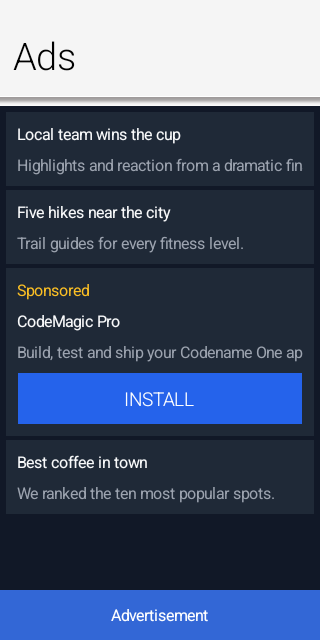
90.1. Ad provider cn1libs
Several provider libraries ship with the framework. They’re released to Maven
Central together with the core and the AI cn1libs, sharing the same version
(${cn1.version}), so you never mix versions. Each declares its own native SDK
dependencies (Pods / Gradle dependencies / permissions), applied automatically
when the library is on the classpath; you don’t edit build hints by hand,
except for the per-app id described under Section 90.9, “Configuring the AdMob application id”.
| cn1lib | Provider class | Provides |
|---|---|---|
|
| Google AdMob on the Google Mobile Ads SDK (banner, interstitial, rewarded, rewarded interstitial, app open), with AdMob mediation behind it. |
|
| AppLovin MAX mediation (banner, interstitial, rewarded, app open). |
|
| Unity LevelPlay (ironSource) mediation (banner, interstitial, rewarded). |
|
| A deterministic, network-free provider that renders fixed labelled ads - for unit tests, screenshot tests and trying the API in the simulator. |
Add the matching dependency to your project’s common/pom.xml. The provider
libraries use a -lib aggregator with <type>pom</type> so Maven pulls in the
per-platform classifier jars:
<dependency>
<groupId>com.codenameone</groupId>
<artifactId>cn1-admob-lib</artifactId>
<version>${cn1.version}</version>
<type>pom</type>
</dependency>cn1-ads-mock is a single cross-platform jar, so it needs no classifier:
<dependency>
<groupId>com.codenameone</groupId>
<artifactId>cn1-ads-mock</artifactId>
<version>${cn1.version}</version>
</dependency>90.2. Enabling a provider
Enable a provider once at startup, from your app’s init(Object), by calling
the static install() method on the provider class named in the table above — AdMobProvider.install(), AppLovinProvider.install(),
LevelPlayProvider.install() or MockAdProvider.install(). Each one registers
its provider with AdManager and takes no arguments.
That single call binds the provider; the rest of your code uses only the
framework API in com.codename1.ads. If no provider is registered the API
stays safe: format support reports false and loads fail with
AdError.CODE_UNSUPPORTED instead of throwing, so a build without an ad library
still runs.
90.3. Initialization and consent
Collecting privacy consent is mandatory on modern platforms before personalized ads can be served: in the EEA/UK the GDPR consent form must be shown (providers wrap Google’s User Messaging Platform or an equivalent), and on iOS the App Tracking Transparency prompt must be presented to access the advertising identifier. The recommended order is to initialize, gather consent, then load:
void startAds() {
AdConfig cfg = new AdConfig()
.testMode(true)
.addTestDevice("YOUR_TEST_DEVICE_ID")
.tagForChildDirectedTreatment(AdConfig.TAG_FALSE)
.maxAdContentRating(AdConfig.RATING_G);
AdManager.initialize(cfg, ready -> {
// false when no provider was installed. It is not a report that
// the network is up: every provider hands its config to the native
// bridge and answers true straight away, while the SDK behind it
// initializes asynchronously. Worth checking anyway, because with
// no provider at all AdConsent reports consent as not required and
// canRequestAds() answers true, so carrying on would walk into
// loadAds() with nothing behind it.
if (!ready) {
showAdFreeUi();
return;
}
// Consent has to be settled before the first load, not before
// initialize: requestConsent presents the GDPR form and, on iOS,
// the App Tracking Transparency prompt, and both need the SDK up.
AdConsent.requestConsent(status -> {
if (AdConsent.canRequestAds()) {
loadAds();
} else {
// STATUS_REQUIRED with consent withheld. Personalized ads
// are off the table; show the app without them rather
// than blocking on a prompt the user already declined.
showAdFreeUi();
}
});
});
}
void loadAds() {
}
void showAdFreeUi() {
}Two things about that flow are worth knowing before you rely on it.
The readiness flag says a provider was installed and took the config; it isn’t
a report that the network came up. Every provider passes the config to its
native bridge and answers true immediately, while the SDK behind it
initializes asynchronously — so an invalid SDK key surfaces as failing loads
later, not as false here.
And AdConsent.requestConsent presents a form only where the provider
implements one. AdMob does, through Google’s User Messaging Platform. AppLovin
MAX and Unity LevelPlay read consent from an external CMP and the IAB TCF
string instead, so their implementations report STATUS_NOT_REQUIRED at once
and canRequestAds() always answers true. On those two the consent flow is
the CMP’s, not this one, and it has to be in place before the first load for
EEA/UK users.
| On iOS 14 and later the AdMob provider starts the App Tracking Transparency prompt alongside the User Messaging Platform request and fires its consent callback when UMP finishes, without waiting for the tracking answer. The callback can therefore arrive while the system prompt is still on screen, and a load started from it runs before tracking authorization is settled. Present the ATT prompt yourself at a point you control, and load after the user has answered. |
AdConfig also carries the global compliance flags every network requires:
test mode, test device ids, child directed treatment, under-age-of-consent
treatment and a maximum ad content rating.
Never ship a release build with testMode on, and never click live ads
during development - both violate ad network program policies. Use the test ad
unit ids while developing. |
90.4. Banner ads
BannerAd is a regular Codename One component. Add it to a form (typically
anchored at the top or bottom) and call load():
BannerAd banner = new BannerAd("ca-app-pub-xxx/yyy");
form.add(BorderLayout.SOUTH, banner);
banner.load();The default SIZE_ADAPTIVE requests an anchored adaptive banner sized to the
available width, which is the recommended modern banner type.
90.5. Interstitial ads
Interstitials are event driven - load, then show when loaded, and preload the next one when the current ad is dismissed:
InterstitialAd ad = new InterstitialAd("ca-app-pub-xxx/yyy");
ad.setAdListener(new AdListener() {
// Do not show from onLoaded(): onDismissed() loads the next ad,
// which would then show itself the moment it arrives, and the user
// never escapes the sequence.
public void onDismissed() { ad.load(); } // preload the next
});
ad.load();
// Show it where an ad belongs -- a natural break such as the end of a
// level. Loading is asynchronous, so the readiness check belongs in the
// handler that runs at the break; straight after load() nothing is ready
// yet and the ad would never appear.
levelComplete.addActionListener(e -> {
if (ad.isLoaded()) {
ad.show();
}
});You can also let Codename One show an interstitial automatically on screen transitions, no more often than a given interval:
AdManager.bindInterstitialOnTransition(new InterstitialAd("ca-app-pub-xxx/yyy"), 60000);90.6. Rewarded and rewarded interstitial ads
Register a reward listener and grant the reward when it fires. For valuable rewards, configure server-side verification. The network then posts the reward to your server, and that callback rather than the client one is what credits the user. The client listener still fires, before any verification has happened, so with verification configured it’s for presentation only — credit the user there as well and you’ll pay the reward twice:
RewardedAd ad = new RewardedAd("ca-app-pub-xxx/yyy");
ad.setServerSideVerificationOptions(new ServerSideVerificationOptions(userId, "level=7"));
// show() does nothing when no ad is loaded, so the offer starts disabled
// and goes back to disabled the moment it is spent.
watchForCoins.setEnabled(false);
watchForCoins.addActionListener(e -> {
watchForCoins.setEnabled(false);
ad.show(reward -> {
// Server-side verification is configured above, so the network
// posts the reward to your server and that is what credits the
// user. This callback runs before anything has verified it, so
// it is presentation only -- crediting here would pay twice.
showRewardPending(reward.getAmount());
});
});
ad.setAdListener(new AdListener() {
public void onLoaded() {
retryDelay = 1000;
loadFailures = 0;
// A rewarded ad is an opt-in format, so a loaded ad only enables
// the offer. Showing it here would put a full screen ad in front
// of a user who never asked for one.
watchForCoins.setEnabled(true);
}
public void onDismissed() {
// A shown ad is spent and a session cannot be shown twice, so
// load the next one. Without this the offer is enabled once and
// never again.
ad.load();
}
public void onShowFailed(AdError error) {
// Nothing was consumed, so put the offer back rather than
// leaving it disabled for the rest of the screen.
ad.load();
}
public void onFailedToLoad(AdError error) {
// getCode() is provider specific and getDomain() says whose it
// is: Codename One's own errors carry no domain, an adapter's
// carry the SDK's. The numbers collide -- AppLovin reports -1
// for an unspecified error and CODE_UNSUPPORTED is also -1 --
// so read the constants only for a framework error. Those two
// are genuinely permanent: an unsupported platform or a bad ad
// unit id never becomes valid, and retrying them turns the
// graceful no-ads path into a permanent timer.
if (error.getDomain() == null
&& (error.getCode() == AdError.CODE_UNSUPPORTED
|| error.getCode() == AdError.CODE_INVALID_REQUEST)) {
return;
}
// A provider's code means nothing here, so treat it as possibly
// transient -- bounded, so an unrecognized permanent failure
// cannot retry for the life of the screen either.
if (++loadFailures > 5) {
return;
}
retryDelay = Math.min(retryDelay * 2, 60000);
UITimer.timer(retryDelay, false, form, () -> ad.load());
}
});
ad.load();RewardedInterstitialAd has the same API but is shown on a transition rather
than opt-in.
90.7. App open ads
App open ads are shown while the app is brought to the foreground. Let the manager and provider handle the foreground hook and freshness window for you:
AppOpenAd appOpen = new AppOpenAd("ca-app-pub-xxx/yyy");
AdManager.enableAppOpenAds(appOpen);
// enableAppOpenAds() loads the ad and asks the provider to show it when
// the app returns to the foreground. Whether that happens is up to the
// provider's adapter, so if yours does not implement the hook, drive it
// from the lifecycle instead -- start() runs on every foreground:
//
// public void start() {
// if (appOpen.isLoaded()) {
// appOpen.show();
// } else {
// appOpen.load();
// }
// }
//
// Do one or the other, not both, or a provider that honours the hook
// shows two ads.90.8. Native ads
Native ads let you render the advertiser’s assets with your own components, so the ad matches the look and feel of the surrounding content. This is the format to reach for in content driven apps - a news or social feed, a store listing, a chat or a search results screen - where a banner feels bolted on but a row styled like the others fits in. The ad must still be clearly labelled (for example "Sponsored"):
if (NativeAdLoader.isSupported()) {
new NativeAdLoader("ca-app-pub-xxx/yyy").load(null,
ad -> feed.addComponent(buildSponsoredRow(ad)), // your own layout
err -> Log.p(err.toString()));
}NativeAd exposes the headline, body, call-to-action, advertiser and rating
that you bind to your own components. Native ad support is an optional provider
capability; when the active provider doesn’t support it, NativeAdLoader
reports the format as unsupported.
90.9. Configuring the AdMob application id
The GMA SDK requires your per-app AdMob application id in the native project.
Because it differs per app it’s not baked into the library; set it with the
standard build hints in your project’s codenameone_settings.properties:
codename1.arg.android.xapplication=<meta-data android:name="com.google.android.gms.ads.APPLICATION_ID" android:value="ca-app-pub-XXXXXXXX~YYYYYYYY"/>
codename1.arg.ios.plistInject=<key>GADApplicationIdentifier</key><string>ca-app-pub-XXXXXXXX~YYYYYYYY</string>The SDK dependencies themselves (the GMA pod / Gradle dependency and the
INTERNET permission) are declared by the cn1-admob library, so they’re added
automatically when the library is on the classpath.
90.10. Implementing a provider
Third party networks plug in by implementing com.codename1.ads.spi.AdProvider
(and the optional NativeAdProvider capability) and calling
AdManager.registerProvider(…) - conventionally from a static install()
method. No framework or build-tool changes are required.
For tests and screenshots the framework ships a deterministic, network-free
provider, MockAdProvider (in cn1-ads-mock), that renders fixed, labelled ads
with stable sizes and colours.
91. Analytics
The analytics API records how your application is used in the field. It’s built around a small provider SPI: you register one or more providers with the Analytics entry point, then report screen views, events, user properties and crashes. The Analytics class fans every call out to all registered providers, but only after the matching consent has been granted. Consent is central to this API and is explained in Consent and privacy below.
Codename One ships several providers: a first-party service that reports into the Codename One cloud (with capabilities gated by your subscription tier), Google Analytics 4, Matomo (a privacy-first, self-hostable option), Firebase, and a logging provider for the simulator and tests. You can also write your own provider for any other backend.
The older AnalyticsService class still works but is deprecated. It now delegates to the API described here. See Migrating from AnalyticsService at the end of this chapter. |
91.1. Registering providers
Register providers once, early in your app’s lifecycle. Providers are plain objects — there is no reflection or service lookup, which keeps the mechanism safe under the obfuscation applied to release builds.
Once at least one provider is registered, report usage from anywhere in your app:
Analytics.screen("Home", null);
// Pick a name of your own. Do not send "purchase" yourself: Purchase
// emits that one for every completed receipt, so a manual copy counts
// the same transaction twice and skews the funnel. The automatic events
// are listed further down this chapter.
Analytics.event(AnalyticsEvent.create("tutorial_complete")
.category("onboarding")
.param("step", "checkout")
.param("seconds", 42)
.build());
Analytics.setUserProperty("plan", "pro");
Analytics.crash(throwable, "checkout failed", false);Analytics.crash emits a lightweight exception event (for example GA4’s app_exception) to whichever analytics backends you have registered, so exception counts appear next to your usage metrics. It’s separate from Codename One Crash Protection (com.codename1.crash.CrashProtection), which is a dedicated pipeline that records full, symbolicated stack traces to the build cloud crash console for debugging. The two are independent: use Crash Protection to diagnose crashes, use Analytics.crash when you also want exception events in your analytics, and enable either or both.
91.2. Consent and privacy
The API is designed to help you comply with privacy regulations such as GDPR and CCPA. A ConsentMode controls what happens before the user makes an explicit choice. The default is OPT_IN: nothing is collected or transmitted until the application records consent.
AnalyticsConsent.all() grants every category and AnalyticsConsent.none() denies every category. The older granted() and denied() methods remain as aliases.
Consent is broken down by category, so you can honor granular choices — for example allowing crash reporting while declining behavioral analytics:
Analytics.setConsent(AnalyticsConsent.builder()
.analytics(true)
.crashReporting(true)
.personalization(false)
.build());The consent choice is persisted, so it survives restarts. Screen views and events require the analytics category, crash reports require crashReporting, and setUserId requires personalization. Calls made without the matching consent are dropped.
91.2.1. Consent you already hold
If your application has already obtained consent through its own mechanism — a custom prompt, a third-party consent-management platform, an enterprise device-management policy, or a jurisdiction where you have determined consent isn’t required — record it once at startup so reporting flows without a second prompt:
Analytics.setConsent(AnalyticsConsent.all());You can also seed every category and then revoke just one with the builder, for example to allow analytics but not ad storage:
Analytics.setConsent(AnalyticsConsent.builder().all().adStorage(false).build());If you would rather not gate at all, switch the default so collection is active unless the user withdraws it. This places the compliance responsibility on you as the integrator:
Analytics.setConsentMode(ConsentMode.OPT_OUT);Note that the service records pseudonymous data rather than anonymous data. The client id described below is a persistent identifier stored on the device; it isn’t tied to a real-world identity and the server discards full IP addresses, but storing and reading such an identifier for usage tracking is often treated as consent-requiring under GDPR and similar regimes. That’s why opt-in is the safe default. Relax it only when you are confident the change fits your use.
91.2.2. Client identity and erasure
Each device is identified by a pseudonymous client id. It’s generated on first use and stored locally — it isn’t derived from any hardware identifier. To honor an erasure request ("right to be forgotten"), reset it:
Analytics.resetClientId();For the first-party service this can be paired with a server-side deletion of the previous id’s data.
91.3. Automatic events
Codename One emits a few events for you, so the common funnels work without any wiring. Like every report these are consent-gated and do nothing until a provider is registered, so they’re always safe.
| Event | When it fires |
|---|---|
|
|
| A purchase completes and its receipt is posted. The gap between this and |
| A social login ( |
| A social login fails, with the provider in |
| The native share sheet is invoked. |
| The invite funnel, under the |
You can add your own events at any time with Analytics.event(…); these built-ins simply save you the boilerplate for the most common funnels.
91.4. Built-in providers
91.4.1. Codename One first-party service
CodenameOneAnalyticsProvider batches events and posts them to the Codename One cloud, which aggregates them into the reports shown in the developer console. App identity is read from the build-injected properties, so no API key is embedded in your app.
The capabilities you actually get — screen views, custom events, user properties, retention window, raw export — are gated server-side by your subscription tier. Higher tiers retain data longer and unlock richer reporting.
91.4.2. Google Analytics 4
GoogleAnalyticsProvider uses the GA4 Measurement Protocol. Create it with a measurement id (G-XXXXXXXX) and a Measurement Protocol API secret from the GA4 admin console:
Analytics.addProvider(new GoogleAnalyticsProvider("G-XXXXXXXX", "API_SECRET"));Screen views are sent as the GA4 screen_view event and crashes as app_exception.
91.4.3. Matomo
MatomoAnalyticsProvider targets Matomo (formerly Piwik) through its HTTP tracking API. Matomo can be self-hosted and supports IP anonymization, which makes it a good fit for privacy-sensitive deployments:
Analytics.addProvider(new MatomoAnalyticsProvider("https://matomo.example.com", 1));91.4.4. Firebase
FirebaseAnalyticsProvider forwards to the native Firebase Analytics SDK on Android and iOS. Register it like any other provider:
Analytics.addProvider(new FirebaseAnalyticsProvider());Firebase reports only from a native Android or iOS build, and only when two things are in place. Without both, FirebaseAnalyticsProvider does nothing — which is why it’s always safe to register, including in the Codename One simulator and the desktop build, where it’s a no-op.
First, add the Firebase configuration file for your app (downloaded from the Firebase console) to the matching platform module’s resources:
Android:
android/src/main/resources/google-services.jsoniOS:
ios/src/main/resources/GoogleService-Info.plist
These are Maven project paths. The native/android and native/ios directories from the old Ant projects no longer apply.
Second, enable the SDK with build hints:
codename1.arg.android.firebaseAnalytics=true
codename1.arg.ios.firebaseAnalytics=trueThese hints add the Firebase Analytics Gradle dependency (Android) and the Firebase/Analytics pod (iOS), and make the build generate the native bridge that FirebaseAnalyticsProvider talks to.
| You need both the configuration file and the matching build hint. If either is missing the provider stays a no-op and no events are sent. Firebase events never show up in the Codename One simulator or a desktop run — verify on a real device (or a platform emulator/simulator) with the Firebase project configured for the build. |
91.4.5. Logging provider
LoggingAnalyticsProvider logs every call instead of sending it anywhere. It’s the recommended default in the simulator and is used as the backing provider in tests.
91.5. Writing your own provider
Implement AnalyticsProvider, or extend AbstractAnalyticsProvider and override only the calls you support. The Analytics class handles consent gating and fan-out for you, so a provider just forwards the data to its backend.
The init(AnalyticsContext) callback hands you the app name, version, platform, locale and the pseudonymous client id. onConsentChanged(AnalyticsConsent) lets a provider reconfigure when the user updates consent. supports(AnalyticsCapability) lets tooling introspect which features a provider offers.
91.6. Invite a friend
com.codename1.analytics.invite follows an invitation through to what it caused: who sent it, who installed because of it, and what that invited cohort went on to spend. It replaces what Firebase Dynamic Links and Firebase Invites used to do, both of which have been shut down.
91.6.1. Sending an invite
Invite invite = Invites.create(InviteRequest.create()
.campaign("spring")
.channel("share_sheet")
.title("Join me")
.description("I am using this and thought of you.")
.build());
Invites.share(invite, "Come and try this with me");Invites.create returns immediately and works with no network at all, so the share sheet never waits on a server — the code is generated on the device and registered with the link service in the background. title and description drive the preview card the link shows in a messaging app.
Invites.share reports invite_shared only when the platform confirms the user shared; a dismissed sheet reports invite_share_dismissed. If you send the invite through your own user interface instead, call Invites.reportShareResult from your share callback so the funnel still records it.
91.6.2. Receiving an invite
Invites.setInviteListener(new InviteListener() {
public void inviteReceived(InviteAttribution attribution) {
// attribution.getCampaign(), getCode(), getPayload()
if (Invites.MATCH_APP_CLIP.equals(attribution.getMatchType())) {
// An iOS App Clip received the link and handed the code
// over. Exact, like every other match type.
}
}
public void attributionUnavailable(String reason) {
// The ordinary outcome: most installs are not invited.
}
});
Invites.checkForInvite();Call checkForInvite() from start(). It’s a pull rather than a callback on purpose: Android delivers a link by replacing the activity intent and iOS by setting a property, and reading the launch argument is the one path that behaves the same on both. An answer that arrives before you register a listener — which happens routinely on a cold launch from a link — is held and delivered when you register.
Exactly one of the two listener methods is called per install, and neither is called again on later launches.
91.6.3. Closing the funnel
// Once the invited user reaches whatever the invite existed for.
Invites.conversion("signup");
Invites.conversion("subscribed", 9.99, "USD");When attribution resolves it’s also written as persistent analytics dimensions (cn1_campaign, cn1_channel, cn1_invite_code, cn1_invite_match). Every later event carries them, including the purchase event the framework already emits for you, so revenue and lifetime value per campaign come out of the reports you already have without any extra wiring. The cn1_ prefix is reserved — don’t use it for your own dimensions.
91.6.4. How exact the answer is
InviteAttribution.getMatchType() tells you how the attribution was made, and the three answers aren’t equally trustworthy:
| Match type | What it means |
|---|---|
| The link opened an app that was already installed. Exact. |
| The invite code travelled through the app store and came back verbatim. Exact. This is the Android path. |
| An iOS App Clip received the invite link and handed the code to the app the person then installed. Exact. This is the iOS path. |
Every match type is exact. The App Store carries no referrer parameter of its own, so on iOS the code travels a different road than it does on Android: tapping the invite link offers an App Clip, the clip is launched by the link itself and so receives the code exactly, and it leaves that code where the full app can read it after installation. Nothing is matched, estimated or guessed, and a referral bounty can be paid on any of these.
Invites.setAttributionWindow(0) stops a deferred lookup being started at all — neither the Play install referrer nor the App Clip handoff is read. An exact code the device is already holding, one that arrived on a link, is still claimed: there is nothing to defer about it.
91.6.5. Consent
Everything reported here is gated on the analytics consent category, and nothing is transmitted until consent is granted.
Nothing at all is collected about someone who only taps a link. An earlier design wrote a coarse device profile to local storage on first launch — OS version, hardware model, language, screen size — so an iOS install could be matched to a click, and the server kept a hashed fingerprint of the visitor’s address for seven days to match it against. App Clips made all that unnecessary: the clip is handed the code by the link, so there is nothing to match and nothing to keep.
Analytics.resetClientId() erases the invite attribution along with the identity, so an erasure request can’t leave a fresh pseudonymous id linked to the same inviter.
91.6.6. What the build does for you
Referencing this package makes the build wire the platform side: an autoVerify App Links intent filter on Android, an associated domain on iOS, and the Play Install Referrer dependency. An app that only reports analytics gets none of it.
On iOS it also generates the App Clip, because there is no attribution without one. The clip is a separate binary embedded in your app: a few hundred lines of UIKit that show your app’s name, offer to install it, and record the invite code the link handed them. It’s not a Codename One application and doesn’t run your code. You don’t write it, open it or maintain it.
Three things the generated clip needs from you, and each fails in its own way:
The App Store identifier of your app, in
ios.invite.appStoreId. Without it the clip still records the code, it simply shows no install sheet — which is the right behavior before your first release, when the app doesn’t exist in the store yet.An App Group registered on your developer account. The build derives one from your package name and adds it to
ios.app_groups; override it withios.invite.appGroupif you already have one. A group that isn’t registered signs cleanly and the clip and the app can then never reach each other, which is the failure with no symptom.An App Clip enabled on your App ID, alongside Associated Domains.
An Advanced App Clip Experience registered in App Store Connect for your invite link prefix. Codename One authorizes your clip for the domain; what maps a particular link to a particular clip is that experience, and until it exists tapping the invite link shows no clip card at all. The console shows the prefix to register once invites are switched on.
Set ios.invite.appClip to false only if you ship an App Clip of your own. The build then generates no clip, but your app still gets the shared App Group and the reader, so a clip of yours that writes the handoff is still picked up.
On Android, App Links verification checks the certificate the installed APK is signed with. Under Play App Signing that’s Google’s key, not your upload key, so add the app-signing SHA-256 from the Play Console to android.invite.signingFingerprint. Without it verification fails on every Play install, the link opens the browser instead of your app, and nothing reports an error. |
91.7. Migrating from AnalyticsService
The deprecated AnalyticsService continues to compile and now routes through this API. To preserve its historical always-on behavior — which predates the consent model — AnalyticsService.init switches the default consent mode to OPT_OUT. New code should migrate to Analytics and manage consent explicitly:
| Deprecated call | Replacement |
|---|---|
|
|
|
|
|
|
subclassing | implement |
92. Distributed tracing with OpenTelemetry
OpenTelemetry tracing follows one user action from the app through every service it touches. When the user taps the checkout button, the trace shows the tap, the requests the app made, what the backend did with each one and which database query was slow, as one timeline. Codename One produces these traces in the standard OTLP format, so any OpenTelemetry collector or tracing backend can display them.
92.1. Turning it on
Put @OpenTelemetry on the main class:
@OpenTelemetry(relay = "https://api.example.com",
serviceName = "shop-app")
public static class ShopApp extends Lifecycle {
}The build generates a bootstrap that installs com.codename1.telemetry.Telemetry
before the app starts. From then on every ConnectionRequest is a span, and so
is every call through a REST, gRPC-Web or GraphQL client the build generates,
because they all go through ConnectionRequest. Each request also sends the W3C
traceparent header, so a server that understands trace context continues the
app’s trace instead of starting a new one. The Codename One backend understands
it (see the backend chapter), and so does any service instrumented with
OpenTelemetry.
An app without the annotation doesn’t reference the telemetry classes, so they aren’t part of its build.
92.2. Where the spans go
There are two ways to reach a collector, and the annotation takes one of them.
relay sends the spans to the app’s own Codename One backend, started with
cn1.otel.relay=true. The backend adds the collector’s credentials and forwards
the spans. This is the recommended setup: nothing secret ships in the app, and a
web build never has to reach a collector on another origin.
endpoint sends the spans straight to an OTLP/HTTP collector:
@OpenTelemetry(
endpoint = "https://abc12345.live.dynatrace.com/api/v2/otlp",
headers = "Authorization: Api-Token dt0c01.XXXX")
public static class ShopApp extends Lifecycle {
}The header is compiled into the app, and anyone who installs the app can read it. Use a token that can ingest traces and do nothing else.
Direct exports are binary protobuf by default, which every collector accepts and
some, Dynatrace among them, require. Set protobuf = false for JSON. Exports
to a relay are always JSON, and the backend re-encodes them for its collector.
92.3. Timing what the user did
A request made on its own is a trace of its own. To group the requests that one user action causes, run the action inside a span:
Telemetry.run("checkout", () -> cart.submit());Requests queued while checkout is running become its children, and so does the
backend work they cause. Telemetry.startSpan returns a span you end yourself,
for work that starts in one place and finishes in another.
92.4. Sampling and privacy
sampleRatio records a fraction of new traces, from 0 to 1. A trace the app
decides not to record still sends traceparent, flagged as not sampled, and the
backend’s default sampler follows the app’s decision. Each trace is therefore
recorded completely or not at all.
A span records the request’s method, host, path, and status. It never records the query string, request bodies or response bodies.
Whether trace data needs the user’s consent depends on what the app records and
where it sends it, so the app decides. With requireAnalyticsConsent = true on the
annotation, or requireAnalyticsConsent(true) on TelemetryConfig, tracing runs
only while the user has granted analytics consent through the Analytics API (see
Chapter 91, Analytics). Without that consent, requests are sent exactly as they would be
with telemetry off: no span and no traceparent header. Spans that were buffered
before the user withdrew consent are discarded, not exported. Until the user
makes a choice, the analytics consent mode decides, and the default OPT_IN mode
means no tracing.
92.5. The web build
traceparent isn’t one of the request headers a browser sends across origins
without asking. When a web app adds it to a request for another origin, the
browser first sends a CORS preflight, and a server that doesn’t allow the header
fails the request. The web build therefore sends trace context only to the relay’s
host and to the hosts listed in propagateTo. The other platforms send it to
every host.
92.6. Configuring it in code
The annotation is a shortcut for this call, which an app can also make itself, for example to choose the endpoint at run time:
Telemetry.install(new TelemetryConfig()
.relay("https://api.example.com")
.serviceName("shop-app")
.sampleRatio(0.2));Spans are exported in batches, when 32 have ended or every ten seconds.
Call Telemetry.flush() when the app is paused, because spans still in memory are
lost if the process is reclaimed.
93. App Review & Feedback
Both Apple and Google provide an in-app review prompt that lets the user rate your app without leaving it. Asking for a review at the right moment is one of the most effective ways to improve your store rating. Codename One exposes this through the com.codename1.appreview.AppReview API, which uses the native review sheet (SKStoreReviewController on iOS, the Play In-App Review API on Android) when it’s available and falls back to a Codename One drawn rating widget everywhere else (the simulator, desktop, the web target and older OS versions).
The native prompt is the store-sanctioned way to ask for a review, so prefer it over a hand-rolled dialog: the operating system controls how often it appears and throttles excessive prompts, which keeps your app within store policy.
93.1. Asking for a review
The simplest usage is a single call at a moment that makes sense in your app — typically right after the user completed something rewarding (finished a level, saved a document, completed an order):
// Configure the store URL and the feedback route first -- the next
// sample does that. Where no native review prompt exists this opens the
// fallback widget, and without them a high rating opens nothing while
// low-rating feedback goes nowhere. The flow still records itself as
// completed, so the user is never asked again.
AppReview.getInstance().requestReview();requestReview() shows the native review sheet when the platform supports it. On platforms without a native prompt it shows the built-in rating widget instead. You decide the timing.
93.2. The engagement scheduler
Rather than picking the moment yourself, you can let AppReview decide based on simple engagement heuristics: how many times the app was launched, how long ago it was installed, and how long since it last asked. Configure it once (for example in your app’s init or start method) and call registerSession() on every launch — but after a form is showing, not during init. It prompts as soon as the thresholds are met, and on a platform with no native prompt that dialog is a Sheet, which needs something to show on:
// When no native review prompt is available the dialog falls back to
// opening this URL, and that happens on the simulator, the desktop and
// the web target as well as on a device, so every target needs an answer
// rather than everything-except-Android getting the Apple listing.
String storeUrl;
if ("ios".equals(CN.getPlatformName())) {
storeUrl = "https://apps.apple.com/app/id0000000000";
} else if ("and".equals(CN.getPlatformName())) {
storeUrl = "https://play.google.com/store/apps/details?id=com.example.app";
} else {
storeUrl = "https://example.com/app"; // no store listing to send them to
}
AppReview.getInstance()
.setMinimumLaunches(5) // at least 5 launches
.setMinimumDaysInstalled(3) // and installed at least 3 days
.setDaysBetweenPrompts(30) // never nag more than monthly
.setStoreUrl(storeUrl)
.setSupportEmail("[email protected]");
// registerSession() prompts as soon as the thresholds are met, and the
// fallback dialog is a Sheet, which throws when no form is current. That
// is exactly the state during init, so configure there and record the
// session once a form is up.
form.addShowListener(new ActionListener() {
public void actionPerformed(ActionEvent e) {
// Once per launch. registerSession() increments the launch
// counter, and a show listener fires again every time the user
// navigates back here -- which would reach the thresholds after
// a few screens rather than after the launches you configured.
form.removeShowListener(this);
AppReview.getInstance().registerSession();
}
});registerSession() records the launch and, once the thresholds are met and the user hasn’t already rated or opted out, prompts. The bookkeeping (launch count, install date, last-prompt time and a completion flag) is stored in Preferences so it survives restarts. Once the user rates the app or chooses to stop, AppReview stops prompting. Call reset() to clear this state.
You can combine both styles — use registerSession() for the automatic cadence and still call requestReview() from a "Rate this app" menu item. |
93.3. Smart feedback split
The fallback widget is presented as a bottom sheet, so the user can swipe it away instead of dismissing a blocking dialog. It asks for a star rating and then routes the user based on the result. A high rating (at or above the threshold set by setHighRatingThreshold(int), four stars by default) sends the user to your store listing. A low rating opens a private feedback step instead, so unhappy users reach you directly rather than posting a one-star public review.
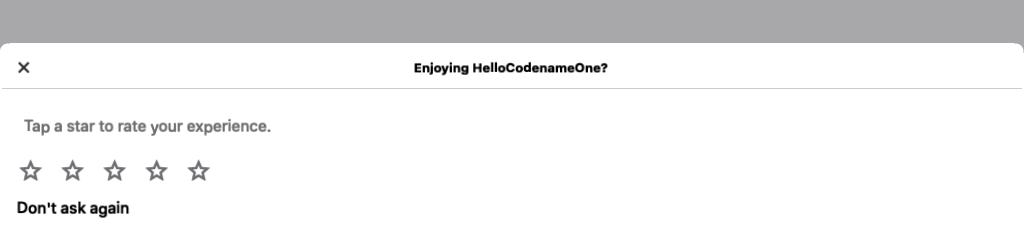
By default the low-rating feedback is collected through an e-mail to the address passed to setSupportEmail(String). To deliver feedback through your own backend, register a FeedbackListener:
AppReview.getInstance().setFeedbackListener(new FeedbackListener() {
public boolean lowRating(int rating) {
// return true to present your own feedback UI and suppress the
// built-in e-mail composer
return false;
}
public void feedback(int rating, String text) {
// called with the free text the user typed in the built-in composer
myBackend.submitFeedback(rating, text);
}
});93.4. How the platform decides
AppReview checks CN.isNativeInAppReviewSupported() to choose between the native prompt and the fallback sheet. On Android the native path is active only when the app references the app-review API — the build adds the Play In-App Review library in that case, so apps that never ask for a review carry no extra dependency. On iOS the StoreKit review controller is linked the same way, only when the API is used.
The native prompts are drawn by the operating system, so this guide can’t show them as Codename One screenshots. On iOS the prompt is the StoreKit rating panel: a star selector the system overlays on your app, submitted without leaving it. On Android it’s the Play In-App Review card that slides up from the bottom. Both are styled and rate-limited by the OS — you can’t theme them, force them to appear, or read the outcome, which is why the fallback sheet shown above renders on every other platform.
| The native review controllers hide whether the user submitted a rating, and may decline to show the prompt at all based on their own quotas. Treat a review request as best-effort; never block your UI waiting for a result. |
94. Crash Protection
Crash Protection is an opt-in service that captures uncaught exceptions in your shipping app and files them as deduplicated issues on your GitHub repository. Symbolicated stack traces, scrubbed messages, and a per-bug counter are all recorded server-side; you triage from GitHub Issues like any other bug.
The service is available on the Pro and Enterprise subscription tiers. See the pricing page for current limits.
94.1. What gets stored where
Three things move when you opt in:
Symbol bundles (ProGuard
mapping.txton Android, dSYM on iOS, debug-info-bearing binaries on Mac/Linux/Win32). Uploaded by the Codename One build server after each successful release build. Stored compressed; subject to per-tier storage quota.Crash reports (one per device occurrence). Sent by the app at runtime via
CrashProtection.capture(t)or the automatic EDT error handler. Scrubbed on the device before transmission (see Privacy below).GitHub issues — the actual triage surface. One issue per unique crash fingerprint. Subsequent occurrences of the same fingerprint bump a counter on the issue body rather than filing duplicates.
Codename One never reads or persists the unscrubbed message body. The crash data store is the issue tracker on your repository, not a separate database. The service keeps only the minimum lookup state needed to find the right issue on the next occurrence.
94.2. Opting in
Add this line to your app’s codenameone_settings.properties:
codename1.arg.crashProtection.enabled=trueThe codename1.arg. prefix marks it as a build hint — when the property reaches the Codename One build server, it tells the build to upload the symbol bundle (PDB / dSYM / .debug / mapping.txt) to the crash-protection service alongside the normal release artifact.
94.2.1. Runtime hook
In your Lifecycle.init, with the opt-in kept where the user gives it:
public void init(Object context) {
// Lifecycle.init sets the theme, the global Toolbar, the network thread
// count and the network error listener, so an override that skips it
// loses all of that
super.init(context);
// install() only registers the handler; nothing is sent while the
// service is disabled, and disabled is the default
CrashProtection.install();
}
/// Call this from the flow where the user agrees to send crash reports.
/// Doing it in init() would opt every user in on each launch, drain the
/// buffered reports, and undo an opt-out they had already made.
void onUserAcceptedCrashReporting() {
CrashProtection.setEnabled(true);
}install() registers the EDT error handler and (on Android) wires Thread.UncaughtExceptionHandler. It’s idempotent and a no-op on the simulator. setEnabled(boolean) controls whether captured crashes actually get sent to the server — the captured payload is always persisted locally first, so setEnabled(true) after the fact drains the buffer.
You can also report a caught-but-noteworthy exception with CrashProtection.capture(e).
94.3. Per-platform opt-out
Sometimes one platform’s symbols are noisy or you don’t ship that target. Disable a platform with:
codename1.arg.crashProtection.and.enabled=false
codename1.arg.crashProtection.ios.enabled=false
codename1.arg.crashProtection.mac.enabled=false
codename1.arg.crashProtection.linux.enabled=false
codename1.arg.crashProtection.win.enabled=falseSetting one of these to false makes CrashProtection.install() a no-op at runtime on that platform AND skips the build-time symbol upload for it. Setting to true (or leaving unset) keeps the platform enabled.
The runtime check uses Display.getInstance().getPlatformName(). Supported values: and, ios, mac, linux, win, javascript, javase.
94.4. Tier limits
| Tier | Storage quota | Symbol retention |
|---|---|---|
Pro | 100 MB compressed | 3 weeks |
Enterprise | 500 MB compressed | 6 weeks |
Symbol bundles are gzipped before storage. mapping.txt files typically compress ~10x; dSYMs ~2x. The quota admits several recent builds per app for a typical developer.
When a new symbol upload would push you over the quota, the build’s symbol step is rejected with HTTP 413 (the build itself succeeds). You can free space from the Tracked apps tab in the console — delete an old build’s symbols or remove a whole app’s enrollment.
94.5. Privacy
94.5.1. What’s PII
PII is short for personally identifiable information: any field in a crash payload that could be traced back to a specific user. The pieces of a Java exception message that are typically PII are email addresses, account numbers, phone numbers, IP addresses, full URLs to authenticated endpoints (with session tokens in the query string), and the contents of user input fields that ended up in the message via string concatenation. Stack trace frames are class / method / file / line — they describe code paths, not users, so they’re not PII.
The Codename One crash-protection client runs incoming messages through a scrubber before transmission. The scrubber can be replaced with a stricter rule set if your application’s exception messages routinely carry data you don’t want to leave the device.
94.5.2. What gets sent
CrashReportPayload carries these fields. The marked one goes through PiiScrubber before transmission.
eventId(UUID, used for idempotent dedup)buildKey(anti-spoofing token; matched against the uploaded symbol bundle)packageName,appVersion,platform,osVersion,localeexceptionClassmessageScrubbed— scrubbedframes[]— class / method / file / line /nativeflag per framerawStack— the pre-rendered Java stack captured viaprintStackTrace, including the cause chain and any verbatim platform formatting. It complements the structuredframes(whichgetStackTrace()now populates on every port) and is the readable trace on the JavaScript port, where the JavaScript engine’s stack has no structured framestraceFormat— how the server should readrawStack:structured,parparvm-text,js-error, ornone. Derived, never guessedmappingId— the id of the obfuscation mapping a hardened build shipped with, so a report ties to the exact mapping even if a rebuild reused the build key; empty for unhardened buildshardenLevel— the hardening level of the build, so the server can give a specific reason for an unretraceable reportclientTs
94.6. Crash reports from a hardened build
When a build is hardened (see Chapter 84, App Hardening), the build server retains the cross-platform obfuscation mapping and symbolicates incoming reports against it, so a hardened build’s crashes still land as readable, correctly lined issues. Two things follow from how the mapping is retained: a report whose mapping has aged out of retention can no longer be retraced, and a locally hardened build — whose mapping never reached the server — can’t be symbolicated at all. The ParparVM ports (iOS, tvOS, watchOS, macOS, Windows, Linux) report structured frames, and also carry the pre-rendered trace in rawStack; the JavaScript port has no structured frames, so its report relies on the rawStack JavaScript engine stack (js-error), symbolicated best-effort through the source map.
94.6.1. Default scrubber rules
PiiScrubber applies these by default:
Email addresses: redacted to the first 3 characters of the local part.
[email protected]becomesjoe***@example.com(the full domain is preserved so the issue still tells you which provider was involved).Long digit runs: any run of 6 or more consecutive digits collapses to
[num]. Catches phone numbers, order IDs, account numbers, ZIP+suffix, etc.URLs aren’t scrubbed by default. Override the scrubber if your app’s URLs carry session tokens.
Override scrubMessage(String) or scrubFrame(String, String) on a PiiScrubber subclass and register via CrashProtection.setScrubber(myScrubber) if you need stricter rules.
94.7. Mapping packages to repositories
In the console at https://cloud.codenameone.com/console/index.html, open Repo mappings:
Click Add mapping and supply:
Package name — the exact value from
codenameone_settings.properties.Installation — which authorized GitHub App installation should file the issue. Only shown if you have more than one installation linked.
Repository — pick from the dropdown of the installation’s repos.
You must have authorized the Codename One Crash Protection GitHub App for at least one of your repositories first. The mapping page renders a button labeled Connect on GitHub that opens the App install flow on github.com. The post-install redirect brings you back to the same page with the installation already loaded; if you already have one installation and want to add another (for example a second GitHub org), the Connect another GitHub org card lets you link an additional one without disturbing the existing mapping.
94.8. Setup checklist
Pro or Enterprise subscription.
Add
codename1.arg.crashProtection.enabled=truetocodenameone_settings.properties.Call
CrashProtection.install()inLifecycle.init. CallCrashProtection.setEnabled(true)once you have the user’s consent.Build your app for release. The Codename One build server uploads the symbol bundle automatically.
Open the console, go to Repo mappings, click Connect on GitHub, and install the App on the repo you want crashes to land in.
Add a mapping for your package → repo.
Crashes from your release builds will now appear as GitHub issues on the mapped repo.
Testing, performance and debugging
95. Testing with JUnit 5
Codename One ships two compatible test frameworks. com.codename1.testing.AbstractTest, driven by the cn1:test Maven goal, is the only way to run tests on a physical iOS or Android device — JUnit Jupiter isn’t available on ParparVM. The JavaSE simulator also exposes a standard JUnit 5 integration so you can write tests that run through Surefire and your IDE’s native test runner; those tests run only in the simulator JVM but in exchange give you reflection, mocking libraries, and the rest of the standard Java testing ecosystem.
Both styles coexist in the same project under common/src/test/java. You pick per test class. This chapter explains when to reach for which, walks through the JUnit annotations, and shows how the two frameworks compare side by side.
95.1. When to use JUnit versus AbstractTest
| Framework | Use it for | Don’t use it for |
|---|---|---|
| Tests that must execute on a real device ( | Tests that need reflection, Mockito, AssertJ, parameterized data sets, |
| Simulator-only tests. Anything that wants a full JVM at test time — reflection, mocking libraries, parameterized tests, IDE green-bar integration, | Anything that must also run on a device — JUnit Jupiter isn’t available on ParparVM. |
The two runners discover disjoint sets of test classes (cn1:test looks for com.codename1.testing.UnitTest implementers; Surefire looks for @Test-annotated methods), so a project can mix both. mvn install runs Surefire during the test phase and cn1:test from the javase module’s test profile in the same phase — you don’t lose either test pass.
95.2. Dependencies
The cn1app archetype generates a common/pom.xml and javase/pom.xml that already pull in junit-jupiter and codenameone-javase at test scope. If your project predates that wiring, add these dependency blocks yourself:
<dependencies>
<dependency>
<groupId>com.codenameone</groupId>
<artifactId>codenameone-javase</artifactId>
<scope>test</scope>
</dependency>
<dependency>
<groupId>org.junit.jupiter</groupId>
<artifactId>junit-jupiter</artifactId>
<version>5.9.3</version>
<scope>test</scope>
</dependency>
</dependencies><dependency>
<groupId>org.junit.jupiter</groupId>
<artifactId>junit-jupiter</artifactId>
<version>5.9.3</version>
<scope>test</scope>
</dependency>Tests live in common/src/test/java. Surefire only runs from the javase module — the common module keeps Surefire skipped (<skipTests>true</skipTests>) to avoid running each test twice, since javase/pom.xml mounts the same sources via <testSourceDirectory>${project.basedir}/../common/src/test/java</testSourceDirectory>.
95.3. A minimal JUnit test
Run with:
mvn -pl javase test # all JUnit + cn1:test
mvn -pl javase test -Dtest=GreetingFormTest # one class
mvn -pl javase test -Dtest=GreetingFormTest#formShowsExpectedTitle # one method95.4. @CodenameOneTest
A class-level meta-annotation equivalent to @ExtendWith(CodenameOneExtension.class). The extension does four things:
If
GraphicsEnvironment.isHeadless()is true, throwTestAbortedExceptionfrom@BeforeAll. JUnit reports the class as skipped rather than failed, and the Display singleton is never left half-initialized — so subsequent test classes in the same JVM aren’t poisoned. This makes JUnit-style Codename One tests safe to run on a headless CI runner; they simply skip.Boot
Displayonce per JVM viaDisplay.init(null). The call is idempotent, so multiple@CodenameOneTestclasses share one Display instance for the rest of the test run.Apply any visual-config annotations (
@Theme,@DarkMode,@LargerText,@Orientation,@RTL,@SimulatorProperty) on the EDT in one batch before each test, followed by a single theme refresh.Dispatch
@RunOnEdttest methods throughCN.callSeriallyand rethrow their exceptions on the JUnit thread so stack traces stay clickable in IDEs.
95.5. @RunOnEdt
Place on a method (or on the class for all tests) when the body mutates UI state.
Class-level @RunOnEdt also routes @BeforeEach/@AfterEach methods through the EDT. Method-level @RunOnEdt is scoped to that one @Test.
Tests that only exercise pure model or utility code can omit @RunOnEdt and run on the JUnit worker thread — they’re faster because nothing pumps the EDT.
95.6. @SimulatorProperty / @SimulatorProperties
Set a property visible to the simulator before the test runs.
The scope field selects where the value lands:
| Scope | Where | When applied |
|---|---|---|
|
| After Display init. Use for properties your app reads via |
|
| Before Display init (class-level only). Use for things the simulator reads at startup, for example |
The JavaSE port compiles at source 1.7, which predates @Repeatable. To set more than one property on the same target, wrap multiple @SimulatorProperty entries inside @SimulatorProperties({…}) rather than repeating the annotation directly.
95.7. @Theme
Loads a base theme resource and installs it through UIManager.setThemeProps, then triggers a refresh. The annotation accepts either of two mutually exclusive inputs.
By native theme. Use the NativeTheme enum for the themes bundled into the simulator jar — the same set the simulator’s Simulate > Native Theme menu offers:
The enum carries the resource path (NativeTheme.IOS_MODERN.resourcePath() returns /iOSModernTheme.res) and the simulator-menu label (displayName()), so test reports can render the same name a user sees in the simulator UI.
By resource path. For app themes shipped under src/main/resources or src/test/resources, point value at the .res file with a leading slash:
If both nativeTheme and value are set, nativeTheme wins. If neither is set, the annotation is a no-op.
95.8. @DarkMode
Toggles dark/light mode via Display.setDarkMode(Boolean) and refreshes the active form.
95.9. @LargerText
Sets the accessibility text-scale multiplier — the same knob exposed by the simulator’s Simulate → Larger Text submenu. Useful for catching layout regressions at accessibility font sizes.
scale = 1.0f restores the default size; common values mirror the menu’s 1.3f / 1.6f / 2.0f presets.
95.10. @Orientation
Forces the simulator into portrait or landscape for the test.
This calls a non-persisting setter on JavaSEPort and sets an explicit-portrait flag honored by Display.isPortrait() — so unit-test JVMs (where the canvas inherits the host window’s full size and would otherwise read landscape on every wide screen) get the expected orientation back.
95.11. @RTL
Flips the look-and-feel into right-to-left mode (Arabic, Hebrew) via UIManager.getInstance().getLookAndFeel().setRTL(…). The active form is revalidated so existing layouts reflow before the test body asserts.
95.12. Annotation resolution
When the same annotation appears at both the class and the method level, method wins. Annotations the method doesn’t override are inherited from the class. Annotations that appear on neither leave Display state alone — the extension never resets a knob the caller didn’t ask for. Use @AfterEach for cross-test cleanup if a class must leave the simulator pristine for the next one.
95.13. EDT semantics
@RunOnEdt dispatches the test body through CN.callSerially(…) and uses a latch with wait/notify to block the JUnit worker thread until the EDT-side runnable finishes or timeoutMillis elapses. Throwables from inside the EDT runnable are captured and rethrown on the JUnit thread so the assertion stack trace lands in the IDE as if the test had been invoked directly.
Without @RunOnEdt, the test body runs on the Surefire worker thread — fine for pure model assertions, broken for UI mutation. Forms, components, and UIManager are EDT-confined; touch them off the EDT and you get sporadic deadlocks and rendering glitches.
95.14. Headless behavior
Display.init(null) eventually calls JavaSEPort.init(null), which constructs a javax.swing.JFrame to host the simulator canvas. JFrame construction in a headless JVM throws HeadlessException immediately. Therefore:
Local dev (macOS / Windows / Linux desktop): works out of the box.
CI with an X server or Xvfb: works — wrap your build with
xvfb-run mvn testif the runner is otherwise headless.CI without DISPLAY, or with explicit
-Djava.awt.headless=true: every@CodenameOneTestclass aborts viaTestAbortedExceptionfrom@BeforeAll. JUnit reports the class as skipped, not failed, and crucially the Display singleton is never left half-initialized — so subsequent test classes in the same JVM aren’t poisoned.
This is why the framework’s internal CodenameOneExtensionTest (in the Codename One sources) carries @DisabledIfSystemProperty(named = "java.awt.headless", matches = "true"). The extension catches the headless case AWT detects automatically (Linux without DISPLAY); the annotation catches the explicit -Djava.awt.headless=true case. Together they let the test class skip cleanly on a headless runner.
Pure-logic tests (no UI, no @CodenameOneTest) can run on any headless runner without configuration. The rest of the build runs there too: compiling the project’s CSS needs no display, so xvfb-run is only needed around the step that runs @CodenameOneTest classes.
95.15. Coexistence with cn1:test
The two runners discover disjoint sets of classes:
cn1:testlooks for classes thatimplements com.codename1.testing.UnitTest(whichAbstractTestextends).Surefire (JUnit Jupiter) looks for
@Test-annotated methods.
They don’t trip over each other. mvn install runs Surefire during the test phase, then the cn1:test execution bound in the javase/pom.xml test profile runs in the same phase. To target just one runner:
mvn -pl javase test # both runners
mvn -pl javase test -DskipTests # skip Surefire, cn1:test still runs
mvn -pl javase test -Dtest=NoMatch # filter Surefire to nothing,
# cn1:test still runs95.16. Side-by-side example
The same "sign in, assert Home is shown" check, written both ways:
The UI driving (TestUtils.*) is identical — TestUtils is independent of the runner. What changes is the lifecycle plumbing: shouldExecuteOnEDT() + runTest() returns boolean becomes @RunOnEdt + @Test void + a standard assertion library.
95.17. Cross-reference
For the
AbstractTestframework’s full API surface — the TestUtils helpers, thescreenshotTesttolerance algorithm and baseline management — see the com.codename1.testing Javadoc.For the
cn1:testMaven goal, see the test goal appendix.
96. Performance, size & debugging
96.1. Reducing resource file size
It’s easy to lose track of size/performance when you’re working within the comforts of a visual tool like the Codename One Designer. When optimizing resource files you need to keep in mind one thing: it’s all about image sizes.
| Images will take up 95-99% of the resource file size; everything else pales in comparison. |
Like every optimization the first rule is to reduce the size of the biggest images which will provide your biggest improvements, for this purpose Codename One provides the ability to see image sizes in kilobytes. To launch that feature use the menu item Images → Image Sizes (KB) in the designer.
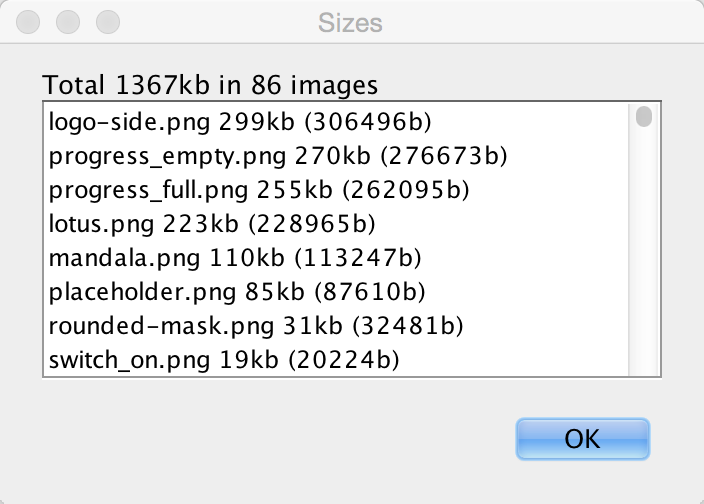
This produces a list of images sorted by size with their sizes. Often the top entries will be multi-images, which include HD resolution values that can be pretty large. These high-resolution images take up a significant amount of space!
Just going to the multi-images, selecting the unnecessary resolutions & deleting these images can save significant amounts of space:
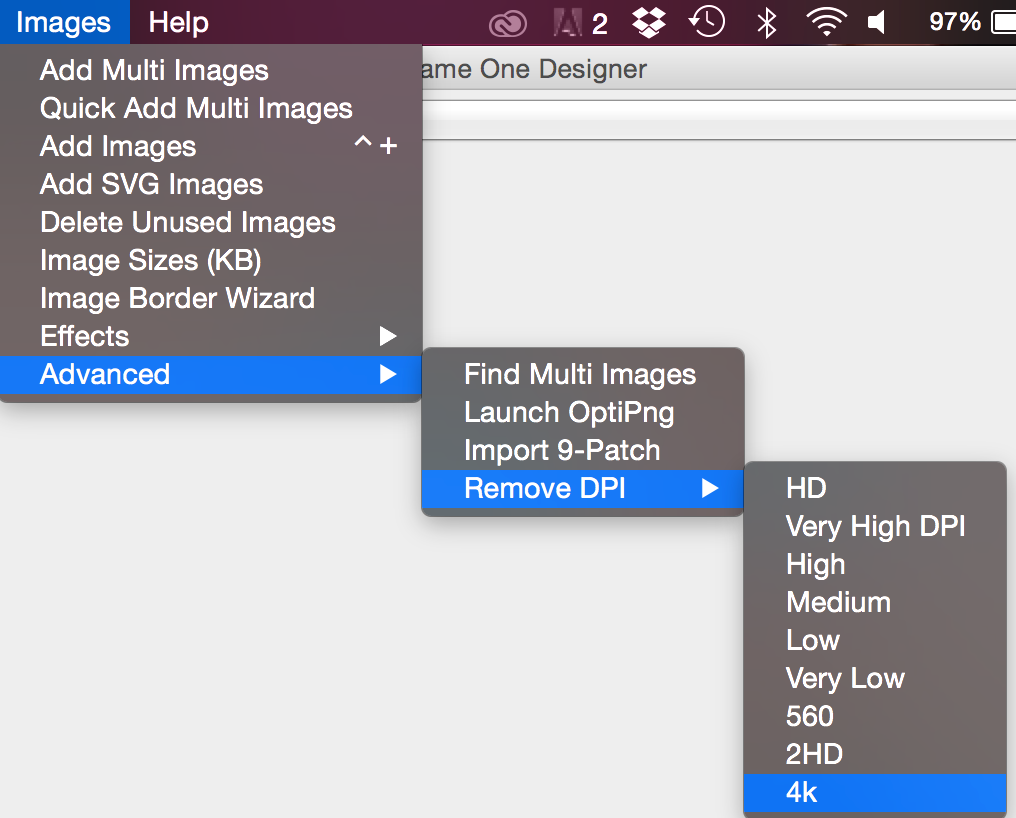
| You can see the size in KB at the top right side in the designers image viewer |
Applications using the old GUI builder can use the Images → Delete Unused Images menu option (it’s also under the Images menu). This tool allows detecting and deleting images that aren’t used within the theme/GUI.
If you have a large image that’s opaque you might want to consider converting it to JPEG and replacing the built in PNG’s. Notice that JPEGs work on all supported devices and are typically smaller.
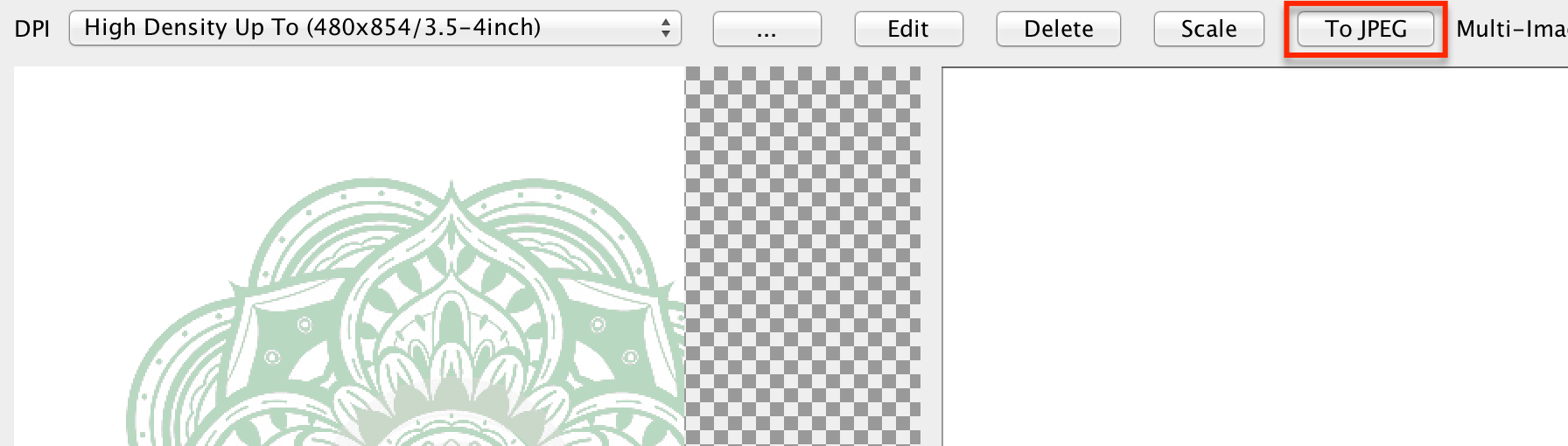
You can use the excellent OptiPng tool to optimize image files right from the Codename One designer. To use this feature you need to install OptiPng then select Images → Launch OptiPng from the menu. Once you do that the tool will automatically optimize all your PNG’s.
When faced with size issues make sure to check the size of your res file, if your JAR file is large open it with a tool such as 7-zip and sort elements by size. Start reviewing which element justifies the size overhead.
96.2. Improving performance
As a developer you can do quite a few things to improve the performance and memory footprint of a Codename One application. This sometimes depends on specific device behaviors but some tips here are true for all devices.
The simulator contains some tools to measure performance overhead of a specific component and also detect EDT blocking logic. Other than that follow these guidelines to create more performance code:
Avoid round rect borders - they have a huge overhead on all platforms. Use image borders instead (counter intuitively they’re MUCH faster)
Avoid Gradients - they perform poorly on most OSes. Use a background image instead
Use larger images when tiling or building image borders, using a 1 pixel (or event a few pixels) wide or high image and tiling it repeatedly can be expensive
Shrink resource file sizes - Otherwise data might get collected by the garbage collector and reloading data might be expensive
Check that you don’t have too many image lock misses - this is discussed in the graphics section
On some platforms mutable images are slow - mutable images are images you can draw on (using
getGraphics()). On some platforms they perform quite badly (for example, iOS) and should be avoided. You can check if mutable images are fast in a platform usingDisplay.areMutableImagesFast()* Make components either transparent or opaque * - a translucent component must paint it’s parent every time. This can be expensive. An opaque component might have margins that would require that you paint the parent so there is often overdraw in such cases (overdraw means the same pixel being painted twice).
96.2.1. ParparVM native translation performance hints
For ParparVM-generated native code, Codename One now supports method-level optimization hints via annotations. These can provide good wins in hot code paths, but they come with tradeoffs and should be applied surgically.
Method-level codegen hints
@DisableDebugInfo
Suppresses generated line/debug metadata for the annotated method. This can reduce generated C size and remove some per-instruction debug overhead.@DisableNullChecksAndArrayBoundsChecks
Suppresses generated null and array-bounds checks for the annotated method. This can reduce branch-heavy code in tight loops.
| Use these on methods that are both performance-critical and well-covered by tests. These annotations intentionally trade runtime safety diagnostics for speed. |
Class-level concrete implementation hints
For native ParparVM output (C/Objective-C), you can also provide a class-level hint that a base type always maps to a known concrete subclass at runtime:
@Concrete(name="fully.qualified.ConcreteClassName")
Allows the translator to bypass virtual table lookup forinvokevirtualcalls on the annotated base class. The translator first attempts a direct call on the concrete class; if the method isn’t implemented there, it falls back to the annotated base class implementation.nameis the mapping for iOS and the default target. The native Windows, Linux and macOS builds readwin,linuxandmacinstead, and a target whose attribute is absent keeps ordinary virtual dispatch, so supply every target you ship.
This is useful for platform abstraction classes where one implementation is guaranteed in the native pipeline.
For example, Codename One annotates:
// Each target reads its own attribute: name() is the iOS and default
// mapping, and the native Windows, Linux and macOS builds read win(),
// linux() and mac(). A target whose attribute is absent simply skips
// the optimization, so all four are supplied here.
@Concrete(name = "com.codename1.impl.ios.IOSImplementation",
win = "com.codename1.impl.windows.WindowsImplementation",
linux = "com.codename1.impl.linux.LinuxImplementation",
mac = "com.codename1.impl.mac.MacImplementation")
public abstract class CodenameOneImplementation {
// ...
}| This hint is intended for ParparVM native translation and doesn’t apply to the JavaScript back end. |
Fused object layout: @Fused
A class annotated @com.codename1.annotations.Fused tells the translator that
primitive arrays created in its constructors are fully encapsulated: they’re
implementation details the class never hands out. The translator then lays the
owner object and those arrays out in a single allocation block — one
allocation instead of several, one GC visit instead of several, and no
pointer indirection between the object and its buffer.
@com.codename1.annotations.Fused
class RgbImage {
private final int[] pixels; // laid out INSIDE the RgbImage allocation
private final byte[] flags;
RgbImage(int w, int h) {
pixels = new int[w * h]; // computed sizes (w * h) fuse too
flags = new byte[16];
}
}The contract you accept by annotating:
The fused arrays must never be stored into another object’s field, a static, or an array — their lifetime is the owner’s lifetime. Reading them, iterating them, and passing them as transient call arguments is fine.
Keep the fields private and never return them from a getter. If the class hands its buffer out, don’t annotate it.
Everything else stays automatic and safe: constructors that compute non-constant sizes, reflective instantiation, delegating constructors and oversized arrays (bigger than the small-object allocator handles) all fall back to ordinary separate allocations with identical semantics.
java.lang.String and java.lang.StringBuilder are fused this way
internally — a typical string is one allocation, not two.
Optimizations you get without annotations
Several ParparVM optimizations are applied automatically when the translator can prove they’re safe; knowing they exist helps you write code that benefits from them:
Stack-allocated string building. Every string concatenation the compiler lowers to a
StringBuilderchain — and any builder the translator can prove never escapes its method — is allocated on the C stack, including its initial character buffer. A typical"a" + x + "b"allocates nothing on the heap except the resultingString. This is proven per call site by escape analysis; passing the builder to another method or storing it in a field simply keeps that site on the ordinary heap path.Tagged integers. On 64-bit targets,
Integer.valueOfreturns a tagged immediate pointer instead of allocating — boxing anintfor a map key is free. 32-bit-pointer targets (including Apple Watch) fall back to heap boxing automatically.Closed-world devirtualization. A virtual call with no reachable override compiles to a direct C call, which link-time optimization can then inline.
finalclasses and methods make this trivially provable.Compact collections.
HashMap/LinkedHashMapuse open addressing over parallel arrays — no entry objects, no allocation onput,clear()is three array wipes.Bounds-check elimination. The canonical
for (int i = 0; i < arr.length; i++)loop shape is proven safe and compiled without per-access checks — prefer it over manual index juggling.
The benchmark and correctness suite that gates these optimizations lives in
vm/benchmarks in the repository, with run instructions in its README; every
optimization must produce output bit-identical to a host JVM there before it
ships.
Fast method-stack path
The translator can emit a fast method-stack prologue/epilogue (DEFINE_METHOD_STACK_FAST_* and CN1_FAST_RETURN_RELEASE) for methods that meet strict safety criteria. Methods that qualify for the stricter frameless form (no try/catch, no synchronization) skip the VM frame entirely — their locals become plain C locals the optimizer keeps in registers.
In practice, this tends to help for:
Small, hot methods.
Methods without monitor usage / exception-heavy flow.
Methods with straightforward control flow and low instruction complexity.
Tradeoffs:
Overly broad fast-path eligibility can regress performance if extra branches or memory writes are introduced.
Primitive- fast-frame variants may not always outperform a straightforward full clear on all targets/compilers.
| Benchmark representative workloads after enabling fast-stack behavior. Keep eligibility conservative and expand where measurement shows consistent gains. |
Base64-style hot-loop guidelines
For low-level loops (for example, Base64 encode/decode):
Prefer simple loop bodies with predictable branches.
Cache decode/lookup tables in primitive arrays (
int[]lookup tables can reduce per-iteration conversion overhead).Avoid adding “defensive” branches in the inner-most loop unless they’re required for correctness in production inputs.
Build configuration matters
When benchmarking translator output, ensure native projects are compiled with optimization enabled (for example, CMake Release builds). Debug/default builds can hide improvements or produce misleading regressions.
If you’re using the integration test harness, make sure CMake is configured with:
-DCMAKE_BUILD_TYPE=ReleaseWithout this setting, comparison between Java and ParparVM native output is often noisy and can lead to wrong optimization conclusions.
96.3. Profile-guided optimization
A C compiler optimizes without knowing which code your application runs. It guesses which branch of an if is the common one, which calls are worth inlining and which functions belong next to each other in the binary. Profile-guided optimization (PGO) replaces those guesses with measurements. The build server compiles your application twice:
The first compile produces an instrumented binary that counts how often every function and branch runs.
The build server launches that binary and lets it run for a training period. The counts it records are the profile.
The second compile reads the profile. Code that ran often is inlined and laid out for speed, and code that never ran is kept small and out of the way.
Only the second binary is delivered. The instrumented one never leaves the build server.
PGO is available for iOS, native macOS and native Linux builds. The translated Java code, the Codename One runtime and your native sources are all compiled with the profile.
96.3.1. When to use it
PGO is at its best on workloads that run the same code over and over, which is what a benchmark does. If you publish performance numbers for your application, or compare it against another toolchain, a profile-guided build shows it at its best. How much an ordinary application gains depends on how much of its time is spent in the code the training run exercised.
Codename One’s own benchmarks are built without PGO. A profile trained on the benchmark itself would skew the result, so the published numbers describe a regular build.
96.3.2. Enabling a profile-guided build
Each target has its own build hint, so turning PGO on for one target never changes the build of another:
| Build hint | Target | Where the training run happens |
|---|---|---|
| iOS | An iOS simulator that the build server creates for the run and deletes afterward |
| Native macOS | The build server itself |
| Native Linux | The build server itself, on a virtual display |
For example, to profile the iOS and macOS builds and give each run 90 seconds:
codename1.arg.ios.pgo=true codename1.arg.macos.pgo=true codename1.arg.pgo.trainingSeconds=90
pgo.trainingSeconds is shared by every target. It defaults to 60 seconds, and a value below 10 or above 300 is brought into that range.
The iOS and macOS hints and the training period are also available as build hint annotations: @Ios(pgo = Toggle.ON), @Mac(pgo = Toggle.ON) and @Build(pgoTrainingSeconds = 90). linux.pgo has no annotation and is set in codenameone_settings.properties.
Profile-guided builds are a Pro and Enterprise feature of the cloud build service. A local build doesn’t read these hints.
96.3.3. What the training run measures
Nobody touches the application during the training run. It starts, shows its first form and is then left alone until the training period ends, so the profile describes start-up and whatever the application does by itself after that: loading resources, laying out and painting the first screen, timers, animations and network requests it makes without being asked.
That has two practical consequences:
Work that only happens after a tap isn’t in the profile. The compiler treats that code as cold. It still runs correctly, but it gains nothing from the profile.
The application has to keep running for the whole period. An application that exits by itself or crashes during the run stops the build.
The build server isn’t one of your users' devices. A training run has no stored login and no saved data. Make sure the application reaches a representative screen from a clean install.
96.3.4. A profile-guided build never falls back
A build that asks for PGO either delivers a profiled binary or fails with a message that says why. It never delivers a binary built without the profile under the same name. The build stops when:
The hint has a value other than
trueorfalse, orpgo.trainingSecondsisn’t a whole number.The account isn’t on a Pro or Enterprise plan.
The application ends before the training period does, or is still running well after it.
The training run recorded no profile data.
The hint is combined with a setting that produces a binary the profile can’t apply to. The following table lists these.
| Build hint | Can’t be combined with |
|---|---|
|
|
|
|
| A |
The settings and the plan are checked before any compilation starts, so a request that can’t be honored fails within seconds.
A profile-guided build takes longer than a regular one. It adds a second compile, the training period, and the time to start and stop the simulator on iOS.
96.4. SIMD: Data-Parallel primitives
SIMD stands for Single Instruction, Multiple Data. It’s a family of CPU
instructions that apply the same arithmetic or logical operation to several
values at once, packed together into a single wide register. On a 128-bit
NEON or SSE register you can hold sixteen bytes, eight 16-bit integers, four
32-bit integers, or four 32-bit floats, and a single instruction such as
VADD or PADDD then operates on every lane in parallel. For data-parallel
workloads—Base64 encode/decode, pixel blending, alpha-mask compositing,
color-channel manipulation, table lookups—SIMD typically delivers a 3× to
10× speedup over scalar code.
Modern mobile and desktop CPUs expose several SIMD instruction sets:
x86/x64—MMX, SSE, SSE2/3/4, AVX, AVX2, AVX-512
ARM/ARM64—NEON (Advanced SIMD) and SVE
Codename One exposes those primitives as portable Java method calls on
com.codename1.util.Simd.
On ParparVM (iOS) the translator lowers them to NEON intrinsics; on Android
and the JavaSE simulator a pure-Java fallback in JavaSESimd provides the
same semantics so code written against Simd runs everywhere and simply
performs better where native SIMD is available.
96.4.1. When to use SIMD
SIMD is worth reaching for when all the following hold:
You are processing a buffer of at least dozens of elements at a time.
The operation per element is simple (add, min, blend, table lookup, interleave/unpack) and identical across elements.
Control flow is regular—no per-element early exit, no data-dependent branches that differ across lanes.
Data is contiguous in a primitive array (
byte[],int[],float[]).
Classic fits are image pixel passes, codecs (Base64, UTF-8 validation, hex encoding), checksums, audio mixing, and vector arithmetic. Poor fits are tight loops with pointer chasing, per-element branching on complex state, or buffers smaller than a single SIMD register.
If you aren’t sure whether your platform has a vectorized implementation
available, call Simd.get().isSupported(). The fallback path still returns
correct results; isSupported() only tells you whether you will see the
speedup.
96.4.2. Getting an instance
Simd is accessed as a singleton:
Simd simd = Simd.get(); // equivalent to CN.getSimd()
if (simd.isSupported()) {
// native SIMD is wired up on this platform
}The returned object is safe to cache in a field as long as the cache is refreshed across simulator restarts (the simulator may swap the backing implementation).
96.4.3. Allocation: Alignment and provenance
SIMD load/store instructions prefer—and on some architectures require—
that the memory address they read from or write to be a multiple of the
register width (16 bytes on NEON and SSE). Misaligned access either throws
a hardware fault on strict platforms or costs extra cycles because
the CPU has to split the transaction across two cache lines. A JVM offers
no guarantee that new byte[64] is aligned to anything beyond the
platform’s object-header convention, so the framework forbids passing
arbitrary new-allocated arrays to Simd primitives.
Every buffer used with a Simd primitive must so come from one of
the allocation helpers on Simd:
byte[] bytes = simd.allocByte(64); // heap, 16-byte aligned, registered
int[] ints = simd.allocInt(32); // heap, 16-byte aligned, registered
float[] floats = simd.allocFloat(32); // heap, 16-byte aligned, registeredAll three methods enforce a minimum size of 16 elements and throw
IllegalArgumentException for anything smaller; the minimum keeps each
buffer large enough to hold a full SIMD register and leaves room for
alignment padding.
Don’t construct SIMD buffers with new byte[64] and pass them
to Simd. The simulator enforces this at runtime (see Simulator
Tracking below) and the iOS native path assumes alignment. Passing an
unregistered array yields either an IllegalArgumentException in the
simulator or undefined results on device. |
96.4.4. A minimal End-to-End example
All Simd ops take explicit offset / length pairs so callers can
chunk a large buffer through a small scratch array without reallocating.
Many methods have interleaved variants—unpackBytesInterleaved3/4,
packBytesInterleaved3/4—designed for packed pixel formats (RGB, RGBA)
and fused operations like blendByMaskTestNonzero and
replaceTopByteFromUnsignedBytes that collapse common three- or
four-pass pixel pipelines into a single vector pass.
96.4.5. Scratch allocations: alloca*
A SIMD primitive often needs a short-lived working buffer: somewhere to
stage intermediate lanes, hold a temporary mask, or accumulate partial
results. Allocating a new byte[] per call via allocByte would dominate
the runtime of the primitive it was trying to accelerate—heap
allocation, zero-fill, and eventual GC reclamation all add up. The natural
solution is to let the compiler place these buffers on the call stack
where they cost nothing to create and are reclaimed automatically when the
method returns. This is what the alloca* family exposes:
byte[] scratchB = simd.allocaByte(64);
int[] scratchI = simd.allocaInt(32);
float[] scratchF = simd.allocaFloat(32);
// Deterministic initial contents:
byte[] zeroed = simd.allocaByteZeroed(64);
int[] filled = simd.allocaIntFilled(32, -1);On the simulator (and on Android) these behave like heap allocations with
registration. On ParparVM the translator intercepts each alloca* call
and rewrites it into a C-level __builtin_alloca that carves a faux
JavaArrayPrototype out of the current C stack frame. The resulting
pointer masquerades as an ordinary Java array for the lifetime of the
enclosing method and is reclaimed on return.
The distinction between allocByte and allocaByte mirrors the
distinction between new byte[N] and C’s alloca(N):
alloc* (heap) | alloca* (stack on ParparVM) | |
|---|---|---|
Cost to assign | object header + zero fill + GC bookkeeping | register adjust, essentially free |
Lifetime | until last reference dropped | until enclosing method returns |
Can be stored in a field | yes | no—use-after-free on device |
Can be returned from the method | yes | no |
Can be passed to non- | yes | no |
Initial contents | zero | undefined (use |
Size limit | heap | bounded by remaining stack |
alloca* memory, like any stack memory, starts out containing
whatever the previous frame left behind. Callers that require predictable
initial contents should use allocaByteZeroed / allocaIntZeroed /
allocaFloatZeroed, or the *Filled variants that accept an explicit
initial value, rather than rolling their own loop. |
96.4.6. Rules for alloca* scratch arrays
Because alloca* memory can’t outlive its defining method on
ParparVM, the array it returns must be treated as method-local.
The framework enforces four rules at build and run time:
Don’t return an
alloca*array from the method that allocated it.Don’t store an
alloca*array in an instance or static field, or into an object array.Don’t pass an
alloca*array to a method whose owner isn’tSimd,IOSSimd, orJavaSESimd. Helper methods outside the SIMD package might themselves violate one of the other rules.Don’t pass an
alloca*array throughinvokedynamic; dynamic dispatch can’t be analyzed statically.
Inside the defining method you are free to pass the array to any number
of Simd primitives, copy values into and out of it, combine it with
other buffers, etc.
96.4.7. Build-Time verification
The Maven plugin ships a bytecode-compliance goal (compliance-check)
that walks every method in the application’s compiled classes and
performs a dataflow pass whose only job is to track whether each value
on the operand stack or in a local variable was produced by an alloca*
call. The pass is an ASM BasicInterpreter subclass that taints every
value returned from a method on Simd, IOSSimd, or JavaSESimd whose
name begins with alloca followed by an upper-case letter. The taint
propagates through DUP, ASTORE/ALOAD, CHECKCAST, and every
control-flow merge, so a value keeps its provenance through any amount
of local plumbing.
The verifier fails the build if a tainted value reaches any of:
ARETURN—"SIMD alloca value returned from method"PUTFIELD/PUTSTATIC—"SIMD alloca value stored into instance/static field"AASTORE—"SIMD alloca value stored into object array"INVOKE*whose owner isn’tSimd,IOSSimd, orJavaSESimdINVOKEDYNAMIC: refused unconditionally
Every violation is reported with the offending class, method, and the hint "Keep SIMD alloca scratch arrays method-local and only pass them to SIMD methods." Because this is wired into the Maven build, code that would dereference freed stack memory on device can’t ship.
A complementary guard lives inside the translator itself:
CustomInvoke.appendSimdAllocaExpression only performs stack lowering
when the length argument is a compile-time constant. A call like
simd.allocaByte(n) with a variable n falls through to the default
codegen and becomes a normal heap allocation, which avoids both
unbounded stack growth and an alloca whose size the translator can’t
inspect.
96.4.8. Simulator tracking of aligned arrays
The JavaSE simulator runs on the desktop where there is no NEON, no
__builtin_alloca, and no guarantee that a given byte[] is 16-byte
aligned. To keep developer bugs from hiding on the desktop and
reappearing only on device, the simulator takes a strict stance: only
arrays obtained from Simd.alloc / Simd.alloca* are accepted as
inputs to SIMD primitives.*
Internally this is an identity-based registry. Every allocation helper
routes its result through a registration call that stores the array’s
System.identityHashCode—the JVM’s per-object identity hash, stable
for the object’s lifetime regardless of GC movement. Every SIMD entry
point validates its array arguments against the same set and throws
IllegalArgumentException if a caller hands it a plain new byte[64]:
java.lang.IllegalArgumentException: SIMD array argument was not
allocated using Simd.alloc*(). objectId=…Combined with the build-time verifier, both static analysis and dynamic execution refuse to accept arrays that would not be 16-byte aligned on device. On the device itself no such validation occurs—by that point the build has already proved the invariant.
96.4.9. Built-In SIMD paths
You gain from SIMD without touching the API directly.
com.codename1.util.Base64 detects Simd.isSupported() at encode/decode
entry points and routes the hot loop through unpackLookupBytesInterleaved4,
lookupBytes, or, and shl with cached per-call constant tables; the
bodies of Image.applyMask, Image.modifyAlpha, and Image.removeColor
use fused primitives like replaceTopByteFromUnsignedBytes and
blendByMaskTestNonzero to collapse multi-pass pixel pipelines into a
single vector loop.
If you are writing your own hot loop on a primitive buffer and the data
is already contiguous and aligned in a Simd.alloc* array, reach for the
Simd API before optimizing further with the ParparVM annotations
described above—vectorization and annotation hints compose, but
vectorization is the larger win.
96.5. Performance monitor
The Performance Monitor tool can be accessible via the Simulator → Performance Monitor menu option in the simulator. This launches the following UI that can help you improve application performance:
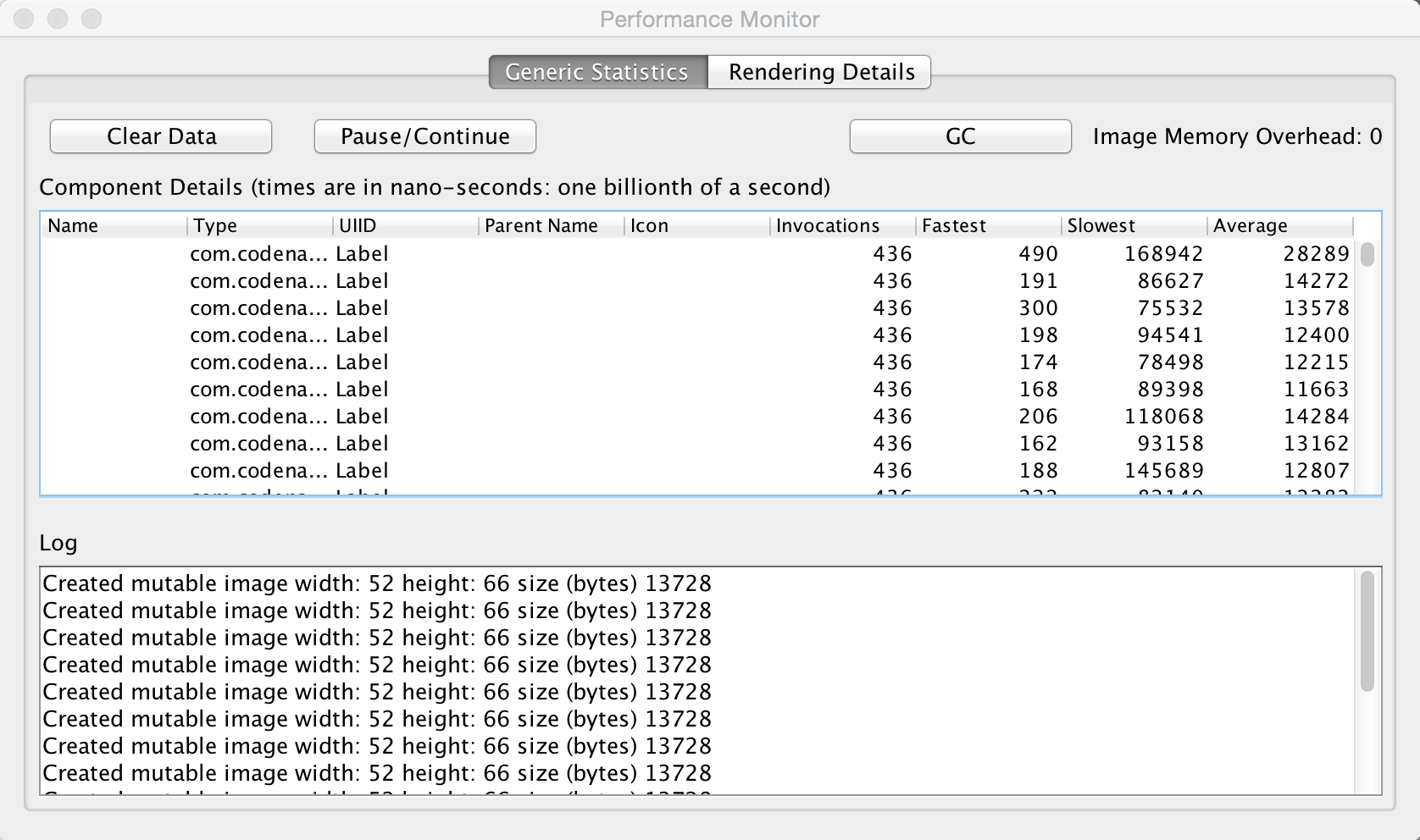
The first tab of the performance monitor includes a table of the drawn components. Each entry includes the number of times it was drawn and the slowest/fastest and average drawing time. The toolbar across the top includes Pause/Continue buttons so you can freeze the counters while you inspect the current snapshot, a "Clear Data" action to reset the tables, and a "GC" button that invokes the simulator’s garbage collector so you can see how memory usage changes.
This is useful if a Form is slow. You might be able to pinpoint it to a specific component using this tool.
The Log on the bottom includes debug related information. For example, it warns about the usage of mutable images which might be slow on some platforms. This also displays warnings when an unlocked image is drawn etc. A live "Image Memory Overhead" meter summarizes how much native image memory the current form consumes so you can correlate spikes with your drawing code.
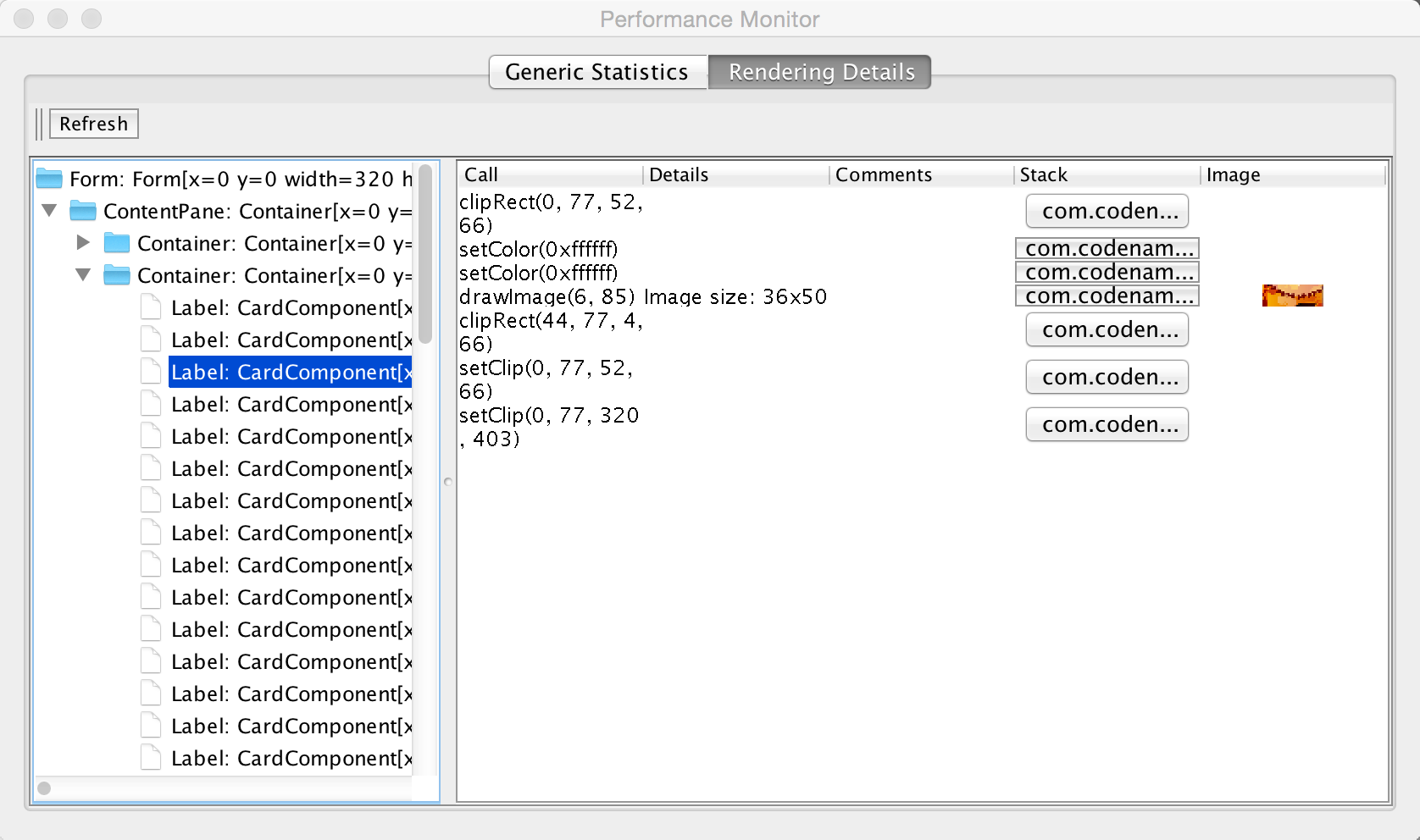
The rendering tree view allows you to inspect the hierarchy painting. You can press the refresh button which will trigger the painting of the current Form. Every graphics operation is logged and so is the stack to it.
You can then inspect the hierarchy and see what was drawn by the various components. You can click the "stack" buttons to see the specific stack trace that lead to that specific drawing operation.
This is a powerful debugging tool as you can see "overdraw" within this tool. E.g if you see fillRect or similar APIs invoked in the parent and then again and again in the children this could show a problem.
| Android devices have a nice overdraw debugging tool |
96.6. Network speed
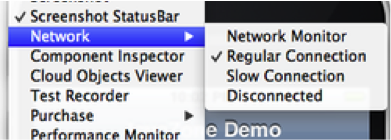
This feature is actually more useful for general debugging but it’s sometimes useful to simulate a slow/disconnected network to see how this affects performance.
For this purpose the Codename One simulator allows you to slow down networking or even fake a disconnected network to see how your application handles such cases.
96.7. Debugging Codename One sources
When you debug your app with your source code you can place breakpoints deep within Codename One and gain unique insight. You can also use the profilers and profile into Codename One to gain similar performance specific insight.
Running against the framework sources rather than the released jars is covered in working with Codename One sources.
96.8. Device testing Framework/Unit testing
Codename One includes a built in testing framework and test recorder tool as part of the simulator. This allows developers to build both functional and unit test execution on top of Codename One. It even enables sending tests for execution on the device (pro-feature).
To get started with the testing framework, launch the application and open the test recorder in the simulator menu.
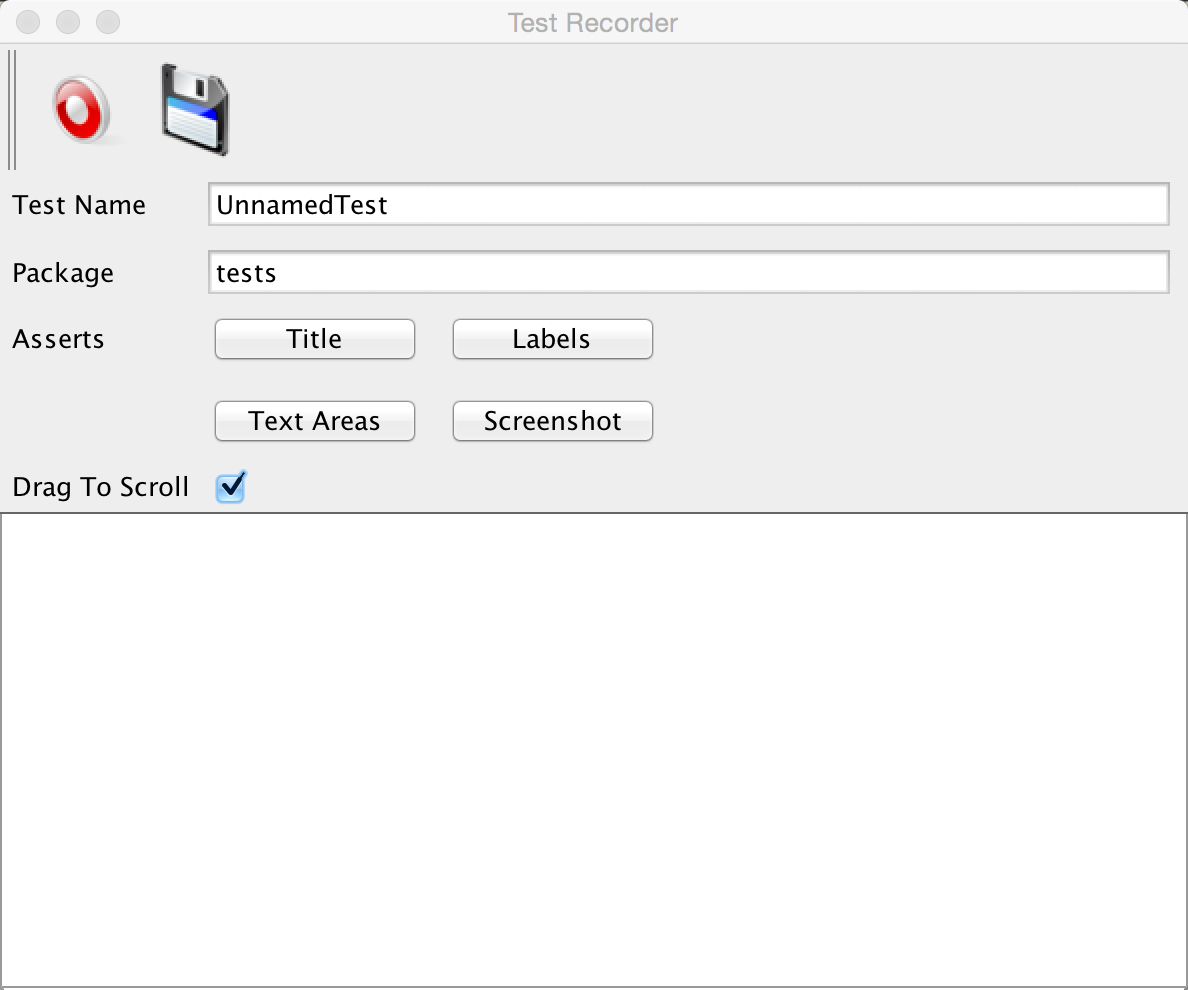
Once you press record a test will be generated for you as you use the application.
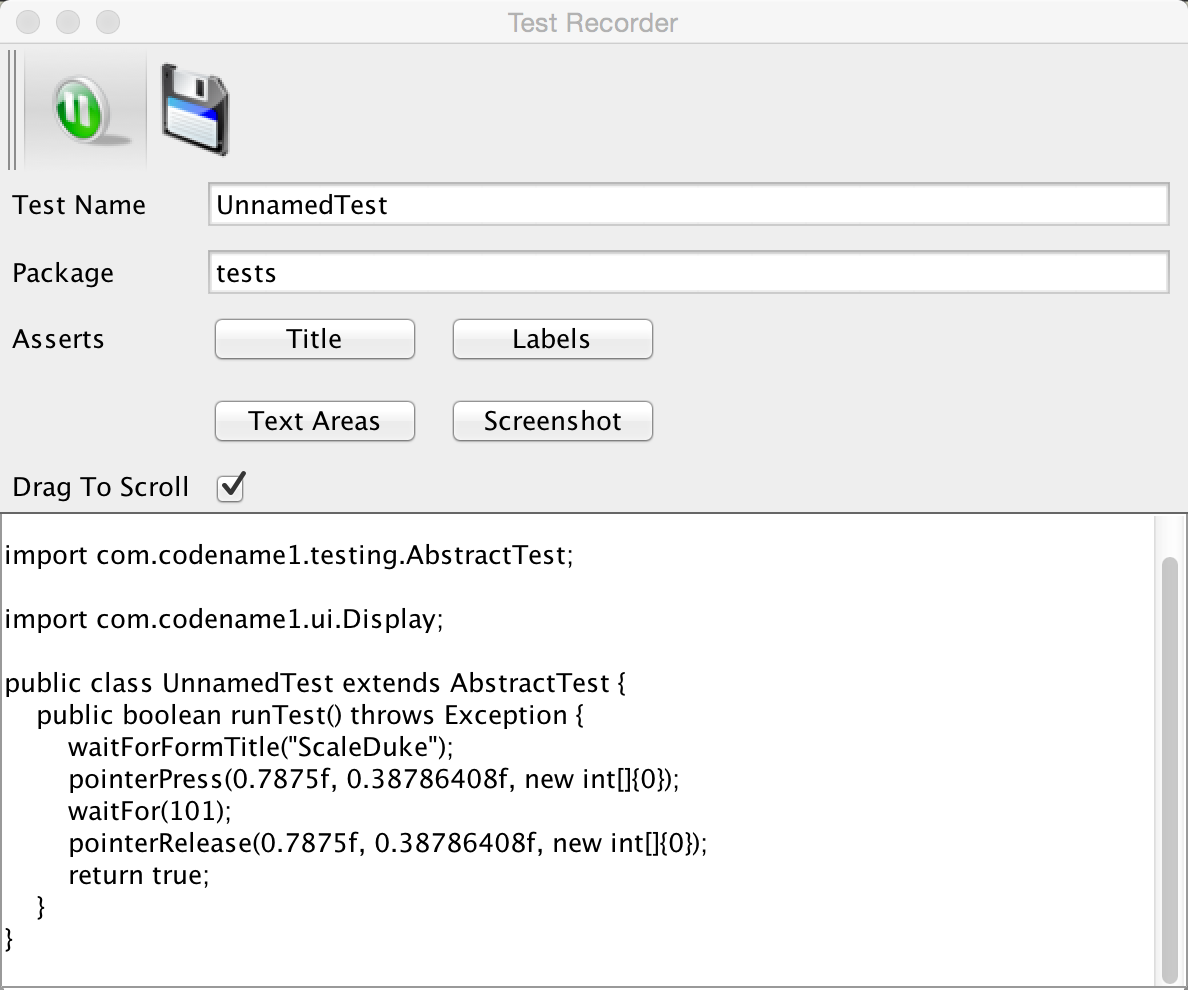
You can build tests using the Codename One testing package to manipulate the Codename One UI programmatically and perform various assertions.
Unlike frameworks such as JUnit which assign a method per test, the Codename One test framework uses a class per test. This allows the framework to avoid reflection and thus allows it to work on the device.
96.9. EDT error handler and sendlog
Handling errors or exceptions in a deployed product is pretty difficult, most users would throw away your app and some would give it a negative rating without providing you with the opportunity to actually fix the bug that might have happened.
Google improved on this a bit by allowing users to submit stack traces for failures on Android devices but this requires the users approval for sending personal data which you might not need if you want to receive the stack trace and maybe some basic application state (without violating user privacy).
For quite some time Codename One had a powerful feature that allows you to both catch and report such errors, the error reporting feature uses the Codename One cloud which is exclusive for pro/enterprise users. In Codename One you catch all exceptions on the EDT (which is where most exceptions occur) and display an error to the user as you can see in the picture. This isn’t helpful to you as developers who want to see the stack; furthermore you might prefer the user doesn’t see an error message at all!
Codename One allows you to grab all exceptions that occur on the EDT and handle them using the method addEdtErrorHandler in the Display class. Adding this to the Log’s ability to report errors directly to you and you can get a powerful tool that will send you an email with information when a crash occurs!
This can be accomplished with a single line of code:
Log.bindCrashProtection(true);You place this in the init(Object) method so all future on-device errors are emailed to you. Internally this method uses the Display.getInstance().addEdtErrorHandler() API to bind error listeners to the EDT. When an exception is thrown there it’s swallowed (using ActionEvent.consume()). The Log data is then sent using Log.sendLog().
If your crash handler runs while networking is unavailable or you want to avoid
blocking the EDT, use Log.sendLogAsync() instead. It performs the upload in a
background thread and is what Codename One’s lifecycle helper falls back to when
regular error reporting fails.
You can also plug in your own crash reporting pipeline by calling
Display.getInstance().setCrashReporter(CrashReport). The
CrashReport
callback will receive the exception, device information, and log payload so you
can forward it to services like Firebase Crashlytics or your in-house tools.
To truly gain from this feature you need to use the Log class for all logging and exception handling instead of APIs such as System.out.
To log standard printouts you can use the Log.p(String) method and to log exceptions with their stack trace you can use Log.e(Throwable).
96.10. Kitchen sink case study
Performance is one of those vague subjects that’s often taught by example.
While debugging the contacts demo (part of the new kitchen sink demo), its performance appeared sub-par. The initial assumption was that this was due to the implementation of getAllContacts and that there was nothing to do. Later, while debugging an unrelated issue, an anomaly was noticed during the loading of the contacts.
This led to the discovery that you’re loading the same resource file over and over again for every single contact in the list!
In the new Contacts demo you have a share button for each contact, the code for constructing a ShareButton looks like this:
public ShareButton() {
setUIID("ShareButton");
FontImage.setMaterialIcon(this, FontImage.MATERIAL_SHARE);
addActionListener(this);
shareServices.addElement(new SMSShare());
shareServices.addElement(new EmailShare());
shareServices.addElement(new FacebookShare());
}This seems reasonable until you realize that the constructors for SMSShare, EmailShare & FacebookShare load the icons for each of those…
These icons are in a shared resource file that you load and don’t cache. The initial workaround was to cache this resource but a better solution was to convert this code:
public SMSShare() {
super("SMS", Resources.getSystemResource().getImage("sms.png"));
}Into this code:
@Override
public Image getIcon() {
Image i = super.getIcon();
if(i == null) {
i = Resources.getSystemResource().getImage("sms.png");
setIcon(i);
}
return i;
}This way the resource uses lazy loading as needed.
This small change boosted the loading performance and probably the general performance due to less memory fragmentation.
The lesson that you should learn every day is to never assume about performance…
96.10.1. Scroll performance - threads aren’t magic
Another performance pitfall in this same demo came during scrolling. Scrolling was janky (uneven/unsmooth) right after loading finished would recover after a couple of minutes.
This relates to the images of the contacts.
To hasten the loading of contacts you load them all without images. You then launch a thread that iterates the contacts and loads an individual image for a contact. Then sets that image to the contact and replaces the placeholder image.
This performed well in the simulator but didn’t do too well even on powerful mobile phones. You assumed this wouldn’t be a problem because you used Util.sleep() to yield CPU time but that wasn’t enough.
Often when you see performance penalty the response is: "move it to a separate thread." The problem is that this separate thread needs to compete for the same system resources and merge its changes back into the EDT. When you perform something intensive you need to make sure that the CPU isn’t needed right now…
In this and past cases you solved this using a class member indicating the last time a user interacted with the UI.
Here you defined:
private volatile long lastScroll;The field is volatile because the listeners further down write it on the event dispatch thread while the loading thread reads it. Without that, the loader can keep seeing a stale timestamp and carry on decoding images while the user is still scrolling, which is the uneven scrolling this section sets out to remove.
Then you did this within the background loading thread:
// don't do anything while we are scrolling or animating
long idle = System.currentTimeMillis() - lastScroll;
while(idle < 1500 || contactsDemo.getAnimationManager().isAnimating() || scrollY != contactsDemo.getScrollY()) {
scrollY = contactsDemo.getScrollY();
Util.sleep(Math.min(1500, Math.max(100, 2000 - ((int)idle))));
idle = System.currentTimeMillis() - lastScroll;
}This effectively sleeps when the user interacts with the UI and loads the images if the user hasn’t touched the UI in a while.
Notice that you also check if the scroll changes, this allows you to notice cases like the animation of scroll winding down.
All you need to do now is update the lastScroll variable whenever user interaction is in place. This works for user touches:
parentForm.addPointerDraggedListener(e -> lastScroll = System.currentTimeMillis());This works for general scrolling:
contactsDemo.addScrollListener(new ScrollListener() {
int initial = -1;
@Override
public void scrollChanged(int scrollX, int scrollY, int oldscrollX, int oldscrollY) {
// scrolling is sensitive on devices...
if(initial < 0) {
initial = scrollY;
}
lastScroll = System.currentTimeMillis();
// ...
}
});| Due to technical constraints you can’t use a lambda in this specific case… |
97. On-Device Debugging (iOS)
The Codename One simulator runs your app on the JVM, so the IDE’s normal Java debugger works against it directly. Some bugs only appear on a real device — ParparVM’s threading model, iOS-specific native behaviour, performance characteristics on real hardware, memory pressure under iOS background limits, and timing around UIKit interactions are common examples. On-device debugging lets you keep using a standard Java debugger (IntelliJ IDEA, jdb, VS Code, anything that speaks JDWP) against the running iOS app on either the native iOS simulator or a physical device.
It works by adding a small listener thread to the ParparVM-generated iOS binary. The app dials out to a desktop proxy over Wi-Fi or loopback; the proxy speaks JDWP on the other side, so to the IDE everything looks like attaching to a normal remote JVM.
97.1. When to use it
You can reproduce a bug on a built iOS app but not in the Codename One simulator — for instance a native-call issue, a layout glitch that only shows up on iOS modern theme, or an AOT-vs.-JIT numerical discrepancy.
You want to single-step through real ParparVM-translated code and read the values its variables actually hold at runtime.
You want to inspect object state on a tethered device while reproducing a problem a customer reported, without having to add log lines and rebuild.
If your bug is reproducible in the simulator, stay in the simulator — its debugger is faster and has fewer limitations.
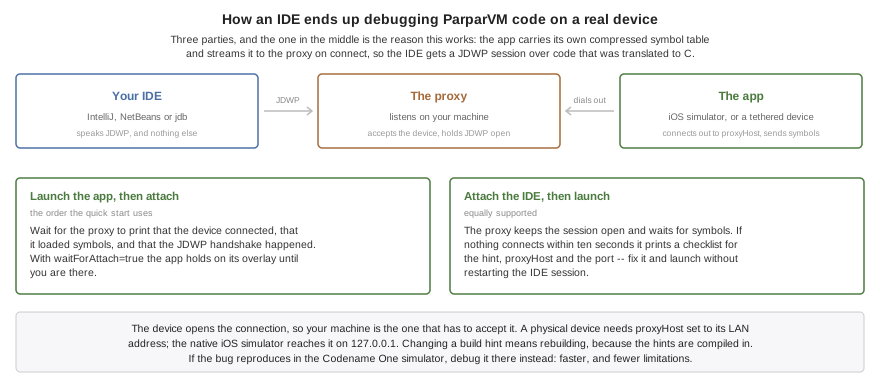
97.2. Quick start (IntelliJ IDEA)
Codename One projects generated from the cn1app-archetype ship with
three ready-made IntelliJ run configurations under the On-Device
Debug folder in the run-config dropdown: CN1 iOS On-Device Debug
Build, CN1 Debug Proxy and CN1 Attach iOS. The rest of this
section assumes you’re using them. Skip to
Using jdb instead if you prefer the
command-line debugger.
97.2.1. 1. Enable the build hints
In common/codenameone_settings.properties, uncomment the four lines
the archetype generated:
codename1.arg.ios.onDeviceDebug=true
codename1.arg.ios.onDeviceDebug.proxyHost=127.0.0.1
codename1.arg.ios.onDeviceDebug.proxyPort=55333
# Optional: block the app at startup until the IDE attaches.
codename1.arg.ios.onDeviceDebug.waitForAttach=trueThe build hint names start at ios.onDeviceDebug. Entries in
codenameone_settings.properties use the codename1.arg. prefix, as
shown above.
For a physical device, set proxyHost to the laptop’s LAN IP (run
ipconfig on Windows or ifconfig on macOS and Linux) instead of
127.0.0.1. The native iOS simulator can always use 127.0.0.1.
97.2.2. 2. Build the app as you normally do
Either the local Xcode path (cn1:buildIosXcodeProject) or a cloud
build (cn1:buildIosOnDeviceDebug) will produce an app instrumented
for on-device debugging once the build hints are set.
97.2.3. 3. Run the proxy from IntelliJ
Select CN1 Debug Proxy from the Run-config dropdown and click ▶ Run (the green play icon — not the bug icon; Debug on this config would attach IntelliJ’s own debugger to the proxy process, which is not what you want). The Run tool window opens and shows:
On-device-debug proxy starting: device : listening on tcp://0.0.0.0:55333 jdwp : listening on tcp://0.0.0.0:8000 symbols : streamed from the device on connect (no local file) [device] listening on port 55333 for ParparVM app to dial in [jdwp] listening on port 8000 for debugger (jdb) to attach
When both listener lines appear, the proxy is ready for the app.
97.2.4. 4. Launch the app and wait for the device handshake
Launch the iOS app in the native iOS simulator under Xcode or on a physical device. The app contains its compressed debug symbol table and streams it to the proxy when it connects. Wait for these lines before attaching the IDE:
[device] connected from ... [device] loaded symbols: ... [jdwp] device handshake ...
With waitForAttach=true, the app remains on the "Waiting for
debugger" overlay while you complete the next step.
Attaching the IDE before launching the app is also supported. The
proxy keeps the JDWP session open and waits for the device to stream
its symbols. If the device still hasn’t connected after ten seconds,
the proxy prints a checklist for the build hint, proxyHost, and the
device port. You can correct the problem and launch the app without
restarting the IDE session; rebuild and reinstall first if you change a
build hint.
97.2.5. 5. Attach the debugger from IntelliJ
Switch the Run-config dropdown to CN1 Attach iOS and click 🐞
Debug. IntelliJ connects to localhost:8000, opens a Debug tool
window, and releases the app after the debugger connection completes.
Set breakpoints, step, inspect, evaluate expressions, just like a
normal remote attach. Device output from
System.out.println / Log.p / printf / NSLog lands in the
CN1 Debug Proxy Run window prefixed with [device].
97.3. Quick start (NetBeans)
NetBeans uses the same proxy and connection order as IntelliJ. Generated projects ship two custom actions for it, on the project’s right-click menu:
Build for iOS On-Device Debug runs
cn1:buildIosOnDeviceDebug, which forcescodename1.arg.ios.onDeviceDebug=truefor that one build. You don’t need to editcommon/codenameone_settings.propertiesfirst — the goal sets the hint itself, so a release build stays a release build.Start iOS Debug Proxy runs
cn1:ios-on-device-debugging, which listens on55333for the device and8000for the IDE.
Install the app the first action produced, start the proxy with the
second, launch the app, and wait for the device handshake and
symbol-loading lines shown above. Then choose Debug > Attach
Debugger, select Java Debugger (JPDA) and the SocketAttach
connector, set the host to localhost and the port to 8000, and
attach. Keep the Codename One project open so NetBeans can resolve
your source files and breakpoints.
Don’t point NetBeans at port 55333. The iPhone uses 55333 to
reach the proxy. The IDE uses the proxy’s JDWP port, 8000.
If the actions are missing from an older project, they live in
tools/netbeans/nbactions.xml; copying that file from a freshly
generated project adds them.
97.4. Quick start (Maven from the command line)
If you don’t want to use the IntelliJ run configs, the same flow is two terminals:
# Terminal 1 — start the proxy
mvn cn1:ios-on-device-debugging
# Launch the app and wait for the proxy to report that it loaded symbols.
# Terminal 2 — attach jdb after the device handshake
jdb -attach localhost:8000For VS Code (Debugger for Java extension), add a launch
configuration of type java with "request": "attach",
"hostName": "localhost", "port": 8000.
97.4.1. Using jdb instead
jdb is a minimal Java debugger that ships with every JDK and works
fine over the same JDWP socket. Useful when you don’t have an IDE
available, or for scripted regression checks. Source path resolution
is manual:
jdb -attach localhost:8000 \
-sourcepath src/main/java:$HOME/.m2/repository/com/codenameone/codenameone-core/8.0-SNAPSHOT/codenameone-core-8.0-SNAPSHOT-sources.jarThe -sourcepath is required for list / where to render framework
source — jdb won’t unzip the -sources.jar automatically; if you
prefer plain files, extract it once and point at the directory.
97.5. What works today
Class loading: the IDE sees every class in your build.
Line breakpoints in user code and in the Codename One framework classes (
com.codename1.ui.,com.codename1.io., etc.).Step into / over / out.
Stack walking — full Java stack including the Codename One framework frames above your code.
Inspecting primitive locals (int, long, float, double, boolean, byte, char, short).
Inspecting
java.lang.Stringvalues directly.Inspecting object references — class name and identity, plus field-by-field drilldown via the IDE’s variables view. The proxy walks the ParparVM struct layout to read instance fields directly at known offsets, so
dump this/ "Variables" shows the same fields you’d see in a simulator debug session.Array inspection —
Object[],int[],byte[], etc. report their length and per-index values to the IDE so expanding e.g.ArrayList.elementDatashows the actual element references rather than an opaque reference. Primitive element types round-trip with their JVM type tag.Method invocation — the IDE’s "Evaluate Expression" /
printcommand can call instance and static methods on objects in scope. The classic chainDisplay.getInstance().getCurrent().getTitle()evaluates to the current form’s title string, somyForm.getComponentCount()and similar accessor calls work too. The call runs on the suspended Java thread inside a catch-all try block, so uncaught throws round-trip back as an exception reference rather than tearing down the debugger.Native device output —
System.out.println,Log.p, andprintf/NSLogfrom native code are surfaced in the proxy’s console (the IntelliJ CN1 Debug Proxy Run window when launched via the run config) prefixed with[device].Thread list — every live Java thread appears in the IDE’s Threads panel, whether it has stopped anywhere or not, named after the
java.lang.Threadit belongs to (EDT,main, …). Suspension is reported per thread, so with several parked at once the panel shows which is which.Scoped locals — a local is listed only on the source lines it’s actually in scope for. That matters where two variables share a JVM slot in disjoint blocks: only the one the code has reached is shown, rather than both, one of them displaying the other’s storage.
Deferred breakpoints — a breakpoint set in a class the IDE hasn’t seen yet (an anonymous listener, say) resolves via the ClassPrepare events the proxy raises for every matching class.
Pause and resume from the IDE.
Stack frames in methods carrying no line information — synthetic lambda bodies and
java.lang.Thread.runImpl, for instance — appear in the stack with their source line left blank, rather than ending the stack view at that frame.
97.6. Pointing the IDE at the Codename One sources
The proxy answers Method.LineTable and ReferenceType.SourceFile
for framework classes, but the IDE still needs to find the actual
.java files to render the source pane while stepping. Three options
in order of convenience:
Maven sources jar (recommended). The
codenameone-core-<version>-sources.jaris published alongside the regularcodenameone-coreartifact. IntelliJ resolves it automatically once you run Maven → Reimport with "Sources" enabled in the Maven settings. Other IDEs work the same way as long as their Maven integration is set to download sources.Local clone of the Codename One repository. If you’ve already checked out the CodenameOne GitHub repository (for instance to follow the contributor workflow), point the IDE at its
CodenameOne/srcdirectory. In IntelliJ: Run → Edit Configurations… → CN1 Attach iOS → Configuration → Source roots → +.jdb command line. Pass the framework source directory on the
-sourcepath, as shown in Using jdb instead.
Without a source path, breakpoints in framework classes still trigger and locals / fields still read — you’ll just see "Sources not found" in the IDE editor when stepping into framework code.
97.7. Known limitations
Method invocation is partial. The debugger can call instance and static methods on Codename One framework classes and on user code: jdb’s
print myForm.getTitle()and IntelliJ’s "Evaluate Expression" pop-up work for the chains you actually want (Display.getInstance().getCurrent().getTitle()is the canonical test). Methods onjava.io.,java.net.,java.nio., andcom.codename1.impl.are unsupported — those classes are linked against hand-written native code that has fallen out of sync with the generic invoke-thunk calling convention, so the translator skips them. The same limit applies to watch expressions.Constructor invocation isn’t supported. The debugger can call existing instance methods but not
new Foo(…).Hot-swap isn’t supported. Code changes require a rebuild and reinstall of the app.
Hot threads — if your app is doing heavy work on a non-EDT thread when a breakpoint hits, that other thread continues running. Only the thread that hit the breakpoint suspends by default. Use the IDE’s "suspend VM" if you need a fully frozen picture.
Local variable names are present only when the user’s Java sources were compiled with
-g. Codename One’s archetypes do compile with debug info by default; if a variable shows up asv1,v2, … that’s because that particular class was compiled without debug info. Such a local also has no declaring scope, so the debugger lists it for the whole method rather than only where it’s live.Static field reads are unsupported. Instance field reads are fully wired; static-field support requires an additional per-class static table that hasn’t been emitted yet.
NSLog on a real device (as opposed to the native iOS simulator) may not reach the
[device]console. NSLog on iOS routes toos_logwhich doesn’t always mirror tostderr.printf/fprintf/Log.pare unaffected and show up correctly.
97.8. Performance
The on-device-debug instrumentation is gated by a compile-time flag that’s only set in debug builds. Release builds are completely unaffected — no listener thread, no per-line callback, no extra metadata in the binary.
In debug builds, the per-line callback adds a predictable
load+branch around the macro that ParparVM already emits to
record source line numbers for stack traces. When no debugger is
attached, the runtime cost is close to zero. When a debugger
is attached, expect numerical inner loops to run on the order
of two to three times slower than a release build — this is
normal and matches the overhead of -g-style debugging on
other native VMs.
97.9. Debugging the generated Xcode project natively
The JDWP flow above keeps you at the Java level. For native-level work — stepping through Objective-C sources, debugging a native interface, chasing a crash inside the VM, or profiling with Instruments — debug the generated Xcode project directly:
Local build:
mvn cn1:buildIosXcodeProjectwrites the complete Xcode project undertarget/…-ios-source/.Cloud build: run
mvn cn1:settings, enable Include Source on the Basic page, save, then send the build and download the sources result from the build server.
Open the .xcworkspace file if one was generated, otherwise the .xcodeproj,
and run on a device or the native iOS simulator from Xcode as you would any iOS
app.
The .xcworkspace is no longer exclusive to CocoaPods-based builds.
Use it whenever it’s generated, whether the project uses CocoaPods, Swift
Package Manager, or both. |
Inside Xcode you get LLDB and Instruments against the real binary. Your Java
code appears as the C sources ParparVM generated from it — a Java method like
com.mycompany.MyClass.doStuff(int) becomes a C function named along the lines
of com_mycompany_MyClass_doStuff___int, so symbolic breakpoints on the
translated code work too. The native-IDE path and the JDWP path are
complementary: use Xcode for native frames and profiling, the JDWP proxy for
source-level Java debugging.
97.10. Troubleshooting
97.10.1. The proxy reports "device disconnected" before the breakpoint fires
The app might be crashing before it reaches user code. Run the
app from Xcode and watch the console — installSignalHandlers
will intercept native crashes and rethrow them as Java exceptions
you can see. If the connection drops mid-debug, check the proxy
log for a device-side I/O error.
97.10.2. "Connection refused" when the device tries to reach the proxy
The device’s ios.onDeviceDebug.proxyHost value is wrong, or a
firewall is blocking the port. Verify:
The native iOS simulator can always reach
127.0.0.1.A physical device needs the laptop’s LAN IP (not
localhost), and the laptop’s firewall must allow incoming connections on the configured port (default55333).macOS will prompt the first time the proxy listens — accept the Allow incoming connections dialog.
97.10.3. jdb reports "Internal exception: Unexpected JDWP Error: 100"
This means an unsupported JDWP command was invoked. The session itself survives; the most common cause is the IDE asking for something the proxy explicitly stubs (see "Known limitations" above). The debugger’s own message doesn’t say which command it asked for, so the proxy logs it instead:
[jdwp] declining unimplemented command set=2 cmd=13; the debugger
may report "Unexpected JDWP Error: 100"The line is printed once per command, in the proxy’s console. File an issue with the command set and number attached.
97.10.4. The app launches but the breakpoint never fires
Confirm the build hint actually took effect. Inspect the
generated Xcode project’s cn1_globals.h and look for #define
CN1_ON_DEVICE_DEBUG without a leading //. If the line is
still commented out, the build was a release/non-debug build, or
ios.onDeviceDebug wasn’t set as a build hint.
97.10.5. Make the app wait while the proxy and IDE attach
Set ios.onDeviceDebug.waitForAttach=true. The app will block
at startup until the proxy is connected and the IDE tells the
VM to continue.
98. On-Device Debugging (Android)
The companion to the iOS chapter, for the Android side. The motivation
is the same — bugs that only reproduce on a real device or on the
Android emulator — but the implementation is much simpler. The
Dalvik/ART runtime already exposes a JDWP socket per debuggable
process, so there is no desktop proxy and no custom protocol. The
Codename One Maven plugin just orchestrates adb: install the APK,
mark it as the debug-app, launch the activity, forward the JDWP
socket onto localhost, and tail logcat.
Everything below assumes you have the Android platform-tools on your
machine (Android Studio installs them, or
the
standalone package) and adb is reachable through ANDROID_HOME,
ANDROID_SDK_ROOT, or $PATH.
98.1. When to use it
A bug only reproduces on a physical Android device or in the Android emulator and not in the Codename One simulator.
You want to single-step through your code while it runs on the device, with full access to locals, fields, and the
Display.getInstance()…accessor chains.You want to attach without a USB cable — the wireless flow below covers both the legacy
adb tcpippath and the Android 11+adb pairpath.
If the bug reproduces in the simulator, stay in the simulator — its debugger is faster and has zero device-side moving parts.
98.2. Quick start (IntelliJ IDEA)
Projects generated from the cn1app-archetype ship with two run
configurations under the On-Device Debug folder: CN1 Android
On-Device Debug and CN1 Attach Android. The flow is:
98.2.1. 1. Enable the build hint
In common/codenameone_settings.properties, uncomment the line the
archetype generated:
codename1.arg.android.onDeviceDebug=trueThe build hint name is android.onDeviceDebug. Entries in
codenameone_settings.properties use the codename1.arg. prefix, as
shown above.
This flips the generated AndroidManifest.xml to
debuggable="true" and disables R8/proguard so symbols and locals
survive the build. Release builds (anything without this hint) are
unaffected.
98.2.2. 2. Build the APK
Either the cloud build (cn1:buildAndroidOnDeviceDebug — wraps
cn1:buildAndroid and force-sets the hint above) or your usual
cn1:buildAndroid once the hint is set. Both produce a signed,
debuggable APK in the project’s target/ directory.
For a fully local build, use cn1:buildAndroidGradleProject to
generate the Gradle project under target/…-android-source/ and
run ./gradlew assembleDebug from there; the Mojo will autodetect
the resulting APK under build/outputs/apk/.
98.2.3. 3. Connect the device
Plug a device in over USB with USB debugging enabled, or connect wirelessly (see Wireless debugging below).
98.2.4. 4. Run the debug session from IntelliJ
Select CN1 Android On-Device Debug from the Run-config dropdown and click ▶ Run (the green play icon — not the bug icon). The Run tool window prints:
Using adb: /Users/you/Library/Android/sdk/platform-tools/adb Target device: emulator-5554 Installing my-app-1.0.apk on emulator-5554 Marking com.example.myapp as the debug app (waits for debugger). Launching com.example.myapp.MyAppStub App PID on device: 12345 ================================================================== JDWP forwarded: localhost:5005 -> device pid 12345 Attach IntelliJ: Run -> 'CN1 Attach Android' (Remote JVM Debug) ==================================================================
After that banner, logcat output (filtered to the app’s PID) streams
through the Run window prefixed with [device].
98.2.5. 5. Attach the debugger
Switch the Run-config dropdown to CN1 Attach Android and click 🐞
Debug. IntelliJ connects to localhost:5005 and opens a Debug tool
window. The app is paused inside Debug.waitForDebugger() at this
point — set your breakpoints, then resume from the IDE to let it
proceed past boot.
Set breakpoints, step, inspect, evaluate expressions — all the normal remote-attach features work. Unlike the iOS path, there is no method-invocation or static-field limitation here; the JVM is the real Android runtime.
98.3. Wireless debugging
98.3.1. Android 11 and newer (recommended)
On the device: Settings → Developer options → Wireless debugging → Pair device with pairing code. Note the IP & port (for example
192.168.1.42:37051) and the six-digit pairing code.Pair from your laptop (this only has to be done once per network):
adb pair 192.168.1.42:37051 # When prompted, enter the 6-digit code shown on the device.Connect:
adb connect 192.168.1.42:5555The connect port is not the pairing port — it’s the one shown on the Wireless debugging screen above the Pair device button.
Run the debug session as normal. Pass the IP and port through the Mojo if you prefer to do the
adb connectin one step:mvn cn1:android-on-device-debugging \ -Dcn1.android.onDeviceDebug.wireless=192.168.1.42:5555
98.3.2. Android 10 and older
Plug the device in over USB.
Switch adb to TCP/IP mode and grab the device’s IP from Settings → About phone → Status:
adb tcpip 5555 adb connect 192.168.1.42:5555Unplug the cable, then run the debug session as normal.
In either flow, the JDWP forward, app launch, and logcat stream all happen over the same Wi-Fi link.
98.4. Quick start (Maven from the command line)
Without the IntelliJ run configs, the same flow is two terminals:
# Terminal 1 — build the APK once
mvn cn1:buildAndroidOnDeviceDebug
# Terminal 2 — install, launch, forward JDWP, tail logcat
mvn cn1:android-on-device-debuggingAttach jdb (or another JDWP client) to the forwarded port:
jdb -attach localhost:5005 \
-sourcepath src/main/java:$HOME/.m2/repository/com/codenameone/codenameone-core/8.0-SNAPSHOT/codenameone-core-8.0-SNAPSHOT-sources.jarFor VS Code (Debugger for Java extension), add a launch
configuration of type java with "request": "attach",
"hostName": "localhost", "port": 5005.
98.5. Useful command-line flags
The Mojo’s defaults match what the archetype’s run config does. The flags below exist for unusual setups:
| Property | Meaning |
|---|---|
| Use a specific adb executable (default: search |
| Force a target device when more than one is online
( |
| Run |
| Local TCP port for |
| Skip APK autodetection and install this APK instead. |
| Skip the install step — the app is already on the device. |
| Don’t run |
98.6. What you can step through
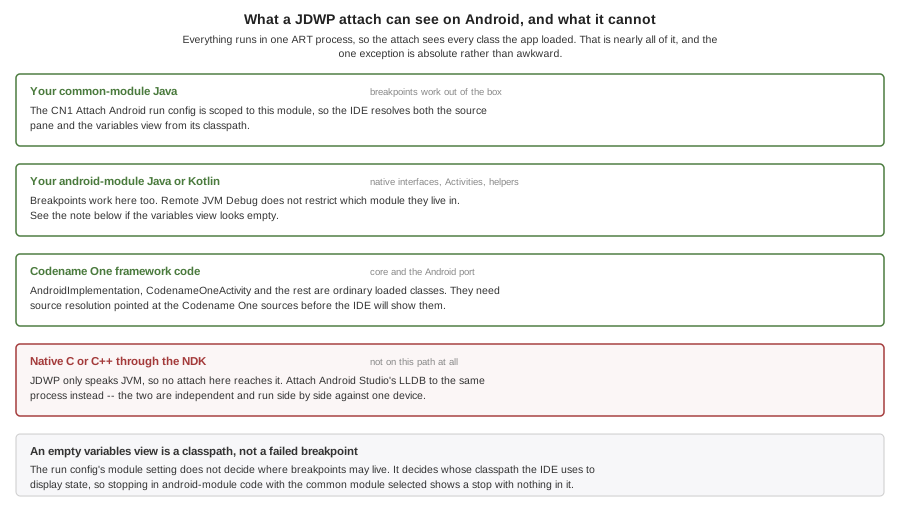
Everything runs in one Dalvik/ART process, so the JDWP attach sees every class loaded by the app. In practical terms:
Your common-module Java (
com.<yourcompany>.<app>., anything under the-commonmodule’ssrc/main/java). Breakpoints work out of the box — this is the module the *CN1 Attach Android run config is scoped to, so IntelliJ resolves the source pane and the variables view from your common-module classpath.Your android-module Java or Kotlin (
src/main/javaof the-androidmodule — native interface implementations, custom Activities, Android-only helpers). Open the file and set a breakpoint; the IDE’s Remote JVM Debug config doesn’t restrict which module breakpoints live in, the<module>setting only decides which module’s classpath is used to display state. If the variables view ever looks empty when you stop inside-androidcode, switch the run config’s Use classpath of module to the-androidmodule and reattach.Codename One framework code in
codenameone-coreand the Android port (com.codename1.impl.android.*such asAndroidImplementationandCodenameOneActivity). Both need source resolution — see the next section.*Native C/C via the NDK* is *not* debuggable through this path. JDWP only speaks JVM. If you've added native sources through the Android NDK, attach Android Studio's LLDB to the same process for C/C debugging — the two attaches are independent and can run side-by-side against one device.
98.7. Pointing the IDE at the Codename One sources
The Android runtime serves real .class files, so the IDE only needs
the matching .java files to render the source pane. The same two
options cover both codenameone-core and the Android port
(codenameone-android):
Maven sources jars (recommended). IntelliJ resolves
codenameone-core-<version>-sources.jarandcodenameone-android-<version>-sources.jarautomatically once you run Maven → Reimport with "Sources" enabled in the Maven settings.Local clone of the Codename One GitHub repository. In IntelliJ: Run → Edit Configurations… → CN1 Attach Android → Configuration → Source roots → +. Add two entries: the clone’s
CodenameOne/srcdirectory for the framework core, andPorts/Android/srcforAndroidImplementationand the rest of the Android port.
Without a source path, breakpoints in framework classes still trigger and locals / fields still read — you’ll just see "Sources not found" in the editor when stepping into framework code.
98.8. Debugging the generated Gradle project from Android Studio
Everything above drives a Codename One-built APK through adb. The
alternative is to open the generated Android project itself in Android
Studio and use it like any native Android app — useful when you’re
debugging native interface code, working on the Android port, or want
Android Studio’s profiler and layout inspector:
Local build:
mvn cn1:buildAndroidGradleProjectwrites a complete Gradle project undertarget/…-android-source/. Open that directory in Android Studio (current versions open it directly — no Gradle version fiddling required), connect a device, and press Debug.Cloud build: check the Include Source flag in Codename One Settings before sending the build, then download the sources result from the build server and open it the same way.
When iterating, regenerate the project rather than hand-merging files — the generated project is a build artifact, not a source of truth.
For native C/C++ added through the NDK, attach Android Studio’s LLDB to the process; as noted in Section 98.6, “What you can step through”, the LLDB and JDWP attaches are independent and can run side by side against one device.
98.9. Troubleshooting
98.9.1. "No Android device is online"
adb devices returns nothing useful. Common causes:
The device’s USB debugging toggle is off, or the per-laptop RSA fingerprint prompt is still pending on-device.
The cable is power-only (some short USB-C cables are charge-only).
For wireless: pairing expired (Android 11+) or the laptop is on a different Wi-Fi network.
98.9.2. "Multiple devices online"
Pass -Dcn1.android.onDeviceDebug.deviceSerial=<serial> (run
adb devices to see serials). The emulator’s serial looks like
emulator-5554; a USB-attached phone is its hardware ID; a wireless
device is <ip>:<port>.
98.9.3. App installs but won’t pause for the debugger
waitForAttach only takes effect when the APK is built with
android.onDeviceDebug=true (or android.xapplication_attr
containing android:debuggable="true"). Verify by running
adb shell dumpsys package <your.package> | grep flags — DEBUGGABLE
must be in the list. If it isn’t, rebuild with
mvn cn1:buildAndroidOnDeviceDebug.
98.9.4. Breakpoint never fires
Check the CN1 Attach Android run config:
Host is
localhost, Port matches thejdwpPortprinted by the debug session.The Use module classpath dropdown is the
-commonmodule, so IntelliJ can resolve your.javafiles.
If a class loaded on the device doesn’t match the class IntelliJ
thinks is current, breakpoints stop firing with no error message.
Rebuild and reinstall (cn1:buildAndroidOnDeviceDebug + re-run
CN1 Android On-Device Debug).
98.9.5. logcat shows the app exiting with Debug.waitForDebugger-like noise
The system killed the process for taking too long to attach. Set
-Dcn1.android.onDeviceDebug.waitForAttach=false and trigger the
code path you want to debug manually after attach — Android’s debug-app
wait isn’t bound to the breakpoint, only to process start.
98.9.6. Wireless connection drops mid-session
Wi-Fi connections to debug-mode devices are sensitive to power-saving.
On the device, keep the screen on (or set Settings → Developer
options → Stay awake while charging). For long sessions, plug into
USB and use adb -s <wireless-serial> to keep the wireless TCP socket
alive without depending on the radio.
99. Android without Google Play Services
Many Android devices have no Google Play Services. GrapheneOS, CalyxOS, /e/OS and LineageOS without Google apps ship without it, and GrapheneOS installs it only as an ordinary app the user can remove. Huawei and Amazon devices have their own services instead. A Codename One application runs on these devices without a separate build: the same APK checks at run time whether Play services is present and uses a fallback, or reports a feature as unsupported, when it isn’t.
No build hint turns this on. The Android port never calls into Play services, Play Core or Firebase without asking first, and a CI check holds it to that.
99.1. What changes without Play services
| Feature | Behavior without Google Play Services |
|---|---|
User interface, storage, networking, SQLite, media | Unchanged. None of them use Play services. |
Location | Uses Android’s own location manager. Background location and geofences use
the framework’s pending-intent updates and proximity alerts instead of the
fused provider. The listener API and the |
Maps |
|
Push notifications |
|
Google sign-in |
|
On-device AI (ML Kit) | Works. The bundled models run locally. |
Device attestation (Play Integrity) |
|
In-app review |
|
Nearby connections | The transport reports |
Wear OS data layer | Unavailable. |
In-app purchase | Google Play Billing needs the Play Store; purchases are unavailable on these devices. |
Test an application on such a device with the Android emulator’s AOSP
system images (default target), which have no Google apps.
99.2. Push notifications through UnifiedPush
UnifiedPush lets the user choose the app that holds the push connection: ntfy, NextPush, Sunup and others, called distributors. A UnifiedPush endpoint is a standard Web Push subscription, so the push service delivers to it with the Web Push credential the application already has. It needs no server change and no other credential.
To enable it, copy the VAPID public key from the application’s Web Push credential into a build hint:
codename1.arg.android.unifiedPush.vapidKey=BExampleKeyOf87Base64UrlCharacters...The key is 87 base64url characters. The build rejects anything else. With the
hint set and PushClient in use, the application registers in this order:
Firebase Cloud Messaging, when Google Play Services is available and the build includes
google-services.json.Huawei Push Kit, when HMS Core is installed and the build includes
agconnect-services.json.UnifiedPush, otherwise. If the user has more than one distributor installed, Android asks which one to use. With none installed,
pushRegistrationErrorexplains that a push service is needed.
The device key the application receives starts with cn1-web-, and the push
service routes it as a Web Push target. android.messagingService=unifiedpush
forces UnifiedPush even without the key, for distributors that don’t require
one. android.unifiedPush.connectorVersion overrides the version of the
UnifiedPush connector library the build adds.
Build, sign and ship
100. Build hints reference
100.1. Sending arguments to the build server
When you send a build to the server, you can provide more parameters. The server incorporates those parameters into the build process as build hints.
These hints are often called "build hints" or "build arguments." They behave like compiler flags that tune the build server’s behavior. That makes them useful for fast iteration on new functionality without rebuilding plugin UI for every change. They’re also useful when you need to expose low-level behavior such as customizing the Android manifest XML or the iOS plist.
Launch Codename One Settings from the Maven project root, then select Hints in the left navigation rail. The hints use the key=value style.
mvn cn1:settings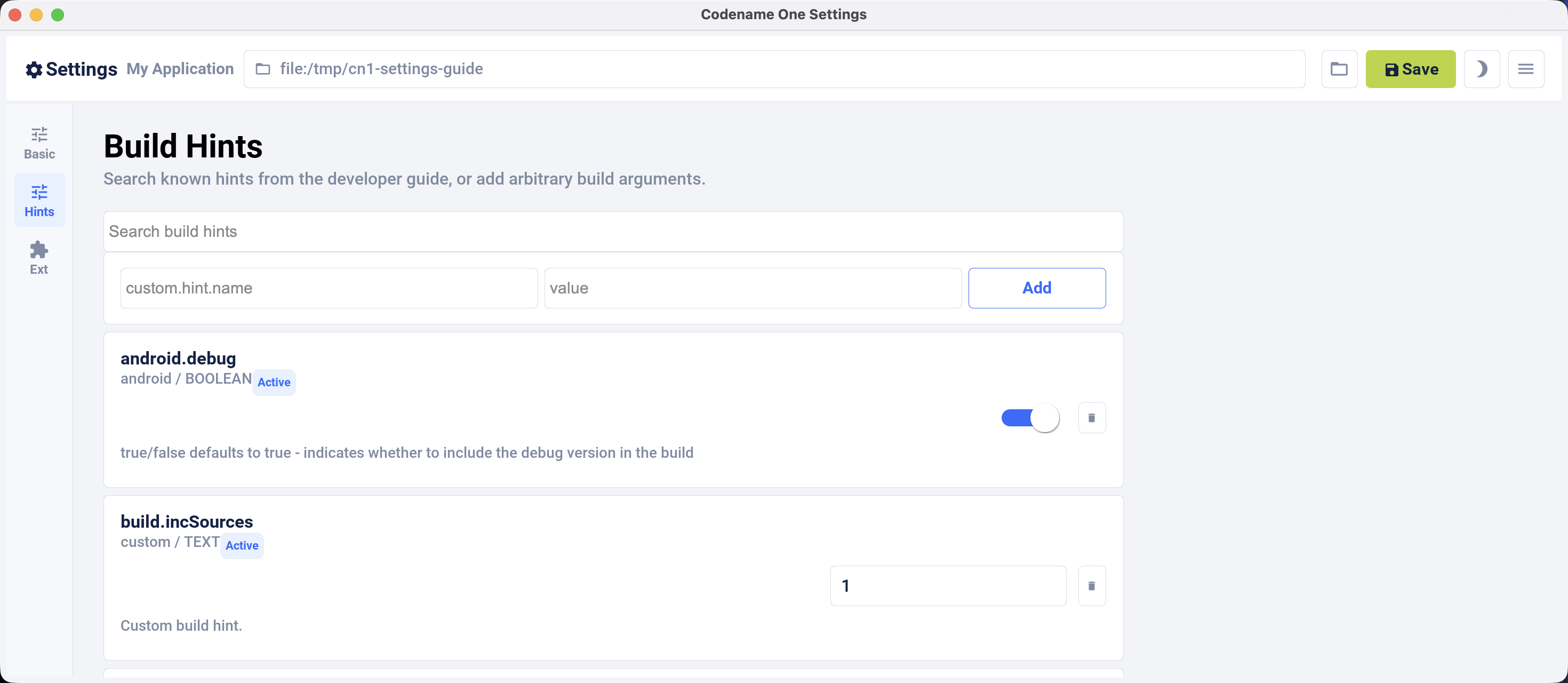
You can also set the build hints directly in the codenameone_settings.properties file. When you do that, each setting must start with the codename1.arg. prefix. For example, android.debug=true becomes codename1.arg.android.debug=true.
Application code can read a custom build argument through Display.getProperty():
class AppArgSnippet {
public void readArgument() {
String arg = Display.getInstance().getProperty("AppArg", null);
}
}The table below consolidates build hints across platforms from the annotations and build-hint catalog. It includes names, types, defaults, annotation forms, and descriptions, including aliases and open-ended hint families.
Most of the commonly used hints also have a compiler-checked form: an annotation
in com.codename1.annotations.buildhints that you put on the application’s main
class. Written that way a misspelled name is an unknown symbol and an
unsupported value is an unknown enum constant, instead of a properties line that
is accepted, never read, and has no effect. The Annotation column below
names that form where one exists. Setting the same hint both ways fails the
build.
Each annotation groups the hints of one platform, and the attribute names match
the part of the hint name after the prefix, so codename1.arg.ios.pods is
@Ios(pods = …):
@Android(themeMode = ThemeMode.MODERN, minSdkVersion = AndroidMinSdk.API_24)
@Build(nativeTheme = ThemeMode.MODERN)
@DesktopBuild(titleBar = DesktopTitleBar.NATIVE, width = 1280, height = 800)
@Ios(themeMode = ThemeMode.MODERN,
newStorageLocation = Toggle.ON,
pods = {"Intercom", "AFNetworking"})
public class BuildHintAnnotationSnippet {
}That’s the same as writing these lines in codenameone_settings.properties:
codename1.arg.and.themeMode=modern
codename1.arg.android.min_sdk_version=24
codename1.arg.nativeTheme=modern
codename1.arg.desktop.titleBar=native
codename1.arg.desktop.width=1280
codename1.arg.desktop.height=800
codename1.arg.ios.themeMode=modern
codename1.arg.ios.newStorageLocation=true
codename1.arg.ios.pods=Intercom,AFNetworkingThree things in that example are worth calling out.
A hint whose value is a list takes a Java array, and the build joins it with the
separator that hint uses — a comma for ios.pods, so you never have to
remember which hint wants which delimiter.
A boolean hint takes Toggle, not boolean. Toggle.ON and Toggle.OFF say
what you want, and leaving the attribute out entirely means you have said
nothing, so the build service applies whatever it applies today. That’s why the
Default column reads (set by the build) for these hints: the annotation
records no default of its own, by design: a value compiled into your app can’t
follow the build service when the service changes it.
A hint with a closed set of values takes an enum, so @Ios(themeMode = …)
offers you the four themes that exist and rejects anything else at compile time.
Hints whose accepted values are open-ended stay String.
The long tail of hints has no annotation, and neither do the open-ended families
such as android.permission.<NAME>, because a Java annotation can’t express a
map. Set those in codenameone_settings.properties exactly as before. You can mix
the two forms in one project, as long as no single hint is declared in both.
Build hints are the one part of Codename One that doesn’t promise source compatibility, and that’s deliberate. Everywhere else, code that compiles against one release keeps compiling against the next. Here, a hint that changes its name, its type or its accepted values is meant to stop compiling, so you find out at your desk. The alternative is what the properties file has always done: accept the line, never read it, and leave you with a build that succeeds and an app that doesn’t do what you asked. The failure is always on the client side, never on the build service. A hint reaches the service as a name and a string, and the service goes on accepting the strings it always did — an app already built keeps building, and an older Codename One keeps talking to a newer service. A changed hint breaks a compile in your project, with the attribute named. If a release does take an annotation away, the properties form of the same hint
still works, so the upgrade costs a line in |
100.2. All build hints
| Name | Type | Default | Annotation | Description |
|---|---|---|---|---|
| string | (none) | (none) | Override alias of |
| string | (none) | (none) | Override alias of |
|
| (set by the build) |
|
|
| string |
| (none) | |
| boolean |
| (none) | |
| boolean |
| (none) | |
| string |
| (none) | |
| int |
| (none) | |
| string | (none) | (none) | |
| string |
| (none) | |
| string | (none) | (none) | |
| boolean |
| (none) | |
| string | (none) | (none) | |
| string |
| (none) | |
| string | (set by the build) |
| Allows explicitly setting the |
| string | (none) | (none) | |
| string | (none) | (none) | |
| string |
| (none) | Background color to use for adaptive icons when |
| string | (none) | (none) | Optional path (relative to the root of the native Android project) to an image file to use as the adaptive icon background when |
| boolean |
| (none) | |
| boolean |
| (none) | |
| int |
| (none) | |
| boolean |
| (none) | |
| boolean |
| (none) | |
| boolean |
| (none) | |
| boolean |
| (none) | |
| boolean | (set by the build) |
| Produces an Android App Bundle (.aab) rather than an APK. Required for new Play Store submissions. |
| version |
| (none) | |
| boolean |
| (none) | |
| string | (none) | (none) | |
| string | (none) | (none) | |
| boolean |
| (none) | Boolean true/false defaults to true. Toggles the Android pipeline between the legacy pipeline (false) and new pipeline (true) |
| boolean |
| (none) | |
| version |
| (none) | The Play Billing Library version an in-app-purchase app is built against, defaulting to 8.0.0. Codename One’s billing implementation uses the ProductDetails API, so 8.0.0 is also the minimum: Play Billing removed the older SkuDetails API, and a build set lower is refused with an explanation rather than a page of compiler errors. The default is the lowest version Google still accepts for new apps and updates, and the only one at that level whose library is content with |
| boolean |
| (none) | Boolean true/false defaults to false. Disables the external storage (SD card) permission |
| boolean |
| (none) | Boolean true/false defaults to false. Leaves |
| boolean | (none) | (none) | Boolean true/false, defaults to the value of |
| boolean |
| (none) | |
| boolean |
| (none) | |
| version | (set by the build) |
| Android build-tools version. It also selects the compile SDK, so there is no separate compile-SDK hint. |
| boolean |
| (none) | Whether the manifest declares |
| string | (set by the build) |
| Indicates whether the |
| version |
| (none) | |
| string | (none) | (none) | |
| version |
| (none) | |
| string | (none) | (none) | |
| string | (none) | (properties file only) | Numbered custom layout resources: android.cusom_layout1, android.cusom_layout2 and upward. The misspelling is load-bearing: it’s the key the builder actually reads, so correcting it drops the layout with no warning. |
| string | (none) | (none) | Applies to any number of layouts as long as they’re in sequence (for example, android.cusom_layout2, android.cusom_layout3 etc.). Will write the content of the argument as a layout XML file and give it the name |
| string |
| (none) | |
| version |
| (none) | |
| boolean | (set by the build) |
| Whether to include the debug version in the build. Left alone, this follows [#release] rather than a fixed value, so a build that selects neither still produces something installable. |
| string | (none) | (none) | |
| boolean |
| (none) | |
| boolean | (set by the build) |
| Turns off R8, falling back to the older shrinker. Note that hardening requires R8, so this conflicts with harden.level. |
| boolean |
| (none) | |
| boolean |
| (none) | |
| boolean |
| (none) | The Android counterpart of ios.documentProvider.enabled, and the supported way to declare the feature when the code that publishes lives in a cn1lib rather than in the app: the build’s usage scan reads the application’s own classes, so an app that only calls a library which publishes documents goes undetected. Falls back to ios.documentProvider.enabled when unset, so a project that sets one gets both. |
| boolean |
| (none) | Boolean true/false defaults to false. Enables Android adaptive icon generation in Android Gradle builds. When enabled, Codename One generates |
| boolean | (set by the build) |
| Boolean true/false defaults to true. Allows disabling the proguard obfuscation even on release builds, notice that this isn’t recommended |
| boolean |
| (none) | |
| boolean |
| (none) | |
| version |
| (none) | |
| string |
| (none) | Permissions for Facebook used in the Android build target, applicable only if Facebook native integration is used. |
| string | ` <files-path name="app_files" path="." /><external-files-path name="app_external_files" path="." /><external-cache-path name="app_external_cache" path="." /><external-path name="external" path="." />` | (none) | The FileProvider roots written into file_paths.xml, besides the cache/intent_files one the framework always needs. A file has to be under one of these for the application to hand it to another application — when sharing, or when dragging it out. Setting this replaces the default rather than adding to it. |
| boolean |
| (none) | |
| version |
| (none) | |
| string | (none) | (none) | |
| string | (none) | (none) | |
| boolean |
| (none) | |
| boolean |
| (none) | |
| string |
| (none) | |
| boolean | (none) | (none) | Boolean true/false defaults to false. If true, it will add verbose debug logs during frida detection to show which check if fails on. |
| boolean |
| (none) | Boolean true/false defaults to false. Indicates whether the app should check for the presence of the Frida dynamic instrumentation toolkit on the device. If Frida is detected, the app will exit. This uses the [frida-blocker](https://github.com/shannah/frida-blocker) library to perform the frida detection. |
| string | (none) | (none) | x.y.z The version of [frida-blocker](https://github.com/shannah/frida-blocker) to use to perform frida detection. This is only relevant if |
| boolean |
| (none) | |
| string | (none) | (none) | Allows integrating admob/google play ads, this is effectively identical to google.adUnitId but only applies to Android |
| string |
| (none) | Device key used to mark a specific Android device as a test device for Google Play ads defaults to C6783E2486F0931D9D09FABC65094FDF |
| boolean |
| (none) | Indicates whether the GPS permission should be requested, it’s autodetected by default if you use the location API. But, some code might want to explicitly define it |
| list (newline delimited) | (none) | (none) | |
| list ( | (set by the build) |
| Gradle dependency statements to add to the app module, such as implementation 'com.example:lib:1.0'. |
| list (newline delimited) | (none) | (none) | |
| string | (none) | (none) | Opts the build into Gradle 9. |
| boolean |
| (none) | |
| string |
| (none) | |
| string |
| (none) | |
| string | (none) | (none) | |
| boolean |
| (none) | |
| boolean |
| (none) | Boolean true/false defaults to false. When set to true it assumes the main class has two methods: |
| boolean |
| (none) | |
| string |
| (none) | |
| boolean |
| (none) | |
| string | (none) | (none) | |
| string | (none) | (none) | |
| string | (none) | (none) | |
| boolean |
| (none) | Boolean true/false defaults to false. Declares the |
| boolean | (set by the build) |
| Hides the Android status bar. |
| string |
| (none) | |
| string |
| (none) | |
| boolean |
| (none) | Deprecated, please android.playService.*! Indicates whether Google Play Services should be included into the build, defaults to false but that might change based on the functionality of the application and other build hints. Adding Google Play Services support allows you to use a more refined location implementation and invoke some Google specific functionality from native code. |
| boolean |
| (none) | |
|
| (set by the build) |
| Maps to android:installLocation manifest entry defaults to auto. Can also be set to internalOnly or preferExternal. |
| boolean |
| (none) | Whether the build injects the |
| list ( | (none) | (none) | Comma separated SHA-256 signing certificate fingerprints, in colon separated hex, enrolled in the shared |
| string | (none) | (none) | Accepted and ignored. A Java 6 source level was produced by running retrolambda over the compiled classes; retrolambda has been removed, so Android builds always use a Java 8 source level. Setting this to false logs a notice and changes nothing. |
| boolean |
| (none) | Boolean true/false defaults to true. Toggles the new async keyboard mode that leaves the keyboard open while you move between text components |
| boolean |
| (none) | Boolean true/false defaults to true. Kotlin 1.8.0 moved the contents of |
| boolean |
| (none) | |
| string | (set by the build) |
| The license key for the Android app, this is required if you use in-app purchase on Android |
| string | (none) | (none) | |
| string |
| (none) | Whether |
| string | (none) | (none) | Embeds XML content into the <queries> section of the Android manifest file. This is required in Android 11 for package visibility. See queries element Android documentation. |
| string | (none) | (none) | Android’s own native map provider, overriding |
| string | (none) | (none) | The Android push provider. Left unset, a build that uses PushClient picks FCM, Huawei Push Kit or both from the google-services.json and agconnect-services.json files present, and fails when none is configured. The android.unifiedPush.vapidKey hint adds UnifiedPush to that choice. fcm, huawei or unifiedpush forces one provider; none builds without push, for an app that hasn’t got its push configuration yet. |
| boolean |
| (none) | |
|
| (set by the build) |
| The least SDK required to run this app, the default value changes based on functionality but can be as low as 7. This corresponds to the XML attribute |
| boolean |
| (none) | Boolean true/false defaults to true. Toggles the mock location permission which is on by default, this allows easier debugging of Android device location based services |
| string | (none) | (none) | |
| boolean | (set by the build) |
| Multidex lets an Android binary reference more than 65536 methods. Set [Toggle#OFF] to opt out, which builds a little faster and reinstates the limit. |
| boolean |
| (none) | true/false (defaults to |
| boolean |
| (none) | Offers the |
| boolean |
| (none) | Offers the |
| boolean |
| (none) | Offers the |
| boolean | (set by the build) |
| Uses the current Firebase Cloud Messaging integration. Requires AndroidX and Gradle 8.13 or newer. |
| string | (none) | (none) | Comma delimited string of items that are non-consumable in the in-app purchase API |
| boolean |
| (none) | |
| string | (none) | (none) | |
| boolean | (set by the build) |
| Boolean true/false defaults to false. When |
| string | (none) | (properties file only) | true/false. Whether to include a particular permission. Preferred over android.xpermissions because it avoids conflicts with libraries. See Android’s Manifest.permission documentation for the full list. The optional .maxSdkVersion suffix becomes the maxSdkVersion attribute of the generated <uses-permission> tag, and .required marks the permission required. |
| boolean |
| (none) | |
| string | (none) | (none) | |
| version |
| (none) | |
| string | (none) | (properties file only) | Opts a single Google Play service in or out. The sibling <name>.minPlayServicesVersion pins its version. |
| boolean |
| (none) | |
| string | (none) | (none) | |
| boolean |
| (none) | |
| string | (none) | (none) | |
| string | (none) | (none) | |
| boolean |
| (none) | |
| boolean |
| (none) | |
| boolean |
| (none) | |
| boolean |
| (none) | |
| string | (none) | (none) | |
| boolean |
| (none) | |
| boolean |
| (none) | |
| string | (none) | (none) | |
| string | (none) | (none) | |
| boolean |
| (none) | |
| boolean |
| (none) | |
| boolean |
| (none) | |
| boolean |
| (none) | |
| boolean |
| (none) | |
| boolean |
| (none) | |
| boolean |
| (none) | |
| string | (none) | (none) | The version number of play services to build against. Experimental. Use with caution as building against versions other than the server default may introduce incompatibilities with some Codename One APIs. |
| list (newline delimited) | (set by the build) |
| Arguments for the keep option in proguard allowing you to keep a pattern of files for example, |
| string |
| (none) | |
| string | (none) | (none) | |
| string | (none) | (none) | Comma delimited long values to describe the push pattern of vibrate used for the |
| boolean | (set by the build) |
| true/false defaults to true - indicates whether to include the release version in the build |
| boolean |
| (none) | Boolean true/false defaults to false. Disables the built-in permissions specifically |
| list (newline delimited) | (set by the build) |
| Extra Gradle repositories to resolve dependencies from. |
| boolean |
| (none) | Boolean true/false defaults to false. Declares |
| boolean |
| (none) | Boolean true/false defaults to false. Indicates whether the app should check for root access on the device. If root access is detected, the app will exit. |
| version |
| (none) | |
| string | (none) | (none) | |
| string | (none) | (none) | Allows adding a manifest attribute for the sharedUserId option |
| string | (none) | (none) | Allows adding a manifest attribute for the sharedUserLabel option |
| boolean |
| (none) | Boolean true/false defaults to false. Used only in conjunction with android.enableProguard. Strips out unused resources to reduce apk size. Since 7.0 |
| boolean | (none) | (none) | true/false Default true. See https://source.android.com/docs/security/features/apksigning |
| boolean | (none) | (none) | true/false Default true. See https://source.android.com/docs/security/features/apksigning |
| boolean | (none) | (none) | true/false Default true. See https://source.android.com/docs/security/features/apksigning |
| boolean | (none) | (none) | true/false Default true. See https://source.android.com/docs/security/features/apksigning |
| boolean |
| (none) | Boolean true/false defaults to true. Corresponds to the |
| string | (none) | (none) | Size in bytes for the Android stack thread |
| boolean |
| (none) | true/false defaults to false. When set to true hides the status bar on Android devices. |
| string | (none) | (none) | |
| string | (none) | (none) | The mode in which the volume key should behave, defaults to OS default. Allows setting it to |
| string | (none) | (none) | Allows injecting more entries into the strings.xml file using a value that includes something like this |
| string | (none) | (none) | Allows injecting more data into the |
| string | (none) | (none) | |
| boolean | (none) | (none) | Boolean true/false defaults to false but that can change based on usage (for example, push implicitly activates this). Indicates whether the android support v4 library should be included in the build |
| list (newline delimited) | (none) | (none) | |
| int |
| (none) |
|
| boolean |
| (none) | |
| boolean |
| (none) | Boolean true/false defaults to false. Switches on tapjacking / screen-overlay protection at launch, so touches that arrive while another app’s window covers this one are detected and dropped. See the security chapter. |
| boolean |
| (none) | Boolean true/false defaults to true. Also asks Android 12+ to hide overlay windows drawn over the app, which is the only mitigation that covers native peer components, and declares the |
| string |
| (none) |
|
| int | (set by the build) |
| The Android SDK the build compiles against. Unset, the build server uses the highest platform it has installed, so leaving this alone tracks the server rather than pinning a number. Not every target works: the source may have limitations, and not all SDK targets are installed. |
| boolean |
| (none) | |
| string |
| (none) | Light or Dark defaults to Light. On Android 4+ the default Holo theme is used to render the native widgets sometimes and this indicates whether holo light or holo dark is used. This doesn’t affect the Codename One theme but that might change in the future. |
| list (newline delimited) | (set by the build) |
| Statements added to the top-level Gradle build file rather than the app module. |
| boolean |
| (none) | true/false (defaults to false). Marks the build as an Android TV / Google TV app. Adds the |
| string |
| (none) | Version of the UnifiedPush connector library (org.unifiedpush.android:connector) added when UnifiedPush is turned on. |
| string | (none) | (none) | Turns on UnifiedPush for an app that uses PushClient, so it receives push on devices without Google Play services (GrapheneOS, LineageOS, /e/OS) through a distributor such as ntfy. The value is the public key of the app’s web push (VAPID) credential: 87 base64url characters. Firebase is still used where Play services is available. |
| boolean | (set by the build) |
| Use Android X instead of support libraries. This will also run a find/replace on all source files to replace support libraries and artifacts with AndroidX equivalents. |
| string | (none) | (none) | |
| string | (none) | (properties file only) | Adds a <uses-feature> element named by the suffix. |
| string | (none) | (properties file only) | Adds a <uses-permission> element named by the suffix. |
| string | (none) | (none) | Allows overriding the auto generated version number with a custom internal version number specifically used for the XML attribute |
| boolean |
| (none) | Boolean true/false defaults to true. Set to false to build the phone app alone in a companion build: the wearable link stays, no watch module is generated, and the phone output matches what it was before the watch app existed. |
| int | (none) | (none) | The wear module’s version code, stated outright. Play requires it to be higher than the phone’s, so a value other than a whole number above |
| int |
| (none) | How far above the phone’s version code the wear module’s sits when |
| boolean |
| (none) | |
| string |
| (none) | Version of |
| string |
| (none) | Version of |
| string |
| (none) | Version of the |
| string | (none) | (none) | |
| string |
| (none) | Version of |
| boolean |
| (none) | true/false defaults to false - set to true to hide the progress indicator that appears when loading a web page on Android. |
| version |
| (none) | |
| xml | (none) | (none) | Allows injecting more attributes into the |
| xml | (set by the build) |
| defaults to an empty string. Allows developers of native Android code to add text within the application block to define things such as widgets, services etc. |
| xml | (none) | (none) | Allows injecting more attributes into the |
| list (newline delimited) | (set by the build) |
| Arbitrary text spliced into the generated app-module Gradle file. |
| list (newline delimited) | (none) | (none) | |
| xml | (none) | (none) | Allows adding an intent filter to the main android activity |
| boolean |
| (none) | |
| string | (none) | (none) | |
| xml | (none) | (none) | |
| xml | (set by the build) |
| more permissions for the Android manifest |
| boolean | (set by the build) |
| Boolean true/false defaults to true. When set to true some values will ve implicitly doubled to deal with retina displays and icons etc. Will use higher DPI’s |
| string | (none) | (none) | Indicates the sizes in pixels for the system fonts as a comma delimited string containing 3 numbers for small,medium,large fonts. |
| boolean | (set by the build) |
| Starts the desktop build in full-screen mode. |
| int | (set by the build) |
| Height in pixels for the form in desktop builds, will be doubled for retina grade displays. Defaults to 600. |
| boolean | (set by the build) |
| Enables grab-able, click-to-page desktop scrollbars. |
| boolean | (set by the build) |
| Boolean true/false defaults to true. Indicates whether the UI in the desktop build is resizable |
| string | (none) | (none) | Name of the theme res file (without the ".res" extension) to use as the "native" theme. By default this is native indicating iOS theme on Mac and Windows Metro on Windows. If its something else then the app will try to load the file /themeName.res (placed in native/Java SE directory). |
| string | (none) | (none) | Same as |
| string | (set by the build) |
| Which native theme a desktop build installs, and the one hint that decides whether a desktop application looks like the platform it’s running on.
One desktop binary runs on Windows, macOS and Linux, so the value is resolved against the machine the application starts on rather than at build time. |
| string | (none) | (none) | Same as |
| string | (none) | (none) | |
|
| (set by the build) |
| How the desktop window is framed: native for the OS title bar and menu bar, custom for an undecorated window with a Codename One drawn title bar, or toolbar for the legacy in-app Toolbar. An unrecognized value falls back to native with a warning. |
| int | (set by the build) |
| Width in pixels for the form in desktop builds, will be doubled for retina grade displays. Defaults to 800. |
| boolean | (none) | (none) | Whether to use CEF for media and BrowserComponent instead of JavaFX in windows desktop builds. true/false. Default value is |
| string | (none) | (none) | Can be exe or msi depending on desired results |
| boolean |
| (none) | |
| string | (none) | (none) | |
| boolean | (none) | (none) | true/false flag defaults to false. By default Codename One applications register with the Codename One server. Setting this to true blocks them from sending information to the Codename One cloud, which is kept for statistical purposes and may be used to provide more installation stats in the future. |
| string | (none) | (none) | Pro/Enterprise only. Pins the cloud build to a specific released Codename One version using the Maven release scheme (for example |
| string | (none) | (none) | |
| string | (none) | (none) | |
| string | (none) | (none) | |
| boolean |
| (none) | Whether video calls are offered, on both platforms. |
| string | (none) | (none) | Deprecated alias for and.themeMode (AndroidGradleBuilder.java:4097). Both names configure one setting, so declaring this alongside @Android(themeMode) is a conflict. |
| string | (none) | (none) | |
| boolean |
| (none) | |
| string | (none) | (none) | |
| string |
| (none) | |
| boolean |
| (none) | |
| string | (none) | (none) | |
| string | (none) | (none) | |
| string | (none) | (none) | Deprecated alias for nativeTheme (AndroidGradleBuilder.java:4099, IPhoneBuilder.java:947). Both names configure one setting, so declaring this alongside @Build(nativeTheme) is a conflict. |
| string | (none) | (none) | Mac Native cloud builds only. The Mac bundle identifier registered in App Store Connect / Apple Developer. Distinct from |
| string | (none) | (none) | Mac Native cloud builds only. Path to the |
| secret | (none) | (none) | Mac Native cloud builds only. Password to unlock the P12 referenced by |
| string | (none) | (none) | Mac Native cloud builds only. Path to the Mac provisioning profile ( |
| string | (none) | (none) | |
| boolean |
| (none) | |
| string | (set by the build) |
| The application ID for an app that requires native Facebook login integration, this defaults to null which means native Facebook support shouldn’t be in the app |
| secret | (none) | (none) | The client token for an app that requires native Facebook login integration, this is required if the facebook.appId is set. |
| string | (set by the build) |
| The Android/chrome push identifier, see the push section for more details |
| string | (none) | (none) | Allows integrating Admob/Google Play ads into the application see this |
| list (newline delimited) | (none) | (none) | |
| string | (none) | (properties file only) | The whole hardening namespace is swept into the hardening engine’s configuration, so a hint added there reaches it without a dedicated reader. |
| string | (none) | (properties file only) | Enables or disables hardening for one platform slice. |
| boolean | (set by the build) |
| Permits a local or source build to run with hardening requested but not applied. Without it such a build is refused, so a hardened app is never shipped from a target that can’t actually harden it. |
|
| (set by the build) |
| Overrides control-flow obfuscation independently of harden.level. |
| boolean |
| (none) | |
| text_block | (set by the build) |
| Keep rules in ProGuard syntax, one per line, for classes that are resolved by name at runtime and so can’t be found by the automatic analysis. Same syntax as android.proguardKeep, so existing rules port directly. Rules are separated by newlines only, because a semicolon is legal inside a rule body such as { *; }. |
|
| (set by the build) |
| Master switch for app hardening: off, standard, aggressive or paranoid. An unrecognized value fails the build rather than being treated as off. |
| boolean |
| (none) | |
| boolean | (set by the build) |
| Overrides symbol renaming independently of harden.level. |
|
| (set by the build) |
| Overrides string obfuscation independently of harden.level: off, constants or all. |
| boolean |
| (none) | |
| boolean |
| (none) | |
| string |
| (none) | The host that serves Codename One invite links ( |
| string | (none) | (none) | This app’s path segment in its invite links ( |
| int |
| (none) | Valid values include 5 or 8. Indicates the JVM version that should be used for server compilation, this is defined by default for newly created apps based on the Java 8 mode selection |
| string | (none) | (none) | The JVM the should be bundled with Mac desktop build. Mac desktop builds only. Supported values: zuluFx8, zulu11, zuluFx11 |
| string | (none) | (none) | Selects the native map provider. |
|
| (set by the build) |
|
|
| string | (none) | (none) |
|
| boolean | (set by the build) |
| true/false (defaults to false). Blocks codename one from injecting its own resources when set to true, the only effect this has is in slightly reducing archive size. This might have adverse effects on some features of Codename One so it isn’t recommended. |
| int | (set by the build) |
| How long, in seconds, the instrumented application runs when |
| string | (none) | (none) | |
| string | (none) | (none) | |
| string | (none) | (properties file only) | Defines a variable that any other hint can interpolate as ${var.name}, with ${var.name:default} for a fallback. |
| boolean |
| (none) | |
| int |
| (none) | |
| string |
| (none) | |
| string |
| (none) | |
| string |
| (none) | |
| boolean |
| (none) | |
| int |
| (none) | |
| string | (none) | (none) | |
| string | (none) | (none) | |
| boolean |
| (none) | |
| string | (none) | (none) | This is a special case build hint. You can use any prefix to the build hint and the convention is to use your cn1lib name. It’s identical to |
| string | (none) | (properties file only) | Per-app-extension signing. ios.debug.appext.<Name>.* and ios.release.appext.<Name>.* are collapsed to unqualified keys before the request is sent. |
| string | (none) | (none) | |
| string | (none) | (properties file only) | Info.plist privacy strings. The commonly used keys are catalogued individually and exposed through @IosPrivacy; this entry covers the open tail that the builder sweeps by prefix. |
| string | (set by the build) |
| Why the app uses Bluetooth. Supplied automatically when the app references |
| string | (set by the build) |
| The pre-iOS 13 spelling of the Bluetooth usage description, supplied and overridable on the same terms. |
| string | (none) | (none) | |
| string | (set by the build) |
| The text iOS shows when the app first asks for the calendars full access. It becomes the |
| string | (set by the build) |
| The text iOS shows when the app first asks for the calendars. It becomes the |
| string | (set by the build) |
| The text iOS shows when the app first asks for the calendars write only access. It becomes the |
| string | (set by the build) |
| The text iOS shows when the app first asks for the camera. It becomes the |
| string | (set by the build) |
| The text iOS shows when the app first asks for the health share. It becomes the |
| string | (set by the build) |
| The text iOS shows when the app first asks for the health update. It becomes the |
| string | (set by the build) |
| The text iOS shows when the app first asks for the local network. It becomes the |
| string | (set by the build) |
| The text iOS shows when the app first asks for the location always and when in use. It becomes the |
| string | (set by the build) |
| The text iOS shows when the app first asks for the location always. It becomes the |
| string | (set by the build) |
| The text iOS shows when the app first asks for the location when in use. It becomes the |
| string | (set by the build) |
| The text iOS shows when the app first asks for the microphone. It becomes the |
| string | (set by the build) |
| The pre-iOS 16 spelling of the nearby-interaction usage description, supplied automatically when the app references the nearby APIs. |
| string | (set by the build) |
| Why the app measures distance and direction to nearby devices. Supplied automatically when the app references the nearby APIs; set it to say something more specific than the default. |
| string | (set by the build) |
| The text iOS shows when the app first asks for the reminders full access. It becomes the |
| string | (set by the build) |
| The text iOS shows when the app first asks for the reminders. It becomes the |
| string | (set by the build) |
| Why the app sends speech for recognition. Supplied automatically when the app references the speech APIs; set it to say something more specific. |
| string | (none) | (none) | iOS privacy flags for using certain APIs. Starting with Xcode 8, you’re required to add usage description strings for certain APIs. Find a full list of the available keys in Apple’s docs. Some relevant ones include |
| string | (none) | (none) | |
| string | (none) | (none) | |
| list ( | (set by the build) |
| A semicolon separated list of libraries that should be linked to the app to build it |
| string | (none) | (none) | Objective-C code that can be injected into the iOS app delegate at the bottom of the body of the didFinishLaunchingWithOptions callback method |
| boolean |
| (none) | |
| string | (none) | (none) | |
| string | (none) | (none) | |
| string | (none) | (none) | Space-delimited list of app groups that this app belongs to as described in Apple’s documentation. These are added to the entitlements file with key |
| string | (none) | (none) | Cloud device builds only. URL of the provisioning profile for a generic app extension dropped into |
| string | (none) | (none) | Objective-C code that can be injected into the iOS callback method (message) |
| list ( | (set by the build) |
| Comma separated list of url schemes that |
| boolean | (none) | (none) | true/false (defaults to false). Indicates whether the application should exit on home button press. The default is to exit, leaving the application running is only tested at the moment. |
| string | (none) | (none) | Comma-delimited list of domains associated with this app. Each domain should be prefixed by a supported prefix. For example, "applinks:" or "webcredentials:." See Apple’s documentation on Associated domains for more information. |
| string | (none) | (none) | |
| string | (none) | (none) | |
| text_block | (set by the build) |
| Objective-C code that can be injected into the iOS app delegate at the top of the body of the didFinishLaunchingWithOptions callback method |
| boolean |
| (none) | true/false defaults to false. Enables bitcode support for the build. |
| boolean |
| (none) | true/false (defaults to false). Indicates that app should prevent iOS from taking screenshots when app enters background. Described here. |
| string | (none) | (none) | |
| string |
| (none) | |
| version | (set by the build) |
| Indicates the version number of the bundle, this is useful if you want to create a minor version number change for the beta testing support |
| string | (none) | (none) | The App Group the call directory extension shares with the app. The extension runs in its own process, so the blocked-number list is handed over through the group rather than passed in. Defaults to |
| string | (none) | (properties file only) | Xcode build settings for the generated call directory extension target. PRODUCT_BUNDLE_IDENTIFIER is read in two places — the target’s own settings and the CN1CallDirectoryExtensionIdentifier the host plist carries — so an override has to reach both or the app asks the system to reload an identifier nothing installed. |
| string | (none) | (none) | A template image in the bundle shown beside the call in the system UI. |
| string | (none) | (none) | The name shown above a call in the system call UI. Defaults to the app’s display name. Baked into |
| int |
| (none) | Seconds a pushed call waits for your code before the system ends it as unanswered. |
| boolean |
| (none) | Whether calls appear in the system call log. |
| string | (none) | (none) | A sound file in the bundle to ring incoming calls with. Defaults to the system ringtone. |
| string | (none) | (none) | The name shown when a VoIP push carries no |
| boolean |
| (none) | Whether the provider offers video calls. Overrides |
| boolean |
| (none) | |
| boolean |
| (none) | |
| boolean |
| (none) | |
| boolean |
| (none) | |
| boolean | (none) | (none) | Whether this project wants the iCloud key-value store behind com.codename1.continuity.sync. Left unset the build decides from the bytecode, which is usually what you want. Set false when the App ID has no iCloud capability and the app can live without a synced store: the entitlement is dropped and SyncedStore reports itself unsupported at runtime rather than the build failing to sign. Set true to say so explicitly, which is what lets the signing preflight check the profile before the build is sent. Handing work to a nearby device is unaffected either way — that half needs no entitlement. |
| boolean |
| (none) | |
| boolean |
| (none) | |
| boolean |
| (none) | Whether AES-GCM is compiled into the crypto library. On by default wherever the crypto API is used; set false to leave it out and keep the binary smaller. The secure vault needs it. |
| string | (none) | (none) | Can be set to "armv7" to force iOS debug builds to be 32 bit. By default, debug builds are 64 bit only. |
| string | (none) | (none) | Specifies distribution type for debug iOS builds only. This is used for enterprise or ad-hoc builds (using values "enterprise" and "ad-hoc" respectively). |
| string | (none) | (none) | Specifies the team ID associated with the iOS debug provisioning profile and certificate. |
| boolean |
| (none) | |
|
| (set by the build) |
| Which native dependency manager to use: auto picks one from whichever of ios.pods and ios.spm.packages is set, and cocoapods, spm or both require the matching hint to be set. An unrecognized value fails the build. |
| version | (set by the build) |
| Minimum iOS version the build targets. Set it to the lowest iOS you actually support; a higher value excludes older devices from the App Store listing. |
| boolean |
| (none) | true/false (defaults to false). When true, the iOS app will exit on launch if it detects that it’s running on a jailbroken device. |
| string | (none) | (none) | |
| boolean |
| (none) | |
| string | (none) | (none) | Specifies distribution type for debug iOS builds. This is used for enterprise or ad-hoc builds (using values "enterprise" and "ad-hoc" respectively). |
| string | (none) | (none) | App Group id starting with 'group.' shared by the app and the generated CN1Documents extension, defaulting to 'group.' followed by the app’s package name. This id carries everything the two processes share: the app publishes its index into the group and the extension reads it from there, so without it the published location appears empty. |
| string | (none) | (properties file only) | Overrides an Xcode build setting for the generated document provider extension. Applied last, so it wins over the generated defaults. |
| version |
| (none) | Minimum OS version the generated extension runs on. At or above 16.0 the extension is an NSFileProviderReplicatedExtension; below it Codename One generates the deprecated NSFileProviderExtension instead. The host app’s own deployment target is unaffected. |
| string | (none) | (none) | Name shown for this location in the file browser. Defaults to the app’s display name. |
| boolean |
| (none) | Declares that this project publishes documents to the system file browser. The build detects a reference to com.codename1.documents on its own, so this is redundant for the build itself; it exists because the Certificate Wizard and the signing preflight work without reading bytecode and need to know that the CN1Documents extension will be generated. |
| boolean |
| (none) | Set false to skip the iOS lowering entirely — no extension target, no app group, no plist keys — leaving com.codename1.documents an inert no-op at runtime. |
| boolean |
| (none) | Boolean true/false defaults to false. Makes videos "autoplay" when loaded on iOS |
| boolean |
| (none) | Boolean true/false defaults to true. Clears the badge value with every load of the app, this is useful if the app doesn’t manually keep track of number values for the badge |
| boolean |
| (none) | |
| boolean |
| (none) | |
| string | (none) | (properties file only) | Adds an arbitrary entitlement key to the generated entitlements file. |
| string | (none) | (none) | |
| string | (none) | (none) | |
| boolean |
| (none) | |
| string | (none) | (none) | |
| string | (none) | (none) | |
| string | (none) | (none) | |
| string | (none) | (none) | |
| xml | (none) | (none) | Content to inject into the iOS entitlements file. This should be in the Plist XML format. See Apple Entitlements Documentation. |
| boolean |
| (none) | |
| string |
| (none) | |
| string | (none) | (none) | Permissions for Facebook used in the Android build target, applicable only if Facebook native integration is used. |
| boolean |
| (none) | |
| boolean |
| (none) | |
| boolean |
| (none) | |
| boolean |
| (none) | |
| string | (none) | (none) | |
| boolean |
| (none) | |
| string | (none) | (none) | Objective-C code that can be injected into the iOS app delegate within the body of the file before the end. This only makes sence for methods that aren’t already declared in the class |
| text_block | (set by the build) |
| Objective-C code that can be injected into the iOS app delegate at the top of the file. For example, if you need to include headers or make special imports for other injected code |
| string | (none) | (none) | Allows integrating admob/google play ads, this is effectively identical to google.adUnitId but only applies to iOS |
| string | (none) | (none) | Indicates the amount of padding to pass to the Google Ads placed at the bottom of the screen with |
| string |
| (none) | |
| string | (none) | (none) | |
| string | (none) | (none) | |
| boolean |
| (none) | Boolean true/false defaults to false. When set to true it assumes the main class has two methods: |
| boolean |
| (none) | |
| boolean |
| (none) | |
| boolean |
| (none) | |
| string | (none) | (none) | |
| boolean |
| (none) | |
| string | (none) | (properties file only) | Overrides an Xcode build setting for the Matter commissioning extension. |
| string | (none) | (none) | |
| string | (none) | (none) | |
| string |
| (none) | |
| boolean |
| (none) | |
| boolean |
| (none) | |
| boolean | (set by the build) |
| true/false (defaults to false). Whether to include the push capabilities in the iOS build. Notice that the IDE plugin has an "Include Push" check box you should use under the iOS section. |
| boolean |
| (none) | |
| string | (none) | (none) | |
| string | (set by the build) |
| UIInterfaceOrientationPortrait by default. Indicates the orientation, one or more of (separated by colon :): |
| boolean |
| (none) | Whether the build generates and embeds the App Clip that makes invite attribution exact on iOS. The App Store carries no referrer of its own, so without the clip an iOS install can’t be attributed at all. Set it to THE HANDOFF, for a clip of your own. Write one entry into the Then call Don’t clear the entry after writing it. The installed app reads it, keeps it until its own record is durable, and clears it then; a clip that clears its own copy destroys the code whenever that write fails or the process exits first, and the install is then reported as organic permanently. |
| string | (none) | (none) | The app group the invite App Clip hands the invite code to the installed app through. Defaults to |
| string | (none) | (none) | The numeric App Store identifier of this app, which the invite App Clip uses to offer the full app through |
| string | (none) | (properties file only) | Xcode build settings for the generated invite App Clip target. The clip is a separate application bundle embedded in the app, so its deployment target and device family are its own and an override reaches only it. |
| boolean |
| (none) | Whether the build appends |
| boolean |
| (none) | Flips between iOS keyboard open mode and autofold keyboard mode. Defaults to true which means the keyboard will remain open and not fold automatically when editing moves to another field. |
| string | (none) | (none) | Space-delimited list of keychain access groups that this app has access to as described in Apple’s documentation. These are added to the entitlements file with the key |
| boolean |
| (none) | |
| string | (none) | (none) | This flag is required for iOS 8 and newer if you’re using the location API. It needs to include a description of the reason for which you need access to the users location |
| boolean |
| (none) | |
| string | (none) | (none) | iOS’s own native map provider, overriding |
| string |
| (none) | Selects the |
| version | (set by the build) |
| The null and empty-string reads of this hint are presence checks; 6.0 is the substantive one. |
| string |
| (none) | |
| string | (none) | (none) | |
| string |
| (none) | |
| string | (none) | (none) | |
| boolean |
| (none) | Set to true to enable iOS multitasking and split-screen support. This only works if |
| boolean |
| (none) | true/false (defaults to |
| string | (none) | (none) |
|
| list ( | (none) | (none) | Bluetooth service UUIDs published as |
| boolean |
| (none) | Requests the nearby-interaction entitlement and the background mode that go with ranging while backgrounded. Off by default because the entitlement has to be on the provisioning profile, and requesting it without one fails signing for every ranging app. |
| string | (none) | (none) | Bonjour service type the nearby transport advertises. Derived from the package name when unset. |
| boolean | (set by the build) |
| Stores app files under the documents directory rather than caches, which is the location Apple recommends but which may break compatibility with an app that already shipped. Described in this issue |
| boolean |
| (none) | |
| boolean |
| (none) | |
| boolean |
| (none) | true/false (defaults to false). Backward-compatibility flag for the pre-issue-#4876 behavior. By default, the iOS notification permission prompt is deferred until the app calls |
| boolean | (set by the build) |
| Added the |
| boolean | (set by the build) |
| Boolean true/false defaults to false. When |
| string | (set by the build) |
| Hostname or IP address the device-side listener dials to reach the desktop proxy. Default |
| int | (set by the build) |
| TCP port on |
| boolean | (set by the build) |
| Boolean true/false defaults to false. When |
| xml | (none) | (none) | |
| string |
| (none) | |
| boolean | (set by the build) |
| Cloud builds only, Pro plan and above. Profile-guided optimization: compiles the application twice. An instrumented build runs unattended on an iOS simulator for |
| xml | (set by the build) |
| entries to inject into the iOS plist file during build. |
| list ( | (set by the build) |
| A comma separated list of Cocoa Pods that should be linked to the app to build it. For example, |
| string | (none) | (properties file only) | Overrides an Xcode build setting for the generated CocoaPods project. |
| string | (none) | (none) | |
| string | (none) | (none) | |
| version | (set by the build) |
| Sets the Cocoapods 'platform' for the Cocoapods. Some Cocoapods require a minimum platform level. For example, |
| list ( | (set by the build) |
| Extra CocoaPods spec repositories to search, in addition to the default trunk. |
| boolean |
| (none) | |
| boolean | (set by the build) |
| true/false defaults to false. The iOS build process adapts the submitted icon for iOS conventions (adding an overlay) that might not be appropriate on some icons. Setting this to true leaves the icon unchanged (only scaled). |
|
| (set by the build) |
| one of ios, ipad, iphone (defaults to ios). Indicates whether the resulting binary is targeted to the iphone only or ipad only. Notice that the IDE plugin has a "Project Type" combo box you should use under the iOS section. |
| string | (none) | (none) | Can be set to "arm64" to only build iOS release builds for 64 bit. By default, release builds are both 32 and 64 bit. |
| string | (none) | (none) | Specifies distribution type for release iOS builds only. This is used for enterprise or ad-hoc builds (using values "enterprise" and "ad-hoc" respectively). |
| string | (none) | (none) | Specifies the team ID associated with the iOS release provisioning profile and certificate. |
| string | (none) | (none) |
|
| string | (none) | (none) | |
| list ( | (set by the build) |
| Swift Package Manager packages to link, one per entry, each written as identity|url|requirement. |
| string | (none) | (properties file only) | Selects which products of a Swift Package Manager package to link, keyed by package identity. |
| string | (none) | (none) | |
| boolean | (none) | (none) | true/false defaults to false. Hides the iOS status bar if set to true. |
| boolean |
| (none) | |
| string | (none) | (none) | |
| string | (none) | (properties file only) | Overrides an Xcode build setting for the external-surfaces extension. |
| version |
| (none) | |
| boolean |
| (none) | |
| boolean |
| (none) | |
| version |
| (none) | |
| string | (set by the build) |
| Specifies the team ID associated with the iOS provisioning profile and certificate. Use |
| boolean | (none) | (none) | Boolean true/false defaults to false and works only for pro accounts. Enables the testflight support in the release binaries for easy beta testing. Notice that the IDE plugin has a "Test Flight" check box you should use under the iOS section. |
|
| (set by the build) |
|
|
|
| (set by the build) |
|
|
| boolean |
| (none) | |
| boolean |
| (none) | |
| string | (set by the build) |
| Allows intercepting a URL call using the syntax |
| string | (none) | (none) | |
| boolean |
| (none) | Use AVKit for video components on iOS rather than |
| boolean |
| (none) | |
| boolean |
| (none) | |
| boolean |
| (none) | |
| boolean |
| (none) | |
| boolean |
| (none) | |
| string | (none) | (none) | Objective-C code that can be injected into the iOS callback method (message) |
| string | (none) | (none) | |
| boolean |
| (none) | Generates the iOS packet tunnel: a Network Extension carrying a virtual machine, running the |
| string | (none) | (properties file only) | Xcode build settings for the generated packet tunnel extension target. PRODUCT_BUNDLE_IDENTIFIER is read in two places — the target’s own settings and the CN1VpnTunnelExtensionIdentifier the host plist carries, which is how the app names the provider it starts — so an override has to reach both or the app asks the system to start an extension installed under some other name. |
| string | (none) | (none) | Which |
| string | (none) | (none) | App Group id starting with |
| string | (none) | (none) | HTTPS URL the generated login UI extension POSTs |
| boolean |
| (none) | Boolean true/false defaults to false. Generates an Apple Wallet issuer provisioning extension (the "From apps on your iPhone" flow in the Wallet app) and embeds it in the build. Requires |
| string | (none) | (none) | Swift injected at the generate-request marker of the non-UI Wallet extension. |
| string | (none) | (none) | Swift injected at the generate-response marker of the non-UI Wallet extension. |
| boolean |
| (none) | Boolean true/false defaults to false. Also generates the Wallet authorization UI extension - a login form shown inside the Wallet app when the app reports that authentication is required. Requires |
| string | (none) | (none) | HTTPS URL of the issuer backend endpoint that produces the encrypted provisioning payload. The generated extension POSTs Apple’s certificates/nonce plus the card identifier and auth token there as JSON. Required when |
| string |
| (none) | |
| string | (none) | (none) | Extra |
| string | (none) | (none) | Swift injected where the non-UI Wallet extension lists its pass entries. |
| string | (none) | (none) | Swift injected where the non-UI Wallet extension lists its remote pass entries. |
| string | (none) | (none) | Swift injected at the status marker of the non-UI Wallet extension. |
| string | (none) | (none) | Swift injected at the auth-request marker of the UI Wallet extension. |
| string | (none) | (none) | Swift injected at the auth-response marker of the UI Wallet extension. |
| string |
| (none) | |
| string | (none) | (none) | Extra |
| string | (none) | (none) | Swift injected into |
|
| (set by the build) |
| Which Xcode the build server compiles with.
Unset lets the server choose: it prefers its own default and falls back to the newest Xcode it carries, so a server that hasn’t been re-imaged keeps building. Naming one opts out of that fallback — a version the server doesn’t have fails the build rather than substituting a toolchain nobody asked for, which would archive against an unintended SDK with nothing in the log to say so.
Builds are claimed off a shared queue, so an Xcode that some servers carry and others don’t makes a build pass or fail at random. That’s a fleet out of step and worth reporting, not a hint to tune.
The constants are the majors a current build server image carries, a set that belongs to the image rather than to this framework. To name a version outside them — a minor such as |
| boolean |
| (none) | |
| boolean |
| (none) | true/false (defaults to |
| string | (none) | (none) | Legacy alias for the PWA background color. |
| boolean |
| (none) | true/false (defaults to |
| string |
| (none) | The native theme a desktop browser gets. |
| boolean |
| (none) | |
| string | (none) | (none) | Content to be injected into the index.html file at the end of the |
| string | (none) | (none) | Content to be injected into the index.html file at the beginning of the |
| boolean |
| (none) | true/false (defaults to |
| boolean | (none) | (none) | true/false (defaults to |
| string | (none) | (none) | An explicit native theme resource, such as |
| string | (none) | (none) | Legacy alias for the PWA screen orientation. |
| string | (none) | (none) |
|
| string | (none) | (none) | |
| string | (none) | (none) | Comma-separated target origins, host names, or wildcard subdomains that a generated proxy may access, for example |
| string |
| (none) | The generated ParparVM proxy deployment platform. Supported values are |
| string | (none) | (none) | The URL of an existing proxy to use for network requests. Setting it suppresses generated proxy packaging unless |
| boolean |
| (none) | true/false (defaults to |
| string | (none) | (none) | Legacy alias for the PWA short name. |
| boolean | (none) | (none) | true/false (defaults to |
| string |
| (none) | The loading screen’s progress bar color in light appearance, as a hex color ( |
|
| (none) | (none) | Which colors the loading screen uses. Defaults to |
| string |
| (none) | The loading screen’s background in light appearance, as a hex color ( |
| string |
| (none) | The loading screen’s progress bar color in dark appearance, as a hex color ( |
| string |
| (none) | The loading screen’s background in dark appearance, as a hex color ( |
| string |
| (none) | The loading screen’s text color in dark appearance, as a hex color ( |
| string | (none) | (none) | The image the loading screen shows above the progress bar, as a path relative to the bundle’s |
| string |
| (none) | The loading screen’s text color in light appearance, as a hex color ( |
| boolean | (none) | (none) | true/false (defaults to |
| string | (none) | (none) | (Optional) The version of TeaVM to use for the build. Use caution, only use this property if you know what you’re doing! |
| boolean |
| (none) | true/false (defaults to |
| string | (none) | (none) | Legacy alias for the PWA theme color. |
| string |
| (none) | How a desktop native theme presents the form title and commands in a browser. |
| string | (none) | (none) | |
| string | (none) | (none) | |
| boolean |
| (none) | |
| boolean |
| (none) | Builds for an embedded Linux device: the application owns the screen through DRM/KMS or the framebuffer, with no window system and no GTK, and reads touch, mouse, keyboard and rotary input straight from evdev. |
| string |
| (none) | Board profile for |
| string |
| (none) | Default display backend for |
| int |
| (none) | Panel density for |
| string | (none) | (none) | Renderer for |
| int |
| (none) | Clockwise panel rotation for |
| string |
| (none) | |
| boolean |
| (none) | |
| boolean |
| (none) | |
| string | (none) | (none) |
|
| boolean |
| (none) | Cloud builds only, Pro plan and above. true/false. Profile-guided optimization for the native Linux build: an instrumented binary runs unattended on the build host for |
| string | (none) | (none) | Target sysroot (a Yocto SDK, Buildroot staging directory or a mounted device image) whose headers and libraries a cross build compiles and links against. |
| string | (none) | (none) | |
| boolean | (none) | (none) | Whetherto use CEF for media or BrowserComponent instead of JavaFX in Mac desktop builds. true/false. Default value is |
| string | (none) | (none) | Mac Native builds only. |
| string | (none) | (none) | Mac Native builds only. Used only when |
| string | (none) | (none) | Mac Native builds only. |
| boolean |
| (none) | Mac Native builds only. |
| string |
| (none) | Mac Native builds only. |
| boolean |
| (none) | |
| string | (none) | (none) | Mac Native builds only. |
| string | (none) | (none) | Mac Native builds only. |
| boolean | (none) | (none) | Sandboxed Mac Native builds only. Toggles |
| boolean | (none) | (none) | Sandboxed Mac Native builds only. Toggles |
| string | (none) | (none) | Mac Native builds only. Free-form XML inserted verbatim inside the |
| string |
| (none) | Mac Native builds only. |
| string | (none) | (none) | Mac Native builds only. |
| string | (none) | (none) | Mac Native builds only. Toggles |
| string | (none) | (none) | Mac Native builds only. Toggles |
| boolean | (none) | (none) | Sandboxed Mac Native builds only. Toggles |
| string | (none) | (none) | Mac Native builds only. Opt-in. Format |
| version |
| (none) | Mac Native builds only. iOS deployment-target floor for the Catalyst slice ( |
| version |
| (none) | Mac Native builds only. Minimum macOS version ( |
| boolean |
| (none) | Mac Native builds only. Declares that the app uses |
| boolean |
| (none) | |
| string | (none) | (none) | |
| string | (none) | (none) | |
| secret | (none) | (none) | |
| string | (none) | (none) | |
| string | (none) | (properties file only) | Per-profile provisioning data for a native macOS build, keyed by profile name. |
| string | (none) | (none) | Mac Native builds only. Provisioning profile name for App Store distribution — used only when |
| string | (none) | (none) | Mac Native builds only. Provisioning profile name for Developer ID distribution — used only when |
| string |
| (none) | Mac Native builds only. |
| string |
| (none) | Mac Native builds only. Signing certificate identity for the App Store channel. Default |
| string |
| (none) | Mac Native builds only. Signing certificate identity for the Developer ID channel. Default |
| string | (none) | (none) | Mac Native builds only. Apple Developer Team ID (alphanumeric). Falls back to |
| list ( | (set by the build) |
| macOS builds. Frameworks to link in addition to the ones the build detects for itself, separated by a semicolon, a comma or a colon — for example |
| string | (set by the build) |
| macOS builds. |
| string | (set by the build) |
| macOS builds. The architectures to compile, as an |
| string | (set by the build) |
| macOS builds. Used only when |
| string | (set by the build) |
| macOS builds. |
| string | (set by the build) |
| macOS builds. The Xcode configuration to archive, as passed to |
| string | (set by the build) |
| macOS builds. |
| boolean | (set by the build) |
| macOS builds. Whether AES-GCM is compiled into the bundled crypto library. On by default wherever the crypto API is on, matching what an iOS build of the same application gets; set |
| boolean | (set by the build) |
| macOS builds. |
| string | (set by the build) |
| macOS builds. Every |
| boolean | (set by the build) |
| macOS builds. |
| boolean | (set by the build) |
| macOS builds. |
| string | (set by the build) |
| macOS builds. Free-form XML inserted verbatim inside the |
| boolean | (set by the build) |
| macOS builds. |
|
| (set by the build) |
| macOS builds. |
| boolean | (set by the build) |
| macOS builds. |
| boolean | (set by the build) |
| macOS builds. Toggles |
| boolean | (set by the build) |
| macOS builds. Toggles |
| string | (set by the build) |
| macOS builds. Opt-in. Format |
| boolean | (set by the build) |
| macOS builds. Sets Xcode’s |
| boolean | (set by the build) |
| macOS builds. |
| string | (set by the build) |
| macOS builds. Minimum macOS version ( |
| string | (set by the build) |
| macOS builds. |
| boolean | (set by the build) |
| macOS cloud builds only, Pro plan and above. Profile-guided optimization: an instrumented application runs unattended on the build host for |
| string | (set by the build) |
| macOS builds. Raw XML members added to the generated |
| string | (set by the build) |
| macOS builds. Provisioning profile name for App Store distribution — used only when |
| string | (set by the build) |
| macOS builds. Provisioning profile name for Developer ID distribution — used only when |
| string | (set by the build) |
| macOS builds. |
| string | (set by the build) |
| macOS builds. Signing certificate identity for the App Store channel. Default |
| string | (set by the build) |
| macOS builds. Signing certificate identity for the Developer ID channel. Default |
| string | (set by the build) |
| macOS builds. The certificate |
| string | (set by the build) |
| macOS builds. The installer certificate for the App Store channel specifically, when |
| string | (set by the build) |
| macOS builds. The installer certificate for the Developer ID channel specifically. Unset, the shared |
| boolean | (set by the build) |
| macOS builds. |
| string | (set by the build) |
| macOS builds. Apple Developer Team ID (alphanumeric). Falls back to |
| string | (set by the build) |
| macOS builds. Which native theme the application installs: |
| string | (set by the build) |
| macOS builds. Custom URL schemes to register, comma separated. |
| string | (none) | (none) | Bundle identifier of the tvOS app. Defaults to |
| string | (none) | (none) | The tvOS app name shown on Apple TV. Defaults to the app’s display name. |
| boolean |
| (none) | true/false (defaults to false). Adds an Apple TV (tvOS) application target to the iOS build. The tvOS app is a separate |
| string | (none) | (none) | |
| version |
| (none) |
|
| string | (none) | (none) | Apple Developer Team ID used to sign the tvOS target. Falls back to the iOS team id ( |
| boolean |
| (none) | |
| string | (none) | (none) | |
| boolean |
| (none) | |
| string | (none) | (none) | |
| string |
| (none) | Deployment target of the WidgetKit extension that carries the watch complication. This is the WATCH APP’s floor rather than the extension’s own: WidgetKit reaches back to watchOS 9, but the extension is embedded in the watch app, so advertising a version the app itself refuses to install on claims support the user never gets. |
| string | (none) | (none) | The JVM that should be bundled in the Windows desktop build. Windows desktop builds only. Supported values: zulu8, zuluFx8, zulu8-32bit, zuluFx8-32bit, zulu11, zuluFx11, zulu11-32bit, zuluFx11-32bit |
| string | (none) | (none) | Windows desktop builds only. Overrides the default installation folder name suggested by the installer (under |
| string | (none) | (none) | Windows desktop builds only. Overrides the name used for the Start Menu shortcut, the Desktop shortcut and (when |
| boolean | (none) | (none) | true/false (defaults to false). Forces windows desktop builds to use the Win32 JVM instead of the 64 bit VM making them compatible with older Windows Machines. This is off by default at the moment because of a bug in JDK 8 update 112 that might cause this to fail for some cases |
| string | (none) | (none) | Native Windows port only (the |
| boolean |
| (none) | |
| boolean |
| (none) | Native Windows port only. true/false (defaults to false). When |
| string | (none) | (none) | Historical build hint for the discontinued UWP target. It’s retained here only for legacy reference and isn’t used by current supported build targets. |
| boolean |
| (none) | |
| string | (none) | (none) | |
| secret | (none) | (none) | |
| string | (none) | (none) | |
| string | (none) | (none) | |
| string | (none) | (none) | |
| string | (none) | (none) |
|
| string | (none) | (none) | Native Windows port only; used when building on a non-Windows host (for example a Linux build server). Path to a Windows SDK laid out by |
| boolean |
| (none) | Native Windows port only. |
| string |
| (none) | Native Windows port only. Signature digest algorithm. Default |
| string | (none) | (none) | |
| secret | (none) | (none) | |
| string | (none) | (none) | |
| string | (none) | Native Windows port only. RFC 3161 timestamp server used when signing, so the signature stays valid after the certificate expires. Default | |
| string | (none) | (none) |
101. Signing, certificates & provisioning
In this section you try to explain how to acquire certificates for the various platforms and how to set them up.
The good news is that this is a "one time issue" and once it’s done the work becomes easier (except for the case of iOS where a provisioning profile should be maintained).
101.1. Common terms in signing & distribution
This section uses some terms that you might not be familiar with if you haven’t used cryptography or built mobile apps before. Here is a quick "FAQ" covering some common terms/concepts in this section.
101.1.1. What’s a certificate
Certificates use cryptographic principals to "sign" data (for example, an application). Think of them as you would think of a company stamp, you use them to sign an app so users know who it’s from.
101.1.2. What’s provisioning
Provisioning provides the hints/guidelines for the application install. For example, if an application needs some service from the OS such as push it can request that with provisioning.
In iOS provisioning is separate from the app and you need to also define the devices supported by the app during development.
101.1.3. What’s a signing authority
Certificates are issued by a signing authority which is a body that certifies that you’re who you say you are. Apple issues certificates for iOS and is in effect a signing authority.
Android uses self-signed certificates which don’t use a signing authority so anyone can ship an Android app.
The logic with the Android approach is that a signature indicates that you’re the same person who earlier shipped the app. Hence an app will be updated with the exact same certificate.
101.1.4. What’s UDID
The UDID is the Universal Device Identifier. It identifies mobile devices uniquely, notice that some operating systems for example, iOS block access to this value due to privacy concerns.
You need the iOS device UDID value during development to add the device into the list of allowed devices.
| Don’t use an app to get the UDID! Most return the wrong value. Use the Finder device summary on macOS, or Apple Configurator. |
101.1.5. Should you reuse the same certificate for all apps
For iOS yes. It’s designed to work in that way.
You would recommend it for all platforms for simplicity but some developers prefer creating per-application certificates for Android. The advantage here is that you can transfer ownership of the application later on without giving away what’s effectively "your house keys."
101.2. Certificate Wizard
Codename One features a standalone Certificate Wizard to manage signing assets for Apple, Android and desktop targets. It replaces the old certificate wizard inside CodenameOneSettings and is launched as a Maven tool bound to the current project.
Run the wizard from a Codename One Maven project:
mvn cn1:certificatewizardThe Maven goal resolves the wizard artifact and its runtime dependencies from Maven, then launches it with the current project’s settings path. The wizard uses the Codename One cloud signing API for Apple assets and local keytool for Android keystores. On a first run the overview shows that the App Store Connect API key isn’t configured and links to the API key page. This is an Apple credential that allows the cloud service to create and manage certificates, bundle IDs, devices, provisioning profiles, APNs keys and Mac signing assets for your Apple Developer Program team.
101.2.1. Creating the App Store Connect API key
Open App Store Connect > Users and Access > Integrations > App Store Connect API. If this is the first time your team uses the API, App Store Connect asks you to request API access first. Click Request Access, accept the terms, and submit the request.
Once access is enabled, go to Team Keys and click Generate API Key. Give the key a recognizable name, such as Codename One Signing, and choose Admin access.
| Use Admin access for the Certificate Wizard. The wizard needs to create and list signing certificates, bundle IDs, devices, and provisioning profiles. App Manager or Developer access may not be sufficient for these operations. |
After creating the key, App Store Connect shows the Issuer ID above the table and the Key ID in the key row. Copy both values into the wizard. Download the API key file. Apple only allows the .p8 file to be downloaded once, so store a backup in a secure location.
In the Codename One Certificate Wizard, fill these fields:
Key ID: The value shown in the generated key row in App Store Connect. This isn’t your Apple ID.
Issuer ID: The UUID shown above the Team Keys table on the App Store Connect API page.
Private key .p8: Click Import .p8 file to select the downloaded file with the native file chooser, or paste the full file contents, including the
BEGIN PRIVATE KEYandEND PRIVATE KEYlines.
The .p8 private key is sent to the Codename One cloud signing service and isn’t returned by the API later. If you delete the key from App Store Connect or lose the local .p8 backup, generate and store a new API key.
When you download a generated .p12 certificate from the wizard, the P12 password field is a new password that you choose for that downloaded file. It’s not the App Store Connect Issuer ID, and it doesn’t come from Apple.
101.2.2. Recommended fast path: Auto Setup
After the API key is stored, the top toolbar shows Auto Setup next to the API key status. This is the recommended path for a normal Codename One project. It creates the common Apple signing assets for the current project and installs the downloaded files into codenameone_settings.properties.
Click Auto Setup. The wizard reads the current project’s codenameone_settings.properties, uses codename1.packageName as the bundle ID, uses codename1.displayName or codename1.mainName as the app name, enables push notifications for the bundle ID, and then creates or reuses the signing assets it needs.
The fast path creates the common Apple signing setup:
A Bundle ID for the current project, if it doesn’t already exist.
An iOS Development certificate, if no compatible active certificate exists.
An iOS Development provisioning profile, if at least one development device is registered.
An iOS Distribution certificate, if no compatible active certificate exists.
An App Store provisioning profile.
Debug signing settings for the development certificate/profile pair.
Release signing settings for the App Store certificate/profile pair.
Mac App Store or Developer ID assets when you use the Mac Signing page.
App extension assets for each extension the project generates. Apple signs an app extension against its own App ID, so a project using External Surfaces or the Document Provider also gets an App Group, a separate App ID for the extension, and an App Store and a development profile for it, all installed into the project settings.
Development provisioning requires at least one registered device. If no devices are registered, the wizard defers development profile creation and continues with the App Store signing assets. Register the device in the Devices section and run Auto Setup again to fill in the debug signing settings.
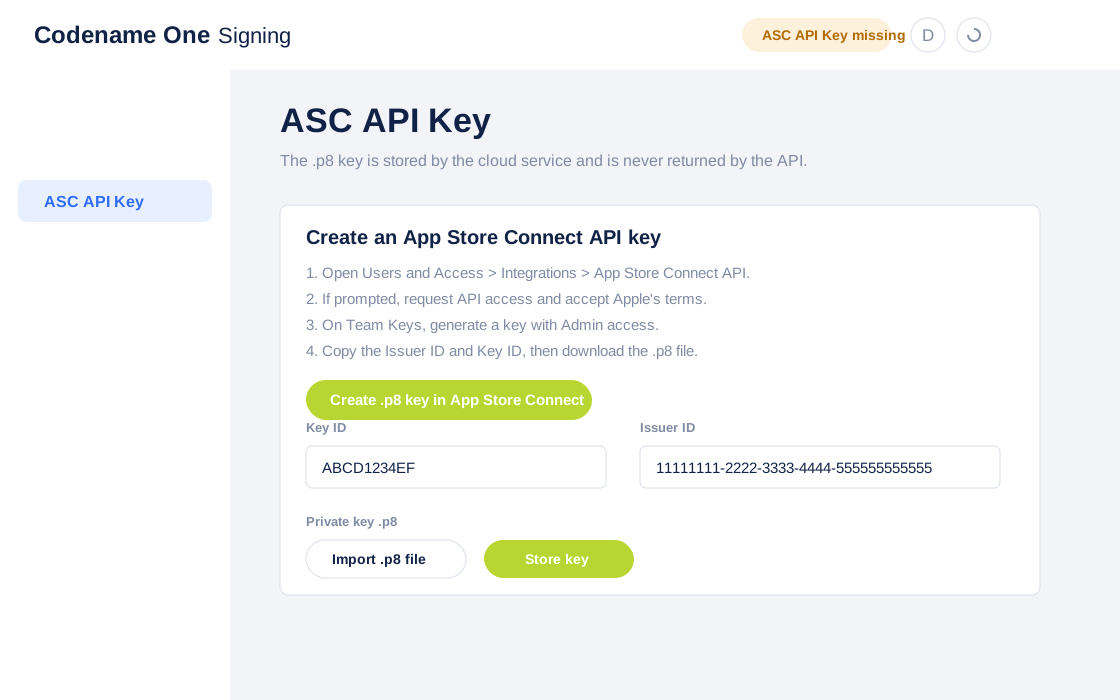
The wizard writes downloaded Apple .p12, .mobileprovision and Mac .provisionprofile files into the current project signing configuration. For a development iOS profile it updates the iOS debug settings. For an App Store iOS profile it updates the iOS release settings. For Mac profiles it updates codename1.mac.certificate, codename1.mac.certificatePassword, codename1.mac.provision and the relevant macNative.* hints.
101.2.3. Mac signing and notarization
The Mac section uses the same App Store Connect API key and the unified Apple signing API. It supports Mac App Store certificates/profiles and Developer ID certificates for direct distribution. Developer ID builds can use notarization credentials derived from the stored App Store Connect key when the build server performs notarization.
Mac native signing uses the project settings documented in the Mac native chapter:
codename1.mac.certificate: The generated or imported Mac.p12.codename1.mac.certificatePassword: The password for that.p12.codename1.mac.provision: The Mac.provisionprofile.codename1.arg.macNative.enabled=true: Enables the Mac native signing path.codename1.arg.macNative.distribution=appStoreordeveloperID: Chooses the signing channel.
101.2.4. Android signing
The Android section generates a local self-signed Android keystore using the JDK keytool executable. It stores the file under androidCerts/KeyChain.ks in the project by default and writes:
codename1.android.keystorecodename1.android.keystoreAliascodename1.android.keystorePassword
| Back up the generated keystore and password. Android apps already published with one certificate can’t be updated with a different certificate. |
101.2.5. Windows signing
The Windows section doesn’t issue certificates. Windows Authenticode certificates must come from a code-signing certificate authority or a managed signing service such as Azure Trusted Signing, DigiCert KeyLocker, GlobalSign GCC, Sectigo, or another OV/EV provider. Once you have a .pfx or .p12, configure:
codename1.windows.signing.certificatecodename1.windows.signing.passwordcodename1.windows.signing.timestamp
101.2.6. Clearing cached signing data
The Clear Signing Data section is a privacy tool, not a recommended part of normal signing setup or troubleshooting. Use it only when you need to delete cached signing data owned by the current Codename One account from the cloud signing service.
It clears stored Apple API credentials, generated certificate private keys, provisioning profile metadata, APNs keys and notarization data. It doesn’t delete assets from Apple, but future cloud builds will need signing data to be regenerated or re-imported.
101.2.7. Manual asset management
Use the individual wizard sections when you need to inspect assets, register a device, sync certificates with Apple, create an ad-hoc or Mac profile, install a specific certificate/profile pair, generate an Android keystore, or delete/revoke an obsolete asset.
The asset tables are live-filterable and sortable. Click a row to show the values returned by the signing API. Existing Apple assets can’t currently be edited through this API; for changes, create a new asset or delete/revoke the old one where Apple permits it. Destructive actions such as deleting a profile, deleting an APNs key, deleting the stored API key, or revoking a certificate prompt for confirmation.
101.2.8. Selecting devices
Development and ad-hoc provisioning profiles can only include devices that are registered on your Apple Developer account. In the standalone wizard, open the Devices section to register a device by name and UDID before creating a development or ad-hoc provisioning profile.
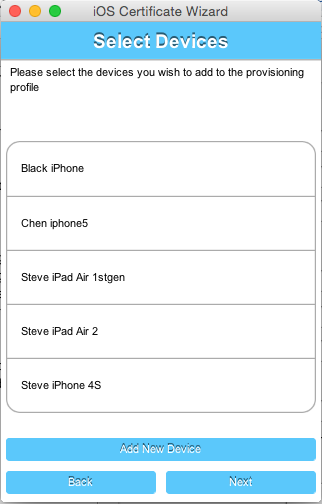
Select the ones that you want to include in your provisioning profile and click next.
| Apple allows up to 100 devices per device type (iPhone, iPad, Apple Watch, Apple TV, and Apple Vision) for testing purposes in each membership year. Make sure every device you intend to install builds on is registered here before you generate a new provisioning profile. |
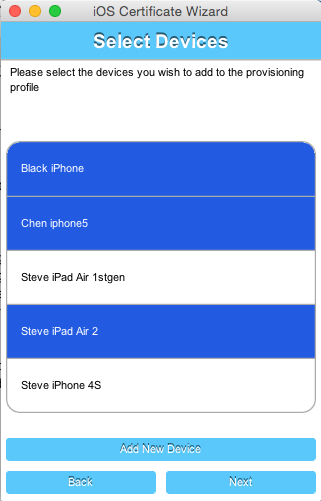
If you don’t have any devices registered yet, you can click the "Add New Device" button, which will prompt you to enter the UDID for your device.
101.2.9. Decisions & edge cases
| If you already have iOS P12 development/distribution certificates you should reuse them for all your apps from that account and you shouldn’t regenerate them |
After you click Next on the device form, the wizard checks to see if you already have a valid certificate. If your project already has a valid certificate and it matches the one that’s active in your Apple developer account, then it will use the same certificate. If the certificate doesn’t match the currently active one, or you haven’t provided a certificate, you will be prompted to overwrite the old certificate with a new one.
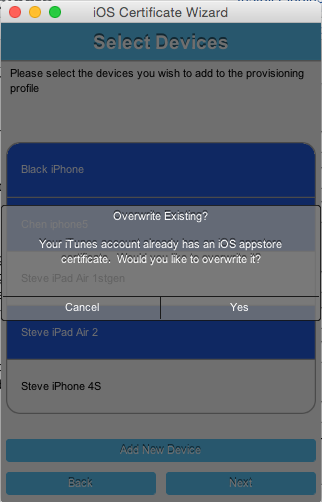
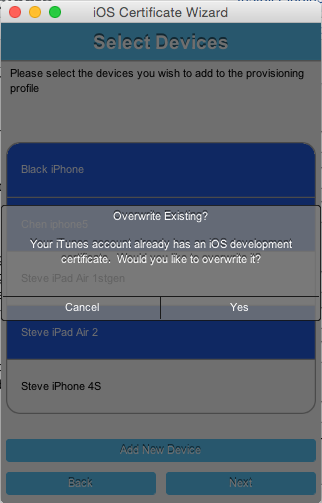
The same decision need to be made twice: Once for the development certificate, and once for the App Store distribution certificate.
| Each Apple Developer account can have three active iOS Development certificates and three active iOS Distribution certificates at a time. Reuse existing certificates whenever possible to avoid hitting this limit. |
| You can revoke a certificate when you have an application in the store shipping with said certificate! This won’t affect the shipping app see this. |
101.2.10. App IDs and provisioning profiles
The next form in the wizard asks for your app’s bundle ID. This should have been pre-filled, but you can change the app ID to a wildcard ID if you prefer.
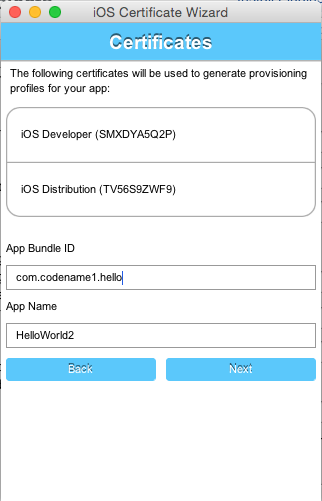
101.2.11. Installing files locally
Once the wizard is finished generating your provisioning profiles, you should click Install Locally, which will
open a file dialog for you to navigate to a folder in which to store the generated files.
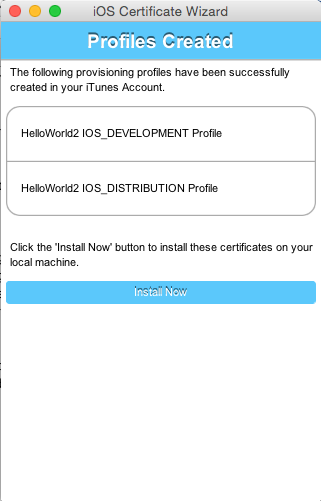
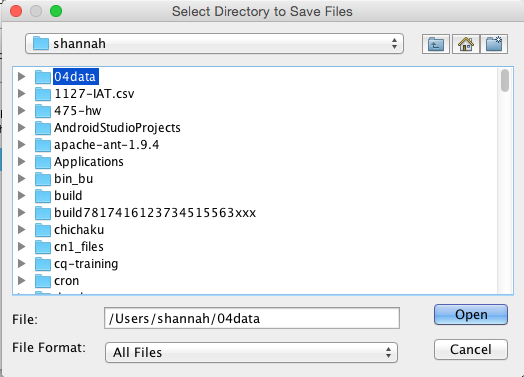
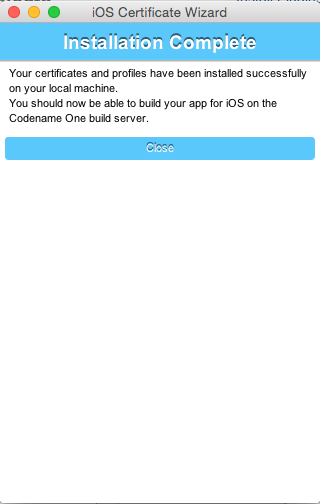
You can see the password for the P12 files in the codenameone_settings.properties file. You can use the values defined there when creating a new application |
101.2.12. Building your app
After selecting your local install location, and closing the wizard, you should see the fields of the "iOS Signing" properties panel filled in. You should now be able to send iOS debug or App Store builds without the usual hassles.
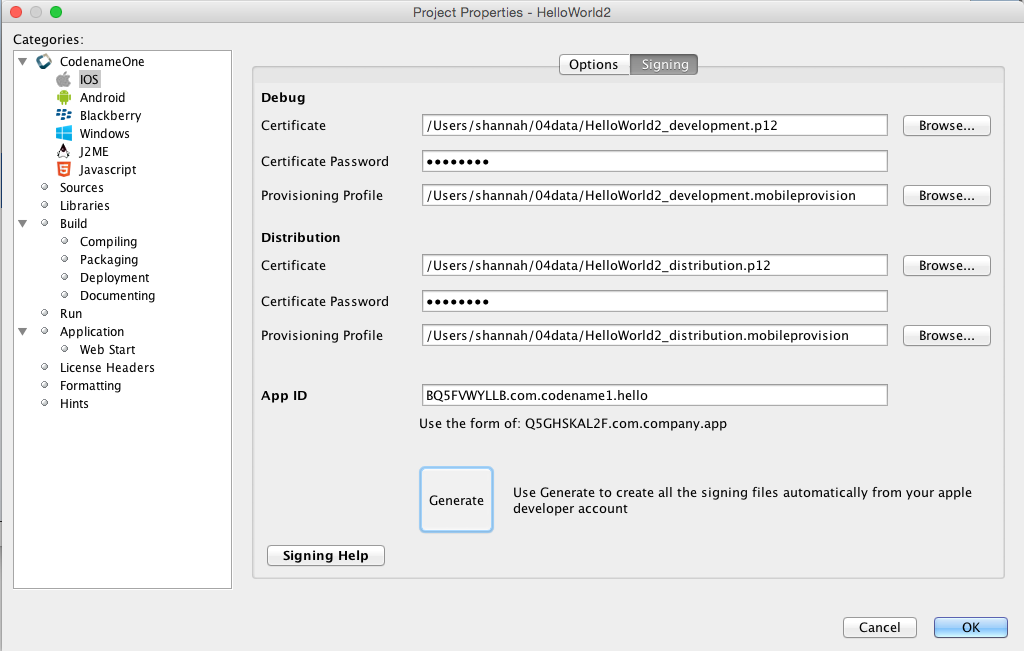
101.3. Advanced iOS signing
| You should use the Certificate Wizard, if you don’t have a Mac. This section is here for reference and edge cases that don’t work with the Certificate Wizard |
iOS signing has two distinct modes: App Store signing which is valid for distribution via App Store Connect (you won’t be able to run the resulting application without submitting it to Apple) and development mode signing.
You’ve two major files to keep track of:
Certificate - your signature
Provisioning Profile - details about the application and who is allowed to execute it
You need two versions of each file (4 total files) one pair is for development and the other pair is for uploading to App Store Connect.
| You need to use a Mac to create a certificate file for iOS |
The first step you need to do is signing up as a developer to Apple’s iOS development program, even for testing on a device this is required!
This step requires that you pay Apple on an annual basis.
The Apple website will guide you through the process of applying for a certificate at the end of this process you should have a distribution and development certificate pair. After that point you can log in to the iOS provisioning portal where there are plenty of videos and tutorials to guide you through the process. Within the iOS provisioning portal you need to create an application ID and register your development devices.
You can then create a provisioning profile which comes in two flavors:
Distribution - for building the release version of your application
Development - the development provisioning profile needs to contain the devices on which you want to test.
You can then configure the 4 files in the IDE and start sending builds to the Codename One cloud.
101.3.1. Preparing the certificates and profiles
The layout of Apple’s portal changes, so what follows are the constraints that hold whatever the current screens look like, rather than a tour of them.
The application ID you register has to match your project’s package identifier exactly. Nothing checks this while you’re filling the forms in: the mismatch surfaces later, as a build that can’t match a profile to the application.
The development profile has to name every device you intend to install on. A
device registered after the profile was generated isn’t covered by it, so the
profile has to be regenerated and downloaded again. An Ad Hoc distribution
profile works the same way. The profiles that name no devices are the ones where
you aren’t the one doing the installing: App Store, and enterprise in-house.
Apple issues certificates as .cer files, and the build servers need .p12
files. On a Mac, double-clicking a .cer imports it into Keychain Access, and
you export the development and distribution certificates from there as .p12,
choosing a password for each. Those are the passwords the next section asks for.
101.3.2. Configuring codenameone_settings.properties for manual signing
The Codename One build servers read signing assets from codenameone_settings.properties. When you bypass the Certificate Wizard, populate the following keys manually so the packaging process can locate your certificates, provisioning profiles, and keystores:
iOS
codename1.ios.debug.certificate/codename1.ios.debug.certificatePassword/codename1.ios.debug.provision: Development P12 and provisioning profile for device/debug builds.codename1.ios.release.certificate/codename1.ios.release.certificatePassword/codename1.ios.release.provision: Distribution P12 and provisioning profile for App Store/TestFlight builds.codename1.ios.certificate,codename1.ios.certificatePassword, andcodename1.ios.provision: Legacy/global defaults. The IDE uses these as fallbacks when the debug/release-specific properties are blank, so keep them aligned with your preferred certificates.codename1.ios.appext.<Name>.provision: Provisioning profile for an embedded app extension (for example the generatedCN1Widgetswidget extension), used for both build types. Addcodename1.ios.debug.appext.<Name>.provision/codename1.ios.release.appext.<Name>.provisionto use the development profile for device/debug builds and the distribution profile for release builds; the variant matching the build target wins and the unqualified key is the fallback.
Paths may be absolute or relative to the project directory. The passwords must match the values you used when exporting the P12 files from Keychain Access.
Android
codename1.android.keystore: Path to the Android keystore (.ksor.keystore).codename1.android.keystorePassword: Password protecting the keystore and key entry.codename1.android.keystoreAlias: Alias of the keypair used to sign the APK/AAB.
If the keystore fields are empty the Maven and Ant builders will create a default keystore, but production apps should commit the real paths and credentials so reproducible builds use your long-lived signing key.
101.3.3. iOS code signing failure checklist
Below is a list of common issues when singing and a set of suggestions for things to check. Notice that some of these signing failures will sometimes manifest themselves during build and sometimes will manifest during the installation of the application.
| Most of these issues aren’t applicable when using the wizard for example, a Mac isn’t required for the Certificate Wizard as it uses the Codename One cloud |
You must use a Mac to generate P12 certificates manually. The workaround you found is the Certificate Wizard!
Notice that this is something you need to do once a year (generate P12), you will also need a Mac to upload your final app to the store now.
When exporting the P12 certificate make sure that you selected BOTH the public and the private keys as illustrated here. If you see one entry (no private key) then you created the CSR (singing request) on a different machine than the one where you imported the resulting CER file.
 Figure 360. p12 export
Launch Codename One Settings with
mvn cn1:settingsand make sure the Package Name in Basic matches the App ID used by the provisioning profile.Make sure the App ID prefix in the provisioning profile matches the prefix assigned by Apple. The standalone Certificate Wizard handles this automatically for profiles it creates.
Make sure your provisioning profile’s app ID matches your package name or is a * provisioning profile. Both are sampled in the pictures below, notice that you would need an actual package name for push/in-app purchase support as well as for app store distribution.
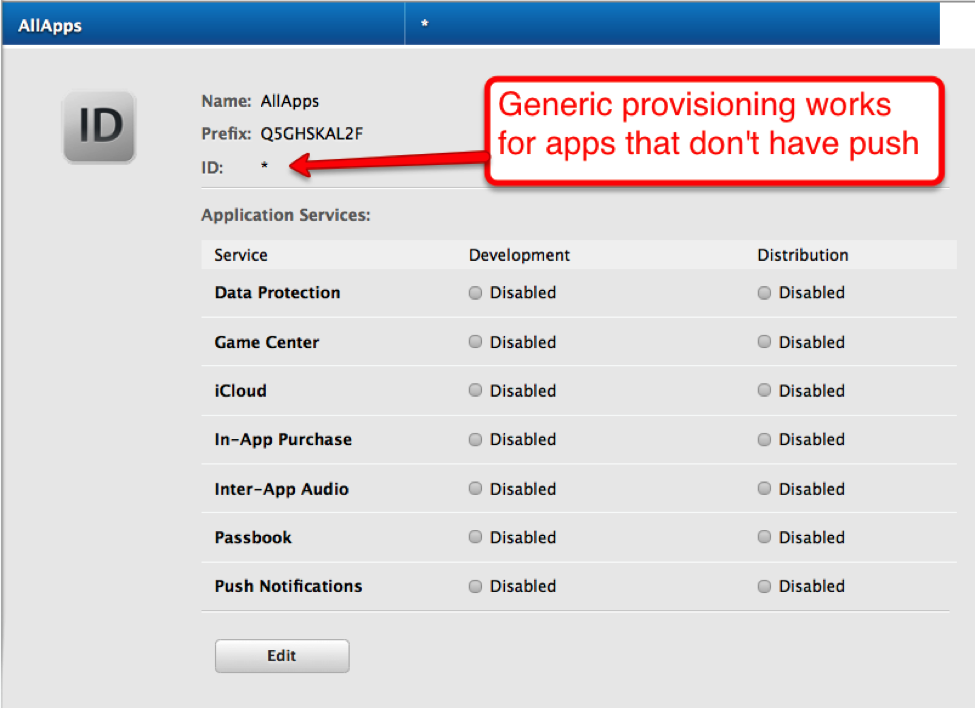 Figure 361. The star (*) Provisioning Profile
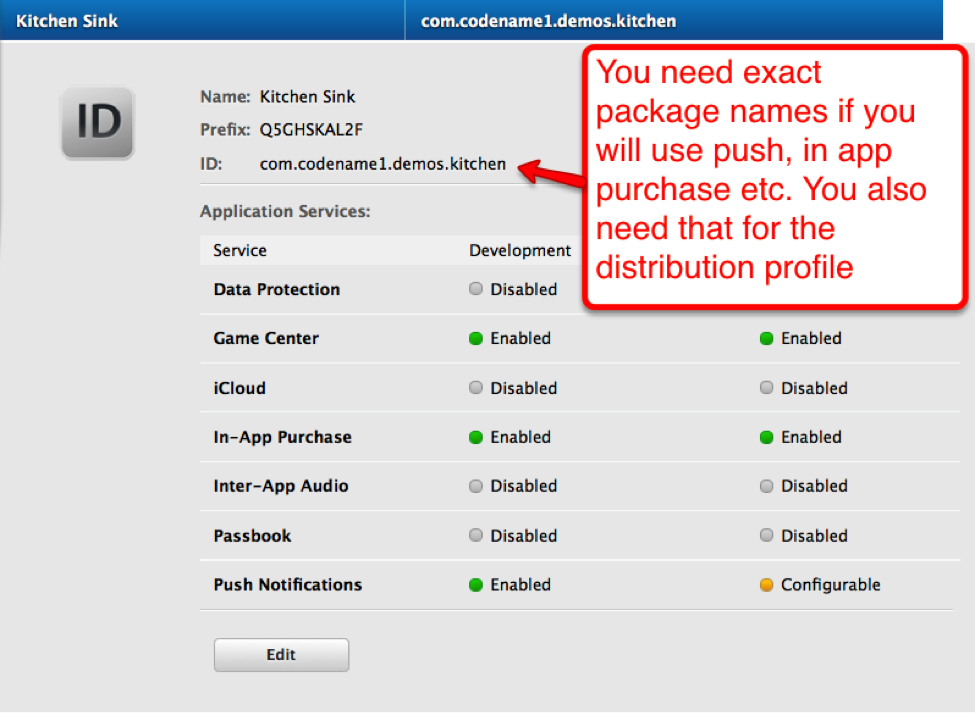 Figure 362. Provisioning Profile with app ID
Make sure the certificate and provisioning profile are from the same source (if you work with multiple accounts), notice that provisioning profiles and certificates expire so you will need to regenerate provisioning when your certificate expires or is revoked.
If you declare push in the provisioning profile then
ios.includePush(in the build arguments) MUST be set to true, otherwise it MUST be set to false (see pictures below). Notice that this should be configured via the UI in the iOS section. The build server automatically enables the notification entitlement when your project usesLocalNotification, even ifios.includePushis false, so don’t try to disable the entitlement manually to "fix" warning messages from App Store Connect.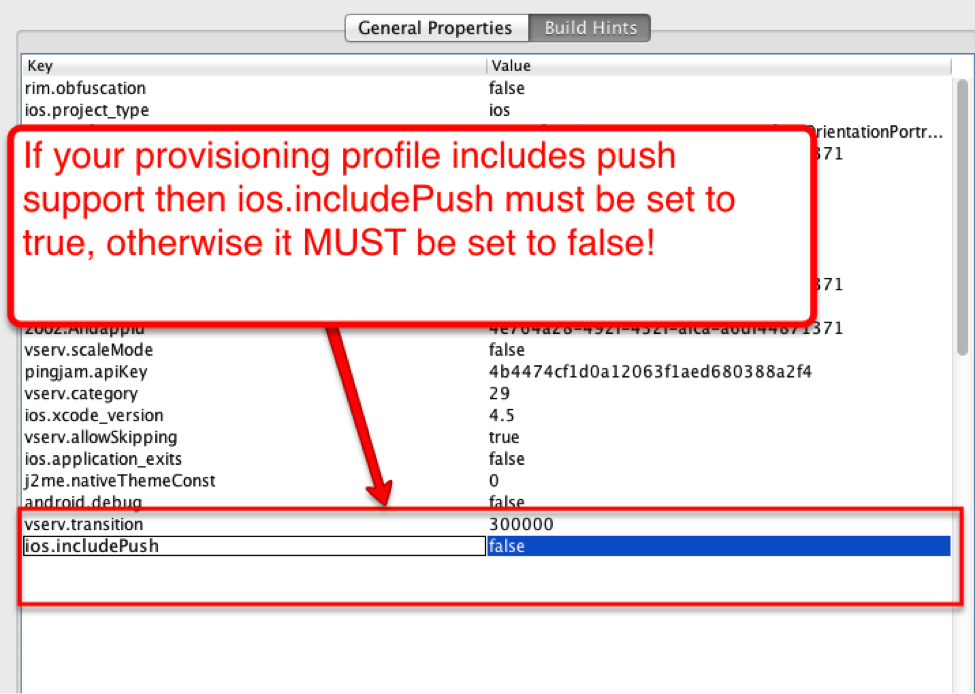 Figure 363. Include push build hint
101.4. Android
Signing Android applications is trivial when compared to the pain of iOS signing.
The Certificate Wizard generates a keystore for you. One keystore can sign every application you ship, though some developers prefer one per application, so that an application can be handed over to someone else later without also handing over the key to all the others.
101.4.1. Generating an Android certificate manually
You need the JDK’s keytool executable (it should be under the JDK’s bin directory) and execute the following command:
keytool -genkey -keystore Keystore.ks -alias [alias_name] -keyalg RSA -keysize 2048 -validity 15000 -dname "CN=[full name], OU=[ou], O=[comp], L=[City], S=[State], C=[Country Code]" -storepass [password] -keypass [password]
The elements in the brackets should be filled up based on this:
Alias: [alias_name] (just use your name/company name without spaces) Full name: [full name] Organizational Unit: [ou] Company: [comp] City: [City] State: [State] CountryCode: [Country Code] Password: [password] (we expect both passwords to be identical)
Executing the command produces a Keystore.ks file in that directory. Keep it safe: if you lose it, you can no longer publish upgrades signed with the same identity. Enter its path, alias, and passwords in common/codenameone_settings.properties, or use the Android page in the standalone Certificate Wizard (mvn cn1:certificatewizard) to generate and install a keystore.
For more details see https://developer.android.com/studio/publish/app-signing
102. App Store Submission and Deployment
Once a build is signed you still have to get it in front of users: upload the binary, fill in the release notes, set the store listing, and send it for review — on every store where your users are. Codename One automates that last mile as a one-stop shop. From the build console you can submit a finished build to the App Store, the Mac App Store, Google Play, and Huawei AppGallery with one click, manage the store listing itself — title, description, keywords, what’s-new, screenshots — as code in your project, and produce per-store Android packages so you can reach the large Android audience that isn’t on Google Play.
Reaching those audiences doesn’t depend on, and can’t be restricted by, any single store. Google Play always receives the standard, unmodified Android App Bundle, so your Play listing follows Google’s rules exactly; the additional channels (AppGallery and other Android markets) are separate artifacts delivered to separate stores.
This chapter covers the end-to-end flow, credentials, the metadata-as-code workflow, and multi-store Android distribution. It builds on Signing: submission reuses the same App Store Connect API key the certificate wizard configures.
102.1. What it does, and what it doesn’t
Automated submission delivers the binary and applies your release metadata to an existing app on the store. It doesn’t create the app for you.
| You must create the app once, by hand, in App Store Connect and/or the Google Play Console before you can submit to it. Neither store’s API can register a brand-new app, set up pricing, in-app purchases, the privacy questionnaire, or the content-rating questionnaire — those remain one-time manual steps in the store consoles. After that, every release’s binary and listing can be shipped automatically. |
Three things are worth separating, because they happen at different times:
The app record — the listing shell in the store. Created once, manually, and exists before any build.
The binary — produced by your build, delivered when you submit.
The metadata — description, what’s-new, screenshots. Managed as code and applied when you submit. Metadata attaches to the app record and the new version, not to the binary, so there’s no chicken-and-egg problem: the app already exists on the store by the time you build.
102.2. Prerequisites
102.2.1. Store credentials
Apple. Submission uses the App Store Connect API key described under
the certificate wizard. If you have already run
mvn cn1:certificatewizard and stored the key, you are ready — the same key that
creates certificates and profiles also uploads builds and manages listings.
Google. Create a Google Play service account with the Android Publisher role in the Google Play Console (API access > Service accounts), download its JSON key, and add it to the build console’s submission credentials page. The console shows which stores are connected.
Huawei. In AppGallery Connect, create an API client under Users and permissions > API client and note its Client ID and Client Secret, then add them on the same submission credentials page. The app must already exist in AppGallery Connect (submission binds to the app resolved from your package name).
The Submissions page shows a connect card for each store you haven’t configured yet; fill one in and save to enable one-click submission to that store.
102.2.2. Beta vs production
When you submit you choose a destination. Beta means TestFlight (Apple) or the internal-testing track (Google). Production means App Store review (Apple) or the production track (Google).
102.3. Submitting a build from the console
On any successful build the console shows a Submit action for each store the build can go to:
Submit to App Store — when the build produced an iOS
.ipa.Submit to Mac App Store — when the build produced a native macOS
.pkg(see the Working with macOS chapter). An iOS build that also produced a.pkgoffers both.Submit to Google Play — for an Android build.
Submit to AppGallery — for an Android build, to Huawei AppGallery. Production sends the build for review; the beta destination uploads it and leaves it as a draft for you to promote or open-test.
The submit dialog lets you pick the destination (Beta or Production) and add release notes for this submission, then delivers the binary. For an Apple production submission the console then tracks the App Store review state (processing → in review → approved/rejected) and can email you when the state changes. Google submissions and TestFlight deliveries complete as soon as the binary is delivered.
| Submitting to Production on Apple opens an App Store review submission automatically. Submitting to Beta delivers to TestFlight without opening a review. |
102.4. Metadata as code
Release metadata — the store listing text and screenshots — can live in your project as a folder of plain text and image files, versioned in git alongside your code, and pushed to the stores with a single command. This makes your listing reproducible and CI-drivable: generate release notes from your changelog, push, and the next submission applies it to both stores. It’s the alternative to typing the same fields into two different web consoles by hand for every release.
102.4.1. The metadata folder
By default the goal reads a cn1-metadata folder next to your
codenameone_settings.properties. It’s organized by store, then locale, with one
plain text file per listing field:
cn1-metadata/
apple/
primary_locale.txt (optional; defaults to the first locale)
primary_category.txt (optional; an App Store Connect category id)
secondary_category.txt (optional)
en-US/
name.txt (app name, max 30 chars)
subtitle.txt (max 30 chars)
description.txt (max 4000 chars)
keywords.txt (comma separated, max 100 chars)
promotional_text.txt (max 170 chars)
whats_new.txt (release notes for this version)
marketing_url.txt
support_url.txt
privacy_url.txt
screenshots/
APP_IPHONE_67/1.png 2.png ...
APP_IPAD_PRO_129/1.png ...
google/
en-US/
name.txt (listing title, max 30 chars)
subtitle.txt (short description, max 80 chars)
description.txt (full description, max 4000 chars)
whats_new.txt (release notes, max 500 chars)
support_url.txt
screenshots/
phoneScreenshots/1.png 2.png ...
tenInchScreenshots/1.png ...Every file is optional; a field you don’t include keeps whatever value the store
already has. The same neutral file names map to each store’s fields (for example
subtitle.txt becomes the App Store subtitle and the Google Play short
description). Fields a store doesn’t have (Apple keywords/promotional_text)
are simply ignored for the other store.
The screenshots/<dir> sub-folders are named with each store’s own type
identifiers: App Store screenshotDisplayType values (for example
APP_IPHONE_67) for Apple, and listing imageType values (for example
phoneScreenshots) for Google. Images are uploaded in filename order.
You don’t have to create the folder by hand. Run mvn cn1:metadata-init to
scaffold cn1-metadata with an empty template of the field files, a screenshots
folder, and a README, ready to fill in: |
+
mvn cn1:metadata-init # apple + google, en-US
mvn cn1:metadata-init -Dstore=apple -Dlocale=fr-FR+ It only creates what’s missing, so it’s safe to re-run (for example to add a new locale) — it never overwrites files you’ve already filled in.
102.4.2. Pushing the metadata
Run the goal from your project; it authenticates with the same Codename One
account your builds use (run mvn cn1:certificatewizard once to sign in, or pass
-Dtoken=):
# push both stores from cn1-metadata/
mvn cn1:metadata-push
# or a single store
mvn cn1:metadata-push -Dstore=apple
# override the folder or the package id if needed
mvn cn1:metadata-push -DmetadataDir=path/to/metadata -Dpackage=com.example.appThe package id defaults to codename1.packageName from
codenameone_settings.properties. The goal validates every field against the
store’s limits before storing it, so an over-long name or a malformed URL fails
fast with a clear message. Wire it into CI to keep the stored listing in sync with
your repo.
metadata-push uploads the descriptor and screenshots to Codename One; it
does not submit. The stored metadata is applied to the store the next time you
submit a build for that package. |
102.4.3. When and how it’s applied
At submission time the stored descriptor is applied to the store automatically:
Apple — applied to the production App Store version (App Store review), while the version is still editable. TestFlight has no store listing, so beta Apple submissions don’t apply listing metadata.
Google — applied to the listing on the edit that publishes the binary, on any track.
Applying metadata is best-effort: the binary is delivered first, so a rejected field (say a name that’s too long, or a locale the app hasn’t enabled) never blocks the submission — it’s recorded as a warning you can see in the console, and the rest of the listing still applies. You can always fix a field by hand in the store console afterward.
102.4.4. Screenshots aren’t stored long-term
Screenshots are a transient pass-through: metadata-push uploads them, the next
submission delivers them to the store, and they’re then deleted from Codename
One’s servers. Keep the canonical images in your repo (that’s the point of
managing them as code) and re-push when they change. Text descriptors are retained
until you delete them, your account is deleted, or they go unused for about a year.
Per-image limits: up to 10 MB, PNG or JPEG, and at most 10 screenshots per locale and display type (the stores' own limit).
102.5. Reaching Android users beyond Google Play
A large share of Android users — most of the market in China, and many devices elsewhere — can’t install from Google Play. Reaching them means shipping to other Android stores: Huawei AppGallery, and the many app markets run by device makers and carriers (Xiaomi, OPPO, VIVO, Tencent MyApp, Baidu, 360 and others). Codename One makes your app available on those stores without changing how you build or locking you to any of them.
Huawei AppGallery is a first-class submission target, exactly like the App Store or Google Play (see Submitting a build above). For the remaining Android markets, Codename One produces distribution-channel packages.
102.5.1. Distribution-channel packages
Most of these stores accept a plain, self-signed APK rather than an App Bundle, and they attribute each download and its revenue to the store it came from. A distribution-channel package is your signed release APK stamped with a store identifier — one APK per store, all built from the same release.
You choose the stores; the build produces one package per store, each carrying its
channel id. Your app reads that id at runtime with
Display.getInstance().getProperty("DistributionChannel", "") — an empty string
for a normal Google Play build — so you can report the install source (to your own
analytics or the store’s) without adding any third-party channel SDK. Codename One
writes the id and reads it back for you.
| Google Play is never a channel package. Play always receives the standard, unmodified Android App Bundle, so nothing about this feature affects your Play listing or its compliance — the channel packages are separate APKs for separate stores. |
Sensible defaults keep this simple: enable it and you get packages for the major Android markets out of the box, and you can narrow or extend the channel list to match the stores you actually publish to. Each package is signed with your app’s release key, so every store receives a signed, installable APK.
102.6. Benefits over editing the stores by hand
Managing submission and metadata through Codename One pays off most for teams, frequent releases, many locales, or many apps:
Automated release notes. Generate what’s-new from your changelog and ship it to both stores on every release — the one field that always changes.
One source, two stores. A single descriptor fans out to App Store Connect and Google Play, which have different fields and limits.
Reproducible and reviewable. The listing lives in git, versioned and code-reviewed like everything else. Console edits have no history.
Localization at scale. Localized listings are just files, and can be generated or translated in a pipeline.
Fewer console logins. Team members who ship releases don’t each need App Store Connect or Play Console access; they ship through the build pipeline instead.
For a single app with infrequent updates, editing the store console by hand is fine — the payoff scales with how often you release and how many listings you maintain.
Platform guides
103. Working with iOS
103.1. Troubleshooting iOS debug build installs
If you’ve access to a Mac, connect the device, open Xcode, and use the device explorer console to inspect messages that may explain what went wrong. If not, check the following:
Make sure the build is the debug version and not the App Store version. The App Store version won’t install on the device and can be distributed through Apple’s store or TestFlight.
Check that the UDID is correct. If you got the UDID from an app, it’s probably wrong because apps no longer have access to the device UDID. Get it from the iOS Settings app or iTunes.
Make sure the device isn’t locked for installing third-party apps. This can happen on devices configured with parental controls.
Check that you own the package name. For example, if you earlier installed an app with the same package name but a different certificate, a new install will fail. This is true for Android too. If you installed the kitchen sink from the store and then built your own app with the same package name, the installation will collide.
This can be a problem if you use a generic package name that someone else already claimed, so use your own domain.
Make sure the device has a recent enough version of iOS for the dependencies. Codename One builds target iOS 14 unless you say otherwise, and never drop below iOS 13 whatever is asked for. Raise the floor with the
ios.deployment_targetbuild hint when a library needs a newer version.Verify that you’re using Safari when installing on the device. If you used a cable, that isn’t a problem. Some developers had issues with Firefox not launching the install process.
Check that the
ios.includePushbuild hint matches your iOS provisioning. It must be false if your provisioning profile doesn’t include push.
103.2. Launch screen best practices
Every iOS build declares a launch screen. Apps linked with the iOS 27 SDK or later are rejected unless the bundle declares one of UILaunchStoryboardName, UILaunchStoryboards, UILaunchScreen or UILaunchScreens, and UIRequiresFullScreen isn’t a substitute for any of them. The build checks the finished Info.plist and fails if none of the four is there, so an ios.plistInject that removes the generated key stops the build rather than producing an archive the App Store refuses.
What the build declares by default is UILaunchScreen: the system background color, which follows light and dark mode on its own, with Launch.Foreground.png centered on it. That’s deliberate rather than a simplification. Every Codename One app runs on the UIScene lifecycle, and SplashBoard doesn’t render a launch storyboard for a scene-based app — it animates from a black frame instead. Since iOS prefers the storyboard whenever both keys are present, declaring one would mean a black launch.
You can still take the storyboard, and the build still ships LaunchScreen.storyboard for you to point at. Declare the key yourself, which overrides the generated one:
codename1.arg.ios.plistInject=<key>UILaunchStoryboardName</key><string>LaunchScreen</string>Do that only if you’ve verified the result on the devices you ship to. The same applies to UILaunchStoryboards and UILaunchScreens: declare either one through ios.plistInject and the build leaves your launch experience alone.
The ios.generateSplashScreens, ios.uiscene and ios.launchStoryboardName build hints have been removed, and a build that still sets one fails with a message explaining what replaced it. The first named the pre-storyboard Default*.png generator, which iOS stopped using long ago; the second selected the legacy UIApplicationDelegate lifecycle, which Apple no longer permits; the third named the storyboard for a key only that legacy lifecycle emitted.
103.2.1. Key files
The build provides the default launch screen automatically. Customize it by adding either of the following files under your project’s ios/src/main/resources directory:
Launch.Foreground.png- Shown in the center of the screen instead of your app icon. Used by the defaultUILaunchScreen.Launch.Background.png- Drawn behind the content to provide a color or illustration. Read byLaunchScreen.storyboard, so it only applies if you opt into the storyboard as shown above.
You can also replace LaunchScreen.storyboard itself with a custom storyboard created in Xcode.
103.2.2. Designing a flexible Layout
Keep the launch storyboard simple and static. The layout is rendered before your app code runs, so avoid views that depend on live data or animation. Follow these guidelines when editing LaunchScreen.storyboard in Xcode:
Use Auto Layout constraints and safe-area guides so the design scales to every device, including split view on iPad.
Prefer system colors or vector/PDF assets for logos so the result stays crisp on high-density screens and supports Dark Mode.
Reserve text for short taglines or status messages that don’t need localization at launch. Dynamic localization isn’t available.
Avoid referencing application delegate outlets or custom classes. Only design-time UIKit elements are supported.
103.2.3. Asset reference
The default storyboard expects PNG assets with the following characteristics. All sizes are specified in points (pt). Supply @2x and @3x variants for Retina displays when possible.
| Asset | Purpose | Suggested 1x dimensions | Notes |
|---|---|---|---|
| Brand mark centered on screen | 152×152 | Provide optional |
| Full-screen backdrop, storyboard only | 1024×1024 | Supply complementary |
| Complete custom layout | N/A | Only used if you declare |
103.2.4. Testing changes
| Changes to the launch screen don’t take effect until the device has been restarted. If you install your app on a device, then change the launch screen and update the app, the launch screen won’t change until the device is restarted. |
When iterating locally with a Mac, open the generated Xcode project and run it on a device or simulator to verify that the layout adapts. On Windows or Linux, submit a TestFlight or Ad-Hoc build and check on hardware before shipping.
103.3. Local notifications on iOS and Android
Local notifications are like push notifications, except that they’re initiated locally by the app, rather than remotely. They’re useful for communicating information to the user while the app is running in the background, since they manifest themselves as pop-up notifications on supported devices.
To set the notification icon on Android place a 24×24 icon named ic_stat_notify.png under android/src/main/resources. The icon can be white with transparency areas |
103.3.1. Sending notifications
The process for sending a notification is:
Create a LocalNotification object with the information you want to send in the notification.
Pass the object to
Display.scheduleLocalNotification().
Notifications can either be set up as one-time or as repeating.
Example sending notification
On iOS, scheduling a local notification with an id that already exists now replaces the earlier scheduled notification with that same id instead of keeping duplicates. |
The resulting notification will look like
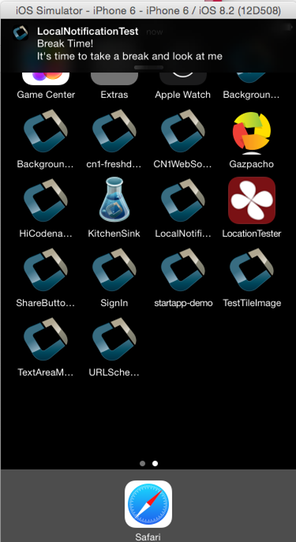
103.3.2. Receiving notifications
The API for receiving/handling local notifications is also like push. Your application’s main lifecycle class needs to implement the com.codename1.notifications.LocalNotificationCallback interface which includes a single method:
public void localNotificationReceived(String notificationId) {
}The notificationId parameter will match the id value of the notification as set using LocalNotification.setId().
Example receiving notification
localNotificationReceived() is called when the user responds to the notification by tapping on the alert. If the user doesn’t click on the notification, then this event handler will never be fired. |
103.3.3. Canceling notifications
Repeating notifications will continue until they’re canceled by the app. You can cancel a single notification by calling:
Display.getInstance().cancelLocalNotification(notificationId);Where notificationId is the string id that was set for the notification using LocalNotification.setId().
103.4. iOS beta testing (testflight)
Apple provides the ability to distribute beta versions of your application to beta testers using testflight. This allows you to recruit up to 1000 beta testers without the typical UDID limits a typical Apple account has.
| This is supported for pro users as part of the crash protection feature. |
To take advantage of that capability use the build hint ios.testFlight=true and then submit the app to the store for
beta testing. Make sure to use a release build target.
103.5. Metal renderer
iOS builds render through Metal. The pipeline drives a CAMetalLayer; there is no second renderer to choose between, and nothing to configure to get it.
103.6. Choosing a color space for the Metal renderer
The CAMetalLayer is configured with the sRGB color space. CG-rasterized images and gradients, which are tagged DeviceRGB in their CGBitmapContext, are displayed with the brightness their tag implies.
For most apps the default is the right choice. Apps that need a different color profile — for example, wide-gamut artwork that should be displayed in Display P3, or a strictly device-RGB pipeline that matches a custom rendering toolchain — can override the choice with the ios.metal.colorSpace build hint:
| Value | Effect |
|---|---|
| Sets |
| Sets |
| Calls |
| Sets |
| Sets |
| Sets |
| Leaves |
103.7. Accessing insecure URLs
Due to security exploits Apple blocked some access to insecure URLs which means that http code that worked before could stop working for you on iOS 9+. This is a good move, you should use https and avoid http as much as possible but that’s sometimes impractical when working with an internal or debug environment.
You can disable the strict URL checks from Apple by using the venerable ios.plistInject build hint and setting it to:
<key>NSAppTransportSecurity</key><dict><key>NSAllowsArbitraryLoads</key><true/></dict>For example, it seems that Apple will reject your app if you include that and don’t have a good reason.
103.8. Using Cocoapods
| CocoaPods remains fully supported, but it’s no longer the only supported iOS dependency path. Swift Package Manager (SPM) is also supported. The current guidance is documented in this section. |
CocoaPods is a dependency manager for Swift and Objective-C Cocoa projects. It has over eighteen thousand libraries and can help you scale your projects. Cocoapods can be used in your Codename One project to include native iOS libraries without having to go through the hassle of bundling the actual library into your project. Rather than bundling .h and .a files in your ios/src/main/resources directory, you can specify which "pods" your app uses through the ios.pods build hint. (Other build hints also exist if you need more advanced features.)
Examples
Include the AFNetworking library in your app:
ios.pods=AFNetworking
Include the AFNetworking version 3.0.x library in your app:
ios.pods=AFNetworking ~> 3.0
For full versioning syntax specifying pods see the Podfile spec for the "pod" directive.
103.8.1. Including multiple pods
Multiple pods can be separated by either commas or semi-colons in the value of the ios.pods build hint. For example: To include GoogleMaps and AFNetworking, you could:
ios.pods=GoogleMaps,AFNetworking
Or specifying versions:
ios.pods=AFNetworking ~> 3.0,GoogleMaps
103.8.2. Other pod related build hints
ios.pods.platform : The least platform to target. Sometimes, Cocoapods require functionality that isn’t in older version of iOS. For example, the GoogleMaps pod requires iOS 7.0 or higher, so you would need to add the ios.pods.platform=7.0 build hint.
ios.pods.sources : Some pods require that you specify a URL of the source of the pod spec. This may be optional if the spec is hosted in the central CocoaPods source (https://github.com/CocoaPods/Specs.git).
103.8.3. Converting PodFile to build hints
Most documentation for Cocoapods "pods" provide instructions on what you need to add to your Xcode project’s PodFile. Here is an example from the GoogleMaps cocoapod to show you how a PodFile can be converted into equivalent build hints in a Codename One project.
The GoogleMaps cocoapod directs you to add the following to your PodFile:
source 'https://github.com/CocoaPods/Specs.git' platform :ios, '7.0' pod 'GoogleMaps'
This would translate to the following build hints in your Codename One project:
ios.pods.sources=https://github.com/CocoaPods/Specs.git ios.pods.platform=7.0 ios.pods=GoogleMaps
(Note that the ios.pods.sources directive is optional).
103.9. Using Swift package manager
Swift Package Manager can be used as an alternative to CocoaPods for remote Swift package dependencies on iOS. Select the dependency path with ios.dependencyManager. Supported values are auto, CocoaPods, spm, and both.
For an SPM-only configuration, declare the packages in ios.spm.packages using the format <identity>|<url>|<requirement> and then declare the products to link using ios.spm.products.<identity>.
ios.dependencyManager=spm ios.spm.packages=swift-collections|https://github.com/apple/swift-collections.git|from:1.1.0 ios.spm.products.swift-collections=Collections
Supported need formats are from:, exact:, branch:, revision:, and range:.
ios.dependencyManager=auto preserves backward compatibility. Existing projects with ios.pods continue to use CocoaPods. Projects with ios.spm.* use SPM. If both hint families are present, both are applied.
Explicit dependency-manager modes are validated rather than dropping
dependencies. ios.dependencyManager=spm fails when the project or a built-in
API requires a CocoaPod; use auto or both. Likewise,
ios.dependencyManager=none fails while pod or SPM hints are present; remove
the dependency hints only if suppression is intentional, or switch to
auto. This is a migration-visible change for older projects that used
spm or none to ignore declared native dependencies.
103.10. Including dynamic frameworks
If you need to use a dynamic framework (for example: SomeThirdPartySDK.framework), and it isn’t available through CocoaPods, then you can add it to your project by zipping up the framework and copying it to ios/src/main/resources.
For example: ios/src/main/resources/SomeThirdPartySDK.framework.zip
No build hints necessary for this approach. The build server will automatically detect the framework and link it into your app.
104. Working with JavaScript
This section covers the Codename One JavaScript port, which allows you to compile your app as native JavaScript and run it inside a browser. This is different from the BrowserComponent and other methods of displaying HTML/JavaScript inside a Codename One app.
104.1. Choosing the JavaScript compiler
JavaScript builds use the ParparVM-based JavaScript port by default. The same builder is available to all Codename One accounts and is also used by the local local-javascript Maven target.
Cloud builds retain the original TeaVM port as a public fallback. Select the compiler with the javascript.port build hint:
| Value | Behavior |
|---|---|
| Use the current ParparVM/JavaScriptPort builder. This is the default. |
| Use the legacy TeaVM builder. |
For example, add javascript.port=teavm to codenameone_settings.properties to diagnose a ParparVM-specific regression. An unknown value fails the build instead of selecting a different compiler.
104.2. Troubleshooting build errors
If your JavaScript build fails, download the error log and inspect the first compiler error. The following error applies specifically to the fallback TeaVM builder:
"Method XXX wasn’t found"
TeaVM uses its own Java runtime library. It’s complete, but you may occasionally run into methods that haven’t been implemented. If you run into errors saying that certain classes or methods weren’t found, please post them to the Codename One issue tracker. You can also work around these by changing your own code to not use such functions. If this missing method doesn’t fall on a critical path on your app, you can also force the app to still build despite this error by adding the javascript.stopOnErrors=false build hint.
104.3. ZIP, WAR, or preview: What’s the difference
The default ParparVM builder produces a static browser ZIP and, unless proxy packaging is disabled or an external proxy is configured, a deployable proxy bundle. The deployable bundle is a Jakarta Servlet WAR by default. Use javascript.proxy.target to select another deployment platform as described in Section 104.4, “Setting up a proxy for network requests”.
The legacy TeaVM builder can result in up to three different bundles:
YourApp-1.0.war
YourApp-1.0.zip
YourApp-1.0-Preview.html
YourApp-1.0.war is the legacy TeaVM self-contained application bundle. It can be installed in a Java EE servlet container and includes the old javax.servlet proxy implementation. New ParparVM builds use the current proxy profiles below and default to Jakarta Servlet.
As an example, the PropertyCross.war file contains the following files:
$ jar tvf PropertyCross-1.0.war
0 Thu Apr 30 15:57:38 PDT 2015 META-INF/
132 Thu Apr 30 15:57:36 PDT 2015 META-INF/MANIFEST.MF
0 Thu Apr 30 15:57:36 PDT 2015 assets/
0 Thu Apr 30 15:57:36 PDT 2015 assets/META-INF/
0 Thu Apr 30 15:57:36 PDT 2015 js/
0 Thu Apr 30 15:57:36 PDT 2015 teavm/
0 Thu Apr 30 15:57:36 PDT 2015 WEB-INF/
0 Thu Apr 30 15:57:36 PDT 2015 WEB-INF/classes/
0 Thu Apr 30 15:57:36 PDT 2015 WEB-INF/classes/com/
0 Thu Apr 30 15:57:36 PDT 2015 WEB-INF/classes/com/codename1/
0 Thu Apr 30 15:57:36 PDT 2015 WEB-INF/classes/com/codename1/corsproxy/
0 Thu Apr 30 15:57:36 PDT 2015 WEB-INF/lib/
27568 Thu Apr 30 15:57:12 PDT 2015 assets/CN1Resource.res
306312 Thu Apr 30 15:57:12 PDT 2015 assets/iOS7Theme.res
427737 Thu Apr 30 15:57:12 PDT 2015 assets/iPhoneTheme.res
350 Thu Apr 30 15:57:12 PDT 2015 assets/META-INF/MANIFEST.MF
92671 Thu Apr 30 15:57:12 PDT 2015 assets/theme.res
23549 Thu Apr 30 15:57:14 PDT 2015 icon.png
2976 Thu Apr 30 15:57:14 PDT 2015 index.html
30695 Thu Apr 30 15:57:12 PDT 2015 js/fontmetrics.js
84319 Thu Apr 30 15:57:12 PDT 2015 js/jquery.min.js
13261 Thu Apr 30 15:57:12 PDT 2015 progress.gif
2816 Thu Apr 30 15:57:12 PDT 2015 style.css
1886163 Thu Apr 30 15:57:36 PDT 2015 teavm/classes.js
359150 Thu Apr 30 15:57:36 PDT 2015 teavm/classes.js.map
1147502 Thu Apr 30 15:57:36 PDT 2015 teavm/classes.js.teavmdbg
30325 Thu Apr 30 15:57:36 PDT 2015 teavm/runtime.js
1011 Thu Apr 30 15:57:18 PDT 2015 WEB-INF/classes/com/codename1/corsproxy/CORSProxy.class
232771 Wed Nov 05 17:35:12 PST 2014 WEB-INF/lib/commons-codec-1.6.jar
62050 Wed Apr 15 14:35:56 PDT 2015 WEB-INF/lib/commons-logging-1.1.3.jar
590004 Wed Apr 15 14:35:58 PDT 2015 WEB-INF/lib/httpclient-4.3.4.jar
282269 Wed Apr 15 14:35:56 PDT 2015 WEB-INF/lib/httpcore-4.3.2.jar
14527 Wed Apr 15 14:35:56 PDT 2015 WEB-INF/lib/smiley-http-proxy-servlet-1.6.jar
903 Thu Apr 30 15:57:12 PDT 2015 WEB-INF/web.xml
9458 Thu Apr 30 15:57:14 PDT 2015 META-INF/maven/com.propertycross/PropertyCross/pom.xml
113 Thu Apr 30 15:57:36 PDT 2015 META-INF/maven/com.propertycross/PropertyCross/pom.propertiesSome things to note in this file listing:
The index.html file is the entry point to the application.
CORSProxy.classis the proxy servlet for making network requests to other domains.The assets directory contains all your application’s jar resources. All resource files in your app will end up in this directory.
The
teavmdirectory contains all the generated JavaScript for your application. Notice that there are some debugging files generated (classes.js.map and classes.js.teavmdbg). These aren’t loaded by the browser when your app is run, but they can be used by Chrome when you’re doing debugging.The jar files in the WEB-INF/lib directory are dependencies of the proxy servlet. They aren’t required for your app to run - unless you’re using the proxy.
YourApp-1.0.zip is appropriate for deploying the application on any web server. It contains all the same files as the .war file, excluding the WEB-INF directory (that is, it doesn’t include any servlets, class files, or Java libraries - it contains purely client-side JavaScript files and HTML).
As an example, this is a listing of the files in the zip distribution of the PropertyCross demo:
$ unzip -vl PropertyCross-1.0.zip
Archive: /path/to/PropertyCross-1.0.zip
Length Method Size Ratio Date Time CRC-32 Name
-------- ------ ------- ----- ---- ---- ------ ----
27568 Defl:N 26583 4% 04-30-15 15:57 9dc91739 assets/CN1Resource.res
306312 Defl:N 125797 59% 04-30-15 15:57 0b5c1c3a assets/iOS7Theme.res
427737 Defl:N 218975 49% 04-30-15 15:57 3de499c8 assets/iPhoneTheme.res
350 Defl:N 241 31% 04-30-15 15:57 7e7e3714 assets/META-INF/MANIFEST.MF
92671 Defl:N 91829 1% 04-30-15 15:57 004ad9d7 assets/theme.res
23549 Defl:N 23452 0% 04-30-15 15:57 acd79066 icon.png
2903 Defl:N 1149 60% 04-30-15 15:57 e5341de1 index.html
30695 Defl:N 7937 74% 04-30-15 15:57 2e008f6c js/fontmetrics.js
84319 Defl:N 29541 65% 04-30-15 15:57 15b91689 js/jquery.min.js
13261 Defl:N 11944 10% 04-30-15 15:57 51b895c7 progress.gif
2816 Defl:N 653 77% 04-30-15 15:57 a12159c7 style.css
1886163 Defl:N 315437 83% 04-30-15 15:57 2b34c50f teavm/classes.js
359150 Defl:N 92874 74% 04-30-15 15:57 30abdf13 teavm/classes.js.map
1147502 Defl:N 470472 59% 04-30-15 15:57 e5c456f7 teavm/classes.js.teavmdbg
30325 Defl:N 5859 81% 04-30-15 15:57 46651f06 teavm/runtime.js
-------- ------- --- -------
4435321 1422743 68% 15 filesYou’ll notice that it has many of the same files as the .war distribution. It’s missing the proxy servlet and dependencies.
YourApp-1.0-Preview.html is a single-page HTML file with all the application’s resources embedded into a single page. This is generated for convenience so that you can preview your application on the build server directly. While you could use this file in production, you’re probably better to use the ZIP or WAR distribution instead as some mobile devices have file size limitations that may cause problems for the "one large single file" approach. If you do decide to use this file for your production app (that is, copy the file to your own web server), you will need to change the proxy settings, as it’s configured to use the proxy on the Codename One build server - which won’t be available when the app is hosted on a different server.
104.4. Setting up a proxy for network requests
The Codename One API includes a network layer (the NetworkManager and ConnectionRequest classes) that allows you to make HTTP requests to arbitrary destinations. When an application is running inside a browser as a JavaScript app, it’s constrained by the same origin policy. You can make network requests to the same host that served the app originally.
For example, If your application is hosted at http://example.com/myapp/index.html, then your app will be able to perform network requests to retrieve other resources under the example.com domain, but it won’t be able to retrieve resources from example2.com, foo.net, etc.
The HTTP standard does support cross-origin requests in the browser via the Access-Control-Allow-Origin HTTP header. Some web services supply this header when serving resources, but not all. The way to be make network requests to arbitrary resources is to do it through a proxy. |
In the browser a request runs as one synchronous XMLHttpRequest, which reports no progress until it ends. The connection and read timeouts of a ConnectionRequest therefore bound the whole request: their sum is a deadline, not an idle limit, so a long download needs a timeout that covers the whole transfer. |
A ParparVM JavaScript build generates a same-origin proxy wrapper by default and configures the application to use /cn1-cors-proxy?_target=. Select its platform with the javascript.proxy.target build hint:
| Value | Generated deployment bundle |
|---|---|
| A Jakarta Servlet WAR for current containers such as Tomcat 10.1 or newer. This is the default. |
| A Servlet 4 WAR for older containers such as Tomcat 9. |
| A Node.js 20 application ZIP that serves both the static app and the proxy. |
| A PHP 8 application ZIP containing the static app, proxy endpoint, and Apache rewrite configuration. |
| An AWS SAM/Node.js 20 proxy ZIP. Static assets are included under |
| A Google Cloud Functions/Node.js 20 proxy ZIP. Static assets are included under |
| A Cloudflare Worker ZIP with a static-assets binding. |
| Don’t generate a proxy deployment bundle. |
Restrict a generated proxy before deploying it publicly. Set javascript.proxy.allowedTargets to a comma-separated list of allowed origins, host names, or wildcard subdomains. For example:
javascript.proxy.allowedTargets=https://api.example.com,*.services.example.org
If this hint is omitted, the generated proxy accepts any HTTP or HTTPS target and the build emits a warning.
Proxy hint precedence is explicit:
javascript.inject_proxy=falsedisables proxy generation and URL injection.javascript.proxy.urlconfigures an existing external proxy and suppresses generated proxy packaging unlessjavascript.proxy.targetis also set.javascript.proxy.target=nonedisables generated proxy packaging.Otherwise,
javascript.proxy.targetselects the bundle, defaulting tojakarta-servlet.
104.4.1. Step 1: Setting up a proxy
| You can skip this step when deploying one of the generated ParparVM wrappers. Use it when you host only the static ZIP or want to operate the proxy independently. |
For a ParparVM build, select the matching generated wrapper with javascript.proxy.target. The old cors-proxy project remains relevant only to legacy TeaVM WARs and older Java EE deployments.
If you don’t want to install the .war file, but would rather copy the proxy servlet into an existing web project, you can do that also. See the cors-proxy wiki for more information about this.
104.4.2. Step 2: Configuring your application to use the proxy
There are three ways to configure your application to use your proxy.
Using the javascript.proxy.url build hint.
E.g.:
javascript.proxy.url=http://example.com/myapp/cn1-cors-proxy?_target=
By modifying your app’s index.html file after the build.
E.g.:
<script type="text/javascript"> window.cn1CORSProxyURL='http://example.com/myapp/cn1-cors-proxy?_target='; </script>By setting the
javascript.proxy.urlproperty in your Java source. You would do this inside yourinit()method, but it has to be executed before you make a network request that requires the proxy.Display.getInstance().setProperty( "javascript.proxy.url", "http://example.com/myapp/cn1-cors-proxy?_target=" );
The method you choose will depend on the workflow that you prefer. Options #1 and #3 will almost always result in fewer changes than #2 because you’ve to set them up once, and the builds will retain the settings each time you build your project.
104.5. Using the CORS proxy for same origin requests
By default, the CORS proxy is used for HTTP requests to URLS at a different domain than the one that the app is running in. Some circumstances where you may want to even use the proxy for same domain requests. You can do this by setting the javascript.useProxyForSameDomain display property to true. For example:
Display.getInstance().setProperty("javascript.useProxyForSameDomain", "true");Why would you want to do this?
The browser shields some HTTP headers (for example, "Set-Cookie") from JavaScript so that your app can’t access them. Going through the proxy works around this limitation by copying and encoding such headers in a format that the browser will allow, and then decoding them client-side to make them available to your app seamlessly.
104.5.1. Using apache as a proxy
If you’re hosting your application on an Apache 2 web server with mod_proxy installed, and you need to make CORS requests to a single domain (or a limited set of domains), you can use Apache to serve as your proxy. One sample configuration (which you would place either in your VirtualHost definition or your .htaccess file is as follows:
SSLProxyEngine on ProxyPass /app https://www.myexternaldomain.com ProxyPassReverse /app https://www.myexternaldomain.com
This tells Apache to proxy all requests for '/app' to the domain https://www.myexternaldomain.com. You would then need to set your CORS proxy URL in your CN1 app to /app/.
The syntax is the same if you’ve multiple domains, but keep attention to the order of the lines to make the proxy working. For example:
SSLProxyEngine on ProxyPass /app https://www.myexternaldomain1.com ProxyPassReverse /app https://www.myexternaldomain1.com ProxyPass /storage https://www.myexternaldomain2.com ProxyPassReverse /storage https://www.myexternaldomain2.com
This tells Apache to proxy all requests for '/app' to the domain https://www.myexternaldomain1.com and all requests for '/storage' to the domain https://www.myexternaldomain2.com
104.6. Customizing the splash screen
While the application downloads and starts, the page shows a loading screen: the app icon, an animated progress bar and a "Loading" label. It stays up until the first form is shown.
Build hints set its look, so the settings survive every build instead of being edited into each generated bundle:
| Build hint | Default | Meaning |
|---|---|---|
|
|
|
|
| The page background, the label and the progress bar in the light appearance. |
|
| The same three in the dark appearance. |
| The app icon | A different image, as a path relative to the bundle’s |
Colors are hex values (#rgb, #rrggbb, with optional alpha) or CSS color names. The page applies them before it paints anything, and keeps the background until the first form is shown, so a dark app no longer opens on a white page.
An app that lets the user choose its own appearance can have the next launch’s loading screen match that choice, even when it differs from the browser’s preference:
CN.setProperty("platformHint.javascript.splashAppearance", "dark"); // or "light"
CN.setProperty("platformHint.javascript.splashAppearance", null); // follow the browser againThe choice is kept in the browser’s local storage and applies only in auto mode.
For anything the hints don’t cover, the markup is the cn1-splash div in the generated index.html; edit it there if you host the bundle yourself.
104.7. Debugging
If you run into problems with your app that occur in the JavaScript version, you may need to do a little bit of debugging. Many debugging tools for JavaScript, but the preferred tool for debugging Codename One apps is Chrome’s debugger.
If your application crashes and you don’t have a clue where to begin, follow these steps:
Load your application in Chrome.
Open the Chrome debugger.
Enable the "Pause on Exceptions" feature, then click the "Refresh" button to reload your app.
Step through each exception until you reach the one you’re interested in. Chrome will then show you a stack trace that includes the name of the Java source file and line numbers.
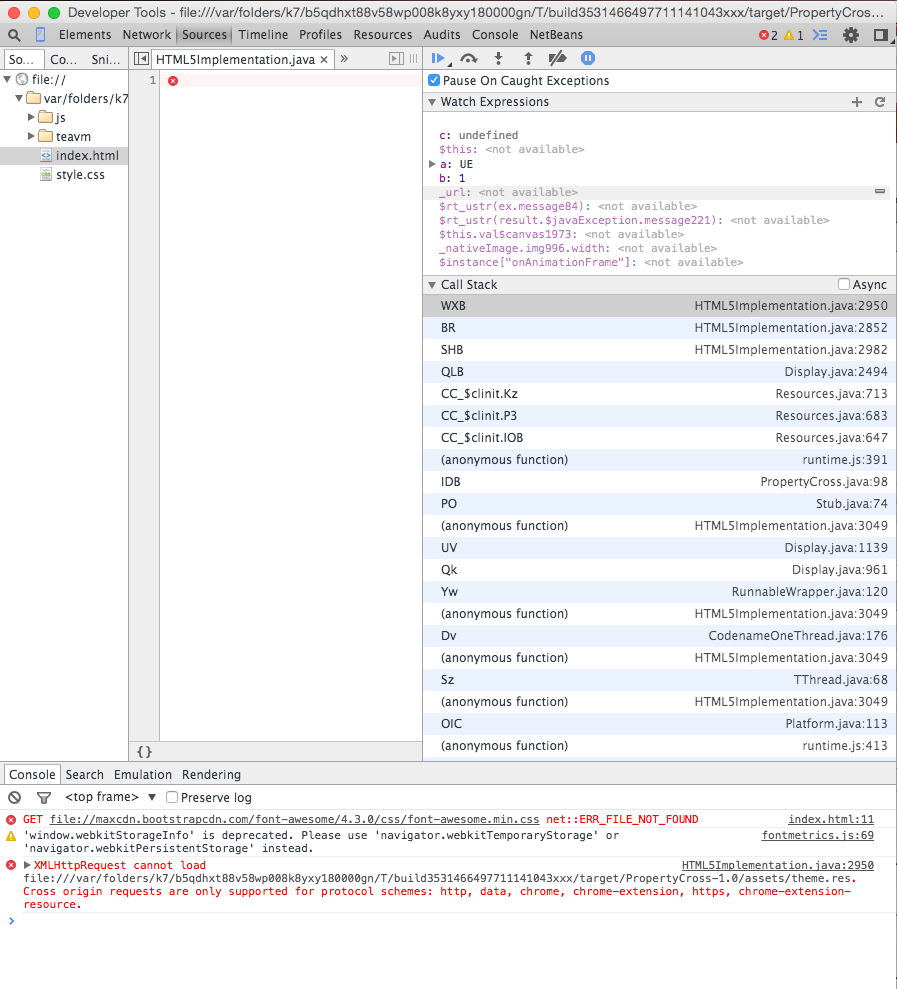 Figure 366. Debugging using Chrome tools
104.8. Including Third-Party JavaScript libraries
Codename One allows you to interact directly with JavaScript using native interfaces. Native interfaces are placed inside your project’s native/JavaScript directory using a prescribed naming convention. If you want to, include third-party JavaScript libraries in your application you should also place these libraries inside the native/JavaScript directory but you must specify which files should be treated as "libraries" and which files are treated as "resources." You can do this by adding a file with extension .cn1mf.json file either the root of your native/JavaScript directory or the root level of the project’s src directory.
104.8.1. Libraries vs resources
A resource is a file whose contents can be loaded by your application at runtime using Display.getInstance().getResourceAsStream(). In a typical Java environment, resources would be stored on the application’s classpath (usually inside a Jar file). On iOS, resources are packaged inside the application bundle. In the JavaScript port, resources are stored inside the APP_ROOT/assets directory. Historically, JavaScript files have always been treated as resources in Codename One, and many apps include HTML and JavaScript files for use inside the BrowserComponent.
With the JavaScript port, it isn’t quite so clear whether a JavaScript file is meant to be a resource or a library that the application itself uses. Most of the time you probably want JavaScript files to be used as libraries, but you might also have JavaScript files in your app that are meant to be loaded at runtime and displayed inside a Web View - these would be considered resources.
104.8.2. The JavaScript manifest file
To differentiate libraries from resources, you should provide a cn1mf.json file inside your native/JavaScript directory that specifies any files or directories that should be treated as libraries. This file can be named anything you like, as long as its name ends with cn1mf.json. Any files or directories that you list in this manifest file will be packaged inside your app’s includes directory instead of the assets directory. It adds appropriate <script> tags to include your libraries as part of the index.html page of your app.
If you include the cn1mf.json file in your project’s src directory it could be used to add configuration parameters to platform’s other than JavaScript (although no other platforms use this feature). If you place it inside your native/JavaScript directory, then the JavaScript port will use the configuration contained therein. |
A simple manifest file might contain the following JSON:
{
"javascript" : {
"libs" : [
"mylib1.js"
]
}
}That is, It contains an object with key libs whose value is a list of files that should be treated as libraries. In the above example, you’re declaring that the file native/JavaScript/mylib1.js should be treated as a library. This will result in the following <script> tag being added to the index.html file:
<script src="includes/mylib1.js"></script>
This also caused the mylib1.js file to be packaged inside the includes directory instead of the assets directory. |
| A project may contain more than one manifest file. This allows you to include manifest files with your cn1libs also. You need to make sure that each manifest file has a different name. |
How to NOT generate the script tag
Sometimes you may want a JavaScript file to be treated as a library (that is, packaged in the includes directory) but not automatically included in the index.html page. Rather than specifying the name of the file in the libs list, you can provide a structure with multiple options about the file. For example,
{
"JavaScript" : {
"libs" : [
"mylib1.js",
{
"file" : "mylib2.js",
"include" : false
}
]
}
}In the above example, the mylib2.js file will be packaged inside the includes directory, but the build server won’t insert its <script> tag in the index.html page.
Library directories
You can also specify directories in the manifest file. In this case, the entire directory will be packaged inside the includes directory of your app.
If you’re including JavaScript files in your app that are contained inside a directory hierarchy, you should specify the root directory of the hierarchy in your manifest file and use the sub "includes" property of the directory entry to specify which files should be included with <script> tags. Specifying the file directly inside the "libs" list will result in the file being packed directly in the your app’s includes directory. This may or may not be what you want. |
For example,
{
"javascript" : {
"libs" : [
"mylib1.js",
{
"file" : "mylib2.js",
"include" : false
},
{
"file" : "mydir1",
"includes" : ["subfile1.js", "subfile2.js"]
}
]
}
}In this example the entire mydir1 directory would be packed inside the app’s includes directory, and the following script tags would be inserted into the index.html file:
<script src="includes/mydir1/subfile1.js"></script> <script src="includes/mydir1/subfile2.js"></script>
Libraries included from a directory hierarchy may not work with the single file preview that the build server generates. For that version, it will embed the contents of each included JavaScript file inside the index.html file, but the rest of the directory contents will be omitted. If your the library depends on the directory hierarchy and supporting files and you require the single-file preview to work, then you may consider hosting the library on a separate server, and including the library directly from there, rather than embedding it inside your project’s "native/JavaScript" directory. |
Including remote libraries
The examples so far have demonstrated the inclusion of libraries that are part of the app bundle. But, you can also include libraries over the network by specifying the URL to the library directly. This is handy for including common libraries that are hosted by a CDN.
For example, The Google Maps library requires the Google Maps API to be included. This is accomplished with the following manifest file contents:
{
"javascript" : {
"libs" : [
"//maps.googleapis.com/maps/api/js?v=3.exp"
]
}
}| This example uses the "//" prefix for the URL instead of specifying the protocol directly. This allow the library to work for both http and https hosting. You could but specify the protocol as well: |
+
{
"javascript" : {
"libs" : [
"https://maps.googleapis.com/maps/api/js?v=3.exp"
]
}
}Including CSS files
CSS files can be included using the same mechanism as is used for JavaScript files. If the file name ends with .css, then it will be treated as a CSS file (and included with a <link> tag instead of a <script> tag. For example,
{
"JavaScript" : {
"libs" : [
"mystyles.css"
]
}
}or
{
"JavaScript" : {
"libs" : [
"https://example.com/mystyles.css"
]
}
}Embedding variables in URLs
Sometimes the URL of a library may depend on the values of some build hints in the project. For example, in the Google Maps cn1lib, the API key must be appended to the URL of the API as a GET parameter. For example, https://maps.googleapis.com/maps/api/js?v=3.exp&key=SOME_API_KEY, but the developer of the library doesn’t want to put his own API key in the manifest file for the library. It would be better for the API key to be supplied by the developer of the actual app that uses the library and not the library itself.
The solution for this is to add a variable into the URL as follows:
{
"JavaScript" : {
"libs" : [
"//maps.googleapis.com/maps/api/js?v=3.exp&key={{javascript.googlemaps.key}}"
]
}
}The {{javascript.googlemaps.key}} variable will be replaced with the value of the javascript.googlemaps.key build hint by the build server, so the resulting include you see in the index.html page will be something like:
<script src="//maps.googleapis.com/maps/api/js?v=3.exp&key=XYZ"></script>104.9. Browser environment variables
Native interfaces allow you to interact with the JavaScript environment in unlimited ways, but Codename One provides a simpler method of obtaining some common environment information from the browser via the Display.getInstance().getProperty() method. The following environment variables are currently available:
| Name | Description |
|---|---|
| A String, representing the entire URL of the page, including the protocol (like http://) |
| A String, representing the querystring part of a URL, including the question mark (?) |
| A String, representing the domain name and port number, or the IP address of a URL |
| A String, representing the anchor part of the URL, including the hash sign (#) |
| A String, representing the protocol (including ://), the domain name (or IP address) and port number (including the colon sign (:) of the URL. For URLs using the "file:" protocol, the return value differs between browsers |
| A String, representing the pathname |
| A String, representing the protocol of the current URL, including the colon (:) |
| A String, representing the port number of a URL. + Note: If the port number isn’t specified or if it’s the scheme’s default port (like 80 or 443), an empty string is returned |
| A String, representing the domain name, or the IP address of a URL |
| The User-agent string identifying the browser, version etc. |
| The language code that the browser is currently set to. (for example, en-US) |
| the name of the browser as a string. |
| a string that must be an empty string or a string representing the platform on which the browser is executing.
+
For example: |
| the internal name of the browser |
| the version number of the browser |
| Specifies the deployment type of the app. This will be "file" for the single-file preview, "directory" for the zip distribution, and "war" for the war distribution. |
104.10. Changing the native theme
The JavaScript port picks a native theme from the build hints and the browser it runs in. The shared nativeTheme hint, and the per-platform ios.themeMode and and.themeMode hints, apply here as they do on a device:
Unset, an Android browser gets the Holo Light theme and every other browser the iOS 7 theme.
nativeTheme=moderngives iOS and Mac browsers the Liquid Glass theme and every other browser Material 3.nativeTheme=nativedoes the same on phones and tablets, and gives a desktop browser the desktop theme of its operating system: Windows 11 Fluent, macOS Aqua, or GNOME Adwaita for Linux and everything else. An iPad counts as a tablet even though it reports a Mac browser.
Two JavaScript hints refine that:
| Hint | Values | Description |
|---|---|---|
|
|
|
| a resource path, such as | Loads this theme in every browser, instead of the one the hints and the browser would pick. Place JavaScript-only themes in |
The build ships only the themes the application can reach. Pinning a desktop theme, or leaving the desktop themes out, keeps the others out of the bundle. A theme your own code opens by name, such as Resources.open("/GnomeAdwaitaTheme.res"), is always kept. If your code builds the name at runtime, for example from its configuration, set javascript.pruneThemes=false to ship every theme.
104.10.1. Title bar and menu bar on the desktop
A desktop native theme expects the operating system to own the window title and the menu bar. The native desktop ports hide the Toolbar and hand the form title to the window and the commands to the system menu bar. A web page has neither, so the javascript.titleBar build hint decides what stands in for them:
toolbar(default) keeps the Toolbar inside the app, styled by the desktop theme, with its hamburger side menu and overflow menu.htmldraws a title bar and a menu bar in the page, above the app. The title bar shows the current form’s title, and the menu bar lists every Toolbar command, grouped into menus byCommand.setDesktopMenu()exactly as the native Windows menu bar groups them. A command with no menu hint goes into a Commands menu. The bars follow the operating system’s look and the browser’s light or dark preference. There are no minimize, maximize or close buttons, because a page can’t do any of those to the browser window.
The browser tab title is the application’s display name in both modes.
104.11. Page settings
The generated index.html sets up the page for the application:
The page title is the application’s display name,
codename1.displayName.A
viewportmeta tag gives mobile browsers the device’s width, so the app starts at the phone’s own scale rather than as a shrunken desktop page. The tag doesn’t forbid scaling, so browser and accessibility zoom still work, but touch gestures over the app go to the app, including two-finger ones, so the page itself doesn’t pinch-zoom.Browser translation is off: the page carries
<meta name="google" content="notranslate">andtranslate="no". The app draws its own text, and a browser translating the page under it, or loading it through a translation site, breaks it. Setjavascript.allowBrowserTranslation=trueto let the browser offer translation.The page carries
<meta name="darkreader-lock">, which asks the Dark Reader extension to leave the app’s own colors alone. Dark Reader honors it in its default Dynamic mode only; its Filter, Filter+ and Static modes ignore it. Setjavascript.darkreaderLock=falseto omit it.
104.12. Selecting and copying text
The app’s text is present in the page, so find-in-page matches it and assistive technology reads it. Selecting it with the mouse isn’t available by default, because the app itself receives every press and drag.
Set the javascript.textSelection=true build hint to enable browser-native selection for labels, span labels and text areas. Eligible text areas use a persistent native input or textarea, including before focus, so the first drag or right click works. Use the browser’s word/paragraph selection gestures, context menu and copy shortcut; on touch screens, long-press to select or swipe to scroll. Buttons, custom Label subclasses (including sliders), draggable components, password fields, text inside a lead component such as a MultiButton, and components with application pointer or action listeners retain their existing interaction.
The hint also calls TextSelection.setDefaultSelectable(true) and enables Form.getTextSelection() for canvas text that can’t use the DOM layer. An individual read-only component still decides for itself with setTextSelectionEnabled(). Editable native controls retain their normal browser editing selection.
Customize the highlight in the generated application’s CSS with the stable .cn1-native-selection::selection selector, or override its color variables:
<style>
:root {
--cn1-selection-color: #ffffff;
--cn1-selection-background: #1967d2;
}
</style>Choose contrasting foreground and background colors. The browser owns selection handles and native context-menu appearance.
104.13. Disabling the 'OnBeforeUnload' handler
By default, apps will display warning/confirm dialog when the user attempts to leave the page.
You can explicitly enable or disable this behaviour by setting the "platformHint.javascript.beforeUnloadMessage" display property. Setting the property to null will disable this behaviour, so that users won’t be harassed by this dialog when they navigate away from the app. Setting it to a string value, like "leaving so soon?," will re-enable this behaviour.
| Some browsers don’t allow you to specify the message that’s displayed in this dialog. In those browsers, this property can be viewed as boolean: A null value will result in no prompt being shown, and a non-null value will result in a prompt being shown. |
104.13.1. Example: Toggling the BeforeUnload prompt On/Off
Form f = new Form("Test Before Unload", BoxLayout.y());
CheckBox enableBeforeUnload = new CheckBox("Enable Before Unload");
enableBeforeUnload.setSelected(true);
enableBeforeUnload.addActionListener(e->{
if (enableBeforeUnload.isSelected()) {
CN.setProperty("platformHint.javascript.beforeUnloadMessage", "Are you sure you want to leave this page? It might be bad");
} else {
CN.setProperty("platformHint.javascript.beforeUnloadMessage", null);
}
});
f.add(enableBeforeUnload);
f.show();104.14. Deploying as a progressive web app
JavaScript application builds include the files needed for progressive web app (PWA) installation. Users can open the app in a browser and install it on browsers that support installation. The default manifest requests a standalone window without browser navigation controls. Offline launch becomes available after the service worker finishes caching the application files; network-dependent features still require a connection.
Below is a screenshot from Chrome for Android where the browser is prompting the user to add the app to their home screen.
If the app is available as a native app, in the Play store, you can indicate this using the javascript.manifest.related_applications and javascript.manifest.prefer_related_applications build hints. Then, instead of prompting the user to add the web app to their home screen, they’ll be prompted to install the native app from the Play store, as shown below.
Host the app over HTTPS. For local testing, browsers also allow service workers on localhost. In Chrome DevTools, use the Application panel to inspect the manifest, icons, service-worker status and cache contents, then test an offline reload. |
For more information about Progressive Web Apps see Google’s introduction to the subject.
104.14.1. Customizing the app manifest file
At the heart of a progressive web app is the web app manifest. It specifies things like the app’s name, icons, description, preferred orientation, display mode (for example, whether to display browser navigation or to open with the full screen like a native app), associated native apps, etc. The Codename One build server will automatically generate a manifest file for your app but you can (and should) customize this file via build hints.
Build hints of the form javascript.manifest.XXX will be injected into the app manifest. For example, To set the app’s description, you could add the build hint:
javascript.manifest.description=An app for doing cool stuff
You can find a full list of available manifest keys here. The build server will automatically generate all the icons so you don’t need to worry about those. The "name" and "short_name" properties will default to the app’s display name, but they can be overridden via the javascript.manifest.name and javascript.manifest.short_name build hints respectively.
The javascript.manifest.related_applications build hint expects a JSON formatted list, like in the raw manifest file. |
104.14.2. Offline use and updates
ParparVM JavaScript application builds generate manifest.json, home-screen icons, and sw.js automatically. No PWA enablement hint is required. Deploy the complete bundle over HTTPS (or localhost for testing), including its subdirectories. Relative manifest and asset URLs allow deployment under a path such as /cn1test/.
The service worker caches the generated application files, including the runtime, translated JavaScript chunks, themes and bundled resources. Wait for its first installation to finish while online before testing offline launch. API responses, proxy requests and external resources aren’t included; application features that need those services still require a connection.
A content change creates a new cache even when the application version is unchanged. An update waits until the previous app’s tabs/windows close before activating, so a running app doesn’t mix runtime and resource versions. Each deployment path has its own cache. Allow browsers to revalidate sw.js and deploy the files together.
104.14.3. Related applications
One nice feature (discussed above) of progressive web apps, is the ability to specify related applications in the app manifest. Browsers that support the PWA standard use some heuristics to "offer" the user to install the associated native app when it’s clear that the user is using the app on a regular basis. Use the javascript.manifest.related_applications build hint to specify the location of the native version of your app. For example, javascript.manifest.related_applications=[{"platform":"play", "id":"my.app.id"}]
You can declare that the native app is the preferred way to use the app by setting the javascript.manifest.prefer_related_applications build hint to "true."
| According to the app manifest documentation, this should be used if the related native apps do offer something that the web application can’t do. |
104.14.4. Device/Browser support for PWAs
Installation controls vary by browser. Chrome on Android and Chromium browsers on desktop can install a web app from its manifest. On iOS and iPadOS, use Safari’s Share menu and choose Add to Home Screen. Home Screen web apps support offline service workers; Web Push is available starting with iOS and iPadOS 16.4. Browser support doesn’t by itself configure an application’s push provider or permissions.
On the desktop, Chrome provides an analogous feature to "add to your homescreen": Add to shelf. If it looks like the user is using the app on a regular basis, and it isn’t yet installed, it will show a banner at the top of the page asking the user if they want to add to their shelf.
Clicking the "Add button" prompts the user for the name they wish the app to appear as:
Upon submission, Chrome will generate a real application (on Mac, it will be a .app, on Windows, an "exe," etc.) which the user can double-click to open the app directly in the Chrome. And, importantly, the app will still work when the user is offline.
The app will also appear in their "Shelf" which you can always access at chrome://apps, or by opening the "Chrome App Launcher" app (on OS X this is located in "~/Applications/Chrome Apps/Application Launcher").
| The Chrome App Launcher lists apps installed both via the Chrome Web Store and via the "Add to Shelf" feature discussed here. The features described in this article are orthogonal to the Chrome Web Store and won’t be affected by its closure. |
104.15. Playing media and opening links
People don’t like it when the browser automatically starts playing sounds, or opening links without their permission. For this reason, modern browsers restrict your ability to programmatically do these things, unless they’re in response to a user action, like a mouse click.
If your app needs to play media (for example, Media.play()) without the user actually interacting physically (for example, key press or pointer press), then it will display a popup dialog confirming that the user actually wants to perform this action. Opening a link (for example, Display.execute("…")) used to do the same, but now defaults to navigating the current page instead of prompting — see Opening links below.
Sometimes this dialog may affect the utility of the app. For example, suppose you want to play a video in response to a voice command. Having to press an "OK" button after the command, may be annoying. For such cases, you can use the platformHint.javascript.backsideHooksInterval property to poll for media play requests on an authorized event.
For example:
CN.setProperty("platformHint.javascript.backsideHooksInterval", "1000");
// Now your app will process media.play() and Display.execute(null) calls
// once per second (1000ms). If play() or execute() has been called anytime
// in that second (since the last poll), it will seamlessly process the
// request.
// To disable polling, just set it to an interval 0 or lower.
// for example, CN.setProperty("platformHint.javascript.backsideHooksInterval", "0");| Don’t abuse this feature. You should enable this polling when necessary. For example, If your app enables the user to listen for voice commands, enable polling for the period of time that it’s listening. When the user wants to stop listening, you should also stop the polling by setting the interval to "0." |
104.15.1. Choosing where a link opens
Opening a link deserves its own note, because the restriction above bites almost every app that calls Display.execute(). Codename One dispatches events on its own EDT, so by the time your action listener runs, the browser no longer sees the tap as an ongoing user gesture and refuses to open a new window. Navigating the page the app already runs in has no such restriction: it always works, at the cost of unloading the app.
The port picks between those two with the javascript.execute.target property:
| Value | Behavior |
|---|---|
| The default. Opens a new tab while the page still has user activation, and navigates the current page when it doesn’t. No confirmation sheet is ever shown. |
| Only ever opens a new tab. When the browser blocks that, the port shows a confirmation sheet whose OK button supplies the gesture the browser wanted. This was the behavior before the property existed. |
| Always navigates the page the app runs in. |
// The default. Opens a new tab while the browser still considers a
// user gesture to be in progress, and navigates the page the app runs
// in when it doesn't. Never shows a confirmation sheet.
CN.setProperty("javascript.execute.target", "auto");
// Always navigate the page the app runs in. Never blocked and never
// prompts, but it unloads the app.
CN.setProperty("javascript.execute.target", "_self");
// Only ever open a new tab. When the browser blocks that, the port
// shows a confirmation sheet whose OK button supplies the gesture the
// browser wanted. This was the behavior before the property existed.
CN.setProperty("javascript.execute.target", "_blank");
CN.execute("https://www.codenameone.com/");Under auto and _self the app is unloaded whenever the current page navigates away, so persist anything you need before you call execute(). Pick _blank when keeping the app alive matters more than avoiding the sheet. |
The property applies to any URL the browser can hand off, which means anything carrying a URI scheme. Custom deep links such as imdb:///find?q=godfather count, and so do protocol-relative //host/path URLs. The exceptions keep their existing meaning: a javascript: URL still evaluates on the page, and a data: URL, a file: URL or a path into local storage still becomes a download.
104.16. BrowserComponent lifecycle
On the JavaScript port, BrowserComponent uses an iframe that’s added to the DOM when the component is initialized. Understanding the lifecycle is important when showing Dialog`s over forms that contain `BrowserComponent instances.
104.16.1. Dialogs and BrowserComponent
When a Dialog is shown, the parent Form is deinitialized. This causes any BrowserComponent instances on that form to also be deinitialized, which removes their iframes from the DOM. When the Dialog is dismissed and the parent form is re-shown, the BrowserComponent is reinitialized with a new iframe, losing all JavaScript state.
This affects:
Stateful embedded editors - content and cursor position lost
WebRTC connections - broken when removed from DOM
Interactive visualizations - charts, maps, diagrams with JavaScript state
Any JavaScript state - event listeners, variables, etc.
104.16.2. Preserving BrowserComponent state
To preserve the iframe and its JavaScript state across deinitialization cycles, set the HTML5Peer.removeOnDeinitialize client property to Boolean.FALSE:
BrowserComponent browser = new BrowserComponent();
browser.putClientProperty("HTML5Peer.removeOnDeinitialize", Boolean.FALSE);This keeps the iframe in the DOM even when the component is deinitialized, preserving all JavaScript state.
104.16.3. Lifecycle example
Without the property set:
Dialog.show()is calledParent
Form’s `deinitialize()is calledBrowserComponentis deinitialized, iframe removed from DOMDialog is dismissed
Parent
Form’s `initComponent()is calledBrowserComponentcreates a new iframe - JavaScript state is lost
With removeOnDeinitialize=false:
Dialog.show()is calledParent
Form’s `deinitialize()is calledBrowserComponentis deinitialized, but iframe stays in DOMDialog is dismissed
Parent
Form’s `initComponent()is calledBrowserComponentreconnects to the existing iframe - JavaScript state preserved
105. Running Android applications
A classic Android application — activities, XML layouts, res/values,
drawables and the framework widgets — can build and run as a Codename One
application without changes to its Java code or its resources. The Android
sources go into the Codename One project, the build compiles them against a
Codename One implementation of the android.* API, and the result runs on
every Codename One target: iOS, Android, the JavaScript port, the desktop
ports and the simulator.
There is no Android runtime involved. Views are Codename One components, layouts follow Android’s measure and layout rules, text fields are the platform’s native text fields, and resources are compiled into a compact table at build time.
105.1. Quick start
Create a Codename One application project (for example from the initializr), then import the Android Studio project into it:
mvn cn1:import-android-project -Dcn1.android.import=/path/to/MyAndroidAppThe goal copies the module’s src/main (the app module unless
-Dcn1.android.module names another) into common/src/main/android, makes
the Codename One main class start the Android application, and lists the
module’s Gradle dependencies the compatibility runtime covers and the ones it doesn’t
cover. After that, run and build as usual:
mvn cn1:run
mvn cn1:build -Dcodename1.platform=iosYou can also copy the files by hand. The directory mirrors an Android Studio
module’s src/main:
common/src/main/android/
AndroidManifest.xml
res/ layouts, values, drawables, menus, fonts...
assets/
java/ the Android application's Java (and Kotlin) sources
kotlin/ Kotlin sources, if the module keeps them apartKotlin sources compile with the application’s Kotlin support, which the import goal switches on when the module has any.
When the manifest declares no package (an Android Gradle plugin namespace
replaces it), add package="…" to the manifest or set the
cn1.android.namespace Maven property; the import goal does this for you.
105.2. How the build works
Three steps run as part of the normal build of the common module:
compile-android-res(ingenerate-sources) compiles the manifest andres/tree. It writes theRclass for the application package, a generated class withnewfor every activity in the manifest and every view class the layouts use, and a binary resource table with every value, style and compiled XML file. Images, fonts and assets are copied next to it.The Java compiler builds the application against the
codenameone-android-compatartifact, which provides theandroid.*API. This is why the sources need no changes.remap-android(inprocess-classes) moves the compiledandroid.*references and the runtime classes undercom.codename1.androidcompat, so nothing in the application uses a name the real Android framework owns. The application therefore also builds for Android without conflicts. This step also generates the dispatcher forandroid:onClickattributes from the methods that exist in the compiled classes.
Nothing is created by reflection: layouts are inflated from the compiled table by calling constructors the build generated, which is what lets the same code run on iOS.
The codenameone-android-compat dependency is added to the common module
by the project’s android-compat profile, which activates when
src/main/android exists. Gradle projects get the same tasks
(compileAndroidRes) and the dependency automatically.
105.3. The entry point
If the project has no main class of its own, the build generates one that starts the activity the manifest marks as the launcher. To customize startup, write the class yourself; it needs one line:
public class MyApp extends com.codename1.androidcompat.runtime.AndroidLifecycle {
public MyApp() {
super(new com.codename1.generated.android.AndroidAppImpl());
}
}105.4. Resources
Resources resolve the way they do on Android:
Every value type: strings (with formatting arguments and Android’s quoting and escaping rules), plurals, string and integer arrays, colors, color state lists, dimensions in every unit, integers, booleans, fractions and ids.
Styles and themes, including parent inheritance through
parent=and dotted names, theme attributes (?attr/colorPrimary),style=on views, default widget styles from the theme and text appearances.Configuration qualifiers: locale and region, layout direction, smallest width, width and height, orientation, night mode, density buckets and API level. The best match for the device is chosen with Android’s precedence rules and is re-evaluated when the device rotates or switches to dark mode.
Drawables: PNG and JPEG images scaled from their density bucket, nine-patches, vector drawables (
<vector>with groups, clip paths and theme tints),<shape>,<selector>,<layer-list>,<inset>,<ripple>,<bitmap>and<color>.Fonts in
res/fontand files inres/rawandassets/.
The framework’s own resources — the Material themes, android.R.id,
android.R.color and the widget styles — are part of the runtime.
Problems are reported against the resource file and line with a stable code,
for example src/main/android/res/layout/main.xml:12: <CalendarView> is not a
view class the Codename One Android runtime implements (android2cn1:E0201).
105.5. What’s supported
Activities with the complete lifecycle, explicit intents with extras,
startActivityForResult, the back stack andfinish(), implicit intents for web pages, phone numbers, mail, text messages and sharing, and configuration changes: an activity that doesn’t declareandroid:configChangesis recreated with its saved state, as on Android.The action bar with the options menu and its overflow,
PopupMenu,PopupWindowandListPopupWindow.Fragments:
Fragment,FragmentManagerand transactions with the back stack,ListFragment,DialogFragment,<fragment>in layouts, child fragment managers and fragments' option menus.ListActivityis supported too.Layout inflation with
<include>,<merge>,<ViewStub>, custom views (constructed with theirAttributeSet),android:themeon views andandroid:onClick.Views drawn and measured as on Android:
View,ViewGroup,TextView,Button,EditText,AutoCompleteTextView,ImageView,ImageButton,LinearLayout,RelativeLayout,FrameLayout,TableLayout,GridLayout,ScrollView,HorizontalScrollView,Space,CheckBox,RadioButtonandRadioGroup,Switch,ToggleButton,ProgressBar,SeekBar,RatingBar,NumberPicker,DatePicker,TimePicker,WebView, and custom views that overrideonMeasure,onLayoutandonDrawwithCanvas,Paint,PathandMatrix.Lists and adapters:
ListView,GridViewandSpinnerwith view recycling,ArrayAdapter,BaseAdapter,SimpleAdapter,CursorAdapterandSimpleCursorAdapter.Touch input dispatched down the view tree, so
onInterceptTouchEvent,onTouchEventand touch listeners behave as written, and the back key.Dialogs:
AlertDialog,DatePickerDialog,TimePickerDialog,ProgressDialogandToast.Data and files:
SQLiteOpenHelper,SQLiteDatabase, cursors andContentValuesover the platform’s SQLite,SharedPreferences, the application’s private directories (getFilesDir(),getCacheDir(),openFileOutput()), andjava.io.Filewith the file streams, readers and writers.HandlerandLooper,Bundle,Uri,AssetManagerandBitmapFactory.Animation: view animations from
res/anim(alpha,translate,scale,rotateandset) withstartAnimation, layout animations, the framework and XML interpolators,ViewFlipperand the switchers, and property animation withview.animate(),ValueAnimator,ObjectAnimator,AnimatorSetandres/animatorresources.XML:
getResources().getXml()returns a pull parser over the compiled resource, andXml.newPullParser()andXml.newSerializer()read and write XML text.Room: entities, DAOs, type converters,
@Embedded,@Upsert,@RawQuery,LiveDataqueries and migrations. The build generates the_Implclasses that the Room annotation processor would, so nothing is found by reflection.WorkManager: one-time and periodic work, chains whose outputs merge into the next worker’s input, unique work, retries with a growing delay and
LiveDatastatus queries. Pending work is saved and resumes on the next run.Location and sensors:
LocationManagerwith its listeners, last known and current location, andSensorManagerwith the accelerometer, gyroscope, magnetometer, gravity, rotation vector and orientation, includinggetRotationMatrix()andgetOrientation().Services declared in the manifest: started and bound services,
IntentService, andstartForeground(), which runs as a Codename OneForegroundService. Notifications and channels posted throughNotificationManagerandNotificationCompatare shown as local notifications.Document intents:
ACTION_OPEN_DOCUMENT,ACTION_CREATE_DOCUMENTandACTION_GET_CONTENTfor types other than images and video open the platform’s Open and Save dialogs, throughstartActivityForResultor theOpenDocument,OpenMultipleDocuments,CreateDocument,GetContentandGetMultipleContentscontracts. See Section 105.9, “Opening and creating documents”.The
AndroidKeyStorewith AES keys fromKeyGeneratorandKeyGenParameterSpec, used throughCipherin GCM or CBC mode.
105.6. AndroidX
The runtime includes the AndroidX libraries a classic application most often depends on, so code written against them builds without changes:
AppCompat:
AppCompatActivitywithgetSupportActionBar()andsetSupportActionBar(), theToolbarwidget with its navigation button, title, subtitle, logo, action buttons and overflow menu,AlertDialog,SwitchCompat, and the AppCompat versions of the framework widgets, which an AppCompat activity inflates in place of the framework tags so thatapp:srcCompat,app:tint,app:backgroundTintandapp:buttonTintapply. TheTheme.AppCompatthemes, including theDayNight,NoActionBarandDarkActionBarvariants and theThemeOverlay.AppCompatoverlays, andAppCompatDelegate.setDefaultNightMode().androidx.activity:ComponentActivity,OnBackPressedDispatcherandOnBackPressedCallback, and the Activity Result API with theStartActivityForResult,RequestPermission,RequestMultiplePermissionsandGetContentcontracts.androidx.core:ContextCompat,ResourcesCompat,ViewCompat,WindowCompat,WindowInsetsCompat,ActivityCompat,DrawableCompat,TextViewCompat,ImageViewCompatandHandlerCompat.Fragments:
androidx.fragment.app.Fragmentwith its own lifecycle and a separate one for its view (getViewLifecycleOwner()),FragmentActivityandgetSupportFragmentManager(), transactions and the back stack, which the back key pops before the activity handles it,FragmentContainerViewwithandroid:name,<fragment>tags,DialogFragment,ListFragment, fragment results (setFragmentResult()andsetFragmentResultListener()), the Activity Result API from a fragment, andFragmentFactory.AppCompatActivityis aFragmentActivity.androidx.lifecycle:Lifecycle,LifecycleOwner,LifecycleRegistry,DefaultLifecycleObserver,LifecycleEventObserverandProcessLifecycleOwner;ViewModel,AndroidViewModelandViewModelProvider, with view models of an activity or a fragment surviving a configuration change;LiveData,MutableLiveData,MediatorLiveDataandTransformations; andSavedStateHandle.androidx.annotation.ConstraintLayout:
ConstraintLayoutwith everylayout_constraintattribute — edges, baselines, circular positioning, bias, chains (spread, spread inside, packed and weighted), match-constraint sizes with their minimum, maximum and fraction of the parent, dimension ratios and gone margins —Guideline,Barrier,Group,Placeholder,Flow,LayerandConstraintSet. Layouts are solved by ConstraintLayout’s own solver, so views land where they do on Android.RecyclerView: view recycling with the shared
RecycledViewPool, the view cache and stable ids;LinearLayoutManager(vertical and horizontal,reverseLayout,stackFromEnd,scrollToPositionWithOffset()),GridLayoutManagerwithSpanSizeLookup, andStaggeredGridLayoutManager, also set throughapp:layoutManager; touch scrolling and flings,smoothScrollToPosition()andLinearSmoothScroller; every adapter notification, payloads included;ItemDecorationandDividerItemDecoration;DefaultItemAnimator;DiffUtil,ListAdapterandAsyncListDiffer;ItemTouchHelperfor swipe-to-dismiss and drag-to-reorder; andLinearSnapHelperandPagerSnapHelper.ViewPager2with aRecyclerView.Adapter, horizontal or vertical,OnPageChangeCallback,setCurrentItem(), page transformers andMarginPageTransformer.Material Components: the
Theme.MaterialComponentsandTheme.Material3themes (light, dark andDayNight, with or without an action bar) with the library’s default color roles, type scale and corner shapes, and theThemeOverlayvariants. Under either theme a<Button>inflates as aMaterialButtonand a<CheckBox>,<RadioButton>,<TextView>or<AutoCompleteTextView>as its Material version, as they do on Android. The widgets areMaterialButton(icon, corner radius, stroke, toggling throughMaterialButtonToggleGroup),MaterialCardViewand AndroidXCardView,FloatingActionButtonandExtendedFloatingActionButton,TextInputLayoutwithTextInputEditText(floating label, helper text, error, counter, filled and outlined boxes, the password toggle and clear-text icons, and the exposed drop-down menu),ChipandChipGroup,BottomNavigationView,TabLayoutwithTabLayoutMediator,MaterialToolbarandAppBarLayout,Snackbar,MaterialAlertDialogBuilder,MaterialSwitchandSwitchMaterial,MaterialCheckBoxandMaterialRadioButton,Slider,LinearProgressIndicatorandCircularProgressIndicator,BottomSheetDialogwithBottomSheetBehavior, andMaterialDivider.
The libraries' resources — Theme.AppCompat, ?attr/colorPrimary, app:
attributes, the androidx.appcompat.R class — belong to the application’s own
namespace, as they do in an Android Gradle build: the application refers to them
without a package, its R class lists them, and a resource it defines under a
library resource’s name overrides the library’s value.
105.7. Side by side with Android
The gallery in scripts/android-compat-samples/gallery is an ordinary Android
Studio module. Each image below shows one of its screens twice, both captured
on the same Android 16 emulator (720 by 1600 pixels at 320 dpi). On the left,
the module is built by Android Studio against the real framework and AndroidX
libraries. On the right, the same unmodified sources are built as a Codename
One application; this is the screen the screenshot tests capture on every
port.
A few differences are expected:
On the left, the black band at the top is the emulator’s display cutout; a Codename One application paints its toolbar color under the status bar.
Codename One’s bold face on Android is Roboto Condensed, so bold text sets narrower and wraps later.
The native build targets API 34, so its window keeps the classic layout the sample was written for. From API 35, Android draws such an application edge-to-edge unless it handles the window insets itself.
The screenshot test hides the indeterminate progress spinner on the widgets screen, because it never stops moving.
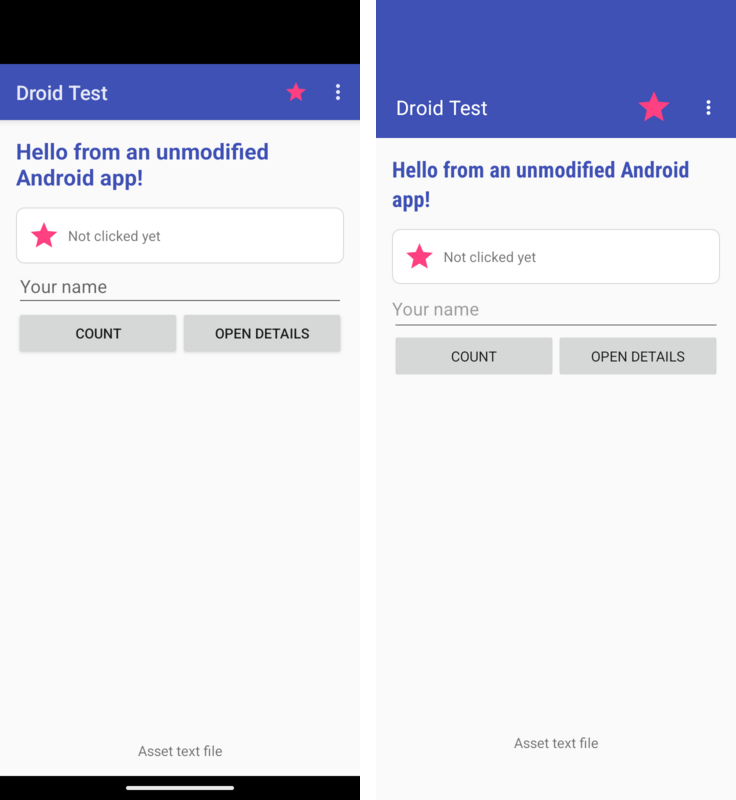
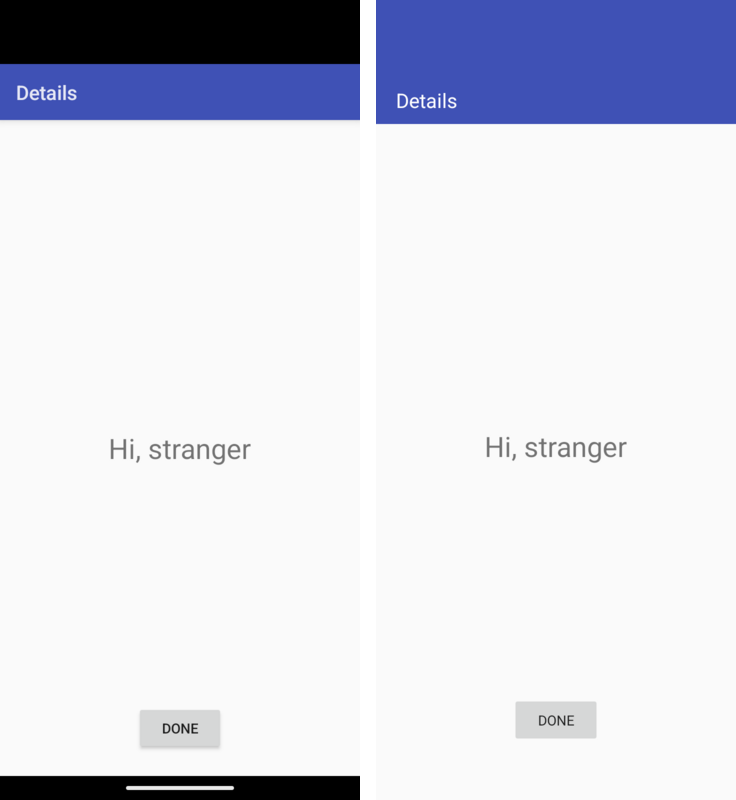
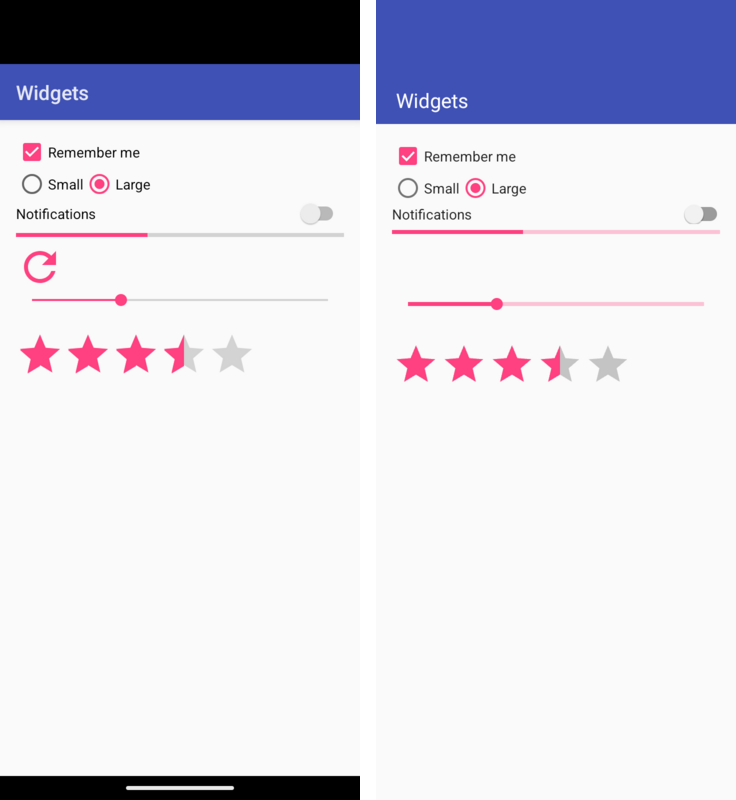
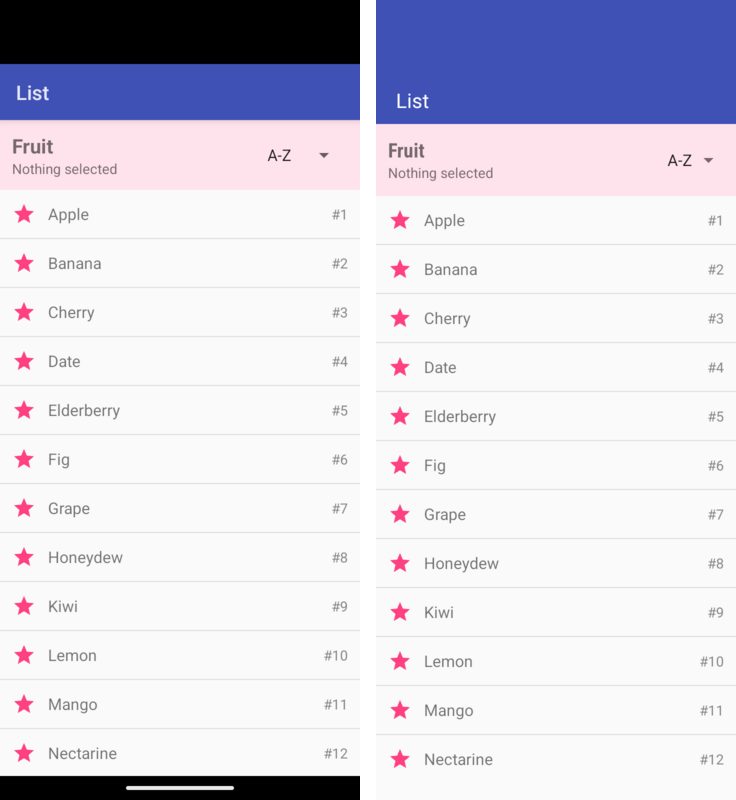
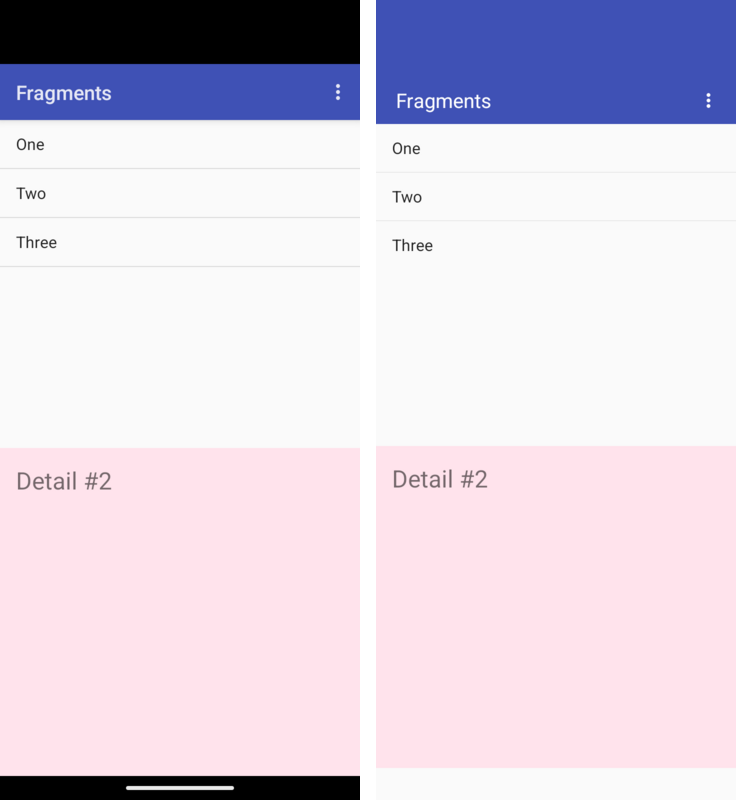
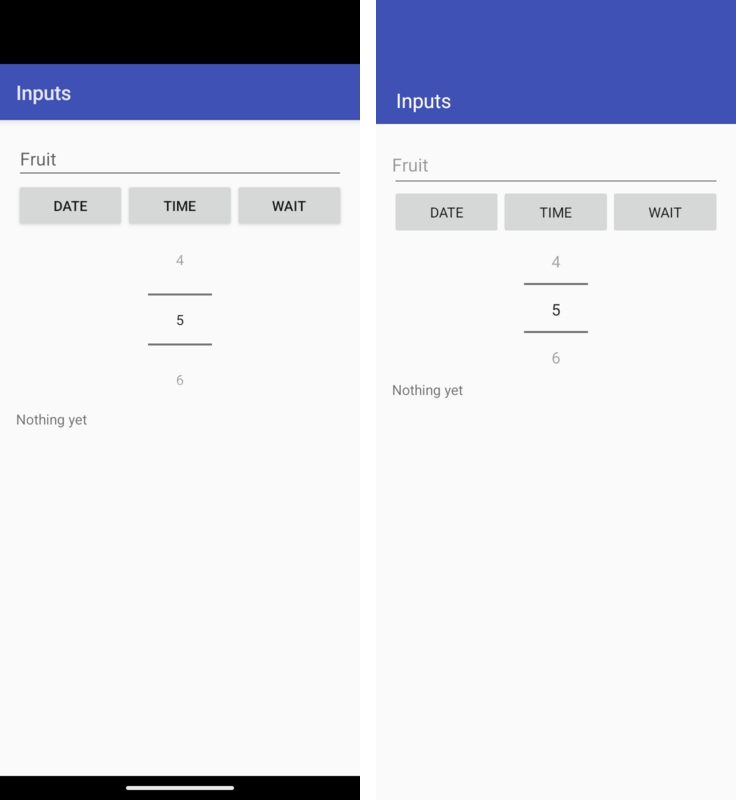
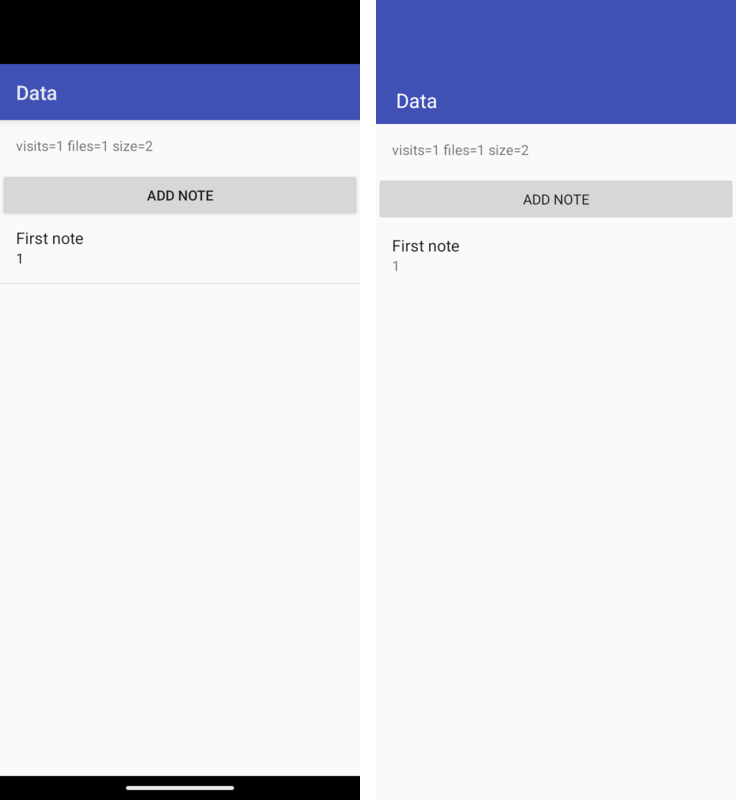
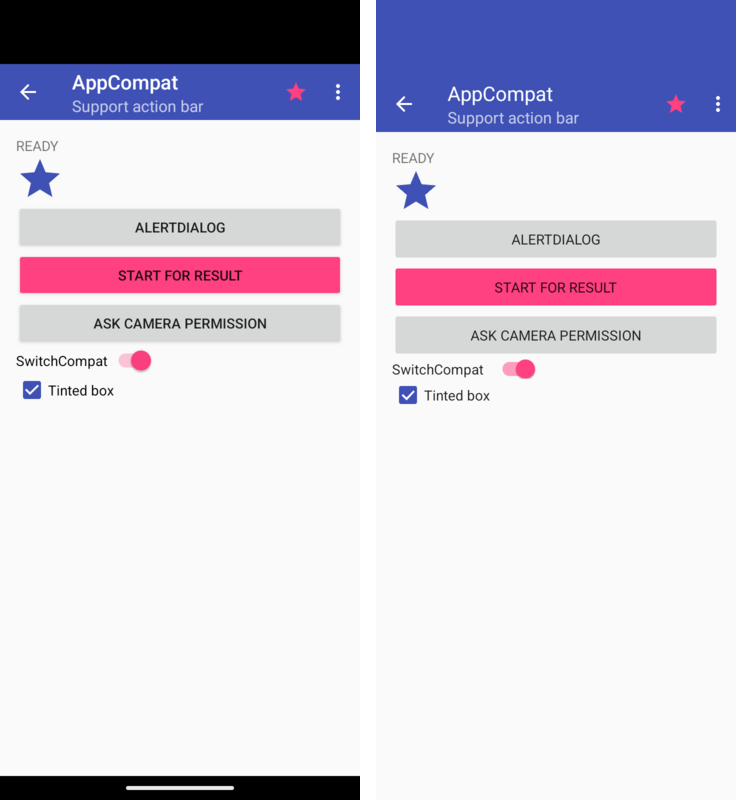
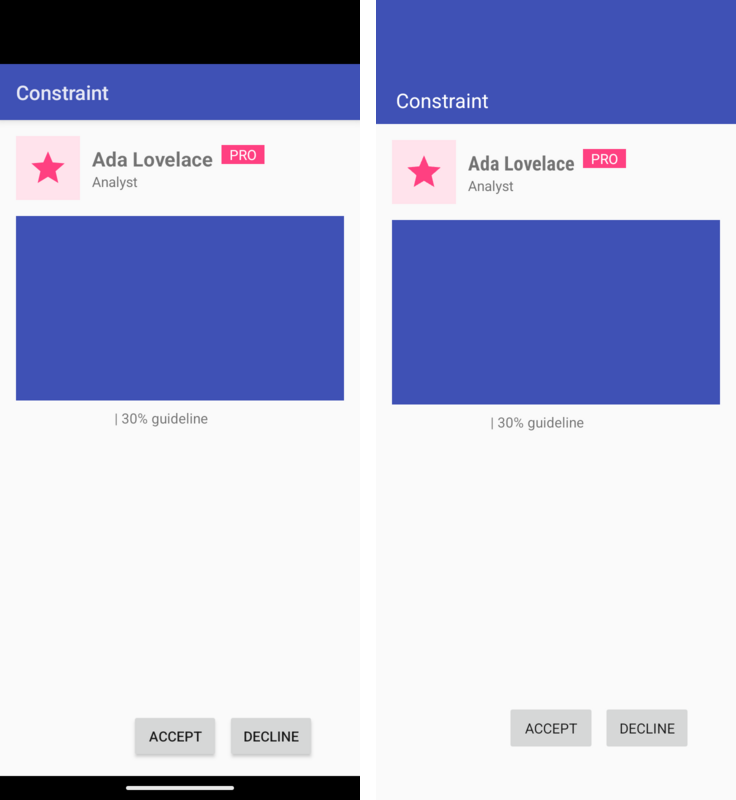
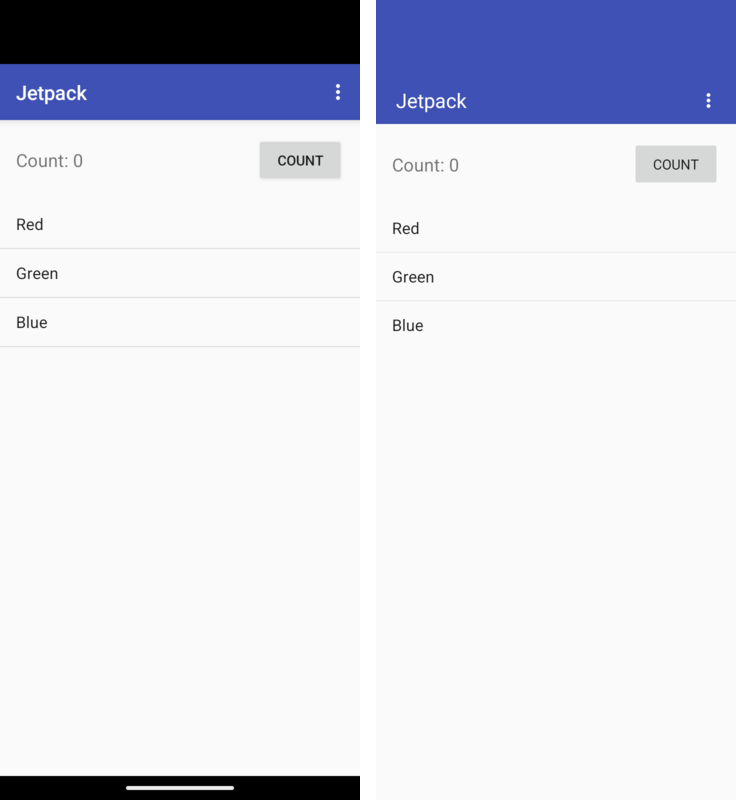
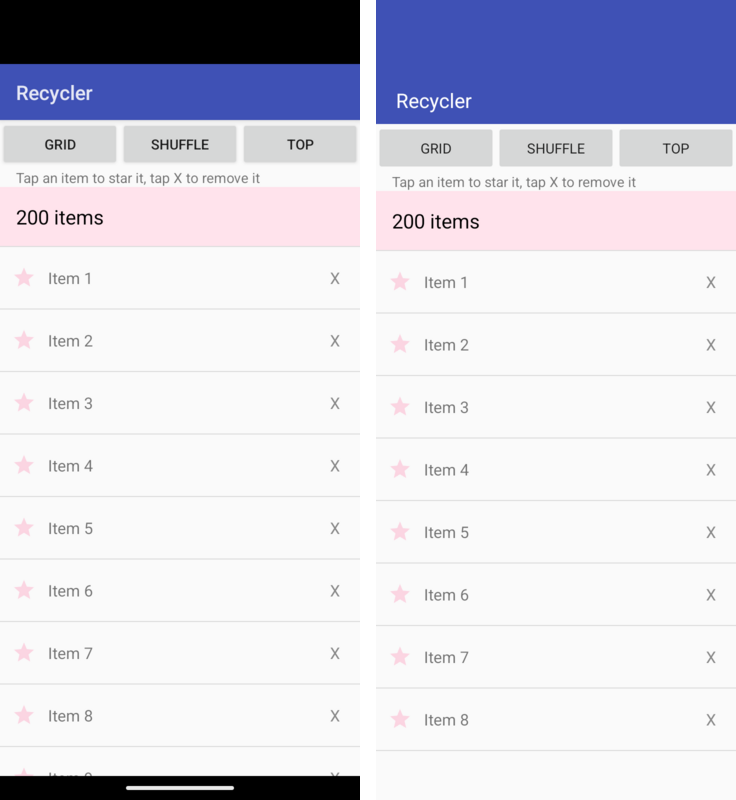
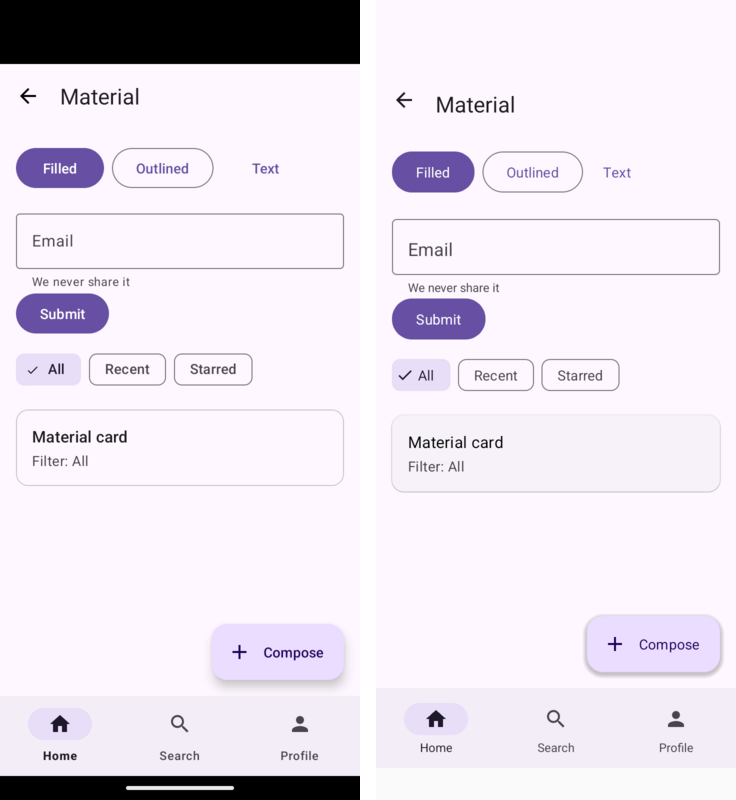
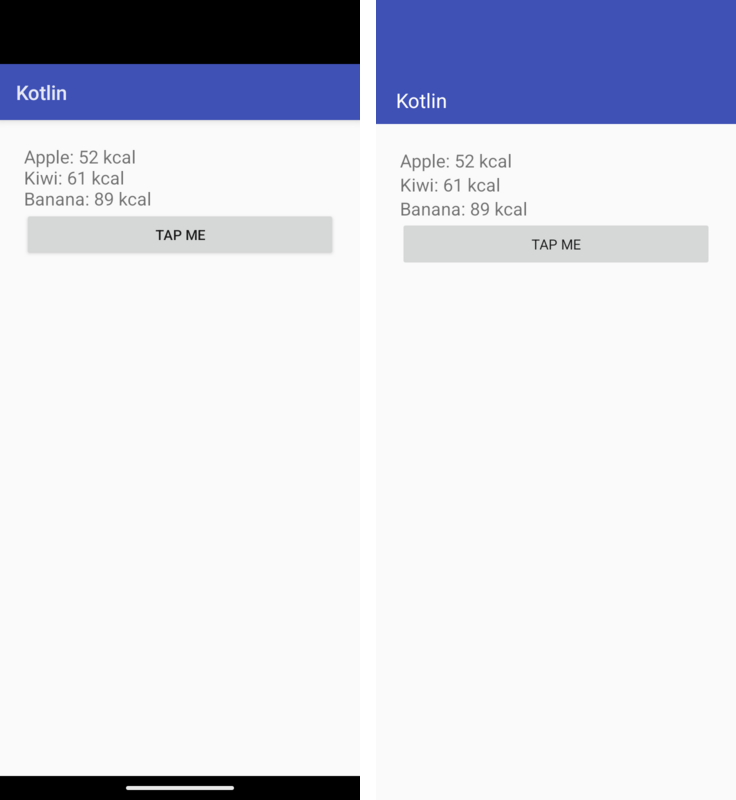
105.8. Limitations
This is a compatibility layer for classic Android application code using the APIs described above. It doesn’t promise complete Android framework behavior. Validate the screens and data flows your application uses on its target ports; the gallery and automated tests cover a subset of those behaviors.
Parcelis an in-process value container, not Android’s serialization or IPC format. Positions count values rather than bytes.writeParcelable()andreadParcelable()retain and return the same object; they don’t invokewriteToParcel()orCREATOR. TypedParcelablelists also retain their elements. Code that depends on serialization making a snapshot, creator-side validation, or restoring state after process death needs an explicit storage or copy implementation.SQLite uses one Codename One database connection. While one thread’s transaction is open, another thread’s statements wait for it to end, as on Android, and throw
SQLiteDatabaseLockedExceptionafter ten seconds. On the main thread the wait is two seconds, because the UI is frozen while it waits and the other thread may be waiting for the main thread itself. Threads don’t read concurrently: one thread’s long transaction holds up every other thread’s queries.Switching only a locale’s script, such as
zh-Hanstozh-Hantwith the same region, updates resource selection but doesn’t notify or recreate existing activities. Already-inflated text and layouts can retain the old script until the activity is recreated. Automatic handling of this live configuration change is deferred.Configuration changes don’t call
Application.onConfigurationChanged(). Refresh shared resource-dependent state from an activity’sonConfigurationChanged()callback, or fromonResume()after recreation.The application’s own code must avoid the JDK classes Codename One doesn’t provide; the build’s bytecode check reports them. The runtime provides the
java.ioclasses Android code uses most (File, the file streams, readers and writers, the buffered streams andPrintWriter).Code that loads classes by name (
Class.forName, reflection-based libraries) doesn’t run on iOS, with or without this runtime.PackageManager.queryIntentActivities()exposes at most the activity the runtime would launch. It doesn’t enumerate every matching handler and uses the default-category restriction even withoutMATCH_DEFAULT_ONLY. Apps that present their own handler chooser need an explicit application registry.A stopped activity’s attached views can still report
VISIBLEfromgetWindowVisibility(). Pause rendering and other view work from the activity’sonStop()callback, then resume it fromonStart(), rather than waiting for a window-visibility callback.BitmapFactory.Options.inBitmapisn’t used as a decode target. Decoding allocates a new bitmap; applications that depend on bitmap pooling should leaveinBitmapunset and manage the old bitmap themselves.Canvas.setBitmap(null)unbinds the target and clears its dimensions and drawing state. Bind a live bitmap or view graphics before calling drawing or state methods on that canvas; unbound drawing isn’t supported.Give sibling fragments of the same class stable, distinct IDs or tags when using
registerForActivityResult(). Their launcher keys otherwise collide, and an outstanding result can be lost after activity recreation.Register or unregister
SavedStateRegistryproviders outside a provider’ssaveState()callback. Changing the registry during its save pass can abort state collection.Locale resources use exact region matches and language-only fallbacks. They don’t rank translations from other regions. Ship a language-only directory, such as
values-fr, for text shared across regions.LayoutInflater.Filterisn’t supported by compiled layout factories. Installing a non-null filter throwsUnsupportedOperationExceptionbefore inflation. Applications needing a class restriction must control their compiled layouts and factories.DigitsKeyListenerselects the keyboard input type but doesn’t enforce a custom accepted-character set. Use an explicitInputFilterand validate submitted text when the application requires a restricted alphabet.Gradle recompiles all Java sources in an imported Android project after a source edit, because relocation rewrites the compiler output. Unchanged builds still use Gradle’s up-to-date checks.
Content providers and broadcast intents from the system aren’t available; use the corresponding Codename One APIs through native interfaces or directly.
AndroidKeyStorekeys aren’t hardware backed or non-extractable. Their material is kept in Codename One’sSecureStoragewithout a prompt: the keychain on iOS, and a key of the platform’s own keystore on Android. A port without a secure store keeps the material in the application’s private storage, which a rooted device or a backup can read.setUserAuthenticationRequired()isn’t enforced; for a key the user must unlock, useSecureStoragewith a reason, which prompts for biometrics. GCM supports only 128-bit tags.Room rejects
@Relation,suspendDAO methods,Flow, RxJava and Paging return types,@AutoMigration,@DatabaseViewand full-text tables at build time, naming the member.createFromAsset()fails when the database is built.A
ListenableWorkersubclass returns ajava.util.concurrent.Futurerather than Guava’sListenableFuture;Workersubclasses are unaffected. A network constraint is treated as met, and charging, idle, battery and storage constraints are checked only where Codename One’sBackgroundWorksupports them. Work saved by an earlier run resumes once the application callsWorkManager.getInstance().A manifest that asks for location access gets the iOS location usage descriptions, and with
ACCESS_BACKGROUND_LOCATIONorFOREGROUND_SERVICE_LOCATIONthelocationbackground mode, added tocodenameone_settings.propertieswhen the project doesn’t set them. Edit the added text to change what the iOS permission prompt says.ViewModelProvidercreates view models without reflection: the build registers every public, concreteViewModelclass whose public constructor takes nothing, anApplication, aSavedStateHandle, or anApplicationand aSavedStateHandle. A view model with another constructor needs aViewModelProvider.Factoryof the application’s own, as on Android.The Kotlin extensions of the
-ktxlibraries (by viewModels(),lifecycleScope, thecommit { }transaction builder) and coroutines aren’t provided; use the Java API they wrap.An observer added to a
Lifecyclehears events throughDefaultLifecycleObserverorLifecycleEventObserver; methods annotated with@OnLifecycleEventaren’t called, because there’s no reflection.System insets are always zero: Codename One lays an application out inside the safe area itself, so edge-to-edge drawing has no effect.
ListViewandGridViewdon’t automatically restore scroll position or checked items after activity recreation. Save the first visible position and checked item keys in the activity state, then restore selection and checks after attaching and populating the adapter. Stable item keys belong to the application; positions alone may change when its data changes.RecyclerViewdoesn’t defer a saved layout anchor for an empty adapter.PREVENTandPREVENT_WHEN_EMPTYrestoration policies don’t gate that restore, so an empty first layout can consume the anchor. If data arrives later, save a stable item key or position in activity state and restore the scroll position after the adapter contains the items.Drawable selectors keep the window-focused appearance when a window loses focus. Applications needing a different appearance can update their drawables in
onWindowFocusChanged().Apply menu icon tint with
setIconTintList()after assigning the icon, and repeat after replacing it. A tint set before the icon, or on a previous icon, isn’t retained for the new drawable.ObjectAnimatorfinds a property by name only on the framework’s own classes (view transforms, colors, progress, drawable alpha and level), because there is no reflection. Animate a property of your own class through anandroid.util.Propertyinstead.TimeAnimatordoesn’t honor a nonzero start delay. Leave its start delay at zero and schedule thestart()call when delayed updates are needed.An anchored
PopupWindowkeeps its position untilupdate()is called. Applications must update or dismiss it when its anchor scrolls or moves. Automatic anchor tracking is deferred.Options menus use their last prepared contents. Call
invalidateOptionsMenu()after changing state that affects menu items; opening the overflow alone doesn’t prepare the menu again.Overloads that differ only by
CloseableandAutoCloseablecan’t survive remapping to the Codename One runtime. The build rejects these collisions with the class and method name; rename the overload or use one signature.XML
android:onClickhandlers must be declared in application output classes. The dispatcher doesn’t discover methods inherited only from dependency JARs. Add a public forwarding method in the application activity, or register an explicit click listener in code. Dependency-wide handler discovery is deferred.A subclass of
AnimationorAnimatorthat the application wrote must overrideclone()to be copied, for the same reason.MotionLayoutisn’t available. AConstraintSetcustom attribute sets the standard view and text properties (colors, alpha, rotation, scale, translation, text, text size, visibility and similar); a setter on a class of the application’s own isn’t called, because it’s found by reflection on Android.Methods a
WebViewexposes to JavaScript withaddJavascriptInterfacereturn a JavaScript promise rather than the value, and the object is available once the page has loaded rather than during its inline scripts.RecyclerViewitem animations are the simple kind: items that move slide, new items fade in and removed items fade out, but an item that a change moves out of view doesn’t slide out, and there are no predictive animations.ListAdapterandAsyncListDiffercompute the difference when the list is submitted, on the UI thread, and the scroll ends without an overscroll glow or a fast-scroll thumb.CoordinatorLayoutisn’t available, so alayout_behavior(a scrolling app bar, a button that hides on scroll) has no effect; aSnackbarappears at the bottom of the activity’s content.BottomSheetBehaviordrives the sheet of aBottomSheetDialogonly. Material elevation shadows are drawn by the runtime and are softer than the platform’s, a card doesn’t clip its children to its rounded corners, and badges, centered toolbar titles and theprefixTextandsuffixTextof a text field aren’t shown; the build’s compatibility report lists the ones an application uses.
105.9. Opening and creating documents
An opened document arrives as a file: URI that ContentResolver.openInputStream()
reads; with EXTRA_ALLOW_MULTIPLE every chosen document is in the result’s
getClipData(). takePersistableUriPermission() has nothing to do, because
the application can read the file again later.
Creating a document works in a different order than on Android. The iOS
document picker can only export a file that already exists, so
ACTION_CREATE_DOCUMENT answers at once with a file of the requested name in
the application’s storage. The Save dialog opens when the application closes
the stream it wrote through ContentResolver.openOutputStream(), and places
the file where the user chooses. The application has already received
RESULT_OK by then, so it isn’t told when the user cancels the Save dialog,
and the document is saved only if the user confirms it. Keep the data until
the application no longer needs it rather than relying on the export.
Write the document straight away in the result callback, as most applications
already do.
105.10. Background execution on iOS
Android lets an application keep running in the background through a foreground service, and schedules deferred work through WorkManager. iOS has neither. An application in the background is suspended within seconds unless it declared one of a few background modes, and deferred work runs when the system chooses. The runtime maps each Android mechanism to the nearest iOS one:
| Android | On iOS |
|---|---|
| Continue in the background. A manifest with |
Other work in a foreground service ( | Runs in a background execution window that iOS ends after a short time, with the notification shown as a local notification. Long downloads and processing don’t survive in the background; the next section shows the alternatives. |
WorkManager work while the application runs | Runs at once, in the application process, as on Android. |
WorkManager work with charging, idle, battery or storage constraints | Handed to Codename One’s |
Periodic work | Runs on its interval while the application runs. In the background it runs only when it has one of the constraints above, at times iOS chooses. |
Work left when the application was closed | Saved, and resumed the next time the application calls
|
| Not available. Use |
105.10.1. Porting long-running work
Large downloads: download while the application is open, in pieces the worker can resume from (HTTP range requests). WorkManager saves the request, so a download interrupted by suspension continues from the last piece when the application returns, rather than starting over.
Recording while the screen is off: keep it tied to the location stream. As long as location updates run, the code they call runs, so write each fix to the database from the location listener rather than from a separate worker thread that waits on a timer.
Processing that can wait: give the WorkManager request a constraint such as
setRequiresCharging(true)so that it goes toBGTaskScheduler, and make the worker able to stop part way and resume.
On Android the same application keeps its foreground services and WorkManager behaviour unchanged.
105.11. Mixing Codename One and Android code
Any Android view can be placed in a Codename One form: its peer is an ordinary Codename One component.
android.view.View chart = new MyChartView(androidContext);
form.add(BorderLayout.CENTER, chart.getPeer());Code in the application can also call Codename One APIs directly, which is how features the Android API surface doesn’t cover are added during a port.
A Codename One application can also open the screens of an Android module without handing it the whole app. Install the runtime once, without launching it, and start activities from its context:
AndroidRuntime rt = AndroidRuntime.getInstance();
if (rt == null) {
rt = AndroidRuntime.install(new com.codename1.generated.android.AndroidAppImpl());
}
Context app = rt.getApplication();
Intent intent = new Intent(app, SettingsActivity.class);
intent.addFlags(Intent.FLAG_ACTIVITY_NEW_TASK);
app.startActivity(intent);The form that was showing when the first activity started is remembered.
When the last activity finishes, through finish(), the back button or
ActivityThread.finishAllActivities(), that form is shown again instead of
the application exiting.
106. Running Unity 2D games
A Unity 2D project — C# scripts, scenes, prefabs, sprites and project settings — builds and runs as a Codename One application without changes to its scripts or its assets. You copy the project into a Codename One project, the build compiles the C# and translates it to Java bytecode, and the game runs on every Codename One target: iOS, Android, the JavaScript port, the desktop ports and the simulator.
No Unity player and no .NET runtime ship with the application. Scripts become
ordinary classes, scenes and prefabs become generated code that creates their
objects, and a runtime that implements the UnityEngine API draws the game
into a Codename One component.
That component is the point. The game sits on a Codename One form, inside a Codename One application, so the same project can put a toolbar and a side menu around it, show a settings screen or a store, and use sign-in, in-app purchase, push, advertising and sharing from one Java codebase on every target. Scripts and Java call each other; Using Codename One from your game shows how.
The scope is 2D games built from sprites, tile maps, 2D physics, animation controllers, particle effects, a canvas interface and scripts. Five open source games run unmodified today, among them the platformer in the image above; see Games that run. Read Scope and porting notes before you plan a port.
106.1. Requirements
Besides what every Codename One project needs, a project with Unity sources needs the .NET SDK, version 6 or newer, on the machine that runs the build. The build uses its C# compiler and nothing else: no package is downloaded and no Unity installation or Unity license is needed.
The build looks for the dotnet command in this order:
The
cn1.unity.dotnetproperty, which names the command or its directory.The
DOTNET_ROOTenvironment variable.The
PATH.
dotnet --list-sdks
mvn package -Dcn1.unity.dotnet=/opt/dotnet/dotnetA project with no Unity sources doesn’t need the SDK. An unchanged Unity project isn’t compiled again, so only the builds that follow a change to a script or an asset use it.
The Unity project must store its assets as text, which is the default in
current Unity versions (Edit > Project Settings > Editor > Asset
Serialization > Force Text). The
build reads scenes, prefabs and .meta files as the YAML text Unity writes in
that mode.
106.2. Quick start
Create a Codename One application project (for example from the initializr), then import the Unity project into it:
mvn cn1:import-unity-project -Dsource=/path/to/MyUnityGameThen run and build as usual:
mvn cn1:run
mvn cn1:build -Dcodename1.platform=iosThe next section walks through the same steps and what each one prints.
106.3. Porting a project, step by step
106.3.1. 1. Import the project
Run cn1:import-unity-project from the root of the Codename One project and
point -Dsource at the directory that holds Assets and ProjectSettings.
The goal does four things:
Copies
AssetsandProjectSettingsintocommon/src/main/unity. It leaves out what the Unity editor derives from them (Library,Temp,obj) and the version control directories.Adds the
codenameone-unity-compatruntime and thecompile-unitygoal to thecommonmodule’spom.xml.Rewrites the Codename One main class so that it starts the game. The previous class is kept beside it with a
.pre-unity-importsuffix.Prints what it copied, and lists every file the build won’t use. A compiled plugin shows up here as
not built: Assets/Plugins/Foo.dll (compiled code: only C# source is translated).
The copy mirrors the Unity project. Keep editing the game in Unity and run the import again: it replaces the files it copied, removes the ones the Unity project no longer has, and leaves alone both the files you added by hand and a main class you changed since the last import.
You can also copy the files by hand. The directory mirrors the root of a Unity project:
common/src/main/unity/
Assets/ scripts, scenes, prefabs, sprites and their .meta files
ProjectSettings/ the input axes, tags, layers and physics settingsKeep the .meta files. Unity identifies an asset by the identifier in its
.meta file, and that’s how a scene finds the sprite or the script it refers
to.
106.3.2. 2. Run the first build
Build the project. This is the step that needs the .NET SDK:
mvn packageThe build compiles the scripts, translates them and compiles the scenes. A
project inside the supported surface ends with the line Compiled the Unity
project. A script that uses an API outside the surface stops the build here
with the script file, the line and the name of the missing member, so the list of
changes a port needs is in front of you after the first build rather than
after the first crash. Troubleshooting shows
both forms of that message.
106.3.3. 3. Read the build report
The translator and the scene compiler report everything they left out or
approximated. Maven and Gradle print each line in the build output, prefixed
src/main/unity::
A warning names something that changes how the game behaves or looks: a component the runtime doesn’t have, a perspective camera made orthographic, a sprite a scene refers to that isn’t under
Assets, a script method Unity would call and the runtime doesn’t. The build log shows these at warning level, and the last line counts them:Compiled the Unity project with 2 warning(s): what they name will not behave as it does in Unity.A note names something left out that doesn’t change the game, or a substitution you might want to know about. Maven shows notes at info level.
A line about a scene names the scene or prefab file, the GameObject and the
component’s file ID, the number after the & in the scene’s YAML. A warning
about a script names the class, the method, the file and the line. This is the
complete report of the Sokoban game from
Games that run, seven notes and no warnings, shown
without the prefix:
Sokoban.unity: the FlareLayer component of GameObject 'Camera with script' (component file ID 1187623029) was left out; nothing in a 2D scene is drawn through it Sokoban.unity: the GUILayer component of GameObject 'Camera with script' (component file ID 1187623030) was left out; nothing in a 2D scene is drawn through it Sokoban.unity: the StandaloneInputModule of GameObject 'EventSystem' (component file ID 1460168504) was left out; the event system beside it routes the pointer to the controls itself, and nothing moves between controls by keyboard Hero.png is a polygon sprite: it was cut to its outline when the project was built, into unity-polygon-Hero.png (256 by 256 pixels), and is drawn as that image Ball.png is a polygon sprite: it was cut to its outline when the project was built, into unity-polygon-Ball.png (256 by 256 pixels), and is drawn as that image Sokoban.unity: the image of GameObject 'RestartButton' (file ID 1532672074) uses Unity's built-in interface sprite 10905, which is not in the project; a plain rectangle of the image's colour is drawn instead the input settings define joystick axes; those read as zero, and the keys of the same axes work
The full output of each tool is in common/target/unity:
less common/target/unity/dotnet.log
less common/target/unity/translate.log
less common/target/unity/scene-compiler.log106.3.4. 4. Run in the simulator
mvn cn1:run opens the game in the Codename One simulator. It shows the
first scene of the Unity build settings in a form that fills the screen. If
the build settings list no scene, every scene under Assets is compiled in
order of path and the first one starts.
The simulator has a keyboard, so a game written for the desktop plays as it
is. Keys reach Input under Unity’s key codes, the arrow keys drive the
default Horizontal and Vertical axes beside WASD, and the pointer is the
mouse.
106.3.5. 5. Plan the input for a phone
Touches reach a script two ways. Input.touchCount, Input.touches and
Input.GetTouch report every finger on the screen with its phase, so a game
written for touch plays as it is. The first finger also reads as mouse
button 0, with Input.mousePosition at the touch, and canvas buttons respond
to it. A game played with the mouse or with canvas buttons therefore needs
nothing more on a phone.
A script that shows its touch controls only on a handheld can keep asking
Application.isMobilePlatform, which is true on iOS and on Android. In a
browser, ask Input.touchSupported instead: it reports whether the device has
a touch screen, which is the question on a phone’s browser and a laptop’s
alike.
A game played with keys needs a way to press them on a device that has none.
The game’s view accepts key events from Java code: call keyPressed and
keyReleased on it with the character of the key, and the script sees
Input.GetKey exactly as if a keyboard had sent it. Add Codename One buttons
around the game for that, as
Using Codename One from your game
describes.
106.3.6. 6. Build for a device
Device builds are ordinary Codename One builds. Nothing about them is specific to Unity sources:
mvn cn1:build -Dcodename1.platform=android
mvn cn1:build -Dcodename1.platform=ios
mvn cn1:build -Dcodename1.platform=javascript106.3.7. 7. Iterate
After a change to a script, a scene or an asset, build again. The build
fingerprints Assets and ProjectSettings and repeats the C# compile, the
translation and the scene compile only when one of those files changed. A
change to your Java code alone doesn’t run the .NET SDK.
To leave the Unity project out of one build, set cn1.unity.skip. The classes
an earlier build produced stay in place:
mvn package -Dcn1.unity.skip=true106.4. Using Codename One from your game
The game isn’t the whole application. It’s one component, a UnityGameView,
on a Codename One form, in an application whose main class is Java. The rest
of this guide therefore applies to the same project and reaches every target
the game does: the user interface toolkit and its themes, sign-in, in-app
purchase, push, advertising, sharing, storage, and networking.
Code travels in three directions, and this section takes them in turn:
Codename One around the game: forms, a toolbar, a side menu and other screens, written in Java.
Java calling the game: reading a score, or restarting a level.
The game calling Codename One: a script that asks to sign in, to share a result or to open a leaderboard.
The samples are one small application. Its Unity project has two scripts besides the game’s own, and its Java side is two classes.
106.4.1. The entry point
The import writes a main class that extends
com.codename1.unitycompat.app.UnityApplication. A project that has no main
class of its own gets the same class generated by the build. This is the whole
class, for an application whose main class is com.example.mygame.MyGame:
package com.example.mygame;
public class MyGame extends com.codename1.unitycompat.app.UnityApplication {
@Override
protected void installProject() {
com.codename1.generated.unity.UnityAppImpl.install();
}
}installProject is the one method you must have. It names the class the
scene compiler generated, in source, because a device build has no reflection
to find it by name. UnityApplication gives you more places to work from, in
the order they’re called:
onProjectInstalled()runs once the project is installed and before the first scene is built, so before the firstAwakeof any script.createForm(UnityGameView gameView)returns the form the game is shown in.onStarted(Form gameForm, UnityGameView gameView)runs once, after the first scene is loaded and the game loop runs.getForm()andgetView()return the same two objects later.callInFrame(Runnable)is static, and runs your code inside the game’s frame. Calling the game from Java explains when you need it.
106.4.2. Codename One screens around the game
Override createForm to decide what surrounds the game. The default returns a
form with a BorderLayout, a hidden title area and the view in the center.
Return your own form instead; the one rule is that it must contain the view.
This main class gives the game a title bar with a leaderboard command, a side
menu with a Restart command and a score label under the playfield:
public class MyGame extends UnityApplication {
private final GameServices services = new GameServices(this);
private final Label scoreLabel = new Label("Score 0");
@Override
protected void installProject() {
UnityAppImpl.install();
}
@Override
protected void onProjectInstalled() {
// No scene is built yet: every Awake and Start finds this set.
Platform.Services = services;
}
@Override
protected Form createForm(UnityGameView gameView) {
Form form = new Form(new BorderLayout());
Toolbar toolbar = new Toolbar();
form.setToolbar(toolbar);
form.setTitle("My Game");
form.setScrollable(false);
toolbar.addMaterialCommandToRightBar("", FontImage.MATERIAL_LEADERBOARD,
e -> callInFrame(() -> services.ShowLeaderboard(score().get_Best())));
toolbar.addMaterialCommandToSideMenu("Restart", FontImage.MATERIAL_REPLAY,
e -> callInFrame(() -> score().points = 0));
form.add(BorderLayout.CENTER, gameView);
form.add(BorderLayout.SOUTH, scoreLabel);
return form;
}
@Override
protected void onStarted(Form gameForm, UnityGameView gameView) {
// Twice a second: read the score inside the frame, show it on the
// event dispatch thread.
UITimer.timer(500, true, gameForm, () -> callInFrame(() -> {
int points = score().points;
CN.callSerially(() -> {
scoreLabel.setText("Score " + points);
gameForm.revalidate();
});
}));
}
// Only ever called inside the frame.
private static Score score() {
return (Score) GameObject.Find("Ball").GetComponent(Score.class);
}
}UnityGameView is in com.codename1.unitycompat.unityengine.ui. It extends
the GameView of the com.codename1.gaming package, so it sizes and lays out
like any other component. Here it takes the center of a BorderLayout, and
the game draws into whatever size the layout gives the view.
Everything around the view is ordinary Codename One user interface. The
toolbar, the side menu and the label take their look from the application’s
theme, so you style them in theme.css as
Working with CSS themes describes, and
Toolbar covers the commands, the search field and the side menu.
The theme doesn’t reach inside the view: what the game draws is the game’s
own.
106.4.3. Another form, and back to the game
A settings screen, a store or a leaderboard is a second form. Pause the view
before you show it and resume the view when the player returns. A paused view
runs no script and advances no game time; it keeps its last frame. Scripts
that declare OnApplicationPause or OnApplicationFocus are told of both:
final class GameServices implements IPlatformServices {
private final UnityApplication app;
GameServices(UnityApplication app) {
this.app = app;
}
// Scripts call these inside a frame, which isn't always on the event
// dispatch thread. Each one hands its work to that thread.
@Override
public void SignIn() {
CN.callSerially(() -> {
if (Preferences.get("player", null) != null) {
return;
}
GoogleConnect.getInstance().signIn(
"YOUR_CLIENT_ID.apps.googleusercontent.com",
"com.example.mygame:/oauth2redirect",
"openid", "email"
).ready(tokens -> Preferences.set("player", tokens.getEmail()));
});
}
@Override
public void Share(String text) {
CN.callSerially(() -> CN.share(text, null, null));
}
@Override
public void ShowLeaderboard(int score) {
CN.callSerially(() -> showLeaderboard(score));
}
private void showLeaderboard(int score) {
app.getView().pause();
Form board = new Form(BoxLayout.y());
Toolbar toolbar = new Toolbar();
board.setToolbar(toolbar);
board.setTitle("Leaderboard");
board.add(new Label("Your best: " + score));
toolbar.setBackCommand("", e -> {
app.getForm().showBack();
app.getView().resume();
});
board.show();
}
}showLeaderboard at the end of the class is the part that matters here: it
pauses the view, shows a form with a back command, and the back command shows
the game’s form again and resumes.
UnityApplication already pauses the game when the application goes to the
background and resumes it on return, so no frame is simulated while nobody
sees it and Time.time doesn’t jump. A script that calls Application.Quit()
exits the application.
106.4.4. Stepping the game by hand
A test that captures a scene, or a tool that renders one, needs the same
picture on a fast device and on a slow one. The view normally simulates the
time that passed since its last frame, so the picture depends on how fast the
frames came. gameView.holdClock() takes the clock away from the game: a
frame then simulates nothing and draws the scene as it stands.
gameView.advance(90, 1f / 60) asks for 90 steps of a sixtieth of a second
each, and the next frame the view draws runs every one, however long that
frame took. framesAdvanced() grows by the number of steps once they’ve been
run and the scene shows the last of them, which is the moment to capture.
releaseClock() hands the clock back.
A view whose clock is held takes no input: keys and touches that arrive are
dropped, so nothing but the steps you ask for moves the scene. Calls queued
with callInFrame still run.
To show one scene of a project by itself, start the runtime with
UnityRuntime.begin(index) where UnityApplication calls begin(). The index is the
scene’s place in the build settings. UnityRuntime.reset() takes everything
down again, the objects, the clock and the application’s settings, so the next
scene starts from nothing. Call Random.InitState before begin when the
scene has particle systems or scripts that ask for random numbers.
106.4.5. On-screen controls
For a game that reads keys, add buttons in createForm and forward their
press and release to the view. gameView.keyPressed('a') followed by
gameView.keyReleased('a') is one tap of the A key, and the script’s
Input.GetKey(KeyCode.A) is true from one call to the other. Letters, digits and the space
character are passed as themselves. For the arrow keys pass the key code of
the matching game action, which Display.getInstance().getKeyCode(Display.GAME_LEFT)
returns. The view queues these calls and hands them to the game at the start
of its next frame, so a button’s listener makes them directly.
106.4.6. Calling the game from Java
A translated script is an ordinary class, and Java code in the same module
calls it by name. A script with no namespace is in the package global; a
script in a namespace is in the package of that name. This is the script the
samples read:
public class Score : MonoBehaviour
{
public int points;
public int Best { get; private set; }
public void Add(int amount)
{
points += amount;
if (points > Best)
{
Best = points;
}
}
public Vector2 Where()
{
return transform.position;
}
private void Start()
{
Platform.Services?.SignIn();
}
private void OnApplicationPause(bool paused)
{
Debug.Log("score paused=" + paused);
}
private void Update()
{
if (Platform.Services == null)
{
return;
}
if (Input.GetKeyDown(KeyCode.L))
{
Platform.Services.ShowLeaderboard(Best);
}
if (Input.GetKeyDown(KeyCode.S))
{
Platform.Services.Share("I scored " + Best);
}
}
}And this is Java finding it and reading it, in code that runs inside a frame:
// Inside a frame: in a Runnable given to callInFrame, or in a
// method a script called.
// By the name of its object, then by the script's class.
Score score = (Score) GameObject.Find("Ball").GetComponent(Score.class);
// Or the first one in the scene, whatever object it is on.
Score first = (Score) com.codename1.unitycompat.unityengine.Object
.FindObjectOfType(Score.class);
int points = score.points; // public int points;
int best = score.get_Best(); // public int Best { get; }
Vector2 where = score.Where(new Vector2()); // public Vector2 Where()
float height = where.y;The rules a Java author needs:
Finding an object.
GameObject.Findtakes the object’s name and returnsnullwhen the scene has none.GetComponentandFindObjectOfTypetake the script’s class where C# takes a type argument, and return anObjectto cast. The engine’s classes are incom.codename1.unitycompat.unityengine; its ownObjectclass shares a name withjava.lang.Object, so write that one in full.When. A scene’s objects exist once the scene is loaded, so from
onStartedon. A scene load replaces them, apart from the ones a script kept withDontDestroyOnLoad, so find an object again after one.Fields and methods keep their C# names, capitals included.
Properties are a pair of methods:
Bestisget_Best()andset_Best(int).Types.
int,floatandboolareint,floatandboolean. Astringis ajava.lang.String. An enumeration is anint. A C# array of those is the Java array. AList<T>is acom.codename1.unitycompat.system.collections.generic.List_1, without its type argument.Value types.
Vector2,Vector3,Colorand the otherUnityEnginevalue types are classes of the Java packageUnityEngine, with their fields public. A method that returns one takes an extra last argument, the object the result is written into:Where()in C# isWhere(new Vector2())in Java.Access. The translated members are all public. A member the script declared private isn’t part of what the script offers; leave it alone.
One rule covers threads. Scripts run inside the game’s frame, on the thread that draws it, and on some ports that isn’t the event dispatch thread your listeners run on. So:
Touch game objects and scripts inside
callInFrame.Touch Codename One components on the event dispatch thread.
callInFrame(Runnable) runs the code at the start of the next frame, before
any script. It’s a static method of UnityApplication, and the view has the
same method. Calls run in the order they were made, and they run while the
view is paused too. The main class above uses it three times. The Restart
command sets a field of the script. The leaderboard command reads the best
score and hands it on. The timer reads the points inside the frame and then
passes the number to CN.callSerially, which sets the label on the event
dispatch thread.
Code that a script calls is already inside the frame, and may use any script directly.
106.4.7. Calling Codename One from the game
A script compiles against the UnityEngine API and the .NET base library, so
it can’t name a Java class. It can name an interface of its own. Declare, in
the Unity project, what the game needs from the application, and a static
field to hold the object that provides it:
// What the game asks of the application around it. The game compiles
// against this interface alone; the application supplies the object.
public interface IPlatformServices
{
void SignIn();
void Share(string text);
void ShowLeaderboard(int score);
}
public static class Platform
{
public static IPlatformServices Services;
}The interface is translated with the scripts and becomes the Java interface
global.IPlatformServices. Implement it in Java, with the whole Codename One
API at hand. GameServices, shown earlier, is that implementation: SignIn
uses GoogleConnect, Share opens the platform’s share sheet through
CN.share and ShowLeaderboard shows a form.
Three things make the bridge work:
Register it before the first scene loads. The main class assigns
Platform.ServicesinonProjectInstalled. EveryAwakeandStartthen finds it set;ScorecallsSignIn()from itsStart.Hand the work to the event dispatch thread. A script calls the interface from inside a frame. Each method wraps what it does in
CN.callSerially, and returns at once so the frame isn’t held up.Keep the interface to simple types.
int,float,boolandstringcross unchanged. A method that returns a value answers on the game’s thread: return something the application already holds, and don’t touch a component there.
The script side stays plain C#. Platform.Services?.Share("I scored " + Best)
does nothing when no object is registered, so the scripts don’t depend on the
application being there.
From the Java side of that interface the whole platform is in reach:
Sign-in with Google, Apple, Facebook, Microsoft or any OpenID Connect provider: Authentication and Identity.
In-app purchase and subscriptions through
Purchase: In-app purchase.Advertising, including rewarded and interstitial formats between levels: Advertising.
Push notifications: Push notifications.
Sharing a score or a screenshot:
CN.share, or the ShareButton component.Storage and networking for saved games and online scores:
Preferences, Storage andConnectionRequest.Anything a platform SDK offers that Codename One doesn’t wrap: native interfaces.
PlayerPrefs needs no bridge. The runtime keeps it in Codename One’s
Preferences storage, so a high score outlives the application on every
target.
106.5. How the build works
A single step runs as part of the normal build of the common module:
compile-unity, in generate-sources. It does three things:
The .NET SDK compiles every
.csfile underAssetsto one assembly, with the language level set to C# 9. It leaves out the scripts in anEditordirectory, as Unity leaves them out of a player build. The scripts compile against aUnityEngineassembly that ships with the runtime, so a script that uses aUnityEnginemember the runtime doesn’t have fails here, with the C# compiler’s own file and line.The translator reads the assembly and writes Java class files, one class for each C# type. A type in a namespace lands in the package of the same name. A type with no namespace, which is what most Unity scripts are, lands in the package
global, because a Java class in the default package can’t be imported. The translator also checks every call into the .NET base library against the runtime and lists the members the runtime lacks.The scene compiler turns every scene and prefab into Java source: a generated class,
com.codename1.generated.unity.UnityAppImpl, that creates the objects withnew, assigns the values the Inspector stored and connects the references. It copies the sprites, sounds and text assets next to it.
Nothing is created by reflection and no scene file is parsed on the device. That’s what lets the same code run on iOS and in the browser, where the translated application keeps only the code something refers to. Three things Unity resolves by name at run time are resolved by the build instead:
Invoke("Fire", 1f)andInvokeRepeatingcall a dispatcher the translator writes into each script, which maps the method names of that script to calls.A button’s persistent
onClickcalls, the ones set up in the Inspector, become direct calls in the generated scene code.Resources.Load("level1")is a lookup the scene compiler writes from the files it found under theResourcesfolders. The asset is already part of the application when a script asks for it.
Two representations are worth knowing as a script author:
Value types keep C#'s copy semantics.
Vector2,Vector3,Quaternion,Color,Boundsand your own structs are copied on assignment and when passed, exactly as C# specifies. Arithmetic on them writes into storage the caller owns instead of allocating an object for each result, so vector math inUpdatedoesn’t produce garbage.A rectangular array is one flat array.
int[,]and arrays of higher rank are stored as a single array with every index checked against its own dimension. A tile grid costs one allocation and each access is one multiply and one add.
The codenameone-unity-compat dependency is added to the common module by
the project’s unity-compat profile, which activates when src/main/unity
exists.
106.6. Gradle projects
A Gradle project builds a Unity project the same way. The plugin sees
src/main/unity, adds the codenameone-unity-compat runtime to the
application and runs a compileUnity task before the Java sources compile, so
there is no dependency to declare and no task to call. A Maven project that
has a Unity project keeps it when you convert it with cn1:convert-to-gradle.
The import is a Maven goal. In a project that was created for Gradle, copy
Assets and ProjectSettings into src/main/unity by hand. Then either
delete the main class the project came with, and the build generates one that
starts the game, or change it as The entry point
describes.
Name the .NET SDK with -Pcn1.unity.dotnet when it isn’t on the PATH:
./gradlew run
./gradlew buildIos -Pcn1.unity.dotnet=/opt/dotnet/dotnetGradle skips compileUnity as up to date while the Unity project is
unchanged. To leave the Unity project out of one build, exclude the task with
-x compileUnity; the classes an earlier build produced stay in place. The
work files and the logs of the C# compiler, the translator and the scene
compiler are in build/cn1-unity/state/unity.
106.7. What a project can use
This is the surface the five games in the next sections were built on. It covers what a 2D game with sprites, tile maps, physics, animation and a canvas interface is made of.
106.7.1. C# and the base library
The language as Unity projects use it: classes, structs, interfaces, enums, generics, delegates and events, lambdas and closures, iterators,
foreach,refandoutparameters,switchon strings and switch expressions, tuples, string interpolation, exceptions, properties, indexers and operator overloading.Strings: concatenation,
Formatwith plain{0}items,Join,Spliton characters or on strings with or withoutStringSplitOptions,Substring,IndexOf,Contains,StartsWith,EndsWith,Replace,Trim, and the invariant case conversions.Numbers:
int.Parse,int.TryParse,System.MathandMathf.List<T>andDictionary<K,V>. A dictionary enumerates in insertion order and hasTryGetValue,ContainsKey,Remove,Keys,Valuesandforeachover its pairs.Arrays, including rectangular arrays of any rank with
GetLength.The
ActionandFuncdelegates and these LINQ operators:Where,Select,Any,All,Count,Contains,First,FirstOrDefault,Last,LastOrDefault,ElementAt,Take,Skip,Distinct,Concat,Reverse,ToListandToArray.
The script below uses several of these together: a level read from a text
asset in a Resources folder into a two-dimensional array, with the tiles it
creates tracked in a dictionary. It builds as written.
using System;
using System.Collections.Generic;
using UnityEngine;
public class Board : MonoBehaviour
{
public GameObject tilePrefab;
private int[,] cells;
private readonly Dictionary<GameObject, Vector2> tiles = new Dictionary<GameObject, Vector2>();
void Start()
{
TextAsset level = Resources.Load<TextAsset>("level1");
string[] rows = level.text.Split(new[] { '\n' }, StringSplitOptions.RemoveEmptyEntries);
cells = new int[rows.Length, rows[0].Split(',').Length];
for (int r = 0; r < cells.GetLength(0); r++)
{
string[] columns = rows[r].Split(',');
for (int c = 0; c < cells.GetLength(1); c++)
{
int.TryParse(columns[c], out cells[r, c]);
if (cells[r, c] != 0)
{
GameObject tile = Instantiate(tilePrefab, new Vector3(c, -r, 0), Quaternion.identity);
tiles[tile] = new Vector2(c, r);
}
}
}
PlayerPrefs.SetInt("lastLevel", 1);
}
}106.7.2. Scripts and objects
MonoBehaviourwith these messages:Awake,OnEnable,Start,FixedUpdate,Update,LateUpdate,OnDisable,OnDestroy, and the 2D collision and trigger messages (OnCollisionEnter2D,OnCollisionStay2D,OnCollisionExit2Dand the threeOnTriggerequivalents).OnMouseDownandOnMouseUpon an object with a 2D collider, with the pointer placed in the world by the main camera.OnApplicationPause(bool)andOnApplicationFocus(bool)when the game is paused and resumed.Coroutines with
yield return null,WaitForSeconds,WaitForEndOfFrameandWaitForFixedUpdate, aStartwritten as a coroutine,StopCoroutineandStopAllCoroutines.Invoke,InvokeRepeating,CancelInvokeandIsInvoking.GameObjectandTransformhierarchies,Instantiatewith or without a position, a rotation and a parent,Destroywith an optional delay,SetActive, tags and layers,Find,FindWithTag,FindGameObjectsWithTag,FindObjectOfType,AddComponent, andGetComponentwith itsInChildrenandInParentforms.Serialized fields of scripts, as the Inspector stored them: numbers, strings, enums, vectors, colors, arrays and lists, structs, and references to objects, components, prefabs, sprites, audio clips and text assets.
Prefabs, prefab instances placed in a scene with their property overrides, and nested prefabs.
SceneManager.LoadSceneby name or by build index,TimewithtimeScaleandtimeSinceLevelLoad,Random,Screen.widthandScreen.height,Debug.Logand its warning and error forms, andUnityEngine.Assertions.Assert.Application.platformandApplication.isMobilePlatform, answered from the device the game runs on:IPhonePlayeron iOS,Androidon Android,WebGLPlayerin a browser, and the desktop’s own player on macOS, Windows and Linux. The simulator reports the desktop it runs on.
106.7.3. Rendering
SpriteRendererwith sorting layers and orders, flipping and tinting.Sprites imported as single images, sprite sheets sliced in the Sprite Editor, pivots and pixels per unit. A polygon sprite is cut to its outline when the project is built and drawn as that image.
An orthographic
Camerawith its background color and the conversions between screen, viewport and world points.
106.7.4. Animation
Animatorwith the controllers and clips of the project. The build compiles each.controllerand.animfile into code, so nothing is parsed on the device.State machines with float, integer, bool and trigger parameters, transitions with conditions and exit time, and transitions from Any State.
Curves that animate a sprite renderer’s sprite, color and enabled flag, a transform’s position, scale and rotation about z, and whether a GameObject is active.
Animation events, which call the method they name on the scripts of the animated object.
From a script:
Play,CrossFade,SetFloat,SetInteger,SetBool,SetTrigger,ResetTriggerand their getters,speed,GetCurrentAnimatorStateInfo,IsInTransition,StringToHash, and assigningruntimeAnimatorControllerto swap the controller.
106.7.5. Tile maps
Grid,TilemapandTilemapRenderer, with the cells the Tile Palette painted.TilemapCollider2D, alone or merged into outlines by aCompositeCollider2D.From a script:
GetTile,SetTile,HasTile,GetSprite,ClearAllTiles,WorldToCell,CellToWorldandGetCellCenterWorld.
106.7.6. Particles
ParticleSystem, simulated on the CPU from a seeded sequence, so an effect plays the same way on every target.The main module, emission by rate and in bursts, the emitter shape, and the velocity, color, size and rotation over lifetime modules, as the scene stores them.
From a script:
Play,Stop,Pause,ClearandEmit, the playing state andparticleCount, and themain,emissionandvelocityOverLifetimemodules.
106.7.7. Physics
Rigidbody2D: dynamic, kinematic and static bodies, velocity, forces and torques,MovePositionandMoveRotation, mass, drag, gravity scale,constraintsandcollisionDetectionMode.Box, circle, polygon, capsule and edge colliders, tile map and composite colliders, triggers, and
Collision2Dwith its contacts.PlatformEffector2Dfor one-way platforms.Physics materials (friction and bounciness), the project’s gravity and the layer collision matrix, with
Physics2D.IgnoreLayerCollisionto change it from a script.Casts:
Physics2D.Raycast,Linecast,CircleCast,BoxCastandCapsuleCast. Each has the form that returns the nearest hit, theAllform, theNonAllocform and the form that takes aContactFilter2Dwith an array or a list for the results.Overlap tests:
OverlapPoint,OverlapCircle,OverlapBox,OverlapAreaandOverlapCapsule, in the same four forms.RaycastHit2D,ContactFilter2DandLayerMask, including aLayerMaskfield set in the Inspector, withPhysics2D.queriesHitTriggers,queriesStartInCollidersandSyncTransforms.On a collider or a body:
OverlapPoint,IsTouching,IsTouchingLayersandCast, andCollider2D.bounds.
A cast isn’t stepped along its path. The runtime solves each one in closed
form, so the distance, the normal and the point it reports are exact to the
rounding of the arithmetic, and a fast or thin shape can’t slip past a
collider. A query sees bodies where the last physics step put them; call
Physics2D.SyncTransforms after a script moves a transform and before it
asks.
106.7.8. Input
GetKey,GetKeyDownandGetKeyUpbyKeyCodeor by name,anyKeyandanyKeyDown.The axes and buttons the project’s input settings define on keys, through
GetAxis,GetAxisRawandGetButton.The mouse:
GetMouseButton,GetMouseButtonDown,GetMouseButtonUpandmousePosition, and theMouse XandMouse Yaxes for its movement.Touch:
touchCount,touchesandGetTouch, with aTouchthat carries itsfingerId,position,deltaPosition,tapCountand aphaseofBegan,Moved,StationaryorEnded.multiTouchEnabledandsimulateMouseWithToucheswork as documented.
106.7.9. User interface, audio and data
A
Canvasin Screen Space, overlay or camera, with aCanvasScalerandRectTransformanchoring.Textwith size, style, alignment, wrapping and best fit.TextMesh Pro text, as
TMP_Text,TextMeshProandTextMeshProUGUI:text,SetText, size, style, alignment, wrapping and auto sizing, drawn in the platform’s font.Image, simple or filled horizontally or vertically (fillAmountdrives a health bar).Buttonwith its color tint states, theonClickcalls set up in the Inspector, andonClick.AddListenerfrom a script.AudioSourceandAudioClip, played through Codename One’s media API:Play,PlayOneShot,Stop,Pause,loop,volumeandPlayClipAtPoint.PlayerPrefsfor integers, floats and strings, saved on the device.Resources.Loadfor text assets, images imported as one sprite, audio clips and prefabs, andTextAssetwithtextandbytes.
106.7.10. Follow cameras
Cinemachine’s
CinemachineBrainandCinemachineVirtualCamerawith aCinemachineFramingTransposeror aCinemachineTransposerbody: a camera that follows its target with the offset, damping, dead zone and soft zone the scene sets.Several virtual cameras by priority, with a cut from one to the next, and
Followassigned from a script.
106.8. The same game on every target
Arithmetic on float gives the same result on every target, and
UnityEngine.Random produces the same sequence from the same seed. A game
that’s given a fixed seed and the same input plays the same way in the
simulator, in a native build and in the browser.
That takes work in two places, because the targets don’t agree by default.
The C compiler that builds the iOS and desktop binaries may fuse a multiplication
and an addition into one instruction that rounds once instead of twice, so the
native builds turn that contraction off. A JavaScript number is a double, so
on the JavaScript port every float result is rounded back to single
precision before it’s used.
The evidence is a trace comparison. Each game in the next section was run from a fixed seed with scripted input on three targets: a JVM, the C code ParparVM generates, and the JavaScript port under Node.js. Each run wrote a trace of the game’s log lines, its object counts and its draw list, with positions in hundredths of a pixel and rotations in hundredths of a degree. The three traces of each game are byte for byte the same: 3,503 lines for Fruitopia, 220 for Asteroids, 852 for Pong, 244 for Snake and 445 for Sokoban. Fruitopia’s run goes through its menu and its lobby, plays a level to the flag and returns to the lobby, 1,400 frames of animation, particles, tile map collisions and a follow camera. Asteroids moves more than 1,100 objects every frame, so one differently rounded multiply shows up in its trace within a few hundred frames.
Random is seeded from the clock unless you set a seed. To make a run
repeatable, set the unity.seed display property before the game starts, for
example Display.getInstance().setProperty("unity.seed", "7") at the top of
the main class’s init method.
106.9. Games that run
Five open source Unity games build and run with no change to their scripts, scenes or assets. Each is a repository its author published under the MIT license. They aren’t part of Codename One; clone one and import it to try it.
Every image in this section is a frame the Codename One runtime drew from the game’s own scenes and sprites, at 960 by 540 pixels.
106.9.1. Fruitopia
thisshrek/Fruitopia, MIT license,
copyright 2024 Mohamed Kharrat. Twelve scripts, 733 lines. Its art is the
Pixel Adventure set by Pixel Frog, released under CC0 and credited in the
game’s README.
A pixel-art platformer with a menu, a lobby and levels to run through:
collect the fruit, avoid the traps, reach the flag. It’s the widest test of
the five. Its levels are tile maps with composite colliders and one-way
platforms. Its hero, fruit, traps and menus are driven by 65 Animator
components that play 40 clips. The dust behind the hero is a particle
system, the labels are TextMesh Pro text, and a Cinemachine virtual camera
follows the hero. The hero moves through Rigidbody2D and finds the ground
with Physics2D.OverlapBox.
The text in these frames is in the platform’s font rather than the game’s font asset, which is how the runtime draws TextMesh Pro text.
The build reports six warnings for this project, and each names something
the project itself is missing or does that Unity also drops. Two levels place
a prefab whose file isn’t in the repository, one object carries a script
that isn’t under Assets, and three objects carry a static class as a
component. The menu, the lobby and the first level play from start to finish.
106.9.2. Asteroids
sdxsharp/unity-asteroids, MIT
license, copyright 2022 sdxsharp. Five scripts, 546 lines, saved by Unity
2021.3.
An arcade shooter that keeps between 1,157 and 1,180 objects alive, most of
them the stars of its background. It exercises rigid bodies driven by
velocity, polygon and circle colliders, collision messages, prefabs
instantiated and destroyed as the game runs, seeded Random, the input axes
and a canvas with a score line.
106.9.3. Pong
MalachiMackie/Unity-Pong, MIT license, copyright 2021 Malachi Mackie. Seven scripts, 557 lines, saved by Unity 2021.1.
A two-player ball game. It uses prefab instances with property overrides, physics materials for the bounce, audio clips, C# events and delegates with tuple payloads, LINQ and switch expressions.
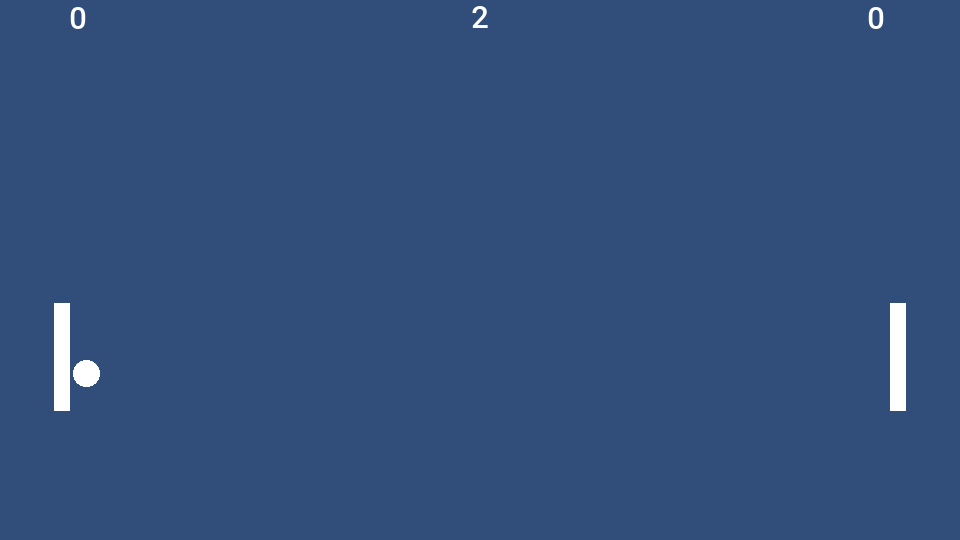
106.9.4. Snake
Wesley-Oliveira/Classic-Snake-Game-Unity-2D, MIT license, copyright 2020 Wesley Oliveira. Two scripts, 184 lines, saved by Unity 2019.3.
A grid game with a menu. Its menu is canvas buttons whose onClick calls
were set up in the Inspector, its record is kept in PlayerPrefs, and the
snake moves on a coroutine that respects Time.timeScale.
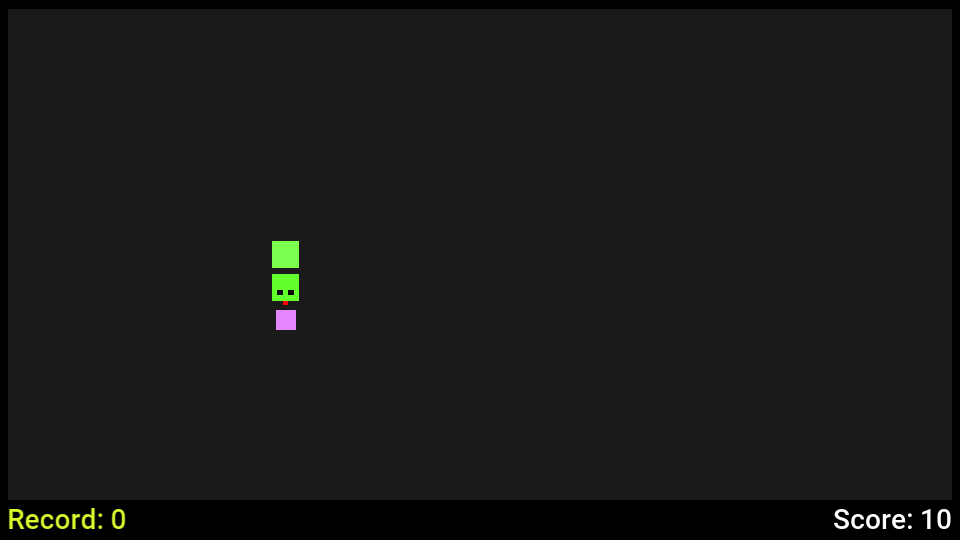
106.9.5. Sokoban
juwalbose/UnityTileBasedSokoban,
MIT license, copyright 2017 Juwal Bose. One script, 264 lines, saved by
Unity 2017.1.
A tile puzzle. The level is a text file loaded with Resources.Load, split
and parsed into an int[,] grid, with the tile objects tracked in a
Dictionary<GameObject, Vector2>. The script creates every tile as a
GameObject with a SpriteRenderer it adds itself. The hero and the balls
are polygon sprites, and the Restart button reloads the scene through a persistent call to
SceneManager.LoadScene.
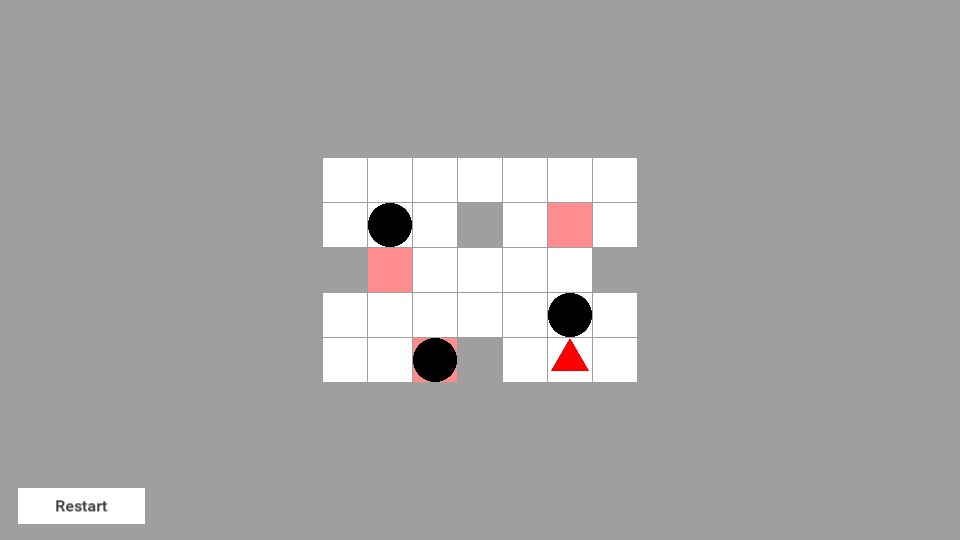
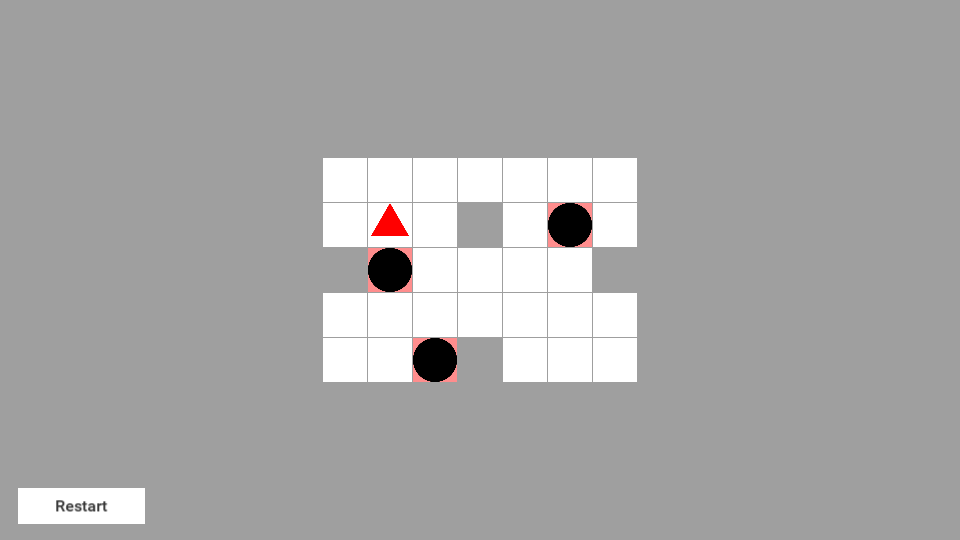
106.10. Measurements
The table covers the four smaller games above; Fruitopia follows it. The numbers measure the game and the compatibility runtime alone, in a harness that runs the game without a display: the same scripted run that produced the traces, three runs each, median reported. A shipped application adds the Codename One port for its platform on top.
| Game | Objects alive | Native executable | JavaScript, gzip | Peak memory, native |
|---|---|---|---|---|
Asteroids | 1,157 to 1,180 | 1.33 MB | 246 KB | 15.7 MB |
Pong | 13 | 1.36 MB | 244 KB | 6.2 MB |
Snake | 26 to 31 | 1.33 MB | 243 KB | 5.1 MB |
Sokoban | 40 | 1.30 MB | 241 KB | 4.8 MB |
Native executable is the stripped macOS binary of the game, the runtime and the Java class library, translated to C by ParparVM and linked with link-time optimization.
JavaScript, gzip is the script the JavaScript port loads for the same code, compressed with
gzip -9.Peak memory is the most physical memory that native executable held over an 1,800-frame run, as
/usr/bin/time -lreports it.
The translated code is small next to the runtime it runs on. Sokoban’s classes and the whole compatibility runtime pack into a 268 KB jar, of which the runtime is 252 KB. The games were measured against successive builds of the runtime, so a difference of 2% or 3% between rows isn’t significant.
Fruitopia is the largest of the five. These figures are from its scripted 1,400-frame run in the same harness. Between 59 and 80 objects are alive and each frame issues 350 to 500 draw commands.
The compatibility runtime it ships with is 382 KB. The rest of its jar is the game’s own audio.
The native executable, linked with link-time optimization and stripped, is 2.67 MB.
The JavaScript for the same code is 387 KB after
gzip -9.Peak memory over the run was about 10 MB for the native executable, about 99 MB on a JVM and about 176 MB under Node.js.
On the JVM the simulation allocated under 2 KB per frame over the whole run, three scene loads included.
On speed: Asteroids, the heaviest of the four in the table, spent under half a millisecond of CPU per frame in the native build, simulation and draw list together, on a development machine that was busy with other builds. The other three were below what the timer resolves. Treat that as an order of magnitude and measure your own game on the device you ship for.
106.11. Scope and porting notes
The compatibility layer targets 2D games built from sprites, tile maps, 2D physics, animation controllers, particles, a canvas interface and scripts. This section lists what’s outside that surface today, what the build does when it meets each item, and what to do about it.
106.11.1. How the build tells you
A port doesn’t fail at run time for a reason the build could have named. There are four places it speaks up:
A
UnityEnginemember the runtime doesn’t have is a C# compiler error with the file and the line.A .NET base library member the runtime doesn’t have stops the build at the translation step, with every such member listed at once and, under each, the script file, the line and the method that uses it.
A component a scene has and the runtime doesn’t is a warning that names the scene, the GameObject and the component. The component is left out and the rest of the scene still builds.
A script method Unity would call by name and the runtime doesn’t is a warning with the class, the method, the file and the line.
106.11.2. Rendering notes
3D. Meshes, lights, 3D physics, shaders and materials other than the default sprite material are outside the scope. Their components are left out with a warning. A perspective camera is made orthographic, and a rotation about the x-axis or the y-axis is dropped, each with a warning.
Animation controllers. The first layer of a controller is played, and the build warns when a controller has more. A state that plays a blend tree shows nothing, and a transition into a sub-state machine is left out, each with a warning. Give such a state a plain clip, or drive the blend from a script with
PlayandCrossFade. An override controller plays nothing, with a warning; assignruntimeAnimatorControllerfrom a script instead.Animated properties. A clip animates a sprite renderer’s sprite, color and enabled flag, a transform’s position, scale and rotation about z, and a GameObject’s active flag. A curve on another property is left out with a warning that names it; set that property from an animation event or from
Update.Timelines aren’t run. Sequence the same steps in a coroutine.
Particle modules. The main, emission, shape, and velocity, color, size and rotation over lifetime modules are simulated. Another module that’s switched on, such as Noise, Collision, Trails, Sub Emitters or Texture Sheet Animation, does nothing, and the build warns for each. A system that emits from a mesh, a donut or a sprite emits from its own position, one that stretches its particles or draws meshes draws plain sprites facing the camera, and a system with
Prewarmon starts empty. Of the modules a script can reach,main,emissionandvelocityOverLifetimeare in the API.Scripted tiles. A rule tile or an animated tile isn’t run. The cells a scene was painted with show the sprites the editor chose for them, and a cell a script sets with such a tile shows its default sprite, with a note. Use plain tiles for cells a script changes.
Line and trail renderers, sprite masks. The components are left out with a warning. An effect made of short-lived sprite objects that a script instantiates and destroys carries over as it is.
Sliced and tiled sprites. A nine-sliced or tiled
SpriteRendererorImagedraws its sprite stretched, with a warning. A radial fill draws whole.Built-in and package sprites. The sprites that belong to the Unity editor or to a Unity package aren’t in the project, so the build draws a plain rectangle or a white disc in their place and says so. Add your own sprite to the project to control the look.
106.11.3. Physics notes
Queries. The casts and overlap tests are listed under What a project can use.
Physics2D.Distance,Collider2D.RaycastandPhysics2D.GetRayIntersectionaren’t in the API, so a script that calls one is a compile error.Physics2D.Raycastwith a layer mask or aContactFilter2Danswers whatCollider2D.Raycastis usually asked, andOverlapPointat the pointer’s world position does the job ofGetRayIntersectionin a 2D scene.Edge radius. An
EdgeCollider2Dwith an edge radius collides as a thin line, with a warning. Use a capsule or a box collider where the thickness matters.Continuous collision detection. A body set to Continuous is swept so that it can’t pass through a thin collider. The physics engine decides this for the whole world: one Continuous body makes it sweep the others too.
Joints and other effectors. Joints are left out with a warning.
PlatformEffector2Dis the effector that’s supported; a collider used by another effector collides as itself, with a warning. Apply the force of an area or point effector fromOnTriggerStay2D.Automatic mass. A body set to Use Auto Mass uses the mass the file records, with a warning.
106.11.4. Script notes
Messages. The runtime calls the messages listed under What a project can use. A method named for another Unity message, such as
OnBecameInvisible,OnMouseDragorOnGUI, compiles and is never called. The build warns for each one, with the class, the method, the file and the line, so the list is in the build output. A drag can be read inUpdatefromInput.GetMouseButtonandCamera.ScreenToWorldPoint.Coroutine waits.
WaitUntil,WaitWhileandWaitForSecondsRealtimearen’t in the API. Awhileloop aroundyield return nulldoes the same job.Scenes. One scene is loaded at a time.
DontDestroyOnLoadkeeps a root object across a load, with everything below it and its running coroutines and pendingInvokecalls. Called for a child object it logs a message and keeps nothing, as in Unity.The base library. The runtime implements the part of .NET listed above, not the whole library.
List<T>.Sort,StringBuilder, format strings such asToString("F2"),float.Parse,HashSet<T>,Queue<T>,Stack<T>,DateTimeandSystem.Randomare the ones a port meets first. The translation step lists each use; the usual replacement is a few lines in the script, such as a hand-written insertion sort orUnityEngine.Random.Static fields of generic types. Each constructed type has its own, as in .NET:
Singleton<GameManager>.InstanceandSingleton<AudioManager>.Instanceare two fields, and a static constructor runs once for each. Three shapes can’t be translated, and the build stops with the type, the method and the line: an instance method of a generic struct that reads its static fields, a virtual or interface generic method that reaches them through its own type argument, such asSlot<T>.Valueinsidevirtual T Read<T>(), and a type that names itself with an ever-larger argument, such asChain<T>callingChain<List<T>>. Make the struct a class, make the method non-virtual, or keep that state in a non-generic class.Reflection,
System.IO, threads,asyncandawait, networking andunsafecode. None of these are translated. Keep saved data inPlayerPrefs, load bundled data withResources.Load, and run timed work in coroutines. Networking belongs on the Java side of the application.Compiled plugins. Only C# source is translated. The import lists every
.dlland native library underAssetsas not built. Use the source of the library where its license allows.Packages from the Package Manager. The build compiles what’s under
Assets. Copy the source of a package the scripts need intoAssets.Serialized fields. A field whose type is a serializable class of your own keeps the value its constructor gave it, and the build warns with the field’s name. Make the type a struct, which is read, or assign the value in
Awake.Editor scripts and custom inspectors. Scripts in an
Editordirectory are left out, the way Unity leaves them out of a player build.
106.11.5. Input notes
The Input System package. The runtime implements the
UnityEngine.Inputclass. A script written against the newer Input System package doesn’t compile; read the same keys, axes and touches throughInput.Touch phases. A touch goes through
Began,Moved,StationaryandEnded.Canceledis never reported, so move the cleanup a script keeps there intoEnded.Joystick axes and the scroll wheel. An axis the input settings bind to a joystick reads as zero, with a note, and so does
Mouse ScrollWheel. The keys bound to the same axis work.Space and Return. The desktop port reports the space bar and the Enter key as one fire button, so on the desktop both
KeyCode.SpaceandKeyCode.Returnread as pressed when either is. A game that gives the two keys different meanings on the same screen sees both.
106.11.6. User interface notes
Controls.
Canvas,CanvasScaler,Text,Image,Button,GraphicRaycasterandEventSystemare supported. Another control of Unity’s interface package — a slider, a toggle, an input field, a scroll view or a layout group — is left out with a warning that names the scene, the GameObject and the Unity type, and the build continues. A script field that pointed at the control isnull, so guard the script’s use of it. Replace the control with buttons and images, or show that screen with Codename One components around the game, where every Codename One control is available.World Space canvases aren’t drawn, with a warning.
Fonts. Text is drawn in the platform’s font at the size, style and alignment the scene sets. A font asset the project names isn’t used, which the build notes for each text.
TextMesh Pro. TextMesh Pro text is drawn the same way: the platform’s font at the size asked for, without the font asset, its material, an outline or rich text tags, with a note for the scene. Tags in a string are therefore drawn as written; keep them out of text shown here.
Button transitions. Color tint is supported and changes at once rather than fading. A sprite swap or animation transition leaves the button looking the same in every state; it still works.
Keyboard navigation between controls isn’t implemented. Controls respond to the pointer.
106.11.7. Camera notes
Cinemachine. A virtual camera follows its target through a framing transposer or a transposer, and the brain cuts between virtual cameras. Blends, aim behaviors, noise and extensions such as a confiner aren’t implemented, which the build notes once for a scene. A look-ahead time on a framing transposer is ignored, with a note. To keep the camera inside a level, clamp its position in
LateUpdate.
106.11.8. Audio and asset notes
Formats. Clips are played by each platform’s own media player, so try the game’s sound files on every target you build for.
Pitch and looping. A clip plays at its recorded speed whatever
AudioSource.pitchsays, and a looped clip restarts when it ends, which can leave a short gap.Resources.Resources.Loadfinds text assets, single-sprite images, audio clips and prefabs.LoadAllisn’t in the API. An image sliced into several sprites isn’t found byResources.Load, with a note; refer to its sprites from a serialized field instead.Asset bundles and the
Addressablespackage aren’t supported. Refer to assets from a scene, a prefab or aResourcesfolder.Texture2Dand run-time texture generation aren’t in the API.File names. Images and sounds become application resources, which have no folders. Two images with the same file name in different folders both ship, each under a name of its own, and every sprite shows its own image. Two audio clips with the same file name still collide, and the build warns about each pair. Rename one.
Scripts that can’t be components. A scene that attaches a static class, an abstract class or a class that isn’t a
MonoBehaviouras a component gets a warning, and the component is left out, as Unity leaves it out.
106.12. Troubleshooting
The build can’t find the .NET SDK. The message names the three places it looked:
src/main/unity holds a Unity project, and compiling its C# scripts needs the .NET SDK, which was not found.
Install the SDK and put dotnet on the PATH, or pass
-Dcn1.unity.dotnet=/path/to/dotnet. A .NET runtime without the SDK isn’t
enough, and the build says so when dotnet --version reports no SDK. An SDK
older than version 6 is reported as too old.
The C# scripts don’t compile. A script uses a UnityEngine type or
member outside the runtime’s API. The build prints the C# compiler’s errors,
each with its file, line and column:
The C# scripts in src/main/unity/Assets did not compile: /work/mygame/common/src/main/unity/Assets/Scripts/Player.cs(14,38): error CS0117: 'Physics2D' does not contain a definition for 'Distance'
The complete compiler output is in dotnet.log. Change the script, or check
Scope and porting notes for the replacement.
The translation step fails. The scripts compiled, and they use a part of the .NET base library the runtime doesn’t have. The translator lists every missing member, and under it each place that uses it:
The C# scripts in src/main/unity could not be translated:
error: the runtime library lacks 2 members the code uses:
class com/codename1/unitycompat/system/text/StringBuilder
used by HighScores.cs:17, in HighScores::Print() : string
method com/codename1/unitycompat/system/collections/generic/List_1.Sort()V
used by HighScores.cs:12, in HighScores::Start() : voidThe class after unitycompat/system/ is the .NET class, and each used by
line is the script file, the line and the method to change.
A control or a package component is left out. A scene or prefab has a
component whose script isn’t under Assets: an interface control outside the
supported set, or a component of a Package Manager package. The build goes on
and warns, once for the component and once for each script field that
referred to it:
First.unity: GameObject 'Gauge' (component file ID 202) has a UnityEngine.UI.Slider component (script GUID 67db9e8f0e2ae9c40bc1e2b64352a6b4), and the compatibility runtime has no UnityEngine.UI.Slider; the component was left out, and whatever refers to it is left null First.unity: field gauge of the Keeper script on GameObject 'Keeper' (component file ID 102) refers to a UnityEngine.UI.Slider component (script GUID 67db9e8f0e2ae9c40bc1e2b64352a6b4) of GameObject 'Gauge' (component file ID 202), which was left out; it was left null
Replace the control, or make the script check the field for null. For a
package whose source you have, copying its scripts into Assets compiles
them with the project. A scene the build settings list that isn’t in the
project is left out with a warning too.
A script method is never called. Unity calls some methods by name, and the runtime sends the ones listed under What a project can use. The build warns about any other:
Keeper.OnBecameInvisible (Keeper.cs:98): Unity calls this method by its name and the compatibility runtime does not send the OnBecameInvisible message; the method is never called
A component is missing in the running game. Read the warnings of the last
build that compiled the Unity project; a build that found the project
unchanged doesn’t repeat them. translate.log and scene-compiler.log in
common/target/unity keep them, each prefixed warning: or note:.
The game looks or behaves differently. Check, in this order: the warnings
in those two logs; the notes there about substituted sprites and fonts; and
whether a script relies on something listed under
Scope and porting notes. Debug.Log output appears in the simulator’s
console.
The main class wasn’t updated by a second import. The import leaves a main class you changed after the first import untouched, and says so. Delete the class and import again to regenerate it.
106.13. Independent implementation
The runtime is an independent implementation of the parts of the Unity scripting API this chapter lists, written from Unity’s public documentation and from the observable behavior of projects. It contains no Unity code and no Unity assemblies, and the build doesn’t read or need a Unity installation. The same holds for the two packages the runtime answers for. Its TextMesh Pro and Cinemachine classes are Codename One’s own implementations of the parts of those documented APIs this chapter lists, and contain no code from either package. Codename One isn’t affiliated with or endorsed by Unity Technologies. Unity is a trademark of Unity Technologies.
Your scripts and assets stay under the terms you hold them under. Assets from the Unity Asset Store and other third parties have their own license terms. Check that those terms allow use outside the Unity engine before you ship a port that includes them.
107. Running Swing and JavaFX applications
An existing desktop application written with Swing and AWT, with the SwingX
component set, or with JavaFX can build and run as a Codename One
application without changes to its Java code. The desktop sources go into a
Codename One project, the build maps them onto Codename One’s implementation
of the java.awt, javax.swing, org.jdesktop.swingx and javafx.* APIs,
and the result runs on every Codename One target: iOS, Android, the web, the
native desktop ports and the simulator.
No desktop Java runtime is involved. Buttons, text fields, check boxes,
sliders and tabs are Codename One components that take the platform’s
theme, layout managers and layout panes run the rules they run on the
desktop, and code that paints with Graphics2D or a JavaFX Canvas draws
through Codename One’s graphics.
107.1. Motivation
A Swing or JavaFX application that already works has three reasons to move.
It reaches every platform from one code base. The same sources build for iPhone and iPad, Android phones and tablets, the browser, and native Linux, macOS and Windows. Nothing is rewritten per platform, and the desktop version keeps its windows, menus, and keyboard.
It ships as one native program. A native desktop build is a single executable with no Java runtime to bundle, install, or update. It starts faster, holds less memory and downloads smaller than the same application with a trimmed Java runtime beside it. Section 107.14.1, “Size, memory and start-up” measures all three for eight applications, built both ways.
It gets the APIs desktop Java never had. The desktop sources compile next to the Codename One API and can call it directly, as Section 107.11, “Calling Codename One from desktop code” shows. That fixes several of the oldest pain points of Swing and JavaFX development:
| What a desktop developer reaches for | What Codename One has |
|---|---|
A camera, a microphone, the photo library |
|
An embedded browser without a heavyweight engine to ship |
|
A local database | SQLite on every platform through |
JSON without a reflection library |
|
REST clients and OpenAPI |
|
A server in the same language | A Java backend that shares its contract and data classes with the app. See Chapter 34, Server-side backend and Chapter 35, Backend controllers, contracts and WebSockets. |
Styling without look-and-feel code | CSS compiled into a theme at build time, and applied live in the simulator as you save. See Section 107.7, “Styling and theming” and Chapter 15, CSS. |
AI agents that can work with the app | Over the Model Context Protocol (MCP), an agent reads and drives a development build’s user interface, and a backend publishes tools for agents in production. See Chapter 80, MCP Headless API and Chapter 44, Backend MCP and the agent loop. |
Push notifications, biometrics, maps, in-app purchase and the rest of the guide are available in the same way.
The layer implements the parts of each toolkit applications use, and the build tells you, file by file and line by line, about anything an application uses that it doesn’t implement (Section 107.5, “Unsupported API is a build error”). New code can use either API: the two live in one project.
107.2. Quick start
Create a Codename One application project (for example from the initializr), then import the desktop project into it:
mvn cn1:import-desktop-project -Dcn1.desktop.import=/path/to/MyDesktopAppThe goal accepts a Maven or a Gradle project. It copies the project’s
src/main/java, src/main/kotlin and src/main/resources into
common/src/main/desktop, generates the Codename One main class that starts
the application (Section 107.3, “The entry point”), and lists what becomes of
each of the project’s dependencies.
Two more parameters settle the cases the goal can’t decide for itself:
mvn cn1:import-desktop-project -Dcn1.desktop.import=/path/to/MyDesktopApp \
-Dcn1.desktop.module=app \
-Dcn1.desktop.mainClass=com.example.Maincn1.desktop.module names the module to import when the project’s root has
no sources and more than one of its modules does. cn1.desktop.mainClass
names the class the application starts through when the project leaves more
than one candidate. In both cases the goal stops before it copies anything
and lists the choices.
After that, run and build as you would any Codename One application. The sources are the same for every target:
mvn cn1:run # the simulator
mvn cn1:buildIos # iOS, on the build server
mvn cn1:buildAndroid # Android, on the build server
mvn cn1:buildJavascript # the JavaScript port
mvn package -Dcodename1.platform=ios -Dcodename1.buildTarget=ios-source # an Xcode project
mvn package -Dcodename1.platform=android -Dcodename1.buildTarget=android-source # an Android Studio projectThe simulator is the quickest place to see the application, and its skins show it at the size and density of a phone or a tablet. Every target and its options are in the Maven project workflow chapter.
107.2.1. Gradle
A Codename One project built with Gradle (see Chapter 3, Gradle project workflow)
takes the same sources in the same place, src/main/desktop. When that
directory exists the Codename One Gradle plugin adds the toolkit layers and
runs the same build steps, with no configuration:
./gradlew run # the simulator
./gradlew buildIos # an iOS build on the build server
./gradlew buildLinuxDevice107.2.2. Placing the sources by hand
The directory mirrors a desktop project’s src/main:
common/src/main/desktop/
java/ the desktop application's Java sources
kotlin/ Kotlin sources, if the application has any
resources/ images, .properties, .fxml and .css filesThe common module’s desktop-compat profile activates when
src/main/desktop exists and adds the Swing and JavaFX layers. Only the
layer the compiled classes use ships, so a Swing application doesn’t carry
the JavaFX runtime. A project created before the profile existed gets it
from the import goal.
107.3. The entry point
A ported application is an ordinary Codename One application with an
ordinary main class: a Lifecycle subclass in common/src/main/java. The
import goal generates it, and its start-up calls the Swing application’s
main, or launches the JavaFX Application, on the Codename One event
dispatch thread (EDT). That thread is also the Swing event dispatch thread
and the JavaFX application thread.
The class is yours. Edit it to pass arguments, to set display properties before the first window opens (Section 107.8.4, “Display properties”), to show a Codename One screen first, or to start the desktop code only for some devices.
107.4. How the build works
Three ideas explain everything the build does:
The application is compiled once, against the desktop API, and relinked. Swing code compiles against the JDK’s own
java.awtandjavax.swing, JavaFX code against ajavafx.*API that ships with Codename One, which is why the sources need no changes. The build then points every reference at Codename One’s implementation. No source is translated and nothing is interpreted: each target compiles the result as it compiles any Codename One application, to native code on iOS and the desktop ports, to Android’s bytecode on Android, to JavaScript in a browser.Only what’s used ships. A layer is active only when the application’s classes name its API, and the native builds drop every class and method nothing reaches.
Nothing is found by reflection at run time. FXML documents, style sheets, resource lists and resource bundles are compiled into code by the build. That’s what makes the same application run on iOS, and it’s also why it starts fast everywhere.
The JDK API that ordinary application code uses is available on every
target: java.io.File and java.nio.file, regular expressions, the stream
API, java.time, the executors and concurrent collections, Optional,
Properties, ResourceBundle, logging and preferences.
107.5. Unsupported API is a build error
The build checks every reference in the compiled application, so a class, method, constructor or field that a layer doesn’t have stops the build. It never becomes a failure on a user’s device. The message names the API the way the source spells it, with the source file and line:
Compliance check failed with 2 forbidden API references. See /projects/orders/common/target/codenameone/compliance_check.txt for the full report. First 2 violation(s): - com/example/OrdersPanel#restyleTree()V -> javax.swing.JTree.getUI() is not supported by the Codename One Swing compatibility layer (com/example/OrdersPanel.class) at OrdersPanel.java:48 - com/example/NotesDialog#printNotes()V -> javax.swing.JTextArea.print() is not supported by the Codename One Swing compatibility layer (com/example/NotesDialog.class) at NotesDialog.java:31
A project with more than a handful of such references gets a summary that groups them by kind and by library, and points at the port report.
107.5.1. The port report
Every build of a project that uses a desktop layer writes
target/codenameone/desktop-port-report.md, whether the check passes or
fails. It says how many of the application’s calls into Swing, AWT and
JavaFX are supported, lists what to change source file by source file with
a Codename One alternative where one exists, and says what became of each
dependency. Set cn1.desktop.report to write it elsewhere:
mvn package -Dcn1.desktop.report=port.md # Maven
./gradlew build -Pcn1.desktop.report=port.md # GradleTo find out how well an application fits before changing a line of it, import it, build it and read the summary at the top of that report.
107.6. Porting a large application
A small application usually builds after the import. A large one usually needs some work, and widgets are seldom the reason: the user interface calls of a two-hundred-file Swing application, with FlatLaf for its look and a syntax-highlighting editor, built as written. The work is in the libraries and services around the user interface, and it goes in the order below.
107.6.1. Sort out the dependencies
The import keeps every dependency of the project. One that the layer
implements itself — the JavaFX modules, SwingX, FlatLaf and
RSyntaxTextArea — gets the provided scope: the sources compile against
the real jar and the layer ships in its place.
Every other dependency is built with the application like any dependency
of a Codename One application. Its classes aren’t relocated onto a layer,
so a library written against Swing, AWT or JavaFX — a layout manager such
as MigLayout, an icon library, a component set — fails the check for
unsupported API. Replace it with its Codename One equivalent, or bring its
source into src/main/desktop beside the application’s own, where it’s
relinked and checked like the rest. A library that isn’t about user
interfaces only has to use API a device has.
107.6.2. Use the Codename One equivalent
Where Codename One has an equivalent, the port report names it next to the finding. The common ones:
| Desktop API | Use instead |
|---|---|
|
|
| Supported on the desktop targets through Codename One’s process API,
|
|
|
| The ciphers, MACs and key generators of |
|
|
Java serialization |
|
Reflection over bean properties |
|
A JSON library that binds by reflection |
|
A file watch service | Poll on a background thread with |
JNA, | A |
| The |
107.6.3. Isolate what a phone can’t do
What remains is functionality a phone can’t provide in the same form. Put it behind an interface the application owns, keep the desktop implementation in the desktop project, and give the Codename One build an implementation that uses the Codename One API, a server, or nothing:
/// What the screens ask for. They hold one of these and nothing else.
public interface Tools {
/// Whether the menu item that opens a terminal should be there at all.
boolean canOpenTerminal();
void openTerminal(String directory);
void showInFileManager(String path);
}
/// The implementation the Codename One build uses. The desktop project
/// keeps its own, written with ProcessBuilder, in a class this build
/// doesn't compile.
public static class DeviceTools implements Tools {
@Override
public boolean canOpenTerminal() {
return false;
}
@Override
public void openTerminal(String directory) {
throw new UnsupportedOperationException("No terminal on this device");
}
@Override
public void showInFileManager(String path) {
String url = path.startsWith("file:") ? path : "file://" + path;
Boolean can = CN.canExecute(url);
if (can == null || can.booleanValue()) {
CN.execute(url);
}
}
}This is where most of a large port’s time goes. An application whose screens call straight into its services needs that seam before the seam can get a second implementation. An application that already separates its screens from its services has it, and its port is mostly the first two steps.
107.7. Styling and theming
Codename One styles an application with CSS. A theme.css file in the
project is compiled into a .res theme when the application is built, so
the device reads a compact binary theme and never parses a style sheet. In
the simulator the theme is rebuilt each time the file is saved, and the
running application restyles at once. There is no look-and-feel class to
write and no skin to subclass: every component has a UIID, and a CSS rule
for that UIID styles it on every platform, with native themes for iOS,
Android and the desktops underneath. The Chapter 15, CSS chapter covers the syntax
and Chapter 14, Native modern themes the themes it builds on.
This differs from both desktop toolkits. A Swing look and feel is Java code, UI delegates that paint each widget, chosen at run time. JavaFX reads its CSS at run time and applies it to skins. In Codename One the styling is data, settled at build time, and the same for every platform.
A ported application uses this model in three ways.
107.7.1. Swing look and feel becomes a palette
The standard widgets are Codename One components: a JButton is a Codename
One button, a JTextField is the platform’s text field with its own
keyboard, selection and autocorrection, and the same holds for labels,
check boxes, combo boxes, sliders, progress bars and tabs. They take the
theme of the platform they run on.
UIManager.setLookAndFeel accepts any look and feel, so the usual call at
the top of main runs unchanged and selects a light or a dark palette:
FlatDarkLaf and other dark themes select the dark one, null or the
system look and feel follows the platform’s own setting. Switching while
windows are open restyles them at once. UIManager colors and fonts the
application puts are kept and used, and the ones it reads answer from the
palette.
FlatLaf’s entry points are part of the layer, so an application written
against FlatLaf runs without the FlatLaf jar: setup(), the dark and light
themes, the accent color, style classes and common client properties such
as JTextField.placeholderText.
On a desktop, the desktop.themeMode build hint chooses the theme the
packaged application uses, and native selects the theme of the machine it
runs on:
codename1.arg.desktop.themeMode=nativeThe native macOS build reads macos.themeMode instead. Both are described
under Section 14.3, “Desktop themes”.
107.7.2. JavaFX style sheets compile with the application
JavaFX style sheets under src/main/desktop/resources are compiled when
the application is built, like the application’s own CSS, into a compact
table that the runtime applies. Type, class, id and pseudo-class selectors,
the descendant and child relations, the cascade, inline setStyle,
looked-up colors and @font-face work as in JavaFX:
.root {
-app-accent: #2f6fed;
}
.card {
-fx-background-color: white;
-fx-border-color: -app-accent;
-fx-border-width: 2;
-fx-border-radius: 8;
-fx-background-radius: 8;
}
#status {
-fx-text-fill: -app-accent;
-fx-font-size: 18;
-fx-font-weight: bold;
}
.card > .button:hover {
-fx-opacity: 0.85;
}A property or selector the layer doesn’t style is a build warning with the
file and line, and the rule is left out, which is what JavaFX itself does
with a property it doesn’t know. Redefining a theme color such as
-fx-base or -fx-accent recolors the controls the layer draws itself.
107.7.3. Codename One CSS styles the whole application
The application’s theme.css styles the Codename One components that the
Swing and JavaFX widgets are, so one rule changes a button, a text field or
a dialog across the whole application on every platform. Use it for
anything that should look the same across screens; use the desktop styling
for what’s particular to one screen.
107.7.4. Custom painting
A Swing component that overrides paintComponent paints as it does on the
desktop, through a Graphics2D with shapes, strokes, paints, clipping and
an affine transform:
public class BadgePanel extends JPanel {
private String initial = "?";
public void setInitial(String name) {
initial = name == null || name.length() == 0 ? "?" : name.substring(0, 1);
repaint();
}
@Override
public Dimension getPreferredSize() {
return new Dimension(120, 120);
}
@Override
protected void paintComponent(Graphics g) {
super.paintComponent(g);
Graphics2D g2 = (Graphics2D) g;
g2.setRenderingHint(RenderingHints.KEY_ANTIALIASING, RenderingHints.VALUE_ANTIALIAS_ON);
int size = Math.min(getWidth(), getHeight()) - 16;
int x = (getWidth() - size) / 2;
int y = (getHeight() - size) / 2;
g2.setColor(new Color(0x2f6fed));
g2.fillOval(x, y, size, size);
g2.setColor(Color.WHITE);
g2.setFont(getFont().deriveFont(size / 2f));
FontMetrics metrics = g2.getFontMetrics();
g2.drawString(initial, (getWidth() - metrics.stringWidth(initial)) / 2,
(getHeight() - metrics.getHeight()) / 2 + metrics.getAscent());
}
}In JavaFX, shapes, Text, paths, gradients, transforms and the shadow
effects are drawn by the layer, and a Canvas replays its drawing calls
when it paints, so it stays sharp at any display density.
107.8. On a phone and on the desktop
107.8.1. Logical pixels
Desktop code sizes things in pixels and assumes about 96 of them to the
inch. The layers treat every Swing and JavaFX coordinate as a logical
pixel of 1/96 inch and scale it to the display, so a 24 pixel row is the
same physical height on a phone as on a desktop monitor. A phone is about
400 logical pixels across, so a layout designed for a 1024 pixel window is
much wider than the screen. Layout managers and panes that adapt to the
available width keep working; fixed sizes and null layouts need the
attention they would need in a small desktop window.
A window whose content can’t shrink to the display keeps its minimum size
and the user pans across it with a drag. A FlowLayout row and a
horizontal JToolBar wrap instead of being cut off. A JavaFX scene whose
root is a layout pane reflows to the screen as it does when its window is
resized.
107.8.2. Windows, dialogs and menus
The first JFrame or Stage fills the screen. On the desktop ports each
further frame or stage is a real window with the size, position and title
the application gave it. On a phone or tablet a further frame is a form
shown over the one before it, with a back command, and a dialog floats over
the current form.
A modal dialog blocks its caller as it does on the desktop.
JOptionPane.showMessageDialog, a modal JDialog, and showAndWait() on a
JavaFX Alert all return after the user answers, while painting and input
continue, so code written as a sequence of questions needs no
restructuring:
import java.awt.BorderLayout;
import java.awt.GridLayout;
import javax.swing.BorderFactory;
import javax.swing.JButton;
import javax.swing.JFrame;
import javax.swing.JLabel;
import javax.swing.JOptionPane;
import javax.swing.JPanel;
import javax.swing.JTextField;
import javax.swing.SwingUtilities;
public class GreeterApp {
public static void main(String[] args) {
SwingUtilities.invokeLater(GreeterApp::showFrame);
}
private static void showFrame() {
JFrame frame = new JFrame("Greeter");
frame.setDefaultCloseOperation(JFrame.EXIT_ON_CLOSE);
JTextField name = new JTextField(16);
JPanel form = new JPanel(new GridLayout(0, 2, 8, 8));
form.setBorder(BorderFactory.createEmptyBorder(12, 12, 12, 12));
form.add(new JLabel("Name"));
form.add(name);
BadgePanel badge = new BadgePanel();
JButton greet = new JButton("Greet");
greet.addActionListener(e -> {
badge.setInitial(name.getText());
JOptionPane.showMessageDialog(frame, "Hello, " + name.getText() + "!");
});
frame.getContentPane().add(form, BorderLayout.NORTH);
frame.getContentPane().add(badge, BorderLayout.CENTER);
frame.getContentPane().add(greet, BorderLayout.SOUTH);
frame.pack();
frame.setVisible(true);
}
}On the desktop a JMenuBar is drawn in the window. On a phone its items
become commands in the form’s overflow menu, and their accelerators become
shortcuts.
107.8.3. Mouse, touch and keyboard
The same listeners run on every device:
| Input | On a desktop | On a phone or tablet |
|---|---|---|
Press, drag, release | The mouse, with its buttons and modifiers. | A finger, as the primary button. |
Secondary click | The secondary button. | A long press opens the same menus. |
Hover and wheel | Follow the pointer and the wheel. | None. Scroll panes follow a drag. |
Touch events | None. | JavaFX receives a |
Keys | The keyboard. | The on-screen keyboard, typing into the text component being edited. |
CN.isDesktop() answers which kind of device the application is on, so a
feature that lives behind a hover or a key binding can offer a second way
in on a phone.
107.8.4. Display properties
Three display properties adjust how a desktop application maps onto a
device. Set them with CN.setProperty before the first window opens, for
example in the generated main class or at the top of main:
if (!CN.isDesktop()) {
// Fit a little more of a wide form on a phone.
CN.setProperty("desktopcompat.scale", "1.6");
// Keep the menu bar in the window instead of the overflow menu.
CN.setProperty("desktopcompat.menuBar", "window");
}
// A fixed width font the application ships among its resources.
CN.setProperty("desktopcompat.monospaced", "DejaVu Sans Mono|DejaVuSansMono.ttf");
JFrame frame = new JFrame("Orders");| Property | Value | Effect |
|---|---|---|
| A number | The device pixels each logical pixel takes. Without it, the display’s density against 96 dots per inch. |
|
| Draw a |
|
| A fixed-width TrueType font the application ships, used for the
|
107.8.5. Threading
The Swing event dispatch thread, the JavaFX application thread and the
Codename One EDT are one thread. SwingUtilities.invokeLater,
Platform.runLater, javax.swing.Timer and the JavaFX animation classes
run there. Long work belongs on another thread, as on the desktop:
SwingWorker and a JavaFX Task or Service run their work in the
background and deliver results on the EDT:
new SwingWorker<List<String>, String>() {
@Override
protected List<String> doInBackground() {
List<String> names = new ArrayList<String>();
for (String name : new String[] {"Ada", "Grace", "Linus"}) {
names.add(name);
publish(name);
}
return names;
}
@Override
protected void process(List<String> chunks) {
for (String name : chunks) {
model.addElement(name);
}
}
@Override
protected void done() {
status.setText(model.getSize() + " names loaded");
}
}.execute();107.8.6. Resources and libraries
getClass().getResource(…), getResourceAsStream(…)
and ResourceBundle.getBundle work: the build packages the
files under src/main/desktop/resources and records where each one came
from. ImageIcon, ImageIO.read and the JavaFX Image decode PNG and
JPEG through the platform.
A library written against Swing or JavaFX, such as MigLayout or a component set, isn’t relinked onto the layer from its jar; see Section 107.6, “Porting a large application”. The layer itself supplies FlatLaf and RSyntaxTextArea; keep those two dependencies as they are.
107.9. FXML
FXML documents are compiled when the application is built, into classes that build the same node tree with plain constructors and setters. The application loads a document the way it does on the desktop:
@Override
public void start(Stage stage) throws Exception {
Parent root = FXMLLoader.load(getClass().getResource("greeter.fxml"));
Scene scene = new Scene(root);
scene.getStylesheets().add(getClass().getResource("greeter.css").toExternalForm());
stage.setTitle("Greeter");
stage.setScene(scene);
stage.show();
}<?import javafx.geometry.Insets?>
<?import javafx.scene.control.Button?>
<?import javafx.scene.control.Label?>
<?import javafx.scene.control.TextField?>
<?import javafx.scene.layout.VBox?>
<VBox xmlns:fx="http://javafx.com/fxml/1" spacing="12" styleClass="card"
fx:controller="com.codenameone.developerguide.desktopinterop.javafx.GreeterController">
<padding>
<Insets top="16" right="16" bottom="16" left="16"/>
</padding>
<Label fx:id="status" text="Who is there?"/>
<TextField fx:id="name" promptText="Name"/>
<Button fx:id="greet" text="Greet" onAction="#greet"/>
</VBox>The controller’s @FXML fields and handlers can stay private, and
initialize() runs after they’re set. The build writes direct code for
the assignments, so no reflection is involved:
import javafx.event.ActionEvent;
import javafx.fxml.FXML;
import javafx.scene.control.Button;
import javafx.scene.control.Label;
import javafx.scene.control.TextField;
public class GreeterController {
@FXML
private Label status;
@FXML
private TextField name;
@FXML
private Button greet;
@FXML
private void initialize() {
greet.disableProperty().bind(name.textProperty().isEmpty());
}
@FXML
private void greet(ActionEvent event) {
status.setText("Hello, " + name.getText() + "!");
}
}Imports, fx:include, fx:define, fx:root, %key strings from a
resource bundle, @path locations and ${…} bindings to a property all
work, and so does an application’s own control used as an element. Because
every class and property a document names is checked when it compiles, the
build reports a typo with the file, line, and column, where the desktop
would only find it when loading the document. A JavaFX application that builds its scene
in code needs none of this:
import javafx.application.Application;
import javafx.beans.binding.Bindings;
import javafx.beans.property.IntegerProperty;
import javafx.beans.property.SimpleIntegerProperty;
import javafx.geometry.Insets;
import javafx.geometry.Pos;
import javafx.scene.Scene;
import javafx.scene.control.Button;
import javafx.scene.control.Label;
import javafx.scene.layout.VBox;
import javafx.stage.Stage;
public class CounterApp extends Application {
private final IntegerProperty count = new SimpleIntegerProperty();
@Override
public void start(Stage stage) {
Label label = new Label();
label.textProperty().bind(Bindings.concat("Pressed ", count.asString(), " times"));
Button press = new Button("Press");
press.setOnAction(e -> count.set(count.get() + 1));
VBox root = new VBox(12, label, press);
root.setAlignment(Pos.CENTER);
root.setPadding(new Insets(16));
stage.setTitle("Counter");
stage.setScene(new Scene(root, 320, 200));
stage.show();
}
public static void main(String[] args) {
launch(args);
}
}107.10. Supported API
The tables list the main classes of each area. The exact answer for an application is in its port report (Section 107.5.1, “The port report”), which counts the calls that are supported.
107.10.1. Swing and AWT
| Area | Classes |
|---|---|
Windows and dialogs |
|
Internal frames |
|
Containers |
|
Buttons and labels |
|
Text |
|
Lists and values |
|
Tables and trees |
|
Menus and actions |
|
Layout managers |
|
Borders | Every class of |
Painting |
|
Events | The listeners and events of |
Threading |
|
Services |
|
107.10.2. SwingX
| Area | Classes |
|---|---|
Components |
|
Rendering | Highlighters, the renderer providers, |
Other |
|
107.10.3. JavaFX
| Area | Classes |
|---|---|
Application and windows |
|
Layout panes |
|
Controls |
|
Charts |
|
Menus and dialogs |
|
Properties and collections |
|
Graphics | Shapes, paths, |
Animation |
|
Concurrency |
|
FXML and styling |
|
107.11. Calling Codename One from desktop code
The desktop sources compile in the common module, next to the Codename One
API, so they can call it directly. That’s how a ported application adapts
to the device it runs on, and how it reaches the camera, the database,
push notifications and the rest of Section 107.1, “Motivation”:
if (!CN.isDesktop() && !CN.isTablet()) {
// A phone: stack the two halves instead of placing them side by side.
split.setOrientation(JSplitPane.VERTICAL_SPLIT);
}Code that uses Codename One classes no longer compiles in the original desktop project. Keep such calls behind a small class of your own if the application must go on building for a desktop JVM too.
107.12. Mixing with Codename One code
A Codename One application can use Swing and JavaFX screens without handing
them the whole application. Put the desktop sources in
common/src/main/desktop as usual, and have the main class show Codename
One forms instead of calling the desktop application’s main.
SwingInterop.asComponent wraps a Swing component in a Codename One
component that you add to a form like any other:
JPanel report = new JPanel(new BorderLayout());
report.add(new JLabel("Orders this week"), BorderLayout.NORTH);
report.add(new JScrollPane(new JTable(new Object[][] {{"Mon", 12}, {"Tue", 9}},
new Object[] {"Day", "Orders"})), BorderLayout.CENTER);
Form form = new Form("Report", new com.codename1.ui.layouts.BorderLayout());
form.add(com.codename1.ui.layouts.BorderLayout.CENTER, SwingInterop.asComponent(report));
form.show();FxInterop.asComponent does the same for the root of a JavaFX scene graph,
or for a Scene when the screen needs style sheets:
VBox root = new VBox(8, new Label("Orders this week"), new Button("Refresh"));
Scene scene = new Scene(root);
scene.getStylesheets().add("/com/example/orders.css");
Form form = new Form("Report", new BorderLayout());
form.add(BorderLayout.CENTER, FxInterop.asComponent(scene));
form.show();Both take an Object and throw an IllegalArgumentException for anything
other than a Swing component, a JavaFX parent or a scene. Call them on the
EDT.
Frames, stages and modal dialogs work from Codename One code too. A frame or a stage opens as a form over the current one, and closing it returns there:
JFrame frame = new JFrame("Edit order");
frame.setDefaultCloseOperation(JFrame.DISPOSE_ON_CLOSE);
frame.setContentPane(editor);
frame.setVisible(true); // closing it returns to the form that was showing
int answer = JOptionPane.showConfirmDialog(frame, "Save the order?", "Save",
JOptionPane.YES_NO_OPTION);Stage stage = new Stage();
stage.setTitle("Edit order");
stage.setScene(new Scene(editor));
stage.show(); // closing it returns to the form that was showingOn the desktop ports these windows are real windows.
SwingInterop.setNativeWindows(false) and
FxInterop.setNativeWindows(false) keep them inside the application’s own
window instead, as on a phone.
107.13. Testing a ported application
The application’s logic is tested as any Codename One application’s is,
with mvn cn1:test or ./gradlew cn1Test. Test classes aren’t relinked, so
a unit test exercises the classes that don’t touch the toolkit: models,
parsers and the services behind the interfaces of
Section 107.6, “Porting a large application”. The tests that came with the desktop project
stay there and keep running on the JVM.
Then run the application in the simulator with a phone, a tablet and the desktop skin. Most of what a port gets wrong is visible there in a minute: a window that pans because it can’t shrink, a table whose columns no longer fit, a feature reachable only from a hover or a key binding.
To prove that the screens respond to a real pointer, the Codename One
source tree carries a harness in
maven/integration-tests/desktop-compat-realport. It starts a built
application on the JavaSE port and plays a script of clicks, drags and keys
with the display server’s own input, and it fails when anything throws or
when a step changes nothing on the screen. A script has one step on a line,
and a position is a fraction of the application’s area:
# Wait for the first screen, then keep a picture of it. sleep 4000 shot start click 0.061 0.268 type bc key TAB drag 0.536 0.573 0.640 0.573 400 # Moving the pointer isn't expected to change anything. quiet move 0.5 0.5
Run it against the common module of a built application, under
xvfb-run on a machine you’re working on:
# From a checkout of the Codename One sources, against a built application:
xvfb-run -a maven/integration-tests/desktop-compat-realport/run.sh \
/path/to/MyApp/common /path/to/orders.txt /path/to/outputswing-gallery.txt and javafx-gallery.txt beside the harness are
complete scripts to start from.
107.14. Native desktop builds
The same project builds a native executable for Linux, macOS, and Windows. The application, the part of the layers it uses and the part of Codename One it uses are translated to C and compiled into one program with no Java runtime beside it:
# Linux: a native executable, built on a Linux machine
mvn package -Dcodename1.platform=linux -Dcodename1.buildTarget=local-linux-device
# macOS: a native .app, built on a Mac with Xcode
mvn package -Dcodename1.platform=ios -Dcodename1.buildTarget=local-mac-device
# Windows: a native .exe, built on Windows or cross-compiled
mvn package -Dcodename1.platform=win -Dcodename1.buildTarget=local-windows-deviceEach port has a chapter with its toolchain, build hints, signing and
packaging: Section 112.3, “Building a native Linux app”,
Section 109.2, “Native macOS Build (AppKit)” and Section 111.2, “Building a native Windows app”. A
ported application needs nothing beyond what those chapters ask of any
application. On these ports a JMenuBar is drawn in its frame, the mouse,
wheel and keyboard modifiers are reported, and every further JFrame and
Stage is a real window (see Chapter 115, Desktop Windows).
107.14.1. Size, memory and start-up
This section measures what the user downloads, how soon the window appears and how much memory the application holds, for the same sources built two ways:
| On a JVM | Native build | |
|---|---|---|
Sources | The application’s own, unmodified | The same, imported |
Runtime | A | None |
Toolkit | The JDK’s Swing, or OpenJFX | Codename One’s Swing or JavaFX layer over the native port |
The JVM runs in two configurations. Default is the image as built, with its class data sharing archive. Tuned is what a developer who cared about start-up and footprint would ship: the serial collector, a smaller thread stack, the first compiler tier only, an application class data sharing archive and the smallest heap the application runs in.
Eight applications were measured: the swing-gallery and javafx-gallery
samples in the Codename One source tree, the JDK’s SwingSet2 and Notepad
demos, and four small open-source applications. Every comparison is like
for like. Both builds of an application ran on the same machine, and each
size compares one architecture with the same architecture: on macOS the
native application is measured with the arm64 slice of its executable
only, the architecture of the jlink runtime it’s compared with. In each
ratio the JVM’s figure is divided by the native build’s, so a figure above
1 favors the native build.
Size is bytes on disk, and bytes as one zip at the highest deflate level, which is close to what a download costs. Start-up is the time from the start of the process to the first painted frame, the median of seven launches. Memory is summed over the process tree, ten seconds after the first frame and again after a short script of input. CPU while idle is the processor time of an application waiting for input.
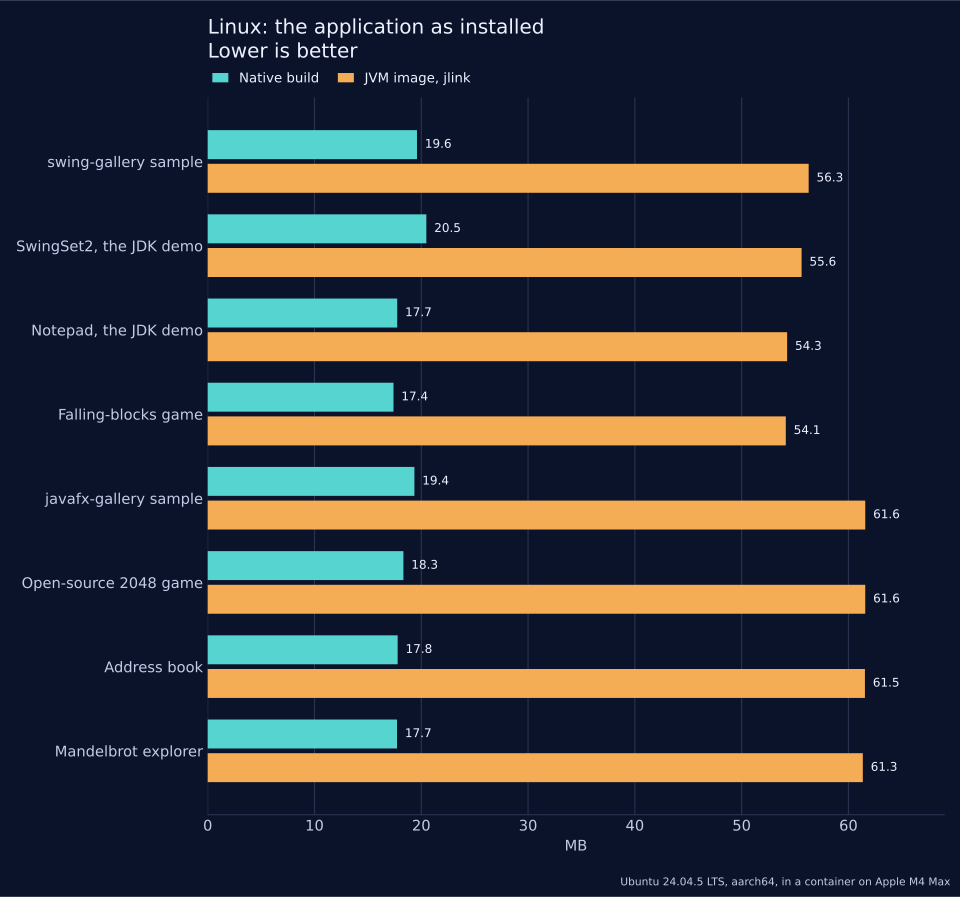
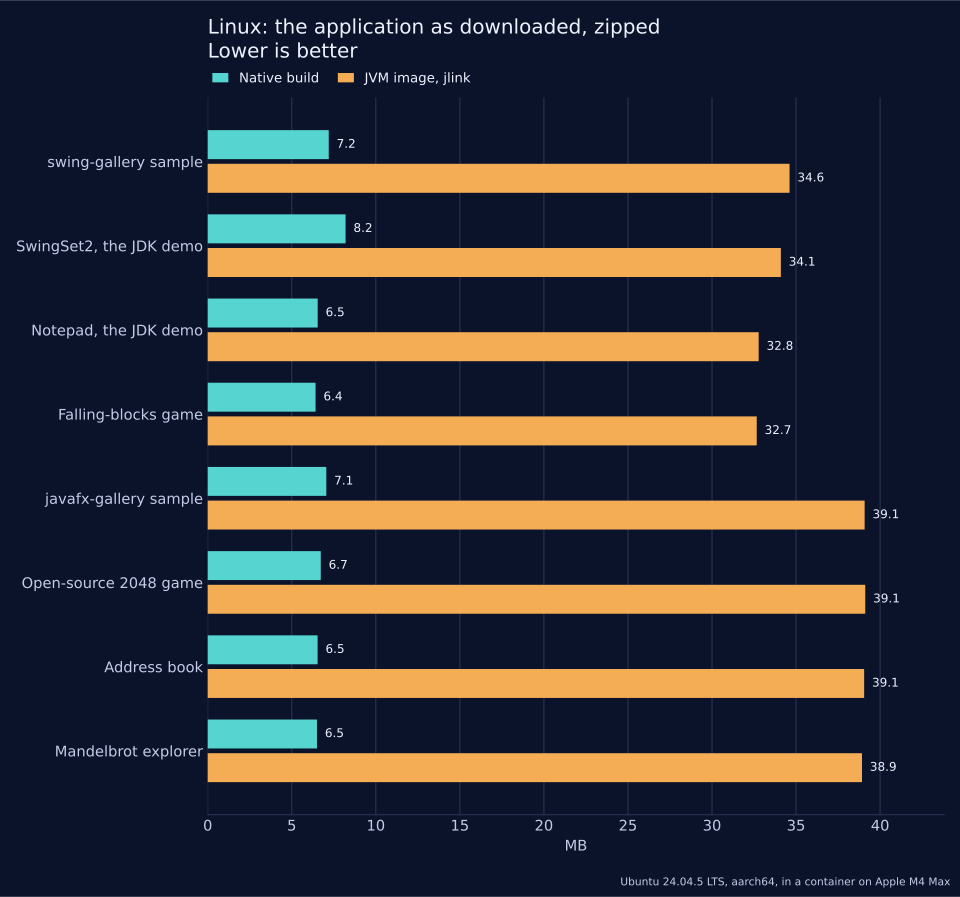
| Application | Toolkit | jlink image | jlink image, zipped | jpackage image, zipped | Native build | Native build, zipped | JVM image / native build | JVM zip / native zip |
|---|---|---|---|---|---|---|---|---|
| Swing | 56.3 | 34.6 | 34.8 | 19.6 | 7.2 | 2.9x | 4.8x |
SwingSet2, the JDK demo | Swing | 55.6 | 34.1 | 34.2 | 20.5 | 8.2 | 2.7x | 4.2x |
Notepad, the JDK demo | Swing | 54.3 | 32.8 | 32.9 | 17.7 | 6.5 | 3.1x | 5.0x |
Falling-blocks game | Swing | 54.1 | 32.7 | 32.8 | 17.4 | 6.4 | 3.1x | 5.1x |
| JavaFX | 61.6 | 39.1 | 39.2 | 19.4 | 7.1 | 3.2x | 5.5x |
Open-source 2048 game | JavaFX | 61.6 | 39.1 | 39.3 | 18.3 | 6.7 | 3.4x | 5.8x |
Address book | JavaFX | 61.5 | 39.1 | 39.2 | 17.8 | 6.5 | 3.5x | 6.0x |
Mandelbrot explorer | JavaFX | 61.3 | 38.9 | 39.0 | 17.7 | 6.5 | 3.5x | 6.0x |
The jlink image is the application with the smallest Java runtime that runs it: the application’s jars and the modules jlink found it to need. The native build is one executable file with nothing beside it. Both rely on the desktop libraries of the system, X11 and, for the native build and for JavaFX, GTK; neither column counts them.
Against the jlink image as installed the native build is smaller in 8 applications, of the 8 measured. Its best result is 3.5x for Mandelbrot explorer (17.7 MB against 61.3 MB).
Against the zipped jlink image the native build is smaller in 8 applications, of the 8 measured. Its best result is 6.0x for Mandelbrot explorer (6.5 MB against 38.9 MB).
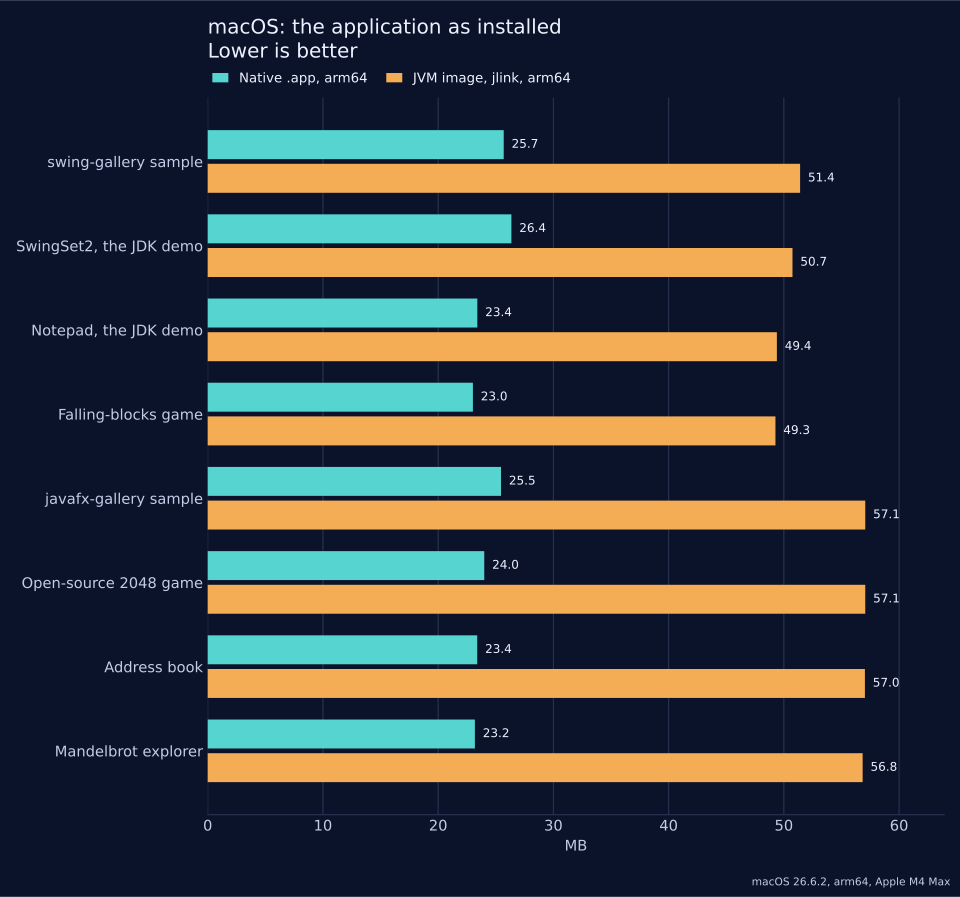
| Application | jlink image, arm64 | jlink image, zipped | Native .app, arm64 | Native .app, zipped | Universal .app | JVM image / native .app | JVM zip / native zip |
|---|---|---|---|---|---|---|---|
| 51.4 | 32.5 | 25.7 | 8.7 | 49.6 | 2.0x | 3.7x |
SwingSet2, the JDK demo | 50.7 | 32.0 | 26.4 | 9.8 | 49.5 | 1.9x | 3.3x |
Notepad, the JDK demo | 49.4 | 30.7 | 23.4 | 8.0 | 44.9 | 2.1x | 3.9x |
Falling-blocks game | 49.3 | 30.6 | 23.0 | 7.8 | 44.2 | 2.1x | 3.9x |
| 57.1 | 37.1 | 25.5 | 8.6 | 49.2 | 2.2x | 4.3x |
Open-source 2048 game | 57.1 | 37.1 | 24.0 | 8.1 | 46.0 | 2.4x | 4.6x |
Address book | 57.0 | 37.0 | 23.4 | 7.9 | 45.0 | 2.4x | 4.7x |
Mandelbrot explorer | 56.8 | 36.9 | 23.2 | 7.9 | 44.6 | 2.5x | 4.7x |
Both sides are built for arm64: the jlink image holds the arm64 runtime, and the native .app is the bundle with the arm64 slice of its executable only. The builder’s default output is universal, with an x86_64 slice beside it; its size is in the last size column.
Against the jlink image as installed the native build is smaller in 8 applications, of the 8 measured. Its best result is 2.5x for Mandelbrot explorer (23.2 MB against 56.8 MB).
Against the zipped jlink image the native build is smaller in 8 applications, of the 8 measured. Its best result is 4.7x for Mandelbrot explorer (7.9 MB against 36.9 MB).
| Application | iOS .app | iOS .app, zipped | iOS executable, stripped | Android APK | APK, unpacked | Of which dex |
|---|---|---|---|---|---|---|
| 28.1 | 9.4 | 18.2 | 3.0 | 5.8 | 3.9 |
SwingSet2, the JDK demo | 28.7 | 10.5 | 17.6 | 4.4 | 7.2 | 3.8 |
Notepad, the JDK demo | 25.6 | 8.7 | 16.3 | 2.9 | 5.5 | 3.5 |
Falling-blocks game | 25.1 | 8.6 | 16.1 | 2.8 | 5.3 | 3.4 |
| 27.8 | 9.3 | 18.0 | 3.1 | 5.9 | 4.0 |
Open-source 2048 game | 26.1 | 8.9 | 16.7 | 3.1 | 6.0 | 3.8 |
Address book | 25.4 | 8.6 | 16.5 | 3.0 | 5.8 | 3.9 |
Mandelbrot explorer | 25.3 | 8.6 | 16.3 | 2.9 | 5.5 | 3.6 |
| Application | Toolkit | Classes in the layer | Classes in the native build | Kept |
|---|---|---|---|---|
| Swing and AWT | 1039 | 737 | 71% |
SwingSet2, the JDK demo | Swing and AWT | 1039 | 587 | 56% |
Notepad, the JDK demo | Swing and AWT | 1039 | 566 | 54% |
Falling-blocks game | Swing and AWT | 1039 | 538 | 52% |
| JavaFX | 901 | 688 | 76% |
Open-source 2048 game | JavaFX | 894 | 413 | 46% |
Address book | JavaFX | 896 | 461 | 51% |
Mandelbrot explorer | JavaFX | 896 | 442 | 49% |
| Application | JVM, default | JVM, tuned | Native build | Default / native | Tuned / native |
|---|---|---|---|---|---|
| 326 (316-336) | 194 (193-195) | 96 (40-104) | 3.4x | 2.0x |
SwingSet2, the JDK demo | 220 (205-221) | 145 (144-157) | 56 (54-84) | 3.9x | 2.6x |
Notepad, the JDK demo | 175 (170-187) | 123 (107-134) | 55 (54-77) | 3.2x | 2.2x |
Falling-blocks game | 102 (101-119) | 70 (69-72) | 74 (54-102) | 1.4x | 0.9x |
| 603 (589-617) | 408 (386-428) | 100 (97-110) | 6.0x | 4.1x |
Open-source 2048 game | 307 (271-326) | 190 (160-205) | 77 (44-100) | 4.0x | 2.5x |
Address book | 407 (389-452) | 238 (233-266) | 74 (56-88) | 5.5x | 3.2x |
Mandelbrot explorer | 392 (373-424) | 214 (202-231) | 86 (76-94) | 4.6x | 2.5x |
Against the default JVM the native build is quicker in 8 applications, of the 8 measured. Its best result is 6.0x for javafx-gallery sample (100 ms against 603 ms).
Against the tuned JVM the native build is quicker in 7 applications and slower in 1 application, of the 8 measured. Its best result is 4.1x for javafx-gallery sample (100 ms against 408 ms). Its worst is 0.9x for Falling-blocks game (74 ms against 70 ms).
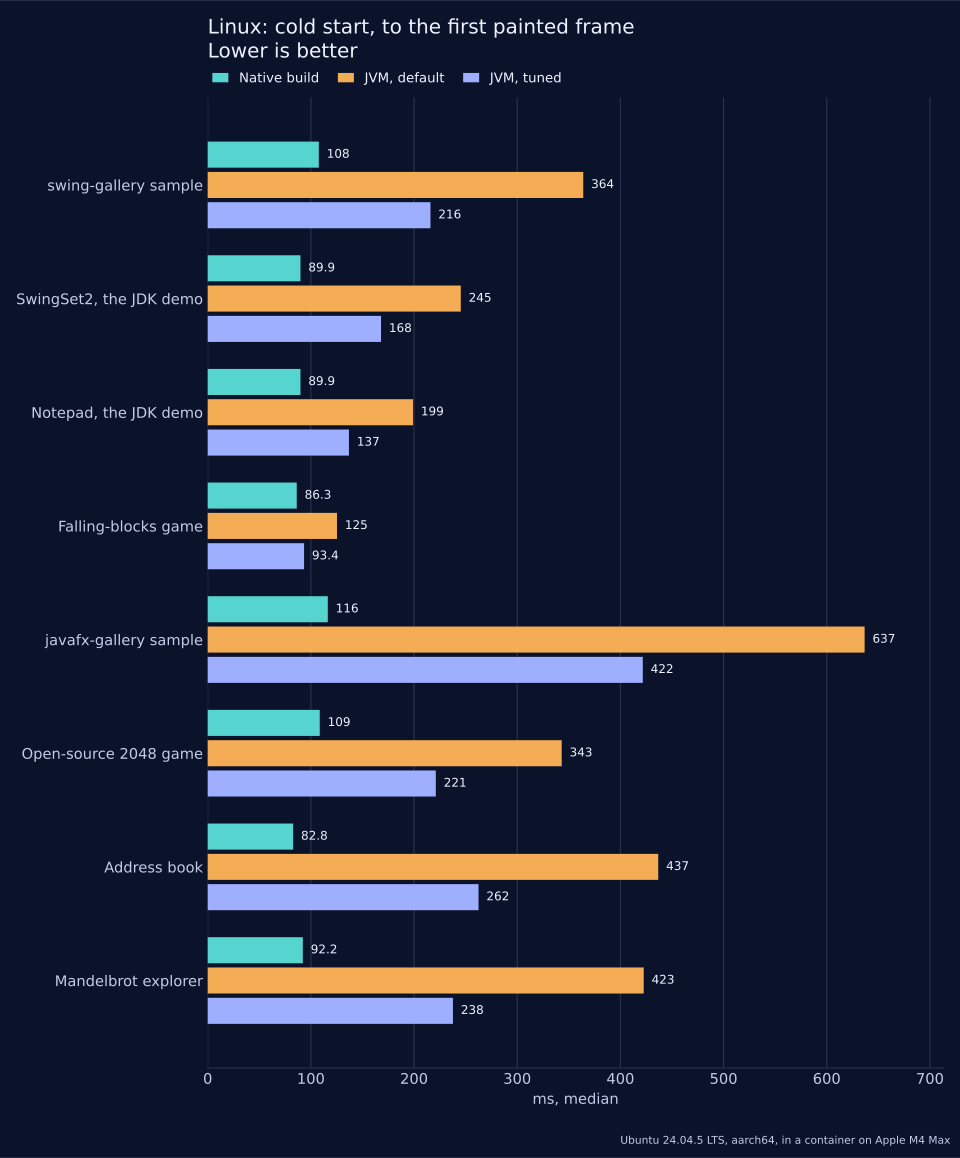
| Application | JVM, default | JVM, tuned | Native build | Default / native | Tuned / native |
|---|---|---|---|---|---|
| 364 (358-382) | 216 (212-236) | 108 (97-117) | 3.4x | 2.0x |
SwingSet2, the JDK demo | 245 (229-255) | 168 (151-180) | 90 (86-95) | 2.7x | 1.9x |
Notepad, the JDK demo | 199 (195-210) | 137 (126-150) | 90 (63-92) | 2.2x | 1.5x |
Falling-blocks game | 125 (124-140) | 93 (91-99) | 86 (65-90) | 1.5x | 1.1x |
| 637 (631-654) | 422 (415-432) | 116 (109-120) | 5.5x | 3.6x |
Open-source 2048 game | 343 (308-355) | 221 (206-226) | 109 (107-128) | 3.2x | 2.0x |
Address book | 437 (428-477) | 262 (258-269) | 83 (63-88) | 5.3x | 3.2x |
Mandelbrot explorer | 423 (363-428) | 238 (196-240) | 92 (92-96) | 4.6x | 2.6x |
Against the default JVM the native build is quicker in 8 applications, of the 8 measured. Its best result is 5.5x for javafx-gallery sample (116 ms against 637 ms).
Against the tuned JVM the native build is quicker in 8 applications, of the 8 measured. Its best result is 3.6x for javafx-gallery sample (116 ms against 422 ms).
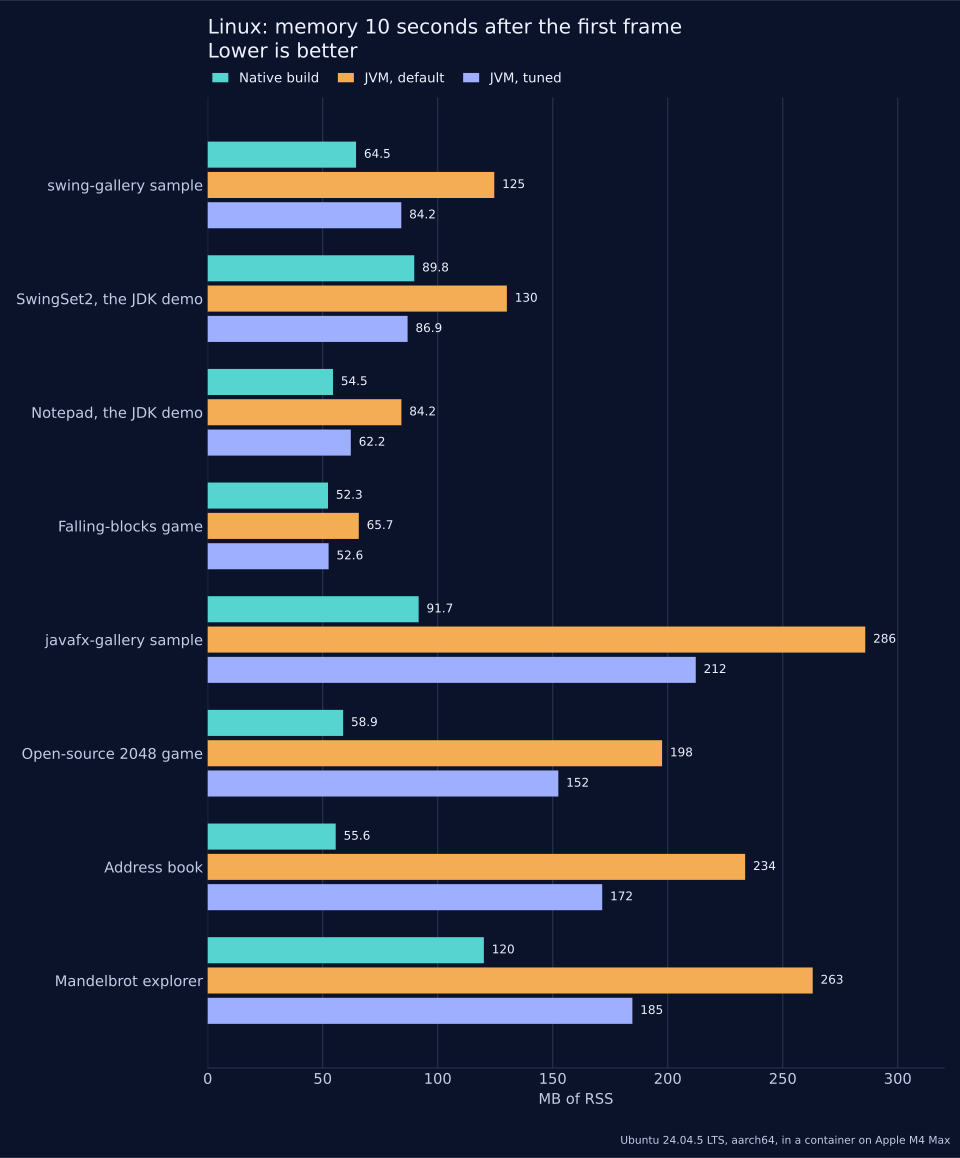
| Application | JVM, default | JVM, tuned | Native build | Default RSS / native | Tuned RSS / native |
|---|---|---|---|---|---|
| 124.6 / 119.1 | 84.2 / 78.6 | 64.5 / 56.4 | 1.9x | 1.3x |
SwingSet2, the JDK demo | 130.1 / 126.0 | 86.9 / 82.8 | 89.8 / 81.3 | 1.4x | 1.0x |
Notepad, the JDK demo | 84.2 / 80.2 | 62.2 / 58.2 | 54.5 / 47.0 | 1.5x | 1.1x |
Falling-blocks game | 65.7 / 61.8 | 52.6 / 48.6 | 52.3 / 45.4 | 1.3x | 1.0x |
| 285.9 / 258.1 | 212.2 / 184.5 | 91.7 / 83.3 | 3.1x | 2.3x |
Open-source 2048 game | 197.5 / 171.7 | 152.4 / 126.6 | 58.9 / 51.8 | 3.4x | 2.6x |
Address book | 233.6 / 207.4 | 171.5 / 145.2 | 55.6 / 48.3 | 4.2x | 3.1x |
Mandelbrot explorer | 263.0 / 236.0 | 184.6 / 157.6 | 120.1 / 112.3 | 2.2x | 1.5x |
Against the default JVM the native build is smaller in 8 applications, of the 8 measured. Its best result is 4.2x for Address book (55.6 MB against 233.6 MB).
Against the tuned JVM the native build is smaller in 6 applications and within 5% of it in 2 applications, of the 8 measured. Its best result is 3.1x for Address book (55.6 MB against 171.5 MB).
| Application | JVM, default | JVM, tuned | Native build | Default RSS / native | Tuned RSS / native |
|---|---|---|---|---|---|
| 118.4 / 112.9 | 86.0 / 80.5 | 90.8 / 81.8 | 1.3x | 0.9x |
SwingSet2, the JDK demo | 130.8 / 126.8 | 87.0 / 83.0 | 92.8 / 84.3 | 1.4x | 0.9x |
Notepad, the JDK demo | 91.0 / 87.0 | 63.5 / 59.4 | 58.2 / 50.6 | 1.6x | 1.1x |
Falling-blocks game | 68.3 / 64.4 | 53.8 / 49.9 | 54.3 / 47.4 | 1.3x | 1.0x |
| 293.8 / 266.0 | 213.3 / 185.5 | 109.4 / 99.7 | 2.7x | 1.9x |
Open-source 2048 game | 208.3 / 182.4 | 155.7 / 129.8 | 100.0 / 93.0 | 2.1x | 1.6x |
Address book | 245.8 / 219.5 | 172.6 / 146.3 | 57.2 / 49.8 | 4.3x | 3.0x |
Mandelbrot explorer | 293.4 / 266.3 | 197.6 / 170.6 | 172.2 / 164.5 | 1.7x | 1.1x |
Against the default JVM the native build is smaller in 8 applications, of the 8 measured. Its best result is 4.3x for Address book (57.2 MB against 245.8 MB).
Against the tuned JVM the native build is smaller in 5 applications, larger in 2 applications and within 5% of it in 1 application, of the 8 measured. Its best result is 3.0x for Address book (57.2 MB against 172.6 MB). Its worst is 0.9x for SwingSet2, the JDK demo (92.8 MB against 87.0 MB).
| Application | JVM, default | JVM, tuned | Native build | Default / native | Tuned / native | Tuned -Xmx (MB) |
|---|---|---|---|---|---|---|
| 128.5 | 88.0 | 90.1 | 1.4x | 1.0x | 8 |
SwingSet2, the JDK demo | 130.9 | 87.2 | 92.5 | 1.4x | 0.9x | 24 |
Notepad, the JDK demo | 92.9 | 64.0 | 57.7 | 1.6x | 1.1x | 8 |
Falling-blocks game | 70.3 | 54.2 | 53.9 | 1.3x | 1.0x | 8 |
| 296.7 | 215.8 | 108.8 | 2.7x | 2.0x | 48 |
Open-source 2048 game | 211.5 | 158.6 | 125.5 | 1.7x | 1.3x | 8 |
Address book | 248.6 | 175.3 | 56.7 | 4.4x | 3.1x | 48 |
Mandelbrot explorer | 296.1 | 200.2 | 340.5 | 0.9x | 0.6x | 48 |
| Application | JVM, default | JVM, tuned | Native build |
|---|---|---|---|
| 0.0% | 0.0% | 0.2% |
SwingSet2, the JDK demo | 0.2% | 0.0% | 1.6% |
Notepad, the JDK demo | 0.2% | 0.0% | 0.0% |
Falling-blocks game | 1.0% | 0.8% | 0.6% |
| 25.4% | 27.1% | 4.7% |
Open-source 2048 game | 3.9% | 2.5% | 4.8% |
Address book | 0.6% | 0.4% | 0.0% |
Mandelbrot explorer | 2.2% | 1.8% | 0.2% |
Of the 8 native builds, 5 idle at or under 1% of a core. Above it: SwingSet2, the JDK demo (1.6%), javafx-gallery sample (4.7%), Open-source 2048 game (4.8%).
Linux: Ubuntu 24.04.5 LTS, aarch64, 4 CPUs, 7.7 GB of memory, in a container, hosted on Apple M4 Max. The display is a virtual framebuffer, Xvfb, of 1280 by 800 pixels. GTK 3.24.41. Each display has had one GTK program on it before the measured application starts, as a desktop session has: the first GTK program on a display loads a GL driver to choose its visuals, and no later one does. OpenJFX 23.0.2 for the JavaFX baselines.
Tuned JVM flags:
-XX:+UseSerialGC -Xss256k -XX:TieredStopAtLevel=1 -XX:SharedArchiveFile=app.jsa, and the-Xmxof the table above.macOS, iOS and Android sizes: macOS 26.6.2, Apple M4 Max, Xcode 27.0.
The Linux display is a software framebuffer for both builds, and start-up and memory were measured on Linux only. Figures move with what an application does at start-up, so measure your own.
Measuring your own application
The harness that produced the tables is in the Codename One source tree,
under scripts/desktop-compat-benchmarks, and takes any Swing or JavaFX
project. It builds the application both ways, measures both and writes one
result.json, which report.py turns into tables:
scripts/desktop-compat-benchmarks/bench.sh --app /path/to/MyDesktopApp --name myapp \
--kind swing --main com.example.Main --work /path/to/work
scripts/desktop-compat-benchmarks/report.py /path/to/work/myapp/result.jsonThe README.md in that directory lists what it needs. The phone sizes come
from a second script, run against the project the first one imported:
scripts/desktop-compat-benchmarks/mobile-size.sh --target ios \
--project /path/to/work/myapp/cn1/app --work /path/to/work/myapp-ios
scripts/desktop-compat-benchmarks/mobile-size.sh --target android \
--project /path/to/work/myapp/cn1/app --work /path/to/work/myapp-android107.15. Troubleshooting
Each entry is a symptom and what to do about it.
107.15.1. Building
| Symptom | What to do |
|---|---|
The build names API the Swing or JavaFX layer doesn’t support. | Replace the call with one the layer has, or move the feature behind an
interface (Section 107.6, “Porting a large application”). The full list is in
|
The message points at a library, not at your code. | If the application doesn’t need that part of the library, exclude the library and replace what you used from it. |
The build reports | The sources that use the toolkit are outside |
The import stops because it can’t choose an entry point. | Pass |
| The |
Kotlin sources under | Create |
Two resources have the same name after packaging. | Rename one of them. |
A style sheet warning says a property or selector is ignored. | Style that detail in the application’s |
107.15.2. JDK API
| Symptom | What to do |
|---|---|
| Replace reflection with code: |
Code that loads classes by name with | Those builds are obfuscated and keep only the classes something references, so a name in a string finds nothing. Reference the class directly, or register it in code. |
| Use |
| Use |
Starting a process throws | Processes run on the desktop targets. Check |
| Use the equivalents in Section 107.6, “Porting a large application”. The zip and GZIP streams work unchanged. |
A relative path or a relative | A device has no working directory. Relative paths resolve inside the application’s storage; ship read-only files as resources. |
| A device has no environment. Use display properties or build hints. |
| Unicode script and block classes beyond the common ones and unbounded look-behind aren’t supported. Simplify the pattern. |
A | Key the map by the locale’s string form. |
107.15.3. Running
| Symptom | What to do |
|---|---|
A method the application overrides is never called. | The layer’s class doesn’t call it, and the build can’t see an override. Find another hook the layer does call, such as a renderer or a listener. |
A keyboard shortcut does nothing. | Function keys and Home, End, Page Up, Page Down and Insert aren’t reported, and a phone reports no modifiers. Give the action a menu item or a button too. |
The window pans sideways on a phone. | Something in it has a minimum width larger than the display. Use a layout
that wraps or stacks, put the wide part in a scroll pane, or lower
|
Text is wider or narrower than on the desktop. | Fonts are the platform’s and measure differently. Let a layout manager size the component. |
A JavaFX blur or glow isn’t drawn. | Use |
A JavaFX combo box can’t be typed into. |
|
An image from a relative | Load it as a resource. |
108. Running Kotlin Multiplatform and Compose applications
A Kotlin Multiplatform (KMP) module whose user interface is written with
Compose Multiplatform builds as a Codename One application. The shared
commonMain code is compiled unchanged, the composables render as Codename
One components, and the result ships to every Codename One target: iOS,
Android, the web, macOS, Windows and Linux (as native binaries with no JVM),
watchOS and tvOS.
108.1. Motivation
Kotlin Multiplatform with Compose Multiplatform is the toolkit closest to Codename One’s own model: one codebase, one declarative UI, logic shared between every client. It’s a good way to write an application. Codename One takes that code further — onto more platforms, into a smaller and faster application, and next to a Java API that every target shares.
Compose Multiplatform runs on Kotlin/Native on iOS and links its own drawing
engine into the application. Codename One takes the JVM half of a KMP project
instead. kotlinc already compiles commonMain to ordinary class files for
Android and the desktop. Those classes, together with the real Compose runtime
and the real kotlinx.coroutines, are exactly what Codename One’s translator
reads. Only the UI layer — androidx.compose.ui, foundation and
material3 — is replaced, by one written over Codename One components and
Graphics.
The same application, built from the same commonMain both ways and measured
on the same iPhone simulator, with Compose Multiplatform as 100%. The second
bar is the same screens written in Java against Codename One directly, which
the next section explains:
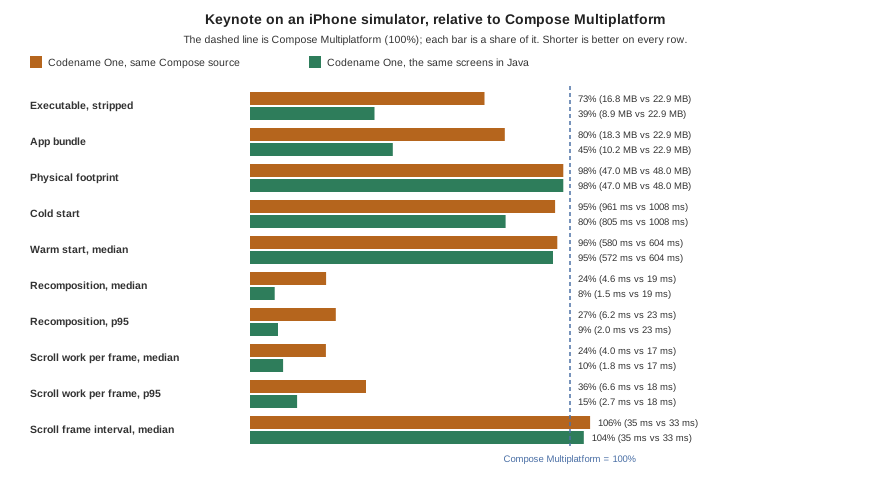
The same Compose code runs in a quarter of the CPU time. A state change is drawn in 4.6 ms against 19.2 ms, and one step of scrolling in 4.0 ms against 17.0 ms. Both keep pace with the display, so the difference is headroom: for heavier screens, older devices and battery.
The executable is 27% smaller (16.8 MB against 22.9 MB) and the bundle 20% smaller, although the Codename One one carries the whole iOS port.
Start-up is faster, 961 ms against 1008 ms cold and 580 ms against 604 ms warm.
Memory is level, 47 MB of physical footprint against 48 MB.
The benchmark, its method and how to run it are in scripts/kmp-bench in the
Codename One repository. These are simulator numbers; they show where each
runtime spends CPU in identical code, not a device’s frame rate.
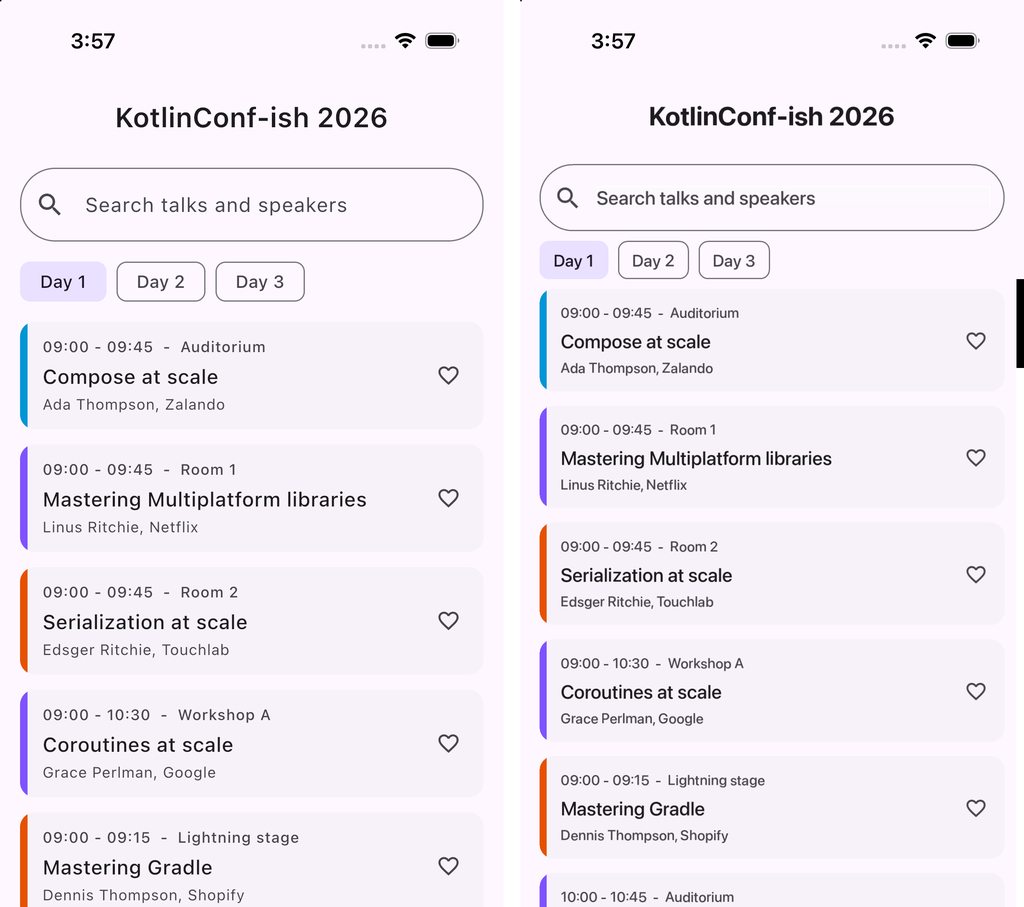
Beyond size, the composables become real components, so a Compose screen
uses the platform’s own text input and accessibility, can sit inside a
Codename One form next to any other component, and reaches every Codename One
API directly — push notifications, in-app purchase, the native maps, the
backend — with no expect/actual plumbing per platform.
The same build also reaches targets Compose Multiplatform’s UI doesn’t run
on: watchOS, tvOS, and Windows, Linux and macOS as native binaries with no JVM
to install. The Codename One backend runs the same Kotlin on the server, so a
data class or validation rule in commonMain is shared by the app and the
service that feeds it.
108.2. Dropping to Java where it pays
A Compose screen and a Codename One screen are the same kind of object at run
time — a component in a form — so an application doesn’t have to choose one
for all its screens. Kotlin calls every Codename One class directly, and a Java
class can sit beside the composables in the same module. Compose
Multiplatform has no such floor: below commonMain there is a different
language and a different UI toolkit on every platform.
The benchmark measures what that floor is worth. JavaBench.java in
scripts/kmp-bench/app/java is the Keynote screens written against Codename
One directly, timed by the same steps. Its list is an InfiniteContainer,
which makes cards a batch at a time as the scroll nears the end — as
LazyColumn composes only what comes into view — and rebinds a card it has
already made instead of building another. It ships no Kotlin standard
library, no Compose runtime and no coroutines:
A state change is drawn in 1.5 ms, thirteen times faster than Compose Multiplatform’s 19.2 ms and three times faster than the Compose build.
A step of scrolling takes 1.8 ms, against 17.0 ms for Compose Multiplatform.
The executable is 8.9 MB, 39% of Compose Multiplatform’s 22.9 MB, and the bundle is 10.2 MB.
Memory is level with both, at 47 MB.
The time gap is mostly the price of the reactive model. A composition records the state it read, compares what it emits against what it emitted last time and applies the difference; an imperative update sets three labels on a card that already exists. The size gap is Kotlin: the Java build carries neither the Kotlin standard library nor the Compose runtime.
Nor does the declarative form buy readability. Here is one session card both ways. The Compose version, from the benchmark:
@Composable
fun SessionCard(time: String, title: String, speaker: String,
favorite: Boolean, onFavorite: () -> Unit) {
Card(Modifier.fillMaxWidth()) {
Row(verticalAlignment = Alignment.CenterVertically) {
Column(Modifier.weight(1f).padding(12.dp)) {
Text(time, style = MaterialTheme.typography.labelMedium)
Text(title, style = MaterialTheme.typography.titleMedium)
Text(speaker, style = MaterialTheme.typography.bodySmall)
}
IconButton(onFavorite) {
Icon(if (favorite) Icons.Default.Favorite else Icons.Default.FavoriteBorder, null)
}
}
}
}And in Codename One, with the look in the theme’s CSS where a designer can change it:
public class SessionCard extends Container {
public final Label time = new Label("", "SessionTime");
public final Label title = new Label("", "SessionTitle");
public final Label speaker = new Label("", "SessionSpeaker");
public final Button heart = new Button("", "Favorite");
public SessionCard(Runnable onFavorite) {
super(new BorderLayout(), "SessionCard");
add(BorderLayout.CENTER, BoxLayout.encloseY(time, title, speaker));
add(BorderLayout.EAST, heart);
heart.addActionListener(e -> onFavorite.run());
}
public void bind(String when, String talk, String by, boolean favorite) {
time.setText(when);
title.setText(talk);
speaker.setText(by);
FontImage.setMaterialIcon(heart, favorite
? FontImage.MATERIAL_FAVORITE : FontImage.MATERIAL_FAVORITE_BORDER);
}
}The Java card says what happens and when: the components are made once,
bind fills them, a tap calls back as onFavorite does. Nothing reruns
behind the code’s back, so a breakpoint in bind stops exactly when a card
shows a session — the question a recomposition count leaves open.
It tests as directly. A component is an ordinary object, so a unit test makes one, binds it and presses its button, with no test rule, semantics tree or tags kept only for the test:
import com.codename1.testing.AbstractTest;
import com.codenameone.developerguide.kmp.SessionCard;
public class SessionCardTest extends AbstractTest {
@Override
public boolean runTest() throws Exception {
int[] taps = {0};
SessionCard card = new SessionCard(() -> taps[0]++);
card.bind("09:00 - Hall A", "Keynote", "A. Speaker, Codename One", false);
assertEqual("Keynote", card.title.getText());
card.heart.released(); // a tap
assertTrue(taps[0] == 1, "the heart reports the tap");
return true;
}
}The card’s components are public final fields, so the test reads them
directly. It
runs in the simulator with mvn cn1:test, like every other Codename One test.
A hot list, a custom chart or a screen that has to fit a watch is where the imperative path pays first; nothing stops a team writing every screen that way.
108.3. One platform API on every target
The expect/actual declarations a KMP project writes per platform are
mostly calls Codename One already makes the same everywhere. Composable code
calls each of them as an ordinary Kotlin function:
Push notifications, in-app purchase and subscriptions, and home-screen widgets and live activities.
Crash protection and App Shield hardening, as build options rather than per-platform SDKs.
Storage, SQLite, networking, the camera, location, sharing and the native maps, with one implementation per platform maintained in Codename One.
The targets go past phones and desktops too: Apple Watch and Wear OS from the same project as the phone application, CarPlay and Android Auto, tvOS, embedded Linux boards with no X11 and no JVM, the browser, and the server-side backend.
108.4. Quick start
Create a Codename One application (for example at https://start.codenameone.com) and import the KMP project into it:
mvn cn1:import-kmp-project -Dcn1.kmp.import=/path/to/MyKmpAppThe goal copies the module’s commonMain and its JVM source set (jvmMain,
else desktopMain) into common/src/main/kmp, and rewrites the
application’s main class so that it shows the module’s root composable. Two
options cover projects it can’t decide alone:
-Dcn1.kmp.module=composeAppThe module to import, when more than one has a
src/commonMain.-Dcn1.kmp.entry=com.example.AppThe fully qualified root composable, when
commonMaindeclares no single@Composable fun App().
The Android and iOS source sets aren’t copied. They call those platforms
directly, and Codename One supplies both. A JVM file whose main opens a
desktop window (application { Window { App() } }) is left out too: the
generated main class starts the application instead.
Then build and run as usual:
mvn cn1:run # the simulator
mvn cn1:build -Dcodename1.platform=ios # an iOS build on the build server108.4.1. Gradle
A Gradle application needs the Compose compiler plugin,
id("org.jetbrains.kotlin.plugin.compose") at the application’s Kotlin
version, applied next to the Codename One plugin. The build stops with the
line to add when it’s missing.
convert-to-gradle writes it for you. The Codename One settings plugin adds
Google’s Maven repository, limited to the androidx.* groups, which is where
the Compose runtime is published.
108.4.2. Placing the sources by hand
common/src/main/kmp/commonMain/kotlin and common/src/main/kmp/jvmMain/kotlin
are ordinary Kotlin source roots. The archetype’s compose profile turns on
whenever common/src/main/kmp exists: it adds codenameone-compose-compat,
applies the Compose compiler plugin and sets both kotlinc’s jvmTarget and
javac’s source and target to 11, because the Compose runtime’s inline functions are
JVM 11 bytecode. The Compose compiler plugin’s version must equal the Kotlin
version, which is why both come from one property.
108.5. The entry point
A composition is shown in a ComposeForm, or embedded anywhere as a
ComposeView, which is an ordinary Codename One Container:
class MyApp : Lifecycle() {
override fun runApp() {
ComposeForm { LayoutScreen() }.show()
}
}Or beside other components:
val form = Form("Mixed", BorderLayout())
form.add(BorderLayout.NORTH, Label("Codename One"))
form.add(BorderLayout.CENTER, ComposeView { ListScreen() })
form.show()Both live in com.codename1.compose. From Java, a ComposeView is created
by a small Kotlin function that returns one, since a composable lambda can
only be written in Kotlin.
108.6. How the build works
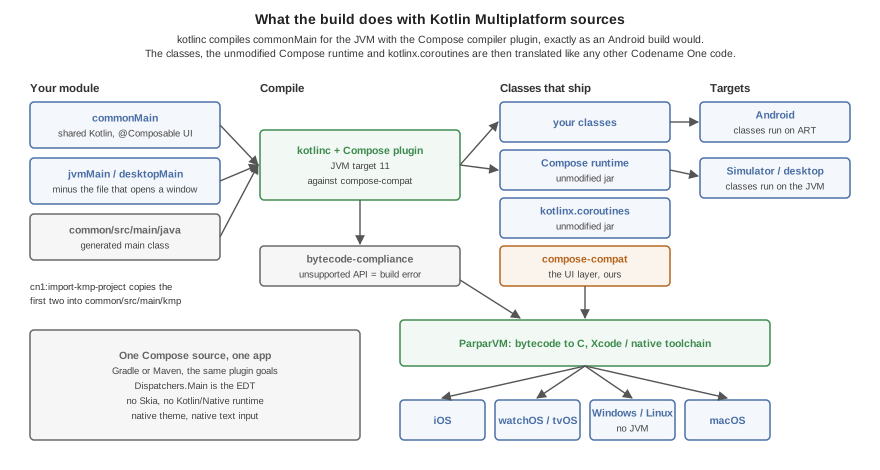
There is no transpiler. kotlinc compiles the sources for the JVM, with the
Compose compiler plugin, against compose-compat. The application’s
classes, the unmodified Compose runtime, kotlinx.coroutines and
compose-compat are then handled like any other Codename One code: the
bytecode compliance check runs over them, and ParparVM translates them to C
for iOS, the watch, TV and the native desktop targets. Android runs the
classes on ART and the simulator on the JVM.
androidx/compose/ is never relocated, not even when the
Android compatibility layer is active in the
same application: the Compose runtime the application was compiled against
is the one it runs.
108.7. How a composable becomes components
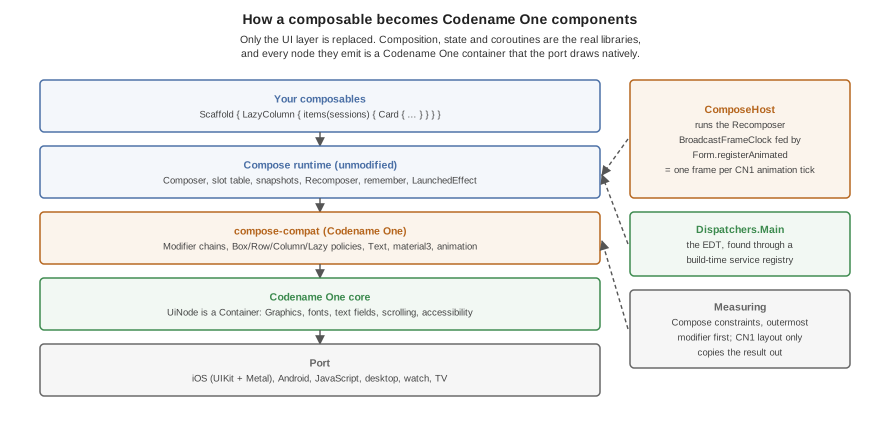
Composition, snapshots, remember, LaunchedEffect and recomposition are
the real Compose runtime’s. What it emits are UiNode objects, each a
Codename One Container:
Measuring is Compose’s. A node walks its modifier chain outermost first under Compose constraints (
Box,Row/Columnand leaf policies). The Codename One layout pass only copies the result out, soweight,fillMaxWidth,wrapContentSizeand intrinsic padding behave as they do in Compose.Frames come from the Codename One animation loop.
ComposeHostruns theRecomposerwith aBroadcastFrameClockthatForm.registerAnimatedticks, sowithFrameNanos,animateFloatAsStateandAnimatedVisibilityrun in step with every other Codename One animation, and an idle screen costs nothing.Dispatchers.Mainis the EDT. kotlinx.coroutines finds its main dispatcher through a service file. There is no service loader on the device, so the translator compiles that file into a registry at build time.Lazy lists compose what’s in view.
LazyColumnandLazyRowcompose each item as its own composition when it comes within a quarter of a view of the window and dispose of it half a view past it.scrollToItemworks on items that were never measured.The system bars are respected.
TopAppBar,CenterAlignedTopAppBarandNavigationBarpad themselves by the display’s safe area, read when they’re measured, so a notch or a home indicator that the native view reports late still moves them.
108.8. Supported API
compose-compat covers what typical application screens use. Anything else
is a build error (see below), never a silent no-op.
- Layout
Box,Row,Column,Spacer,LazyColumn,LazyRow,Arrangement,Alignment,PaddingValues,Canvas.- Modifiers
size (
size,width,height,fillMax*,wrapContent*,In,required,defaultMinSize,aspectRatio),padding,offset,weight,background,border,clip,alpha,drawBehind,clickable,combinedClickable,verticalScroll,horizontalScroll,testTag.- Text
Text,BasicText,TextField,OutlinedTextField,BasicTextField,TextStyle,FontWeight, the Material 3 type scale.- Material 3
MaterialThemeandColorScheme,Scaffold,Surface,TopAppBar,CenterAlignedTopAppBar,NavigationBarandNavigationBarItem,Card,ElevatedCard,OutlinedCard,Button,ElevatedButton,FilledTonalButton,OutlinedButton,TextButton,IconButton,FloatingActionButton,ExtendedFloatingActionButton,AssistChip,FilterChip,Checkbox,Switch, the progress indicators, dividers,IconwithIcons.Filled,Icons.OutlinedandIcons.AutoMirrored.- Animation
AnimatedVisibility,animateFloatAsState,animateDpAsState,animateColorAsState,rememberInfiniteTransitionwithanimateFloat.- Images
ImagewithImageVectorandContentScale.
LazyColumn(reverseLayout = true) throws: it’s not implemented.
108.8.1. Unsupported API is a build error
The bytecode compliance check runs over the compiled classes. A composable or
modifier that compose-compat doesn’t provide is a reference to something
that doesn’t exist, and the build reports it under its original name with
the source line, before anything is translated. Port such a screen by
replacing the call, or by writing the missing piece in the application with
the supported building blocks — most custom components are a Box with a
drawBehind.
108.9. Testing
Compose screens are tested the way any Codename One screen is: a
ComposeView is a component, so screenshot tests and the component inspector
see it like any other. The Codename One test application
(scripts/hellocodenameone) carries Compose screens under
common/src/main/kmp — layout and modifiers, typography and buttons, a
Scaffold over a LazyColumn of cards, and state with LaunchedEffect and
AnimatedVisibility — and its KmpCompat* screenshot tests compare them on
every platform the test suite runs on.
108.10. Troubleshooting
- The Compose compiler plugin reports a Kotlin version mismatch
The plugin and kotlinc are different versions. Take both from one property.
- kotlinc or javac reject JVM 11 bytecode or inline functions
The module is compiling below JVM 11. The
composeprofile sets it: check thatcommon/src/main/kmpexists and that nothing in the pom overrideskotlin.compiler.jvmTarget.- The Gradle build stops asking for
org.jetbrains.kotlin.plugin.compose Add the plugin line shown in the Gradle section.
Incremental compilation failedafter changing the Kotlin versionKotlin’s incremental cache from the old compiler is in
target. Build once withclean.
109. Working with macOS
109.1. macOS Desktop Build Options
Launch Codename One Settings from the Maven project root and open Hints to configure desktop.mac.* build hints such as entitlements and Info.plist entries:
mvn cn1:settingsDesktop signing values that aren’t build hints are top-level entries in common/codenameone_settings.properties: codename1.desktop.mac.certificate contains the .p12 path and codename1.desktop.mac.certificatePassword contains its password. The Maven desktop macOS build reads these properties together with the desktop.mac.* hints.
109.1.1. Bundle Types
Three bundle types dictate what the build server produces for you when you build your project as a Desktop macOS App.
DMG - Produces a
.DMGdisk image with your app. This is the preferred format for distributing your app outside of the Mac App Store. If you provide a Developer ID Application certificate (see "Understanding Certificates" below), the app will be signed so that users won’t receive warnings about "Unidentified developer" when they install your app.Sandboxed DMG - Same as DMG bundle type except that your app is set up to use the app sandbox. This is typically used to test an app that’s being distributed via the App Store, since App Store apps must use the sandbox. If you select this bundle type, you’re required to provide a Mac App Distribution Certificate, and you should also specify entitlements required for your app to function correctly. For more information about the app sandbox, see Apple’s documentation on the subject.
Mac App Store Upload (PKG) - Produces a
.PKGfile that you can upload to the Mac App Store. This requires that you provide both a Mac App Distribution certificate, and a Mac App Installer certificate (see "Understanding Certificates" below). Both of these certificates should be embedded into a single.p12file (See "Exporting Certificates as p12" below).
109.1.2. Understanding Mac Certificates
Currently (as of Jan. 5, 2020) the mac.desktop-vm build hint is ignored if you include a certificate with your app. This limitation should be fixed soon. |
For the purposes of Mac application distribution, there are 3 types of certificates that you will be interested in. The type(s) of certificate required will depend on the type of bundle you generate. The certificate types are:
Developer ID Application Certificate (Mac applications)
This type of certificate is used to sign an app to be distributed outside of the Mac App Store as a DMG image. This corresponds to the "DMG" bundle type. You can identify this kind of certificate because its identity will be of the form "Developer ID Application: YOUR COMPANY NAME (SOMECODE)." For example, Developer ID Application: Acme Widgets Corp. (XYSD5YF).
Mac App Distribution Certificate (Mac App Store)
This type of certificate is used to sign the.app bundle for an app that’s to be distributed in the Mac App Store. This certificate is required for both the "Sandboxed DMG," and "Mac App Store Upload (PKG)" bundle types. You can identify this kind of certificate because its identity will be of the form "3rd Party Mac Developer Application: YOUR COMPANY NAME (SOMECODE)." For example, 3rd Party Mac Developer Application: Acme Widgets Corp. (XYSD5YF).
Mac App Installer Certificate (Mac App Store)
This type of certificate is used to sign the.pkg installer for an app that’s being submitted to the Mac App Store. This certificate is required for the "Mac App Store Upload (PKG)" bundle type. You can identify this kind of certificate because its identity will be of the form "3rd Party Mac Developer Installer: YOUR COMPANY NAME (SOMECODE)." For example, 3rd Party Mac Developer Installer: Acme Widgets Corp. (XYXD5YF).
109.1.3. Obtaining Certificates
| Apple provides documentation on obtaining certificates on its website but the process described there involves Xcode. This section describes an alternate process that doesn’t require Xcode. |
If you have an Apple developer account, you can manage your certificates here.
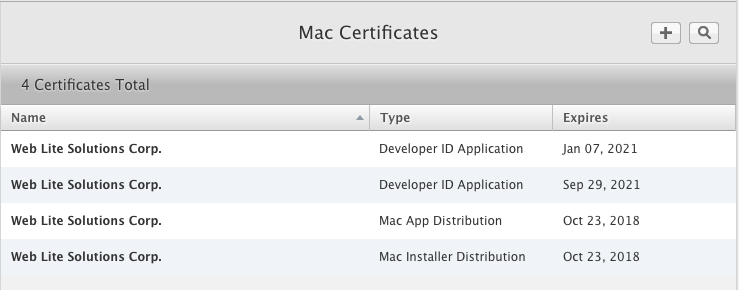
The screenshot above shows an account that already has the three kinds of certificates you will require:
Developer ID Application - Used for the DMG bundle type.
Mac App Distribution - Used for the Sandboxed DMG and Mac App Store Upload (PKG) bundle types.
Mac App Installer - Used for the Mac App Store Upload (PKG) bundle type.
If your account doesn’t yet have a certificate of the required type, you should begin by pressing the "+" button in the upper right. This will bring you to a page asking "What type of Certificate do you need?" Two options on this page will interest you:
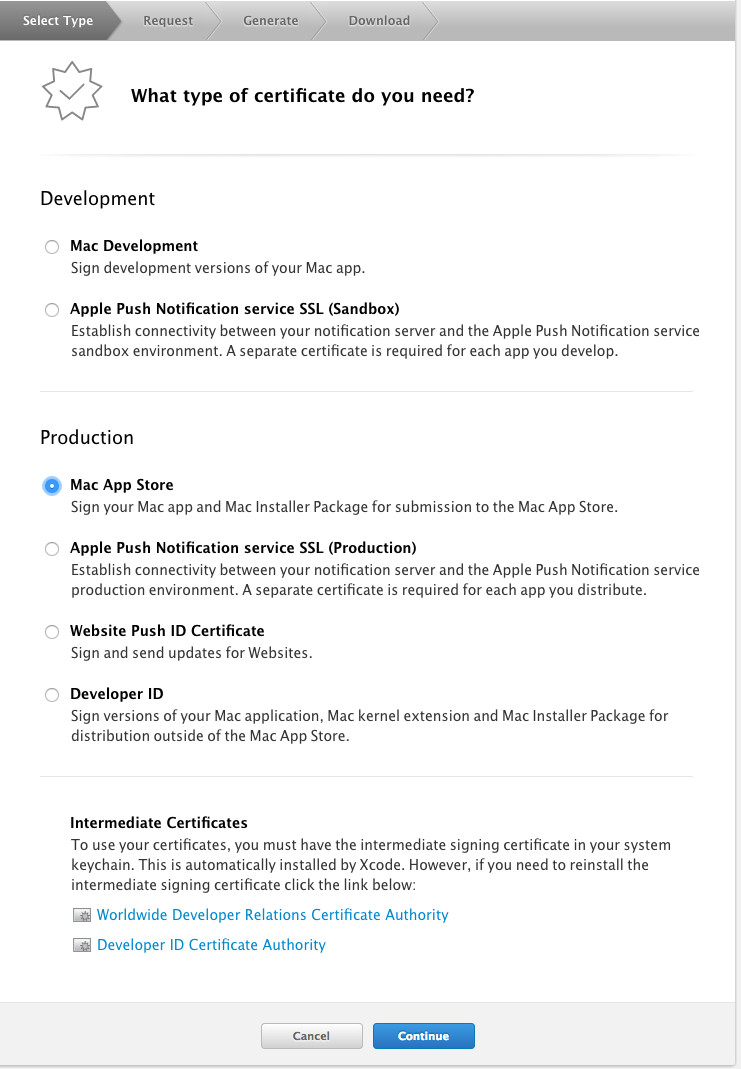
Production > Mac App Store - For both the Mac App Distribution and Mac App Installer certificates.
Production > Developer ID - For the Developer ID Application certificate.
Select the option corresponding to the certificate you wish to generate. In either case, you’ll be taken to a form to select whether you want an "Installer" certificate or an "Application" certificate. Select the appropriate type.
You will then be prompted to upload a Certificate Signing Request (CSR) file, and it will provide instructions on how to do this via the Keychain app.
| You can reuse the same CSR file for generating all 3 certificates. |
After generating the certificates, you should download them to your Mac, and import them into your keychain. You should be able to accomplish this by simply double-clicking the downloaded ".cer" file, and following the prompts.
109.1.4. Exporting Certificates as P12
| The following section requires access to a Mac, and assumes that you’ve already generated your 3 certificates |
Notice that Mac apps may require three different kinds of certificates, yet codename1.desktop.mac.certificate accepts a single P12 file. This isn’t a mistake. P12 files may contain more than one certificate, and you’re expected to include all the certificates that the build server may require inside a single P12. The build server automatically extracts the certificates it needs according to the bundle type.
When building the "DMG" bundle type, the build server will look for a "Developer ID Application Certificate" inside the P12. If one is found, it will be used to sign the app bundle.
The "Sandboxed DMG" target will look for a "Mac App Distribution Certificate" certificate in the P12.
The "Mac App Store Upload (PKG)" target will require both a "Mac App Distribution Certificate" and a "Mac App Installer Certificate" to be included in the P12.
The easiest way to produce a P12 that includes all 3 kinds of certificates is to export them from the Keychain Access app (Requires a Mac). Select all 3 certificates at once (using CMD-click), then right-click and select "Export 3 Items…"
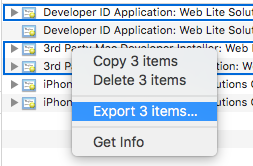
You will then be prompted to select a location to save the .p12 file, as well as selecting a password for the file.
109.1.5. Entitlements
When distributing apps in the Mac App Store, or when using the "Sandboxed DMG" bundle type, your app is run inside a sandboxed environment, meaning that it doesn’t have access to the outside world. It’s provided its own "sandboxed" container for file system access, and it doesn’t get any network access. If your app requires access to the "outside world," request the required entitlements with desktop.mac.entitlement. entries in the *Hints view.
For more information about the app sandbox, and a full list of entitlements, see Apple’s documentation on the subject.
You can specify entitlements using the build hint desktop.mac.entitlement.XXXX where XXX is the entitlement you wish to set. For example, desktop.mac.entitlement.com.apple.security.network.client=true |
109.1.6. Custom Info.plist Entries
You can add custom entries to the Info.plist file using the following build hints:
- desktop.mac.plist.KEYNAME
Injects the entry with key
KEYNAMEinto the Info.plist file. For example,desktop.mac.plist.LSApplicationCategoryType=public.app-category.business
109.2. Native macOS Build (AppKit)
The "macOS Desktop" section above covers the JavaSE bundled-JRE wrapper. The native macOS build is a separate, ahead-of-time compiled target: ParparVM translates your bytecode to C and the result is built into a real AppKit application. Its Xcode project targets the macOS SDK, links AppKit and Metal, and carries no UIKit at all. The output is a single signed .app bundle suitable for Mac App Store or Developer ID distribution.
This target is a good fit when:
You need native-speed startup and rendering on the Mac, not a wrapped JVM.
You want a single
.appbundle without a JRE inside it.You want the Mac conventions your users expect: a real title bar, a real menu bar, and real windows.
Java source is shared with your other targets; no Mac-specific code is required.
| This target replaced a Mac Catalyst build, which produced a UIKit application running in macOS’s iOS compatibility layer. Existing projects keep building without an edit and simply get the AppKit app instead. If you depend on the previous behavior, see Chapter 110, Working with Mac Catalyst. |
A few device capabilities have no macOS counterpart and are inert rather than
emulated: motion sensors, orientation locking, SMS, and background task
scheduling. Accessibility is partly wired. Codename One builds a portable semantics tree for
its lightweight components — see Chapter 11, Accessibility Semantics — and this port
maps |
Each additional window your application opens through the Window API is a real NSWindow, with its own GPU surface rather than a raster copied from somewhere else. See Chapter 115, Desktop Windows.
109.2.1. Local Build
To generate an Xcode project locally that you can open and run on the Mac:
mvn -B -Dcodename1.platform=ios -Dcodename1.buildTarget=mac-source packageThe output is written to:
target/<finalName>-mac-source/<MainClass>.xcodeproj
Open the project in Xcode, select the My Mac destination, and press Run. The resulting .app is identical in shape to one produced by the cloud build server.
109.2.2. Cloud Build
To produce a release-ready signed Mac app on the Codename One build server:
mvn -B -Dcodename1.platform=ios -Dcodename1.buildTarget=mac-os-x-native packageMac distribution requires its own certificates and provisioning profile — Apple issues separate Mac App Distribution (3rd Party Mac Developer Application) and Developer ID Application certificates that aren’t interchangeable with the iPhone Distribution certificate used for iOS App Store builds. Configure them via the parallel codename1.mac.* hints:
| Hint | Purpose |
|---|---|
| Mac bundle identifier (the App Store Connect record is distinct from the iOS one). |
| Path to the |
| Password to unlock the P12. |
| Path to the Mac |
The Apple Developer Team ID itself can stay shared with your iOS build (a single Apple Developer account) — macos.teamId falls back to ios.release.teamId when not set. The server returns a signed .app bundle.
109.2.3. IDE Shortcuts
The IntelliJ workspace template ships two macOS run configurations alongside the iOS ones:
Mac Native Project (Local Builds folder) — equivalent to running
mvn package -Dcodename1.buildTarget=mac-source. Use this to generate the Xcode project for hands-on debugging.Mac Native Build (Build Server folder) — equivalent to
mvn package -Dcodename1.buildTarget=mac-os-x-native. Use this for cloud builds.
109.2.4. Distribution
The native macOS build supports both Mac App Store and Developer ID distribution. The generated Xcode project includes two ExportOptions-*-Mac.plist files in dist/:
ExportOptions-AppStore-Mac.plist— App Store distribution (sandboxed, hardened runtime off).ExportOptions-DeveloperID-Mac.plist— Developer ID distribution (hardened runtime on, sandbox off).
After archiving in Xcode, run:
xcodebuild -exportArchive \
-archivePath build/<MainClass>.xcarchive \
-exportOptionsPlist dist/ExportOptions-AppStore-Mac.plist \
-exportPath build/export109.2.5. Entitlements
The native macOS build emits a <MainClass>.entitlements plist (or <MainClass>-AppStore.entitlements + <MainClass>-DeveloperID.entitlements when both channels are configured). The defaults are sensible: App Sandbox on for the App Store channel, hardened runtime on for the Developer ID channel, network client access enabled, user-selected file access enabled. The signing-certificate identity defaults to Apple Distribution for the App Store channel and Developer ID Application for the Developer ID channel.
109.2.6. Supported Distribution Channels
| Channel | Notes |
|---|---|
App Store | Sandboxed, hardened runtime off. Signed with Apple Distribution; uploaded via App Store Connect. |
Developer ID | Hardened runtime on, sandbox off. Signed with Developer ID Application; notarized before distribution. |
109.3. If You Need the Previous Mac Behavior
Projects that depend on the Mac Catalyst build this target replaced can still build it: set macNative.enabled=true and build the iOS target, which is what Catalyst has always been. See Chapter 110, Working with Mac Catalyst.
110. Working with Mac Catalyst
Mac Catalyst was the previous macOS target. It’s superseded by the native macOS build described in Chapter 109, Working with macOS, which produces an AppKit application rather than a UIKit one. Mac Catalyst remains buildable and is still exercised by the compliance suite, so existing projects keep working. New projects should use the native macOS build. |
110.1. What Mac Catalyst Is
Mac Catalyst isn’t a macOS port. It’s a slice of the iOS Xcode project: the same build pipeline, the same UIKit controls, one additional SDK. Apple’s compatibility layer runs that UIKit application on macOS.
That’s why the behavior differs from a native Mac app in ways no amount of configuration reaches:
Windows are
UIWindowSceneinstances rather thanNSWindowinstances.The menu bar is built through
UIMenuBuilder, and keyboard accelerators areUIKeyCommandobjects.Controls are UIKit’s, drawn by the compatibility layer rather than by AppKit.
110.2. Building It
Catalyst has no build target of its own, because it isn’t a separate build. It
is the iOS build with one hint set, and IPhoneBuilder emits the Catalyst
slice whenever it sees that hint:
codename1.arg.macNative.enabled=trueWith it in codenameone_settings.properties, the ordinary iOS targets produce
the Catalyst app — ios-source for a local Xcode project, ios-device for a
build-server build:
# Catalyst is an iOS build. Turn it on with the hint, in
# codenameone_settings.properties, and build the iOS project target:
# codename1.arg.macNative.enabled=true
mvn -B -Dcodename1.platform=ios -Dcodename1.buildTarget=ios-source packagemvn -B -Dcodename1.platform=ios -Dcodename1.buildTarget=ios-device packageGenerating the project locally requires Xcode and the Ruby xcodeproj gem. The
Catalyst path injects its build settings into an already-generated iOS project
after the fact, and that gem is what performs the injection; the native macOS
build generates a macOS project directly and needs neither.
110.3. Build Hints
Mac Catalyst reads the macNative. hint family: distribution, teamId,
bundleId, deriveBundleId, minDeploymentTarget, iosMinDeploymentTarget,
appCategory, copyright, the signingIdentity. pair and the notarize.*
group. They’re listed in the build-hint reference under Mac Catalyst builds.
iosMinDeploymentTarget exists only here. It sets the iOS half of the Catalyst
slice, and the native macOS build has no such half.
Deployment floors are macOS 10.15 and Catalyst 13.1.
110.4. Windows
Windows are off by default here, and turning them on isn’t recommended. Set
macNative.multiWindow=true alongside macNative.enabled=true if you need
them anyway.
They’re off because the implementation has limits Catalyst can’t lift, listed below, and because enabling them costs the rest of the application a layout shift — see Section 115.16, “Mac Catalyst (legacy)” for the measurement. Neither was worth paying once the native macOS build existed: there, windows are on with no hint at all and every operation on the API is implemented, because AppKit is a multi-window system and Catalyst is an iOS one wearing a Mac frame.
With the hint set, a Codename One Window works, with one difference worth
knowing: the window’s content is rendered into an off-screen raster and
presented to the scene’s view, rather than the window owning its own GPU
surface. Native peer components and native text editing still use the scene’s
real view hierarchy and behave normally.
Some window controls have no Mac Catalyst equivalent, because AppKit owns the
behavior and Catalyst doesn’t expose it to a UIWindowScene. setAlwaysOnTop,
setUtilityWindow, minimize, restore and toggleMaximize do nothing here,
and setDecorated(false) is partial: it hides the title bar’s title and toolbar
but the window frame remains. Modality, minimum window size and resizability all
work. The native macOS build implements every one of them.
110.5. Moving to the Native macOS Build
What changes:
The build target becomes
mac-sourceormac-os-x-native.The hint family becomes
macos.. ThemacNative.names are still accepted, so an existing configuration keeps working;iosMinDeploymentTargetis ignored with a warning, because it no longer describes anything.The deployment floor becomes macOS 11.
The window chrome becomes AppKit’s, so a Mac user gets the title bar, menu bar and window behavior they expect from any other Mac application.
What doesn’t change:
Your Java and Kotlin source.
Your signing certificates and provisioning profiles.
Your distribution channels, App Store Connect records and notarization setup.
111. Working with the native Windows port
The native Windows port compiles a Codename One app to a real, standalone Win32
executable — a single .exe with no JVM and no runtime dependencies. It’s the
Windows analog of the iOS port: the same ParparVM pipeline that turns your Java/
Kotlin bytecode into C and then into a native binary, here targeting Windows with
the LLVM toolchain and rendering through Direct2D / DirectWrite.
This is distinct from the long-standing Windows desktop build, which packages the app to run on a Java Virtual Machine (see Section 111.7, “Native Windows vs. the desktop (JVM) app vs. the jar” for a practical comparison). The native port needs no JVM on the target machine.
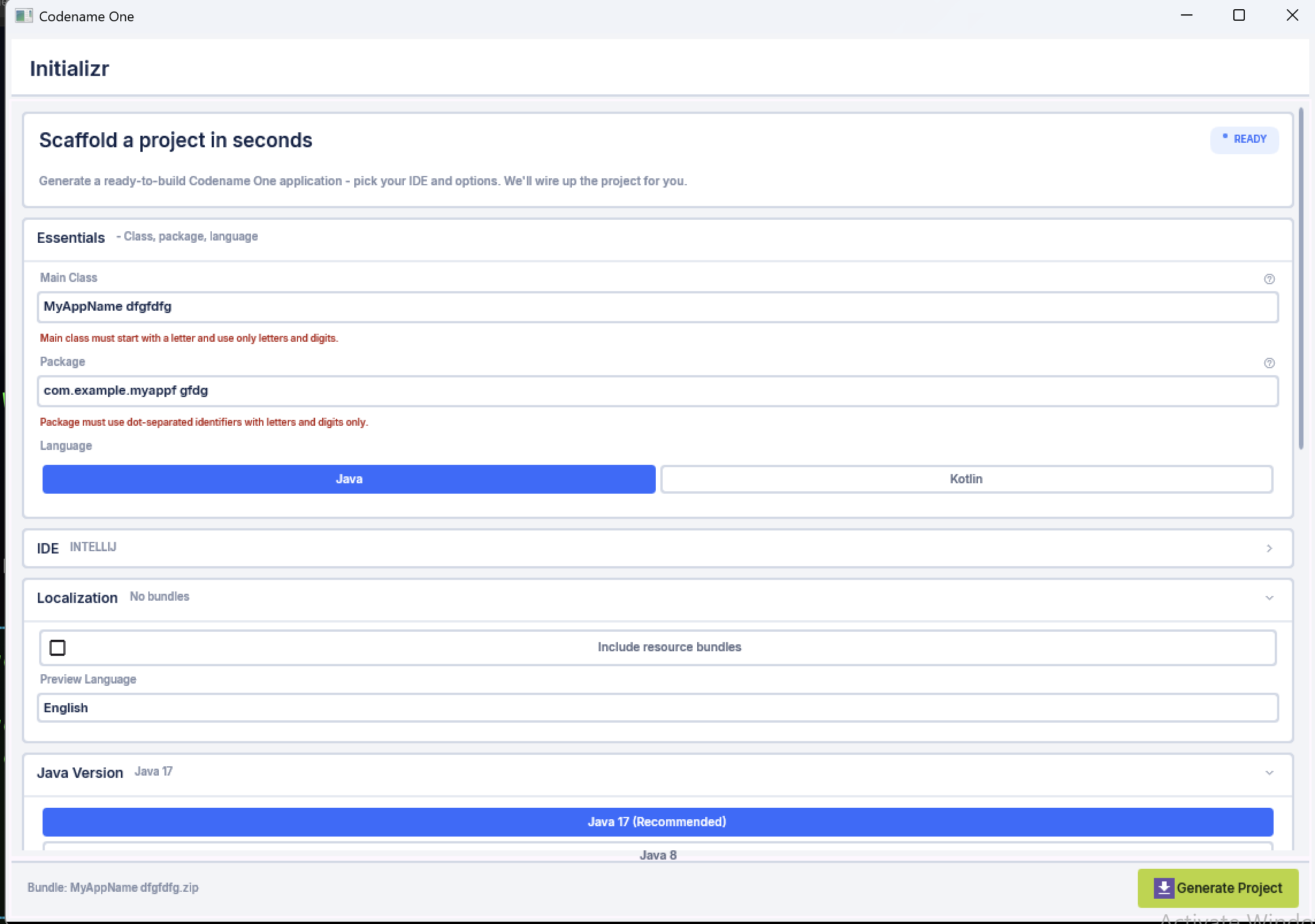
.exe (ParparVM + Direct2D/DirectWrite, no JVM)The native Windows port is a young port. It renders, runs and edits text,
but several platform services are still being filled in. Treat it as a foundation
to build on rather than a feature-complete replacement for the desktop build, and
consult the port’s status.md for the current gap list. |
111.1. How it works (the technology stack)
The port reuses Codename One’s portable architecture and swaps in a Win32 / Direct2D implementation layer:
ParparVM "clean" C target. The same VM that powers iOS translates your app
the Codename One core + the minimal Java runtime to C. A CMake project is generated and compiled with clang-cl (LLVM on the MSVC ABI) + Ninja into a native.exe. There is no bytecode interpreter and no JNI — your code is the native binary.Concurrent garbage collector. ParparVM’s non-blocking GC runs natively, the same collector used on iOS.
Direct2D + DirectWrite + WIC. All 2D graphics (primitives, gradients, clipping, affine and perspective transforms, images) go through Direct2D; glyph layout, measurement and rasterization use DirectWrite; image decode/encode uses Windows Imaging Component (WIC). Rendering is GPU-accelerated.
Media Foundation backs
Mediaplayback, and WebView2 backsBrowserComponent(when the WebView2 SDK is present at build time).WinHTTP backs networking; raw sockets and WebSockets use Winsock.
Single self-contained executable. There is no
.app-style bundle directory on Windows, so the app’s classpath resources — the theme.res, images, localization, the material icon font — are embedded directly into the executable’s PE resource section and read back at runtime throughgetResourceAsStream. The result is one file you can copy and run.
111.2. Building a native Windows app
A native Windows build runs through the codenameone-maven-plugin like every
other target; the project produced by the Codename One Initializr already knows
how to build it. The heavy lifting — translate to C, generate the CMake project,
configure and build with clang-cl/Ninja, collect the .exe — is handled by the
builder, so the configuration on your side is trivial.
The build can run two ways, and the builder picks automatically based on the host:
On a Windows host it uses clang-cl + CMake + Ninja inside a Visual Studio developer environment (the CRT and Windows SDK reach the compiler through
vcvarsall).On any other host — for example a Linux build server it cross-compiles with clang-cl + lld-link + llvm-rc against a Windows SDK laid out by
xwin. clang is a cross-compiler, so the PE it emits is identical to a Windows-host build. Point thewindows.sdkRootbuild hint (or theCN1_XWIN_SYSROOTenvironment variable) at thexwin splatdirectory. This is how the build cloud produces Windows binaries without a Windows machine.
Both x64 and arm64 are produced this way — clang-cl cross-compiles to either
architecture from either host; pick the target with the windows.arch build hint.
What you can’t do off Windows is run the result: Direct2D/DirectWrite need a real Windows GPU/display stack (emulation such as Wine is too incomplete to trust), so rendering can only be verified on Windows. A Windows 11 VM (Parallels, Hyper-V, …) or a real machine is therefore the place to test the app, even when the binary itself was built on Linux.
111.3. Cloud builds (the win32 target)
On the Codename One build cloud the native Windows build is the win32 target, and it builds on Linux (the Android/JavaScript build group) using the cross-compile above. Trigger it like any other cloud target:
mvn package -Dcodename1.platform=win -Dcodename1.buildTarget=windows-deviceThe convenience goal mvn cn1:buildWin32, run from the project root, does the same thing. A regular
(release) build returns two binaries — x64 and arm64, both stripped release exes. Setting the
windows.debug build hint instead returns a single x64 exe with symbols, for
diagnosis. (To build locally on a Windows box, use
-Dcodename1.buildTarget=local-windows-device.)
111.4. Build hints
The native Windows port adds the build hints below. They use the windows.
prefix; don’t confuse them with the older win. hints, which configure the
JVM-based Windows desktop installer (win.installDirName, win.shortcutName,
…) and have no effect on the native port.
| Name | Description |
|---|---|
windows.arch | Target CPU architecture for the |
windows.debug |
|
The full cross-platform build-hints reference is in the Build hints reference chapter.
111.5. Optimized, with debug info in a separate file
The shipping build is optimized (/O2): the linker removes unused functions and
folds identical ones (/OPT:REF and /OPT:ICF), and the debug information isn’t
embedded in the executable — it’s written to a separate .pdb companion. The
.exe therefore stays as small as the translated code allows, while a faulting
address can still be turned back into a function name and source line with
llvm-symbolizer against the .pdb. As a concrete data point, the Codename One
Initializr sample builds to an ~8 MB .exe; the matching .pdb is several times
larger but ships beside the binary rather than inside it, and is only needed to
symbolize a crash. Setting windows.debug=true switches to an unoptimized debug
build with full symbols.
111.6. Code signing
Unlike iOS and Android, Windows does not require a signature to run a desktop exe — an unsigned win32 build launches fine. But an unsigned binary that a user downloads shows "Unknown publisher" in the UAC prompt and trips SmartScreen ("Windows protected your PC"), so anything you actually distribute should be Authenticode-signed. Signing is therefore optional in the port (the default is unsigned) but strongly recommended for release.
The port signs with osslsigncode, which
signs Windows PE files on any OS — so signing happens right in the Linux build
cloud, no Windows machine needed. Provide a code-signing certificate and the build
hints below, and each produced exe (x64 and arm64) is signed and timestamped.
111.6.1. Signing with a PKCS#12 certificate
Put your code-signing certificate and key in a PKCS#12 (.pfx/.p12) file and
point your project settings at it:
# codenameone_settings.properties
codename1.windows.signing.certificate=/secure/path/codesign.p12
codename1.windows.signing.password=your-pkcs12-password
# optional signature metadata + timestamping (shown with their defaults):
codename1.arg.windows.signing.name=Acme Corp
codename1.arg.windows.signing.url=https://acme.example
codename1.arg.windows.signing.timestampUrl=http://timestamp.digicert.com
codename1.arg.windows.signing.digest=sha256You configure the certificate once and it’s used for both local and cloud
builds — a cloud build automatically sends it with the build request (the same
way the iOS and Android signing certificates are uploaded), so there is nothing
extra to do for the build cloud. The signature is timestamped (RFC 3161) by
default, so it keeps verifying after the certificate expires; set
windows.signing.timestampUrl empty to turn that off. Set windows.signing=false
to force an unsigned build even when a certificate is configured.
111.6.2. Hardware-backed and cloud keys
Since June 2023 the CA/Browser Forum requires code-signing private keys to live in
a hardware module, so a brand-new OV/EV certificate is no longer a plain .pfx.
The usual answer is a managed signing service — Azure Trusted Signing, DigiCert
KeyLocker, eSigner from SSL.com — which exposes the key through PKCS#11. osslsigncode
speaks PKCS#11, so the build host points at the service’s provider per its docs; the
rest of the flow (digest, timestamp, the resulting signed exe) is identical. Plain
.pfx signing remains fine for internal/test certificates and for certs issued
before the cutoff.
osslsigncode must be on the build host’s PATH (or set CN1_OSSLSIGNCODE
to its location). If signing is requested but the certificate or tool is missing,
the build fails with a clear message rather than shipping an unsigned exe by surprise. |
111.7. Native Windows vs. the desktop (JVM) app vs. the jar
Codename One can produce three different Windows artifacts from the same project. They trade off self-containment, size, startup and maturity differently:
Native Windows .exe | Desktop app (JVM) | Executable jar | |
|---|---|---|---|
Summary | A real Win32 binary (ParparVM → C → native), Direct2D/DirectWrite rendering. | Your app running on a JVM with the Java SE port (Swing-hosted rendering), packaged as a Windows installer. | A runnable |
JVM required on the target? | No — fully self-contained. | No if the installer bundles a JRE; otherwise it relies on one. | Yes — a compatible JDK (11–25) must be installed on the machine. |
Artifact size | One | Largest: app + a bundled JRE (the JRE alone is ~40–70 MB). | Smallest: a few MB (just bytecode); the JVM lives outside it. |
Startup | Native process start — no VM warm-up. | JVM start-up cost. | JVM start-up cost. |
CPU architecture | Native x64 and arm64 binaries ( | Intel x64 only — it ships with a bundled Intel Java 8 JRE (no arm64 build; on an arm64 machine it runs through Windows' x64 emulation). | Whatever the installed JVM supports. |
Look & rendering | Direct2D/DirectWrite, GPU-accelerated; the material native theme. | Swing-hosted Codename One rendering (the simulator’s pipeline). | Same as the desktop app. |
Portability of the artifact | Windows-only, and per-architecture. | Windows-only installer. | Cross-platform — the same jar runs anywhere a supported JVM exists. |
Maturity | Young — a foundation, with gaps (see | Mature, battle-tested. | Mature, battle-tested. |
In practical terms: reach for the native .exe when you want to ship a single
self-contained, JVM-free, architecture-native Windows app that starts instantly;
reach for the desktop (JVM) app when you want the mature, fully featured desktop
experience and don’t mind shipping (or depending on) a JVM; and reach for the
jar when you want the smallest, most portable artifact for machines that already
have a JDK.
112. Working with the native Linux port
The native Linux port compiles a Codename One app to a real, standalone Linux executable — a single ELF binary that runs with no JVM. It’s the Linux analog of the iOS and native Windows ports: the same ParparVM pipeline that turns your Java/Kotlin bytecode into C and then into a native binary, here targeting Linux and rendering through GTK3 / Cairo / Pango.
This is distinct from packaging the app as an executable jar that runs on a Java Virtual Machine on Linux (see Section 112.6, “Native Linux vs. the executable jar” for a practical comparison). The native port needs no JVM on the target machine.
112.1. How it works (the technology stack)
The port reuses Codename One’s portable architecture and swaps in a GTK3 / Cairo implementation layer:
ParparVM "clean" C target. The same VM that powers iOS and Windows translates your app + the Codename One core + the minimal Java runtime to C. A CMake project is generated and compiled with
cc/Clang + Ninja into a native ELF. There is no bytecode interpreter and no JNI — your code is the native binary.Cairo + Pango + GdkPixbuf. All 2D graphics (primitives, gradients, clipping, affine transforms, images) go through Cairo; glyph layout, measurement and rasterization use Pango (with FontConfig/FreeType, so bundled fonts — including the material icon font — register and render); image decode/encode uses GdkPixbuf. Windowing and native peers (text editing, browser, video) are GTK3 widgets layered over the Cairo drawing surface.
OpenGL ES (EGL) backs the portable 3D API (
com.codename1.gpu); GStreamer backsMediaplayback, audio recording and the camera; WebKitGTK backsBrowserComponent; libsecret backs secure storage; libnotify backs local notifications; GeoClue backs location; libcurl and POSIX sockets back networking.Single self-contained executable. There is no
.app-style bundle directory, so the app’s classpath resources — the theme.res, images, localization, the material icon font — are embedded directly into the ELF and read back at runtime throughgetResourceAsStream. The result is one file you copy and run.
112.2. Runs on essentially any Linux desktop
Two choices keep the binary portable, so in practice it just runs:
GTK3, dynamically linked. GTK3 has shipped on every Linux desktop since 2011, so its runtime is already present on virtually any machine with a graphical session, and the binary resolves
libgtk-3, Cairo and Pango from the system at startup. (GTK4 is newer and not yet universal, so a GTK4 build would be a separate future target.)An old glibc. The build compiles your app against an old glibc (via
zig cc), so the resulting ELF needs only an ancient, universally present glibc — in practice aroundGLIBC_2.17(2013) — and starts on essentially any glibc desktop from the last decade, no matter how new the build machine is.
The result is one small ELF that runs out of the box across mainstream distros.
Alpine, which uses musl instead of glibc, is an opt-in target — see the
linux.libc build hint below.
112.3. Building a native Linux app
A native Linux build runs through the codenameone-maven-plugin like every other
target. Build it with:
mvn -pl common package -Dcodename1.platform=linux -Dcodename1.buildTarget=local-linux-device cn1:buildThe builder translates the app to C with ParparVM’s linux app type, generates a
CMake project that links the GTK stack via pkg-config, builds it with CMake
Ninja, and produces the ELF.
112.3.1. Build-host dependencies
The native compile needs the GTK development stack and the capability libraries the port links. On Debian/Ubuntu:
sudo apt-get install -y \
cmake ninja-build pkg-config \
libgtk-3-dev libcairo2-dev libpango1.0-dev libgdk-pixbuf-2.0-dev libglib2.0-dev \
libfontconfig1-dev libfreetype-dev libcurl4-openssl-dev \
libgstreamer1.0-dev libgstreamer-plugins-base1.0-dev \
libwebkit2gtk-4.1-dev libsecret-1-dev libnotify-dev libgeoclue-2-dev \
libepoxy-dev libegl1-mesa-dev libgles2-mesa-devThe -dev packages are needed on the *build host. The machine that runs the
binary only needs the corresponding runtime libraries, which any standard desktop
already has.
112.3.2. Architecture and cross-compiling
Both x64 and arm64 are supported; pick the target with the linux.arch build
hint. The build is a native compile — it produces a binary for the host
architecture by default, so the straightforward way to get both is to build on a
machine of each.
You can also cross-compile — and you may well want to, for example producing an
arm64 binary from a build host that itself runs x64. The translated C is architecture-independent,
and the default toolchain (zig cc) is itself a cross-compiler, so it can emit a
binary for a different CPU from the one it runs on. Point linux.cc at a cross
zig cc wrapper for the target triple (or set linux.arch and let the builder
generate one) to cross-build.
112.4. Build hints
The native Linux port adds the build hints below (all use the linux. prefix).
| Name | Description |
|---|---|
linux.arch | Target CPU architecture for the ELF: |
linux.debug |
|
linux.libc |
|
linux.toolchain | Set to |
linux.cc | Override the C compiler CMake uses (for example a |
The full cross-platform build-hints reference is in the Build hints reference chapter.
112.5. Optimized and stripped by default
The shipping build is optimized and stripped: no debug information is embedded, so
the single self-contained executable stays as small as the translated code allows.
Setting linux.debug=true keeps the symbols so a faulting address can be
symbolized during development; the build stays optimized either way.
112.6. Native Linux vs. the executable jar
Before the native port, the way to run a Codename One app on Linux was to package it as an executable jar that runs on a JVM. The two differ in what ships and how it runs:
| Native Linux port | Executable jar | |
|---|---|---|
Needs a JVM on the target? | No — a native ELF | Yes (any installed JRE) |
What ships | One small ELF + the system GTK libraries | A single |
Rendering | GTK3 / Cairo / Pango (native) | Java2D on the JVM |
Startup / footprint | Native, small | JVM startup |
How it’s built | ParparVM → C → ELF (CMake/Ninja) |
|
The native port is the right choice when you want a true native Linux binary with no JVM dependency; the executable jar remains the convenient path for development and for environments where a JVM is acceptable.
112.7. Blocking native calls and the concurrent GC
ParparVM’s garbage collector is concurrent: before it can traverse a lightweight
(CN1-created) thread’s stack it sets that thread’s threadBlockedByGC flag and
spins until the thread parks itself (clears threadActive). A native that parks a
CN1 thread in a long blocking syscall — a socket read/write/connect, an
curl_easy_perform, a sleep — must drop threadActive across the call
(CN1_YIELD_THREAD / CN1_RESUME_THREAD), exactly as every other port does.
Forget it on even one path (for example the cn1ss screenshot reader parked in
read() waiting on the server) and a GC that happens to fire during that window
never completes, deadlocking every thread waiting on it. The Linux port wraps all
of its blocking I/O this way; keep that invariant when adding new native calls.
113. Embedded Linux devices
Codename One runs on embedded Linux boards — Raspberry Pi, NXP i.MX, Rockchip, NVIDIA Jetson, BeagleBoard, RISC-V boards — as the same single native binary the native Linux port builds, with the desktop layer swapped out. There is no X11, no Wayland compositor, no GTK and no JVM on the device: the application takes the screen directly through the kernel, reads touch, keys and rotary encoders straight from the input devices, and starts from boot as a service.
The same source is also the phone, tablet and desktop companion application. A form, a theme, an entity model or a REST client written for the device builds for iOS and Android unchanged, and the simulator runs it on the desktop with a virtual board attached.
113.1. Why use Codename One on a device
One native executable. ParparVM translates the application, Codename One and the Java runtime it uses to C, and the board’s compiler builds it. Nothing is interpreted and nothing is compiled at start-up, so the first frame arrives in tens of milliseconds and memory use stays flat.
Java or Kotlin for the whole product. The device UI, the companion application and, with the backend, the server or the headless gateway share one language, one build and one set of classes.
A renderer that owns every pixel. Codename One draws its own components, so the user interface looks the same on a 3.5 inch SPI panel, a 10 inch HMI and a phone, and it needs nothing from the board but a frame buffer.
Hardware access in the core API. GPIO, I2C, SPI, serial ports, PWM, CAN, the watchdog and the backlight are
com.codename1.hardware, implemented in the port, with virtual devices in the simulator.
113.2. Displays and the software fallback
At start-up the port picks the first display back end that works, in this order, and every board renders through at least the last two:
DRM/KMS (
/dev/dri/card*): a mode is set on the first connected output and frames are flipped between two buffers, so there is no tearing. This is the path on Raspberry Pi 4 and 5, i.MX 8, Rockchip and any board with a modern display driver.fbdev (
/dev/fb0): the legacy frame buffer, at 32 or 16 bits per pixel, for SPI panels and older kernels.Memory: renders without a display, for tests, screenshots and benchmarks.
Rendering is in software, by a renderer built into the port, which needs no GPU driver and is fast enough for a full-screen HMI at 60 frames per second on a Raspberry Pi class board. Text is drawn with FreeType and images are decoded with libpng and libjpeg; nothing of a desktop stack (X11, GLib, Cairo, Pango or FontConfig) is loaded, so the application starts in a few tens of milliseconds. Images are PNG or JPEG.
Fonts are found by file name, without FontConfig: in the directories listed in
CN1_FONT_PATH, then in a fonts directory beside the executable, then under
/usr/share/fonts and /usr/local/share/fonts. The default face is DejaVu Sans,
or Liberation, Noto, FreeFont, Roboto or Open Sans when DejaVu is absent. Fonts an
application bundles work the same as on every other platform.
The CN1_DISPLAY environment variable forces a back end (drm, fbdev, memory
or headless); the others are listed in the table below.
| Variable | Effect |
|---|---|
|
|
| The device node to use instead of the first found |
|
|
| The panel’s density, when the display doesn’t report its size |
|
|
|
|
| Correct a touch controller mounted differently from its panel |
|
|
| Directories, separated by colons, searched for fonts before the system’s |
Input comes from every /dev/input/event* device, including devices plugged in
later: multi-touch panels (with pinch), mice, keyboards and rotary encoders, which
move the focus like the arrow keys. Text fields open an on-screen keyboard, since
a device seldom has a physical one. SIGTERM closes the application cleanly and the
console is restored on exit.
113.3. GPU rendering
Boards with a dependable OpenGL ES 2 driver can draw through the GPU instead. The same renderer still decides what every operation covers — shapes, clips, glyphs and antialiasing are computed exactly as in software — and the GPU then composites the result: fills, gradients, images and text become textured quads, images are uploaded once and kept on the GPU, and the finished frame is flipped to the display with no copy. The pointer moves on the display’s cursor plane. Frames are identical to the software renderer’s; the CPU time a frame costs is what drops, which matters most for large images, full-screen animation and high-resolution panels.
The linux.embedded.renderer build hint chooses: gpu or software. Without
it, the board profile decides: gpu for the Raspberry Pi profiles, imx8,
imx6, rk3588, jetson and generic-x64, and software for the rest. A
software build links no GPU library at all.
A gpu build never fails to show a picture for want of a GPU. When the device
has no usable driver, or the driver can’t draw the window, the application logs
the reason and continues with the software renderer. The first log line names the
renderer in use (renderer gpu or renderer software). The device needs Mesa’s
GBM, EGL and GLES 2 libraries (libgbm1, libegl1, libgles2 on Debian and
Raspberry Pi OS), or the board vendor’s equivalents.
113.4. Building for a board
Add the linux.embedded build hint to a native Linux build and name the board, and
the builder picks the architecture, the display defaults and the libraries to link:
codename1.arg.linux.embedded=true
codename1.arg.linux.embedded.board=rpi5linux.embedded.board | Architecture | Boards |
|---|---|---|
| arm64 | Raspberry Pi 5, 4, 3 and Zero 2 W on a 64-bit OS |
| armv7 | Raspberry Pi on a 32-bit OS |
| arm64 | Raspberry Pi with the official 7 inch touch display |
| arm64, armv7 | NXP i.MX 8 and i.MX 6 |
| arm64 | Rockchip RK3588 boards (Orange Pi 5, Rock 5) |
| arm64 | NVIDIA Jetson |
| arm64 | BeagleBoard BeaglePlay |
| riscv64 | StarFive VisionFive 2 |
| as named | Any other board |
linux.embedded.display, linux.embedded.rotation and linux.embedded.dpi set
the defaults the binary starts with; the environment variables override them on the
device. linux.sysroot points a cross build at a Yocto or Buildroot SDK sysroot, so
the binary links against exactly the libraries the image carries.
The device needs FreeType, libpng, libjpeg, zlib, a font and, for DRM/KMS, libdrm.
OpenSSL 3 and libcurl are loaded only when the application first uses cryptography
or the network. Raspberry Pi OS Lite has most of them; the
scripts/embedded/pios/setup-device.sh script installs the rest and prepares the
device to start the application at boot.
113.5. Deploying to a device
The deploy-device goal copies the binary to the device over SSH, installs it as a
systemd service that starts at boot and restarts if it exits, and restarts it:
mvn cn1:deploy-device -Dcn1.device.host=pi.local -Dcn1.device.user=pi
gradle cn1DeployDevice -Pcn1.device.host=pi.local -Pcn1.device.user=piIt uses the system’s ssh, so keys, agents and ~/.ssh/config aliases
work as they do in a terminal. cn1.device.env passes environment variables to the
service (CN1_ROTATION=90,CN1_DISPLAY=fbdev), and cn1.device.logs=true follows its
log after the restart.
A project’s backend module can run in the cloud and on a board, and each side
usually needs some controllers the other doesn’t. The deployed service runs with
CN1_PROFILE=device, so @Profile("device") beans and
application-device.properties are active only on the board, and
@Profile("!device") keeps cloud-only beans off it. cn1.device.profile names a
different profile, and an empty value sets none.
For a production image, scripts/embedded/yocto/meta-codenameone is a Yocto layer
and scripts/embedded/buildroot/package/codenameone-app a Buildroot package. Both
build the translated application with the image’s own toolchain and start it at
boot.
113.6. Hardware access
com.codename1.hardware.Hardware is the entry point. On a device it drives the
kernel’s own interfaces — the GPIO character device, i2c-dev, spidev, termios, sysfs
PWM and backlight, SocketCAN and /dev/watchdog — with no extra library. On a phone
it reports no support, so the same code runs everywhere:
Hardware hw = Hardware.getInstance();
try {
if (hw.isSupported(Hardware.FEATURE_GPIO)) {
GpioPin led = hw.openGpioOutput("gpiochip0", 17, false);
led.setHigh(true);
GpioPin button = hw.openGpioInput("gpiochip0", 27, GpioPin.BIAS_PULL_UP, GpioPin.EDGE_FALLING);
button.setListener((pin, rising, nanos) -> {
try {
led.setHigh(!led.isHigh());
} catch (HardwareException e) {
Log.e(e);
}
});
}
if (hw.isSupported(Hardware.FEATURE_I2C)) {
I2cDevice sensor = hw.openI2c(1, 0x48);
Log.p("Sensor reads " + sensor.readRegister(0));
}
} catch (HardwareException e) {
Log.e(e);
}Listeners run on the event dispatch thread. Reads that wait for data — a serial port, a CAN frame — take a timeout and belong off the event dispatch thread.
The simulator attaches a virtual board: gpiochip0 with 32 lines, a TMP102
temperature sensor at 0x48 and an EEPROM at 0x50 on I2C bus 1, loopback SPI,
serial and CAN devices, two PWM channels, a watchdog and a backlight. Hardware code
therefore runs, and can be unit tested, before a board is on the desk.
113.6.1. NFC readers
Nfc.getInstance().readTag(options) works with a USB contactless reader through
PC/SC. The device needs the pcscd service and its libpcsclite library, which
Codename One loads the first time NFC is used; without them isSupported()
returns false. A card on the reader is reported as an ISO-DEP tag whose getId()
is the UID the reader returns, and getIsoDep().transceive(apdu) exchanges APDUs
with it. The connection stays open until the next readTag call. Reading NDEF,
writing tags and host card emulation aren’t available on Linux.
113.7. Headless devices with the backend
A gateway, a sensor hub or a controller with no screen runs the
backend instead: a native REST and WebSocket server, built the same way
and as small. Hardware.getInstance() works there too, through the same kernel code
as the UI port, and listener callbacks run on the pin’s own thread. The device then
serves its API, the phone application is the client, and both share the entity
classes.
113.8. Finding each other on the network
Devices, phones and servers on one network find each other over multicast DNS
(Bonjour), so nobody types an address. The Linux port implements
BonjourBrowser and BonjourPublisher itself, on a plain UDP socket, so a
Buildroot image needs no Avahi. The backend has the same protocol as
com.codename1.backend.Discovery:
Discovery.Advertisement ad = Discovery.advertise("Hall Thermostat", "_thermostat._tcp", 8080,
Collections.singletonMap("api", "/v1"));
Discovery.browse("_gateway._tcp", new Discovery.Listener() {
@Override
public void found(Discovery.Service gateway) {
System.out.println("Gateway at " + gateway.getHost() + ":" + gateway.getPort());
}
@Override
public void lost(Discovery.Service gateway) {
System.out.println(gateway.getName() + " went away");
}
});A phone, a Mac or a Linux desktop sees the device in its own Bonjour browser too.
When another device already uses the name, the second one gets a numeric suffix,
Hall Thermostat (2). Discovery listeners on the backend run on the discovery
thread, because a server has no event dispatch thread.
113.9. Working through a flaky link
A device in a field, a truck or a basement loses its network for minutes or
days and has to keep working. com.codename1.io.outbox.Outbox is a queue of
outgoing messages kept in the application’s own database. The device enqueues
what it has to report, and the outbox sends it in order once the link is back.
The same class works in a UI application and on the backend.
The table sits in the database of the ORM session the outbox was opened on. An
enqueue inside one of that session’s transactions belongs to the transaction,
so a reading and the message announcing it commit together or not at all:
Outbox outbox = Outbox.open(session, "readings@" + deviceId);
session.beginTransaction();
session.persist(reading);
outbox.enqueue("/v1/readings", body);
session.commitTransaction();
// From a timer, or when the network comes back:
outbox.flush(message -> {
int status = postToServer(message.getTopic(), message.getKey(), message.getPayload());
return status < 300 ? Outbox.DELIVERED
: status < 500 ? Outbox.REJECTED : Outbox.RETRY;
});postToServer stands for the application’s own request: Rest on a client,
Web on the backend, or anything else that can carry bytes. A message stays at
the head of the queue until the transport answers DELIVERED. While it’s
retried, with a backoff that doubles up to five minutes by default, nothing
overtakes it. REJECTED drops a message the server will never accept.
Delivery is at least once. If the acknowledgement is lost, the same message goes
out again with the same getKey(), so the server records the keys it has applied
and acknowledges a repeat without applying it twice. When many devices report to
one server, put the device identity in the outbox name, which is the first half of
every key. setCapacity(limit, true) bounds a telemetry queue by discarding the
oldest readings. setMaxAttempts gives up on a message after that many
failures.
113.10. Device identity and mutual TLS
A fleet server has to know which device is calling, and a shared password
compiled into every unit isn’t an answer. Instead, each device generates its own
key pair on first boot and asks a certificate authority for a client
certificate. The key never leaves the device. The request is a PKCS#10
certificate signing request, which com.codename1.security.CertificateRequest
builds:
KeyPair keys = KeyGenerator.ec(256);
byte[] csr = new CertificateRequest(keys.getPublicKey().getEncoded(), "EC")
.commonName(deviceId)
.dnsName(deviceId + ".local")
.sign(data -> Signature.sign(Signature.SHA256_WITH_ECDSA, keys.getPrivateKey(), data));
String pem = CertificateRequest.toPem(csr);
// Send pem to the enrollment endpoint, store the certificate it returns.From then on the device presents the certificate on every request, and the server identifies it from the TLS handshake:
ConnectionRequest request = new ConnectionRequest(fleetUrl + "/v1/readings", true);
request.setClientCertificate(certificatePem, keys.getPrivateKey());ConnectionRequest.isClientCertificateSupported() is true on Linux devices, on
Android and in the simulator. A headless device on the backend signs the
request with Crypto.sign and presents the certificate through
WebClient.setClientCertificate. Keep the private key in SecureStorage, or in
a file only the application’s user can read on a board without one.
113.11. One project from the phone to the cloud
A connected product is seldom one program: it’s a device, the phone application that controls it and often a cloud service that sees every unit. In Codename One all three are targets of one project, laid out like any full-stack application:
sharedholds the entities, the DTOs and the API contract that every side compiles against, so a change that breaks the wire format breaks the build.commonis the user interface. It builds for phones and desktops, and for a board with a screen through the Linux target.backendis the server. It builds for the cloud and for a board, with thedeviceprofile choosing the controllers that run on the board.
These pieces combine into five common shapes:
A phone controls a device with a screen. A kiosk or a panel runs the UI and a small backend on the board. The phone finds it with Bonjour and uses its REST API, while the board’s own screen talks to the same API locally. A QR code shown on the panel (
com.codename1.qrcode.QrCode) carries the pairing token.A phone talks to a headless device. A gateway runs only the backend and the hardware API, and pushes live readings to the phone over a WebSocket. Where there is no network, Bluetooth LE carries the same messages, and an NFC tag on the case starts the pairing.
A device reports to the cloud. The device backend writes its readings through the ORM, and an outbox in the same transaction forwards them to the cloud backend when the link is up. Both sides share the entity classes.
A fleet. Many devices enroll with their own certificates and report to one cloud backend, which knows each one by its TLS handshake. The phone and web dashboards are clients of the cloud, not of the devices. MQTT (
com.codename1.io.mqtt) suits fleets that already run a broker.A chain. The phone talks to the device directly when both are on the same network and through the cloud when they aren’t. It tries the address Bonjour found first and falls back to the cloud relay, and the API is the same either way because both backends implement the shared contract.
Each standard is folded into the build only when the application uses it: an application that never browses Bonjour or opens a Bluetooth connection carries none of that code.
113.12. Compared with the alternatives
The same workload ran in each framework: an 800 by 480 pixel gauge (a filled arc that sweeps, a needle and a bold percentage) redrawn for every frame, capped at 60 frames per second, rendered in software into memory. Each ran three times for ten seconds, from a cold start and then a warm one, in the same Debian bookworm arm64 container on an Apple Silicon host. The table shows the median. A board is slower than that host and its storage is slower still, so read the columns against each other rather than as a board’s figures.
| Framework | First frame, cold (ms) | First frame, warm (ms) | Frames per second | CPU (%) | Memory, PSS (MB) | Memory, private (MB) | Files mapped (MB) |
|---|---|---|---|---|---|---|---|
Codename One | 46 | 53 | 57 | 6 | 18 | 17 | 15 (15 files) |
Slint 1.8, software renderer | 45 | 103 | 51 | 2 | 23 | 22 | 4.3 (6 files) |
Qt 6.4 Widgets, raster engine | 73 | 100 | 62 | 6 | 23 | 22 | 73 (51 files) |
JavaFX 26, software pipeline | 327 | 468 | 62 | 32 to 42 | 116 | 115 | 102 (44 files) |
Chromium kiosk, canvas | 717 | 419 | 60 | 50 or more | 398 | 224 | 378 (149 files) |
First frame is the wall-clock time from starting the process to the end of the first frame drawn. A cold start follows dropping the kernel’s page cache, so the executable and every library, plugin and font it uses are read from storage again, as on the first start after boot. A warm start follows straight after a cold one. Below about 100 ms the two differ by less than the run-to-run noise.
Memory, PSS (proportional set size) counts every page the process maps, shared library pages divided among the processes sharing them, so shared libraries are included. Private counts only the pages no other process shares: heap, stacks and written data. Both are read from
/proc/<pid>/smaps_rollupmid-run, and for Chromium summed over its whole tree of processes.Files mapped is every distinct file the process has mapped mid-run, counted once at its full size: the executable, every shared library including the C library, plugins loaded at run time, fonts and locale data. That’s what has to be on the device for the application to run, whether the board image already carries it. Codename One’s executable is 7.7 MB of it; the rest is the C library, FreeType, libpng, libjpeg, libdrm, libepoxy and the font. OpenSSL and libcurl are loaded only when an application first uses them, and this one doesn’t. Qt’s executable is 0.1 MB of 73; the rest is the Qt Core, GUI and Widgets modules, their dependencies and the platform plugins.
Codename One draws more: its form has a title bar, a button, a slider and a label around the gauge; the others draw only the gauge.
JavaFX runs on a JDK 25 runtime cut down with
jlinkto the modules it uses, with the Headless glass platform JavaFX 26 introduced and Prism’s software pipeline. That is the same rendering path as a board without a GPU, minus the display. Gluon does not publish its embedded (Monocle) builds, so this is the closest public build. Its CPU includes the JIT compiler warming up, which is why it varies between runs.Chromium’s CPU covers its start-up as well, an upper bound.
Slint missed frames under the harness’s 16 ms pacing loop, not for lack of CPU.
Codename One and Slint start fastest, Codename One uses the least memory, Slint needs the least on disk, and the three native toolkits land close together in frame rate and CPU. Codename One and Slint need far less on disk than Qt. JavaFX, the other way to put a Java UI on a board, needs about six times Codename One’s memory and seven times its disk, and a kiosk browser about twenty times both.
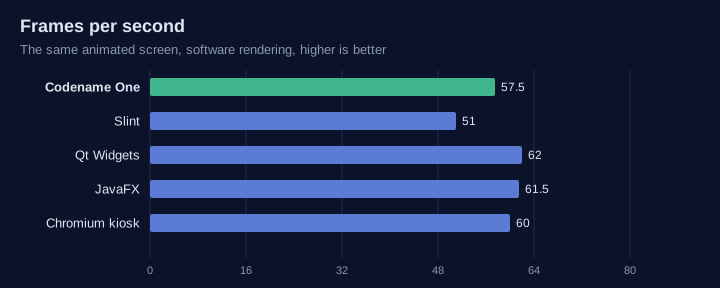
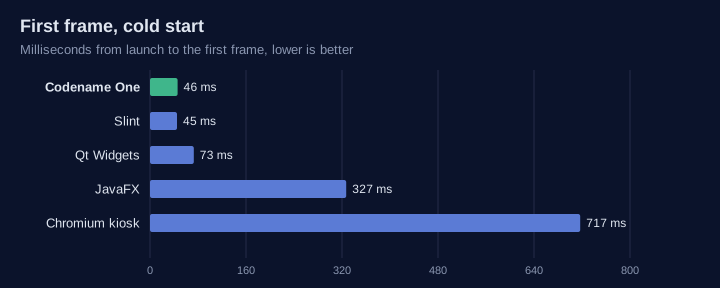
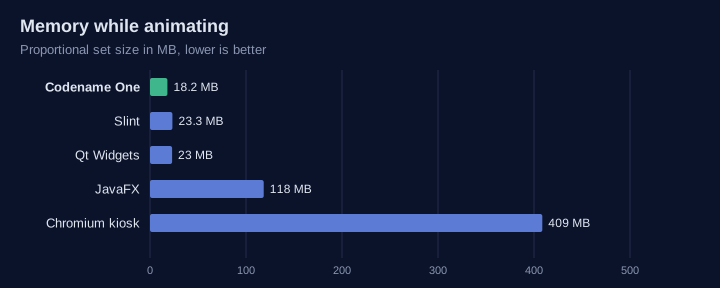
The table leaves out flutter-pi and Android (AOSP): flutter-pi needs an OpenGL ES GPU and AOSP needs a board support package, so neither runs in this harness.
| Codename One | Qt / Boot2Qt | Slint | flutter-pi | Chromium kiosk | AOSP | |
|---|---|---|---|---|---|---|
Language | Java, Kotlin | C++, QML | Rust, C++, JavaScript, Python, | Dart | HTML, JavaScript | Java, Kotlin |
Runtime on the device | None: one native executable | Qt libraries | Small native library | Flutter engine | Browser | Android runtime |
Needs a GPU | No | No (raster), yes for Qt Quick | No | Yes | No, but slow without one | Yes |
Display without X11 or Wayland | DRM/KMS, fbdev |
|
| DRM/KMS | Through Ozone | SurfaceFlinger |
Same code on iOS and Android | Yes | Yes | Not as a primary target | Yes | As a web application | Android only |
GPIO, I2C, SPI, serial, CAN in the API | Yes ( | Serial and CAN modules; GPIO through the OS | No | Through plugins | No | Through vendor HALs |
Simulator with virtual hardware | Yes | No | No | No | No | Emulator |
Headless server on the same codebase | Yes (the backend) | Qt Core, HTTP server module | No | No | No | No |
Yocto and Buildroot integration | Layer and package | Yes (meta-qt6, Boot2Qt) | Yes (meta-slint) | Community recipes | Yes | Not applicable |
Licence | GPL 2 with Classpath exception | LGPL 3, GPL or commercial | GPL 3, royalty-free or commercial | BSD 3-clause | BSD 3-clause | Apache 2.0 |
113.13. Without a display
A gateway or sensor hub has no screen, so the GUI comparison says little about it.
The same small JSON service ran in each runtime: GET /json answering a short object.
The server was pinned to two cores, a small board’s share, and the load generator
(oha) ran on the remaining cores. Each runtime ran four rounds, from a cold start
and then a warm one, in the same Debian bookworm arm64 container. The first round
pages the container image in and is left out, so the table shows the median of the
other six runs.
Start is the time from launch to the first answered request.
Idle is the proportional set size (PSS) two seconds later, with no requests.
Steady is a constant 200 requests per second for ten seconds. It gives the CPU used over that time and the memory at its end.
Peak is as many requests as 32 connections can drive in ten seconds.
| Runtime | Start (ms) | Idle PSS (MB) | Steady CPU (%) | Steady PSS (MB) | Peak (requests/s) | Peak p99 (ms) | Disk mapped (MB) |
|---|---|---|---|---|---|---|---|
Codename One backend | 40 | 9.2 | 3.1 | 9.2 | 379,900 | 0.22 | 21 (34 files) |
Rust, axum | 35 | 1.6 | 3.2 | 1.6 | 290,200 | 0.25 | 3.3 (5 files) |
Go, net/http | 48 | 5.2 | 8.3 | 10.2 | 178,900 | 0.59 | 5.2 (1 file) |
Node.js, http | 147 | 48 | 11 | 58 | 63,500 | 1.1 | 90 (19 files) |
Python, FastAPI and uvicorn | 270 | 42 | 22 | 42 | 6,700 | 11 | 21 (30 files) |
Spring Boot 3.5, JDK 21 | 1,340 | 164 | 16 | 181 | 33,300 | 3.3 | 183 (20 files) |
Codename One starts as fast as the compiled runtimes and serves the most requests of any of them: 1.3 times Rust’s peak and 2.1 times Go’s, at the lowest p99, with a steady-load CPU the same as Rust’s. Like Rust’s, the server makes two system calls per request, one read and one write, and a request allocates nothing but the object the handler returns. Rust and Go use less memory: a Codename One process grows to about 23 MB at peak load, against Go’s 12 MB and Rust’s 2 MB. Against the managed runtimes, it starts 33 times faster than Spring Boot, uses an eighteenth of its memory and serves over 11 times its peak.
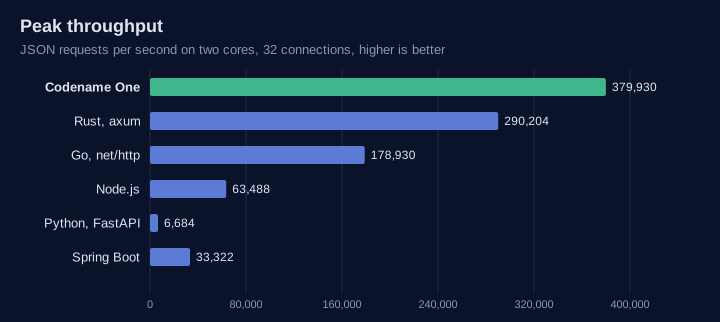
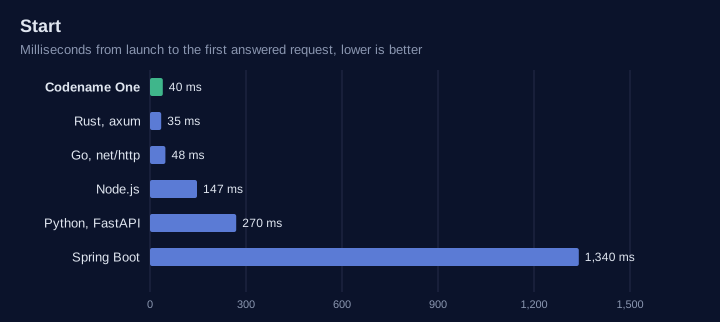
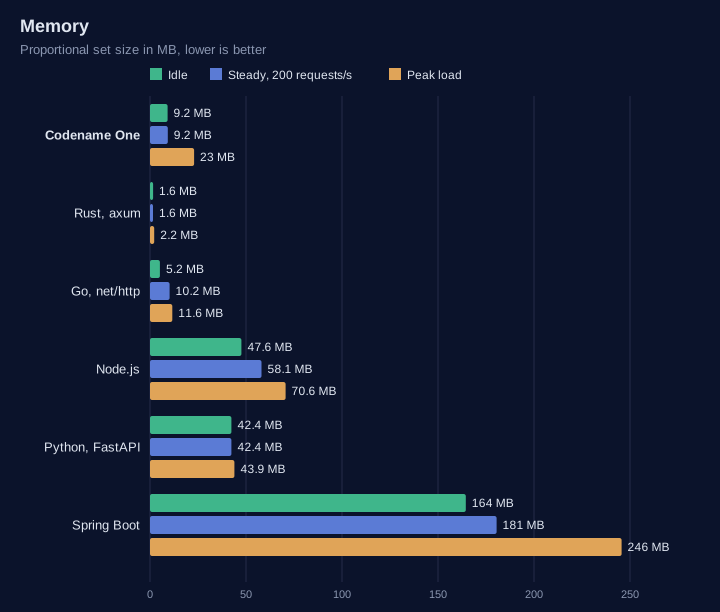
Every change to the backend runtime or the translator reruns this comparison in continuous integration, against Rust and Go on an arm64 machine. The build fails if Codename One’s peak throughput falls below Rust’s, if its latency, start or CPU falls too far behind, if its memory passes 12 MB idle or 32 MB at peak, or if a request allocates anything beyond the object its handler returns.
114. Desktop Integration
Codename One is mobile-first, but the same app can run on the desktop: as a Java SE
“Run as desktop app” / executable jar, and as a native macOS app via the local
mac-source (native macOS) build target. By default a desktop build looks like a phone
app in a window - a mobile-style Toolbar at the top of every Form, fading touch
scrollbars, and commands tucked into a hamburger side menu.
The desktop integration features make a desktop build feel like a desktop app:
A native window title bar that shows the
Formtitle (instead of the in-appToolbar).A native menu bar populated from your
Commandobjects, with per-command placement hints (About, File, Edit, Quit, …).Interactive scrollbars - a draggable thumb that highlights on hover and while dragged, click-to-page on the track, a minimum thumb size so it stays easy to grab on long content, a reserved gutter so content isn’t drawn under the bar, and an always-visible (rather than fading) scrollbar.
Keyboard accelerators on the native menu items (a Save shortcut, a Quit shortcut).
Native desktop notifications driven by the standard
LocalNotificationAPI.
These behaviors are opt-in. They’re switched on by default for newly generated projects
(both the Maven archetype and the start.codenameone.com initializr) and stay completely
inert on phones/tablets - all the new behavior is gated on CN.isDesktop(), so a mobile
build of the same project is unaffected.
Alongside them a desktop build also gets, without asking for anything:
Keyboard conventions. Tab and Shift-Tab move focus through the form, Enter fires the default command, and Escape fires the back command - or closes a dialog or window that has no back command, the same thing the platform’s own close control does. On a phone none of these keys exist, so every one of them is gated on
CN.isDesktop().A right-click menu. Give a component its commands with
Component.setContextMenuCommands(Command…)and one opens on a secondary mouse button, a stylus barrel button or a long press. Where the commands depend on what was clicked, register aComponent.addContextMenuListener(ActionListener)and callContextMenu.show(…)from it.Dialogs in a window of their own, when the installed theme asks for it. The three desktop native themes do; see Section 115.11, “Dialogs in a window of their own”.
Three controls that only make sense here:
Separator,GroupBoxandStepper.
114.1. Title-bar modes
The window chrome is selected by the desktop.titleBar setting, which takes one of three values:
| Hide the CN1 |
| Application-drawn title content where the CN1 |
| Legacy behavior - the in-app CN1 |
The screenshots below show the same notes app, with File / Edit / View / Help commands, in each mode on macOS.
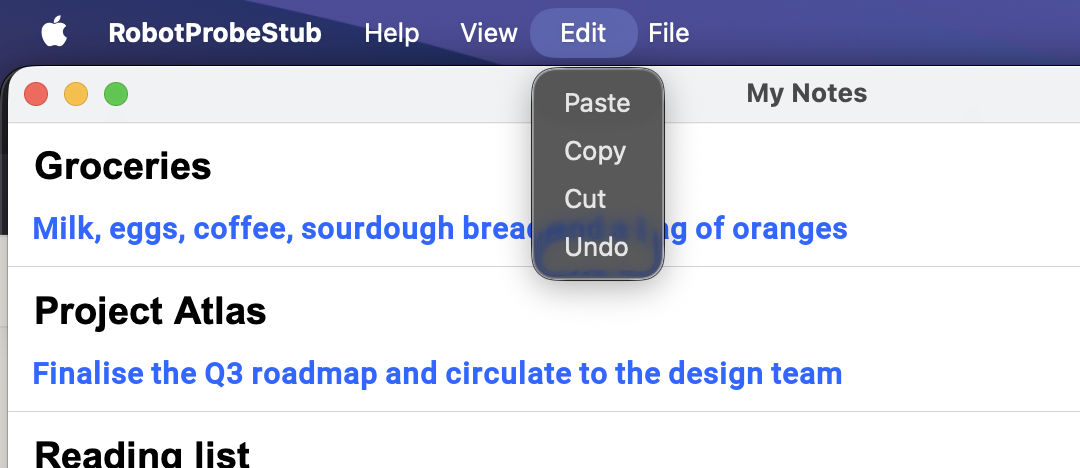
native mode: the Form title is in the OS window title bar, the commands populate the native menu bar, and there is no in-app Toolbar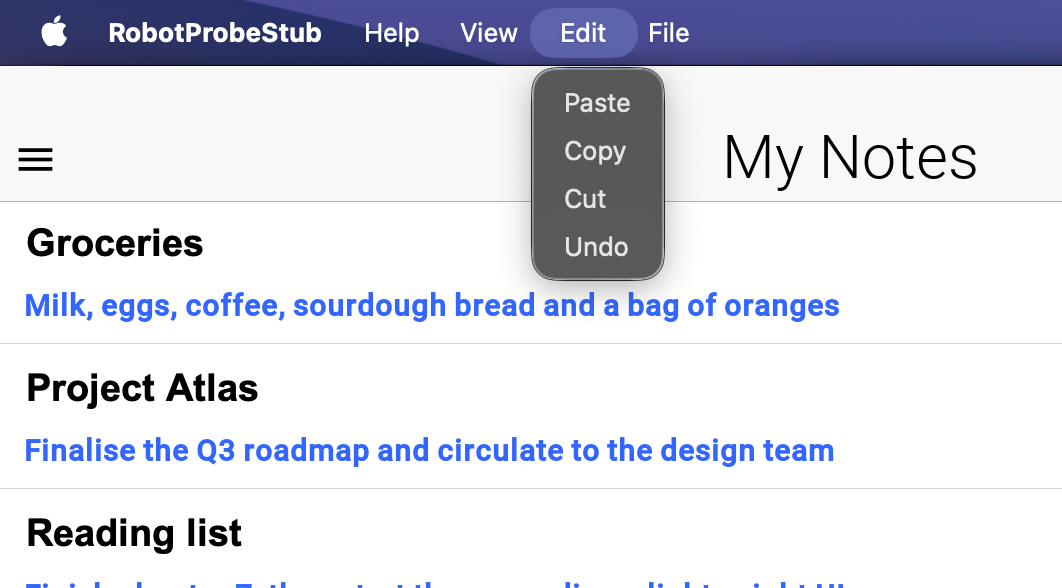
custom mode: the window is undecorated and the CN1 Toolbar (title + hamburger side menu) is the window’s title bar; the commands are also in the native menu bar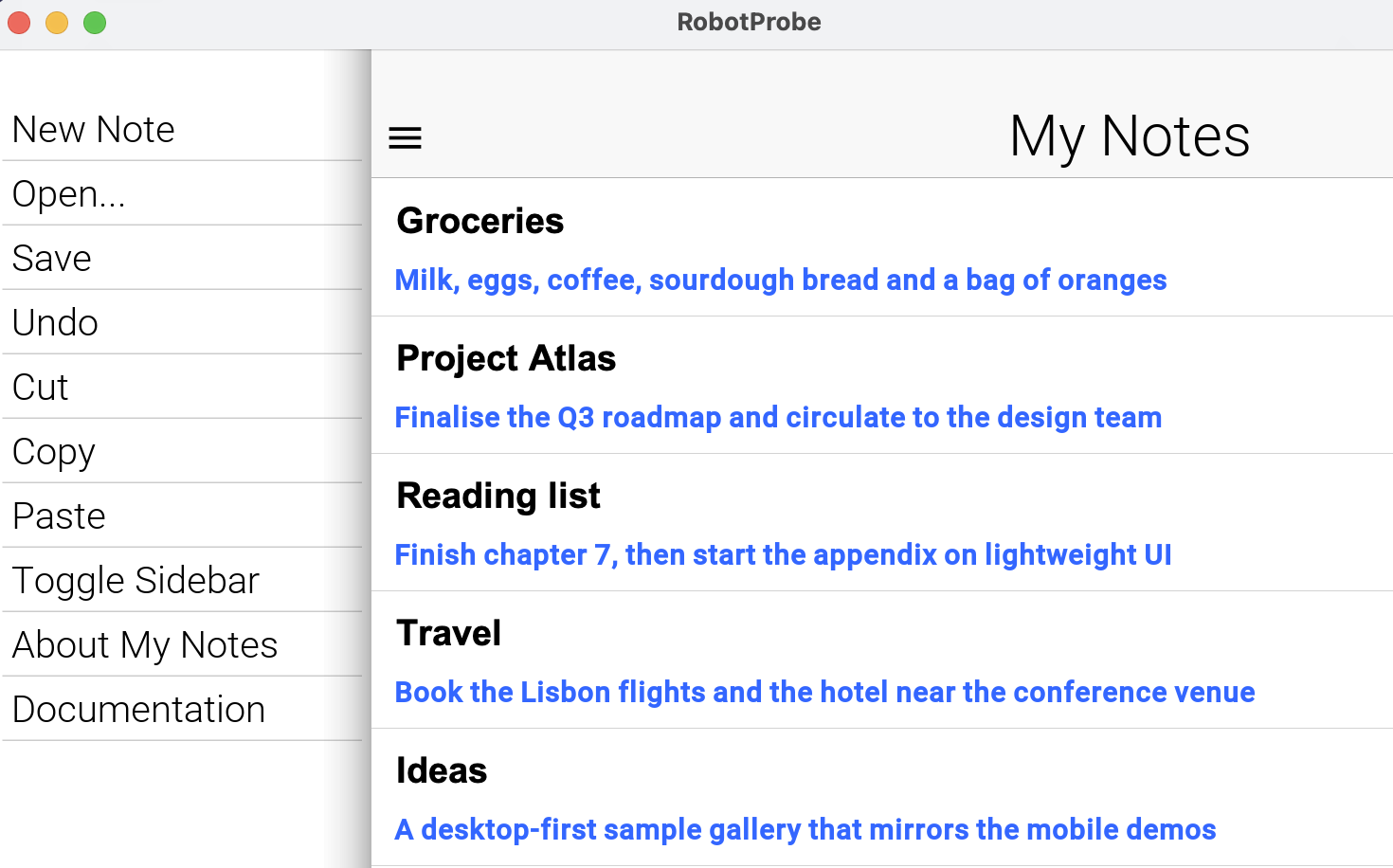
toolbar mode: the legacy look - the in-app Toolbar sits below a generic OS title bar and the commands live in the hamburger side menu114.1.1. Enabling it on the Java SE desktop build
For the desktop (Java SE) target the mode is a build hint that the generated desktop launcher
applies for you. In codenameone_settings.properties:
codename1.arg.desktop.titleBar=native
codename1.arg.desktop.interactiveScrollbars=trueNewly generated projects already contain these lines. The generated <MainName>Stub reads them
at startup, so no code is required. Because the stub is the desktop entry point, the settings only
ever take effect on the desktop.
114.1.2. Enabling it on the native macOS build
The local mac-source build runs through ParparVM, where the chrome is the application’s own
NSWindow and NSMenu. Set codename1.arg.desktop.titleBar=custom in
codenameone_settings.properties to draw title content in the toolbar, or use native for the
standard OS title bar. The generated launcher applies the build hint before calling the
application’s init() method, so the first toolbar uses the requested mode. Without a hint the
installed theme chooses the mode: the bundled Aqua theme requests native. If the theme doesn’t
specify a mode, the port supplies its fallback.
In custom mode, macOS retains its native close, minimize and zoom controls and window resizing.
Dragging an empty part of the toolbar uses the OS window drag operation. Double-clicking it follows
the user’s macOS title-bar preference. Buttons (including disabled buttons), editable titles,
scrollable regions and other interactive descendants are excluded from the drag area. The toolbar
publishes these regions to the native port after layout; applications don’t need their own window
drag listeners. The native Windows and Linux ports use the same toolbar contract, as described below.
The setting can also be supplied as a runtime property before constructing the first Form:
Display.getInstance().setProperty("desktop.titleBar", "native");
Display.getInstance().setProperty("desktop.interactiveScrollbars", "true");On a phone or tablet iOS build these properties are ignored. The legacy Mac Catalyst target
also honors them, through UIWindowScene and UIMenuBuilder rather than AppKit; see
Chapter 110, Working with Mac Catalyst. |
114.1.3. Integrated title content on native desktops
Use desktop.titleBar=custom when document actions, a search field, or other application controls
belong in the title area. Configure the toolbar with setTitleComponent() and the usual left/right
bar commands. The framework reserves space for the operating system’s window controls; don’t add
fixed padding for traffic lights or caption buttons. Theme padding is additional application spacing.
public static Form createEditor(Command save, Command search) {
Display.getInstance().setProperty("desktop.titleBar", "custom");
Toolbar.setGlobalToolbar(true);
Form editor = new Form("Quarterly report", new BorderLayout());
Container title = new Container(new BorderLayout());
title.add(BorderLayout.WEST, new Button(save));
title.add(BorderLayout.CENTER, new Label("Quarterly report"));
title.add(BorderLayout.EAST, new Button(search));
editor.getToolbar().setTitleComponent(title);
return editor;
}The example belongs in the normal application lifecycle, after Codename One has initialized the
display. Applications don’t call Display.init(). The build hint can select the mode before
init() runs; a runtime property must be set before constructing the first form.
Native port | Window behavior in |
macOS | AppKit retains the real traffic-light buttons, resizable frame and native menu bar. The toolbar occupies the full-size content area. Empty title space uses AppKit dragging and the user’s configured double-click action. |
Windows | The Desktop Window Manager retains the caption buttons. Native hit testing routes empty title space to caption dragging and routes the edges to resizing. Windows handles maximize, restore, minimize, close and the system menu. Application controls remain client input targets. Caption metrics follow the window DPI; caption appearance follows the system light/dark setting. |
Linux | A |
On Windows, the integrated mode omits the separate Win32 menu row, which would overlap the custom
caption. Toolbar commands remain available through their application controls and side menu, and
native command accelerators remain registered. Use native mode for the traditional Win32 menu
bar. On Linux, the native GTK menu row remains below the integrated header. The macOS menu stays
in the system menu bar. If an application hides the toolbar’s side menu, it must provide another
visible way to invoke those commands, such as its ribbon.
Reserved space uses physical left/right edges, independent of a document’s text direction. The framework accounts for native controls while measuring and laying out the toolbar, and restores the application’s padding values and units afterward. Resize, DPI and native theme changes can change this space. Avoid forcing the toolbar below its preferred height.
Interactive children, including disabled buttons, are excluded from native dragging. Plain
Label and Container instances allow window gestures on their passive backgrounds. Pointer,
long-press, context-menu and stylus listeners keep their input. Subclasses and other component
types retain input by default, including those that override pointer methods. For a custom
component that only draws a title background, call Toolbar.setTitleBarDragRegion(component, true)
to allow dragging there; interactive children and listeners remain excluded. Passing false
also excludes a plain label or container. Hiding or removing the toolbar clears its drag regions; the Windows and Linux ports
restore their ordinary title area. When DWM composition is unavailable, Windows retains its
standard decorated frame instead of removing the user’s window controls.
This integration applies to the main application form in native desktop builds. Separate
Window and dialog peers retain their own native decorations. Phone/tablet UI and browser pages
use their existing toolbar behavior: this feature doesn’t open browser popup windows or attempt
to control browser chrome. The Java SE desktop port retains its existing custom-title behavior.
For port implementers, getNativeWindowTitleBarInsets(Component) supplies physical left, right,
top and bottom insets followed by the minimum title-band height, all in component pixels.
setNativeWindowTitleBarRegions(Component, int[]) receives the full band followed by interactive
exclusion rectangles. An empty array clears the regions. These calls originate on the EDT;
ports must copy arrays before asynchronous native work and must not call Java UI code from a
synchronous native geometry query. The AppKit port reads a cached geometry snapshot so layout
can’t deadlock against the native rendering thread.
114.2. Native menu bar and command placement hints
In native and custom title-bar modes, the commands you add through the
Toolbar / Form command API are bridged to the platform’s native menu bar - a Swing JMenuBar
(which becomes the macOS screen menu) on the Java SE build, and an NSMenu on the native macOS build.
Selecting a menu item runs the command’s actionPerformed on the Codename One EDT, exactly as a
button press would.
By default every command lands under a single Commands menu. To place commands into the
conventional desktop menus, tag them with a desktop-menu hint using Command.setDesktopMenu(String)
and the Command.DESKTOP_MENU_* constants:
Form hi = new Form("My App", BoxLayout.y());
Command about = new Command("About My App");
about.setDesktopMenu(Command.DESKTOP_MENU_ABOUT); // application menu
Command open = new Command("Open File...");
open.setDesktopMenu(Command.DESKTOP_MENU_FILE); // File menu
Command quit = new Command("Quit");
quit.setDesktopMenu(Command.DESKTOP_MENU_QUIT); // application menu
hi.addCommand(about);
hi.addCommand(open);
hi.addCommand(quit);
hi.show();The recognized values are (case-insensitive):
| The macOS application menu. Other platforms have none, so these commands go to File. |
| The About, Settings and Quit standard commands, placed where each platform keeps them. See Section 114.2.3, “Standard commands”. |
| Placed in the matching standard top-level menu. |
Any other string | Becomes a top-level menu with that literal title. |
Unset | Grouped under a default Commands menu. |
Each port maps the hint to its native structure: on the native macOS build the command is inserted
into the application’s real NSMenu under the application, File, Edit, View, Window and Help
submenus; on the Java SE build a top-level JMenu is created per hint group.
All four desktop ports have one: a Swing JMenuBar on the Java SE build, an NSMenu on the
native macOS build, a Win32 HMENU on the Windows port and a GtkMenuBar on the Linux port.
The three ParparVM ports encode a command the same way, so one format serves every one.
A port with no native menu bar is handled rather than assumed away. Form keeps its
Toolbar there instead of hiding it - hiding it would take away the only place the commands are
drawn - and Display.COMMAND_BEHAVIOR_NATIVE normalizes back to the default rather than
dropping every command without a word. Nothing in application code branches on this. |
The hint is a plain client property (Command.DESKTOP_MENU), so it’s inert on platforms that
don’t have a native menu bar - it’s safe to set it unconditionally in shared code. |
114.2.1. Keyboard accelerators
Give a command a keyboard accelerator with Command.setDesktopShortcut(…). The shortcut is shown
next to the menu item and triggers the command from the keyboard:
Command save = new Command("Save");
save.setDesktopMenu(Command.DESKTOP_MENU_FILE);
save.setDesktopShortcut('S'); // Cmd+S on macOS, Ctrl+S on Windows/Linux
Command saveAs = new Command("Save As...");
saveAs.setDesktopMenu(Command.DESKTOP_MENU_FILE);
saveAs.setDesktopShortcut('S',
Command.DESKTOP_SHORTCUT_MODIFIER_PRIMARY | Command.DESKTOP_SHORTCUT_MODIFIER_SHIFT);The single-argument form uses the platform’s primary modifier - Command on macOS, Control on
Windows/Linux - which is the right default for most menu shortcuts. The
two-argument form takes a bit-mask of Command.DESKTOP_SHORTCUT_MODIFIER_PRIMARY,
Command.DESKTOP_SHORTCUT_MODIFIER_SHIFT and Command.DESKTOP_SHORTCUT_MODIFIER_ALT. On the
Java SE build the accelerator becomes a Swing KeyStroke; on the native macOS build it becomes the
menu item’s keyEquivalent and keyEquivalentModifierMask.
Like the placement hint, the accelerator is inert on platforms without a native menu bar, so it’s
safe to set unconditionally.
114.2.2. Submenus, separators, check items and icons
The same Command carries the rest of a menu item’s structure:
| A path: each |
| Orders the items of a menu by group, keeping the order you added them in within a group, and
draws a separator wherever the group changes. |
| Makes the item a check item. Choosing it flips the state before the action runs, so the
action reads the new value from |
| Makes the item one of a radio group: checking one unchecks the others. |
| A disabled command is greyed out in the menu and can’t be chosen. |
| Shown beside the item where the platform draws menu icons. |
public static void addViewMenu(Form form) {
// A check item: the state flips before the action runs.
Command sidebar = Command.create("Show Sidebar", null, e -> {
boolean visible = ((Command) e.getSource()).isDesktopChecked();
System.out.println("Sidebar visible: " + visible);
});
sidebar.setDesktopMenu(Command.DESKTOP_MENU_VIEW).setDesktopChecked(true);
// A radio group in a submenu, a separator group below the check item.
String[] zooms = {"50%", "100%", "200%"};
for (String zoom : zooms) {
Command c = Command.create(zoom, null, e -> System.out.println("Zoom " + zoom));
c.setDesktopMenu("View/Zoom").setDesktopMenuGroup(1).setDesktopRadioGroup("zoom");
c.setDesktopChecked("100%".equals(zoom));
form.getToolbar().addCommandToOverflowMenu(c);
}
// An icon and a separator group of its own.
Command refresh = Command.createMaterial("Refresh", FontImage.MATERIAL_REFRESH,
e -> System.out.println("Refresh"));
refresh.setDesktopMenu(Command.DESKTOP_MENU_VIEW).setDesktopMenuGroup(2);
refresh.setDesktopShortcut('R');
form.getToolbar().addCommandToOverflowMenu(sidebar);
form.getToolbar().addCommandToOverflowMenu(refresh);
}Changing a command’s enabled or checked state updates the visible menu. After changing
anything else about a published command, such as its name or icon, call
Display.getInstance().refreshNativeMenu().
Each platform draws these items in its own style. macOS and Mac Catalyst show a radio item with the same checkmark as a check item, as every Mac application does. Windows draws a bullet. The Windows and Linux menus show no icons: Win32 menu bitmaps need a decoder that port doesn’t have, and GTK 3 deprecated menu item images, so no GNOME application shows them.
114.2.3. Standard commands
About, Settings and Quit live in different places on each desktop, under different names. Give
such a command a role with Command.setDesktopRole(String) and the Command.DESKTOP_ROLE_*
constants, and each platform puts it where its own applications do, with the platform’s standard
shortcut:
| Role | macOS | Windows | Linux |
|---|---|---|---|
| Application menu, first | Help, last | Help, last |
| "Settings…" in the application menu, Cmd+, | "Options" under Tools | "Preferences" at the foot of Edit |
| "Quit" in the application menu, Cmd+Q | "Exit" at the foot of File | "Quit" at the foot of File, Ctrl+Q |
| Application menu, Cmd+H | Not shown | Not shown |
The File roles (NEW, OPEN, SAVE, SAVE_AS, CLOSE, PRINT), the Edit roles (UNDO, REDO,
CUT, COPY, PASTE, SELECT_ALL, FIND) and FULL_SCREEN, MINIMIZE, ZOOM and HELP work the
same way. Redo is Cmd+Shift+Z on macOS and Ctrl+Y on Windows, for example. On macOS a role command
takes the place of the matching built-in item, so the menu never shows two Quit or Copy items.
The browser’s in-page menu follows the Windows layout. It leaves out Quit, Minimize and Zoom, and it
drops the shortcuts the browser keeps for itself.
Command.createDesktopRole(role, listener) creates the command with the platform’s name for it
("Exit" on Windows, "Quit" elsewhere). The resource key cn1.menu.<role>, such as cn1.menu.quit,
translates it. Anything the command sets itself wins over its role: its own menu, group and
shortcut. The older DESKTOP_MENU_ABOUT, DESKTOP_MENU_PREFERENCES and DESKTOP_MENU_QUIT hints
are read as these roles.
setDesktopPlatforms("mac", "win", "linux", "web") limits a command to the native menu bars of the
platforms it lists. The application’s own menus still show it everywhere.
Form.setDocumentModified(boolean), and the same method on Window, shows that the document has
unsaved changes. macOS draws a dot in the close button; Windows and Linux put * before the title.
A Save command follows that state: it’s enabled while there are changes to save.
Command.setDesktopEnabledWhenModified(boolean) makes any other command follow it too.
public static void addStandardCommands(Form form) {
// Named, placed and given a shortcut the way the running platform does it:
// "Settings..." in the macOS application menu with Cmd+comma, "Options" under
// Tools on Windows, "Preferences" at the foot of Edit on Linux.
Command settings = Command.createDesktopRole(Command.DESKTOP_ROLE_SETTINGS,
e -> System.out.println("Show settings"));
// "Quit" on macOS and Linux, "Exit" at the foot of File on Windows.
Command quit = Command.createDesktopRole(Command.DESKTOP_ROLE_QUIT,
e -> System.out.println("Quit"));
// Disabled until the document has unsaved changes.
Command save = Command.createDesktopRole(Command.DESKTOP_ROLE_SAVE,
e -> {
System.out.println("Save");
form.setDocumentModified(false);
});
// Only on the platforms named.
Command services = new Command("Show Services");
services.setDesktopMenu(Command.DESKTOP_MENU_HELP).setDesktopPlatforms("mac");
form.getToolbar().addCommandToOverflowMenu(settings);
form.getToolbar().addCommandToOverflowMenu(save);
form.getToolbar().addCommandToOverflowMenu(quit);
form.getToolbar().addCommandToOverflowMenu(services);
// A dot in the close button on macOS, "*" before the title elsewhere.
form.setDocumentModified(true);
}114.3. Interactive scrollbars
Enabling desktop.interactiveScrollbars turns the scrollbar from a fading touch indicator into a
desktop-style control:
The thumb can be grabbed and dragged, and it highlights while the pointer hovers it and while it’s being dragged (the
DesktopScrollThumbselected / pressed styles).Clicking the track pages toward the pointer by about one viewport.
The thumb has a minimum size so it stays easy to grab even when the content is far taller than the viewport. The minimum (in pixels) is the
scrollThumbMinSizeInttheme constant; when unset it defaults to the equivalent of 4mm.A gutter is reserved for the scrollbar so content isn’t laid out underneath it. The gutter width comes from the
DesktopScroll/DesktopHorizontalScrollUIID padding (see below).The scrollbar stays visible rather than fading out.
This is a cross-platform core feature driven by the interactiveScrollBool theme constant, which
the desktop ports inject only when CN.isDesktop() is true. Mouse-wheel scrolling continues to work
as before.
114.4. Theme UIIDs
When interactive scrollbars are active, the desktop scrollbar is styled through dedicated UIIDs so the
mobile Scroll / ScrollThumb styling is never affected:
| The interactive desktop scrollbar track and thumb. The horizontal-/vertical-scroll UIID’s padding
sets the scrollbar gutter width. The thumb UIID’s |
All the native themes ship platform-conventional defaults for these UIIDs, including the
.selected / .pressed thumb highlight states; see Chapter 14, Native modern themes. The three desktop
themes also turn interactiveScrollBool on themselves, so a desktop build using one gets the
real scrollbar without setting the build hint. Override the UIIDs in your app’s theme.css like
any other UIID.
The highlight states are .selected and .pressed, not .hover. The interactive
thumb reads its selected style while the pointer is over it and its pressed style while it’s
being dragged, so a .hover rule on DesktopScrollThumb compiles and is never painted. For the
same reason, don’t write these UIIDs as cn1-derive: ScrollThumb: a derive produces the whole
state family by copying the base, so the highlight ends up identical to the resting colour -
present in the compiled theme and invisible on screen.
The minimum thumb length is the scrollThumbMinSizeInt theme constant (pixels). In custom mode the
title bar is just the regular CN1 Toolbar, so it’s themed through the usual Toolbar / Title
UIIDs. |
114.5. Desktop notifications
The standard com.codename1.notifications.LocalNotification API works on the desktop. On the
Java SE desktop build a scheduled notification surfaces as a native OS notification through the
system tray (Notification Center on macOS, the notification area on Windows/Linux); on the
native macOS build it goes through the same UNUserNotificationCenter path as iOS. Clicking
the notification delivers it to your app’s LocalNotificationCallback, exactly as on mobile, so the
same scheduling and handling code is shared across phone and desktop:
LocalNotification n = new LocalNotification();
n.setId("reminder-1");
n.setAlertTitle("Reminder");
n.setAlertBody("Your export has finished.");
// fire in 5 seconds, no repeat
Display.getInstance().scheduleLocalNotification(
n, System.currentTimeMillis() + 5000, LocalNotification.REPEAT_NONE);On the Java SE build desktop notifications require an OS with system-tray support
(java.awt.SystemTray); where it’s unavailable the notification is logged and skipped. |
115. Desktop Windows
A phone application has one window, because the operating system owns the screen and the application fills it. A desktop application usually doesn’t: an inspector panel, a preferences window, a second document, a tool palette and a detached console are all ordinary desktop expectations.
com.codename1.ui.Window is how you open them. A Window is a separate native
operating-system window with its own Codename One component hierarchy inside it, its
own focus owner, its own animations and its own repaint region. The application’s main
surface is a Form and is unaffected by any of this.
if (Desktop.isSupported()) {
Window inspector = new Window("Inspector", new BorderLayout());
inspector.add(BorderLayout.CENTER, new Label("Hello from a second window"));
inspector.setWindowSize(420, 320);
inspector.centerOnDesktop();
inspector.show();
}115.1. Where windows exist
Windows are a desktop feature, and the API says so plainly:
| Platform | Windows | Notes |
|---|---|---|
Java SE desktop app | Yes | The packaged desktop build and the simulator in desktop-skin mode. |
Java SE simulator with a phone skin | No | A skin simulates one device screen; a real window inside that simulation is incoherent. |
Native Windows | Yes | |
Native Linux | Yes | |
macOS | Yes | Each window is a real |
macOS (Mac Catalyst) | Opt-in | Needs |
iOS, Android, JavaScript | No | These platforms have no windowing system. |
Always guard with Desktop.isSupported() (or the shorthand CN.isMultiWindowSupported()).
Constructing a Window where windows are unsupported throws
UnsupportedOperationException immediately:
Window w = new Window("Tools"); // throws on a phone
w.show();There’s no fallback to showing a Form instead. A pretend window produces layout and
lifecycle bugs that are far harder to find than an exception
on the line that asked for it. The exception is thrown by the constructor rather than by
show(), so a wrong assumption surfaces at the point it was made.
Everything else degrades cleanly. Desktop.getWindows() returns an empty array rather
than null, Desktop.getFocusedWindow() returns null, and Desktop.getMonitors() still
reports the main display, so portable code that loops over windows or positions against
a monitor compiles and runs everywhere.
115.2. Window and Form
Form and Window are siblings. Both extend Container, and both implement the new
TopLevelContainer interface, which is the contract shared by anything that can sit at
the root of a component hierarchy:
TopLevelContainer top = component.getTopLevelContainer();
top.getContentPane().add(new Label("works in either"));
top.registerAnimated(component);
Component focused = top.getFocused();TopLevelContainer carries only what genuinely applies to both. It has the
content pane, the layered panes, the title, commands, animation registration, focus,
editing state, the theme manager and the show/size listeners. It does not carry
Form’s mobile surface - form transitions, the back command, `previousForm, the
Toolbar or the tint that dims a form behind a dialog - because none of those mean
anything for a desktop window, whose title and menus belong to the platform chrome. Members that already exist on Component or
Container are reached through asContainer().
115.2.1. getComponentForm() returns null inside a Window
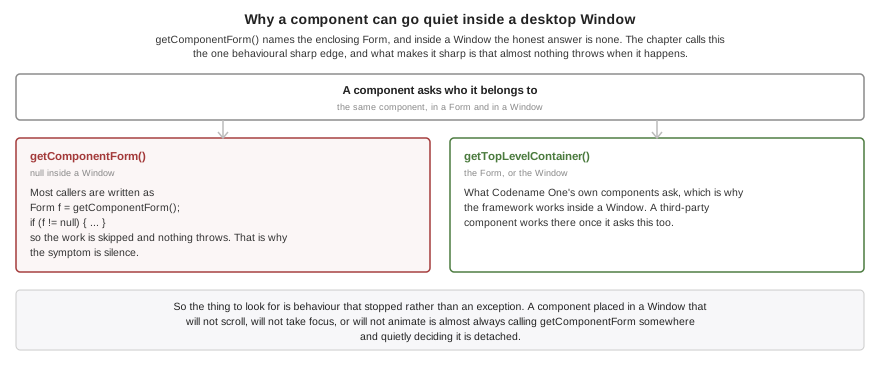
This is the one behavioral sharp edge, and it’s worth stating plainly:
Window window = new Window("Inspector", new BorderLayout());
Label l = new Label("hi");
window.add(BorderLayout.CENTER, l);
l.getTopLevelContainer(); // the Window
l.getComponentForm(); // null -- a Window is not a FormgetComponentForm() means what it says: it names the enclosing Form, and inside a
window the honest answer is none. Codename One’s own components ask
getTopLevelContainer() instead, so the framework works inside a window - apart from
the handful listed under Section 115.13, “Unsupported inside a window”, which depend on something
that isn’t window-aware rather than on the call itself. A third-party component that
calls getComponentForm() works inside a window only once it asks
getTopLevelContainer() too.
The failure mode is usually silence rather than an exception, because most of that code
is written as Form f = getComponentForm(); if (f != null) { … }. If a component
behaves as though it’s detached when you put it in a window - it doesn’t scroll, doesn’t
take focus, or doesn’t animate - that’s almost always the cause.
115.3. Window lifecycle
boolean unsavedChanges = hasUnsavedWork();
Window w = new Window("Preferences", new BorderLayout());
w.add(BorderLayout.CENTER, new Label("Preferences"));
w.setWindowSize(500, 400);
w.setCloseOperation(Window.DISPOSE_ON_CLOSE);
w.addCloseListener(evt -> {
if (unsavedChanges) {
evt.consume(); // veto the close, then prompt the user to save
}
});
w.show();show() creates the native window the first time it’s called and maps it on screen.
hide() hides the window while keeping it alive, so it can be shown again. dispose() destroys
the native window and releases everything behind it; calling it twice is harmless.
setOwnerWindow() has to be called before the window is shown. Native ownership is
established when the window is created — the owner window handle on Windows, the
transient parent on GTK, the owner passed to the dialog on Java SE — and no platform
lets it be re-pointed once the window exists, so changing it later throws rather than
pretending.
setCloseOperation() decides what the platform’s own close control does:
| Destroy the window. The default. |
| Hide it, so it can be shown again later. |
| Do nothing; the application calls |
Consuming the event in a close listener vetoes the close regardless of the operation, which is how a window asks the user to save first.
That veto isn’t available on Mac Catalyst. UIKit hands a scene disconnection over
after the scene is already gone, so there is nothing left to refuse: the window is
disposed, the close listeners don’t run, and HIDE_ON_CLOSE and
DO_NOTHING_ON_CLOSE have no effect for the title-bar control. Don’t rely on a save
prompt there. An application that has to intervene should drive the close itself: ask
the user from its own menu item or button, and call dispose() once they’ve answered.
Note that dispose() isn’t a close request on any platform. It destroys the window
directly and doesn’t run the close listeners, so a listener can’t veto it - the
confirmation belongs in the code that decides to call dispose(), not in a listener
behind it. Close listeners fire for the platform’s own close control, which is exactly
the control Catalyst doesn’t let anyone refuse.
Every open window is disposed when the application shuts down, so a window can’t outlive the event dispatch thread that paints it.
115.4. Window chrome and geometry
w.setResizable(false);
w.setDecorated(false); // no native title bar; draw your own with a Toolbar
w.setAlwaysOnTop(true); // a floating palette
w.setUtilityWindow(true); // keep it out of the task bar where the platform allows
w.setMinimumWindowSize(new Dimension(320, 240));Geometry has two coordinate systems and two sets of names, which is deliberate:
getWindowBounds(),setWindowBounds(),setWindowSize()andsetWindowLocation()are native coordinates and include the platform’s own chrome.getWidth()andgetHeight(), inherited fromComponent, are the Codename One content size in Codename One pixels.
A size is a request. Every window system is free to adjust it — a minimum size, a
constraint from the window manager, or a screen too small for what you asked — so read
getWidth() and getHeight() back rather than assuming the request was granted, and
listen for Resized if it matters.
centerOnDesktop() centers the window on the work area of the monitor it’s on, so it
doesn’t land under the task bar or the dock. centerOn(other) centers it over another
top level. minimize(), restore() and toggleMaximize() do what they say, where the
platform allows a program to ask.
115.5. Styling
A window is a top level surface, so it starts out with the styles a theme already
defines for one: Form for the window itself, ContentPane for its content pane,
TitleArea and Title for its title. That means every existing theme styles a window
correctly without being updated, which is the point — a top level with no style entry
paints nothing at all and comes up as an unpainted rectangle.
To make windows look different from forms, give them a UIID of your own and style that:
w.setUIID("PaletteWindow");
w.getContentPane().setUIID("PaletteWindowContentPane");115.6. Modal windows
Window dialog = new Window("Confirm", new BorderLayout());
dialog.add(BorderLayout.CENTER, new Label("Really delete everything?"));
dialog.setOwnerWindow(mainWindow);
dialog.setModalityType(Window.MODALITY_WINDOW);
dialog.showModal(); // blocks here until the window is disposedshowModal() parks the calling code until the window is no longer showing, much as a
modal Dialog does. It doesn’t freeze the application: the event dispatch thread keeps
running, so every other window carries on painting and animating while the modal is up.
Both dispose() and hide() end the wait — the window is closed as far as the user is
concerned either way, and parking the caller on a window nobody can reach would hang it.
That matters when the close operation is HIDE_ON_CLOSE, because showModal() then
returns with the window still live and reusable. Cleanup that only makes sense for a
destroyed window should ask isWindowDisposed() rather than assume it. Minimizing
doesn’t end the wait: a minimized window is still up.
Three modality types are available:
| Blocks nothing. The default. |
| Blocks input to the window that owns it, and nothing at all when the window has no owner. |
| Blocks input to every other window and to the main form. |
Codename One decides which windows a modal blocks, so modality behaves identically everywhere whether the underlying window system implements its own or not. That decision depends on the whole stack of open modal windows, not just the newest one, which is why it isn’t left to the ports: a window modal opened from inside an application modal narrows what it blocks without lifting anything the outer one still blocks.
The framework then tells each port which windows to disable natively. That matters beyond appearances, because a blocked window’s own title bar is outside the input filter - without it, the close button of a window you’ve blocked still reaches your application.
115.7. Monitors and per-monitor DPI
Desktop is the front door for the display side of a windowing system, alongside
Display rather than replacing any of it. Display answers how big the application’s main surface is, which is the only question a
phone has. Desktop answers which screens exist and which windows are open.
for (Monitor m : Desktop.getInstance().getMonitors()) {
System.out.println(m.getName()
+ " bounds=" + m.getBounds()
+ " workArea=" + m.getWorkArea()
+ " scale=" + m.getScale()
+ " dpi=" + m.getDotsPerInch()
+ (m.isPrimary() ? " (primary)" : ""));
}
Monitor under = Desktop.getInstance().getMonitorAt(pointerX, pointerY);
Rectangle whole = Desktop.getInstance().getDesktopBounds(); // union of every monitorPrefer getWorkArea() over getBounds() when placing or maximizing a window: the work
area excludes the task bar, the dock and any reserved panels, and the bounds don’t.
Note that desktop coordinates span every monitor, so a display placed to the left of or above the primary one legitimately has a negative origin.
115.7.1. A window reports its own monitor’s characteristics
On a desktop with mixed displays - a high-resolution laptop panel next to a conventional external monitor is the common case - two windows of the same application can correctly render at different scales:
w.getMonitor(); // the Monitor this window currently sits on
w.getScale(); // that monitor's backing scale, e.g. 1.0 or 2.0
w.getDensity(); // that monitor's density bucketThese answer for the window’s own monitor, not for the global display. When the user drags a window onto a display with a different scale, Codename One re-reads the scale, marks the hierarchy’s preferred sizes stale and lays it out again. Skipping that step is what leaves a window blurry or the wrong physical size after a move.
Display.convertToPixels() keeps its existing global meaning, the main window’s monitor,
so no existing application changes behavior.
To react to displays being attached, removed or reconfigured:
Desktop.getInstance().addMonitorListener(evt -> {
// a monitor was added or removed, or one changed resolution
refreshWindowPlacement();
});115.8. Window events
w.addWindowListener(evt -> {
WindowEvent we = (WindowEvent) evt;
if (we.getType() == WindowEvent.Type.Resized) {
rememberWindowGeometry(we.getSource());
}
});
// Every window, from one place
Desktop.getInstance().addWindowListener(evt -> auditWindowEvent(evt));Display.addWindowListener() is unchanged and still reports only the application’s main
window, so existing code that casts getSource() to Display keeps working.
Close listeners and window events answer different questions, and the distinction matters when a listener does real work:
A close listener is the user asking to close the window. It runs before anything is destroyed and consuming it vetoes the close, which is how a window prompts the user to save first. It fires once per close attempt.
WindowEvent.Type.Disposedreports that the window is already gone. Nothing can veto it, and it’s what to listen for when the work has to happen whether the close came from the user or from a call todispose().
115.9. Peer components and native text editing
Both work inside a window. A BrowserComponent, a video player, a map or a native text
field placed in a Window is attached to that window’s native view hierarchy, not to
the main window’s.
The native macOS port qualifies this for one case. A peer is attached when it’s
initialized, and a peer already in the window’s content when the window is first
shown initializes before that window has painted — at which point nothing yet says which
window it belongs to, so it lands on the main window’s view. Add the peer in response to
WindowEvent.Type.Shown and it attaches to its own window.
This is worth knowing about because it was the single most common way an early multi-window implementation looks correct and isn’t: the peer or the text caret appears on the main window while the content it belongs to is in another one.
115.10. Overlays inside a window
A window has the same layered panes a form does, and that’s what an overlay attaches to:
Container overlay = w.getFormLayeredPane(MyOverlay.class, true);
overlay.setLayout(new LayeredLayout());
overlay.add(buildOverlayContent());
w.revalidate();InteractionDialog is window-aware. A dialog anchored to a component works with no
extra ceremony, because showPopupDialog(Component) takes its host from the component
you hand it - and it has to, since the rectangle it points at is in that component’s
coordinate space:
dialog.showPopupDialog(buttonInsideTheWindow);A dialog with no anchor can’t infer anything, because it isn’t attached to the hierarchy
at the moment show() runs. Tell it which top level to appear on:
dialog.setTopLevelHost(window);
dialog.show(top, bottom, left, right);Leave the host unset and the dialog uses the current form, which is the right answer for an application with one window and is what every existing single-window application already relies on.
Dialog, Sheet and ToastBar take the same host. A Dialog shown on a window goes
into that window’s layered pane rather than replacing the main form, and returns the
command that was pressed exactly as it always did:
Dialog confirm = new Dialog("Confirm");
confirm.setLayout(new BorderLayout());
confirm.add(BorderLayout.CENTER, new Label("Delete the selected document?"));
confirm.setTopLevelHost(window);
Command result = confirm.showDialog();A Sheet takes setTopLevelHost too, and Sheet.getCurrentSheet(TopLevelContainer)
answers per surface - with more than one surface, "the current sheet" has no single
answer. ToastBar gives each window its own instance through
ToastBar.getForTopLevel(TopLevelContainer); the singleton keeps following the current
form, which is what an application with one surface relies on. The static helpers
(ToastBar.showMessage and friends) target the window the user is actually in.
A ComboBox popup, a FloatingActionButton submenu and InfiniteProgress are all
Dialog underneath, so they follow the surface they were opened from with no code
change. Tooltips and HTMLComponent do too.
Anything you write yourself should resolve its surface with
Component.getTopLevelContainer() rather than getComponentForm(), and measure against
that top level rather than against Display. For code with no component to start
from - a static helper, say - CN.getCurrentTopLevel() is the window the user is in,
where CN.getCurrentForm() only ever names the main surface.
115.11. Dialogs in a window of their own
A dialog can be a real operating system window instead of something drawn inside the application’s surface:
Dialog confirm = new Dialog("Confirm");
confirm.setLayout(new BorderLayout());
confirm.add(BorderLayout.CENTER, new Label("Delete the selected document?"));
// opens as a real operating system window on the desktop, and as an ordinary
// dialog everywhere else
confirm.setNativeWindowMode(true);
Command result = confirm.showDialog();Dialog.setDefaultNativeWindowMode(boolean) sets it for the application, and the theme
constant defaultNativeWindowModeBool sets it for the theme. The instance setting wins,
then the static default, then the theme constant - and all three are subordinate to
there being a windowing system at all.
The three desktop native themes declare that constant, so an application using one gets
window dialogs by default and doesn’t have to ask. An application that wants the old
in-surface dialogs back on those themes says so with
Dialog.setDefaultNativeWindowMode(false), or per dialog with
setNativeWindowMode(false).
On iOS, Android, JavaScript, headless and in the
phone-skinned simulator the request is ignored and the dialog shows the ordinary way, so
shared code doesn’t have to guard it. InteractionDialog takes the same setting.
The window is decorated, so the user can move it, close it and find it in the window
list. Override initNativeWindow(Window) to change that or anything else about it
before it appears. Closing it with the platform’s own close control dispatches the back
command, or disposes the dialog when there isn’t one, so it means the same thing as
Cancel. getNativeWindow() returns the window while the dialog is showing.
Commands split by what they already are: buttons stay buttons inside the dialog, and
commands added with addCommand are published to the window so the platform can put
them wherever it shows a window’s commands.
These are ignored in this mode, because they describe a dialog drawn inside another
surface: the margin arguments to show(top, bottom, left, right), the position argument
to showPacked and showStretched, the tint and setBlurBackgroundRadius, transitions,
setDisposeWhenPointerOutOfBounds and disposeOnRotation. Display.getCurrent() also
keeps naming the main form rather than the dialog.
An anchored popup - showPopupDialog(Component), showPopupDialog(Rectangle), and so
the ComboBox, Picker and ContextMenu popups with them - never opens a window even
with the option on for the whole application. The rectangle it points at is in its
host’s coordinate space, nothing exposes where a window’s drawable begins on the
desktop, a separate window would never receive the click meant to dismiss it, and it
would steal focus from its opener every time it appeared.
115.12. Transitions in a window
A Form transition into or out of a window isn’t supported, and won’t be. A transition
paints both screens into one Graphics covering one surface; two operating system
windows are composited by the window server, on monitors that need not even share a
scale factor, so there is no shared context to draw an in-between frame into. That’s the
same reason Window.capture() exists rather than Display.screenshot(). A window’s own
appear and disappear animation belongs to the platform.
Moving between screens inside a window is an ordinary transition:
window.setContent(nextScreen,
CommonTransitions.createSlide(CommonTransitions.SLIDE_HORIZONTAL, true, 300));replace, replaceAndWait, animateLayout, animateHierarchy and their fade variants
all work on a window as they do on a form.
115.13. Unsupported inside a window
A
Pickerin a window always uses its lightweight popup, even on a platform with a native one, because every native picker attaches to the main surface and would open over the wrong window.Formtransitions into or out of a window - see Section 115.12, “Transitions in a window” for why, and for what to use instead.A
Toolbaron a window.Toolbaris installed throughForm.setToolbarand is bound to a form throughout, so there is no supported way to put one on a window yet. Window commands go to the platform throughaddCommand.
Display.getDisplayWidth() and getDisplayHeight() continue to report the main
window. Components inside a window should size against their own top level, and
CN.getCurrentTopLevel() is the surface the user is in where CN.getCurrentForm()
only ever names the main one.
115.14. Capturing a window
Display.screenshot() can only see the application’s main surface, so a second
operating-system window is simply not in it. Window.capture() exists for that and
returns an image of the window itself.
Most desktop ports read the window’s own pixels back, so what you get is what the
window is showing — native peers and editors included. The JavaSE simulator, Mac
Catalyst and native Linux read their rasters directly. Native Windows takes a different
route to the same place: a secondary window renders into a Direct2D HWND target,
which Direct2D gives no readback for, so the port asks the window to render itself into
a device context with PrintWindow. That’s a real readback of the client area rather
than a re-render of the hierarchy.
The native macOS port is the exception to the peers-included half of that. It reads back
the window’s own Metal texture, so the image holds everything Codename One drew, but the
native peer views AppKit composites above that texture aren’t in it: a BrowserComponent,
a video player or a map inside the window is missing from the result. Everything else the
window shows is captured normally.
Window.capture() falls back to re-rendering the component tree if a port returns
nothing. That fallback draws what the window should be showing: it never contains a
peer or a native editor, and it can’t reveal a disagreement between a window’s raster
and its component hierarchy. Because a plausible image of the right size is exactly
what a silent fallback looks like, the Windows port logs when it happens rather than
letting a re-render pass for a readback.
115.15. macOS
Windows work on the native macOS build with no configuration and no build hint.
Each one is a real NSWindow: it has the standard title bar and its close,
minimize and zoom buttons, it takes part in Mission Control and the Window menu,
and it owns its own GPU surface rather than displaying a raster rendered
elsewhere.
Desktop.getMonitors() reports the real display list from NSScreen, including
each screen’s backing scale, so a window restored onto a Retina display and one
restored onto a non-Retina display each get the right density. Dragging a window
between them updates it.
Every operation on the windowing API is implemented. That’s worth saying explicitly because the Mac Catalyst target below can’t implement several of them — which is why windows are off by default there and on by default here.
115.16. Mac Catalyst (legacy)
Windows are opt-in on the macOS (Mac Catalyst) target. Set the macNative.multiWindow
build hint to true alongside macNative.enabled:
macNative.enabled=true
macNative.multiWindow=trueA second Codename One window is a second UIWindowScene, which needs the
UIApplicationSupportsMultipleScenes key in Info.plist. The builder emits that key
only for a Catalyst build that asked for windows, and for no other target, so iPhone
and iPad apps are unaffected either way.
The opt-in exists because that key has a cost the rest of the app pays. It puts the process on the UIScene lifecycle, under which a Catalyst window opens four points shorter: the conformance suite measures 685 points of content height without the key and 681 with it. Every layout in the app shifts slightly. That’s a fair trade when you want windows and an unpleasant surprise when you don’t, so an app that doesn’t ask for them keeps the bundle it has always had.
Desktop.isSupported() reads the key back out of the running bundle rather than
trusting a build flag, so the API and the Info.plist can never disagree — including
in a project that was generated once and then hand-edited.
System sheets follow the focused window. Sharing (ShareButton and Display.share()),
camera capture, the photo gallery, the file chooser and the full-screen video player are
presented from the scene the user is actually in, and the share popover anchors against
that window’s own coordinates and screen scale rather than the main scene’s. Invoking
one from a secondary window opens it over that window, where it belongs.
Catalyst differs in one implementation detail worth knowing: a window’s Codename One content is rendered into an off-screen raster and presented to the scene’s view, rather than the window owning a second GPU surface. The native macOS build doesn’t do this. Native peers and text editing still use the scene’s real view hierarchy, so they behave normally.
Some window controls have no Mac Catalyst equivalent, because AppKit owns the
behaviour and Catalyst doesn’t expose it to a UIWindowScene. setAlwaysOnTop,
setUtilityWindow, minimize, restore and toggleMaximize do nothing there; the
getters keep reporting whatever the application set, so treat them as requests the
platform may decline. setDecorated(false) is partial: it hides the title bar’s
title and toolbar — which is what an application supplying its own chrome needs — but the window frame itself stays. Modality, the minimum window size and
resizability all work.
Scenes also arrive asynchronously. show() asks the system to activate one and is
handed it back later, so a window exists for a moment before its scene does, and a closed
window’s scene is kept for the next one rather than destroyed — asking for a scene
while a destruction is still in flight is refused by the system.
115.17. Threading
Everything runs on the event dispatch thread, as usual. Showing, moving and disposing
a window are all EDT operations; calling them from a background thread is marshalled
for you the same way Form.show() is.
Constructing one is the exception, because a constructor has to return its object and
so can’t be deferred. new Window(…) runs on the thread that calls it, and that’s
safe from any thread — but the window doesn’t exist for the framework until it’s
shown.
There is one event dispatch thread for the whole application no matter how many windows are open. A window that animates keeps the thread awake; a minimized or hidden window does no work at all.
116. Wearables (Apple Watch and Wear OS)
Codename One builds a watch app from the same project as your phone app, on both Apple Watch and Wear OS. This chapter covers the whole picture: how one project produces two apps, how you run the pair while you develop, how the two apps exchange information, and how to put a complication on a watch face.
116.1. One Project, Two Apps
Declaring a watch lifecycle class next to your phone main class is the entire opt-in:
codename1.mainName=MyApp
codename1.watchMain=com.mycompany.myapp.MyWatchMainThere are no wearable build hints. The watch bundle identifier, deployment target, signing team and display name are all derived from settings your project already has, and one declaration builds the watch app on both platforms.
Note the asymmetry: codename1.mainName is a simple class name resolved against
codename1.packageName, while codename1.watchMain is fully qualified.
What the two apps share is the code base: your classes, your resources, your
theme and your CSS. What they don’t share is anything at runtime. They’re two
apps, on two devices, in two sandboxes, with separate lifecycles. In particular
Storage, Preferences and the SQLite database are per device: writing on
the phone doesn’t make the value appear on the watch. Moving information
between them is what Section 116.6, “Sharing Data Between the Phone and the Watch” is for.
The two platforms get there by different routes, which is why their supported feature sets differ:
Wear OS is Android. A Wear OS app is an ordinary Android app that declares the watch hardware feature. The existing Codename One Android port renders the UI through exactly the same pipeline it uses on phones and tablets, so almost everything that works on Android works on the watch.
watchOS isn’t iOS. watchOS has no UIKit view hierarchy, no OpenGL ES and no Metal. The Codename One watchOS port therefore ships a dedicated Core Graphics rendering backend and a separate watch application target that hosts the Codename One runtime (the ParparVM-translated app) inside a SwiftUI shell. The graphics-heavy, GPU-bound and UIKit-peer APIs that have no watchOS equivalent are unavailable on the watch (see Section 116.8.3, “Supported and Unsupported APIs on watchOS”).
Without a watch main class the build is byte-for-byte what it was, so adding one never changes a phone build you already ship.
116.2. Companion or Standalone
By default the watch app is a companion: on Apple Watch it ships inside the phone app and the pair installs together. If the watch app is the product and there is no phone app to pair with, declare it standalone:
codename1.watchStandalone=trueBoth platforms support both forms. On Apple a companion build embeds the watch
app inside the iOS app so the pair installs together; on Android it produces a
second artifact, <yourapp>-wear.apk, beside the phone one. A standalone build
on either platform ships the watch app on its own.
On Android a standalone build turns the single APK into the Wear OS app, and that is what ships. On Apple the watch target is built standalone — detached from the phone app rather than embedded in it — but the archive step still targets the phone scheme, so submission needs one manual step in Xcode. See Section 116.8.1, “What the Watch App Runs Today” before you archive.
116.3. Running the Pair While You Develop
The simulator can run both halves. Choose a watch skin (Apple Watch 41mm or 45mm, Wear round or Wear square) to develop the watch UI on its own, or pick Watch → Launch Watch App to start the watch app beside the phone app.
The watch app runs in its own process rather than in another window of the same
one, because that’s what it becomes on a device — a second app with its own sandbox.
The two processes find each other, so sendMessage and putData genuinely
round-trip on your desktop and you can develop the conversation between the two
apps without deploying anything.
| Check your layout against the Wear round skin. A round face is where a design that assumes a rectangle falls apart, and its safe area is inset accordingly. |
116.4. Detecting the Watch Form Factor
Use CN.isWatch() (or Display.getInstance().isWatch()) to branch your UI for
the watch at runtime. This is the wearable analog of the existing isTablet()
and isDesktop() checks:
Form f = new Form(BoxLayout.y());
if (CN.isWatch()) {
// Compact, single-column layout suited to a small round/square screen
f.add(new Label("Hi Watch"));
f.getToolbar().setVisible(false);
} else {
// Full phone/tablet layout
f.add(new SpanLabel("Welcome to the full size application"));
}
f.show();On Android isWatch() is derived from PackageManager.FEATURE_WATCH
(android.hardware.type.watch); on iOS it’s reported natively by the watchOS
runtime. On every other platform it returns false.
isWatch() describes the device form factor, not the screen shape. A Wear
OS device can be round or square; query the display safe-area insets (see
Section 116.5, “Designing for the Watch”) rather than assuming a rectangle. |
116.5. Designing for the Watch
A watch screen is small and is frequently round. A few practical guidelines:
Prefer a single vertical column (
BoxLayout.y()inside aFormthat scrolls on the Y axis). The Digital Crown on Apple Watch and the rotary input on Wear OS scroll the focused scrollable container.Keep interactive targets large and few. There is little room for a
Toolbar, side menu or tabs — hide the title area when you don’t need it.On round screens, keep content away from the corners. Use the form’s safe-area insets so important content isn’t clipped by the rounded bezel.
Use the
"watch"theme/constant overrides if you want a distinct watch look without forking your code (the override layer activates on watch devices the same way platform overrides do elsewhere).
116.6. Sharing Data Between the Phone and the Watch
The two apps share no storage. Storage, Preferences and the SQLite database
are per device, and there’s no container that spans the pair, so a value written
on the phone is simply not on the watch. com.codename1.wearable is the channel
between them, and it’s the same API on Apple Watch and Wear OS.
The platforms offer three transports because they answer three different questions. Choosing the wrong one is the usual reason a watch app "never gets the update":
| You need | Use | Delivered |
|---|---|---|
An answer, now, while both apps are awake |
| Immediately, or it fails |
The peer to end up with the latest value, whenever it next looks |
| Eventually, survives sleep and relaunch |
To move a file or a large blob |
| In the background, possibly much later |
Data the watch needs with no phone involved at all | Ordinary | As usual |
Something rendered while your app isn’t running |
| By the system, from a published timeline |
A message is a phone call: it only connects if someone picks up. Replicated data is a noticeboard: you pin the current value at a path, and the peer reads it whenever it wakes. Reach for data by default and for messages only when you genuinely need an answer now.
116.6.1. Replicating State
Publish on one side:
// On the phone: publish the value the watch should show whenever it next wakes.
WearableConnection.putData(new WearableMessage("/steps")
.put("count", stepCount)
.put("goalReached", stepCount >= 10000));React on the other:
// On the watch: react to it. Register from init(), not from a form -- a value that
// arrived while the app was starting is replayed only to listeners that exist by then.
WearableConnection.addDataListener(new WearableDataListener() {
public void dataChanged(WearableMessage data) {
stepsLabel.setText("" + data.getInt("count", 0));
}
public void dataRemoved(String path) {
stepsLabel.setText("--");
}
});Each path holds one value, so this replicates state rather than queueing events: two rapid updates to the same path may reach the peer as one. That’s what makes it the right default — the peer always converges on the latest value, however long it was away.
Register listeners from your app’s init(). The platform starts an
app purely to hand it a payload, so what arrives may well be the thing that
launched you. Codename One queues those deliveries and replays them on the EDT,
but only to listeners that exist by the time it does. |
116.6.2. Asking a Question
When you need an answer rather than a value, send a message and handle the reply:
// Ask the phone something and use the answer. Only works while both apps are awake,
// so check first and fall back to what you already replicated.
if (WearableConnection.isReachable()) {
WearableConnection.sendMessage(new WearableMessage("/workout/start"),
new WearableReplyHandler() {
public void replyReceived(WearableMessage reply) {
showWorkout(reply.getString("id", null));
}
public void replyFailed(String message) {
Log.p("Could not start the workout: " + message);
}
});
}Then answer it on the other side:
// Answer the watch. Reply quickly and do slow work afterwards -- the sender is waiting.
WearableConnection.addMessageListener(new WearableMessageListener() {
public WearableMessage messageReceived(WearableMessage message, boolean expectsReply) {
if ("/workout/start".equals(message.getPath())) {
return new WearableMessage("/workout/start").put("id", beginWorkout());
}
return null;
}
});A reply is never guaranteed: the peer may be asleep, out of range, or running a
version of your app that doesn’t know the path. replyFailed is the normal
case, not the exceptional one.
116.6.3. Knowing What’s There
isSupported() asks whether the platform provides the link, not whether a watch
is there. It’s false on a desktop build and on any platform with no wearable
API, and every call is then a harmless no-op, so this API needs no platform
conditionals around it — but an iPhone with no paired watch still answers true,
because Apple’s API is present either way.
Ask the other three about the counterpart. isPaired(),
isCompanionAppInstalled() and isReachable() distinguish the cases worth
telling a user about: no watch, a watch without your watch app installed, and a
sleeping watch.
Don’t decide your UI from one call at startup. These answers come from state
queried asynchronously, so the first calls in a cold process can report false for
a device that’s paired — nothing is known until the first query lands. Register
a WearableStateListener and react when the answer changes.
One Android limit is worth knowing. The Data Layer exposes pairing only through
the nodes it knows about, so a paired watch that has never run your watch app
appears in no list and isPaired() reports false until it runs once. Treat
false as "no counterpart known" rather than proof there is none, and prefer
showing setup guidance to hiding it. Apple’s API answers pairing directly and
has no such gap. Gate a wearable feature on those rather than on isSupported(),
or you will offer it to someone holding a phone and nothing else. Add a
WearableStateListener rather than polling.
116.7. Complications and Tiles
A complication — the small live readout on a watch face — is the same idea as a
home-screen widget: content-driven, rendered while your app isn’t running, fed
by a timeline. Codename One models it as such, so a complication is a watch
family of com.codename1.surfaces rather than an API of its own:
// A complication is a widget in a watch family, published from the same timeline.
WidgetKind steps = new WidgetKind("steps")
.setDisplayName("Steps")
.addSupportedSize(WidgetSize.WATCH_CIRCULAR)
.addSupportedSize(WidgetSize.WATCH_RECTANGULAR);Everything you already know about surfaces applies: the same node catalog, the
same ${key} state interpolation, the same timeline that lets the OS advance
content on its own clock with no app wake-ups. SurfaceVector is especially at
home here, because most complications are a gauge, a dial or a ring.
| Family | Apple Watch | Wear OS |
|---|---|---|
|
| Ranged-value or monochromatic-image complication |
|
| Long-text complication, or a Tile for a richer layout |
|
| Short-text complication. Text only — anything else is dropped |
|
| Renders as circular; Wear OS has no corner slot |
Design for a glance. A complication is a few dozen pixels someone reads in under a second, so one number or one gauge beats any layout that has to be read.
116.7.1. What a Watch Face Actually Shows
This is the part that surprises people, so it’s worth stating plainly: a complication isn’t a small widget. A watch face asks your data source for one typed value — a short string, a long string, a ranged value, a monochrome glyph — and composes it into its own design. There is no layout to honour.
The node tree you publish is therefore flattened and mined for content rather
than rendered. On Wear OS your kind supplies at most two text nodes and one image;
containers, padding, background, corner radius, alignment, weight, per-node
colour, and every action except the root, all belong to the face. Everything
dropped is reported once per render, so adb logcat -s CN1Surfaces tells you
what a face is showing and what it leaves out.
Apple is less lossy, because a WidgetKit accessory family renders your SwiftUI tree — but the slot is still tiny and monochrome, and the same design advice applies.
A Tile is the exception. It renders the node tree in full, and two things come out better there than on a phone widget:
Circular progress renders natively. The Android home-screen widget has to degrade a circular bar to a linear one; a Tile doesn’t.
Per-node tap actions work. A small iOS widget honors only the root action.
The Tile’s own limitation is time: a SurfaceDynamicText countdown ticks
natively on both phone platforms, but freezes on a Tile and refreshes when your
timeline says the value changes. ProtoLayout can animate one, but only on some
Wear releases — a frozen value that’s always right beats a ticking one that
works on some watches.
| Preview the watch families in the simulator (Widgets > Widgets Preview) before you build to a device. It renders the node tree at the right size and clips the round families the way a face does — which is worth seeing, because a watch face shows nothing a circular complication draws into its corners. It can’t show you the per-platform lowering, though, so a layout that looks right there can still arrive on Wear OS as one number. |
WATCH_RECTANGULAR and LOCKSCREEN share a family on Apple. If you
publish both, each surface gets the layout you designed for it; if you publish
only one, it’s used for both. |
Declaring a watch family is all it takes. On Apple the build adds a second
WidgetKit extension, CN1WatchWidgets, embedded in the watch app; on Wear OS it
generates a complication data source per kind, plus a Tile for the rectangular
family. Both are additive: an app that declares no watch family carries neither.
| A kind that declares only watch families no longer produces a home-screen widget on Android. It never produced an iPhone one, and rendering a complication as a home-screen widget puts a surface in front of the user that the manifest never asked for. Declare a phone family alongside the watch ones if you want both. |
The one thing to know before you design: what a watch face shows isn’t what you laid out. See Section 116.7.1, “What a Watch Face Actually Shows”.
116.8. Apple Watch (watchOS)
The watchOS build adds a second Xcode target to the generated project. It
compiles the shared, translated application sources for the watch architecture
(arm64_32 on device), renders through the Core Graphics backend, and — in the
default companion distribution — embeds the watch app inside your iOS app so
the pair installs together. The watch app is rooted in a generated SwiftUI
@main shell that hosts the Codename One frames and forwards Digital Crown and
tap input into the runtime.
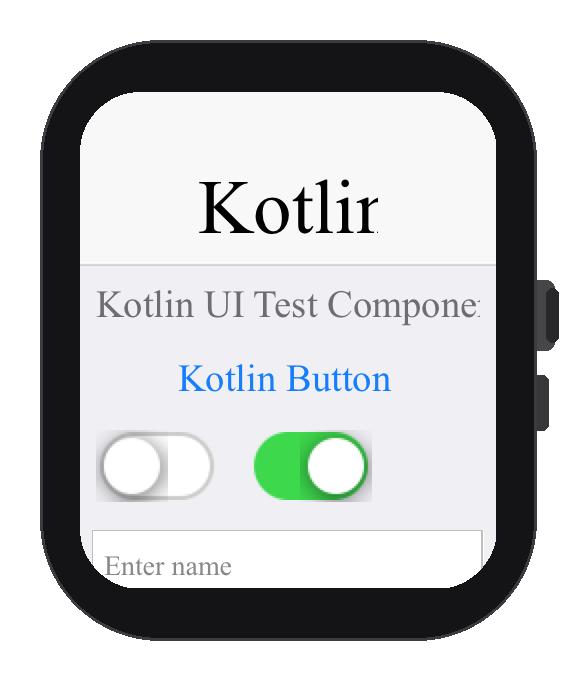
116.8.1. What the Watch App Runs Today
codename1.watchMain is the watch app’s entry point on both platforms. The
watchOS build writes a stub of its own for that class and runs a second
translation rooted there, so the watch binary starts your watch lifecycle class
and carries what that class reaches rather than everything the phone reaches. On
Wear OS the declared class is the watch launcher. Put the watch UI in the class
you declared.
One case differs by design: naming the phone’s own main class as
codename1.watchMain keeps a single translation, because both entry points
reach the same code and translating twice would produce the same binary twice.
There the watch starts the phone lifecycle, and CN.isWatch() is how you decide
what the watch shows. That check is still worth keeping in shared code, but it’s
no longer what selects the watch UI when the two entry points differ.
One rough edge is left at archive time. Under manual signing the embedded watch
target has no provisioning profile of its own, since the host app’s profile is
the one installed, so give the watch bundle id — <your.package>.watchkitapp — its own profile before you submit. That applies to codename1.watchStandalone
too, where the watch bundle is the only one being signed.
The watch app’s icon is generated for you, scaled from the project icon into the watch target’s own asset catalog, so there’s nothing to add by hand. Replace that set in the generated project if you want the watch to carry different artwork from the phone.
None of this affects building, running or testing on the simulator or a device.
116.8.2. Native Code and the Watch Slice
Your Objective-C is compiled for the watch as well as the phone. The translator
copies native sources through to every slice it produces, so a .m that imports
UIKit, or an iOS-only SDK, is a build error on watchOS even when no watch code
calls it.
Guard it the way the framework guards its own — there are several hundred such guards across the iOS port:
#if !TARGET_OS_WATCH #import <UIKit/UIKit.h> // ... the iOS-only implementation #endif
The same applies in reverse to a native interface only the watch uses. There is no build hint for this and no attempt to infer it: which of your native sources can compile for watchOS is a question about that source, and the preprocessor is where it’s answered.
116.8.3. Supported and Unsupported APIs on watchOS
Because watchOS lacks UIKit views, GPU rendering and several iOS frameworks, the APIs that depend on them aren’t available on the watch slice. They’re guarded so that the shared sources still link, and they degrade rather than crash:
Unavailable:
BrowserComponent/ web view, camera capture,MediaPlayervideo, inline native text editors (text input routes through the watch text input controller),MapComponentnative maps, and StoreKit in-app purchase.Available: the full Codename One UI and layout system, drawing and
Graphics(rendered via Core Graphics, including gradients, transforms, clipping and Gaussian blur via Accelerate/vImage),FontImage/material icons, images and mutable images, networking and storage, JSON/XML, and the property and binding frameworks.
| The watch slice runs the same garbage-collected ParparVM runtime as the iOS app. Memory and CPU budgets on the watch are far smaller than on the phone, so keep watch screens light. |
116.8.4. Building and Debugging
A companion build produces an iOS .ipa that carries the embedded watch app. A
standalone build generates the watch target, but the archive step still targets
the phone scheme, so the artifact handed back is the iOS app: open the generated
project and archive the watch scheme yourself to produce the watch application.
The build logs this. The generated project is a standard Xcode project, so you
can open it and debug or profile the watch target with the native Xcode tools as
usual. Cloud builds generate the watch target through the same iOS build — declare the watch main class and build for iOS — and the same applies there,
so a standalone cloud build returns the iOS archive.
116.9. Android (Wear OS)
A Wear OS app is a regular Android app. The Codename One Android port renders the
UI with the same pipeline it uses on phones, so no special rendering backend is
required. The same codename1.watchMain declaration drives both platforms.
What it produces differs from Apple, though, and that difference is worth stating
precisely. Set codename1.watchStandalone and the Android build is the watch
app: one APK that installs and runs on the watch. Leave it unset and you get two
artifacts — <yourapp>.apk for the phone and <yourapp>-wear.apk for the
watch — because a Wear companion is a separate product published to the same
Play listing, where an Apple one is embedded inside the phone app.
The Wear artifact carries a higher version code than the phone’s. On a watch Play
picks among the APKs the device supports by version code, so the wear one has to
outrank it; on a phone the required watch feature filters the wear APK out
entirely. The default is the phone’s code plus 100,000,000, which sounds
extravagant and isn’t: the gap has to be wide enough that the phone’s own
next release never catches up to a watch code it already published, and
plus one is consumed by the next phone build.
android.watchVersionCodeOffset changes the gap and
android.watchVersionCode sets the watch code outright.
Set android.watchModule=false if you want the wearable link but no watch app of
your own — your phone build is then exactly what it was.
A standalone Wear app declares the watch hardware feature in the manifest:
<uses-feature android:name="android.hardware.type.watch" android:required="true" />It also marks itself standalone, so it installs and runs directly on the watch without a paired phone app:
<meta-data android:name="com.google.android.wearable.standalone" android:value="true" />A standalone Wear build also raises the minimum SDK to API 23, the Wear OS 2.0 standalone baseline, if your project requests a lower level.
116.9.1. Wear OS Input and Screen Shape
Two things behave differently on a watch and are handled for you:
Rotary input. The rotating side button or bezel scrolls the focused scrollable container, exactly as the Digital Crown does on Apple Watch. It arrives on its own input source rather than the mouse-wheel axes, and is scaled by the device’s own scroll factor.
Round screens. A circular face reports no display cutout, so a layout drawn to the full rectangle would have its corners eaten by the bezel. The safe area is inset to the largest rectangle that fits inside the circle — about 15% a side — so honoring the form’s safe-area insets is enough.
Because a Wear OS app is an ordinary Android app, you can also declare any
additional manifest features and permissions with the generic
android.uses_feature.<name> and android.uses_permission.<name> hints. |
Referencing com.codename1.wearable adds the play-services-wearable
dependency and the listener service automatically. The
android.playService.wearable hint remains for apps that want to call the Data
Layer APIs directly. |
116.10. Feeding a Complication from the Phone
A watch app has its own storage. Nothing the phone writes is visible there, on
either platform — on Apple the App Group identifier is the same string but
resolves to a watch-local container, and on Wear OS the two apps are separate
installs. That’s the single most counter-intuitive fact here, and it’s got
one consequence: a complication is fed by the watch’s own
Surfaces.publish().
Which is often inconvenient, because the data usually lives on the phone. A
phone-side publish of a watch-bearing kind is therefore mirrored to the watch for
you, over the same link com.codename1.wearable uses. You write the same
Surfaces.publish(…) you always did.
The mirror is best-effort by design, and always runs after the local publish has succeeded — nothing it does can leave your phone widget wrong:
Apple uses the one WatchConnectivity API that wakes the watch app in the background to refresh a complication. It’s budgeted at about fifty transfers a day. When the user has placed no complication, or the budget is spent, the update is queued instead and applied when the watch app next runs.
Wear OS replicates the descriptor over the Data Layer, which starts the watch app’s process to deliver it. Imagery travels as a file transfer.
Size is capped — 48KB on Apple, and on Wear OS 64KB for the descriptor with its own cap on imagery. Over the cap the imagery is dropped first, on the grounds that a complication rendering its numbers with a missing glyph beats one that never updates; over the cap even then, the watch keeps its previous timeline.
Every refusal is logged once. Nothing throws.
| The mirror is applied on the watch without starting your application: it writes the descriptor and asks the watch face to re-read. The wake exists to refresh a complication, not to bring a UI forward the user didn’t ask for. |
The reserved path /cn1surface/<kindId> belongs to the framework on Wear OS — don’t publish your own data there.
Declaring a watch family on Android adds play-services-wearable to
your phone APK, because that’s what carries the mirror. An app that wants
complications fed only by the watch itself can avoid that by not declaring watch
families on kinds the phone publishes. |
116.11. Summary
| Apple Watch (watchOS) | Wear OS (Android) | |
|---|---|---|
Enable |
|
|
Rendering | Dedicated Core Graphics backend + separate watch target | Standard Android rendering pipeline |
Distribution | Companion (embedded in the phone app) or standalone | Companion (a second |
Runtime detection |
|
|
Talking to the phone app |
|
|
Complications | A WidgetKit extension embedded in the watch app | A complication data source per kind, plus a Tile for the rectangular family |
Declare a WATCH_* family on a surface kind and the build generates whatever
that platform needs. What a watch face then shows is narrower than what you laid
out, on Wear OS especially — see Section 116.7.1, “What a Watch Face Actually Shows” before you
design one.
The wearable build is additive on both platforms: without a watch main class, your phone builds are unchanged.
117. Television (Apple TV and Android TV)
Codename One can build and run your application UI on the living-room TV platforms: Apple TV (tvOS) and Android TV / Google TV. As with the phone and wearable targets, the same Java/Kotlin code base drives the TV app — you write Codename One UI as usual and the build pipeline produces the appropriate TV artifact for each platform.
The two platforms reach the TV through different mechanisms:
Android TV / Google TV is Android. An Android TV app is an ordinary Android app (the same APK) that adds a small amount of manifest metadata: a Leanback launcher category so the app appears on the TV home screen, the
android.software.leanbackfeature, and an optional banner. The existing Codename One Android port renders the UI through exactly the same pipeline it uses on phones and tablets.Apple TV runs tvOS. tvOS is a UIKit relative of iOS reached through the same ParparVM (Java bytecode → C → native) pipeline used for iPhone/iPad, built against the
appletvosSDK with a tvOS application target. tvOS has no touchscreen — navigation is driven by the Siri remote and the focus engine.
In both cases the build is additive: with the TV hints turned off your phone/tablet build is unchanged.
117.1. Detecting the TV Form Factor
Use CN.isTV() (or Display.getInstance().isTV()) to branch your UI for the
TV at runtime. This is the living-room analog of the existing isTablet(),
isDesktop() and isWatch() checks:
Form f = new Form(BoxLayout.y());
if (CN.isTV()) {
// 10-foot UI: larger fonts, generous spacing, focus-driven navigation
f.add(new Label("Hello TV"));
} else {
// Full phone/tablet layout
f.add(new Label("Hello"));
}
f.show();Codename One’s existing D-pad/arrow focus traversal (the same mechanism that
powers GAME_UP/GAME_DOWN/GAME_LEFT/GAME_RIGHT and component focus) drives
remote navigation on the TV, so focusable components such as Button are
navigable with the remote out of the box.
117.2. Adapting Styling with CSS Media Queries
The TV (and watch) form factors integrate with the CSS @media device-type
mechanism. Rules inside a device-tv (or device-watch) media block are
selected at runtime when Display.isTV() (respectively isWatch()) returns
true — exactly the way device-tablet / device-desktop already work:
Label {
color: black;
}
@media device-tv {
Label {
/* Larger type for the 10-foot UI */
font-size: 3mm;
color: white;
}
}117.3. Building for Android TV / Google TV
Enable the Android TV manifest metadata with a single build hint in
codenameone_settings.properties:
codename1.arg.android.tv=trueThis makes the build:
add
<category android:name="android.intent.category.LEANBACK_LAUNCHER"/>to the launcher activity so the app appears on the Android TV home screen;declare
<uses-feature android:name="android.software.leanback" android:required="false"/>and makeandroid.hardware.touchscreenoptional so the app installs on touchless TVs;generate a 320×180 launcher banner (
@drawable/tv_banner) from the app icon.
The resulting APK still installs and runs on phones and tablets.
117.3.1. Android TV Build Hints
| Build hint | Default | Description |
|---|---|---|
|
| Mark the build as an Android TV / Google TV app: adds the
|
117.4. Building for Apple TV (tvOS)
Enable the tvOS application target with the tvNative.* build hints (the Apple
Watch build is enabled by declaring a codename1.watchMain instead — see the
wearables chapter):
codename1.arg.tvNative.enabled=trueThe tvOS build produces a standalone Apple TV app. Because tvOS uses a separate App ID and provisioning profile from your iOS app, you supply tvOS signing material the same way you do for the other Apple targets.
codename1.tvMain (and tvNative.enabled) only add the tvOS target; the
iPhone/iPad build is unchanged. |
117.4.1. tvOS Build Hints
| Build hint | Default | Description |
|---|---|---|
|
| Force the tvOS target on even without a distinct |
| (none) | Fully-qualified tvOS lifecycle entry class. Setting it also turns on the tvOS
build. When omitted (with |
|
| Bundle identifier of the tvOS app. |
|
|
|
| (app display name) | The tvOS app name shown on Apple TV. |
| (falls back to the iOS team id) | Apple Developer Team ID used to sign the tvOS target. |
Under the hood
118. Advanced topics/under the hood
For build arguments, annotations, and the complete build-hints table, see Chapter 100, Build hints reference.
118.1. Versioned builds
By default a cloud build always uses the current Codename One release. With a versioned build you can instead pin the build to a specific previously released framework version, so you get reproducible output over time. This helps when stabilizing a release, supporting an older app, or isolating a regression: if an app that built correctly in the past starts failing, rebuilding against the last known good version tells you whether the change came from your code or from the framework and build server.
Set the build.cn1Version build hint to the version you want to target. Versions use the standard Maven release scheme, for example 7.0.182:
codename1.arg.build.cn1Version=7.0.182
The build server fetches that version’s framework artifacts from the Codename One Maven repository and builds against them, falling back to Maven Central for releases published before the move. To keep your simulator and local compile classpath aligned with the same release, set the matching cn1.version in your project pom.xml.
Versioned builds are a Pro and Enterprise feature, and how far back you can target depends on the subscription tier:
| Tier | Versions you can target |
|---|---|
Pro | Any version released within the last two months |
Enterprise | Any version released within the last six months |
If you request a version older than your tier’s window, a version that was never published, or you aren’t on a Pro or Enterprise plan, the build fails with an explanatory message instead of falling back to the current release.
118.1.1. Building against master
Set build.cn1Version to master to build against the current development head (the latest master of the Codename One repository) instead of a released version:
codename1.arg.build.cn1Version=master
Every push to master publishes a fresh set of framework artifacts and the build server always grabs the latest, so this is the quickest way to verify an unreleased fix or feature end to end on a device. Because master tracks active development it can be less stable than a release, so use it for verification rather than for shipping production builds. Building against master is available to Pro and Enterprise subscribers.
118.2. Android permissions
One of the annoying tasks when programming native Android applications is tuning all the required permissions to match your codes requirements, Codename One aims to simplify this. The build server automatically introspects the classes sent to it as part of the build and injects the right set of permissions required by the app.
For example, sometimes developers might find the permissions that come up a bit confusing and might not understand why a specific permission came up. This maps Android permissions to the methods/classes in Codename One that would trigger them. Notice that this list isn’t exhaustive as the API is rather large:
android.permission.WRITE_EXTERNAL_STORAGE - included by default (up to Android 13) so file APIs continue to work unless you block it with android.blockExternalStoragePermission=true.
android.permission.INTERNET - always requested because the networking stack depends on it even for offline features like local web views.
android.permission.CAMERA & android.permission.RECORD_AUDIO - required when capturing photos, video, or audio. The builder injects them automatically and the Android port prompts the user the first time the API is used.
android.permission.READ_PHONE_STATE - used by telephony-aware APIs like Display.getMsisdn() and by media integration so audio pauses on calls.
android.permission.ACCESS_FINE_LOCATION & android.permission.ACCESS_COARSE_LOCATION - requested when using com.codename1.location or embedded maps so location fixes can be delivered.
android.permission.ACCESS_BACKGROUND_LOCATION - added when background geofencing or fetch tasks are enabled; the Android port verifies the permission on Android 10+.
android.permission.POST_NOTIFICATIONS - prompted on Android 13+ for both push registration and local notifications.
package.permission.C2D_MESSAGE, com.google.android.c2dm.permission.RECEIVE, and android.permission.RECEIVE_BOOT_COMPLETED - bundled with the push subsystem so Firebase Cloud Messaging can wake the app after device restarts.
android.permission.READ_CONTACTS - requested when accessing the device address book through Display.getAllContacts() and related APIs.
android.permission.READ_MEDIA_VIDEO & android.permission.READ_MEDIA_AUDIO - added on API 33 and above when the app plays a URI through MediaManager.createMedia(String, boolean) or createMediaAsync(String, boolean, Runnable), since that URI can point at the shared media store. The InputStream overloads don’t add them: the Android port copies the stream into app private storage and reads nothing shared. Block them with android.blockReadMediaPermissions=true.
android.permission.READ_MEDIA_IMAGES - never added by media playback, because no Codename One API requests it at runtime. Declaring it alongside READ_MEDIA_VIDEO places the app under Google Play’s Photo and Video Permissions policy, so ask for it only when you need it, with android.requestReadMediaPermissions=true.
118.2.1. Permissions under Marshmallow (Android 6+)
Starting with Marshmallow (Android 6+ API level 23) Android shifted to a permissions system that prompts users for permission the first time an API is used for example: when accessing contacts the user will receive a prompt whether to allow contacts access.
| Permission can be denied and a user can later on revoke/grant a permission through external settings UI |
This is great as it allows apps to be installed with a single click and no permission prompt during install which can increase conversion rates!
Enabling permissions
By default, Codename One’s Gradle 8 based Android builder uses the highest Android SDK you’ve installed, with a minimum of API 36, for both the compile and target SDK versions. If you override the target through the android.targetSDKVersion build hint, the builder honors it while keeping the compile SDK at least as high as the target SDK. Lowering the target may disable some compatibility libraries. Keeping the target current is strongly recommended for Play Store compliance.
Permission prompts
To test this API see the following simple contacts app:
Form f = new Form("Contacts", BoxLayout.y());
f.add(new InfiniteProgress());
Display.getInstance().invokeAndBlock(() -> {
Contact[] ct = Display.getInstance().getAllContacts(true, true, false, true, true, false);
Display.getInstance().callSerially(() -> {
f.removeAll();
for (Contact c : ct) {
MultiButton mb = new MultiButton(c.getDisplayName());
mb.setTextLine2(c.getPrimaryPhoneNumber());
f.add(mb);
}
f.revalidate();
});
});
f.show();If you explicitly lower the target SDK (for example: android.targetSDKVersion=21) and install this app on an Android 6 device you will still see the legacy install prompt with all permissions listed up front:
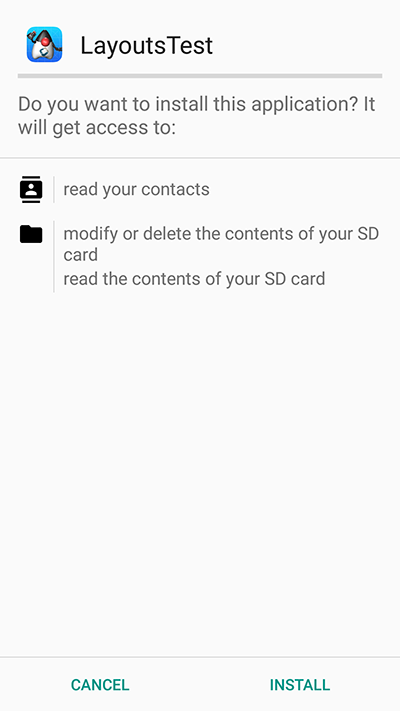
When you keep the default target (API 36+) the installer defers to the runtime permission flow and the installation UI looks like this instead:
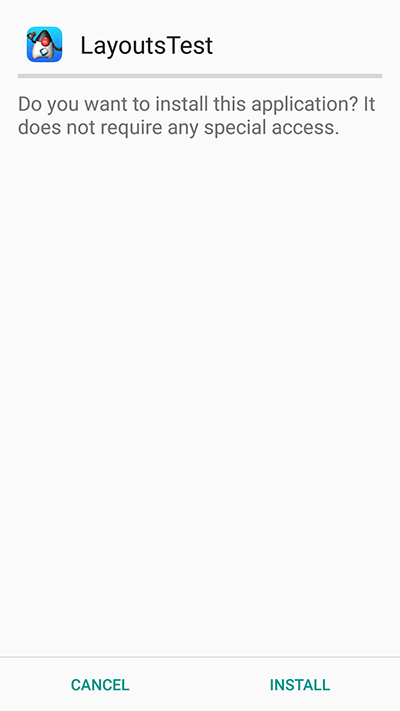
When you launch the UI under the old permissions system you see the contacts instantly. In the new system you’re presented with this UI:
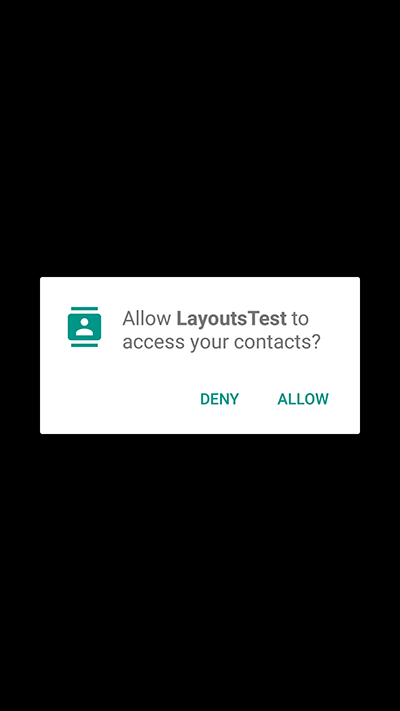
If you accept and allow all is good and the app loads as usual but if you deny then Codename One provides the user another chance to request the permission. Notice that in this case you can customize the prompt string as explained below.
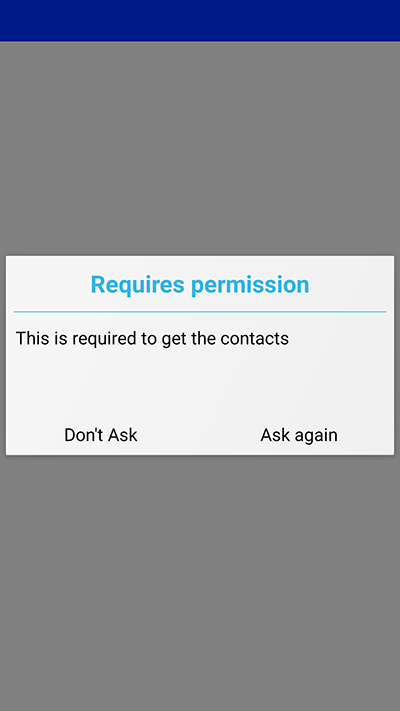
If you select don’t ask then you will get a blank screen since the contacts will return as a 0 length array. This makes sense as the user is aware he denied permission and the app will still function as expected on a device where no contacts are available. For example, if the user realizes his mistake he can double back and ask to re-prompt for permission in which case he will see this native prompt:
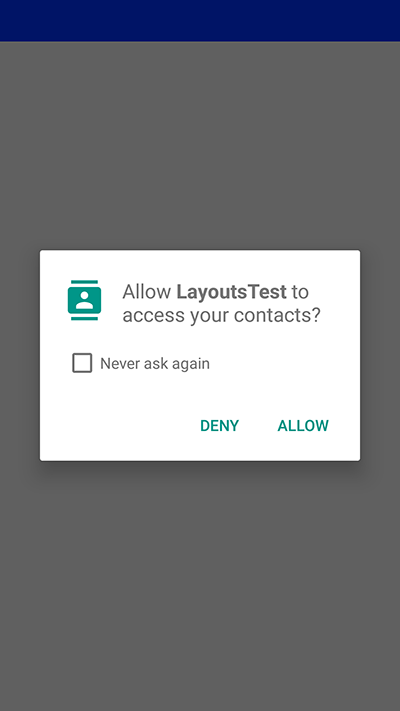
Notice that denying this second request won’t trigger another Codename One prompt.
Code changes
No explicit code changes needed for this functionality to "work." The respective APIs will work like they always worked and will prompt the user seamlessly for permissions.
| Some behaviors that never occurred on Android but were legal in the past might start occurring with the switch to the new API. For example: the location manager might be null and your app must always be ready to deal with such a situation |
When permission is requested a user will be seamlessly prompted/warned. You can customize the permission text through Display properties. For example: to customize the rationale text of the contacts permission:
Display.getInstance().setProperty(
"android.permission.READ_CONTACTS",
"MyCoolChatApp needs access to your contacts so we can show you which of your friends already have MyCoolChatApp installed");The Android port also checks UIManager.localize() for localized values before falling back to Display properties. You can provide localized strings for the permission body and dialog buttons/title using keys based on the permission name:
com.codename1.ui.plaf.UIManager.getInstance().setBundle(new java.util.Hashtable<String, String>() {{
put("android.permission.READ_CONTACTS", "Localized rationale for contacts");
put("android.permission.READ_CONTACTS.title", "Localized permission title");
put("android.permission.READ_CONTACTS.askAgain", "Localized ask again");
put("android.permission.READ_CONTACTS.dontAsk", "Localized don't ask");
}});For example, if the permission key is android.permission.READ_CONTACTS, you can localize these keys:
android.permission.READ_CONTACTS(dialog body)android.permission.READ_CONTACTS.titleandroid.permission.READ_CONTACTS.askAgainandroid.permission.READ_CONTACTS.dontAsk
The same pattern applies to other permissions. android.permission.ACCESS_BACKGROUND_LOCATION also supports:
android.permission.ACCESS_BACKGROUND_LOCATION.settings,
android.permission.ACCESS_BACKGROUND_LOCATION.cancel,
android.permission.ACCESS_BACKGROUND_LOCATION.explanation_title,
android.permission.ACCESS_BACKGROUND_LOCATION.explanation_body, and
android.permission.ACCESS_BACKGROUND_LOCATION.ok.
This is optional as there is a default value defined. You can define this once in the init(Object) method but for some extreme cases permission might be needed for different things for example: you might ask for this permission with one reason at one point in the app and with a different reason at another point in the app.
Simulating prompts
You can simulate permission prompts by checking that option in the simulator menu.
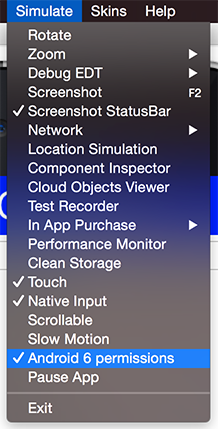
This will produce a dialog to the user whenever this happens in Android and will try to act in a similar way to the device. Notice that you can test it in the iOS simulator too.
AndroidNativeUtil’s checkForPermission
If you write Android native code using native interfaces you’re probably familiar with the AndroidNativeUtil class from the com.codename1.impl.android package.
This class provides access to many low-level capabilities you would need as a developer writing native code. Since native code might need to request a permission Codename One uses the same underlying logic, namely:
checkForPermission.
To get a permission you can use this code as such:
if (!AndroidNativeUtil.checkForPermission(
android.Manifest.permission.READ_PHONE_STATE,
"This should be the description shown to the user...")) {
// you didn't get the permission, you might want to return here
}
// you have the permission, do what you needThis will prompt the user with the native UI and later on with the fallback option as described above. Notice that the checkForPermission method is a blocking method and it will return when there is a final conclusion on the subject. It uses invokeAndBlock and can be invoked on the event dispatch thread without concern.
By default, fallback prompts are displayed using Codename One’s Dialog.show(…). If you’re writing native Android code and need to use your own prompt implementation, you can install a custom callback:
AndroidNativeUtil.setPermissionPromptCallback(new PermissionPromptCallback() {
@Override
public boolean showPermissionPrompt(String permission, String title, String body, String positiveButtonText, String negativeButtonText) {
return com.codename1.ui.Dialog.show(title, body, positiveButtonText, negativeButtonText);
}
@Override
public void showPermissionMessage(String permission, String title, String body, String okButtonText) {
com.codename1.ui.Dialog.show(title, body, okButtonText, null);
}
});Pass null to AndroidNativeUtil.setPermissionPromptCallback() to restore the default behavior.
118.3. On device debugging
On-device debugging now has two dedicated chapters, one per platform:
Chapter 97, On-Device Debugging (iOS) covers attaching a standard Java debugger (IntelliJ, jdb, VS Code) to an iOS app running on a device or in the native iOS simulator, as well as debugging the generated Xcode project natively.
Chapter 98, On-Device Debugging (Android) covers the equivalent adb/JDWP-based flow for Android devices and emulators, including wireless debugging and debugging the generated Gradle project from Android Studio.
118.4. Native interfaces
Sometimes you may wish to use an API that’s unsupported by Codename One or integrate with a 3rd party library/framework that isn’t supported. These are achievable tasks when writing native code and Codename One lets you encapsulate such native code using native interfaces.
118.4.1. Introduction
Notice that when you say "native" you don’t mean C/C++ always but rather the platforms "native" environment. For Android, Java or Kotlin code can be invoked with full access to the Android API. In case of iOS, Objective-C or Swift code can be invoked and so forth.
| You can still access C code under Android either by using JNI from the Android native code or by using a library |
Native interfaces are designed to allow primitive types, Strings, arrays of primitive types (single dimension ) & PeerComponent values. Any other kind of parameter/return type is prohibited. For example, once in the native layer the native code can act and query the Java layer for more information.
The reason for the limits is the disparity between the platforms. Mapping a Java Object to an Objective-C NSObject is possible but leads to odd edge cases and complexity for example: GC vs. ARC in a disparate object graph |
Furthermore, native methods should avoid features such as overloading, varargs (or any Java 5+ feature for that matter) to allow portability for languages that don’t support such features.
| Don’t rely on pass by reference/value behavior since they vary between platforms |
The shape is always the same, whether you are reaching one platform API or
wrapping a whole third party SDK. Portable Java sits on one side, your
per-platform implementation class on the other, and between them a narrow
interface carrying only the types listed above: primitives, strings, single
dimension primitive arrays and PeerComponent values. Nothing calls the vendor’s
SDK except that implementation class.

A method that returns one of those types returns it directly — the value is
marshalled back the same way the arguments went out. The return path only gets
interesting when the work finishes later: a native SDK that answers through its
own callback has nothing to return by then, so it calls a static method on the
Java class instead, and that method resolves whatever the caller was waiting on. Section 118.6, “Integrating Android 3rd party libraries & JNI”
covers bundling the vendor binary on Android, ios.pods does the same for iOS,
and Section 118.5, “Libraries - cn1lib” covers shipping the result as a library.
Implementing a native layer effectively means:
Creating an interface that extends NativeInterface and defines methods with the arguments/return values declared in the previous paragraph.
Creating the proper native implementation hierarchy based on the call conventions for every platform, in each platform module’s own source directory
For example: to create a simple hello world interface do something like:
public interface MyNative extends NativeInterface {
String helloWorld(String hi);
}You now need to right-click the class in the IDE and select the Generate Native Access menu item:
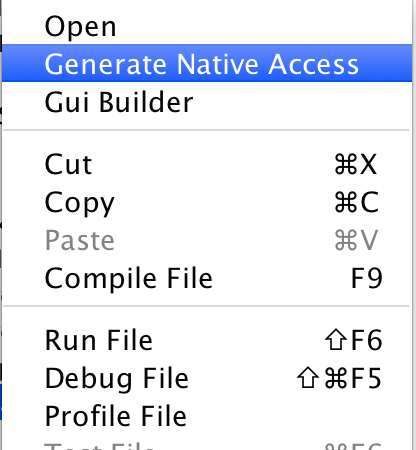
You can now look int the native directory in the project root (in NetBeans you can see that in the Files tab) and you can see something that looks like this:
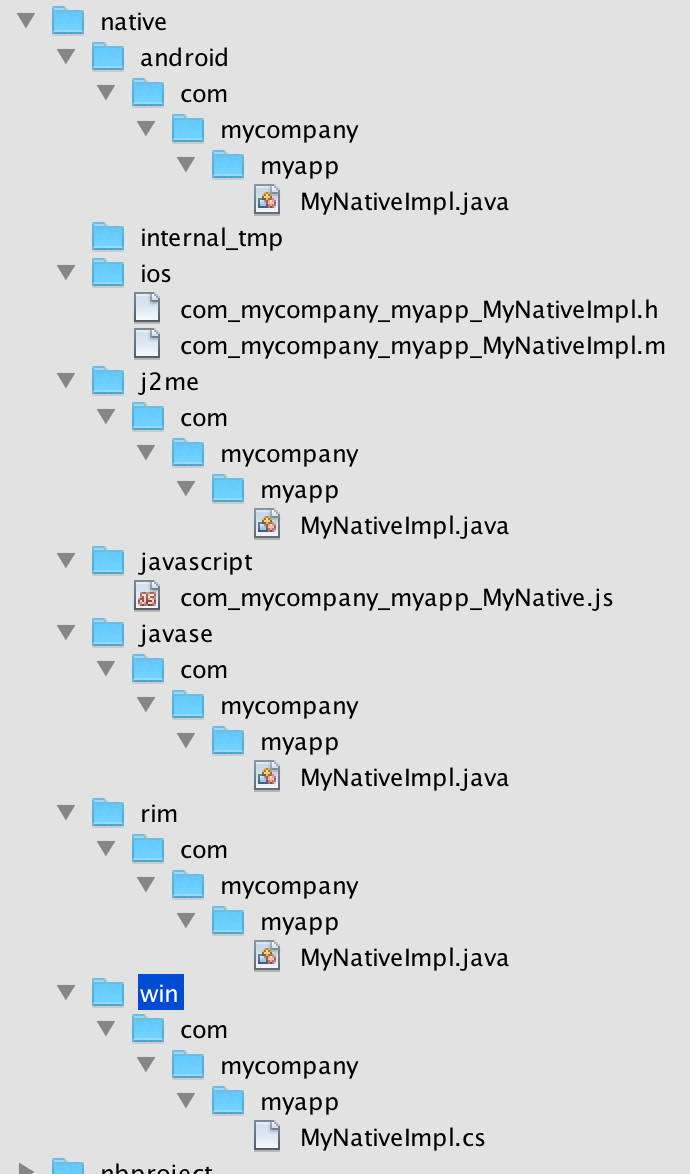
These are effectively stubs you can edit to implement the methods in native code.
| If you re-run the Generate Native Access tool you will get this dialog, if you answer yes all the files will be overwritten, if you answer no files you deleted/renamed will be recreated |
For now lets leave the stubs and come back to them soon. From the Codename One Java code you can call the implementation of this native interface using:
MyNative my = NativeLookup.create(MyNative.class);
if (my != null && my.isSupported()) {
Log.p(my.helloWorld("Hi"));
}Notice that for this to work you must implement the native code on all supported platforms.
You will start with Android which should be familiar and intuitive to many developers. The helper MyNativeImplStub class below mirrors the stub that the tooling generates under android/src/main/java:
class MyNativeImplStub {
public String helloWorld(String param) {
return null;
}
public boolean isSupported() {
return false;
}
}The stub implementation always returns false, null or 0 by default. The isSupported also defaults to false thus allowing you to implement a NativeInterface on some platforms and leave the rest out without knowing anything about these platforms.
You can implement the Android version in Java or Kotlin. Here is the Java version:
public class MyNativeImpl { (2) (3)
public String helloWorld(String param) {
Log.d("MyApp", param); (1)
return "Tada";
}
public boolean isSupported() {
return true; (4)
}
}| 1 | Notice that you’re using the Android native android.util.Log class which isn’t accessible from standard Codename One code |
| 2 | The impl class doesn’t physically implement the MyNative interface!This is intentional and due to the PeerComponent functionality mentioned below. You don’t need to add an implements clause. |
| 3 | Notice that there is no constructor and the class is public. It’s crucial that the system will be able to assign the class without obstruction. You can use a constructor but it can’t have any arguments and you shouldn’t rely on semantics of construction. |
| 4 | The native method is implemented, and isSupported answers true. |
| The IDE won’t provide completion suggestions and will claim that there are errors in the code! Codename One doesn’t include the native platforms in its bundle for example: the full Android SDK or the full Xcode Objective-C runtime. For example, since the native code is compiled on the servers (where these runtimes are present) this shouldn’t be a problem |
| When implementing a non-trivial native interface, send a server build with the "Include Source" option checked. Implement the native interface in the native IDE then copy and paste the native code back into Codename One |
The implementation of this interface is identical for Android (Java/Kotlin) & Java SE.
Swift (iOS) and Kotlin (Android) options
For iOS native interfaces you can implement the generated …Impl class in Objective-C or Swift.
For Android native interfaces you can implement the generated …Impl class in Java or Kotlin.
In a Maven project the directories below hold the native code whether the project has a module for that platform or not. mvn cn1:generate-native-interfaces creates them as needed, and a project without the platform’s module builds them from the common module (see Section A.1.1, “Projects without platform modules”).
| Platform | Maven project | Gradle project |
|---|---|---|
Android (Java/Kotlin) |
|
|
iOS (Objective-C/Swift) |
|
|
Java SE (simulator and desktop) |
|
|
Native Windows (win32, C) |
|
|
Native Linux © |
|
|
JavaScript |
|
|
A Gradle project creates each of these directories only when ./gradlew generateNativeInterfaces first writes a stub into it; see Section 3.5, “Native interfaces”.
| The native Windows and native Linux ports compile your app to C (no JVM), so their native interface implementations are plain C, generated alongside the others by the "Generate Native Sources" tool. The native Mac target reuses the iOS Objective-C/Swift implementation, since it rides the same build. |
Use the Android main thread (native EDT)
iOS, Android & pretty much any modern OS has an EDT like thread that handles events etc. The problem is that they differ in their nuanced behavior. For example: Android will respect calls off of the EDT and iOS will often crash. Some OSes enforce EDT access and will throw an exception when you violate that…
You don’t need to know about these things, hidden functionality within your implementation bridges between your EDT and the native EDT to provide consistent cross-platform behavior. However, when you write native code you need awareness.
How do you access the native EDT
Within your native code in Android do something like:
com.codename1.impl.android.AndroidNativeUtil.getActivity().runOnUiThread(new Runnable() {
public void run() {
// your native code here...
}
});This will execute the block within run() asynchronously on the native Android UI thread. If you need synchronous execution you have a special method for Codename One:
com.codename1.impl.android.AndroidImplementation.runOnUiThreadAndBlock(new Runnable() {
public void run() {
// your native code here...
}
});This blocks in a way that’s OK with the Codename One EDT which is unique to your Android port.
Gradle dependencies
Integrating a native OS library isn’t hard but it sometimes requires some juggling. Most instructions target developers working with Xcode or Android Studio & you need to twist your head around them. In Android the steps for integration in most modern libraries include a Gradle dependency.
For example: you published a library that added support for Intercom. The native Android integration instructions for the library looked like this:
Add the following dependency to your app’s build.Gradle file:
dependencies {
compile 'io.intercom.android:intercom-sdk:3.+'
}Which instantly raises the question: "How do you do that in Codename One"?
Well, it’s actually pretty simple. You can add the build hint:
android.gradleDep=compile 'io.intercom.android:intercom-sdk:3.+'
This would "work" but there is a catch…
You might need to define the specific version of the Android SDK used and specific version of Google Play Services version used. Intercom is pretty sensitive about those and demanded that you also add:
android.playServices=9.8.0 android.sdkVersion=25
Once those were defined the native code for the Android implementation became trivial to write and the library was easy as there were no jars to include.
118.4.2. Objective-C and Swift (iOS)
When generating the Objective-C code the "Generate Native Sources" tool produces two files by default: com_mycompany_myapp_MyNativeImpl.h & com_mycompany_myapp_MyNativeImpl.m.
If you enable Swift stub generation in the Maven goal, it can also produce com_mycompany_myapp_MyNativeImpl.swift.
The .m files are the Objective-C equivalent of .c files and .h files contain the header/include information. In this case the com_mycompany_myapp_MyNativeImpl.h contains:
#import <Foundation/Foundation.h>
@interface com_mycompany_myapp_MyNativeImpl : NSObject {
}
-(NSString*)helloWorld:(NSString*)param;
-(BOOL)isSupported;
@endAnd com_mycompany_myapp_MyNativeImpl.m contains:
#import "com_mycompany_myapp_MyNativeImpl.h"
@implementation com_mycompany_myapp_MyNativeImpl
-(NSString*)helloWorld:(NSString*)param{
return nil;
}
-(BOOL)isSupported{
return NO;
}
@endObjective-C relies on argument names as part of the message (method) signature. -(NSString*)helloWorld:(NSString*)param isn’t the same as -(NSString*)helloWorld:(NSString*)iChangedThisName!don’t change argument names in the Objective-C native interface! |
Here is a simple implementation like above:
#import "com_mycompany_myapp_MyNativeImpl.h"
@implementation com_mycompany_myapp_MyNativeImpl
-(NSString*)helloWorld:(NSString*)param{
NSLog(@"MyApp: %@", param);
return @"Tada";
}
-(BOOL)isSupported{
return YES;
}
@endIf you prefer Swift for iOS native interfaces, keep the same class naming convention (com_mycompany_myapp_MyNativeImpl) and annotate the class with @objc(…) so the runtime can discover it.
Using the iOS main thread (native EDT)
iOS has a native thread you should use for all calls like Android. Check out the Native EDT on Android section above for reference.
On iOS this is pretty like Android (if you consider objective-c to be similar). This is used for asynchronous invocation:
dispatch_async(dispatch_get_main_queue(), ^{
// your native code here...
});You can use this for synchronous invocation, notice the lack of the a in the dispatch call:
dispatch_sync(dispatch_get_main_queue(), ^{
// your native code here...
});The problem with the synchronous call is that it will block the caller thread, if the caller thread is the EDT this can cause performance issues and even a deadlock. It’s important to be cautious with this call!
Use Cocoapods for dependencies
Cocoapods are the iOS equivalent of Gradle dependencies.
CocoaPods allow you to add a native library dependency to iOS far more than Gradle. A pod that needs a newer iOS than the rest of your app says so through the ios.pods.platform build hint. The deployment target the build uses is the highest of everything that asks for one — the builder’s own floor, ios.deployment_target, and ios.pods.platform — so that hint can raise the target and never lower it.
Including intercom itself required a single build hint: ios.pods=Intercom which you can obviously extend by using commas to include many libraries. You can search the CocoaPods website for supported 3rd party libraries which includes everything you would expect. One important advantage when working with CocoaPods is the faster build time as the upload to the Codename One website is smaller and the bandwidth you’ve to CocoaPods is faster. Another advantage is the ability to keep up with the latest developments from the library providers.
118.4.3. C (native Windows and native Linux)
The native Windows (win32) and native Linux ports have no JVM: the "clean" ParparVM target compiles your whole app to C and then to a native binary. A native interface on these ports is therefore implemented in plain C rather than C#/Objective-C/Java. The "Generate Native Sources" tool emits one C file per interface:
win/src/main/c/com/mycompany/myapp/MyNativeImplCodenameOne.c(native Windows)linux/src/main/c/com/mycompany/myapp/MyNativeImplCodenameOne.c(native Linux)
The two files are identical, so a native interface written once works on both ports; only the directory differs. (The native Mac target reuses the iOS Objective-C/Swift implementation, because it rides the iOS build.)
The translator emits one C function per interface method. Unlike the Objective-C
stub, the function name is the fully qualified, mangled C symbol the translated app
links against, so don’t rename the functions or change their signatures; just fill
in the bodies. Each function takes the thread state as its first argument and
JAVA_* typed parameters. For example, the interface:
public interface MyNative extends NativeInterface {
String helloWorld(String hi);
}This generates the C stub below (returning JAVA_NULL until you implement it):
#include "cn1_globals.h"
JAVA_OBJECT com_mycompany_myapp_MyNativeImplCodenameOne_helloWorld___java_lang_String_R_java_lang_String(CODENAME_ONE_THREAD_STATE, JAVA_OBJECT param1) {
return JAVA_NULL;
}Type mapping: the primitives (int, long, boolean, byte, short, char,
float, double) become their JAVA_INT/JAVA_LONG/JAVA_BOOLEAN equivalents;
String, arrays and other objects become JAVA_OBJECT; a void method returns
JAVA_VOID and omits the R suffix in its name; and a
com.codename1.ui.PeerComponent is passed and returned as a JAVA_LONG native peer
handle. Use the core helpers declared in cn1_globals.h (for example
newStringFromCString / stringToUTF8) to convert between C and Java values. As
with the other ports, you can drop additional .c/.h sources and prebuilt
libraries into the same src/main/c directory and they’re compiled into the binary.
118.4.4. JavaScript
Native interfaces in JavaScript look a little different than the other platforms since JavaScript doesn’t natively support threads or classes. The native implementation should be placed in a file with name matching the name of the package and the class name combined where the "." elements are replaced by underscores.
The default generated stubs for the JavaScript build look like this com_mycompany_myapp_MyNative:
(function(exports){
var o = {};
o.helloWorld__java_lang_String = function(param1, callback) {
callback.error(new Error("Not implemented yet"));
};
o.isSupported_ = function(callback) {
callback.complete(false);
};
exports.com_mycompany_myapp_MyNative= o;
})(cn1_get_native_interfaces());A simple implementation looks like this:
(function(exports){
var o = {};
o.helloWorld__java_lang_String = function(param1, callback) {
callback.complete("Hello World!!!");
}
o.isSupported_ = function(callback) {
callback.complete(true);
};
exports.com_my_code_MyNative = o;
})(cn1_get_native_interfaces());Notice that you use the complete() method of the provided callback to pass the return value rather than using the return statement. This is to work around the fact that JavaScript doesn’t natively support threads. The Java thread that’s calling your native interface will block until your method calls callback.complete(). This allows you to use asynchronous APIs inside your native method while still allowing Codename One to work use your native interface through a synchronous API.
Make sure you call either callback.complete() or callback.error() in your method at some point, or you will cause a deadlock in your app (code calling your native method will sit and "wait" forever for your method to return a value). |
The naming conventions for the methods themselves are modeled after the naming conventions shown in the previous examples:
<method-name>__<param-1-type>_<param-2-type>_…<param-n-type>
Where <method-name> is the name of the method in Java, and the `<param-X-type>`s are a string representing the parameter type. The general rule for these strings are:
Primitive types are mapped to their type name. (For example:
intto "int,"doubleto "double," etc.).Reference types are mapped to their fully qualified class name with '.' replaced with underscores. For example:
java.lang.Stringwould bejava_lang_String.Array parameters are marked by their scalar type name followed by an underscore and
1ARRAY. For example:int[]would be "int_1ARRAY" andString[]would bejava_lang_String_1ARRAY.
JavaScript examples
Java API:
public interface JavaScriptNativeApi {
void print(String str);
}becomes
o.print__java_lang_String = function(param1, callback) {
console.log(param1);
callback.complete();
}Java API:
interface JavaScriptNativeApiAddTwoArgs {
int add(int a, int b);
}becomes
o.add__int_int = function(param1, param2, callback) {
callback.complete(param1 + param2);
}interface JavaScriptNativeApiAddArray {
int add(int[] a);
}becomes
o.add__int_1ARRAY = function(param1, callback) {
var c = 0, len = param1.length;
for (var i =0; i<len; i++) {
c += param1[i];
}
callback.complete(c);
}118.4.5. Native GUI components
PeerComponent return values are automatically translated to the platform native peer as an expected return value. For example: for a NativeInterface method such as this:
interface NativePeerProvider {
PeerComponent createPeer();
}Android native implementation would use:
class AndroidPeerImplementation {
public View createPeer() {
return null;
}
}The iphone would need to return a pointer to a view for example:
- (UIView*)createPeer;| Not all platforms support native peers. Specifically Java SE doesn’t support them due to the way the Java SE native interfaces are mapped to their implementation. Note that this won’t limit the code from running on an unsupported platform. Only that specific method won’t work. |
JavaScript would expect a DOM Element (for example: a <div> tag to be returned.). For example:
o.createHelloComponent_ = function(callback) {
var c = jQuery('<div>Hello World</div>')
.css({'background-color' : 'yellow', 'border' : '1px solid blue'});
callback.complete(c.get(0));
};Notice that if you want to use a native library (jar,.a file etc.) place it in the resources of the matching platform module — android/src/main/resources, ios/src/main/resources — and it will be packaged into the final executable. You would be able to reference it from the native code and not from the Codename One code, which means you will need to build native interfaces to access it.
This is discussed further below.
118.4.6. Type mapping & rules
Several rules govern the creation of NativeInterfaces and you covered some of them.
The implementation class must have a default public constructor or no constructor at all
Native methods can’t throw exceptions, checked or otherwise
A native method can’t have the name
initas this is a reserved method in Objective-COnly the supported types listed below can be used
Native implementations can’t rely on pass by reference/value semantics as those might change between platforms
hashCode,equals&toStringare reserved and won’t be mapped to native code
| Java | Android | Java SE | Obj-C | C# |
|---|---|---|---|---|
byte | byte | byte | char | sbyte |
boolean | boolean | boolean | BOOL | bool |
char | char | char | int | char |
short | short | short | short | short |
int | int | int | int | int |
long | long | long | long | long |
float | float | float | float | float |
double | double | double | double | double |
String | String | String | NSString* | String |
byte[] | byte[] | byte[] | NSSData* | sbyte[] |
boolean[] | boolean[] | boolean[] | NSData* | bool[] |
char[] | char[] | char[] | NSData | char[] |
short[] | short[] | short[] | NSData* | short[] |
int[] | int[] | int[] | NSData* | int[] |
long[] | long[] | long[] | NSData* | long[] |
float[] | float[] | float[] | NSData* | float[] |
double[] | double[] | double[] | NSData* | double[] |
PeerComponent | android.view.View | PeerComponent | void* | FrameworkElement |
| JavaScript is excluded from the table above as it isn’t a type safe language and thus has no such type mapping |
PeerComponent on iOS is void* but UIView is expected as a result |
The examples below show the signatures for this method on all platforms:
interface AllTypesNativeApi {
void test(byte b, boolean boo, char c, short s,
int i, long l, float f, double d, String ss,
byte[] ba, boolean[] booa, char[] ca, short[] sa, int[] ia,
long[] la, float[] fa, double[] da,
PeerComponent cmp);
}class AndroidAllTypesImplementation {
public void test(byte param, boolean param1, char param2,
short param3, int param4, long param5, float param6,
double param7, String param8, byte[] param9,
boolean[] param10, char[] param11, short[] param12,
int[] param13, long[] param14, float[] param15,
double[] param16, android.view.View param17) {
}
}-(void)test:(char)param param1:(BOOL)param1
param2:(int)param2 param3:(short)param3 param4:(int)param4
param5:(long long)param5 param6:(float)param6
param7:(double)param7 param8:(NSString*)param8
param9:(NSData*)param9 param10:(NSData*)param10
param11:(NSData*)param11 param12:(NSData*)param12
param13:(NSData*)param13 param14:(NSData*)param14
param15:(NSData*)param15 param16:(NSData*)param16
param17:(void*)param17;| The lines are broken for the print version — the JavaScript name is one long method name that ran off the page. |
o["test__byte_boolean_char_short_int_long_float_double_java_lang_String_byte_1ARRAY_boolean_1ARRAY_char_1ARRAY_short_1ARRAY_int_1ARRAY_long_1ARRAY_float_1ARRAY_double_1ARRAY_com_codename1_ui_PeerComponent"] = function(param1, param2, param3, param4, param5, param6, param7, param8, param9, param10, param11, param12, param13, param14, param15, param16, param17, param18, callback) {
callback.error(new Error("Not implemented yet"));
};class JavaScriptAllTypesImplementation {
public void test(byte param, boolean param1, char param2, short param3, int param4,
long param5, float param6, double param7, String param8, byte[] param9,
boolean[] param10, char[] param11, short[] param12, int[] param13,
long[] param14, float[] param15, double[] param16,
PeerComponent param17) {
}
}118.4.7. Android native permissions
Permissions in Codename One are seamless. Codename One traverses the bytecode and automatically assigns permissions to Android applications based on the API’s used by the developer.
For example, when accessing native functionality this won’t work since native code might require specialized permissions and you don’t/can’t run any serious analysis on it (it can be about anything).
If you require more permissions in your Android native code you need to define them in the build arguments using
android.permission.<PERMISSION_NAME>=true for each permission you want to include. A full list of permissions are listed in Android’s Manifest.permission documentation.
For example:
android.permission.ADD_VOICEMAIL=true android.permission.BATTERY_STATS=true ...
You can specify the maximum SDK version in which the permission is needed using the android.permission.<PERMISSION_NAME>.maxSdkVersion build hint. You can also specify whether the permission is required for the app to run using the android.permission.<PERMISSION_NAME>.required build hint.
For example:
android.permission.ADD_VOICEMAIL=true android.permission.BATTERY_STATS=true android.permission.ADD_VOICEMAIL.required=false android.permission.ADD_VOICEMAIL.maxSdkVersion=18 ...
You can or use the android.xpermissions build hint to inject <uses-permission> tags into the manifest file. For example:
android.xpermissions=<uses-permission android:name="android.permission.READ_CALENDAR" />
| You need to include the full XML snippet. You can unify many lines into a single line in the GUI as XML allows that. |
118.4.8. Native AndroidNativeUtil
If you do any native interfaces programming in Android you should be familiar with the AndroidNativeUtil class which allows you to access native device functionality more from the native code. For example: many Android APIs need access to the Activity which you can get by calling AndroidNativeUtil.getActivity().
The native util class includes a few other features such as:
runOnUiThreadAndBlock(Runnable)- this is such a common pattern that it was generalized into a public static method. Its identical toActivity.runOnUiThreadbut blocks until the runnable finishes execution.addLifecycleListener/removeLifecycleListener- These essentially provide you with a callback to lifecycle events:onCreateetc. which can be pretty useful for some cases.registerViewRenderer- PeerComponent's are shown on top of the UI since they’re rendered within their own thread outside of the EDT cycle. When you need to show a Dialog on top of the peer you grab a screenshot of the peer, hide it and then show the dialog with the image as the background (the same applies for transitions). Some components (specifically the MapView) might not render and require custom code to implement the transferal to a native Bitmap, this API allows you to do that.
You can work with AndroidNativeUtil using native code such as this:
class NativeCallsImpl {
public void nativeMethod() {
AndroidNativeUtil.getActivity().runOnUiThread(new Runnable() {
public void run() {
// ...
}
});
}
// ...
}118.4.9. Broadcast receiver
A common way to implement features in Android is the BroadcastReceiver API. This allows intercepting operating system events for common use cases.
A good example is intercepting incoming SMS which is specific to Android so you’d need a broadcast receiver to implement that. This is often confusing to developers who sometimes derive the impl class from broadcast receiver. That’s a mistake…
The solution is to place any native Android class into android/src/main/java. It will get compiled with the rest of the native code and "works." You can therefore place this class under android/src/main/java/com/codename1/sms/intercept:
public class SMSListener extends BroadcastReceiver {
@Override
public void onReceive(Context cntxt, Intent intent) {
if (intent.getAction().equals("android.provider.Telephony.SMS_RECEIVED")) {
Bundle bundle = intent.getExtras();
SmsMessage[] msgs = null;
if (bundle != null) {
try {
Object[] pdus = (Object[]) bundle.get("pdus");
msgs = new SmsMessage[pdus.length];
for (int i = 0; i < msgs.length; i++) {
msgs[i] = SmsMessage.createFromPdu((byte[]) pdus[i]);
String msgBody = msgs[i].getMessageBody();
SMSCallback.smsReceived(msgBody);
}
} catch (Exception e) {
Log.e(e);
SMSCallback.smsReceiveError(e);
}
}
}
}
}The code above is pretty standard native Android code, it’s a callback in which most of the logic is like the native Android code mentioned in this stackoverflow question.
However, there is still more you need to do. To implement this natively you need to register the permission and the receiver in the manifest.xml file as explained in that question. This is how their native manifest looked:
<?xml version="1.0" encoding="utf-8"?>
<manifest xmlns:android="http://schemas.android.com/apk/res/android"
package="com.bulsy.smstalk1">
<uses-permission android:name="android.permission.RECEIVE_SMS" />
<uses-permission android:name="android.permission.READ_SMS" />
<uses-permission android:name="android.permission.SEND_SMS"/>
<uses-permission android:name="android.permission.READ_CONTACTS" />
<application
android:allowBackup="true"
android:icon="@mipmap/ic_launcher"
android:label="@string/app_name"
android:supportsRtl="true"
android:theme="@style/AppTheme">
<activity android:name=".MainActivity">
<intent-filter>
<action android:name="android.intent.action.MAIN" />
<category android:name="android.intent.category.LAUNCHER" />
</intent-filter>
</activity>
<receiver android:name="com.bulsy.smstalk1.SmsListener"
android:enabled="true"
android:permission="android.permission.BROADCAST_SMS"
android:exported="true">
<intent-filter android:priority="2147483647">//this doesnt work
<category android:name="android.intent.category.DEFAULT" />
<action android:name="android.provider.Telephony.SMS_RECEIVED" />
</intent-filter>
</receiver>
</application>
</manifest>You need the broadcast permission XML and the permission XML. Both are doable through the build hints. The former is pretty easy:
android.xpermissions=<uses-permission android:name="android.permission.RECEIVE_SMS" />The latter isn’t much harder; notice that many lines have been merged into a single line for convenience:
android.xapplication=<receiver android:name="com.codename1.sms.intercept.SMSListener" android:enabled="true" android:permission="android.permission.BROADCAST_SMS" android:exported="true"> <intent-filter android:priority="2147483647"><category android:name="android.intent.category.DEFAULT" /> <action android:name="android.provider.Telephony.SMS_RECEIVED" /> </intent-filter> </receiver>Here it’s formatted for readability:
<receiver android:name="com.codename1.sms.intercept.SMSListener"
android:enabled="true"
android:permission="android.permission.BROADCAST_SMS"
android:exported="true">
<intent-filter android:priority="2147483647">
<category android:name="android.intent.category.DEFAULT" />
<action android:name="android.provider.Telephony.SMS_RECEIVED" />
</intent-filter>
</receiver>Listening & permissions
You will notice that these don’t include the actual binding or permission prompts you would expect for something like this. To do this you need a native interface.
The native sample in stack overflow bound the listener in the activity but here you want the app code to decide when you should bind the listening:
public interface NativeSMSInterceptor extends NativeInterface {
void bindSMSListener();
void unbindSMSListener();
}That’s easy!
Notice that isSupported() returns false for all other OSes so you won’t need to ask whether this is "Android" you can use isSupported().
The implementation is pretty easy too:
public class NativeSMSInterceptorImpl {
private SMSListener smsListener;
public void bindSMSListener() {
if (AndroidNativeUtil.checkForPermission(Manifest.permission.RECEIVE_SMS, "We can automatically enter the SMS code for you")) { (1)
smsListener = new SMSListener();
IntentFilter filter = new IntentFilter();
filter.addAction("android.provider.Telephony.SMS_RECEIVED");
AndroidNativeUtil.getActivity().registerReceiver(smsListener, filter); (2)
}
}
public void unbindSMSListener() {
AndroidNativeUtil.getActivity().unregisterReceiver(smsListener);
}
public boolean isSupported() {
return true;
}
}| 1 | This will trigger the permission prompt on Android 6 and newer. Even though the permission is declared in XML this isn’t enough for 6+. Notice that even when you run on Android 6 you still need to declare permissions in XML! |
| 2 | Here you actually bind the listener, this allows you to grab one SMS and not listen in on every SMS coming through |
118.4.10. Native code callbacks
Native interfaces standardize the invocation of native code from Codename One, but it doesn’t standardize the reverse of callbacks into Codename One Java code. The reverse is more complicated since its platform specific and more error prone.
A common "trick" for calling back is to define a static method and then trigger it from native code. This works for Android & Java SE since those platforms use Java for their "native code." Mapping this to iOS requires some basic understanding of how the iOS VM works.
For this explanation lets pretend you have a class called NativeCallback in the src hierarchy under
the package com.mycompany that has the method: public static void callback():
public class NativeCallback {
public static void callback() {
// do stuff
}
public static void callback(int arg) {
// do stuff
}
public static void callback(String arg) {
// do stuff
}
public static int callbackR(int arg) {
// do stuff
return arg;
}
}If you want to call it from Android or all the Java based platforms you can write this in the "native" code:
public class NativeCallbackUsage {
public void invokeCallbacks() {
NativeCallback.callback();
NativeCallback.callback("My Arg");
}
}You can also pass an argument as you do later on:
public class NativeCallbackUsage {
public void invokeCallbacks() {
NativeCallback.callback();
NativeCallback.callback("My Arg");
}
}Accessing callbacks from Objective-C
If you want to invoke that method from Objective-C you need to do the following.
Add an include statement as such:
#include "com_mycompany_NativeCallback.h"
#include "CodenameOne_GLViewController.h"Notice that the CodenameOne_GLViewController.h include defines various macros such as CN1_THREAD_STATE_PASS_SINGLE_ARG.
Then when you want to trigger the method do:
com_mycompany_NativeCallback_callback__(CN1_THREAD_STATE_PASS_SINGLE_ARG);For most callbacks you should use the macro CN1_THREAD_GET_STATE_PASS_SINGLE_ARG instead of CN1_THREAD_STATE_PASS_SINGLE_ARG also make sure to add `#include "cn1_globals.h" in the file |
The VM passes the thread context along method calls to save on API calls (thread context is used in Java for synchronization, gc and more).
You can pass arguments like:
public static void callback(int arg) {
// do stuff
}Which maps to native as (notice the extra _ before the int):
com_mycompany_NativeCallback_callback___int(CN1_THREAD_GET_STATE_PASS_ARG intValue);Notice that there is no comma between the CN1_THREAD_GET_STATE_PASS_ARG and the value!
A common use case is passing string values to the Java side, or NSString* which is iOS equivalent. Assuming a method like this:
public static void callback(String arg) {
// do stuff
}You would need to convert the NSString* value you already have to a java.lang.String which the callback expects.
The fromNSString function also needs this special argument so you will need to change the method as such:
com_mycompany_NativeCallback_callback___java_lang_String(CN1_THREAD_GET_STATE_PASS_ARG fromNSString(CN1_THREAD_GET_STATE_PASS_ARG nsStringValue));And you might want to return a value from callback as such:
public static int callbackR(int arg) {
// do stuff
return arg;
}This is tricky since the method name changes to support covariant return types and so the signature would be:
com_mycompany_NativeCallback_callback___int_R_int(intValue);The upper case R allows you to differentiate between void callback(int,int) and int callback(int).
Covariant return types are a little known Java 5 feature. For example: the method Object getX() can be overridden by MyObject getX(). For example, in the VM level they can both exist side by side. |
Accessing callbacks from JavaScript
The mechanism for invoking static callback methods from JavaScript (for the JavaScript port ) is like Objective-C’s. The this object in your native interface method contains a property named $GLOBAL$ that provides access to static Java methods. This object will contain JavaScript mirror objects for each Java class (though the property name is mangled by replacing "." with underscores). Each mirror object contains a wrapper method for its underlying class’s static methods where the method name follows the same naming convention as is used for the JavaScript native methods themselves (and like the naming conventions used in Objective-C).
For example, the Google Maps project includes the static callback method:
class MapContainerCallbacks {
static void fireMapChangeEvent(int mapId, final int zoom, final double lat, final double lon) {
// ...
}
}It’s defined in the com.codename1.googlemaps.MapContainer class.
This method is called from JavaScript inside a native interface using the following code:
var fireMapChangeEvent = this.$GLOBAL$.com_codename1_googlemaps_MapContainer.fireMapChangeEvent__int_int_double_double;
google.maps.event.addListener(this.map, 'bounds_changed', function() {
fireMapChangeEvent(self.mapId, self.map.getZoom(), self.map.getCenter().lat(), self.map.getCenter().lng());
});In this example you first get a reference to the fireMapChangeEvent method, and then call it later. For example, you could have called it directly also.
Your code MUST contain the full string path this.$GLOBAL$.your_class_name.your_method_name or the build server won’t be able to recognize that your code requires this method. The $GLOBAL$ object is populated by the build server with those classes and methods that are used inside your native methods. If the build server doesn’t recognize that the methods are being used (through this pattern) it won’t generate the necessary wrappers for your JavaScript code to access the Java methods. |
Callbacks of the SMS receiver
The SMS Broadcast Receiver code from before also used callbacks such as this:
package com.codename1.sms.intercept; (1)
import com.codename1.util.FailureCallback;
import com.codename1.util.SuccessCallback;
import static com.codename1.ui.CN.*;
class SMSCallback {
static SuccessCallback<String> onSuccess;
static FailureCallback onFail;
public static void smsReceived(String sms) {
if (onSuccess != null) {
SuccessCallback<String> s = onSuccess;
onSuccess = null;
onFail = null;
SMSInterceptor.unbindListener();
callSerially(() -> s.onSucess(sms)); (2)
}
}
public static void smsReceiveError(Exception err) {
if (onFail != null) {
FailureCallback f = onFail;
onFail = null;
SMSInterceptor.unbindListener();
onSuccess = null;
callSerially(() -> f.onError(null, err, 1, err.toString()));
} else {
if (onSuccess != null) {
SMSInterceptor.unbindListener();
onSuccess = null;
}
}
}
}| 1 | Notice that the package is the same as the native code and the other classes. This allows the callback class to be package protected so it isn’t exposed through the API (the class doesn’t have the public modifier) |
| 2 | You wrap the callback in call serially to match the Codename One convention of using the EDT by default. The call will probably arrive on the Android native thread so it makes sense to normalize it and not expose the Android native thread to the user code |
Asynchronous callbacks & threading
One of the problematic aspects of calling back into Java from JavaScript is that JavaScript has no notion of multi-threading. If the method you’re calling uses Java’s threads at all (for example: It includes a wait(), notify(), sleep(), callSerially(), etc.) you need to call it asynchronously from JavaScript. You can call a method asynchronously by appending $async to the method name. For example: With the Google Maps example above, you would change :
to
var asyncFireMapChangeEvent = this.$GLOBAL$.com_codename1_googlemaps_MapContainer.fireMapChangeEvent__int_int_double_double$async;This will cause the call to be wrapped in the appropriate bootstrap code to work with threads - and it’s necessary in cases where the method may use threads of any kind. The side-effect of calling a method with the $async suffix is that you can’t use return values from the method.
| Usually you should use the async version of a method when calling it from your native method. Only use the synchronous (default) version if you’re sure that the method doesn’t use any threading primitives. |
118.5. Libraries - cn1lib
Support for JAR files in Codename One has been a source of confusion so its probably a good idea to revisit this subject again and clarify all the details.
The first source of confusion is changing the classpath. You should NEVER change the classpath or add an external JAR through the IDE classpath UI. The reasoning here is simple, these IDEs don’t package the JARs into the final executable and even if they did these JARs would probably use features unavailable or inappropriate for the device (for example: java.io.File etc.).
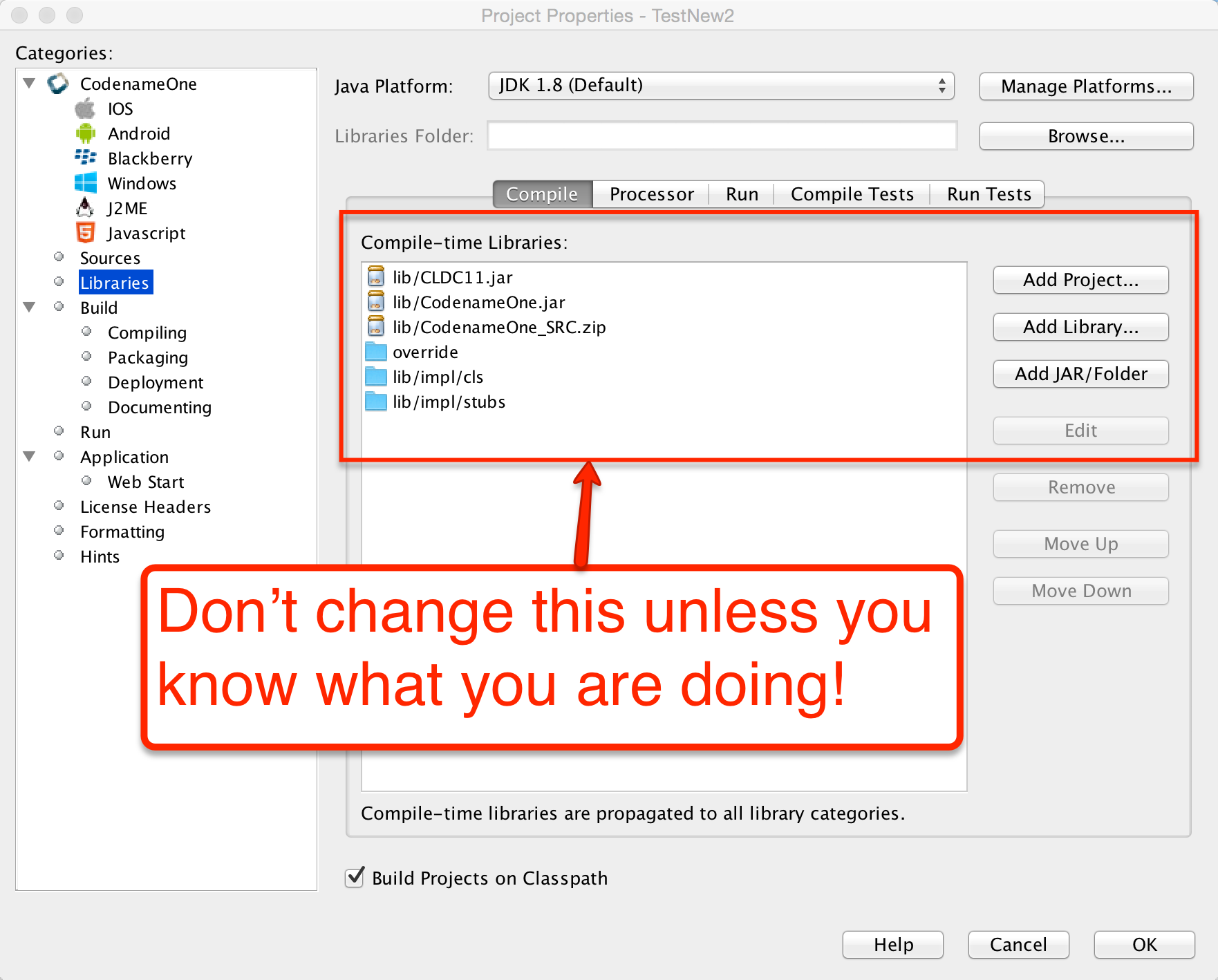
Cn1libs are Codename One’s file format for 3rd party extensions. It’s physically a zip file containing other zip files and some meta-data.
118.5.1. Why not use JAR
A jar can be compiled with usage of any Java API that might not be supported, it can be compiled with a Java target version that isn’t tested.
Jars don’t include support for writing native code; you could use JNI in jars but that doesn’t match Codename One’s needs for native support (see section above).
Jars don’t support "proper" code completion, a common developer trick is to stick source code into the jar but that prevents usage with proprietary code. Cn1libs provide full IDE code completion (with JavaDoc hints) without exposing the sources.
There are two use cases for wanting JARs and they both have different solutions:
Modularity
Working with an existing JARs
Cn1lib’s address the modularity aspect allowing you to break that down. Existing jars can sometimes be used native code settings but you would want to adapt the code to abide by Codename One restrictions.
118.5.2. How to use cn1libs
Codename One has a large repository of 3rd party cn1libs. With the Maven build tool, you consume a cn1lib the same way you consume any other Maven dependency: by adding it to the <dependencies> section of your application’s common/pom.xml file. A typical entry looks like:
<dependency>
<groupId>com.example</groupId>
<artifactId>mylib-lib</artifactId>
<version>1.0.0</version>
<type>pom</type>
</dependency>Add the dependency before the <!-- INJECT DEPENDENCIES -→ comment in common/pom.xml. The -lib suffix on the artifactId and the <type>pom</type> declaration are both important - they tell Maven to pull in the library’s "lib" aggregator module rather than a plain jar. See Section 2.5, “Codename One libraries” for the full library-consumption guide.
| Some cn1libs require additional configuration such as build hints. Always read the library author’s instructions when integrating a 3rd party library. |
118.5.3. Creating a simple cn1lib
Codename One libraries are generated from the cn1lib-archetype Maven archetype, which creates a multi-module project containing a common module for your cross-platform Java sources and one module per native platform (iOS, Android, Java SE, JavaScript) for any native interfaces. The detailed walkthrough - command-line, IntelliJ IDEA, NetBeans, and Eclipse - lives in Section 2.5, “Codename One libraries”.
The quickest path from a shell:
mvn archetype:generate \
-DarchetypeArtifactId=cn1lib-archetype \
-DarchetypeGroupId=com.codenameone \
-DarchetypeVersion=LATEST \
-DgroupId=com.example.mylib \
-DartifactId=mylib \
-Dversion=1.0-SNAPSHOT \
-DinteractiveMode=falseOnce the project is generated, add your cross-platform Java sources under common/src/main/java, CSS under common/src/main/css, and run mvn install from the project root to build. The build produces both a Maven artifact for pom-style consumption and a legacy .cn1lib file in common/target for users still on Ant.
118.5.4. Build hints in cn1libs
Some cn1libs are pretty simple to install - just add them as a Maven dependency in common/pom.xml. For example, many of the more elaborate cn1libs need some pretty complex configurations. This is the case when native code is involved where you need to add permissions or plist entries for the various native platforms to get everything to work. This makes the cn1lib’s helpful but less than seamless which is where you want to go.
Codename One cn1libs include two files that can be placed into the root: codenameone_library_required.properties & codenameone_library_appended.properties.
In these files you can write a build hint as codename1.arg.ios.plistInject=… for the various hints.
Notice the usage of the properties syntax for the build hint with the codename1.arg prefix you would also need to escape reserved characters for properties files.The best way to discover the right syntax for such build hints is to set them through the build hints GUI in a regular project and copy/paste them from codenameone_settings.properties into the cn1lib file. |
The obvious question is why do you need two files?
There are two types of build hints: required and appended.
Required build hints can be something like ios.objC=true
which you want to always work. For example: if a cn1lib defines ios.objC=true and another cn1lib defines ios.objC=false
things won’t work since one cn1lib won’t get what it needs…
In this case you’d want the build to fail so you can remove the faulty cn1lib.
If two cn1libs define ios.objC=true there will be no collision as the value would be identical |
An appended property would be something like ios.plistInject=<key>UIBackgroundModes</key><array><string>audio</string> </array>
Notice that this can still collide for example: if a different cn1lib defines its own background mode. For example, there are many valid cases where ios.plistInject can be used for other things. In this case you will append the content of the ios.plistInject into the build hint if it isn’t already there.
Keep these things in mind:
Properties are merged with every "refresh libs" call not dynamically on the server. This means it should be pretty simple for the developer to investigate issues in this process.
Changing flags is problematic - there is no "uninstall" process. Since the data is copied into the
codenameone_settings.propertiesfile. If you need to change a flag later on you might need to alert users to make changes to their properties essentially negating the value of this feature…
be careful when adding properties here.
It’s your responsibility as a library developer to decide which build hint goes into which file!
Codename One can’t automate this process as the whole process of build hints is by definition an ad hoc process.
The rule of thumb is that a build hint with a numeric or boolean value is always a required property. If an entry has a string that you can append with another string then its probably an appended entry.
These build hints are probably of the "required" type:
android.debug
android.release
android.installLocation
android.licenseKey
android.stack_size
android.statusbar_hidden
android.googleAdUnitId
android.includeGPlayServices
android.headphoneCallback
android.gpsPermission
android.asyncPaint
android.supportV4
android.theme
android.cusom_layout1
android.versionCode
android.captureRecord
android.removeBasePermissions
android.blockExternalStoragePermission
android.min_sdk_version
android.smallScreens
android.streamMode
android.enableProguard
android.targetSDKVersion
android.web_loading_hidden
facebook.appId
facebook.clientToken
ios.keyboardOpen
ios.project_type
ios.newStorageLocation
ios.prerendered_icon
ios.application_exits
ios.themeMode
ios.xcode_version
javascript.inject_proxy
javascript.minifying
javascript.proxy.url
javascript.sourceFilesCopied
javascript.teavm.version
google.adUnitId
ios.includePush
ios.headphoneCallback
ios.enableAutoplayVideo
ios.googleAdUnitId
ios.googleAdUnitIdPadding
ios.enableBadgeClear
ios.locationUsageDescription
ios.bundleVersion
ios.objC
ios.testFlight
ios.metal
desktop.width
desktop.height
desktop.adaptToRetina
desktop.resizable
desktop.fontSizes
desktop.theme
desktop.themeMac
desktop.themeWin
desktop.windowsOutput
noExtraResources
android.permission.<PERMISSION_NAME>These build hints should probably be appended:
android.xapplication
android.xpermissions
android.xintent_filter
android.facebook_permissions
android.stringsXml
android.style
android.nonconsumable
android.xapplication_attr
android.xactivity
android.pushVibratePattern
android.proguardKeep
android.sharedUserId
android.sharedUserLabel
ios.urlScheme
ios.interface_orientation
ios.plistInject
ios.facebook_permissions
ios.applicationDidEnterBackground
ios.viewDidLoad
ios.glAppDelegateHeader
ios.glAppDelegateBody
ios.beforeFinishLaunching
ios.afterFinishLaunching
ios.add_libs118.6. Integrating Android 3rd party libraries & JNI
While its pretty easy to use native interfaces to write Android native code some things aren’t necessarily as obvious. For example: if you want to integrate a 3rd party library, specifically one that includes native C JNI code this process isn’t as straightforward.
If you need to integrate such a library into your native calls you have the following options:
The first option (and the easiest one) is to place a Jar file in
android/src/main/resources. This will link your binary with the jar file, and the build server picks it up and adds it to the classpath.
Notice that Android release apps are obfuscated by default which might cause issues with such libraries if they reference APIs that are unavailable on Android. You can work around this by adding a build hint to the proguard obfuscation code that blocs the obfuscation of the problematic classes using the build hint:android.proguardKeep=-keep class com.mypackage.ProblemClass { *; }`Another option is the
aarfile is a binary format Google introduced to represent an Android Library project (similarly to the cn1lib format). One of the problem with the Android Library projects was the fact that it required the project sources which made it difficult for 3rd party vendors to publish libraries.
As a result so android introduced theaarfile which is a binary format that represents a Library project. To learn more about arr you can read this.You can link an
aarfile by placing it inandroid/src/main/resourcesand the build server will link it to the project.
Older material describes a third option, a zipped Eclipse library project renamed to .andlib.
That format is gone. The Android builder stops with andlib format is not supported anymore, use aar
instead the moment it finds one, so a project carrying an .andlib doesn’t build at all. Convert it to
an aar. |
118.7. Integrating iOS 3rd party libraries
Reach for ios.pods first. CocoaPods resolves the dependency and its own
dependencies for you, keeps the upload small, and is described in
Section 103.8, “Using Cocoapods”.
Not every SDK is published as a pod, though, and a vendor shipping a static
library and headers can’t be installed that way. Those files go into the ios
module, which packages two directories into the native archive: put anything you
would compile or #import beside your own native sources in
ios/src/main/objectivec, and the vendor’s binaries in ios/src/main/resources.
.hheaders go with the sources, inios/src/main/objectivec..astatic libraries and.bundleresource directories go inios/src/main/resources.A
.frameworkhas to be zipped first, keeping its name, soMyFramework.frameworkis placed asios/src/main/resources/MyFramework.framework.zip.
Those are the Maven paths. A legacy Ant project put every one of those in
native/ios instead, which is the layout older material refers to. |
An SDK usually also expects a handful of the platform’s own frameworks to be
linked. Name those in the ios.add_libs build hint, separated by semicolons. A
good many are linked by default already, so start with the vendor’s list, build,
and add only what the linker actually asks for.
118.8. Drag & drop
Unlike other platforms that tried to create overly generic catch all APIs Codename One tried to make things as simple as possible.
In Codename One components can be dragged and drop targets are always components. The logic of actually performing the operation indicated by the drop is the responsibility of the person implementing the drop.
This lightweight dragging never leaves the application. To drag content into another application, onto the desktop or into a file manager — and to accept a drag coming the other way — see Section 118.8.1, “Native operating system drag & drop” below.
The code below allows you to rearrange the items based on a sensible order. Notice it relies on the default Container drop behavior:
public class RearrangeableItemsDemo {
public void show() {
Form hi = new Form("Rearrangeable Items", new BorderLayout());
String[] buttons = {"A Game of Thrones", "A Clash Of Kings", "A Storm Of Swords",
"A Feast For Crows", "A Dance With Dragons", "The Winds of Winter", "A Dream of Spring" };
Container box = new Container(BoxLayout.y());
box.setScrollableY(true);
box.setDropTarget(true);
java.util.List<String> got = Arrays.asList(buttons);
Collections.shuffle(got);
for (String current : got) {
MultiButton mb = new MultiButton(current);
box.add(mb);
mb.setDraggable(true);
}
hi.add(BorderLayout.NORTH, "Arrange The Titles").add(BorderLayout.CENTER, box);
hi.show();
}
}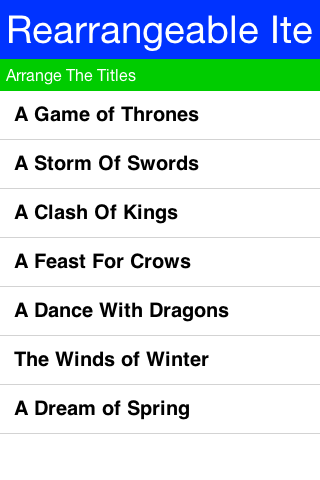
To enable dragging a component it must be flagged as draggable using setDraggable(true), to allow dropping the component onto another component you must first enable the drop target with setDropTarget(true) and override some methods (more on that later).
When dragging on top of a child component of a drop target the code recursively searches for a drop target parent. Dropping a component on the child will automatically find the right drop target, hence there is no need to make "everything" into a drop target.
You can override these methods in the draggable components:
getDragImage- this generates an image preview of the component that will be dragged. This automatically generates a sensible default so you don’t need to override it.drawDraggedImage- this method will be invoked to draw the dragged image at a given location, it might be useful to override it if you want to display some drag related information such as an icon based on location etc. (for example: a move/copy icon).
In the drop target you can override the following methods:
draggingOver- returns true if a drop operation at this point is permitted. Otherwise releasing the component will have no effect.dragEnter/Exit- useful to track and cleanup state related to dragging over a specific component.drop- the logic for dropping/moving the component must be implemented here!
118.8.1. Native operating system drag & drop
The section above moves a component around inside one form. Native dragging hands the gesture to the operating system instead, so a drag can end in another application, on the desktop or in a file manager, and a drag started anywhere on the machine can end on one of your components.
The payload is a ClipboardContent, the same object a copy publishes. That’s the whole idea: a
drag is a copy that the user aims with the pointer, so whatever the application can already put
on the clipboard it can already drag out, and whatever it can paste it can already accept as a
drop. Offering several representations lets one drag land correctly in unrelated applications — a text editor takes the text/html representation, a plain text field takes text/plain, and
the desktop takes the file list.
To drag something out, give the component an operation:
public void showDragSource() {
Form hi = new Form("Drag Out", BoxLayout.y());
Label card = new Label("Drag me into another application");
ClipboardContent content = new ClipboardContent()
.setData(ClipboardContent.MIME_TEXT, "Dragged out of Codename One")
.setData(ClipboardContent.MIME_HTML, "<b>Dragged</b> out of Codename One");
card.setNativeDragOperation(new NativeDragOperation(content)
.setAllowedActions(NativeDragOperation.ACTION_COPY));
hi.add(card);
hi.show();
}Dragging a file works the same way, except that the file often doesn’t exist yet and the user may drop it nowhere at all. Register it as a provider and it’s written at the moment a receiver asks for it rather than when the drag starts:
public void showFileDragSource() {
Form hi = new Form("Drag A File Out", BoxLayout.y());
Label card = new Label("Drag me onto the desktop");
// The file is promised rather than written. The provider runs when a receiver actually
// asks for the file list, so a drag the user abandons costs nothing.
ClipboardContent content = new ClipboardContent()
.setData(ClipboardContent.MIME_TEXT, "note.txt")
.setDataProvider(ClipboardContent.MIME_FILE, new ClipboardDataProvider() {
@Override
public Object getClipboardData(String mimeType) {
return writeNote();
}
});
NativeDragOperation op = new NativeDragOperation(content);
op.addCompletionListener(e ->
System.out.println("performed action: "
+ ((NativeDragOperation) e.getSource()).getPerformedAction()));
card.setNativeDragOperation(op);
hi.add(card);
hi.show();
}
private String writeNote() {
FileSystemStorage fs = FileSystemStorage.getInstance();
String path = fs.getAppHomePath() + "note.txt";
try {
OutputStream out = fs.openOutputStream(path);
try {
out.write("Written on drop\n".getBytes("UTF-8"));
} finally {
out.close();
}
return path;
} catch (Exception err) {
return null;
}
}Two platforms can’t defer quite that far. An Android clip has to be complete before the drag begins, so a provider runs there as the drag starts; an iOS drag resolves its file list at the same moment, because the system needs to know how many items the drag carries. Keep a provider cheap enough to run once per drag.
NativeDragOperation.ACTION_MOVE means the receiver takes ownership and the source deletes its
copy. The source only learns whether that happened once the operating system has finished, which
is why the outcome arrives through the completion listener rather than from the call that started
the drag.
Receiving a drop is the mirror image. The deepest component under the pointer that’s a native drop target and accepts the content wins, so a target nested inside another takes precedence and a target that refuses a particular payload lets an ancestor have it:
public void showDropTarget() {
Form hi = new Form("Drop Here", new BorderLayout());
Container zone = new Container(BoxLayout.y());
zone.add(new Label("Drop files here"));
zone.setNativeDropTarget(true);
zone.setAcceptedDropMimeTypes(ClipboardContent.MIME_FILE);
zone.setAcceptedDropActions(NativeDragOperation.ACTION_COPY);
zone.addNativeDropListener(e -> {
NativeDropEvent drop = (NativeDropEvent) e;
for (String path : drop.getFiles()) {
zone.add(new Label(path));
}
zone.getComponentForm().revalidateWithAnimationSafety();
});
hi.add(BorderLayout.CENTER, zone);
hi.show();
}NativeDropEvent also reports whether the drag started inside this application, which is how a
container that reorders its own items tells that case from an import.
A complete runnable example lives in Samples/samples/NativeDragAndDropSample: one card drags
plain text and HTML together so every receiver takes the best form it knows, another promises a
file that’s written only when a receiver asks for it, and a drop zone describes whatever arrives.
Where it works
Native dragging needs the platform to have it, and platforms differ on whether a drag may leave the application at all — a desktop can drop onto any other window, a tablet can drop into an application beside it, and a phone in full screen has nowhere for a drag to go even though drags within the application still work. Check both before offering the affordance:
public boolean canDragOut() {
return NativeDragAndDrop.isSupported()
&& NativeDragAndDrop.isDragOutsideApplicationSupported();
}Where the platform has none of this, the calls are harmless no-ops: the component simply can’t be dragged through the operating system, and the lightweight dragging above is unaffected.
| Platform | Drags | Leaves the app | Notes |
|---|---|---|---|
Desktop (the simulator and "run as desktop app") | yes | yes | Drops onto other windows, the desktop and file managers. Text, HTML, images, arbitrary binary payloads and multiple files. |
Android | yes | Nougat and later | A drag crosses applications through |
iPadOS and Mac Catalyst | yes | yes | Drops into another application beside this one, and into Files or the Finder. |
iPhone | yes | iOS 15 and later | iOS 15 brought dragging between applications to the phone: hold the item with one finger, switch applications with another, drop. Before that the session worked but could only end on one of the application’s own components. |
Everything else | no | no |
|
Threading
Drops arrive on the operating system’s own drag thread rather than the event dispatch thread. The
framework resolves which component a drag is over on that thread, from the accepted MIME types
and actions alone, and dispatches the callbacks — nativeDragEnter, nativeDragOver,
nativeDragExit and nativeDrop — on the event dispatch thread. A filter set through
setAcceptedDropMimeTypes therefore takes effect from the first drag event, while a decision
made inside a callback reaches the cursor one event later.
The one method that runs off the event dispatch thread is canAcceptNativeDrop, which exists for
a target whose answer depends on more than the MIME type. Read the content and the component’s
own configuration there; leave the user interface alone.
118.9. Coloring the native Android chrome
Codename One switches the native action bar off — the generated theme sets android:windowActionBar to
false — so the title you see belongs to the
Toolbar or the
SideMenuBar and Codename One draws
it. What’s left for the platform to color is the chrome around your app: the status bar, and the card the
task switcher shows for it.
Define a colors.xml file under android/src/main/resources for that. Every <color> whose name is an
Android theme attribute becomes an android: item in the generated theme:
<resources>
<color name="colorPrimary">#ff00ff00</color>
<color name="colorPrimaryDark">#80ff0000</color>
<color name="colorAccent">#800000ff</color>
</resources>| The colors reach the Material variant of the generated theme, so a device old enough to fall back to the Holo variant ignores them. |
A color whose name isn’t an Android theme attribute stays an ordinary @color/ resource and never
reaches the theme, and the build log names it. Android Studio puts ordinary app colors such as
ic_launcher_background in this same file, so an imported colors.xml keeps working — but a misspelled
attribute produces no theming, and that log line is where it says so. The names the build accepts are read
from the installed platform, so any android: theme attribute works, not a fixed list. |
118.10. Intercepting URLs on iOS & Android
A common trick in mobile application development, is communication between two unrelated applications.
In Android you can use intents which are pretty elaborate and can be used through Display.execute, but what if you would like to expose the functionality of your application to a different application running on the device. This would allow that application to launch your application.
This isn’t something built into Codename One, but it does expose enough of the platform capabilities to enable that functionality rather on Android.
On Android you need to define an intent filter which you can do using the android.xintent_filter build hint, this accepts the XML to filter whether a request is relevant to your application:
android.xintent_filter=<intent-filter> <action android:name="android.intent.action.VIEW" /> <category android:name="android.intent.category.DEFAULT" /> <category android:name="android.intent.category.BROWSABLE" /> <data android:scheme="myapp" /> </intent-filter>You can read more about it in this stack overflow question.
To bind the myapp:// URL to your application. As a result typing myapp://x into the Android browser will launch the application.
118.10.1. Passing launch arguments to the app
You can access the value of the URL that launched the app using:
public class RearrangeableItemsDemo {
public void show() {
Form hi = new Form("Rearrangeable Items", new BorderLayout());
String[] buttons = {"A Game of Thrones", "A Clash Of Kings", "A Storm Of Swords",
"A Feast For Crows", "A Dance With Dragons", "The Winds of Winter", "A Dream of Spring" };
Container box = new Container(BoxLayout.y());
box.setScrollableY(true);
box.setDropTarget(true);
java.util.List<String> got = Arrays.asList(buttons);
Collections.shuffle(got);
for (String current : got) {
MultiButton mb = new MultiButton(current);
box.add(mb);
mb.setDraggable(true);
}
hi.add(BorderLayout.NORTH, "Arrange The Titles").add(BorderLayout.CENTER, box);
hi.show();
}
}This value would be null if the app was launched through the icon.
118.10.2. Android App-to-App contracts (Wallet/Issuer style flows)
Some integrations (wallet provisioning, issuer verification, secure step-up) need more than a URL launch. They require:
a custom Android intent action,
caller validation,
asynchronous app logic (login/back end verification),
a native
setResult(…)response back to the caller.
In Codename One, keep this flow in two layers:
Android bridge activity for contract lifecycle and
setResult(…).Codename One app code for business logic in
start().
Why this isn’t implicitly generated by AndroidGradleBuilder
A generic bridge can’t infer:
expected caller package(s),
required result extra names,
approval/decline mapping rules,
timeout/failure policy.
Those are contract-specific, so the bridge activity is intentionally app-defined.
Registering the bridge activity
Use android.xapplication to inject a dedicated bridge activity and bind the action it should receive:
codename1.arg.android.xapplication=<activity android:name="com.example.wallet.WalletBridgeActivity" android:exported="true" android:launchMode="singleTop" android:noHistory="true" android:excludeFromRecents="true" android:theme="@android:style/Theme.Translucent.NoTitleBar"><intent-filter><action android:name="com.example.wallet.ACTION_VERIFY"/><category android:name="android.intent.category.DEFAULT"/></intent-filter></activity>Keep codename1.arg.android.activity.launchMode=singleTask on your main CN1 activity so app resume behavior is predictable.
Bridge activity responsibilities
A minimal bridge activity should:
Receive and parse the incoming intent.
Capture caller identity using
getCallingPackage().Launch or resume the CN1 app activity.
Hold contract state until CN1 completes verification.
Return
setResult(…)andfinish().
For payment/wallet trust decisions, treat only getCallingPackage() as verified identity.
Don’t rely on referrer extras for caller authentication because callers can spoof those values.
This implies the contract should be launched with startActivityForResult(…) so caller identity is available. |
Optional native Android example for certificate fingerprint verification (called from bridge/native layer before trusting caller):
public static boolean isTrustedCallerSignature(Context ctx, String packageName, Set<String> allowedSha256) {
if (ctx == null || packageName == null || packageName.isEmpty() || allowedSha256 == null || allowedSha256.isEmpty()) {
return false;
}
try {
PackageManager pm = ctx.getPackageManager();
PackageInfo info;
if (Build.VERSION.SDK_INT >= 28) {
info = pm.getPackageInfo(packageName, PackageManager.GET_SIGNING_CERTIFICATES);
Signature[] sigs = info.signingInfo != null
? info.signingInfo.getApkContentsSigners()
: null;
return hasAllowedFingerprint(sigs, allowedSha256);
} else {
info = pm.getPackageInfo(packageName, PackageManager.GET_SIGNATURES);
return hasAllowedFingerprint(info.signatures, allowedSha256);
}
} catch (PackageManager.NameNotFoundException | NoSuchAlgorithmException ex) {
return false;
}
}
private static boolean hasAllowedFingerprint(Signature[] sigs, Set<String> allowedSha256)
throws NoSuchAlgorithmException {
if (sigs == null) {
return false;
}
MessageDigest md = MessageDigest.getInstance("SHA-256");
for (Signature s : sigs) {
String fp = toHex(md.digest(s.toByteArray()));
if (allowedSha256.contains(fp)) {
return true;
}
}
return false;
}
private static String toHex(byte[] data) {
char[] digits = "0123456789ABCDEF".toCharArray();
StringBuilder out = new StringBuilder(data.length * 2);
for (byte b : data) {
int value = b & 0xff;
out.append(digits[value >>> 4]);
out.append(digits[value & 0x0f]);
}
return out.toString();
}public class WalletBridgeActivity extends Activity {
private static WeakReference<WalletBridgeActivity> active;
@Override
protected void onCreate(Bundle savedInstanceState) {
super.onCreate(savedInstanceState);
active = new WeakReference<>(this);
Intent in = getIntent();
String caller = getCallingPackage();
String payload = in == null ? null : in.getStringExtra("payload");
Intent launch = getPackageManager().getLaunchIntentForPackage(getPackageName());
if (launch == null) {
finish();
return;
}
launch.addFlags(Intent.FLAG_ACTIVITY_NEW_TASK | Intent.FLAG_ACTIVITY_CLEAR_TOP | Intent.FLAG_ACTIVITY_SINGLE_TOP);
launch.putExtra("wallet_payload", payload);
launch.putExtra("wallet_caller", caller == null ? "" : caller);
startActivity(launch);
// Do not finish yet. CN1 will finish this activity via native callback once verification completes.
}
@Override
protected void onDestroy() {
WalletBridgeActivity current = getActive();
if (current == this) {
active = null;
}
super.onDestroy();
}
public static WalletBridgeActivity getActive() {
return active == null ? null : active.get();
}
}Reading contract data in start()
Codename One exposes launch metadata through AppArg and Display properties. Read these in start():
AppArg(primary launch payload)android.intent.actionandroid.intent.dataandroid.intent.typeandroid.intent.callerandroid.intent.caller.verifiedandroid.intent.extra.<KEY>
public void start() {
Display d = Display.getInstance();
String action = d.getProperty("android.intent.action", null);
if ("com.example.wallet.ACTION_VERIFY".equals(action)) {
boolean callerVerified = "true".equals(d.getProperty("android.intent.caller.verified", "false"));
String payload = d.getProperty("android.intent.extra.wallet_payload", d.getProperty("AppArg", null));
String caller = d.getProperty("android.intent.caller", "");
if (!callerVerified || !isAllowedCaller(caller)) {
failClosed(); // return declined/canceled via bridge completion API
return;
}
verifyWalletPayload(payload, caller);
return;
}
showMainForm();
}Returning results to the wallet API
Implement a small native interface method (Android implementation) that:
gets
WalletBridgeActivity.getActive(),verifies
getActive()is non-null and fails closed if the bridge timed out/canceled,builds caller-specific result extras,
calls
setResult(Activity.RESULT_OK, resultIntent),calls
finish()on the bridge activity.
This is where you bind to the wallet contract’s exact response schema. Keep these extra names in one place so upgrades are manageable.
Foreground behavior on Android 14/15
Foreground transitions are best-effort because Android may block background launches in some states. Build for:
immediate resume when allowed,
notification fallback when blocked.
iOS is practically identical to Android with some small caveats, iOS’s equivalent of the manifest is the plist.
You can inject more data into the plist by using the ios.plistInject build hint.
The equivalent on the iOS side would be:
ios.plistInject=<key>CFBundleURLTypes</key> <array> <dict> <key>CFBundleURLName</key> <string>com.yourcompany.myapp</string> </dict> <dict> <key>CFBundleURLSchemes</key> <array> <string>myapp</string> </array> </dict> </array>For example, that can conflict with the Facebook integration if you use FacebookConnect which needs access to the schemes. To work around this you can use the build hint ios.urlScheme for example:
ios.urlScheme=<string>myapp</string>118.11. Native peer components
Many Codename One developers don’t truly grasp the reason for the separation between peer (native) components and Codename One components. This is a crucial thing you need to understand if you plan on working with native widgets for example: Web Browser, native maps, text input, media and native interfaces (which can return a PeerComponent).
Codename One draws all its widgets on its own, this is a concept which was modeled in part after Swing. This allows functionality that can’t be achieved in native widget platforms:
The Codename One GUI builder & simulator are almost identical to the device - notice that this also enables the build cloud, otherwise device specific bugs would overwhelm development and make the build cloud redundant.
Ability to override everything - paint, pointer, key events are all overridable and replaceable. Developers can also paint over everything for example: glasspane and layered pane.
Consistency - provides identical functionality on all platforms.
This all contributes to your ease of working with Codename One and maintaining Codename One. More than 95% of Codename One’s code is in Java hence its portable and pretty easy to maintain!
118.11.1. Why does Codename One need native widgets at all
You need the native device to do input, html rendering etc. These are too big and too complex tasks for Codename One to do from scratch.
They’re sometimes impossible to perform without the native platform. For example: the virtual keyboard input on the devices is tied directly to the native text input. It’s impractical to implement everything from scratch for all languages, dictionaries etc. The result would be sub-par.
A web browser can’t be implemented in this age without a JavaScript JIT and including a JIT within an iOS app is prohibited by Apple.
118.11.2. Problems with native widgets
Codename One does pretty much everything on the EDT (Event Dispatch Thread), this provides a lot of cool features for example: modal dialogs, invokeAndBlock etc.
For example native widgets have to be drawn on the devices native UI thread.
The oldest answer to that was to paint in two passes: loop over the Codename One components and paint
them, then loop over the native peers and let the platform paint those over the result. That’s where
the rule that a peer always covers whatever sits under it comes from, and it isn’t how the current
ports work.
Display asks the implementation one question, paintNativePeersBehind(), and a false answer
doesn’t mean the peer can’t be covered. It leaves the compositing to the port, and the ports differ:
iOS and the JavaScript port answer
true. The native layer sits underneath and Codename One paints above it, punching a hole through its own surface withclearRectwherever a peer belongs.Android hands the peer’s native
Viewto the same ordered stream of drawing operations as every other component, so a component painted after the peer covers it. The simulator does the same for a peer that renders into a buffer.Where the peer owns a surface of its own, the system composites that surface and paint order never reaches it. The screenshot technique below can’t reach it either, for the same reason.

| This was also the case in AWT/Swing to one degree or another… |
118.11.3. Showing dialogs on top of peer components
Under the first two models this needs nothing from you: a Dialog paints after the peer and covers it.
What follows is for the third, where the system composites the peer’s own surface and no amount of
painting reaches it.
A form transition tells the peers about itself without any help from you: initTransition puts both
forms into lightweight mode, which is how the framework says that a peer isn’t truly visible for a
while. How a peer responds is left to the peer, and it varies by port. Codename One grabs a screenshot of the peer, hide it and then you can show the screenshot. Since the screenshot is static it can be rendered through the standard UI. You can’t do that always since grabbing a screenshot is an expensive process on all platforms and must be performed on the native device thread.
PeerComponent declares that callback empty, so a port opts into the still by overriding it. The iOS
and Android peers do, and on Android what the still contains varies again: the browser peer overrides
the capture and draws its WebView into the bitmap, the default renders the View the ordinary way,
and a peer that owns a surface has nothing there to render, so its still is blank. That doesn’t hide the
peer, though. In super peer mode setLightweightMode only generates the image, it never changes the
view’s visibility, and AndroidGLSurface asks for setZOrderMediaOverlay(true), so the live surface goes
on drawing above the Codename One canvas while a blank still is painted into the canvas underneath it.
The transition animates around a peer that never moved. The OpenGL peer keeps a copy of each frame read back with glReadPixels,
but that copy feeds the screenshot path rather than the peer’s still image, so it doesn’t cover this.
The JavaScript peer overrides nothing, so it stays live throughout.
118.11.4. Why can’t you combine peer component scrolling and Codename One scrolling
Since the form title/footer etc. Are drawn by Codename One the peer component might paint itself on top of them. Clipping a peer component is often pretty difficult. Furthermore, if the user drags his finger within the peer component he might trigger the native scroll within the might collide with your scrolling?
118.11.5. Native components in the first Form
Another problem might be counterintuitive. iOS has screenshot images representing the first form. If your first page is an HTML or a native map (or other peer widget) the screenshot process on the build server will show fallback code instead of the real thing thus providing sub-par behavior.
Its impractical to support something like HTML for the screenshot process since it would also look different from the web component running on the device.
| The launch storyboard replaced the build server’s screenshot generator. See launch screen storyboard best practices. |
118.12. Building your own Layout manager
A Layout contains all the logic for positioning Codename One components. It essentially traverses a Codename One Container and positions components based on internal logic.
When you build the layout you need to take margin into consideration and make sure to add it into the position/size calculations. Building a layout manager involves two simple methods: layoutContainer & getPreferredSize.
layoutContainer is invoked whenever Codename One decides the container needs rearranging, Codename One tries to avoid calling this method and invokes it at the last possible moment. Since this method is expensive (imagine the recursion with nested layouts). Codename One marks a flag indicating layout is "dirty" when something important changes and tries to avoid "reflows."
getPreferredSize allows the layout to determine the size desired for the container. This might be a difficult call to make for some layout managers that try to provide both flexibility and simplicity.
Most of FlowLayout bugs stem from the fact that this method is impossible to implement efficiently for all the use cases of a nested FlowLayout. The size of the final layout won’t necessarily match the requested size (it probably won’t) but the requested size is taken into consideration, when scrolling and also when sizing parent containers.
This is a layout manager that arranges components in a center column aligned to the middle. You then show the proper usage of margin to create a stair like effect with this layout manager:
class CenterLayout extends Layout {
public void layoutContainer(Container parent) {
int components = parent.getComponentCount();
Style parentStyle = parent.getStyle();
int centerPos = parent.getLayoutWidth() / 2 + parentStyle.getMargin(Component.LEFT);
int y = parentStyle.getMargin(Component.TOP);
boolean rtl = parent.isRTL();
for (int iter = 0; iter < components; iter++) {
Component current = parent.getComponentAt(iter);
Dimension d = current.getPreferredSize();
Style currentStyle = current.getStyle();
int marginRight = currentStyle.getMarginRight(rtl);
int marginLeft = currentStyle.getMarginLeft(rtl);
int marginTop = currentStyle.getMarginTop();
int marginBottom = currentStyle.getMarginBottom();
current.setSize(d);
int actualWidth = d.getWidth() + marginLeft + marginRight;
current.setX(centerPos - actualWidth / 2 + marginLeft);
y += marginTop;
current.setY(y);
y += d.getHeight() + marginBottom;
}
}
public Dimension getPreferredSize(Container parent) {
int components = parent.getComponentCount();
Style parentStyle = parent.getStyle();
int height = parentStyle.getMargin(Component.TOP) + parentStyle.getMargin(Component.BOTTOM);
int marginX = parentStyle.getMargin(Component.RIGHT) + parentStyle.getMargin(Component.LEFT);
int width = marginX;
for (int iter = 0; iter < components; iter++) {
Component current = parent.getComponentAt(iter);
Dimension d = current.getPreferredSize();
Style currentStyle = current.getStyle();
width = Math.max(d.getWidth() + marginX + currentStyle.getMargin(Component.RIGHT)
+ currentStyle.getMargin(Component.LEFT), width);
height += currentStyle.getMargin(Component.TOP) + d.getHeight()
+ currentStyle.getMargin(Component.BOTTOM);
}
Dimension size = new Dimension(width, height);
return size;
}
}
public class CenterLayoutDemo {
public static Form createForm() {
Form hi = new Form("Center Layout", new CenterLayout());
for (int iter = 1; iter < 10; iter++) {
Label l = new Label("Label: " + iter);
l.getUnselectedStyle().setMarginUnit(Style.UNIT_TYPE_DIPS);
l.getUnselectedStyle().setMarginLeft(iter * 4);
l.getUnselectedStyle().setMarginRight(0);
hi.add(l);
}
hi.add(new Label("Really Wide Label Text!!!"));
return hi;
}
public void show() {
createForm().show();
}
}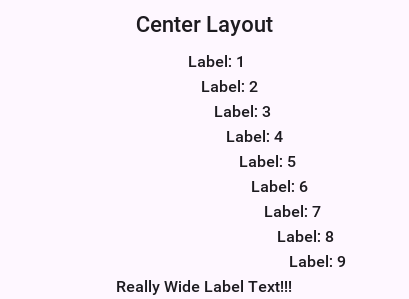
118.12.1. Porting a Swing/AWT Layout manager
The GridBagLayout was ported to Codename One considering the complexity of that specific layout manager. Here are some tips you should consider when porting a Swing/AWT layout manager:
Codename One doesn’t have
Insets, but adds some support for them to port GridBag but components in Codename One have a margin they need to consider instead of theInsets(the padding is in the preferred size and is thus hidden from the layout manager).AWT layout managers also synchronize a lot on the AWT thread. This is no longer necessary since Codename One is single threaded, like Swing.
AWT considers the top left position of the
Containerto be 0,0 whereas Codename One considers the position based on its parentContainer. The top left position in Codename One isgetX(),getY().
Other than those things it’s fixing method and import statements, which are slightly different. Pretty trivial stuff.
118.13. Update framework
When Codename One launched in 2012 there was a need to ship updates and fixes faster than the plugin update system, leading to the client lib update system. There was also a need to update the designer tool (resource editor), the GUI builder, and the skins, as well as the built-in builder code (CodeNameOneBuildClient.jar).
The Update Framework solves many problems in the old systems:
Download once - if you have many projects the library will download once to the
.codenameonedirectory. All the projects will update from local storageSkins update automatically - this is hugely important. When you change a theme you need to update it in the skins and if you don’t update the skin you might see a difference between the simulator and the device
Update of designer tools without an IDE plugin update - The IDE plugin update process is slow and tedious. This way a GUI builder fix can ship without a new IDE plugin release. The standalone Settings artifact is versioned with the Maven plugin instead.
This framework should be seamless. You should no longer see the "downloading" message whenever you push an update after your build client is updated. Your system would poll for a new version daily and update when new updates are available.
To force an update check, run mvn cn1:update from the project root.
118.13.1. How does it work
mvn cn1:update does two separate things.
First it makes sure ~/.codenameone/UpdateCodenameOne.jar is there — installed
from a resource bundled in the plugin, or downloaded if that resource is missing — and runs it. That’s what keeps the shared tooling and the device skins under
~/.codenameone current, and it’s why the download happens once per machine
rather than once per project. It no longer runs against your project directory,
which is why a Maven project has no jars of its own to update: the plugin hands it
a synthetic directory under common/target/codenameone/update-dummy, seeded with
the project’s codenameone_settings.properties. It’s under common because that
module holds codenameone_settings.properties and is therefore the one the plugin
treats as the Codename One project; run from the root, the aggregator skips itself
and common does the work.
Then it reads the plugin’s Maven metadata, resolves the newest published release
and rewrites the cn1.version and cn1.plugin.version properties in the pom.
Which metadata it reads depends on the project. Releases are published to
the Codename One repository, and the mojo
uses it only when the project declares that host in BOTH <repositories> and
<pluginRepositories>. A project that declares it in one section only, or in
neither, is offered what Maven Central holds instead — and Central keeps every
version published before the cutover but receives no new ones, so such a project
is told it’s up-to-date at the last pre-cutover release however long it waits. The build log says so
when it happens. Adding the repository to both sections is the fix. The framework and plugin artifacts for that version then
resolve on the next build like any other dependency. The Resource Editor doesn’t:
it’s a separate artifact of around 43MB that’s fetched when you run
mvn cn1:designer.
A project pinned to a -SNAPSHOT keeps its version, because a snapshot already
tracks the newest build. To move to a particular release rather than the newest
one, name it: mvn cn1:update -DnewVersion=X.Y.Z.
118.13.2. What isn’t covered
You will notice 3 big things that aren’t covered in this unified framework:
You don’t update cn1libs - whether you would like to update them automatically is unclear
Versioned builds - a lot of complexity exists in the versioned build system. This might be something you address in the future but for now the framework stays simple.
119. Java in the browser: The Playground compiler and the self-hosted translator
The Codename One Playground runs the Java you type. In its browser build nothing leaves the page: a Java compiler running in the page compiles the source to class files, the ParparVM translator running in the same page turns those class files into JavaScript, and the running virtual machine loads the result and calls it. The compiler and the translator are ordinary Java programs, translated by ParparVM into the Playground’s own JavaScript bundle.
This chapter describes how those pieces fit together, what each one is responsible for, and how the build keeps them correct. It’s aimed at contributors working on the compiler, the translator or the Playground, and at anyone who wants to know what Java the Playground accepts.
119.1. The pipeline at a glance
CodeEditor text
| PlaygroundRunner.compile()
v
Java compiler (com.codename1.tools.javac) <-- stub library: the API the page contains
| class files
v
ParparVM translator, incremental mode (JavascriptIncremental)
| JavaScript class definitions
v
__cn1LoadClasses() --> classes defined in the running VM --> entry point runs --> previewEach run goes through every step. An edit triggers a run 300 milliseconds after typing stops; the console prints how long the compile, load and run phases took.
| Piece | Where | What it does |
|---|---|---|
Compiler |
| Compiles Java source to class files, with javac’s diagnostics |
Stub library |
| Tells the compiler which classes and members the page contains |
Class-file reader |
| Reads class files for the translator, in place of ASM |
Incremental translator |
| Translates the user’s classes against an already-running bundle |
Open-world host bundle |
| Keeps the API user code can call, under names user code can find |
Loader |
| Defines the new classes in the running virtual machine |
Runner |
| Wraps a script, finds its entry point and shows its result |
119.2. The compiler
com.codename1.tools.javac compiles Java source to class files. Its input is the Java language of current Java releases: records, sealed types, switch expressions and pattern matching (including record patterns), text blocks, var, lambdas and method references, generics with inference, and the rest of the language a Codename One application uses. Its output is class files that the HotSpot verifier accepts, and its error messages use javac’s wording and positions.
Because it has to run inside ParparVM, it’s built against ParparVM’s class library (vm/JavaAPI) rather than the JDK. That rules out reflection, java.util.regex, java.nio.file and the JDK’s own class-file tools, so the compiler writes class files itself and computes their StackMapTable from its own type information.
The compiler is a classic pipeline:
LexerandJavaSourceParserbuild a syntax tree. Malformed input always produces a diagnostic, never an exception, because the Playground compiles while the user is still typing.Enterdeclares the classes and their members.Attrresolves names, picks overloads, infers generic types and type-checks every expression.Flowchecks definite assignment, unreachable code and which local variables are effectively final.Genlowers the tree and writes bytecode;FrameComputerderives the stack-map frames from the finished code.
Some constructs are lowered by the compiler itself rather than left to a run-time bootstrap method, because the translator doesn’t implement those bootstraps: string concatenation becomes StringBuilder calls, records get explicit toString, equals and hashCode methods, and a pattern switch becomes a chain of instanceof tests. Lambdas and method references are emitted as LambdaMetafactory call sites, which the translator lowers.
119.2.1. What the compiler doesn’t do
No annotation processing and no modules. Annotation types are resolved and
@Overrideis checked, but no annotation is written to the class files: ParparVM can’t read annotations at run time, so the simulator doesn’t see them either.No
nativemethods. Anativedeclaration is a compile error. Codename One reaches platform code through native interfaces (see Section 118.4, “Native interfaces”), and neither the browser nor the simulator has a library to bind a Javanativemethod to.No API beyond what the page contains. User code compiles against the stub library described below, so a call to a JDK class or method that ParparVM’s class library lacks is a compile error rather than a failure at run time. One case compiles and still fails: ParparVM’s
java.util.regex.Patternexists so code that names it compiles, but its methods throw when called in the browser.
119.3. Script mode
The Playground accepts more than complete classes. A script can mix import statements, statements, methods and classes at the top level, the way a notebook cell does. The compiler’s script mode (JavaCompiler.addScript with a ScriptSpec) wraps such a script into one class:
top-level classes, interfaces, enums and records stay top-level types;
top-level methods become methods of a generated
PlaygroundScriptclass;top-level statements become the body of its
run(PlaygroundContext ctx)method, which returns the value of a trailing expression and the script’s top-level local variables.
PlaygroundRunner then looks for the entry point, in this order: a build method, the lifecycle methods init and start, and finally a top-level class that declares start or build. A build or start method qualifies only when it returns void, Object or a Component. When the entry point isn’t the script class itself, the runner compiles a small PlaygroundLauncher class that calls it.
Two more adjustments make ordinary application code work unchanged:
Every unit sees a set of default imports, among them
com.codename1.ui.,com.codename1.ui.layouts.,com.codename1.components.andjava.util.. The user’s own imports take precedence.Calls to
Form.show()andForm.showBack()are compiled as calls toPlaygroundContext, which places the form in the preview instead of replacing the Playground’s own user interface. This also applies to a form shown later, for example from a button’s action listener.
The run’s result is the first of these that exists: the component the script returned, a form it showed, the first form it created, or the first component it created.
119.4. The stub library
The compiler needs the class files of every class user code can reference, but the page can’t afford to download the full class files of the framework. A stub library is the compact form: the same classes with their method bodies, private members, synthetic members, annotations and debug information removed. What remains is what compilation needs: access flags, superclasses and interfaces, generic signatures, constants, member signatures, thrown exceptions and inner-class information.
BuildStubLibrary, a build-time tool in vm/JavaCompiler/tools-src, packs the stubs into one file. The Playground’s build generates playground-api.cn1stubs from ParparVM’s class library, the Codename One core and the Playground’s own helper classes, in that order, so user code compiles against exactly the API the browser’s virtual machine contains. The same file feeds the editor’s code completion.
119.5. The translator, inside the page
The translator that builds every Codename One iOS, desktop and JavaScript application also runs inside the Playground page. That requires the translator itself to be translatable by ParparVM, which places the same constraint on it as on the compiler: it compiles against ParparVM’s class library alone. Three parts of the translator exist because of that constraint:
Its own class-file reader. The
classfilepackage is a rewrite of the parts of the ASM bytecode framework the translator uses, keeping ASM’s API and design. ASM’s copyright and BSD license notice is retained in each of its files and reproduced in the repository’sNOTICEfile.Its own regular-expression engine, used by the JavaScript backend’s peephole passes, because
java.util.regexisn’t available.Its own SHA-256, used to hash inline scripts for the content security policy.
Running in the page, the translator works in incremental mode (JavascriptIncremental.translate). It reads the user’s class files, reads from the stub library every class they reference (and their superclasses and interfaces), links the hierarchy, and emits JavaScript definitions for the user’s classes only. Every user method is emitted as a generator, so user code can block cooperatively wherever it calls into the framework. Calls into the host bundle go through _GW, which looks up the host function by name when it’s called.
119.5.1. Loading the result
__cn1LoadClasses(source, classNames) in parparvm_runtime.js defines the translated classes in the running virtual machine:
It refuses a class whose JavaScript name belongs to a class of the running application. The translator maps both
/and$to_, so a user class can collide with a framework class whose name only differs in those characters; the check runs before the code is evaluated, because evaluation would replace the host’s functions.In the page’s worker it evaluates the code with
importScriptson ablob:URL, which is why the Playground’s content security policy allowsblob:scripts.A later run redefines classes it loaded before, so editing a class and running again replaces its old definition without restarting the worker.
The runner then creates the entry class and calls it.
119.6. The open-world host bundle
An ordinary Codename One JavaScript bundle is a closed world: the translator removes every class and method the application doesn’t reach, renames identifiers to shorter ones, and calls a method directly when only one implementation exists. The Playground’s bundle can’t be built that way, because code that arrives after the bundle was built has to find the framework still there, under names it can predict, with dispatch that a new subclass can join.
The system property parparvm.js.openWorld names the packages to keep open, as a comma-separated list of prefixes where a leading ! excludes one. The Playground sets it in scripts/cn1playground/javascript/translator-opts.txt:
-Dparparvm.js.openWorld=java/,com/codename1/,com/codenameone/playground/,org/teavm/,!com/codename1/tools/,!com/codename1/impl/
For the classes it keeps, the translator:
keeps every class and method, instead of removing what the bundle itself doesn’t call;
keeps their function names, so a user class can call them by name;
emits every field and dispatch identifier;
treats an abstract method that nothing in the bundle implements as one that may block, because the implementation that arrives later is always a generator.
Across the whole bundle, it also stops replacing a virtual call with a direct call when only one implementation exists, since a user class can add another.
The compiler and translator classes (com/codename1/tools/) and the platform implementation (com/codename1/impl/) stay closed: the bundle needs them, but user code never calls them, so they’re reduced and renamed like ordinary application code.
119.7. The simulator path
In the simulator and the desktop build there’s no translator step. The same compiler produces the same class files against the same stub library, and PlaygroundClassDefiner defines them in a fresh class loader for each run. On other platforms the Playground can’t run compiled code and says so.
119.8. How the build keeps it correct
Every piece has a gate that compares it against an independent implementation, so a defect shows up as a difference rather than depending on a test anticipating it.
| Gate | What it requires |
|---|---|
| Each program in |
| The translator compiled by this compiler emits byte-identical JavaScript to the translator compiled by javac |
| The |
| The translator’s regular-expression engine agrees with |
| The translator built by ParparVM is deterministic and emits byte-identical C and JavaScript to the translator running on the JVM |
| The translator translated to JavaScript and run under Node emits byte-identical C and JavaScript to the translator running on the JVM |
Playground harnesses | Every bundled sample compiles and runs on the JVM, and in a real headless browser the samples, compile errors, re-runs, listener exceptions and form navigation all behave |
To run the compiler’s conformance suite, which needs a JDK 21 for the reference compiler:
$ source tools/env.sh
$ cd vm
$ JDK_21_HOME=/path/to/jdk-21 mvn -pl tests test -Dtest=JavaCompilerConformanceTestTo build the self-hosted translator and run the self-hosting gates:
$ source tools/env.sh
$ vm/selfhost/build-selfhost.sh
$ CORPUS="$PWD/vm/selfhost/target/asm-classes;$PWD/vm/selfhost/target/classes"
$ vm/selfhost/verify-selfhost.sh "$CORPUS" \
com_codename1_tools_translator_ByteCodeTranslator com.codename1.tools.translator
$ vm/selfhost/verify-selfhost-js.sh "$CORPUS" \
com_codename1_tools_translator_ByteCodeTranslator com.codename1.tools.translatorTo run the Playground’s suites on the JVM and in a headless browser, which builds the open-world bundle and serves it locally:
$ cd scripts/cn1playground
$ tools/run-playground-smoke-tests.sh
$ tools/run-playground-browser-tests.sh119.9. Where to read more
vm/JavaCompiler/README.mdcovers the compiler’s layout and use as a library.vm/selfhost/README.mdcovers self-hosting the translator, on the native targets and on JavaScript.scripts/cn1playground/README.mdcovers building and running the Playground.vm/ByteCodeTranslator/src/com/codename1/tools/translator/classfile/README.mdcovers the class-file reader and its relation to ASM.
120. Working with Codename One sources
The Codename One SDK is published as a Maven multi-module project. Building the
aggregator in the /maven directory compiles every module, installs the
artifacts into your local Maven repository, and lets you depend on the exact
snapshot you cloned from GitHub.
120.1. Prerequisites
Codename One uses multiple JDKs and Maven profiles during the build. Make sure
your development machine includes the following tooling (see
BUILDING.md for platform-specific installation tips):
JDK 8 (required for the core build of the framework itself)
JDK 11 through 25 (required at runtime to launch the simulator or "Run as desktop app" target)
JDK 17 (required when compiling the Android port)
Apache Maven 3.6 or newer
macOS with Xcode (if you plan to build or test the iOS port)
120.2. Preparing the Maven workspace
Clone the repository and run the Maven aggregator from inside the maven
subdirectory. This installs the complete SDK (core runtime, simulator, and
ports) into your local Maven cache:
$ git clone https://github.com/codenameone/CodenameOne
$ cd CodenameOne/maven
$ mvn installThe default build runs every module and its unit tests. Append -DskipTests
if you want to skip the test phases to speed up local builds.
The version printed by Maven will end with -SNAPSHOT when you build
from the master branch. Published releases omit the suffix.
120.3. Installing the Maven archetypes
Codename One ships its project archetypes in a companion repository. Install
them once so that mvn archetype:generate (and the Codename One Initializr)
can reference your locally built SDK artifacts:
$ git clone https://github.com/shannah/cn1-maven-archetypes
$ cd cn1-maven-archetypes
$ mvn install120.4. Running tests selectively
The Maven aggregator exposes modules for the different automated test suites.
Run any of these from the CodenameOne/maven directory:
Core unit tests:
$ mvn -pl core-unittests testIntegration tests (simulator and build client):
$ mvn -pl tests -am verify
Refer to the READMEs in maven/core-unittests and maven/tests for more
configuration flags, platform requirements, and environment variables.
120.5. Using your local build in application projects
After running the mvn install commands above, the Codename One artifacts are
available in your local Maven repository. To consume that build in an
application generated from the Codename One Initializr (or any other Maven
project), adjust the pom.xml properties to reference your snapshot version:
<properties>
<!-- Replace with the snapshot printed during mvn install -->
<cn1.version>{cn1-snapshot-version}</cn1.version>
<cn1.plugin.version>{cn1-snapshot-version}</cn1.plugin.version>
</properties>Open the project in your IDE and build or run it. Maven will resolve the local snapshot instead of downloading the latest published release.
120.6. Why build from source
Building the SDK yourself gives you:
Immediate access to fixes and features before they reach a release.
The ability to inspect, debug, and change the framework when you need custom behavior.
Once you’re comfortable with the baseline build, continue with the scripts in
scripts/ or the BUILDING.md guide to compile specific ports (Android or
iOS) or to automate CI workflows.
121. Skin Designer
The Skin Designer turns a device specification (resolution, PPI,
fonts, safe-area insets, cutouts) into a .skin file that the
JavaSE simulator can load. It runs in your browser at
https://www.codenameone.com/skindesigner — there is nothing to
install.
This chapter walks through the wizard and explains what each step
contributes to the generated .skin. If you only want a skin and
don’t care how it’s built: pick a device, accept the defaults, click
Finish, then Download skin. The file is ready to load via Add
in the simulator’s Skins menu.
The wizard is intentionally opinionated. It ships with a
curated device catalog, generates the device frame procedurally, and
writes a skin layout that matches the Themes/iPhoneTheme.res,
Themes/iOS7Theme.res, and Themes/android_holo_light.res themes
shipped with Codename One. For a custom skin from a hand-painted
device render, jump straight to the
"Upload an image" source. |
121.1. Stage 1 — pick a device
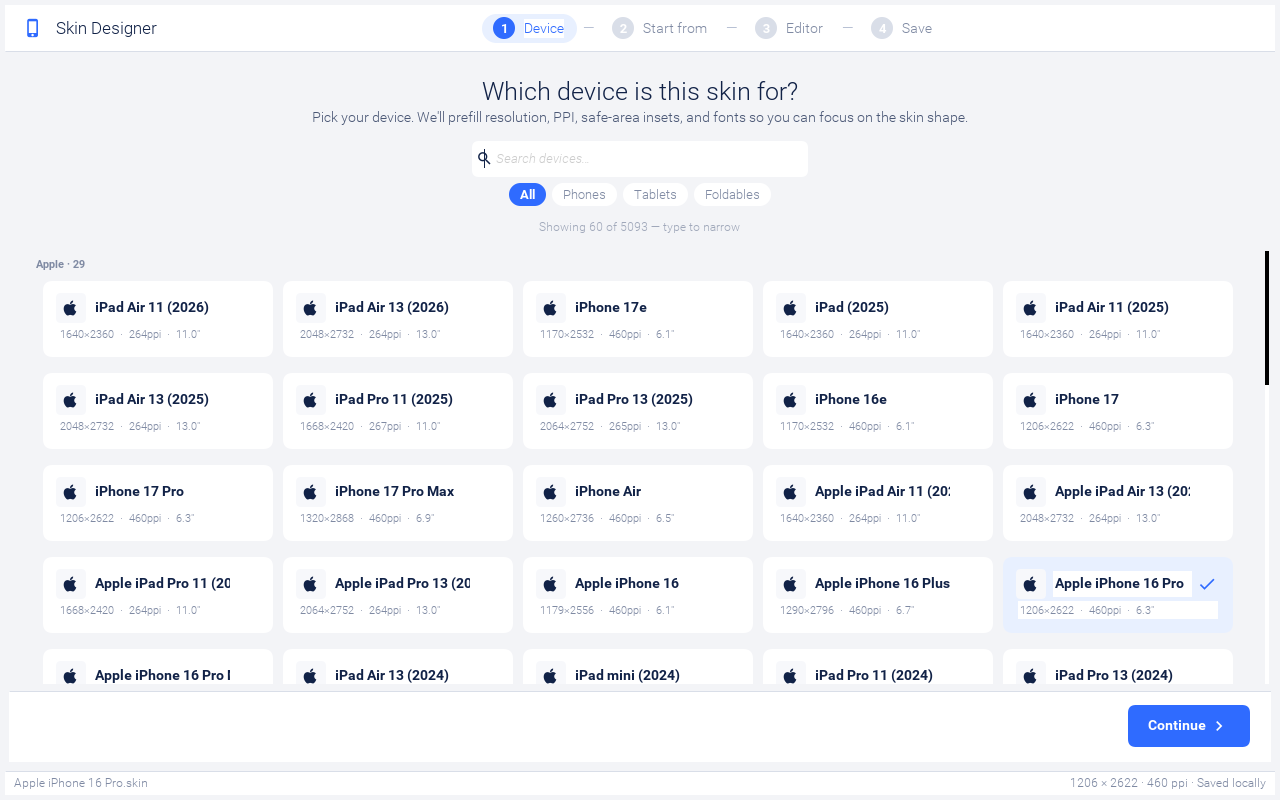
The first step shows a card per device from the bundled catalog. Use the search box to filter by name (it matches both the model and the brand) and the chips below to narrow by form factor: All / Phones / Tablets / Foldables. Tapping a card selects the device and enables the Continue button in the footer.
Picking a device pulls in its resolution, PPI, screen size, default safe-area insets, and the iOS / Android system font names from the device catalog, then seeds a sensible starting frame: notch, island, or hole presets are applied automatically based on the device’s hardware.
The catalog is large. The grid is capped to the most recent
matches by default; type into the search field to find older or
less-common devices. The Showing X of Y hint between the chips and
the grid tells you when you’re looking at a clamped subset. |
121.2. Stage 2 — pick a starting source
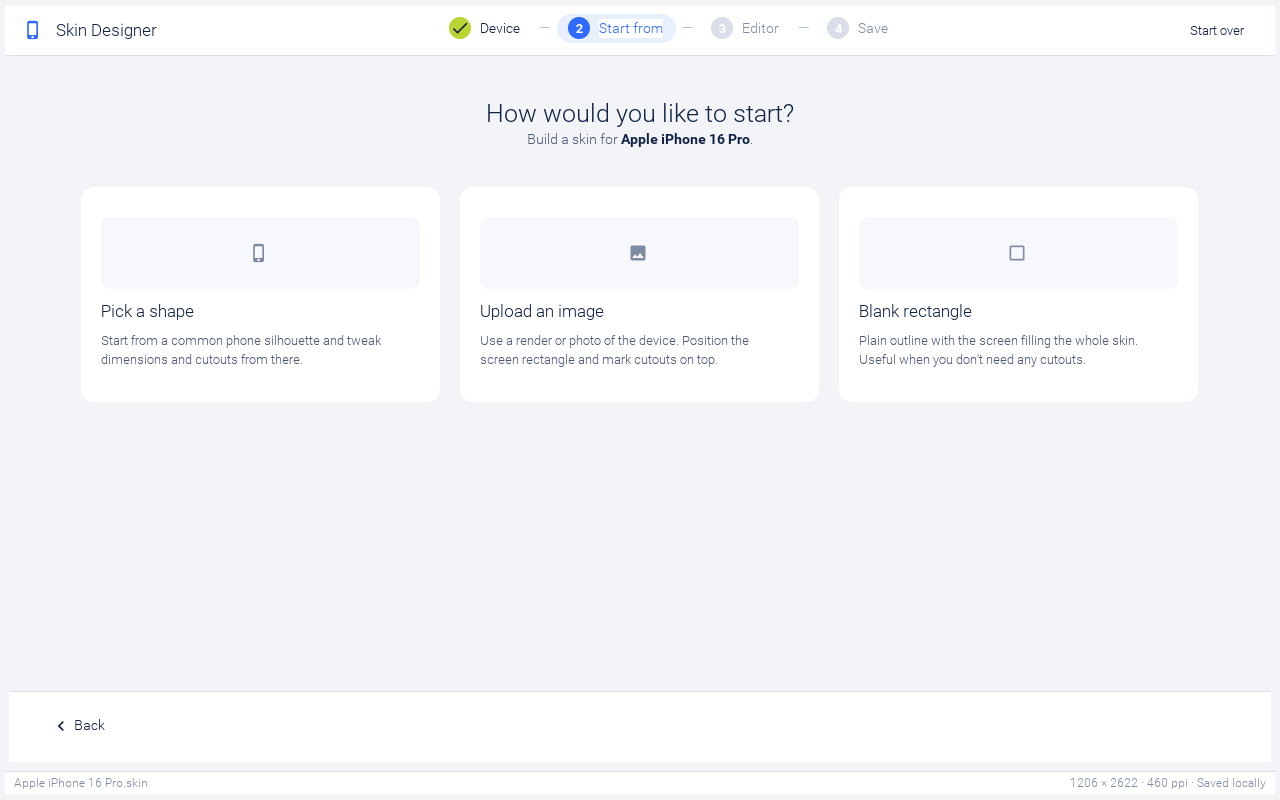
Three ways exist to seed the skin’s body image:
Pick a shape — generates the device frame procedurally from a small preset library (rounded rect, notch, dynamic island, punch-hole, corner hole, classic home-button). The frame is rendered as a dark gradient with the screen rect (and any cutouts) carved into it. Best when you want a generic-looking iPhone or Android frame and don’t care about exact hardware fidelity.
Upload an image — opens an image picker. The wizard scales the image into the device’s resolution, then carves the screen rect (and cutouts) on top. Use this when you have a marketing render of the specific device you’re targeting.
Blank rectangle — collapses the bezel and corner radius to almost nothing, drops every cutout, and turns the home indicator off. The screen fills the entire skin. Useful for desktop / web simulators where the device frame would just be visual noise.
Hover over a card on desktop to see the blue selection ring; click to advance to the editor.
121.3. Stage 3 — the editor
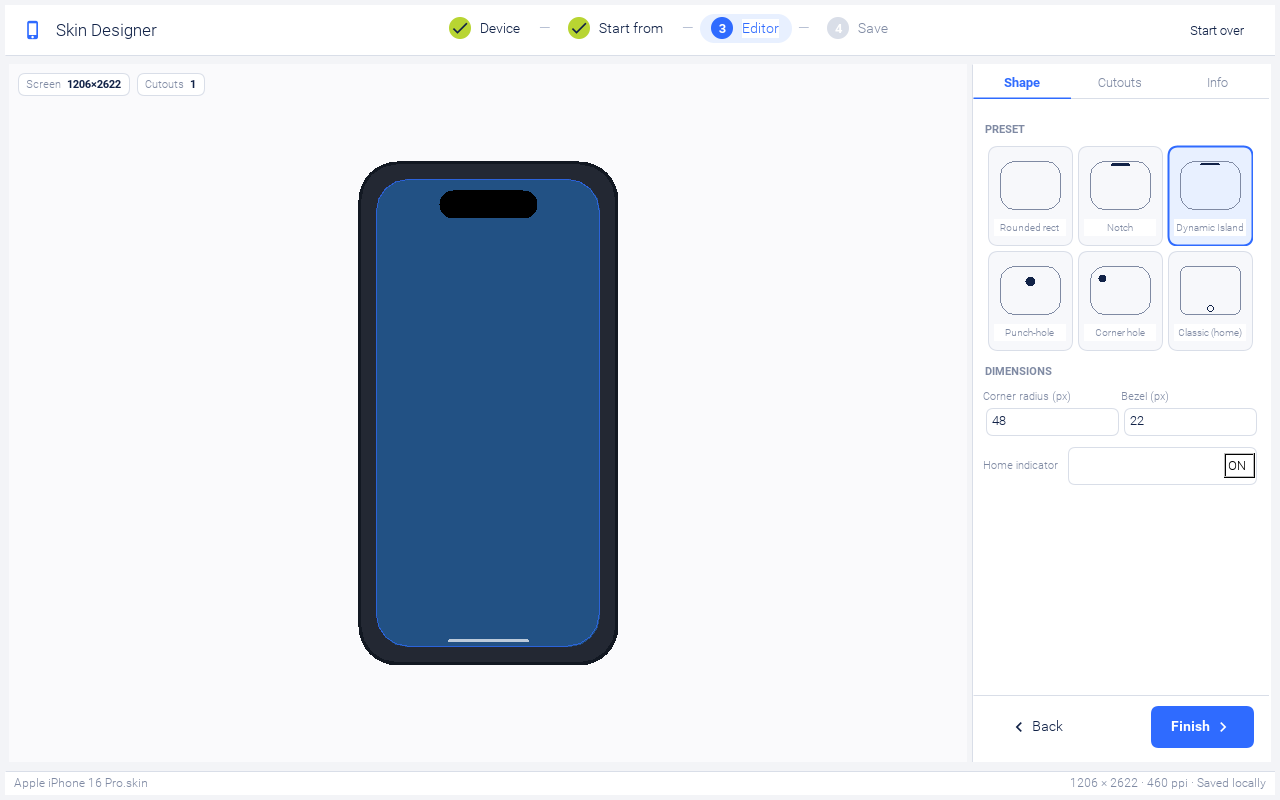
The editor is split into two panes: a live preview on the left that paints the device frame, screen tint, cutouts, and home indicator, and a sidebar on the right with three tabs.
121.3.1. Shape tab
When you started from Pick a shape, the Shape tab shows a preset grid (Rounded rect / Notch / Dynamic Island / Punch-hole / Corner hole / Classic home) and dimension fields:
Corner radius — the device’s outer corner radius in viewbox pixels (the design uses a 320 × 620 viewbox; the actual skin image is scaled to the device’s resolution).
Bezel — frame thickness in viewbox pixels. The screen rect is positioned at
(bezel, bezel)inside the skin image.Home indicator — toggles the lime pill drawn at the bottom edge. iPhones from X onward and most modern Androids should leave this on; classic devices with a hardware home button should turn it off.
When you started from Upload an image, the Shape tab swaps the preset grid for a Replace image button so you can swap the body image without restarting the wizard.
121.3.2. Cutouts tab
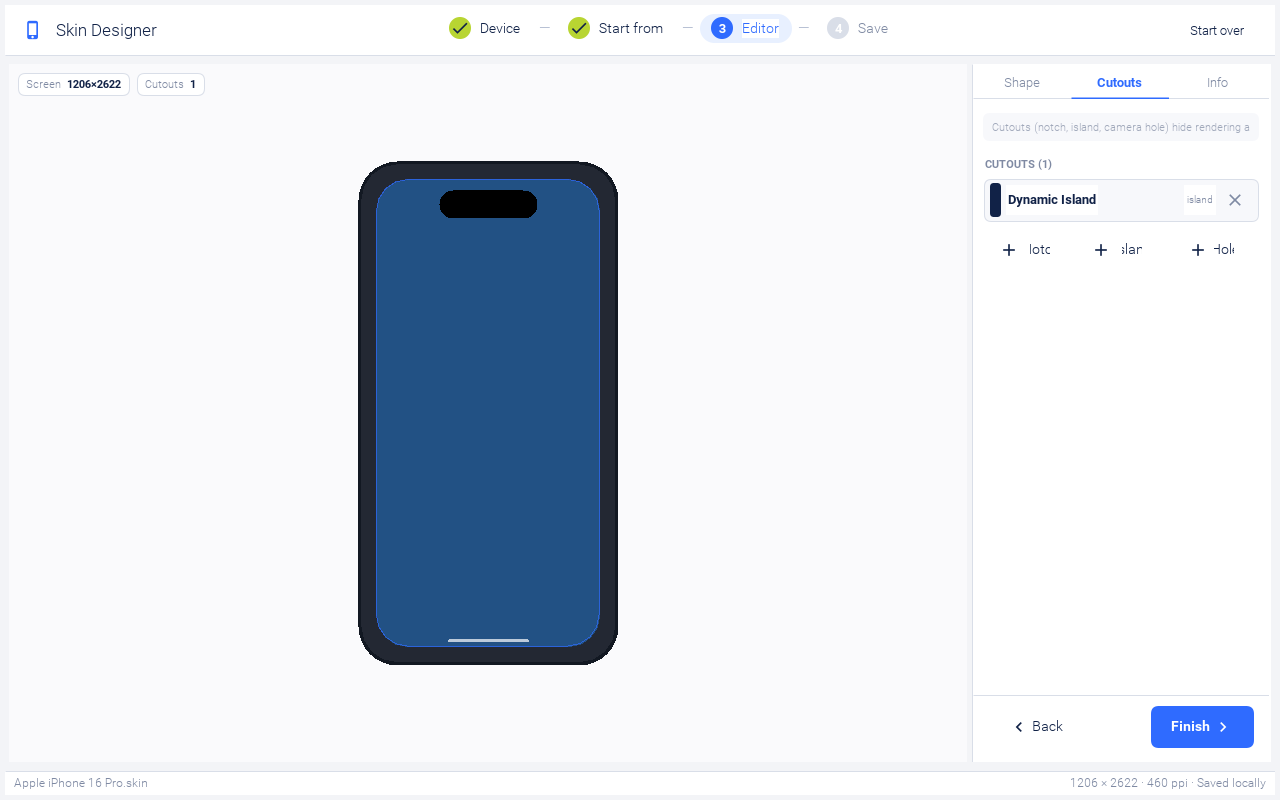
The Cutouts tab lists every cutout currently on the skin. Tap a row to expand its width / height / offset fields; the X button on the right removes it. The three add buttons at the bottom seed a sensible default of each type:
Notch (180 × 30 viewbox px) — the iPhone X / 11 / 12 / 13 hardware cutout. Drawn as an opaque shape hanging from the top edge inside the screen rect, square at the top and rounded at the bottom, because that’s where it sits on the hardware: an iPhone 13 Pro Max reports 1284 × 2778 pixels and the notch eats into the top of that rectangle.
Island (120 × 35) — Dynamic Island. Software-reserved space rendered as an opaque pill inside the screen rect, floating on top of the iOS status bar.
Hole (28 × 28) — Android punch-hole camera. Rendered like the island: opaque circle inside the screen rect.
Offsets are relative to the top-center of the screen, in viewbox
pixels. For islands and holes, Offset Y is the gap between the
cutout’s top edge and the screen top. For notches, Offset Y is
ignored, because a notch is anchored to the screen’s top edge.
The wizard also writes each cutout’s rectangle into the cutouts
property. The simulator drops pointer events that land inside one, so a
click on an opaque notch or island can’t reach app content hidden
underneath it, the way the hardware cutout can’t be touched at all.
When the wizard generates the .skin file, it
automatically pushes safePortraitY down to the lowest cutout edge
whenever that sits below the platform’s own status-bar inset, so app
content lands below the shape instead of underneath it. You don’t
need to adjust the safe area for a cutout yourself; only adjust it
if you want extra padding above your title bar. |
121.3.3. Info tab
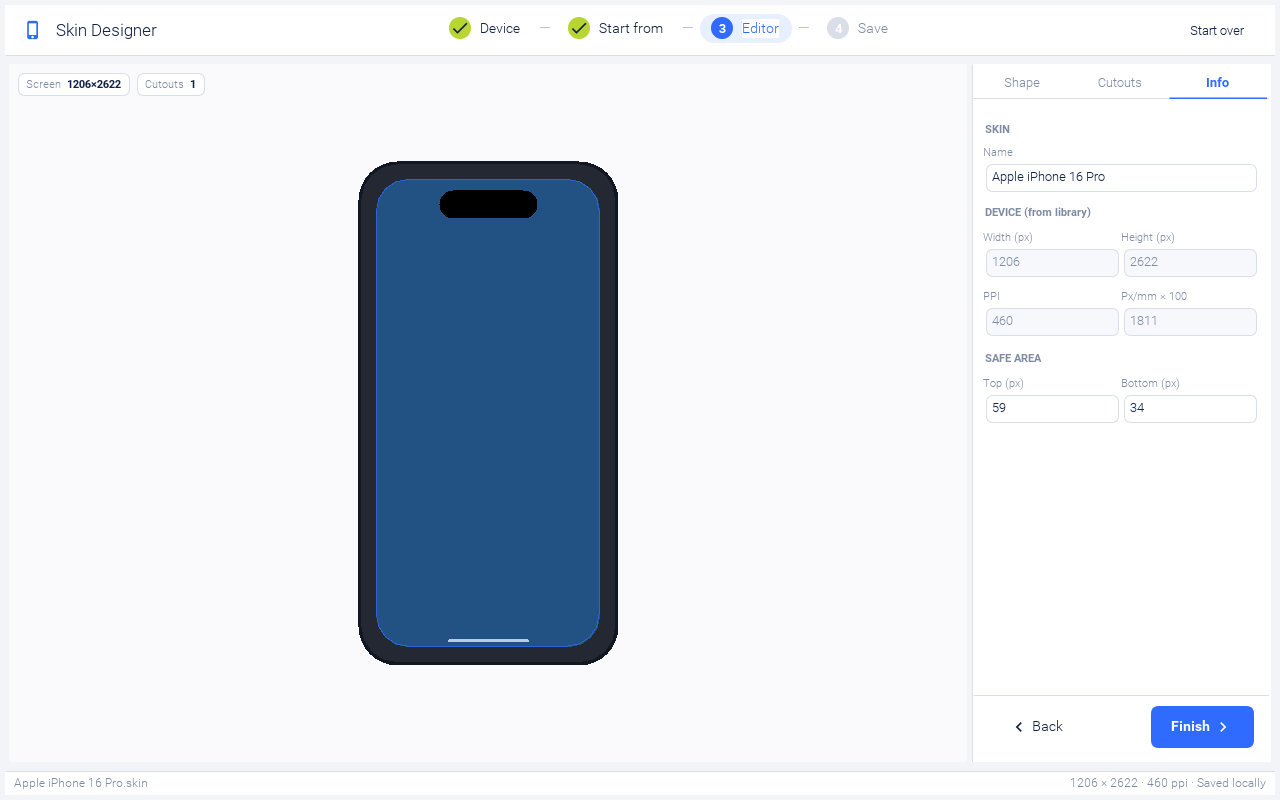
The Info tab is mostly read-only and shows what’s about to be
written into skin.properties:
Name — the only editable field. Determines the saved file name (sanitised: spaces become hyphens, special characters dropped, appended with
.skin).Width / Height — display resolution from the device catalog.
PPI / Pixels per millimeter — the simulator uses
pixelMilliRatio = ppi / 25.4to derive font sizes when none are specified in the skin.Safe area Top / Bottom — the user-editable safe-area insets, in the density-independent units the platform vendors publish: points on iOS, dp on Android. A notched iPhone reserves 47pt at the top and 34pt at the bottom, a Dynamic Island iPhone 59pt and 34pt, and an iPad 24pt on both edges. The wizard multiplies them by the device’s density scale to get the display-relative pixel insets it writes into
skin.properties, so the same 47 is correct on every notched iPhone regardless of resolution.
121.4. Stage 4 — finish and download
Clicking Finish in the editor’s footer:
Renders the portrait skin image (
skin.png) at the device’s actual resolution plus the bezel on all four sides, with rounded corners, a transparent screen, opaque cutouts painted on that screen, and a home indicator if enabled.Synthesises the landscape skin (
skin_l.png) by 90° rotation.Writes
skin_map.png/skin_map_l.pngoverlays that mark the screen rectangle for the simulator’s screen-position detection.Bundles the appropriate native theme (
iOS7Theme.res,android_holo_light.res, orwinTheme.res) inside the skin zip.Writes
skin.propertieswithroundScreen=true,displayX/Y/Width/Height,safePortrait*/safeLandscape*,cutouts, the platform name, override names, fonts, and PPI.
Clicking Download skin on the done page hands the file to the browser’s download dialog. The button is the only reliable trigger because the browser’s user-gesture window expires during the heavy image-generation step that Finish runs.
After the file is on disk, drop it into your simulator’s skins folder (or use the Add command in the simulator’s Skins menu) and your new device should appear in the picker.
121.5. File layout of a generated skin
A generated .skin is just a renamed zip. Unzip it to see the
layout:
Apple-iPhone-16-Pro.skin/
skin.png # portrait body (device frame + transparent screen + cutouts)
skin_l.png # 90° rotated portrait
skin_map.png # black rect = screen, white = frame, used for hit-testing
skin_map_l.png # rotated map
iOS7Theme.res # bundled native theme (or android_holo_light.res / winTheme.res)
skin.properties # platform metadata, safe-area, PPI, display rectThe skin.properties file is a normal Java .properties. The most
important keys the wizard writes:
touch=true
platformName=ios
tablet=false
ppi=460
pixelRatio=18.110236220472443
# roundScreen=true makes the simulator paint skin.png *over* the rendered
# UI rather than clipping the UI to non-frame pixels. That overlay step is
# what makes the Dynamic Island / punch-hole shapes appear "floating" on
# top of the iOS status bar instead of being carved out of the display.
roundScreen=true
displayX=151
displayY=151
displayWidth=1206
displayHeight=2622
# The cutouts the skin paints on the screen, as display-relative
# x,y,w,h rectangles separated by ";". The simulator drops pointer events
# inside them, so a click on the opaque island cannot reach app content
# hidden underneath. A skin that omits this key keeps every cutout
# clickable.
cutouts=377,53,452,132
# Safe area in display-relative coordinates (origin = screen top-left),
# in PIXELS. The Info tab's Top/Bottom fields are points (iOS) or dp
# (Android); the wizard multiplies them by the device's density scale.
# Here the Dynamic Island's bottom edge sits below the 59pt status-bar
# inset, so it is the island that sets safePortraitY.
safePortraitX=0
safePortraitY=185
safePortraitWidth=1206
safePortraitHeight=2335
# skin_l.png is skin.png rotated clockwise, so the portrait TOP inset lands
# on the landscape RIGHT edge. X therefore carries the BOTTOM inset (34pt x
# 3), and the 185px island inset is what is left on the right.
safeLandscapeX=102
safeLandscapeY=0
safeLandscapeWidth=2335
safeLandscapeHeight=1206
# These get composed by overrideNames(device) — they let users layer
# device-specific styling on top of the platform theme via
# UIManager.addThemeProps()-style theme inheritance.
overrideNames=phone,ios,iphone
systemFontFamily=SF Pro
proportionalFontFamily=SF Pro
monospaceFontFamily=SF MonoThe wizard intentionally does not write smallFontSize,
mediumFontSize, or largeFontSize. When those are absent the
simulator automatically derives them from pixelMilliRatio (med = round(2.6
* ppmm), sm = 2 * ppmm, la = 3.3 * ppmm), which is what you
want on high-PPI screens. Writing iOS-style point values (12 / 15 /
22) into the file used to make text render at sub-millimeter sizes
on a 460 PPI device. |
Appendices
122. Promises
com.codename1.util.promise.Promise is an implementation of the JavaScript
promise for Codename One. It exists to compose asynchronous work without
nesting a callback inside a callback inside a callback: each step is a value you
can hand around, chain onto and combine with others.
Two method names differ from the JavaScript originals, because catch and
finally are Java keywords. except takes the place of catch. always runs
for either outcome, but it isn’t a finally: it’s implemented as
then(f, f), so whatever the functor returns becomes the value of the promise
always hands back. Returning null after a rejection resolves the rest of the
chain instead of keeping it rejected, and returning null after a success
replaces the value. Returning the incoming value keeps a
successful chain unchanged, but it doesn’t preserve a rejection: any non-promise
return is treated as a result, so returning the Throwable fulfils the chain
with it. To stay rejected you have to throw, because processThens
catches what a functor throws and rejects with it — but Functor.call declares
no checked exceptions, so a checked reason can’t simply be rethrown. Wrap it, as
throw new RuntimeException(err), or return a promise you rejected with the
original reason, whose state the chain adopts.
122.1. Creating and consuming one
The constructor takes an ExecutorFunction, which receives the two functions
that settle the promise. It runs immediately, on the calling thread:
Promise<String> greeting = new Promise<>((resolve, reject) -> {
// called once, on whatever thread you start the work from
Log.p("working");
resolve.call("hello");
});
// ready() attaches both callbacks to this promise. Chaining
// onSuccess().onFail() instead would attach the failure handler to the
// promise onSuccess returns, which has already put the default casting
// rejection functor in the way
greeting.ready(
value -> Log.p(value),
err -> Log.e(err));Resolution is marshalled for you. resolve and reject check whether they’re
on the EDT and hand themselves to callSerially when they aren’t, so the
callbacks you attach always run on the EDT and can touch the UI directly. That
is worth contrasting with EasyThread, whose result callback stays on the
worker thread.
122.2. Chaining
There are two families of callback and the difference is what they return.
then, except and always take a Functor, whose return value becomes the
input of the next step — that’s what makes a chain a pipeline. onSuccess,
onFail and onComplete take a SuccessCallback instead, which returns
nothing, so they suit the end of a chain where there is no value to pass on.
Attach both outcomes with ready(success, failure) rather than chaining
onSuccess(…).onFail(…): the second form hangs the failure handler off the
promise onSuccess returns, one link further down the chain than the promise
whose failure you meant to catch:
// then() pipes the return value of one step into the next, so each
// Functor has to return something
Promise<String> name = Promise.resolve("ada");
name.then(
n -> ((String)n).toUpperCase(),
// a rejection functor is optional -- omit it and the reason
// passes through untouched to the next handler. Supply one, as
// here, and it has to rethrow: anything RETURNED from it
// RESOLVES the rest of the chain, so returning null would run
// the steps below on a failure. Functor.call declares no
// checked exception, hence the wrap
err -> { throw new RuntimeException((Throwable)err); })
.then(upper -> "Hello " + upper)
.ready(
msg -> Log.p((String)msg),
err -> Log.e((Throwable)err));getState() reports Pending, Fulfilled or Rejected, and getValue()
returns the resolved value once there is one.
A then given only a success functor passes a rejection straight through to the
promise it returns, carrying the original reason, so an IOException from a
network call arrives at your except as that IOException. The success functor
is skipped for a rejected promise, which is why a chain can end in a single
except rather than handling failure at every link.
122.3. Combining several
all and allSettled both take a varargs list of promises and return one
promise, and they differ in how they treat a failure:
Promise<String> a = Promise.resolve("one");
Promise<String> b = Promise.resolve("two");
// all() rejects the moment any input rejects
Promise.all(a, b).onSuccess(values -> Log.p("both arrived"));
// allSettled() waits for every input whatever the outcome
Promise.allSettled(a, b).onSuccess(results -> Log.p("all finished"));all rejects as soon as any input rejects, so it fits work where one failure
makes the rest pointless. Don’t depend on which error you get when several
inputs fail. A handler attached before the rejections arrive is drained by the
first one, while a handler attached afterward reads the stored error, which
each later rejection overwrites. allSettled waits for every input whatever happens to
each, which fits independent tasks. It resolves with the original array of
promises rather than a list of outcome descriptors, so inspect each one with
getState() and getValue(). There’s no getter for a rejected promise’s error,
so attach a failure handler to an input if you need to see why it failed.
122.4. Working with AsyncResource
Much of the framework returns AsyncResource rather than a promise, and the
conversion goes both ways:
// an AsyncResource-returning API becomes a Promise
Promise<String> p = Promise.promisify(asyncCall());
// and back again, for an API that expects AsyncResource
com.codename1.util.AsyncResource<String> back = p.asAsyncResource();
// await() blocks with invokeAndBlock, so it is safe on the EDT; it
// throws AsyncResource.AsyncExecutionException if the promise rejected
String value = p.await();
Log.p(value + back.getClass().getName());await() is the blocking form. It waits through invokeAndBlock, so calling it
on the EDT doesn’t freeze the UI, and it throws
AsyncResource.AsyncExecutionException when the promise rejected.
A promise from promisify never settles if the underlying
AsyncResource is cancelled after promisify registered on it.
AsyncResource.cancel records the cancellation and notifies its observers
without running that callback, so the promise stays Pending and an await()
waits forever. A resource already cancelled beforehand is fine: registering on a
resource that has finished with an error fires the callback straight away.
Don’t await a promise wrapping a resource something else can cancel. |
123. Plugins
A plugin lets a library take over a framework call before the platform sees it.
com.codename1.plugin.Plugin is the hook, PluginSupport is the registry, and
the calls that can be intercepted announce themselves by firing a PluginEvent.
123.1. Writing one
Plugin extends ActionListener<PluginEvent> and adds nothing, so a plugin is
one actionPerformed method that receives every event fired while it’s
registered. Check the event type, answer through
setPluginEventResponse, and call consume() to say the framework should use
your answer:
class GalleryPlugin implements Plugin {
public void actionPerformed(PluginEvent evt) {
if (evt instanceof IsGalleryTypeSupportedEvent) {
IsGalleryTypeSupportedEvent e = (IsGalleryTypeSupportedEvent)evt;
if (e.getType() == Display.GALLERY_VIDEO) {
// answer instead of the platform, and stop the dispatch
e.setPluginEventResponse(Boolean.TRUE);
e.consume();
}
}
}
}Consuming is what makes the interception happen. Display.isGalleryTypeSupported
fires the event, and when it comes back consumed it returns
getPluginEventResponse() rather than asking the platform. Leave the event
alone and the platform answers as usual, so a plugin that recognizes nothing
costs only the call.
123.2. Registering
The registry is a single instance reachable from CN:
PluginSupport support = CN.getPluginSupport();
Plugin p = new GalleryPlugin();
support.registerPlugin(p);
// ... later, when the plugin should stop taking part
support.deregisterPlugin(p);firePluginEvent copies the plugin list under a lock and walks the copy,
checking isConsumed() before each plugin. The first consumer therefore ends
the dispatch, and plugins registered after it never see that event. Registering
and deregistering during dispatch is safe, because the copy is what’s being
walked.
123.3. What can be intercepted
Two events exist today, both fired by Display around the gallery:
IsGalleryTypeSupportedEventis aPluginEvent<Boolean>carrying the gallery type. Answer it to claim support for a type the platform doesn’t offer.OpenGalleryEventis aPluginEvent<Void>carrying the type and theActionListenerwaiting for the result. Consume it to open your own picker and call that listener yourself.
The mechanism is general — PluginEvent is public and firePluginEvent takes
any subclass — so the set of interception points grows as the framework fires
more of them.
Appendix A: Project archetypes
A.1. Codename One application project archetype (cn1app-archetype)
The cn1app-archetype is the basis for all Maven Codename One application projects. Two properties choose the shape of the project it generates:
platformModulesThe platform modules to generate. The default,
none, is the minimal layout: the rootpom.xmland thecommonmodule, and nothing else.allgenerates a module for each platform (javase,android,ios,javascript,winandlinux), and a comma-separated list such asjavase,androidgenerates just those.projectTypeapp(the default),app-with-backend, which adds thebackendmodule (see the backend chapter), orbackend-only, which generates a server on its own: a single module at the root with no application.
-DplatformModules=all -DprojectType=app-with-backend generates the full multi-module layout.
A.1.1. Projects without platform modules
The platform modules are optional. When a platform has no module, the common module builds it: ./build.sh android and mvn package -Dcodename1.platform=android work the same with or without an android module, and so do the simulator, the desktop app and the unit tests. A platform has a module of its own exactly when <platform>/pom.xml exists, so you can add one later, for example to give that platform its own build plugins or dependencies, and from then on the module builds that platform instead of common.
Native interface implementations live in the same directories either way. mvn cn1:generate-native-interfaces creates android/src/main/java, ios/src/main/objectivec, javase/src/main/java and the others as needed, without a pom.xml, and the build picks them up from there. The Java SE implementations are compiled into common/target/cn1-javase/classes, apart from the application’s own classes, so they never reach a device build.
A project without a javase module keeps the desktop app’s native theme in common/src/desktop/resources. mvn package -Pexecutable-jar -Dcodename1.platform=javase writes the desktop jar to common/target.
A.1.2. Backend-only projects
A project generated with -DprojectType=backend-only is a server and nothing else: a pom.xml, application.properties and the sources under src/main/java, all at the root. The commands drop the module and the profile:
./mvnw cn1:backend # run it on this JVM ./mvnw cn1:backend-package # build the native binary
See Getting Started with the Bare-Bones Java App Template for details on using this archetype.
Also see Section 2.2.2.2.2, “Bare-bones Java project” for an example using this archetype from the command-line to create a bare-bones Java project.
A.2. Codename One library project archetype (cn1lib-archetype)
The cn1lib-archetype provides a project for building Codename One libraries. See Section 2.5, “Codename One libraries” for details on using this archetype.
Appendix B: Maven goals
B.1. Codename One build (build)
The build goal is used to send builds to the Codename One build server. It also supports a few local build targets, such as ios-source, which generates an Xcode project, and android-source which generates an Android Gradle project.
This goal is bound to the package phase of the Section A.1, “Codename One application project archetype (cn1app-archetype)”, so you don’t need to run this directly.
B.1.1. Example
mvn cn1:build -Dcodename1.platform=javase -Dcodename1.buildTarget=mac-os-x-desktopB.1.2. Properties
- codename1.platform
Specifies the platform to build for. Values include Java SE, android, ios, JavaScript, and win.
- codename1.buildTarget
The build target. Different platforms support different build sets of build targets.
Build Target Platform Description mac-os-x-desktop
Java SE
Sends a Mac desktop build to the Codename One build server.
windows-desktop
Java SE
Sends a Windows desktop build to the Codename One build server.
android-device
android
Sends an Android build to the Codename One build server.
android-source
android
Generates an Android Gradle project locally that can be opened and built in Android Studio.
ios-device
ios
Sends an iOS build to the Codename One build server.
ios-source
ios
Generates an iOS Xcode project locally that can be opened and built in Xcode.
JavaScript
JavaScript
Sends a JavaScript build to the Codename One build server.
- automated
Set to
trueto submit build as an automated build. When using this flag, the goal will wait for the build server to complete the build, then download it and save it in the target directory (of the associated module) using standard maven artifact file naming conventions. This allows you to set up automated CI workflows more.Default value is
false.Requires a Codename One enterprise subscription.
- open
If set to
true, this will automatically open the generated Gradle or Xcode project in Android studio or Xcode. Only applicable to theios-sourceandandroid-sourcebuildTargets.Default is
false
B.2. Generate legacy cn1lib (cn1lib)
This goal generates a legacy.cn1lib file. It’s bound to the package phase of cn1lib-archetype projects so you will never need to run this goal directly.
B.2.1. Output location
This will output the cn1lib file inside the common/target directory of the root multimodule maven project.
B.3. Compliance check (compliance-check)
Checks API usage in the project’s "common" module to ensure that it doesn’t use any classes or methods that aren’t supported by Codename One.
This goal is bound to the process-classes phase of both Section A.1, “Codename One application project archetype (cn1app-archetype)” projects and Section A.2, “Codename One library project archetype (cn1lib-archetype)” projects, so you shouldn’t ever need to run this goal directly.
B.4. Compile CSS (css)
Compiles the project’s CSS files, generating a theme.res file which is placed in the build/classes directory.
The compiler runs without a window or a display, so the goal works unchanged over SSH, in a container, and on a continuous integration server. When a style has no native equivalent in Codename One, the compiler paints the image for it during this goal and stores it in theme.res. Local stylesheets named by @import are inlined into the result. See Border and Splitting a stylesheet with @import in the CSS chapter.
This goal is bound to the process-classes phase of Section A.1, “Codename One application project archetype (cn1app-archetype)” projects, so you shouldn’t need to run this goal directly.
B.5. Generate app project (generate-app-project)
Generates a Maven project using the Section A.1, “Codename One application project archetype (cn1app-archetype)” as a basis, and applying an optional project template. This goal can also be used to migrate legacy Codename One Ant-based Application projects into maven.
B.5.1. Usage example
This goal shouldn’t be run inside an existing Maven project directory. It will output a project into a directory named after the artifactId parameter.
Because there is no existing project, you will need to provide the full maven path to the goal:
mvn com.codenameone:codenameone-maven-plugin:$CN1VERSION:generate-app-project \
-DsourceProject=/path/to/my/ProjectTemplate \
-DgroupId=com.example \
-DartifactId=myapp \
-Dcn1Version=$CN1VERSIONSubstitute the latest Codename One plugin version, listed as <release> in the repository metadata, for the $CN1VERSION in the above example. Because this goal runs outside any project, Maven can only find that version if you have configured the Codename One repository in your Maven settings; see the Configuring the Codename One repository section of Creating a new project. |
| This command is formatted for the bash prompt (for example, Linux or Mac). It will work on Windows also if you use bash. If you’re on Windows and are using PowerShell or the regular command prompt, then you’ll need to modify the command slightly. In particular, the entire command would need to be on a single line. (Remove the '\' at the end of each line, and merge lines together, with space between the command-line flags) |
In the above example, assuming all went well, it would output your project into a directory named myapp.
B.5.2. Parameters
- cn1Version
The Codename One version that you want to use for the project. This will be manifested as the
cn1.versionandcn1.plugin.versionproperties in the common/pom.xml file of the generated project. If omitted it will default to the cn1Version that’s hard-coded in the cn1app-archetype artifact.- sourceProject
The path to an optional project template to use. This may be either a legacy Ant project, or a Maven project that follows the structure of Section A.1, “Codename One application project archetype (cn1app-archetype)”.
- artifactId
The
artifactIdto use for the new project.- groupId
The
groupIdto use for the new project.- version
The
versionto use for the new project. Optional.Default value is "1.0-SNAPSHOT"
- packageName
The package name to use for the new project.
This is necessary if the
sourceProjectproperty is a Maven project. If thesourceProjectis a legacy Ant project, then this property is ignored.- mainName
The main class name to use for the new project.
This is necessary if the
sourceProjectproperty is a Maven project. If thesourceProjectis a legacy Ant project, then this property is ignored.
B.5.3. Migrating legacy Ant projects into Maven
When providing an Ant-based Codename One application project as the sourceProject parameter, this goal will generate an equivalent Maven project to the Ant project, with the same settings and sources.
See Section 2.2.3, “Migrating an existing project” for examples using this goal to migrate an existing project into Maven.
B.5.4. Project templates
When using a Section A.1, “Codename One application project archetype (cn1app-archetype)” maven project as the sourceProject parameter, the project will be treated project template, and perform some basic processing of the source files as necessary convert the template into a real project. This includes replacing all occurrences of ${mainName} and ${packageName} in project sources with the value of the mainName and packageName parameters provided on the command-line.
Any occurrences of mainName and packagePath in file or directory names will be swapped with the values of mainName and packagePath (which is automatically derived from packageName by substituting '.' with file separators).
The generate-app-project.rpf file
The (optional) secret sauce that differentiates a regular Maven project from a Maven project template is the existence of a generate-app-project.rpf file in the root project directory. This file is in rich property file format, and allows you to define a minimal amount of configuration details that the generate-app-project goal needs to convert the template into a real project.
This file may contain the following properties:
- template.mainName
The name of the main class that’s used in this project. This property isn’t required if the project is already using the
mainNameplaceholder in the file name that contains the main class, and the${mainName}placeholder in any source code referring to the main class.Often times it’s easier to specify this property here rather than injecting placeholders into the template source base, because that way the template itself can be used as a valid project.
- template.packageName
The package name for the app. This property isn’t required if the project is already using the
packagePathplaceholder in directories containing your main package files, and the${packageName}placeholder in any source code that refers to the main package.Often times it’s easier to specify this property here rather than injecting placeholders into the template source base, because that way the template itself can be used as a valid project.
- template.type
Either
mavenorant, depending on the project type.- dependencies
An XML snippet containing any more Maven dependencies that should be added to the project. This is handy of the project template relies on other cn1libs that are on Maven central.
Sample generate-app-project.rpf file
template.mainName=MyApp
template.packageName=com.example
template.type=maven
[dependencies]
====
<dependency>
<groupId>com.codenameone</groupId>
<artifactId>googlemaps-lib</artifactId>
<version>1.0.1</version>
<type>pom</type>
</dependency>
====B.5.5. Sample: The bare-bones Kotlin app project
As a fuller example of a project template, see the generate-app-project.rpf file in the bare-bones Kotlin app template.
This is the template that’s used in Codename One initializr for the Bare-bones Kotlin project.
B.6. Clone project (clone)
Clones the current project as a new project with a different groupId, artifactId, packageName, and mainName. Resulting project will be made available in the common/target/generated-sources/cn1-cloned-projects directory.
B.6.1. Usage example
mvn cn1:clone \
-DgroupId=com.example.newgroup \
-DartifactId=newapp \| This command is formatted for the bash prompt (for example, Linux or Mac). It will work on Windows also if you use bash. If you’re on Windows and are using PowerShell or the regular command prompt, then you’ll need to modify the command slightly. In particular, the entire command would need to be on a single line. (Remove the '\' at the end of each line, and merge lines together, with space between the command-line flags) |
In the above example, assuming all went well, it would output your project into a directory named myapp.
B.6.2. Parameters
- artifactId
The
artifactIdto use for the cloned project.- groupId
The
groupIdto use for the cloned project.
B.7. Create GUI Form (create-gui-form)
The create-gui-form goal will generate a GUI form that can be edited in the GUI builder.
Basic Usage Example
mvn cn1:create-gui-form -DclassName=com.example.MyFormThe above example will generate a GUIBuilder form with the provided class name. It effectively generates two files:
common/src/main/guibuilder/com/example/MyForm.guicommon/src/main/java/com/example/MyForm.java
| The paths above assume that this goal was run from the root multimodule maven project. If it were run inside the "common" submodule, then the files would be generated in the "src/main/…" directory of that module. (It would try to create yet another "common" submodule). See Project Structure. |
You can then open the GUI builder to edit this form using the cn1:guibuilder goal:
mvn cn1:guibuilder -DclassName=com.example.MyFormB.7.1. Parameters
- className
(Required) The class name of the form that you wish to generate. E.g
com.example.MyForm.- guiType
The kind of GUI component to generate. Supports
Form,Dialog, andContainer. Default value is "Form"- autoLayout
Whether to use autolayout. This is boolean (true/false), and the default value is
true.
B.8. Generate cn1lib project (generate-cn1lib-project)
Generates a Maven cn1lib project (using the cn1lib-archetype) given an ANT cn1lib project as a template.
This is to assist in migrating Ant projects to Maven projects. This won’t make any changes to the source Ant project. It generates a new project using the Section A.2, “Codename One library project archetype (cn1lib-archetype)” and copies all files and configuration from the source project, into the new project.
B.8.1. Usage example
| This goal isn’t run in an existing maven project directory, so you need to include the absolute Maven coordinates for the goal. |
Suppose you have an Ant Codename One library project at /path/to/MyLegacyAntLibraryProject and you want to convert it to a Maven project.
You can run the generate-cn1lib-project goal as follows:
mvn com.codenameone:codenameone-maven-plugin:$CN1VERSION:generate-cn1lib-project \
-DsourceProject=/path/to/MyLegacyAntLibraryProject \
-DgroupId=com.example \
-DartifactId=my-maven-lib \
-Dversion=1.0-SNAPSHOT \
-UMake sure you substitute the latest codenameone-maven-plugin version, listed as <release> in the repository metadata, for the $CN1VERSION in this command. Because this goal runs outside any project, Maven can only find that version if you have configured the Codename One repository in your Maven settings; see the Configuring the Codename One repository section of Creating a new project. |
Some notes about this command as shown above:
This command is formatted for Unix/Mac on multiple lines, using the
\character to escape the new-lines. On Windows the command will need to be all one line, and you should omit those\escape characters.The
-Uflag tells Maven to update its catalogs to ensure that it can find the$CN1VERSIONthat you specify.
If all goes well, you should find a new maven project generated in the "your-maven-lib" directory (named after the artifactId that you specified).
To test that the project was generated successfully, try opening the resulting project in your IDE or run its "install" goal on the command-line.
For example:
cd my-maven-lib
mvn installAfter running the "install" command, you should be able to add your library as a dependency to a Section A.1, “Codename One application project archetype (cn1app-archetype)” project using the following dependency:
<dependency>
<groupId>com.example</groupId>
<artifactId>my-maven-lib-lib</artifactId>
<version>1.0-SNAPSHOT</version>
<type>pom</type>
</dependency>Notice that the artifactId has an extra "-lib" appended. That is, it’s <artifactId>my-maven-lib-lib</artifactId> and not <artifactId>my-maven-lib</artifactId>. This is because the artifactId that you specify in the generate-cn1lib-project goal is used for the "root" module of the multimodule maven project. The actual "lib" project that you can use as a Maven dependency is the "lib" submodule, which uses the specified artifactId with a "-lib" suffix. |
See Section 2.5, “Codename One libraries” for more information about the resulting maven library project.
B.8.2. Properties
- sourceProject
The path to the legacy Ant project that you want to convert to a Maven project.
- groupId
The maven
groupIdto use for the resulting project.- artifactId
The maven
artifactIdto use for the resulting project.- version
The maven
versionto use for the resulting project. Default "1.0-SNAPSHOT"
B.9. Generate desktop app wrapper (generate-desktop-app-wrapper)
Generates the bootstrapping wrapper class for the Java SE desktop app. This is used by the Java SE module of Section A.1, “Codename One application project archetype (cn1app-archetype)” projects.
You shouldn’t need to call this goal directly.
B.10. Generate GUI sources (generate-gui-sources)
Generates Java sources from the Codename One GUI builder files. This goal is bound to the process-sources phase of Section A.1, “Codename One application project archetype (cn1app-archetype)” projects, so you should never need to run this goal explicitly.
B.11. Generate native interfaces (generate-native-interfaces)
Generates stub implementations for all native interfaces defined in the project. This won’t overwrite any existing implementations that may exist.
You should run this goal explicitly after you create a native interface in your class.
See the Codename One Developer guide section on native interfaces for more information on creating native interfaces.
B.11.1. Usage example
Suppose you’ve created a native interface as the Java interface com.mycompany.myapp.MyNative, as described in the example in native interfaces.
After creating this (and possibly other) native interfaces in your project, run the generate-native-interfaces Maven goal as follows:
mvn cn1:generate-native-interfacesBy default this generates Java/Objective-C stubs. You can optionally include Swift and Kotlin stubs (both off by default):
mvn cn1:generate-native-interfaces \
-Dcn1.generateNativeInterfaces.swift=true \
-Dcn1.generateNativeInterfaces.kotlin=trueThis will generate the following files (if they don’t exist yet).
- Java SE
javase/src/main/java/com/mycompany/myapp/MyNativeImpl.java- iOS
ios/src/main/objectivec/com_mycompany_myapp_MyNativeImpl.hios/src/main/objectivec/com_mycompany_myapp_MyNativeImpl.m
- Android
android/src/main/java/com/mycompany/myapp/MyNativeImpl.java- Android (optional Kotlin)
android/src/main/java/com/mycompany/myapp/MyNativeImpl.kt- JavaScript
javascript/src/main/javascript/com_mycompany_myapp_MyNative.js- iOS (optional Swift)
ios/src/main/objectivec/com_mycompany_myapp_MyNativeImpl.swift- Native Windows
win/src/main/c/com/mycompany/myapp/MyNativeImplCodenameOne.c- Native Linux
linux/src/main/c/com/mycompany/myapp/MyNativeImplCodenameOne.c
Open and edit these files to implement your native interface methods as desired.
A Gradle project runs the same generator as ./gradlew generateNativeInterfaces, and writes the stubs under src/<platform>/<lang> instead; see Section 3.5, “Native interfaces”.
B.12. Generate OpenAPI client (generate-openapi)
Generates a typed Codename One client from an OpenAPI 3.x JSON
specification. Writes one @Mapped record (Java 17+) or class (Java
8 target) per components.schemas entry and one
@RestClient-annotated interface per OpenAPI tag. The generated
files land in common/src/main/java so the project owns the
contract; the matching networking implementation is emitted into
common/target/generated-sources by the build-time annotation
processor so the project source stays clean.
The mojo is paired with the existing process-annotations pipeline:
identical schemas across operations collapse to one record/class, and
operationIds become interface methods that resolve at runtime via a
com.codename1.io.rest.RestClients registry populated by the generated
bootstrap class (the same splice pattern as @Mapped mappers).
B.12.1. Usage example
mvn -pl common cn1:generate-openapi \
-Dcn1.openapi.spec=petstore.json \
-Dcn1.openapi.basePackage=com.example.petstoreConfiguration:
| Property | Description |
|---|---|
| Local file path or URL of the OpenAPI 3.x JSON document, for example
|
| Java package the generated sources are written under. Records / classes
go under |
| Defaults to |
| Defaults to |
B.12.2. Generated output
The listings in this section are the goal’s own output, generated from a
Swagger Petstore specification cut down to the pet, store and user
tags. That spec is in the repository at
docs/demos/common/src/main/snippets/developer-guide/appendix-goal-generate-openapi-petstore.json,
so you can run the goal against it and compare. The committed copies carry a
license header and the tag:: markers this guide includes them by; strip
those two additions and the rest is exactly what the goal wrote.
One @RestClient interface per tag and one model per schema land under
common/src/main/java:
com/example/petstore/
PetApi.java // @RestClient interface, methods addPet, updatePet,
// findPetsByStatus, getPetById, deletePet
StoreApi.java // @RestClient interface, methods placeOrder,
// getOrderById, deleteOrder
UserApi.java // @RestClient interface, methods createUser,
// getUserByName
com/example/petstore/model/
Pet.java // @Mapped record (Java 17+) or class (Java 8)
Order.java
User.java
Category.javaTag.java is missing from that list on purpose. The Petstore declares
Tag and Category with the same two properties, and identical shapes
collapse to one record, so Pet.tags() comes back typed as a list of
Category. Give the two schemas different shapes if you want them to
stay separate classes.
Each @RestClient interface method is annotated with the HTTP verb
and path; parameters are annotated @Path / @Query / @Header /
@Body so the processor knows how to assemble the Rest call. The
emitted method shape:
@RestClient
public interface PetApi {
@POST("/pet")
void addPet(@Body com.example.petstore.model.Pet body, @Header("Authorization") String bearerToken, OnComplete<Response<com.example.petstore.model.Pet>> callback);
@PUT("/pet")
void updatePet(@Body com.example.petstore.model.Pet body, @Header("Authorization") String bearerToken, OnComplete<Response<com.example.petstore.model.Pet>> callback);
@GET("/pet/findByStatus")
void findPetsByStatus(@Query("status") String status, @Header("Authorization") String bearerToken, OnComplete<Response<java.util.List<com.example.petstore.model.Pet>>> callback);
@GET("/pet/{petId}")
void getPetById(@Path("petId") Long petId, @Header("Authorization") String bearerToken, OnComplete<Response<com.example.petstore.model.Pet>> callback);
@DELETE("/pet/{petId}")
void deletePet(@Path("petId") Long petId, @Header("Authorization") String bearerToken, OnComplete<Response<String>> callback);
static PetApi of(String baseUrl) {
return RestClients.create(PetApi.class, baseUrl);
}
}The model type referenced by the generated API is emitted into the generated model package:
@Mapped
public record Pet(@JsonProperty("id") Long id, @JsonProperty("name") String name, @JsonProperty("category") com.example.petstore.model.Category category, @JsonProperty("photoUrls") java.util.List<String> photoUrls, @JsonProperty("tags") java.util.List<com.example.petstore.model.Category> tags, @JsonProperty("status") String status) {}Model types are emitted as fully qualified names (the API interface
lives in <basePackage> and models under <basePackage>.model) so
the generator never needs to track imports or worry about
collisions between an API class name and a same-named model.
Call sites use the static factory:
void loadPet(String bearerToken) {
PetApi api = PetApi.of("https://petstore3.swagger.io/api/v3");
api.getPetById(10L, bearerToken, response -> {
// Two things have to be settled before the payload is a Pet.
// The generated impl passes null when the request never
// completed, and on an error status it forwards the raw
// Response<String> under this type -- so on that path
// getResponseData() is the error body, not a Pet, and
// touching it as one is a cast that does not throw on iOS.
if (response == null) {
ToastBar.showErrorMessage("The request did not complete");
} else if (response.getResponseCode() < 200 || response.getResponseCode() > 299) {
ToastBar.showErrorMessage(response.getResponseErrorMessage());
} else if (response.getResponseData() == null) {
ToastBar.showErrorMessage("The server returned no pet");
} else {
ToastBar.showInfoMessage(response.getResponseData().name());
}
});
}The call site here is written against the Java 17 output, where Pet
is a record. On a Java 8 target the generator emits a class with public
fields instead, so pet.name() becomes pet.name. |
The <Tag>ApiImpl class that actually performs the HTTP call lives
in target/generated-sources — the project source never references
it directly. The build server probes the project zip for the
generated cn1app.RestClientBootstrap and splices the registry
wiring in, mirroring the existing cn1app.MapperBootstrap pattern.
B.12.3. Scope
HTTP verbs:
GET,POST,PUT,DELETE,PATCH.Parameter locations:
path,query,header,cookie. Multiplecookieparameters on the same operation are joined into a singleCookie: a=1; b=2request header.Request bodies:
application/json— serialized viaMappers.toJson(body)before being attached.Response schemas:
$refresolution, primitives (string/number/integer/boolean), arrays, object schemas.oneOf/anyOf/allOfcollapse toObject— callers cast.String
enumschemas are emitted as Java enums and bound by the JSON mapper through each constant’sname(), so a model property typed by an enum$refgets the generated enum type. This requires every enum value to be a valid (non-reserved) Java identifier; an enum whose values are not — for example"two-day"— degrades toStringrather than generating an enum that couldn’t round-trip. Integer/number enums keep their numeric type.Schema unification: two
components.schemasentries with identical property shapes collapse to a single record/class to avoid an explosion of duplicates.Authentication: bearer token is exposed as a
@Header("Authorization") String bearerTokenparameter on every operation. API-key auth declared in the spec is emitted as@Headeror@Querylike any other parameter; basic auth and OAuth bearer tokens travel through the samebearerTokenslot.
B.13. Generate gRPC client (generate-grpc)
Generates a typed Codename One gRPC-Web client from a proto3 .proto
specification. Writes one @ProtoMessage record (Java 17+) or class
(Java 8 target) per message, one @ProtoEnum enum per enum, and
one @GrpcClient-annotated interface per service. The generated
files land in common/src/main/java so the project owns the
contract; the matching protobuf codec and gRPC-Web call site are
emitted into common/target/generated-sources by the build-time
annotation processors so the project source stays clean.
The mojo is paired with the existing process-annotations
pipeline: @ProtoMessage triggers per-class binary protobuf codec
generation and a cn1app.ProtoBootstrap registration entry;
@GrpcClient triggers per-interface <Service>GrpcImpl generation
chained through com.codename1.io.grpc.GrpcWeb.invokeUnary(…)
and a cn1app.GrpcClientBootstrap that wires everything to the
com.codename1.io.grpc.GrpcClients registry (same splice pattern
as @Mapped mappers).
B.13.1. Usage example
mvn -pl common cn1:generate-grpc \
-Dcn1.grpc.proto=helloworld.proto \
-Dcn1.grpc.basePackage=com.example.helloConfiguration:
| Property | Description |
|---|---|
| Local path to the |
| Java package the generated sources are written under. Messages,
enums, and the |
| Defaults to |
| Defaults to |
B.13.2. Generated output
For a helloworld.proto declaring message HelloRequest,
message HelloReply, enum Mood, and service Greeter { rpc
SayHello(HelloRequest) returns (HelloReply); }, the goal emits
under common/src/main/java:
com/example/hello/ HelloRequest.java // @ProtoMessage record / class HelloReply.java Mood.java // @ProtoEnum enum with `number` accessor GreeterGrpc.java // @GrpcClient interface
Each @ProtoMessage carries one @ProtoField(tag = N) per field;
scalar fields use the default varint wire kind, sint32 / sint64
use wireType = ProtoField.WireKind.SINT, and fixed32 /
fixed64 / sfixed32 / sfixed64 use
wireType = ProtoField.WireKind.FIXED. Renamed fields (e.g.
snake_case → camelCase) carry the original proto name via the
optional name attribute so introspection tooling can recover it.
The @GrpcClient interface looks like:
@GrpcClient("helloworld.Greeter")
public interface GreeterGrpc {
@Rpc("SayHello")
void sayHello(com.example.hello.HelloRequest request, @Header("Authorization") String bearerToken, OnComplete<GrpcResponse<com.example.hello.HelloReply>> callback);
static GreeterGrpc of(String baseUrl) {
return GrpcClients.create(GreeterGrpc.class, baseUrl);
}
}Call sites use the static factory:
void sayHello(String bearerToken) {
GreeterGrpc greeter = GreeterGrpc.of("https://grpc.example.com");
HelloRequest request = new HelloRequest("Ada", Arrays.asList("ada", "countess"), Mood.HAPPY);
greeter.sayHello(request, bearerToken, response -> {
if (response.isOk() && response.getResponseData() != null) {
ToastBar.showInfoMessage(response.getResponseData().message());
} else if (response.isOk()) {
ToastBar.showErrorMessage("The server returned an empty reply");
} else {
// getResponseCode() is the gRPC status, not the HTTP one --
// a gRPC-Web call can carry a failure under HTTP 200.
ToastBar.showErrorMessage("gRPC status " + response.getResponseCode()
+ ": " + response.getResponseErrorMessage());
}
});
}The call site above is written against the Java 17 output, where the
messages are records. On a Java 8 target the generator emits classes with a
public no-arg constructor and public fields instead, so construction becomes
new HelloRequest(); r.name = … and a read is reply.message rather than reply.message(). |
The <Service>GrpcImpl class that actually performs the gRPC-Web
POST lives in target/generated-sources — the project source
never references it directly. The build server probes the project
zip for cn1app.ProtoBootstrap and cn1app.GrpcClientBootstrap
and splices the registry wiring in, mirroring the existing
cn1app.MapperBootstrap pattern.
B.13.3. Wire protocol
The runtime speaks gRPC-Web binary
(application/grpc-web+proto) over HTTP/1.1, which is the standard
mobile / browser variant of gRPC supported by Envoy, the official
grpcweb Go proxy, and the gRPC-Web filter in modern gRPC server
implementations. Plain HTTP/2 gRPC requires trailers that
ConnectionRequest doesn’t expose; gRPC-Web carries grpc-status
in a synthetic trailer frame in the response body instead.
A successful call:
Encodes the request message via the build-time-generated
ProtoCodecfor the request type.Wraps the encoded bytes in a 5-byte frame header (
flag + length) and posts to<baseUrl>/<service-fqn>/<method>withContent-Type: application/grpc-web+protoandX-Grpc-Web: 1.Reads the response body, iterates frames, accumulates data payload, and parses the trailer frame for
grpc-status/grpc-message.Decodes the accumulated payload via the response codec and invokes the supplied
OnComplete<GrpcResponse<T>>.
B.13.4. Scope
Unary RPCs (single request, single response). Streaming RPCs (
streamkeyword on request or response) are rejected at generation time — gRPC-Web client streaming requires HTTP/2.proto3 syntax. proto2
requiredis rejected;optionalis accepted but treated as a nullable field.Scalar types:
int32,int64,uint32,uint64,sint32,sint64,fixed32,fixed64,sfixed32,sfixed64,float,double,bool,string,bytes.enumdeclarations (nested or top-level) emit@ProtoEnumenums with apublic final int numberfield and astatic T forNumber(int n)lookup.Nested
messagedeclarations are emitted as top-level siblings in the same package so the generated codec layout stays flat.repeatedfields land asjava.util.List<T>. Scalar lists are encoded packed on the wire (proto3 default); the reader accepts both packed and unpacked forms.oneofcollapses to a group of nullable fields on the parent message — the mutual-exclusion guarantee is lost but round-trips work. Use application code to enforce the invariant if needed.Not yet supported:
map<K, V>, well-known types (Timestamp, Empty, etc.), fileimport, streaming RPCs. These produce a clear error from the parser pointing at the offending line.Authentication: a bearer token is exposed uniformly as a
@Header("Authorization") String bearerTokenparameter on every RPC method, mirroring the OpenAPI bearer-token slot.
B.14. Generate GraphQL client (generate-graphql)
Generates a typed Codename One GraphQL client from a GraphQL SDL
schema, optionally driven by a set of operation documents. Writes one
@Mapped record (Java 17+) or class (Java 8 target) per response shape
and input type, a Java enum per GraphQL enum, and one
@GraphQLClient-annotated interface carrying one method per operation.
The generated files land in common/src/main/java so the project owns
the contract; the matching client implementation and JSON mappers are
emitted into common/target/generated-sources by the build-time
annotation processors so the project source stays clean.
The mojo is paired with the existing process-annotations pipeline:
the generated @Mapped types trigger per-class JSON mapper generation
and a cn1app.MapperBootstrap entry, while @GraphQLClient triggers
per-interface <Name>Impl generation chained through
com.codename1.io.graphql.GraphQL.execute(…) (queries and mutations)
or com.codename1.io.graphql.GraphQL.subscribe(…) (subscriptions),
plus a cn1app.GraphQLClientBootstrap that wires everything to the
com.codename1.io.graphql.GraphQLClients registry (same splice pattern
as @Mapped mappers and @GrpcClient clients).
B.14.1. Usage example
mvn -pl common cn1:generate-graphql \
-Dcn1.graphql.schema=schema.graphqls \
-Dcn1.graphql.operations=operations.graphql \
-Dcn1.graphql.basePackage=com.example.starwarsConfiguration:
| Property | Description |
|---|---|
| Local path to the GraphQL SDL schema ( |
| Java package the generated sources are written under. Models, enums,
input types, and the |
| Path to a |
| Simple name of the generated |
| Default endpoint URL recorded on the generated annotation. The
effective endpoint is always the argument passed to |
| Maximum selection-set depth used by the schema-only quick-start mode.
Defaults to |
| Defaults to |
| Defaults to |
B.14.2. Generation modes
Unlike OpenAPI paths or gRPC service methods, a GraphQL schema doesn’t enumerate the operations a client wants — the client chooses which fields to select. The goal therefore supports two modes:
Operations mode (recommended): supply
cn1.graphql.operations. For each namedquery/mutation/subscriptionthe generator emits one interface method plus a precise@Mappedresponse-type tree that mirrors exactly that operation’s selection set (nested selections become nested generated types). Referenced fragment definitions are merged into the request document automatically.Schema-only quick-start mode: omit
cn1.graphql.operations. For each field of the rootQuery/Mutation/Subscriptiontype the generator emits one method whose selection set is automatically expanded tocn1.graphql.maxDepthlevels, stopping at recursive types. This is a convenience for getting started; it may over- or under-fetch, so prefer operations mode for production code.
B.14.3. Generated output
For a Star Wars schema and an operations.graphql declaring
query HeroName, mutation AddReview, and
subscription OnReview, the goal emits under common/src/main/java:
com/example/starwars/ Episode.java // GraphQL enum -> Java enum ReviewInput.java // @Mapped input type HeroNameData.java // @Mapped query response root HeroNameData_Hero.java // nested selection type AddReviewData.java // @Mapped mutation response root OnReviewData.java // @Mapped subscription response root StarWarsApi.java // @GraphQLClient interface
GraphQL enums map to a generated Java enum in response types, input
types, and method variables alike — the JSON mapper binds enums by
their name(). Built-in scalars map to their boxed Java type
(Int → Integer, Float → Double, Boolean → Boolean,
String / ID → String); custom scalars fall back to String.
The @GraphQLClient interface looks like:
@GraphQLClient("https://example.com/graphql")
public interface StarWarsApi {
@Query(value = "query HeroName($episode: Episode) { hero(episode: $episode) { ...HeroFields friends { name } } } fragment HeroFields on Character { name }", operationName = "HeroName")
void heroName(@Var("episode") Episode episode, @Header("Authorization") String bearerToken, OnComplete<GraphQLResponse<HeroNameData>> callback);
@Mutation(value = "mutation AddReview($ep: Episode!, $review: ReviewInput!) { createReview(episode: $ep, review: $review) { stars commentary } }", operationName = "AddReview")
void addReview(@Var("ep") Episode ep, @Var("review") ReviewInput review, @Header("Authorization") String bearerToken, OnComplete<GraphQLResponse<AddReviewData>> callback);
@Subscription(value = "subscription OnReview($ep: Episode!) { reviewAdded(episode: $ep) { stars } }", operationName = "OnReview")
GraphQLSubscription onReview(@Var("ep") Episode ep, @Header("Authorization") String bearerToken, GraphQLSubscription.Handler<OnReviewData> handler);
static StarWarsApi of(String endpoint) {
return GraphQLClients.create(StarWarsApi.class, endpoint);
}
}Call sites use the static factory. Queries and mutations report through
an OnComplete<GraphQLResponse<T>>:
void heroName(String bearerToken) {
StarWarsApi api = StarWarsApi.of("https://swapi.example.com/graphql");
api.heroName(Episode.EMPIRE, bearerToken, response -> {
// isOk() classifies the GraphQL payload, not the trip: a call that
// never reached the server, and a 2xx whose body would not parse,
// both arrive with an empty errors array and null data, so isOk()
// answers true for them. getResponseErrorMessage() is the one
// thing that is null only on a clean success -- it carries the
// first GraphQL error, the transport failure, or the parse
// failure -- and the HTTP code catches an error status whose body
// happened to decode.
boolean reachedTheServer = response.getResponseCode() >= 200
&& response.getResponseCode() <= 299;
if (!reachedTheServer || response.getResponseErrorMessage() != null) {
ToastBar.showErrorMessage(response.getResponseErrorMessage());
} else if (response.getData() == null || response.getData().hero() == null) {
// And an error-free answer still need not have found anything:
// the schema declares hero as Character, not Character!.
ToastBar.showInfoMessage("No hero for that episode");
} else {
ToastBar.showInfoMessage(response.getData().hero().name());
}
});
}The call sites here are written against the Java 17 output, where the
response types are records. On a Java 8 target the generator emits classes
with public fields instead, so response.getData().hero().name() becomes
response.getData().hero.name. |
A subscription returns a GraphQLSubscription handle whose cancel()
ends the stream:
GraphQLSubscription watchReviews(String bearerToken) {
StarWarsApi api = StarWarsApi.of("https://swapi.example.com/graphql");
return api.onReview(Episode.JEDI, bearerToken,
new GraphQLSubscription.Handler<OnReviewData>() {
@Override
public void onNext(GraphQLResponse<OnReviewData> response) {
// onError is for the end of the stream. A per-field failure
// arrives here instead, as a next payload whose errors array
// is non-empty and whose data may be partial or absent.
if (response.hasErrors()) {
ToastBar.showErrorMessage(response.getResponseErrorMessage());
}
OnReviewData data = response.getData();
if (data != null && data.reviewAdded() != null) {
ToastBar.showInfoMessage(data.reviewAdded().stars() + " stars");
}
}
@Override
public void onError(GraphQLResponse<OnReviewData> response) {
ToastBar.showErrorMessage(response.getResponseErrorMessage());
}
@Override
public void onComplete() {
}
});
// Hold on to the handle and call cancel() to end the stream --
// leaving the form is the usual place to do it.
}The <Name>Impl class that performs the request lives in
target/generated-sources — the project source never references it
directly. The build server probes the project zip for
cn1app.GraphQLClientBootstrap and splices the registry wiring in,
mirroring the existing cn1app.MapperBootstrap pattern.
B.14.4. Wire protocol
Queries and mutations are sent as an HTTP POST to the endpoint with a
JSON body {"query":…,"operationName":…,"variables":{…}} and a
Content-Type: application/json header. The response envelope
({"data":…,"errors":[…]}) is parsed into a typed
GraphQLResponse<T>; because a GraphQL response can carry both data and
errors, GraphQLResponse exposes getData() and getErrors()
independently and isOk() reports whether the errors array was empty.
Subscriptions run over a WebSocket using the graphql-transport-ws
protocol (offered via the Sec-WebSocket-Protocol handshake header):
the client sends connection_init, waits for connection_ack, sends a
subscribe message carrying the operation, and maps each next
payload’s data to T before delivering it to the handler. The
WebSocket endpoint defaults to the query endpoint with its scheme
rewritten to ws / wss; pass a ws:// / wss:// URL to of(…) to
override it. All handler callbacks are dispatched on the EDT.
B.14.5. Scope
Queries, mutations, and subscriptions.
GraphQL enums map to generated Java enums in every position (response fields, input fields, and method variables); unknown enum names decode to
nullrather than throwing.Input object types map to generated
@Mappedclasses; variables of scalar, enum, input-object, and list types are supported.Named and inline fragments are resolved against the schema and merged into the generated response types and the request document.
Built-in scalars (
Int,Float,Boolean,String,ID) map to their boxed Java types. Custom scalars fall back toString.union/interfaceselections are emitted with their common fields in the quick-start mode; use explicit operation documents with inline fragments for full polymorphic typing.Authentication: a bearer token is exposed uniformly as a
@Header("Authorization") String bearerTokenparameter on every method, mirroring the OpenAPI and gRPC bearer-token slots.
B.15. GUIBuilder goal (guibuilder)
The guibuilder goal opens the Codename One GUI builder to edit a specified GUIBuilder form.
B.15.1. Usage
mvn cn1:guibuilder -DclassName=com.example.MyFormThis will open the GUI builder to edit the form whose class is com.example.MyForm.
B.15.2. Parameters
- className
The fully qualified name to the form class that you wish to edit. This must have been earlier generated using Section B.7, “Create GUI Form (
create-gui-form)”.
B.16. Generate archetype (generate-archetype)
| This goal isn’t used. It was originally developed to simplifying the maintenance of multiple application archetypes, but this approach was later abandoned in favor of application project templates. |
The generate-archetype mojo will generate a new archetype maven project based on an existing archetype project. It’s designed to ease the maintenance of several similar archetypes which differ in some dependencies or default project source code. It takes as input a template file which references the base archetype project and specifies what to customize.
Example Usage
mvn cn1:generate-archetype -Dtemplate=/path/to/mytemplate.java
B.16.1. Parameters
- template
Required. The path to a template file that should be used to generate the archetype project.
- outputDir
Optional. The output directory where the archetype project should be written to. The project will be created at
outputDir/artifactId, where theartifactIdis as specified in the[archetype]section of the template. By default this will be the current working directory.
This goal doesn’t require a project to run. You can run it directly using the full goal coordinates: mvn com.codenameone:codenameone-maven-plugin:7.0-SNAPSHOT:generate-archetype \ -Dtemplate=/path/to/mytemplate.java |
B.16.2. Template syntax
Here is a sample template file:
#set( $symbol_pound = '#' )
#set( $symbol_dollar = '$' )
#set( $symbol_escape = '\' )
package ${package};
/*
[archetype] (1)
----
extends=../cn1app-archetype (2)
groupId=com.codenameone.archetypes
artifactId=helloworld2-archetype
version=7.0-SNAPSHOT
----
[dependencies] (3)
----
<dependency>
<groupId>com.codenameone.libs</groupId>
<artifactId>filechooser-lib</artifactId>
<version>1.0-SNAPSHOT</version>
<type>pom</type>
</dependency>
----
*/
import static com.codename1.ui.CN.*;
import com.codename1.ui.*;
import com.codename1.ui.layouts.*;
import com.codename1.io.*;
import com.codename1.ui.plaf.*;
import com.codename1.ui.util.Resources;
/**
* This file was generated by <a href="https://www.codenameone.com/">Codename One</a> for the purpose
* of building native mobile applications using Java.
*/
public class ${mainName} {
private Form current;
private Resources theme;
public void init(Object context) {
// use two network threads instead of one
updateNetworkThreadCount(2);
theme = UIManager.initFirstTheme("/theme");
// Enable Toolbar on all Forms by default
Toolbar.setGlobalToolbar(true);
// Pro feature
Log.bindCrashProtection(true);
addNetworkErrorListener(err -> {
// prevent the event from propagating
err.consume();
if(err.getError()!= null) {
Log.e(err.getError());
}
Log.sendLogAsync();
Dialog.show("Connection Error", "There was a networking error in the connection to " + err.getConnectionRequest().getUrl(), "OK", null);
});
}
public void start() {
if(current!= null){
current.show();
return;
}
//WebSocket sock;
Form hi = new Form("Hi World", BoxLayout.y());
hi.add(new Label("Hello World"));
hi.show();
}
public void stop() {
current = getCurrentForm();
if(current instanceof Dialog) {
((Dialog)current).dispose();
current = getCurrentForm();
}
}
public void destroy() {
}
}| 1 | The [archetype] section specifies details about the archetype project to be generated. For example, the groupId, artifactId, etc. |
| 2 | The extends property in the [archetype] section is required, and points to the location of the archetype project that this template is based on. Path is relative to the location of the template file. |
| 3 | The [dependencies] section includes content that should be injected into the <dependencies> section of the pom.xml file. Note that this isn’t the pom file for the archetype project itself. It’s the pom.xml file for the project that the archetype project is to generate. |
Notice that the above template is velocity template for a Java file. It will be used as the source code for the main class in the resulting project. It’s a velocity template because maven’s archetype:generate goal will process it to replace properties such as package and the main class name.
Template sections
- archetype
This is a required section and specifies both the location of the base archetype project from which this project is to be derived, and the coordinates of the output archetype project, such as
groupId,archetypeId, andversion.Example
[archetype] ---- extends=../cn1app-archetype groupId=com.codenameone.archetypes artifactId=helloworld2-archetype version=7.0-SNAPSHOT ----Properties
- extends
Required. The path to the archetype project that this is based on. This should usually be the
cn1app-archetypeproject as it includes the placeholders that this generator relies on for injecting content into the pom.xml file and its project structure was used as a basis for developing this mojo.- groupId
The groupID of the resulting archetype project. You can or use the
idproperty to specifygroupId,artifactIdandversionin a single string.- artifactId
The artifactId of the resulting archetype project. You can or use the
idproperty to specifygroupId,artifactIdandversionin a single string.- version
The version of the resulting archetype project. You can or use the
idproperty to specifygroupId,artifactIdandversionin a single string.- id
A colon-separated string in the format
groupId:artifactId:versionthat can be used as an alternative togroupId,artifactId, andversion.- parentGroupId
If the output archetype project should be part of a multi-module project, then this will specify the parent
groupIdfor the<parent>tag in the pom.xml file.- parentArtifactId
If the output archetype project should be part of a multi-module project, then this will specify the parent
archetypeIdfor the<parent>tag in the pom.xml file.- parentVersion
If the output archetype project should be part of a multi-module project, then this will specify the parent
archetypeIdfor the<parent>tag in the pom.xml file.- parent
A colon-delimited string in the format
parentGroupId:parentArtifactId:parentVersionthat can be used as an alternative to theparentGroupId,parentArtifactId, andparentVersionproperties.
- dependencies
Specify more dependencies that should be injected into the
<dependencies>section of the pom.xml file for the common module of the maven project that the archetype will generate. The content of this section will be injected into thesrc/main/resources/archetype-resources/common/pom.xmlof the archetype project.Example
[dependencies] --- <dependency> <groupId>com.codenameone.libs</groupId> <artifactId>filechooser-lib</artifactId> <version>1.0-SNAPSHOT</version> <type>pom</type> </dependency> ---- css
CSS content that should be injected into the theme.css file of the project. This CSS will be injected into the
src/main/resources/archetype-resources/common/src/main/css/theme.cssfile of the archetype project.Example
[css] --- #Constants { includeNativeBool: true; } Button { color:green; border:1px solid green; border-radius: 2mm; margin: 5mm; } ---- properties
Properties that should be appended to the
codenameone_settings.propertiesfile. These will be added to thesrc/main/resources/archetype_resources/common/codenameone_settings.propertiesfile of the archetype project.Example
[properties] --- codename1.arg.win.desktop-vm=zuluFx8-32bit codename1.arg.win.desktopExtractDll=true codename1.arg.win.launchOnStart=true codename1.arg.win.runAfterInstall=true ---- files
Files contains a list of files that should be created in the archetype project. All file paths are relative to the "common" project root directory. Each path should have a corresponding section with the heading
[file:path/to/file].Example
[files] ---- src/main/guibuilder/__mainName__MainForm.gui src/main/java/__mainName__MainForm.java ---- [file:src/main/guibuilder/__mainName__MainForm.gui] ---- <?xml version="1.0" encoding="UTF-8"?> <component type="Form" layout="LayeredLayout" layeredLayoutPreferredWidthMM="0.0" layeredLayoutPreferredHeightMM="0.0" autolayout="true" title="${mainName}MainForm" scrollableY="true" name="${mainName}MainForm"> <component type="Button" text="Click Me" name="Button"> <layoutConstraint insets="auto auto auto auto" referenceComponents="-1 -1 -1 -1" referencePositions="0.0 0.0 0.0 0.0" /> </component> </component> ---- [file:src/main/java/__mainName__MainForm.java] ---- package ${package}; public class ${mainName}MainForm extends com.codename1.ui.Form { public ${mainName}MainForm() { this(com.codename1.ui.util.Resources.getGlobalResources()); } public ${mainName}MainForm(com.codename1.ui.util.Resources resourceObjectInstance) { initGuiBuilderComponents(resourceObjectInstance); } //-- DON'T EDIT BELOW THIS LINE!!! protected com.codename1.ui.Button gui_Button = new com.codename1.ui.Button(); // <editor-fold defaultstate="collapsed" desc="Generated Code"> private void initGuiBuilderComponents(com.codename1.ui.util.Resources resourceObjectInstance) { setLayout(new com.codename1.ui.layouts.LayeredLayout()); setInlineStylesTheme(resourceObjectInstance); setScrollableY(true); setInlineStylesTheme(resourceObjectInstance); setTitle("MyForm"); setName("MyForm"); gui_Button.setText("Click Me"); gui_Button.setInlineStylesTheme(resourceObjectInstance); gui_Button.setName("Button"); addComponent(gui_Button); ((com.codename1.ui.layouts.LayeredLayout)gui_Button.getParent().getLayout()).setInsets(gui_Button, "auto auto auto auto").setReferenceComponents(gui_Button, "-1 -1 -1 -1").setReferencePositions(gui_Button, "0.0 0.0 0.0 0.0"); }// </editor-fold> //-- DON'T EDIT ABOVE THIS LINE!!! } ----
B.17. Install Codename One (install-codenameone)
Installs/Updates Codename One into the user’s home directory. This goal is automatically run if a Maven build is attempted and it detects that Codename One isn’t yet installed (in the $HOME/.codenameone) directory.
B.18. Install legacy Cn1lib (install-cn1lib)
Installs a legacy cn1lib file as a dependency in this application project.
See Section 2.2.4, “Adding project dependencies” for fuller coverage of project dependencies.
| Using this goal explicitly is a last resort. The best solution for installing add-ons into your project is Section 2.2.4.5, “Managing add-ons in Codename One Settings”. |
B.18.1. Usage example
mvn cn1:install-cn1lib -Dfile=/path/to/MyLegacyLib.cn1libThis will generate a Maven pom project for this lib inside the "cn1libs" directory, and it will add a dependency inside the common/pom.xml file.
| The generated project isn’t a cn1lib-archetype project, and it isn’t meant to change. It’s merely a Maven wrapper around the cn1lib file that provides compatibility with Maven’s dependency mechanism. |
B.18.2. Removing the Cn1lib later
If you need to remove the cn1lib later (that is, revert an installation), you can remove the <dependency> tag that was added to the common/pom.xml file for the cn1lib.
You can also remove the directory that was created inside the cn1libs folder for this cn1lib - but this step isn’t necessary.
B.18.3. Parameters
- file
Path to the cn1lib file you want to install.
- groupId
The groupId to use for the generated pom project. Optional. If not specified, it will use the same groupId as the root project.
- artifactId
The artifactId to use for the generated pom project. Optional. If not provided, it will generate an artifactId derived from the project’s artifactId.
- version
The version to use for the generated pom project. Optional. If not provided, it will use the project version.
- updatePom
A boolean flag indicating whether it should automatically update the pom.xml file with the dependency.
Default is
true- overwrite
A boolean flag indicating whether it should overwrite an existing project of the same name. Default false.
Default is
false
B.19. Open Designer (designer)
Opens the legacy Codename One designer app to edit the project "theme.res" file.
| If your project is using CSS it may not have a theme.res file, thus this goal will fail in this case. |
B.19.1. Usage example
mvn cn1:designerThis will open the Codename One designer.
B.20. Prepare simulator classpath (prepare-simulator-classpath)
Sets up some properties and environment variables required for the Codename One simulator to run properly.
This goal is bound to the initialize phase of the Java SE module of the Section A.1, “Codename One application project archetype (cn1app-archetype)” and shouldn’t be executed directly.
B.21. Open settings (settings)
Downloads and opens the standalone Codename One Settings editor bound to the current Maven project. The editor manages basic project properties, build hints, and extensions.
mvn cn1:settingsB.22. Run tests (test)
Runs Codename One unit tests.
This goal is bound to the test phase of Section A.1, “Codename One application project archetype (cn1app-archetype)” projects, so that running it directly isn’t necessary. If you build a cn1app-archetype project using:
mvn installor
mvn packageThen this goal will be executed automatically.
Prevent tests from running using the skipTests flag. For example, mvn install -DskipTests |
B.23. Update Codename One (update)
Updates Codename One. This updates tools that live inside $HOME/.codenameone, such as the GUI builder, and tries to update the cn1.version and cn1.plugin.version properties in the project’s pom.xml. The standalone Settings editor is resolved from Maven using cn1.plugin.version when you run mvn cn1:settings.
B.23.1. Usage example
mvn cn1:updateParameters
- newVersion
(Optional) The version to update to. This should be a published Codename One version. Will accept a value of "LATEST" to cause it to resolve to the latest version in the Codename One Maven repository.
LATESTnever downgrades a project: if the newest version offered is older than the one the project already uses, the goal reports it and leavescn1.versionandcn1.plugin.versionuntouched.If this parameter is omitted, then it will be implicitly set to
LATEST, but it won’t update thecn1.versionorcn1.plugin.versionproperties if they’re set to a SNAPSHOT version.
See Section 2.3, “Updating Codename One” for more information about updating Codename One.
Appendix C: API
| This section isn’t a comprehensive treatment of the Codename One API. For a more in-depth discussion of Codename One and it’s supported APIs, refer to the Developer Guide. |
Codename One apps support a subset of the Java SE 8 API as well as its own light-weight runtime and UI component library that includes support for everything that would expect in a mobile application platform.
See the JavaDocs for a full list of supported classes, and check out the source in the git repository.
| The Codename One source is open source. Released under GPLv2 with Classpath Exception. |
Codename One is much more than an API library. It provides a full tool-chain and eco-system for developing beautiful, performant native mobile apps with a single codebase in Java and Kotlin. Please see the introduction in the Developer guide for a proper overview of Codename One.
C.1. Limitations
- No reflection
Codename One apps don’t support reflection because reflection makes it impossible to keep app-size down.
C.2. Kotlin API support
Codename One apps support the Kotlin Standard Library. Kotlin support is still new, so are still discovering which libraries are compatible. APIs that rely on reflection won’t be supported, but most other libraries should work.
C.3. Add-on libraries
Add-on libraries can be added to your library in the common/pom.xml file, but, if you use APIs that aren’t supported by Codename One (for example, which use reflection), then your app will fail to build.
Codename One supports its own library format (cn1lib) which sort of "certifies" that it’s compatible with Codename One. Run mvn cn1:settings and open Extensions to browse the growing catalog of available cn1libs. See Codename One Settings.
For more information about cn1libs, see the cn1libs section of the developer guide.
Appendix D: Codename One Settings
Codename One Settings is a standalone editor for the current Maven project. Use it to edit the application’s basic properties, manage build hints, and browse, install, update, or uninstall extensions. Signing assets are managed by the separate Certificate Wizard, and cloud builds are monitored on the Codename One website.
D.1. Opening Codename One Settings
Run the following command from the root directory of a Codename One Maven project:
mvn cn1:settingsMaven downloads the Settings artifact that matches the Codename One Maven plugin version and opens it as a desktop application bound to the current project. The same command works in a terminal or an IDE’s Maven runner.
D.2. Basic settings
The Basic view edits the application title, description, version, vendor, package name, main class, icon, versioned-build selection, and include-source option. Changes are written to common/codenameone_settings.properties when you click Save.
D.3. Build hints
The Build Hints view searches the build-hint catalog from this guide. It provides a control appropriate to each known hint and also accepts arbitrary key/value hints. The editor adds and removes the codename1.arg. prefix when reading and writing codenameone_settings.properties.
D.4. Extensions
The Extensions view searches the Codename One library catalog. Depending on how an extension is distributed, installation either adds a Maven dependency to common/pom.xml or installs a legacy cn1lib. Click the action for an installed extension to uninstall it. Settings displays a compatibility warning before installing a catalog entry known to target an older Codename One release.
Appendix E: Rich properties file (rpf) format
The rich properties file (rpf) format is used to store configuration for the generate-app-project goal. The format is the same as a regular properties file except that it can accommodate properties whose values are "rich" and lengthy.
"Rich" properties use the following syntax:
[keyname] (1)
=== (2)
Key value (3)
=== (4)| 1 | The property key appears on a new line wrapped in square brackets. |
| 2 | A separator consisting of 3 or more equals signs on the next line. |
| 3 | The property value, which can be one or more lines of content. |
| 4 | The separator with the same number of equals signs on a line of its own. |
E.1. Example rich properties file
firstName=Bob
lastName=Smith
[bio]
====
Bob is a hard worker.
He attended Harvard and is looking for opportunities in the fast food industry.
====
age=23
# A comment that it is ignored
[xmldata]
========
<person>
<name>Bob Smith</name>
<age>23</age>
</person>
========
favoriteColor=BrownMany of the properties of this file are regular properties. Two rich properties exist: bio and xmldata.
Historical reference
124. Working with UWP
The Codename One UWP (Universal Windows Platform) target was discontinued in release 7.0.229. This chapter is retained to document historical context for legacy projects and older blog posts. New projects should target the supported Codename One platforms instead. |
If you’re maintaining an older codebase or reading archived material that mentions UWP, treat those instructions as historical. The current Maven build templates, initializr output, and IDE shortcuts no longer include a UWP target.