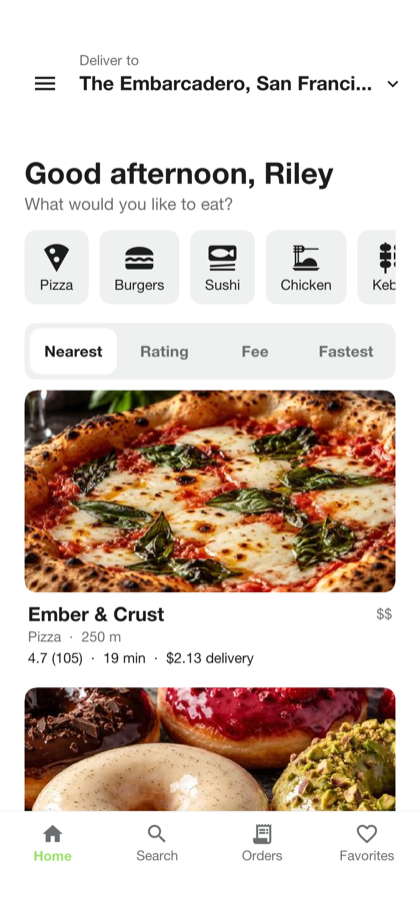
Food delivery
Savor
Customer, restaurant, courier and admin screens, with a Java backend for ordering, dispatch, tracking and payments.
Explore Savor →100% native. Fast.
Share Java from UI to server. Build native apps for phones and desktops, plus JavaScript for the web. Open source and free.
GPLv2 with the Classpath Exception. Free for commercial use. No royalties.
Form app = new Form(
    "Explore", new BorderLayout()
);

app.add(CENTER, buildContent());
app.add(SOUTH, buildTabs());
app.show();
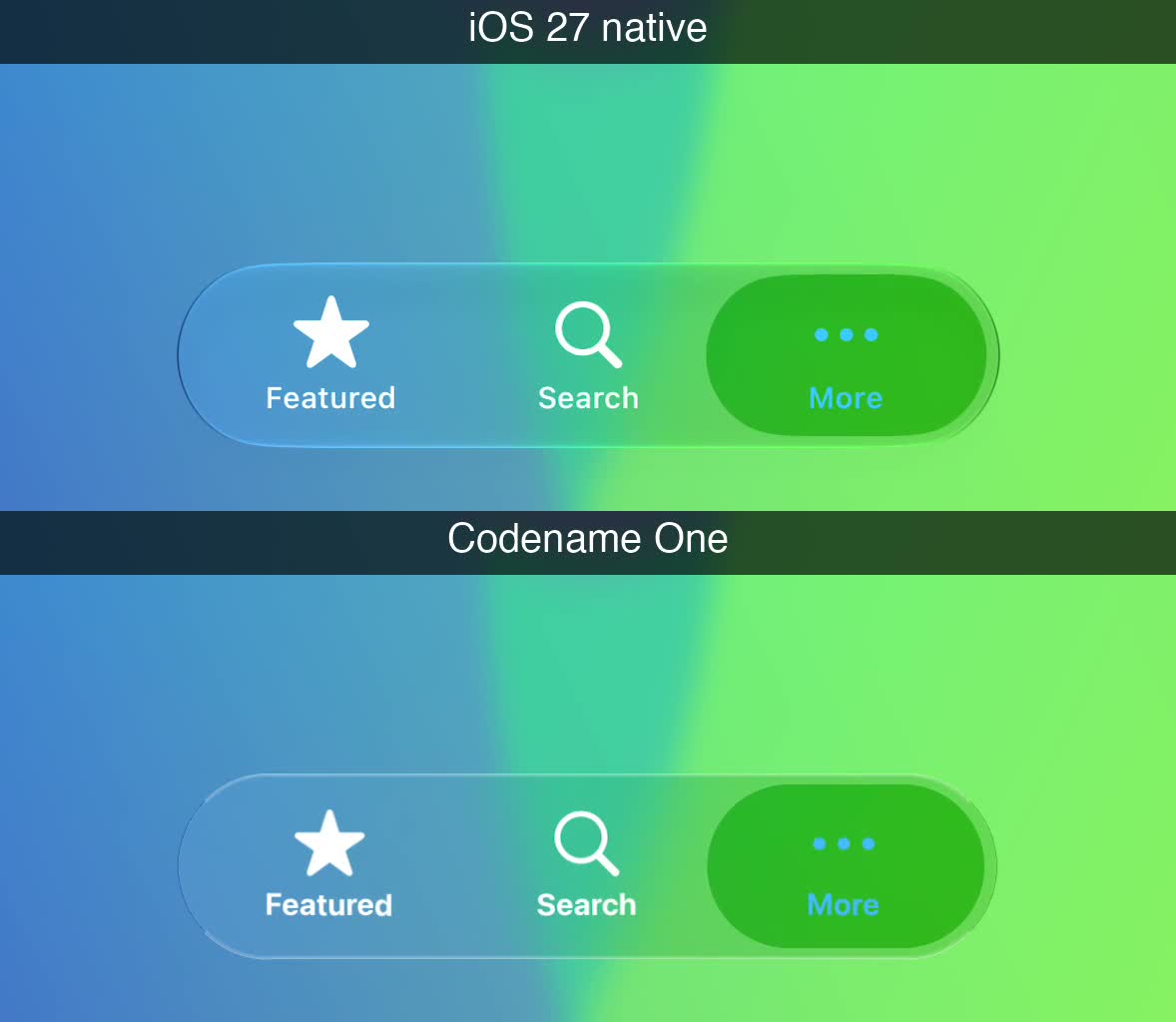
iOS 27 · UIKit above Codename One · 60 fps
Complete full-stack templates
Generate the Java client, backend, database and administration screens in one project. Run it, change the branding and build on the features already connected. Template source is free under MIT-0.
Food delivery
Customer, restaurant, courier and admin screens, with a Java backend for ordering, dispatch, tracking and payments.
Explore Savor →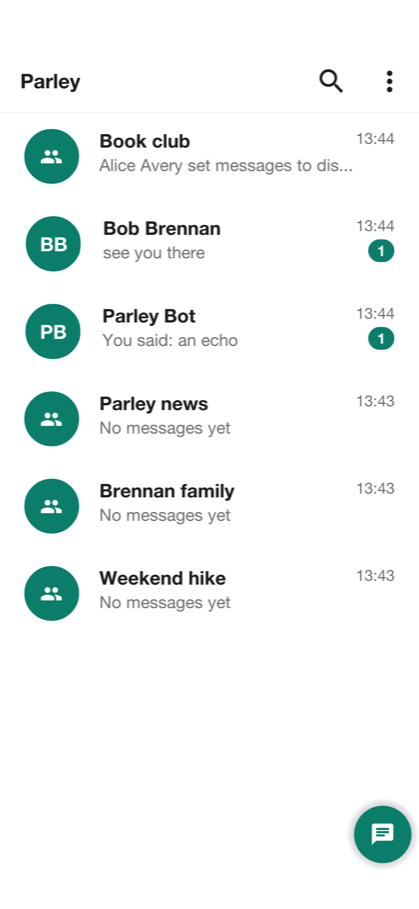
Private messaging
Chats, groups, voice and video calls, with a Java backend and an administration console.
Explore Parley →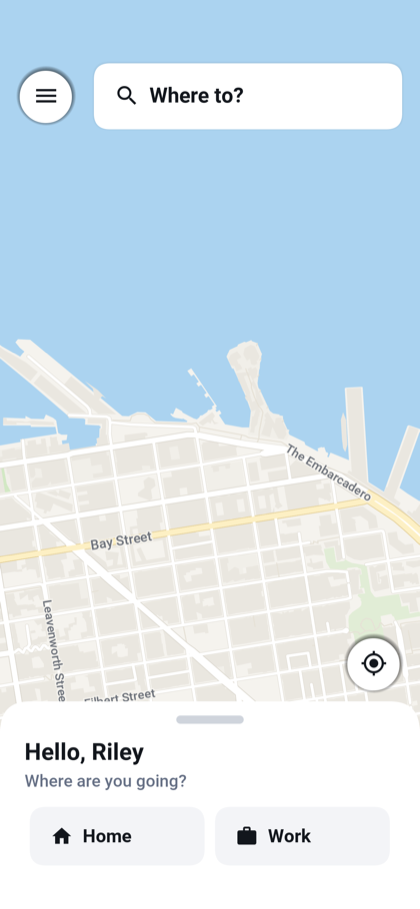
Ride hailing
Rider, driver and admin screens, with a Java backend for matching, live trips, earnings and payments.
Explore Wayline →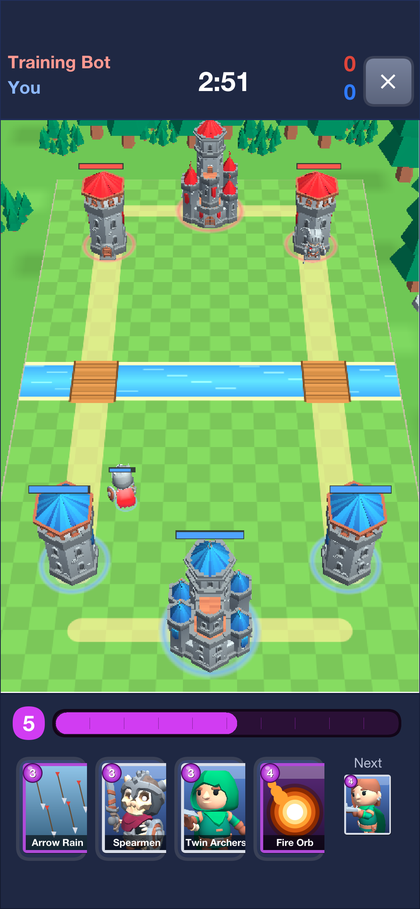
Multiplayer strategy
Online battles, replays and progression, with a Java game server and a moderation console.
Explore Skirmish →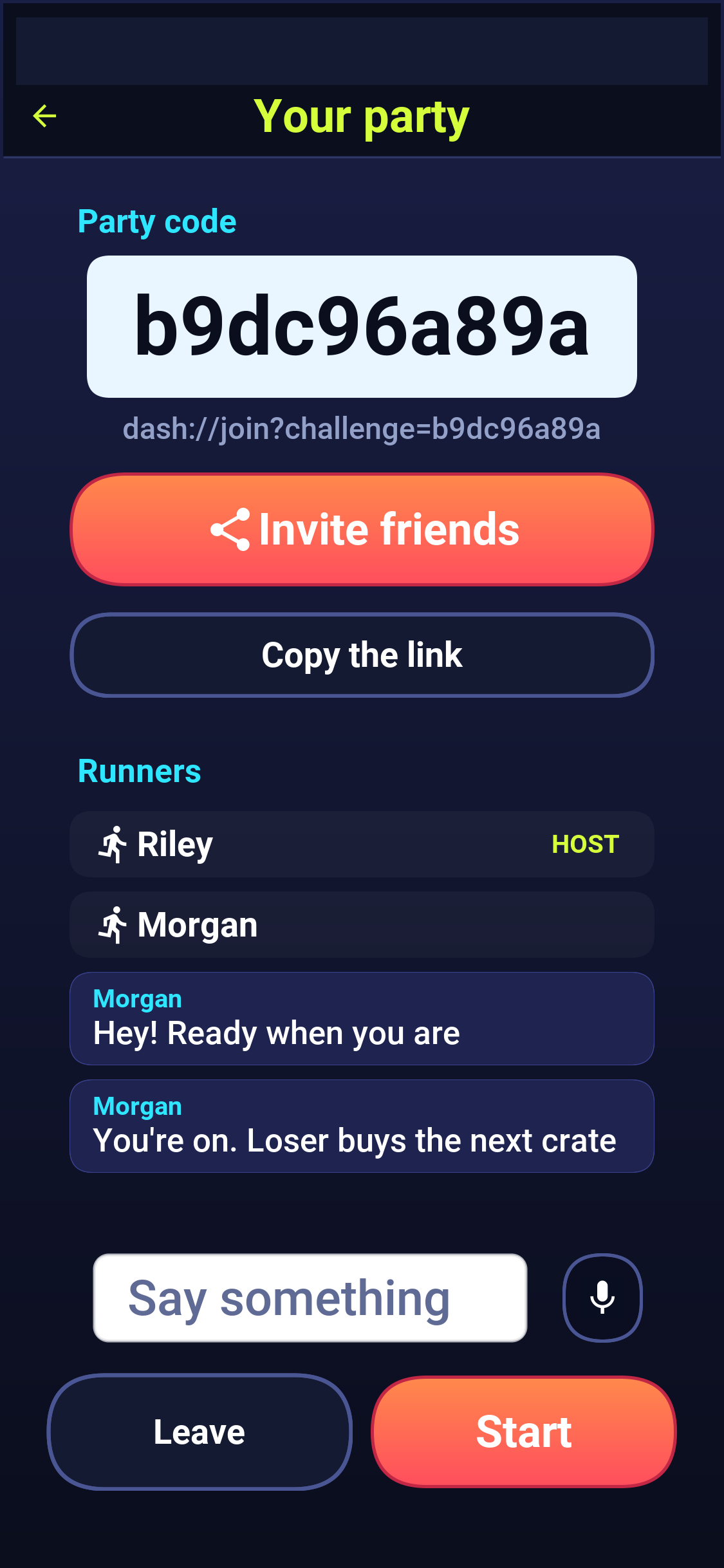
Endless runner game
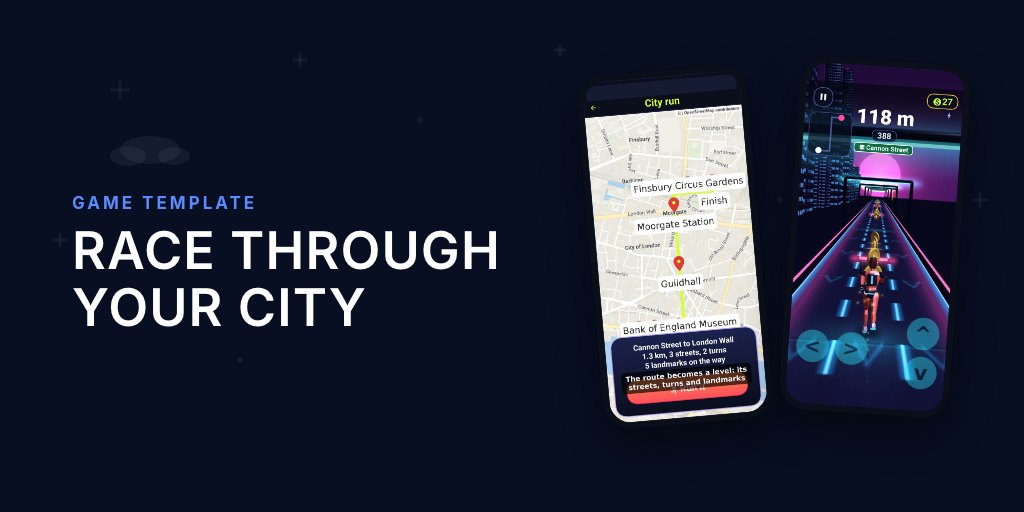
A 3D runner with a Java backend for voice-chat races, real-map city runs and server-verified leaderboards.
Explore Dash →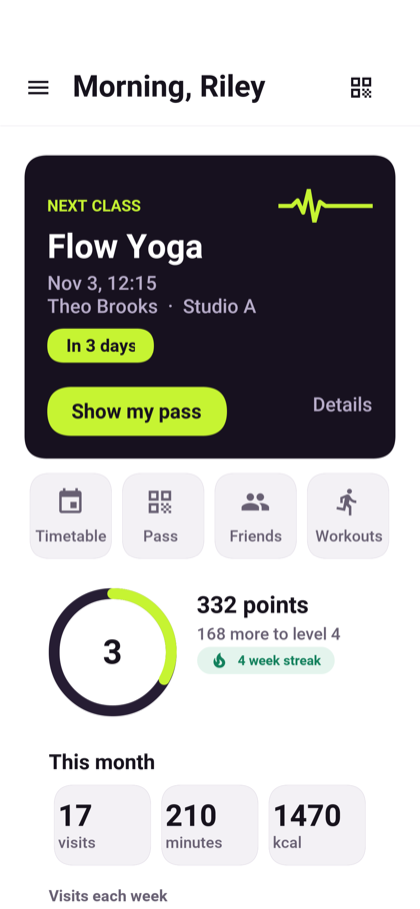
Gym and fitness studio
Member, trainer, front desk and owner apps, with booking, waitlists, QR entry, billing and live heart-rate zones.
Explore Pulse →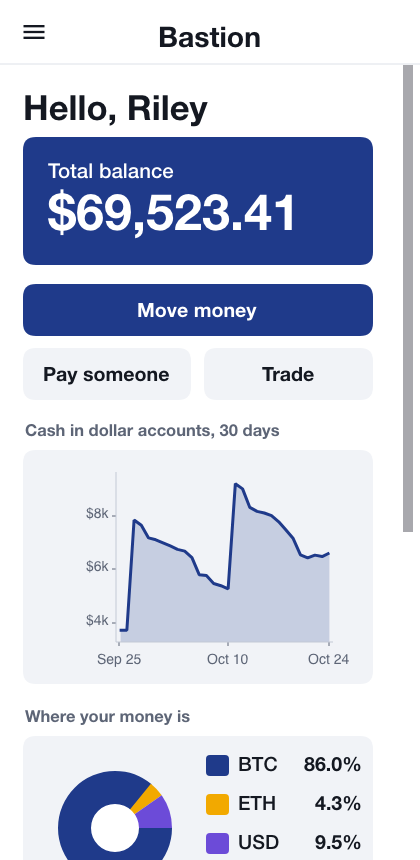
Virtual banking
Customer accounts, transfers and a staff console, with a Java backend and double-entry ledger. Money and markets are simulated.
Explore Bastion →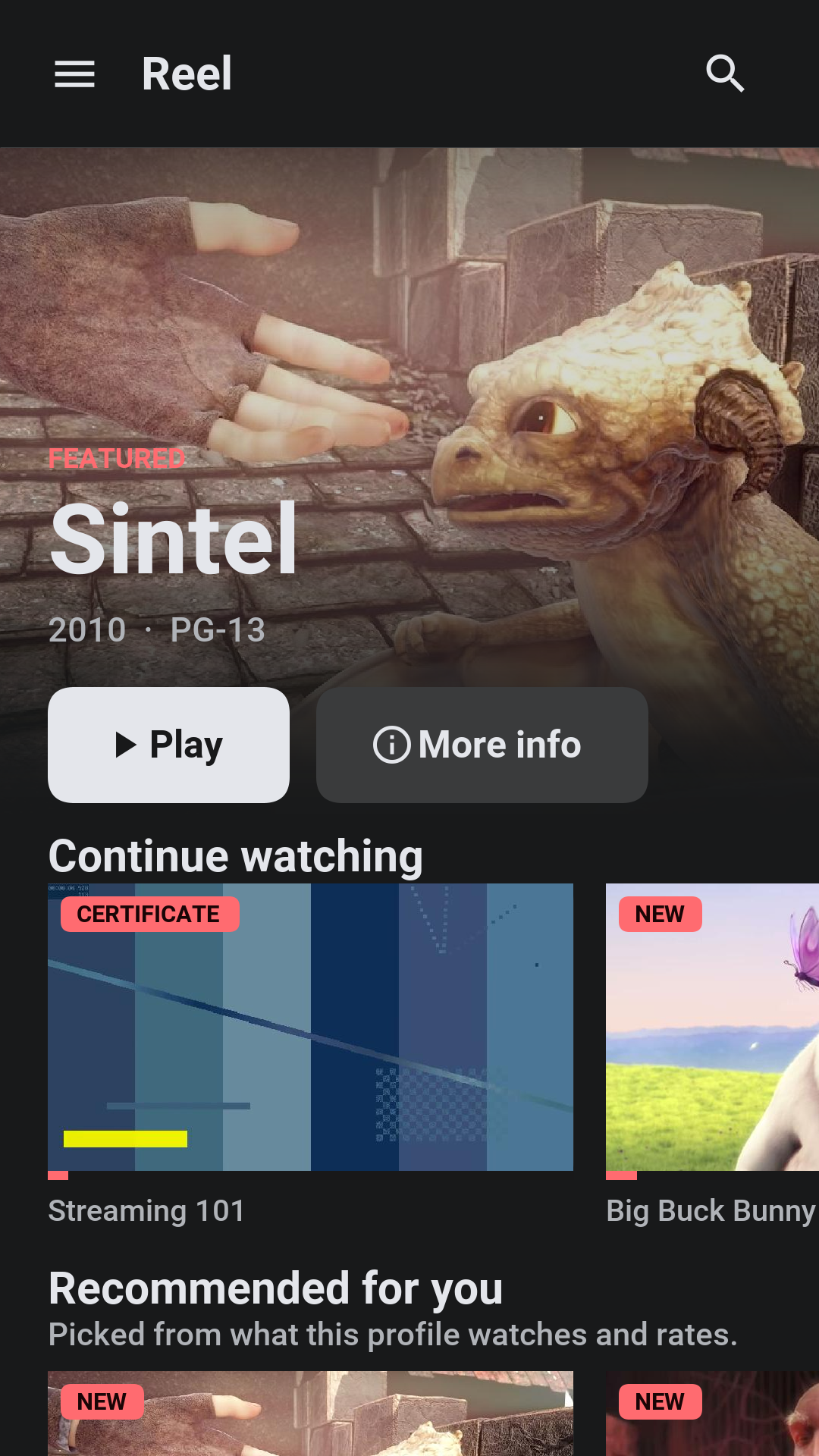
Streaming and courses
A viewer app, creator studio, moderation and admin screens, with a Java backend for subscriptions, rentals and courses.
Explore Reel →Python builds to Java
Codename One translates supported Python modules to Java at build time. No Python interpreter ships in the app or server executable.
Choose your starting point
Start with the part you need. The app framework works with any backend, and the native backend can run on its own.
Write controllers, inject dependencies and use transactions. Compile the wiring into a native executable.
An evolving API with documented library support, not a drop-in Spring Boot replacement.
Build a native Java backend →Serve browser pages with compiled HTML views and htmx.
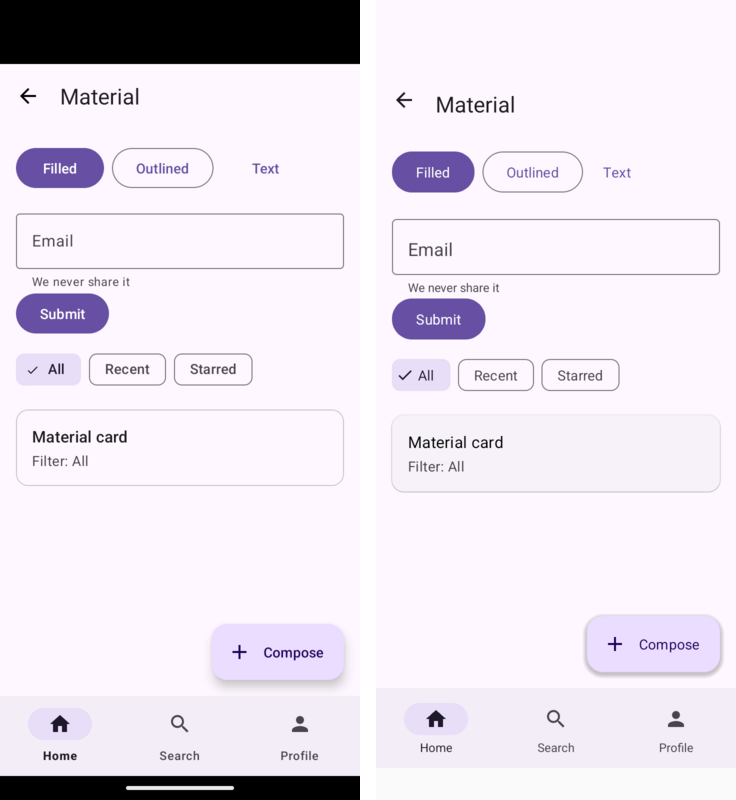
Bring Java or Kotlin activities, XML layouts and resources to iOS, desktop and the web. Reuse supported Room DAOs, WorkManager jobs, location, sensors, foreground services and document pickers.
Room and background work have documented limits. Imported keystore keys do not preserve hardware-backed or user-authentication guarantees.
Explore Android compatibility →The Android port also runs without Google Play Services, with runtime fallbacks and optional UnifiedPush. Play-dependent features still require their services.
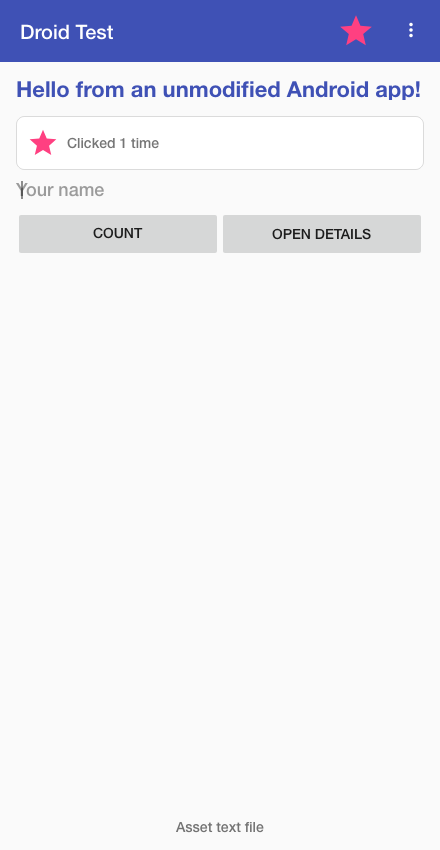
Share Java models and generate typed REST clients. Change the contract in one place.
See the shared-model example →Java modelsBring your existing code
Compile supported application code into Codename One apps. Keep the screens you have, call the same platform and backend APIs, and add Java components alongside them.
Compile Dart to Java with Maven or Gradle and debug the original Dart. Supported widgets render through Codename One.
The same Dart source in matched release builds; idle memory was 46 vs 79 MB. October 29 measurements, not phone measurements.
Experimental: some callbacks and parameters are ignored. Test your app's interactions. iOS startup and memory are unmeasured.
Compare all platforms and workloads →Bring supported Swing, SwingX and JavaFX source to phones, desktop and web. FXML and JavaFX CSS compile at build time.
The JavaFX gallery downloads at 7.1 vs 39.1 MB. Same app sources; shared system libraries excluded. Its first paint takes 116 ms native vs 422 ms on a tuned JVM: median of seven Linux launches on a software framebuffer.
Supported API subsets. Third-party desktop JARs and runtime reflection need porting; unsupported calls fail the build.
Compare size, startup and memory →Keep shared commonMain code and supported composables. Use the real Compose runtime over Codename One components, alongside Java.
Same Kotlin source, iPhone 17 Pro simulator, Xcode 27 on Apple silicon, five release runs. The separate imperative Java version takes 1.49 ms.
Simulator CPU work, not device frame rates. Check the supported composables and modifiers before porting.
Import Kotlin and Compose code →
Inspect the benchmark and harness →Also available: experimental Unity 2D compatibility, with documented API and behavior limits.
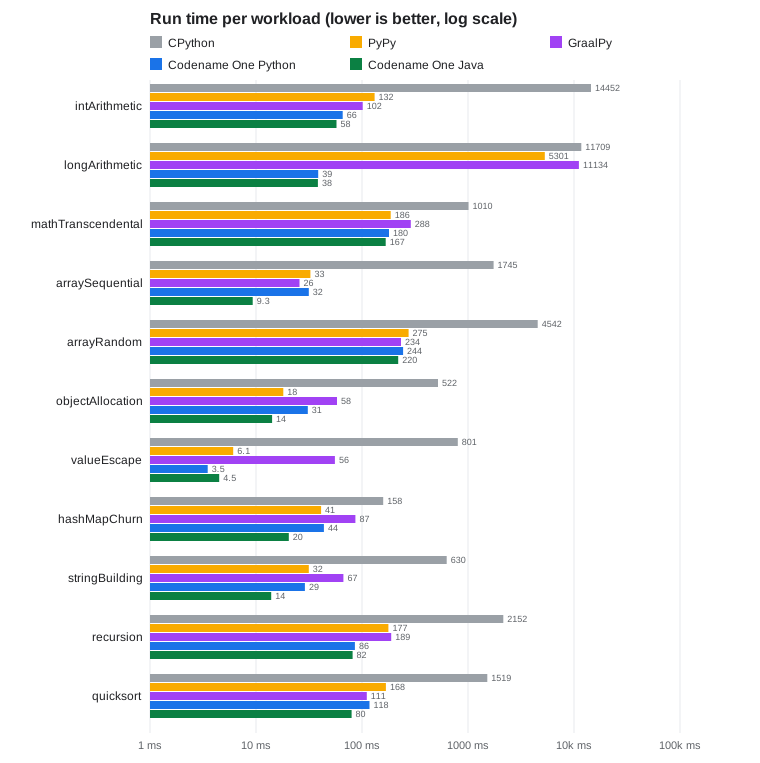
Measured, with code you can run
Published reference results against HotSpot, Spring and Go. These are separate workloads, with their hardware, methodology and limits linked below.
ParparVM translating its own compiler also used 45.8% less peak memory in the Linux ARM64 Neoverse N2 baseline, across seven calibration runs. Generated files were identical. Allocation-heavy workloads can favor HotSpot.
Inspect every workload and machineSpring Boot 4.1.1 / JDK 25. Two pinned CPUs, Linux ARM64 VM on M4 Max, 32 connections, matched 60-second warmup.
HTTP handlers only: no database, TLS, authentication or generated controllers.
Reproduce the Spring comparisonTwo pinned cores, 64 connections, medians of three interleaved runs. Go used less memory and a smaller binary.
Compare throughput, startup and memoryCrypto in the app and server
Build Ethereum/EVM, Bitcoin and Solana wallets with shared Java APIs for key derivation, transaction signing and node access.
Own the result
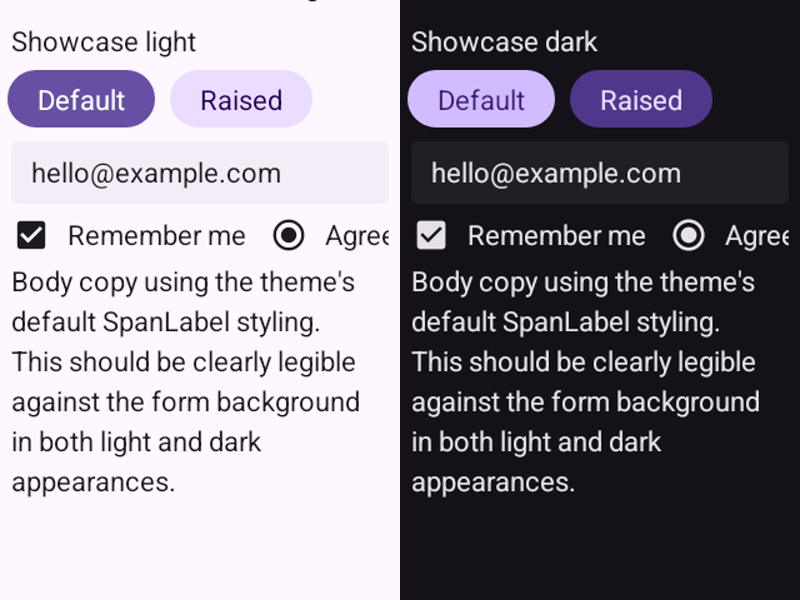
Codename One draws its own components. The runtime and theme are packaged with the application, so an OS update does not silently swap in a different widget implementation.
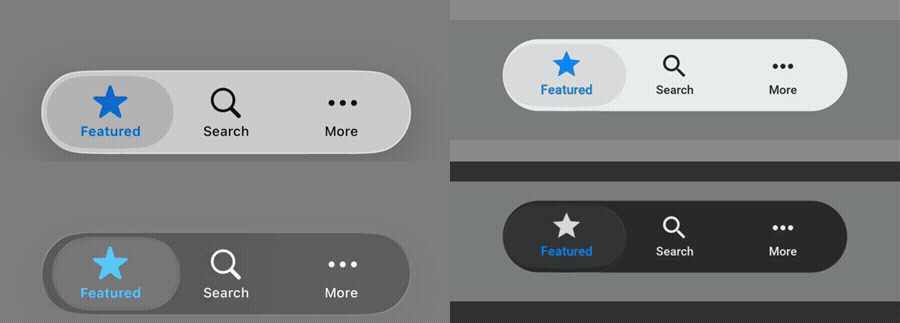
Theme the shared UI with CSS, draw directly when you need to, and keep brand behavior consistent across targets.
Fix shared application logic and UI once instead of maintaining separate screen implementations for each platform.
Call platform SDKs through native interfaces. Embed a map, web view, camera surface, or other heavyweight view with PeerComponent.
The build path
Use Maven or Gradle and your existing IDE. Codename One supplies the portable runtime, platform ports, and build tooling.
Keep your application logic, UI and optional backend in one project, with shared models where they help.
Start the projectThe simulator provides device skins, component and network inspectors, test recording, and live CSS.
See the development toolsGenerate platform projects or use the cloud service to build app-store binaries, including iOS builds without a Mac.
Submit your first native buildAgentic development
Generated projects include agent instructions. Connect Codex, Claude Code or another MCP host to inspect and operate the running simulator.
MCP also connects to native development builds on ports with server sockets, including Linux. Device connections need forwarding; release builds block access by default.
Deployment targets
Phones, desktops, browsers, watches and TV, with a native backend for the server. See Port Status for supported versions, architectures and test evidence.
Inspect every port and testEngineering notes
November 7, 2026
November 6, 2026
November 5, 2026
Start with the real thing
Generate a Maven project and build with your own tools, or use cloud builds for iOS without a Mac. A free account includes 100 cloud build credits each month.